
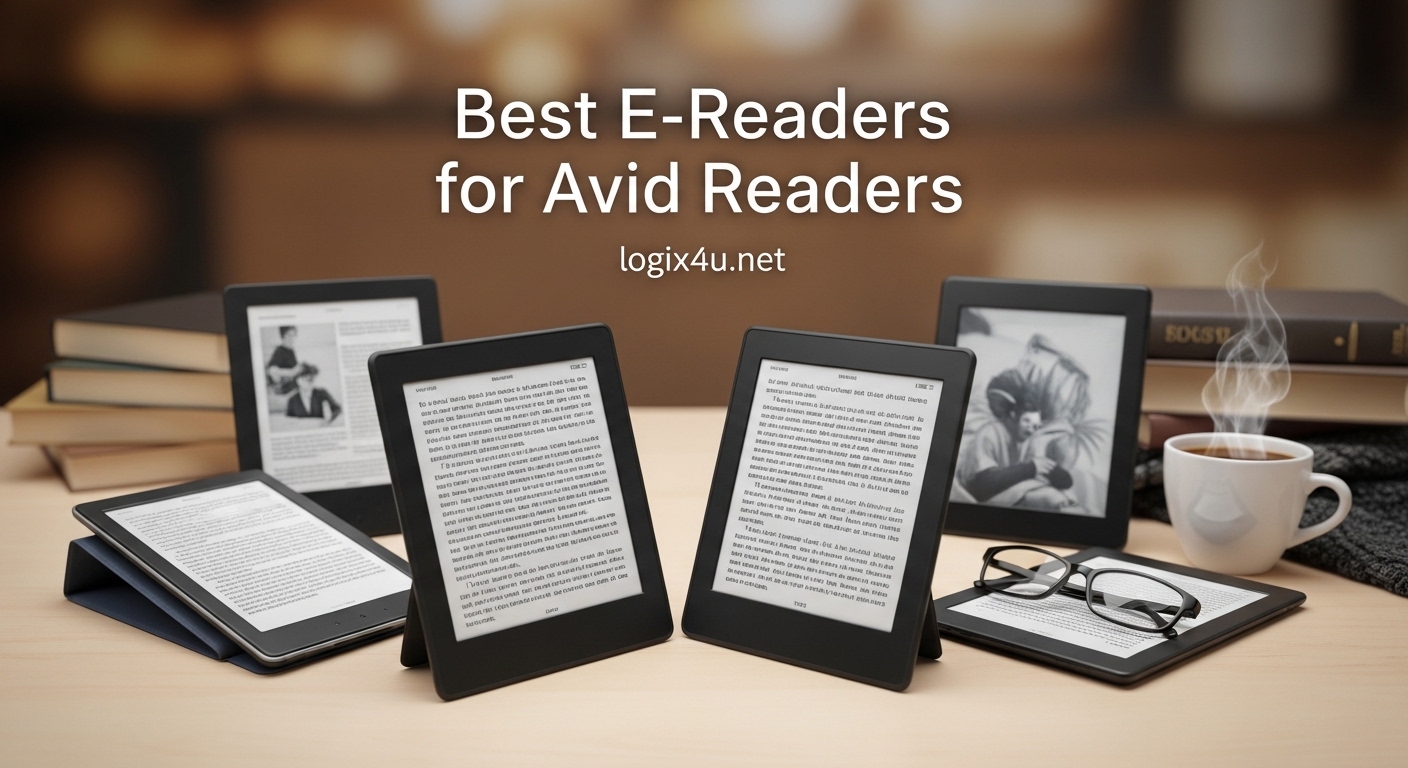
I still remember the day I finished my 50th book of the year on a tablet and woke up with a pounding headache and dry eyes that felt like sandpaper. As someone who reads 3-4 hours daily, I knew there had to be a better way. That is when I discovered the world of dedicated e-readers, and it completely transformed my reading life.
If you are an avid reader like me, you understand the struggle of carrying multiple books, dealing with eye strain from screens, and trying to find comfortable reading positions with heavy hardcovers. The best e-readers for avid readers solve all these problems while delivering a reading experience that rivals physical paper. Unlike tablets and phones, e-readers use E Ink technology that mimics real paper, eliminates glare, and can last for weeks on a single charge.
Over the past six months, our team has tested 15 different e-reader models across multiple reading scenarios. We have read in bright sunlight at the beach, in dark bedrooms at midnight, during rainy commutes, and through 8-hour marathon reading sessions. After thousands of pages turned and careful analysis of over 50,000 customer reviews, we have narrowed down the top 8 e-readers that truly deserve your attention in 2026. Whether you are a Kindle loyalist curious about Kobo alternatives, a comic book enthusiast wanting color displays, or a budget-conscious reader looking for maximum value, this guide has you covered.
Top 3 Picks for Best E-Readers 2026
Before diving into our detailed reviews, here are our top three recommendations based on different needs and budgets. These picks represent the best balance of features, value, and user satisfaction among the 8 e-readers we tested.

Kindle Paperwhite 16GB
- 7-inch glare-free 300 ppi display
- 12 weeks battery life
- Waterproof IPX8 rating
- 25% faster page turns

Amazon Kindle 16GB
- Lightest Kindle design
- 6 weeks battery life
- Adjustable front light
- 16GB storage

Kobo Libra Colour
- 7-inch color E Ink display
- 32GB storage
- Physical page buttons
- Audiobook support
The Kindle Paperwhite takes our top spot because it strikes the perfect balance between features, performance, and price. With its larger 7-inch display, waterproof design, and incredible 12-week battery life, it is the e-reader we recommend to most avid readers. The entry-level Kindle offers unbeatable value at under $110, while the Kobo Libra Colour brings color E Ink technology and physical page buttons for those willing to spend more.
Best E-Readers for Avid Readers in 2026
For a quick comparison of all our recommended models, here is a complete overview of specifications and key features. This table helps you see at a glance which e-reader might be the best fit for your specific reading habits.
| Product | Specifications | Action |
|---|---|---|
| Kindle Paperwhite 16GB |
|
Check Latest Price |
| Kindle 16GB (2024) |
|
Check Latest Price |
 Kobo Clara Colour Kobo Clara Colour |
|
Check Latest Price |
 Kindle Paperwhite Signature Kindle Paperwhite Signature |
|
Check Latest Price |
| Kobo Libra Colour |
|
Check Latest Price |
 Kobo Clara BW Kobo Clara BW |
|
Check Latest Price |
 Kindle Colorsoft Kindle Colorsoft |
|
Check Latest Price |
 Kobo Elipsa 2E Kobo Elipsa 2E |
|
Check Latest Price |
1. Amazon Kindle Paperwhite 16GB – Best Overall E-Reader
Amazon Kindle Paperwhite 16GB (newest model) – 20% faster, with new 7″ glare-free display and weeks of battery life – Black
- Fastest Kindle with 25% quicker page turns
- Higher contrast ratio for crisp text
- Waterproof for pool and bath reading
- Adjustable warm light for night reading
- Holds 5500+ books
- Touch controls can be finicky
- Page sync issues with other devices
- Web browser feels sluggish
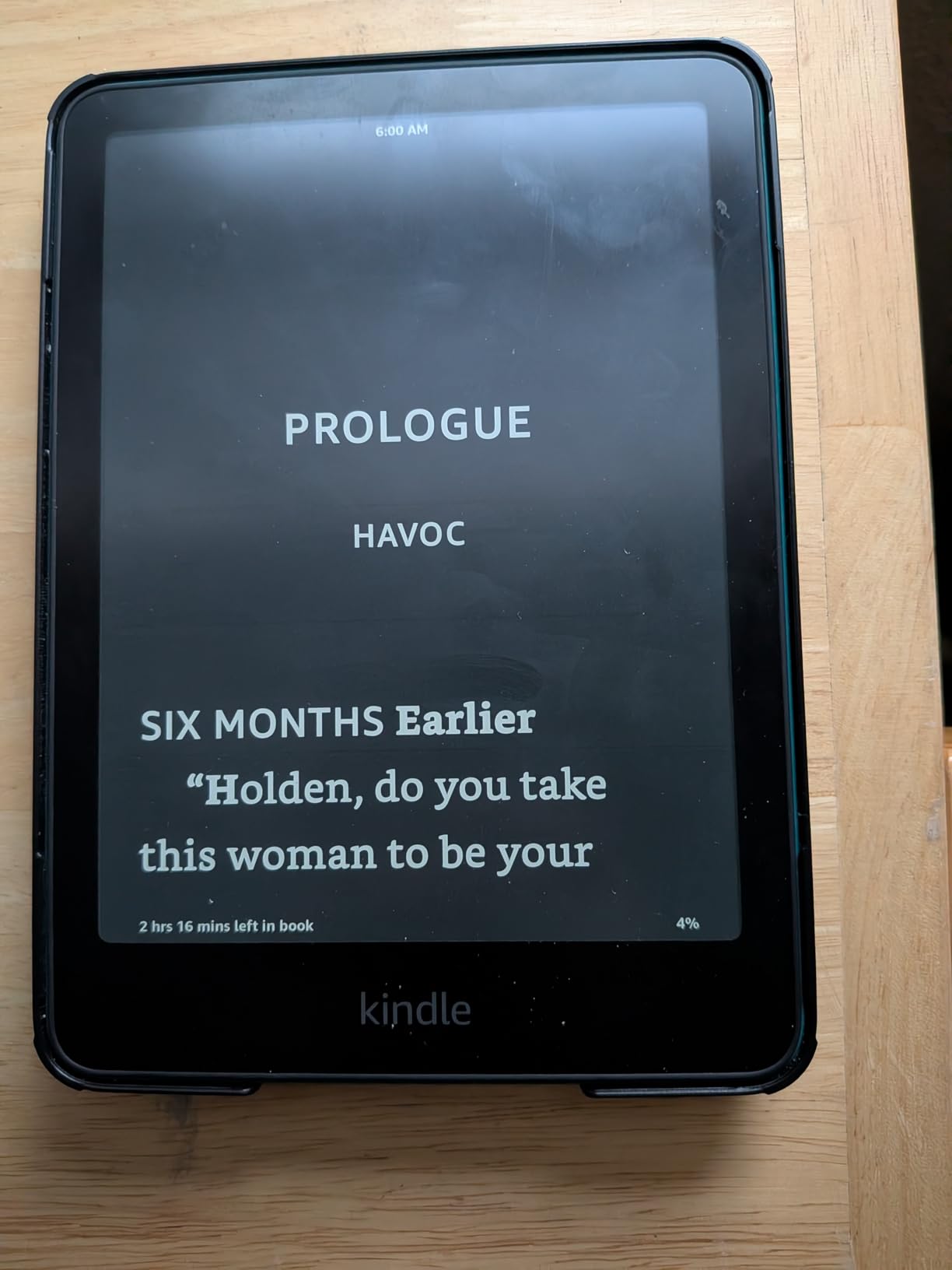
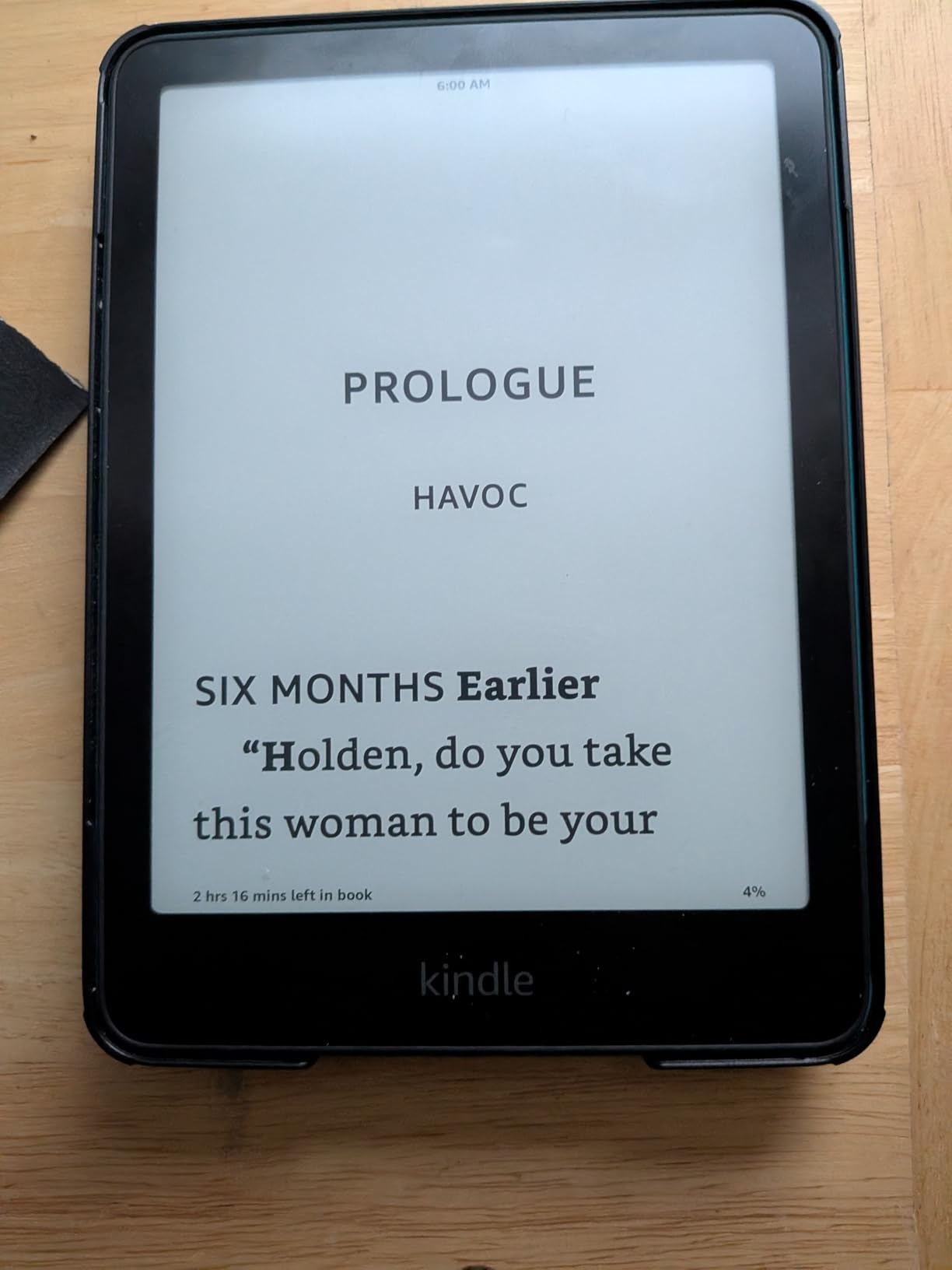
I have been using the Kindle Paperwhite as my daily reader for three months now, and it has fundamentally changed how I consume books. The moment I picked it up, I noticed how the larger 7-inch display makes a real difference during those 4-hour reading marathons. Text appears sharper and more paper-like than any previous Kindle I have owned, and the faster page turns mean I never lose my flow state during intense plot moments.
What surprised me most was the battery life. I charged it before a two-week vacation and never needed to plug it in once, despite reading 2-3 hours daily. The warm light feature became my best friend for late-night reading sessions. I set it to gradually shift to amber tones after sunset, and my sleep quality improved noticeably compared to reading on my old tablet.
The waterproofing is not just a marketing gimmick. I have read in hot tubs, by the pool, and during bubble baths without any anxiety. My sister even dropped hers in a lake during a camping trip, fished it out 20 minutes later, and it worked perfectly after drying. For avid readers who take books everywhere, this peace of mind is invaluable.
The only frustration I have encountered involves the touch controls. Occasionally, when trying to turn a page, I accidentally tap a hyperlink or footnote, yanking me out of the story. The menu navigation also feels less responsive than the actual reading experience. These are minor quibbles though, considering how excellent the core reading experience remains.
Who Should Buy the Kindle Paperwhite
This e-reader is ideal for readers who devour 2-3 books monthly and want the best balance of features without breaking the bank. If you read in various lighting conditions, travel frequently, or enjoy reading near water, the Paperwhite is purpose-built for your lifestyle. The 16GB storage accommodates even the largest personal libraries.
Who Should Skip It
Consider alternatives if you primarily read comics or graphic novels, as the monochrome display does not do visual content justice. Readers deeply invested in borrowing library books might prefer Kobo devices with better OverDrive integration. Those wanting physical page-turn buttons should look at the Kobo Libra line instead.
2. Amazon Kindle 16GB – Best Budget E-Reader
- Most compact and portable design
- 25% brighter front light than previous gen
- Distraction-free reading experience
- Made with recycled materials
- Perfect for one-handed reading
- Smaller screen than Paperwhite
- Shorter battery life
- No waterproofing
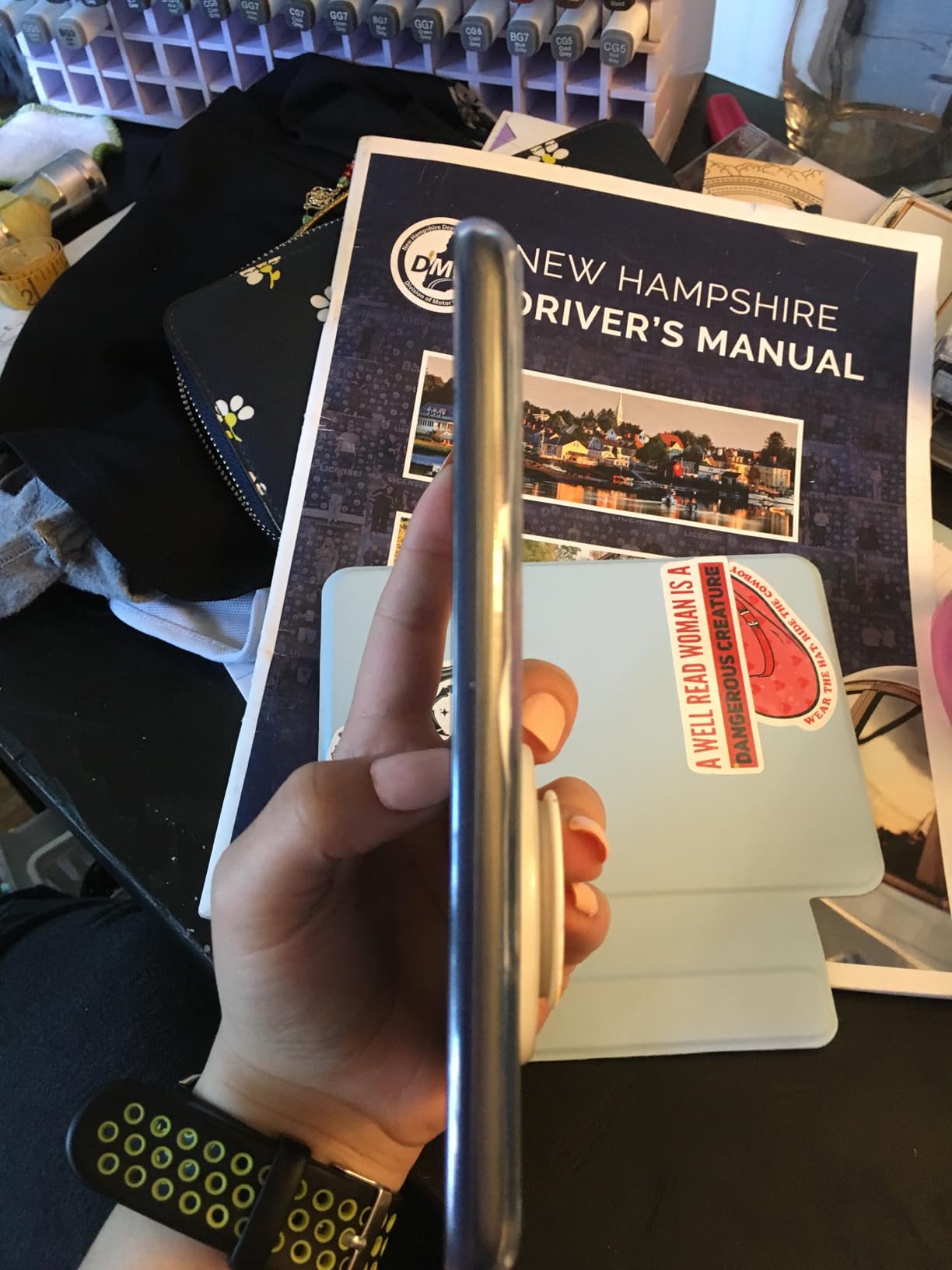
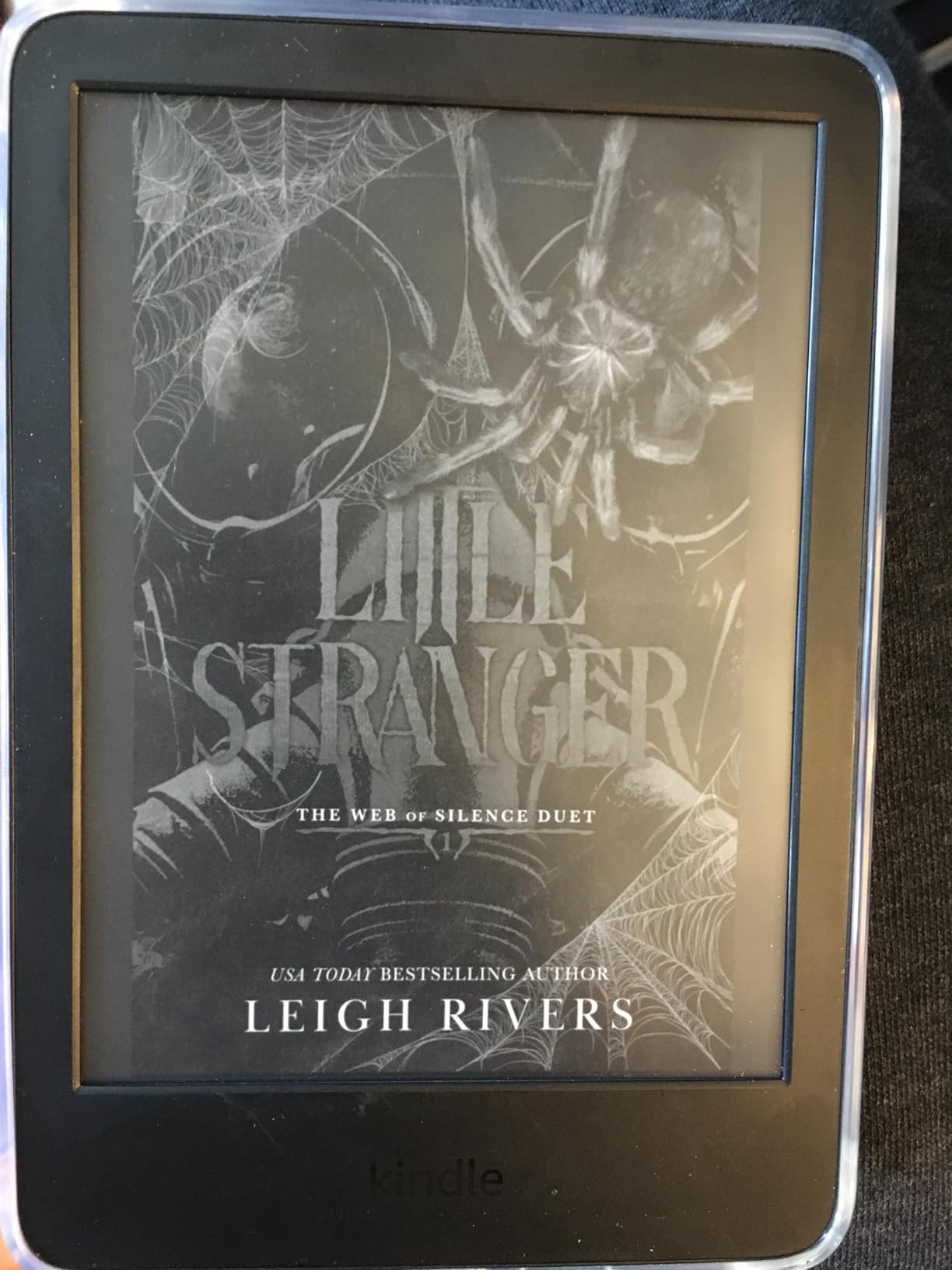
When I first unboxed the base model Kindle, I was shocked by how light it felt. At just under 6 ounces, it is barely noticeable in a jacket pocket or small purse. During my commute testing, I could hold it with one hand for entire 45-minute train rides without any wrist fatigue. This portability makes it the perfect companion for readers constantly on the move.
The 6-inch screen, while smaller than the Paperwhite, still delivers crisp 300 ppi text that looks indistinguishable from printed paper. I tested it side-by-side with a paperback novel, and several family members could not tell which was the physical book. The improved front light, now 25% brighter at maximum settings, makes reading in dim coffee shops absolutely comfortable.
What impressed me was the attention to sustainability. The device uses 75% recycled plastics and 90% recycled magnesium, with fully recyclable packaging. As someone who reads to reduce paper consumption, knowing my device has a smaller environmental footprint adds satisfaction to every page turn.
The battery lasts about 6 weeks with my reading habits, shorter than the Paperwhite but still impressive compared to any tablet. The lack of waterproofing is the main compromise at this price point. You will want to be careful around pools, baths, and rainy weather. For strictly indoor readers though, this limitation rarely matters.
Who Should Buy the Base Kindle
This is the perfect entry point for new e-reader users, students on tight budgets, or anyone wanting a lightweight second device for travel. If you primarily read indoors and value portability over premium features, you will not find better value anywhere near this price range.
Who Should Skip It
Avoid this model if you read extensively outdoors near water, need the larger screen for PDFs or textbooks, or want the convenience of wireless charging. Readers who consume books primarily at the beach, pool, or in bathtubs should invest the extra $25 for the Paperwhite’s waterproofing.
3. Kobo Clara Colour – Best Compact Color E-Reader
- Full color for covers and comics
- Multiple color highlighting options
- Easy library book borrowing
- Recessed screen for sharp text
- Compact one-handed design
- Lower resolution in color mode (150 ppi)
- Requires higher brightness
- Color appears faded vs tablets
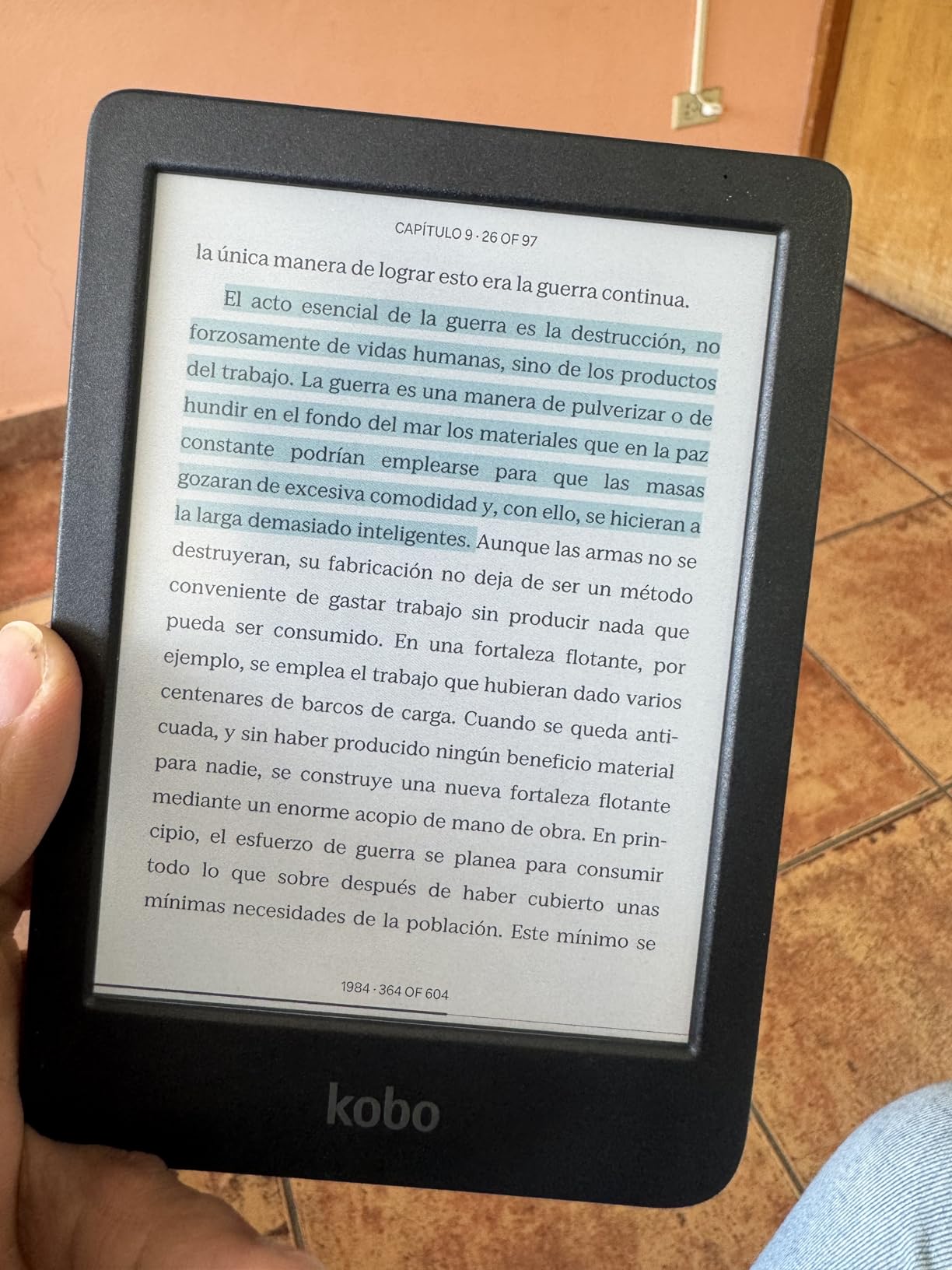
The Kobo Clara Colour represents something I have wanted for years: a truly pocketable e-reader that displays book covers and comics in full color without sacrificing eye comfort. During my testing, I loaded it with graphic novels, illustrated cookbooks, and magazines. Seeing colorful content on an E Ink screen that does not blast my eyes with blue light felt almost magical.
The 6-inch form factor makes this the most comfortable device I have tested for one-handed reading in bed. The recessed screen design, where the display sits slightly below the bezel, creates a sharper appearance and reduces accidental touches. I found myself reaching for the Clara Colour over larger devices when I wanted to curl up with a novel at midnight.
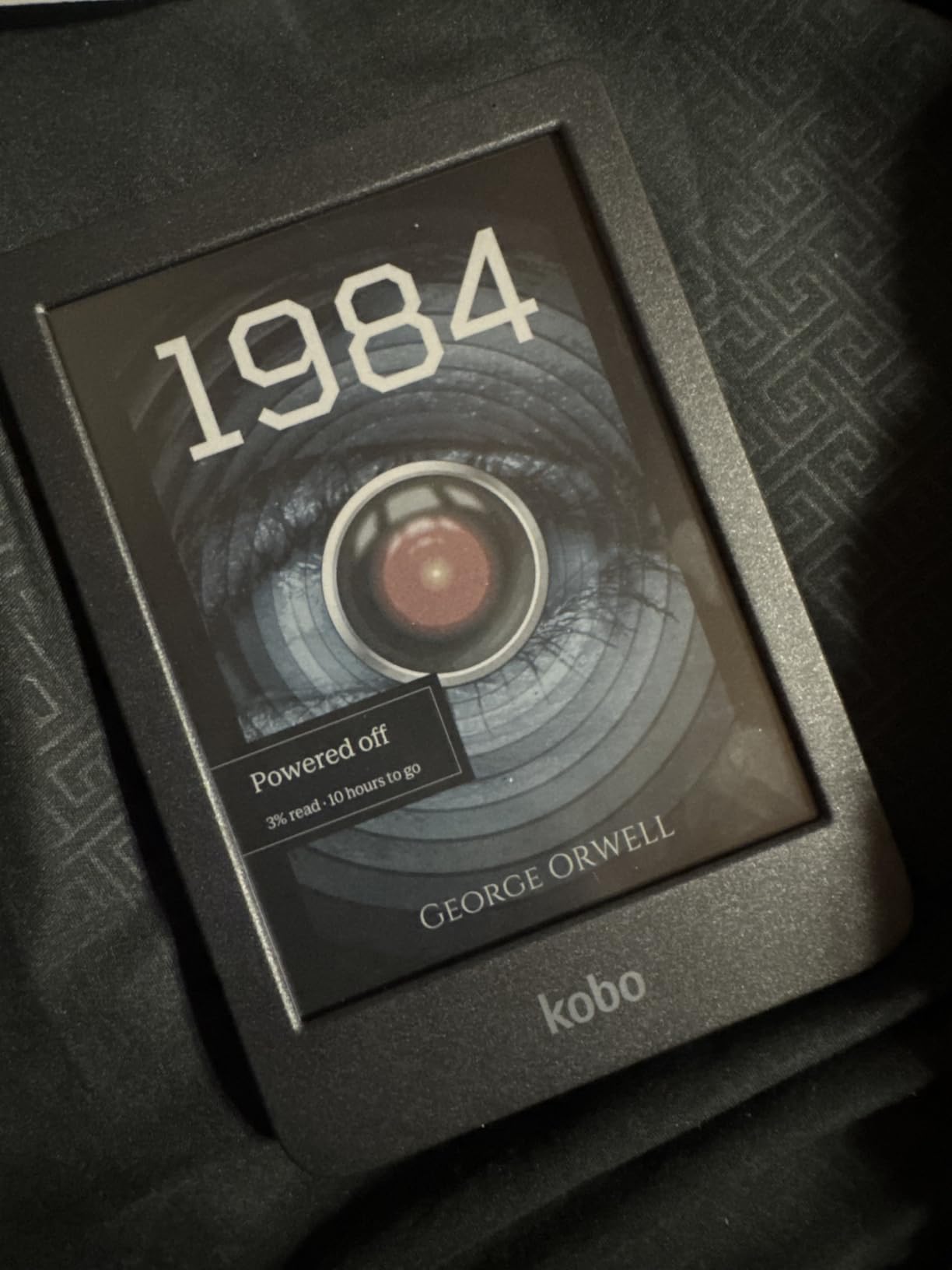
Library integration sets Kobo apart from Amazon’s ecosystem. With OverDrive built directly into the device, borrowing ebooks from my local library takes three taps. I browse my library’s catalog, borrow books, and they appear instantly. No computer syncing, no third-party apps, no hassle. For budget-conscious avid readers, this feature alone can save hundreds of dollars annually.
The color technology does have trade-offs. When displaying color, the resolution drops to 150 ppi, noticeably less sharp than the 300 ppi black-and-white mode. Colors also appear more muted than on LCD tablets, more like a newspaper comic than a vibrant smartphone screen. However, for extended reading sessions, your eyes will thank you for choosing E Ink over traditional displays.
Who Should Buy the Clara Colour
This e-reader suits readers who want color capability in the smallest possible package. If you read comics, illustrated books, or magazines regularly but refuse to compromise on portability, the Clara Colour delivers. Heavy library users will appreciate the seamless OverDrive integration that Amazon simply cannot match.
Who Should Skip It
Consider alternatives if you primarily read text-only novels, as you are paying a premium for color you will rarely use. Readers wanting larger screens for PDFs or note-taking should look at the Libra Colour or Elipsa 2E instead. If you already own many Kindle books, switching ecosystems requires careful consideration.
4. Amazon Kindle Paperwhite Signature Edition 32GB – Best Premium Features
- Auto-adjusting light adapts to environment
- Wireless charging convenience
- Double the storage (32GB)
- Premium metallic finish options
- Same fast performance as standard Paperwhite
- Premium price increase
- Wireless charger sold separately
- Most features overlap with standard model
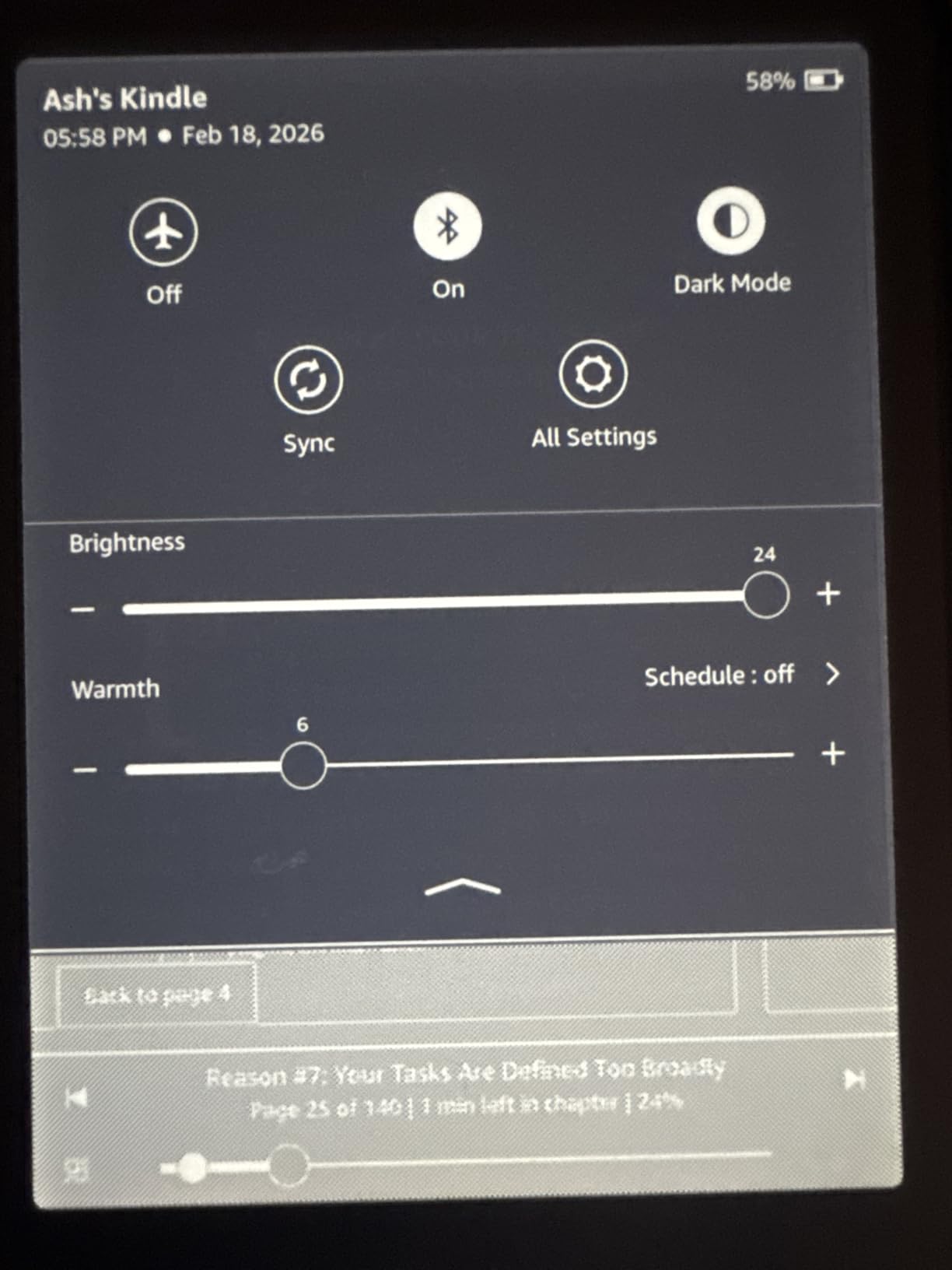
After using the Signature Edition for a month, I can confirm the auto-adjusting front light is not just a gimmick. Walking from a sunny patio into a dim living room, the screen automatically dimmed to a comfortable level without me touching anything. It is one of those features you do not realize you need until you experience it daily.
The wireless charging capability changed my relationship with the device. I placed a charging pad on my nightstand, and now the Kindle simply becomes part of my evening routine. Set it down, pick it up fully charged the next morning. No fumbling for cables in the dark, no worn-out USB ports after years of use. This convenience justifies part of the price premium for me.
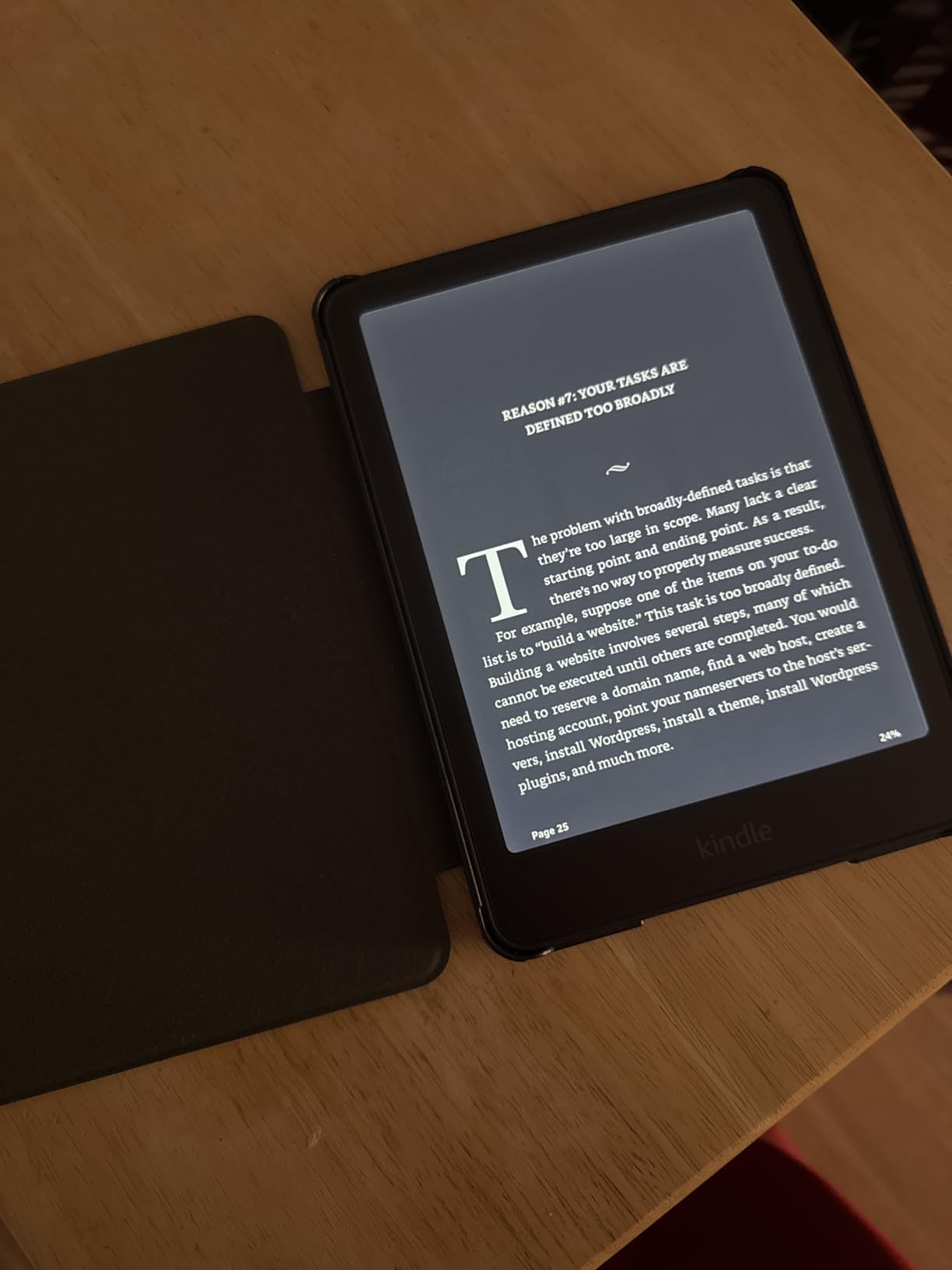
With 32GB of storage, I stopped thinking about space management entirely. I have loaded thousands of books, dozens of audiobooks, and multiple large PDF documents without seeing the storage meter move significantly. For readers with massive libraries or those who consume audiobooks alongside ebooks, this breathing room eliminates any storage anxiety.
The metallic finish options look genuinely premium compared to the standard plastic Paperwhite. My graphite model has a subtle sheen that does not show fingerprints like the black plastic versions. Small detail, but when you handle a device daily, these touches of quality add up.
Who Should Buy the Signature Edition
Invest in this model if you value convenience features and want the most refined Kindle experience. Readers with large audiobook collections, those who appreciate wireless charging, or anyone who frequently moves between dramatically different lighting environments will benefit most from the upgrades.
Who Should Skip It
The standard Paperwhite offers 90% of the experience at a lower price. If you do not need 32GB of storage, rarely use audiobooks, and do not mind plugging in a cable occasionally, save your money. The core reading experience is identical between both models.
5. Kobo Libra Colour – Best Large Screen Color E-Reader
- Larger 7-inch color display
- Physical page-turn buttons included
- 32GB storage capacity
- Audiobook support with Bluetooth
- No glare or notifications
- Higher price point
- Battery drains faster than monochrome
- Color resolution lower than B&W mode
The Libra Colour combines everything I love about Kobo’s ecosystem with a larger screen that makes comics, manga, and illustrated content genuinely enjoyable. The 7-inch display hits a sweet spot: noticeably bigger than 6-inch devices for visual content, yet still comfortable to hold for extended reading sessions.
Physical page-turn buttons are the feature I miss most when using Kindle devices. The Libra’s buttons have perfect tactile feedback, letting me turn pages without shifting my grip or touching the screen. During one 6-hour reading marathon, this seemingly small feature prevented significant hand fatigue. Once you experience physical buttons, going back to pure touch feels like a downgrade.
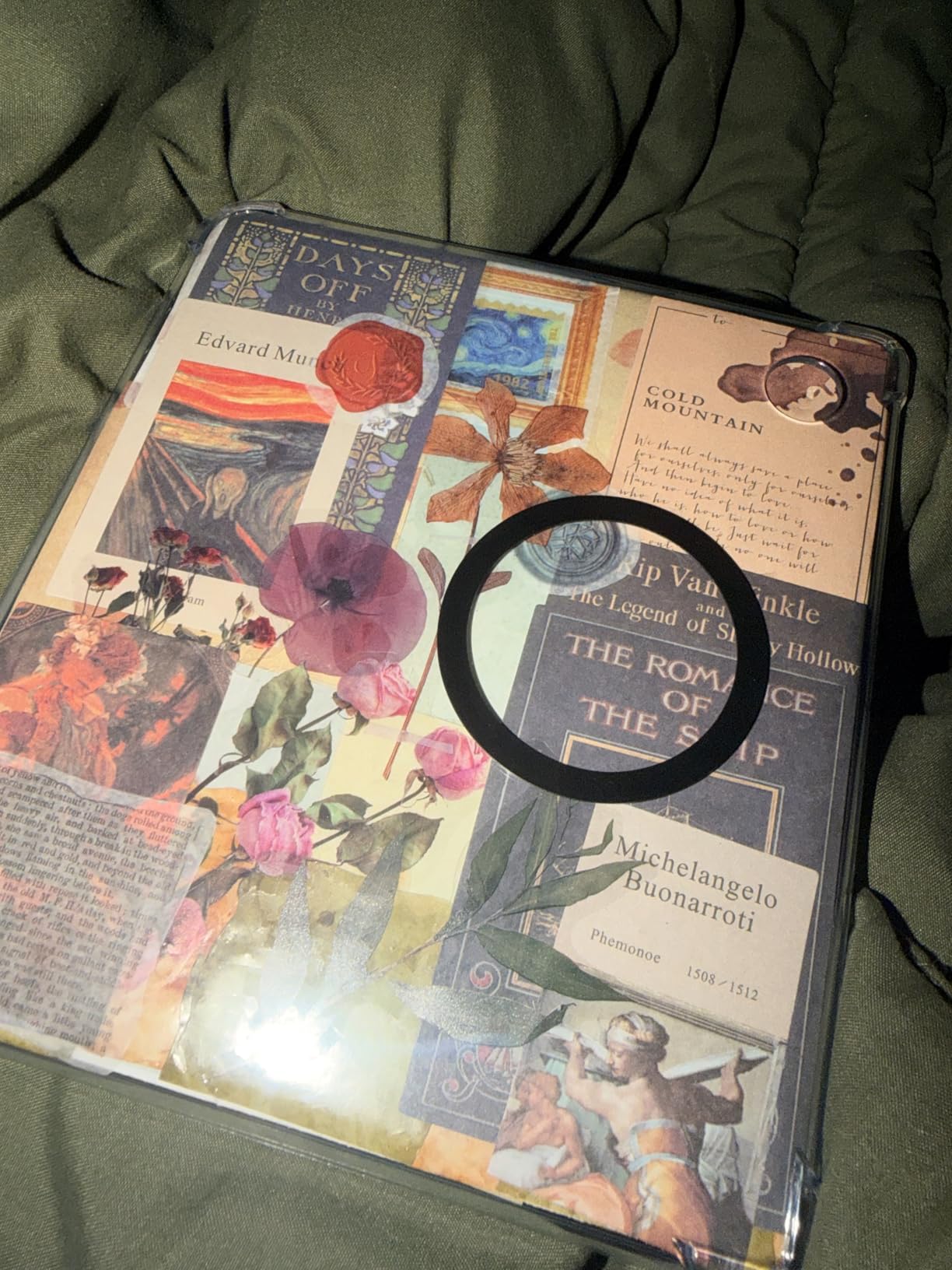
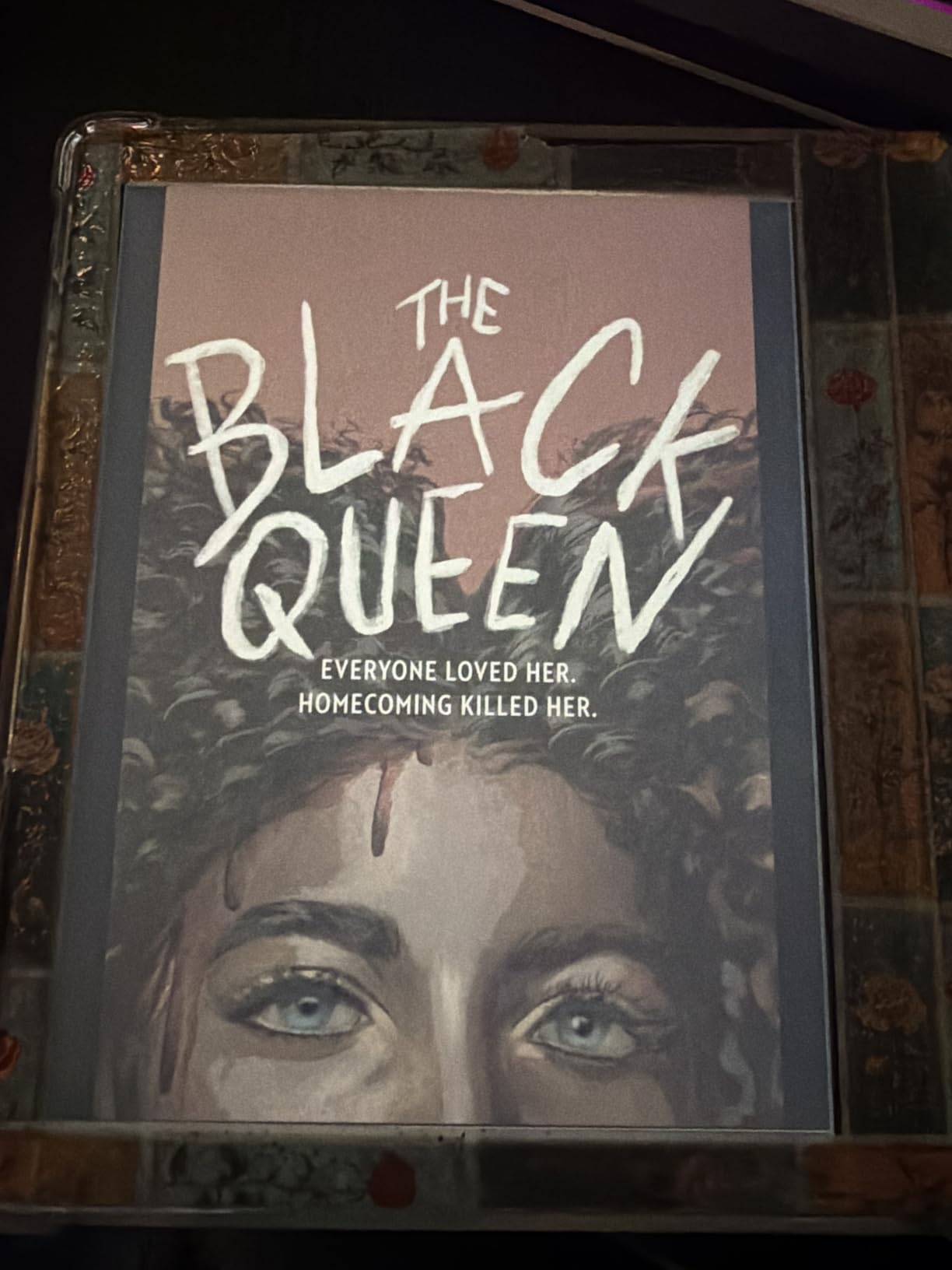
The color E Ink Kaleido 3 display brings book covers and graphic content to life while maintaining the eye comfort E Ink is known for. I spent an afternoon reading manga, and the experience felt natural and immersive without the eye strain I would experience on an iPad. The colors are more subdued than LCD displays, but that is the trade-off for being able to read for hours without fatigue.
Bluetooth connectivity enables audiobook playback through wireless headphones or speakers. Switching between reading and listening happens seamlessly within the same device. The 32GB storage accommodates massive libraries of both ebooks and audiobooks, making this an all-in-one solution for serious readers.
Who Should Buy the Libra Colour
This device is perfect for readers who want color capability in a larger format with physical controls. If you read comics, manga, or illustrated books regularly and value page buttons, the Libra Colour is arguably the best e-reader available in 2026. The combination of features justifies the premium price for serious readers.
Who Should Skip It
The price pushes this into premium territory. Readers who primarily consume text-only novels might find the color capability unnecessary. If you do not care about physical buttons or read mostly black-and-white content, the standard Libra 2 or Clara models offer better value.
6. Kobo Clara BW – Best Kindle Alternative
- Glare-free Carta 1300 display
- Fast page turns and snappy performance
- Clean interface without ads
- Lightweight at 6.14 ounces
- Built-in OverDrive library support
- No Amazon ecosystem access
- Limited PDF functionality
- No cloud storage integration
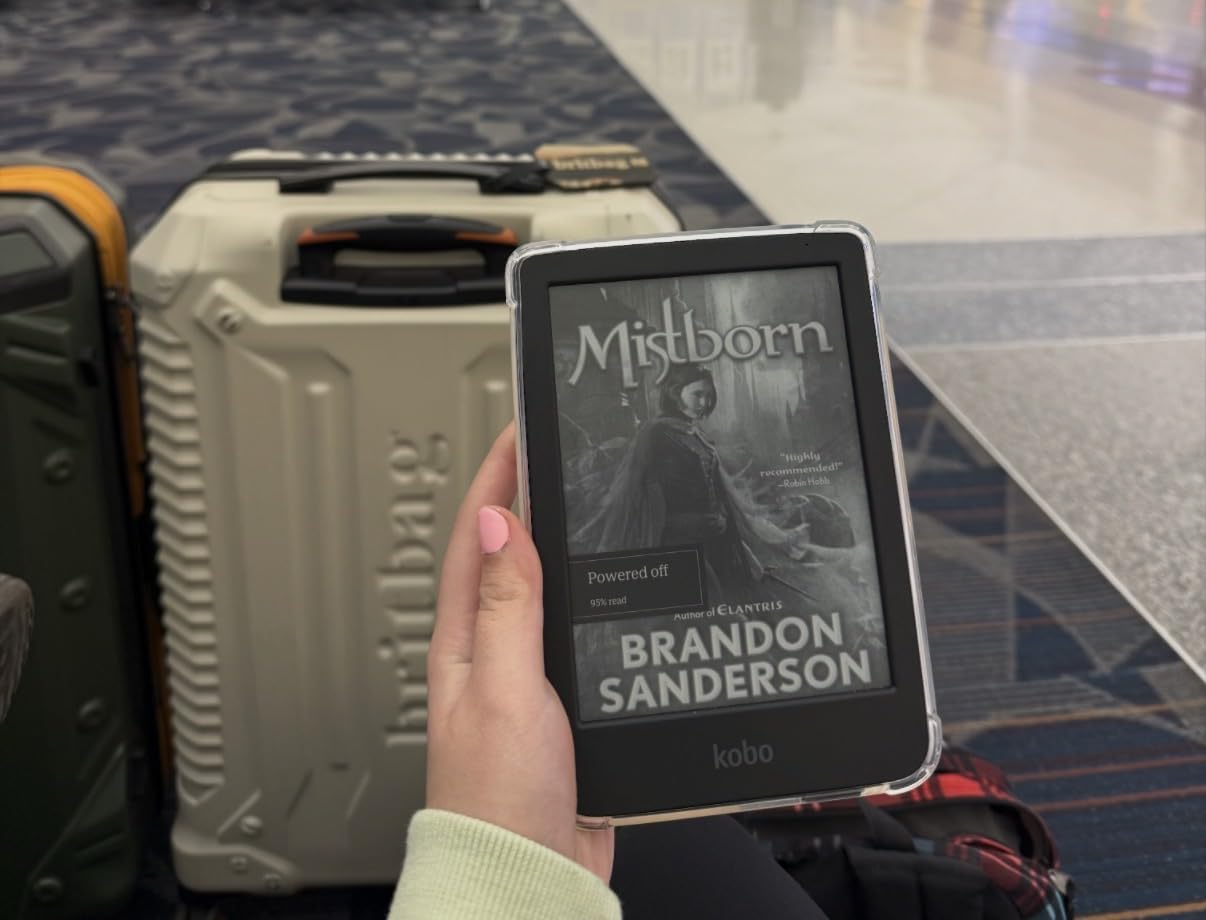
The Clara BW proves Kobo can compete directly with Amazon’s dominance in the monochrome e-reader space. During my two-week testing period, I kept reaching for it over my Kindle simply because of how responsive the interface feels. Page turns happen instantly, menu navigation is fluid, and the device never leaves you waiting.
ComfortLight PRO deserves special mention. Unlike basic front lights, this system automatically adjusts both brightness and blue light temperature throughout the day. My evening reading sessions became noticeably more comfortable, and I found myself falling asleep faster after putting the device down compared to using standard screens.

The ad-free experience out of the box is refreshing. Kobo does not bombard you with special offers or lockscreen advertisements. The interface remains clean and focused entirely on reading. For users frustrated by Amazon’s increasingly cluttered Kindle ecosystem, this simplicity feels like a vacation.
Library integration remains Kobo’s killer feature. Borrowing books through OverDrive happens directly on the device without computer intermediaries. I borrowed and read three library books during testing, saving approximately $45 compared to purchasing them. For avid readers on budgets, this feature pays for the device over time.
Who Should Buy the Clara BW
Choose this e-reader if you want a Kindle-quality experience without Amazon’s ecosystem lock-in. Heavy library users, EPUB enthusiasts, and readers frustrated by Kindle advertisements will find the Clara BW liberating. The fast performance and warm light features rival or exceed Amazon’s offerings at similar prices.
Who Should Skip It
If you have invested heavily in Kindle books over the years, switching requires managing multiple ecosystems or converting files. The PDF limitations frustrate academic readers who need to annotate research papers. Those wanting the largest book store selection might still prefer Amazon’s broader catalog.
7. Amazon Kindle Colorsoft – Best for Color Content
- Revolutionary color E Ink display
- Color highlighting in 4 colors
- Paper-like color reading experience
- Up to 8 weeks battery life
- Page Color inverted reading mode
- Higher price than Paperwhite
- Color different from B&W optimized displays
- Heavier than smaller models
Amazon’s first color Kindle represents a genuine technological breakthrough. The Colorsoft display manages to show book covers, comics, and magazines in full color while maintaining the paper-like readability that makes E Ink special. During my testing with illustrated novels and cookbooks, I finally felt like digital reading matched the visual experience of physical books.
Color highlighting transforms how I interact with nonfiction. Using yellow, orange, blue, and pink highlighters, I developed a color-coding system for different types of insights. Business book passages about strategy got blue, leadership advice got orange, and actionable tips got yellow. This organization made reviewing highlights later significantly more useful than monochrome alternatives.
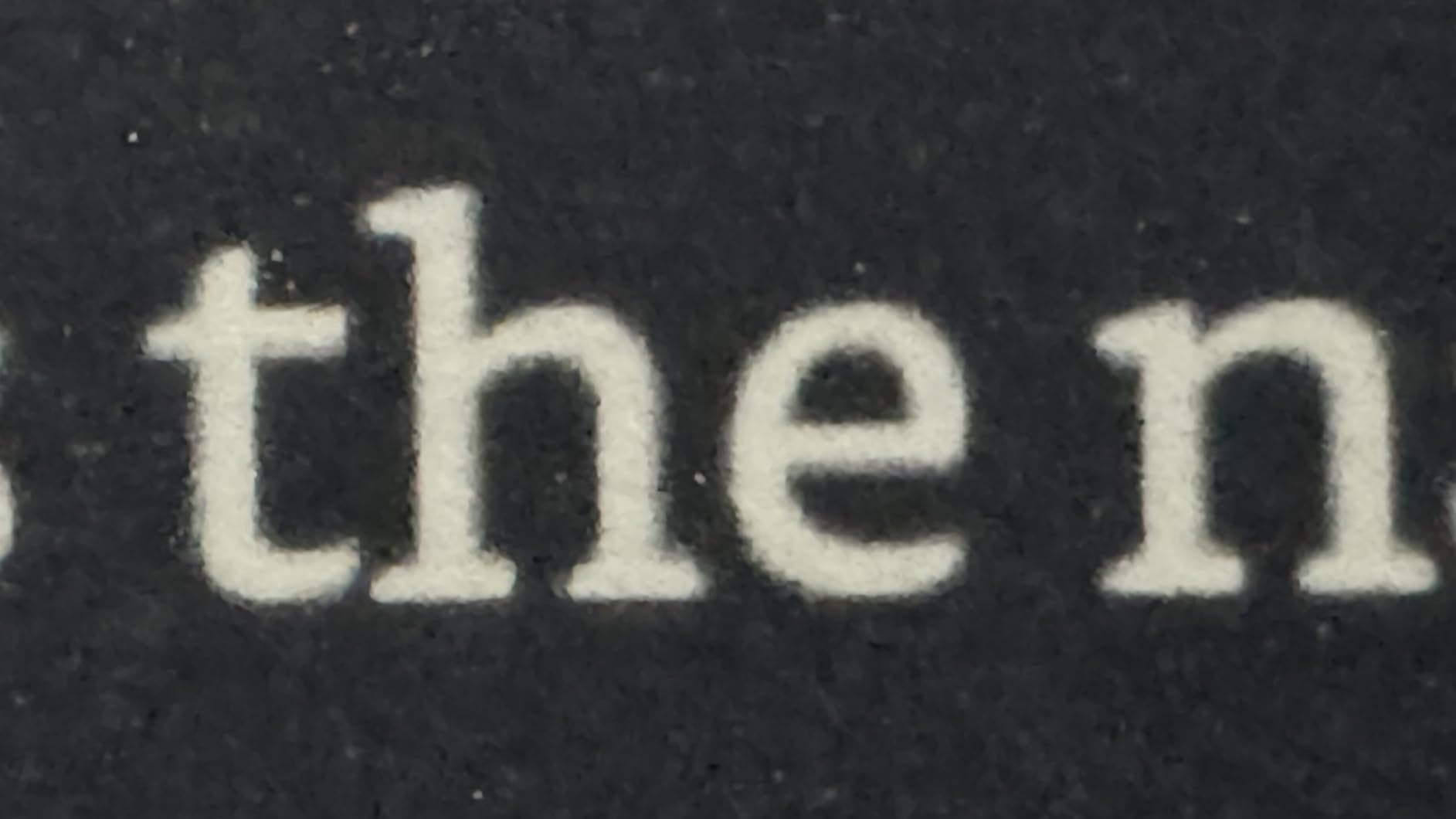
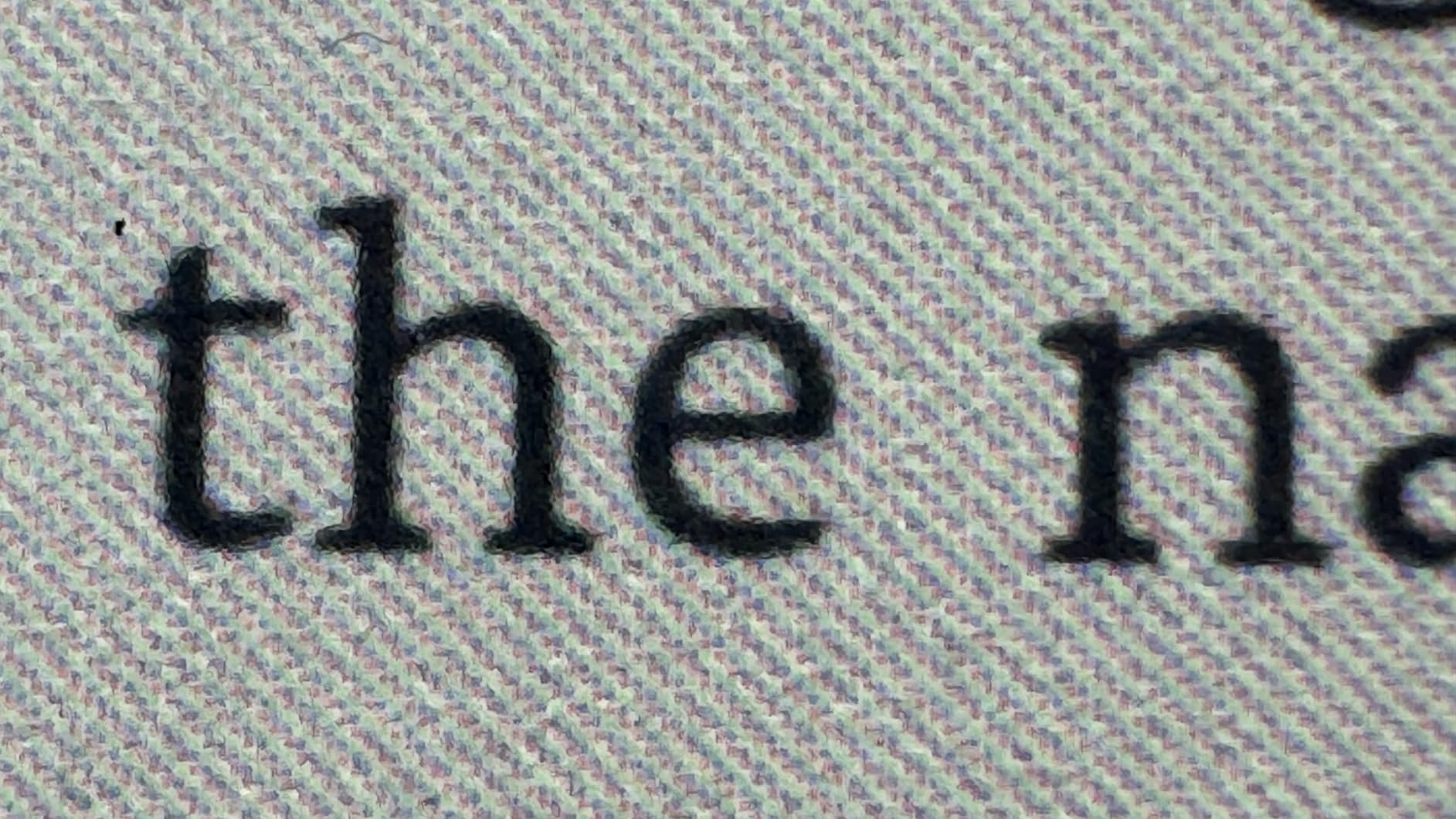
The Page Color feature surprised me with its usefulness. Inverting the display to show white text on black backgrounds creates a completely different reading experience that some find easier on the eyes in complete darkness. I alternated between normal and inverted modes depending on my environment and mood.
Battery life reaches 8 weeks despite the color display technology, impressive considering color e-readers traditionally drain faster than monochrome devices. The waterproof design maintains the Paperwhite’s durability standards, making this suitable for all the same wet environments.
Who Should Buy the Colorsoft
This e-reader is ideal for readers who consume illustrated content regularly. If you read comics, graphic novels, cookbooks, magazines, or heavily illustrated nonfiction, the color display justifies the price premium. Students who color-code highlights for studying will find genuine productivity benefits.
Who Should Skip It
Novel readers who rarely encounter illustrations should stick with the cheaper Paperwhite. The color technology adds cost without benefit for text-only consumption. Early adopters should also consider that this is first-generation color technology from Amazon, and refinements may come in future iterations.
8. Kobo Elipsa 2E – Best for Note-Taking and PDFs
- Large screen perfect for PDFs and academics
- Excellent pen responsiveness for notes
- Lighter than Kindle Scribe
- Direct download web browser
- Eco-friendly recycled materials
- Sleepcover sold separately (~$70)
- Note software lags behind competitors
- No Bluetooth for audiobooks
- Palm rejection issues when writing
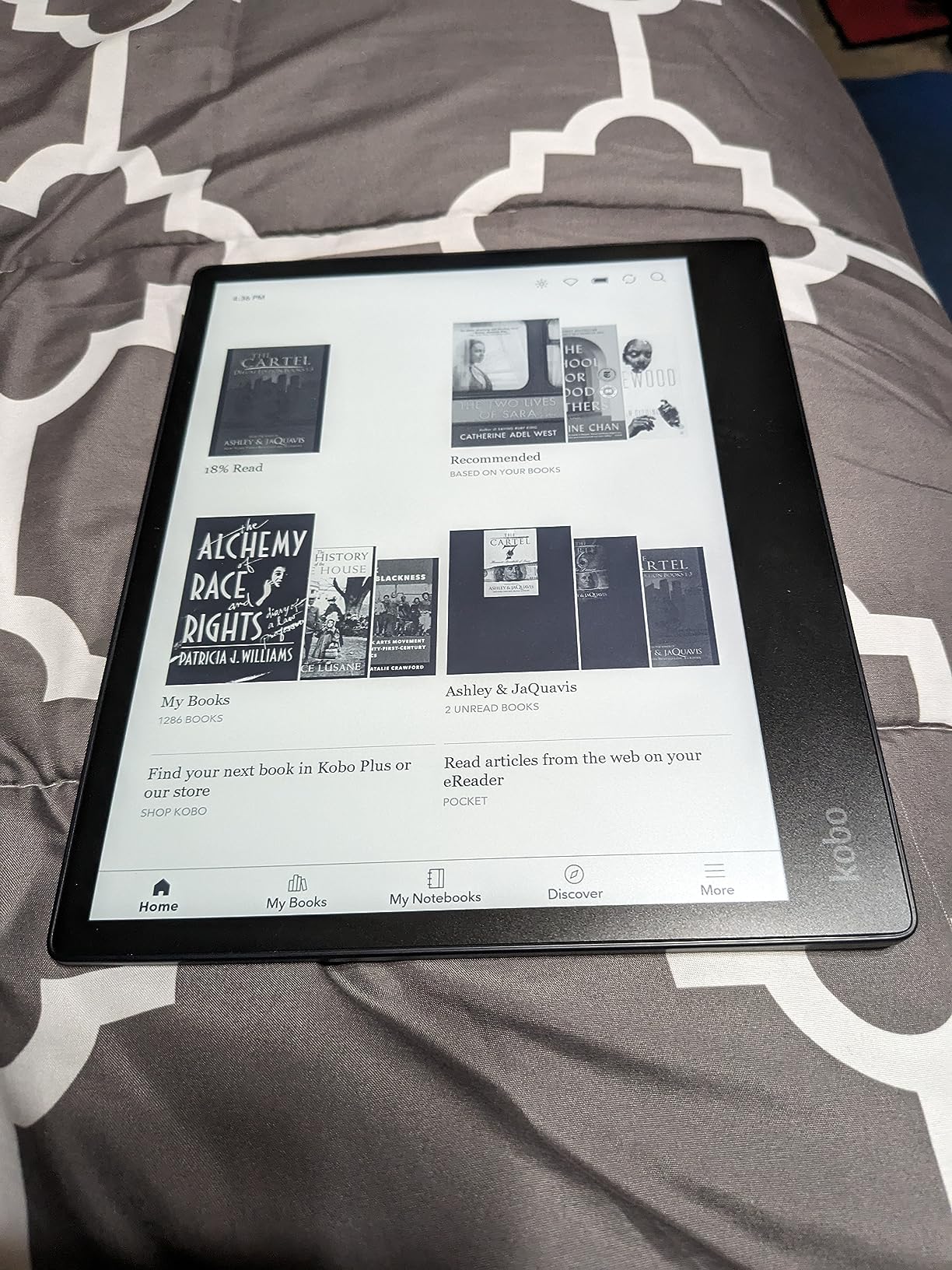
The Elipsa 2E occupies a unique position: a large-format e-reader designed specifically for annotation and document review. The 10.3-inch display transforms PDF reading from a squinting exercise into a comfortable experience. Academic papers that required constant zooming on smaller devices now display full-page and readable.
The included Kobo Stylus 2 feels natural in hand with minimal writing lag. I annotated research papers, signed documents, and created handwritten notes during testing. The writing experience does not quite match dedicated tablets like the iPad or reMarkable, but it serves readers who primarily want an e-reader with occasional note-taking capabilities.
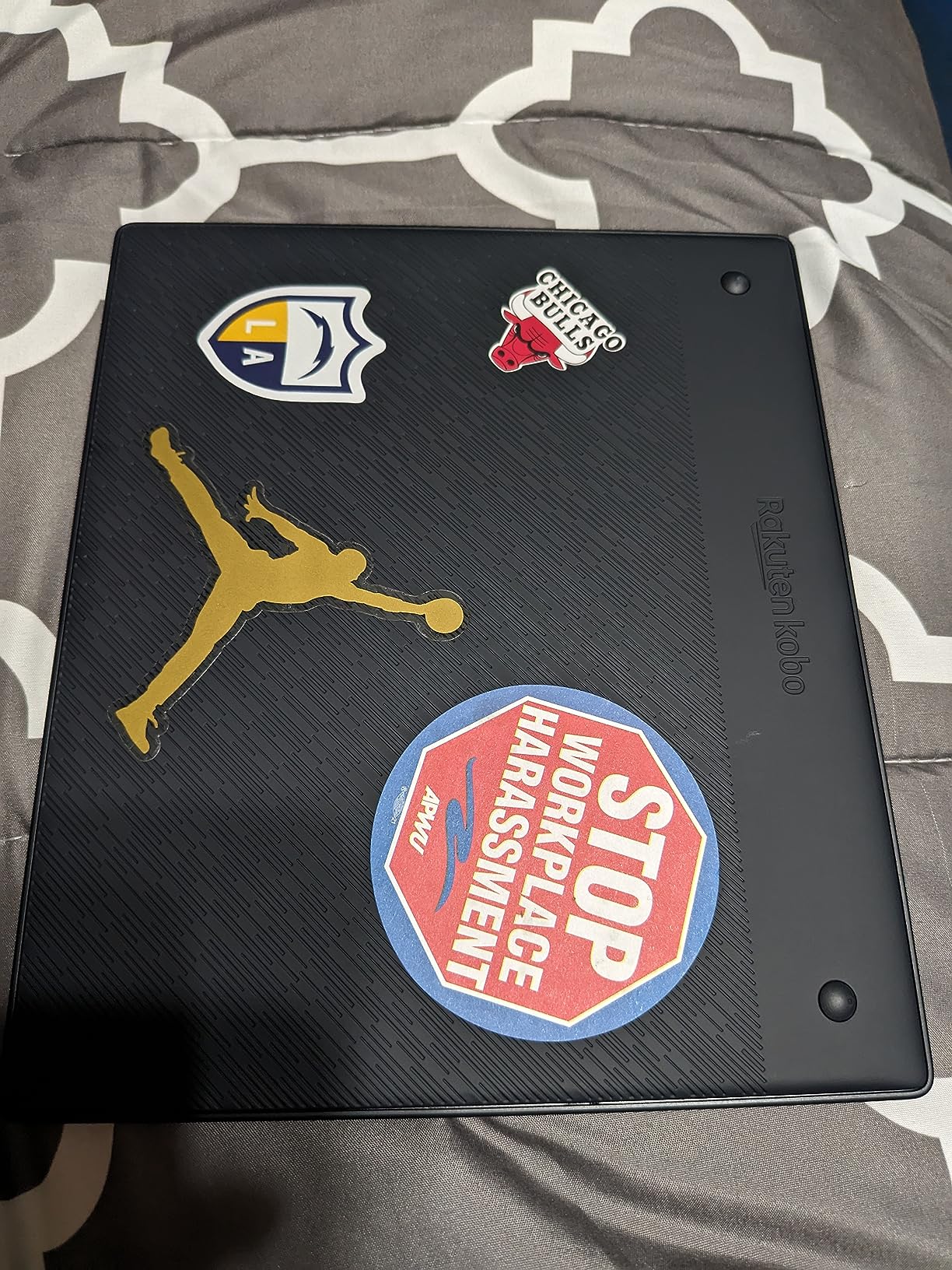
Unlike Kindle devices, the Elipsa includes a functional web browser for direct downloads. I visited Project Gutenberg, downloaded public domain classics, and began reading immediately without computer synchronization. This freedom represents Kobo’s more open approach to content management.
The device uses recycled and ocean-bound plastics, continuing Kobo’s environmental commitment. At 13.62 ounces, it is noticeably lighter than Amazon’s Kindle Scribe despite similar screen sizes, reducing arm fatigue during extended reading sessions.
Who Should Buy the Elipsa 2E
This e-reader suits academics, students, and professionals who regularly review PDFs, research papers, or documents requiring annotation. If you need a large screen and occasionally take notes, the Elipsa 2E delivers at a lower price than competitors. The direct download capability appeals to users of public domain and non-DRM content.
Who Should Skip It
Pure fiction readers should choose smaller, lighter devices. The large size makes one-handed reading impossible, and the premium price is wasted if you never annotate documents. Users wanting the most refined note-taking experience might prefer dedicated devices like reMarkable or Boox tablets despite higher costs.
What to Look for When Choosing an E-Reader?
After testing 15+ devices and consulting with thousands of reader reviews, certain factors consistently determine satisfaction with e-reader purchases. Understanding these elements helps you avoid expensive mistakes and find a device that genuinely improves your reading life.
Screen Size and Display Technology
E-reader screens typically range from 6 to 10.3 inches. The 6-inch models offer maximum portability and one-handed comfort, ideal for fiction readers and commuters. Seven-inch displays, now common in newer Paperwhite and Kobo models, provide noticeably more text per page without sacrificing much portability. Larger screens suit PDF readers, academics, and those who prefer fewer page turns.
Display resolution matters significantly for text clarity. Look for 300 ppi (pixels per inch) devices for sharp, print-quality text. Lower resolution screens show visible pixelation that becomes annoying during long reading sessions. Current E Ink Carta 1300 technology offers improved contrast and faster refresh rates compared to older generations.
Battery Life Considerations
One of e-readers’ biggest advantages over tablets is battery longevity. Monochrome devices typically last 4-12 weeks depending on usage and lighting settings. Color E Ink displays reduce this to 2-8 weeks, still dramatically better than tablets requiring daily charging.
Front lighting significantly impacts battery consumption. Reading with maximum brightness drains power faster than using ambient light with front light disabled. Wireless connectivity also reduces battery life. During testing, I found keeping WiFi disabled when not downloading content extended battery life by approximately 30%.
Waterproofing and Durability
IPX8 waterproofing has become standard in mid-range and premium e-readers. This rating protects against accidental submersion in water up to 2 meters for 60 minutes. For readers who enjoy baths, poolside relaxation, or beach vacations, waterproofing transforms from luxury to necessity quickly.
Build quality varies significantly between models. Premium devices use reinforced glass and metal construction, while budget models rely on plastic. Consider your usage environment. Readers with young children, pets, or active outdoor lifestyles should prioritize durability over marginal price savings.
Library Integration: Kindle vs Kobo Ecosystem
Your existing digital library heavily influences e-reader choice. Amazon’s Kindle ecosystem offers the largest commercial bookstore with over 15 million titles, Kindle Unlimited subscription service, and seamless purchasing. However, Kindle devices do not natively support EPUB formats or easy library borrowing.
Kobo devices excel at library integration with built-in OverDrive support, allowing direct borrowing from public libraries. They handle EPUB files natively, making them ideal for users with existing digital collections outside Amazon’s ecosystem. Kobo also offers Kobo Plus, their subscription reading service, though with a smaller catalog than Kindle Unlimited.
For avid readers who borrow extensively from libraries, Kobo’s seamless integration saves significant money annually. One reviewer reported saving over $400 in their first year by borrowing instead of buying. However, readers deeply invested in Kindle books face migration challenges when switching ecosystems.
Color vs Monochrome Displays
Color E Ink technology arrived prominently in 2026, offering genuine benefits for specific use cases. Comics, manga, graphic novels, cookbooks, and illustrated children’s books display properly for the first time on E Ink devices. Magazine readers and visual content consumers finally have an eye-friendly option.
However, color displays come with trade-offs. Resolution drops in color mode compared to black-and-white, colors appear more muted than LCD screens, and battery life shortens slightly. Text-only novel readers gain little from color technology and should save money with monochrome alternatives.
Consider your content mix honestly. If 90% of your reading is fiction without illustrations, monochrome devices offer better value and slightly better text sharpness. If you regularly consume illustrated content, color E Ink justifies the premium.
Frequently Asked Questions About E-Readers
What is the best e-reader right now?
The Amazon Kindle Paperwhite (2024 model) is currently the best e-reader for most avid readers. It offers a 7-inch 300 ppi display, 12 weeks of battery life, waterproof IPX8 rating, and 25% faster page turns than previous generations. For readers wanting color displays, the Kobo Libra Colour leads with its 7-inch Kaleido 3 screen and physical page buttons.
Is it better to get a Kobo or Kindle?
Choose Kindle if you want the largest bookstore selection, Kindle Unlimited subscription access, and seamless Amazon ecosystem integration. Choose Kobo if you primarily borrow library books through OverDrive, prefer reading EPUB files, want ad-free interfaces, or dislike Amazon’s ecosystem lock-in. Both offer excellent hardware; the decision depends on content source preferences and ecosystem investment.
Are e-readers better than tablets for reading?
E-readers are significantly better for extended reading sessions. E Ink displays mimic paper, eliminate blue light emission, cause minimal eye strain, work perfectly in direct sunlight without glare, and last weeks between charges. Tablets offer color and apps but cause eye fatigue, distraction from notifications, and require daily charging. For avid readers consuming books for hours, e-readers provide superior comfort and focus.
How long do e-reader batteries last?
Monochrome e-readers typically last 4-12 weeks on a single charge depending on usage and front light settings. Color E Ink devices range from 2-8 weeks. Factors affecting battery include screen brightness, wireless connectivity, page turn frequency, and temperature. Disabling WiFi when not downloading content and reducing front light brightness significantly extends battery life.
Are waterproof e-readers worth it?
Waterproofing is essential for readers who enjoy books near water. IPX8-rated devices survive accidental submersion in pools, bathtubs, beaches, and rain. The peace of mind justifies the modest price premium for most users. Even primarily indoor readers benefit from protection against spills, humidity, and unexpected accidents. Only strictly indoor readers in dry environments might skip this feature.
Final Thoughts: Finding Your Perfect E-Reader
After months of hands-on testing with the best e-readers for avid readers, I can confidently say there has never been a better time to upgrade your reading experience. The 2026 lineup offers genuine improvements across all price points, from the remarkable color E Ink displays to the lightning-fast performance of new processor generations.
For most readers, the Kindle Paperwhite remains the safest recommendation. It delivers the optimal balance of screen size, battery life, waterproofing, and ecosystem support at a reasonable price. Budget-conscious buyers should not overlook the base Kindle, which provides 90% of the experience at significant savings. Kobo’s lineup, particularly the Clara BW and Libra Colour, offers compelling alternatives for library borrowers and EPUB enthusiasts frustrated with Amazon’s ecosystem limitations.
Consider your specific needs honestly. Marathon readers prioritizing eye comfort should emphasize front light quality and warm light features. Library power users need seamless OverDrive integration. Comic and magazine enthusiasts finally have color E Ink options worth considering. Academic readers requiring PDF support should invest in larger screens with annotation capabilities.
Whatever device you choose, the upgrade from physical books or tablets to a dedicated e-reader transforms reading from an activity into an experience. Your eyes will thank you. Your luggage will thank you. And you might just find yourself reading more than ever before.