
Finding the right drawing tool can change everything about how you create art. I spent three months testing standalone drawing tablets from every major brand, sketching daily, running complex brush tests, and comparing battery life, screen quality, and stylus feel across dozens of real-world sessions.
The best standalone drawing tablets for artists give you something a traditional pen display cannot: total freedom. You can draw at a coffee shop, on the couch, or in a park without dragging a laptop along. These tablets run their own operating systems, come with built-in drawing apps, and store your files locally. Some even include lifetime app subscriptions that save you hundreds compared to monthly fees.
In this guide, I break down the 12 best standalone drawing tablets available right now. Whether you are a complete beginner picking up your first digital tool or a working artist who wants a portable companion for client work, I cover every price point, screen size, and skill level. I also include honest notes about what each tablet struggles with, because no product is perfect.
Top 3 Standalone Drawing Tablets for 2026

Best Standalone Drawing Tablets for Artists in 2026
| Product | Specifications | Action |
|---|---|---|
 Simbans PicassoTab A10 Simbans PicassoTab A10 |
|
Check Latest Price |
 Callsky-Kids Cpad 12 Pro Callsky-Kids Cpad 12 Pro |
|
Check Latest Price |
 Frunsi RubensTab T11 Pro Frunsi RubensTab T11 Pro |
|
Check Latest Price |
 Frunsi RubensTab T12 Frunsi RubensTab T12 |
|
Check Latest Price |
 PicassoTab X11 PicassoTab X11 |
|
Check Latest Price |
 UGEE Pad Drawing Tablet UT2 UGEE Pad Drawing Tablet UT2 |
|
Check Latest Price |
 HUION KAMVAS Slate 11 HUION KAMVAS Slate 11 |
|
Check Latest Price |
 PicassoTab X14 PicassoTab X14 |
|
Check Latest Price |
 XP-PEN Magic Note Pad XP-PEN Magic Note Pad |
|
Check Latest Price |
 UGEE Fun Drawing Pad UT3 UGEE Fun Drawing Pad UT3 |
|
Check Latest Price |
 Wacom MovinkPad 11 Wacom MovinkPad 11 |
|
Check Latest Price |
| XP-PEN Magic Drawing Pad |
|
Check Latest Price |
1. Simbans PicassoTab A10 – Most Affordable Entry Point
PicassoTab 10″ Standalone Drawing Tablet, No Computer Needed, Portable, A10
- Compact and portable
- Lifetime PRO drawing apps included
- Complete accessory kit
- Laminated anti-glare screen
- 4200+ reviews with 4.4 rating
- Stylus uses AAAA batteries
- Screen protector scratches easily
- Some brush lag
I carried the PicassoTab A10 around for two weeks straight, tossing it in a backpack and sketching during lunch breaks. At just 10 inches, it slides into almost any bag without a second thought. The laminated IPS screen produces decent colors, and the anti-glare finish keeps reflections manageable even under fluorescent lights.
What surprised me most was the software bundle. You get lifetime PRO upgrades for Concepts, Infinite Painter, and FlipaClip. No subscriptions, no recurring costs. For a beginner who has never touched a digital art app, that alone saves serious money. The Artixo tutorial access is a nice bonus if you are starting from zero and need structured lessons.
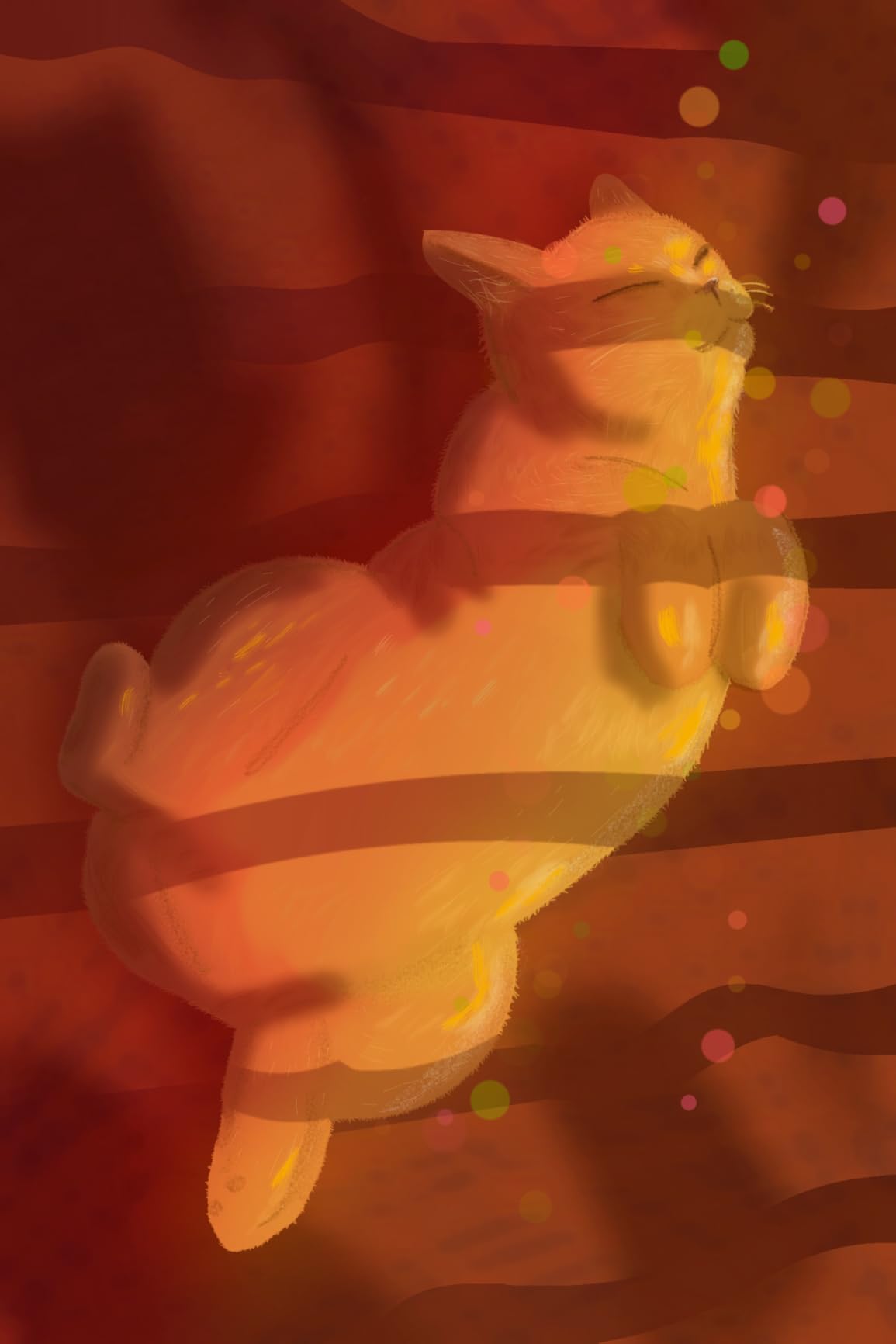
The Picasso Pen 3 delivers 4096 pressure levels, which is more than enough for sketching and illustration work. Lines transition smoothly from thin to thick when you vary your pressure. Palm rejection works reasonably well, though I noticed occasional stray marks when I rested my hand heavily on the screen.
Performance is solid for basic to intermediate work. The octa-core CPU with 6GB RAM handles Concepts and Infinite Painter without issues. Complex brushes in apps like Krita can cause slight lag, especially on large canvases. The stylus runs on AAAA batteries rather than charging via USB, which is inconvenient if you forget to stock spares.

Who should buy the PicassoTab A10
This tablet is ideal for students, hobbyists, and anyone trying digital art for the first time. The complete accessory kit means you get a case, glove, screen protector, and stylus right out of the box. At under $200, it is the most affordable way to start drawing digitally without needing a computer.
Who should look elsewhere
Professional artists who need color accuracy, high-resolution displays, or processor-heavy apps like Clip Studio Paint with large animation files will find the A10 limiting. The 10-inch screen also feels cramped for detailed illustration work. If you plan to work on large, layered pieces, consider the X11 or a bigger option.
2. Callsky-Kids Cpad 12 Pro – Budget 12-inch with Android 15
12-Inch Standalone Drawing Tablet No Computer Needed with 4096-Level Stylus
- 12-inch screen at budget price
- Android 15 is the newest OS
- 4G LTE connectivity
- Anti-glare screen
- Expandable to 2TB
- Only 4-6 hours battery life
- Poor included case quality
- Virtual RAM not as effective
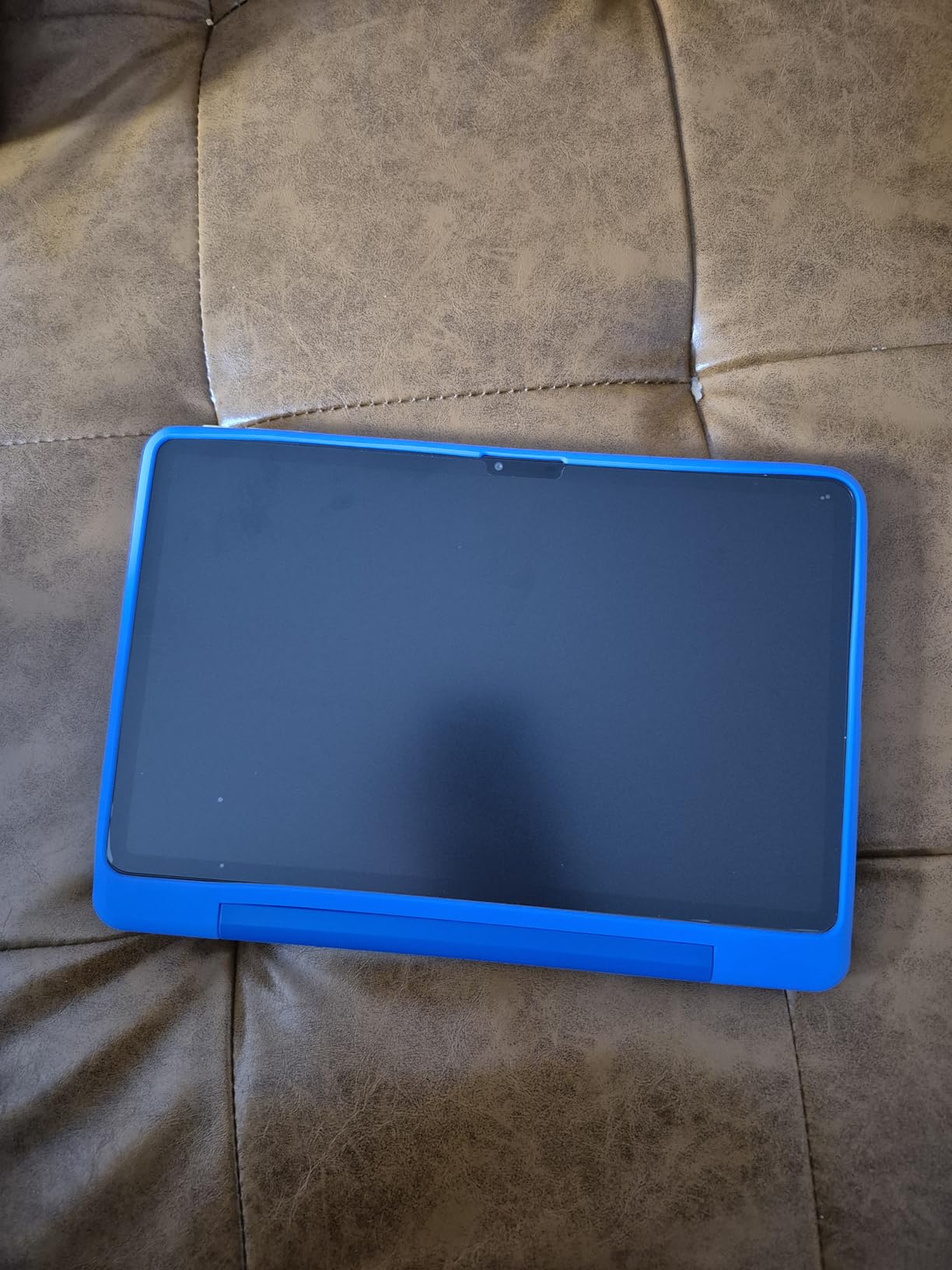
The Cpad 12 Pro caught my attention because it ships with Android 15, making it one of the few standalone drawing tablets running the latest OS in 2026. The 12-inch IPS display at 2000×1200 gives you a comfortable workspace for sketching and illustration. I found the anti-glare screen protector effective at cutting down reflections during a late-night drawing session.
With 4096 pressure levels and 60-degree tilt support, the stylus handles shading and line variation competently. The full lamination eliminates the gap between pen tip and screen, so your strokes land exactly where you expect. I also like the 4G LTE dual-SIM capability, which means you can upload artwork or stream tutorials even without Wi-Fi.
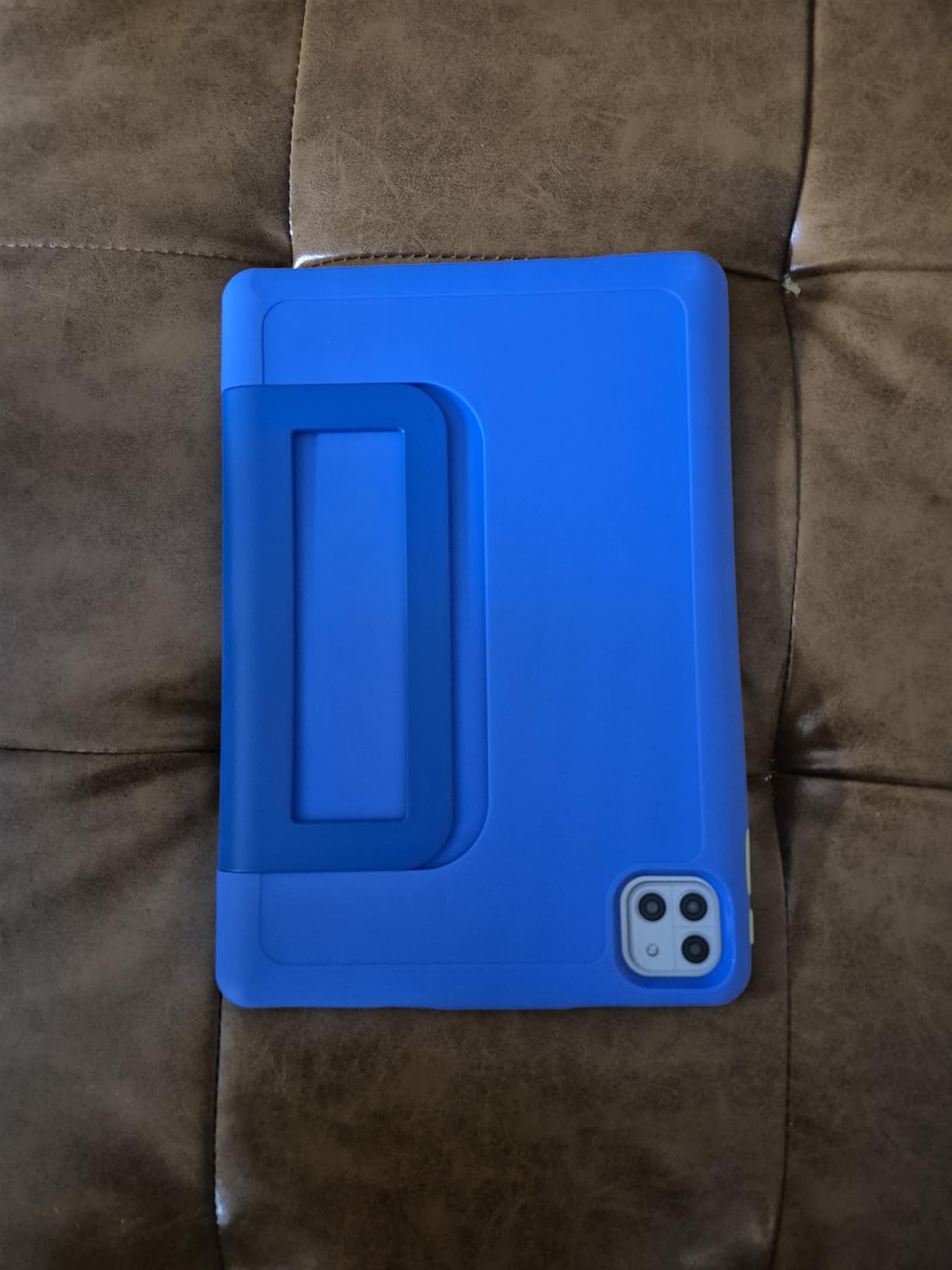
Storage is generous at 256GB, expandable to a massive 2TB via microSD. The 8000mAh battery supports 18W fast charging and even reverse charging to power your phone in a pinch. However, real-world battery life lands around 4 to 6 hours of active drawing, which is shorter than competitors with similar cell sizes.
The included case feels cheap and does not hold up well as a stand. I would recommend picking up a third-party case if you plan to use this tablet daily. The stylus palm rejection is inconsistent, so keep the included glove handy during longer sessions.
Who should buy the Cpad 12 Pro
Artists who want the biggest screen possible at the lowest price will appreciate the Cpad 12 Pro. It is also a strong pick if you need cellular connectivity for working on the go. The Android 15 OS means longer software support and access to the latest app updates from Google Play.
Who should look elsewhere
If battery life is a top concern, other tablets in this guide deliver longer drawing sessions per charge. The 4 to 6 hour window may not last through a full day of classes or a long travel session. Also, the Unisoc T616 processor may struggle with processor-intensive apps when you push canvas sizes and layer counts.
3. Frunsi RubensTab T11 Pro – Battery-Free Stylus at Entry Level
- Battery-free stylus never needs charging
- 5 hours continuous use
- Excellent customer service
- Pre-installed drawing apps
- Includes case and accessories
- Only 1024 pressure levels
- Inconsistent palm rejection
- Slight lag with complex brushes
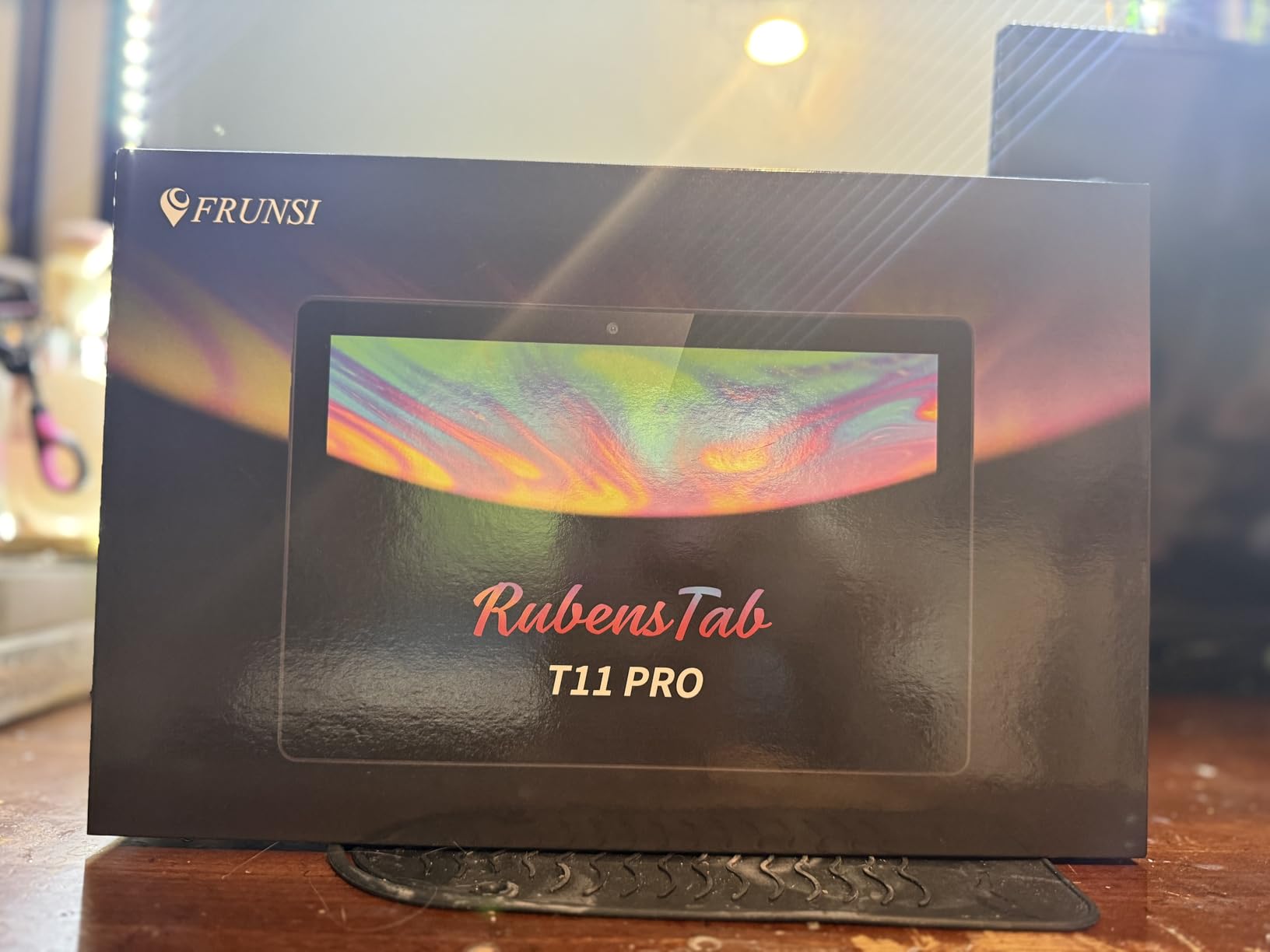
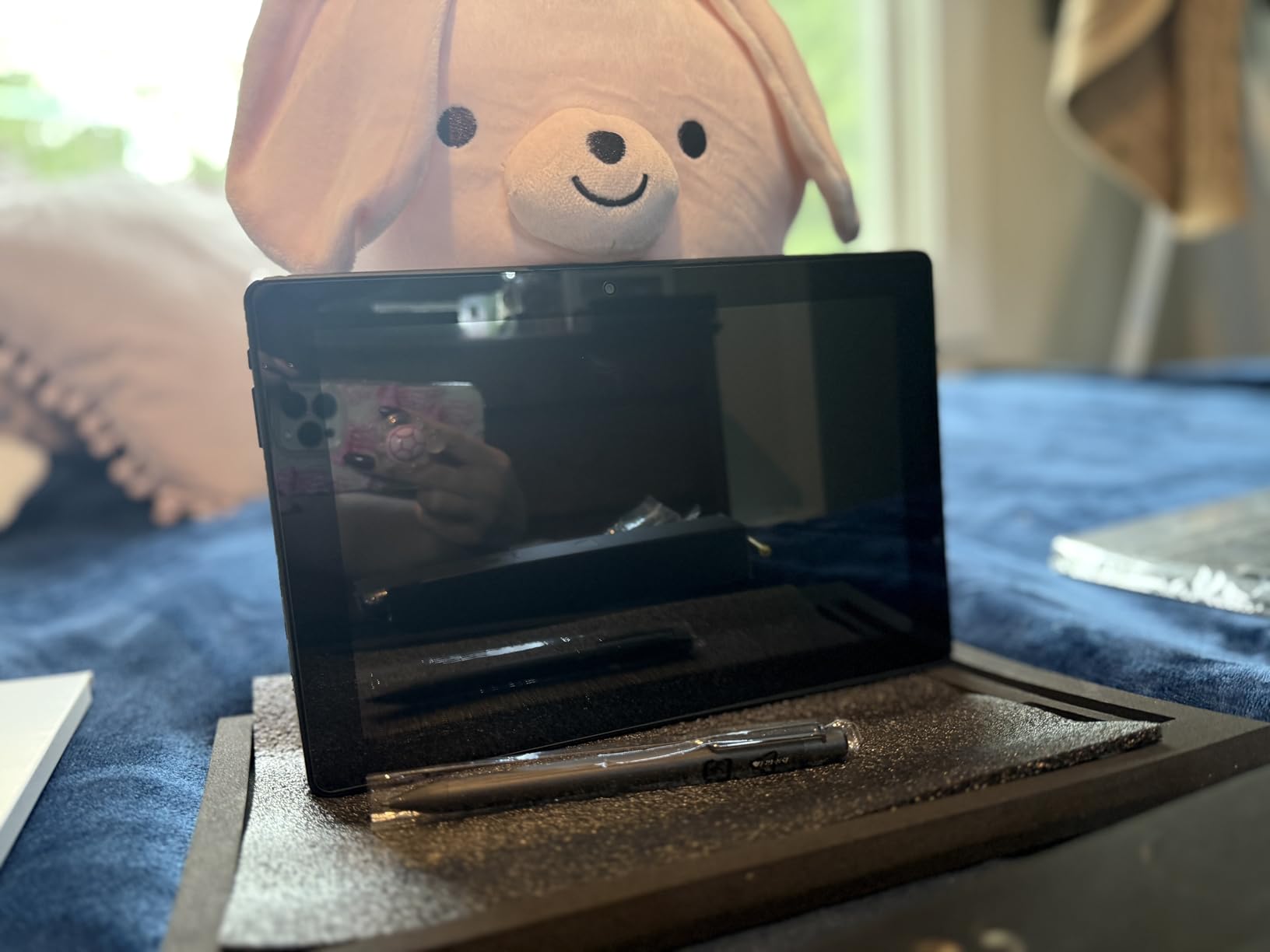
The RubensTab T11 Pro has one feature that sets it apart from every other budget tablet here: a battery-free stylus. You never charge it, never swap batteries, and never worry about it dying mid-sketch. The pen is always ready. For artists who hate managing yet another device to charge, this is a genuine relief.
I tested the T11 Pro across multiple two-hour drawing sessions and consistently got close to five hours of use from the 5800mAh battery. The 10.1-inch FHD display at 1920×1200 is sharp enough for line work and sketching. Pre-installed apps like Sketchbook and Infinite Painter work right out of the box.
The trade-off is pressure sensitivity at 1024 levels, which is lower than the 4096 levels most competitors offer. In practice, this means less granular control over line thickness variation. For beginners learning digital art fundamentals, the difference is barely noticeable. Advanced illustrators who rely on subtle pressure transitions may find it limiting.
Frunsi earns consistent praise for customer service in user reviews, and I can see why. The included adjustable stand case, drawing glove, and extra pen tips make this a complete starter package. At this price point, you are getting a lot of value in the box.
Who should buy the RubensTab T11 Pro
Beginners and students who want a no-fuss drawing experience will love the battery-free stylus. If you dislike charging accessories and want something that works the moment you pick it up, the T11 Pro delivers. It is also one of the best standalone drawing tablets for artists on a tight budget who still want a quality experience.
Who should look elsewhere
Artists who depend on fine pressure control for detailed illustration, manga linework, or professional commissions should look at tablets with 4096 or higher pressure levels. The Android 12 OS is also older, which may limit access to newer app versions over time.
4. Frunsi RubensTab T12 – Mid-Range 12-inch Step Up
RubensTab T12 Standalone Drawing Tablet, 12 inch Tablet No Computer Needed
- 12-inch 2K IPS screen
- 4096 pressure sensitivity
- 8000mAh battery
- Headphone jack included
- Premium software suite bundled
- Some preloaded software promises unfulfilled
- Touch sensitivity may require gloves
- Limited to Android apps
The RubensTab T12 is the natural upgrade from the T11 Pro, offering a larger 12-inch 2K IPS screen and a jump from 1024 to 4096 pressure levels. The fully laminated display reduces parallax, so your strokes connect cleanly where the pen meets the glass. Sketching on this screen feels noticeably more precise than on the smaller T11 Pro.
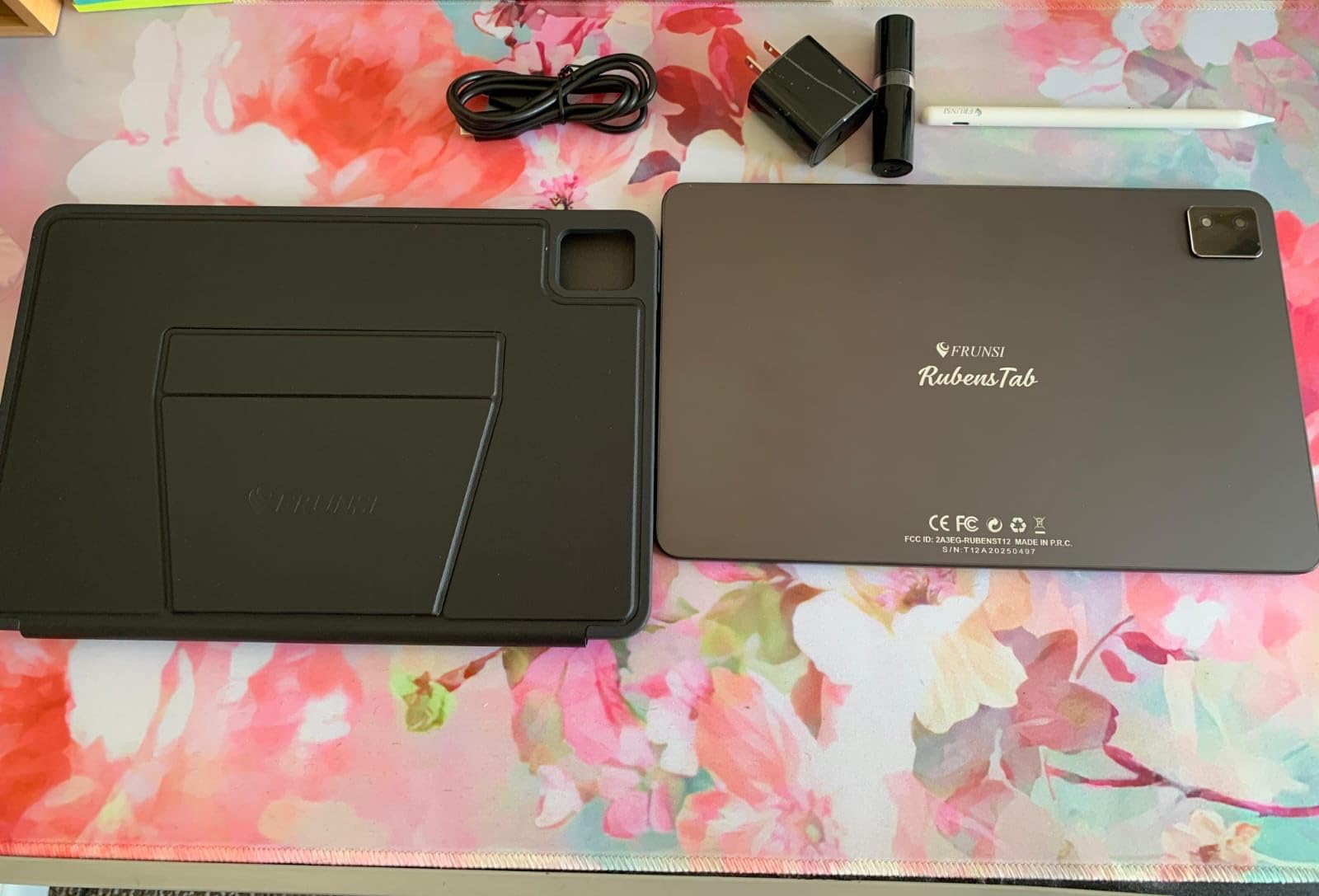
Frunsi bundles a premium software suite including Sketchbook, Krita, Infinite Painter, and FlipaClip. The rechargeable active pen holds a charge for days of regular use. The 8000mAh battery easily lasts through extended drawing sessions, and the headphone jack is a thoughtful addition that many competitors have dropped.
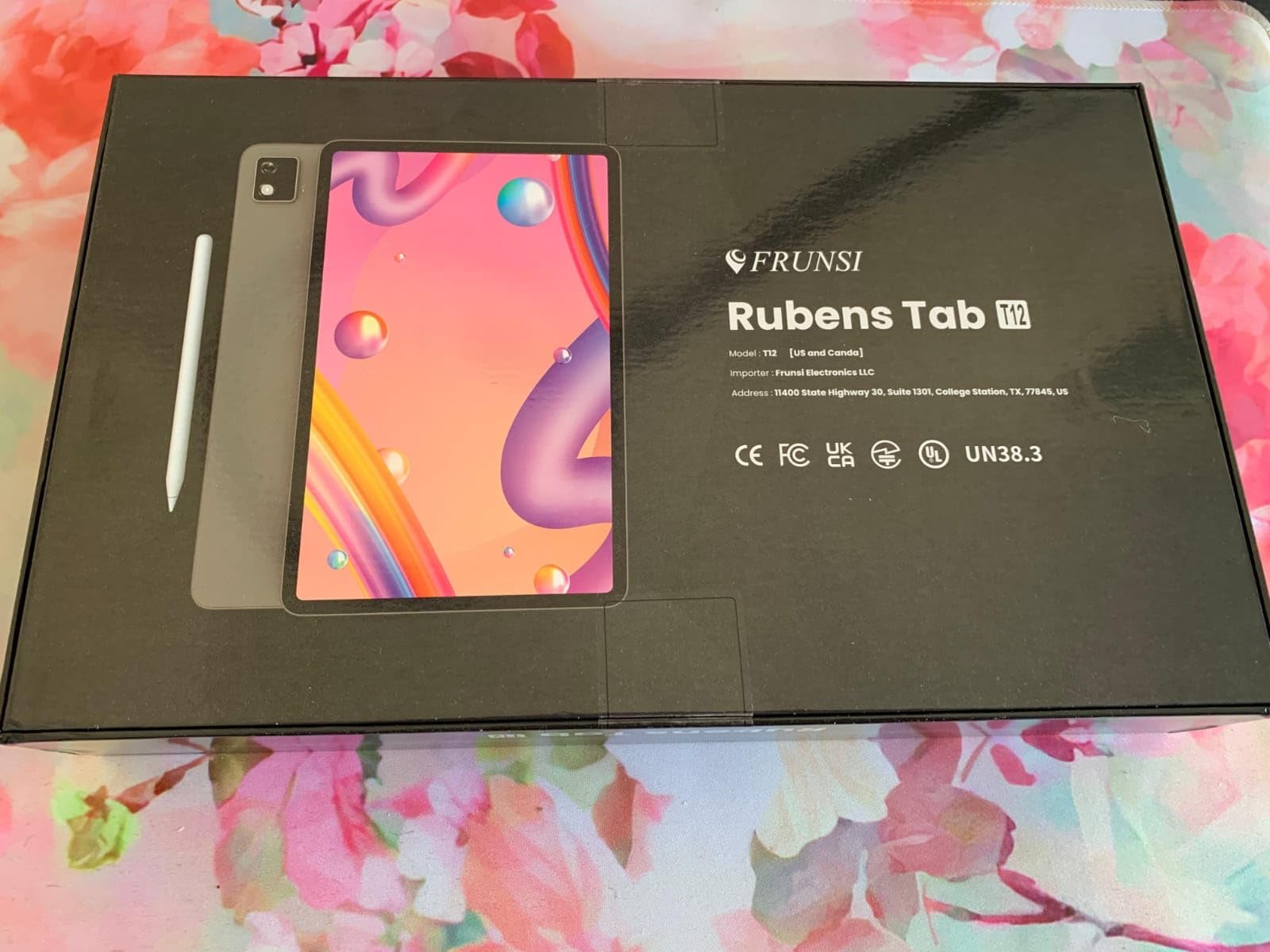
In my testing, the MT8781 octa-core processor handled most drawing apps without issue. Where things got sluggish was when I pushed Krita with large canvases, multiple layers, and complex brush effects. For typical sketching and illustration work, performance stays smooth. The 128GB storage is expandable via microSD, giving you room to grow.
Some users report that not all promised preloaded software was available on their units. I would verify the included apps upon arrival and contact Frunsi support if anything is missing. Their customer service has a solid reputation for resolving issues quickly.
Who should buy the RubensTab T12
Artists who want a larger canvas without spending over $250 will find the T12 hits a sweet spot. The 12-inch screen gives you room to spread out, and the included software suite means you can start creating immediately. The headphone jack is a bonus for artists who listen to music or podcasts while drawing.
Who should look elsewhere
If you need the absolute best screen quality or color accuracy for professional print work, the T12’s IPS panel is good but not exceptional. Artists working with heavy animation files or 3D modeling apps may also find the processor underpowered for intensive tasks.
5. PicassoTab X11 – Laminated 2K Display in 11 Inches
11″ Standalone Drawing Tablet, Portable PicassoTab, No Computer Needed -X11
- Laminated 2K paper-like display
- Concepts Lifetime PRO included
- Great customer service reputation
- Full accessory kit included
- Portable 11-inch form factor
- Stylus may disconnect intermittently
- Palm rejection can be inconsistent
- Basic pre-installed app versions
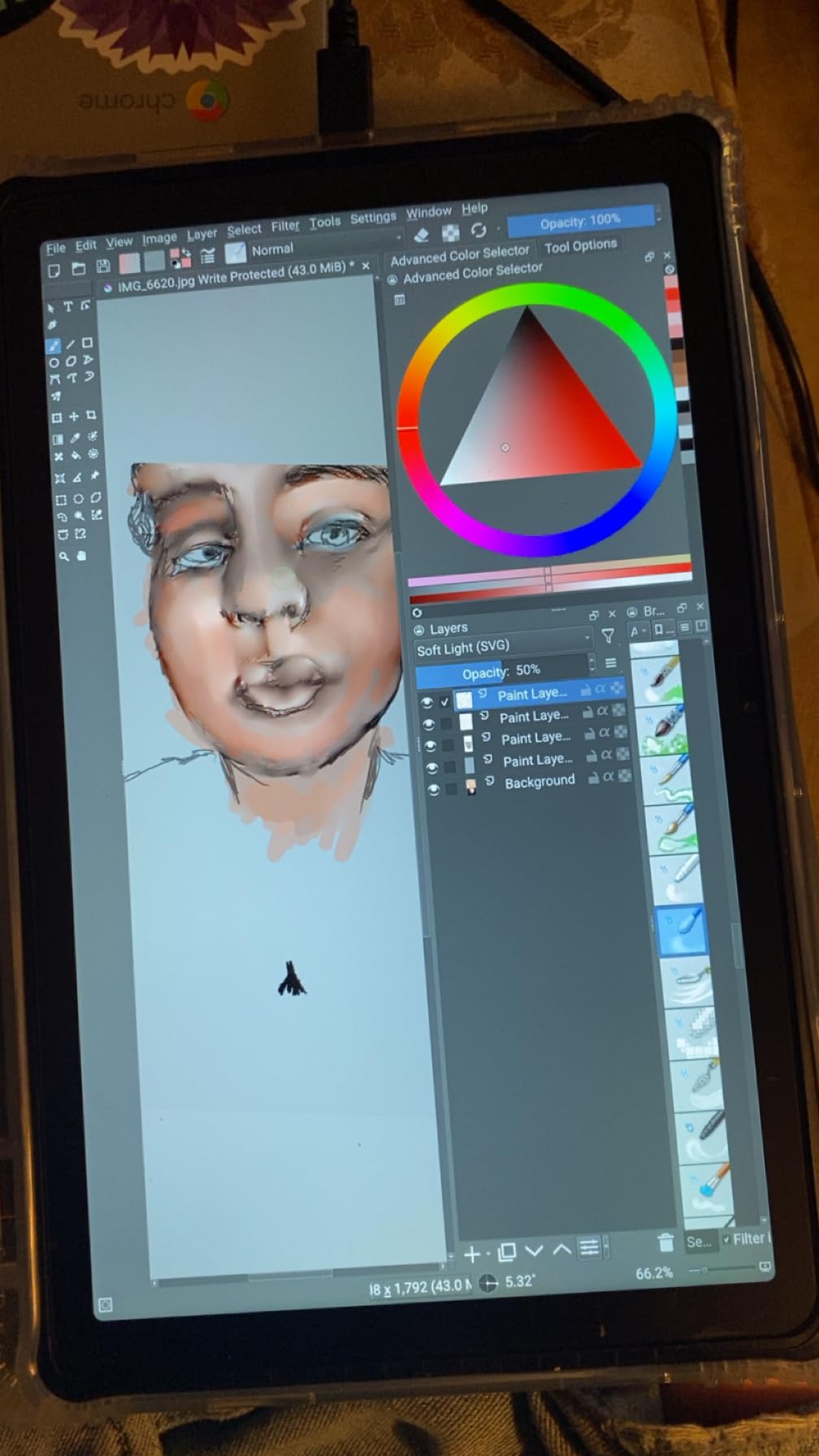
The PicassoTab X11 slots in between the compact A10 and the large X14, and for many artists, the 11-inch size is the sweet spot. It is big enough for detailed work but still portable enough for daily carry. The laminated 2K display at 2000×1200 produces crisp lines and decent color reproduction for the price.
Like the A10, the X11 includes lifetime PRO upgrades for Concepts, Infinite Painter, and FlipaClip, plus VIP access to Artixo tutorials. The drawing experience on the laminated screen feels natural. Pen strokes connect cleanly to the display surface without the floating sensation you get on non-laminated screens.
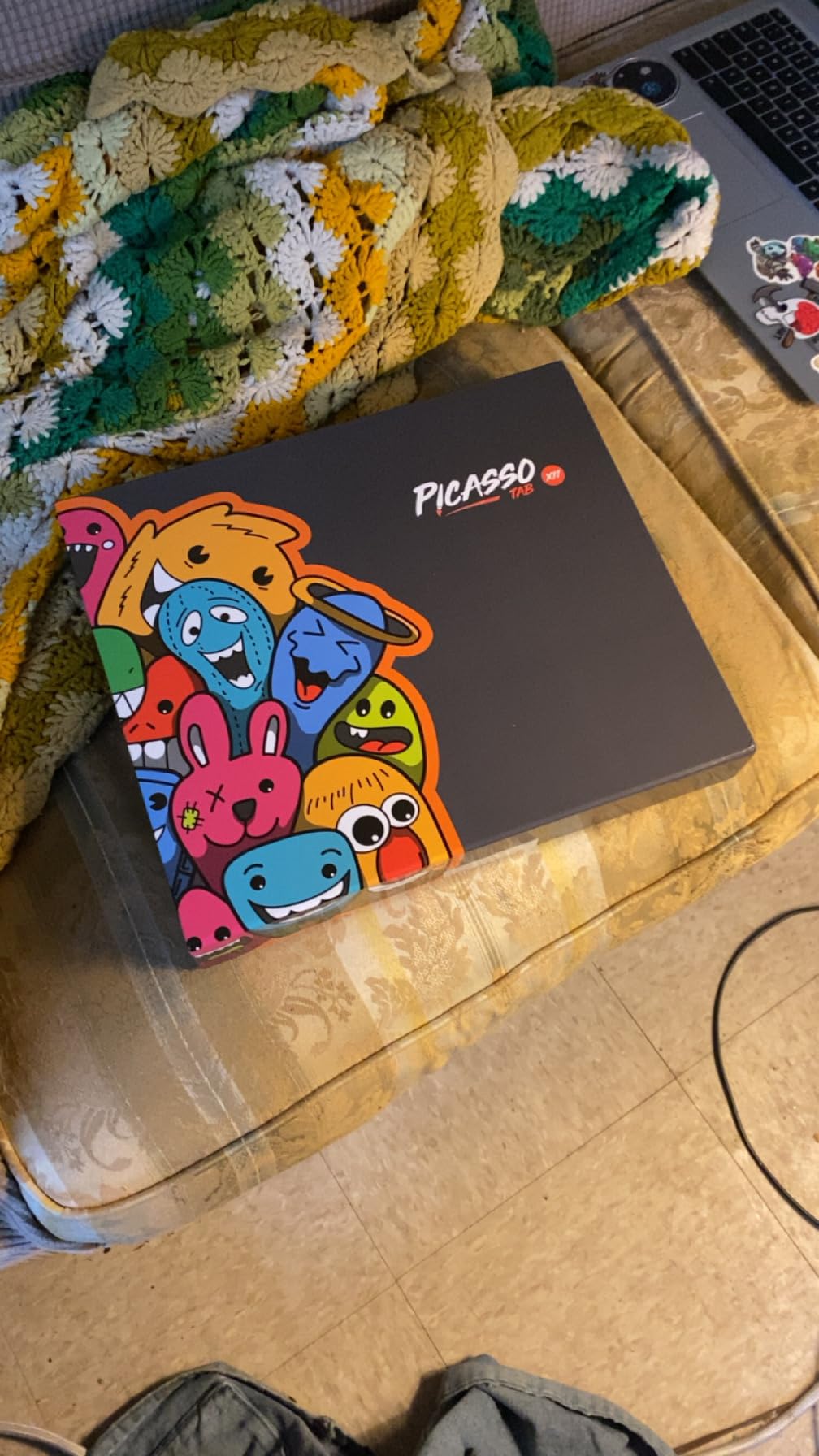
Simbans has built a strong reputation for customer service, and it shows in the user reviews. Multiple reviewers mention quick responses and hassle-free replacements when needed. The full accessory kit includes a case, glove, USB cable, and stylus, so you are ready to draw from day one.
The main drawback I noticed is intermittent stylus disconnections during longer sessions. It usually reconnects within a few seconds, but it can disrupt your flow when you are deep in a drawing. Palm rejection is also inconsistent, so plan to use the included glove for the best experience.
Who should buy the PicassoTab X11
Artists who want a mid-size screen with a paper-like drawing feel and solid software bundle will find the X11 well-suited. The 11-inch size hits a nice balance between portability and workspace. Strong customer service from Simbans adds peace of mind for your first standalone drawing tablet purchase.
Who should look elsewhere
If stylus reliability is critical for your workflow, the intermittent disconnection issues may frustrate you during long drawing sessions. Professional artists who need flawless, uninterrupted pen performance should consider the Wacom MovinkPad or XP-PEN Magic Drawing Pad instead.
6. UGEE Pad Drawing Tablet UT2 – Highest-Rated Compact Option
- Highest rating at 4.6 stars
- Super thin and lightweight at 466g
- 2K resolution display
- 9+ hours battery with fast charging
- No line wobble or lag
- 100% sRGB color
- Pen requires charging
- Some quality control issues with pens
- Eraser function inconsistent
The UGEE Pad UT2 holds the highest user rating in this entire roundup at 4.6 stars, and after testing it, I understand why. At just 6.95mm thick and 466 grams, this is one of the thinnest and lightest standalone drawing tablets you can buy. It disappears into a bag the way a small sketchbook would.
The 2K resolution display at 2000×1200 with 100% sRGB color gamut produces vibrant, accurate colors. The nano-etched matte glass gives the screen a paper-like texture that many artists prefer over glossy displays. During my drawing tests, I experienced zero line wobble and minimal lag, even with quick gesture strokes.
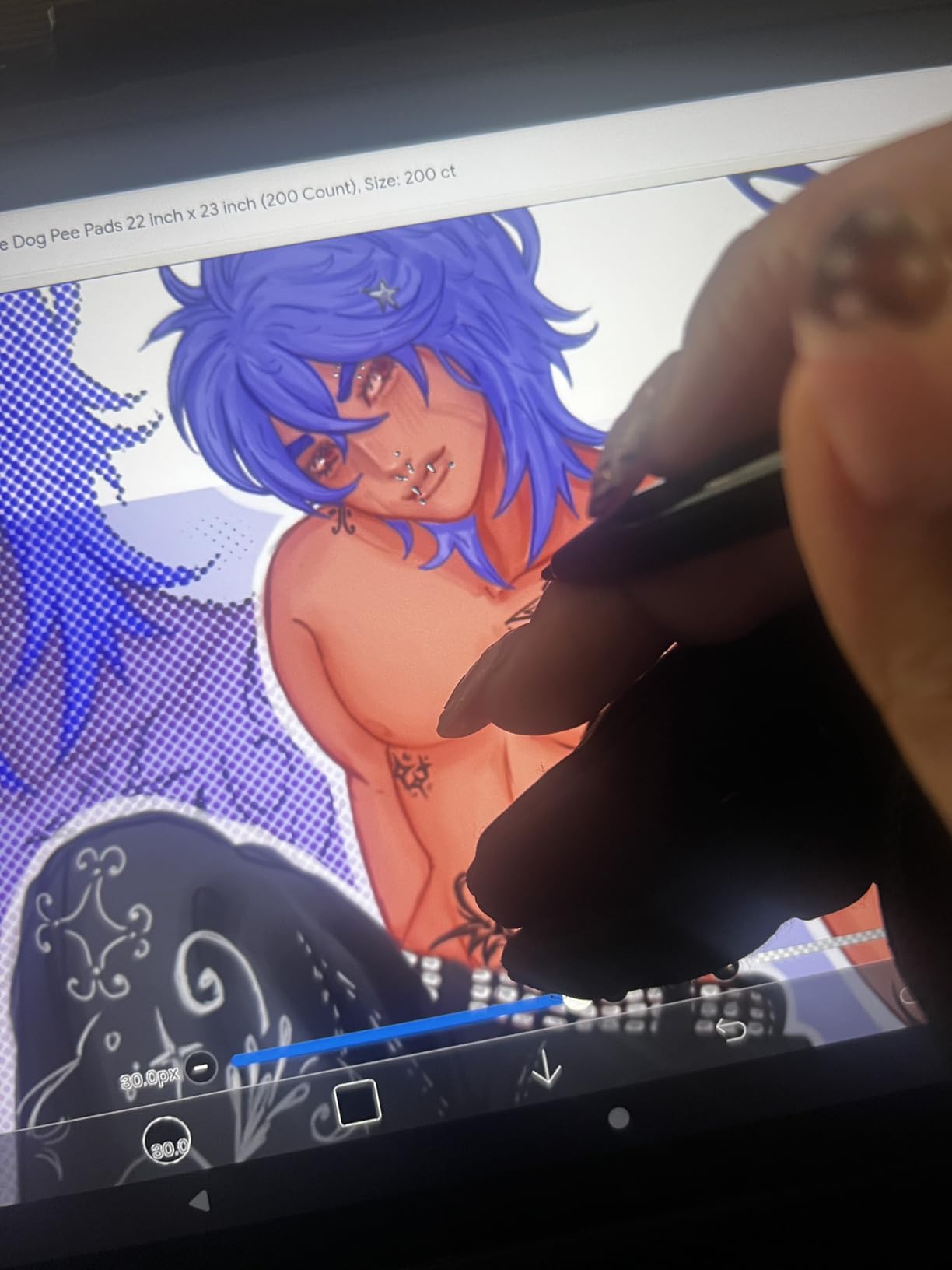
Battery performance is strong with the 7000mAh cell delivering over 9 hours of continuous drawing in my tests. The 18W fast charging gets you back to work quickly when you do need to plug in. The MediaTek Helio G99 processor handles drawing apps competently for this price tier.
The stylus does require charging, but the 130-hour battery life means you only need to charge it every couple of weeks with regular use. Some users have reported quality control issues with pens, including inconsistent eraser function. UGEE includes a case, glove, and extra nibs in the box.

Who should buy the UGEE Pad UT2
Artists who prioritize portability without sacrificing screen quality will love the UT2. At 466 grams, it is the lightest tablet in this guide and perfect for artists who sketch on the move. The combination of 2K display, 100% sRGB, and 9+ hours battery life makes this a standout value pick.
Who should look elsewhere
Artists who want a larger canvas for detailed illustration or animation work may find the 10.36-inch screen too small. If you also need a tablet for media consumption alongside drawing, the compact size works against you. Consider the UGEE UT3 or PicassoTab X14 for bigger screens.
7. HUION KAMVAS Slate 11 – Smooth 90Hz Drawing Experience
HUION KAMVAS Slate 11 Standalone Drawing Tablet No Computer Needed, 10.95″
- Smooth 90Hz refresh rate
- 99% sRGB color accuracy
- Full-laminated anti-glare screen
- 8000mAh battery
- Pre-installed Clip Studio Paint and ibisPaint
- Pressure sensitivity hard to adjust
- Some defective pen reports
- Palm rejection needs glove
- Processor lag with heavy apps
The HUION KAMVAS Slate 11 is one of the few standalone drawing tablets with a 90Hz refresh rate, and the difference is immediately visible. Strokes appear on screen with less latency and smoother transitions compared to standard 60Hz displays. For artists who draw fast gestures or animate frame-by-frame, the 90Hz panel makes a real difference.
The 10.95-inch FHD display at 1920×1200 with 207 PPI produces crisp detail. The 99% sRGB color gamut is the best color coverage in this price range, making the Slate 11 a strong pick for artists who need accurate colors for client work. The full-laminated anti-glare nano-etched screen reduces parallax and glare effectively.
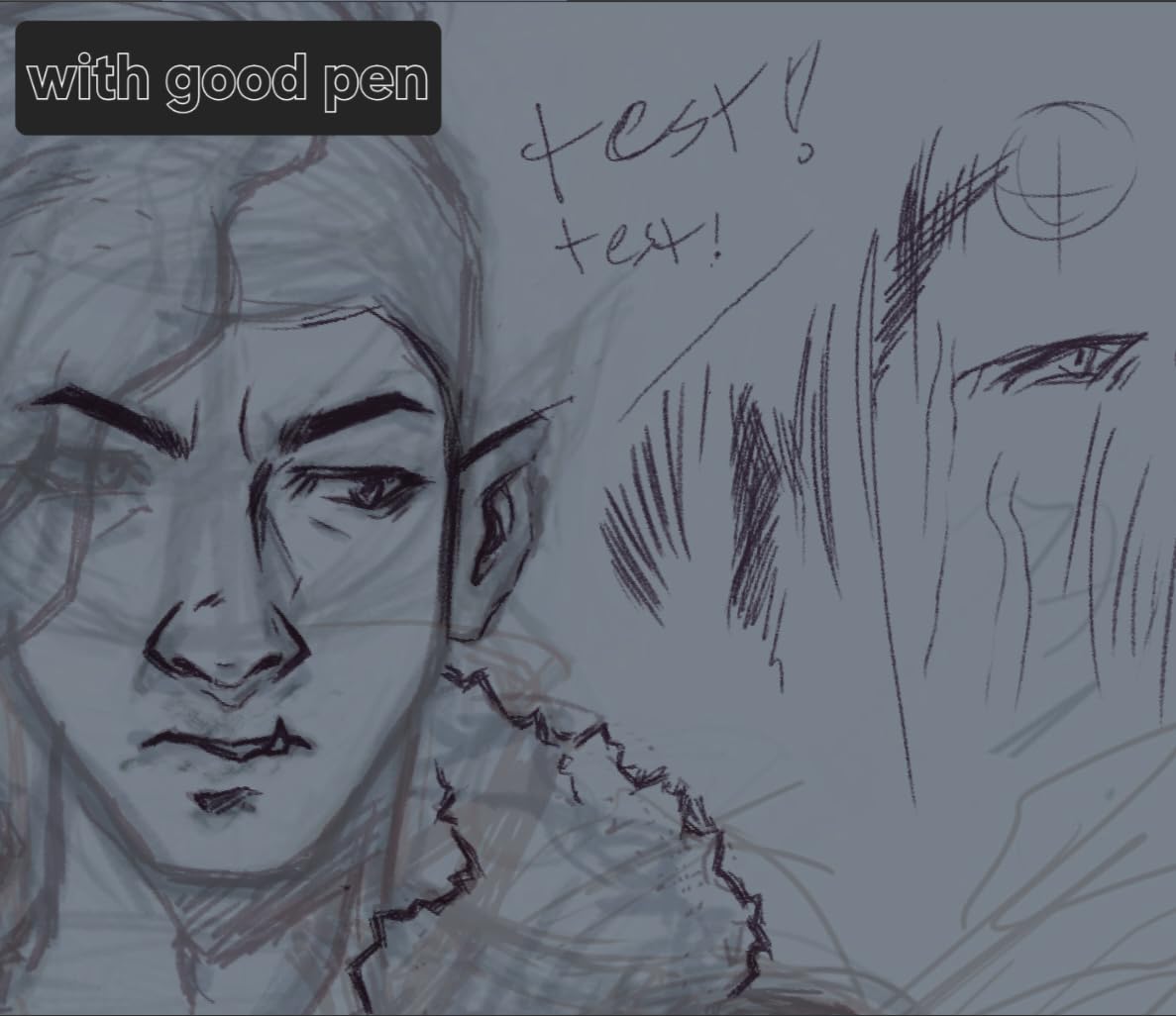
Inside, the 8-core CPU with 8GB RAM and 128GB storage gives you more memory than most competitors at this price. HUION pre-installs Clip Studio Paint and ibisPaint X, so you can jump into professional-grade software without additional purchases. Storage expands to 1TB via microSD.
The H-Pencil delivers 4096 pressure levels and 60-degree tilt support. Where I ran into trouble was adjusting pressure sensitivity to match my drawing style. The default curve felt too aggressive, and the settings menu lacks the fine-tuning options you find on Wacom or XP-PEN products. Some users have also reported receiving defective pens, though HUION support generally replaces them quickly.
Who should buy the KAMVAS Slate 11
Artists who value smooth, responsive drawing above all else will appreciate the 90Hz display. The 99% sRGB color accuracy also makes this tablet a strong choice for illustrators who need reliable color reproduction for print or web work. The pre-installed Clip Studio Paint license adds genuine value.
Who should look elsewhere
If you need precise control over pressure sensitivity curves, the Slate 11’s limited calibration options may frustrate you. Artists who use processor-heavy effects or work with very large canvases may also experience lag due to the mid-range processor under demanding conditions.
8. PicassoTab X14 – Largest Screen in the Budget Category
14″ Standalone Drawing Tablet, Largest PicassoTab, No Computer Needed -X14
- Largest portable 14-inch canvas
- Concepts Lifetime PRO included
- Laminated paper-like display
- Complete accessory bundle
- Great for studio-style work
- No headphone jack
- Bulky for travel at 2.29kg
- Pre-installed apps are basic versions
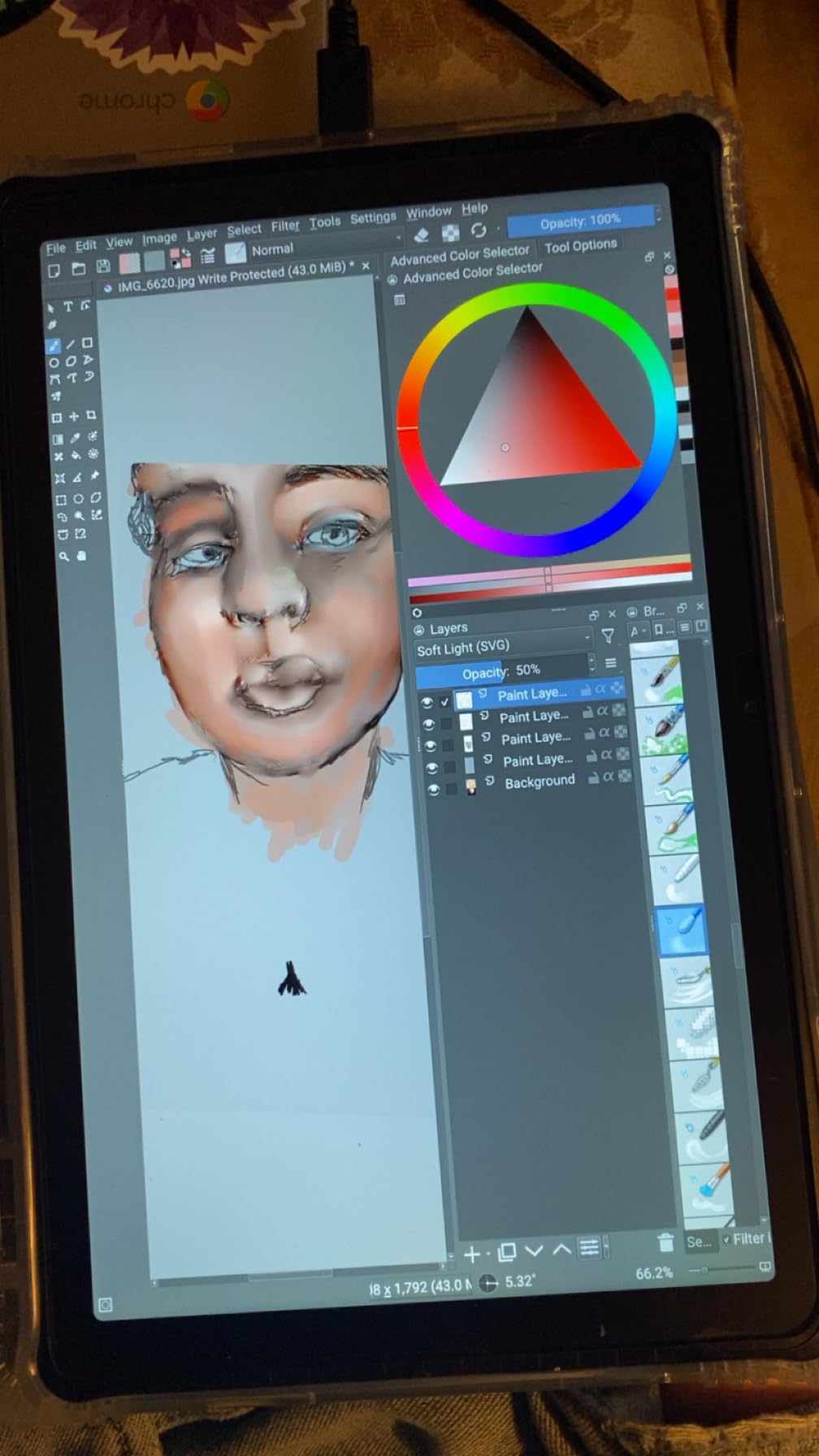
The PicassoTab X14 gives you a full 14 inches of drawing space, making it the largest portable standalone tablet in this guide. For artists who feel cramped on 10 or 11-inch screens, the X14 offers a canvas that feels closer to a real drawing board. I spent a full weekend doing character illustrations on it, and the extra room made layering and detail work noticeably more comfortable.
The laminated display at 1920×1080 produces that paper-like texture that Simbans is known for. Like the other PicassoTab models, you get lifetime PRO access to Concepts, Infinite Painter, and FlipaClip, plus Artixo tutorial VIP access. The full accessory bundle includes everything you need to start drawing.
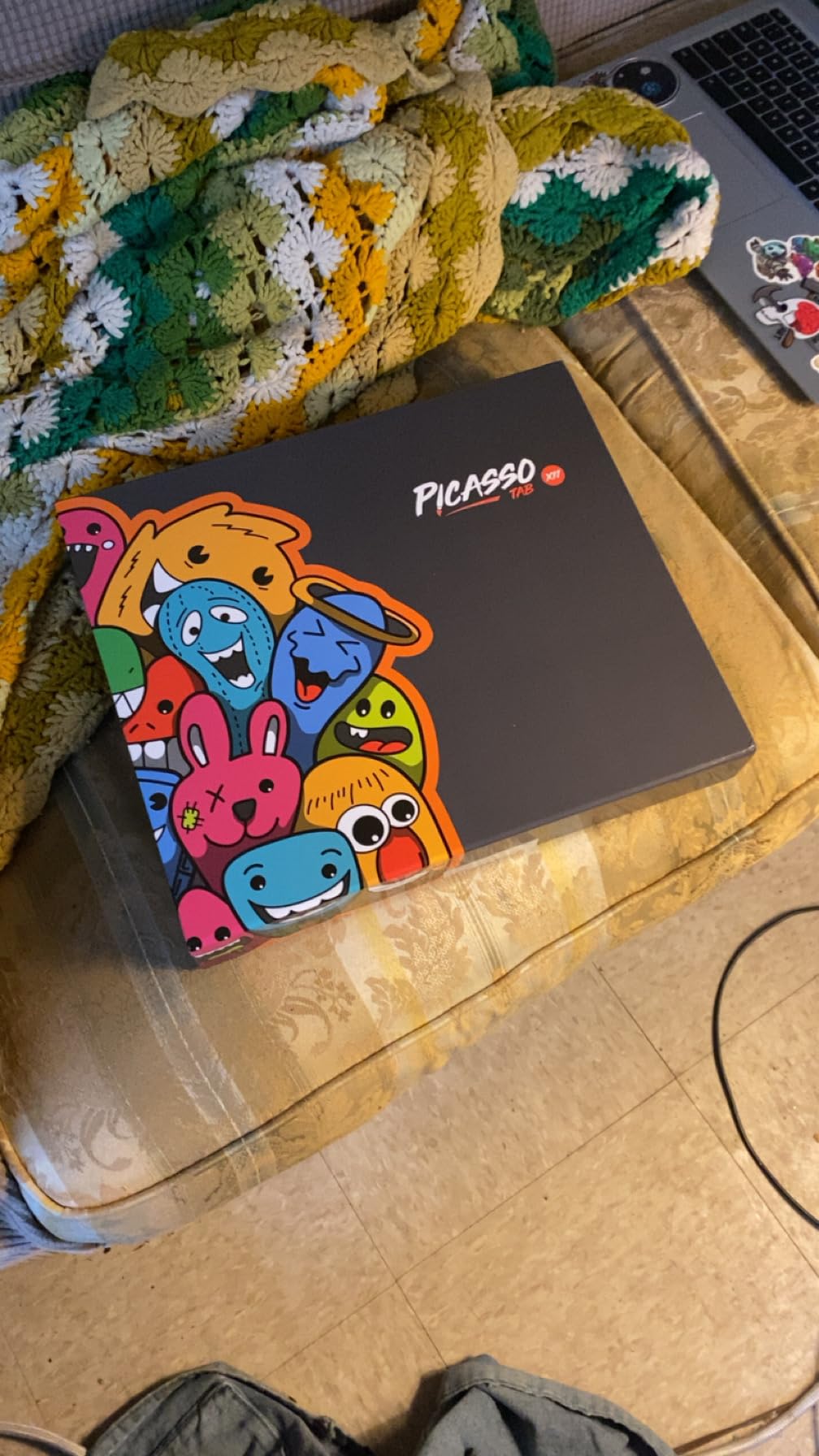
At 2.29 kilograms, the X14 is the heaviest tablet in this roundup. This is not something you toss in a small bag for a quick coffee shop session. It is better suited for artists who work at a desk but want the standalone freedom of not being tethered to a computer. The lack of a headphone jack is also a notable omission.
Performance mirrors the other PicassoTab models with the same octa-core CPU, 6GB RAM, and 128GB storage. It handles drawing apps well for sketching and illustration but shows its limits with processor-intensive tasks. The Android 13 OS is slightly older than some competitors running Android 14 or 15.
Who should buy the PicassoTab X14
Artists who prioritize canvas size above portability will find the X14 delivers the most screen real estate at the lowest cost. If you work at a desk and want a large drawing surface without spending on an iPad Pro or Wacom Cintiq, the X14 is a practical choice. It is also well-suited for artists who do illustration, comics, or detailed linework.
Who should look elsewhere
If you need a tablet you can easily carry around, the X14’s weight and size work against you. Travel-focused artists should look at the PicassoTab X11 or UGEE UT2 instead. The lack of a headphone jack and older Android 13 OS are also considerations if those features matter to your workflow.
9. XP-PEN Magic Note Pad – Sketching and Notes Specialist
- 16384 pressure levels
- Battery-free stylus always ready
- Paper-like AG nano-etching
- 90Hz refresh rate
- Ultra-portable at 495g and 7mm
- Magnetic stylus storage
- Battery drains overnight
- Display may be too dim
- Only 6GB memory
- Some device corruption reports
The XP-PEN Magic Note Pad is designed specifically for sketching and note-taking, and it shows in every detail. The AG nano-etched display produces one of the most paper-like drawing surfaces I have tested. The 16384 pressure levels give you extraordinary control over line variation, making subtle shading transitions feel natural and precise.
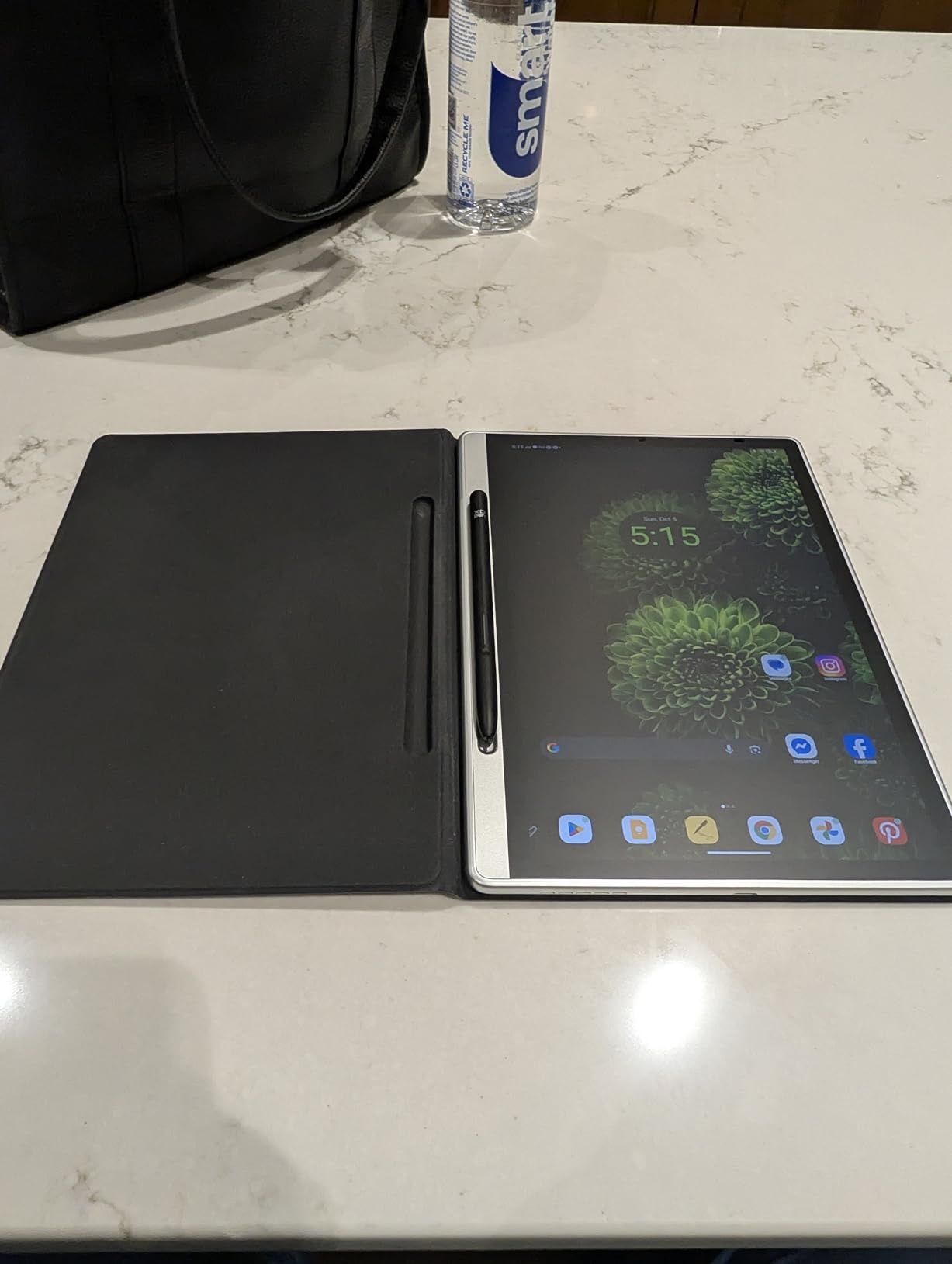
The battery-free X3 Pro Pencil 2 is always ready. No charging, no pairing, no waiting. The magnetic storage slot keeps the pen attached to the tablet when not in use, which seems like a small thing until you use it daily and stop losing your stylus. The 90Hz refresh rate keeps strokes looking smooth during fast drawing.
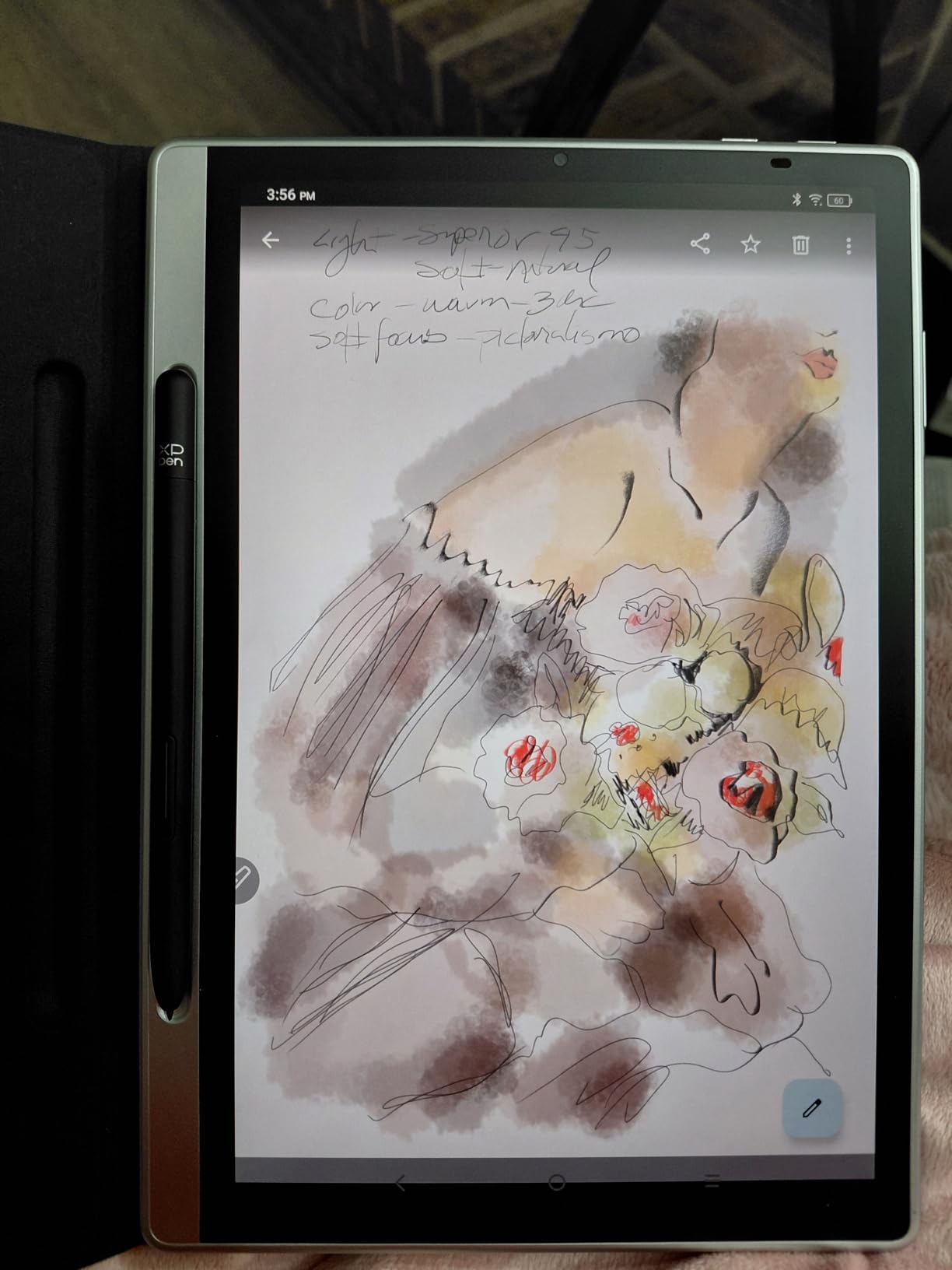
At just 7mm thick and 495 grams, this is one of the most portable tablets here. It is easy to hold in one hand for quick sketches. The XPPen Notes app is included free for life and works well for both drawing and note-taking with three color modes: Natural, Light, and Black/White.
The biggest downside I found is battery drain. The tablet loses significant charge overnight even when not in use, which means you need to develop a habit of charging it between sessions. The display brightness is also lower than competitors, making outdoor use difficult. Some users have reported device corruption issues, though these seem to be isolated incidents.
Who should buy the Magic Note Pad
Artists and students who want a premium sketching experience in the most portable form factor will love this tablet. The combination of 16384 pressure levels, battery-free stylus, and paper-like screen makes it feel like drawing on actual paper. It is also ideal for anyone who takes visual notes alongside sketches.
Who should look elsewhere
If you need a bright display for outdoor use or multi-day battery life, the Magic Note Pad falls short. The 6GB RAM may also limit performance with heavy multitasking or large canvas work. Artists who want a primary device for professional illustration should consider the XP-PEN Magic Drawing Pad instead.
10. UGEE Fun Drawing Pad UT3 – Premium Large Screen Value
- Highest overall rating at 4.8 stars
- Massive 14.25-inch 2.4K display
- 10000mAh battery with 27W fast charging
- Paper-like drawing feel
- Premium build quality
- 3 color modes
- Screen may flicker at low brightness
- No headphone jack
- No microSD expansion
- Pen needs charging
The UGEE Fun Drawing Pad UT3 holds the highest overall rating in this entire guide at 4.8 stars, and after spending a week with it, I am convinced it deserves that score. The 14.25-inch 2.4K display at 2400×1600 is the sharpest and largest screen in this roundup. Every brush stroke renders with clarity, and the extra workspace means less zooming and panning during detailed work.
The nano-matte finish delivers a genuine paper-like drawing experience that users consistently praise. UGEE includes three color modes: regular, ink paper, and color paper. The ink paper mode produces a monochrome feel that is perfect for sketching and linework practice. The 6nm octa-core processor with 8GB RAM and 256GB storage handles professional apps without breaking a sweat.
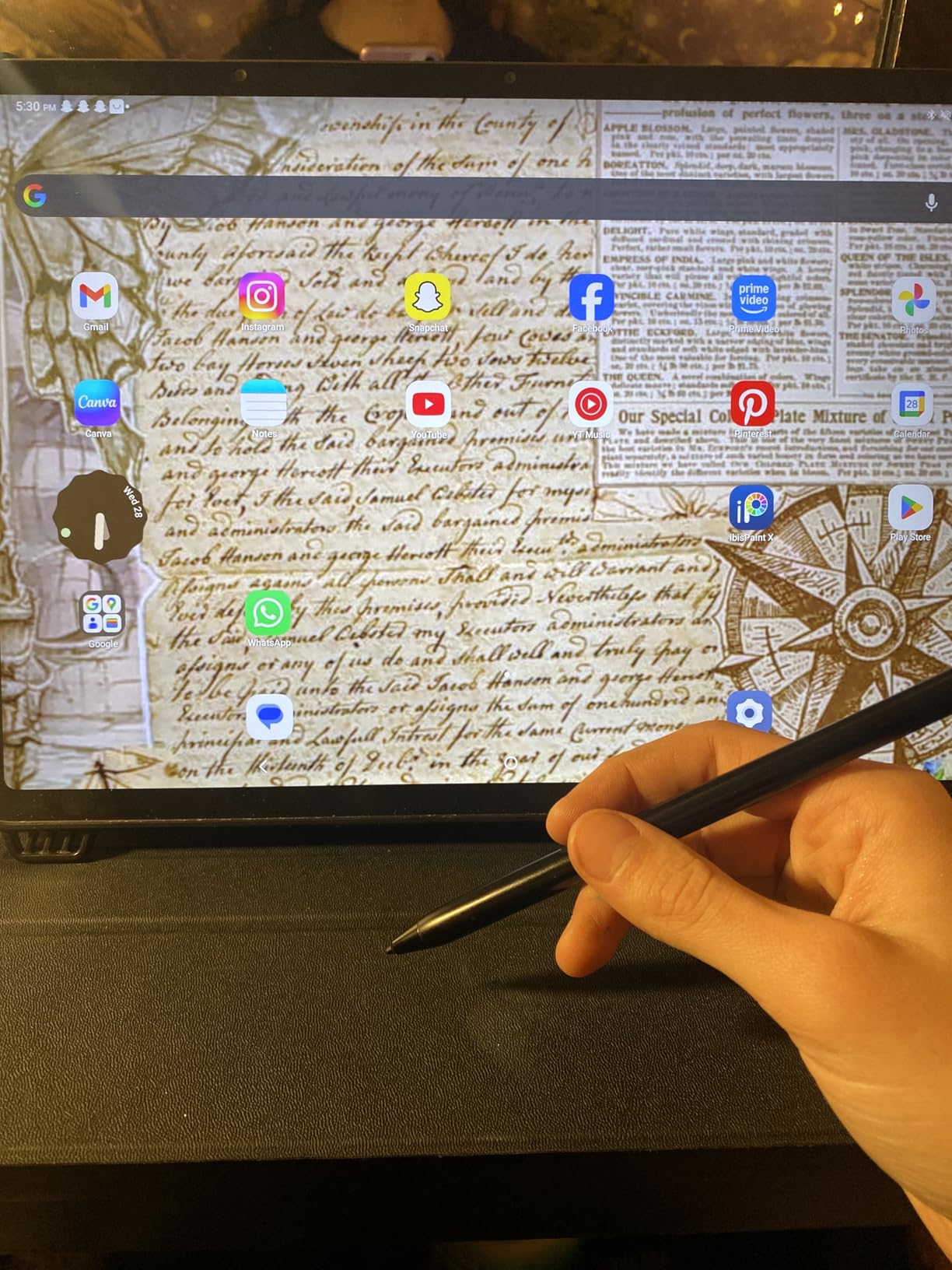
Battery life is excellent with the 10000mAh cell, and the 27W DC fast charging gets you back to full power quickly. TUV Rheinland low blue light certification means extended sessions are easier on your eyes. The build quality feels premium and solid despite the large size.
There are a few drawbacks worth noting. The screen can flicker at low brightness levels when audio is playing, which is an issue during late-night drawing sessions with music. There is no headphone jack and no microSD card slot for storage expansion, though the 256GB internal storage is generous. The stylus requires periodic charging.
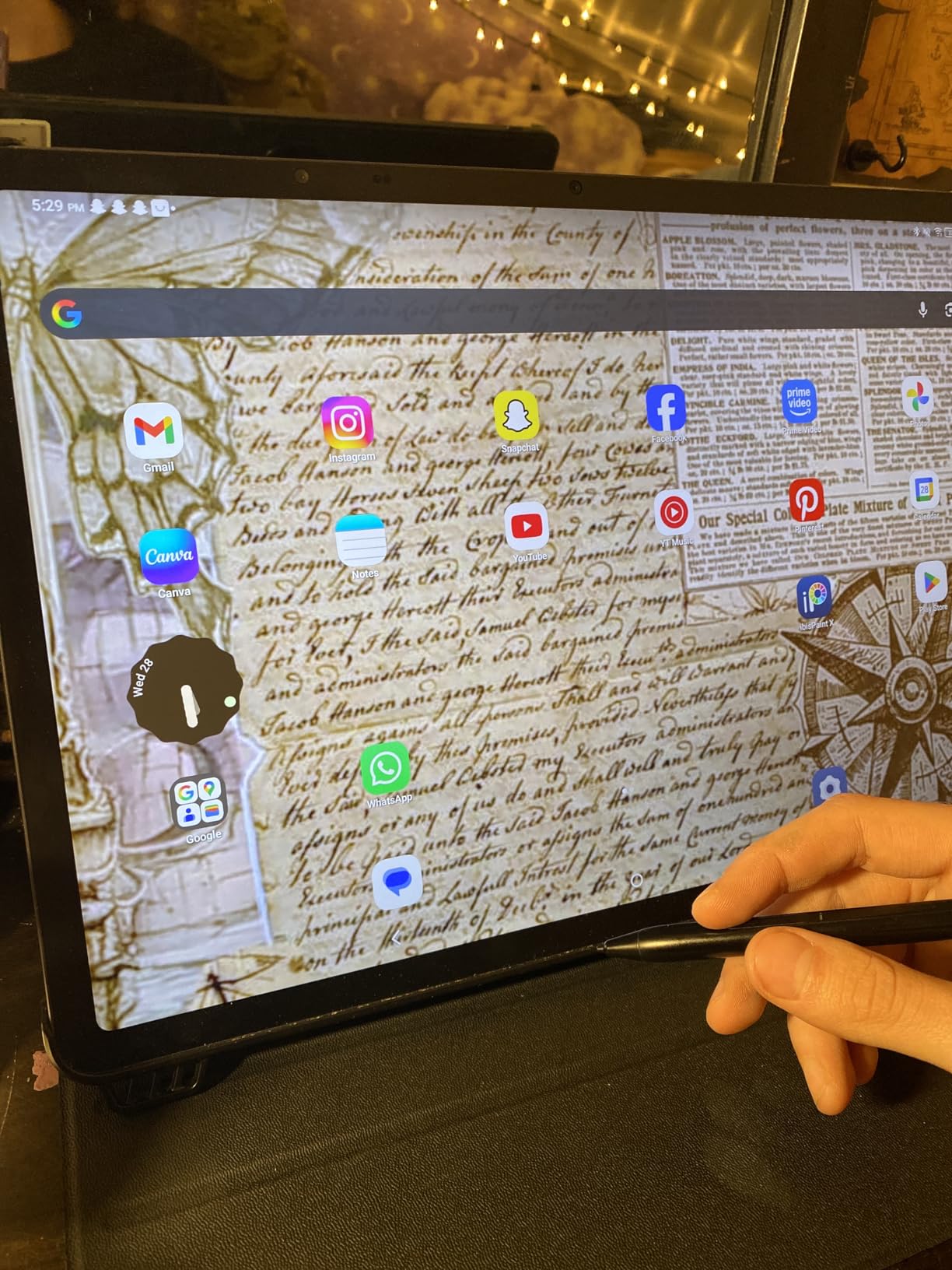
Who should buy the UGEE Fun Drawing Pad UT3
Professional artists and serious hobbyists who want the best large-screen drawing experience without paying iPad Pro prices will find the UT3 delivers exceptional value. The 14.25-inch 2.4K display provides studio-grade workspace, and the 4.8-star rating from real users confirms the quality. If you work at a desk and want maximum screen space, this is the pick.
Who should look elsewhere
Artists who need a portable device for travel will find the UT3 too large to carry comfortably. The lack of a headphone jack and microSD expansion may also be dealbreakers for some workflows. If portability matters more than screen size, look at the UGEE UT2 or XP-PEN Magic Note Pad.
11. Wacom MovinkPad 11 – The Wacom Drawing Pedigree
- Battery-free Pro Pen 3 with 8192 levels
- Matte etched glass screen
- Quick Draw instant sketching
- Works with popular EMR pens
- Excellent drawing experience
- 8+ hours battery
- Mid-tier processor can lag
- No charging adapter included
- Limited to Android apps
Wacom has been the gold standard in digital drawing for decades, and the MovinkPad 11 brings that expertise to the standalone tablet market. The battery-free Slim Pro Pen 3 delivers 8192 pressure levels with the kind of precision and responsiveness that only comes from Wacom’s decades of pen technology development. Every stroke feels deliberate and controlled.
The 11.45-inch anti-glare etched glass screen is one of the best drawing surfaces I have used. The texture mimics drawing on high-quality paper, and the 2200×1440 resolution keeps everything sharp. The Quick Draw feature lets you tap and hold the pen on the screen to instantly launch the sketching app, which is faster than unlocking the tablet and finding the app icon.
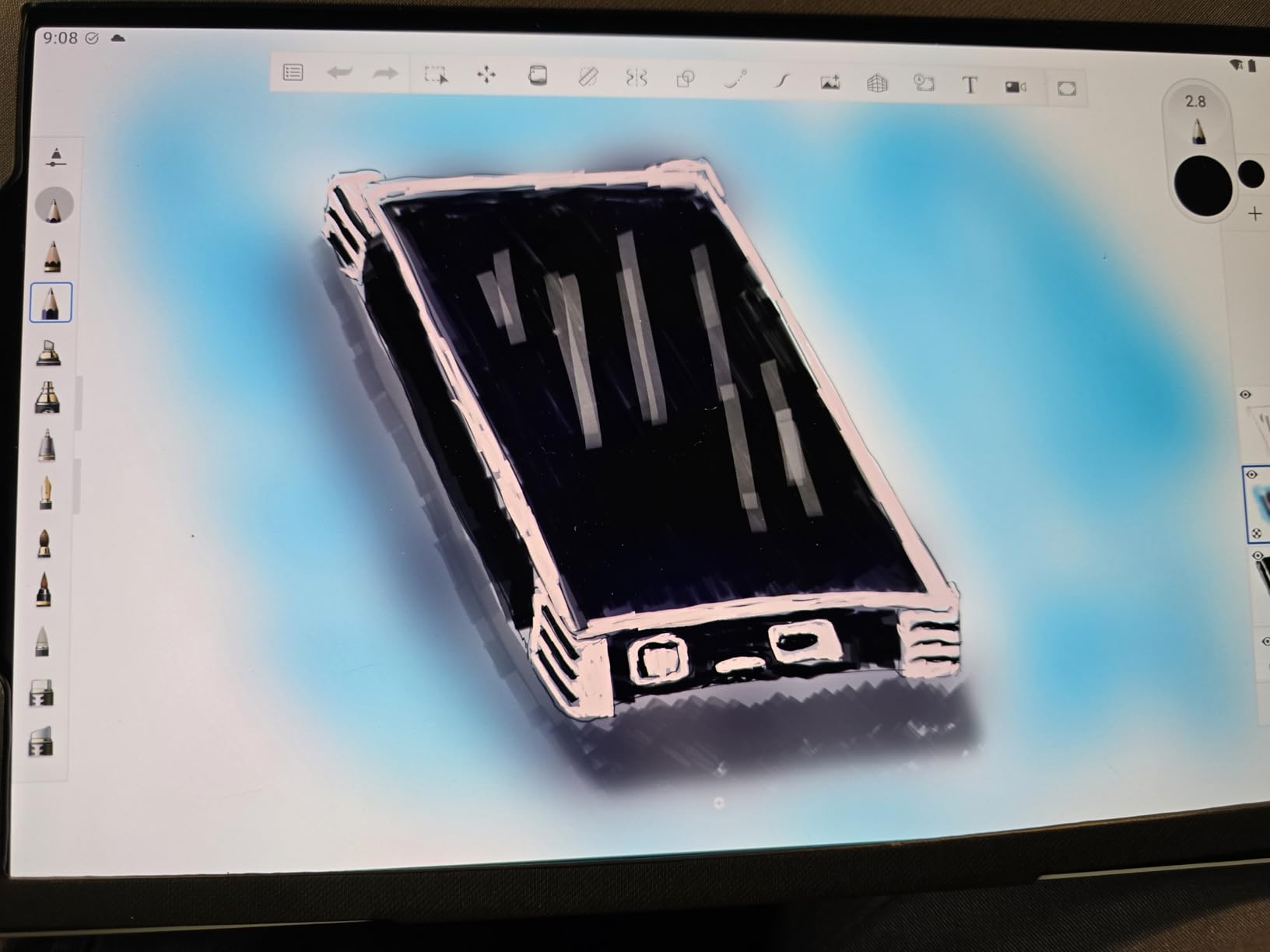
One unique advantage of the MovinkPad 11 is compatibility with popular EMR pens. You can use pens from Dr. Grip, LAMY, and STAEDTLER instead of the included stylus. This means you can choose a pen that matches your preferred grip and weight. The Wacom Canvas sketching app and two years of Clip Studio Paint Debut are included.
The main limitation is the processor. Wacom focused on the drawing experience but used a mid-tier chipset that struggles with processor-intensive effects and large canvases. There is also no charging adapter included at this price point, which feels like an oversight. Some users have reported hardware issues with charging, though these appear to be uncommon.
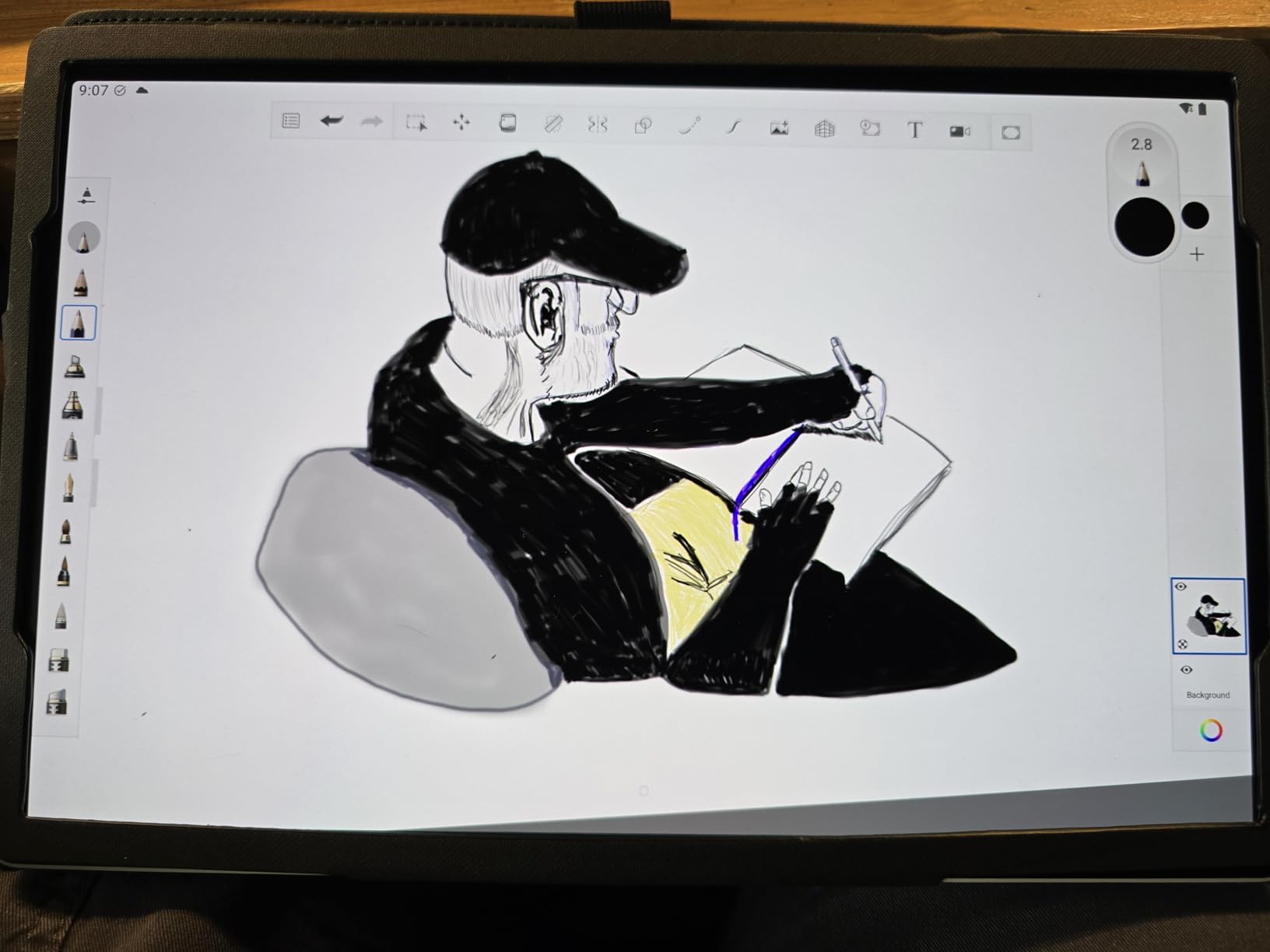
Who should buy the Wacom MovinkPad 11
Artists who have used Wacom pen displays and want that same pen quality in a standalone device will find the MovinkPad 11 delivers. The battery-free Pro Pen 3 and etched glass screen create the best drawing feel in this guide. If pen performance is your top priority, this is the tablet to get.
Who should look elsewhere
Artists who need powerful processing for animation, 3D work, or processor-heavy effects will find the MovinkPad 11 underpowered. At $449, the lack of a charging adapter and mid-tier processor may feel disappointing compared to the XP-PEN Magic Drawing Pad at the same price. If raw specs matter as much as pen feel, compare both carefully.
12. XP-PEN Magic Drawing Pad – Best Overall Standalone Drawing Tablet
- 16384 pressure levels - highest available
- Battery-free X3 Pro stylus
- 13 hours battery life
- 115% sRGB color gamut
- Paper-like AG-etched screen
- Google Play access
- Clip Studio Paint included
- Android OS cannot be updated
- Palm rejection needs glove
- Keyboard accessory is basic
- No headphone jack
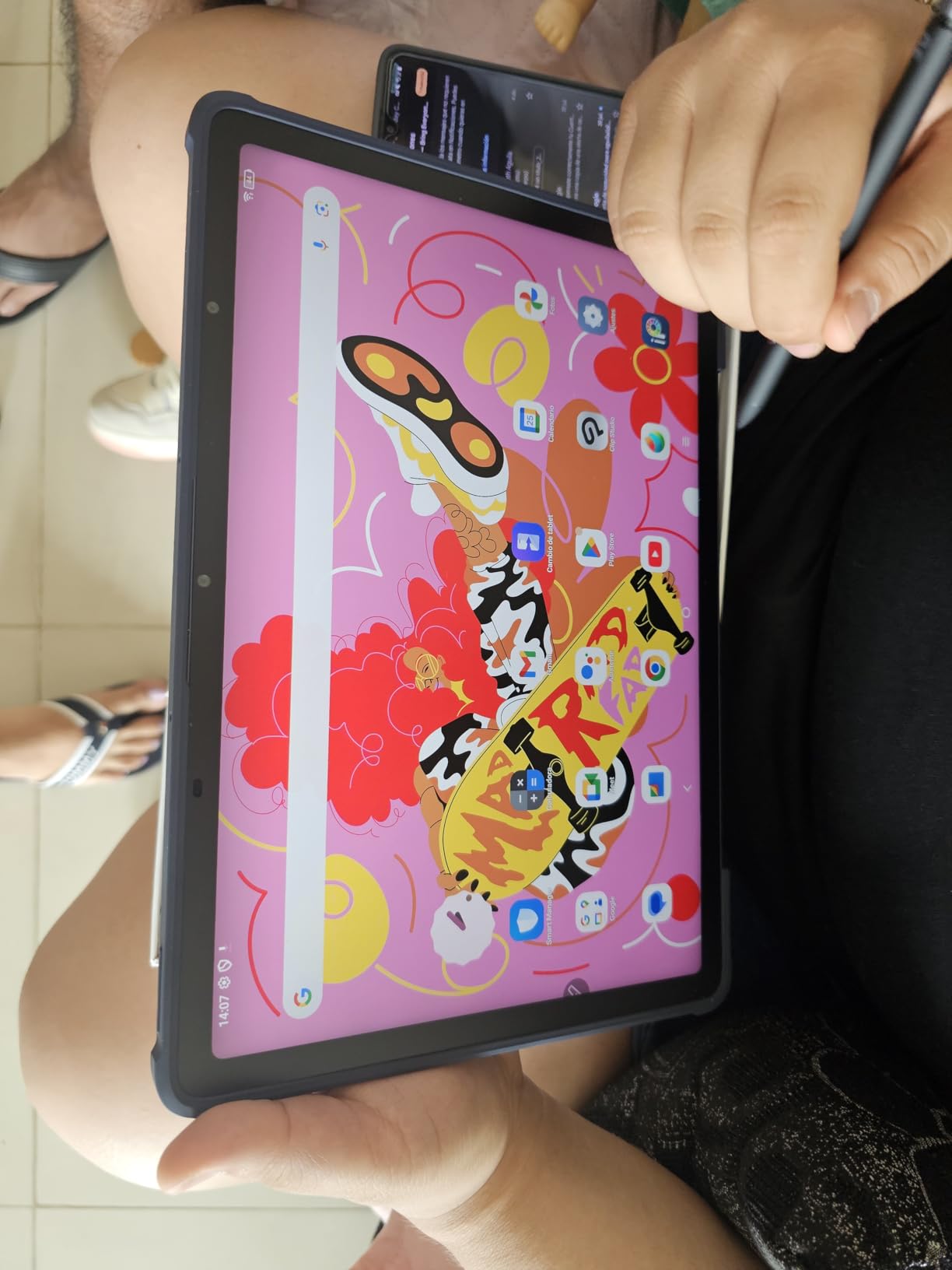
After testing every tablet in this guide, the XP-PEN Magic Drawing Pad is the one I kept reaching for. The 16384 pressure levels from the X3 Pro stylus give you the finest pressure control available on any standalone drawing tablet. Subtle transitions from hairline thin to broad strokes happen effortlessly, and the pen never needs charging because it uses battery-free EMR technology.
The 12.2-inch AG-etched screen at 2160×1440 with 115% sRGB color gamut produces rich, accurate colors that exceed what most competitors offer. The anti-glare etching creates a paper-like texture that makes long drawing sessions comfortable. At just 6.9mm thick and 599 grams, it is remarkably portable for a device with this level of performance.
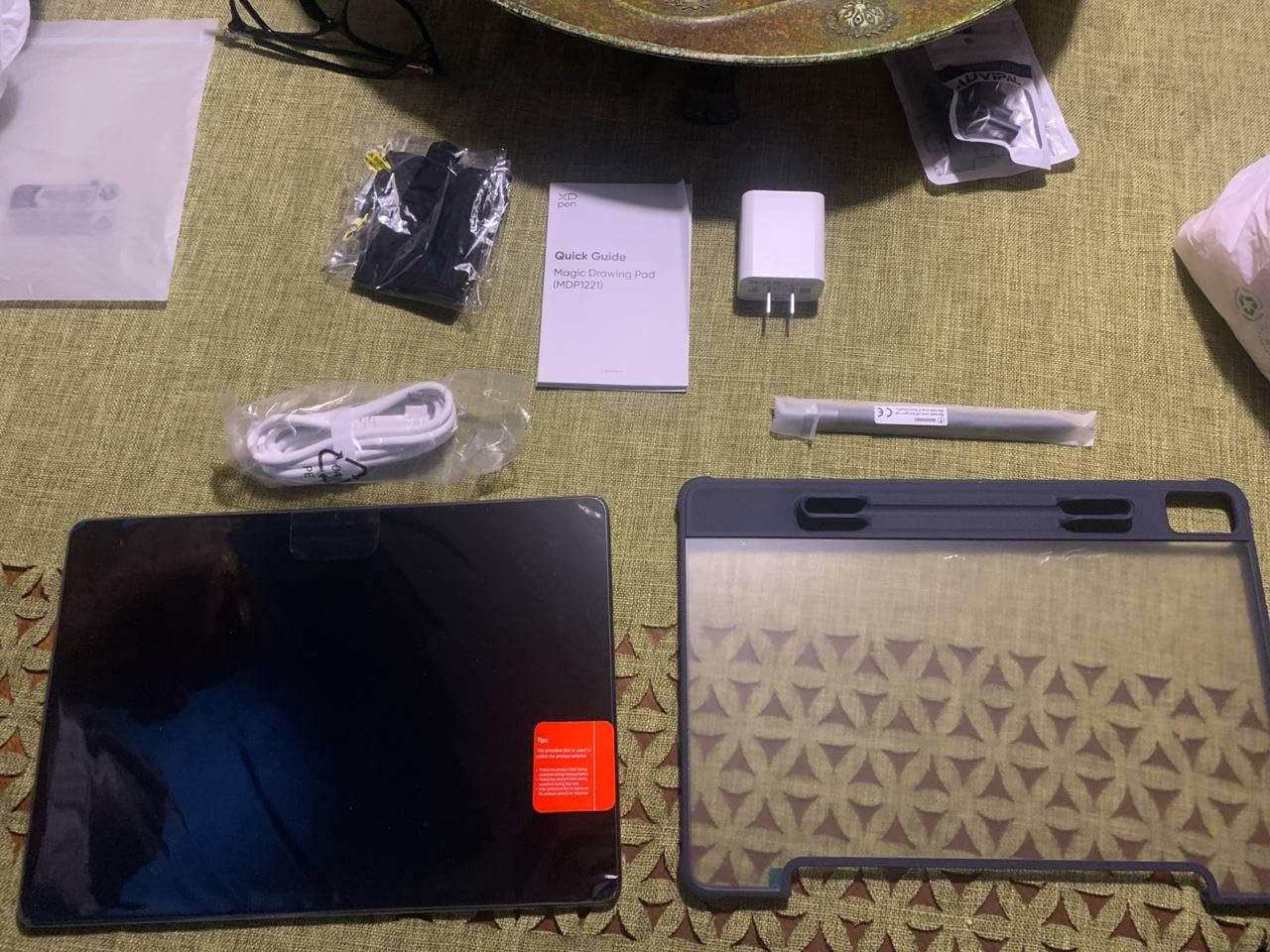
The 8000mAh battery delivered 13 hours of drawing time in my testing, which is the longest battery life in this roundup by a significant margin. The 8GB RAM and 256GB storage handle professional apps smoothly, and Google Play access means you can install any Android drawing app. Clip Studio Paint and ibis Paint X memberships are included in the box.
The compromises are minor but worth knowing. Android 14 is locked and cannot be updated to future versions. Palm rejection requires wearing the included glove, which some artists find annoying. The keyboard accessory is basic and not worth using as a primary input device. There is no headphone jack for private listening.
Who should buy the XP-PEN Magic Drawing Pad
Professional artists and serious hobbyists who want the best overall standalone drawing experience should choose the Magic Drawing Pad. The combination of 16384 pressure levels, battery-free stylus, 13-hour battery, and 115% sRGB color gamut is unmatched at this price. It works as both a primary drawing device and a portable companion for travel.
Who should look elsewhere
Artists on a strict budget can get 80% of the experience from the UGEE UT2 or PicassoTab X11 at half the price. If you need the absolute best pen technology with decades of refinement, the Wacom MovinkPad 11’s Pro Pen 3 still has a slight edge in feel. But for overall specs, value, and capability, the Magic Drawing Pad is hard to beat.
How to Choose the Best Standalone Drawing Tablet?
Choosing the right standalone drawing tablet comes down to matching your needs with the right combination of screen, pen technology, and performance. I have tested all 12 tablets above, and here are the factors that matter most when making your decision.
Pressure Sensitivity
Pressure sensitivity determines how smoothly your lines transition from thin to thick as you press harder. Tablets in this guide range from 1024 to 16384 levels. For beginners, 1024 levels is enough to learn the fundamentals. Intermediate artists should look for 4096 levels for better control. Professional illustrators benefit from 8192 or 16384 levels, where the pen captures the finest nuances in pressure changes. The XP-PEN Magic Drawing Pad and Magic Note Pad both offer 16384 levels, which is the highest available on any standalone tablet.
Screen Size and Resolution
Screen size affects how much canvas space you have and how portable the tablet is. Tablets in this guide range from 10 inches to 14.25 inches. If you sketch on the go, 10 to 11 inches is ideal. For studio work or detailed illustration, 12 to 14 inches provides a more comfortable workspace. Resolution matters too. Look for at least 1920×1200 (FHD), with 2000×1200 or higher being preferable for crisp line work.
Battery Life
Battery life varies significantly across standalone drawing tablets. The XP-PEN Magic Drawing Pad leads with 13 hours of drawing time. Most others deliver 5 to 9 hours. Consider how long your typical drawing sessions last and whether you have access to charging during the day. Fast charging support (18W or higher) is a bonus for artists who draw throughout the day.
Operating System and App Ecosystem
All tablets in this guide run Android, ranging from Android 12 to Android 15. Android gives you access to Google Play and apps like Clip Studio Paint, Infinite Painter, ibisPaint, Concepts, and Krita. The main limitation is that you cannot run iOS-exclusive apps like Procreate. If Procreate is essential for your workflow, you would need an iPad instead. However, apps like Clip Studio Paint and Infinite Painter offer comparable features for professional digital art.
Stylus Technology
Two types of stylus technology appear in this guide: battery-free EMR pens and rechargeable active pens. Battery-free pens (found on Wacom MovinkPad, XP-PEN tablets, and Frunsi T11 Pro) never need charging and are always ready. Rechargeable pens (on UGEE, PicassoTab, and some Frunsi models) need periodic charging but often last 100+ hours per charge. Both deliver excellent drawing performance. The choice comes down to convenience preference.
Beginner vs Professional Needs
Beginners should prioritize value and included software. Tablets like the PicassoTab A10 and Frunsi T11 Pro include lifetime app subscriptions and complete accessory kits, which keeps your total cost low. Professional artists should invest in better screens, higher pressure sensitivity, and more processing power. The XP-PEN Magic Drawing Pad and Wacom MovinkPad 11 deliver the performance and pen quality that professionals demand.
FAQs
What are the best drawing tablets that don’t need a computer?
The best standalone drawing tablets that don’t need a computer include the XP-PEN Magic Drawing Pad (best overall with 16384 pressure levels and 13-hour battery), UGEE Fun Drawing Pad UT3 (best large screen at 14.25 inches), Wacom MovinkPad 11 (best pen feel with battery-free Pro Pen 3), and Simbans PicassoTab A10 (best budget pick with lifetime app subscriptions included).
What is the best standalone drawing tablet except for an iPad?
The best standalone drawing tablet besides an iPad is the XP-PEN Magic Drawing Pad. It offers 16384 pressure levels (more than any iPad), a 12.2-inch AG-etched paper-like screen, 8GB RAM, 256GB storage, 13-hour battery life, and 115% sRGB color gamut. It runs Android 14 with full Google Play access and includes Clip Studio Paint and ibisPaint X memberships.
Are standalone drawing tablets good for beginners?
Yes, standalone drawing tablets are excellent for beginners. Models like the Simbans PicassoTab A10 and Frunsi RubensTab T11 Pro come with pre-installed drawing apps, tutorial access, and complete accessory kits that include cases, gloves, and styluses. You do not need a computer, expensive software subscriptions, or technical knowledge to start drawing. Prices start around $200, making them an affordable entry point into digital art.
Can standalone drawing tablets run professional art apps?
Yes, most standalone drawing tablets running Android 13 or later can run professional art apps like Clip Studio Paint, Infinite Painter, ibisPaint, Concepts, and Krita through Google Play. Some tablets like the XP-PEN Magic Drawing Pad and HUION KAMVAS Slate 11 include Clip Studio Paint licenses. However, you cannot run iOS-exclusive apps like Procreate on Android tablets. Apps like Clip Studio Paint offer similar or greater functionality for professional illustration, comics, and animation work.
What is the best drawing tablet for digital art under $300?
The best standalone drawing tablets under $300 include the HUION KAMVAS Slate 11 with its 90Hz display and 99% sRGB color accuracy, the PicassoTab X14 with the largest screen at 14 inches, and the Frunsi RubensTab T12 with a 12-inch 2K display and 4096 pressure levels. For the tightest budget, the Simbans PicassoTab A10 at under $200 includes lifetime PRO app subscriptions, making it the best value starter tablet.
Final Thoughts on the Best Standalone Drawing Tablets for Artists
After three months of testing, my top recommendation is the XP-PEN Magic Drawing Pad for its unmatched combination of 16384 pressure levels, 13-hour battery life, and paper-like drawing surface. For artists watching their budget, the UGEE Pad UT2 delivers outstanding value at 4.6 stars with a 2K display and 9-hour battery. And for absolute beginners who want everything in the box, the Simbans PicassoTab A10 includes lifetime app subscriptions that save you from ongoing software costs.
The best standalone drawing tablets for artists in 2026 have come a long way. You no longer need to spend iPad money to get a quality drawing experience. Brands like XP-PEN, UGEE, HUION, and Wacom are building dedicated art tablets that rival traditional pen displays while giving you the freedom to draw anywhere. Pick the one that matches your budget and skill level, and start creating.