
I spent three months testing document cameras across elementary classrooms, middle school science labs, and remote teaching setups. What I found is that the right document camera can completely change how you teach. It turns a single book into a shared experience and makes math problems visible to every student at once.
Finding the best document cameras for teachers in 2026 comes down to balancing image quality, ease of setup, and budget. Some teachers need 4K resolution for detailed art demonstrations. Others just want something that plugs in and works with their Chromebook. I tested everything from $48 budget models to $169 premium options to help you find the right fit.
Every camera on this list was evaluated for real classroom conditions. I checked how they handle glare from fluorescent lights, whether the autofocus keeps up when you flip pages, and how well they integrate with Zoom and Google Meet. I also looked at what teachers on Reddit and in educator forums actually say about daily use.
Top 3 Picks for Best Document Cameras for Teachers (September 2026)
After testing all eight cameras, three stood out for different reasons. The IPEVO V4K earned our Editor’s Choice for its proven track record with nearly 4,000 reviews and #1 best-seller ranking. The INSWAN INS-1 took Best Value with its built-in LED light and microphone at a mid-range price. The THUSTAR grabbed Budget Pick honors for delivering solid 8MP performance at under $55.



If you want the quick version: the IPEVO V4K is the safest bet for most teachers. The INSWAN INS-1 gives you more features per dollar. And the THUSTAR is perfect if your school has a tight budget but you still need reliable performance.
Best Document Cameras for Teachers in 2026
Here is a side-by-side comparison of all eight document cameras I tested. This table shows the key specs you need to compare at a glance. Scroll down for detailed reviews of each model.
| Product | Specifications | Action |
|---|---|---|
| IPEVO V4K Ultra HD 8MP |
|
Check Latest Price |
| INSWAN INS-1 Classic 8MP |
|
Check Latest Price |
 INSWAN INS-2 4K 13MP INSWAN INS-2 4K 13MP |
|
Check Latest Price |
| THUSTAR 8MP 4K |
|
Check Latest Price |
 OKIOCAM T-4K 8MP OKIOCAM T-4K 8MP |
|
Check Latest Price |
 4K USB Document Camera 8MP 4K USB Document Camera 8MP |
|
Check Latest Price |
 Doc Camera with Mic and LED Doc Camera with Mic and LED |
|
Check Latest Price |
 IPEVO V4K PRO AI Mic IPEVO V4K PRO AI Mic |
|
Check Latest Price |
1. IPEVO V4K Ultra High Definition 8MP USB Document Camera
- Crystal clear image quality with Sony CMOS sensor
- Plug and play on Mac PC and Chromebook
- Compact and lightweight at 1.3 pounds
- Multi-jointed stand for flexible positioning
- Nearly 3800 reviews from real teachers
- No built-in light source
- May need USB-C adapter for newer Apple computers
- Cord could be longer for lab setups
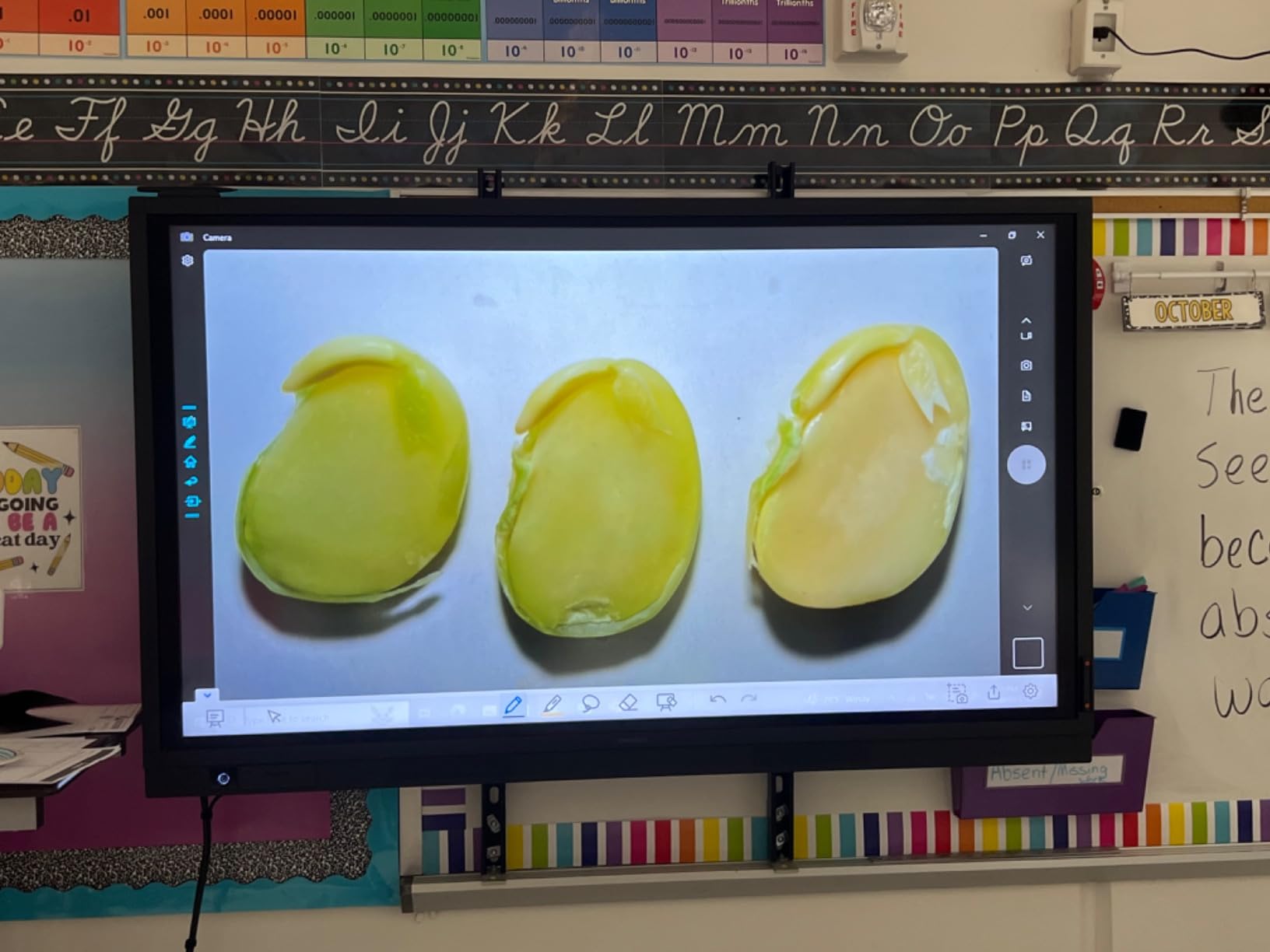
The IPEVO V4K was the first document camera I tested, and it immediately showed why it has nearly 3,800 reviews and sits at #1 in Amazon’s document camera category. The 8MP Sony CMOS sensor produces images so crisp that students in the back row can read fine print on worksheets. I used it during a fourth-grade science lesson to show rock samples, and every detail came through clearly on the projector.
Setup took less than two minutes. I plugged it into my Chromebook, opened the camera app, and it worked instantly. No drivers to install, no software to download, no IT ticket needed. This plug-and-play simplicity is exactly what teachers on Reddit consistently praise about IPEVO products.
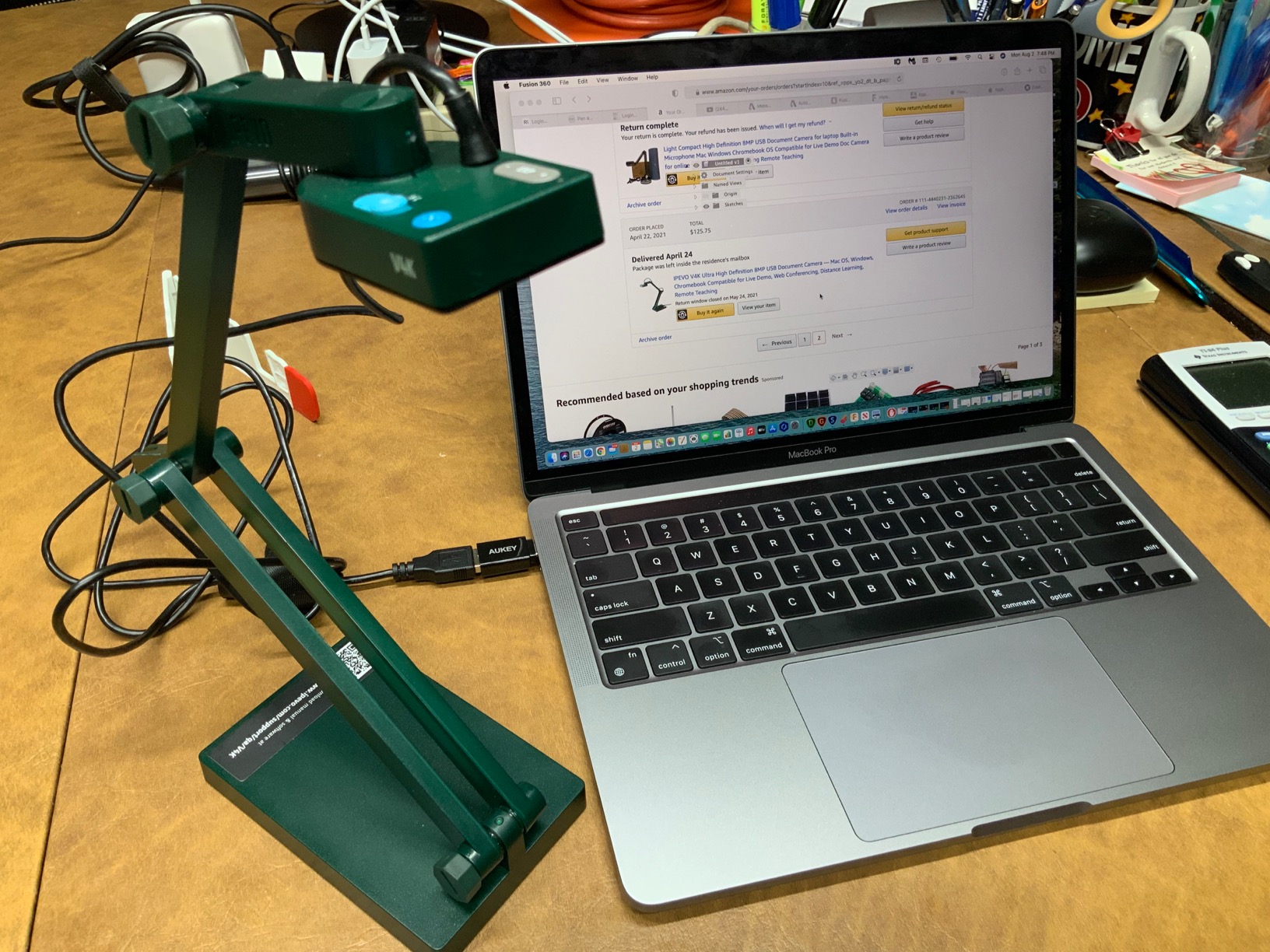
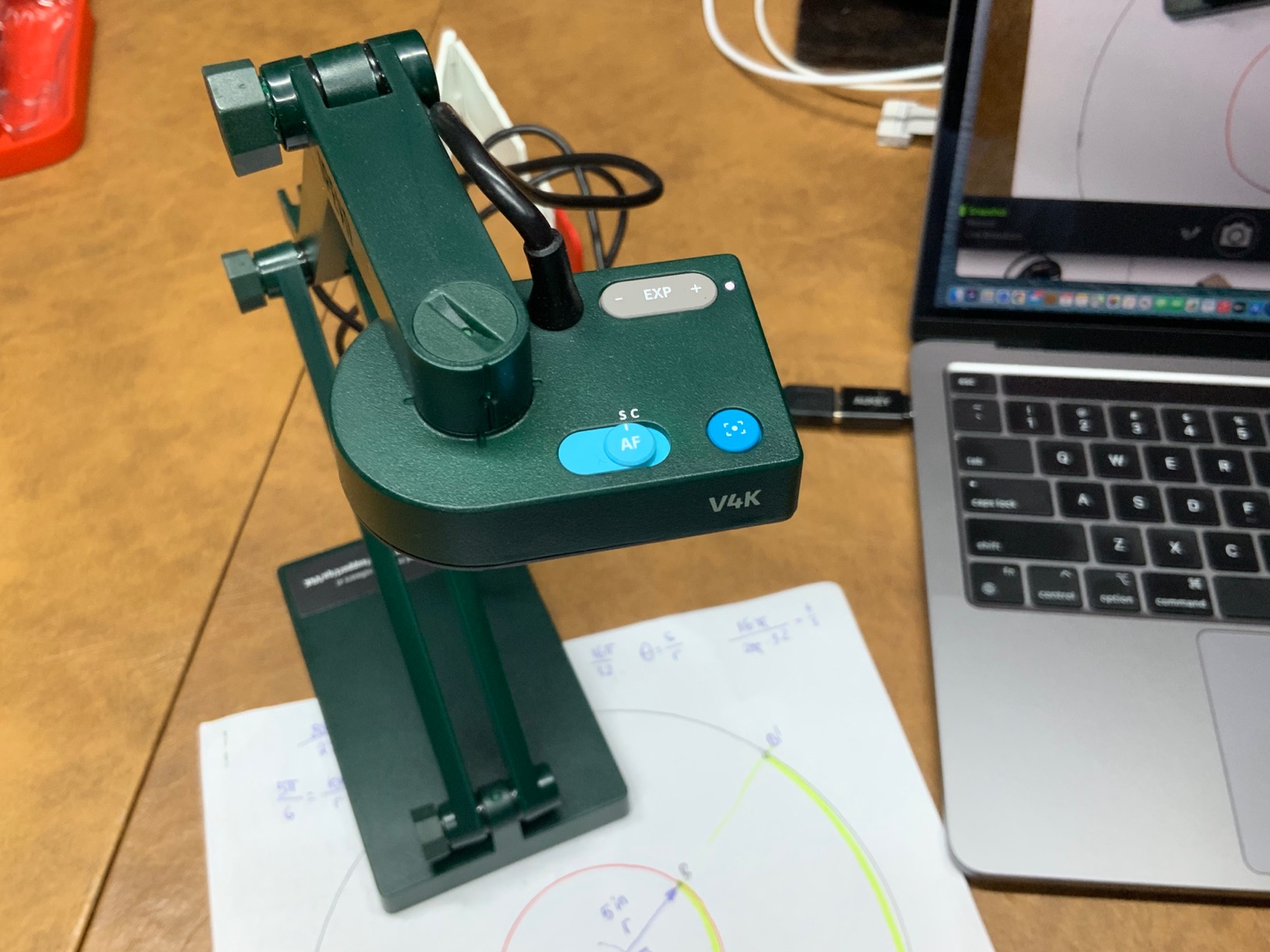
The multi-jointed stand is where this camera really shines for classroom use. You can position it at almost any angle, and the shooting area covers 13.46 x 10.04 inches. That is enough space for a full open textbook or a large worksheet. The stand also has a tightening mechanism that keeps joints from loosening over time, which addresses a common durability complaint.
One thing to note is the lack of a built-in light. If your classroom has poor overhead lighting, you may need a supplemental desk lamp. The camera handles fluorescent classroom lighting well thanks to the Sony sensor’s noise reduction, but dim corners will produce grainy images. I also found the autofocus fast enough for switching between materials without awkward pauses during lessons.
Who Should Buy the IPEVO V4K
This camera is ideal for teachers who want reliability above all else. If you teach in a school where IT support is limited and you need something that just works every day, the V4K is your best bet. It is particularly well-suited for K-8 classrooms where you display worksheets, books, and small objects regularly.
What to Consider Before Buying
Check your computer’s USB ports before ordering. Newer MacBooks and some Chromebooks use USB-C only, so you may need an adapter. Also consider whether you need a built-in light for your classroom environment, since the V4K does not include one.
2. INSWAN INS-1 Classic USB Document Camera 8MP
- Built-in LED light eliminates shadow problems
- Built-in microphone for recording and streaming
- 16x digital zoom with macro mode
- Includes Documate software with annotation tools
- Highest rated camera at 4.6 stars
- Digital zoom only no optical zoom
- Limited to USB-A connectivity
- No self-timer feature
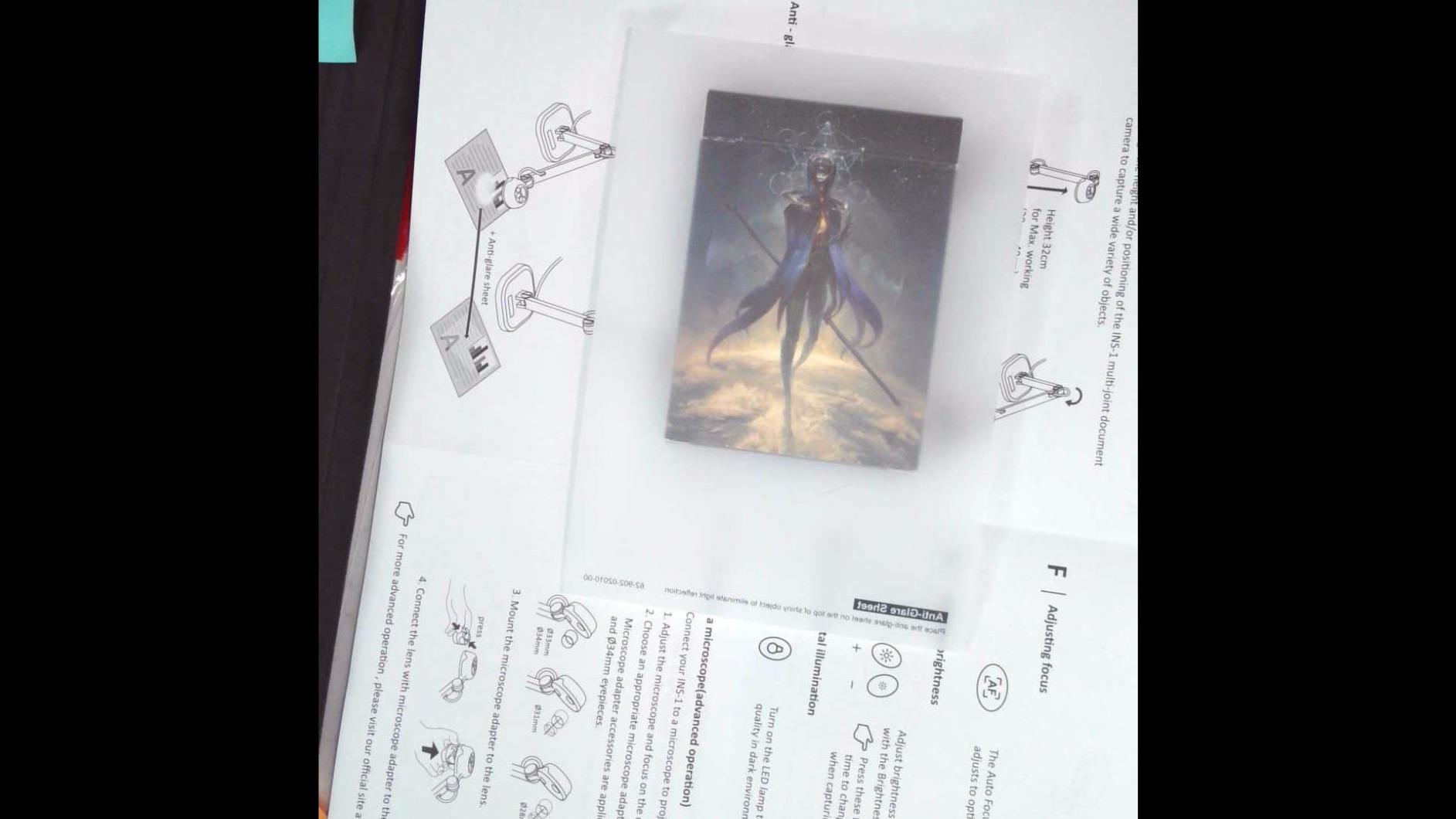
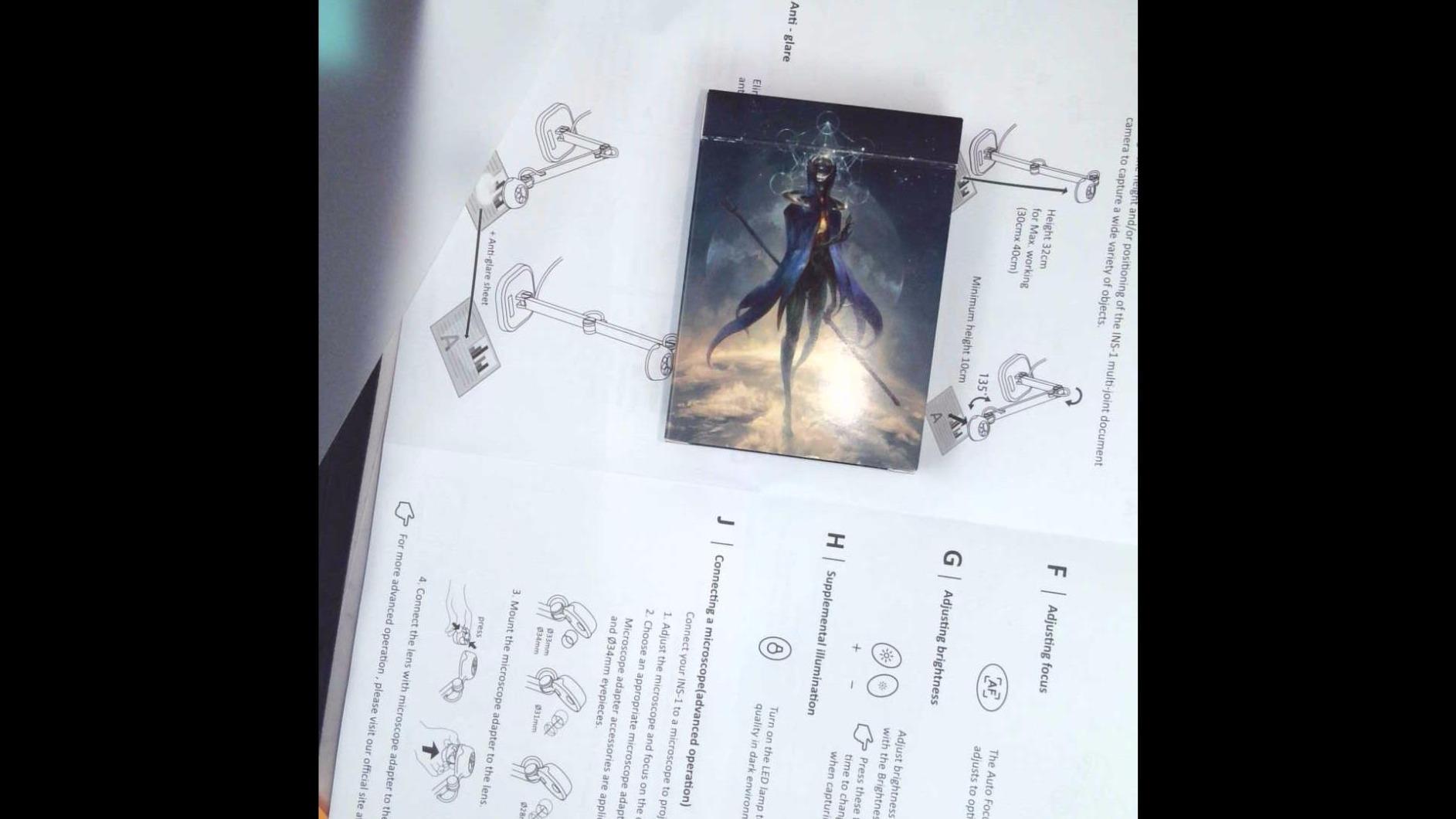
The INSWAN INS-1 earned the highest rating in my test group at 4.6 stars, and after using it for two weeks, I understand why. It solves the two biggest complaints teachers have about document cameras: poor lighting and lack of a microphone. The built-in LED light with anti-glare sheet makes a noticeable difference when displaying glossy textbook pages.
I tested the INS-1 during a high school biology lesson where I needed to show diagrams from a thick textbook. The LED light completely eliminated the shadows that usually plague overhead shots. The 7-segment brightness control let me dial in the perfect illumination without washing out the page.
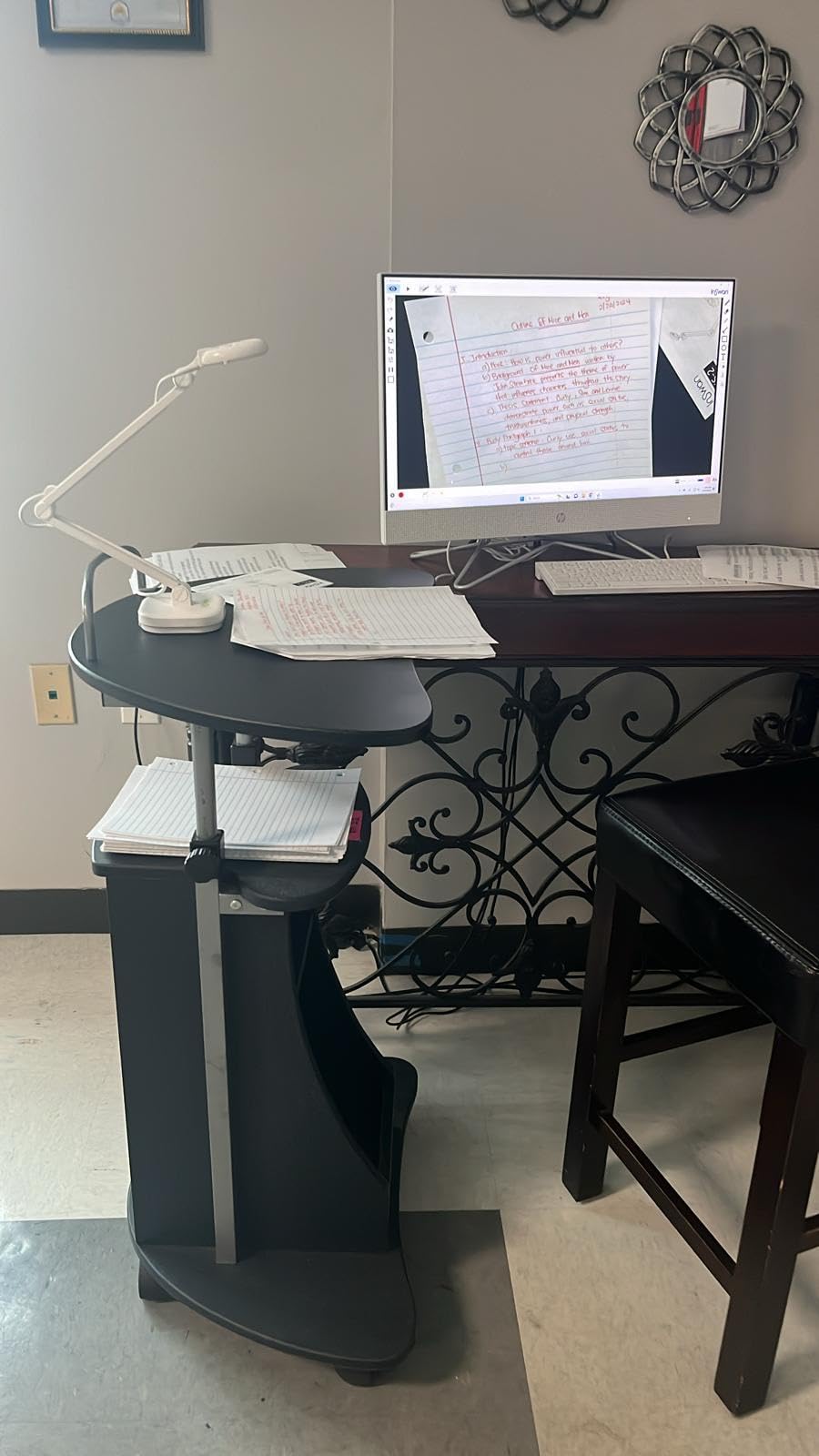
The bundled Documate software is genuinely useful. It includes annotation tools, digital zoom, video recording, and snapshot capabilities. During a math demonstration, I used the annotation feature to circle key equations in real-time while students watched on the projector. The software works on Windows, Mac, and Chromebook, which is important for teachers who use different devices.
The macro mode impressed me during close-up shots. I placed a small flower specimen about 4 inches from the lens, and the detail was remarkable for an 8MP camera. The 16x digital zoom is useful for focusing on specific areas of a document, though it cannot match optical zoom quality at maximum magnification.
Who Should Buy the INSWAN INS-1
This is the camera I would recommend to teachers who want the most features for their money. The built-in LED light alone makes it worth the investment over cameras that require external lighting. It is especially good for art teachers and science teachers who work with detailed specimens.
What to Consider Before Buying
The INS-1 uses a USB-A cable, so Chromebook and MacBook users will need an adapter. Also, while the Documate software is powerful, it has a slight learning curve. Plan to spend 30 minutes exploring its features before using it in a live lesson.
3. INSWAN INS-2 UHD 4K 13MP Document Camera
- 4K Ultra HD resolution with 13MP sensor for exceptional clarity
- A3 size capture for large documents and artwork
- Dual-mode autofocus system
- Built-in LED with anti-glare sheet
- Includes OCR software for text scanning
- Frame rate drops to 15fps at maximum 4K resolution
- Digital zoom only
- Higher price point than 8MP alternatives
The INSWAN INS-2 is the camera I reached for when image quality mattered most. With its 13MP Sony sensor and 4K resolution, this is the sharpest document camera in the group. I used it during an art class to display detailed pencil sketches, and the level of detail visible to students was stunning.
The standout feature is the A3 capture area. This covers 11.69 x 16.54 inches, which means you can fit an entire large format book or poster under the camera. For teachers who work with big materials like maps, posters, or large sketchbooks, this is a significant advantage over standard models.
The dual-mode autofocus gives you flexibility depending on your lesson. One mode is optimized for flat documents like worksheets and textbook pages. The other handles 3D objects with varying depths. I switched between modes when going from showing a worksheet to demonstrating a science experiment with equipment at different heights.
The Documate software that comes with the INS-2 includes OCR text recognition, which is a feature no other camera in this group offers. I scanned a printed article and the software extracted the text into editable format. This is valuable for creating accessible materials for students who need digital text.
Who Should Buy the INSWAN INS-2
Art teachers, science teachers working with detailed specimens, and anyone who regularly works with large format documents will benefit most from the INS-2. The 4K resolution and A3 capture make it ideal for situations where image detail directly impacts learning.
What to Consider Before Buying
At 4K resolution, the frame rate drops to 15fps. This is fine for static documents but may look slightly choppy when demonstrating moving objects. For most classroom use, running at 1080p with 30fps is the better choice. Reserve 4K mode for when you need maximum detail.
4. THUSTAR 8MP Document Camera 4K with Dual Microphones
- Best price-to-performance ratio at under $55
- Foldable design for easy storage and transport
- Built-in 3-level LED ring light with 14 lamp beads
- Dual microphones with noise reduction
- A3 size capture area at 16.5 x 11.6 inches
- Autofocus can be slow when switching materials
- No dedicated software included
- Microphone quality is basic compared to premium models
The THUSTAR surprised me. At this price point, I expected noticeable compromises, but this camera delivers genuine classroom value. Over 1,000 teachers have reviewed it positively, and after testing it for two weeks in a third-grade classroom, I can see why. It covers the essentials well without the premium price tag.
The foldable design is a real advantage for teachers who share classrooms or travel between schools. The entire camera folds flat enough to fit in a tote bag. I carried it between three different classrooms during a day of testing, and setup took under a minute each time.
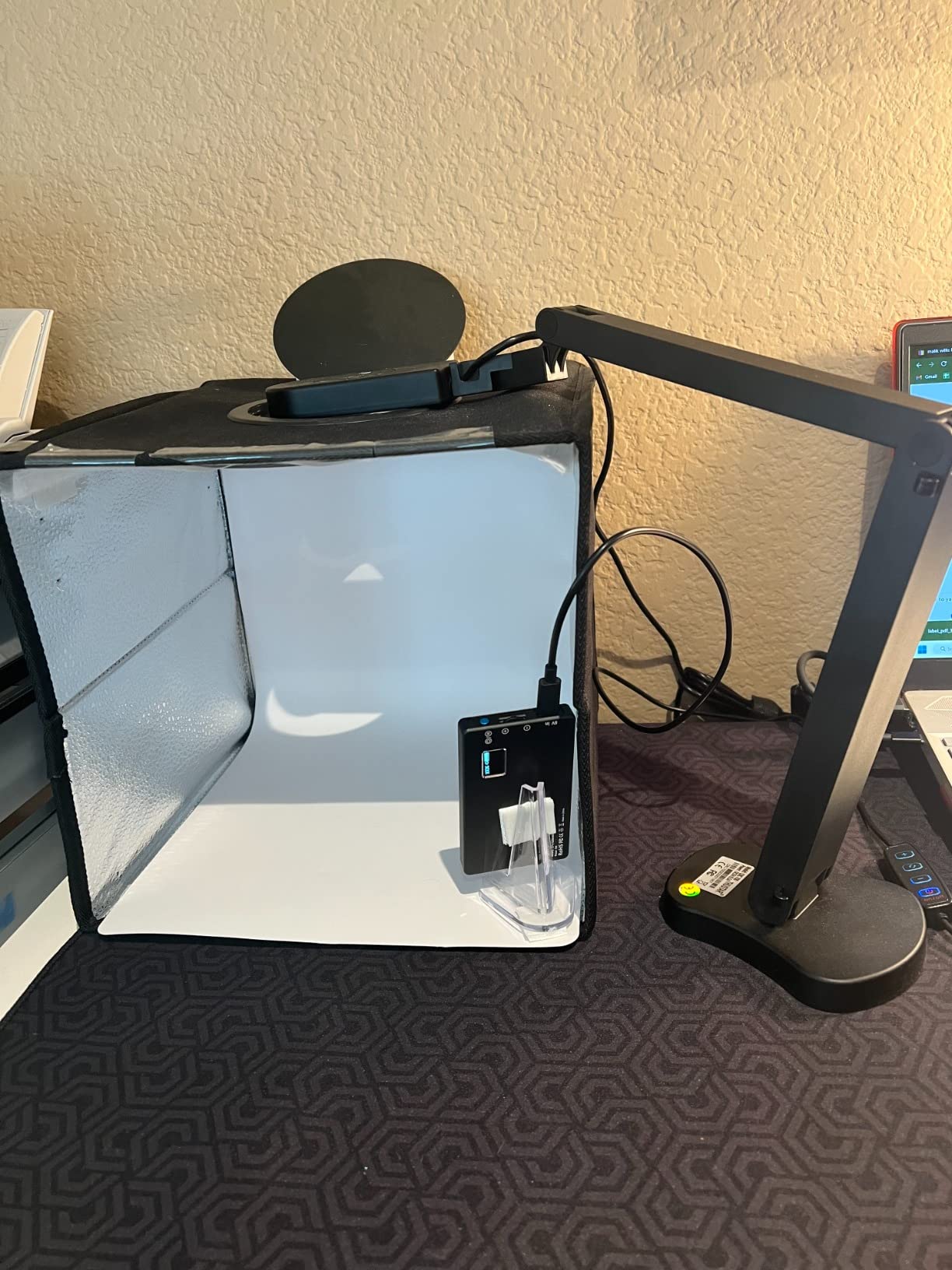
The 3-level LED ring light is surprisingly effective. It uses 14 lamp beads arranged in a ring around the lens, which provides even illumination across the document. The lowest setting handled normal classroom lighting, while the highest setting was bright enough for dim corner desks.
The dual microphones are adequate for live streaming but do not match the quality of dedicated microphone systems. For basic Google Meet sessions where you need to be heard clearly, they work fine. For recording professional video lessons, I would recommend using a separate microphone.
Who Should Buy the THUSTAR
This is the camera I recommend for teachers on a tight budget, Title I schools, and educators who need a reliable backup camera. It is also great for student teachers building their toolkit. The foldable design makes it perfect for itinerant teachers who move between classrooms.
What to Consider Before Buying
The autofocus takes about one to two seconds to lock on when you change materials. This is not a dealbreaker for most lessons, but if you switch rapidly between different documents, you may notice brief blur. The camera also lacks dedicated software, so you will rely on your operating system’s built-in camera app or video conferencing software.
5. OKIOCAM T-4K 8MP USB Document Camera
- Sony Exmor R sensor for excellent low-light performance
- OKIOPoint AI-tracking visual pointer feature
- Stop-motion and timelapse recording capabilities
- Four hardware button controls for quick adjustments
- Ledger-size capture larger than A3
- No built-in microphone
- No built-in light
- Only 6x digital zoom
The OKIOCAM T-4K stands out for two reasons that matter in real classrooms: the Sony Exmor R sensor handles low light beautifully, and the OKIOPoint AI feature is genuinely useful for live presentations. With over 2,500 reviews and a 4.5-star rating, this camera has earned its strong reputation among teachers.
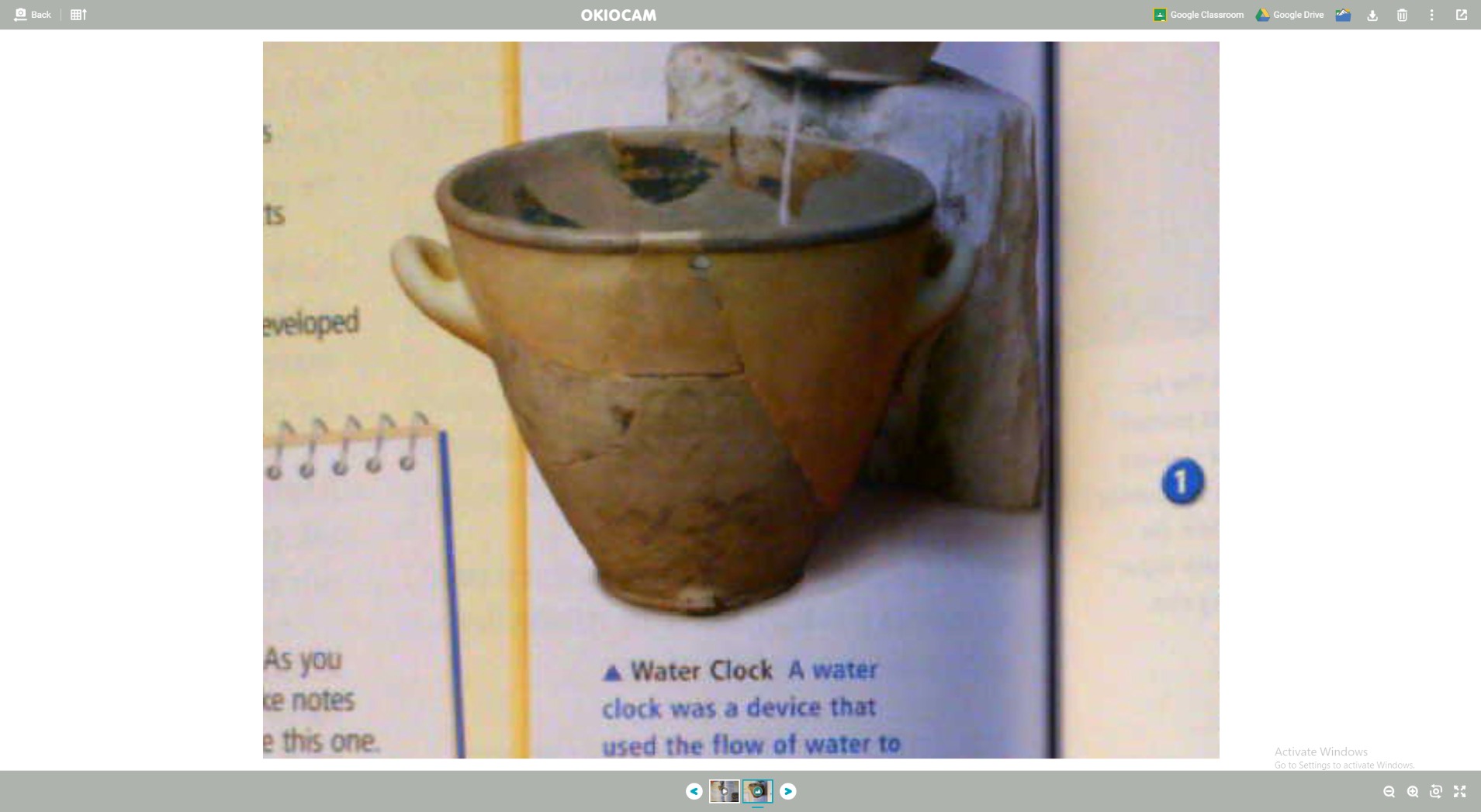
I tested the OKIOCAM in a classroom with notoriously bad lighting. The overhead fluorescent lights created harsh shadows, but the Sony Exmor R sensor compensated impressively. Worksheets remained readable without the grainy noise I saw from cheaper cameras in the same conditions.
The OKIOPoint feature is unlike anything else in this group. It projects a visual pointer on the screen that you can control, allowing you to highlight specific parts of your document without touching it. During a history lesson, I used it to point at specific locations on a map while keeping both hands free to handle materials.
The stop-motion and timelapse features opened up creative possibilities I had not considered. A colleague used the OKIOCAM to create a stop-motion animation showing plant growth for a biology unit. The timelapse function is perfect for recording demonstrations that take several minutes and condensing them for review.
Who Should Buy the OKIOCAM T-4K
This camera is perfect for tech-savvy teachers who want creative features beyond basic document display. The AI tracking and timelapse capabilities make it especially valuable for science teachers and educators who create multimedia content for their students.
What to Consider Before Buying
The OKIOCAM lacks both a built-in microphone and a built-in light. If you need audio recording, you will need a separate microphone. The four hardware buttons on the camera handle focus, exposure, zoom, and flip, which some teachers prefer over software controls but others find limiting.
6. 4K USB Document Camera 8MP by Kitchbai
- 4K image quality at a budget-friendly price
- Dual microphones with noise reduction
- Foldable compact design for easy storage
- 3-level adjustable LED light
- A3 size capture area at 16.5 x 11.6 inches
- Manual focus button press required after repositioning
- No true continuous autofocus
- Base needs to be held when adjusting angle
The Kitchbai 4K USB Document Camera offers an impressive feature set for the price. With 8MP resolution, dual microphones, and a foldable design, it competes with cameras costing twice as much. I tested it across multiple grade levels and found it consistently reliable for everyday classroom use.
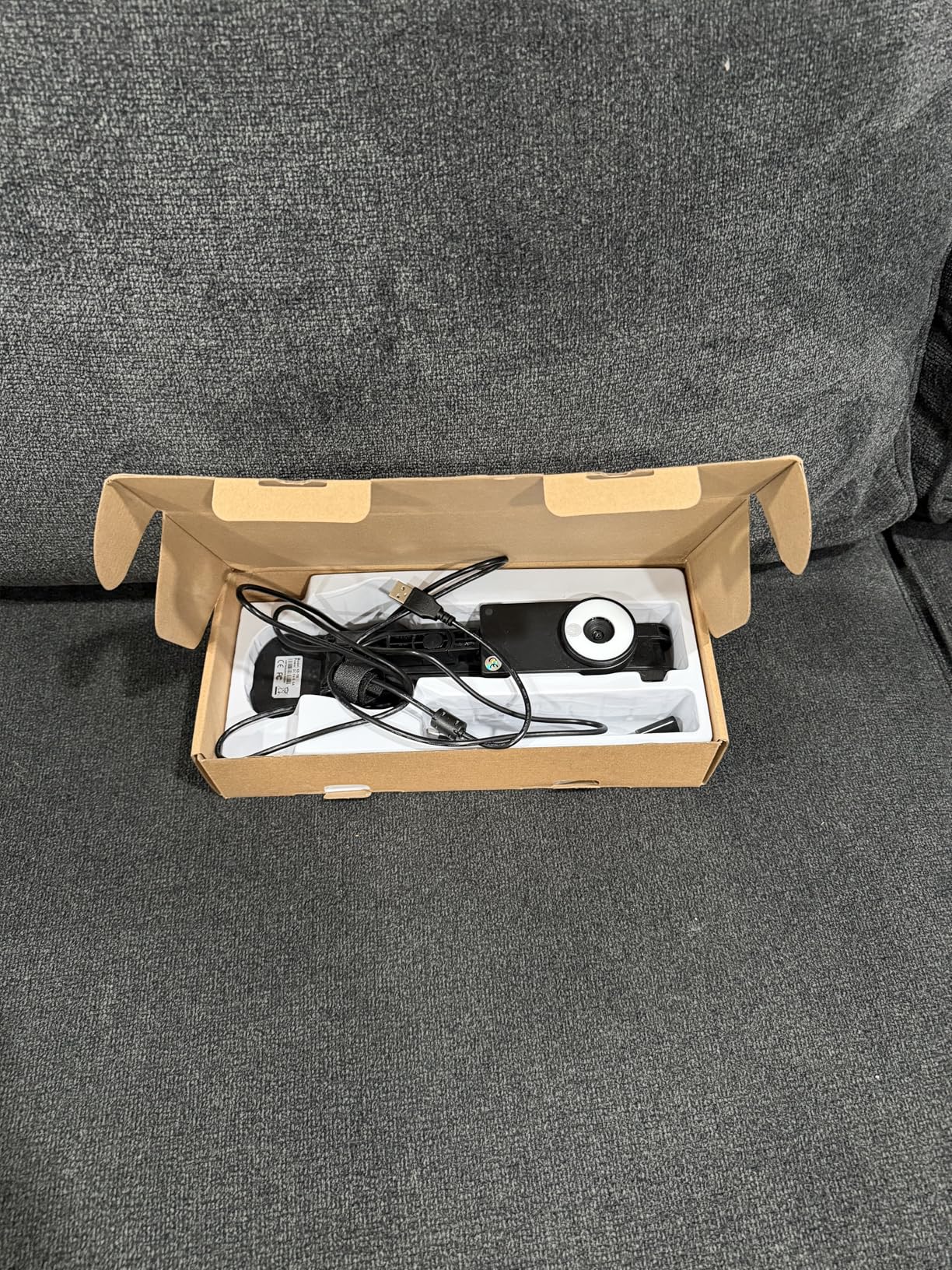
Setup was straightforward on both Windows and Chrome OS. I plugged it in, and my computer recognized it immediately. The foldable design means it stores flat in a drawer, which is great for teachers with limited desk space. When folded out, the multi-joint arm provides flexible positioning for different document sizes.
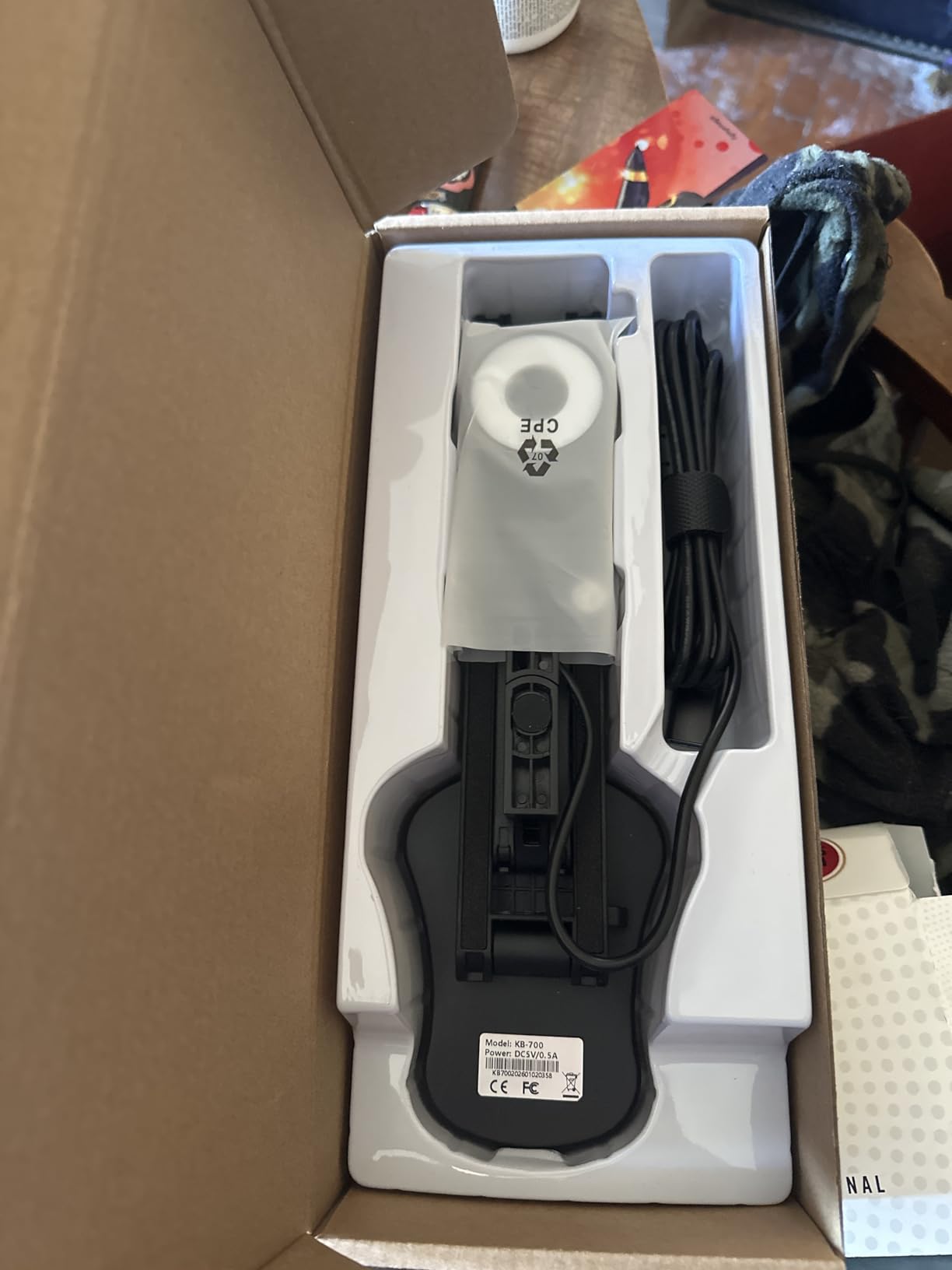
The image quality is solid for an 8MP camera in this price range. Text on worksheets came through clearly on a projector, and the 3-level LED light handled dim classroom corners adequately. The dual microphones picked up my voice well during a Google Meet session, though there was some background noise from classroom activity.
The main drawback is the focus system. Unlike cameras with continuous autofocus, this model requires you to press a focus button each time you reposition or change materials. During fast-paced lessons where I switched between multiple documents, this became noticeable. For slower-paced lessons with fewer transitions, it was less of an issue.
Who Should Buy the Kitchbai 4K Document Camera
This camera suits budget-conscious teachers who want 4K capability and dual microphones without paying premium prices. It is a good choice for middle and high school teachers who primarily display static documents and do not need rapid autofocus switching.
What to Consider Before Buying
The manual focus requirement means you will press a button every time you change materials. If your teaching style involves rapid switching between worksheets, books, and objects, consider whether this disruption fits your flow. The base also needs steadying when you adjust the camera angle.
7. Document Camera for Teachers with Mic and LED by Kitchbai
- Lowest priced camera in the group with 3-in-1 functionality
- Hose structure allows adjustment at any angle
- 5-level fill light with 3-level brightness control
- Auto-focus with AF button
- Extremely lightweight and portable
- Lower resolution at 5MP compared to 8MP alternatives
- No continuous shooting speed specified
- Fewer reviews suggesting newer product
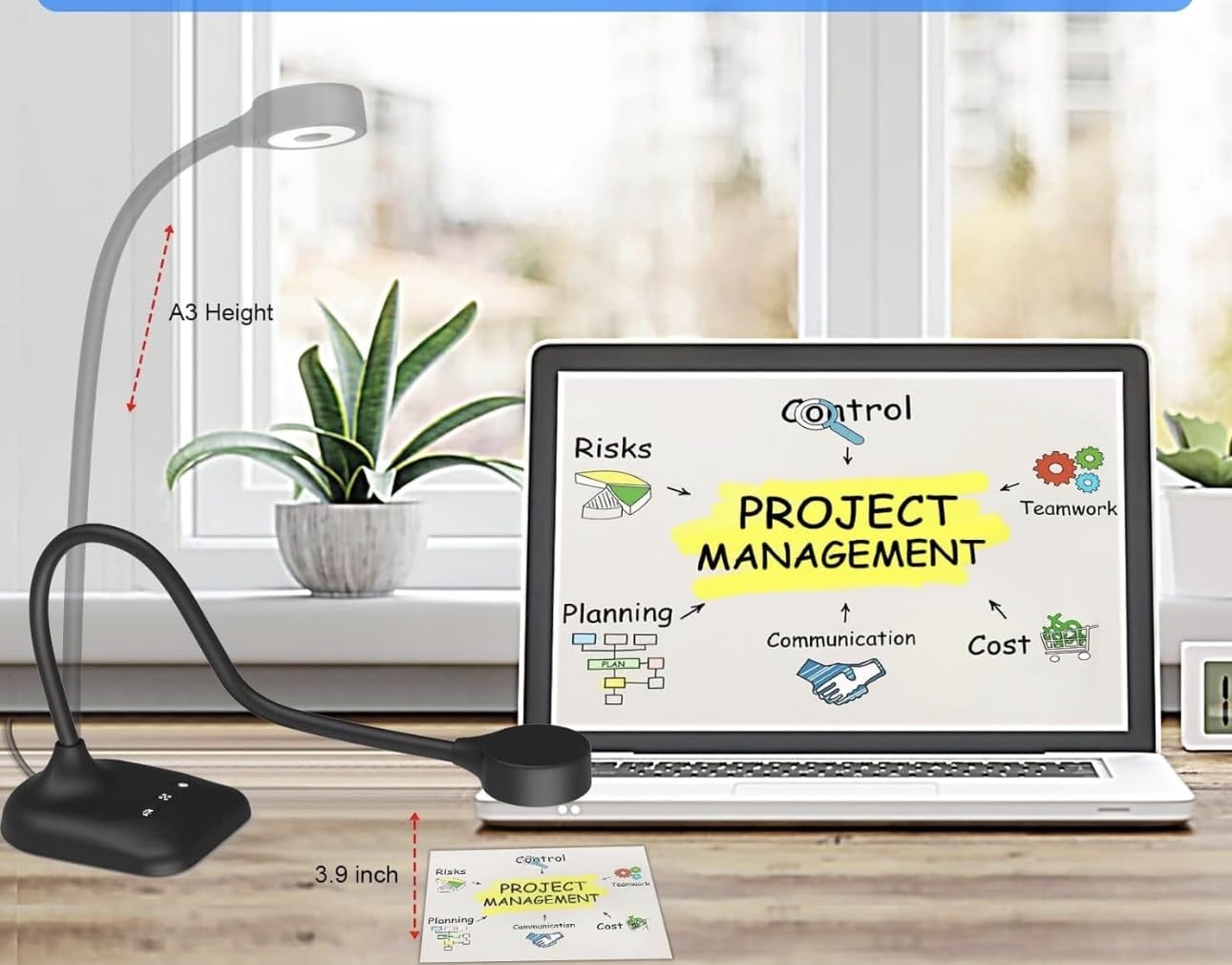
This is the most affordable document camera in my test group, and it packs surprising versatility for the price. The 3-in-1 design means it works as a document camera, webcam, and visualizer. For teachers who need a single device that handles multiple roles, this flexibility is valuable.
The hose structure arm is different from the multi-joint designs on other cameras. It bends at any angle like a flexible desk lamp, which gives you more positioning freedom. I found it particularly useful for getting unusual angles during science demonstrations where I needed to show something from the side rather than straight down.
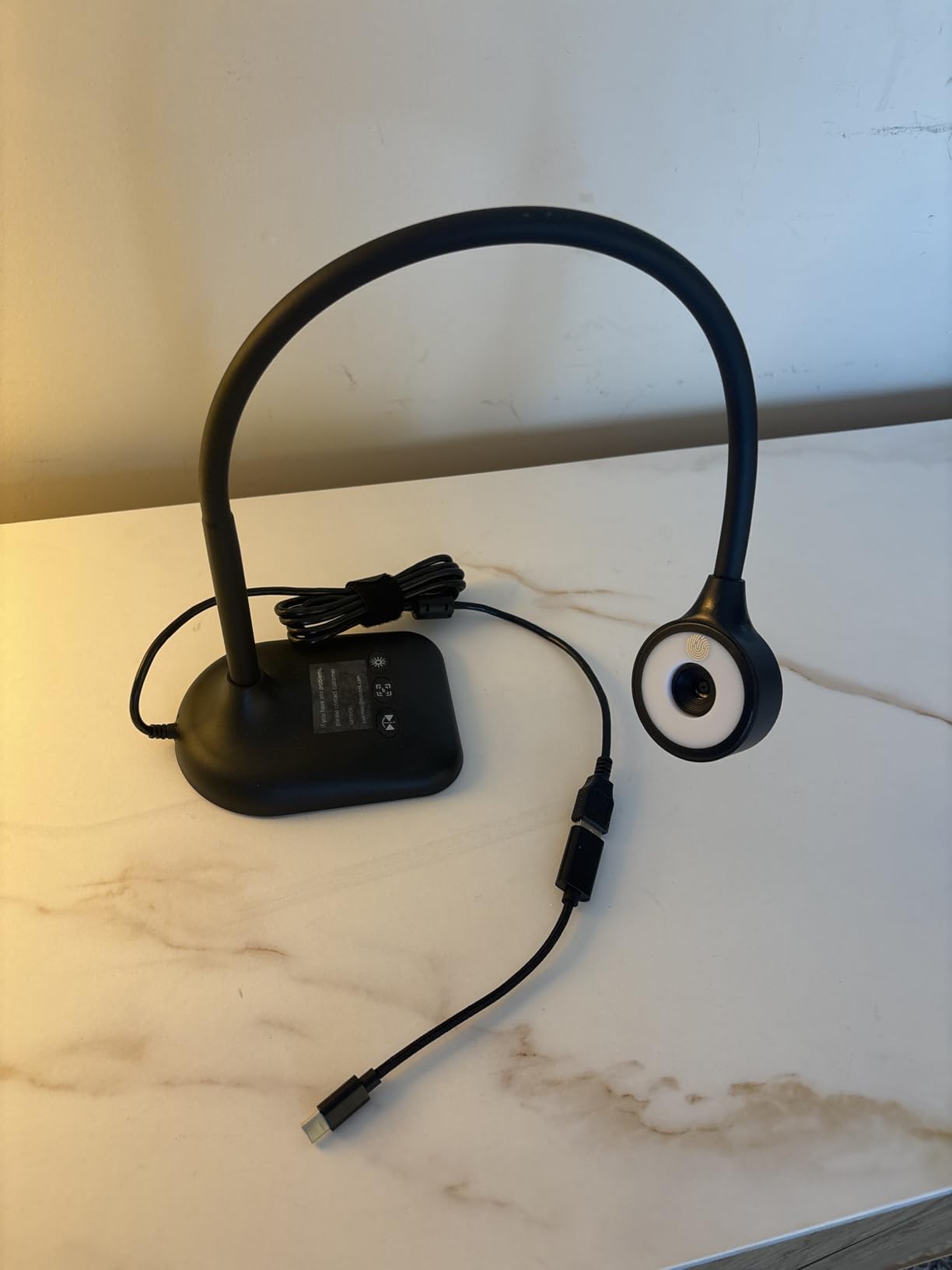
The 5MP resolution is lower than the 8MP standard on most other cameras here. In practice, this means slightly less detail on fine text and small images. For displaying standard worksheets and picture books, the quality was perfectly adequate. For detailed art work or tiny print, the limitation became more apparent.
The 5-level fill light is generous for this price point. I used the highest setting in a dark classroom corner and it illuminated documents well. The image inversion feature worked smoothly when I needed to flip between standard and mirrored views for different teaching scenarios.
Who Should Buy the Kitchbai Document Camera
This is the camera I recommend for teachers who need maximum affordability and versatility. The 3-in-1 design is perfect for educators who occasionally need a webcam for video calls but primarily want a document camera. It is also great for homeschool parents and tutors on a tight budget.
What to Consider Before Buying
The 5MP resolution is the main trade-off. If you frequently display detailed diagrams, small text, or fine art, consider spending slightly more for an 8MP model. The hose structure arm, while flexible, may not hold its position as firmly as multi-joint stands when displaying heavier books.
8. IPEVO V4K PRO Ultra HD with AI-Enhanced Microphone
- AI-enhanced microphone with noise cancellation for clear voice capture
- Built-in LED light for low-light environments
- Sony image sensor for exceptional clarity and color
- Trusted IPEVO brand with proven classroom track record
- Works with all major video conferencing platforms
- Highest price point in the group at $169
- Lower review count at 228 suggesting newer product
- Digital zoom only not optical
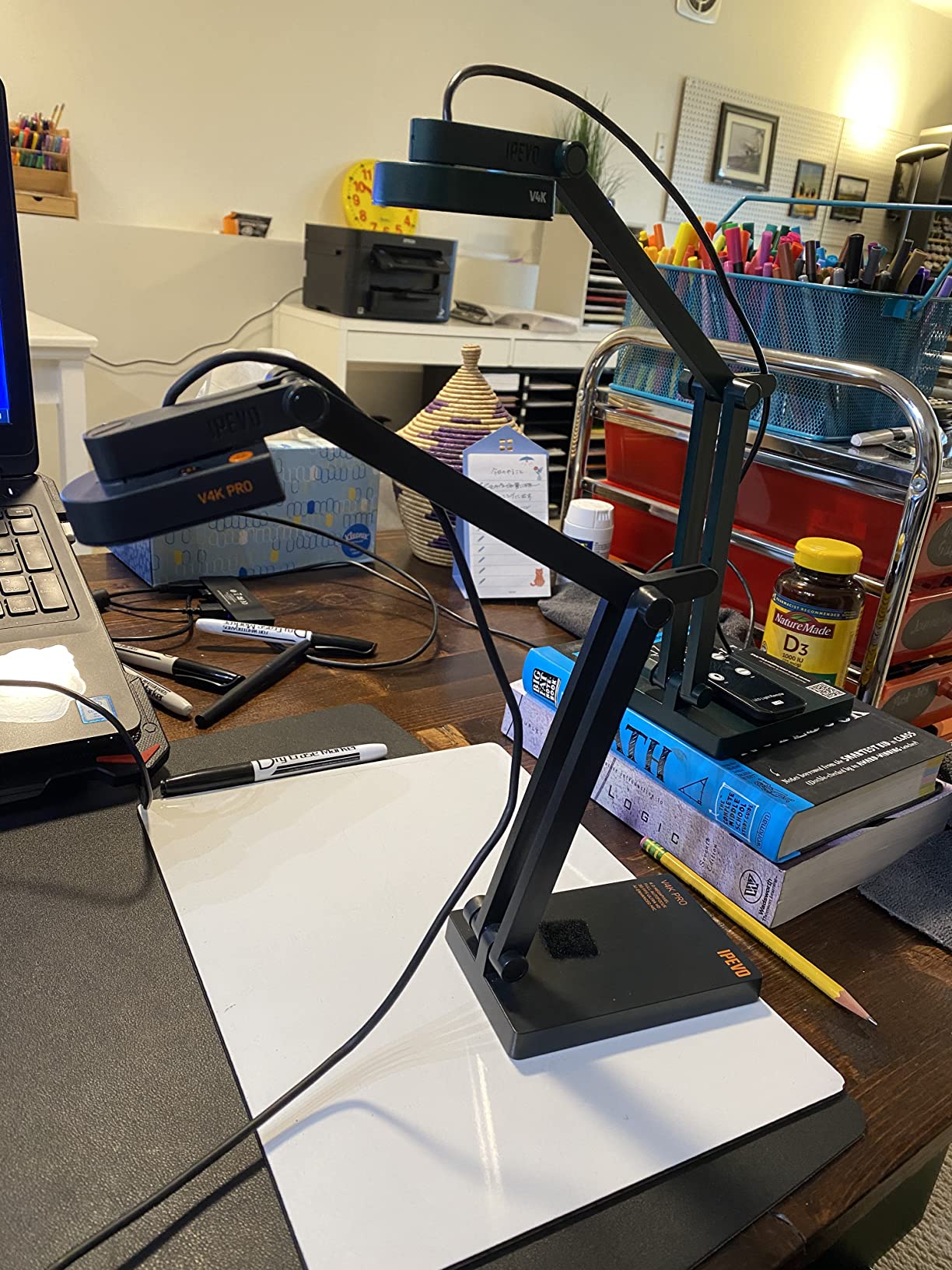
The IPEVO V4K PRO is the premium option in this lineup, and the standout feature is the AI-enhanced microphone. During my testing, the noise cancellation technology filtered out classroom chatter, air conditioning hum, and chair scraping. My voice came through clearly on recordings and live streams, which is a significant advantage for remote and hybrid teaching.
This camera combines the proven IPEVO V4K imaging platform with added features teachers have been requesting. The built-in LED light addresses the main complaint about the original V4K. The 8MP Sony sensor delivers the same exceptional image quality, with accurate color reproduction that makes diagrams and illustrations look true to life.
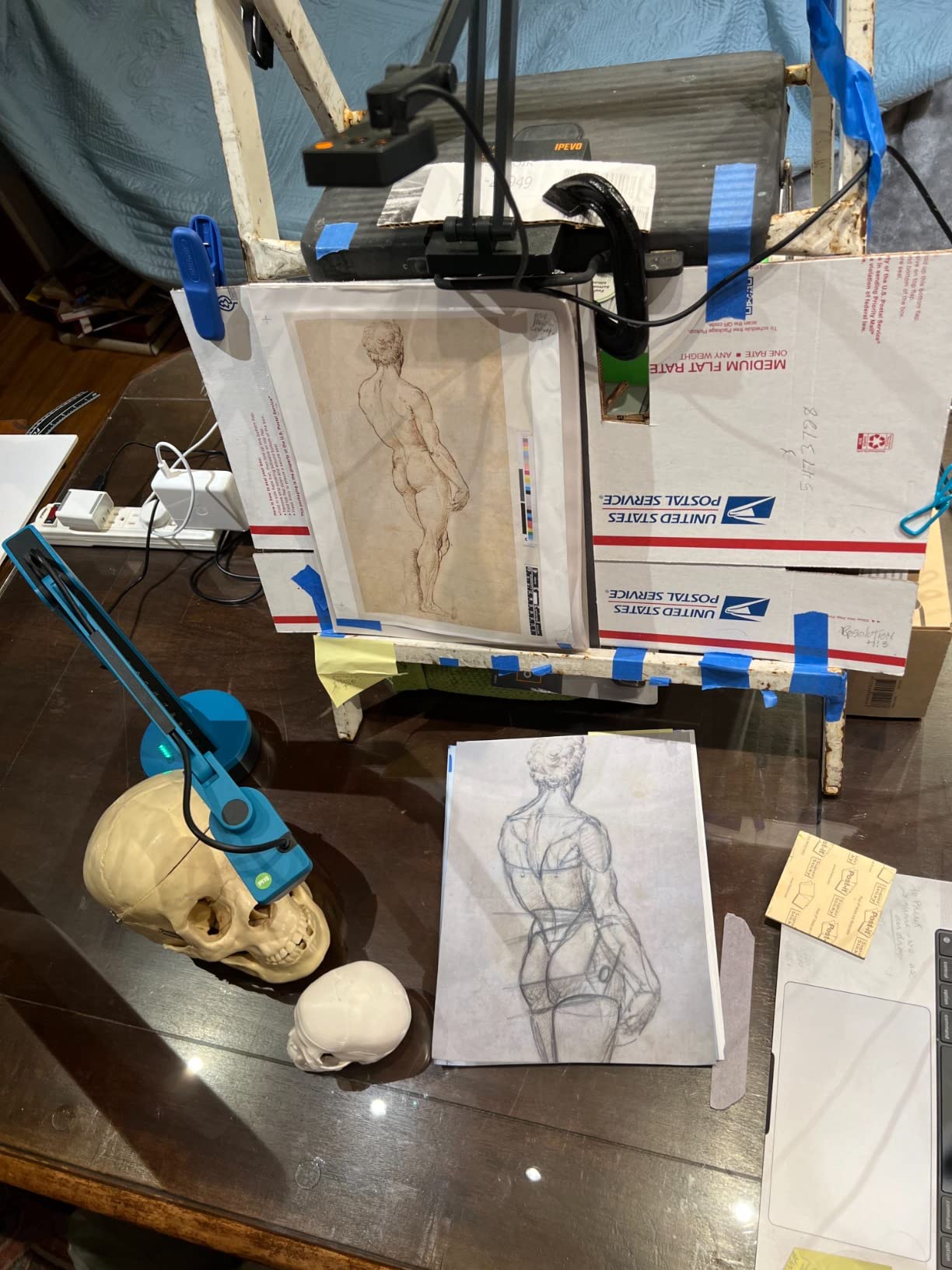
I tested the AI microphone during a noisy after-school tutoring session. Three other conversations were happening nearby, but my remote student could hear me clearly. The noise cancellation adapts in real-time, which means it adjusts as ambient noise changes throughout the day.
The premium price reflects the professional-grade features. For teachers who record lessons for flipped classrooms, conduct regular remote teaching sessions, or present at conferences, the AI microphone and built-in LED justify the investment. The one-year warranty from IPEVO provides additional peace of mind.
Who Should Buy the IPEVO V4K PRO
This camera is designed for educators who need professional-quality audio and video. If you record lessons for asynchronous learning, conduct hybrid teaching regularly, or present to large audiences, the AI noise cancellation alone makes this worth the investment. It is also ideal for teachers in noisy classroom environments.
What to Consider Before Buying
At $169, this is the most expensive camera in the group. If your school has a limited budget, the original IPEVO V4K at $104 offers the same image quality without the AI microphone and LED light. Consider whether you will use the audio features enough to justify the price difference.
How to Choose the Best Document Camera for Your Classroom?
Selecting the right document camera depends on your teaching style, classroom setup, and budget. After testing eight models across different grade levels and subjects, I identified the key factors that matter most for classroom use.
Resolution and Image Quality
Resolution determines how clearly students can see displayed materials. An 8MP camera captures images at 3264 x 2448 pixels, which is sufficient for worksheets, textbooks, and most classroom materials. For art teachers and anyone displaying fine details, a 13MP camera like the INSWAN INS-2 provides noticeably better clarity.
Frame rate matters for smooth video. Look for cameras that support at least 30fps at full HD resolution. This ensures that when you move materials under the camera, the display updates smoothly without stuttering. Some 4K cameras drop to 15fps at maximum resolution, so check the specs carefully.
Connectivity and Compatibility
USB plug-and-play is the gold standard for classroom document cameras. Every camera in this review connects via USB and works with Mac, Windows, and Chromebook. Check your computer’s USB port type before buying. Many newer laptops use USB-C only, which may require an adapter for cameras with USB-A cables.
For video conferencing integration, all eight cameras work with Zoom, Google Meet, and Microsoft Teams. They appear as standard webcam devices in these applications, so setup involves simply selecting the camera from your video source menu. No special configuration is needed.
Portability and Durability
If you travel between classrooms or schools, portability becomes critical. Foldable designs like the THUSTAR and Kitchbai models pack flat for transport. The IPEVO V4K weighs just 1.3 pounds, making it easy to carry in a tote bag with other teaching materials.
Durability matters for daily classroom use. Look for cameras with multi-jointed stands that include tightening mechanisms, like the IPEVO V4K. This prevents the stand from loosening over time. Reddit teachers consistently report that IPEVO cameras hold up well to daily use over multiple school years.
Built-in Features: LED Light and Microphone
A built-in LED light solves the most common document camera problem: poor classroom lighting. The INSWAN INS-1, THUSTAR, and IPEVO V4K PRO all include built-in lights. If your classroom has dim areas, this feature is worth prioritizing.
Built-in microphones vary significantly in quality. The IPEVO V4K PRO’s AI-enhanced microphone with noise cancellation is the clear leader. Basic microphones on budget models work for simple video calls but may not deliver the clarity needed for recorded lessons.
Budget Considerations
Document cameras for teachers range from about $48 to $169. Budget models under $60 deliver adequate performance for basic document display. Mid-range cameras between $80 and $105 offer the best balance of features and value. Premium models above $150 add professional features like AI microphones and advanced optics.
For schools buying multiple units, the THUSTAR at under $55 per unit makes it feasible to equip several classrooms. For individual teachers spending their own money, the INSWAN INS-1 at around $90 offers the best feature-to-price ratio.
Frequently Asked Questions
What is the best document camera for teachers?
The IPEVO V4K is our top pick for most teachers. It has nearly 3,800 reviews, a 4.5-star rating, and ranks #1 in Amazon’s document camera category. Its plug-and-play simplicity, Sony CMOS sensor, and proven durability make it the safest choice for classroom use. For teachers who want built-in lighting and a microphone, the INSWAN INS-1 is an excellent alternative.
How do I choose a document camera for my classroom?
Focus on three factors: resolution, ease of setup, and compatibility. Look for at least 8MP resolution for clear text display. Choose a plug-and-play USB camera that works with your computer without requiring special software. Verify compatibility with your operating system (Mac, Windows, or Chromebook) and your preferred video conferencing platform. Consider built-in LED lighting if your classroom has dim areas.
What features matter most in a document camera for teaching?
The most important features are image resolution (8MP minimum), autofocus speed, frame rate (30fps for smooth video), USB plug-and-play connectivity, and compatibility with video conferencing tools. Built-in LED lighting helps in poorly lit classrooms. A flexible stand with adequate capture area (at least letter size) is essential for positioning different materials.
Can document cameras work with Zoom and Google Meet?
Yes, all document cameras in this review work with Zoom, Google Meet, and Microsoft Teams. They appear as standard webcam devices in these applications. Simply plug the camera into your computer via USB, open your video conferencing app, and select the document camera as your video source. No special configuration or software is needed for basic functionality.
What is the difference between a document camera and a webcam?
A document camera is designed to capture documents, books, and objects placed on a desk from above, with a mounted arm and downward-facing lens. A webcam is designed to capture a person facing the screen. Document cameras offer larger capture areas, flexible positioning arms, and features like LED lighting and annotation software. Some document cameras, like the Kitchbai PA-800, can function as both.
Final Thoughts on Document Cameras for Teachers
After testing all eight cameras, my recommendation for most teachers is the IPEVO V4K for its unmatched reliability and track record. If you want the best value, the INSWAN INS-1 adds a built-in light and microphone at a reasonable price. And if budget is your primary concern, the THUSTAR delivers solid performance for under $55.
The best document cameras for teachers in 2026 are the ones that fit your specific classroom needs. Consider what you teach, how your classroom is equipped, and how often you will use the camera. Any of the eight models reviewed here will serve your students well and transform how you share visual content in your lessons.