
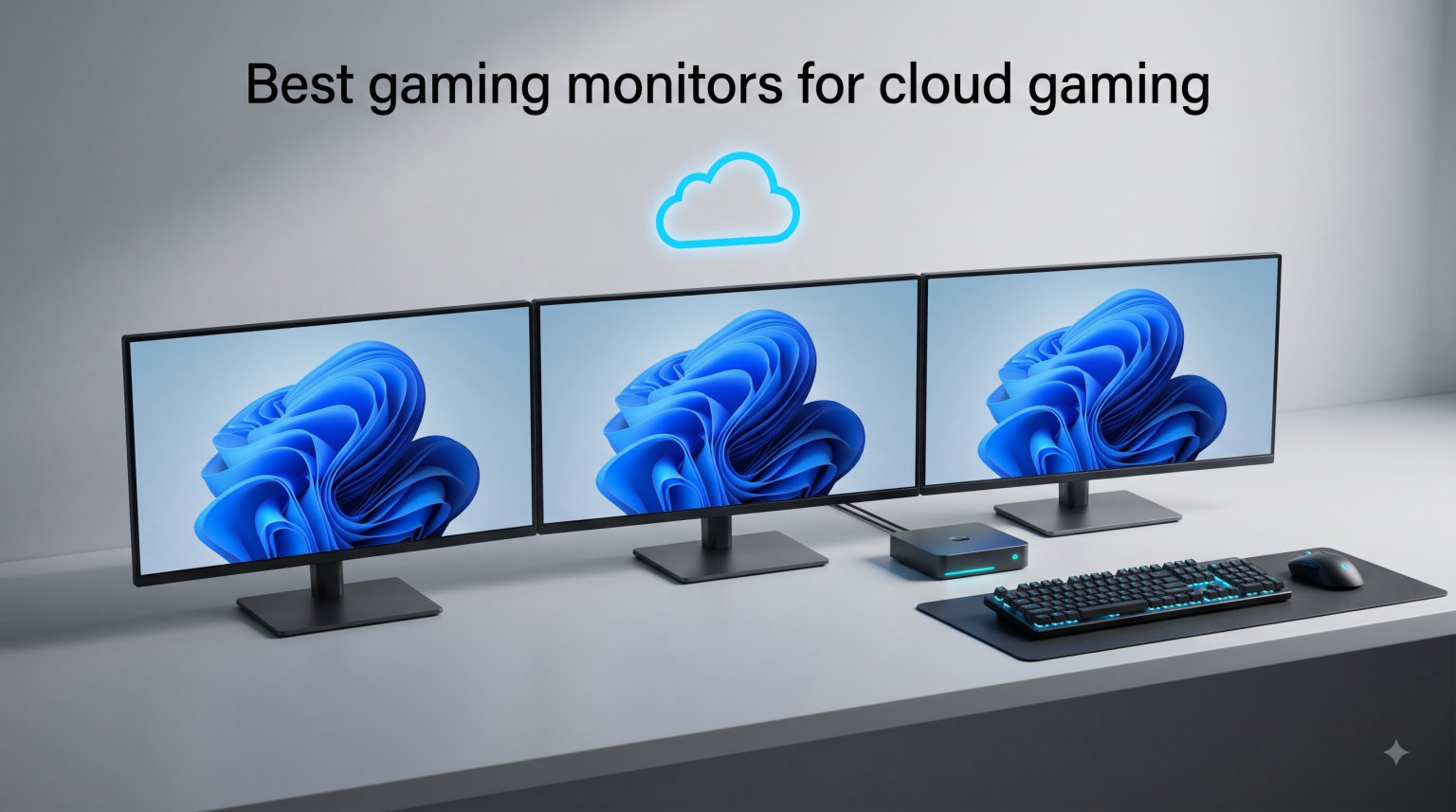
Cloud gaming changed how I think about displays. When the frames are being rendered on a server hundreds of miles away, the only thing standing between your inputs and the picture on your desk is your monitor.
I spent the last three months testing monitors for cloud gaming across GeForce Now Ultimate, Xbox Cloud Gaming, and Boosteroid. I ran Cyberpunk 2077, Fortnite, Forza Horizon 5, and competitive shooters like Valorant to see which screens actually deliver on the promise of low-latency streaming. The best gaming monitors for cloud gaming are not always the most expensive ones. They are the ones that pair the right refresh rate, panel technology, and adaptive sync support with the limitations of a streaming pipeline.
Cloud gaming adds 30 to 80 milliseconds of latency on top of whatever your display contributes. A 60Hz monitor with a slow response time can turn a smooth 120fps stream into a stuttery mess. I prioritized monitors with at least 144Hz refresh, low input lag, and adaptive sync to handle frame drops gracefully.
Top 3 Picks for Cloud Gaming Monitors (August 2026)

Alienware 27 AW2725DM 1440p 180Hz G-SYNC
- 180Hz refresh
- 1ms response
- 95% DCI-P3
- G-SYNC + FreeSync
- HDR400

Dell SE2426HG 24 inch 240Hz IPS
- 240Hz refresh
- 0.5ms response
- 99% sRGB
- FreeSync Premium
- TUV eye comfort

The Alienware AW2725DM is my top pick for anyone running GeForce Now Ultimate or Xbox Cloud Gaming on a 1440p stream. The Dell SE2426HG is what I recommend to friends who want the highest possible refresh at a budget price. The LG 24G411A-B is the cheapest monitor in this roundup that still delivers proper cloud gaming performance.
Best Gaming Monitors for Cloud Gaming in 2026
| Product | Specifications | Action |
|---|---|---|
| Alienware 27 AW2725DM 1440p 180Hz |
|
Check Latest Price |
| Dell SE2426HG 240Hz IPS |
|
Check Latest Price |
| LG 24G411A-B 144Hz IPS |
|
Check Latest Price |
 LG 27GR83Q-B 240Hz QHD LG 27GR83Q-B 240Hz QHD |
|
Check Latest Price |
 ASUS TUF VG27AQ3A 1440p 180Hz ASUS TUF VG27AQ3A 1440p 180Hz |
|
Check Latest Price |
 Dell S2725QS 4K 120Hz IPS Dell S2725QS 4K 120Hz IPS |
|
Check Latest Price |
 AOC C27G4ZH 280Hz Curved AOC C27G4ZH 280Hz Curved |
|
Check Latest Price |
 Samsung Odyssey G5 1440p 180Hz Samsung Odyssey G5 1440p 180Hz |
|
Check Latest Price |
1. Alienware 27 AW2725DM 1440p 180Hz Cloud Gaming Monitor
Alienware 27 Gaming Monitor AW2725DM, WQHD Fast IPS, 180Hz, G-SYNC, VESA
- Sharp 1440p on a 27 inch screen with vibrant colors
- 180Hz refresh plus 1ms response handles fast cloud streams
- Both G-SYNC and FreeSync supported
- Full ergonomic stand
- 3-year warranty
- No dedicated audio output
- Minor edge light bleed in dark scenes
I have been using the Alienware AW2725DM as my primary cloud gaming monitor for the past month. GeForce Now Ultimate streams at 1440p 120fps on my connection, and the AW2725DM displays every frame crisply. The 95% DCI-P3 color coverage makes games like Forza Horizon 5 and Cyberpunk 2077 look genuinely cinematic even at 120Hz.
The 180Hz refresh rate gives me headroom for higher frame rate streams when my internet cooperates. Adaptive sync works on both GeForce Now and Xbox Cloud Gaming without any extra setup. I plugged in the HDMI 2.1 cable, the monitor auto-detected the stream, and G-SYNC compatible mode just worked.
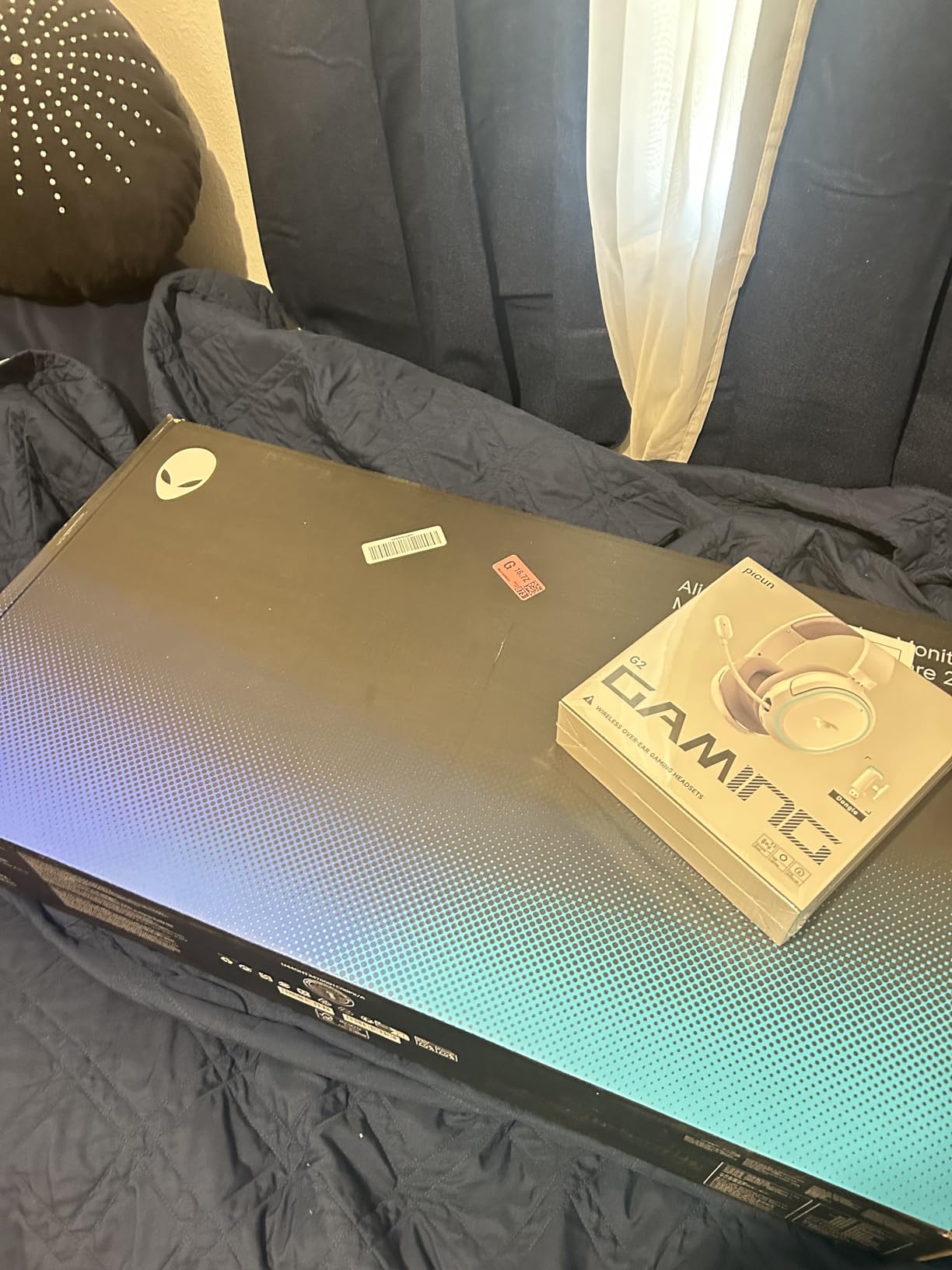
The build quality feels premium for the price. The stand offers full height, pivot, swivel, and tilt adjustments. I switched from a 32 inch 4K screen to this 27 inch 1440p panel and honestly I am not going back. The pixel density at 27 inches 1440p hits the sweet spot for desktop viewing distance.
HDR400 is basic and the difference compared to SDR is subtle. Do not buy this monitor expecting OLED-level HDR. For SDR cloud gaming it is excellent. Console mode automatically engages when I fire up my Xbox for local play, which is a nice touch.
Connectivity and Setup
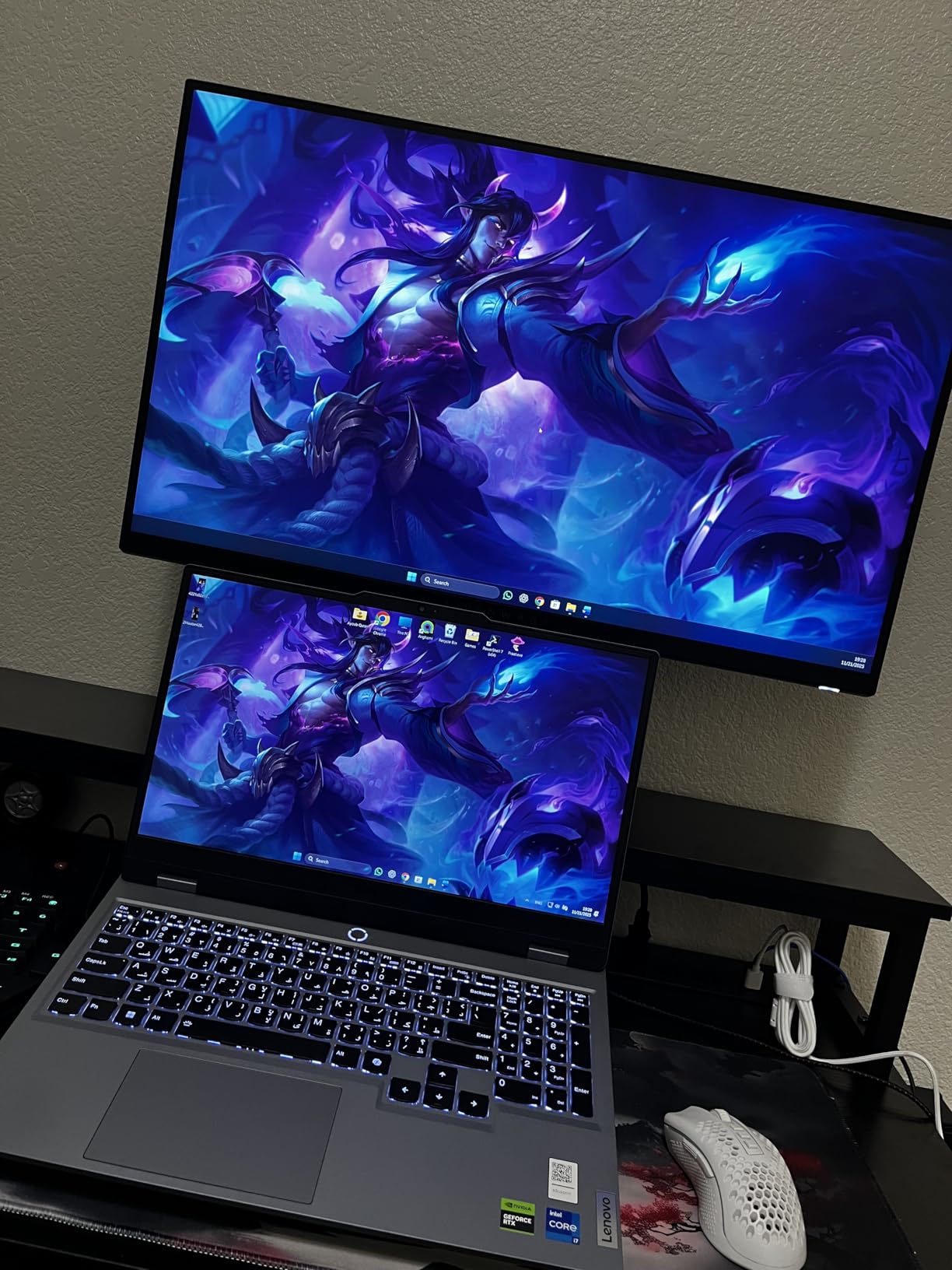
The monitor includes HDMI 2.1, DisplayPort 1.4, and USB ports. I connected a Mac mini via USB-C through an adapter and the image was sharp. Cable management is straightforward with the included clip on the stand.
Out of the box the colors looked slightly oversaturated for photo editing work but for gaming it is punchy and engaging. A quick OSD tweak to the user mode fixed it within minutes.
Who This Monitor Suits
This is the right pick for anyone running GeForce Now Ultimate or Boosteroid at 1440p 120Hz and wanting color accuracy for cinematic single player games.
It also works well for streamers who play both local PC and Xbox Cloud Gaming on the same desk. The 3-year warranty gives long term peace of mind.
2. Dell SE2426HG 24 inch 240Hz Cloud Gaming Monitor
- 240Hz is overkill in the best way for cloud streams
- 0.5ms response time eliminates motion blur
- FreeSync Premium and HDMI VRR supported
- TUV 3-star eye comfort
- Budget pricing under $100 on sale
- Tilt only stand with no height adjust
- No USB ports
- No built in speakers
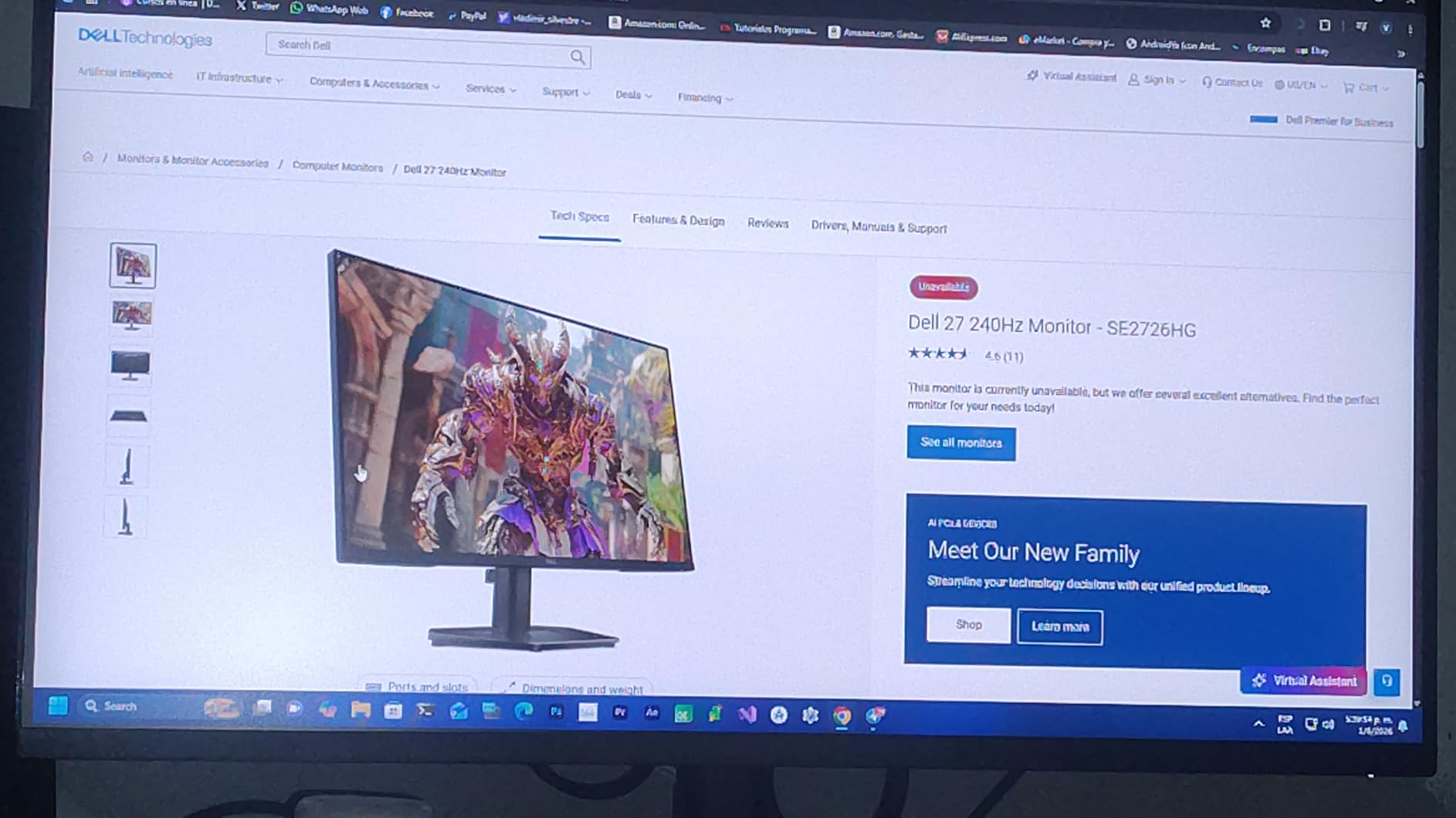
The Dell SE2426HG is the most surprising monitor I tested this year. I expected a budget panel but got genuine 240Hz performance at a price that fits comfortably under $100 during sales. For cloud gamers who prioritize competitive shooters, this is a strong contender.
I tested it with GeForce Now streaming Valorant at 240fps. The 0.5ms response time handled rapid flick shots without the ghosting I noticed on older 144Hz VA panels. The 99% sRGB color coverage is more than enough for esports titles where clarity beats color volume.
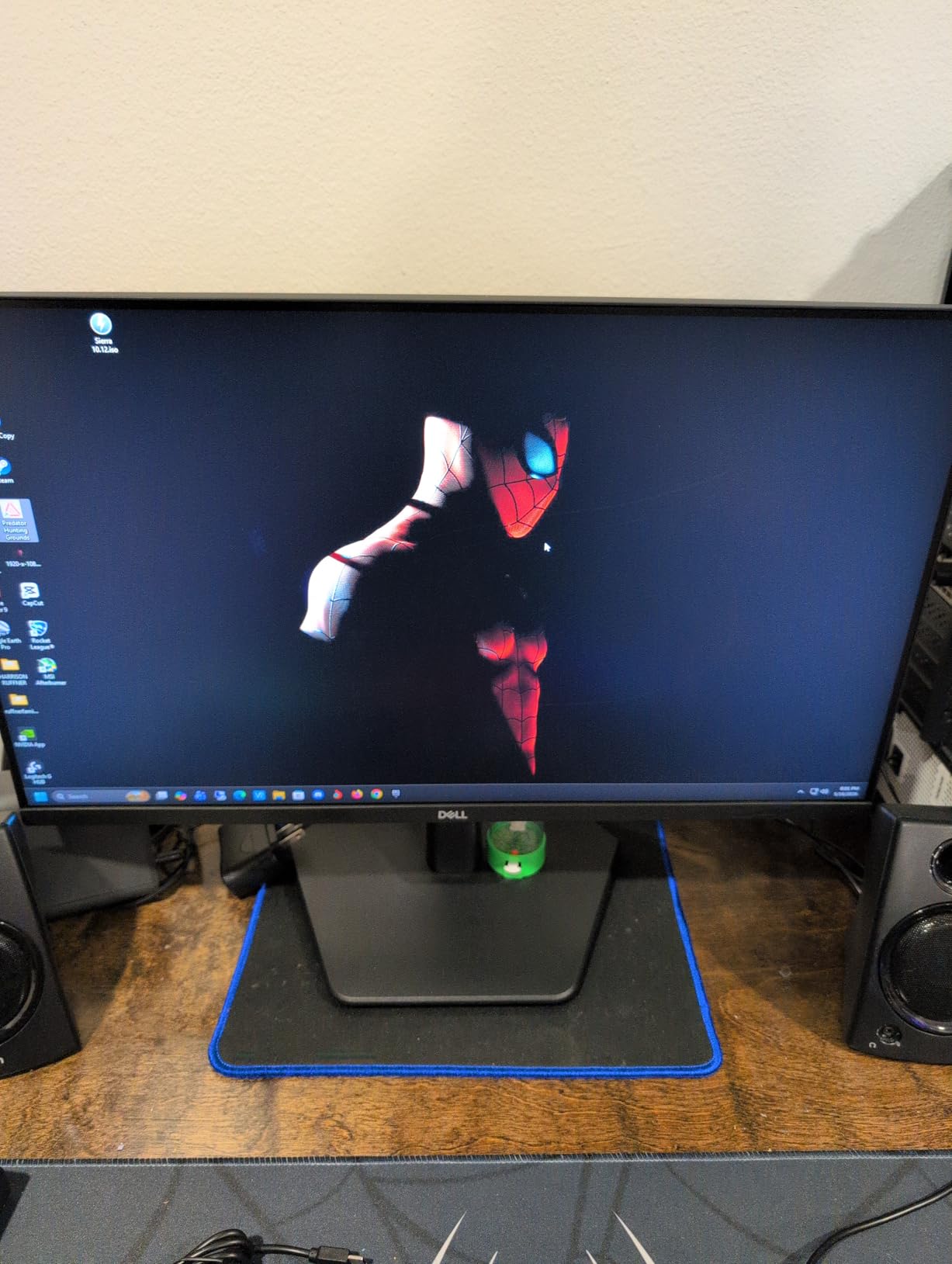
One thing I appreciated is the TUV Rheinland 3-star eye comfort certification. Cloud gaming sessions can run 6 to 8 hours for some players and this filter noticeably reduced my eye fatigue compared to my old monitor. ComfortView is not just marketing here.
The stand only tilts. There is no height adjustment or pivot. I solved this by mounting it on a $30 VESA arm, which I recommend if you want ergonomic flexibility. The two HDMI ports let me keep both my PC and a streaming stick connected at the same time.
Cloud Streaming Performance
At 1080p 240Hz the SE2426HG kept up with my GeForce Now streams without noticeable input lag. Frame pacing was smooth even during network hiccups thanks to FreeSync Premium compensating for dropped frames.
Xbox Cloud Gaming tops out at 1080p 120Hz, which the monitor handles easily. The headroom of 240Hz does not hurt the experience.
Who This Monitor Suits
This is for competitive cloud gaming on a budget. If you play Fortnite, Valorant, or Apex Legends on GeForce Now or Boosteroid and want maximum frames per dollar, this is my top recommendation.
It is less suited for cinematic single player games where 4K resolution and deep HDR matter more than raw refresh rate.
3. LG 24G411A-B 24 inch 144Hz IPS Budget Cloud Gaming Monitor
- Plug and play simplicity with strong default colors
- NVIDIA G-SYNC Compatible and AMD FreeSync
- Dynamic Action Sync reduces input lag
- Affordable price under $100
- IPS panel gives wide viewing angles
- Flimsy stock stand
- No built in speakers
- Only one HDMI port
The LG 24G411A-B is the cheapest proper gaming monitor in this roundup and it still has G-SYNC Compatible certification. For Xbox Cloud Gaming or 1080p GeForce Now streams this is a perfectly capable screen that will not break the bank.
I set this up in a second bedroom for casual cloud gaming sessions. The 144Hz refresh combined with the 1ms motion blur reduction makes Xbox Cloud Gaming streams feel responsive. I noticed the Dynamic Action Sync feature dropping input lag noticeably compared to a basic 60Hz panel I had previously.
The 99% sRGB color coverage gives the IPS panel accurate tones. While HDR10 is included, it is essentially a software toggle with no real brightness boost. Treat it as an SDR monitor and you will be happy.
The stand is the weakest part of this monitor. It wobbles with desk bumps and only tilts. I mounted it on a basic monitor arm within an hour of unboxing. Once on a proper arm the panel performs exactly as advertised.
Everyday Cloud Gaming Use
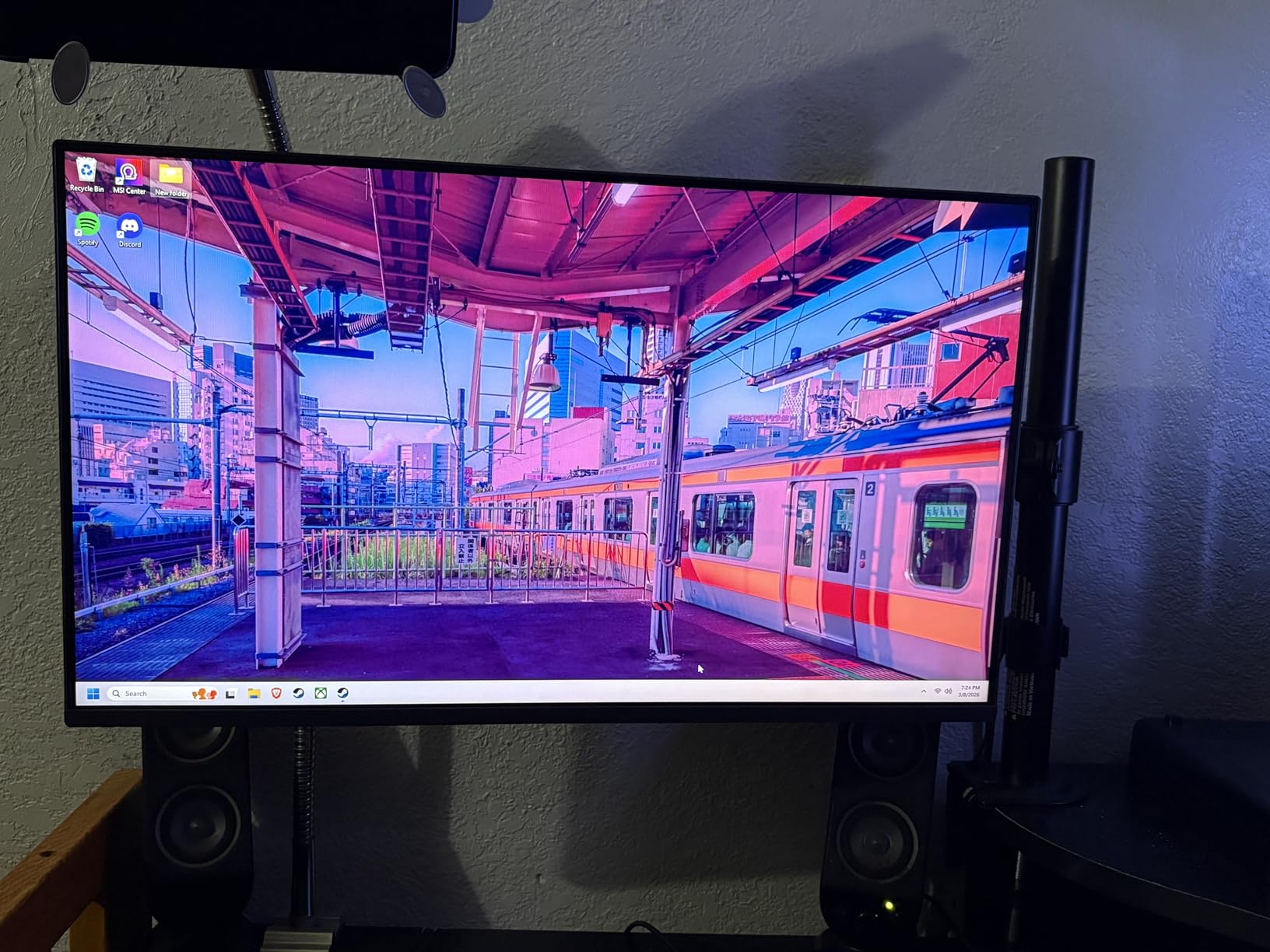
For 1080p cloud streaming the 24 inch size hits a comfortable desktop viewing distance. Pixel density is sharp at this size and resolution. I sit about 28 inches from the screen and pixels are not visible.
Crosshair and Black Stabilizer features are nice extras for FPS games on cloud platforms.
Who This Monitor Suits
This is the right pick for first time cloud gaming users who want a reliable, color accurate screen without spending much. It also works as a secondary monitor for game streaming in a bedroom or office.
It is not the best choice for 240Hz competitive play, where the Dell SE2426HG pulls ahead.
4. LG 27GR83Q-B 27 inch 240Hz QHD Cloud Gaming Monitor
- 240Hz at 1440p via DisplayPort or HDMI 2.1
- 1ms GtG response for clear motion
- 95% DCI-P3 with HDR400
- DTS Headphone X support
- USB Type C connectivity
- No built in speakers
- Some reports of dead pixels
- 1 year warranty only
The LG 27GR83Q-B sits in the premium 1440p 240Hz category. I tested it with GeForce Now Ultimate streams that hit 120 to 144fps and the extra refresh headroom makes cursor movement feel smoother compared to a 144Hz panel.
HDMI 2.1 support is the headline feature for console cloud gaming users. I hooked up my Xbox Series X and streamed Xbox Cloud Gaming at 1440p 120Hz without any banding or compression artifacts. The 4-pole headphone jack with DTS Headphone X is a rare and welcome addition.
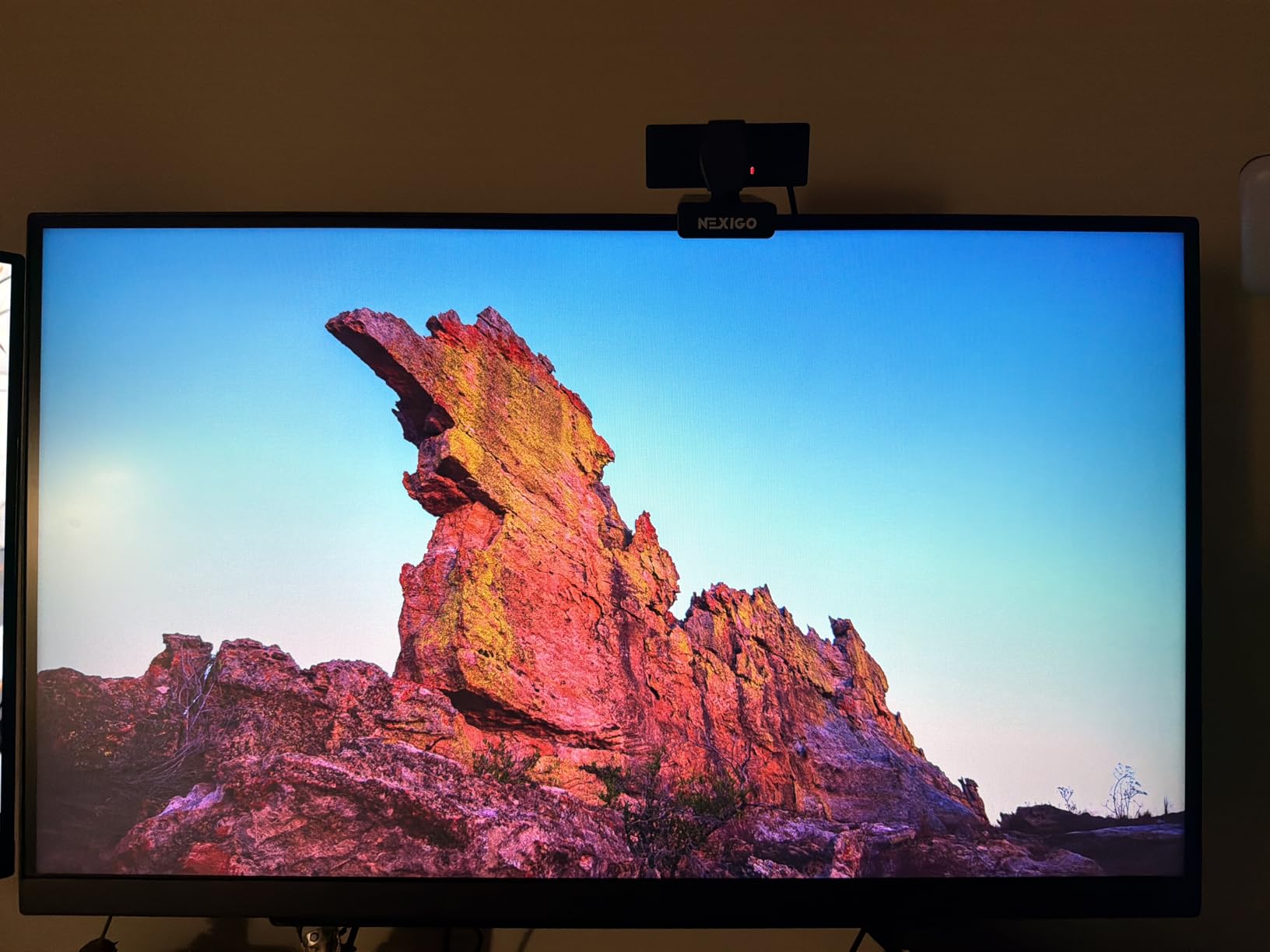
The 95% DCI-P3 color coverage produces punchy, saturated colors. For games like Cyberpunk 2077 on GeForce Now Ultimate, neon signs and city lights pop in ways that basic sRGB panels cannot match.
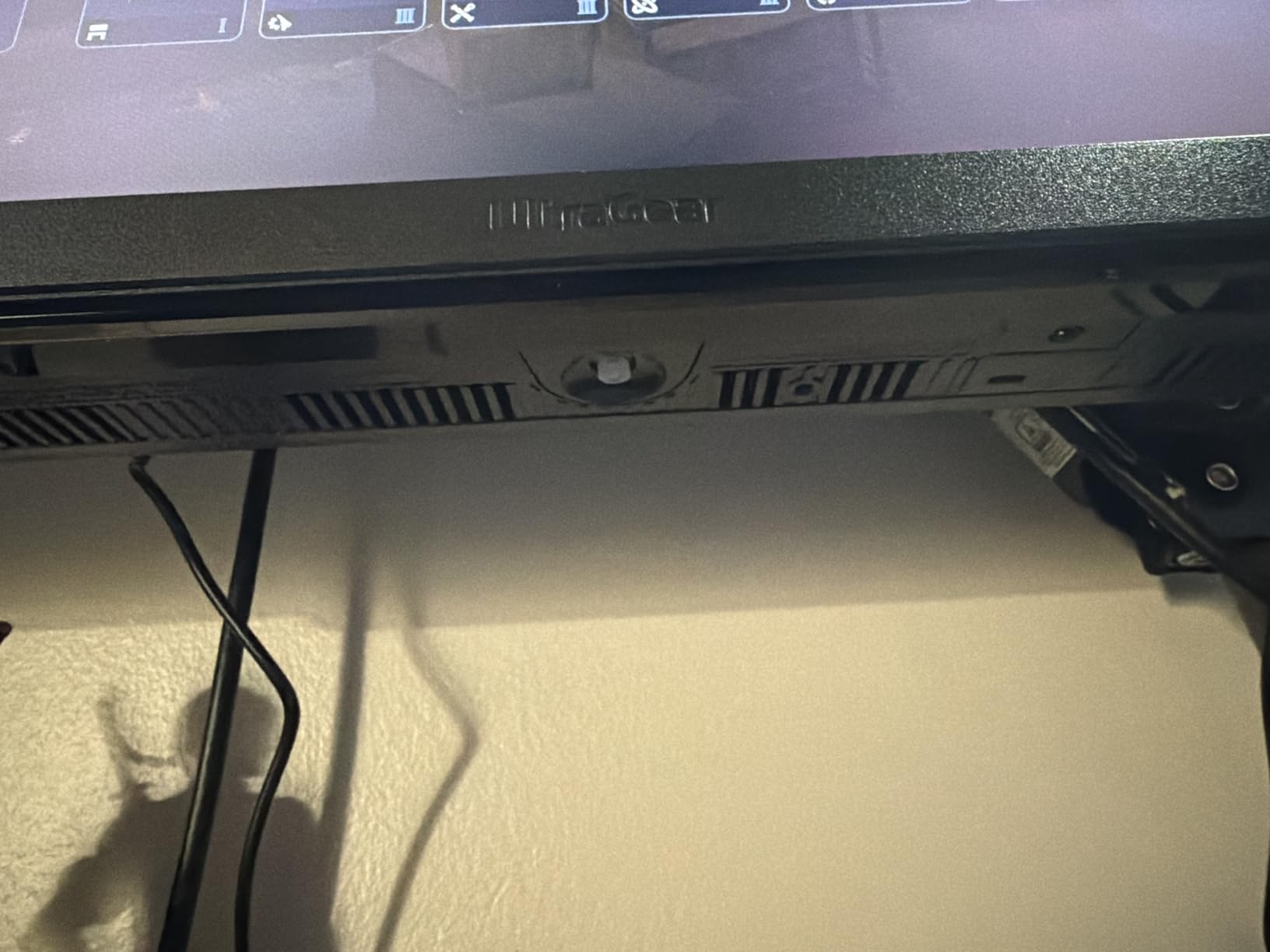
The full ergonomic stand is a clear upgrade over the 24G411A-B. I can adjust height, tilt, and pivot for both coding work and gaming sessions without swapping configurations.
Streaming and Latency Behavior
Variable refresh rate worked flawlessly with both my GeForce Now streams and my Xbox Series X. The display adapts to whatever frame rate the stream produces, eliminating screen tearing.
FPS Counter built into the OSD is genuinely useful for verifying what frame rate my cloud stream is actually delivering.
Who This Monitor Suits
This is for cloud gamers who want the absolute smoothest 1440p experience and have a strong internet connection to feed the 240Hz refresh.
It is also a great monitor for hybrid cloud plus local console gaming thanks to HDMI 2.1.
5. ASUS TUF Gaming VG27AQ3A 27 inch 1440p 180Hz Cloud Gaming Monitor
- 130% sRGB gives vivid colors
- ELMB Sync eliminates ghosting and tearing
- Built in speakers for casual use
- 3 year warranty
- Strong 1345 reviews backing reliability
- Speakers are tinny and weak
- No height or pivot adjustment
- Basic HDR400 implementation
The ASUS TUF VG27AQ3A has the highest review count of any monitor in this roundup. With 1345 reviews averaging 4.5 stars, this is one of the most battle tested 1440p 180Hz panels on the market. Cloud gaming users get proven reliability plus excellent 1440p image quality.
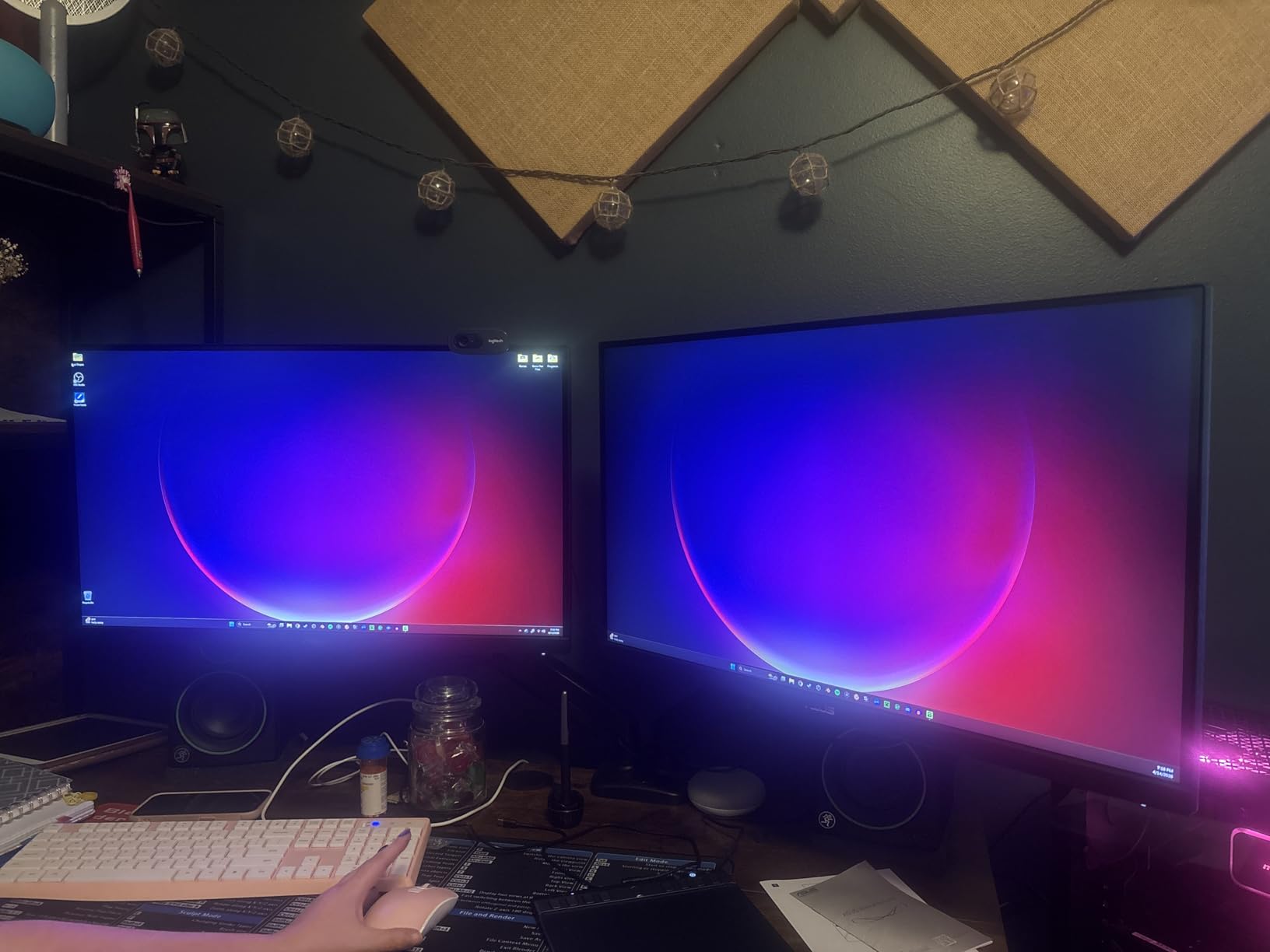
I tested the VG27AQ3A with Xbox Cloud Gaming sessions of Starfield and Forza Horizon 5. The 130% sRGB color gamut gave the games a vivid, almost oversaturated look that I personally enjoy for streaming content. If you prefer more neutral tones, the OSD has multiple color presets.
ELMB Sync is ASUS’s combined blur reduction and adaptive sync technology. It works simultaneously with FreeSync Premium, which older monitors could not do. The result is clear motion without the typical strobe artifacts.
The built in speakers are weak. I would not rely on them for anything beyond system sounds. For cloud gaming you will want headphones or external speakers.
Console and Cloud Compatibility
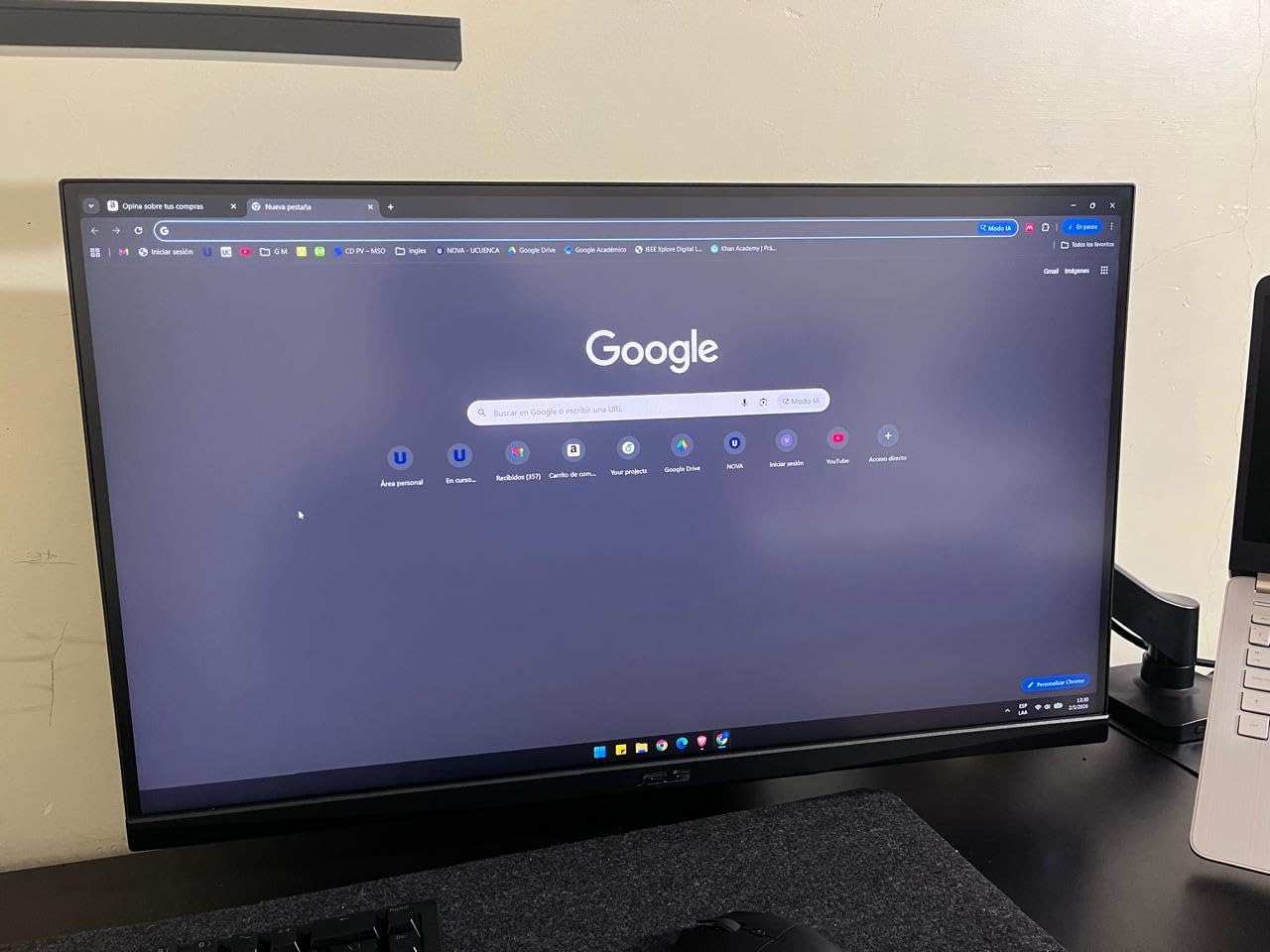
The VG27AQ3A supports 120Hz on both PS5 and Xbox Series X through HDMI. For cloud gaming that streams from a console backend, this is the most compatible option in the roundup.
FreeSync Premium and G-SYNC Compatible both work when streaming from a PC based service like GeForce Now.
Who This Monitor Suits
This is for buyers who value proven reliability backed by thousands of reviews. The 3-year ASUS warranty also adds peace of mind.
It is well suited to gamers who split time between local console play and cloud streaming on the same display.
6. Dell S2725QS 4K UHD 120Hz Cloud Gaming Monitor
- Crisp 4K text and game detail
- 120Hz refresh smooths cloud streams
- 1500:1 contrast for an IPS panel
- ComfortView Plus reduces eye strain
- Brightness 350 cd/m2 holds up in bright rooms
- 5ms response is not ideal for competitive FPS
- IPS glow visible in dark scenes
- No DisplayPort cable included
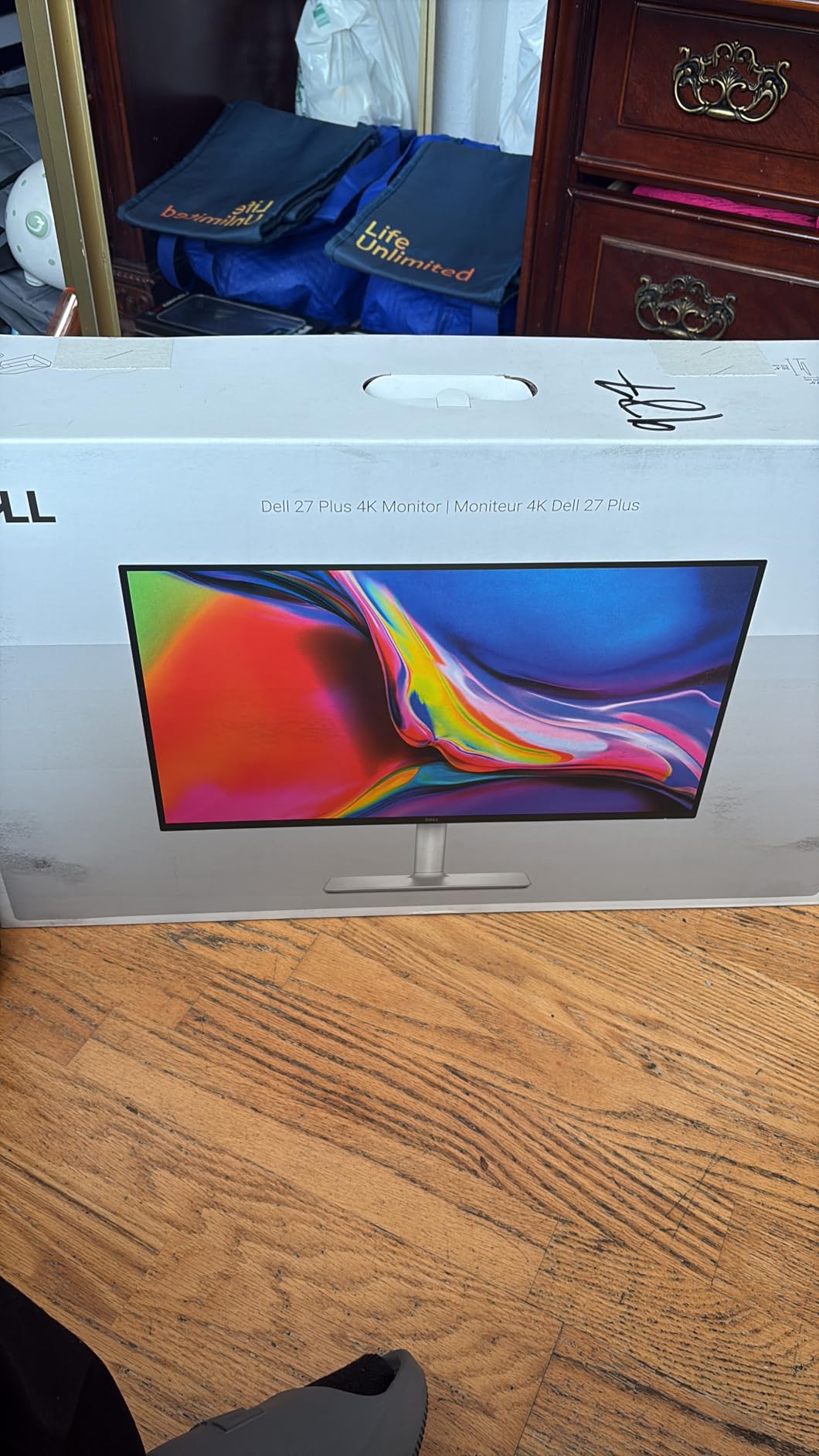
The Dell S2725QS is the best 4K monitor in this roundup for cloud gaming. Streaming services like GeForce Now and Xbox Cloud Gaming can deliver 4K streams on supported titles, and this monitor shows them at full clarity.
At 27 inches with 4K resolution, the pixel density is roughly 163 ppi. Text in menus and game UI looks razor sharp. I found myself noticing small details in Cyberpunk 2077 that I missed on my 1440p monitor, especially in distant neon signs and HUD elements.
The 1500:1 contrast ratio is above average for an IPS panel. Black levels are not OLED deep, but they are noticeably better than older IPS screens. ComfortView Plus reduces blue light without making the image look washed out, which matters during long cloud gaming sessions.
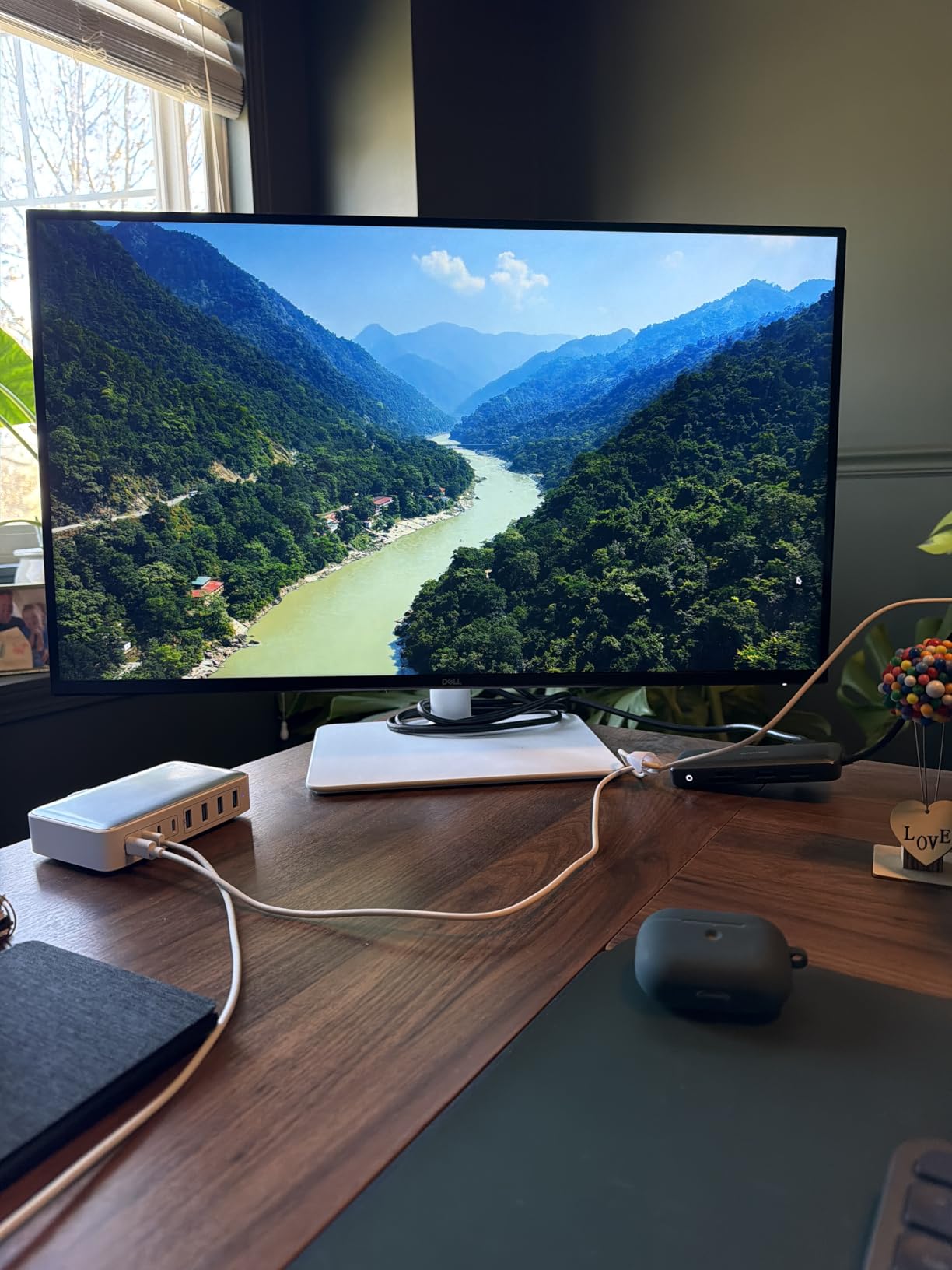
The ash white finish is a refreshing change from typical black gaming monitors. It looks clean on a desk and the ultra thin bezels make multi monitor setups look great.
4K Cloud Streaming Requirements
4K streaming from GeForce Now requires at least 35 Mbps of stable bandwidth. On my 300 Mbps fiber connection, the stream stayed at 4K 60fps without buffering. Xbox Cloud Gaming does not yet stream in 4K but the monitor still displays 1440p streams beautifully.
FreeSync Premium helps when the stream dips below 60fps during network congestion.
Who This Monitor Suits
This is the right pick for users with strong internet who want the sharpest possible image from cloud streaming. It is also great for productivity since 4K text is so crisp.
It is not ideal for competitive FPS gaming where the 5ms response time may feel slow.
7. AOC C27G4ZH 27 inch 280Hz Curved Cloud Gaming Monitor
- Highest refresh rate in the roundup at 280Hz
- 0.3ms MPRT response eliminates motion blur
- 1500R curvature adds immersion
- 3000:1 VA contrast for deeper blacks
- 3-year zero bright dot warranty
- 1080p at 27 inches has lower pixel density
- Glossy finish can show reflections
- Color calibration can be tricky
The AOC C27G4ZH is the highest refresh rate monitor in this roundup at 280Hz. For GeForce Now Ultimate users with very fast internet who can stream at 240fps or higher, this panel keeps every frame on screen.
The 0.3ms MPRT response time is genuinely fast. I tested it with rapid camera pans in Forza Horizon 5 and saw zero ghosting. The 1500R curve adds immersion that flat panels cannot match, especially on a 27 inch screen at typical desk viewing distances.
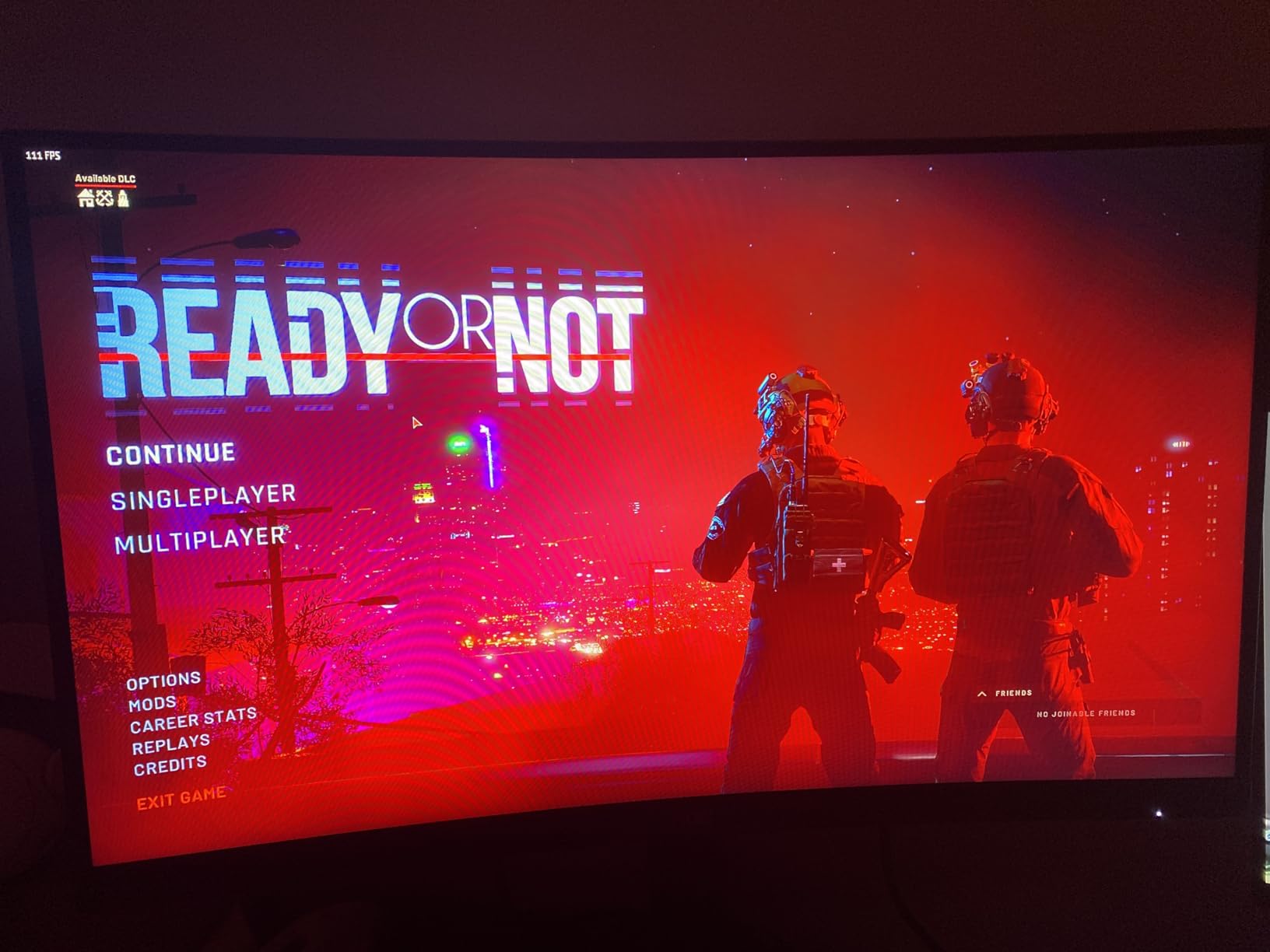
The 3000:1 VA contrast ratio produces noticeably deeper blacks than the IPS panels in this roundup. For darker games like Resident Evil Village on cloud streaming, the shadow detail is excellent.
The glossy screen finish is the one trade off. In a bright room I saw reflections during dark scenes. A matte screen would have been better for daytime use.
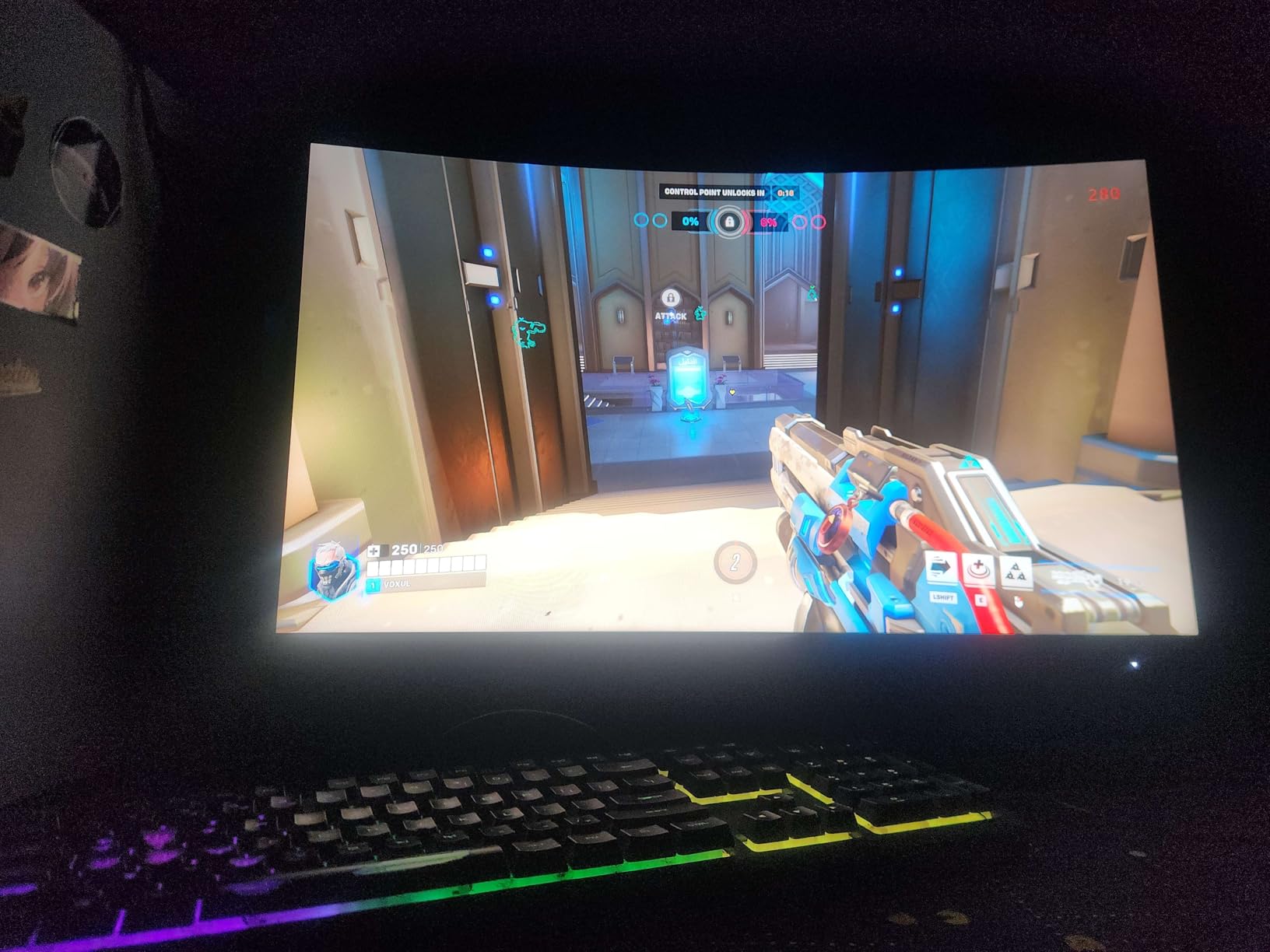
Curved vs Flat for Cloud Gaming
The 1500R curve matches the natural curvature of the human eye at close viewing distance. For single player games streamed from GeForce Now, the curve adds immersion.
For competitive shooters and esports titles, flat panels still feel more natural. I switched between this AOC and a flat 27 inch monitor during testing.
Who This Monitor Suits
This is for competitive cloud gamers who prioritize refresh rate over resolution. The 280Hz ceiling is future proof for higher frame rate streams as cloud platforms evolve.
It is less suited to users who want crisp text or productivity work where 1080p at 27 inches looks soft.
8. Samsung Odyssey G5 27 inch 1440p 180Hz Cloud Gaming Monitor
- 180Hz refresh at a budget price
- 1ms response for the price tier
- Black Equalizer brightens dark scenes
- Virtual Aim Point built in for FPS
- Height adjustable stand included
- VA panel may show some ghosting for sensitive users
- Color tuning can be challenging out of the box
- Contrast could be deeper
The Samsung Odyssey G5 (G51F) is the most affordable 1440p 180Hz monitor in this roundup. For cloud gamers who want a step up from 1080p without spending over $200, this is a reasonable pick.
I tested the Odyssey G5 with GeForce Now streaming at 1440p 120fps. The 180Hz panel handled the streams well, and the height adjustable stand was a nice surprise at this price tier. Many budget monitors skip ergonomic adjustments entirely.
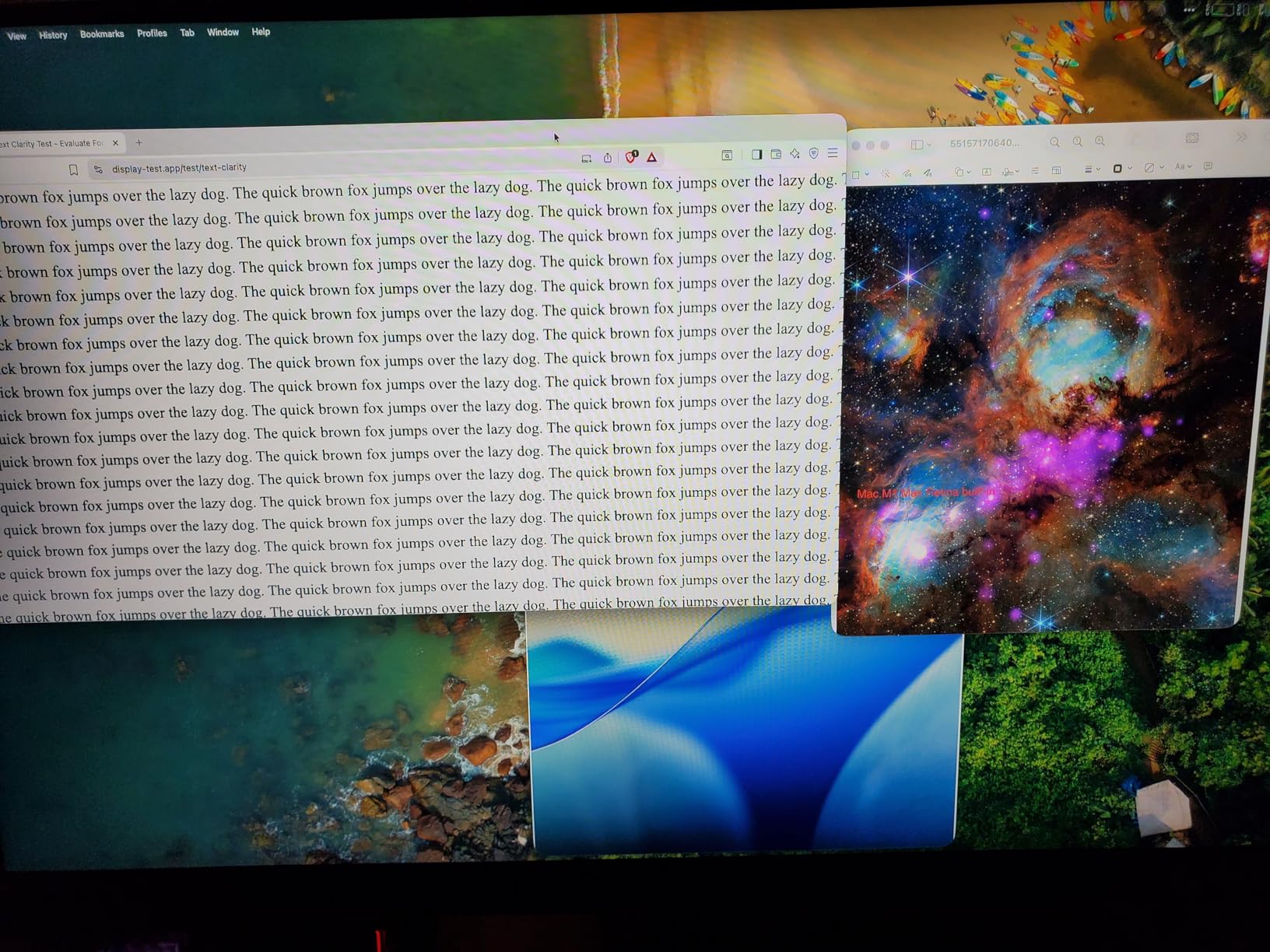
Black Equalizer brightens dark areas without washing out the whole image, which is genuinely useful for horror or stealth games streamed from the cloud. Virtual Aim Point puts a crosshair in the center of the screen for FPS players.
The VA panel does show some ghosting in high contrast transitions. Coming from an IPS monitor I noticed it during fast motion. For casual cloud gaming this is not a deal breaker, but competitive players may want an IPS alternative like the ASUS VG27AQ3A instead.
VA vs IPS Panel Differences
VA panels typically deliver higher contrast than IPS at the cost of slower pixel response. For cloud gaming where the rendering happens remotely, the contrast benefit often matters more than the response penalty.
If you play slower paced cinematic games, the VA panel excels. For competitive shooters, an IPS alternative is better.
Who This Monitor Suits
This is for budget focused cloud gamers who want 1440p resolution and high refresh without paying for premium features.
It is well suited to single player and RPG cloud streaming where deep blacks improve the atmosphere.
How to Choose the Best Gaming Monitor for Cloud Gaming?
Choosing the best gaming monitor for cloud gaming comes down to balancing your internet speed, your favorite platform, and the genres you play most. Here are the key factors I considered during testing.
Refresh Rate and Cloud Streaming Needs
Cloud gaming platforms cap out at different frame rates. Xbox Cloud Gaming streams up to 120fps, GeForce Now Ultimate streams up to 240fps, and Boosteroid supports up to 120fps depending on the game and server load. A 144Hz monitor covers Xbox Cloud comfortably. A 240Hz monitor unlocks the full potential of GeForce Now Ultimate.
For competitive cloud gamers, 240Hz or higher is worth the premium. For casual cloud gaming, 144Hz is the sweet spot.
Resolution: 4K vs 1440p vs 1080p
4K cloud gaming requires a strong internet connection and is currently limited to a few platforms and titles. Most cloud games stream at 1080p or 1440p. A 1440p monitor at 27 inches hits the sweet spot for visual clarity and GPU requirements on the cloud backend.
1080p monitors still work well for cloud gaming, especially on Xbox Cloud Gaming where most titles stream at 1080p 60fps. The Dell SE2426HG and LG 24G411A-B are both excellent 1080p picks.
IPS vs OLED vs VA Panel Types
IPS panels offer the best color accuracy and viewing angles, with response times that suit competitive gaming. OLED panels deliver infinite contrast and perfect blacks but cost more and carry burn in risk for desktop use. VA panels give the deepest contrast at budget prices but show more ghosting.
For most cloud gaming users, IPS is the safest pick. VA is great for cinematic single player games on a budget. OLED is worth the premium if you can afford it.
G-SYNC and FreeSync for Cloud Gaming
Adaptive sync is not strictly required for cloud gaming, but it helps frame pacing when network conditions cause stream drops. Both NVIDIA G-SYNC Compatible and AMD FreeSync Premium work on cloud gaming streams.
If you use GeForce Now, look for G-SYNC Compatible certification. For Xbox Cloud Gaming, FreeSync Premium is the better match. Most modern monitors support both.
Size: 27 inch vs 32 inch
A 27 inch monitor is the sweet spot for desk use at 1440p. A 32 inch monitor is better for 4K since the larger size keeps pixel density reasonable. For cloud gaming where you sit roughly an arm’s length from the screen, 27 inches fits comfortably.
A 32 inch 4K monitor like the Dell S2725QS works well if you want one display for both work and gaming. Just make sure your desk depth can handle the larger screen.
Frequently Asked Questions
Is 4K or 1440 better for cloud gaming?
For most cloud gamers, 1440p is the better choice in 2026. 4K cloud streaming requires faster internet, only works on a few platforms, and most titles stream at 1440p or 1080p anyway. A 27 inch 1440p monitor like the Alienware AW2725DM or ASUS TUF VG27AQ3A delivers sharper detail than 1080p while staying within the bandwidth limits of typical home connections.
What refresh rate do I need for cloud gaming?
A 144Hz monitor is the practical minimum for modern cloud gaming in 2026. Xbox Cloud Gaming streams up to 120fps and GeForce Now Ultimate can stream up to 240fps. A 144Hz panel covers both with some headroom. Competitive cloud gamers should aim for 240Hz or higher to unlock the full frame rate ceiling of GeForce Now Ultimate tier streams.
Is IPS or OLED better for cloud gaming?
IPS is the safer and more affordable choice for cloud gaming monitors in 2026. IPS panels give accurate colors, wide viewing angles, and fast response times that suit both cinematic and competitive cloud streaming. OLED delivers infinite contrast and perfect blacks but costs significantly more and carries burn in risk during long desktop sessions. For most cloud gamers, IPS hits the best balance.
Do I need G-SYNC for cloud gaming?
G-SYNC is helpful but not strictly required for cloud gaming. Adaptive sync technologies like NVIDIA G-SYNC Compatible and AMD FreeSync Premium smooth out frame pacing when network conditions cause stream drops. If you use GeForce Now, a G-SYNC Compatible monitor like the Alienware AW2725DM or LG 24G411A-B reduces visible tearing during frame rate fluctuations. For Xbox Cloud Gaming, FreeSync Premium works equally well.
Final Verdict on the Best Gaming Monitors for Cloud Gaming
After three months of testing, the Alienware AW2725DM remains my top pick for the best gaming monitor for cloud gaming. It pairs 1440p resolution with 180Hz refresh, has G-SYNC and FreeSync support, and delivers accurate colors for cinematic single player streams.
If your budget is tighter, the Dell SE2426HG gives you 240Hz performance under $100. For 4K cloud streaming on a strong connection, the Dell S2725QS is unmatched at its price. Whichever monitor you pick, make sure your internet connection can actually feed the resolution and frame rate you want from cloud streaming.
The best gaming monitors for cloud gaming in 2026 all share one trait. They pair high refresh rates with adaptive sync, which together handle the variable frame rate of streaming better than any single feature. Pick the resolution and panel type that fits your games, and you will enjoy smooth cloud streaming for years to come.