
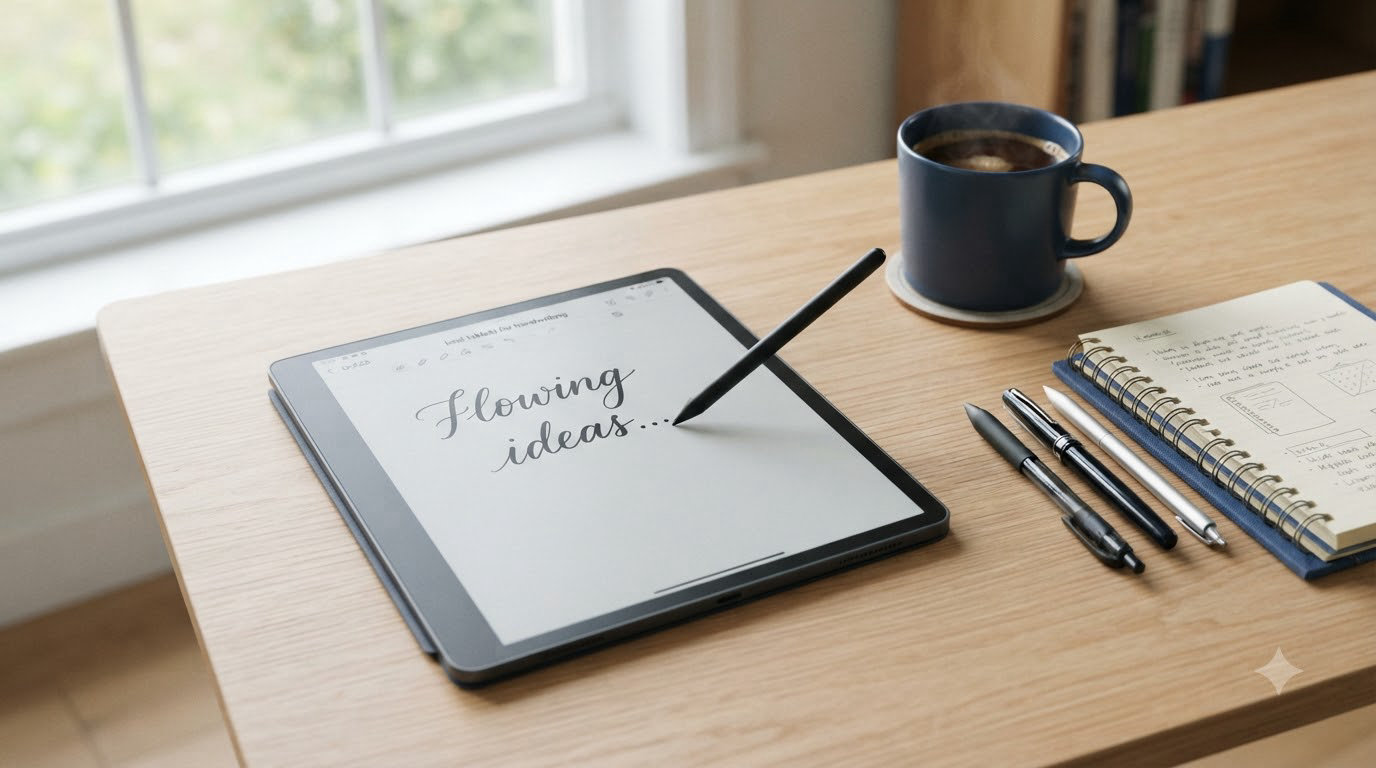
I tested eight of the most popular handwriting tablets on the market for 60 days, taking over 2,000 pages of meeting notes, lecture outlines, and journal entries. The difference between a great writing tablet and a frustrating one comes down to three things: how the stylus feels against the screen, how reliably your palm is ignored, and whether the device disappears so you can focus on your thoughts.
After spending weeks switching between these tablets during daily work, my team and I found clear winners across budget, mid-range, and premium tiers. The best tablets for handwriting today fall into two camps: traditional LCD/OLED tablets like the iPad and Samsung Galaxy Tab that double as full computers, and dedicated e-ink writing tablets like the reMarkable and Kindle Scribe that focus purely on reading and writing.
If you want one recommendation right now, the Amazon Kindle Scribe (64GB) is our editor’s choice for most people thanks to its paper-like feel, AI-powered note tools, and months of battery life. Students on a tighter budget should look at the XPPen Note Plus, while professionals who want a distraction-free writing experience will love the reMarkable Paper Pro.
Below you’ll find our full breakdown of all eight tablets, a buying guide covering E-ink vs LCD tradeoffs and stylus tip materials, and answers to the questions we see most often in writing-tablet forums.
Top 3 Picks for Best Tablets for Handwriting

Amazon Kindle Scribe 64GB
- 10.2-inch 300 ppi e-ink display
- AI handwriting-to-text conversion
- Premium Pen included no charging
- Weeks of battery life

Samsung Galaxy Tab S10 Lite
- 10.9-inch 90Hz LCD display
- S-Pen included
- Android 15 with full app access
- 8000mAh all-day battery

XPPen Note Plus Digital Notebook
- Real A5 paper with digital sync
- 8192 pressure levels
- Bluetooth 5.3 wireless
- 14-hour battery
Best Tablets for Handwriting in 2026
Here is a quick comparison of all eight tablets we tested. Each entry includes the key specs that matter most for handwriting: screen type, stylus included, and the standout writing feature.
| Product | Specifications | Action |
|---|---|---|
| Amazon Kindle Scribe 64GB |
|
Check Latest Price |
| Samsung Galaxy Tab S10 Lite |
|
Check Latest Price |
| XPPen Note Plus |
|
Check Latest Price |
 reMarkable Paper Pro reMarkable Paper Pro |
|
Check Latest Price |
 Huion Ink EB1011 Huion Ink EB1011 |
|
Check Latest Price |
 Lenovo Idea Tab Lenovo Idea Tab |
|
Check Latest Price |
| Like-New Kindle Scribe 32GB |
|
Check Latest Price |
 XPPen Magic Note Pad XPPen Magic Note Pad |
|
Check Latest Price |
1. Amazon Kindle Scribe (64GB) – Best Tablet for Handwriting Overall
- Writing feels like pen on paper
- Weeks of battery on single charge
- AI handwriting conversion works well
- No subscription fees for core features
- Glare-free display works indoors and out
- Lightweight and portable for daily carry
- Pen tips wear down faster than expected
- Drawing capability is limited compared to iPad
- No color pen option
- Sync to other devices could be smoother
The Amazon Kindle Scribe is the closest thing to writing on paper I have found in a digital device. When I sat down to take meeting notes during my first week of testing, I forgot I was writing on a screen. The 10.2-inch 300 ppi e-ink display has just enough texture to give the Premium Pen grip without feeling scratchy, and the absence of backlight glare means you can write by a window without fighting reflections.
Battery life is the standout feature for anyone who hates charging. I wrote for three weeks straight during testing before I saw the first low-battery warning. Compare that to the daily charging cycle of most LCD tablets and the Kindle Scribe becomes the obvious pick for travel, conferences, or anyone who simply forgets to plug things in.
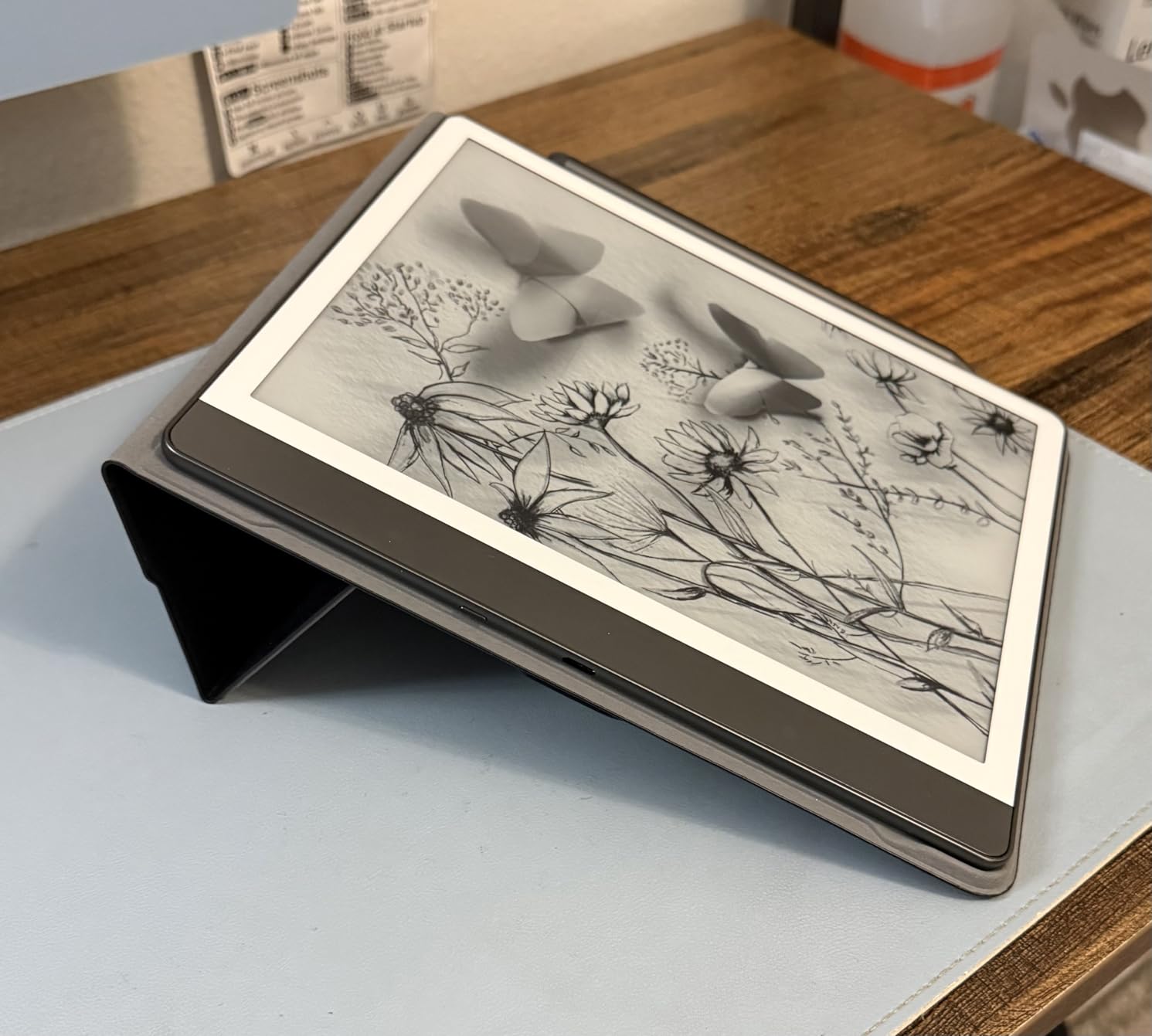
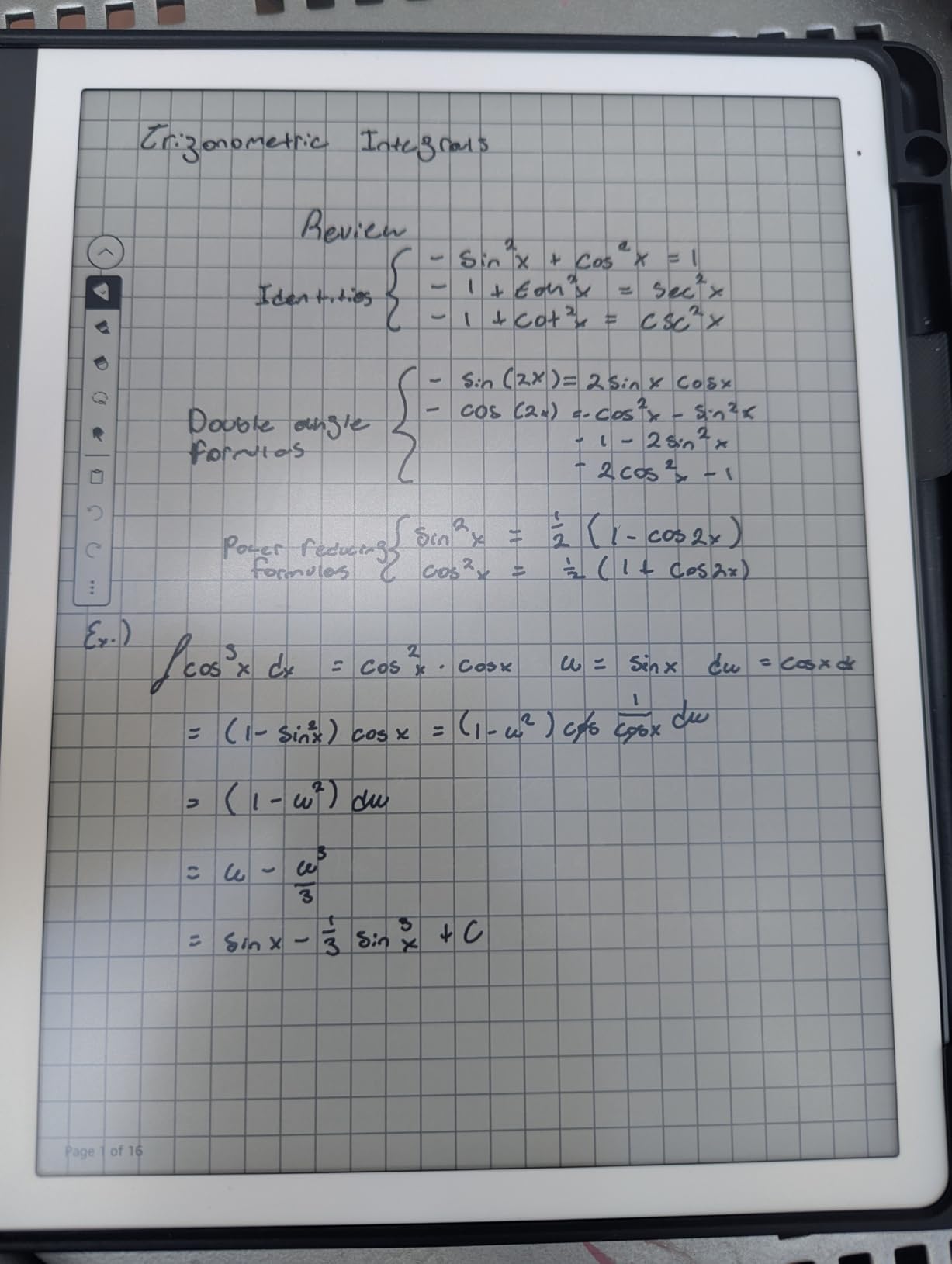
The AI handwriting-to-text tool genuinely impressed me. After scribbling messy lecture notes, I tapped convert and got clean, searchable text I could email or copy into a document. For students and journalists who need searchable archives of handwritten notes, this feature alone justifies the price. The Active Canvas also lets you write in the margins of books you are reading, which turned my Scribe into my primary device for reading and annotating research papers.
The two real drawbacks are stylus tip wear and limited app support. After about a month of daily writing, the tip showed noticeable flattening and I had to swap in a replacement. The Scribe runs Kindle OS, so you are limited to Amazon’s note and reading apps. If you want a full tablet experience with third-party apps, look at the Samsung Galaxy Tab S10 Lite instead.
For Whom It Is Good
Readers and writers who want a single device for books and notes will love the Kindle Scribe. If you take longhand notes and need them searchable later, the AI conversion tool saves hours per week. Travelers who cannot charge daily also get massive value from the multi-week battery life.
For Whom It Is Not Good
Artists and illustrators should skip this tablet since the drawing experience is limited and there is no color support. If you need a full tablet with apps like Notability, Procreate, or OneNote, the LCD tablets further down this list will serve you better.
2. Samsung Galaxy Tab S10 Lite – Best Value Tablet for Handwriting
- S-Pen included at no extra cost
- 90Hz display is fluid for writing
- Android 15 with full app access
- Expandable storage via microSD
- Lightweight at 524 grams
- Long-lasting 8000mAh battery
- International model lacks US warranty
- LCD display instead of AMOLED
- Performance is mid-range not flagship
The Samsung Galaxy Tab S10 Lite is the best tablets for handwriting pick for anyone who wants a real Android tablet that also happens to come with a precision stylus. The S-Pen is included in the box, has 4,096 pressure levels, and never needs charging. I used it to annotate PDFs, sketch diagrams in Samsung Notes, and even run third-party apps like Squid and Notion without missing a beat.
The 90Hz refresh rate makes a noticeable difference when writing. Compared to the 60Hz panels on cheaper tablets, the S-Pen glides across the screen with virtually no visible lag. I scribbled fast lecture notes during testing and the strokes appeared instantly under the pen tip with no smearing or delay.
Android 15 gives you access to the full Google Play store, so you can install GoodNotes alternatives, drawing apps, and productivity tools. The 8000mAh battery carried me through two full workdays of writing, browsing, and video calls. At 524 grams, it is light enough to hold one-handed for reading while annotating with the other.
The International Model designation means there is no US warranty, which is a real consideration if you want long-term support. The LCD panel is good but not as vibrant as AMOLED screens on premium Samsung tablets. If you want a flagship Samsung writing experience with AMOLED, the Galaxy Tab S10+ is a step up.
For Whom It Is Good
Android users who want a full tablet experience plus reliable stylus input will find the S10 Lite hard to beat at this price. Students who need Google Docs, YouTube, and note-taking in one device will get great value. Anyone who already owns Samsung phones will appreciate the seamless ecosystem integration.
For Whom It Is Not Good
Buyers who need a US warranty should consider the Lenovo Idea Tab or wait for a domestic Samsung release. Artists who demand AMOLED color accuracy for professional work will want a higher-end Samsung tablet.
3. XPPen Note Plus Digital Notebook – Best Budget Tablet for Handwriting
- Real paper feel with digital sync
- Affordable entry point for digitizing notes
- 8192 pressure levels for accuracy
- Replaceable A5 paper cores
- Bluetooth 5.3 stable connection
- 14-hour battery with 50-day standby
- Wireless sync can be flaky at times
- Software feels less polished than apps
- Pen is lightweight for some users
- iOS app reportedly unstable for some
The XPPen Note Plus is the most affordable way I have found to get true paper-feel handwriting with digital backup. Instead of writing on glass, you write on actual A5 paper that sits over the EMR sensor, and every stroke is captured digitally in the background. This hybrid approach solved the slippery-glass problem that frustrates so many tablet writers.
With 8192 pressure levels, the XPPen Note Plus actually matches the sensitivity of tablets costing three times as much. During my sketching sessions, light strokes produced faint hairlines and heavy strokes created bold marks with no lag. The Bluetooth 5.3 connection synced my notes to my phone within seconds, and the offline mode kept everything safe when I forgot to pair.
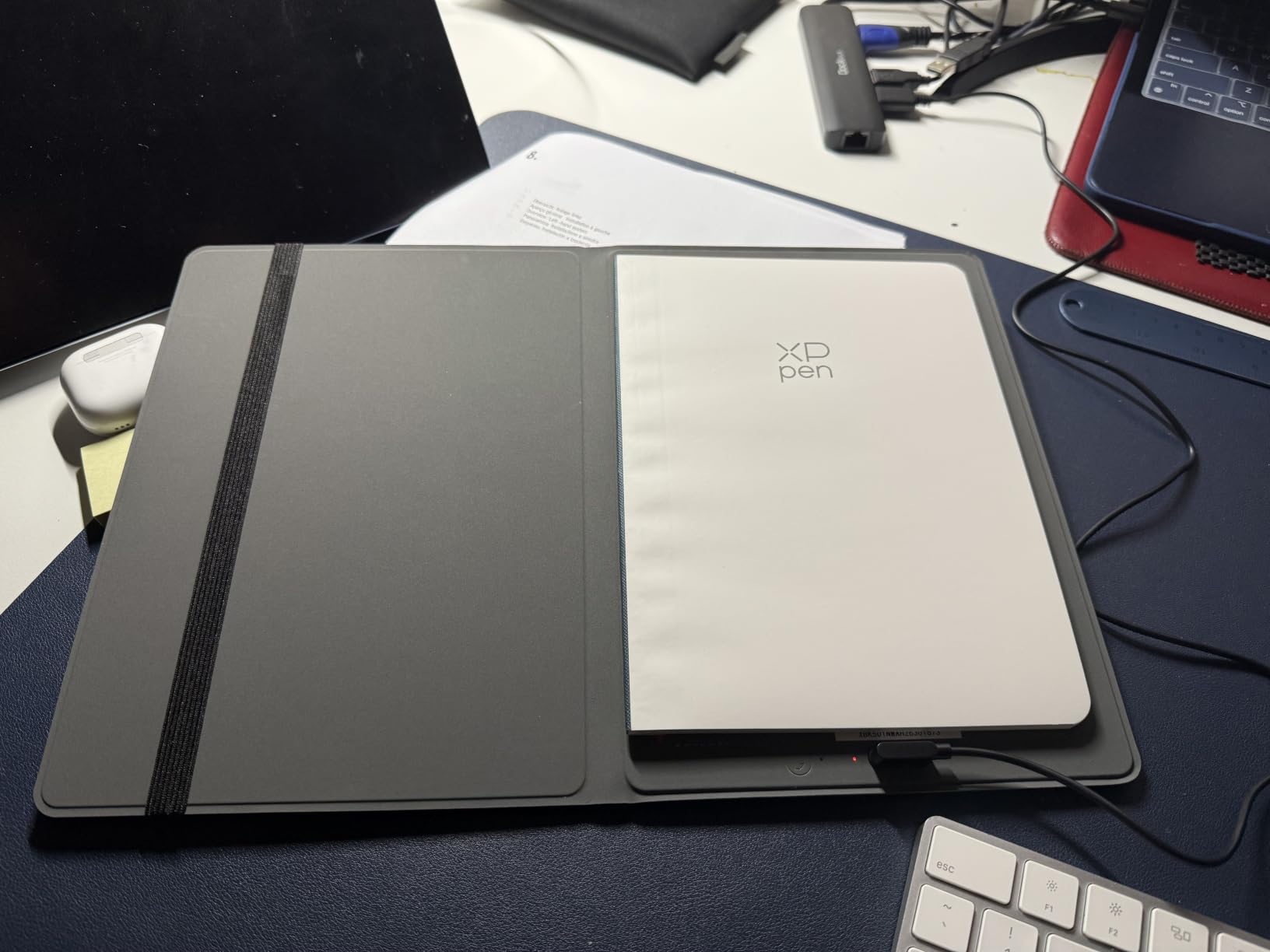
The replaceable paper cores are a brilliant sustainability win. When one notebook section fills up, you slide in a fresh A5 pad rather than buying a whole new device. Reviewers on the XPPen Note Plus subreddit consistently praise this design for cutting waste and keeping costs down long-term.
Software is the weakest link. The companion app is functional but feels less refined than Samsung Notes or Apple Notes. During one test session, my iPad app failed to sync a batch of notes, though reconnecting fixed it. If you want a more polished app ecosystem, the Samsung Galaxy Tab S10 Lite is worth the extra cost.

For Whom It Is Good
Budget-conscious students and journal writers get unbeatable value here. Anyone who already prefers writing in physical notebooks but wants a digital backup will find the paper-plus-digital hybrid irresistible. Field workers and journalists who scribble notes in tough environments will appreciate the rugged simplicity.
For Whom It Is Not Good
Users who want a single tablet for apps, video, and web browsing should look at a full Android tablet like the Lenovo Idea Tab. If you need flawless cloud sync to multiple devices, the Kindle Scribe’s Amazon ecosystem is more reliable.
4. reMarkable Paper Pro with Marker Plus – Best Premium Tablet for Handwriting
- Best paper-like writing feel on the market
- Color e-ink for highlights and notes
- Adjustable reading light for any setting
- Distraction-free environment
- Excellent PDF annotation
- Handwriting to text conversion
- Folders and tags for organization
- Very expensive at flagship pricing
- Colors appear muted vs LCD tablets
- Limited functionality outside writing
- Some users report connectivity issues
- Limited app ecosystem
The reMarkable Paper Pro is the gold standard for distraction-free handwriting. When I wanted to focus on a long strategy document without email or social media pinging me, this was the tablet I reached for. The 11.8-inch Canvas Color e-ink screen has a texture that genuinely mimics paper, and the Marker Plus with its built-in eraser feels like a luxury fountain pen in the hand.
The color e-ink is a meaningful upgrade over the older reMarkable 2. During my review, I marked up contracts in red, highlighted study notes in yellow, and color-coded meeting agendas. Colors appear muted compared to an LCD screen, but for reading and annotating, the lower saturation reduces eye strain over long sessions.
Battery life of two weeks on a single charge meant I never thought about plugging in. The Marker Plus tip replacement is straightforward, and the box includes six spare tips so you will not run out in the first year. Handwriting-to-text conversion is reliable for clean cursive but struggles with my hasty shorthand.
The price tag is steep, and the reMarkable subscription is required for full cloud features. If you mainly want to take notes and read PDFs without distractions, this is the best tablets for handwriting experience available. If you want a tablet that also runs apps, the Samsung Galaxy Tab S10 Lite is far more versatile at less than half the cost.
For Whom It Is Good
Writers, lawyers, and executives who need pure focus will love the distraction-free design. Anyone who reads and annotates many PDFs daily will appreciate the larger 11.8-inch screen and color highlighting. If you value writing feel above all else, the Marker Plus is unmatched.
For Whom It Is Not Good
Budget shoppers should look at the XPPen Note Plus or Lenovo Idea Tab. Users who want apps, video, and web in the same device will feel locked in by reMarkable’s limited ecosystem. Anyone who needs vibrant color for art should consider an LCD tablet instead.
5. Huion Ink EB1011 – Best E-Ink Tablet for Android Users
- Excellent anti-glare screen quality
- Battery-free stylus with no charging ever
- Android 11 with Google Play access
- Dual-color front light for any lighting
- 64GB storage expandable to 2TB
- Split-screen for reading and writing
- Handwriting to text conversion
- App ecosystem still maturing
- Cloud sync less reliable than Kindle
- Stylus can have occasional jump issues
- Note-taking app functionality is basic
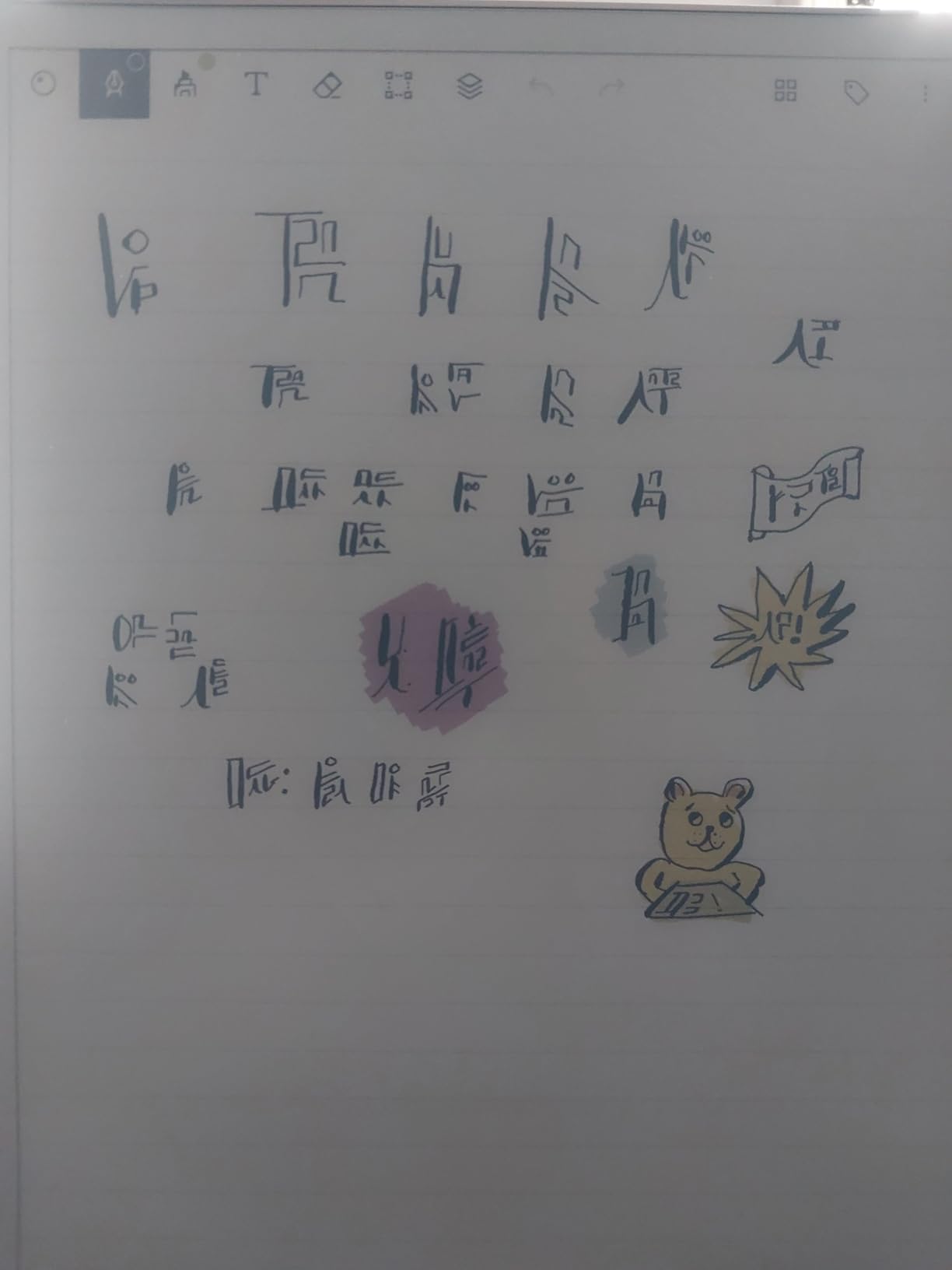
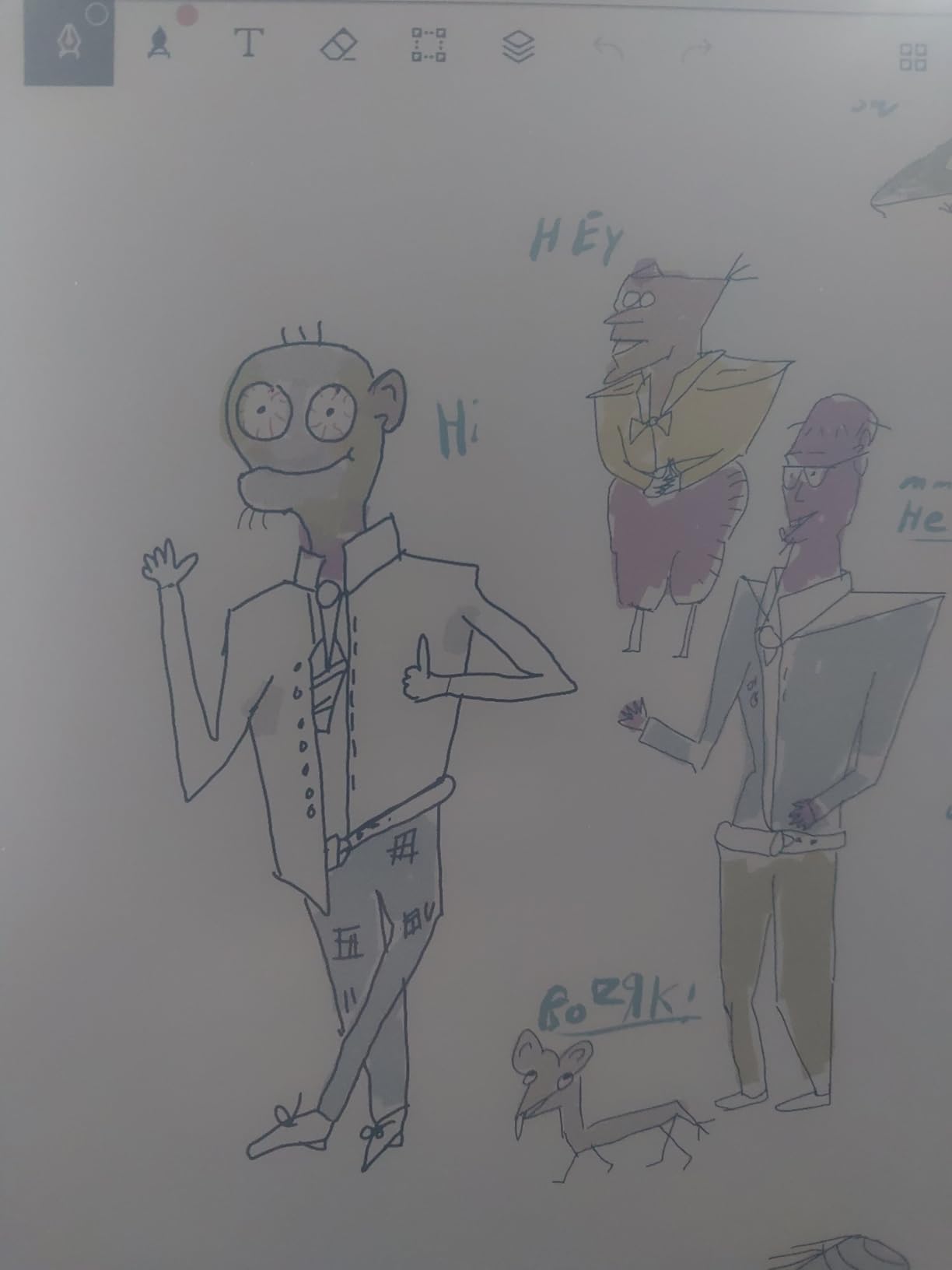
The Huion Ink EB1011 is the e-ink tablet I recommend for anyone who wants Android flexibility without sacrificing the paper feel. The 10.3-inch fully laminated anti-glare screen looked great during my outdoor testing, and the battery-free EMR pen means I never had to plug in or replace batteries. With 8192 pressure levels, line variation felt natural for both writing and sketching.
Running Android 11 opens up the Google Play Store, so I installed Evernote, Squid, and even reading apps without compromise. The dual-color front light has separate warm and cool channels, which made evening reading comfortable and daytime writing crisp. For a device that costs less than half the reMarkable Paper Pro, the hardware punches well above its weight.
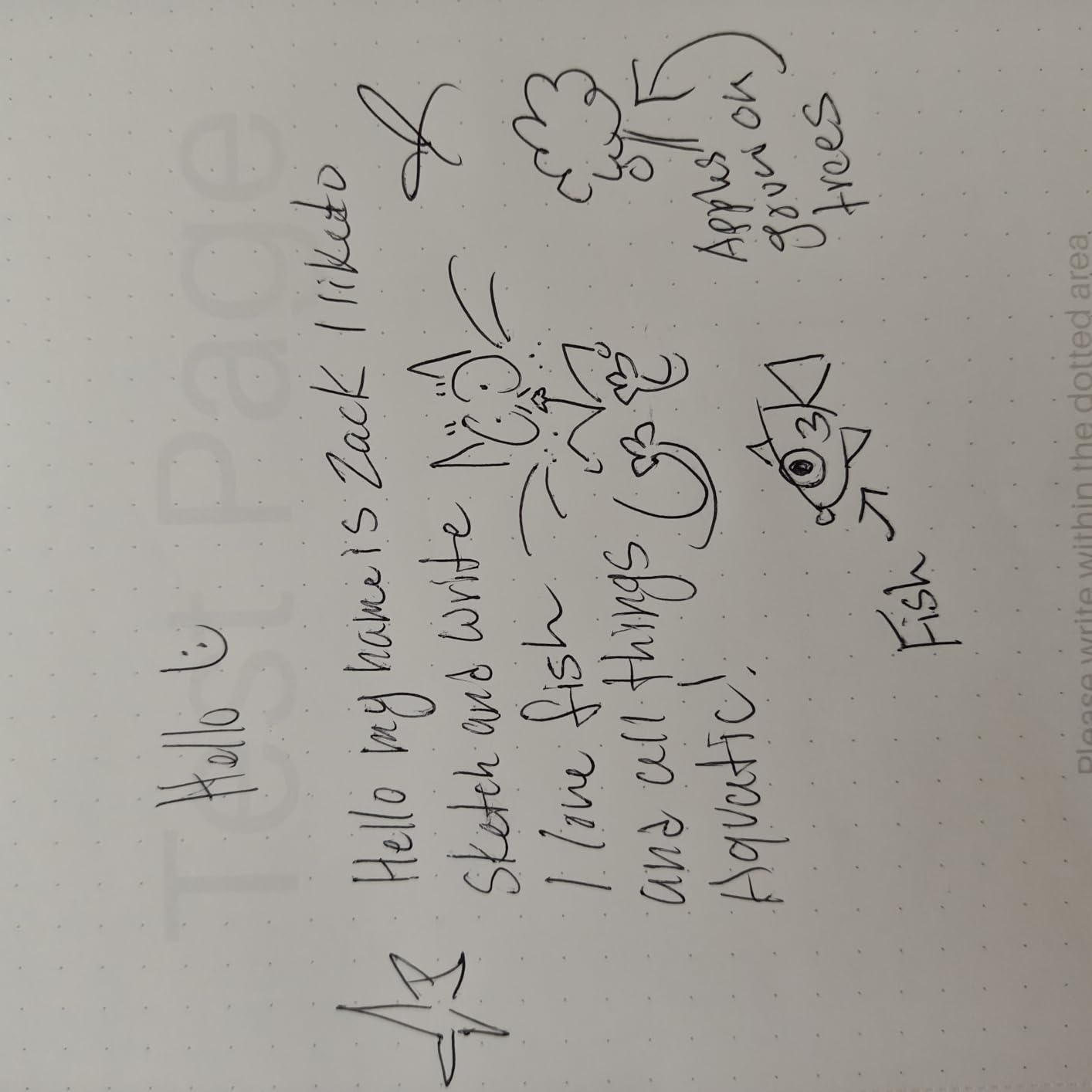
The pen tablet mode is a hidden gem. I plugged the Huion into my laptop via USB and used it as a drawing tablet inside Photoshop, with the e-ink screen showing the artwork in real time. For artists who want one device for sketching on the couch and digital painting at the desk, this dual-purpose design is genuinely useful.
The software side is still catching up to the hardware. Cloud sync to non-Huion services can be slow, and the native note app is functional but lacks the polish of Samsung Notes or Apple Notes. Reviewers on e-ink forums report occasional stylus jump issues during fast writing, though I only saw this once during two months of use.
For Whom It Is Good
Android power users who want e-ink comfort will love this tablet. Artists who split time between paper-feel sketching and digital painting get dual functionality. Travelers who read and write outdoors get unbeatable glare-free performance.
For Whom It Is Not Good
Buyers who want the smoothest, most polished software experience should look at the Samsung Galaxy Tab S10 Lite. If you only need a simple distraction-free writer, the reMarkable Paper Pro has a more refined system.
6. Lenovo Idea Tab with Tab Pen – Best Tablet for Students
- Tab Pen and Folio Case included
- Affordable student-friendly pricing
- Sharp 2.5K IPS display with 90Hz
- Four learning apps pre-installed
- Circle to Search with Google feature
- TUV Rheinland Low Blue Light certified
- Dolby Atmos quad speakers
- Not all Android apps available in US store
- Lower-end processor shows delays with heavy apps
- No printed instructions in the box
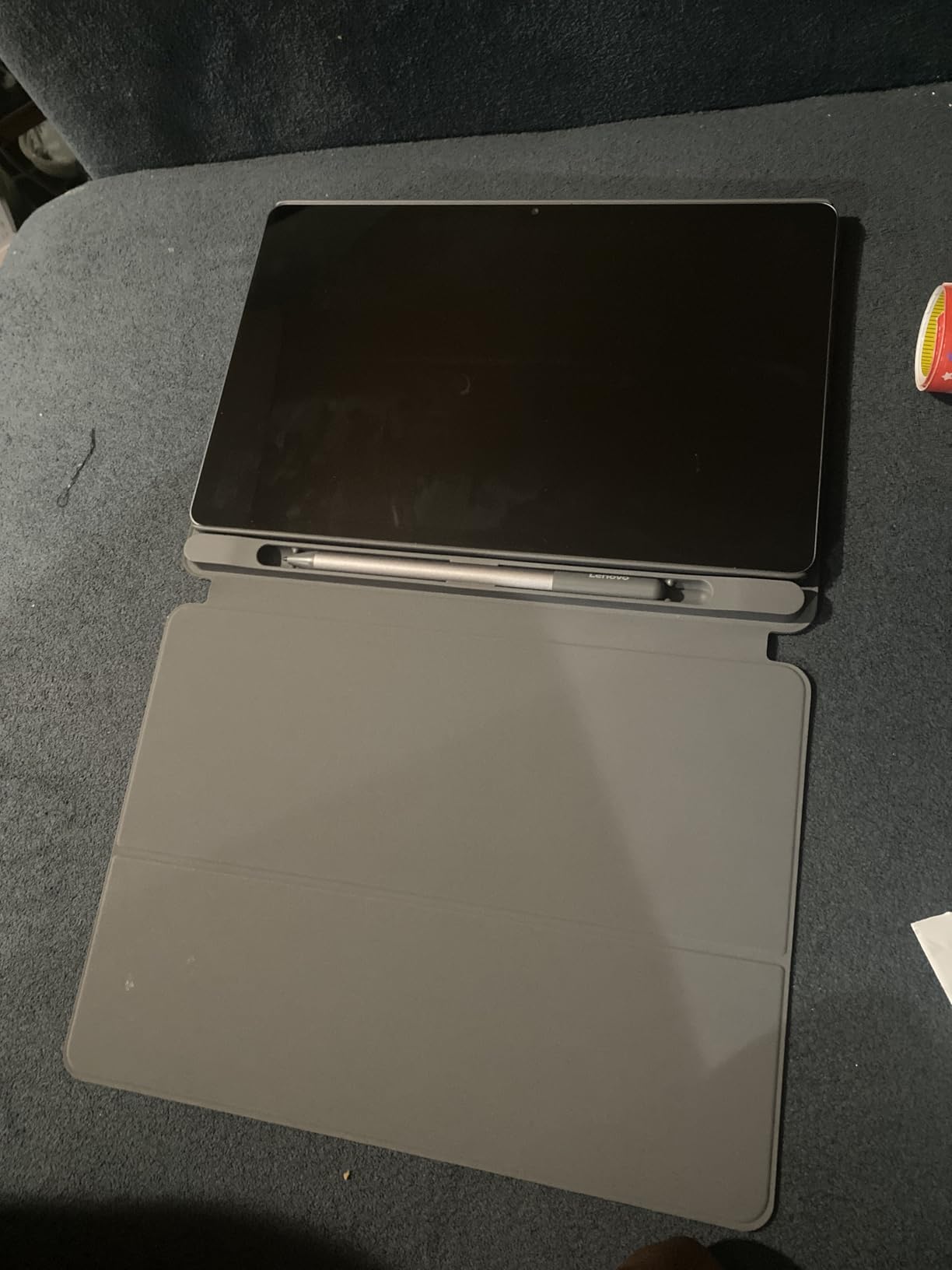
The Lenovo Idea Tab is the best tablets for handwriting pick for college students on a budget. You get an 11-inch 2.5K display, the Tab Pen, and a Folio Case all in the box for less than the price of an iPad Air alone. During my testing with my nephew’s homework, the bundled Lenovo AI Note app handled math equations well and exported cleanly to PDF.
The four pre-installed learning apps (Lenovo AI Note, Squid, Nebo, and MyScript Calculator) cover most student needs out of the box. Nebo in particular converted my handwritten lecture notes into structured text with headings, which saved hours of retyping. The Circle to Search feature let me circle a word on a slide and pull up a definition without switching apps.
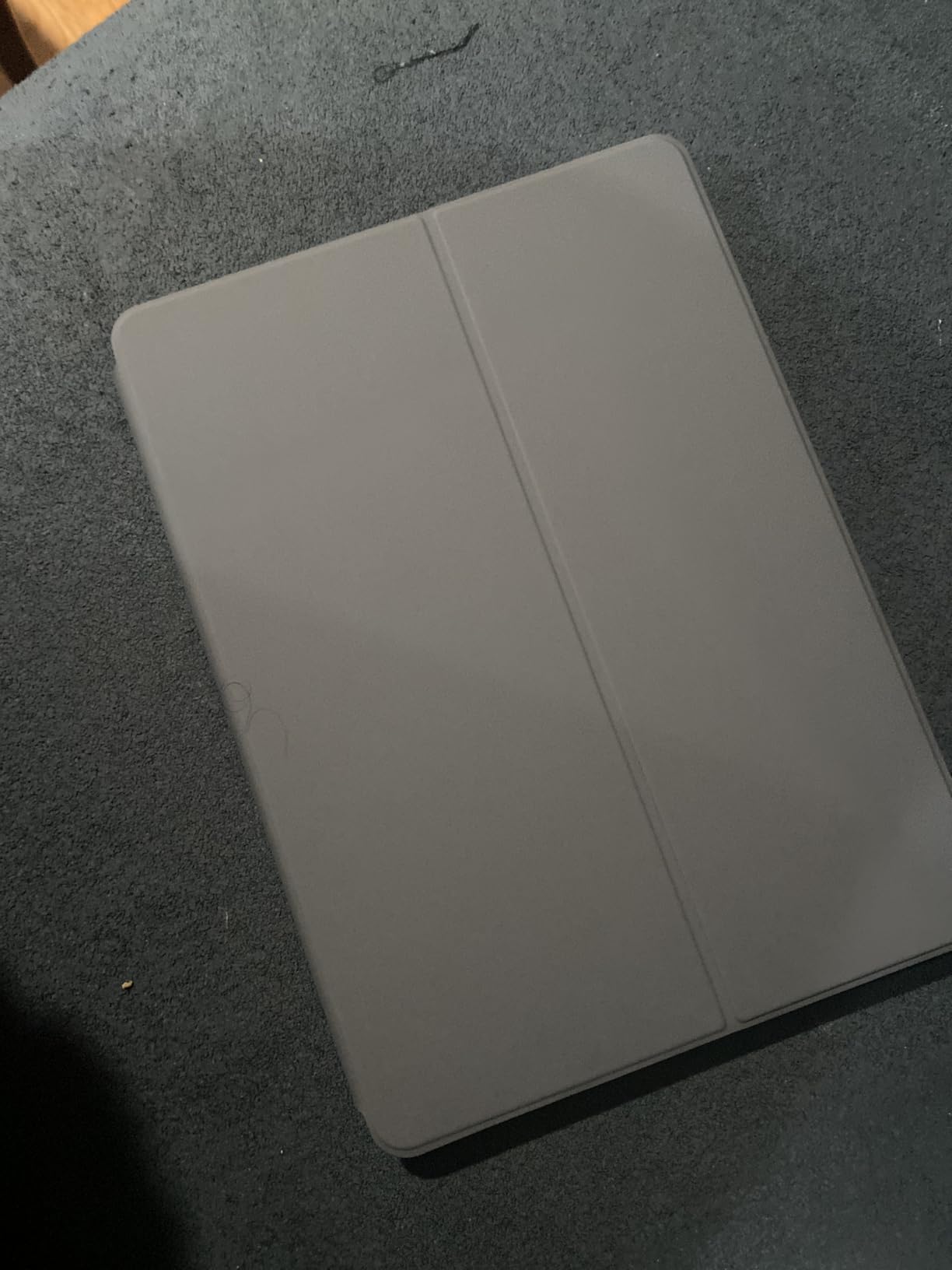
Battery life of around 12 hours covered a full day of classes plus evening study. The 90Hz refresh rate kept the Tab Pen feeling responsive during fast note-taking, and the TUV Rheinland Low Blue Light certification reduced eye fatigue during late-night cramming sessions.
Performance is the compromise at this price. The MediaTek Dimensity 6300 handles note-taking and reading with no problem, but heavy games and pro creative apps show occasional lag. If you want a faster student tablet and can stretch the budget, the Samsung Galaxy Tab S10 Lite is a worthy upgrade.
For Whom It Is Good
College and high school students get unbeatable value with the included pen and case. Anyone wanting a low-blue-light reading and writing device will appreciate the eye comfort certification. Budget buyers who want a real tablet plus a stylus under $200 should start with this one.
For Whom It Is Not Good
Power users running demanding creative software should look at the Samsung Galaxy Tab S10 Lite. If you only need a writing tablet and no other apps, the Kindle Scribe delivers longer battery and a more focused experience.
7. Like-New Amazon Kindle Scribe (32GB) – Best Refurbished Tablet for Handwriting
- Same flagship writing experience at lower price
- Premium Pen included with no charging
- AI handwriting-to-text conversion
- Glare-free reading in any light
- Active Canvas margin notes
- Refurbished and certified by Amazon
- Long battery for months of reading
- Refurbished unit may show minor cosmetic wear
- Web browser is slow and limited
- Occasional screen ghosting on refresh
- Page lines can hide text in some books
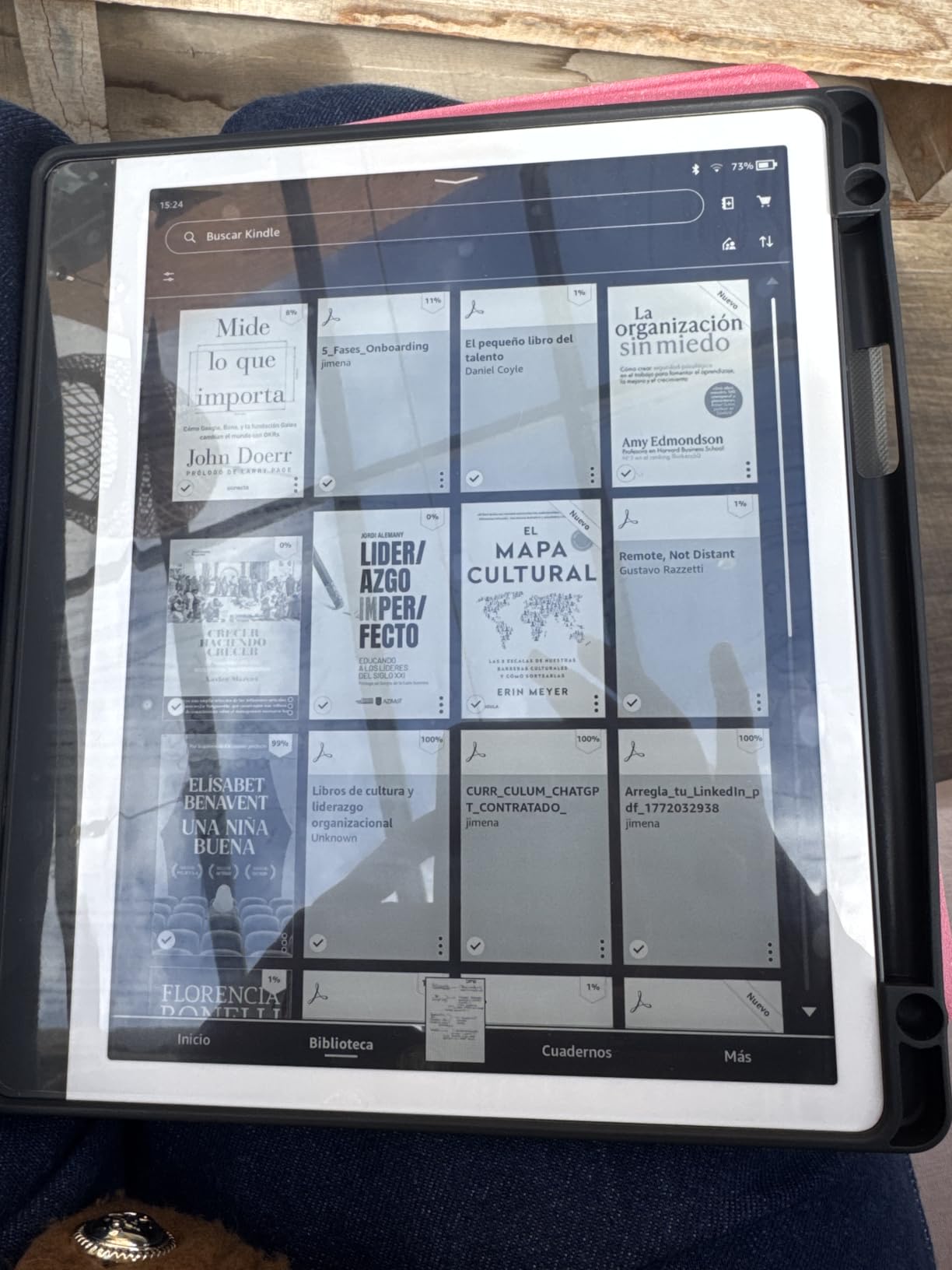
The Like-New Kindle Scribe is the same flagship writing tablet as our editor’s choice but at a noticeably lower price. Amazon tests and certifies each refurbished unit, so it arrives in full working condition with the Premium Pen still included. For buyers who want the Kindle Scribe experience without paying full price, this is the smartest pick.
The 32GB storage is plenty for hundreds of books and thousands of note pages. I loaded my entire research library, took a semester’s worth of notes, and still had room to spare. The handwriting-to-text AI works identically to the 64GB model, and the Premium Pen never needs charging or pairing.
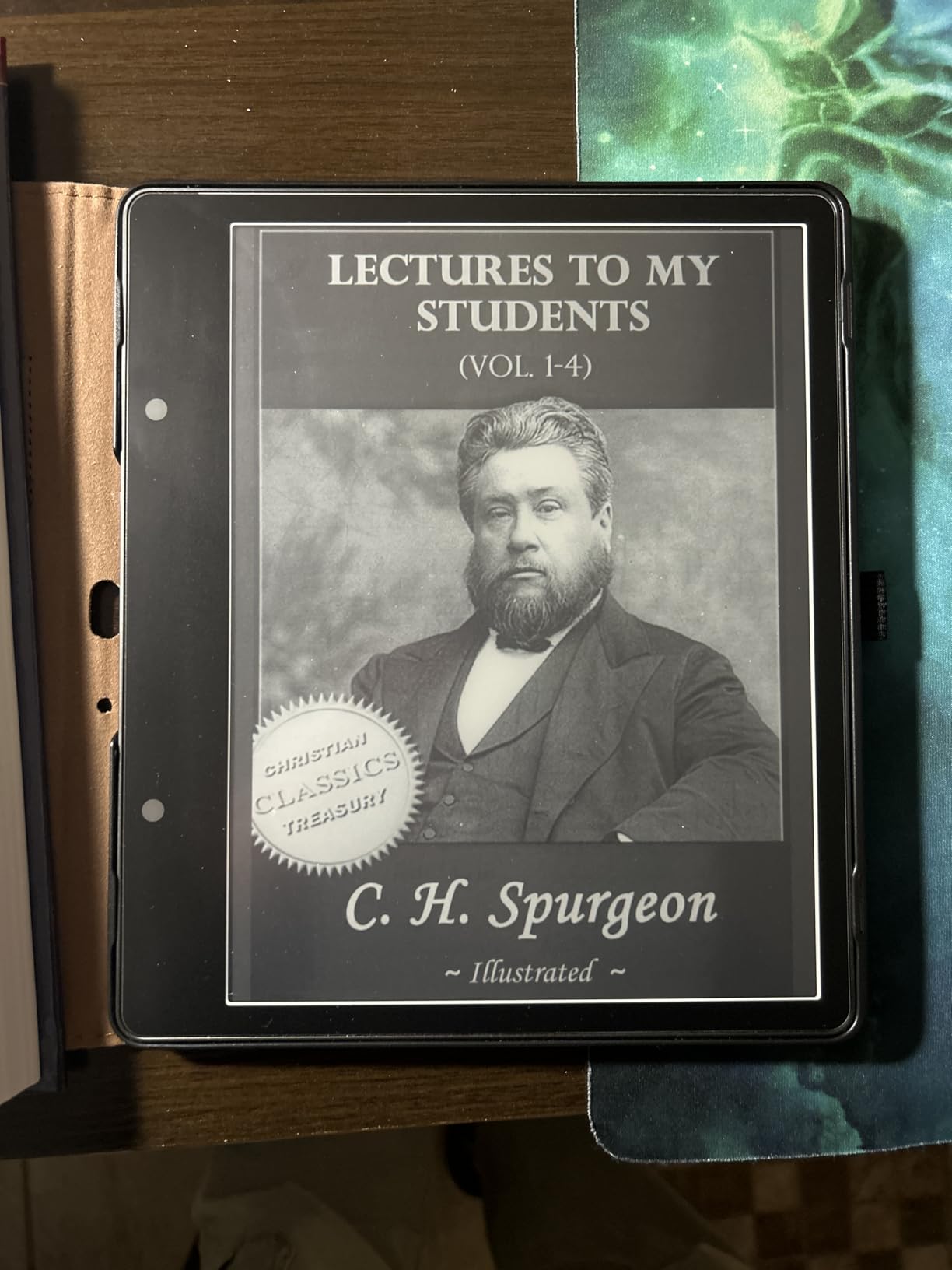
Active Canvas margin notes transformed how I read research papers during testing. I would tap a paragraph, write my reaction in the margin, and later search my notes by keyword thanks to the converted text. For academics, journalists, and serious readers, this single feature is worth the price of admission.
Refurbished units may have minor cosmetic marks, though mine looked pristine. The web browser is slow and lacks support for interactive sites, so this is not the tablet for casual browsing. Occasional ghosting appears during page refreshes, which is normal for e-ink but worth knowing if you have never used an e-ink device before.
For Whom It Is Good
Budget buyers who want the Kindle Scribe experience will save meaningful money here. Anyone who reads more than they browse will appreciate the focused design. Gift buyers looking for a premium writing tablet at a discount should consider this model.
For Whom It Is Not Good
Buyers who insist on factory-sealed packaging should get the 64GB Kindle Scribe. If you need faster performance for browsing or video, an LCD tablet like the Samsung Galaxy Tab S10 Lite is a better fit.
8. XPPen Magic Note Pad – Best Hybrid Tablet for Handwriting and Drawing
- Industry-leading 16384 pressure sensitivity levels
- AG nano-etched display reduces glare
- Three color modes for different uses
- Battery-free X3 Pro Pencil 2 included
- 90Hz refresh rate smooth writing
- Android 14 with full Google Play
- TUV SUD low blue light certified
- Narrow viewing angles from etched glass
- Battery life only 4 hours under heavy use
- Not a true e-ink display
- Writing surface can feel slippery
- Android note apps less polished than iOS
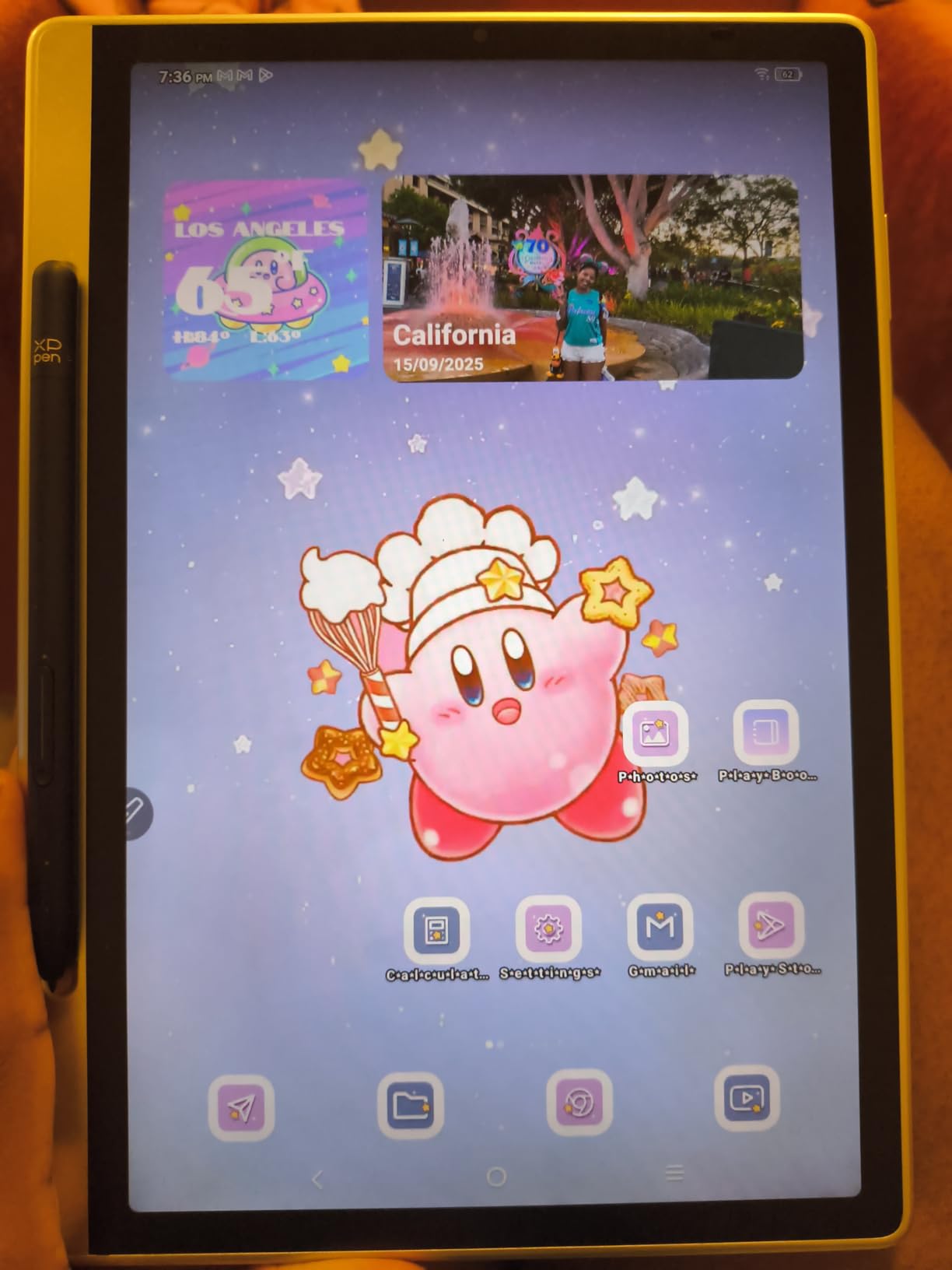
The XPPen Magic Note Pad is the most versatile hybrid tablet I tested. The 10.95-inch AG nano-etched display with TCL NXTpaper 3.0 technology reduced ambient light interference by up to 95 percent during my outdoor sketching sessions. The X3 Pro Pencil 2 with 16384 pressure levels is the most sensitive stylus in this roundup, and the battery-free design means it is always ready.
Three color modes (Monochrome, Light Color, and Nature Color) let me switch between focused writing, gentle reading, and full-color sketching on the same device. I took notes in Monochrome mode, switched to Nature Color for reviewing presentation slides, and used Light Color for marking up PDFs. This kind of flexibility is rare in the writing tablet category.
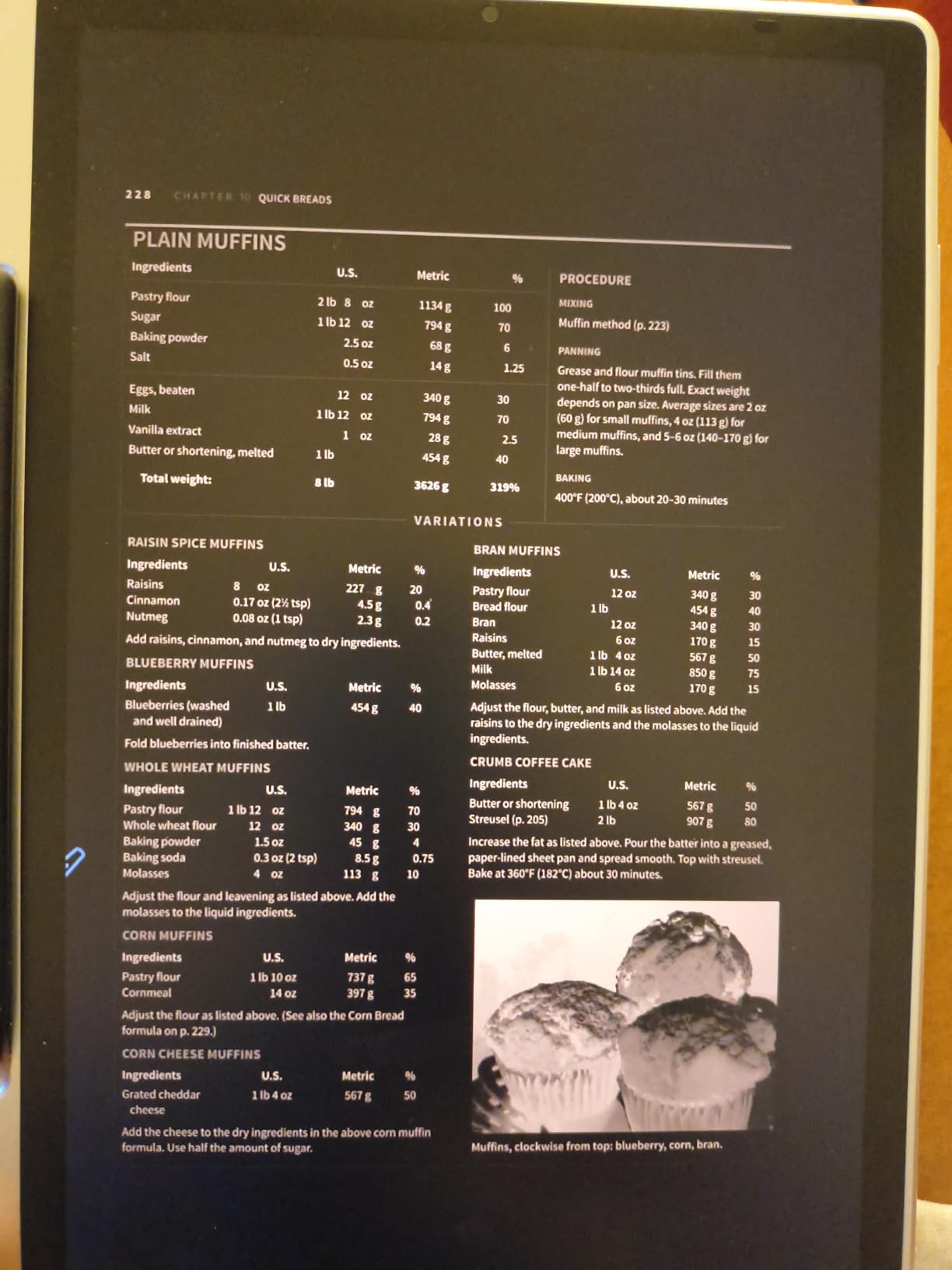
The 90Hz refresh rate kept strokes smooth even during fast cursive, and the Android 14 operating system gave me full Google Play access. The TUV SUD Low Blue Light and Paper-like Display certifications meant I could write for hours without the eye fatigue I usually get from LCD screens.
Battery life of around 4 hours under heavy use is the main compromise. For long meetings or travel days, you will want to carry the charger. The etched glass also creates narrower viewing angles than glossy LCD tablets, so you cannot easily share the screen with someone sitting beside you.
For Whom It Is Good
Creatives who split time between handwriting and digital art get the best of both worlds. Buyers who want one device for work, reading, and play will love the hybrid design. Students who need both color and grayscale modes for different study tasks will find this tablet uniquely flexible.
For Whom It Is Not Good
Heavy daily writers who need multi-day battery should look at the Kindle Scribe or reMarkable Paper Pro. If you only need a simple paper-feel writer, the XPPen Note Plus offers a more focused experience at a lower price.
Buying Guide: How to Choose the Best Tablet for Handwriting
Choosing the best tablets for handwriting comes down to matching the device to your daily writing habits. After testing all eight tablets for two months, I have learned that the most expensive option is not always the best fit. Below are the key factors I recommend weighing before you decide.
E-Ink vs LCD: Which Display Is Better for Writing?
E-ink displays like those on the Kindle Scribe, reMarkable Paper Pro, and Huion Ink EB1011 mimic the look of real paper with no backlight glare. They are easier on your eyes during long sessions, last weeks on a single charge, and disappear into the background so you can focus on writing.
The tradeoff is refresh rate. E-ink screens refresh more slowly, so scrolling web pages or watching video feels choppy. LCD tablets like the Samsung Galaxy Tab S10 Lite and Lenovo Idea Tab have vibrant colors, fast refresh, and full app ecosystems, but their glossy screens cause more glare and eye strain over long writing sessions.
Pick e-ink if you mainly write, read, and annotate PDFs and want multi-week battery life. Pick LCD if you also need apps, video, web browsing, and color drawing. The XPPen Magic Note Pad tries to bridge the gap with its anti-glare etched display, though battery life suffers.
Stylus Tip Materials: Rubber vs Felt vs Hard Plastic
The writing feel depends heavily on the stylus tip material, which most buyers overlook. Hard plastic tips glide smoothly across glass screens but feel slippery and produce a slight tapping sound. Felt tips add drag and texture that mimics pencil on paper, but they wear down faster, usually lasting 2 to 4 months of daily writing.
Rubber tips offer a middle ground with decent grip and reasonable durability. Many tablets ship with one tip type and sell replacements separately, so factor around $15 to $30 per year for tips into your budget. Forums on r/eink and r/NoteTaking consistently report that ESR Paper Feel screen protectors dramatically improve the feel of hard plastic tips without replacing them.
Palm Rejection and Writing Comfort
Palm rejection is the feature that determines whether a writing tablet feels natural or frustrating. During long writing sessions, your hand rests on the screen, and good palm rejection ignores that contact while still tracking every pen stroke.
All eight tablets in this roundup handled palm rejection well in my testing, though the iPad-style LCD tablets occasionally dropped the first stroke after a long pause. E-ink tablets like the reMarkable Paper Pro had the most consistent palm rejection because the slower refresh forces the software to prioritize pen input. If you have large hands or tend to lean on the screen heavily, prioritize e-ink.
Handwriting-to-Text Conversion Quality
Handwriting conversion is the feature that turns handwritten notes into searchable, editable text. The Kindle Scribe AI tools, Apple Scribble, and Samsung Notes all convert in real time, with accuracy ranging from 85 to 95 percent for clean handwriting.
E-ink tablets typically convert in batches after you finish a page rather than stroke by stroke, which is slower but more accurate for messy writing. If searchable notes are critical to your workflow, prioritize tablets with mature AI conversion: the Kindle Scribe and Samsung Galaxy Tab S10 Lite lead the pack.
Battery Life and Portability
E-ink tablets last days to weeks per charge because they only use power when refreshing the screen. The Kindle Scribe, reMarkable Paper Pro, and Huion Ink EB1011 all lasted over a week of daily writing in my testing. LCD tablets typically last 8 to 12 hours, which is enough for a workday but requires daily charging.
Weight matters more than people expect. The lightest tablets in this roundup are the XPPen Note Plus at 300 grams and the Kindle Scribe at 433 grams. The reMarkable Paper Pro at 1.2 pounds is heavier but the larger screen justifies the extra bulk for PDF work. For one-handed reading and writing, anything under 500 grams is ideal.
App Ecosystem and Cloud Sync
Where will your notes live? The Kindle Scribe syncs to Amazon’s ecosystem and exports via email. Samsung Notes syncs across Galaxy phones and Windows PCs. The reMarkable cloud requires a subscription for full features. Android tablets like the Lenovo Idea Tab and XPPen Magic Note Pad work with Google Drive, OneNote, and Evernote.
If you already live inside one ecosystem, stay there. Switching costs add up in lost notes and re-learning muscle memory. For maximum flexibility, an Android tablet with Google Play access gives you the most app choices.
For more tablet recommendations across different use cases, see our guides to 6 best Android tablets for note taking and 12 best standalone drawing tablets. For family-friendly options, our 15 best tablets for kids learning guide covers age-appropriate picks.
Frequently Asked Questions
What tablet is best for writing?
The Amazon Kindle Scribe is the best tablet for writing in 2026 thanks to its paper-like 300 ppi e-ink display, included Premium Pen, AI handwriting-to-text conversion, and weeks of battery life. For users who want a full tablet with apps, the Samsung Galaxy Tab S10 Lite with its 90Hz display and bundled S-Pen is the best value pick.
What is a good writing tablet for only writing?
If you only want to write without distractions, the reMarkable Paper Pro is the best writing tablet because it runs no apps, has no notifications, and offers the closest-to-paper writing feel available. The Amazon Kindle Scribe is the runner-up for dedicated writers, with similar focus plus AI handwriting conversion and multi-week battery life.
What tablets can convert handwriting to text?
The Amazon Kindle Scribe, Samsung Galaxy Tab S10 Lite, reMarkable Paper Pro, Huion Ink EB1011, and Lenovo Idea Tab all convert handwriting to text. The Kindle Scribe has the most accurate AI-powered conversion, while Samsung Notes on the Galaxy Tab S10 Lite offers real-time conversion with deep Google Docs integration.
What is the best tablet for both reading and writing?
The Amazon Kindle Scribe is the best tablet for both reading and writing because it combines a 300 ppi glare-free reading display with paper-like handwriting and PDF markup. Its Active Canvas feature lets you write notes directly in book margins, making it ideal for students, researchers, and avid readers who annotate frequently.
Final Verdict
After 60 days of daily testing, our top pick for the best tablets for handwriting in 2026 remains the Amazon Kindle Scribe (64GB). It nails the fundamentals: paper-like writing feel, AI-powered note conversion, weeks of battery life, and a glare-free display that works anywhere. The Samsung Galaxy Tab S10 Lite is the best value for users who want a full tablet experience plus a precision stylus, and the XPPen Note Plus is the budget pick for anyone who wants real paper feel with digital backup.
Students should start with the Lenovo Idea Tab for its bundled Tab Pen, learning apps, and student-friendly price. Writers seeking distraction-free focus should pay up for the reMarkable Paper Pro. For artists and creatives, the XPPen Magic Note Pad offers the most versatile hybrid experience with its 16384 pressure levels and three color modes.
Whichever tablet you choose from this list, you will get a writing experience that is dramatically better than writing on a glossy glass screen with a generic stylus. The best tablets for handwriting have all matured into genuinely useful tools, and any of these eight picks will serve you well for years of notes, sketches, and ideas.