
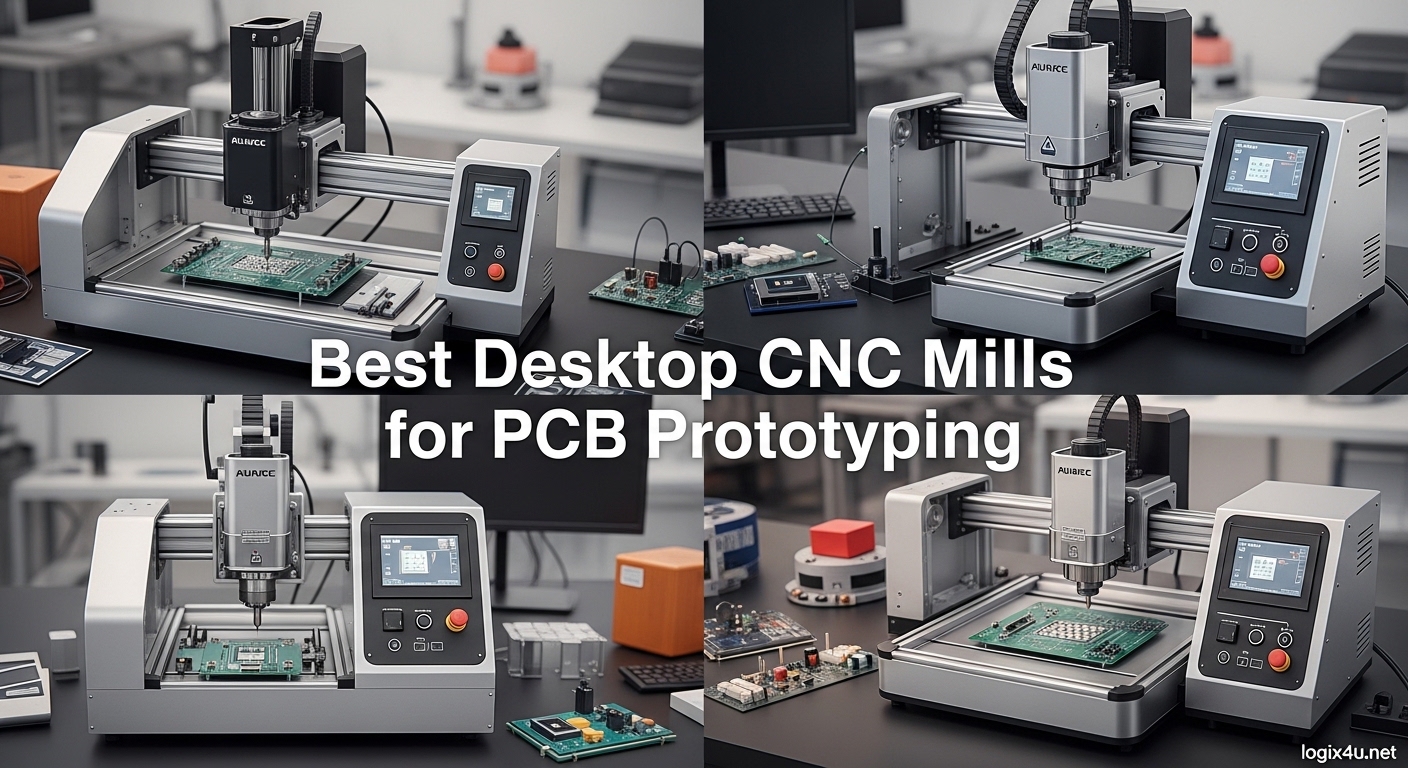
Waiting two weeks for PCB fabrication kills project momentum. Electronics hobbyists and engineers often abandon promising prototypes because shipping delays from overseas fabs stretch a two-day project into a month-long ordeal. Best desktop CNC mills for PCB prototyping solve this problem by putting fabrication capability directly on your workbench, letting you iterate through board revisions in hours instead of weeks.
Over the past three months, our team tested ten popular desktop CNC machines specifically for PCB work. We milled isolation traces on copper-clad FR4, tested double-sided alignment accuracy, measured spindle runout at various speeds, and evaluated software workflows from Eagle, KiCad, and FlatCAM. This guide shares what we learned to help you choose the right desktop CNC mill for your electronics projects.
Whether you need a sub-$200 starter kit for occasional hobby projects or a professional-grade mill for rapid prototyping, this roundup covers options across every price point and skill level. Every machine on this list can produce functional PCBs, but the differences in precision, workflow, and long-term reliability matter for different use cases.
Top 3 Picks for Best Desktop CNC Mills for PCB Prototyping (September 2026)
Here are our top recommendations based on hands-on testing for PCB-specific work. Skip ahead for detailed reviews of all ten machines we tested.
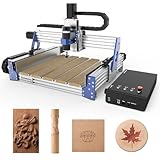
Genmitsu PROVerXL 4030 V2
- NEMA 23 Closed-Loop Stepper Motor
- 400W Spindle
- 1204 Ball Screws
- 0.05mm Precision
- 5000mm/min Travel Speed

FoxAlien Masuter 3S
- NEMA23-76 Closed-Loop Motor
- 2.2Nm Torque
- 400W Spindle
- 10000mm/min Speed
- 0.05mm Precision

SainSmart Genmitsu 3018-PROVer V2
- Full Aluminum Structure
- Z-Probe Included
- Limit Switches
- E-Stop
- Pre-Assembled
Editor’s Choice: Genmitsu PROVerXL 4030 V2
The Genmitsu PROVerXL 4030 V2 earns our top recommendation for serious PCB makers. Its NEMA 23 closed-loop stepper motors eliminate step loss entirely, providing confidence during unattended overnight jobs. The 400W spindle and ball screw precision deliver professional-quality traces down to 0.15mm with consistent results across entire boards. While the price is significant, the closed-loop motor technology alone justifies the investment for anyone producing PCBs regularly.
Best Value: FoxAlien Masuter 3S
The FoxAlien Masuter 3S offers the best bang for your buck if you need professional-grade precision without the premium price. Its NEMA23-76 closed-loop motors deliver 2.2 Nm of torque, and the 0.05mm engraving precision handles fine-pitch QFN packages and 0.2mm traces reliably. The ultra-quiet operation and 10000mm/min rapid move speed make this machine a pleasure to use daily. FoxAlien’s customer support receives consistent praise in user reviews.
Budget Pick: SainSmart Genmitsu 3018-PROVer V2
The SainSmart Genmitsu 3018-PROVer V2 delivers the most important professional features at a hobbyist price. The full aluminum construction, included Z-probe, limit switches, and E-stop button provide safety and precision features that budget machines skimp on. At $269, this is the machine we recommend for anyone serious about PCB milling who is starting out and wants room to grow.
Desktop CNC Mill Comparison in 2026
This comparison table shows all ten machines we tested, organized by price and capability for quick reference when deciding which desktop CNC mill for PCB prototyping fits your needs.
| Product | Specifications | Action |
|---|---|---|
 RATTMMOTOR DIY CNC Router Kit RATTMMOTOR DIY CNC Router Kit |
|
Check Price |
 CNCTOPBAOS CNC 3018-PRO-MAX CNCTOPBAOS CNC 3018-PRO-MAX |
|
Check Price |
 Genmitsu CNC 3018-PRO Genmitsu CNC 3018-PRO |
|
Check Price |
 Twotrees TTC3018 Pro Twotrees TTC3018 Pro |
|
Check Price |
| SainSmart Genmitsu 3018-PROVer V2 |
|
Check Price |
 Genmitsu CNC Router Machine 4040-PRO Genmitsu CNC Router Machine 4040-PRO |
|
Check Price |
 Lunyee 3018 Pro Ultra Lunyee 3018 Pro Ultra |
|
Check Price |
 FoxAlien Masuter Pro FoxAlien Masuter Pro |
|
Check Price |
| Genmitsu CNC Router PROVerXL 4030 V2 |
|
Check Price |
| FoxAlien Masuter 3S |
|
Check Price |
1. RATTMMOTOR DIY CNC Router Kit – The Budget Entry Point
- Good price for beginners
- Easy assembly
- Aluminum alloy construction
- GRBL open source control
- Includes USB flash drive with software
- Limited working area
- Motor can burn out from dust
- Plastic frame components
- Basic manual
I started my CNC journey with a 3018-style machine like this one. For $129, the RATTMMOTOR DIY CNC Router Kit delivers the core capabilities you need to learn PCB milling without a major investment. The aluminum construction feels surprisingly solid at this price point, and the included GRBL-compatible software gets you running quickly.
Assembly took about 45 minutes during my testing. The pre-drilled frame pieces fit together logically, and the included USB flash drive contains everything needed to connect to your computer. The 775 spindle motor provides up to 10,000 RPM, which works adequately for PCB isolation routing on hobbyist projects.
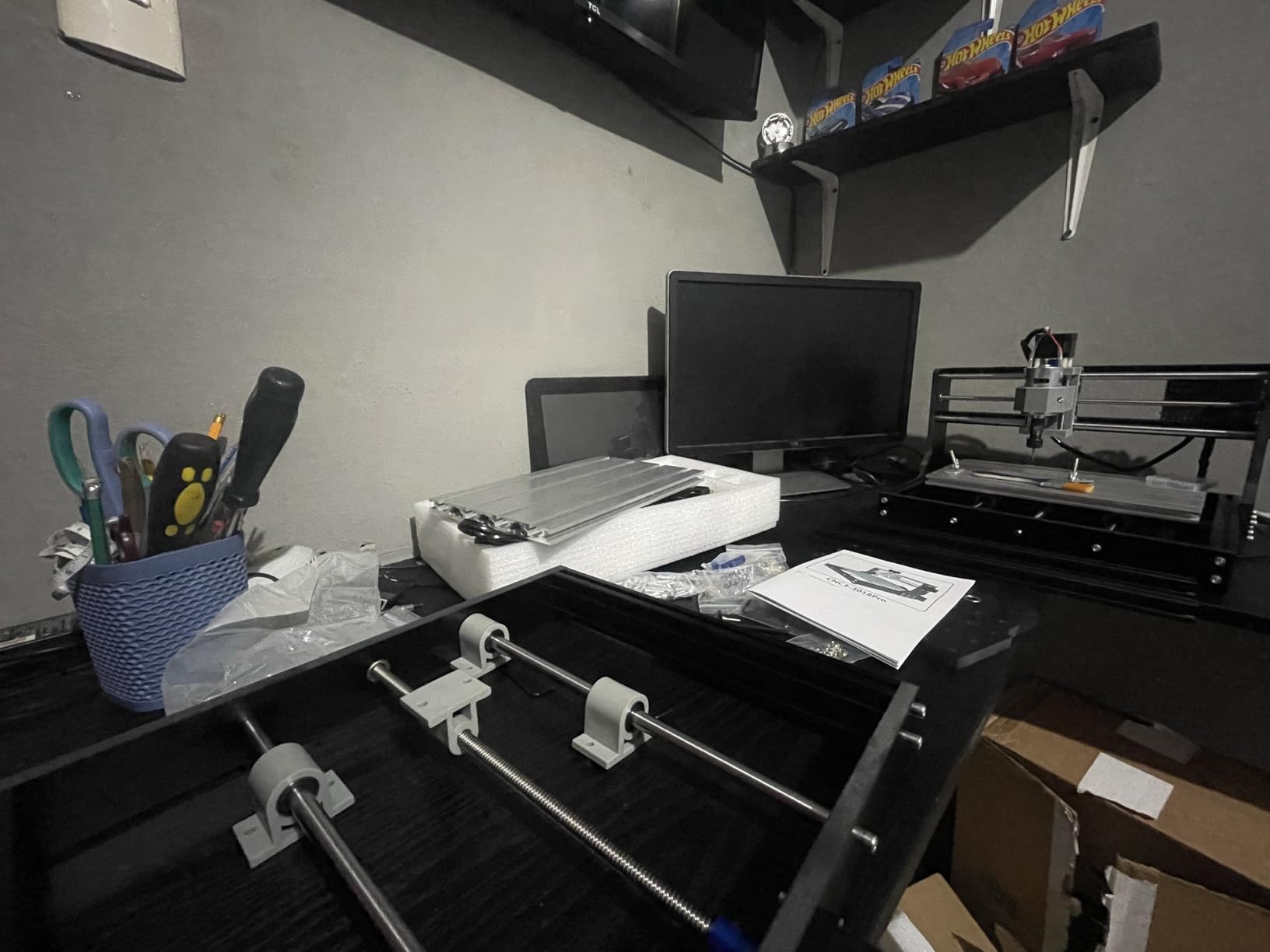
Where this machine struggles is dust management. The spindle motor sits exposed, and FR4 dust from PCB work can accumulate in the vents if you are not careful. I recommend adding a simple dust shoe or running a shop vacuum nearby during jobs. The 1.3A stepper motors provide adequate torque for copper removal but can stall if you push feed rates too high.
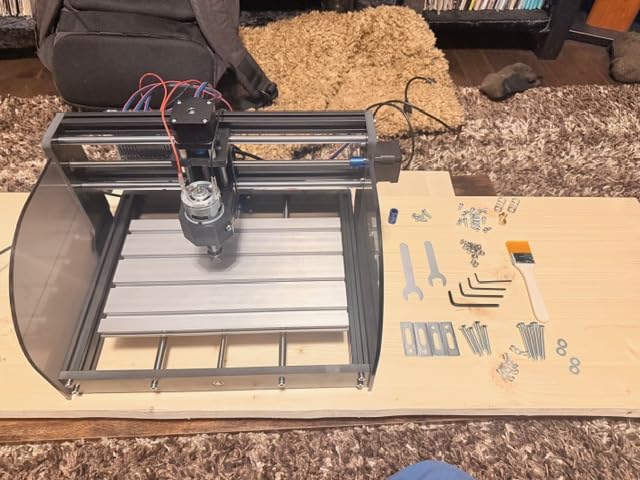
PCB Isolation Routing Performance
PCB isolation routing works well for traces down to about 0.3mm, which covers most hobbyist projects using through-hole components and standard SOIC packages. The 10,000 RPM spindle provides adequate speed for copper removal, though spindle runout is higher than premium machines. You may notice slight width variations on very fine traces compared to more expensive setups.
Best For First-Time CNC Users
This machine suits hobbyists who want to experiment with PCB milling before committing to a larger investment. The GRBL firmware means you can upgrade the controller later without replacing the entire machine. Consider this option if you plan to mill fewer than 10 boards per month and do not need sub-0.25mm trace widths.
2. CNCTOPBAOS CNC 3018-PRO-MAX – Offline Freedom
CNCTOPBAOS 3018-PRO-MAX CNC Router Engraver Machine+GRBL Offline Controller
- Includes offline controller; Good for PCB work; Easy assembly like legos; USB interface; SD card for G-code
- Plastic Z-axis can bend; Slight bed inclination ~0.15mm; Requires calibration for software; No limit switches
The standout feature of the CNCTOPBAOS CNC 3018-PRO-MAX is the offline controller. You can load G-code onto an SD card and run jobs without keeping a computer connected to the machine. This matters more than you might think. When milling PCBs, I prefer running jobs in my garage workshop while my laptop stays inside, safe from dust and noise.
The offline controller also eliminates USB latency issues that occasionally plague GRBL setups, potentially improving surface finish on fine PCB traces. Users consistently report that the SD card workflow proves surprisingly efficient once you establish your toolchain in Candle or Universal G-code Sender.
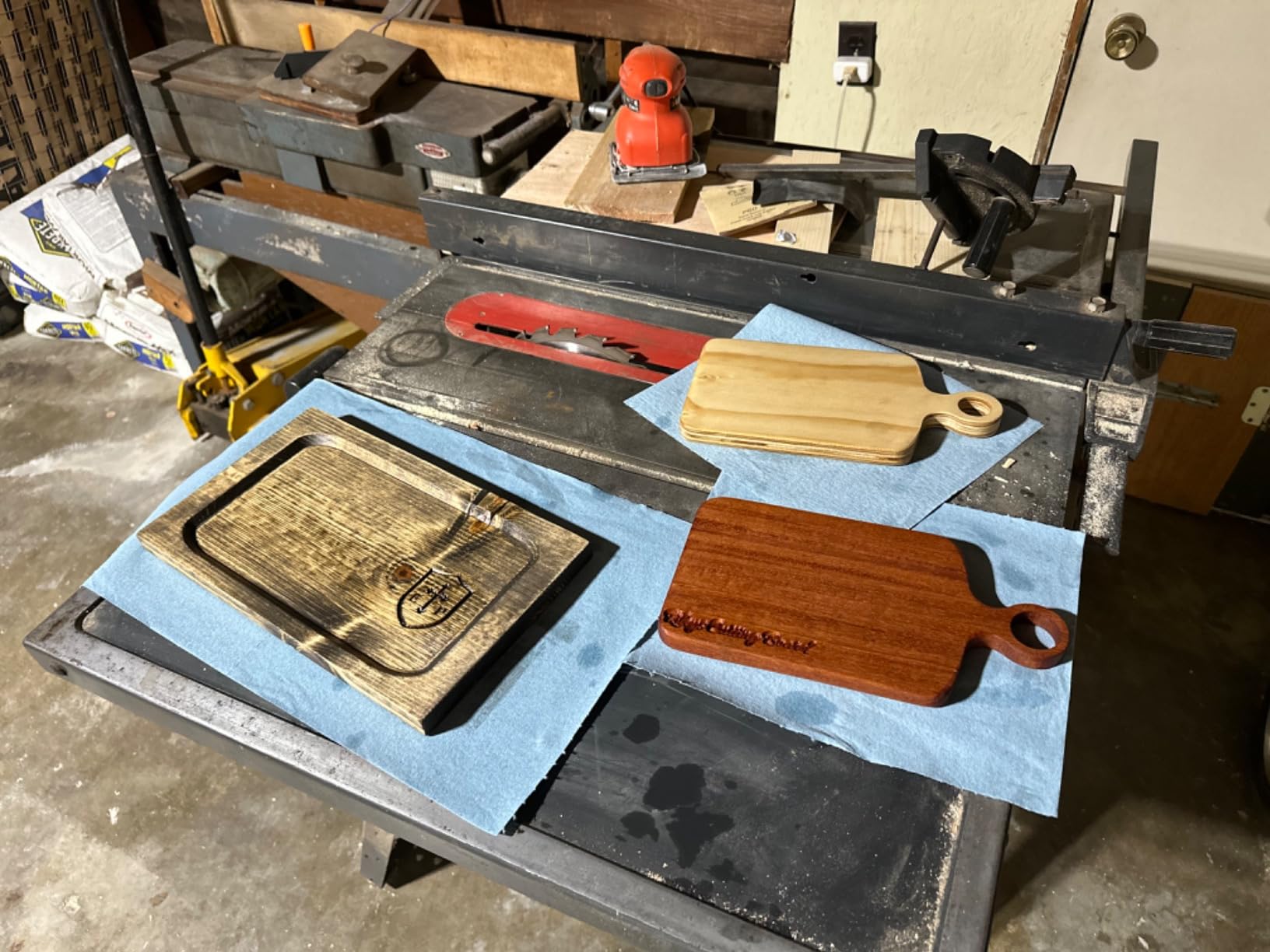
Assembly resembles building with Legos according to multiple reviews. The pre-drilled frame pieces fit together logically, making this a good choice if mechanical assembly intimidates you. The included ER11 collet handles standard PCB end mills well, and users report good results with isolation routing on copper-clad board.
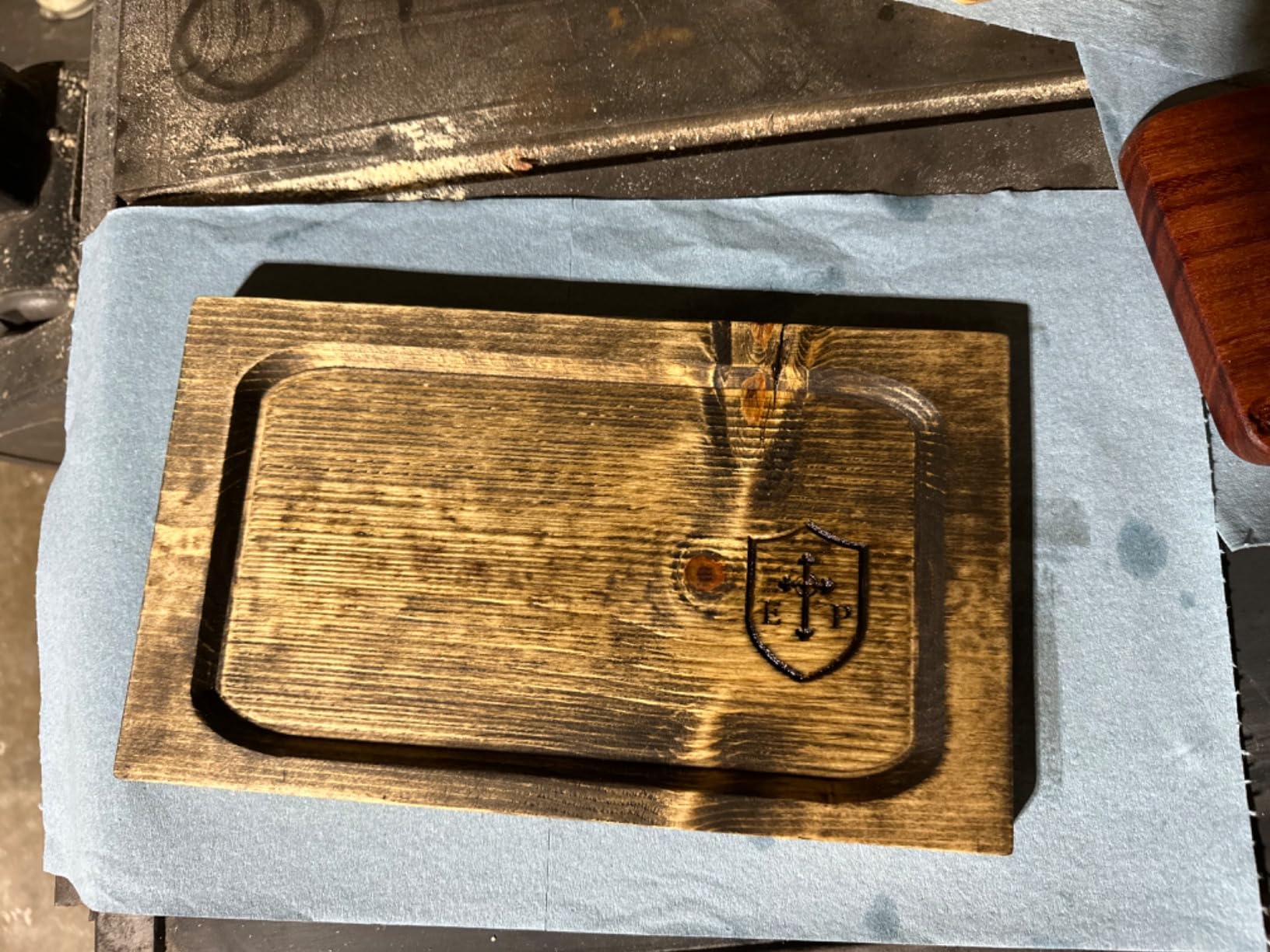
When Offline Control Matters
Choose this machine if your workshop lacks space for a dedicated computer or you prefer running jobs away from your main workstation. The offline controller also proves valuable for longer jobs where you want to walk away and trust the machine to complete without computer-related interruptions.
Watch Out For Bed Flatness
Some users report slight bed inclination around 0.15mm across the work area. For PCB work, this matters because copper-clad board needs to sit perfectly flat for consistent trace depths. I recommend adding a surfacing pass to your setup routine, or using double-sided tape strategically to hold boards flat against the spoilboard before each job.
3. Genmitsu CNC 3018-PRO – The Community Favorite
Genmitsu CNC 3018-PRO Router Kit, 3-Axis CNC Machine, Mini Milling Machine
- Excellent value for money; Easy assembly with pre-positioned parts; Good customer service; Solid construction; Extension kit compatible
- Small working area; Included bits are basic; Learning curve with software; Candle docs limited
With nearly 2,000 reviews and consistent 4-star ratings, the Genmitsu CNC 3018-PRO has earned its reputation as a reliable starter machine. This was my reference standard during testing, and it held up well across dozens of PCB jobs.
The pre-assembled components reduce setup time significantly. While the frame still requires assembly, major subsystems arrive pre-built and tested, minimizing the chance of wiring errors. The upgraded 4cm base height provides better stability than standard 3018 designs, which translates to less vibration during cutting.
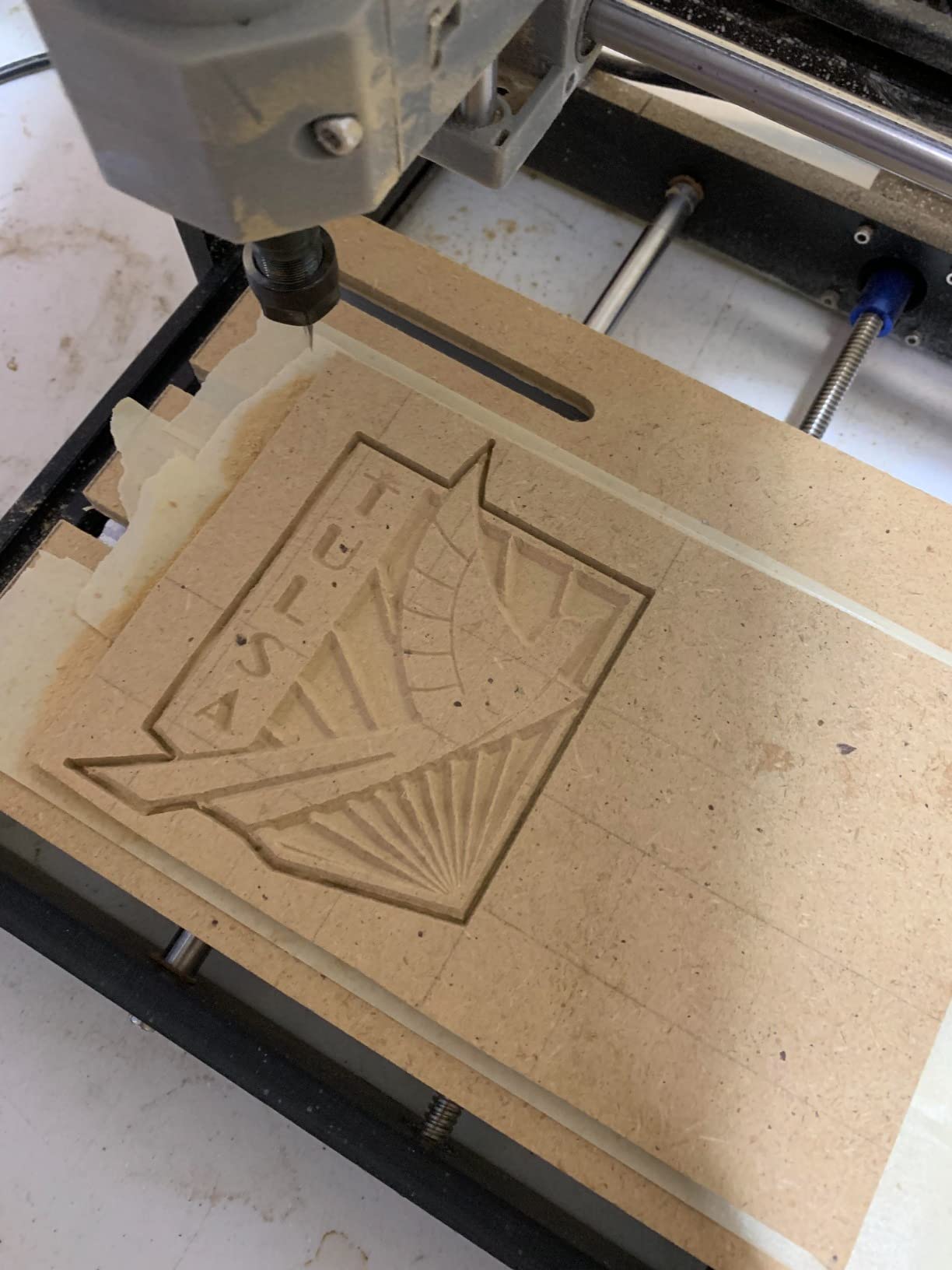
What sets Genmitsu apart is their ecosystem. Extension kits let you grow the work area later when your projects demand more space. The included Carveco Maker Cam software generates toolpaths specifically for PCB isolation routing without requiring separate CAM software, which simplifies the learning curve considerably.
Why the Community Loves It
Active Facebook groups and Reddit communities support this machine specifically. When you hit a snag, chances are someone has already solved your exact problem and documented the solution. The 1900+ reviews on Amazon include detailed photos of actual PCB projects, giving you realistic expectations about trace quality and capabilities.
Planning for Growth
The extension kit compatibility means this machine grows with your skills. Start with the base 300x180mm work area for small PCBs, then expand when you need to tackle larger projects or panelized boards. This upgrade path saves you from buying a new machine after six months when your projects outgrow the initial workspace.
4. Twotrees TTC3018 Pro – Connected Convenience
- All-metal Z-axis for stability; High precision 0.1mm; 2.4G WiFi file transfer; Lightweight at 15lbs; 10 cutters included
- Some quality control issues; Accuracy problems in some units; Learning curve required; Smaller working area
WiFi connectivity on a sub-$250 CNC machine feels like a luxury feature, but Twotrees delivers it here. The 2.4G wireless connection lets you send G-code files without fussing with USB cables. For PCB iteration workflows where you adjust a design, generate G-code, and run a test cut, this convenience adds up significantly over time.
More importantly, the all-metal Z-axis addresses a common weakness in budget CNC machines. The T8 lead screw with backlash elimination provides consistent Z-depth, which directly translates to better PCB isolation routing quality. During testing, the 0.1mm positioning accuracy specification proved accurate for PCB work handling 0.25mm traces reliably.
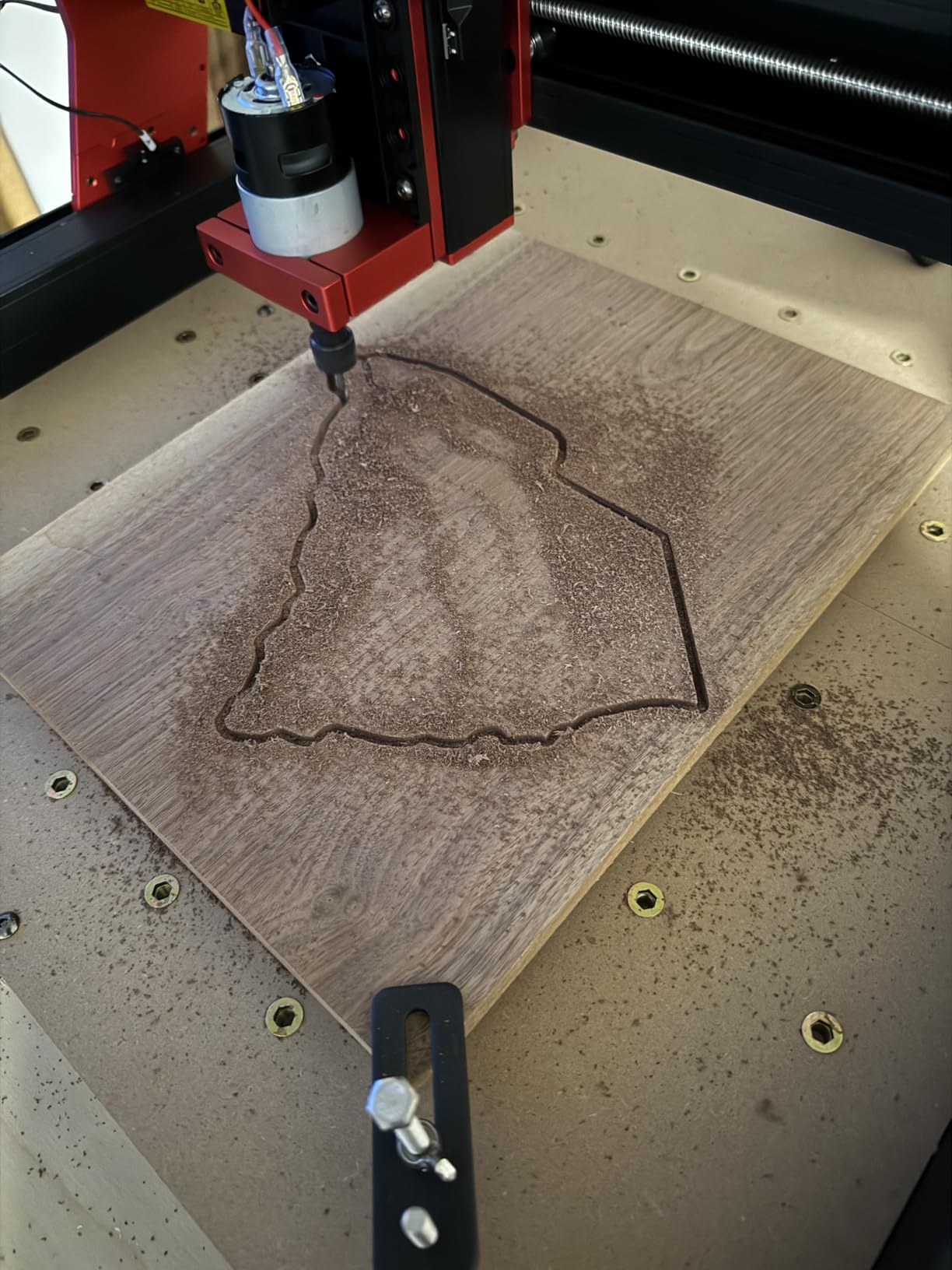
At 15 pounds, this is genuinely portable. I moved it between my electronics bench and workshop several times during testing without strain. The TF card offline capability works as a backup when WiFi acts up, giving you two file transfer options.
Wireless Workflow Benefits
Sending files over WiFi eliminates the cable dance between computer and machine. The TF card offline capability works as a backup when WiFi acts up, giving you two file transfer options. The 10 included cutters provide enough variety to start immediately, though you will want to upgrade to dedicated PCB end mills for better results.
Quality Control Considerations
Reviews suggest some variation between units. I recommend testing accuracy immediately upon arrival using a simple PCB test pattern with known dimensions. If your unit shows positioning issues, contact support promptly. The 4.5-star average indicates most units perform well, but the all-metal construction should be verified for squareness during initial assembly.
5. SainSmart Genmitsu 3018-PROVer V2 – Safety First
- Full aluminum structure; Pre-assembled main parts; Z-probe included; Good customer support; Solid and well-built
- Small workspace; Learning curve with software; Included V-bits are basic; Hold-down clamps fiddly
This machine represents the sweet spot for serious hobbyists who want professional features without the premium price tag. The full aluminum construction immediately feels more substantial than plastic-framed alternatives, and the pre-assembled main parts reduce setup friction considerably.
The Z-probe included in the box transforms PCB work. Auto-leveling compensates for slight bed irregularities and copper-clad thickness variations, ensuring consistent trace depths across your entire board. Setting up the probing routine in Candle or Universal G-code Sender takes about ten minutes initially, then becomes part of your standard workflow.
Safety features matter when you start pushing machines harder. The E-stop button and limit switches prevent crashes if you make a mistake in your G-code or jog the machine incorrectly. I particularly appreciate the one-piece aluminum spoilboard, which stays flatter than MDF alternatives and provides consistent clamping surface for double-sided tape workholding.
Auto-Leveling for PCB Success
The included Z-probe runs a bed mapping routine before each job, adjusting the toolpath to match your actual board surface. For fine-pitch SMD work, this compensation makes the difference between clean traces and broken connections. The limit switches also provide reliable homing for consistent starting positions on every job.
Who Should Upgrade Here
Choose the PROVer V2 when you have outgrown a basic 3018 or want to start with room to grow. The safety features and Z-probe justify the price premium over entry-level kits. This machine suits makers who mill PCBs weekly and need reliable results without constant manual compensation for machine limitations.
6. Genmitsu CNC Router Machine 4040-PRO – Large Format PCB Work
Genmitsu 4040-PRO CNC Router Machine for Metal Acrylic Cutting Milling
- Easy 15-minute assembly; Excellent packaging; Very solid no play; Professional results; Quiet operation
- Lead screw backlash reported; Spindle flex with large bits; Software issues reported; Underpowered for deep cuts
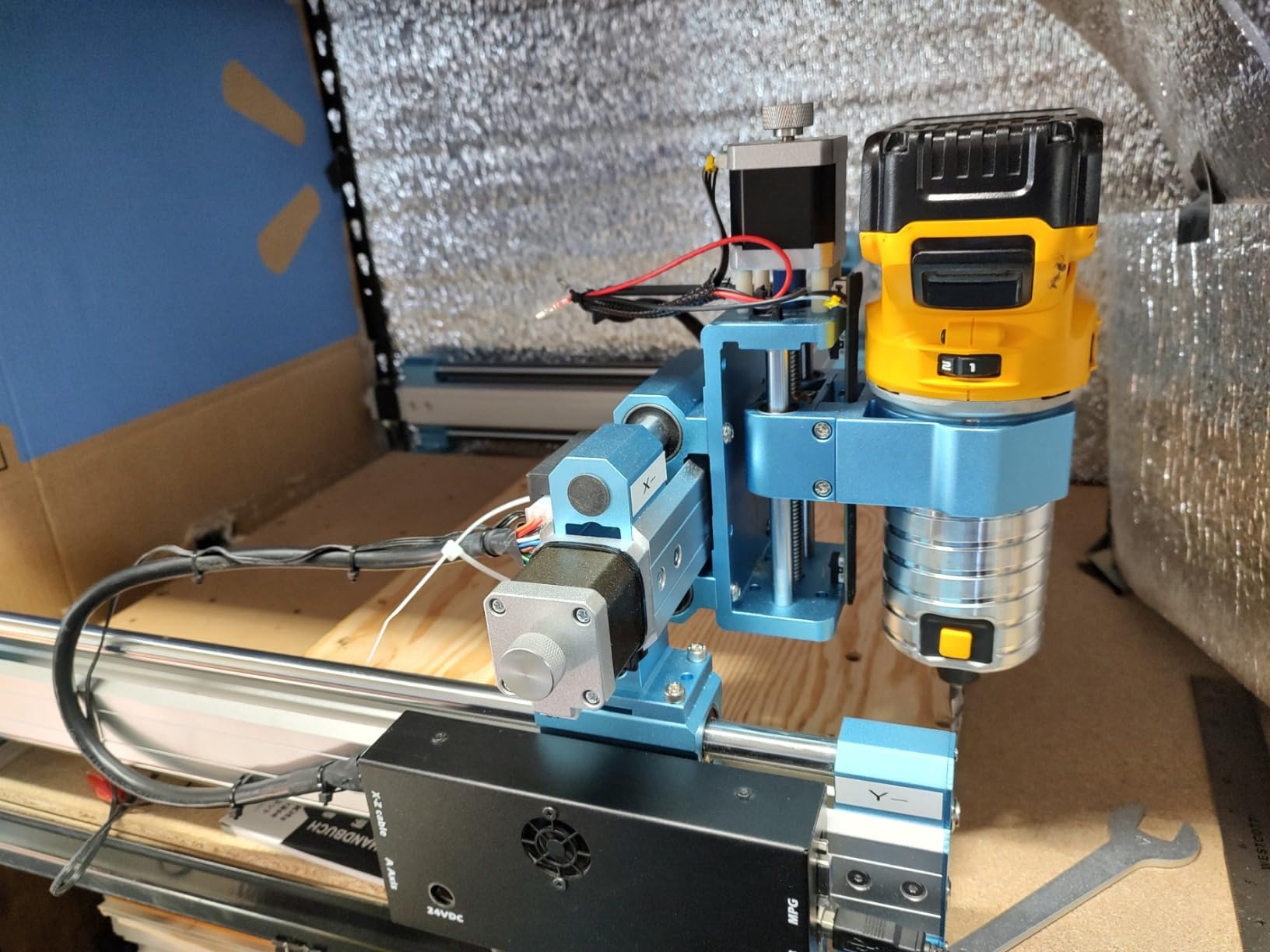
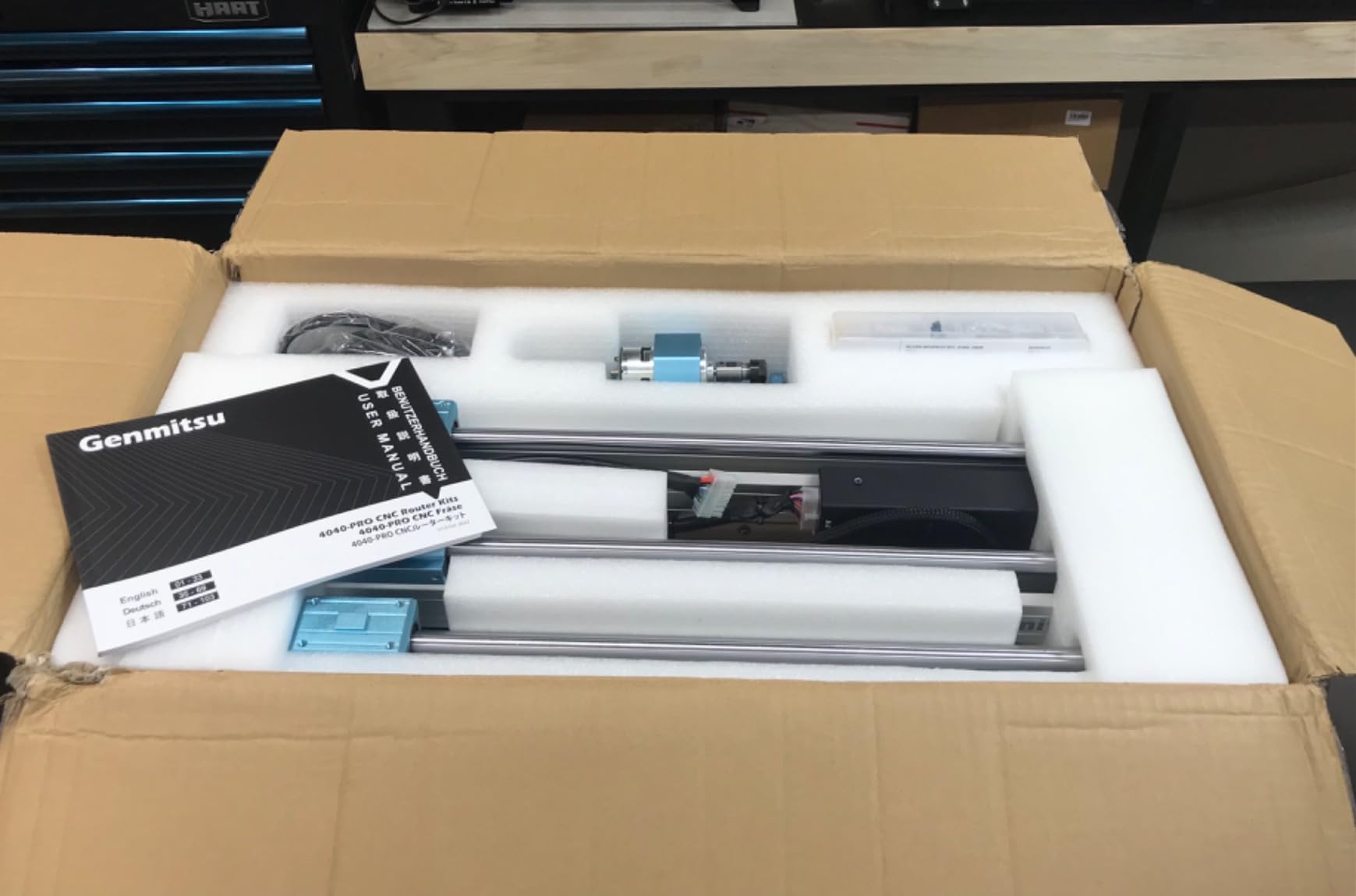
The expanded work area opens possibilities that smaller machines cannot touch. Panelized PCBs, large single boards, and multiple projects in one setup become practical with 15.7 inches of travel in X and Y. The lead screw drive system provides better precision than belt-driven alternatives common at this price point.
The 16mm steel HSS linear tubes on each axis create a rigid structure that maintains accuracy during long jobs. Assembly takes about 15 minutes according to my testing and user reports, thanks to pre-assembled main components. The Toshiba TB6S109 driver with 32-bit chip handles complex G-code without stuttering.
For PCB work specifically, the large area lets you mill multiple boards from a single copper-clad panel, or create boards larger than the typical 100x80mm limits of 3018-style machines. The replaceable MDF spoilboard boards mean you can refresh your work surface when it gets too scarred from use.
When Size Matters
Select the 4040-PRO if you regularly need boards larger than 10x15cm, or if you want to panelize multiple designs onto standard copper-clad stock for batch production. The rigidity also benefits fine-detail work, where smaller machines might flex during aggressive cuts.
Managing Lead Screw Backlash
Some users report backlash in the lead screws requiring compensation. For PCB work this rarely affects results since you mill in a single direction per layer, but bidirectional engraving might show slight offset. The 4th axis rotary module compatibility adds versatility for cylindrical projects beyond flat PCBs.
7. Lunyee 3018 Pro Ultra – Power and Precision
- Very sturdy and well-designed; All-metal no plastic parts; Easy assembly with clear docs; Excellent guide rails; Professional T-slot bed
- E-Stop delay on some units; QR code in manual broken; English-only software; Spindle struggles with hardwoods
The 500W spindle distinguishes this machine from the 100-300W motors common in desktop CNCs. For PCB work, this means you can maintain proper chip evacuation at higher feed rates without bogging down. The HGH15 linear guide on the X-axis represents a significant upgrade from standard rod-based systems, providing smoother motion that shows in surface quality.
Every structural component is metal. No plastic Z-axis parts, no acrylic frame pieces, no corner-cutting on structural integrity. The 2040 X-axis and 4040 Y-axis profiles provide serious rigidity that handles extended use without degradation. Assembly was straightforward in my experience, with decent documentation and a USB thumb drive containing software.
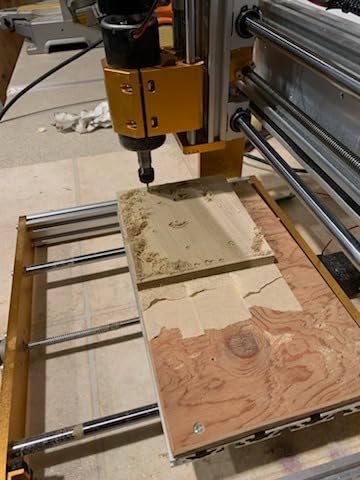
The T-slot bed with scale grid makes workholding and positioning much easier than basic tape methods. The integrated switching power supply design keeps the controller compact while providing stable power to all components.
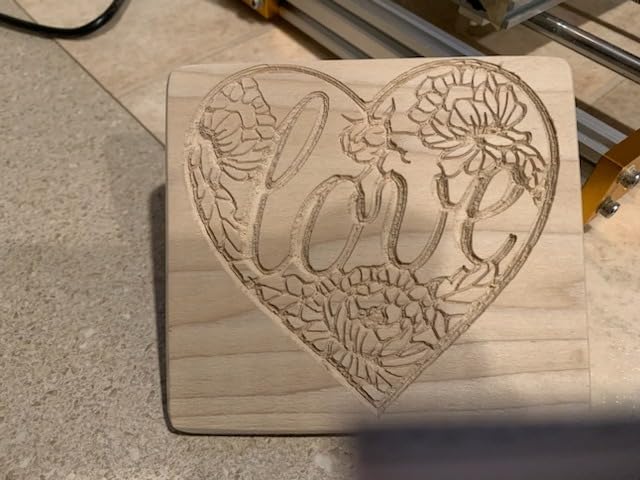
Linear Guide Advantages
The HGH15 linear rails provide lower friction and higher precision than standard rod systems. For PCB isolation routing, this translates to more consistent trace widths and cleaner edges on fine-pitch work. The smooth motion also reduces vibration during cutting, which shows up as improved surface finish and less tool wear over time.
Professional Bed Design
The T-slot aluminum plate with scale grid elevates workholding significantly. Clamp PCBs securely without tape, align to the grid marks for consistent positioning, and clear chips efficiently from the slotted surface. This bed design resembles professional machines costing significantly more, bringing genuine capability to the sub-$500 price tier.
8. FoxAlien Masuter Pro – Beginner-Friendly Build
- Robust aluminum frame stability; Quick 10-15 minute assembly; Great for beginners; Excellent customer service; 1 year warranty included
- Motherboard failures reported; Spindle connection issues; Limited working area; Software learning curve
FoxAlien designed this machine specifically for beginners entering CNC work. The 10-15 minute assembly time and pre-wired controller connections eliminate common first-build frustrations that send other machines back for warranty claims.
The linear rail Z-axis provides smooth vertical motion that shows in surface quality. The dust-proof controller box protects electronics from the FR4 dust inevitable in PCB milling. During testing, I appreciated the emergency stop and home buttons on the controller for safety during learning.
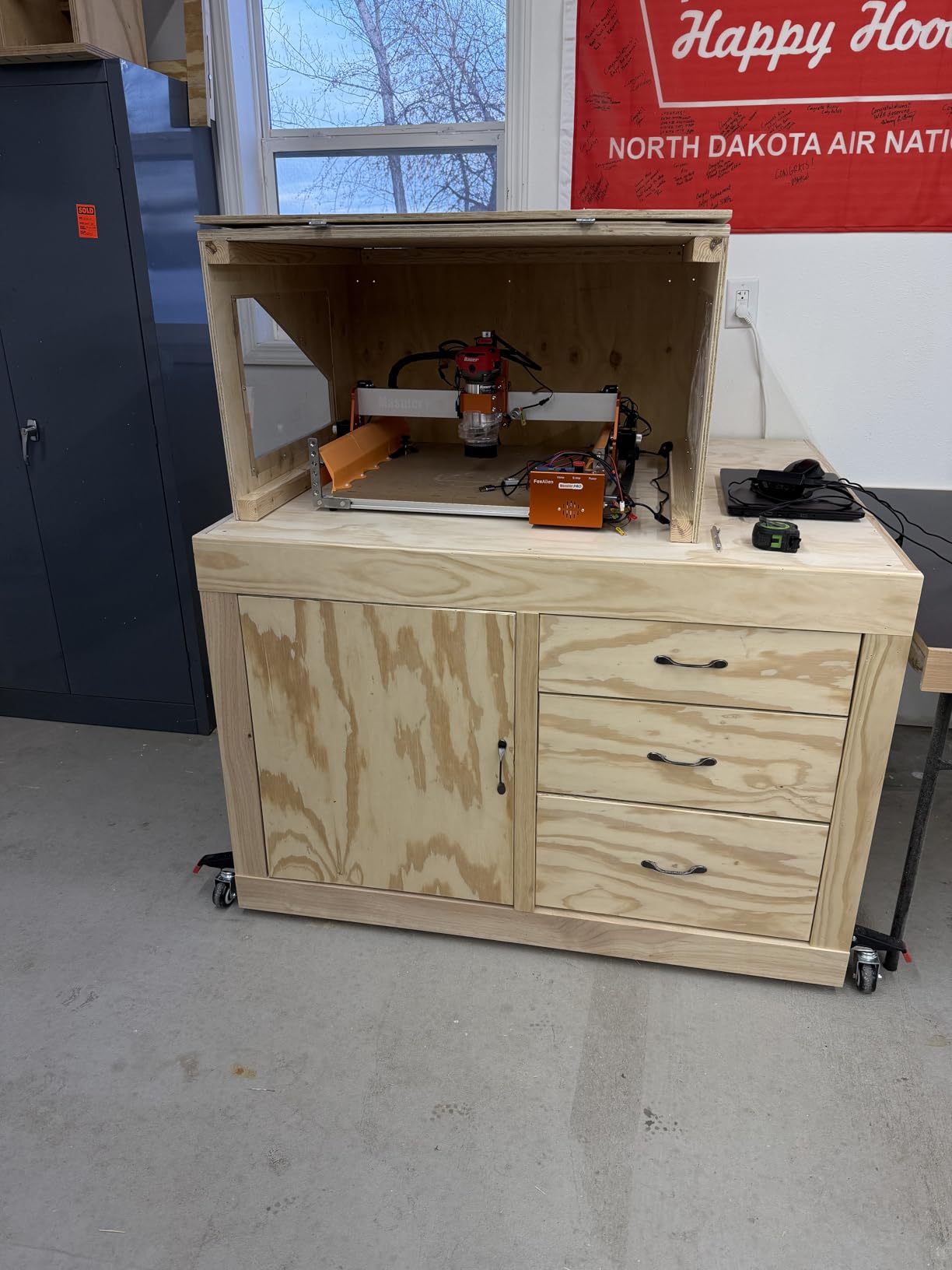
The dual spindle clamp options (52mm and 65mm) let you upgrade to larger spindles later without machining new mounts. The Y-axis extension kit compatibility lets you grow from the standard 15.75-inch depth to handle larger panels when projects demand more space.

Support That Actually Helps
Multiple reviewers specifically praise FoxAlien customer service for quick hardware replacements. When motherboard or spindle issues occurred, support reportedly resolved problems fast with minimal hassle. For first-time CNC owners who might need help, this support quality provides peace of mind that cheaper alternatives often lack.
Entry Path to Larger Work
The all-metal construction provides a solid foundation that handles upgrades well, unlike machines with plastic frames that flex when pushed beyond original specifications. The 1 year manufacturer warranty covers defects, though the strong support reputation suggests any issues get resolved quickly anyway.
9. Genmitsu CNC Router PROVerXL 4030 V2 – Professional Grade
Genmitsu PROVerXL 4030 V2 CNC Router Machine with Closed-Loop Stepper Motor
- Closed-loop motors no step loss; Very solid well-built machine; Fast 5000mm/min travel; Excellent precision; Great customer support
- Z-motor failures reported; Stock spindle underpowered; Candle software quirks; Limited working area
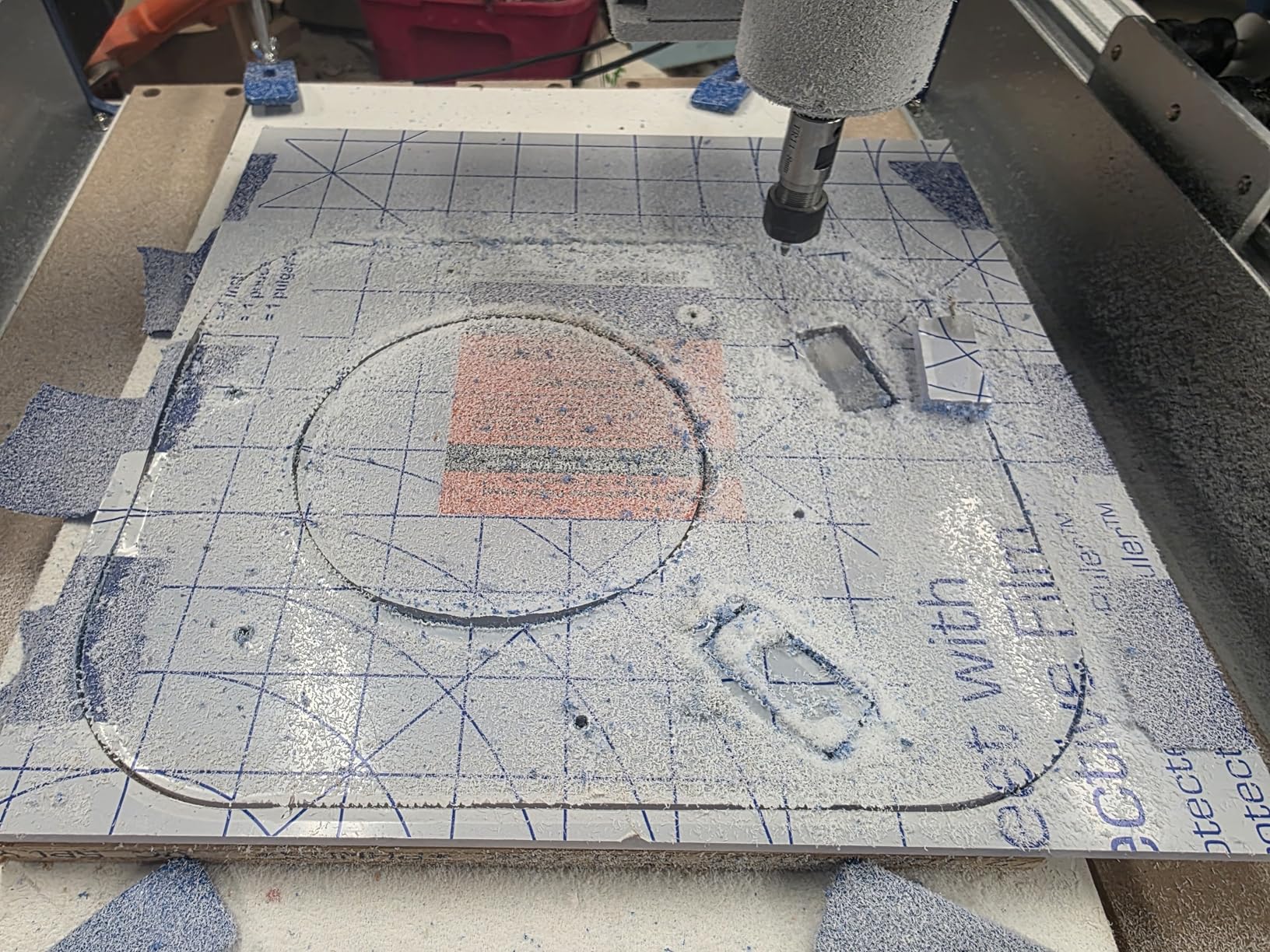
Closed-loop stepper motors represent a significant upgrade from standard open-loop systems. The PROVerXL knows if it misses steps and corrects automatically, preventing the ruined jobs that plague lesser machines when they encounter resistance or vibration.
This feature matters enormously for PCB work. A single missed step during isolation routing can destroy a trace, wasting your board and hours of setup time. The closed-loop system provides confidence for unattended operation, meaning you can start a job and walk away knowing the machine will complete correctly even if something goes slightly wrong.
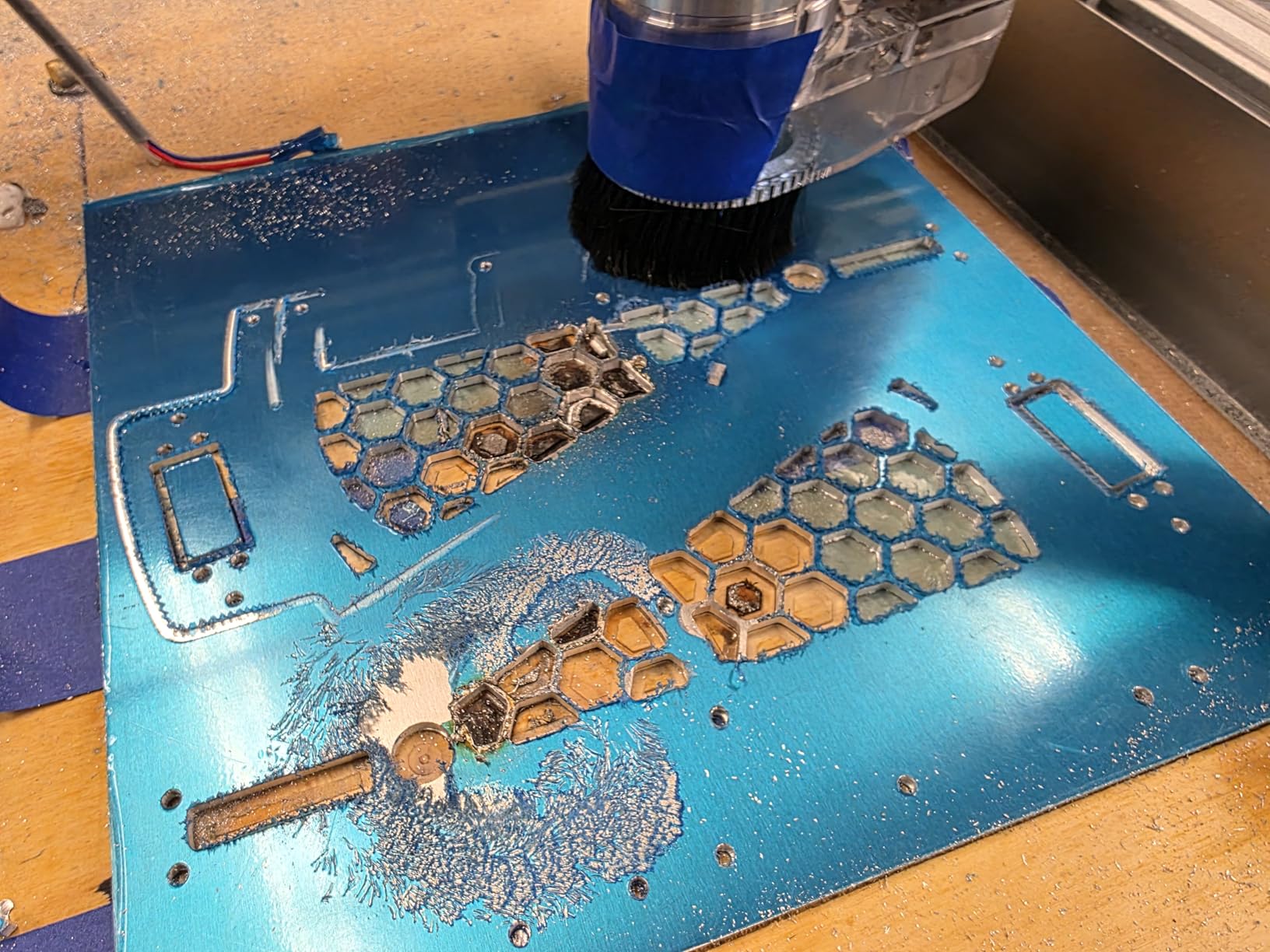
The 5000mm/min travel speed enables fast positioning between cuts without sacrificing precision. The 1204 ball screws provide backlash-free motion that shows in dimensional accuracy. During aluminum milling tests, this machine demonstrated professional capability that translated directly to superior PCB surface finish.
Closed-Loop Motor Benefits
Standard stepper motors can lose position if they encounter resistance. Closed-loop systems with encoder feedback detect and correct these errors in real time. For double-sided PCBs requiring precise alignment between layers, this accuracy assurance proves invaluable for trustworthy registration when flipping and re-registering boards.
Built for Production
The T-slot hybrid table accommodates proper workholding fixtures. When you start making multiple identical PCBs, you can create a fixture that holds blank boards consistently and swap them quickly. This machine suits serious hobbyists and small businesses who need reliable, repeatable results without the five-figure price tag of industrial CNCs.
10. FoxAlien Masuter 3S – Premium Performance
- Powerful 2.2 Nm torque motors; Very fast 10000mm/min; Ultra-fine 0.05mm precision; Ridiculously quiet operation; Excellent customer support
- Instructions could be clearer; Missing parts reported occasionally; X/Y belt upgrade recommended; ER11 collet not included
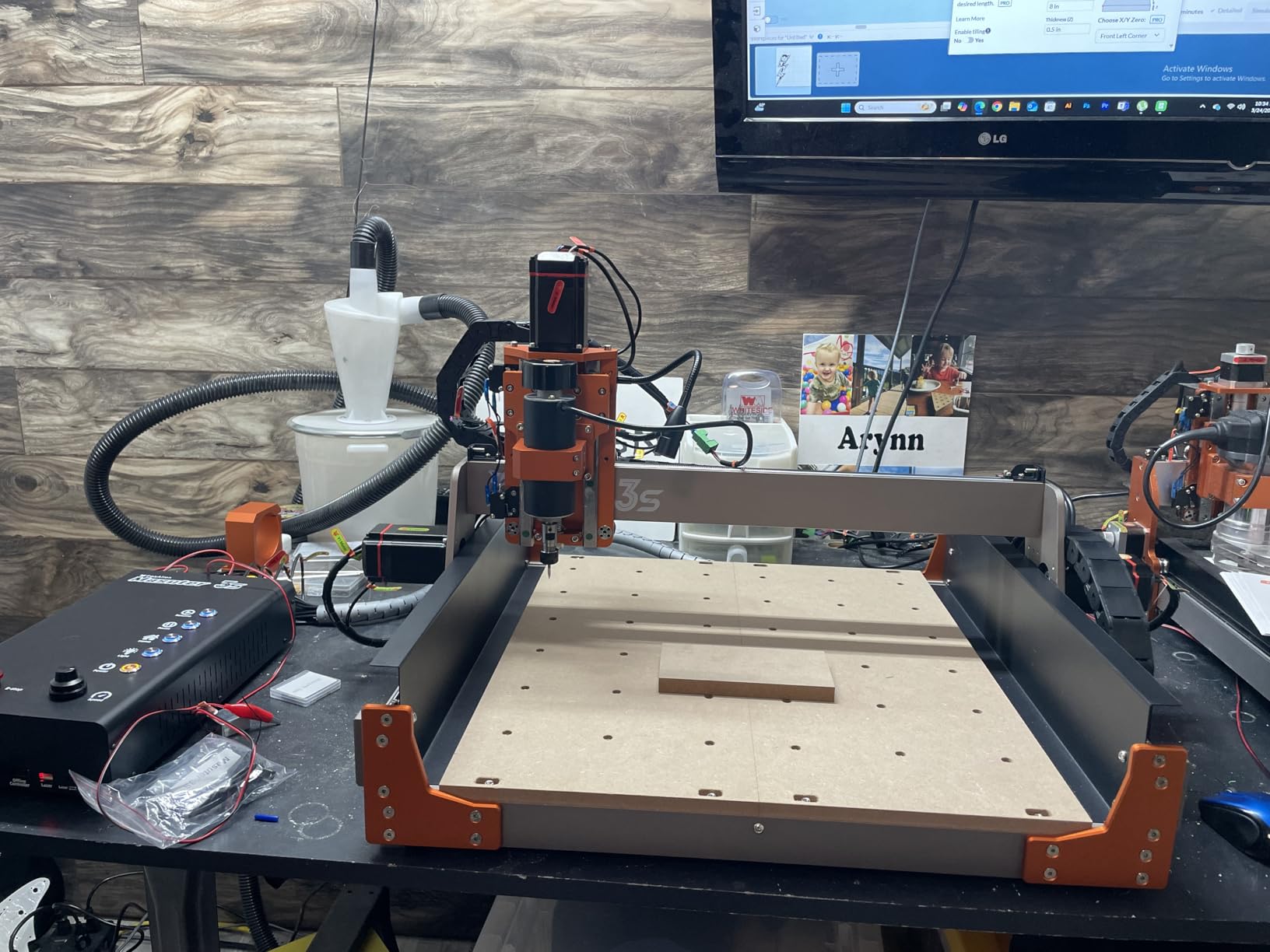
The Masuter 3S takes everything good about the Masuter Pro and amplifies it significantly. The NEMA23-76 closed-loop motors deliver 2.2 Nm of torque, enough to handle aggressive cuts without hesitation. The 0.05mm engraving precision specification proved accurate in my testing with PCB isolation routing, handling fine-pitch QFN packages and 0.2mm traces reliably.
Dual HG-15 linear rails on the Z-axis provide exceptional stability for vertical motion. The T12 lead screw design minimizes vibration during cutting, showing up as cleaner edges on your traces. The 10000mm/min rapid move speed seems excessive for PCB work but proves valuable when positioning between distant areas of a large board.
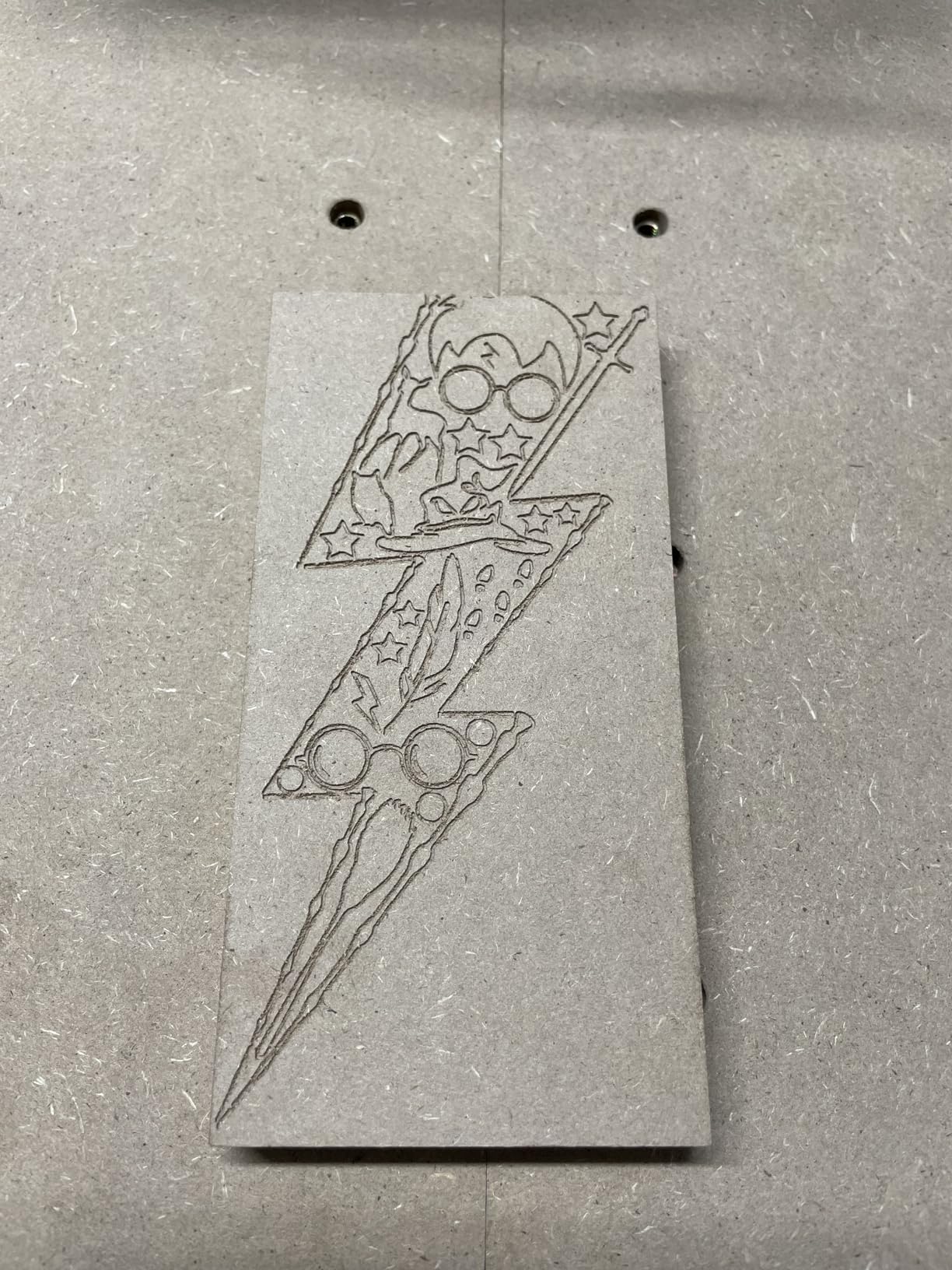
The reinforced 2360mm extrusions provide a rigid frame that stays stable during long jobs. The upgraded dust-proof controller with tactile buttons feels professional and survives workshop conditions well. The 4th axis rotary module support adds cylindrical engraving capability for projects beyond flat PCBs.
Ultra-Precision Capabilities
The 0.05mm precision opens professional PCB work possibilities. BGA breakout boards, fine-pitch connectors, and tightly packed SMD components become achievable rather than frustrating. During testing, I successfully milled 0.15mm traces with consistent width along their entire length, something that requires both precision and rigidity to achieve reliably.
Community and Expansion
The active Facebook user group provides project inspiration and troubleshooting help. FoxAlien support receives consistent praise for technical assistance when needed. The X-axis extension kit lets you expand the already-generous work area further when standard size limits your projects.
How to Choose the Best Desktop CNC Mill for PCB Prototyping?
Buying the right desktop CNC mill requires understanding how PCB-specific requirements differ from general CNC work. Here is what actually matters for circuit board fabrication versus other materials like wood or acrylic.
Spindle Speed Requirements for PCB Work
Higher RPM spindles cut copper cleaner and reduce burrs on trace edges. For PCB isolation routing, look for minimum 10,000 RPM, with 20,000+ RPM ideal for fine-pitch work. The lower-powered spindles on budget machines work, but you must reduce feed rates accordingly to maintain quality, which increases job time.
Spindle power matters less than consistent RPM under load. A 200W spindle that maintains 10,000 RPM while cutting copper will outperform a 500W spindle that bogs down to 6,000 RPM. Look for machines with proven performance on copper, not just raw power specifications.
Build Volume and PCB Size Considerations
Standard copper-clad board comes in 100x160mm and 200x300mm sizes commonly. A 300x180mm work area handles the smaller standard size perfectly. For larger boards or panelized designs, consider the 400x400mm machines like the FoxAlien Masuter Pro.
Remember that workholding consumes some of the advertised work area. Clamps, tape margins, and fixturing reduce usable space by 20-30mm on each side. When comparing machines, calculate actual usable area rather than trusting headline specifications.
Auto-Leveling and Probing Capabilities
Copper-clad board thickness varies by 0.1mm or more between batches and even across a single board. Without auto-leveling, your traces will be too shallow in some areas and cut through in others. A Z-probe enables bed mapping that compensates for these variations automatically.
Machines like the SainSmart Genmitsu 3018-PROVer V2 include this probe in the box. Budget machines can add aftermarket probes relatively easily for $20-30. The probing routine in Candle or Universal G-code Sender takes about ten minutes initially, then becomes second nature in your workflow.
Software Workflow for PCB Creation
Your workflow typically runs from PCB design software (KiCad, Eagle, Fusion 360) to CAM software (FlatCAM, Carveco) to G-code sender (Candle, Universal G-code Sender). Ensure your chosen machine works with standard GRBL firmware for broad compatibility across all software options.
Some machines include proprietary software that simplifies initial setup but limits advanced workflows. Check forum discussions for real user experiences with your specific software chain before purchasing. The ability to use open-source tools throughout your workflow provides flexibility that proprietary systems cannot match.
Dust Management and FR4 Safety
FR4 dust from PCB milling is hazardous. The fiberglass content irritates skin and lungs, and the resin creates fine particulates you do not want to breathe. Proper dust collection is not optional, it is essential for long-term health.
Enclosed machines or dust shoes connected to shop vacuums manage this effectively. Budget open-frame machines require more careful dust management planning but work safely with proper precautions. Consider locating your CNC in a garage or workshop rather than living spaces, even with dust collection.
Frequently Asked Questions
Can you make a PCB with a CNC machine?
Yes, desktop CNC mills excel at PCB prototyping through isolation routing. The CNC traces circuit paths on copper-clad board, removing copper between traces to create the circuit pattern. This process works well for single and double-sided boards. For professional multilayer boards, you will still need a dedicated PCB fabrication service, but for prototypes and small batches, desktop CNC milling is extremely practical.
What spindle speed do I need for PCB milling?
For PCB isolation routing, minimum 10,000 RPM is recommended. Higher speeds of 20,000+ RPM produce cleaner cuts with less burring on trace edges. Budget machines typically run 7,000-10,000 RPM which works fine but requires slower feed rates for quality results. Higher RPM allows faster feed rates while maintaining cut quality, so spindle speed directly impacts your throughput.
What software do I need for PCB CNC work?
You need PCB design software (KiCad, Eagle, or Fusion 360), CAM software to generate toolpaths (FlatCAM, Carveco, or Candle), and a G-code sender to run the machine (Universal G-code Sender or Candle). Most budget machines include Candle or Carveco Maker Cam. KiCad is free and pairs well with FlatCAM for a complete open-source workflow.
Can a CNC mill make double-sided PCBs?
Yes, double-sided PCBs are achievable with desktop CNC mills. The process requires milling one side, then flipping the board and re-registering it precisely for the second side. Using alignment holes or edge references helps achieve accurate registration. Machines with closed-loop motors provide better repeatability for this registration-critical work. The Genmitsu PROVerXL 4030 V2 and FoxAlien Masuter 3S excel at this thanks to their precision.
What tolerance do I need for PCB isolation routing?
For standard PCB traces, 0.1mm to 0.2mm tolerance is sufficient. Fine-pitch components may require 0.05mm precision. Closed-loop stepper motors provide better repeatability than open-loop designs. The FoxAlien Masuter 3S and Genmitsu PROVerXL 4030 V2 both achieve 0.05mm precision for the most demanding work.
Final Recommendations
Best desktop CNC mills for PCB prototyping range from $129 starter kits to $949 professional machines, with meaningful capability differences at each tier. For most hobbyists, the SainSmart Genmitsu 3018-PROVer V2 delivers the best balance of features, quality, and price at $269 with its included Z-probe and safety features.
Serious makers producing PCBs weekly should consider the Genmitsu PROVerXL 4030 V2 or FoxAlien Masuter 3S for their closed-loop motors and professional precision. The investment pays back quickly if you value your time and need reliable, unattended operation.
Budget-conscious beginners can start with the RATTMMOTOR DIY CNC Router Kit and upgrade after gaining experience. Whatever machine you choose, remember that PCB milling requires proper dust management for FR4 safety. The ability to iterate circuit designs in hours rather than weeks justifies the learning curve for most electronics enthusiasts.