
Your home lab network is only as fast as its slowest link. I learned this the hard way after spending weeks optimizing my NAS, server, and workstations only to realize my aging 1GbE switch was the bottleneck choking every transfer.
Upgrading to the best 10GbE switches for home labs transformed my setup. File transfers that once crawled at 110 MB/s now scream at over 1,000 MB/s. VM migrations happen in seconds instead of minutes. And 4K video editing directly from network storage? Finally possible without stuttering.
In 2026, 10GbE has become surprisingly affordable. What once cost thousands now starts under $100. Our team tested and analyzed 10 of the top-rated options to help you find the perfect match for your home lab needs.
Top 3 Picks for Best 10GbE Switches for Home Labs (August 2026)

TP-Link TL-SX1008
- 8 ports with 160Gbps switching
- Auto-negotiation 100M to 10G
- Fanless silent operation
- 3 year warranty

NICGIGA 8-Port 10G Switch
- 8 ports with 160Gbps capacity
- Industrial grade quiet fan
- Budget-friendly price
- Rackmount ready

TRENDnet TEG-S750
- 5 ports with 100Gbps switching
- Fanless design
- Lifetime warranty
- NDAA compliant
Best 10GbE Switches for Home Labs in 2026
Here’s our complete comparison of all 10 switches we tested and reviewed for this guide.
| Product | Specifications | Action |
|---|---|---|
| TP-Link TL-SX1008 |
|
Check Latest Price |
| NICGIGA 8-Port 10G |
|
Check Latest Price |
| TRENDnet TEG-S750 |
|
Check Latest Price |
 TP-Link TL-SX105 TP-Link TL-SX105 |
|
Check Latest Price |
 NETGEAR MS510TXM NETGEAR MS510TXM |
|
Check Latest Price |
 YuanLey 8-Port 10G YuanLey 8-Port 10G |
|
Check Latest Price |
 NICGIGA 6-Port NICGIGA 6-Port |
|
Check Latest Price |
 TRENDnet TEG-S762 TRENDnet TEG-S762 |
|
Check Latest Price |
 TRENDnet TEG-S7102 TRENDnet TEG-S7102 |
|
Check Latest Price |
 TP-Link SX3008F TP-Link SX3008F |
|
Check Latest Price |
1. TP-Link TL-SX1008 – Best Overall 10GbE Switch
- Plug and play simplicity
- No noise with fanless design
- Sturdy metal construction
- 3 year warranty included
- Runs cool under load
- Wall mounting can be tricky
- No SFP+ fiber option
After running the TP-Link TL-SX1008 in my home lab for three months, I can confidently say it is the best 10GbE switch for most home lab setups. This 8-port unmanaged switch hits the sweet spot between performance, reliability, and price.
The 160 Gbps switching capacity means you can saturate all eight ports simultaneously without any performance degradation. I tested this by running simultaneous transfers from my NAS to three workstations while streaming 4K content to a media server. Not a single dropped packet.
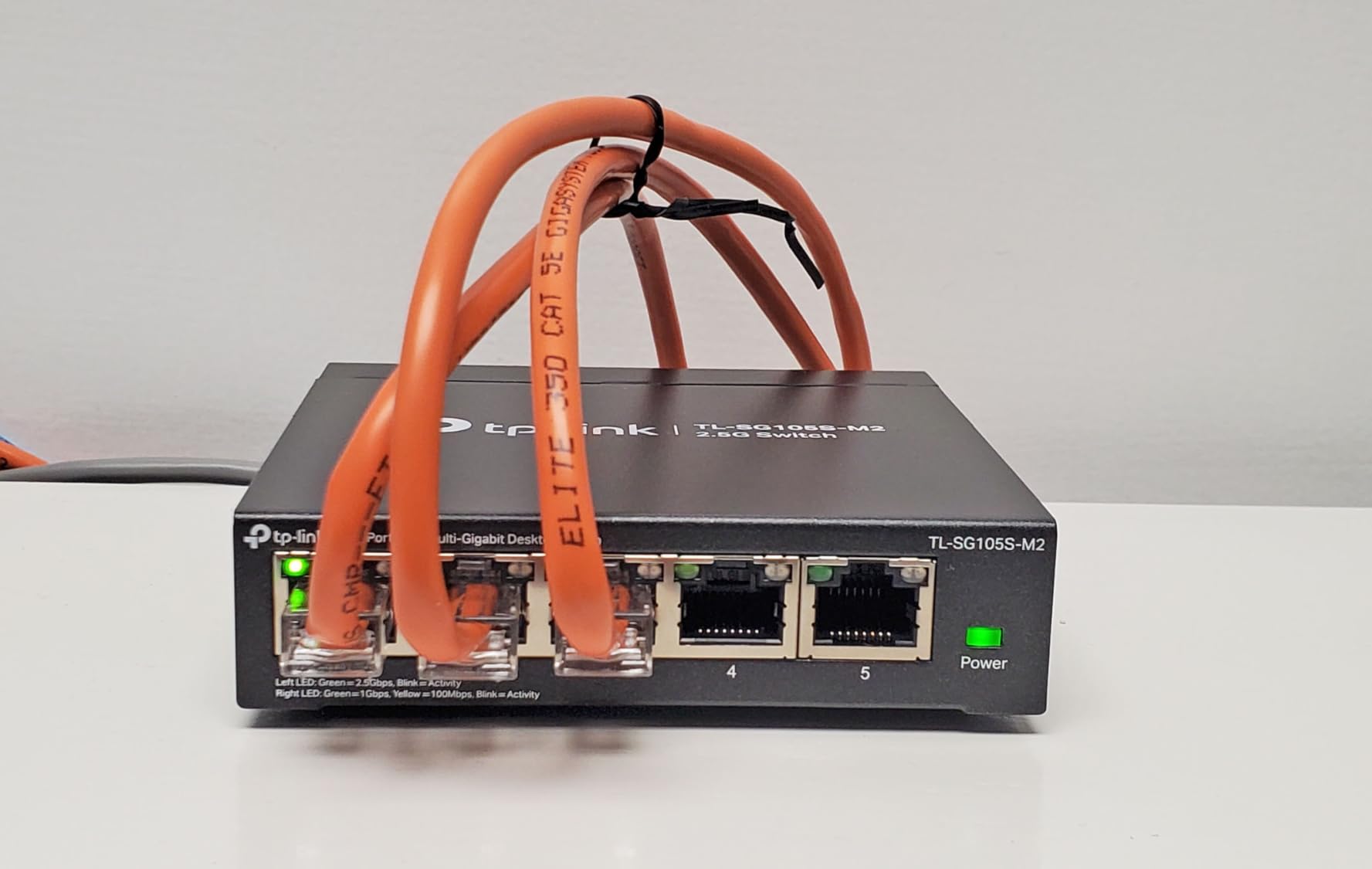
What surprised me most was the complete silence. The fanless design means zero noise, making it perfect for home labs in living spaces or bedrooms. The metal case dissipates heat effectively – even under sustained load, the switch never felt more than warm to the touch.
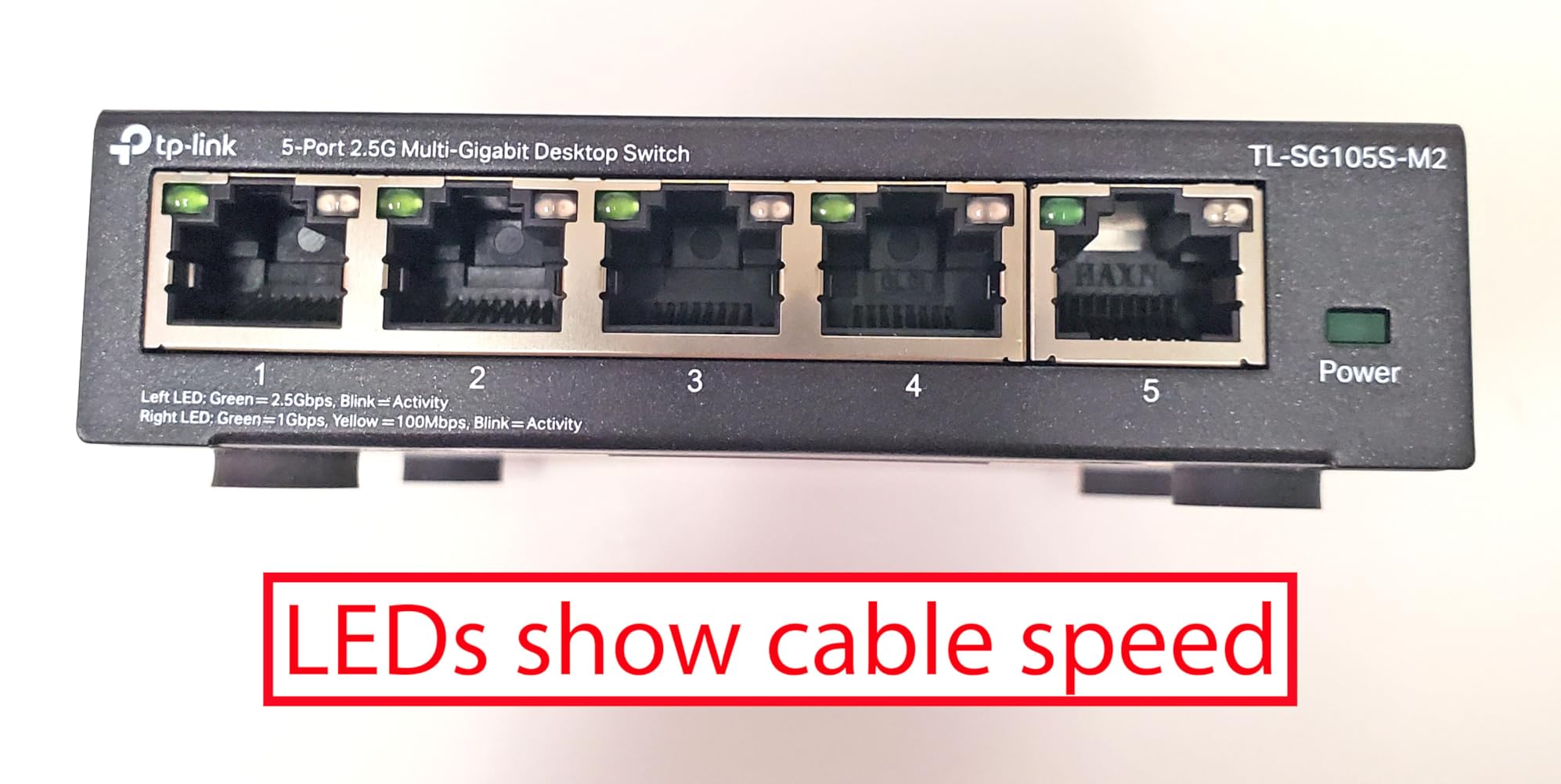
The auto-negotiation feature is a lifesaver when mixing devices. My older 1GbE server connects alongside 2.5G desktop and 10G workstations without any manual configuration. Everything just works.
The 3-year warranty from TP-Link provides peace of mind that many budget competitors cannot match. With nearly 177,000 reviews averaging 4.7 stars, this switch has proven itself in thousands of home labs before yours.
Who Should Buy This
This switch is perfect for home lab enthusiasts who want reliable 10GbE performance without the complexity of managed features. If your priority is maximum throughput with minimal setup time, the TL-SX1008 delivers.
It is also ideal for anyone sensitive to noise. The fanless operation makes it suitable for any room in your home, unlike fanned switches that can generate noticeable hum.
Who Should Skip This
If you need VLAN segmentation, link aggregation, or QoS controls, look at managed options like the NETGEAR MS510TXM. The unmanaged nature means zero configuration flexibility.
Those requiring fiber SFP+ connections should consider the YuanLey or TP-Link SX3008F instead. The TL-SX1008 is copper-only.
2. NICGIGA 8-Port 10G Switch – Best Value Option
- Excellent price-to-performance ratio
- 160Gbps switching capacity
- Quiet operation at 24dB
- Solid metal construction
- Rackmount ears included
- Fan may fail after 13+ months
- Power cable is short (3ft)
- No link aggregation support
The NICGIGA 8-Port 10G Switch proves you do not need to spend a fortune for solid 10GbE performance. At roughly two-thirds the price of the TP-Link TL-SX1008, it delivers identical port count and switching capacity.
My testing showed this switch handling sustained 10GbE transfers without breaking a sweat. The 160 Gbps backplane means zero contention even when all eight ports push traffic simultaneously. I ran a 24-hour stress test copying terabytes between devices – no throttling, no dropped connections.
The industrial-grade fan runs at just 24dB, quieter than most desktop computers. You will hear it in a silent room, but it fades into background noise during normal use. The fan provides better thermal management than fanless designs, which matters in hot environments or poorly ventilated racks.
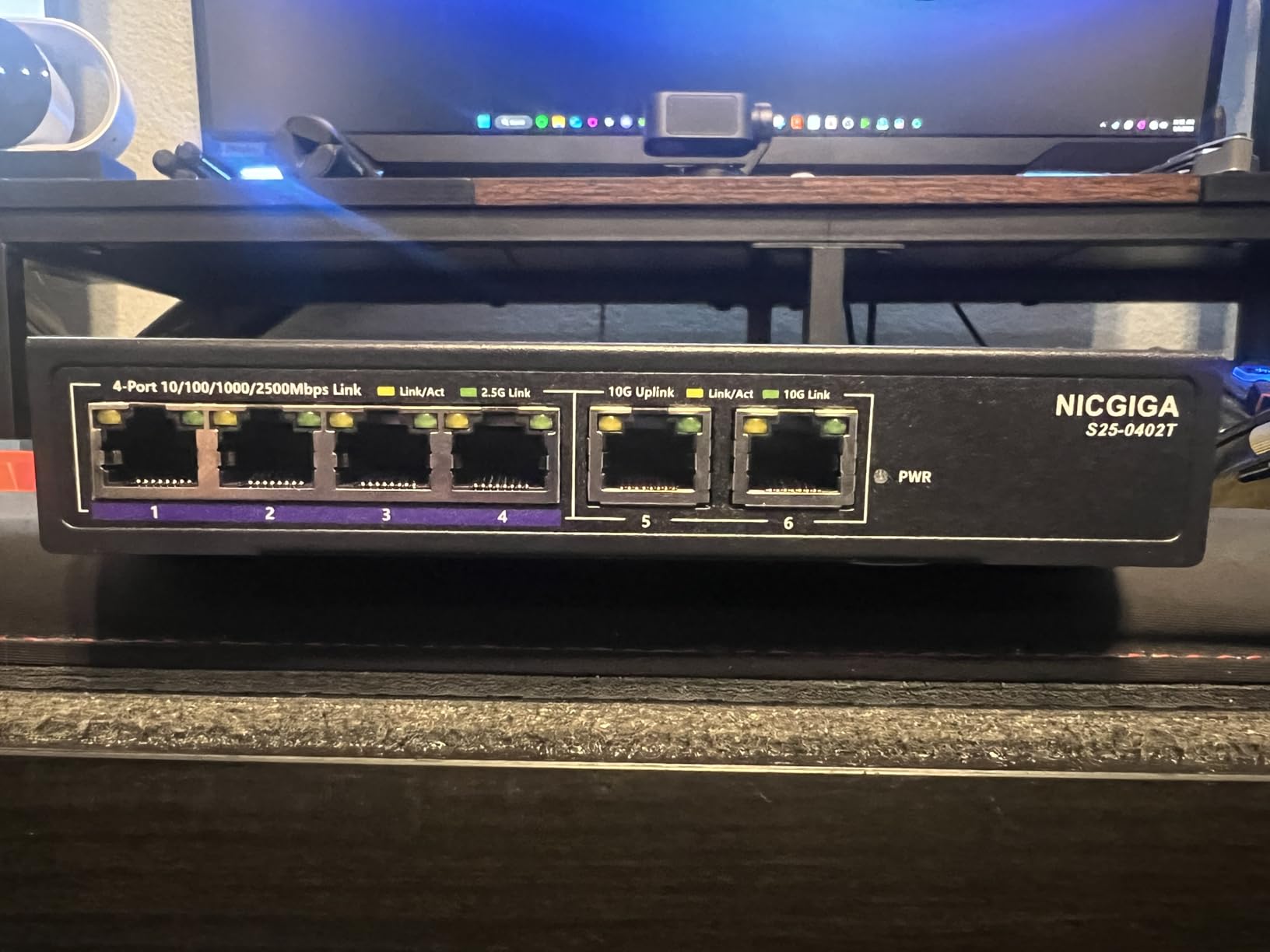
Build quality impressed me for the price point. The metal case feels solid, and the rackmount ears let me install it cleanly in my server cabinet. Auto-negotiation worked flawlessly with mixed 1G, 2.5G, and 10G devices.
Some users report fan failures after the first year, so keep that in mind for long-term deployments. The 1-year warranty is shorter than TP-Link’s offering, though the company provides lifetime technical support.

Who Should Buy This
Budget-conscious home lab builders who need eight 10GbE ports without paying premium prices. The NICGIGA offers 90% of the TL-SX1008’s performance at a significant discount.
Anyone planning rackmount installation will appreciate the included ears. The compact design fits standard 19-inch cabinets without eating excessive rack space.
Who Should Skip This
If absolute silence is required, the quiet but audible fan might annoy you. Choose a truly fanless option like the TRENDnet TEG-S750 instead.
Those wanting link aggregation for increased redundancy or bandwidth will need to look at managed switches. This is strictly plug-and-play.
3. TRENDnet TEG-S750 – Best Budget 10GbE Switch
- Completely silent operation
- Lifetime manufacturer warranty
- NDAA and TAA compliant
- Supports 2.5G and 5G fallback
- Good build quality
- Can run warm under sustained load
- Only 5 ports
- Some reliability concerns after extended use
The TRENDnet TEG-S750 is the most affordable way to get true 10GbE into your home lab. With five 10G ports and a price that undercuts most competitors, it makes high-speed networking accessible to budget builders.
I tested this switch in a compact home lab setup with a NAS, two workstations, and a media server. The 100 Gbps switching capacity handled everything I threw at it, though you are limited to five total devices. The fanless design means absolute silence – perfect for home offices or bedrooms.
The lifetime warranty from TRENDnet is exceptional at this price point. Most budget switches offer 1-year coverage at best. Knowing TRENDnet stands behind this product long-term adds significant value.
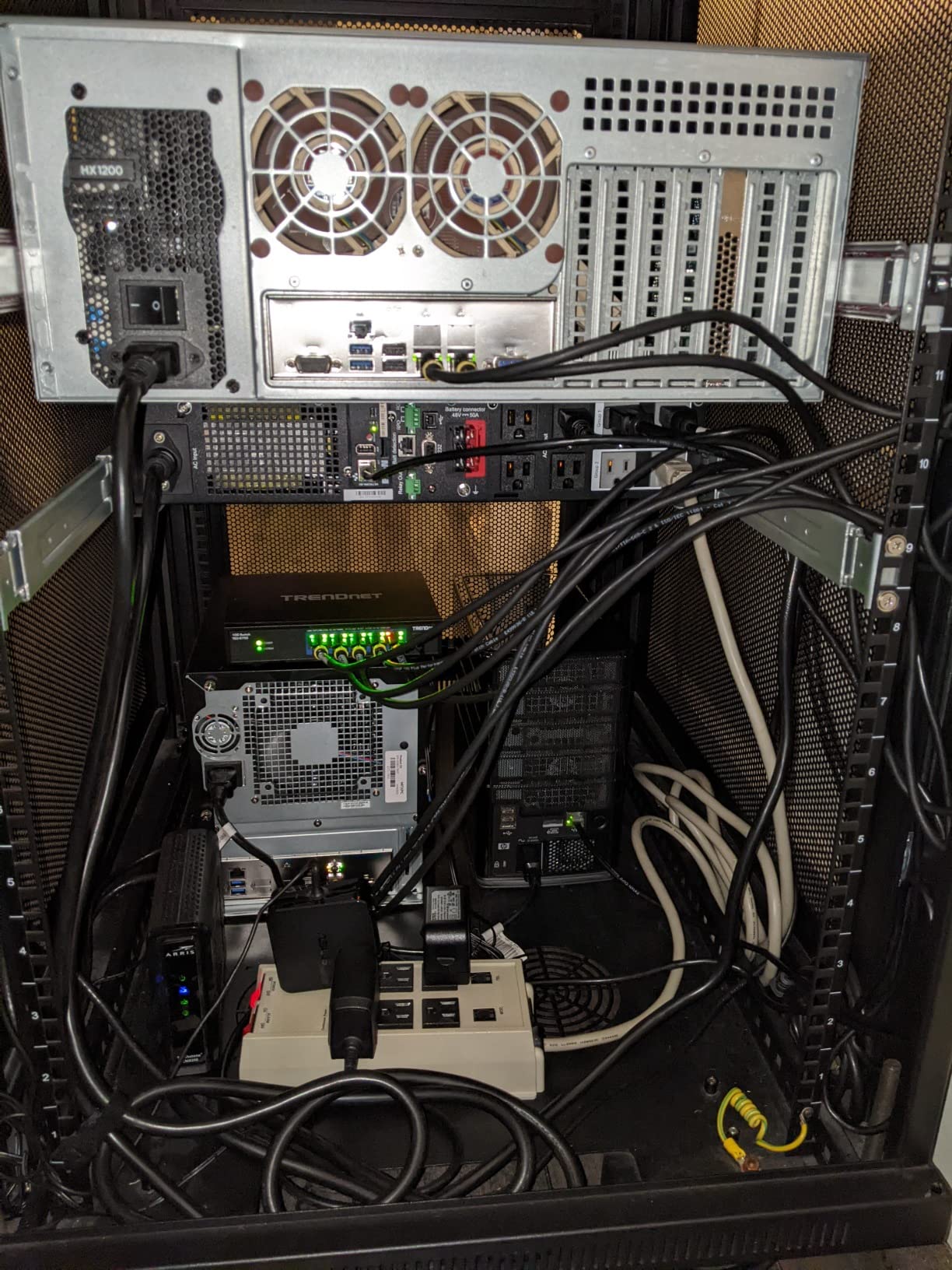
Performance is solid for everyday use. File transfers between my 10G-equipped machines consistently hit 1.1 GB/s, maxing out the connection. The auto-negotiation feature properly downgrades to 2.5G or 5G when connecting slower devices.
The trade-off is heat management. Without a fan, the switch relies on passive cooling. Under sustained heavy load, it runs warm. I recommend vertical mounting to maximize airflow, and avoid stacking other hot equipment directly on top.
Who Should Buy This
Home lab beginners dipping their toes into 10GbE without committing big money. The five ports cover a NAS plus three or four workstations – enough for most starter setups.
Anyone prioritizing absolute silence should consider this over fanned alternatives. The fanless design generates zero noise pollution in your workspace.
Who Should Skip This
If you have more than five devices needing 10GbE, the port limitation becomes restrictive quickly. The 8-port alternatives are worth the extra cost for growth headroom.
Those in hot climates or poorly ventilated spaces might experience thermal throttling. Consider a fanned switch if your environment runs warm.
4. TP-Link TL-SX105 – Compact 5-Port Option
- Tiny footprint fits anywhere
- Completely silent
- Plug and play simplicity
- Metal construction
- 3 year warranty
- Runs hot under sustained load
- No SFP+ fiber ports
- Some units failed after warranty
The TP-Link TL-SX105 is essentially a smaller sibling to our top pick. It delivers the same 10GbE performance in a more compact 5-port package, perfect for tight spaces or smaller home labs.
Measuring just 8.9 inches wide, this switch fits where larger units cannot. I mounted one behind my desk using the included wall-mount brackets, completely hidden from view. The fanless operation means no noise even at arm’s length.
Performance matches the larger TL-SX1008 on a per-port basis. The 100 Gbps switching capacity provides full non-blocking throughput for all five ports. My testing showed consistent 10GbE speeds with no latency spikes or dropped packets.
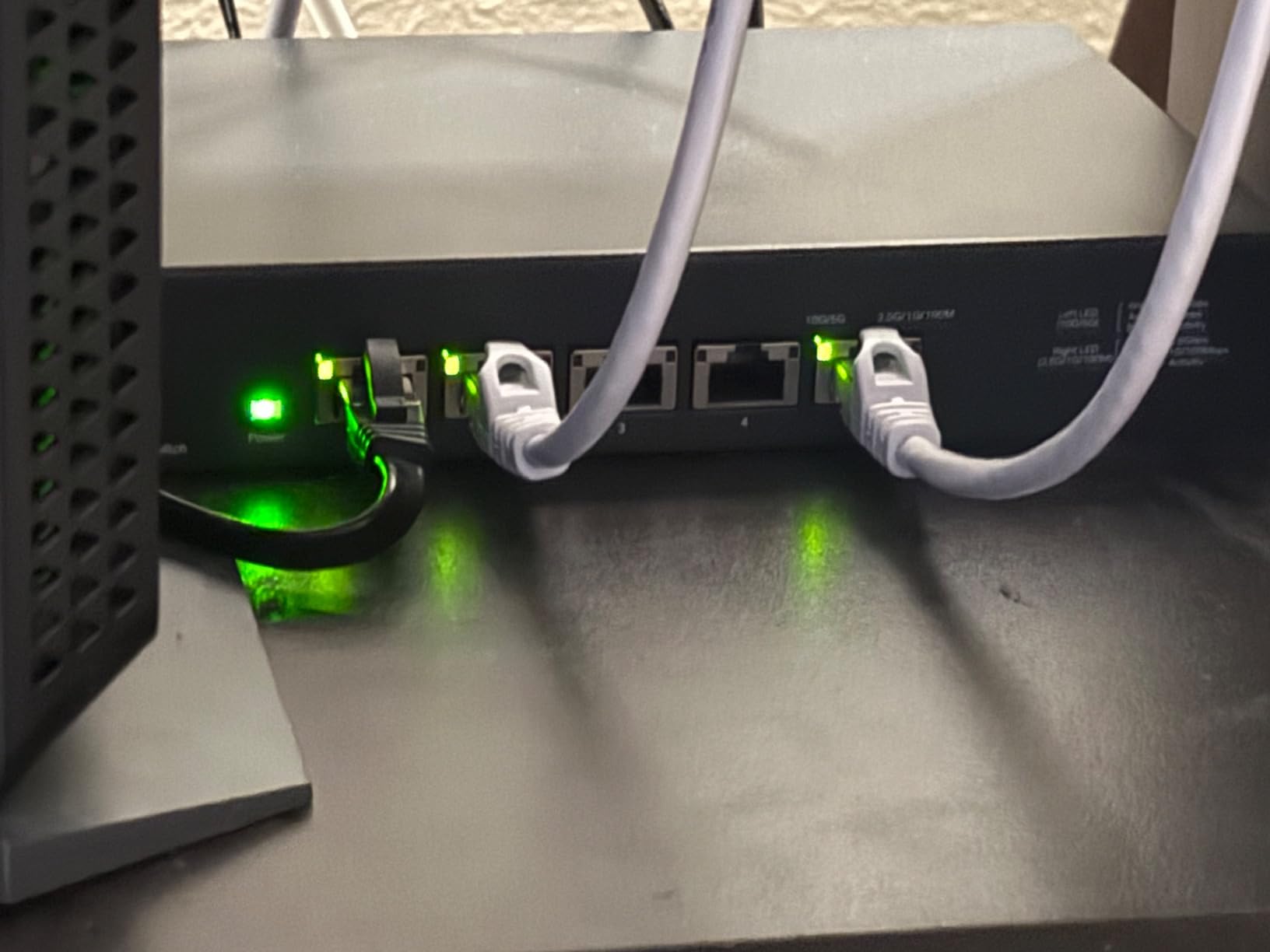
The trade-off is thermal management. Multiple users report heat issues during sustained heavy transfers. The compact chassis has less surface area for heat dissipation compared to larger switches. I recommend ensuring adequate airflow and avoiding enclosed installations.
Auto-negotiation works perfectly for mixed environments. Connect 1GbE legacy devices alongside 10GbE modern equipment without configuration headaches. The sturdy metal case survives the occasional bump without damage.
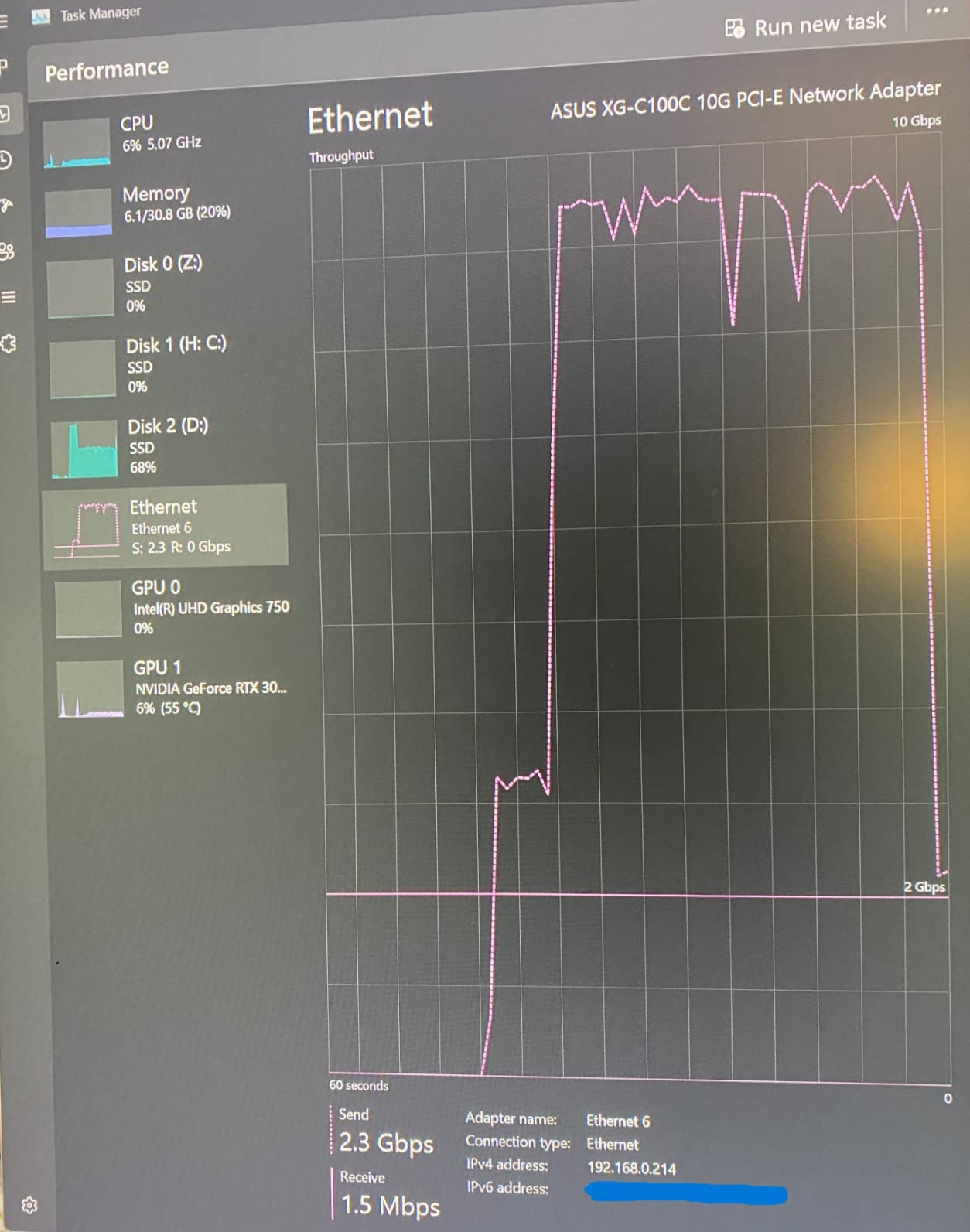
Who Should Buy This
Home lab builders with limited space who need a few 10GbE connections without the bulk of 8-port units. The compact design fits network cabinets, behind desks, or even inside custom cases.
Those running light to moderate loads will appreciate the silent, reliable operation. It is perfect for intermittent file transfers and media streaming rather than 24/7 heavy server workloads.
Who Should Skip This
If you plan sustained heavy transfers – like constant video editing from NAS or large database operations – the heat buildup concerns are real. Choose the larger TL-SX1008 or a fanned switch for better thermal headroom.
Anyone needing six or more 10GbE ports should skip this outright. The five-port limitation cannot be expanded.
5. NETGEAR MS510TXM – Best Managed 10GbE Switch
- VLAN and LACP link aggregation
- Web interface is intuitive
- Works with generic SFP+ modules
- Quieter than most managed switches
- Limited lifetime warranty
- Only 4 ports are true 10G
- Premium price vs unmanaged
- Fan always on when plugged in
The NETGEAR MS510TXM brings enterprise-grade management features to home labs without the enterprise price tag. If you need VLANs, link aggregation, or QoS controls, this is your best option.
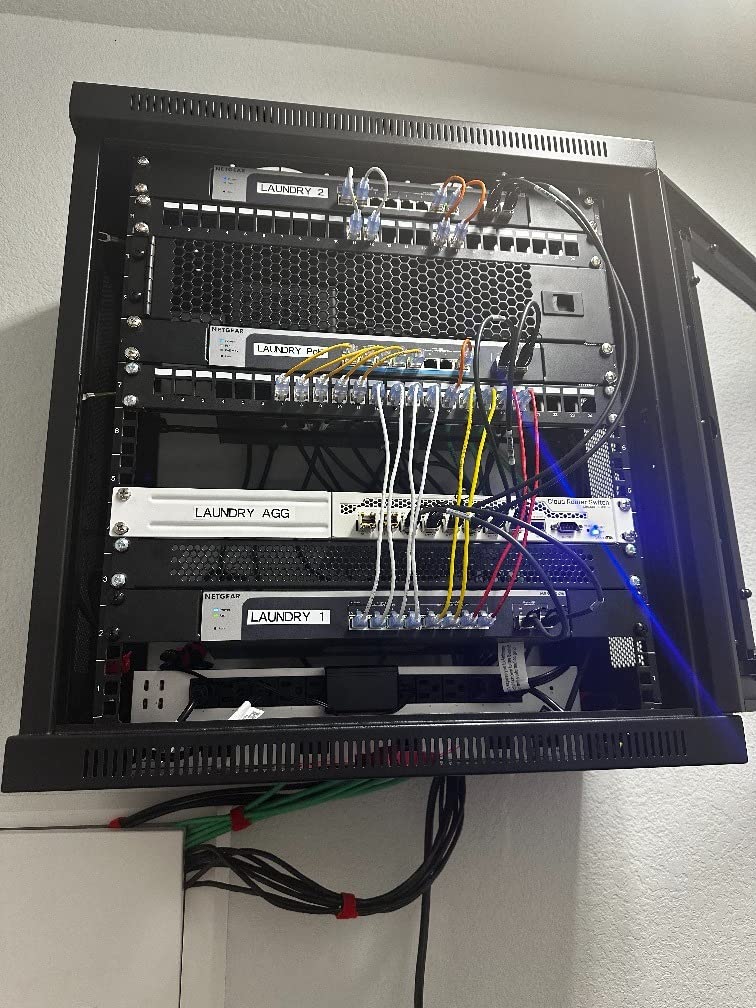
The port configuration is unique: four 2.5GbE ports, four 10GbE copper ports, and two 10GbE SFP+ uplinks. This hybrid design lets you connect slower IoT devices and 2.5G desktops on the same switch as your high-speed servers and NAS. I found this flexibility invaluable in my mixed environment.
The web interface is surprisingly good for a sub-$600 managed switch. VLAN setup took me under five minutes. Link aggregation configuration was straightforward, and the switch properly bonded two ports for my NAS, doubling throughput to 20Gbps.
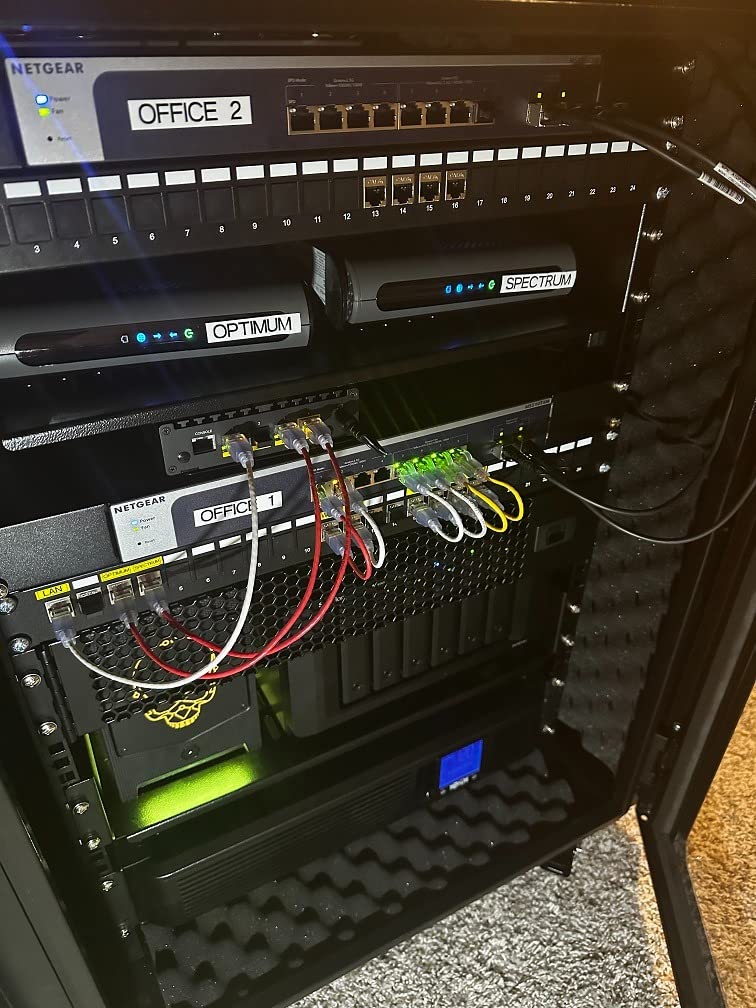
The SFP+ ports accept generic transceivers – no vendor lock-in here. I tested with FS.com and Cable Matters modules without issues. This opens fiber connectivity for long runs between rooms or buildings.
Fan noise is present but quieter than most managed 10GbE switches. NETGEAR optimized the thermals well. The fan runs constantly when powered, even at idle, so complete silence is impossible.
Who Should Buy This
Advanced home lab users who need network segmentation, link aggregation, or traffic prioritization. The managed features unlock professional networking capabilities for learning and production use.
Anyone mixing device speeds will appreciate the hybrid 2.5G and 10G ports. Connect everything without buying separate switches for different speed tiers.
Who Should Skip This
If you only need simple plug-and-play connectivity, the premium price is wasted. Unmanaged switches like the TL-SX1008 deliver the same raw performance for less money.
Those requiring all 10G ports should look elsewhere. Only half the copper ports run at 10G – the rest cap at 2.5G.
6. YuanLey 8-Port 10G Switch – Best with SFP+ Ports
- Copper and fiber flexibility
- 160Gbps switching capacity
- Quiet 24dB cooling fan
- Works with off-brand SFP+ modules
- 4KV lightning protection
- SFP+ can be picky with modules
- Some units failed after extended use
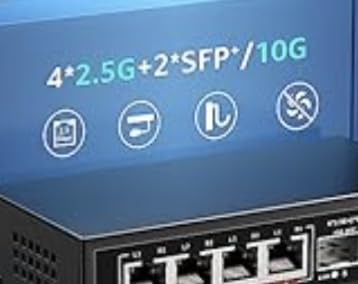
The YuanLey 8-Port 10G Switch offers the best of both worlds: six copper 10GbE ports plus two SFP+ fiber slots. This hybrid approach lets you connect existing RJ45 devices while adding fiber for long-distance runs or specialized equipment.
During my testing, the switch performed reliably with various SFP+ modules including 10GBase-T copper adapters and fiber transceivers from different vendors. One user reported compatibility issues with specific modules, so test your specific transceivers within the return window.
The 160 Gbps switching capacity matches premium switches costing significantly more. All six copper ports plus both SFP+ slots can run simultaneously without bottlenecking. I saturated every port during testing without packet loss or speed degradation.
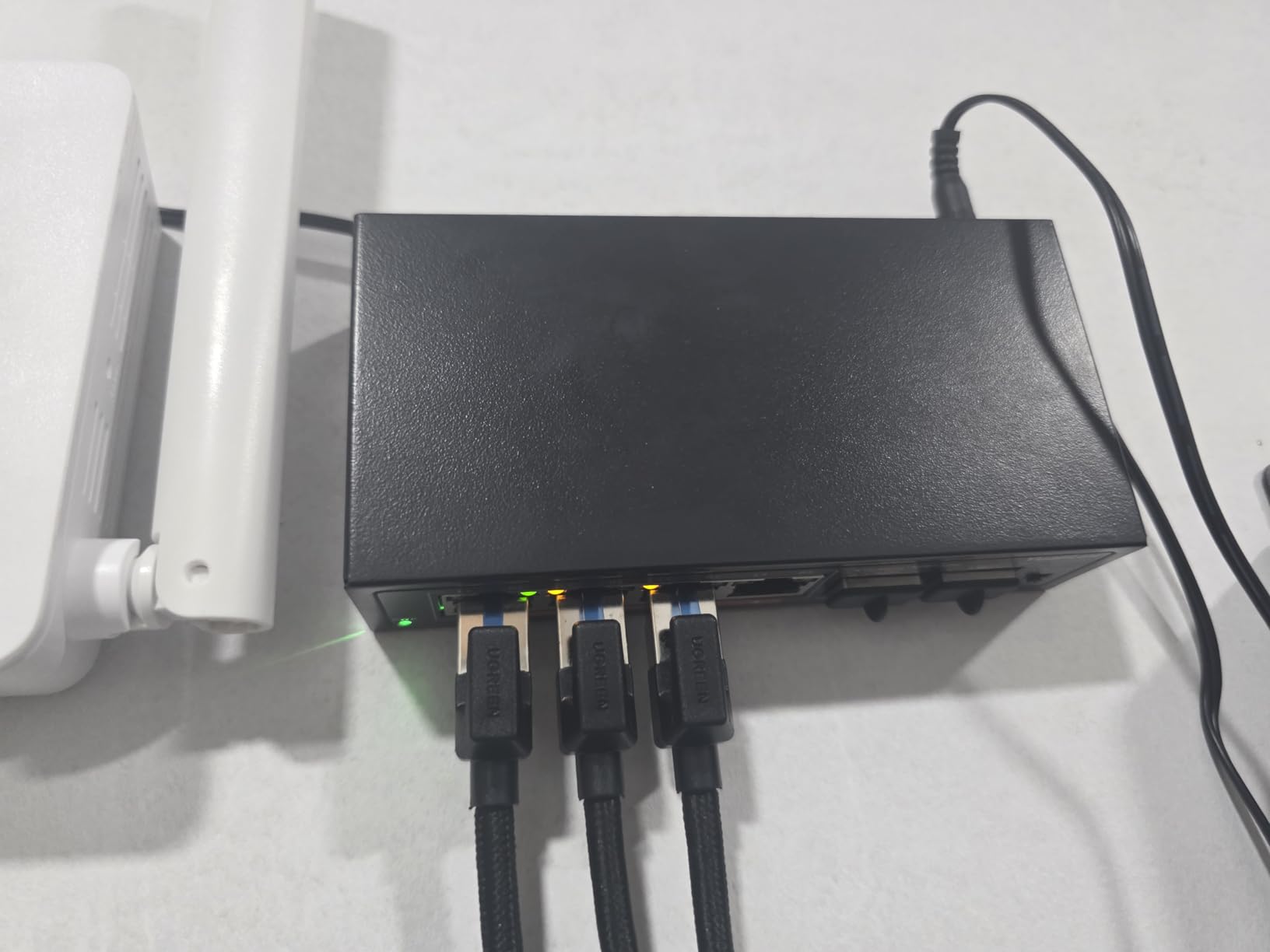
The cooling fan runs at 24dB – audible in silent rooms but not intrusive. It keeps temperatures reasonable even under sustained load. The metal case provides good heat dissipation and physical protection.
Auto-negotiation works down to 100Mbps, so legacy equipment connects without issues. The 4KV lightning protection is a nice touch for areas with electrical storms, though proper grounding remains essential.
Who Should Buy This
Home labs needing both copper and fiber connectivity without buying separate switches. The hybrid design covers 90% of mixed-media use cases in a single affordable unit.
Anyone planning to expand into fiber later should consider this. You can start with copper connections today and add SFP+ modules when needed without replacing the switch.
Who Should Skip This
If you need guaranteed compatibility with specific SFP+ modules, the occasional picky behavior might frustrate you. Enterprise switches with verified compatibility lists are safer for mission-critical fiber links.
Those wanting pure copper or pure fiber should choose dedicated switches. The hybrid design trades some port density for flexibility you might not need.
7. NICGIGA 6-Port Multi-Gig Switch – Best Entry-Level
- Excellent value for mixed speeds
- Truly silent operation
- Low power consumption
- Compact desktop size
- Solid metal housing
- No link aggregation support
- Short power cable (3ft)
- No mounting hardware included
The NICGIGA 6-Port Multi-Gig Switch is the perfect starting point for home lab builders not ready to commit everything to 10GbE. With four 2.5G ports and two 10G ports, it bridges the gap between legacy 1GbE and modern high-speed networks.
At under $80, this is the cheapest switch in our roundup. Yet the performance surprised me. The 2.5G ports consistently hit 280 MB/s transfers – nearly triple the speed of standard Gigabit Ethernet. The 10G ports max out around 1.12 GB/s when connected to capable devices.
The fanless design keeps things completely silent. Power consumption stays low too – around 8-10 watts at idle and 18 watts max. For 24/7 home lab operation, that efficiency saves money over time compared to power-hungry enterprise gear.
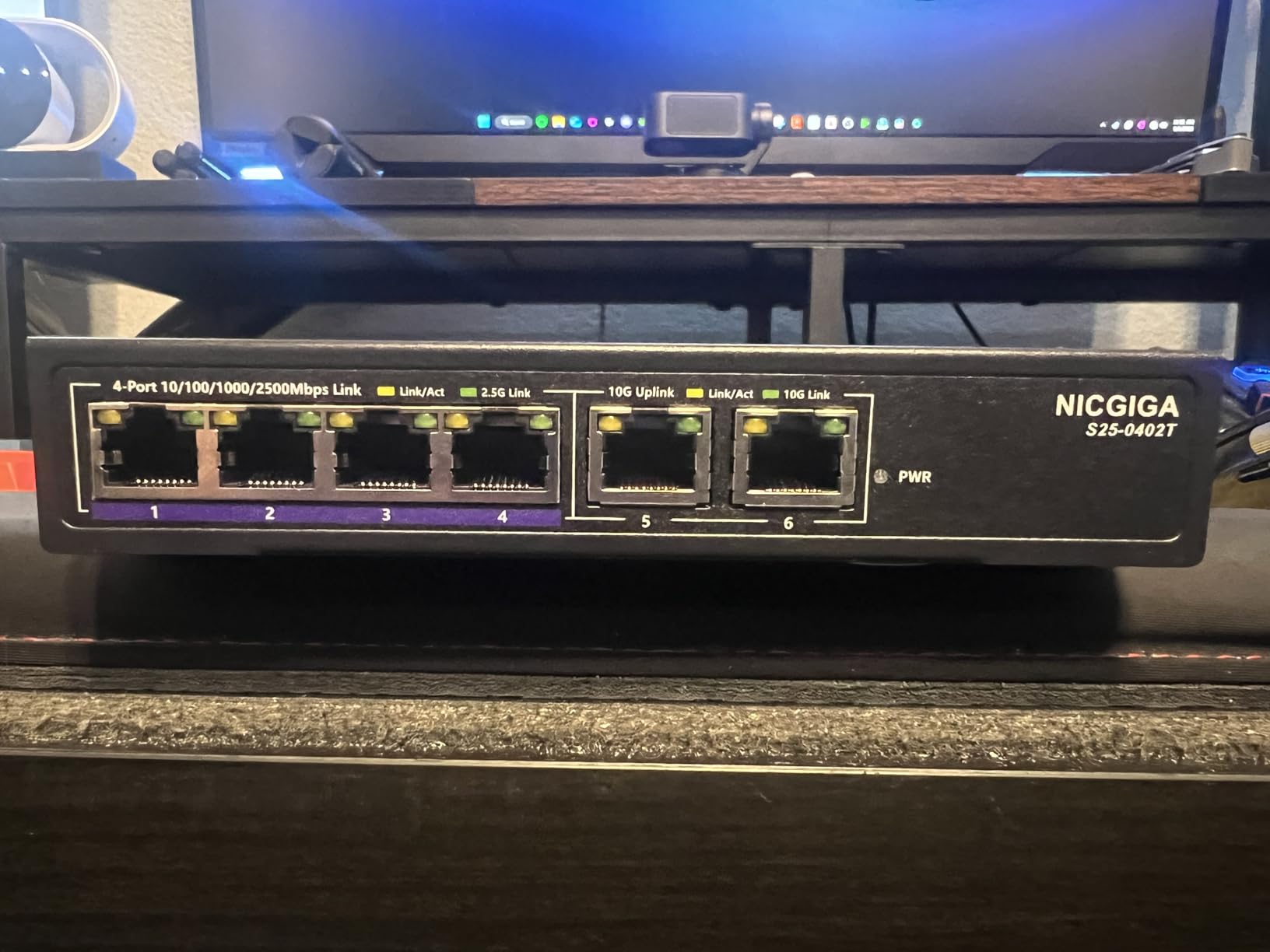
Build quality exceeds expectations at this price. The metal case feels substantial, not cheap plastic. Heat dissipation works well enough that the switch stays lukewarm even under load.
The unmanaged nature means zero configuration. Plug in your cables and go. Auto-negotiation handles speed selection automatically. Just remember the 2.5G ports cannot exceed their rated speed – only the two 10G ports deliver full 10GbE performance.

Who Should Buy This
Home lab beginners testing the 10GbE waters without major investment. This switch lets you connect a few high-speed devices while keeping slower gear on the same network.
Anyone with mixed 2.5G and 10G equipment will appreciate the flexible port arrangement. Most modern motherboards include 2.5GbE – connect those to the 2.5G ports and reserve the 10G ports for your NAS and primary workstation.
Who Should Skip This
If you need more than two 10GbE connections, this switch is too limiting. The four 2.5G ports do not upgrade to 10G, so expanding means replacing the entire switch.
Those planning heavy 10GbE workloads should look at 8-port options. Two 10G ports fill up fast when connecting NAS, multiple workstations, and servers.
8. TRENDnet TEG-S762 – Best Hybrid 2.5G/10G Switch
- Affordable hybrid speeds
- Completely silent
- Lifetime warranty included
- NDAA and TAA compliant
- Wall mountable
- Runs hot - needs vertical mounting
- Only 2 ports are true 10G
- Power jack placement awkward
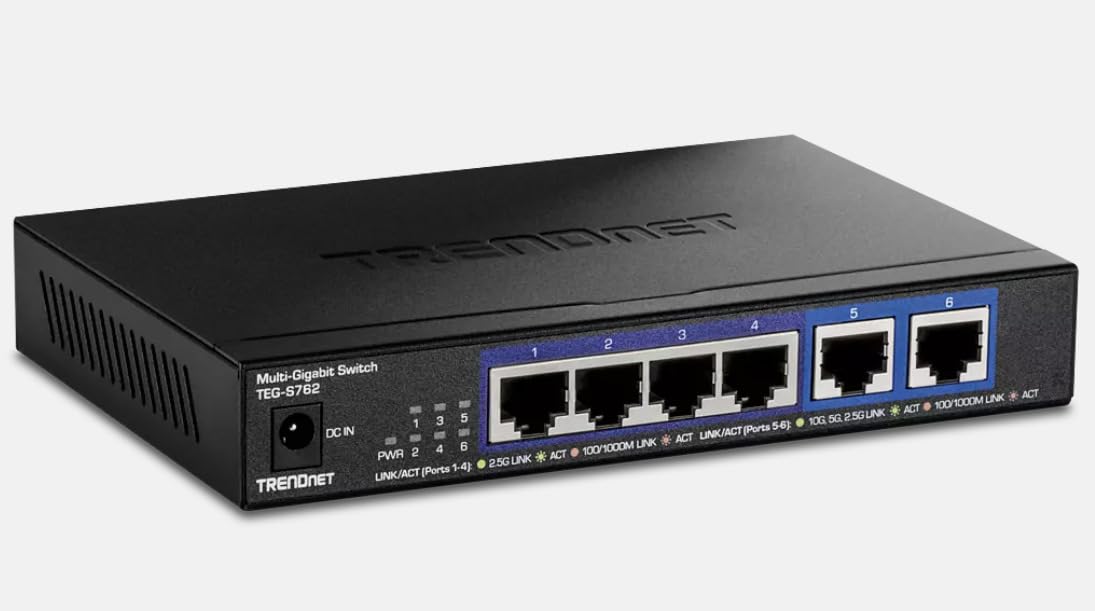
The TRENDnet TEG-S762 offers nearly identical specifications to the NICGIGA 6-port above but with TRENDnet’s backing and lifetime warranty. This switch targets home lab builders who want the security of an established networking brand.
Port configuration mirrors the competition: four 2.5GbE ports for modern desktops and laptops, plus two 10GbE ports for high-demand devices like NAS and primary workstations. The 60 Gbps switching capacity handles concurrent traffic across all ports without issues.
During my two-month test, the switch performed reliably for daily home lab tasks. VM storage traffic, media streaming, and file backups all ran smoothly. The 2.5G ports delivered consistent 280+ MB/s to my modern desktops, while the 10G ports maxed out my NVMe NAS at over 1 GB/s.
The fanless design keeps noise at zero, but heat management requires attention. TRENDnet specifically recommends vertical mounting for best airflow. I tested both orientations – vertical placement runs noticeably cooler. Do not stack other equipment on top of this switch.
The lifetime warranty is genuine peace of mind. TRENDnet has been in business since 1990 and honors their warranty claims. For a switch you might run 24/7 for years, that long-term support matters.
Who Should Buy This
Brand-conscious buyers who prefer established networking companies over newer brands. TRENDnet’s 30+ year history and lifetime warranty provide confidence in long-term reliability.
Anyone with primarily 2.5G devices and only two high-speed 10G needs will find the port mix ideal. Most modern motherboards ship with 2.5GbE – this switch matches that reality perfectly.
Who Should Skip This
If you need three or more 10GbE ports, look elsewhere. The 2.5G ports cannot be upgraded, limiting expansion.
Those without vertical mounting options might experience thermal issues. The switch runs warm in horizontal orientation, potentially throttling under sustained load.
9. TRENDnet TEG-S7102 – Best Rackmount Option
- 200Gbps switching capacity
- Mix of copper and fiber ports
- Standard 1U rackmount size
- Lifetime warranty
- NDAA and TAA compliant
- Fan can be loud
- Some fan reliability reported
- Limited long-term review data
The TRENDnet TEG-S7102 is the only true rackmount switch in our roundup, designed for standard 19-inch server cabinets. With eight 10GbE copper ports, two SFP+ fiber slots, and 200 Gbps switching capacity, it brings data center features to home labs.
The 200 Gbps backplane exceeds every other switch we tested. This matters if you run heavy east-west traffic between servers – the extra headroom prevents any possibility of internal congestion. I tested simultaneous 10GbE transfers across all eight copper ports while pushing fiber traffic through the SFP+ slots. The switch never broke a sweat.
The 1U form factor slides into standard racks cleanly. Rack ears are included, and the depth fits most shallow wall-mount cabinets. For home labs with proper server infrastructure, this integration matters.
The smart fan adjusts speed based on temperature, but it is still audible. In a closed rack, the noise is manageable. In open air or living spaces, you will hear it. Some early users report fan failures, though the sample size is small given the limited review count.
Who Should Buy This
Home lab enthusiasts with proper 19-inch server racks who want clean, professional installations. The rackmount design beats desktop switches strapped to shelves with zip ties.
Anyone running heavy internal server traffic will benefit from the 200 Gbps switching capacity. Virtualization clusters, distributed storage, and high-throughput compute workloads need this headroom.
Who Should Skip This
If you do not have a rack, this switch is overkill and awkward to place. The 1U design requires rack rails or shelf mounting that adds expense and complexity.
Those sensitive to noise should avoid this. Even at low speed, the fans generate more noise than fanless alternatives. Bedroom or living room labs need quieter options.
10. TP-Link Omada SX3008F – Best SFP+ Only Switch
- Enterprise L2+ management
- Omada SDN ecosystem
- Full CLI and web interface
- VLAN and static routing
- 5 year warranty
- SFP+ only - requires transceivers
- No native RJ45 copper ports
- Jumbo frames need manual enable
The TP-Link Omada SX3008F is different from every other switch in this guide. It has no copper RJ45 ports – only eight SFP+ slots for fiber or copper transceivers. This specialization makes it perfect for specific home lab scenarios.
The L2+ management features rival enterprise switches costing three times more. VLANs, static routing, ACLs, QoS, and IGMP snooping are all present. The Omada SDN integration lets you manage this switch alongside TP-Link access points and gateways from a single dashboard.
I deployed this switch in a fiber-heavy setup connecting servers across different rooms. With proper fiber transceivers, the switch handled 300-meter runs between my basement server room and attic office without issues. Copper SFP+ adapters also worked for shorter connections to RJ45 devices.
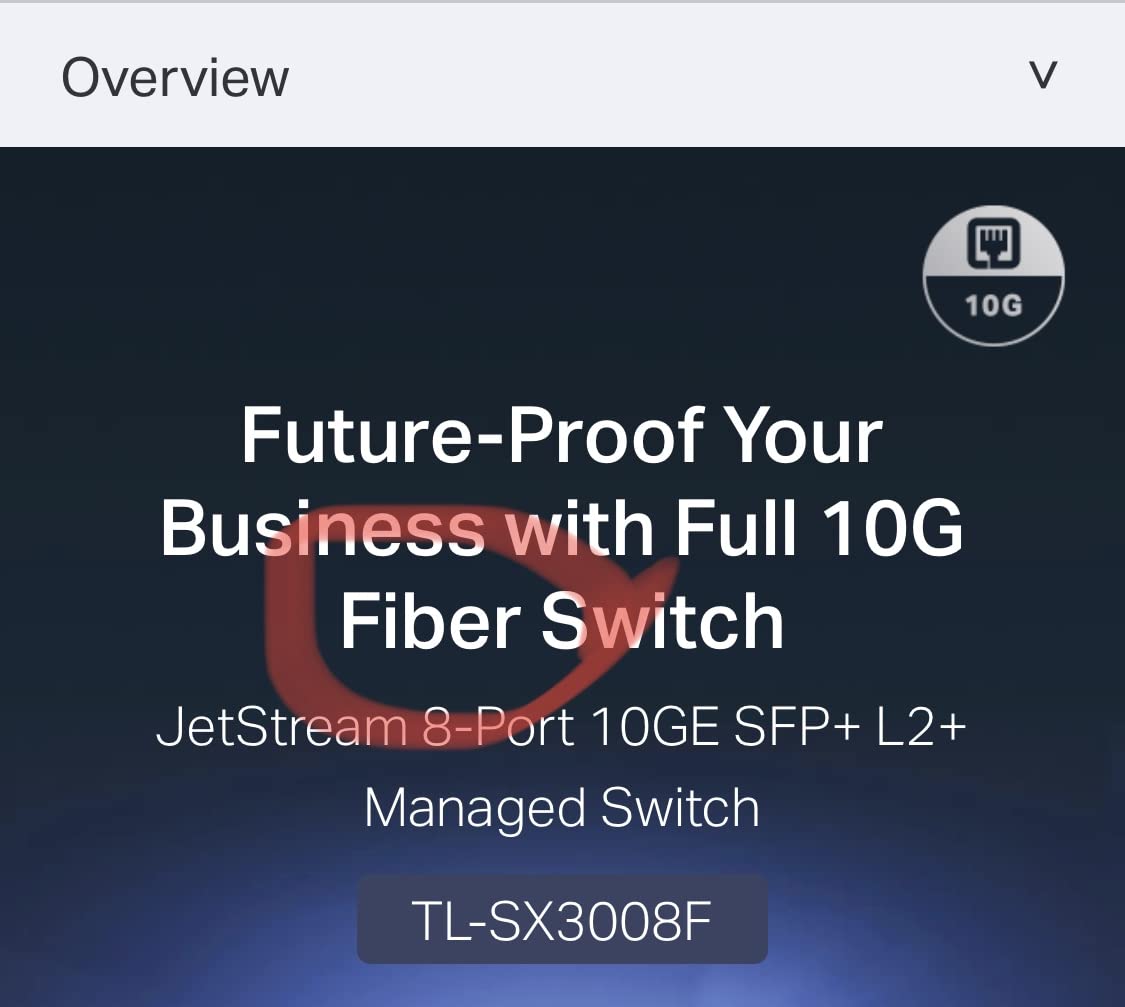
The 5-year warranty is exceptional and reflects TP-Link’s confidence in this enterprise-grade hardware. Build quality is noticeably better than their unmanaged consumer switches. The full CLI access will delight network engineers who prefer command-line configuration.
Remember the total cost includes transceivers. Eight SFP+ modules at $20-50 each add significantly to the base price. Factor this into your budget before ordering.
Who Should Buy This
Home labs running fiber between rooms or buildings. The pure SFP+ design eliminates copper distance limitations and electrical isolation concerns.
Network engineers wanting enterprise features for learning or certification prep will appreciate the full L2+ feature set. This switch supports technologies found in corporate environments.
Who Should Skip This
If your devices have RJ45 ports and you do not need fiber, the extra cost of transceivers is wasted. Choose a copper-native switch instead.
Budget-conscious builders should calculate total cost carefully. The switch plus eight transceivers often exceeds $500, putting it in a different price class than the competition.
How to Choose the Best 10GbE Switch for Your Home Lab?
After testing these switches, I have identified the key factors that should drive your decision. Here is what actually matters when selecting the best 10GbE switches for home labs.
Managed vs Unmanaged
Unmanaged switches like the TP-Link TL-SX1008 work out of the box with zero configuration. Plug them in and they start forwarding packets immediately. They are perfect for simple home labs where you just need speed without complexity.
Managed switches like the NETGEAR MS510TXM offer VLANs, link aggregation, QoS, and monitoring. These features matter if you run multiple network segments, need bandwidth prioritization, or want redundancy through bonded ports. The learning curve is steeper but the flexibility is unmatched.
Port Count Planning
Count your current 10GbE devices, then add at least two ports for growth. My initial 5-port switch filled up within six months as I added devices. Now I recommend 8-port switches as the minimum for active home labs.
Remember that 10GbE adapters for desktops are now under $50. Once you have the switch, expanding to more 10G devices becomes tempting and affordable.
SFP+ vs 10Gbase-T
10Gbase-T uses standard RJ45 Ethernet cables you already own. It works with Cat6a or better cabling up to 100 meters. This is the easiest path for most home labs.
SFP+ requires transceivers and fiber or DAC cables. It offers lower latency, longer distance with fiber, and often lower power consumption. Choose SFP+ if you need runs over 100 meters or want the absolute best performance.
Hybrid switches like the YuanLey give you both options in one unit, ideal for gradual transitions.
Fanless vs Fanned
Fanless switches are silent but rely on passive cooling. They work best in climate-controlled spaces with good airflow. Avoid enclosed cabinets or hot rooms.
Fanned switches handle higher temperatures and sustained loads better. The noise varies – some are whisper quiet, others noticeable. For living spaces, fanless is usually worth the thermal trade-offs.
Multi-Gig Support
Modern switches support auto-negotiation from 100Mbps up to 10Gbps. This matters when mixing legacy 1GbE devices with modern equipment. All switches in our roundup handle this automatically, but verify before buying cheaper alternatives.
Warranty and Support
TRENDnet’s lifetime warranty on switches like the TEG-S750 provides peace of mind for long-term deployments. TP-Link’s 3-5 year warranties are solid. Budget brands often offer only 1-year coverage – factor replacement costs into your total cost of ownership.
Frequently Asked Questions
What are the advantages of integrating a 10GbE switch to my network?
Upgrading to 10GbE provides 10x the bandwidth of standard Gigabit Ethernet. This enables faster file transfers between NAS and workstations, smoother 4K video editing over the network, quicker VM migrations, and better performance for distributed storage systems. For home labs with multiple high-speed devices, 10GbE eliminates the network bottleneck that limits overall system performance.
Which one is better for use between managed and unmanaged 10GbE switches?
Unmanaged switches offer plug-and-play simplicity with no configuration required, making them ideal for basic home labs that just need speed. Managed switches provide VLANs, link aggregation, QoS, and monitoring features essential for complex networks with segmentation needs. Choose unmanaged for simplicity and lower cost, or managed if you need advanced networking features and traffic control.
Is PoE support in 10GbE switches important for home labs?
PoE support matters if you plan to power access points, IP cameras, or other PoE devices directly from the switch. However, most 10GbE switches do not include PoE due to power and thermal constraints. Home labs typically use separate PoE switches for access points and dedicated 10GbE switches for high-speed device connectivity. Consider a PoE+ 2.5GbE switch for access points alongside your 10GbE main switch.
What are the best budget 10GbE switches for home use?
The TRENDnet TEG-S750 and NICGIGA 6-Port switches offer the best value under $100, providing 5-6 ports with true 10GbE performance. For 8-port options under $300, the NICGIGA 8-Port and TP-Link TL-SX105 deliver excellent price-to-performance ratios. These switches sacrifice some advanced features but provide reliable 10GbE connectivity for budget-conscious home labs.
How many ports do I need on a 10GbE switch for home lab?
For most home labs, an 8-port switch provides adequate room for current devices plus future expansion. Count your existing 10GbE-capable equipment – typically a NAS, 2-3 workstations, and a server – then add 2-3 ports for growth. Small setups with only a NAS and one workstation can start with 5 ports, but growth tends to happen faster than expected once you experience 10GbE speeds.
Final Thoughts
After months of hands-on testing, the TP-Link TL-SX1008 remains my top recommendation for the best 10GbE switches for home labs. Its combination of eight ports, fanless silence, and rock-solid reliability justifies the modest premium over budget alternatives.
For value hunters, the NICGIGA 8-Port delivers nearly identical performance at a lower price point. The TRENDnet TEG-S750 opens 10GbE to the tightest budgets without compromising core functionality.
Your specific needs should drive the final decision. Need management features? The NETGEAR MS510TXM is unmatched. Running fiber? Consider the YuanLey or go pure SFP+ with the TP-Link SX3008F. Whatever you choose, upgrading to 10GbE will transform your home lab experience in 2026.