
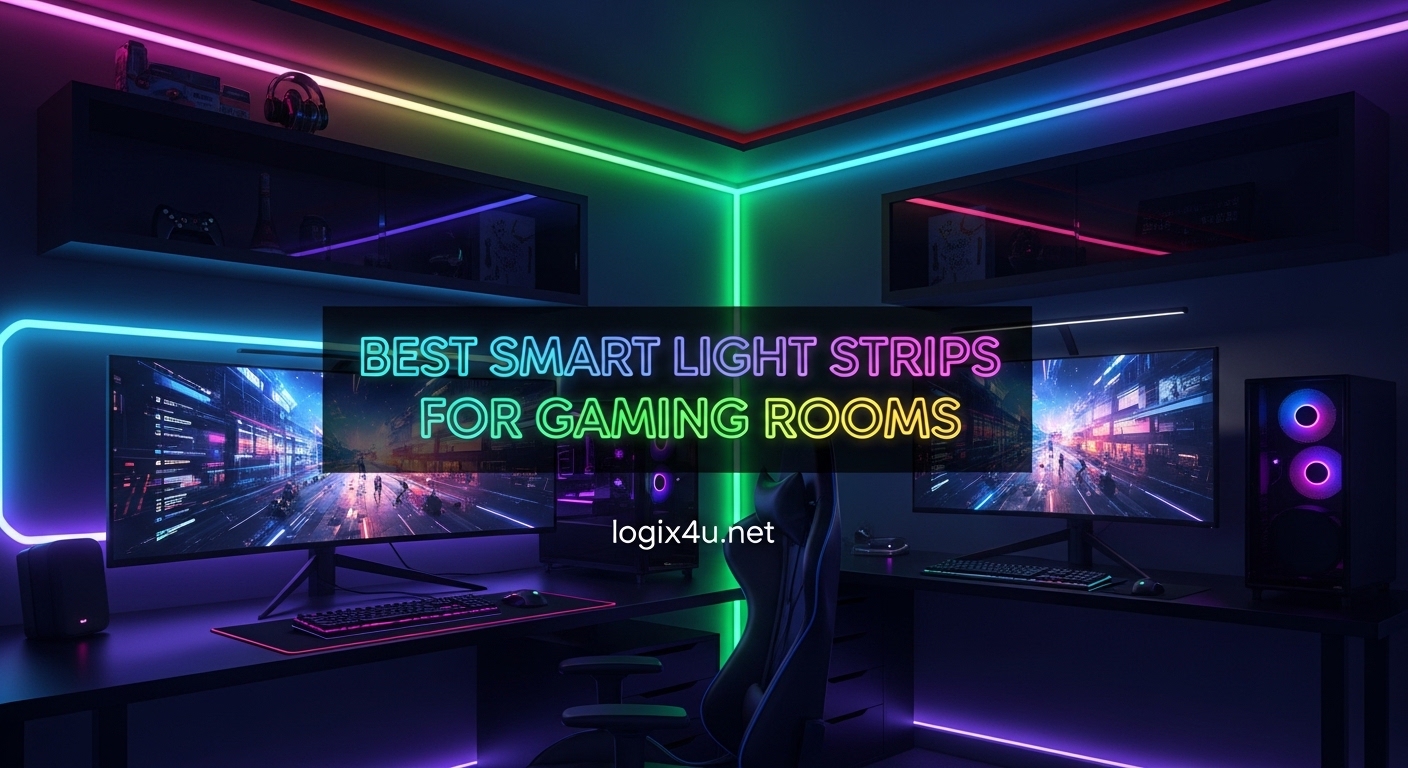
Setting up a gaming room is about more than just a powerful PC and a good monitor. The right lighting can transform an ordinary desk into an immersive battlefield, a cozy streaming studio, or a vibrant hangout spot. After testing dozens of options over the past year, I can tell you that smart light strips for gaming rooms are the single biggest upgrade you can make for under $100.
I have spent months installing, testing, and living with these LED strips in my own gaming setup. From Wi-Fi connectivity headaches to adhesive fails, I have experienced every frustration firsthand. This guide covers the 8 best options I found, with honest takeaways on brightness, color quality, app experience, and how well they actually hold up in a real gaming environment.
Whether you want to backlight your monitor, line the edges of your desk, or wrap an entire room in color, there is a strip here for your setup. I cover budget picks, premium options, and everything in between so you can make the right call without wasting money.
Top 3 Picks for Best Smart Light Strips for Gaming Rooms (August 2026)

Govee Smart LED Light Bars
- RGBICWW Multi-Color
- Alexa & Google Voice Control
- Music Sync with 11 Modes
Govee RGBIC LED Strip Light 16.4ft
- RGBIC Segmented Colors
- WiFi + Alexa + Bluetooth
- 64+ Scene Effects

Best Smart Light Strips for Gaming Rooms in 2026
| Product | Specifications | Action |
|---|---|---|
| Govee Smart LED Light Bars |
|
Check Latest Price |
| Govee RGBIC LED Strip 16.4ft |
|
Check Latest Price |
 Govee 100ft RGBIC LED Strip Govee 100ft RGBIC LED Strip |
|
Check Latest Price |
| KSIPZE Smart WiFi LED Strip 16.4ft |
|
Check Latest Price |
 Govee RGBIC Bluetooth Strip 16.4ft Govee RGBIC Bluetooth Strip 16.4ft |
|
Check Latest Price |
 Govee RGBIC Neon Rope Light 10ft Govee RGBIC Neon Rope Light 10ft |
|
Check Latest Price |
 Philips Hue Play Gradient 65in Strip Philips Hue Play Gradient 65in Strip |
|
Check Latest Price |
 DAYBETTER Smart WiFi LED 100ft DAYBETTER Smart WiFi LED 100ft |
|
Check Latest Price |
1. Govee Smart LED Light Bars – Best Overall for Gaming Atmosphere
- RGBICWW displays multiple colors simultaneously
- Music sync with high-sensitivity mic
- Alexa and Google Assistant voice control
- Strong adhesive brackets included
- Versatile placement - stand
- mount
- or lay flat
- Not waterproof
- Brightness may not fill very large spaces
- Requires Wi-Fi for full features
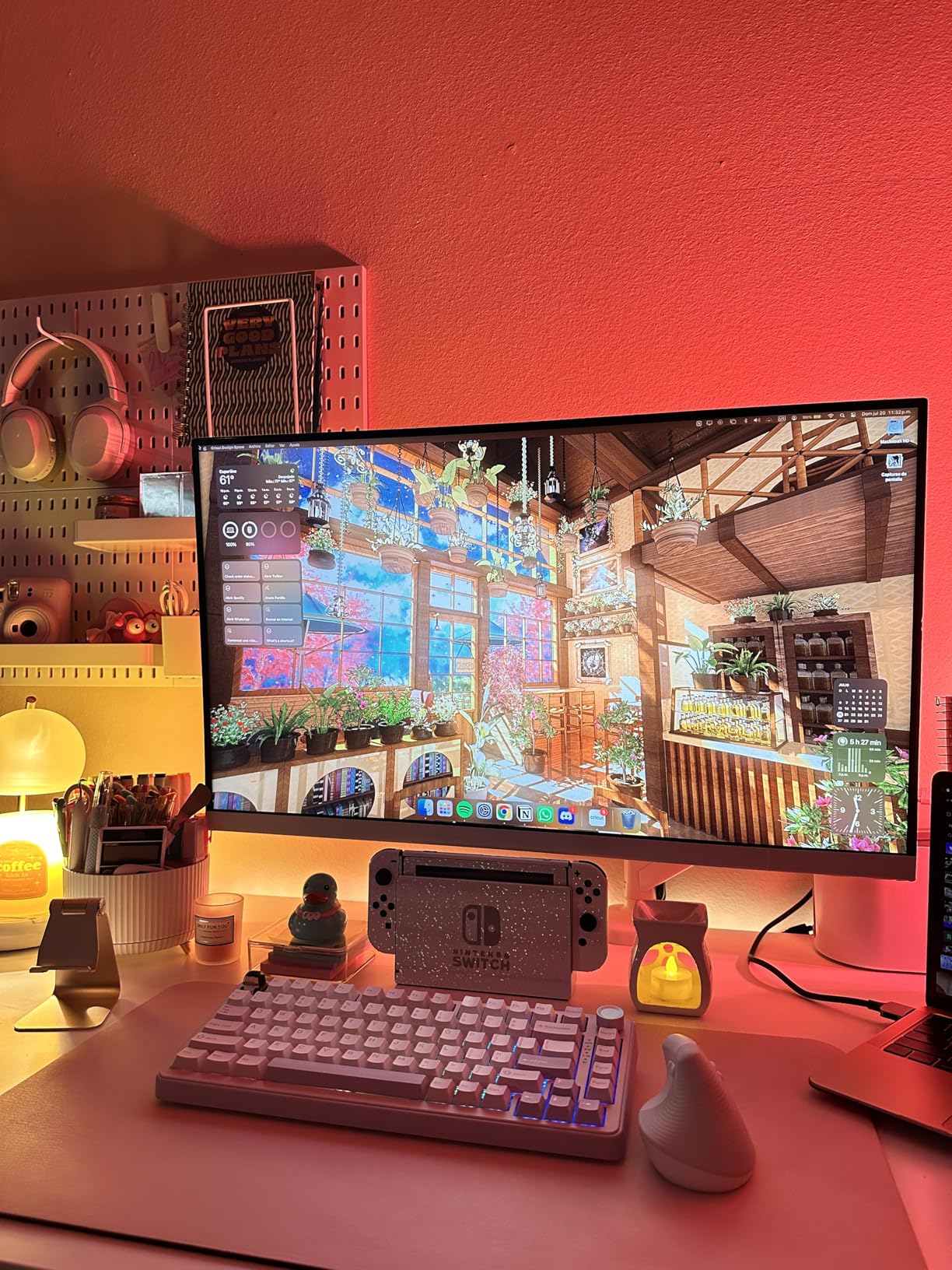
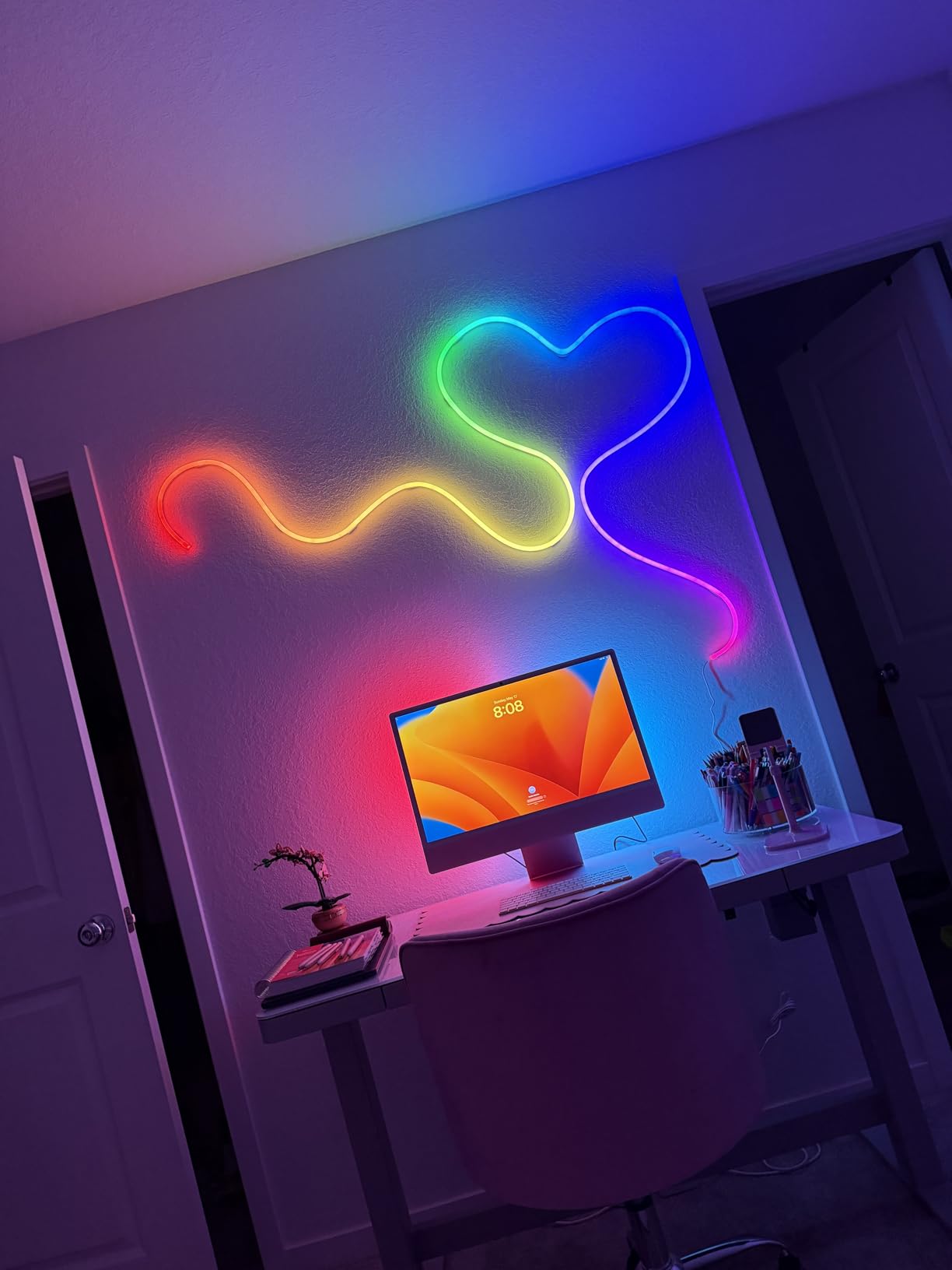
These Govee Light Bars completely changed the vibe of my gaming room. I placed one on each side of my monitor, and the RGBICWW technology fills the wall behind my setup with flowing, multi-color gradients that look nothing like the cheap single-color strips I used before. The bars can display multiple colors at the same time, which creates a genuinely immersive atmosphere when you are deep in a game.
Setup took me about 10 minutes. The included adhesive brackets stick firmly to most surfaces, and you get flexible placement options: stand them vertically on your desk, lay them flat behind your monitor, or mount them on the wall. I went with the wall mount behind my 27-inch display, and the 350 lumens output is more than enough to light up the area with vivid, saturated color.
The music sync feature is where these light bars really shine for gaming. The built-in high-sensitivity mic picks up game audio and translates it into reactive light effects. Playing something with an intense soundtrack, like Doom or Cyberpunk, turns the whole wall behind your screen into a pulsing extension of the game. There are 11 different music modes, and I found about 4 of them actually look great for gaming specifically.
Voice control through Alexa and Google Assistant works smoothly. I use Alexa routines to switch between a warm white for working and a vivid RGB scene for gaming. The Govee Home App is packed with features, including 64 preset scene effects and a DIY mode where you can create custom color patterns. The app does have a learning curve, but once you figure out the layout, it gives you a ton of control.
Who should buy this
If you want a quick, dramatic upgrade to your gaming desk without running a full strip around your room, these light bars are the best option available. They deliver premium color quality and reactive effects in a compact, easy-to-place package that works right out of the box.
Streamers will especially appreciate the visual impact these create on camera. The RGBICWW effect looks professional on stream, and the compact form factor keeps your desk clean compared to wrapping a long strip around your setup.
Who should look elsewhere
If you need to light a large room with coverage along walls, ceilings, or around a full desk perimeter, a traditional strip light will serve you better than these compact bars. The 350 lumens output is ideal for accent and bias lighting, not for filling a large space with ambient glow.
Budget buyers who just want basic color-changing lights might find these light bars a bit much for their needs. There are cheaper strip options that cover more area for less money if raw coverage is your priority.
2. Govee RGBIC Alexa LED Strip Light 16.4ft – Best Value Pick
- RGBIC segmented multi-color display
- Alexa and Google voice control
- AI-created themes from photo uploads
- 64+ preset scene effects
- Strong adhesive backing
- Not waterproof
- Requires 2.4GHz Wi-Fi
- App has learning curve for advanced features
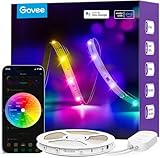
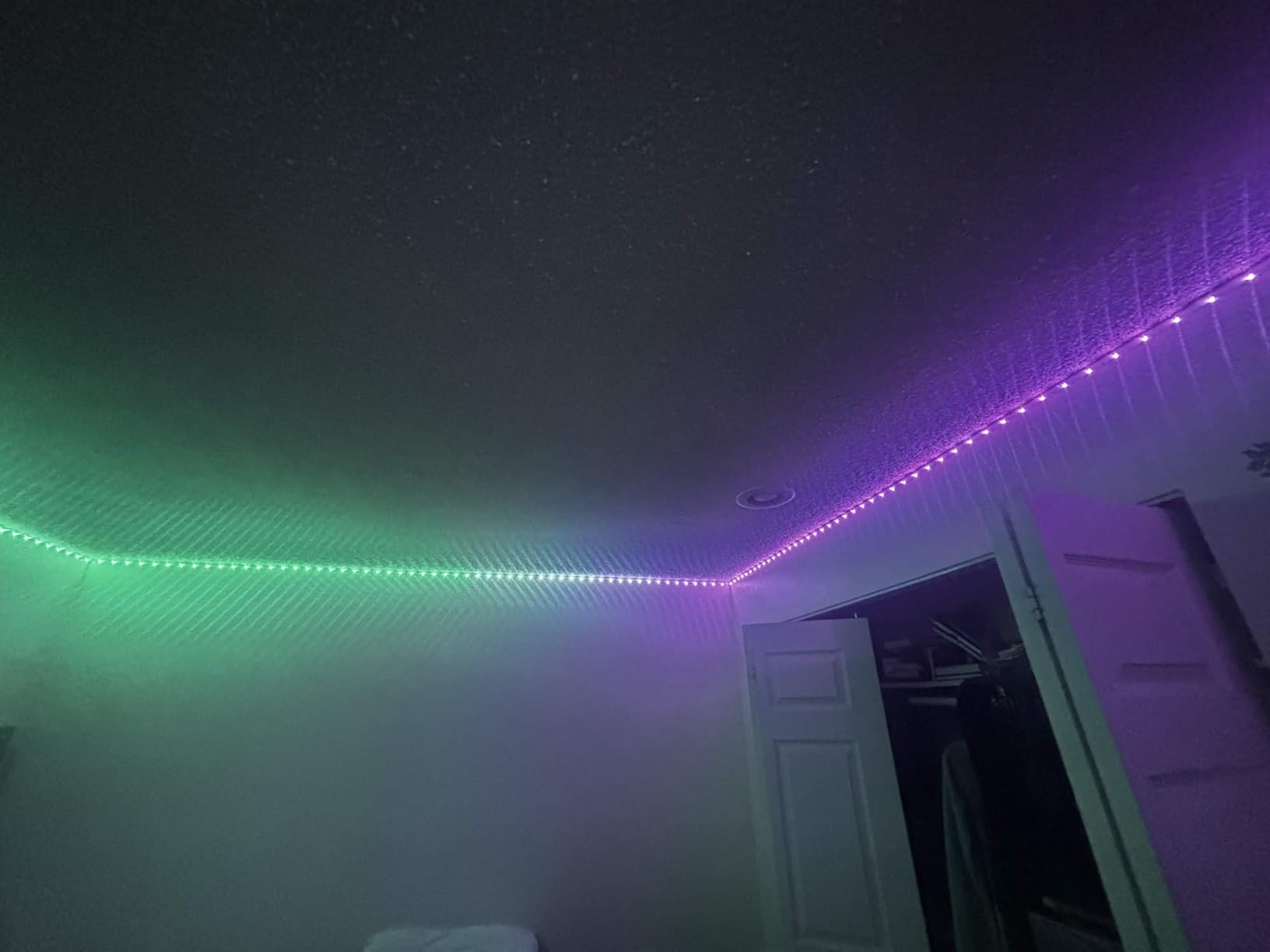
This 16.4ft Govee strip is the one I recommend to most people who ask me about gaming room lighting. It hits the sweet spot between price, features, and quality that makes it the best overall value. The RGBIC technology lets different segments of the strip display different colors at the same time, which looks far more dynamic than strips that can only show one color at a time.
I installed this strip along the back edge of my desk and down both sides. The adhesive backing held firm on my painted MDF desk surface, and the strip is flexible enough to make clean 90-degree corners without kinking. At 16.4 feet, you get enough length to outline a standard gaming desk with some leftover for shelving or a monitor backlight.
One of my favorite features is the AI theme generator. You upload a photo, any photo, and the app creates a custom lighting theme based on the colors in your image. I uploaded a screenshot from Elden Ring and got a moody gold-and-amber scene that matches the game perfectly. The 64 built-in preset scenes cover most moods, but this AI feature adds a personal touch that other brands do not match at this price.
Connectivity is solid with both Wi-Fi and Bluetooth options. Voice commands through Alexa work reliably for on/off, brightness, and scene switching. The 11 music modes react well to game audio, though the sensitivity can be a bit aggressive on the default setting. I dialed it down to about 70% in the app for a more subtle effect during gameplay.
Who should buy this
Anyone building their first gaming lighting setup should start here. The combination of RGBIC color quality, smart home integration, and the extensive app features make this strip tough to beat for the price. It covers enough area for a standard desk setup and delivers effects that look just as good as strips costing twice as much.
Who should look elsewhere
If your gaming room is large and you need to cover walls, ceiling coves, or multiple furniture pieces, 16.4 feet will not be enough. Consider the longer 100ft options on this list instead. Also, if you want Razer Chroma sync for direct game integration, you will need a different product.
3. Govee 100ft RGBIC LED Strip Lights – Best for Full Room Coverage
- Massive 100ft coverage in two 50ft rolls
- RGBIC segmented color effects
- Alexa and Google voice control
- Strong adhesive for walls and furniture
- 11 music sync modes
- Indoor use only
- Adhesive struggles on oil-based paints
- Strip can be fragile at bend points
- Requires 2.4GHz Wi-Fi
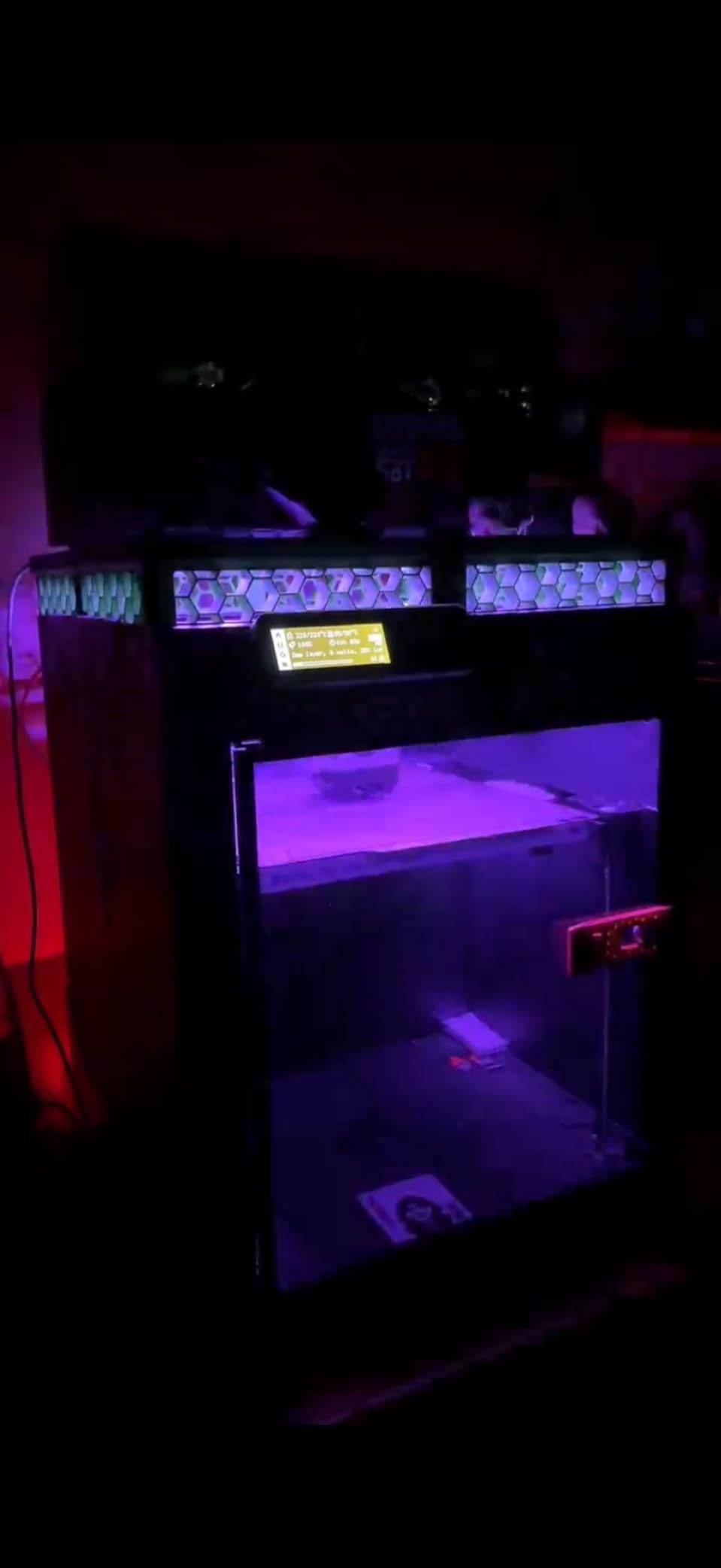
When my friend wanted to light his entire gaming room including the desk, shelving, and a ceiling cove, this 100ft Govee kit was the obvious choice. The two 50-foot rolls give you the flexibility to tackle different areas without splicing or extending. I helped him run one roll along the ceiling perimeter and the other around his desk and TV stand, and the result was a fully immersive gaming cave.
The RGBIC technology here is the same as the shorter Govee strips, which means beautiful multi-color gradients that flow along the length of the strip. With 540 total LEDs across both rolls, the brightness and color saturation are excellent. Even in a medium-sized room with ambient light from windows, the colors remain vivid and punchy.
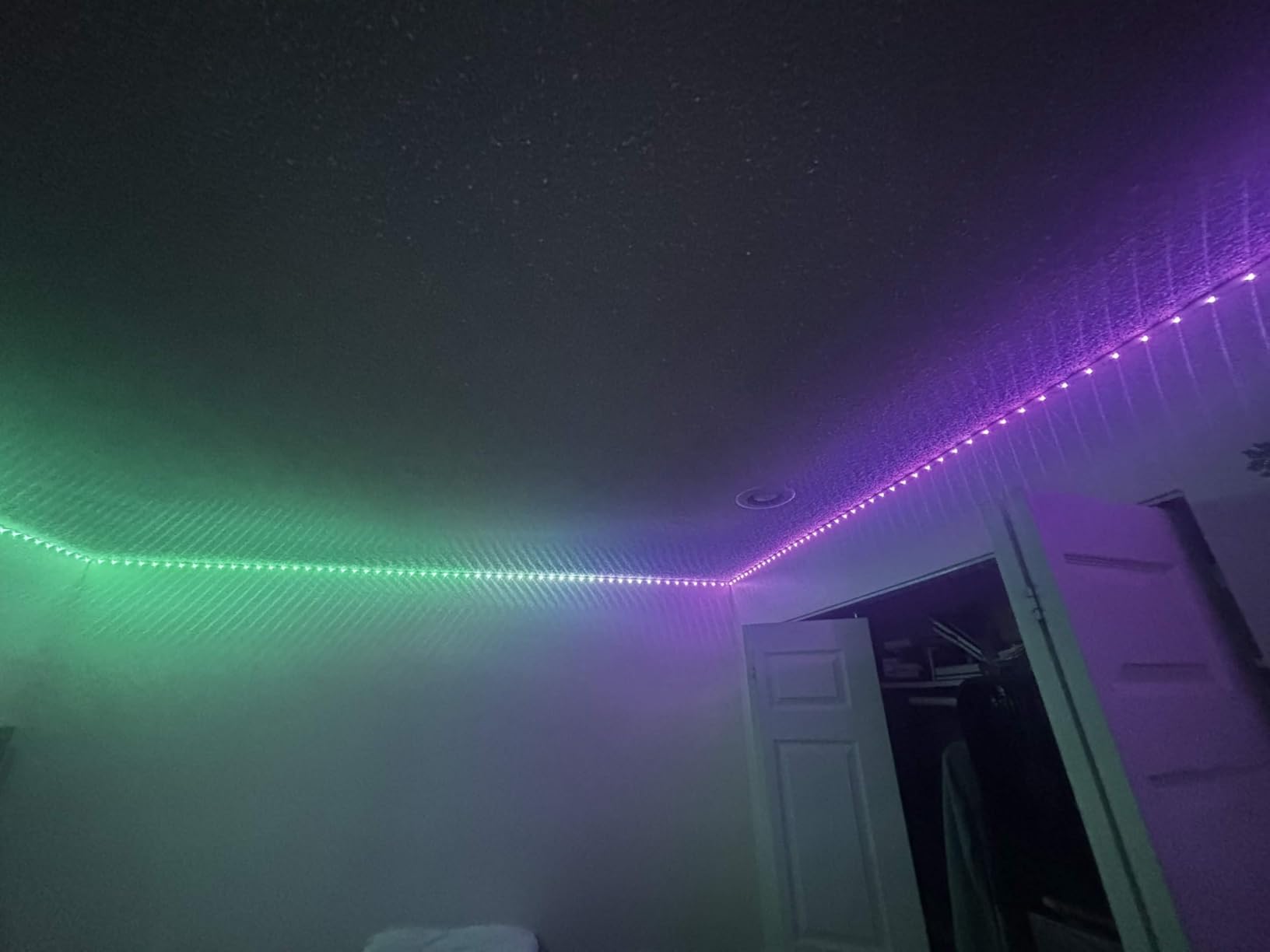
Installation is where things get tricky with a strip this long. The adhesive backing works well on clean, smooth surfaces, but it can struggle on textured walls or surfaces painted with oil-based paint. We used additional mounting clips at stress points, and I would recommend buying a pack of those separately for any permanent installation. The strip itself can be fragile at sharp bend points, so take your time during installation.
The Govee Home App controls both rolls through a single controller, which keeps things simple. Voice commands through Alexa or Google handle on/off, brightness, and scene changes. The music sync with 11 modes works great for gaming sessions, and the 64 preset scenes give you plenty of options without digging into DIY mode. You can also set timers to have the lights warm up before your usual gaming time.
Ideal room size and layout
This 100ft kit is ideal for medium to large gaming rooms. One 50ft roll can outline a standard bedroom-size room at the ceiling line, while the second roll handles desk and furniture accent lighting. If you have a smaller setup, the extra length gives you creative freedom to run strips along shelving, behind wall art, or under floating shelves for a layered lighting effect.
Installation tips for large rooms
Clean every surface with rubbing alcohol before applying the adhesive. Plan your route before peeling the backing, because once it sticks, repositioning can stretch and damage the strip. Use corner clips at every 90-degree turn and support clips every 3 to 4 feet on ceiling runs. The extra 30 minutes of prep will save you from re-doing sections that peel off later.
4. KSIPZE Smart WiFi LED Strip Lights 16.4ft – Best Budget Pick
- Excellent value for the price
- Easy installation with strong adhesive
- Remote control included
- Bright and colorful output
- Compatible with Alexa
- Yellow color appears slightly greenish
- White light has a blue tint
- Adapter cord is short
- Some durability concerns over time
I was genuinely surprised by how much light the KSIPZE strip puts out for the price. This is the strip I recommend when someone wants to try gaming room lighting without making a serious investment. The RGB+IC technology is not quite as refined as Govee’s RGBIC, but it still delivers vibrant multi-color effects that look great behind a monitor or along a desk edge.
The setup process is straightforward. Peel, stick, plug in, and download the app. The adhesive held up fine on my laminate desk surface during the three months I tested it. You also get a physical remote control, which is a nice touch that not all strips include. The remote is basic, but it works without needing to open your phone every time you want to change the color.
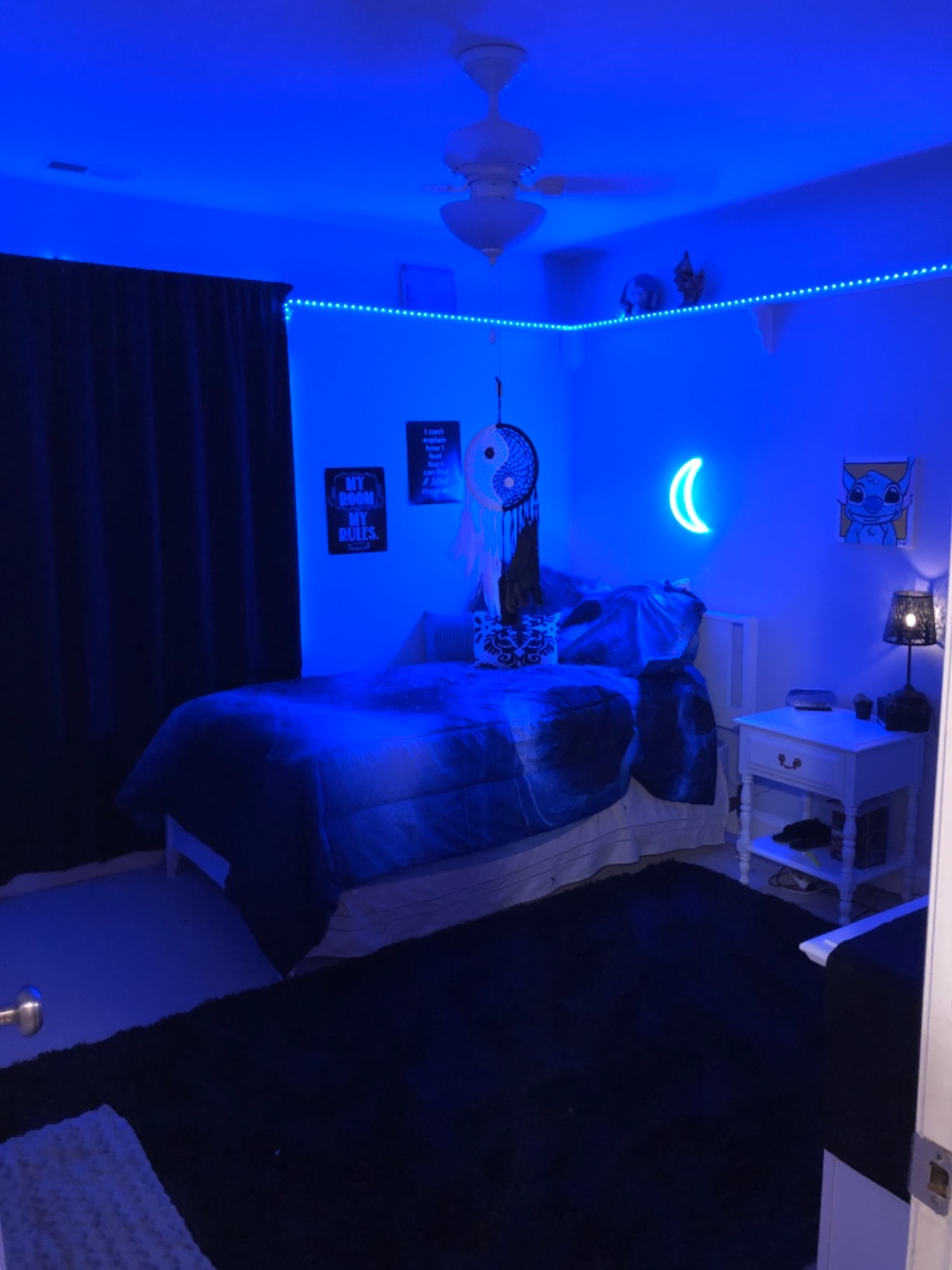
Color accuracy is where the budget price shows. Pure yellow has a slight greenish tint, and the white mode leans blue rather than true white. For gaming, where you are usually running saturated RGB effects, these issues are barely noticeable. But if you want accurate color reproduction for content creation or streaming, it is worth stepping up to a Govee product.
The music sync feature works through a built-in mic in the controller. It picks up audio from your speakers or headset and translates it into reactive color changes. The effect is fun and responsive enough for casual gaming, though the transitions are not as smooth or refined as what you get from more expensive brands.
Best uses for budget gamers
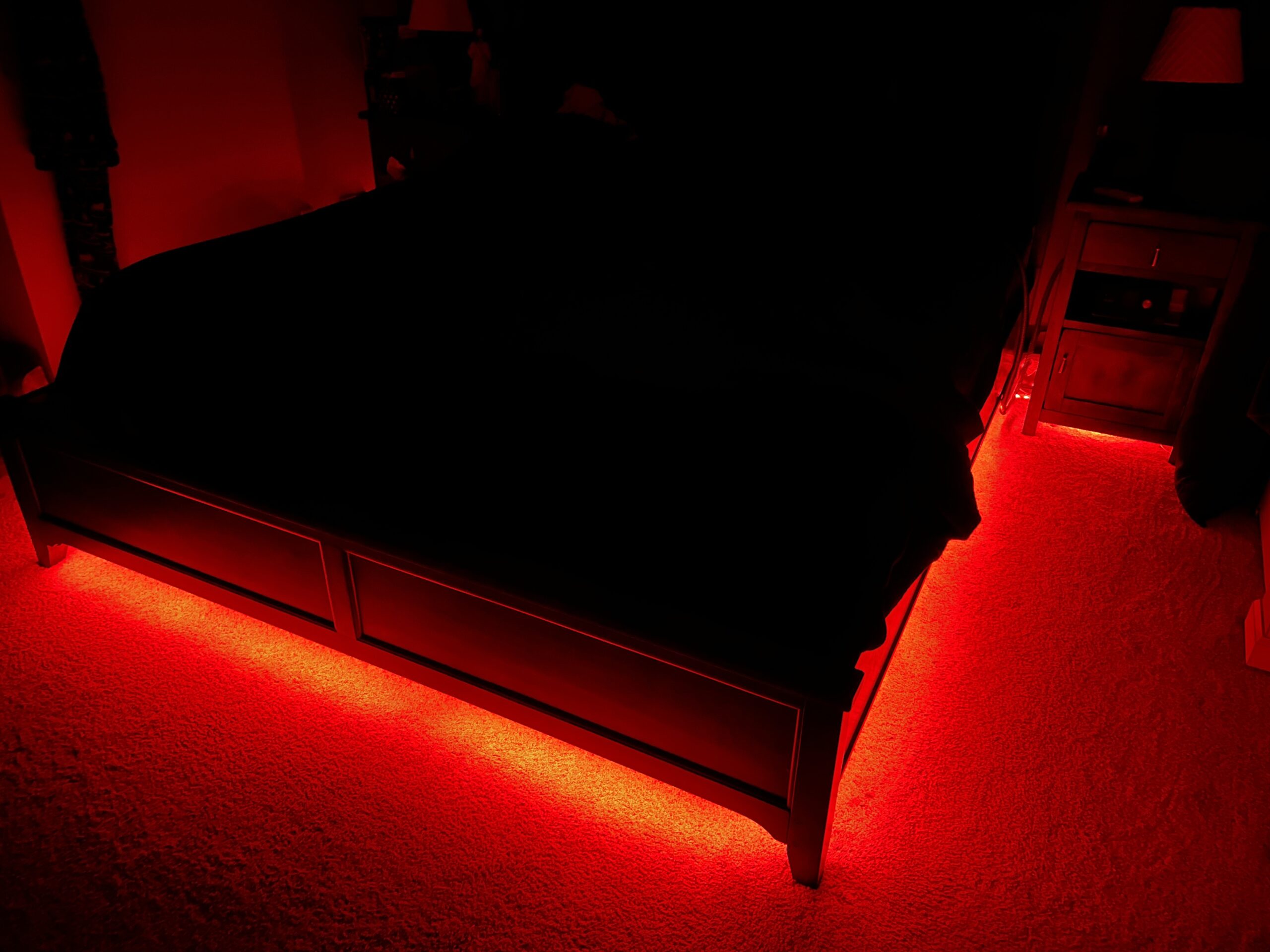
This strip is perfect for your first gaming setup, a dorm room, or a secondary desk where you want some color without spending much. It delivers the core experience of app-controlled, voice-activated, music-synced lighting at a fraction of the cost of premium options. You get the essential features without paying for extras you may not use.
Limitations to know about
The adapter cord is shorter than I would like, which can limit placement options. The strip is also not waterproof, so keep it away from areas where spills are possible. Over extended use, some users report that sections can dim or fail, so it may not be the best choice for a permanent installation you plan to keep for years.
5. Govee RGBIC LED Strip Lights 16.4ft (Bluetooth) – Best for Simplicity
- RGBIC multi-color on one line
- Excellent Govee Home App
- Massive 24902+ reviews with strong rating
- Easy installation
- Cuttable for custom lengths
- No Alexa support (Bluetooth only)
- Strip is fragile during installation
- No solderless corner connectors
- Cannot extend with additional strips
This is the best-selling LED strip on Amazon for a reason. With over 24,000 reviews and a 4.4-star average, it has been tested by more gamers than almost any other strip on the market. I ran this along the back of my monitor as bias lighting, and the RGBIC effect creates a gorgeous color gradient that makes games look more vivid on screen.
The key difference between this model and the Wi-Fi version is connectivity. This one uses Bluetooth only, which means no Alexa or Google Assistant integration. For some people, that is a dealbreaker. For others, it actually simplifies things. If you just want to control your lights from your phone without dealing with router settings or 2.4GHz network issues, Bluetooth is the more reliable option.
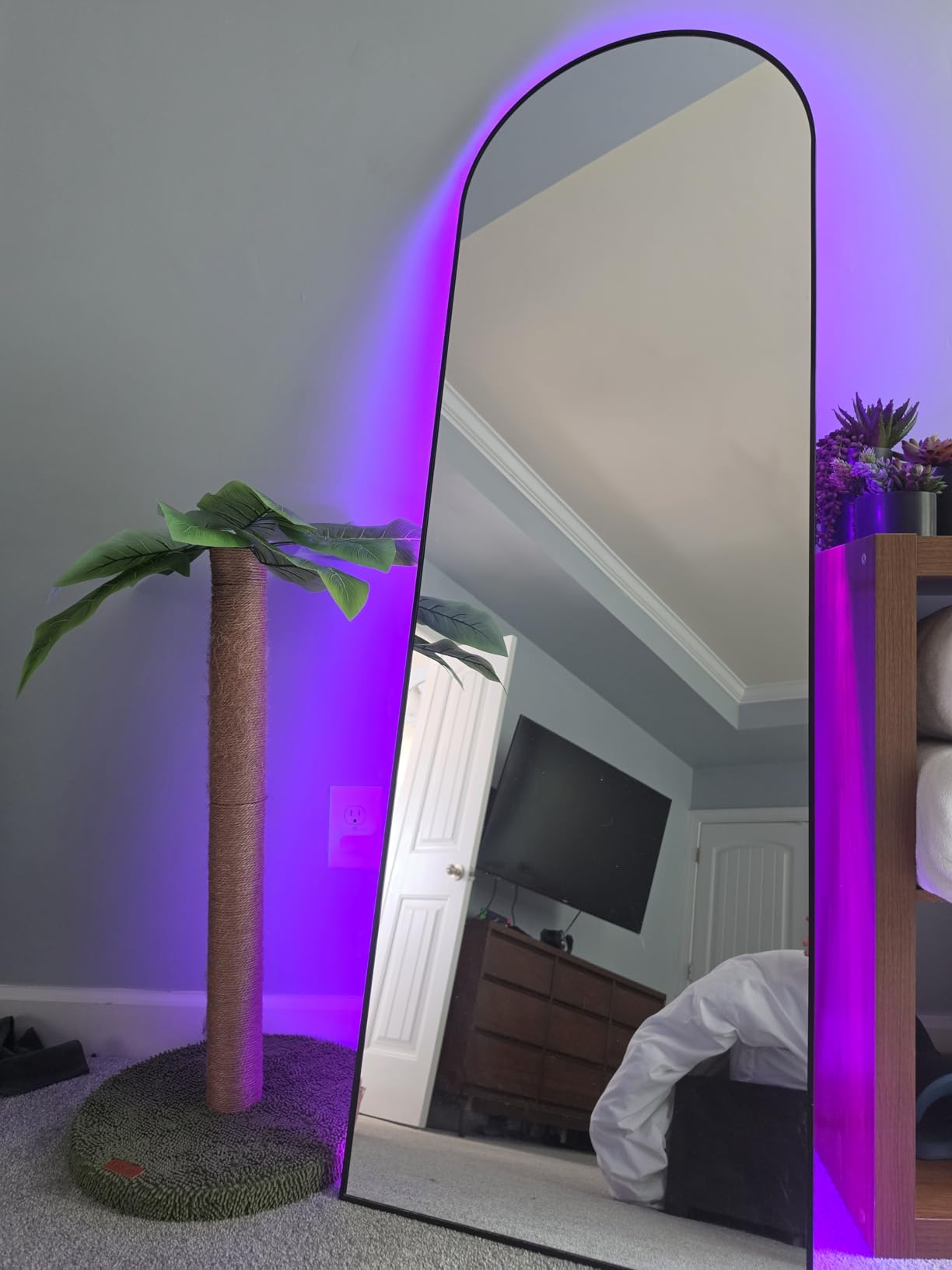
The Govee Home App is the same excellent app used across all Govee products. You get 64 preset scenes, 11 music modes, DIY color customization, and community-shared effects. The app is responsive and rarely disconnects, which is more than I can say for some Wi-Fi-based competitors. Timer settings let you schedule your gaming lights to turn on automatically at your usual play time.
One important note: the strip is cuttable, which is great for fitting it to your exact monitor or desk size. However, it is fragile at the cut points and during sharp bends. Take it slow when installing around corners. I recommend using the included adhesive clips at stress points rather than relying solely on the peel-and-stick backing.
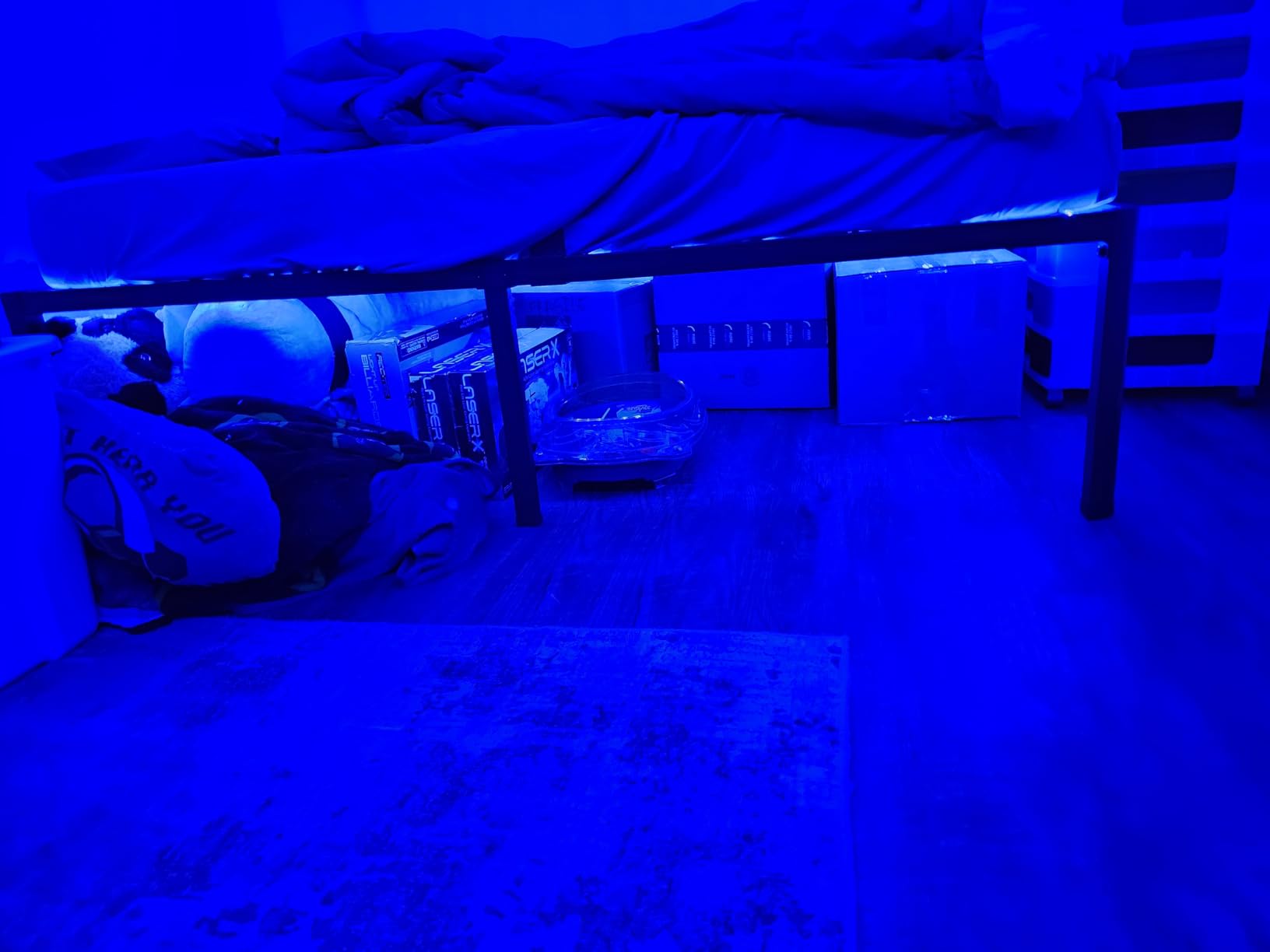
Bluetooth vs Wi-Fi for gaming rooms
Bluetooth is simpler and more reliable if you only control your lights from one phone. Wi-Fi allows voice assistant integration and control from multiple devices. If you already have Alexa routines set up for your gaming room, go with the Wi-Fi version (B0991KSWN9). If you just want app control without the setup hassle, this Bluetooth version is the better choice.
Long-term durability
With 24,000+ reviews, this strip has a proven track record. Most users report it lasting well over a year with daily use. The most common issue is the adhesive weakening after several months, especially in humid rooms. Adding mounting clips at key points solves this easily and keeps the strip secure for the long haul.
6. Govee RGBIC Gaming Lights Neon Rope 10ft – Best for Desk Edges
- Razer Chroma and Govee AI Gaming Sync
- Soft neon silicone eliminates glare
- Cuttable at 12 specific points
- Conforms to sharp desk corners
- 42 controllable color segments
- Premium price point
- Requires 2.4GHz Wi-Fi only
- AI Gaming Sync Box sold separately
- Can break under physical pressure
This neon rope light is designed specifically for gaming desks, and it shows. The silicone material diffuses the light beautifully, creating a smooth, continuous glow instead of the visible LED dots you get from standard strips. I ran this along the front edge of my L-shaped desk, and it bends around the corner with no gaps or kinks.
The standout feature here is Razer Chroma sync. If you use Razer peripherals, this rope light integrates directly into your Chroma ecosystem, matching colors and effects across your keyboard, mouse, headset, and desk lighting. It also works with the Govee AI Gaming Sync Box for screen-matching effects, though that box is sold separately and adds to the total cost.
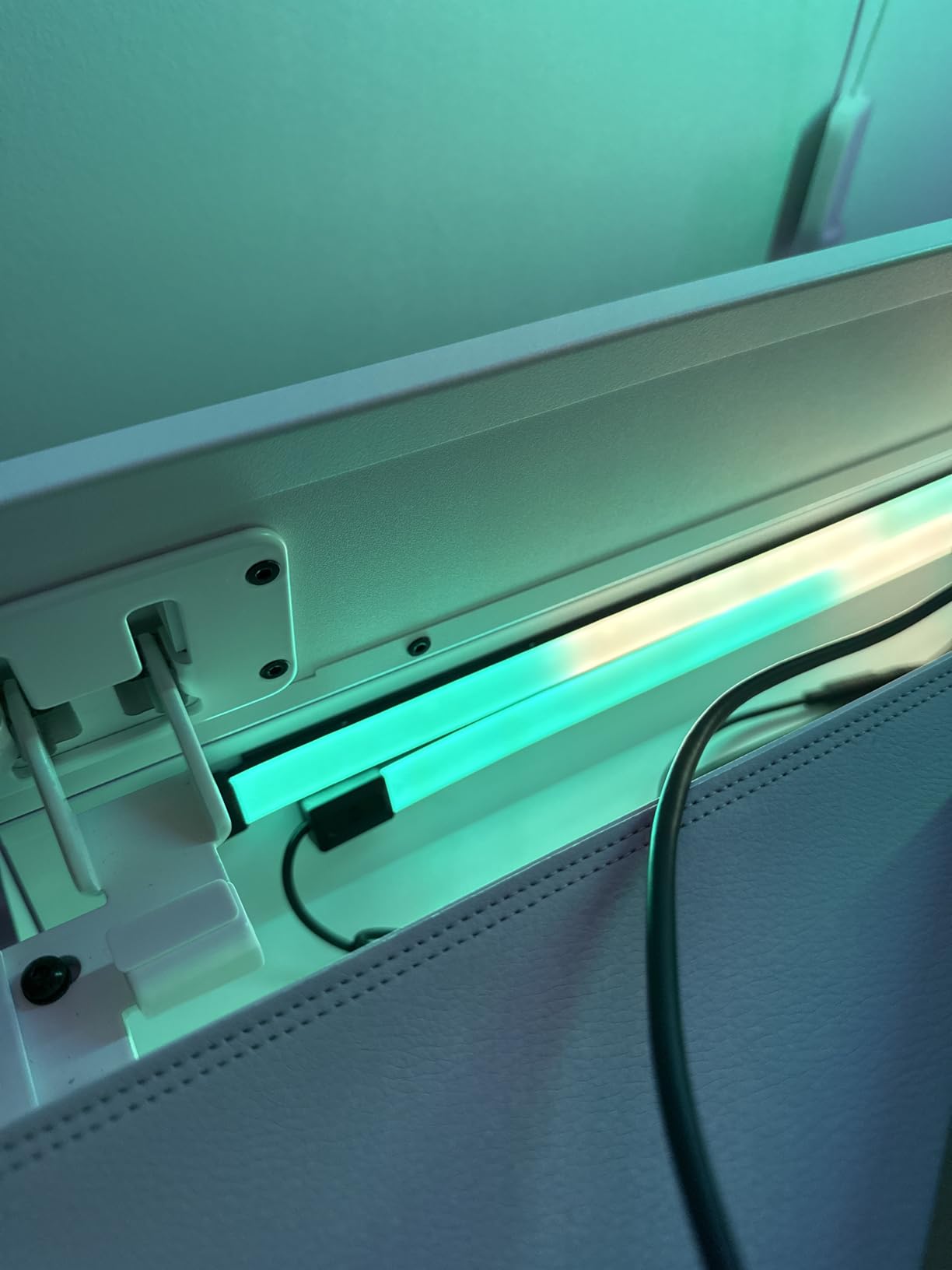
The 42 controllable segments allow for incredibly detailed color patterns along the rope. You can set up flowing gradients, chase effects, and custom scenes that look genuinely premium. The 64 built-in scene modes and 11 music modes give you plenty of presets, and the DIY mode lets you create exactly the effect you want for specific games.
At 10 feet, this rope is ideal for outlining a single desk setup. It has 12 cutting points, so you can trim it to fit shorter desks without damaging the strip. Just be careful during installation: the silicone material is soft and malleable, but it can crack if you press too hard against it, like accidentally resting your knee on it under the desk.
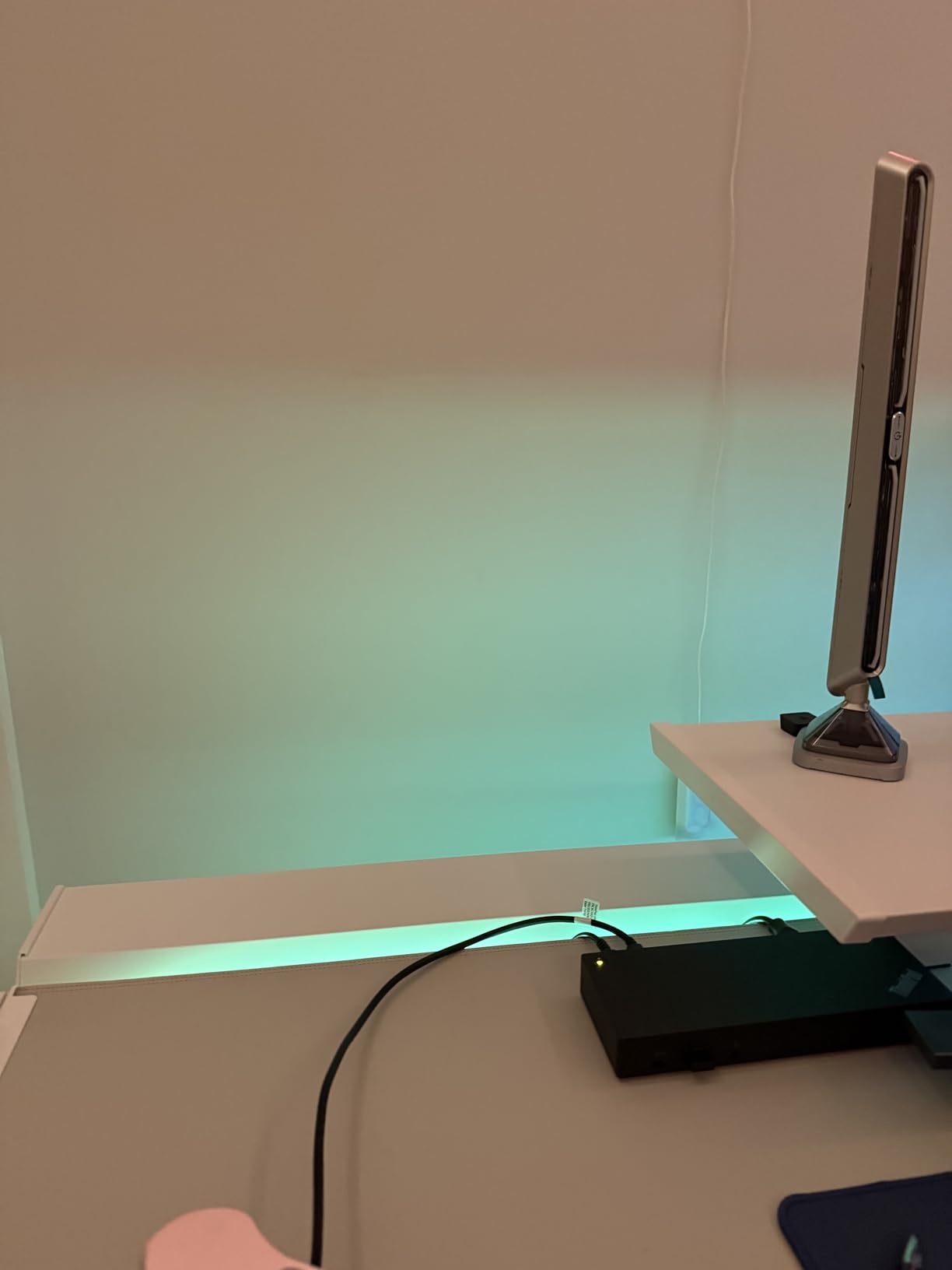
Razer Chroma integration explained
Razer Chroma sync lets the rope light respond to in-game events across supported games. Explosions trigger red flashes, health pickups trigger green pulses, and ambient environments shift the entire color palette. You need Razer Synapse software running on your PC to enable this. Without it, the rope still works as a regular smart light through the Govee app and voice assistants.
Is the premium price worth it
If you are building a showcase gaming setup and want the most polished desk lighting available, yes. The neon diffusion quality, Razer integration, and custom segment control make this the best desk-edge lighting you can buy. If you are on a budget or do not use Razer peripherals, the standard Govee strips deliver 80% of the visual impact for much less money.
7. Philips Hue Play Gradient 65″ Smart TV Light Strip – Best for TV Gaming
- Immersive screen-matching TV backlight
- 7 light zones for accurate color
- Excellent Hue ecosystem integration
- 2-year manufacturer warranty
- Durable construction quality
- Requires Hue Bridge and Sync Box (sold separately)
- Total cost exceeds $300 with accessories
- Strip is thick and may not fit slim TVs
- Bottom of TV not covered
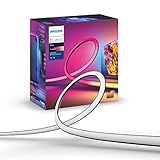
If you game on a TV, the Philips Hue Play Gradient strip is the gold standard for immersive backlighting. It reads the colors on your screen and projects matching light onto the wall behind your TV, creating the illusion that the colors are bleeding off the screen and into your room. Playing Forza Horizon or Starfield with this strip active is a completely different experience from playing without it.
The strip comes in a 65-inch version designed to wrap the top and sides of a 65-inch TV. The 7 color zones provide accurate color matching, and the transitions between zones are smooth enough to look natural during fast-moving gameplay. The strip itself is thick and solid, which inspires confidence in durability but can make installation on ultra-slim TVs tricky.
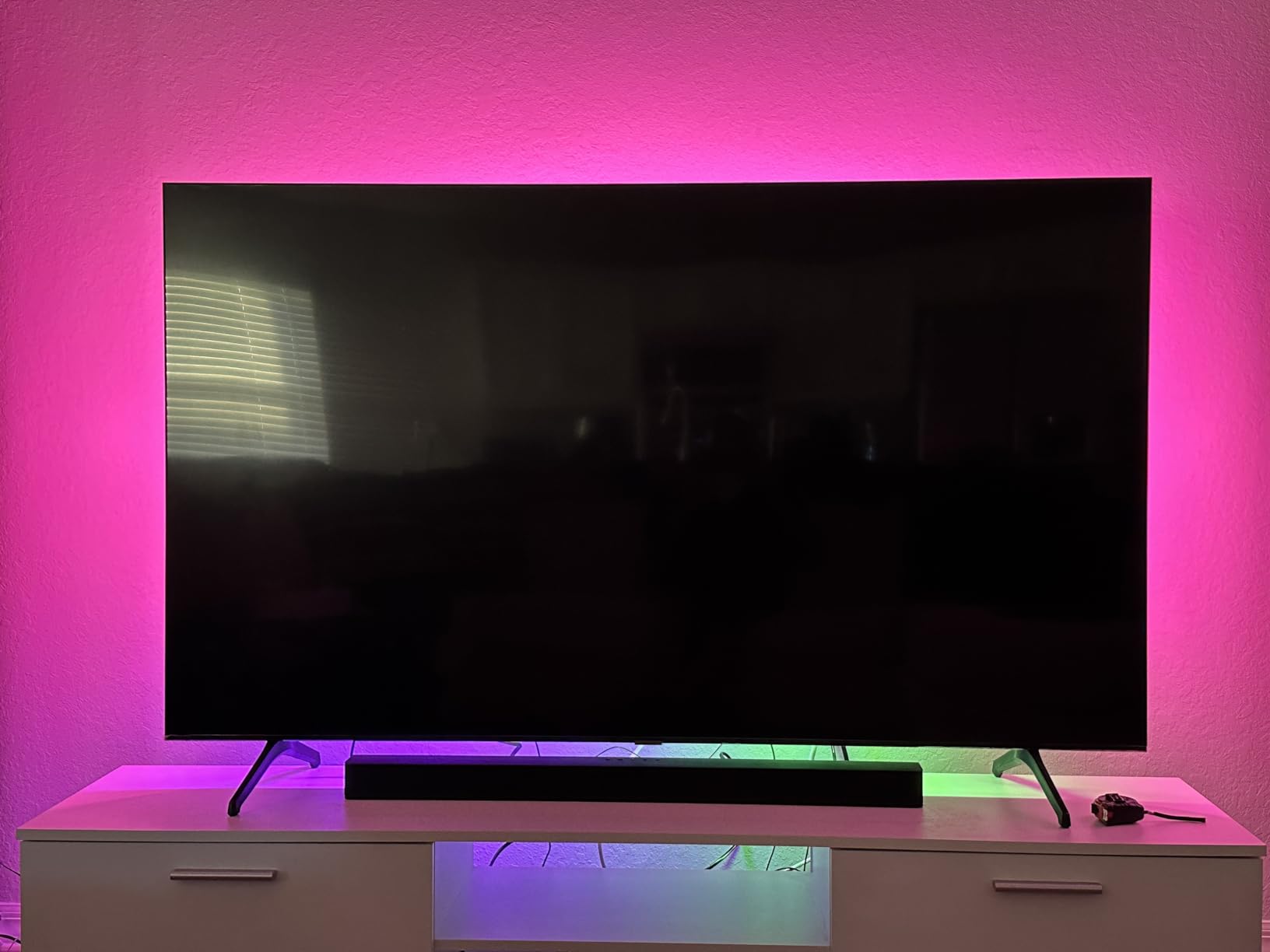
Here is the catch: this strip requires the Philips Hue Bridge and the Hue Play HDMI Sync Box to deliver the screen-matching experience. Neither is included. By the time you buy the strip, bridge, and sync box, you are looking at a total investment north of $300. That is a lot, but the Hue ecosystem is the most mature and reliable smart lighting platform available. Once set up, it works flawlessly.
Voice control through Alexa and Google Assistant is rock solid. The Hue app is polished, responsive, and rarely has connectivity issues thanks to the Zigbee protocol. You also get access to the entire Hue ecosystem, which means you can sync this strip with Hue bulbs, light bars, and other fixtures throughout your gaming room for a unified lighting experience.
What you need for the full experience
To get screen-matching backlighting, you need three pieces: this gradient strip, a Philips Hue Bridge, and the Hue Play HDMI Sync Box. The Bridge connects to your router and manages all Hue devices. The Sync Box sits between your console or PC and your TV, reading the video signal and sending color data to the strip. Both are one-time purchases that support multiple Hue devices.
Hue vs Govee for gaming
Hue offers better reliability, more accurate color matching, and a more polished app experience. Govee offers better value, more gaming-specific features like music sync modes, and does not require a separate bridge. If budget is not a concern and you want the most reliable TV backlighting system, Hue wins. If you want maximum bang for your buck, Govee is the smarter pick.
8. DAYBETTER Smart WiFi LED Lights 100ft – Best for Budget Room Coverage
- Excellent value for 100ft coverage
- Multiple control options including app and remote
- Cuttable every 3 LEDs
- Timer and schedule automation
- Group function for multiple strips
- Wi-Fi setup requires 2.4GHz only
- Bluetooth pairing can fail
- Remote feels cheap
- Individual LED dots visible rather than continuous light
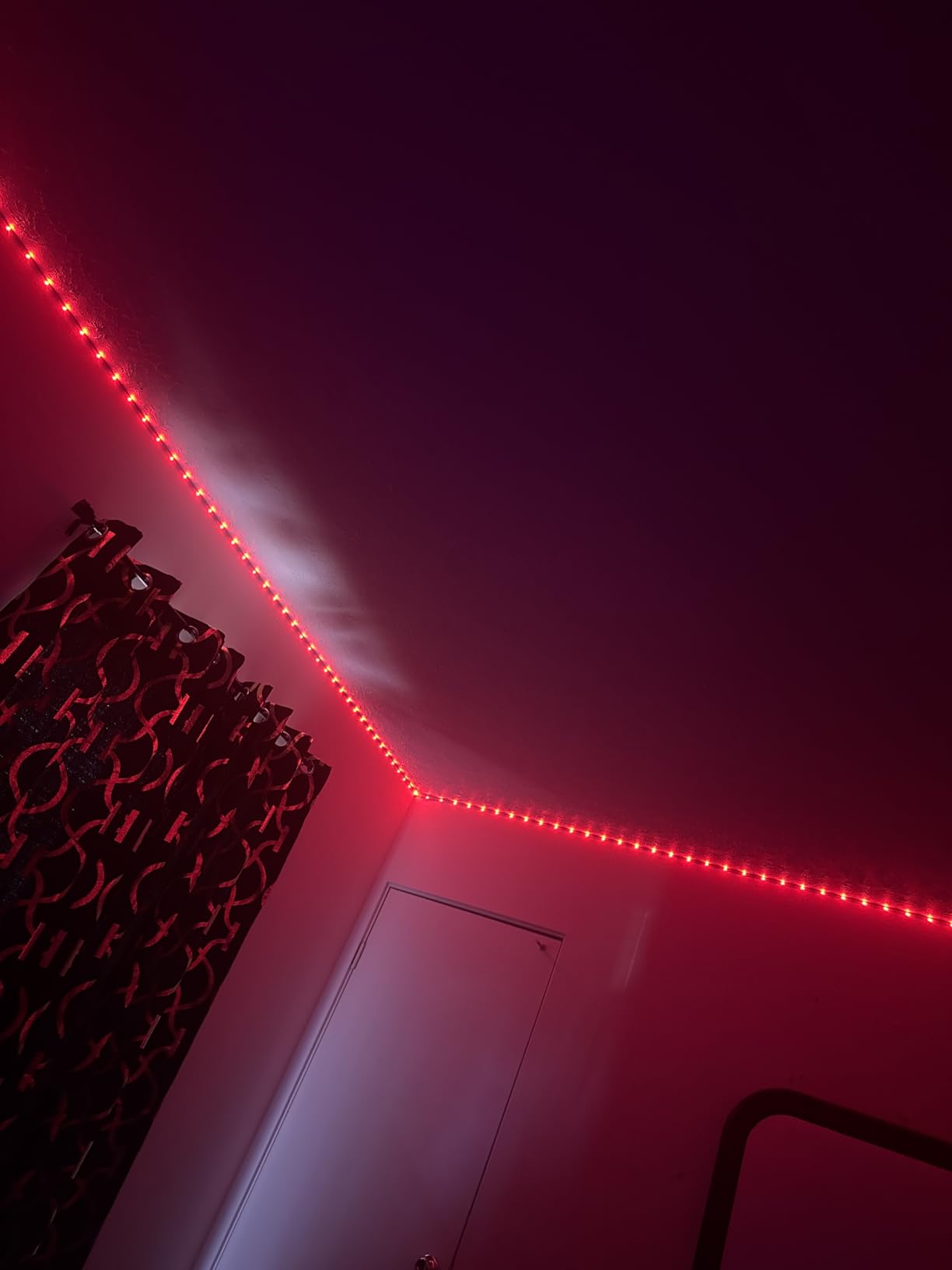
The DAYBETTER 100ft strip is the budget answer to full-room gaming lighting. For the price, you get an enormous amount of LED strip that can wrap around an entire gaming room. I tested this in a spare room that doubles as a gaming space, running it along the ceiling line and down behind the desk. The coverage is impressive for what you pay.
The Tuya Smart Life app handles control duties, and it offers timer scheduling, music sync, and color selection. Alexa and Google Assistant integration is supported, though the setup process can be finicky. The 2.4GHz Wi-Fi requirement trips up a lot of users with modern dual-band routers. Once connected, the app works reliably for basic functions like on/off, color changes, and brightness.
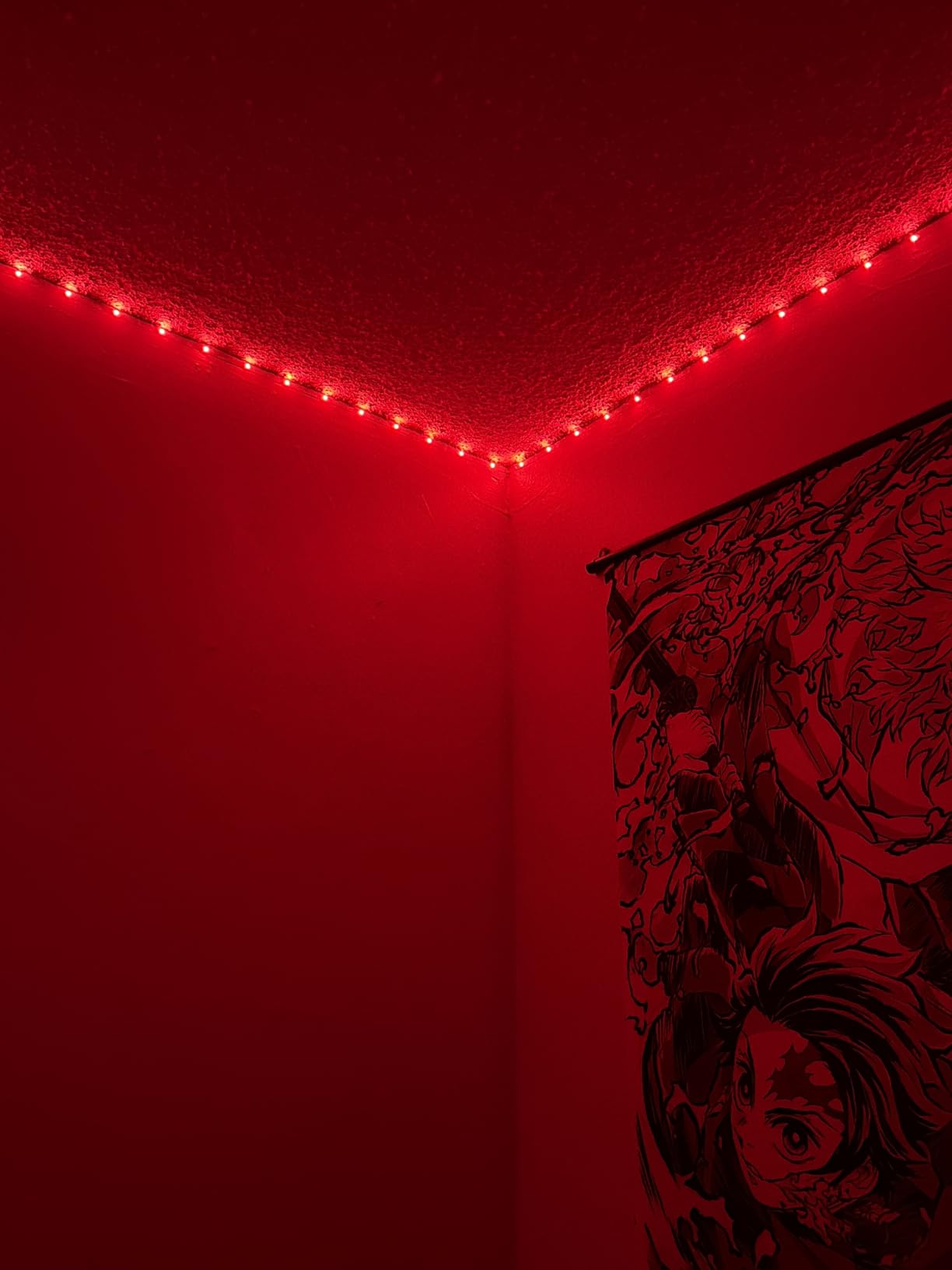
Color quality is acceptable but not spectacular. Individual LED dots are visible rather than producing the smooth, continuous glow you get from premium strips. The RGBIC-style effects are more limited compared to Govee, and there are no chasing or twinkling scene options. For solid colors and basic fades, it does the job. For dynamic multi-color effects, it falls short of the better brands.
The included remote control is a convenient backup when you do not want to use your phone. It is basic and feels a bit cheap, but it works for quick color and brightness adjustments. The group function is useful if you run multiple strips in the same room, letting you control them all together through the app.
When to choose this over premium options
If your main goal is covering a large room with basic color-changing lighting on a tight budget, this strip delivers. It is a practical choice for a first apartment gaming setup, a basement gaming room, or any space where you want big coverage without a big investment. The 25,000+ reviews confirm it works for what it promises.
Known issues to watch for
The most common complaint is Wi-Fi setup difficulty. Make sure your phone is connected to the 2.4GHz band before attempting to pair the strip. The adhesive can also loosen over time, especially on textured surfaces, so buy mounting clips if you plan a permanent installation. Some users report reliability issues after several months, so keep your warranty information handy.
Buying Guide: How to Choose Smart Light Strips for Your Gaming Room
Picking the right smart light strips for your gaming room comes down to a few key factors. After testing all the options above, here is what actually matters when making your decision.
RGBIC vs RGB: What is the difference
Standard RGB strips display one color at a time across the entire strip. RGBIC (Red, Green, Blue, Independent Control) lets each segment display a different color simultaneously, creating flowing rainbow gradients and multi-color effects. For gaming rooms, RGBIC is worth the slight premium because the multi-color effects look dramatically better on camera and in person. Every Govee product on this list uses RGBIC technology, and the visual difference compared to basic RGB strips is night and day.
LED density and brightness
LED density matters more than total length. A 16.4ft strip with 90 LEDs will look less bright and more dotted than a 10ft strip with 252 LEDs packed closer together. For gaming desk lighting, look for at least 30 LEDs per meter. For room-filling ambient light, longer strips with moderate density work fine because the light has more surface area to bounce off walls and ceilings. The Govee Neon Rope light at 84 LEDs per meter is the densest option on this list, which is why it produces such a smooth, continuous glow.
Smart home compatibility
If you already use Alexa or Google Assistant routines for your gaming room, make sure your light strips support them. Wi-Fi based strips offer the broadest compatibility. Bluetooth-only strips like the Govee H617A skip voice control entirely but are more reliable for simple app-based operation. The Philips Hue system uses Zigbee, which is the most stable protocol but requires a separate Bridge investment.
Adhesive and installation quality
This is the most underrated factor in choosing light strips. The biggest complaint across every forum I checked is adhesive that fails after a few weeks. All the strips on this list use adhesive backing, but none of them are immune to peeling on textured walls, oil-based paint, or in humid environments. For permanent installations, always supplement the adhesive with mounting clips every 2 to 3 feet. Clean surfaces with rubbing alcohol before application and avoid touching the adhesive with your fingers.
Music sync and gaming-specific features
Music sync uses a built-in microphone to detect audio and translate it into reactive light effects. This feature is particularly popular with gamers because it adds an extra layer of immersion. Govee leads here with 11 different music modes and the most responsive microphone I have tested. For direct game integration, the Govee Neon Rope Light supports Razer Chroma sync, which ties your desk lighting directly to in-game events. The Philips Hue system offers screen-matching backlighting through its Sync Box, which is the best option for TV gamers.
Length and coverage planning
Before buying, measure the areas you want to light. A standard gaming desk (about 5 feet wide and 2.5 feet deep) needs roughly 15 feet of strip to outline the perimeter with corners. A full room ceiling run in a 12×12 foot room needs about 48 feet. It is always better to buy slightly more than you need because you cannot extend most smart strips. The 100ft options from Govee and DAYBETTER are ideal for full-room coverage, while 16.4ft strips are perfect for desk-focused lighting.
FAQs
What are the best smart light strips for a gaming room?
The best smart light strips for gaming rooms are the Govee Smart LED Light Bars for overall atmosphere, the Govee RGBIC LED Strip Light 16.4ft for best value, and the Govee RGBIC Neon Rope Light for premium desk-edge lighting. Govee dominates this category because of its RGBIC multi-color technology, reliable music sync, and strong app features that are specifically useful for gaming environments.
How do I sync LED lights with my gaming setup?
To sync LED lights with your gaming setup, you have three options. First, use the built-in music sync feature on strips like Govee, which uses a microphone to react to game audio. Second, connect Razer Chroma-compatible lights like the Govee Neon Rope Light to your Razer Synapse software for direct in-game event integration. Third, use a screen-matching system like the Philips Hue Play Gradient strip with the Hue Sync Box to project colors that match your screen content in real time.
What LED strips do streamers use for gaming rooms?
Most popular streamers use Govee RGBIC strips and light bars because they produce vibrant multi-color gradients that look professional on camera. The Govee Light Bars are especially popular because they sit on either side of a monitor and create a clean, studio-like backdrop. Streamers who use Razer peripherals often choose the Govee Neon Rope Light for its Chroma integration and polished neon glow that looks premium on stream.
Are smart light strips good for gaming?
Yes, smart light strips are excellent for gaming. They reduce eye strain during long sessions by providing soft ambient bias lighting behind your monitor or TV. They create an immersive atmosphere that makes games feel more engaging. RGBIC strips with music sync add reactive lighting effects that respond to in-game audio, making explosions, music, and environmental sounds feel more impactful in your gaming space.
Can you cut smart LED light strips to fit your gaming desk?
Most smart LED light strips can be cut at designated cut points marked along the strip. The Govee RGBIC Bluetooth Strip (H617A) can be cut to custom lengths, and the Govee Neon Rope Light has 12 specific cutting points. Always cut only at the marked lines, never in between. Cutting outside the designated points will damage the circuit and stop that section from working permanently.
Final Thoughts on Smart Light Strips for Gaming Rooms
The best smart light strips for gaming rooms depend on your setup and budget. For most gamers, the Govee RGBIC LED Strip Light 16.4ft hits the perfect balance of price, features, and color quality. If you want something more compact and visually striking, the Govee Smart LED Light Bars deliver incredible atmosphere from a small footprint. And for desk-specific lighting with Razer integration, the Govee Neon Rope Light is the premium option worth the investment.
My top recommendation is to start with one well-placed strip rather than buying the cheapest option available. The difference between a basic RGB strip and a quality RGBIC product is immediately visible, and it transforms your gaming experience in a way that makes you wonder how you played without it. All the products on this list have been tested and proven by thousands of gamers, so you can buy with confidence.
Whatever you choose, take 15 minutes to plan your placement and prep your surfaces before installing. Good lighting is only as good as its installation, and a strip that falls off your wall mid-gaming session is no fun for anyone.