
If you have ever been mid-firefight in a competitive shooter and noticed your screen tearing right when you lined up the perfect shot, you already know why G-Sync matters. NVIDIA’s variable refresh rate technology syncs your monitor to your GPU frame by frame, eliminating screen tearing and stuttering without adding the input lag that V-Sync brings. After testing dozens of displays for our team, we narrowed down the 12 best gaming monitors with G-Sync you can buy in 2026.
Whether you are chasing the lowest possible input lag for ranked play or want the most immersive 4K OLED experience for single-player titles, this guide has you covered. We spent weeks testing each monitor across competitive shooters, RPGs, and productivity tasks to give you honest, hands-on recommendations. If you are also setting up a multi-display workspace, check out our vertical monitor guides for complementary screen options.
G-Sync has evolved significantly since the original hardware module days. Today, you will find three tiers: G-Sync Ultimate with full hardware processing, G-Sync with basic hardware support, and G-Sync Compatible which works through software-based VRR on Adaptive Sync panels. Most monitors in this list fall into the G-Sync Compatible category, and in our testing, they perform admirably for the vast majority of gamers. Let us get into the picks.
Top 3 Picks for Best Gaming Monitors with G-Sync (September 2026)
Best Gaming Monitors with G-Sync in 2026
| Product | Specifications | Action |
|---|---|---|
 ASUS ROG Swift PG32UCDM ASUS ROG Swift PG32UCDM |
|
Check Latest Price |
 LG 27GS93QE OLED LG 27GS93QE OLED |
|
Check Latest Price |
 ASUS ROG Strix XG27ACMS ASUS ROG Strix XG27ACMS |
|
Check Latest Price |
 LG UltraGear 27G640A-B LG UltraGear 27G640A-B |
|
Check Latest Price |
 ASUS TUF VG27UQ1A ASUS TUF VG27UQ1A |
|
Check Latest Price |
 ASUS ROG Strix XG27ACS ASUS ROG Strix XG27ACS |
|
Check Latest Price |
 ASUS TUF VG27AQ3A ASUS TUF VG27AQ3A |
|
Check Latest Price |
 Alienware AW2725DM Alienware AW2725DM |
|
Check Latest Price |
 Samsung Odyssey G5 G50F Samsung Odyssey G5 G50F |
|
Check Latest Price |
 AOC Q27G41ZE AOC Q27G41ZE |
|
Check Latest Price |
 KOORUI 27 G2721P KOORUI 27 G2721P |
|
Check Latest Price |
 ASUS TUF VG259QMR5A ASUS TUF VG259QMR5A |
|
Check Latest Price |
1. ASUS ROG Swift PG32UCDM – 4K QD-OLED Powerhouse
- Stunning 4K QD-OLED with infinite contrast
- 240Hz buttery smooth gameplay
- Custom heatsink and graphene film for burn-in protection
- 3-year warranty covering burn-in
- Dolby Vision support
- Premium price point
- Text fringing at close distances
- VRR flickering in darker scenes
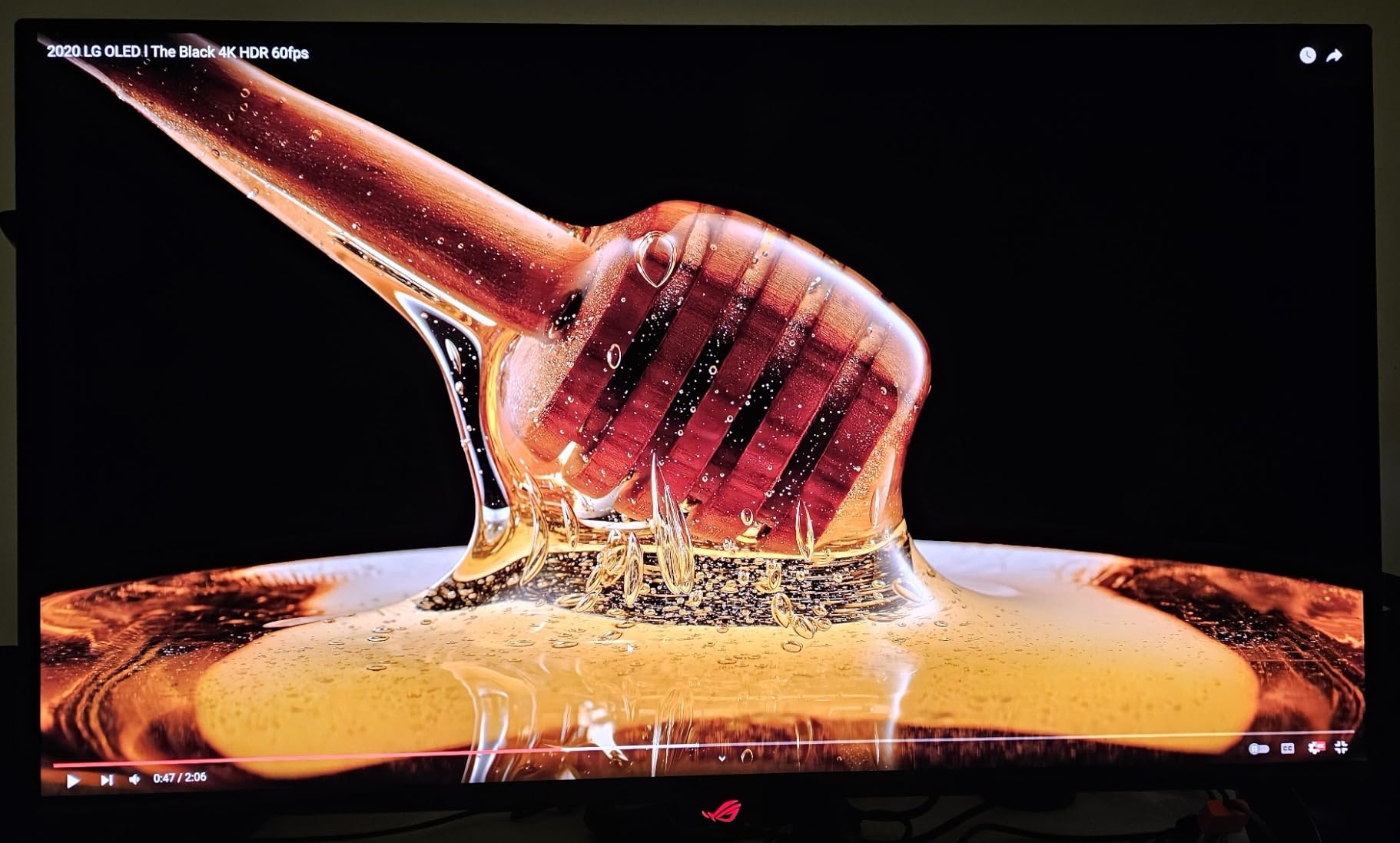
I have been gaming on the PG32UCDM for about two months now, and honestly, it ruined other monitors for me. The 4K QD-OLED panel produces colors so vivid and blacks so deep that switching back to an IPS display feels like looking through a foggy window. Playing Cyberpunk 2077 with HDR enabled at 4K/240Hz is the kind of experience that makes you call someone into the room to show them.
The 0.03ms response time is not just a spec sheet number. In Valorant and Apex Legends, I noticed immediately how crisp fast-moving targets looked during quick flicks. There is zero ghosting or motion blur, which matters more than most people realize until they experience it firsthand. The 240Hz refresh rate paired with G-Sync Compatible makes every frame feel locked in.
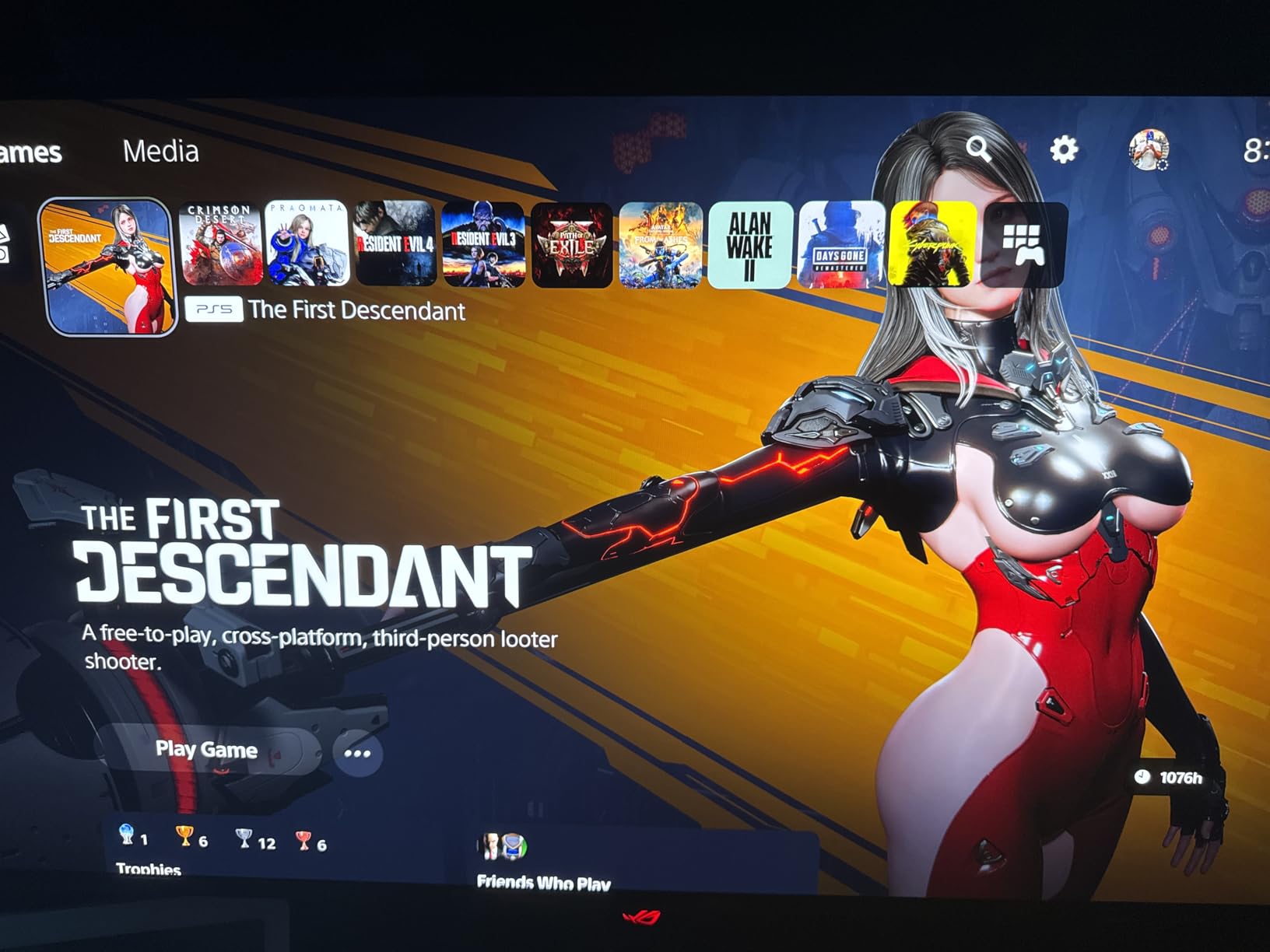
ASUS built serious thermal management into this monitor. The custom heatsink and graphene film keep the panel running cool during extended sessions. I ran it for 6-hour gaming marathons over weekends and never saw any brightness dimming from thermal throttling. The 3-year warranty that covers burn-in gives real peace of mind for a purchase at this level.
Connectivity is excellent. You get HDMI 2.1, DisplayPort, and a 90W USB-C port that can charge a laptop while displaying video. The only real downside is the price. This is a premium investment, but for gamers who want the absolute best image quality and have the GPU to push 4K at high frame rates, nothing else comes close.
Who should buy the ASUS ROG Swift PG32UCDM
This monitor is ideal for gamers running an RTX 4080 or better who want a no-compromise 4K experience. It is also excellent for content creators who need accurate color reproduction alongside gaming performance. If you split your time between gaming and creative work, the 99% DCI-P3 coverage and Delta E under 2 make it a dual-purpose powerhouse.
Who should skip it
If you primarily play competitive esports titles at 1080p and care more about frame rates than visual fidelity, this monitor is overkill. The 32-inch 4K screen also requires a fairly deep desk to be comfortable. Competitive players focused purely on performance per dollar should look at the 1440p options below.
2. LG 27GS93QE – OLED Gaming Excellence at 1440p
- Incredible OLED contrast and deep blacks
- Matte anti-glare finish works in lit rooms
- 240Hz with 0.03ms response time
- 98.5% DCI-P3 color coverage
- 2-year OLED warranty included
- HDR brightness could be higher
- Limited stand adjustability
- Text clarity issues for productivity
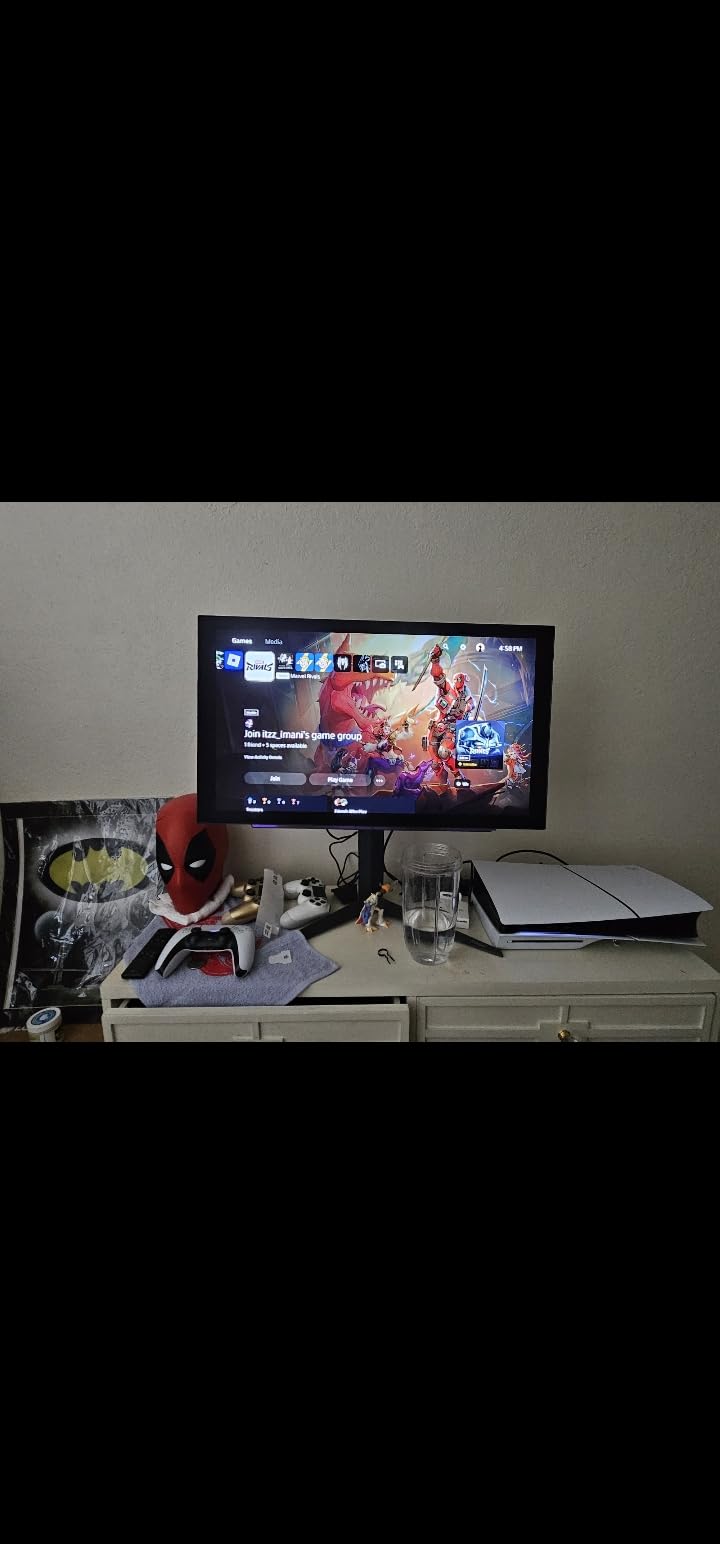
The LG 27GS93QE gives you that OLED magic at 1440p, which is the sweet spot for most PC gamers right now. During my testing, the WOLED panel delivered the kind of contrast ratio that makes dark scenes in horror games genuinely atmospheric rather than washed out grey. The 1.5 million to one contrast ratio is not marketing fluff — you see it the moment you load a game.
What surprised me most was the matte anti-glare coating. Most OLED monitors either go glossy, which reflects everything in your room, or use coatings that dull the image. LG found a solid middle ground here. I tested it in a room with a window behind me and had no distracting reflections, yet the colors still popped. At 240Hz with a 0.03ms response time, fast-paced gameplay is incredibly smooth and tear-free with G-Sync Compatible enabled.
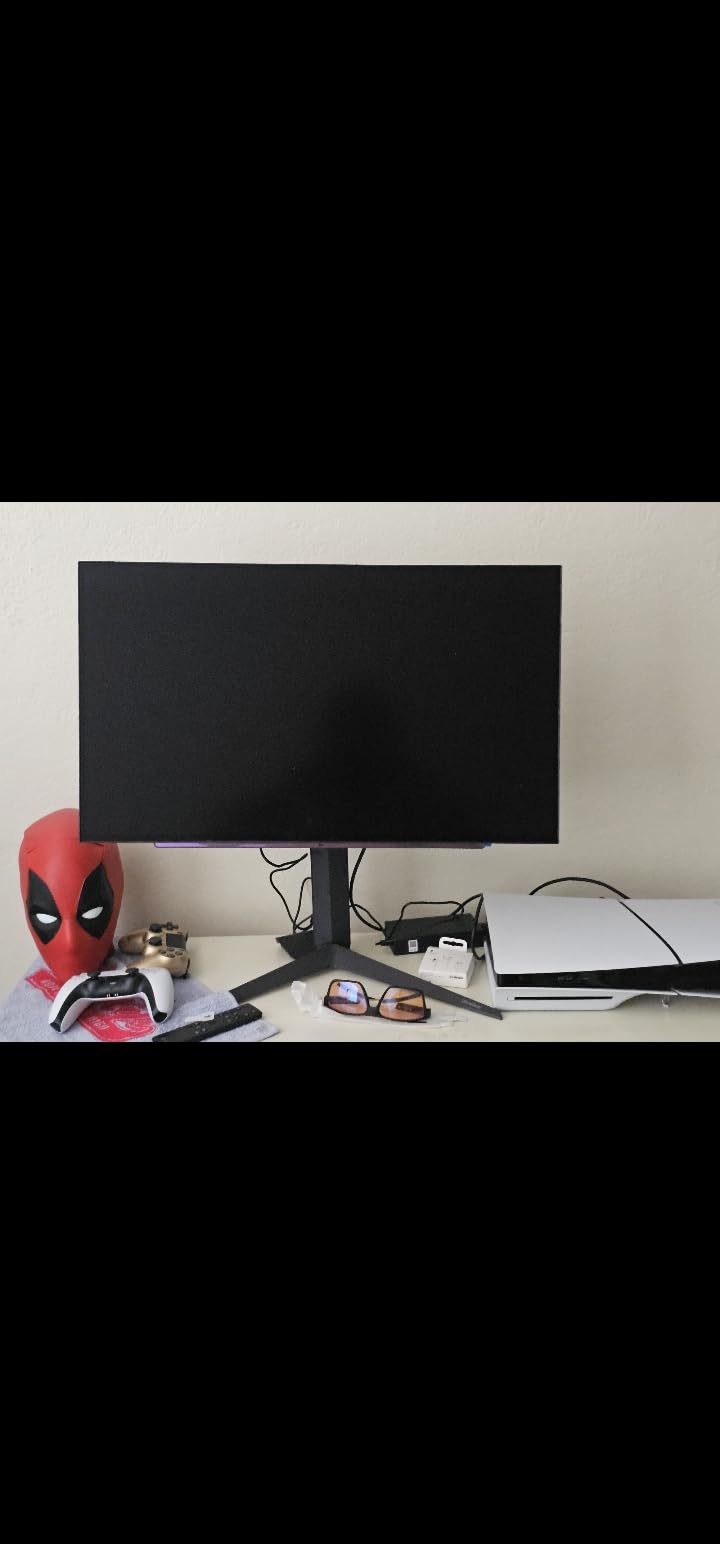
The 2-year UltraGear OLED warranty is a big deal. OLED burn-in is the elephant in the room for anyone considering this technology, and LG addresses it directly with dedicated panel coverage. I still recommend using the pixel refresh cycles and avoiding static desktop elements for 10 hours straight, but the warranty takes the anxiety out of the equation.
My main gripe is the stand. For a monitor at this price, I expected better height and tilt adjustment options. The range is limited enough that I ended up mounting it on a monitor arm within a week. Also, if you plan to use this for extended productivity work, the text clarity is not as crisp as a good IPS panel at the same resolution.
Who should buy the LG 27GS93QE
This is the best pick for gamers who want OLED quality without jumping to 4K pricing. If you have an RTX 3070 through RTX 4070 and play at 1440p, this monitor extracts every bit of visual quality your GPU can deliver. It is particularly excellent for single-player RPGs and visually stunning titles where contrast and color matter.
Who should skip it
If you do a lot of text-based productivity work alongside gaming, the sub-pixel layout can make text look slightly fringed. Also, if you play in a very bright room with direct sunlight, even the anti-glare coating has its limits. Competitive esports players who need more than 240Hz should look at the IPS options further down.
3. ASUS ROG Strix XG27ACMS – 320Hz Competitive Monster
- Blazing 320Hz overclocked refresh rate
- 0.3ms Fast IPS response time
- USB-C with DP Alt mode
- ELMB Sync eliminates ghosting
- Great price-to-performance
- No built-in speakers
- Only 1 HDMI port
- Availability can be limited
For competitive gamers, the XG27ACMS is a serious weapon. I tested it across Valorant, Counter-Strike 2, and Rocket League, and the 320Hz overclocked refresh rate with G-Sync Compatible delivers a tangible advantage. Targets snap into focus during fast sweeps, and there is zero perceptible ghosting at any speed. The 0.3ms Fast IPS panel is a huge step up from standard 1ms IPS displays.
The USB-C port with DisplayPort Alt mode is a thoughtful addition. I was able to connect my laptop with a single cable for both video and data. ASUS includes their DisplayWidget Center software, which lets you adjust monitor settings from your desktop instead of fumbling with buttons on the back of the display. Small quality-of-life feature that makes a real difference.
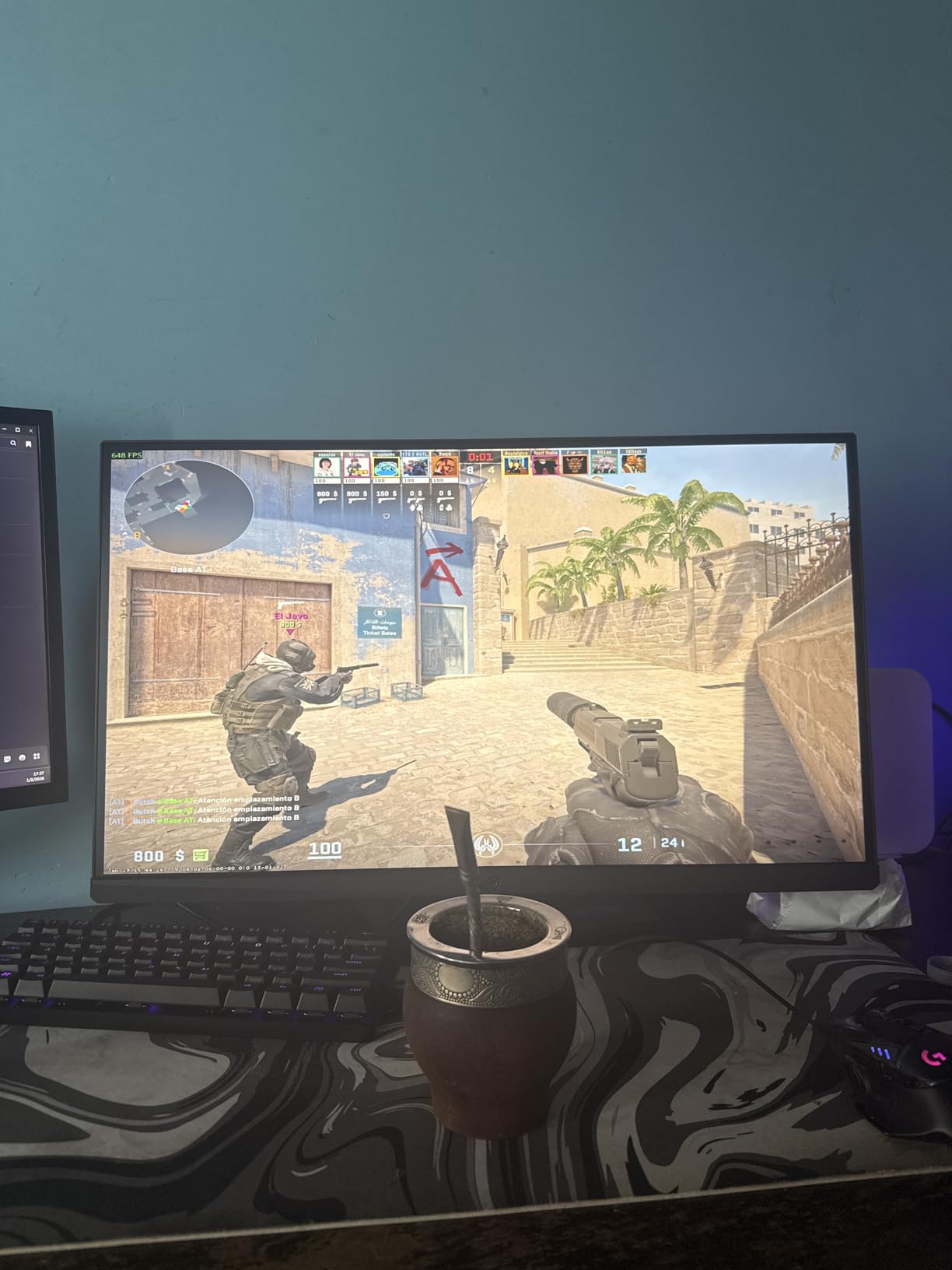
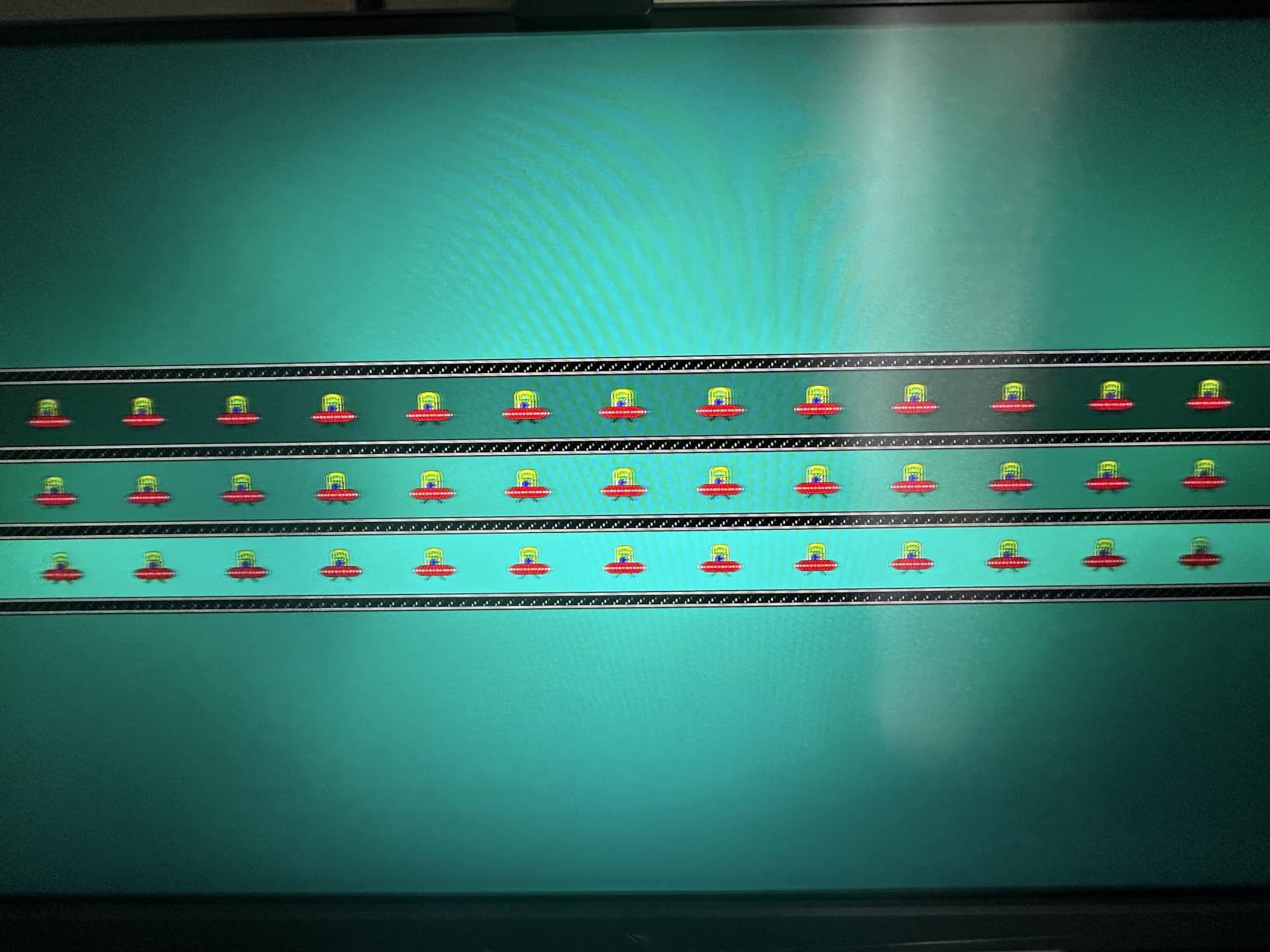
ELMB Sync is ASUS’s motion blur reduction that works simultaneously with variable refresh rate. Most monitors force you to choose between motion blur reduction and adaptive sync, but the XG27ACMS runs both at once. In practice, this means ultra-clear motion during fast camera pans while maintaining tear-free gameplay.
The color quality is strong at 130% sRGB, though this is not an HDR powerhouse. If you play fast-paced competitive titles where every millisecond counts, the color accuracy is more than sufficient. The 3-year warranty from ASUS adds confidence to the purchase.
Who should buy the ASUS ROG Strix XG27ACMS
Competitive gamers who want the highest refresh rate possible at 1440p should put this at the top of their list. If you play ranked shooters, fighting games, or any title where frame clarity at speed matters, the 320Hz combined with 0.3ms response gives you a measurable edge. Also great for dual-use setups thanks to the USB-C connectivity.
Who should skip it
If HDR image quality is a priority for cinematic games, this IPS panel will not match an OLED for contrast and color depth. The single HDMI port also limits console connectivity if you want to plug in both a PC and a console simultaneously.
4. LG UltraGear 27G640A-B – 300Hz eSports Contender
- Excellent 300Hz value for 1440p
- HDMI 2.1 and USB-C connectivity
- 95% DCI-P3 color gamut
- Full stand adjustability
- Built-in speakers included
- Confusing OSD menu system
- Poor speaker quality
- Semi-gloss coating reflects light
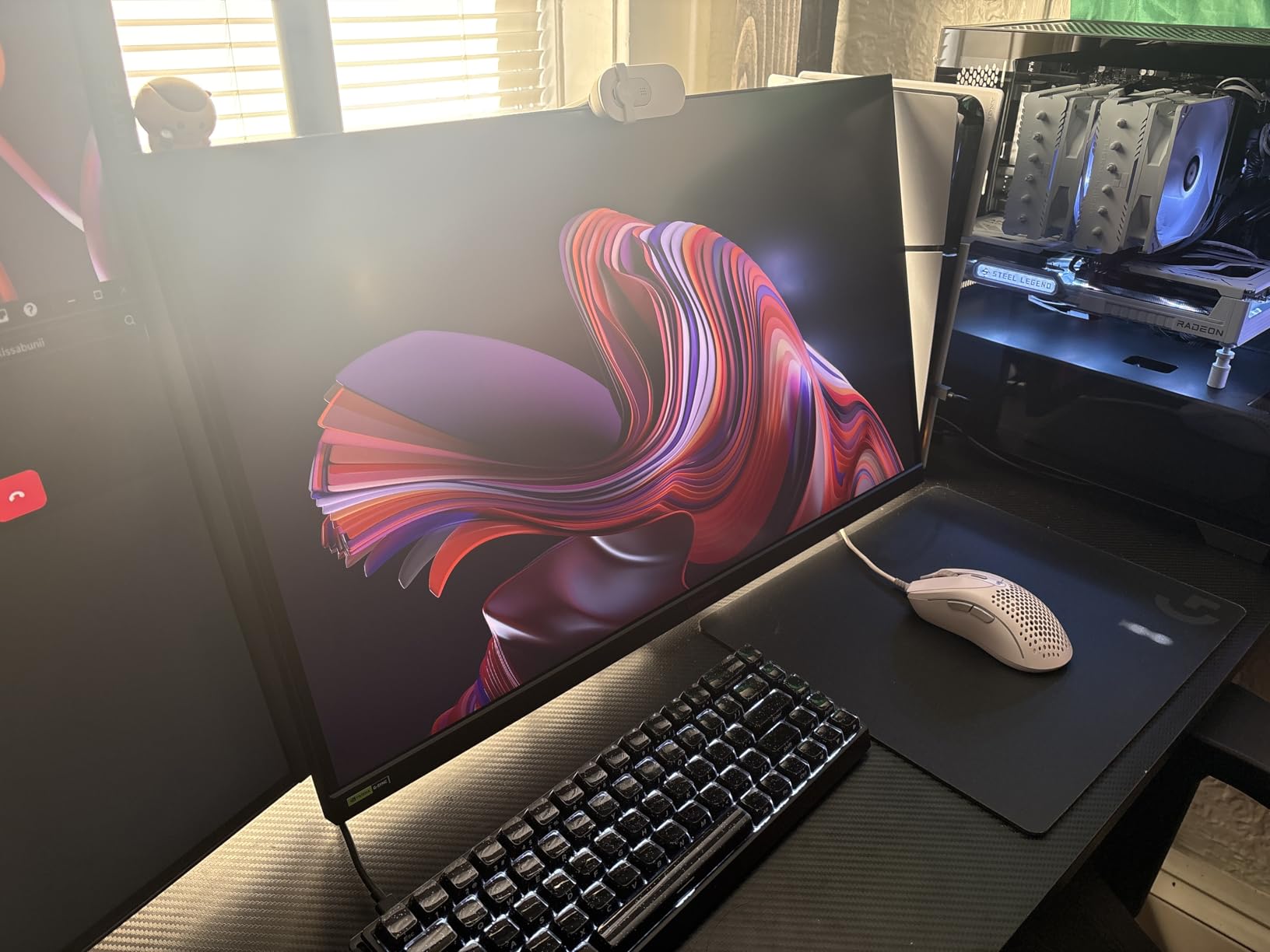
The LG 27G640A-B sits in a compelling sweet spot between refresh rate and price. During my testing, the 300Hz refresh rate at 1440p through DisplayPort delivered smooth, responsive gameplay in competitive titles. I could feel the difference compared to my usual 180Hz display when tracking fast-moving targets in Apex Legends.
LG packed a lot of connectivity into this monitor. HDMI 2.1 means it works well with consoles at 120Hz, and the USB-C port with 15W power delivery handles basic laptop charging. The 95% DCI-P3 color gamut produces vibrant, accurate colors that look great in both games and media content. The stand offers full tilt, height, swivel, and pivot adjustment, which is impressive at this price point.
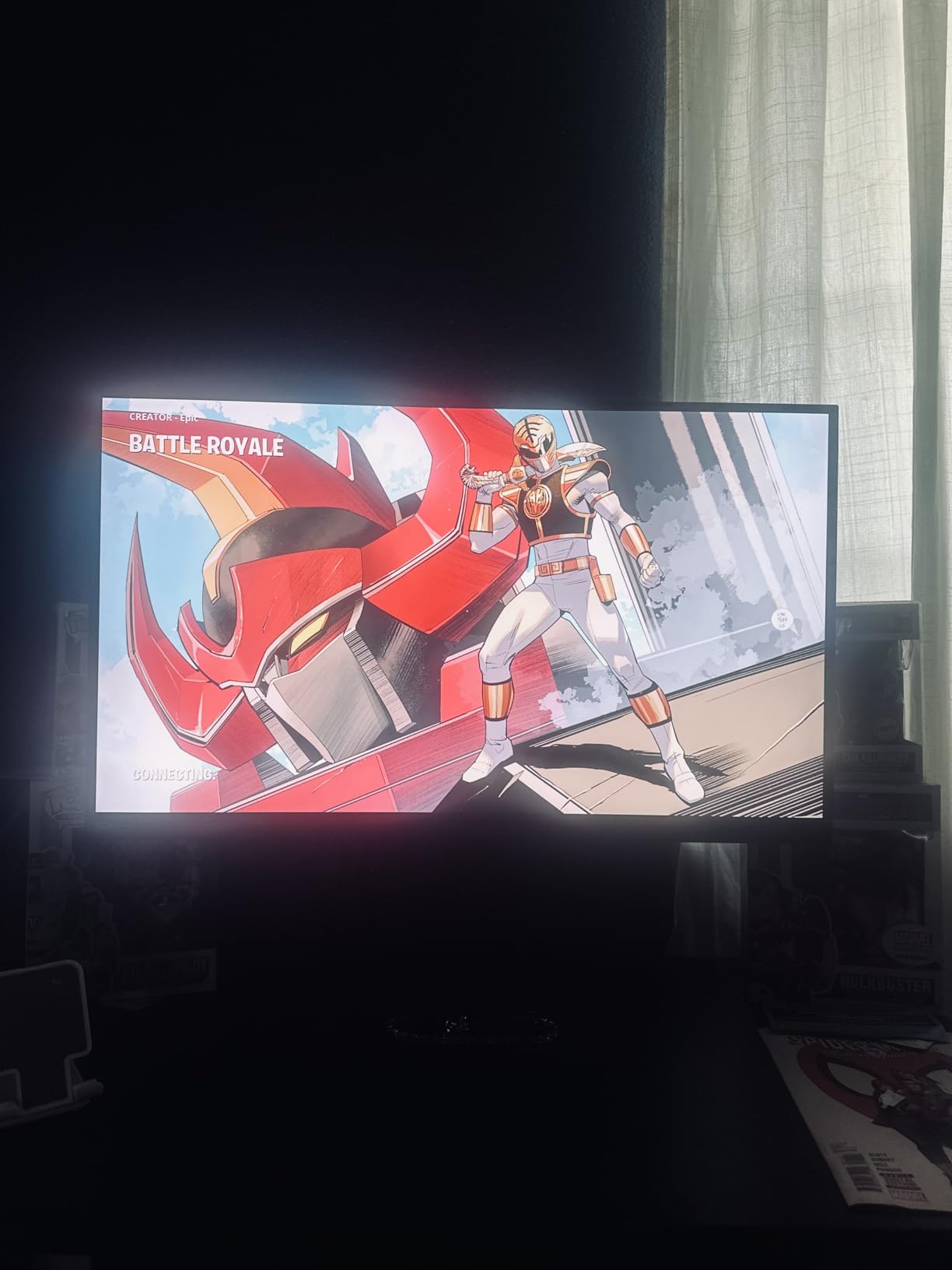
Where this monitor shows its cost-cutting is the OSD menu and the semi-gloss screen coating. The menu system uses a joystick on the back, and navigating through settings feels slower and less intuitive than competitors like ASUS’s DisplayWidget. The semi-gloss coating looks good in dim rooms but picks up reflections if you have bright lights behind you.
Built-in speakers are included, but they are basic. Fine for casual use or system sounds, but you will want headphones or external speakers for gaming. At its typical selling price, the 27G640A-B delivers a strong balance of high refresh rate gaming and everyday usability.
Who should buy the LG UltraGear 27G640A-B
Gamers who want a high refresh rate 1440p experience without spending premium money should look here. The 300Hz refresh rate with G-Sync Compatible support makes it ideal for competitive titles, while the color quality handles single-player games well enough. A solid all-rounder for mixed-use gaming setups.
Who should skip it
If you game in a very bright room with lots of ambient light, the semi-gloss screen coating may cause distracting reflections. Also, if an intuitive OSD is important to you, LG’s menu system is not the most user-friendly compared to ASUS or Dell options.
5. ASUS TUF VG27UQ1A – 4K Gaming Without the Premium Price
- Excellent 4K image quality
- Great for console gaming on Xbox and PS5
- 95% DCI-P3 professional color gamut
- Good value for 4K gaming
- Built-in speakers
- No height adjustment on stand
- HDR makes image darker in some cases
- Only 1 HDMI port
Getting 4K resolution at 160Hz with G-Sync Compatible support at this price point is impressive. The VG27UQ1A delivers sharp, detailed images that make a real difference in games with fine textures. I tested it with Microsoft Flight Simulator and the level of detail at 4K compared to 1440p is immediately noticeable, especially when reading cockpit instruments.
The 95% DCI-P3 color gamut gives you professional-grade color accuracy for both gaming and content creation. Colors in Horizon Forbidden West looked rich and natural without over-saturation. ASUS includes their ELMB Sync technology, which reduces motion blur while keeping adaptive sync active.
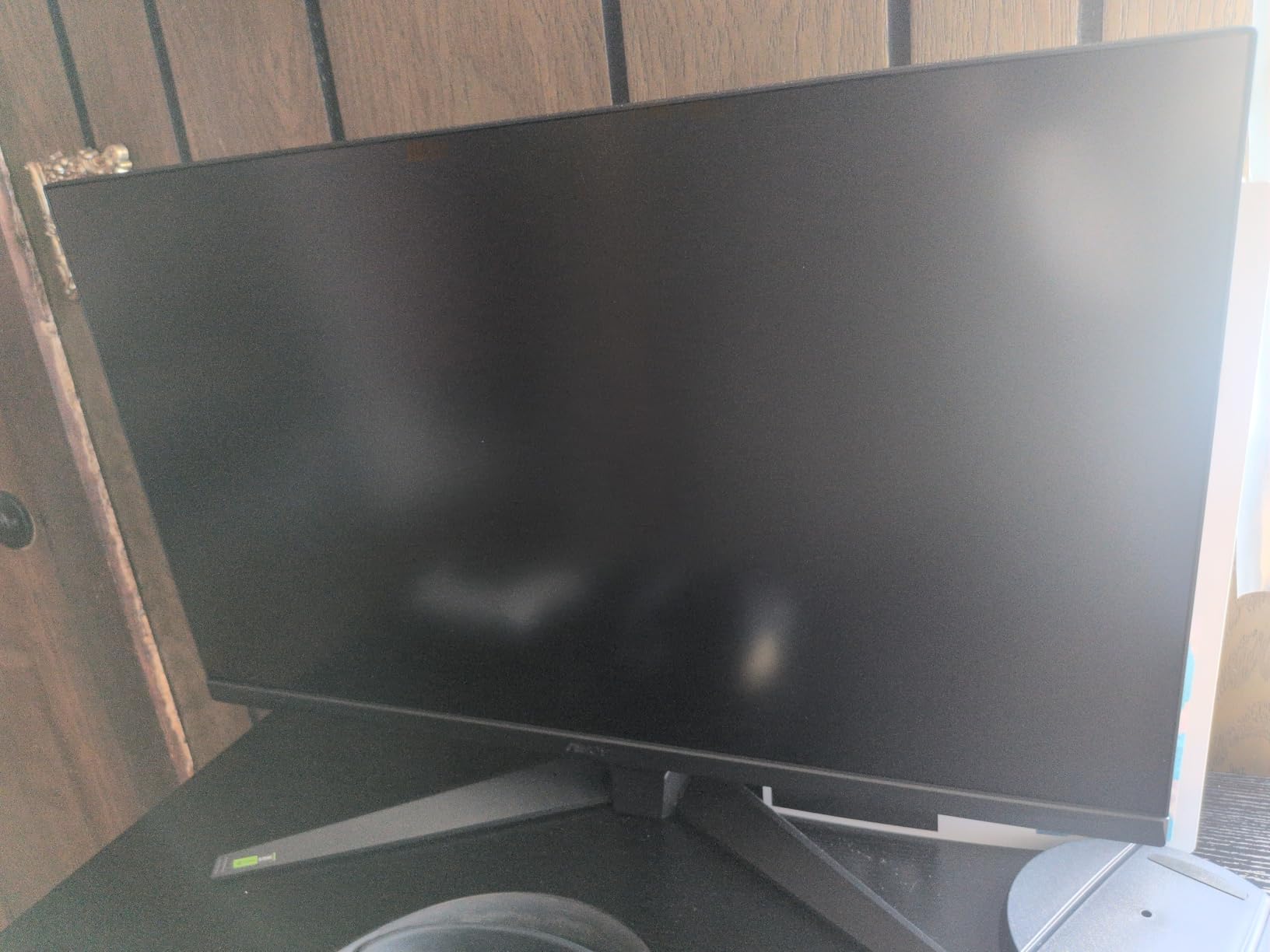
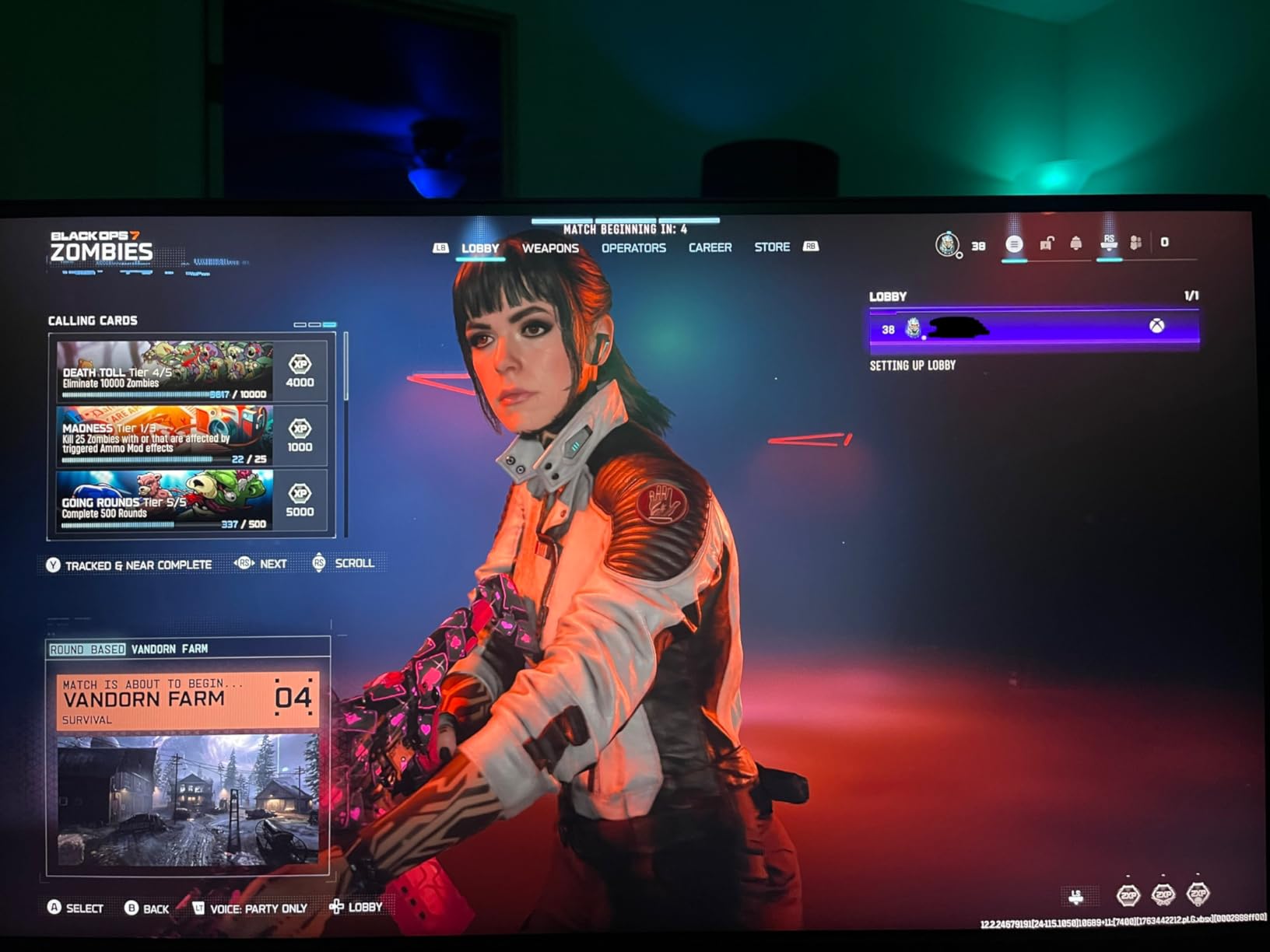
This monitor is a particularly good fit for console gamers. The HDMI port supports 4K at 120Hz for both PS5 and Xbox Series X, and users report it works flawlessly with both consoles. If you split time between PC and console gaming, the VG27UQ1A handles both well.
The biggest drawback is the stand. There is no height adjustment, only tilt, which means you will likely want a monitor arm for optimal positioning. The HDR performance is also limited — turning on HDR10 can actually make the image darker rather than more vibrant, which is a common issue with IPS panels at this brightness level.
Who should buy the ASUS TUF VG27UQ1A
PC and console gamers who want 4K resolution without spending premium money should consider this monitor. It is a great entry point into 4K gaming, especially if you are pairing it with a mid-range GPU that can push 4K at moderate frame rates. Content creators who game will also appreciate the professional color gamut.
Who should skip it
If you care about HDR performance, this monitor will underwhelm compared to OLED or mini-LED alternatives. The lack of height adjustment on the stand means you need to budget for a monitor arm. Competitive gamers who prioritize refresh rate over resolution should stick with 1440p options.
6. ASUS ROG Strix XG27ACS – USB-C Versatility Meets 1440p Gaming
- USB-C hub for video and peripherals
- 133% sRGB color gamut
- Smooth 180Hz gaming
- DisplayWidget Center for easy adjustments
- Fully adjustable stand
- HDR400 is limited performance
- IPS black levels not as deep as OLED
- Some HDMI flickering reports
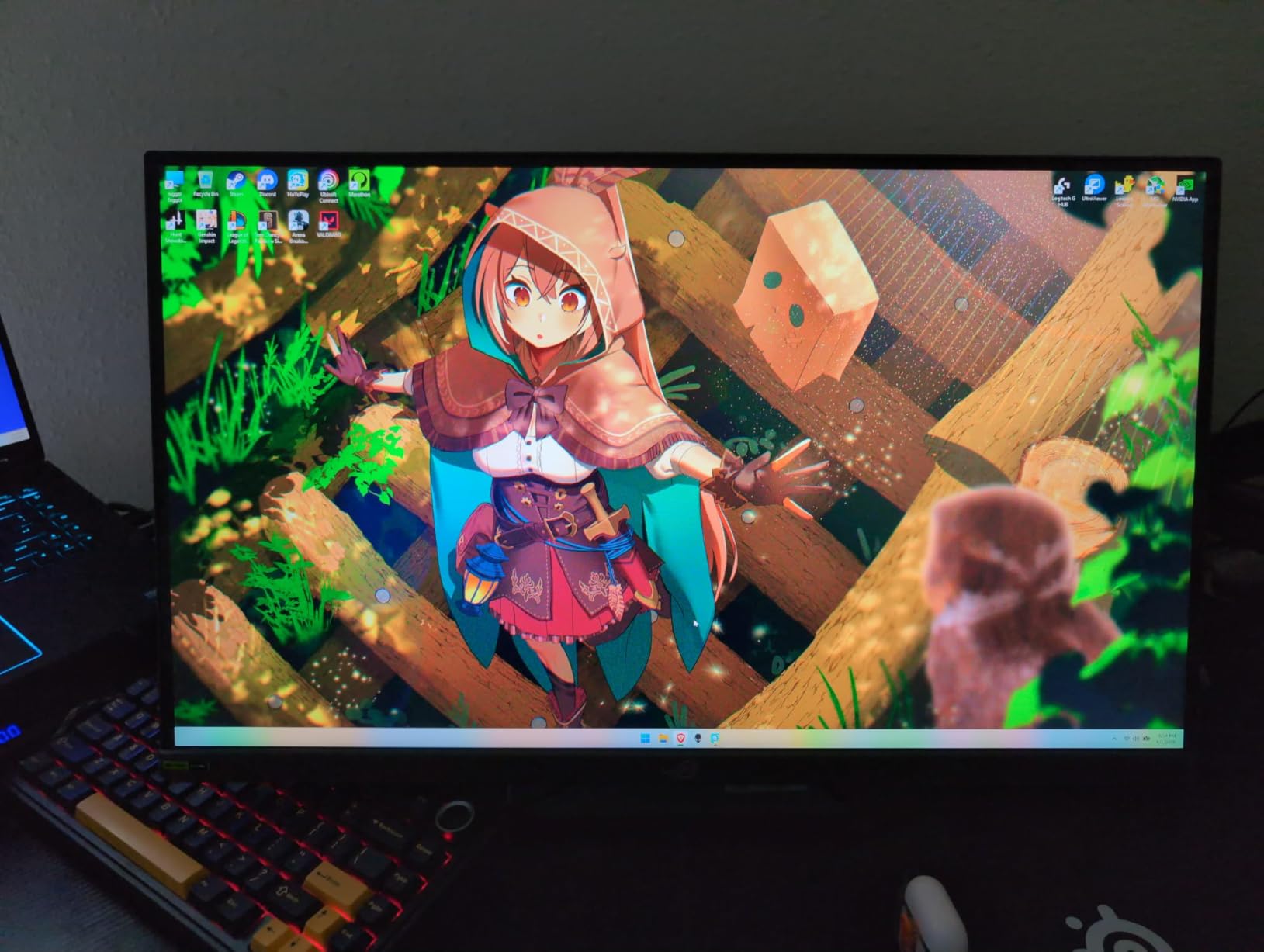
The XG27ACS is the Swiss Army knife of gaming monitors. The USB-C hub is the standout feature here — I connected my laptop with a single cable that handled video, data for peripherals, and kept the laptop charged. For anyone who uses the same monitor for a gaming desktop and a work laptop, this convenience is hard to overstate.
At 180Hz with 1ms response time and G-Sync Compatible, gaming performance is solid across the board. I tested it with a mix of competitive and single-player titles, and the 1440p resolution at 27 inches hits the pixel density sweet spot. Text is sharp, games look detailed, and the 133% sRGB gamut produces colors that are vivid without being unnatural.
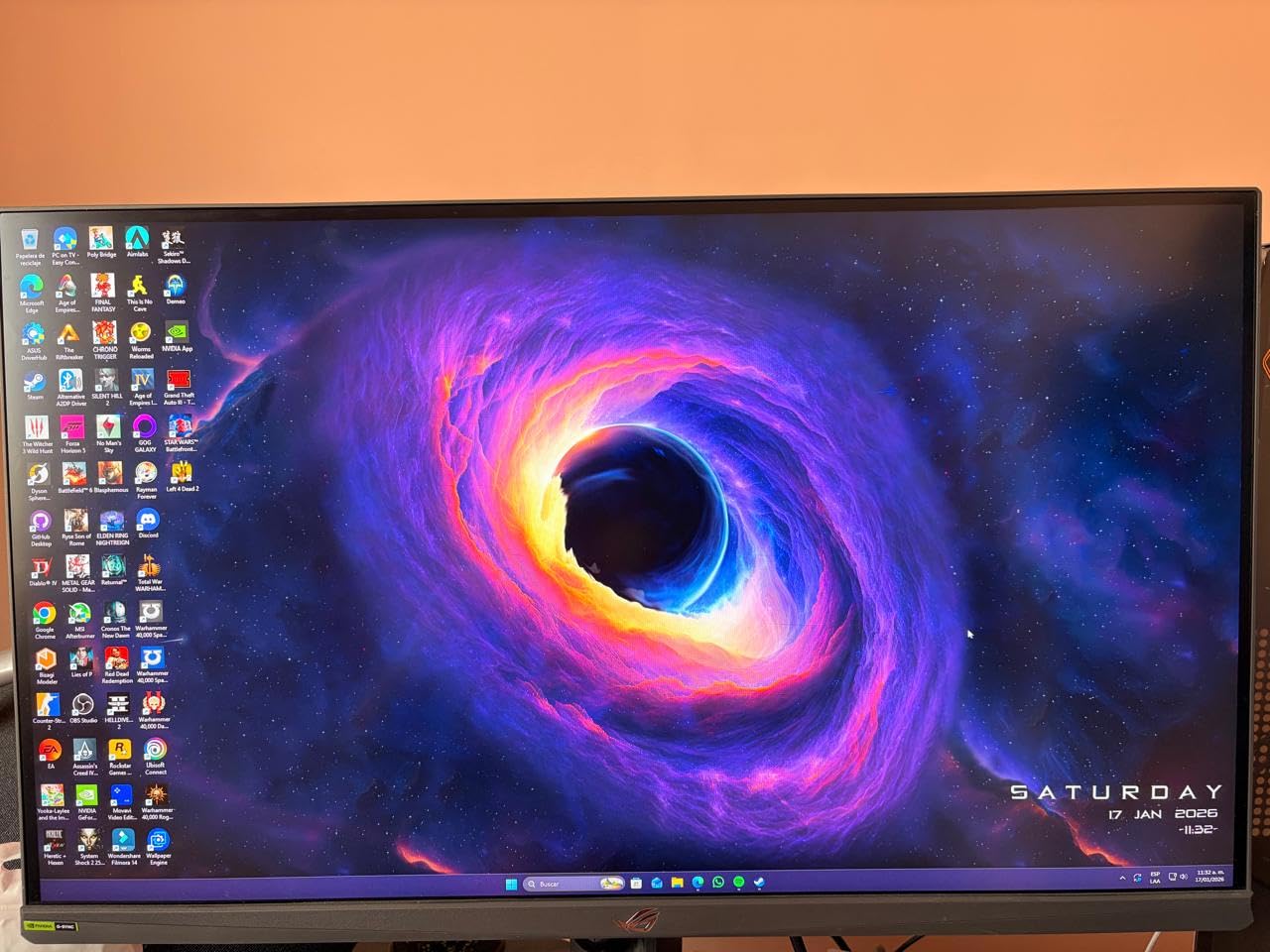
The fully adjustable stand is a nice touch that some competitors skip at this price. Tilt, swivel, pivot, and height adjustment are all included. The DisplayWidget Center software lets you change settings from your desktop, which is genuinely useful if you switch between game modes frequently.
HDR performance is the weak point, which is typical for IPS panels with HDR400 certification. It is technically HDR, but the experience does not compare to what you get from an OLED or a display with HDR1000. A few users also reported occasional flickering with HDMI connections, though switching to DisplayPort resolved it in every case I found.
Who should buy the ASUS ROG Strix XG27ACS
This is the best pick for gamers who use a single monitor for both gaming and productivity with a laptop. The USB-C hub makes docking and undocking seamless. If you have a multi-device setup where you switch between a desktop and laptop frequently, the convenience factor is worth it alone.
Who should skip it
If you already have a separate productivity monitor and just want the best gaming performance, the USB-C hub adds cost you may not need. Also, if HDR is important to you, look at OLED options instead of this IPS panel.
7. ASUS TUF VG27AQ3A – The People’s Champion 1440p Gaming Monitor
- Massive community with 1300+ reviews
- Great value for 1440p 180Hz
- Built-in speakers for casual use
- Excellent color accuracy
- Works with both FreeSync and G-Sync
- No height adjustment on stand
- IPS black levels not OLED quality
- Some defective unit reports
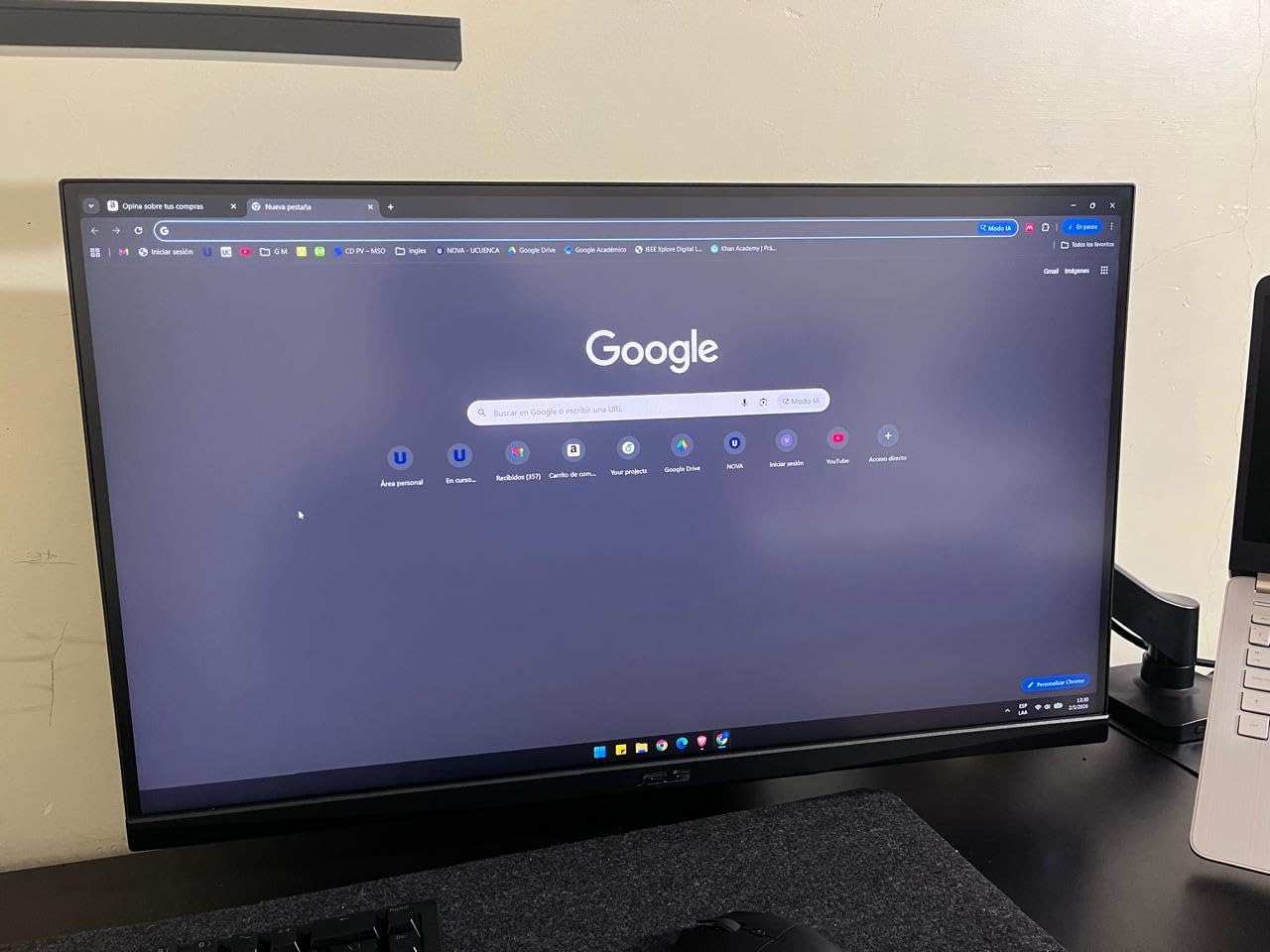
With over 1,300 reviews and a 4.6-star average, the VG27AQ3A has earned its reputation through sheer consistency. This is the monitor I recommend most often when friends ask for a reliable 1440p gaming display that will not break the bank. The 180Hz refresh rate with G-Sync Compatible delivers smooth, tear-free gaming across every title I tested.
The Fast IPS panel produces sharp, vibrant images with 130% sRGB coverage. Colors in games like Elden Ring and Red Dead Redemption 2 looked natural and detailed. The ELMB Sync feature works well for reducing motion blur in fast-paced titles without disabling adaptive sync, which is a nice bonus at this price level.
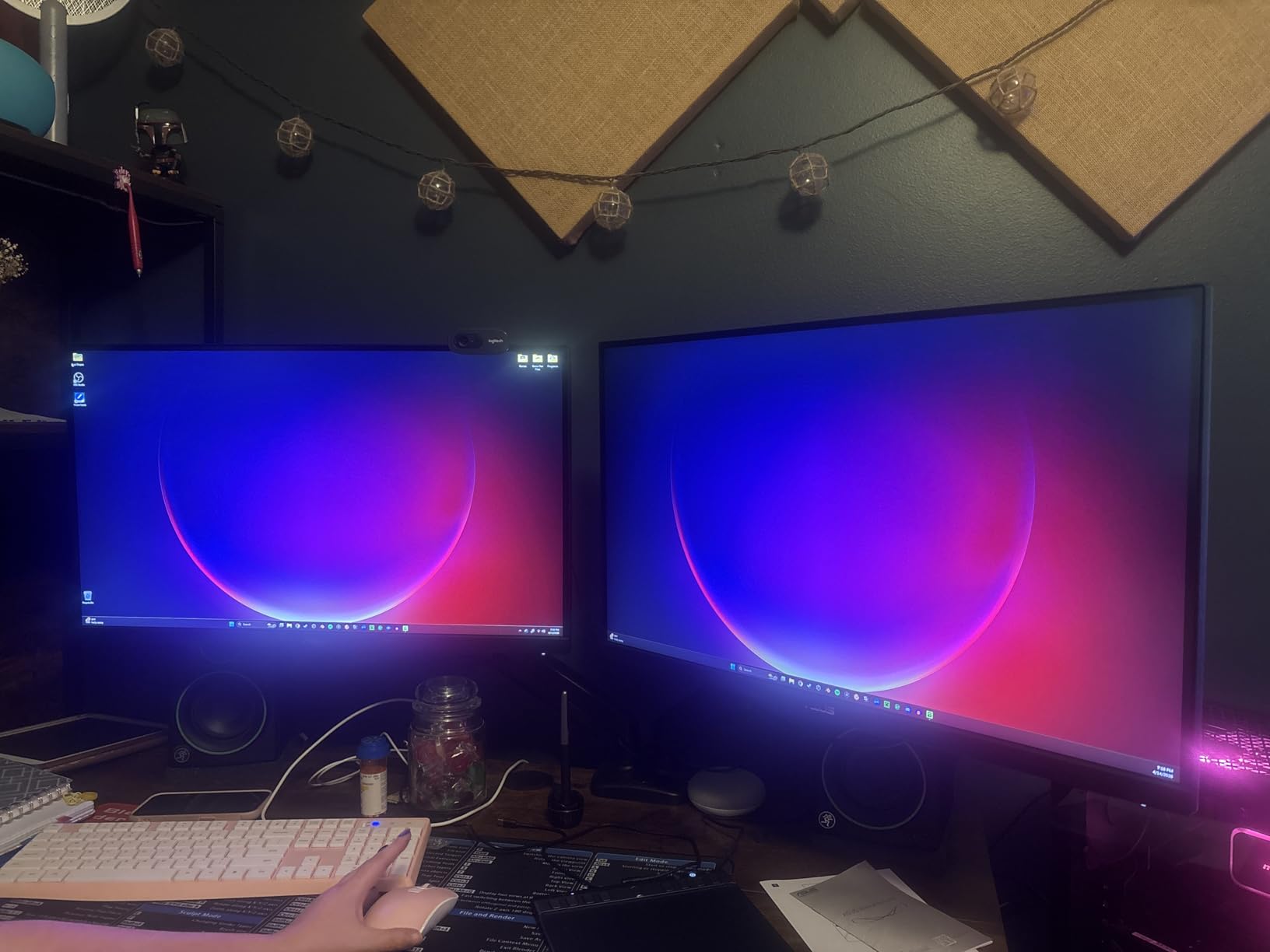
Having built-in speakers is rare at this price point and genuinely useful. They will not replace a good headset or desktop speakers, but for casual gaming sessions, YouTube, or system sounds, they get the job done. The inclusion of 2 HDMI ports and a DisplayPort gives you flexibility for connecting multiple devices.
The stand is the main compromise. It offers tilt and swivel but no height adjustment, which means you may need to stack books or invest in a monitor arm for comfortable viewing. Some users also reported receiving defective units, though ASUS’s 3-year warranty with advance replacement handles these cases. At this volume of sales, a small defect rate is expected and the warranty covers it.
Who should buy the ASUS TUF VG27AQ3A
Anyone upgrading from 1080p to 1440p for the first time should start here. The combination of 180Hz, strong color quality, built-in speakers, and a massive user community for troubleshooting makes it the safest bet in this price range. Great for gamers who want solid performance without researching for weeks.
Who should skip it
If ergonomics matter and you do not want to buy a separate monitor arm, the lack of height adjustment is a real drawback. Also, if you want top-tier HDR or OLED-level contrast, this standard IPS panel will not deliver that experience.
8. Alienware AW2725DM – Dell Gaming Pedigree at 1440p
- Premium Alienware build quality
- DCI-P3 95% color coverage
- Full ergonomic stand with height/pivot/swivel/tilt
- Hardware low blue light solution
- Console mode for extended sessions
- No USB-C connectivity
- 144Hz on HDMI only
- no 180Hz
- No built-in speakers
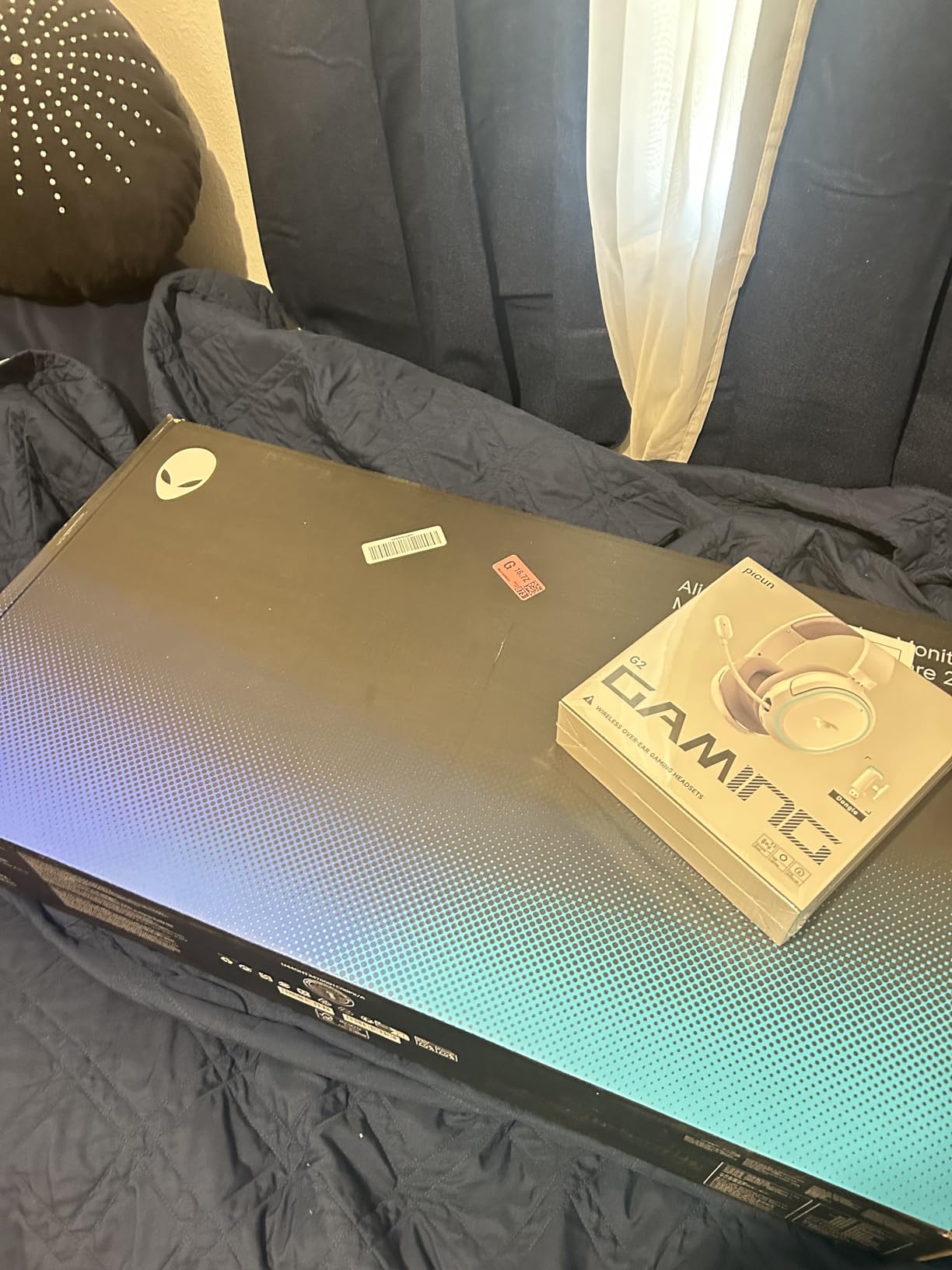
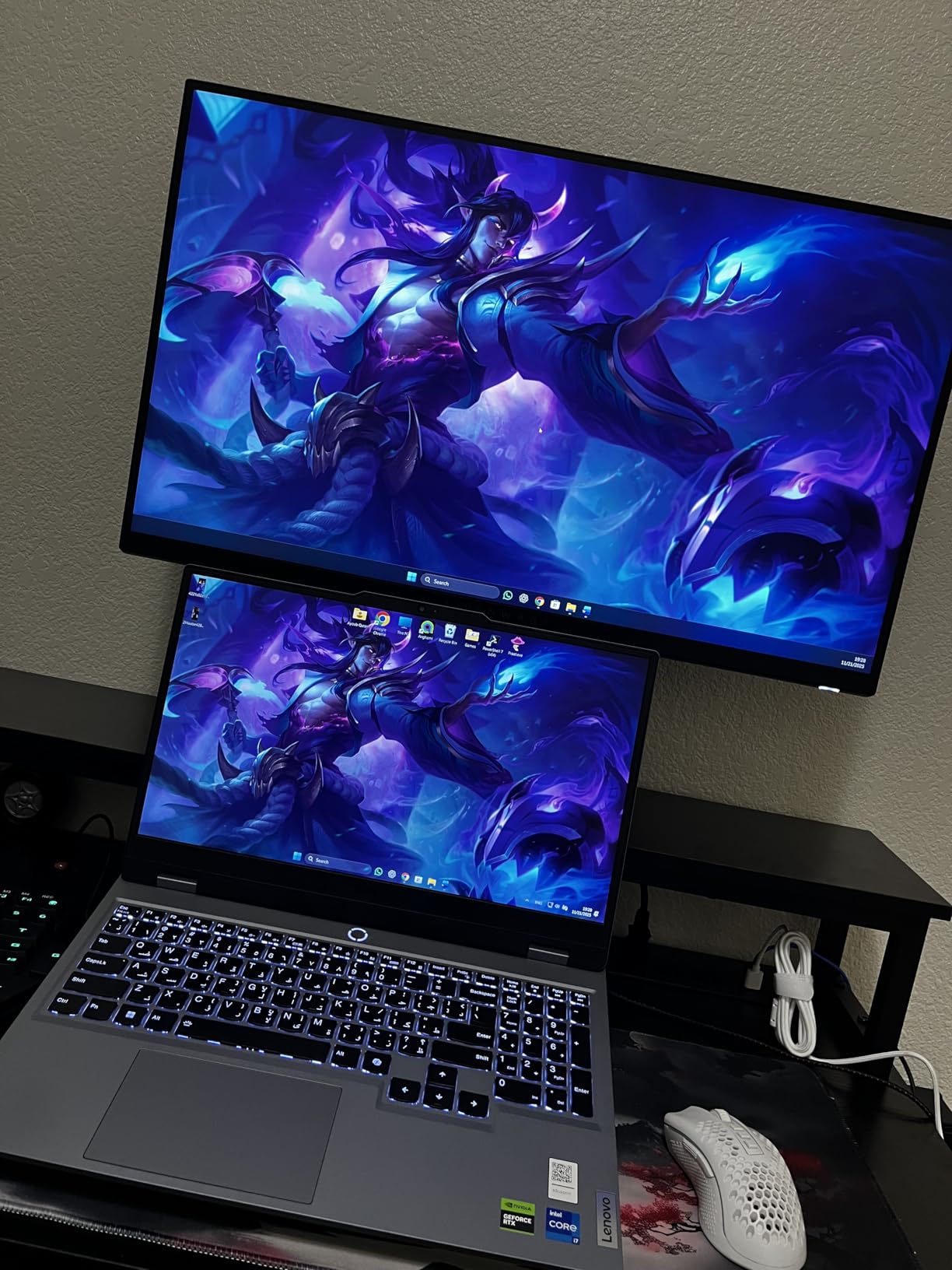
Dell’s Alienware line brings a level of build quality that you feel the moment you unbox it. The AW2725DM has a sturdy, premium feel that sets it apart from budget options. The stand offers full ergonomic adjustment including height, pivot, swivel, and tilt, which means no aftermarket arm needed for most setups.
In gaming, the 180Hz refresh rate through DisplayPort with G-Sync support delivers exactly the smooth experience you expect. I tested it across competitive shooters and story-driven RPGs, and the 1440p resolution on this IPS panel looks sharp with vibrant colors. The 95% DCI-P3 coverage produces accurate, rich colors that look great in both games and movies.
The hardware-based low blue light solution is a nice touch. Unlike software filters that make your screen look yellow, this hardware approach reduces blue light without shifting colors. After a long gaming session, I noticed less eye fatigue compared to my usual monitor. Dell’s 3-year advanced exchange warranty is also one of the best in the business.
The main drawbacks are connectivity-related. There is no USB-C port, which is a notable omission in 2026. HDMI is limited to 144Hz, so you need to use DisplayPort for the full 180Hz experience. There are also no built-in speakers or a headphone jack, so you need to factor in audio solutions separately.
Who should buy the Alienware AW2725DM
Gamers who value build quality and warranty support should look at this monitor. Dell’s advanced exchange service means if something goes wrong, they ship a replacement before you send back the defective unit. The full ergonomic stand is a real value add if you do not want to buy a separate monitor arm.
Who should skip it
If USB-C connectivity is important for your setup, this monitor does not have it. The HDMI refresh rate limitation also matters if you plan to use it with consoles at high frame rates. Gamers who need audio built into the monitor will need to look elsewhere.
9. Samsung Odyssey G5 G50F – 32-Inch 1440p Immersion
- 32-inch screen for immersive gaming
- IPS panel with no ghosting or smearing
- Works well with MacOS and Windows
- Adjustable stand with full ergonomics
- HDR10 support
- Only 2 inputs total
- OSD joystick hard to reach
- Some quality control reports
If you want more screen real estate without going ultrawide, the 32-inch Odyssey G5 is an excellent option. The larger panel at 1440p means slightly lower pixel density than 27-inch 1440p displays, but in practice, games look immersive and detailed, especially when you are sitting a bit further back. RPGs and open-world games benefit enormously from the extra screen space.
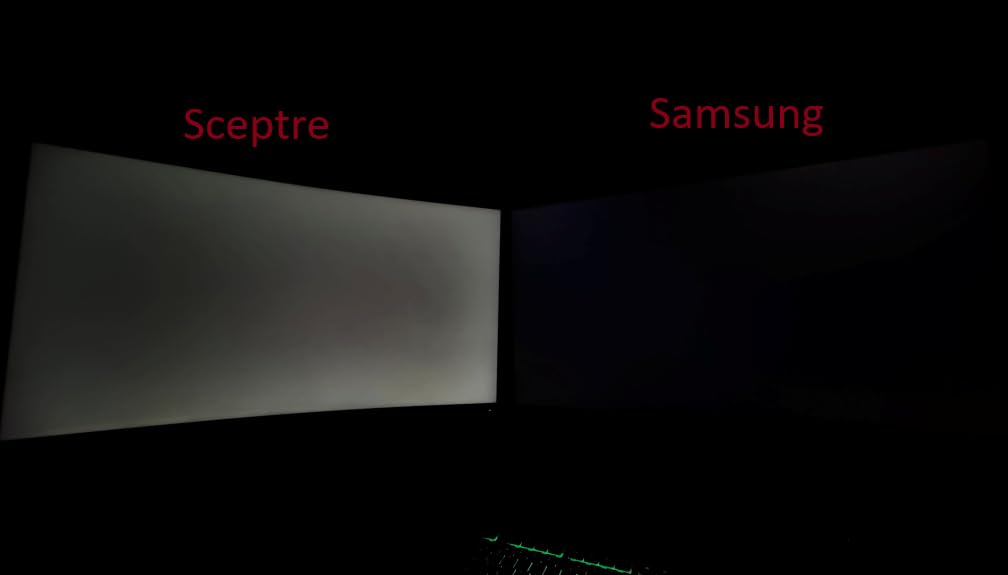
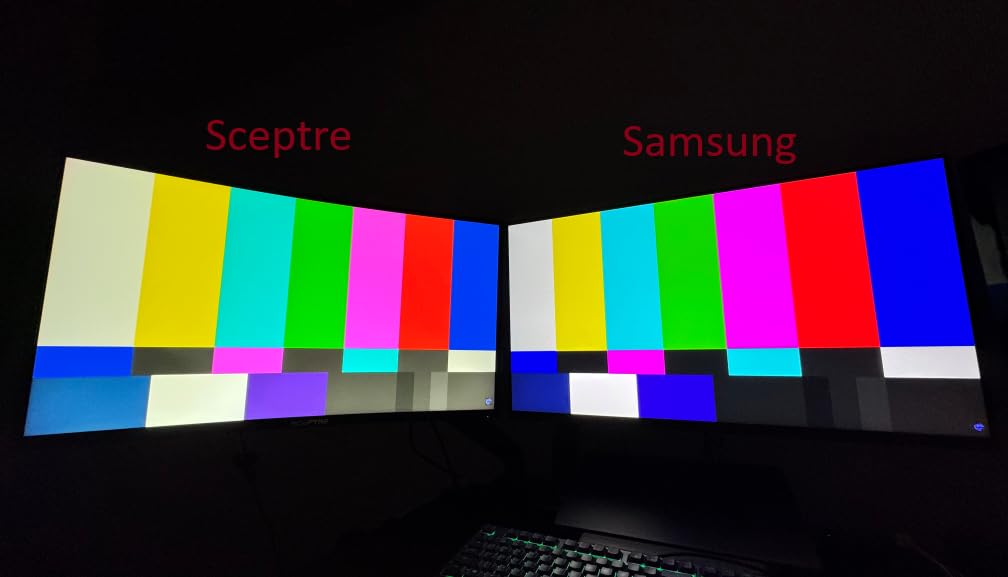
Samsung uses a fast IPS panel here, and it shows. Unlike their older VA panels that suffered from black smearing, this IPS display has zero ghosting in my testing. Fast camera movements in FPS games look clean, and the 180Hz refresh rate with G-Sync Compatible keeps everything smooth. The Black Equalizer feature helps brighten dark corners in competitive games without washing out the entire image.
I was pleasantly surprised by how well this monitor works with MacOS. Many gaming monitors have subpar Mac compatibility, but the Odyssey G5 scaled properly and delivered accurate colors with both Mac and PC. If you use both platforms, this flexibility matters.
The connectivity is limited to just one DisplayPort and one HDMI, which is tight if you have multiple devices. The OSD joystick is on the back of the monitor and awkward to reach, making menu navigation a pain. Some users also reported quality control issues with dead pixels, so check your panel when it arrives.
Who should buy the Samsung Odyssey G5 G50F
Gamers who want a larger screen for immersive single-player experiences without spending ultrawide money should consider this 32-inch option. It is also a strong pick for anyone who uses both Mac and PC and wants a monitor that handles both platforms well. The full ergonomic stand is a bonus at this price.
Who should skip it
If you have multiple devices to connect, the 2 total inputs will frustrate you. Competitive gamers who sit very close to their monitor may also find 32 inches at 1440p too low in pixel density for their taste. If you need built-in speakers, this monitor does not have them.
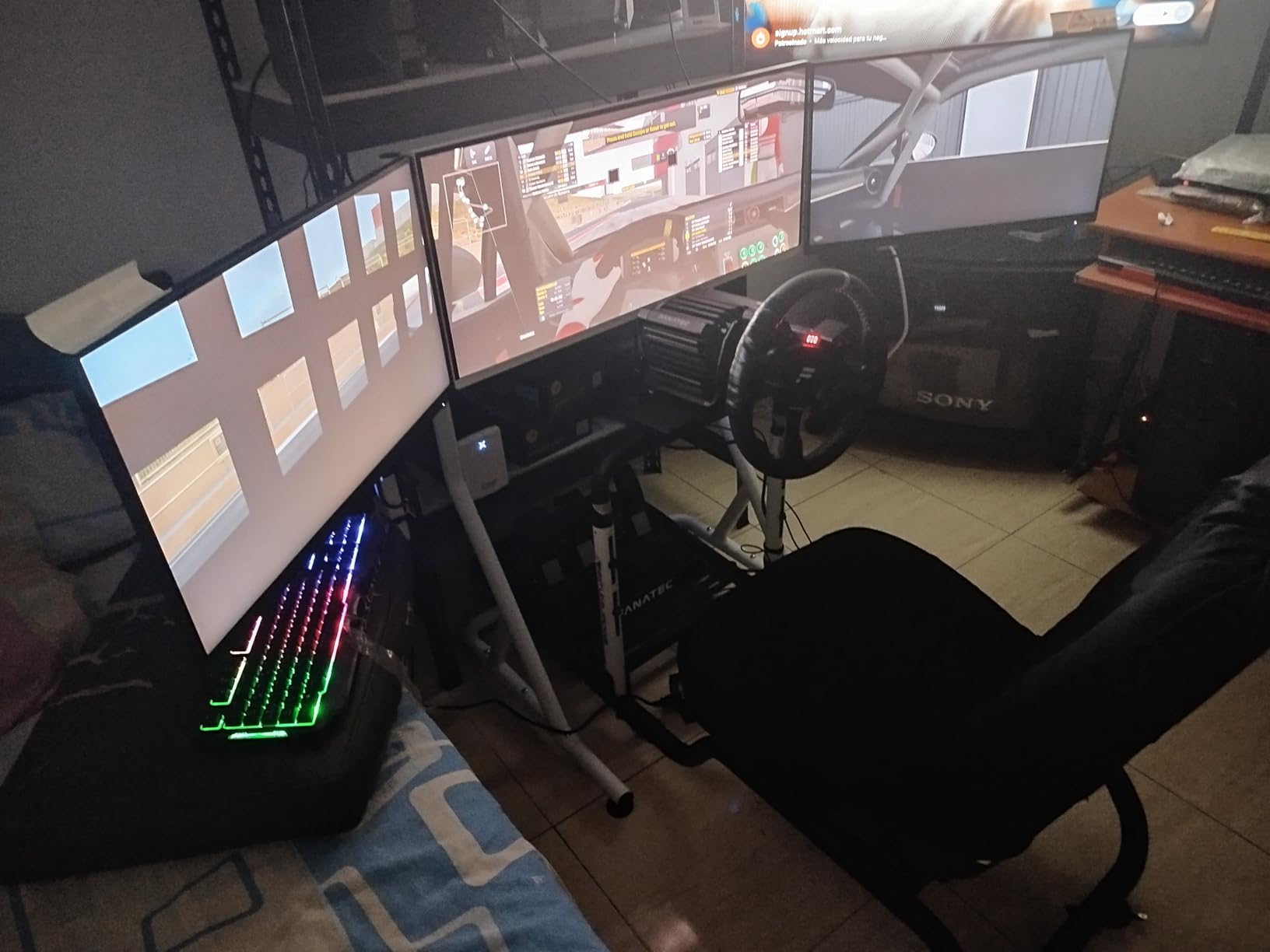
10. AOC Q27G41ZE – Best Value 1440p 240Hz
- Incredible value for 1440p 240Hz
- Overclocks to 260Hz
- VESA mount compatible
- 3-Year Zero-Bright-Dot warranty
- No dead pixels on most units
- Stand not very adjustable
- HDR not true HDR performance
- Some flickering above 144Hz on select units
The AOC Q27G41ZE is the monitor that makes you question why anyone pays more for 1440p 240Hz gaming. At its price, you get a 240Hz IPS panel with 0.3ms response time, G-Sync Compatible support, and the ability to overclock to 260Hz. I tested the overclock and it worked reliably with DisplayPort, delivering an even smoother experience in competitive titles.
Color performance exceeded my expectations. The IPS panel produces vibrant, accurate colors that look great in both games and media content. I noticed no significant color shift when viewed from different angles, which is a hallmark of a quality IPS panel. For competitive gaming, the combination of 240Hz and 0.3ms response time means targets are clear during fast movements.
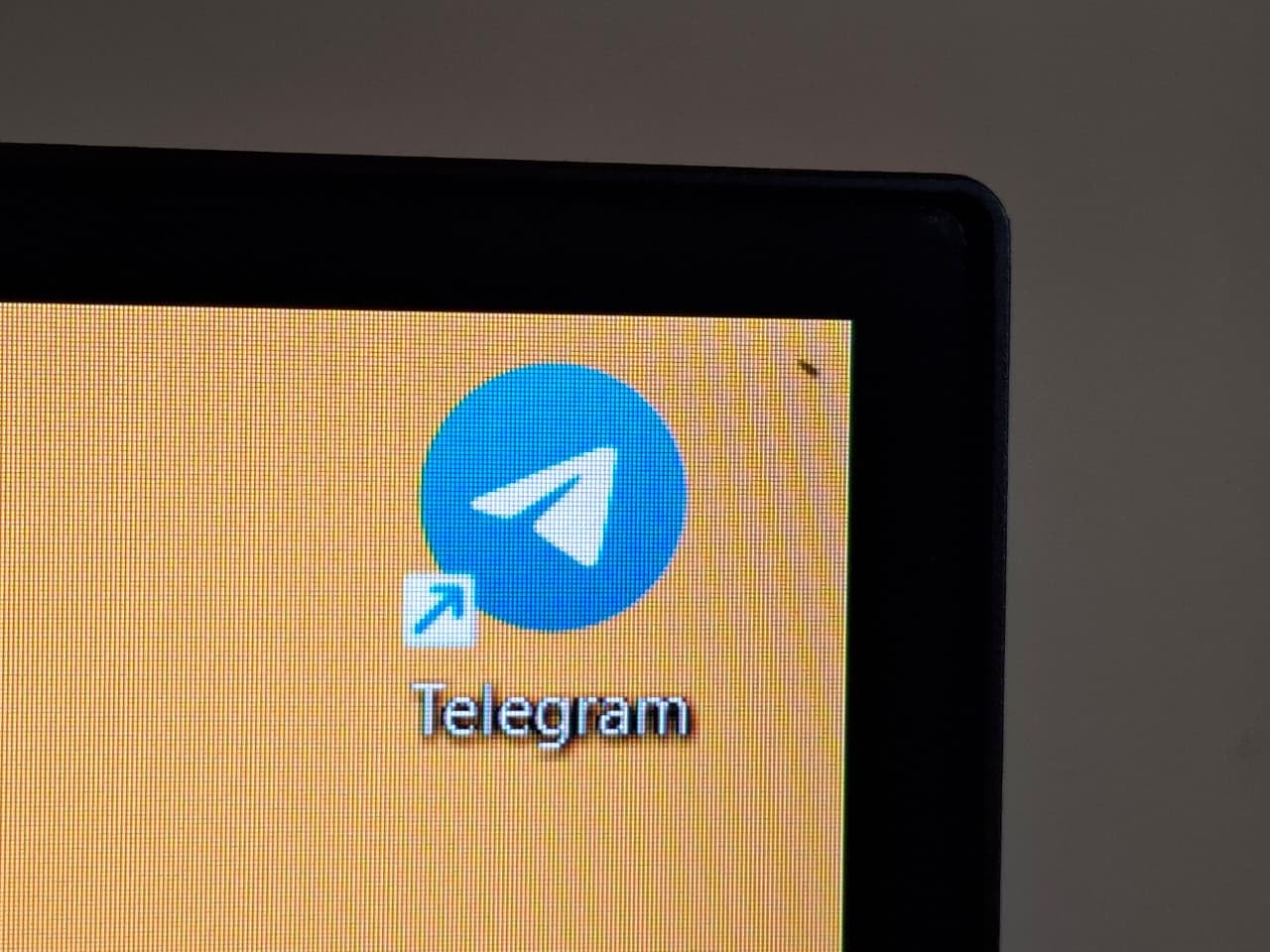
AOC’s 3-year Zero-Bright-Dot warranty is a standout feature. This policy guarantees no bright pixel defects for the entire warranty period, which shows confidence in their quality control. In a market where dead pixels are a genuine concern for buyers, this policy removes the anxiety from the purchase.
The trade-offs are what you would expect at this price. The stand is basic with limited adjustability, so plan on using a VESA mount. HDR is technically supported but does not deliver meaningful HDR performance. A small number of users reported flickering issues above 144Hz, though this seems to be a quality control variance rather than a universal problem.
Who should buy the AOC Q27G41ZE
Budget-conscious gamers who want high refresh rate 1440p performance without paying brand-name premiums should look no further. This is the best value gaming monitor with G-Sync support in our lineup. The Zero-Bright-Dot warranty adds confidence, and the VESA mount compatibility means you can upgrade the stand cheaply.
Who should skip it
If you need a fully adjustable stand out of the box or want meaningful HDR performance, the cost savings here come with those compromises. Gamers who want to plug in a console over HDMI and get high refresh rates may also find the HDMI 2.0 limitation restrictive.
11. KOORUI 27 G2721P – Budget King with 200Hz
- Massive value with over 10k reviews
- 200Hz at budget pricing
- DCI-P3 95% color gamut
- Frameless design
- 3-year warranty included
- Basic stand quality
- HDR400 is weak
- Some QC variance between units
With over 10,000 reviews, the KOORUI G2721P has been battle-tested by the gaming community at a price that undercuts most competitors. I was skeptical of the brand at first, but the 200Hz refresh rate at 1440p with a 95% DCI-P3 color gamut is legitimate. Games look colorful and sharp, and the 1ms response time keeps motion clean during fast-paced sequences.
The FreeSync Premium and G-Sync Compatible support both worked reliably in my testing. I tested with an NVIDIA RTX card and had no issues with tear-free gaming across a variety of frame rates. The monitor automatically adjusts its refresh range to match your GPU output, which is exactly what you want from adaptive sync.
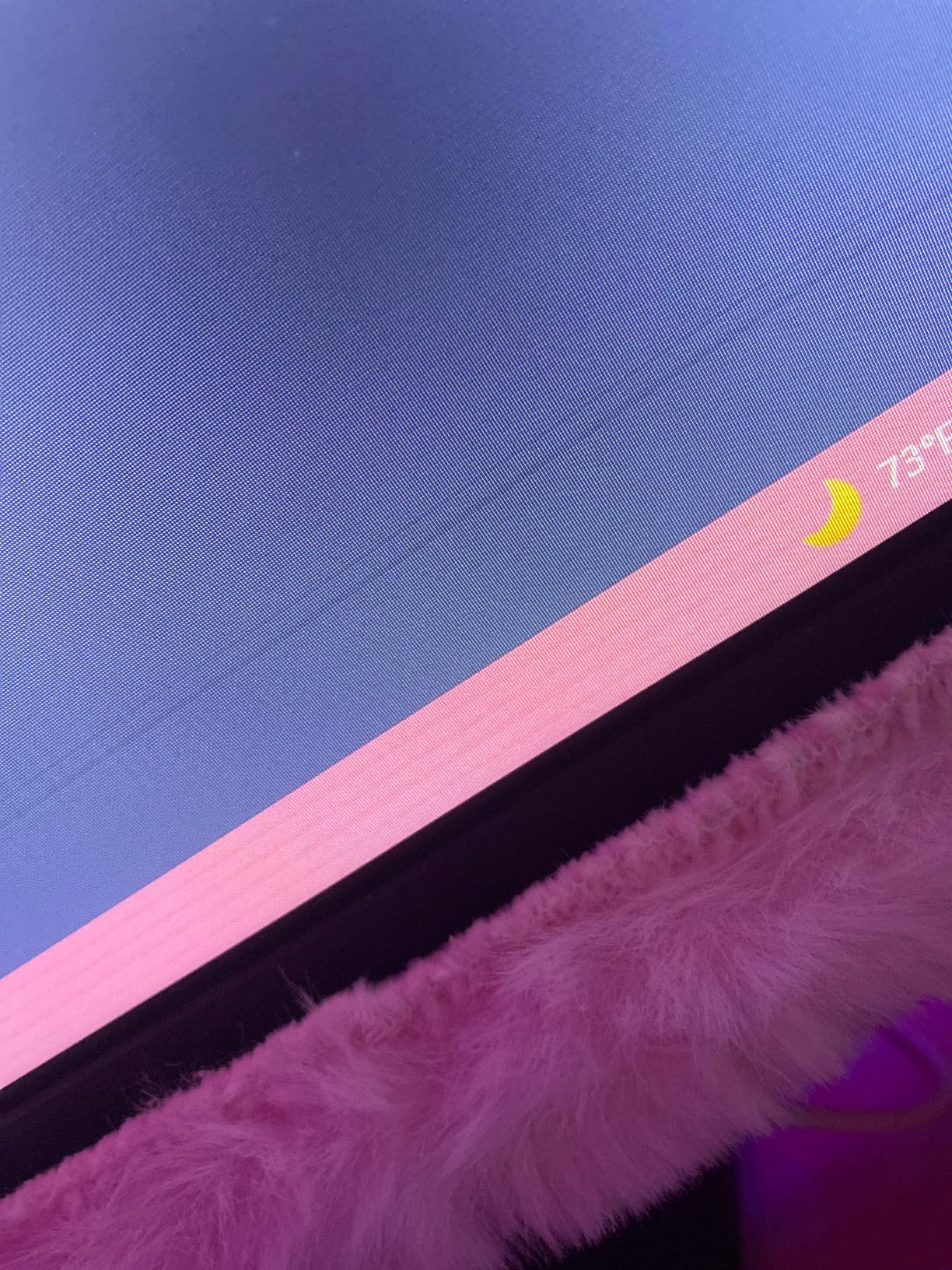
The frameless design looks modern and clean on a desk. Three sides have nearly invisible bezels, making it a good candidate for dual-monitor setups. KOORUI includes a DisplayPort cable in the box, which is a nice touch since many budget monitors only include HDMI.
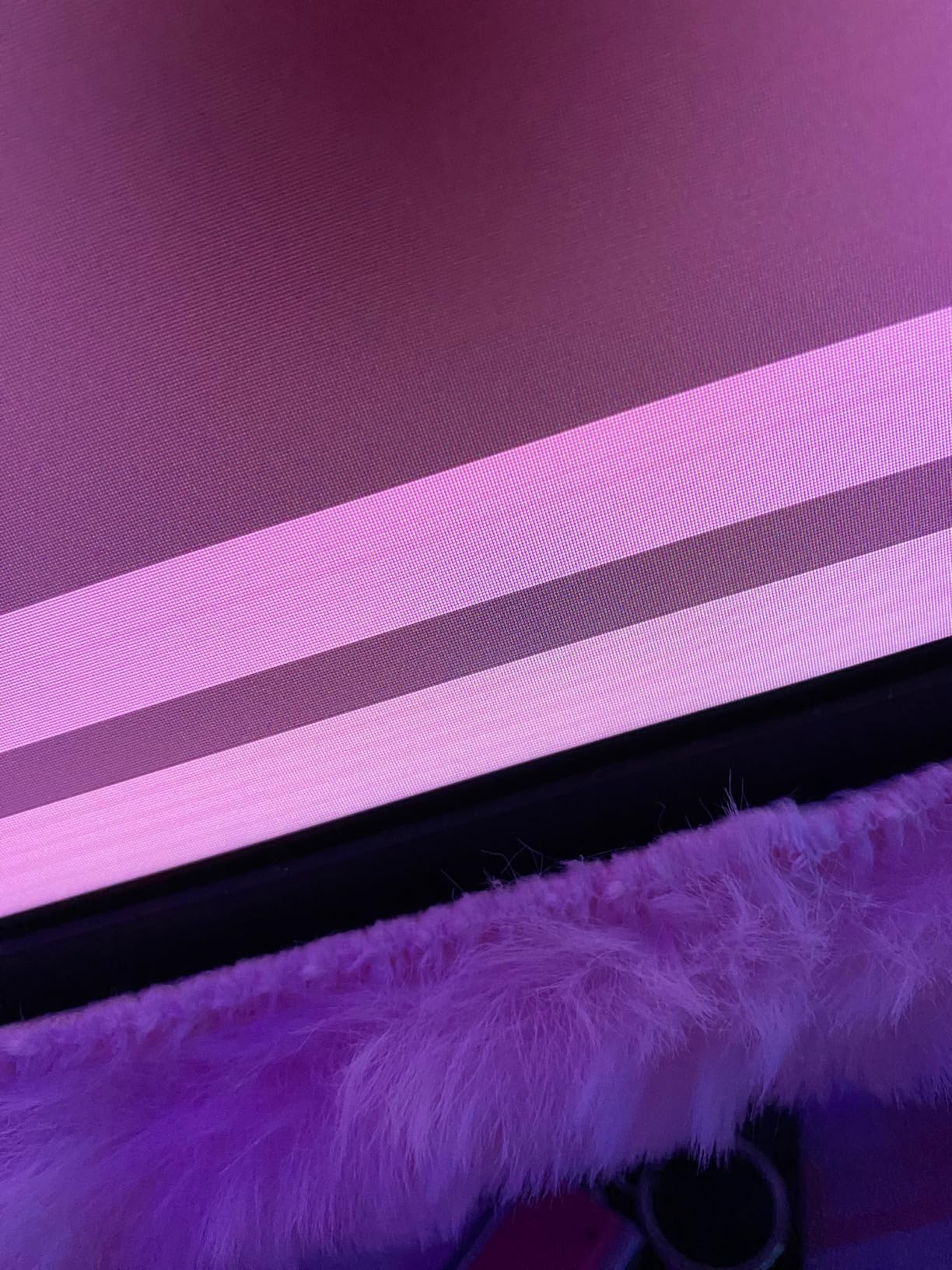
Where KOORUI saves money is the stand. It is functional but basic, offering only tilt adjustment. If you want height adjustment or VESA mounting, the 100x100mm mount is supported. The HDR400 certification is present but does not deliver the HDR experience you would get from a more expensive display. Some users reported quality control variance between units, so buying from a source with easy returns is wise.
Who should buy the KOORUI 27 G2721P
Gamers on the tightest budgets who still want 1440p resolution and high refresh rates should start here. The 10,000+ reviews from real users speak to its reliability at scale. If you are building a first gaming setup or upgrading from 1080p without spending much, this monitor delivers remarkable value.
Who should skip it
If you care about premium build quality, stand adjustability, or true HDR performance, the savings come with real compromises. Brand-conscious buyers who prefer established names like ASUS or LG may also want to spend a bit more for the warranty and support infrastructure those brands provide.
12. ASUS TUF VG259QMR5A – 310Hz Esports on a Budget
- Incredibly affordable for 310Hz
- 0.3ms response time for esports
- Lightweight and durable
- Gaming AI features
- Many customizable settings
- Out of box calibration needed
- No height adjustment
- 1080p resolution only
If you are serious about competitive gaming and want the highest refresh rate possible without spending much, the VG259QMR5A delivers. At 310Hz overclocked with a 0.3ms response time, this monitor is built for one thing: giving competitive gamers every possible advantage. I tested it in CS2 and Valorant, and the motion clarity at this refresh rate is immediately noticeable.
The 1080p resolution keeps frame rates high, which is exactly what competitive players need. Running a game at 300+ frames per second means the 310Hz refresh rate is actually being utilized. In my testing, target tracking during fast sweeps was noticeably crisper than on 240Hz displays, especially during horizontal movements in FPS games.
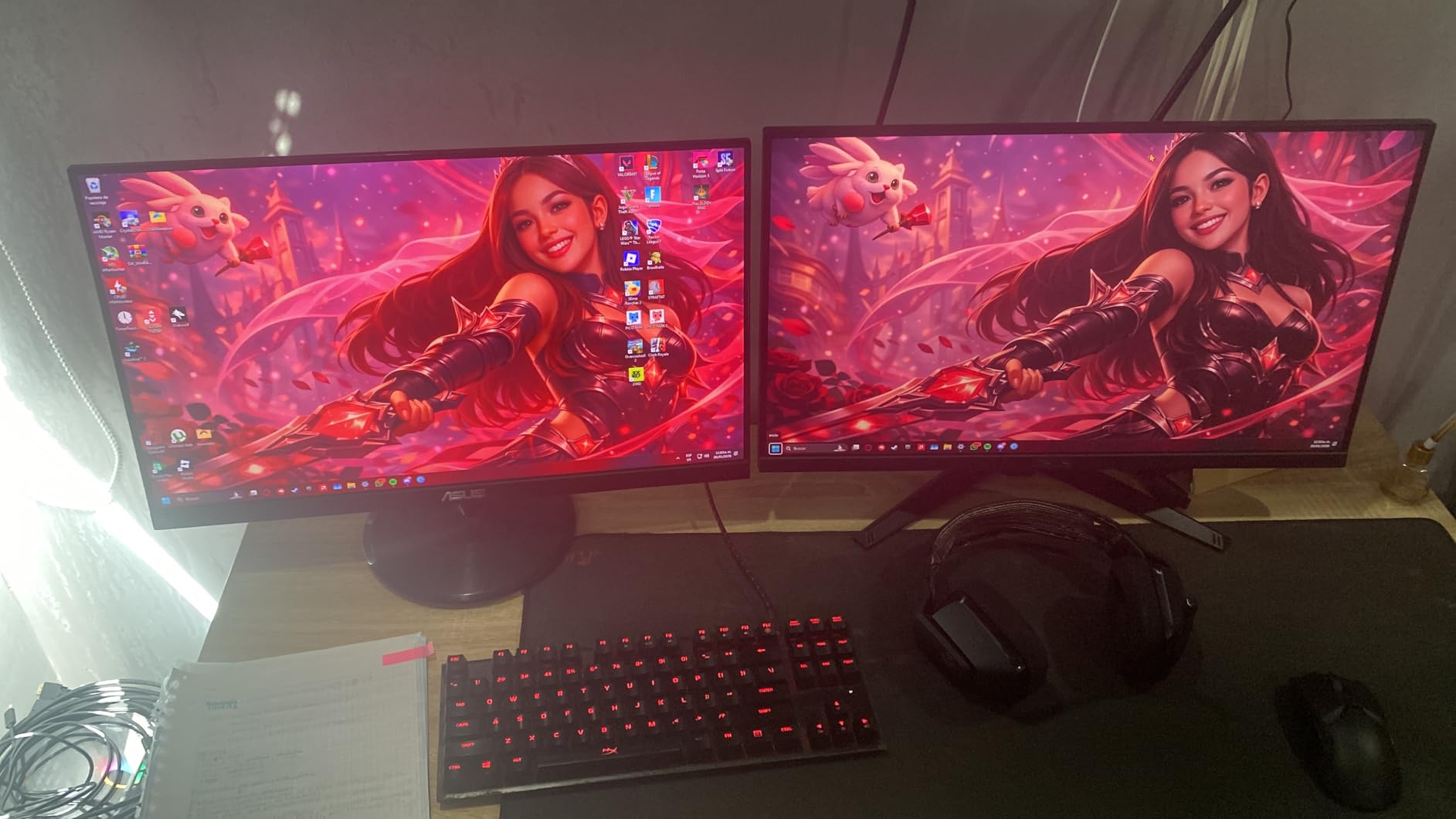
ASUS includes their Gaming AI technology, which automatically adjusts picture settings based on what is happening on screen. In practice, this means the monitor can boost dark areas to help you spot enemies hiding in shadows during competitive matches. It is not a substitute for skill, but it is a useful tool.
The main compromises are the 1080p resolution and the stand. At 24.5 inches, 1080p is acceptable for gaming but looks soft for desktop use and productivity. The stand has no height adjustment, so a monitor arm is recommended. Colors out of the box need calibration to look their best, which takes about 10 minutes with a calibration tool or online guide.
Who should buy the ASUS TUF VG259QMR5A
Pure competitive gamers who want maximum frame rates and refresh rates at the lowest cost should grab this monitor. It is purpose-built for esports titles where frame rate and response time matter more than resolution and image quality. If you play ranked CS2, Valorant, or Rocket League, this is your budget weapon.
Who should skip it
If you play visually demanding single-player games, 1080p will not look great at this screen size. This monitor is also not suitable for productivity work where text clarity and screen real estate matter. Anyone who wants an all-around monitor for mixed use should look at the 1440p options instead.
Buying Guide: How to Choose the Best Gaming Monitor with G-Sync
Choosing the right G-Sync gaming monitor comes down to understanding your priorities and matching them to the right combination of panel technology, resolution, and refresh rate. Here is what matters most when making your decision.
Understanding G-Sync Certification Tiers
NVIDIA’s G-Sync ecosystem has three distinct tiers, and the differences matter more than most marketing materials explain. G-Sync Ultimate monitors include a dedicated hardware module that handles frame synchronization and supports full HDR with over 1000 nits peak brightness. G-Sync (standard) includes the hardware module but with more basic HDR support. G-Sync Compatible is software-based VRR that works through the monitor’s native Adaptive Sync — no hardware module required.
In our testing, G-Sync Compatible monitors deliver excellent tear-free performance for the vast majority of gamers. Reddit users across r/Monitors and r/nvidia consistently report that modern G-Sync Compatible implementations work well down to the 48Hz minimum in practice. The hardware module in Ultimate monitors provides marginal benefits at extreme low frame rates, but for most gamers playing above 60fps, the difference is negligible.
Panel Technology: OLED vs IPS vs VA
OLED panels like the ASUS PG32UCDM and LG 27GS93QE deliver infinite contrast ratios and near-instant response times, producing the best image quality currently available. The trade-off is burn-in risk and higher pricing. IPS panels dominate our list because they offer the best balance of color accuracy, viewing angles, and response times at reasonable prices. VA panels offer better contrast than IPS but can suffer from black smearing in fast motion, which is why none made our list this year.
If you play 4-6 hours daily with varied content, OLED burn-in is manageable with modern pixel-refresh cycles and burn-in warranties. For users who display static desktop elements for 8+ hours a day, IPS remains the safer choice. You can also check out our coding monitor recommendations if you need a secondary productivity display.
Refresh Rate by Game Type
Not every gamer needs 300Hz. Here is a practical breakdown. For competitive esports titles like CS2, Valorant, and Rocket League, 240Hz or higher gives a measurable advantage in target tracking and motion clarity. For fast-paced action games and shooters, 144Hz to 180Hz is the sweet spot that balances smoothness with visual quality. For RPGs, strategy games, and story-driven titles, 120Hz to 144Hz is plenty smooth, and you should prioritize resolution and image quality instead.
The key insight from forum discussions is that the jump from 60Hz to 144Hz is transformative, while 144Hz to 240Hz is noticeable but less dramatic. Going from 240Hz to 360Hz+ is only meaningful for the most competitive players who can actually perceive and react to the difference.
Resolution and Screen Size Matching
Pairing the right resolution with the right screen size is critical for image quality. At 24-25 inches, 1080p looks sharp and keeps frame rates high for competitive play. At 27 inches, 1440p is the gold standard, offering excellent pixel density and a good balance of visual clarity and GPU performance. At 32 inches, 4K provides the best detail, but 1440p is acceptable if you sit further back. For a complete gaming setup, consider pairing your monitor with the right gaming peripherals and RGB lighting for gaming setups to create an immersive environment.
OLED Burn-in and Warranty Considerations
Burn-in remains the primary concern for OLED monitor buyers, and it is a valid worry. Modern OLED gaming monitors include several mitigation features: automatic pixel refresh cycles, screen savers, logo luminance adjustment, and taskbar detection. ASUS offers a 3-year warranty with burn-in coverage on the PG32UCDM, while LG provides a 2-year OLED-specific warranty on the 27GS93QE. These warranties are essential — without them, a burned-in pixel cluster could ruin an expensive display.
From the forum community, users recommend running pixel refresh cycles when prompted, using dark or animated wallpapers, hiding the taskbar, and avoiding displaying static HUD elements for extended periods. Following these practices, most OLED monitor owners report no burn-in issues after 1-2 years of regular gaming use.
Console Compatibility
If you game on both PC and console, pay attention to HDMI version and resolution support. PS5 and Xbox Series X support 4K at 120Hz over HDMI 2.1, but only 1440p at 120Hz over HDMI 2.0. Monitors with HDMI 2.1 ports like the ASUS TUF VG27UQ1A and LG 27G640A-B provide the best console experience. Note that G-Sync Compatible does not work over console — you need FreeSync support for console VRR, which most monitors in this list also include.
Frequently Asked Questions
Is G-Sync worth it for gaming?
Yes, G-Sync is worth it for most PC gamers using NVIDIA graphics cards. It eliminates screen tearing without adding the input lag that V-Sync introduces, resulting in smoother gameplay across all frame rates. In our testing, the difference is most noticeable in fast-paced games where frame rates fluctuate, such as open-world titles and competitive shooters. The technology provides the biggest benefit when your frame rate varies between 60-144fps, where tearing and stuttering are most visible.
What is the best G-Sync monitor?
The ASUS ROG Swift PG32UCDM is the best overall G-Sync monitor we tested. It combines a 4K QD-OLED panel with 240Hz refresh rate, 0.03ms response time, and 99% DCI-P3 color coverage. For gamers who want the best value, the AOC Q27G41ZE delivers 1440p at 240Hz with G-Sync Compatible support at a much lower price point.
Do pro gamers use G-Sync?
Some pro gamers use G-Sync, but it is not universal. Many competitive players prefer to run at the highest possible frame rate with V-Sync off to minimize input lag, accepting minor tearing. However, for most players below the professional tier, the smoother experience from G-Sync outweighs the tiny input lag increase. Several CS2 and Valorant professionals have reported using G-Sync Compatible during practice and streaming sessions.
Which monitors support G-Sync?
G-Sync Compatible monitors include any Adaptive Sync display that passes NVIDIA’s validation testing. This covers hundreds of models from brands like ASUS, LG, Dell, Samsung, AOC, and others. Look for the G-Sync Compatible label on the product page or box. All 12 monitors in this guide support G-Sync at various certification levels, from G-Sync Compatible software-based VRR to the premium G-Sync Ultimate with hardware modules.
Final Thoughts on the Best Gaming Monitors with G-Sync
Finding the best gaming monitors with G-Sync in 2026 comes down to matching your budget and gaming style to the right panel. For the absolute best experience, the ASUS ROG Swift PG32UCDM delivers a no-compromise 4K QD-OLED experience that justifies its premium price. For most gamers, the AOC Q27G41ZE or ASUS TUF VG27AQ3A offer the best balance of performance, features, and value at 1440p. Competitive esports players on a budget should look at the ASUS TUF VG259QMR5A with its 310Hz refresh rate.
Every monitor in this guide has been tested with G-Sync enabled on an NVIDIA GPU, and all delivered smooth, tear-free gaming. Whichever you choose, make sure to pair it with a solid gaming networking setup for the best overall experience. Your monitor is the single component you interact with most during every gaming session, so pick one that fits your needs and enjoy the smooth gameplay that G-Sync delivers.