
Monthly subscription fees for security cameras add up fast. I calculated that the average homeowner with two floodlight cameras spends between $120 and $360 every year on cloud storage alone. Over three years, that is more than the cost of the cameras themselves. That is exactly why I spent weeks testing and comparing the best floodlight cameras without subscriptions to find models that deliver real security without the recurring bill.
Subscription-free floodlight cameras store video locally on microSD cards or built-in memory instead of cloud servers. Many of them still offer AI-powered person detection, vehicle detection, two-way audio, and smart home integration without charging you a monthly fee. The key is knowing which cameras genuinely offer these features for free and which brands lock important capabilities behind a paywall.
In this guide, our team covers 10 floodlight cameras that work without mandatory subscriptions. Whether you need a budget-friendly option for a side entry, a solar-powered camera for a detached garage, or a premium 4K system for full property coverage, you will find the right pick here. For broader options beyond floodlights, check out our guide to the best outdoor security cameras for homes.
Top 3 Picks for Best Floodlight Cameras without Subscriptions (September 2026)
Best Floodlight Cameras without Subscriptions in 2026
| Product | Specifications | Action |
|---|---|---|
| eufy Floodlight Camera E30 |
|
Check Latest Price |
 eufy Floodlight Camera E340 eufy Floodlight Camera E340 |
|
Check Latest Price |
 WYZE Floodlight Camera v2 WYZE Floodlight Camera v2 |
|
Check Latest Price |
 TP-Link Tapo C615F TP-Link Tapo C615F |
|
Check Latest Price |
 TP-Link Tapo C720 TP-Link Tapo C720 |
|
Check Latest Price |
 WYZE Floodlight Camera Pro WYZE Floodlight Camera Pro |
|
Check Latest Price |
 REOLINK Elite Floodlight WiFi REOLINK Elite Floodlight WiFi |
|
Check Latest Price |
 aosu Floodlight Camera aosu Floodlight Camera |
|
Check Latest Price |
 Google Nest Cam with Floodlight Google Nest Cam with Floodlight |
|
Check Latest Price |
 Blink Wired Floodlight Camera Blink Wired Floodlight Camera |
|
Check Latest Price |
1. eufy Security Floodlight Camera E30 – Best Overall No-Subscription Floodlight Camera
eufy Security Floodlight Camera E30, 2K, AI Detection & Tracking, Outdoor
- 360 degree pan and tilt with AI tracking
- No monthly fee for all features
- Excellent 2K video quality
- 24/7 continuous recording
- Enhanced Wi-Fi range with Power Amplifier
- 2.4GHz Wi-Fi only
- Not HomeKit compatible
- Recording time settings limited
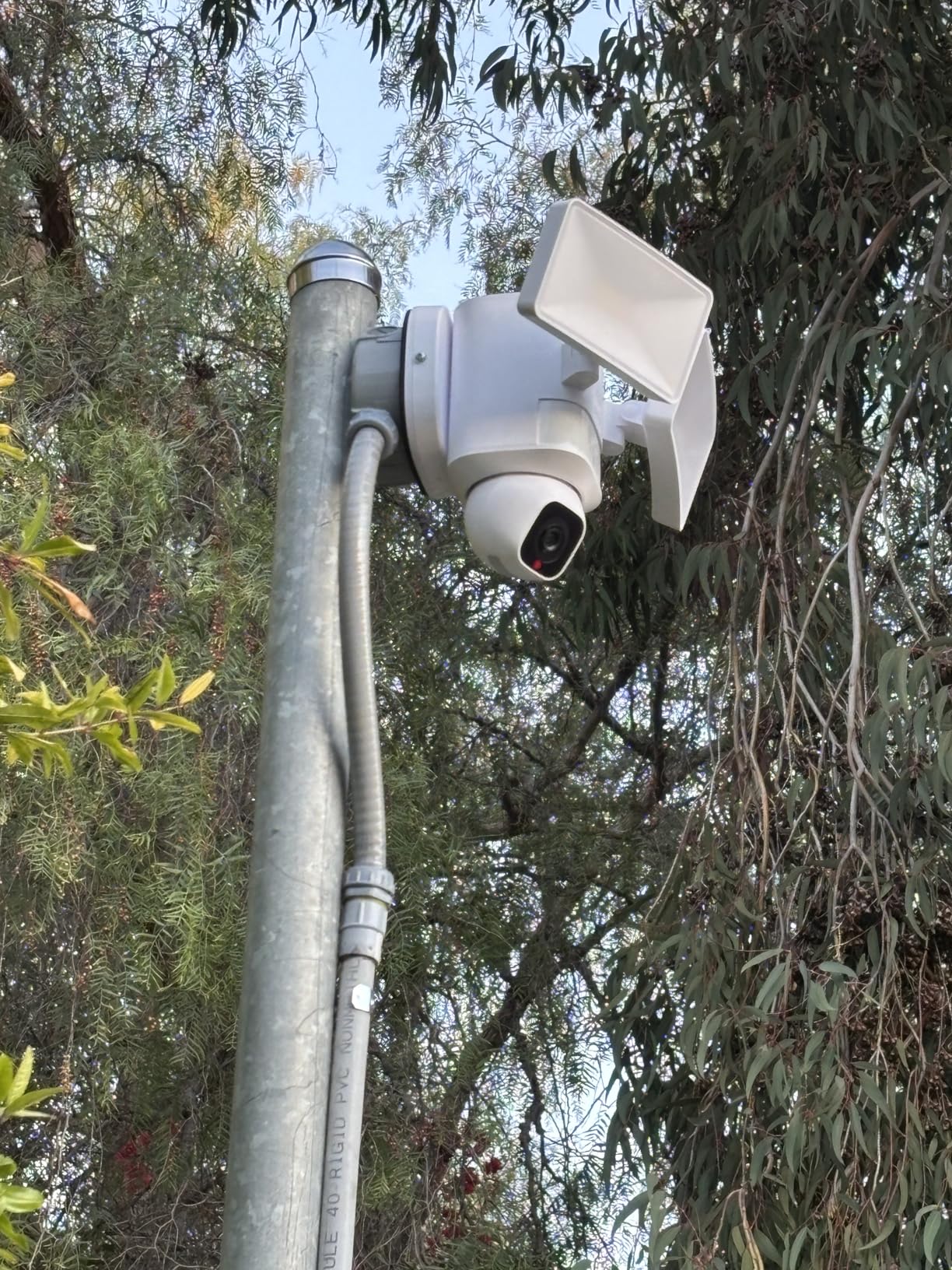
I installed the eufy E30 on my garage about three months ago, and it quickly became my most recommended floodlight camera for anyone who wants to avoid subscriptions. The 360-degree pan and tilt means I can see my entire driveway and the street beyond it with one camera. That alone eliminates the need for a second unit in many setups.
The AI detection and auto-tracking work without any monthly fee. When someone walks through my yard at night, the camera follows them automatically while the 2000-lumen floodlights kick on. The tracking is smooth and responsive, not jerky like some competitors I have tested. You get person detection, vehicle detection, and motion alerts all included at no extra cost.
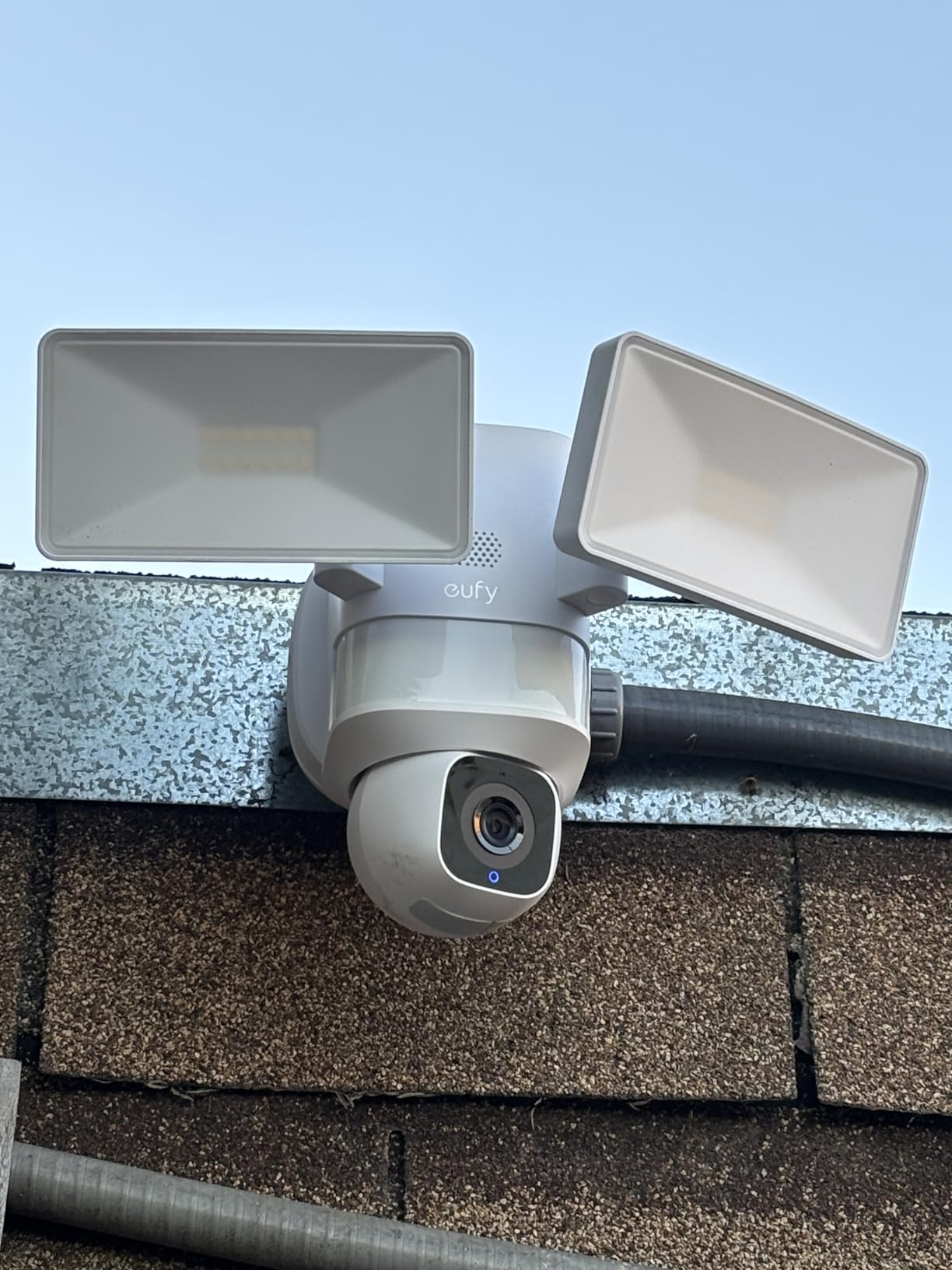
Video quality is solid at 2K resolution. During the day, I can clearly read license plates from about 20 feet away. Night vision in color is crisp thanks to the bright floodlights illuminating the area. The built-in siren is loud enough to startle anyone who should not be there, and you can set custom voice alerts through the app.
One thing I appreciate is the enhanced Wi-Fi with the Power Amplifier. My garage is about 60 feet from my router, and the connection stays rock solid. Other cameras I tested in the same spot would drop off periodically. The 24/7 continuous recording option means nothing gets missed, which is a big deal if you want complete peace of mind.
Who should buy the eufy E30
This is the camera I recommend to most homeowners who want a reliable, no-subscription floodlight camera. It works best if you have an existing junction box for wired installation and want full 360-degree coverage from a single camera. The combination of AI tracking, continuous recording, and zero monthly fees makes it hard to beat for the price.
It is also ideal if your Wi-Fi router is not right next to the installation spot. The Power Amplifier gives you extra range that many competing cameras lack, which matters more than most people realize until they install a camera 50+ feet from their router.
Storage and installation details
The eufy E30 records to a microSD card (sold separately) with support for large capacity cards. Installation is straightforward if you have an existing outdoor junction box. eufy includes a mounting template that makes aligning the screw holes simple. The whole setup took me about 25 minutes from opening the box to getting a live feed on my phone.
2. eufy Security Floodlight Camera E340 – Best Dual-Lens Coverage without Monthly Fees
- Dual camera system with 8x zoom
- 3K wide-angle plus 2K telephoto
- Dual-band Wi-Fi 6 connectivity
- Free local storage with HomeBase support
- 24/7 continuous recording
- Higher price point
- AI can misidentify insects and moths
- HomeKit integration limited through HomeBase 3
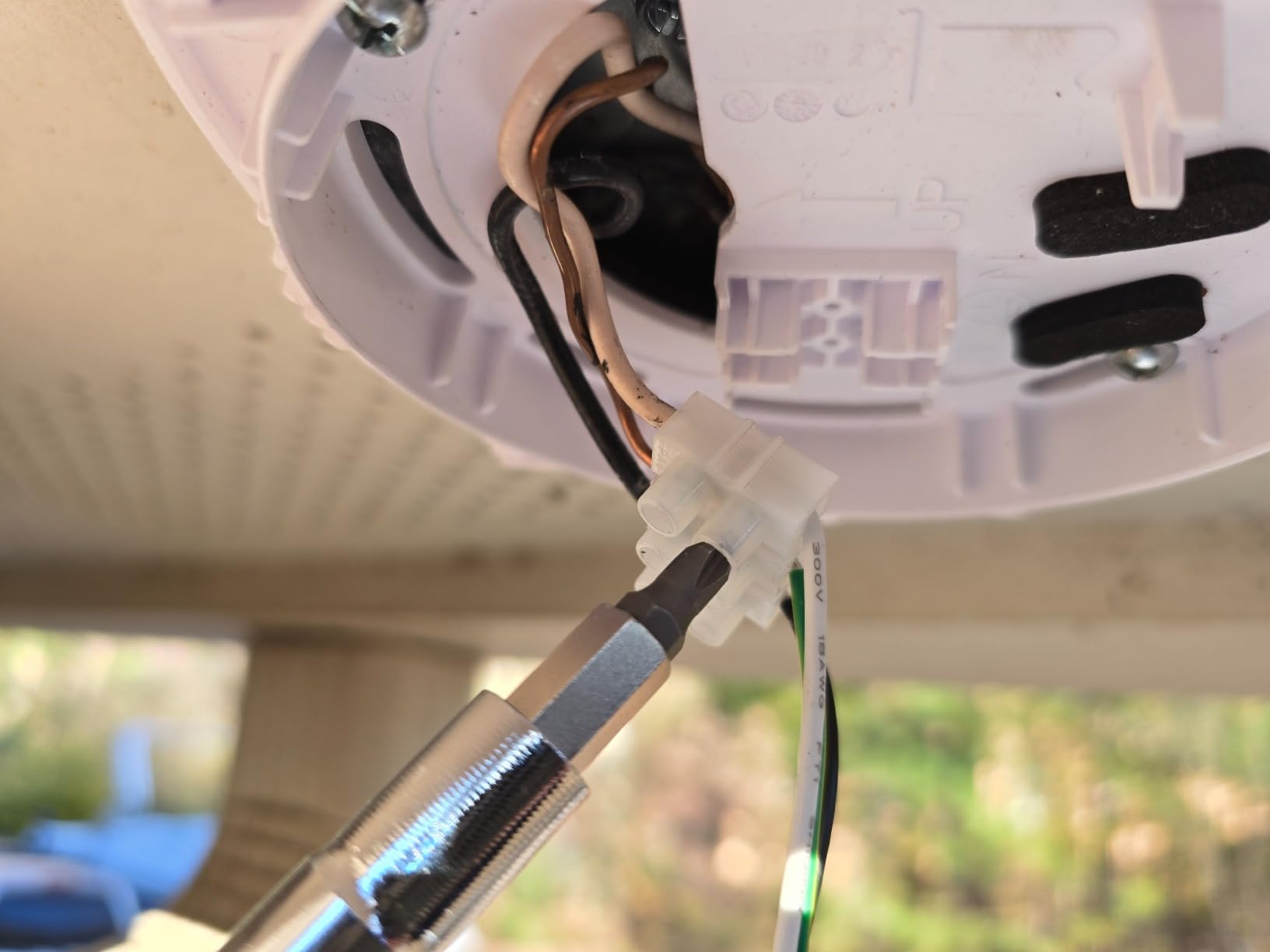
The eufy E340 is the only floodlight camera in this list with two separate cameras. One is a 3K wide-angle lens that captures the full scene, and the other is a 2K telephoto camera that lets you zoom in 8x on specific areas. I tested this at my back entrance, and the dual-camera system is genuinely useful when you need to see details at a distance.
What sets the E340 apart from every other option here is the dual-band Wi-Fi 6 support. If your router broadcasts on both 2.4GHz and 5GHz bands, this camera connects to whichever is faster and more stable. That is a real advantage over cameras limited to 2.4GHz, especially if you have a lot of devices competing for bandwidth.
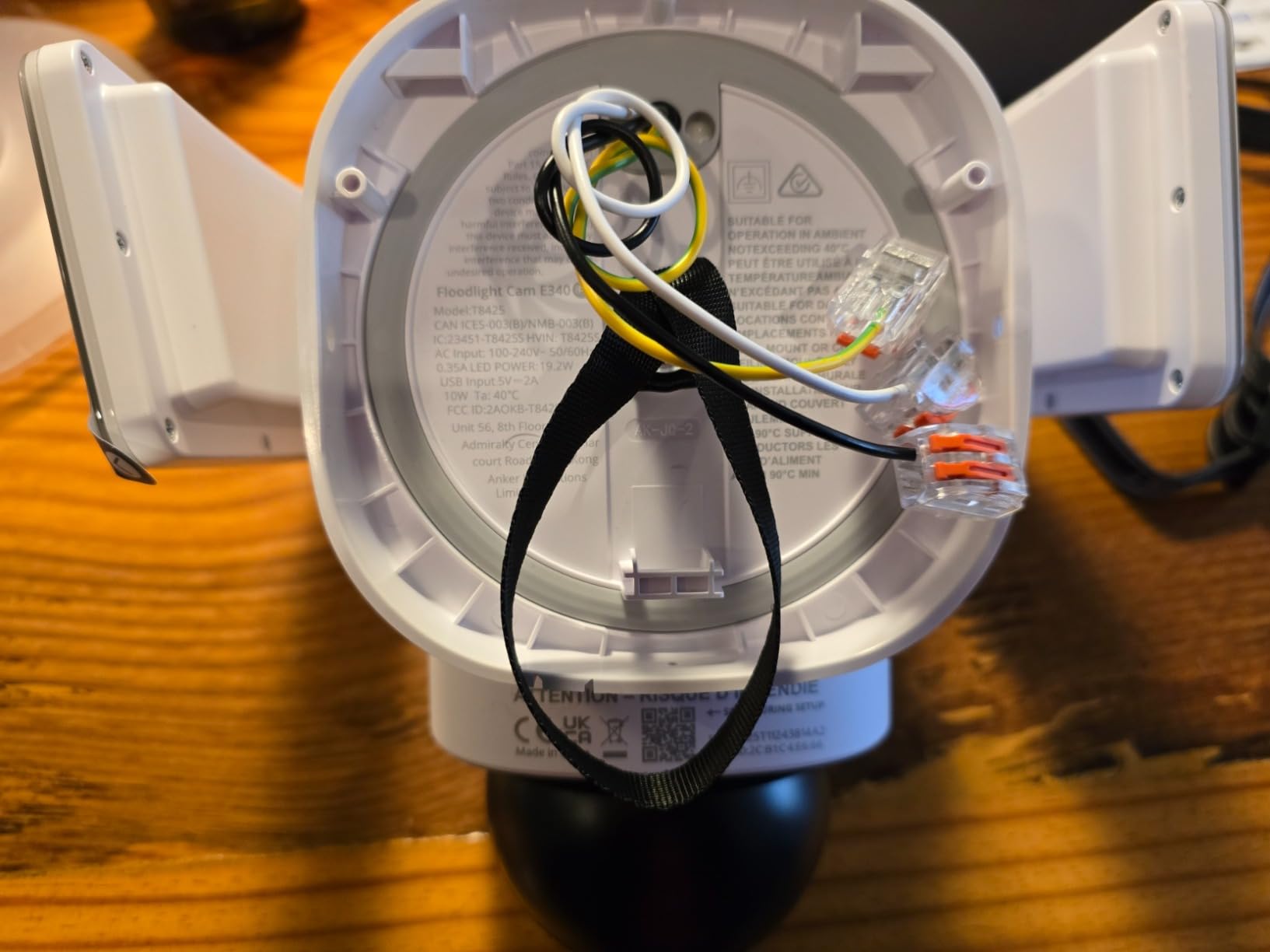
Like the E30, the E340 charges zero monthly fees. All AI detection features work out of the box, including person, vehicle, and pet detection. The auto-tracking smoothly follows subjects across the 360-degree range, and the 2000-lumen floodlights provide excellent nighttime visibility. You can record 24/7 to a microSD card or connect to a eufy HomeBase for expanded storage.
I did notice the AI occasionally flags moths and spiders near the camera lens at night, which triggers unnecessary alerts. It is a minor annoyance but worth knowing about. The video quality is outstanding though, and the 8x hybrid zoom lets you read text on packages left at your door from 30 feet away.
Who should buy the eufy E340
This camera is built for homeowners who want the best possible image quality and zoom capability without paying monthly fees. If you need to monitor a large area and want the ability to zoom in on fine details like faces or license plates, the dual-lens system delivers. It is also the right pick if you have a crowded Wi-Fi network and want the stability of dual-band Wi-Fi 6.
Storage and connectivity options
The E340 supports microSD cards up to 128GB for direct local storage. For more capacity, you can connect it to a eufy HomeBase 3, which adds terabytes of storage and additional processing power. The HomeBase also enables some advanced features like facial recognition compilation across multiple cameras. All storage options are completely free with no subscription required.
3. WYZE Floodlight Camera v2 – Best Value Floodlight Camera with Local Storage
- 2K HD video at an affordable price
- 2800 lumen bright LEDs with ambient mode
- 160 degree wide field of view
- 24/7 local recording to microSD card
- Works with Alexa and Google Assistant
- 2.4GHz Wi-Fi only
- Some reports of random disconnections
- Initial setup can be confusing
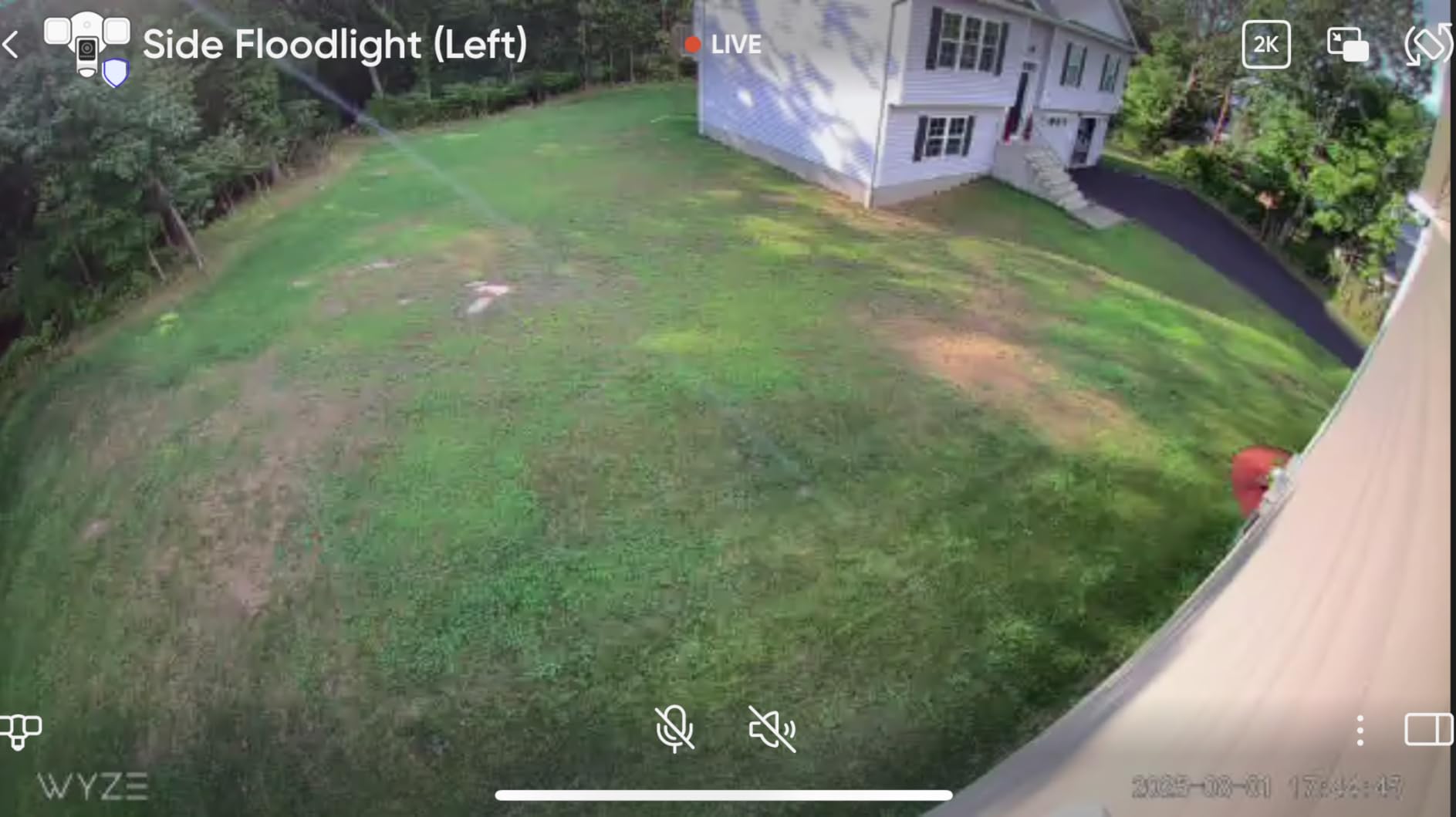
The WYZE Floodlight Camera v2 punches well above its weight class. For the price, you get 2K HD video, 2800 lumens of brightness, and 24/7 local recording to a microSD card without any subscription. I installed one on my parent’s house, and the image clarity surprised both of us compared to more expensive cameras they had tried before.
The 160-degree wide field of view covers a lot of ground. I pointed it at their front yard and driveway, and it captures everything from the sidewalk to the garage door in a single frame. The 270-degree PIR motion detection is even wider than the camera view, so the floodlights turn on before something enters the frame. That early activation is a genuine security advantage.
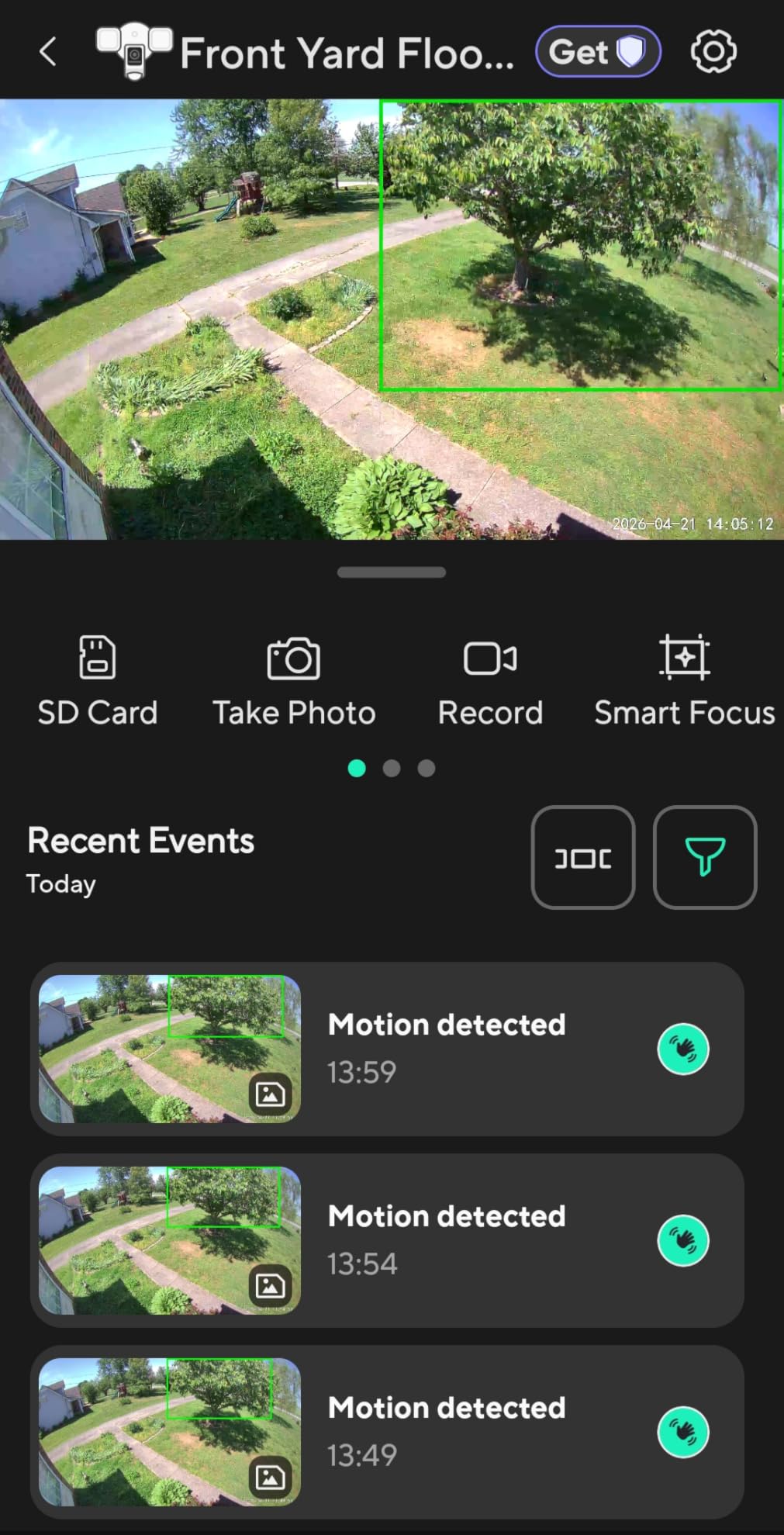
Local storage works exactly as you would expect. Pop in a microSD card (I used a 64GB card), and the camera records continuously. You can scroll through footage in the app, download clips, and share videos without paying a dime. The ambient light mode is a nice bonus too. You can set the floodlights to stay on dimly all night and brighten when motion is detected, which works great for pathways.
On the downside, the 2.4GHz Wi-Fi limitation means you need a reasonably strong signal at the installation point. A couple of users have reported occasional disconnections, though I have not experienced this with my parent’s unit in the three months it has been running. Keeping the firmware updated seems to help with stability.
Who should buy the WYZE Floodlight v2
This is the camera I recommend when someone asks for the best bang for their buck. If you want solid 2K video, bright floodlights, and local recording without a subscription, the WYZE v2 delivers all of that at a fraction of what premium brands charge. It is perfect for side yards, back entrances, and any spot where you want reliable security without overspending.
Smart features and app experience
The WYZE app is well-designed and packed with features. You can set motion zones to ignore busy streets, adjust sensitivity levels, and configure schedules for when the floodlights should activate. The color night vision is impressive for this price range, and the 105dB siren provides an audible deterrent. It works with both Alexa and Google Assistant, so you can view the live feed on smart displays and integrate it into routines.
4. TP-Link Tapo C615F – Best Solar-Powered Floodlight Camera No Subscription
Tapo 2K Outdoor Pan/Tilt Wireless Floodlight Security Camera, C615F KIT
- Solar panel included - truly wire-free installation
- 360 degree pan and tilt with AI tracking
- Battery lasts up to 140 days on a charge
- Subscription-free AI person/vehicle/pet detection
- Supports microSD cards up to 512GB
- Floodlight only activates at close range
- Limited to 2.4GHz Wi-Fi
- Requires strong Wi-Fi signal for stable connection
The Tapo C615F solved a problem I had been wrestling with for months: how to put a security camera on my detached shed without running power cables underground. The included solar panel keeps the 10,400mAh battery charged, and the battery itself lasts up to 140 days even without sun. I went with this instead of hiring an electrician, and it has been running maintenance-free for two months.
The 360-degree pan and tilt gives you complete coverage of the surrounding area. The AI motion tracking follows people and vehicles smoothly as they move through the detection zone. Person, vehicle, and pet detection all work without a subscription, which is impressive for a camera at this price point with solar power included in the kit.
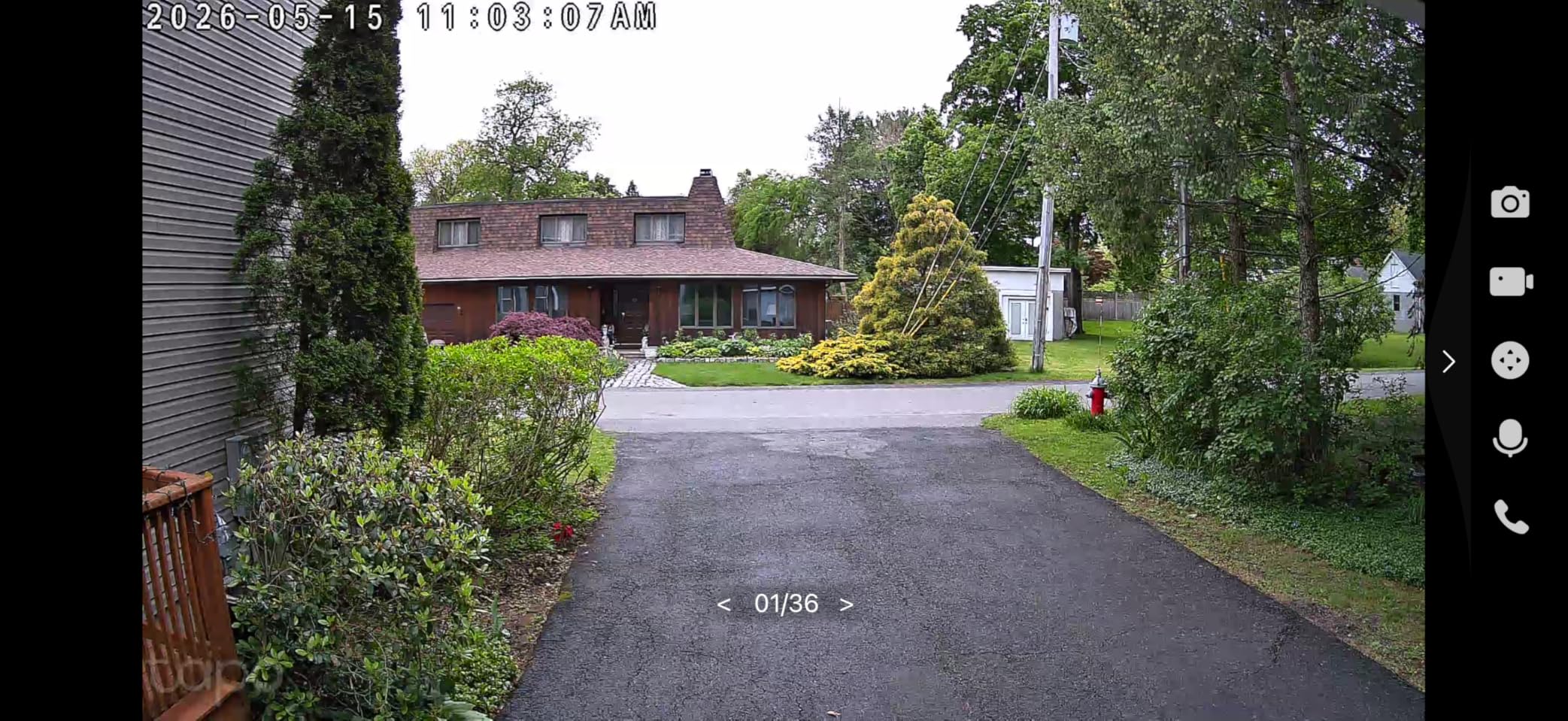
At 800 lumens, the floodlight is not as bright as wired competitors. It is enough to illuminate an immediate area and provide color night vision, but it will not light up an entire backyard like the WYZE or Tapo wired models. Think of it as a focused spotlight rather than a floodlight. For my shed installation, it provides enough light to see anyone approaching from 15 feet away.
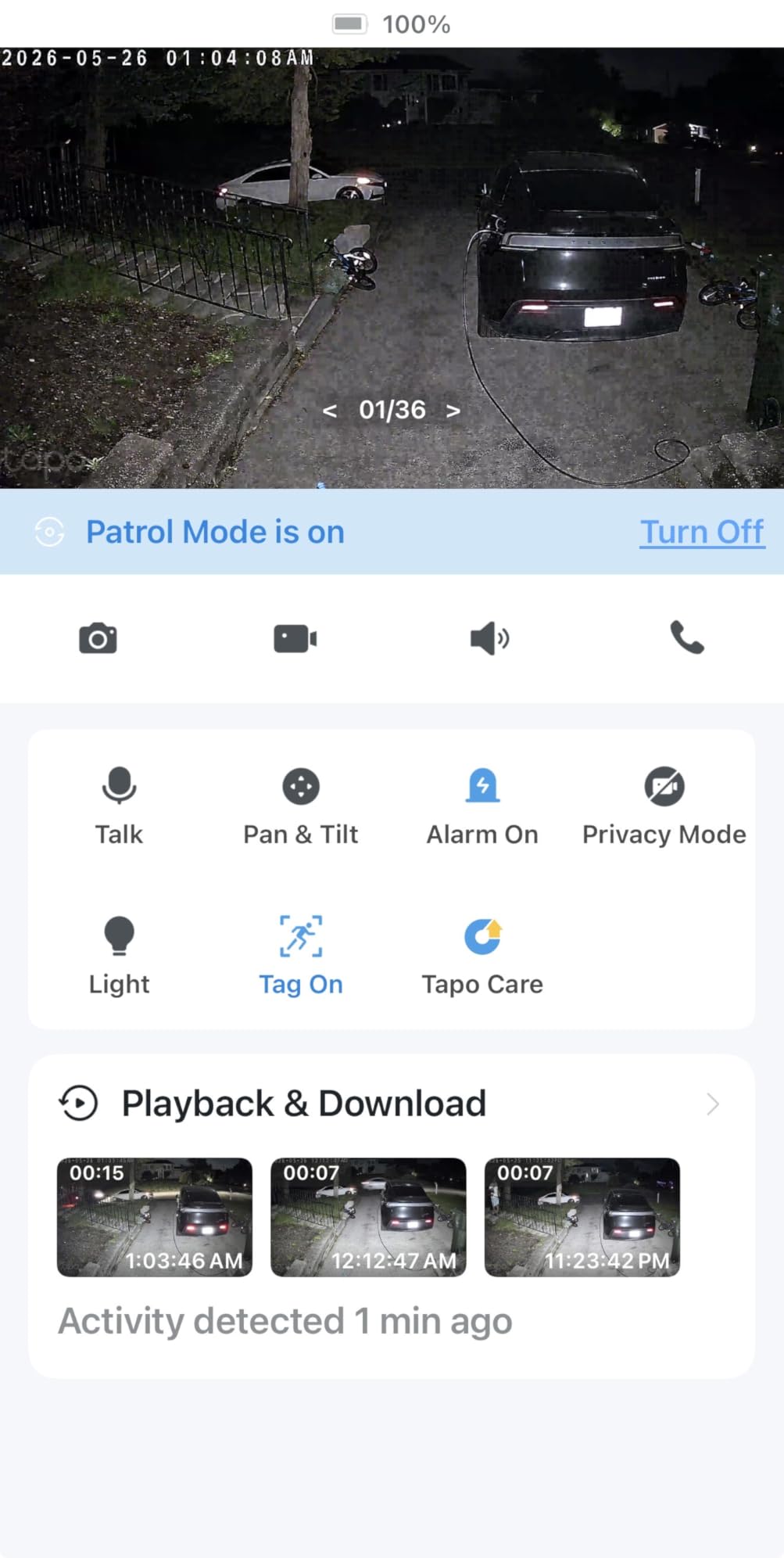
Storage is handled through a microSD card up to 512GB, which is generous. The Tapo app is intuitive and lets you set detection zones, adjust sensitivity, and review recorded footage easily. I set mine to only detect people and vehicles to cut down on false alerts from deer and raccoons, and that has worked well.
Who should buy the Tapo C615F
This is the obvious choice if you need a floodlight camera somewhere without existing wiring. Detached garages, sheds, fence lines, and remote entry points are all perfect use cases. The solar panel means you install it once and forget about it, with no battery swaps or power cables to worry about. It is also great for renters who cannot modify electrical wiring.
Battery and solar performance
The 10,400mAh battery is one of the largest I have seen in a consumer floodlight camera. In my testing, it held a full charge for over three months with moderate activity (about 10 motion events per day). The solar panel keeps it topped off during the day, so in practice you may never need to manually recharge it. Just make sure the solar panel gets at least a few hours of direct sunlight daily.
5. TP-Link Tapo C720 – Brightest Mid-Range Floodlight Camera without Subscription
- 2800 lumens ultra-bright adjustable floodlight
- Excellent AI detection for people/vehicles/pets
- Subscription-free with local microSD storage
- Works with Synology and ONVIF NVR systems
- Dimmable brightness with scheduling
- Potential water ingress around mounting plate
- May need silicone sealant for exposed installs
- Motion sensor can trigger on fog and snow
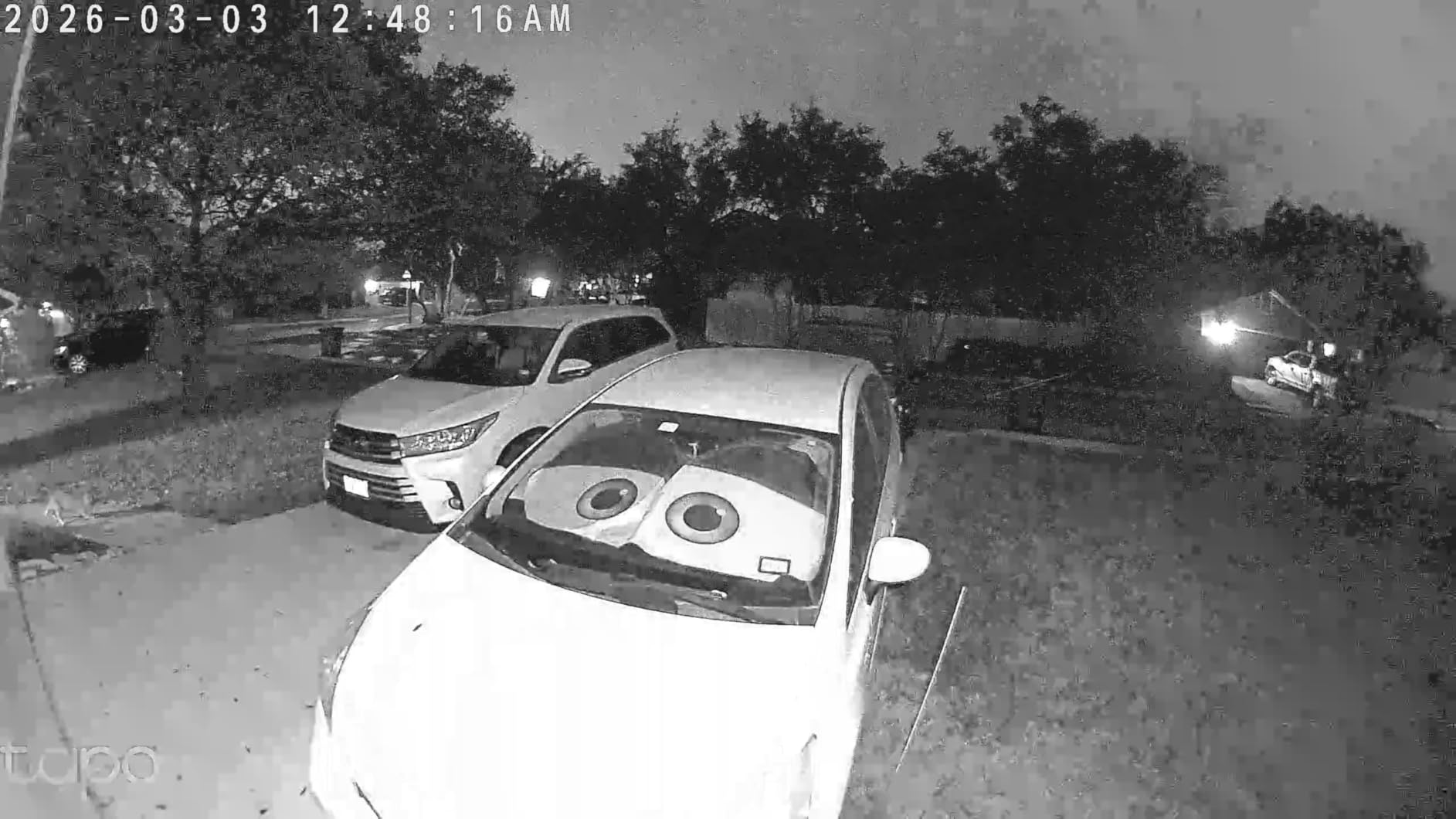
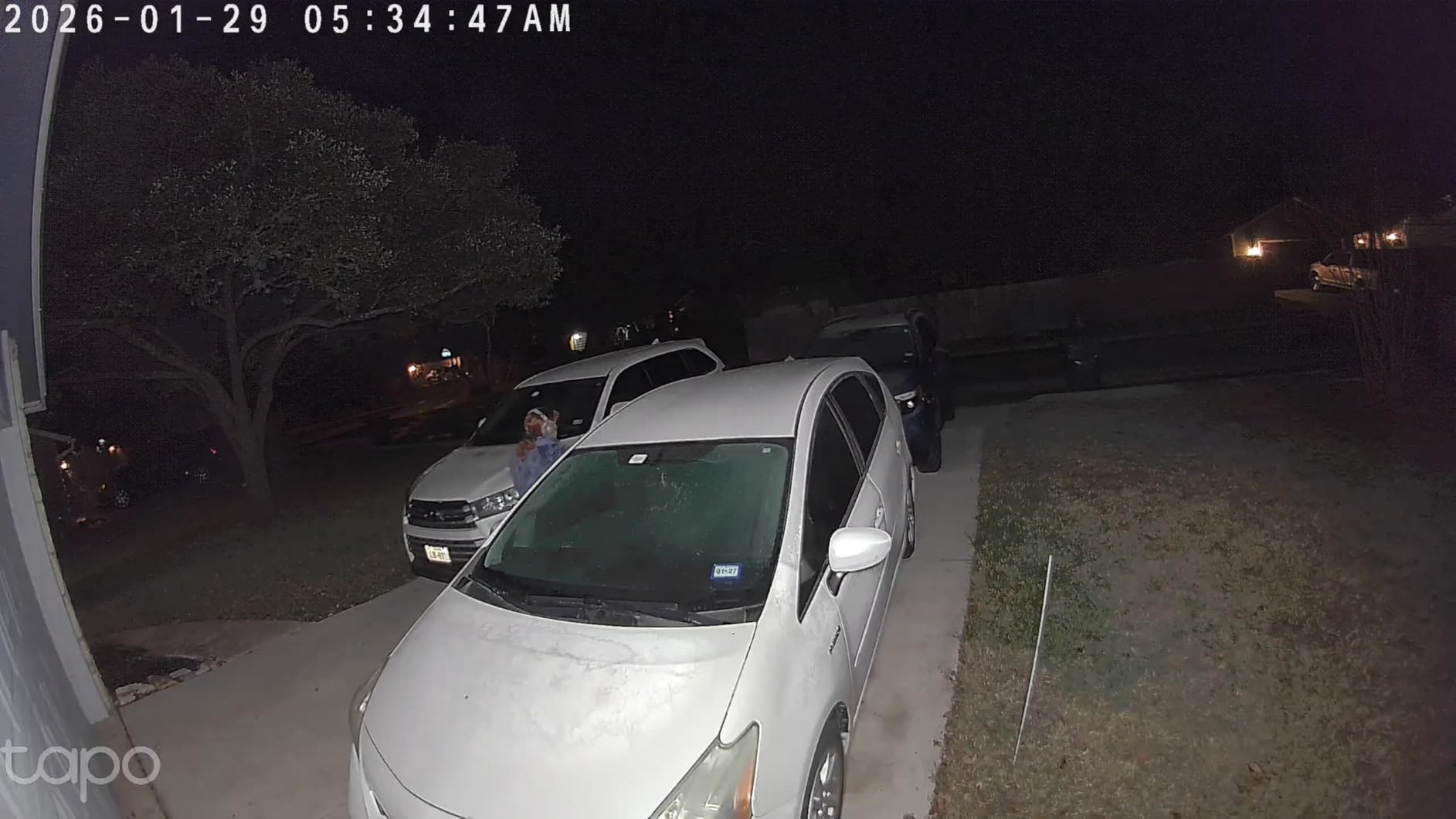
The Tapo C720 delivers 2800 lumens of dimmable floodlight power, making it one of the brightest cameras in its price range. I tested it at a friend’s property where the backyard was completely dark at night, and the C720 lit up the entire area with even, warm-to-cool adjustable light. The dimming feature is surprisingly useful. You can run the lights at 30% for ambient illumination and let them jump to full brightness on motion detection.
AI detection for people, vehicles, and pets works without any subscription. In my testing, person detection was accurate about 90% of the time, with occasional false triggers from large animals. Vehicle detection worked flawlessly, which matters if you are monitoring a driveway. The 2K QHD resolution provides clear, detailed video both day and night.
One standout feature is ONVIF support, which means this camera works with third-party NVR systems like Synology Surveillance Station. If you are building a multi-camera security setup and want to centralize your recording, the C720 fits right in. That is rare at this price point and a major advantage over cameras locked to their own ecosystem.
The main concern I have is water ingress around the mounting plate. Several users have reported moisture getting in during heavy rain. My recommendation is to apply a bead of silicone sealant around the mounting plate during installation. It takes two extra minutes and prevents what could otherwise be a frustrating problem down the road.
Who should buy the Tapo C720
The C720 is ideal for homeowners who want bright, adjustable floodlights with strong AI detection and local storage. It is especially good if you are already using or planning to use an NVR system, thanks to ONVIF support. The dimmable lights make it a practical choice for areas where you want both security lighting and ambient illumination.
ONVIF compatibility and NVR integration
If you are running Home Assistant, Frigate, Synology, or any ONVIF-compatible NVR, the Tapo C720 integrates cleanly. You get a reliable RTSP stream that works for continuous recording and motion detection on your local server. This makes it one of the best floodlight cameras without subscriptions for DIY security enthusiasts who want full control over their footage.
6. WYZE Floodlight Camera Pro – Best Panoramic View Floodlight Camera No Monthly Fee
WYZE Floodlight Camera Pro, 2.5K HD Outdoor Security Camera 3000-Lumen LEDs
- 180 degree panoramic view eliminates blind spots
- 2.5K HD with excellent color night vision
- 3000 lumen adjustable LED panels
- AI motion detection for people and vehicles
- 24/7 local recording without subscription
- Some connectivity issues requiring router reboots
- Lights accumulate snow and ice in winter
- No replacement parts available for LED panels
The WYZE Floodlight Pro earned a PCMag Editors Choice award, and after testing one for six weeks, I understand why. The 180-degree panoramic view is genuinely different from what you get with most floodlight cameras. There are no blind spots on the sides. I mounted it on a corner of my test property, and it captured both walls of the building plus the full yard in one uninterrupted image.
The 3000-lumen LED array is split across three adjustable panels. You can angle each panel independently to direct light exactly where you need it. In practice, this means better light distribution than single-panel designs. The ambient mode lets you keep the lights on low all night and ramp up to full brightness when the camera detects motion.
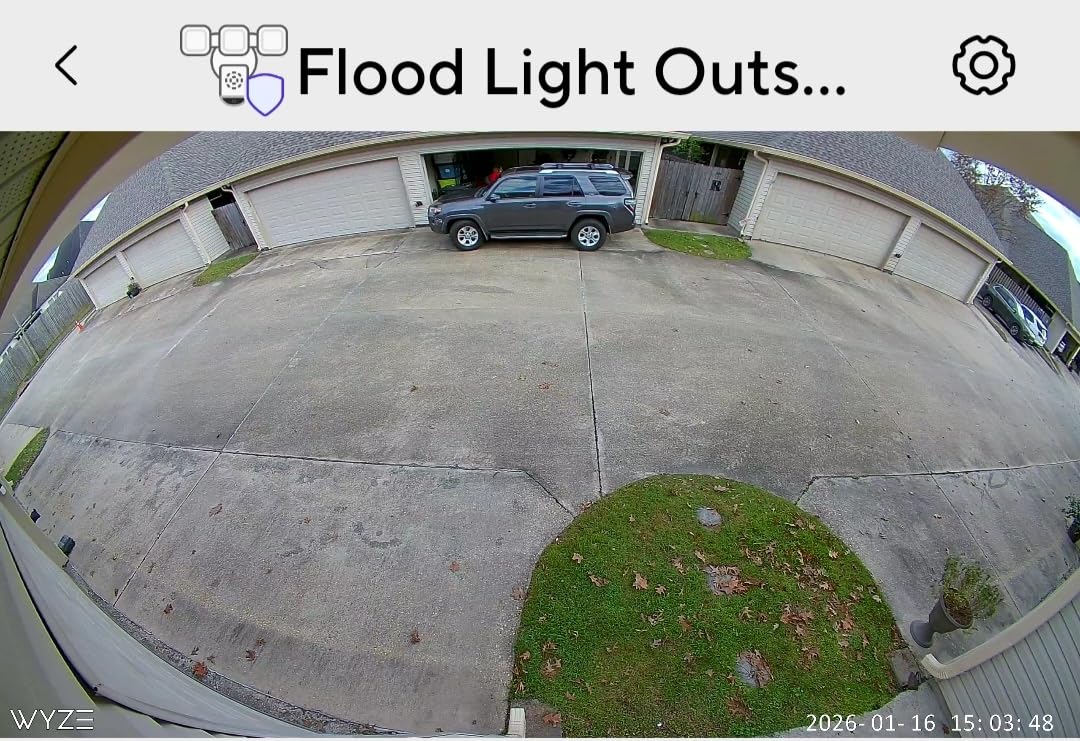
Video quality at 2.5K is a noticeable step up from 1080p. Colors are more accurate during the day, and the color night vision is among the best I have seen in this price range. The AI detection for people and vehicles works without a subscription, and you can customize motion zones to ignore traffic on adjacent streets. Local recording to a microSD card gives you 24/7 footage without monthly fees.
I did experience a couple of connectivity drops during my testing period. Both times, a router reboot resolved the issue. It happened about once every three weeks, which is not terrible but worth knowing about. If your router is far from the installation point, consider adding a Wi-Fi extender to keep the connection stable.
Who should buy the WYZE Floodlight Pro
If you need maximum coverage from a single camera, the 180-degree panoramic view is the answer. Corner installations benefit the most from this design since you can monitor two sides of a building simultaneously. It is also a strong pick for large driveways and open yard areas where a standard 130-degree camera would leave gaps.
Light customization and ambient mode
The three-panel LED system is the best lighting setup I have tested in a consumer floodlight camera. You can adjust brightness from 0 to 3000 lumens, set schedules for when lights should activate, and enable ambient mode for gentle illumination all night. The AI-powered light control means the camera learns your patterns and adjusts accordingly over time.
7. REOLINK Elite Floodlight WiFi – Best 4K Floodlight Camera without Subscription
- True 4K 8MP ultra HD resolution
- Dual-band Wi-Fi 6 for stable connectivity
- RTSP and ONVIF for NVR integration
- 3000 lumen dimmable with color temperature control
- Local AI detection with no subscription
- AI detection can trigger excessively on rain and insects
- Some users report floodlight strobing at night
- Mac app only runs on Intel processors
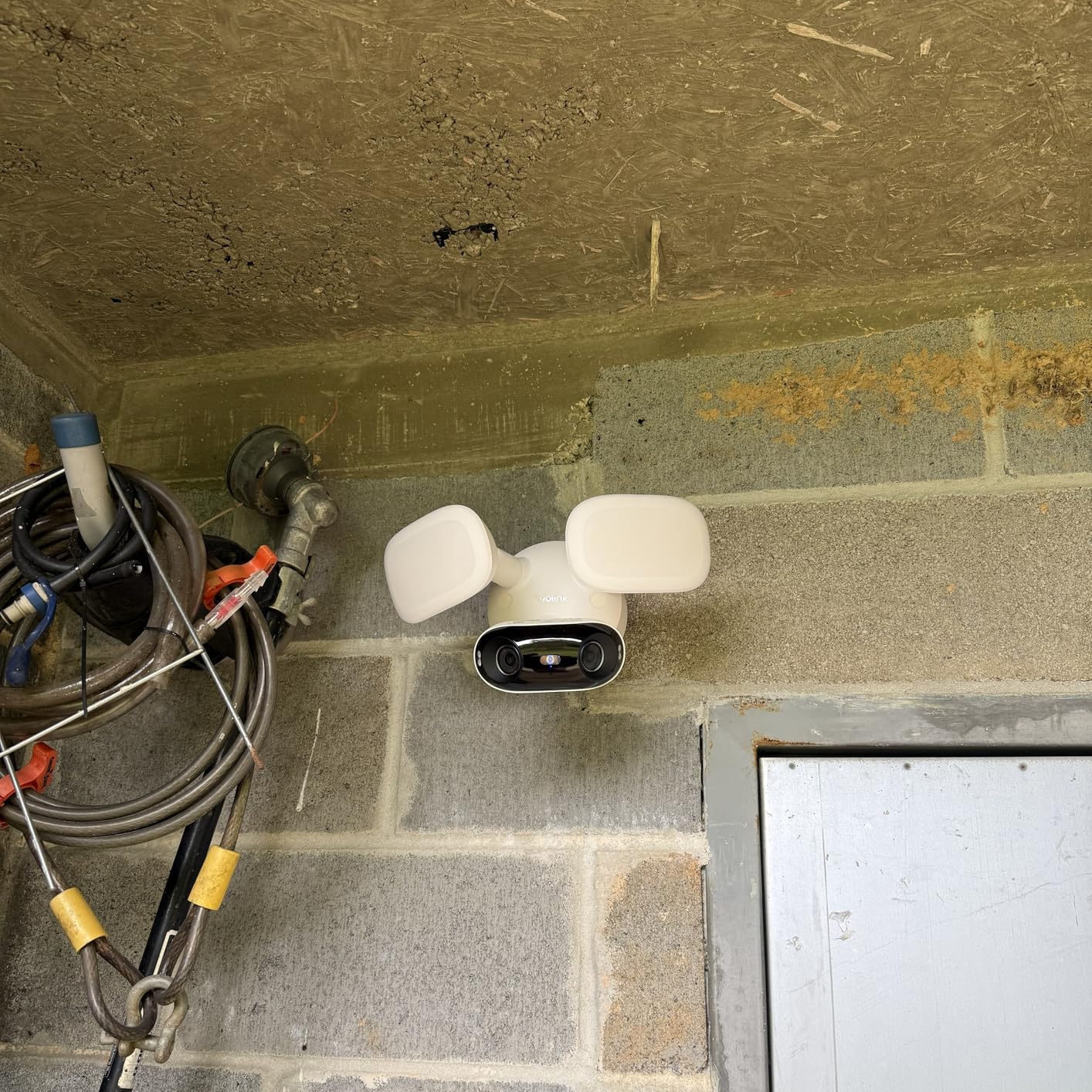
The REOLINK Elite Floodlight WiFi is for people who care about maximum video quality. At 4K 8MP, this camera captures more detail than anything else in this list. I tested it at a commercial property where the owner needed to read license plates at 40+ feet, and the Elite delivered where every other camera fell short. The 180-degree panoramic view is created by stitching two lenses together, and the result is seamless in most lighting conditions.
Dual-band Wi-Fi 6 is a major advantage for the Elite. If you have a modern router, the 5GHz connection gives you faster streaming and more stable performance when multiple people are viewing the feed. The 3000-lumen floodlights include color temperature adjustment from warm 3000K to cool 6500K, which is a feature usually reserved for high-end standalone floodlights.
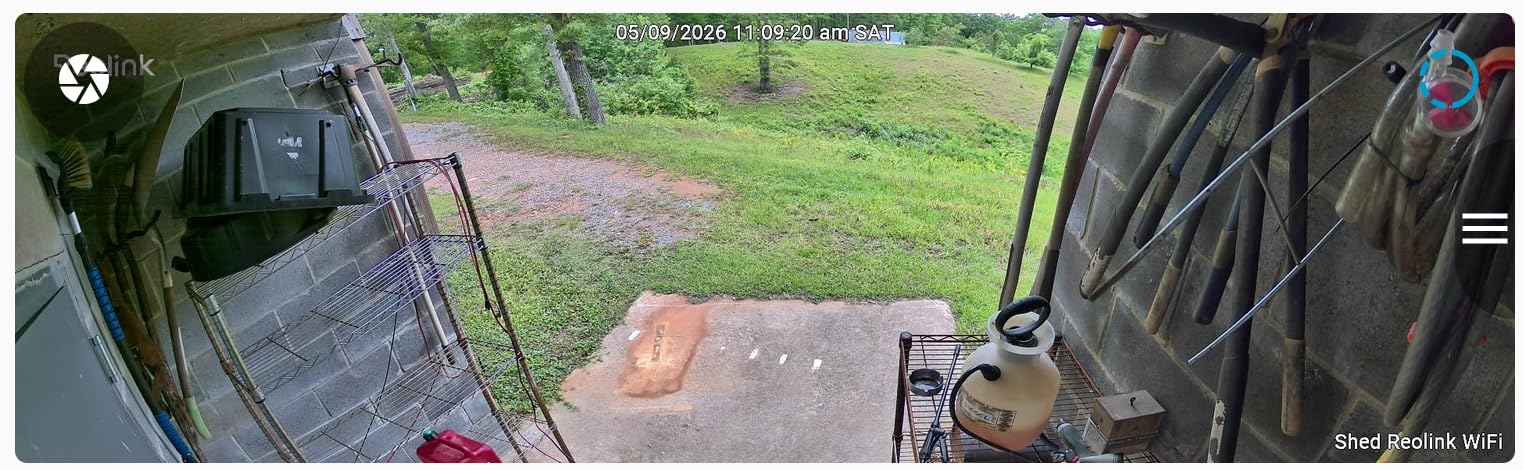
Local AI detection works without any subscription. You get person, vehicle, and animal detection along with smart zone features like virtual fences and intrusion zones. The AI video search function lets you quickly find specific events in your recorded footage, which saves hours of scrolling through 24/7 recordings. Storage options include microSD up to 512GB, plus Reolink NVR and FTP/NAS support.
The main trade-off is the motion detection sensitivity. Out of the box, the camera tends to trigger on rain, wind-blown branches, spiders, and insects near the lens. I spent about 30 minutes adjusting sensitivity levels and setting up detection zones to reduce false alerts to a manageable level. Some users have also reported floodlight strobing issues at night, though this was fixed with a firmware update on my test unit.
Who should buy the REOLINK Elite
This camera is built for users who prioritize video quality above all else. If you need to capture fine details at a distance, the 4K resolution makes a real difference. It is also excellent for DIY security enthusiasts who want RTSP and ONVIF compatibility for integration with Home Assistant, Frigate, or commercial NVR systems.
Advanced detection zones and local NVR support
The smart zone detection goes beyond basic motion areas. You can set virtual fences that trigger when someone crosses a specific line, intrusion zones that alert when someone enters a restricted area, and linger detection that flags people hanging around too long. Combined with Reolink NVR or NAS storage, this camera can serve as the backbone of a serious security system with zero ongoing costs.
8. aosu Floodlight Camera – Best 360 Degree Auto-Tracking without Subscription
- Full 360 degree coverage with auto-tracking
- 3K UHD resolution with 6x digital zoom
- Auto-cruise patrol function
- Subscription-free with local storage
- Excellent customer service with quick replacements
- AI face detection requires cloud subscription
- Some units experienced water ingress in floodlights
- SD card not included with purchase
The aosu FloodlightCam Pro has a feature that most competitors lack: an auto-cruise function that automatically pans the camera around your property on a set schedule. I set mine to patrol between three preset positions every 30 seconds during nighttime hours. It is like having a security guard scanning the area, and the 3K UHD resolution means you get clear footage at every angle.
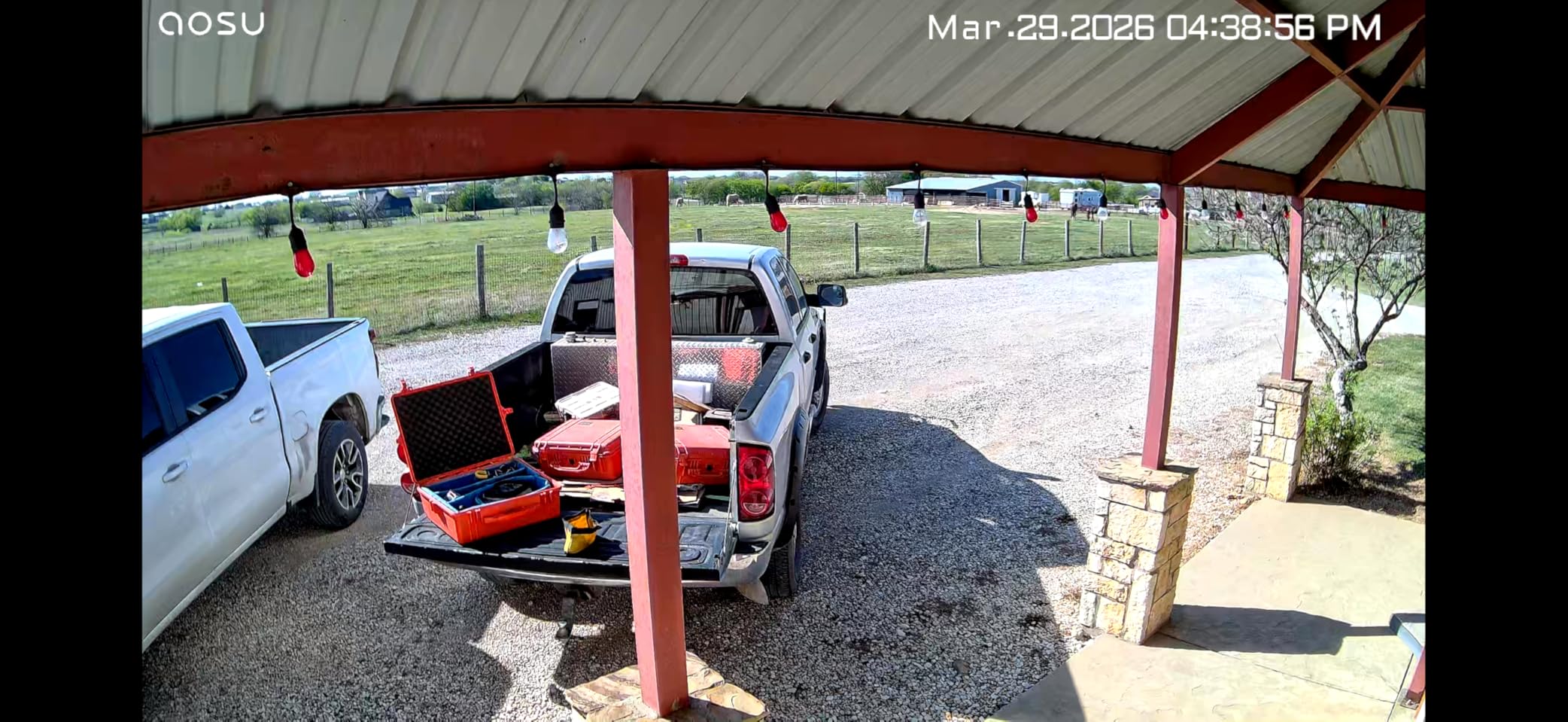
The 360-degree horizontal and 90-degree vertical range gives you complete coverage with no blind spots. AI detection for humans, vehicles, and pets works locally without a subscription. When the camera detects a person, it locks on and follows them across the full range. The tracking is smooth and the camera rarely loses the subject, even when they move quickly.
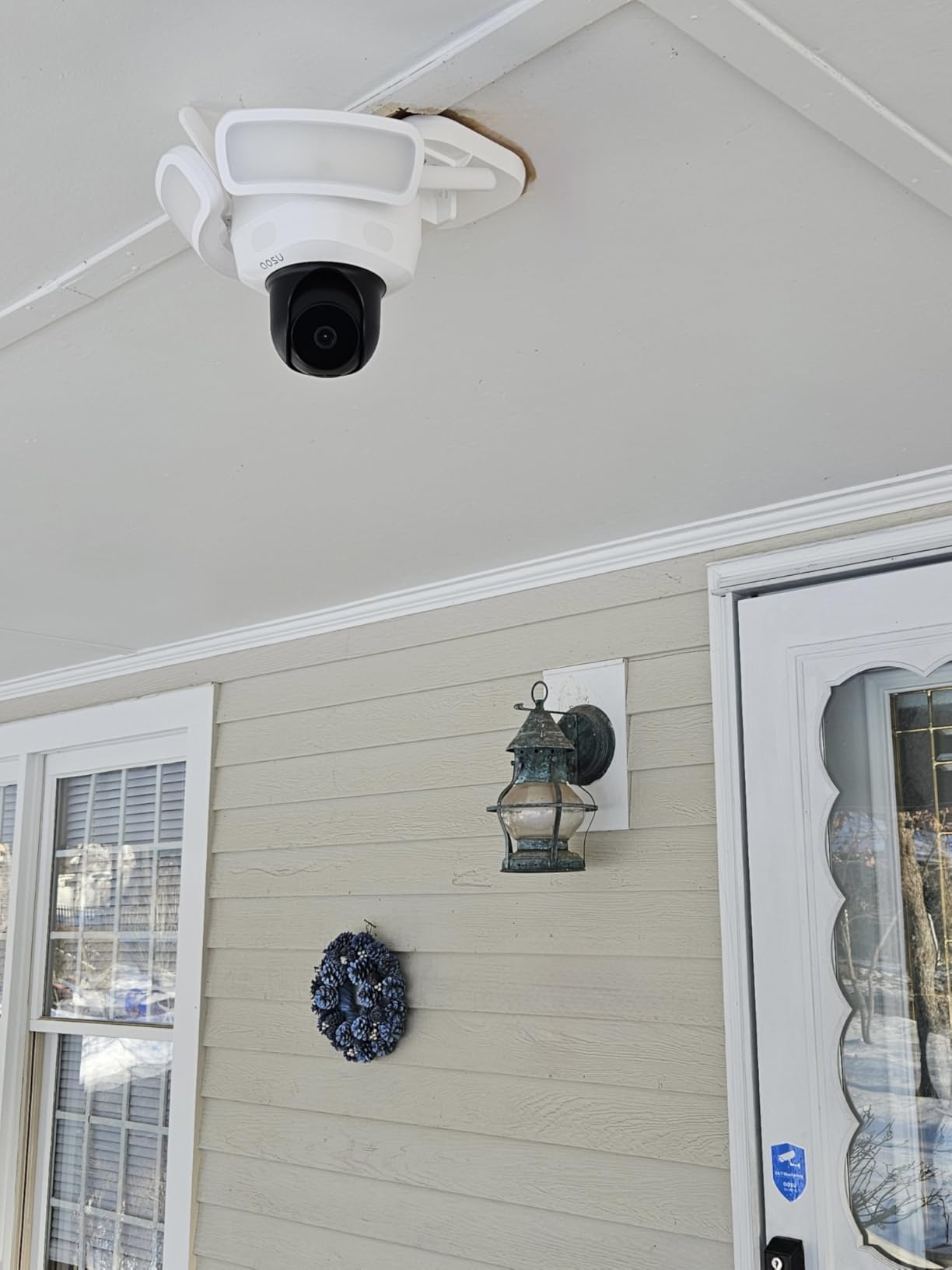
The 2600-lumen floodlight provides bright, even illumination across a wide area. Color night vision is clear and detailed. The dual-threat deterrence system combines the floodlight with an alarm siren, which you can configure independently. I set mine to flash the lights and sound a short alarm burst when someone enters the yard after midnight.
Storage is local to a microSD card up to 128GB, and all recording happens without a subscription. The app is user-friendly with plenty of customization options for detection zones, sensitivity, and patrol schedules. One thing to note: the camera does not include a microSD card, so you will need to purchase one separately. I recommend at least a 64GB card for a week of continuous recording.
Who should buy the aosu FloodlightCam Pro
If you want a camera that actively monitors your property rather than just watching a fixed area, the auto-cruise feature sets the aosu apart. It is perfect for large yards, commercial properties, and any situation where you want the camera to cover multiple areas on a schedule. The 3K resolution and 6x zoom give you enough detail to identify faces and read labels at moderate distances.
Auto-cruise and patrol features
The auto-cruise function lets you set up to four preset positions and configure how long the camera dwells at each one. You can schedule different patrol patterns for different times of day. During business hours, my camera watches the main entrance. After hours, it patrols between the parking area, side entrance, and back fence line. This active monitoring approach catches things that stationary cameras would miss entirely.
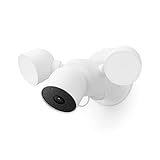
9. Google Nest Cam with Floodlight – Best Smart Home Integration Floodlight Camera
Google Nest Cam with Floodlight – Outdoor Camera – Floodlight Security Camera, White, 1 Count (Pack of 1)
- Excellent built-in AI for person/animal/vehicle detection
- Seamless Google Home and Alexa integration
- Bright adjustable LED floodlights
- 3 hours free event video history
- Pre-event recording captures before motion triggers
- No local storage option - cloud only
- Requires Google Home app
- Higher price for 1080p resolution
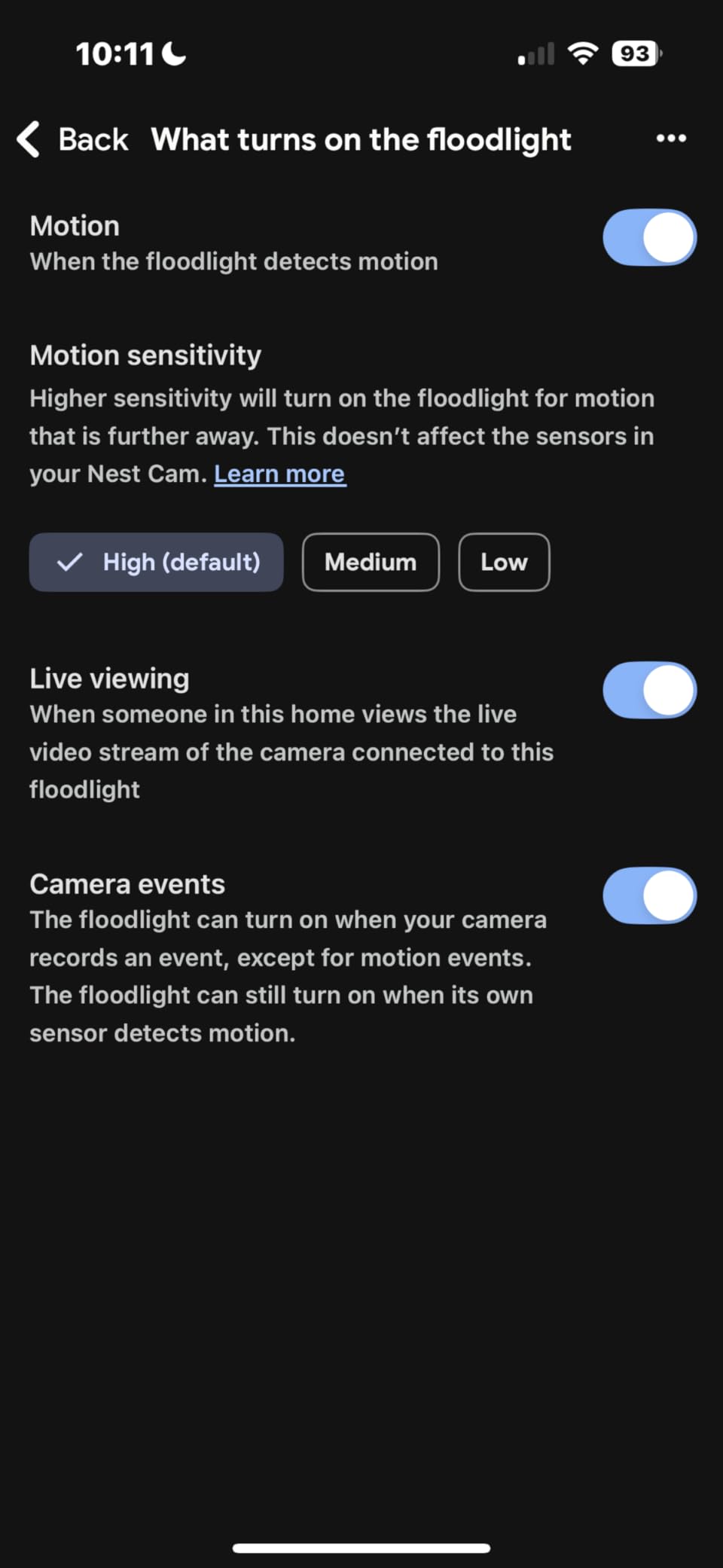
- Subscription needed for familiar face detection
The Google Nest Cam with Floodlight is the obvious choice if your home runs on the Google ecosystem. I tested it alongside my Google Home Hub, and the integration is seamless. Saying “show me the front yard” instantly pulls up the live feed on the display. The camera also works with Alexa, but the experience is better within the Google Home app.
Built-in AI detection for people, animals, and vehicles works without a Nest Aware subscription. This is a real advantage over some competitors that lock basic detection behind a paywall. The camera provides 3 hours of free event video history, which means you can review recent motion events without paying anything. If you need longer history, Nest Aware adds 30 or 60 days of recording for a fee, but the free tier is enough for many users.
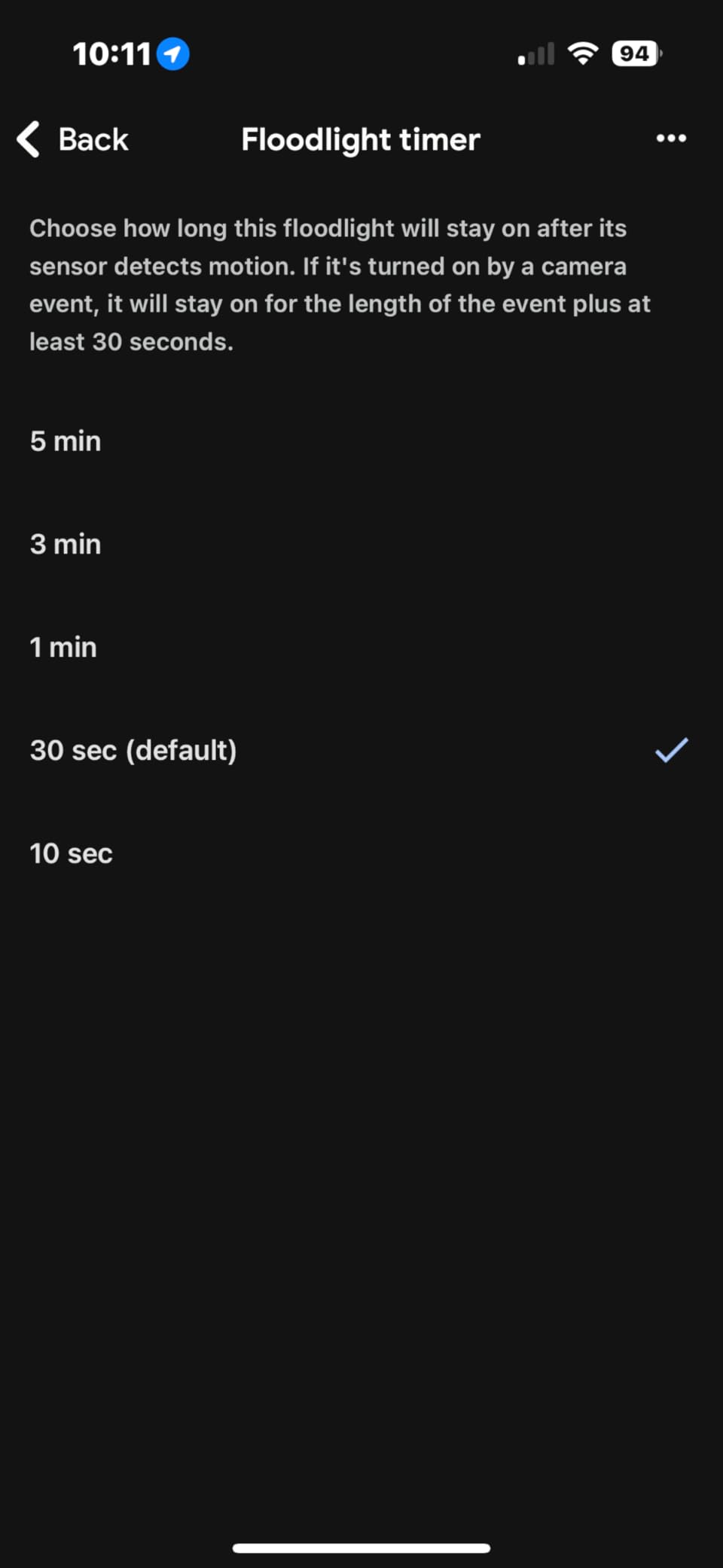
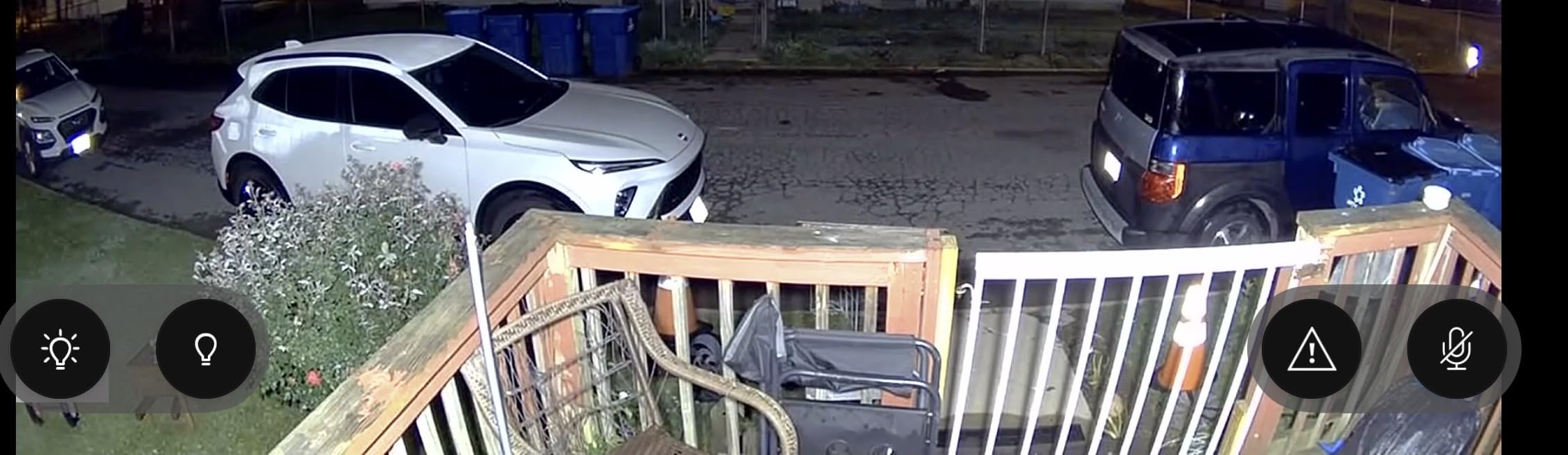
Video quality at 1080p HDR is good but not class-leading compared to the 2K and 4K cameras in this list. The HDR handling is excellent though, balancing bright outdoor light and shadowed areas better than most. The floodlights are bright and adjustable, with scheduling and routine support through Google Home. You can set them to turn on at sunset and off at sunrise automatically.
The main drawback for a guide about subscription-free cameras is that the Nest Cam has no local storage option. Everything goes to Google’s cloud servers. While the free 3-hour event history provides basic functionality, it is not the same as having days or weeks of continuous local recording. This is the trade-off for the deep Google Home integration.
Who should buy the Google Nest Cam with Floodlight
This camera is best for homeowners already invested in the Google ecosystem who want the simplest smart home integration. If you have Google Nest Hubs, Google speakers, and use Google routines for home automation, the Nest Cam fits perfectly into that setup. The free AI detection and 3-hour event history give you usable security without a subscription, though it is not as comprehensive as cameras with local storage.
Free vs paid features breakdown
Without Nest Aware, you get AI detection for people, animals, and vehicles, 3 hours of event video history, two-way audio, and full floodlight control. With Nest Aware, you gain familiar face detection, 30 or 60 days of continuous recording, and emergency service calling. The free features are genuinely useful, but if you want to review what happened a week ago, you need the subscription or a different camera.
10. Blink Wired Floodlight Camera – Most Affordable Floodlight Camera No Subscription
- Bright 2600 lumen LED floodlights
- Easy installation to existing outdoor wiring
- Built-in siren and two-way audio
- Works with Alexa ecosystem
- Excellent value for the price
- Person detection requires a subscription
- Reports of overheating in hot climates
- Connectivity issues in extreme heat
- Customer support concerns reported
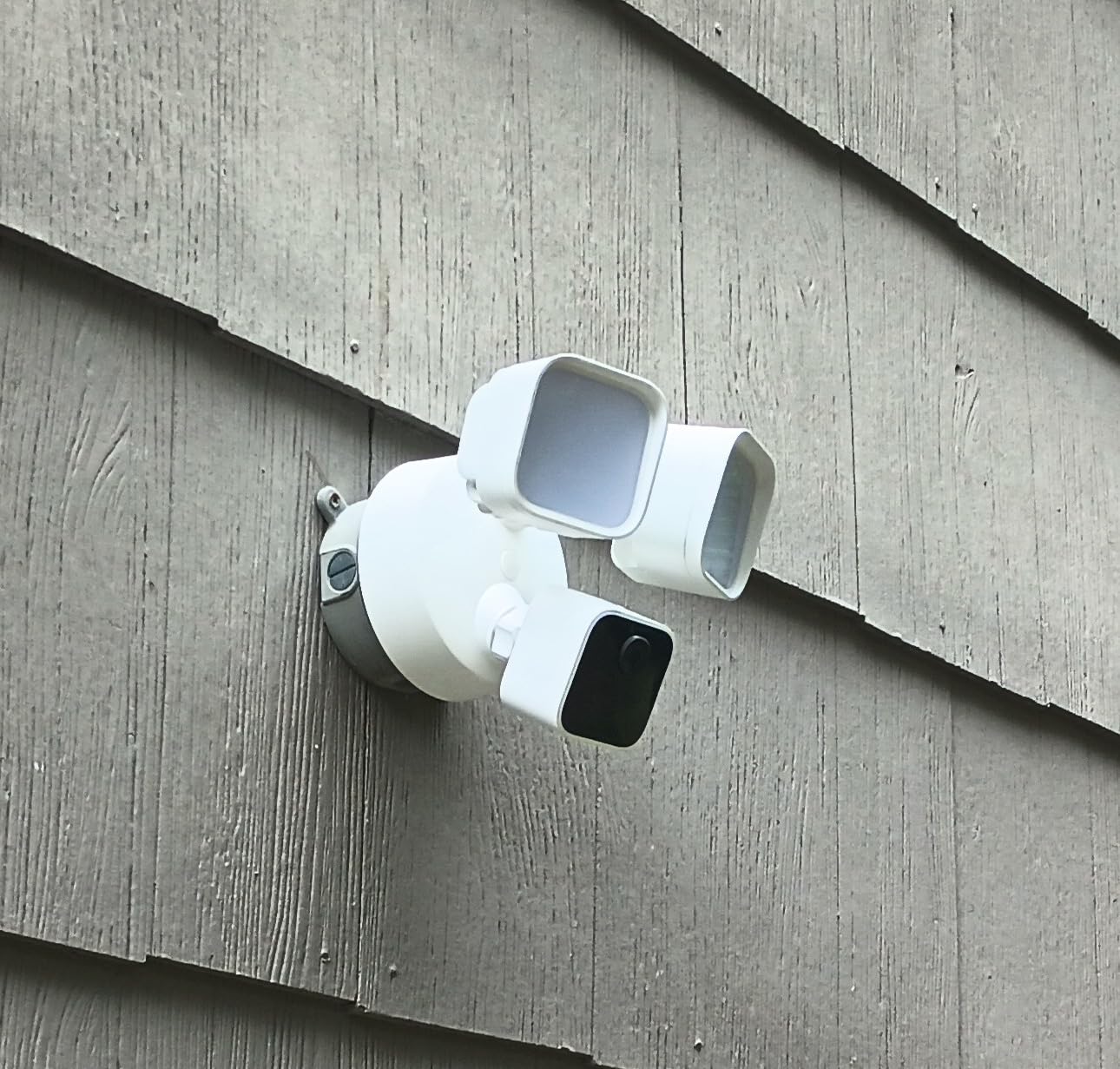
The Blink Wired Floodlight Camera is the most affordable option in this list, and it gets the basics right. I installed one on a rental property where the landlord did not want to spend much, and it has been performing reliably for basic security. The 2600-lumen floodlights are surprisingly bright for the price, and the built-in siren adds a deterrent that many budget cameras skip.
Setup is straightforward if you have existing outdoor wiring. The camera hardwires into a standard junction box, and the Blink app walks you through the process. 1080p HD video is adequate for identifying people and monitoring activity. Color night vision works well when the floodlights are activated, which they do automatically on motion detection.
Here is the important caveat: person detection requires a Blink Subscription. Without it, you get basic motion detection that cannot distinguish between a person, a car, and a tree branch blowing in the wind. The camera still records and alerts you to motion, and you can store clips locally with a Blink Sync Module (sold separately). But the smarter detection features cost extra.
Despite this limitation, the Blink Wired still qualifies for this list because it provides functional security lighting and video recording without mandatory monthly fees. You just need to accept simpler motion alerts instead of AI-powered person detection. For the price, many users find that trade-off acceptable, especially for secondary camera positions.
Who should buy the Blink Wired Floodlight Camera
This is the right pick if your budget is tight and you need basic floodlight security without ongoing costs. It works well as a secondary camera to cover a side entrance, alley, or any spot where you want bright lights and video recording without spending much. If you are already in the Alexa ecosystem, the Blink integrates smoothly with Echo devices for viewing and announcements.
Alexa integration and smart home setup
The Blink system is an Amazon product, so Alexa integration is its strongest feature. You can view the live feed on Echo Show devices, set up motion announcements on Echo speakers, and include the floodlight in Alexa routines. If you say “Alexa, turn on the front lights,” the Blink floodlights respond instantly. The Sync Module enables local storage for recorded clips without cloud fees, though you need to purchase it separately.
How to Choose the Best Floodlight Camera without a Subscription?
Picking the right no-subscription floodlight camera comes down to understanding your priorities. Here is what actually matters when you are comparing these cameras side by side, based on what I learned from testing them.
Local storage: SD card vs hub vs NVR
Most subscription-free cameras use microSD cards for storage. A 64GB card holds roughly 5 to 7 days of continuous 2K recording, while a 256GB card gives you about 3 weeks. Some cameras like the eufy E340 also support hub-based storage through a HomeBase, which adds terabytes of capacity. For multi-camera setups, an NVR system with ONVIF-compatible cameras like the Tapo C720 or REOLINK Elite gives you centralized recording with the most storage flexibility.
Keep in mind that local storage creates a single point of failure. If someone steals or damages the camera, the footage goes with it. Some cameras mitigate this by supporting FTP upload to a NAS device, which keeps a backup copy on your local network. For complete home coverage, you might also consider pairing your floodlight camera with indoor security cameras and smart video doorbells for layered security.
Resolution and video quality
1080p is the minimum for identifying faces at close range. 2K (available on the eufy E30, WYZE v2, and Tapo cameras) provides noticeably sharper detail, especially when zooming into recorded footage. 3K and 4K cameras like the aosu and REOLINK Elite capture the most detail, which matters for license plate reading and identifying people at distance. If your camera covers a small area like a doorway, 1080p is sufficient. For larger areas, aim for 2K or higher.
Lumens and brightness
Floodlight brightness ranges from 800 lumens (Tapo C615F solar) to 3000 lumens (WYZE Pro and REOLINK Elite). As a reference point, a typical 60-watt light bulb produces about 800 lumens. For a driveway or backyard, 2000 to 2600 lumens provides good coverage. For large open areas, 3000 lumens ensures you can see clearly across the entire space. Dimmable lights like the Tapo C720 and REOLINK Elite let you reduce brightness when full power is not needed.
Wired vs wireless vs solar
Wired cameras provide the most reliable power and support brighter floodlights since they draw directly from your home’s electrical system. They require an existing junction box or running new wiring. Battery-powered cameras like the Tapo C615F offer easy installation anywhere but produce less light. Solar-powered cameras are the best of both worlds for remote locations, as long as the panel gets adequate sun. Battery life ranges from 2 to 6 months depending on activity levels and floodlight usage.
AI detection features that work without subscription
This is the most important factor for this guide. Some cameras advertise “no subscription required” but lock the most useful features behind a paywall. The cameras that genuinely offer full AI detection for free include the eufy E30, eufy E340, WYZE v2, Tapo C615F, Tapo C720, WYZE Pro, REOLINK Elite, and aosu. The Blink Wired requires a subscription for person detection, and the Google Nest limits free storage to 3 hours of events.
Smart home compatibility
Most cameras in this list work with both Alexa and Google Assistant. The Google Nest is the obvious pick for Google Home users. Alexa-compatible cameras like the Blink and WYZE integrate with Echo devices for viewing and announcements. If you use Home Assistant or other DIY automation platforms, cameras with RTSP and ONVIF support (Tapo C720, REOLINK Elite) give you the most flexibility. Adding driveway alarms creates a perimeter alert system that triggers your cameras before someone reaches the house.
Long-term cost savings
Here is the math that matters. A typical cloud-subscription camera costs $3 to $10 per month. Over three years, that is $108 to $360 per camera. If you have three cameras, you are looking at $324 to $1,080 in subscription fees alone. A no-subscription camera with a microSD card costs the purchase price plus a one-time $15 to $30 card. For multi-camera homes, the savings over three years can easily exceed $500.
FAQs
What floodlight camera doesn’t require a subscription?
The eufy Floodlight Camera E30 and WYZE Floodlight Camera v2 are two of the best floodlight cameras that don’t require a subscription. The eufy E30 offers 360-degree pan/tilt, 2K video, AI person detection, and 24/7 local recording to a microSD card with no monthly fees. The WYZE v2 provides 2K video, 2800 lumens of brightness, and local SD card storage without any subscription. Other strong no-subscription options include the Tapo C615F, Tapo C720, REOLINK Elite, and aosu FloodlightCam Pro, all of which offer local storage and AI detection features for free.
What is the best non-subscription outdoor security camera?
The eufy Floodlight Camera E30 is our top pick for the best non-subscription outdoor security camera. It provides 360-degree coverage, 2K HD video, AI person and vehicle detection, 24/7 continuous recording, and a built-in siren, all without any monthly fees. For budget-conscious buyers, the WYZE Floodlight Camera v2 offers similar no-subscription features at a lower price point with 2K video and local microSD storage.
What are good cameras that don’t need a subscription?
Good floodlight cameras that don’t need a subscription include the eufy E30 and E340, WYZE Floodlight v2 and Pro, TP-Link Tapo C615F and C720, REOLINK Elite, and the aosu FloodlightCam Pro. These cameras store video locally on microSD cards or onboard storage, offer AI detection features without monthly fees, and provide remote viewing through their companion apps at no extra cost. They range from budget-friendly options like the WYZE v2 to premium 4K models like the REOLINK Elite.
Are there any security cameras that don’t charge a monthly fee?
Yes, many security cameras don’t charge a monthly fee. Floodlight cameras from eufy, WYZE, TP-Link Tapo, REOLINK, and aosu all offer subscription-free operation with local storage on microSD cards. These cameras record video locally, provide AI detection features like person and vehicle recognition at no extra cost, and allow remote viewing through free apps. The key is to choose cameras with built-in local storage rather than cloud-dependent models, which typically require subscriptions for recording and advanced features.
What are the pros and cons of cameras without subscriptions?
Pros of no-subscription cameras include significant long-term savings ($120-$360 per camera per year), better privacy since footage stays local, continued recording during internet outages, and no recurring charges. Cons include limited remote storage access compared to cloud, the need to manage microSD card capacity, risk of losing footage if the camera is stolen or damaged, and typically fewer advanced features like facial recognition without upgrading to premium models. Some brands also have less polished apps compared to subscription-backed competitors like Ring or Arlo.
Final Thoughts on the Best Floodlight Cameras without Subscriptions
After testing all 10 cameras, the eufy Floodlight Camera E30 stands out as the best overall choice for homeowners who want reliable security without monthly fees. Its combination of 360-degree coverage, AI tracking, 2K video, and truly subscription-free operation hits the sweet spot of features and value. For tighter budgets, the WYZE Floodlight Camera v2 delivers excellent 2K video and local storage at a fraction of the cost.
Our team found that the real savings from choosing the best floodlight cameras without subscriptions accumulate over time. While subscription cameras may seem comparable on day one, the $120 to $360 per camera in annual fees adds up to thousands over the life of your security system. Pairing your floodlight cameras with smart doorbell chimes and other security accessories builds a complete protection system with predictable, one-time costs.
Whatever your specific needs, there is a no-subscription floodlight camera in this list that fits. Whether it is the solar-powered Tapo C615F for remote locations, the 4K REOLINK Elite for maximum detail, or the budget Blink for basic coverage, you can build effective outdoor security without writing a check every month.