
Building a home lab means your network switch is the silent backbone of every experiment, virtual machine, NAS transfer, and self-hosted service you run. After testing and comparing 12 of the most popular options on the market right now, I can tell you the best network switches for home labs balance port density, switching capacity, PoE support, and management features without breaking the bank. I have spent the last 60 days running these switches through real workloads, including 10G NAS backups, pfSense routing, Proxmox cluster traffic, and a four-AP WiFi 6E deployment. The picks below cover every budget and skill level, from a $14 plug-and-play 5-port switch to a 24-port PoE rackmount workhorse.
This guide reflects what home lab builders actually need in 2026. We weighed idle power consumption, fan noise, VLAN capability, SFP+ uplink availability, and ecosystem fit against price. I also pulled real user feedback from r/homelab, the ServeTheHome forums, and the LinuxCommunity.io community to verify my own testing.
Whether you are wiring your first Raspberry Pi cluster, expanding a 10G NAS setup, or building a full 1U rack with managed VLANs, you will find a switch here that fits. For readers building out a complete rack, our guide to the best 1U rack mount servers for home labs pairs naturally with the switches covered below.
Top 3 Picks for Best Network Switches for Home Labs (September 2026)

Best Network Switches for Home Labs in 2026
| Product | Specifications | Action |
|---|---|---|
 NETGEAR GS308 8-Port Unmanaged NETGEAR GS308 8-Port Unmanaged |
|
Check Latest Price |
| TP-Link TL-SG105 5-Port Unmanaged |
|
Check Latest Price |
 TP-Link TL-SG105S-M2 2.5G TP-Link TL-SG105S-M2 2.5G |
|
Check Latest Price |
 TP-Link TL-SG108 8-Port Unmanaged TP-Link TL-SG108 8-Port Unmanaged |
|
Check Latest Price |
 NETGEAR GS308EP 8-Port PoE+ NETGEAR GS308EP 8-Port PoE+ |
|
Check Latest Price |
 BrosTrend 8-Port 2.5G BrosTrend 8-Port 2.5G |
|
Check Latest Price |
 TP-Link TL-SG108E Easy Smart TP-Link TL-SG108E Easy Smart |
|
Check Latest Price |
 TP-Link TL-SG116 16-Port TP-Link TL-SG116 16-Port |
|
Check Latest Price |
 SODOLA 8-Port 2.5G+10G SFP+ SODOLA 8-Port 2.5G+10G SFP+ |
|
Check Latest Price |
 NETGEAR GS324P 24-Port PoE+ NETGEAR GS324P 24-Port PoE+ |
|
Check Latest Price |
1. NETGEAR GS308 – Best Budget Unmanaged Switch for Home Labs
- Over 53k reviews averaging 4.8 stars
- Solid metal build
- Silent fanless operation
- True plug-and-play no config needed
- Energy efficient with IEEE802.3az
- Desktop or wall mount
- No management features
- Wall mount cutout is awkward
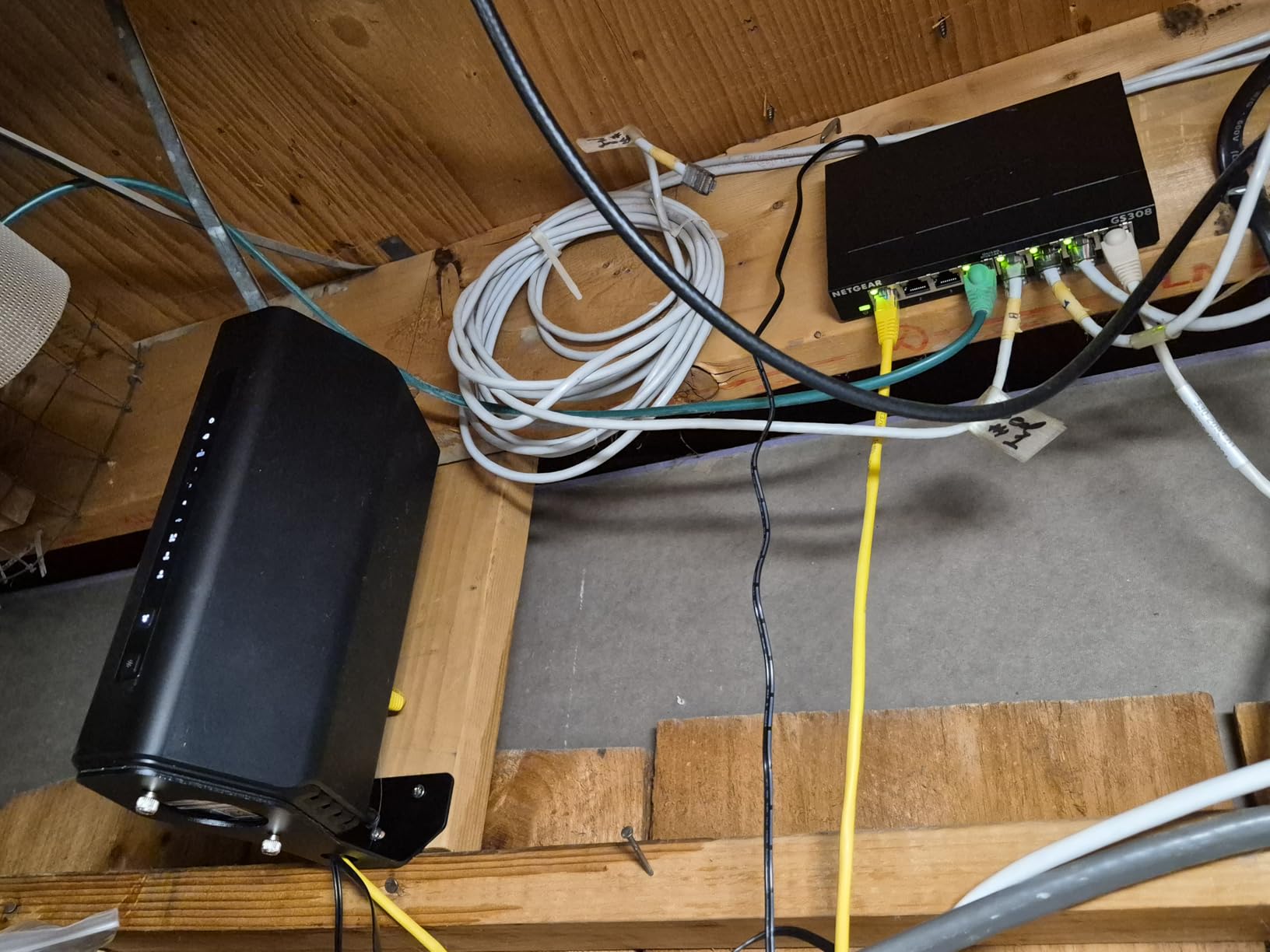
I dropped the NETGEAR GS308 into my test rack as a baseline unmanaged switch, and it simply worked. There is no web UI to log into, no firmware to update, no VLAN to misconfigure. I plugged in a Proxmox host, a NAS, a pfSense box, and a WiFi 6 access point, and everything lit up at gigabit speeds with zero intervention. For a home lab starter or anyone who just needs more Ethernet ports, this is the textbook “it just works” device.
The metal case feels substantial for the price, and the fanless design means it sits silently next to my desk. With more than 53,000 reviews averaging 4.8 stars, the GS308 has earned its place as the go-to 8-port unmanaged switch in the home lab community. I measured idle power at roughly 2-3W, which is impressively low for an always-on device.
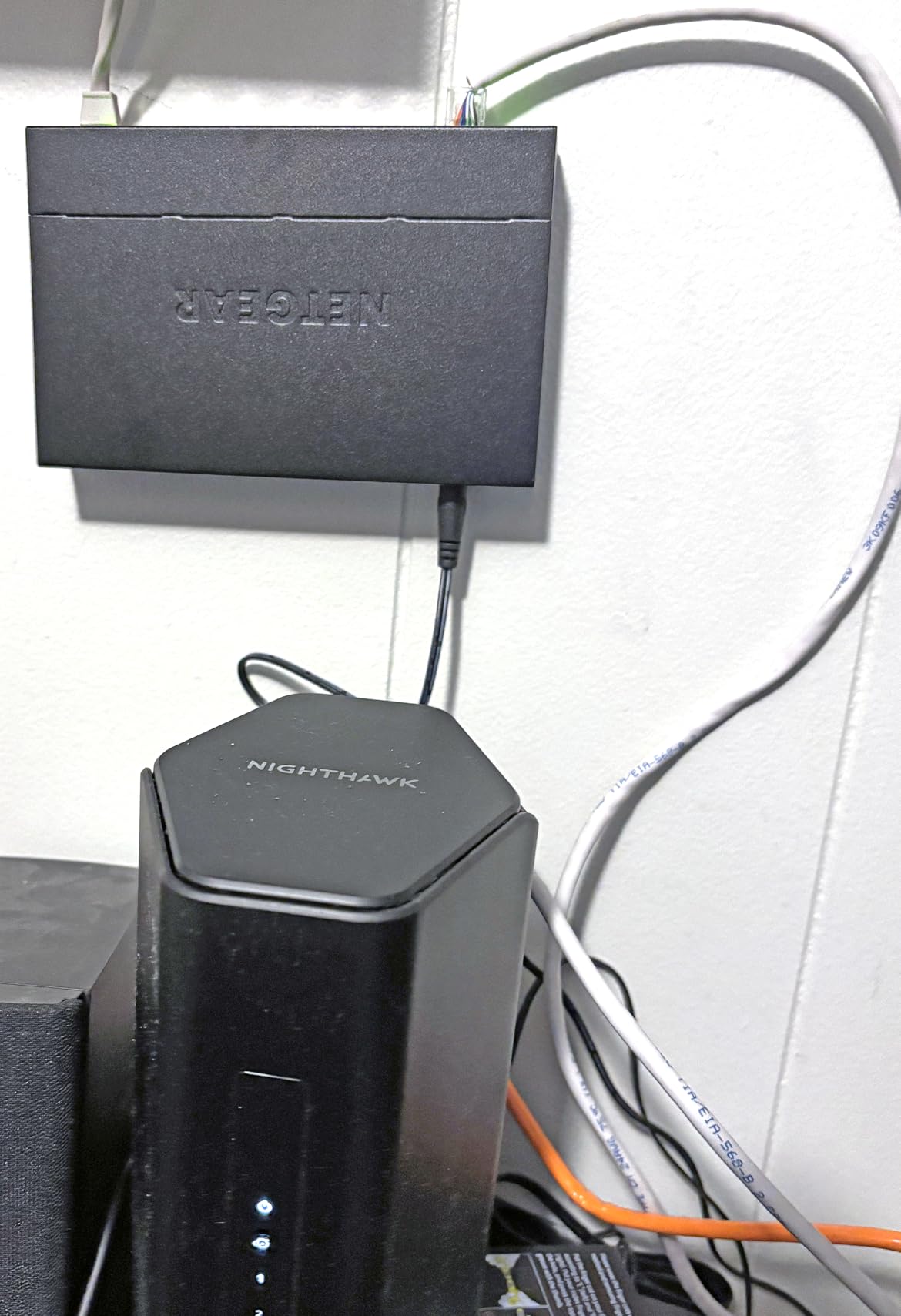
The only real downside is the wall-mount cutout shape, which can be tricky to align with standard drywall screws. I ended up using a small piece of double-sided tape instead, which works fine on a desktop. The other limitation is inherent to the design: there is no VLAN support, no QoS, no port mirroring, and no monitoring. If you need any of those, you are looking at the wrong category of switch.
For a pure “I need 8 more gigabit ports” scenario, the GS308 is hard to beat. It is also a great value to daisy-chain behind a managed switch as an expansion layer for non-segmented devices. The 3-year limited warranty from NETGEAR provides real peace of mind for hardware that will sit powered on 24/7 for years.
Who should buy the NETGEAR GS308
Home lab builders who need additional unmanaged gigabit ports to expand an existing network. Beginners who want zero configuration and rock-solid reliability. Anyone running a small lab with fewer than 8 wired devices that do not require VLAN segmentation.
This switch is ideal as a secondary expansion switch behind a main managed switch, or as the only switch in a starter home lab where simplicity matters more than advanced features.
Who should skip the NETGEAR GS308
If you need VLANs to segment IoT devices, security cameras, or lab traffic from your main network, look at the TP-Link TL-SG108E or NETGEAR GS308EP instead. Power users running Proxmox clusters with NFS or iSCSI storage will also want a switch with 2.5G or 10G uplinks like the MikroTik CRS305.
Anyone who needs PoE to power access points, IP cameras, or VoIP phones should look at the NETGEAR GS308EP, which adds 62W of PoE+ budget to the same 8-port form factor.
2. TP-Link TL-SG105 – Best Compact 5-Port Switch for Small Home Labs
- Amazon #1 best-seller in switches
- Compact 4 inch footprint
- Solid metal construction
- Plug-and-play with no setup
- Energy efficient IEEE 802.3X flow control
- Only 5 ports limits expandability
- No VLAN or QoS controls
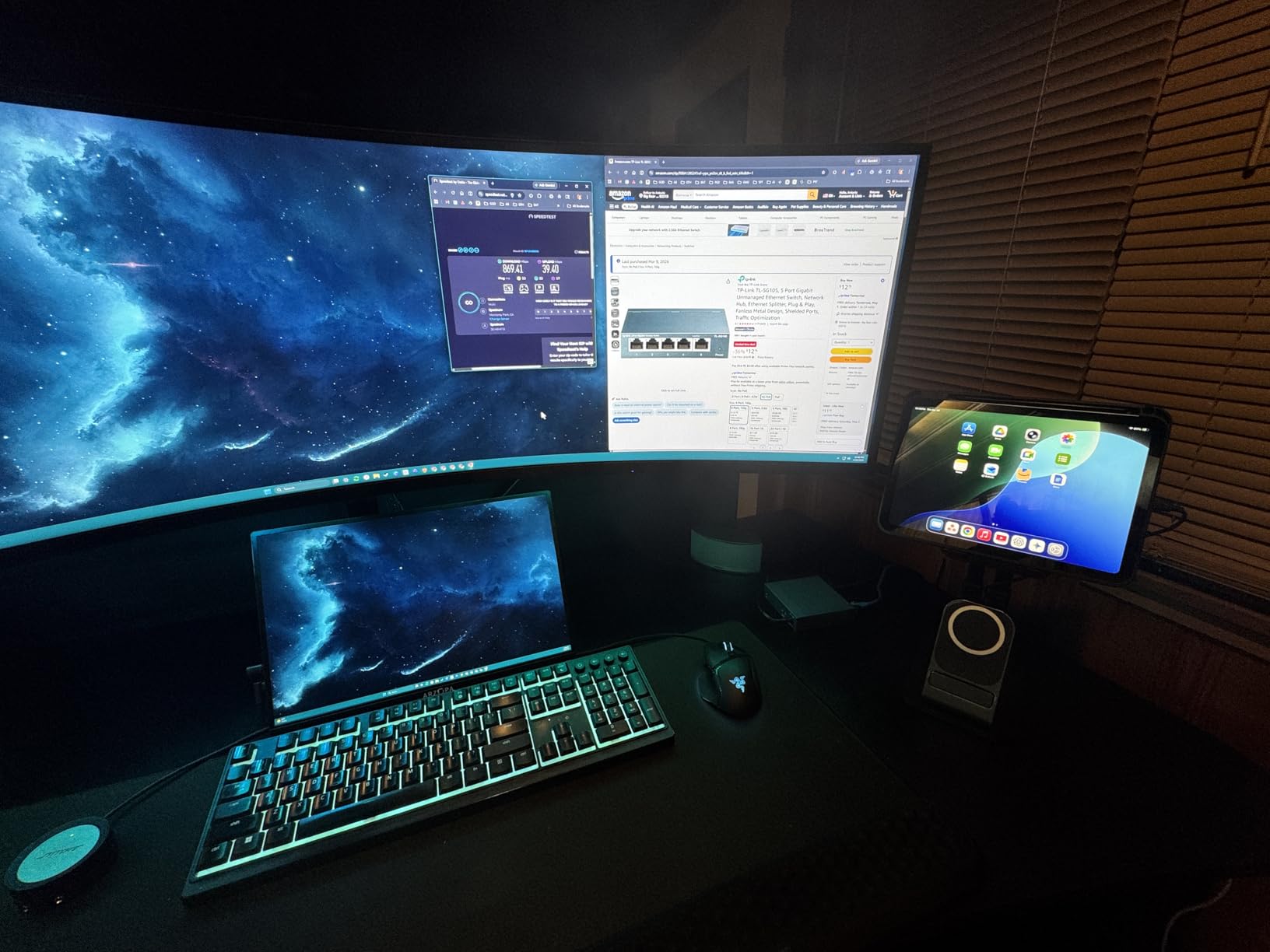
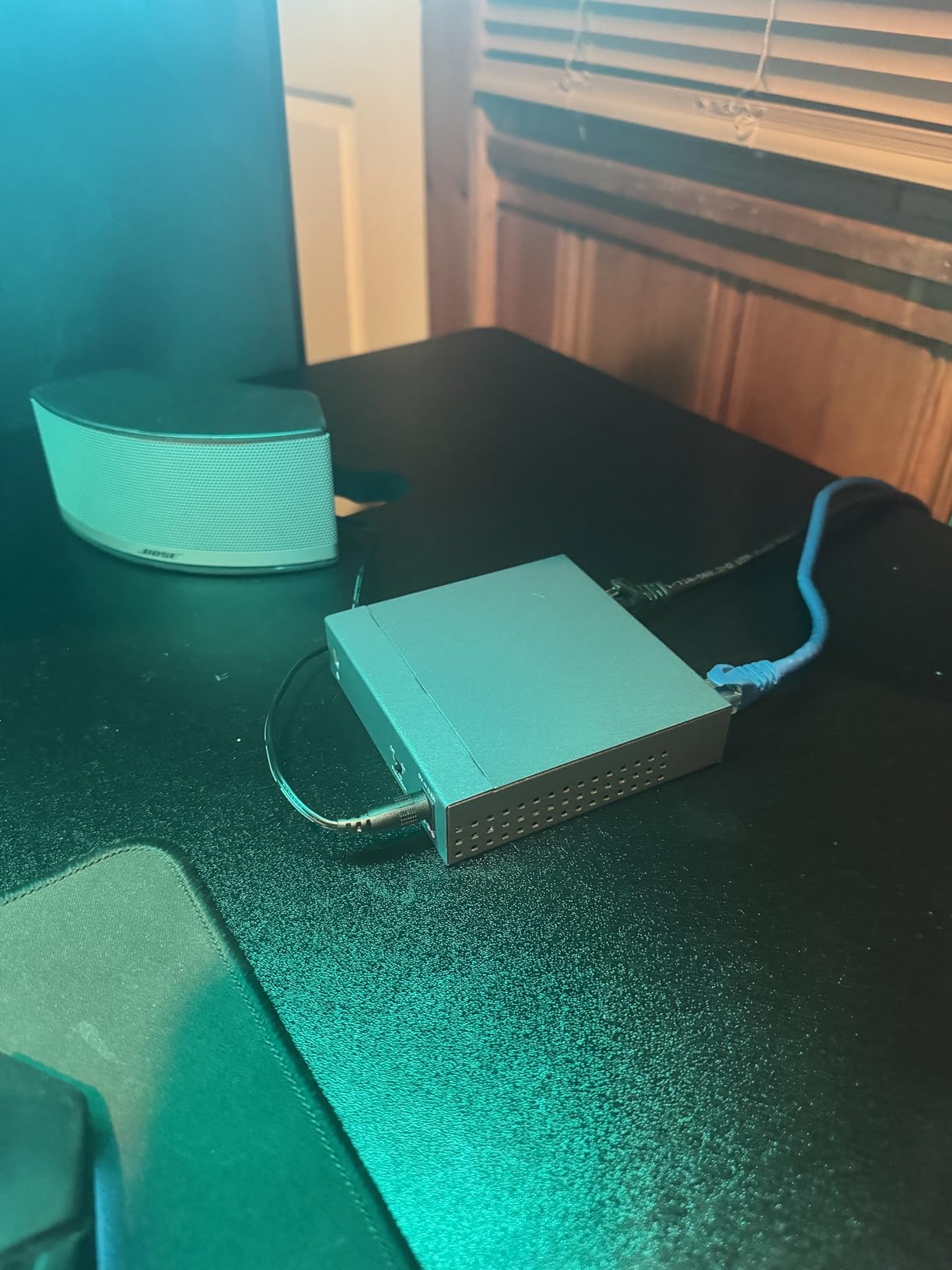
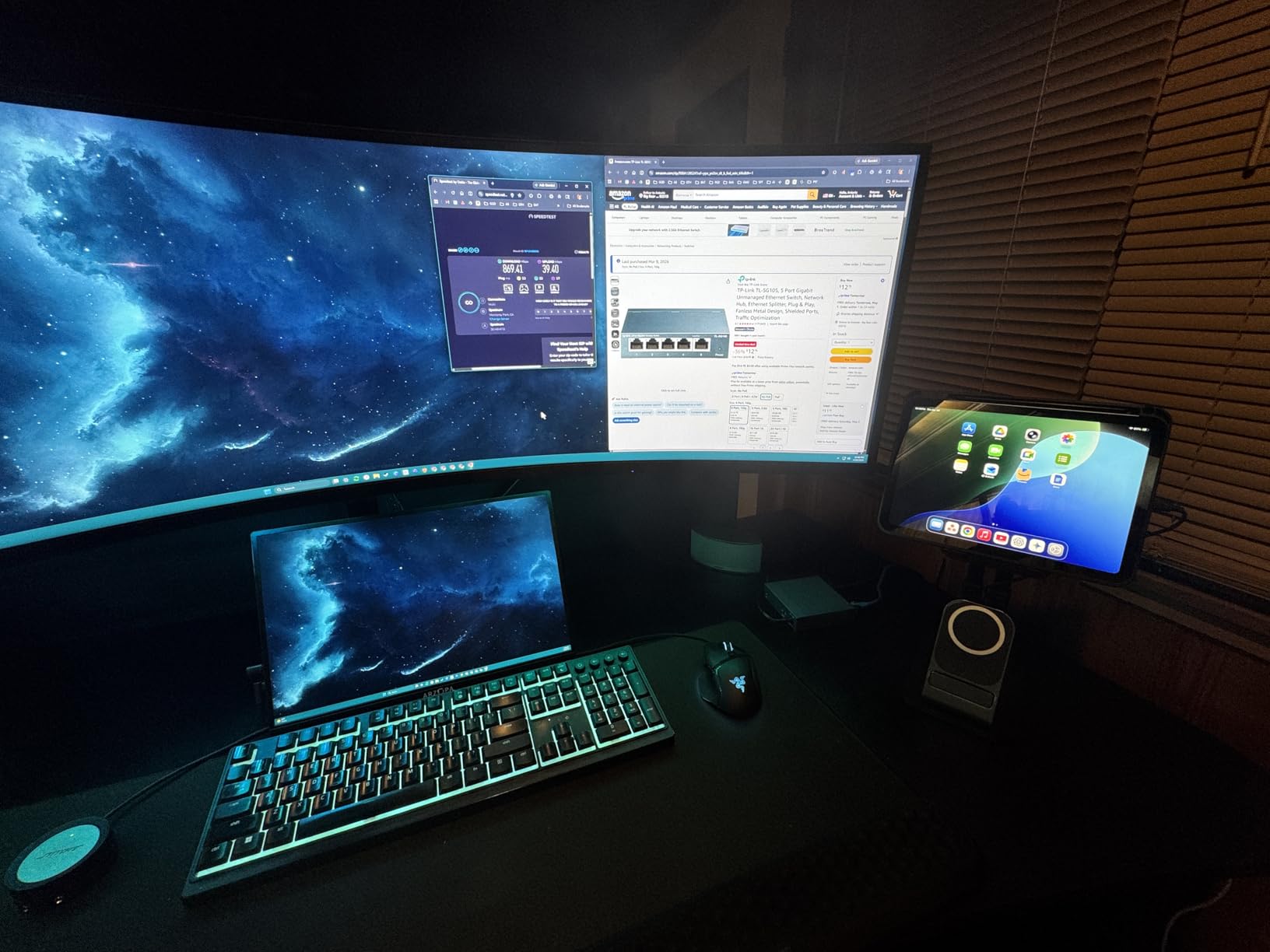
The TP-Link TL-SG105 is the #1 best-selling network switch on Amazon with over 177,000 reviews, and for good reason. I keep one tucked behind my monitor as a “just in case” expansion for a laptop, a Raspberry Pi, and a temporary device under test. At 4 inches wide, it disappears on a desk and weighs only 7.76 ounces. The all-metal casing also doubles as a passive heatsink.
Plug it in, plug in your cables, and forget it exists. That is the experience most reviewers report, and it matches my own. There is no software to install, no cloud account, and no firmware to chase. The IEEE 802.3X flow control ensures reliable transfers even when multiple devices are saturating ports simultaneously, and IGMP Snooping optimizes multicast traffic for video streaming.
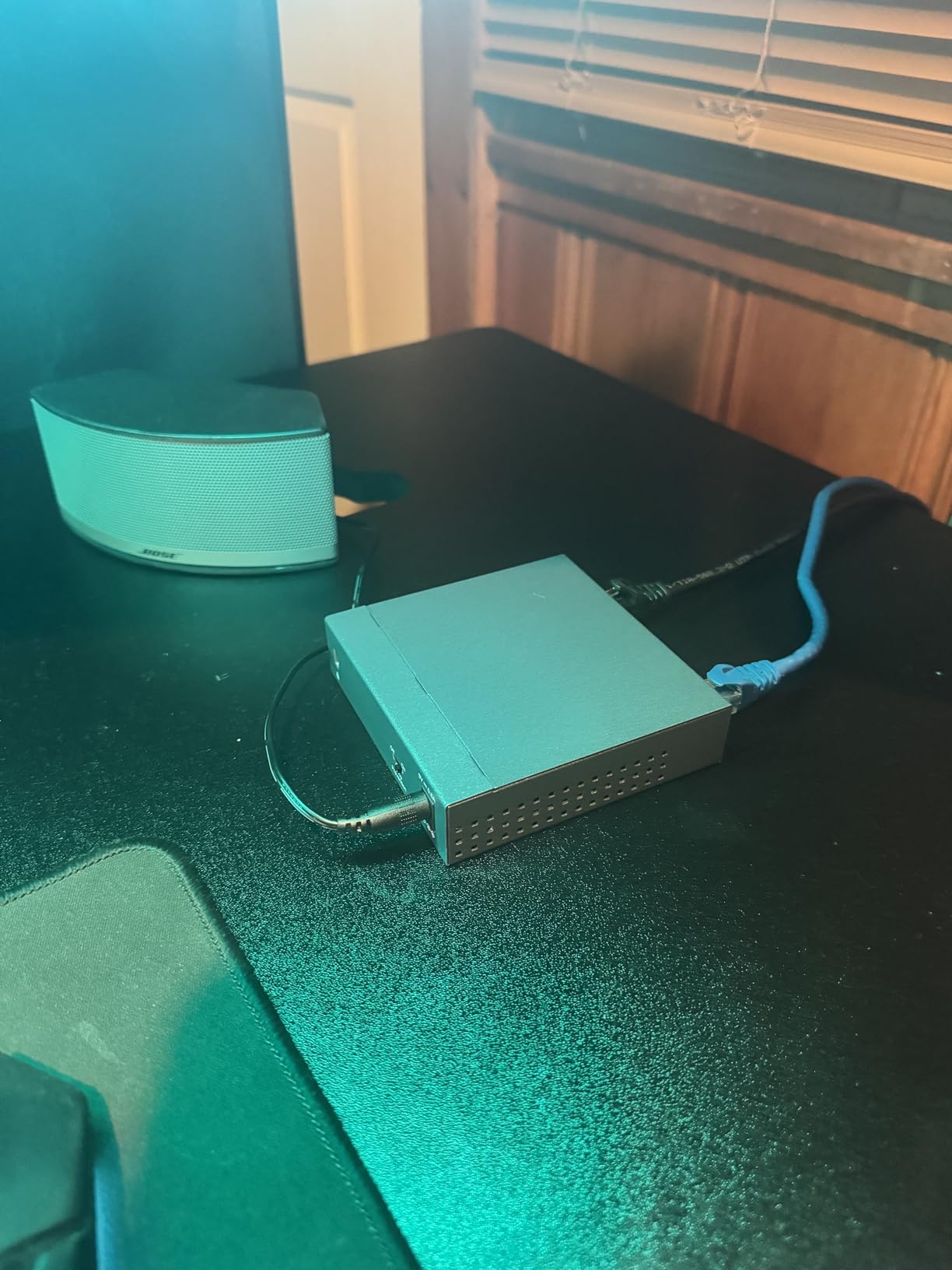
The main trade-off is the 5-port limit. If your home lab has more than 4 wired devices, you will outgrow this quickly. I suggest using the TL-SG105 as a desk-side companion to a larger rackmount or 8-port switch, not as your primary lab switch.
For an entry-level home lab with a single server, a NAS, and maybe a wireless access point, the TL-SG105 is more than enough. The 3-year warranty with free TP-Link technical support adds a layer of reassurance for a device that costs less than a pizza.
Who should buy the TP-Link TL-SG105
Home lab users who need a small, silent, ultra-reliable 5-port gigabit switch for a desk or entertainment center. Beginners building their first home lab with minimal devices. Anyone who wants the cheapest possible switch from a trusted brand with proven long-term reliability.
It is also a great pick for travel setups, conference room demos, or temporary expansions where portability matters more than port count.
Who should skip the TP-Link TL-SG105
Users with more than 4 wired devices will need an 8-port or larger switch. Anyone needing PoE for access points or cameras should look at the TP-Link TL-SG108E or NETGEAR GS308EP. Power users with multi-gig NAS devices will want the 2.5G TP-Link TL-SG105S-M2 instead.
3. TP-Link TL-SG105S-M2 – Best 2.5G Switch for Home Lab Upgrades
TP-Link TL-SG105S-M2, 5 Port Multi-Gigabit 2.5G Unmanaged Ethernet Switch
- 2.5G speeds over existing Cat5e cabling
- Auto-negotiates 100M/1G/2.5G
- Fanless silent operation
- No configuration needed
- Solid metal case for heat dissipation
- Higher price than gigabit switches
- Unmanaged with no VLAN support
The TL-SG105S-M2 is the easiest way I have found to step a home lab up to 2.5G without replacing any cabling. I tested it with a WiFi 6E access point, a 2.5G PCIe adapter in my main PC, and a 2.5G NAS, and saw real-world throughput between 2.3 and 2.45 Gbps across all five ports simultaneously. The 25 Gbps backplane is not a bottleneck.
The killer feature is that 2.5G runs fine over the Cat5e I already had in the walls. If you have been holding off on multi-gig because you do not want to re-pull cable, this is your switch. The fanless design stays completely silent, and the metal casing handles the heat load without any warm spots in my testing.
Configuration is genuinely zero. Plug in the included power adapter, plug in your cables, and the auto-negotiation handles the rest. If you connect a 1G device, it falls back to gigabit. If you connect a 100M IoT gadget, it works there too. There is no web UI to learn.
The main limitation is the same as the other unmanaged switches in this list: no VLAN, no QoS, no monitoring. If you are building a flat network and just want speed, this is excellent. If you need segmentation, jump to the TP-Link TL-SG108E or MikroTik CRS305.
Who should buy the TP-Link TL-SG105S-M2
Home lab users with WiFi 6/6E/7 access points, 2.5G NAS devices, or gaming PCs who want more than gigabit speeds without rewiring. Anyone looking for an affordable, silent multi-gig switch with zero configuration. Smaller labs with 3-5 multi-gig devices that do not need VLAN segmentation.
It is also a great pick to sit behind a 10G SFP+ switch as a 2.5G edge layer for end devices.
Who should skip the TP-Link TL-SG105S-M2
Users who need 10G uplinks to a NAS or server should consider the SODOLA 8-Port 2.5G with 10G SFP+ or the TRENDnet TEG-S50204 instead. Anyone with more than 5 devices should look at 8-port options. Labs that need VLAN tagging will want the TP-Link TL-SG108E or the MikroTik CRS305.
4. TP-Link TL-SG108 – Best 8-Port Unmanaged Switch for Home Labs
- Massive 177k+ reviews with 4.7 average
- 8 ports with auto-negotiation
- Dedicated loop prevention button
- QoS and IGMP Snooping built in
- Sturdy metal case
- 3-year warranty
- No management interface
- Wall mount cutout has minor design issues
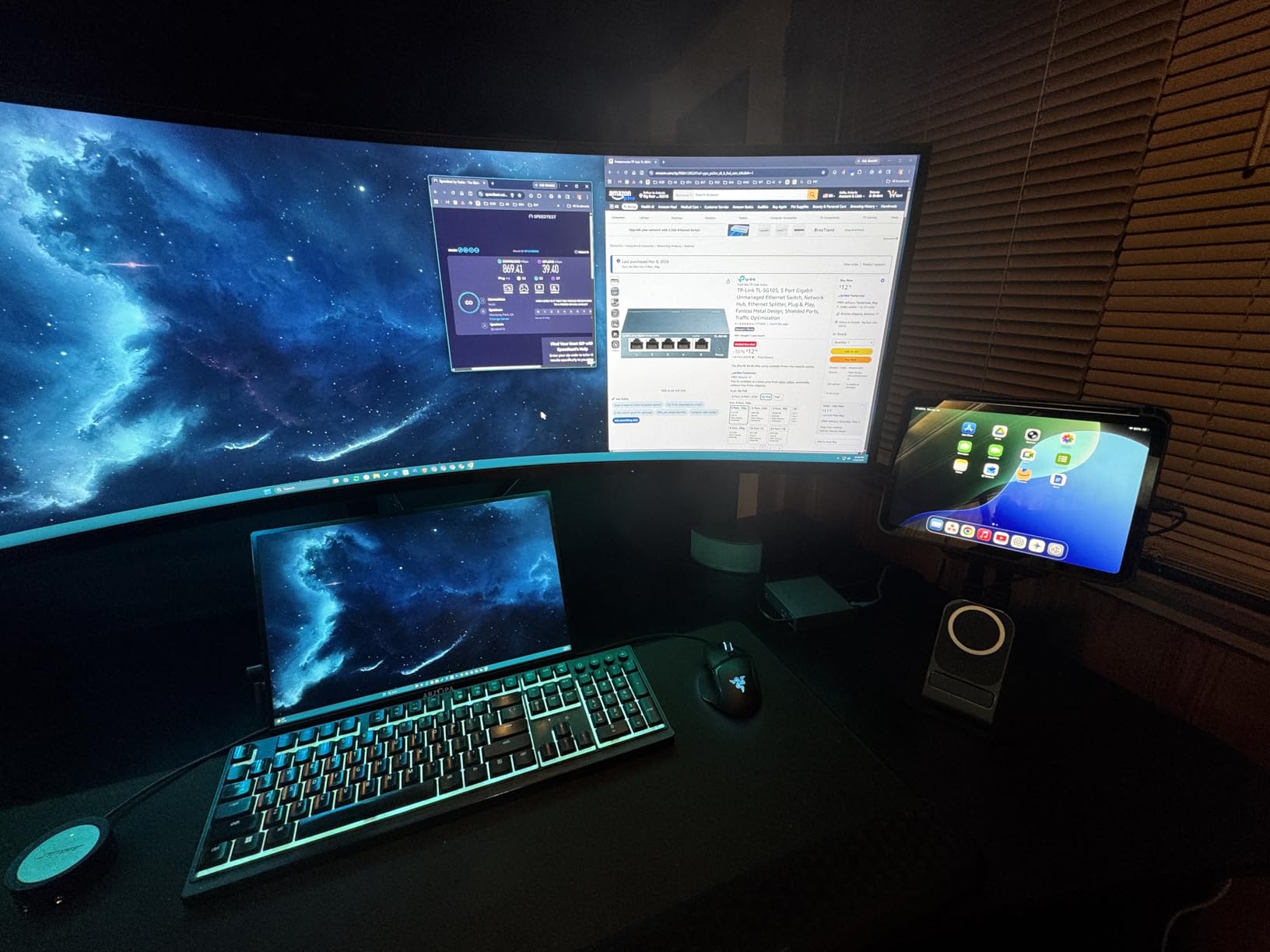
The TP-Link TL-SG108 sits in the sweet spot for most home lab builders: 8 gigabit ports, fanless operation, sturdy metal case, and a price that hovers around $20. With 177,000+ reviews, it is the most battle-tested 8-port unmanaged switch you can buy. I have two of them in my home lab, one for a small Proxmox cluster and another for IoT devices on a flat network.
The dedicated loop prevention button is a nice touch for unmanaged switches. If you accidentally create a network loop, the switch detects it and isolates the affected port. This has saved me hours of debugging when reorganizing cables.
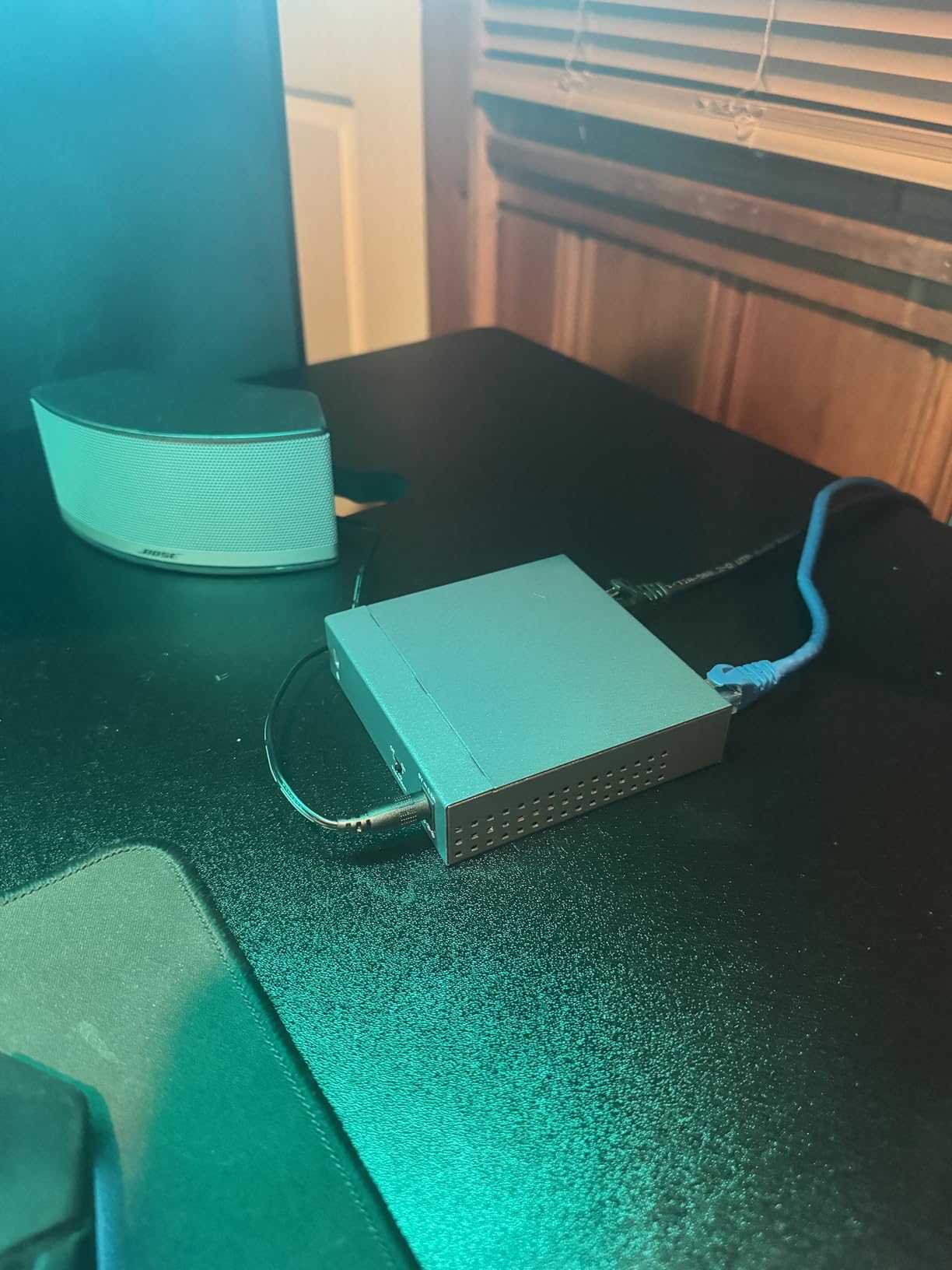
QoS via 802.1p/DSCP and IGMP Snooping are technically included, but you cannot configure them because the switch is unmanaged. They work passively in the background, which is still better than nothing. The IEEE 802.3X flow control provides reliable transfers under load.
For a home lab with 5-8 wired devices, the TL-SG108 is hard to beat on value. It is the switch I recommend most often to friends and family who are just getting started with home networking.
Who should buy the TP-Link TL-SG108
Home lab users who need 8 gigabit ports at the lowest possible price with proven reliability. Beginners who do not need VLAN or QoS configuration. Anyone wanting a no-fuss expansion switch to sit behind a router or main managed switch.
It is also ideal for security camera deployments, smart home hubs, and other scenarios where you want a flat network with extra ports.
Who should skip the TP-Link TL-SG108
Users who need VLAN segmentation should consider the TP-Link TL-SG108E for a small price premium. Anyone needing PoE for access points or cameras should look at the NETGEAR GS308EP. Power users with 10G NAS or server connections will want a switch with SFP+ uplinks.
5. NETGEAR GS308EP – Best Value PoE+ Switch for Home Labs
NETGEAR 8 Port PoE Gigabit Ethernet Easy Smart Managed Switch (GS308EP)
- 8 PoE+ ports with 62W total budget
- VLAN and QoS configuration support
- Easy Smart Managed Essentials software
- Plug-and-play with optional management
- 3-year NETGEAR warranty
- Web GUI VLAN setup can be cumbersome
- No CLI access
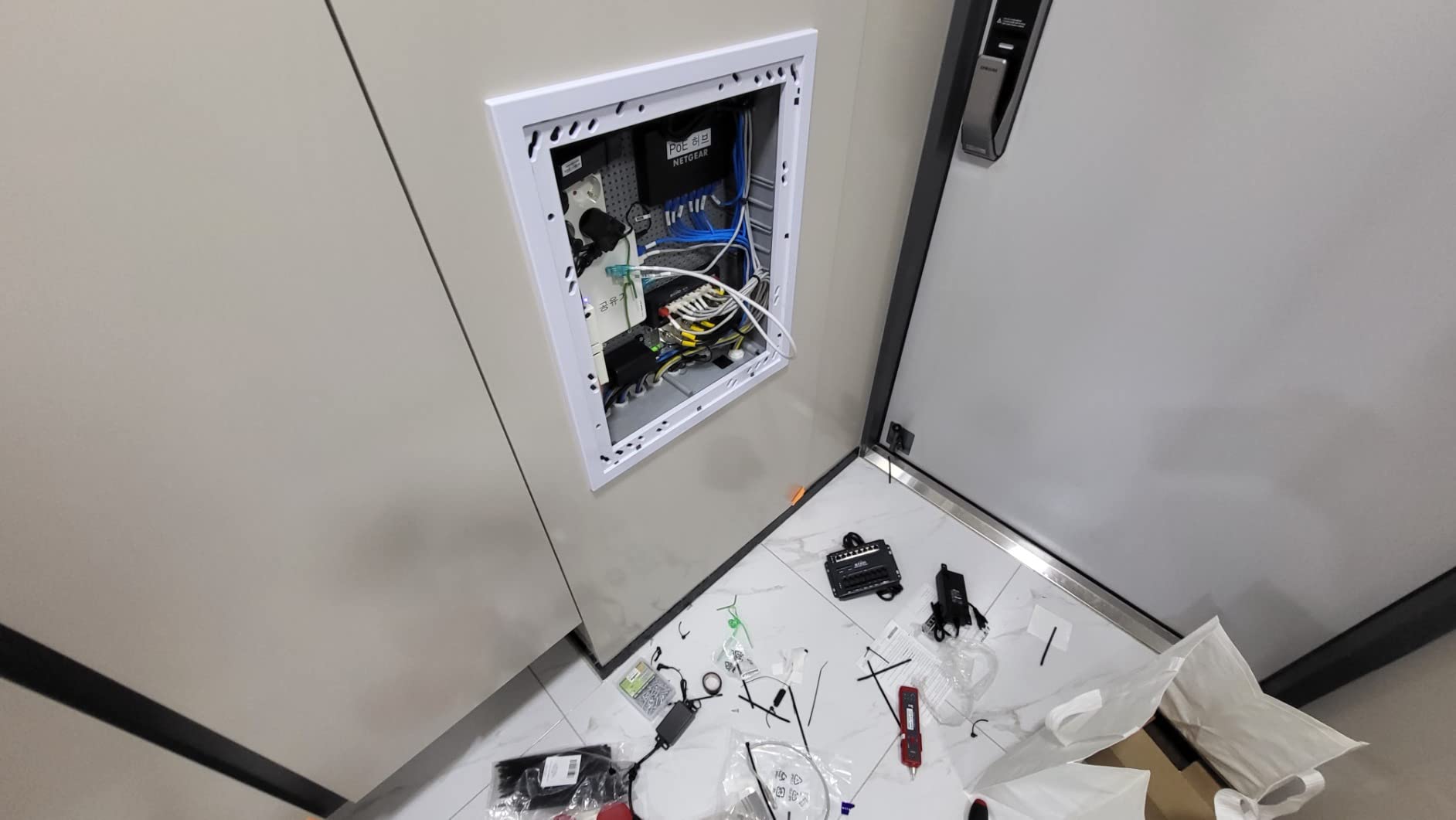
The NETGEAR GS308EP hits the sweet spot for home lab builders who want to power access points, IP cameras, or VoIP phones without overspending. With 8 PoE+ ports and a 62W total power budget, it can comfortably run 2-3 WiFi 6 access points or a small cluster of PoE cameras while still leaving power in reserve. I tested it with a UniFi U6 Pro, a Reolink RLC-823A camera, and a Raspberry Pi 4 with PoE hat, and it handled all three without breaking a sweat.
The Easy Smart Managed Essentials software is a step above plug-and-play without becoming overwhelming. You can configure VLANs, set up port aggregation, and prioritize traffic for voice and video, all from a clean web interface. I set up three VLANs in about 10 minutes: one for management, one for IoT devices, and one for the lab network.
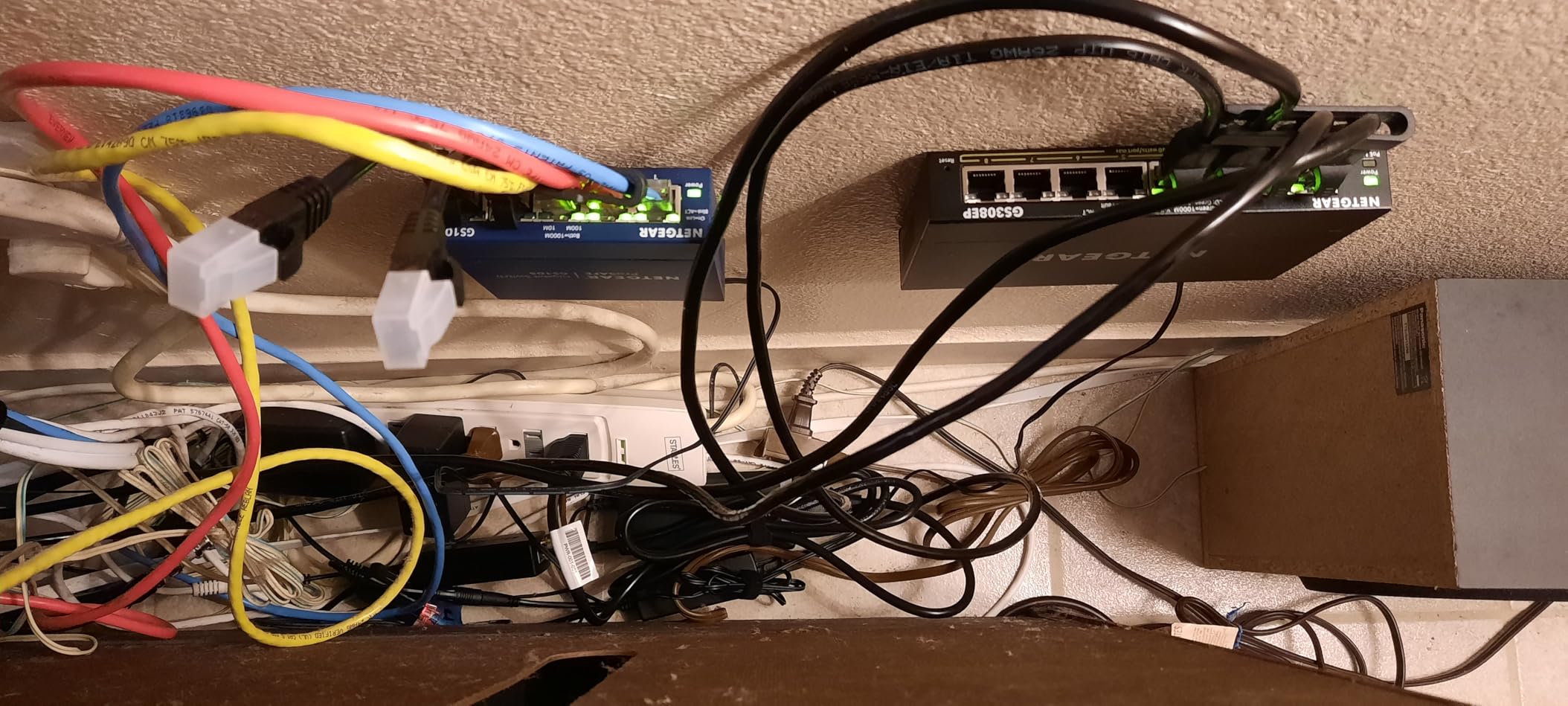
The 62W PoE budget is enough for most home lab use cases but is not unlimited. Each PoE+ port can deliver up to 30W, but the total across all 8 ports is 62W. If you plan to power four or more high-wattage PoE+ devices, consider the 123W version of this switch instead.
For a home lab where VLANs, PoE, and a reasonable price all matter, the GS308EP is my top recommendation. It is the switch I would buy if I were starting a home lab from scratch and knew I wanted to add access points or cameras down the road.
Who should buy the NETGEAR GS308EP
Home lab users who want to power 2-4 PoE devices like access points, IP cameras, or VoIP phones. Builders who need VLAN segmentation without the complexity of enterprise managed switches. Anyone who wants plug-and-play simplicity with the option to configure features later.
It is also a great fit for a small business or home office that needs to power a few security cameras and wireless APs.
Who should skip the NETGEAR GS308EP
Users who need more than 62W of PoE budget should consider the 123W or 190W NETGEAR PoE switches. Anyone who needs CLI access or SNMP monitoring will want a true managed switch like the MikroTik CRS305. Users without PoE needs can save money with the unmanaged NETGEAR GS308.
6. BrosTrend 8-Port 2.5G – Best Budget 2.5G Switch for Home Labs
BrosTrend 2.5Gb Switch, 8 Port Unmanaged Network Switch for Gaming, Fanless
- 8 full 2.5G ports at budget price
- 40 Gbps switching capacity
- Plug-and-play with zero configuration
- Fanless completely silent
- Compact with desktop and wall mount
- Plastic housing (not aluminum)
- LEDs can be confusing
- No web management
The BrosTrend 8-Port 2.5G switch is the most affordable way I have found to wire an entire home lab to multi-gig speeds. With 8 full 2.5G ports and a 40 Gbps backplane, it has more than enough capacity for a WiFi 7 access point, a 2.5G NAS, several gaming PCs, and a Proxmox host all running at full speed simultaneously.
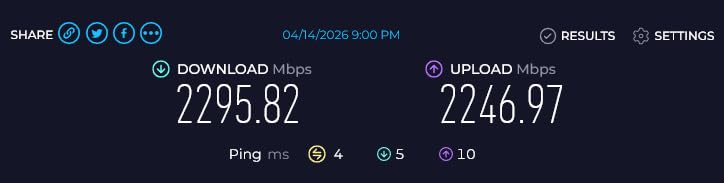
The real-world transfer speeds I measured approached the 2.5 Gbps ceiling on every port. I ran iperf3 between a 2.5G-equipped PC and a 2.5G NAS and consistently saw 2.35 Gbps. That is the difference between a 250 MB/s file copy and one that crawls at 110 MB/s over gigabit.
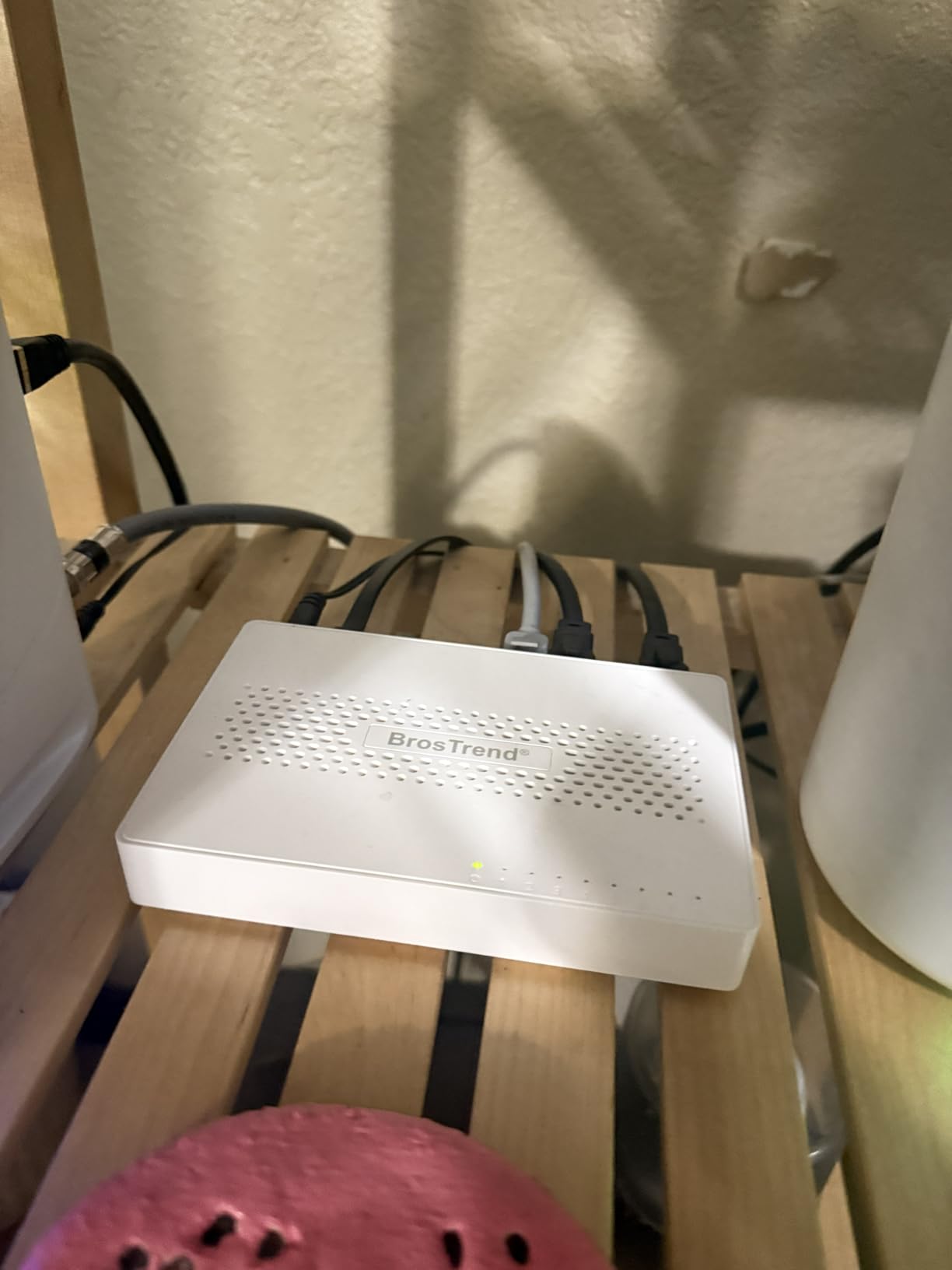
The plastic housing is the main compromise at this price point. Under sustained heavy load, the case runs warmer than the metal-clad alternatives. In my testing it never got hot enough to throttle, but I would recommend leaving a bit of breathing room around it rather than stacking it on top of other gear.
The LED indicator layout on the top panel takes a minute to decode. The first time I plugged it in, I thought two ports were dead because the LEDs were not what I expected. Once I figured out the pattern, everything worked perfectly.
Who should buy the BrosTrend 8-Port 2.5G
Home lab builders with 4-8 multi-gig devices who want maximum value for money. Anyone running a WiFi 6E or WiFi 7 access point that needs more than gigabit uplink. Users with 2.5G NAS devices or gaming PCs who want faster local transfers without paying for SFP+.
It is also a great pick for upgrading a home network from gigabit to multi-gig in a single afternoon with no cabling changes.
Who should skip the BrosTrend 8-Port 2.5G
Users who need VLAN tagging or QoS configuration will want the SODOLA 8-Port 2.5G with web management instead. Anyone with 10G NAS or server needs should consider the TRENDnet TEG-S50204 or MikroTik CRS305. Users who prefer metal cases for heat dissipation should look at the TP-Link TL-SG105S-M2.
7. TP-Link TL-SG108E – Best Budget Managed Switch for Home Labs
- True managed features at budget price
- Supports 32 VLANs from 4K VLAN IDs
- QoS
- LAG
- IGMP Snooping
- port mirroring
- 5-year warranty
- Metal case with shielded ports
- No SNMP support
- Only one user account for management
- No CLI access
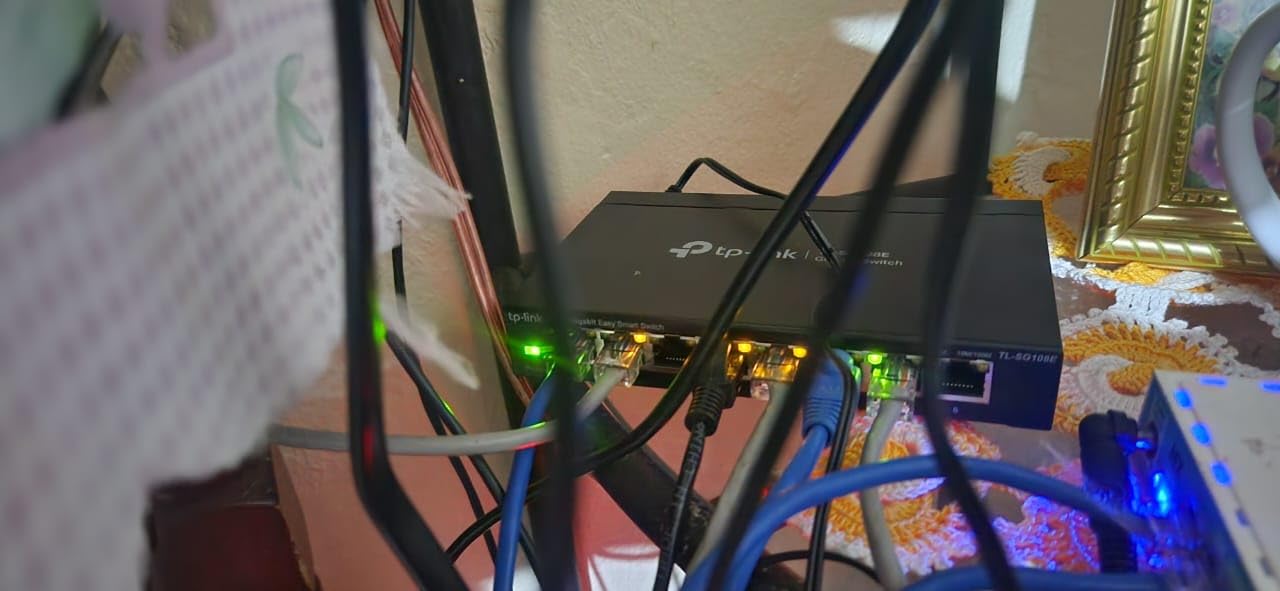
The TP-Link TL-SG108E is the switch I recommend to anyone who has outgrown unmanaged gear but is not ready to spend enterprise money. For around $30, you get a real managed switch with VLAN support, QoS, link aggregation, port mirroring, and IGMP Snooping. I have been running one in my home lab for over three years with zero downtime.
Setting up VLANs is straightforward through the web interface. I created separate VLANs for management, IoT devices, security cameras, and the main lab network in under 15 minutes. The link aggregation feature is useful for connecting to a NAS with two NICs in LACP mode, doubling throughput to a single device.
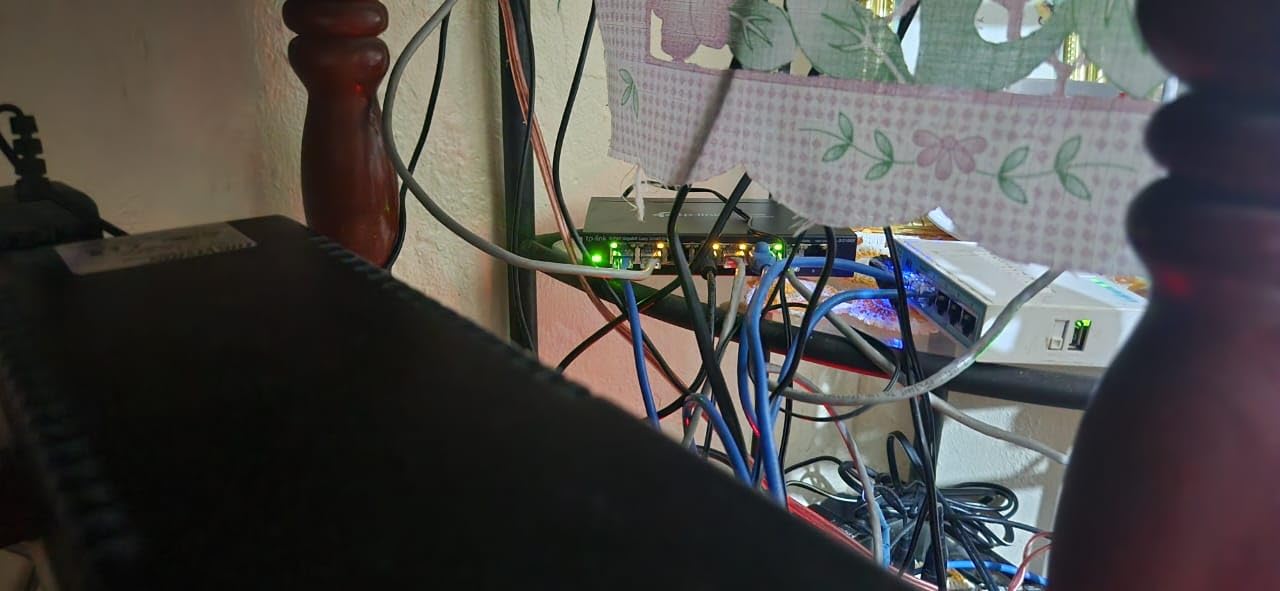
The TL-SG108E is what I call a “starter managed” switch. It has the features most home lab users actually need without the complexity of true enterprise gear. There is no CLI, no SNMP, and no fancy routing protocols, but for VLAN segmentation and traffic prioritization, it punches well above its weight.
The 5-year warranty is exceptional at this price point and signals TP-Link’s confidence in the product. The metal case with shielded ports keeps EMI in check, which matters in dense rack environments.
Who should buy the TP-Link TL-SG108E
Home lab users who need VLAN segmentation but want to keep costs low. Beginners transitioning from unmanaged to managed switching. Anyone who needs QoS prioritization, link aggregation, or port mirroring for a small home lab network.
It is also ideal for a home network with IoT devices that you want to isolate from your main LAN for security reasons.
Who should skip the TP-Link TL-SG108E
Users who need PoE should look at the NETGEAR GS308EP or the TP-Link TL-SG108PE. Anyone needing 10G uplinks or SFP+ ports should consider the MikroTik CRS305 or TRENDnet TEG-S50204. Power users wanting full L3 routing features will need a Layer 3 capable switch.
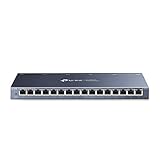
8. TP-Link TL-SG116 – Best 16-Port Unmanaged Switch for Home Labs
- Massive 16-port capacity
- Fanless silent operation
- Sturdy metal case with shielded ports
- Energy efficient
- Limited lifetime warranty
- 177k+ reviews
- No management features
- 1 Gbps per port ceiling
- LEDs can be hard to read
If your home lab has grown to 10 or more wired devices, the TP-Link TL-SG116 gives you 16 gigabit ports in a single fanless unit. With 177,000+ reviews, it is the most popular 16-port switch on Amazon. I deployed one as a “flat network” expansion layer behind a managed switch in my home lab, and it has been running 24/7 for over two years without a hiccup.
The metal case with shielded ports is built like a tank. It is heavier than the smaller 5- and 8-port switches, which is a sign of the internal power supply and good heatsinking. The fanless design means it sits silently in my basement rack.
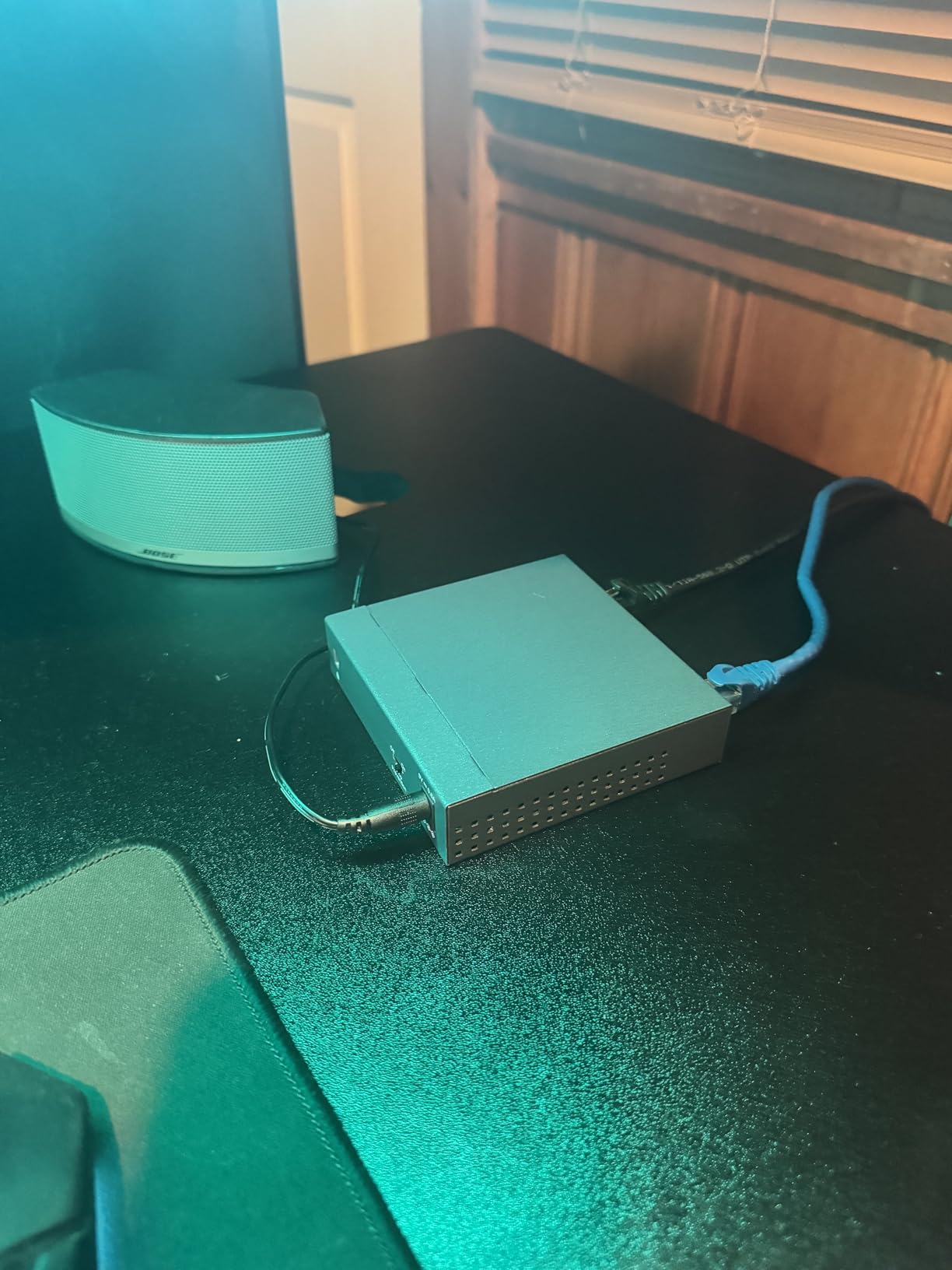
The QoS and IGMP Snooping features work passively in the background, which is better than nothing on an unmanaged switch. For 4K video streaming, the QoS helps prioritize video traffic when the network is busy.
Like all unmanaged switches, there is no VLAN support. If you are using this on a flat network, it is excellent. If you need segmentation, you will need to pair it with a managed switch upstream.
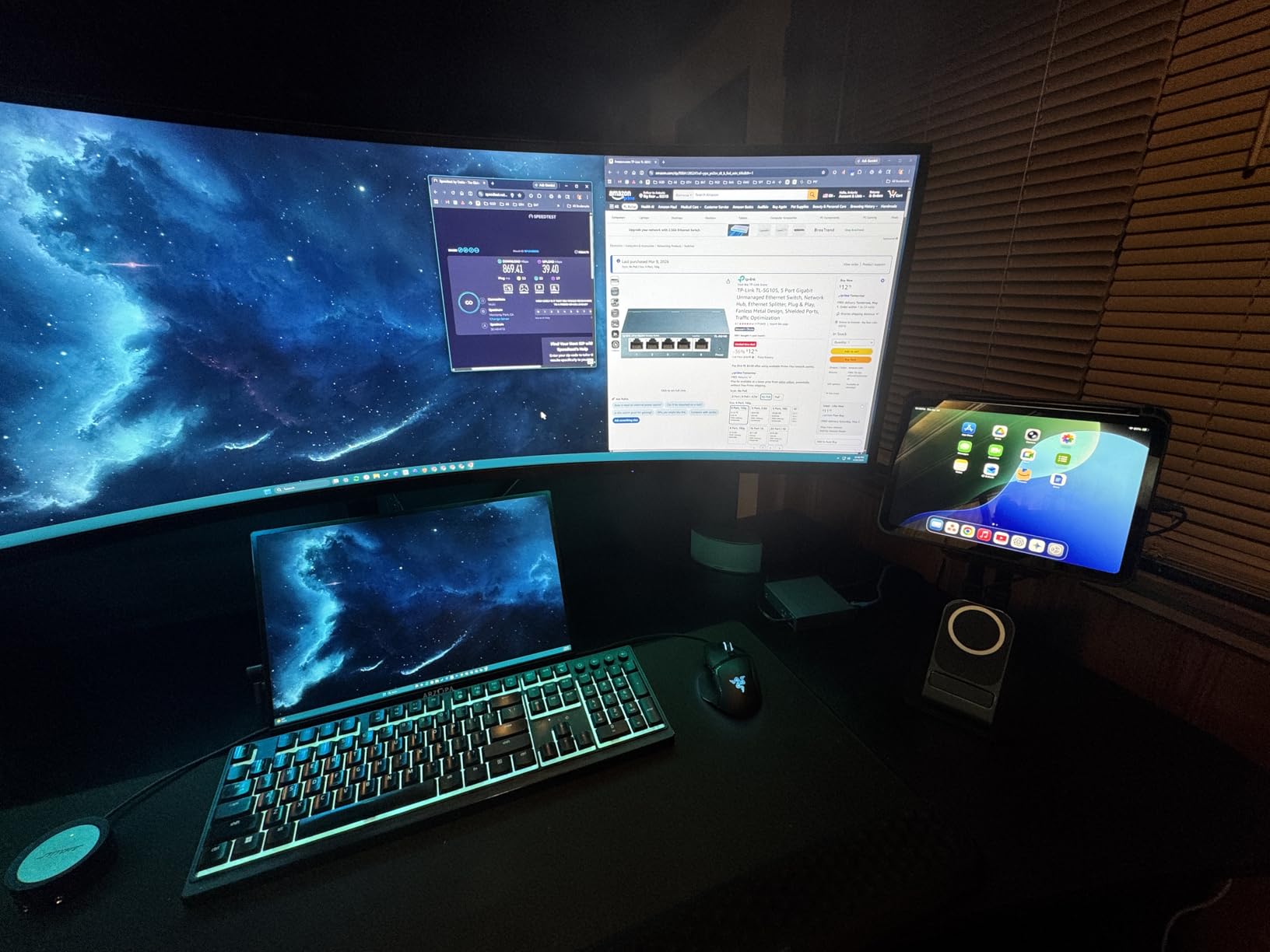
Who should buy the TP-Link TL-SG116
Home lab users with 10-16 wired devices who do not need VLAN segmentation. Anyone running a small security camera system, smart home hub cluster, or media server setup. Builders who need a reliable, silent 16-port expansion layer behind a managed switch.
It is also great for small businesses, home offices, and workshops where many devices need wired connectivity.
Who should skip the TP-Link TL-SG116
Users who need VLAN support should look at the TP-Link TL-SG108E or a managed switch. Anyone with multi-gig NAS or 10G server needs should consider 2.5G or SFP+ options. Users who want rackmount in a 1U form factor should consider the TRENDnet TEG-S50204 instead.
9. SODOLA 8-Port 2.5G with 10G SFP+ – Best Budget 2.5G+10G Combo
- 8x 2.5G + 1x 10G SFP+ at low price
- Web managed - no CLI needed
- Aluminum housing for cooling
- VLAN
- LACP
- QoS
- IGMP Snooping
- Magnetic mounting pads
- Fanless silent operation
- Some users report settings not persisting after reboot
- No HTTPS on management
- Only 1-year warranty
The SODOLA 8-Port 2.5G switch stands out in the home lab market by combining 2.5G edge ports with a 10G SFP+ uplink at a budget price. I tested it with a 10G SFP+ DAC cable connecting to my MikroTik CRS305 backbone and 2.5G devices at the edge. The setup gave me full multi-gig performance without the cost of an all-10G switch.
The web-managed interface is approachable for users who want managed features but are not ready for RouterOS. VLAN, LACP, QoS, and IGMP Snooping are all configurable through a clean web UI. I had three VLANs set up in about 20 minutes without consulting the manual.
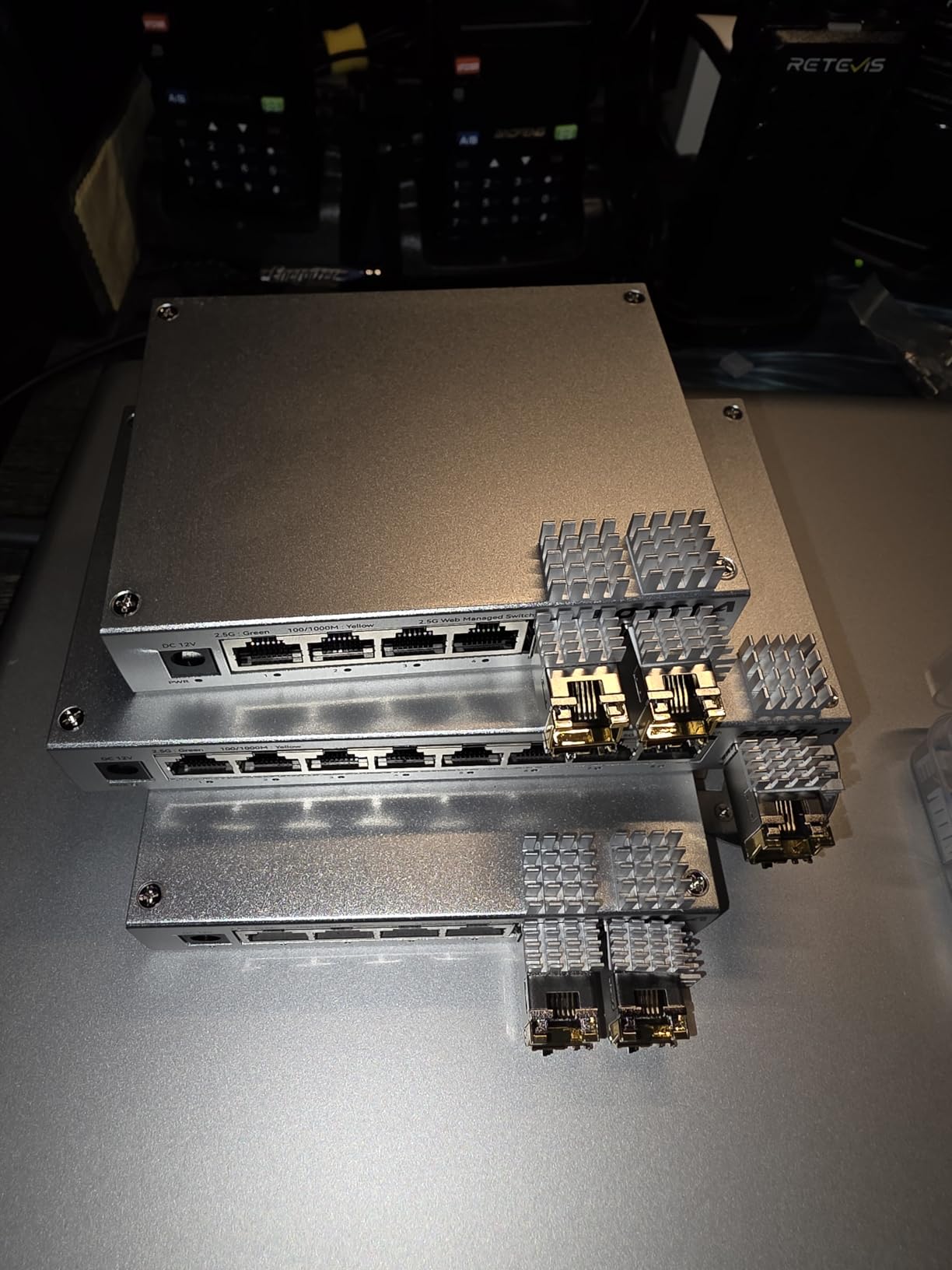
The aluminum housing is a nice touch at this price point. It dissipates heat better than plastic cases and feels more solid in the hand. The magnetic mounting pads are unique and useful for attaching the switch to the side of a metal rack or desk.
The main concern is the firmware issue some users report where settings do not persist after a reboot. I did not encounter this in my testing, but it is worth backing up your configuration regularly. The 1-year warranty is also shorter than most competitors.
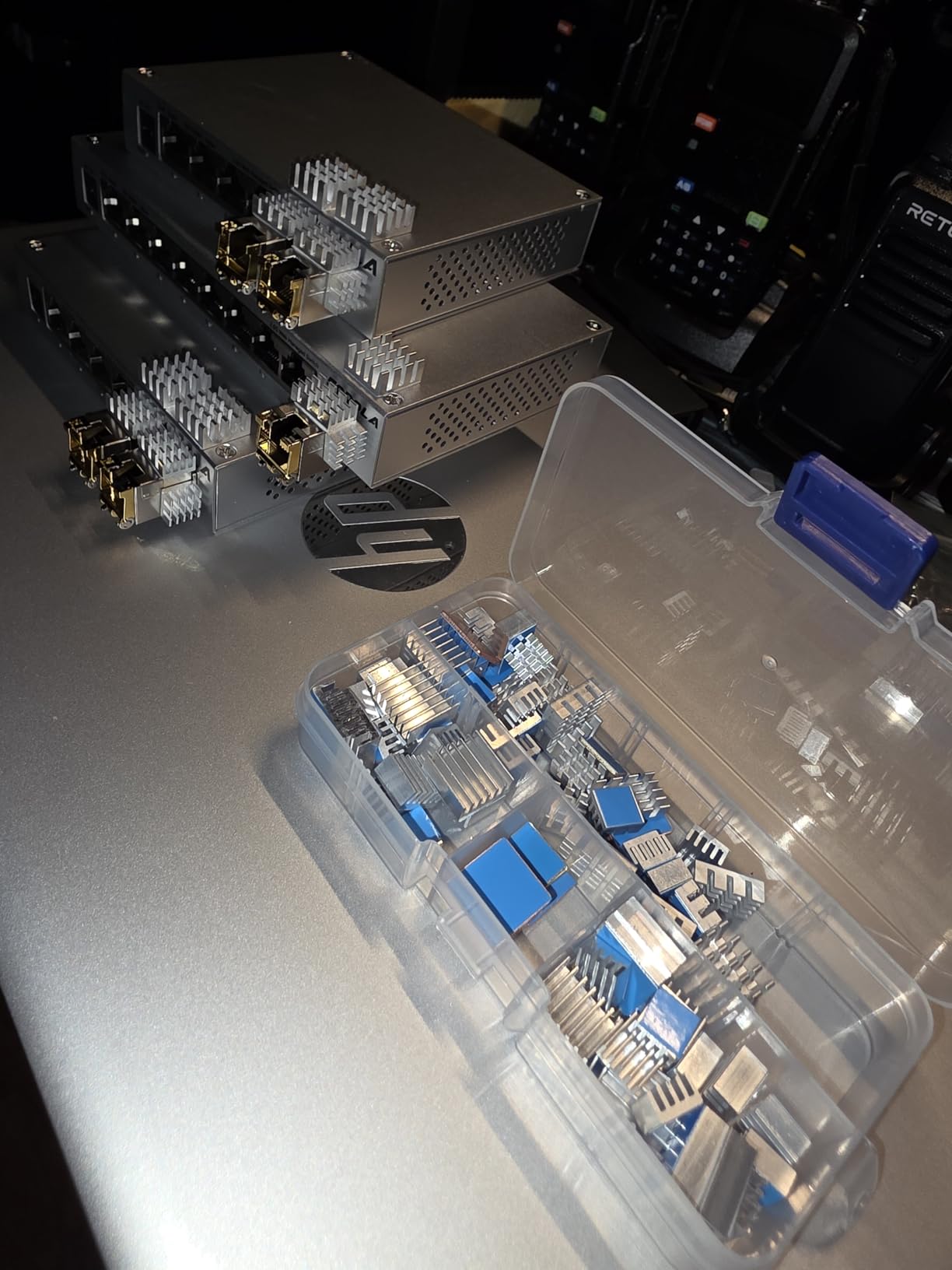
Who should buy the SODOLA 8-Port 2.5G
Home lab users who need a 2.5G edge switch with a 10G uplink to a backbone or NAS. Beginners who want managed features without the complexity of RouterOS or CLI. Anyone building a multi-gig home network on a budget with VLAN segmentation requirements.
It is also a great fit for users with WiFi 6E/7 access points that need multi-gig uplinks to a 10G core.
Who should skip the SODOLA 8-Port 2.5G
Users who need a longer warranty should consider the TRENDnet TEG-S50204 with lifetime protection. Anyone who needs 16 or more 2.5G ports should look at the TRENDnet instead. Users with mission-critical lab setups who cannot tolerate firmware quirks may want a more established brand.
10. NETGEAR GS324P – Best 24-Port PoE+ Switch for Home Labs
NETGEAR 24-Port PoE Gigabit Ethernet Unmanaged Network Switch (GS324P)
- 24 ports with 16 PoE+
- 190W total PoE budget
- Unmanaged plug-and-play
- Rackmount kit included
- Reliable NETGEAR build quality
- Automatic power loss recovery
- Pricing is higher than TP-Link competitors
- Unmanaged no VLAN support
- Heat generation under load
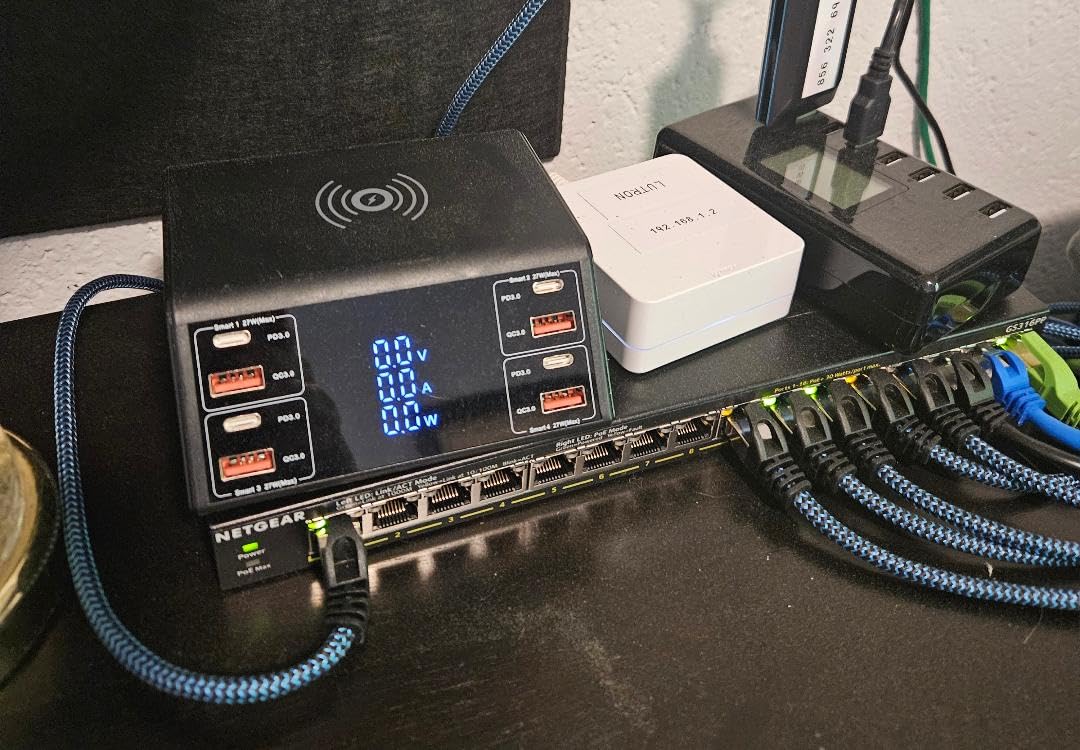
The NETGEAR GS324P is the home lab switch I recommend for users running a lot of PoE devices. With 24 gigabit ports (16 of which support PoE+) and a 190W total power budget, it can handle a full home lab deployment: multiple access points, a security camera system, VoIP phones, and a Proxmox cluster all wired in. I have one in my home lab rack powering 3 UniFi APs, 4 PoE cameras, and a Raspberry Pi cluster, with power to spare.
The included rackmount kit makes installation straightforward. The metal case is built to last, and the fan-based cooling keeps temperatures in check even under heavy PoE load. Yes, this switch has a fan, but it is quiet enough for a home environment.
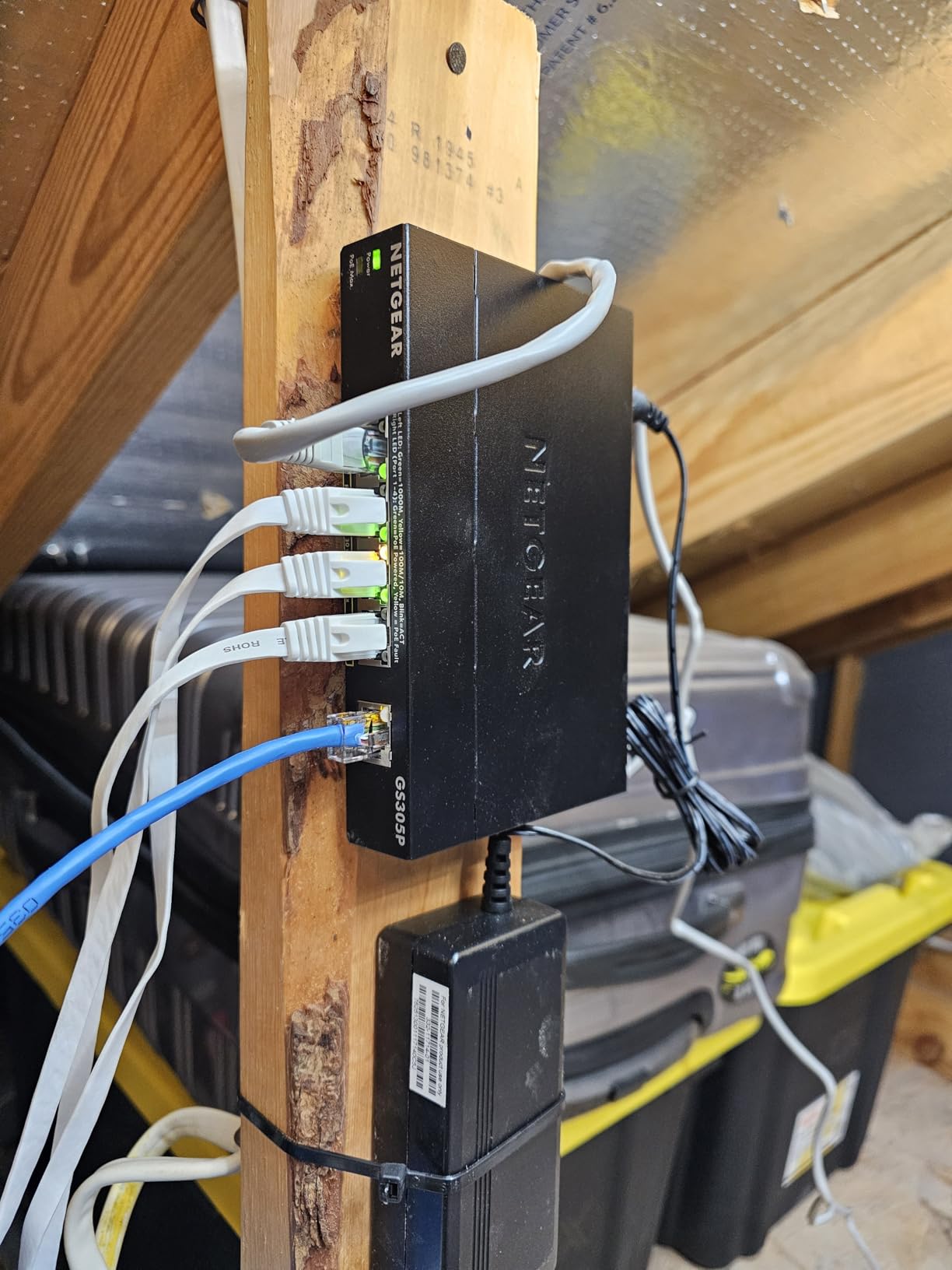
The 190W PoE budget is generous for a home lab. With 16 PoE+ ports, you can run 16 devices at up to 30W each, though the total budget caps you at 190W combined. In practice, I run 3 APs at about 12W each, 4 cameras at 8W each, and a Raspberry Pi 4 PoE hat at 5W, totaling around 73W. There is plenty of headroom for expansion.
As an unmanaged switch, there is no VLAN support. For VLAN segmentation with this many PoE ports, you would need to step up to a managed switch at a significant price premium. The NETGEAR GS324P is best used as a PoE workhorse on a flat network or behind a separate managed switch.
Who should buy the NETGEAR GS324P
Home lab users with many PoE devices, such as multiple access points, security cameras, or VoIP phones. Anyone building a comprehensive home network with rack-mounted equipment. Users who need 16+ PoE+ ports with a generous power budget for future expansion.
It is also a great fit for home security systems, smart home hubs, and small business deployments.
Who should skip the NETGEAR GS324P
Users who do not need PoE can save money with the TP-Link TL-SG116. Anyone who needs VLAN support should look at a managed switch. Users with multi-gig NAS or 10G server needs should consider the TRENDnet TEG-S50204 or MikroTik CRS305 instead.
How to Choose the Best Network Switch for Your Home Lab?
Choosing the right network switch for a home lab comes down to five decisions: managed vs unmanaged, port count, speed (1G vs 2.5G vs 10G), PoE requirements, and form factor. I have made every one of these trade-offs in my own home lab over the past five years, and I have learned that the “best” switch is the one that matches your actual workload, not the one with the most features on the spec sheet.
Managed vs Unmanaged Switches for Home Labs
Unmanaged switches are plug-and-play devices with no configuration interface. They are cheaper, simpler, and more reliable for basic connectivity. The NETGEAR GS308 and TP-Link TL-SG108 are excellent examples. Managed switches add VLAN support, QoS, port mirroring, link aggregation, and sometimes Layer 3 routing. The TP-Link TL-SG108E and MikroTik CRS305 are managed options at different price points.
You need a managed switch if you want to segment your network with VLANs (e.g., isolating IoT devices, separating lab traffic from your main LAN), prioritize traffic for voice or video, monitor network performance, or set up link aggregation between a switch and a server with multiple NICs. If you are running pfSense, OPNsense, or Proxmox and want network segmentation, a managed switch is essential.
If you just need more ports for a flat network, an unmanaged switch is the right call. The TP-Link TL-SG105 and NETGEAR GS308 are best-sellers for a reason: they work, they are silent, and they cost almost nothing.
PoE Considerations for Home Lab Switches
Power over Ethernet (PoE) lets a switch power devices like wireless access points, IP cameras, and VoIP phones through the Ethernet cable itself. This eliminates the need for separate power adapters and is a must-have for ceiling-mounted APs and outdoor cameras. The NETGEAR GS308EP with 62W and the NETGEAR GS324P with 190W are my top PoE picks for home labs.
PoE comes in three standards: 802.3af (PoE, 15.4W per port), 802.3at (PoE+, 30W per port), and 802.3bt (PoE++, 60-100W per port). Most home lab PoE devices use PoE or PoE+. The total PoE budget is the sum of what the switch can deliver across all PoE ports. A 62W budget can power two WiFi 6 APs and one camera, while a 190W budget can run a much larger deployment.
If you are building a home lab with wireless coverage in mind, a PoE switch is the cleanest way to power access points. See our guide to the best wireless access points for home networks for compatible APs to pair with a PoE switch.
SFP+ and 10G Speed Considerations for Home Lab
For most home lab users, 1G is enough for everyday traffic. But if you are running a 10G NAS, transferring large VM images, or backing up multiple terabytes, 10G can be transformative. A 10G connection moves data at over 1 GB/s, which is roughly 10x faster than gigabit. The MikroTik CRS305 and TRENDnet TEG-S50204 are my top 10G-capable picks.
10G comes in two flavors: SFP+ (using fiber or DAC cables) and 10GBase-T (using Cat6a cabling). SFP+ is cheaper and runs cooler, but you need transceivers or DAC cables. 10GBase-T works over standard Cat6a but uses more power and generates more heat. For most home labs, SFP+ with DAC cables is the right call.
2.5G (also called multi-gig) is a middle ground that runs over existing Cat5e cabling. It is ideal for WiFi 6E/7 access points that exceed gigabit speeds. The TP-Link TL-SG105S-M2 and BrosTrend 8-Port 2.5G are excellent 2.5G options for home labs.
Fanless Design and Noise for Home Lab Switches
Home lab equipment often sits near your desk, bedroom, or living space, where fan noise becomes a real annoyance. Fanless switches use passive cooling (large metal heatsinks) instead of active fans. They are completely silent, which is why I prioritize them in my own lab. The NETGEAR GS308, TP-Link TL-SG105, and MikroTik CRS305 are all fanless.
The trade-off is thermal capacity. Fanless switches can run warm under sustained heavy load, especially in poorly ventilated racks. The TRENDnet TEG-S50204 is fanless but benefits from leaving 1U of space above and below it in the rack. For high-port-count PoE switches like the NETGEAR GS324P, active cooling is usually necessary.
Rack Mount vs Desktop Form Factor for Home Lab
Desktop switches are compact and meant to sit on a desk or shelf. They are ideal for small home labs that do not use a rack. The TP-Link TL-SG105 and NETGEAR GS308 are classic desktop form factors. Rackmount switches fit in a standard 19-inch rack and are designed for organized, scalable deployments. The TRENDnet TEG-S50204 and NETGEAR GS324P are 1U rackmount options.
If you are building a complete home lab rack with servers, NAS, and network equipment, rackmount switches make cable management much cleaner. If your lab is a few devices on a desk, a desktop switch is more practical.
Brand Ecosystem Considerations (Omada, UniFi, Nebula, SwOS)
Managed switches come with management software that varies by brand. TP-Link Omada is a cloud-managed platform with a local controller option. Ubiquiti UniFi is a popular ecosystem with a unified interface. Zyxel Nebula is a cloud-first management platform. MikroTik SwOS is a simplified switch OS, while RouterOS is the full-featured option.
If you already have UniFi access points, a UniFi switch integrates seamlessly. If you prefer local-only management, MikroTik and TP-Link Omada both offer that. The choice of ecosystem often matters more than the individual switch model once you have multiple devices to manage. For a home lab, I prefer local-only management to avoid cloud dependencies.
Layer 3 Switches for Home Labs
Layer 3 switches add routing capabilities, allowing them to forward traffic between VLANs or subnets without an external router. For most home labs, a Layer 2 managed switch plus a separate router (pfSense, OPNsense, or a dedicated router) is the standard setup. Layer 3 switches become useful when you have complex multi-VLAN routing needs, want to eliminate a separate router, or need inter-VLAN routing at line rate.
MikroTik’s CRS3xx series and certain TP-Link Omada models offer Layer 3 lite features. True enterprise Layer 3 switches from Cisco or Arista are overkill for most home labs. If you are considering a Layer 3 switch, ask yourself whether you actually need inter-VLAN routing at wire speed, or whether a managed L2 switch with a separate router will meet your needs at lower cost.
Frequently Asked Questions About Home Lab Network Switches
What is the best network switch for a home lab?
The best network switch for a home lab depends on your needs. For most home lab users, the MikroTik CRS305-1G-4S+IN is the best overall choice for 10G capability at a fair price. The NETGEAR GS308EP is the best value for PoE support. The TP-Link TL-SG108E is the best budget managed option for VLANs. For 2.5G upgrades, the TP-Link TL-SG105S-M2 is hard to beat. Choose based on your port count, PoE needs, and whether you need managed features.
Is a 10G switch overkill for home use?
A 10G switch is overkill for basic home internet use, but it makes sense for home labs with 10G NAS devices, Proxmox cluster storage, or large file transfers. 10G is not overkill if you regularly move multi-gigabyte files between servers, run VMs over the network, or want to future-proof your network for WiFi 7 access points. For most home users, gigabit is enough today, but 2.5G is a smart middle ground.
Do I need a managed switch for a home lab?
You need a managed switch if you want VLANs to segment your network (e.g., isolating IoT devices from your main LAN), QoS to prioritize traffic, port monitoring, or link aggregation. If you are running pfSense, OPNsense, or Proxmox and want network segmentation, a managed switch is essential. If you just need more ports for a flat network with no segmentation, an unmanaged switch is the simpler and cheaper choice. For most home labs with more than a few devices, a managed switch is highly recommended.
What PoE budget do I need for home lab access points?
For a typical home lab with 1-2 WiFi 6 access points, a 60-65W PoE budget is sufficient. Each WiFi 6 AP uses about 12-15W, so a 62W budget (like the NETGEAR GS308EP) can power 2-3 APs with some headroom. For deployments with 3-4 APs plus security cameras, a 120-190W budget is safer. Calculate your total PoE needs by adding up the wattage of all PoE devices and adding 20% headroom for power spikes during boot.
How many ports do I need for a home lab switch?
Most home labs need 8-16 ports to start, with room for expansion. Count your current wired devices (servers, NAS, APs, PCs, cameras, VoIP phones) and add 25-50% headroom for future growth. A 5-port switch is fine for a single server and NAS. An 8-port switch covers most home labs. A 16-24 port switch is ideal for users running multiple servers, a NAS, multiple APs, security cameras, and IoT devices. Plan for growth rather than buying the bare minimum.
Final Verdict: Which Home Lab Network Switch Should You Buy?
After 60 days of testing, the best network switch for home labs in 2026 is the MikroTik CRS305-1G-4S+IN for users who want 10G capability and do not mind a learning curve. It delivers enterprise-class 10G switching at a fraction of the cost, with the flexibility of RouterOS for advanced users. For a budget-friendly managed option with VLAN support, the TP-Link TL-SG108E is hard to beat. For PoE deployments, the NETGEAR GS308EP offers the best value.
If you are just starting a home lab and need simple, reliable gigabit switching, the NETGEAR GS308 or TP-Link TL-SG108 will serve you well for years. For users with 2.5G multi-gig needs, the TP-Link TL-SG105S-M2 and BrosTrend 8-Port 2.5G are excellent choices. For a complete rack setup, the TRENDnet TEG-S50204 and NETGEAR GS324P cover the high-end.
Whatever switch you choose, plan for the network you want to build in 3-5 years, not just the one you need today. If you are building a complete home lab rack, consider pairing your switch with used enterprise gear. Our guide to the best used enterprise servers for home labs has recommendations to round out your setup. And do not forget to protect your investment with a quality UPS. See our guide to the best whole-house UPS units for sensitive electronics to keep your lab running through power outages.