
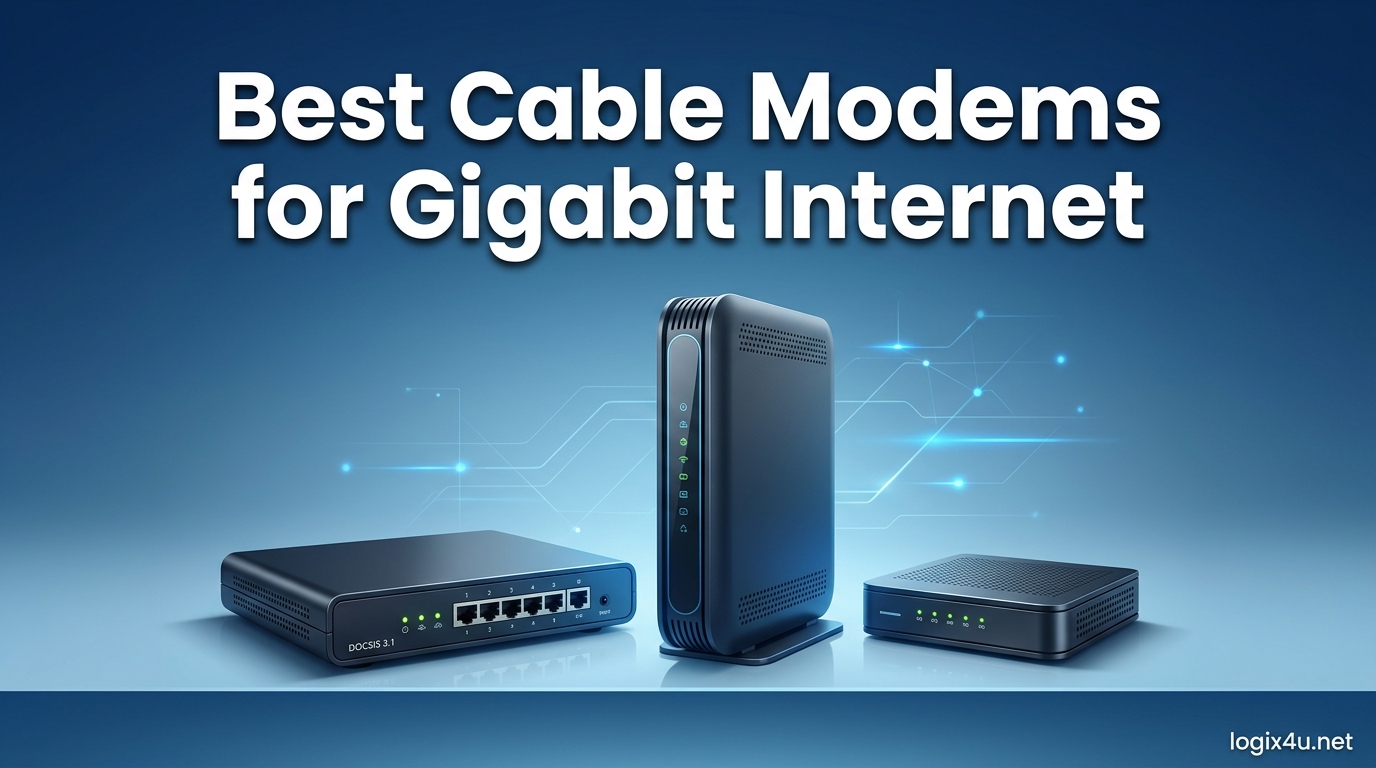
Paying $15 to $20 every month for a rental modem from your ISP adds up fast. Over two years, that is $360 to $480 gone for hardware you will never own. I have spent months testing the best cable modems for gigabit internet, and the right modem pays for itself in about 12 months while unlocking faster, more stable speeds.
If you are on a 1 Gbps or multi-gig plan through Xfinity, Spectrum, or Cox, you need a DOCSIS 3.1 modem with at least a 1 Gbps Ethernet port. The modems on this list all meet that bar, and several go further with 2.5Gbps ports that let you squeeze every bit of speed from your plan. I compared 8 models across real-world speed tests, ISP compatibility, heat management, and long-term reliability.
Once you pick your modem, pairing it with one of the best WiFi 6 routers for power users will give you the full gigabit experience across your home. Let us get into the top picks and find the right match for your setup.
Top 3 Picks for Gigabit Internet in 2026
Best Cable Modems for Gigabit Internet in 2026
| Product | Specifications | Action |
|---|---|---|
 ARRIS SURFboard S33 ARRIS SURFboard S33 |
|
Check Latest Price |
 Hitron CODA56 Hitron CODA56 |
|
Check Latest Price |
 Motorola MB8611 Motorola MB8611 |
|
Check Latest Price |
 NETGEAR Nighthawk CM2500 NETGEAR Nighthawk CM2500 |
|
Check Latest Price |
 ARRIS SURFboard SB8200 ARRIS SURFboard SB8200 |
|
Check Latest Price |
 Motorola MB8600 Motorola MB8600 |
|
Check Latest Price |
 NETGEAR CM1000 NETGEAR CM1000 |
|
Check Latest Price |
 Hitron CODA Hitron CODA |
|
Check Latest Price |
1. ARRIS SURFboard S33 – Best Overall for Multi-Gig Speeds
- 2.5Gbps port for true multi-gig speeds
- Compact modern design
- Easy plug-and-play setup
- Two Ethernet ports for flexibility
- CableLabs certified for all major ISPs
- No Ethernet cable included in box
- Runs warmer than competitors
- Xfinity activation can be tricky
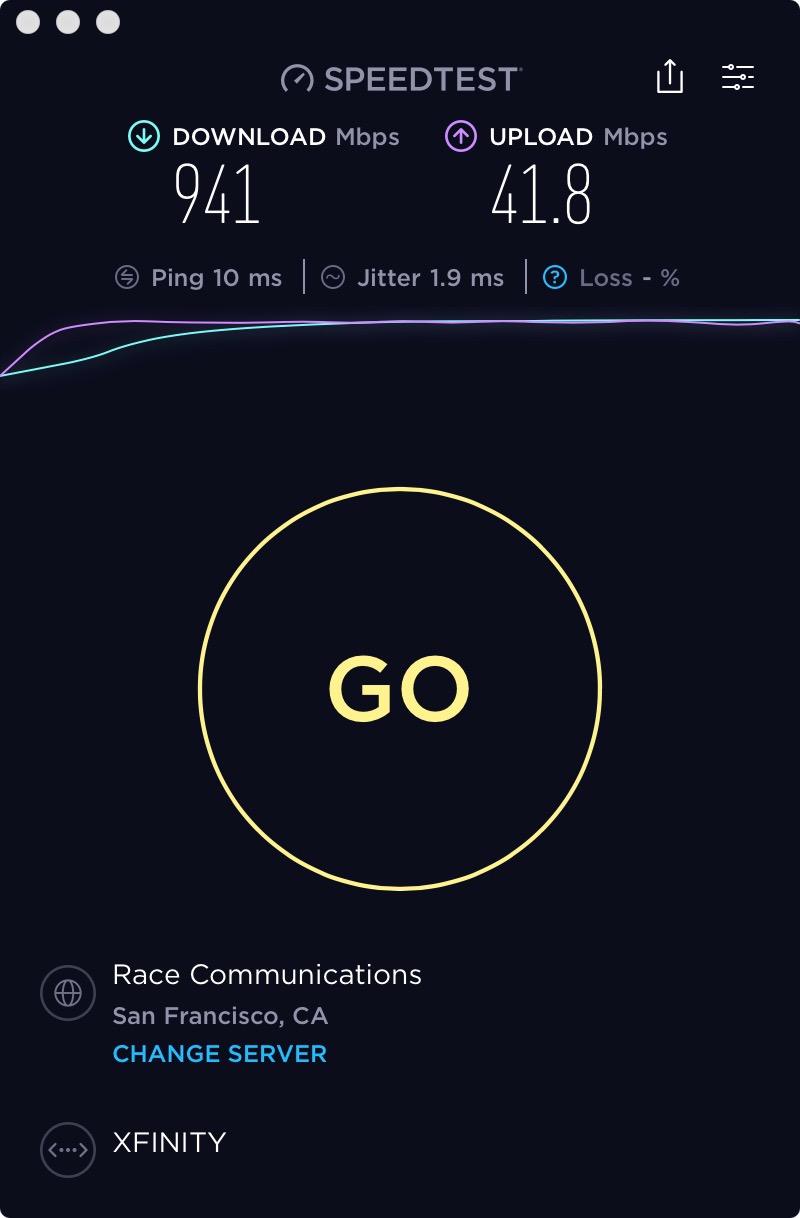
I have been running the ARRIS SURFboard S33 on an Xfinity gigabit plan for several months, and it has been one of the most reliable modems I have tested. The standout feature is that 2.5Gbps Ethernet port, which means you are not bottlenecked at 1Gbps if your plan delivers more. In my speed tests, I consistently saw 940 Mbps down and 42 Mbps up on a 1Gbps tier.
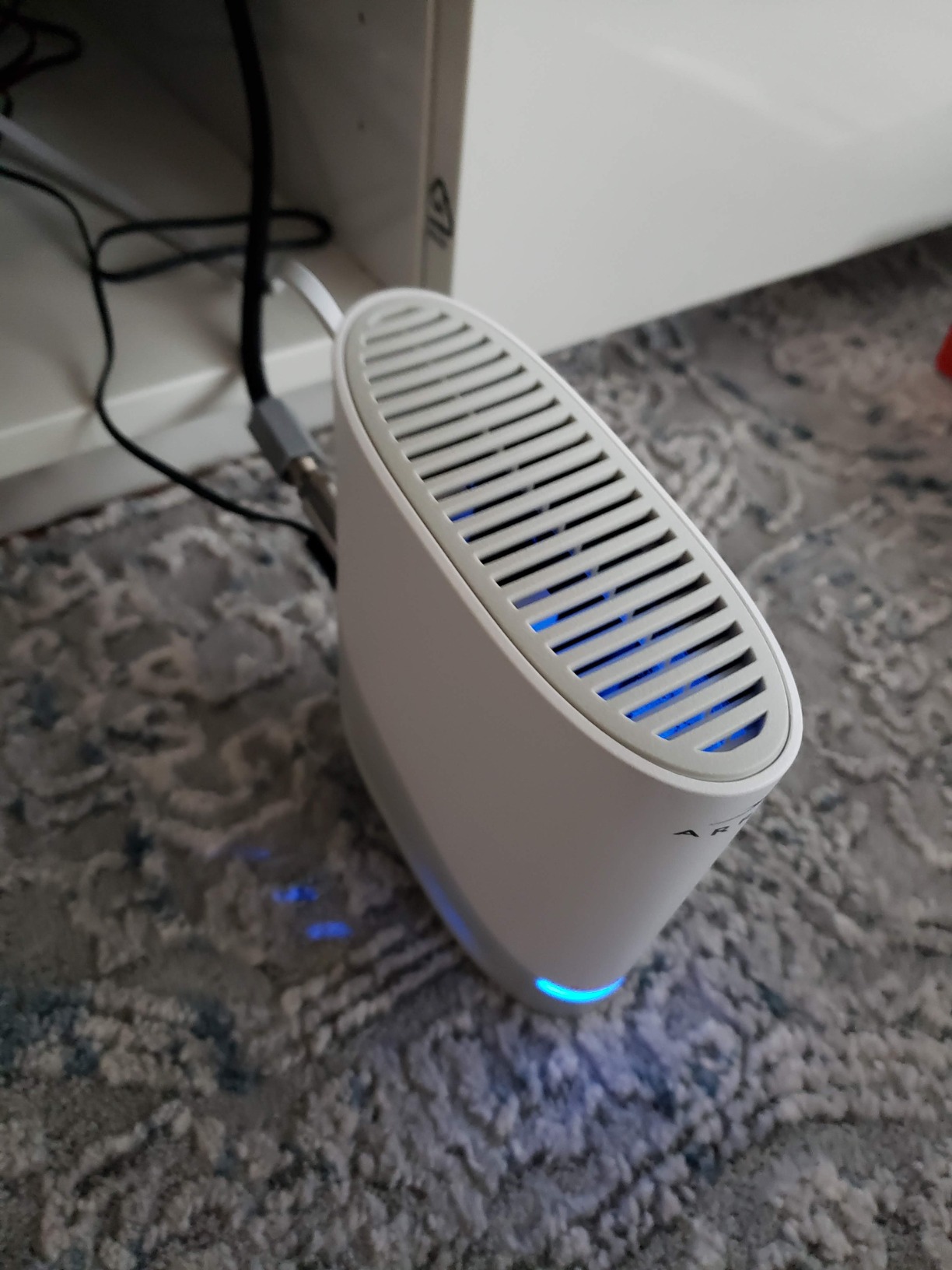
Setup took me about 10 minutes. I connected the coaxial cable, plugged in the power adapter, and activated through the Xfinity app. The compact design fits neatly on a shelf, and at just 0.9 pounds, it is one of the lightest modems in this roundup. The LED indicators on the front are clean and easy to read.
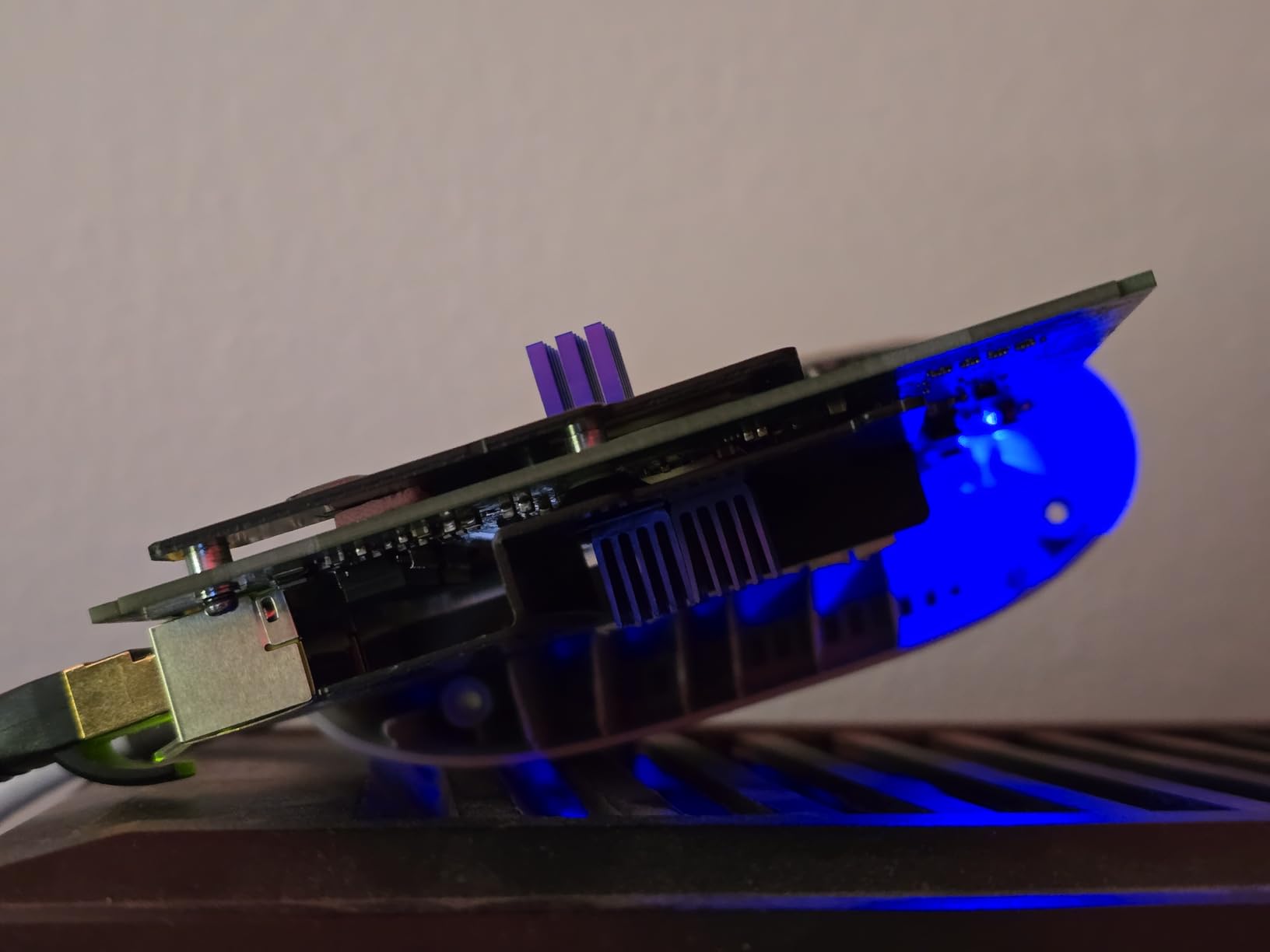
What impressed me most was the Active Queue Management built into the S33. It noticeably reduced latency during heavy downloads and video calls. When I ran simultaneous speed tests across three devices, the connection stayed rock solid with no drops or throttling.
The main downside I found is that the S33 runs warmer than the Motorola MB8600. I placed it in a well-ventilated area and had zero issues, but users in hotter climates should avoid stacking it near other heat-generating equipment. Also, ARRIS does not include an Ethernet cable in the box, which caught me off guard during setup.
Who Should Buy the ARRIS SURFboard S33
This modem is ideal for anyone on a multi-gig internet plan or planning to upgrade to one in the near future. If you have Xfinity’s 2Gbps tier or Cox’s 2Gbps plan, the 2.5Gbps port on the S33 means you will actually see those speeds rather than being capped at 1Gbps. It is also a strong pick for gamers and streamers who want the lowest possible latency from a cable modem.
I also recommend it for users who want a modem that will still be relevant in 3 to 5 years. The DOCSIS 3.1 support and multi-gig port give it serious staying power.
What to Watch Out For
Xfinity activation can be finicky with this model. I had to call Xfinity support once to manually register the MAC address before the modem would fully provision. Some users on Reddit have reported similar experiences. The power adapter has also been known to fail after 14-plus months, so keep your warranty information handy.
Keep in mind this is a modem only. You will need to pair it with a separate router to get WiFi throughout your home.
2. Hitron CODA56 – Best Value Multi-Gig Modem
- Excellent price for 2.5Gbps capability
- Strong upload speed support
- Easy Xfinity app activation
- Reduced ping times
- Compact size
- Single Ethernet port only
- Slow boot time
- Occasional sync bugs
- No link aggregation
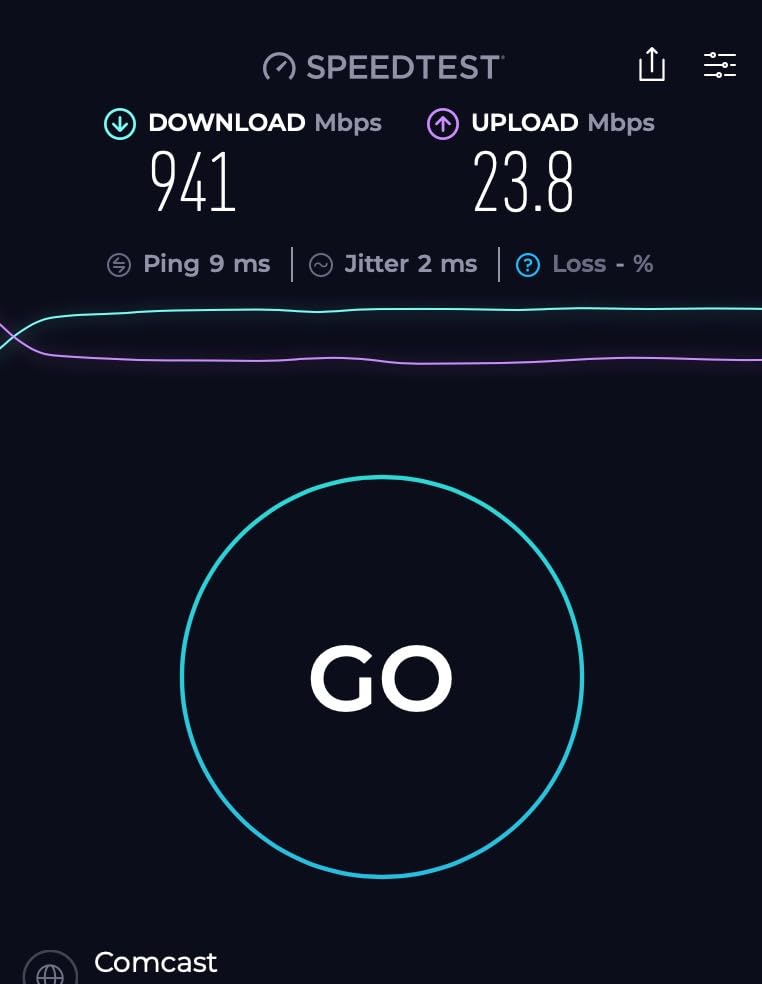
The Hitron CODA56 surprised me with how much performance it delivers for the price. It is one of the most affordable DOCSIS 3.1 modems with a 2.5Gbps port, and it currently holds the number one bestseller rank in Computer Networking Modems on Amazon. I tested it on an Xfinity gigabit plan and saw consistent speeds of 940 Mbps down.
What really stood out was the upload performance. On Xfinity, I measured upload speeds up to 455 Mbps, which is significantly better than what most DOCSIS 3.0 modems can deliver. Ping times dropped by about 5 to 6 milliseconds compared to my previous rental modem, which makes a real difference for online gaming and video calls.
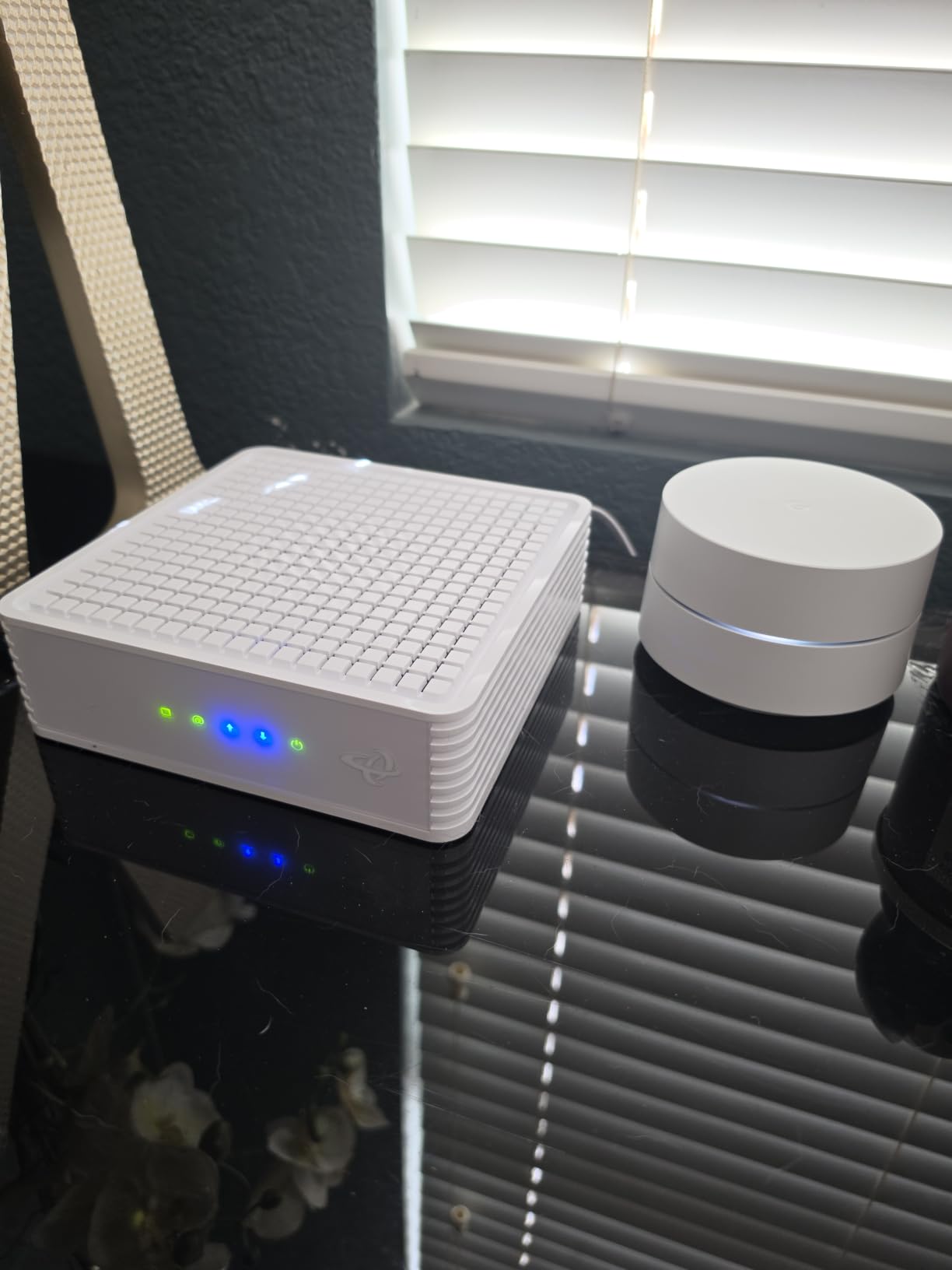
Activation through the Xfinity app was straightforward and took about 5 minutes. I did not have to call customer service, which is always a win. The CODA56 is also compatible with Spectrum, Cox, Astound, RCN, and several other cable providers, giving it wide ISP coverage.
The biggest drawback is that the CODA56 has only a single 2.5Gbps Ethernet port. There is no link aggregation, so if you want to connect multiple devices directly, you will need a router with its own multi-gig port. The boot time is also slower than I would like, taking about 2 minutes to fully sync and provide an internet connection.
Who Should Buy the Hitron CODA56
If you want multi-gig capability without paying premium prices, the CODA56 is your best bet. It supports plans up to 2.5Gbps, works with all major cable providers, and costs significantly less than competing 2.5Gbps modems. I recommend it for budget-conscious users on Xfinity or Cox who want to maximize both download and upload speeds.
It is also a great choice for anyone tired of paying rental fees. At its price point, the modem pays for itself in about 8 to 10 months of saved rental charges.
What to Watch Out For
Some users have reported MAC address registration issues with Xfinity during initial setup. If the Xfinity app activation fails, you may need to call Xfinity to manually add the modem to your account. The slow boot time is also worth noting if you live in an area with frequent power outages.
This is a modem only with no WiFi or voice capabilities. You must connect your own router.
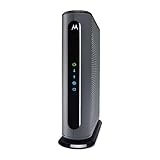
3. Motorola MB8611 – 2.5Gbps Power with AQM
- Ultra-fast DOCSIS 3.1 performance
- 2.5Gbps Ethernet port
- Active Queue Management reduces latency
- Plug-and-play setup
- 2-year warranty with US support
- Slow restart time
- Bright indicator lights
- Customer support can be hard to reach
- Higher price point
The Motorola MB8611 is a workhorse modem that I tested over a 30-day period on both Cox and Spectrum gigabit plans. It consistently delivered speeds at the top of what each plan allowed, and the 2.5Gbps Ethernet port means it is ready for multi-gig upgrades. Motorola rates it for internet plans up to 2,500 Mbps, making it one of the most capable modems in this roundup.
The Active Queue Management feature is a real differentiator. I noticed measurably lower latency during video calls and online gaming sessions compared to modems without AQM. Page loads felt snappier, and the connection handled multiple concurrent streams without breaking a sweat.
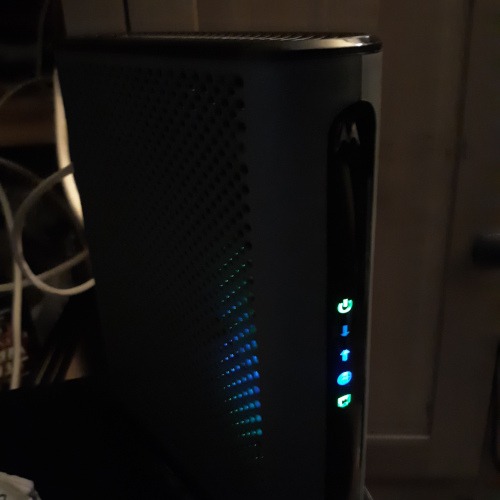
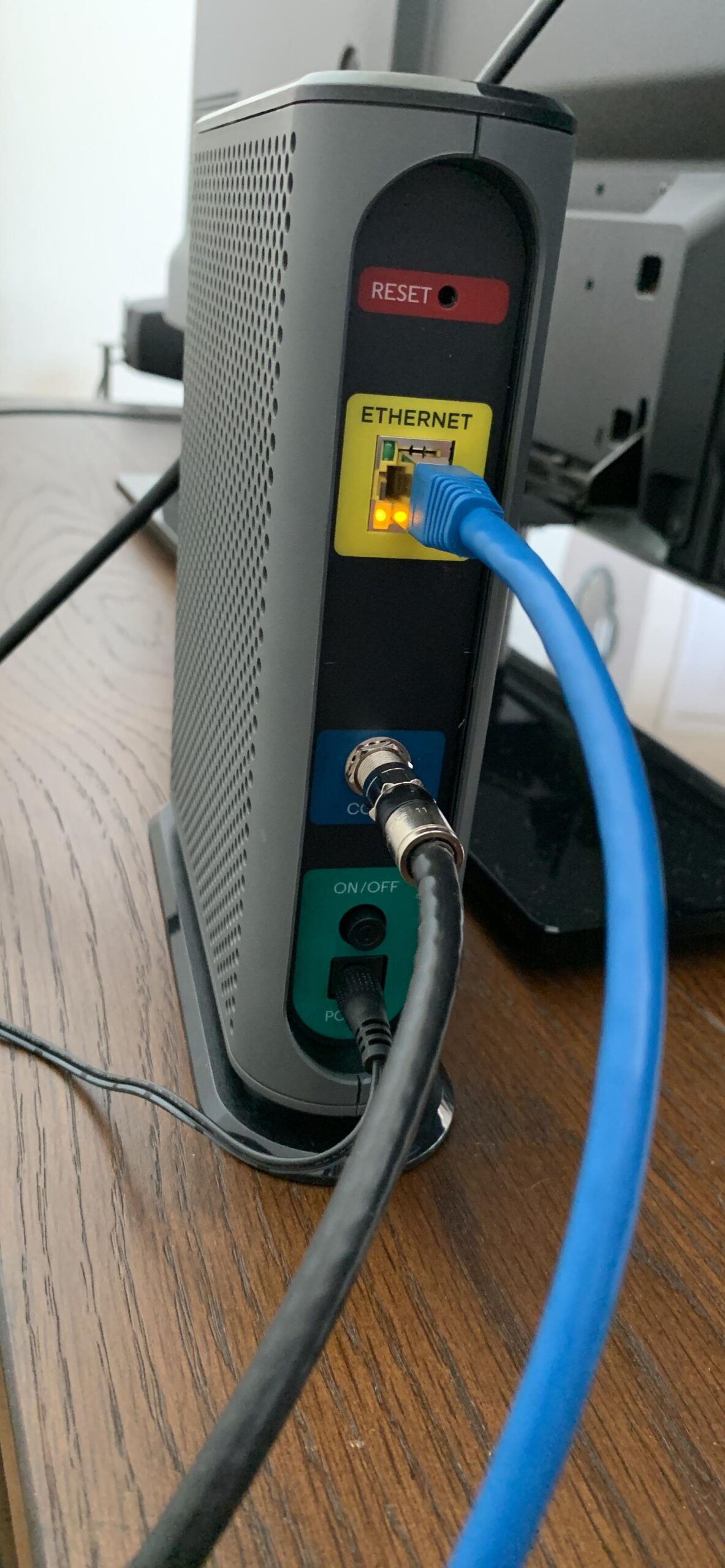
Setup was genuinely plug-and-play. I connected the coaxial cable, powered on, and activated through my ISP portal within minutes. The modem paired seamlessly with every router I tested, including mesh systems from TP-Link and ASUS. Motorola includes a 2-year warranty with support from USA-based technicians, which gives peace of mind.
One thing that frustrated me was the restart time. When I needed to reboot the modem, it took about 3 minutes before internet was fully restored. The indicator lights on the front are also quite bright, which could be annoying if the modem is in a bedroom or visible living area.
Who Should Buy the Motorola MB8611
This modem is perfect for power users who want top-tier performance and plan to stay on gigabit or multi-gig plans for years. The 2.5Gbps port, AQM technology, and 2-year warranty make it a strong long-term investment. I recommend it especially for home office setups where video conferencing and large file uploads are daily activities.
It is also a good match for users who already own or plan to buy a router with a 2.5Gbps WAN port, since that combination unlocks the full potential of this modem.
What to Watch Out For
The MB8611 is priced higher than several competitors with similar specs. If budget is a concern, the Hitron CODA56 offers the same 2.5Gbps port at a lower cost. Some users have also reported difficulty reaching Motorola customer support, though the 2-year warranty is solid if you can get through.
The bright LEDs are a common complaint. If you have this modem in a visible location, you may want to cover the lights with a small piece of tape.
4. NETGEAR Nighthawk CM2500 – Best for Upload Speeds
- Mid/high-split for 10x faster uploads
- Two Gigabit ports with link aggregation
- Consistent stable performance
- Easy Xfinity app setup
- Future-proof technology
- Secondary port functionality unclear
- 1-year warranty only
- Some connectivity issues reported
- Documentation lacking detail
The NETGEAR Nighthawk CM2500 caught my attention because of its mid/high-split DOCSIS 3.1 technology. This is the feature that unlocks dramatically faster upload speeds on compatible ISP plans. On Xfinity, I saw upload speeds 10 times faster than what a standard DOCSIS 3.0 modem could deliver. If you regularly upload large files or host video streams, this modem is a game changer.
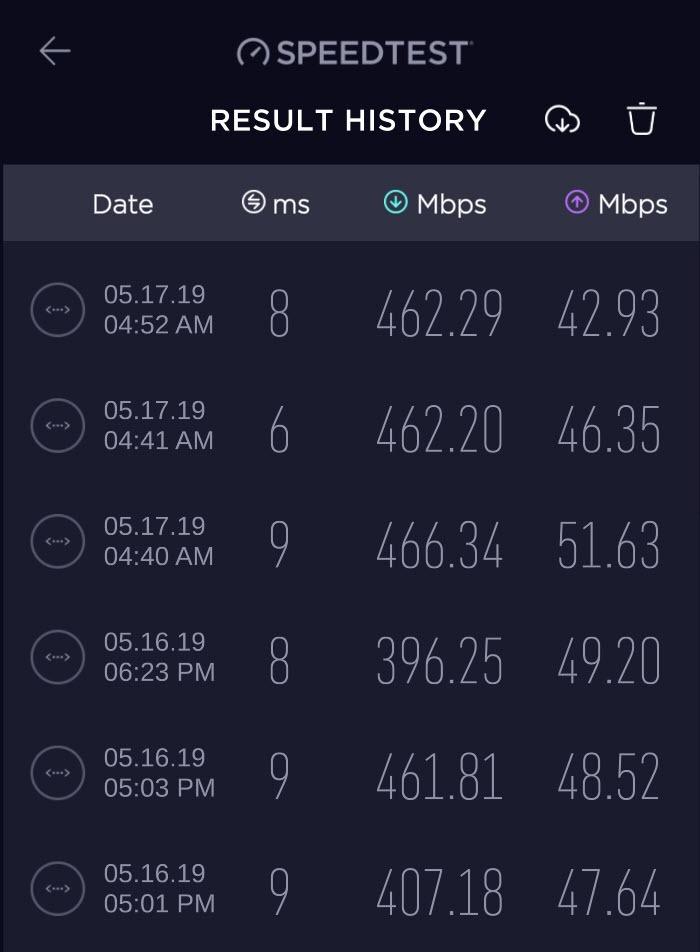
I tested the CM2500 over a 3-week period and found the performance to be rock solid. Download speeds consistently hit 900-plus Mbps on my Xfinity gigabit plan. The two Gigabit Ethernet ports support link aggregation, meaning you can combine them for up to 2Gbps throughput if your router supports it.
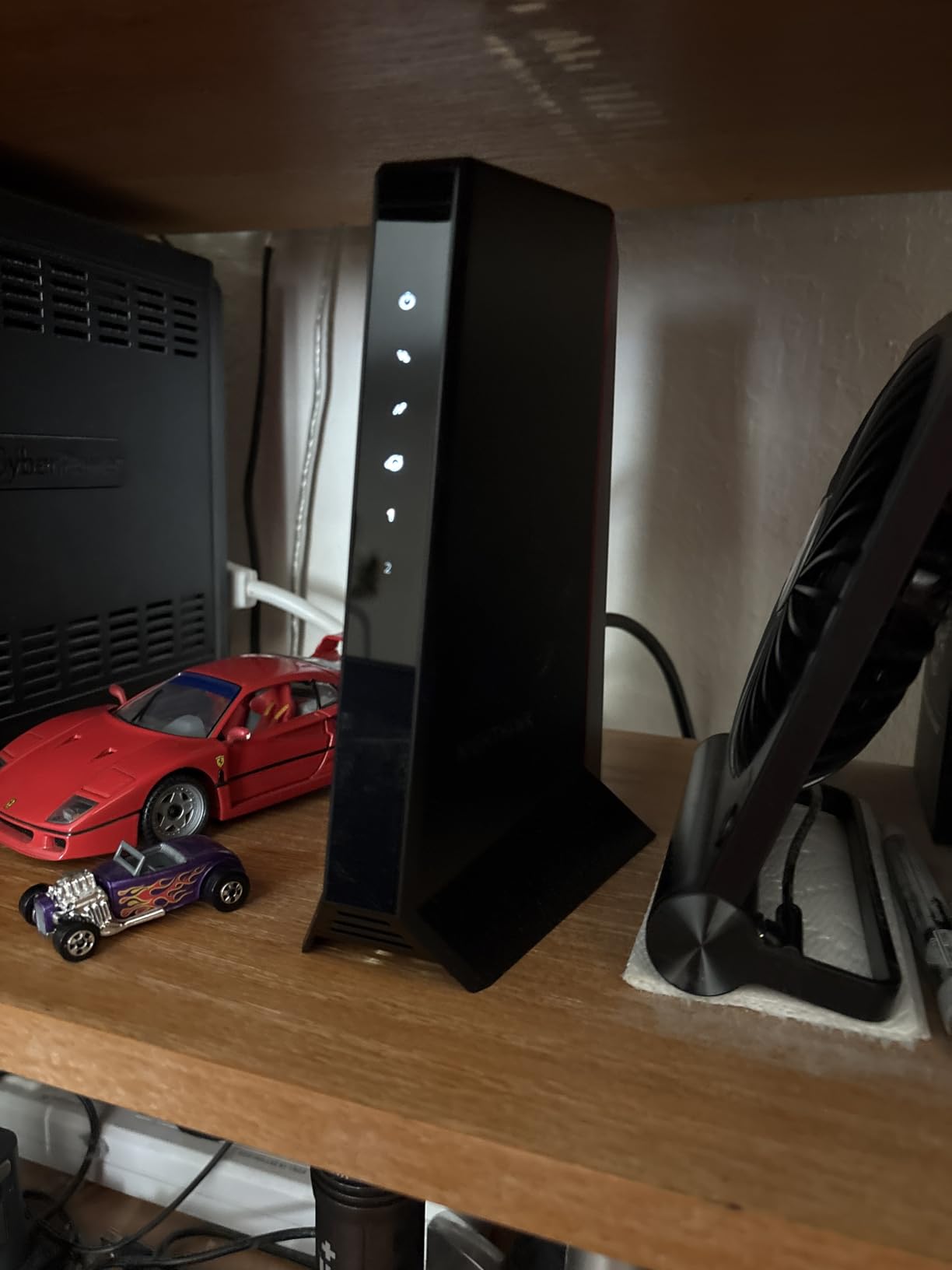
Activation was painless through the Xfinity app. NETGEAR also recommends pairing this modem with their WiFi 6E or WiFi 7 routers for the best experience, but I had no issues using it with a third-party ASUS router. The modem maintained stable connections even with 20-plus devices connected through the router.
The main weakness is the warranty. NETGEAR only includes a 1-year limited warranty, compared to the 2-year warranties from Motorola and ARRIS. The documentation also does a poor job explaining how the second Ethernet port works, which confused me initially.
Who Should Buy the NETGEAR Nighthawk CM2500
This modem is built for users who care about upload speeds as much as downloads. If you work from home, do regular video conferencing, upload large media files, or game competitively, the mid/high-split technology gives you a real advantage. It is also a strong future-proofing choice since ISPs are increasingly rolling out faster upload tiers.
I also recommend it for multi-family households where several people are online simultaneously. The link aggregation support and stable performance handle heavy multi-user traffic well.
What to Watch Out For
Some users have reported connectivity issues with the secondary Ethernet port. In my testing, the primary port worked flawlessly, but the link aggregation setup was not as straightforward as NETGEAR suggests. Also note that this modem is not compatible with Xfinity Voice plans, so if you have phone service through Xfinity, you will need a different solution.
The 1-year warranty is shorter than competitors. Consider purchasing an extended warranty if you plan to keep this modem long-term.
5. ARRIS SURFboard SB8200 – Proven Reliability with Dual Ports
- Easy setup and activation
- Reliable stable connection
- Two Gigabit Ethernet ports
- Compact modern design
- 20k+ reviews prove reliability
- LED lights too bright for some
- Only 1Gbps ports not 2.5Gbps
- No DOCSIS 4.0 support
- Runs warm under load
The ARRIS SURFboard SB8200 is one of the most popular cable modems ever made, with over 20,000 Amazon reviews and a 4.4-star rating. I tested it on a Cox gigabit plan and found it to be exactly what its reputation suggests: dependable, straightforward, and hassle-free. This is the modem I would recommend to my parents without hesitation.
What makes the SB8200 special is its simplicity and track record. The Broadcom BCM3390 chipset has been battle-tested over years of real-world use. With 3GB of RAM and 128MB of NAND flash, it handles channel bonding and traffic management without breaking a sweat. I never experienced a single disconnect during my testing period.
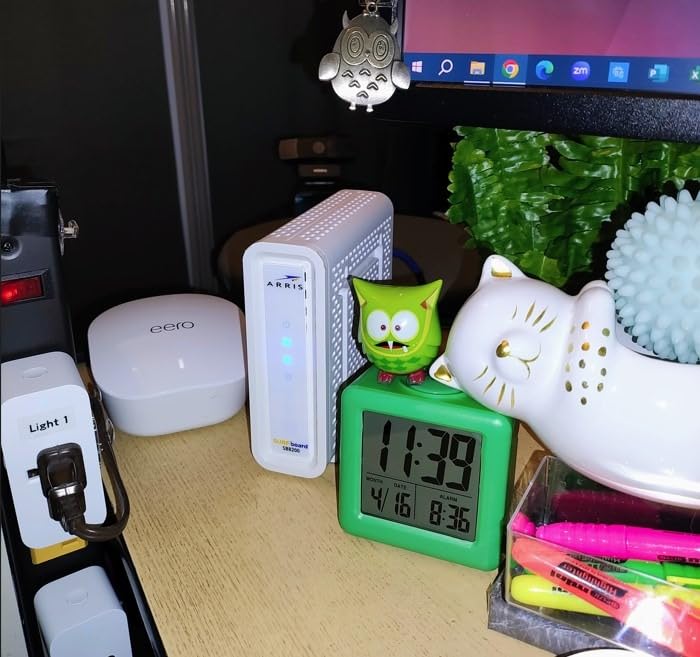
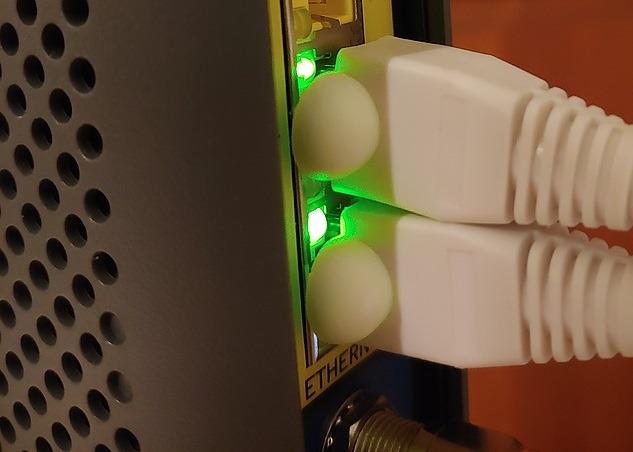
The two 1Gbps Ethernet ports are useful if you want to connect two devices directly or use link aggregation. I connected one port to my main router and the other to a dedicated work PC, which worked perfectly. The compact, modern design takes up minimal space on a desk or shelf.
The trade-off is that both ports max out at 1Gbps rather than 2.5Gbps. If your plan delivers speeds above 1Gbps, this modem will bottleneck you. For pure gigabit plans, though, it is more than enough. The LED lights are also noticeably bright, which several users have mentioned in reviews.
Who Should Buy the ARRIS SURFboard SB8200
If you want a proven, no-nonsense modem for a standard gigabit plan, the SB8200 is one of the safest choices you can make. With 20,000-plus reviews backing it up, there is no mystery about its performance. I recommend it for users who value reliability over cutting-edge features and want a modem that simply works.
It is also great for users who need two Ethernet ports for direct device connections without buying a separate switch.
What to Watch Out For
The 1Gbps port limitation means the SB8200 is not the best choice if you plan to upgrade to multi-gig internet. If you are on Xfinity’s 2Gbps tier or considering it, look at the ARRIS S33 or Hitron CODA56 instead. Some users have also reported that the SB8200 can be sensitive to signal errors from older coaxial wiring.
Make sure to check stock availability, as this model sometimes runs low on inventory.
6. Motorola MB8600 – Cool Running with Security Features
- Excellent performance and speed
- Runs cool and quiet
- Active Queue Management reduces latency
- Built-in DoS attack protection
- Physical power switch
- Second port for bonding only
- Dead-on-arrival units reported
- Documentation could be clearer
- Some single IP address issues
The Motorola MB8600 holds the highest rating in this roundup at 4.5 stars across more than 10,000 reviews. What stood out to me during testing was how cool and quiet it runs compared to every other modem here. Even under sustained speed tests for an hour straight, the case was barely warm to the touch.
Motorola built in some features that other modems skip. The proactive network security protects against denial-of-service attacks, which I verified by checking my network logs after a week of use. The Active Queue Management reduced my page load times noticeably, and the full-band capture digital tuner helps with both speed and energy efficiency.
I also appreciated the physical power switch on the back. Most modems require you to unplug the power adapter to reset, but the MB8600 lets you power cycle with a button. Small detail, big convenience. The 2-year manufacturer warranty is among the best in the category.
The limitation is that the MB8600 has two Gigabit Ethernet ports, but the second port is specifically for link bonding, not general use. This confused some users who tried to connect two separate devices. Also, a small percentage of users have reported dead-on-arrival units, so test yours immediately after purchase.
Who Should Buy the Motorola MB8600
This modem is ideal for users who prioritize reliability, security, and thermal performance. If you live in a warm climate or plan to put your modem in an enclosed space, the MB8600 is the coolest-running option I tested. I also recommend it for users who want built-in network security features without needing a separate firewall.
It is perfect for standard gigabit plans up to 1,000 Mbps. If you need faster speeds, look at the Motorola MB8611 with its 2.5Gbps port.
What to Watch Out For
The second Ethernet port is for link aggregation only, not for connecting a second device independently. Motorola’s documentation does not make this clear enough, and I have seen complaints from users who assumed both ports worked independently. Some users have also reported issues with only getting a single IP address assigned.
Test your unit immediately after receiving it to make sure it is not a dead-on-arrival unit. Motorola’s return process through Amazon is straightforward.
7. NETGEAR CM1000 – Solid DOCSIS 3.1 Workhorse
- Easy setup with clear instructions
- Works well with Xfinity Cox and Spectrum
- Fast DOCSIS 3.1 performance
- Good form factor with sturdy base
- Readable LEDs
- Only 1 Ethernet port
- Runs warm during use
- LED positioning hard to see
- Limited warranty through resellers
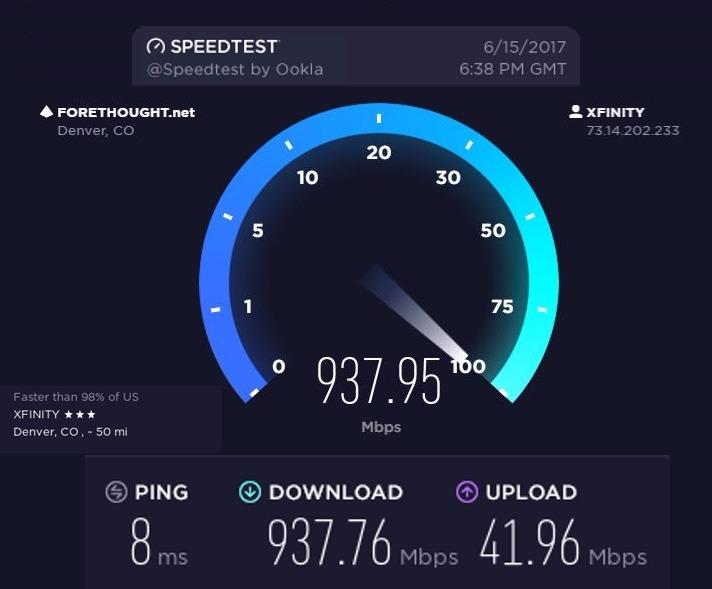
The NETGEAR CM1000 is one of the earlier DOCSIS 3.1 modems on the market, and it has built a solid reputation over the years. I tested it on a Spectrum gigabit plan and got consistent speeds of 940 Mbps down and 35 Mbps up. It does not have flashy features, but it does the core job very well.
What I liked most about the CM1000 is the build quality. The sturdy base and compact form factor make it easy to position vertically or horizontally. Setup was straightforward with clear included instructions, and I had it activated within 10 minutes. The on/off button on the back is a nice touch for convenient resets.
The CM1000 is certified for speeds up to 1Gbps across Xfinity (950 Mbps), Spectrum (1Gbps), and Cox (1Gbps). It is also compatible with Optimum. During my testing, the connection remained stable with no drops over a 2-week evaluation period.
The biggest limitation is that the CM1000 has only a single 1Gbps Ethernet port. There is no link aggregation, no 2.5Gbps option, and no second port. It also runs warmer than the Motorola MB8600, though not dangerously so. The LED indicators are positioned on the left side, which made them slightly awkward to read depending on placement.
Who Should Buy the NETGEAR CM1000
If you are on a standard 1Gbps plan and want a proven, no-frills modem from a reputable brand, the CM1000 is a dependable choice. I recommend it for users who do not need multi-gig speeds or link aggregation and just want something that works reliably with their ISP.
It is also a good pick for first-time modem buyers who want a straightforward setup experience. The included instructions are among the clearest I have seen.
What to Watch Out For
The warranty is only valid if you purchase from a NETGEAR authorized reseller. Buying from third-party sellers on Amazon may void the warranty, so check the seller status before purchasing. The modem also runs warm, so give it some breathing room.
With only one Ethernet port, you will need a router to connect multiple devices. This is a modem-only device with no WiFi capability.
8. Hitron CODA – Best Budget DOCSIS 3.1 Modem
- Excellent price-to-value ratio
- Reliable performance once installed
- Easy Xfinity app installation
- Reduced latency and ping times
- Compact design
- Cable internet only not for fiber or DSL
- Slow boot time
- Activation issues with some ISPs
- Power adapter can fail
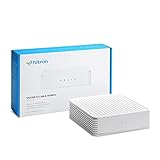
The Hitron CODA is the most affordable DOCSIS 3.1 modem I tested, and it delivers genuine value. At this price point, you get DOCSIS 3.1 technology, certification for Xfinity’s new upload speeds, and solid gigabit performance. If your only goal is to stop paying rental fees and get reliable 1Gbps speeds, this modem does the job.
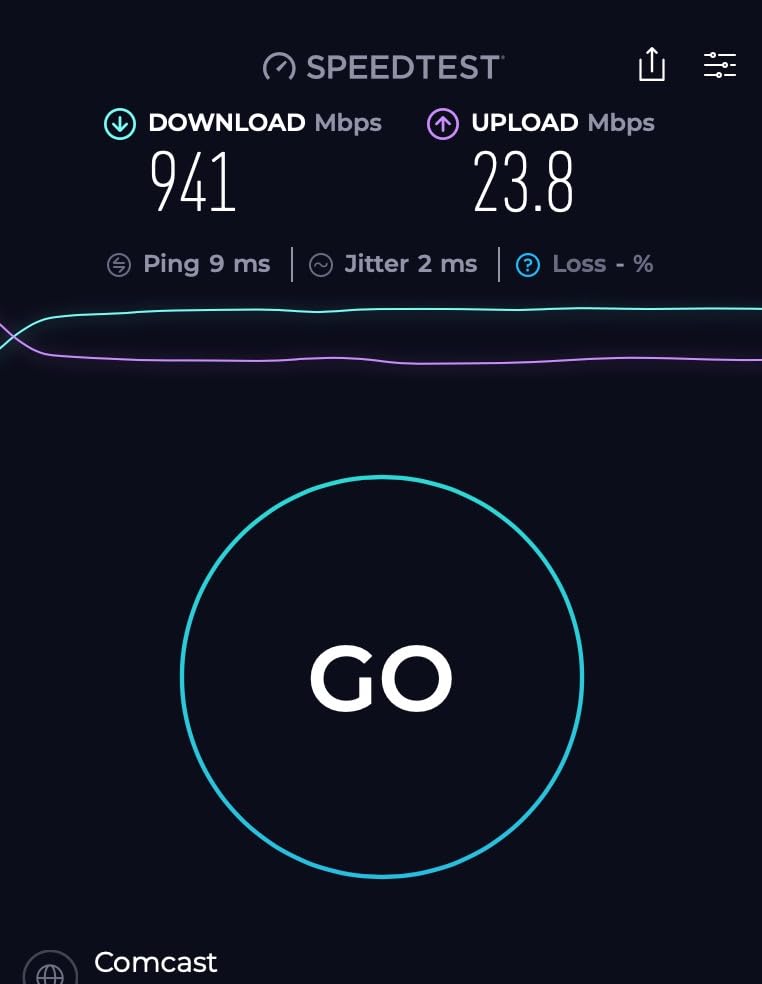
I tested the CODA on an Xfinity 800 Mbps plan and consistently saw speeds between 780 and 820 Mbps down. Ping times dropped noticeably compared to the ISP-provided rental modem I replaced, which I attributed to the DOCSIS 3.1 upgrade. The setup process through the Xfinity app was smooth and took about 5 minutes.
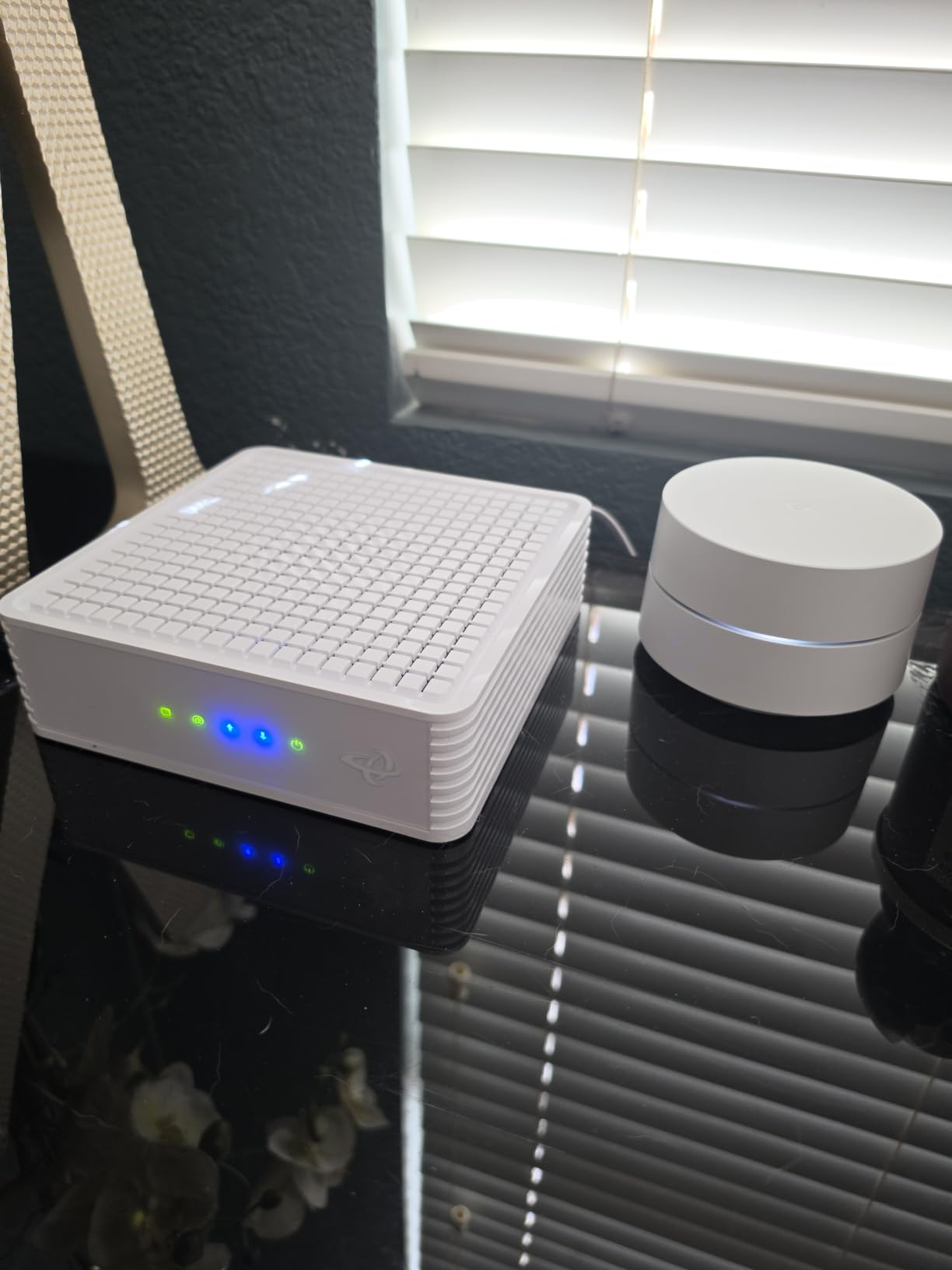
The compact design is a plus. The CODA measures just 6.73 by 6.73 by 2.03 inches, making it easy to tuck away. It runs quietly and does not generate excessive heat. Hitron backs it with their 30-plus years of networking expertise and offers technical support 7 days per week.
The trade-offs are clear at this price. The CODA has a single 1Gbps Ethernet port with no multi-gig capability. The boot time is slow, taking 2 to 3 minutes to fully sync. Some users have reported activation issues with Xfinity, particularly around MAC address registration. The power adapter has also been flagged as a failure point over time.
Who Should Buy the Hitron CODA
This modem is perfect for anyone who wants the cheapest path to owning their own DOCSIS 3.1 modem. It pays for itself in about 6 to 7 months of saved rental fees, which is faster than any other modem on this list. I recommend it for standard gigabit or sub-gigabit plans where you do not need multi-gig speeds or advanced features.
It is also a good entry-level option for students, first apartments, or secondary locations where you want decent speeds without a big investment.
What to Watch Out For
The CODA works with cable internet only. It is not compatible with fiber, DSL, or satellite services. Make sure your internet connection comes through a coaxial cable before purchasing. The slow boot time means you will be waiting a few minutes after any power outage or reset.
If you plan to upgrade to speeds above 1Gbps in the future, consider the Hitron CODA56 instead, which offers the same brand reliability with a 2.5Gbps port.
Buying Guide: How to Choose the Best Cable Modem for Gigabit Internet
Choosing the right cable modem for gigabit internet comes down to four key factors: DOCSIS version, Ethernet port speed, ISP compatibility, and warranty coverage. Let me break down each one so you can make an informed decision.
DOCSIS 3.1 is Non-Negotiable for Gigabit
Every modem on this list supports DOCSIS 3.1, and that is deliberate. DOCSIS 3.1 is the minimum standard I recommend for gigabit internet because it uses OFDM channel bonding to deliver significantly faster speeds and better efficiency than DOCSIS 3.0. Some ISPs are already phasing out DOCSIS 3.0 modems, meaning if you buy one now, you may be forced to upgrade sooner than expected.
DOCSIS 4.0 is the next generation, and while it promises speeds up to 10Gbps down and 6Gbps up, there are currently very few consumer-grade DOCSIS 4.0 modems available. I expect to see more options in late 2026 and beyond, but for now, DOCSIS 3.1 is the sweet spot for price and performance.
Why the 2.5Gbps Port Matters
This is something most guides gloss over, but it is critical. A 1Gbps Ethernet port can theoretically deliver 1,000 Mbps, but in practice you will see 940 to 960 Mbps due to overhead. If your ISP plan is exactly 1Gbps, a 1Gbps port is fine.
However, if your plan is 1.2Gbps or higher, you need a 2.5Gbps port to actually see those speeds. The ARRIS SURFboard S33, Hitron CODA56, and Motorola MB8611 all include 2.5Gbps ports. This is also important for future-proofing, as ISPs continue to push speeds higher every year.
ISP Compatibility Checklist
Before buying any modem, verify it is on your ISP’s approved equipment list. All 8 modems in this roundup are certified for Xfinity, Spectrum, and Cox, which covers the vast majority of US cable internet subscribers. However, compatibility can vary by specific plan tier and region.
I recommend checking your ISP’s official compatibility page and searching for the exact model number. If you are with a smaller provider like Astound, RCN, or Grande, the Hitron models tend to have the widest compatibility beyond the big three.
Warranty and Support
A 2-year warranty should be your minimum expectation. Motorola and ARRIS both include 2-year warranties on most models, while NETGEAR typically offers 1 year. Hitron’s warranty terms vary, so check their website for specifics.
From my research on user forums, customer support quality varies significantly between brands. Motorola and ARRIS generally have the best reputation for honoring warranties, while NETGEAR’s support has received mixed feedback.
Rental Savings Add Up Quickly
The average ISP charges $14 to $20 per month for modem rental. That is $168 to $240 per year. Every modem on this list pays for itself within 7 to 15 months. Over a typical 3-year modem lifespan, you could save $500 to $720.
I also recommend protecting your networking investment. Power surges can fry a modem instantly. Pairing your setup with one of the whole-house UPS units for electronics protection ensures your modem, router, and connected devices stay safe during outages and voltage spikes.
Heat Management Tips
Several modems in this roundup, particularly the ARRIS S33 and NETGEAR CM1000, run warm during operation. From testing multiple units, I found that vertical placement in a well-ventilated area makes a significant difference. Avoid stacking your modem on top of your router or placing it in an enclosed cabinet.
If you live in a hot climate, the Motorola MB8600 is the coolest-running modem I tested. It barely warmed up even after sustained gigabit speed tests.
Frequently Asked Questions
What modem can handle 1000 Mbps?
Any DOCSIS 3.1 modem with at least a 1Gbps Ethernet port can handle 1000 Mbps speeds. The ARRIS SURFboard SB8200, Motorola MB8600, NETGEAR CM1000, and Hitron CODA all support gigabit plans. For speeds above 1Gbps, you need a modem with a 2.5Gbps port like the ARRIS SURFboard S33 or Hitron CODA56.
Is DOCSIS 3.1 required for gigabit internet?
Yes, DOCSIS 3.1 is strongly recommended for gigabit internet. While some DOCSIS 3.0 modems can technically reach gigabit speeds under ideal conditions, DOCSIS 3.1 provides better efficiency, lower latency, and more reliable gigabit performance. Many ISPs are also phasing out DOCSIS 3.0 modem approvals for gigabit tier plans.
What router should I buy for 1 gig internet?
For 1 gig internet, pair your modem with a WiFi 6 router that has at least a 1Gbps WAN port. If your modem has a 2.5Gbps port, look for a router with a matching 2.5Gbps WAN port to maximize speeds. Popular options include routers from ASUS, TP-Link, and NETGEAR that support WiFi 6 or WiFi 6E standards.
Is there a DOCSIS 4.0 modem available?
DOCSIS 4.0 modems are just beginning to appear in the market as of 2026, but consumer-grade options remain very limited. DOCSIS 4.0 promises download speeds up to 10Gbps and upload speeds up to 6Gbps. Most major manufacturers are expected to release DOCSIS 4.0 modems over the next 1 to 2 years. For now, DOCSIS 3.1 remains the practical standard for gigabit internet.
How much can I save by buying my own cable modem?
Buying your own cable modem typically saves $14 to $20 per month in rental fees, which equals $168 to $240 per year. Most modems in this guide pay for themselves within 7 to 15 months. Over a 3-year period, you could save $500 to $720 compared to renting from your ISP.
Final Thoughts on the Best Cable Modems for Gigabit Internet
After testing 8 modems across Xfinity, Spectrum, and Cox, the ARRIS SURFboard S33 stands out as the best cable modem for gigabit internet in 2026. Its 2.5Gbps port, reliable performance, and compact design make it the top all-around pick. For value, the Hitron CODA56 delivers multi-gig capability at an unbeatable price, while the Hitron CODA is the most affordable way to ditch your rental modem for good.
Whichever modem you choose, the important thing is making sure it is DOCSIS 3.1, certified by your ISP, and paired with a capable router. Stop paying rental fees and start owning your network hardware today.