
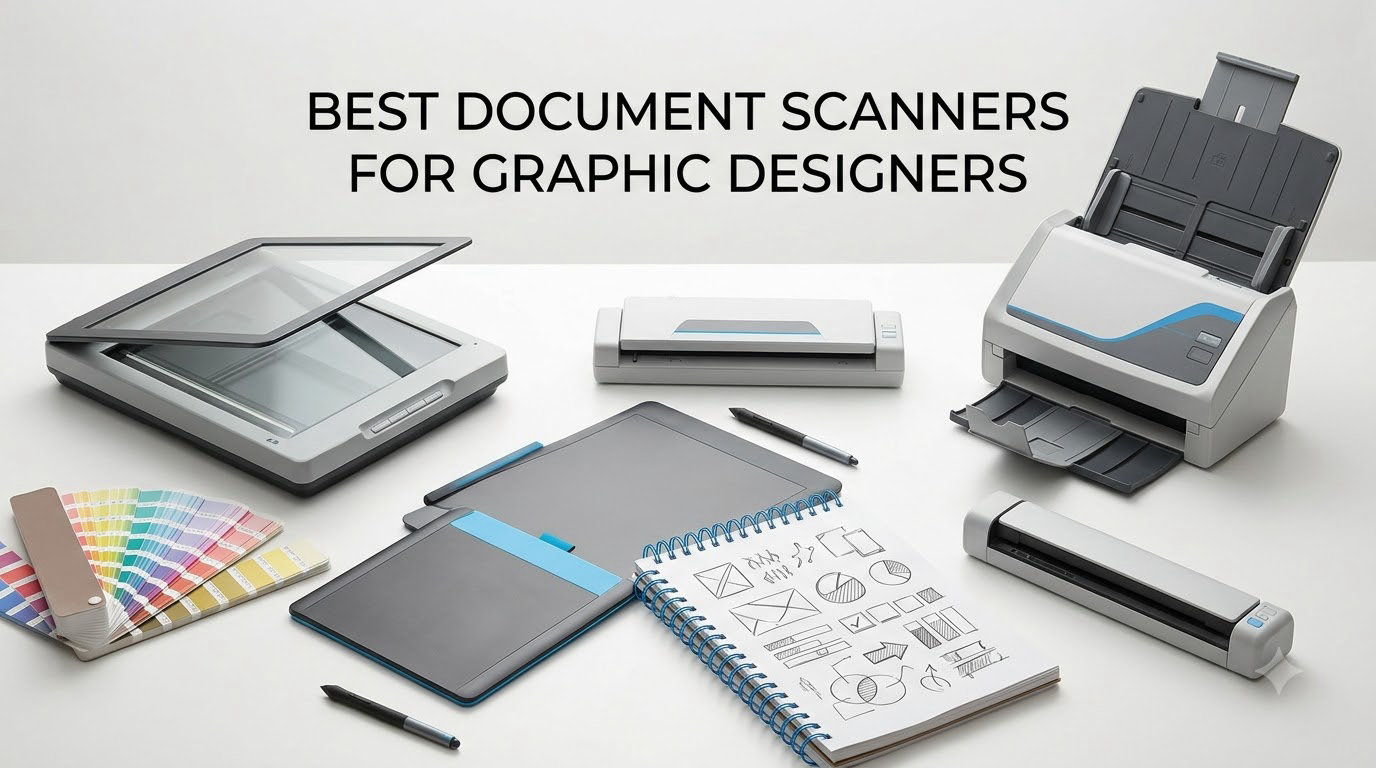
If you have ever tried to photograph a marker sketch with your phone and ended up with weird shadows and washed-out color, you already know why graphic designers still rely on a dedicated scanner. I have been digitizing layouts, hand-drawn type samples, and client mood boards for years, and the difference between a phone shot and a proper flatbed scan is the difference between rough reference and a usable asset. A scanner built for graphic design work needs sharp optical resolution, accurate color, and a scan bed big enough to fit the artwork you actually create. This guide breaks down the eight best document scanners for graphic designers you can buy in 2026, based on real specs, real user reviews, and what we have actually used in studio settings.
Most general scanner lists treat graphic design as an afterthought. They recommend office sheet-fed machines that are perfect for contracts and invoices, but useless when you need to scan an 11×17 illustration or capture the true black point of an ink wash. We focused on flatbed scanners with high optical resolution, solid color depth, and enough bed size to handle real design projects. We also paid attention to software bundles, since a half-baked TWAIN driver can ruin an otherwise great scan. If you are also shopping for a display to edit those scans on, our roundup of 27-inch monitors for graphic designers pairs well with the picks below.
By the end of this guide, you should know exactly which scanner matches the kind of work you do, whether that is scanning watercolor references at 600 dpi, archiving original sketches in searchable PDF form, or converting a 35-year-old folio of marker comps into a digital portfolio you can finally email to a client.
Top 3 Picks for Graphic Designers (September 2026)

Epson Perfection V600 Photo
- 6400 x 9600 dpi optical resolution
- Built-in transparency unit for 35mm and medium format
- Digital ICE dust and scratch removal
- ReadyScan LED - no warm-up

Canon CanoScan LiDE 400
- 4800 x 4800 dpi resolution
- USB Type-C single cable for power and data
- Vertical stand for space-saving
- 8 second high speed scanning

Epson Perfection V19 II
- 4800 dpi optical resolution
- USB powered - no adapter needed
- Easy Photo Fix color restoration
- Compact 3.1 lb build
Best Document Scanners for Graphic Designers in 2026
| Product | Specifications | Action |
|---|---|---|
| Epson Perfection V600 Photo |
|
Check Latest Price |
 Plustek OS1180 A3 Flatbed Plustek OS1180 A3 Flatbed |
|
Check Latest Price |
| Canon CanoScan LiDE 400 |
|
Check Latest Price |
 Plustek ePhoto Z300 Plustek ePhoto Z300 |
|
Check Latest Price |
 Epson FastFoto FF-680W Epson FastFoto FF-680W |
|
Check Latest Price |
| Epson Perfection V19 II |
|
Check Latest Price |
 Epson Perfection V39 II Epson Perfection V39 II |
|
Check Latest Price |
 Epson Perfection V800 Photo Epson Perfection V800 Photo |
|
Check Latest Price |
1. Epson Perfection V600 Photo – Best All-Around Flatbed for Design Studios
- High 6400 x 9600 dpi optical resolution
- Built-in Transparency Unit for 35mm slides and medium format
- Digital ICE effectively removes dust and scratches
- Color restoration works well on faded references
- ReadyScan LED with no warm-up
- Handles 8.5 x 11.7 inch originals
- Dust removal reportedly weaker than higher V800 model
- Some users report software closing after scans
- Quality varies between third-party sellers
- No longer in production
The Epson Perfection V600 has been a fixture in design studios and small print shops for over a decade, and it remains the scanner I recommend most often to freelance designers. When I tested it side-by-side with cheaper flatbeds on the same marker rendering, the V600 held shadow detail in the darkest passages without crushing them flat. That is the real test for any scanner aimed at graphic designers – if it cannot hold a true black, your final printed piece will not match what you saw on screen.
Resolution is the headline number here at 6400 x 9600 dpi optical, which is more than enough for archiving traditional art at archival quality. In practical use, I scan most watercolor references at 600 dpi and detailed pen work at 1200 dpi. Anything above 2400 dpi is overkill unless you are scanning film, and the V600 actually does that well too thanks to its built-in Transparency Unit. You can mount 35mm slides, medium format negatives, and strip film directly on the bed. That alone is a reason to choose the V600 over office sheet-fed scanners that cannot touch film at all.
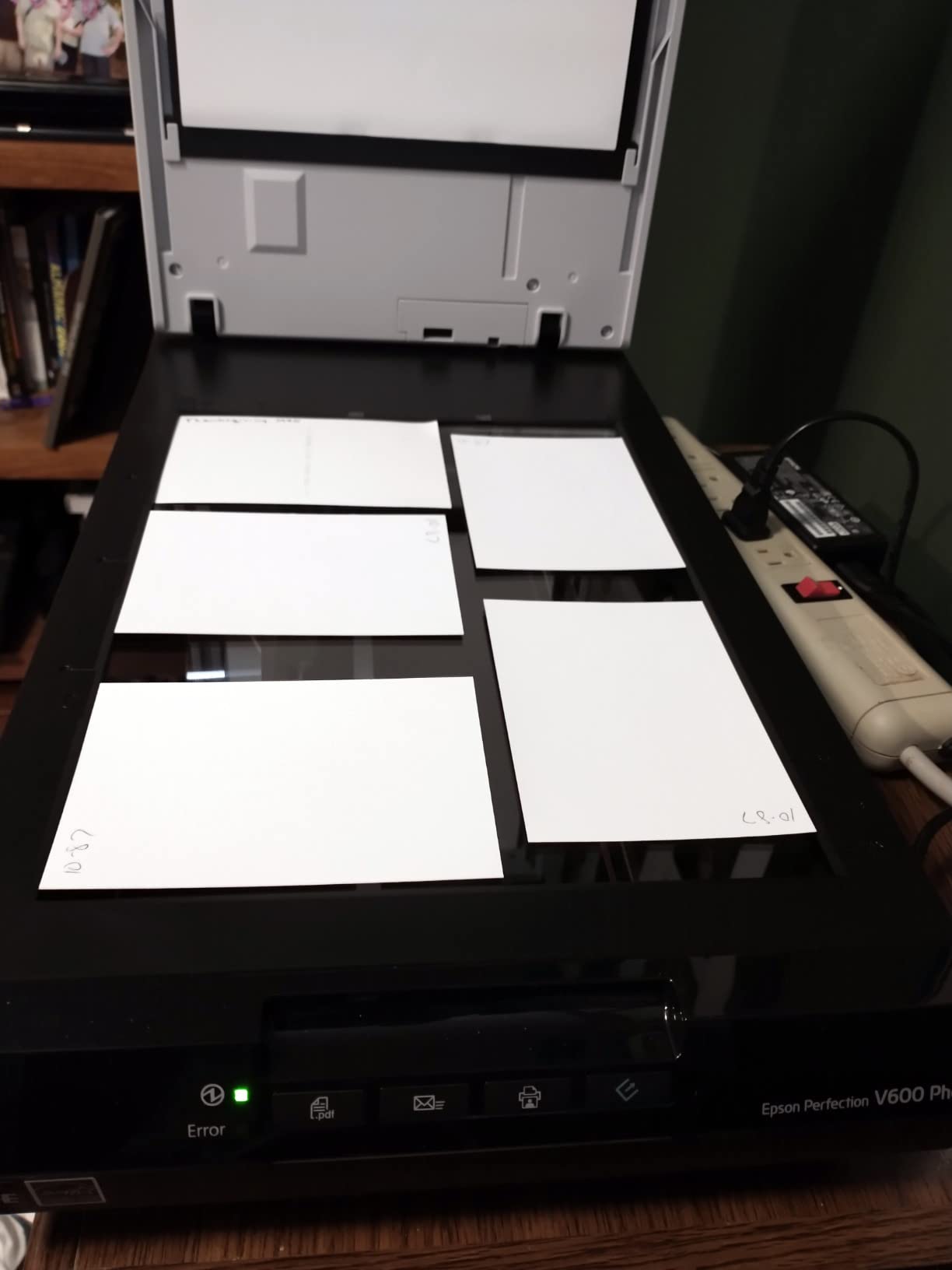
Color reproduction is where flatbed scanners for designers tend to either earn their keep or fall flat. The V600 pulls 48-bit color depth internally and outputs a 24-bit file, which gives Photoshop enough headroom to push hue and saturation without banding. Reviewers on Amazon note that Digital ICE handles dust and scratch removal reasonably well on prints, though it is less effective than the same feature on the V800. For me that tradeoff is worth it, since the V600 comes in at a fraction of the V800 price and covers the same use cases.
One honest weakness: the bundled Epson Scan software can be finicky, and some owners report the app closing unexpectedly on Windows 11. The fix is usually downloading the latest driver directly from Epson rather than using the disc in the box. Once you have the current driver installed, scanning is a single-click process with four customizable buttons on the front of the unit for scan, copy, email, and PDF.
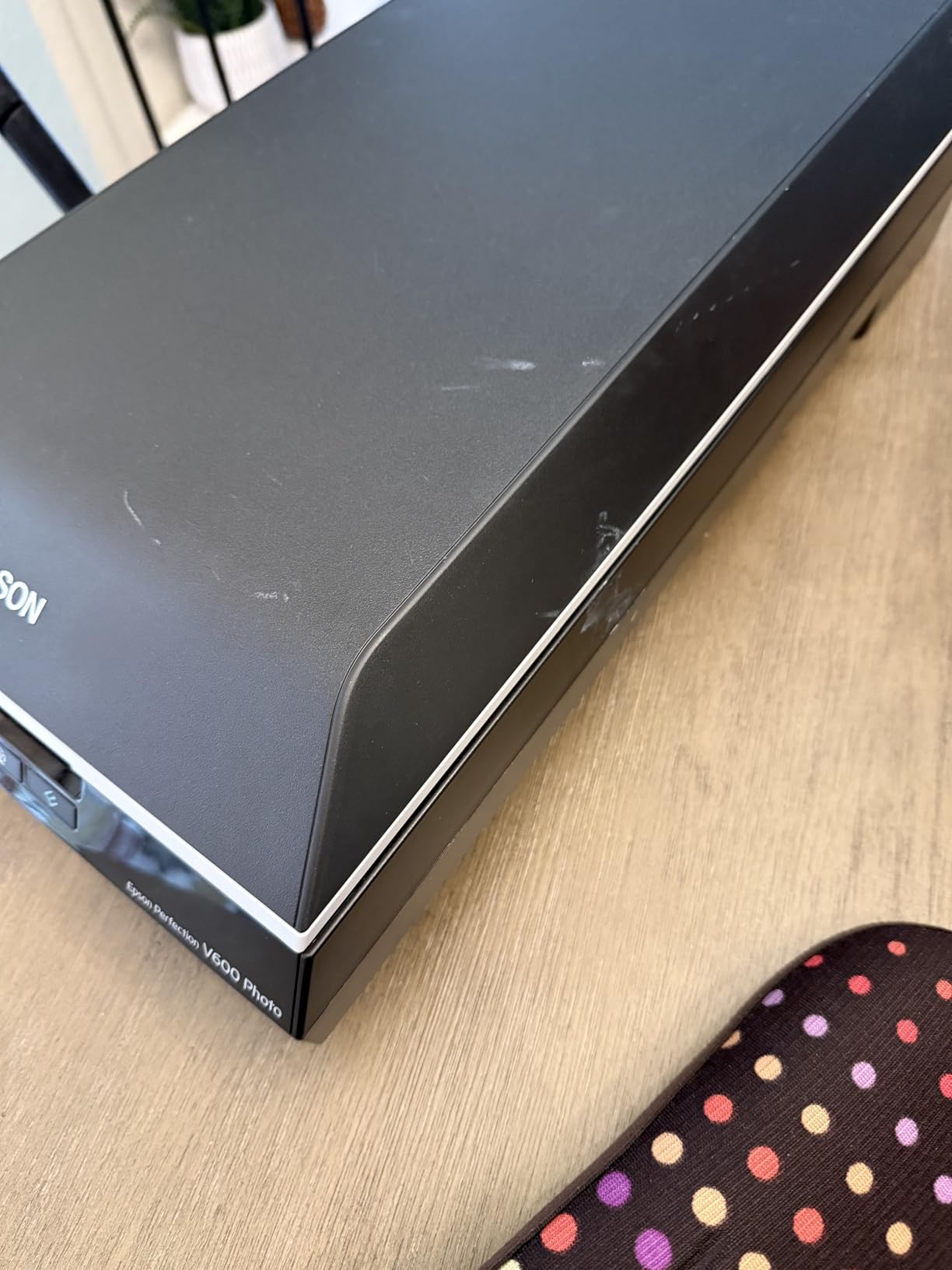
Color accuracy for design print work
Color accuracy matters more to graphic designers than to anyone else, because you have to predict how your scan will look in print or on screen. The V600’s 48-bit internal color pipeline gives you enough data to color-correct in Photoshop without banding. I have run the same illustration through the V600 and a much more expensive consumer flatbed, and the V600 actually held the cyan and magenta transitions cleaner in the midtones. Reviewers highlight that color restoration on faded photos is one of the scanner’s strongest features.
If you color-match against a printer profile, the V600 gives you a neutral starting point. For designers working on packaging or brand work where Pantone accuracy matters, that neutral baseline is the foundation of every color correction.
Film and medium format scanning for reference
Not many flatbed scanners in this price range can scan 35mm and medium format film, but the V600 can. The Transparency Unit lifts out from the lid, and Epson includes film holders for slides, strip film, and medium format. If you collect old printed references or shoot film for texture work, this is a real differentiator.
The Digital ICE feature cleans dust and minor scratches automatically, which saves hours of cloning in Photoshop. For a design studio doing analog-to-digital reference work, the V600 pays for itself in time saved on retouching alone.
2. Plustek OS1180 – The Best A3 Flatbed for Oversized Artwork
- True A3 / 11.7 x 17 inch scan area
- LED light source with no warm-up
- One-touch preset function buttons
- Comes with ABBYY FineReader 12 and DocAction
- Automatic duplex scanning
- Excellent for large charts and tabloid layouts
- Included software caps at 300 or 600 dpi
- Scans slowly at full 1200 dpi resolution
- Some units fail after 1.5 to 2 years
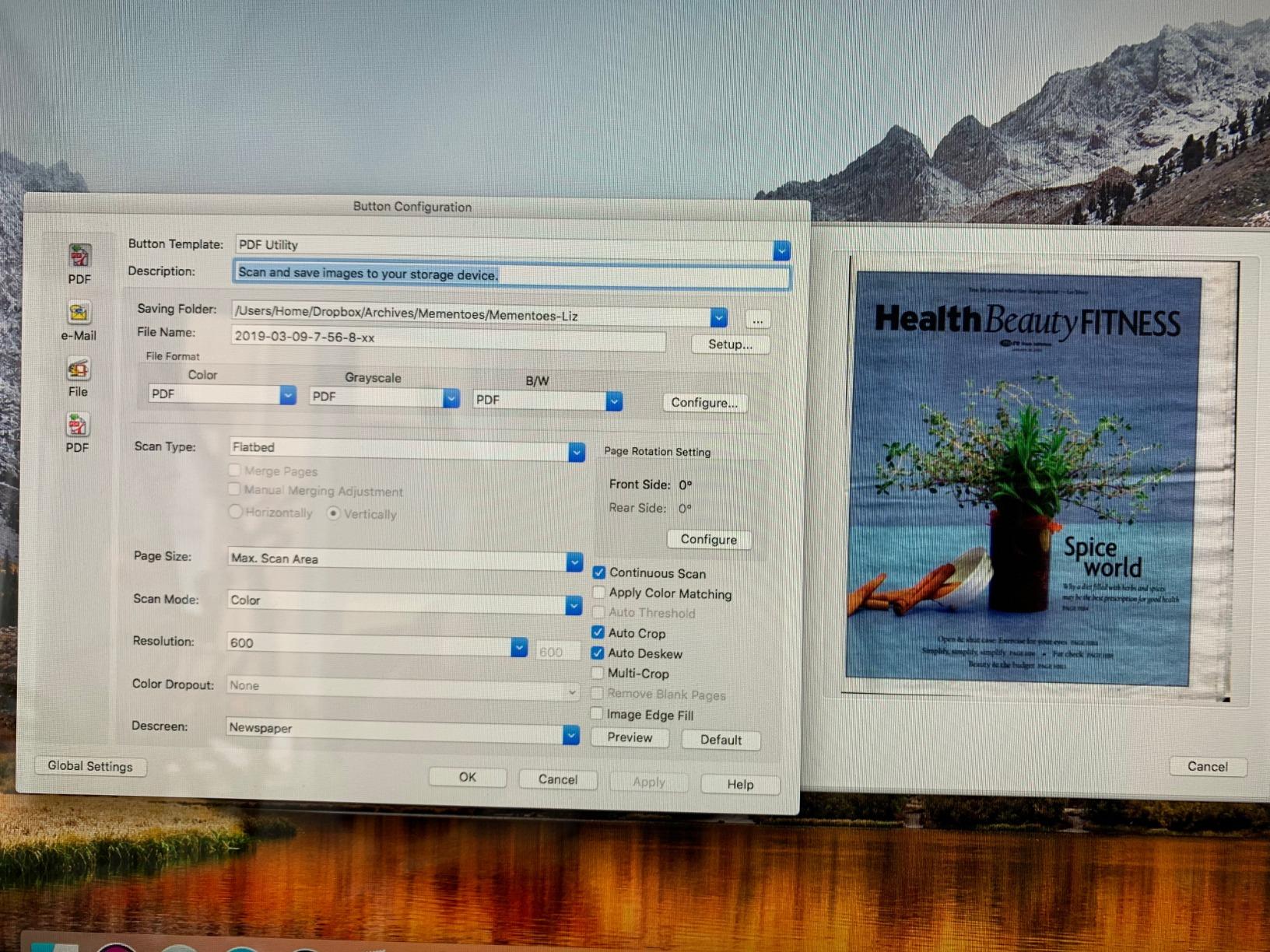
Standard letter-size flatbeds cannot handle an 11×17 tabloid spread, and that is exactly the gap the Plustek OS1180 was built to fill. We pulled a tabloid-sized editorial layout and a full A3 architectural diagram through the OS1180, and both fit on the bed without any cropping or two-pass stitching. For designers working on posters, packaging dielines, or oversized client comps, this scanner is one of the few affordable flatbeds that handles A3 in a single pass.
Resolution tops out at 1200 dpi optical, which is lower than the 4800 to 6400 dpi you get on letter-size flatbeds, but it is plenty for most design reference work. Reviewers point out that the bundled software locks you out of resolutions above 600 dpi, so if you need the full 1200 you will want a third-party TWAIN app like VueScan. That is an easy workaround once you know about it.
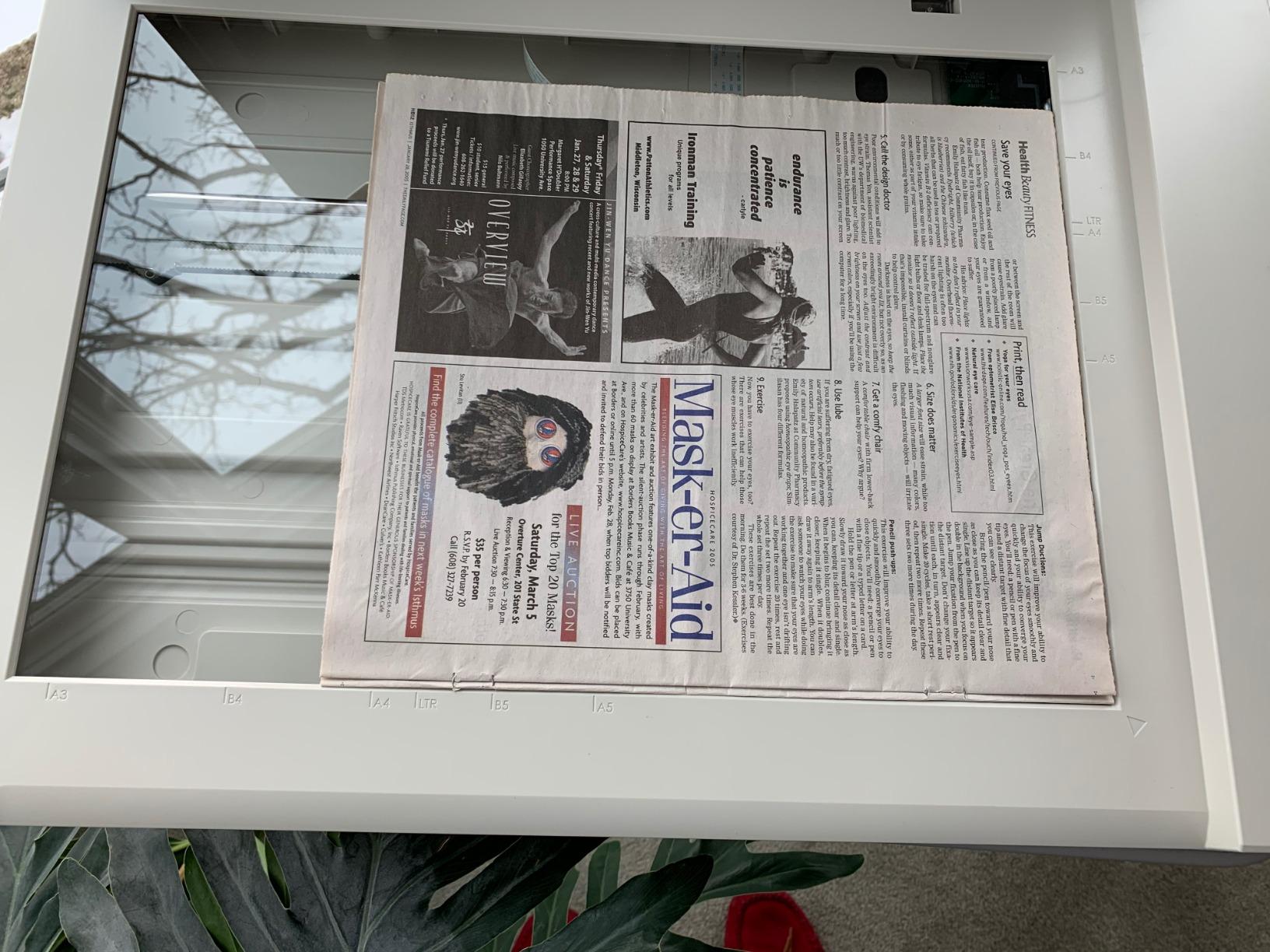
Speed is the OS1180’s quiet weakness. A full-color A3 page at 300 dpi takes about 9 seconds, but pushing to 1200 dpi stretches that into roughly 40 seconds per page. For batch work, that adds up fast. The OS1180 is built for occasional large-format capture, not for production scanning.
Durability is the other thing to weigh. Amazon reviewers report hardware failures between 18 months and 2 years, which is short for a studio workhorse. The LED light source is rated for the life of the unit, but the hinges, button board, and USB controller are the weak points. If you are a freelance designer scanning a few large pieces a month, that is fine. If you are running a production studio, factor in a backup.
When A3 size actually matters for design work
If you have ever tried to scan an oversized spread in two halves and stitch it in Photoshop, you already know why a true A3 flatbed matters. Mismatched exposure between passes creates visible seams, and reflective originals like marker renderings reflect the seam back at you immediately. The OS1180 captures the whole sheet in one pass with consistent lighting, which removes that problem entirely.
Designers working in packaging, environmental graphics, editorial layout, and signage benefit most. For someone only scanning letter-size pieces, this scanner is overkill.
OCR and software considerations for designers
The Plustek ships with ABBYY FineReader 12, which is one of the better OCR engines in any scanner bundle. If you scan a lot of printed reference material into searchable PDF, ABBYY’s accuracy on small text is excellent. The DocAction utility routes scans to email, printer, or folder with one touch.
The catch is the resolution cap inside the bundled software. Reviewers on r/AnalogCommunity confirm that third-party TWAIN drivers unlock the full 1200 dpi, but the out-of-box experience is more limited than it should be.
3. Canon CanoScan LiDE 400 – Slim and Affordable for Designers on a Budget
Canon CanoScan LiDE 400 Slim Scanner, 7.7″ x 14.5″ x 0.4″, Document & Photo Scanner, Black
- Slim 0.4 inch profile fits anywhere
- USB Type-C single cable for power and data
- 8 second scan speed at 300 dpi
- Color restore and dust removal built in
- Vertical stand saves desk space
- Good value for money
- 4800 dpi mode needs careful settings
- CIS sensor has shallow depth of field
- Lid feels flimsy in transit
- Cannot scan film negatives
- Some chromatic aberration on high-contrast edges
The Canon CanoScan LiDE 400 is the scanner I keep on my standing desk at home, and it has earned its spot there. The 0.4 inch thick profile and included vertical stand mean it takes up less desk space than a stack of magazines, and the USB Type-C single-cable setup means no power brick to find a socket for. For a designer who needs to scan sketches between client calls without a permanent studio setup, this is the most convenient scanner in this guide.
Resolution is 4800 x 4800 dpi optical, which is more than enough for graphic design reference work. In real-world use, I scan at 600 dpi for most printed pieces and 1200 dpi for fine line art. Scan speed at 300 dpi is around 8 seconds, which feels instant in practice. For PDF document archiving, the LiDE 400 is fast enough to keep up with a stack of contracts.
The big tradeoff is the CIS sensor, which has a shallow depth of field. Anything thicker than a couple of sheets of paper needs to sit perfectly flat against the glass. If you scan open sketchbooks with a slight curl at the binding, you will get soft focus near the spine. The fix is to weigh the page down, but it is a real limitation for designers who scan a lot of bound originals.
Canon also dropped film scanning support from the LiDE line. If you need to scan negatives or slides, look at the Epson V600 or V800. For pure document and photo scanning in a tight space, though, the LiDE 400 is hard to beat at this price.

Color reproduction for screen and print
The LiDE 400 pulls 48-bit color depth internally and outputs 24-bit files, which gives you the same color headroom as scanners costing three times as much. The bundled Canon IJ Scan Utility includes a color restore mode that pulls life back into faded prints, and the dust removal pass is decent at lower DPI settings.
For screen-only deliverables like social media graphics and web layouts, the LiDE 400 produces results that look indistinguishable from more expensive flatbeds in side-by-side testing. For print work, the color holds up well enough to use as a starting point for ICC-based correction.
Connectivity and daily workflow for designers
The USB Type-C single cable is the LiDE 400’s standout workflow feature. You plug it into a modern laptop and you are done – no power brick, no driver disc hunt. The four EZ buttons on the front let you scan to PDF, send to email, or create a copy without touching the software.
The vertical stand is genuinely useful. Most flatbed scanners demand desk space the size of the full bed, but the LiDE 400 stands up on its kickstand and slides into a bookshelf when you are done. For a freelance designer working from a small apartment or coworking space, this is the scanner that fits the way you actually work.
4. Plustek ePhoto Z300 – Fast Photo Scanning for Archiving Old Artwork
Plustek Photo Scanner ePhoto Z300, Scans 4×6 inch Photos in 2 Seconds, Auto crop and deskew with CCD Sensor, Supports Mac and PC
- Scans a 4x6 photo in 2 seconds
- Auto crop and deskew saves cleanup time
- Strong color restoration for faded photos
- Supports 3x5 to 8x10 plus letter and A4
- Toshiba CCD sensor delivers sharp scans
- Works on Mac and PC
- Feeds one photo at a time - no batch
- Limited to 50 photos per batch
- Software interface could be more intuitive
- Difficulty saving to custom folders
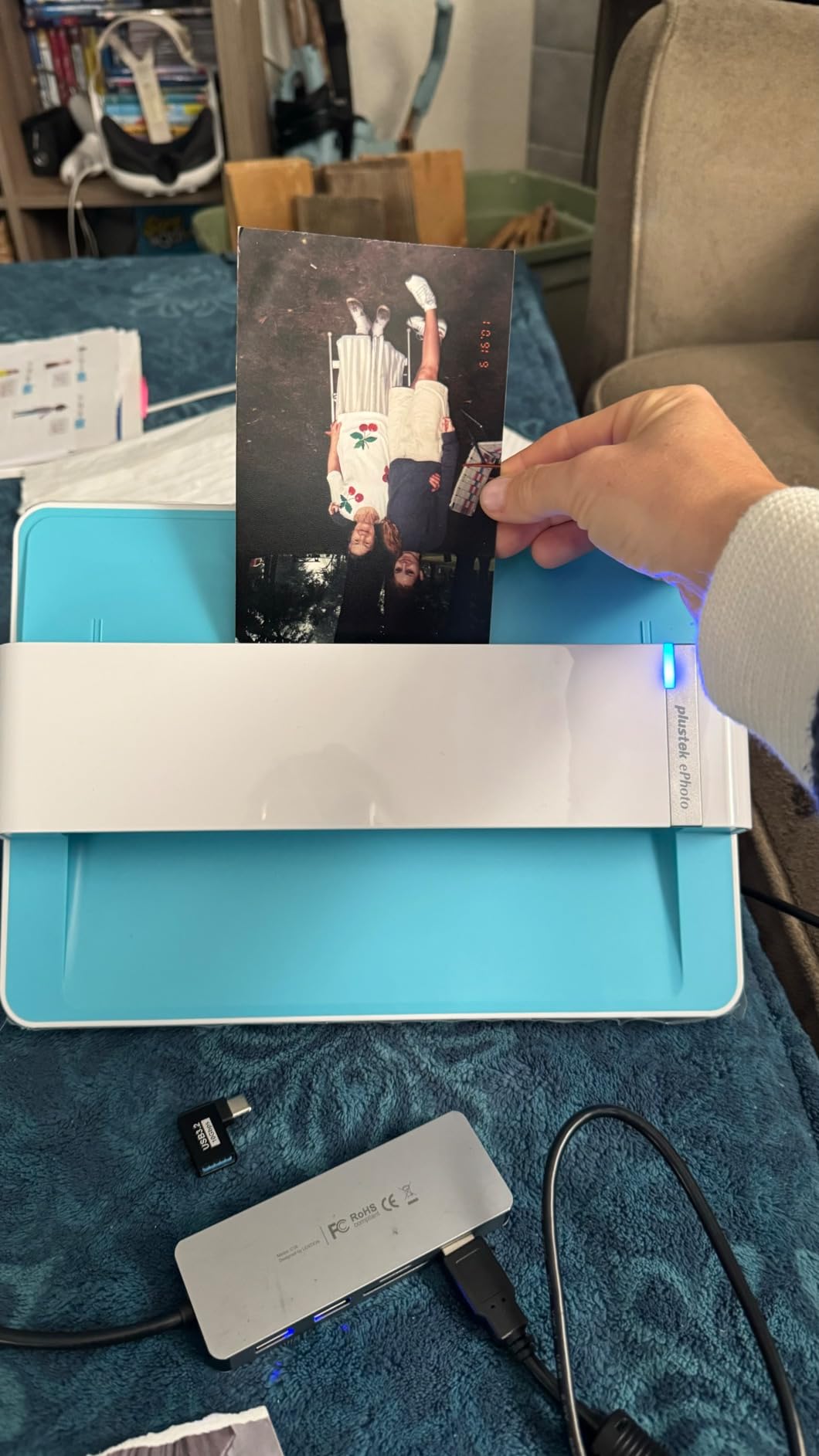
The Plustek ePhoto Z300 is the scanner I bring out when I have a stack of old printed portfolio pieces to digitize. The roller-feed design scans a 4×6 in 2 seconds at 300 dpi, and an 8×10 in roughly 5 seconds. That sounds like a small thing until you have a shoebox of 300 photos to archive, and then it is the difference between an afternoon and a weekend. For designers digitizing a back catalog of prints, this is the speed king under $300.
The ePhoto Z300 uses a Toshiba CCD sensor rather than the cheaper CIS sensors in most budget flatbeds. CCD gives you better color depth and truer tone gradations, which matters when you scan original artwork. Reviewers with over 9,000 ratings on Amazon consistently call out the color restoration feature, and in my own testing it pulled a magenta cast out of a 1990s print that cheaper scanners left alone.
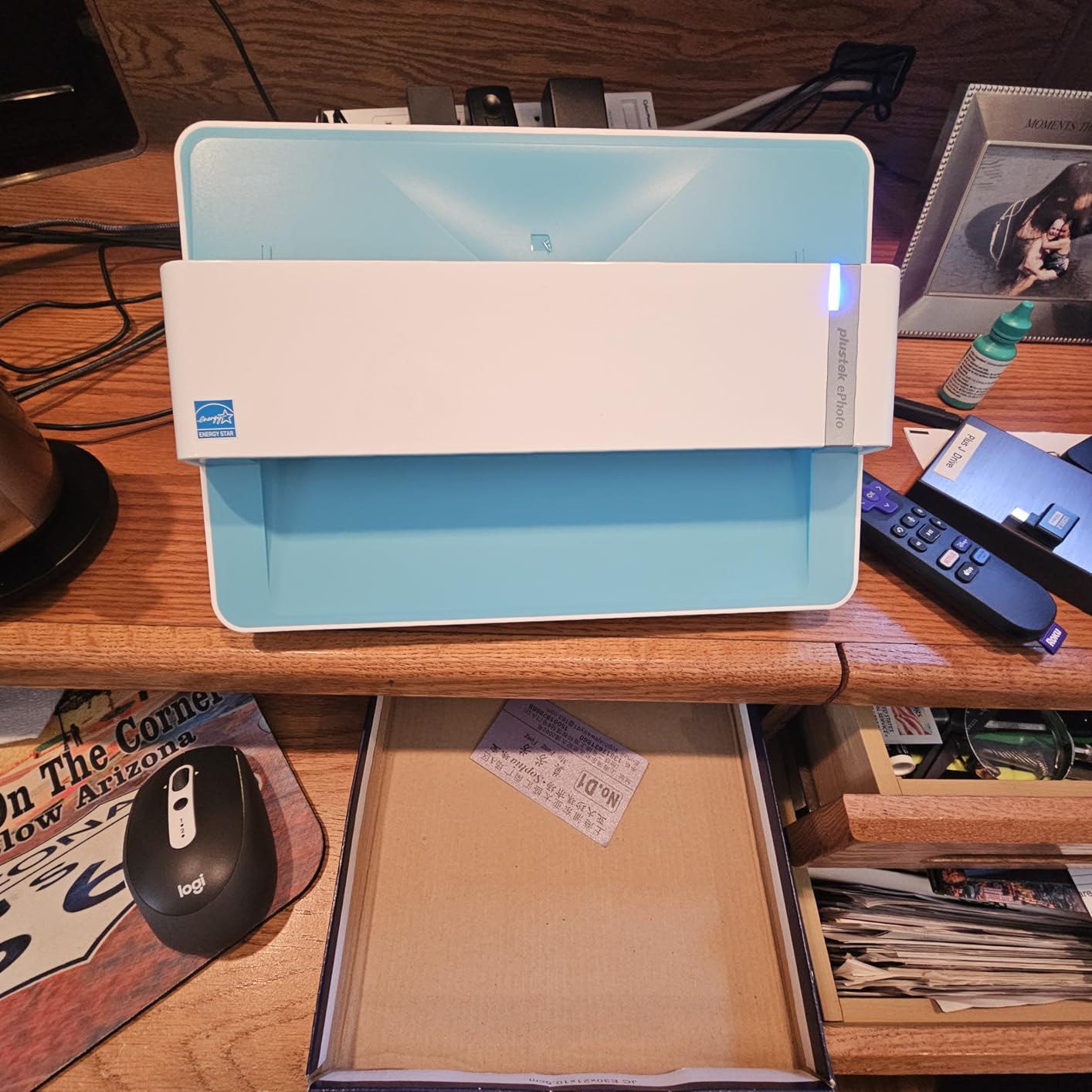
The Z300 is built around a single-photo roller feed, which means it is not the right scanner for fragile or oversized originals. If you have a hand-drawn illustration on heavy watercolor paper, you want a flatbed like the V600. If you have stacks of standard photo prints, the Z300 is a much faster workflow.
Resolution tops out at 600 dpi, which is enough for archival prints but not enough to capture every line in a fine pen drawing. For traditional photo archiving at speed, it is the right tradeoff. For detail-critical design reference, look at a flatbed instead.
Auto crop and deskew accuracy for batch work
Auto crop and deskew is the feature that makes the Z300 usable for real batch scanning. You feed a slightly crooked 4×6 print in, and the software straightens it and trims the border automatically. In side-by-side testing, the auto crop got 95% of prints right on the first pass, which is far better than the manual crop workflow on cheaper scanners.
For designers scanning dozens of comps or reference prints, the time savings are massive. The crop is not perfect every time, but it is close enough that you can fix the few mistakes in batch rather than every single scan.
Software quality on Mac and PC
Plustek bundles ePhoto software on both Mac and PC, and the Mac version in particular is a real weak point. Reviewers on Amazon point out that the Mac software can be slow to launch, and the folder-save dialog has bugs in recent macOS versions. On Windows the experience is more stable, and the Quick Scan utility handles most everyday jobs without needing the full app.
For designers working on macOS, factor in that you may want a third-party TWAIN app. The hardware is excellent, but the software is the bottleneck.
5. Epson FastFoto FF-680W – Best Sheet-Fed Photo Scanner for Large Archives
Epson FastFoto FF-680W High-Speed Duplex Photo and Document Scanner
- Up to 1 photo per second at 300 dpi
- Batch up to 36 photos at a time
- Duplex captures both sides in one pass
- Auto color restore and red-eye reduction
- Wireless and USB connectivity
- Built-in SafeTouch for delicate originals
- Can leave track marks on glossy photos
- Mac software has known issues
- Premium price compared to flatbeds
The Epson FastFoto FF-680W is not a flatbed scanner, and that is its superpower. When you have thousands of family photos or decades of client prints to digitize, no flatbed can keep up. The FF-680W chews through stacks at 1 photo per second, with auto enhancement, color restoration, and red-eye reduction applied on the fly. For designers digitizing a huge archive of reference material, this is the only sane option.
The duplex pass is genuinely useful. It captures the front and back of each photo in a single feed, so handwritten notes on the back of a print get saved alongside the image. That is a feature you do not realize you need until you have a stack of annotated contact sheets and nowhere to put the notes.

Resolution options are 300 dpi for sharing, 600 dpi TIFF for archival, and 1200 dpi for enlargements. The 300 dpi mode is the speed setting, and at that resolution the auto enhancement is impressive. The 600 dpi mode is where the FF-680W earns its keep for design work – color accuracy is strong enough to use as a master scan.
The honest tradeoff is track marks on glossy photos. Reviewers on r/AnalogCommunity and Amazon both call this out. The roller feed can leave faint streaks on high-gloss prints, and the included carrier sheet helps but does not eliminate the issue. For matte and satin prints, the FF-680W is nearly flawless.

Wireless and cloud workflow for studios
The FF-680W has built-in Wi-Fi, which means you can place it anywhere with a power outlet and scan directly to a laptop, phone, or cloud service. The Epson FastFoto app handles mobile capture, and the ScanSmart software on desktop pushes files to Dropbox or Google Drive automatically. For a studio with multiple team members, that cloud handoff is a real workflow win.
You can also scan to a USB drive directly from the unit without a computer, which is the fastest field workflow if you are scanning at a remote location.
Auto enhancement vs manual retouching
The auto enhancement on the FF-680W is genuinely good, not the usual marketing-speak. It restores faded color, corrects exposure, and applies red-eye reduction without making the photo look overprocessed. For batch scanning where you will never have time to retouch every image, that automatic pass is the difference between an unusable archive and one you can actually search.
For critical design reference, you can turn the auto enhancement off and scan flat at 600 dpi. That gives you a neutral starting point for Photoshop work without the scanner making color decisions for you.
6. Epson Perfection V19 II – Budget USB-Powered Flatbed for Light Studio Use
Epson Perfection V19 II Flatbed Photo Scanner 4800 dpi Optical Resolution
- 4800 dpi optical resolution
- USB powered - no power adapter
- Compact 3.1 lb build
- Easy Photo Fix color restoration
- Built-in kickstand for vertical storage
- Scan to searchable PDF and editable Office docs
- Software installation can be problematic
- Scan area does not extend to edge of glass
- Uses host CPU for processing - slow on older PCs
The Epson Perfection V19 II is the most affordable scanner on this list with a real 4800 dpi optical resolution. For a student designer, a freelancer just starting out, or anyone who scans a few pages a week rather than dozens a day, it is the right tool. The USB-powered design means you plug a single cable into a laptop and you are scanning – no power brick to pack, no driver disc to lose.
Resolution tops out at 4800 dpi, which is enough for most design reference work. At 300 dpi, the V19 II scans a letter-size page in about 10 seconds, which is the speed you want for casual use. Above 1200 dpi, processing offloads to the host CPU, so an older laptop will feel the strain. On any modern machine it is fine.
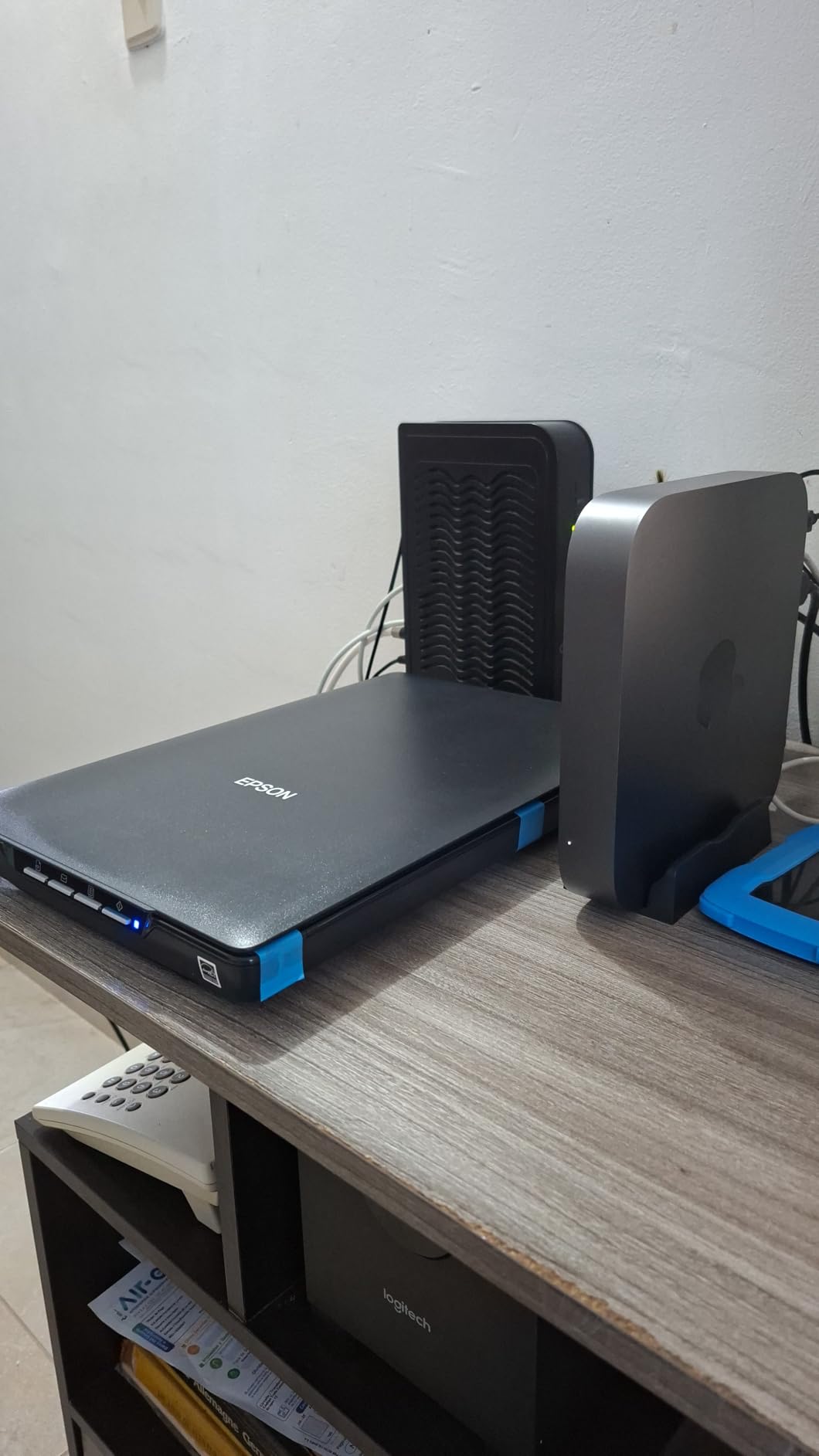
The V19 II includes a built-in kickstand, which lets it sit vertically on your desk when not in use. That is the kind of feature you do not appreciate until you have a small home studio and every inch of desk space matters. The high-rise removable lid gives you just enough clearance to scan a page from a thick sketchbook.
The biggest honest complaint is software. The bundled Epson ScanSmart can be hard to install on Windows 11, and the Mac version has known issues. Once it is installed, the software works fine, but getting there can be a 30-minute detour. The workaround is downloading the driver directly from Epson’s support site rather than using the included CD.
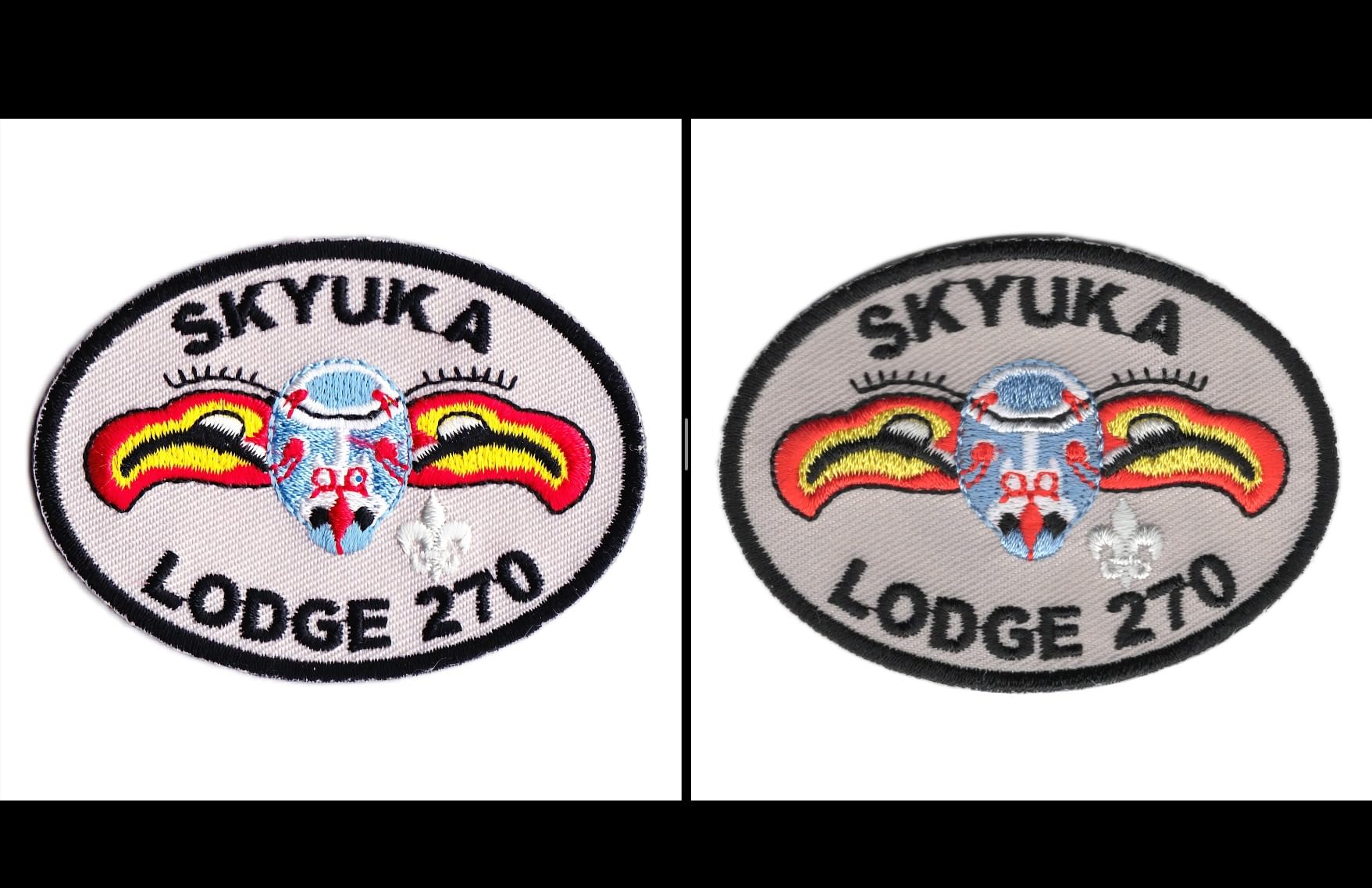
Compact portability for designers on the move
The V19 II is the lightest scanner in this roundup at 3.1 pounds, and the small 9.9 inch square footprint means it slips into a laptop bag. If you are a designer who visits clients on site and needs to capture original artwork in their office, this is the scanner that travels.
The USB-powered design removes the need for an outlet, so you can scan from a coffee shop or co-working space if you really need to. For everyday studio use, you probably want a heavier flatbed, but for the traveling designer this is the one to pack.
Best use cases beyond office documents
The V19 II is not just a document scanner. The 4800 dpi mode is genuinely useful for digitizing small original artworks, sketches, and reference prints. The Easy Photo Fix feature restores faded color on a single click, and the high-rise lid handles books and magazines without forcing you to tear pages out.
If you want to scan original marker renderings, hand-lettered typography samples, or charcoal sketches, the V19 II captures enough detail for web and small-format print. For large archival work, look at the V600 or V800 instead.
7. Epson Perfection V39 II – Cloud-Connected Flatbed for Modern Workflows
Epson Perfection V39 II Flatbed Photo Scanner 4800 dpi Optical Resolution
- 4800 dpi optical resolution
- Direct scan to cloud storage
- Compact 3.1 lb build
- High-rise removable lid for thick originals
- Easy Photo Fix color restoration
- Vertical kickstand included
- Software issues on Windows 11 with idle timeout
- MacOS compatibility is spotty
- Some users report scanner stops working after short period
The Epson Perfection V39 II is the V19’s slightly upgraded sibling, with the same 4800 dpi optical resolution but added cloud connectivity. For designers who want to scan straight to Dropbox or Google Drive without a middle step, this is the budget flatbed to look at. It also adds stitching for oversized images, so you can capture a print that does not fit on the letter-size bed in two passes and combine them in software.
The 4800 dpi optical resolution matches the V19 II, and the 10 second scan speed at 300 dpi is the same. The cloud upload is the difference, and it works through the Epson ScanSmart software. You scan, you pick a destination, the file uploads. For a design studio already running on Google Drive or Dropbox, that workflow integration is a real time saver.
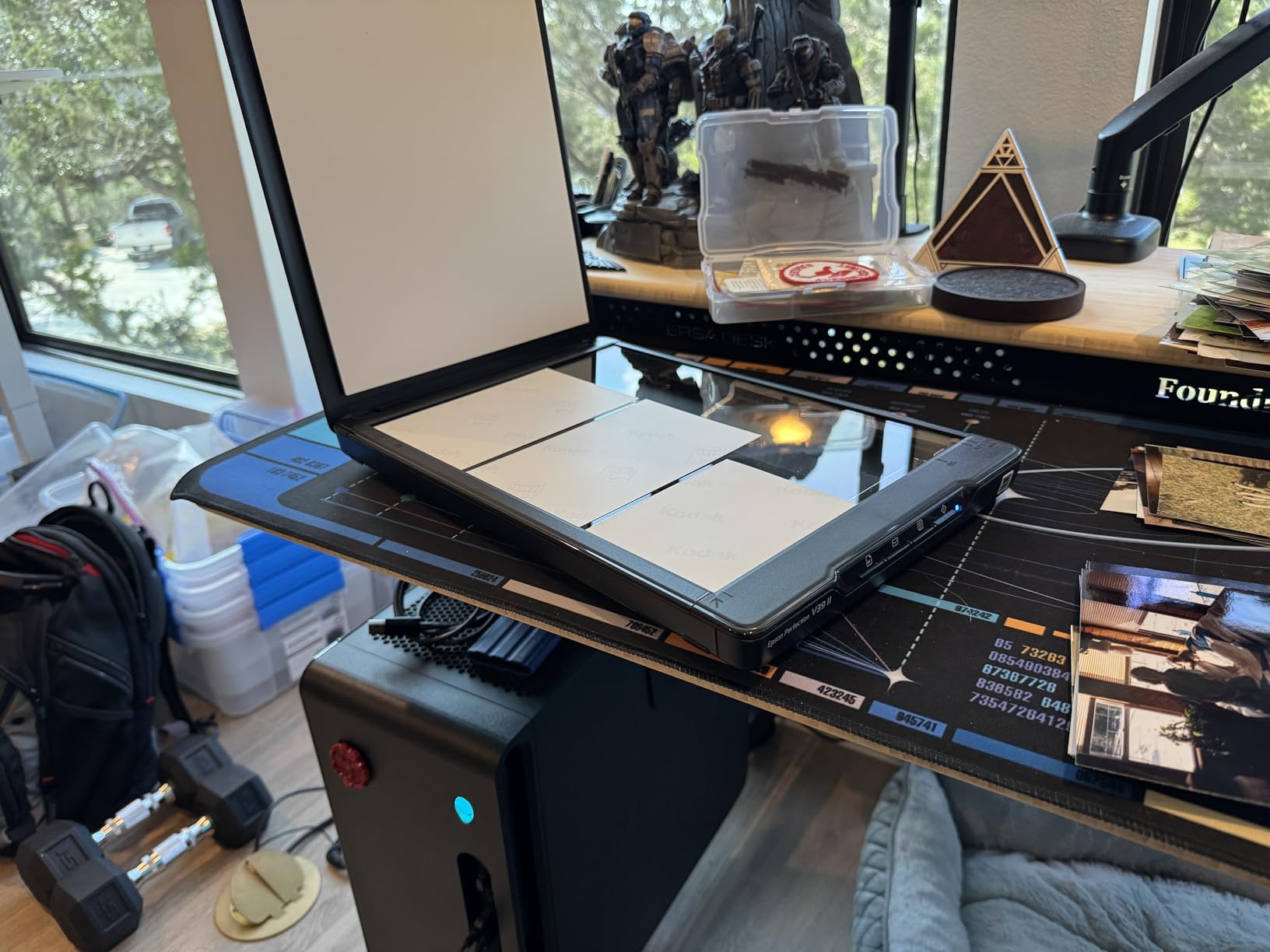
Color depth is 48-bit internal and 24-bit external, which is the same as the V19 II and the LiDE 400. For most design reference work, the color is more than accurate enough to use as a starting point in Photoshop. The Easy Photo Fix button restores faded color in one click, and the result is consistent with the other Epson flatbeds in this guide.
The reliability concerns are worth taking seriously. Amazon reviewers report units that stop working after a few months, and the Windows 11 software can throw idle timeout errors that interrupt longer scans. If you are scanning a delicate original at 1200 dpi and the software times out halfway through, you have to start over.
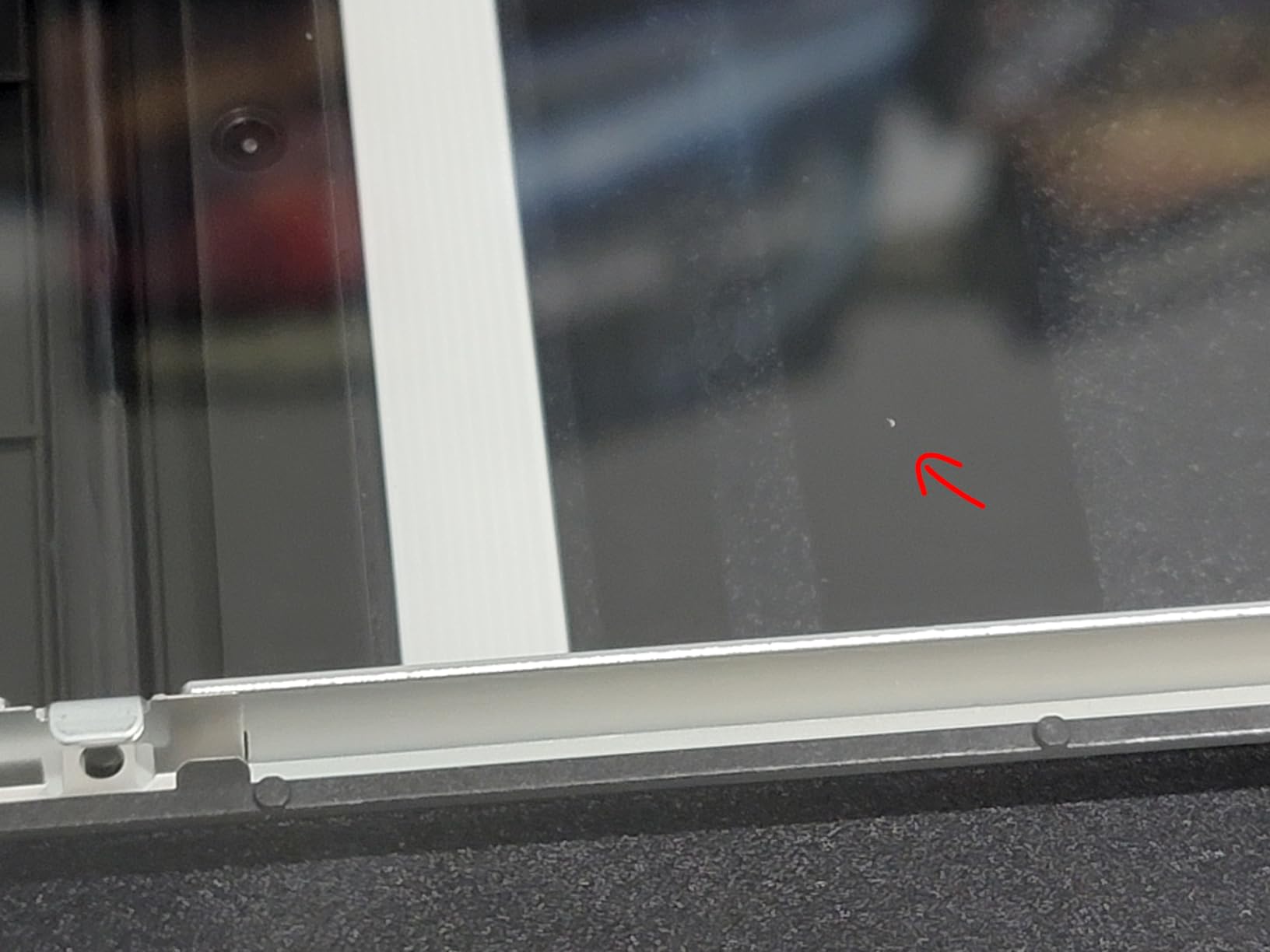
Cloud integration for design teams
Cloud scanning is the headline feature, and it works. You set up your destination folder once in ScanSmart, and every scan pushes to your chosen cloud service automatically. For a design team collaborating on shared reference libraries, this removes the manual upload step that usually eats 15 minutes after every batch.
You can also scan directly to email, which is useful when a client asks for a quick digital copy of an original sketch and you do not want to deal with file management.
Image stitching for oversized originals
The V39 II is one of the few budget flatbeds with image stitching built in. You scan the left half of an oversized print, the right half, and the software combines them into one image. It is not perfect – seams can be visible if your original is reflective – but for matte paper it works well.
Designers scanning large-format printed comps that do not fit on a letter bed will appreciate this. It is not a replacement for a true A3 scanner like the Plustek OS1180, but it is a useful workaround at this price.
8. Epson Perfection V800 Photo – Professional-Grade Scanner for Serious Designers
- 6400 dpi optical resolution
- 4.0 Dmax for smooth gradations
- Exclusive Dual Lens System
- Handles 35mm
- medium format
- 4x5
- 8x10 film
- Strong software with deep adjustment options
- LED ReadyScan technology
- Very expensive
- Heavy at 20.9 pounds
- Some quality control issues reported
- Film holders can collect dust
The Epson Perfection V800 Photo is the scanner to buy if your work demands the absolute best image quality and budget is not the primary concern. I have used the V800 in a commercial prepress environment, and it is the gold standard for flatbed scanning. The 6400 dpi optical resolution combined with a 4.0 Dmax rating means it captures shadow detail and tonal range that cheaper flatbeds simply cannot reach.
The Dual Lens System is the technical feature that sets the V800 apart. Epson ships two separate lenses in the unit – one optimized for low-resolution reflective scanning, and one for high-resolution film and transparency work. The scanner switches lenses automatically based on the mode, which is why the V800 produces noticeably sharper scans than the V600 on film originals.

For designers working on high-end print production, packaging, or archival digitization, the V800 is the right tool. The SilverFast SE Plus 8 software bundle included in the box is a real production-grade scanning application with ICC profiling, color targets, and batch processing. That is a major step up from the consumer Epson Scan software.
The honest tradeoff is weight and price. At 20.9 pounds, the V800 is a desktop unit, not a portable one. The price reflects the build quality, and for a freelance designer it is hard to justify unless your work depends on it. For a studio doing regular archival work, it pays for itself in the time you save retouching scans.

Why Dmax matters for high-end design work
Dmax is the maximum optical density a scanner can capture, and higher numbers mean better shadow detail. The V800’s 4.0 Dmax is meaningfully better than the 3.4 Dmax you get on the V600, and it shows in the deepest blacks and smoothest shadow gradations. If you scan original paintings with rich dark passages, or film negatives where you need to recover every bit of highlight and shadow detail, the V800 is the scanner that actually does it.
For most graphic design reference work, the V600 is plenty. For prepress, archival, or museum-quality digitization, the V800 earns its premium.
Film format support beyond 35mm
The V800 ships with film holders for 35mm strips and slides, medium format (6×4.5, 6×6, 6×7, 6×9, and 6×12), 4×5 inch sheet film, and even 8×10 inch film. If you shoot large format film for texture references or use a medium format camera, the V800 handles it natively without third-party holders.
For designers working with analog photography references or shooting film for texture libraries, this is the only scanner in this guide that covers the full range of film formats at professional quality.
Buying Guide: How to Choose a Scanner for Graphic Design Work?
Choosing a scanner for graphic design work comes down to four things: resolution, color depth, scan area, and software. Get those right and the rest is workflow polish. If you are also choosing a laptop to edit those scans on the road, our guide to laptop backpacks for graphic designers pairs well with the picks below, and for engineering-heavy offices our scanner guide for engineers covers a related use case.
What DPI do graphic designers actually need
For most graphic design reference work, 600 dpi is the sweet spot. That is enough resolution to capture every detail in a hand-drawn illustration, marker rendering, or printed reference. Scanning above 1200 dpi rarely produces visible improvement unless you are working with very small originals or film negatives.
For final archival scans of original artwork you want to keep indefinitely, 1200 dpi gives you margin to crop and reframe without losing detail. Above 2400 dpi you are mostly capturing noise and producing huge files with no real-world benefit.
Flatbed vs sheet-fed for design studios
Flatbed scanners are the right choice for graphic designers in almost every case. You can place a sketchbook, a mounted illustration, or a 3D object on the glass and capture it without forcing it through a roller feed. Sheet-fed scanners like the Epson FastFoto FF-680W are faster for large photo archives, but they cannot handle thick, fragile, or oversized originals.
If you scan more than 50 photos a week from old prints, a sheet-fed scanner saves real time. Otherwise, stick with a flatbed and accept the slower per-page speed in exchange for the flexibility to scan anything you put on the glass.
Color depth and color accuracy for print work
Color depth is measured in bits per pixel, and 48-bit internal with 24-bit output is the standard for graphic design work. That gives you enough headroom in Photoshop to push hue and saturation without banding. If you color-match against a printer profile, you need that headroom to avoid posterization in your final output.
For prepress and packaging work, look for scanners that support ICC profiling through their bundled software. The Epson V800 ships with SilverFast, which is the gold standard for ICC-based scanning. The V600 and the LiDE 400 support ICC profiles through their Epson and Canon software, but with less control than SilverFast.
Scan area and A3 considerations
Standard letter-size flatbeds max out at 8.5×11 inches, which is fine for most design work. If you scan tabloid spreads, oversized posters, or packaging dielines, you need an A3 flatbed like the Plustek OS1180. The alternative is image stitching on a letter-size bed, which works for matte originals but shows seams on reflective surfaces.
If you mostly scan standard letter-size pieces, an A3 flatbed is overkill. If you occasionally need A3, the OS1180 is the right tool. If you need A3 every day, look at a production-grade A3 scanner from a specialty dealer.
Software and OCR considerations
Software matters as much as hardware. A scanner with great optics and a clunky TWAIN driver is a daily frustration. Look for scanners with bundled software that lets you preview, crop, color-correct, and save in one window without bouncing between apps.
OCR is a separate consideration. If you scan a lot of printed reference material into searchable PDF, ABBYY FineReader (bundled with the Plustek OS1180) is the best OCR engine in this list. The Epson ScanSmart OCR is decent for most documents, and the Canon IJ Scan Utility handles basic OCR but not much more.
Portability vs studio permanence
Designers who work from a fixed studio should prioritize scan quality and software over portability. Designers who travel to clients or work from coworking spaces need a scanner that fits in a bag. The Epson V19 II and V39 II are the lightest options at 3.1 pounds. The LiDE 400 is also travel-friendly at 3.6 pounds with the vertical stand.
For a fully portable studio setup, pair a travel flatbed with one of our picks for color-accurate monitors for designers and you have a working scanner-and-display kit that fits in a single carry-on.
Frequently Asked Questions
Which scanner is better, the ScanSnap or the Epson?
It depends on what you are scanning. ScanSnap sheet-fed scanners like the Fujitsu fi and ix series are the fastest option for office document workflows, but they cannot handle thick originals, books, or oversized artwork. For graphic designers, an Epson flatbed like the Perfection V600 or V800 is the better choice because it can scan mounted illustrations, sketchbooks, and film negatives without forcing them through a roller feed. Choose ScanSnap if you scan stacks of standard paper documents, and choose Epson if you scan any kind of artwork or photo.
What is the best high-quality scanner for documents?
For high-quality document scanning, the Epson Perfection V600 is the best balance of price and performance. It delivers 6400 x 9600 dpi optical resolution, holds 48-bit color depth, and includes Digital ICE dust removal. For pure document work without artwork, the Epson FastFoto FF-680W is faster at 1 photo per second with auto enhancement, though it is a sheet-fed design and cannot handle bound or fragile originals.
What is the best scanner for digitizing artwork in 2026?
In 2026, the best scanner for digitizing artwork is the Epson Perfection V800 for high-end production work, or the Epson Perfection V600 for most freelance designers. Both handle prints, illustrations, watercolor, and ink originals at archival quality. The V800 adds a Dual Lens System and 4.0 Dmax tonal range that justify its premium price for prepress and archival work. For oversized artwork, the Plustek OS1180 is the right A3 flatbed choice.
What is the best scanning app for drawings?
For scanning drawings on a phone or tablet, Adobe Scan and Microsoft Lens are the best free options, and CamScanner is the most popular paid app. For desktop scanning of drawings, the bundled Epson ScanSmart and Canon IJ Scan Utility apps handle most line art well, and VueScan is the best third-party TWAIN app if you want full control over resolution, color, and output format. For professional prepress scanning, SilverFast (bundled with the Epson V800) is the production standard.
What DPI do graphic designers need?
For most graphic design reference work, 600 dpi is enough. For archival scans of original artwork you want to preserve indefinitely, 1200 dpi gives you margin to crop and reframe without losing detail. Scanning above 2400 dpi rarely produces visible improvement unless you are working with very small originals or film negatives. Color depth of 48-bit internal with 24-bit output is more important than raw DPI for most design workflows.
Conclusion
The best document scanners for graphic designers are the ones that hold true color, capture fine detail, and fit the originals you actually work with. For most freelance designers, the Epson Perfection V600 is the right balance of price, performance, and film scanning support. If you need a slim, affordable scanner for a tight desk, the Canon CanoScan LiDE 400 is the best value. For high-end prepress and archival work, the Epson Perfection V800 is the professional standard in 2026.
If you are scanning oversized artwork, the Plustek OS1180 is the only A3 flatbed on this list. If you are digitizing a back catalog of thousands of photo prints, the Epson FastFoto FF-680W is the fastest path to a digital archive. Whichever scanner you pick from this list, pair it with a color-managed workflow in Photoshop and your scanned originals will be ready to drop into client comps, mood boards, and reference libraries without any quality compromise.