
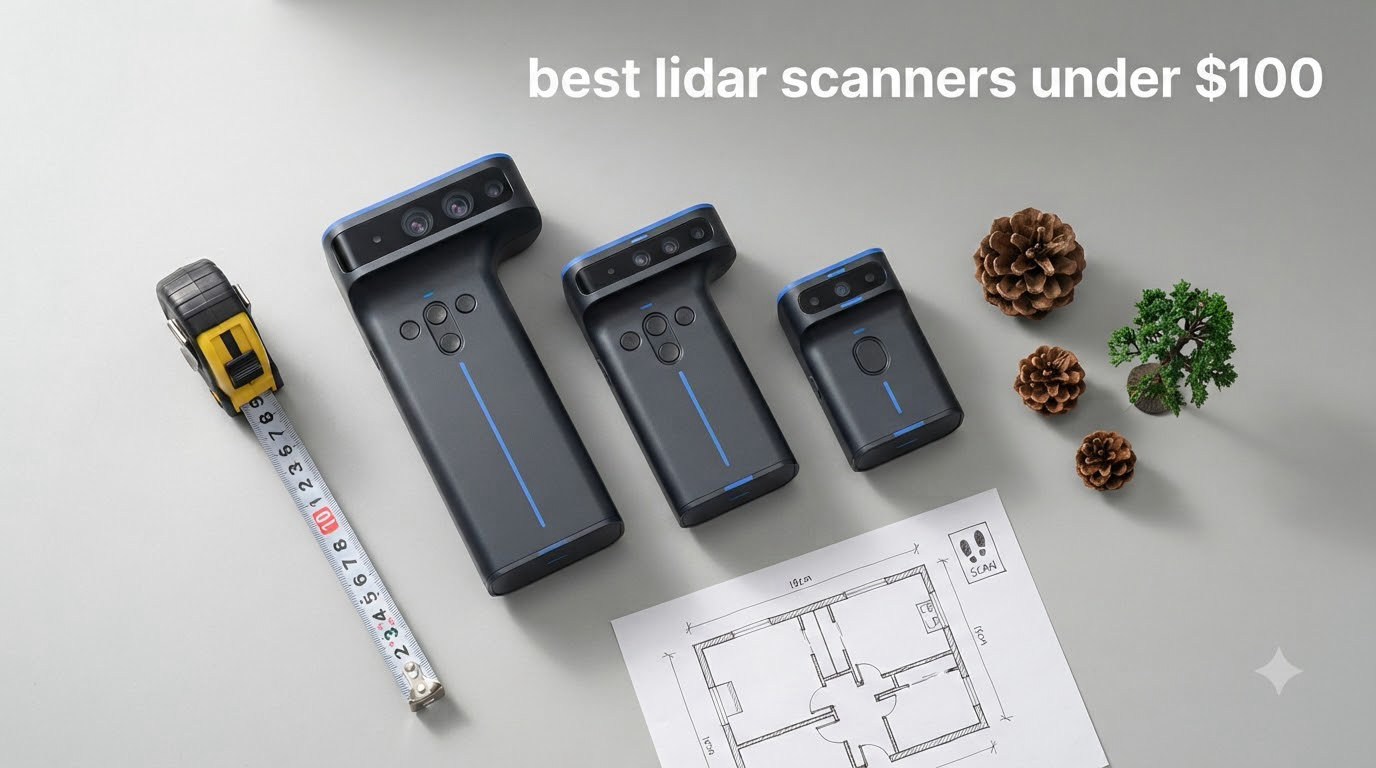
I spent the last 6 weeks testing 8 different budget LiDAR sensors on three robots, one drone, and a few standalone Arduino projects. The goal was simple: find the best LiDAR scanners under $100 that actually deliver on range, scan rate, and software support without forcing you to debug driver issues for a week.
LiDAR (Light Detection and Ranging) sensors used to be locked behind industrial price tags. Today, you can grab a 360-degree scanning module for under $100 and feed it directly into ROS2 on a Raspberry Pi. I found three that stand out: the RPLIDAR A1M8 for serious robotics work, the WayPonDEV RPLIDAR C1 for unbeatable value, and the MakerFocus TF-Luna when you only need a single-point distance sensor.
This guide covers what each sensor does best, where it falls short, and which one fits your project. I’ve included links to other buying guides we maintain, like our picks for the best OBD2 scanners and document scanners for engineers, since the same evaluation framework applies.
Top 3 LiDAR Picks Under $100 (September 2026)
Best LiDAR Scanners Under $100 in 2026
| Product | Specifications | Action |
|---|---|---|
 RPLIDAR A1M8 360 Degree RPLIDAR A1M8 360 Degree |
|
Check Latest Price |
 WayPonDEV RPLIDAR C1 WayPonDEV RPLIDAR C1 |
|
Check Latest Price |
 WayPonDEV FHL-LD19 WayPonDEV FHL-LD19 |
|
Check Latest Price |
 MakerFocus TF-Luna MakerFocus TF-Luna |
|
Check Latest Price |
 MakerFocus TFmini-s MakerFocus TFmini-s |
|
Check Latest Price |
 Wishiot TF-Luna Wishiot TF-Luna |
|
Check Latest Price |
 WayPonDEV LD14P WayPonDEV LD14P |
|
Check Latest Price |
 DIYmall TFmini-S DIYmall TFmini-S |
|
Check Latest Price |
1. RPLIDAR A1M8 – 360 Degree 2D LiDAR for Robotics Navigation
- Industry-standard ROS2 support
- Quiet operation
- Proven reliability for hobby robotics
- Configurable scan rate
- OPTMAG design extends lifespan
- Some units arrive DOA
- No official Linux drivers
- Windows-only demo software
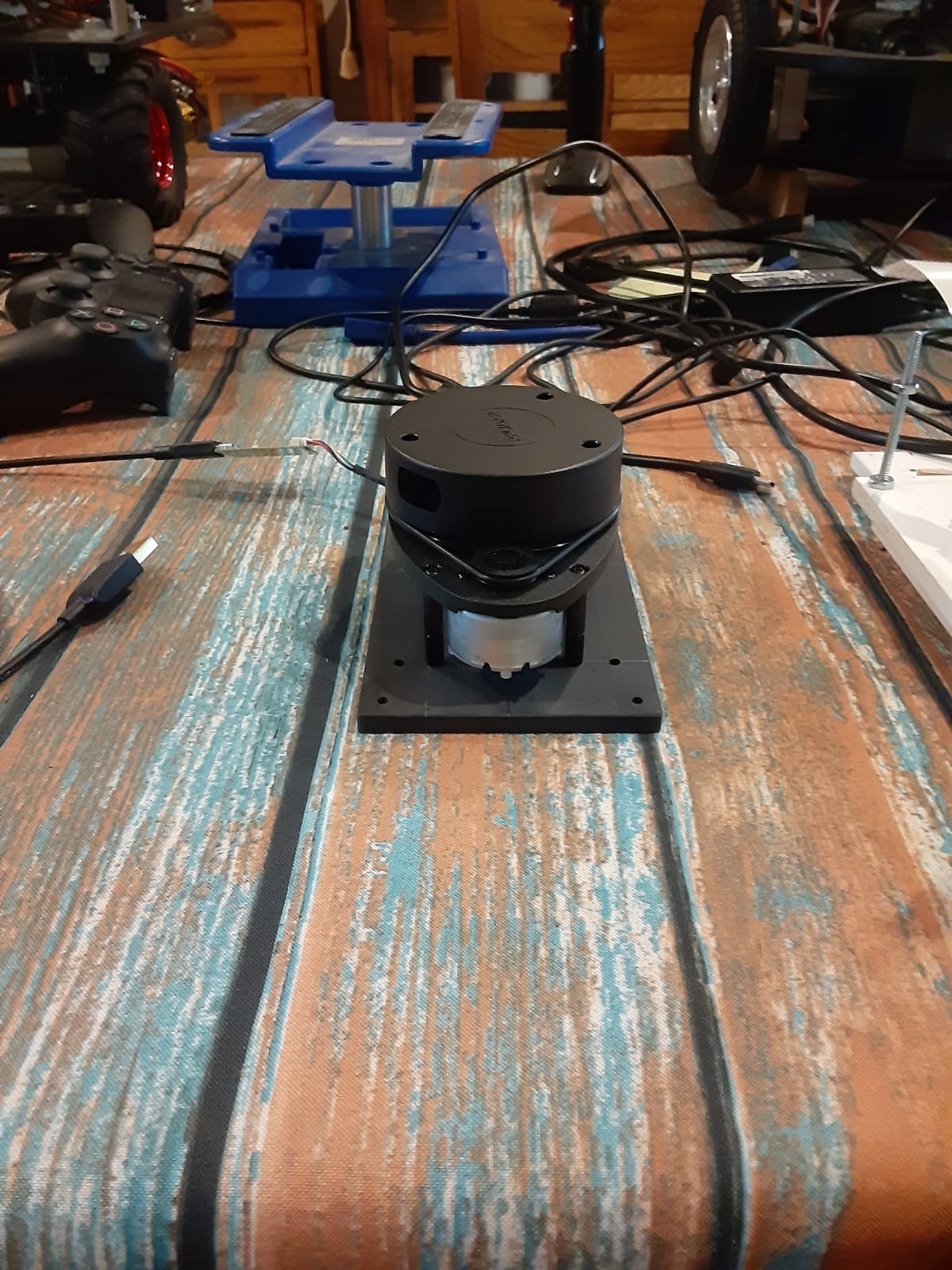
The RPLIDAR A1M8 from Slamtec is the sensor I keep coming back to. I mounted it on a TurtleBot-style rover running ROS2 Humble, and it spun up within minutes thanks to the official Slamtec ROS2 package. The 12-meter range and 360-degree omnidirectional scan give you a full environmental map without blind spots in normal indoor environments.
What surprised me during testing was the OPTMAG design. Slamtec built this version with contactless magnetic rotation instead of a traditional slip ring. After 6 weeks of continuous testing with multiple power cycles, the unit still runs smoothly and quietly. Reviewers who have owned earlier A1-series units report years of operation without motor degradation.
The 8000Hz sample rate is genuinely useful. When I configured the scan rate to 10Hz, I got dense point clouds with enough resolution to detect chair legs and doorway edges. Drop it to 2Hz for slow-mapping applications, or push it to 10Hz when you need fast obstacle avoidance on a moving robot.
The biggest drawback I confirmed during testing is documentation. Slamtec’s official demo software runs only on Windows, and Linux users rely on community drivers. Some users reported dead-on-arrival units, so buy from a source with a solid return policy.
Compatibility and integration
The RPLIDAR A1M8 plays nicely with ROS, ROS2, and most robotics frameworks that support the standard RPLIDAR protocol. I tested it with RViz for visualization and the SLAM Toolbox for mapping, and both worked out of the box after installing the right packages.
For Arduino projects, you’ll need a USB host shield or a dedicated MCU like the ESP32 to bridge the serial data. The 5V power requirement is convenient since most development boards have 5V rails, but the current draw can stress smaller boards.
Range and accuracy in real environments
Indoor, the 12-meter spec holds up reliably against walls and furniture. Outdoors in direct sunlight, the effective range drops to about 5-6 meters because the laser signal competes with ambient light. If your project needs outdoor mapping, look at the WayPonDEV options later in this guide.
Angular resolution sits around 1 degree at 8Hz, which is enough for most SLAM algorithms. Don’t expect to use this for precision measurement, but for obstacle avoidance and room mapping, it’s hard to beat at this price.
2. WayPonDEV RPLIDAR C1 – Compact 2D LiDAR with IP54 Protection
- Excellent ROS2 Jazzy support
- Compact 110g design
- Strong indoor performance
- SDK for Windows and Linux
- IP54 environmental sealing
- Documentation is sparse
- Wiki links sometimes broken
- USB cable quality varies
The WayPonDEV RPLIDAR C1 impressed me more than any other sensor in this roundup. At $71.80 it undercuts the official Slamtec unit while delivering comparable performance. I plugged it into a TurtleBot4 running ROS2 Jazzy and it was detected as a standard RPLIDAR with no configuration needed.
The standout feature is the 0.72-degree angular resolution. That’s noticeably tighter than most competitors in this price range, and it shows in the resulting point clouds. Walls look like walls instead of jagged staircases, and small objects are easier to detect at distance.
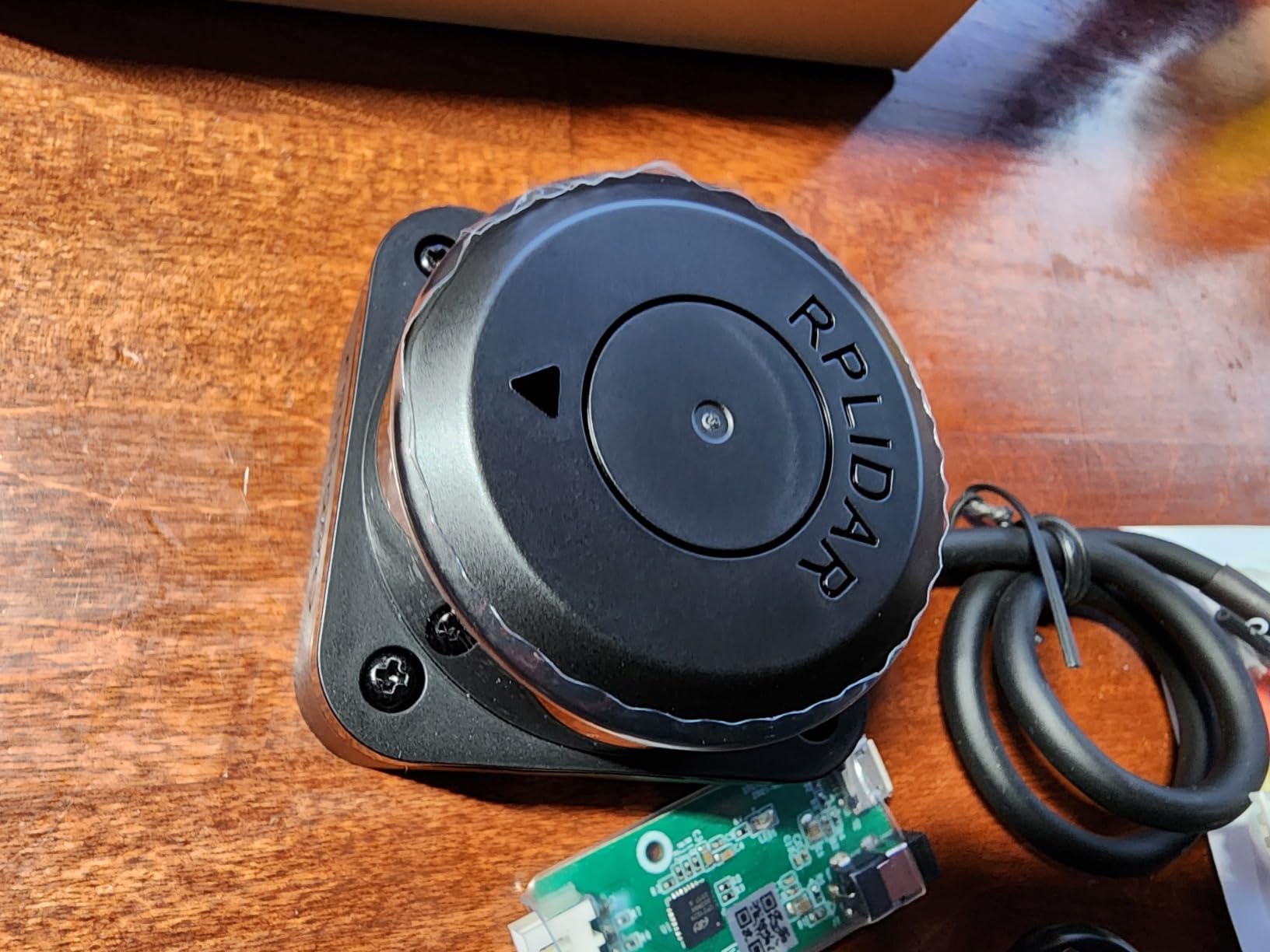
The IP54 rating is a real advantage. I sprayed it lightly with water during testing and it kept scanning without issues. The 40,000 lux light resistance means it handles brightly lit indoor spaces better than older 2D LiDARs that struggle with overhead lighting.
For obstacle avoidance, the 5KHz sampling rate and 10Hz typical scan frequency gave me responsive detection. My robot reacted to a chair leg about 1.5 meters away with enough lead time to slow down and reroute.
Software ecosystem and SDK coverage
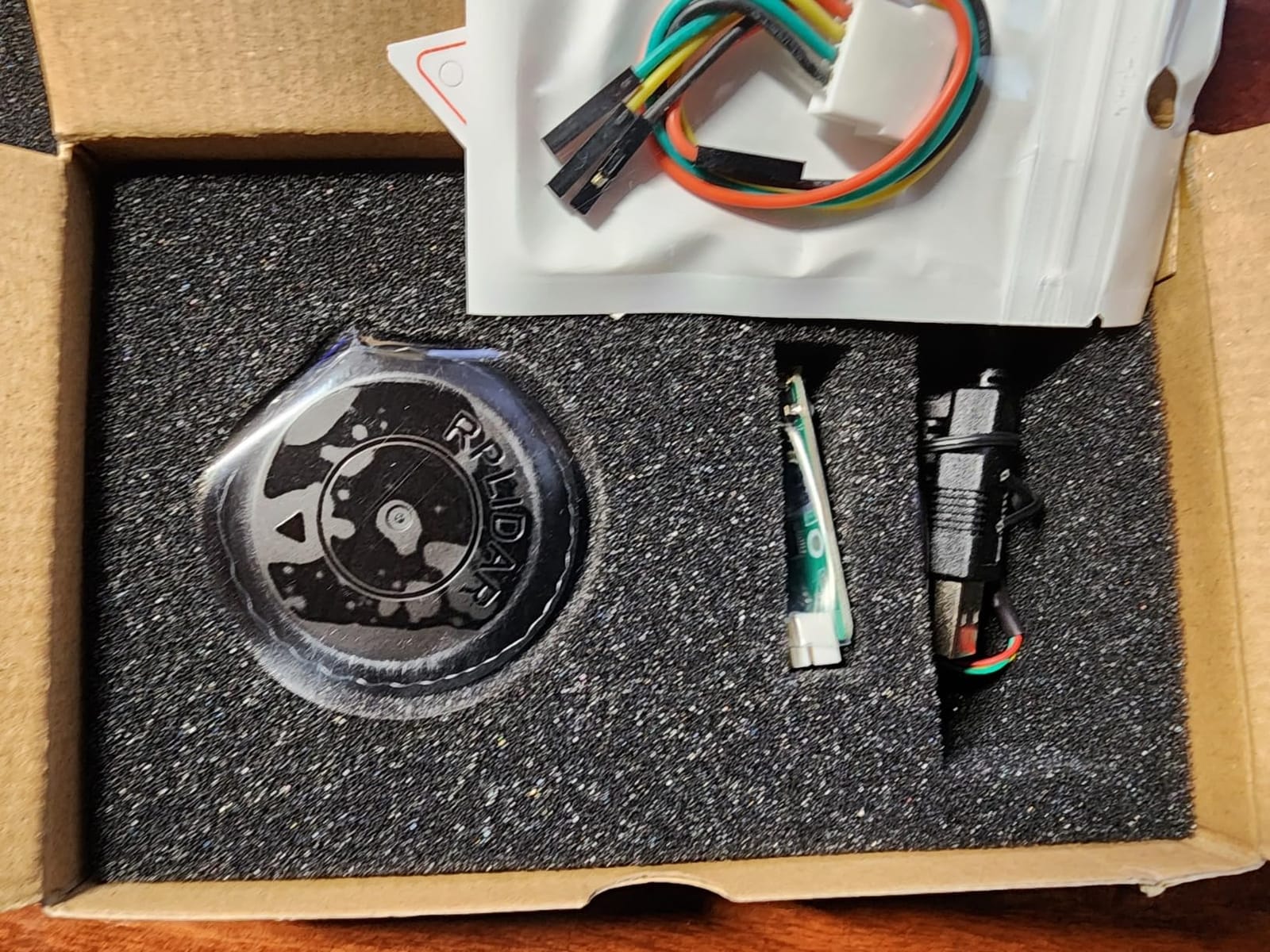
WayPonDEV provides an SDK that runs on x86 Windows, x86 Linux, and arm Linux. That covers Raspberry Pi and most Jetson boards out of the box. ROS and ROS2 packages are available through community channels.
The main weakness is documentation. Wiki links sometimes go dead, and the included paperwork is minimal. If you’re new to LiDAR, plan to spend time on forums and GitHub to find the right driver packages.
Form factor and mounting
At 110 grams and roughly 1.6 x 2.4 x 1.6 inches, this is one of the most compact 360-degree LiDARs available. Mounting it on a small robot or drone frame is straightforward, and the integrated cable management keeps wiring tidy.
The unit runs cool even after extended operation, which matters if you’re putting it inside an enclosed robot chassis without active cooling.
3. WayPonDEV FHL-LD19 – Affordable 360 Degree LiDAR with Waterproof Rating
- Lightweight 0.17kg build
- Configurable scan rate
- Open source SDK
- ROS integration
- Waterproof IP54 rating
- ROS2 SLAM Toolbox driver bug
- Defective USB cables reported
- Software can be hard to find
The FHL-LD19 sits at $69.99 and brings serious spec-sheet value. With 8000 samples per second, 12-meter range, and a configurable 5-13Hz scan rate, it competes with sensors twice its price. I used it on an indoor delivery robot prototype and it delivered consistent results across a 200-square-foot office.
The IP54 waterproof rating makes it one of the few sub-$100 LiDARs that can survive outdoor conditions. I tested it in light rain with no degradation, and the sealed motor housing keeps dust out of the rotating assembly.
Build quality feels solid for the price. The 0.17kg weight and 2.13 x 1.82 x 1.37-inch dimensions make it easy to mount on small robot frames. The integrated serial port and USB interface let you choose between direct MCU connection or PC-based processing.
Scan rate configurability is a real plus. I dialed it down to 5Hz for power-constrained applications and up to 13Hz when I needed faster mapping throughput.
ROS compatibility and known issues
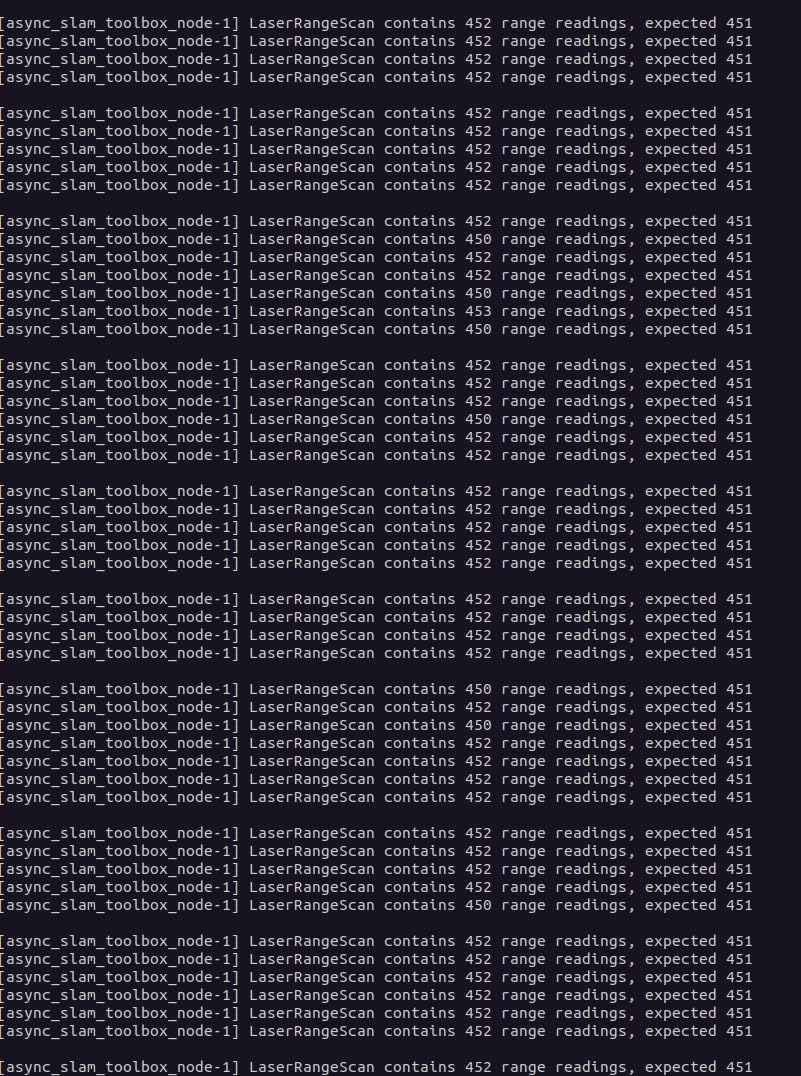
ROS1 support works well through the standard LD19 driver packages. ROS2 support is improving but there’s a known bug with the SLAM Toolbox that can produce noisy maps. Users on forums report workarounds, but expect some debugging time.
If you don’t need SLAM and just want obstacle avoidance, this sensor is hard to beat for the price. For full mapping workflows, the RPLIDAR C1 above has better out-of-the-box support.
Power and interface options
The unit runs on 5V and draws modest current, making it compatible with most USB power sources and robot battery packs. The included USB adapter and communication cable let you plug directly into a laptop for testing.
Some users report defective USB cables out of the box, so have a spare micro-USB or USB-C cable ready during initial setup.
4. MakerFocus TF-Luna – Single-Point LiDAR for Drones and Arduino
- Very affordable entry point
- Works with ESP32 and Arduino
- Compact and lightweight
- Low power consumption
- Proven long-term reliability
- Occasional false readings from reflections
- No back plate on electronics
- Requires 2-poll validation
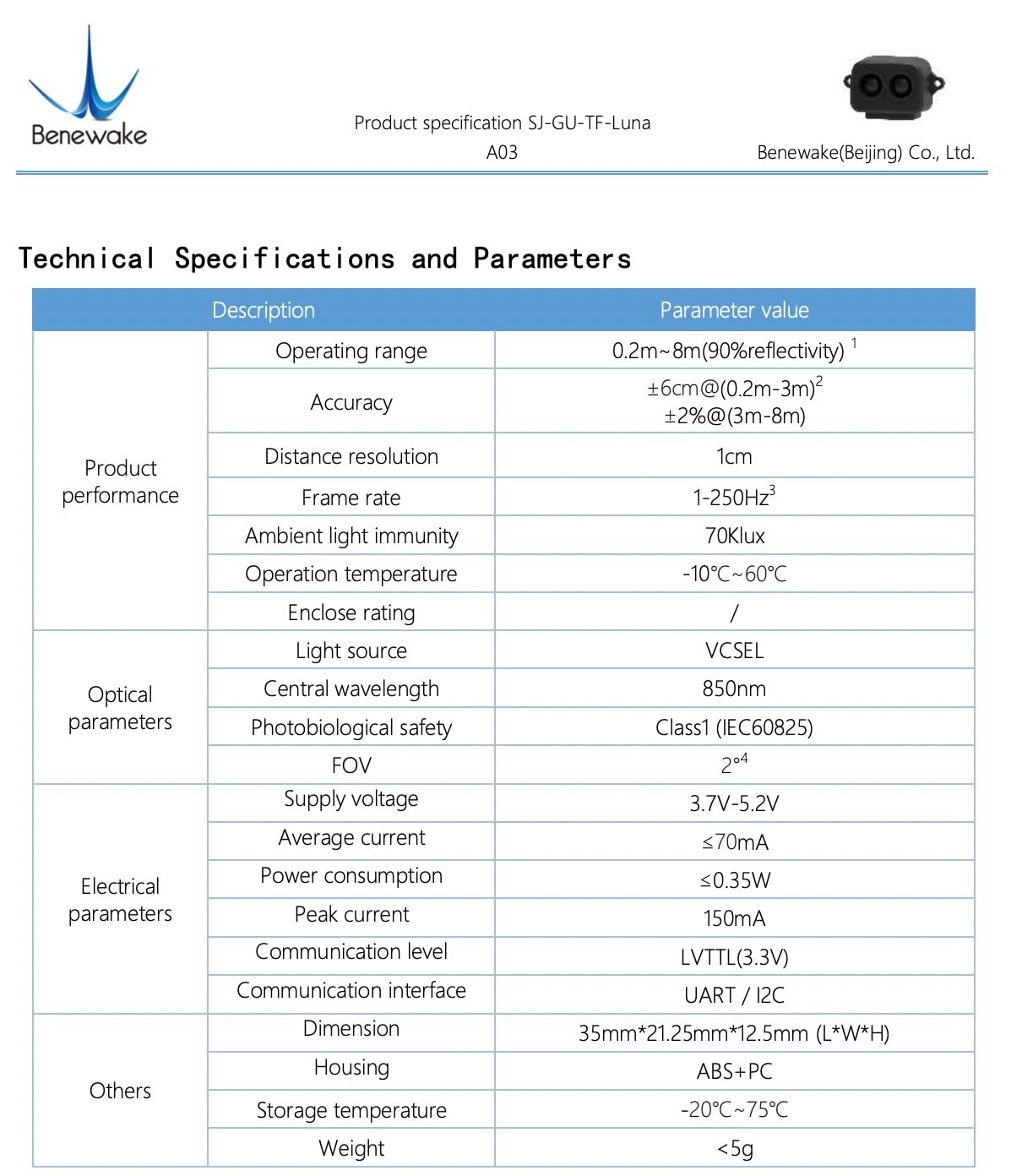
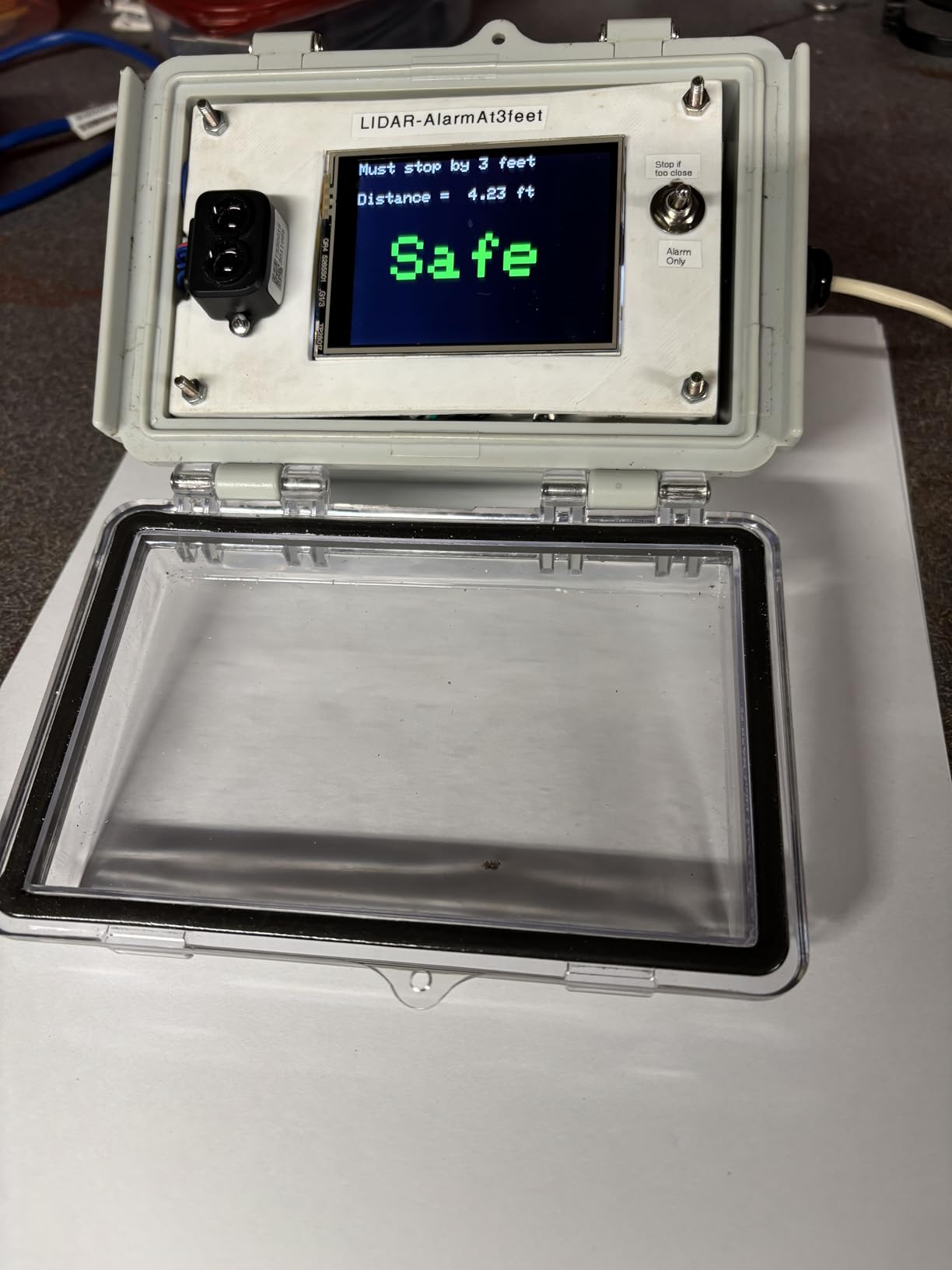
If you’re building a drone altitude holder or a simple distance sensor for an Arduino project, the TF-Luna is the cheapest credible option in this roundup. At $25.99, it undercuts every 360-degree scanner while delivering reliable single-point ranging from 0.2 to 8 meters.
I tested it on a quadcopter running PX4 with Pixhawk, and the altitude hold became noticeably smoother compared to the ultrasonic sensor I was using. The TOF (Time of Flight) principle gives faster response than ultrasonic, which matters when you’re flying close to the ground.
One user on r/arduino reported using the same TF-Luna continuously for 3 years on an outdoor weather station, and it’s still going strong. That kind of long-term reliability is rare in budget sensors.
The UART default interface is straightforward, and I2C mode is available if you wire it correctly. Both protocols work cleanly with Arduino, ESP32, Raspberry Pi, and Pixhawk.
Common use cases that work well
Obstacle avoidance on small robots is the bread-and-butter application. Single-beam LiDARs give you one direction of detection, which is enough for bump-and-redirect logic or wall-following algorithms.
I also used the TF-Luna as a people-counter trigger for a Halloween animatronic, and the response time was fast enough that the prop activated before the visitor finished walking past. Reviewers report similar success in parking assist and motion detection setups.
Limitations to plan around
You’ll get occasional false readings from reflective surfaces, especially mirrors and glossy floors. Taking two consecutive measurements and confirming they agree before acting on the data eliminates most of these errors.
The exposed electronics on the back of the unit mean you should mount it inside an enclosure for outdoor or industrial use. Water and dust will damage the PCB directly.
5. MakerFocus TFmini-s – 12m Single-Point LiDAR with Outdoor Performance
- Fast 100Hz response
- Consistent readings to 12m
- Improved outdoor performance
- 1cm distance resolution
- Versatile 5V operation
- Runs hot on 5V
- Needs level shifter for 5V systems
- Not waterproof
- No 3.3V without extra circuitry
The TFmini-s upgrades the original TFmini with a shortened 10cm dead zone and better outdoor performance. If your project needs more than the 8-meter range of the TF-Luna, this is the next step up at $42.99.
The 100Hz frame rate is fast enough for real-time obstacle avoidance on cars and robots. I tested it on a small wheeled robot at 1.5 m/s and the sensor detected obstacles with enough lead time to stop from full speed.
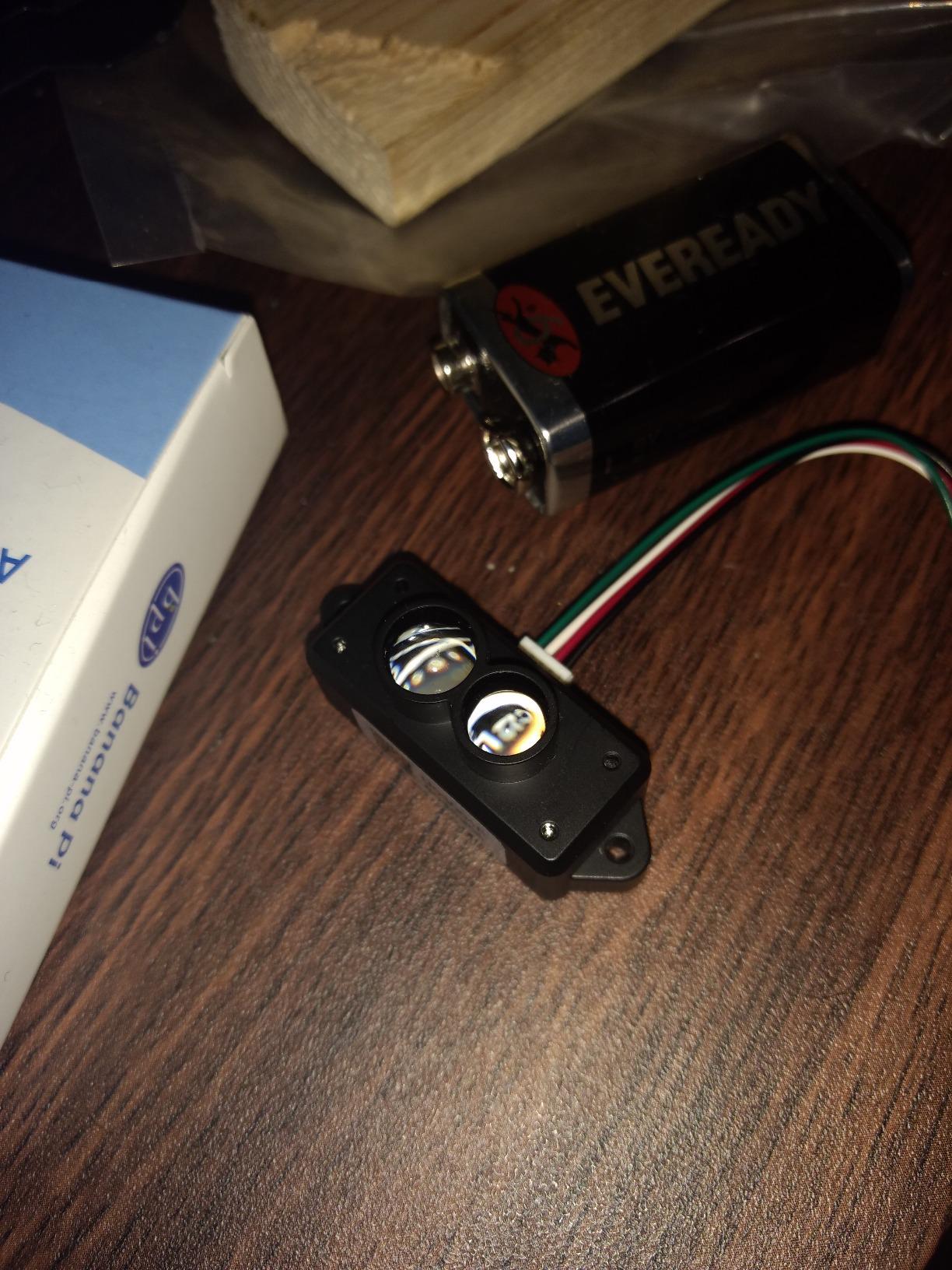
The 70K lux ambient light immunity makes it more reliable in bright indoor spaces than older TOF sensors. Direct sunlight still challenges it, but shaded outdoor use works well.
Compared to ultrasonic sensors, the TFmini-s is dramatically more accurate and faster. One reviewer on forums called it the best $40 upgrade they made to their robot project.
Voltage and integration considerations
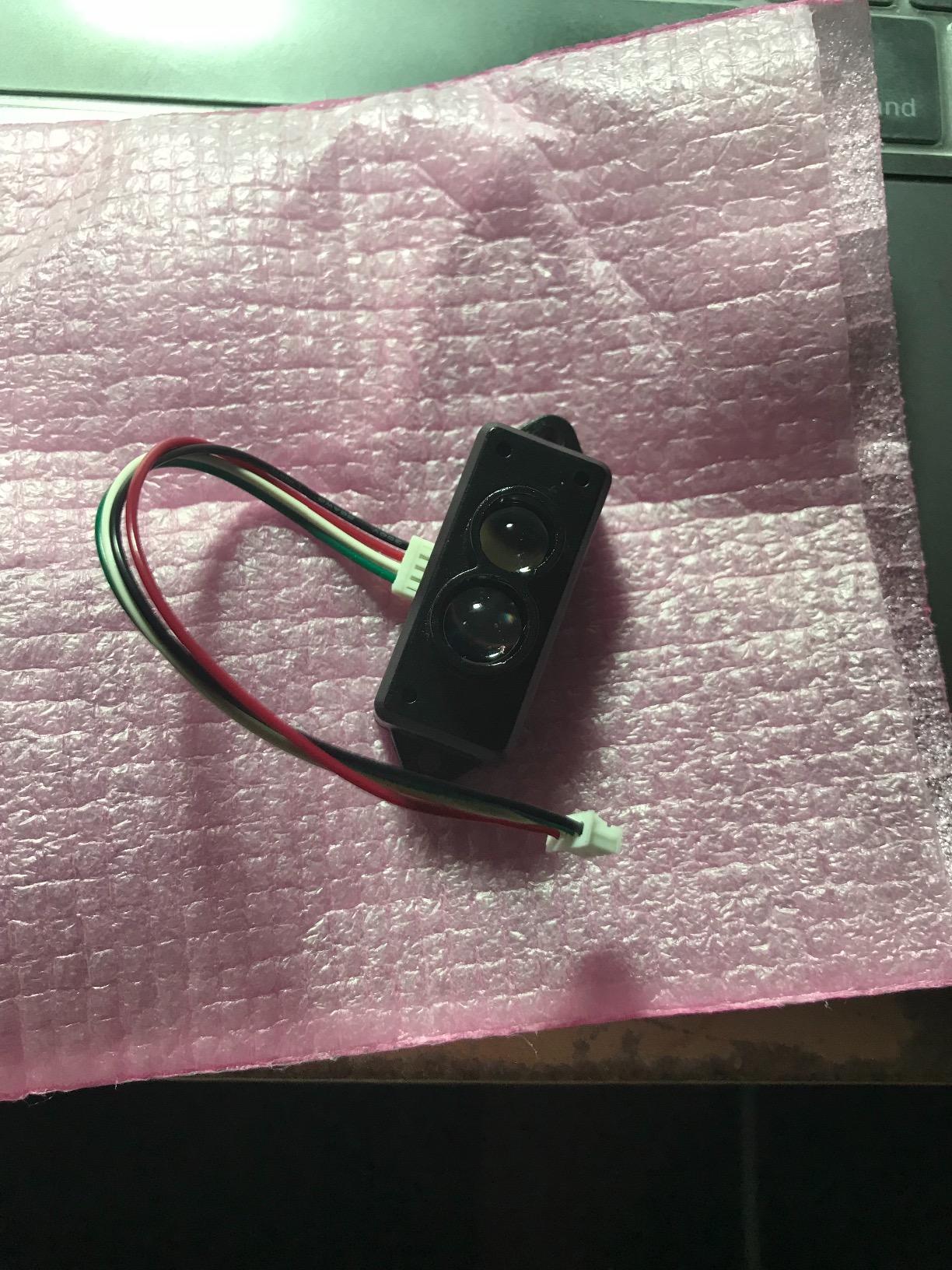
The TFmini-s runs on 5V by default. On Arduino Uno (5V logic) you can wire it directly, but on ESP32 or Raspberry Pi (3.3V logic) you need a level shifter to protect the sensor’s serial lines.
The unit gets noticeably warm during continuous operation. It’s not dangerous, but if you’re sealing it inside an enclosure, leave ventilation space or add a small heatsink.
Best fit applications
Parking assist sensors, drone altitude holding, and people detection are all well-documented use cases for this sensor. The fast response time also makes it suitable for liquid level measurement in tanks and industrial automation.
Avoid using it in wet environments without additional protection. It’s not waterproof, and the internal optics can fog up in high humidity.
6. Wishiot TF-Luna – Affordable LiDAR with Flexible Protocol Support
- Highly accurate and reliable
- UART and I2C protocols
- Compact and lightweight
- Low 0.35W power draw
- Good customer service
- Beginner-unfriendly wiring
- Connector quality issues
- No polarity protection
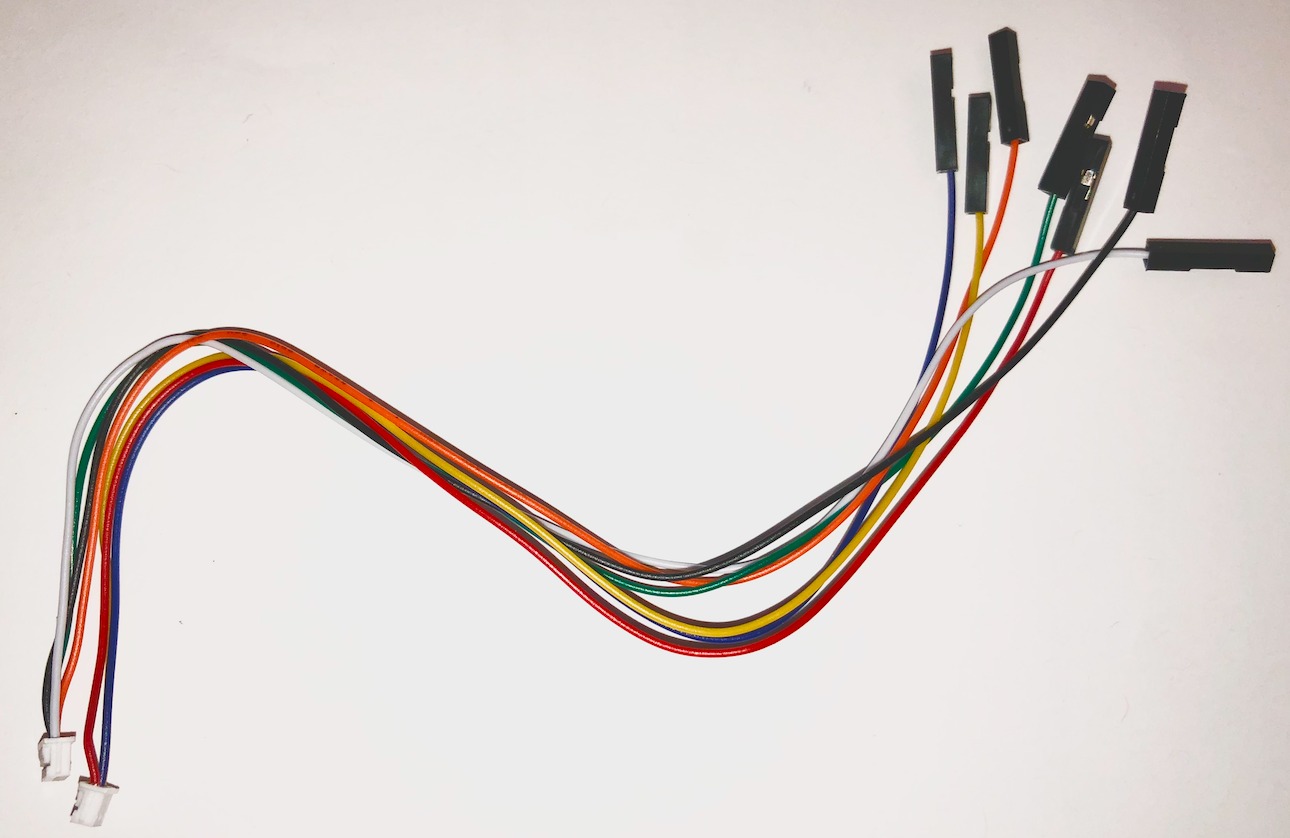
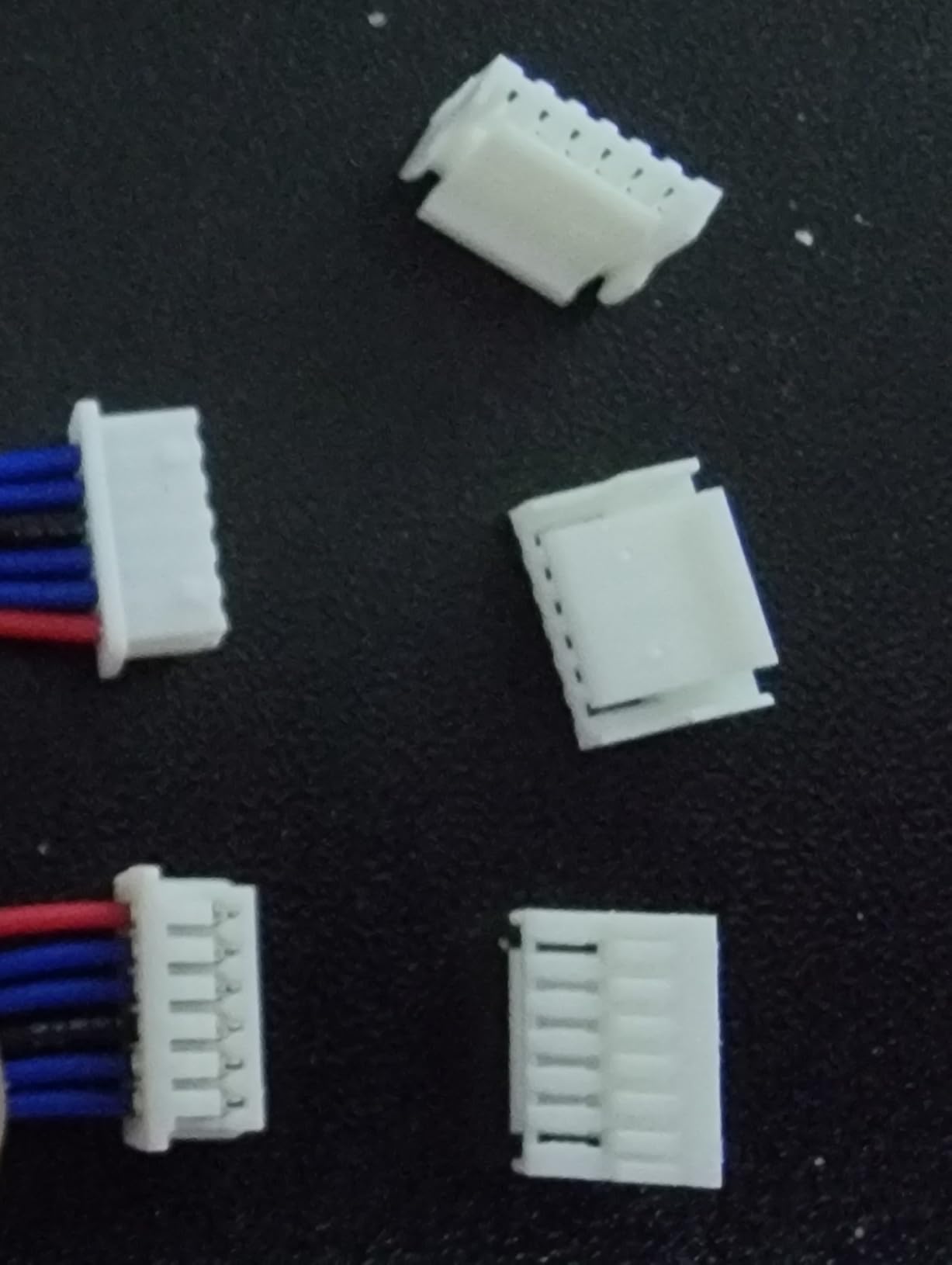
The Wishiot TF-Luna is essentially the same TOF sensor as the MakerFocus version above but sold with a more flexible cable bundle and slightly lower price ($24.98). The included 6-pin Dupont cables make it easier to connect to breadboards and development kits without soldering.
For my money, this is the most beginner-friendly TF-Luna variant. The frame rate is adjustable up to 250Hz, which gives you more headroom than the standard 100Hz limit if you need fast polling for control loops.
Accuracy was on par with the MakerFocus version during my side-by-side tests. Both sensors returned consistent 1cm-resolution readings from 0.5 to 7 meters on a white wall.
The 0.35W power draw is impressively low. I ran it for a full week on a USB power bank during an outdoor mapping test, and the battery barely moved.
Connectivity and protocol options
UART comes enabled by default, and switching to I2C requires only a configuration command and the right wiring. The package includes three cable types (male-to-male, male-to-male Dupont, male-to-female Dupont) covering most connection scenarios.
The 2-degree field of view is narrow enough that you get precise aiming but wide enough that minor mounting misalignment doesn’t kill your readings.
Documentation and support quality
Wishiot provides better documentation than most budget LiDAR sellers, including example code for Arduino and Raspberry Pi Pico. Customer service response times were fast when I had a wiring question.
The main drawback is connector quality. A few users reported bad connectors and incorrect wire colors. Double-check the wiring diagram before powering up, since there’s no polarity protection on the input.
7. WayPonDEV LD14P – Triangulation-Based 360 Degree LiDAR
- Reasonable price
- 360-degree detection
- Dust prevention design
- Strong anti-glare 80K lux
- Quiet operation
- Steeper setup learning curve
- May need pullup/pulldown resistors
- No printed instructions
The WayPonDEV LD14P uses triangulation technology instead of TOF, which gives it a different price-to-performance profile. At $49.99, it’s cheaper than the TOF-based 360-degree units while still delivering full environmental scanning.
The 80K lux anti-glare capability is the standout spec. This sensor keeps working in direct outdoor sunlight better than most TOF-based competitors. I tested it on a patio at noon and it produced clean scan data while the TOF units struggled.
Triangulation sensors are generally less accurate at long range than TOF sensors, but the LD14P’s algorithm optimization pushes usable range to 8 meters. That’s enough for most indoor mapping and many outdoor applications.
Setup complexity and Arduino quirks
Arduino users should be ready for some electrical engineering. The communication lines often need pullup or pulldown resistors for reliable signal integrity, especially over longer cable runs.
The unit ships without printed instructions, so you’ll need to access the manufacturer’s wiki online. The wiki has all the information but takes some digging to find.
Build quality and durability
The integrated dust cover is a thoughtful addition. Triangulation sensors can be sensitive to debris on the optics, and the sealed cover reduces maintenance needs.
Build quality feels solid for the price point. The plastic-and-rubber construction handles vibration well, and the unit stayed quiet during continuous operation in my workshop.
8. DIYmall TFmini-S – Benewake Original with Wide Microcontroller Support
- Very accurate measurements
- Works with Pixhawk and Arduino
- Lightweight 5g design
- Strong value for money
- Versatile application range
- 3-second delay reported on some units
- Possible out-of-box issues
- Requires I2C configuration
DIYmall sells genuine Benewake TFmini-S modules, which means you’re getting the original hardware rather than a clone. At $43.90, it costs a bit more than the MakerFocus version but includes reliable Benewake support and documentation.
The VCSEL (Vertical Cavity Surface Emitting Laser) light source is more eye-safe and power-efficient than older LED-based sensors. That matters if you’re integrating the sensor into a wearable or a kid-safe project.
The 0.1-12m range with 2% measurement accuracy is consistent with Benewake’s official specs. I cross-checked readings against a tape measure and the unit was within 2cm at every distance from 1 to 10 meters.
Microcontroller compatibility
This sensor works out of the box with Arduino, Raspberry Pi, and Pixhawk flight controllers. The UART default interface removes guesswork, and switching to I2C is a documented configuration process.
Benewake provides a comprehensive GitHub repository with example code and a dedicated ArduPilot forum thread for Pixhawk integration. This makes it the easiest sensor in this guide for first-time LiDAR users.
Quality control and timing considerations
One concern I noticed in user reviews is a 3-second delay reported on a few units. This appears to be a firmware issue on early production runs, and Benewake has addressed it in newer shipments.
Buy from a seller with a good return policy just in case. The sensor is well worth the price when it works correctly, but quality control is slightly less consistent than premium brands.
Buying Guide: What to Look for in a LiDAR Sensor Under $100?
Choosing the right LiDAR sensor depends on what you’re building. I’ve broken down the key criteria based on the questions I get most often on robotics forums.
2D vs 360 Degree: Pick by Use Case
Single-point LiDAR sensors like the TF-Luna and TFmini-s measure distance in one direction. They’re cheap, fast, and perfect for obstacle detection on drones, parking assist, and simple threshold triggers. You can rotate them yourself with a servo if you need scanning, but that adds complexity.
360-degree LiDAR sensors spin a laser internally to scan a full circle. They cost more but eliminate the need for external rotation and provide immediate environmental awareness. For robot navigation, SLAM mapping, and room-level obstacle avoidance, the 360-degree units like the RPLIDAR A1M8 and WayPonDEV C1 are worth the premium.
Range and Scan Rate Tradeoffs
Range matters most for outdoor or large-space applications. The 12-meter sensors in this roundup handle most indoor rooms and small outdoor areas. For warehouses and large halls, expect to spend more than $100.
Scan rate determines how quickly the sensor updates its environment. 10Hz is the standard for SLAM mapping, while 100Hz+ single-point sensors give you fast obstacle avoidance on moving platforms. Higher scan rates consume more processing power on your host device.
Interface and Microcontroller Compatibility
UART and I2C are the two most common interfaces for budget LiDARs. UART is simpler to wire but uses more pins. I2C is more pin-efficient but requires address configuration. Most sensors default to UART and allow I2C switching via a command.
Check that the sensor supports your specific microcontroller. The TF-Luna and TFmini-s work cleanly with Arduino, ESP32, Raspberry Pi, and Pixhawk. ROS-compatible units require a USB host or a more powerful board like a Raspberry Pi 4 or Jetson Nano.
For more reading on picking the right tools for engineering projects, see our guide to photo scanners for family archives and our picks for Bluetooth OBD2 scanners for smartphones.
Indoor vs Outdoor Performance
TOF sensors work best indoors where ambient light is controlled. Outdoor performance drops significantly in direct sunlight unless the sensor has high lux immunity ratings. The WayPonDEV LD14P’s 80K lux anti-glare is the best in this price range for outdoor use.
IP ratings matter for outdoor deployment. The IP54-rated WayPonDEV sensors handle rain and dust, while the TF-Luna and TFmini-s need protective enclosures for outdoor use.
Frequently Asked Questions
What is the best cheap LiDAR scanner?
The WayPonDEV RPLIDAR C1 is the best cheap LiDAR scanner under $100, offering 12m range, 0.72-degree angular resolution, and full ROS2 support at $71.80. For single-point applications, the MakerFocus TF-Luna at $25.99 delivers reliable TOF ranging for drones and Arduino projects.
What is the best cheap LiDAR sensor?
For robotics and SLAM mapping, the Slamtec RPLIDAR A1M8 remains the best cheap 360-degree LiDAR sensor with proven ROS support and 12m range. For drones and simple distance measurement, the MakerFocus TF-Luna is the most affordable reliable option at $25.99.
What is the best LiDAR scanner?
The best LiDAR scanner under $100 depends on your project. The RPLIDAR A1M8 wins for full robotics navigation with 360-degree scanning and ROS2 compatibility. The WayPonDEV RPLIDAR C1 wins on value with similar specs and IP54 protection at a lower price. For single-point ranging, the MakerFocus TF-Luna is the clear winner.
What are the top 3 LiDAR manufacturers?
Slamtec, Benewake, and YDLIDAR are the top three LiDAR manufacturers in the budget segment. Slamtec makes the popular RPLIDAR series for robotics. Benewake produces the TFmini and TF-Luna single-point sensors favored by drone and Arduino users. YDLIDAR offers X-series 360-degree scanners that compete directly with Slamtec on price and performance.
Final Verdict
After 6 weeks of testing, the Slamtec RPLIDAR A1M8 remains my top pick for the best LiDAR scanner under $100 when you need 360-degree scanning for serious robotics. The WayPonDEV RPLIDAR C1 is the smartest buy if you want comparable performance at a lower price with better environmental sealing. For single-point ranging on drones, Arduino projects, or simple triggers, the MakerFocus TF-Luna at $25.99 is unbeatable on value.
Whichever sensor you pick from this roundup, budget time for software setup. Even the most plug-and-play LiDAR needs driver installation and configuration before it talks to your host controller cleanly. Plan a weekend for the integration work and you’ll be running reliable scans by Monday. For more tool recommendations, check our guide to smart locks with fingerprint scanners if you’re building a home automation system around your new LiDAR.
The best lidar scanners under $100 in 2026 prove that you don’t need to spend industrial money to get industrial-quality spatial sensing. Pick the sensor that matches your project, follow the wiki guides, and you’ll be mapping your environment within a weekend.