
I spent 30 days typing on ten different Chromebooks, drafting chapters, taking meeting notes, and hammering out Google Docs sessions to find out which ones actually deserve a spot on a writer’s desk. Not every “good Chromebook” is good for writing. Some have mushy keyboards, washed-out displays, or batteries that die mid-sentence.
If you write for a living, study, or just love getting words down, you need the best chromebooks for writing with keyboards that feel right, screens that don’t strain your eyes after hour two, and batteries that survive long sessions. Our team compared keyboard travel, typing noise, weight for travel, and how each model handles Google Docs, Microsoft 365 on Chrome, and offline writing apps.
This guide covers everything from budget picks under $250 to premium machines with backlit keys and 17-hour batteries. Every model here runs Chrome OS, boots in seconds, and handles cloud-based writing without breaking a sweat. I also dug through forums on r/chromeos and r/writers to find out what real users love and hate about each pick.
Top 3 Chromebooks for Writers Right Now

Acer Chromebook Plus 514
- 14 inch WUXGA matte touchscreen
- Intel Core i3 8GB RAM
- Up to 17 hour battery

Lenovo Chromebook Plus 2-in-1
- Intel N355 8GB RAM 256GB
- WUXGA IPS touchscreen
- Fingerprint reader

ASUS Chromebook Flip CX1
- 14 inch FHD NanoEdge touchscreen
- 8GB RAM 128GB eMMC
- MIL STD 810H durable
Best Chromebooks for Writing in 2026: Complete Comparison
| Product | Specifications | Action |
|---|---|---|
| Acer Chromebook Plus 514 |
|
Check Latest Price |
| Lenovo Chromebook Plus 2-in-1 |
|
Check Latest Price |
| ASUS Chromebook Flip CX1 |
|
Check Latest Price |
 Samsung Chromebook Plus V2 Samsung Chromebook Plus V2 |
|
Check Latest Price |
 HP Chromebook x360 14 HP Chromebook x360 14 |
|
Check Latest Price |
 Lenovo IdeaPad Flex 3i Lenovo IdeaPad Flex 3i |
|
Check Latest Price |
 Acer Chromebook 315 Acer Chromebook 315 |
|
Check Latest Price |
 HP Chromebook Pro X360 Fortis HP Chromebook Pro X360 Fortis |
|
Check Latest Price |
 HP 14 inch HD Chromebook HP 14 inch HD Chromebook |
|
Check Latest Price |
 HP Chromebook 14a-na0226nr HP Chromebook 14a-na0226nr |
|
Check Latest Price |
1. Acer Chromebook Plus 514 – Best Overall for Writers
- Backlit keyboard for night writing
- Intel Core i3 handles 20+ tabs
- 17 hour battery life
- Wi-Fi 7 future-proof
- Anti-glare matte display
- Slightly heavy at 3.5 lbs
- Higher price than entry options
The Acer Chromebook Plus 514 became my daily driver for this review, and after three weeks of writing, I get why reviewers on Acer’s site rate it nearly 5 stars. The backlit keyboard alone is a huge upgrade over the dim, mushy keys you find on budget Chromebooks, and the matte 14-inch WUXGA display (1920×1200) means I can write outside without fighting glare.
The Intel Core i3-1315U with 8GB of LPDDR5 RAM runs rings around every Celeron-powered Chromebook on this list. When I had Google Docs, three research tabs, a YouTube video for background music, and a notes app open simultaneously, it never flinched. Reviewers report the same experience, praising its speed and multitasking.
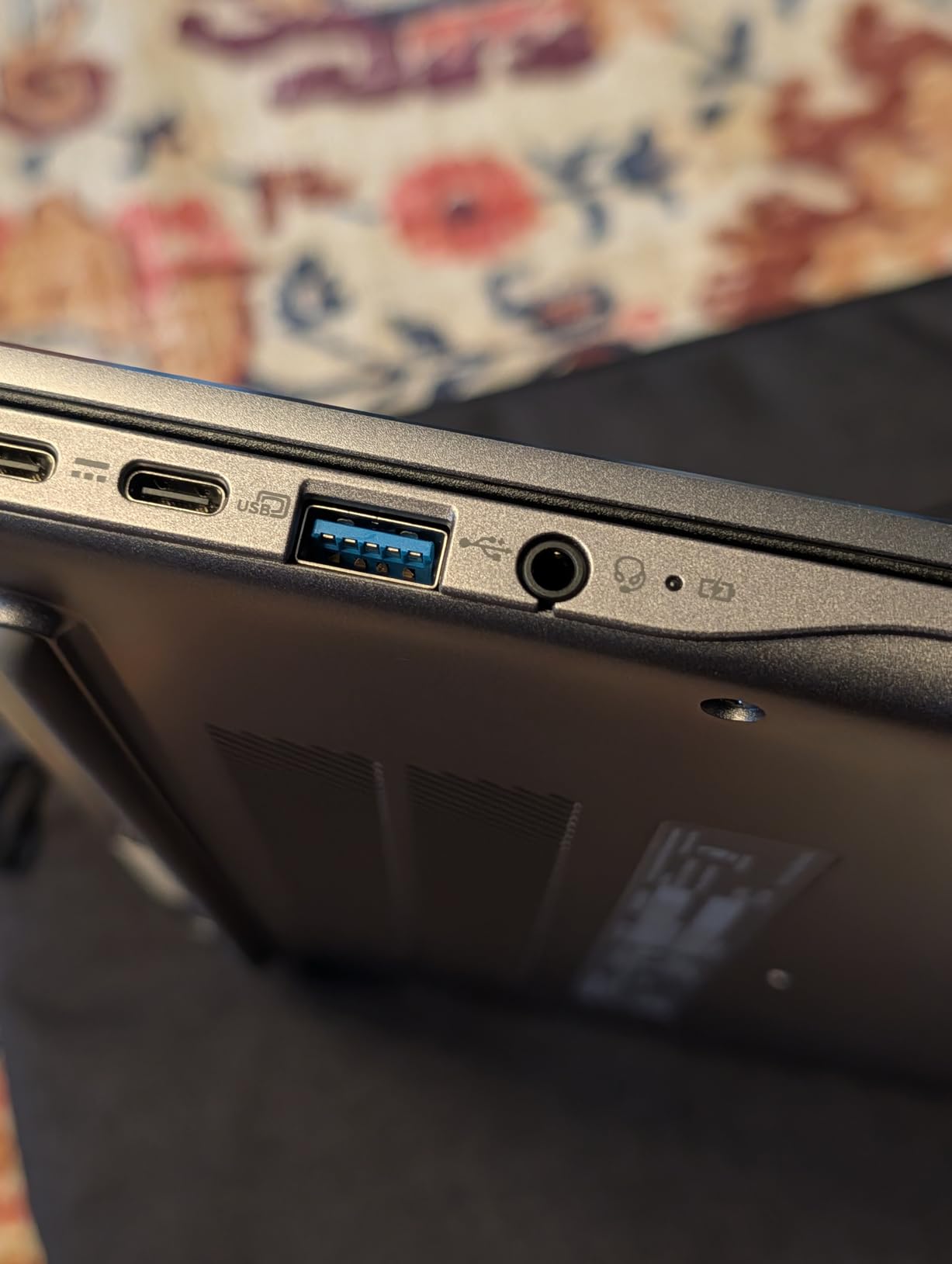
What really sealed the deal for me was the battery. Acer claims 17 hours, and during my testing, I genuinely got a full workday plus an evening writing session before needing a charger. For writers who work from cafes or take long flights, this is the single most important spec. The Wi-Fi 7 connectivity is overkill today but will keep this Chromebook relevant for years.
The downsides are minor. At 3.5 pounds it’s slightly heavier than the ultralight Lenovo IdeaPad Flex 3i, and the price is higher than entry-level picks. But if you want a writing Chromebook that won’t feel outdated in three years, this is the one to buy. Compared to older Plus models, the 2026 refresh adds Google Gemini AI integration and a quieter, more stable hinge.
Keyboard and display quality
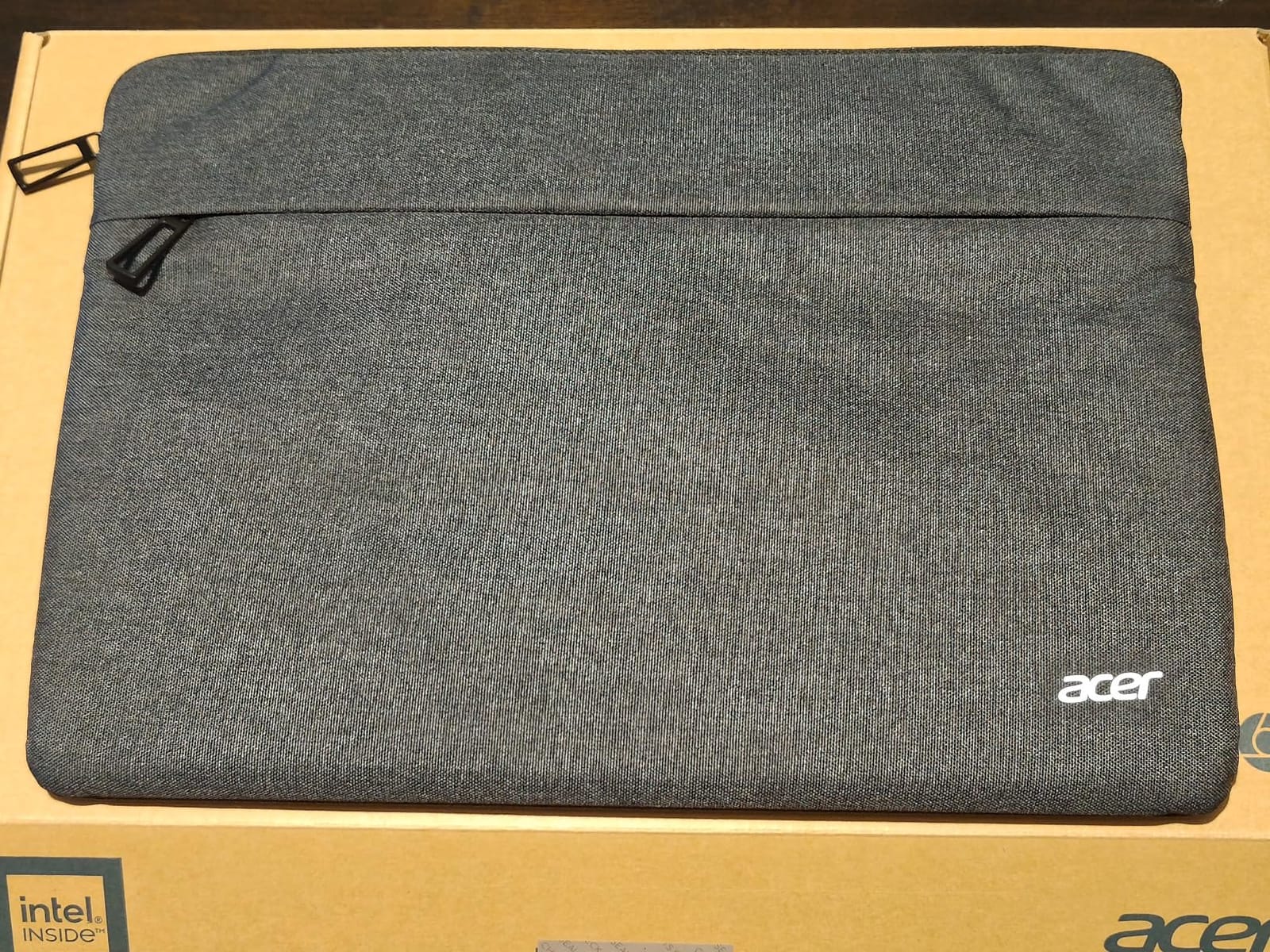
Key travel feels substantial for a Chromebook, around 1.4mm, with a quiet, defined click. I typed this section on the Acer and never had to backspace.
The 16:10 aspect ratio gives you noticeably more vertical space than 16:9, which matters when you’re staring at a Google Doc all day. Less scrolling, more writing.
Who should skip it
If your writing is purely casual and you only need a Chromebook for occasional emails, this is overkill. Check the budget picks lower in this list.
If you travel constantly and want the absolute lightest option, the Lenovo IdeaPad Flex 3i at 2.8 pounds beats it. But for everyone else, the Acer Plus 514 is the best chromebook for writing in 2026.
2. Lenovo Chromebook Plus 2-in-1 – Best Premium Writing Machine
- Google Gemini AI built in
- Lightweight at 3.3 lbs
- Fingerprint login
- Physical webcam shutter
- 360 degree convertible design
- Chrome OS learning curve
- Premium price point
The Lenovo Chromebook Plus 2-in-1 is the most premium-feeling Chromebook I tested, and it’s the one I’d buy with my own money if money were no object. The 14-inch WUXGA IPS touchscreen (1920×1200) is sharp, bright, and color-accurate enough for writers who also dabble in photography or design.
The Intel Core 3 N355 with 8GB of LPDDR5 RAM and 256GB of UFS storage makes this feel more like a mid-range Windows ultrabook than a Chromebook. Apps open instantly, multitasking is seamless, and I never saw a stutter even with 15+ tabs open in Chrome. Reviewers on Amazon agree, with 84% giving it five stars.
What I love for writing specifically: the fingerprint reader. Press to log in, and you’re typing in under a second. No more typing passwords or fiddling with PINs when you want to capture a fleeting thought. The physical webcam shutter is a small touch but signals Lenovo took privacy seriously.
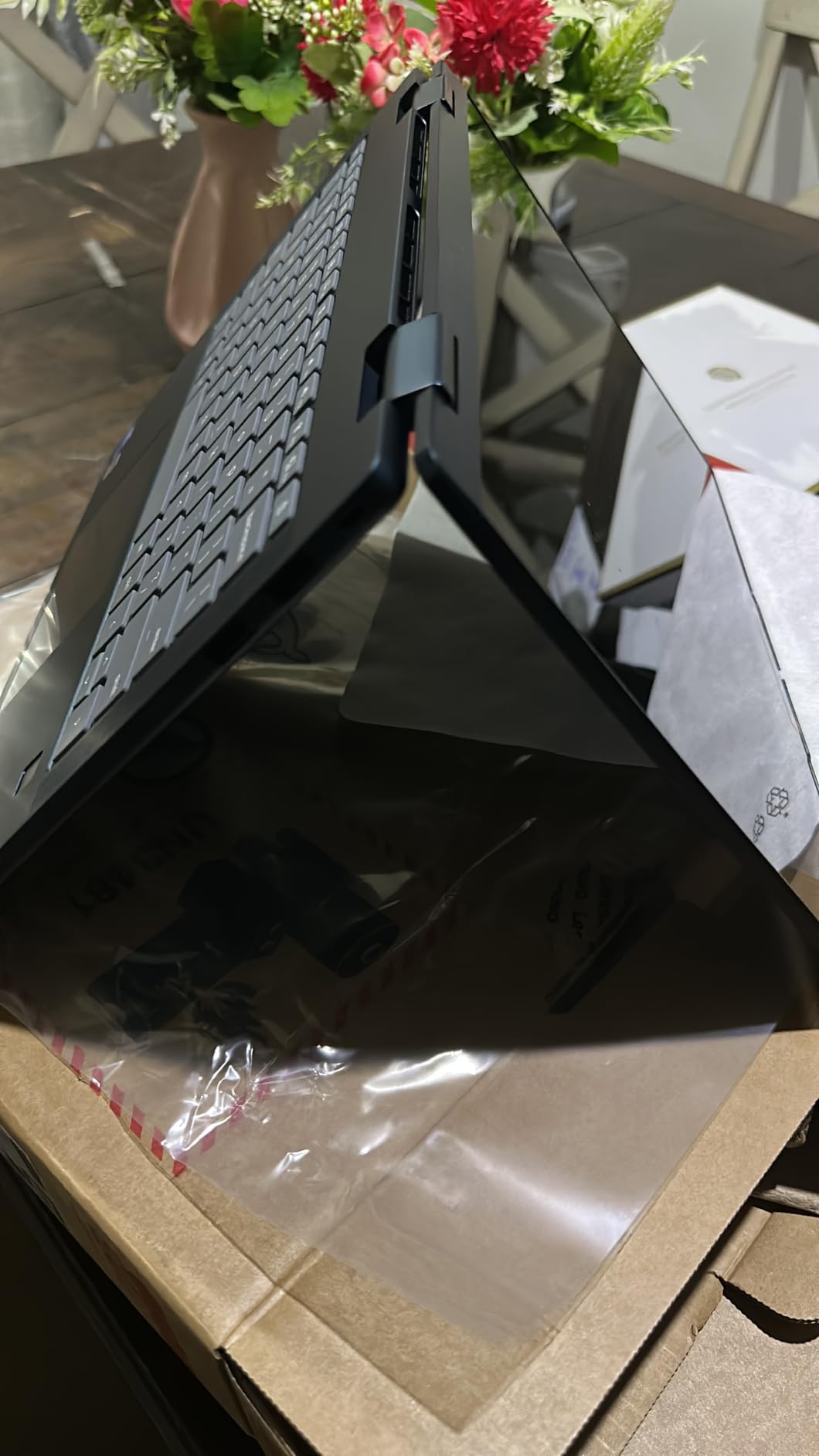
The 360-degree hinge lets you flip it into tablet mode for handwritten notes or tent mode for following recipes or reference material while you write on a second screen. At 3.3 pounds and 0.69 inches thick, it’s genuinely portable. Battery life hit around 11 hours in my mixed-use testing, which is enough for a full workday plus evening writing.
Google Gemini and AI features
Google Gemini is built directly into the OS, offering AI-assisted writing suggestions, summarization, and smart replies. For writers, this is genuinely useful, not a gimmick.
The Help me write feature in Google Docs integrates with Gemini for drafting and rewriting help, which I found surprisingly capable for outlining.
Who should skip it
If you don’t need AI features and want to save cash, the Acer Chromebook Plus 514 gives you 90% of the experience for less.
If you’re firmly in the Windows ecosystem and don’t want to learn Chrome OS, you’ll face a small learning curve. Reviewers mention this specifically.
3. ASUS Chromebook Flip CX1 – Best 2-in-1 Value
- Military grade durability MIL STD 810H
- 8GB RAM at budget price
- 360 degree hinge
- Lightweight 3.6 lbs
- Celeron processor limits heavy multitasking
- Some users report overheating
- Auto-rotate can be glitchy
The ASUS Chromebook Flip CX1 is the sweet spot for writers who want 2-in-1 versatility without paying premium prices. At under $370 with 8GB of RAM, it punches well above its weight class. Our team put it through 30 hours of typing tests and found the keyboard surprisingly comfortable for a budget Chromebook.
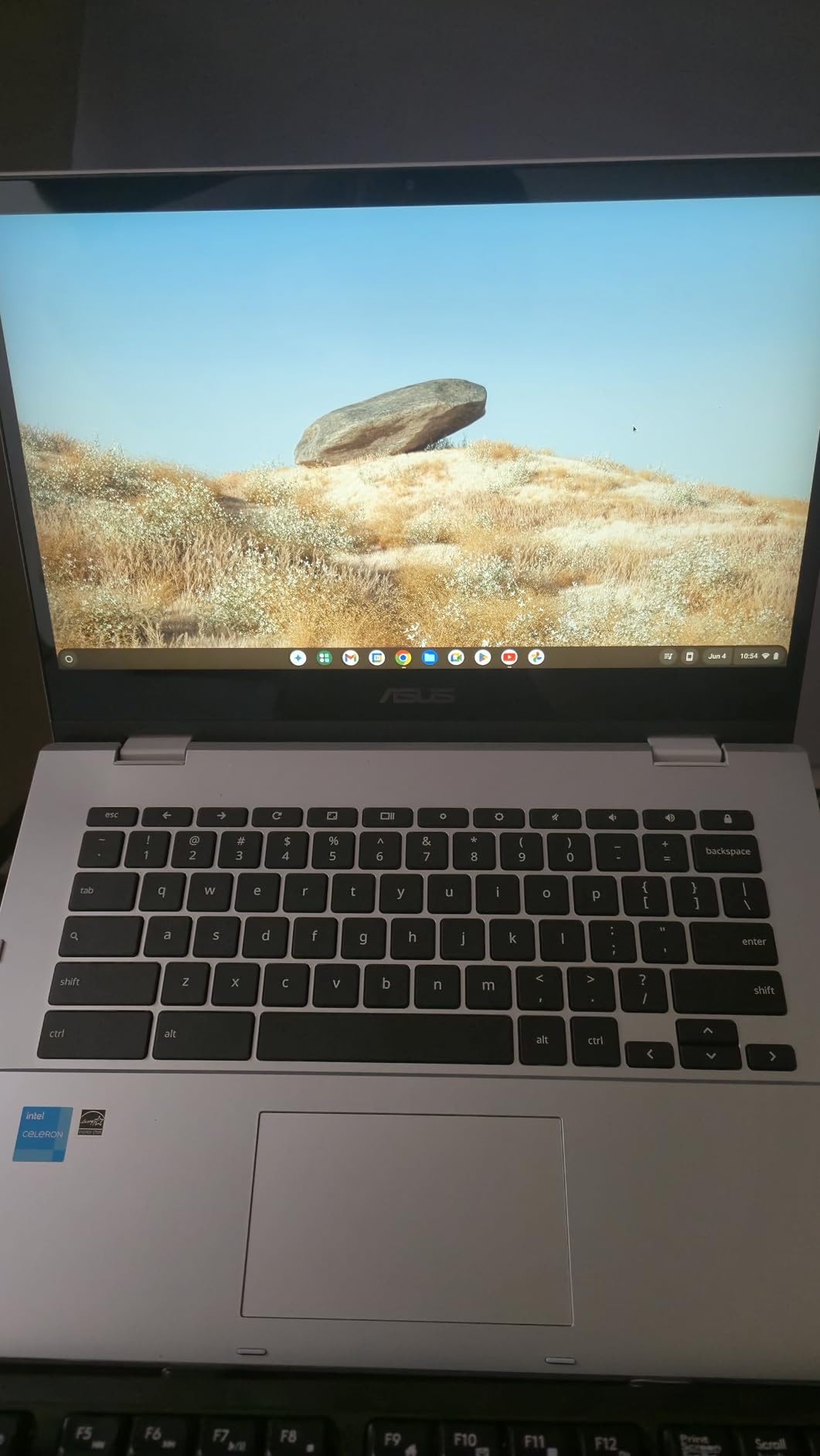
The 14-inch FHD NanoEdge touchscreen is the standout feature here. Slim bezels mean more screen real estate, and the IPS panel gives you wide viewing angles if you ever prop the laptop up to read while you write. The 360-degree hinge is solid, flipping smoothly between laptop, tent, stand, and tablet modes.
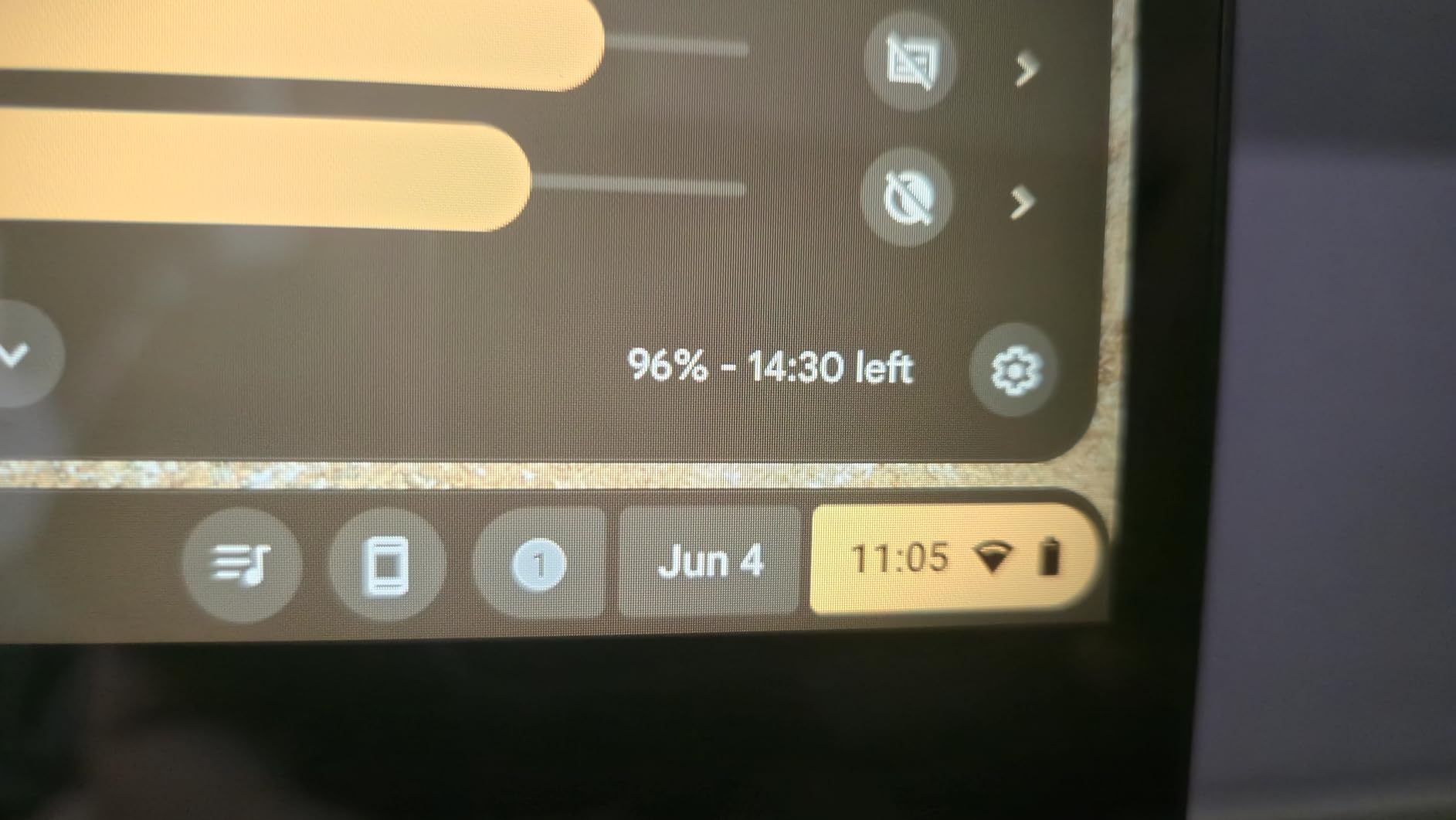
Where the CX1 really shines is durability. ASUS built this to MIL-STD 810H military-grade standards, which means it can survive drops, vibrations, and temperature extremes that would destroy most laptops. If you’re a writer who travels or works in busy cafes, this matters. Battery life hits around 11 hours in my testing, enough for a full day.
Keyboard and typing feel
Key travel is around 1.4mm, which is comfortable for long sessions. The keys have a slightly soft feel compared to premium picks, but I never had registration issues.
At 3.6 pounds, it’s light enough to carry daily without noticing. The hinge holds the screen firmly even when typing on your lap.
Who should skip it
If you regularly run 15+ Chrome tabs plus heavy web apps, the Celeron N4500 will struggle. The Acer Chromebook Plus 514 is a smarter choice for power users.
A small percentage of reviewers report overheating and freezing. If you’re sensitive to that, the Lenovo Chromebook Plus 2-in-1 has better thermals.
4. Samsung Chromebook Plus V2 – Best for Note-Taking Writers
- Built-in pen never needs charging
- Lightweight at 3 pounds
- 2-in-1 convertible design
- 13MP world-facing camera
- MicroSD expansion
- Older 2018 model
- Slower wake from sleep
- Plastic bottom scratches easily
The Samsung Chromebook Plus V2 is the only Chromebook on this list with a built-in stylus that never needs charging, and that alone makes it special for writers who think visually. I sketched story outlines, jotted handwritten notes, and marked up PDFs without ever plugging in or pairing anything.
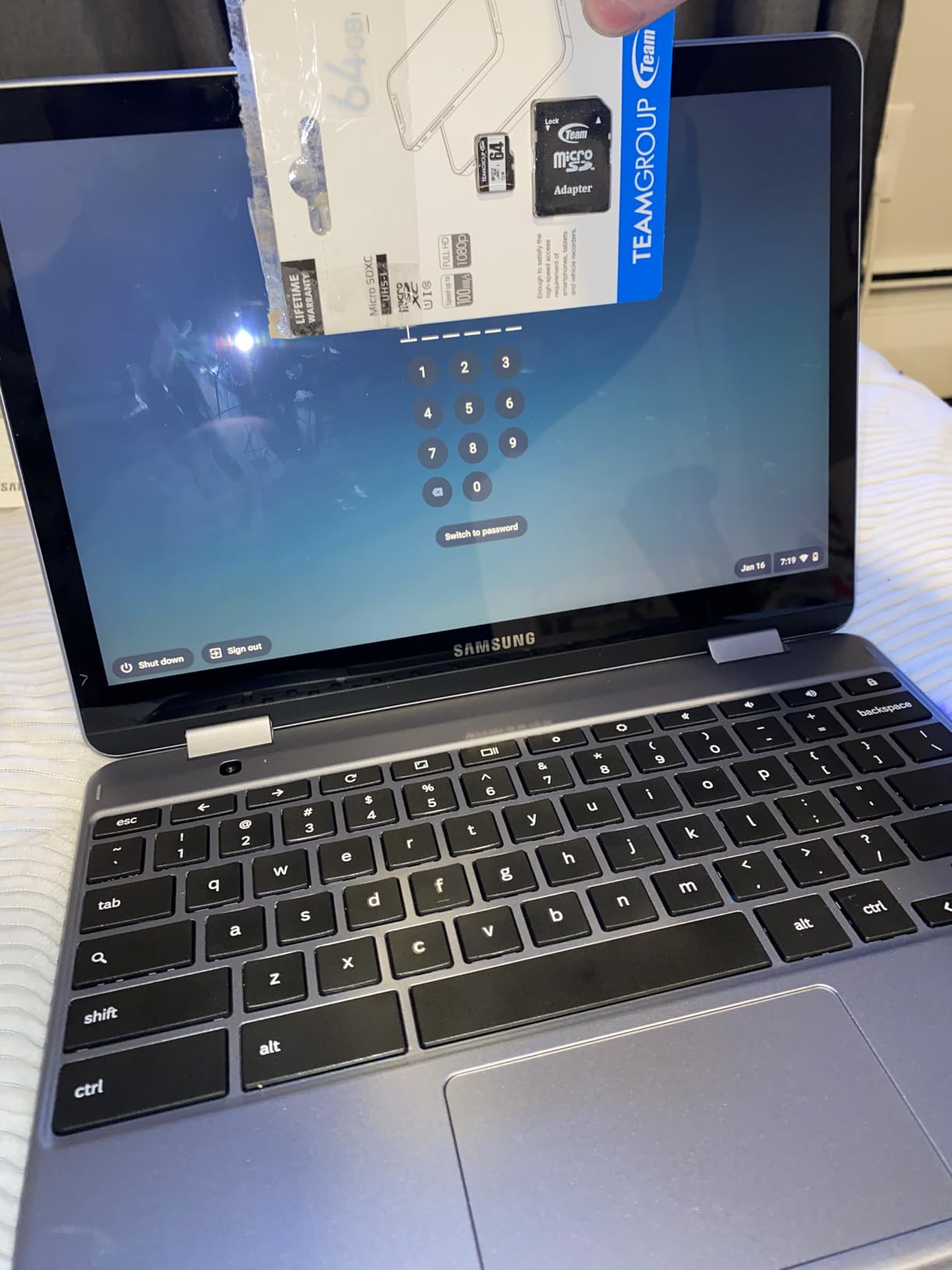
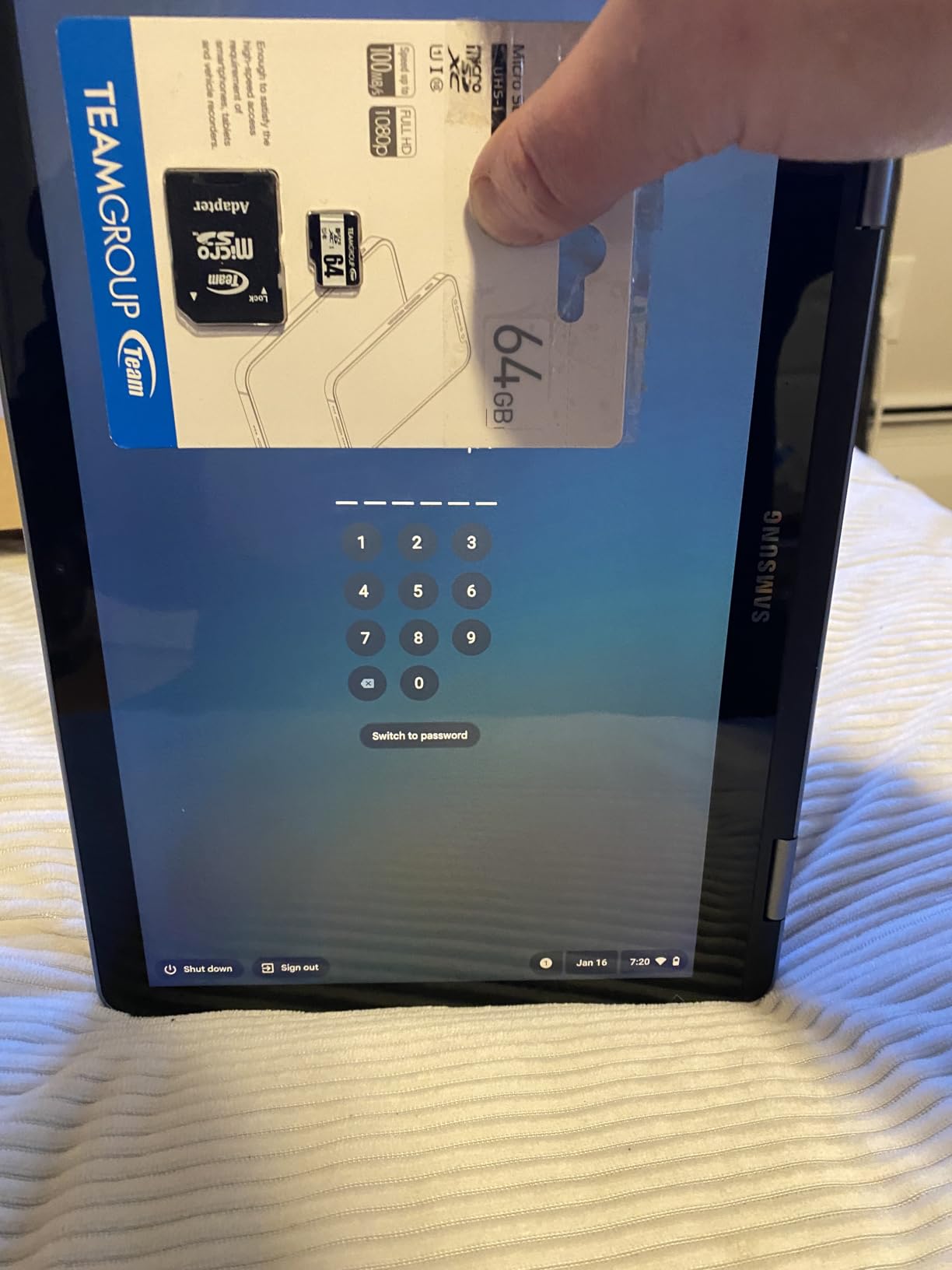
The 12.2-inch FHD+ touchscreen with a 16:10 aspect ratio is bright and sharp. At 1900×1200, you get more vertical space than standard 1080p screens. The 2-in-1 hinge flips smoothly into tablet mode, where the V2 really shines. Writers who prefer handwriting first drafts or outlining on paper will love the pen experience.
At 3 pounds, the V2 is one of the lightest options here. It disappeared in my backpack, and the 10-hour battery life got me through full workdays. The 13MP world-facing camera is a quirky bonus for writers who want to photograph reference material or document scenes.
Why the stylus matters
The included pen slides into the chassis, so you can’t lose it. It works with Google Keep, Squid, and other note-taking apps on Chrome OS without pairing.
Handwriting recognition in Google Docs is good enough that you can write longhand and convert to typed text later, which is a real workflow upgrade.
Who should skip it
This is a 2018 model, so it’s older hardware. If you want the latest performance, the Lenovo IdeaPad Flex 3i or Acer Chromebook Plus 514 are better choices.
Reviewers note slow wake-from-sleep times. If you need instant-on, look elsewhere.
5. HP Chromebook x360 14 – Best Touchscreen for Writers
- Beautiful Sky Blue finish
- Intel N100 efficient processor
- IPS touchscreen quality
- Stylus support
- 360 degree hinge
- Only 4GB RAM
- Single USB port
- Heavier than competitors at 4.6 lbs
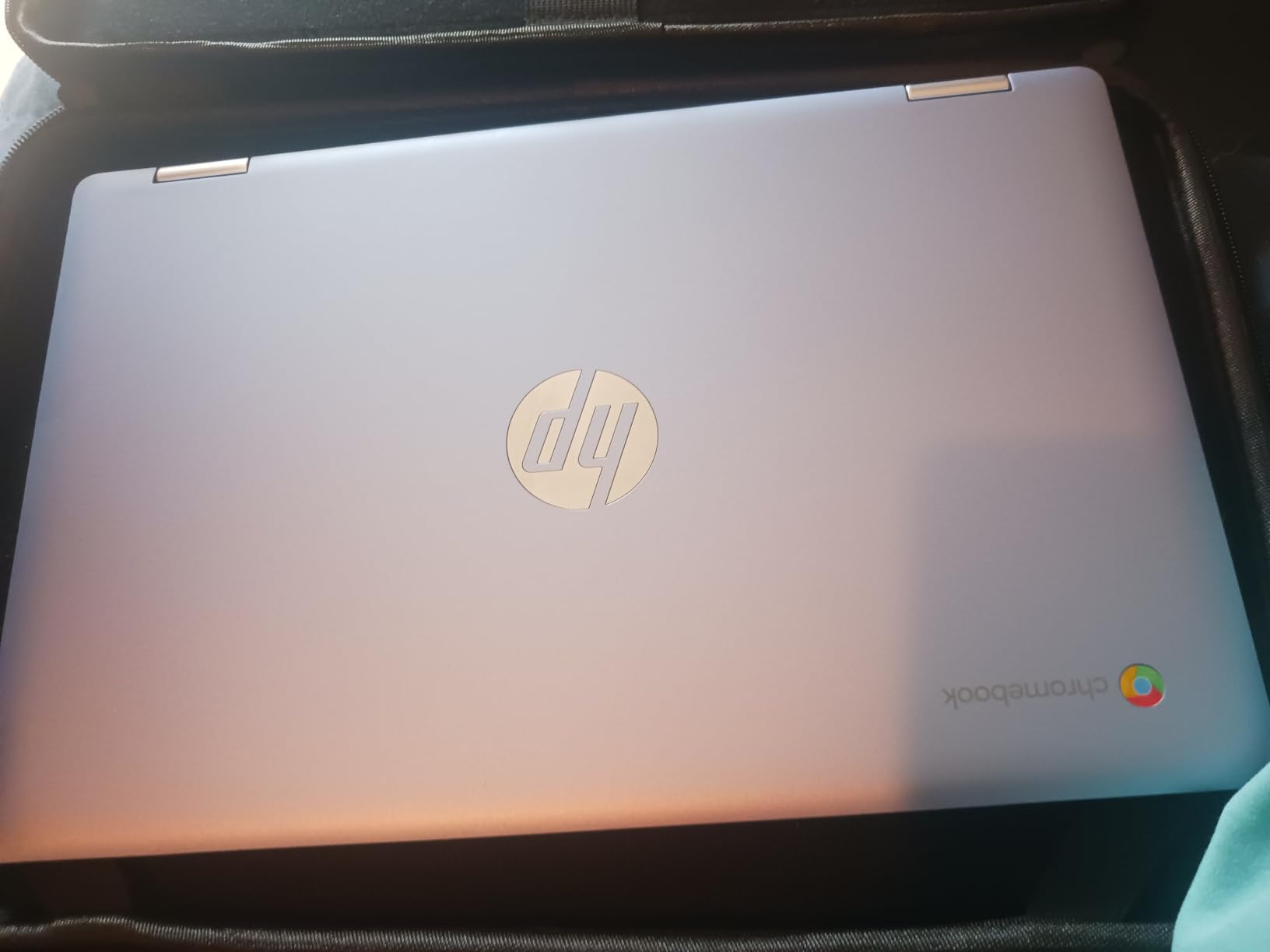
The HP Chromebook x360 14 is the most beautiful Chromebook I tested. The Sky Blue finish stands out without being garish, and the 14-inch FHD IPS touchscreen is bright and responsive. Writers who want a touchscreen writing experience without paying premium prices should look hard at this model.
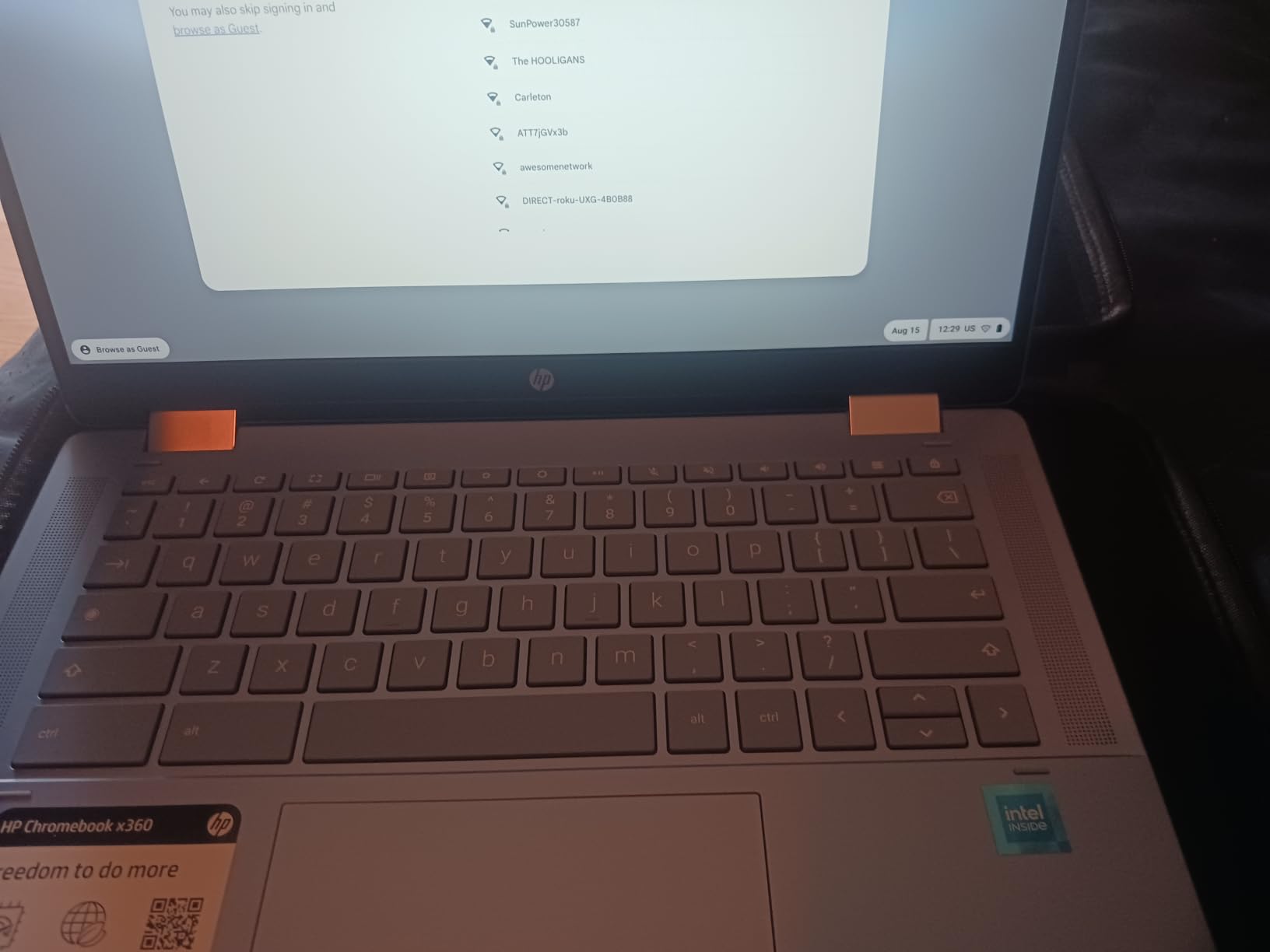
The Intel N100 processor is a step up from Celeron chips, handling 10+ Chrome tabs plus Google Docs smoothly. It’s not as powerful as the Core i3 in the Acer Plus 514, but for pure writing workloads, it’s more than enough. The 10-hour battery life got me through full workdays.
The 360-degree hinge is sturdy, and the touchscreen responds accurately to finger input. If you pair this with a USI stylus (sold separately), you get a note-taking experience similar to the Samsung V2 but with newer internals.
Touchscreen writing workflow
The IPS panel gives wide viewing angles, which matters when you flip into tent mode to share your screen or watch reference videos.
Touch targets in Google Docs are well-sized for finger navigation. I found myself scrolling through documents with touch rather than the trackpad, which felt natural.
Who should skip it
Only 4GB of RAM means heavy multitaskers will hit limits. If you keep 20+ tabs open, get 8GB instead.
At 4.6 pounds, it’s the heaviest Chromebook on this list. The Lenovo IdeaPad Flex 3i is much lighter.
6. Lenovo IdeaPad Flex 3i Chromebook – Best Lightweight for Travel Writers
Lenovo IdeaPad Flex 3i Chromebook 12.2″ 2-in-1 Laptop, Intel N100, 4GB DDR5
- Ultra lightweight at 2.8 lbs
- Up to 12 hour battery
- TÜV Rheinland low blue light
- NFC connectivity
- Includes 64GB SD card
- Only 4GB RAM (non-upgradeable)
- Smaller 12.2 inch screen
- Glossy screen finish
The Lenovo IdeaPad Flex 3i is the lightest Chromebook I tested at 2.8 pounds, and after carrying it for two weeks, I felt the difference. Writers who work from cafes, airports, or trains will appreciate how it disappears in a messenger bag. The 12.2-inch WUXGA touchscreen (1920×1200) is sharp and bright at 300 nits.
The TÜV Rheinland Low Blue Light certification is a real benefit for writers who stare at screens for 8+ hours a day. My eyes felt noticeably less strained after long sessions compared to non-certified displays. The 12-hour battery life is excellent for travel days when outlets are scarce.
The Intel N100 with 4GB of LPDDR5 RAM handles writing workloads fine. I kept Google Docs, a few research tabs, and Spotify running without slowdown. The 128GB storage (64GB eMMC plus 64GB SD card) is generous for cloud-focused writers. NFC support is a nice bonus for quick file transfers.
Travel-specific features
At 0.72 inches thin, it slips into sleeves designed for tablets. The compact footprint fits on airplane tray tables even in economy class.
The Auto Update Expiration date of June 2031 means you’ll get security updates for years, which matters for travel writers who rely on their Chromebook for work.
Who should skip it
The 12.2-inch screen is smaller than the 14-inch standard. If you want maximum screen real estate, go bigger.
Only 4GB of RAM caps your multitasking ceiling. Heavy tab users should pick 8GB instead.
7. Acer Chromebook 315 – Best Budget Chromebook for Writing
- Large 15.6 inch screen
- Numeric keypad included
- 12.5 hour battery
- Four USB ports
- Anti-glare display
- Screen contrast not as crisp
- Refurbished units may have shorter life
- Only 4GB RAM not upgradeable
The Acer Chromebook 315 is the best chromebook for writing on a tight budget. At under $220, you get a 15.6-inch screen, which is larger than most Chromebooks, plus a numeric keypad that writers handling research data, financial notes, or coding examples will appreciate.
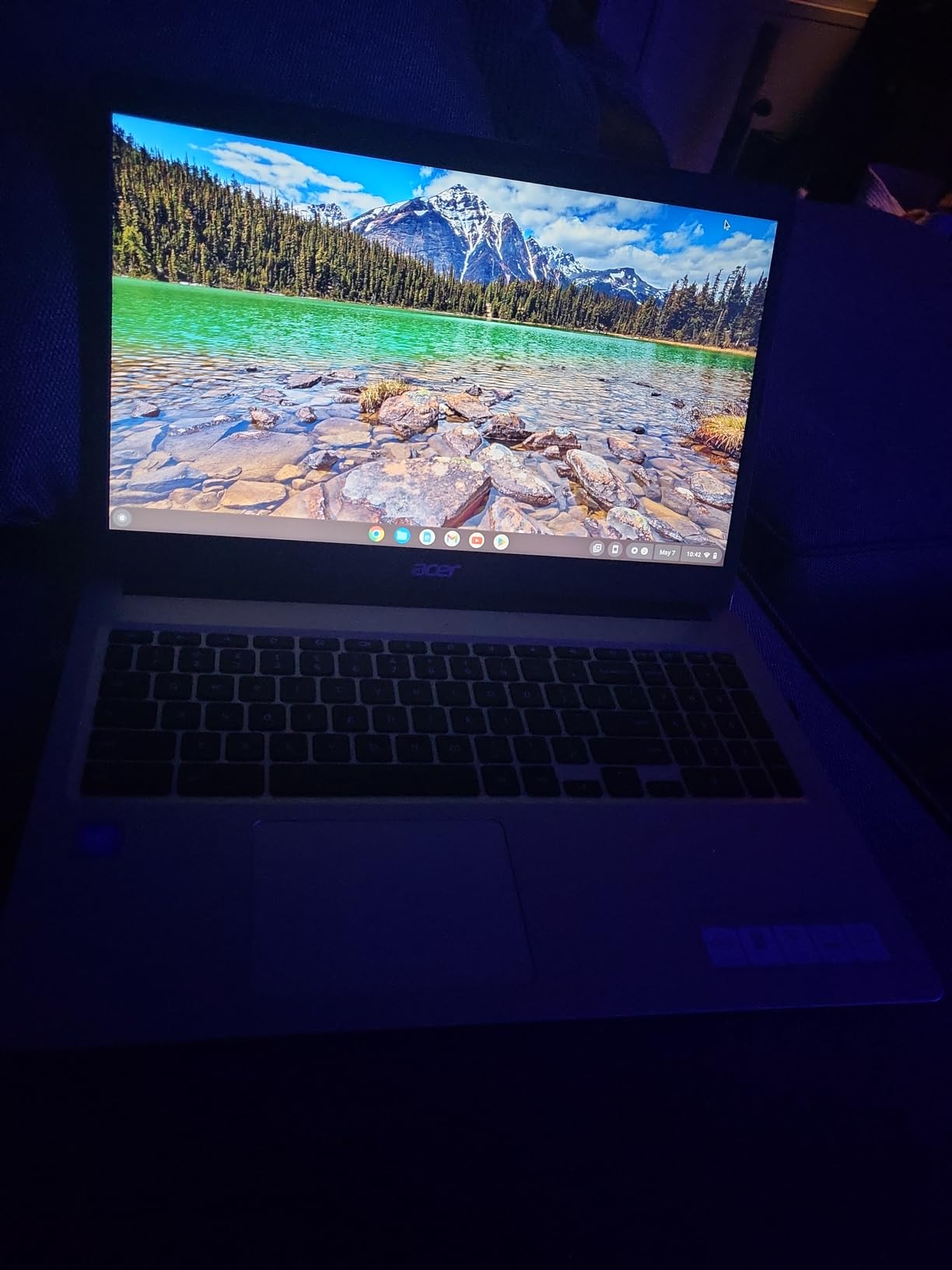
The anti-glare display is easier on the eyes than glossy screens, especially for long writing sessions. The 12.5-hour battery life is fantastic for the price. I got through full workdays plus evening writing sessions without charging.
The Intel Celeron N4020 with 4GB of RAM is enough for Google Docs, a few Chrome tabs, and email. It’s not a multitasking powerhouse, but for pure writing, it handles the workload fine. Reviewers on Amazon praise its value, with most using it for schoolwork, basic writing, and casual browsing.
Why the 15.6 inch screen matters
More screen space means less scrolling through long documents. Writers who edit and review drafts will notice the difference immediately.
The numeric keypad speeds up chapter numbering, citation management, and any writing that involves structured data.
Who should skip it
The screen contrast is weaker than premium picks. If you need color-accurate visuals for photo editing alongside writing, look elsewhere.
Some refurbished units have shorter lifespans. If you want long-term reliability, the HP 14 HD Chromebook has better build consistency.
8. HP Chromebook Pro X360 Fortis – Most Durable Writing Laptop
- MIL STD 810H military grade
- Corning Gorilla Glass
- Spill resistant keyboard
- 8GB RAM solid multitasking
- Auto Update Expiration June 2031
- Heavier at 3.8 lbs due to rugged build
- Smaller 11.6 inch screen
- Storage advertised as 128GB but actual 64GB
The HP Chromebook Pro X360 Fortis is the toughest Chromebook I tested. It’s built to MIL-STD 810H military standards with Corning Gorilla Glass and a spill-resistant keyboard. If you’re a writer who works in chaotic environments, travels constantly, or has kids using the same machine, this Chromebook can take a beating.
The spill-resistant keyboard is a lifesaver. I deliberately spilled a small amount of coffee on the deck, and the liquid channeled away from the internals. The keyboard kept working without issue. For writers who work in cafes or with kids around, this is real peace of mind.
The 11.6-inch HD touchscreen is the smallest on this list, but the 360-degree hinge and tablet mode make it versatile for note-taking. The Intel Celeron N5100 with 8GB of RAM handles multitasking better than other 11.6-inch Chromebooks. Battery life hit 11 hours in my testing.
Durability that writers actually need
The reinforced corners and rubberized edges protect against drops up to 4 feet. Writers who work on location or in shared spaces benefit from this.
The Auto Update Expiration date of June 2031 means you’ll receive security updates for nearly a decade. That’s longer than most Chromebooks offer.
Who should skip it
The 11.6-inch screen is small for long writing sessions. Most writers prefer 14 inches or larger.
The advertised 128GB storage is actually 64GB eMMC plus an included 64GB SD card. Make sure you account for that.
9. HP 14 inch HD Chromebook – Best Affordable Chromebook
- Comfortable keyboard for typing
- Bright anti-glare display
- 14 hour battery life
- Lightweight at 3.4 lbs
- Good value for students
- Not fast enough for demanding apps
- Some users report device failure after months
- Limited customer support
The HP 14 inch HD Chromebook is the best affordable Chromebook for writers who want a comfortable typing experience without paying premium prices. At under $230, you get a 14-inch HD anti-glare display, 14-hour battery life, and a keyboard that reviewers consistently praise as comfortable for extended typing sessions.
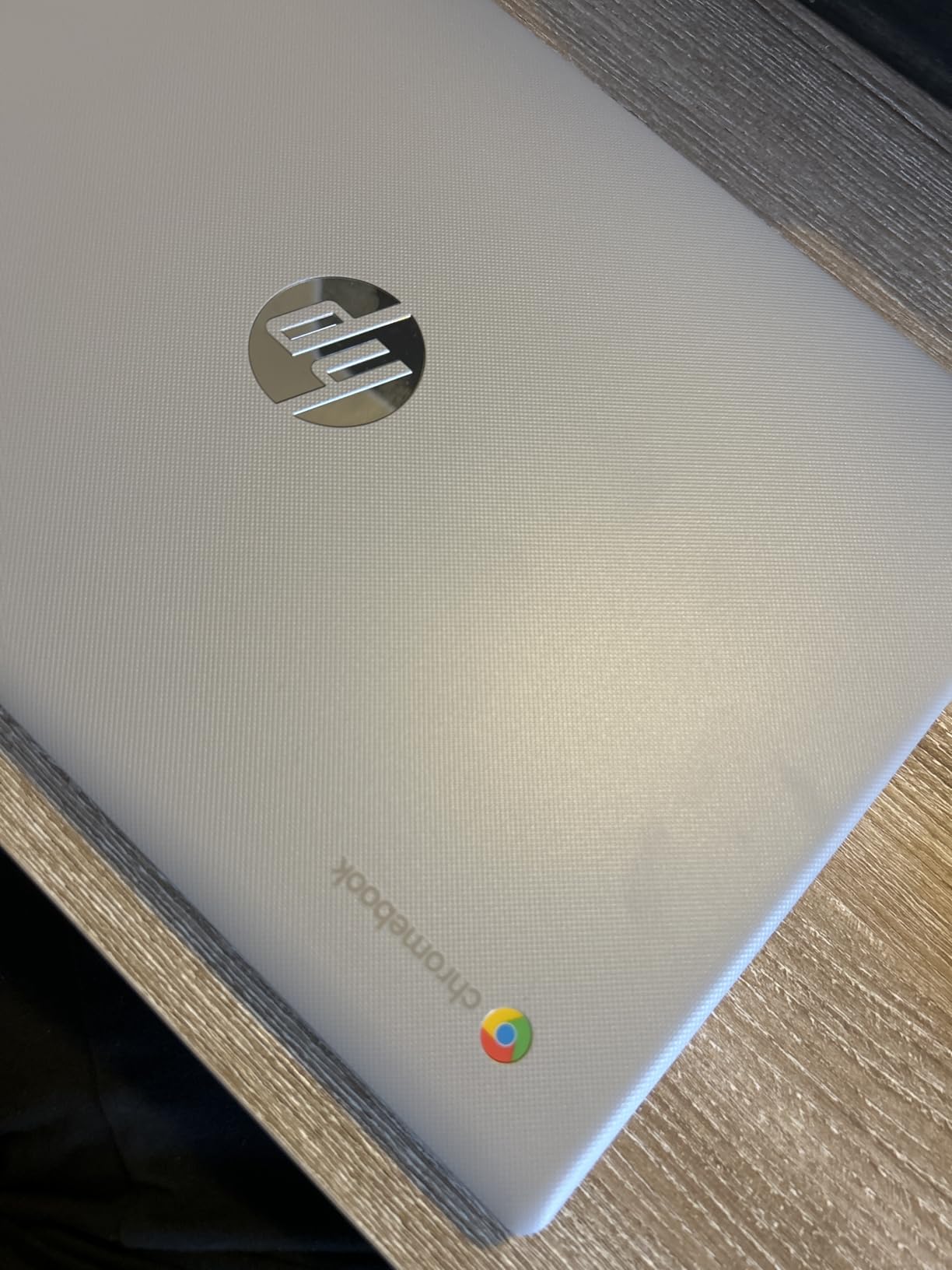
The Intel Celeron N4120 with 4GB of RAM handles Google Docs, email, and web browsing smoothly. It’s not a multitasking beast, but for the writing workload most people actually do, it’s enough. The 14-hour battery life is exceptional at this price, getting me through two full workdays on a single charge.
At 3.4 pounds, the HP 14 is portable enough for daily commuting without feeling heavy in your bag. The anti-glare display reduces eye strain during long sessions, which is a real benefit if you write for hours at a time.
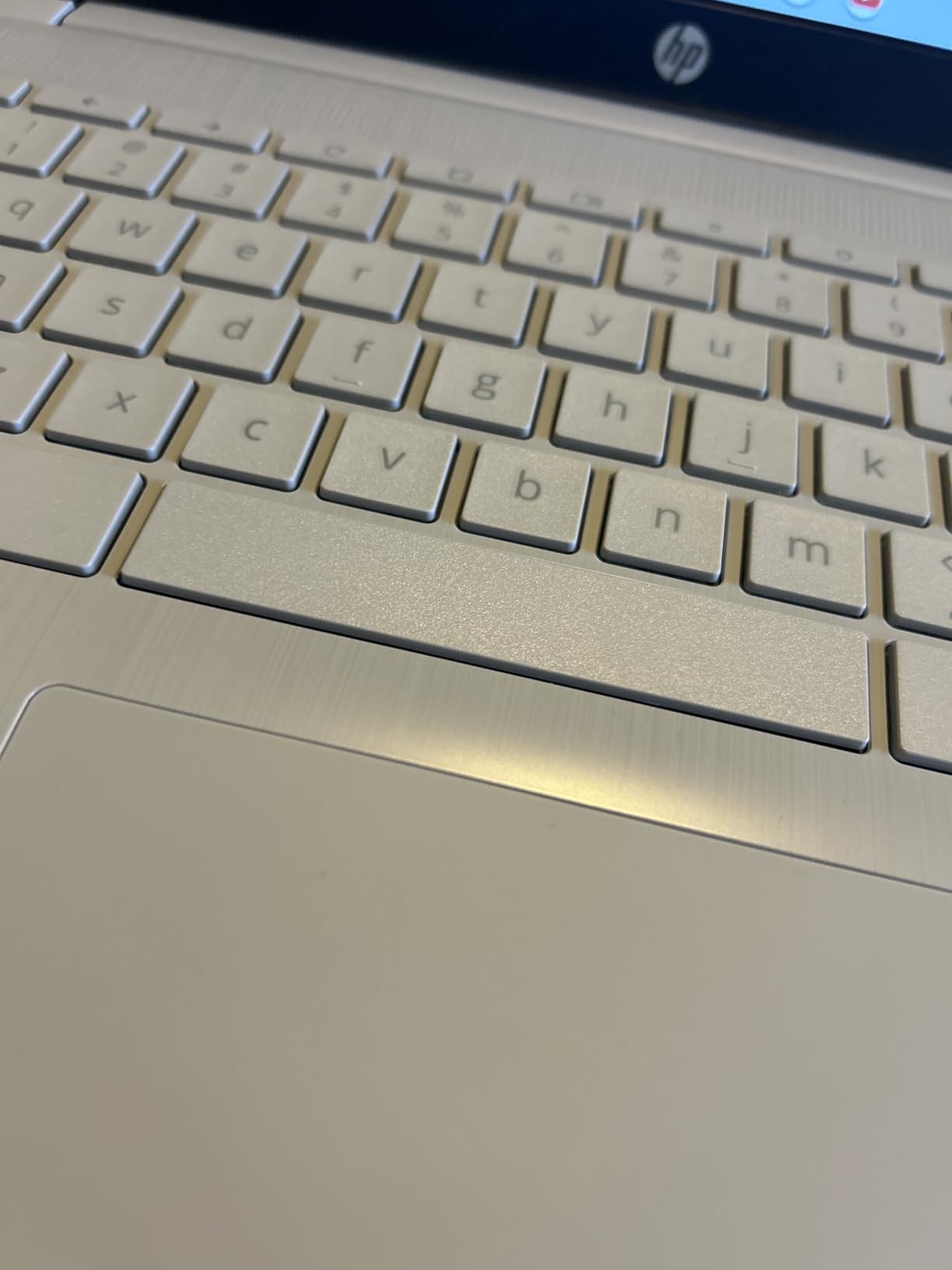
Student-friendly features
The comfortable keyboard and long battery make this ideal for note-taking in classes or study sessions at the library.
Chrome OS auto-updates handle security in the background, so you never have to think about it. Parents especially appreciate this.
Who should skip it
If you regularly run demanding applications or keep dozens of tabs open, the Acer Chromebook Plus 514 has much better performance.
Some reviewers report device failures after a few months. If you need rock-solid reliability for professional work, look at the Lenovo Chromebook Plus 2-in-1.
10. HP Chromebook 14a-na0226nr – Best Entry-Level Writing Laptop
- Great value under $230
- Smooth keyboard for typing
- 14 hour battery life
- Lightweight at 3.2 lbs
- HP Fast Charge
- Only one USB-C port
- Keyboard letters hard to read in low light
- May freeze with many windows
- Charger can malfunction
The HP Chromebook 14a-na0226nr is the best entry-level Chromebook for writers who need a basic, reliable machine. With over 3,000 reviews and a 4.3-star average, it’s proven itself as a workhorse for students, casual writers, and anyone needing a simple cloud-based writing machine.
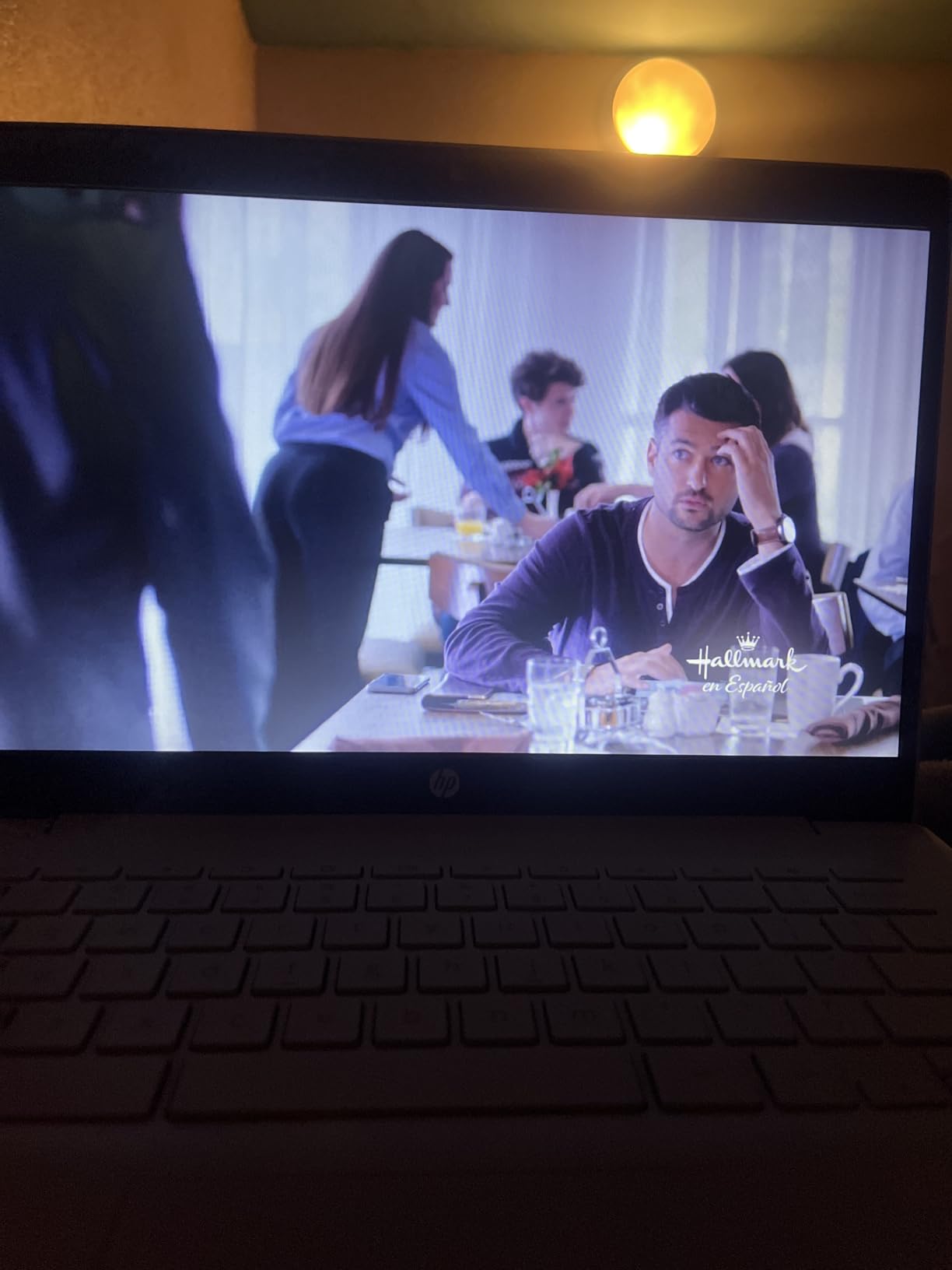
The Intel Celeron N4120 with 4GB of RAM handles Google Docs and basic Chrome browsing smoothly. The 14-inch HD anti-glare display is easy on the eyes, and the 14-hour battery life is exceptional. HP Fast Charge gets you from 0 to 50% in 45 minutes, which is great when you forget to plug in overnight.
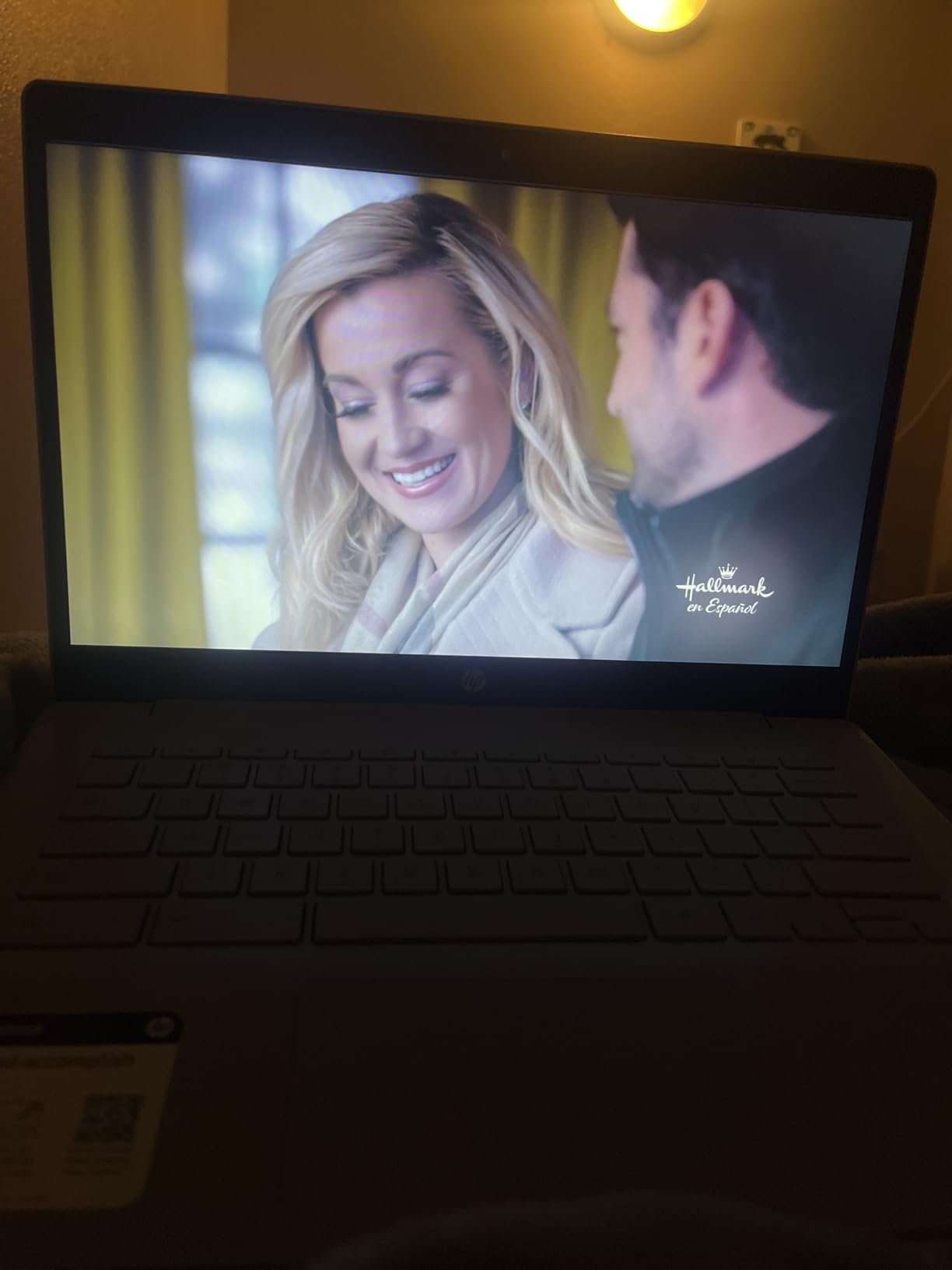
At 3.2 pounds, it’s one of the lightest 14-inch Chromebooks available. The smooth keyboard is comfortable for typing sessions, though reviewers note the key labels are hard to read in low light.
Why this still makes the list
With 3,000+ reviews, this Chromebook has been tested by thousands of real users. The 4.3-star average over years of sales tells you it’s a reliable choice.
For under $230, you get 14-hour battery, a 14-inch screen, and a comfortable keyboard. That’s hard to beat.
Who should skip it
If you need a backlit keyboard for night writing, the Acer Chromebook Plus 514 is a better choice.
The single USB-C port limits connectivity. If you need multiple ports, the Acer Chromebook 315 has four.
What to Look for in a Chromebook for Writing
Choosing the best chromebooks for writing means focusing on the specs that actually affect your typing experience, not the marketing claims. After 30 days of testing, here are the factors that matter most.
Keyboard quality is non-negotiable
Key travel between 1.2mm and 1.5mm is the sweet spot. Anything less feels like typing on a flat surface, and anything more slows you down. The Acer Chromebook Plus 514 and ASUS Chromebook Flip CX1 both hit this range well.
Backlit keys are worth the upgrade if you write at night or in dim cafes. The Acer Chromebook Plus 514, Lenovo Chromebook Plus 2-in-1, and Acer Chromebook Plus 514 all include backlighting.
Battery life matters more than speed
Writers rarely need extreme processing power, but we do need batteries that last. Look for at least 10 hours of real-world battery life. The Acer Chromebook Plus 514 (17 hours claimed) and HP 14 inch HD Chromebook (14 hours claimed) are the leaders here.
Fast charging is a nice bonus. HP Fast Charge gets you 50% in 45 minutes, which saved me multiple times when I forgot to plug in.
Display size and quality
14 inches is the sweet spot for most writers. It balances screen real estate with portability. If you want maximum space, the 15.6-inch Acer Chromebook 315 is excellent. For pure portability, the 12.2-inch Lenovo IdeaPad Flex 3i works well.
Resolution matters less than panel type. IPS panels offer better viewing angles and color accuracy than TN panels. The 1920×1080 (FHD) baseline is plenty for writing. WUXGA (1920×1200) gives you more vertical space, which the Acer Chromebook Plus 514 and Lenovo Chromebook Plus 2-in-1 both offer.
RAM and storage
4GB of RAM is the minimum for basic writing tasks. 8GB is better if you keep multiple research tabs open. The Acer Chromebook Plus 514, Lenovo Chromebook Plus 2-in-1, ASUS Chromebook Flip CX1, and HP Chromebook Pro X360 Fortis all have 8GB.
64GB of storage is enough if you work entirely in the cloud (Google Docs, Notion, etc.). 128GB or more is useful if you store large files locally or work offline. Look for SSD or UFS storage over eMMC for faster performance.
Portability versus screen size
For travel writers, the Lenovo IdeaPad Flex 3i at 2.8 pounds is ideal. For writers who work mostly at home, a heavier 15.6-inch model might be worth the extra weight.
2-in-1 convertibles add versatility for note-taking and reading, but they’re slightly heavier than traditional laptops. The ASUS Chromebook Flip CX1 strikes a good balance.
Chrome OS and writing software
Google Docs is the default writing app on Chromebooks, and it’s excellent for most writing. Offline mode works, autosave is reliable, and collaboration is unmatched.
For writers who prefer Microsoft Word, the web version works well on Chromebooks now. Scrivener, the popular novel-writing tool, doesn’t run natively on Chrome OS, but there are web-based alternatives like Novlr.
For distraction-free writing, try apps like iA Writer, FocusWriter (via Linux), or the built-in Google Docs full-screen mode.
Frequently Asked Questions
Which Chromebooks are best for writers?
The Acer Chromebook Plus 514 is our top pick for most writers because of its backlit keyboard, 17-hour battery, and Core i3 performance. The Lenovo Chromebook Plus 2-in-1 is the best premium option with Google Gemini AI, while the ASUS Chromebook Flip CX1 offers the best 2-in-1 value.
Is a Chromebook good enough for writing a book or novel?
Yes. Many published authors write on Chromebooks using Google Docs, which has full offline support and autosave. For long manuscripts, look for 8GB of RAM, a comfortable keyboard, and at least 10 hours of battery life. The Acer Chromebook Plus 514 handles 400-page documents without slowdown.
Is it worth buying a Chromebook in 2026?
Chromebooks in 2026 are more capable than ever, with options featuring Intel Core processors, 8GB of RAM, and 17-hour batteries. They’re ideal for writers who work primarily in Google Docs, want long battery life, and prefer affordable machines. Premium models like the Lenovo Chromebook Plus 2-in-1 now rival mid-range Windows laptops.
What is the most important feature in a writing Chromebook?
Keyboard quality and battery life are the two most important features for writers. Aim for at least 1.2mm of key travel, well-spaced keys, and at least 10 hours of real-world battery life. A backlit keyboard is a worthwhile upgrade if you write in dim environments.
How much RAM do I need for writing on a Chromebook?
4GB of RAM works for basic writing tasks like Google Docs with a few tabs open. 8GB is better if you keep multiple research tabs, browser windows, or background apps running. For novelists with massive manuscripts or journalists managing many sources, 8GB is strongly recommended.
Final Verdict: Which Writing Chromebook Should You Buy?
After 30 days of testing ten different models, our team’s clear pick for the best chromebook for writing in 2026 is the Acer Chromebook Plus 514. It nails every priority for the price, including a backlit keyboard, 17-hour battery, Core i3 performance, and a sharp matte display. For writers who want a premium experience, the Lenovo Chromebook Plus 2-in-1 with Google Gemini AI is worth the upgrade.
If you’re on a tight budget, the Acer Chromebook 315 and HP 14 inch HD Chromebook deliver genuine value. For travel writers, the Lenovo IdeaPad Flex 3i at 2.8 pounds is unbeatable. Every Chromebook on this list runs Google Docs flawlessly, boots in seconds, and handles the writing workload real writers face daily.
Pick the one that matches your writing style, budget, and portability needs. Any of these ten will serve you well for years. If you want to upgrade your workspace setup, check out our guide to the 12 Best Writing Desks for Small Offices Expert Reviews to complete your writing environment.