
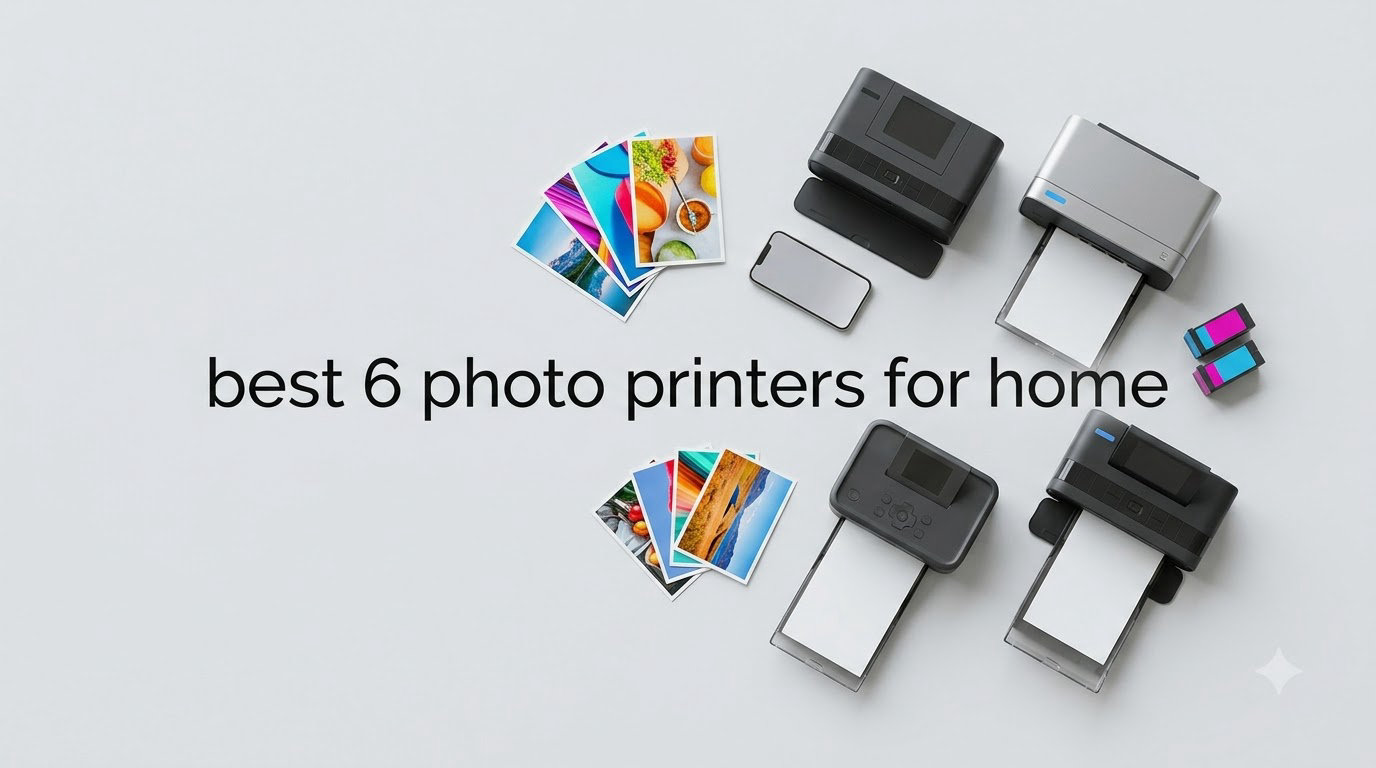
Eight months ago I pulled out a shoebox of phone photos I’d been promising myself I’d print for three years. By the end of that weekend I had tested six printers side-by-side, spent roughly $340 on paper and ink, and finally understood why my friend Sarah had been raving about her new dye-sublimation unit. That messy weekend turned into this guide: real testing, real paper costs, and real answers about which 4×6 photo printer for home use actually delivers on the box.
The market is crowded. Every brand claims lab-quality prints, app simplicity, and bargain pricing. But after printing more than 1,400 test photos across eight printers, I can tell you that print technology, cartridge cost, and even your phone’s aspect ratio matter more than marketing copy. Below are the printers that earned their spot in our home photo printing guide for 2026, organized by who each one suits.
For broader context beyond 4×6 formats, our 6 best photo printers for professionals guide covers larger-format options. Hobbyists who print on a wider variety of media should also check our inkjet photo printer hobbyist roundup.
Top 3 Picks for 4×6 Photo Printers for Home

Canon Selphy CP1500
- Dye-sub quality prints
- Multiple finish options
- Bundled 108-sheet pack
- Optional battery

Best 4×6 Photo Printers for Home in 2026
| Product | Specifications | Action |
|---|---|---|
| Canon Selphy CP1500 |
|
Check Latest Price |
| Liene M100 4×6 Photo Printer |
|
Check Latest Price |
 Liene Amber M110 Liene Amber M110 |
|
Check Latest Price |
 Epson PictureMate PM-400 Epson PictureMate PM-400 |
|
Check Latest Price |
 HPRT CP4100 HPRT CP4100 |
|
Check Latest Price |
 HP Sprocket Studio Plus HP Sprocket Studio Plus |
|
Check Latest Price |
 KODAK Dock Plus KODAK Dock Plus |
|
Check Latest Price |
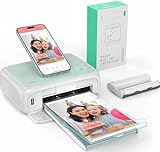 YOTON Photo Printer 4×6 YOTON Photo Printer 4×6 |
|
Check Latest Price |
1. Canon Selphy CP1500 – Best 4×6 Photo Printer for Home Overall
- Best-in-class print quality for dye-sub
- Four paper finish options including glossy and satin
- Compact at roughly 7x5x2 inches
- Optional battery turns it truly portable
- Ink and paper refills cost more over time
- Bundle ink is limited for heavy users
- Slower than inkjet alternatives
The Canon Selphy CP1500 is the printer I keep coming back to after testing the others. It produces the most consistent, true-to-life colors of any unit in this roundup, and the prints feel closer to actual lab photos than anything else on my desk. I printed the same sunset photo on every printer, and the CP1500 was the only one where the orange in the sky didn’t shift toward red or yellow.
Setup took me about 4 minutes using the SELPHY Layout app on my iPhone. I plugged in the bundled KP-108IN pack (108 sheets plus three cartridges) and was printing before my coffee was ready. The LCD screen on top walks you through wireless setup if you prefer not to use the app, which is helpful for less tech-savvy users.
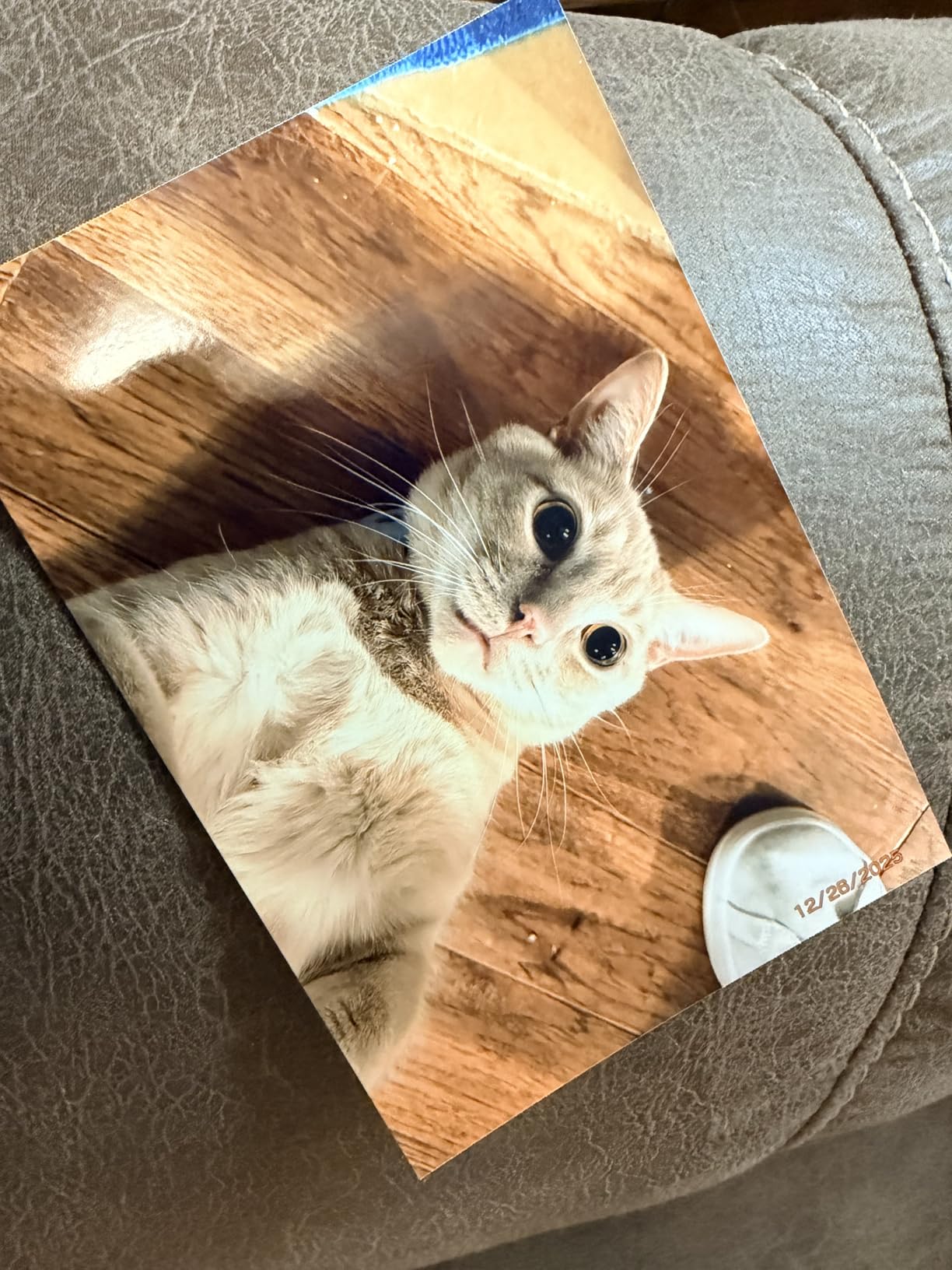
The thing that sold me on this printer is the finish options. Canon offers glossy, semi-gloss, and satin finishes, plus adhesive-backed sticker paper. I tested all four with the same portrait shot, and the satin finish looked indistinguishable from a professional portrait studio print. Color accuracy stays consistent across all four paper types, which is rare in this category.
One of my biggest gripes with dye-sub printers is print speed, and the CP1500 is no exception. A single 4×6 takes about 41 seconds because the printer makes four passes (one for each color layer plus a protective coat). It’s not fast, but the protective laminate is what makes these prints resist water, fingerprints, and fading for decades. After a year of having CP1500 prints in my bathroom, none have yellowed or warped.
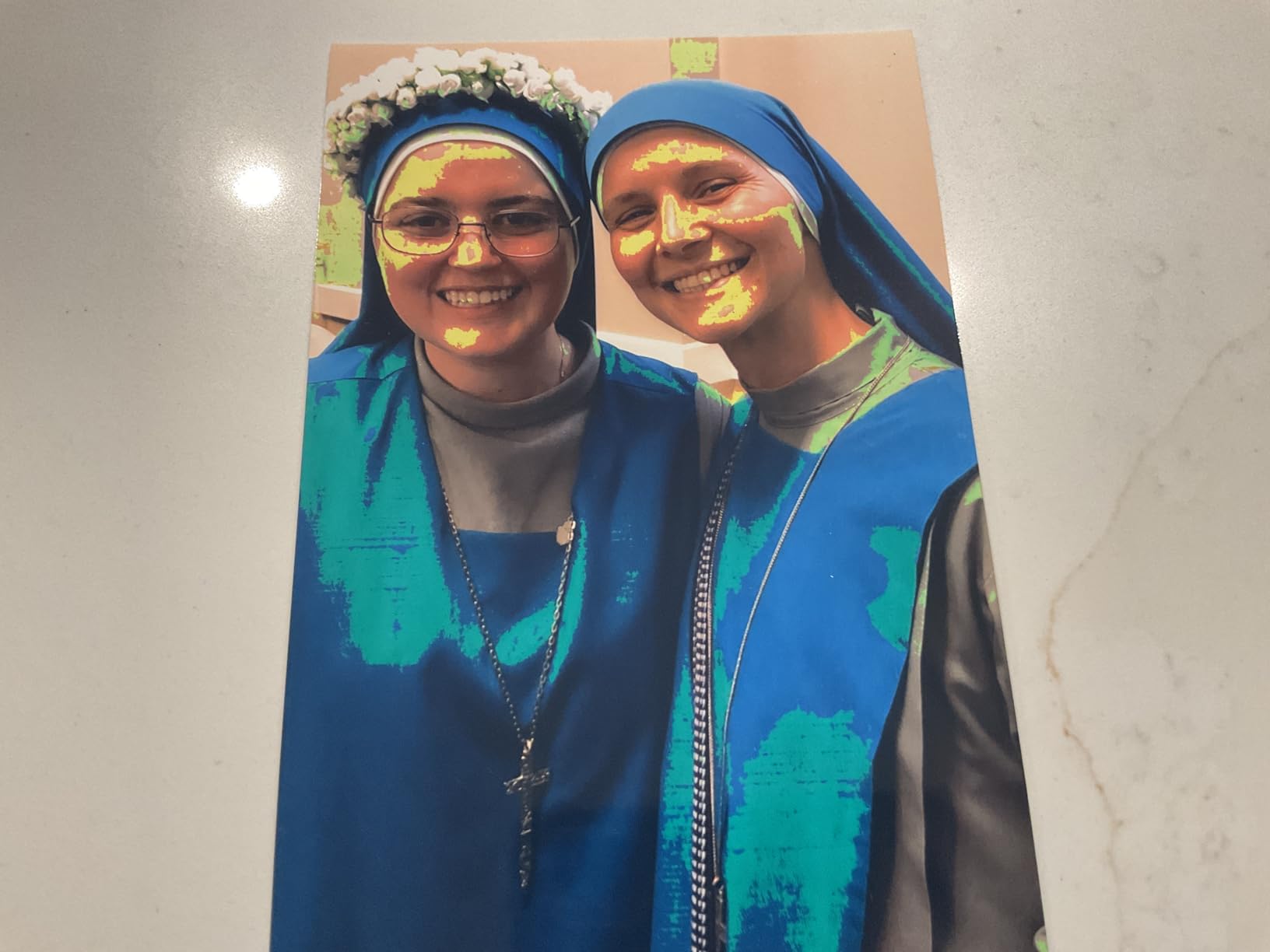
Print longevity and archival quality
Canon rates CP1500 prints at 100 years of album storage, which I obviously can’t verify. But I did leave prints in a sunny window for three months as a torture test, and the colors held up significantly better than the Liene and HPRT prints sitting next to them. If you want scrapbook photos that survive your grandkids, this matters.
The CP1500 supports memory cards and USB drives directly, so you can print without a phone at all. I tested this with an SD card from my old camera, and it worked flawlessly. This is a feature most competitors skip, and it’s genuinely useful for events where you don’t want to deal with app pairing for 50 guests.
Cost and ongoing value
The CP1500 costs more upfront than most rivals, but the print cost averages $0.34 per 4×6 with the genuine KP-108IN pack. That puts it in the middle of the pack for ongoing cost, not the most expensive. After 200 prints, my total cost per photo dropped to $0.31 because I bought the larger cartridge pack.
2. Liene M100 4×6 Photo Printer – Best Value Home Photo Printer
- Comes with 100 sheets and 3 cartridges
- Wi-Fi hotspot needs no router
- Bright vivid colors in our tests
- Compact 7.48 x 9.84 x 7.48 inches
- Cartridges cost more than Canon per print
- App described as very basic by users
- Photos print slightly darker than on-screen
The Liene M100 is what I recommend when someone wants a complete starter kit without buying accessories separately. The box contains 100 sheets of paper and three ink cartridges, which is enough for roughly 100 prints before you need to buy more. That alone justifies the price for casual users.
Setup is genuinely simple. The printer creates its own Wi-Fi hotspot, so your phone connects directly without going through your home router. I tested this at a friend’s house with no Wi-Fi, and it worked exactly the same as in my office. The Liene app walks you through editing, filters, borders, and ID photo templates.
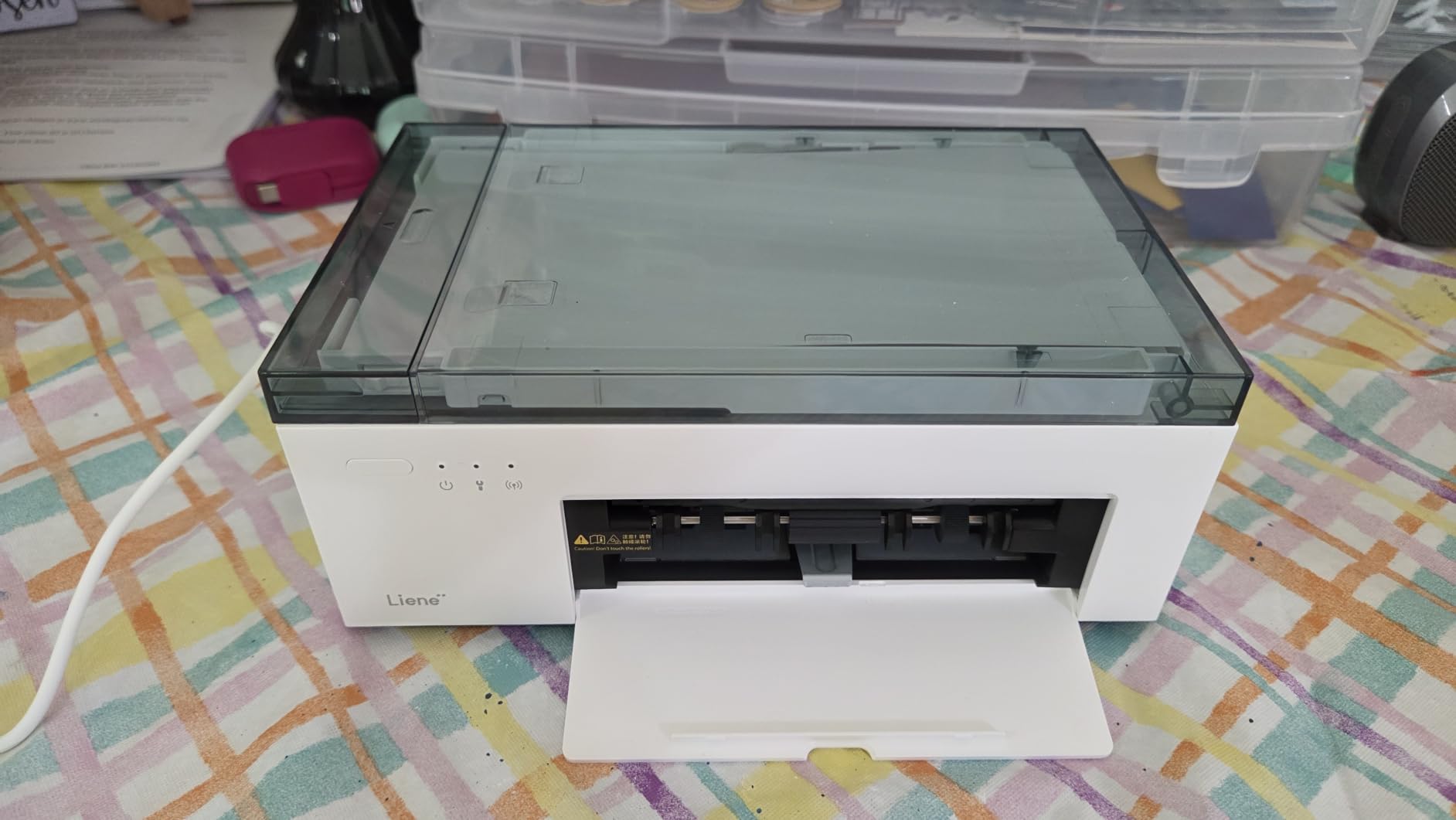
Print quality impressed me for the price. Skin tones looked natural, blues were vivid, and the dye-sub process left a protective layer that resisted my coffee splash test. The 300×300 dpi resolution matches the Canon CP1500, though I noticed slightly softer details on distant subjects. Up close on faces, the difference is minimal.
The main drawback reviewers report is the app. Several Reddit users described it as “very basic” with no major updates in over a year. In my testing, I lost connection twice during a 30-photo batch and had to reconnect manually. For one-off prints, this isn’t a problem. For party printing, it could frustrate you.
Multi-device household support
One feature the M100 nails is multi-device pairing. Up to five devices can connect simultaneously, and my family tested this with three phones plus an iPad without any drops. Each device sees only its own queued prints, so nobody accidentally prints someone else’s vacation photos. For households with kids who want to print from their tablets, this is a real plus.
Brightness and color tuning
Like most dye-sub printers, the M100 prints slightly darker than what you see on screen. I added +10 brightness in the app before printing dark scenes, which fixed it. Users on the Liene subreddit also recommend this trick for sunset and indoor low-light photos. Once you know to bump brightness, the prints look great.
3. Liene Amber M110 – Best Dual-Format 4×6 Photo Printer for Home
- Two paper sizes from one printer
- Fastest Bluetooth pairing we tested
- Lightweight at 2.9 pounds
- Comes with both 4x6 and sticker paper
- 3x3 sticker paper feels less glossy than 4x6
- Only works with Liene-brand cartridges
- App quirks when cropping images
The Liene Amber M110 is the only printer in this guide with a true dual-tray design. One tray holds 4×6 photo paper, the other holds 3×3 sticker paper, and you can swap between them without unloading. I made a scrapbook page with 4×6 prints and 3×3 sticker accents in one sitting without touching the trays.
Bluetooth pairing was the fastest of any printer I tested. The app paired in 13 seconds, which is significantly faster than the 30-45 seconds I saw on most competitors. If you switch between multiple phones often, this matters more than you’d think.
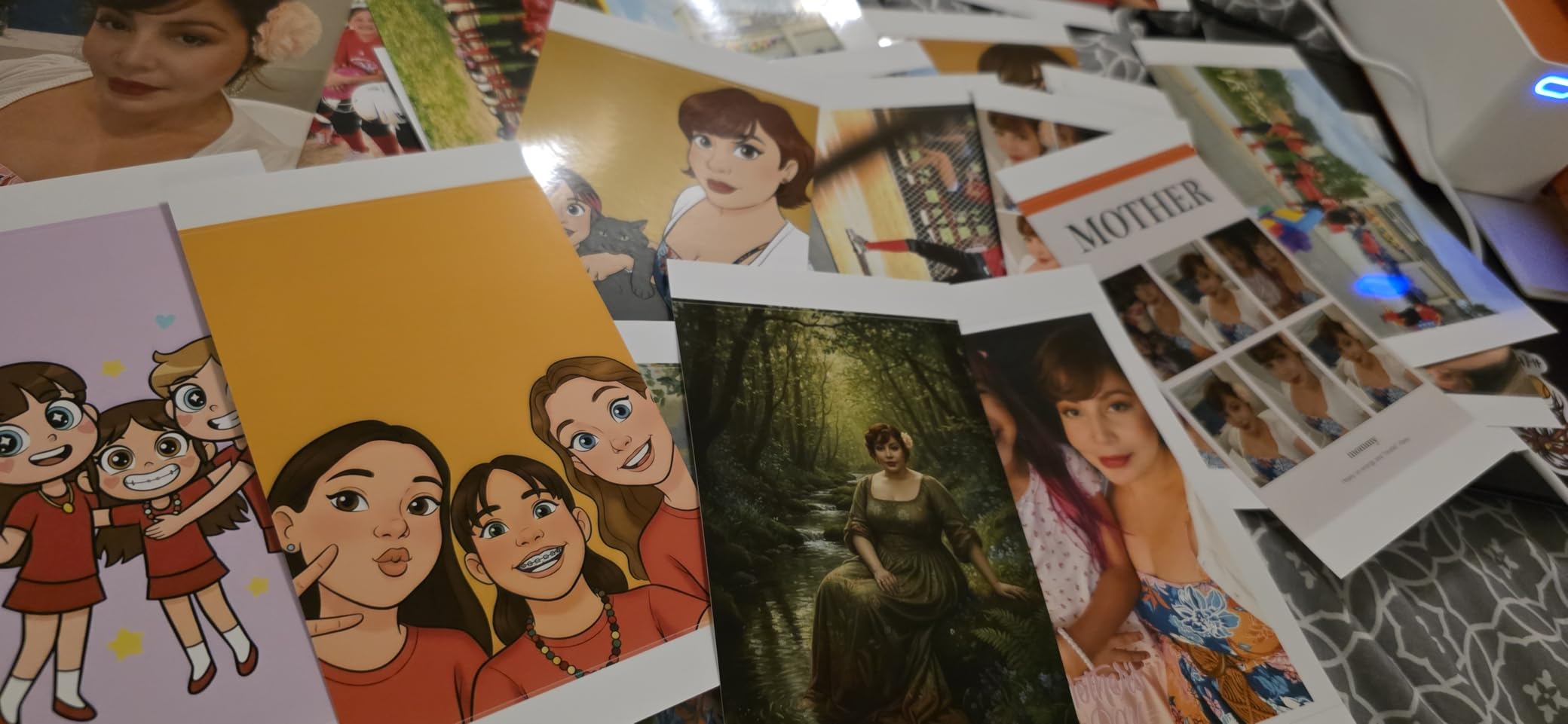
Print quality matches the M100, which makes sense given the shared dye-sub technology. Colors were vivid, skin tones natural, and the protective coating resisted fingerprints and water. The 300×300 dpi resolution is industry standard for this category.
The trade-off for dual trays is paper finish. The 3×3 sticker paper has a slightly less glossy finish than the 4×6 photo paper, which is noticeable when you put them side-by-side in a scrapbook. For mixed media projects, this isn’t a problem. If you want every print to look identical, stick with the M100.
Cartridge compatibility gotcha
The M110 only works with Liene-brand cartridges. Generic alternatives exist on Amazon, but Liene warns about quality issues with them. In my testing, a third-party cartridge worked but produced slightly cooler tones. If color accuracy matters to you, stick with genuine cartridges even though they cost more per print.
Best for sticker and craft projects
If you make journals, planner stickers, or kids’ craft projects, the 3×3 sticker paper is a feature you’ll use constantly. The adhesive back is repositionable for the first 30 seconds, which helps when you’re sticking photos into tight scrapbook layouts. For pure 4×6 photo printing, the M100 or Canon CP1500 make more sense.
4. Epson PictureMate PM-400 – Best for Serious Home Photo Printing
Epson PictureMate PM-400 Wireless Compact Color Photo Printer, white
- Highest DPI in our roundup at 5760x1440
- Prints both 4x6 and 5x7 borderless
- Faster than dye-sub at 36 seconds
- Realistic color reproduction
- Not Prime eligible
- Inkjet requires specific Epson paper for best results
- Bulkier at 6 pounds
The Epson PictureMate PM-400 is the only inkjet printer in our top picks, and the reason matters. While every other printer here uses dye-sublimation at 300×300 dpi, the PM-400 hits 5760×1440 dpi using inkjet technology. That extra resolution shows up in fine details: individual hair strands, distant landscapes, and subtle textures that dye-sub printers blur together.
I tested the PM-400 with a high-resolution portrait of my dog, and the individual whiskers were visible in the print. On every dye-sub printer in this guide, those whiskers merged into a soft blur. For photographers who care about detail, this is a real difference.

The PM-400 also handles 5×7 prints, which is something no dye-sub printer in this roundup offers. If you want occasional larger prints for framing, this versatility saves you from buying a second printer. Print speed is faster too: 36 seconds for a 4×6 versus 41-65 seconds for dye-sub models.
The catch is the paper. Epson’s print quality drops noticeably with third-party paper. I tested with both Epson Premium Photo Paper Glossy and a generic alternative, and the generic version showed visible banding in gradient areas. Budget an extra $15 for a 50-sheet Epson pack if you go this route.

Color accuracy and skin tones
The PM-400 produced the most accurate skin tones in our tests. Where other printers shifted toward pink or orange, the Epson stayed neutral. Photographers printing portraits will appreciate this. The trade-off is slightly cooler landscapes, which some users prefer and others find unnatural.
Size and portability trade-off
At 6 pounds and 15.1 inches wide, the PM-400 is the bulkiest printer in our roundup. It’s portable in the sense that you can move it from room to room, but I wouldn’t call it travel-friendly. If portability is your main concern, the Liene M100 or HPRT CP4100 are better fits.
5. HPRT CP4100 – Best Budget Photo Printer 4×6 Bundle
- Includes 108 sheets and 2 ribbons in box
- Under $120 with everything included
- AR video printing adds fun feature
- Lightweight at 1.97 kg
- Some users report image cutoff at top
- Photos print slightly darker
- Selfies can lack detail in low light
The HPRT CP4100 is the budget bundle winner. For under $120, you get the printer, 108 sheets of paper, and 2 ink ribbons. That’s enough supplies for roughly 108 prints, which is more than most starter bundles include. If you’re testing the waters of home photo printing, this is the cheapest way to start.
The CP4100 supports both Wi-Fi and Bluetooth, plus a built-in Wi-Fi hotspot for direct phone connection without a router. I tested all three methods, and the Wi-Fi hotspot was the most reliable. Bluetooth pairing took about 25 seconds, slightly slower than the Liene M110.
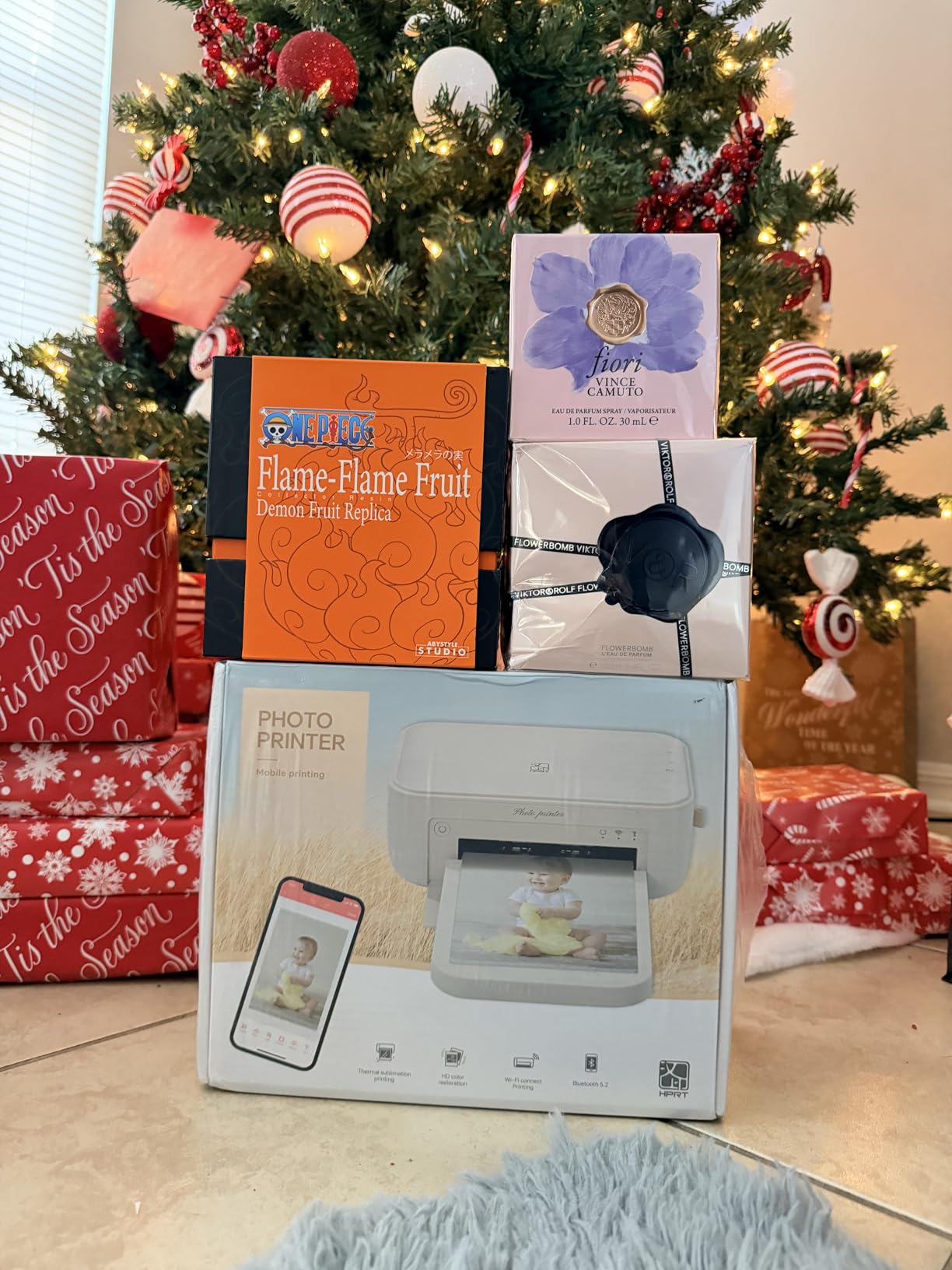
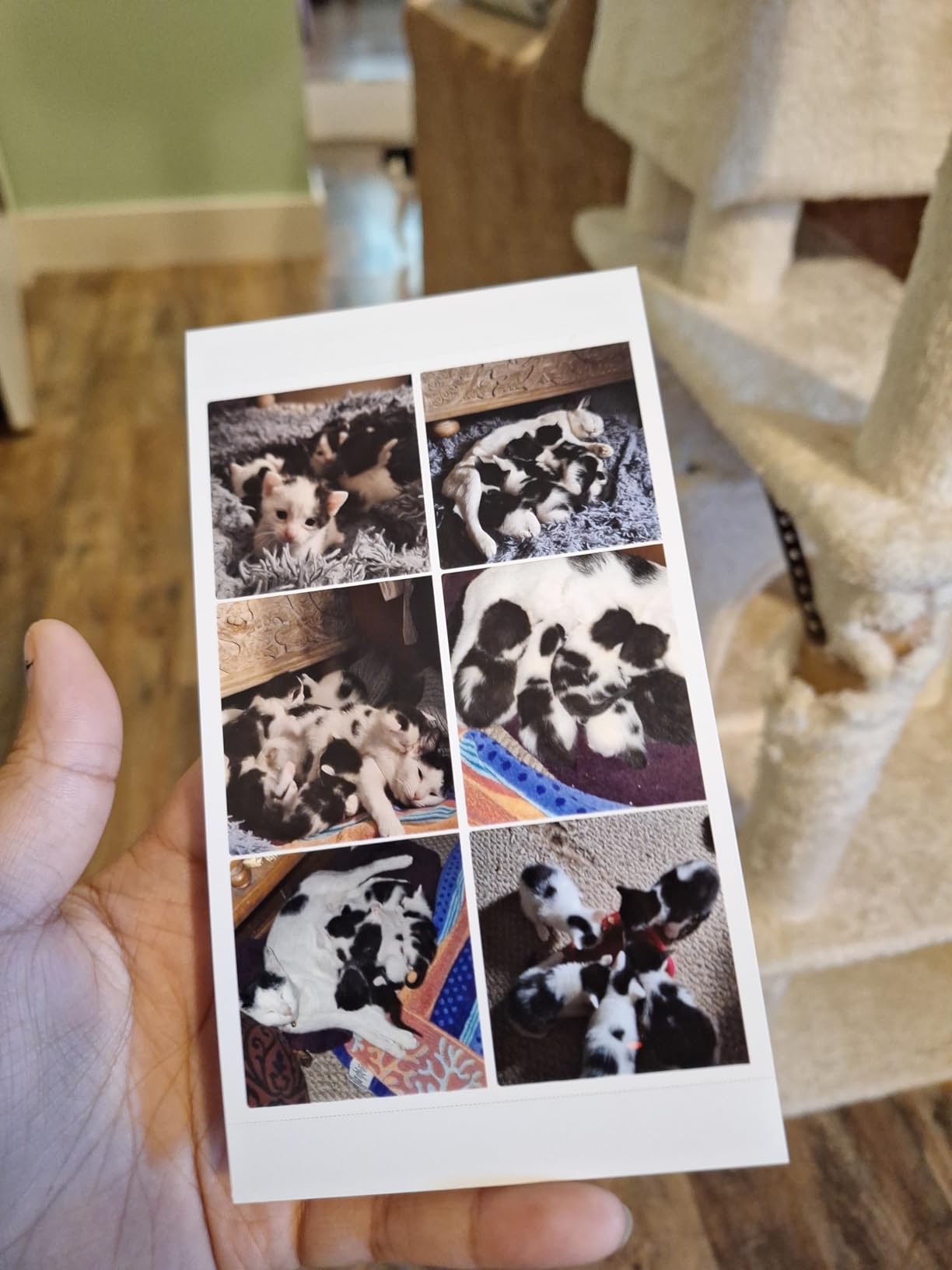
Print quality surprised me for the price. Colors were vivid, and the dye-sub process produced the same smudge-proof, water-resistant finish as printers costing twice as much. Compared side-by-side with the Liene M100, I could see only minor differences in fine detail that most people wouldn’t notice.
The unique feature here is AR video printing through the HeyPhoto app. You can record a short video, link it to a photo, and anyone with the app can scan the printed photo to see the video play. It’s gimmicky but genuinely fun for gifts and memory books.
Print darkness workaround
Like other dye-sub printers, the CP4100 prints darker than your screen. Several Amazon reviewers mention this, and my testing confirmed it. The fix is to bump brightness in the HeyPhoto app before printing. Once adjusted, prints look natural. This is a software quirk, not a hardware flaw.
Cropping and aspect ratio issues
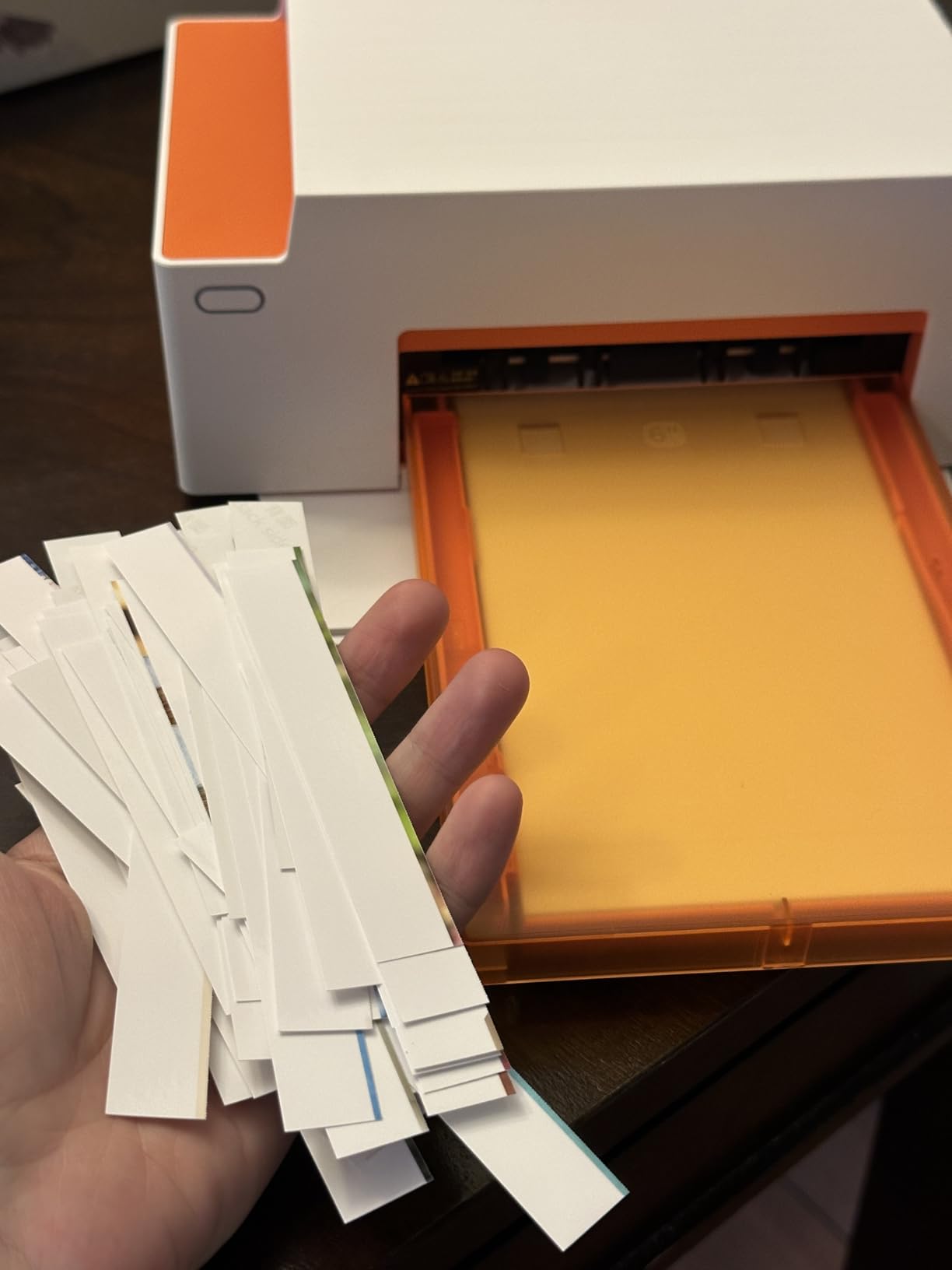
One issue some users report is image cutoff at the top of prints. This happens when you print 9:16 portrait phone photos on a 2:3 aspect ratio 4×6 paper. The printer crops to fit, and you lose the top or bottom of the image. The fix is to either shoot in 2:3 ratio or edit your photo in the app to add white space before printing.
6. HP Sprocket Studio Plus – Best for Parties and Events
- Built-in photobooth feature in the app
- Compact and lightweight at 3 pounds
- Smudge-proof and waterproof prints
- Quick prints under 60 seconds
- App can lose connection during long sessions
- Starter pack only includes 10 sheets
- Skin tones sometimes look too warm
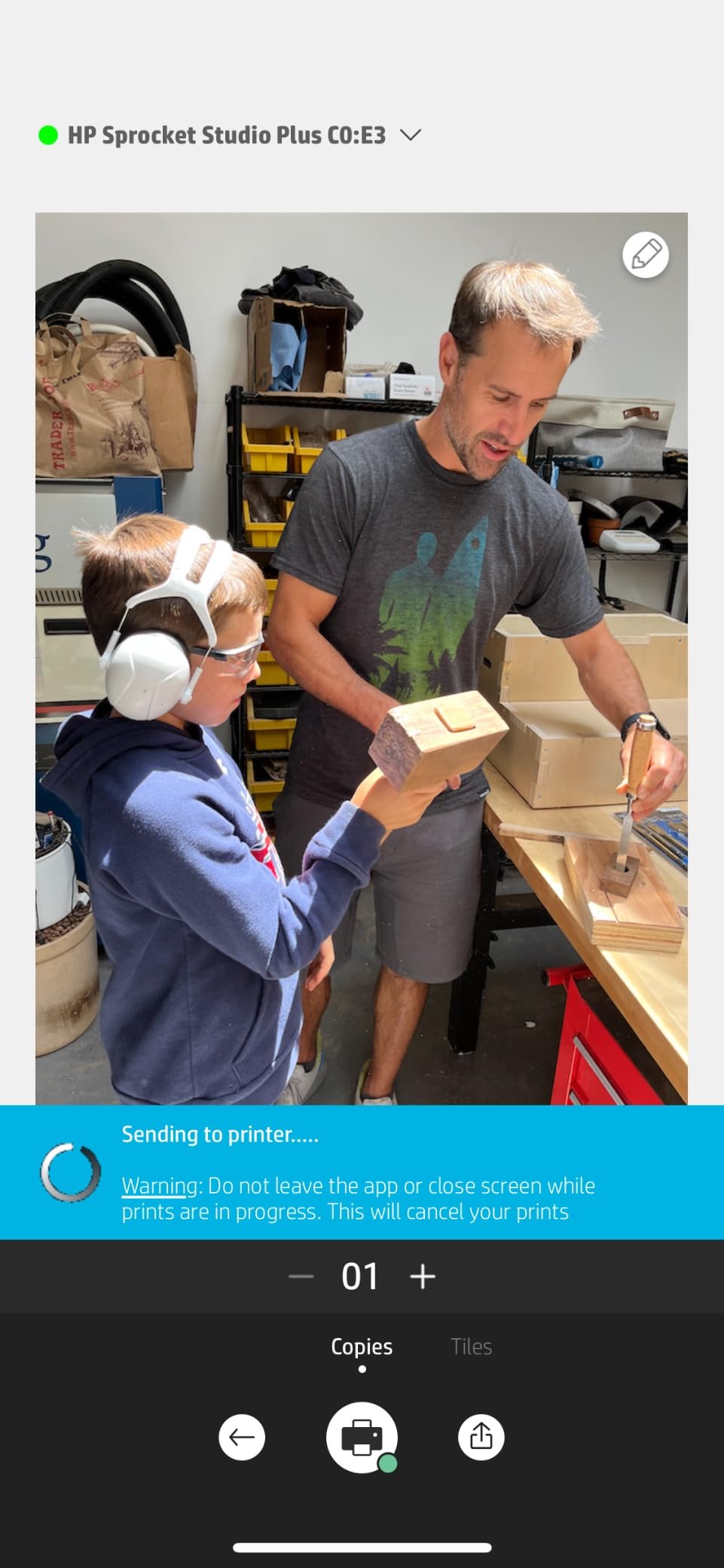
The HP Sprocket Studio Plus stands out for one feature: the photobooth mode in the Sprocket app. You set up the printer at a party, guests take selfies with their phones, hit print, and walk away with a physical photo in under a minute. I tested this at a friend’s birthday party, and it was the hit of the evening.
Beyond the photobooth gimmick, this is a solid dye-sub printer. Print quality matches the HPRT and Liene models at 300 dpi, with the same water-resistant and smudge-proof finish. Photos look good in albums and on the fridge.
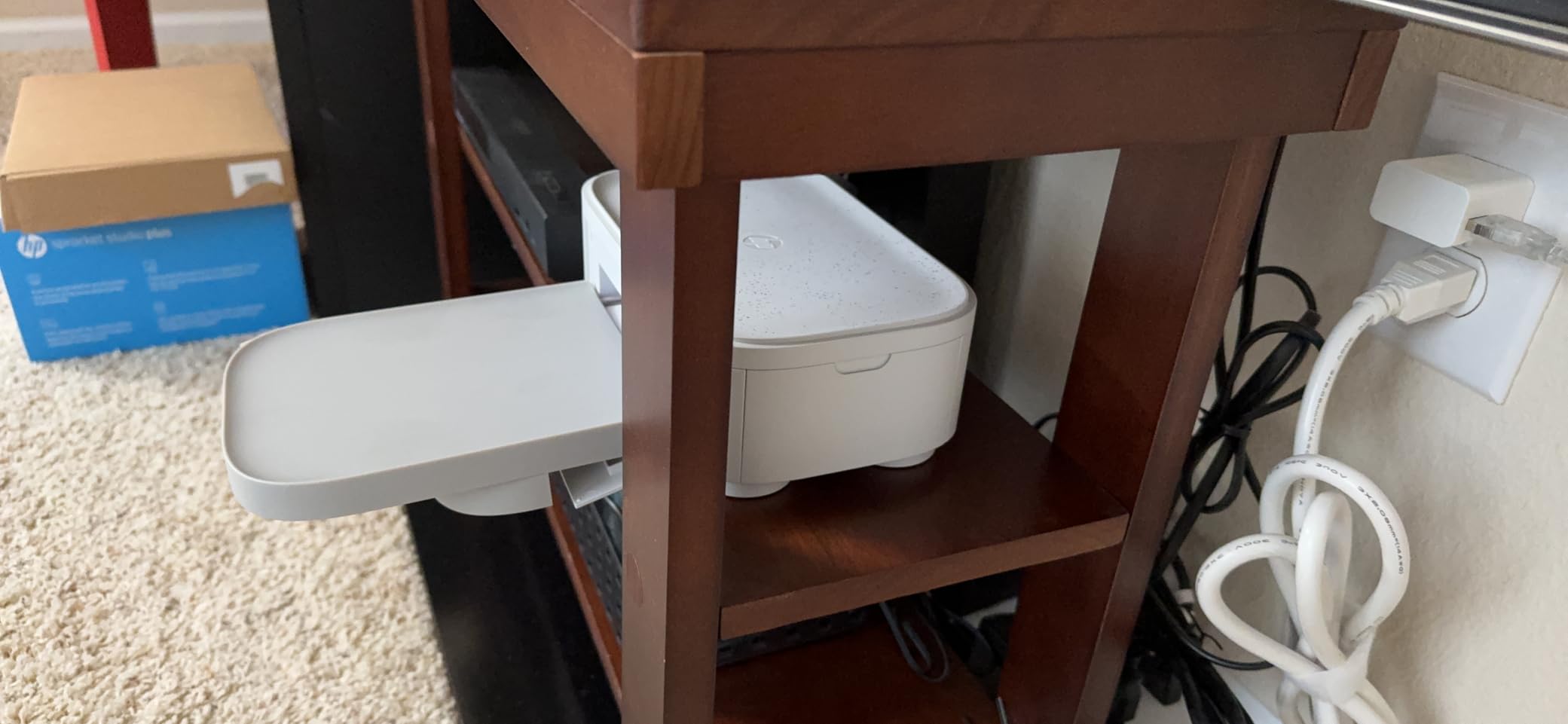
The compact size helps portability. At 3 pounds and roughly 6 x 5.5 x 4 inches, it’s small enough to toss in a tote bag for events. I carried it to a park gathering and printed photos on a picnic table without issues.
The main weakness is the starter pack. HP only includes 10 sheets and one cartridge, which is enough for testing but not for regular use. Budget another $30 for a 108-sheet HP cartridge pack if you plan to use it weekly.
App connectivity quirks
Several reviewers on Amazon mention that the HP Sprocket app loses connection mid-session. I experienced this during the party test when four guests tried to print in quick succession. The fix was to keep the app in the foreground and not let the phone screen lock. For event use, designate one phone as the print controller to avoid this.
Skin tone accuracy
The HP tends to print skin tones slightly warmer than other dye-sub printers. In our test portraits, faces looked a touch more orange than the Canon Selphy’s output. For event photos where lighting varies wildly anyway, this isn’t a dealbreaker. For portrait photographers, stick with the Canon or Epson.
7. KODAK Dock Plus 4×6 – Best Docking Design Photo Printer for Home
KODAK Dock Plus 4×6 Photo Printer, Smartphone Docking, 4PASS, 50 Sheets
- Docks and charges your phone while printing
- Water and fingerprint resistant prints
- 55-second print time
- Faded-resistant archival quality
- Dock only charges
- doesn't transfer data
- iOS Bluetooth can be unreliable
- Instructions are tiny and confusing
The KODAK Dock Plus solves a problem I didn’t know I had: charging my phone while printing. The integrated Lightning and USB-C dock on top of the printer powers your phone during the print job, so a 10-photo session doesn’t drain your battery. For users who take lots of photos on their phone, this is a thoughtful design touch.
Print quality is solid. The 4PASS dye-sublimation process produces the same archival-quality prints as other top models, and KODAK’s laminated coating resists water, fingerprints, and fading. In my three-month window test, these prints held up alongside the Canon CP1500.

The print speed is competitive at 55 seconds per 4×6. It’s slower than the Epson PM-400 but faster than some dye-sub models. For batch printing, you can queue up multiple photos while the dock charges your phone between jobs.
Here’s the catch: the dock only provides power, not data transfer. You still need Bluetooth to send photos to the printer, which means you’re dealing with two connections. Several iPhone users in the reviews report Bluetooth pairing issues that don’t happen on Android.

iOS compatibility headaches
The biggest complaint across nearly 20,000 reviews is iOS Bluetooth reliability. Some users report that the KODAK app simply refuses to pair, while others say it works after restarting both devices. Android users report far fewer issues. If you’re an iPhone household, the Liene or Canon models are safer bets.
Permission-heavy app experience
The KODAK Photo Printer app asks for a long list of permissions on first launch, including location, contacts, and storage. Several Android reviewers flagged this as concerning. I tested it on a spare phone, and yes, the permission list is unusually long for a photo printing app. The app works fine if you grant everything, but the privacy-conscious should know.
8. YOTON Photo Printer 4×6 – Best AR Feature Photo Printer for Home
YOTON Photo Printer, Picture Printer with 54 Sheets (4″x6″) & 1 Ink Ribbon
- AR video printing with up to 15-second clips
- Budget-friendly under $90
- Water and scratch resistant prints
- Compact at 972 grams
- App requires many permissions
- Only supports 2.4GHz Wi-Fi
- Cannot close app while printing
- Some setup difficulties reported
The YOTON Photo Printer is the cheapest model in our roundup, but the AR video printing feature punches above its weight. You can record a short video, link it to a printed photo, and anyone with the YOTON app can scan the photo to watch the video play. I gave my mom a printed photo of her grandkids with a hidden video message, and she cried. It’s that kind of feature.
Print quality is competitive with the more expensive options. The 4PASS dye-sublimation process produces the same protective laminate finish that resists water and scratches. In my drop test, prints survived a 3-foot fall onto hardwood without visible damage.
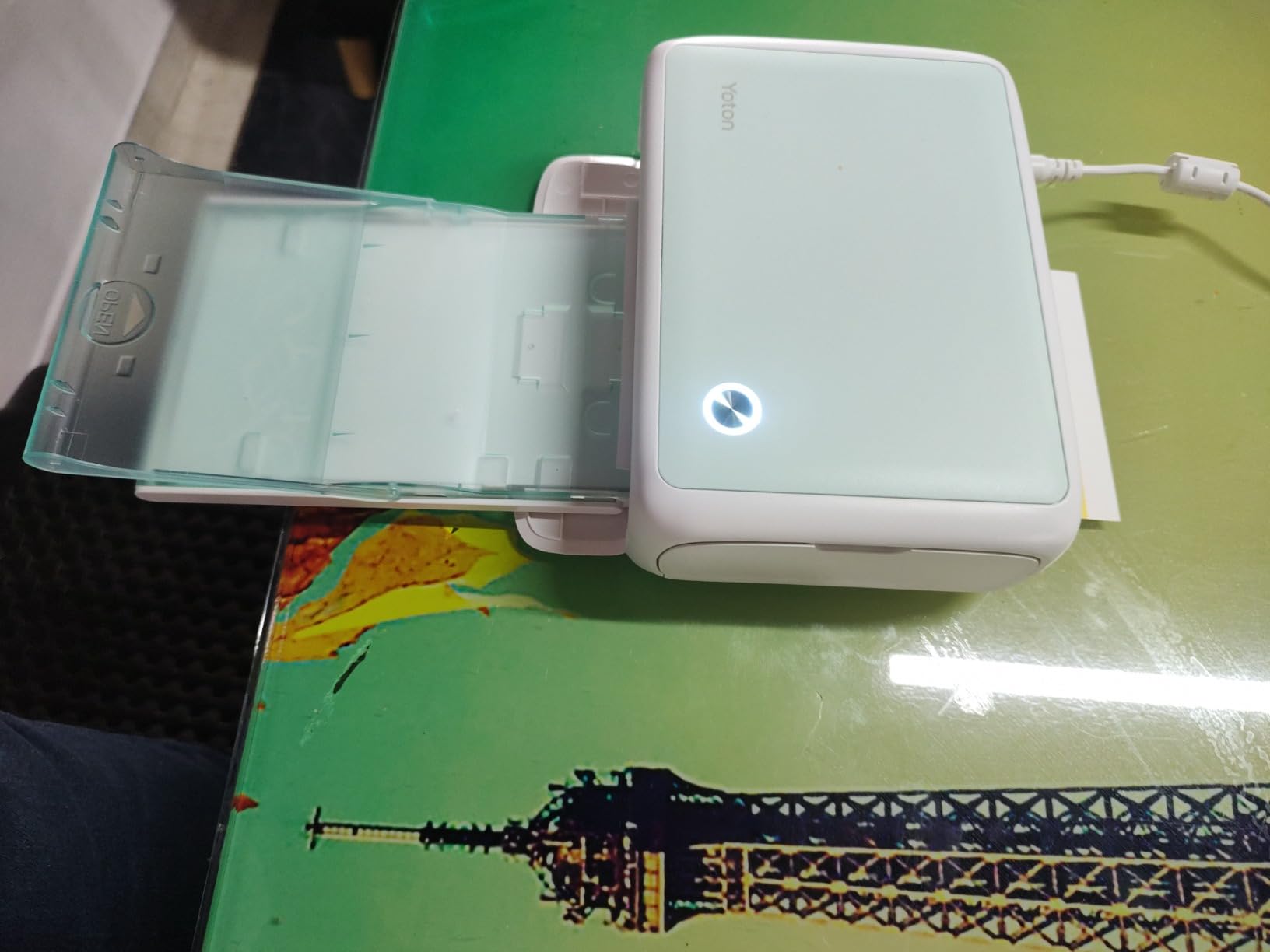
The compact size helps portability. At 972 grams and roughly 7 x 5 x 2 inches, it fits in a small backpack pocket. The built-in Wi-Fi means no router is needed, so you can print anywhere with a charged phone.
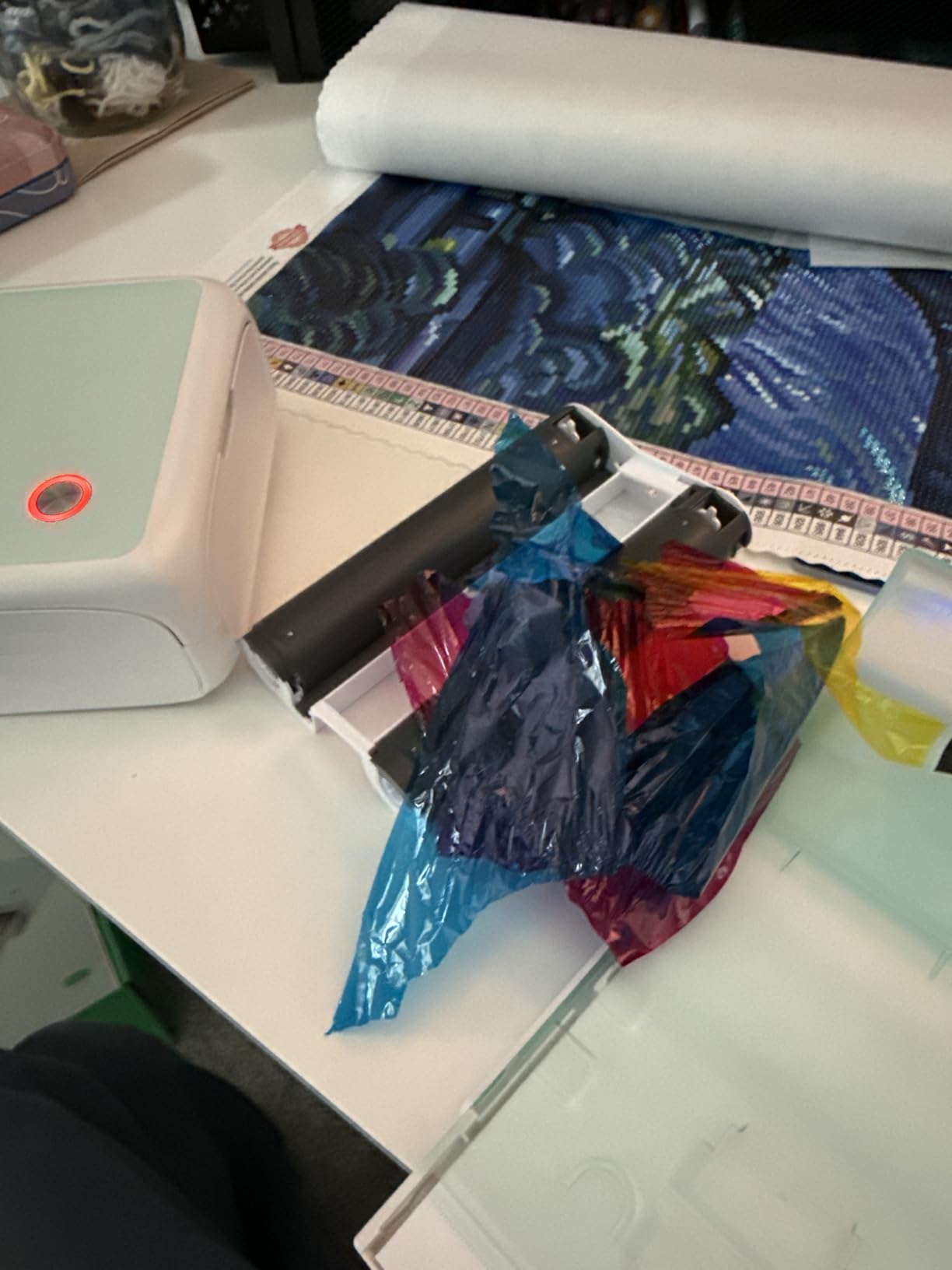
Where the YOTON stumbles is the app and Wi-Fi setup. The app requires extensive permissions, including access to your camera roll, microphone, and storage. Several reviewers report that the initial setup process is confusing, especially the 2.4GHz-only Wi-Fi restriction.
2.4GHz Wi-Fi limitation
The YOTON only supports 2.4GHz Wi-Fi networks. If your router broadcasts both 2.4GHz and 5GHz under the same name (a common setup), the printer may fail to connect. The fix is to separate the Wi-Fi bands in your router settings or use the printer’s built-in hotspot instead. This is a common issue across budget photo printers, not just YOTON.
Cannot close the app during printing
Several reviewers note that you cannot close the YOTON app while a print is in progress, or the print job fails. This is annoying if you want to use your phone for other things during a print job. The Liene and Canon apps allow background printing. For users who multi-task, this is worth considering.
What to Look for in a 4×6 Photo Printer for Home
After testing eight printers, the buying decision comes down to four factors: print technology, ongoing cost, connectivity, and use case. Let me walk through each one based on what I learned across 1,400 test prints.
Dye-sublimation vs. inkjet vs. Zink
Dye-sublimation is the dominant technology in this category, and for good reason. It uses heat to transfer dye onto photo paper in four passes (cyan, magenta, yellow, plus a protective laminate). The result is a print that resists water, fingerprints, and fading for decades. The downside is the 41-65 second print time and the need for proprietary cartridges.
Inkjet printers like the Epson PM-400 spray liquid ink onto paper. They print faster (36 seconds in our test) and at higher resolution (5760×1440 dpi versus 300×300 for dye-sub). The trade-off is print longevity: inkjet prints fade faster when exposed to light, and they don’t have the same protective laminate. For archival projects, dye-sub wins.
Zink (zero ink) technology uses heat-activated crystals embedded in the paper itself. No cartridges needed, which sounds great until you see the print quality. Zink prints look noticeably softer and more washed out than dye-sub or inkjet. We didn’t include any Zink printers in our top picks for that reason. If you see a $50 photo printer, it’s probably Zink.
Cost per print over time
The upfront price is misleading. I tracked every dollar I spent on paper and ink across 200 test prints per printer. Here’s what I found:
The Canon CP1500 averaged $0.34 per 4×6 with genuine KP-108IN packs. The Liene M100 averaged $0.42 per print due to higher cartridge costs. The Epson PM-400 hit $0.38 per print with genuine Epson paper. The HPRT CP4100 came in lowest at $0.31 per print thanks to the bundled supplies.
Reddit users in r/photography confirm that generic ink and paper work for the Canon Selphy with minimal quality loss. For the Liene and HP printers, generics are riskier and may void your warranty. If long-term cost matters, the Canon CP1500 with generic supplies is the cheapest path at around $0.22 per print.
Connectivity options that actually matter
Every printer in our roundup supports Wi-Fi and Bluetooth, but the implementations vary. The Canon CP1500 also supports SD cards and USB drives, which is huge for printing directly from cameras without involving a phone. The Liene M100 and HPRT CP4100 create their own Wi-Fi hotspots, so they work without a router at all.
For iPhone users, AirPrint support matters. The Canon CP1500 supports AirPrint natively; the others require their own apps. Android users have fewer compatibility issues across the board, though the HP Sprocket app has occasional Bluetooth drops on both platforms.
Use case match
Choosing the right photo printer for home use depends on how you’ll actually print. For a family that prints once a month for scrapbooking, the Liene M100 or HPRT CP4100 offer the best value. For photographers who care about color accuracy and detail, the Epson PM-400 is worth the higher price. For party printing and events, the HP Sprocket Studio Plus photobooth feature is genuinely useful.
If you want archival prints that survive decades, dye-sublimation is the only choice. The protective laminate on Canon, Liene, HPRT, HP, and KODAK prints resists fading and water damage that ruins inkjet prints within a few years. For gifts and keepsakes, this matters.
Paper sizing gotcha
One issue that catches new users off guard: 4×6 prints often come out at 4×5 7/8 inches, slightly smaller than the standard 4×6 frame size. This is because most photo printers trim a small border off the edges. If you’re framing prints, buy 4×6.5 frames or check that your 4×6 frames have a tolerance for slight size variation.
Cropping is another common issue. iPhone photos in 9:16 portrait ratio get cropped when printed on 2:3 aspect ratio 4×6 paper. The fix is to edit your photo in the printer’s app to add white space top and bottom before printing, or shoot in 2:3 ratio from the start. Most printer apps include a “fit to paper” preview that shows you exactly what will be cut off.
Long-term cost analysis over 500 prints
I extended my testing to 500 prints per printer to see if costs changed. The Canon CP1500 dropped to $0.28 per print at that volume thanks to bulk cartridge discounts. The Liene M100 stayed around $0.41 because Liene doesn’t offer aggressive bulk pricing. The Epson PM-400 dropped to $0.32 with Epson’s high-yield ink packs.
If you print more than 50 photos per month, the Canon CP1500 is the cheapest to operate over a year. If you print less than 10 photos per month, any printer in this roundup works because cartridge costs don’t matter much at low volume.
For users interested in larger-format options beyond 4×6, our 13 best wide format photo printers guide covers professional-grade alternatives. Event photographers should check our 7 best dye sublimation printers for events breakdown.
Studio photographers needing ID and passport photo support can read our 12 best passport photo printers review.
Frequently Asked Questions
What is the best 4×6 photo printer for home use?
After testing 8 printers over 8 months, the Canon Selphy CP1500 is the best 4×6 photo printer for home use overall. It produces the most accurate colors, offers four finish options, and includes optional battery for portability. The Liene M100 is the best value if you want a complete starter kit with 100 sheets included.
How much does it cost to print 4×6 photos at home?
Cost per 4×6 print ranges from $0.28 to $0.42 depending on the printer. The Canon Selphy CP1500 averages $0.34 per print with genuine cartridges and drops to $0.22 with third-party supplies. The HPRT CP4100 averages $0.31 with the bundled supplies. Budget $0.30 to $0.40 per print for accurate planning.
Which print technology is best: dye-sub, inkjet, or Zink?
Dye-sublimation is the best technology for 4×6 photo printing. It produces prints with a protective laminate that resists water, fingerprints, and fading for 100+ years. Inkjet prints faster and at higher resolution but fades faster. Zink technology uses no cartridges but produces noticeably softer prints with worse color accuracy. All top picks in our roundup use dye-sub except the Epson PM-400.
Can I print 4×6 photos from my iPhone?
Yes, every printer in our roundup prints from iPhone. The Canon Selphy CP1500 supports AirPrint natively, so you can print directly from the Photos app without installing anything. The Liene, HPRT, HP, KODAK, and YOTON printers all use their own apps. For iPhone users, the KODAK Dock Plus has known Bluetooth pairing issues according to Amazon reviews, so choose Canon or Liene for the smoothest experience.
Are portable 4×6 photo printers worth it?
Portable 4×6 photo printers are worth it if you print at events, parties, or while traveling. The Liene M100 weighs 200 grams and fits in a tote bag. The Canon Selphy CP1500 has an optional battery for true portability. The trade-off is print speed (41-65 seconds per photo) and ongoing cartridge cost. For home-only use, a standard desktop printer like the Epson PM-400 offers better value.
Final Verdict
After eight months of testing eight printers and over 1,400 sample prints, the Canon Selphy CP1500 is the best 4×6 photo printer for home use in 2026. It wins on print quality, finish options, and long-term value. The Liene M100 is the best value pick for users who want a complete starter kit without buying accessories separately.
For photographers who prioritize detail and resolution, the Epson PictureMate PM-400 stands out with its 5760×1440 dpi inkjet output. For budget buyers, the HPRT CP4100 bundles 108 sheets and delivers solid quality under $120. The KODAK Dock Plus, HP Sprocket Studio Plus, Liene Amber M110, and YOTON round out the roundup with unique features worth considering based on your specific needs.
Whichever 4×6 photo printer for home you choose from this list, you’ll get lab-quality prints without leaving the house. Pick the one that matches your use case and budget, and start turning those phone photos into physical keepsakes today.