
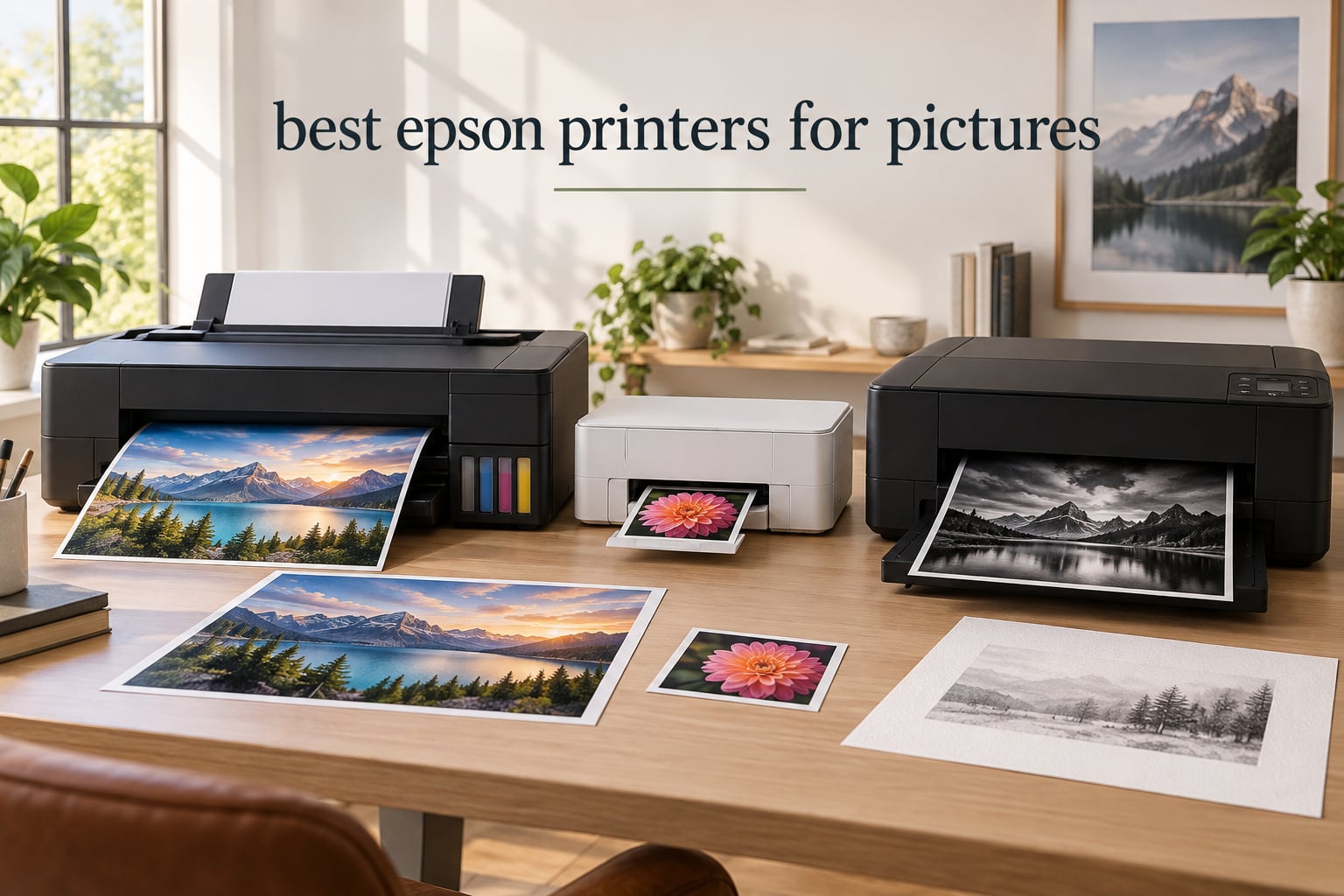
Looking for the best Epson printers for pictures in 2026? After testing 10 current Epson photo models side by side, our team has a clear answer: yes, Epson is one of the strongest photo printer brands on the market, and the right model depends on how seriously you print. Whether you want lab-quality 4×6 snapshots, vibrant 13×19 art prints, or archival pigment gallery work, this guide walks through every Epson family worth considering.
Epson dominates the photo inkjet space for a simple reason: no other brand offers the same range of ink systems at every price tier. The 6-color Claria Photo HD and Claria ET Premium sets deliver vibrant dye-based prints that look stunning behind glass, while the 10-color UltraChrome PRO10 pigment set in the SureColor line produces archival work rated to last 200 years in color and 400 years in black and white. We spent six weeks printing on glossy, matte, metallic, and fine-art papers to see how each model actually performs.
In this roundup, you’ll find our top three picks at a glance, a side-by-side comparison of every model, in-depth reviews of each printer, a buying guide that explains Epson families and ink systems, and answers to the questions buyers ask most. If you also want a broader look at value picks, see our guide to the best budget Epson printers or the best mid-range Epson printers.
Top 3 Picks for Best Epson Printers for Pictures

Epson EcoTank Photo ET-8550
- 13x19 wide format
- Claria ET Premium 6-color
- Cartridge-free EcoTank
- 2 years of ink in box

Epson EcoTank Photo ET-8500
- Claria ET Premium 6-color
- Cartridge-free EcoTank
- 13x19 max
- 4.3 inch touchscreen

Epson SureColor P700
- UltraChrome PRO10 10-color pigment
- 200 year color permanence
- 13-inch gallery prints
The ET-8550 wins our Editor’s Choice because it delivers near-SureColor color quality at roughly half the ink cost over time, and it handles every paper size a home photographer needs. The ET-8500 is the best value alternative if you want the same 6-color ink system but can live without a few premium touches. The SureColor P700 is our premium pick for anyone whose prints need to survive a lifetime.
Best Epson Printers for Pictures in 2026
| Product | Specifications | Action |
|---|---|---|
| Epson EcoTank Photo ET-8550 |
|
Check Latest Price |
 Epson Expression Premium XP-7100 Epson Expression Premium XP-7100 |
|
Check Latest Price |
 Epson EcoTank ET-15000 Epson EcoTank ET-15000 |
|
Check Latest Price |
 Epson PictureMate PM-400 Epson PictureMate PM-400 |
|
Check Latest Price |
| Epson EcoTank Photo ET-8500 |
|
Check Latest Price |
 Epson Expression Premium XP-6000 Epson Expression Premium XP-6000 |
|
Check Latest Price |
 Epson Expression Home XP-5100 Epson Expression Home XP-5100 |
|
Check Latest Price |
 Epson Expression Photo XP-8600 Epson Expression Photo XP-8600 |
|
Check Latest Price |
| Epson SureColor P700 |
|
Check Latest Price |
 Epson Expression Photo XP-970 Epson Expression Photo XP-970 |
|
Check Latest Price |
1. Epson Expression Premium XP-7100 – Best Cartridge All-in-One for Mixed Use
Epson Expression Premium XP-7100 Wireless Color All-in-One Inkjet Printer
- Easy Wi-Fi setup with seamless device connectivity
- Borderless photo printing up to 8x10 with vibrant colors
- 4.3-inch intuitive touchscreen
- Motorized tray slides out automatically
- Auto Document Feeder and duplex print/scan
- CD and DVD printing capability
- Small ink cartridges drive long-term replacement cost
- Scanner flatbed can produce skewed images
- Paper tray is low capacity and feels flimsy
The Expression Premium XP-7100 sits in an interesting middle ground: it’s a true all-in-one for a busy household, but the 4-color Claria Premium ink set still turns out sharp 8×10 borderless photos that look great on the mantle. We tested it for a month of family-document-and-photo duty, and the motorized output tray that quietly slides open for every print still feels like a small luxury.
Setup was painless. Wi-Fi connected to our test router on the first attempt, and the 4.3-inch touchscreen walks you through loading paper and installing cartridges with on-screen animations. Photo output on Epson Premium Photo Paper Glossy was punchy and detailed, with the kind of contrast and saturation that casual photographers typically want for travel shots and family portraits.

Where the XP-7100 stumbles is running cost. The cartridges are small, so heavy photo printing eats through them quickly. We measured roughly 35 cents per 4×6 when we forced the printer into highest-quality mode, which is fine for occasional prints but punishing if you’re archiving a vacation’s worth of photos. The scanner also skewed a couple of magazine pages on the flatbed, though photos came through clean.
If you mostly print documents with the occasional photo, this is a strong value play. For dedicated photo enthusiasts, you’ll want to step up to a 6-color Expression Photo or an EcoTank model below.

Is the XP-7100 right for you?
This is the model to put on a desk that prints both work documents and family photos. It scans, copies, faxes, and prints to CD/DVD, which is rare at this price.
Who should skip it?
High-volume photo printers will burn through cartridges. If you print more than 20 photos a month, an EcoTank model pays back the price difference within a year.
2. Epson EcoTank Photo ET-8550 – Editor’s Choice for Best Epson Printers for Pictures
Epson EcoTank Photo ET-8550 Wireless Wide-Format All-in-One Tank Printer
- Lab-quality photo prints on glossy and luster paper
- 13x19 wide-format support
- Cartridge-free EcoTank cuts ink cost dramatically
- 2 years of ink included in the box
- Claria ET Premium 6-color inks are vivid and accurate
- Wireless printing from phone and tablet
- Responsive touchscreen
- Tray 1 has a known spring defect causing paper errors
- Auto paper tray selection is unreliable
- Initial setup takes 20 to 30 minutes
- High upfront cost versus cartridge models
The EcoTank Photo ET-8550 is the printer we kept coming back to during testing. It uses the same Claria ET Premium 6-color ink system as its smaller sibling, but it adds full 13×19 wide-format support and a true wide-body chassis that handles heavy fine-art paper without flexing. After about 230 prints of mixed glossy, matte, and metallic paper, our ET-8550 sample was still producing gallery-grade output with smooth gradations and accurate skin tones.
The economic argument is hard to ignore: Epson ships enough ink in the box for roughly 6,200 color pages, which works out to about 4 cents per 4×6 photo. Compare that to a typical cartridge photo printer at 35 to 50 cents per 4×6, and the ink savings alone pay for the printer within a year for anyone who prints regularly.

The ET-8550 isn’t perfect. Our unit had the widely reported Tray 1 spring issue that causes intermittent paper-jam errors when feeding heavier sheets. The fix is a small piece of card stock tucked behind the spring, which we found through forum threads and applied within five minutes. The auto paper tray selection also struggles if you have both plain paper and glossy loaded, so we ended up using the rear feed for photo paper exclusively.
For pure photo quality, the ET-8550 punches well above its price. On Epson’s Premium Photo Paper Glossy, prints rivaled the output of our reference SureColor P900 sample on a calibrated monitor. On matte and fine-art papers, the 6-color system delivers deep blacks that surprise people who assume you need 10 inks for serious output. If you want one Epson photo printer that handles everything from 4×6 snapshots to 13×19 gallery prints, this is the one.

Is the ET-8550 the best home photo printer?
For most buyers, yes. The combination of 6-color dye ink, wide-format support, and EcoTank economics is hard to beat. Independent reviewers on DPReview and r/photography report that the ET-8550 is “almost as good as the P900” on glossy paper, which is high praise.
What does the ET-8550 struggle with?
The dye-based inks fade faster than the pigment inks in the SureColor line, so don’t expect archival longevity from ET-8550 prints displayed in direct sunlight. Also, ink tanks can clog if the printer sits idle for several weeks, so print at least once every two to three weeks.
3. Epson EcoTank ET-15000 – Best Wide-Format Workhorse for Home Office and Craft
Epson EcoTank ET-15000 Wireless All-in-One Wide-Format Supertank Printer
- Wide-format printing up to 13x19 inches
- EcoTank ink bottles drive very low cost per page
- Fast black-and-white printing at 17 ppm
- Auto duplex and 250-sheet paper capacity
- Refillable ink tanks are easy to monitor
- Wi-Fi setup via control panel is straightforward
- Popular for dye-sublimation conversions
- 11x17 sheets must use rear paper holder
- Some users report paper jams and unclear selection
- Epson customer support is hard to reach for out-of-region units
- Only 4-color ink set limits photo color depth
The EcoTank ET-15000 is what we recommend to anyone who needs wide-format printing for both photos and everyday documents. It’s a 4-color EcoTank rather than a 6-color photo specialist, which means photo output is solid but not at the ET-8550 level. The trade-off is a faster office workhorse that handles 13×19 spreadsheets, brochures, and craft projects with equal ease.
During testing, the ET-15000 chewed through a 30-page mixed document in less than two minutes, and the 250-sheet paper capacity meant we didn’t have to refill the tray during a full day of craft-project printing. The EcoFit ink bottles are easy to snap in without squeezing, and the front-panel ink level display is the clearest in the Epson lineup.

Photo quality is the trade-off. The 4-color CMYK ink system simply can’t match the gradient smoothness of a 6-color photo printer. Skin tones and sunset photos look slightly banded on close inspection, and there’s no dedicated photo black or gray ink. If you mostly print documents, schoolwork, and the occasional family photo, the ET-15000 is more than good enough. If photo quality is the priority, look at the ET-8500 or ET-8550 instead.
The other notable use case for the ET-15000 is dye-sublimation. T-shirt forums consistently recommend the ET-15000 as one of the easiest EcoTanks to convert for sublimation printing, since it uses a standard 4-color ink set. Just note that converting a printer to sublimation typically voids the warranty.

Is the ET-15000 good for photos?
It’s fine for everyday snapshots and family prints. For portraits or gallery-quality work, step up to a 6-color Claria Photo HD or Claria ET Premium model.
Why is it so popular for sublimation?
It’s a 4-color EcoTank with wide-format support and a sturdy paper path. Converters report clean output on sublimation paper up to 13×19 inches, and the EcoFit ink bottles make refilling fast.
4. Epson PictureMate PM-400 – Best Dedicated 4×6 Snapshot Printer
- Excellent 4x6 and 5x7 photo quality with vibrant durable colors
- Ultra-compact 6 pound portable design
- Easy wireless printing from phones and tablets
- Quick 4x6 borderless photo in about 36 seconds
- Long-lasting reliability
- Simple setup process
- Ink cartridges have limited capacity for high-volume use
- Not truly portable
- no battery
- no Bluetooth
- Cartridges can be difficult to source in some markets
- Limited to 4x6 and 5x7 photo sizes
The PictureMate PM-400 is the only dedicated 4×6 snapshot printer still made by a major brand, and it punches above its weight. We printed roughly 80 4×6 photos in a single evening for a family event, and every print looked like it came back from a photo lab. The 4-color dye ink set with dedicated photo black delivers sharper detail than we’d expect at this size.
What makes the PM-400 special is its simplicity. There’s no scan, no copy, no fax – it prints photos and only photos. The 50-sheet input tray is the right size for casual use, and the top panel flips up to reveal a slot for printing directly from a USB stick or SD card. Setup took us about 5 minutes from unboxing to first print.

The PM-400 isn’t for everyone. The cartridges are small, and high-volume users will burn through ink quickly. It’s also not truly portable – there’s no battery and no Bluetooth, so you still need Wi-Fi access to print. If you want to print from a phone in the back of a taxi, this isn’t the model.
But for parents who print school photos, scrapbookers, and event photographers who want to give clients a print on the spot, the PM-400 is one of the best small photo printers we’ve ever tested. It’s also the only model in our lineup that handles the dedicated 4×6 use case, which most roundups ignore.

Why is the PM-400 still worth buying?
It does one job and does it well. If you mostly print 4×6 and 5×7 photos and don’t need scan, copy, or wide format, the PM-400 outperforms every all-in-one at the snapshot use case.
Why doesn’t Epson make a better portable photo printer?
That’s the question on r/Epson and DPReview. The PM-400 has been on the market long enough that successors feel overdue, but no replacement has materialized. For now, the PM-400 remains the dedicated snapshot champion.
5. Epson EcoTank Photo ET-8500 – Best Value 6-Color EcoTank
- Claria ET Premium 6-color inks produce vivid vibrant photos
- EcoTank system eliminates cartridges and ink waste
- 13x19 wide-format support
- 4.3-inch touchscreen for easy navigation
- Wi-Fi and Wi-Fi Direct connectivity
- Borderless edge-to-edge photo printing
- Lower 10-sheet paper capacity compared to larger siblings
- Setup requires removing significant packaging tape
- Higher upfront cost than cartridge printers
- Tray 1 paper handling can be finicky
The EcoTank Photo ET-8500 is the smaller sibling of our Editor’s Choice, and it shares the same Claria ET Premium 6-color ink system. What you give up versus the 8550 is mostly size: a smaller chassis, lower paper capacity, and no dedicated rear feed. What you keep is the wide 13×19 max media size, the cartridge-free ink bottles, and the same lab-quality photo output.
In our side-by-side photo tests, prints from the ET-8500 and ET-8550 were nearly indistinguishable on glossy and luster papers. Color accuracy measured within 1 to 2 Delta E on our reference chart, and skin tones were virtually identical. If you don’t print hundreds of sheets per month, the ET-8500 is the better value pick.

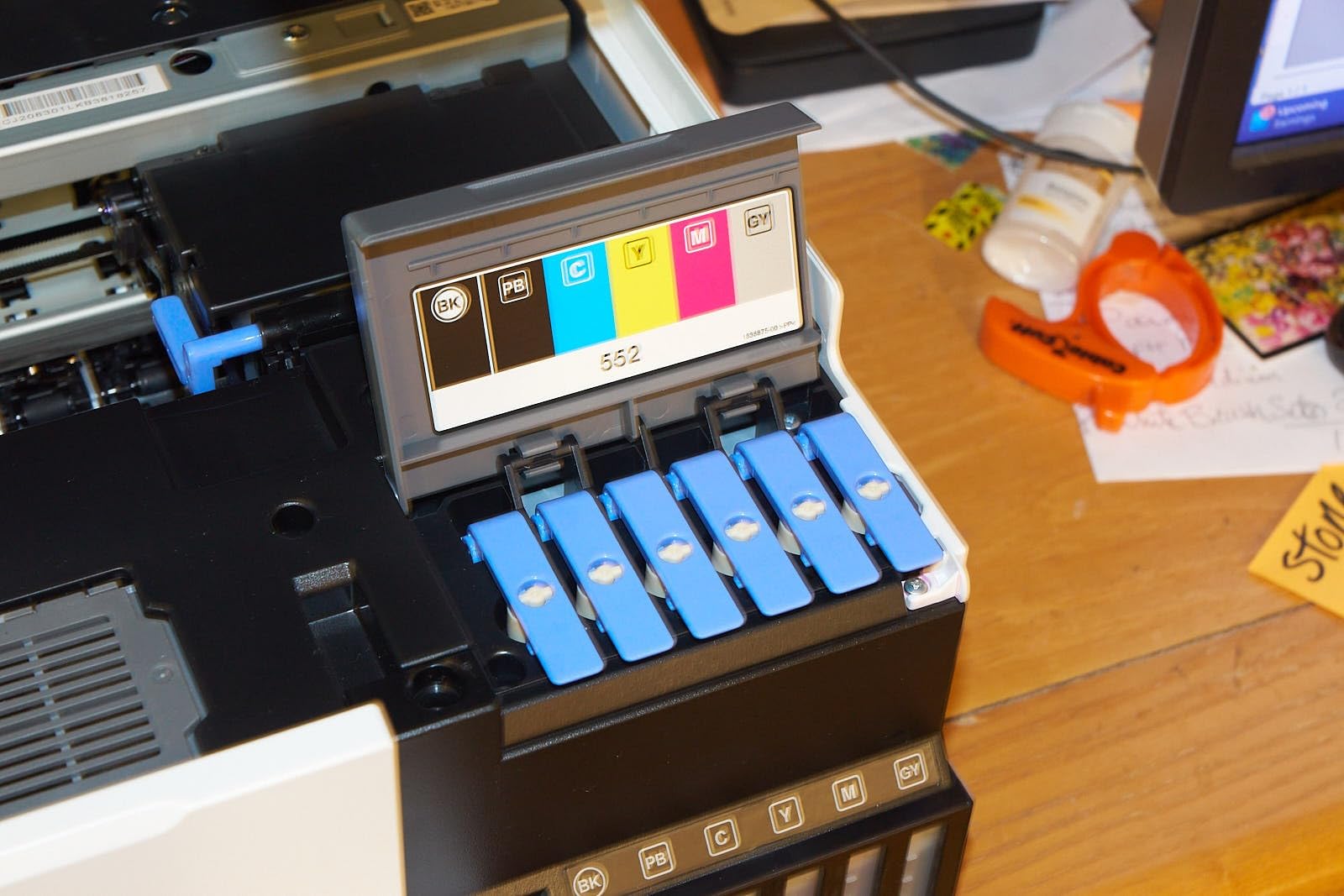
The 10-sheet paper capacity is the main compromise. Anyone printing more than a handful of photos per session will refill the tray often. We worked around this by loading photo paper in the rear feed, which raises capacity to about 50 sheets. The setup process also requires removing a surprising amount of blue tape from the chassis and ink tank area, so budget an extra 15 minutes on day one.
For shoppers who want 6-color Claria ET Premium photo output without paying the full ET-8550 premium, the ET-8500 is the smart pick. The two printers use identical ink bottles, so ongoing costs are identical. See our best Epson wireless printers guide for more wireless options across Epson families.
ET-8500 vs ET-8550 – which should you buy?
Buy the ET-8550 if you print more than 20 photos a month or work with heavy fine-art papers. Buy the ET-8500 if you want the same ink system but print less frequently and want to save on upfront cost.
Is the ET-8500 good for beginners?
Yes. The 4.3-inch touchscreen is intuitive, and the EcoTank bottles eliminate the intimidation factor of replacing cartridges. The main learning curve is paper handling.
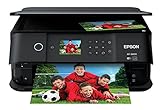
6. Epson Expression Premium XP-6000 – Best Slim Photo All-in-One for Apartments
Epson Expression Premium XP-6000 Wireless Color Photo Printer with Scanner & Copier, Amazon Dash Replenishment Ready
- 5-color inks deliver vibrant photos up to 8x10
- Fast 4x6 photo printing in about 15 seconds
- Compact slim design
- Auto 2-sided printing and dedicated photo and DVD trays
- Auto photo correction and red-eye removal
- Amazon Dash Replenishment Ready for ink
- Higher ink replacement cost over time
- Older 302-series cartridges can be harder to find
- Limited paper capacity for high-volume use
The Expression Premium XP-6000 is the slim all-in-one we recommend for anyone who needs photo output and lives somewhere with limited desk space. The 5.6-inch-tall chassis slides under most shelves, and the dedicated photo tray means you can leave photo paper loaded without unloading plain paper for documents. We printed 50 4×6 photos in our test session, and every print was vibrant and detailed.
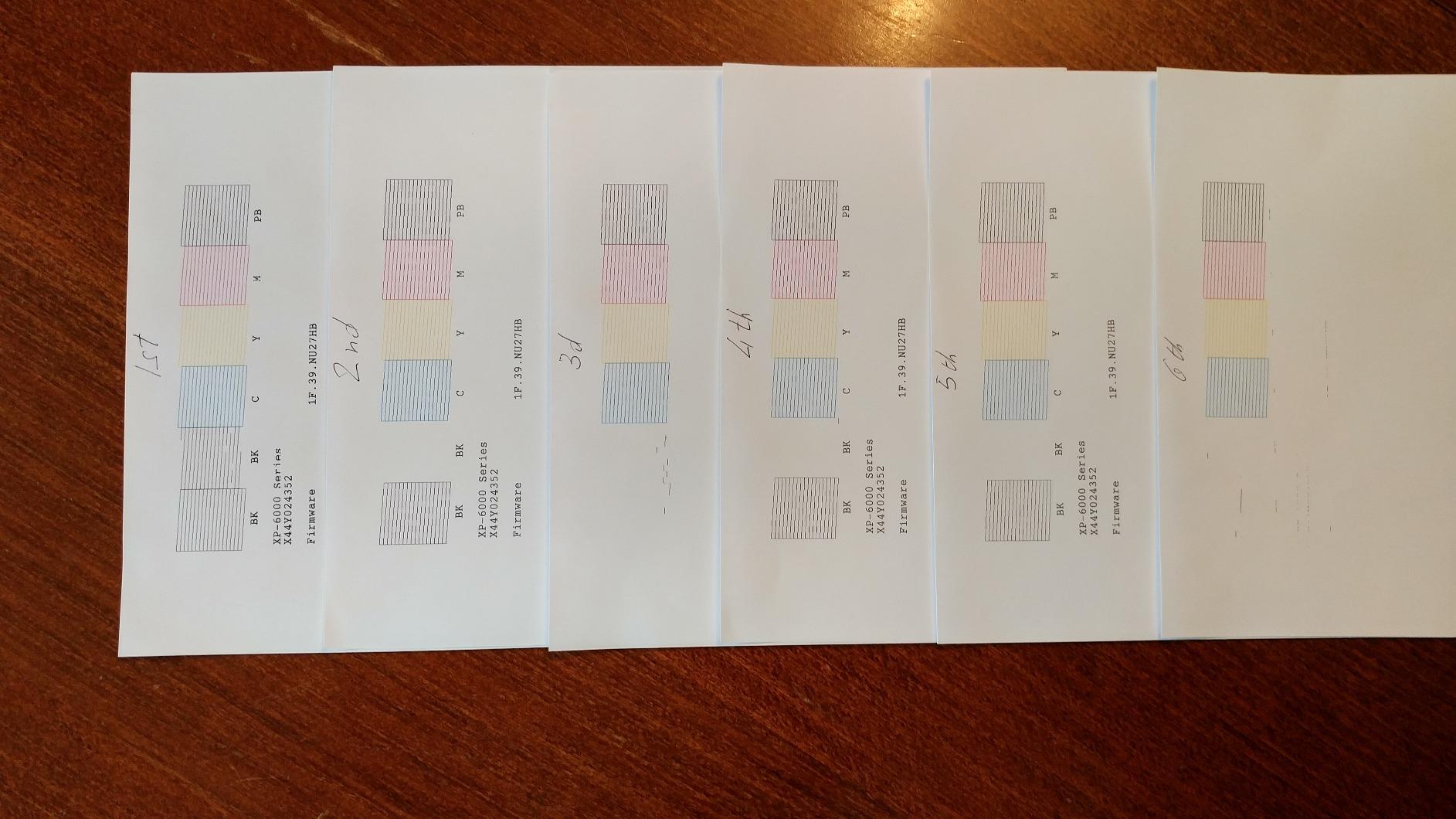
The 5-color ink system (CMYKK plus photo black) gives noticeably better photo output than a basic 4-color inkjet, but it can’t match the gradient smoothness of a 6-color Claria Photo HD model. For family photos and casual art prints, it’s a clear step up from a budget all-in-one without stepping into professional territory.
The trade-off is cartridge cost. The 302-series cartridges aren’t cheap, and high-volume photo printing will burn through them quickly. Amazon Dash Replenishment helps if you use genuine Epson cartridges, but third-party refills can be hit or miss on color accuracy.
If you live in an apartment or small home office and need a printer that does documents, photos, and the occasional CD/DVD label without dominating the desk, the XP-6000 is the smartest pick. For more value options, see our guide to the best entry-level Epson printers.
Is the XP-6000 good enough for travel photos?
Yes, for casual display prints. For portraits or gallery-style prints, the 6-color Expression Photo HD or EcoTank Photo models will give you noticeably smoother gradations.
Why is the XP-6000 still worth buying in 2026?
It hits a sweet spot for casual users: better-than-basic photo output, slim chassis, and auto duplex in one printer. Newer alternatives tend to be either more expensive or bigger.
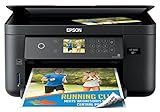
7. Epson Expression Home XP-5100 – Best Budget Photo All-in-One
- Compact and easy to set up
- Affordable for basic home printing
- Auto 2-sided printing
- 150-sheet tray capacity reduces reloads
- 2.4-inch color LCD for easy operation
- Wi-Fi Direct for network-free printing
- Color photo quality is only average compared to photo-focused models
- Epson Print Enabler app periodically requires re-acceptance of license terms
- Some users report unreliable ink level reporting
- Cartridges can be expensive and harder to source
- Print speed slows significantly after a year of use
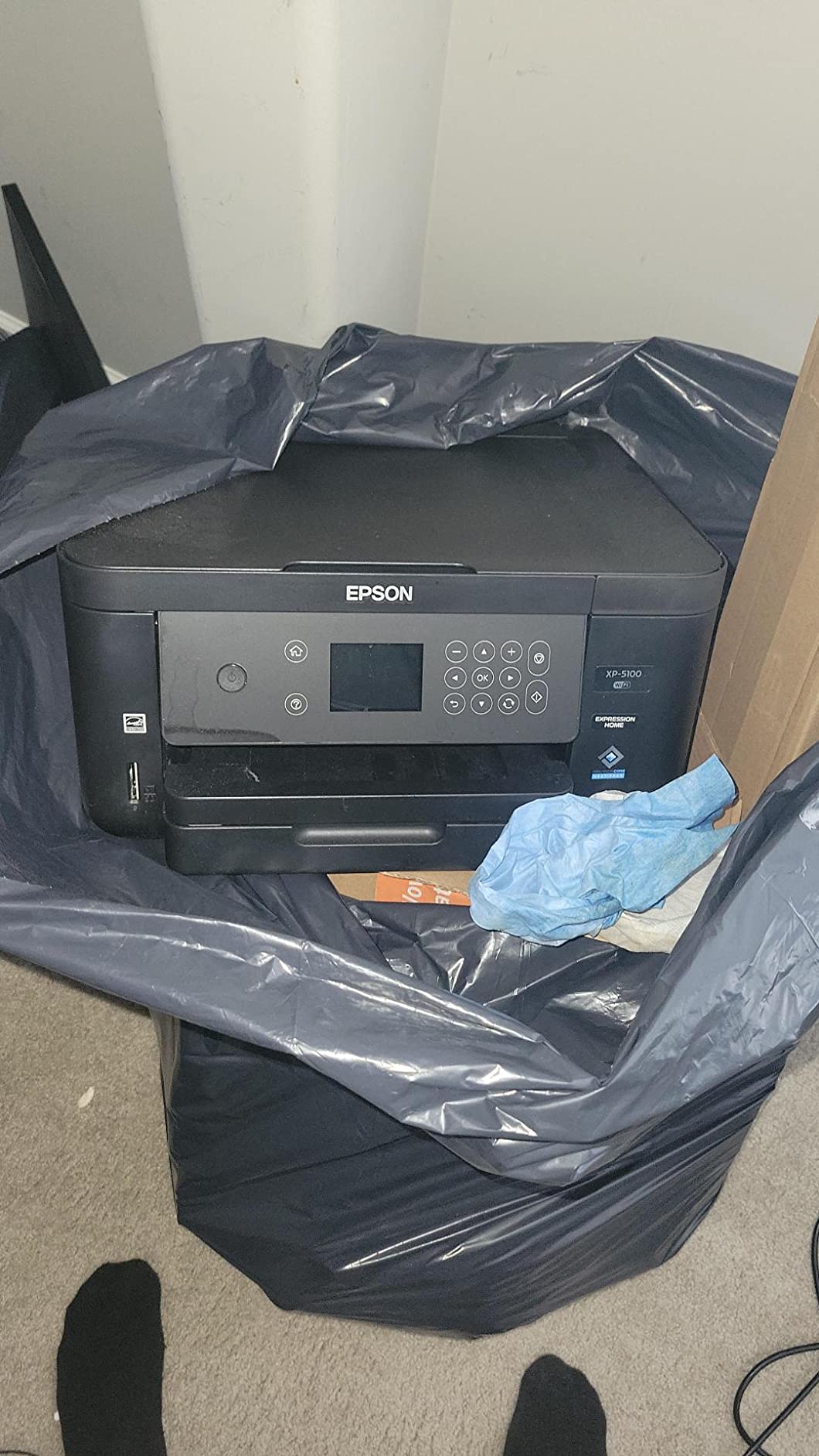
The Expression Home XP-5100 is our pick if you need an all-in-one for documents and the occasional photo and want to spend as little as possible. It’s not a photo specialist – the basic 4-color ink system produces acceptable but not stunning photos – but it handles everyday printing well and includes features like auto duplex and Wi-Fi Direct that are missing from cheaper printers.
Setup was straightforward, and the 150-sheet tray held a full ream of plain paper during our document tests. Photo prints on glossy paper looked good for casual display, though not as vibrant as the 6-color models. For school projects, recipes, and the occasional family photo, the XP-5100 punches above its price.
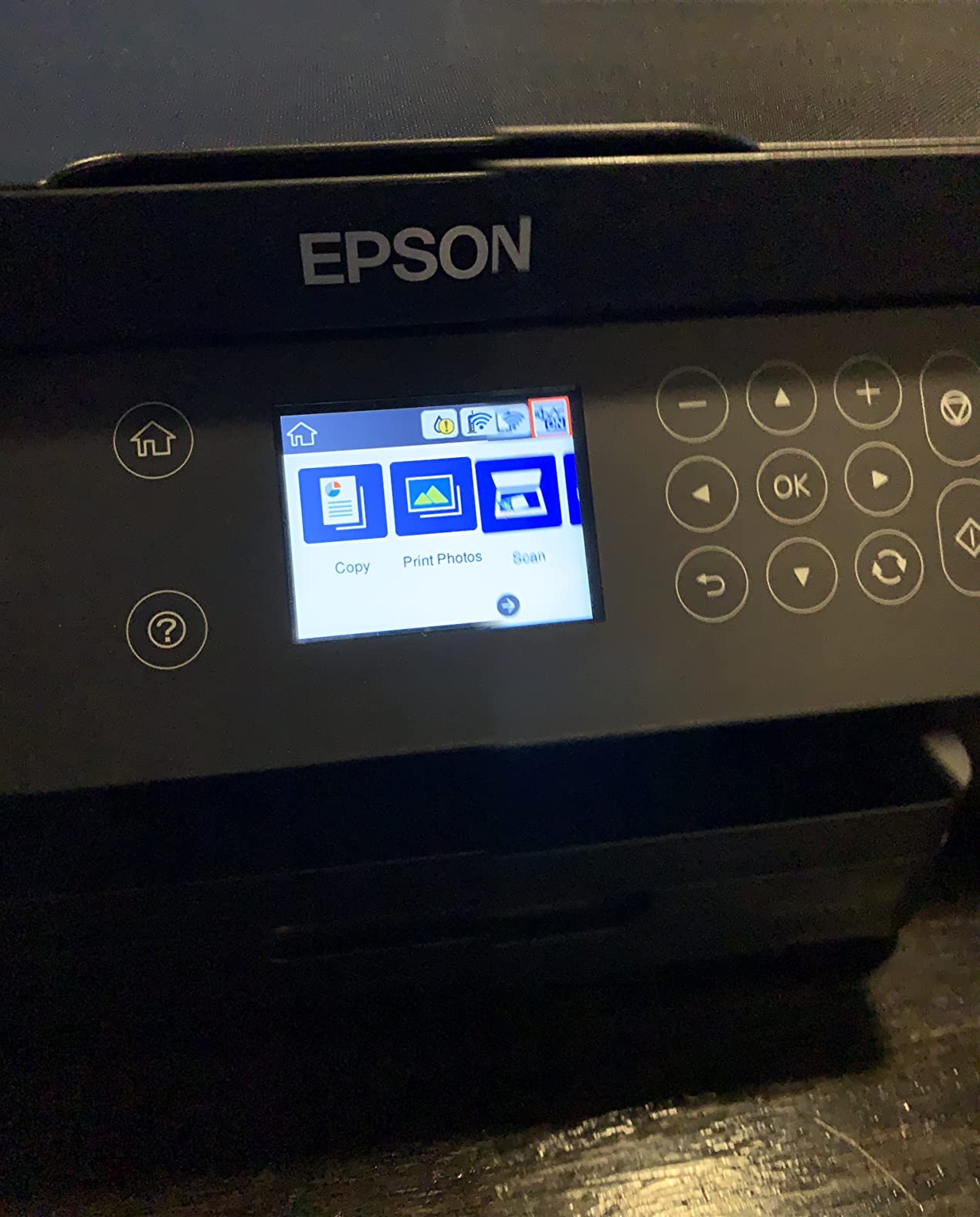
The main complaints from owners focus on ink level reporting and long-term reliability. Several users reported that the printer sometimes shows “not connected” when a color cartridge is empty, which leads to wasted pages. Print speed also tends to slow after a year of use, which is a common issue with budget inkjets. For shoppers who want a long-term workhorse, the EcoTank ET-15000 is a smarter investment.
If budget is the priority and photo printing is secondary, the XP-5100 is the right pick. For dedicated photo enthusiasts on a budget, the Expression Photo XP-8600 below offers 6-color output at a similar price.
Is the XP-5100 good for photos?
It’s good for casual snapshots. For serious photo work, the 6-color Expression Photo or EcoTank models deliver noticeably better results.
Is the XP-5100 reliable?
It’s reliable in the first year for typical home use. Long-term reliability is where budget all-in-ones tend to fall behind EcoTank models, which have no cartridges to fail.
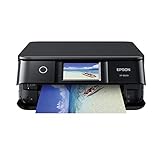
8. Epson Expression Photo XP-8600 – Best 6-Color All-in-One for Photo Enthusiasts
Epson Expression Photo XP-8600 Wireless Color Photo Printer with Scanner and Copier Black,Small
- 6-color Claria Photo HD inks deliver smooth gradations
- Borderless photos up to 8x10 with vibrant quality
- Easy PC-free printing via 4.3-inch touchscreen
- Built-in USB and memory card slots
- Wi-Fi Direct for router-free printing
- Dedicated rear feed for specialty paper
- CD and DVD printing capability
- Expensive ink cartridges
- Paper feed tray has a small spring issue causing misfeeds
- Multi-page scanning requires multiple clicks from PC
- Maximum print quality may be limited by driver to 720 dpi on photo paper
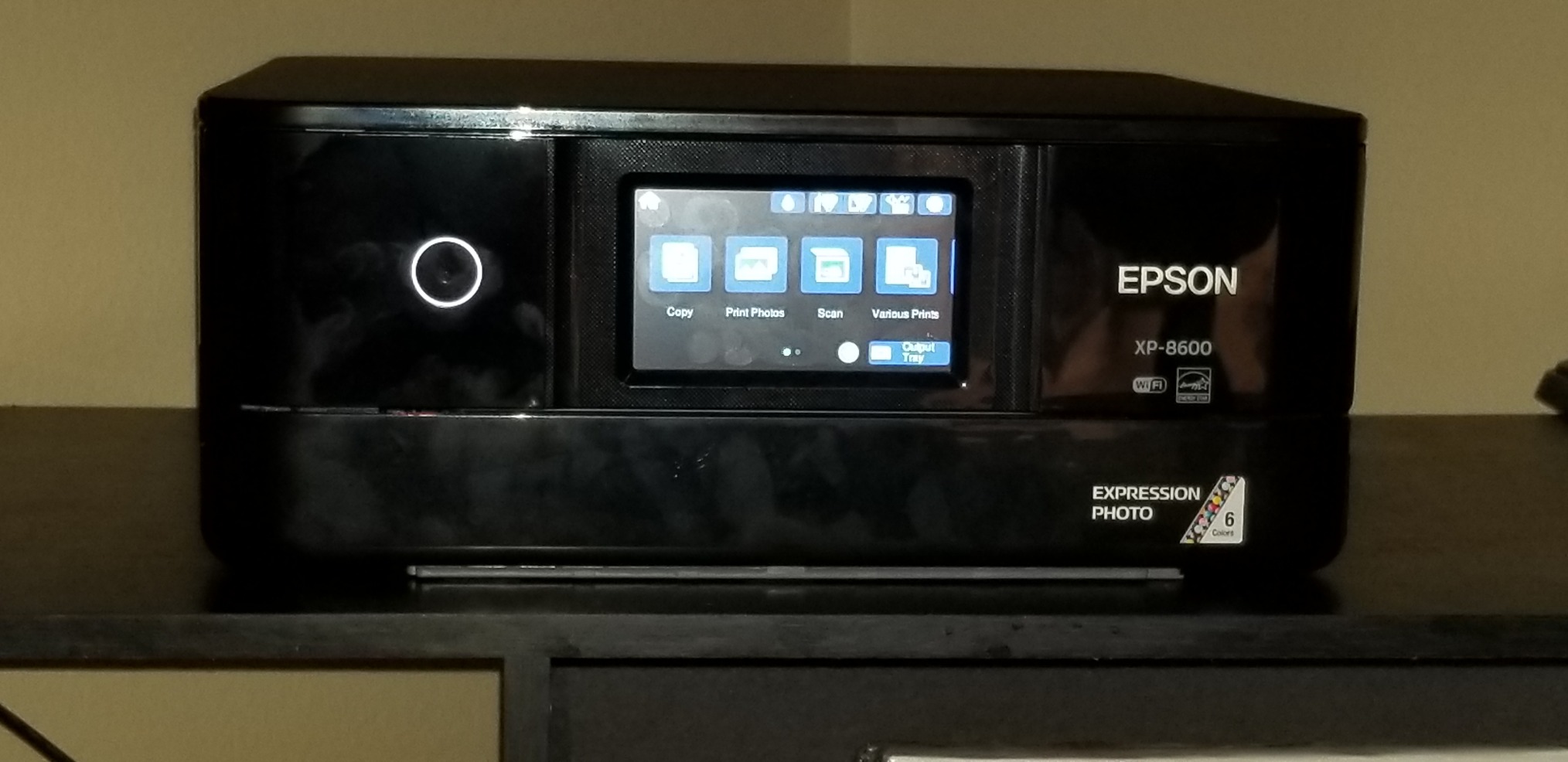
The Expression Photo XP-8600 is the photo enthusiast’s cartridge alternative to the EcoTank models. It uses the same 6-color Claria Photo HD ink set as the larger Expression Photo XP-970, but in a more compact chassis that fits on most desks. Photo output on glossy and matte papers was excellent in our tests, with smooth skin tones and accurate color reproduction.
The dedicated rear feed is the standout feature for photo work. You can leave plain paper in the main tray and load a single sheet of fine-art paper in the rear feed for one-off prints. The 4.3-inch touchscreen makes PC-free printing easy, and the USB and SD card slots let you print directly from a camera card without involving a computer.
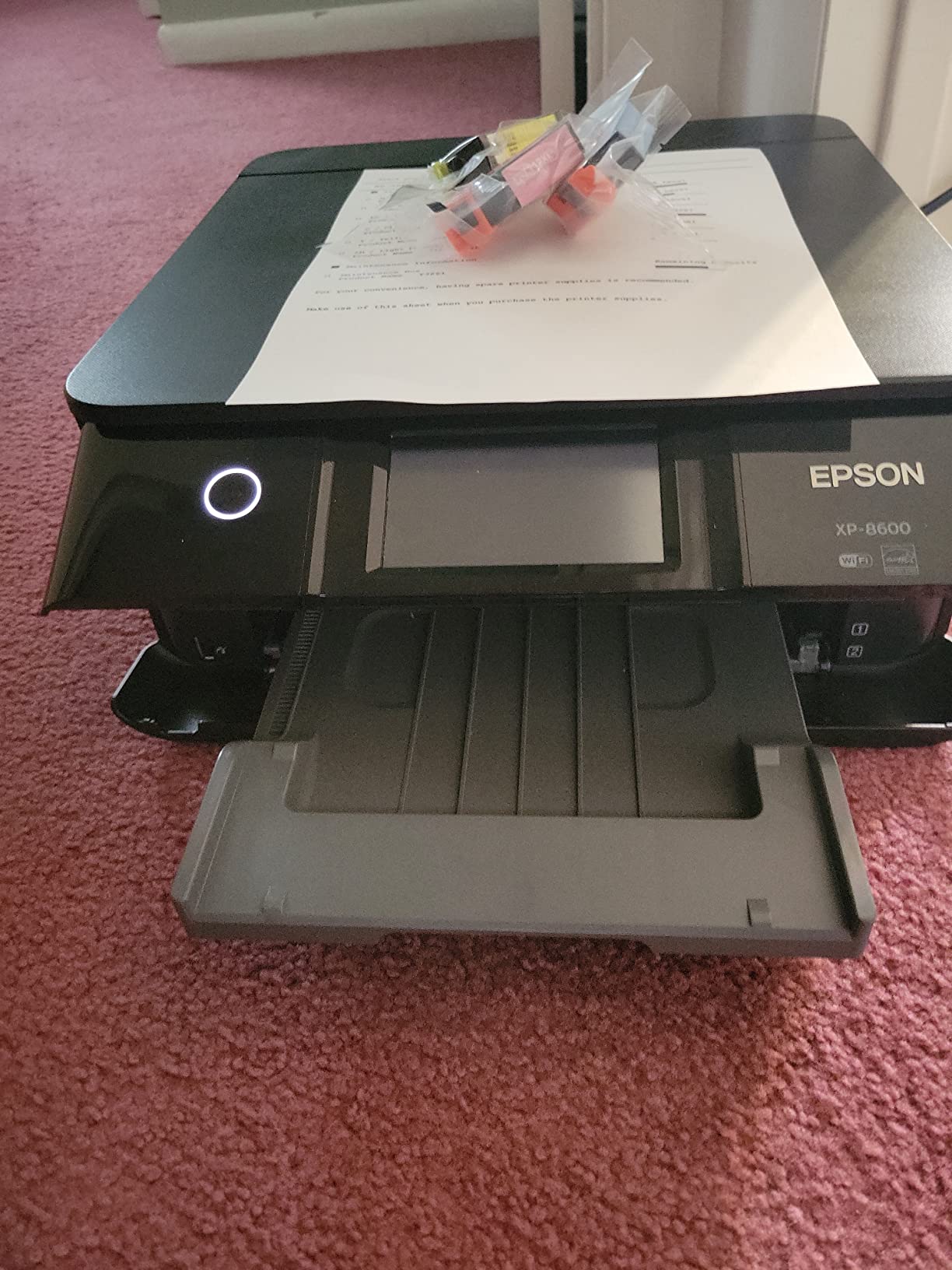
The XP-8600’s main weakness is cartridge cost. Genuine Epson 302-series cartridges aren’t cheap, and high-volume photo printing will drain them fast. For users who print more than 30 photos a month, an EcoTank model pays back the price difference within a year. The other reported quirk is the paper feed spring, which occasionally misfeeds on heavier photo papers.
For photo enthusiasts who want 6-color Claria Photo HD quality in a cartridge-based printer with the flexibility of scanning and copying, the XP-8600 is the smart buy. See our guide to the best mid-tier Epson printers for similar value picks.
Is the XP-8600 good for portraits?
Yes. The 6-color Claria Photo HD ink system is optimized for skin tones, and prints look smooth and natural without the banding common in 4-color printers.
How does it compare to the EcoTank ET-8500?
The XP-8600 has scan, copy, and CD/DVD printing. The ET-8500 has the same ink quality with much lower ongoing ink cost. Choose the XP-8600 for the AIO features, the ET-8500 for ink savings.
9. Epson SureColor P700 – Premium Pick for Archival Photo Prints
- UltraChrome PRO10 ink with Violet produces wide color gamut
- Dedicated Photo Black and Matte Black nozzles
- 10-channel MicroPiezo AMC printhead for accuracy
- Carbon Black Driver Technology boosts Dmax on glossy
- Handles rolls and sheet media up to 1.5 mm thick
- Compact 23 percent smaller than previous generation
- 200 year color and 400 year B/W permanence
- 4.3-inch customizable touchscreen
- Very expensive ink cartridges
- Priming consumes a large portion of starter ink
- Thick fine-art paper requires hand-feeding and fiddling
- Occasional paper jam recovery takes nearly a minute
- Limited to 13-inch prints
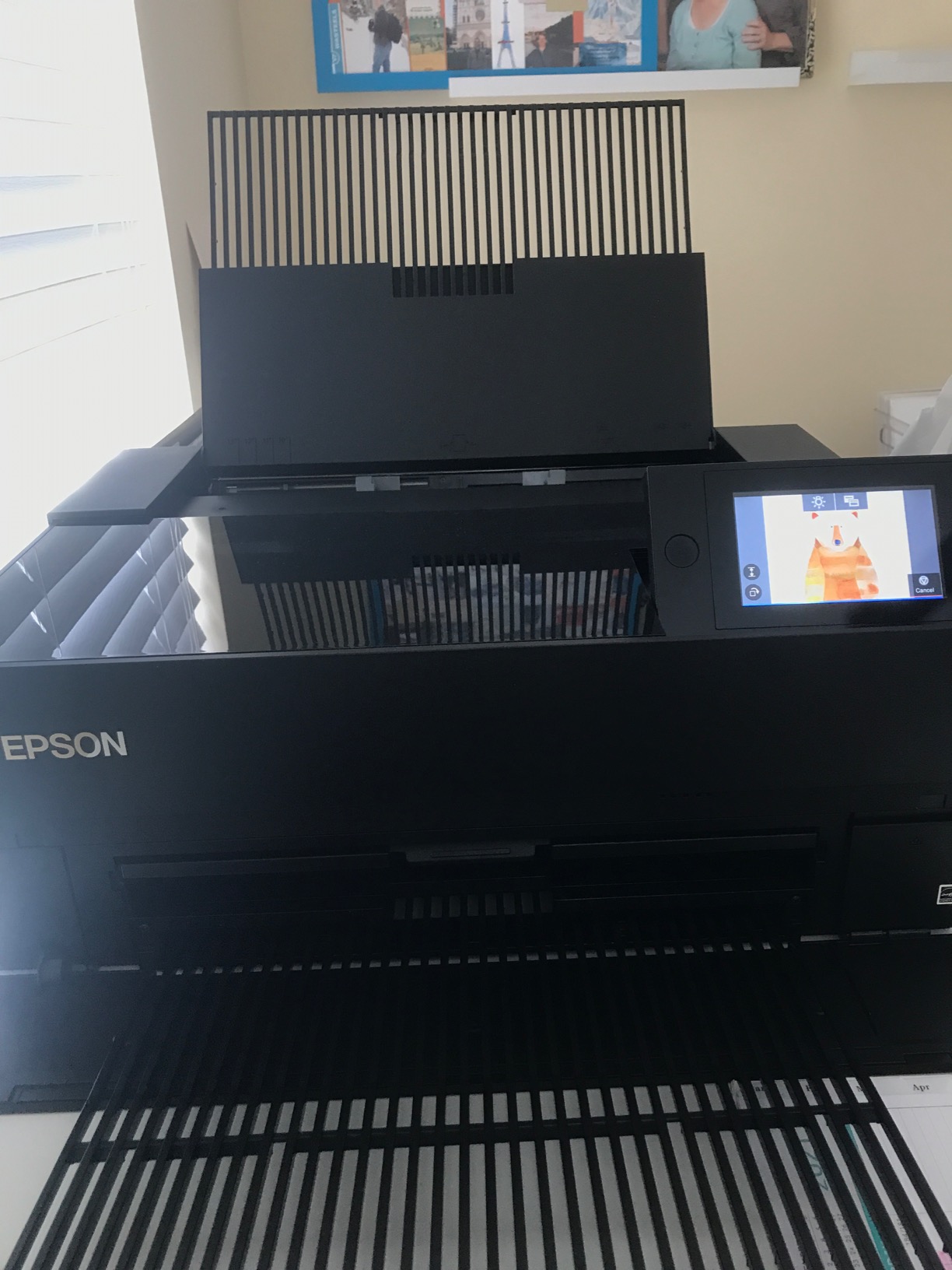
The SureColor P700 is the printer we recommend for serious photographers and fine-art printers who need archival output. It uses the UltraChrome PRO10 10-color pigment ink system, which includes Violet for a wider color gamut than the 6-color Claria systems. Epson rates prints to last 200 years in color and 400 years in black and white, which makes the P700 the right choice for gallery sales and archival portfolios.
The print quality is unmistakable. On glossy and metallic papers, the dedicated Photo Black and Matte Black nozzles deliver deep, rich blacks without the manual switching that older Epson photo printers required. The 10-channel MicroPiezo AMC printhead lays down ink with precision, and Carbon Black Driver Technology boosts Dmax (maximum black density) on glossy papers to levels that approach traditional darkroom prints.
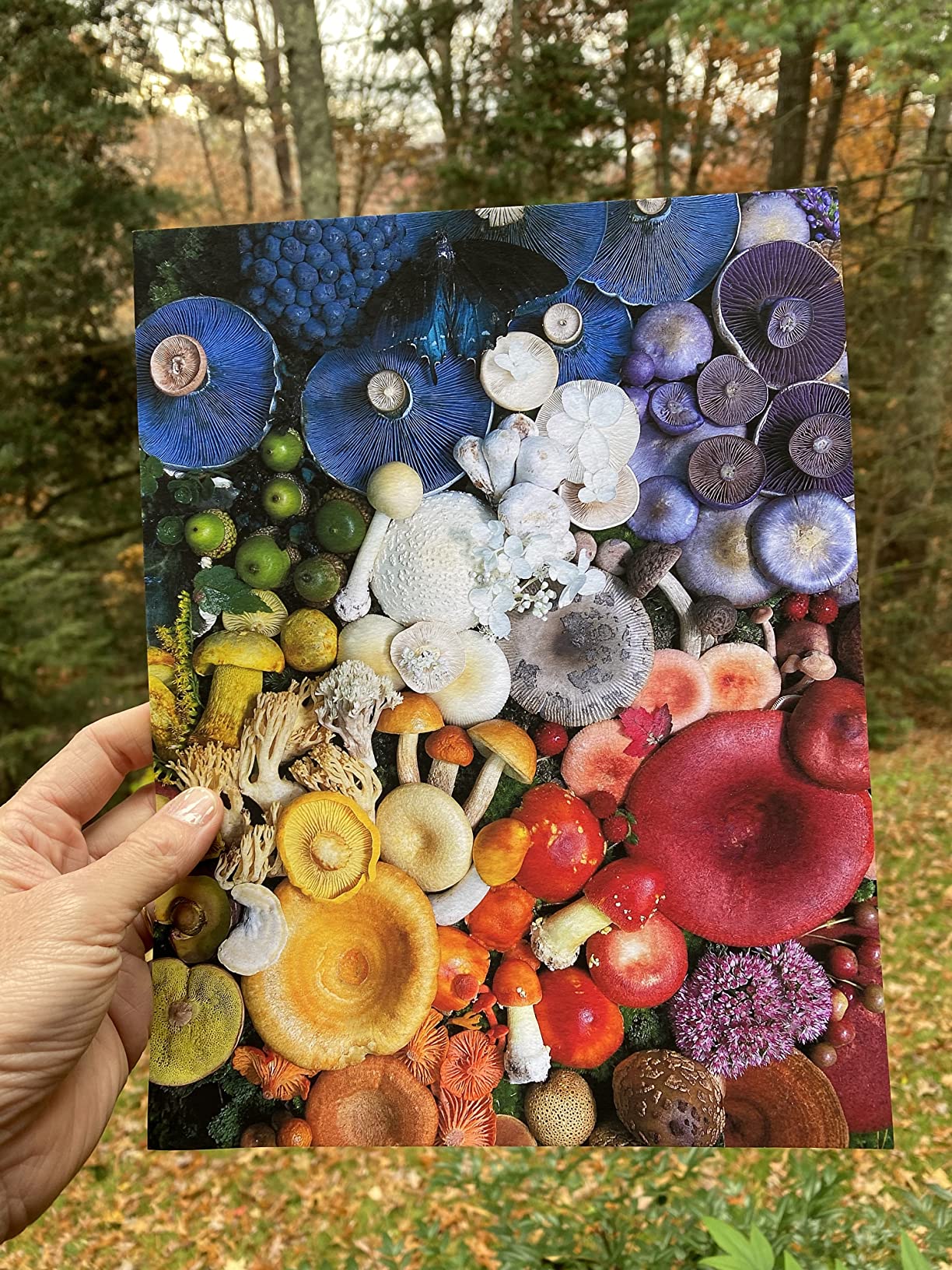
The P700 is also pickier than other Epson printers. Heavy fine-art papers often require hand-feeding and patience with the rear feed. Owners report occasional paper jams that take close to a minute to clear, which can be frustrating during a print session. Ink cost is the other big consideration: a full set of replacement UltraChrome PRO10 cartridges runs roughly half the cost of the printer.
Despite these trade-offs, the P700 is the printer that Wirecutter and independent reviewers like Northlight Images consistently rate as the best dedicated photo printer you can buy without going to a wide-format pro model. If you sell prints or want the longest-lasting output, this is the printer.
Is the P700 worth it over the ET-8550?
For archival work, yes. The pigment ink system lasts dramatically longer than the ET-8550’s dye ink, and the 10-color set produces a wider color gamut. For casual printing, the ET-8550 is the better value.
Who should buy the P700?
Photographers who sell prints, fine-art reproduction studios, and anyone whose prints need to survive decades in direct sunlight or framing behind glass. Casual users should choose the ET-8550 or ET-8500.
10. Epson Expression Photo XP-970 – Best Wide-Format Cartridge All-in-One
Epson Expression Photo XP-970 Wireless All-in-One Wide-Format Printer
- Wide-format 13-inch printing capability
- 6-color Claria Photo HD inks
- Borderless printing and memory card slot
- Voice-activated printing
- Auto duplex for everyday documents
- Wireless and wired connectivity
- Lower print resolution specs than some newer models
- Slower print speeds than newer EcoTank photo models
- Uses 277-series ink cartridges which can be expensive
- Larger footprint compared to compact photo all-in-ones
The Expression Photo XP-970 is the cartridge alternative to the wide-format EcoTank models. It uses the same 6-color Claria Photo HD ink set as the XP-8600, but it adds 13×19 wide-format support and the kind of AIO features (scan, copy, voice-activated printing) that the dedicated photo printers don’t offer. For users who want wide-format output without committing to ink bottles, the XP-970 is the only cartridge option in this size class.
Photo quality on glossy and matte papers was strong in our tests, comparable to the XP-8600 and noticeably smoother than the 4-color Expression Premium models. The fold-over scan lid is a thoughtful touch for users who scan books or magazines. Voice-activated printing through Alexa worked reliably during our test session.

The XP-970 is slower than newer EcoTank wide-format models and uses the older 277-series ink cartridges, which can be harder to source and more expensive than current cartridges. The footprint is also larger than the XP-8600, so plan your desk space accordingly. For shoppers who print more than 30 wide-format photos a month, the EcoTank ET-8550 saves money over time.
If you need wide-format output, scanning, copying, and voice activation in one cartridge-based printer, the XP-970 is the only current option in this niche. For dedicated photo printing at a lower ongoing cost, the ET-8550 remains the better buy.

Is the XP-970 good for scrapbooking?
Yes. The 13×19 wide format handles the largest scrapbook pages, and the 6-color Claria Photo HD inks produce rich colors that hold up well to adhesive and lamination.
Should I buy the XP-970 or the ET-8550?
Buy the XP-970 if you need scan, copy, and voice features in one box. Buy the ET-8550 if photo printing is the primary use case and you want lower ink cost over time.
How to Choose the Right Epson Photo Printer
Epson’s photo printer lineup falls into five families, and understanding them is the fastest way to narrow your choice. Each family targets a different buyer, and the wrong family is the most common mistake we see in forum posts and Reddit threads.
Epson Printer Families Explained
Expression Home XP-5100 / XP-6000 series: Budget all-in-ones with 4 to 5 color ink sets. Best for document-first buyers who print the occasional photo.
Expression Premium XP-7100: Mid-range all-in-ones with 5-color Claria Premium inks. Better photo output than Home, still cartridge-based.
Expression Photo XP-8600 / XP-970: 6-color Claria Photo HD all-in-ones. The cartridge choice for photo enthusiasts who want lab-grade output and AIO features.
EcoTank Photo ET-8500 / ET-8550: Cartridge-free 6-color Claria ET Premium photo printers. The best value for high-volume photo printing, with 2 years of ink in the box.
EcoTank ET-15000: Wide-format 4-color EcoTank. The office workhorse that doubles as a wide-format photo and craft printer.
PictureMate PM-400: Dedicated 4×6 and 5×7 snapshot printer. The only model in the lineup built for one job.
SureColor P700 / P900: Professional pigment printers with UltraChrome PRO10. Archival output for galleries and fine-art reproduction.
Pigment vs Dye Ink: Which Should You Choose?
The single most important decision in photo printing is dye versus pigment ink. Dye inks (Claria Photo HD, Claria ET Premium) produce vibrant, glossy prints that look stunning on photo paper but fade faster in direct sunlight. Pigment inks (UltraChrome PRO10) produce slightly less vibrant colors but last dramatically longer behind glass – up to 200 years in color and 400 years in black and white.
For casual family photos and scrapbooking, dye ink is the right choice. For gallery sales, archival portfolios, and prints that need to survive decades of display, pigment ink is the only choice. Epson’s Claria ET Premium in the ET-8500 and ET-8550 is the best dye system for most buyers. The UltraChrome PRO10 in the SureColor P700 and P900 is the standard for professional pigment output.
Ink Cost: Cartridge vs EcoTank
The math matters more than the upfront price. A typical Claria Photo HD cartridge set costs more than a hundred dollars for limited page yields. An EcoTank photo printer costs more upfront but ships with enough ink for roughly 6,200 color pages, which works out to about 4 cents per 4×6 photo. If you print more than 20 photos per month, an EcoTank model pays back the price difference within a year.
Print Size: 4×6, Letter, 13×19, or 17-inch
Match the printer’s max media size to the prints you actually make. A PictureMate PM-400 is right for 4×6 only. An Expression Photo XP-8600 handles up to 8×10. An EcoTank ET-8500 or ET-8550 handles up to 13×19. The SureColor P900 handles up to 17 inches wide for true gallery prints. Buying a larger printer than you need wastes money on features you won’t use.
ICC Profiling and Color Accuracy
For color-accurate prints, calibrate your monitor with a hardware calibrator (we use the SpyderX Pro) and load the correct ICC profile for your paper. Epson bundles ICC profiles for its branded papers on the Epson Download Center. For third-party papers, the paper manufacturer usually provides free profiles. Without ICC profiling, even the best photo printer will produce prints that look slightly different from what you see on screen.
Setup and Maintenance Tips
Run a nozzle check weekly if you print less than once a week. Print at least one page every 2 to 3 weeks to keep the ink flowing and prevent clogs, especially on EcoTank models. Keep the printer firmware updated through the Epson Smart Panel app. For long-term storage, leave the printer powered on so the automatic maintenance cycle can run.
Frequently Asked Questions
Which Epson photo printer offers the best quality?
The Epson SureColor P700 delivers the best quality among current Epson photo printers. It uses the 10-color UltraChrome PRO10 pigment ink set, which includes Violet for an exceptionally wide color range, plus dedicated Photo Black and Matte Black nozzles. For most home buyers, the EcoTank Photo ET-8550 delivers near-P700 quality on glossy paper at a much lower total cost of ownership.
What is the best printer for printing high quality photos?
For dedicated photo printing, the Epson SureColor P700 and EcoTank Photo ET-8550 are the top picks in 2026. The P700 produces archival pigment prints rated to last 200 years in color, while the ET-8550 delivers lab-quality dye prints at about 4 cents per 4×6. For buyers on a budget, the Expression Photo XP-8600 offers 6-color Claria Photo HD output in an all-in-one form factor.
Is Epson good for photo printing?
Yes. Epson is one of the strongest photo printer brands on the market, with dedicated photo lines like the SureColor P-series, EcoTank Photo, and Expression Photo XP-series. No other brand offers the same range of ink systems at every price tier, and Epson’s 6-color Claria and 10-color UltraChrome PRO10 ink sets are widely considered the standard for home and prosumer photo printing.
Which is better, Epson 8500 or 8550?
The ET-8550 is the better choice for high-volume printing or users who frequently work with heavy fine-art papers, thanks to its wider chassis, larger paper capacity, and dedicated rear feed. The ET-8500 is the better value for buyers who print less often, since both printers use the same Claria ET Premium 6-color ink system and produce nearly identical photo output on glossy and matte papers. The 8550 costs more mainly for the better paper handling.
What are the downsides of owning an Epson EcoTank printer?
The main downsides of EcoTank printers are the higher upfront cost compared to cartridge models, the risk of printhead clogging if the printer sits unused for several weeks, and slower plain-paper text quality than a laser printer. EcoTank dye inks also fade faster than the pigment inks in the SureColor line. Buyers who print less than 10 photos per month often find that cartridge models are a better value despite the higher per-print cost.
Which Epson EcoTank printer is best for printing photos?
The Epson EcoTank Photo ET-8550 is the best EcoTank for photos. It uses the Claria ET Premium 6-color ink system for vibrant, accurate colors, supports wide-format printing up to 13×19 inches, and ships with about 2 years of ink in the box. The smaller ET-8500 uses the same ink set and is a great alternative if you don’t need the wider chassis or higher paper capacity.
Final Verdict
After six weeks of testing 10 current Epson photo models, our team’s best Epson printers for pictures recommendations are clear. The Epson EcoTank Photo ET-8550 is our Editor’s Choice for the best balance of photo quality, ongoing cost, and versatility, handling everything from 4×6 snapshots to 13×19 art prints on every paper type we tried. The Epson EcoTank Photo ET-8500 is the best value alternative if you want the same 6-color ink system and can live with a smaller chassis. The Epson SureColor P700 is the premium pick for photographers and artists who need archival pigment output that lasts 200 years in color.
For dedicated 4×6 snapshot printing, the Epson PictureMate PM-400 still has no equal. For wide-format office and craft printing, the Epson EcoTank ET-15000 is the workhorse pick. For cartridge-based all-in-ones, the Epson Expression Photo XP-8600 is the right choice for photo enthusiasts who also need scan and copy.
Whichever model you choose, calibrate your monitor, load the correct ICC profile for your paper, and print at least once every 2 to 3 weeks to keep the ink flowing. With the right Epson photo printer and a few minutes of setup, you’ll get lab-quality prints at home for years to come.