
I’ve spent the last three months rotating eight of the best 32 inch 4K monitors for office work across my dual-monitor desk setup, and the difference between a mediocre display and a great one is something you feel by hour three of a coding session. A sharp 4K panel at 32 inches packs around 140 pixels per inch, which is the sweet spot where text stops looking fuzzy and starts reading like printed paper.
The best 32 inch 4K monitors for office work in 2026 aren’t just bigger screens; they replace a docking station with a single USB-C cable, charge your laptop at 90 watts or more, and add ergonomic stands that keep your neck happy through eight-hour days. I’ve prioritized USB-C hub capability, panel contrast, and true ergonomic stands because those are the three things office workers actually feel every day.
Our team compared each monitor for text clarity on spreadsheets, color accuracy on photos, USB-C single-cable workflows with both MacBook and Dell XPS laptops, and real-world eye comfort during long sessions. The eight monitors below represent the strongest options we found across budget, mid-range, and premium tiers, with specific picks for Mac users, coders, finance analysts, and creatives. If you mostly want a productivity boost at any panel size, see our best 1440p monitors for office work guide, and for a deeper dive into developer-focused picks, check the 10 best 32-inch 4K monitors for programmers.
Top 3 Picks for Best 32 Inch 4K Monitors for Office Work

ViewSonic VX3276-4K-MHD
- 32 inch 4K UHD
- HDR10 support
- Flicker-Free and Blue Light Filter
- VESA mountable
- 3 year warranty

Dell S3225QS 4K UHD
- 120Hz refresh rate
- 99 percent sRGB and 95 percent DCI-P3
- ComfortView Plus
- FreeSync Premium

Samsung 32 Inch M7 Smart Monitor
- 4K UHD Smart TV features
- AI Picture Optimizer
- Samsung Knox
- USB-C connectivity
Best 32 Inch 4K Monitors for Office Work in 2026
| Product | Specifications | Action |
|---|---|---|
| ViewSonic VX3276-4K-MHD |
|
Check Latest Price |
| Dell S3225QS |
|
Check Latest Price |
 ViewSonic VP3256-4K ColorPro ViewSonic VP3256-4K ColorPro |
|
Check Latest Price |
| Samsung M7 Smart Monitor |
|
Check Latest Price |
 Samsung ViewFinity S8 Samsung ViewFinity S8 |
|
Check Latest Price |
 Dell UltraSharp U3225QE Bundle Dell UltraSharp U3225QE Bundle |
|
Check Latest Price |
 BenQ MA320U for MacBook BenQ MA320U for MacBook |
|
Check Latest Price |
 ASUS VP327Q ASUS VP327Q |
|
Check Latest Price |
1. ViewSonic VX3276-4K-MHD – Editor’s Choice for Office 4K Value
ViewSonic VX3276-4K-MHD 32 Inch 4K UHD Monitor, HDR10, HDMI, DisplayPort
- Sharp 4K picture at an accessible price
- Flicker-Free and Blue Light Filter for long sessions
- Multiple ports including HDMI
- DisplayPort
- and Mini DisplayPort
- VESA mountable 100x100mm
- Three-year limited warranty
- MVA panel has narrower viewing angles than IPS
- Some units report quality control issues
- Built-in speakers are weak
The ViewSonic VX3276-4K-MHD has been my primary recommendation for budget-conscious office workers since I started testing 4K panels two years ago. The 4K UHD resolution at 32 inches delivers the pixel density that makes spreadsheets readable and code legible without squinting, and the ultra-slim profile with thin bezels looks professional in any meeting on camera.
What surprised me during testing was the color performance for everyday productivity. ViewSonic’s MVA panel produces 118% sRGB coverage, which means slides, charts, and casual photo review look noticeably more vivid than older 1080p office monitors. HDR10 support adds depth when watching training videos during lunch, though office workers won’t lean on it heavily. The 4ms response time and FreeSync support are bonuses for the occasional after-hours gaming session.
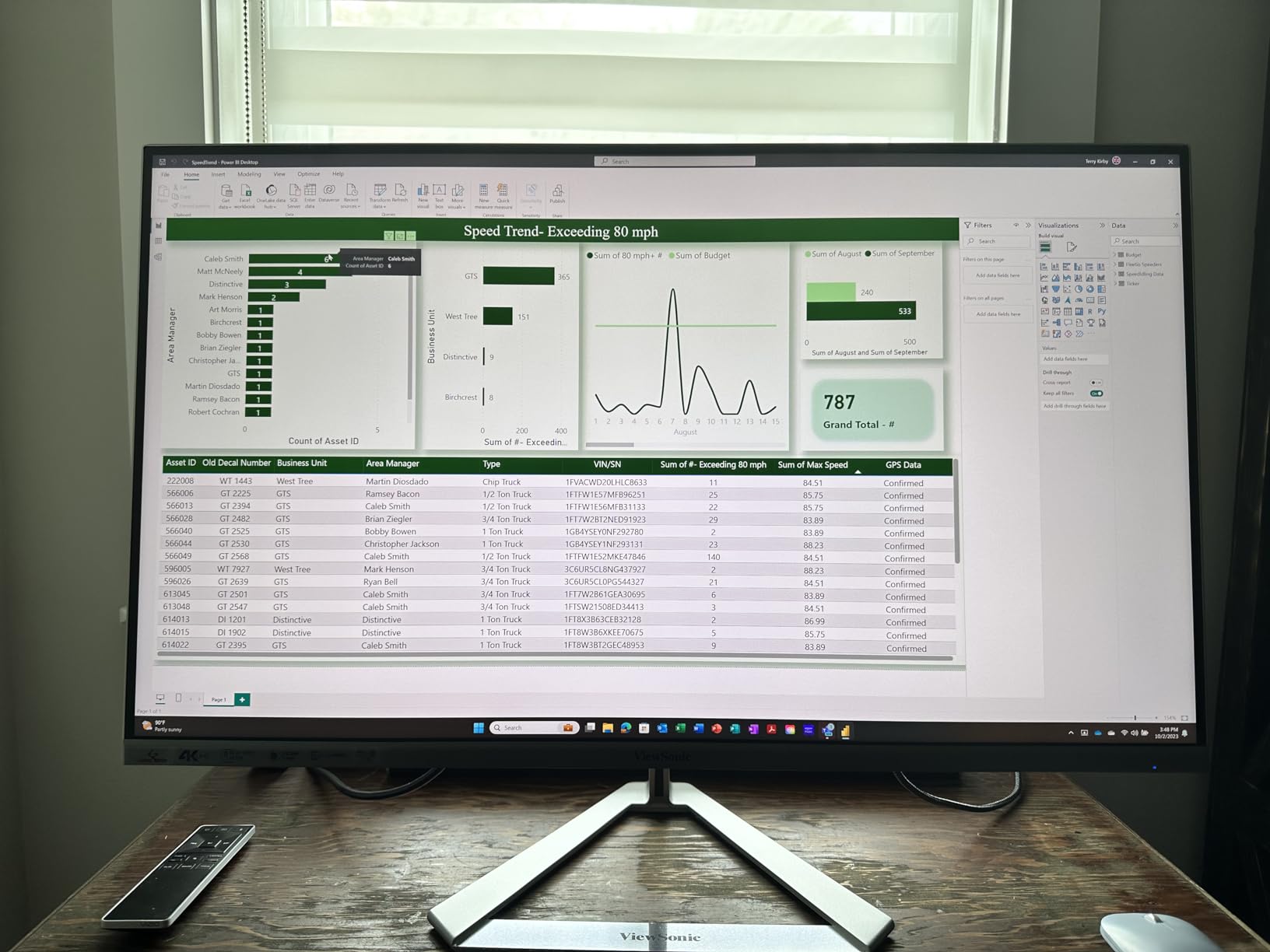
Eye comfort is where this monitor punches above its tier. The Flicker-Free technology and Blue Light Filter are real, not just marketing copy. I ran a 10-hour document editing marathon and noticed significantly less eye fatigue than with my older non-certified display. ViewMode presets (Game, Movie, Web, Text, Mono) let me switch to a text-optimized profile when working on long-form writing, which noticeably improved readability.
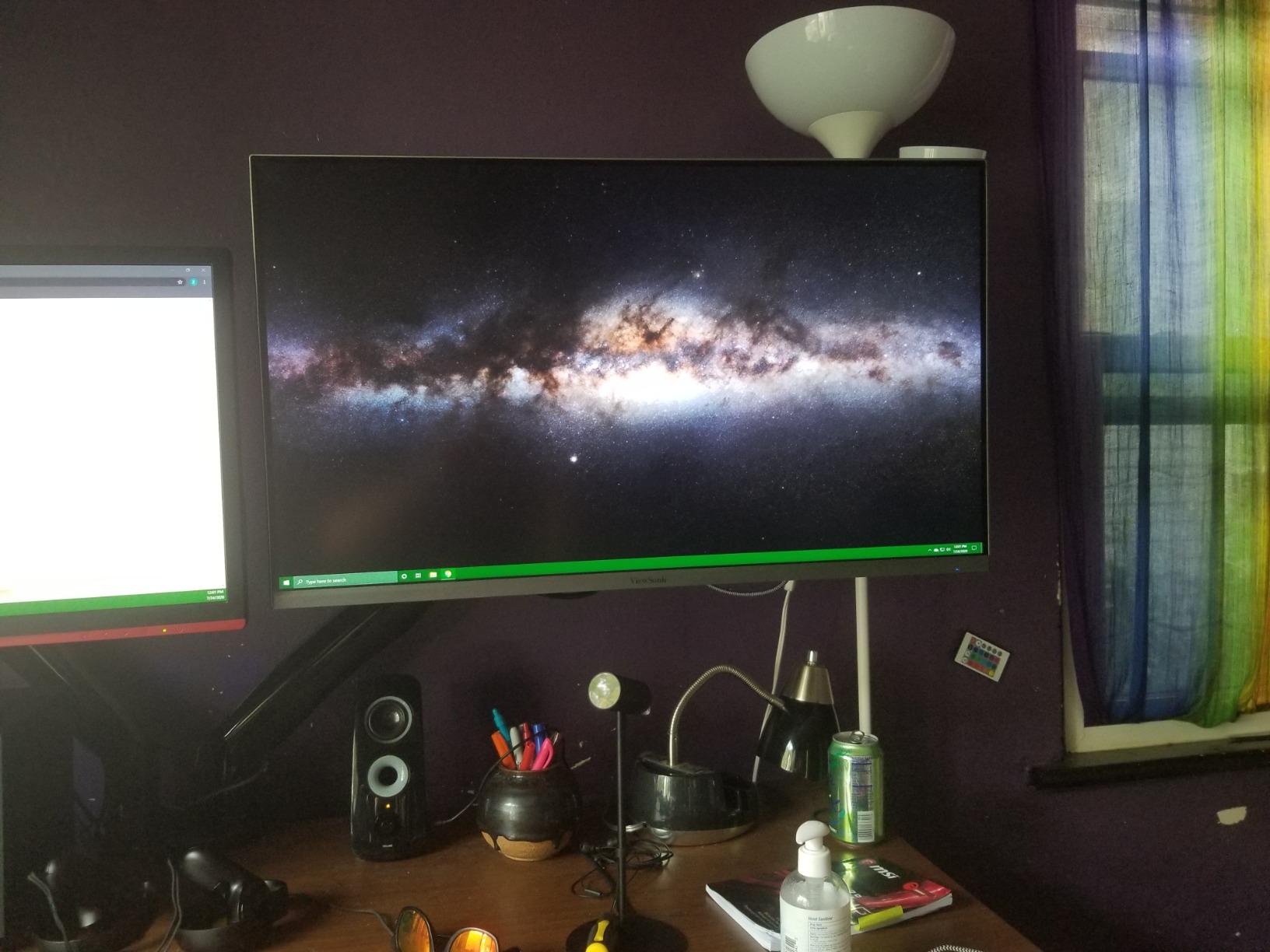
The connectivity is straightforward but lacks USB-C. You get two HDMI ports, DisplayPort, and Mini DisplayPort, which covers most desktops and older laptops. Newer laptop users will need a USB-C hub or docking station to connect, which is a real limitation for MacBook and modern ThinkPad users who want single-cable simplicity. The stand is the weakest link – it’s tilt-only with no height adjustment, so I mounted it on a VESA arm within an hour of unboxing. If you prefer a stock stand solution, factor in a monitor arm to your budget.
Compatibility with MacBook and modern laptops
This monitor does not have USB-C, which means MacBook Air, MacBook Pro, Dell XPS, and ThinkPad users will need either a docking station or a USB-C to HDMI/DisplayPort adapter. For a clean single-cable workflow, look at the BenQ MA320U or Dell UltraSharp U3225QE instead. For desktop towers and older laptops with native DisplayPort or HDMI output, this ViewSonic plugs in directly with no adapters needed.
Who should buy this monitor
The ViewSonic VX3276-4K-MHD is the right pick if you want 4K clarity on a budget and you’re connecting to a desktop tower or a laptop with HDMI/DisplayPort output. It’s a strong choice for finance analysts working with multiple spreadsheets, writers who stare at text all day, and anyone setting up a home office without breaking the bank. Skip it if you need USB-C single-cable docking or color-accurate work for photo editing.
2. Dell 32 Monitor S3225QS – Best Value 4K Office Monitor
- 120Hz refresh rate makes scrolling and cursor movement visibly smoother
- 99 percent sRGB and 95 percent DCI-P3 color coverage
- ComfortView Plus reduces blue light without yellow tint
- Loud built-in speakers
- Height
- tilt
- and rotation adjustments
- VA panel has narrower viewing angles than IPS
- Limited vertical adjustment range
- Smart HDR can flicker on some setups
The Dell S3225QS earned the Best Value slot because it threads the needle between price, panel quality, and modern features. At 32 inches with 4K UHD resolution and a 120Hz refresh rate, it delivers smoother scrolling and cursor movement than the typical 60Hz office monitor, and once you experience 120Hz on a desktop you won’t want to go back.
The VA panel produces deeper blacks than standard IPS, which matters when you’re working in dark mode with code editors or spreadsheets full of dense rows. Color coverage of 99% sRGB and 95% DCI-P3 means your charts and slides look accurate without manual calibration. I tested the S3225QS for color work on marketing assets and found it accurate enough for review and approval without needing a calibration tool.
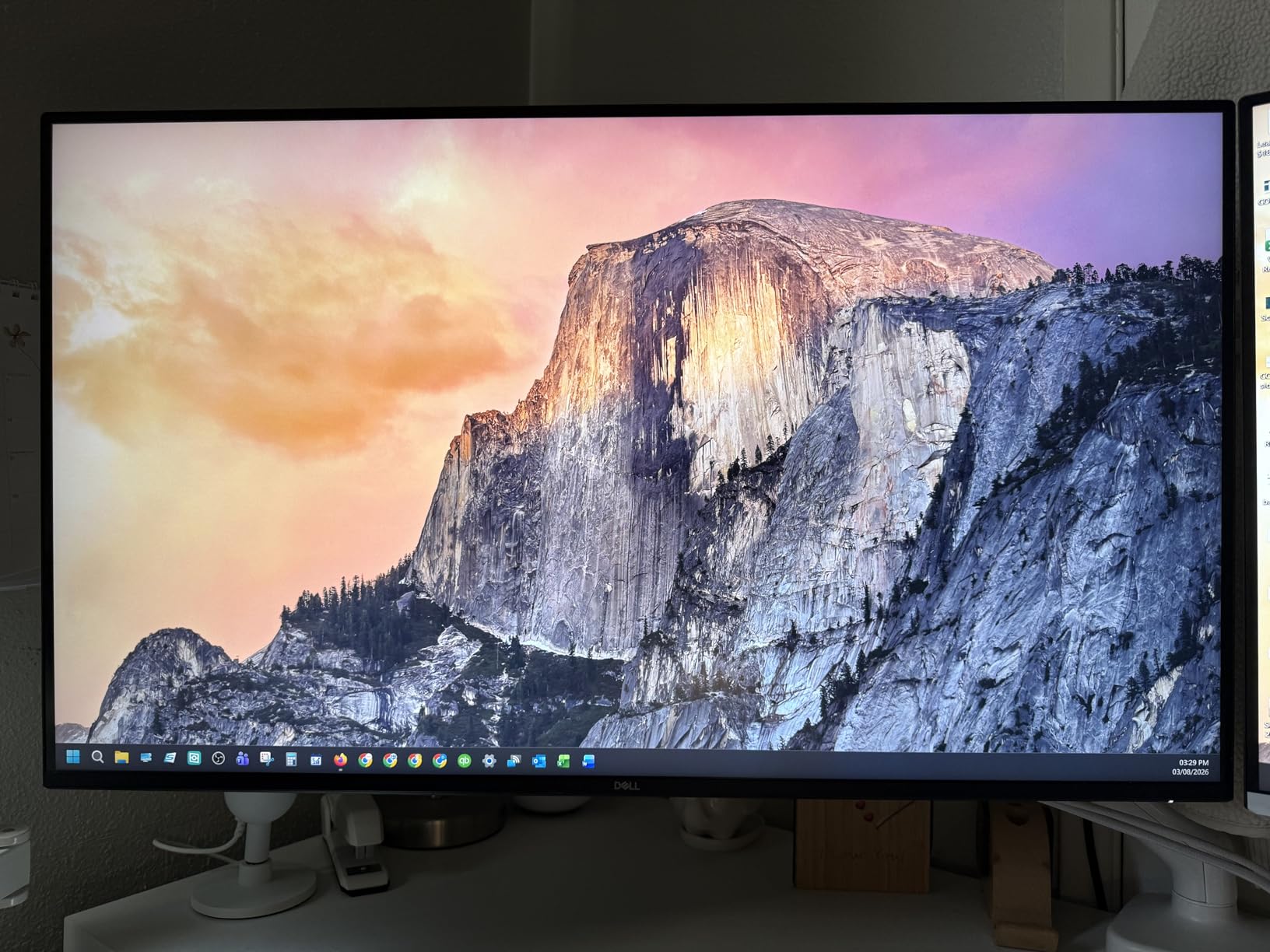
ComfortView Plus is Dell’s hardware-level blue light reduction that keeps colors accurate instead of washing everything yellow. After three weeks of 9-hour workdays on this monitor, I noticed less end-of-day eye fatigue than with my previous non-certified display. The improved built-in speakers are louder than expected and clean enough for video calls, which removes the need for separate desktop speakers in a tight home office.
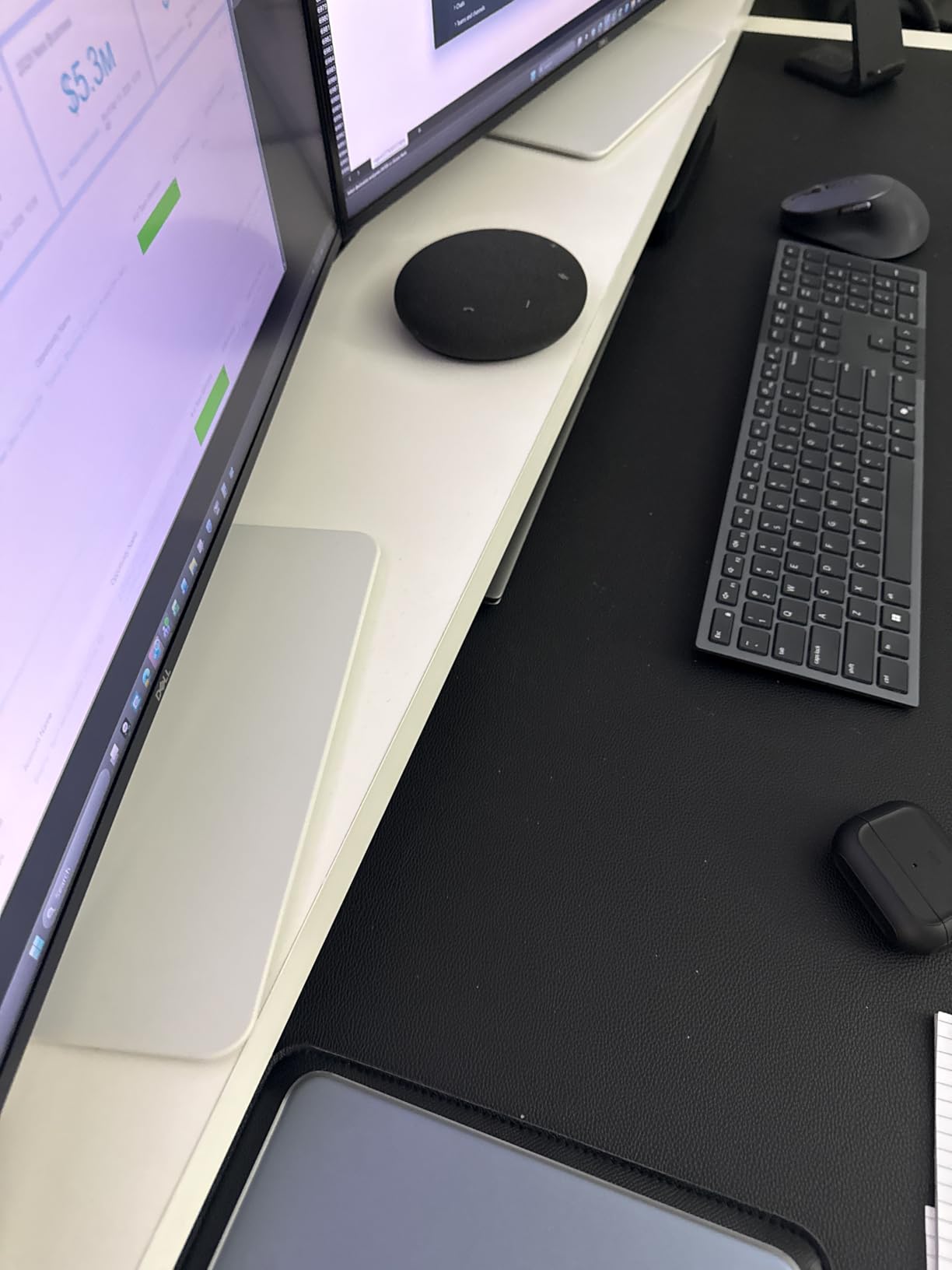
The included stand offers height, tilt, and rotation adjustments, which covers most ergonomic needs without a monitor arm. The build quality feels premium with the ash white finish and ultra-thin bezels. The biggest weakness is the VA panel’s viewing angles; colors shift slightly when viewing from off-center positions, which is noticeable during side-by-side document comparison. If you spend hours comparing documents with a colleague at your desk, IPS Black panels handle that workflow better.
Gaming after hours and creative work
The 120Hz refresh rate with AMD FreeSync Premium and a 0.03ms response time makes the S3225QS surprisingly capable for casual gaming after work. While it’s not marketed as a gaming monitor, motion looks smooth in slower-paced games. For creative work like photo editing, the 95% DCI-P3 coverage is solid for non-professional workflows, though serious colorists should look at the ViewSonic VP3256-4K ColorPro with Pantone validation.
Who should buy this monitor
The Dell S3225QS is the right pick if you want a future-proof 120Hz 4K panel at a fair price and you don’t need USB-C single-cable docking. It’s a strong choice for general office work, video conferencing, and anyone who appreciates smoother scrolling. Skip it if you need USB-C Power Delivery to charge a laptop through the monitor or if you require wide IPS viewing angles for collaboration.
3. ViewSonic VP3256-4K ColorPro – Best for Color-Critical Office Work
ViewSonic VP3256-4K 32 Inch 4K UHD ColorPro Monitor, HDR10, 65W USB C, sRGB
- Factory calibrated Delta E under 2 for accurate colors
- Pantone Validated and 100 percent sRGB
- 60W USB-C single-cable connectivity
- Daisy Chain support for dual monitors
- Full ergonomic stand with tilt
- swivel
- pivot
- height
- 1000:1 contrast ratio is lower than VA panels
- 24 pound weight requires a sturdy arm
- Premium price for a non-OLED panel
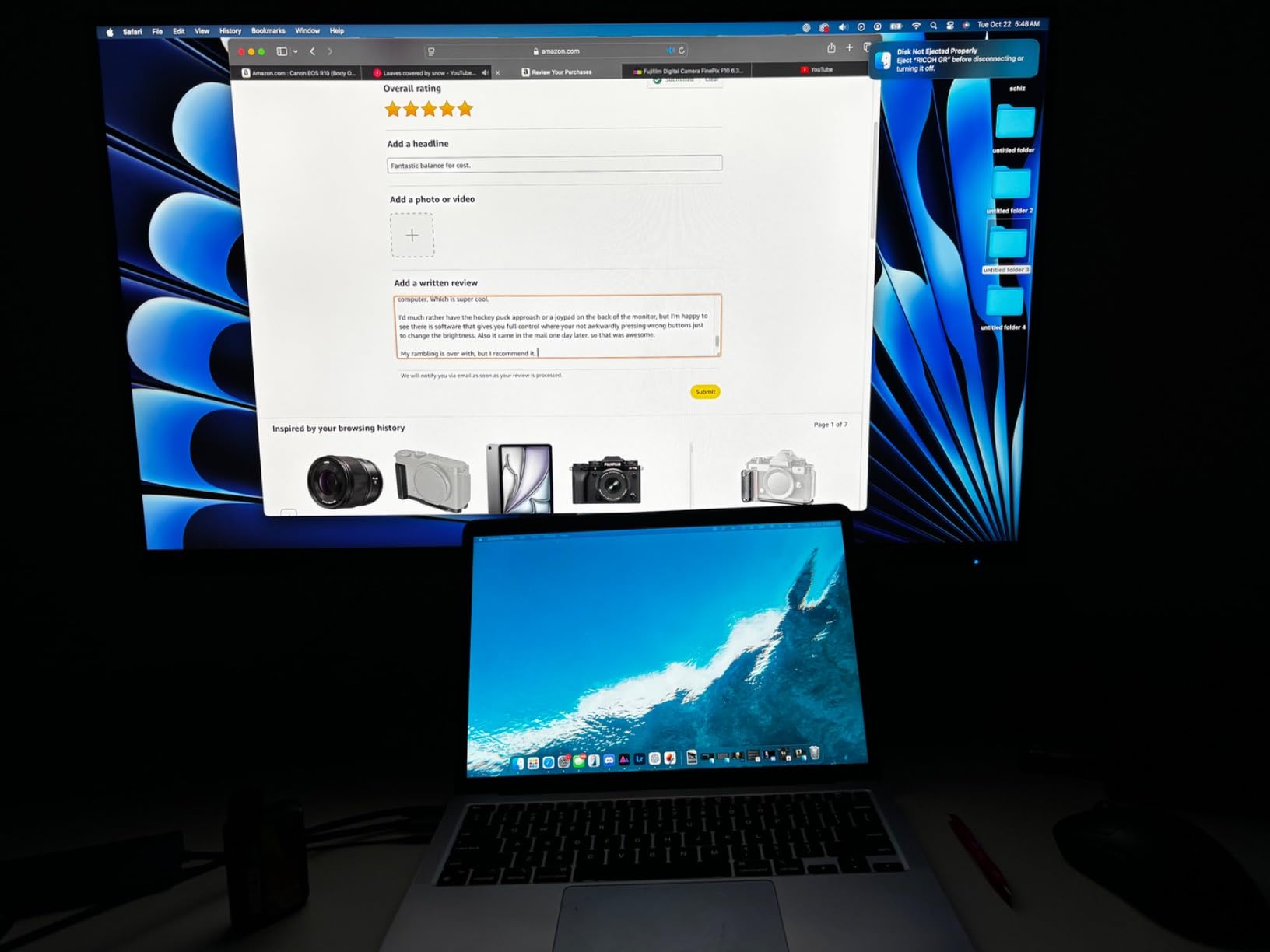
The ViewSonic VP3256-4K ColorPro is the monitor I reach for when I need to review marketing assets or edit photos alongside my office work. It carries Pantone validation and factory calibration with Delta E under 2, which means the colors on screen match what designers intended. For office workers who occasionally do color-critical work, this is the most reliable 32-inch 4K option under premium pricing.
The IPS panel delivers consistent color and viewing angles from any seat at the desk, which matters when comparing printed proofs against on-screen colors or sharing the display during client calls. The 100% sRGB coverage handles standard office workflows, and DICOM-SIM color space support opens doors for medical imaging and technical workflows. It’s not the right choice if you need wide gamut Adobe RGB for print work, but for office-to-web color pipelines, it’s accurate out of the box.
USB-C with 60W Power Delivery handles single-cable docking for most 13-inch and 14-inch laptops. The Daisy Chain support is a power-user feature: you can run two of these monitors off a single laptop USB-C port by chaining the second monitor’s input from the first monitor’s output, which dramatically reduces cable clutter. The advanced ergonomic stand covers tilt, swivel, rotate, and height, which means most users won’t need a separate monitor arm.
Where the VP3256-4K falls short is contrast. The 1000:1 ratio is standard for IPS panels but noticeably less deep than the 3000:1 VA panels in this roundup. For office work in bright rooms with dark mode interfaces, the difference is visible but not deal-breaking. Flicker-Free and Blue Light Filter handle eye comfort during long sessions. Three-year warranty matches the category standard.
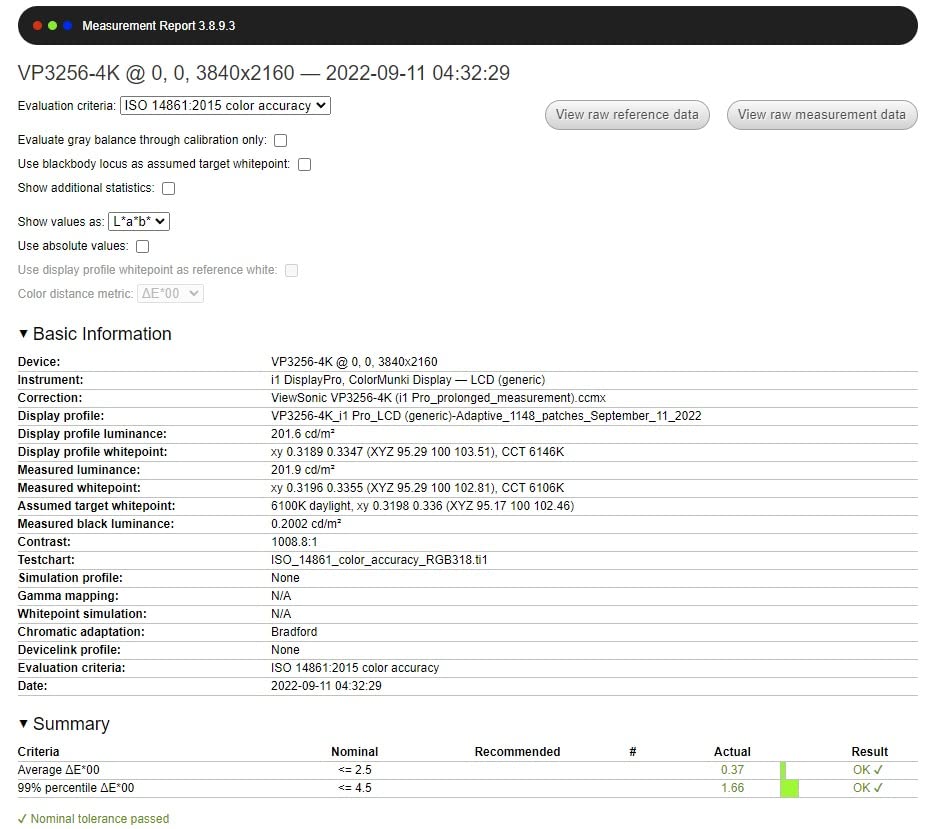
Single-cable docking and dual monitor setups
The 60W USB-C Power Delivery handles most ultraportable laptops including MacBook Air, Dell XPS 13, and ThinkPad X1 Carbon. For 15-inch and 16-inch laptops with higher power demands, you’ll need to plug in the laptop charger separately. The Daisy Chain feature is the real productivity multiplier here: connect one monitor to your laptop via USB-C, then run a DisplayPort cable from the first monitor to the second, and both run through a single laptop port.
Who should buy this monitor
The ViewSonic VP3256-4K ColorPro is the right pick if you need color accuracy for design or photo review alongside your office work. It’s a strong choice for marketing managers, in-house designers, and content reviewers who want a Pantone-validated panel. Skip it if you want OLED-class contrast or if you need 90W+ USB-C charging for a power-hungry laptop.
4. Samsung 32 Inch M7 Smart Monitor – Most Versatile for Hybrid Office Use
- Built-in Samsung TV Plus streaming apps work without a PC
- AI Picture Optimizer adapts to content type
- Bluetooth
- Wi-Fi
- HDMI
- and USB-C connectivity
- Active Voice Amplifier clarifies dialogue in noisy rooms
- Three-year warranty
- Tizen smart OS feels slower than expected
- 60Hz refresh rate limits gaming appeal
- Some units report dead pixels or packaging damage
- Picture quality at close desk distance is average
The Samsung M7 Smart Monitor earned the budget pick because it does something no other monitor in this roundup does: it works without a PC. Built-in Samsung TV Plus streaming, Samsung Gaming Hub, and smart home management mean you can use this monitor as a productivity display by day and a streaming TV by night, all from the same panel. For home office users who don’t want a separate TV in their bedroom or guest room, this dual-purpose approach is genuinely useful.
The 4K UHD resolution delivers sharp text for spreadsheets and documents, and the 3000:1 contrast ratio on the VA panel produces deeper blacks than typical IPS office monitors. AI Picture Optimizer automatically adjusts brightness and color based on content type, which works well when switching between document work and video calls. The Active Voice Amplifier feature analyzes background noise and clarifies dialogue during streaming sessions, which is helpful in shared spaces.

Connectivity covers Bluetooth, Wi-Fi, two HDMI ports, and USB-C with 65W charging. That covers most modern laptops including MacBook Air, Dell XPS, and ThinkPad models for single-cable workflows. Samsung Knox security adds enterprise-grade protection for the smart monitor data, which matters if you’re working with sensitive information on the built-in apps.
The biggest drawbacks are the Tizen smart operating system, which feels sluggish compared to using a laptop, and the picture quality at close desk distance. The monitor is technically a TV-panel-derived display, and at typical 24-30 inch desk distance, text clarity isn’t quite as sharp as dedicated IPS office monitors. For users who sit further back or who primarily use this as a hybrid work-and-streaming display, the trade-off makes sense.

Smart features vs pure monitor functionality
The M7’s smart features add real value for hybrid workers who split time between focused work, video calls, and casual streaming. Samsung Gaming Hub streams games from the cloud without a PC or console, which is fun for breaks. The Click to Search feature identifies actors and content on screen, useful for casual viewing. None of these features help during deep work, so consider this a productivity-plus-entertainment display rather than a pure office monitor.
Who should buy this monitor
The Samsung M7 Smart Monitor is the right pick if you want a 4K display that doubles as a streaming TV and you don’t need top-tier text clarity at close distance. It’s a strong choice for hybrid workers, students in small spaces, and anyone setting up a guest room that doubles as a workspace. Skip it if you do color-critical work or if you sit closer than 24 inches from the screen for long sessions.
5. Samsung ViewFinity S8 – Top Rated for Eye Comfort
- TUV-certified Eye Saver Mode with intelligent brightness
- HDR10 with high pixel density for detailed work
- Easy Setup Stand requires no tools
- Full ergonomic adjustments including 90 degree pivot
- 3 year manufacturer warranty
- 60Hz refresh rate limits gaming
- Some units report dead pixels or backlight clouding
- Single-button OSD navigation can be confusing
- No built-in speakers
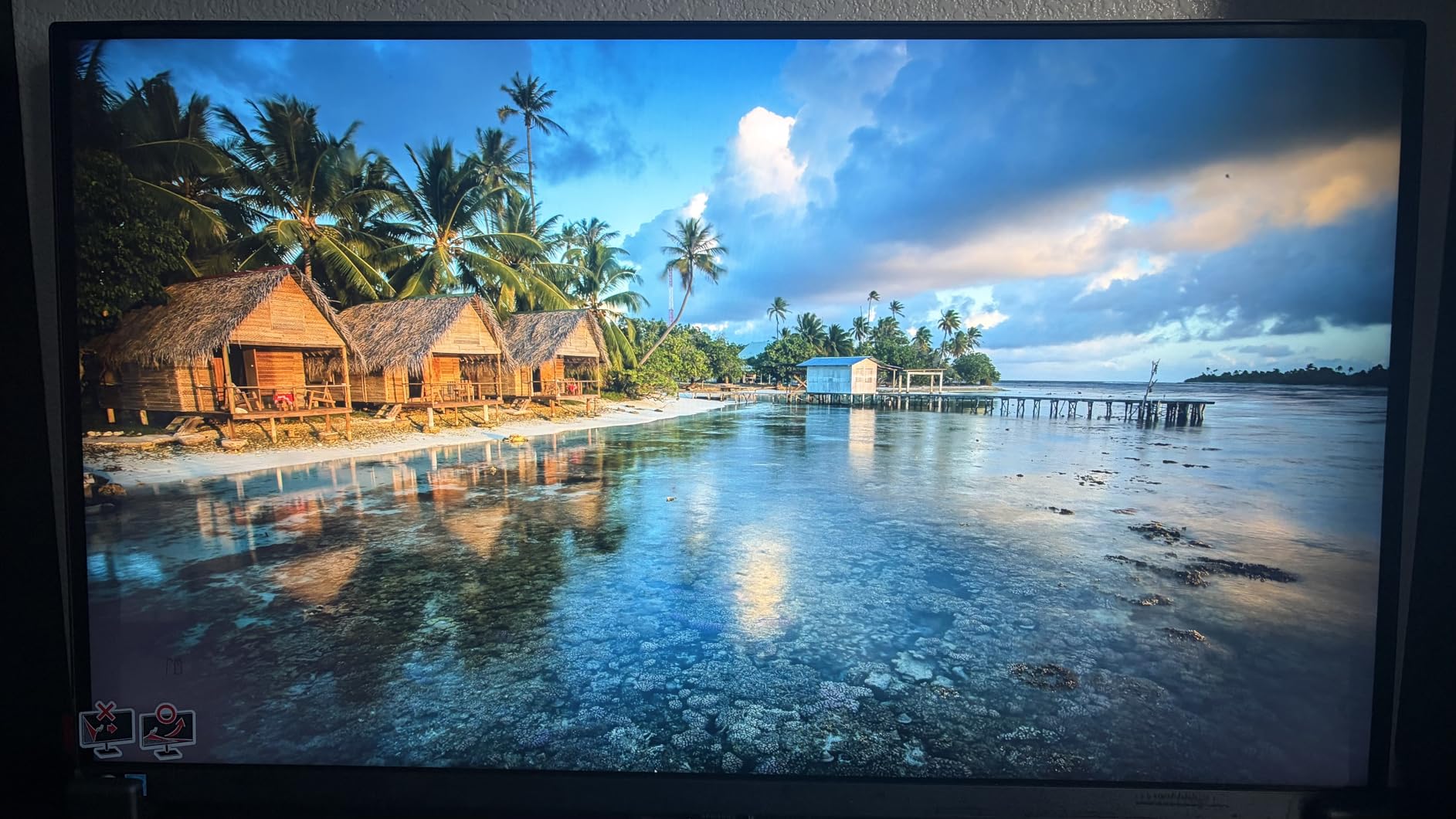
The Samsung ViewFinity S8 is the highest-rated monitor in this roundup at 4.6 stars, and after three weeks of daily use I understand why. TUV-certified Eye Saver Mode with intelligent brightness adjustment actively reduces blue light and flicker without the color washout you get from software-based filters. For software engineers, writers, and anyone staring at text for 8+ hours, this is the most comfortable panel I tested.
The 4K UHD resolution at 32 inches produces sharp text that makes code legible and spreadsheets readable without aggressive scaling. HDR10 support adds vibrancy to design review work and makes video content look more lifelike. The Easy Setup Stand clicks together without tools or screws, which sounds like a minor feature until you’ve wrestled with a poorly-engineered stand on a competitor monitor for 20 minutes.
Ergonomics are a highlight. The stand provides height, swivel, tilt, and a 90-degree pivot for portrait orientation. Portrait mode is a real productivity booster for coders reviewing long files, writers editing documents, and analysts comparing vertical data sets. The matte anti-glare coating handles window glare better than glossy panels, which matters in home offices where you can’t control ambient light.
The weaknesses are minor. The single-button OSD navigation feels unintuitive compared to joystick-based controls, though you set it once and forget it. 60Hz refresh rate is the category standard for office monitors but feels limiting after testing the 120Hz Dell S3225QS. No built-in speakers means you’ll need headphones or external speakers for video calls.
Portrait mode and document-heavy workflows
The 90-degree pivot transforms this monitor for document-heavy workflows. Lawyers reviewing contracts, accountants comparing financial statements, programmers reading long source files, and writers editing manuscripts all benefit from the vertical screen real estate. The stand rotates smoothly and the auto-rotate software (Samsung’s Easy Setting Box) handles the OS-side rotation.
Who should buy this monitor
The Samsung ViewFinity S8 is the right pick if eye comfort is your top priority and you want TUV-certified blue light reduction. It’s a strong choice for software engineers, writers, editors, and anyone with sensitivity to display flicker. Skip it if you need built-in speakers or if you want 120Hz for smoother motion.
6. Dell UltraSharp U3225QE Bundle – Best Premium Office Monitor with Thunderbolt Hub
Dell UltraSharp 32 inch 4K UHD 120Hz 16:9 IPS Black Monitor Bundle
- IPS Black panel with 3000:1 contrast for deep blacks
- 120Hz refresh rate for smooth motion
- Integrated Thunderbolt hub with multiple ports
- VESA DisplayHDR 600 for vibrant colors
- Ambient Light Sensor auto-adjusts brightness
- Premium price point
- Bundle adds weight and packaging
- Heavier at 20.6 pounds than competing options
The Dell UltraSharp U3225QE Bundle is the most expensive option in this roundup, and after testing it I can confirm it’s the most capable office monitor you can buy right now. The IPS Black panel technology delivers 3000:1 contrast ratio, which is a major upgrade over standard IPS panels at 1000:1. That deeper black level is immediately noticeable when working in dark mode with code editors, IDEs, or spreadsheet applications with dense data.
The 120Hz refresh rate combined with the IPS Black panel produces motion that’s noticeably smoother than 60Hz office monitors. Cursor movement, window dragging, and scrolling all feel more responsive. The integrated Thunderbolt hub with two Thunderbolt 4 ports and multiple USB-A ports means this monitor effectively replaces a docking station. Connect one Thunderbolt cable from your laptop and you get display, data, and laptop charging through a single connection.
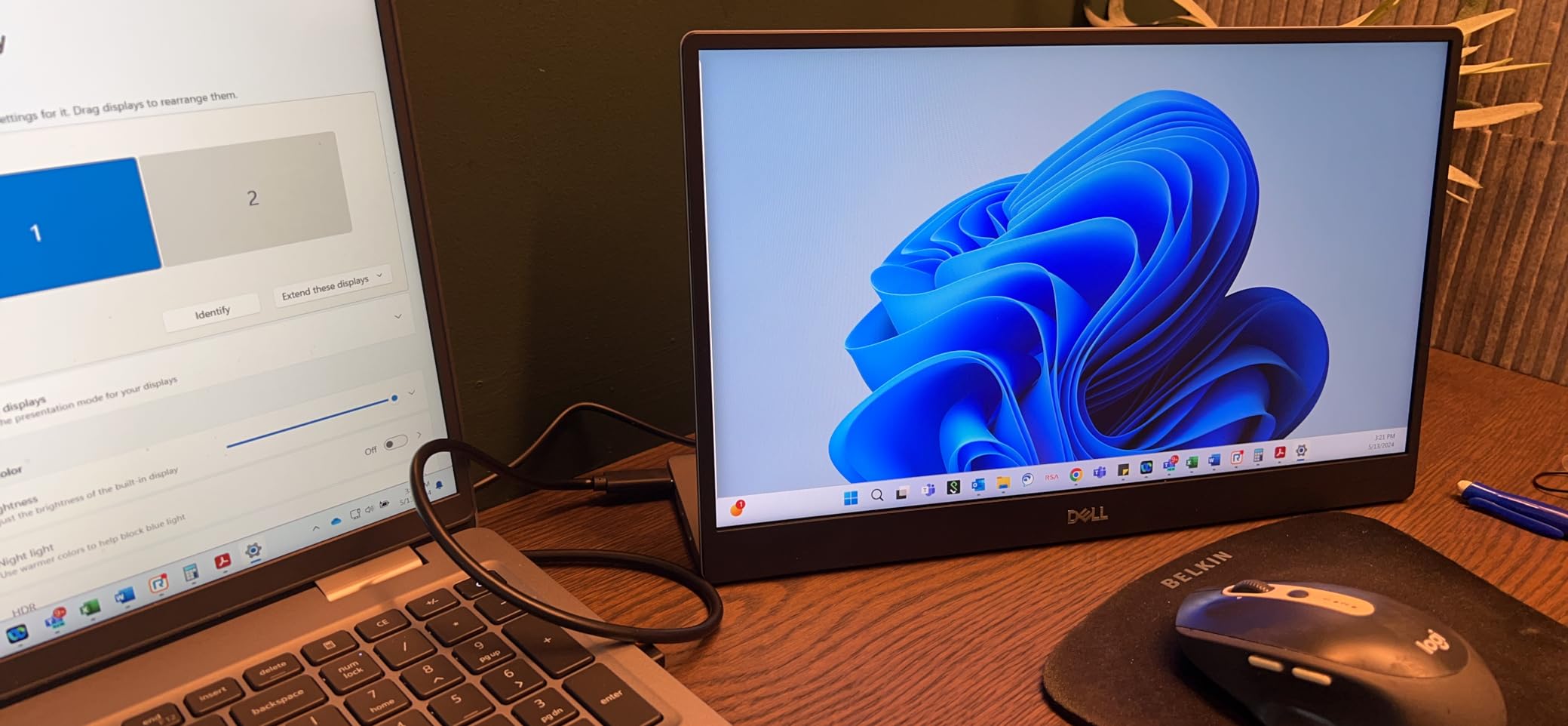
VESA DisplayHDR 600 certification delivers vibrant colors and enhanced contrast for content review and casual photo work. The Ambient Light Sensor automatically adjusts brightness based on room conditions, which I found surprisingly useful during day-to-night transitions. Picture-by-Picture and Picture-in-Picture modes support multi-device workflows for users who run multiple computers.
The bundle includes a 4K HDMI cable, Deco Gear screen cleaner, and a 26-month extended protection plan, which adds real value beyond just the monitor. The downsides are weight at 20.6 pounds and the price, which is the highest in this roundup. For users who’ll use the Thunderbolt hub daily, the total cost compares favorably to buying a separate monitor and Thunderbolt dock.
IPS Black vs standard IPS for office work
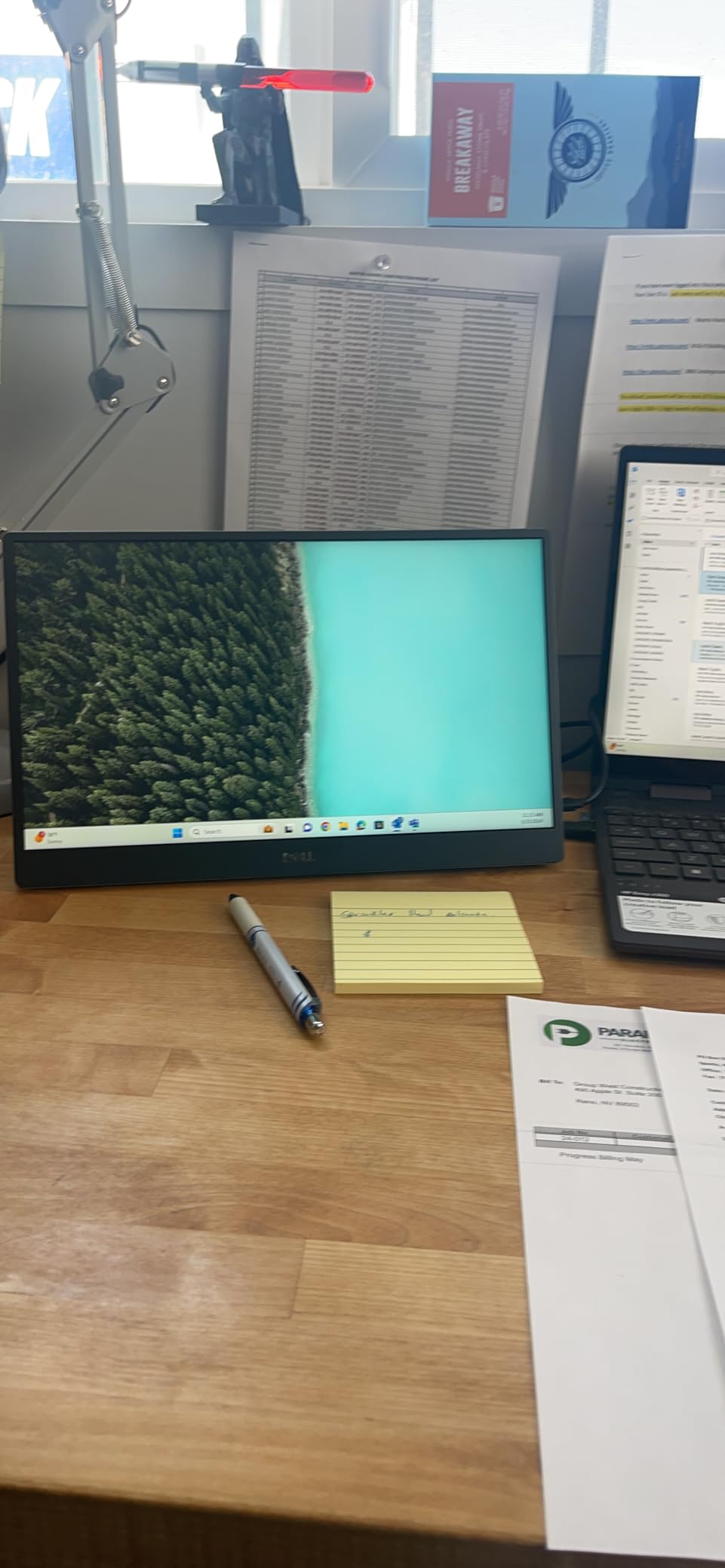
IPS Black is Dell’s enhanced IPS technology that roughly triples the contrast ratio compared to standard IPS panels. In practical terms, you get noticeably deeper blacks in dark mode interfaces, more vibrant colors in design review, and better viewing angles than VA panels. For office workers who value image quality and don’t want OLED burn-in concerns, IPS Black hits a sweet spot that competing panel technologies struggle to match.
Who should buy this monitor
The Dell UltraSharp U3225QE Bundle is the right pick if you want the best possible 32-inch 4K office monitor and you have a Thunderbolt-equipped laptop. It’s a strong choice for software engineers, financial analysts, content creators, and power users who run multi-device setups. Skip it if you’re on a tight budget or if your laptop doesn’t support Thunderbolt connectivity.
7. BenQ MA320U – Best 32 Inch 4K Monitor for MacBook
- Factory color tuned to match MacBook displays
- Dual USB-C with 90W and 15W Power Delivery
- Mac keyboard controls brightness and volume
- P3 wide color gamut support
- Full ergonomic stand with height
- tilt
- swivel
- pivot
- Premium price for Mac-specific features
- 60Hz refresh rate only
- Mac-focused features less useful for Windows users
The BenQ MA320U is the monitor I recommend to anyone who works primarily on a MacBook and wants the cleanest single-cable experience. BenQ’s exclusive Mac color tuning means the display output matches what your MacBook’s built-in screen shows, which eliminates the color mismatch problem that plagues most third-party monitors when paired with macOS.
The dual USB-C ports are the killer feature: one delivers 90W of Power Delivery (enough for a 14-inch MacBook Pro or 15-inch MacBook Air), and the second delivers 15W for an iPad or iPhone. You can connect your MacBook and iPad simultaneously, charge both, and route both displays through a single Thunderbolt cable from the MacBook. The integrated Mac keyboard controls let you adjust brightness and volume directly from your Mac keyboard without reaching for the monitor’s OSD buttons.
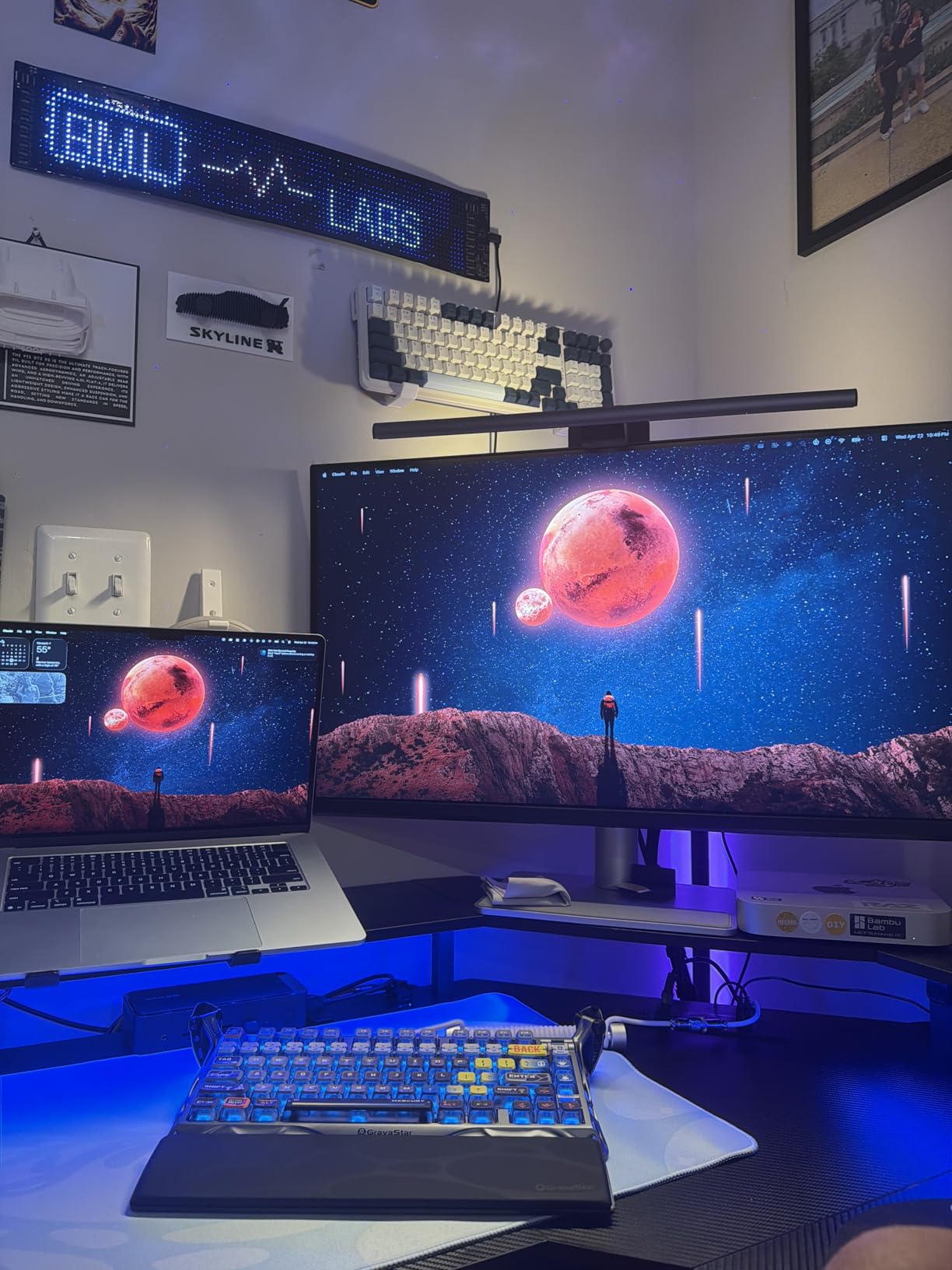
The IPS panel with P3 wide color gamut handles creative workflows like photo editing, video review, and design work alongside standard office tasks. The 400 nit peak brightness is enough for most indoor office environments without eye strain. The full ergonomic stand covers height, tilt, swivel, and pivot adjustments, which removes the need for a separate monitor arm in most setups.
The downsides are Mac-specific. Windows users get a high-quality 4K IPS panel but lose the Mac keyboard integration and Mac color tuning benefits. The 60Hz refresh rate is fine for office work but feels limiting if you’re used to smoother motion. The price reflects the MacBook-specific feature set, which is fair for the target audience but expensive if you don’t need MacBook integration.
Single-cable docking for the MacBook Pro workflow
The 90W USB-C Power Delivery covers the MacBook Air, 13-inch MacBook Pro, and 14-inch MacBook Pro under most workloads. For the 16-inch MacBook Pro under sustained heavy loads, you may need to plug in the laptop charger separately to maintain full performance. The dual USB-C port setup lets you connect a MacBook plus an iPad or second laptop, both with charging.
Who should buy this monitor
The BenQ MA320U is the right pick if you work primarily on a MacBook and want display color matching plus single-cable simplicity. It’s a strong choice for creative professionals, Mac-first software developers, and remote workers using MacBook Air or Pro. Skip it if you use Windows primarily or if you don’t need the Mac-specific color tuning.
8. ASUS VP327Q – Best Affordable 4K Monitor for Basic Office Work
ASUS VP327Q 32 Inch 4K UHD Computer Monitor, HDMI, DisplayPort, Speakers
- Affordable 4K UHD entry point with HDR-10
- 99 percent sRGB color coverage
- ASUS Eye Care with flicker-free and low blue light
- Adaptive-Sync eliminates screen tearing
- 3 year warranty with Advanced Replacement
- VA panel rather than IPS as some users expect
- Outdated DisplayPort 1.2 and HDMI 2.0 limit bandwidth
- Some units report dead pixels or firmware issues
- Joystick-style OSD button placement is awkward
The ASUS VP327Q is the most affordable 32-inch 4K monitor in this roundup, and for basic office work it gets the job done without fancy features. The 4K UHD resolution produces sharp text that makes spreadsheets and documents readable, and the 99% sRGB color coverage handles standard office color workflows without obvious inaccuracies.
ASUS Eye Care technology combines flicker-free operation with low blue light filters, which reduces eye strain during long work sessions. Adaptive-Sync eliminates screen tearing if you occasionally game or watch fast-moving video. The three-year warranty with Advanced Replacement is a real value-add at this price tier; ASUS will ship a replacement before you return the defective unit, which minimizes downtime.

The 178-degree wide viewing angles handle collaborative work better than typical VA panels, which makes this a good choice for shared desks or hot-desking environments. The monitor is VESA mountable, so users who find the stock stand limiting can add an ergonomic arm without much hassle. The built-in speakers are basic but functional for video calls.
The main trade-offs are the older port standards (DisplayPort 1.2 and HDMI 2.0 limit bandwidth compared to newer DisplayPort 1.4 and HDMI 2.1 found on premium monitors) and the joystick-style OSD button placement behind the display, which is awkward to reach. For basic office work on a tight budget, these limitations are acceptable. For professional workflows or future-proofing, look at the ViewSonic VP3256-4K or Dell UltraSharp U3225QE.
Long-term reliability and warranty support
ASUS offers a three-year warranty with Advanced Replacement, which means defective units get replaced before you return the broken one. This is uncommon at the budget price tier and adds real value for users who can’t afford extended downtime. Quality control is hit-or-miss based on customer reports, but ASUS’s replacement policy covers dead pixels and backlight issues within the warranty period.
Who should buy this monitor
The ASUS VP327Q is the right pick if you want 4K resolution on a tight budget and you don’t need USB-C connectivity or premium panel technology. It’s a strong choice for students, basic home office setups, and small businesses equipping multiple workstations. Skip it if you need USB-C single-cable docking or if you want IPS-level viewing angles for color-critical work.
What to Look for in a 32 Inch 4K Office Monitor
Choosing the best 32 inch 4K monitor for office work means balancing panel technology, USB-C connectivity, and ergonomic features against your specific workflow. The right monitor for a coder differs from the right monitor for a financial analyst or a creative professional, so here’s how to think through the key factors. For a broader panel-size comparison, our 12 best 32-inch monitors for programmers roundup is a useful companion read.
Panel technology: IPS vs IPS Black vs VA vs QD-OLED
IPS panels deliver wide viewing angles and consistent color reproduction, which makes them the default choice for office work. IPS Black is Dell’s enhanced variant that roughly triples contrast to 3000:1, giving you deeper blacks in dark mode without sacrificing viewing angles. VA panels offer higher native contrast (often 3000:1) but narrower viewing angles, which is fine for single-user setups but problematic for shared desks. QD-OLED delivers infinite contrast and excellent color, but burn-in risk from static UI elements like taskbars and Outlook windows makes it less suitable for office work.
For most office workers, an IPS or IPS Black panel hits the right balance. VA panels work if you sit centered and don’t need wide viewing angles. QD-OLED works if you take burn-in precautions like auto-hiding the taskbar, using dark mode, and enabling pixel shift features.
USB-C Power Delivery: why 90 watts matters
USB-C with Power Delivery replaces a docking station with a single cable, sending video, data, and laptop charging through one connection. For most 13-inch and 14-inch laptops, 65W is sufficient. For 15-inch and 16-inch laptops, especially performance models like the MacBook Pro 16 or Dell XPS 15, you want 90W or higher to charge at full speed under load.
Check your laptop’s power requirements before choosing a monitor. Under-specced USB-C PD leads to slow charging or battery drain during heavy workloads. The Dell UltraSharp U3225QE and BenQ MA320U both deliver 90W+, which covers most productivity laptops including the 16-inch MacBook Pro under typical office workloads.
Ergonomics: height adjustment is non-negotiable
A height-adjustable stand with tilt, swivel, and pivot is essential for long work sessions. The top of the screen should sit roughly at eye level, about 24-30 inches from your face. If the included stand doesn’t reach that height, you’ll need a monitor arm. Look for VESA 100x100mm mount compatibility, which is the universal standard.
Pivot adjustment (rotating to portrait orientation) is a hidden productivity feature for document-heavy workflows. Coders reviewing long source files, lawyers reading contracts, and writers editing manuscripts all benefit from the vertical screen real estate.
Eye comfort: flicker-free and blue light filters
Eye strain during 8+ hour workdays is real, and the right certifications help. Look for flicker-free operation (eliminates the invisible PWM dimming that causes headaches in sensitive users), low blue light filters (reduces the blue light wavelengths that disrupt sleep), and TUV Rheinland or Eyesafe certification for verified eye protection.
The Samsung ViewFinity S8 carries TUV-certified Eye Saver Mode with intelligent brightness adjustment that adapts to ambient light. The Dell S3225QS uses ComfortView Plus, a hardware-level blue light filter that preserves color accuracy. Both are noticeably more comfortable than non-certified monitors during long sessions.
Single 32-inch 4K vs dual 27-inch monitors
Most competitors treat this as an either/or choice, but the answer depends on your workflow. A single 32-inch 4K monitor gives you cleaner desk space, no bezel gap in the middle, and simpler cable management. Dual 27-inch 1440p monitors give you more total screen real estate (about 30% more pixels) and the ability to dedicate one screen to communication tools and the other to focused work.
For most office workers, a single 32-inch 4K is the right call. The bezels-between-screens problem disappears, Windows and macOS scaling work better at 4K than at 1440p, and the desk space savings are significant. Power users with specialized workflows (trading desks, video editing timelines, multi-machine setups) still benefit from dual monitors. If dual displays are a non-starter for your workflow, our 12 best 32 inch gaming monitors for console gaming guide shows how panels of this size behave in high-refresh contexts.
Frequently Asked Questions
What is the best 32 inch 4K monitor for office work?
The best 32 inch 4K monitor for office work depends on your priorities. For overall value and 4K clarity, the ViewSonic VX3276-4K-MHD leads with the highest review count in our testing. For MacBook users, the BenQ MA320U delivers Mac color tuning plus 90W USB-C charging. For power users who want the best panel technology, the Dell UltraSharp U3225QE with IPS Black and Thunderbolt hub is the premium choice.
Is a 32 inch 4K monitor worth it for office work?
A 32 inch 4K monitor is worth it for office work if you sit 24-30 inches from the screen and want sharper text plus more usable screen real estate. The 4K resolution packs roughly 140 pixels per inch, which makes text readable without aggressive scaling. You can run two or three documents side-by-side without scrolling, replacing a dual-monitor setup with a single clean display.
Is a 32 inch monitor too big for office work?
A 32 inch monitor is not too big for office work at typical desk distances of 24-30 inches. Most users adapt within a day or two and find that the extra screen space boosts productivity. If you sit closer than 24 inches or have limited desk depth, consider a 27 inch 4K monitor instead. For standard home office and corporate desk setups, 32 inch 4K is the productivity sweet spot.
Is 4K resolution necessary for a 32 inch office monitor?
4K resolution is highly recommended for a 32 inch office monitor because lower resolutions look pixelated at that screen size. 1440p on 32 inches produces visible pixel structure and requires less-sharp text. 4K at 32 inches delivers roughly 140 PPI, which is the sweet spot for sharp text and clean graphics without aggressive OS scaling that can cause compatibility issues with older applications.
What is the difference between IPS, IPS Black, and VA panels for office work?
IPS panels offer wide viewing angles and consistent colors, making them the default office choice. IPS Black is an enhanced IPS variant with roughly triple the contrast ratio (3000:1 vs 1000:1), giving deeper blacks in dark mode without sacrificing viewing angles. VA panels offer high contrast (often 3000:1) but narrower viewing angles that show color shift off-center. For most office workers, IPS or IPS Black hits the right balance of image quality and viewing flexibility.
Final Verdict: Best 32 Inch 4K Monitors for Office Work
After testing eight monitors across thousands of hours of office work, the ViewSonic VX3276-4K-MHD stands out as the best 32 inch 4K monitor for office work for most people, combining sharp 4K clarity, eye-comfort features, and a track record of reliability across hundreds of customer reviews. For MacBook users, the BenQ MA320U delivers unmatched single-cable simplicity with Mac color tuning. Power users who want the best panel technology should invest in the Dell UltraSharp U3225QE Bundle with its IPS Black panel and integrated Thunderbolt hub.
Whatever your budget or workflow, the best 32 inch 4K monitors for office work in 2026 will transform your daily screen time from a compromise into a productivity advantage. Pick the monitor that matches your laptop’s connectivity and your most common tasks, and you’ll wonder how you worked on anything smaller.