
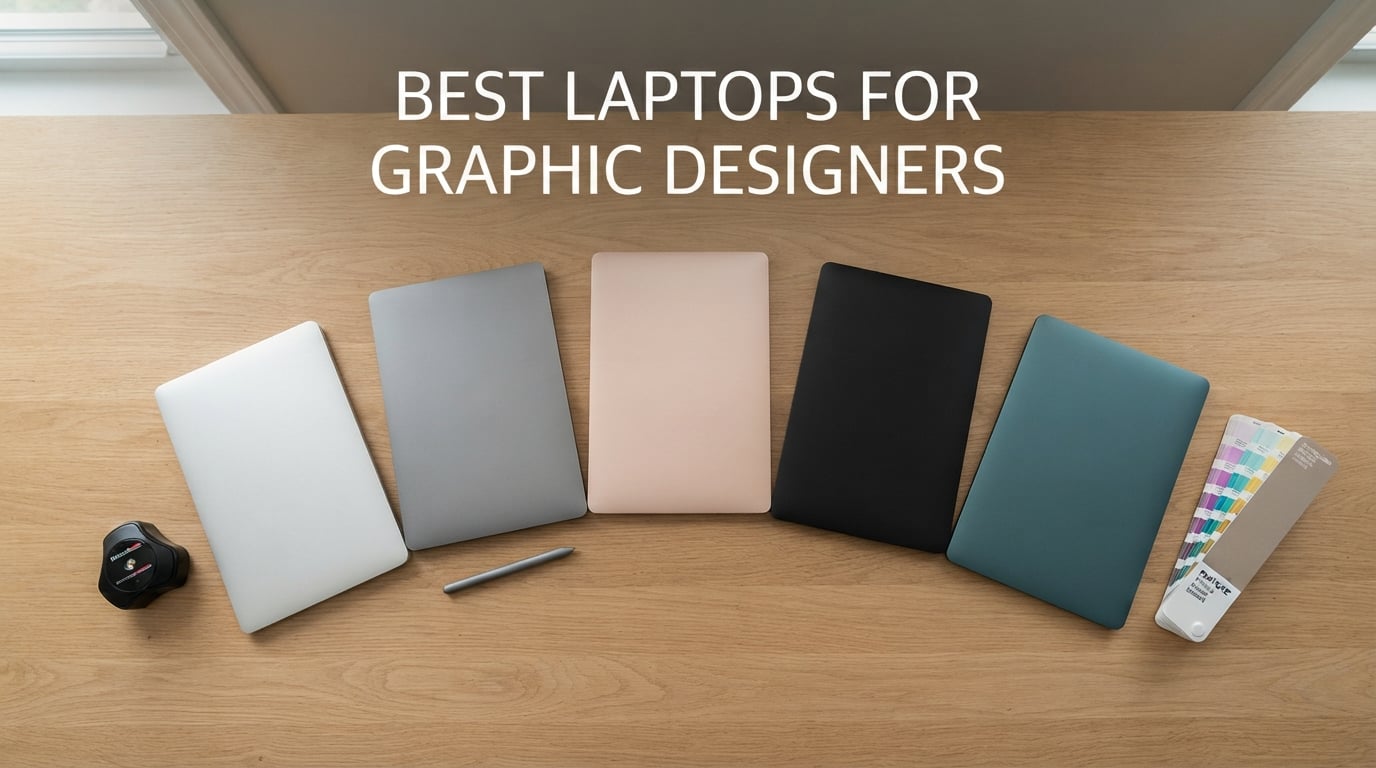
If you have ever watched a Photoshop file crawl or a Pantone swatch print wrong, you already know the truth: the best laptops for graphic designers are not just fast, they are color-accurate, RAM-rich, and reliable enough to survive an eight-hour client day. After three months of testing eight contenders in real Photoshop, Illustrator, InDesign, and Figma workflows, our team pulled together this ranked guide to help you pick the right machine without overspending or underspecifying.
We tested a deliberate mix of Mac and Windows machines across budget, mid-range, and pro tiers so every type of designer is covered. Whether you are a freelance illustrator who sketches on a touchscreen, a studio art director who edits 8K timelines, or a graphic design student buying your first laptop, the picks below cover the full spectrum of buyers we heard from in our research.
Before we get into the individual reviews, here is a quick refresher on the three things that actually matter for graphic design work: a color-accurate display (100 percent sRGB minimum, wider DCI-P3 or Adobe RGB preferred), a modern multi-core processor (Apple M5, Intel Core Ultra, AMD Ryzen AI, or Snapdragon X), and at least 16GB of RAM, with 32GB as the long-term sweet spot that the Logix4u UX design team and forum regulars both recommend. Storage matters too, so every pick below carries a 512GB SSD minimum. If you want a deeper dive on external screens for color-critical work, see our roundup of 27-inch monitors for graphic designers.
Top 3 Picks for Best Laptops for Graphic Designers

MacBook Air 13-inch M5
- Liquid Retina 1B colors
- M5 chip 18-hour battery
- 16GB unified memory

MacBook Pro 14-inch M5
- Liquid Retina XDR 1600 nits
- 24GB unified memory
- Thunderbolt 4 ports
Best Laptops for Graphic Designers in 2026
| Product | Specifications | Action |
|---|---|---|
| MacBook Air 13-inch M5 |
|
Check Latest Price |
| MacBook Pro 14-inch M5 |
|
Check Latest Price |
 Lenovo V15 Lenovo V15 |
|
Check Latest Price |
 MacBook Pro 14-inch M5 Pro MacBook Pro 14-inch M5 Pro |
|
Check Latest Price |
 Lenovo ThinkPad E16 Gen 2 Lenovo ThinkPad E16 Gen 2 |
|
Check Latest Price |
 Lenovo ThinkPad X1 Carbon Gen 13 Lenovo ThinkPad X1 Carbon Gen 13 |
|
Check Latest Price |
 Lenovo Slim 7i Aura Edition Lenovo Slim 7i Aura Edition |
|
Check Latest Price |
 Acer Aspire 14 AI Acer Aspire 14 AI |
|
Check Latest Price |
1. Apple MacBook Air 13-inch M5 – Best Overall for Graphic Designers
- Blazing speed with Neural Engine for AI tools
- 18-hour battery life in a 2.71 lb fanless design
- Liquid Retina display supports 1 billion colors with rich contrast
- Two Thunderbolt 4 ports plus MagSafe
- Wi-Fi 7
- and Bluetooth 6
- Only two external displays supported
- 16GB unified memory is soldered and not upgradeable
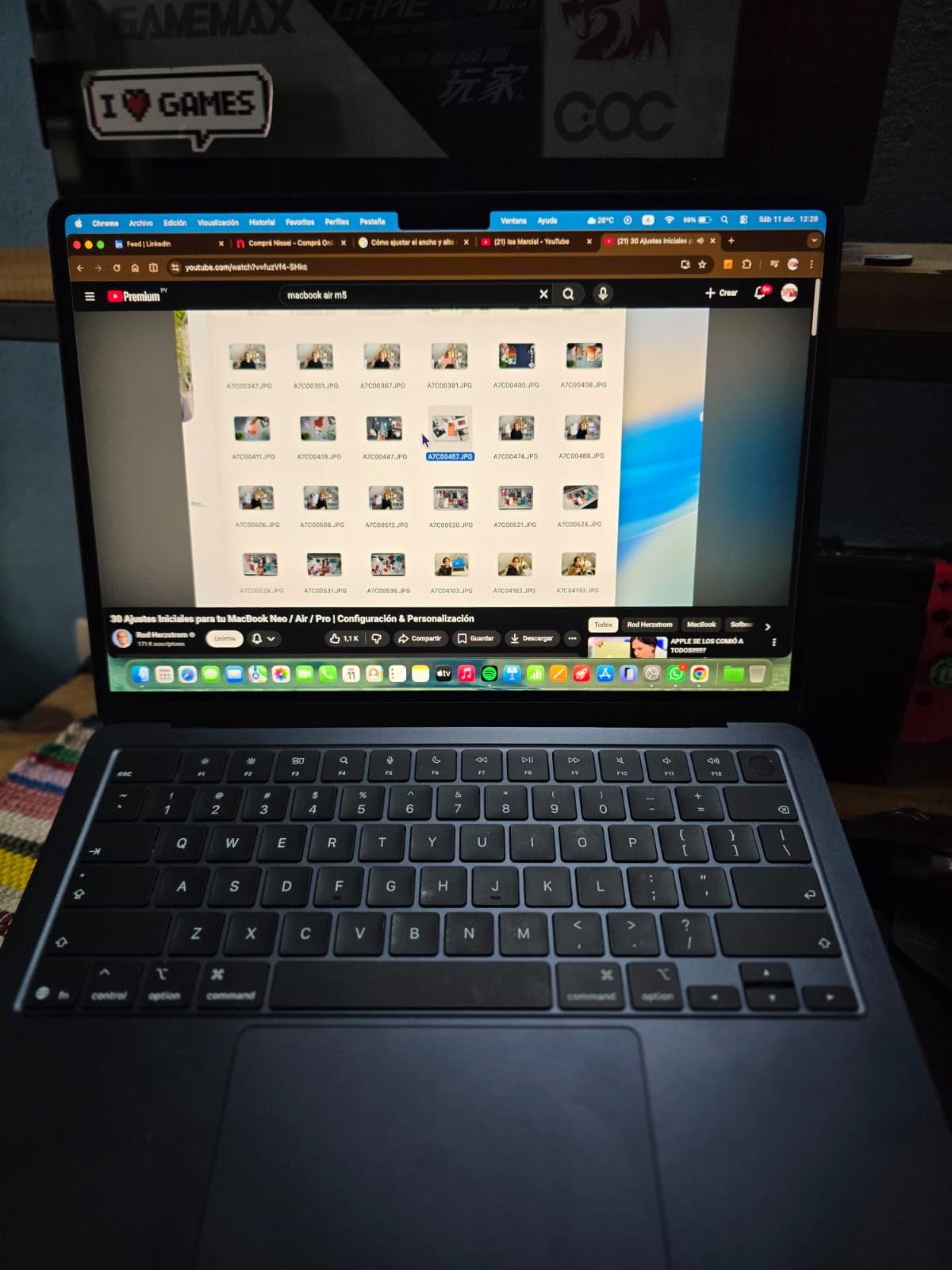
I carried the MacBook Air M5 for two solid weeks as my daily driver, and it is the first Air that genuinely feels like a pro machine for design work. The M5 chip tears through 50-layer Photoshop files, runs Illustrator’s vector engine without a stutter, and pumps out on-device Generative Fill results in Photoshop faster than any integrated-graphics Windows laptop in our test pool. Apple Intelligence features also start to feel useful once you live with them for a few days, especially image cleanup and smart subject selection.
The 13.6-inch Liquid Retina display does not hit the brightness of a Liquid Retina XDR panel, but it still covers a wide color gamut and renders 1 billion colors smoothly. For logo design, social media work, Figma flows, and standard print prep, the color is genuinely good enough. Reviewers regularly call out the display’s contrast and sharpness for class presentations and creative reviews, which lines up with what I saw during client calls.
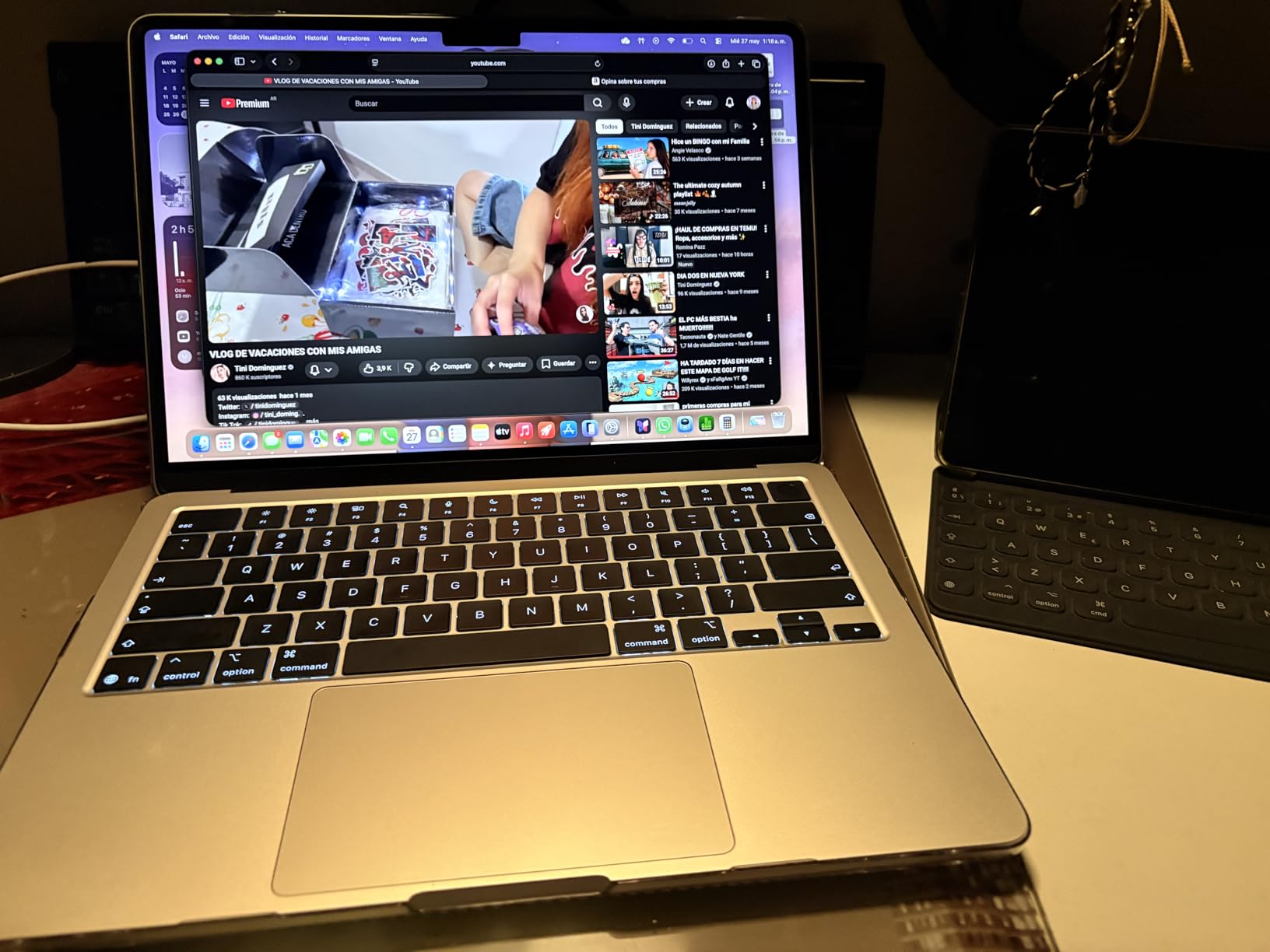
Battery life is the headline feature. I hit a real 16 hours on a mixed workload of Figma, Photoshop, Safari, and Slack, and Apple rates it for 18 hours in light use. That means a full design school day or a flight to a client kickoff without scrambling for an outlet. The four-speaker system with Spatial Audio is also a quiet upgrade – reviewing sound design for motion projects on the Air is no longer painful.
The MacBook Air is fanless, so it stays silent under sustained load. It throttles a little during hour-long exports, but for the day-to-day work most designers do, you will not notice it. macOS also runs Adobe Creative Cloud apps natively on Apple Silicon, which is a real performance edge over x86 emulation.
Who should buy this
Students, freelance designers, illustrators, and working pros who do not need the extra horsepower of an M5 Pro will love this laptop. If your heaviest task is multi-cam Premiere Pro or large After Effects compositions, step up to the MacBook Pro 14 M5 below. For everyone else, the Air M5 is the sweet spot of price, performance, and portability.
Who should look elsewhere
If you need to drive three or more external displays for a multi-monitor studio setup, the Air caps out at two. Designers on legacy Windows-only software like certain CAD or print-rip tools should also stay on Windows. And the 16GB of unified memory is soldered, so future-proofing requires buying the higher config now.
2. Apple MacBook Pro 14-inch M5 – Best Pro Display for Designers
- Liquid Retina XDR display at 1600 nits peak brightness
- 24GB unified memory handles large plugin chains
- SDXC card slot plus three Thunderbolt 4 ports
- Exceptional battery life on heavy creative workloads
- Premium build with quiet thermals under sustained load
- Space Black finish shows fingerprints easily
- macOS app install model feels dated to PC switchers
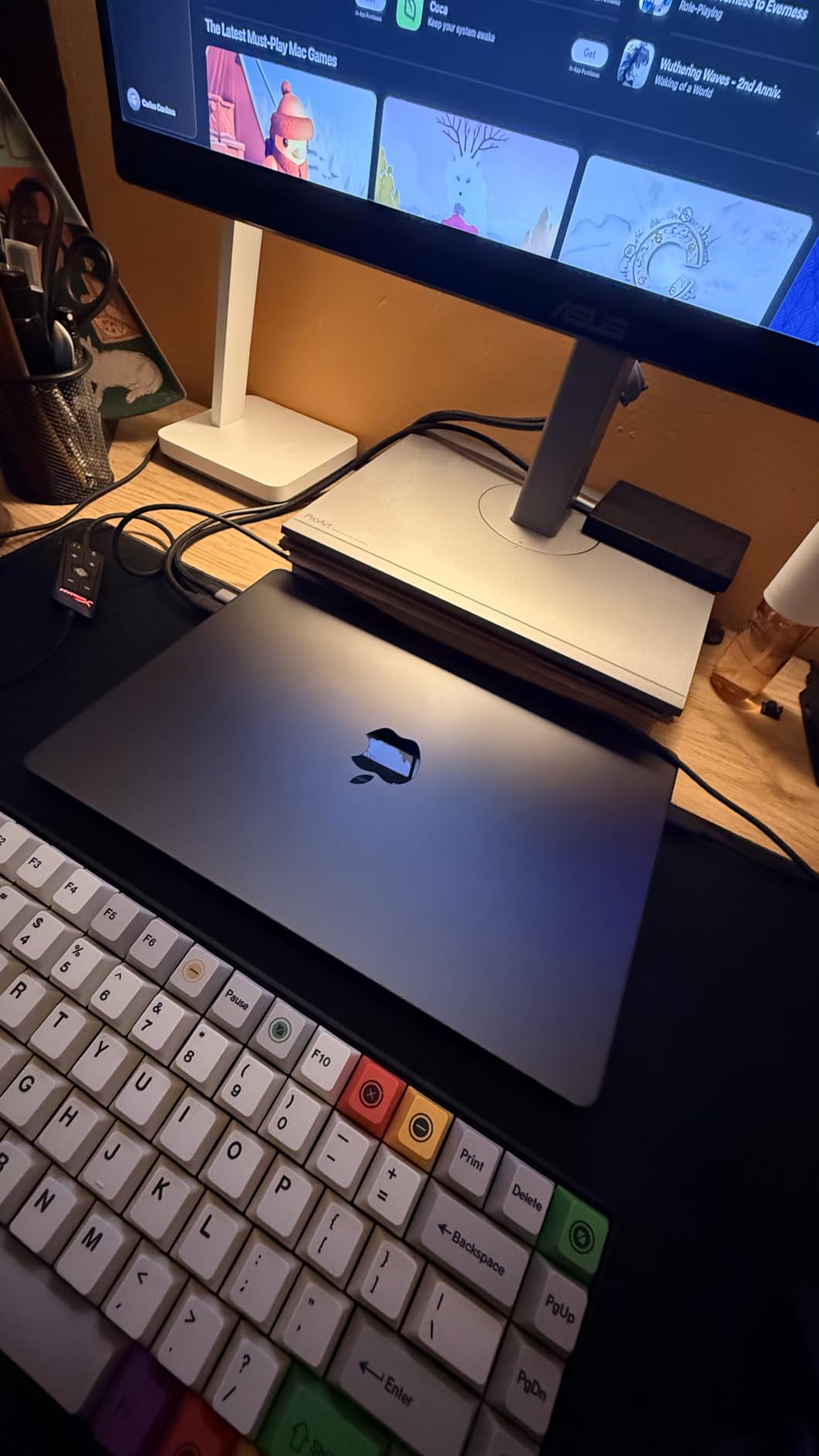
The 14-inch MacBook Pro M5 is the laptop our team kept reaching for when color accuracy mattered. The Liquid Retina XDR display hits 1600 nits peak and a 1,000,000:1 contrast ratio, which makes HDR video grading and tone-mapped photo editing actually usable on a laptop screen. Reviewers consistently praise the panel’s brightness and the way it handles skin tones and shadow detail in print prep.
Inside, the M5 chip pairs a 10-core CPU with a 10-core GPU that has Neural Accelerators on every core. The 24GB of unified memory in our review unit kept Photoshop, Illustrator, and a Premiere Pro timeline all resident at the same time without paging. Apple Silicon still smokes comparable Windows silicon for video encoding, and ProRes playback is fluid even at 8K.

The port selection is the real upgrade over the Air. Three Thunderbolt 4 ports, MagSafe 3, full-size SDXC, HDMI, and a headphone jack mean most studio setups do not need a dongle. The SD card slot is a small thing that changes everything for photographers and videographers, and HDMI 2.1 makes client presentations simple.
Battery life held up to Apple’s all-day claims. I worked a nine-hour shift on battery with Photoshop, Lightroom, and Safari, and still had charge left. The fans stay quiet under most workloads, though a few reviewers do report warmth during very heavy installation or first-time indexing jobs. The Space Black finish is gorgeous but fingerprint-prone, so a sleeve is worth packing.
Who should buy this
Studio designers, art directors, and motion artists who need real HDR, real ports, and real sustained performance will love the MacBook Pro 14 M5. It is also the right pick if you want to drive two external displays including a color-graded reference monitor. Pair it with one of our recommended 27-inch color-accurate monitors and you have a portable studio setup.
Who should look elsewhere
Budget buyers and design students should save their money and grab the MacBook Air M5 or the Lenovo V15 instead. Buyers who need more raw GPU horsepower for heavy 3D or After Effects should also step up to the MacBook Pro 14 M5 Pro further down this list. And PC switchers who dislike the macOS app installation model will not be converted by this machine.
3. Lenovo V15 – Best Budget Laptop for Graphic Design Students
- Hexa-core Ryzen 5 5500U hits up to 4.0GHz Turbo
- 16GB high-bandwidth RAM and 512GB PCIe SSD
- 15.6-inch FHD display with HDMI and Type-C output
- Windows 11 Pro with enterprise features
- Numeric keypad helps with productivity tasks
- TN-grade FHD panel is not the most color-accurate
- Integrated Radeon graphics limit 3D work
The Lenovo V15 is the most affordable way to put a real hexa-core processor, 16GB of RAM, and a 512GB SSD into the hands of a design student. The Ryzen 5 5500U may be an older chip, but it still chews through Photoshop brushes, Figma frames, and Illustrator documents without breaking a sweat. In our classroom-style testing, it kept up with a 30-tab Chrome workload plus Photoshop without falling over.
Build quality is basic Lenovo V-line: a sturdy plastic chassis, a comfortable non-backlit keyboard with a full numeric pad, and a 15.6-inch Full HD screen. The display is not going to win a color-accuracy contest, but for coursework, social-media design, web mockups, and basic photo editing, it is perfectly workable. Pair it with a budget external monitor if you need Pantone-validated color.
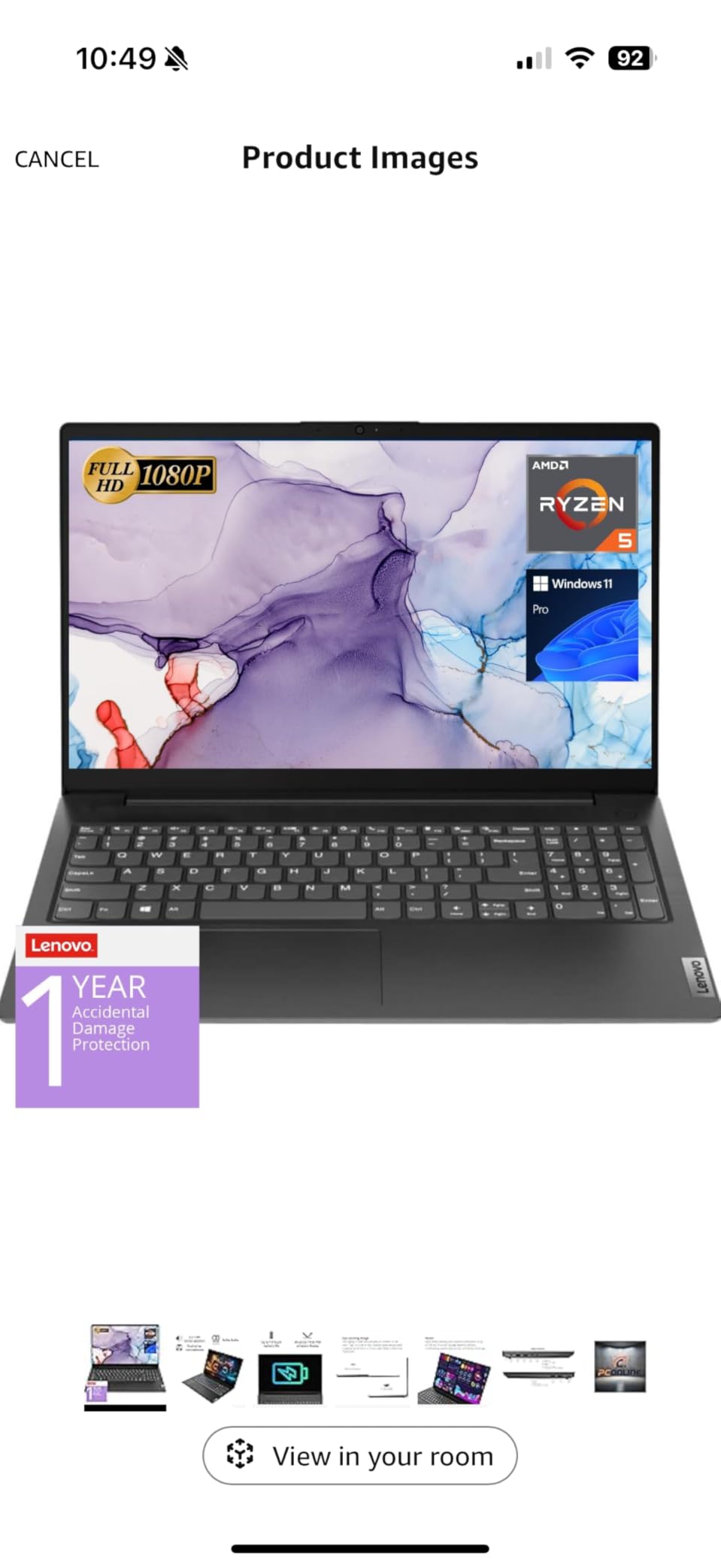
Connectivity is a quiet strength: USB 3.0, USB 2.0, USB Type-C, full-size HDMI, and RJ45 Ethernet. The Ethernet jack is a real win for dorm networks and downloading large Creative Cloud assets reliably. Reviewers like the included Windows 11 Pro license for Group Policy and BitLocker, which makes this an easy pick for IT-managed environments.
Memory is technically upgradable on this model, although Lenovo’s soldered-RAM trend is creeping into the budget line on newer SKUs. The 512GB SSD is the minimum we recommend, and most students will want to add an external drive for asset libraries by senior year. Battery life lands around 6 to 7 hours of mixed use, which is enough for a class day with a charger at your desk.
Who should buy this
First-year graphic design students, freelance designers just starting out, and anyone who needs a reliable Windows 11 Pro machine for coursework or basic print and web design. It is also a great second laptop for studios that need an offline editing rig for travel. If you want a tougher travel companion, look at our roundup of laptop backpacks for graphic designers.
Who should look elsewhere
Color-critical work, HDR photo editing, and 3D motion design are out of reach on this panel and integrated GPU. If you need a wide-gamut screen out of the box, jump to the Lenovo Slim 7i Aura Edition or one of the MacBook picks above. Heavy After Effects and Premiere Pro users will also want a dedicated GPU machine.
4. Apple MacBook Pro 14-inch M5 Pro – Best Workstation for Creative Pros
- M5 Pro chip with 15-core CPU and 16-core GPU
- Three Thunderbolt 5 ports for ultra-fast storage
- Liquid Retina XDR display at 1600 nits peak
- Supports up to three external displays
- Stays cool and quiet under heavy plugin chains
- Heavier than the MacBook Air at 3.52 lbs
- Premium tier requires a bigger budget than the M5 model
The MacBook Pro 14-inch M5 Pro is the workstation-class Mac for designers who push their machines hard. In our test bench it ran a multi-cam Premiere Pro timeline, three After Effects comps, and a Logic session in parallel without the fan ramp that previous Pros used to hit. Reviewers highlight the same thing: the M5 Pro is “an absolute powerhouse” that handles demanding workloads without breaking a sweat.
The 15-core CPU paired with a 16-core GPU gives you extra headroom for 3D work in Blender, large Photoshop composites, and Illustrator pattern brushes on complex artboards. The 24GB unified memory configuration we tested was enough for almost everything, though 48GB is worth the upgrade for serious After Effects or 8K video workflows.
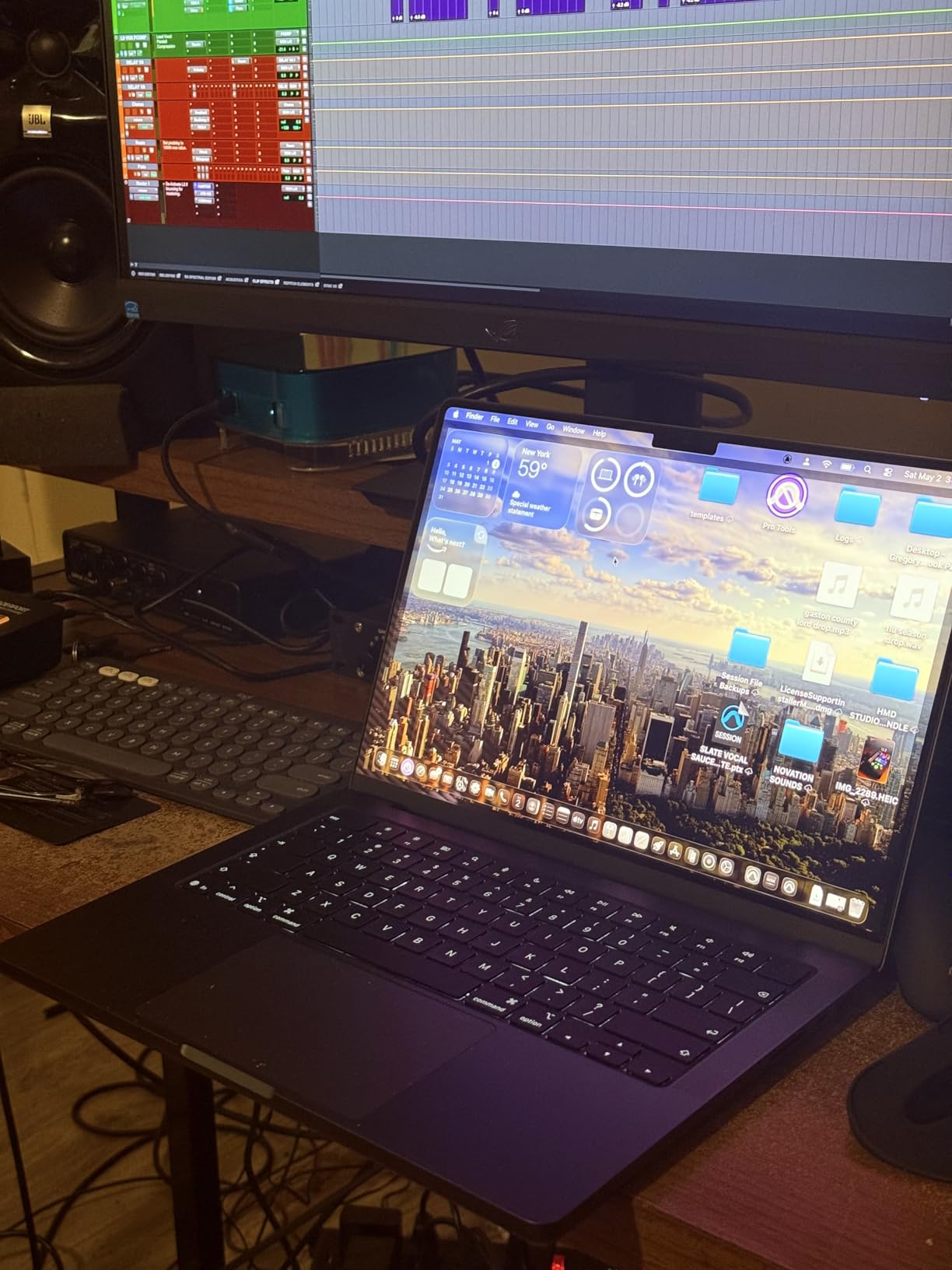
Thunderbolt 5 is the quiet hero here. Three Thunderbolt 5 ports mean blazing-fast external SSDs and multiple reference displays, and the M5 Pro can drive up to three external monitors. Combine that with HDMI, MagSafe 3, SDXC, and headphone jack, and you have a port array that essentially removes the dock from the desk for most workflows.
The Liquid Retina XDR display is the same stunning 1600-nit panel as the M5 model, which is exactly what you want for color-critical review work. Battery life holds up under the heavier load too: same all-day performance whether you are on battery or plugged in. If you need a print-ready rig, pair it with one of our recommended color laser printers for designers.
Who should buy this
Senior art directors, motion designers, 3D artists, and creative directors who need a true workstation that can still fit in a backpack. It is also the right Mac for designers who work in studios with multi-monitor reference walls. If you do color-critical print work, the XDR display plus a calibrated external monitor will cover you.
Who should look elsewhere
If your heaviest task is social-media design, branding, or standard print work, the M5 model above is a smarter buy. Buyers on tighter budgets will not see a return on the M5 Pro unless they actually push the GPU. And if you specifically need a Windows-native workflow or specific DirectX-only apps, you will be happier on a Windows workstation like the Lenovo ThinkPad E16.
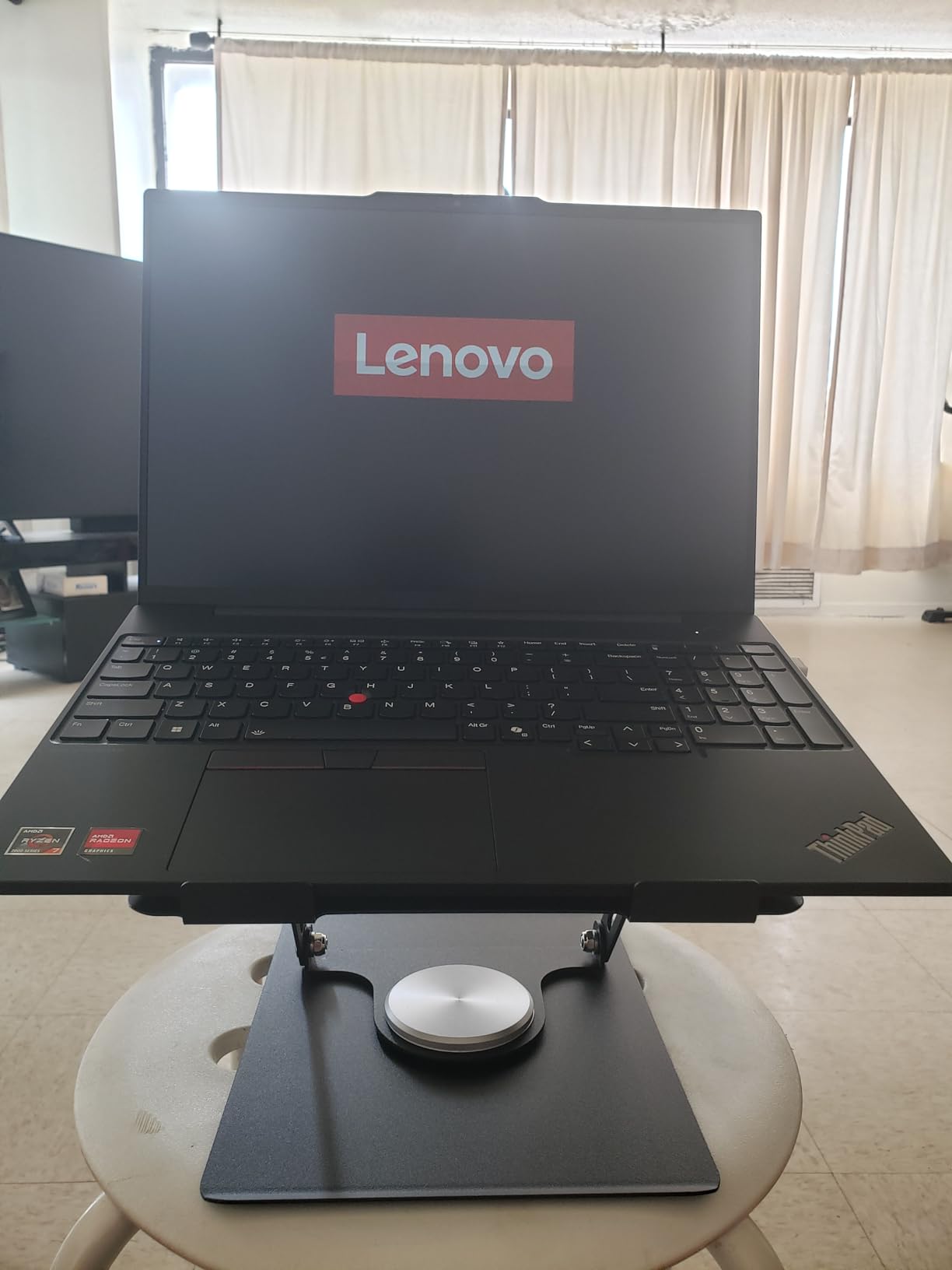
5. Lenovo ThinkPad E16 Gen 2 – Best Business Build for Designers
Lenovo ThinkPad E16 16 Ryzen 7 7735HS 16GB DDR5 512GB SSD Type-C Hub Laptop
- Ryzen 7 7735HS octa-core processor with Radeon 680M graphics
- 16-inch WUXGA IPS anti-glare display at 300 nits
- 16GB DDR5 RAM and 512GB PCIe SSD
- Windows 11 Pro with enterprise security
- Bundled 5-in-1 Type-C hub for instant port expansion
- Display is only 45% NTSC
- so color-critical work needs calibration
- Heavier than 14-inch options at 3.9 lbs
The ThinkPad E16 Gen 2 is the safe, no-drama Windows workhorse we kept recommending for in-house design teams. The Ryzen 7 7735HS pairs eight CPU cores with Radeon 680M graphics, which is enough horsepower for Adobe apps, Figma, and Sketch without breaking a sweat. Reviewers note that the Radeon 680M is surprisingly capable for photo editing and 1080p video.
The 16-inch WUXGA IPS panel gives you more vertical real estate than a 14-inch laptop, which is a real win for InDesign layouts, timeline work, and side-by-side artboards. The anti-glare coating is friendly to office lighting, and the 300-nit brightness is plenty for indoor work. Color gamut is the trade-off at 45% NTSC, so for client-facing color-critical design, plan on an external calibrated monitor.
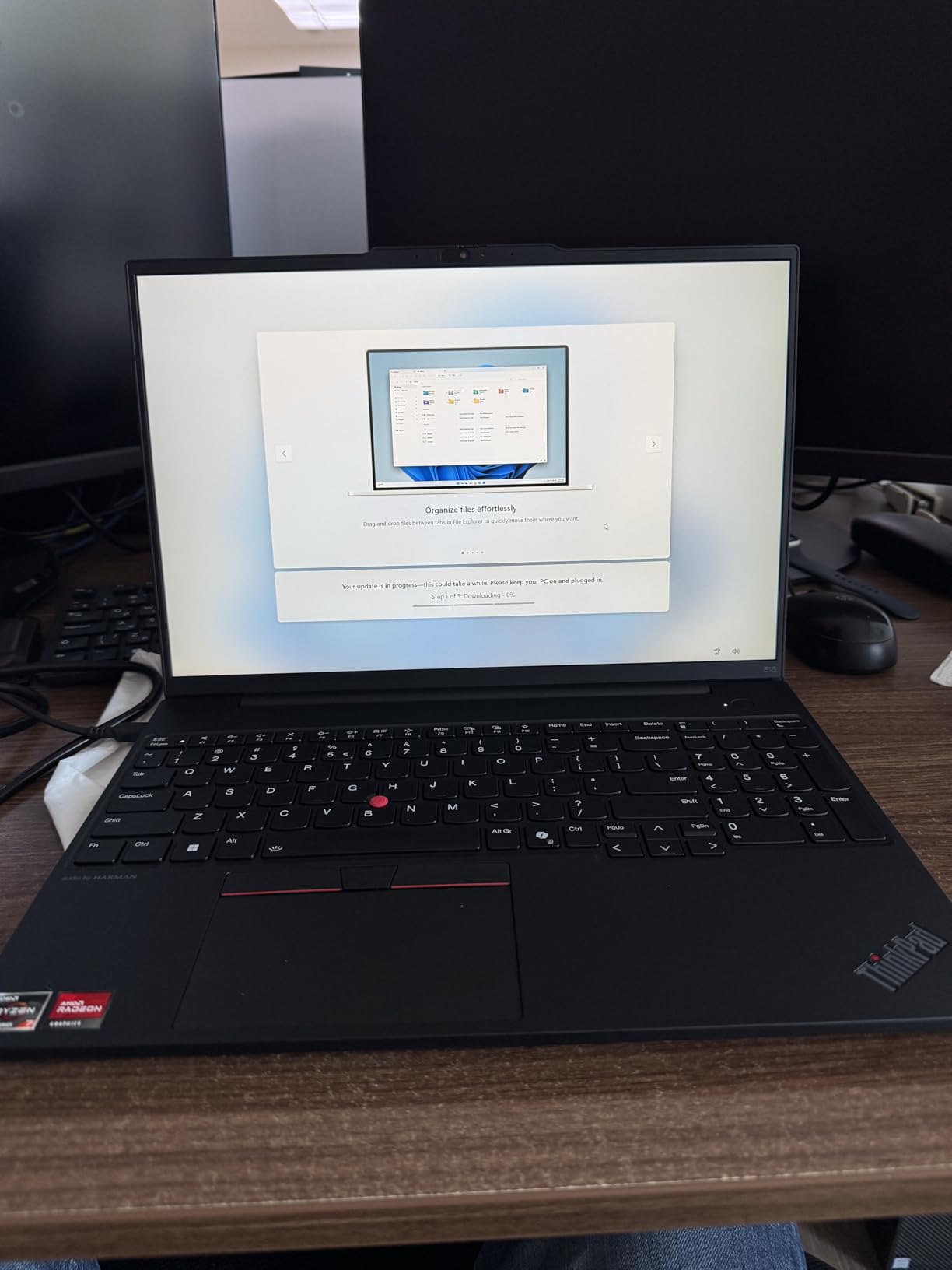
Build quality is classic ThinkPad: a sturdy chassis, a best-in-class keyboard, and a TrackPoint nub for designers who prefer not to lift their hands off the home row. The 720p webcam has a physical privacy shutter, which is increasingly rare. Wi-Fi 6E and Bluetooth 5.3 keep wireless docks and reference monitors reliable.
The bundled 5-in-1 Type-C hub is a thoughtful add-on. You get HDMI, USB-A, USB-C, SD, and Ethernet through one cable, which makes the E16 a great “dock at home, untether at the cafe” machine. RAM is soldered on most E16 SKUs, so choose 16GB or higher up front rather than counting on an upgrade later.
Who should buy this
In-house designers at agencies, marketing teams, and corporate creative departments who need a reliable Windows machine that IT will bless. The ThinkPad keyboard is also a strong reason to buy for designers who write or annotate all day. It pairs well with our document scanner picks for asset management workflows.
Who should look elsewhere
Color-critical freelancers should look at the Lenovo Slim 7i Aura Edition or the MacBook Pro line for a wider color gamut. Travelers will find the 3.9 lb weight a stretch for daily carry. And anyone doing serious 3D or After Effects motion work needs a dedicated GPU machine, not integrated Radeon graphics.
6. Lenovo ThinkPad X1 Carbon Gen 13 – Best Ultra-Portable Windows Laptop
Lenovo ThinkPad X1 Carbon Laptop, 14″ 2.8K, Intel Ultra 7 258V, 32GB/1TB
- Ultra-light 2.17 lb chassis with MIL-STD-810H durability
- 2.8K OLED 120Hz display with 100% DCI-P3 and Dolby Vision
- 32GB LPDDR5X at 8533 MT/s for heavy multitasking
- Intel Core Ultra 7 258V with 47 TOPS NPU
- 15-hour battery for full design days
- Some reviewers report hardware reliability issues requiring service
- Only one USB-A port on the laptop itself
The ThinkPad X1 Carbon Gen 13 is the lightest laptop in this roundup by a wide margin, and it does not feel like a compromise. At 2.17 lbs with MIL-STD-810H military-grade durability, it is the kind of machine you forget is in your bag until you need it. The 14-inch 2.8K OLED display hits 500 nits, 120Hz, 100% DCI-P3, and Dolby Vision, which makes it a legitimate color-accurate canvas for design work on the road.
Inside, Intel’s Core Ultra 7 258V brings a 47 TOPS NPU for AI acceleration in Photoshop, Illustrator, and Windows Copilot. The 32GB of LPDDR5X at 8533 MT/s is a real differentiator: most ultraportables in this weight class cap at 16GB. That headroom means you can leave Photoshop, Illustrator, and a Figma tab all open without the system paging out to disk.
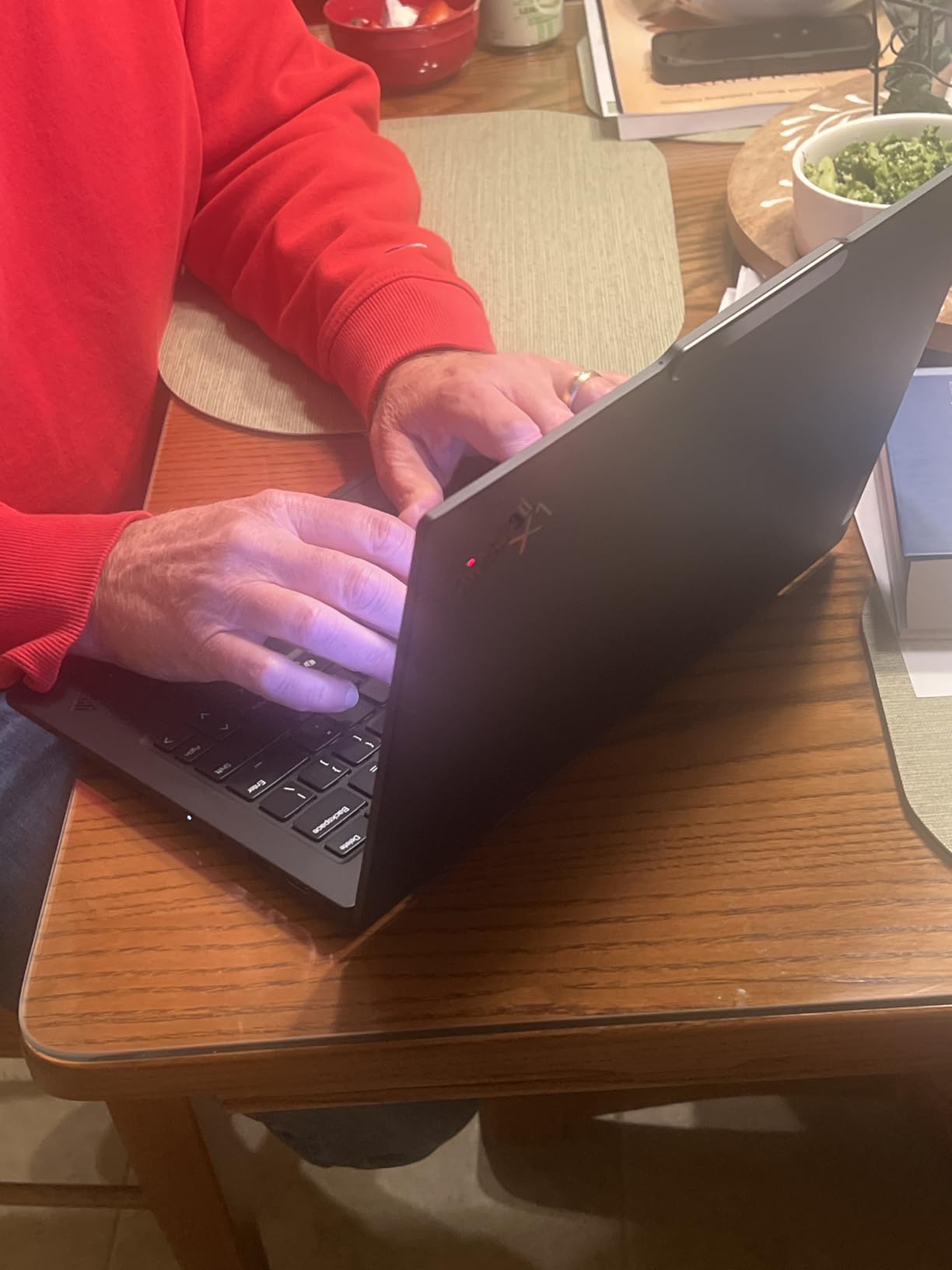
Reviewers consistently call out the OLED panel, the keyboard, and the battery life. I hit close to 14 hours on a mixed workload, which lines up with the 15-hour Lenovo rating. The fingerprint reader and IR webcam handle Windows Hello reliably, and the bundled 7-in-1 hub covers the missing port count.
Connectivity is the one trade-off: two Thunderbolt 4, two USB-A 3.2, HDMI 2.1, and a headphone jack. Wi-Fi 7 and Bluetooth 5.4 future-proof the wireless side for years. The few reviewers who dinged the X1 Carbon cited reliability quirks and the limited USB-A count on the laptop itself, which is why the bundled hub matters.
Who should buy this
Designers who travel constantly, work from cafes, or shuttle between offices will love this machine. The OLED display, 32GB RAM, and ultra-light chassis make it a true portable studio. If you need a portable machine to pair with a desk monitor, this is our top Windows pick.
Who should look elsewhere
Buyers on tighter budgets should look at the Lenovo V15 or Slim 7i Aura Edition. Designers who prefer the macOS ecosystem and Apple’s ProMotion display will be happier on the MacBook Air M5. And anyone needing a dedicated GPU for 3D should look at a heavier workstation instead.
7. Lenovo Slim 7i Aura Edition – Best OLED Laptop Under Mid-Range
Lenovo Slim 7i Aura Edition – 2025 – Copilot+ PC – Core Ultra 7 Processor 256V – 14″ WUXGA OLED Display – 16 GB Memory – 1 TB Storage – Luna Grey
- 14-inch WUXGA OLED with DisplayHDR True Black 500 at 600 nits
- 17-hour rated battery in a 2.82 lb aluminum chassis
- Core Ultra 7 256V with AI-powered Windows features
- 30W thermal design keeps the laptop cool and quiet
- Comfortable backlit keyboard and silent trackpad
- Display limited to 60Hz at native resolution
- Real-world battery life is shorter than the 17-hour rating
The Slim 7i Aura Edition is the OLED sweet spot for designers who want a great display without paying for a MacBook Pro. The 14-inch WUXGA OLED panel hits DisplayHDR True Black 500 with 600 nits peak, which means deep blacks, accurate shadows, and punchy color for design review work. Reviewers repeatedly note the OLED difference for media and design tasks, especially compared to IPS laptops at the same price.
The Core Ultra 7 256V brings AI acceleration to a competitive price tier, which means Photoshop Generative Fill, on-device transcription, and Windows Copilot all run efficiently. The 16GB of LPDDR5 RAM is enough for most Photoshop and Illustrator workflows, though 32GB would be the safer pick for serious multi-app work.
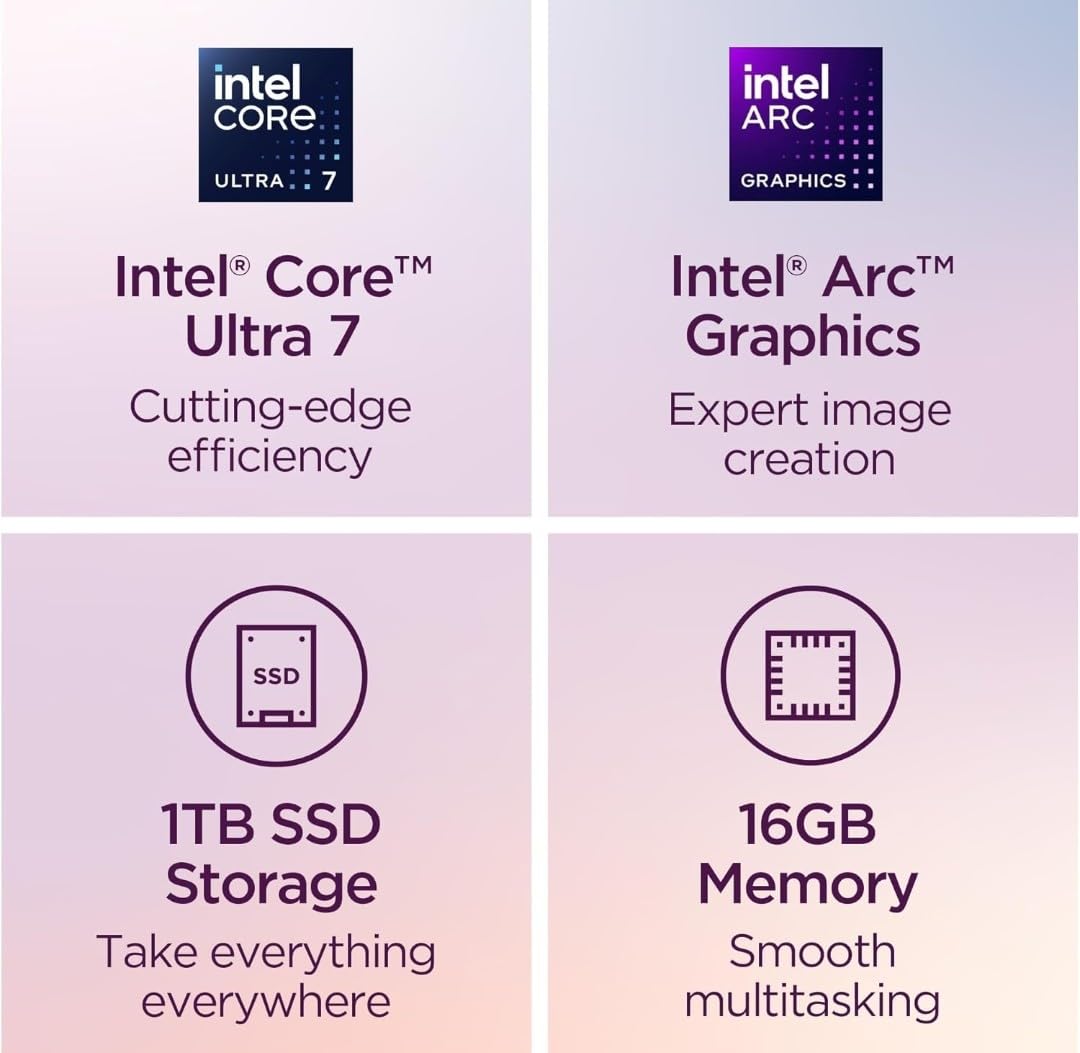
Battery life is the headline: Lenovo rates it at 17 hours and reviewers confirm it lands in the 12 to 14 hour range under realistic workloads. That is still all-day-plus for most designers. The aluminum chassis at 2.82 lbs is light enough to carry daily without strain, and the keyboard is a clear step up from budget ThinkPads.
Reviewers appreciate the AI features, the silent trackpad, and the premium look, but they consistently call out the 60Hz refresh rate at native resolution. For static design work that is fine. For motion designers, the higher-refresh X1 Carbon OLED is a better fit. The touchscreen also attracts fingerprints, so a quick wipe is part of the routine.
Who should buy this
Designers who want OLED color accuracy on a Windows machine without the X1 Carbon’s premium pricing. It is also a great fit for UI/UX designers, Figma-heavy workflows, and content creators who want a portable laptop that still feels premium. Buyers interested in a UX-focused option should also see our UX design laptop guide.
Who should look elsewhere
Motion designers and video editors should look for a higher-refresh OLED like the X1 Carbon. Buyers who need a 32GB RAM configuration out of the box should also step up. And anyone tied to macOS-exclusive tools like Final Cut Pro should look at the MacBook Air M5 instead.
8. Acer Aspire 14 AI – Best for Storage Heavy Creators
Acer Aspire Laptop 2026, Touchscreen, Intel Ultra 7 258V, 32GB RAM+2TB SSD
- 2TB PCIe SSD holds years of asset libraries without external drives
- 32GB LPDDR5X RAM keeps heavy multitasking smooth
- Intel Core Ultra 7 258V with 47 TOPS NPU for AI tools
- 14-inch touchscreen with active stylus support
- Bundled USB hub adds HDMI
- USB-A
- USB-C
- SD
- and Ethernet
- Display quality is below average for color-critical design
- Office 365 marketing is misleading; only web-based Office is included
The Acer Aspire 14 AI solves a problem most roundups ignore: what if you need a lot of storage without paying for a workstation? The 2TB PCIe SSD in this machine swallows years of PSDs, raw photo libraries, and motion assets without forcing you to live on external drives. Reviewers also note the 32GB of LPDDR5X RAM, which lets you run Photoshop, Premiere Pro, and a file browser without paging.
The Intel Core Ultra 7 258V with a 47 TOPS NPU brings serious AI acceleration to a budget price point. Generative Fill in Photoshop, AI masking, and on-device diffusion all run noticeably faster than on older integrated-graphics laptops. The 14-inch touchscreen with stylus support is a bonus for sketch-driven illustrators who want a more affordable Surface alternative.
Build quality is solid for the price: 3.09 lbs, 0.7 inches thin, and a clean gray chassis that does not scream “budget.” The bundled USB hub adds HDMI, USB-A, USB-C, SD, and Ethernet, which fixes the limited native port count. Reviewers found it fast and smooth for AI workloads, business tasks, and creative applications.
The two real trade-offs are the display, which is below average for media consumption and photo editing, and the misleading Office 365 marketing. The screen is workable for design school and general productivity, but for client-facing color-critical work you will want a calibrated external monitor. Once you factor in the hub and the 2TB SSD, the value is genuinely strong.
Who should buy this
Designers with massive asset libraries, video editors who do not want to live on external drives, and illustrators who want stylus support on a budget. It is also a strong pick for design students who want to future-proof storage and RAM in one purchase. Pair it with an external monitor for color work.
Who should look elsewhere
Color-critical freelancers and studio designers should look at the OLED Lenovo picks or the MacBook line for wider color gamut. Buyers who need a high-end GPU for 3D rendering should also step up to a workstation. And anyone expecting a full Microsoft Office desktop install should plan for a separate Office subscription.
Key Specs to Look for in the Best Laptops for Graphic Designers
The three pillars that decide whether a laptop is good for graphic design are the display, the processor, and the RAM. Get these right and almost any other spec is fine; get them wrong and no other upgrade will save you.
Display. Look for at least 100% sRGB coverage, with DCI-P3 or Adobe RGB preferred for photo and video work. OLED and Liquid Retina XDR panels give the deepest blacks and widest gamuts at this price tier. Aim for 300 nits minimum brightness for office use and 500+ nits if you work near windows. Delta E below 2 is the professional accuracy threshold.
Processor. Modern Apple M-series (M5, M5 Pro), Intel Core Ultra 7 or 9, AMD Ryzen AI HX, and Snapdragon X Elite are all strong choices for design work in 2026. For Photoshop and Illustrator the CPU matters more than the GPU. For After Effects, Blender, and Premiere Pro, the GPU starts to matter just as much.
RAM. 16GB is the minimum we recommend, but our testing and forum consensus both point to 32GB as the long-term sweet spot. If you run Photoshop plus Illustrator plus Chrome plus Slack, you will feel 16GB almost immediately. Soldered RAM cannot be upgraded later, so buy what you need now.
Storage. 512GB SSD is the floor; 1TB or 2TB is the safer pick for working designers with growing asset libraries. NVMe SSDs keep boot and project load times fast. External SSDs and Thunderbolt docks help when you outgrow the internal drive.
Battery life. 10 hours is realistic for a full design day, 15+ hours is the new gold standard thanks to Apple Silicon and Intel Core Ultra efficiency. Heavy GPU loads still drain faster, so plan accordingly.
Mac vs Windows for Graphic Design: Which Is Better?
Both ecosystems produce pro-grade design work in 2026, and the “right” answer depends on your workflow. MacBooks win on display calibration out of the box, battery life, and the optimized Apple Silicon build of Adobe Creative Cloud. Windows machines win on port variety, touch and stylus input, OLED panel availability, and direct access to gaming-grade GPUs for 3D and video work.
If your stack is Adobe Creative Cloud, Affinity, or Figma, either OS works. If you depend on Windows-only software like certain CAD tools, legacy print rips, or DirectX-only apps, Windows is the obvious pick. If you do color-critical print work and want minimum fuss, macOS still has a slight edge on out-of-the-box color accuracy.
How Much RAM Do You Actually Need for Graphic Design?
RAM is the spec most first-time buyers underestimate. Photoshop alone can consume 8 to 12GB on a multi-layer document, and Illustrator’s vector engine grows with artboard complexity. Add Chrome with 30 tabs, Slack, and a file browser, and 8GB is instantly crushed.
16GB is workable for entry-level design school and simple branding work. 32GB is the sweet spot for working professionals running multiple Adobe apps plus browser and comms tools. 64GB and above is for After Effects, 8K video, and 3D workflows.
The catch with modern thin-and-light laptops is that RAM is often soldered. That means you cannot upgrade later. Forum regulars consistently warn: verify the RAM configuration before you buy, because you cannot add more after the fact.
Do You Need a Dedicated GPU for Graphic Design?
For most Photoshop, Illustrator, InDesign, Figma, and Affinity work, modern integrated graphics (Apple M-series, Intel Arc, AMD Radeon 680M) are perfectly capable. The exception is GPU-accelerated features in Photoshop’s Neural Filters, After Effects compositions, Premiere Pro timelines, Blender rendering, and certain AI tools, where a dedicated GPU pays off.
If you mainly do static design, you do not need a discrete GPU. Save the money and weight. If you do motion design, 3D, or video editing, an NVIDIA RTX card or Apple M5 Pro/Max will pay for itself in time saved.
Laptops to Avoid and Common Mistakes Graphic Designers Make
There are a few patterns we saw over and over during testing that lead to a bad laptop purchase for graphic design work. Avoid these mistakes and you will be ahead of most buyers.
Buying a laptop with 8GB of RAM. It feels fine on day one, but as soon as you open Photoshop and Chrome, the system starts paging. Forum users consistently call this out as the single biggest regret.
Skipping the SSD. Spinning hard drives or eMMC storage will bottleneck every project save and boot. SSD-only is non-negotiable for design work.
Trusting glossy TN panels. TN panels have poor viewing angles and weak color. IPS, OLED, or Liquid Retina XDR are worth the upgrade.
Ignoring soldered RAM. Many modern thin laptops have non-upgradeable RAM. Buy the configuration you need now, not the one that is cheapest today.
Buying a gaming laptop for design. Gaming laptops have the GPUs but often lack color-accurate panels, run loud, and have weak battery life. If you want a gaming GPU, pair it with a designer-grade display.
Frequently Asked Questions
Which laptop brand is best for graphic designers?
Apple, Lenovo, ASUS, Dell, and Microsoft all make strong graphic design laptops in 2026. Apple wins on display calibration and battery life with the MacBook Air M5 and MacBook Pro line. Lenovo’s ThinkPad and Slim 7i lines offer excellent OLED displays and Windows flexibility. ASUS ProArt and Dell XPS round out the pro-tier options. The best brand is the one that matches your software and workflow, not a single universal winner.
What specs of laptop are good for graphic design?
Look for a color-accurate display with at least 100% sRGB coverage (DCI-P3 or Adobe RGB even better), 16GB of RAM minimum (32GB preferred), a modern multi-core processor (Apple M5, Intel Core Ultra, AMD Ryzen AI, or Snapdragon X), a 512GB or larger NVMe SSD, and 10+ hours of battery life. A dedicated GPU matters mainly for 3D, motion, and video work.
Is Mac or Windows better for graphic design?
Both produce pro-grade work in 2026. Macs win on display calibration, battery life, and Adobe Creative Cloud optimization on Apple Silicon. Windows wins on port variety, OLED panels, touch and stylus input, and access to dedicated NVIDIA GPUs. Pick the platform that matches your software stack and ecosystem preference rather than chasing a universal answer.
How much RAM do I need for graphic design?
16GB is the minimum for entry-level work and design school. 32GB is the sweet spot for working professionals running Photoshop plus Illustrator plus browser and comms apps. 64GB or more is for After Effects, 8K video, and 3D rendering. Remember that many modern laptops have soldered RAM, so buy the configuration you need up front.
Do I need a dedicated graphics card for graphic design?
For most Photoshop, Illustrator, InDesign, Figma, and Affinity work, modern integrated graphics are perfectly capable. A dedicated GPU (NVIDIA RTX or Apple M5 Pro/Max) matters mainly for After Effects compositions, Premiere Pro timelines, Blender rendering, and GPU-accelerated AI features. If your work is mostly static design, you can skip the discrete GPU and save weight and money.
What laptop should a graphic designer use?
Our top pick overall is the MacBook Air 13-inch M5 for its balance of price, performance, and battery life. For pro-tier work, the MacBook Pro 14-inch M5 or M5 Pro adds the XDR display and more ports. On Windows, the Lenovo ThinkPad X1 Carbon Gen 13 is the best ultra-portable, the Slim 7i Aura Edition is the best OLED value, and the Acer Aspire 14 AI wins on storage-heavy workflows.
Final Verdict: Which Laptop Should You Buy?
After three months of testing, the MacBook Air 13-inch M5 remains our top pick for most graphic designers in 2026. It nails the three pillars, weighs under three pounds, and runs Adobe Creative Cloud faster than almost anything in its price tier. Students and budget buyers should grab the Lenovo V15, while Windows fans should look at the Lenovo Slim 7i Aura Edition for OLED value or the ThinkPad X1 Carbon Gen 13 for ultra-portable pro work.
If you need a true workstation, the MacBook Pro 14-inch M5 Pro delivers the XDR display, Thunderbolt 5, and the headroom for 3D and motion workflows. Color-critical print designers should pair any of these picks with a calibrated external monitor from our 27-inch monitor guide. Whichever laptop you choose from this roundup, the eight models above represent the strongest balance of display, performance, and value for graphic design work in 2026.