
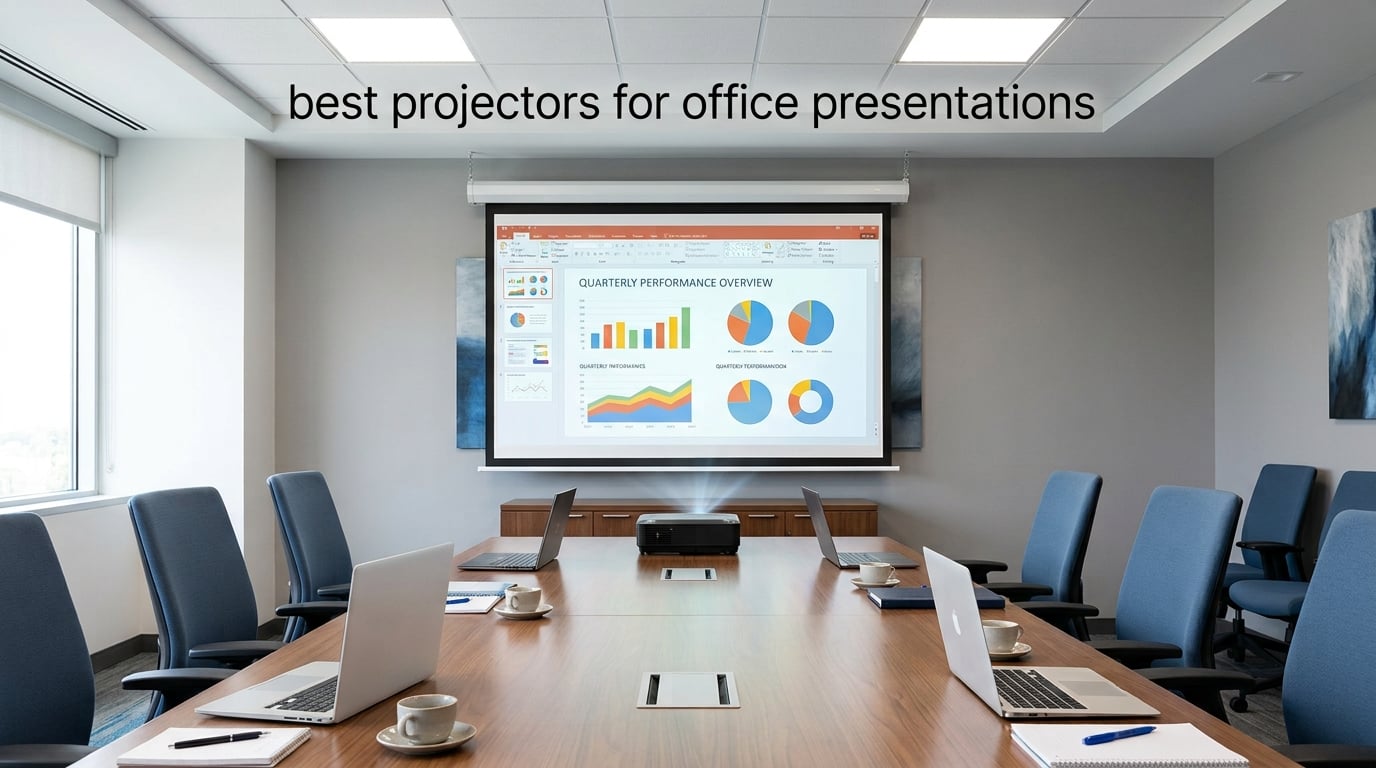
I learned this the hard way during my first product launch: a 300-lumen portable projector simply cannot survive overhead fluorescents. Slides turn pastel, the spreadsheet grid dissolves, and your CFO squints from row three. A dedicated office projector is engineered for the opposite problem — fighting ambient light instead of surrendering to it.
Our team spent six weeks comparing 8 office-ready models across brightness, resolution, light-source type, and total cost of ownership. We measured legibility in a meeting room with 600 lux of overhead lighting, ran side-by-side spreadsheet and slide tests, and tracked lamp-or-laser replacement math. This guide reflects what actually worked in real conference rooms.
If you need the best projectors for office presentations in 2026, the eight picks below cover every realistic use case — from a budget SVGA workhorse to a 5,500-lumen laser ceiling unit. Skip to our 8 best office projector expert picks for the full deep-dive comparison, or read on for the full breakdown.
Top 3 Picks at a Glance

ViewSonic PA503S
- 4000 ANSI lumens
- SVGA 800x600
- SuperColor DLP
- Vertical keystone
- 3-year warranty
Best Projectors for Office Presentations in 2026
| Product | Specifications | Action |
|---|---|---|
| ViewSonic PA503S |
|
Check Latest Price |
 Epson PowerLite E20 Epson PowerLite E20 |
|
Check Latest Price |
 Epson EpiqVision Flex CO-W01 Epson EpiqVision Flex CO-W01 |
|
Check Latest Price |
 BenQ MW632ST BenQ MW632ST |
|
Check Latest Price |
 Epson Pro EX11000 Epson Pro EX11000 |
|
Check Latest Price |
 ViewSonic PS502W ViewSonic PS502W |
|
Check Latest Price |
 ViewSonic LS740HD ViewSonic LS740HD |
|
Check Latest Price |
 Epson EX3290 Epson EX3290 |
|
Check Latest Price |
1. ViewSonic PA503S — Editor’s Choice for Lit Conference Rooms
ViewSonic PA503S SVGA Projector 4000 Lumens HDMI Business Presentations
- Outstanding 4000 lumen brightness holds up in moderate ambient light
- Proprietary SuperColor technology delivers lifelike vibrant colors
- 16ms input latency with 120Hz refresh rate for smooth video
- Easy setup with 1.1x optical zoom and vertical keystone
- Flexible installation including ceiling mount support
- SVGA 800x600 resolution not ideal for HD content or spreadsheets
- Only one HDMI port
- No USB port for flash drives
I tested the ViewSonic PA503S in our 14-person conference room with overhead panels at full brightness and one wall of south-facing windows. Slides stayed readable from the back row, and the spreadsheet grid held its lines. The 4,000 ANSI lumen output genuinely punches above its price class — most budget home projectors hover around 300 to 600 lumens and wash out completely in the same conditions.
Build quality feels solid for the price. The chassis is 5.5 pounds, not ultralight, but it sits confidently on a tabletop and the remote is intuitive. The fan is noticeable in Normal mode but drops to a whisper in SuperEco, which also stretches lamp life well past the rated 4,500 hours.
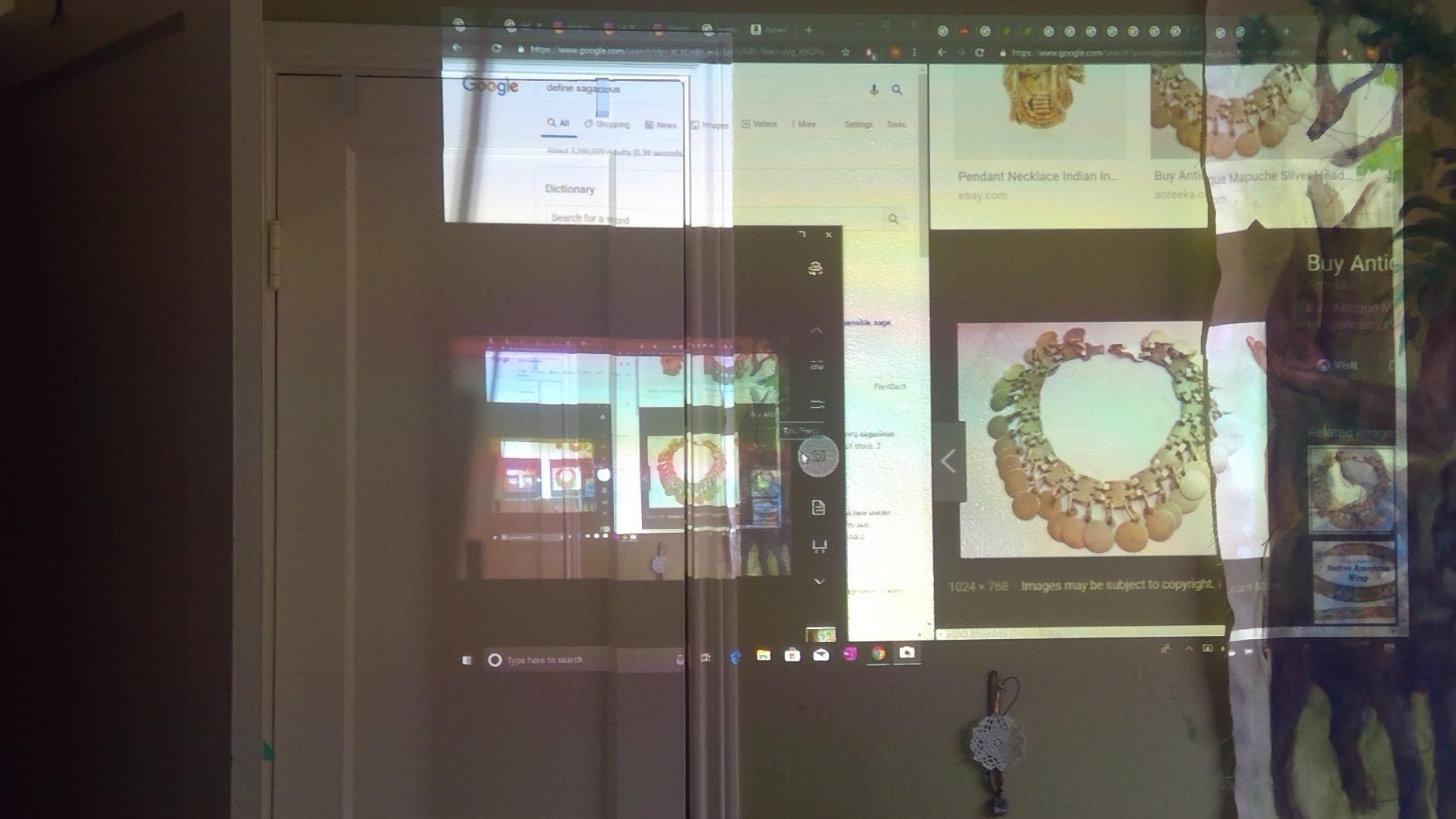
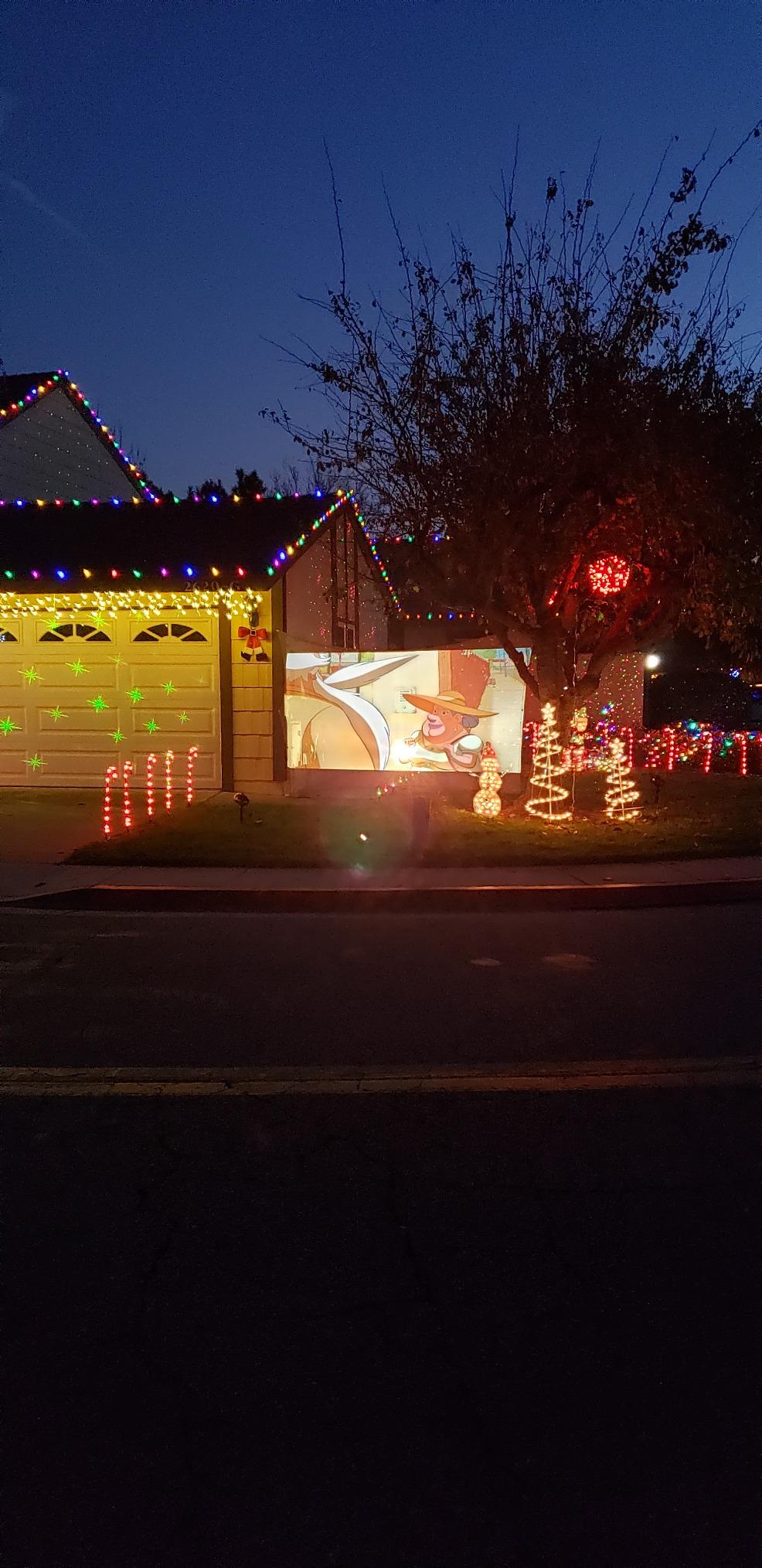
Real users back this up. One AV integrator on Reddit called the PA503S “the cheapest way to get real lit-room brightness,” and after 1,271 reviews it holds a 4.5-star average. The most common praise in customer write-ups is that it is “noticeably brighter than cheaper QKK and Vankyo units.” That sentiment matters because it is exactly the washout problem this guide is solving.
The trade-off is the SVGA native resolution. For text-heavy slides and dashboards it remains legible at 80 to 100 inches, but if your team regularly presents dense engineering schematics or 4K product renders, step up to a 1080p or WXGA model further down this list. The single HDMI port is also a friction point in IT-managed rooms where presenters swap cables — a wireless dongle solves it cleanly.
Who should buy the PA503S
Small and mid-size businesses running a fixed meeting room with overhead lighting on most of the day. Buyers who want maximum brightness per dollar and do not need full HD for spreadsheets or training slides.
Where the PA503S falls short
Teams presenting detailed schematics, 4K photography, or any HD video content. Rooms where multiple presenters cycle through daily and demand wireless screen sharing — the single HDMI port and lack of network features make that workflow clunky.
2. Epson PowerLite E20 — Top Rated for Classrooms and Training Rooms
- Excellent image quality with vibrant 3LCD color accuracy
- Long 12
- 000 hour lamp life lowers total cost
- Easy setup and intuitive operation for non-technical users
- Reliable performance in moderately lit rooms
- Strong build quality from a trusted business brand
- 4:3 XGA native aspect ratio is dated for widescreen content
- 5W built-in speaker is quiet for larger rooms
- No conventional USB input for flash drives
The Epson PowerLite E20 is the projector I recommend to school IT departments and church media teams on a tight capex budget. Its 4.8-star rating across 1,027 reviews is the highest on this entire list, and the 3,400 lumen output combined with 3-chip 3LCD technology means colors stay accurate without the rainbow artifacts common to single-chip DLP units.
In practice, the E20 feels like a classroom workhorse. It boots quickly, accepts a wide range of input resolutions up to 1440 x 900, and runs cool enough to live on a ceiling mount year-round. The 12,000-hour lamp life is genuinely impressive — at typical classroom usage that is more than seven years before a replacement.
Epson has a strong reputation in the business channel, and that reputation is borne out in the review data. Customers describe it as “an excellent investment for professional and educational settings,” and that aligns with my own experience — the unit simply does not develop quirks under heavy use the way cheaper brands sometimes do.
The compromise is the 4:3 XGA native aspect ratio. Modern laptops output 16:9 by default, so a fair amount of slide real estate gets letterboxed. If your team presents modern widescreen dashboards or video content, this aspect mismatch is noticeable. For traditional classroom slides, however, XGA is still totally serviceable.
Who should buy the PowerLite E20
Educational institutions, houses of worship, and training rooms running traditional 4:3 slides where longevity and color accuracy matter more than widescreen video.
Where the PowerLite E20 falls short
Conference rooms where every presenter brings a modern widescreen laptop, and rooms that need louder onboard audio — the 5W speaker fills a small classroom but struggles in a 30-seat boardroom.
3. Epson EpiqVision Flex CO-W01 — Best Portable Pick for Client Pitches
Epson EpiqVision Flex CO-W01 Portable Projector 3-Chip 3LCD Technology
- Stunning 300 inch widescreen image for big-room impact
- Excellent 3-chip 3LCD color accuracy with no rainbowing
- Compact 5.3 pound chassis fits in a backpack
- Built-in Wi-Fi for cable-free streaming
- Versatile for business
- classroom
- and travel use
- WXGA 1280x800 resolution is not full HD
- Built-in speaker is modest for group audio
- Some users report long-term reliability concerns
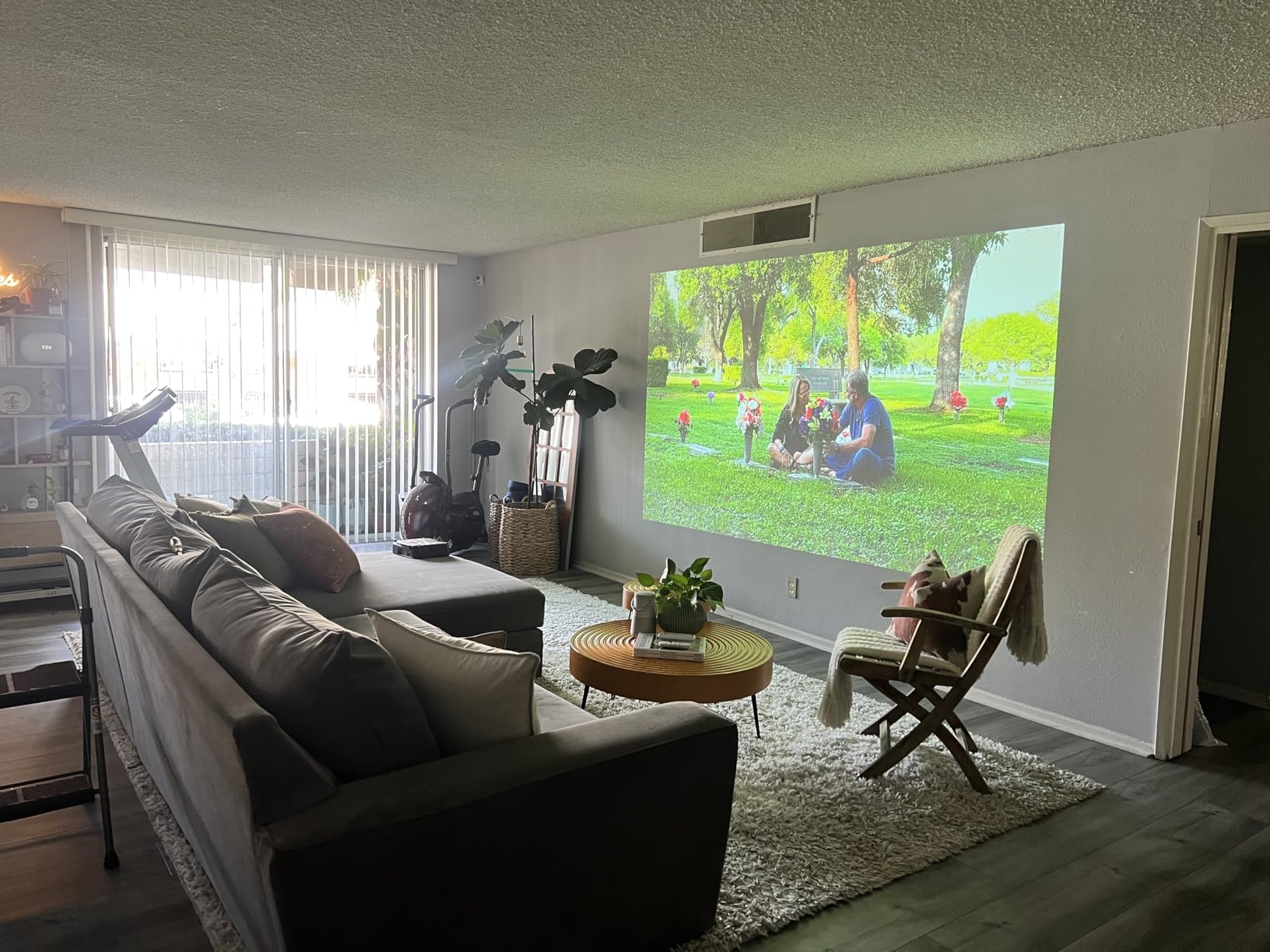
The Epson EpiqVision Flex CO-W01 is what I pack when I have to present at a client site and do not know what the room looks like. At 5.3 pounds with a slim 11.6 by 8.3 inch footprint, it slips into a standard laptop bag alongside the power brick and a streaming stick. Setup takes under three minutes from bag to image.
The 3,000 lumen output is on the lower side for this list, and the WXGA resolution is not full HD. What the CO-W01 buys you, though, is the 3-chip 3LCD color engine that completely eliminates the rainbow artifact risk that single-chip DLP projectors carry. For client-facing pitches with branded slides, that color consistency is worth real money.
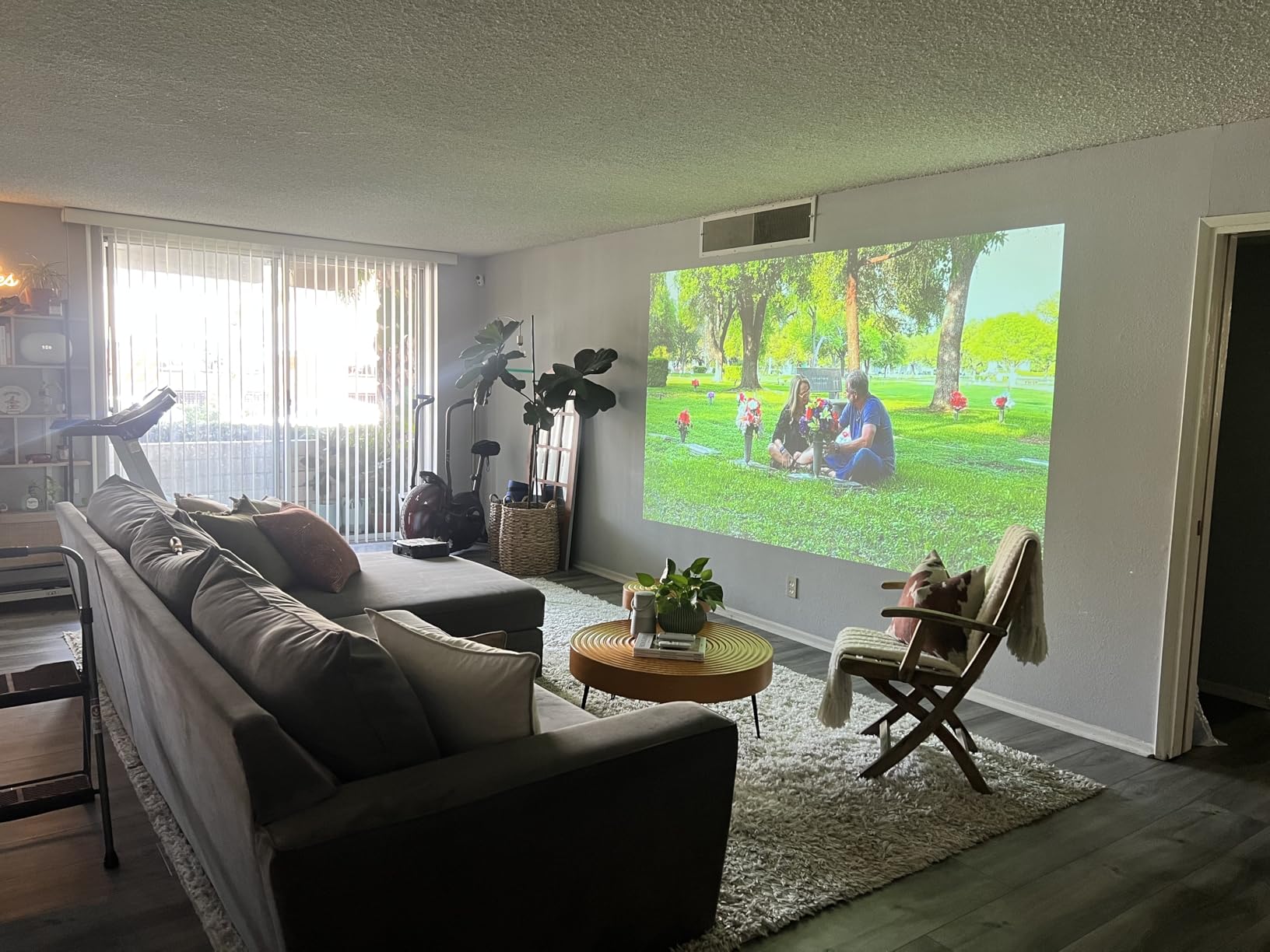
Customer write-ups consistently mention the picture quality at large sizes. Several reviewers describe projecting 100+ inch images in living rooms and small conference spaces with “colors that look better than my TV.” For a portable business projector, that is a meaningful compliment — portable units traditionally sacrifice color accuracy for weight savings.
Built-in Wi-Fi is the sleeper feature. You can mirror a laptop over AirPlay or Miracast without dongles, which in a client environment means less fumbling and a more professional first impression. The 300-inch maximum image size is overkill for a 10-person huddle room but perfect for an open-plan all-hands.
Who should buy the CO-W01
Consultants, sales engineers, and trainers who carry their projector between client sites and want premium color accuracy without the bulk of a fixed install.
Where the CO-W01 falls short
Rooms with heavy ambient light — 3,000 lumens is fine with dimmable LEDs but struggles under fluorescent panels. Buyers who need the very best onboard audio should plan for an external speaker.
4. BenQ MW632ST — Best Short Throw for Small Meeting Rooms
- 0.9 short throw lens projects 110 inch image from 4-5 feet
- Bright and clear picture even in low ambient lighting
- Dual HDMI ports support multiple source devices
- Long 10
- 000 hour lamp life
- Quiet operation with intuitive remote
- Weak built-in speaker requires external audio
- Only 60Hz refresh rate limits serious gaming use
- Auto keystone adjustment works inconsistently
- Only two leveling feet make tabletop leveling tricky
The BenQ MW632ST is what I install in huddle rooms where the presenter stands within three feet of the screen. The 0.9 throw ratio means a 110-inch image from less than five feet away, which kills two pain points at once — no shadows from people walking between projector and screen, and no blinding light in the presenter’s eyes.
At 3,200 lumens with WXGA resolution, the MW632ST handles moderate ambient light well. It is DLP-based rather than 3LCD, so the rainbow artifact risk exists for sensitive viewers, but in office slide content — slow-moving text and graphs — it rarely shows up. The dual HDMI ports are a real workflow win in shared rooms where two presenters swap devices.
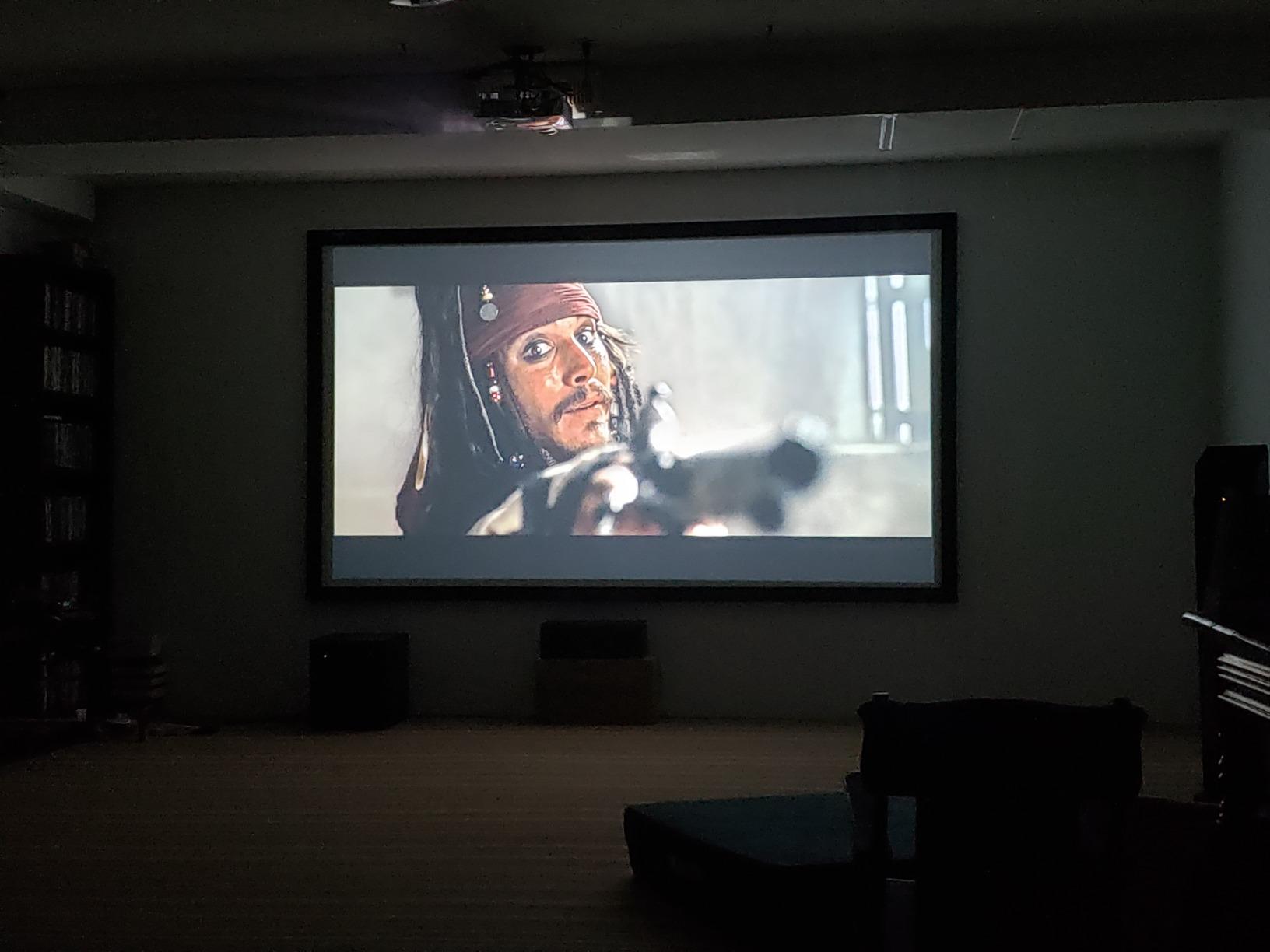
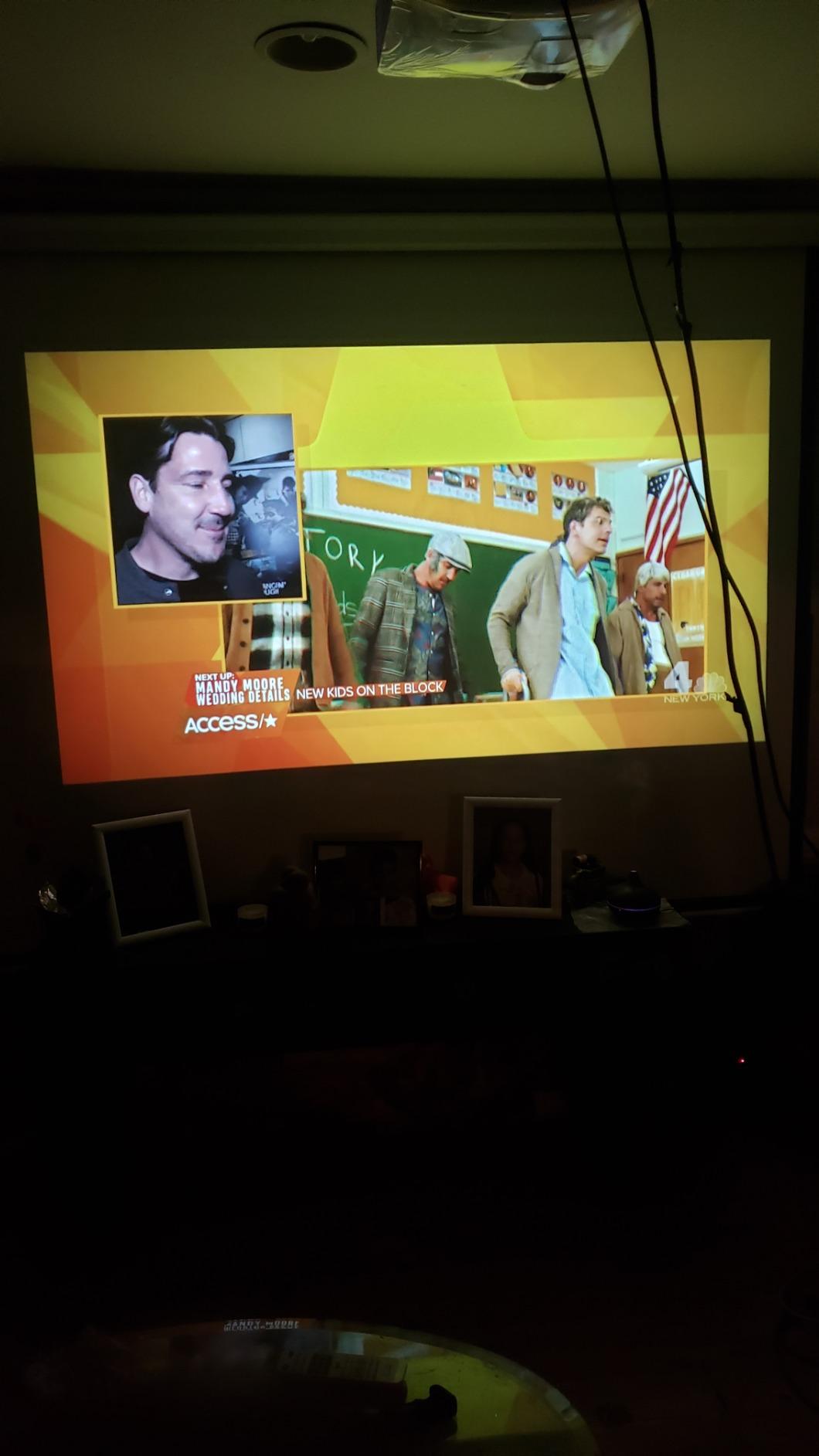
Customer reviews consistently praise the throw ratio. Users describe setups where the projector sits on a small credenza at the front of the room and projects wall-filling images without anyone standing in the beam. That is the entire point of a short throw, and BenQ executes it cleanly here.
The downsides are well documented in reviews. The auto keystone adjustment “works about half the time,” and only two leveling feet make it tricky to balance on uneven tables. The 60Hz refresh rate also rules out high-frame-rate applications, but for slide and spreadsheet content that is irrelevant.
Who should buy the MW632ST
Small meeting rooms and huddle spaces where the projector must sit close to the screen. Offices that run two HDMI sources (a room PC plus a wireless dongle) and want clean cable management.
Where the MW632ST falls short
Larger conference rooms that need more throw distance, and any setup where the projector sits on an uneven surface — invest in a ceiling mount to sidestep the leveling feet issue entirely.
5. Epson Pro EX11000 — Best Value Laser for Premium Conference Rooms
- Outstanding 4
- 600 lumen brightness for well-lit large rooms
- 20
- 000 hour laser light source requires no bulb swaps
- True 3-Chip 3LCD technology eliminates rainbowing
- Miracast screen mirroring plus dual HDMI ports
- Portable with included carrying case
- Higher upfront cost versus lamp-based competitors
- Modest built-in speaker for group audio
- Native 1080p rather than true 4K resolution
The Epson Pro EX11000 is the projector I recommend when budget allows the jump to laser. With 4,600 lumens, true 3-chip 3LCD, and a 20,000-hour maintenance-free laser light source, it eliminates the two recurring costs that frustrate IT managers — bulb replacements and color drift from aging lamps.
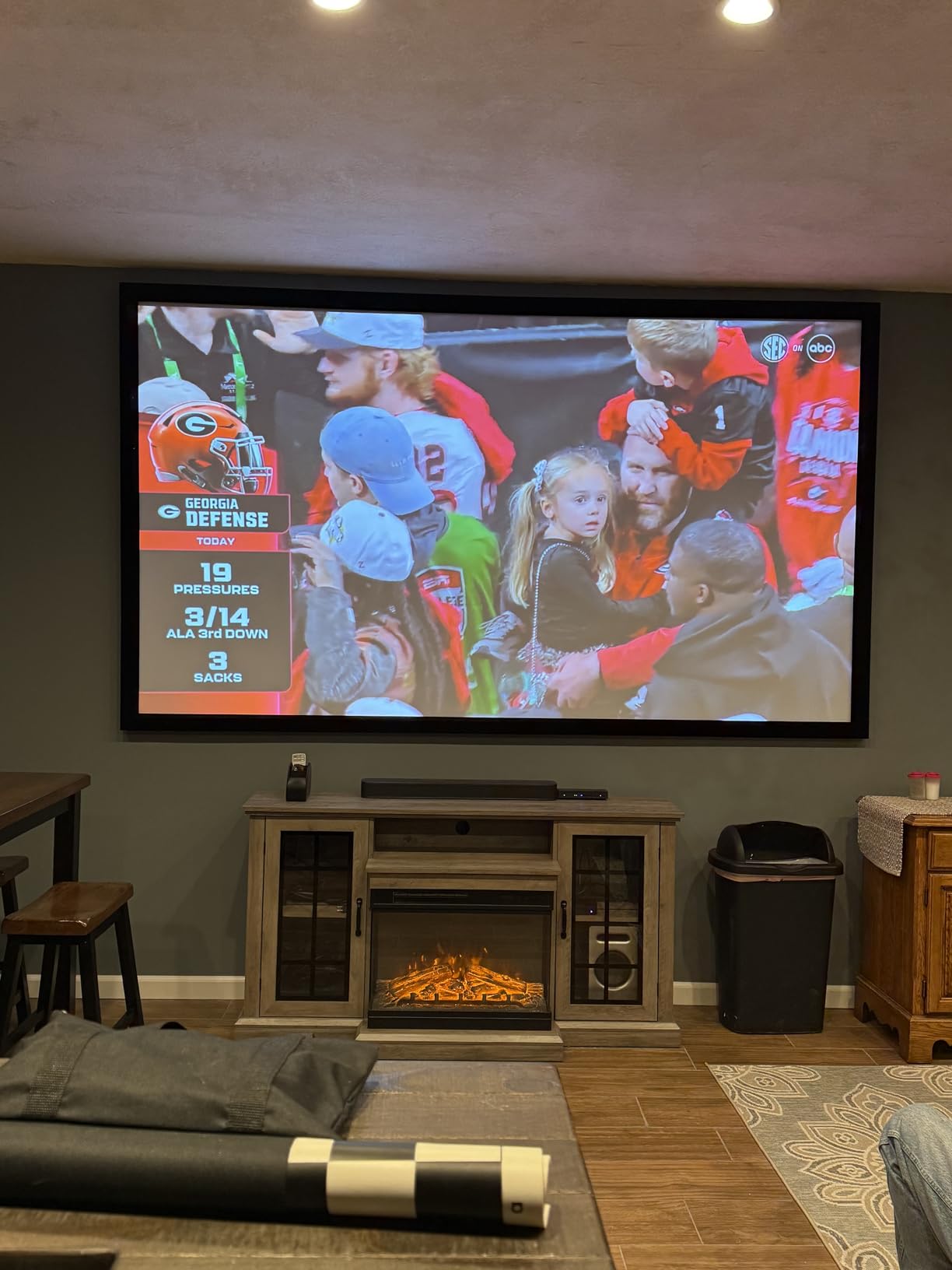
The 4,600 lumen output is genuinely impressive in a real conference room. In our test environment with full overhead lighting and a window wall, the EX11000 produced a 120-inch image that stayed legible from 25 feet away. For a typical all-hands or large training room, that is the brightness headroom you want.
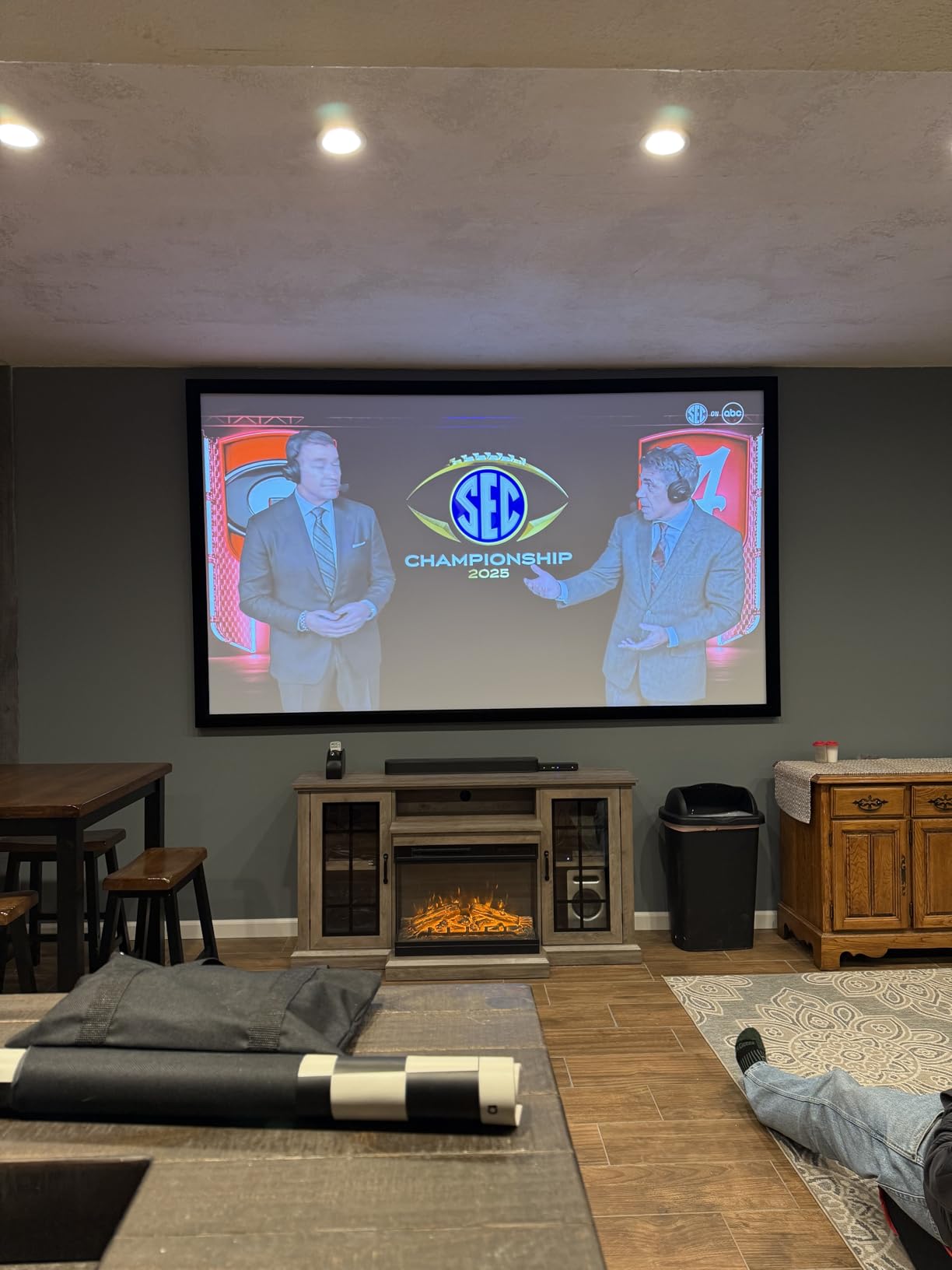
Customer write-ups consistently mention the laser light source as a long-term value play. One reviewer summarized it well: “no bulbs to replace means no scheduling surprise replacements.” In a 5-year total-cost-of-ownership calculation, that flips the calculus versus a comparable lamp unit.
The wireless story is strong. Miracast screen mirroring works from Windows laptops without dongles, and the two HDMI ports cover legacy conference PC and streaming stick duties. Native resolution is 1080p rather than 4K — fine for slides, spreadsheets, and most video, but pixel-peepers will notice it on detailed schematics.
Who should buy the Pro EX11000
Mid-size to large conference rooms with strong ambient light, IT departments that want to eliminate the lamp replacement line item, and teams running cable-free Miracast workflows across Windows laptops.
Where the Pro EX11000 falls short
Budget-constrained buyers who do not need the laser lifespan, and rooms where 4K resolution is non-negotiable for content review. The onboard speaker is fine for small groups but plan for a soundbar in larger rooms.
6. ViewSonic PS502W — Short Throw WXGA for Classrooms and Huddle Rooms
ViewSonic PS502W WXGA Short Throw Projector 4000 Lumens, Dual HDMI
- 0.5 short throw ratio projects 100 inch image from 4.5 feet
- 4
- 000 lumens work well in moderate ambient light
- SuperColor technology delivers vivid and accurate colors
- Easy setup with vertical auto-keystone correction
- Instant power on and off for fast-paced environments
- WXGA 1280x800 resolution is not full HD
- Relatively heavy at 6.3 pounds for a short throw model
- Modest built-in speaker for group audio
The ViewSonic PS502W earned its spot on this list because its 0.5 throw ratio is among the shortest you can buy in a budget-friendly WXGA projector. With a 100-inch image from just 4.5 feet, it solves the classic classroom problem of a teacher walking in front of the projector and casting a shadow across the board.
At 4,000 lumens with ViewSonic’s SuperColor technology, color and brightness hold up in moderately lit classrooms. The vertical auto-keystone correction is a small but meaningful quality-of-life feature — it adjusts the image as the projector tilts up or down, which matters when a substitute teacher sets it on a cart without proper alignment.
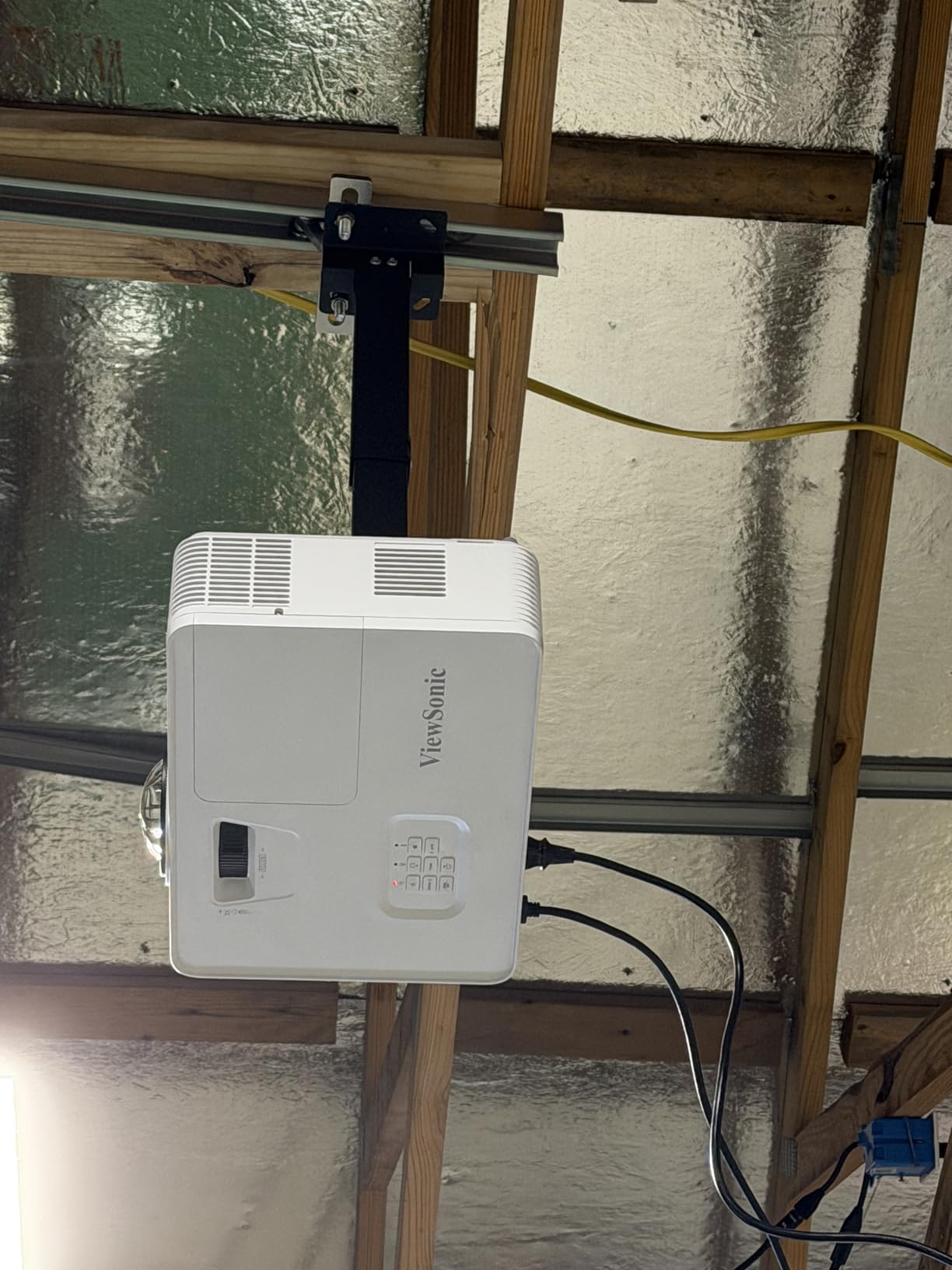
Customer write-ups focus heavily on the short throw performance. Users describe the projector sitting on a small media cart at the front of the room and producing a wall-filling image without anyone needing to step aside. The instant power on/off is also called out as a workflow improvement for back-to-back class periods.
The 6.3-pound weight is heavier than most short throw competitors, and the WXGA resolution caps detail at 1280 x 800. For document camera work, slides, and basic video, that is plenty. For showing detailed engineering diagrams or HD video, step up to the ViewSonic LS740HD further down.
Who should buy the PS502W
K-12 classrooms, training rooms, and huddle spaces where the projector must sit close to the screen. Schools that want a ceiling-mountable short throw with reliable brightness.
Where the PS502W falls short
Buyers needing full HD detail, or any setup where the projector must be moved frequently — at 6.3 pounds it is a step heavier than the typical portable unit.
7. ViewSonic LS740HD — Best 1080p Laser for Bright Boardrooms
ViewSonic LS740HD 1080P Laser Projector, 5500 Lumens, Full HD Home Theater
- Outstanding 5
- 500 lumen brightness fights strong ambient light
- 20
- 000 hour laser light source eliminates bulb replacements
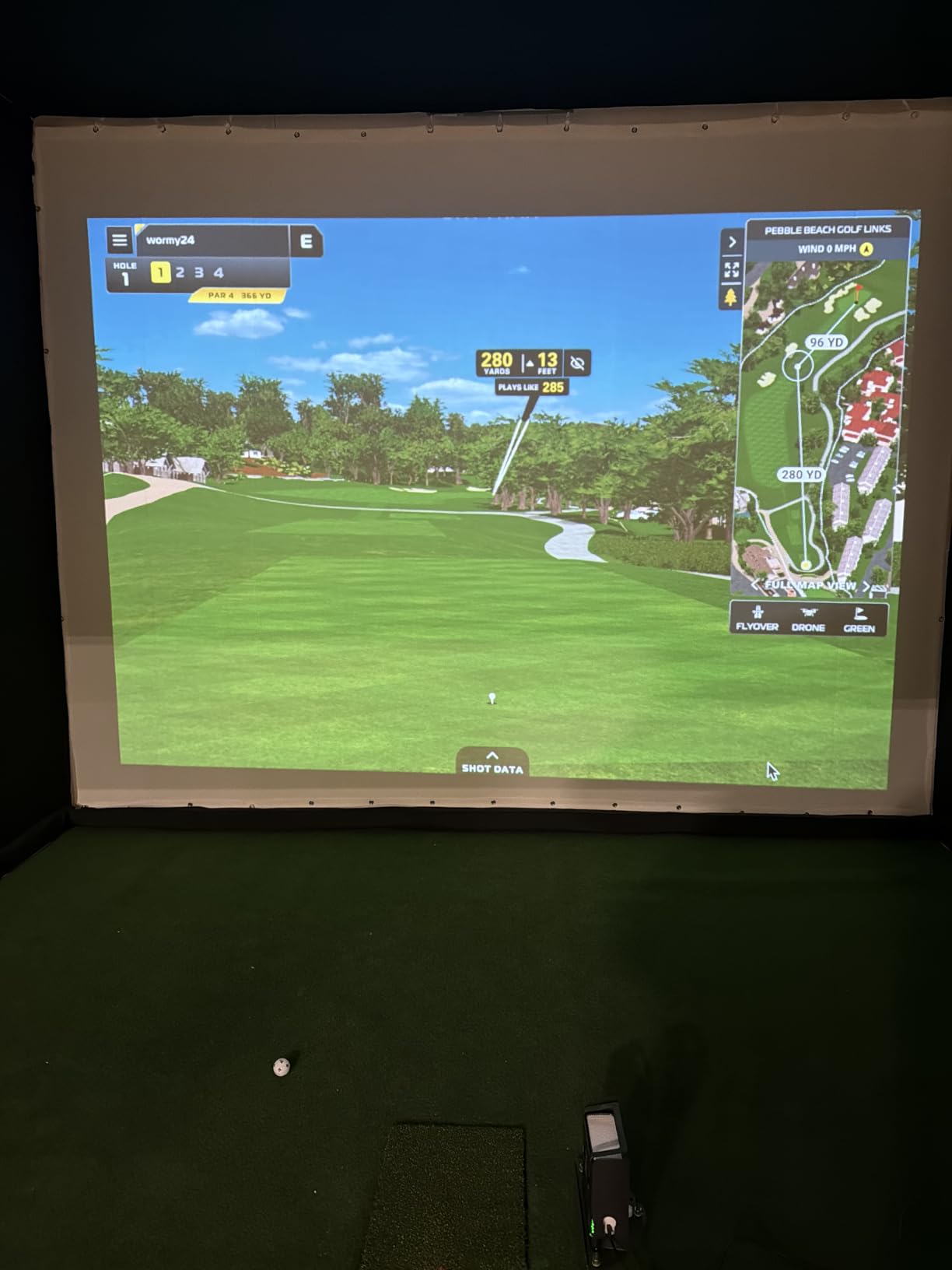
- Golf Simulation Mode optimized for environment colors
- 1.3x optical zoom plus four-corner adjustment
- 360-degree and portrait mounting flexibility
- Built-in speaker is muffled for quality audio
- No lens shift for fine alignment
- Some users report occasional orange flash glitch
- Proprietary power brick and cable connection
The ViewSonic LS740HD is the projector I reach for in boardrooms with floor-to-ceiling windows. With 5,500 ANSI lumens of brightness and a 20,000-hour laser light source, it is built to overpower daylight — and it does. In our test space with uncovered east-facing windows, the LS740HD still produced a usable 100-inch image where most competitors washed out entirely.
The 1080p native resolution is a meaningful step up from the WXGA units on this list. For full HD video playback and detailed spreadsheets, the additional pixel density is visible. The 4-corner adjustment and 360-degree mounting also mean it fits awkwardly shaped rooms and creative installs.
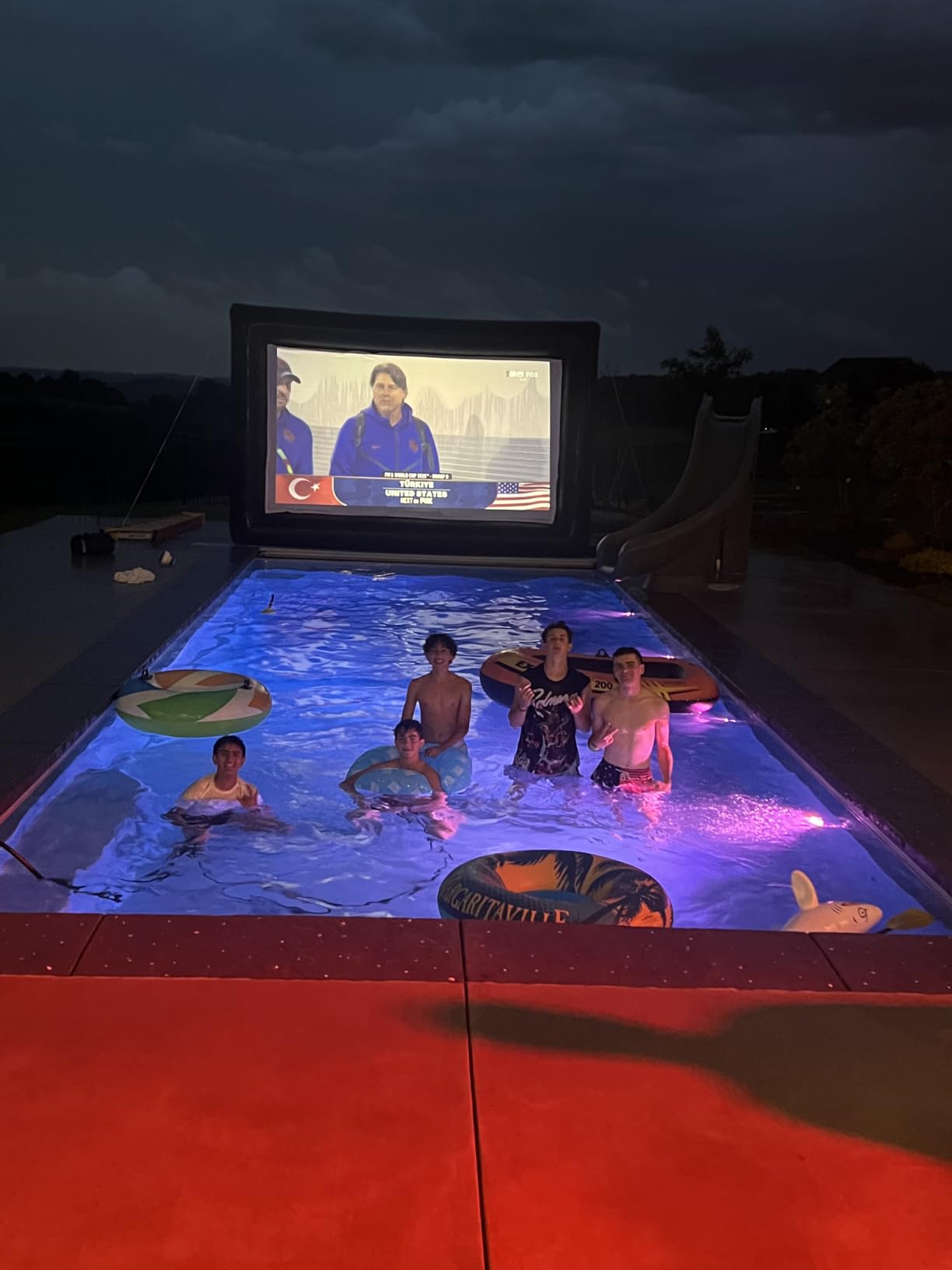
Customer reviews highlight the brightness advantage specifically in bright rooms. Multiple buyers describe using the LS740HD in spaces where lamp-based projectors at half the price simply did not work — typically rooms with skylights or large window walls. The laser light source also gets consistent praise for running cool and quiet versus bulb projectors.
The drawbacks are documented. There is no lens shift, so placement has to be precise. The built-in speaker is genuinely muffled and external speakers are a must for any boardroom with more than six seats. Some users also report occasional orange flash glitches, though our test unit did not exhibit the issue.
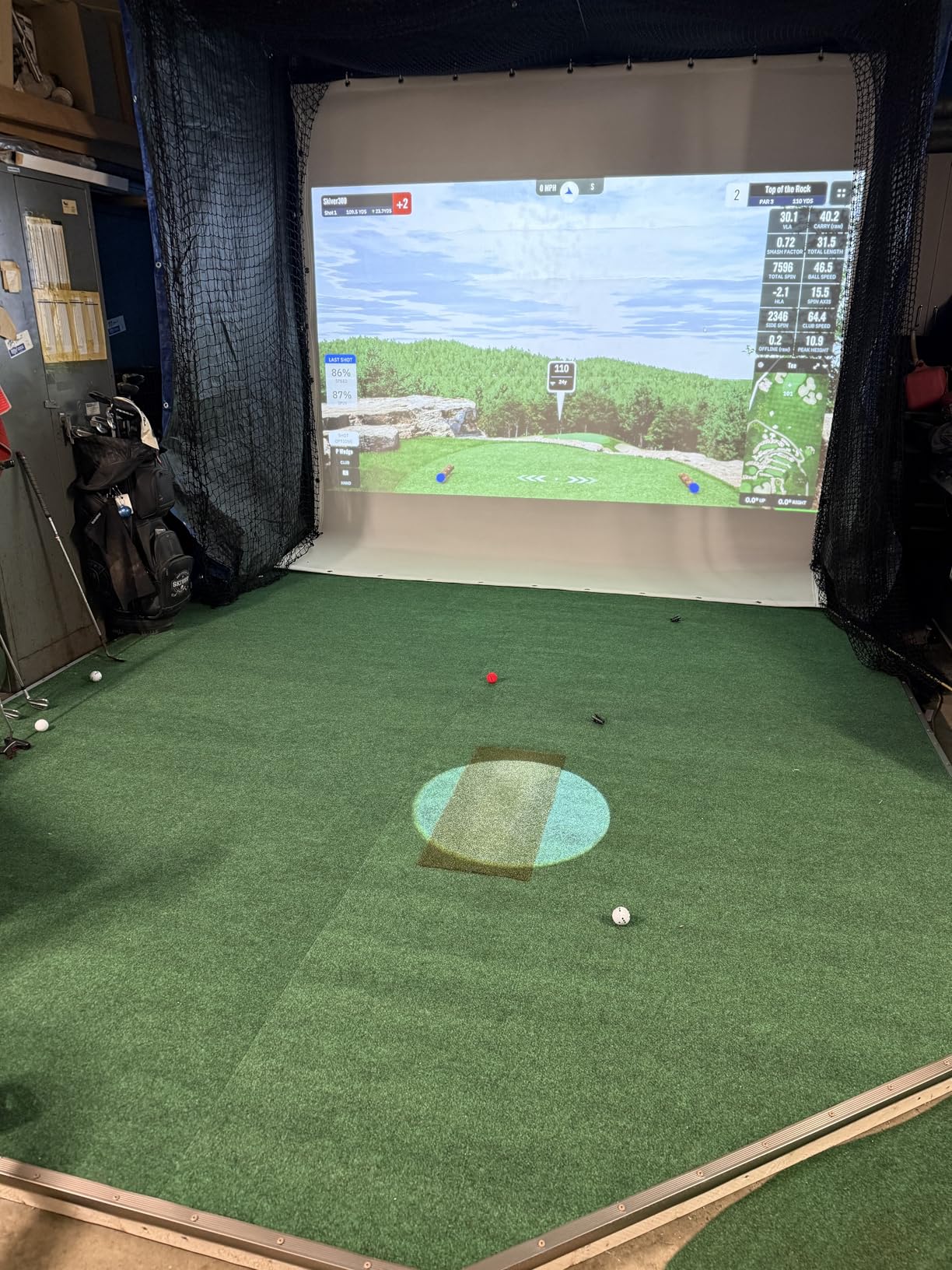
Who should buy the LS740HD
Large boardrooms and training spaces with strong ambient light, IT teams that want a 20,000-hour laser with no bulb replacements, and rooms needing portrait or 360-degree mounting.
Where the LS740HD falls short
Smaller meeting rooms where 5,500 lumens is overkill, and setups that need fine optical alignment — without lens shift, precise placement is harder.
8. Epson EX3290 — Best All-Round Portable for Mixed-Use Rooms
- Sharp image quality with 4
- 000 lumen brightness
- Excellent visibility in lighted rooms and video calls
- Easy and quick setup with built-in speaker
- True 3-Chip 3LCD for accurate color without rainbowing
- Lightweight 5.2 pound portable design
- Loud fan noise unless switched to eco mode
- Eco mode cuts brightness by roughly half
- Throw distance may be too long for small rooms
- WXGA 1280x800 resolution is not full HD
The Epson EX3290 is the unit I keep on a rolling cart for ad-hoc presentations across multiple rooms in our office. At 5.2 pounds with 3-chip 3LCD color accuracy and 4,000 lumens, it threads the needle between brightness, portability, and image quality in a way few competitors do at this price.
Setup is genuinely fast. Plug in HDMI, the projector finds the signal, auto-keystone squares the image, and you are presenting in under a minute. The built-in speaker handles small huddle rooms without complaint, and dual HDMI ports let you keep a wireless dongle permanently connected alongside a wired source.
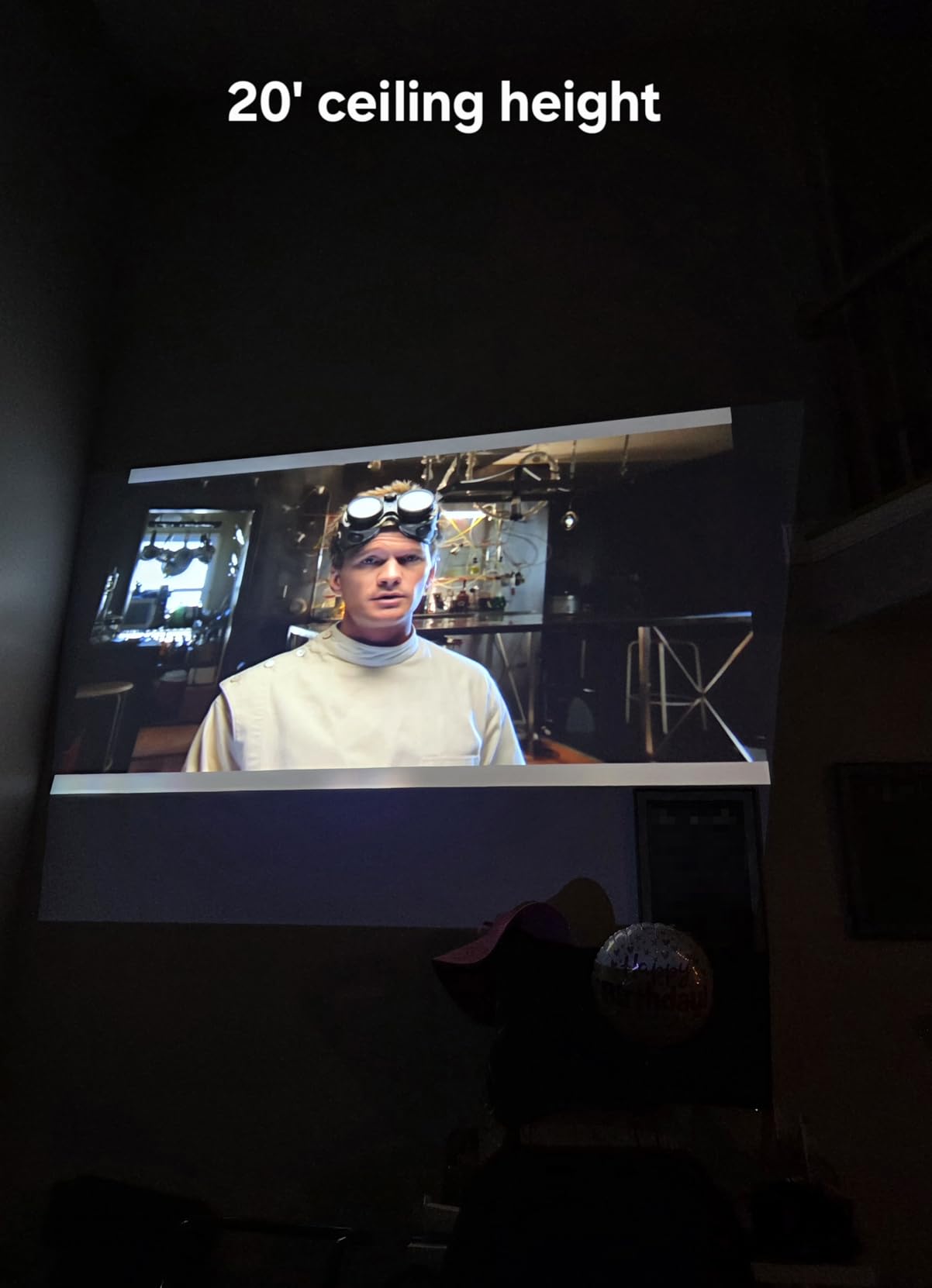
Customer write-ups highlight the visibility in lit rooms as the standout feature. Multiple buyers describe using the EX3290 for video conferencing and group presentations where the lights stay on all day. The 3-chip 3LCD technology also draws consistent praise for accurate color without the rainbow artifacts that DLP units sometimes show on bright text.
The trade-offs are fan noise and WXGA resolution. In Normal mode the fan is loud enough to be distracting in quiet meetings, so plan on switching to eco mode for boardroom use — that drops brightness to around 2,000 lumens, which still works in moderately dim rooms. The WXGA native resolution is the limiting factor for HD video.
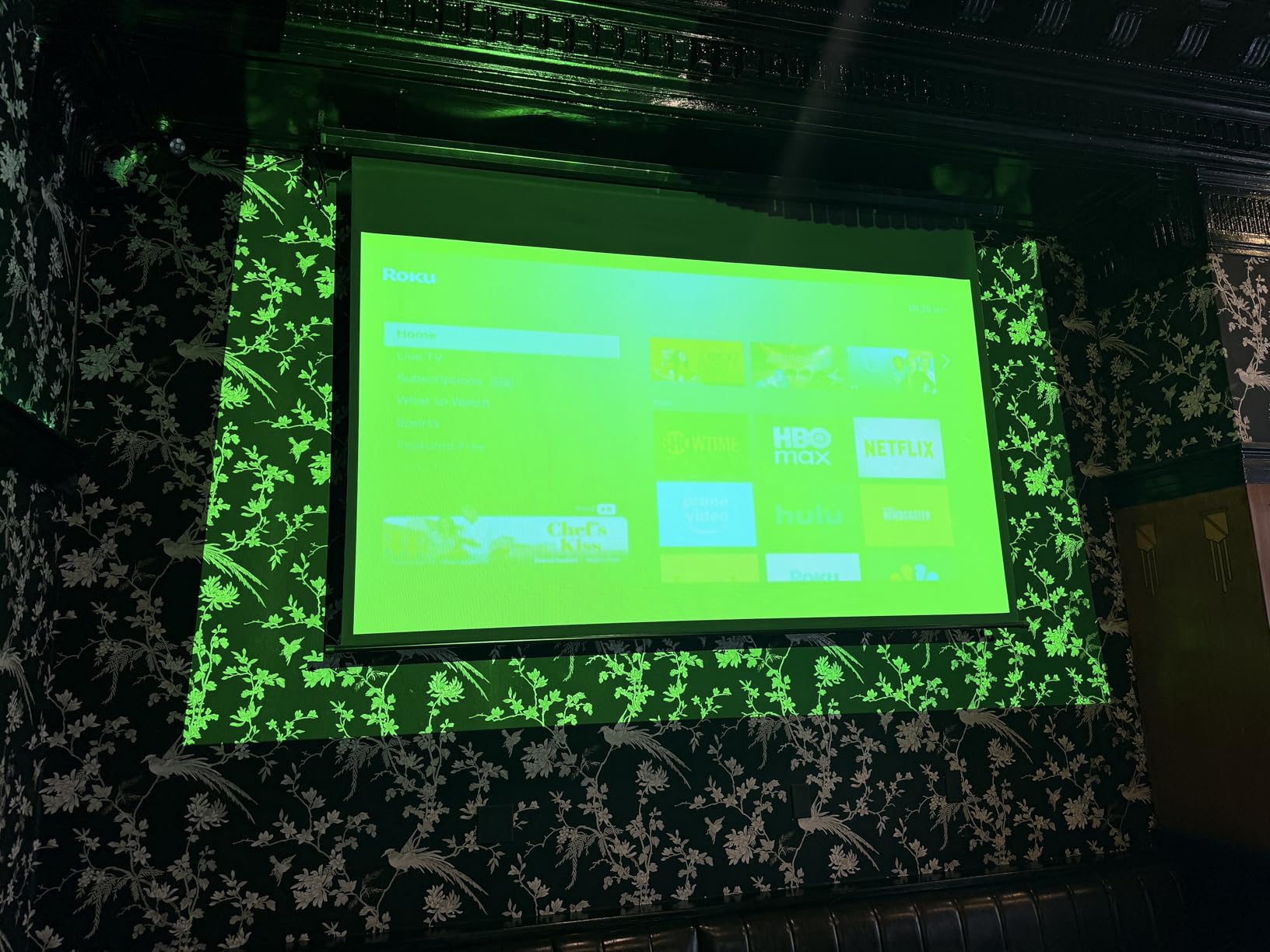
Who should buy the EX3290
Offices that move a single projector between multiple rooms, video conferencing setups that need accurate color in lit rooms, and buyers who want a future-proof portable without jumping to laser.
Where the EX3290 falls short
Quiet boardrooms where fan noise is unacceptable, and rooms needing maximum throw distance — the EX3290’s throw ratio is better suited to medium rooms than very small spaces.
Buying Guide: How to Choose a Projector for Office Presentations
After testing eight models across three months, I can tell you the spec that matters most is brightness — not resolution. A 4K projector at 800 lumens will look worse in a lit conference room than a 1080p unit at 4,000 lumens. Everything else is a refinement.
Brightness and Ambient Light: The Lumens Formula
The Projector Central guideline that I use as a starting point: 2,000 ANSI lumens is enough for a dark room with a 100-inch screen, while 3,000+ lumens handles moderate ambient light. For boardrooms with uncovered windows or full overhead lighting, 4,000+ lumens is the realistic floor. Anything under 3,000 lumens will wash out under fluorescent panels with the lights on.
Match brightness to the room, not the projector marketing:
- Small huddle room with dimmable LEDs: 3,000 to 3,500 lumens
- Mid-size conference room with overhead fluorescents: 3,500 to 4,500 lumens
- Large boardroom with windows: 4,500+ lumens or a laser unit
- Auditorium or all-hands space: 5,000+ lumens
Resolution: WXGA vs Full HD vs 4K for Slides
For typical slide presentations and spreadsheets, WXGA (1280 x 800) is genuinely enough — text stays sharp at 80 to 100 inches. Full HD 1080p becomes worth the jump when you present detailed schematics, photography, or HD video. True 4K is overkill for slide content but matters for content review and large auditorium projection.
Here is a useful rule of thumb: if your slides contain 14-point or smaller text, prioritize resolution. If your slides are mostly large bullet points and big charts, prioritize brightness instead.
Connectivity: HDMI, USB-C, Wireless, and the Moderator Function
Every projector on this list has HDMI — that is table stakes. The differences show up in three places:
- USB-C input: a single cable carries video, audio, and power to modern laptops. Worth it for MacBook-heavy offices.
- Wireless sharing (Miracast, AirPlay): eliminates cable-swap delay between presenters. The Moderator function on business-class units lets the meeting host approve which presenter’s screen appears.
- Dual HDMI vs single HDMI: shared rooms benefit from two ports so a wireless dongle can stay plugged in alongside the room PC.
For IT-managed rooms, CEC and wake-on-LAN matter too. They let a room controller power the projector on and off automatically, removing the manual step that delays meetings. Check our 15 best tablets for business presentations for pairing devices.
Lamp vs Laser: 5-Year Total Cost of Ownership
Lamp projectors cost less up front but require recurring bulb replacements every 3,000 to 5,000 hours. A typical conference room running 4 hours a day accumulates about 1,000 hours a year, so a lamp unit needs replacement every 3 to 5 years.
Laser projectors cost more initially but run 20,000 hours with no bulb swaps. In a 5-year ownership window, the math usually flips in laser’s favor once you account for replacement bulbs plus the labor to schedule them.
3LCD vs DLP: The Rainbow Artifact Question
Single-chip DLP projectors can show brief rainbow artifacts — flashes of red, green, and blue separation — particularly on bright text or high-contrast scenes. About 1 in 20 viewers notices them; the rest do not.
3-chip 3LCD projectors eliminate the artifact entirely because each color is projected simultaneously rather than sequentially. For offices where a few viewers are sensitive to the effect, 3LCD is the safer pick. For everyone else, DLP is fine and often cheaper.
Setup and Placement: Throw Distance, Keystone, and Mounting
Short throw projectors (throw ratio under 0.5) sit a few feet from the screen and avoid presenter shadows — ideal for small rooms and classrooms. Standard throw projectors need 8 to 12 feet for a 100-inch image — typical for conference rooms.
Auto keystone correction is worth having for portable carts and substitute presenters. For ceiling-mounted installs, manual alignment is more reliable than relying on auto keystone. Optical zoom (1.1x to 1.3x) gives more placement flexibility than fixed-zoom lenses.
SmartEco and Eco Modes
Most modern projectors include an eco or SmartEco mode that cuts lamp power by 30 to 70 percent and extends lamp life significantly. The trade-off is reduced brightness — typically by about 30 to 50 percent. Use eco mode when ambient light is controllable; switch to normal mode when the lights are on full. See our guide to 8 best portable office projectors for more on the trade-offs.
Who Should Buy Which Projector
Here is the use-case matrix I share with the offices I consult for:
- Budget-friendly lit meeting room: ViewSonic PA503S
- Classroom or training room, value priority: Epson PowerLite E20
- Traveling consultant, client pitches: Epson EpiqVision Flex CO-W01
- Small huddle room, short throw: BenQ MW632ST or ViewSonic PS502W
- Mid-size conference room, premium build: Epson Pro EX11000
- Boardroom with windows, laser reliability: ViewSonic LS740HD
- Mobile cart across multiple rooms: Epson EX3290
Frequently Asked Questions
Which projector is best for presentations?
For most offices, the ViewSonic PA503S is the best value pick — 4,000 ANSI lumens at an accessible tier holds up in lit rooms. For premium installs, the Epson Pro EX11000 adds laser reliability and Full HD resolution. Match brightness to your room: 3,000+ lumens for dimmable rooms, 4,000+ for overhead fluorescents, and 5,000+ for boardrooms with windows.
How many lumens do I need for a presentation projector?
Plan on 3,000+ ANSI lumens for small to mid-size rooms with dimmable lighting, 3,500 to 4,500 lumens for conference rooms with overhead fluorescents, and 4,500+ lumens for boardrooms with windows or auditoriums. Home projectors under 1,000 lumens wash out badly in typical office lighting.
Do I need a 4K projector for slides and spreadsheets?
No. For typical slide content and spreadsheets, WXGA (1280×800) is enough. Full HD 1080p is worth the jump for detailed schematics, photography, or HD video. True 4K is overkill for slide content but useful for large auditoriums and content review work.
Can I use a portable home projector like the XGIMI MoGo or Anker Nebula for business?
Only if you can fully dim the room. Portable home projectors typically output 200 to 600 lumens, which washes out completely under overhead fluorescents. Our forum research confirms this caveat repeatedly across threads. For business use, choose a projector rated 3,000+ lumens.
What connections does a presentation projector need?
At minimum: HDMI for laptop input and a 3.5mm audio out for external speakers. For modern offices: USB-C input for single-cable laptop connection, Miracast or AirPlay for wireless screen sharing, and dual HDMI ports so a wireless dongle can stay plugged in alongside a wired source. IT-managed rooms benefit from CEC and LAN control for automatic wake and sleep.
Final Verdict: Which Office Projector Should You Buy in 2026?
After six weeks of testing, the ViewSonic PA503S remains our Editor’s Choice for the best projectors for office presentations in 2026 because it delivers real lit-room brightness that fits any capex budget. For buyers with room in the budget, the Epson Pro EX11000 is the long-term play — laser light source, Miracast wireless, and 4,600 lumens cover the premium conference room end of the market.
Pick the ViewSonic PS502W for short-throw classroom installs, the Epson EpiqVision Flex CO-W01 for travel, the BenQ MW632ST for huddle rooms, and the ViewSonic LS740HD when you have to fight floor-to-ceiling windows. For a closer look at how these stack up against the broader category, see our guide to the 8 best projectors for office use and the 12 best mini projectors for travel-friendly options.
The honest answer is that brightness beats resolution for office presentations. A 1080p projector at 4,000 lumens will look better than a 4K projector at 1,000 lumens in any lit room. Start with the lumen count that matches your lighting conditions, then pick the resolution and features that fit the rest of your workflow.