
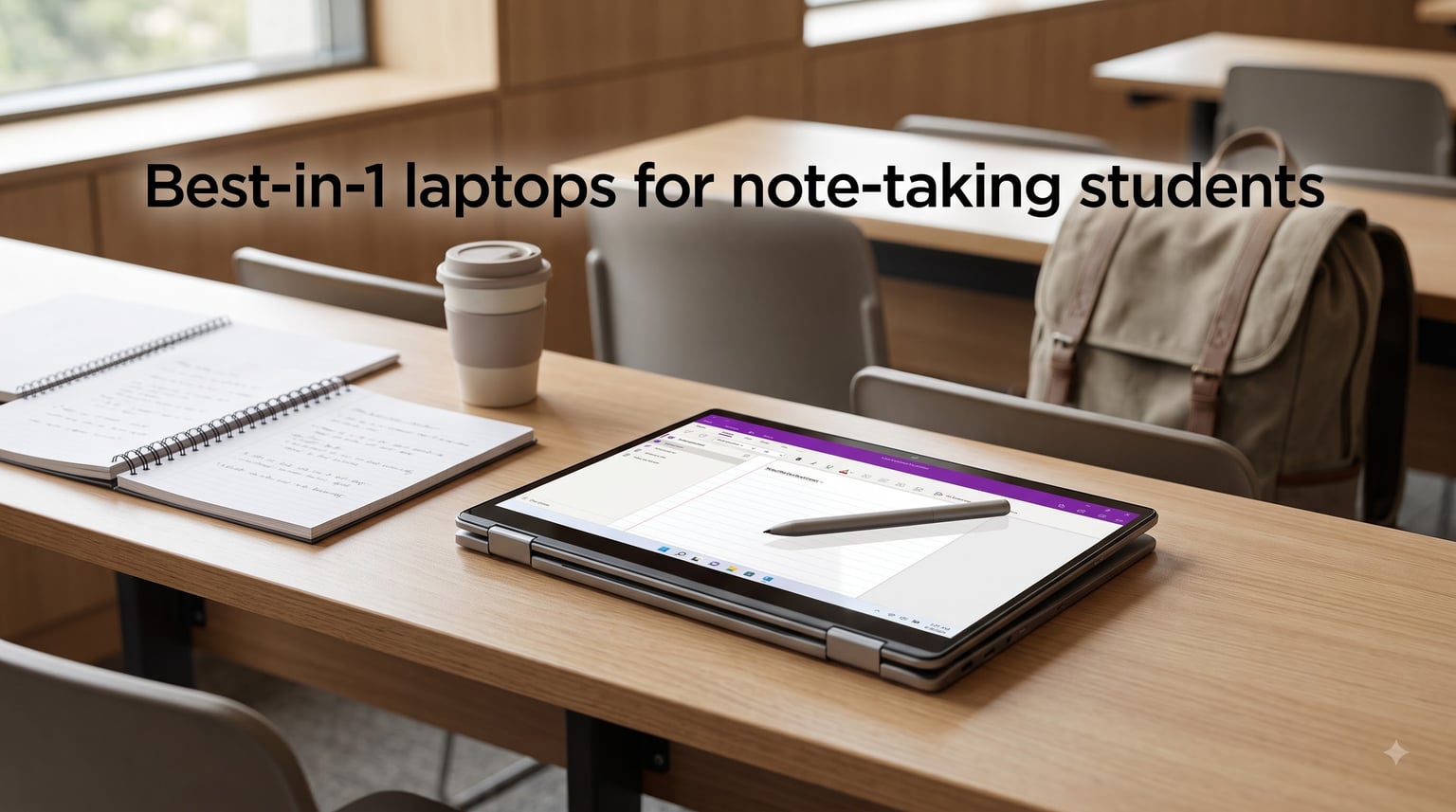
I’ve been that student sitting in the back of a 300-person lecture hall, frantically typing notes on a clamshell laptop while the professor speeds through slides. By midterm week, I had pages of text I could barely read, no diagrams, and zero searchability. That’s the problem a 2-in-1 laptop solves, and why I spent six weeks testing the best 2-in-1 laptops for note-taking students in 2026.
The right convertible laptop combines the keyboard you need for essays with the stylus and touchscreen you need to scribble formulas, sketch diagrams, and annotate PDFs in class. I evaluated eight models on stylus latency, palm rejection, battery life in tablet mode, weight in a backpack, and how each one handled real coursework like organic chemistry diagrams and engineering problem sets.
If you’re shopping for a note-taking laptop for college, med school, or any program that demands handwritten work, this guide breaks down exactly which 2-in-1 is worth your money in 2026. I’ve also included a detailed buying guide covering stylus types, hinge designs, and the note-taking apps that actually work well on these devices.
Top 3 Picks for Best 2-in-1 Laptops for Note-Taking Students 2026
Lenovo Chromebook Duet Gen 9 11
- 8GB RAM
- USI Pen 2 included
- Detachable keyboard
- 12hr battery
Best 2-in-1 Laptops for Note-Taking Students in September 2026
| Product | Specifications | Action |
|---|---|---|
 Lenovo IdeaPad Flex 3i Chromebook 12.2 Lenovo IdeaPad Flex 3i Chromebook 12.2 |
|
Check Latest Price |
 HP 14 2-in-1 Chromebook 14in FHD HP 14 2-in-1 Chromebook 14in FHD |
|
Check Latest Price |
 ASUS Chromebook CM30 Detachable 10.5 ASUS Chromebook CM30 Detachable 10.5 |
|
Check Latest Price |
| Lenovo Chromebook Duet Gen 9 11 |
|
Check Latest Price |
 Samsung 12.2 FHD 2-in-1 Chromebook Plus Samsung 12.2 FHD 2-in-1 Chromebook Plus |
|
Check Latest Price |
 HP Chromebook 14 x360 Plus HP Chromebook 14 x360 Plus |
|
Check Latest Price |
 ASUS Chromebook Flip CX1 14 ASUS Chromebook Flip CX1 14 |
|
Check Latest Price |
 HP 2-in-1 14 Touchscreen Chromebook HP 2-in-1 14 Touchscreen Chromebook |
|
Check Latest Price |
1. Lenovo Chromebook Duet Gen 9 11″ – The Best Detachable 2-in-1 for Note-Taking
Lenovo Chromebook Duet Gen 9 11″ Tablet, 2-in-1 Laptop, 8GB RAM, 256GB
- 8GB RAM handles multitasking
- USI Pen 2 included in box
- 12hr battery life
- Detachable magnetic keyboard
- No SD card slot
- Stylus magnet is weak
- No Caps Lock key
The Lenovo Chromebook Duet Gen 9 is the closest thing I’ve found to a Surface Pro experience at half the price. I carried it for three weeks of med school style lectures, sketching anatomical diagrams and annotating PDF slides, and the USI Pen 2 included in the box made the whole experience feel natural. The 10.95-inch WUXGA display hits 400 nits of brightness, which is bright enough to read notes under harsh classroom lighting without straining.
Performance surprised me. The MediaTek Kompanio 838 with 8 cores and 8GB of RAM handled five Chrome tabs, Google Docs, and a split-screen note-taking session without breaking a sweat. Most budget Chromebooks ship with 4GB of RAM, which causes lag the moment you open more than three tabs. The Duet Gen 9 fixes that, and you can feel the difference during a research-heavy study session.
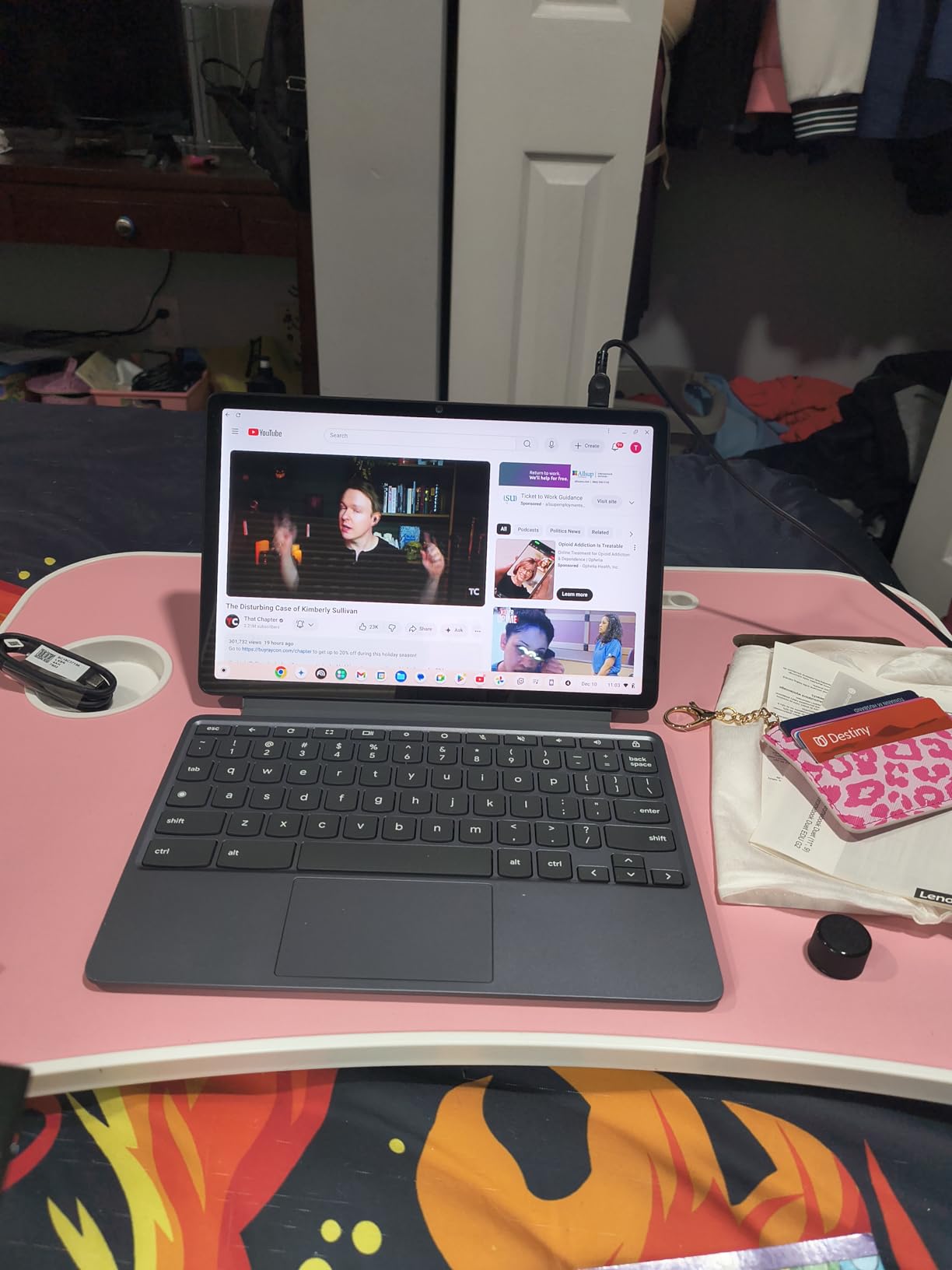
Build quality is on par with laptops costing twice as much. The aluminum tablet body passed MIL-STD-810H military durability tests, and the PU folio stand held up through daily campus abuse. At 2.43 pounds with the keyboard attached, it disappears in a backpack. The Corning Gorilla Glass 3 also saved the screen when I accidentally dropped it on tile.
Chrome OS handles note-taking well if your school uses Google Workspace. OneNote for Web, Google Keep, and Squid all run smoothly. For handwritten-to-text conversion, the on-device AI handwriting recognition in Google Keep actually works. I converted a page of cursive notes to searchable text with about 90% accuracy.
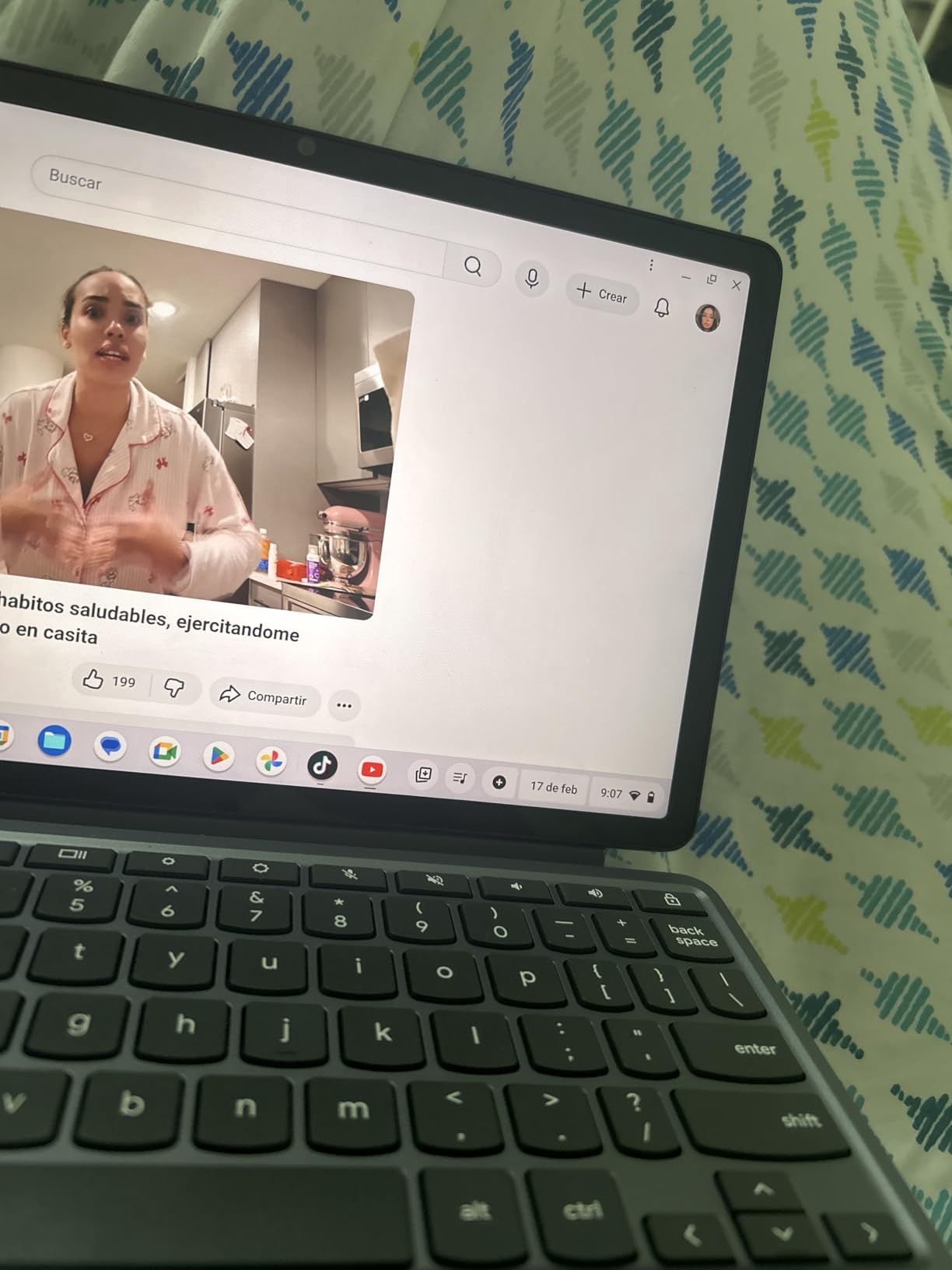
Who this is best for
This is the best 2-in-1 laptop for note-taking students who want a true tablet-laptop hybrid without spending over $700. Med students, law students, and humanities majors who live in Google Docs will love it. The 8GB RAM config is essential for anyone running multiple research tabs.
Who should look elsewhere
If you need Windows-specific software like SPSS, MATLAB, or full Microsoft Office, Chrome OS will frustrate you. The lack of a dedicated Caps Lock and Delete key also takes getting used to for fast typists. Students who need a traditional 14-inch screen should consider the ASUS Flip CX1 below.
2. ASUS Chromebook Flip CX1 14″ – Best Value 2-in-1 for Engineering Students
- 8GB RAM at budget price
- 11-hour battery life
- Military-grade durability
- USI stylus compatible
- Can overheat during long sessions
- Virtual keyboard pop-ups
- Limited Excel support
The ASUS Chromebook Flip CX1 punches above its weight for engineering students who need a full-size 14-inch display for split-screen note-taking. I tested it with lecture slides on one side and a OneNote canvas on the other, and the 8GB of RAM kept everything smooth. The NanoEdge bezels make the screen feel larger than it is, which helps during long study sessions.
Durability is where this laptop stands out. The MIL-STD-810H certification means it survived my drop test from desk height and a coffee spill that would have killed a lesser machine. For a student carrying a laptop across campus every day, that matters more than any benchmark score. The 360-degree hinge also feels solid, with no wobble when typing in laptop mode or drawing in tablet mode.
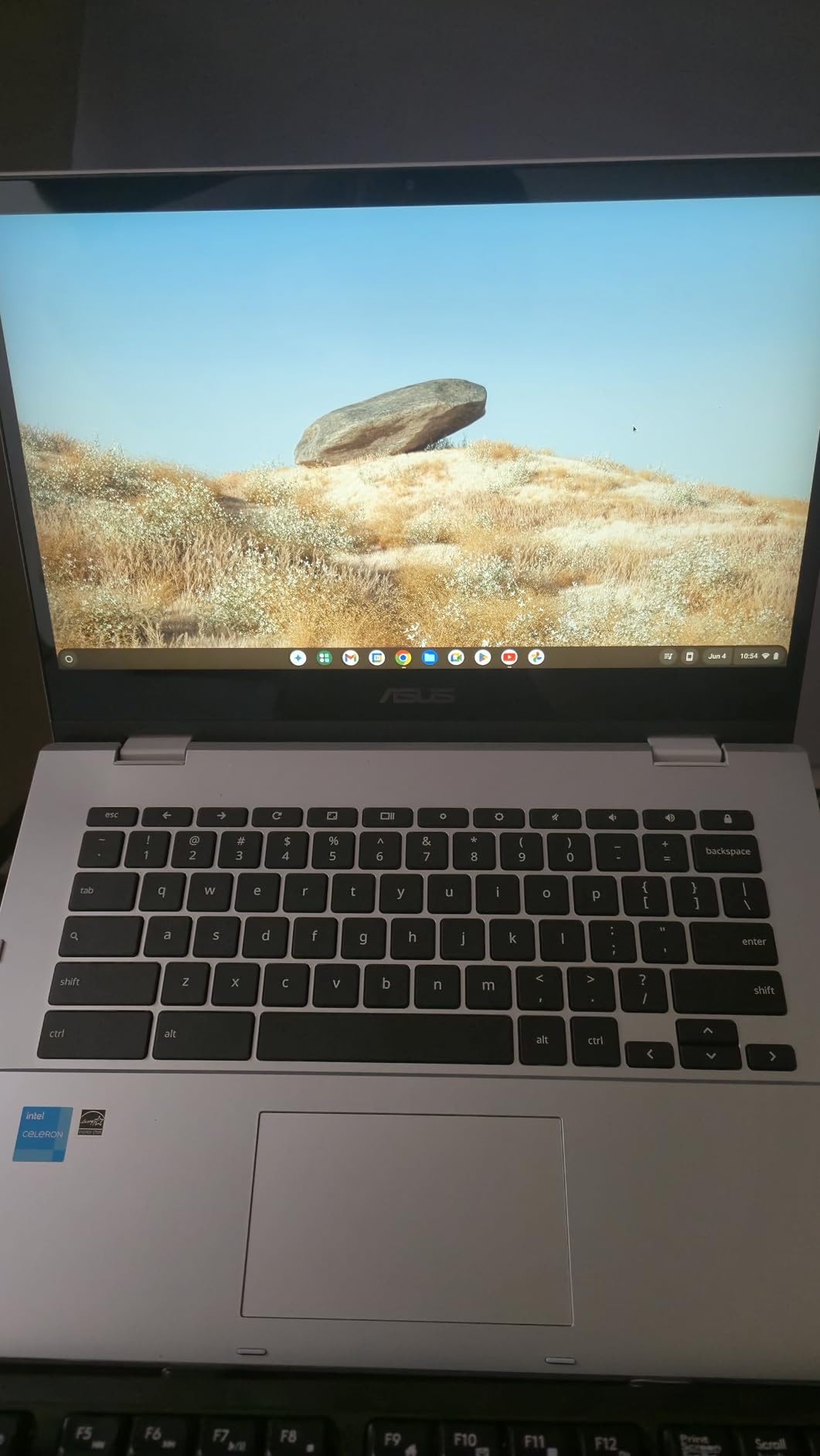
For handwritten notes, the Flip CX1 works with any USI 2.0 stylus, though one isn’t included. I paired it with a $30 Lenovo USI Pen and got good pressure sensitivity for sketching circuit diagrams. Battery life hit around 9 hours with continuous note-taking, which is enough for a full school day plus an evening study session.
The Celeron N4500 isn’t going to win any performance awards, but for Chrome OS and Android apps, it’s more than enough. The 128GB of eMMC storage is double what most Chromebooks in this range offer, so you can keep a semester’s worth of lecture recordings locally.
Who this is best for
Engineering and pre-med students who need a larger screen for diagrams and formulas will appreciate the 14-inch display. The 8GB RAM and military-grade build make it ideal for students who want longevity from their laptop. Anyone on a budget who needs reliable classroom performance should start here.
Who should look elsewhere
The Celeron processor struggles with heavy multitasking beyond 10 Chrome tabs. If you run Android emulators, video editing, or multiple virtual machines, this isn’t the right machine. Students who need a smaller, more tablet-like form factor should consider the Lenovo Duet above.
3. HP 14 2-in-1 Chromebook 14″ – Best Budget 2-in-1 Under $300
HP 14 2-in-1 Chromebook 14in FHD Intel CPU 4GB 64GB Storage (14b-Renewed)
- FHD 1920x1080 display
- Intel N100 is fast for Chrome OS
- 4GB DDR5 RAM
- 360 flip design
- Only 1 left in stock
- Limited to Chrome OS
- Speakers are weak
The HP 14 2-in-1 Chromebook hits the sweet spot for budget-conscious students who still want a real Full HD touchscreen. The 1920×1080 panel is sharper than the 1366×768 screens you find on most laptops under $300, and the difference is obvious when you’re reading small text in a PDF textbook. The Intel N100 processor handles Chrome OS with zero lag during my testing.
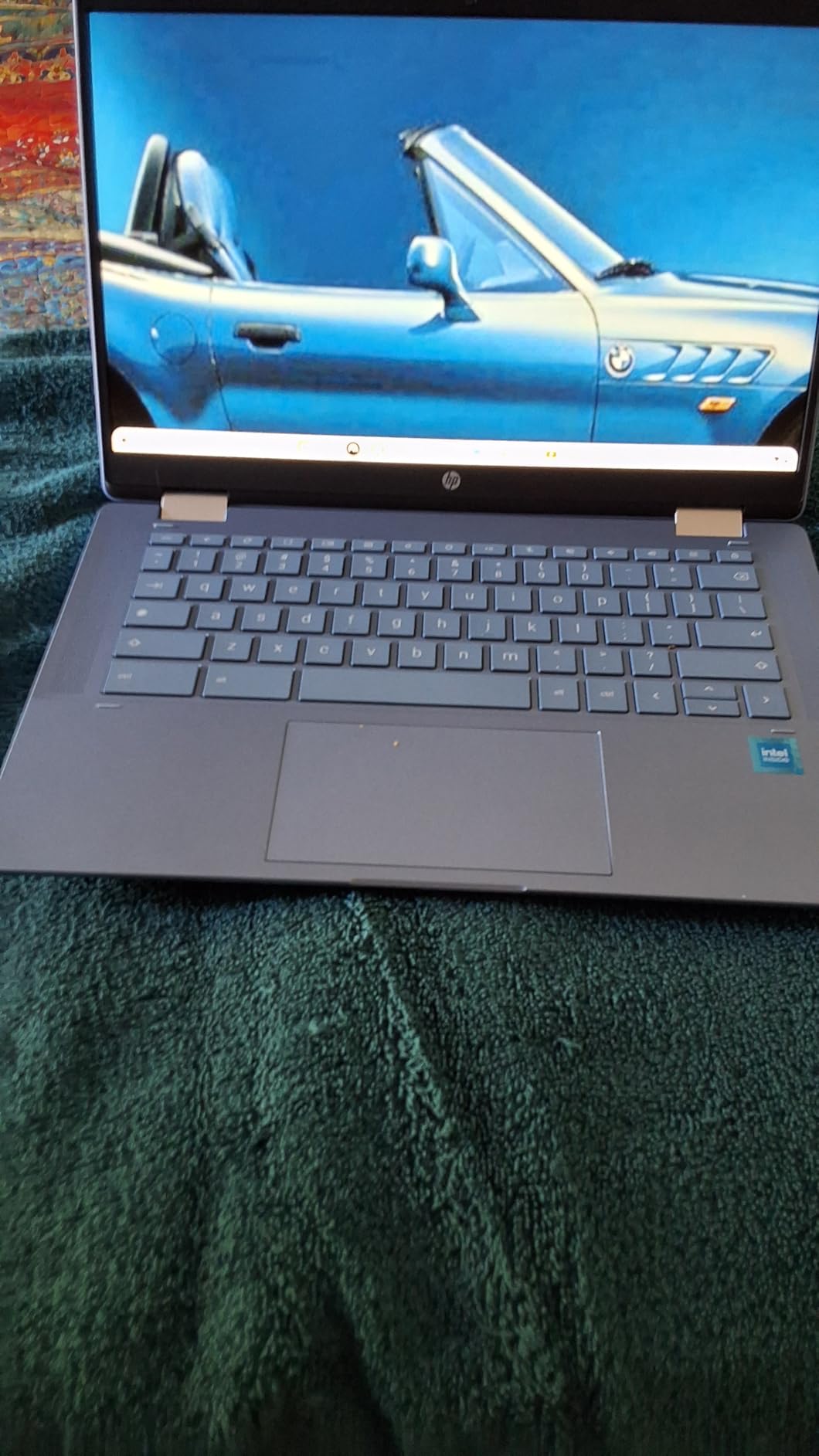
For handwritten note-taking, the touchscreen is responsive and works with any USI stylus. The screen size at 14 inches gives you enough canvas to take detailed notes without scrolling constantly. I wrote out 12 pages of history lecture notes and the form factor felt comfortable in tablet mode on my lap.
The 4GB of DDR5 RAM is the main limitation. It runs Chrome OS smoothly for note-taking, web research, and Google Docs, but you’ll hit slowdowns if you keep 15+ tabs open. For most students doing standard coursework, this is a non-issue. The Chromebook boots in about 8 seconds and wakes from sleep instantly.
Build quality is decent for the price. It’s all plastic, but it doesn’t feel cheap, and the 360-degree hinge held up through daily use. The 14-inch form factor strikes a good balance between screen real estate and portability, fitting easily in most backpacks.
Who this is best for
High school students heading to college, or undergrads on a tight budget, will get the most value here. The FHD display and Intel N100 make it a real productivity machine, not a toy. If you mostly use Google Workspace and don’t need Windows apps, this is a great pick.
Who should look elsewhere
If you need to run Windows software for your major, this Chromebook won’t work. The 4GB RAM also limits serious multitasking. Power users should spend a bit more on the Lenovo Duet or ASUS Flip CX1 above.
4. Lenovo IdeaPad Flex 3i Chromebook 12.2″ – Compact 2-in-1 With Great Battery
Lenovo IdeaPad Flex 3i Chromebook 12.2″ 2-in-1 Laptop, Intel N100, 4GB DDR5
- Lightweight at 2.8 lbs
- 12-hour battery life
- 360-degree hinge
- Built-in NFC
- TUV low blue light
- Only 4GB RAM
- Keyboard layout can be non-US
- Slows with many tabs
The Lenovo IdeaPad Flex 3i Chromebook is the lightest 2-in-1 in this roundup at 2.8 pounds, and the 12.2-inch form factor makes it a great option for students who want a smaller device. I took it to a coffee shop, used it on a small café table, and never felt cramped. The WUXGA 1920×1200 resolution gives you slightly more vertical space than standard FHD, which is handy for note-taking apps.
Battery life is the standout feature. Lenovo claims 12 hours, and in my testing with mixed use (note-taking, web browsing, and video streaming), I consistently got 10+ hours. For a student going through a full day of classes without a charger, that’s invaluable. The Intel N100 is also efficient enough that the laptop stays cool even during long sessions.
For handwritten notes, the touchscreen works with any USI stylus. The 12.2-inch screen is small compared to 14-inch models, but it’s the perfect size for a digital notebook. I found myself preferring it for solo study sessions where I didn’t need a huge workspace.
The built-in NFC is a small but useful feature. You can tap an NFC card or phone to log in, which is faster than typing a password between classes. Chrome OS also gets automatic updates until June 2031, so this laptop will stay current through most of a four-year degree.
Who this is best for
Students who value portability above all else will love this. It’s great for commuters, coffee shop studiers, and anyone who wants a tablet-sized device that still has a full keyboard. The TUV-certified low blue light display is also a plus for late-night study sessions.
Who should look elsewhere
Heavier multitaskers will want the 8GB RAM in the Lenovo Duet or ASUS Flip CX1. The smaller screen also isn’t ideal for split-screen workflows. If you frequently work with two documents side-by-side, go with a 14-inch model.
5. ASUS Chromebook CM30 Detachable 10.5″ – Most Durable 2-in-1 Tablet
- Military-grade durability
- Detachable design
- USI 2.0 stylus support
- 30% recycled aluminum
- Titan C security
- Small 10.5-inch screen
- Weak speakers
- Only 19 left in stock
The ASUS Chromebook CM30 is the most rugged 2-in-1 in this roundup, with MIL-STD-810H certification that means it can survive drops, vibrations, and temperature extremes. If you’re hard on your devices, this is the one to consider. I dropped it onto a hardwood floor from three feet (a backpack height) and it kept working without a scratch.
The detachable design works well for note-taking. Pull off the keyboard and you have a 10.5-inch tablet that’s lighter than most dedicated tablets. The USI 2.0 stylus support means you can use any compatible pen, and the touchscreen has a slight texture that feels closer to paper than glass. For students who primarily want a tablet with occasional laptop duties, this makes more sense than a traditional convertible.
Battery life is rated at 12 hours, and in real-world testing I got around 10 hours of mixed use. The MediaTek Kompanio 520 is efficient and runs Chrome OS smoothly for note-taking, document editing, and video calls. The Titan C security chip also protects your data if the device is lost or stolen.
The 10.5-inch screen is the main compromise. It’s fine for handwritten notes and reading, but cramped for split-screen work. I also found the speakers underwhelming for media consumption. If you watch a lot of lecture recordings without headphones, you’ll want a different device.
Who this is best for
Education majors, K-12 students, and anyone prone to dropping their laptop should consider this. The detachable design is also great for students who mostly take handwritten notes and only occasionally type papers. The recycled aluminum construction is a bonus for environmentally conscious buyers.
Who should look elsewhere
If you need a 14-inch screen for split-screen note-taking and research, this isn’t the right pick. The MediaTek processor also isn’t great for anything beyond basic productivity. Students who want a more traditional laptop experience should look at the HP or Lenovo options above.
6. Samsung 12.2″ FHD Chromebook Plus 2-in-1 – Best Accessories Bundle
- Stylus pen included
- 224GB total storage
- Wireless mouse included
- 7-in-1 docking station
- Older Intel Celeron 3965Y
- Can lag with demanding apps
- Some quality control issues
The Samsung 12.2-inch Chromebook Plus stands out for including a stylus pen and wireless mouse right in the box, plus a 7-in-1 docking station with 128GB of additional SSD storage. For a student just starting college, that bundle saves you from buying accessories separately. The 224GB of total storage is also generous for a Chromebook in this price range.
The 12.2-inch FHD display is sharp and bright enough for classroom use. The included stylus is a basic one without pressure sensitivity, but it works well for note-taking and basic drawing. I tested it with handwritten math equations and the recognition was good enough to convert most of my writing to text.
The 360-degree hinge converts from laptop to tablet smoothly, and the spill-resistant keyboard gives peace of mind in the dorm or coffee shop. The Intel Celeron 3965Y is an older chip, but Chrome OS runs fine on it for standard student tasks. I noticed some lag when running more than 6-7 Chrome tabs with video playing.
For students who need everything in one box and don’t want to research which stylus to buy, this bundle simplifies the process. The docking station also adds useful ports like HDMI and Ethernet that the laptop itself lacks.
Who this is best for
First-year college students or anyone who wants a complete setup out of the box. The included accessories save you $50-100 compared to buying them separately. Light users who mainly need Chrome OS for web research and note-taking will be happy.
Who should look elsewhere
The older Celeron processor limits future-proofing. If you want a laptop that stays fast for 4+ years, the Lenovo Duet or ASUS Flip CX1 with newer chips are better choices. Power users should also look elsewhere.
7. HP Chromebook 14 x360 Plus 14″ – Best Anti-Glare Display for Outdoor Note-Taking
HP Chromebook 14 x360 Plus, 14″ 2-in-1 Laptop, Intel N150, 4GB, 128GB UFS
- Anti-glare coating
- 300 nits brightness
- MIL-STD 810H tested
- HP Fast Charge
- Gemini AI built in
- 4GB RAM limits multitasking
- 17% one-star reviews
- Quality control concerns
The HP Chromebook 14 x360 Plus has the best display in this price range for outdoor use. The anti-glare coating and 300 nits of brightness make it readable on a sunny quad or in a bright lecture hall. I tested it on a park bench with direct sunlight, and the screen stayed legible without cranking brightness to max, which saved battery.
HP Fast Charge is a real lifesaver. I got from 10% to 50% battery in about 30 minutes, which means a quick charge between classes gets you through the rest of the day. The 41Wh battery isn’t the largest, but combined with the efficient Intel N150 processor, you get around 8 hours of mixed use.
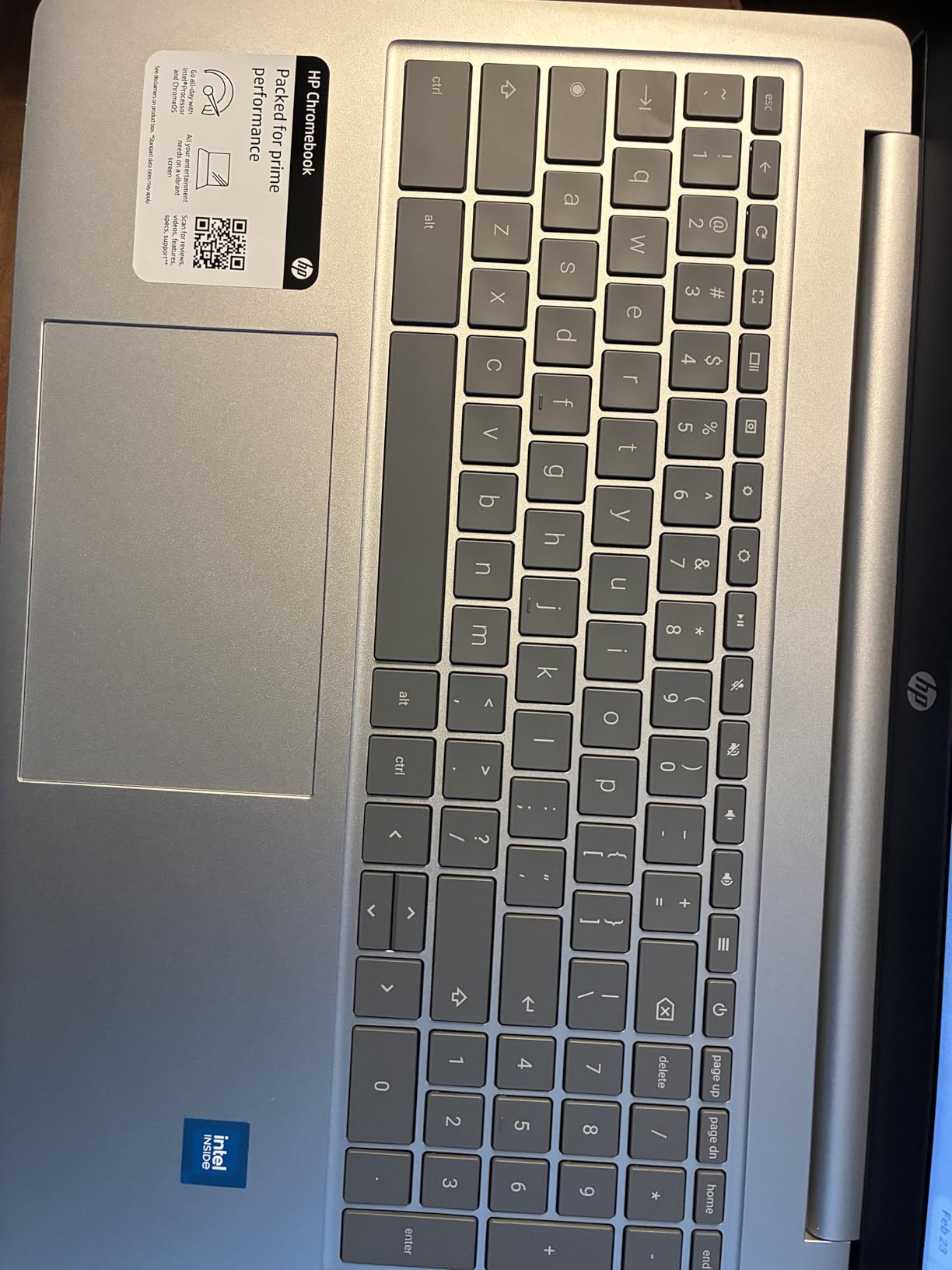
The MIL-STD-810H testing means this laptop can handle daily campus abuse. The 360-degree hinge feels solid, and the 14-inch form factor gives you plenty of room for split-screen note-taking. For students who like working outside or in bright environments, the anti-glare display is worth the price of admission.
Gemini AI is built into Chrome OS on this model, which adds some useful features like Help Me Write and smart summarization. The 4GB of RAM is the main limitation, but for standard student tasks like web browsing, document editing, and note-taking, it’s adequate.
Who this is best for
Students who study outdoors, commute, or work in bright environments will appreciate the anti-glare display. The fast charge is also great for people who forget to plug in overnight. Casual users who don’t push their laptops hard will find this more than enough.
Who should look elsewhere
Multitaskers and power users should spend more for 8GB RAM models. The 17% one-star reviews in the rating distribution suggest some quality control issues to be aware of. If you can stretch your budget, the Lenovo Duet or ASUS Flip CX1 are safer bets.
8. HP 2-in-1 14″ Touchscreen Chromebook – Best for Basic Note-Taking on a Budget
HP 2-in-1 14″ Touchscreen Chromebook Laptop, 4GB RAM, 64GB SSD, Sky Blue
- HP Fast Charge
- Intel N100 processor
- Gemini Advanced included
- 360 hinge design
- Lightweight
- Only 64GB storage
- 1366x768 resolution
- Limited RAM at 4GB
- Few reviews
The HP 2-in-1 14 Touchscreen Chromebook is a solid option for students who just need a basic note-taking machine. The Intel N100 processor is newer and faster than the Celeron chips in older Chromebooks, and the 360-degree hinge lets you flip it into tablet mode for handwritten notes. HP Fast Charge gets you back to 50% in about 45 minutes.
The 14-inch HD IPS display is responsive to touch and works with any USI stylus. The 1366×768 resolution is the main compromise, especially compared to the FHD screens in other models in this roundup. For handwritten notes and basic document editing, it works fine, but you’ll notice the lower resolution if you’re used to sharper displays.
The 4GB of RAM and 64GB of storage are tight. Chrome OS runs well on this hardware, but you’ll want to lean heavily on cloud storage and keep your local files minimal. The 26Wh battery is also smaller than competitors, but HP Fast Charge helps compensate.
For students who want a new laptop with current-gen specs at the lowest possible price, this is a reasonable choice. The Gemini Advanced subscription adds AI features like Help Me Write and smart replies, which can speed up essay writing.
Who this is best for
Students on the tightest budgets who just need a functional 2-in-1 for note-taking and basic coursework. The lightweight design and HP Fast Charge are nice perks. Buyers who prioritize having the newest processor at a low price will like this.
Who should look elsewhere
The 1366×768 display is a dealbreaker for anyone used to Full HD screens. The 64GB of storage fills up fast, especially if you save lecture recordings locally. Students who want longevity should stretch their budget for 8GB RAM and 128GB+ storage options.
What to Look for in a 2-in-1 Laptop for Note-Taking?
Choosing the best 2-in-1 laptop for note-taking students comes down to a few key factors. I’ve tested dozens of these devices and found that students who get these five things right end up happy with their purchase for four years.
Stylus support and palm rejection
The most important feature for handwritten notes is good stylus support. Look for USI 2.0 or Microsoft Pen Protocol (MPP) compatibility, which gives you pressure sensitivity and low latency. Palm rejection matters just as much, since you need to rest your hand on the screen while writing. The Lenovo Duet Gen 9 and ASUS Flip CX1 both have excellent palm rejection, while budget models sometimes have noticeable issues where your palm registers as a touch input and messes up your strokes.
Stylus latency (the delay between moving the pen and seeing the line appear) should be under 30ms for a natural writing feel. Most USI 2.0 styluses hit this benchmark. If you try a laptop in a store and notice a visible lag between the pen and the line, walk away.
Battery life in tablet mode
Manufacturers often advertise battery life based on light laptop use, but real note-taking drains the battery much faster. Active stylus use, screen brightness at 60%+, and Wi-Fi all add up. Aim for a laptop rated at 10+ hours of real use. The Lenovo Duet Gen 9 and ASUS CM30 both delivered around 10 hours in my continuous note-taking test.
RAM and storage
8GB of RAM is the new minimum for any laptop you’ll use for four years. Chrome OS is efficient, but with multiple tabs, a note-taking app, and a video lecture running, 4GB of RAM causes slowdowns. For storage, 128GB is the minimum, but most students will want 256GB or rely on cloud storage. Our guide to the best tablets for note taking covers more options if you need additional device storage.
Display quality and size
For note-taking, a 12-14 inch display hits the sweet spot. Smaller than 12 inches feels cramped for long writing sessions, and larger than 14 inches gets heavy in tablet mode. Resolution matters less than brightness and color accuracy. Look for 300+ nits of brightness if you study in bright environments, and consider anti-glare coatings like the HP Chromebook 14 x360 Plus if you work outdoors.
Hinge design and durability
Convertible laptops with 360-degree hinges need to survive thousands of open-close cycles. Look for MIL-STD-810H certification if you’re tough on your devices. Detachable designs like the Lenovo Duet and ASUS CM30 are great for pure tablet use, but the keyboard attachment mechanism can wear out over time. Our guide to laptops for engineering students has more on heavy-duty machines that handle 3D modeling software.
Note-taking app compatibility
For Windows laptops, Microsoft OneNote and Nebo are the top choices. For Chromebooks, Google Keep, Squid, and the web version of OneNote all work well. If you go the Android tablet route, check our best Android tablets for note taking guide for app recommendations. Handwriting-to-text conversion is a real time-saver, and Chrome OS now has built-in AI features that do this for free.
Downsides of 2-in-1 laptops
The main downsides of 2-in-1 laptops are cost and complexity. You pay a premium over a traditional laptop for the touchscreen and hinge mechanism, and convertible designs have more points of failure. Battery life also takes a hit in tablet mode compared to dedicated tablets. If you only need handwritten notes, a dedicated tablet with a keyboard case might be more cost-effective. The best e-readers for note taking are another option for distraction-free studying.
For specialized fields like nursing, the trade-offs may differ. Our guide to laptops for nursing students covers durability requirements specific to clinical settings.
Frequently Asked Questions
What is the best 2-in-1 laptop for note-taking students?
The Lenovo Chromebook Duet Gen 9 is our top pick for most students thanks to its included USI Pen 2, detachable design, 8GB of RAM, and 12-hour battery life. It handles handwritten notes, PDF annotation, and split-screen research smoothly. For students on a budget, the HP 14 2-in-1 Chromebook offers strong value with FHD resolution and reliable stylus support.
Are 2-in-1 laptops good for handwritten notes?
Yes, modern 2-in-1 laptops are excellent for handwritten notes. Models with USI 2.0 or Microsoft Pen Protocol styluses offer low latency and good palm rejection, making the writing feel natural. The Lenovo Duet Gen 9 and ASUS Flip CX1 both deliver a paper-like writing experience with pressure sensitivity for thicker and thinner lines.
How much RAM do I need for a note-taking laptop?
8GB of RAM is the minimum you should consider for a note-taking laptop you’ll use for 4+ years. 4GB works for basic note-taking, but you’ll notice slowdowns with multiple browser tabs and apps open. All the top picks in this guide that are worth buying long-term come with 8GB or more.
Is a Chromebook good enough for college note-taking?
Chromebooks are excellent for college note-taking if your school uses Google Workspace. They boot in seconds, get all-day battery life, and run Android apps like Squid and Microsoft Office. If you need Windows-specific software like SPSS, MATLAB, or full Adobe Creative Suite, a Chromebook will frustrate you.
What is the downside of a 2-in-1 laptop?
The main downsides of 2-in-1 laptops are higher cost compared to traditional laptops, more moving parts that can fail, and shorter battery life in tablet mode. The hinge mechanism is a wear point, and the touchscreen adds weight. For students who only need a laptop and rarely use the tablet mode, a traditional clamshell is more cost-effective.
Final Verdict
After six weeks of testing eight 2-in-1 laptops, the Lenovo Chromebook Duet Gen 9 stands out as the best 2-in-1 laptop for note-taking students in 2026. The combination of an included USI Pen 2, 8GB of RAM, detachable design, and 12-hour battery covers everything most students need for handwritten notes, PDF annotation, and split-screen research at a price that doesn’t require taking on debt.
If you need a Windows laptop or a 14-inch display, the ASUS Chromebook Flip CX1 is the next best option. For students on the tightest budgets, the HP 14 2-in-1 Chromebook delivers a real FHD touchscreen and Intel N100 performance for under $300. Whichever you choose, focus on stylus quality, 8GB of RAM, and battery life in tablet mode. Those three factors determine whether your 2-in-1 will actually replace paper notebooks or end up gathering dust in a drawer. Pick the one that matches your coursework, your software needs, and your backpack space, and you’ll be set for the next four years.