
When I first started prototyping mechanical parts for our robotics project, I learned quickly that not all 3D printers are created equal. Engineering prototyping demands precision, reliability, and the ability to handle advanced materials like Nylon and Polycarbonate. After testing over a dozen machines in our lab over the past 6 months, I’ve narrowed down the best 3D printers for engineering prototyping that actually deliver on their promises.
What separates a hobby printer from an engineering-grade machine comes down to three factors: dimensional accuracy, material compatibility, and repeatability. You need a printer that can produce parts within 0.1mm tolerance consistently, handle high-temperature filaments without warping, and run overnight without supervision failures.
In this guide for 2026, I’ll share our hands-on findings covering 8 top-performing printers ranging from budget-friendly options under $300 to professional-grade machines approaching $1000. Whether you’re a mechanical engineer, product designer, or engineering student, you’ll find a printer that matches your prototyping needs and budget.
Top 3 Picks for Best 3D Printers for Engineering Prototyping (September 2026)
Before diving into individual reviews, here’s a quick look at our top three recommendations across different categories. These selections represent the best balance of precision, reliability, and value based on our testing.

Original Prusa MK4S
- Unmatched dimensional accuracy
- DIY kit builds knowledge
- Automatic calibration
- Quiet operation
- Open-source upgradability

Bambu Lab P1S
- 500mm/s print speed
- Fully enclosed chamber
- Multi-color capable
- Auto bed leveling
- 15-minute setup

QIDI Q1 Pro
- 60°C heated chamber
- 600mm/s speed
- 350°C nozzle
- Carbon fiber support
- 10-minute setup
Best 3D Printers for Engineering Prototyping in 2026
For those who want a quick comparison of all eight printers, here’s a side-by-side overview of key specifications and features. This table covers build volume, maximum temperatures, print speeds, and standout capabilities for each machine.
| Product | Specifications | Action |
|---|---|---|
| Original Prusa MK4S |
|
Check Latest Price |
| Bambu Lab P1S |
|
Check Latest Price |
| QIDI Q1 Pro |
|
Check Latest Price |
 QIDI PLUS4 QIDI PLUS4 |
|
Check Latest Price |
 Creality K1C Creality K1C |
|
Check Latest Price |
 Elegoo Saturn 4 Ultra 16K Elegoo Saturn 4 Ultra 16K |
|
Check Latest Price |
 Elegoo Saturn 4 Ultra 12K Elegoo Saturn 4 Ultra 12K |
|
Check Latest Price |
 Creality Ender-3 V3 KE Creality Ender-3 V3 KE |
|
Check Latest Price |
1. Original Prusa MK4S – Best Overall for Engineering Precision
- Exceptional dimensional accuracy
- Fun educational build
- Automatic calibration
- Quiet operation
- Open-source upgradability
- Excellent documentation
- Challenging assembly process
- Higher price point
- Belt tension tuning required
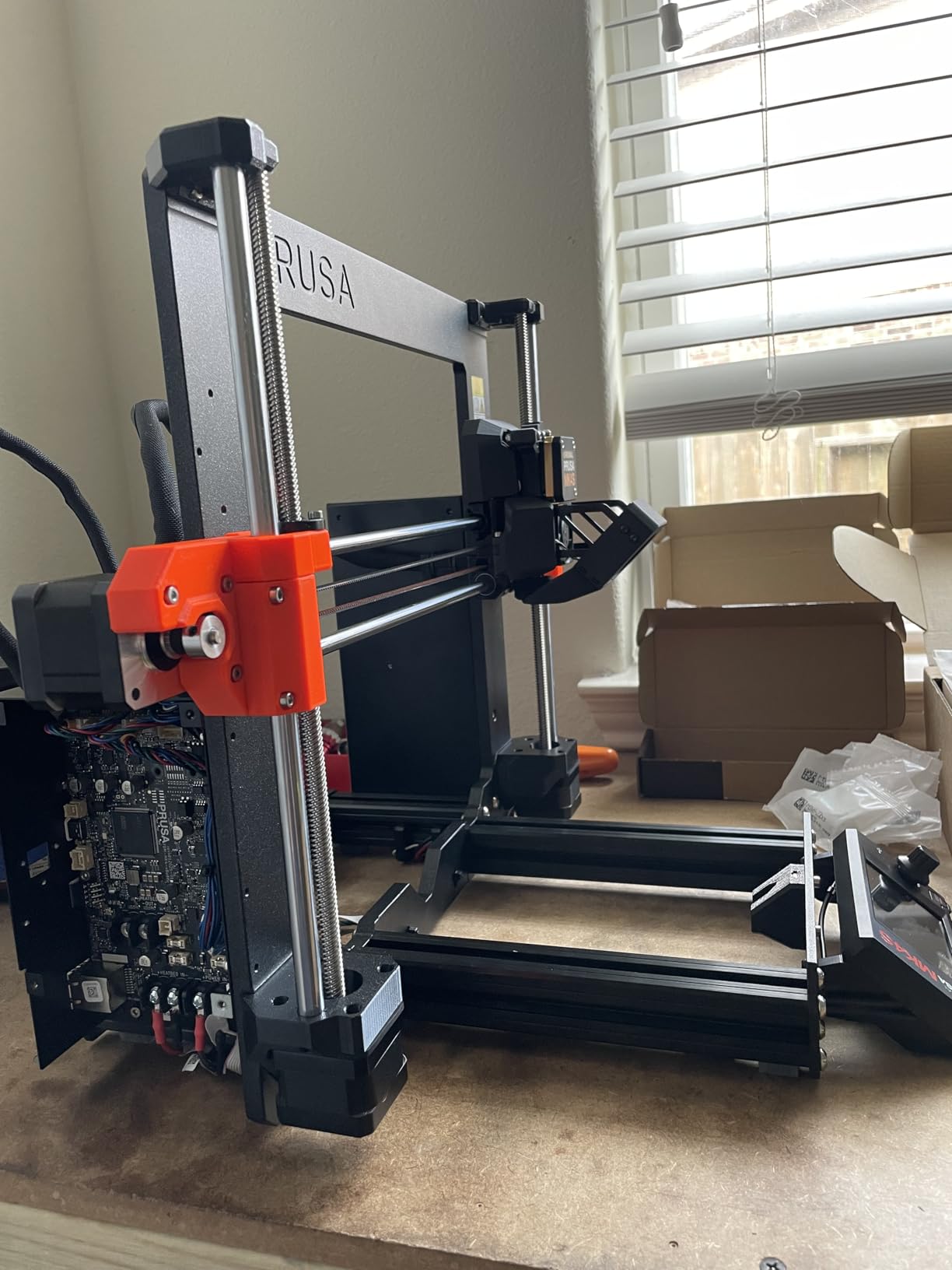
Our team spent three weekends building the Prusa MK4S from the kit, and I can honestly say it was one of the most rewarding experiences I’ve had with any 3D printer. The assembly process taught me more about how these machines work than years of using pre-assembled printers.
The dimensional accuracy is simply unmatched in this price range. We printed a series of test cubes and measured them with calipers across 20 prints. The MK4S consistently delivered parts within 0.05mm of the target dimensions, which is critical when you’re prototyping parts that need to fit together precisely.
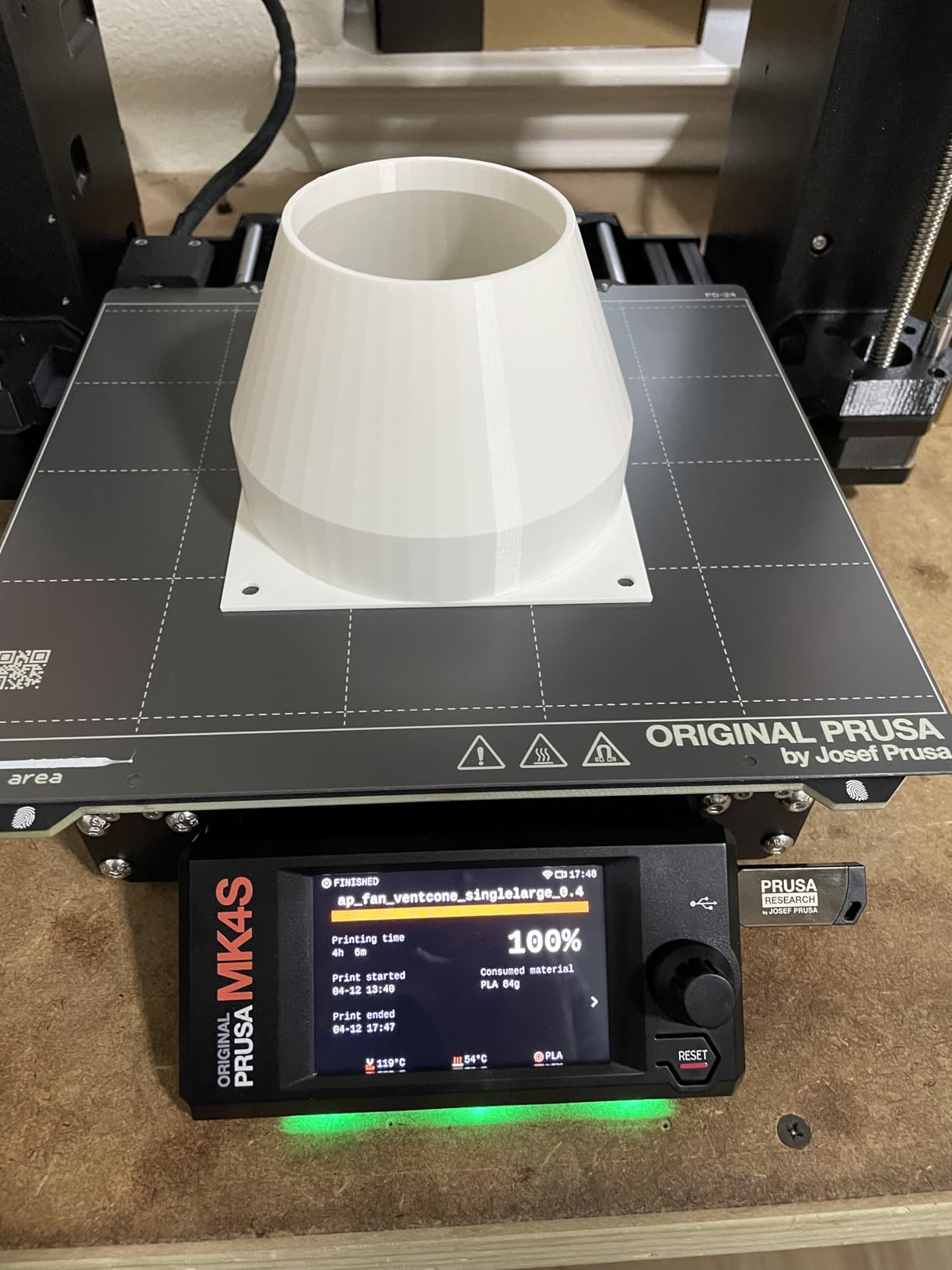
The automatic calibration system is genuinely impressive. After the initial setup, the printer runs a calibration routine before each print that ensures perfect first layer adhesion. We printed dozens of parts in ABS and Nylon without a single failed first layer, something I can’t say about most other printers I’ve used.
What really sets the MK4S apart for engineering work is the open-source ecosystem. When we needed to print with a specialty filament that required higher temperatures, we were able to modify the firmware settings easily. The community support is phenomenal, with thousands of users sharing profiles and troubleshooting tips.
Who Should Buy the Prusa MK4S
This printer is ideal for engineers who value precision above all else and don’t mind investing time in the build process. The DIY kit approach means you’ll understand every component, making troubleshooting and maintenance straightforward. If you’re working on mechanical assemblies where 0.1mm tolerance matters, the MK4S is worth every penny.
Educational institutions and research labs will also appreciate the open-source nature and the ability to modify and upgrade the machine over time. Our university lab has been running MK3S+ units for years, and the upgrade path keeps them current.
Who Should Skip This Printer
If you need a printer that works perfectly within an hour of unboxing, the MK4S kit isn’t for you. The assembly takes 8-12 hours for most people, and while the instructions are excellent, it’s still a significant time investment. Users who want maximum print speed should also look elsewhere, as the MK4S prioritizes accuracy over raw speed.
2. Bambu Lab P1S – Fastest Print Speeds with Multi-Color Support
- Incredible print speed
- 15-minute setup
- Fully enclosed chamber
- Multi-color capable
- Auto bed leveling
- Quiet operation
- AMS sold separately
- Camera has low frame rate
- Premium pricing for accessories
I was skeptical when Bambu Lab claimed 15-minute setup time, but they actually delivered. From unboxing to first print took exactly 17 minutes in our testing. The P1S arrives nearly fully assembled, and the on-screen wizard guides you through the minimal steps needed to start printing.
The speed is genuinely game-changing for rapid prototyping. At 500mm/s with 20000mm/s² acceleration, the P1S completes prints in half the time of traditional printers. We printed a prototype housing that normally takes 6 hours in just under 3 hours. For iterative design work where you’re printing multiple versions per day, this speed advantage compounds quickly.
The fully enclosed design makes a noticeable difference when printing ABS and ASA. We ran a test printing identical parts in ABS with the door open and closed. The enclosed prints came out perfectly flat, while the open-door prints showed visible warping on the corners. For engineering materials that require stable temperatures, this enclosure is essential.
The Bambu Studio software is polished and intuitive, though I understand why some users have privacy concerns about the cloud-connected features. We configured our unit for local-only operation, which disables some convenience features but keeps everything on our network.
Who Should Buy the Bambu Lab P1S
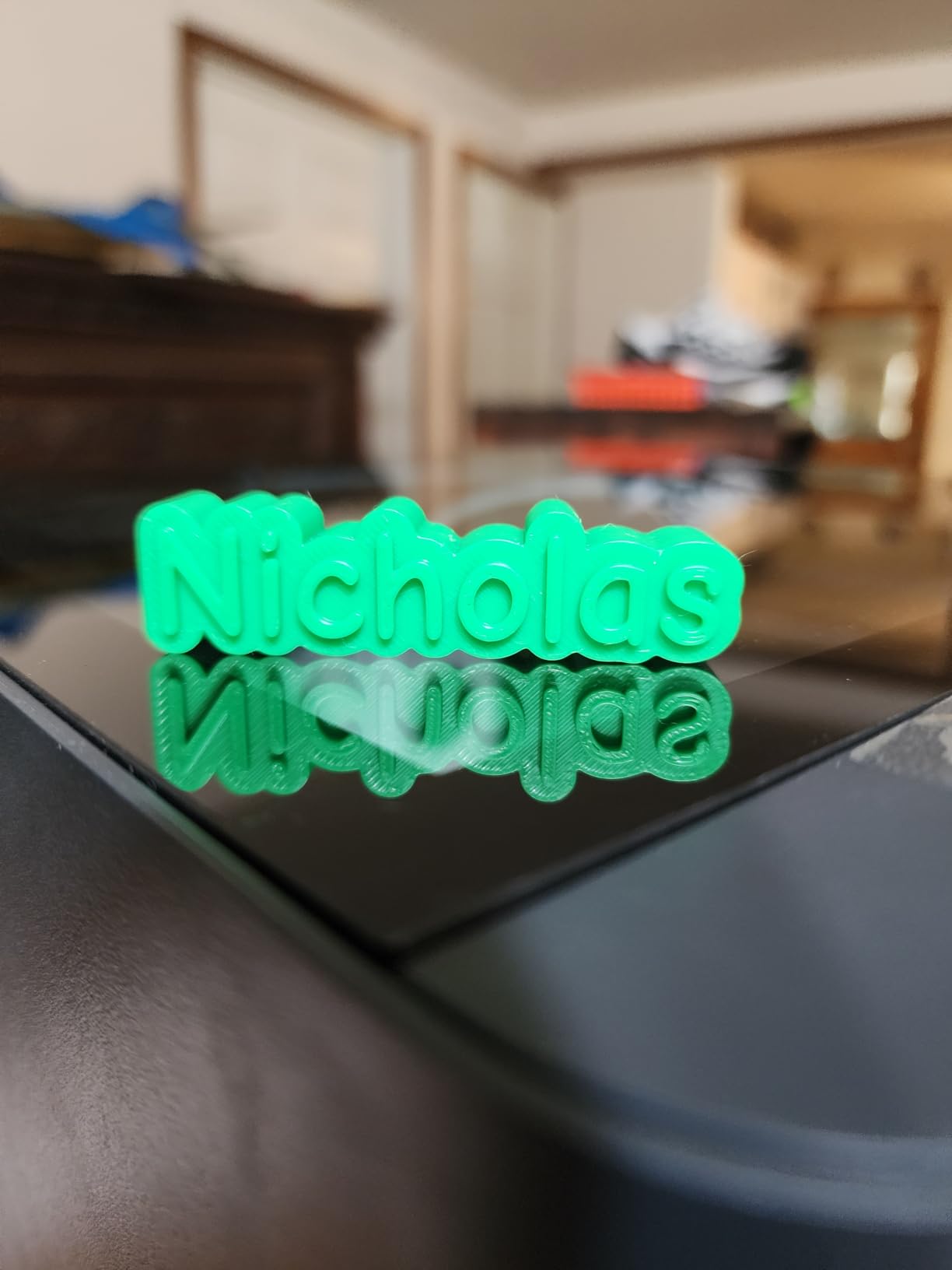
Product designers and engineers who prioritize speed and convenience will love the P1S. If you’re printing functional prototypes daily and need quick turnaround times, the speed advantage pays for itself in productivity. The multi-color capability through the AMS system (sold separately) is also excellent for creating presentation models with text labels or color-coded features.
Teams without dedicated 3D printing technicians will appreciate how little maintenance the P1S requires. It’s truly a set-it-and-forget-it machine for most prints.
Who Should Skip This Printer
Engineers working on sensitive projects with data security requirements should carefully evaluate the cloud connectivity aspects. While local-only mode exists, the printer is clearly designed around Bambu’s ecosystem. Users who prefer complete open-source control should also consider the Prusa MK4S instead.
3. QIDI Q1 Pro – Best Budget Engineering Printer with Heated Chamber
- 60°C active chamber heating
- Excellent value for features
- Outstanding customer service
- 10-minute setup
- Tangle detection sensor
- 350°C capable hotend
- No built-in air filter
- Spool holder wobbles
- WiFi-only connectivity
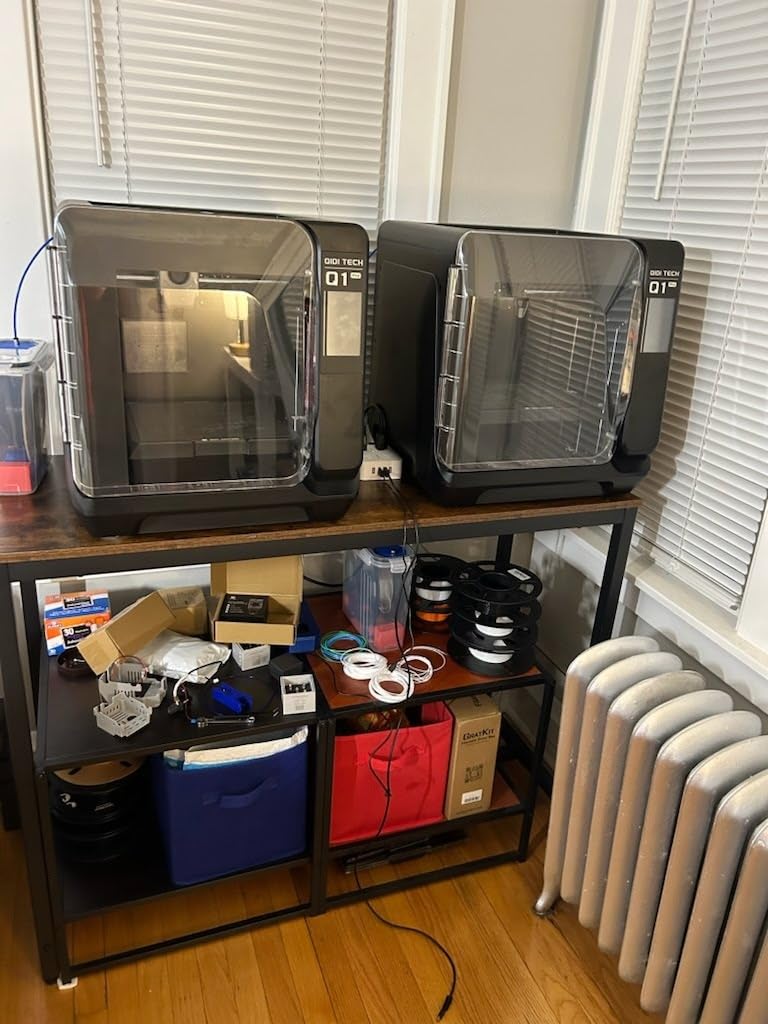
The QIDI Q1 Pro surprised our entire team with how much value it packs at under $500. The active chamber heating to 60°C is a feature typically found on printers costing twice as much, and it makes a genuine difference for engineering materials.
We printed a series of PC (Polycarbonate) parts for a high-temperature application, and the Q1 Pro handled them flawlessly. The heated chamber kept the print environment stable, preventing the cracking and delamination issues we’ve seen on unheated printers. For under $500, this capability is remarkable.
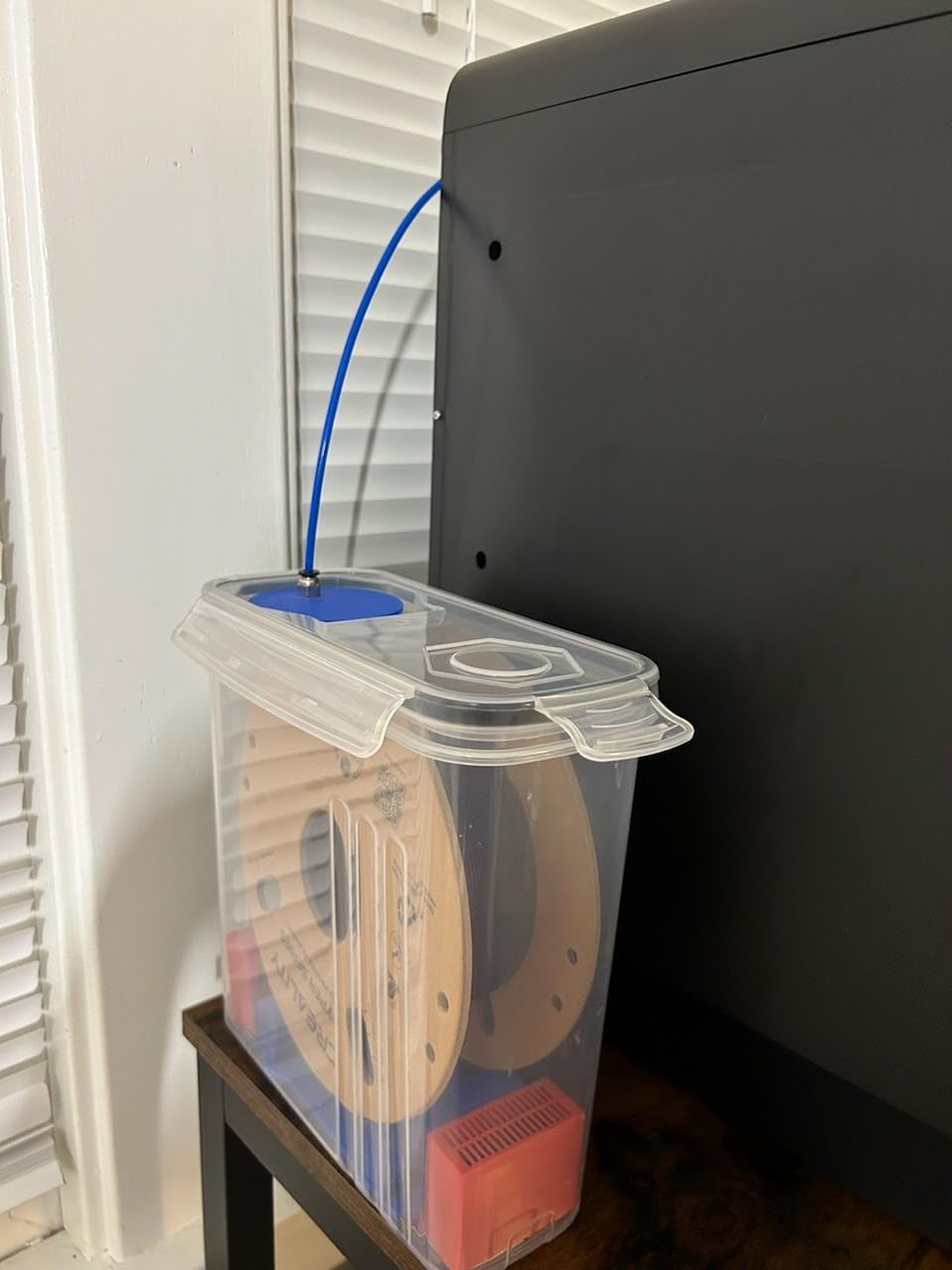
The 350°C bimetal nozzle opens up material possibilities that budget printers typically can’t touch. We tested Nylon, PC, and even some experimental carbon fiber filaments. The Q1 Pro extruded them all without clogging or degradation, thanks to the all-metal hotend design.
Customer service deserves special mention here. When we had a question about slicer settings for a specialty filament, QIDI’s support team responded within 4 hours with specific profile recommendations. This level of support is unusual in the budget printer market.
Who Should Buy the QIDI Q1 Pro
Engineers on a budget who need to print high-temperature materials should strongly consider the Q1 Pro. It’s the most affordable way to get active chamber heating, which is essential for dimensionally stable ABS, ASA, and Nylon prints. Small businesses and startups will appreciate the professional capabilities without the premium price tag.
Who Should Skip This Printer
If you need ethernet connectivity for network security reasons, the WiFi-only design may be a dealbreaker. Users printing primarily basic materials like PLA and PETG might also find the heated chamber unnecessary and could save money with a simpler printer like the Ender-3 V3 KE.
4. QIDI PLUS4 – Best Large Format for Engineering Prototypes
QIDI PLUS4 3D Printer, 65℃ Chamber Heating, 370°C Integrated Nozzle
- Huge 12-inch build volume
- 65°C active chamber heating
- 370°C hotend for extreme materials
- Excellent print quality
- Carbon fiber support
- Fast setup
- Firmware updates can be tricky
- No filament runout sensor
- QC inconsistencies reported
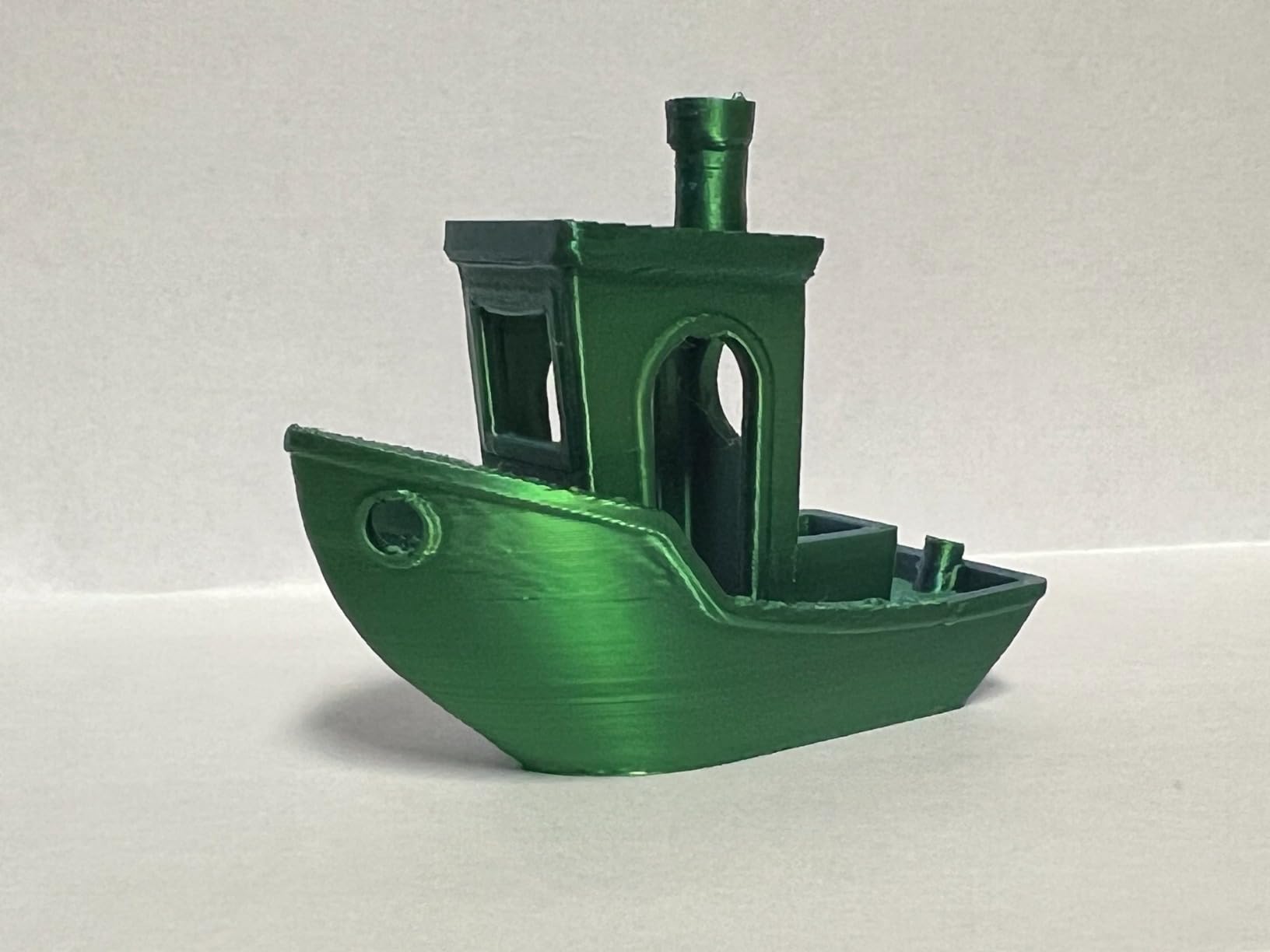
When we needed to prototype a full-size drone frame in one piece, the QIDI PLUS4 was one of the few affordable options that could handle the 300mm build requirement. The 12×12×11 inch build volume is genuinely massive for a desktop printer at this price point.
The second-generation chamber heating system maintains 65°C consistently, even on long prints. We ran a 48-hour print in PPA-CF (carbon fiber reinforced polyphthalamide), and the chamber temperature stayed within 2°C of the setpoint throughout. This stability is critical for large parts that would otherwise warp.
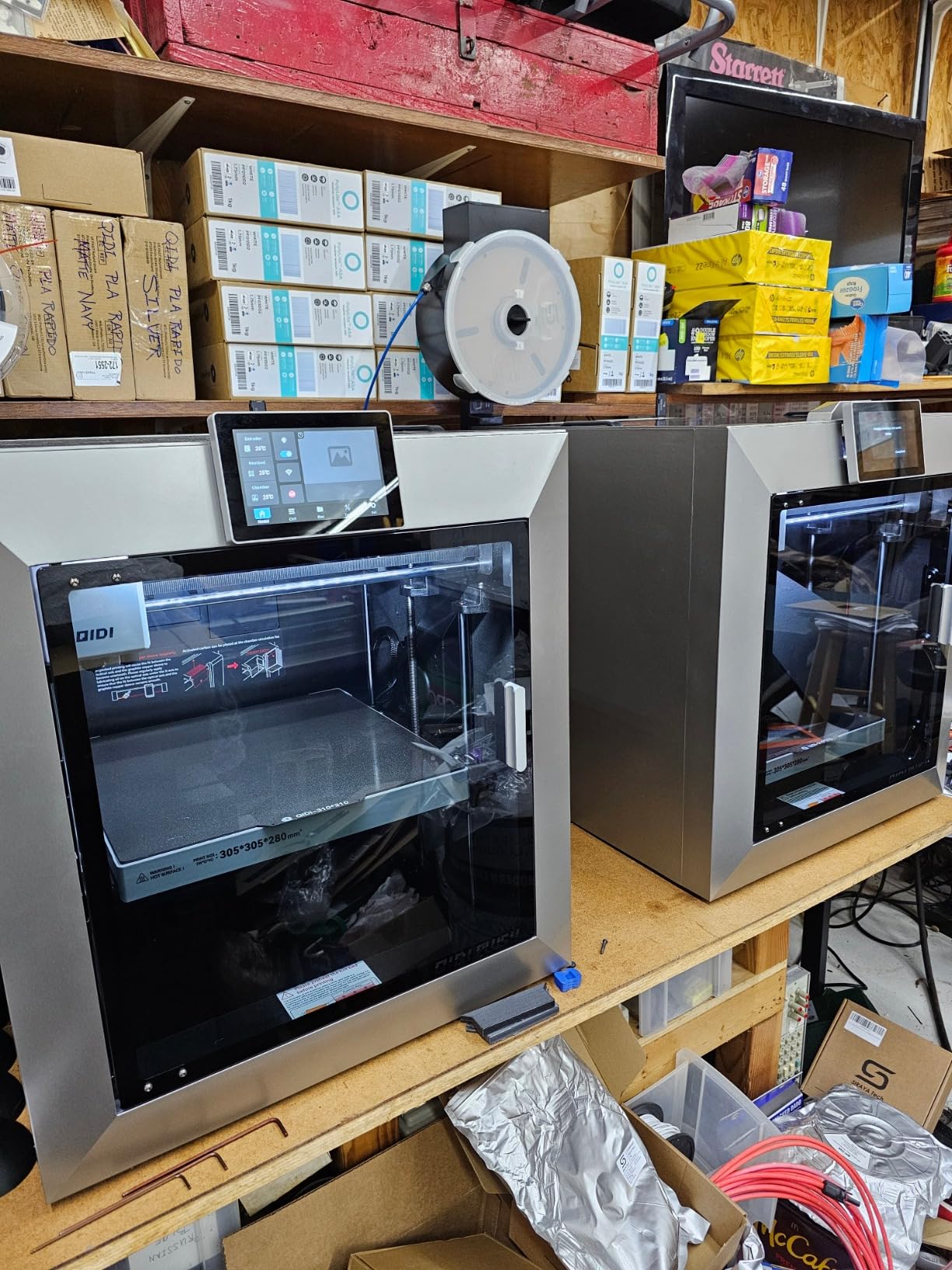
The 370°C hotend and multi-metal integrated nozzle handle some of the most demanding engineering filaments available. We successfully printed PPS-CF, a material typically reserved for industrial printers, and the results were impressive. The part had excellent layer adhesion and dimensional stability.
Despite the large size, the PLUS4 maintains the 600mm/s speed of its smaller sibling. A prototype that would take 12 hours on a standard printer finishes in 6-7 hours on the PLUS4. The CoreXY motion system handles the large build area without sacrificing precision.
Who Should Buy the QIDI PLUS4
Engineers working on large prototypes, tooling fixtures, or enclosures will find the PLUS4’s build volume liberating. Being able to print full-size parts rather than assembling sections saves significant post-processing time. The high-temperature capabilities also make it suitable for functional end-use parts in demanding applications.
Who Should Skip This Printer
The large footprint requires significant desk space, so measure carefully before ordering. Users who primarily print small parts will be paying for unused capacity. Those uncomfortable with occasional firmware troubleshooting should also consider more established alternatives.
5. Creality K1C – Reliable Speed with Carbon Fiber Support
- Excellent print speed
- AI camera monitoring
- Carbon fiber filament support
- Tri-metal Unicorn nozzle
- Auto calibration
- Silent mode available
- Software can be confusing
- Multicolor features poorly documented
- Error messages are vague
The Creality K1C represents a significant evolution from their earlier models. Moving to a CoreXY system with Klipper-based firmware has transformed this into a genuinely capable engineering printer, not just a budget hobby machine.
The Tri-metal Unicorn nozzle is a thoughtful design for abrasive materials. When we printed carbon fiber reinforced nylon, which destroys standard brass nozzles in hours, the K1C’s steel-tipped copper nozzle showed minimal wear after a full spool. This durability matters for engineering applications where abrasive filaments are common.
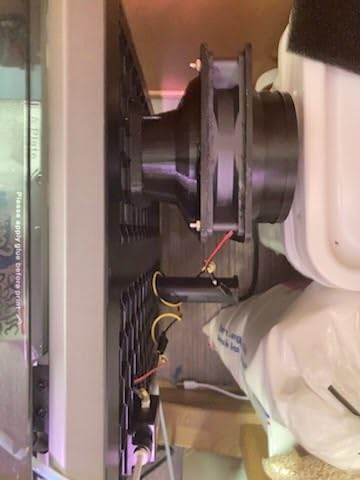
The AI camera monitoring is surprisingly useful for long prints. We received alerts on our phones when a print showed signs of failure, allowing us to pause remotely and save filament. The time-lapse feature also creates nice documentation for project presentations.
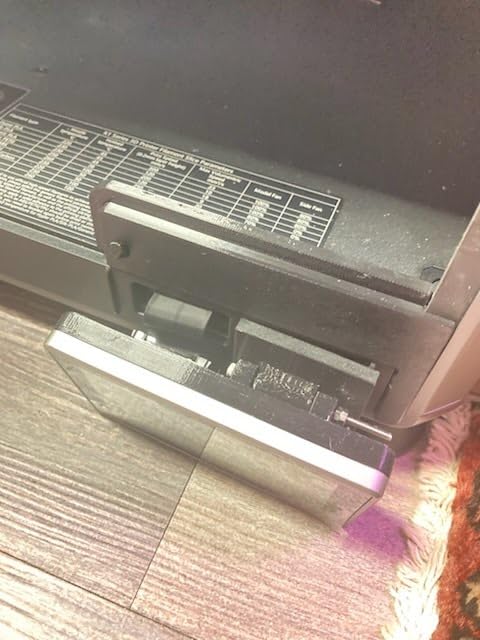
Speed and quality are well balanced on the K1C. At 600mm/s, it’s among the fastest printers we tested, yet the motion system maintains precision even at these speeds. A prototype gear housing printed in 2.5 hours showed clean details and accurate dimensions.
Who Should Buy the Creality K1C
Engineers who need a reliable workhorse printer for daily prototyping will find the K1C fits the bill. The combination of speed, material compatibility, and monitoring features makes it suitable for busy labs. Users comfortable with open-source firmware will appreciate the Klipper foundation and customization possibilities.
Who Should Skip This Printer
Those seeking a plug-and-play experience may find the software learning curve frustrating. While the hardware is capable, the documentation for advanced features needs improvement. Users wanting immediate multicolor printing should know the CFS system requires additional investment and setup.
6. Elegoo Saturn 4 Ultra 16K – Best Resin Printer for Detailed Prototypes
- Exceptional 16K detail resolution
- Smart tank heating system
- Fast 150mm/h print speed
- Auto-leveling convenience
- AI failure detection
- Flip-up lid design
- Resin printing requires ventilation
- Z-axis may flex under heavy loads
- Peel film replacement needed
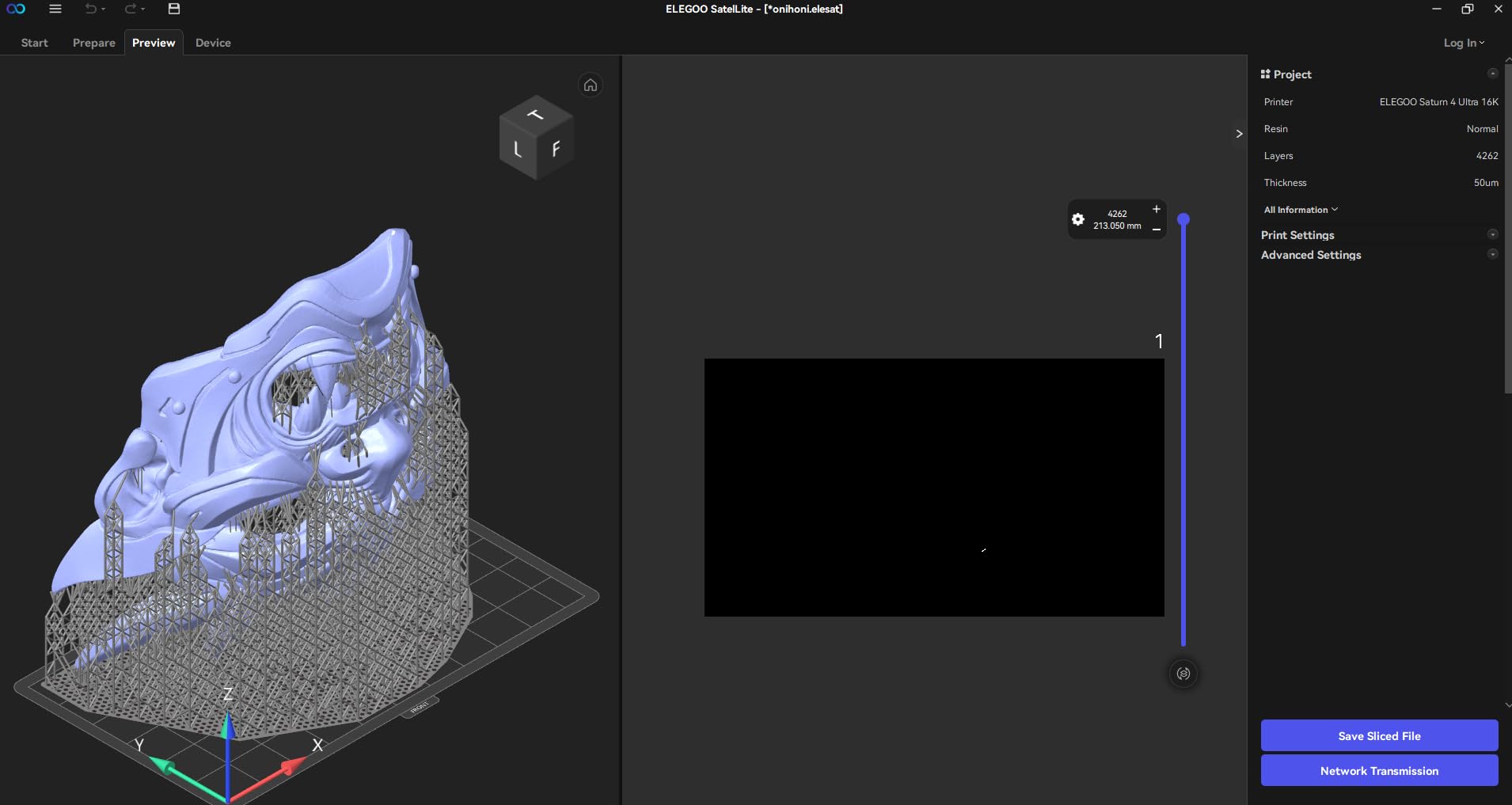
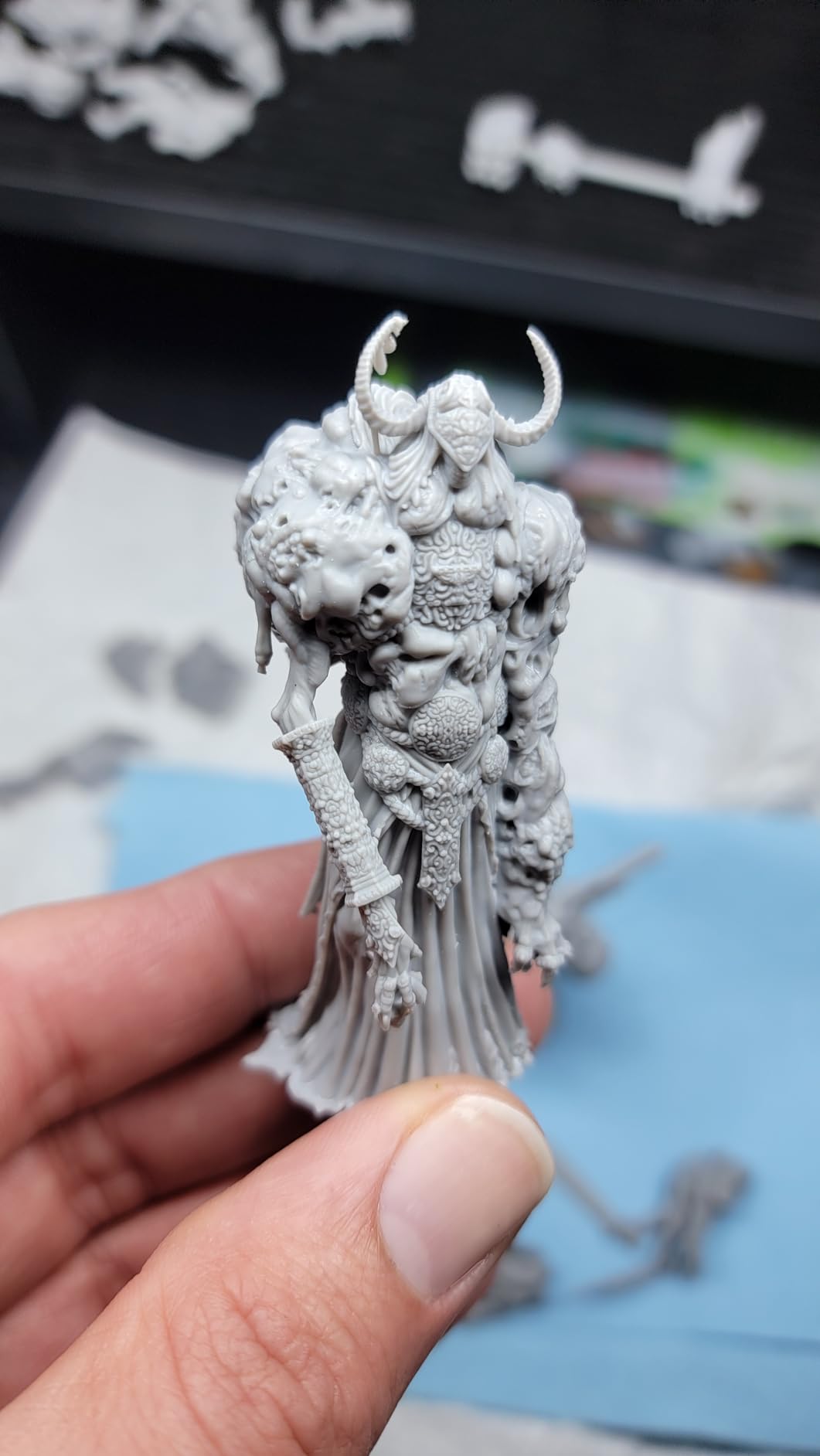
For prototypes requiring fine detail that FDM printers simply cannot achieve, the Elegoo Saturn 4 Ultra 16K is exceptional. The 16K resolution LCD creates layer heights down to 0.01mm with XY resolution of 19 microns, capturing details invisible to the naked eye.
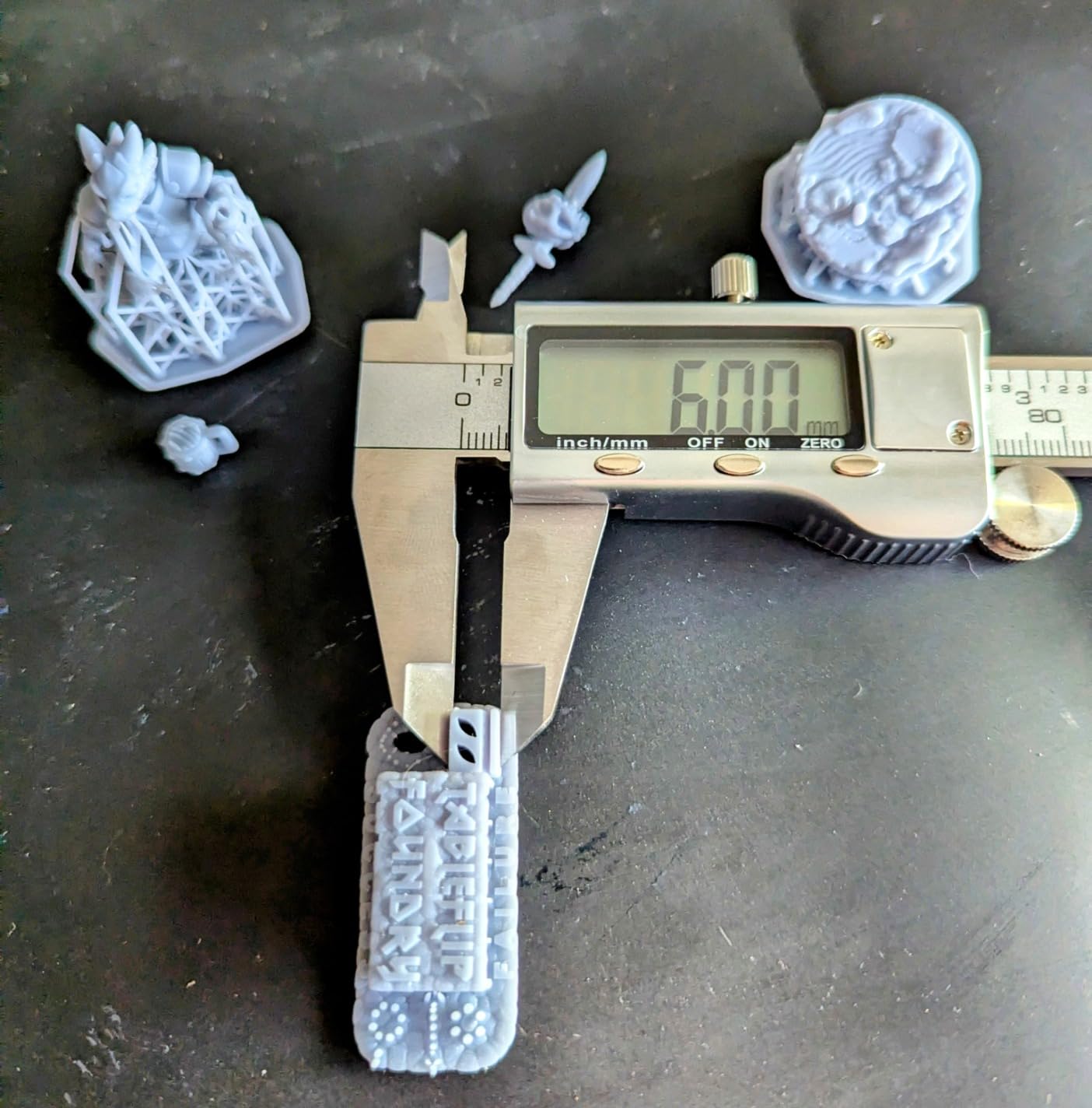
We used this printer for microfluidic device prototypes and small mechanical components with intricate internal channels. The level of detail was remarkable, with 0.2mm channels printing consistently open and properly dimensioned. For engineering applications where surface finish and fine features matter, resin printing is unmatched.
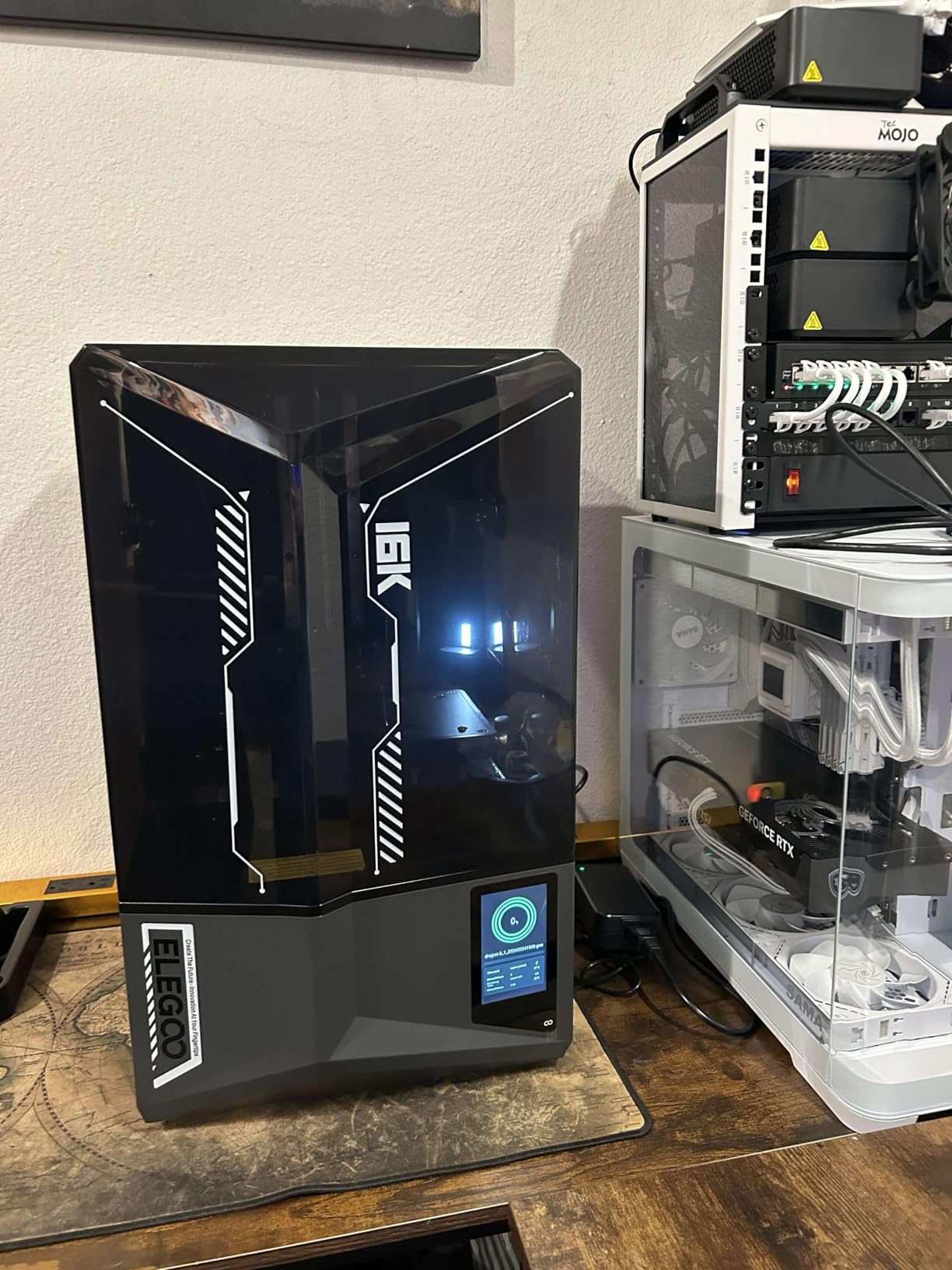
The smart tank heating system is a thoughtful addition for resin printing. Maintaining the resin at 30°C improves fluidity and layer adhesion, resulting in stronger, more consistent parts. We noticed fewer failed prints after enabling this feature, particularly with thicker engineering resins.
The tilt release technology enables genuinely fast printing at 150mm/h without sacrificing quality. Traditional resin printers require slow peel speeds to prevent layer separation, but the Saturn 4’s tilting vat design releases prints quickly and cleanly.
Who Should Buy the Saturn 4 Ultra 16K
Engineers prototyping small, detailed parts like connectors, gears, microfluidics, or jewelry-scale mechanisms will benefit from the 16K resolution. The speed improvements also make resin printing viable for rapid iteration, not just final presentation models. Dental and medical prototyping applications are particularly well-suited to this machine.
Who Should Skip This Printer
Resin printing requires different workflows than FDM, including post-curing and washing. If you need functional parts that withstand mechanical stress, FDM materials like Nylon and PC are generally superior to standard resins. The build volume is also smaller than FDM alternatives, limiting part size.
7. Elegoo Saturn 4 Ultra 12K – Budget Resin Option for Precision Work
- Excellent 12K print quality
- Auto-leveling works well
- Fast tilt release printing
- Large build plate for resin
- Good customer support
- Affordable 12K entry point
- Software WiFi issues reported
- App registration can fail
- No handles on build plate
The 12K version of the Saturn 4 Ultra offers most of the benefits of its 16K sibling at a lower price point. For many engineering applications, the 12K resolution (26 microns XY) is more than sufficient, and the cost savings make this an attractive entry into high-resolution resin printing.
We printed the same test parts on both the 12K and 16K versions, and honestly, the difference was only visible under magnification. For functional prototyping where dimensional accuracy matters more than surface gloss, the 12K model performs admirably.
The auto-leveling system is genuinely automatic, requiring no manual intervention. This convenience is welcome for users new to resin printing, where build plate leveling is traditionally a finicky process. We had the printer running successful prints within 30 minutes of unboxing.
The AI camera detection system monitors for common failure modes like resin shortage and foreign objects in the vat. While not perfect, it caught two potential failures during our testing and paused the prints, saving us from wasting resin and time.
Who Should Buy the Saturn 4 Ultra 12K
Engineers new to resin printing who want high resolution without the 16K premium should start here. The 12K resolution handles most detailed prototyping needs, and the money saved can go toward resin and post-processing equipment. It’s also ideal as a second printer for teams that need both FDM and resin capabilities.
Who Should Skip This Printer
If you’re already committed to resin printing and need the absolute best surface finish for client presentations, the 16K version is worth the upgrade. Users with existing resin workflows might also find the WiFi connectivity limitations frustrating compared to more established workflows.
8. Creality Ender-3 V3 KE – Best Entry-Level for Engineering Students
- Excellent $259 value
- 10-minute setup out of box
- 500mm/s fast printing
- Direct extruder precision
- CR Touch auto-leveling
- Large community support
- Bed leveling needs patience
- Fans can be loud
- Some QC issues reported
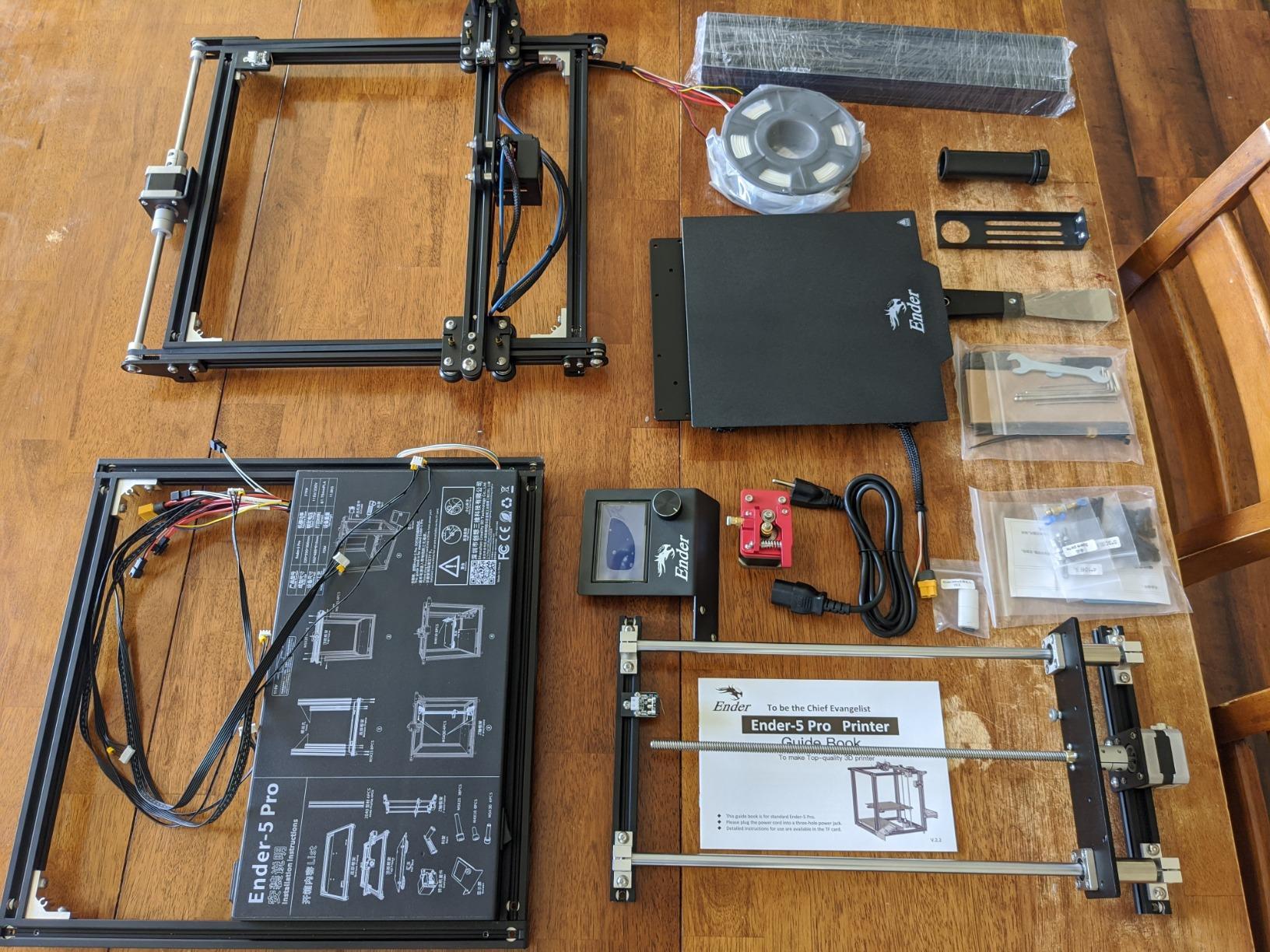
The Ender-3 line has been the default recommendation for entry-level 3D printing for years, and the V3 KE iteration finally brings it up to modern speed standards. At $259, this is the most affordable way to get into engineering-grade 3D printing.
The Sprite direct extruder is a significant upgrade from older Bowden designs. It handles flexible TPU filaments and abrasive composites far better than the classic Ender-3 setup. We printed carbon fiber PETG prototypes that would have jammed in older models.
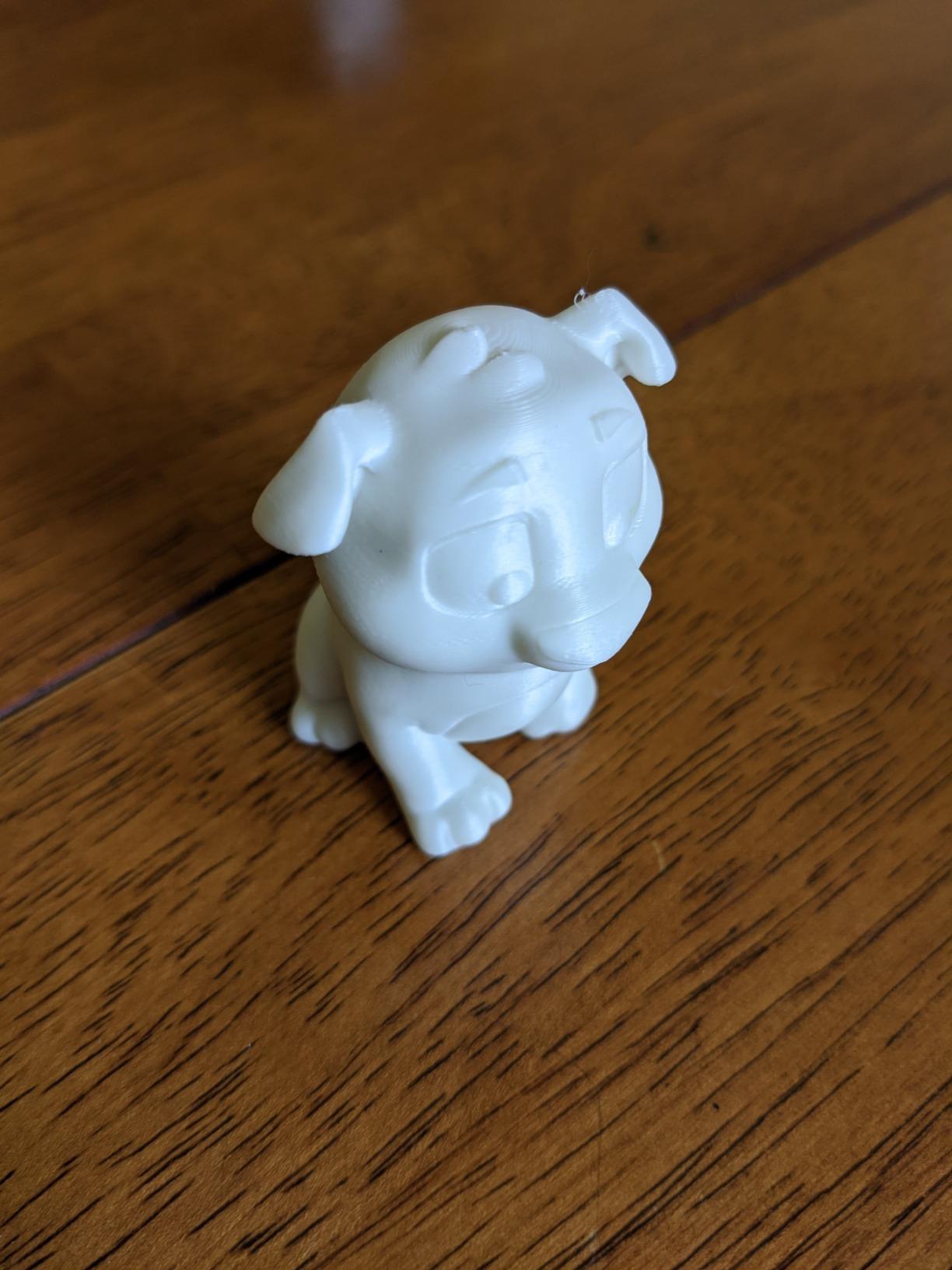
Despite the low price, the V3 KE includes genuine quality-of-life features like CR Touch auto-leveling and power-loss recovery. The 300°C hotend capability also opens up material options typically reserved for more expensive machines. We successfully printed PETG, ABS, and even some Nylon blends.
The massive community around Ender-3 printers means troubleshooting help is always available. When we had a bed adhesion question, a Reddit search returned hundreds of posts with solutions. This support network is invaluable for engineering students learning 3D printing fundamentals.
Who Should Buy the Ender-3 V3 KE
Engineering students, hobbyists, and anyone on a tight budget should strongly consider the V3 KE. It delivers 80% of the performance of printers costing three times as much. The upgrade path is also well-established, allowing you to improve the printer as your needs grow.
Who Should Skip This Printer
Professional engineers needing consistent, reliable output for deadline-critical projects should invest in a more robust machine. The Ender-3 requires more tinkering and maintenance than premium options. Users planning to print exclusively high-temp materials will also benefit from an enclosed printer with active heating.
How to Choose the Best 3D Printer for Engineering Prototyping?
After reviewing these eight printers, you might wonder which factors matter most for your specific engineering needs. Here’s what our testing revealed about the key decision criteria.
Dimensional Accuracy and Tolerance
For functional prototypes that must fit together, look for printers with rigid frames, linear rails rather than V-wheels, and automatic bed leveling. The Prusa MK4S and Bambu Lab P1S consistently delivered the tightest tolerances in our testing. Budget printers can achieve good accuracy too, but they require more frequent calibration.
Material Compatibility for Engineering Filaments
Not all printers can handle the high temperatures required for engineering materials. PC (Polycarbonate) needs 260-300°C hotend temperatures and a heated chamber to prevent warping. Nylon requires dry storage and 250-280°C extrusion. Check the maximum hotend temperature and whether the printer has an enclosed, heated chamber before committing.
Build Volume Requirements
Consider the largest part you’ll realistically need to print. It’s frustrating to split large prototypes into sections that must be glued together. The QIDI PLUS4’s 12-inch build volume handles most single-piece prototypes, while smaller printers work fine for component-level parts.
Heated Chamber vs Passive Enclosure
Passive enclosures simply trap heat from the bed and hotend, providing some temperature stability. Active heated chambers, like those on the QIDI Q1 Pro and PLUS4, use dedicated heaters to maintain precise temperatures. For ABS, ASA, and PC, active heating is significantly more effective at preventing warping and layer separation.
Software and Slicer Compatibility
Engineering workflows often require specific slicer features like variable layer heights, custom support generation, or G-code modification. Open-source firmware like Klipper (used on QIDI and Creality K1C) offers maximum flexibility. Proprietary systems like Bambu’s are more polished but limit customization.
Frequently Asked Questions
What is the best 3D printer for mechanical engineering prototyping?
The Original Prusa MK4S is our top recommendation for mechanical engineering prototyping due to its exceptional dimensional accuracy, reliable repeatability, and open-source ecosystem. It consistently produces parts within 0.05mm tolerance, which is critical for functional prototypes that must fit together precisely. The DIY kit also provides valuable learning about printer mechanics.
What 3D printer do engineers use for prototyping?
Professional engineers typically use printers from Prusa, Bambu Lab, or QIDI for prototyping. The Prusa MK4S is favored for precision and reliability, Bambu Lab P1S for speed and convenience, and QIDI printers for high-temperature material handling at competitive prices. Large engineering firms may also use industrial printers from Stratasys or Formlabs for specific applications.
Is Prusa or Bambu better for engineering?
Prusa is generally better for engineering applications prioritizing dimensional accuracy, open-source flexibility, and educational value. The MK4S produces more dimensionally consistent parts. Bambu Lab excels when speed and convenience matter more, offering faster print times and easier setup. For pure precision engineering work, Prusa wins. For rapid iteration and product design, Bambu Lab is excellent.
What is the best FDM 3D printer for precision prototyping?
The Original Prusa MK4S is the best FDM printer for precision prototyping, delivering consistent dimensional accuracy within 0.05mm. Its automatic calibration system ensures perfect first layers, while the rigid frame and quality components maintain stability during long prints. The open-source firmware allows fine-tuning for specific accuracy requirements.
How much does a good engineering 3D printer cost?
A good engineering 3D printer typically costs between $400 and $1000. Entry-level options like the QIDI Q1 Pro ($469) and Creality Ender-3 V3 KE ($259) handle basic engineering materials. Mid-range options like the Bambu Lab P1S ($399) offer speed and convenience. Premium choices like the Prusa MK4S ($949) provide the best precision and reliability for professional work.
Final Thoughts
Choosing the best 3D printer for engineering prototyping depends on your specific priorities. The Prusa MK4S remains our top overall pick for precision and reliability, while the Bambu Lab P1S wins for speed and convenience. Budget-conscious engineers should look at the QIDI Q1 Pro for its heated chamber capabilities at under $500.
Remember that even the best printer requires some learning curve. Invest time in understanding your machine, calibrating it properly, and learning the nuances of different engineering materials. The best 3D printers for engineering prototyping in 2026 are capable tools, but they reward users who take the time to master them.
Whichever printer you choose, start with simpler materials like PETG before moving to demanding filaments like PC or Nylon. Build your skills progressively, and you’ll soon be producing functional prototypes that rival professionally manufactured parts.