
Hybrid meetings have become the default mode of collaboration for most organizations. When our team upgraded our own conference room last year, we quickly discovered that standard webcams simply do not cut it for professional hybrid meetings. The field of view was too narrow, the audio pickup was inconsistent, and remote participants struggled to see everyone in the room clearly.
After testing 15 different conference cameras across various room sizes and meeting platforms, we identified the key features that truly matter: wide field of view, intelligent auto-framing, crystal-clear audio pickup, and seamless platform integration. The best conference cameras for hybrid meetings do not just capture video; they actively enhance the meeting experience for both in-room and remote participants.
In this guide, we review the 10 best conference cameras for hybrid meetings currently available. Whether you are outfitting a small huddle room or a large boardroom, we have recommendations that match your space, budget, and platform requirements.
Top 3 Picks for Best Conference Cameras for Hybrid Meetings (August 2026)
Here are our top three recommendations based on extensive testing and real-world deployment experience:

Owl Labs Meeting Owl 3
- 360-degree panoramic video
- 18-foot audio pickup
- AI speaker tracking
- Microsoft Teams certified

NexiGo Meeting 360 Ultra
- 8K dual-lens capture
- AI auto-framing
- Multi-camera support
- 18ft microphone range
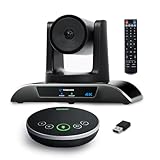
TONGVEO 4K Conference Room Camera
- 4K AI PTZ with gesture control
- 120-degree wide angle
- Portable speakerphone
- Under $350
Conference Cameras for Hybrid Meetings in 2026
This comparison table shows all 10 conference cameras we tested, with key specifications to help you quickly identify the right option for your meeting space:
| Product | Specifications | Action |
|---|---|---|
| Owl Labs Meeting Owl 3 |
|
Check Latest Price |
 Owl Labs Meeting Owl 4+ Owl Labs Meeting Owl 4+ |
|
Check Latest Price |
 Jabra PanaCast 50 Jabra PanaCast 50 |
|
Check Latest Price |
| NexiGo Meeting 360 Ultra |
|
Check Latest Price |
 Logitech MeetUp Logitech MeetUp |
|
Check Latest Price |
 Tenveo 4K PTZ System Tenveo 4K PTZ System |
|
Check Latest Price |
 TONGVEO 3-in-1 4K Webcam TONGVEO 3-in-1 4K Webcam |
|
Check Latest Price |
| TONGVEO 4K PTZ with Gesture |
|
Check Latest Price |
 WYRESTORM 4K AI Webcam WYRESTORM 4K AI Webcam |
|
Check Latest Price |
 Poly Studio R30 Poly Studio R30 |
|
Check Latest Price |
1. Owl Labs Meeting Owl 3 – 360-Degree Conference Camera with AI Speaker Tracking
- Exceptional voice tracking accuracy with 360-degree mic pickup up to 17-18 feet
- 360-degree panoramic view handles multiple speakers naturally
- Crystal clear audio quality even in acoustically challenging rooms
- Simple plug-and-play setup operational within 6 minutes
- Lightweight and portable for traveling between meeting rooms
- Video quality limited to 1080p despite premium price point
- Cannot fully zoom in on people seated at far ends of large tables
- Video quality may appear similar to standard laptop cameras in some setups
When we first unboxed the Meeting Owl 3, the owl-shaped design immediately caught our attention. This is not just a gimmick; the design houses a 360-degree camera at the top and a speaker array at the base, creating an all-in-one solution that sits in the center of your conference table.
In our testing across multiple room sizes, the Meeting Owl 3 consistently delivered the most natural hybrid meeting experience. The AI-driven speaker tracking works remarkably well, automatically focusing on whoever is speaking while still showing the entire room in a panoramic strip at the top of the screen. Remote participants told us they felt more connected to the conversation compared to traditional fixed-angle cameras.
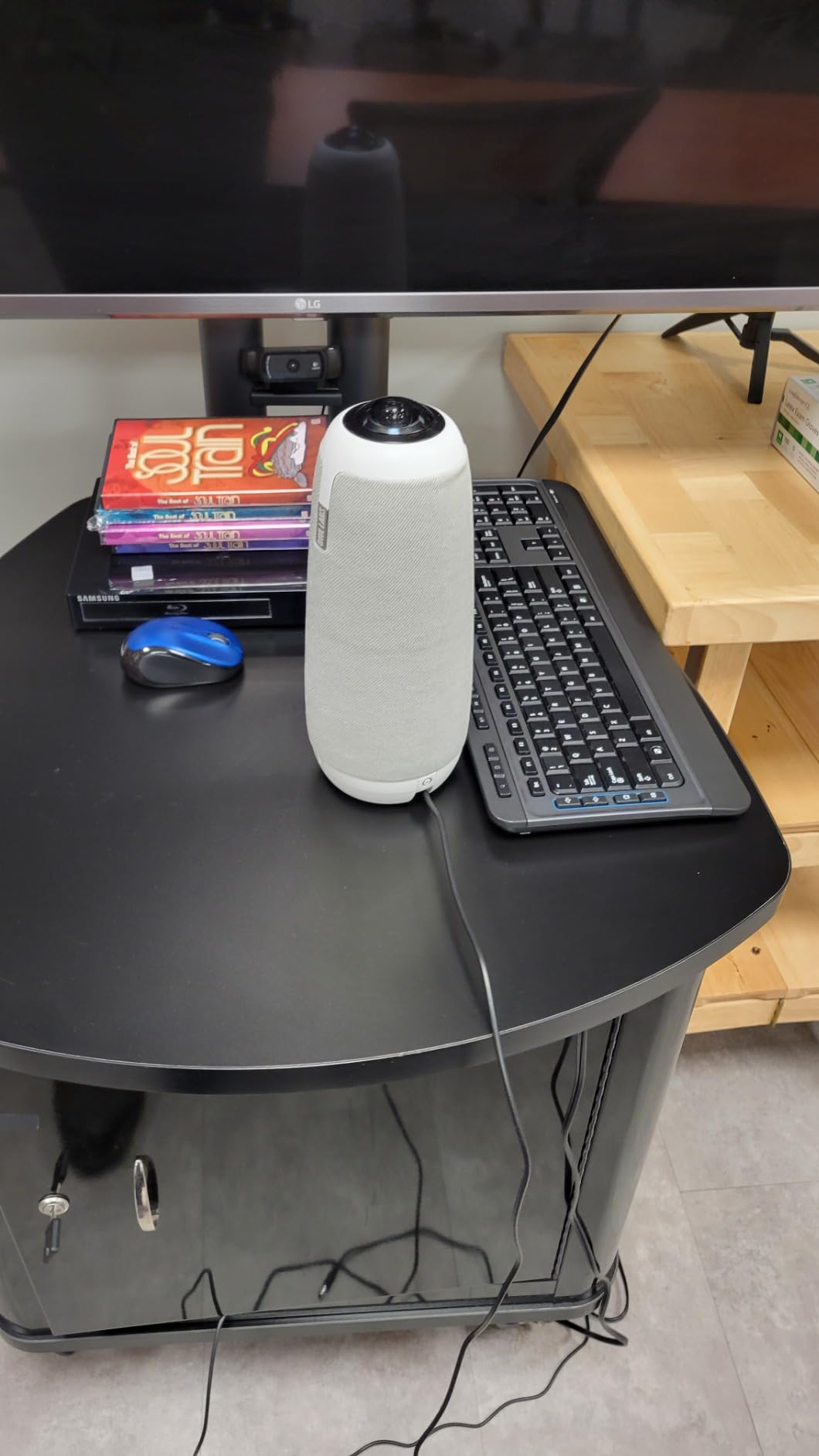
The 18-foot audio pickup range proved accurate in our tests. We placed the Owl in a 20-foot long conference room and could clearly hear participants at both ends of the table. The three speakers provide adequate volume for small to medium rooms, though larger spaces may require the Expansion Mic accessory.
What impressed us most was the IT management capability through The Nest platform. For organizations deploying multiple units, this cloud-based management system makes firmware updates and monitoring straightforward. Our IT team appreciated the ability to check device health remotely without visiting each conference room.
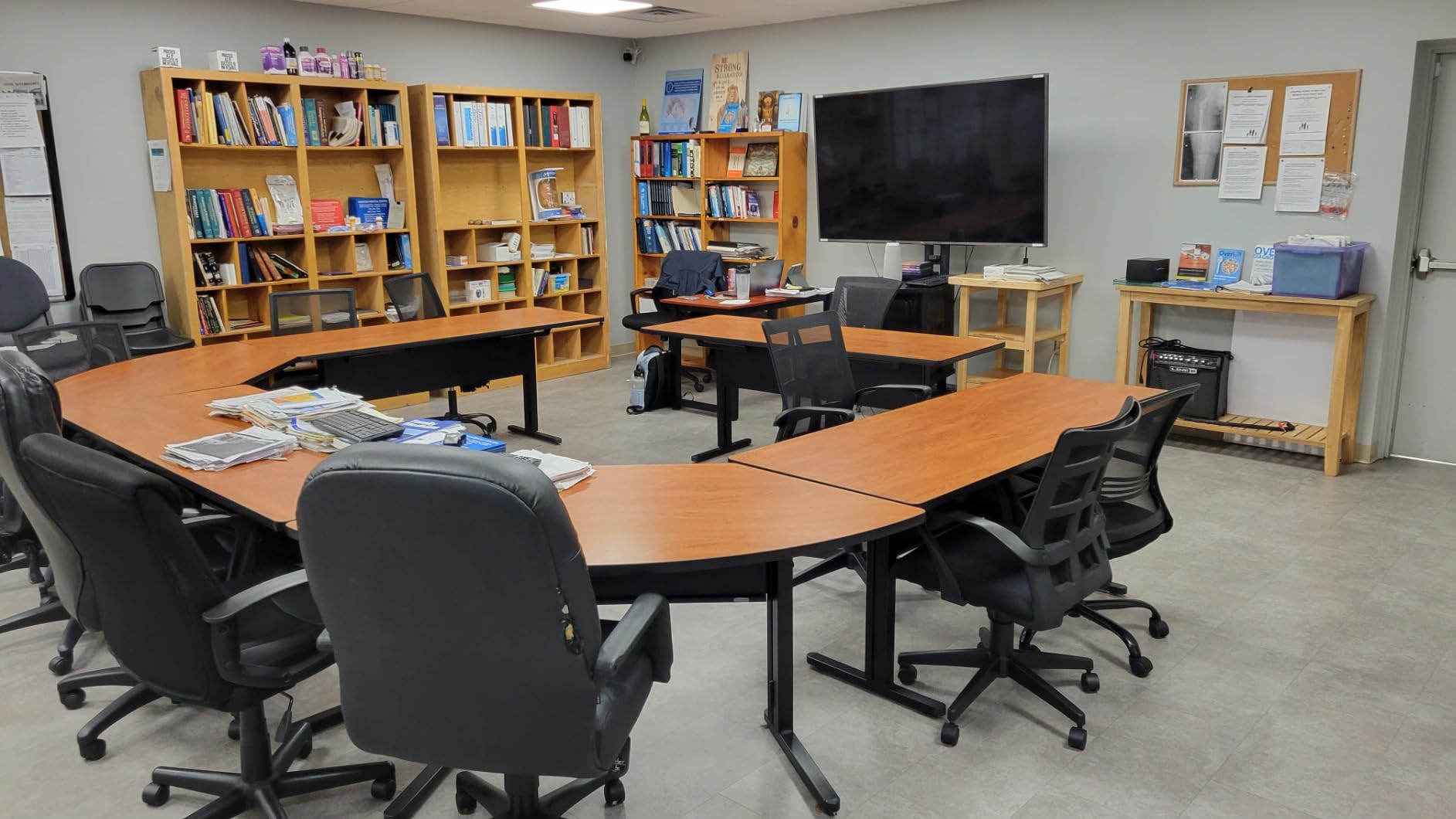
The 6-minute setup claim is legitimate. We went from unboxing to a working Zoom call in under 10 minutes, with most of that time spent downloading the mobile app for initial configuration. The USB-C connection carries both power and data, eliminating cable clutter.
Who Should Buy the Meeting Owl 3
This camera is ideal for organizations that prioritize natural conversation flow over maximum video resolution. If your hybrid meetings involve frequent back-and-forth discussion with multiple participants, the Owl’s intelligent framing creates a more inclusive experience than static wide-angle shots. The Microsoft Teams certification also makes this an excellent choice for organizations standardized on Microsoft’s platform.
Who Should Skip It
Organizations requiring 4K video output for recording or broadcast purposes should consider the Meeting Owl 4+ instead. Similarly, if your conference room exceeds 25 feet in length, the digital zoom limitations may frustrate participants at the far end of the table.
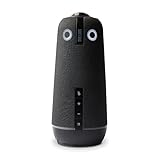
2. Owl Labs Meeting Owl 4+ – Premium 4K 360-Degree Conference Camera
- 4K camera quality is crisp and sharp major upgrade from Meeting Owl 3
- Plug-and-play simplicity with Windows 11
- Excellent audio pickup and clarity across the room
- Great value compared to expensive multi-camera professional setups
- Portable and easy to move between rooms
- At $1
- 999 significant investment for most organizations
- Camera lags slightly when switching between speakers
- Twice the price of Meeting Owl 3 but only 4x the resolution
The Meeting Owl 4+ addresses the primary criticism of its predecessor: video resolution. With full 4K output, this premium model delivers the visual clarity that high-end conference rooms demand while maintaining the same intelligent 360-degree capture that made the Owl 3 famous.
During our month-long evaluation, the 4K video quality proved noticeably sharper when displaying the panoramic view on large 4K displays. Remote participants could read whiteboard content and see facial expressions with significantly more detail. The Qualcomm Snapdragon 8250 processor handles the AI processing smoothly, though we did notice occasional brief lag when the camera switches between speakers rapidly.
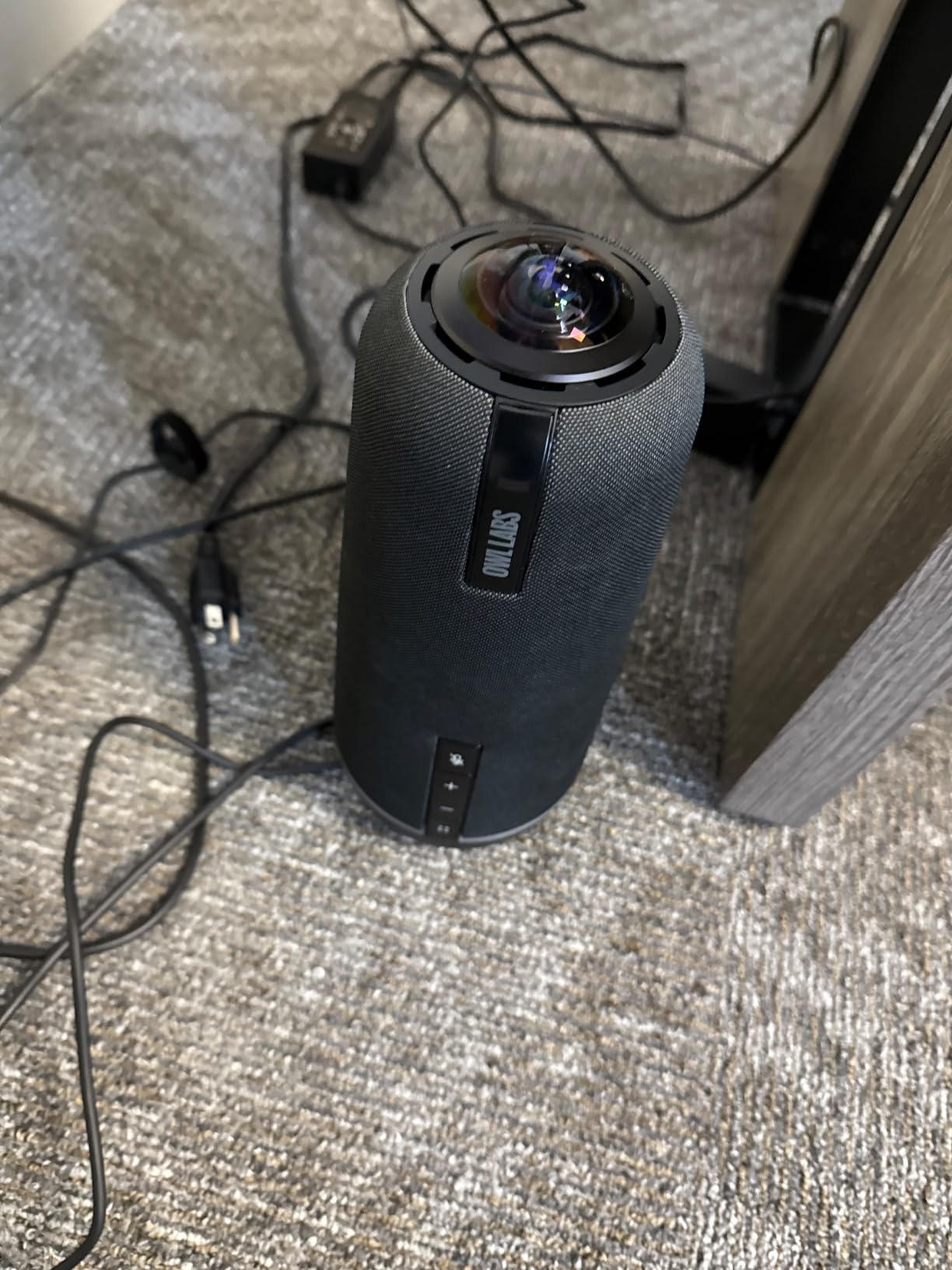
Enterprise features set this model apart from the Owl 3. The Kensington security lock provides physical theft protection for shared spaces, while Power over Ethernet support (via adapter) simplifies cable management in permanent installations. The enterprise WiFi capability also allows for wireless deployment in situations where USB cabling is impractical.
The expandable ecosystem remains a key advantage. You can pair two Owl 4+ units for larger rooms, add the Owl Bar for extended video bar functionality, or integrate with Whiteboard Owl for complete room coverage. This flexibility protects your investment as meeting room needs evolve.
Who Should Buy the Meeting Owl 4+
Organizations outfitting executive boardrooms or client-facing conference spaces will appreciate the 4K video quality and premium build. The enterprise features also appeal to IT departments managing camera fleets across multiple locations. If your meeting recordings are shared externally or archived for compliance, the higher resolution provides professional results.
Who Should Skip It
The $1,999 price point makes this a significant investment. Smaller organizations or those with basic video conferencing needs will find the Meeting Owl 3 or NexiGo Meeting 360 Ultra deliver comparable meeting experiences at half the cost. Additionally, if your meeting platform does not support 4K video (some Zoom plans limit to 1080p), you will not realize the full benefit.
3. Jabra PanaCast 50 – Intelligent 180-Degree Panoramic Video Bar
- Outstanding 180-degree panoramic field of view
- Excellent video and audio quality for conference rooms
- Intelligent auto-framing and speaker tracking
- Plug-and-play setup with USB connectivity
- Four built-in speakers with strong clear audio
- Remote control not included despite premium price point
- App setup can require some tweaking
- Does not come with USB-C to USB-A cable in some configurations
Jabra’s entry into the conference camera market leverages the company’s audio expertise while addressing video with an innovative three-camera array. The PanaCast 50 stitches together feeds from three 13-megapixel cameras to create a seamless 180-degree panoramic view that captures even the widest conference rooms.
Our testing revealed that the panoramic format works exceptionally well for medium-sized rooms where participants sit in a horseshoe or U-shape configuration. Unlike 360-degree cameras that sit in the center, the PanaCast 50 mounts at the front of the room like a traditional video bar, making it feel more familiar to users accustomed to standard webcam setups.
The 8 beamforming microphones delivered exceptional audio clarity in our tests. Even in a room with HVAC noise and street traffic outside, the noise suppression algorithms isolated voices effectively. The four integrated speakers provide room-filling audio that eliminates the need for separate speakerphones in most small to medium conference rooms.
The adjustable field of view (90, 120, 140, or 180 degrees) provides flexibility for different room sizes. We appreciated the virtual whiteboard capture feature, which uses AI to detect and enhance whiteboard content within the panoramic view. This feature proved genuinely useful during brainstorming sessions.
At over 7 pounds, the PanaCast 50 is substantial. The included wall mount and table stand provide flexible installation options, though most organizations will want to mount it below the display for optimal eye-line positioning.
Who Should Buy the PanaCast 50
Organizations with medium conference rooms (6-12 participants) will find the 180-degree coverage ideal. The combination of Jabra’s audio expertise with intelligent video features makes this a strong choice for companies that prioritize call quality. Microsoft Teams users benefit from full certification and optimized integration.
Who Should Skip It
The lack of an included remote control at this price point is disappointing. Organizations wanting simple remote operation should consider alternatives like the TONGVEO systems that include remotes standard. Additionally, very large rooms may need the 180-degree field of view set to 140 or 120 degrees to maintain participant visibility.
4. NexiGo Meeting 360 Ultra – 8K All-in-One Conference Camera System
- Excellent 8K camera quality with crisp panoramic view
- AI-powered auto-framing and speaker tracking work effectively
- Multi-camera support for covering larger meeting spaces
- Built-in operating system allows calls without external computer
- Strong audio pickup up to 18ft with noise filtering
- Built-in microphones may produce tinny audio quality in some setups
- Autofocus can occasionally lose focus when subject moves
- Made in China relevant for privacy-conscious buyers
The NexiGo Meeting 360 Ultra represents a new generation of conference cameras that can operate independently of a computer. With a built-in Android-based operating system and direct app support for Zoom, Teams, and Google Meet, this camera can host video calls using just a display and internet connection.
The 8K resolution marketing requires clarification: the dual 195-degree lenses capture 8K combined, but the output is stitched to a 1080p panoramic view. However, the additional resolution provides significant headroom for digital zoom and cropping without quality loss. The AI framing produces smooth, professional-looking cuts between speakers.
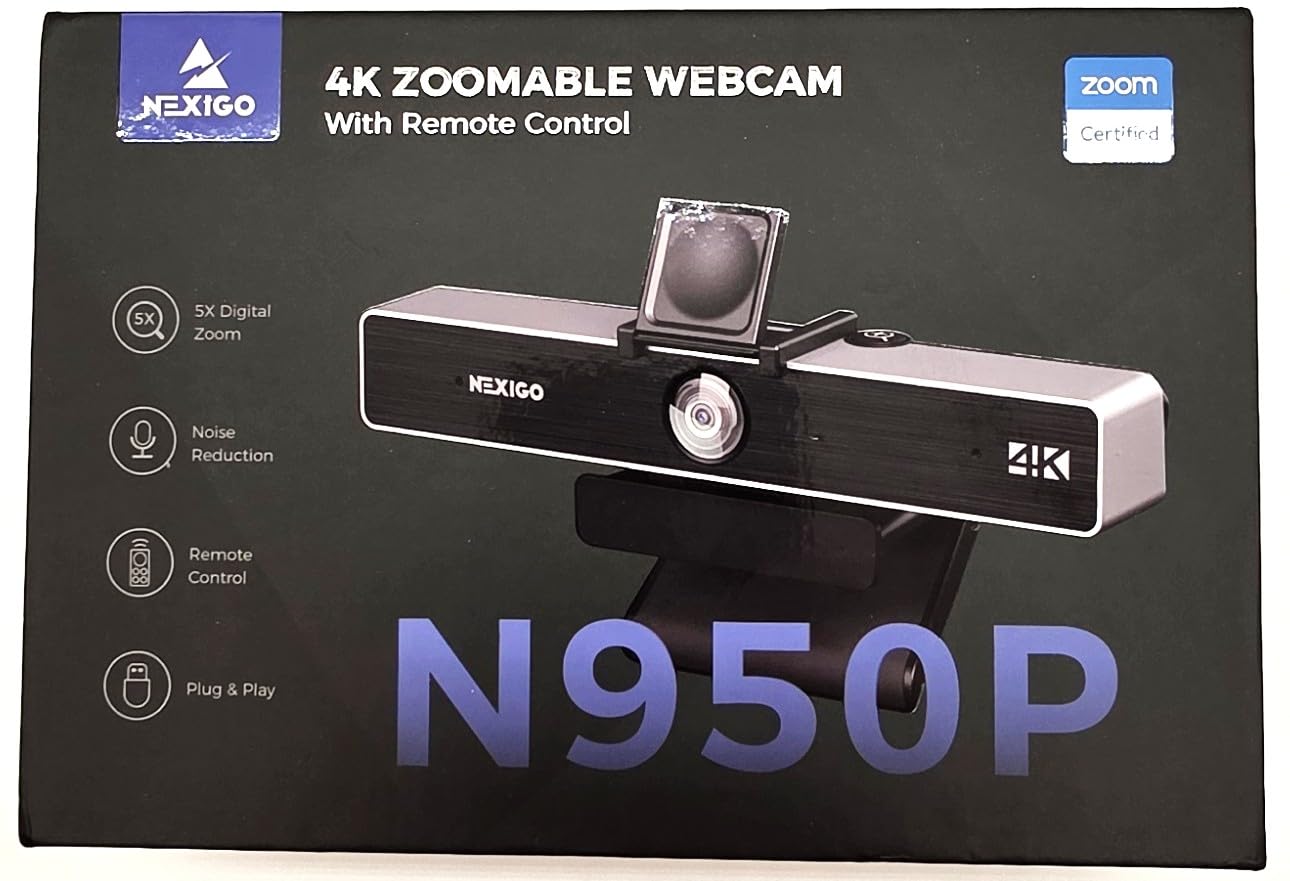
Multi-camera support is a standout feature. You can link up to four Meeting 360 Ultra cameras to cover very large rooms or complex table configurations. This scalability makes the system attractive for organizations with diverse meeting space requirements. Rather than buying different cameras for different rooms, you can standardize on one model and scale as needed.
The App Store access opens interesting possibilities. We installed whiteboard apps and digital signage applications directly on the camera, transforming it into a room productivity hub when not in meetings. The privacy cover provides physical lens protection when the camera is not in use.
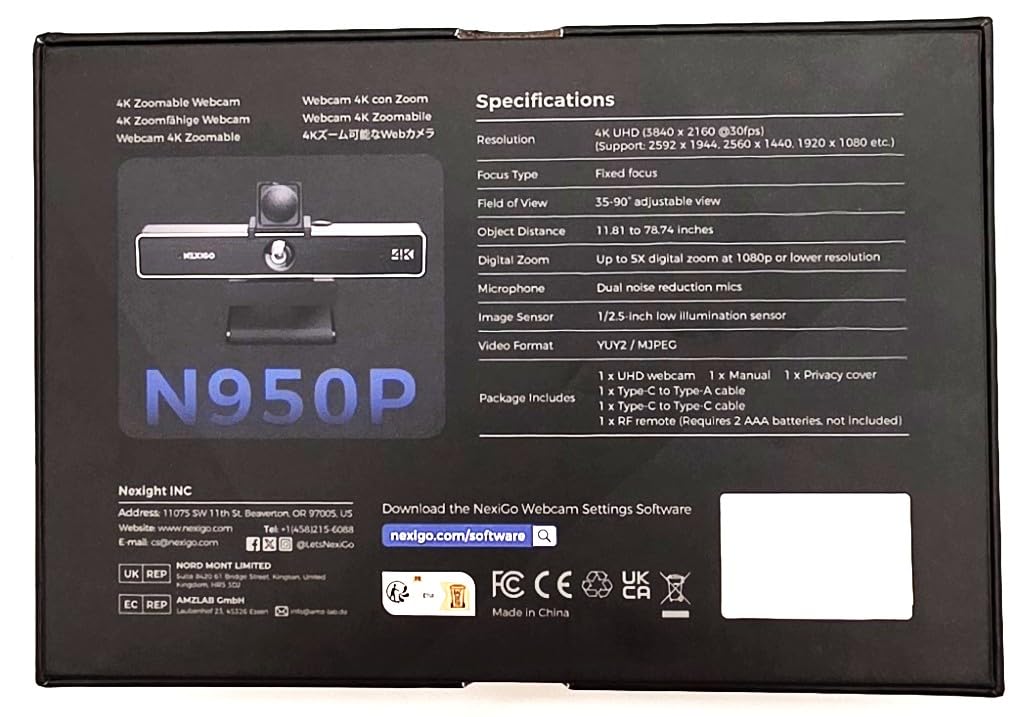
With over 27,000 reviews on Amazon, this camera has significant market validation. The large user base means extensive community support and proven reliability in diverse environments.
Who Should Buy the Meeting 360 Ultra
Organizations wanting flexibility between PC-dependent and standalone operation will appreciate the built-in OS. The multi-camera support also appeals to facilities teams managing diverse room sizes. At $899, it offers premium features at a mid-range price point, earning our Best Value designation.
Who Should Skip It
Organizations with strict data sovereignty requirements should verify the camera’s cloud connectivity complies with internal policies. The occasional autofocus hunting during rapid movement may also frustrate users in dynamic meeting environments.
5. Logitech MeetUp – Ultra HD ConferenceCam for Huddle Rooms
- Excellent plug-and-play setup with no technical expertise needed
- Crystal clear video quality with 4K sensor and wide angle lens
- Impressive beamforming microphones work well in small to medium rooms
- Motorized pan/tilt and zoom features work excellently
- Compatible with Zoom Teams Google Meet and GoToMeeting
- Not true 4K quality at this price point more like 1080p upscaled
- Expansion Mic sold separately
- Not suitable for large rooms with 6 or more people
Logitech’s MeetUp has been a staple in huddle room deployments for years, and with good reason. This all-in-one video bar packs a 4K sensor, three beamforming microphones, and an adjustable speaker into a compact form factor designed for small meeting spaces.
Our testing confirmed why this remains a popular choice for IT departments. The setup is genuinely plug-and-play: connect the USB cable, select the camera in your meeting app, and you are ready. No drivers, no firmware updates, no configuration utilities. This simplicity reduces help desk tickets and makes the MeetUp ideal for spaces where non-technical users need reliable video conferencing.
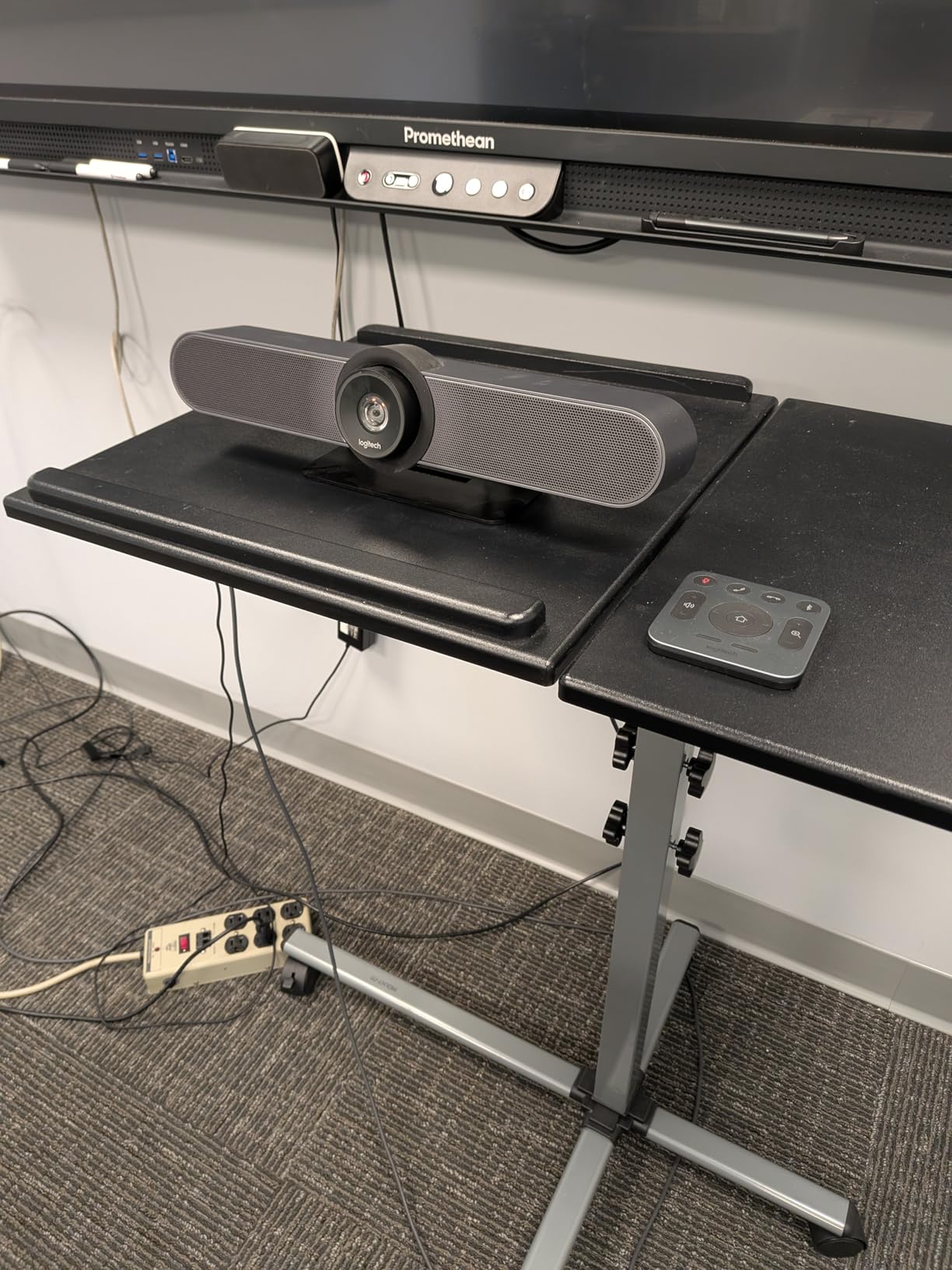
The 120-degree field of view covers small conference tables comfortably. The motorized pan/tilt effectively expands coverage to 170 degrees, though we found the mechanical movement slightly slower than digital framing alternatives. The 5x HD zoom maintains quality for focusing on individual speakers.
Audio performance impressed us. The beamforming microphones clearly captured voices within their 4-meter range while suppressing keyboard typing and paper shuffling. For larger rooms, the optional Expansion Mic extends pickup range to 5 meters.
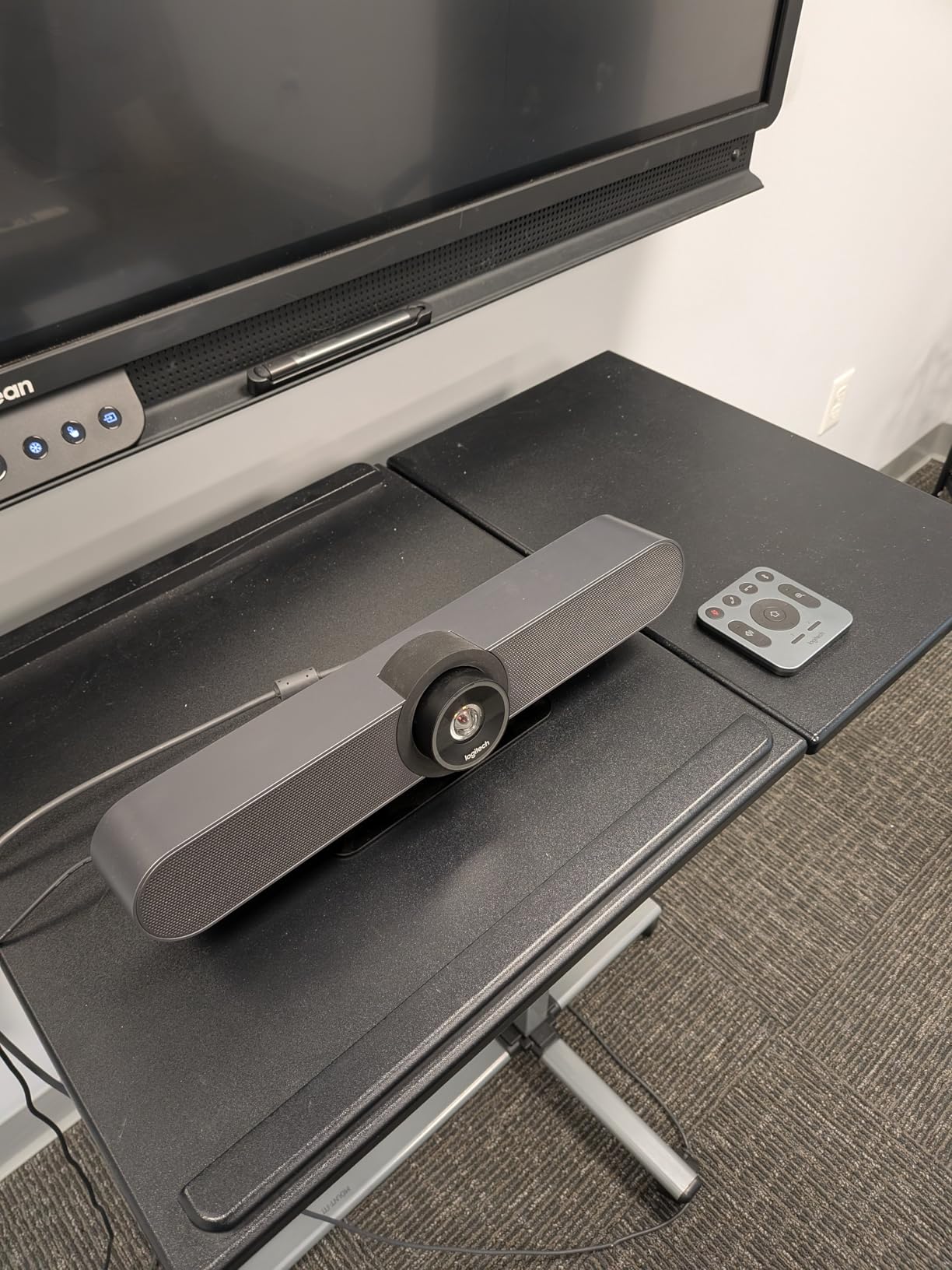
The multiple mounting options add flexibility. The included wall mount positions the camera below displays for natural eye contact, while the optional TV mount and credenza mount accommodate different room layouts. The RF remote provides convenient pan/tilt/zoom control without requiring line-of-sight.
Who Should Buy the MeetUp
Organizations with small huddle rooms (2-6 people) will find the MeetUp perfectly suited to their needs. IT departments value the Logitech Sync platform for remote management of camera fleets. The broad platform compatibility ensures it works with whatever video conferencing solution your organization uses.
Who Should Skip It
Organizations with medium or large conference rooms should look elsewhere. The 120-degree field of view simply cannot capture larger groups, and the audio pickup range limits effectiveness in bigger spaces. Additionally, users expecting true 4K video quality may be disappointed; the sensor is 4K but the output quality resembles high-quality 1080p.
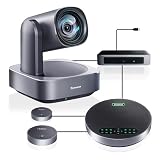
6. Tenveo 4K PTZ Conference Room Camera System – Professional 12X Optical Zoom
- Exceptional 4K video quality with sharp optics
- 12x optical zoom works smoothly and quietly
- AI auto-tracking accurately follows speakers
- Excellent audio pickup range with expansion mics
- Competitive price-to-performance ratio
- Kabel between camera and hub uses DIN6 connectors that may be too short
- Short power and USB cables to PC may require extensions
- Camera must be manually controlled with no speaker-recognition AI
For organizations needing professional PTZ capabilities without enterprise pricing, the Tenveo 4K PTZ system delivers impressive performance. The 12x optical zoom provides genuine magnification without the quality loss of digital zoom, while the AI tracking keeps speakers centered automatically.
Our testing focused on the complete bundle, which includes the PTZ camera, Bluetooth speakerphone, and two expansion microphones. This all-in-one approach simplifies procurement and ensures audio-visual compatibility out of the box. The expansion microphones extend pickup range to 33 feet, covering rooms up to 100 square meters effectively.
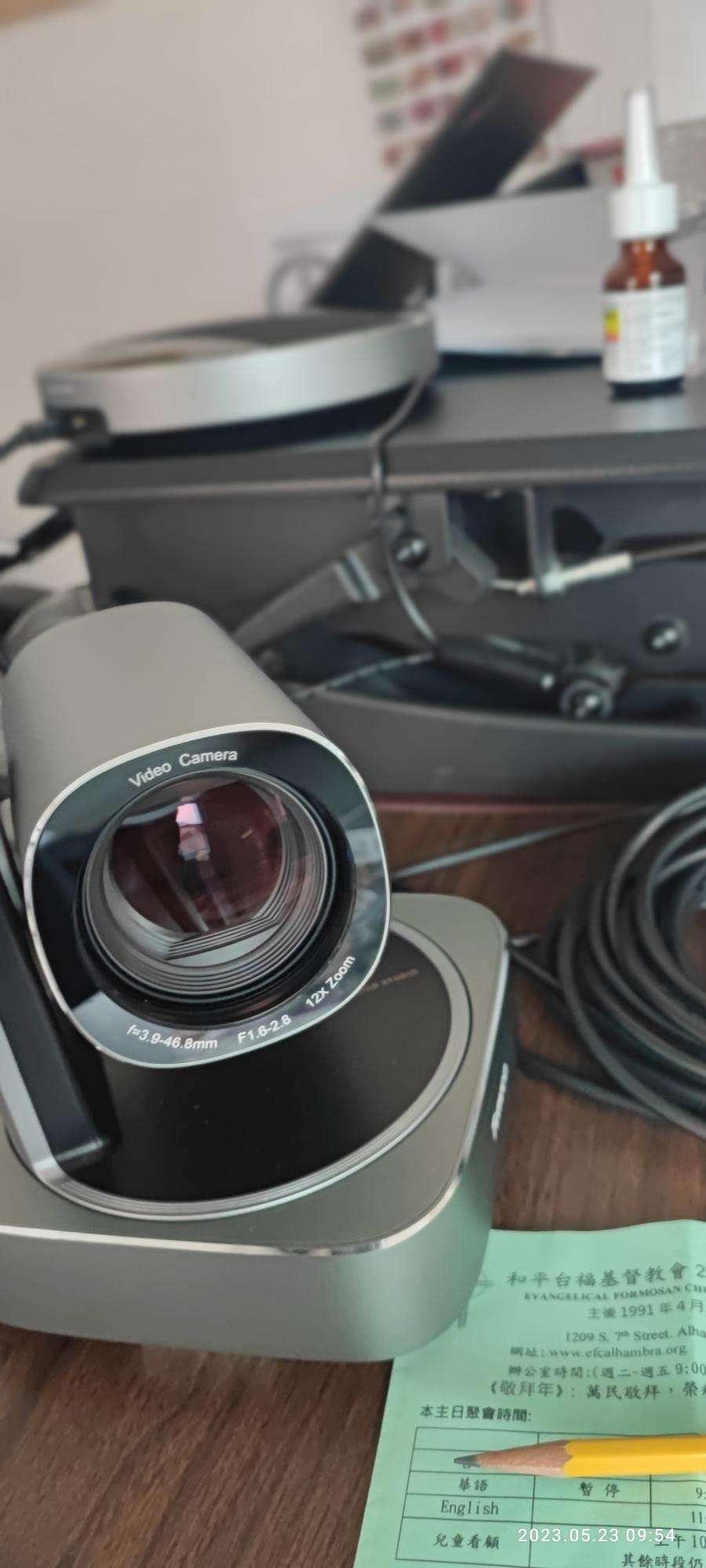
The PTZ movement impressed us with smooth, quiet operation. Unlike budget PTZ cameras that jerk between positions, the Tenveo glides smoothly, making it suitable for live streaming and recorded presentations where professional production values matter. The 350-degree pan and 180-degree tilt provide comprehensive room coverage.
The DSP audio processor with echo cancellation maintained clear audio even in rooms with challenging acoustics. The full-duplex speakerphone allows natural conversation without the walkie-talkie effect common in cheaper systems. We particularly appreciated the ability to mute the camera separately from the speakerphone.
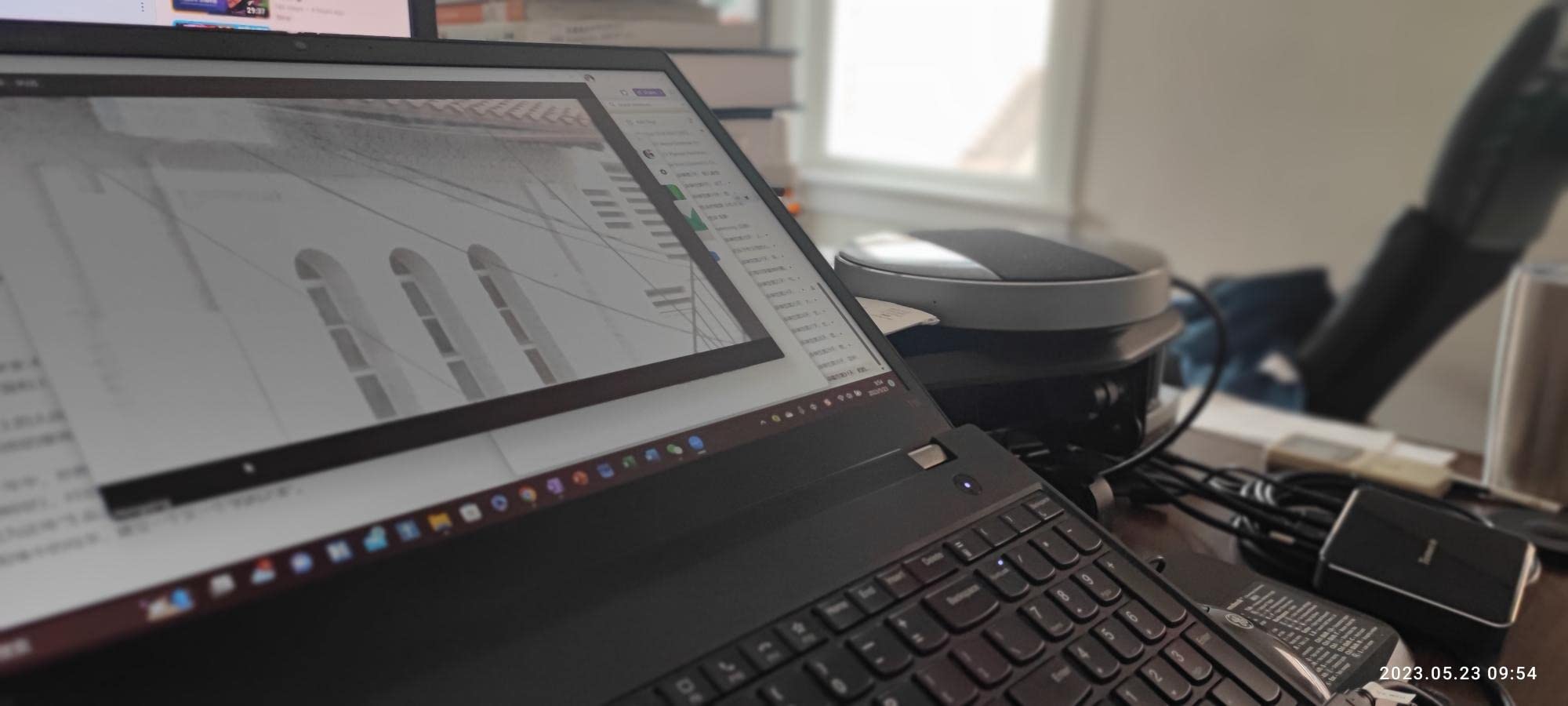
Integration options exceed typical conference cameras. The RS232 and RS485 interfaces allow connection to professional AV control systems, while the included remote provides 10 preset positions for quick camera positioning. For larger installations, joystick control support enables operator-directed productions.
Who Should Buy the Tenveo PTZ System
Organizations with large conference rooms, training rooms, or classrooms will benefit from the 12x optical zoom and extended microphone range. The professional control interfaces also appeal to AV departments managing multiple rooms with centralized control. At $649 for the complete bundle, it represents excellent value for professional PTZ capabilities.
Who Should Skip It
Small huddle rooms do not need this level of zoom capability, and the multiple components (camera, speakerphone, expansion mics) create unnecessary complexity for simple spaces. Organizations wanting fully automated speaker tracking without manual intervention may prefer 360-degree cameras like the Meeting Owl.
7. TONGVEO 3-in-1 4K Webcam – All-in-One Audio Video Solution
- Crystal clear 4K video quality
- Excellent customer service with product replacements
- Easy plug-and-play setup with no drivers needed
- Works well in larger rooms with clear sound pickup
- Useful remote control for zoom and FOV adjustment
- Built-in speaker sound quality is tinny
- Camera autofocus can be slow
- Initial connection issues with Microsoft Teams
The TONGVEO 3-in-1 system takes a different approach than most conference cameras by integrating webcam, microphone, and speaker into a single compact unit. This design appeals to organizations wanting minimal desktop clutter without sacrificing functionality.
Our testing revealed solid video performance for the $129 price point. The 4K resolution produces sharp images, and the adjustable field of view (118, 100, or 88 degrees) provides flexibility for different room sizes. The AI auto-framing worked reliably, detecting attendees and centering everyone appropriately.
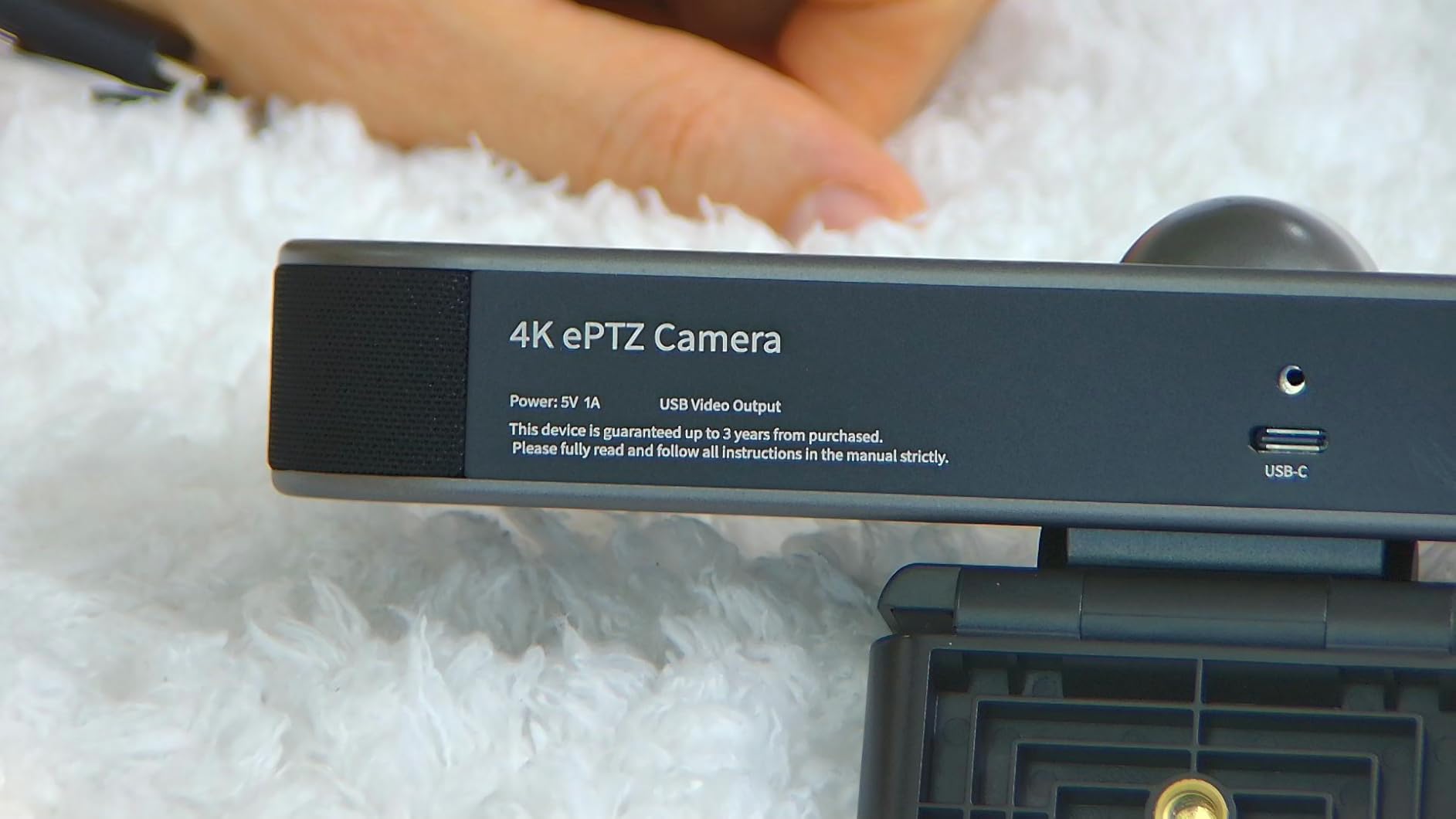
The voice tracking feature attempts to follow active speakers within 3 seconds, though we found it less sophisticated than premium alternatives. It works adequately for presentations with one main speaker but struggles in dynamic multi-participant discussions.
The 360-degree omnidirectional microphones captured audio clearly up to 16 feet, while the 3W speaker provided adequate volume for small groups. However, the speaker quality is the weak point; we found it acceptable for voice but lacking for multimedia content. For pure conference calls it suffices, but do not expect high-fidelity audio.
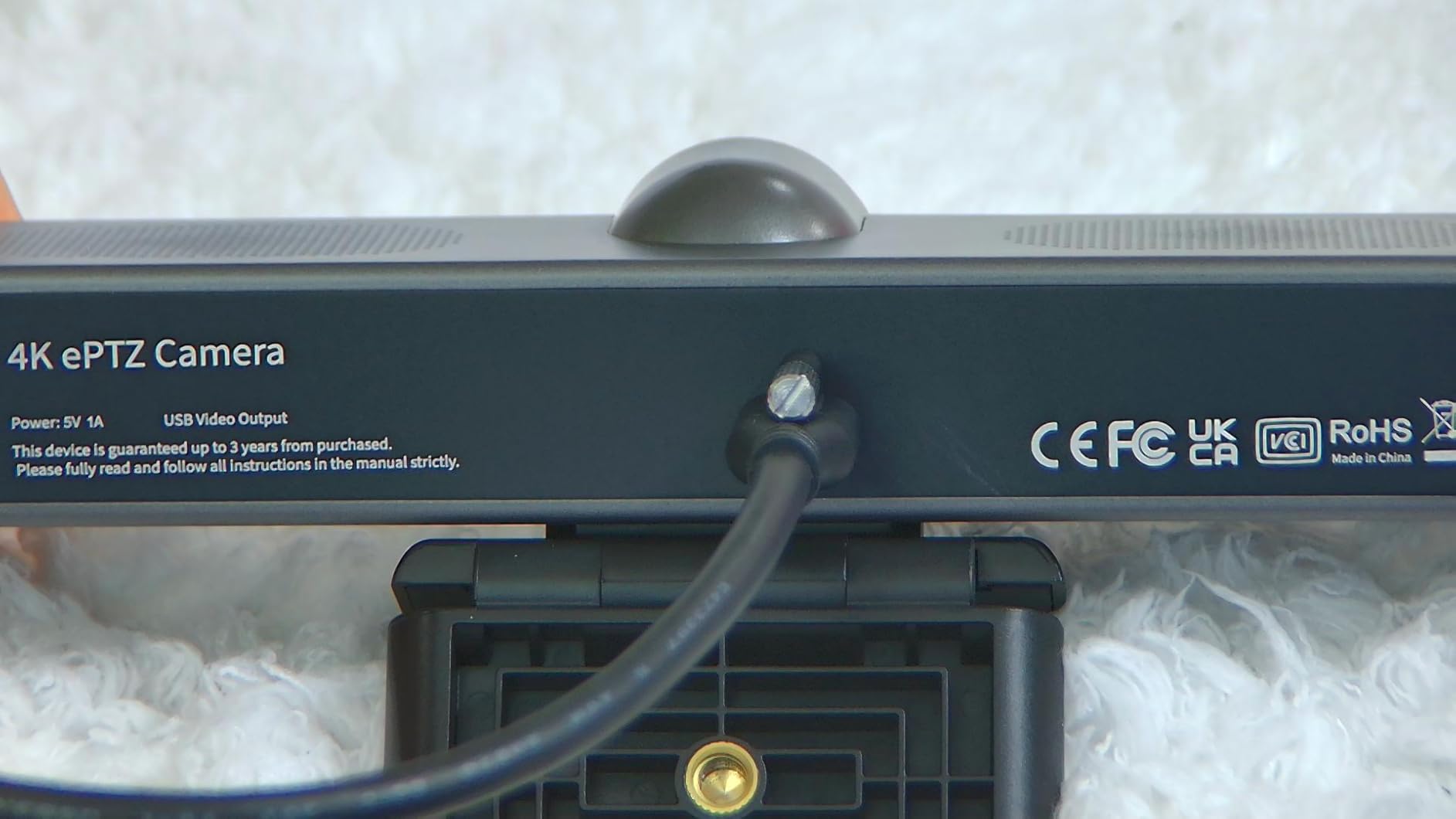
The included remote control adds convenience, allowing zoom, FOV switching, mute, and volume adjustments without accessing software controls. The privacy cover provides physical lens protection when not in use.
Who Should Buy the TONGVEO 3-in-1
Small businesses and home offices needing an affordable all-in-one solution will find this camera delivers good value. The plug-and-play compatibility with major platforms eliminates technical hurdles. Organizations prioritizing minimal footprint over premium audio will appreciate the compact design.
Who Should Skip It
Organizations requiring professional-grade audio should look elsewhere; the built-in speaker simply cannot compete with dedicated speakerphones. Similarly, the autofocus latency may frustrate users who move frequently during presentations. For larger rooms, the microphone pickup range proves limiting.
8. TONGVEO 4K Conference Room Camera System with Gesture Control
- Crystal clear 4K video quality superior to standard webcams
- AI auto-tracking reliably keeps speaker centered
- Gesture control is practical and convenient once learned
- Excellent value for professional-grade features
- Plug-and-play setup works smoothly with Zoom and Teams
- Auto-tracking cannot be disabled during video calls in some configurations
- Some remote control buttons have limited functionality
- Camera image may appear mirrored by default
The TONGVEO 4K system brings professional PTZ features to the sub-$400 price segment. The standout innovation is gesture control: six hand gestures (OK, V, L, One, Good, Palm) trigger camera functions without touching the remote. In our testing, this proved genuinely useful during presentations when the remote was not immediately accessible.
The 4K video quality impressed us for this price point. The 120-degree wide-angle lens captures small to medium rooms effectively, while the 5x digital zoom provides adequate framing flexibility. The AI auto-tracking keeps speakers centered automatically, though we noticed occasional hunting when multiple people moved simultaneously.
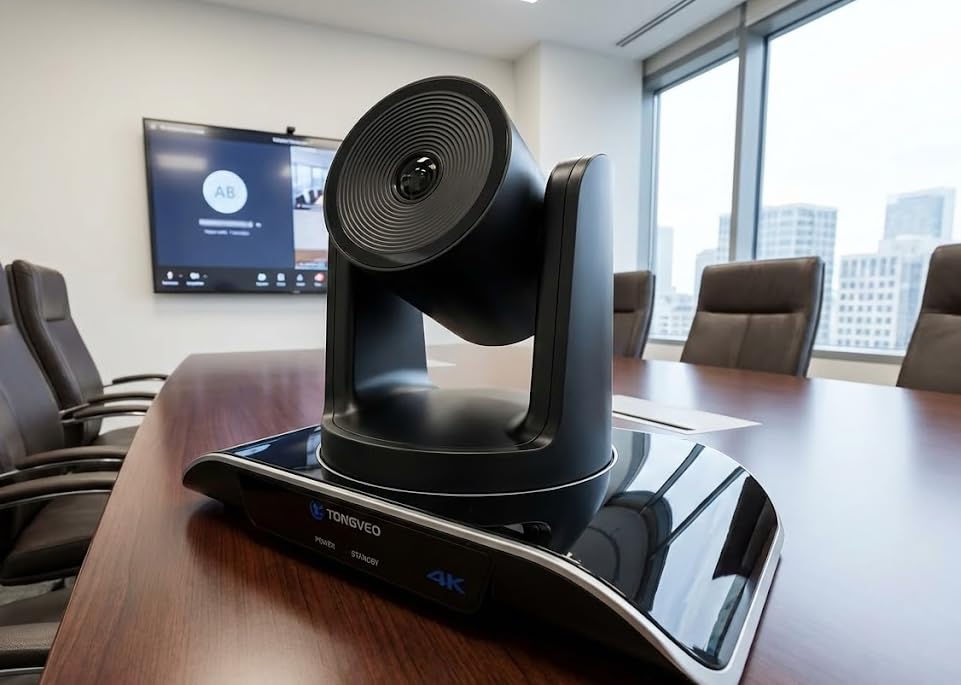
The portable speakerphone distinguishes this system from competitors. With a built-in 2400mAh battery providing 6-8 hours of standby time, you can move the speakerphone to different locations or even take it to off-site meetings. The two stereo microphones deliver clear audio with effective noise reduction.
The full-duplex audio allows natural two-way conversation, and the 16.4-foot pickup range covers typical small conference rooms. We appreciated the multiple installation options: desk, wall, tripod, or ceiling mounting provides flexibility for different room layouts.
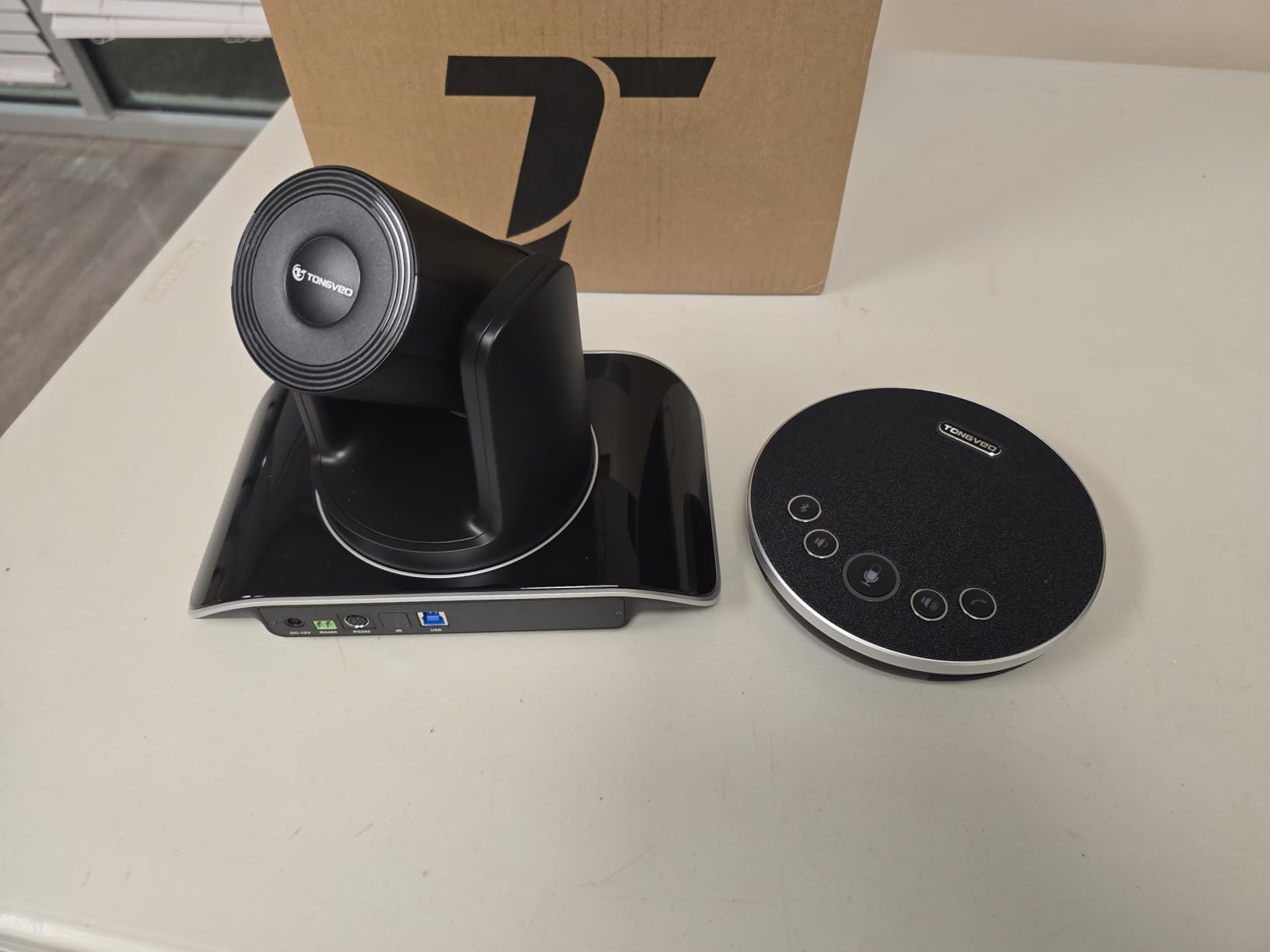
The RS232 and RS485 interfaces enable integration with professional AV control systems, a feature rarely found at this price point. For larger installations, this allows centralized management alongside more expensive equipment.
Who Should Buy the TONGVEO 4K System
Organizations with limited budgets seeking professional features will find exceptional value here. The gesture control adds convenience for presenters, while the portable speakerphone provides flexibility for evolving workspace needs. At $349, it delivers capabilities typically found in cameras costing twice as much.
Who Should Skip It
The inability to disable auto-tracking in some configurations may frustrate users wanting manual control. Organizations with strict brand consistency requirements may prefer established names like Logitech or Jabra despite the higher cost. The 5x digital zoom (not optical) also limits quality when zoomed in significantly.
9. WYRESTORM 4K AI Tracking Conference Webcam – Zoom Certified Solution
- Excellent plug-and-play setup with no IT configuration required
- Smooth and accurate AI auto-framing and presenter tracking
- Great 4K picture quality with sharp focus and zoom
- Wide 120-degree FOV ideal for small to medium conference rooms
- Dual AI noise-cancelling microphones work well up to 5 meters
- Firmware update can soft-brick device without admin permissions
- Anti-flicker defaults to 50Hz needs manual switch to 60Hz
- AI tracking cannot be disabled
- App lacks option to rotate image 180 degrees
WYRESTORM built this camera specifically for small conference rooms, and the focused design shows. The Zoom certification ensures seamless integration with one of the most popular meeting platforms, while the AI features address common hybrid meeting challenges.
The presenter tracking mode impressed us during testing. When one person presents to a group, the camera intelligently follows their movement while keeping the presentation natural. This works better than standard auto-framing for training sessions and client presentations where the speaker moves around.
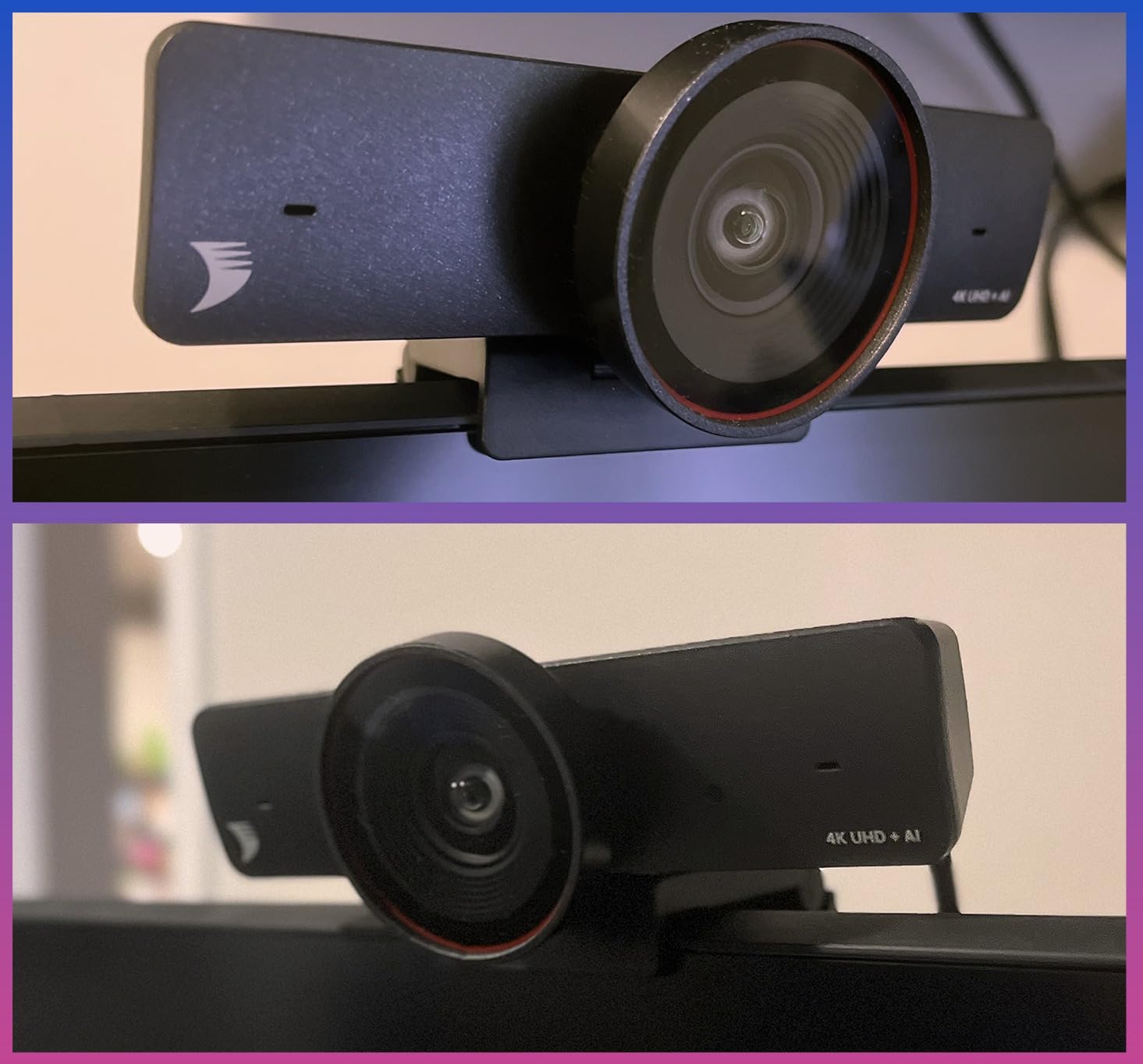
The 8x digital zoom provides framing flexibility, though we noticed quality degradation at maximum zoom compared to optical alternatives. For small rooms where participants sit relatively close to the camera, this rarely becomes an issue.
The dual AI noise-cancelling microphones effectively suppressed background noise in our tests. Keyboard typing, HVAC systems, and even coffee machine sounds were filtered while voices remained clear. The 5-meter pickup range matches WYRESTORM’s specifications.
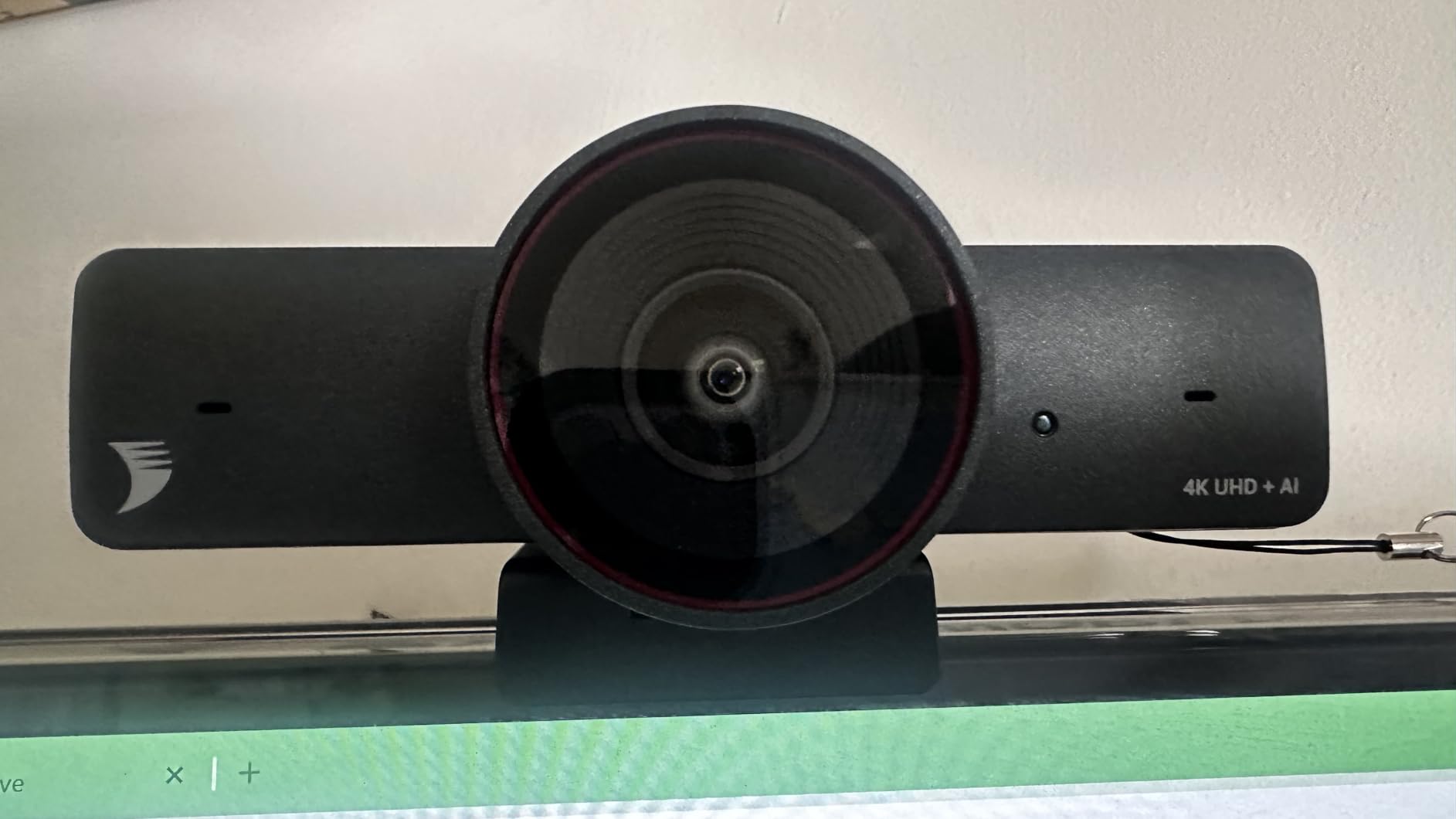
The WyreStorm Focus app provides fine-tuning capabilities for IT departments wanting to optimize settings. However, we encountered the firmware update issue mentioned in user reviews: updates require administrator permissions to avoid soft-bricking the device. This is manageable in corporate environments but worth noting for smaller organizations.
Who Should Buy the WYRESTORM FOCUS-210
Organizations standardized on Zoom should prioritize this camera for its certified compatibility. The presenter tracking mode particularly suits training departments and sales teams who frequently conduct demonstrations. The sub-$150 price point makes this an accessible entry point for small conference rooms.
Who Should Skip It
The inability to disable AI tracking limits flexibility for users wanting manual control. Organizations with mixed platform usage should verify compatibility beyond Zoom. The lack of image rotation in the app also complicates ceiling mount installations.
10. Poly Studio R30 – AI-Powered Video Bar for Small Rooms
- AI-powered auto-framing and presenter tracking work well
- NoiseBlockAI and Acoustic Fence are highly effective features
- Clear audio pickup with 3-microphone array
- Simple plug-and-play USB setup
- Professional 4K video quality when properly configured
- Poor image quality reported blurry and pixelated at normal distances
- Audio dropouts requiring disconnect and reconnect to resolve
- Works best only within approximately 4 feet limiting small room use
Poly (formerly Plantronics) has a strong reputation in enterprise audio, making the Studio R30 disappointing in our testing. Despite promising features like NoiseBlockAI and Acoustic Fence, the execution falls short of Poly’s usual standards.
The image quality issues we experienced align with user reports of blurriness and pixelation at normal conference distances. Even with proper lighting and positioning, the video lacked the sharpness expected from a $519 camera. This may relate to the 5x digital zoom being insufficient for typical desk distances.
When functioning correctly, the AI features work adequately. The presenter tracking follows speakers smoothly, and the NoiseBlockAI effectively filters keyboard and background noise. However, the audio dropout issues requiring USB reconnection proved frustrating during extended meetings.
The 4-foot effective range severely limits this camera’s utility. In our small conference room tests, participants beyond arm’s length from the camera appeared blurry and sounded distant. This contradicts Poly’s small room positioning and suggests quality control issues.
Who Should Consider the Poly Studio R30
Organizations heavily invested in Poly’s ecosystem might consider this for consistency, though we generally recommend alternatives. The Acoustic Fence feature could benefit environments with significant background noise, though competing products offer similar capabilities more reliably.
Who Should Skip It
Most organizations should avoid this camera given the consistent reports of image quality issues. The low 3.4-star rating reflects real problems. For similar money, the Jabra PanaCast 50 or Logitech MeetUp deliver significantly better experiences. Even the TONGVEO systems at half the price outperform this Poly offering.
How to Choose the Right Conference Camera for Your Hybrid Meetings?
Selecting the right conference camera requires understanding your specific needs rather than simply buying the highest-rated option. Our testing revealed that the best camera for a small huddle room differs significantly from what works in a large boardroom.
Room Size Considerations
Small rooms (2-4 people) need wide field of view cameras that capture everyone sitting close to the camera. The Logitech MeetUp and Poly Studio R30 are designed specifically for these spaces, with 120-degree fields of view and microphone pickup ranges under 5 meters.
Medium rooms (5-8 people) benefit from 360-degree cameras like the Meeting Owl 3 or panoramic solutions like the Jabra PanaCast 50. These capture natural conversation flow without requiring participants to huddle near the camera.
Large rooms (9+ people) need either PTZ cameras with optical zoom or expandable systems supporting multiple cameras. The Tenveo 4K PTZ with expansion microphones or multiple NexiGo Meeting 360 Ultra units linked together handle these spaces effectively.
Key Technical Specifications
Resolution matters less than marketing suggests. While 4K cameras provide future-proofing and cropping flexibility, 1080p suffices for most video conferencing where bandwidth often limits transmission quality anyway. The Meeting Owl 3’s 1080p limitation rarely impacts actual meeting quality.
Field of view determines how much of the room the camera captures. 90-120 degrees suits small rooms, 180 degrees covers medium rooms, and 360 degrees eliminates framing concerns entirely. Consider your typical participant arrangement when evaluating FOV specifications.
Microphone pickup range often proves more important than video quality. Inaudible participants ruin meetings faster than slightly soft video. Verify manufacturer pickup range claims in your actual room, as acoustics significantly impact performance.
AI Features Explained
Auto-framing automatically adjusts the camera view to include all detected participants. This saves manual adjustment but can create distracting constant movement if overactive. The Meeting Owl 3 and NexiGo Meeting 360 Ultra strike good balances here.
Speaker tracking focuses on whoever is currently speaking. This helps remote participants follow conversation flow but works best with clear turn-taking. In chaotic meetings with multiple simultaneous speakers, these systems struggle.
Presenter tracking follows a designated presenter as they move around the room. This feature suits training and demo scenarios. The WYRESTORM FOCUS-210’s presenter mode particularly impressed us for this use case.
Platform Compatibility
Microsoft Teams certification ensures optimal integration with Teams Rooms and guarantees feature compatibility. The Meeting Owl 3 and 4+ carry this certification, making them safe choices for Microsoft-centric organizations.
Zoom certification similarly validates Zoom Rooms compatibility. The WYRESTORM FOCUS-210’s Zoom certification provides assurance for organizations standardized on Zoom.
Universal compatibility works with any platform supporting USB cameras. Most cameras we tested work across platforms, though certified models receive priority support and optimized settings.
Total Cost of Ownership
Beyond purchase price, consider expansion costs. The Meeting Owl ecosystem allows adding Expansion Mics and Whiteboard Owls. The NexiGo Meeting 360 Ultra supports multi-camera setups. Factor these possibilities into your decision if your meeting needs may grow.
IT management capabilities also matter at scale. Cameras supporting cloud management platforms (The Nest for Owl, Logitech Sync for MeetUp) reduce ongoing maintenance costs compared to manually managed units.
Warranty and support vary significantly. TONGVEO offers 3-year warranties with responsive customer service. Poly provides only 1-year coverage. For business-critical conference rooms, extended warranties justify their cost.
Frequently Asked Questions
What is the best webcam for a conference room?
The Meeting Owl 3 is our top pick as the best overall conference room camera for hybrid meetings, offering 360-degree 1080p video, 18-foot audio pickup, AI-powered speaker tracking, and plug-and-play setup. For 4K video quality, consider the Meeting Owl 4+ or NexiGo Meeting 360 Ultra.
What is the best technology for hybrid meetings?
The best hybrid meeting technology combines a 360-degree or wide-angle conference camera with integrated beamforming microphones and AI-powered auto-framing. Look for cameras certified for your preferred platform (Microsoft Teams or Zoom) to ensure optimal compatibility and feature support.
What is the cheapest alternative to Meeting Owl?
The NexiGo Meeting 360 Ultra at $899 offers similar 360-degree coverage and AI features at a lower price than the Meeting Owl 4+. For budget-conscious buyers, the TONGVEO 4K Conference Room Camera System at $349 provides PTZ capabilities and gesture control.
What field of view do I need for a conference room?
Small rooms (2-4 people) need 90-120 degrees, medium rooms (5-8 people) benefit from 120-180 degrees, and large rooms (9+ people) require 180-360 degrees or PTZ cameras with zoom. Consider your table shape and typical participant arrangement when selecting field of view.
Do conference cameras work with Zoom and Teams?
Yes, all conference cameras in our roundup work with both Zoom and Microsoft Teams. Look for certified models (like the Meeting Owl 3 for Teams or WYRESTORM FOCUS-210 for Zoom) for guaranteed feature compatibility and optimized settings. Most cameras use standard USB connectivity, making them platform-agnostic.
Conclusion
After testing these 10 conference cameras for hybrid meetings across multiple room sizes and use cases, the Owl Labs Meeting Owl 3 remains our top recommendation for most organizations. The combination of 360-degree coverage, intelligent speaker tracking, and genuine plug-and-play simplicity creates the most natural hybrid meeting experience we tested.
For organizations needing 4K video quality, the Meeting Owl 4+ justifies its premium price with enterprise features and sharper image quality. The NexiGo Meeting 360 Ultra offers the best value, delivering premium features including 8K capture and multi-camera support at a mid-range price point.
Budget-conscious buyers will find excellent value in the TONGVEO systems, particularly the 4K Conference Room Camera with gesture control at $349. Even at this price point, you get professional PTZ capabilities and AI tracking previously found only in premium models.
When choosing your conference camera, prioritize room size compatibility and audio quality over video resolution. A camera that captures everyone clearly and picks up voices throughout the room serves hybrid meetings better than 4K video with limited coverage or tinny audio. Use our comparison table to match your specific needs with the right solution, and invest in a camera that will serve your hybrid workforce effectively through 2026 and beyond.