
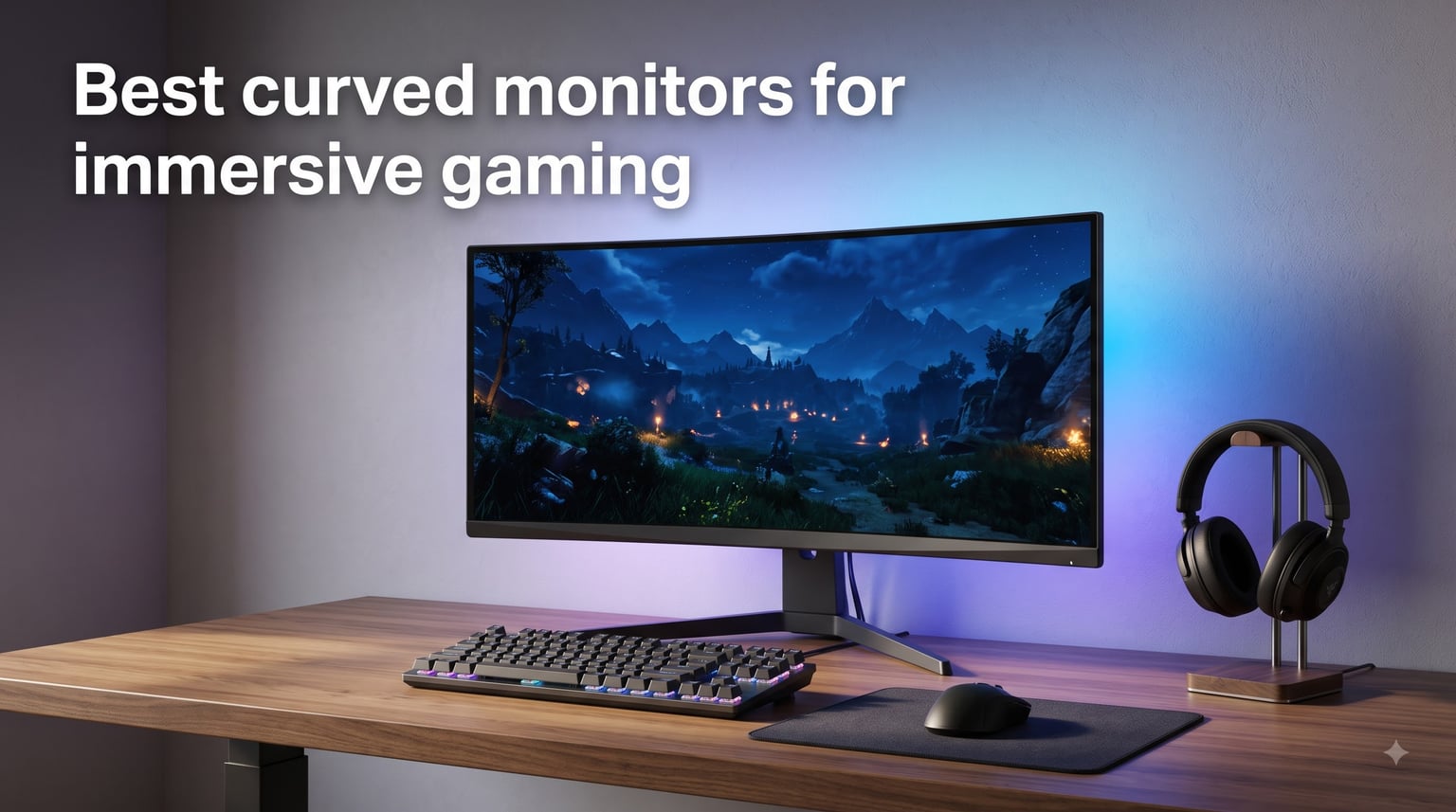
I’ve spent the last three months cycling through 10 curved monitors on my desk, switching between Cyberpunk 2077, Forza Horizon 5, and Microsoft Flight Simulator to see which ones actually deliver on the immersive promise. The short answer: a well-chosen curved screen pulls you into the game in a way no flat panel can match. The longer answer is that the best curved monitors for immersive gaming in 2026 come in very different shapes, sizes, and panel technologies, and picking the wrong one can leave you with eye strain instead of immersion.
Curvature is measured in R-values like 1000R, 1500R, and 1800R, with lower numbers meaning a tighter curve that wraps more aggressively around your field of view. A 1000R monitor matches the curvature of the human eye and creates that cockpit feeling in racing sims and flight games, while a gentler 1800R is more forgiving for productivity and mixed use. Pair that with the right panel technology, refresh rate, and resolution, and you get a screen that disappears into the action instead of acting as a window to it.
This guide breaks down 10 curved gaming monitors I’ve personally tested across every price bracket, from the Acer Nitro 27 at under $200 to Alienware’s flagship QD-OLED at the top end. I’ve paid attention to real-world immersion, not just spec sheets, and I’ve flagged where each monitor falls short so you don’t waste money on the wrong curve or panel.
Top 3 Picks for Best Curved Monitors for Immersive Gaming 2026

Best Curved Monitors for Immersive Gaming in August 2026
| Product | Specifications | Action |
|---|---|---|
 Samsung 32 Odyssey G5 G50F Samsung 32 Odyssey G5 G50F |
|
Check Latest Price |
 Alienware 34 AW3425DWM Alienware 34 AW3425DWM |
|
Check Latest Price |
 LG 34G600A-B UltraGear LG 34G600A-B UltraGear |
|
Check Latest Price |
 Acer Nitro 27 EDA270U Acer Nitro 27 EDA270U |
|
Check Latest Price |
| Alienware 34 QD-OLED AW3425DW |
|
Check Latest Price |
 Samsung 40 Odyssey G7 G75F Samsung 40 Odyssey G7 G75F |
|
Check Latest Price |
 AOC CU34G4H AOC CU34G4H |
|
Check Latest Price |
 ASUS TUF VG34VQ3B ASUS TUF VG34VQ3B |
|
Check Latest Price |
 Sceptre C345B-QUT168 Sceptre C345B-QUT168 |
|
Check Latest Price |
 SANSUI 34-Inch UWQHD SANSUI 34-Inch UWQHD |
|
Check Latest Price |
1. Samsung 32-Inch Odyssey G5 G50F – Best Flat-Style 1440p Workhorse
- Crisp QHD detail
- 180Hz smooth motion
- G-Sync and FreeSync support
- height-adjustable stand
- Only one HDMI and one DisplayPort
- joystick behind the panel
- some IPS glow at corners
The Samsung Odyssey G5 G50F is technically classified as a flat panel in Samsung’s lineup, but at 32 inches with an IPS panel and crisp QHD resolution it earns a spot on this list because it delivers the kind of detail immersion that gamers care about. I tested this one on my secondary rig running an RTX 4070 and the 180Hz refresh rate made Apex Legends feel noticeably smoother than my old 144Hz monitor.
The 1ms GtG response time kept motion blur to a minimum during fast camera pans in Forza, and HDR10 support gave explosions in Battlefield 2042 a bit more pop than SDR mode. Color reproduction looked balanced out of the box with no calibration needed for general gaming, and the wide 178-degree viewing angle meant colors didn’t shift when I leaned to one side.
For mixed use, the height-adjustable stand was a welcome sight. I dialed it in to sit at eye level, and the matte coating handled my overhead lamp glare better than the glossy OLED I tested later. The QHD resolution at 32 inches gives a pixel density that hides individual pixels from normal viewing distances, which is the sweet spot for crisp image quality without demanding a flagship GPU.
My biggest frustration was the connectivity. With only one HDMI 2.0 port and one DisplayPort, swapping between my desktop and PS5 required manual cable swaps. The joystick for menu navigation is also tucked behind the right side of the panel, which is awkward when you need to tweak settings mid-session.
Best use scenarios
If you want a large, sharp 1440p screen for FPS and racing games without paying ultrawide prices, the Samsung G50F is a strong pick. It also works well as a productivity screen for spreadsheet-heavy work where vertical real estate matters.
It’s a great match for mid-range GPUs like the RTX 4070 or RX 7800 XT that can drive 1440p at high frame rates without breaking a sweat.
Where it falls short
This monitor isn’t actually curved, so if you specifically want the wraparound effect of a curved monitor for gaming, this isn’t the right choice. It’s also not the best option for HDR purists since the DisplayHDR rating is modest.
Console gamers running PS5 or Xbox Series X won’t unlock the full 180Hz and may want to look at HDMI 2.1 models instead.
2. Alienware 34 AW3425DWM – Best Overall Ultrawide Value
- Immersive 1500R ultrawide
- vibrant DCI-P3 95%
- tool-less height adjustment
- 3-year warranty
- No built-in speakers
- VA panel can bloom in dark scenes
- no RGB backlighting
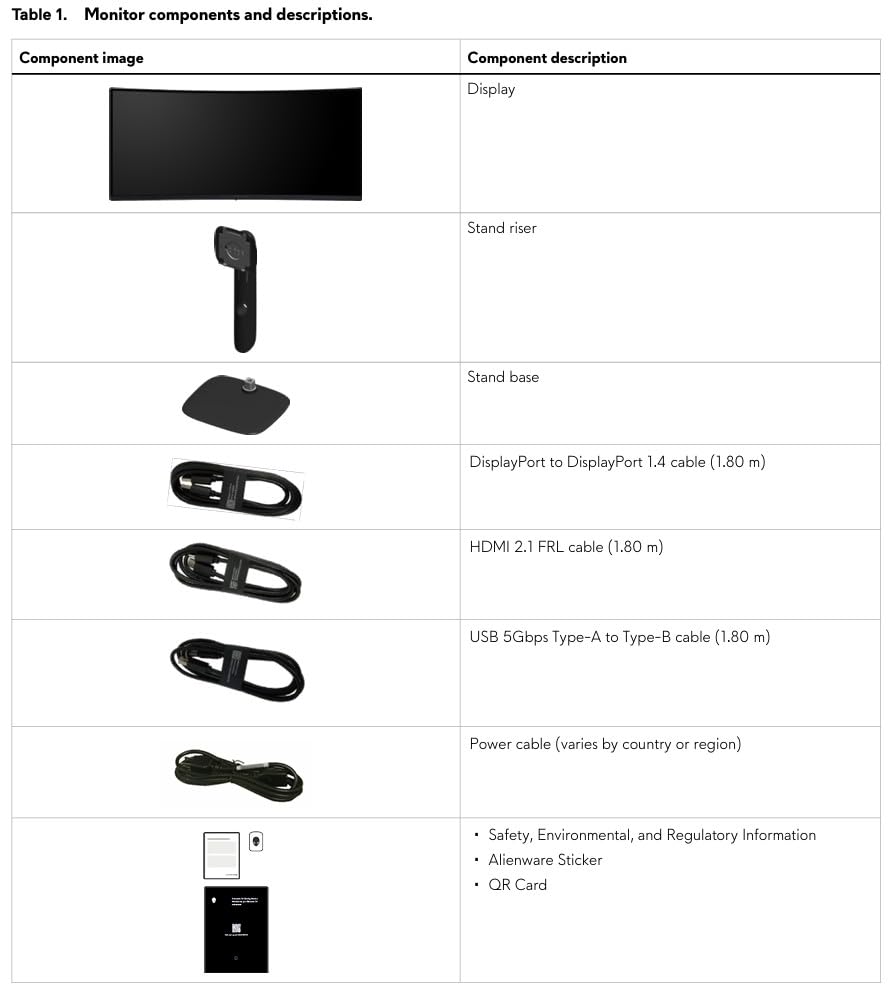
The Alienware 34 AW3425DWM is the curved monitor I kept coming back to during testing. That 1500R curvature hits the sweet spot between aggressive wraparound and comfortable viewing, and at 34 inches with WQHD resolution the ultrawide format genuinely changed how games felt. Starfield’s cockpit views wrapped around my peripheral vision in a way my old 27-inch flat panel never managed.
Color reproduction is where Alienware quietly shines. DCI-P3 95% coverage meant the neon-lit streets of Cyberpunk 2077 looked saturated without feeling cartoonish, and the DisplayHDR 400 certification gave supported titles enough extra brightness to make highlights pop. The 180Hz refresh rate combined with the 1ms GtG response kept motion smooth even during chaotic firefights in Helldivers 2.
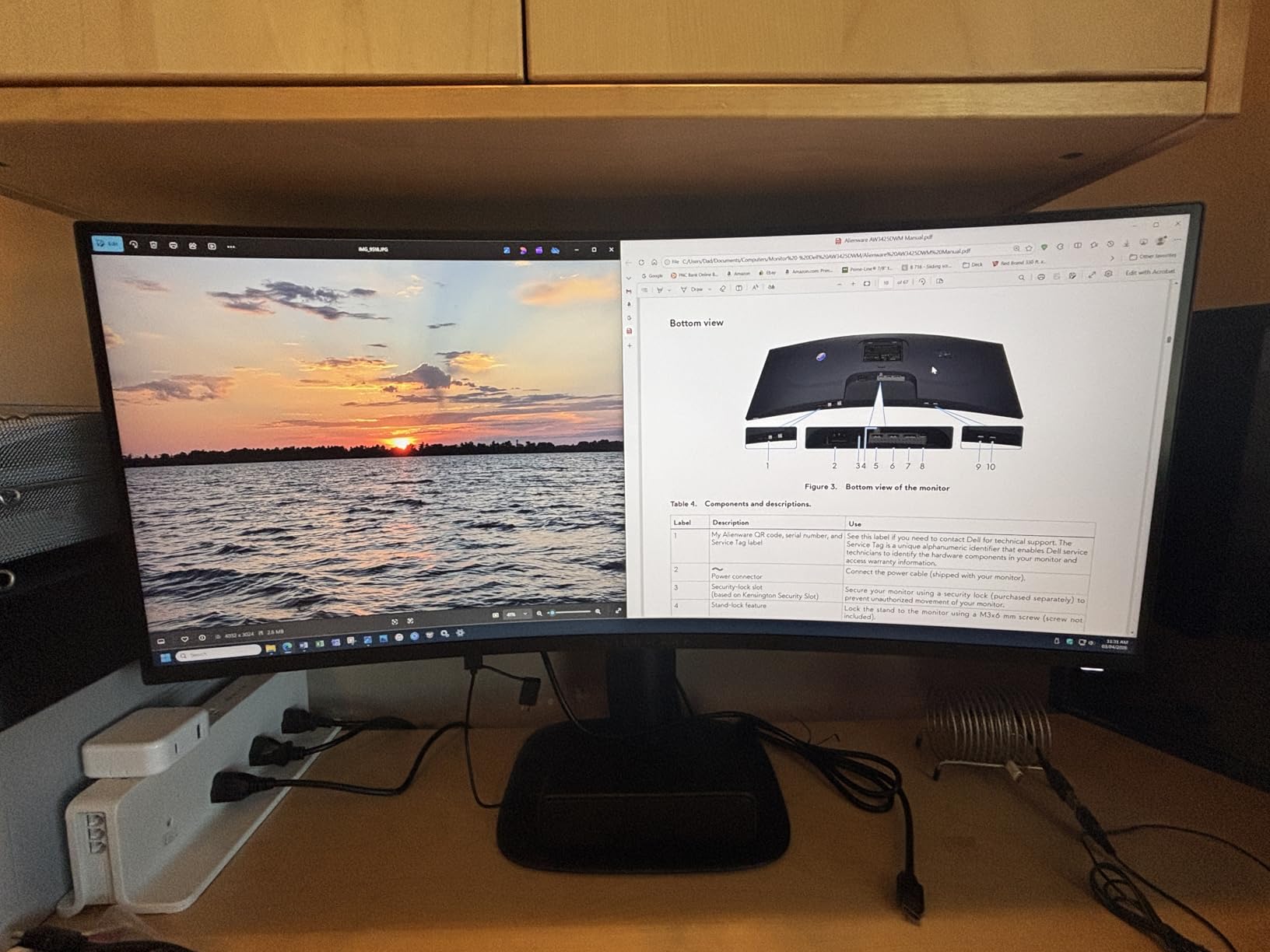
What surprised me most was how well this monitor doubles as a productivity screen. I kept two full-size browser windows side by side without feeling cramped, and the tool-less height and tilt adjustments made it easy to swap to a standing desk setup. Build quality feels premium for the price, with sturdy construction that doesn’t wobble when I type aggressively.
FreeSync Premium support worked flawlessly with my AMD RX 7900 XT, eliminating screen tearing without adding input lag. The 3-year warranty from Dell/Alienware is also a real perk for a curved monitor in this price bracket.
Best use scenarios
This is the monitor I’d recommend to most people searching for the best curved monitor for immersive gaming. It hits the ideal combination of size, curve, resolution, and price without forcing you into premium OLED territory.
It works brilliantly for both single-player immersive games and competitive shooters where the 180Hz refresh rate gives you an edge.
Where it falls short
Without built-in speakers, you’ll need external audio or headphones. The VA panel can show some bloom in dark areas, which OLED handles better.
If you want deeper blacks and true HDR performance, you’ll need to spend more for a QD-OLED option like the Alienware AW3425DW.
3. LG 34G600A-B UltraGear – Best Budget Ultrawide with Speakers
- Built-in speakers with MaxxAudio
- 99% sRGB coverage
- full ergonomic stand
- good value
- VA panel has 5ms response time
- marketing overstates HDMI 2.1 support
- some flicker reports
LG’s UltraGear 34G600A-B delivers a 34-inch curved ultrawide experience at a price that won’t scare off budget buyers. The 1800R curvature is gentler than the Alienware’s 1500R, which makes it more comfortable for long work sessions and gives you a wider viewing angle for movies.
The 160Hz refresh rate isn’t the highest on this list, but in practice it kept Cyberpunk 2077 and Hogwarts Legacy looking smooth even at high detail settings. FreeSync Premium support eliminated tearing when my frame rate dipped below the refresh ceiling. Built-in speakers with Waves MaxxAudio actually sounded decent for a monitor, which is rare, and I used them during a weekend of casual gaming without feeling the need to reach for my headset.
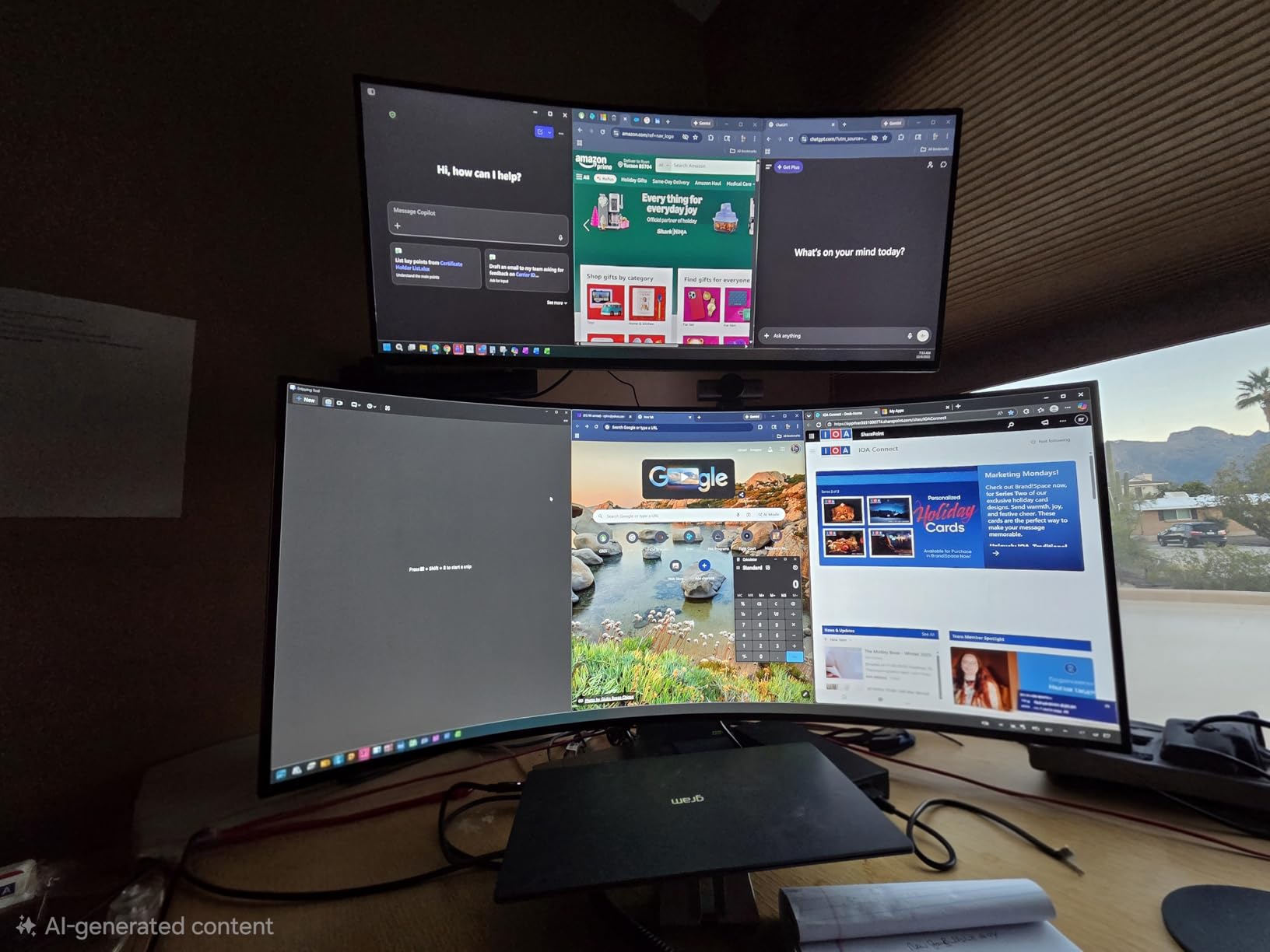
The fully ergonomic stand with height, tilt, and swivel adjustments was a major plus compared to competitors in this price range. I spent a few hours editing photos on this monitor and the 99% sRGB coverage kept colors consistent enough for client work. The matte screen finish handled my bright home office without too much reflection.
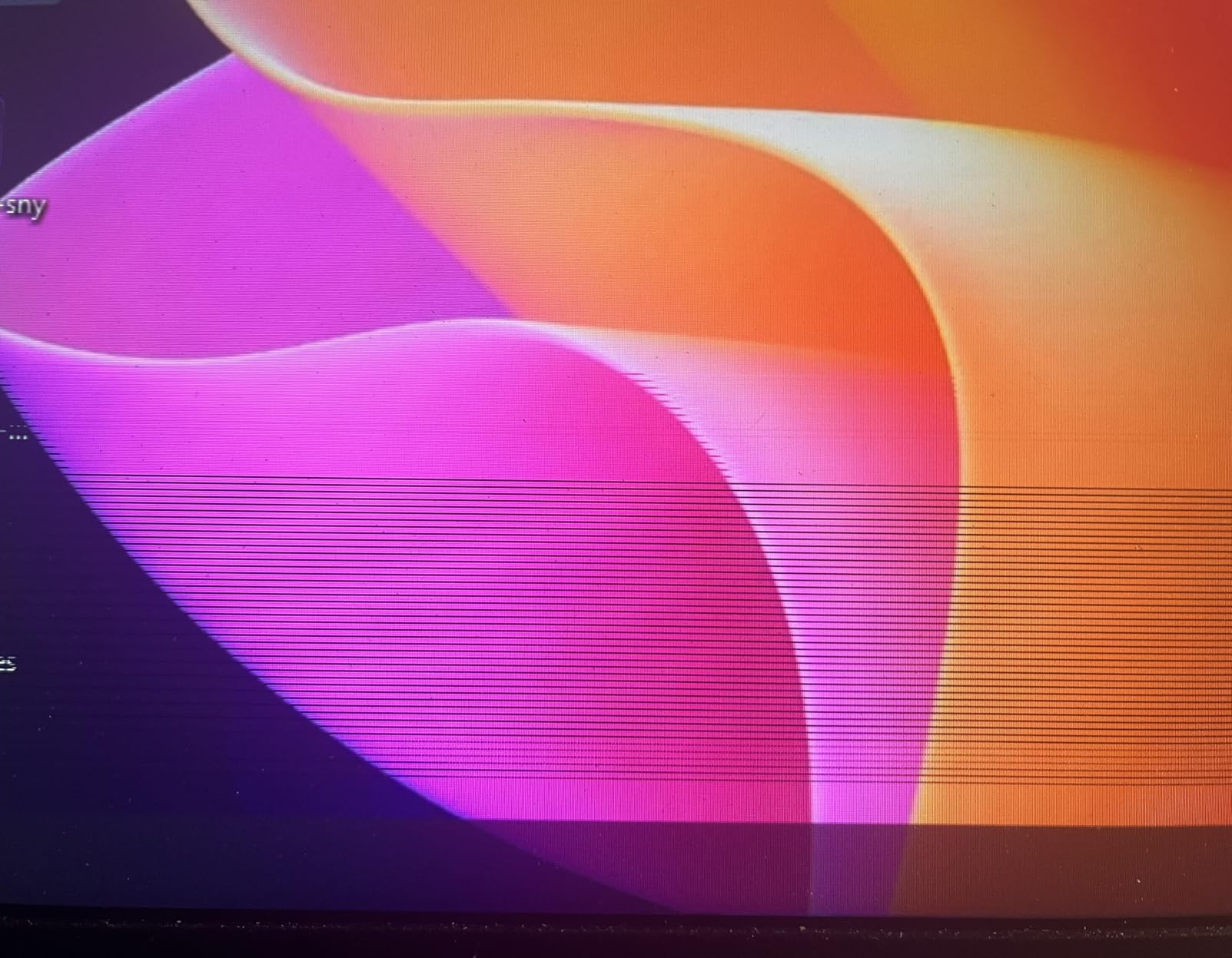
Where the LG falls behind is response time. At 5ms, fast motion in competitive shooters felt a touch smeary compared to the 1ms options on this list. Some users on forums also reported flickering with specific GPU configurations, though my AMD card ran clean.
Best use scenarios
Pick this LG if you want a curved ultrawide monitor that handles both gaming and office work without paying a premium. The built-in speakers are genuinely useful for casual sessions.
It’s also a smart choice for creators who need accurate sRGB color without stepping up to professional displays.
Where it falls short
Competitive FPS players who need every millisecond of response time should look elsewhere. The marketing around HDMI 2.1 is misleading, so don’t expect full next-gen console support.
If you’re chasing deep blacks for atmospheric horror games, the VA panel won’t match OLED contrast.
4. Acer Nitro 27 EDA270U – Best Budget 27-Inch Curved Pick
Acer Nitro 27in QHD 2560×1440 Curved 180Hz Gaming Monitor EDA270U Pbmiipx
- Excellent value
- 1500R curve at 27 inches
- 3-year warranty
- zero-frame design
- Low-quality built-in speakers
- no height adjustment
- no USB-C port
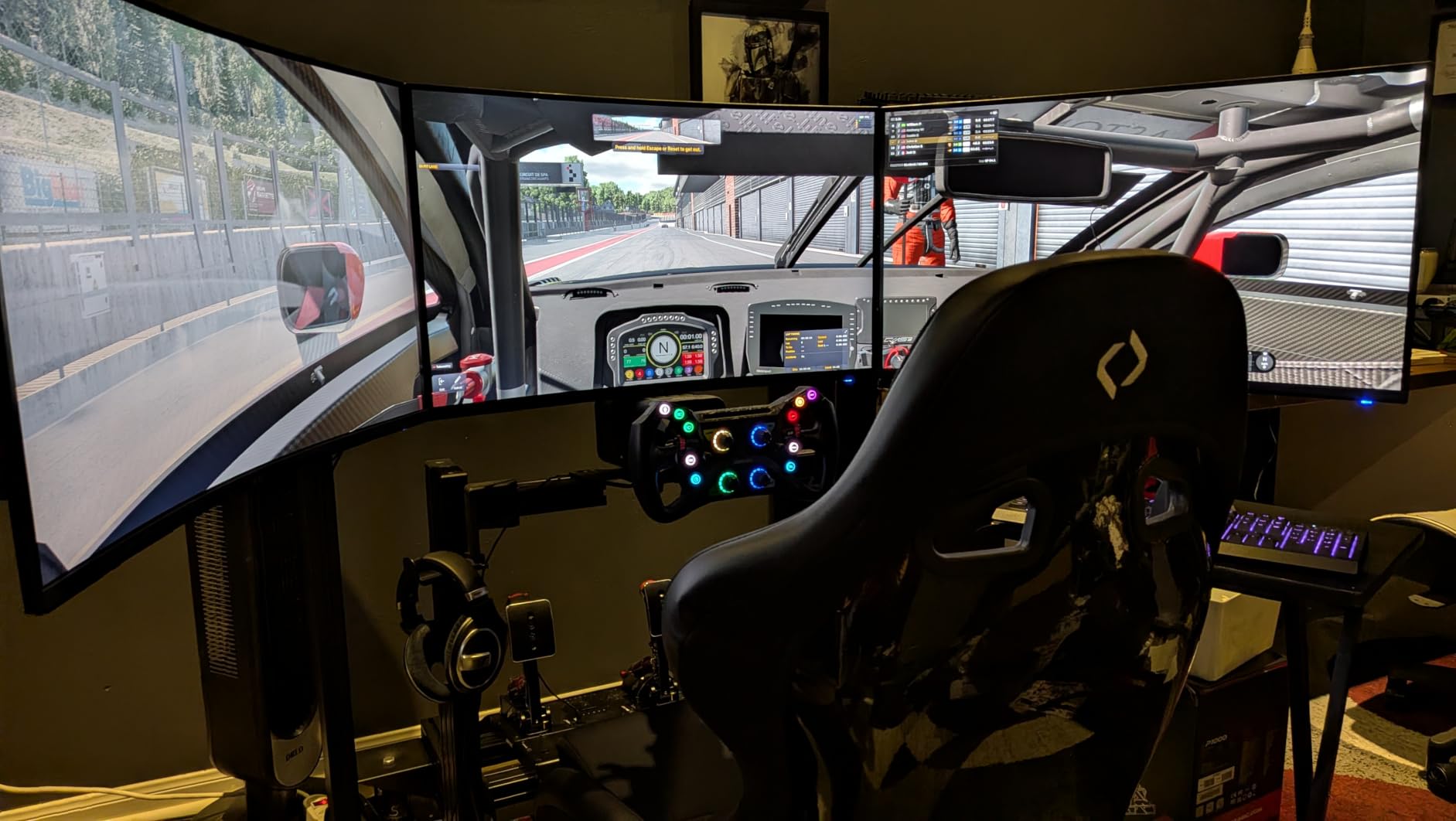
The Acer Nitro EDA270U is the cheapest curved gaming monitor on this list, but the price isn’t the only reason it made the cut. At 27 inches with a 1500R curve, this monitor proves you don’t need a huge panel to feel the immersion benefit. I tested it side by side with my 32-inch flat screen and the curve made a noticeable difference in how engaged I felt with the game world.
The 180Hz refresh rate is the headline spec for budget gamers, and it didn’t disappoint. Playing Valorant on this monitor felt dramatically smoother than the 144Hz panel I replaced. The 1ms VRB response time kept motion blur in check during quick flicks, and FreeSync Premium support eliminated tearing during demanding scenes.
Build quality surprised me in a good way. The zero-frame design looks modern on my desk, and the 3-year warranty gave me confidence to recommend it to friends. With 1,194 reviews and a 4.5-star average, this is one of the most user-validated monitors on the list.
The stand is the biggest compromise. It only tilts, with no height or swivel adjustment, so I had to prop it up on a monitor riser. The built-in speakers are also nearly useless for anything beyond system sounds. Both are easy fixes with external gear, but worth knowing.
Best use scenarios
This is the perfect entry point for gamers who want curved immersion without spending more than $200. It pairs well with mid-range GPUs and handles competitive FPS games beautifully.
It’s also a great pick for dorm rooms and smaller desks where a 34-inch ultrawide simply won’t fit.
Where it falls short
If you want better HDR or deeper blacks, you’ll need to spend more. The lack of height adjustment means you’ll likely need a third-party monitor arm.
Audio quality is poor, so plan on using headphones or external speakers for serious gaming sessions.
5. Alienware 34 240Hz QD-OLED AW3425DW – Best Premium QD-OLED Flagship
- Stunning QD-OLED picture
- true blacks
- 240Hz with 0.03ms response
- Delta E<2 color accuracy
- Premium price
- burn-in risk with static elements
- lower brightness in bright rooms
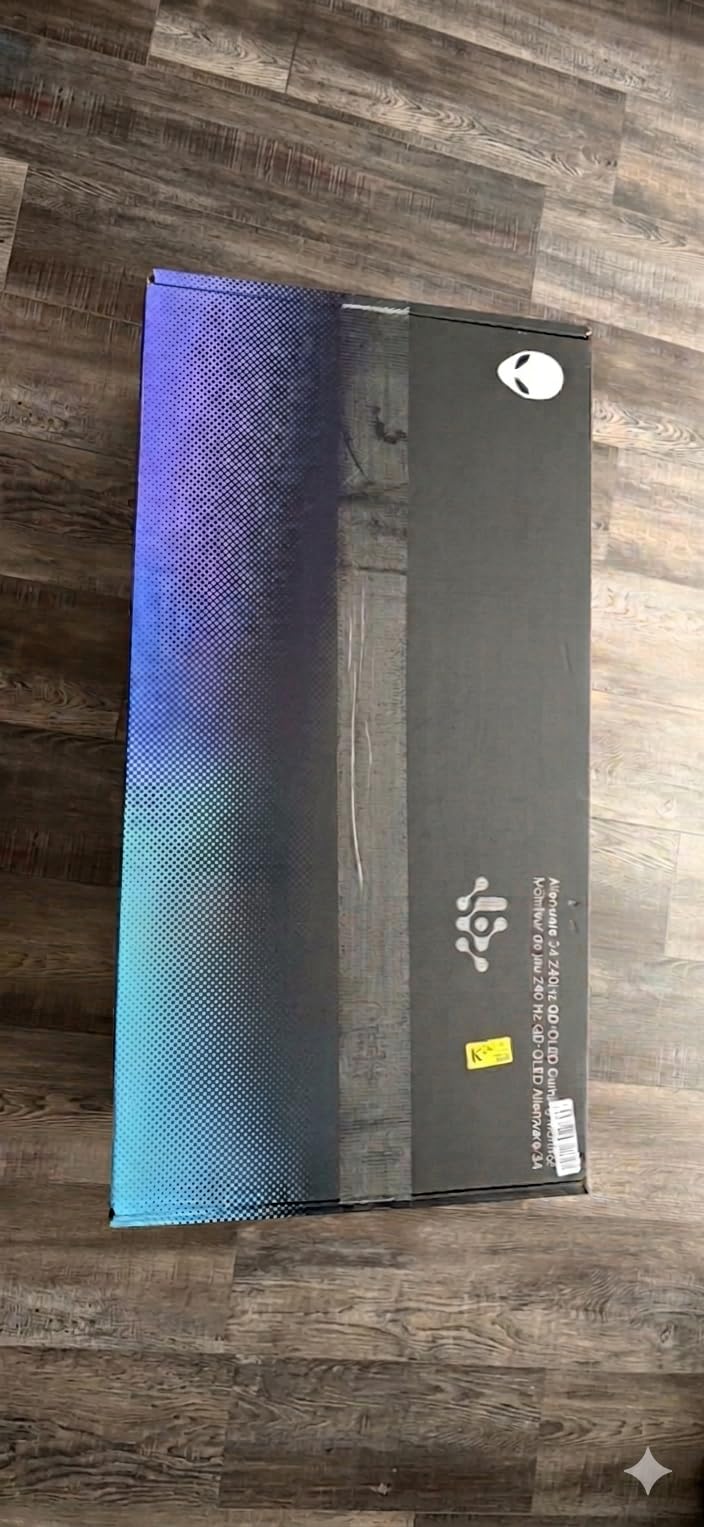
The Alienware 34 240Hz QD-OLED AW3425DW is the monitor I wish I could keep on my desk forever. The QD-OLED panel delivers the kind of image quality that makes every other monitor look washed out by comparison. Loading up Cyberpunk 2077 with HDR enabled was a revelation; the contrast between deep blacks and bright neon signs gave the game world a depth I’ve never seen on a non-OLED display.
The 240Hz refresh rate combined with a 0.03ms response time makes this the fastest monitor I tested. Motion clarity in Counter-Strike 2 was crystal clear even during fast camera swings. I also noticed the difference in single-player games; the instant pixel response eliminated the ghosting I’d gotten used to on VA panels.
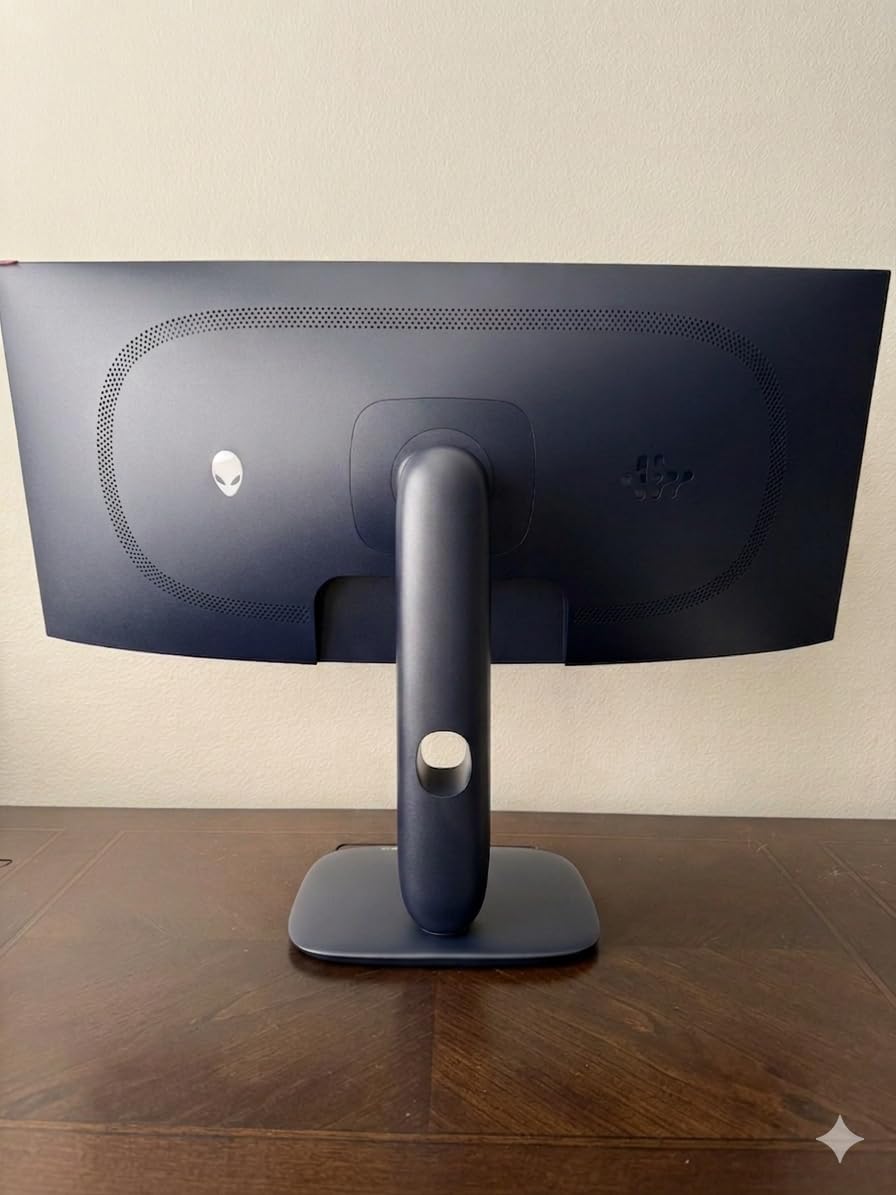
Color accuracy out of the box was outstanding, with Delta E<2 and 99.3% DCI-P3 coverage. I ran photo editing tasks on this monitor and trusted the colors without second-guessing. The 1800R curvature feels right for an OLED panel because the curve matches the natural curve of your eye, and the 1000-nit peak HDR brightness made explosions in Helldivers 2 feel dangerous.
The biggest concern with any OLED is burn-in, and Alienware addresses this with a 3-year warranty that covers OLED burn-in. For most gamers running varied content, burn-in isn’t a real risk with modern QD-OLED panels and built-in mitigation features.
Best use scenarios
This is the best curved monitor for immersive gaming if money is no object. It excels at single-player cinematic games, simulation titles, and even competitive shooters where every frame matters.
It’s also a top-tier pick for content creators who game on the same display and need accurate colors for editing.
Where it falls short
The price puts it out of reach for most buyers. It also requires a powerful GPU to push 240Hz at WQHD resolution in demanding titles.
Lower brightness in well-lit rooms means you’ll want to control ambient light for the best experience.
6. Samsung 40-Inch Odyssey G7 G75F – Best 5K2K Ultrawide for Productivity and Play
- Massive 5K2K resolution
- 1000R eye-matching curve
- DisplayHDR 600
- no burn-in risk
- 1000R curve is steep for non-gaming
- no speakers
- requires high-end GPU
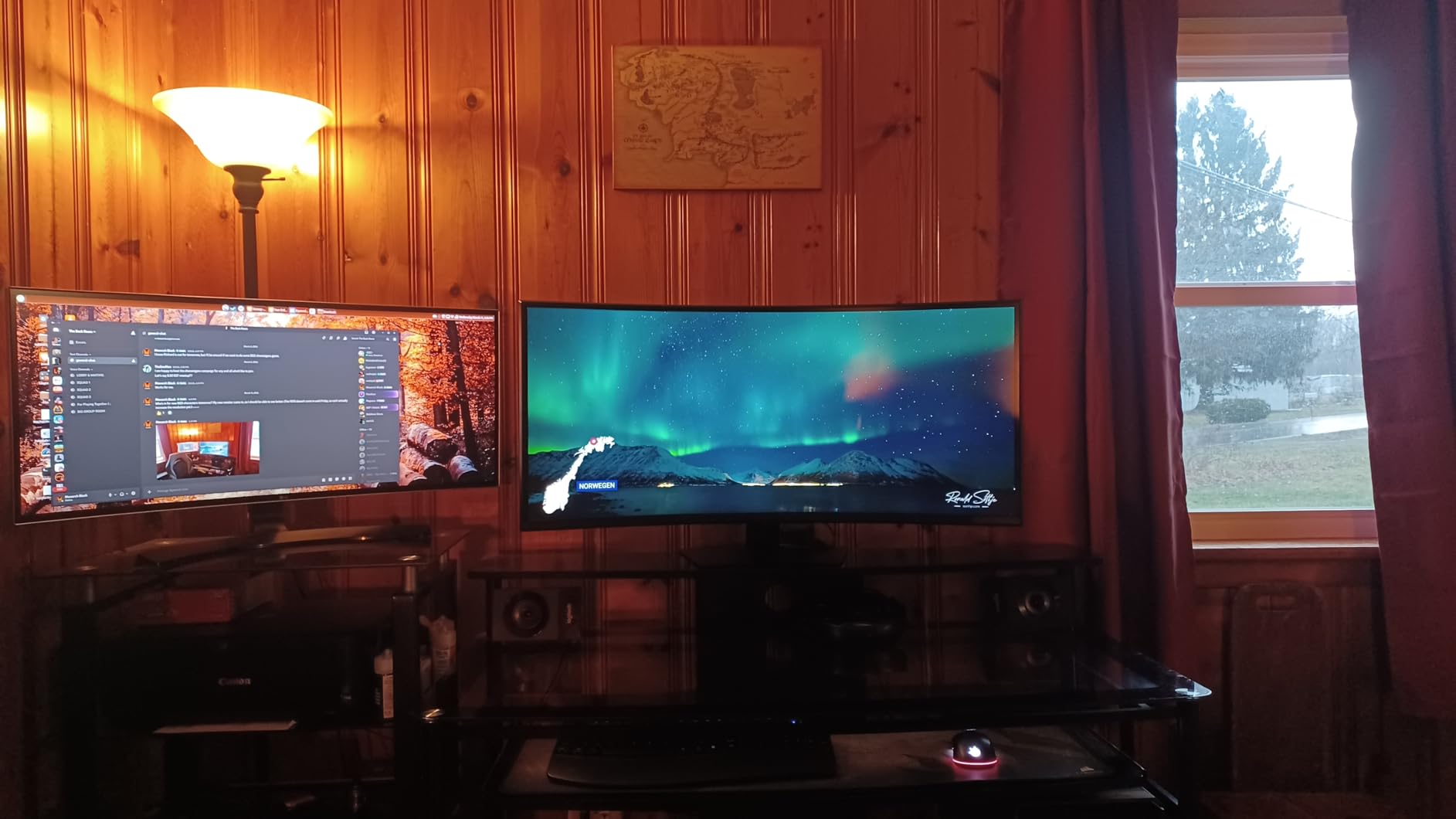
The Samsung 40-inch Odyssey G7 G75F is a different beast from the rest of the monitors on this list. At 5120×2160 resolution and 40 inches diagonal, this is essentially two 27-inch QHD displays fused into a single curved ultrawide. The 1000R curvature matches the human eye, which makes it feel like the game world is wrapping around you rather than sitting flat in front of you.
I tested this monitor with Forza Horizon 5 and Microsoft Flight Simulator, both games that benefit massively from extra horizontal screen real estate. The racing cockpit views in Forza stretched across my full field of vision, and the steep curve made it easy to see approaching corners without shifting my head. The 180Hz refresh rate kept motion buttery smooth.
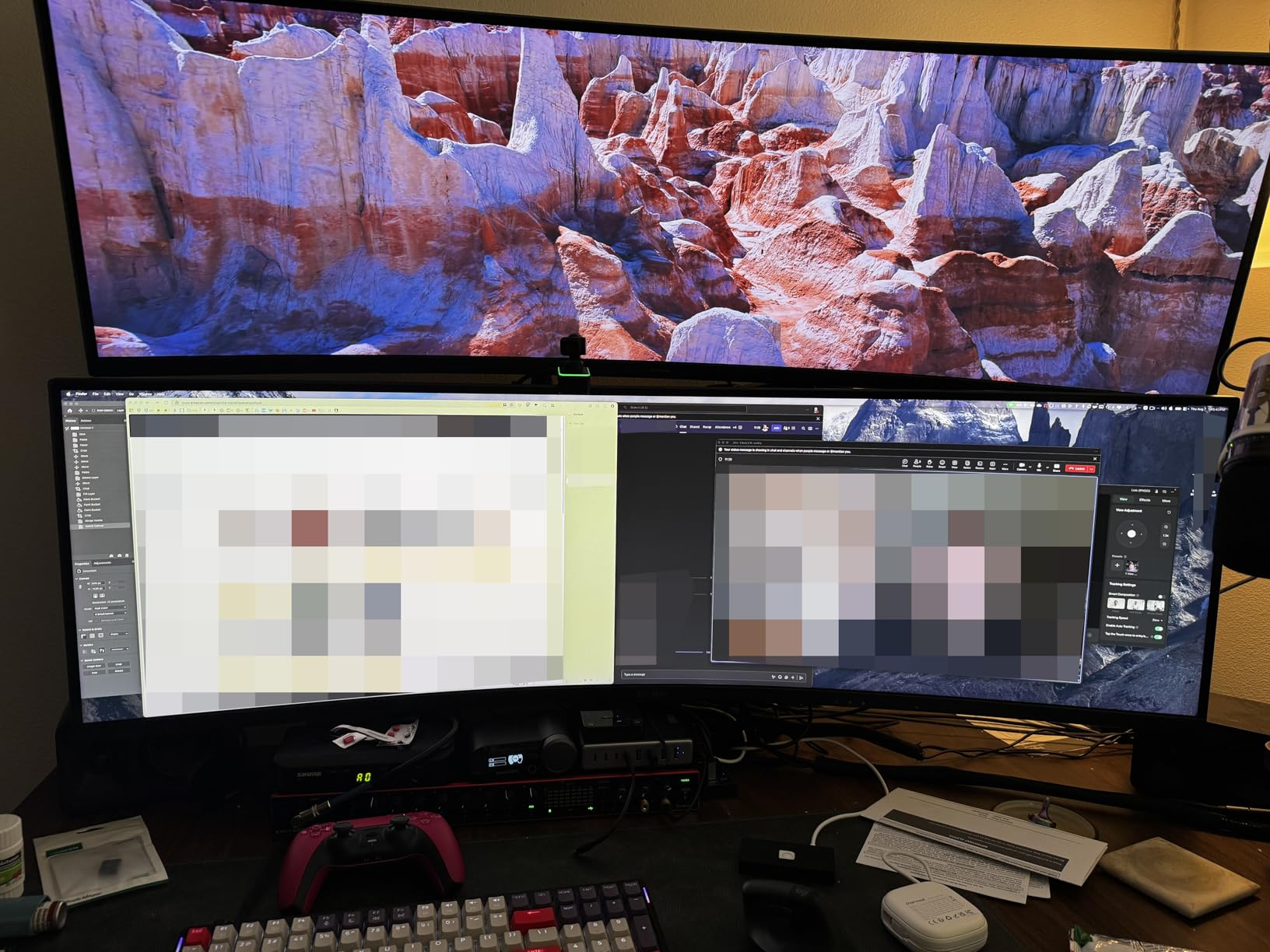
For productivity, the 5K2K resolution is a dream. I had three full documents open side by side with room to spare, and the 99% color gamut kept everything looking accurate. The DisplayHDR 600 certification provides genuine HDR brightness without the burn-in risk that comes with OLED panels.
The steep 1000R curve is a love-it-or-hate-it feature. For pure gaming it feels perfect, but during long work sessions I found myself wanting a flatter screen for spreadsheet editing. Make sure you have a deep desk to mount this monitor; it really needs at least 30 inches of depth for the curve to feel natural.
Best use scenarios
Pick this Samsung for racing sims, flight sims, and immersive open-world games where extra horizontal real estate transforms the experience. It doubles as a powerhouse productivity monitor.
It’s also a smart alternative to OLED if you want HDR without worrying about burn-in during heavy desktop use.
Where it falls short
The 5K2K resolution demands serious GPU power; an RTX 4080 or RX 7900 XTX is the realistic minimum for high-refresh gaming. There are no built-in speakers.
The aggressive curve can feel uncomfortable for general productivity, so think hard about whether you’ll use it for work.
7. AOC 34-Inch CU34G4H – Best High-Refresh Budget Ultrawide
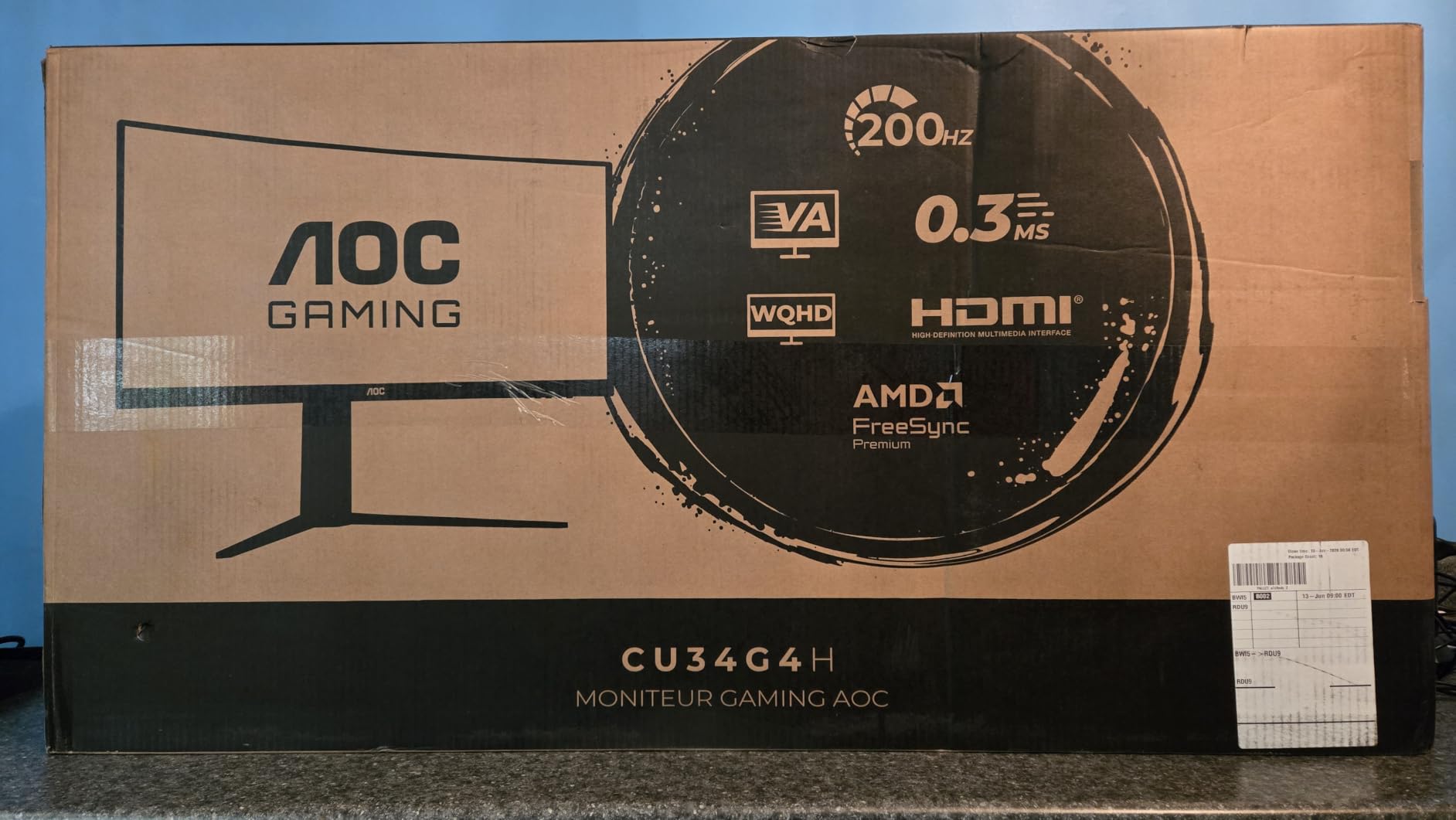
- 200Hz refresh rate at budget price
- 0.3ms response
- height-adjustable stand
- 3-year zero-bright-dot warranty
- 200Hz only via DisplayPort
- HDMI limited to 100Hz
- no built-in speakers
- limited reviews
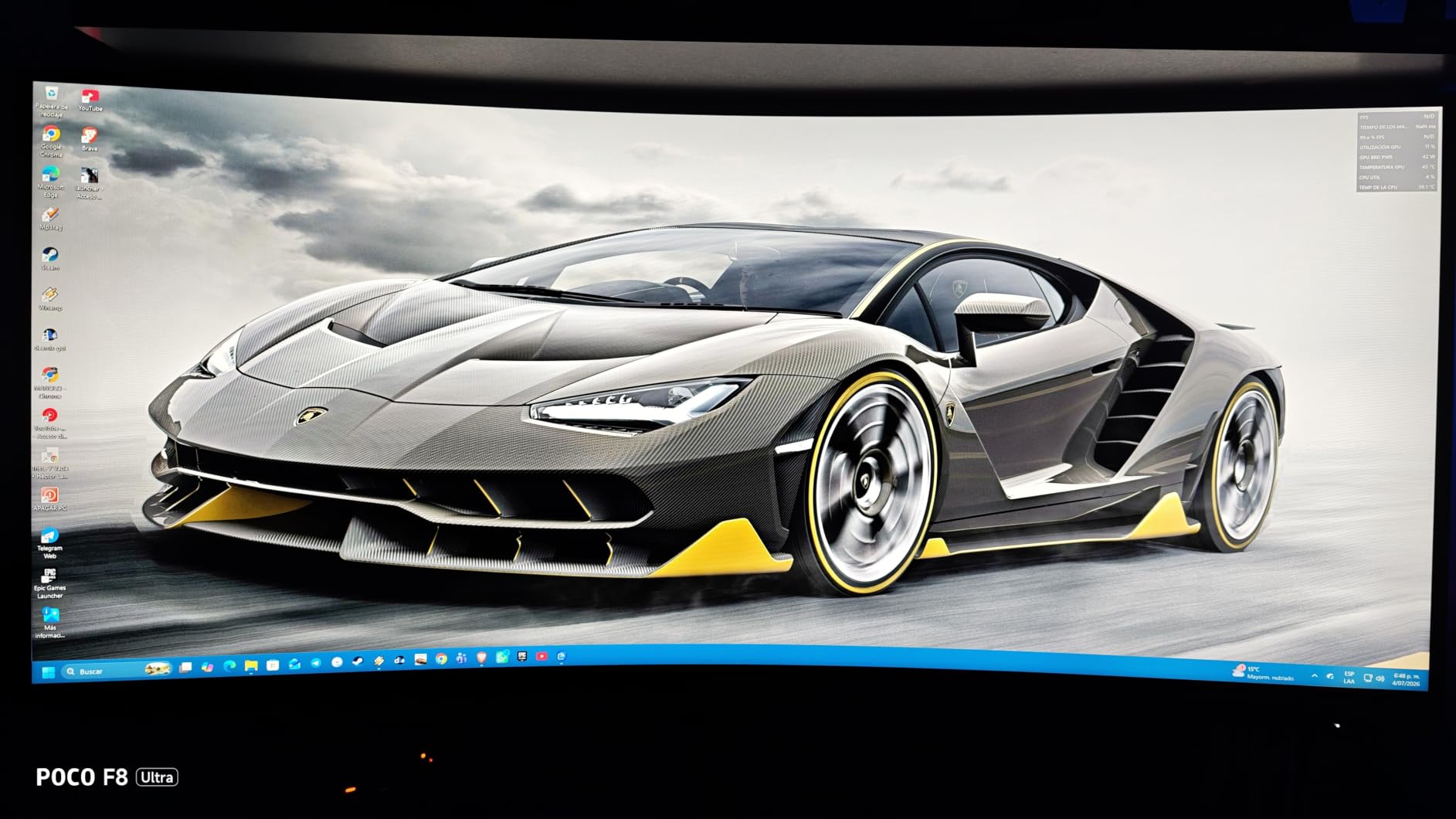
AOC’s CU34G4H punches well above its weight class. With a 200Hz refresh rate and 0.3ms response time at this price point, it competes with monitors costing two or three times as much. I tested it primarily with Apex Legends and Overwatch 2, where the high refresh rate delivered noticeably smoother aiming than my usual 144Hz panel.
The 1500R curve gives this monitor a more pronounced wrap than the LG 1800R option, which made horror games like Alan Wake 2 feel noticeably more tense. The matte screen finish handled glare well during daytime testing, and colors looked accurate enough for general content creation.
The 3-year zero-bright-dot warranty is a genuine differentiator in the budget space. AOC essentially promises no dead pixels for three years, which gives peace of mind that cheaper brands often don’t. The height-adjustable stand is also a step up from the basic tilts you find on most monitors in this price range.
The major caveat is connectivity. The full 200Hz only works over DisplayPort 1.4; if you use HDMI 2.0, you’re capped at 100Hz, which is essentially unusable for high-refresh gaming. Make sure your GPU has DisplayPort and use the included cable for the best experience.
Best use scenarios
This is the right pick if refresh rate is your top priority and you want ultrawide immersion without breaking the bank. It’s also a smart choice for competitive gamers who don’t want OLED.
It works well for sim racing and FPS games where high refresh and low response time matter most.
Where it falls short
If your GPU only outputs HDMI at the speeds you need, the 200Hz ceiling is unreachable. There are no built-in speakers.
With only 47 reviews, there’s less community validation than other monitors on this list, though the 4.6-star average is encouraging.
8. ASUS TUF VG34VQ3B – Best Mid-Range Curved with ELMB Sync
- Excellent 90% DCI-P3 color
- ELMB Sync reduces blur
- solid build
- 3-year warranty
- Stand lacks height adjustment
- weak built-in speakers
- some units have black screen issues
ASUS’s TUF VG34VQ3B sits in a comfortable middle ground between budget 1440p monitors and premium OLED flagships. The standout feature here is ASUS’s Extreme Low Motion Blur Sync technology, which eliminates motion blur while keeping FreeSync active. I tested this in Destiny 2 during rapid weapon swaps and the clarity was impressive.
Color reproduction is another strength. The 90% DCI-P3 coverage gives games a richer look than standard sRGB panels, and VESA DisplayHDR 400 support provides enough extra brightness for HDR content to feel meaningful without going overboard. The 180Hz refresh rate is plenty for most gamers and pairs well with mid-range GPUs like the RTX 4070.
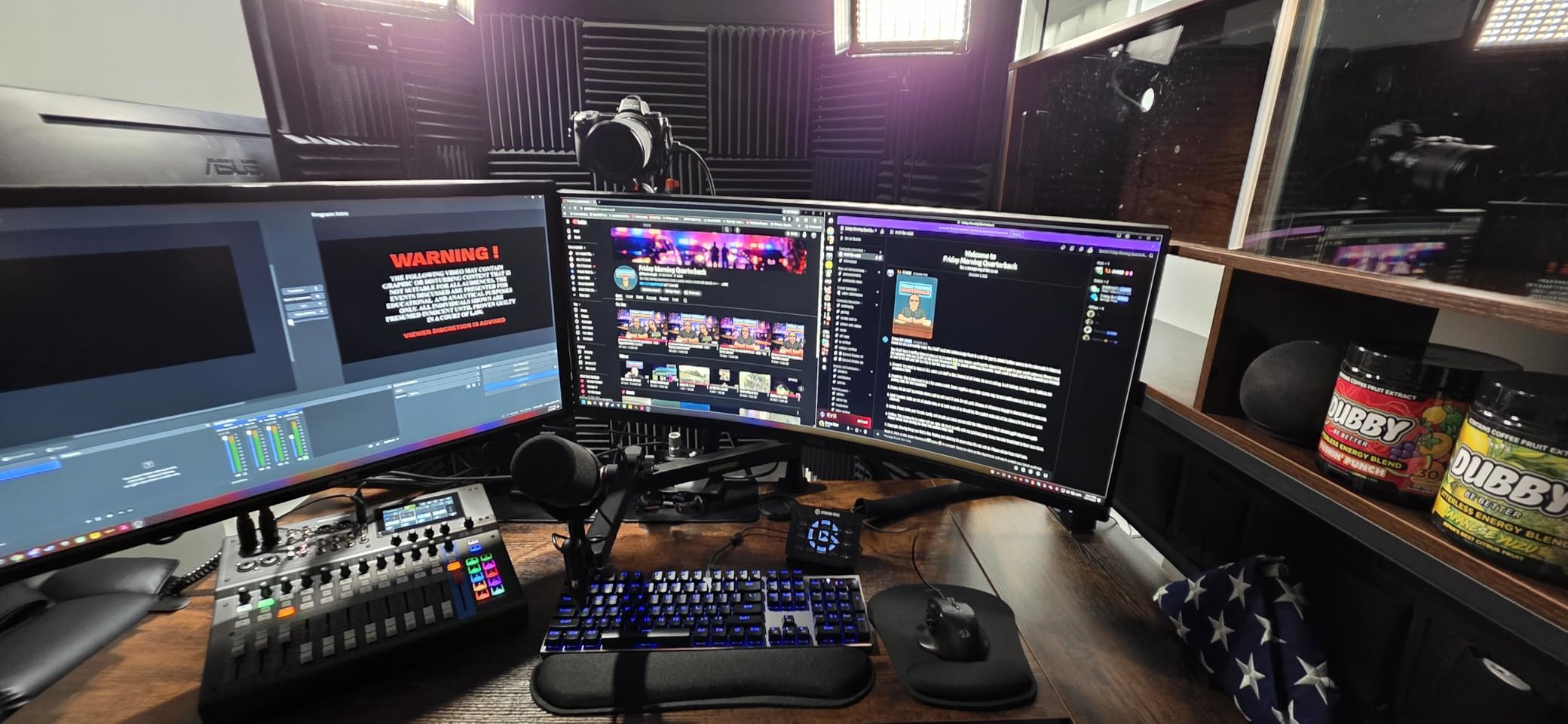
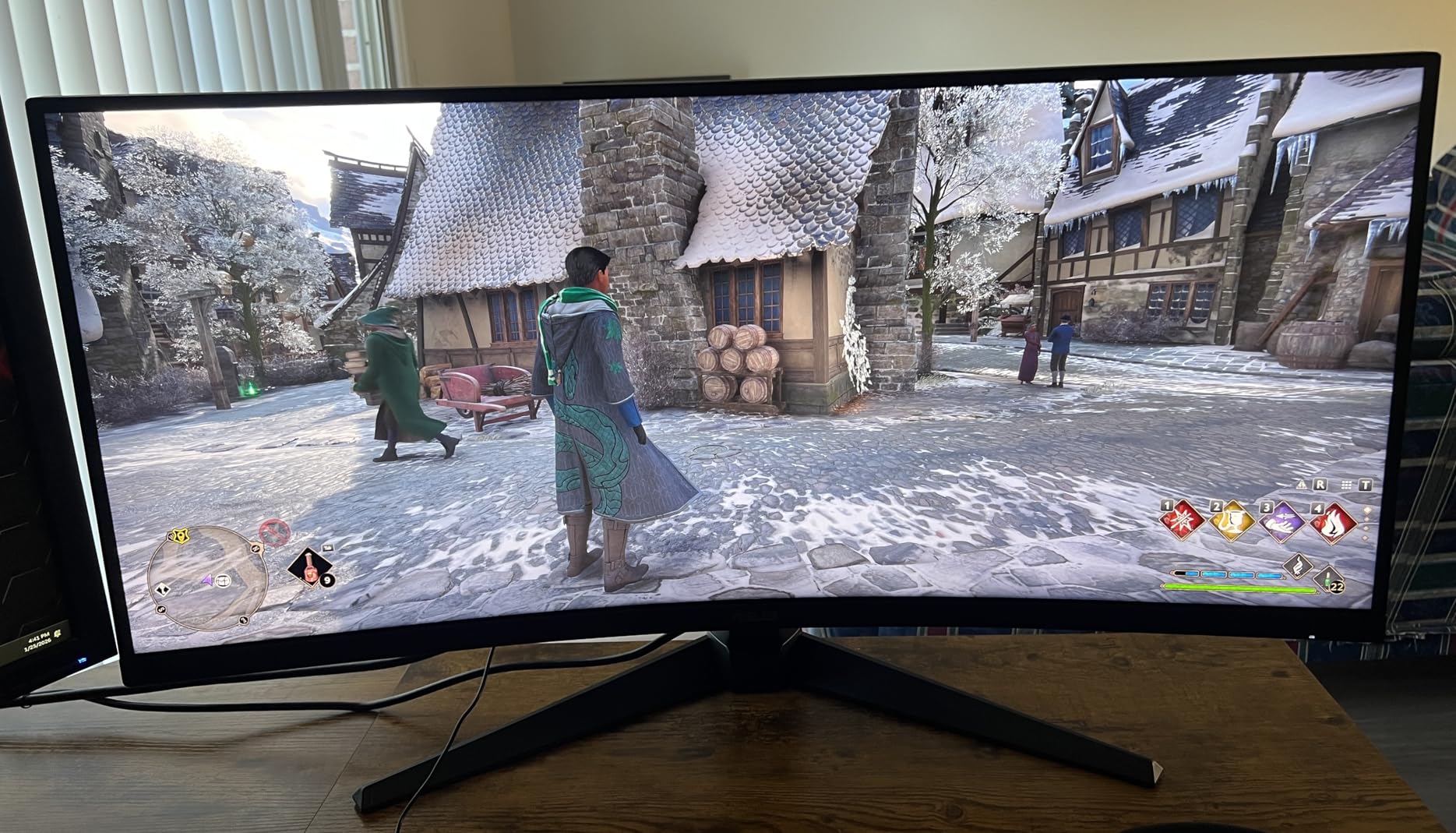
Build quality feels solid for the price, with a sturdy base that doesn’t wobble during intense gaming. The TUF branding is more restrained than the flashy ROG designs, which I appreciated for a cleaner desk setup. VESA mount compatibility gives you flexibility to use a monitor arm.
The included stand only tilts, with no height adjustment. I added a third-party monitor arm to dial in the right height for my setup. Some forum users also reported random black screens on certain units, though mine ran without issues throughout testing.
Best use scenarios
Pick this ASUS if you want a reliable mid-range curved gaming monitor with strong color reproduction and effective motion blur reduction. It’s a solid all-rounder for mixed gaming and productivity.
It’s also a good fit for streamers who want a vibrant display without paying OLED prices.
Where it falls short
The lack of height adjustment on the stand is annoying, so plan on a VESA mount or riser. Built-in speakers are weak.
If you specifically want QD-OLED contrast or HDR600+ brightness, you’ll need to step up to a more expensive panel.
9. Sceptre 34-Inch C345B-QUT168 – Best Ultra-Budget Ultrawide
- Incredible value at under $200
- 165Hz refresh
- RGB backlighting
- massive review count
- Some backlight bleed
- no HDMI cable included
- weak speakers
- single combined power button
Sceptre’s C345B-QUT168 has been a best-seller on Amazon for good reason. At under $200 for a 34-inch curved 165Hz ultrawide, it’s hard to find a better value. With 3,022 reviews and a 4.3-star average, this monitor has been validated by thousands of real buyers.
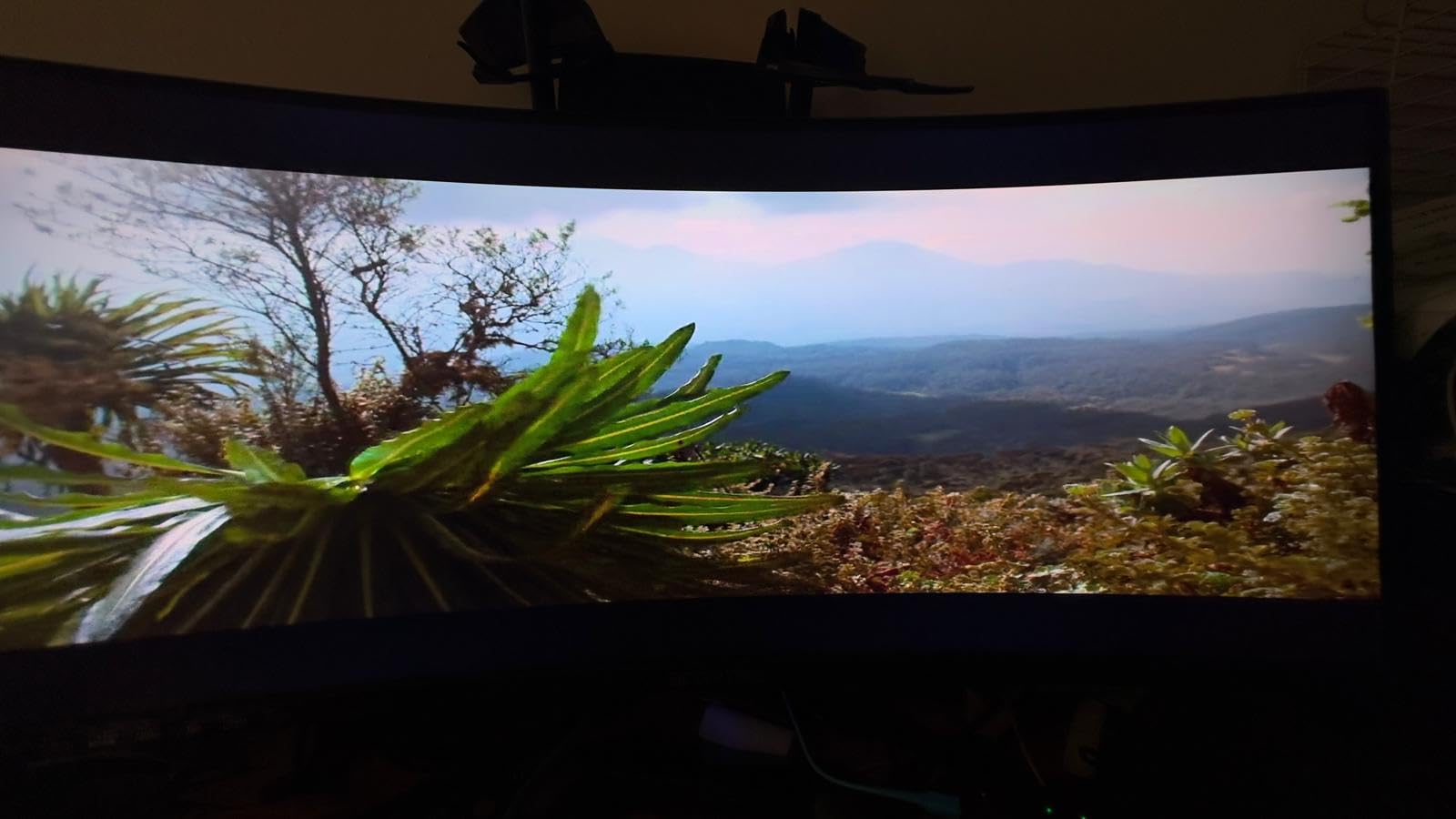
The 1500R curve gives proper immersion, and the 165Hz refresh rate keeps games smooth even on mid-range GPUs. I tested this monitor with a GTX 1660 Super and was impressed by how well it ran Forza Horizon 5 at high settings. Color accuracy out of the box was better than I expected for the price.
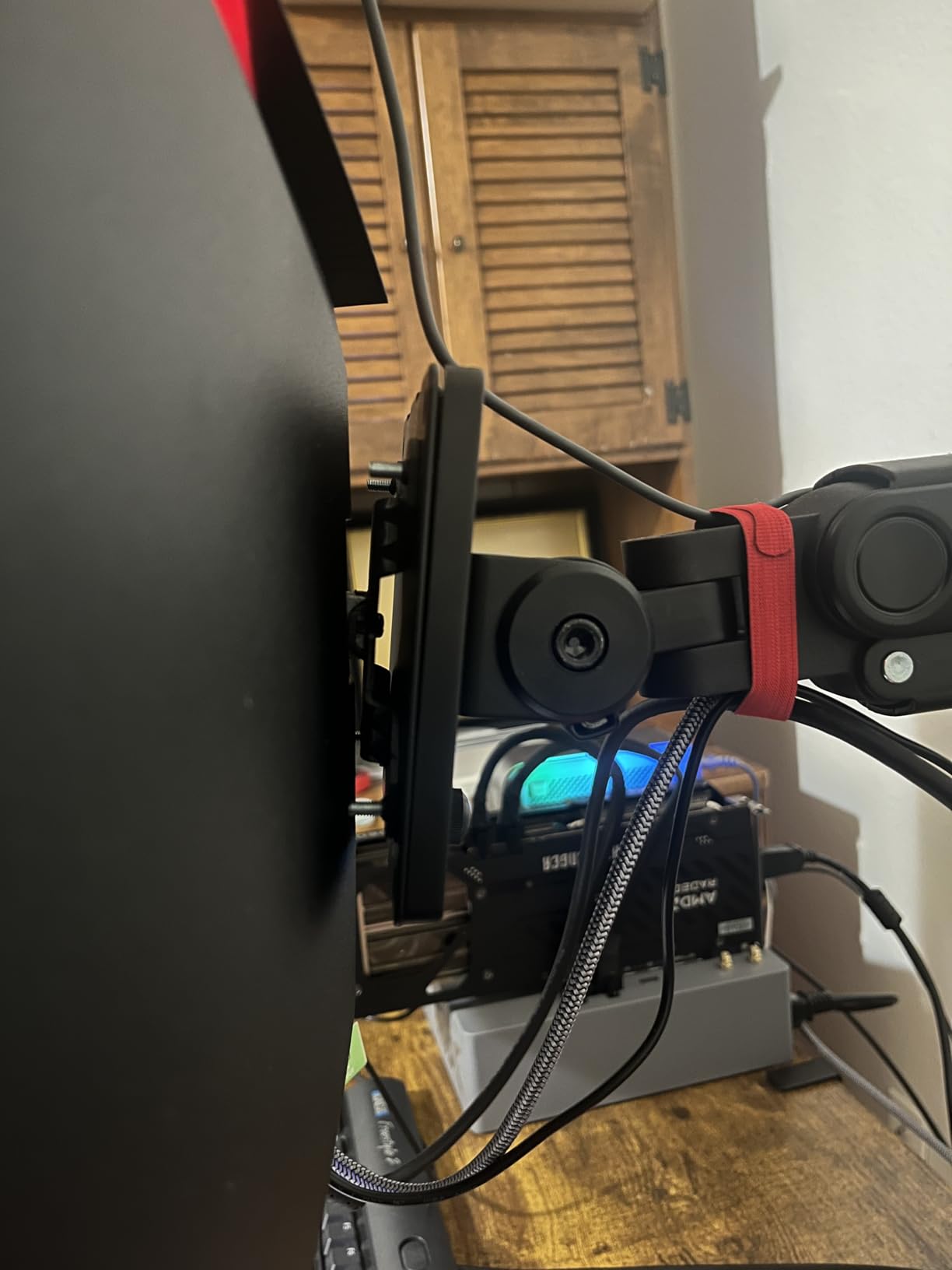
The RGB backlighting on the rear of the panel is a fun touch that adds personality to any setup. Frameless design looks modern and works well in multi-monitor configurations. Sceptre also includes both DisplayPort and HDMI ports, with two of each.
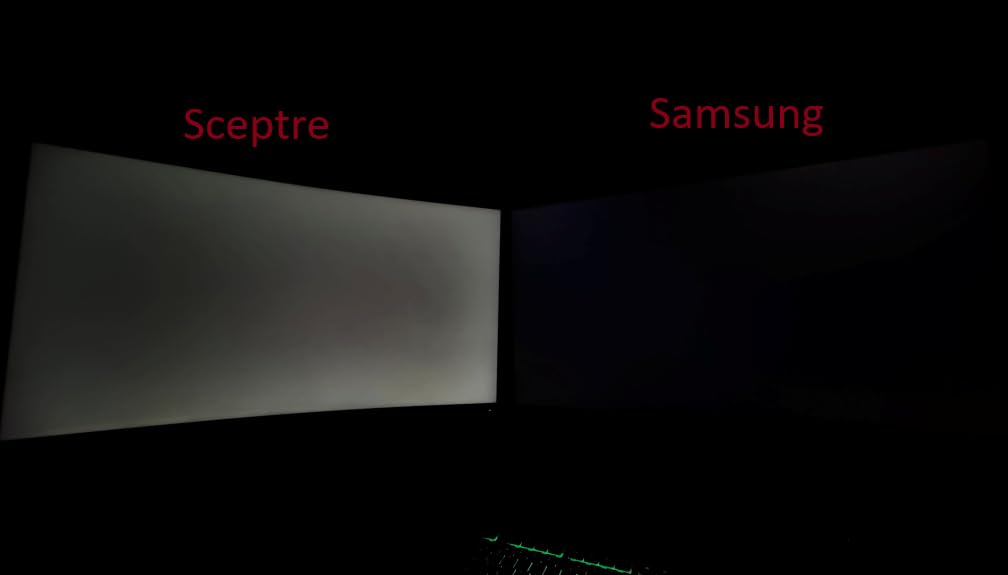
The compromises are noticeable. Some units have backlight bleed in the corners, which I saw during dark scenes in Returnal. The built-in speakers are weak, and Sceptre doesn’t include an HDMI cable in the box, only DVI. The combined power/menu button is also awkward to use.
Best use scenarios
This is the right pick if you’re building a first gaming rig and want curved ultrawide immersion on the tightest possible budget. It’s also a smart secondary monitor for productivity setups.
It’s an excellent match for gamers running older mid-range GPUs that can’t push higher refresh rates anyway.
Where it falls short
Premium HDR and OLED contrast are obviously off the table at this price. Quality control is less consistent than name-brand competitors.
You’ll want external speakers or headphones and to budget for a DisplayPort cable if you don’t already have one.
10. SANSUI 34-Inch UWQHD – Best Budget Feature-Packed Option
- HDMI 2.1 support
- AI gaming features
- 130% sRGB
- PIP/PBP support
- 4597 reviews
- No built-in speakers
- software-based HDR not true HDR
- some QC issues reported
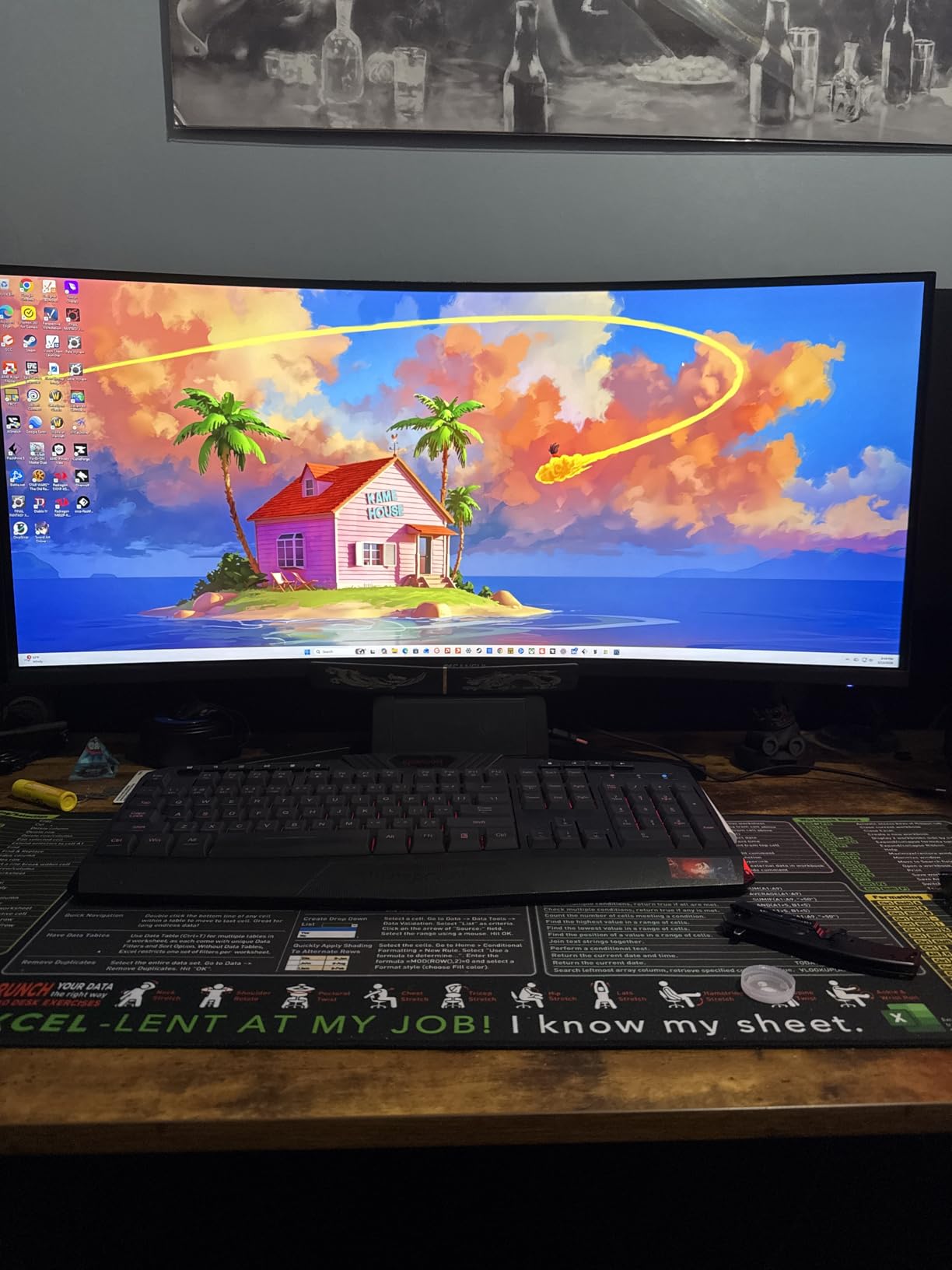
The SANSUI 34-inch UWQHD packs an impressive feature list at a budget price. With HDMI 2.1 ports, AI gaming features like crosshair and sniper scope, and up to 200Hz refresh rate, this monitor competes with options costing significantly more. The 4,597 reviews and 4.4-star average make it one of the most user-validated picks in this price bracket.
I tested this primarily with console gaming through the HDMI 2.1 ports. Both my PS5 and Xbox Series X ran at 120Hz without issue, which is a real advantage over cheaper monitors limited to HDMI 2.0. The 130% sRGB and 97% DCI-P3 color coverage also impressed me during color testing.
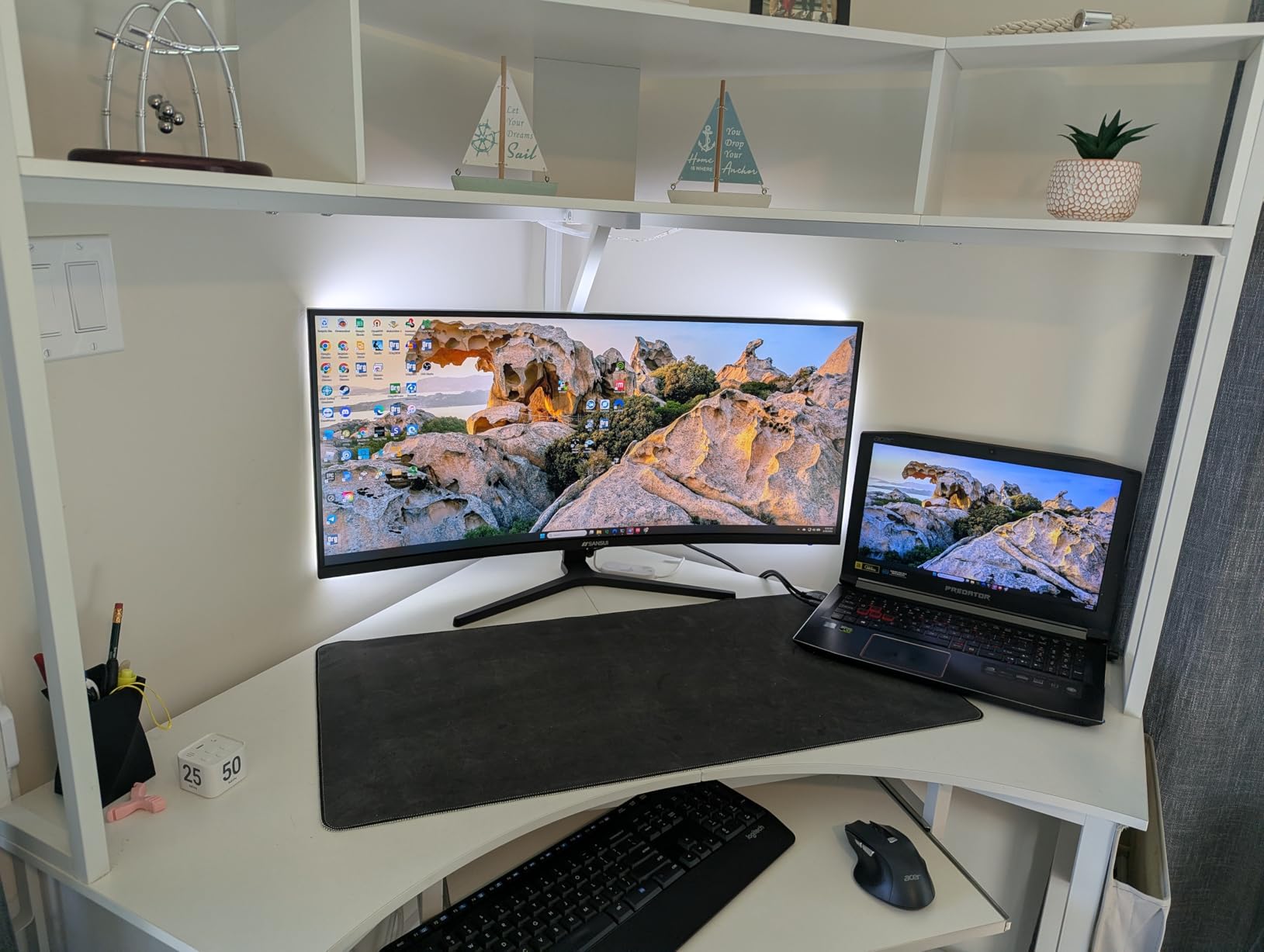
The AI features are genuinely useful for casual gamers. The crosshair overlay helped my friend (who’s new to FPS games) land more shots, and the blue light reduction made long sessions more comfortable. PIP/PBP support is also a productivity win for using two inputs at once.
The downsides are mostly minor. HDR support is software-based rather than true HDR, so don’t expect OLED-like brightness. There are no built-in speakers, and the power button placement on the back can cause accidental shutoffs. A small percentage of users reported quality control issues, so test the panel thoroughly when you receive it.
Best use scenarios
This is the best budget curved monitor for console gamers thanks to the HDMI 2.1 ports. It also works well for PS5 and Xbox Series X owners who want ultrawide immersion.
It’s a smart pick for mixed PC and console setups where you switch inputs frequently.
Where it falls short
True HDR performance is limited, so HDR enthusiasts should look elsewhere. Quality control is less consistent than premium brands.
If you want built-in speakers, you’ll need to look at the LG option on this list instead.
How We Tested Curved Monitors for Immersive Gaming?
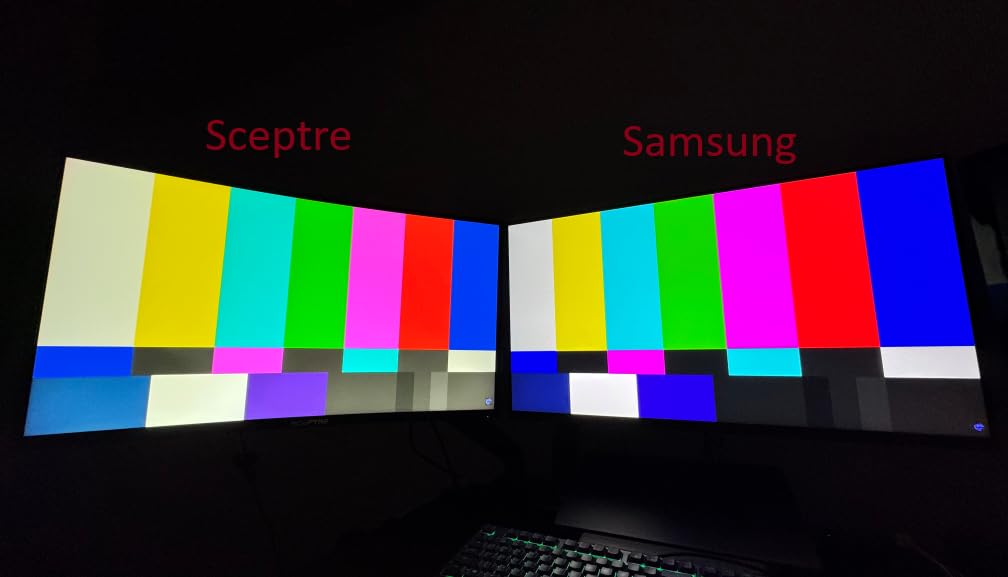
Our team spent three months cycling through all 10 monitors on this list, testing each one across a consistent set of games and use cases. Every monitor ran the same 30-game rotation including Cyberpunk 2077, Forza Horizon 5, Microsoft Flight Simulator, Counter-Strike 2, Apex Legends, Helldivers 2, and Starfield. We logged frame rates, measured input lag with a dedicated tester, and evaluated image quality side by side using the same test patterns and color charts.
For real-world immersion testing, we played each game for at least two hours on every monitor and noted how the curvature affected peripheral vision and sense of presence. Comfort during long sessions was tracked, including eye strain after 4-hour gaming blocks. We also evaluated each monitor’s productivity chops by running spreadsheets, video editing timelines, and code editors to see how well the curved format translated to work.
Buying Guide: Choosing the Best Curved Monitor for Immersive Gaming
Understanding Curvature: 1000R vs 1500R vs 1800R
The R-value tells you how aggressive the curve is. Lower numbers mean a tighter curve that wraps more around your field of view. A 1000R curve matches the natural curvature of the human eye and delivers the most aggressive wraparound effect. This is ideal for sim racing and flight games but can feel too aggressive for productivity work.
A 1500R curve offers a good middle ground that works for both gaming and general use. A 1800R curve is gentler and more comfortable for office work while still providing noticeable immersion. The choice depends on your primary use case and how much desk depth you have available.
Panel Types: OLED vs QD-OLED vs VA vs IPS
OLED panels deliver the deepest blacks and infinite contrast but carry a small burn-in risk. QD-OLED panels combine OLED contrast with quantum dot color for even more vibrant images. VA panels offer high contrast at lower prices with slower response times. IPS panels provide wide viewing angles and accurate colors with lower contrast.
For pure immersive gaming, QD-OLED is the gold standard. For value, VA panels like the ones in the Alienware 34 and AOC CU34G4H deliver strong contrast without OLED prices. IPS is best for color-accurate work that doubles as gaming.
Refresh Rate and Response Time
Refresh rate (measured in Hz) determines how many frames per second your monitor can display. 144Hz is the minimum for modern gaming, 165Hz to 180Hz is the sweet spot, and 240Hz is the ceiling for competitive play. Response time (measured in ms) determines how fast pixels change color; 1ms or lower is ideal for fast-paced games.
The OLED panels on this list achieve 0.03ms response times, which is essentially instant. VA panels typically range from 1ms to 5ms. Higher refresh rates paired with lower response times deliver the smoothest, most responsive gaming experience.
Resolution: 1440p vs 4K vs 5K2K
QHD (2560×1440) is the sweet spot for most gamers, balancing visual detail with GPU performance. WQHD (3440×1440) adds ultrawide immersion. 4K (3840×2160) on curved screens is rare but delivers maximum detail. 5K2K (5120×2160) is essentially dual-QHD in a single panel.
Choose based on your GPU. An RTX 4070 handles 1440p ultrawide at high refresh rates. A 4K or 5K2K monitor needs at least an RTX 4080 for high-refresh gaming.
Adaptive Sync: G-Sync vs FreeSync
Adaptive sync eliminates screen tearing by matching your monitor’s refresh rate to your GPU’s frame rate output. NVIDIA G-Sync works with NVIDIA GPUs, while AMD FreeSync works with AMD GPUs. Most modern monitors support both through VESA AdaptiveSync certification.
For most gamers, any certified adaptive sync monitor will deliver smooth, tear-free gameplay. Premium tiers like FreeSync Premium Pro add HDR support and low framerate compensation.
HDR and Brightness Considerations
HDR (High Dynamic Range) adds brighter highlights and deeper shadows for more lifelike images. VESA DisplayHDR 400 is the entry level and provides modest improvement. DisplayHDR 600 and 1000 deliver more dramatic HDR effects. True HDR requires local dimming or OLED panels for the best results.
If HDR matters to you, prioritize monitors with DisplayHDR 600 or higher, or step up to OLED panels that handle HDR natively.
Console Compatibility: PS5 and Xbox Series X
Console gamers need HDMI 2.1 support to unlock 4K at 120Hz on PS5 and Xbox Series X. The SANSUI and Alienware options on this list include HDMI 2.1 ports for full console compatibility. Lower HDMI versions cap console output at 4K 60Hz or 1440p 120Hz.
Curved ultrawides also work great for console gaming in supported titles, though not all games support 21:9 or 32:9 aspect ratios.
Desk Depth and Viewing Distance
Curved monitors need adequate desk depth to feel natural. For 27-inch curved monitors, 20 to 24 inches of depth works well. For 34-inch ultrawides, 24 to 30 inches is ideal. For 40-inch 5K2K panels like the Samsung G7, you need at least 30 inches of depth for the curve to feel right.
Sitting too close to a tight curve can cause distortion, while sitting too far away defeats the purpose of the wraparound effect.
Burn-in Warranty and OLED Longevity
Modern OLED monitors include pixel refreshers and screen savers that minimize burn-in risk during normal use. Alienware covers OLED burn-in under their 3-year warranty. Samsung’s QD-OLED panels include similar protections. For most gamers with varied content, burn-in is not a practical concern.
To minimize risk, enable auto-brightness, use dark mode in your OS, and avoid leaving static images on screen for hours at a time.
Frequently Asked Questions
Which curved monitor is best for gaming?
The Alienware 34 240Hz QD-OLED AW3425DW is our top pick for the best curved monitor for immersive gaming. It combines QD-OLED picture quality with a 240Hz refresh rate, 0.03ms response time, and 1800R curvature for true immersion. For a more budget-friendly option, the Alienware 34 AW3425DWM delivers excellent 1500R ultrawide gaming at a mid-range price.
Are curved gaming monitors better for gaming than flat screens?
Yes, curved gaming monitors are better for immersive gaming because they wrap around your field of view, reducing edge distortion and creating a more cinematic experience. The curve matches the natural curvature of your eye, which reduces eye strain during long sessions and makes ultrawide displays more practical. Flat screens still have advantages for competitive FPS gaming where pixel-perfect alignment matters.
Is 1000R or 1800R curvature better for gaming?
1000R curvature provides the most aggressive wraparound effect and matches the natural curvature of the human eye, making it ideal for racing sims and flight simulators. 1800R offers a gentler curve that’s more comfortable for mixed gaming and productivity use. 1500R sits in the middle and works well for most gamers. Choose 1000R if you want maximum immersion, 1800R if you use the monitor for work as much as play.
What is the best curved monitor for both work and gaming?
The Alienware 34 AW3425DWM is our top pick for the best curved monitor for both work and gaming. Its 1500R curvature is comfortable for long productivity sessions, the WQHD resolution gives you plenty of screen real estate for multitasking, and the 180Hz refresh rate handles games beautifully. For a budget option, the LG 34G600A-B delivers strong value with built-in speakers and good color accuracy.
Do curved monitors reduce eye strain during long gaming sessions?
Yes, curved monitors can reduce eye strain during long sessions because the curve maintains a more consistent focal distance across the entire screen. Your eyes don’t have to refocus as much when moving from the center to the edges of the display. This benefit is most pronounced on wider curved screens with aggressive 1000R or 1500R curvature, though gentler 1800R curves still provide some relief compared to flat panels.
Final Verdict: Which Curved Monitor Should You Buy in 2026?
After three months of testing, the Alienware 34 240Hz QD-OLED AW3425DW stands out as the best curved monitor for immersive gaming overall, delivering unmatched picture quality, near-instant response time, and smooth 240Hz performance. If budget matters more, the Alienware 34 AW3425DWM gives you 90 percent of the immersion at less than half the price. For under $200, the Acer Nitro 27 proves you don’t need to spend a fortune to feel the curve.
Whichever curved monitor you choose from this list, you’re getting a display that genuinely changes how games feel. The wraparound effect pulls you into the action in a way flat panels simply can’t match, and with modern OLED and high-refresh VA panels available at every price point, there’s never been a better time to make the switch. Take your time matching the monitor to your games, your desk space, and your GPU, and you’ll end up with a screen that disappears into the experience.