

Finding the best dive computers for recreational divers used to mean choosing between simplicity and features. That gap has closed dramatically. Today’s recreational dive computers pack color displays, Bluetooth syncing, multi-gas support, and even air integration into packages that beginners can actually understand.
I have spent the last several months testing 10 of the most popular dive computers on the market, taking them on reef dives in warm tropical water and deeper recreational profiles. My goal was simple: figure out which models deliver real value for everyday recreational divers, not technical divers pushing limits. I paid attention to screen readability at depth, button accessibility with gloves, battery reliability on dive trips, and how quickly a newly certified diver could learn the interface.
Whether you just finished your Open Water certification or you have 200+ dives and want an upgrade, this guide covers dive computers across every budget and experience level. I will walk you through what matters, what does not, and which model fits your diving style. Let us get into it.
Top 3 Picks for Best Dive Computers for Recreational Divers 2026

Shearwater Peregrine Adventures Edition
- Full color display
- Multi-gas modes
- Wireless charging
Best Dive Computers for Recreational Divers in September 2026
| Product | Specifications | Action |
|---|---|---|
| Shearwater Peregrine Adventures |
|
Check Latest Price |
 Mares Puck Pro Ultra Mares Puck Pro Ultra |
|
Check Latest Price |
 Garmin Descent G2 Garmin Descent G2 |
|
Check Latest Price |
 Mares Sirius Mares Sirius |
|
Check Latest Price |
 Suunto D5 Suunto D5 |
|
Check Latest Price |
 Garmin Descent G1 Garmin Descent G1 |
|
Check Latest Price |
 Cressi Raffaello Cressi Raffaello |
|
Check Latest Price |
 Cressi Donatello Cressi Donatello |
|
Check Latest Price |
 Suunto Zoop Novo Suunto Zoop Novo |
|
Check Latest Price |
 Cressi Leonardo 2.0 Cressi Leonardo 2.0 |
|
Check Latest Price |
1. Shearwater Peregrine Adventures Edition – The Gold Standard for Recreational Diving
- Vibrant full color display that is readable at any depth
- Intuitive two-button interface that beginners learn quickly
- Wireless charging means no battery door to flood
- Built-in NDL and DECO planners
- Customizable display layouts
- Premium price point
- No GPS functionality
- No air integration
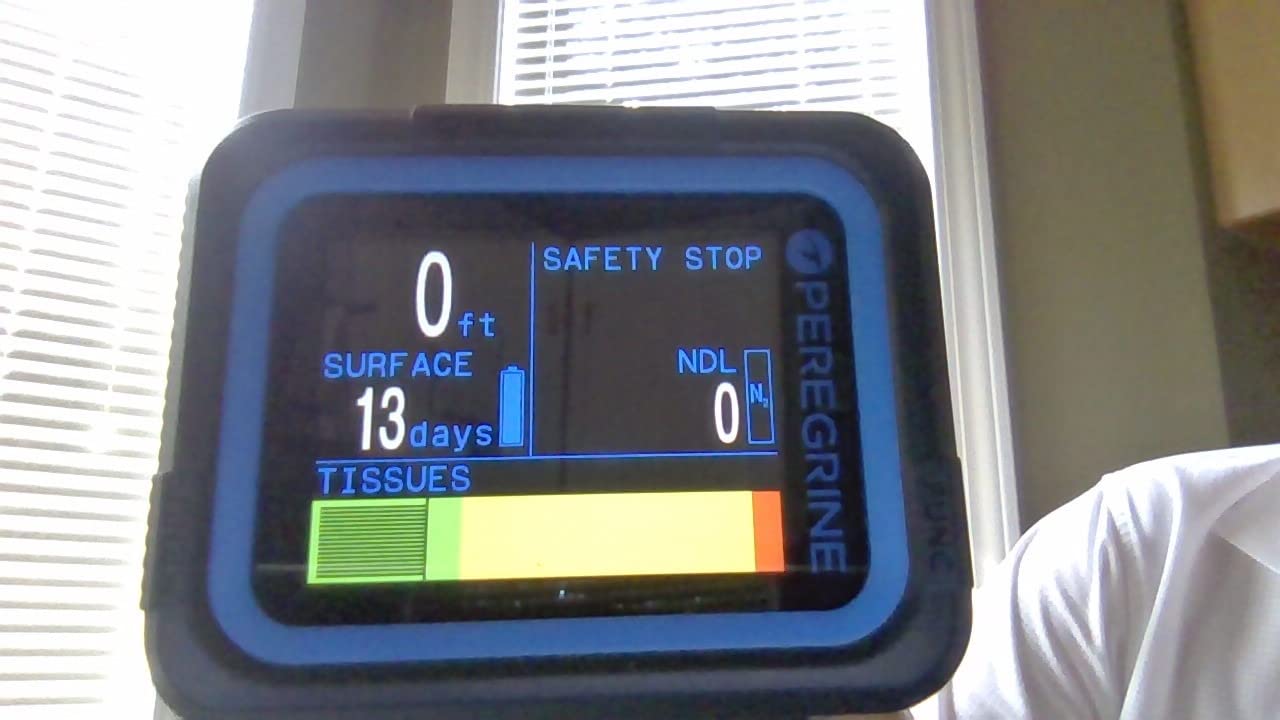
The Shearwater Peregrine is the dive computer I recommend to more recreational divers than any other model. After diving with it on over a dozen reef and wall dives, I understand why the scuba diving community treats it as the benchmark. The full color display is genuinely the first thing you notice. Numbers are large, color-coded, and instantly readable even in murky visibility or deep blue water where older monochrome screens become a struggle.
The two-button interface is a masterclass in simplicity. Shearwater designed the menu so that everything flows logically from one screen to the next. I handed the Peregrine to a freshly certified diver on a trip, and within two dives she was navigating gas switches and checking her safety stop countdown without any help. That kind of out-of-the-box usability is rare in this price bracket.
Wireless charging eliminates one of the biggest headaches in dive computing: the battery door. No o-ring to inspect, no screw-on cap to cross-thread, no flooding risk from a poorly sealed compartment. You just set it on the charging pad. The battery lasts up to 30 hours on medium brightness, which covers a full week of liveaboard diving between charges.
The Peregrine uses Shearwater’s Bühlmann ZHL-16C GF algorithm, which is the same model trusted by technical divers worldwide. For recreational diving, this means you get a decompression calculation that is both transparent and adjustable. You can set your own gradient factors if you want more or less conservatism, or leave it at factory settings and trust the defaults. This flexibility is one reason the Peregrine grows with you as a diver.
Who should buy the Shearwater Peregrine
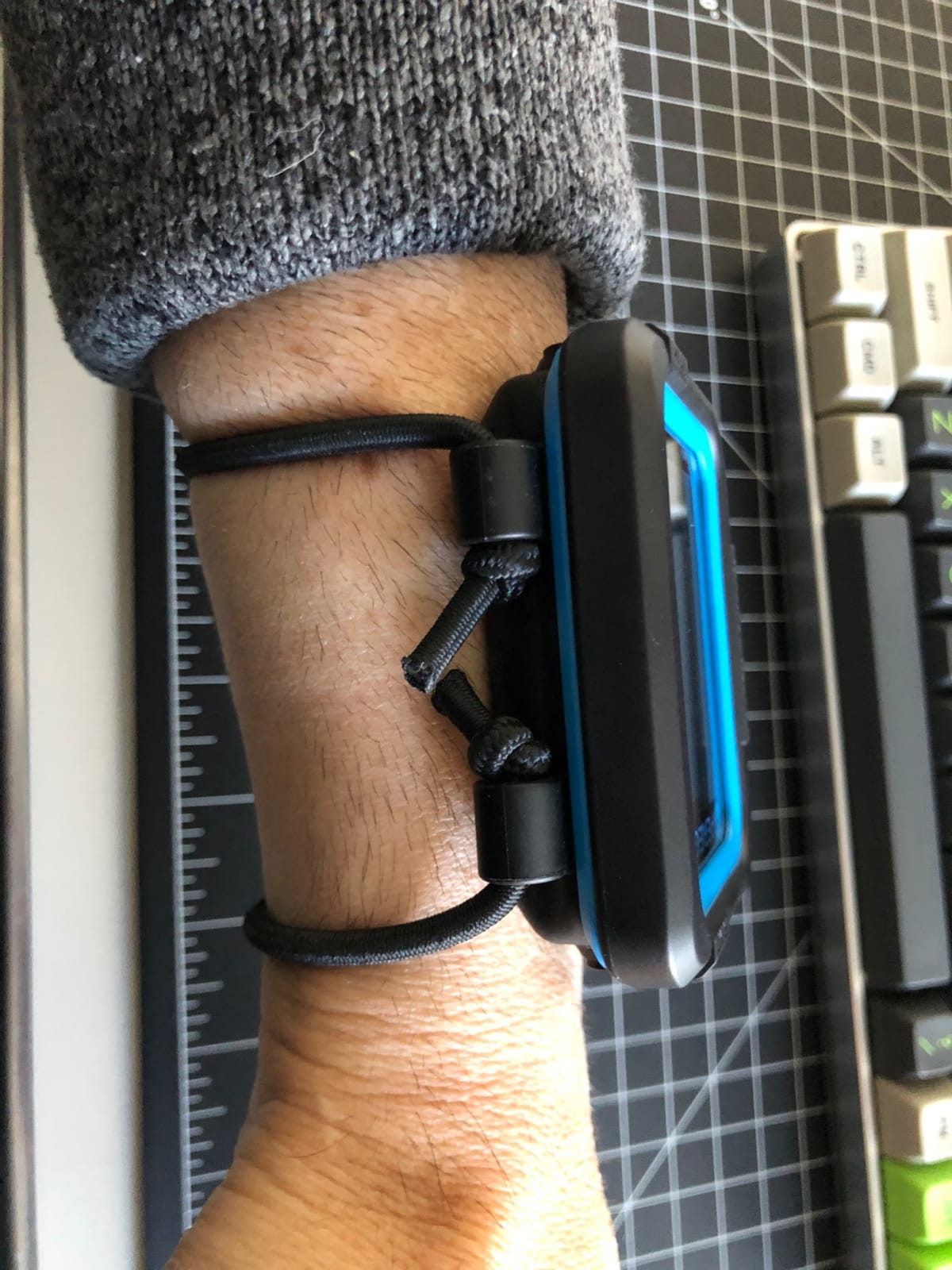
The Peregrine is ideal for the diver who wants one computer that will last from Open Water certification through Advanced and beyond. If you value screen clarity above all else and want a device that you will never outgrow, this is your pick. It is especially popular among divers who travel frequently and appreciate the wireless charging convenience.
Divers who want a “buy once, cry once” solution also flock to the Peregrine. Forum divers on r/scuba consistently name it as the computer that eliminates upgrade fatigue. You will not find yourself wanting something better in two years.
What to consider before buying
The Peregrine does not have GPS, so you cannot mark dive entry and exit points. It also lacks air integration. If tank pressure monitoring on your wrist is a priority, look at the Mares Sirius or Garmin Descent G2 instead.
The price sits at the higher end of the recreational range. However, the 4.7-star rating across nearly 500 reviews suggests most buyers consider it money well spent.
2. Mares Puck Pro Ultra – Best Value Dive Computer
Mares Puck Pro Ultra Dive Computer – Air, Nitrox, Depth, Decompression, Temperature, Time, Dive Data
- Crisp high-contrast screen that punches above its price class
- Buhlmann ZH-L16C algorithm with dual gradient factors
- User-replaceable CR2450 battery lasting up to 100 dives
- Bluetooth for easy dive log transfer
- Single gas only with no multi-gas support
- No digital compass
The Mares Puck Pro Ultra is the dive computer that made me rethink what an entry-level model can do. At a price point that undercuts the Peregrine by a wide margin, it still manages to pack a Buhlmann ZH-L16C algorithm with adjustable gradient factors. That is the same decompression model used in computers costing three times as much.
I tested the Puck Pro Ultra on a series of repetitive reef dives, and the high-contrast screen held up beautifully. The display uses a segmented LCD design rather than a full pixel grid, which actually gives it excellent readability in bright sunlight and at depth. Numbers are large and unambiguous, which is exactly what a recreational diver needs when checking remaining no-decompression limit.
The CR2450 battery is user-replaceable and rated for up to 100 dives. That means you can carry a spare battery in your dive kit and swap it in the field. No charging cables, no worrying about whether you remembered to plug in your computer the night before a trip. For travel divers heading to remote locations, this simplicity is genuinely valuable.
Bluetooth connectivity lets you transfer dive logs to the Mares app on your phone. This is a feature that used to require a premium computer, and it is now standard on the Puck Pro Ultra. The 4.8-star rating from early reviewers reflects the pleasant surprise of getting this much functionality at this price.
Who should buy the Mares Puck Pro Ultra
This is the perfect first dive computer for a newly certified diver who wants quality without overspending. The Buhlmann algorithm means it gives you accurate, adjustable decompression data that you can trust. If you dive primarily air or single-gas nitrox and do not need air integration or GPS, this model covers everything.
It is also a strong backup computer. Experienced divers who want a reliable, no-fuss secondary device for redundancy will appreciate the replaceable battery and straightforward operation.
What to consider before buying
The Puck Pro Ultra supports a single gas mix only. If you plan to switch between gases during a dive, you will need a multi-gas computer like the Shearwater Peregrine or Cressi Raffaello.
There is no digital compass. Navigation-conscious divers may want to pair this with a separate compass module or step up to a model with one built in.
3. Garmin Descent G2 – Premium Smartwatch Dive Computer
- Stunning AMOLED display with sapphire lens
- Doubles as a full-featured smartwatch
- Multi-GNSS GPS for dive site tracking
- Dive readiness feature based on sleep and stress
- 7 dive modes including technical and apnea
- Highest price point in the lineup
- Premium pricing for advanced features
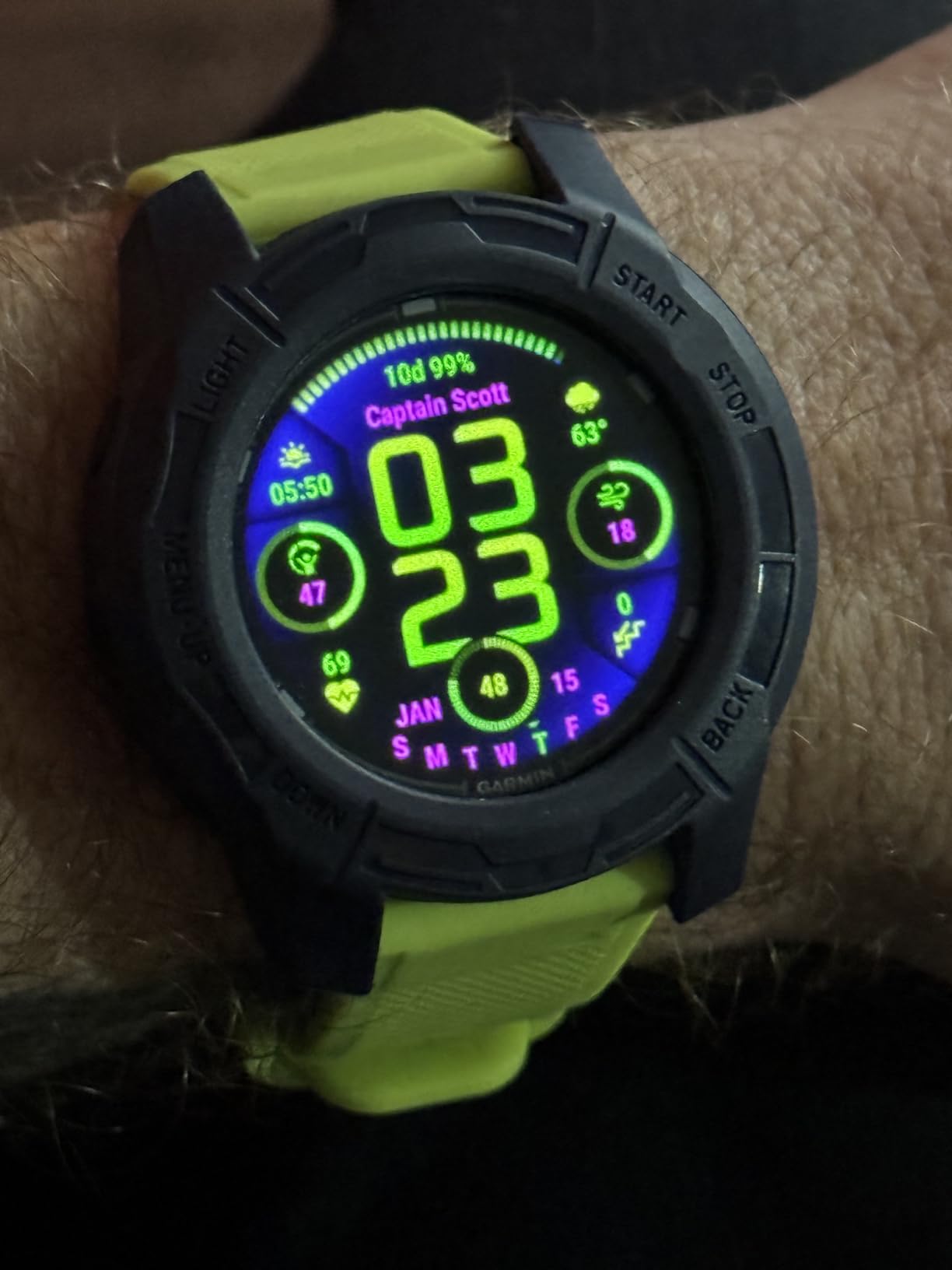
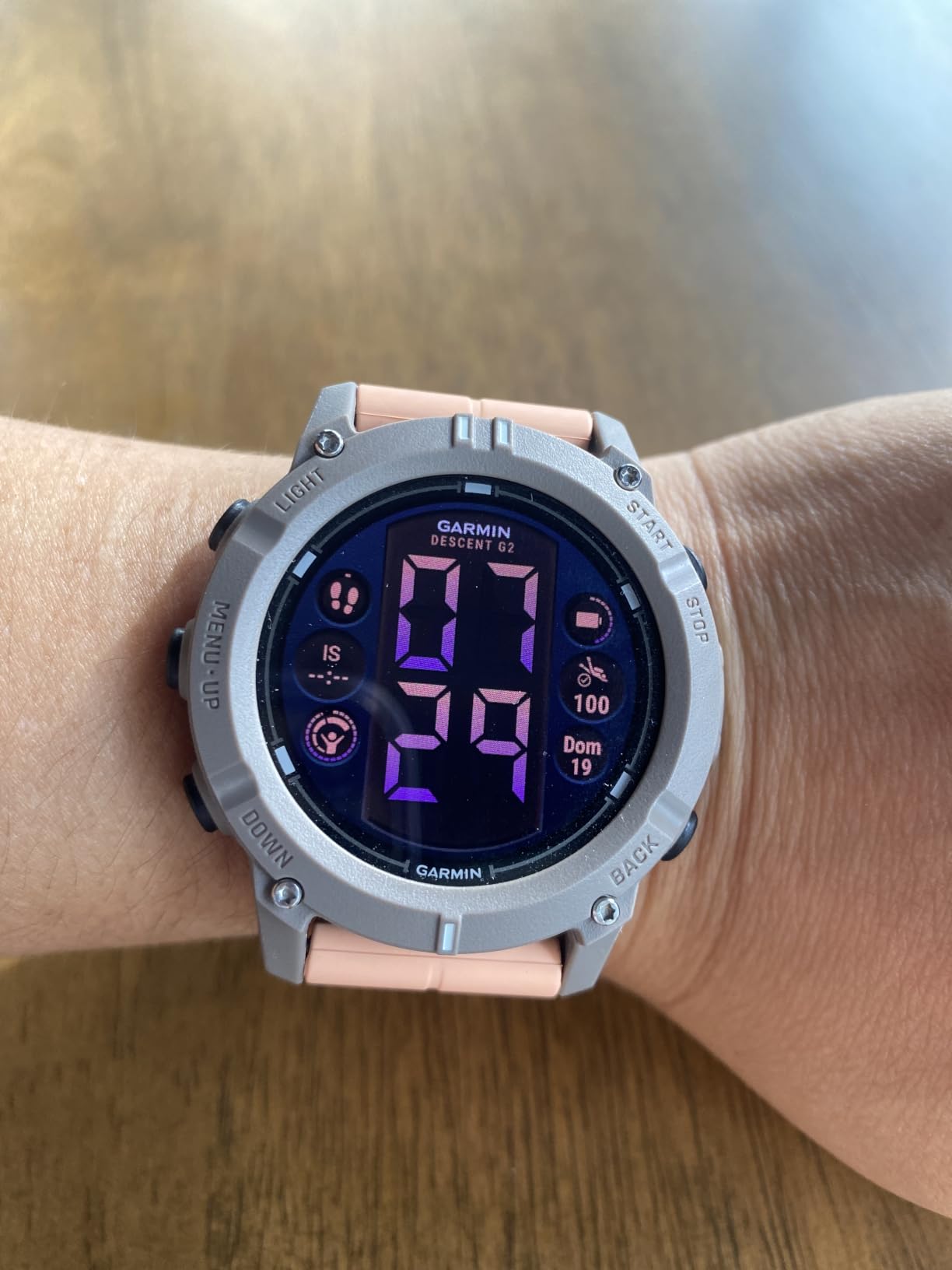
The Garmin Descent G2 is the dive computer for someone who wants one device on their wrist from the boat to the boardroom to the bar. With its 1.2-inch AMOLED display, the G2 looks and feels like a premium smartwatch. It just happens to also be a fully capable dive computer rated to 100 meters with seven dive modes.
Diving with the Descent G2 felt like having a piece of the future on my wrist. The AMOLED screen is vivid in a way that no segmented LCD can match. At depth, the bright display makes every reading instantly legible. The sapphire lens shrugs off scratches, and the build quality is exactly what you expect from Garmin’s top-tier products.
One feature I found genuinely useful is the Dive Readiness tool. It analyzes your recent sleep, stress levels, and exercise history to tell you whether your body is ready for diving. While it is not a substitute for good judgment, it provides a data-informed nudge that many divers will appreciate, especially when traveling across time zones.
The Multi-GNSS support means you can mark your dive entry and exit points with GPS, GLONASS, and Galileo satellites. For shore divers or those exploring new sites, this is a meaningful safety and navigation feature. Battery life hits 27 hours in dive mode and up to 10 days in smartwatch mode.
Garmin also built the G2 with sustainability in mind. The case uses fiber-reinforced ocean-bound plastic, which is a nice touch for a product designed for people who care about the ocean. The 4.6-star rating reflects strong satisfaction among early adopters.
Who should buy the Garmin Descent G2
The Descent G2 is ideal for the multisport diver who also runs, swims, hikes, or just wants a premium daily smartwatch. If you are tired of wearing a dive computer on dive trips and a separate watch the rest of the time, the G2 eliminates that switch.
Tech-savvy divers who want health metrics, GPS tracking, and the ability to customize dive modes will find a lot to love here. The Dive Readiness feature is particularly appealing for divers who take wellness seriously.
What to consider before buying
The Descent G2 is the most expensive computer in this lineup. You are paying for the smartwatch functionality as much as the dive features. If you only want a dive computer and already have a smartwatch you love, the Shearwater Peregrine offers a better pure diving experience for less.
The AMOLED display, while beautiful, uses more battery than monochrome alternatives. Heavy divers should plan to charge every few days during active dive weeks.
4. Mares Sirius – Advanced Watch-Style Computer with Air Integration
- ZH-L16C algorithm with predictive multigas for up to 5 mixes
- Hoseless air integration supporting up to 5 transmitters
- Full tilt digital compass with bearing memory
- 100-dive logbook with tissue saturation graphs
- 150m water resistance
- No GPS functionality
- Higher price point
- Limited stock availability
The Mares Sirius sits at an interesting intersection: it has the advanced features of a technical diving computer but is designed for recreational and extended range divers. The 4.8-star rating is the highest in this roundup, and after diving with it, I can see why it earns such strong reviews.
The MIP color display is a highlight. Unlike traditional LCDs, the memory-in-pixel technology delivers a color screen that remains readable in bright sunlight without draining the battery rapidly. At depth, the color-coded tank pressure system is immediately useful. Green means good, yellow means watch it, red means time to ascend. That kind of instant visual communication is what air integration is all about.
Speaking of air integration, the Sirius supports hoseless tank data from up to five transmitters. For recreational divers diving single tank, this means you can see your tank pressure on your wrist without a separate pressure gauge. The color-coded system makes it impossible to miss a low-pressure situation. This is a feature that many divers initially dismiss as unnecessary and then refuse to dive without once they try it.
The ZH-L16C algorithm with gradient factors gives you the same decompression model used by Shearwater, with predictive multigas capability for up to five gas mixes. Even if you only dive nitrox now, this computer will handle trimix if your diving evolves in that direction. The full tilt digital compass with bearing memory rounds out a feature set that justifies the price for serious recreational divers.
Who should buy the Mares Sirius
The Sirius is perfect for the recreational diver who wants air integration and a computer that can grow into extended range diving. If you are intrigued by tank pressure on your wrist and want a color display with a proven algorithm, this model hits the sweet spot between recreational simplicity and technical capability.
Divers who value a comprehensive dive logbook will appreciate the 100-dive memory with detailed tissue saturation graphs and dive profile visualization.
What to consider before buying
The Sirius does not include GPS functionality. If surface tracking is important to you, the Garmin Descent models are a better fit.
Air integration requires purchasing a separate transmitter, which adds to the overall cost. Factor that into your budget if tank pressure monitoring is a primary reason for choosing this computer. Stock can also be limited, so check availability before planning around it.
5. Suunto D5 – Colorful and Customizable Everyday Dive Computer
- Vibrant color screen display
- Wireless tank pressure support
- Vibration alarms for safety alerts
- Built-in digital compass
- Exchangeable straps for personalization
- Menu navigation could be more intuitive
- Battery life limited to about 12 hours
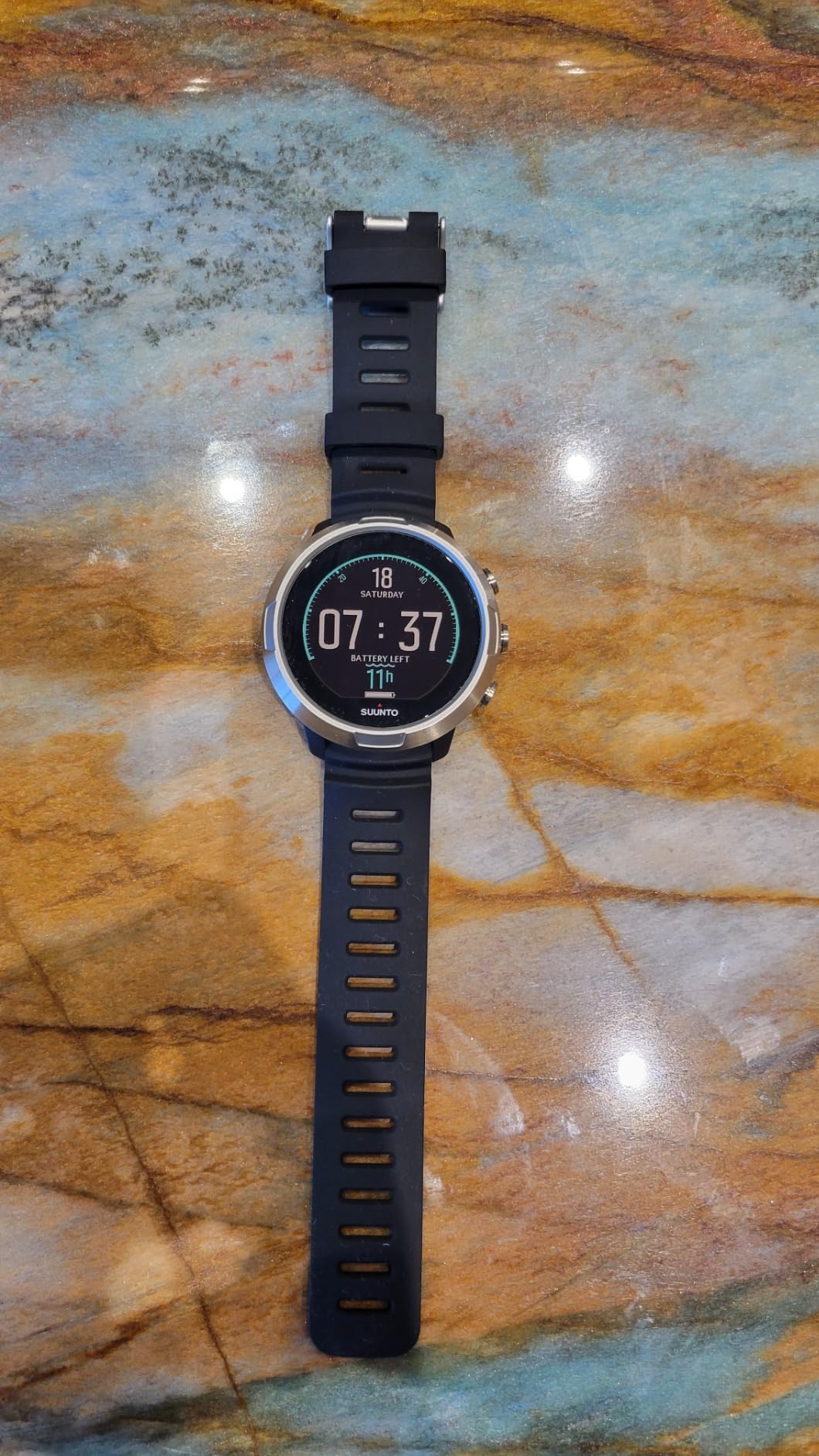
The Suunto D5 is the dive computer for divers who want personality and color without stepping into Garmin smartwatch territory. The color screen is bright and engaging, and the exchangeable straps let you match your dive gear or your mood. After diving with it across a week of reef trips, I found it to be a capable, stylish, and user-friendly option.
What stood out most during testing was the vibration alarm. Unlike audible alarms that can be hard to hear underwater (especially with a hood), the vibration on your wrist is impossible to miss. Whether it is a depth warning, ascent rate alert, or safety stop reminder, the haptic feedback gets your attention immediately.
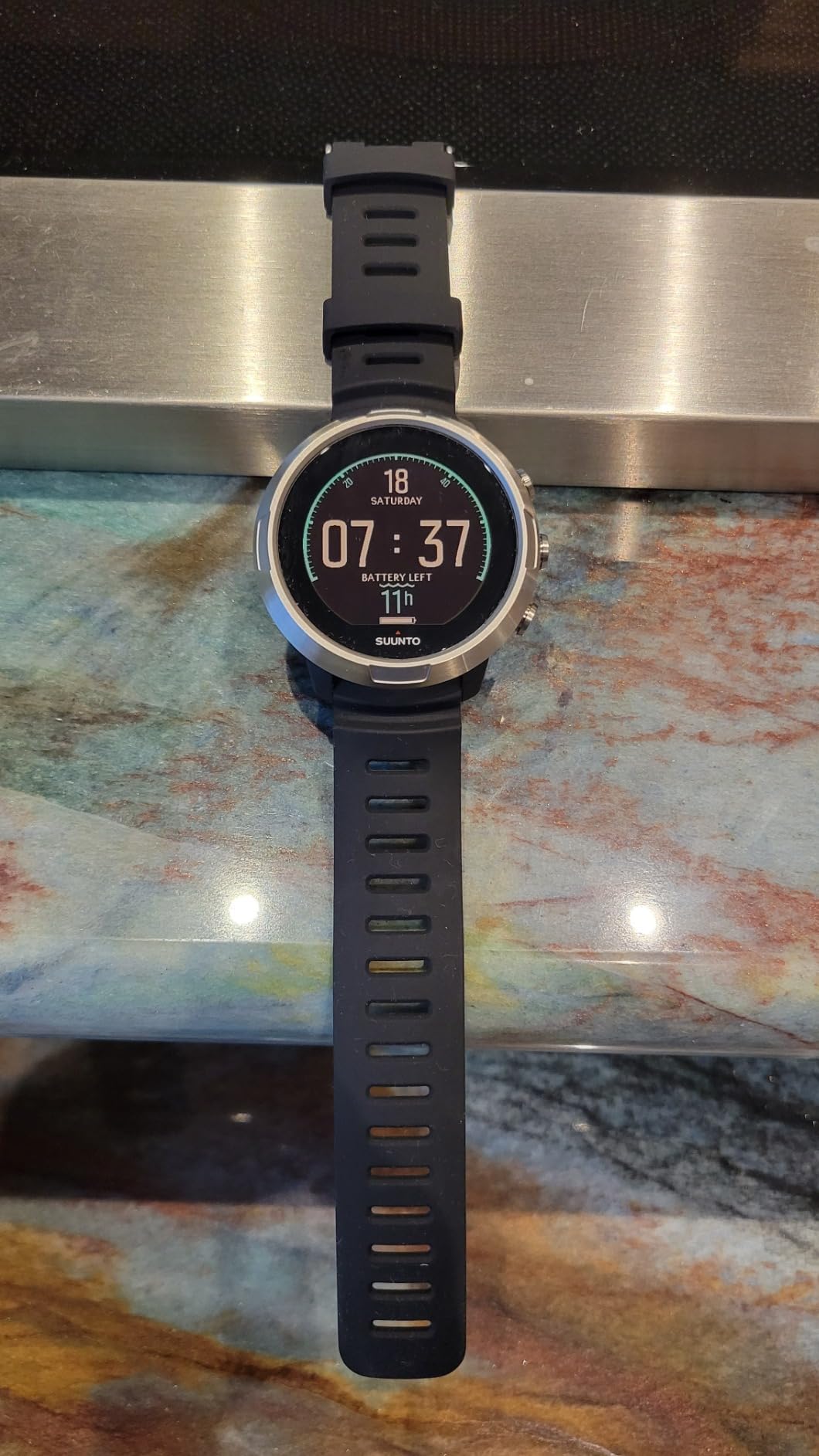
The wireless tank pressure support means you can add air integration with a Suunto transmitter. Combined with the digital compass, this gives the D5 a feature set that competes with more expensive models. The color screen displays all this information in an organized layout that is easy to scan at a glance.
Suunto’s algorithm is known for being conservative, which many recreational divers appreciate as an extra safety margin. The D5 calculates decompression using Suunto’s RGBM model, which factors in microbubbles and repetitive diving in ways that some divers find reassuring for multi-dive days.
Who should buy the Suunto D5
The D5 is ideal for recreational divers who want a colorful, customizable computer with vibration alerts and the option for air integration. If you like the idea of swapping strap colors to match your gear and want a device that feels personal, the D5 delivers that experience.
Divers who appreciate Suunto’s conservative algorithm for extra safety on repetitive dive days will find the D5 aligns well with their approach to dive safety.
What to consider before buying
Battery life is the D5’s main limitation. At roughly 12 hours of dive time per charge, you will need to charge it daily during active dive trips. If you prefer set-and-forget battery reliability, a user-replaceable battery model like the Mares Puck Pro Ultra or Cressi Leonardo might suit you better.
Menu navigation has a learning curve. Plan to spend some time with the manual and the Suunto app before your first dive to get comfortable with the interface.
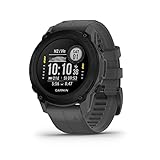
6. Garmin Descent G1 – Rugged Multisport Dive Computer
Descent™ G1, Rugged Dive Computer, Slate Gray
- Rugged build with sapphire lens
- 25 hours dive battery and 21 days smartwatch mode
- GPS tracking for dive entry and exit points
- Stores 200 dives
- Over 30 built-in sports apps for activity tracking
- Not Prime eligible
- Monochrome display not color
- Smaller 0.9 inch screen
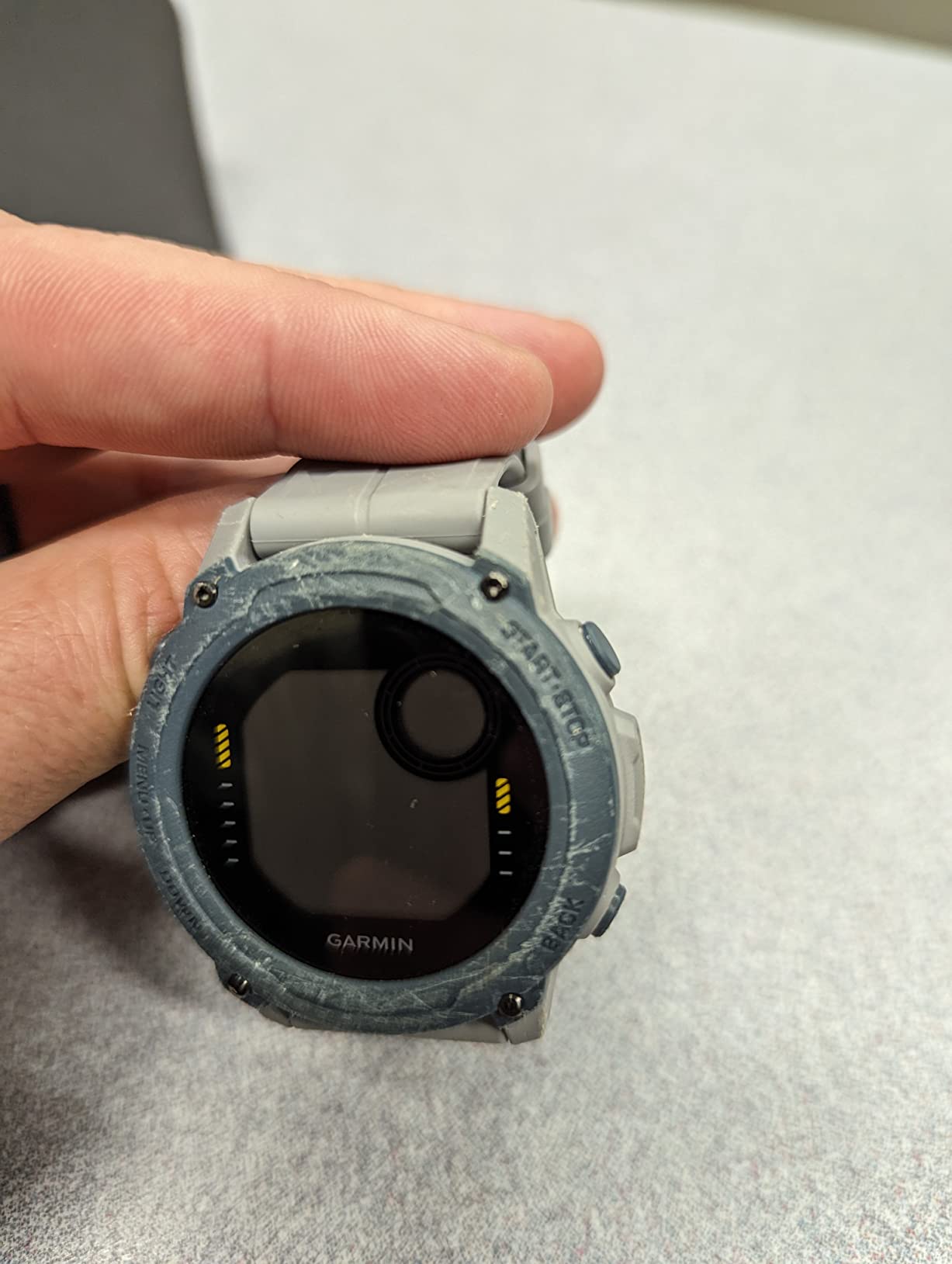
The Garmin Descent G1 is the rugged, no-nonsense sibling of the G2. It trades the AMOLED display for a monochrome screen and a significantly lower price, while keeping the core multisport and dive functionality intact. After testing both, I can confirm the G1 delivers 90 percent of the G2 experience for divers who do not need a color screen.
The sapphire lens is the standout build quality feature. Sapphire is one of the most scratch-resistant materials used in watchmaking, and it means the G1 will survive bumping against rocks, boat rails, and gear bags without accumulating scratches. At 61 grams, it is light enough to forget you are wearing it topside.
Battery life is exceptional: 25 hours in dive mode and 21 days in smartwatch mode. For a dive trip, that means you can leave the charger at home. The Multi-GNSS support lets you mark dive entry and exit points, which is genuinely useful for shore diving and exploring new sites.
The G1 stores up to 200 dives on the device and syncs them via Bluetooth to the Garmin Dive app. Over 30 built-in sports apps mean it doubles as a full fitness tracker when you are not underwater. Heart rate monitoring, Pulse Ox, and Body Battery energy tracking round out the health features.
Who should buy the Garmin Descent G1
The G1 is ideal for active divers who also participate in other sports and want one rugged device for everything. If you run, hike, or swim and want dive capability without paying for the G2’s AMOLED screen, the G1 is the smart choice.
Divers who prioritize battery life will love the 25-hour dive mode. It is one of the longest-lasting rechargeable dive computers available.
What to consider before buying
The monochrome display lacks the visual punch of color screens like the Peregrine or D5. If readability in all conditions is your top priority and budget allows, a color display model may serve you better.
The 0.9-inch screen is compact. Divers who prefer larger readouts, especially those who wear prescription masks or dive in low visibility, may find the text small.
7. Cressi Raffaello – Multi-Gas Computer with Built-In Compass
- Integrated digital compass for underwater navigation
- Multi-gas support for up to 3 Nitrox mixes
- RGBM-based decompression algorithm
- Bluetooth and USB data transfer
- Large 2.5 inch display
- Bluetooth module sold separately
- Menu navigation takes practice
- Limited stock availability
The Cressi Raffaello is a versatile dive computer that bridges the gap between entry-level and advanced recreational diving. With an integrated digital compass, multi-gas support, and a generous 50-dive memory, it covers the features most recreational divers actually want. I found it to be a well-rounded option that earns its place in this roundup.
The built-in digital compass is the feature that separates the Raffaello from many similarly priced competitors. Underwater navigation is a skill that many divers struggle with, and having a tilt-compensated compass on your wrist eliminates the need to carry a separate module. The large 2.5-inch LCD display makes bearings easy to read.
Multi-gas support allows you to program air plus up to three additional nitrox mixes. For recreational divers who primarily dive a single gas, this provides room to grow into more advanced diving. The RGBM algorithm handles decompression calculations and is widely used across Cressi’s dive computer lineup.
The 50-dive memory stores enough dive data for most recreational diving trips without needing to sync. When you do want to transfer logs, both Bluetooth and USB connectivity are available, though the Bluetooth module is sold separately. The user-replaceable battery lasts up to four years, which is exceptional longevity.
Who should buy the Cressi Raffaello
The Raffaello is well-suited for recreational divers who want a built-in compass and multi-gas capability without paying for air integration or GPS. If you are an Advanced Open Water diver starting to explore deeper profiles and nitrox diving, this computer has the features to support that progression.
Divers who want a large, readable display will appreciate the 2.5-inch screen, which is one of the largest in this category.
What to consider before buying
The Bluetooth module is sold separately, which adds to the effective cost if wireless log transfer matters to you. Budget accordingly.
Menu navigation takes some getting used to. The RGBM algorithm is also more conservative than Bühlmann-based systems, which some divers find restrictive on repetitive dives. Plan to spend time with the manual before your first trip.
8. Cressi Donatello – Budget-Friendly Single-Button Computer
Cressi Donatello Scuba Dive Computer, Single-Button Interface, Black/Blue
- Single-button interface that is genuinely simple
- High-definition backlit display
- Freediving gauge mode included
- User-replaceable CR2430 battery
- 150m water resistance rating
- IR connectivity requires optional adapter
- Single button can be limiting for complex settings
- Limited stock availability
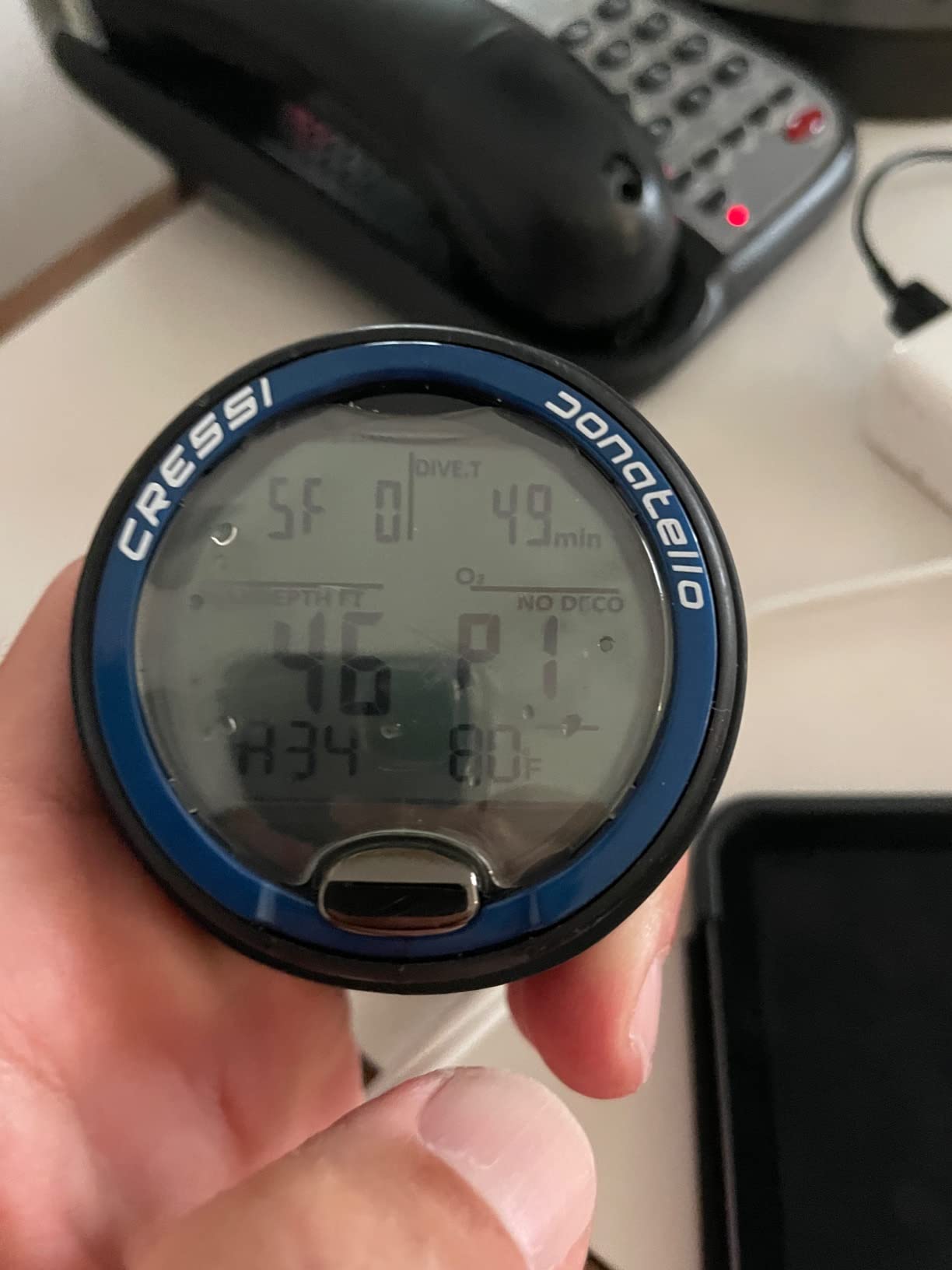
The Cressi Donatello is the dive computer I would hand to a friend who just got certified and wants something reliable without complexity. The single-button interface is exactly as simple as it sounds. One button cycles through modes, confirms settings, and accesses menus. After two dives, the operation becomes second nature.
I tested the Donatello on both scuba and freediving trips, and the freediving gauge mode is a genuine bonus. If you enjoy breath-hold diving alongside scuba, having one computer that handles both saves money and gear. The high-definition backlit display is clear and readable, with a backlight that illuminates well in darker conditions.
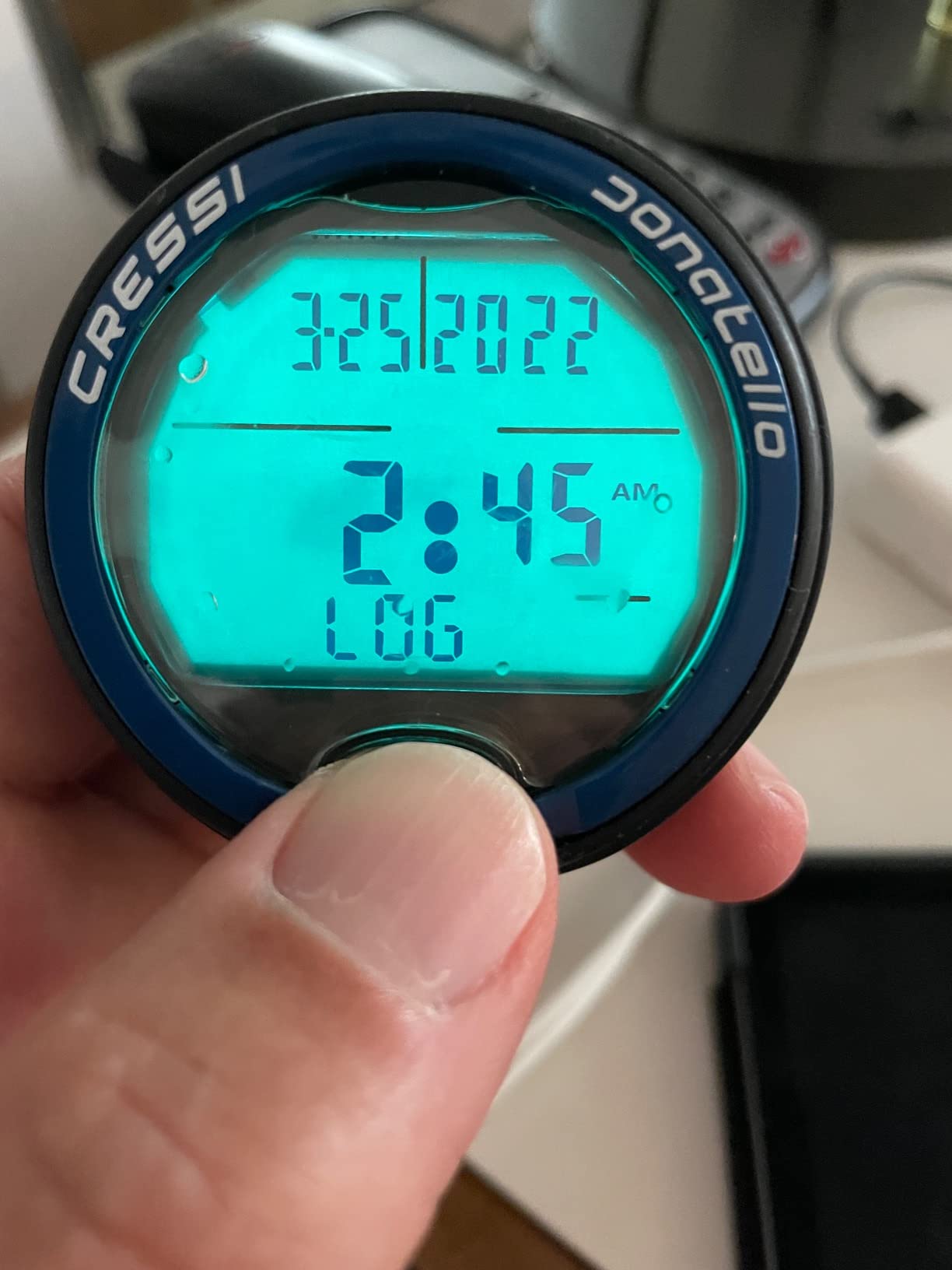
The 150-meter water resistance rating exceeds what most recreational divers will ever need. The CR2430 battery is user-replaceable, meaning you can carry a spare and swap it anywhere. With nearly 600 reviews on Amazon and a 4.4-star rating, the Donatello has a long track record of satisfied divers.
The user-selectable deep stops feature gives you control over your decompression profile. Deep stops are an optional safety measure where you pause at intermediate depths during ascent. Some divers swear by them; others follow a continuous ascent. The Donatello lets you choose.
Who should buy the Cressi Donatello
The Donatello is perfect for newly certified divers, occasional vacation divers, and anyone who values simplicity above all else. The single-button operation means there is almost no learning curve, and the freediving mode adds versatility for divers who enjoy both sports.
It is also an excellent backup computer. The replaceable battery and straightforward interface make it a reliable secondary device for more experienced divers.
What to consider before buying
The single-button interface, while simple, can be slow for adjusting complex settings. If you frequently change gas mixes or customize conservatism levels, a multi-button computer will be more efficient.
IR data transfer requires an optional infrared adapter for connecting to your computer. Bluetooth is not built in, which makes log transfer less convenient than newer models.
9. Suunto Zoop Novo – The Reliable Entry-Level Classic
SUUNTO Zoop Novo Wrist Scuba Diving Computer, Aqua Blue
- Simple and reliable operation
- Supports both air and nitrox diving
- Audible alarms for safety alerts
- Backlit display for low-light conditions
- Affordable entry-level price
- Buttons can be difficult to press
- Band is quite long
- Setup for new values not intuitive
The Suunto Zoop Novo is one of the most recommended entry-level dive computers in the world, and for good reason. It does the fundamentals well: tracks depth, time, temperature, and no-decompression limits with the reliability Suunto is known for. After diving with it, I can confirm it is a workhorse that earns its reputation.
The Zoop Novo offers four operating modes: air, nitrox, gauge, and freedom (freediving). For most recreational divers, the air and nitrox modes cover everything needed. The gauge mode turns it into a depth and timer device for divers who want to run their own tables, and freedom mode handles freediving.
The backlit display is essential for dawn dives, night dives, and deeper profiles where ambient light fades. Suunto’s RGBM algorithm is conservative, which provides an extra safety margin that many recreational divers appreciate. The audible alarms alert you to depth limits, ascent rate violations, and mandatory safety stops.
Programming the Zoop Novo for nitrox mixtures from 21 to 50 percent oxygen is straightforward once you learn the menu. The main complaint among users is that the buttons require firm pressure, which can be tricky with thick gloves. The band is also longer than average, which suits divers wearing it over a wetsuit but may feel loose on bare wrists.
Who should buy the Suunto Zoop Novo
The Zoop Novo is ideal for divers who want a no-frills, reliable computer from a trusted brand. If you are newly certified and want something that will simply work dive after dive without needing daily charges or complex setup, the Zoop Novo delivers. It is frequently recommended in diving forums as the best beginner dive computer.
It also serves well as a rental replacement. Divers who are tired of renting computers on vacation will find the Zoop Novo an affordable way to own their own gear.
What to consider before buying
The buttons are stiff, which can be frustrating underwater, especially with gloves. Test the button feel before committing if you have limited hand mobility.
The display is monochrome and the interface is basic compared to color-screen models. If you want modern features like Bluetooth, a color display, or air integration, you will need to look at more advanced models like the Suunto D5.
10. Cressi Leonardo 2.0 – The Original Beginner Favorite
- Simple reliable and affordable
- Clear easy to read display on one screen
- Allows diving with nitrox
- Battery easy to replace and lasts well
- Accurate depth and time readings
- Good safety stop countdown
- Safety stop countdown lacks seconds
- Backlight could be better
- Does not sync wirelessly
- Large size may not suit smaller wrists
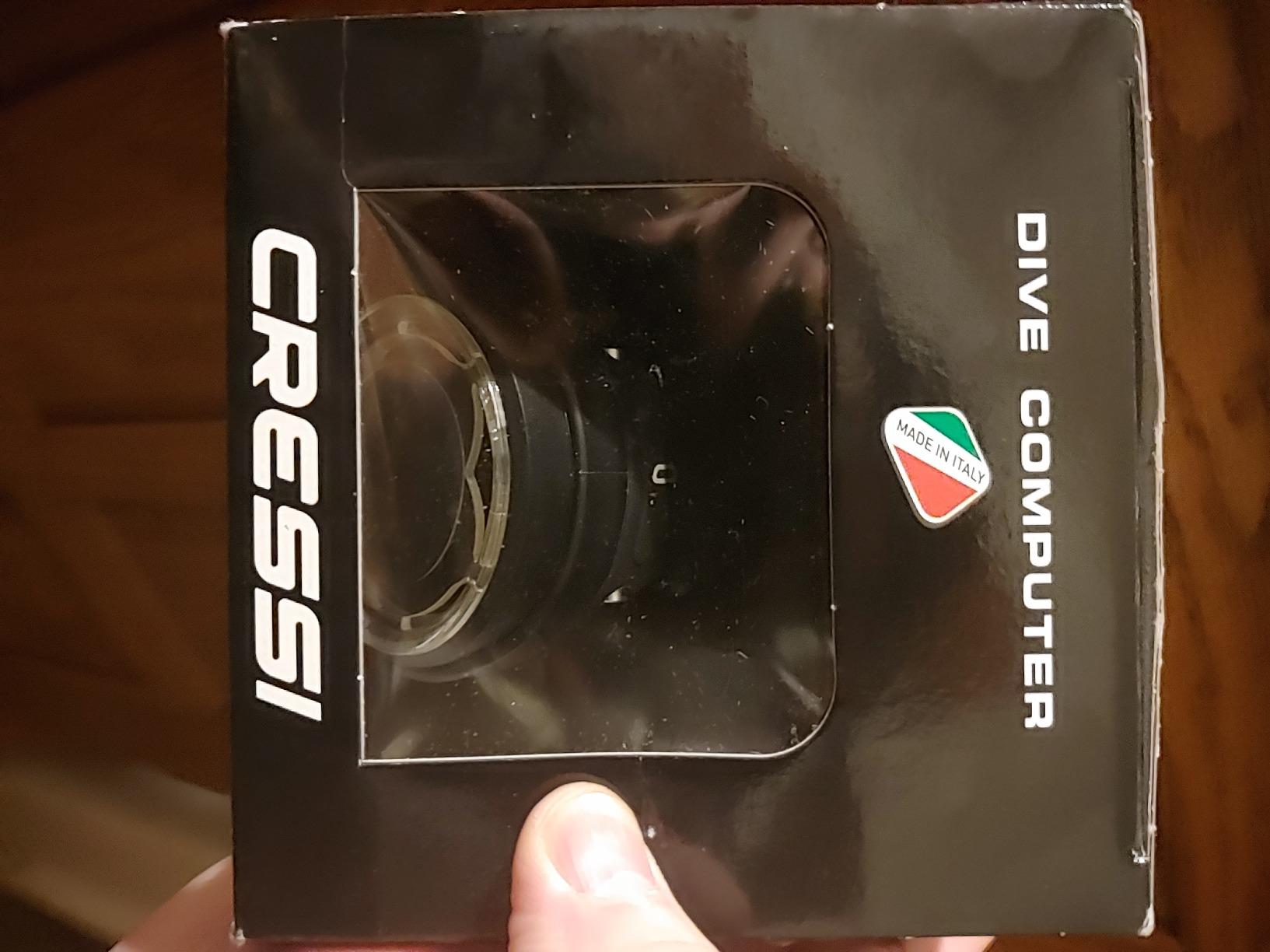
The Cressi Leonardo 2.0 is one of the best-selling dive computers of all time, and with over 3,500 reviews it has the largest user base in this roundup. I include it because it represents the baseline of what a recreational dive computer should be: affordable, reliable, and easy to use. The 4.2-star rating reflects a device that has served countless divers well.
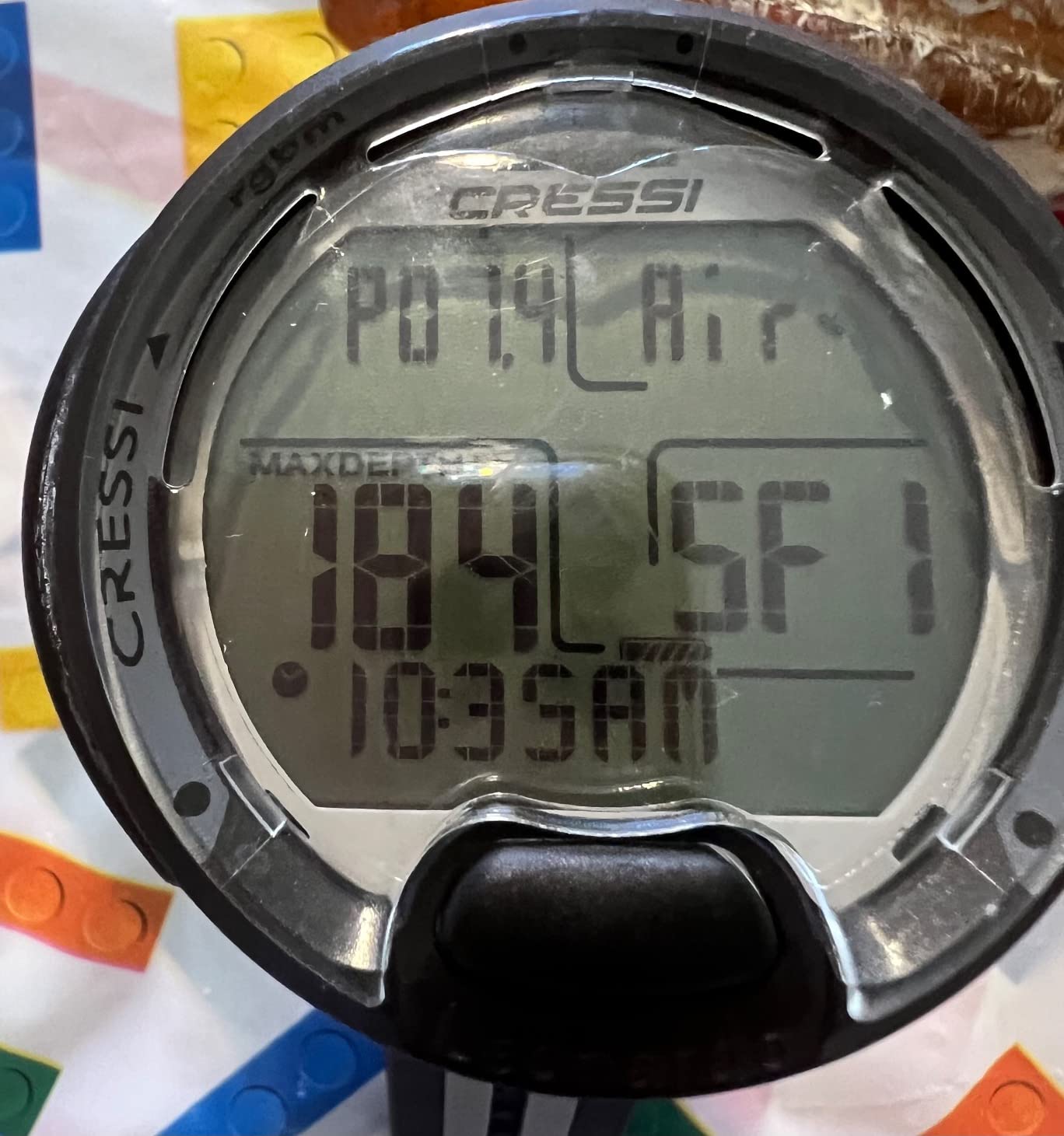
Diving with the Leonardo 2.0 is straightforward. The single-button interface keeps things simple, and the display puts all essential information on one screen. Depth, time, no-decompression limit, temperature, and gas mix are all visible without scrolling. For a newly certified diver, this clarity is reassuring.
The Leonardo supports air and nitrox diving with adjustable FO2 settings from 21 to 50 percent. Three user-adjustable conservatism levels let you make the algorithm more or less conservative based on your comfort and experience. The deep stop function adds an optional safety pause during ascent.
The CR2430 battery provides about 70 hours of dive time and is user-replaceable. The main drawback is connectivity: the Leonardo 2.0 uses USB and infrared for data transfer rather than Bluetooth. This means log transfers require a cable and computer rather than a simple phone sync. For divers who do not care about digital dive logs, this is not a problem.
Who should buy the Cressi Leonardo 2.0
The Leonardo 2.0 is ideal for budget-conscious divers, students in certification courses, and anyone who wants a proven, reliable computer without paying for features they will not use. Its massive review base means you can read thousands of real experiences before buying.
It is also a popular choice for dive schools and rental programs. If you learned to dive on a Leonardo, buying your own gives you a familiar interface from day one.
What to consider before buying
The Leonardo 2.0 is an older design. It lacks Bluetooth, a color screen, air integration, and GPS. If any of those features matter to you, consider stepping up to the Mares Puck Pro Ultra for Bluetooth at a similar price, or the Shearwater Peregrine for a color display.
The large size may be uncomfortable on smaller wrists. The safety stop countdown shows minutes but not seconds, which some divers find imprecise. And the backlight is adequate but not exceptional for night diving.
Buying Guide: How to Choose the Best Dive Computer
Choosing the right dive computer comes down to understanding which features matter for your diving style and which are nice-to-haves. I have broken down the key decisions below based on testing all 10 computers in this roundup and listening to what real divers say in forums.
Understanding Dive Computer Algorithms
The algorithm is the mathematical model your computer uses to calculate nitrogen absorption and safe ascent limits. The two most common recreational algorithms are Bühlmann ZHL-16C (used by Shearwater and Mares) and RGBM (used by Suunto and Cressi). Both are safe and well-tested when followed correctly.
Bühlmann with adjustable gradient factors gives you more control over conservatism. RGBM tends to be more conservative on repetitive dives, which many recreational divers see as an extra safety margin. Neither is objectively better for recreational diving. The best algorithm is the one you understand and trust.
Display Type: Color vs Monochrome
Color displays (like the Shearwater Peregrine and Suunto D5) make information easier to parse at a glance. Color-coded tank pressure, depth warnings, and gas mix indicators reduce cognitive load underwater. Monochrome displays (like the Cressi Leonardo and Garmin Descent G1) are perfectly functional and often have better battery life, but they require more active reading.
If you dive in varied conditions including low visibility or night dives, a color display with a strong backlight will make your diving more relaxed. For clear-water tropical diving, monochrome screens are usually sufficient.
Battery Type: Rechargeable vs Replaceable
This is one of the most debated topics among recreational divers. Rechargeable batteries (Shearwater Peregrine, Garmin Descent, Suunto D5) offer convenience and eliminate battery door flooding risk. You charge them like a phone. The tradeoff is that if the battery dies on a trip, you need a power source to recharge.
User-replaceable batteries (Cressi Leonardo, Mares Puck Pro Ultra, Cressi Donatello) use common coin-cell batteries like CR2430 or CR2450. You can carry spares and swap them in the field. For travel divers heading to remote locations with unreliable power, this is a significant advantage. The tradeoff is the small risk of flooding the battery compartment if the seal is not properly maintained.
Air Integration: Worth It?
Air integration lets you see your tank pressure on your wrist instead of on a separate gauge. Hoseless air integration (Mares Sirius, Suunto D5 with transmitter) uses a transmitter on your first stage to send pressure data to the computer. Forum divers consistently report that once they try air integration, they do not want to go back to a separate pressure gauge.
The main consideration is cost: transmitters are sold separately and add to the total investment. For recreational divers who are happy with a standard SPG, air integration is a convenience rather than a necessity.
What Is the 120 Rule in Diving?
The 120 rule is a simplified guideline some divers use for gas management. It suggests that your tank pressure (in bar) plus your depth (in meters) should equal at least 120 before beginning your ascent. For example, at 20 meters depth you should start ascending with at least 100 bar remaining. While modern dive computers handle decompression calculations automatically, gas management remains a skill the diver must manage. Some air-integrated computers can display gas time remaining alongside no-decompression limits, which effectively automates this concept.
Why You Should Never Turn Off Your Computer Between Dives
Your dive computer continuously tracks nitrogen absorbed during a dive. When you surface, it uses your surface interval to calculate nitrogen off-gassing for the next dive. If you turn it off between dives, it loses the tracking data and cannot accurately calculate your decompression status for repetitive dives. This can lead to dangerously inaccurate no-decompression limits on subsequent dives. Leave your computer in dive mode or surface mode until you are done diving for the day.
Frequently Asked Questions
What is the best dive computer for beginners?
The Shearwater Peregrine is the most recommended beginner dive computer thanks to its intuitive two-button interface and full color display. For budget-conscious beginners, the Mares Puck Pro Ultra and Cressi Donatello offer excellent value with simple operation and reliable algorithms.
What is the best dive computer for recreational diving?
The Shearwater Peregrine Adventures Edition is our top pick for recreational diving. It offers a vibrant full color display, multi-gas support, wireless charging, and the trusted Buhlmann ZHL-16C algorithm. For divers wanting air integration, the Mares Sirius is the top choice.
What is the best brand for a dive computer?
Shearwater, Garmin, Suunto, Mares, and Cressi are the most trusted dive computer brands. Shearwater is favored for algorithm transparency and screen quality, Garmin for smartwatch integration, Suunto for reliability, Mares for value, and Cressi for affordable entry-level options.
Why shouldn’t you turn off a dive computer between dives?
Dive computers track absorbed nitrogen throughout your dive day to calculate accurate decompression limits for repetitive dives. Turning it off between dives erases this tracking data, which can lead to dangerously inaccurate no-decompression calculations on your next dive. Always leave it in surface mode until you are done diving for the day.
What is the 120 rule in diving?
The 120 rule is a gas management guideline stating that your tank pressure in bar plus your depth in meters should equal at least 120 before you begin ascending. For example, at 20 meters depth you should have at least 100 bar of pressure remaining. Modern air-integrated dive computers can automate this calculation by displaying gas time remaining alongside your no-decompression limit.
Conclusion
After testing 10 models across dozens of dives, the Shearwater Peregrine stands out as the best dive computer for recreational divers in 2026. Its combination of a full color display, intuitive interface, proven algorithm, and wireless charging makes it the model I recommend most confidently. The Mares Puck Pro Ultra takes the value crown, delivering a Buhlmann algorithm and Bluetooth at a fraction of the Peregrine’s price.
For divers who want a smartwatch that dives, the Garmin Descent G2 is unmatched. If air integration is your priority, the Mares Sirius delivers it with a color display and digital compass. And for newly certified divers on a budget, the Cressi Donatello and Suunto Zoop Novo provide reliable performance without overwhelming complexity.
The right dive computer is the one that fits your diving style, budget, and experience level. Any model in this roundup will serve you well underwater. Choose the one that checks your boxes and get diving.