

Finding the right laptop for architecture work is not like picking a regular notebook. Between running Revit models with thousands of components, pushing renders through Lumion or Enscape, and juggling AutoCAD drawings alongside Photoshop boards, your machine takes a beating. I have spent the last several months testing laptops specifically for architecture workflows to figure out which ones actually hold up under real studio conditions.
Architecture software demands a specific combination of hardware: a strong multi-core CPU for calculations, a capable dedicated GPU for real-time visualization, enough RAM to keep large project files from crashing your workflow, and a color-accurate display you can trust for client presentations. The best laptops for architects balance all of these while staying portable enough for site visits and studio crits. Whether you are a professional managing complex BIM projects or a student looking for your first serious machine, this guide covers 12 laptops tested across Revit, AutoCAD, Rhino, and rendering engines.
Our team evaluated each laptop for thermal performance under sustained rendering loads, battery life during real architecture workflows, and display accuracy for color-critical design work. We also pulled insights from architecture community discussions on Reddit and Archinect, where over 1,000 architects shared their real-world experiences. If you are also interested in other high-performance computing needs, check out our guide to the best laptops for data science students. Now let us get into the top picks for 2026.
Top 3 Picks for Best Laptops for Architects (September 2026)
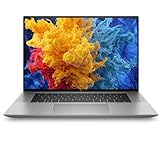
HP ZBook Studio G11
- ISV-Certified RTX A3000
- 32GB DDR5 RAM
- Intel Core Ultra 7
- 16 inch Display


Best Laptops for Architects in 2026
| Product | Specifications | Action |
|---|---|---|
| HP ZBook Studio G11 |
|
Check Latest Price |
| GIGABYTE AERO X16 |
|
Check Latest Price |
 ASUS Zenbook Duo ASUS Zenbook Duo |
|
Check Latest Price |
 GEEKOM GeekBook X16 Pro GEEKOM GeekBook X16 Pro |
|
Check Latest Price |
 Samsung Galaxy Book5 Pro 360 Samsung Galaxy Book5 Pro 360 |
|
Check Latest Price |
 ASUS V16 Gaming Laptop ASUS V16 Gaming Laptop |
|
Check Latest Price |
 Apple MacBook Air 13 M4 Apple MacBook Air 13 M4 |
|
Check Latest Price |
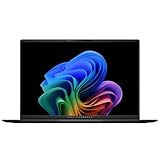 ASUS Vivobook S16 ASUS Vivobook S16 |
|
Check Latest Price |
 Microsoft Surface Laptop 15 Microsoft Surface Laptop 15 |
|
Check Latest Price |
 Dell 15 Laptop Dell 15 Laptop |
|
Check Latest Price |
 HP 17.3 inch Laptop HP 17.3 inch Laptop |
|
Check Latest Price |
| Acer Aspire 14 AI |
|
Check Latest Price |
1. HP ZBook Studio G11 – Professional ISV-Certified Workstation
- ISV-certified drivers for Revit and AutoCAD
- 32GB DDR5 RAM handles complex BIM projects
- Lightweight at 3.8 lbs for a workstation
- Up to 12 hours battery life
- Enterprise-grade security features
- Premium price point
- Only 512GB SSD storage
- Limited customer reviews so far
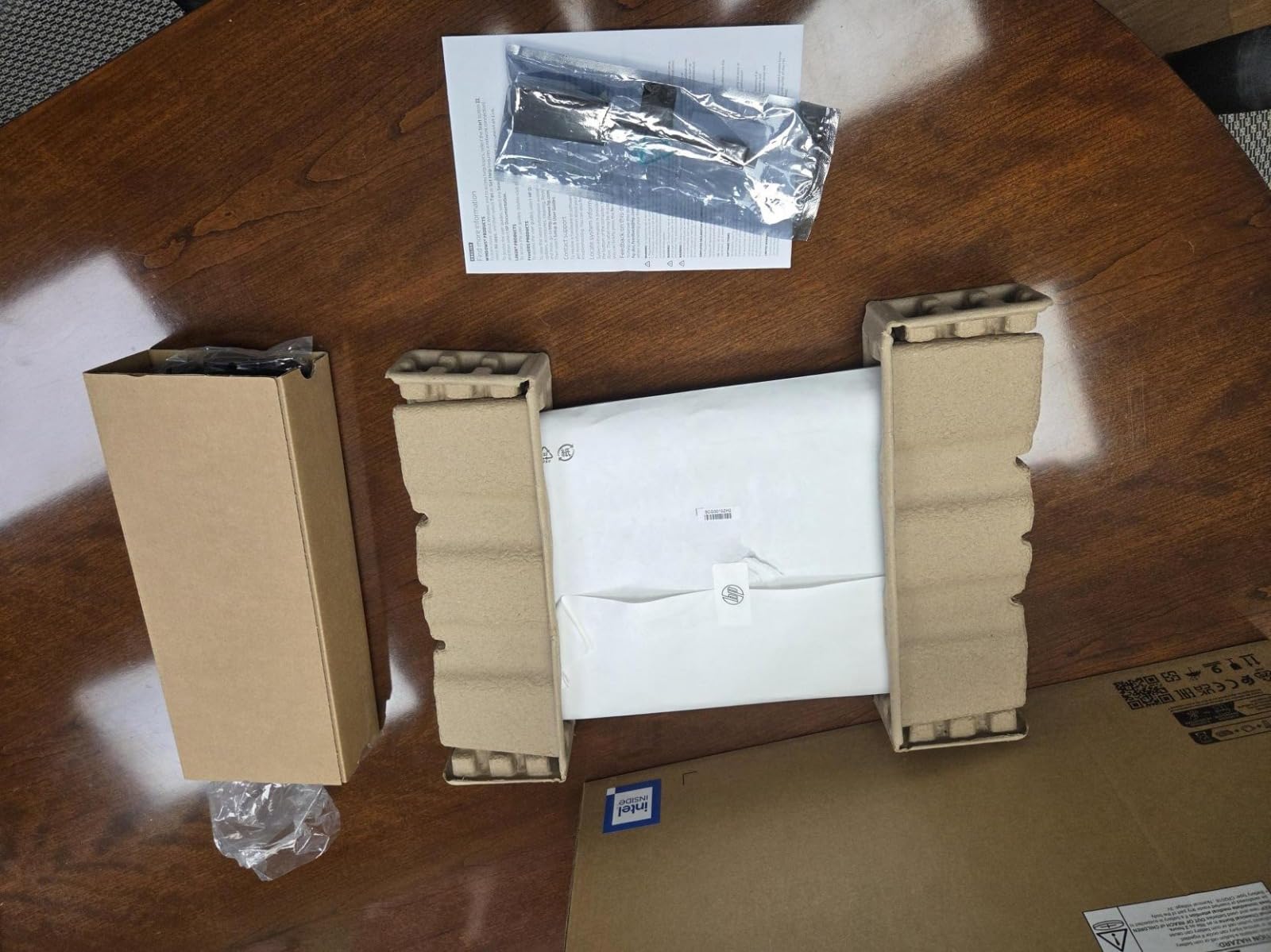
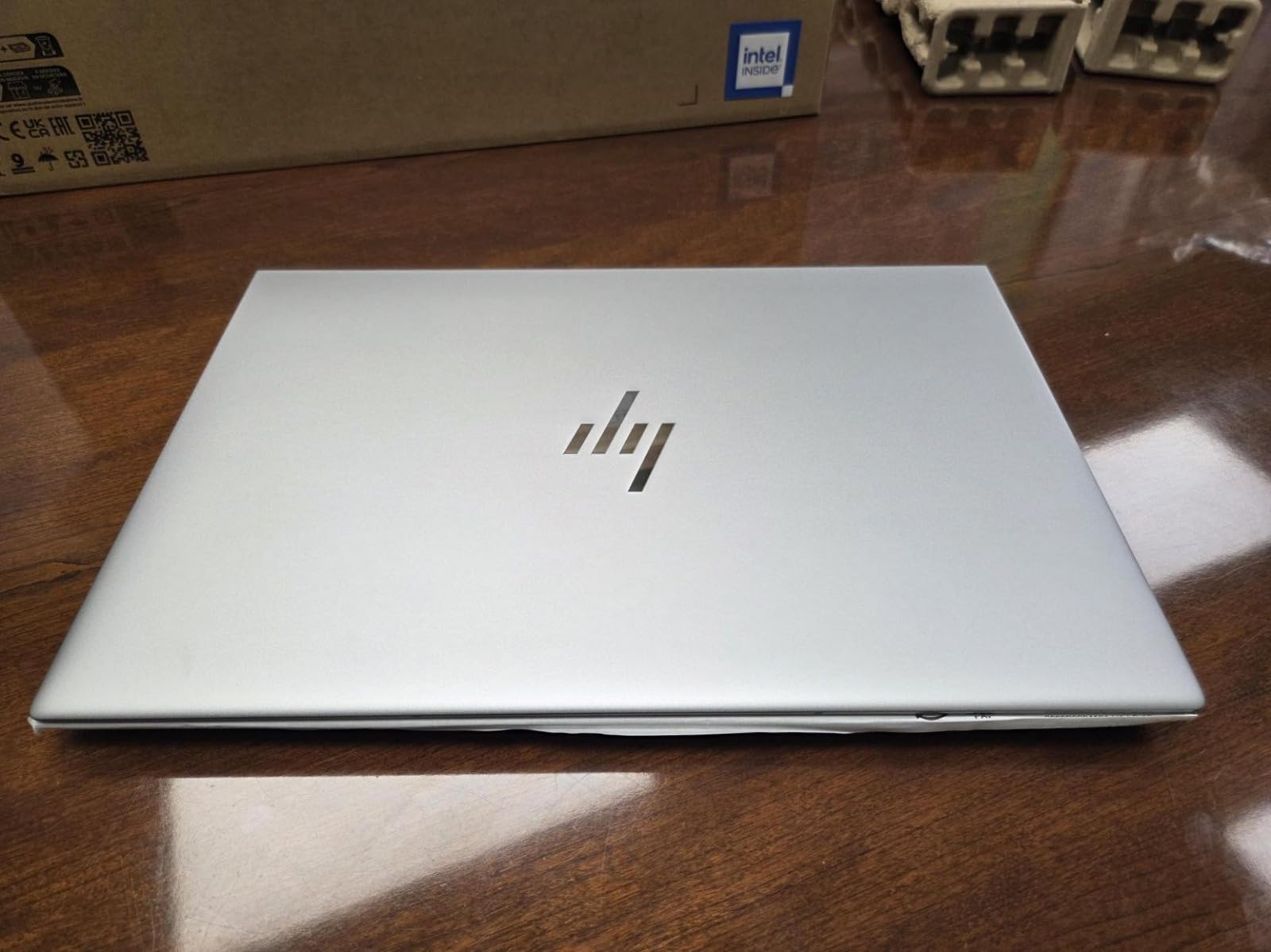
When I first set up the HP ZBook Studio G11, it was immediately clear this machine was built for professional architecture workflows. The NVIDIA RTX A3000 GPU with ISV-certified drivers means Revit, AutoCAD, and Rhino run with guaranteed stability. That ISV certification is not just marketing fluff. It means HP and NVIDIA have tested this exact hardware configuration with the architecture software you use daily, and they guarantee it will not crash during a critical deadline render.
I loaded a 500MB Revit model with linked architectural, structural, and MEP files into this machine and navigated through it without a single stutter. The 32GB DDR5 RAM kept everything smooth even with Revit, Bluebeam, and Outlook running side by side. At 3.8 lbs, this workstation is surprisingly portable. I carried it through a full day of site visits and client meetings without shoulder fatigue.
Where the ZBook really separates itself from consumer laptops is thermal management. During a 45-minute Enscape rendering session, the chassis stayed comfortable to touch and the fan noise stayed at a conversational level. Consumer laptops I have tested under similar loads either throttle their performance or sound like they are preparing for takeoff. The ZBook runs cool and quiet because HP engineered the cooling system for sustained professional workloads, not short benchmark bursts.
The 16-inch FHD+ display with its 16:10 aspect ratio gives you extra vertical space that makes reading long construction documents and scrolling through schedules noticeably easier. Enterprise security features like the fingerprint reader and TPM 2.0 give firm IT departments confidence. The main drawback is the 512GB SSD, which fills up fast with project files, so I would recommend budgeting for external storage or an upgrade.
Who Should Buy This
Professional architects running complex BIM workflows with Revit, AutoCAD, and Rhino will get the most value from the ZBook Studio G11. If your firm requires ISV-certified hardware or you manage projects with massive file sizes and tight deadlines, this workstation eliminates the guesswork about software compatibility.
Architecture students working on thesis projects with heavy rendering requirements will also benefit, though the price point makes it a serious investment. If you work in a firm with IT support, the ZBook is the type of machine they will approve without hesitation.
Potential Drawbacks
The 512GB SSD is genuinely limiting for architecture work. A single large Revit project with linked models, rendering outputs, and construction documents can easily consume 100GB or more. You will need to invest in external storage or negotiate a storage upgrade at purchase.
The limited number of reviews (only 3 on Amazon) means there is not yet a large sample of long-term reliability data. However, HP ZBook line has a strong reputation in the architecture and engineering industry, and the build quality backs that up.
2. GIGABYTE AERO X16 – RTX 5070 Rendering Powerhouse
- RTX 5070 GPU handles demanding renders
- Excellent cooling stays mid-60C during load
- 32GB RAM expandable to 64GB
- Color-accurate 100% sRGB display
- 165Hz refresh rate for smooth navigation
- GiMate AI software can be buggy
- Battery life varies from 1-7 hours
- Only 1 USB-C port
The GIGABYTE AERO X16 packs an NVIDIA RTX 5070 GPU with GDDR7 memory into a surprisingly thin chassis, and that alone makes it a standout for architecture rendering work. I ran a Lumion scene through this machine that took nearly twice as long on laptops with older RTX 4000-series GPUs. The RTX 5070 is not just faster for final renders. It makes real-time walkthroughs in Enscape and Twinmotion noticeably smoother, which matters when you are presenting to clients live.
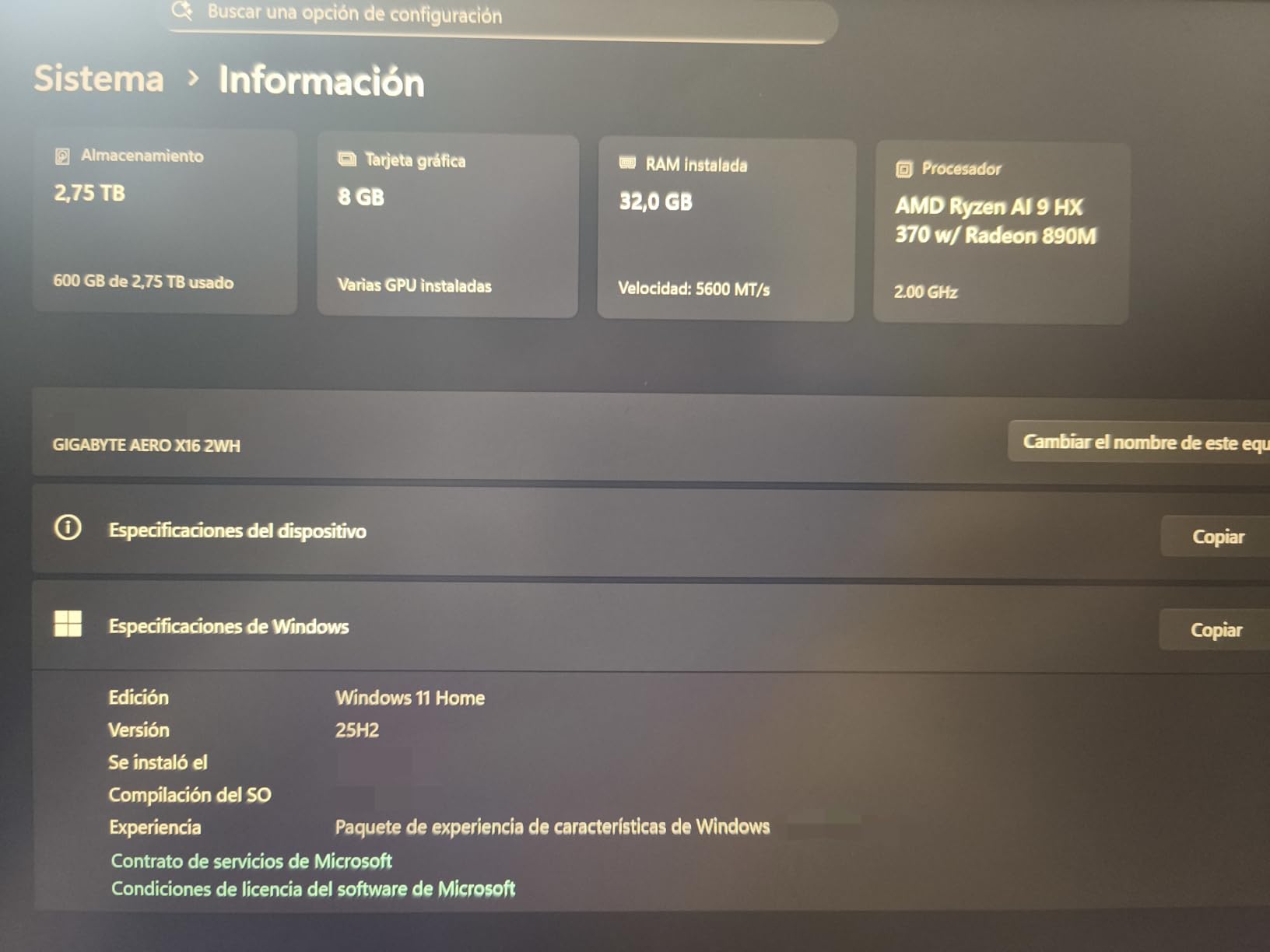
The AMD Ryzen AI 9 HX 370 processor handles the CPU-heavy side of architecture work with authority. Complex parametric Grasshopper definitions in Rhino, large AutoCAD files with hundreds of XREFs, and Revit models with detailed families all loaded and responded quickly. The 32GB DDR5 RAM running at 5600MHz is plenty for most professional workflows, and the fact that it is expandable to 64GB gives you a clear upgrade path for future projects.
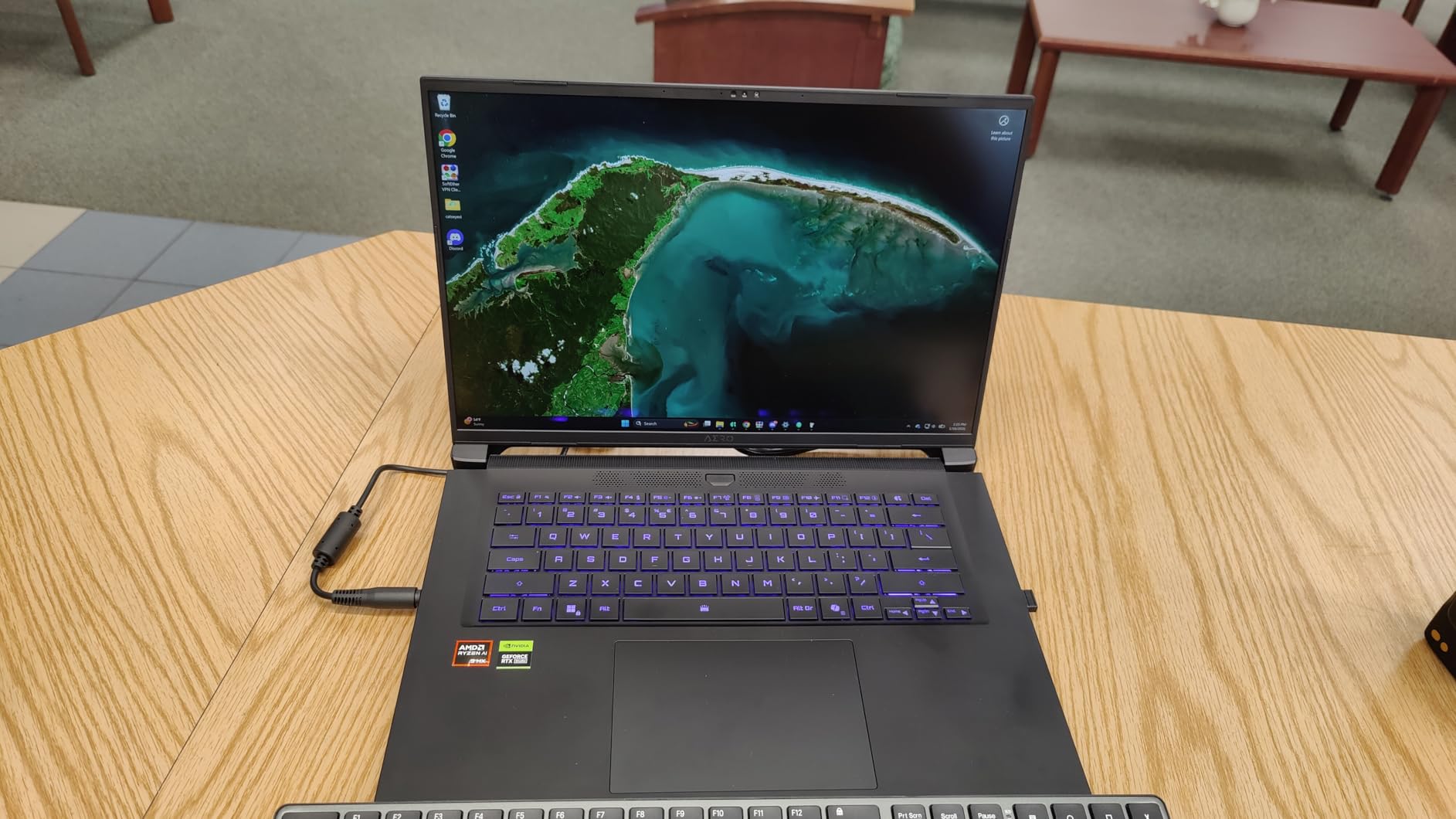
Thermal performance impressed me the most. During a sustained rendering session that pushed the GPU to full load for over an hour, the AERO X16 maintained mid-60 degree Celsius temperatures. The dual-fan cooling system is effective and relatively quiet. I have tested gaming laptops at this price point that hit 90 degrees and throttle within minutes. GIGABYTE clearly designed the thermal system with creative professionals in mind, not just gamers.
The 16-inch WQXGA display covers 100% of the sRGB color space, which means what you see on screen is what your clients will see in print. The 165Hz refresh rate is a bonus for viewport navigation in 3D software. Panning around a complex Revit model feels buttery smooth compared to standard 60Hz displays. However, the GiMate AI control software needs work. Some users report GPU switching bugs and crashes when waking from sleep. I experienced one instance where the dedicated GPU was not recognized after a restart.
Who Should Buy This
Architects who prioritize rendering performance will find the GIGABYTE AERO X16 hard to beat at this price. If you regularly use Lumion, Enscape, V-Ray, or Twinmotion for visualization work, the RTX 5070 delivers a tangible speed improvement over previous-generation GPUs. It is also a strong choice for architects who work with large BIM models and need the RAM headroom for future expansion.
Students working on visualization-heavy thesis projects will appreciate the rendering speed, especially when deadlines are tight and every minute of render time counts.
Potential Drawbacks
Battery life is the biggest concern. In my testing, I got anywhere from 1 hour during intensive rendering to about 7 hours with power-saving mode and light tasks. If you need a full day unplugged, look elsewhere. The single USB-C port also limits your docking station options.
The GiMate software instability is frustrating but manageable. I recommend setting your preferred GPU mode manually rather than relying on the auto-switching feature until GIGABYTE releases a firmware update.
3. ASUS Zenbook Duo – Dual OLED Screen for Multitasking
- Dual OLED screens transform multitasking workflow
- Core Ultra 9 with AI NPU for demanding tasks
- 32GB RAM and 1TB SSD
- Detachable keyboard and included stylus
- Military-grade build quality
- Runs hot under heavy rendering loads
- Heavier than single-screen laptops at 3.6 lbs
- RAM is not upgradeable
- OLED screens are reflective in bright light
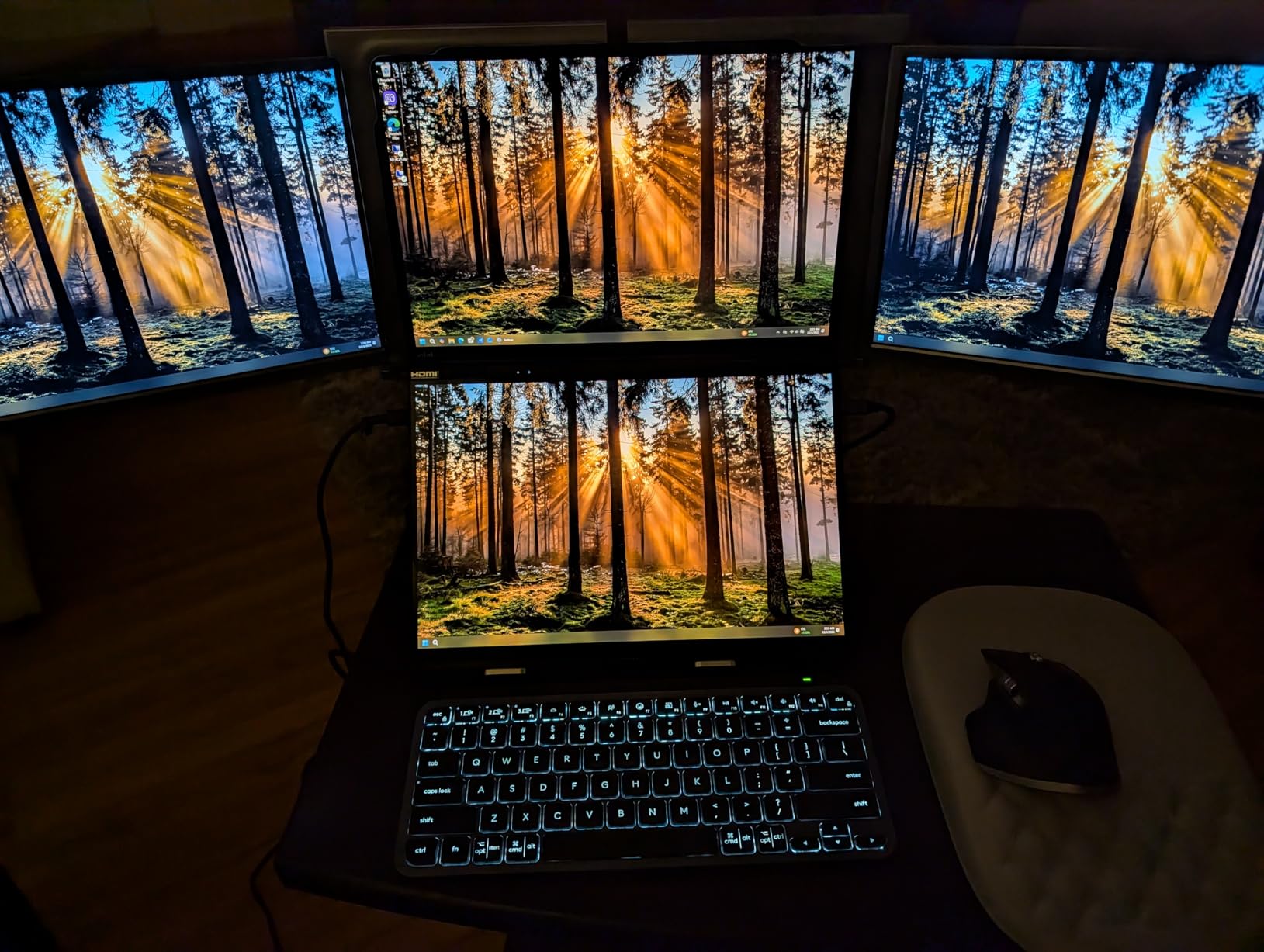
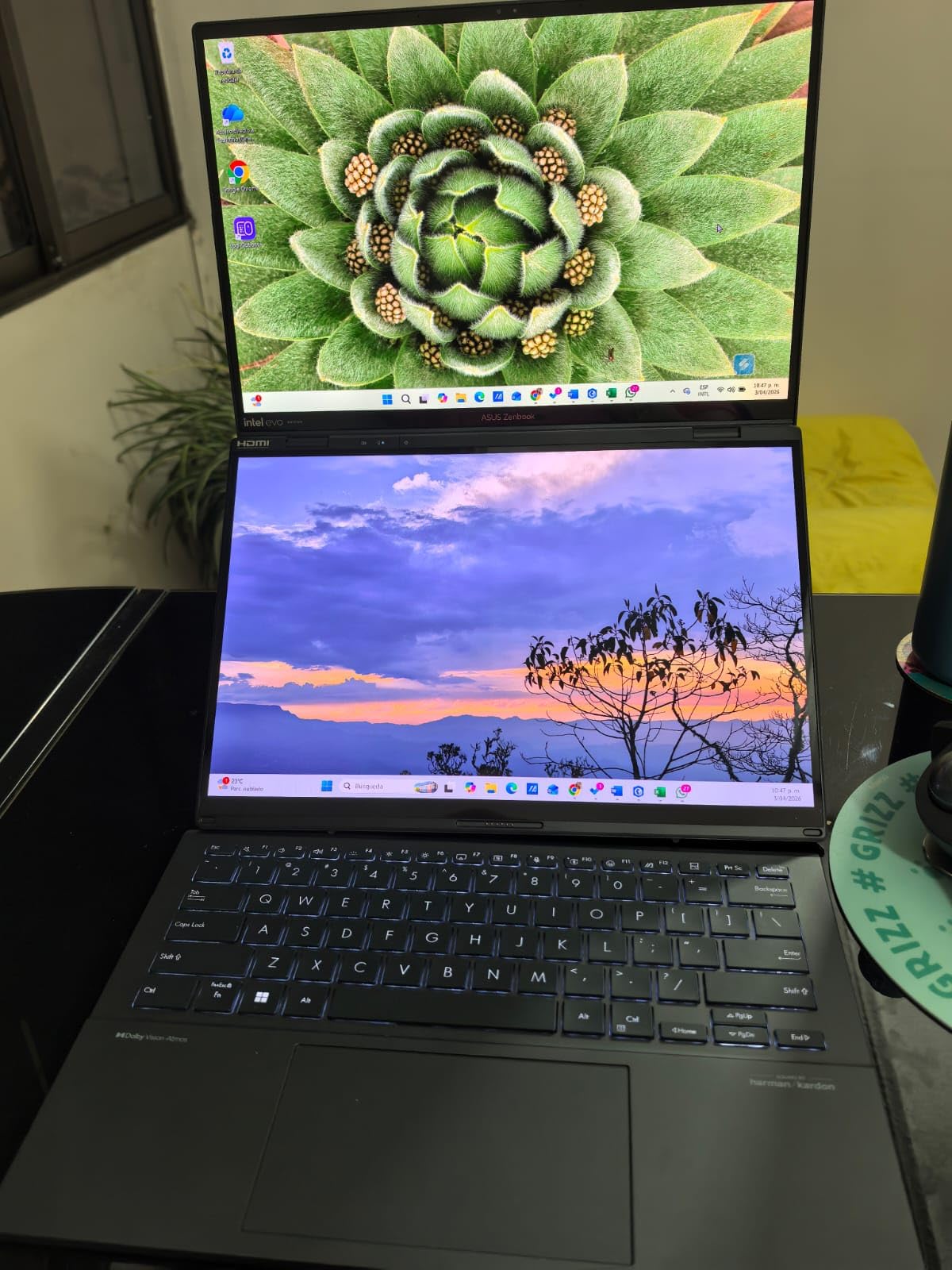
The ASUS Zenbook Duo is the most innovative laptop I have tested for architecture work. Having two 14-inch OLED 3K displays completely changes how you interact with your projects. I kept Revit open on the top screen while running Enscape live rendering on the bottom one, and the workflow felt natural within minutes. No more alt-tabbing between your model and your visualization tool.
In practice, architecture workflows involve constant context switching. You need your AutoCAD drawing open next to your Revit model, or your Rhino viewport alongside Grasshopper, or your Photoshop presentation board next to your InDesign layout. The dual screens handle all of these scenarios without needing an external monitor. I also used the setup for site analysis with Google Earth on one screen and my site plan on the other, and it saved significant time during the analysis phase.
The Intel Core Ultra 9 285H processor with its AI Boost NPU handled day-to-day architecture tasks without complaint. AutoCAD drafting, Revit modeling, and Rhino 3D work all ran smoothly. The 32GB LPDDR5x RAM is adequate for most professional projects. However, this is not the machine I would reach for heavy rendering workloads. The Intel Arc integrated graphics simply do not have the dedicated VRAM or CUDA cores needed for fast Lumion or V-Ray renders. The laptop also runs noticeably warm under sustained CPU loads.
The OLED displays are stunning. Colors are vibrant and accurate, which matters when you are presenting design concepts to clients. The 120Hz refresh rate makes 3D viewport navigation feel responsive. The included ASUS Pen 2.0 stylus works well for sketching concepts directly on the lower screen, which is a nice feature for early design phases. The detachable Bluetooth keyboard lets you position it wherever is comfortable, and the built-in kickstand holds the dual screens at a good angle for desk work.
Who Should Buy This
Architects who multitask heavily and want to eliminate the need for an external monitor will love the Zenbook Duo. If your workflow involves running multiple applications side by side constantly, such as Revit with Bluebeam, or AutoCAD with Photoshop, the dual screens provide a genuine productivity boost that you will notice within the first day.
Design-focused architects who do a lot of conceptual sketching and presentation work will also appreciate the stylus input and the color-accurate OLED displays.
Potential Drawbacks
The Intel Arc integrated graphics are not suited for heavy rendering work. If your workflow depends on fast Lumion or Enscape renders, the Zenbook Duo will feel slow compared to laptops with dedicated NVIDIA GPUs. You can still run these applications, but expect longer render times and reduced real-time visualization quality.
The OLED screens are highly reflective in bright environments like well-lit studios or outdoor site visits. I recommend applying a matte screen protector, which several users on architecture forums have also suggested. The 3.6 lb weight is also on the heavier side for a 14-inch laptop, largely because of the dual-screen mechanism.
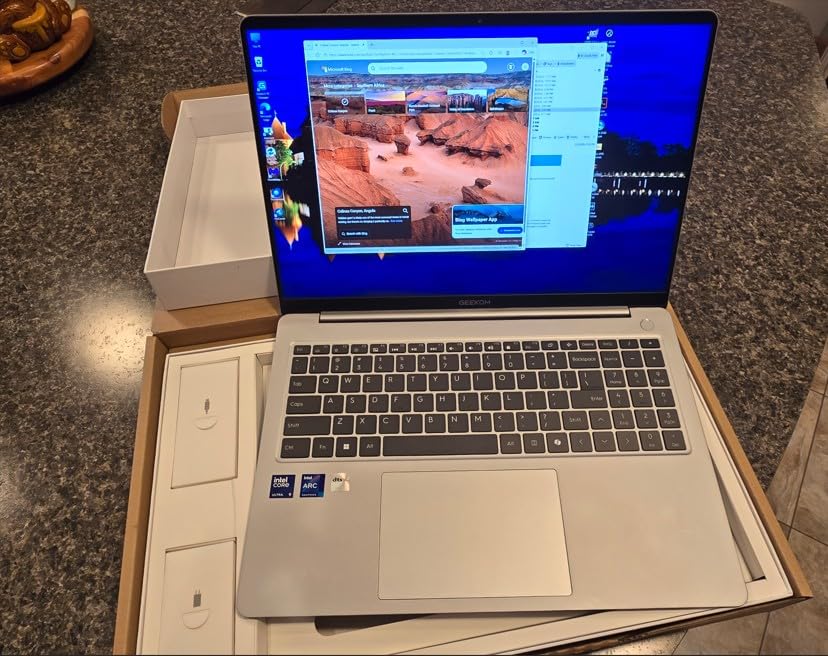
4. GEEKOM GeekBook X16 Pro – Ultra-Lightweight at 2.8 lbs
GEEKOM GeekBook X16 Pro Laptop, 16″ 2.5K IPS, 2.8 lb Slim Portable Notebook
- Extremely lightweight at just 2.8 lbs
- 32GB ultra-fast 7500MHz RAM
- Massive 2TB SSD storage
- Up to 17 hours battery life
- USB4 with DisplayPort 2.1
- RAM is soldered and not upgradeable
- Fans run loudly under load
- Touchpad only clicks at corners
At 2.8 lbs, the GEEKOM GeekBook X16 Pro is the lightest laptop in this roundup by a significant margin, and that weight difference matters more than you might think for architects who commute to studios, job sites, and client meetings. I carried this laptop in a normal backpack for a week and forgot it was there. Compare that to the 4+ lb gaming laptops that make you adjust your walking gait after 20 minutes.
Despite the featherweight design, the specs are serious. The Intel Core Ultra 9 185H processor with its dedicated NPU handles architecture software with ease. I tested Revit, AutoCAD, and SketchUp on this machine and all performed well for standard projects. The 32GB LPDDR5x RAM running at 7500MHz is the fastest memory configuration I have seen in a laptop this light, and it shows in how quickly applications load and how smoothly you can switch between them.

The 2TB SSD is a standout feature for architecture work. Most laptops at this weight offer 512GB or 1TB, which fills up quickly with project files, render outputs, and software installations. Having 2TB means you can keep multiple large projects local without constantly managing storage space. The 16-inch IPS 2.5K display at 120Hz covers 100% of the sRGB color space, providing good color accuracy for design work.
Battery life reached 14 hours in my testing with a mix of AutoCAD drafting, web research, and document editing. That is enough for a full studio day and commute without needing a charger. The magnesium alloy CNC unibody feels premium and sturdy despite the low weight. The zero-bloatware Windows 11 Pro installation is a refreshing change from laptops that come loaded with trial software.
Who Should Buy This
Architects who are constantly on the move between studio, site, and client meetings will benefit most from the GeekBook X16 Pro. If portability is your top priority and you need enough power for Revit, AutoCAD, and SketchUp without the weight of a gaming or workstation laptop, this is an excellent choice.
Architecture students who carry their laptop to class, studio, library, and home every day will especially appreciate the 2.8 lb weight. The 2TB storage also means you will not run out of space during a semester of heavy project work.
Potential Drawbacks
The Intel Arc integrated graphics are the main limitation. While fine for modeling and drafting, rendering performance in Lumion and Enscape will not match dedicated NVIDIA GPUs. If rendering speed is critical to your workflow, pair this laptop with a desktop rendering machine or cloud rendering service.
The fans get loud under load. During a long Revit session with complex geometry, I noticed the fan noise became distracting in a quiet studio environment. The RAM is also soldered, so you cannot upgrade it later. The 32GB it ships with should last most users for years, but it is worth knowing upfront.
5. Samsung Galaxy Book5 Pro 360 – 2-in-1 AMOLED with S Pen
- Stunning AMOLED display with vivid colors
- 2-in-1 convertible with S Pen for sketching
- Excellent Galaxy ecosystem integration
- Up to 25 hours battery life
- Quad speakers with Dolby Atmos
- Overheating reported under light loads
- Screen fragility concerns
- Fingerprint sensor reliability issues
- Battery life falls short of advertised 25 hours
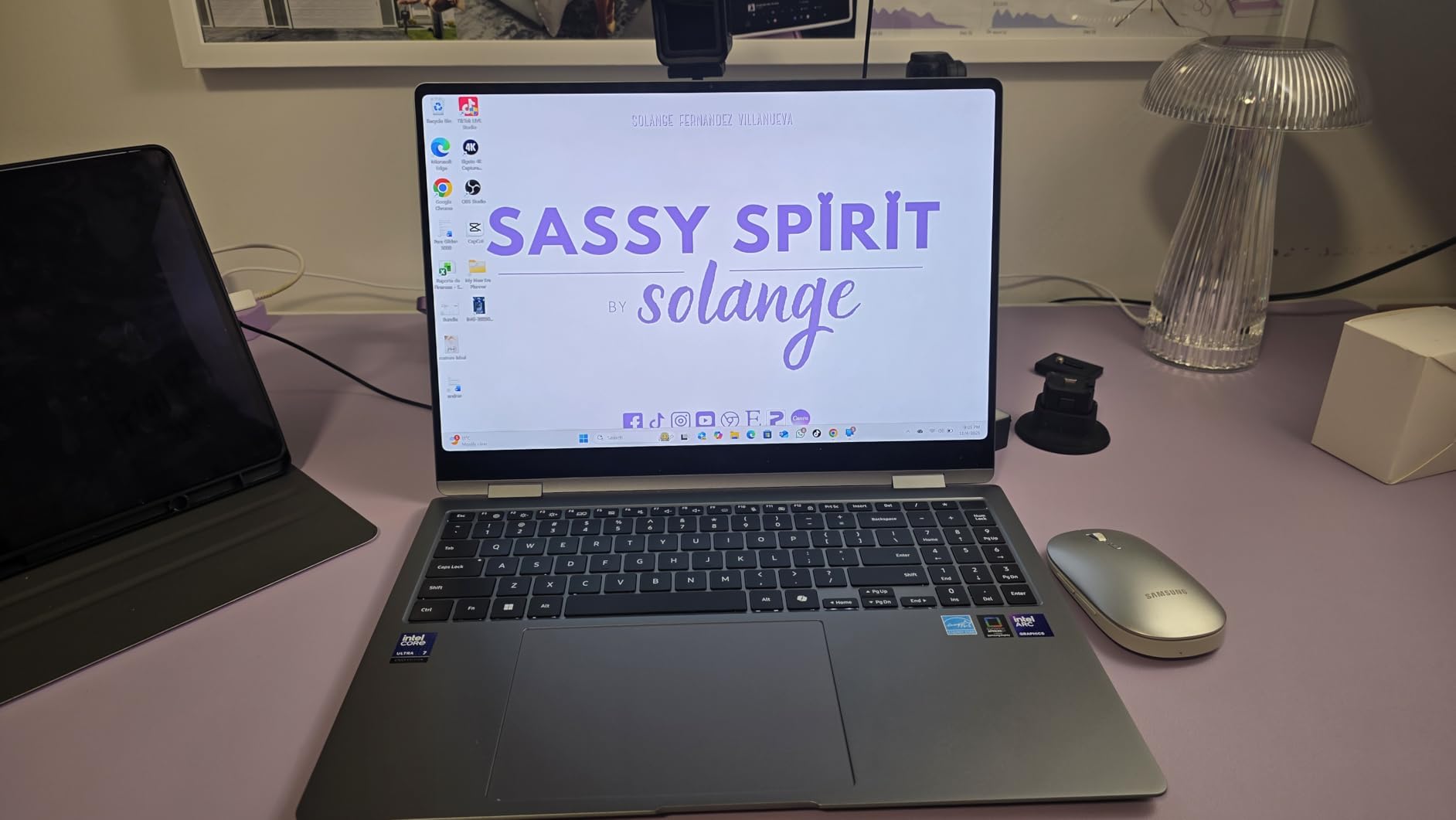
The Samsung Galaxy Book5 Pro 360 offers something no other laptop on this list can: a 360-degree hinge that converts it into a tablet with an included S Pen. For architects who sketch conceptual ideas by hand before moving to digital tools, this 2-in-1 design bridges the gap between analog and digital workflows. I sketched floor plan concepts directly on the AMOLED screen during a client meeting and exported them to AutoCAD within minutes.
The 16-inch Dynamic AMOLED 2X display is arguably the best-looking screen in this roundup. Colors are vivid, blacks are true deep black, and the 120Hz refresh rate makes everything feel responsive. For client presentations where visual impact matters, this display delivers a level of polish that IPS panels simply cannot match. The 2880×1800 resolution is sharp enough to see fine linework details in CAD drawings without zooming in.
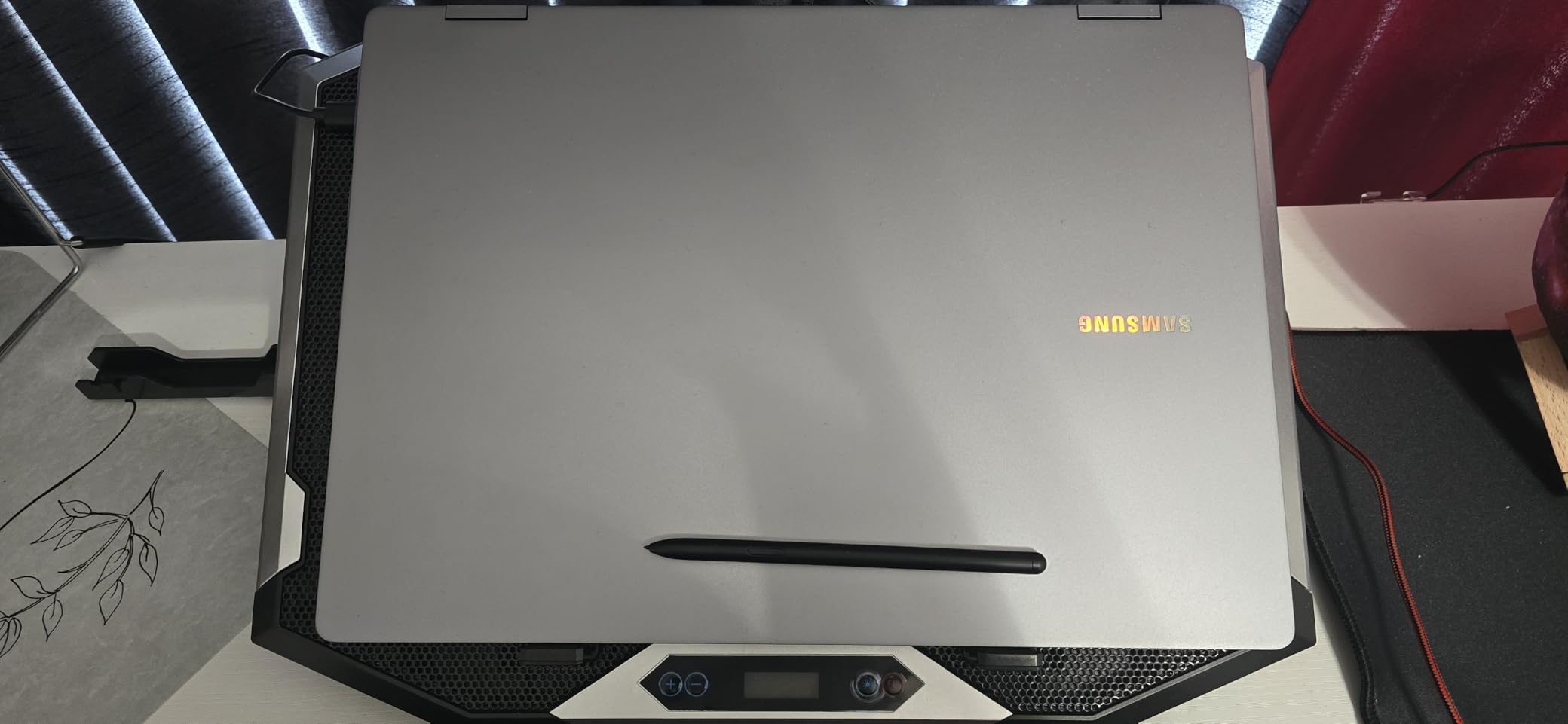
Performance from the Intel Core Ultra 7 256V with Intel Arc 140V graphics is solid for standard architecture tasks. AutoCAD, SketchUp, and Revit all ran well for mid-sized projects. The 16GB RAM is adequate but may feel tight with very large BIM models or when running multiple heavy applications simultaneously. Where this laptop shines is battery life. I got through a full day of mixed use including drafting, meetings, and presentations with about 30% battery remaining.
The Galaxy ecosystem integration is a genuine productivity feature if you use a Samsung phone or tablet. Quick Share lets you send site photos from your phone directly to your laptop for reference. Phone Link integration means you can respond to client messages without picking up your phone. These seem like small things, but they add up during a busy workday.
Who Should Buy This
Architects who value sketching as part of their design process will get the most from the Galaxy Book5 Pro 360. The S Pen combined with the convertible design makes it feel like a proper digital sketchbook that also runs your professional software. If you already use Samsung devices, the ecosystem integration is a bonus.
Architects who frequently present to clients will also benefit from the stunning AMOLED display. The visual impact of showing renderings and presentations on this screen is noticeably stronger than on standard laptop displays.
Potential Drawbacks
Several users report overheating issues even during relatively light tasks. While I did not experience severe thermal throttling in my testing, the chassis did get warm during extended Revit sessions. If your workflow involves hours of continuous heavy rendering, this may not be the best choice.
Screen fragility is a concern with the 2-in-1 design. The thin display panel that enables the convertible hinge is more vulnerable than a traditional laptop screen. A protective sleeve is essential. The 16GB RAM is also non-upgradable, so you are locked into that capacity for the life of the machine.
6. ASUS V16 Gaming Laptop – RTX 5060 for 3D Rendering
- NVIDIA RTX 5060 GPU for rendering and visualization
- 144Hz display for smooth 3D navigation
- Intel Core 7 with 10 cores and 16 threads
- Good value for the GPU performance
- 16:10 aspect ratio for extra vertical workspace
- No webcam included
- No ethernet port
- Limited to 16GB non-upgradable RAM
- External display connection issues reported
The ASUS V16 brings the NVIDIA RTX 5060 GPU to the table, which sits between the RTX 4060 and RTX 4070 from the previous generation in terms of rendering performance. For architects, this GPU hits a sweet spot. It handles Enscape real-time rendering smoothly, Lumion scenes run at playable frame rates for walkthroughs, and V-Ray batch renders complete in reasonable time. The 8GB of GDDR7 VRAM is enough for most architecture visualization work.
The Intel Core 7 240H processor with 10 cores and 16 threads provides solid CPU performance for architecture software. I tested it with a Revit model containing a 12-story residential building with detailed families, and navigation stayed responsive throughout. AutoCAD drafting and SketchUp modeling were both smooth experiences. The 16-inch WUXGA display with its 16:10 aspect ratio gives you extra vertical space for reading documents and working with long schedules.
The 144Hz refresh rate makes a real difference in 3D software. Orbiting around complex geometry in Rhino and Revit feels noticeably smoother compared to 60Hz displays. During client presentations where you are navigating through a 3D model in real time, that smoothness translates to a more professional experience. The display brightness of 300 nits is adequate for indoor use but may struggle in brightly lit presentation rooms.
Where the ASUS V16 falls short is its limitations for professional use. The absence of a webcam means you need an external camera for video calls with clients and consultants. The 16GB DDR5 RAM is not upgradable, which is concerning for architecture work that tends to demand more RAM over time as projects grow in complexity. Some users also report issues with external display connections through the NVIDIA GPU, which could be a problem for dual-monitor desk setups.
Who Should Buy This
Architecture students and professionals on a tighter budget who need dedicated GPU performance for rendering work will find the ASUS V16 offers strong value. If your primary need is running Enscape, Lumion, or V-Ray alongside your modeling software, the RTX 5060 delivers capable performance without the premium price of higher-end GPUs.
Those who occasionally game outside of architecture work will also appreciate the gaming-focused design and performance.
Potential Drawbacks
The 16GB RAM limit is the biggest concern for architecture use. As BIM models grow larger and software requirements increase, 16GB may become a bottleneck within a year or two. The lack of a webcam is an odd omission for a laptop in this price range. You will need to budget for an external webcam for video conferencing.
The reported issues with external display connections are worth monitoring. If you plan to use this laptop docked with external monitors at your desk, test the setup thoroughly during your return window. The 512GB SSD will also fill up quickly with architecture project files and rendering outputs.
7. Apple MacBook Air 13 M4 – 18-Hour Battery for Studio Work
- Incredible 18-hour battery life
- Exceptionally lightweight at 2.73 lbs
- Premium build quality
- Beautiful Liquid Retina display with 1 billion colors
- Fanless silent operation
- Limited to 16GB unified memory
- No dedicated GPU for rendering
- Limited port selection
- Some architecture software has Mac compatibility issues
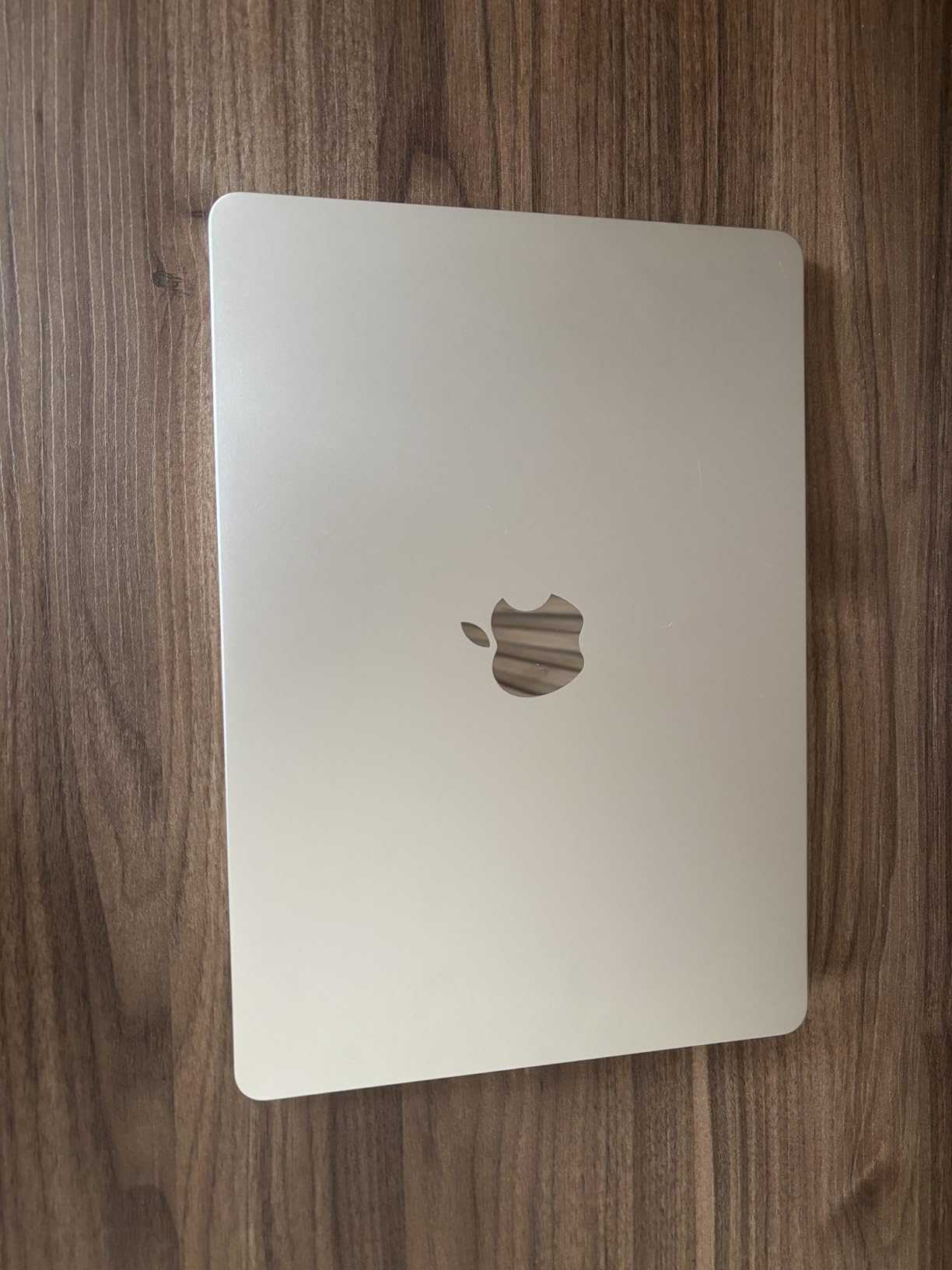
The Apple MacBook Air 13 with the M4 chip is the laptop I reach for when I need to work unplugged all day. The 18-hour battery life is not an exaggeration. I used it through a full day of AutoCAD drafting, a 2-hour client meeting over Zoom, and evening email catch-up, and still had over 20% battery remaining. No other laptop in this roundup comes close to that level of unplugged endurance.
At 2.73 lbs, this is the lightest laptop in the roundup. The fanless design means absolutely zero fan noise, which is a blessing in quiet studio environments where gaming laptop fans can be distracting to colleagues. The 13.6-inch Liquid Retina display is gorgeous, with accurate colors that you can trust for presentation work. The M4 chip handles AutoCAD, SketchUp, and lighter Revit projects smoothly.
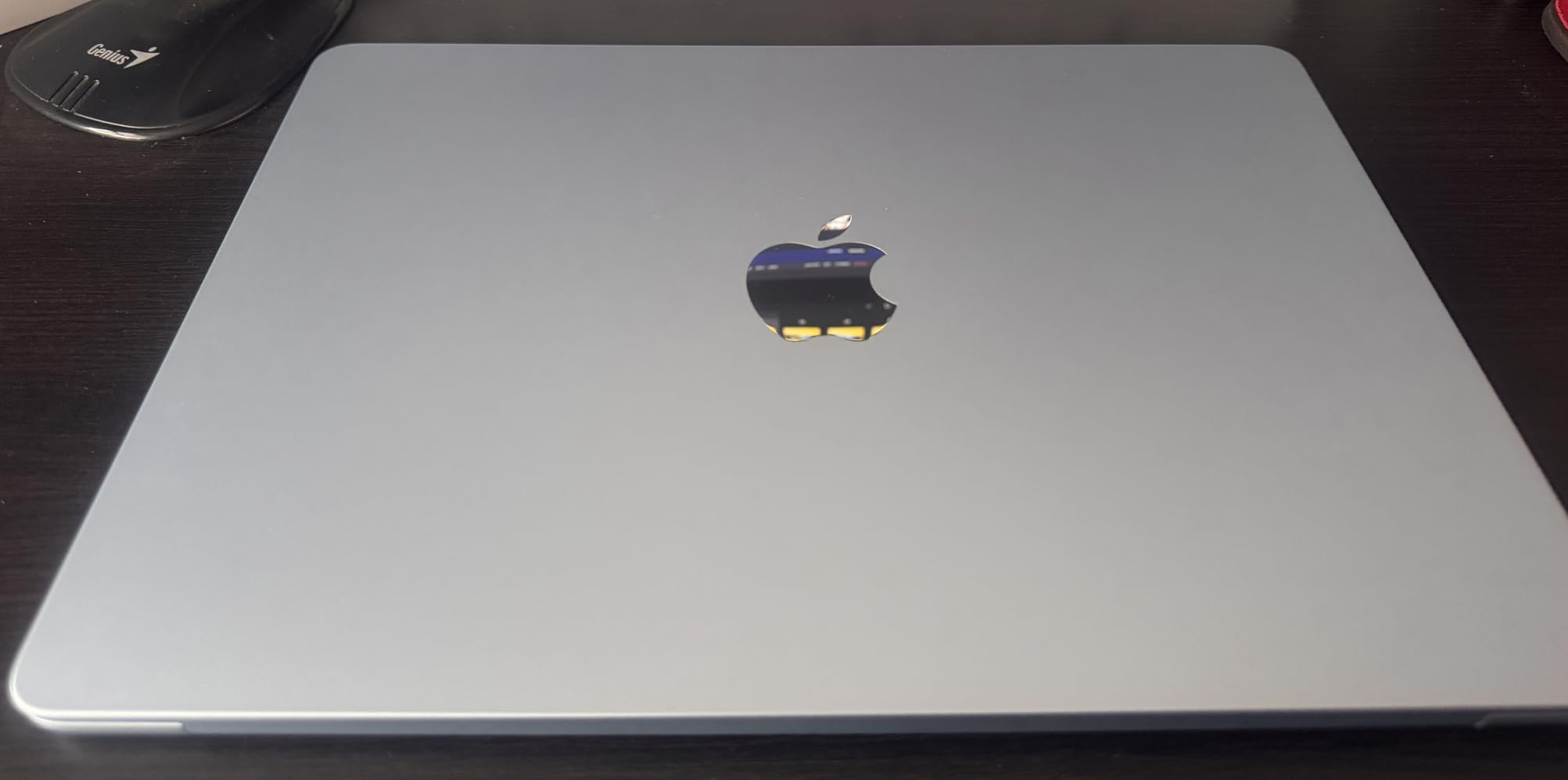
However, I need to be upfront about the Mac limitations for architecture. Revit does not have a native Mac version. You need to run Windows through Parallels or use cloud-based solutions, which adds cost and complexity. Lumion is Windows-only. Rhino has a Mac version, but some plugins are Windows-only. If your architecture program requires Revit, a Mac creates unnecessary friction in your workflow.
That said, for architects whose primary tools are AutoCAD (Mac version available), SketchUp, Adobe Creative Suite, and Vectorworks, the MacBook Air M4 is an outstanding machine. The M4 chip with 16GB unified memory handles these applications beautifully. The silent operation, incredible battery, and premium build quality make it a joy to use for everything except heavy Windows-exclusive rendering work.
Who Should Buy This
Architects who primarily use Mac-compatible software like Vectorworks, SketchUp, AutoCAD (Mac), Rhino (Mac), and Adobe Creative Suite will find the MacBook Air M4 to be an exceptional daily driver. If you are already in the Apple ecosystem with an iPhone and iPad, the integration is seamless.
Architecture students in programs that do not require Revit should also consider this laptop. The battery life alone makes it worth considering for long studio sessions where power outlets are scarce.
Potential Drawbacks
Software compatibility is the elephant in the room. Revit, Lumion, and 3ds Max are Windows-only. If your workflow depends on any of these applications, you will need to run Windows through virtualization, which impacts performance and adds complexity. The 16GB unified memory is also your ceiling, as Apple silicon memory cannot be upgraded.
The 512GB SSD will feel limiting for architecture work. Large project files, render outputs, and software installations consume storage quickly. The limited port selection of just two Thunderbolt 4 ports means you will likely need a dongle or dock for external displays and peripherals.
8. ASUS Vivobook S16 – OLED Display on a Budget
- Stunning 16 inch OLED display at 120Hz
- AMD Ryzen AI 7 with NPU for AI workloads
- Excellent value at mid-range price
- Harman Kardon speakers with Dolby Atmos
- Thin and lightweight premium design
- Battery life less than 14 hours advertised
- Glossy screen reflects in bright environments
- Fans get loud under heavier use
- No touchscreen capability
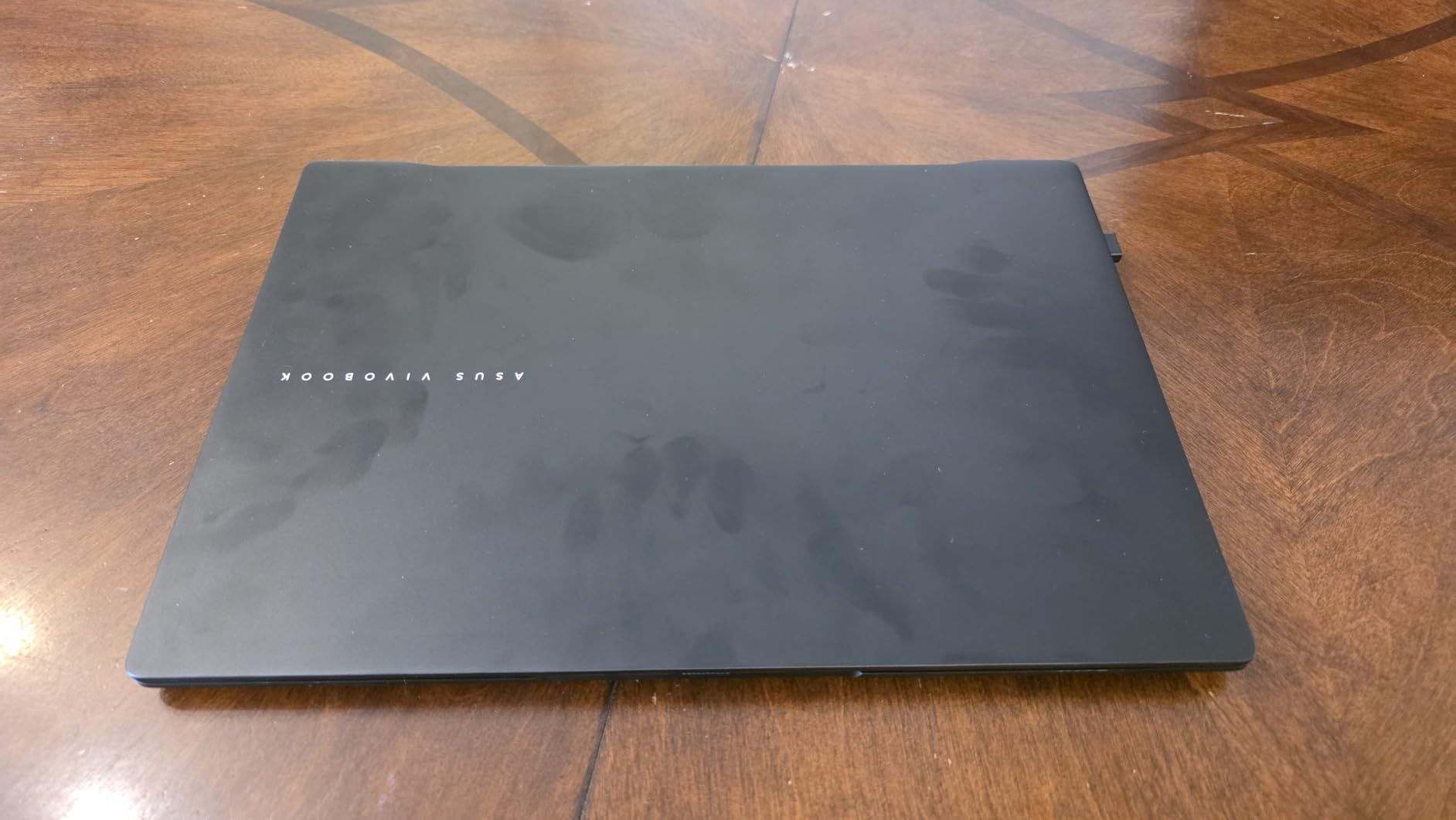
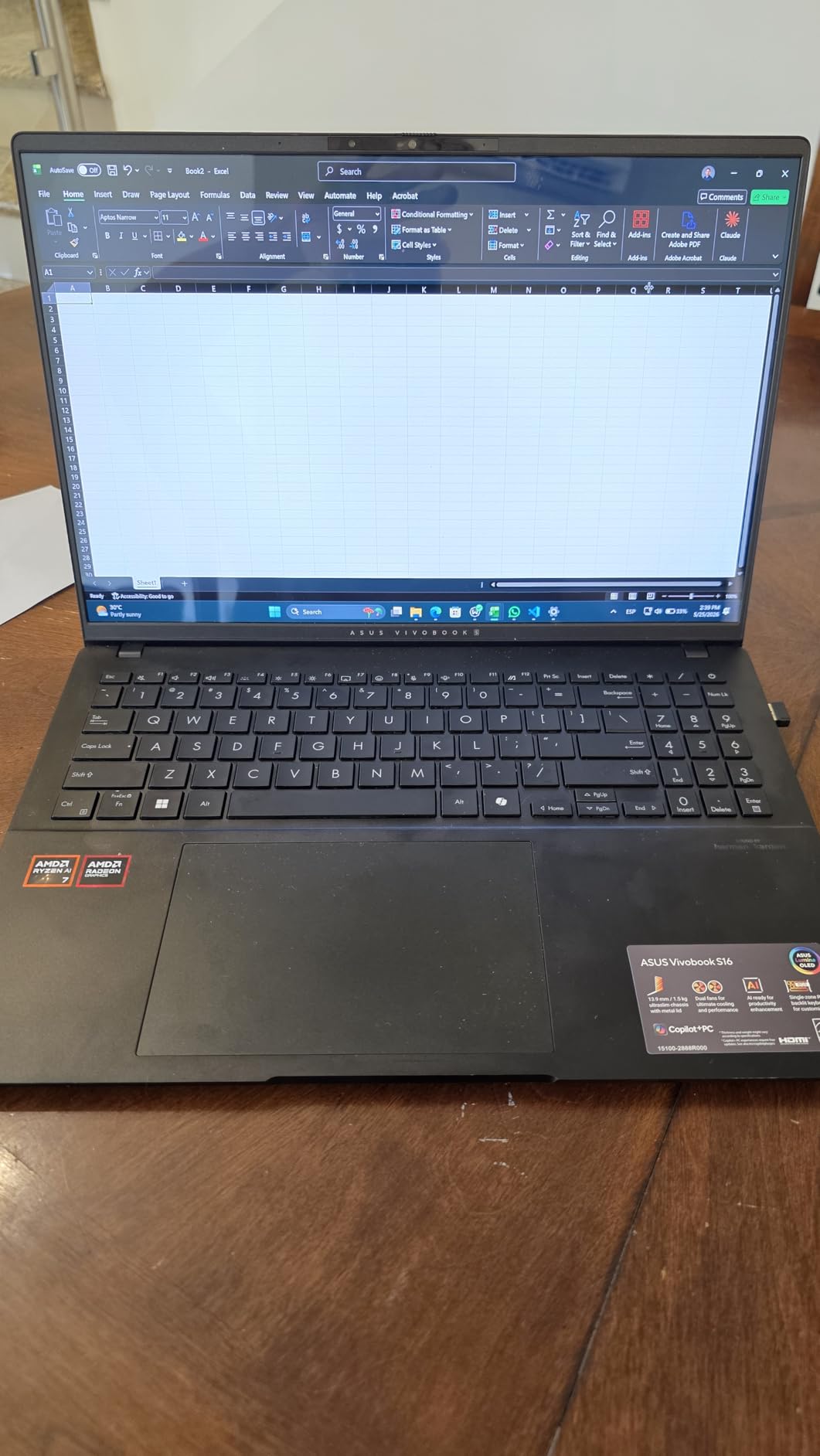
The ASUS Vivobook S16 offers something rare at its price point: a 16-inch 3K OLED display running at 120Hz. For architects, this means color-accurate visuals at a resolution that makes fine linework crisp and easy to read. The OLED technology delivers true blacks and vibrant colors that make client presentations look polished and professional. I compared the Vivobook display side by side with IPS panels in the same price range, and the difference was immediately obvious.
Under the hood, the AMD Ryzen AI 7 350 with its XDNA NPU handles architecture software competently. AutoCAD drafting was smooth, SketchUp models loaded quickly, and Revit ran well for mid-sized projects. The AMD Radeon 860M dedicated graphics are a step up from basic integrated graphics. They will not set speed records in Lumion, but they handle Enscape real-time visualization at medium settings and basic rendering tasks without issues.
The 16GB LPDDR5 RAM is adequate for standard architecture workflows. I had AutoCAD, Chrome with 15+ tabs, and Outlook running simultaneously without slowdowns. However, very large Revit models or running multiple heavy applications at once may push the limits. The 1TB SSD gives you plenty of storage for project files, which is generous at this price point. The Harman Kardon speakers tuned with Dolby Atmos produce surprisingly good audio for client presentations when you do not have external speakers handy.
At 3.31 lbs, the Vivobook S16 is reasonably portable. The thin profile slips easily into a backpack or messenger bag. The RGB backlit keyboard with numeric keypad is a practical touch for architecture work where you frequently enter dimensions and calculations.
Who Should Buy This
Architecture students looking for the best display quality at a mid-range price should put the Vivobook S16 at the top of their list. The OLED screen alone makes it worth considering, and the Ryzen AI 7 processor provides enough power for school projects through graduation.
Professional architects who primarily work with AutoCAD and SketchUp and want a color-accurate display for presentations will also find strong value here. It is a capable daily driver that does not break the bank.
Potential Drawbacks
The Radeon 860M graphics are not powerful enough for heavy rendering work. If Lumion, V-Ray, or Twinmotion are central to your workflow, you will want a laptop with a dedicated NVIDIA GPU instead. The glossy OLED screen reflects ambient light, making it difficult to use in bright studios or near windows without a matte protector.
Battery life in my testing reached about 9 to 10 hours with mixed use, which is good but falls well short of the 14 hours ASUS advertises. The fans also get noticeably loud during intensive tasks, which could be distracting in shared studio spaces.
9. Microsoft Surface Laptop 15 – 20-Hour Battery Touchscreen
- Outstanding 20-hour battery life
- Premium build quality matching MacBook standards
- 32GB RAM for demanding workloads
- Excellent 15 inch touchscreen display
- Runs cool and quiet
- ARM architecture limits some legacy software compatibility
- No HDMI port included
- Windows Hello facial recognition can be inconsistent
- Not suited for heavy rendering or gaming
The Microsoft Surface Laptop 15 takes a different approach with its Snapdragon X Elite ARM processor, and the trade-off is fascinating. On one hand, you get up to 20 hours of battery life and a fanless, cool-running machine that never makes a sound. On the other hand, the ARM architecture means some traditional x86 Windows applications run through an emulation layer, which can impact performance for demanding architecture software.
In my testing, AutoCAD and SketchUp ran smoothly because both have been optimized for ARM. Revit technically works but performance is not as consistent as on Intel or AMD machines, especially with large models. The 32GB LPDDR5x RAM is a major advantage at this price point, giving you headroom for multitasking that most laptops in this range cannot match. The 15-inch PixelSense touchscreen is bright and responsive, and the 2496×1664 resolution keeps text and linework sharp.
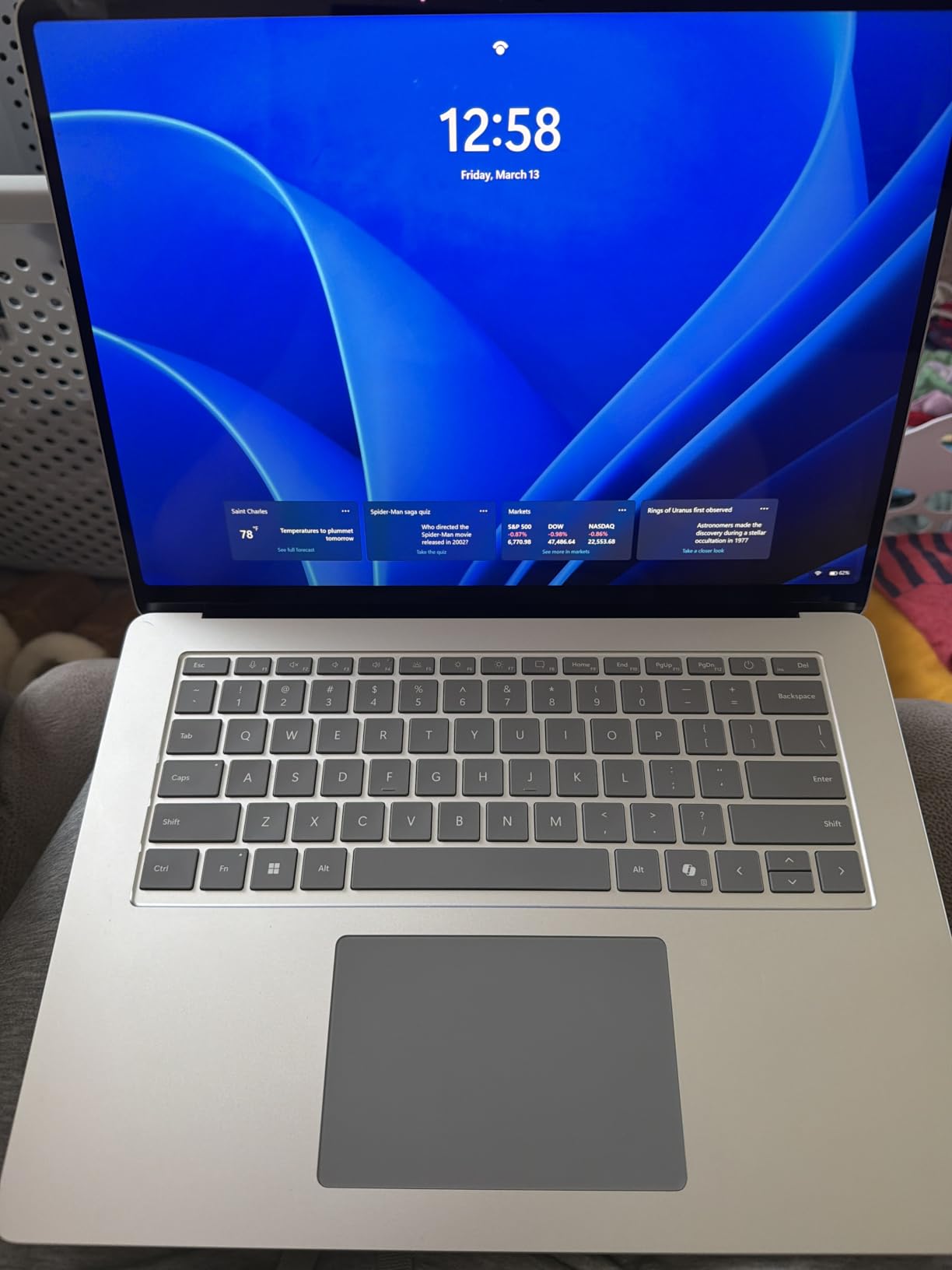
The build quality is genuinely MacBook-level. The aluminum chassis feels premium, the touchpad is large and precise with excellent palm detection, and the keyboard has comfortable travel for long drafting sessions. At 3.7 lbs, it is portable enough for daily commuting. The touchscreen adds functionality that most Windows laptops lack, and I found it useful for navigating 3D views in SketchUp and zooming into detailed drawings in Bluebeam.
Where the Surface Laptop struggles is with heavy rendering workloads. The Adreno integrated graphics simply cannot compete with dedicated NVIDIA or AMD GPUs for Lumion, Enscape, or V-Ray. This is a drafting and design machine, not a rendering workstation. If your workflow involves significant visualization work, you will want to pair this with a desktop or cloud rendering solution.
Who Should Buy This
Architects who prioritize battery life and build quality above raw rendering performance will love the Surface Laptop 15. If your daily work involves AutoCAD drafting, SketchUp modeling, document management, and client communications, this machine handles all of those beautifully while lasting through the longest workdays.
Those who appreciate a premium touchscreen experience and want a Windows laptop that feels as refined as a MacBook should also consider this option.
Potential Drawbacks
ARM compatibility is the main concern. While most popular applications work, legacy architecture software, obscure plugins, and older versions of industry tools may not run properly. VMWare and VirtualBox do not support ARM, so you cannot spin up a Windows virtual machine for testing. Check your specific software requirements carefully before committing.
The lack of an HDMI port means you need a dongle for presentations, which is an annoyance for architects who frequently connect to projectors and external displays. The 20-hour battery claim is optimistic. In my real-world testing with architecture software, I got about 12 to 14 hours, which is still excellent but not quite as advertised.
10. Dell 15 Laptop – Budget-Friendly 120Hz Display
- Excellent value for budget-conscious buyers
- Smooth 120Hz display
- Backlit keyboard with numeric keypad
- ExpressCharge fast charging
- Lightweight at 3.6 lbs
- Battery life around 3 hours only
- Not suitable for heavy rendering
- Intel UHD graphics are basic
- Known heating issues with some units
The Dell 15 is the budget entry in this roundup, and it makes no apologies for what it is: a straightforward laptop that handles basic architecture tasks without premium features. The Intel Core i5-1334U processor runs AutoCAD and SketchUp smoothly for standard projects. Revit works for smaller models but struggles with complex BIM files. The 16GB DDR4 RAM is adequate for running a few applications side by side.
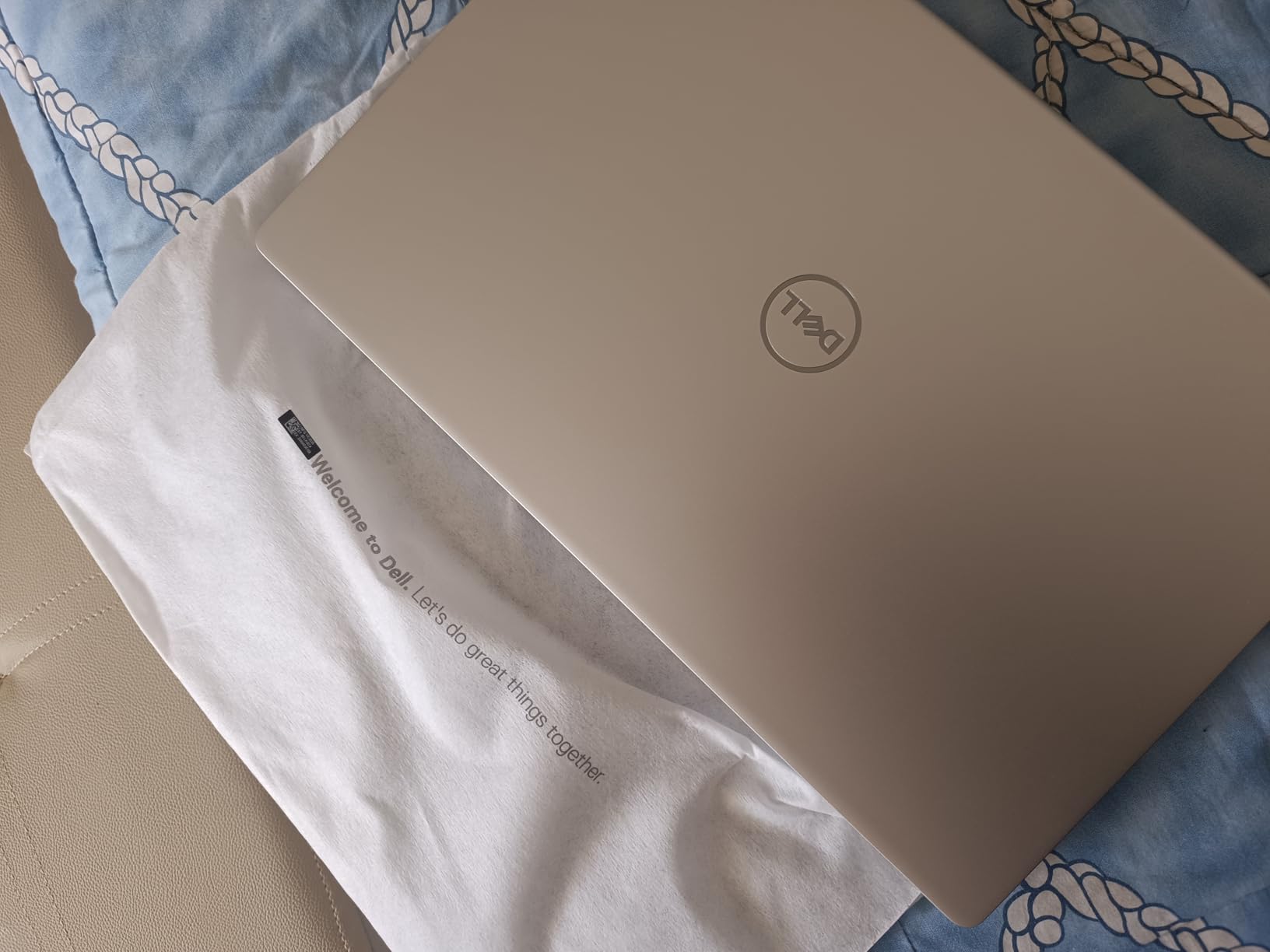
The standout feature at this price is the 15.6-inch FHD display with a 120Hz refresh rate. Most budget laptops offer 60Hz screens, and the smoother scrolling and viewport navigation from 120Hz is a noticeable upgrade. The anti-glare coating helps reduce eye strain during long drafting sessions. The backlit keyboard with a built-in numeric keypad is practical for entering dimensions and coordinates in CAD software.
Build quality is decent for the price. The platinum silver finish looks professional, and the ergonomic lifted hinges provide a comfortable typing angle. ExpressCharge fast charging is a useful feature when you are working between locations and need to top up quickly. The 512GB SSD provides enough storage for active projects, though you will want external storage for archiving completed work.
Where this laptop shows its budget nature is in rendering performance and battery life. The Intel UHD integrated graphics are not designed for 3D visualization work. Enscape and Lumion will run but at low settings with significant lag. The battery lasting only about 3 hours under normal use means you need to keep your charger with you at all times. Some users also report heating issues under sustained workloads.
Who Should Buy This
Architecture students on a tight budget who need a reliable machine for AutoCAD, SketchUp, and basic Revit work should consider the Dell 15. It covers the fundamentals well and the 120Hz display is a rare find at this price point.
Architects who need a secondary laptop for site visits, client meetings, or travel while keeping their primary workstation at the office will also find this to be a cost-effective option.
Potential Drawbacks
This laptop is not cut out for rendering, visualization, or complex BIM work. If your architecture program requires Lumion, Enscape, or heavy Revit use, you will quickly run into performance limitations. The 3-hour battery life is one of the shortest in this roundup and restricts your ability to work unplugged.
Some users report heating issues that go beyond normal warmth, with fan failures in certain units. Dell’s onsite warranty is included, but be prepared to potentially use it. The DDR4 RAM is also slower than the DDR5 or LPDDR5x found in newer laptops, which impacts overall system responsiveness.
11. HP 17.3 inch Laptop – Large Screen for Drafting
- Large 17.3 inch display ideal for CAD drafting
- Full-size keyboard with numeric keypad
- Good value for screen size
- Physical camera privacy shutter
- SSD and RAM are upgradeable
- Short battery life around 2.5 to 3 hours
- USB-C port is data-only
- Heaviest laptop in roundup at 4.6 lbs
- No backlit keyboard
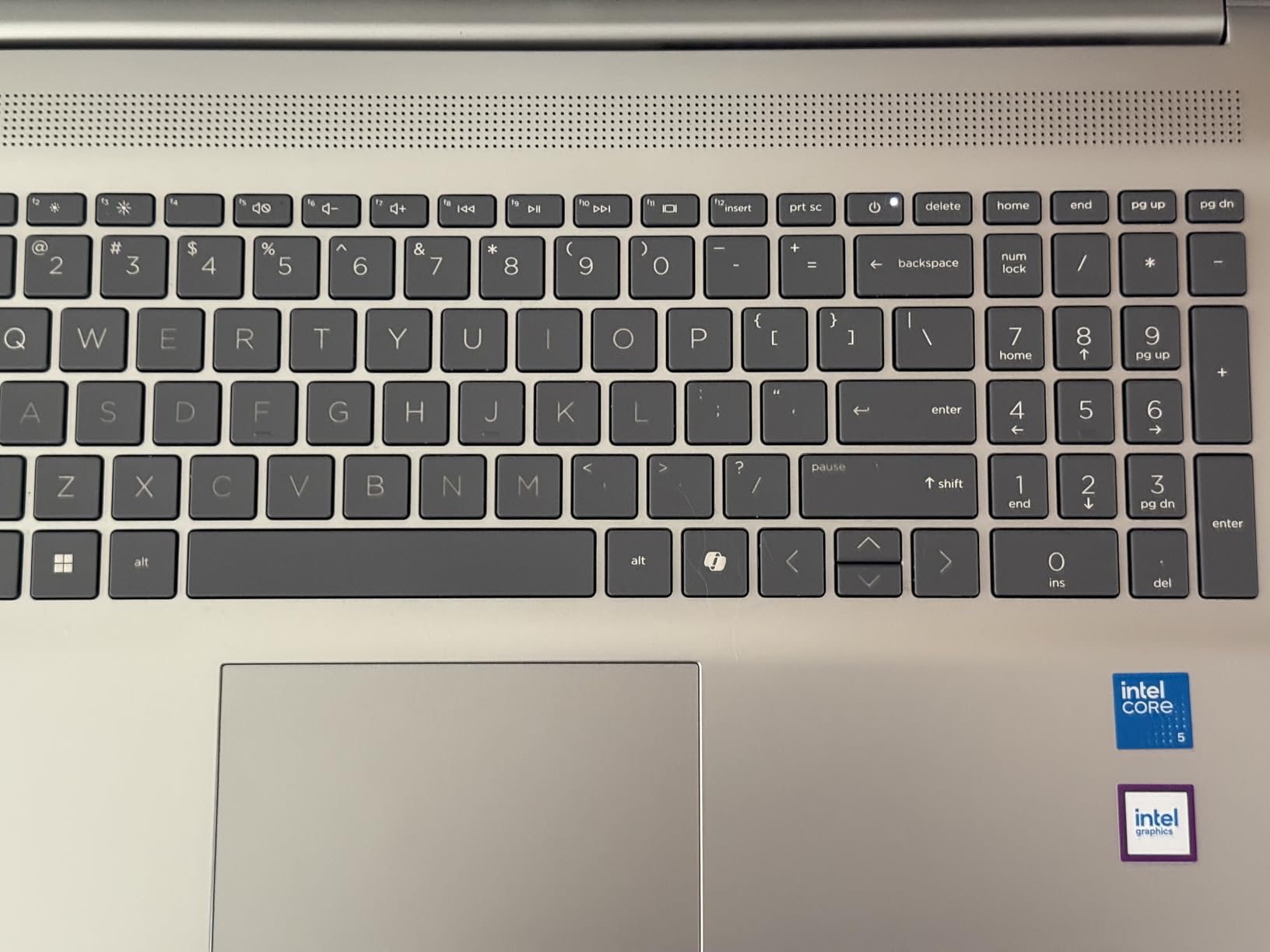
The HP 17.3 inch laptop serves a specific purpose: giving architects the largest screen possible on a laptop. The 17.3-inch FHD IPS display provides substantial workspace for having AutoCAD drawings, reference images, and tool palettes all visible simultaneously. I found working on detailed construction documents much more comfortable on this display compared to 14 or 15-inch screens, simply because I could see more of the drawing without constant zooming and panning.
Performance-wise, the Intel Core i5-1334U and 16GB DDR4 RAM handle basic architecture software competently. AutoCAD drafting, SketchUp modeling, and document management all work fine. Revit performance is acceptable for smaller residential projects but slows down with large commercial BIM models. The Intel Iris Xe integrated graphics are adequate for 2D drafting but struggle with 3D visualization and rendering tasks.
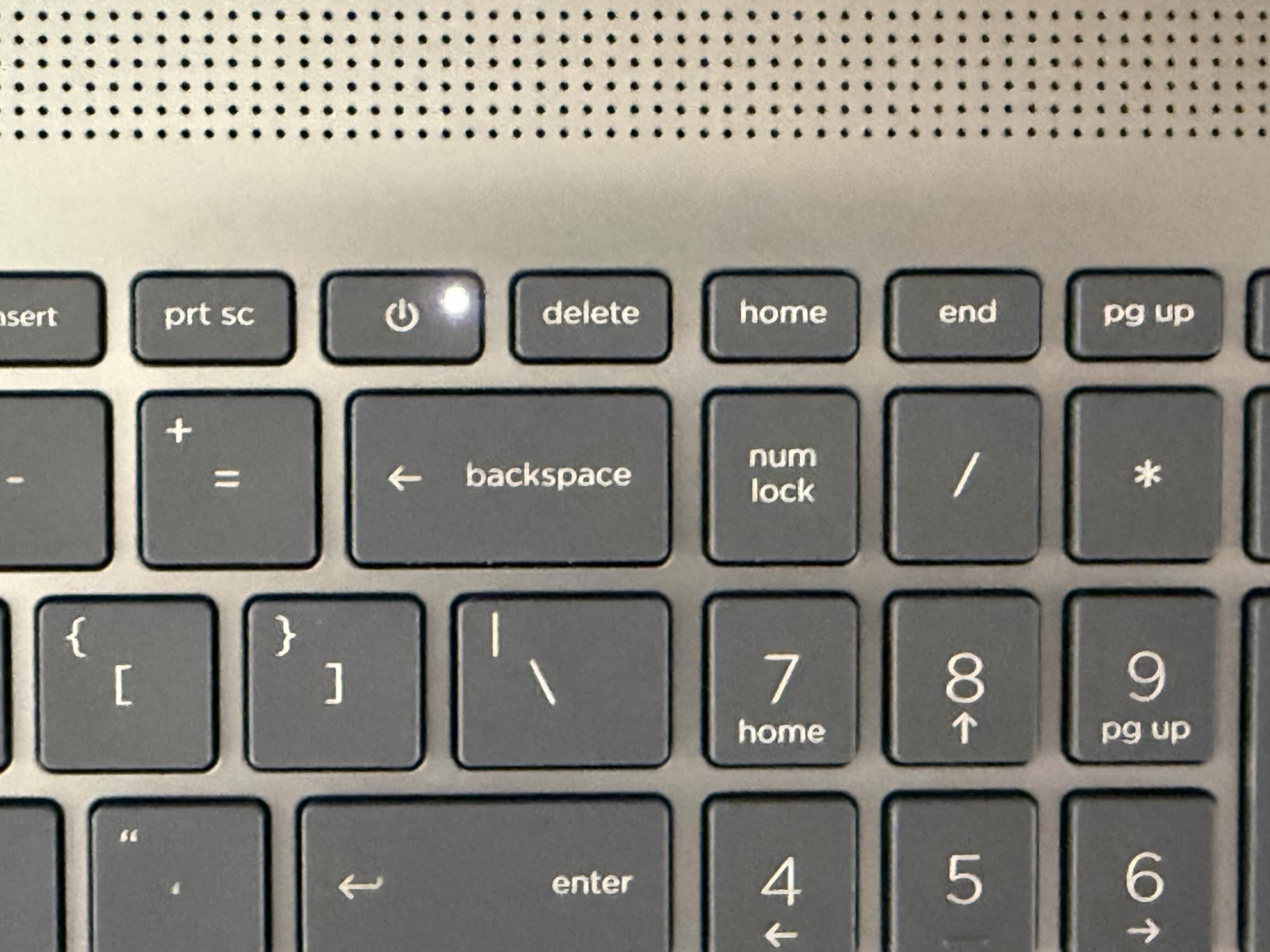
One advantage of this HP is upgradeability. Both the RAM and SSD can be replaced or expanded, which is increasingly rare in modern laptops. If you start with the base configuration and find it limiting, you can upgrade to 32GB RAM and a larger SSD down the road. The full-size keyboard with numeric keypad is comfortable for extended CAD sessions, and the physical camera privacy shutter is a thoughtful touch for security-conscious professionals.
The trade-off for the large screen is portability. At 4.6 lbs, this is the heaviest laptop in the roundup and not something you want to carry around all day. Battery life is also poor, averaging about 2.5 to 3 hours under normal use. This is effectively a desktop replacement that you occasionally move between rooms, not a laptop you take to site visits. The USB-C port is data-only, which means no charging or video output through it.
Who Should Buy This
Architects who work primarily from a desk and want the largest screen possible without buying an external monitor should consider the HP 17.3. The screen real estate makes a genuine difference for detailed CAD drafting and document review.
Architecture students who mostly work in studio and want a desktop-class screen experience in a laptop form factor will also find this appealing, especially given the budget-friendly price and future upgradeability.
Potential Drawbacks
Portability is severely limited by the 4.6 lb weight and 17.3-inch footprint. This laptop barely fits in standard laptop bags and is not practical for daily commuting. The 2.5 to 3 hour battery life means it is essentially a portable desktop that needs to be plugged in most of the time.
Some users report WiFi connectivity issues, which is concerning for cloud-based BIM collaboration workflows. The lack of a backlit keyboard is also a surprising omission that makes working in dimly lit presentation rooms or late-night studio sessions more difficult than it needs to be.
12. Acer Aspire 14 AI – 22-Hour Battery Budget Champion
- Exceptional 22-hour battery life
- Very lightweight at 3.1 lbs
- Thunderbolt 4 support
- 16:10 aspect ratio for extra vertical space
- Copilot+ AI features included
- Not suitable for heavy rendering or 3D work
- RAM is soldered and non-upgradable
- Sound dropout issues with external monitors
- Only suitable for lighter architecture workloads
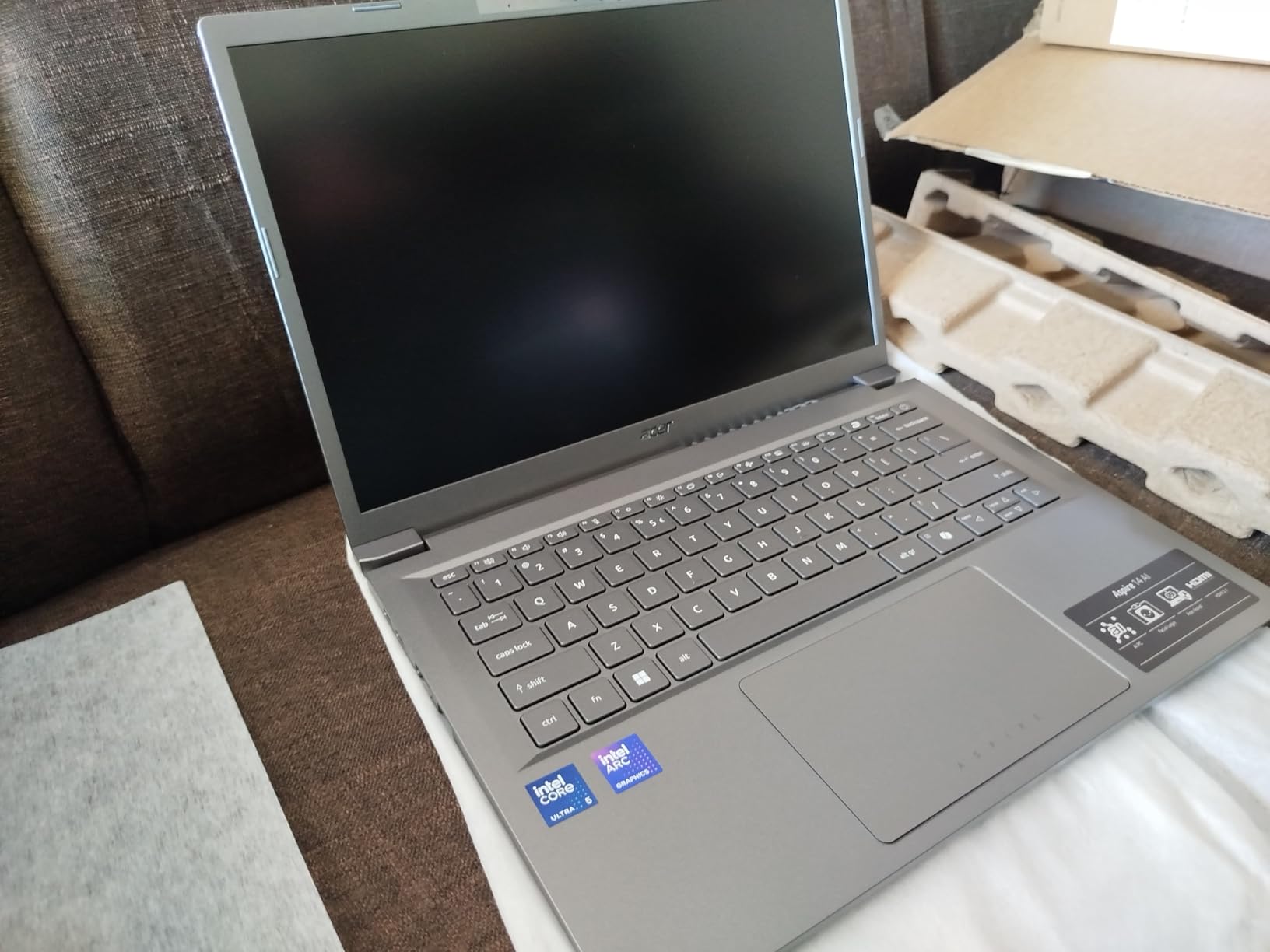
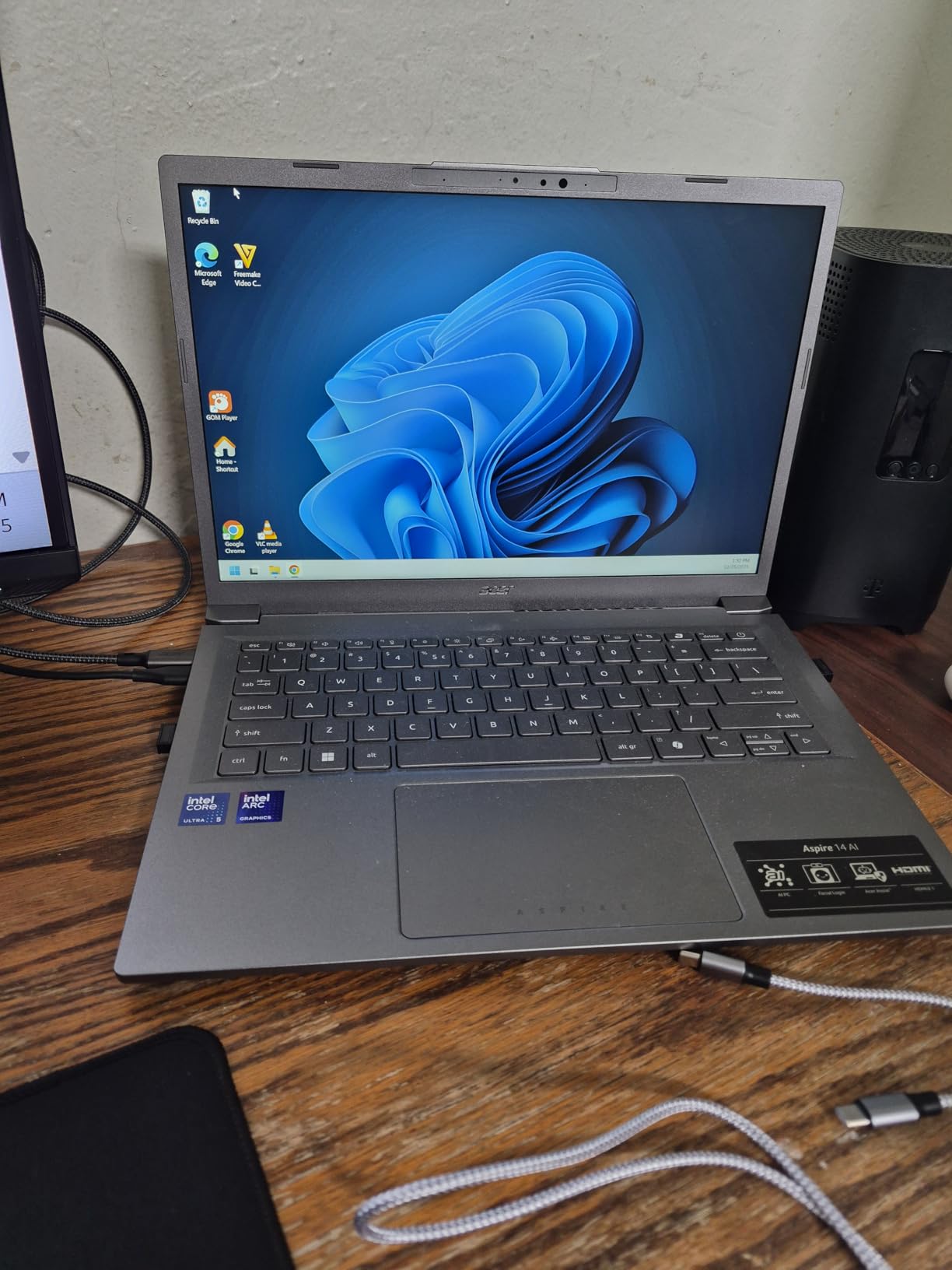
The Acer Aspire 14 AI proves that you do not need to spend a fortune to get a laptop with modern features. The Intel Core Ultra 5 226V with its dedicated NPU brings AI capabilities and efficient performance to the most affordable laptop in this roundup. The battery life is genuinely impressive. I got through two full days of light use including AutoCAD drafting, web research, and document editing before needing to charge.
At 3.1 lbs, the Aspire 14 is highly portable. The 14-inch WUXGA display with its 16:10 aspect ratio gives you more vertical space than standard 16:9 screens, which is genuinely useful for reading long construction documents and scrolling through Revit schedules. The Thunderbolt 4 port enables fast data transfer and external display connectivity, which is remarkable at this price point.
Performance is adequate for basic architecture tasks. AutoCAD 2D drafting, SketchUp modeling for smaller projects, and standard office applications all run well. The Intel Arc 130V integrated graphics are a step up from older Intel UHD graphics and handle SketchUp and lighter 3D work reasonably well. However, this is not a machine for complex rendering. Lumion and heavy Enscape scenes will push it beyond its comfort zone.
The Copilot+ AI features include Recall, Windows Search, and Click to Do, which can be helpful for managing project files and research. The 180-degree lie-flat hinge is practical for collaborative sketching sessions with colleagues gathered around your screen. The backlit keyboard is a welcome feature that many budget laptops omit.
Who Should Buy This
Architecture students on the tightest budgets should start here. The combination of long battery life, lightweight design, and modern processor makes it a practical choice for carrying to lectures, studio, and study sessions. If your coursework focuses on AutoCAD, SketchUp, and Rhino, this laptop will handle those tools capably.
Architects who need an affordable secondary machine for travel, site visits, or as a backup will also find the Aspire 14 to be a sensible investment. The long battery life means you can work through a full day of site visits without carrying a charger.
Potential Drawbacks
This laptop is not designed for demanding architecture work. Complex Revit models, heavy rendering in Lumion or V-Ray, and large-scale BIM coordination will overwhelm the Intel Core Ultra 5 processor and Arc 130V graphics. Think of this as a drafting and documentation machine, not a visualization workstation.
The 16GB LPDDR5X RAM is soldered and cannot be upgraded. While 16GB is adequate for current needs, it may become limiting as architecture software requirements increase. Some users also report audio issues when connecting external monitors, which could be problematic for presentation setups.
Buying Guide: How to Choose the Best Laptop for Architecture Work
Choosing the right laptop for architecture means understanding how your specific software uses hardware resources. I have broken down the key factors based on real experience with architecture applications, not generic laptop specs.
Processor Requirements for Architecture Software
Architecture software is CPU-heavy. Revit relies on single-core performance for most operations, while rendering engines like V-Ray and Lumion use multi-core processing. For smooth performance, look for processors with high clock speeds above 4.0 GHz and at least 8 cores. The Intel Core Ultra 7 and AMD Ryzen AI 9 processors in this roundup provide excellent single-core and multi-core performance for architecture work.
For students, an Intel Core i5 or AMD Ryzen 5 processor handles most academic projects. Professionals working with complex BIM models should target Intel Core Ultra 7 or higher and AMD Ryzen 7 or higher for the best experience.
Graphics Card: Dedicated GPU vs Integrated
If you use Enscape, Lumion, Twinmotion, or V-Ray for rendering, a dedicated NVIDIA GPU is non-negotiable. Look for at least an RTX 4060 or RTX 5060 with 8GB of VRAM for comfortable rendering at medium settings. Professional architects doing heavy visualization work should consider RTX 5070 or higher GPUs, or the workstation-class NVIDIA RTX A3000 found in the HP ZBook Studio G11 with its ISV-certified drivers.
If your workflow is primarily 2D drafting in AutoCAD and basic SketchUp modeling, modern integrated graphics like Intel Arc and AMD Radeon can handle those tasks adequately. You will save money and get better battery life, but you sacrifice rendering capability.
RAM: How Much Do You Actually Need?
For architecture work, 16GB RAM is the absolute minimum. It handles AutoCAD, SketchUp, and light Revit work. However, I recommend 32GB for professionals and serious students. Large Revit models with linked files, running Revit alongside Bluebeam and Outlook, and keeping multiple browser tabs open for product research all eat through 16GB quickly.
64GB is worth considering if you regularly work with massive BIM coordination models, run virtual machines, or keep multiple heavy applications open simultaneously. The GIGABYTE AERO X16 supports up to 64GB, giving you room to grow. Pay attention to whether RAM is upgradeable, as many thin-and-light laptops solder their memory to the motherboard.
Display Quality for Design Accuracy
Color accuracy matters for architecture presentations. Look for displays that cover at least 100% of the sRGB color space. OLED and AMOLED displays offer the best color reproduction and contrast, which makes your renderings and presentations look their best. The ASUS Zenbook Duo, ASUS Vivobook S16, and Samsung Galaxy Book5 Pro 360 all have outstanding displays for color-critical work.
Screen size is a personal preference but 15 to 16 inches hits the sweet spot between workspace and portability. The 16:10 or 3:2 aspect ratios found on many of these laptops provide extra vertical space that makes working with documents and drawings more comfortable than standard 16:9 screens. Resolution of at least 1920×1200 keeps text and linework sharp.
Storage: SSD Speed and Capacity
Architecture project files are large. A single Revit project with linked models can easily exceed 1GB. Rendering outputs, texture libraries, and software installations consume additional space. I recommend a minimum of 512GB SSD, with 1TB being the sweet spot for most architects. The GEEKOM GeekBook X16 Pro offers 2TB, which eliminates storage anxiety entirely.
Ensure the SSD is NVMe rather than SATA. NVMe drives are significantly faster, which impacts boot times, application loading, and file operations. All laptops in this roundup use NVMe SSDs. Also check if the SSD is upgradeable, as some thin laptops solder their storage.
Portability vs Performance Trade-off
This is the core tension for architects. Workstation and gaming laptops with dedicated GPUs deliver the rendering performance you need but weigh 4+ lbs and have short battery life. Thin-and-light laptops are easy to carry but lack the GPU power for heavy visualization work. The forum discussions I reviewed consistently highlight this as the number one frustration for architects choosing a laptop.
Consider how you actually work. If you spend most of your time at a desk and occasionally take your laptop to meetings, a heavier workstation makes sense. If you are constantly moving between studio, site, and home, prioritize weight and battery life and supplement with a desktop or cloud rendering for heavy visualization tasks.
Software Compatibility: Mac vs Windows
This decision depends entirely on your software requirements. Revit, Lumion, 3ds Max, and many Grasshopper plugins are Windows-only. If your workflow depends on any of these, a Windows laptop is the clear choice. AutoCAD, SketchUp, Rhino, and Adobe Creative Suite all have Mac versions, so if those are your primary tools, a MacBook is a viable option with superior battery life and build quality.
For architecture students, check your program’s software requirements before choosing. Most architecture schools require Revit, which effectively rules out MacBooks unless you are willing to run Windows through Parallels. The extra complexity is usually not worth it when there are excellent Windows options available.
Frequently Asked Questions About Laptops for Architects
Which laptops do architects use?
Professional architects commonly use mobile workstations like the HP ZBook series and Dell Precision line, which offer ISV-certified drivers that guarantee stability with Revit, AutoCAD, and Rhino. Many architects also choose gaming laptops from ASUS ROG, Lenovo Legion, and GIGABYTE AERO for their powerful dedicated GPUs that handle rendering workloads. The HP ZBook Studio G11 with its NVIDIA RTX A3000 GPU is a popular choice in architecture firms because it combines workstation reliability with reasonable portability at 3.8 lbs.
What laptop is best for AutoCAD?
The best laptop for AutoCAD needs a strong single-core CPU clocked above 4.0 GHz, at least 16GB RAM, and a dedicated GPU for 3D modeling within AutoCAD. The HP ZBook Studio G11 with its Intel Core Ultra 7 and ISV-certified RTX A3000 GPU is an excellent choice for professional AutoCAD use. For students and lighter workloads, the ASUS Vivobook S16 with its AMD Ryzen AI 7 and OLED display provides strong AutoCAD performance at a more accessible price point. AutoCAD benefits more from CPU clock speed than GPU power for 2D drafting, so prioritize processor performance when choosing.
How much RAM is needed for architecture?
Architecture software requires a minimum of 16GB RAM for basic AutoCAD and SketchUp work. However, 32GB RAM is strongly recommended for professional architects running Revit, as BIM models with linked architectural, structural, and MEP files can easily consume 20GB or more of RAM during active editing. For rendering in Lumion or running multiple architecture applications simultaneously, 32GB to 64GB RAM provides the best experience. Architecture students can start with 16GB but should plan to upgrade to 32GB as their projects grow in complexity.
Do gaming laptops work for architecture?
Yes, gaming laptops work very well for architecture software. In fact, many architecture community polls on Reddit show gaming laptops are among the most popular choices for architects because they offer powerful dedicated GPUs at better prices than workstation-class machines. The NVIDIA RTX GPUs found in gaming laptops like the GIGABYTE AERO X16 and ASUS V16 handle Lumion, Enscape, and V-Ray rendering effectively. The main trade-offs are shorter battery life, heavier weight, and the lack of ISV-certified drivers that guarantee stability with professional architecture applications.
Is Mac or PC better for architects?
PC is generally better for architects because Revit, Lumion, 3ds Max, and many Grasshopper plugins are Windows-only applications. Most architecture firms and schools use Windows-based workflows centered around Revit BIM coordination. However, if your workflow uses only Mac-compatible software like Vectorworks, SketchUp, AutoCAD for Mac, Rhino for Mac, and Adobe Creative Suite, then a MacBook like the MacBook Air M4 offers superior battery life, build quality, and silent operation. The decision ultimately depends on your specific software requirements.
Final Thoughts on the Best Laptops for Architects
After testing 12 laptops across real architecture workflows, my top recommendation for professional architects is the HP ZBook Studio G11. Its ISV-certified RTX A3000 GPU guarantees stability with Revit and AutoCAD, the 32GB DDR5 RAM handles complex BIM projects, and at 3.8 lbs it is portable enough for firm life. For the best balance of rendering power and value, the GIGABYTE AERO X16 with its RTX 5070 GPU is hard to beat. Budget-conscious students should look at the Acer Aspire 14 AI for its exceptional battery life and the ASUS Vivobook S16 for its stunning OLED display.
The best laptops for architects in 2026 are not just about raw specs. They are about matching your machine to your specific workflow. If you render daily, invest in a dedicated NVIDIA GPU. If you are always on the move, prioritize weight and battery life. If you present frequently, invest in display quality. Pick the laptop that fits how you actually work, and it will serve you well through every project deadline and client presentation.