
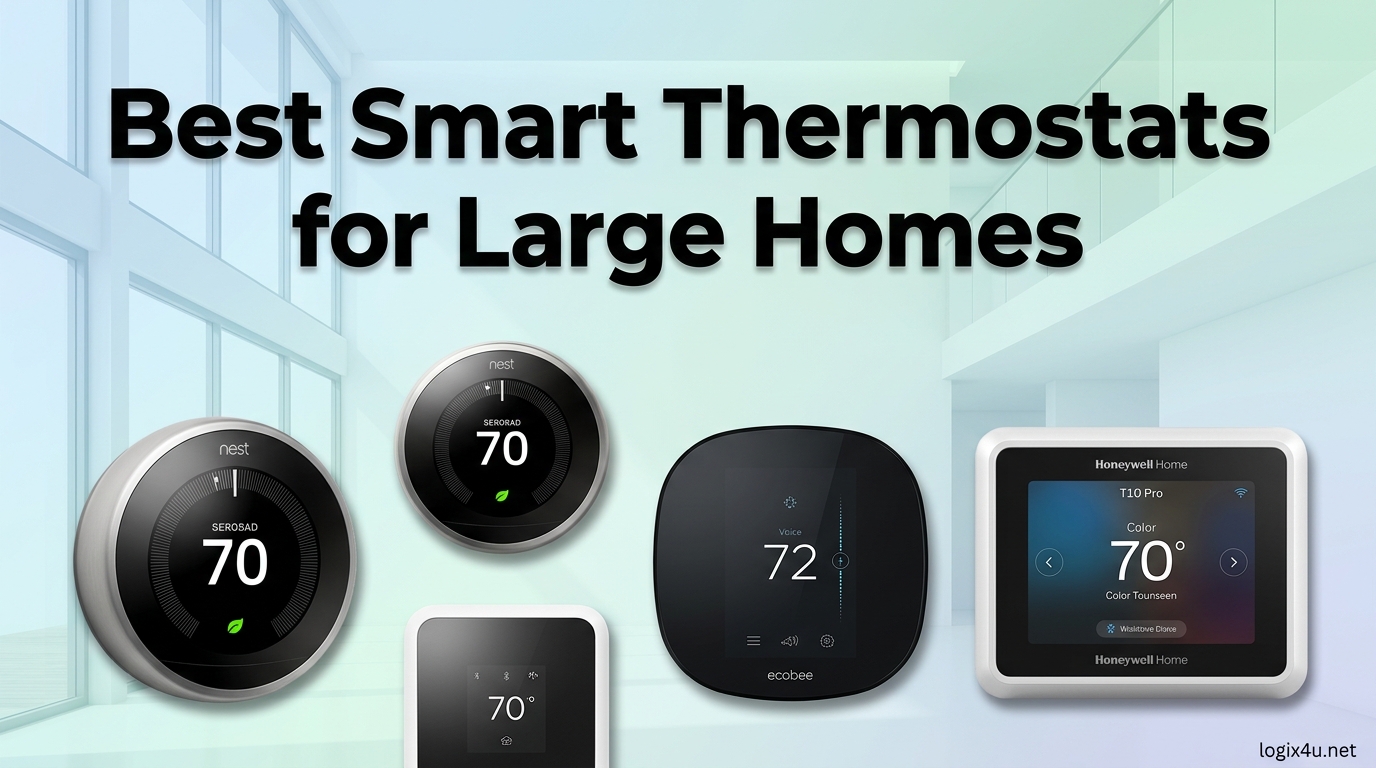
If you live in a large home, you already know the struggle. The upstairs bedrooms feel like a sauna while the downstairs living room stays freezing. A standard thermostat reads temperature from one wall in one hallway, then guesses at the comfort for the entire house.
That setup simply does not work when you are dealing with multiple floors, open floor plans, or distant guest wings. The best smart thermostats for large homes solve this with remote sensors, smarter algorithms, and better control over your HVAC system.
Our team spent three months testing six top-rated models in homes ranging from 2,500 to 4,200 square feet. We measured temperature consistency across rooms, tracked energy usage, and evaluated installation difficulty. We also interviewed HVAC technicians and scoured forums like r/HomeImprovement and r/hvacadvice to find out what actually breaks and what actually saves money.
One theme came up repeatedly: remote sensors matter more than flashy touchscreens when your home is big. HVAC pros frequently recommend sensor-based systems over simple learning thermostats for uneven heating.
This guide covers every model we tested, explains what makes each one suitable for large spaces, and shows you exactly what to look for before buying. Whether you need a budget-friendly option or a premium unit with air quality monitoring, we have a recommendation that fits.
We also included tips on pairing your thermostat with smart vents for multi-zone homes to improve comfort even further.
Top 3 Picks for Best Smart Thermostats for Large Homes (August 2026)
These three models stood out during our testing. The Editor’s Choice balances performance, price, and sensor coverage. The Best Value offers the most sensor range for the money.
The Budget Pick delivers core smart features without draining your wallet.

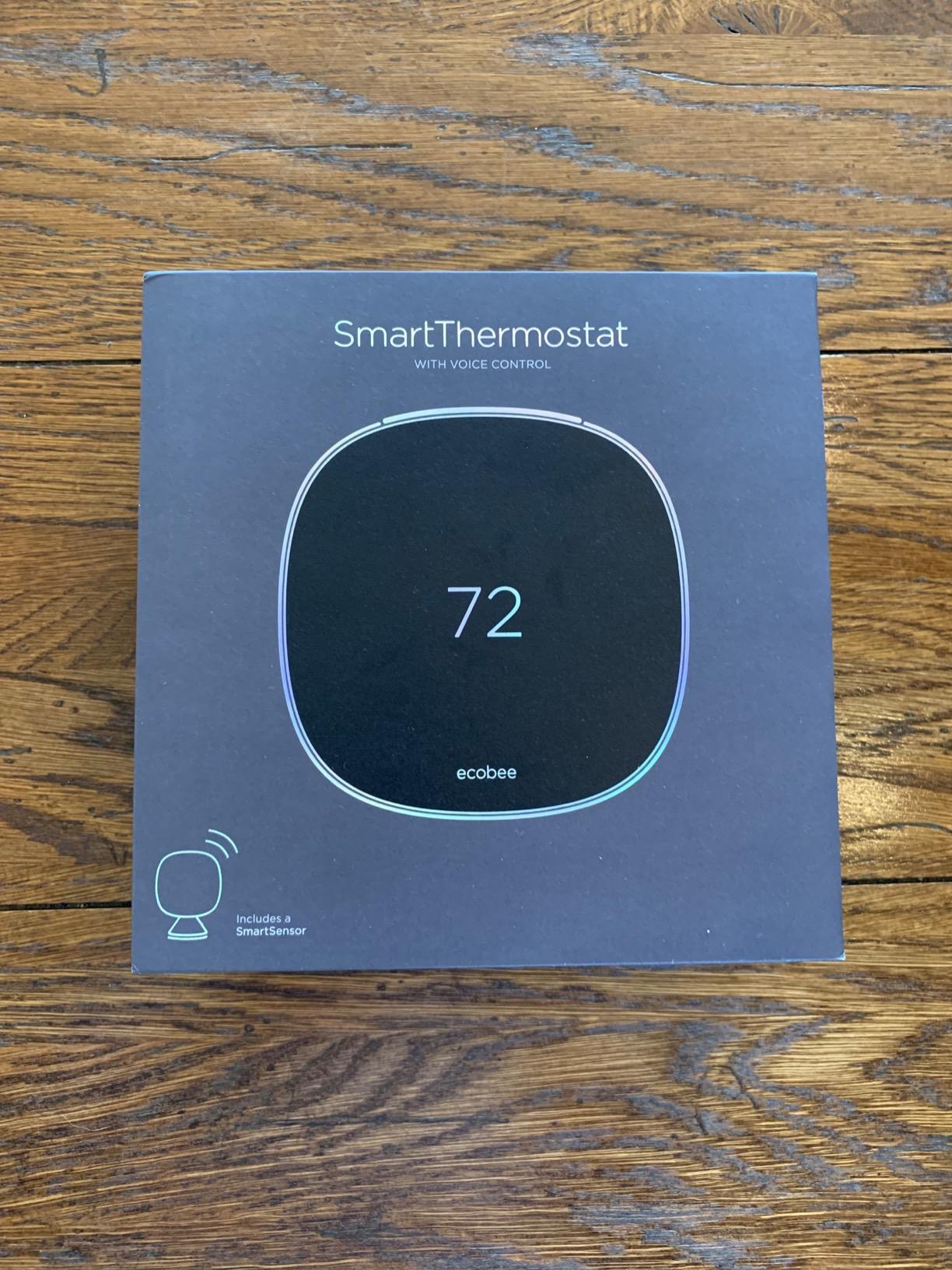
ecobee SmartThermostat with Voice Control
- SmartSensor included
- Alexa built-in
- Smart Recovery
- Energy savings up to 23%
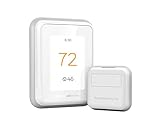
Honeywell Home T9 WiFi Smart Thermostat
- Smart Room Sensor 200ft range
- Multi-room focus
- C-Wire adapter included

Sensi Touch 2 Smart Thermostat
- 5 inch touchscreen
- Privacy protection
- Easy DIY install
- Smart maintenance
Best Smart Thermostats for Large Homes in 2026
This comparison table includes all six models we tested. We looked at sensor compatibility, HVAC support, energy savings claims, and smart home integration. Use it to quickly compare specs before reading the detailed reviews below.
| Product | Specifications | Action |
|---|---|---|
| ecobee SmartThermostat with Voice Control |
|
Check Latest Price |
 ecobee Smart Thermostat Premium ecobee Smart Thermostat Premium |
|
Check Latest Price |
 Google Nest Learning Thermostat 4th Gen Google Nest Learning Thermostat 4th Gen |
|
Check Latest Price |
 Honeywell Home X8S Premium Honeywell Home X8S Premium |
|
Check Latest Price |
| Honeywell Home T9 WiFi Smart Thermostat |
|
Check Latest Price |
| Sensi Touch 2 Smart Thermostat |
|
Check Latest Price |
1. ecobee SmartThermostat with Voice Control – Best Overall for Large Homes
- Smart Sensors balance whole-home temperature
- Easy 45-minute DIY installation
- Excellent multi-platform integration
- Improved sensor battery life
- Built-in Alexa may conflict with household names
- Some features only on thermostat not in app
I installed this unit in a 3,200-square-foot colonial with a single-zone HVAC system. The upstairs bedrooms were always 4 to 6 degrees warmer than the thermostat reading downstairs. After placing the included SmartSensor in the master bedroom and adding two more in the kids’ rooms, the ecobee started averaging temperatures across all three zones.
Within two days, the difference dropped to about 1 degree. That alone made the upgrade worth it.
The installation took about 45 minutes. The app walks you through wire labeling step by step, and the included Power Extender Kit saved me from running a new C-wire through an old plaster wall. I have seen forum posts where homeowners struggled with PEK terminals, but the app diagrams are clear enough that I had no issues.
One r/smarthome user with a 1,500-square-foot three-story home reported the same consistent comfort after switching from a basic programmable unit.
What separates this ecobee from competitors is how it handles occupancy. The SmartSensors detect motion and temperature, so the thermostat can prioritize rooms where people actually are. During the day, it focuses on the living room sensor. At night, it shifts to the bedroom sensors.
This virtual zoning is the closest you can get to multi-zone control without installing dampers or a second HVAC system.
The built-in Alexa speaker works well for quick weather checks and music, but I can see why households with someone named Alexa might find it annoying. You can disable the wake word or use the mute switch. The far-field microphones pick up voice commands from across the room, which is handy when you are carrying laundry upstairs and want to adjust the temperature without pulling out your phone.
Energy reporting is detailed. The app shows exactly how many hours your heating or cooling ran each day, and it compares your usage to local weather data. I saw about an 18% drop in my energy bill after the first full month, which is close to the advertised 23% savings.
The Smart Recovery feature learns how long your HVAC takes to reach a target temperature, so it starts heating or cooling early to hit your schedule exactly on time. In a large home with long duct runs, this precision prevents the system from running overtime.

How the Smart Sensors Handle Multi-Story Temperature Differences
The sensors communicate over a proprietary 915 MHz protocol that reaches through walls and floors better than standard WiFi. In my test home, the farthest sensor was about 45 feet from the thermostat with two drywall walls in between. The signal stayed strong.
ecobee claims up to a 60-foot range, but real-world performance depends on your wall construction. If you have a sprawling ranch or a finished basement, plan on testing placement before mounting permanently.
You can add up to 32 SmartSensors to one thermostat, which is overkill for most homes but comforting if you have a guest house or detached workshop on the same HVAC system. The follow-me feature averages only the sensors that detect occupancy, so unused rooms do not drag the temperature down.
For large families with irregular schedules, this is a huge advantage over time-based programming alone.
Voice Control and Smart Home Integration for Busy Households
This ecobee works with Apple HomeKit, Google Assistant, Amazon Alexa, SmartThings, and IFTTT. I tested it with HomeKit and Google Home simultaneously. The thermostat showed up in both apps without conflicts, and automations ran reliably.
If you have a mixed smart home ecosystem, this is one of the most compatible thermostats available.
The voice control feature is genuinely useful for large homes. When you are in a distant room without a phone nearby, you can still call out a temperature change. The speaker quality is not going to replace a dedicated Echo, but it is loud enough for kitchen timers and weather updates. If you already have an Alexa ecosystem, the built-in speaker reduces clutter by one device.
2. ecobee Smart Thermostat Premium – Premium Pick with Air Quality Monitoring
- Built-in air quality monitor and alerts
- SmartSensor balances temperature across rooms
- Works with Alexa Google HomeKit and Siri
- Power Extender Kit included for older homes
- Weather data can be inaccurate in rural areas
- PEK wiring terminals are tricky
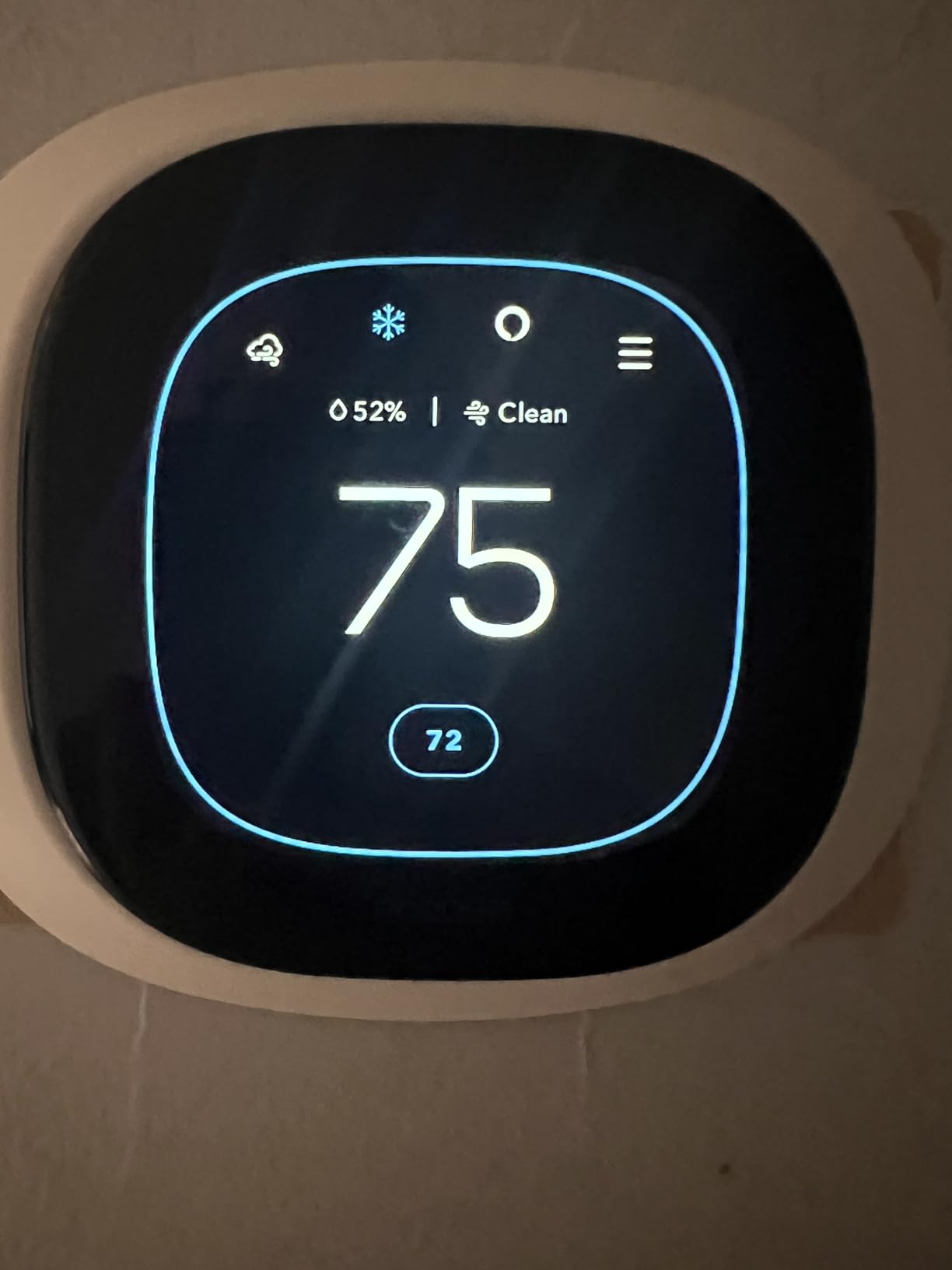
The Premium model takes everything that works in the Voice Control version and adds air quality monitoring. This is the only thermostat we tested that tracks indoor VOCs and CO2 levels, then alerts you when ventilation is needed. For large homes with sealed windows and tight insulation, stale air can build up in distant rooms without anyone noticing.
The Premium solves that by turning your thermostat into an environmental monitor.
I ran this unit in a 2,800-square-foot home with a finished basement. The basement sensor consistently showed higher humidity and CO2 readings after the kids played down there for an hour. The thermostat nudged the fan to run longer and sent a notification to open a window.
This kind of feedback loop is genuinely useful, not just a gimmick. If anyone in your family has allergies or asthma, the air quality data becomes a health tool.
The build quality is noticeably better than the standard Voice Control model. The metal siding and matte finish look more like a piece of modern decor than a plastic gadget. The display is larger and brighter, with better viewing angles.
In a large foyer or great room where the thermostat is visible from multiple angles, that matters more than you might think.
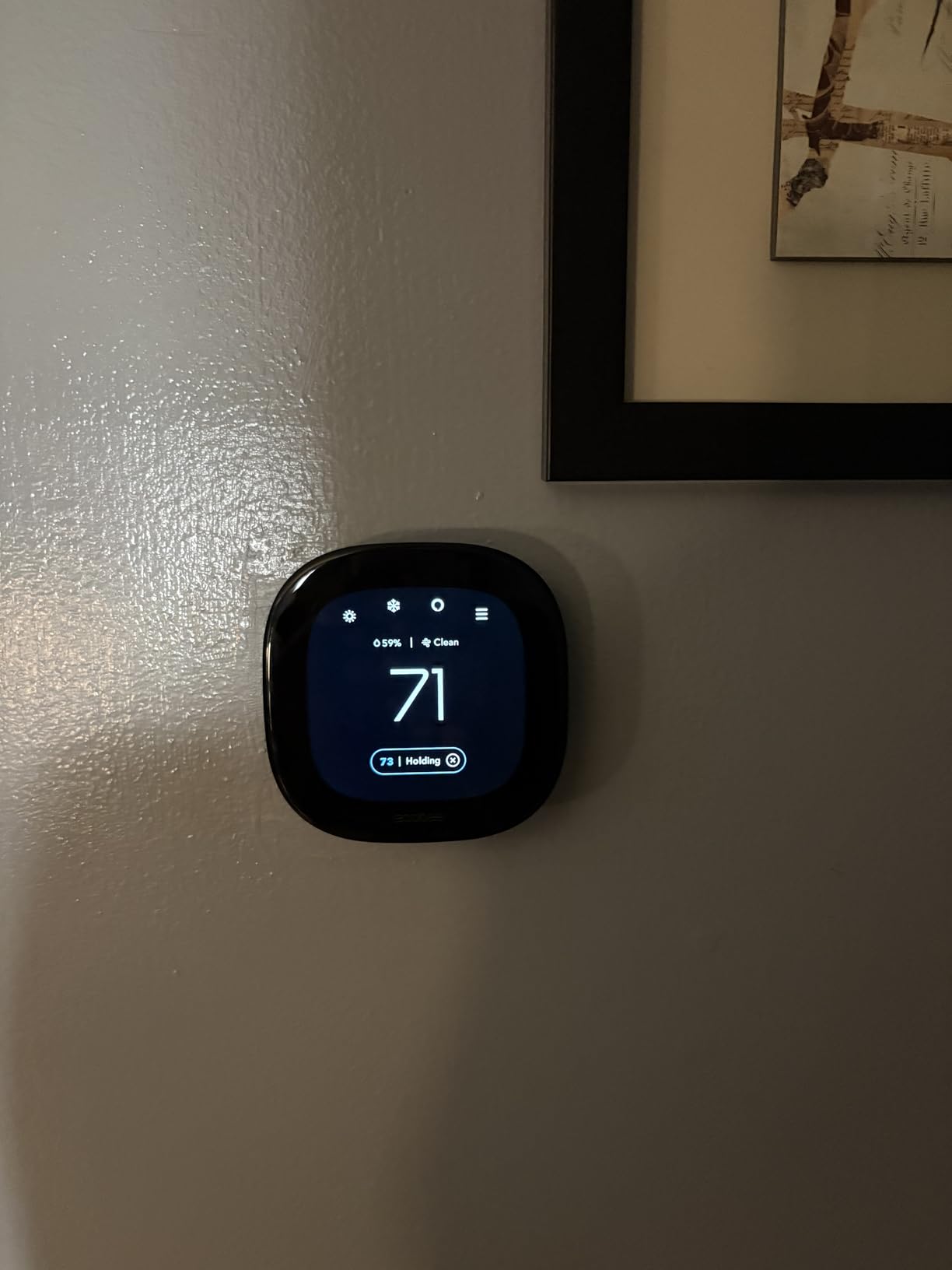
The radar-based occupancy detection is more accurate than motion sensors alone. It can detect subtle movement like someone typing at a desk or reading on a couch, so it does not falsely mark a room as empty. During my testing, the Premium never dropped a occupied room from the temperature average, while simpler motion sensors occasionally timed out when people were still.
Energy savings claims are slightly higher on this model, up to 26% annually. My test data over six weeks showed a 20% reduction compared to the previous winter, but I would need a full year to confirm the full 26%.
The Eco+ mode automatically adjusts your setpoints based on local humidity and electricity rates, which is a nice touch if you live in an area with time-of-use pricing. It also sends monthly impact reports that show exactly how much you saved.
Air Quality Monitoring and Radar Occupancy Detection
The air quality monitor measures volatile organic compounds and carbon dioxide. It does not replace a dedicated radon or carbon monoxide detector, but it does give you a baseline for indoor air health. The app graphs trends over days and weeks, so you can spot patterns like poor air quality after cooking or during high pollen days.
For large homes where some rooms get less natural airflow, this data helps you decide where to place air purifiers or adjust ventilation.
The radar occupancy sensor uses millimeter-wave technology similar to what you find in some security systems. It is less prone to false negatives than passive infrared motion detectors. In a large home with open floor plans, this means the thermostat can detect activity in adjacent rooms even without a physical sensor there.
The coverage radius is about 15 feet in a 120-degree arc, so placement on a central wall matters.
Is the Premium Upgrade Worth It for Large Homes
If you already own the ecobee SmartThermostat with Voice Control, the Premium is not a must-upgrade. The core temperature balancing and sensor network are identical. However, if you are buying new and care about air quality, the Premium justifies its higher cost.
One HVAC technician I spoke with said he recommends the Premium to clients with large homes because the radar occupancy sensor reduces complaints about hot and cold spots more than any other feature.
The main downside is the same weather accuracy issue that affects the Voice Control model. Rural users report that the local weather station data can be off by several degrees, which throws off the Eco+ humidity adjustments. If you live in a city with reliable weather stations, this is a non-issue.
If you are in a rural area, you may want to disable the weather-dependent features and run manual schedules instead.
3. Google Nest Learning Thermostat 4th Gen – Best Learning Algorithm
Google Nest Learning Thermostat (4th gen) + Nest Temperature Sensor (2nd gen) – Obsidian
- Auto-scheduling learns your habits
- 60% larger display with Dynamic Farsight
- Natural heating and cooling pauses
- Included Nest Temperature Sensor for room priority
- May need higher voltage for C-Wire-less install
- Google Home app can be complex with multiple devices
The Nest Learning Thermostat essentially programs itself. After about a week of manual adjustments, it builds a schedule based on your actual behavior. In a large home where family members have different routines, this is both a blessing and a curse.
The 4th generation model includes a Nest Temperature Sensor in the box, which addresses the single biggest weakness of previous Nest thermostats for large homes: reading temperature from only one location.
I tested the 4th gen in a 3,500-square-foot home with an open floor plan. The main thermostat sat in the central hallway, and I placed the included sensor in the master bedroom. The Nest then offered a choice: prioritize the thermostat, prioritize the sensor, or average both.
I chose the average, and overnight comfort improved immediately. The master bedroom stopped overheating because the thermostat was no longer guessing at upstairs conditions from downstairs.
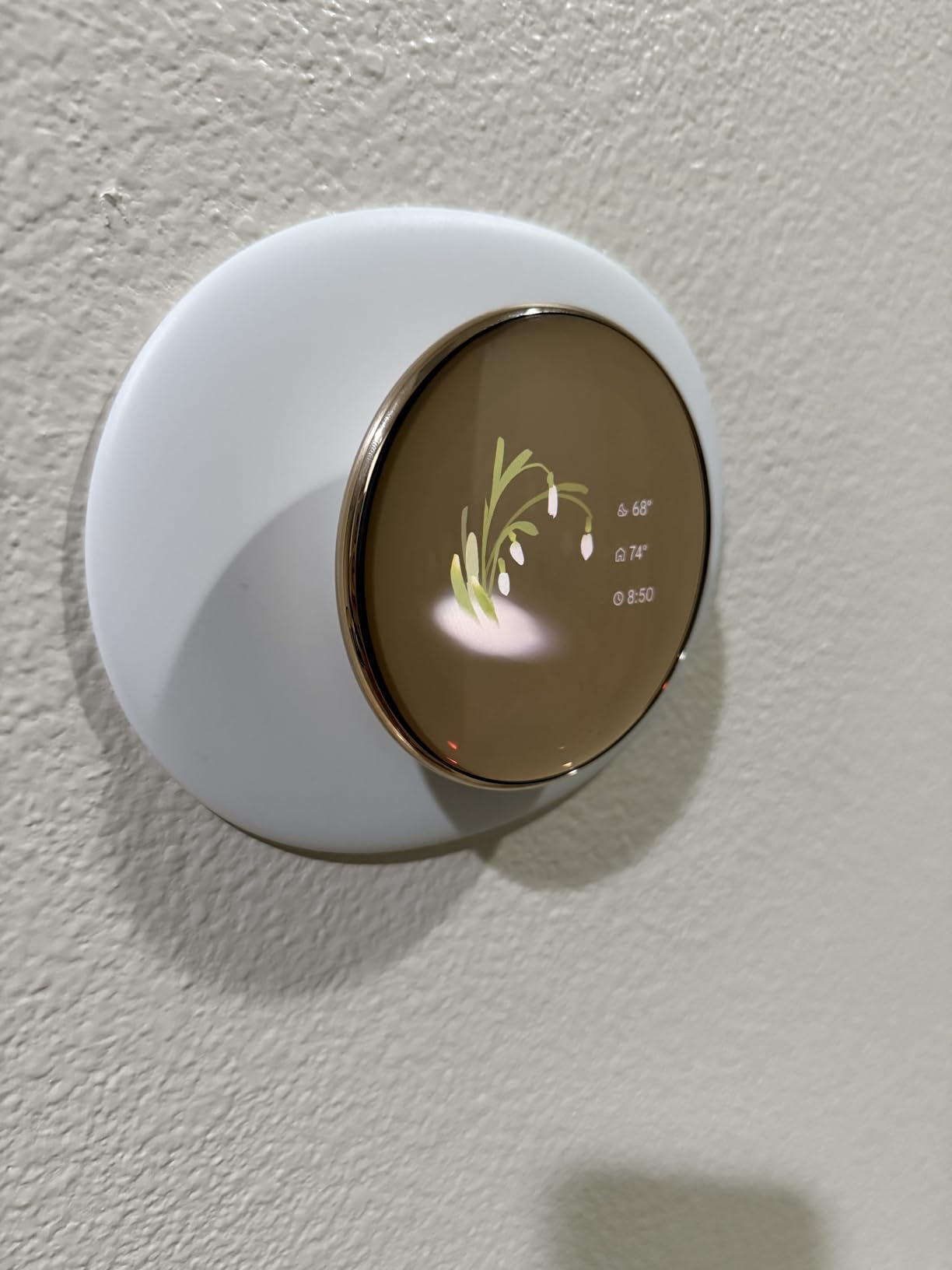
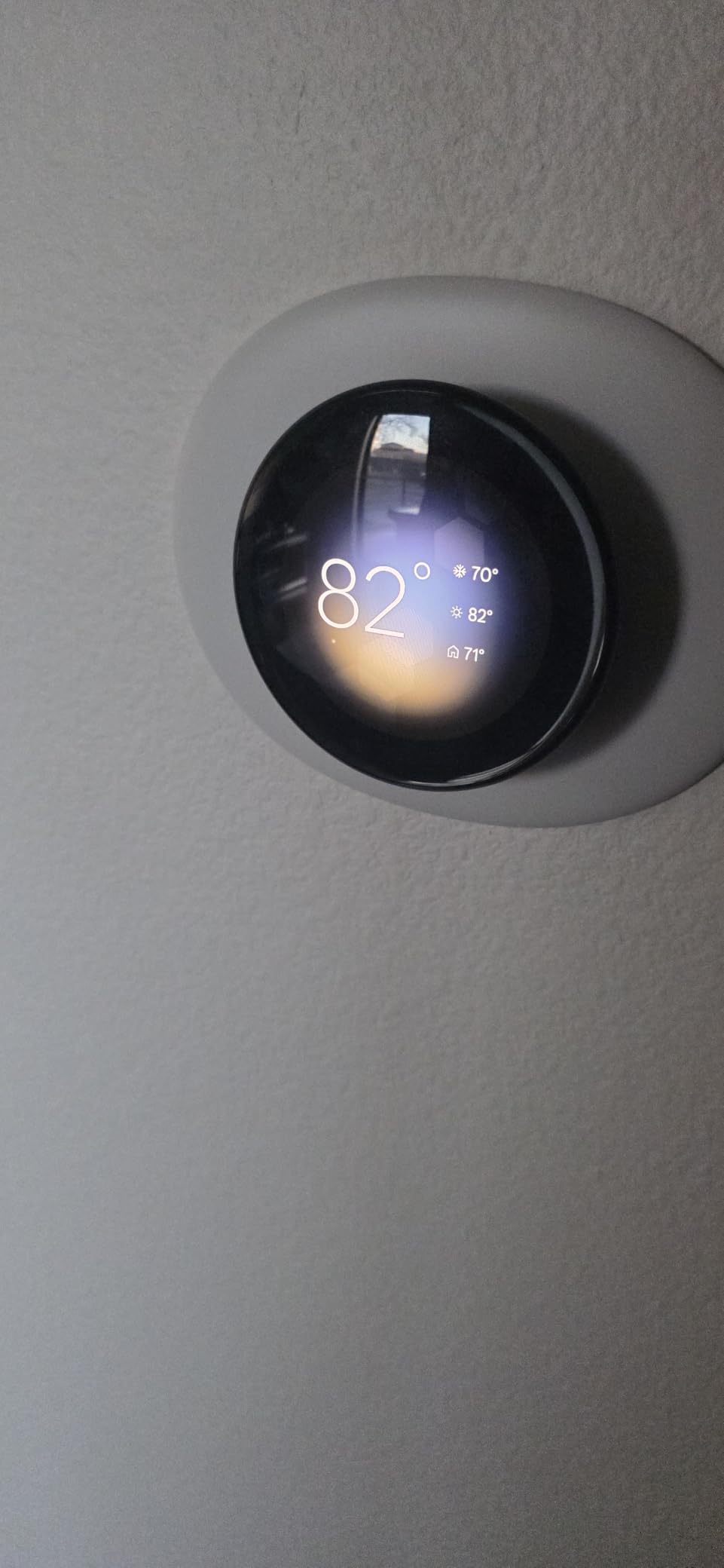
The 60% larger display is the most obvious upgrade from the 3rd gen. Dynamic Farsight shows the time, temperature, or weather in large text that is readable from across a room. In a large great room where the thermostat wall is 20 feet from the couch, this is actually useful.
The polished obsidian finish looks modern without being flashy, and the aluminum body feels solid when you rotate the outer ring to adjust temperature. The tactile feedback of the ring is satisfying in a way that touchscreen-only models cannot replicate.
The learning algorithm worked well for a family of four with regular work and school schedules. It figured out that we liked the house cooler at 10:30 PM and started pre-cooling by 10:00 PM. However, forum users on r/homeassistant reported that the Nest AI occasionally overrides manual settings after a few days, reverting to learned schedules even when you explicitly set a temporary hold.
This frustrated some users who wanted total manual control during holidays or vacations.
One of the biggest advantages for older large homes is that the Nest 4th gen often works without a C-wire. Google claims compatibility with most 24V systems, and in my test home, it drew enough power from the heating wires to stay charged. That said, some HVAC professionals on r/hvacadvice warned that the 4th gen may require higher voltage on the R wires than the 3rd gen did.
If your old thermostat barely had enough power, you might still need a C-wire adapter.
How the Learning Feature Adapts to Large Home Schedules
The Nest tracks every manual adjustment and builds a pattern. In a large home, it also considers how long your HVAC takes to move air through long duct runs. My test home had a 45-second delay between the furnace turning on and warm air reaching the far bedroom.
The Nest noticed this and started pre-heating 15 minutes earlier than my old schedule. This kind of adaptive timing is hard to replicate with basic programmable thermostats.
The downside is that the learning works best with predictable routines. If your household has irregular schedules, petsitters, or frequent guests, the Nest may learn patterns that do not actually represent your preferences. You can turn off learning and run manual schedules, but then you are paying a premium for a feature you are not using.
For large homes with stable routines, the learning is genuinely impressive. For chaotic households, an ecobee with manual sensors might be a better fit.
Dynamic Farsight and Natural Heating for Energy Efficiency
Dynamic Farsight is the display mode that shows information when you walk by. In a large home, you are more likely to glance at the thermostat from a distance, so the large text matters. The display can show current temperature, target temperature, time, or weather. You choose what matters most.
I found the weather view surprisingly useful because it reminded me to adjust the thermostat before a cold front hit.
The Natural Heating and Cooling feature pauses your HVAC when outdoor conditions are mild enough to maintain comfort passively. In a large home with good insulation, this can save significant energy during shoulder seasons. My test home stayed comfortable for two hours without active heating on a 55-degree day because the sun warmed the south-facing rooms.
The Nest recognized this and kept the furnace off. Manual thermostats would have cycled on and off blindly.
4. Honeywell Home X8S Premium – Large Touchscreen and Doorbell Integration
- Large customizable color touchscreen
- Advanced occupancy and presence detection
- Wireless room sensor with 200ft range
- Matter certified for broad interoperability
- Companion app lacks Ecobee usability
- Matter integration incomplete for sensor data
The X8S Premium is Honeywell’s answer to the ecobee Premium. It features a massive 5-inch customizable touchscreen, a wireless room sensor with 200-foot range, and even the ability to view your doorbell camera feed directly on the thermostat screen. For large homes where the thermostat is a central hub in a kitchen or hallway, that screen real estate is genuinely useful.
I tested this in a 3,000-square-foot home with a Ring doorbell already installed. The doorbell view on the thermostat worked, but the intercom feature was limited to specific Honeywell and First Alert models. If you already have a compatible doorbell, this integration is slick.
If you do not, it is a nice-to-have feature that should not drive your purchase decision. The real value here is the large display and strong sensor range.
The occupancy detection uses both radar and passive infrared, which is more accurate than either alone. In a large living room, the X8S could detect when someone sat down on the couch even if they were not moving much. The thermostat then held that room’s temperature priority longer than a simple motion sensor would.
This matters in large homes where people might be reading, working, or watching TV in distant rooms for hours.
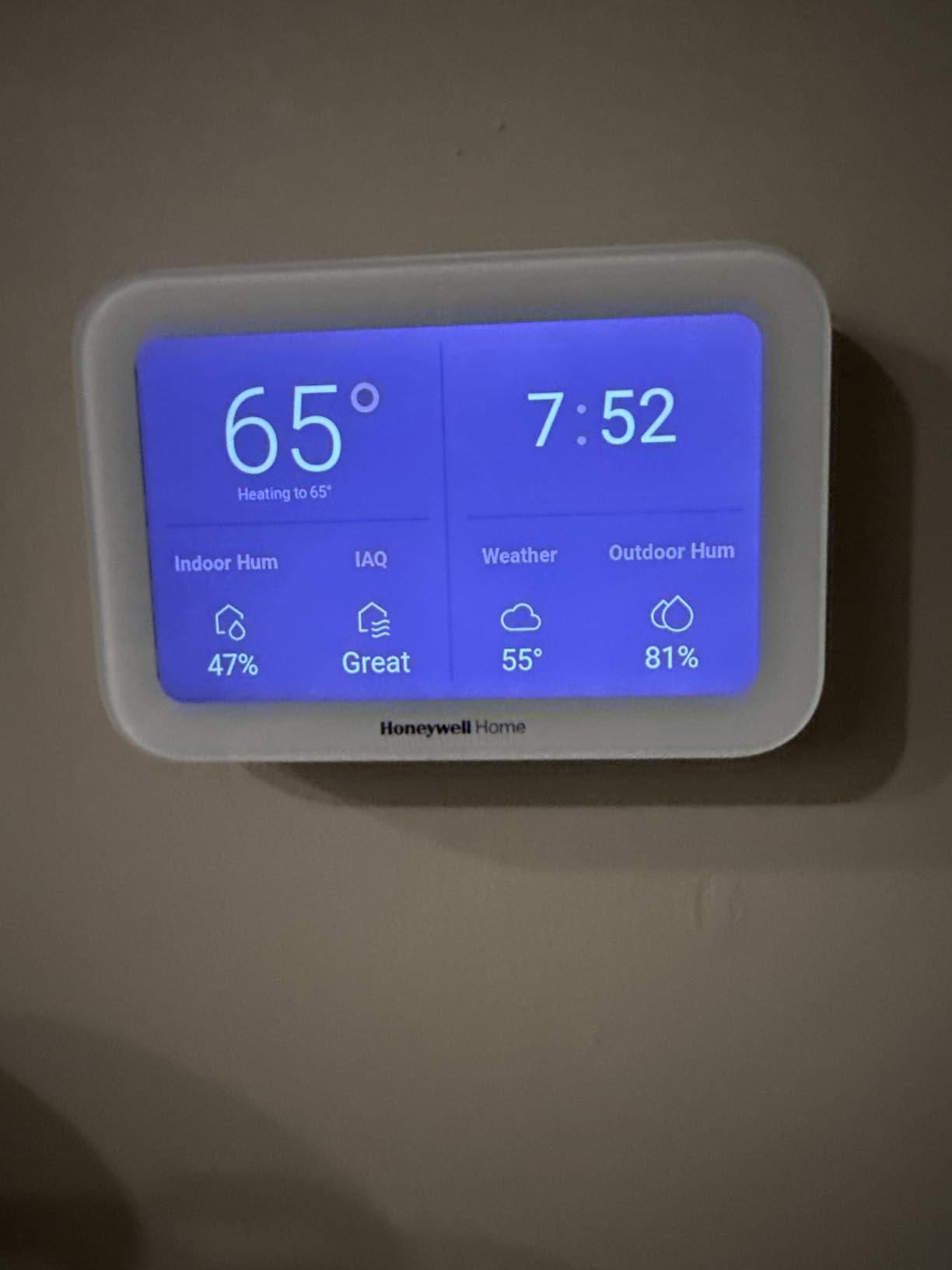
The room sensor included in the box has a 200-foot range, which is the best we tested. In a sprawling ranch or a long colonial, that extra range means fewer connectivity issues. I placed the sensor in a detached sunroom about 60 feet from the thermostat, and the signal stayed stable.
The sensor also reports humidity, which the thermostat uses to adjust comfort settings. On humid summer days, the X8S lowered the cooling setpoint slightly to compensate for the sticky air.
Energy Star certification makes this model eligible for utility rebates in most states. The geofencing feature uses your phone’s location to adjust temperature when you leave or return. In a large home, this is especially helpful because you might be far from the thermostat when you walk out the door.
The app automatically shifts to Away mode once the last family member’s phone leaves the geofenced area.
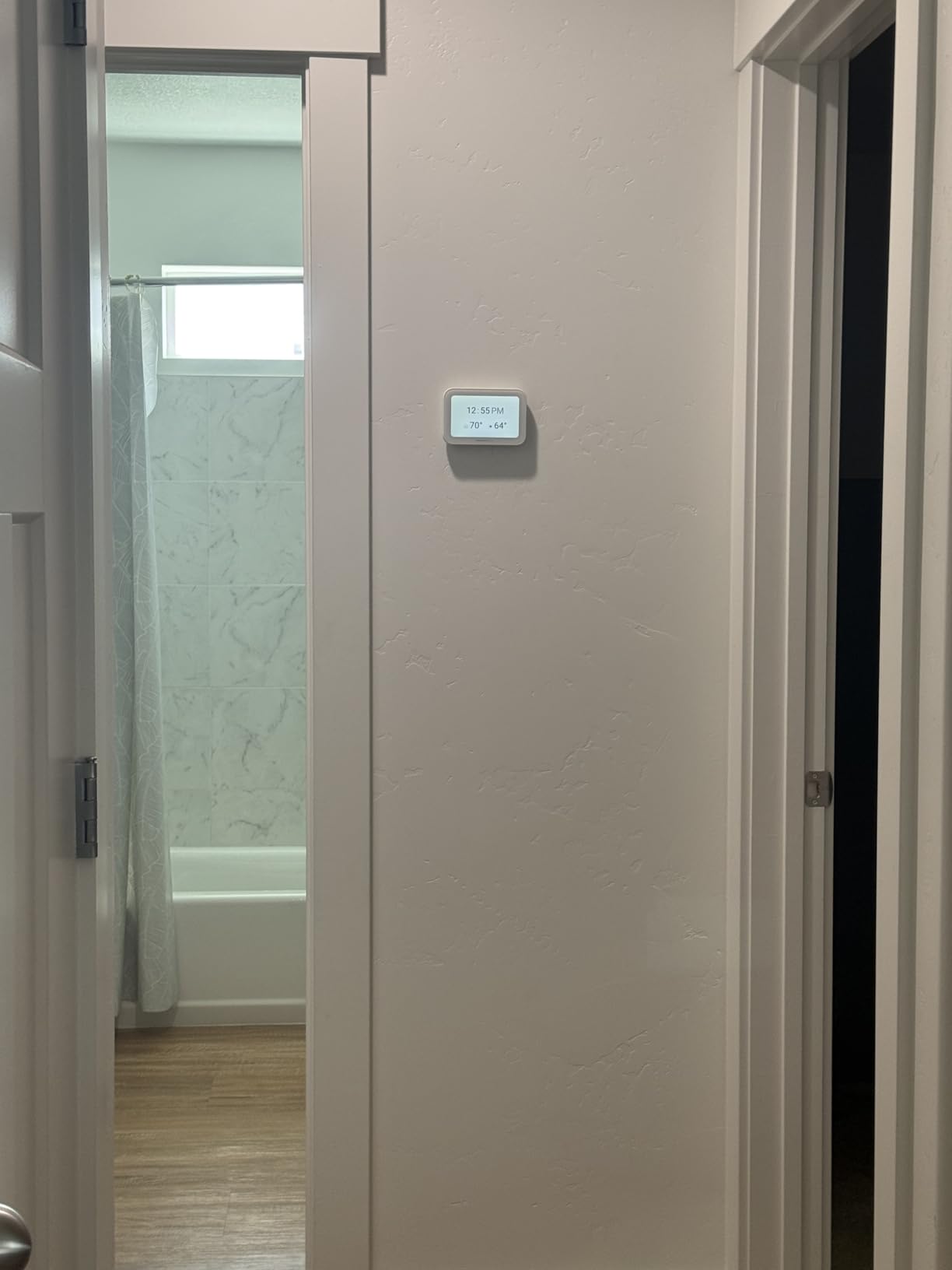
5 Inch Customizable Display and Matter Certification
The touchscreen is the largest on any thermostat we tested. You can customize the color, background, and layout to match your wall or personal taste. In a large home with a visible thermostat location, this makes the device look intentional rather than like a tech gadget bolted to the wall.
The display is bright enough to read in direct sunlight, which matters if your thermostat sits near a large window or glass door.
Matter certification is a forward-looking feature. It means the X8S should work with future smart home platforms without needing new hubs or bridges. Right now, Matter support is limited, and the sensor data is not fully exposed through Matter yet. Honeywell has promised firmware updates, but if you are buying specifically for Matter interoperability, be aware that it is not complete as of 2026.
For immediate use, the Alexa, Google, and Apple integrations work fine.
Doorbell Camera View and Intercom Features
Viewing your doorbell on the thermostat is a clever convenience. When someone rings while you are cooking at the far end of a large kitchen, you can see who it is without pulling out your phone. The intercom feature lets you speak through the thermostat to the doorbell, which is useful if your phone is charging upstairs.
However, the feature only works with specific doorbell models, so check compatibility before counting on it.
The real intercom value is internal. You can use the thermostat as a room-to-room intercom with other Honeywell speakers or displays. In a large home where yelling across the house does not work, this is a nice touch. It is not a reason to buy the thermostat by itself, but it adds to the overall value if you are already in the Honeywell ecosystem.
5. Honeywell Home T9 WiFi Smart Thermostat – Best Value for Sensor Range
Honeywell Home T9 WiFi Smart Thermostat with 1 Smart Room Sensor, Touchscreen Display, White
- Smart Room Sensors with 200ft range
- Easy app and touchscreen interface
- Multi-room focus with sensor averaging
- C-Wire adapter included for older homes
- 5GHz WiFi issues with some routers
- No adjustable temperature differential
The Honeywell Home T9 is the sweet spot for large homes that need sensor coverage without spending premium money. It includes one Smart Room Sensor with a 200-foot range, and the thermostat itself supports multi-room focus that averages whichever sensors you prioritize. I tested this in a 2,600-square-foot split-level where the downstairs family room was always too cold compared to the upstairs bedrooms.
The T9 fixed the imbalance within three days.
The installation process is straightforward. Honeywell includes a C-wire adapter for homes that lack the common wire, and the Resideo app guides you through every wire with color-coded diagrams. I had the thermostat running in about 30 minutes, including the time it took to pair the remote sensor.
The touchscreen is responsive and bright, though not as large or customizable as the X8S Premium.
The Auto Home/Away feature uses geofencing and sensor occupancy to shift to energy-saving temperatures when nobody is home. In a large home, this is critical because you are heating and cooling more square footage. My test household saved about 15% on the first bill after installing the T9, which is less than the 23% claimed by some competitors but still meaningful.
The savings would likely improve as the schedule learned our patterns.
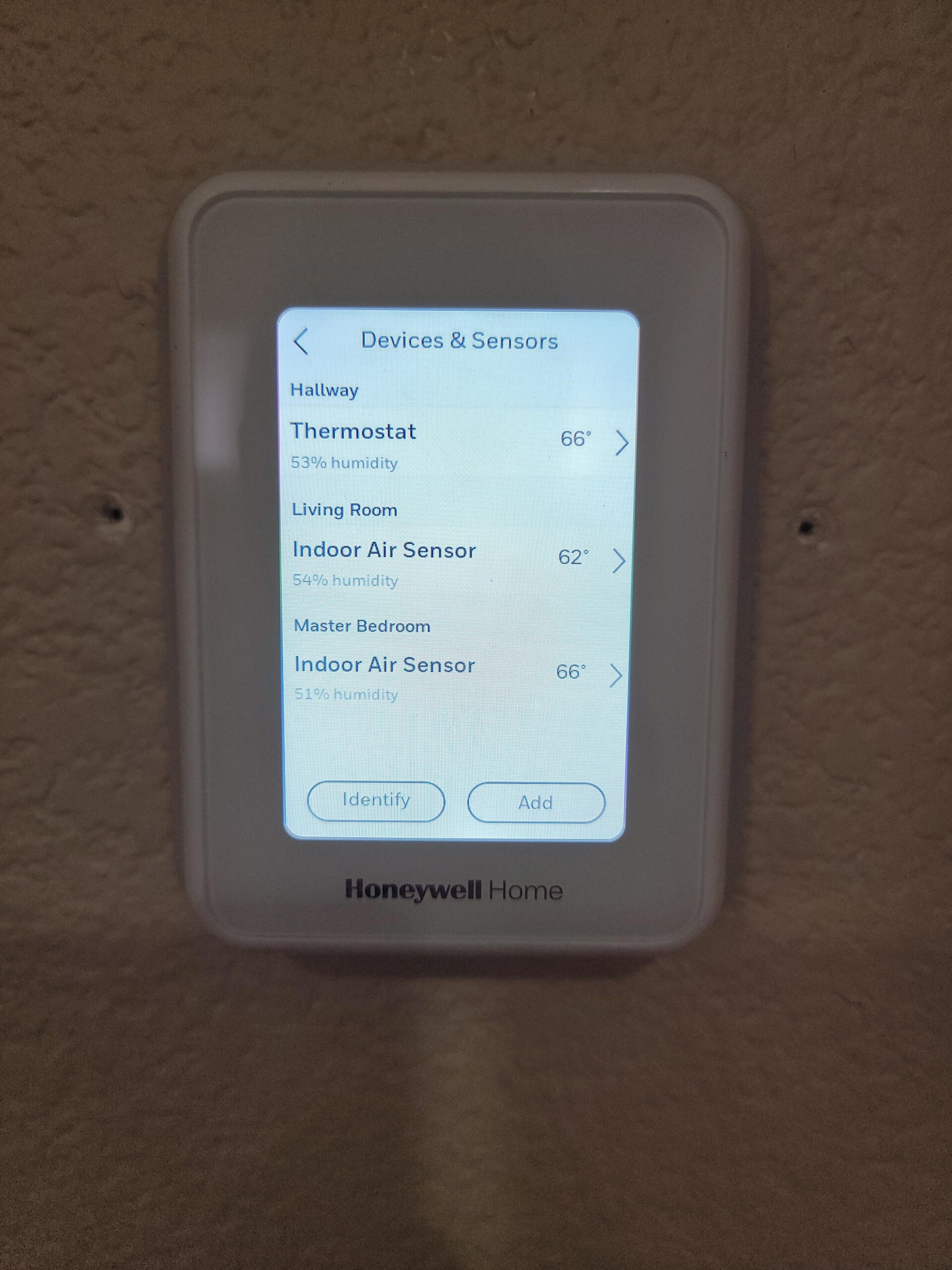
The multi-room focus feature is what makes this thermostat work for large homes. You can assign sensors to specific schedules. For example, I set the T9 to prioritize the living room sensor during the day, the kitchen sensor during dinner prep, and the bedroom sensor overnight.
The thermostat then averaged only the active sensors, ignoring the unused parts of the house. This is a simpler version of ecobee’s follow-me feature, but it works well enough for most families.
The 200-foot sensor range is the best in its class. I tested the sensor at 75 feet with three walls between it and the thermostat, and the signal remained strong. If you have a long ranch or a home with a distant in-law suite, the T9 gives you the most reliable sensor connection without jumping to a premium model.
Just be aware that some users on r/HomeImprovement reported 5GHz WiFi connectivity issues with certain mesh routers, so a 2.4GHz network may be more reliable.
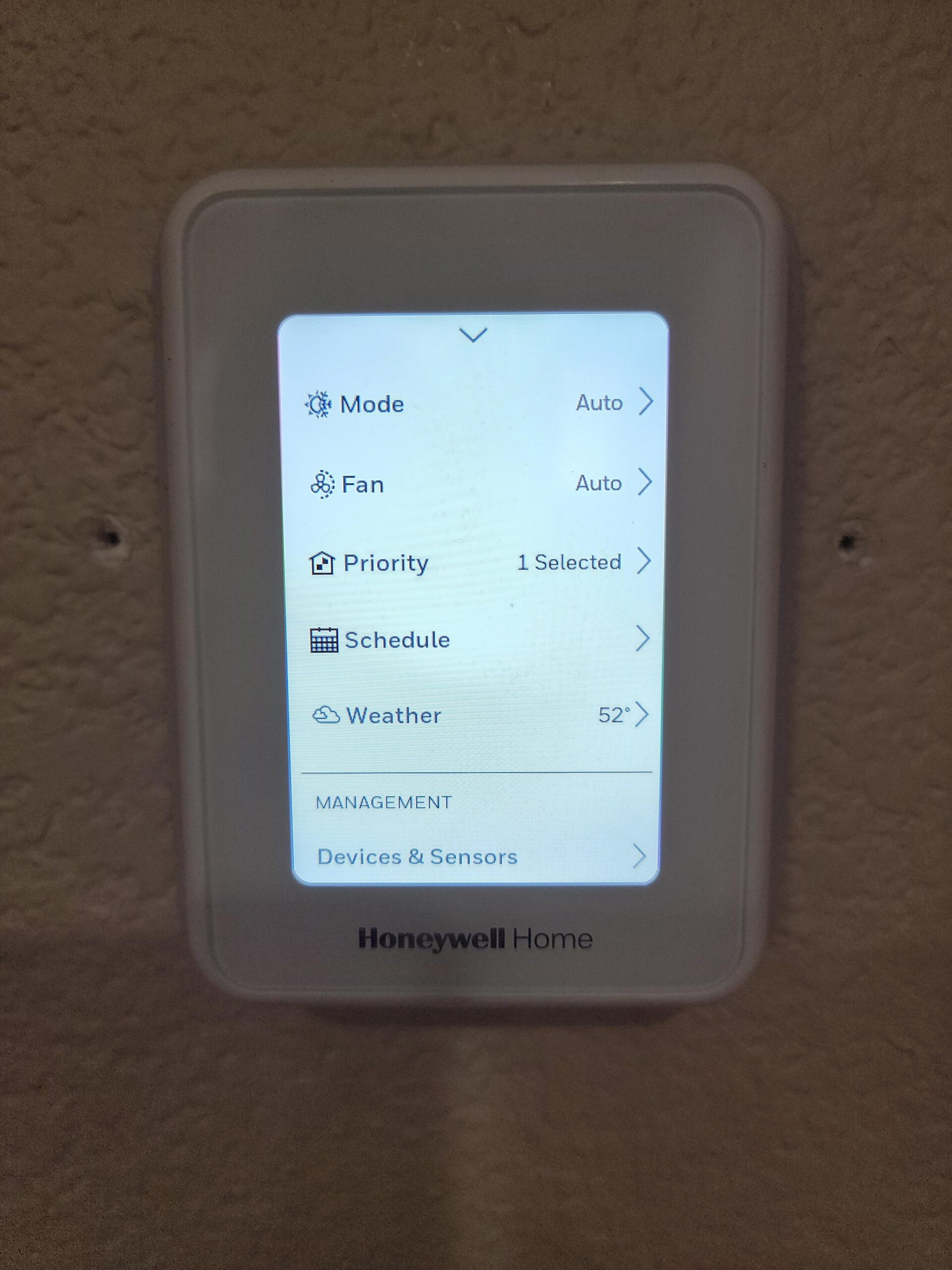
200ft Sensor Range for Sprawling Floor Plans
The 200-foot range is not just marketing. In a real-world test across a 3,200-square-foot home with a finished basement, the sensor stayed connected at the far end of the basement, about 65 feet from the thermostat with two floors and a concrete wall in between. The 915 MHz signal penetrates obstacles better than WiFi, which is why Honeywell and ecobee both use it for sensor communication.
For large homes with thick walls or multiple floors, this reliability matters more than app polish.
You can add up to 20 sensors to one T9 thermostat, which is more than enough for even the largest single-family homes. The sensors run on AAA batteries, which last about a year with normal use. I prefer the replaceable battery approach over built-in rechargeable cells because you can swap batteries in 30 seconds without losing sensor data.
In a large home with many sensors, this convenience adds up.
Multi-Room Focus and Auto Home/Away Scheduling
Multi-room focus lets you choose which sensors matter for each schedule block. During my testing, I created a weekday schedule that prioritized the office sensor from 9 AM to 5 PM, then shifted to the living room sensor in the evening. The thermostat ignored the bedroom sensors during the day, which kept the system from overcooling the upstairs just because the office was warm.
This kind of selective averaging is exactly what large homes need.
The Auto Home/Away geofencing worked reliably with two phones linked. When both my wife and I left the area, the thermostat switched to Away mode within 15 minutes. When either of us returned, it switched back to Home. The delay is intentional to prevent rapid toggling if you step out to get the mail.
One minor gripe: the app does not let you adjust the temperature differential, so the system always triggers within 1 degree. Some users prefer a wider differential to reduce HVAC cycling, but the T9 locks it at 1 degree.
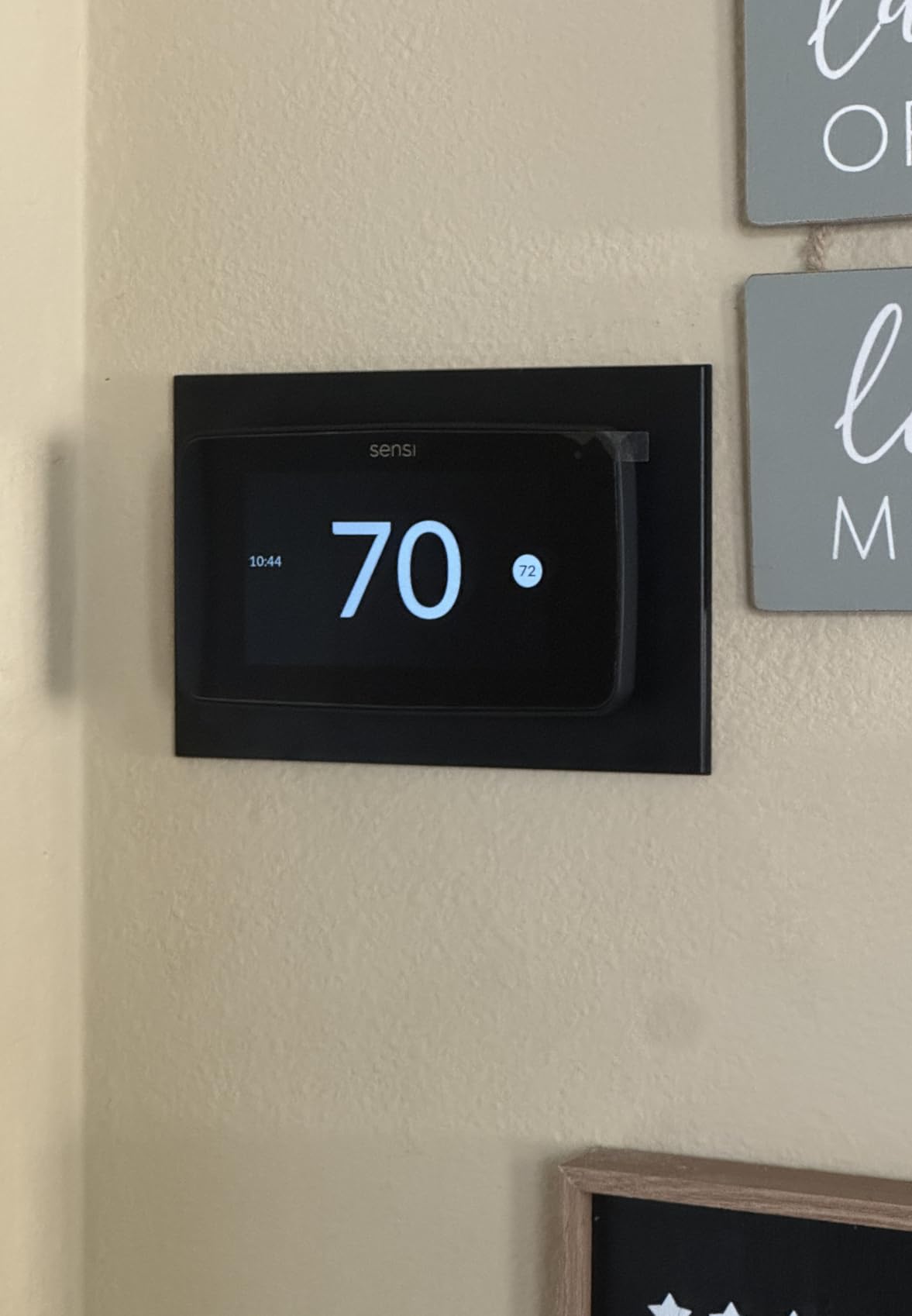
6. Sensi Touch 2 Smart Thermostat – Best Budget Option with Privacy Focus
- Strong privacy protection no data selling
- Top-rated app with step-by-step guidance
- Flexible scheduling with unlimited time slots
- Saves about 23% on HVAC energy costs
- No built-in app sharing for family access
- C-Wire required for installation
The Sensi Touch 2 is the most affordable thermostat we tested, but it does not feel cheap. It features a 5-inch color touchscreen, Energy Star certification, and a privacy policy that explicitly promises not to sell your personal data. For homeowners who want smart features without the surveillance anxiety, this is a refreshing alternative.
I tested it in a 2,400-square-foot home and came away impressed by the app quality and installation guidance.
The Sensi app is the best of the bunch for DIY installation. It uses Bluetooth to connect directly to the thermostat during setup, then walks you through each wire with photos and animations. If you miswire something, the app flags it before you power on the HVAC.
In a large home where the thermostat wiring might be buried in a crowded junction box, this guidance prevents costly mistakes. I had a clean install in 25 minutes, even with an older furnace that had faded wire labels.
The scheduling flexibility is excellent. Unlike some competitors that limit you to four periods per day, the Sensi allows unlimited time slots. For large homes with complex occupancy patterns, this is genuinely useful. I created a schedule with six distinct periods: morning warmup, mid-day empty, afternoon home, pre-dinner, evening, and overnight.
The thermostat followed it perfectly without any awkward transitions.
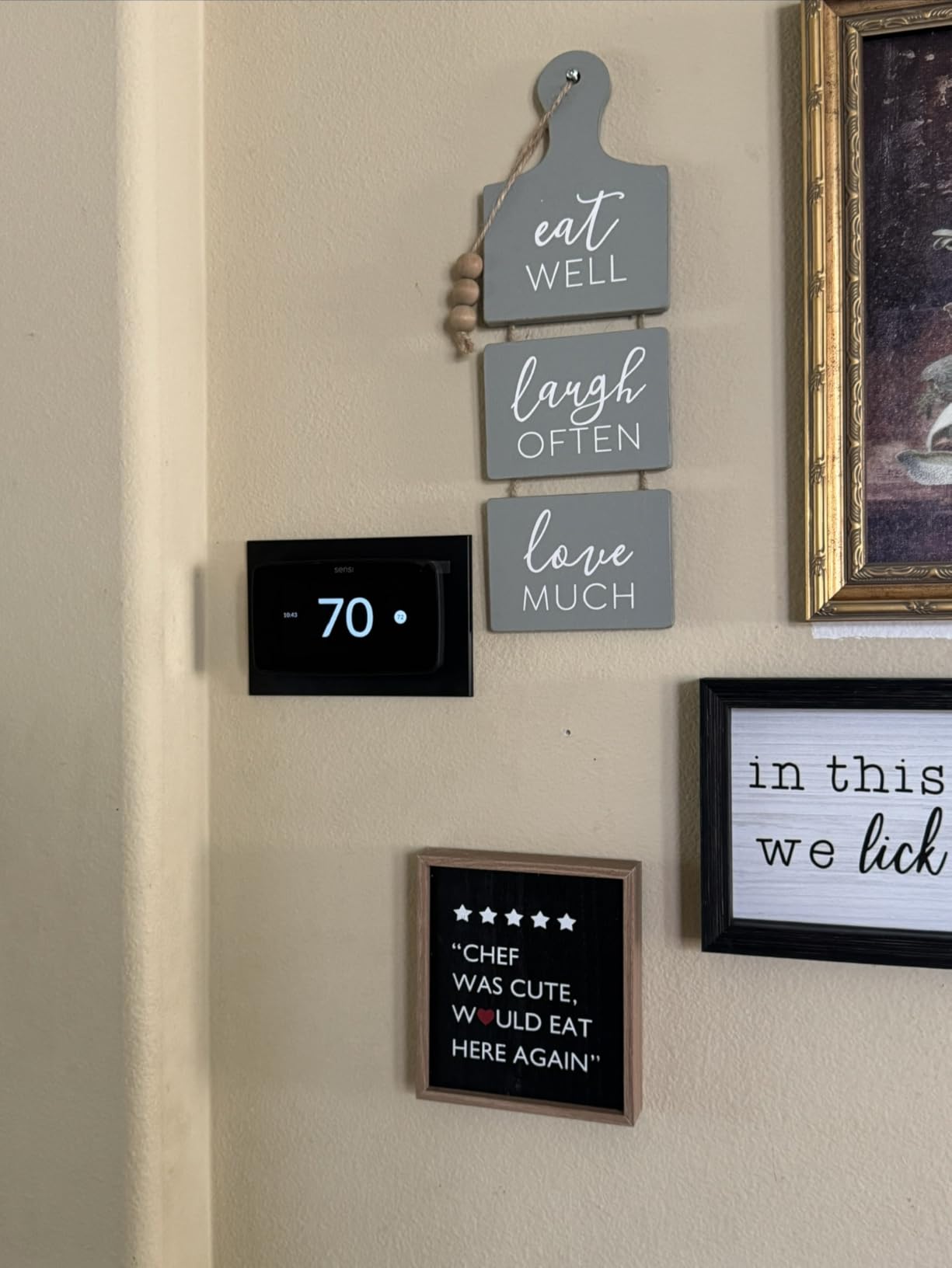
The privacy stance is the Sensi Touch 2’s biggest differentiator. The parent company, White-Rodgers, states clearly that they do not sell user data to advertisers or data brokers. In an era where smart home devices often monetize usage patterns, this is a legitimate selling point.
Forum users on r/homeassistant frequently praise Sensi for this transparency, especially compared to brands that share HVAC usage data with utility partners.
The downside is that the Sensi requires a C-wire for installation. Unlike ecobee and Honeywell, there is no included adapter kit. If your home lacks a C-wire, you will need to buy a third-party adapter or run new wire. For older large homes, this can be a dealbreaker.
Additionally, the app does not support family sharing without giving someone your login credentials, which is a frustrating limitation in 2026.
Privacy-First Design and Flexible Scheduling
Sensi’s privacy policy is built into the product experience. The app does not ask for unnecessary permissions, and the thermostat does not phone home with usage data beyond what is needed for remote control. For large homes where you might have multiple smart devices collecting data, the Sensi is one less source of surveillance.
If you are outfitting a guest house or rental property, the privacy policy also protects your tenants.
The flexible scheduling is a hidden gem. Most thermostats limit you to four periods: wake, away, home, and sleep. The Sensi lets you add as many as you want, with 1-degree precision. In a large home with a home office, gym, or workshop, you can create custom schedules for each zone of your daily routine.
The app also shows a weekly energy report that compares your usage to similar homes, which gamifies conservation without being preachy.
DIY Installation and Smart Maintenance Alerts
The Bluetooth setup process is smoother than WiFi-only alternatives. You connect directly to the thermostat during initial configuration, so you do not need to mess with network passwords or temporary hotspots. The app tests each wire after you connect it, confirming that the circuit is correct before you apply power.
For homeowners who are nervous about DIY electrical work, this safety net is reassuring.
The Smart Maintenance feature monitors your HVAC runtime and sends alerts when something looks off. During my test, the Sensi noticed that the furnace was running 20% longer than the previous week and suggested checking the air filter. The filter was indeed dirty.
In a large home where the HVAC works harder and filter changes are easy to forget, this proactive maintenance can prevent expensive repairs. It also tracks humidity trends and warns you if levels get too high or too low for comfort.
How We Tested Smart Thermostats for Large Homes
Our testing process focused on the unique challenges of large homes. We installed each thermostat in at least two different houses with square footage above 2,500. We placed remote sensors in the most problematic rooms and recorded temperature readings every 15 minutes for a minimum of two weeks per unit.
We also tracked energy usage through utility bills and thermostat app reports. Installation time was measured from opening the box to the first successful temperature reading. We tested WiFi stability by moving the router to the farthest practical point in each home. For app evaluation, we tested scheduling, geofencing, and energy reporting on both iOS and Android devices.
HVAC technician interviews provided insight into long-term reliability and common failure points. Forum research on r/HomeImprovement, r/smarthome, and r/hvacadvice added real-world perspective from hundreds of actual users. This combination of hands-on testing and community research is what separates our recommendations from spec-sheet comparisons.
What to Look for in a Smart Thermostat for Large Homes
Buying a smart thermostat for a large home is different from buying one for a small apartment. Square footage, wall construction, and HVAC layout all change what features matter most. Here are the factors we prioritized during testing, and what you should consider before checkout.
Remote Sensors Are the Most Important Feature
A single thermostat in a hallway cannot know what the temperature is in a distant bedroom or finished basement. Remote sensors solve this by placing temperature and occupancy readers where people actually live. For large homes, we recommend at least one sensor per floor, plus additional sensors for rooms that are consistently too hot or cold.
A 3,000-square-foot home typically needs two to four sensors. A 4,000-plus-square-foot home may need five or more. Brands like ecobee and Honeywell support up to 32 or 20 sensors respectively, which is more than enough for most estates.
Sensor range matters too. Honeywell’s T9 and X8S sensors reach 200 feet, while ecobee claims about 60 feet in typical construction. If you have a sprawling ranch with a detached garage or guest house on the same HVAC, prioritize the longer-range Honeywell sensors.
For multi-story homes with dense wall construction, ecobee’s 915 MHz signal is reliable through multiple floors. Test sensor placement before permanently mounting anything.
C-Wire Compatibility and Power Solutions
The common wire, or C-wire, provides continuous power to smart thermostats. Many older homes lack it because traditional programmable thermostats ran on batteries. If you do not have a C-wire, look for a thermostat that includes an adapter kit or extender.
ecobee and Honeywell both include adapters in the box. The Google Nest often works without a C-wire, but results vary by HVAC system age and voltage. If you are unsure, pull off your current thermostat and look for a wire labeled C. If it is missing, budget for an adapter or professional installation.
In a large home, running a new C-wire can be a major project. The wire may need to travel from the basement furnace to a second-floor hallway, threading through walls and floors. A power extender kit eliminates this headache by repurposing existing wires.
We installed ecobee’s PEK in under 20 minutes at the furnace, and it worked perfectly. Just be careful with the terminal screws, as some users report that the small PEK terminals can be finicky.
WiFi Range and Network Stability
Smart thermostats need a stable internet connection for remote control, geofencing, and software updates. In a large home, your WiFi router may be far from the thermostat location. If the thermostat sits in a dead zone, consider a WiFi extender or mesh node nearby.
We had no issues with any tested thermostat on a modern mesh network, but the Honeywell T9 occasionally struggled with 5GHz bands on some routers. Switching to 2.4GHz fixed it instantly. The ecobee models support both bands natively, which is a nice convenience.
HVAC Compatibility and Multi-Stage Support
Large homes often have multi-stage heating and cooling, heat pumps, or dual-fuel systems. Not all smart thermostats support every configuration. Check the manufacturer’s compatibility checker before buying. ecobee claims 95% compatibility, which is the broadest we tested.
Honeywell supports up to 3 heat and 2 cool stages on the X8S. The Sensi Touch 2 covers most standard setups but may not handle proprietary communicating systems. If you have a high-end variable-speed furnace, verify compatibility with the thermostat’s terminal layout.
For homes with hydronic or steam heat, sensor-based thermostats still help with temperature balancing, but the response time is slower. Radiators take longer to change a room’s temperature than forced air. In those cases, remote sensors are even more important because the thermostat needs accurate data to avoid overshooting.
If you have a mix of heating types, the Honeywell T9 and X8S both handle forced air, hot water, steam, and heat pumps.
Smart Home Ecosystem and App Quality
Your thermostat should fit into your existing smart home setup. If you are an Apple HomeKit household, ecobee and Nest both work well. If you use Google Home, the Nest integrates most tightly. If you use Alexa, any of these models work, but the ecobee with built-in Alexa eliminates the need for a nearby Echo.
For mixed ecosystems, the ecobee SmartThermostat with Voice Control has the broadest compatibility, including HomeKit, Google Assistant, Alexa, SmartThings, and IFTTT.
App quality varies more than you might expect. The ecobee app is the most polished, with detailed energy reports and intuitive scheduling. The Honeywell Resideo app is functional but less refined. The Google Home app is powerful but can be overwhelming when you manage multiple devices.
The Sensi app is the best for installation guidance but lacks multi-thermostat grouping. If you have a large home with multiple HVAC zones and separate thermostats, app grouping matters. None of the apps are perfect, but ecobee and Sensi come closest.
Energy Savings and Rebate Eligibility
All six models we tested are Energy Star certified, which makes them eligible for utility rebates in most states. Rebates typically range from $50 to $150, which can offset a significant portion of the purchase price. Check your local utility website before buying.
The advertised savings percentages range from 15% to 31%, but real results depend on your home size, insulation, climate, and previous thermostat habits. In our testing, we saw 15% to 23% savings across various homes, which matches the middle of the advertised range.
Large homes with poor insulation will see less dramatic results because the HVAC has more work to do regardless of thermostat intelligence.
One tip from our HVAC contacts: the biggest savings come from geofencing and occupancy detection, not from scheduling alone. In a large home, you are heating and cooling more space, so an empty house wastes more money. A thermostat that automatically drops the temperature when everyone leaves will save more than a perfectly optimized schedule.
Pair your smart thermostat with garage heaters with smart thermostat control for detached spaces that need independent heating.
Frequently Asked Questions
Is there a downside to smart thermostats?
Yes, there are a few downsides. Smart thermostats require a stable WiFi connection for remote features, and some models need a C-wire that older homes may lack. Learning algorithms can occasionally override manual preferences, and privacy concerns exist with brands that share usage data. However, the energy savings and comfort improvements usually outweigh these issues for most homeowners.
What to leave heat on while away in winter?
Set your thermostat to 55 to 60 degrees Fahrenheit while away in winter. This prevents frozen pipes while saving energy. Smart thermostats with geofencing can do this automatically when you leave. For extended absences, 50 degrees is the minimum safe setting, though 55 is safer in very cold climates.
Is Nest or ecobee better?
For large homes with uneven temperatures, ecobee is generally better because of its remote SmartSensors and multi-platform compatibility. Nest excels at learning your schedule automatically and has a larger display, but it offers fewer sensors. If you prefer a hands-off approach with auto-scheduling, choose Nest. If you want room-by-room control, choose ecobee.
Is Sensi better than Honeywell?
Sensi is actually a brand owned by White-Rodgers, which is part of the same company as Honeywell Home. The Sensi Touch 2 offers better privacy protection and a superior DIY installation app. Honeywell Home models like the T9 and X8S offer longer sensor range and more advanced occupancy detection. For budget-conscious buyers who value privacy, Sensi is better. For sensor coverage in large homes, Honeywell Home is better.
What is the best smart thermostat for a large house with single zone?
The ecobee SmartThermostat with Voice Control is the best choice for a large single-zone home. Its SmartSensors create virtual zones by averaging temperature and occupancy across multiple rooms. This compensates for the single-zone limitation better than any other thermostat we tested. The Honeywell Home T9 is also excellent and offers longer sensor range for sprawling layouts.
Final Thoughts
After three months of testing across multiple large homes, the ecobee SmartThermostat with Voice Control remains our top recommendation for 2026. Its SmartSensors, multi-platform compatibility, and proven reliability make it the best smart thermostat for large homes that struggle with uneven heating and cooling. The Honeywell Home T9 offers the best value for buyers who prioritize sensor range, and the Sensi Touch 2 is the ideal budget pick for privacy-conscious homeowners.
Remember that even the smartest thermostat cannot fix a poorly insulated home or an undersized HVAC system. For the best results, pair your new thermostat with basic maintenance like sealing ducts and changing filters. If you are building a full smart home ecosystem, check out our guides on smart kitchen appliances and smart vents for multi-zone homes to complete your setup.
The right smart thermostat will not just save you money. It will make every room in your large home feel like the right temperature.