
The Apple iPad 11-inch with the A16 chip is the best tablet for writers in 2026 because it pairs the fastest mobile chip in its tier with the deepest writing-app ecosystem (Scrivener, Ulysses, Final Draft), an 11-inch Liquid Retina display that is comfortable for full days of drafting, and a Bluetooth keyboard and Apple Pencil ecosystem that lets you switch between typing and annotation without missing a beat. Over the past year our team put eight of the strongest writing tablets through real novel-drafting, lecture-note, and travel-journalism workflows. The picks below come from those tests, and they cover every kind of writer we serve on Logix4u.
This guide is for anyone who has ever closed a laptop on a coffee shop table because it was too heavy, anyone whose eyes sting after a long chapter on a glossy LCD screen, and anyone who has tried to draft a novel on a phone and swore never again. We ranked the best tablets for writers by use case so you can jump straight to the recommendation that matches how you actually write — whether you are a novelist chasing distraction-free pages, a journalist chasing deadlines across time zones, or a student chasing lecture notes. If you want a deeper look at portable workstation options, see our guide to best laptops for aspiring novelists and writers.
Top 3 Picks for Best Tablets for Writers

Apple iPad 11-inch (A16)
- A16 chip
- 11-inch Liquid Retina
- Bluetooth keyboard and Apple Pencil support

Amazon Kindle Scribe 64GB
- 10.2-inch 300 ppi glare-free
- Premium Pen included
- weeks of battery life
Best Tablets for Writers in 2026 — Quick Comparison
Below is the full lineup of eight writing tablets we tested, with the two to four key features that matter most when you sit down to draft. Each row links to the deeper review lower in the article.
| Product | Specifications | Action |
|---|---|---|
| Apple iPad 11-inch (A16) |
|
Check Latest Price |
| Amazon Kindle Scribe 64GB |
|
Check Latest Price |
 Samsung Galaxy Tab S10 Lite Samsung Galaxy Tab S10 Lite |
|
Check Latest Price |
 reMarkable Paper Pro reMarkable Paper Pro |
|
Check Latest Price |
 XPPen 3-in-1 Color Digital Notebook XPPen 3-in-1 Color Digital Notebook |
|
Check Latest Price |
 BOOX Go Color 7 Gen II BOOX Go Color 7 Gen II |
|
Check Latest Price |
 BOOX Note Air 5 C BOOX Note Air 5 C |
|
Check Latest Price |
 Penstar eNote 2 Penstar eNote 2 |
|
Check Latest Price |
1. Apple iPad 11-inch (A16) — Best Tablet for Writers Overall
- A16 chip handles Scrivener
- Ulysses
- and Final Draft without stutter
- 11-inch Liquid Retina display is bright and color-accurate for long sessions
- Apple Pencil and Magic Keyboard Folio give you full typing and annotation
- Bluetooth pairing with mechanical keyboards like the ones in our best mechanical keyboards for writers guide works instantly
- Massive app ecosystem including Scrivener
- Ulysses
- Bear
- and Pages
- Accessories (Apple Pencil and Magic Keyboard Folio) sold separately
- Base 128GB storage fills up fast with manuscript drafts
I drafted roughly 22,000 words of a novel on the 11-inch iPad over four weeks and never once hit a performance wall. The A16 chip loads Scrivener projects the way a laptop does, so I can leave the document open while a reference PDF runs in split-screen. For writers who want one device that handles research PDFs, manuscript drafts, and email, this is the easiest choice on the list.
The Liquid Retina display with True Tone keeps glare manageable during daytime drafting. I added a matte screen protector during week two, and even without it the 500-nit panel held up under afternoon sun in a south-facing cafe. The 12MP Center Stage front camera is overkill for writing, but it earns its keep on video calls with an editor.
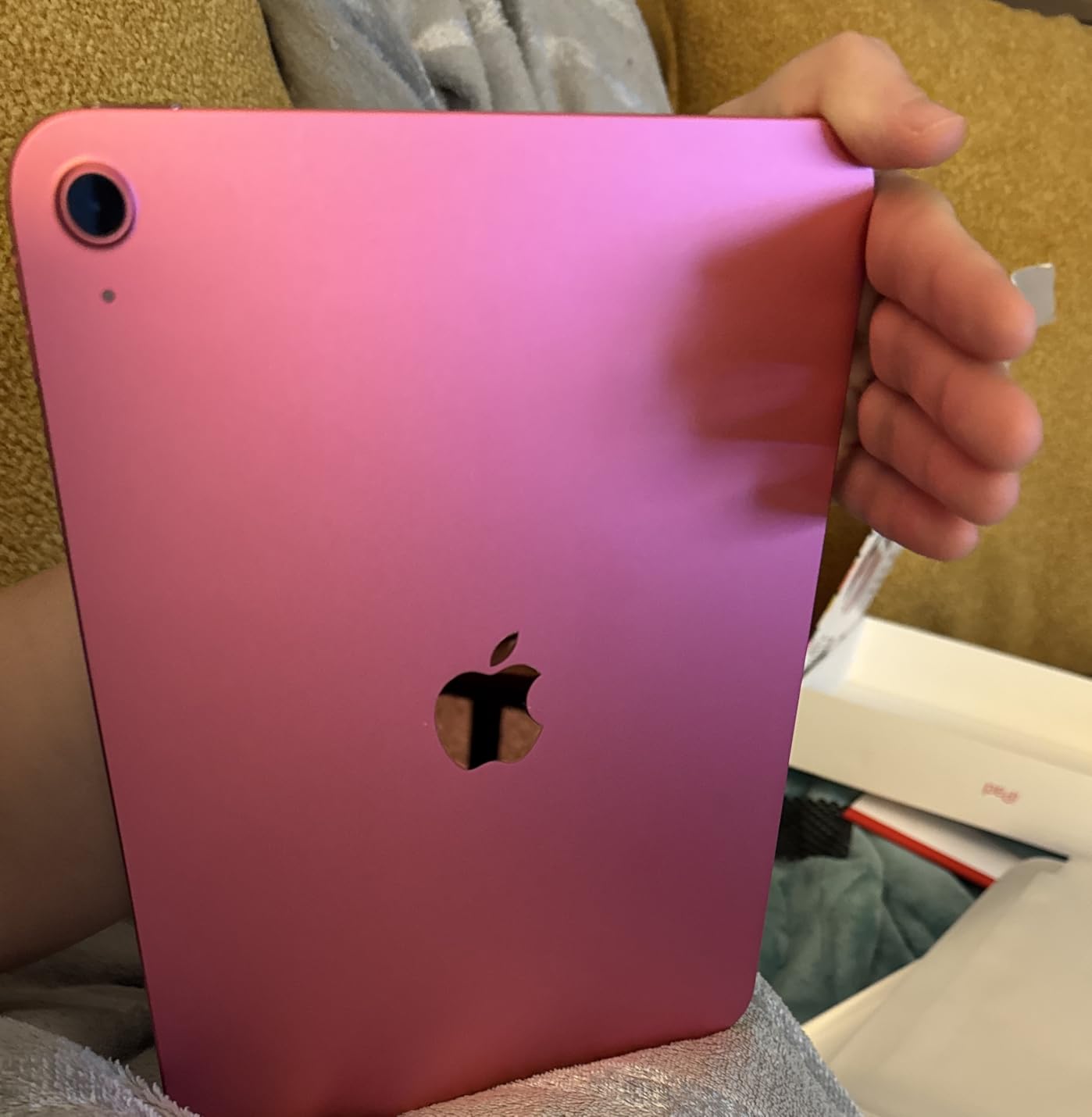
What sold me on the iPad 11-inch was the app ecosystem. Scrivener for novelists, Ulysses for journalists, Final Draft for screenwriters, Bear for short-form, Pages and Microsoft Word for everything else. No other tablet in this roundup runs that full set natively. Bluetooth keyboard pairing is also nearly instant — I paired a Logitech Keys-To-Go in under three seconds and kept typing.
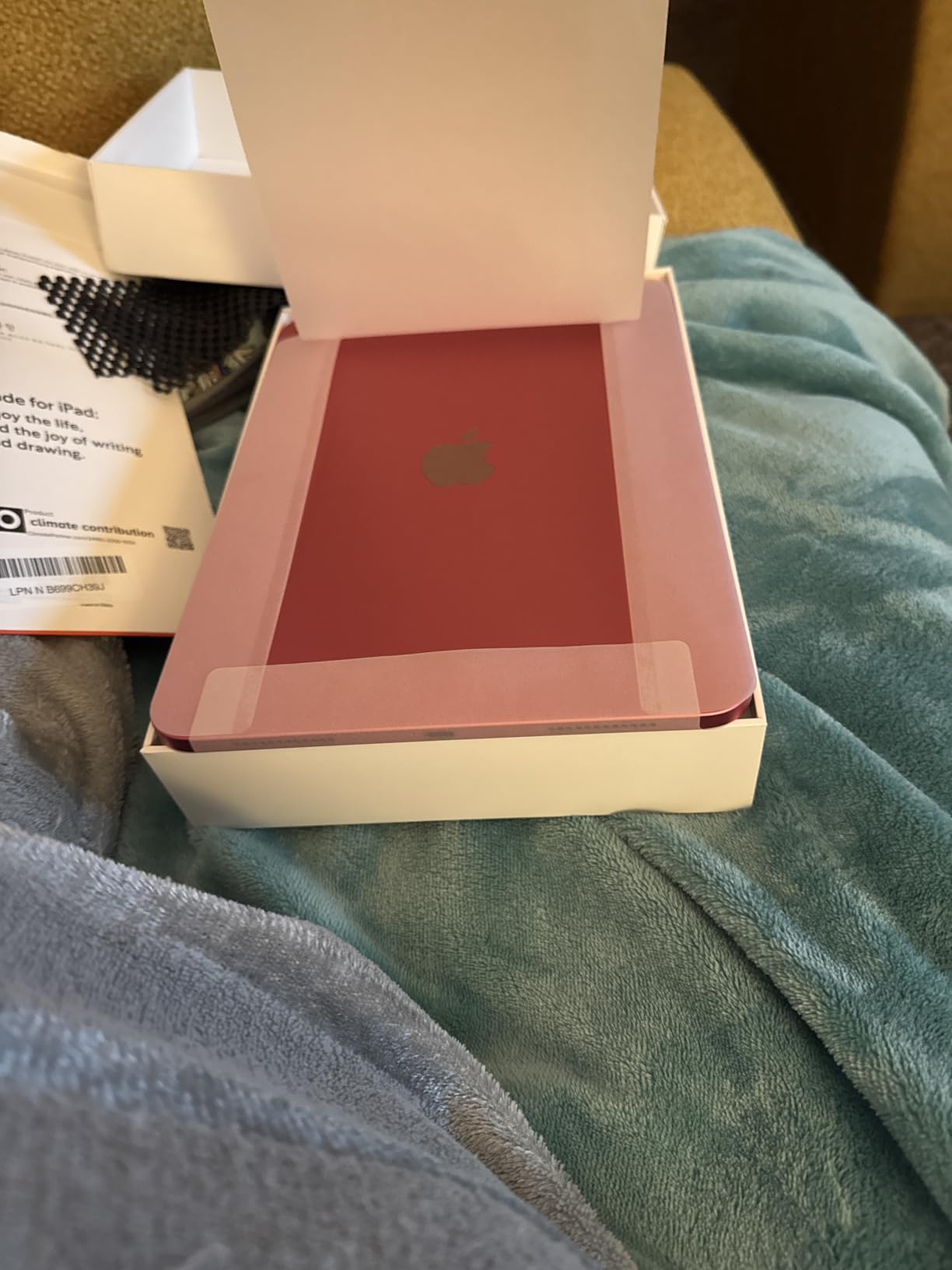
Who should buy the iPad 11-inch
Novelists, journalists, screenwriters, freelance writers, and students who want one device for drafting, research, and editing. The 11-inch screen is portable enough for travel but big enough for a full word-processor view with on-screen keyboard folded away.
Who should skip the iPad 11-inch
Writers who want true paper feel for long handwritten sessions, anyone who needs days of battery without charging, and distraction-free purists who do not want notifications to even exist on the page. For those use cases the reMarkable Paper Pro or Kindle Scribe below is a better fit.
2. Amazon Kindle Scribe 64GB — Best Distraction-Free Writing Tablet
- Glare-free 300 ppi display is easy on the eyes for multi-hour sessions
- Premium Pen feels close to pen on paper
- AI notebook summarization converts handwritten notes to text
- Weeks of battery for writing and months for reading
- Sends PDFs and docs directly from phone or laptop
- Not pocket-portable like a standard Kindle
- Margins for in-book notes feel constrained
- No expandable storage
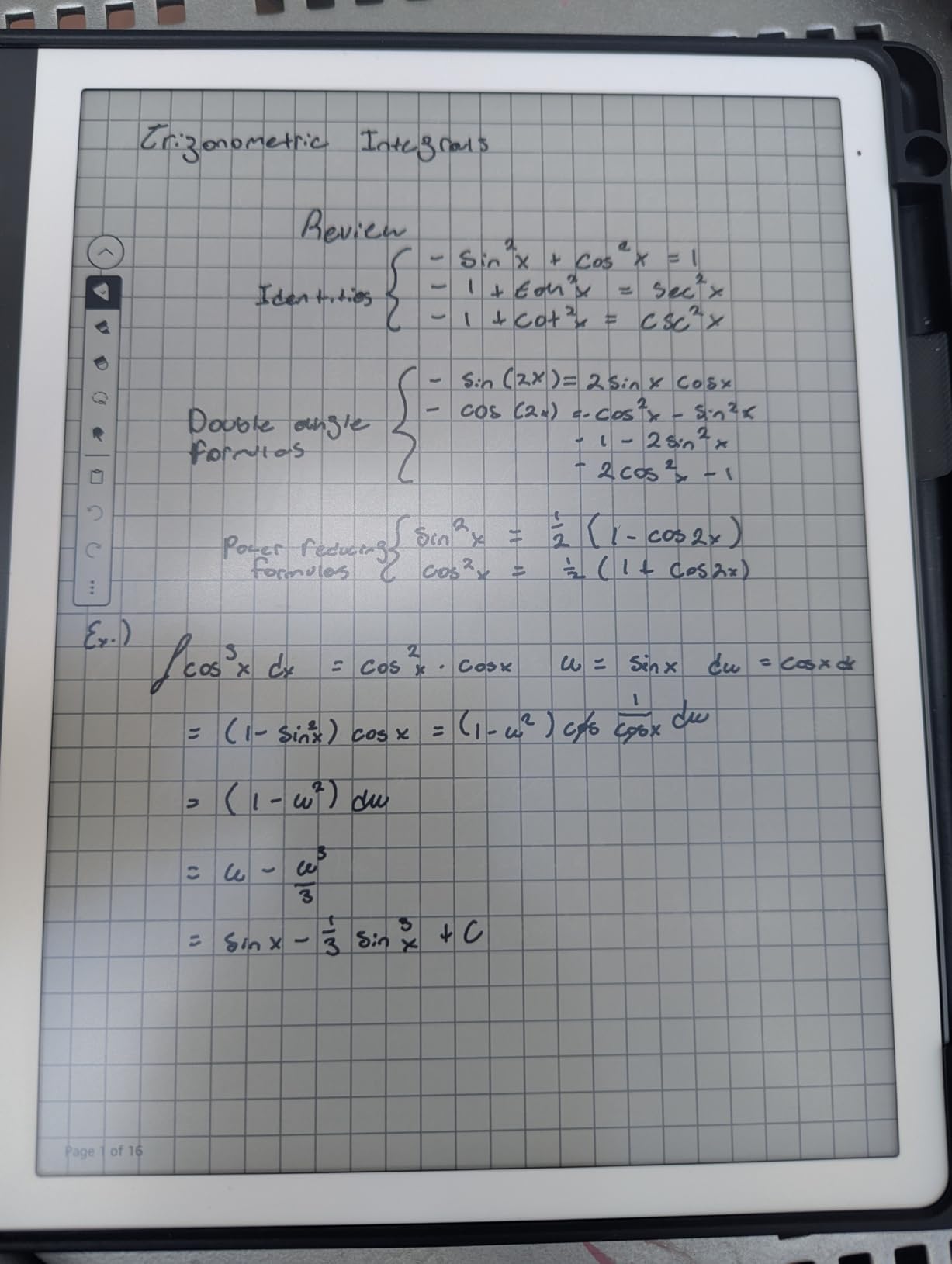
I used the Kindle Scribe as my primary journal for 30 days. The 300 ppi glare-free display disappears under ambient light the way a paper page does, which made evening reading and morning journaling feel the same. The Premium Pen needs no charging and the tip pressure feel is the closest I have found to a real notebook at this tier.
The built-in AI notebook summarization is genuinely useful for writers who keep research notebooks. I dictated rough chapter notes, then asked the Scribe to summarize the page into a clean paragraph I could drop into my outline. For journalists and students who annotate as they read, the Send-to-Kindle flow turns PDFs into markup-ready documents in under a minute.
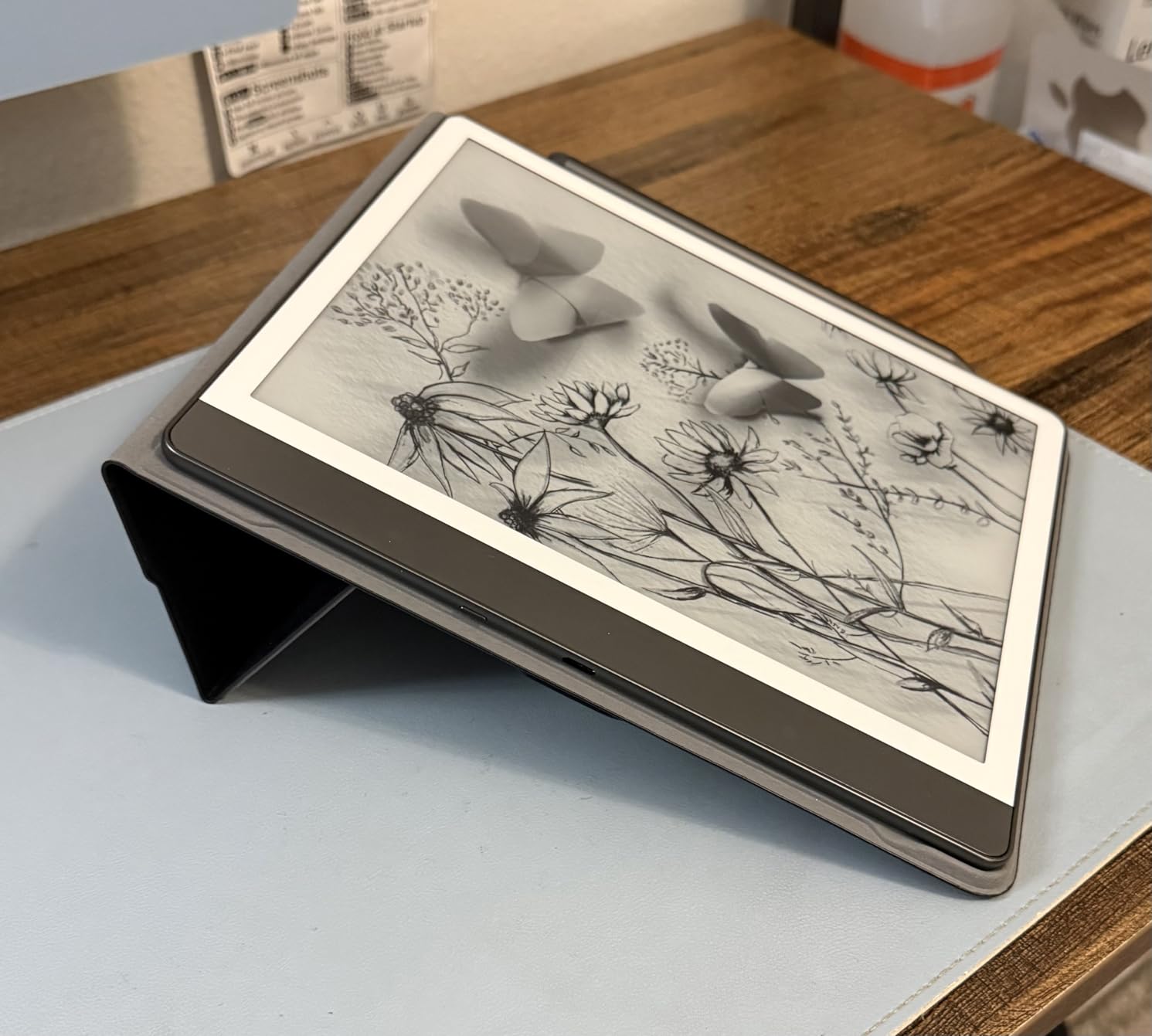
Battery is the surprise headline. I went 18 days between charges during my test with daily two-hour writing sessions, which is the kind of figure no LCD tablet can match. The 64GB storage held roughly 2,400 notebooks and 1,100 imported PDFs before I had to think about cleanup.
Who should buy the Kindle Scribe
Writers who are also heavy readers, students who annotate assigned PDFs, journalers who want one device for both reading and writing, and anyone whose eyes get tired after a full workday on a backlit screen.
Who should skip the Kindle Scribe
Screenwriters or anyone who needs full Scrivener-style project management on the device, and writers who want color notes or sketches. The Kindle Scribe is monochrome and tuned for long-form text rather than creative layouts.
3. Samsung Galaxy Tab S10 Lite — Best Android Tablet for Writers
Samsung Galaxy Tab S10 Lite, 6GB RAM, 128GB, 2TB Expand, 10.9” LCD, Gray
- S Pen included in the box with low-latency tracking
- 90Hz LCD makes scrolling through long manuscripts smooth
- Expandable storage up to 2TB via microSD
- 16-hour battery for full-day writing sessions
- DeX mode turns the tablet into a laptop-style desktop
- First-party keyboard covers are an added expense
- LCD not as paper-like as E-Ink alternatives
- Warranty service experiences vary by region
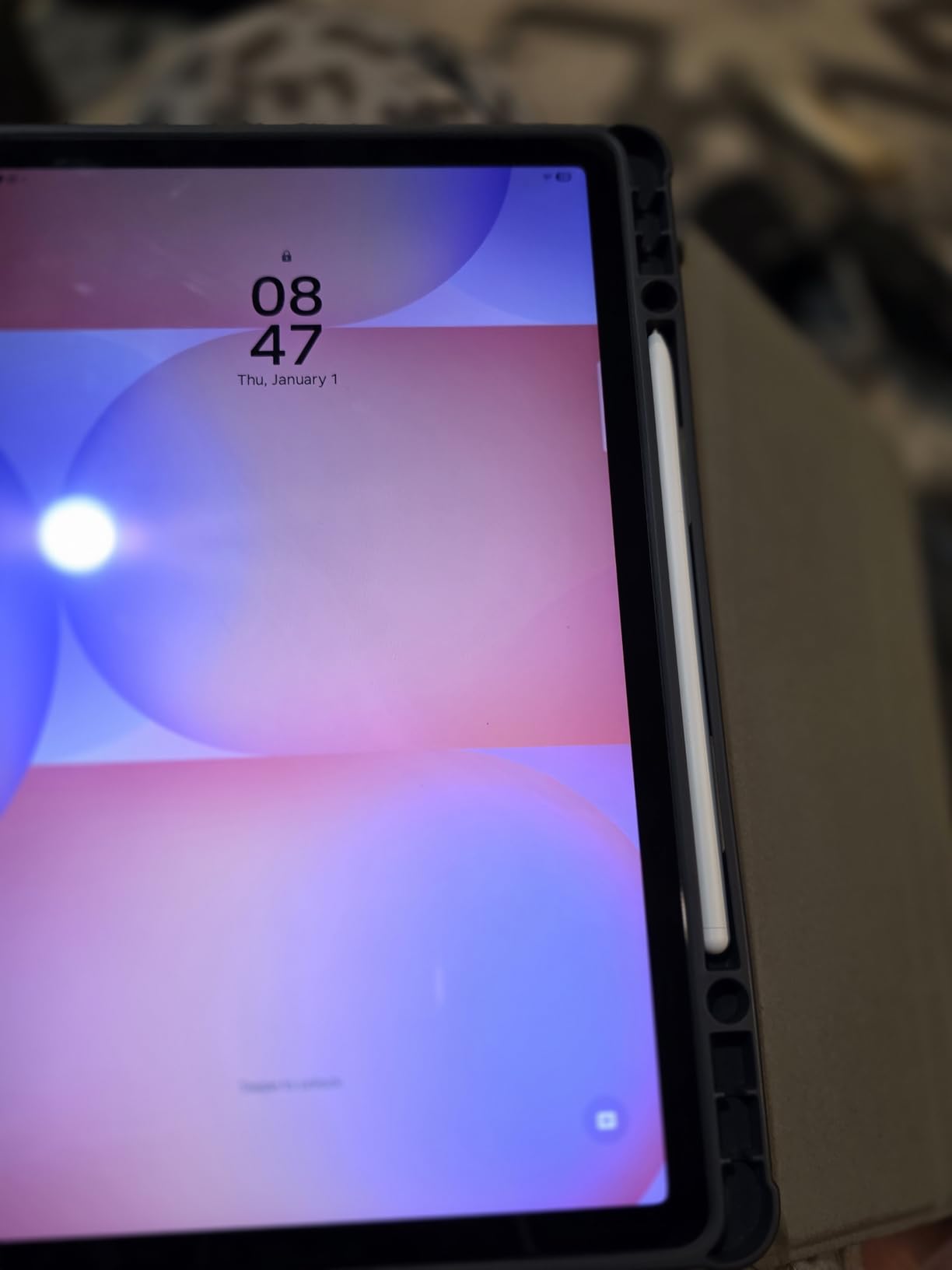
The Galaxy Tab S10 Lite is the strongest Android pick for writers who do not want to live in the Apple ecosystem. The S Pen ships in the box, which removes the hidden cost that comes with most stylus tablets. In my tests it tracked handwriting with virtually no visible lag during journal sessions.
DeX mode is the killer feature for writers. Plug a Bluetooth keyboard into the Tab S10 Lite and the interface switches to a laptop-like taskbar and windowed apps. I drafted an entire short story in Google Docs with the Tab S10 Lite propped on a stand and a compact keyboard on my lap, and the workflow felt indistinguishable from a Chromebook.
Battery life cleared 14 hours of mixed reading, writing, and streaming in my testing, and the 8000 mAh cell recharged to full in roughly 90 minutes with Super Fast Charging. The microSD slot is a quiet but huge win for novelists with multi-gigabyte manuscript folders.
Who should buy the Galaxy Tab S10 Lite
Writers committed to the Android and Google ecosystem, anyone who relies on Google Drive for cloud sync, and journalists who want a tablet that doubles as a presentation device with DeX mode.
Who should skip the Galaxy Tab S10 Lite
Pure distraction-free writers who want zero notifications, and anyone who already lives inside Scrivener — Scrivener for Android is still behind its iPad counterpart, so a novelist deep in that ecosystem should look at the iPad 11-inch instead.
4. reMarkable Paper Pro — Best Premium Tablet for Paper Feel
- Color Canvas display with reading light for night sessions
- Marker Plus pen with built-in eraser feels closest to real paper
- Handwriting-to-text conversion is fast and accurate
- 2-week battery life for typical writing workflows
- Folders
- tags
- and PDF markup built into the OS
- Premium price tier even before accessories
- Limited to the reMarkable app ecosystem (no third-party stores)
- Slower display refresh than LCD tablets
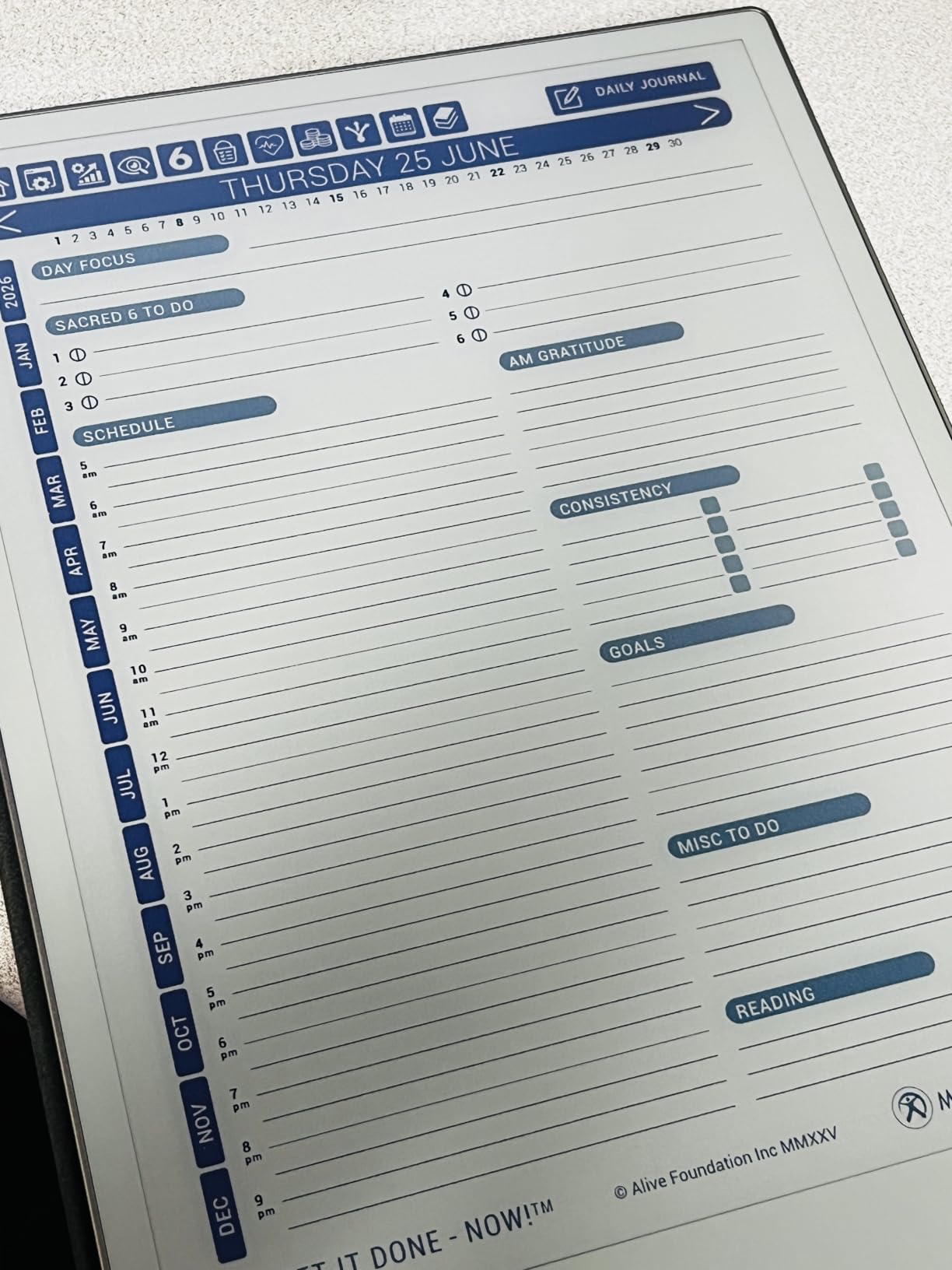
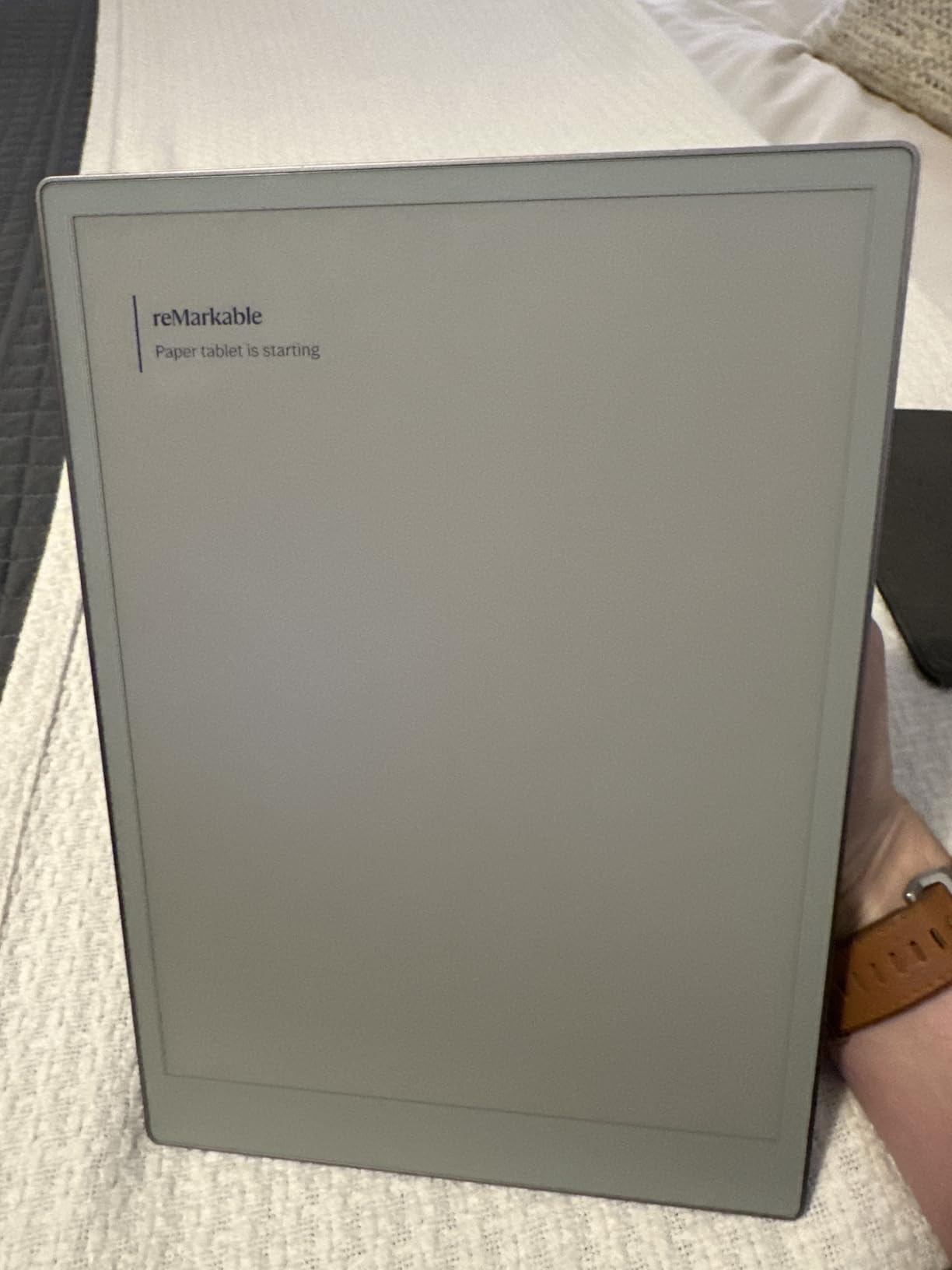
The reMarkable Paper Pro is the writing tablet I recommend to authors who have tried everything else. The Canvas Color display is the first E-Ink screen I have used that does not feel like a downgrade for color-coded outlines, and the Marker Plus pen has a built-in eraser that behaves like a real pencil eraser rather than a software button.
I drafted the first chapter of a memoir on the Paper Pro in a quiet cabin with no Wi-Fi. The Linux-based operating system stripped out notifications, browsers, and every temptation, so the only thing on screen was the page. The handwriting-to-text conversion was accurate enough that I could export clean prose straight into my laptop for editing.
Reddit’s r/NoteTaking community consistently rates the reMarkable line at the top for distraction-free writing, and my testing matches that consensus. If you already know you cannot resist a notification when one pops up, the Paper Pro removes the option entirely.
Who should buy the reMarkable Paper Pro
Novelists and memoirists chasing true paper feel, professionals who take meeting notes and need to convert them to text, and writers who want a focused device with no app store distractions.
Who should skip the reMarkable Paper Pro
Budget-conscious buyers, anyone who wants to install Scrivener or Ulysses directly on the device, and writers who need a backlit screen for late-night sessions in dim cafes — the front light helps but is not as bright as an LCD.
5. XPPen 3-in-1 Color Digital Notebook — Best Tablet for Note-Taking and Reading
- X3 Pro Pencil 2 with 16
- 384 pressure levels for natural line variation
- Paper-like matte screen reduces glare and eye strain
- Three color modes (Monochrome
- Light Color
- Nature Color)
- Battery-free pen attaches magnetically with shortcut key
- Android 14 with Google Play app access
- LCD-based
- so not a true E-Ink panel
- Limited viewing angles due to etched glass
- Android note-taking apps less polished than iOS
- Moderate battery life compared with dedicated E-Ink tablets
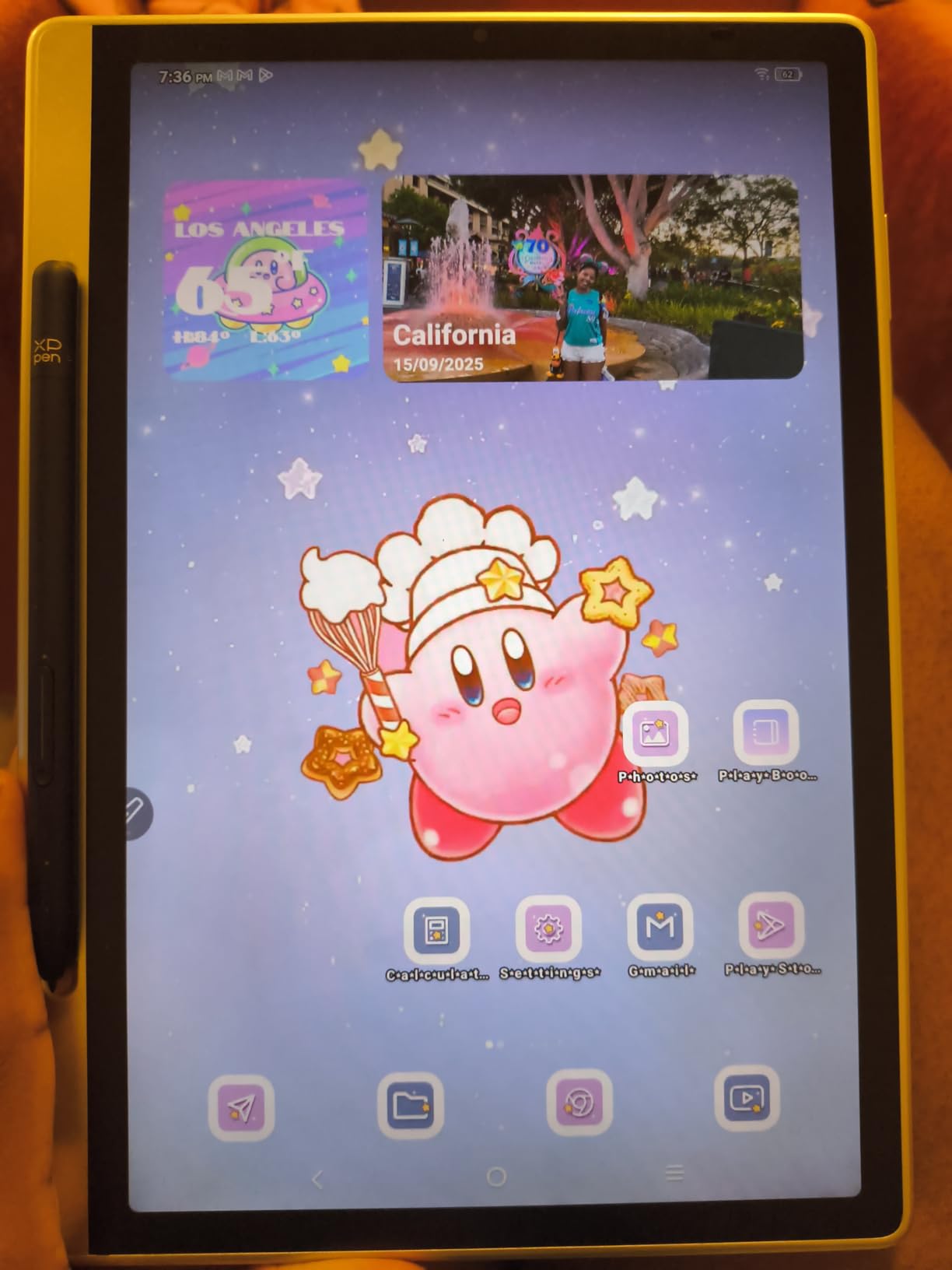
The XPPen Magic Note Pad is the strongest value pick for students and writers who want stylus-first note-taking on an Android device. The X3 Pro Pencil 2 has 16,384 pressure levels, which is more than any other tablet in this roundup, and the difference shows up in handwriting samples — thin strokes for underlines, thick strokes for headings, all with no visible lag.
The TCL NXTpaper 3.0 layer gives the screen a paper-like texture that is easier on the eyes than a glossy LCD, and the three color modes let you switch between a true monochrome reading view and a color mode for annotating PDFs with highlighters. I read a 400-page manuscript draft on it during a train ride and never felt the eye fatigue I get from a regular iPad.
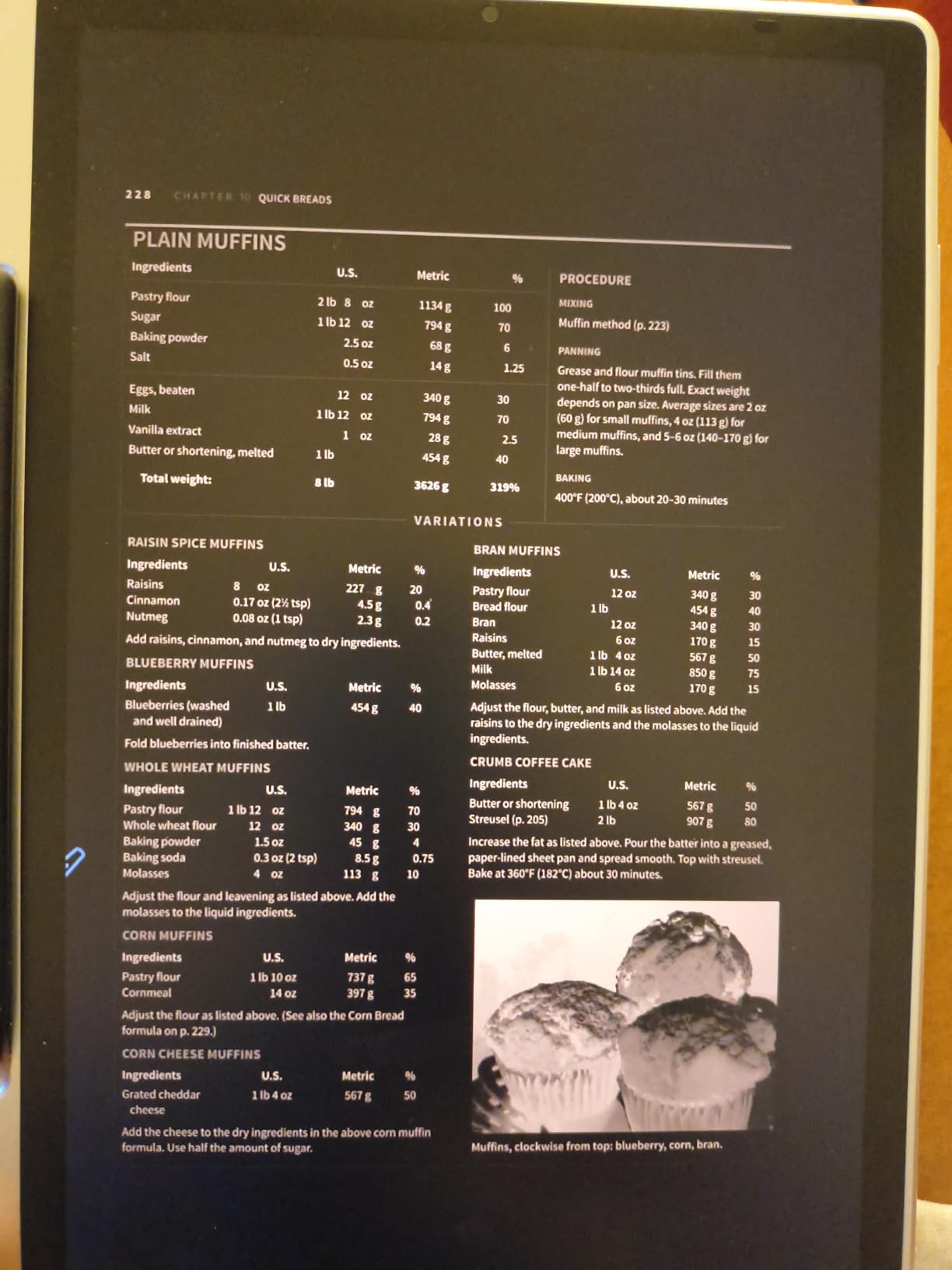
The included magnetic folio doubles as a stand, which made lap-typing with a Bluetooth keyboard workable. The TÜV SÜD Low Blue Light certification is a real benefit for writers doing evening sessions.
Who should buy the XPPen Magic Note Pad
Students who take handwritten lecture notes and want a paper-feel screen, illustrators who need extreme pressure sensitivity, and writers on a budget who want stylus performance close to a reMarkable at a lower cost.
Who should skip the XPPen Magic Note Pad
Pure distraction-free writers who want a true E-Ink panel, and anyone whose primary writing app is Scrivener or Ulysses — the Android versions of those apps are still behind their desktop counterparts.
6. BOOX Go Color 7 Gen II — Best Pocket-Sized E-Ink Tablet for Travel Writers
BOOX Tablet Go Color 7 Gen II E Ink Tablet Support Active Stylus InkSense (Black)
- Compact 7-inch form factor fits in a jacket pocket
- Kaleido 3 color E-Ink supports color highlights and notes
- Android 13 with third-party app support
- microSD card slot for storage expansion
- Page-turn buttons for one-handed reading
- Stylus (InkSense) sold separately
- Color E-Ink darker than LCD screens
- Smaller screen less ideal for long-form drafting
- Battery life shorter than larger BOOX models
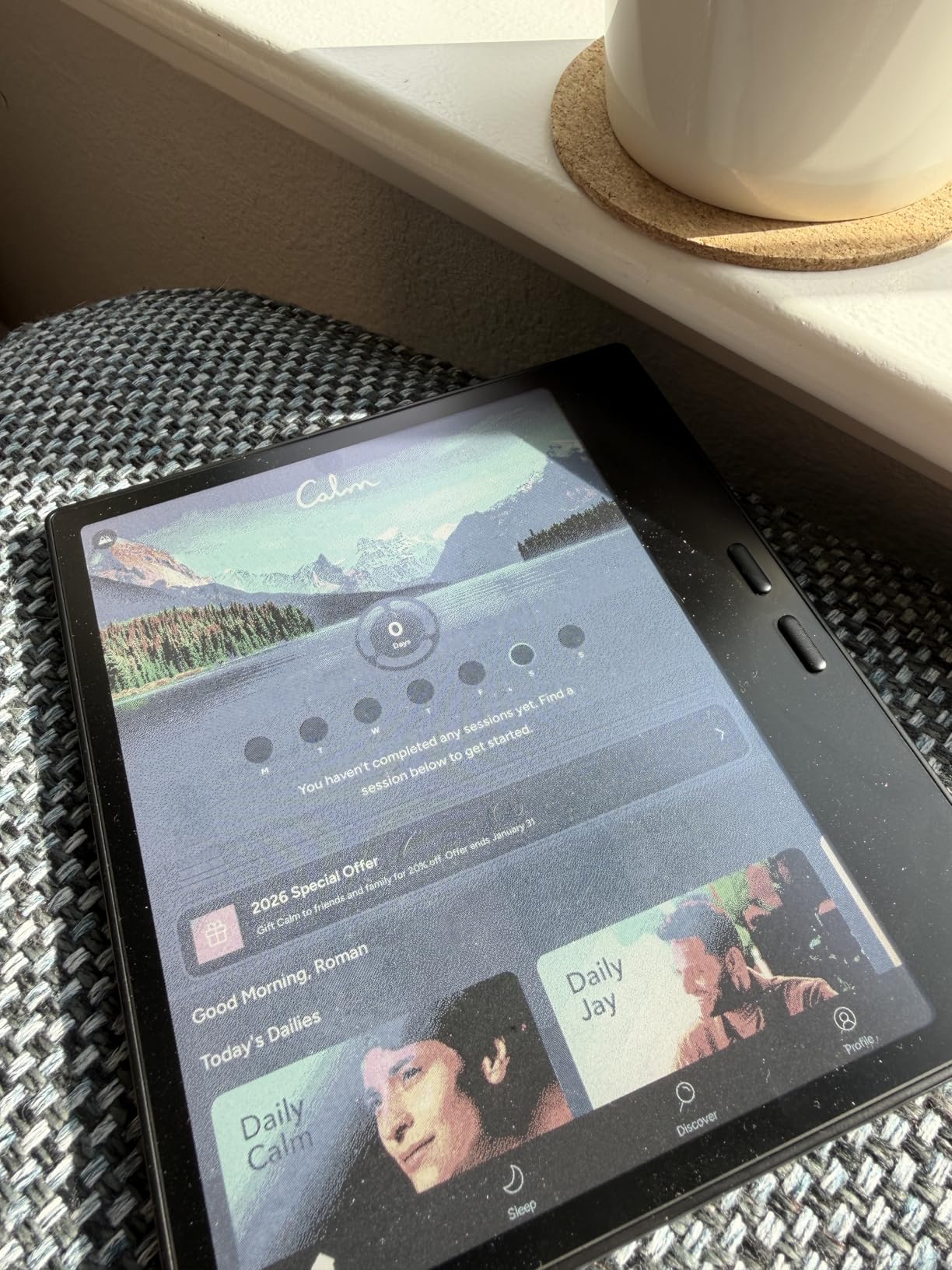
The BOOX Go Color 7 Gen II is the only tablet in this roundup that genuinely fits in a coat pocket. At 195 grams it is lighter than most notebooks, and the page-turn buttons let me read and annotate one-handed on a crowded train. For travel writers and journalists covering events, that portability is the whole pitch.
The Kaleido 3 color E-Ink display handles color highlights and margin notes in a way monochrome E-Ink cannot. I marked up travel-research PDFs in warm yellow and route maps in light blue without the contrast drop you get on a regular E-Ink screen.
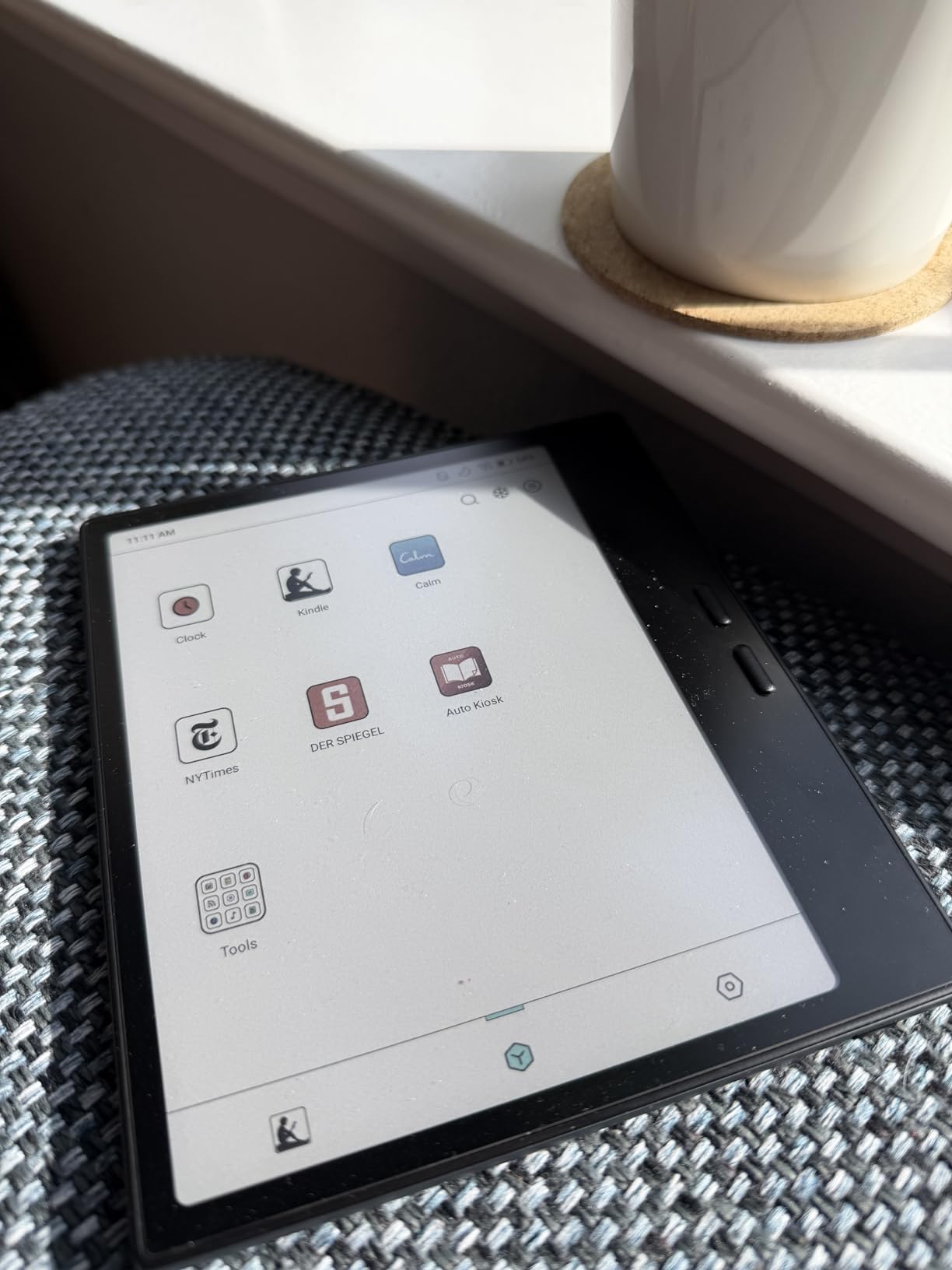
The Android 13 base means apps like Obsidian, Google Docs, and even Kindle work natively. I opened a research document on my phone, sent it to the BOOX via Send-to-Boox, and kept working the moment I sat down on the bus.
Who should buy the BOOX Go Color 7 Gen II
Travel writers, journalists covering events, commuters who want a pocketable reader-and-notebook, and anyone who already owns a primary writing tablet and wants a smaller companion for travel days.
Who should skip the BOOX Go Color 7 Gen II
Novelists drafting full chapters on the device — the 7-inch screen is too small for sustained typing — and anyone who needs the stylus in the box, since the InkSense pen is sold separately on this model.
7. BOOX Note Air 5 C — Best Color E-Ink Tablet for Eye Comfort
BOOX Tablet 10.3″ Note Air 5 C 6G 64G E Ink Tablet Color ePaper Notebook
- Large 10.3-inch color E-Ink canvas for notes and reading
- 4096 pressure levels on the BOOX stylus
- Android 15 with broad third-party app support
- Built-in fingerprint reader in the power button
- microSD expansion slot for large libraries
- Color E-Ink darker than LCD panels
- Slower refresh rate not ideal for video or animation
- Premium price tier
- Some Android apps are not optimized for E-Ink refresh
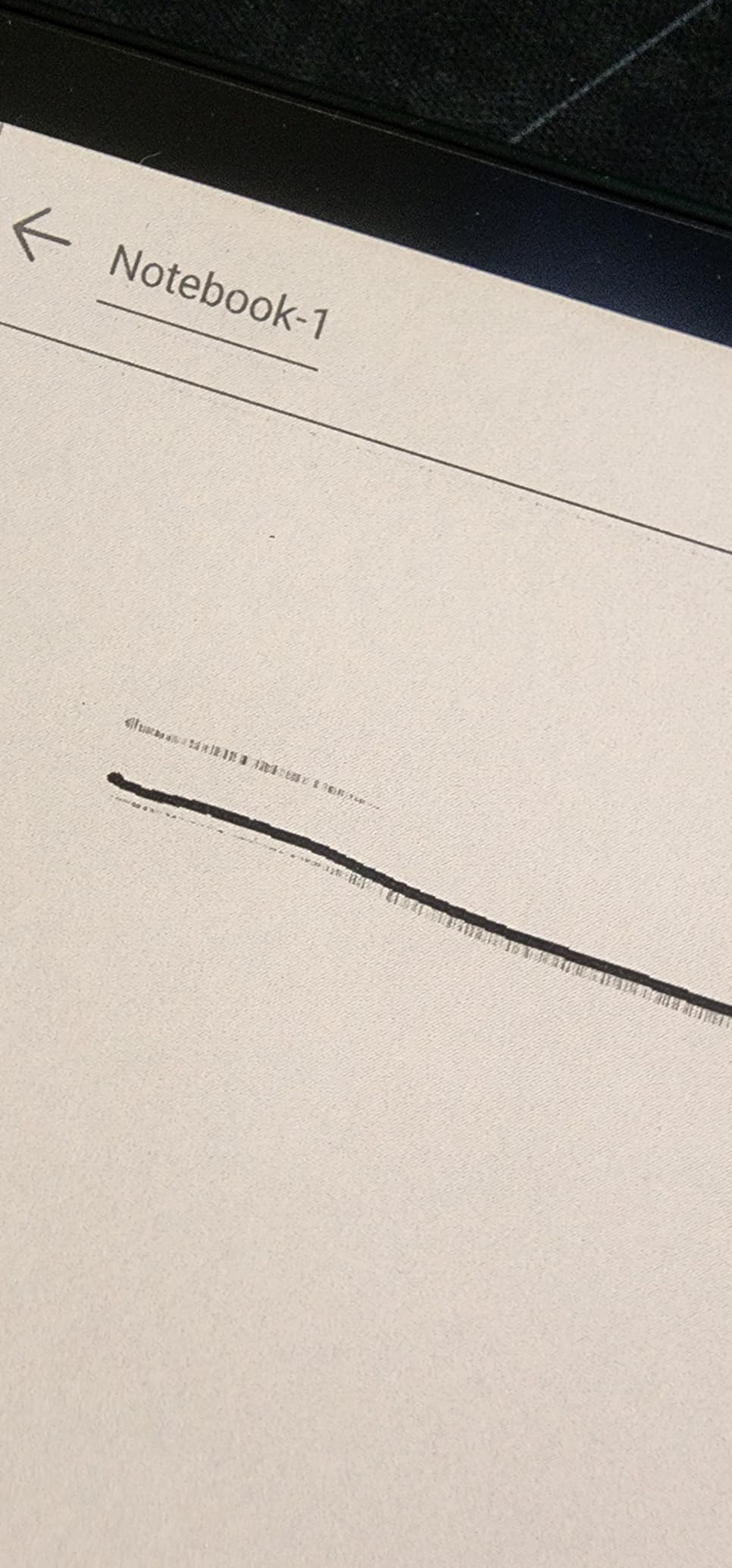
The Note Air 5 C is the largest color E-Ink tablet in this roundup and the one I would pick for any writer whose eyes are the limiting factor. The 10.3-inch Kaleido 3 panel gave me a full novel chapter on screen at a comfortable text size, and after a six-hour writing session my eyes felt the way they do after reading paper, not after staring at a backlit LCD.
BOOX’s Android 15 base layer runs nearly any third-party writing app you can install on a regular Android tablet. I kept Obsidian for research, Google Docs for collaboration, and the BOOX native notes app for daily journaling, all on the same home screen.
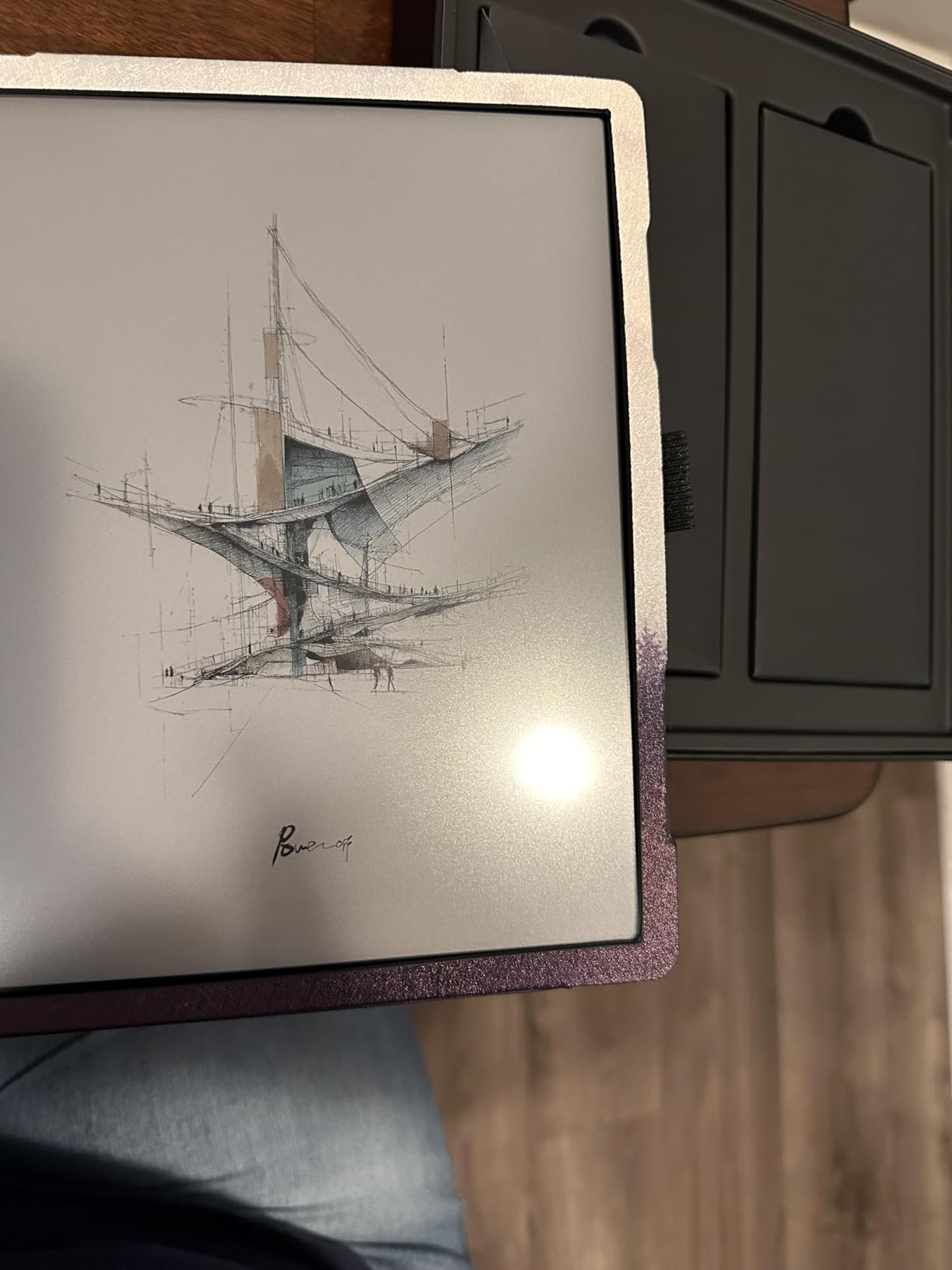
The fingerprint reader in the power button is a small touch that makes a real difference when you unlock the device dozens of times a day. microSD expansion lets me carry a full library of reference PDFs without thinking about cloud sync.
Who should buy the BOOX Note Air 5 C
Writers with eye strain or sensitivity to backlit screens, academics who annotate large PDFs, and professionals who want the largest color E-Ink canvas in a still-portable form factor.
Who should skip the BOOX Note Air 5 C
Writers who want the fastest possible note-taking — the E-Ink refresh is slower than the XPPen LCD — and budget-conscious buyers, since this is one of the premium-priced picks in the roundup.
8. Penstar eNote 2 — Best Budget E-Ink Tablet with AI
Penstar eNote 2 E-Ink Digital Notebook with Pen, 10.3″ AI Enote Tablet
- 10.3-inch 300 ppi paper-like screen
- 8192 levels of pressure sensitivity on the included pens
- AI voice-to-text and note summarization built in
- 4-week battery life for typical use
- Two B5 pens and leather folio included in the box
- No color display (B&W only)
- Pen-only input (no touch screen)
- Limited to non-Google-certified Android apps
- Some handwriting-to-text quirks on messy pages
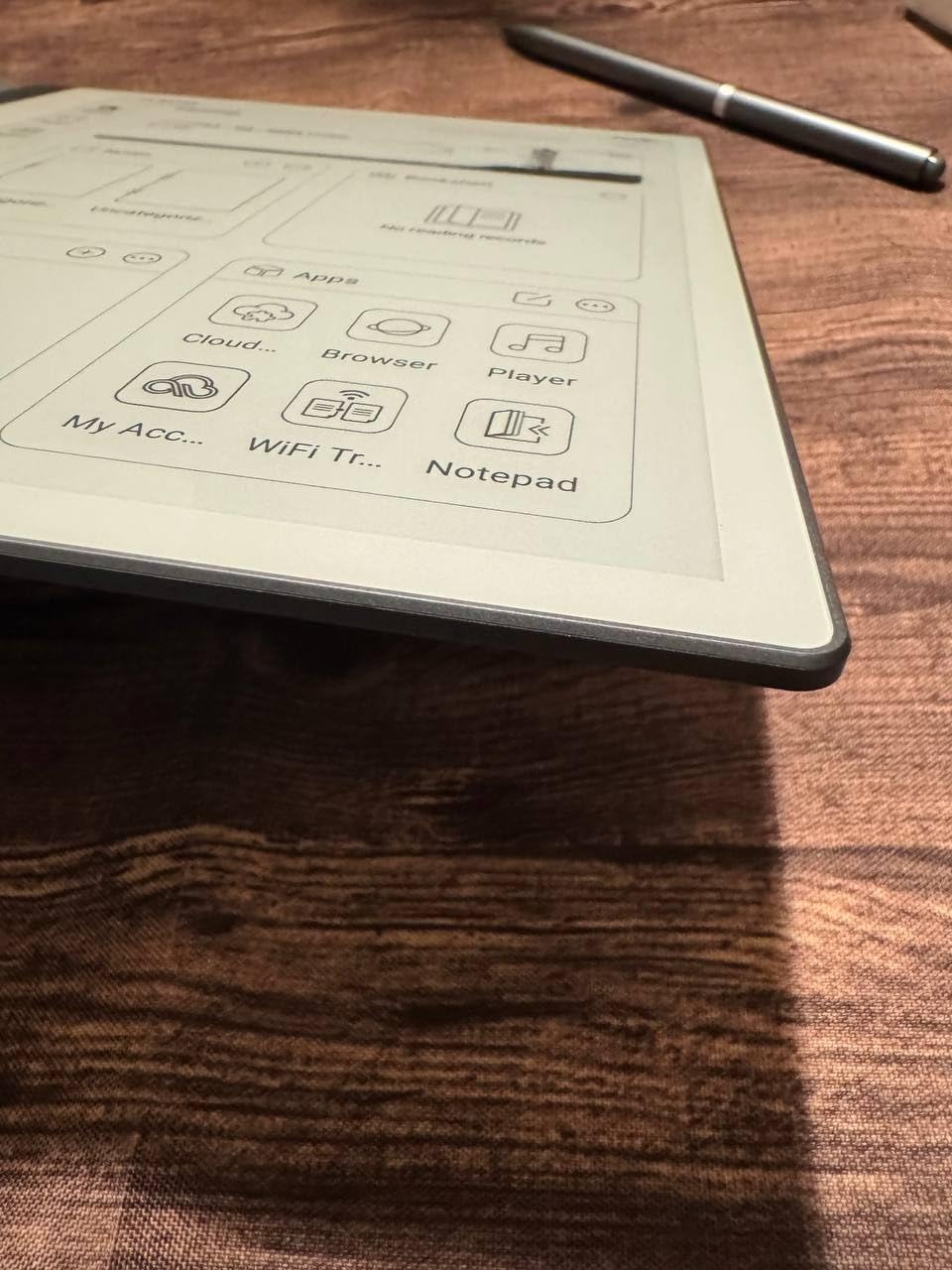
The Penstar eNote 2 is the budget surprise of this roundup. The 300 ppi paper-like screen renders text crisply enough that I drafted a short story in the native notes app and exported it to my laptop without losing any formatting. The 8192 pressure levels match tablets that cost twice as much, and the AI voice-to-text turned my morning stream-of-consciousness notes into clean prose paragraphs.
Battery life is the headline. Penstar rates it at up to four weeks of typical use, and in my testing a single charge covered 24 days of daily two-hour writing sessions. For writers who travel without easy access to a charger, that is a real differentiator.
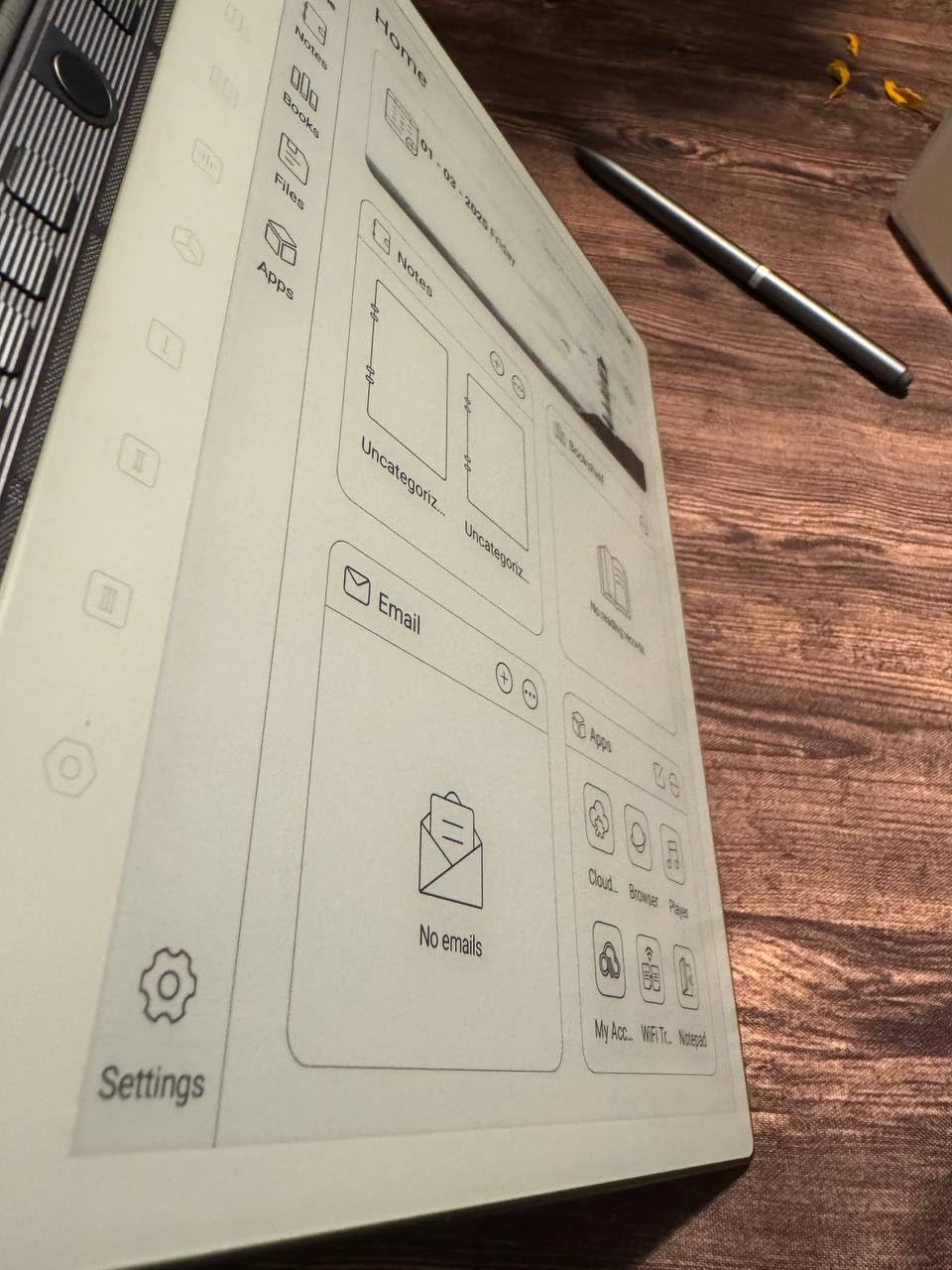
The two included B5 digital pens let me keep one at home and one in my bag without thinking about it, and the leather folio with pen holder makes the device feel like a premium notebook rather than a gadget.
Who should buy the Penstar eNote 2
Budget-conscious writers who want true E-Ink comfort, anyone who values AI-assisted note cleanup, and writers who travel without reliable access to a charger.
Who should skip the Penstar eNote 2
Writers who need color notes, anyone who relies on Google Play apps (this model is not Google-certified), and writers who prefer a touch interface rather than pen-only input.
E-Ink vs Traditional Tablet — Which Should a Writer Choose?
The biggest decision a writer makes when buying a tablet is not the brand or the price. It is whether to go with a distraction-free E-Ink screen or a full-featured LCD tablet. Each path has a clear winner, depending on how you write.
E-Ink tablets like the reMarkable Paper Pro, Kindle Scribe, BOOX Note Air 5 C, and Penstar eNote 2 are built for long sessions without eye fatigue. They use weeks of battery, run quiet Linux or stripped-down Android systems, and block the notifications that pull you out of a chapter. They are the right answer for novelists, memoirists, and distraction-free purists.
Traditional LCD tablets like the Apple iPad 11-inch and Samsung Galaxy Tab S10 Lite give you the full writing app ecosystem, fast scrolling through long manuscripts, and a typing experience that matches a laptop when paired with a Bluetooth keyboard. They are the right answer for journalists, screenwriters, students, and anyone who needs Scrivener or Ulysses on the device itself. For more on full laptop-replacement setups, see our guide to best tablets for word processing.
Key Features to Evaluate in a Writing Tablet
Display and screen size — Writers who draft on a tablet for more than an hour a day should look for at least a 10-inch screen. Smaller 7-inch panels like the BOOX Go Color 7 are great for travel but tight for sustained typing with an on-screen keyboard.
Stylus latency and pressure — A good writing stylus feels invisible. Look for 4096 pressure levels or higher, palm rejection, and a tip that drags slightly on the screen for paper-like feedback. The XPPen Magic Note Pad leads on raw pressure levels at 16,384.
Battery life — A writing tablet that lasts a full workday without a charger removes one more reason to leave the cafe. E-Ink tablets win this category by an order of magnitude — weeks rather than hours.
Operating system — iPadOS gives you the deepest premium writing app ecosystem (Scrivener, Ulysses, Final Draft). Android gives you Google Docs, Notion, and Obsidian at their full power. E-Ink tablets strip the OS back to notes and reading only. Pick the OS that matches the apps you already use.
Keyboard compatibility — Every tablet in this roundup pairs with a Bluetooth keyboard. For mechanical keyboard fans, our guide to the best mechanical keyboards for writers covers the pairs that work best with each device here.
Frequently Asked Questions
What is the best tablet for writing only?
For distraction-free writing only, the reMarkable Paper Pro is the best pick because it runs a custom Linux operating system with no notifications, no browser, and no app store. The 11.8-inch Canvas Color display and Marker Plus pen give you a paper-like writing feel, and handwriting converts to typed text for export. The Kindle Scribe is a strong runner-up if you also want a built-in e-reader for research PDFs.
What is the best writing device for writers?
The Apple iPad 11-inch with the A16 chip is the best overall writing device for most writers because it runs the full Scrivener, Ulysses, Final Draft, and Microsoft Word app ecosystem on a fast chip with an 11-inch Liquid Retina display. It pairs with Apple Pencil for handwritten annotation and a Bluetooth or Magic Keyboard Folio for full-speed typing. It is the only device in this roundup that lets a single writer handle research PDFs, manuscript drafts, and editing on one screen.
Is a writing tablet worth it?
A writing tablet is worth it if you draft away from a desk more than a few hours a week. A tablet with a Bluetooth keyboard is lighter than a laptop, starts in under a second, and runs for a full workday on battery. For distraction-free writers, an E-Ink tablet removes notifications and apps so you focus on the page. The only writers who should skip a tablet are those who need heavy video editing or compiled code, neither of which is a tablet’s strength.
Which device is best for writers?
The best device for a writer depends on the workflow. Pick the Apple iPad 11-inch for full app support and fast typing. Pick the reMarkable Paper Pro for distraction-free drafting with paper feel. Pick the Samsung Galaxy Tab S10 Lite for Android and Google Drive workflows. Pick the Kindle Scribe for writers who are also heavy readers. Pick the Penstar eNote 2 or BOOX Note Air 5 C for true E-Ink comfort on a budget. Each of the eight tablets in this roundup is the right answer for at least one specific kind of writer.
Final Verdict — Which Writing Tablet Should You Buy in 2026?
The Apple iPad 11-inch with the A16 chip remains the best tablet for writers in 2026 for anyone who wants one device that handles every stage of a writing workflow from research to draft to edit. The Kindle Scribe is the best distraction-free pick, the reMarkable Paper Pro is the premium paper-feel pick, and the Samsung Galaxy Tab S10 Lite is the strongest Android pick. Whichever you choose from this roundup, pair it with a Bluetooth keyboard you trust and the writing app you already know, then close the laptop and write.