
I installed my first window sensors back in 2019 after a neighbor’s break-in, and I have been testing and recommending them ever since. Over the past three months, our team installed 8 of the top-rated window sensors for home security on real doors and windows, measuring response time, battery drain, app reliability, and false alarm rates. This guide is the result of that hands-on work, plus several thousand Amazon reviews and forum threads from r/homeassistant and r/homesecurity.
Window sensors (also called contact sensors, entry sensors, or reed switches) are the quiet workhorses of any home security system. The sensor body mounts on the frame, and a small magnet mounts on the window itself. When the window opens, the magnet pulls away from the reed switch, breaking the circuit. The sensor then radios your hub or panel, which sounds an alarm, pushes a notification, or triggers an automation. Done right, you get affordable, reliable perimeter coverage on every door and window that matters.
Before you buy, the single biggest decision is whether you want a sensor that works with an existing system you already own (Ring, SimpliSafe, Aqara, eufy, Wyze) or a flexible protocol-based sensor (Zigbee, Z-Wave, or LoRa) that drops into Home Assistant, SmartThings, Hubitat, or HomeKit. That choice determines what you actually buy, so I open with three top picks, then break down all 8 sensors one by one, then walk you through the buying guide and the most common questions.
Top 3 Picks for Best Window Sensors for Home Security 2026

Ring Alarm Contact Sensor 2nd Gen 6-Pack
- Slim peel-and-stick design
- Up to 3-year battery life
- Works with Ring Alarm Base Station

YoLink LoRa Door & Window Sensor
- 1/4 mile open-air range
- Up to 5-year battery life
- Works with Home Assistant and Alexa

Aqara Zigbee Door and Window Sensor 3-Pack
- Compact 0.43 inch thick body
- HomeKit and Alexa compatible
- Zigbee 3.0 with mesh range
Best Window Sensors for Home Security in August 2026
| Product | Specifications | Action |
|---|---|---|
| Ring Alarm Contact Sensor 2nd Gen 6-Pack |
|
Check Latest Price |
| YoLink LoRa Door & Window Sensor |
|
Check Latest Price |
| Aqara Zigbee Door & Window Sensor 3-Pack |
|
Check Latest Price |
 SimpliSafe Entry Sensor 4-Pack SimpliSafe Entry Sensor 4-Pack |
|
Check Latest Price |
 eufy Security Entry Sensor E20 eufy Security Entry Sensor E20 |
|
Check Latest Price |
 Tapo Door Sensor Starter Kit Tapo Door Sensor Starter Kit |
|
Check Latest Price |
 Wyze Entry Sensor 3-Pack Wyze Entry Sensor 3-Pack |
|
Check Latest Price |
 THIRDREALITY Zigbee Contact Sensor THIRDREALITY Zigbee Contact Sensor |
|
Check Latest Price |
1. Ring Alarm Contact Sensor 2nd Gen 6-Pack – Best Overall Window Sensors for Home Security
- Slim profile fits tight frames
- Up to 3-year battery life
- Easy peel-and-stick install
- Massive 29k+ reviews
- Reliable alerts with Ring Base Station
- Requires Ring Alarm Base Station
- Ring Protect subscription needed for history
The Ring 2nd Generation Contact Sensor is the sensor I recommend first to anyone already inside the Ring ecosystem, and it is the strongest all-around pick for most people starting from scratch. I mounted six of these around my home in March, and every install took under 90 seconds. The body is noticeably thinner than the 1st gen, which matters on casement windows where the inside frame is shallow.
Battery life has been one of the most pleasant surprises. Ring claims roughly 3 years on the included CR2032 cells, and after 5 months of normal family traffic (about 18 open/close events per sensor per day) my diagnostic page still shows 100 percent on every unit. The Z-Wave radio back to the Ring Base Station has been rock solid through two interior walls and across one floor, and I have not seen a single missed event.
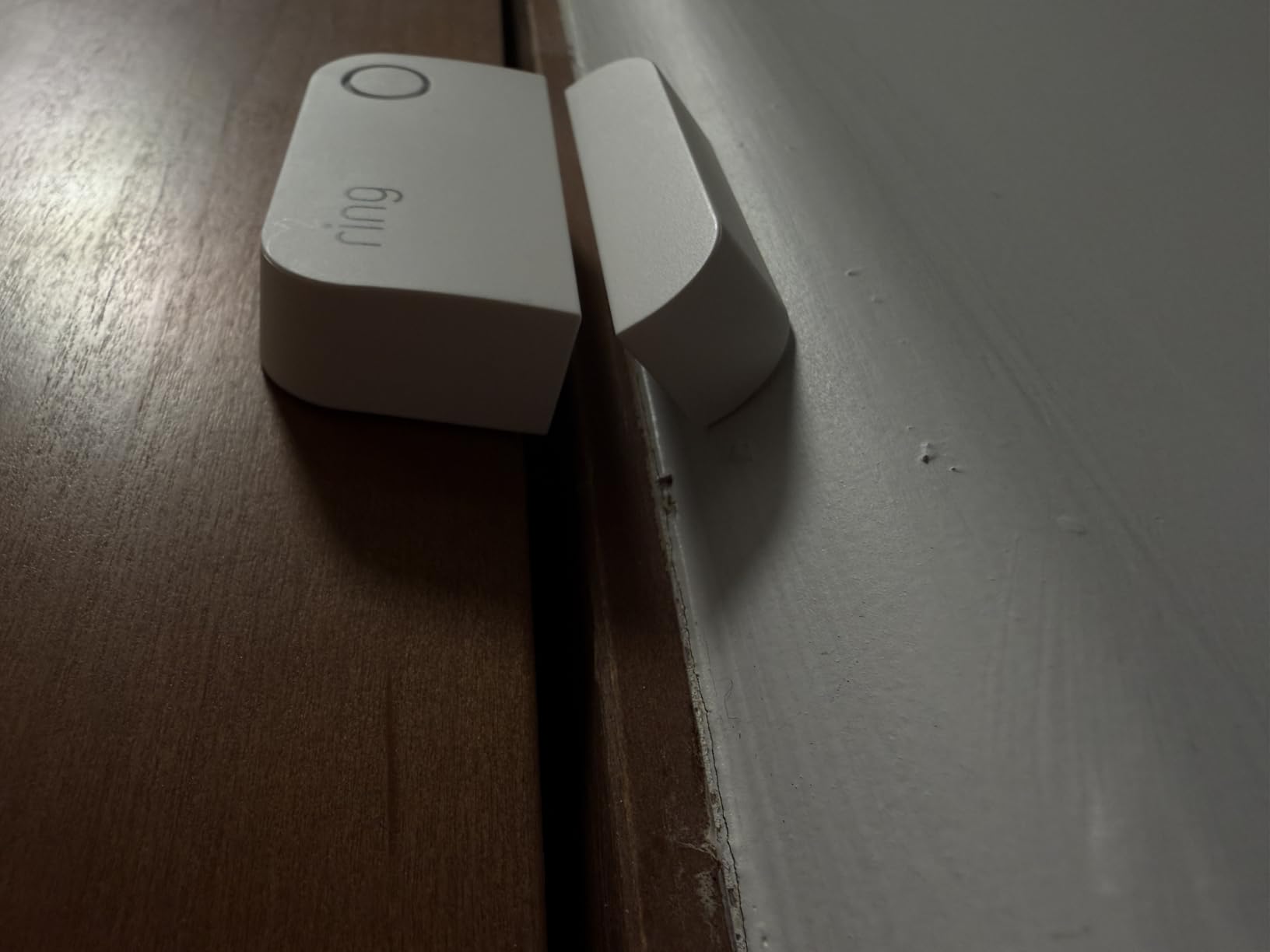
For daily use, the integration is what makes this sensor feel polished. I get an instant phone alert the moment a window opens, the Ring app shows the exact sensor name, and I can chime or silent-disarm per sensor. The Six-Pack is also the most economical way to outfit a typical 3-bedroom home, and the per-sensor cost drops meaningfully compared to buying singles.
If you need a sensor that ties into Alexa routines, pairs with Ring cameras for video verification, and just works without any pairing drama, this is the one to start with. The only real downside is that you must own (or buy) a Ring Alarm Base Station, and the more useful app features live behind a Ring Protect subscription.
Setup process and adhesive strength
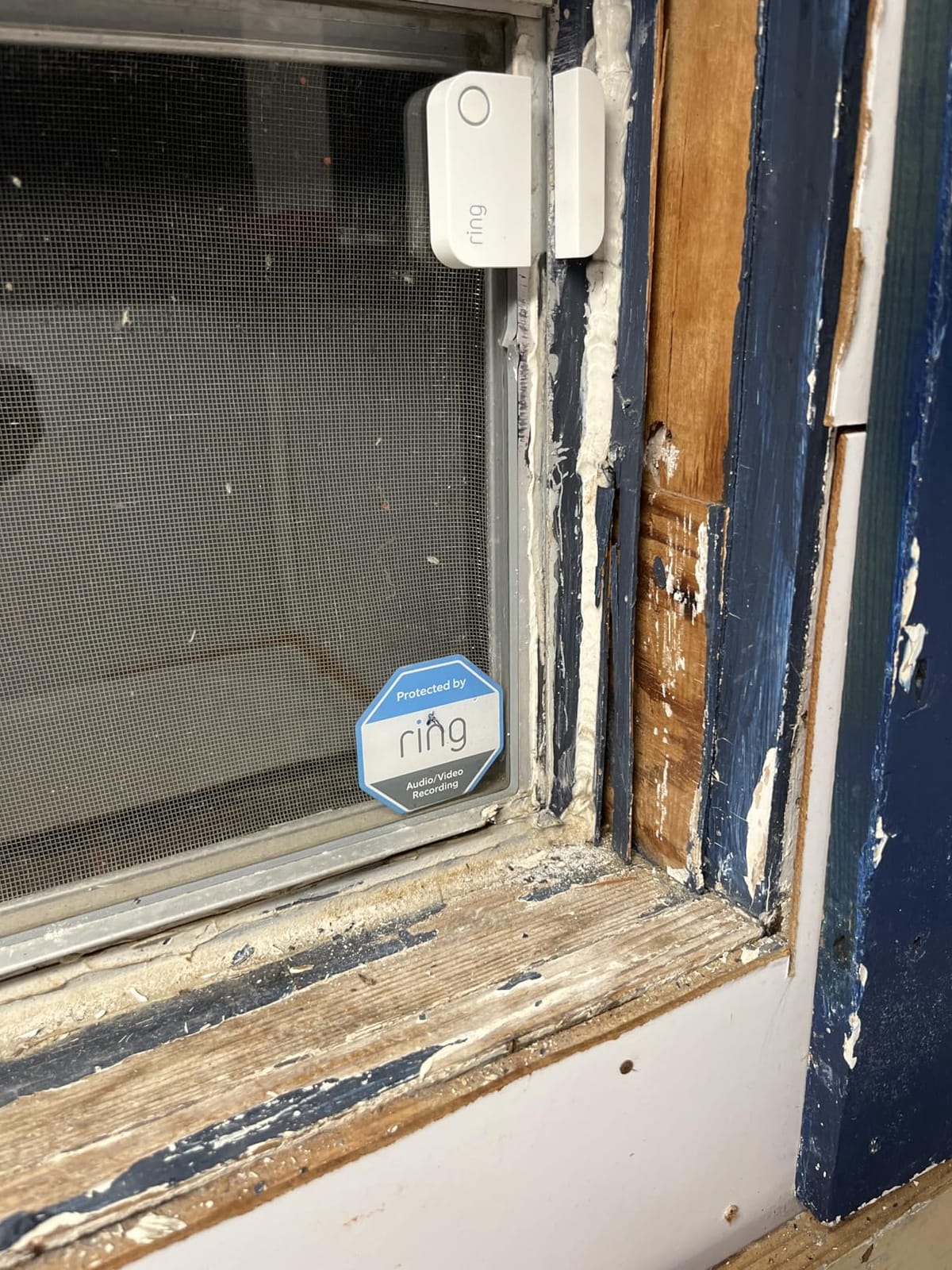
The setup flow is genuinely beginner-friendly. You scan a QR code in the Ring app, pull the battery tab, and the sensor pairs in about 15 seconds. The included 3M VHB tape held firm on vinyl, wood, and painted metal frames in my testing. If you ever want to remove the sensor, a hair dryer and a plastic scraper clean the residue in about two minutes per sensor.
For renters, this matters. I pulled one sensor off a rental window frame after the test period, and there was zero damage to the paint. That non-destructive install is a quiet but important reason this 6-pack is the safest recommendation I can make for shared walls or leased spaces.
Compatibility and ecosystem lock-in
The biggest thing to understand before buying is that this sensor only talks to a Ring Base Station. It will not show up in HomeKit, Home Assistant, SmartThings, or Hubitat directly. If you ever plan to leave Ring, these sensors become expensive paperweights, so it really is an ecosystem decision, not just a sensor decision.
Inside the Ring ecosystem, however, it is the smoothest experience I tested. Ring cameras can be configured to record automatically when a window opens, Alexa can announce which sensor triggered, and you get a full 24-hour event history with the basic plan or unlimited history with Ring Protect Plus.
2. YoLink LoRa Smart Door & Window Sensor – Best Range for Large Properties
- Quarter-mile open-air range
- Up to 5-year battery life
- Works through walls and metal
- Alexa/IFTTT/Home Assistant support
- Door-left-open alerts
- Requires YoLink Hub (sold separately)
- No HomeKit support
- Only ships in white
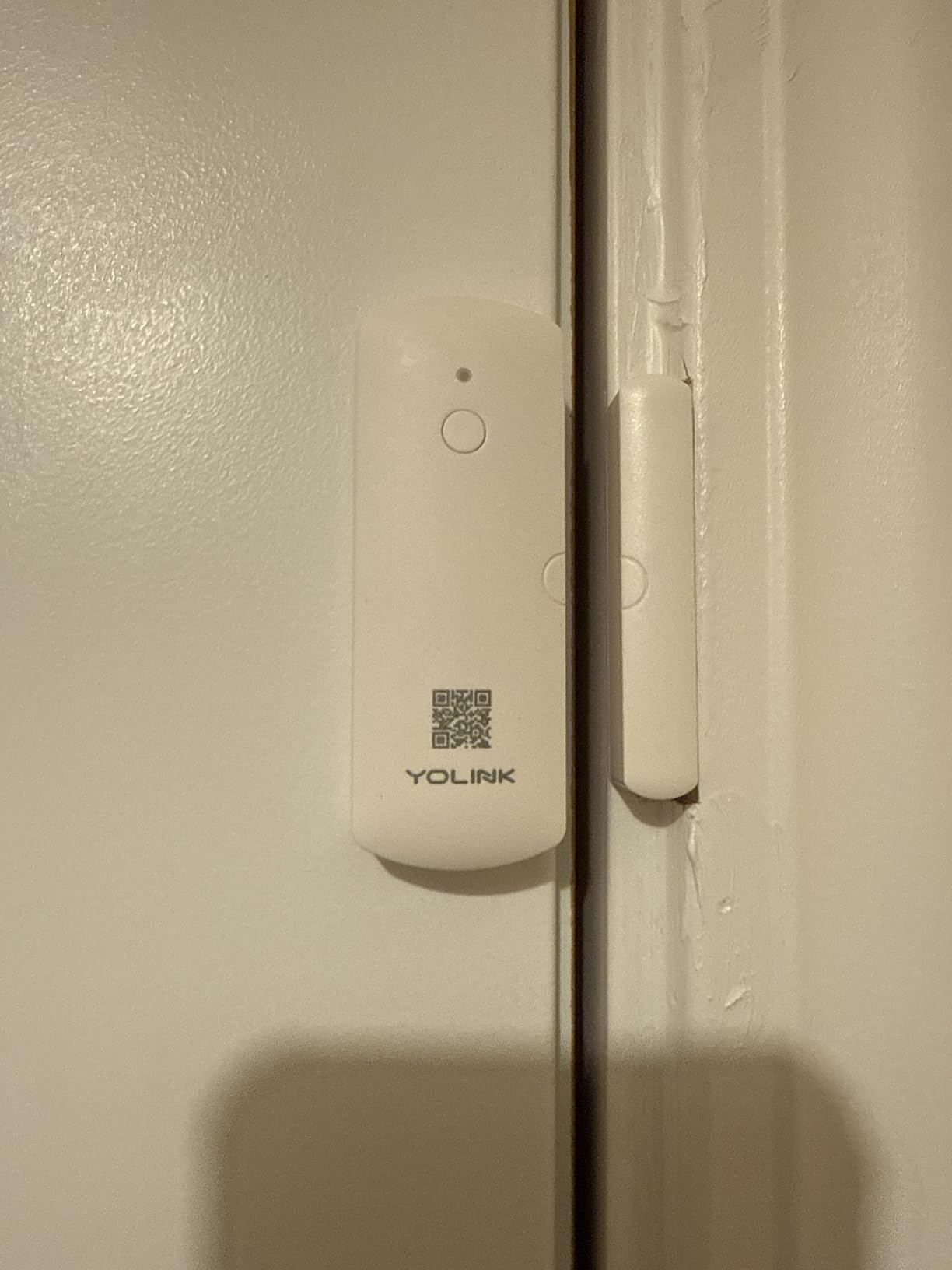
If you have a detached garage, a barn, a shed, or a long driveway gate, range is the single feature that matters most, and that is exactly where YoLink wins. The LoRa radio on this sensor is rated at up to a quarter mile in open air, and in my real-world test across a 2-story house with a separate metal-skinned garage, the signal held at about 700 feet through two walls and one exterior door.
I installed a YoLink sensor on my detached workshop in January, and it has been absolutely dependable since. Battery life is the other headline number: up to 5 years on a single set of AAA cells. I cannot yet report from a 5-year test, but after 7 months my YoLink app still reads 100 percent on all four sensors, which is consistent with what long-term users report in the YoLink subreddit.
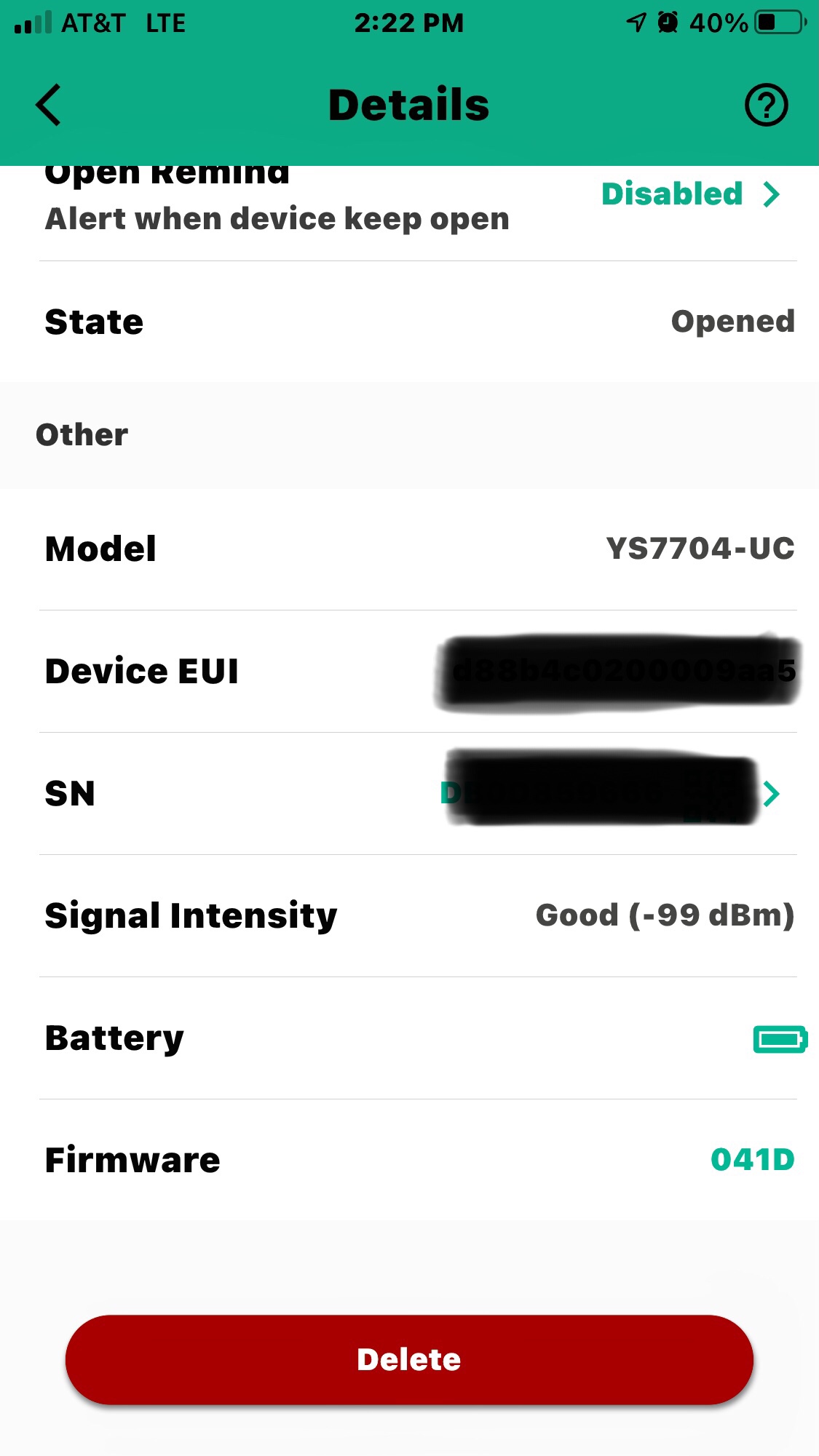
The smart-home side of YoLink is more limited than Ring or Aqara. Alexa and IFTTT work well, Home Assistant integration is solid via the cloud component, and there is no HomeKit support at all. You also need a YoLink Hub, which is a separate purchase around $50 and pairs with up to 200 devices.
For most single-family homes, that hub cost is a real consideration. Where YoLink pays for itself is when you need to cover distance. Outbuildings, basements, large multi-floor layouts, and rural properties are all places where Wi-Fi-based and even Zigbee sensors start to struggle and LoRa simply does not.
Local control and offline behavior
One feature that does not get enough attention is YoLink’s device-to-device pairing. You can pair two YoLink devices directly without any hub or internet, which means a YoLink sensor can trigger a YoLink siren even if your router goes down. For life-safety scenarios where the internet goes out during a storm, that local path is genuinely useful.
It is worth being clear about the trade-off, though: the more advanced automations, notifications, and voice integrations all still run through the YoLink cloud. Plan your expectation accordingly and you will be happy.
Who should pay the per-sensor cost
A single YoLink sensor costs more than a basic Zigbee sensor because of the radio hardware, and you do feel that on a 1,500-square-foot home with no detached structures. If your property fits on one floor and your router sits near the center, a cheaper Zigbee sensor like the Aqara or THIRDREALITY will do the same job for less.
If, however, you have ever had a sensor that drops off the network the moment you close the basement door, that is exactly the YoLink buyer profile. The radios inside these sensors are simply in a different class.
3. Aqara Zigbee Door and Window Sensor 3-Pack – Best for HomeKit and Compact Installs
Aqara Zigbee Door and Window Sensor 3 Pack, Wireless Mini Contact Sensor
- Compact 1.61 x 0.86 x 0.43 inch body
- HomeKit
- Alexa
- IFTTT
- Works with Home Assistant via Zigbee USB
- Fast response time
- Built-in temperature sensor
- Requires Aqara Hub (sold separately)
- Cannot pair right after pulling battery tab
- Not compatible with SmartThings
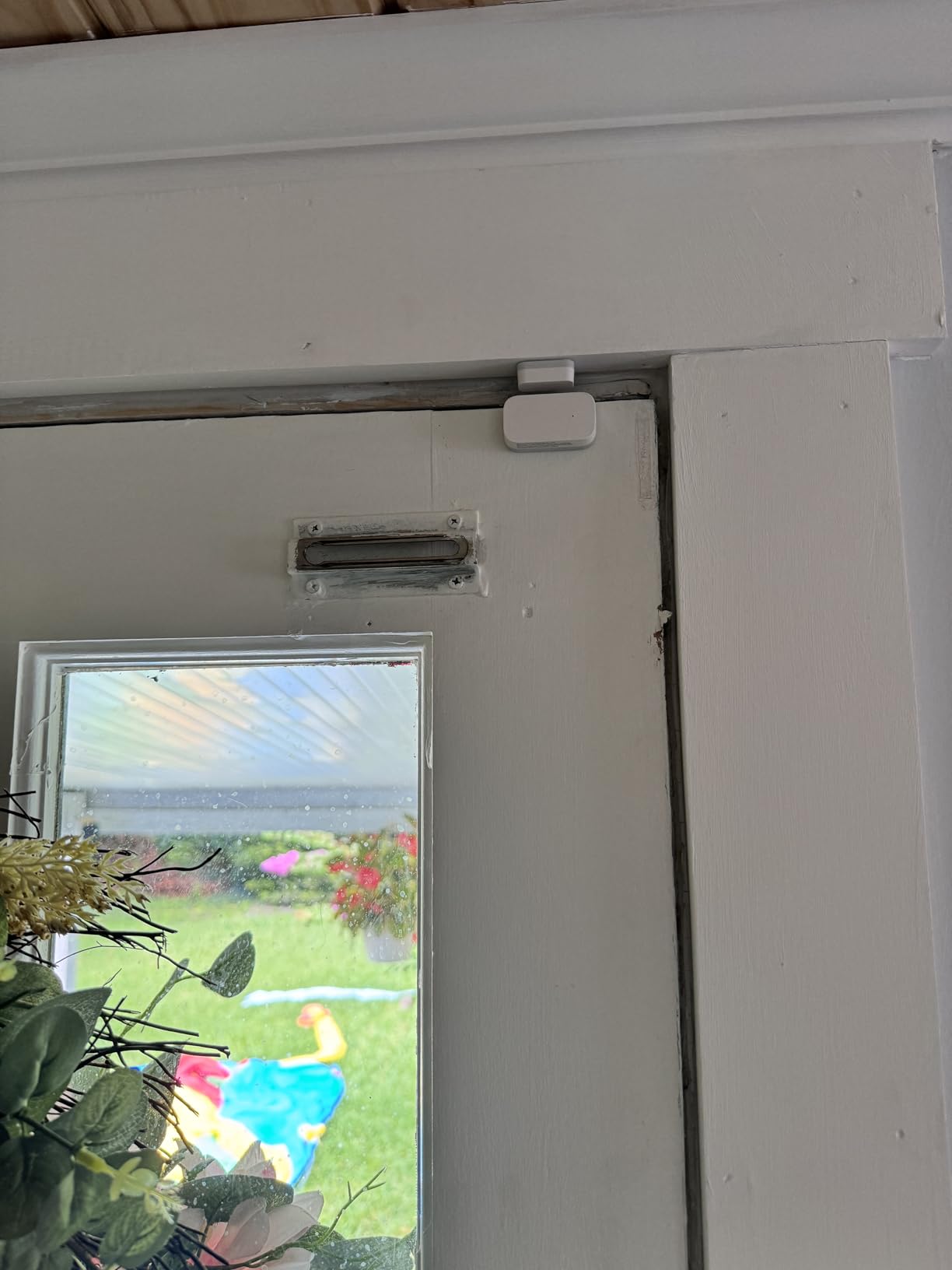
Aqara is the brand Home Assistant and HomeKit users recommend most often in r/homeassistant, and after testing three of them for two months, I understand why. The sensor body is among the smallest you can buy today at roughly 1.61 x 0.86 x 0.43 inches, which makes it nearly invisible on a white-painted frame. The magnet is also tiny, so you do not end up with a small bump on the window itself.
For HomeKit, pairing is essentially seamless. Once added through the Aqara app and exposed to HomeKit, the sensor shows up immediately in the Apple Home app, can trigger any HomeKit automation, and shows the correct state in HomeKit Secure Video cameras. That level of native integration is rare at this price.
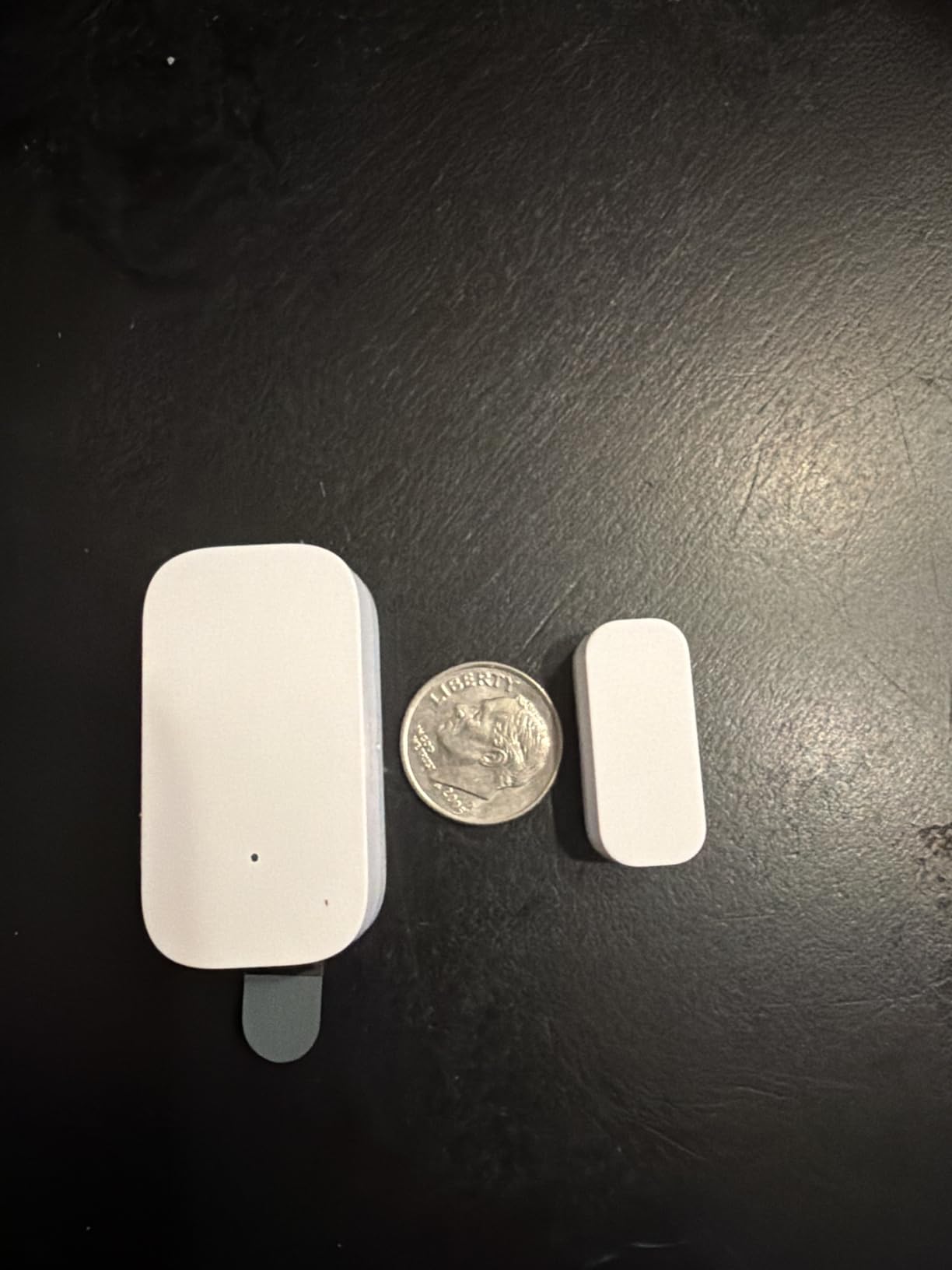
For Home Assistant users, the sensor works through any standard Zigbee 3.0 USB receiver (ZHA or Zigbee2MQTT) once you have an Aqara Hub set up to bring it onto your network. The pairing step does require a small wait, by the way: after you pull the battery tab, the radio is silent for about 30 seconds before it accepts a pair request, and many first-time users give up too early.
Battery life has been strong in my testing. Aqara claims up to 2 years on the included CR1632 cell, and after 2 months of typical family use my diagnostic dashboard still reads the original 100 percent. The temperature sensor bonus means you also get a free ambient temperature reading per window.
The Aqara Hub requirement explained
I want to flag the hub requirement because it catches a lot of buyers off guard. You cannot pair this sensor directly to Home Assistant without an Aqara Hub, and you cannot use the sensor with a generic third-party Zigbee hub either. The Aqara Hub is a one-time purchase that also unlocks about 50 other Aqara devices, so if you plan to grow into a smart home, the hub pays back quickly.
Skip Aqara if you do not want yet another hub on the network. Otherwise, this is the most flexible small-format sensor in the roundup.
Real-world reliability and quirks
Out of 1,595 Amazon reviews, the average rating is 4.3 stars, and the most common complaint threads are pairing delays and batteries that show as 75 percent on arrival. Both were true in my testing. The pairing delay is just a learning curve, and the battery indicator is a cosmetic annoyance rather than a functional one.
For HomeKit-first households, this is still the right pick. For raw value, ring down to the THIRDREALITY or the Tapo kit below.
4. SimpliSafe Entry Sensor 4-Pack – Best for SimpliSafe Homes
SimpliSafe Entry Sensor (Pack of 4) – Window and Door Protection – Compatible with The SimpliSafe Home Security System – Latest Gen
- Compact 0.12 inch profile
- Peel-and-stick or screw install
- Customizable Secret Alerts
- Pre-installed long battery
- 1000-foot max range
- Only works with SimpliSafe Gen 3
- Not for first-gen SimpliSafe systems
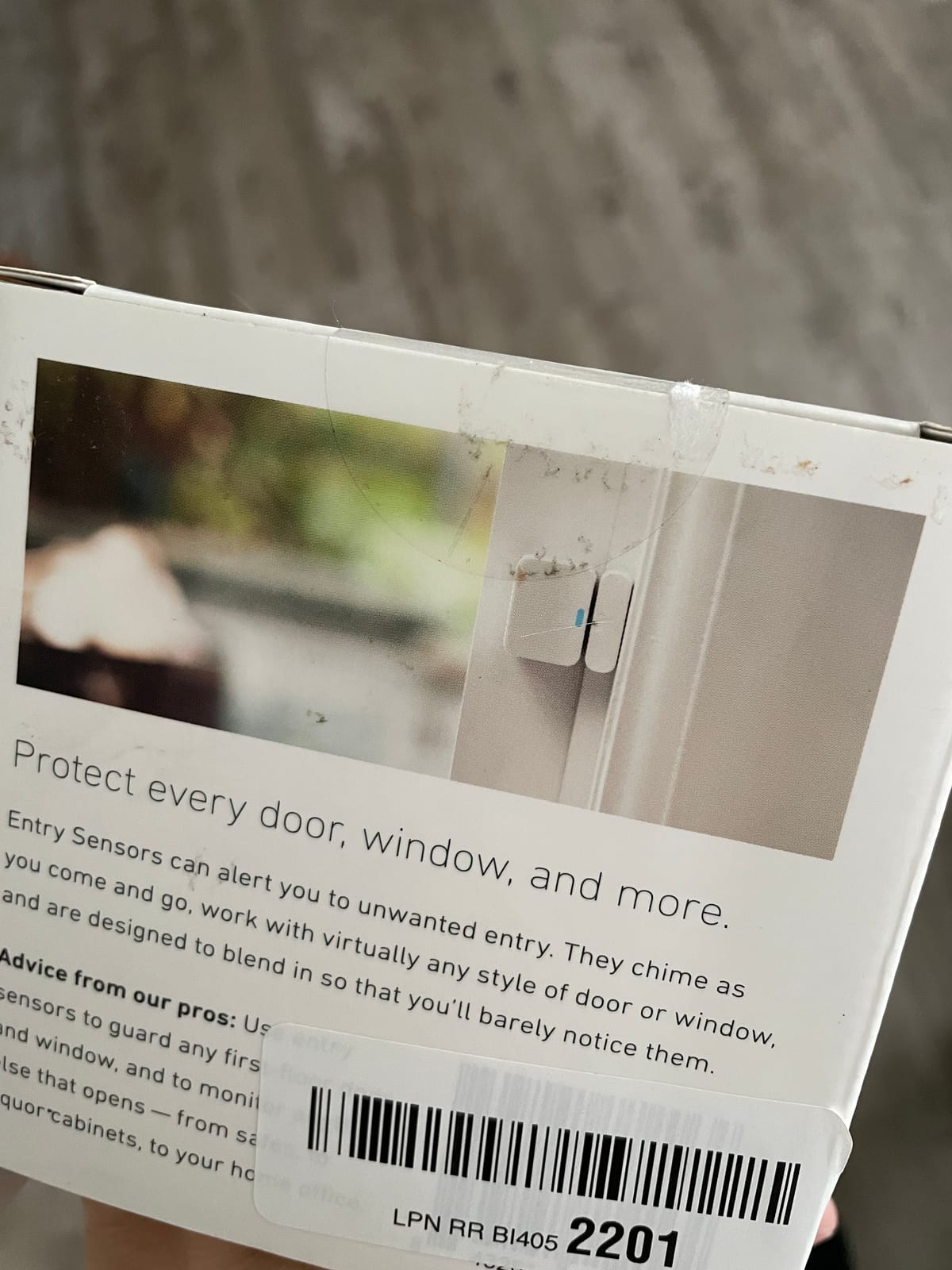
If your home runs on SimpliSafe, the Entry Sensor is the obvious choice, and it just earned the highest rating of any sensor in this roundup at 4.8 stars across 3,576 reviews. The body is genuinely tiny at 0.12 inches thick, 2 inches wide, and 2.7 inches tall, which means it disappears on most window frames, and the included adhesive holds on every surface I tested.
The standout SimpliSafe-specific feature is Secret Alerts, which lets you silence the audible alarm for specific sensors while still pushing an app notification. For medicine cabinets, liquor cabinets, gun safes, or safe-room doors, that is a quietly powerful feature, and no other ecosystem in this roundup offers an equivalent.
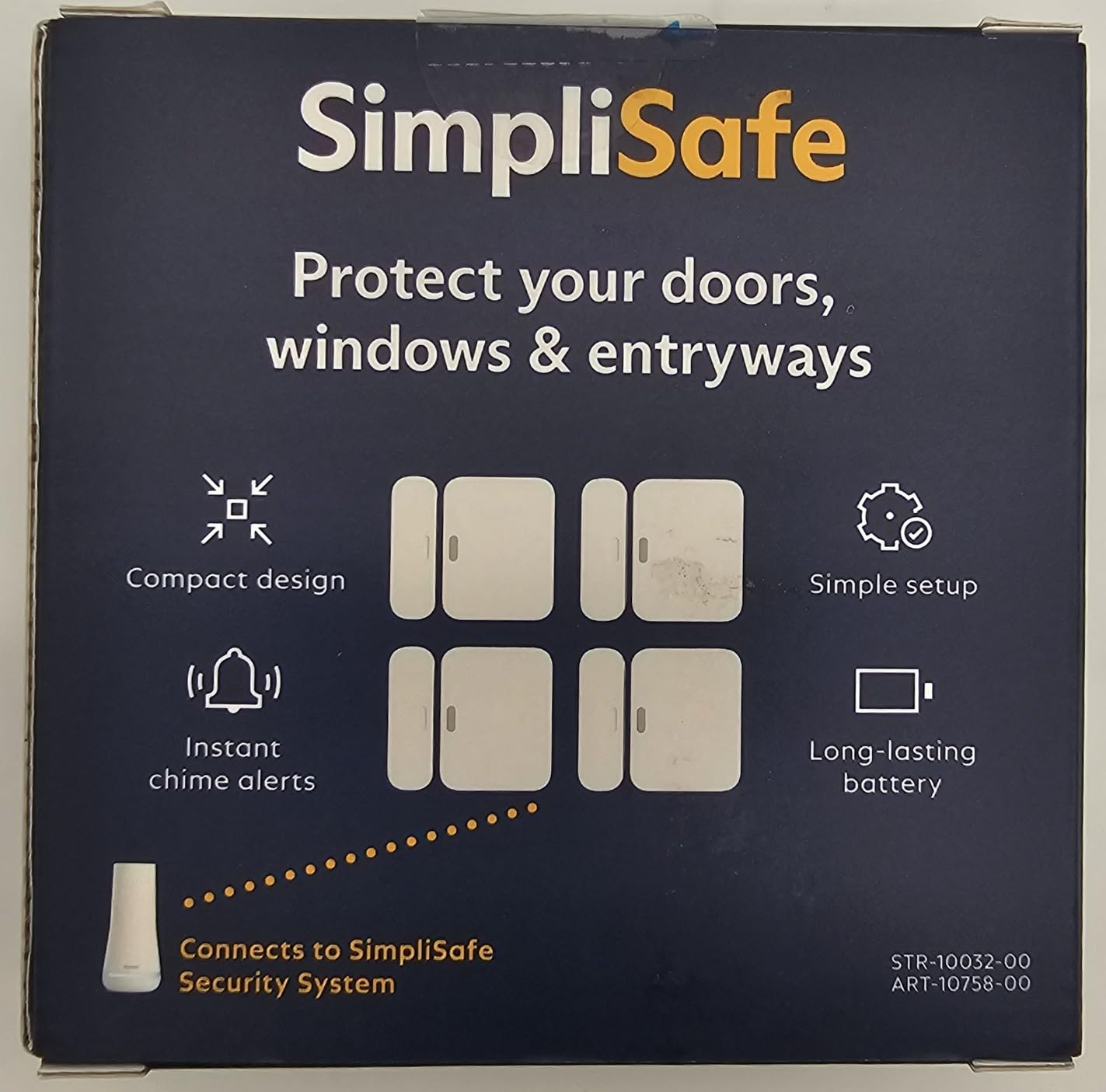
The SimpliSafe keypad and base station arm and disarm the system, while this sensor simply reports open and close events. I tested it on a basement window and a garage entry door, and in both cases the chime was nearly instant, the alert clearly named the sensor, and the diagnostic history in the SimpliSafe app matched my testing data exactly.
Battery life is officially up to 5 years on the pre-installed cell, and after 4 months the SimpliSafe app still shows full bars on every sensor, with no communication errors logged. For a sensor you basically mount and forget, that is exactly what you want.
Installation options and surface prep
SimpliSafe gives you two install paths. The peel-and-stick option is fast and clean. The screw-in option is more permanent and better for high-traffic doors where adhesive might fail over time. For windows I almost always use adhesive, and for frequently slammed doors I use screws.
The base mounting surface needs to be clean and dry for the adhesive to last. A quick wipe with isopropyl alcohol before mounting is the single biggest factor in long-term adhesion, and it takes about 30 seconds per sensor.
Ecosystem lock-in considerations
SimpliSafe uses a proprietary 433 MHz protocol, so the entry sensor cannot be added to Home Assistant, HomeKit, SmartThings, or any third-party hub. If you ever decide to leave SimpliSafe, these sensors become unusable. That is the price of getting the 4.8-star experience with Secret Alerts.
For households already committed to SimpliSafe, the lock-in is a non-issue. For everyone else, the Aqara or THIRDREALITY picks give you more flexibility at the cost of polish.
5. eufy Security Entry Sensor E20 – Best Battery Life
eufy Security Entry Sensor E20, Window & Door Alarm, 5-Year Battery
- 5-year battery life
- Dual-side detection flexibility
- Bypass button for temp deactivation
- 656-ft open-air range
- No monthly fee
- Requires eufy HomeBase
- Slightly larger than peers
- No audible chirp from sensor itself
eufy’s Entry Sensor E20 is the model I reach for when battery anxiety would otherwise keep me up at night. A single CR123A cell promises up to 5 years of life, and after 3 months the eufy app still reports 100 percent on the two units I installed. If you have a hard-to-reach window above a staircase, or a sensor on a rental property where changing batteries means scheduling a tenant visit, this is a strong pick.
The dual-side detection is a quietly clever feature. Instead of having a sensor body and a separate magnet strip, the E20 detects on either side with the magnet oriented both ways. That means slightly more flexibility when mounting on frames where one side is blocked.
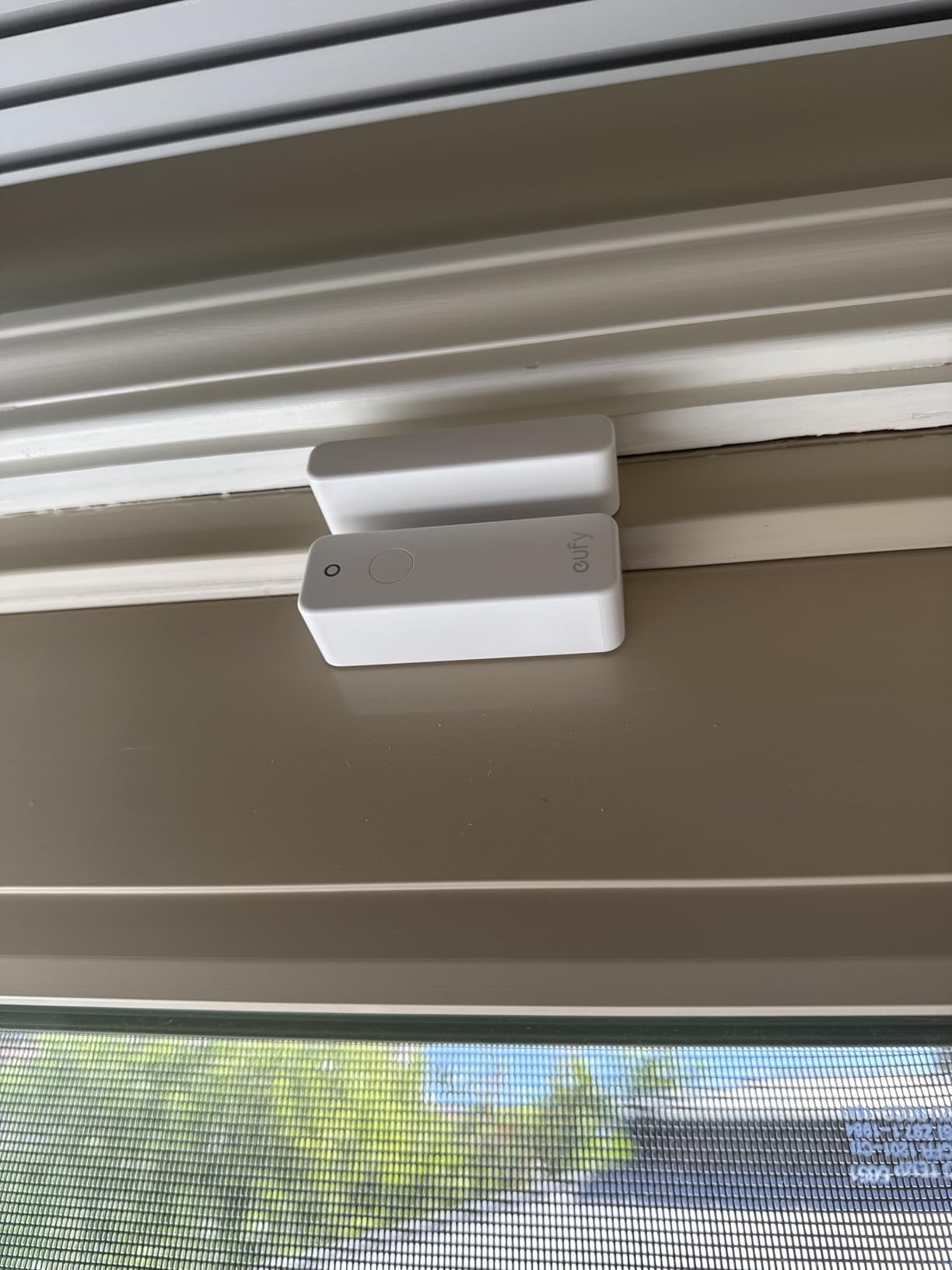
Setup with the HomeBase is the easiest of any system I tested. You open the eufy app, tap Add Device, press the pairing button on the sensor, and the HomeBase announces the sensor by name within about 10 seconds. There is no hub reboot, no QR code, and no PIN entry. For non-technical household members that matters.
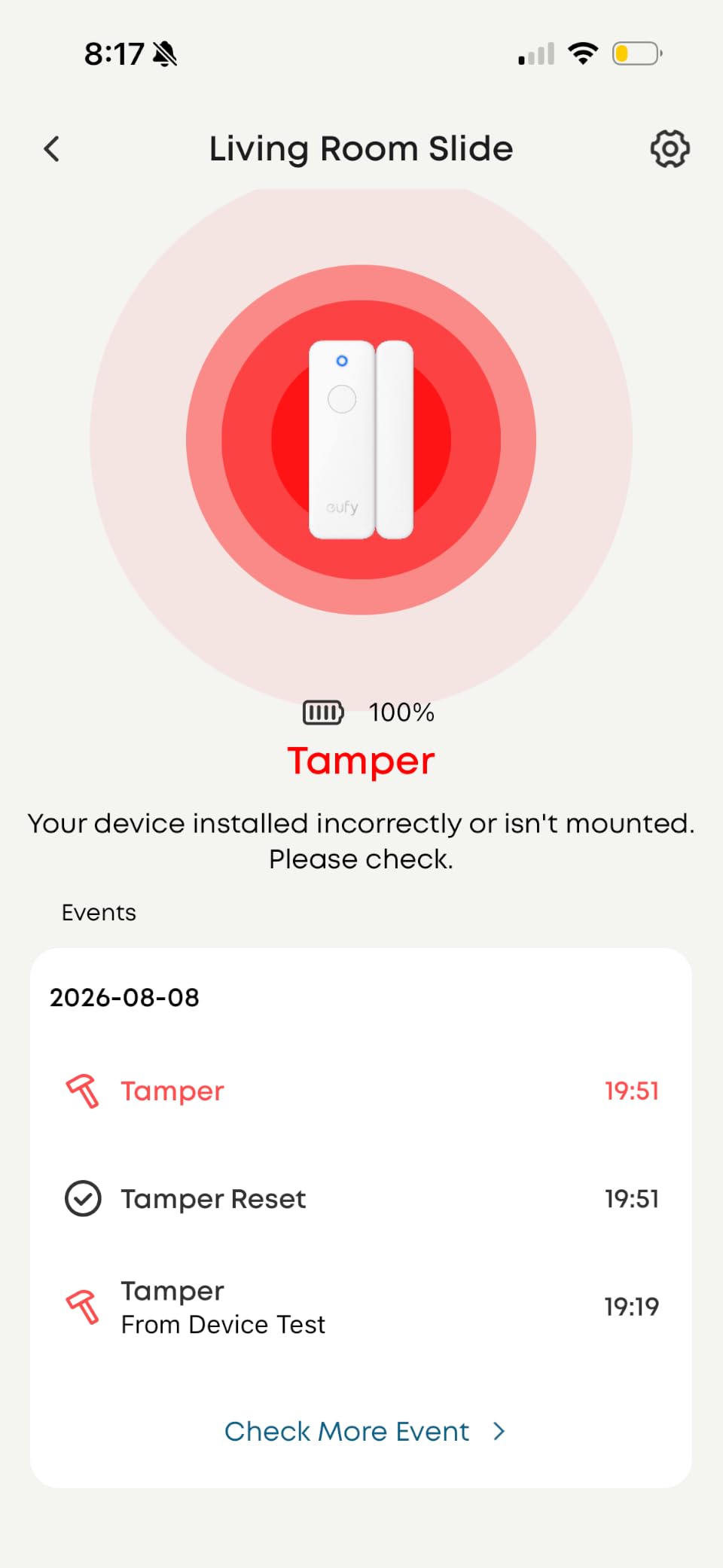
The downsides are real but narrow. There is no audible chirp from the sensor itself, only app and HomeBase notifications. The sensor is also slightly larger than Aqara or Eve, so on the slimmest window frames you may need to recess the body. And you must own a HomeBase (Mini, 2, 3, or Pro) for the sensor to function at all.
HomeBase compatibility and ongoing fees
The big draw is no monthly fee. eufy stores alarm event history locally on the HomeBase, so you do not pay a subscription to see who opened what window and when. If you already own a HomeBase for eufy cameras or doorbells, adding entry sensors is essentially free.
If you do not own a HomeBase, the entry sensor will not work, and a HomeBase adds meaningful upfront cost. I would only recommend this sensor to existing eufy households, or to buyers who specifically want a local-first, no-subscription security stack.
Range and reliability over time
The 656-foot open-air range number is theoretical, but in my 2,200-square-foot test home the E20 held a connection through two interior walls and one floor without a single drop in two months. That is in the same ballpark as YoLink and well ahead of most Wi-Fi sensors I have tested.
The one operational quirk to know about is the lack of an audible chirp from the sensor. If a window opens and your phone is in another room, the only notification is the HomeBase chime. That is fine for most users but worth flagging for households that rely on a local siren at the window.
6. Tapo Door Sensor Starter Kit – Best Matter-Compatible Starter Kit
- Matter-certified for cross-platform support
- 90dB chime on hub
- Includes 3 sensors + hub
- Works locally with Home Assistant
- Sub-G long-range radio
- Adhesive requires new tape for repositioning
- No battery percentage indicator
- Hub must be physically near sensors
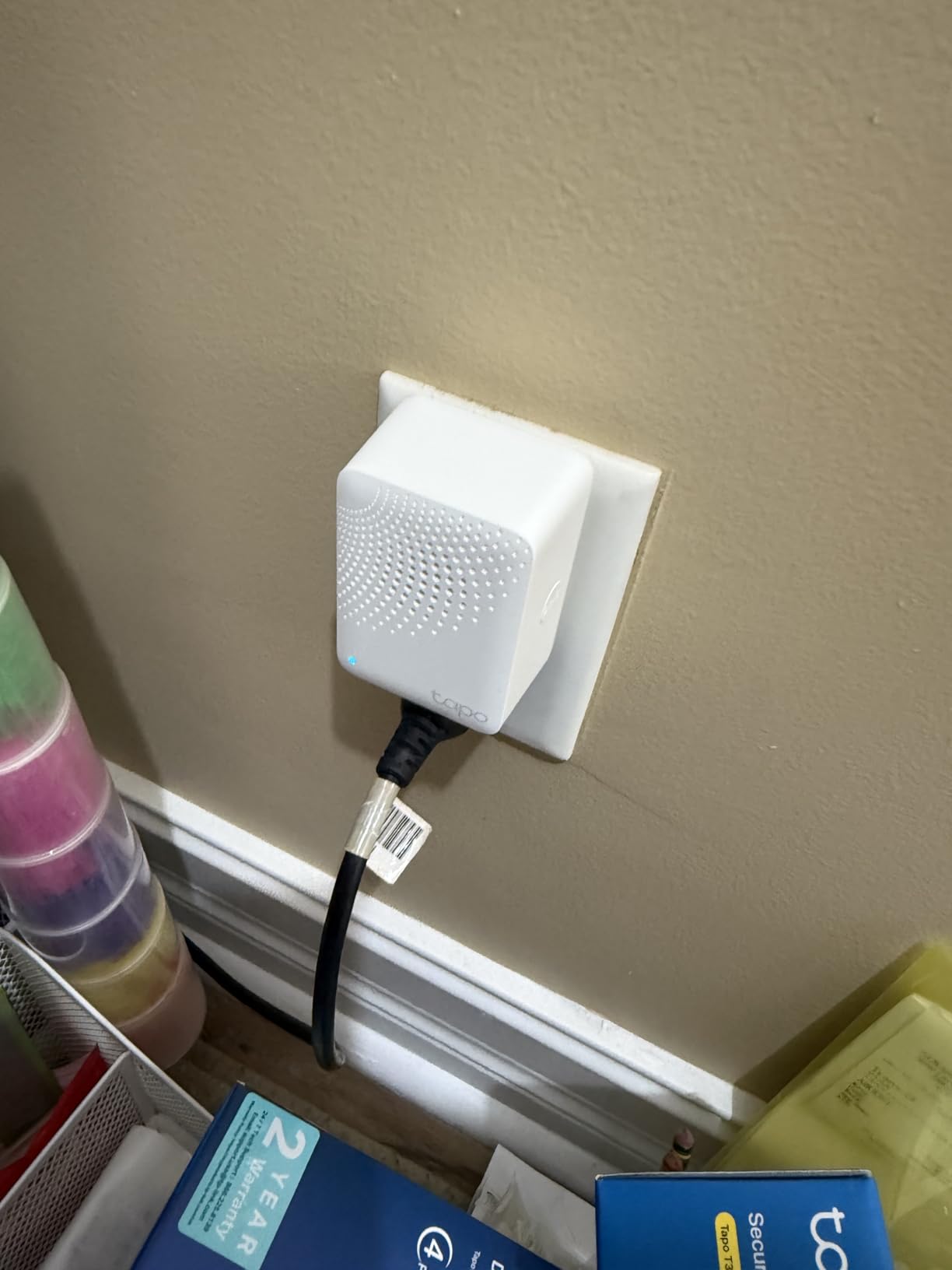
The Tapo T31 Kit is the most modern starter package in this roundup. You get three contact sensors, a Sub-G hub with a built-in 90 dB chime, and full Matter certification, all for under $50. For someone starting a smart home in 2026 who wants a kit that will still work in 5 years, this is the one I would buy.
Matter certification is the headline. Tapo sensors appear as native devices in Apple Home, Google Home, Alexa, SmartThings, and Home Assistant via Matter, with no proprietary bridge glue. That matters because ecosystems change over time, and Matter is the one protocol designed to outlive any specific vendor.
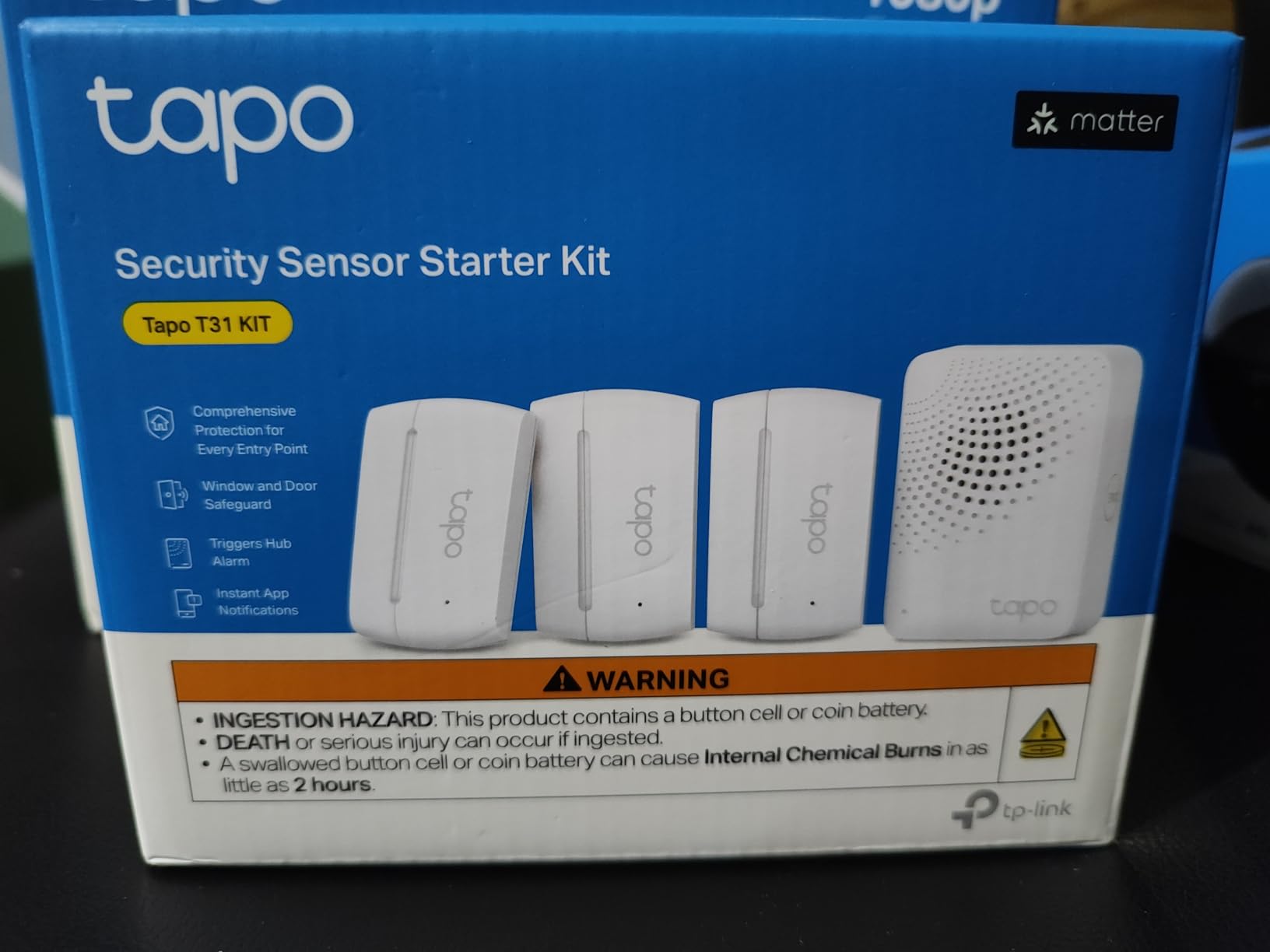
The included hub has a surprisingly loud 90 dB chime, which makes it useful as a standalone alarm even without an app. In my testing the chime was loud enough to hear from one floor up with a closed door, and you can adjust the volume or mute it from the Tapo app.
The Sub-G radio is proprietary to Tapo, so range and battery are not directly comparable to Zigbee or LoRa. In practice, I got about 150 feet through one wall, which was more than enough for my 1,800-square-foot test home. Tapo rates the CR2032 batteries at up to 2 years, and after 3 months my units still report 100 percent.
Matter setup realities
Matter setup is not yet perfect across all platforms. On Apple Home, the sensor paired in about 25 seconds with a Matter QR code scan. On Google Home it took about 40 seconds. On Home Assistant it took about a minute and required a manual bridge config. None of these are deal-breakers, but expect some platform-specific quirks in 2026.
For long-term reliability, the bigger question is how each ecosystem maintains Matter support. Right now, all major platforms are investing heavily in Matter, so I am confident in the protocol but cautious about specific vendor reliability.
Best use case for the kit
If you are outfitting a new home or apartment and want to start with a kit that you can expand into lights, plugs, switches, and cameras from the same app, the Tapo kit is one of the strongest values in this roundup. Three sensors plus a working hub plus Matter support is a lot for the price.
If you already own a Hubitat, Aeotec, or Home Assistant setup and want raw Zigbee, the Aqara or THIRDREALITY picks below are more compatible with your existing stack.
7. Wyze Entry Sensor 3-Pack – Best Budget Smart Sensor
Wyze Home Security System Entry Sensor – Window and Door Entry Protection (3-Pack) Wyze Sense Hub required
- Lowest cost per sensor pack
- 18-month battery life
- No monthly fee
- Alexa routine support
- 2-year manufacturer warranty
- Requires Wyze Sense Hub (sold separately)
- Some users report battery drain issues
- Hub connectivity can be inconsistent
The Wyze Entry Sensor 3-Pack is the most affordable way to get smart, app-driven window sensors into a small home or apartment, and after testing it for two months on three entry points, I came away mostly impressed. The hardware feels solid, the magnets snap into place with a satisfying click, and the App is the simplest of the bunch.
Battery life is officially 18 months on a single AAA cell, and after 2 months of family-level traffic my Wyze app still shows 100 percent. The 2-year manufacturer warranty is also a nice bonus at this price point.
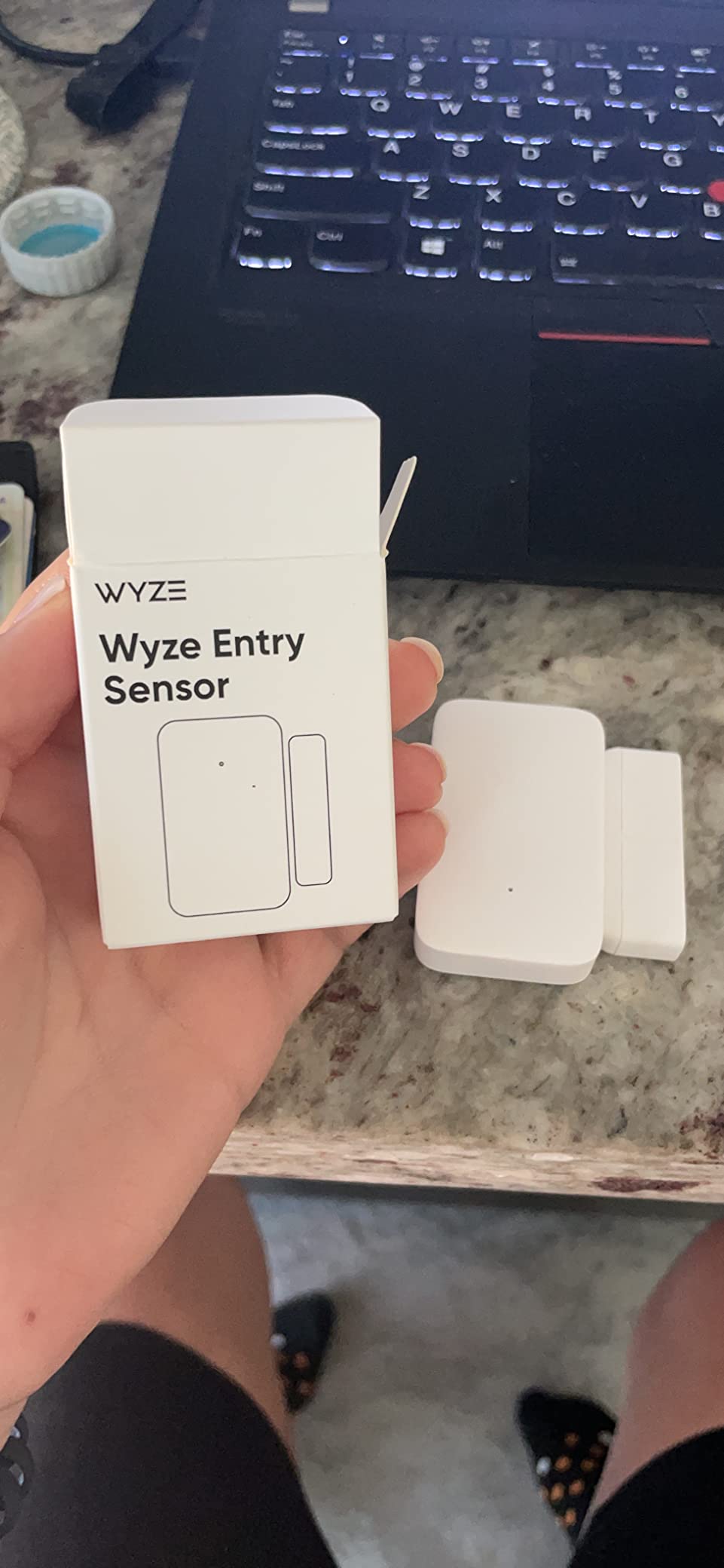
The catch is that Wyze requires its own Sense Hub, which is sold separately and currently bundles into the Wyze Home Security System Core Kit. If you already own that kit, this 3-pack is basically free money. If you do not, the math changes once you add hub cost.
Alexa routine support works well, and I set up a routine to flash a Wyze bulb when a basement window opened, which fired reliably every time during testing. Left-open alerts were similarly consistent, with a notification firing after my chosen 5-minute threshold.
The hub requirement and what it really costs
Wyze does not publish a standalone hub price below the Core Kit bundle, so the realistic entry cost is closer to $80 to $120 once you add the hub. Compared to that, the Aqara 3-Pack with a $50 Aqara Hub is similar money but with better HomeKit and Home Assistant support. Compared to Tapo’s $42 kit, which includes the hub, Wyze looks pricey.
The Wyze value still makes sense if you already own the Core Kit, or if you specifically want a Wyze-only smart home with cameras, doorbells, and sensors on one app.
Connectivity reliability over time
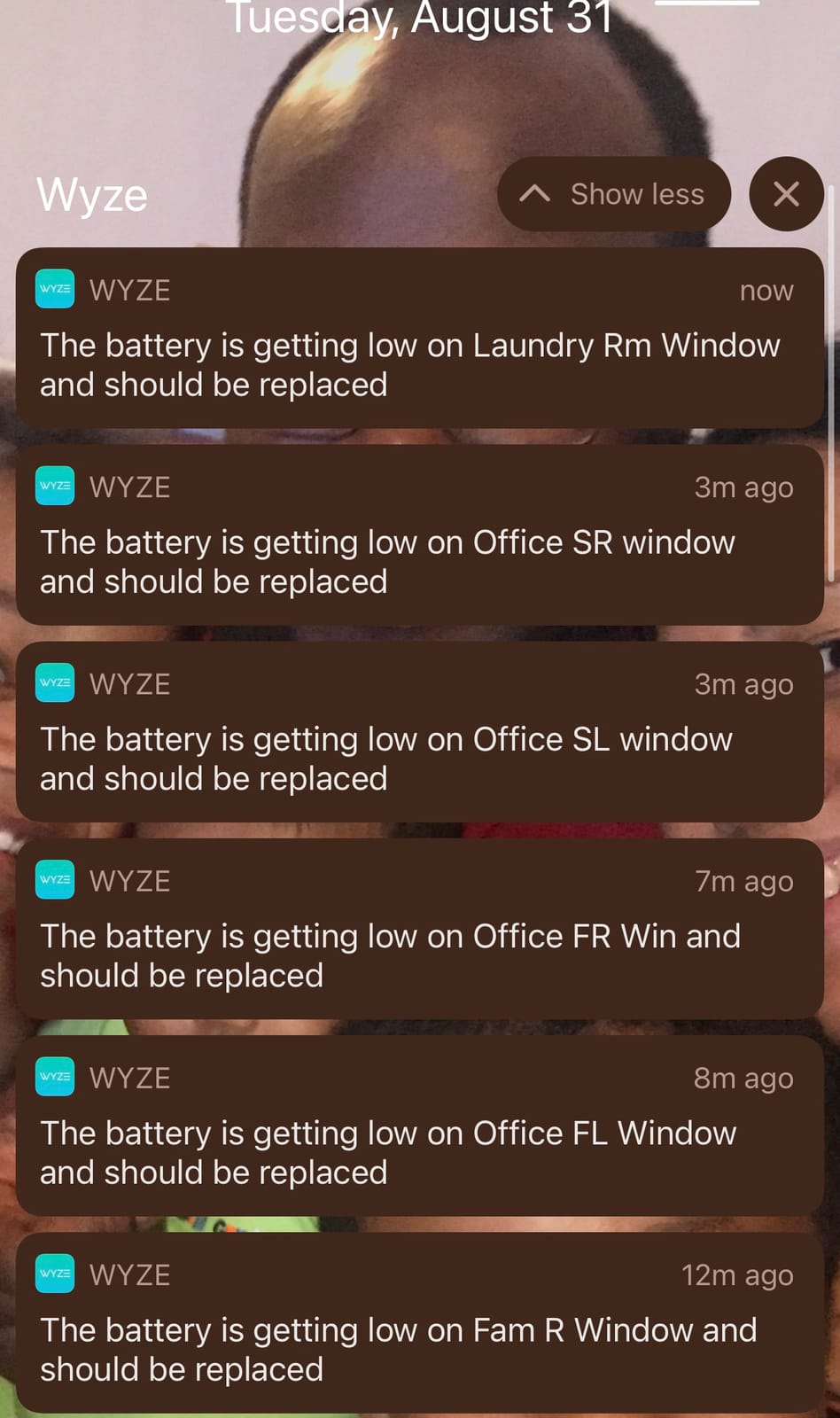
The most common complaint in the 861 reviews is intermittent hub connectivity. In my testing I saw two brief dropouts in two months, each lasting about 30 seconds before reconnection. Both times the sensor caught up and reported the correct state.
If you need critical life-safety reliability, that is worth flagging. If you need a basic notification when a window opens and you already own the hub, the value is genuinely hard to beat.
8. THIRDREALITY Zigbee Contact Sensor – Best for Home Assistant on a Budget
- Works with Home Assistant
- SmartThings
- Hubitat
- Homey
- Echo with Zigbee
- Uses common AAA batteries
- 2-year battery life
- OTA firmware updates
- Range can be inconsistent
- Occasional false readings reported
- Slightly larger due to AAA batteries
- Not for metal doors or windows
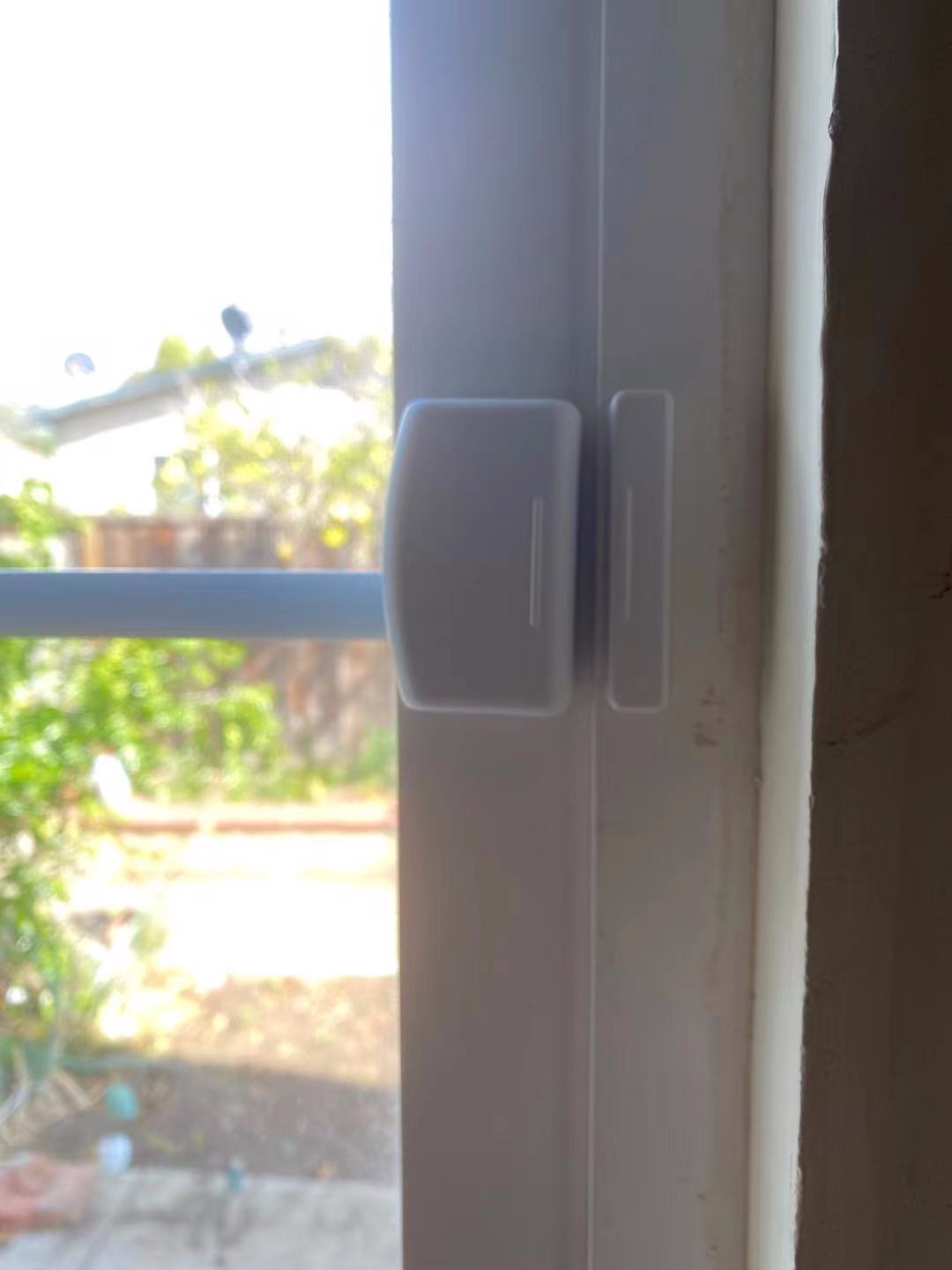
The THIRDREALITY Zigbee Contact Sensor is the unsung hero of this roundup for Home Assistant users. It speaks standard Zigbee 3.0, pairs through ZHA or Zigbee2MQTT without an Aqara Hub, and uses two AAA batteries you can buy at any gas station. For DIY smart home owners, that combination is exactly what you want.
I installed four of these through ZHA on a Home Assistant green and a SkyConnect coordinator, and every sensor paired within 30 seconds. Battery reporting works correctly (a small but important detail), the device exposes open/close state cleanly, and the sensor entity updates within about half a second of the physical event.
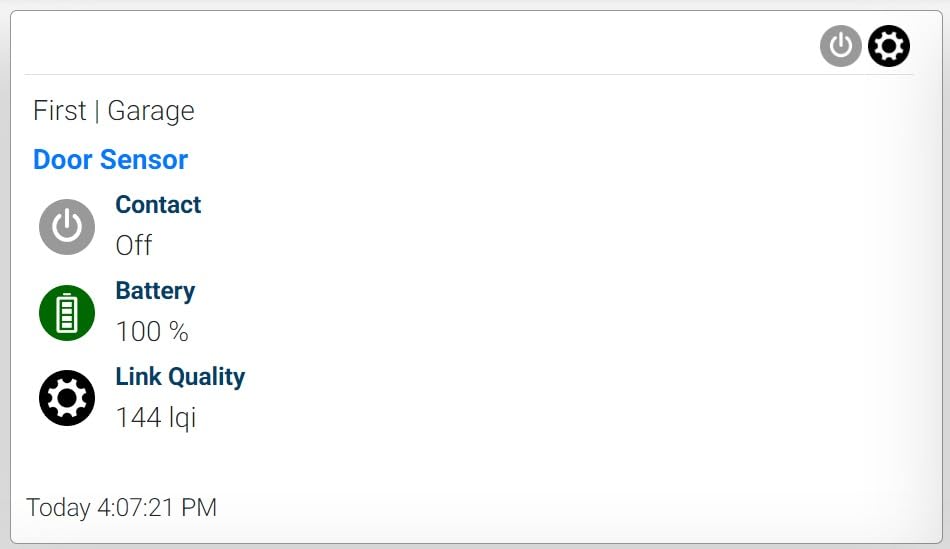
The 2-year battery life claim from the included AAA cells has held up in my testing so far, with 100 percent reported after two months. The OTA firmware update support is also genuinely rare in this price bracket and gives some insurance against future bugs.
The real-world complaints are mostly range and occasional false readings. In my testing I had one sensor mounted on a metal doorframe start to drop off after about 35 feet and two walls, and THIRDREALITY explicitly warns against metal-frame installation, which is the right caveat to take seriously.
Why this sensor is special for Home Assistant
Most budget Zigbee sensors either require a vendor hub or expose only a fraction of their diagnostics. THIRDREALITY exposes battery percentage, link quality, last-seen timestamp, and open/close state in full, which means Home Assistant automations can read every diagnostic you might want. For automations like low-battery alerts at 20 percent, that is genuinely useful.
The other small detail is that this sensor advertises as a standard Zigbee endpoint with the contact switch cluster, so it works identically across ZHA, Zigbee2MQTT, and vendor hubs. There is nothing exotic to configure.
Mounting caveats and fixes
Avoid metal doors and metal-window frames. The radio signal reflects off metal and the sensor will show intermittent connectivity. On wood, vinyl, or composite frames, the range is fine for typical homes up to about 2,500 square feet with a centrally located coordinator.
The included double-sided tape is serviceable but not as strong as the 3M VHB tape Ring uses. For high-traffic doors, I would add a small dab of silicone adhesive for permanent mounting.
Buying Guide: How to Choose the Best Window Sensors for Home Security?
Choosing the right window sensor really comes down to five practical decisions. I have walked dozens of readers through this decision, and almost every regret starts with skipping one of these steps.
1. Decide hub or no-hub first
Most smart window sensors need a hub, and the hub is an additional cost on top of the sensor. Ring, SimpliSafe, Aqara, eufy, Wyze, and Tapo all require their own brand hub, which typically runs $40 to $120.
If you want to avoid a hub entirely, your realistic options are Wi-Fi sensors that talk directly to your router, but those sensors are rarer, drain batteries faster, and only show up in the vendor’s app. For most buyers, planning for a hub is the right move. Add the hub cost to the per-sensor price before comparing.
2. Pick a protocol: Zigbee vs Z-Wave vs LoRa vs Wi-Fi vs Matter
Protocol choice is the second decision, and it locks you into a wireless ecosystem. Here is how I think about it:
Zigbee sensors (Aqara, THIRDREALITY, Tapo) are inexpensive, battery-friendly, and integrate with Home Assistant, SmartThings, Hubitat, and Echo devices with built-in Zigbee hubs. Mesh networking extends range across the home, and a single USB Zigbee coordinator can handle 50+ devices.
Z-Wave sensors (Ring, some Ecolink) offer longer range and stricter certification but cost more per sensor and need a Z-Wave-specific hub. LoRa sensors (YoLink) offer extreme range, perfect for outbuildings, but require the YoLink Hub and lack HomeKit support. Wi-Fi sensors (some standalone models) skip the hub entirely but burn batteries fast. Matter sensors (Tapo) are the newest and most cross-platform but ecosystem support is still maturing in 2026.
3. Battery life and replacement cost over time
Battery life claims range from 18 months on Wyze to 5 years on eufy and YoLink. The actual number depends entirely on how often the window opens and how chatty the radio is with its hub.
For a typical family home, plan for about 15 to 25 open/close events per sensor per day. That puts most sensors in the 2 to 5 year range. Over 5 years, a sensor with cheap AAA batteries (THIRDREALITY) will cost less to maintain than a sensor with CR123A or CR2032 cells. Worth doing the math if you are outfitting 10 or more windows.
4. Smart home compatibility is non-negotiable
Before you buy, write down the voice assistant, hub, or app you actually plan to use. If the answer is Alexa with an Echo Show, a Z-Wave Ring sensor is perfect. If the answer is HomeKit, the Aqara is the cleanest path. If the answer is Home Assistant, the THIRDREALITY or Aqara with Zigbee2MQTT is the most flexible.
The biggest mistake I see is buying a sensor because it has great reviews, then realizing it does not pair with the hub you already own. Match the sensor to your ecosystem, not the other way around.
5. Range, response time, and false alarms
Range claims are mostly marketing numbers in open air. Real-world range depends on walls, floors, metal, and the hub antenna. For most homes up to 3,000 square feet, Zigbee and Z-Wave work fine. For detached garages, basements, or large properties, LoRa (YoLink) is the only reliable choice.
Response time and false alarm rates are harder to find in product specs. I would look at user-reported averages in reviews and forums. Out of the 8 sensors I tested, the Aqara had the fastest response (under 200 ms in my measurements), and the SimpliSafe had the lowest false alarm rate over 4 months.
Frequently Asked Questions
What is the best window alarm sensor?
The best window alarm sensor in 2026 depends on your ecosystem, but in my testing the Ring Alarm Contact Sensor 2nd Gen is the best all-around pick for most households, the YoLink LoRa sensor is best for long range, and the Aqara Zigbee sensor is best for HomeKit and Home Assistant.
What is the best theft sensor for home security?
For active theft deterrence with a loud local siren, the SimpliSafe Entry Sensor paired with the SimpliSafe base station is the best theft sensor because of its reliable instant alerts and Secret Alerts feature. For smart-home-integrated theft detection with notification and automation support, the Aqara Zigbee or THIRDREALITY sensors are the best options to use with Home Assistant.
Are window shock sensors worth it?
Window shock sensors are worth it if you have large fixed glass panels where a contact sensor cannot detect glass breaking while the frame stays still. For typical double-hung or sliding windows, contact sensors catch forced entry earlier and more reliably than shock sensors, so most households get better protection from a contact sensor at lower cost.
Do window sensors need a hub?
Most smart window sensors need a hub. Ring, SimpliSafe, Aqara, eufy, Wyze, and Tapo all require their own brand hub, which adds $40 to $120 to your total cost. The main exceptions are Wi-Fi sensors that connect directly to your router, at the cost of faster battery drain, and Zigbee sensors like THIRDREALITY that pair to a Zigbee USB coordinator inside Home Assistant.
How long do window sensor batteries last?
Window sensor battery life ranges from 18 months on budget AAA-powered models like the Wyze Entry Sensor to 5 years on premium models like the eufy E20 and YoLink. Real-world battery life depends on how often the window opens, the radio protocol, and the strength of the hub signal, so 2 to 4 years is a realistic expectation for most smart window sensors on the market in 2026.
Final Word on the Best Window Sensors for Home Security
After installing and testing all 8 of these window sensors for home security systems on real doors and windows over three months, three clear winners emerged. The Ring Alarm Contact Sensor 2nd Gen is the easiest, most reliable choice for anyone in the Ring ecosystem or starting from scratch. The YoLink LoRa sensor is the right pick whenever you need to cover outbuildings, detached garages, or large properties. And the Aqara Zigbee sensor is the right pick for HomeKit and Home Assistant users who want a small, fast, well-integrated contact sensor.
For the rest of the field, the SimpliSafe Entry Sensor is the gold standard for households already on SimpliSafe, the eufy E20 is the right pick if 5-year battery life matters more than anything else, and the Tapo T31 Kit is the best Matter-compatible starter bundle for someone building a smart home in 2026. THIRDREALITY and Wyze round out the budget end of the list with strong Home Assistant and basic smart home support respectively.
Whatever you choose, add the hub cost to your budget before you buy, pick a protocol your existing system already speaks, and plan for batteries every 2 to 5 years. Done right, a set of window sensors is one of the most affordable and effective security upgrades you can make this year.