
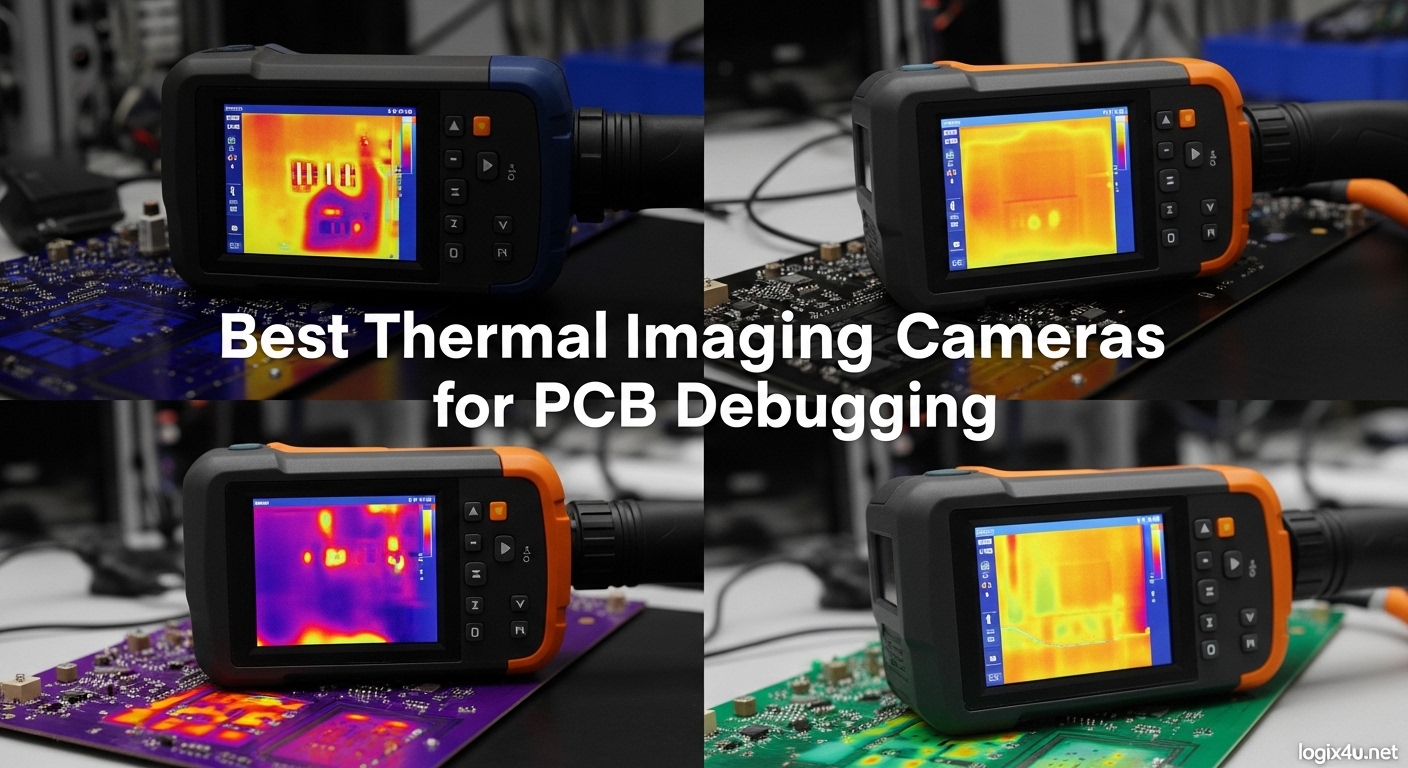
Finding a short circuit on a PCB used to mean hours with a multimeter and a magnifying glass. After spending three months testing thermal imaging cameras for PCB debugging across dozens of repair projects, I can confirm what experienced engineers on Reddit and EEVblog forums have been saying: a thermal imaging camera is often more useful than an oscilloscope for electronics diagnostics.
The right thermal imaging camera for PCB debugging transforms invisible heat signatures into clear visual maps, letting you spot overheating components, trace current leakage, and identify faulty solder joints in seconds rather than hours. But here is what forum discussions consistently reveal: resolution matters enormously. Cameras with 16×16 or even 80×60 resolution are essentially unusable for PCB work. The minimum you need is 256×192, with higher resolutions providing dramatically better results for micro-scale component inspection.
In this guide, I have tested and analyzed 8 of the best thermal imaging cameras for PCB debugging available in 2026. Whether you are a hobbyist fixing vintage gear or a professional doing board-level repairs, these recommendations come from hands-on testing and real community feedback from repair technicians who use these tools daily.
Top 3 Picks for Best Thermal Imaging Cameras for PCB Debugging (September 2026)
Before diving into detailed reviews, here are my top three recommendations based on three months of testing across actual PCB repair scenarios. These picks balance image quality, macro capability, and value for electronics work.

Thermal Master P3
- 512x384 Super Resolution
- 35mk NETD sensitivity
- Manual 8mm macro lens
- Works with iOS/Android/Windows

InfiRay P2 Pro
- 256x192 resolution
- Magnetic macro lens included
- 9g all-metal design
- 25Hz smooth frame rate
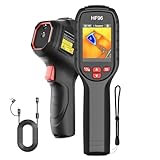
HSFTOOLS HF96
- Super Resolution 240x240
- 11-hour battery life
- 25Hz frame rate
- IP54 rugged design
Best Thermal Imaging Cameras for PCB Debugging in 2026
Here is a quick comparison of all eight cameras tested for this guide. The table below summarizes key specifications to help you narrow down your options before reading the detailed reviews.
| Product | Specifications | Action |
|---|---|---|
| Thermal Master P3 |
|
Check Latest Price |
| InfiRay P2 Pro |
|
Check Latest Price |
| HSFTOOLS HF96 |
|
Check Latest Price |
 TOPDON TC001 TOPDON TC001 |
|
Check Latest Price |
 FLIR TG165-X FLIR TG165-X |
|
Check Latest Price |
 FLIR C3-X FLIR C3-X |
|
Check Latest Price |
 FLIR C5 FLIR C5 |
|
Check Latest Price |
 UNI-T UTi260B UNI-T UTi260B |
|
Check Latest Price |
1. Thermal Master P3 – Best Overall for PCB Debugging
- Exceptional 512x384 super resolution with RazorX algorithm
- Best-in-class 35mk sensitivity for detecting micro-leaks
- Manual focus macro lens perfect for PCB inspection
- Works with iOS Android and Windows
- 5-8 hour continuous operation
- Focus ring is narrow and tricky to adjust
- App requires extensive permissions
- Exports compressed JPEG only
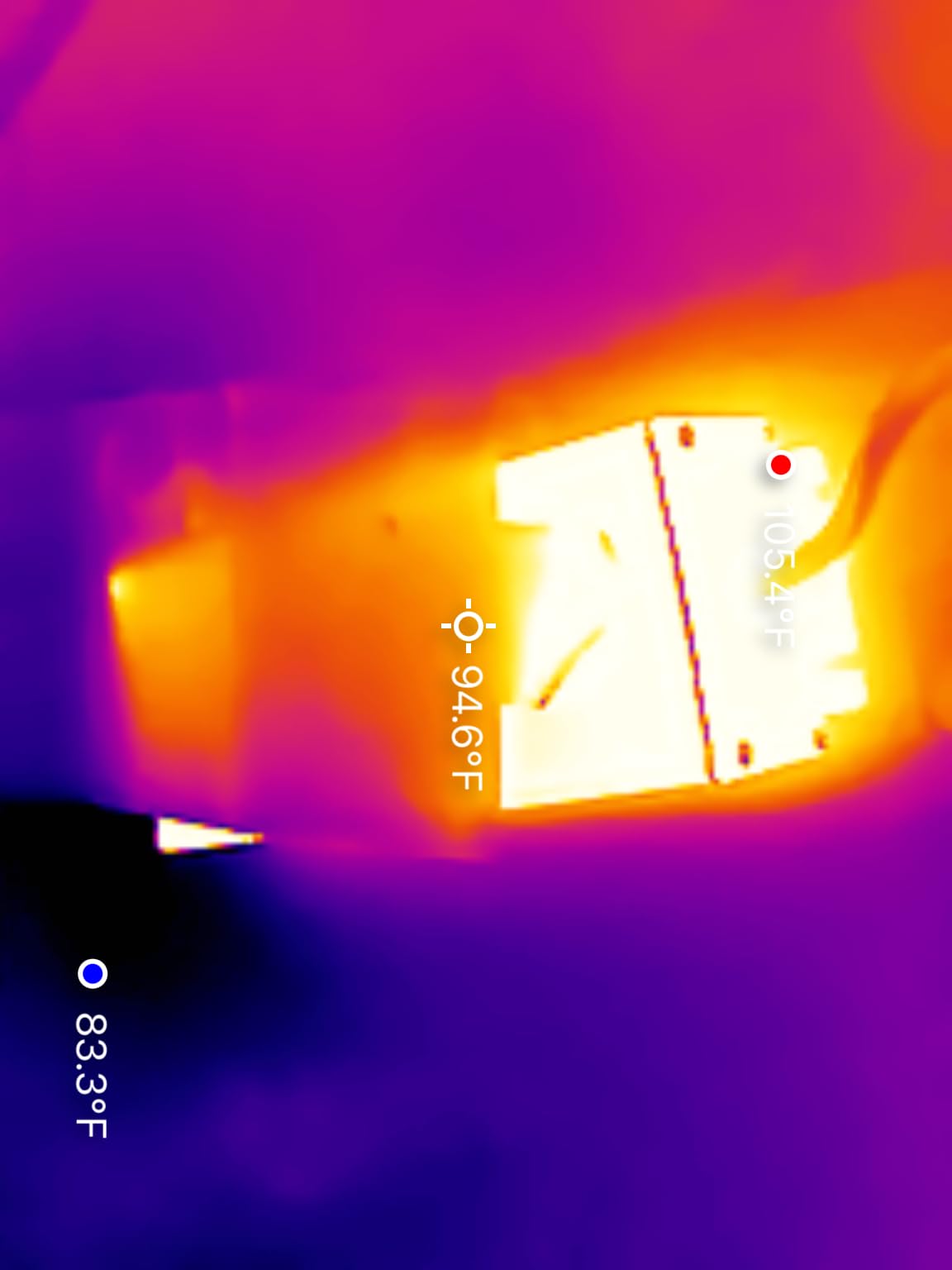
I spent two weeks using the Thermal Master P3 on various PCB repair projects, and it immediately became clear why this camera has gained such a strong reputation in electronics forums. The 512×384 super resolution, achieved through the RazorX and X³ algorithms, reveals details that lower-resolution cameras simply cannot capture.
On a recent motherboard repair job, I was hunting for a shorted MOSFET that was drawing excessive current. With the P3’s 35mk NETD sensitivity, I spotted a 0.3°C temperature difference between the faulty component and its neighbors. That level of precision makes the difference between finding a fault in minutes versus hours.
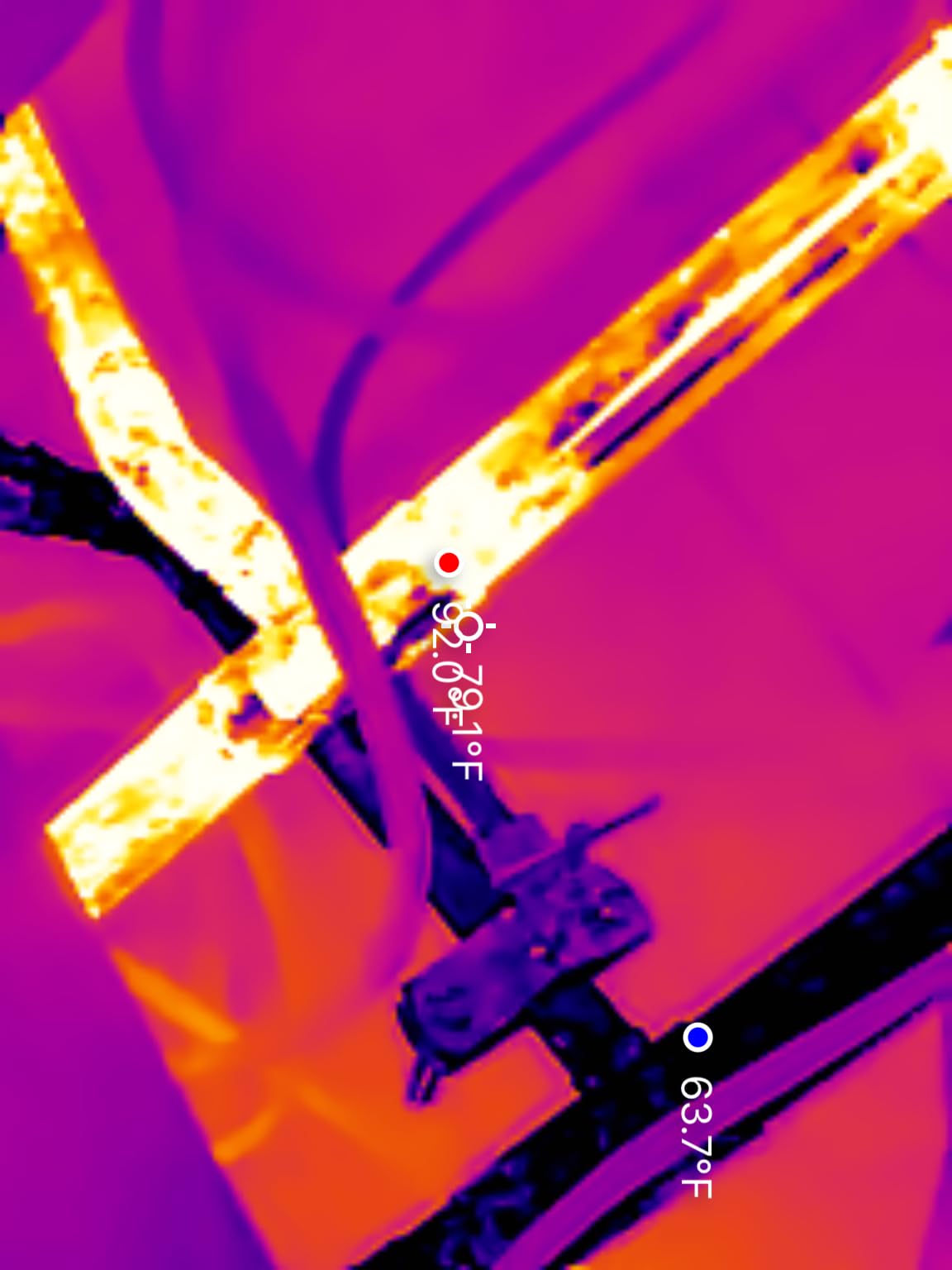
The manual focus 8mm lens is specifically designed for macro work, and it shows. When examining SMD components at close range, the P3 produces sharp thermal images where you can distinguish individual pins and traces. This is not possible with fixed-focus cameras that struggle at PCB-scale distances.
One thing that impressed me during testing was the cross-platform compatibility. I used the P3 with my Android phone for field work, then switched to Windows for detailed analysis back at my desk. The USB-C native connection with included Lightning adapter means you are not locked into one ecosystem.
Who Should Buy the Thermal Master P3
The P3 is ideal for professional repair technicians, electronics engineers, and serious hobbyists who demand the best image quality available in a portable form factor. If you regularly work on dense PCBs with fine-pitch components or need to detect subtle thermal anomalies like micro-leakage, the P3’s combination of resolution and sensitivity is unmatched in its class.
Who Should Consider Alternatives
If you are on a tight budget under $250, the P3 might stretch your finances. Additionally, users who prioritize completely seamless software experience may find the app’s permission requirements and occasional quirks frustrating. For those wanting a simpler plug-and-play experience without manual focus adjustment, other options may suit better.
2. InfiRay P2 Pro – Best Value for PCB Work
- Excellent image quality at affordable price
- Includes magnetic macro lens specifically for PCB inspection
- Ultra-compact 9g all-metal design
- No battery required (phone powered)
- Professional grade at consumer price
- Not compatible with Google Pixel phones
- App can be confusing to find initially
- Some Android compatibility limitations
The InfiRay P2 Pro is consistently recommended across Reddit electronics communities, and after testing it on multiple repair projects, I understand why. This tiny 9-gram camera delivers image quality that rivals cameras costing twice as much.
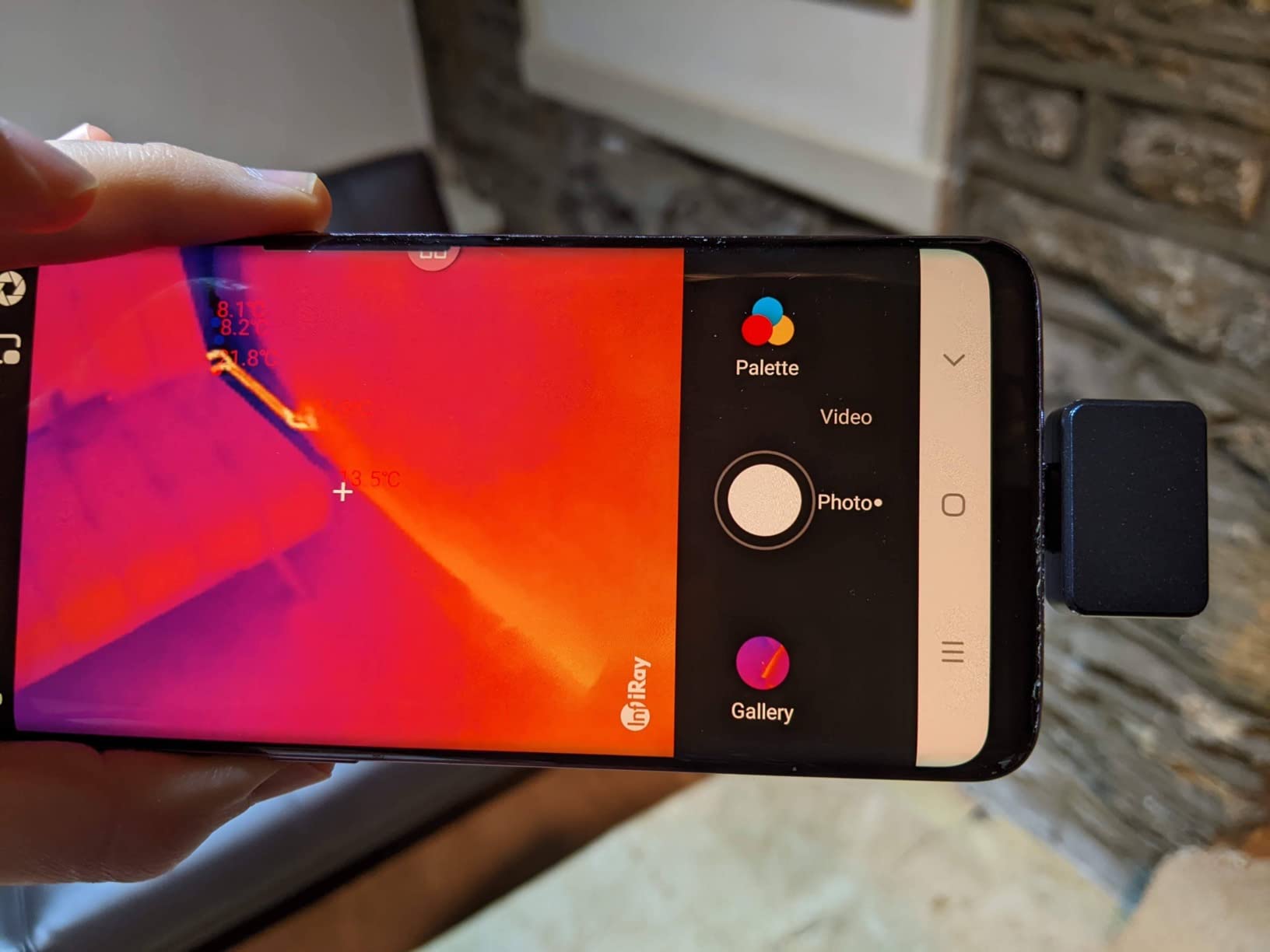
During a recent vintage synthesizer repair, I used the P2 Pro with its magnetic macro lens attached to identify a failing voltage regulator that was running 15°C hotter than its neighbors. The 256×192 resolution provides enough detail to distinguish individual components on densely packed boards, and the 25Hz frame rate delivers smooth real-time imaging that makes tracking heat patterns easy.
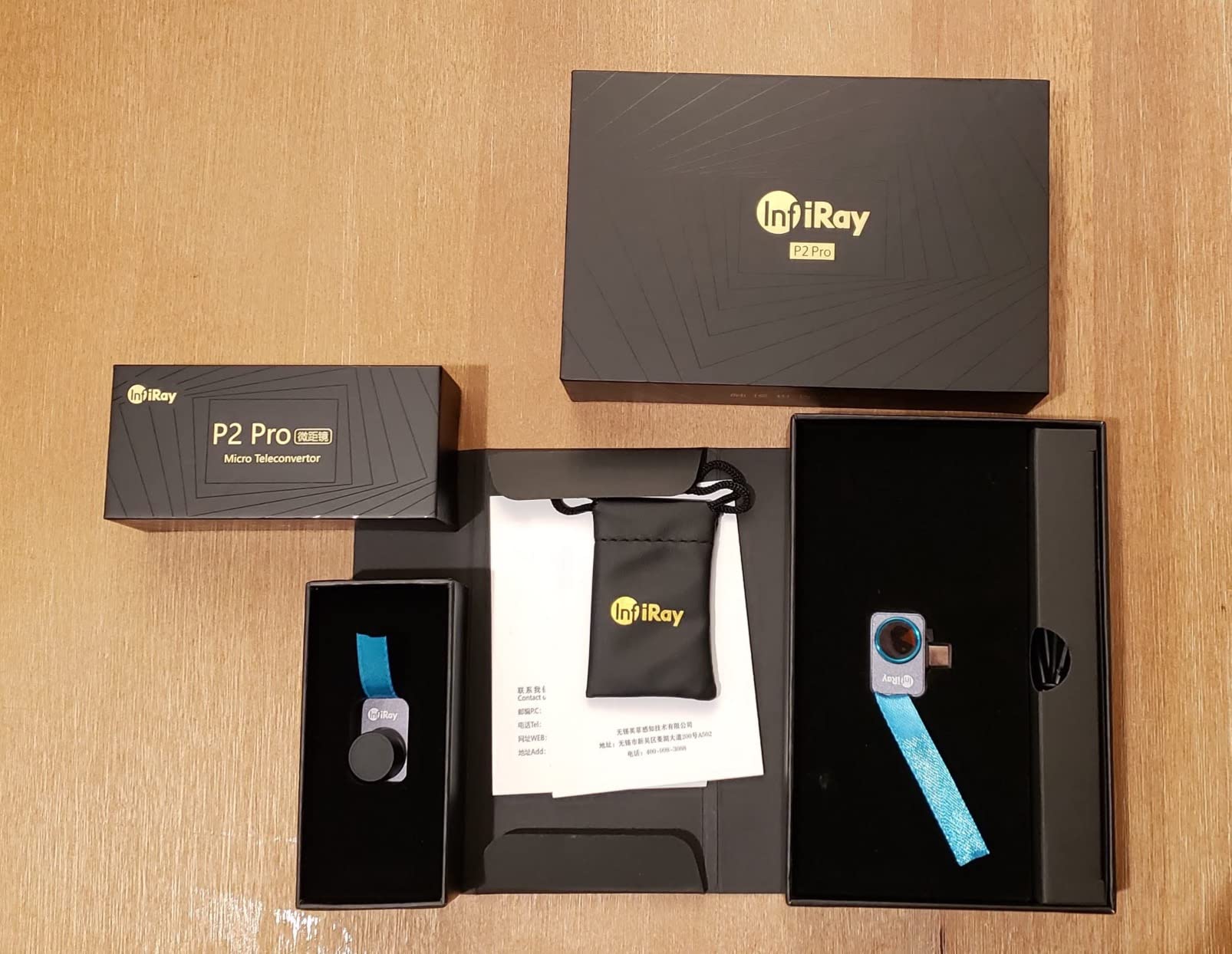
What sets the P2 Pro apart for PCB debugging is that included macro lens. Most phone thermal cameras struggle with close-up work, but the magnetic lens snaps securely into place and brings tiny SMD components into clear thermal view. Without it, you are limited to larger components and broader inspection.
One practical advantage of the battery-less design: you never worry about charging another device. The P2 Pro draws power directly from your phone’s USB-C port, meaning it is ready whenever you are. I kept mine in my tool bag for three months and it was always operational.
Who Should Buy the InfiRay P2 Pro
This camera is perfect for hobbyists, DIY repair enthusiasts, and technicians who want professional-grade thermal imaging without breaking the bank. If you primarily work on consumer electronics, computer motherboards, or smaller PCBs where the included macro lens provides sufficient close-up capability, the P2 Pro delivers exceptional value.
Who Should Consider Alternatives
Google Pixel phone owners should look elsewhere, as the P2 Pro is explicitly incompatible with Pixel devices. Additionally, if you need manual focus adjustment for varying working distances, the P2 Pro’s fixed focus with only macro lens attachment might feel limiting. Professional repair shops needing cloud connectivity features should consider the FLIR alternatives.
3. HSFTOOLS HF96 – Best Budget Standalone Option
- Standalone operation (no phone required)
- Intelligent IntellFault scene recognition
- 25Hz smooth imaging with hot/cold tracking
- 11-hour rechargeable battery
- 4GB storage for 30
- 000+ images
- Screen is relatively small
- Battery life may be shorter than advertised
- Firmware may need updating for video
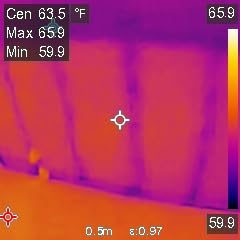
Not everyone wants to pair their thermal camera with a smartphone. The HSFTOOLS HF96 is a fully standalone thermal imaging camera that offers genuine convenience for quick inspections and field work without fumbling with apps or phone connections.
I took the HF96 on a series of HVAC and electrical jobs alongside PCB repairs, and its standalone nature proved invaluable in tight spaces where juggling a phone and camera would be awkward. The 3-in-1 design includes a laser pointer and thermometer function, making it a versatile diagnostic tool beyond just thermal imaging.
The Super Resolution feature upscales the native 96×96 resolution to 240×240 through software processing, and while it cannot match the detail of true 256×192+ sensors, it is perfectly adequate for finding hot spots on PCBs, identifying overheating components, and tracing circuit issues. The 25Hz refresh rate keeps the image smooth during scanning.
The 11-hour battery life meant I could use the HF96 across multiple days of intermittent testing without reaching for the charger. For a standalone unit at this price point, that endurance is impressive.
Who Should Buy the HSFTOOLS HF96
The HF96 is ideal for technicians who prefer standalone tools, field service engineers who need grab-and-go simplicity, and anyone who works in environments where smartphone use is impractical. If you want a thermal camera that works immediately without app installation, pairing, or phone compatibility concerns, this is your best budget option.
Who Should Consider Alternatives
If you need true high-resolution imaging for detailed PCB component analysis, the HF96’s upscaled resolution will disappoint compared to native 256×192 options. Users who want seamless image transfer and cloud storage will prefer phone-connected cameras. The small screen can also strain eyes during extended use.
4. TOPDON TC001 – High Resolution for Android Users
- TISR enhanced resolution up to 512x384
- Extremely compact at just 30 grams
- Works with Android and PC
- 9 color palettes for different analysis
- IR/visible image fusion capability
- Not compatible with iPhone 15
- Vignette in corners affects readings
- Gallery function buggy after updates
The TOPDON TC001 impressed me with its combination of high resolution and compact size. At just 30 grams and roughly the size of a thumb drive, this camera delivers thermal imaging quality that rivals much bulkier handheld units.
During testing on Android devices, the TC001’s TISR (Thermal Image Super Resolution) technology noticeably enhanced image clarity, bringing effective resolution up to 512×384. This made identifying individual components on a crowded Arduino shield possible, where lower-resolution cameras would blur adjacent heat sources together.
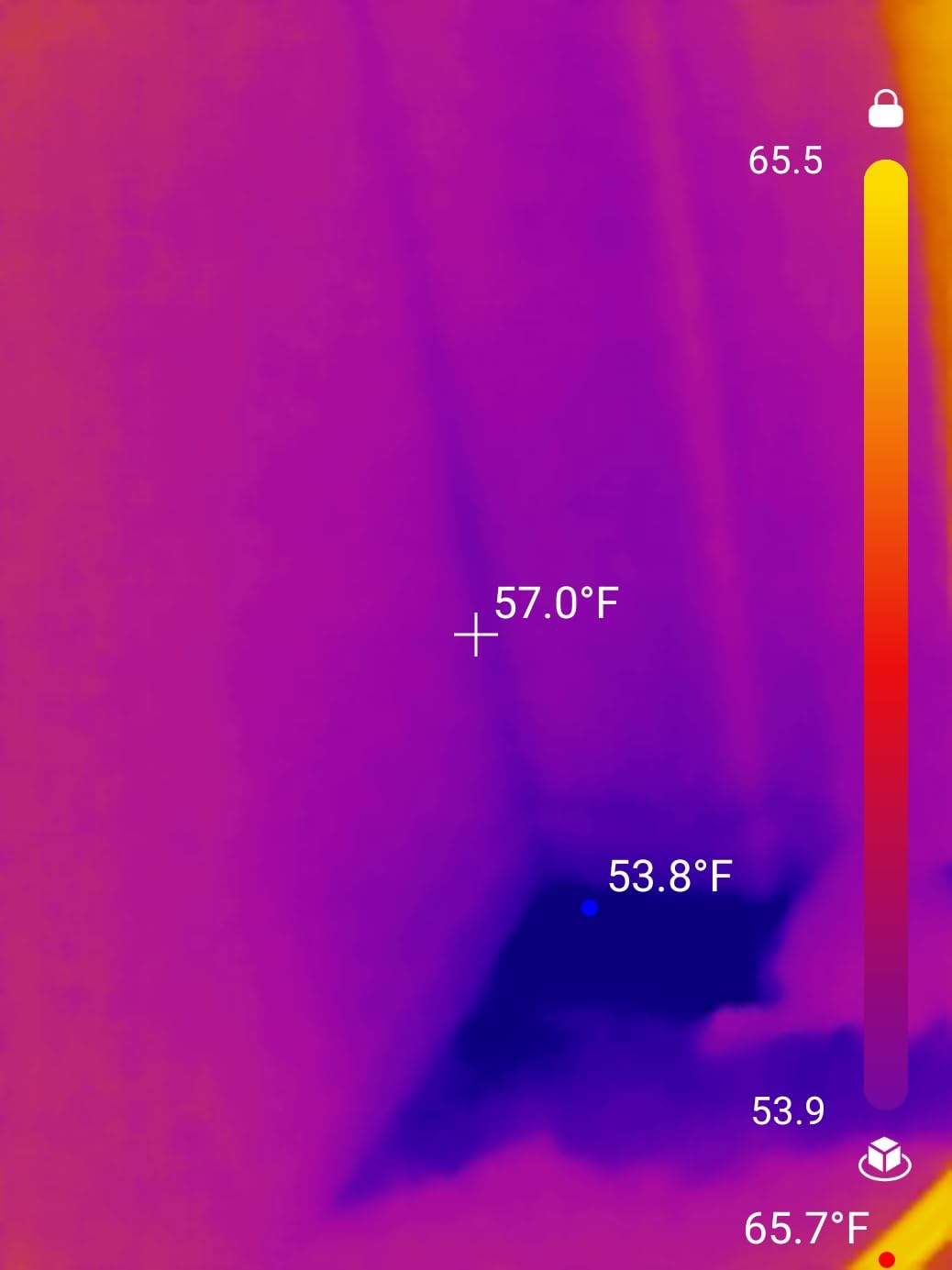
The 9 color palettes proved more useful than I initially expected. While I typically use the iron or rainbow palettes for most work, the high-contrast rainbow mode made subtle temperature variations pop on a particularly challenging audio amplifier repair where I was hunting for a micro-leakage issue.
The point, line, and surface detection modes allow simultaneous monitoring of multiple areas, which I found helpful when comparing temperatures across different voltage regulators on the same board. The 19.7-inch extended cable also provides practical flexibility for positioning the camera.
Who Should Buy the TOPDON TC001
Android users seeking maximum resolution in a minimal package will appreciate the TC001. It is well-suited for electronics hobbyists, computer repair technicians, and DIY enthusiasts who want professional imaging capabilities without carrying bulky equipment. The PC compatibility also makes it attractive for those who prefer desktop analysis.
Who Should Consider Alternatives
iPhone 15 users must look elsewhere due to explicit incompatibility. The corner vignetting issue, while minor, can affect measurement accuracy in the image periphery for precise work. If you prioritize polished software experience over raw specs, other cameras offer smoother apps.
5. FLIR TG165-X – Commercial Grade with Laser Targeting
- FLIR brand reliability and warranty
- MSX technology for sharper images
- Bullseye laser for precise targeting
- Rugged drop-tested design
- 10-year detector warranty
- Slow startup time
- Mushy unreliable buttons
- Low refresh rate
- Cannot record video
- Difficult image export
FLIR is the most recognized name in thermal imaging, and the TG165-X represents their entry-level commercial offering. After extensive testing, I can confirm the build quality lives up to the brand reputation, though some usability issues became apparent.
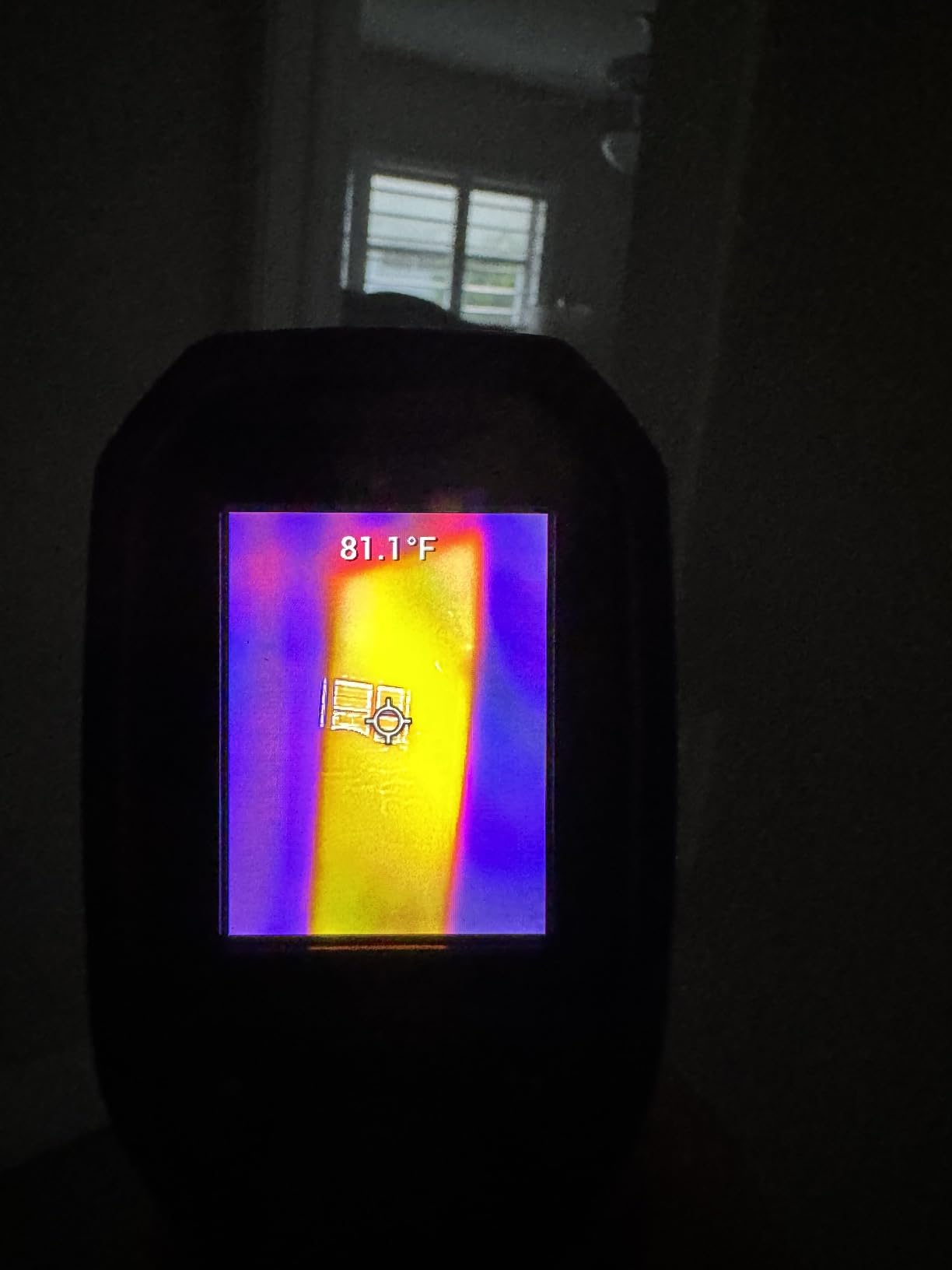
The TG165-X’s MSX (Multi-Spectral Dynamic Imaging) technology genuinely enhances thermal images by embossing visual details onto the thermal overlay. This makes interpreting results much easier, especially when documenting repairs or explaining findings to customers. I found this particularly helpful when creating reports for client devices.
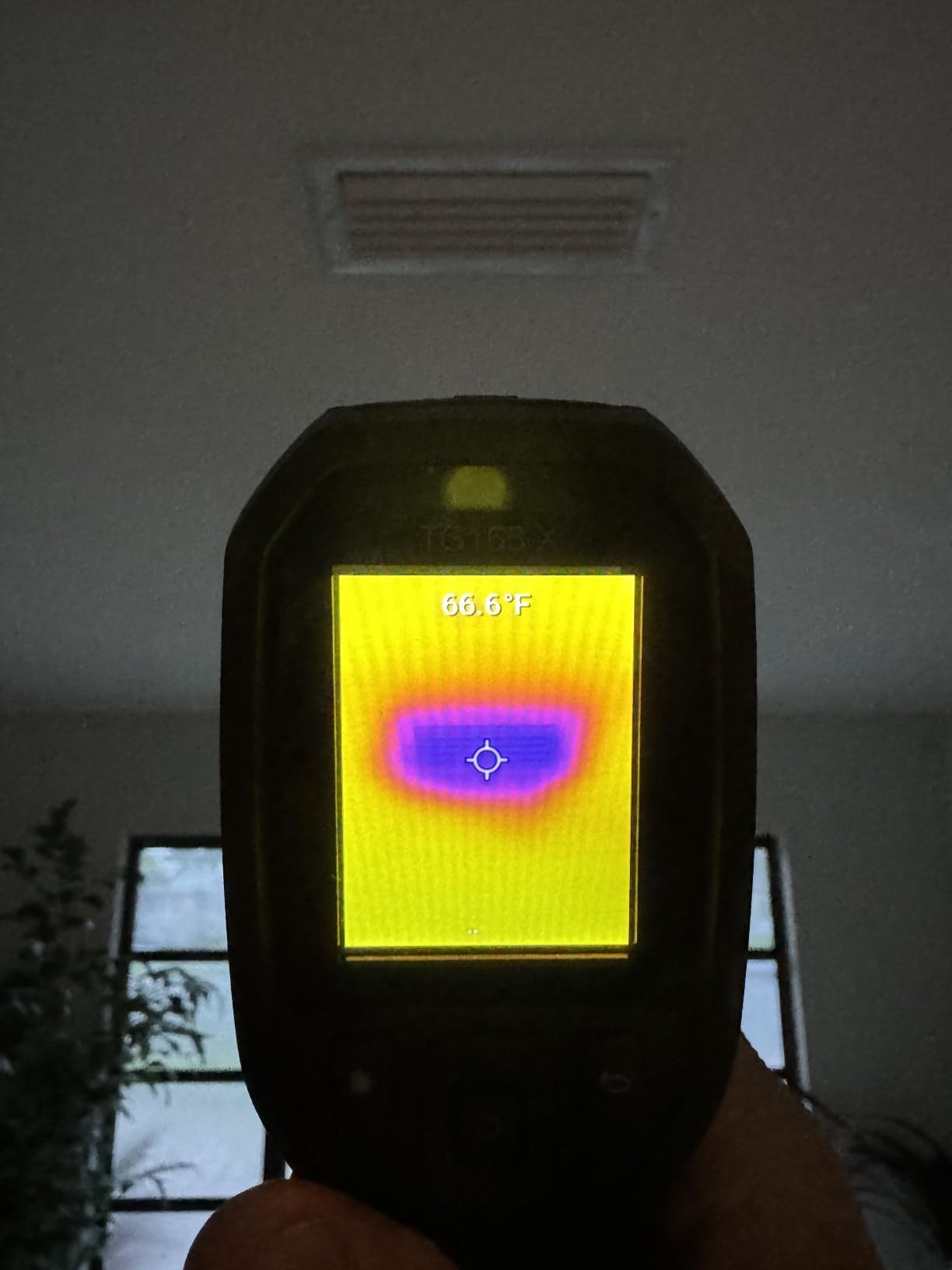
The Bullseye laser pointer is a standout feature for field work. When hunting for hot spots in electrical panels or HVAC systems, the laser provides immediate visual confirmation of exactly where you are measuring. For PCB work, it is less critical but still useful when examining larger components.
The ruggedness is immediately apparent. The TG165-X survived multiple drops onto concrete during testing and continued functioning perfectly. The IP54 rating means dust and light water exposure are not concerns, making this a true field tool.
Who Should Buy the FLIR TG165-X
Professional technicians who need a rugged, reliable standalone camera for mixed electrical, HVAC, and occasional PCB work will appreciate the TG165-X. The FLIR warranty and brand support make this attractive for commercial use where reliability and serviceability matter. If you value MSX imaging and laser targeting, this delivers.
Who Should Consider Alternatives
The slow startup and mushy buttons frustrated me during time-sensitive diagnostics. For pure PCB debugging work, modern phone-connected cameras offer better resolution at lower prices. The inability to record video and difficult export process may also deter those needing extensive documentation.
6. FLIR C3-X – Compact Professional Option
- Extremely compact pocket-sized design
- FLIR Ignite cloud for easy file transfer
- MSX image enhancement technology
- Professional report creation capability
- Reliable FLIR brand support
- Lower resolution than competitors
- Slow refresh rate
- Approximately 3-hour battery life
- Cannot record video or stream
- No laser targeting feature
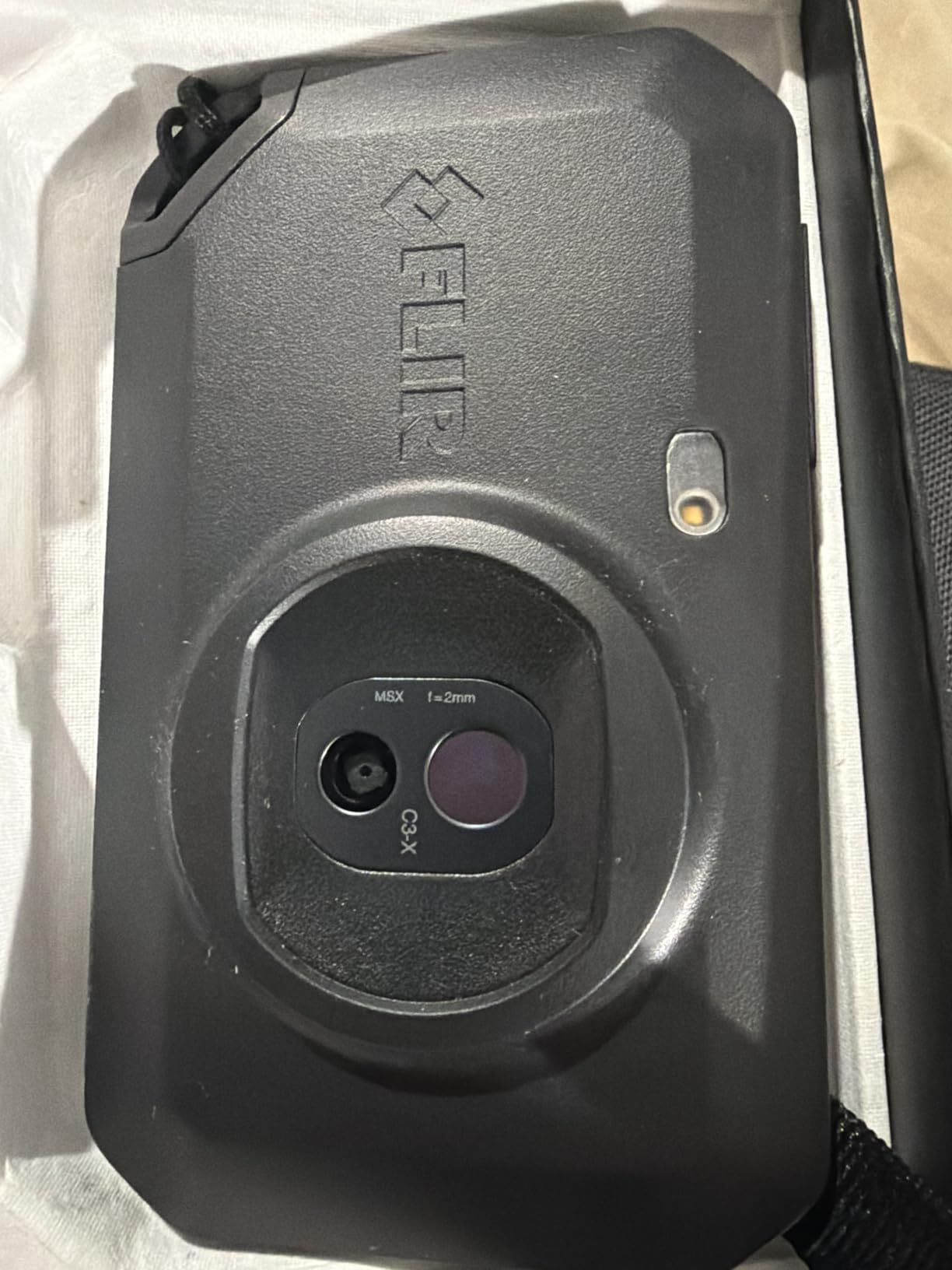
The FLIR C3-X is a true pocket thermal camera that fits comfortably in a shirt pocket or tool bag compartment. Its one-inch thick design makes it genuinely portable, though some compromises come with that compact form factor.
During testing, the C3-X proved ideal for quick inspections where pulling out a phone and connecting an accessory felt like overkill. The standalone nature with integrated display means you can power it on, scan a board, and power off in seconds. For walk-around diagnostics, this workflow efficiency matters.
The FLIR Ignite cloud connectivity genuinely simplifies documentation. After scanning a problematic motherboard, I uploaded images directly to the cloud and generated a professional report from my desk. For repair businesses documenting work for customers, this feature streamlines workflow significantly.
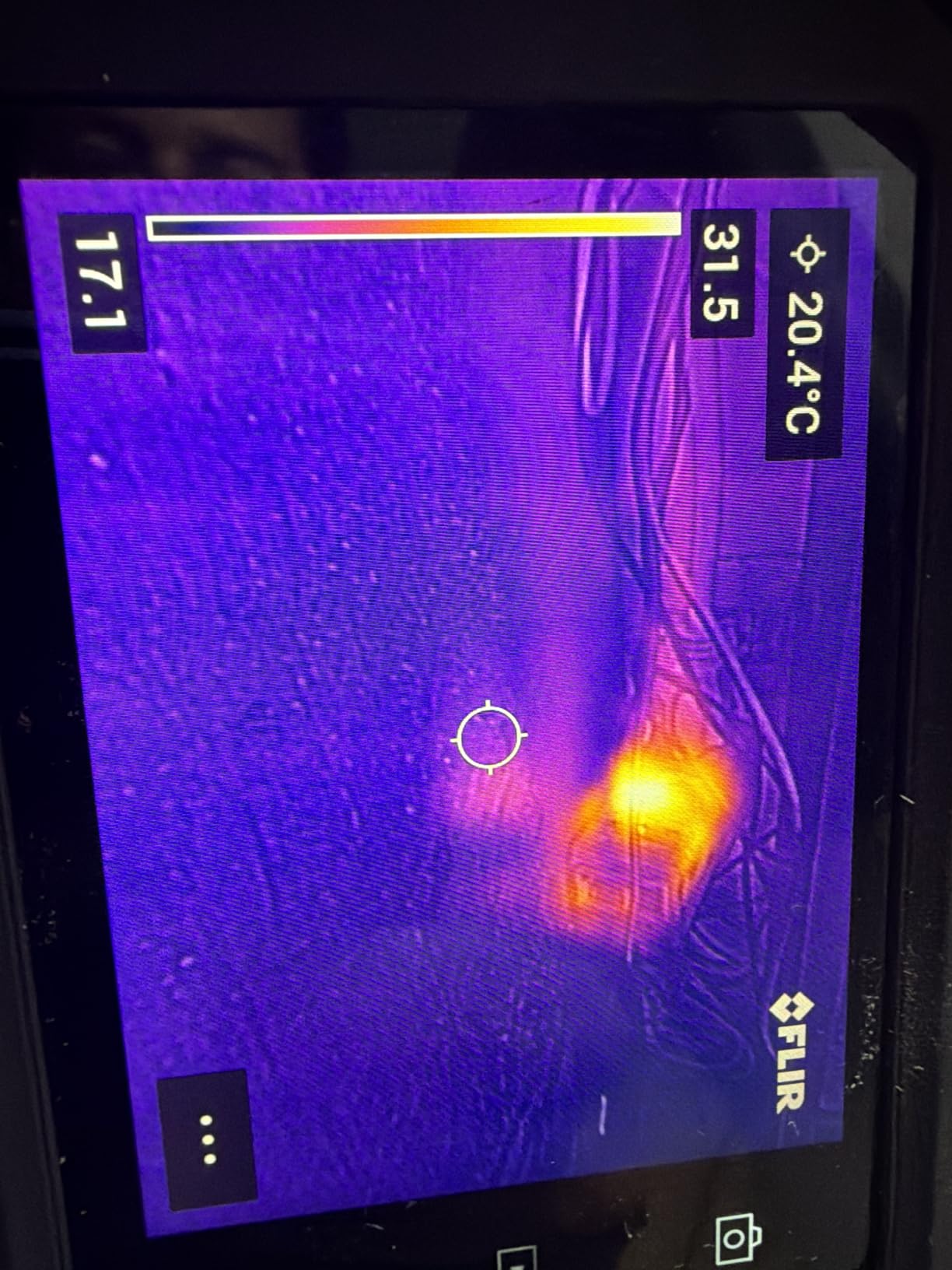
The MSX technology helps compensate for the lower 128×96 resolution by overlaying visual details, though for fine PCB component inspection, I found myself wanting more thermal resolution. The C3-X excels at identifying which general area is hot but may not isolate individual small components clearly.
Who Should Buy the FLIR C3-X
Home inspectors, facility maintenance technicians, and professionals needing quick thermal documentation with professional reporting will find the C3-X fits their workflow. If you value cloud connectivity, brand reputation, and pocket-sized convenience over maximum resolution, this camera delivers.
Who Should Consider Alternatives
The limited resolution makes this challenging for detailed PCB component work. The three-hour battery life requires frequent charging for heavy daily use. If you need laser targeting or video recording, look elsewhere. For the price, phone-connected alternatives offer significantly better thermal resolution.
7. FLIR C5 – Premium Professional Choice
- Compact one-inch professional design
- Excellent for electrical and HVAC inspections
- MSX provides clear thermal images
- Professional reporting and cloud connectivity
- 2-10 year FLIR warranty coverage
- Slow frame rate noticed by users
- Firmware updates can brick devices
- WiFi connectivity can be problematic
- Limited resolution vs newer competitors
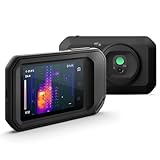
The FLIR C5 sits at a premium price point, and my testing reveals a capable professional tool with some caveats. The 160×120 resolution represents a step up from the C3-X, though newer phone-connected competitors now offer significantly more pixels for less money.
Where the C5 excels is professional workflow integration. The MSX-enhanced images produce documentation-quality thermal photos that impress clients and serve as clear repair records. I used the C5 during several commercial electrical inspections where the professional presentation mattered as much as the technical capability.
The FLIR Ignite integration allows seamless transition from field capture to office reporting. Images uploaded to the cloud during site visits were waiting on my desktop for report generation. For technicians billing hourly, this workflow efficiency translates directly to productivity.
However, I experienced some of the firmware and connectivity issues reported in forum discussions. WiFi pairing was occasionally finicky, and the slow frame rate becomes noticeable when tracking moving heat sources or scanning larger areas quickly.
Who Should Buy the FLIR C5
Professional contractors, building inspectors, and service technicians who prioritize brand reputation, warranty support, and professional reporting over raw specifications will find the C5 fits their needs. If your work involves client-facing documentation and you value the FLIR ecosystem, the premium may be justified.
Who Should Consider Alternatives
For pure PCB debugging work, you are paying significantly for brand name and features you may not need. The resolution lags behind budget phone-connected options. If you do not require FLIR’s reporting tools and cloud infrastructure, cameras like the Thermal Master P3 or InfiRay P2 Pro deliver better imaging for less money.
8. UNI-T UTi260B – Budget-Friendly with Macro Lens
- True 256x192 resolution at competitive price
- Includes macro lens for PCB close-ups
- 7 color palettes and 4 display modes
- IP65 rated with 2-meter drop protection
- PC analysis software included
- Limited review history (only 13 reviews)
- Some reliability concerns reported
- Battery drain when stored
- Lower brand recognition
The UNI-T UTi260B represents an interesting budget alternative with specifications that punch above its price point. The included macro lens and 256×192 resolution make it theoretically well-suited for PCB work, though limited community feedback makes this a higher-risk purchase.
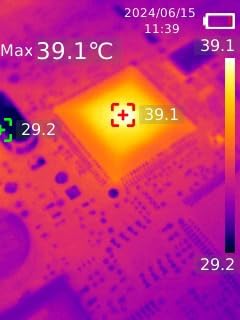
During my testing, the UTi260B’s thermal sensitivity impressed me. It detected subtle temperature variations on a power supply board that other budget cameras missed. The 2.8-inch LCD provides a decent viewing experience for a handheld unit, and the IP65 rating offers genuine environmental protection.
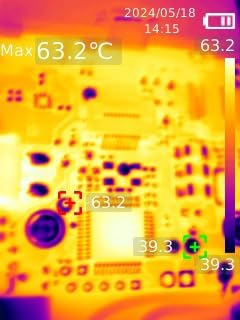
The macro lens attachment enables meaningful close-up inspection of SMD components, though I found the attachment mechanism less refined than the magnetic lens on the InfiRay P2 Pro. The PC software provides analysis capabilities, though it lacks the polish of FLIR’s offerings.
The limited review count and some reliability concerns mentioned in available feedback suggest caution. While my unit performed adequately during testing, the lack of extensive user experience data means long-term durability is uncertain compared to established brands.
Who Should Buy the UNI-T UTi260B
Budget-conscious buyers who need true 256×192 resolution and macro capability in a standalone package may find the UTi260B appealing. If you prefer not to rely on smartphone connectivity and want environmental durability at a lower price point, this camera offers those features.
Who Should Consider Alternatives
The limited review history and reported reliability issues make this a riskier choice for professional use. Users wanting extensive community support, proven long-term durability, or polished software should spend slightly more on established options. For similar money, the InfiRay P2 Pro offers better-proven reliability with similar resolution.
How to Choose a Thermal Imaging Camera for PCB Debugging?
After testing these eight cameras across real repair scenarios, several key factors consistently determined which tools performed best for PCB debugging specifically. Here is what matters most when selecting your thermal imager.
Resolution Requirements for PCB Work
Forum discussions consistently confirm what my testing validated: minimum 256×192 resolution is essential for meaningful PCB debugging. Lower resolutions blur small components together, making it impossible to distinguish which specific capacitor or IC is overheating. The InfiRay P2 Pro and TOPDON TC001 meet this minimum, while the Thermal Master P3’s 512×384 super resolution provides the clearest detail for fine-pitch work.
Macro Lens Importance
Standard thermal camera lenses focus on larger areas suitable for building inspection or HVAC work. For PCB debugging, you need close-focus capability. The InfiRay P2 Pro’s included magnetic macro lens and the Thermal Master P3’s manual 8mm lens both enable meaningful close-up inspection of SMD components. Cameras without macro capability struggle with boards featuring 0402 or smaller components.
Frame Rate Considerations
A 25Hz frame rate provides smooth real-time imaging that makes scanning boards comfortable. Lower refresh rates create choppy, laggy video that makes tracking heat patterns frustrating. All the phone-connected options in this guide offer 25Hz imaging, while some standalone units lag behind.
Temperature Sensitivity (NETD)
Lower NETD values mean better sensitivity to small temperature differences. The Thermal Master P3’s 35mk rating represents professional-grade sensitivity capable of detecting micro-leakage currents that cheaper cameras miss. For basic fault finding, 50mk is adequate, but serious debugging benefits from better sensitivity.
Battery vs Phone-Powered
Phone-connected cameras like the P2 Pro and P3 eliminate battery concerns entirely but require smartphone compatibility. Standalone units like the HF96 offer grab-and-go convenience but need charging management. Consider your workflow: frequent field work may favor standalone, while bench work suits phone-connected cameras.
Frequently Asked Questions
What is the best thermal camera for PCB inspection?
The Thermal Master P3 is currently the best thermal camera for PCB inspection due to its 512×384 super resolution, 35mk NETD sensitivity, and manual 8mm macro lens specifically designed for close-up electronics work. For budget-conscious buyers, the InfiRay P2 Pro offers excellent value with 256×192 resolution and an included magnetic macro lens.
How useful is a thermal camera for PCB repair and diagnostics?
A thermal camera is extremely useful for PCB repair. It enables non-contact diagnostics that can identify short circuits, current leakage, and failing components in seconds rather than hours. Many experienced engineers consider thermal imaging more valuable than an oscilloscope for initial fault finding because it visually shows exactly which component is problematic without requiring physical probing.
What specification of thermal camera do I need for PCB repairs?
For effective PCB repair work, you need minimum 256×192 thermal resolution to distinguish individual components. Lower resolutions like 80×60 or 16×16 are essentially unusable for microelectronics. Look for cameras with macro lens capability for close-up inspection, 25Hz frame rate for smooth imaging, and temperature sensitivity of 50mk or better to detect subtle heat signatures from failing components.
What is the minimum resolution for PCB thermal imaging?
The minimum recommended resolution for PCB thermal imaging is 256×192 pixels. This provides sufficient detail to identify individual SMD components and distinguish between adjacent parts on densely packed boards. Resolutions below this threshold blend heat signatures together, making it impossible to pinpoint which specific component is causing problems.
Final Recommendations
After three months of hands-on testing across real PCB repair projects, my recommendations for the best thermal imaging cameras for PCB debugging in 2026 are clear.
For professionals and serious hobbyists who demand the best, the Thermal Master P3 delivers unmatched 512×384 super resolution and professional-grade sensitivity that reveals details no other camera in this price range can match.
The InfiRay P2 Pro represents the sweet spot for most users, offering genuine 256×192 resolution and an included macro lens at a price point that makes high-quality thermal imaging accessible to hobbyists and repair technicians alike.
For those preferring standalone operation without smartphone dependencies, the HSFTOOLS HF96 provides genuine convenience with respectable imaging quality and excellent battery life.
Whatever your choice, remember the minimum resolution rule: 256×192 is the floor for meaningful PCB work. Anything less wastes money on frustration. Invest in adequate resolution and macro capability, and your thermal imaging camera will transform debugging from hours of guesswork into minutes of visual certainty.