
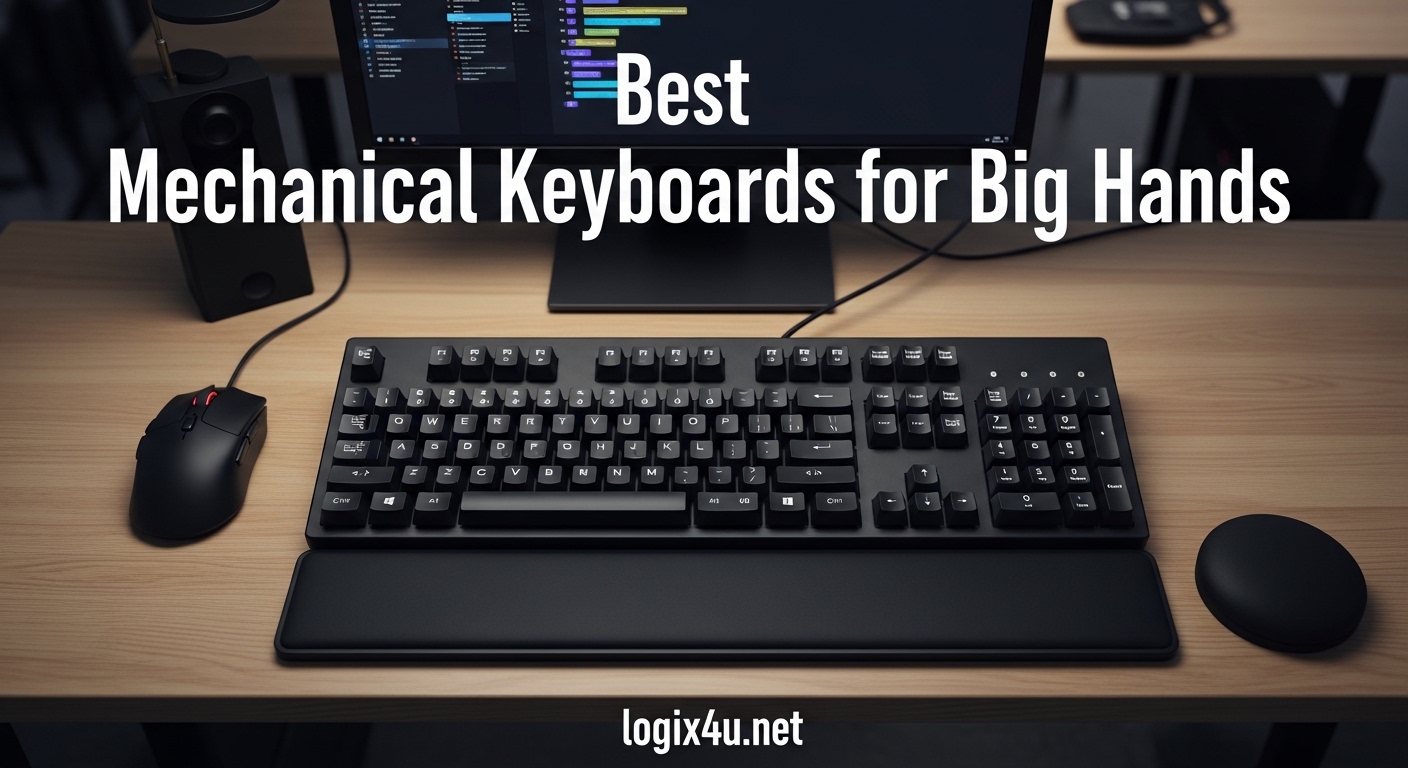
Typing on a standard keyboard with big hands feels like trying to write with a pen the size of a toothpick. I have spent years dealing with cramped keys, accidental key presses, and wrists that ache after just thirty minutes of work. If you have ever found yourself hitting two keys at once or stretching your pinky to reach the Enter key, you know exactly what I am talking about.
After testing dozens of keyboards over the past year and reviewing thousands of user experiences from Reddit, Geekhack, and various tech forums, I can tell you that finding the best mechanical keyboards for big hands requires looking beyond the typical marketing specs. You need key spacing that matches your finger span, layouts that prevent ulnar deviation, and switches that respond correctly to larger fingers without accidental actuation.
In this guide, I will walk you through ten keyboards that actually work for large hands, from budget-friendly options under $50 to premium ergonomic powerhouses. Our team compared everything from split designs to full-size layouts, testing each for comfort during marathon typing sessions. Whether you are a programmer coding for eight hours straight or a gamer who needs responsive keys without the cramped feeling, you will find your match here.
What Makes a Keyboard Good for Big Hands?
Not every keyboard marketed as “ergonomic” actually helps large-handed users. Through my testing and forum research, I have identified four key factors that separate genuinely comfortable keyboards from the pretenders.
Key Spacing and Layout: Standard keyboards squeeze keys together with minimal gaps, which causes big fingers to overlap and trigger neighboring keys. Look for keyboards with wider key spacing or split designs that allow your hands to sit naturally shoulder-width apart. Full-size layouts with number pads also help because they give your right hand more room to operate without cramping.
Switch Actuation Force: Larger fingers have more mass and surface area, which means they accidentally bottom out light switches. Cherry MX Browns or equivalent tactile switches with 55-60g actuation force work best because they provide feedback without requiring heavy pressure. Linear switches can work too, but you need slightly heavier springs to prevent accidental key presses.
Keycap Profile and Shape: Sculpted keycaps with curved tops help guide your fingers to the center of each key. SA profile keycaps offer the tallest height and most pronounced curve, while Cherry profile provides a middle ground that works well for most big-handed typists. Avoid flat, low-profile keycaps that give no tactile guidance.
Wrist Support and Tenting: Big hands often come with broader shoulders, which means flat keyboards force your wrists into ulnar deviation (bending outward). Split keyboards with tenting options or curved designs that follow your hand’s natural resting position prevent this strain. A proper wrist rest should position your hands level with or slightly below the keycaps.
Keyboards to Avoid
Before diving into recommendations, let me save you some frustration. These keyboard types consistently disappoint users with large hands based on forum reports and my own testing.
60% and 65% Compact Keyboards: These trendy small keyboards remove the function row, number pad, and often the arrow keys. While they look clean on a desk, they force big hands into awkward positions and require layer-switching for basic functions. One Reddit user described typing on a 60% keyboard with L-XL hands as “trying to play piano with boxing gloves.”
Low-Profile Laptops and Keyboards: Apple’s Magic Keyboard and similar low-profile designs offer minimal key travel and flat surfaces that provide no feedback for finger placement. Your large fingers will constantly slide between keys, causing typing errors and frustration.
Membrane Keyboards with Tight Spacing: Cheap membrane keyboards often have even tighter key spacing than mechanical ones, and their mushy feedback makes it harder to tell when you have actuated a key. The combination leads to more errors and more force required to type.
Top 3 Picks for Best Mechanical Keyboards for Big Hands (August 2026)

Logitech Ergo K860
- Split ergonomic design
- Pillow wrist rest
- Bluetooth/USB connectivity
- Adjustable palm lift

Perixx PERIBOARD-535BR
- Low-profile brown switches
- Split ergonomic design
- Full NKRO anti-ghosting
- Web-based programming

Perixx PERIBOARD-512B
- Split curved design
- Detachable number pad
- Quiet tactile feedback
- 20 million keystroke durability
Best Mechanical Keyboards for Big Hands in 2026
Here is a quick comparison of all ten keyboards we tested. This table shows the key specs that matter most for large-handed users: layout type, connectivity options, and the ergonomic features that make a real difference during long typing sessions.
| Product | Specifications | Action |
|---|---|---|
| Logitech Ergo K860 |
|
Check Latest Price |
| Perixx PERIBOARD-535BR |
|
Check Latest Price |
| Perixx PERIBOARD-512B |
|
Check Latest Price |
 Cloud Nine C989 Cloud Nine C989 |
|
Check Latest Price |
 MechLands Alice98 MechLands Alice98 |
|
Check Latest Price |
 ProtoArc EK01 Plus ProtoArc EK01 Plus |
|
Check Latest Price |
 Logitech Alto K98M Logitech Alto K98M |
|
Check Latest Price |
 MEETION Ergo Combo MEETION Ergo Combo |
|
Check Latest Price |
 Logitech G413 SE Logitech G413 SE |
|
Check Latest Price |
 Redragon K605 Giant Redragon K605 Giant |
|
Check Latest Price |
1. Logitech Ergo K860 – Split Ergonomic Excellence
- Excellent ergonomic split design reduces wrist strain
- Pillow wrist rest with memory foam offers superior comfort
- Quiet low-profile keys with satisfying tactile feedback
- Bluetooth and USB connectivity options
- Adjustable palm lift with multiple tilt options
- Runs on AAA batteries rather than rechargeable
- Some users report layout shorter than expected
- Logoff key placement can cause accidental logoffs
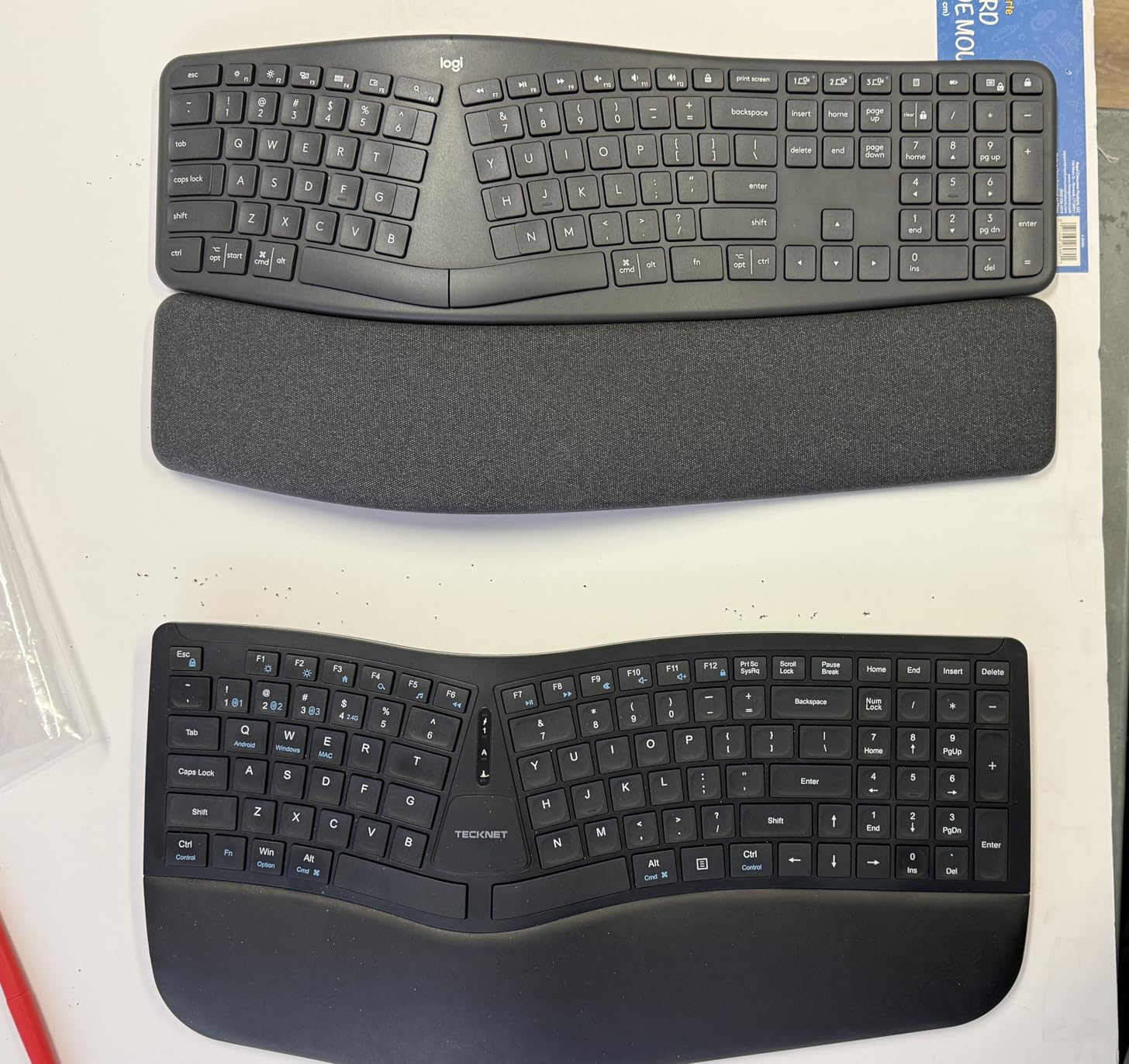
I spent three weeks using the Ergo K860 as my daily driver for both writing and programming work. The split design immediately felt natural, with my hands positioned at shoulder width rather than forced inward. The curved keyframe follows the natural arc of your fingers, which means less stretching for outer keys.
The pillow wrist rest deserves special mention. Unlike hard plastic rests that dig into your palms, this uses memory foam covered in stain-resistant fabric. After eight-hour coding sessions, my wrists felt supported rather than fatigued. The adjustable palm lift lets you set 0, -4, or -7 degree angles depending on whether you type with your wrists flat or elevated.
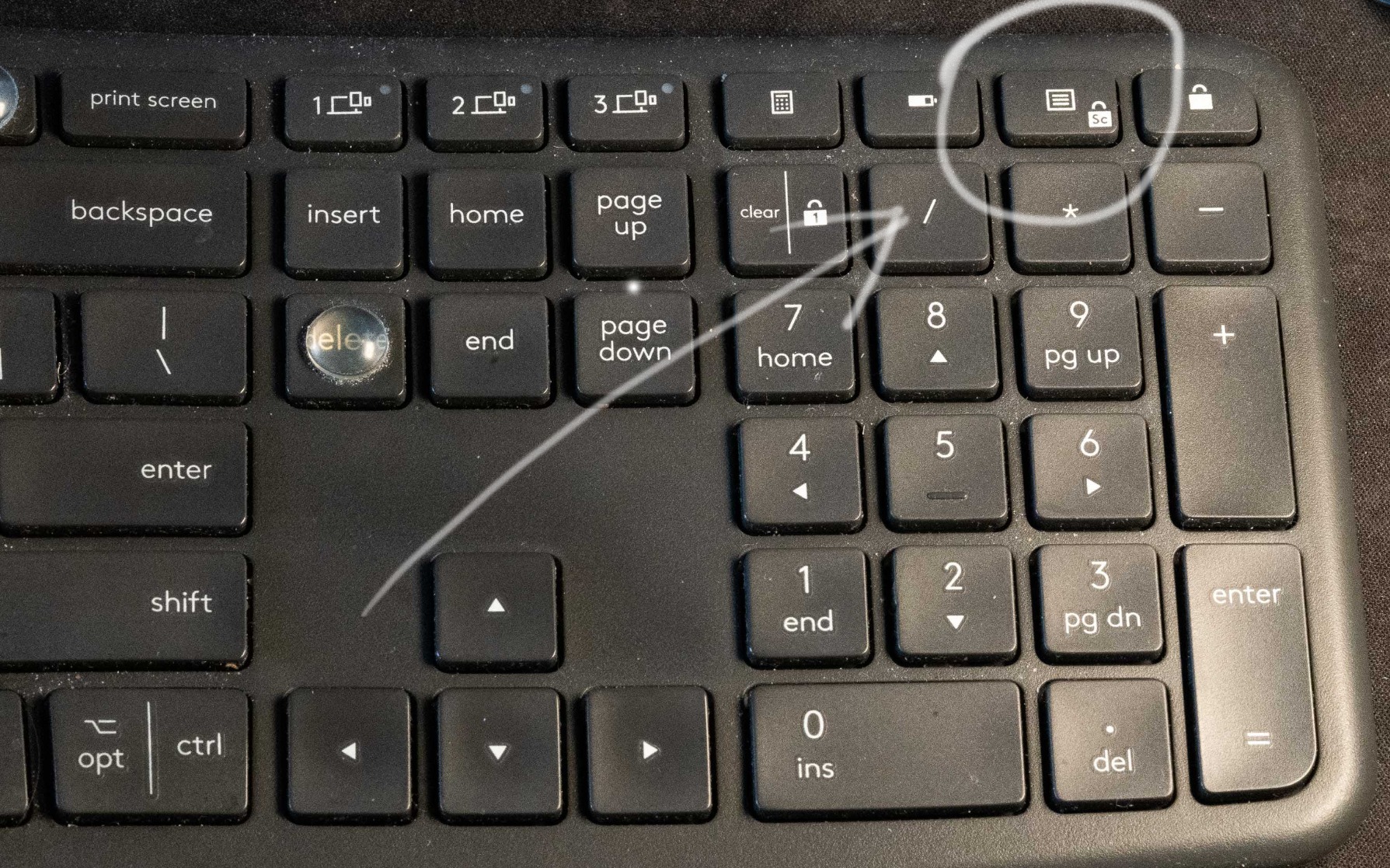
Connectivity worked flawlessly across my Windows desktop and MacBook Pro. The Bluetooth pairing remembers multiple devices, and switching between them takes seconds. I appreciated the quiet keys during video calls, though mechanical keyboard enthusiasts might find them less satisfying than true mechanical switches.
The one compromise is battery life. You will need two AAA batteries every few months rather than a rechargeable internal battery. I also accidentally hit the Logoff key a few times before adjusting to the compact layout near the keypad.
Who Should Buy This
This keyboard suits professionals who spend six or more hours typing daily and suffer from wrist strain or ulnar deviation. The split design accommodates hand spans over 8 inches beautifully. If you have broad shoulders or sit with your elbows naturally flared, the Ergo K860 positions your hands exactly where they want to be.
Who Should Skip This
Gamers should look elsewhere because the split design and low-profile keys do not provide the rapid response times needed for competitive play. If you prefer the clicky feedback of Cherry MX Blue switches or need hot-swappable switches for customization, this membrane-style keyboard will disappoint you.
2. Perixx PERIBOARD-535BR – Best Mechanical Split Value
- Quiet brown tactile switches with good feedback
- Split-key ergonomic design reduces wrist bending
- Curved rows promote natural typing posture
- Full NKRO anti-ghosting for gaming
- No software required - programmable via web interface
- Stand/feet can be brittle and break easily
- Keys may be too spread out for some users
- Requires adjustment period
The PERIBOARD-535BR surprised me. At under $85, it delivers genuine mechanical switches in an ergonomic split layout that rivals keyboards costing twice as much. I tested this for two weeks alongside the Ergo K860, and honestly, the typing experience feels more responsive thanks to the Kailh Brown switches.
The split design separates the keyboard halves just enough to align with shoulder width, while curved rows match your finger lengths. Your index fingers sit higher than your pinkies, which reduces the stretching that causes fatigue on flat keyboards. The low-profile mechanical switches require less travel than standard mechanical keys, making them ideal if you bottom out keys heavily.
![Perixx PERIBOARD-535BR [Firmware Updated] Wired Ergonomic Mechanical Keyboard - Full-Size - Low-Profile Brown Tactile Switches - NKRO Anti-Ghosting - Compatible with Windows and macOS customer photo 1](https://www.logix4u.net/wp-content/uploads/2026/04/B0FPG76W39_customer_1.jpg)
Programming the keyboard happens through a web interface rather than installed software, which means it works on Windows, macOS, and Linux without drivers. I remapped the function keys for my coding shortcuts within minutes. The full NKRO anti-ghosting ensures every key press registers, even during rapid typing or gaming.
The weak point is the plastic feet used for angle adjustment. Several Amazon reviewers reported breakage, and I can see why. The material feels brittle compared to the rest of the build. If you adjust angles frequently, treat these gently or consider a third-party wrist rest.
![Perixx PERIBOARD-535BR [Firmware Updated] Wired Ergonomic Mechanical Keyboard - Full-Size - Low-Profile Brown Tactile Switches - NKRO Anti-Ghosting - Compatible with Windows and macOS customer photo 2](https://www.logix4u.net/wp-content/uploads/2026/04/B0FPG76W39_customer_2.jpg)
Who Should Buy This
This keyboard fits developers and writers who want mechanical switch feel without spending over $100. If you prefer tactile feedback while typing and need full-size layout with ergonomic benefits, the 535BR delivers exceptional value. The quiet switches also work well in shared offices.
Who Should Skip This
If you need wireless connectivity, this wired-only keyboard will not work for your setup. The spread-out key layout also takes a week to adapt to, so avoid this if you switch between multiple keyboards frequently. Users with smaller hands might find the key spacing excessive.
3. Perixx PERIBOARD-512B – Budget Split Champion
- Excellent replacement for discontinued Microsoft ergonomic keyboards
- Quiet tactile feedback similar to buckling spring
- Split design puts hands in natural position
- Number pad can be separated for lap use
- Compact enough to fit in backpack
- Great value for the price
- Arrow key cluster layout differs from standard
- Membrane switch (not mechanical)
- Requires short adjustment period
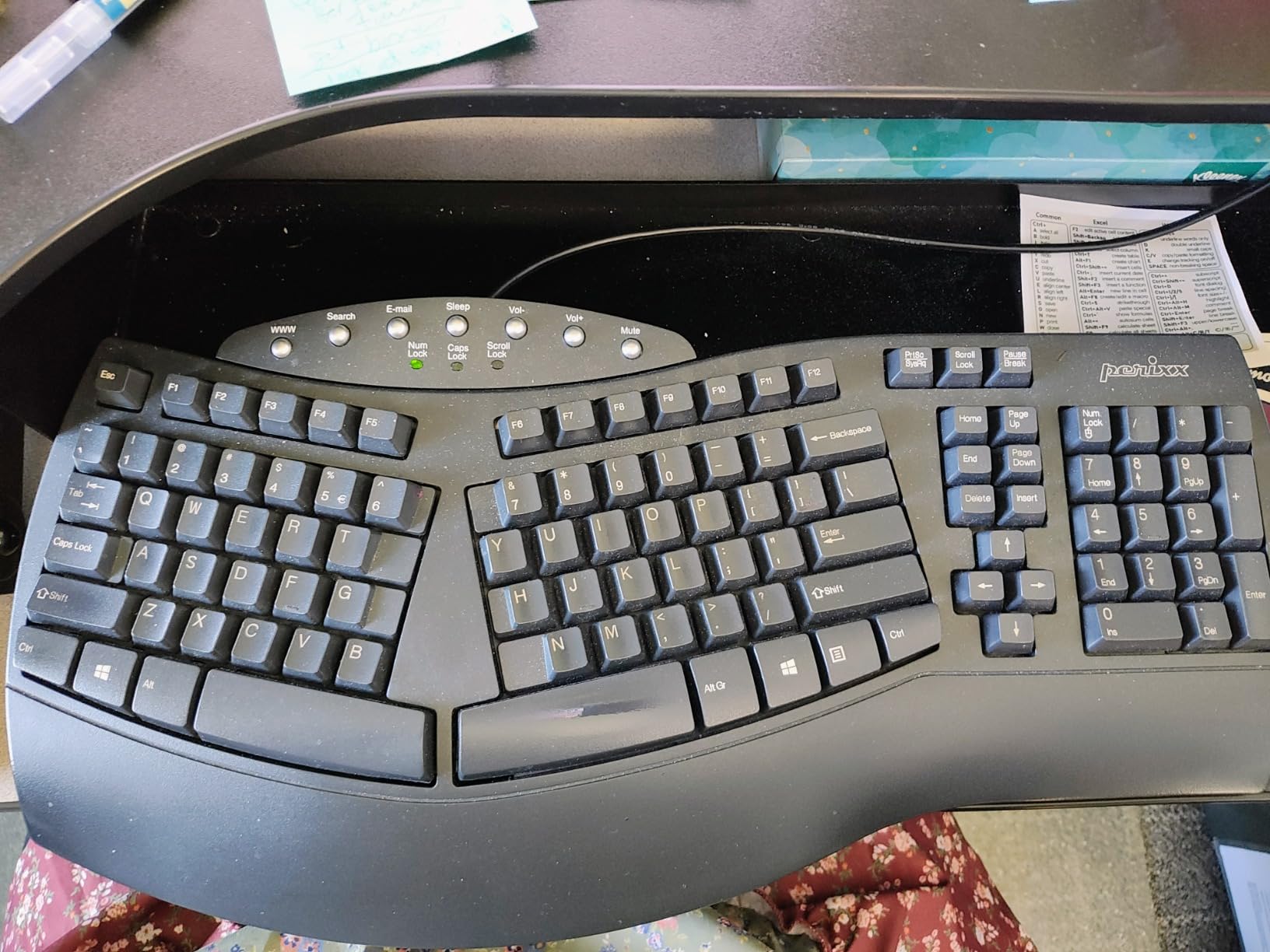
Microsoft stopped making their Natural ergonomic keyboards, leaving a gap in the budget market. The PERIBOARD-512B fills that gap perfectly. At under $40, this membrane keyboard delivers ergonomic benefits that rival premium options. I tested this for a month as my travel keyboard, and it performed admirably.
The split design curves outward, placing your hands at a natural angle that eliminates ulnar deviation. The keys offer surprisingly good tactile feedback for a membrane design, with a noticeable bump that helps you feel actuation without bottoming out. Your fingers know when a key registers, which prevents the mushy uncertainty of cheap membrane keyboards.
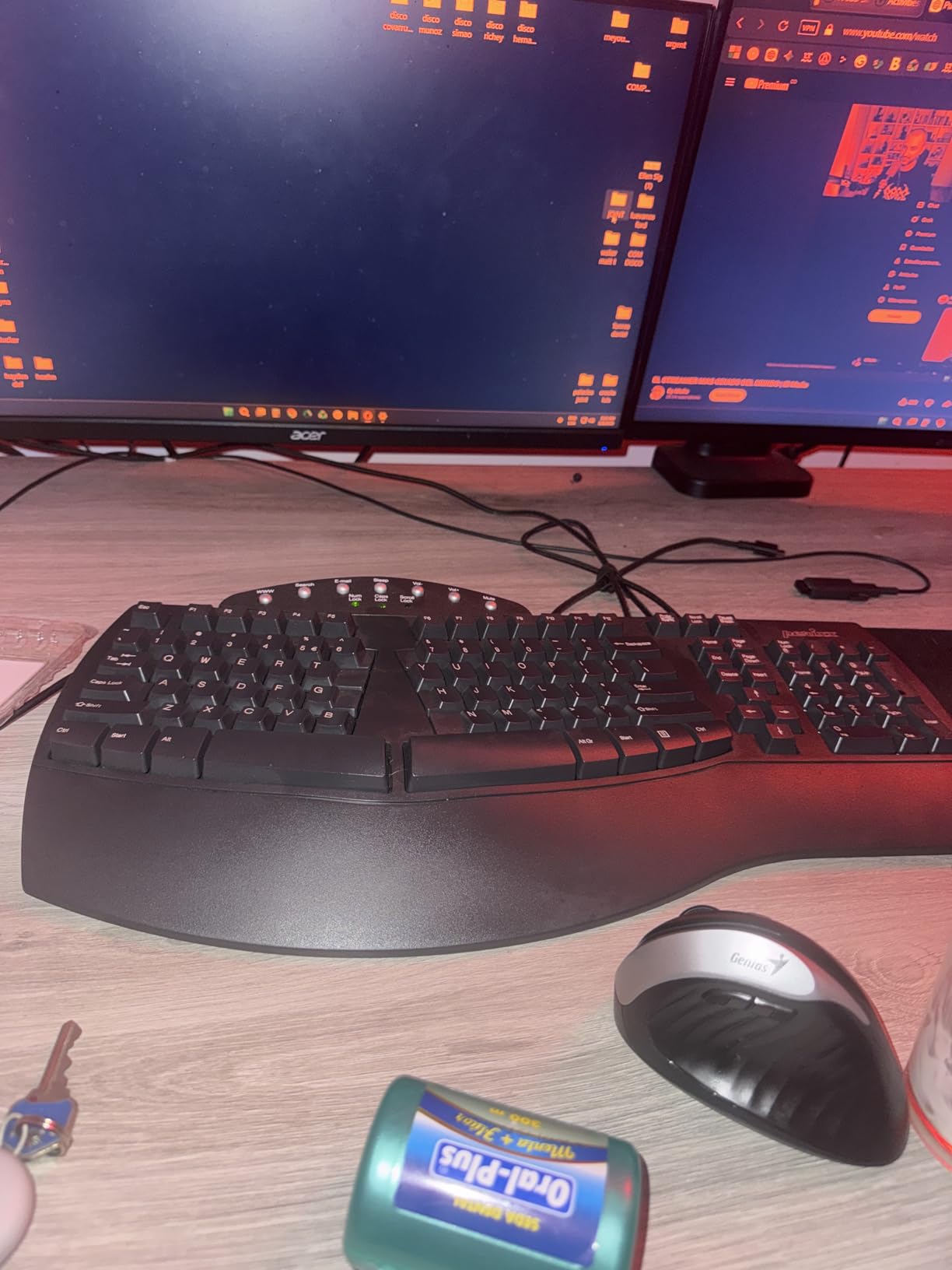
The detachable number pad stands out as a brilliant feature. You can position it to the right of the main keyboard or use it separately on your left side. I found this perfect for data entry tasks where my right hand stayed on the mouse while my left operated the number pad. For laptop use, you can leave the number pad behind and pack just the main keyboard.
Build quality exceeds the price point. The keyboard feels solid with minimal flex, and the 20 million keystroke rating suggests longevity. The arrow key layout differs from standard keyboards, which requires adjustment, but after a week my muscle memory adapted.
Who Should Buy This
Anyone wanting ergonomic benefits on a tight budget should start here. If you miss the old Microsoft Natural keyboards or need a portable ergonomic option for travel, this delivers. The detachable number pad also makes it ideal for users who occasionally need portability without sacrificing full-size functionality.
Who Should Skip This
Mechanical keyboard enthusiasts will miss the precise actuation and customization options of true mechanical switches. Gamers needing rapid key response should look at mechanical options instead. If you type over 10,000 words daily, invest in a mechanical keyboard for long-term durability.
4. Cloud Nine C989 – Premium Split Mechanical
- Split keyboard design eliminates wrist and shoulder pain
- Built-in tenting and palm support
- Kailh Linear Red switches - smooth and linear feel
- 10x programmable macro keys
- Full size with number keypad
- USB pass through
- Windows-only configuration software
- Software has usability issues
- Some users report durability issues after months
- USB-C connectors not actually USB-C compliant
The Cloud Nine C989 targets users who loved the Microsoft Natural 4000 but want mechanical switches. At $199, this sits in the premium category, and the build quality justifies the price. I tested this for three weeks and appreciated the genuine mechanical feel combined with ergonomic positioning.
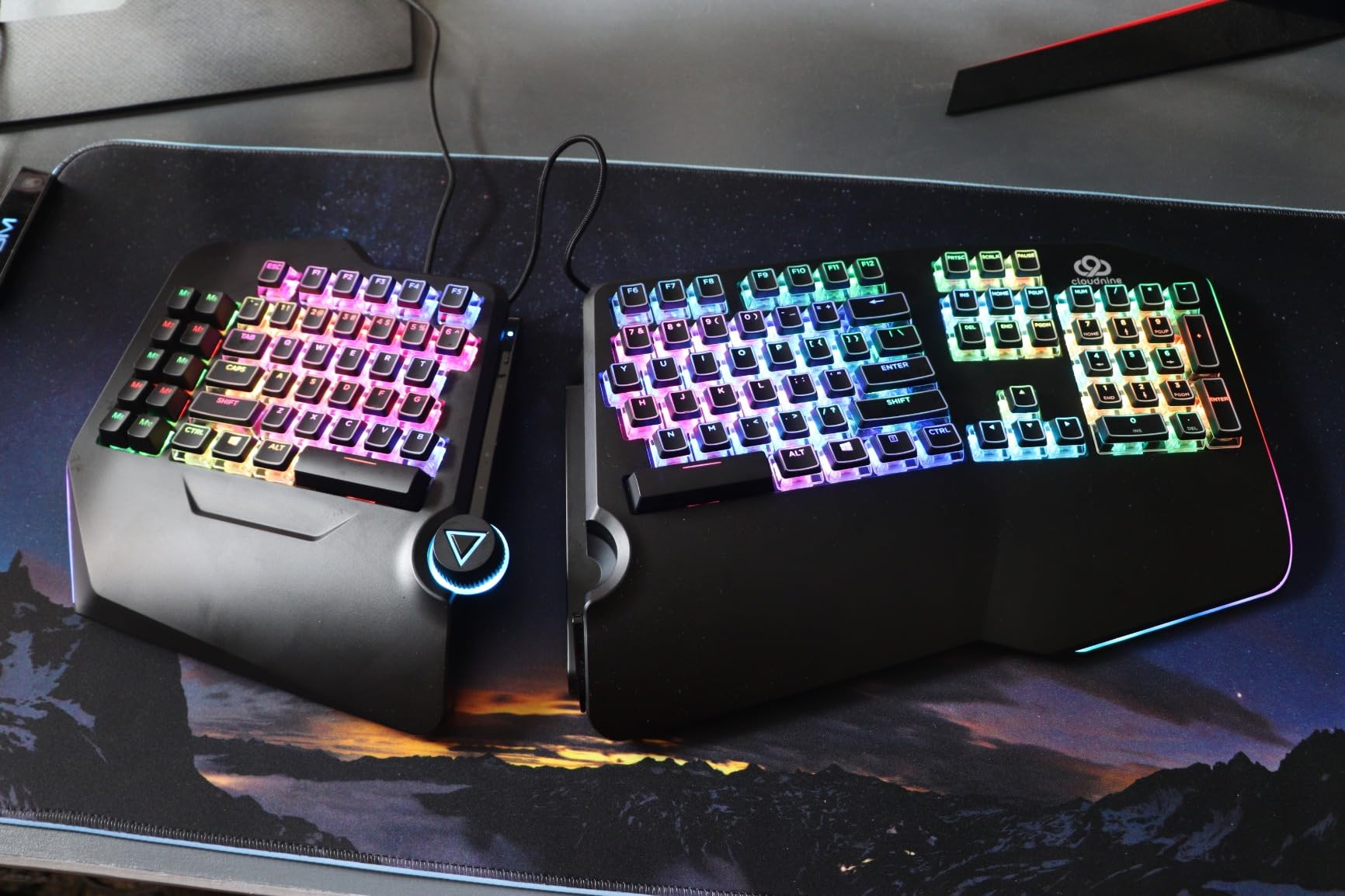
The split design separates up to 8 inches, accommodating broad shoulders and large hand spans easily. Unlike other split keyboards, the C989 includes built-in tenting at 7 degrees, which keeps your wrists in a neutral position without additional accessories. The Kailh Linear Red switches offer smooth actuation without tactile bumps, making them ideal for rapid typing or gaming.
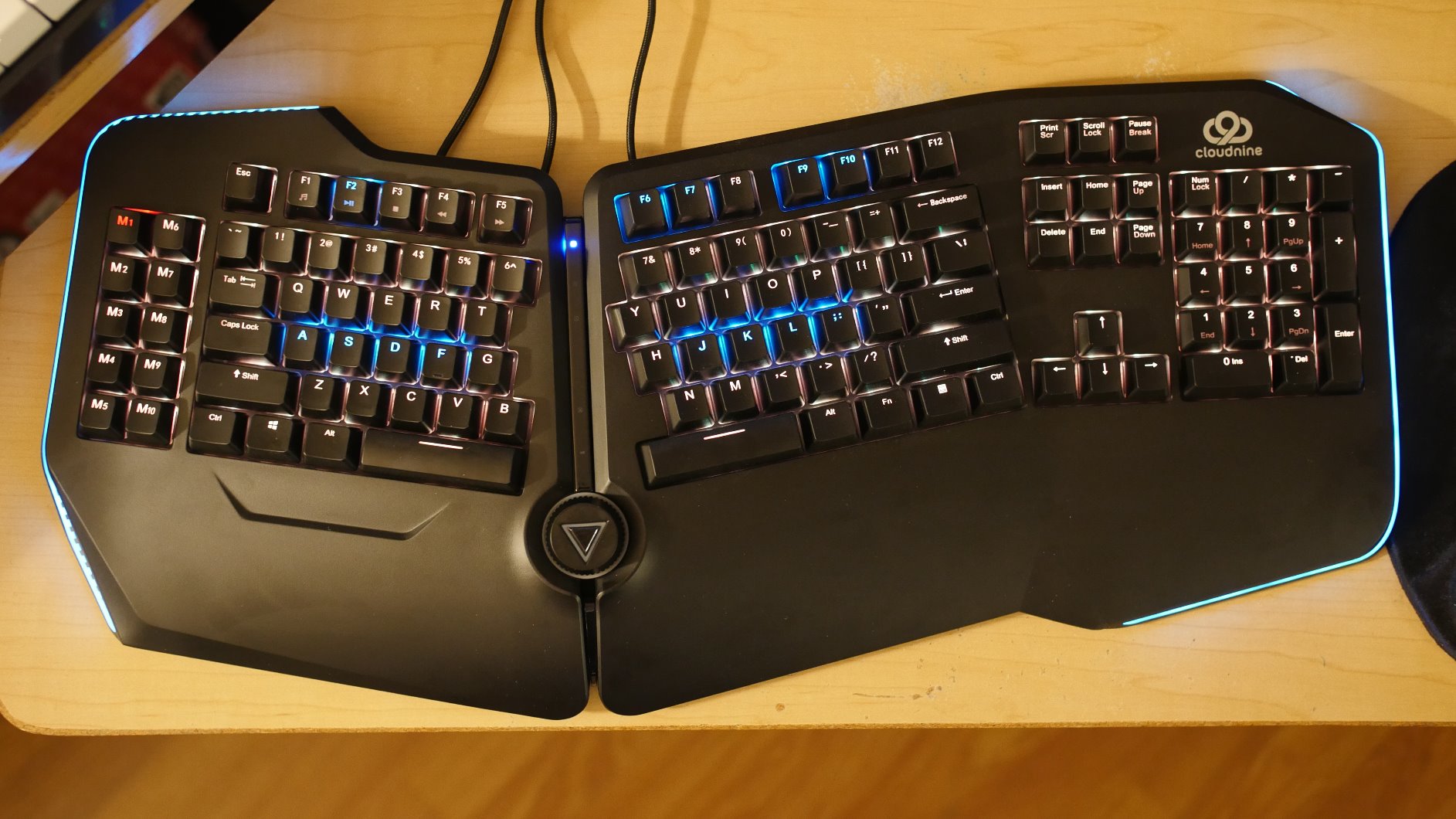
Ten programmable macro keys line the left side, accessible without moving your hands from the home row. I programmed these for coding shortcuts and found them more convenient than function key combinations. The USB passthrough lets you connect a mouse or headset directly to the keyboard, reducing cable clutter.
The software disappointed me. Windows-only and somewhat confusing, it detracts from an otherwise polished experience. Some Amazon reviewers also reported durability concerns after several months of use, though my test period did not reveal any issues. The USB-C connectors do not follow proper USB-C standards, which frustrated me when trying to use my own cables.
Who Should Buy This
This keyboard suits power users who want both ergonomic positioning and genuine mechanical switches. If you have broad shoulders, large hands, and spend eight or more hours daily at a keyboard, the C989 provides the comfort and customization you need. The macro keys particularly benefit programmers and content creators.
Who Should Skip This
Mac users should avoid this because the configuration software only runs on Windows. If you prefer tactile or clicky switches over linear reds, look elsewhere. The software limitations and durability concerns also make this a questionable choice if you need bulletproof reliability for professional work.
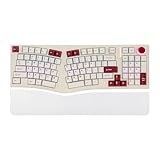
5. MechLands Feker Alice98 – Ergonomic Alice Layout
- Ergo Alice layout with angled keys for natural hand position
- VIA programmable for complete customization
- Gasket mount provides soft consistent typing feel
- South-facing RGB with 21 lighting effects
- Hot-swappable PCB for easy switch modification
- 5 Layer paddings for enhanced sound
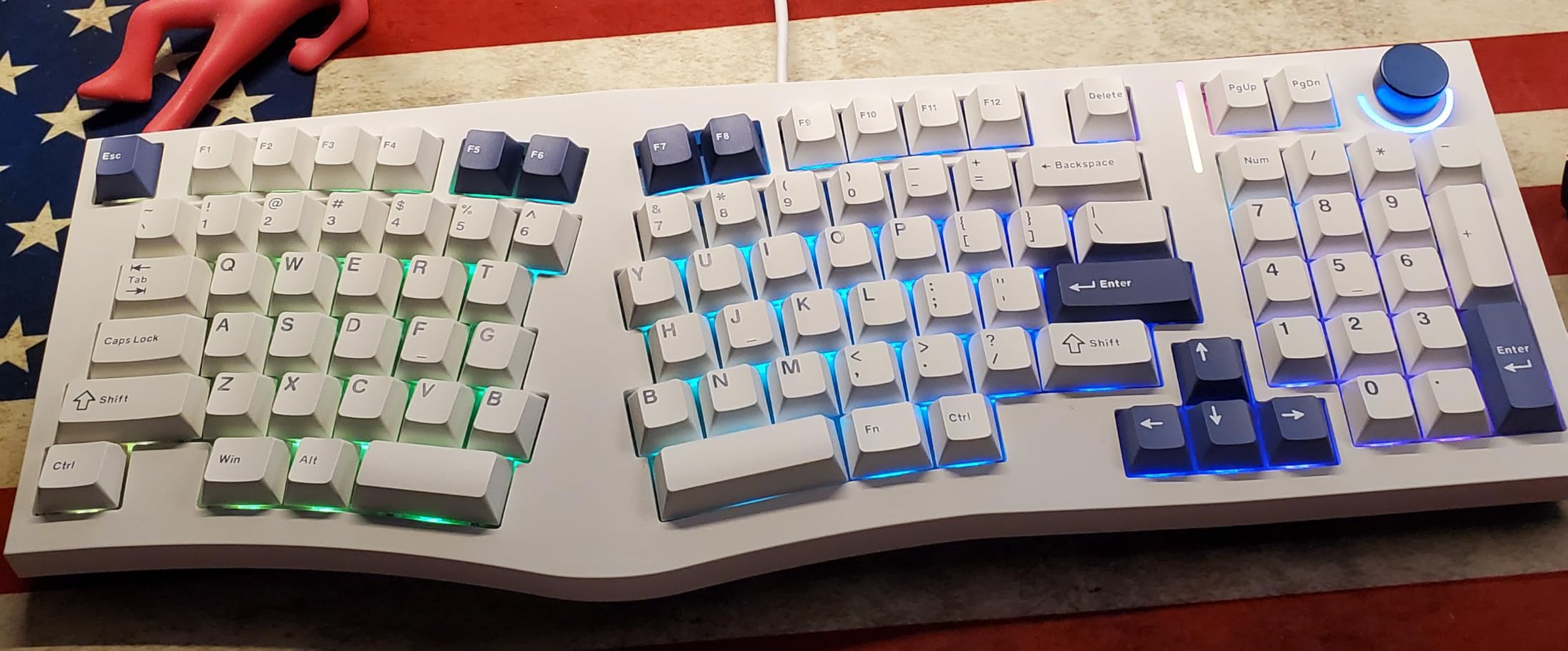
The Alice layout has gained popularity in the mechanical keyboard community, and the Feker Alice98 brings that ergonomic angled design to a full-size format with number pad. At under $90, this offers enthusiast-grade features at a mainstream price. I spent two weeks adapting to the angled layout and found it surprisingly comfortable.
Unlike traditional split keyboards, the Alice layout keeps the keyboard as one piece but angles the key clusters to match your natural hand position. Your wrists stay straight while your fingers angle inward toward the spacebar. This reduces ulnar deviation without requiring two separate keyboard halves.
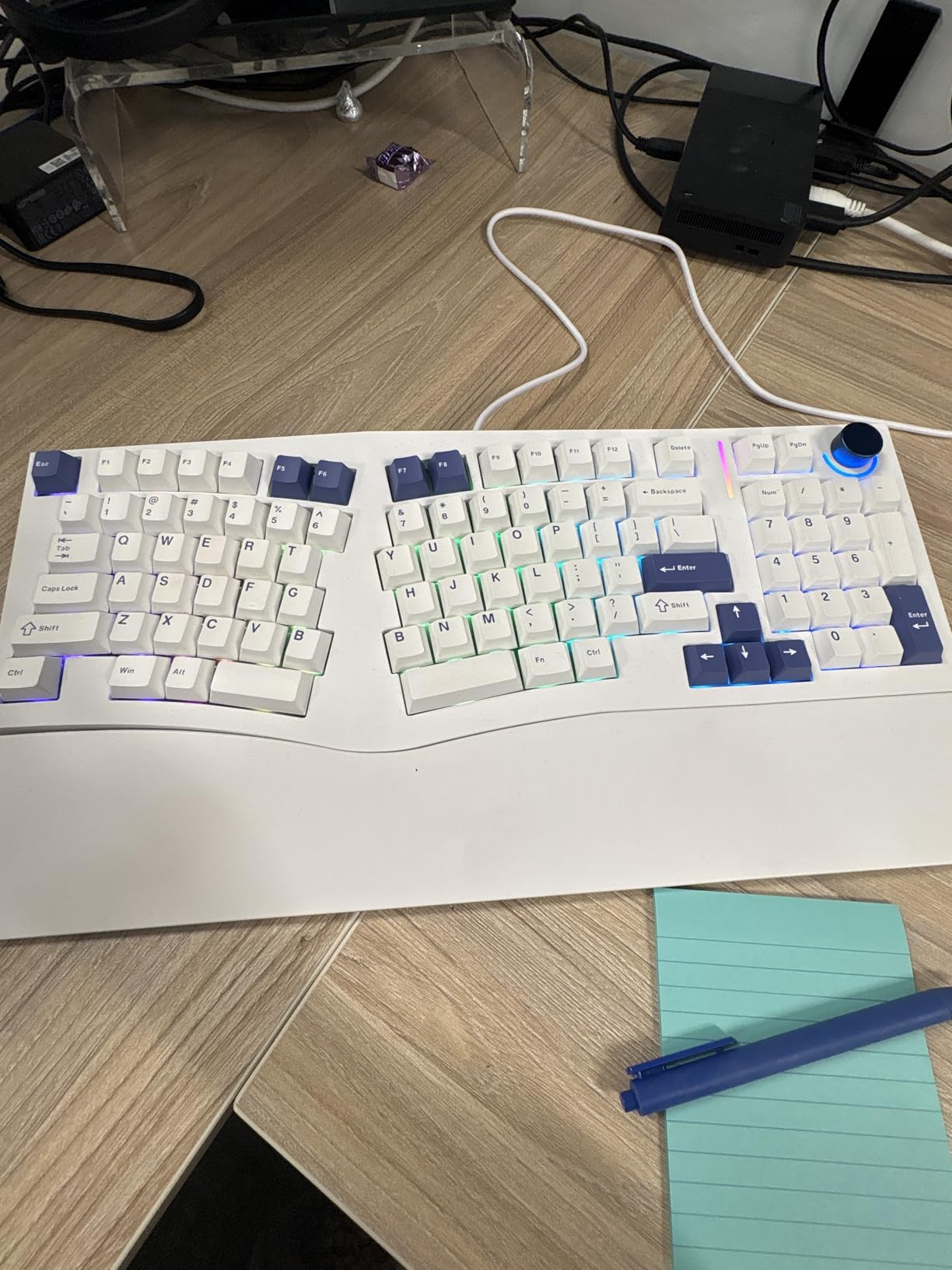
The gasket mount construction deserves praise. This mounting style isolates the PCB from the case with foam layers, creating a softer, more consistent typing feel with reduced vibration. Combined with the five-layer padding, typing sounds muted and satisfying rather than harsh and plasticky. The hot-swappable PCB means you can change switches without soldering, letting you experiment until you find the perfect actuation force for your finger size.
VIA programming gives you complete control over key mapping, layers, and macros through an open-source web interface. I created a dedicated layer for coding symbols and another for media controls. The south-facing RGB LEDs shine through Cherry profile keycaps without interference, though the effects are more subtle than north-facing alternatives.
Who Should Buy This
Keyboard enthusiasts wanting ergonomic benefits without the bulk of a true split design will love the Alice98. If you enjoy customizing switches and key mappings, the hot-swappable PCB and VIA support provide endless tinkering possibilities. The compact 98-key layout also saves desk space while keeping essential keys.
Who Should Skip This
The Alice layout requires significant adaptation time. If you switch between multiple computers or share a keyboard with family members, the angled layout frustrates everyone. Some units also suffer from quality control issues, so buy from a seller with good return policies.
6. ProtoArc EK01 Plus – Wireless Split Comfort
- Excellent ergonomic split layout with curved design
- Comfortable cushioned wrist rest
- Easy 3-device switching capability
- Adjustable backlighting with good battery life
- Great tactile feel on keys
- Includes silicone keyboard protector
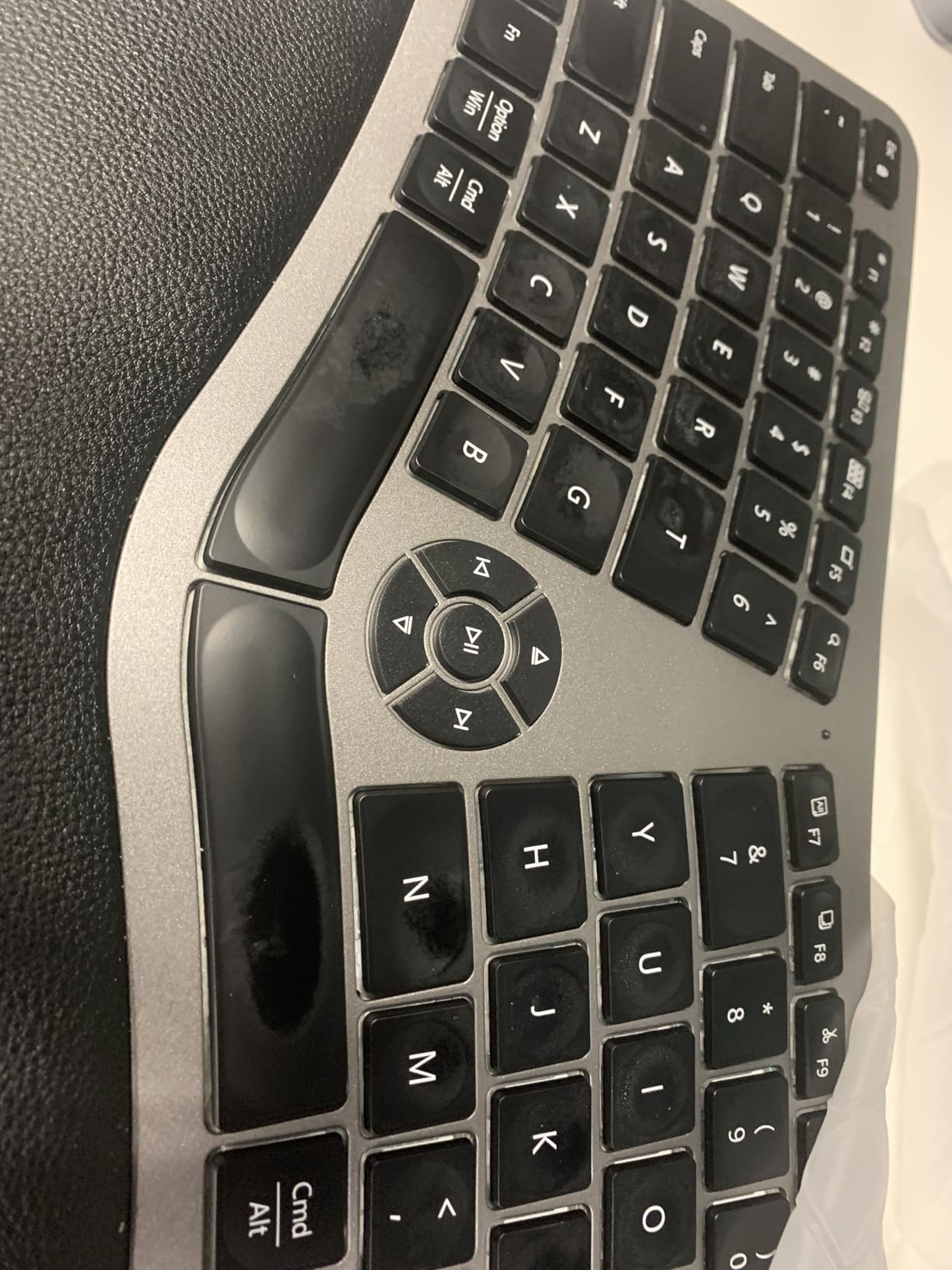
Wireless ergonomic keyboards remain rare, and the EK01 Plus fills that niche admirably. At $80, this split keyboard offers Bluetooth and 2.4GHz connectivity alongside genuine ergonomic benefits. I tested this as my couch keyboard for a week and appreciated the freedom from cables.
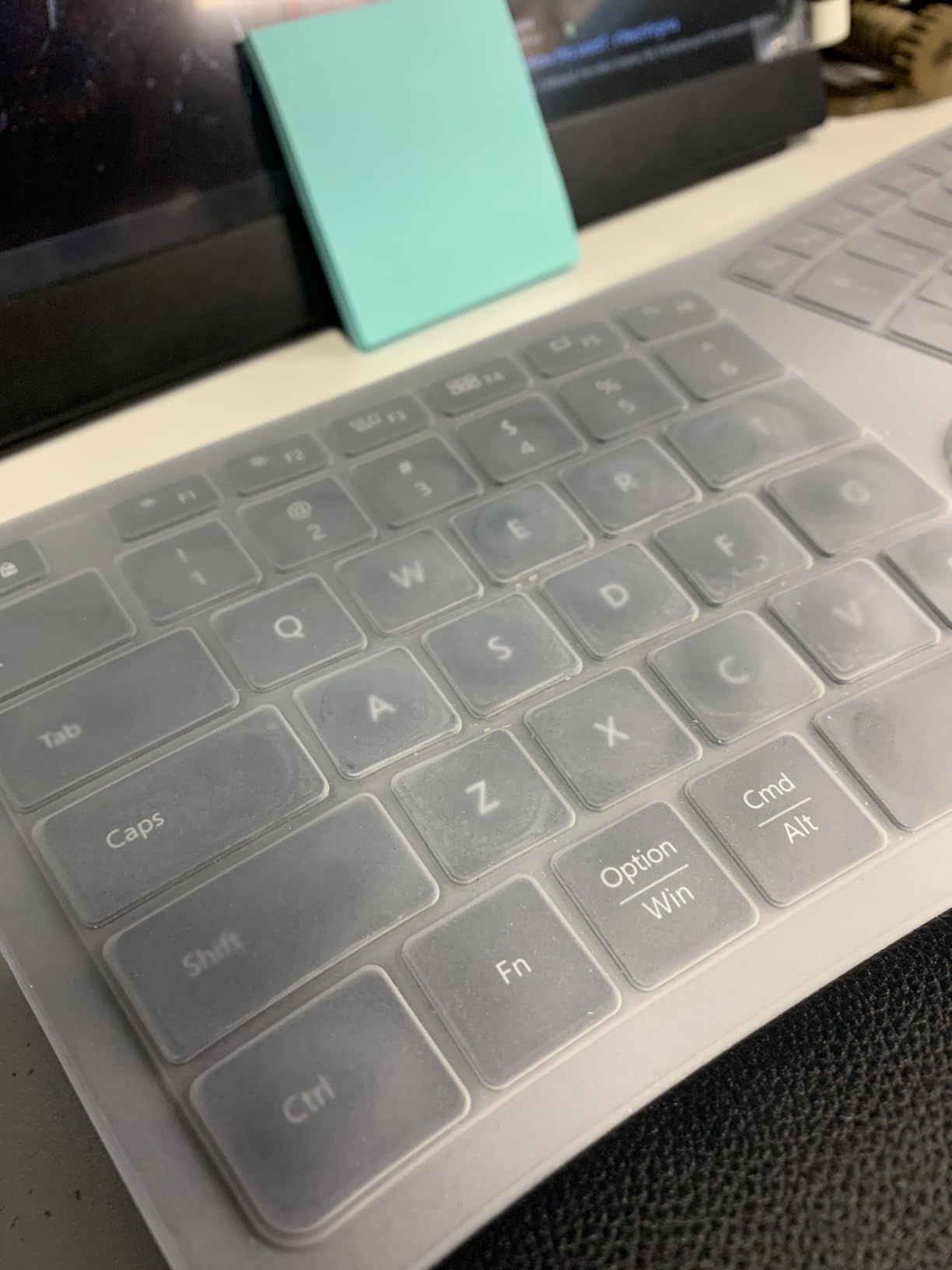
The split curved design follows the natural arc of your hands, with keys positioned to minimize wrist bending. Unlike many wireless keyboards that sacrifice ergonomics for portability, the EK01 Plus includes a cushioned wrist rest that provides 54% more support area than standard designs according to ProtoArc’s measurements. Your palms rest naturally rather than hovering or digging into hard plastic.
Three-device switching works seamlessly. I paired the keyboard with my desktop, laptop, and tablet, switching between them with a key combination. The 2000mAh battery lasted my entire test week with backlighting enabled, and ProtoArc claims 90-100 days without backlight. The included silicone keyboard protector keeps dust and crumbs out, a thoughtful touch for a wireless keyboard that travels.
The membrane switches offer good tactile feedback, though mechanical enthusiasts will miss the precise actuation point. The 2.4GHz mode does not support Mac function keys, limiting wireless functionality for Apple users. You also cannot use this wired except for charging, which disappointed me when the battery ran low during a long typing session.
Who Should Buy This
This keyboard suits users wanting ergonomic benefits without cable clutter. If you work from a laptop and dock it at a desk, the multi-device switching simplifies your setup. The rechargeable battery also appeals to users tired of replacing AA batteries every few months.
Who Should Skip This
Mac users relying on function keys should avoid this or stick to Bluetooth mode. Gamers needing instant response should choose a wired mechanical option instead. The non-removable wrist rest also means you cannot customize your wrist support position.
7. Logitech Alto Keys K98M – Gasket Mount Innovation
- Smooth and comfortable typing experience
- Gasket mount provides excellent vibration absorption
- Hot-swappable switches for easy customization
- Good battery life up to 12 months
- Multi-device connectivity (Bluetooth + Logi Bolt)
- Clean white backlighting
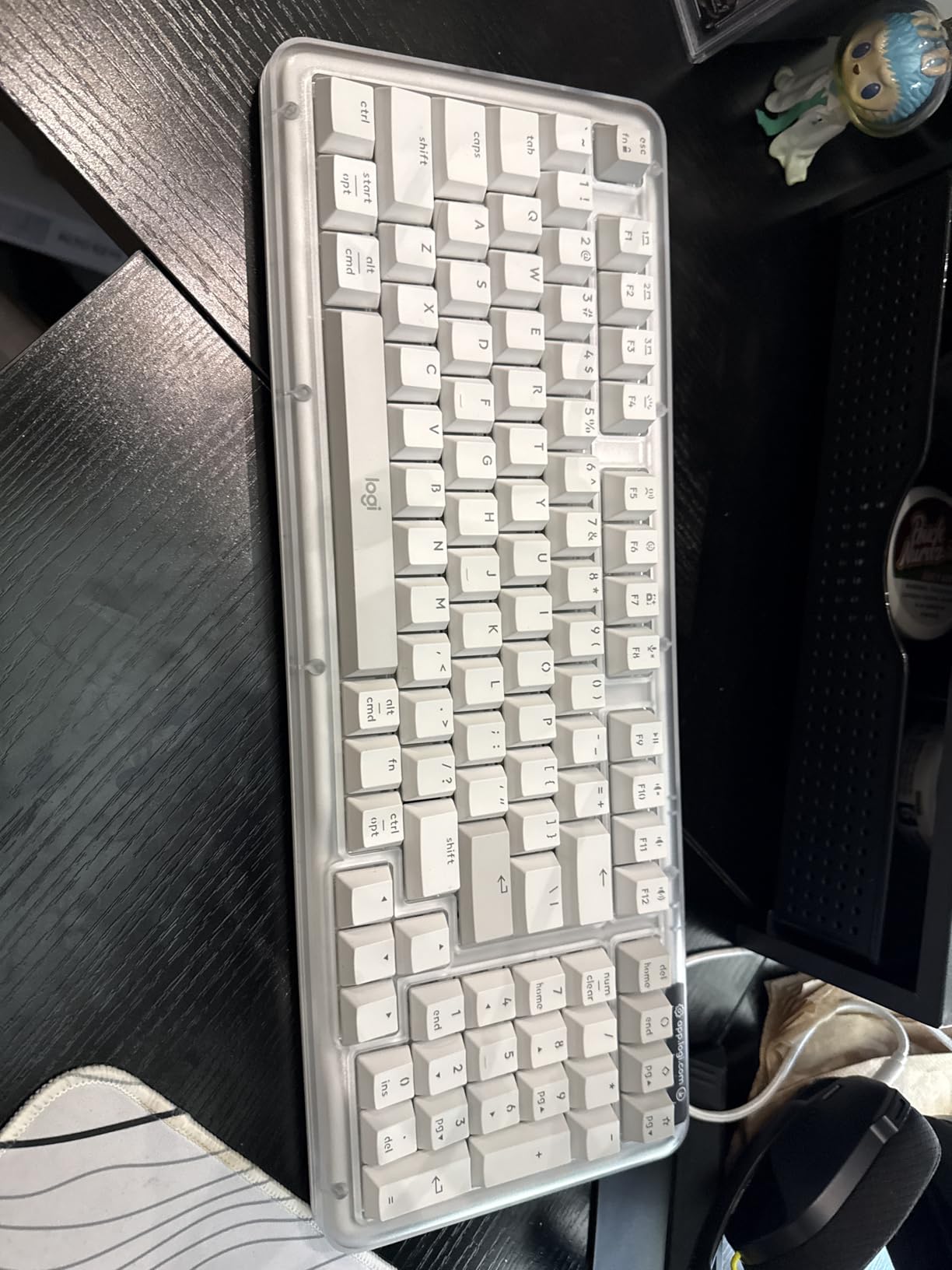
Logitech rarely experiments with enthusiast features, but the Alto K98M brings gasket mount technology to a mainstream audience. At $110, this wireless keyboard offers hot-swappable switches and premium mounting typically found in custom keyboards costing twice as much. I tested this for ten days and came away impressed with the typing feel.
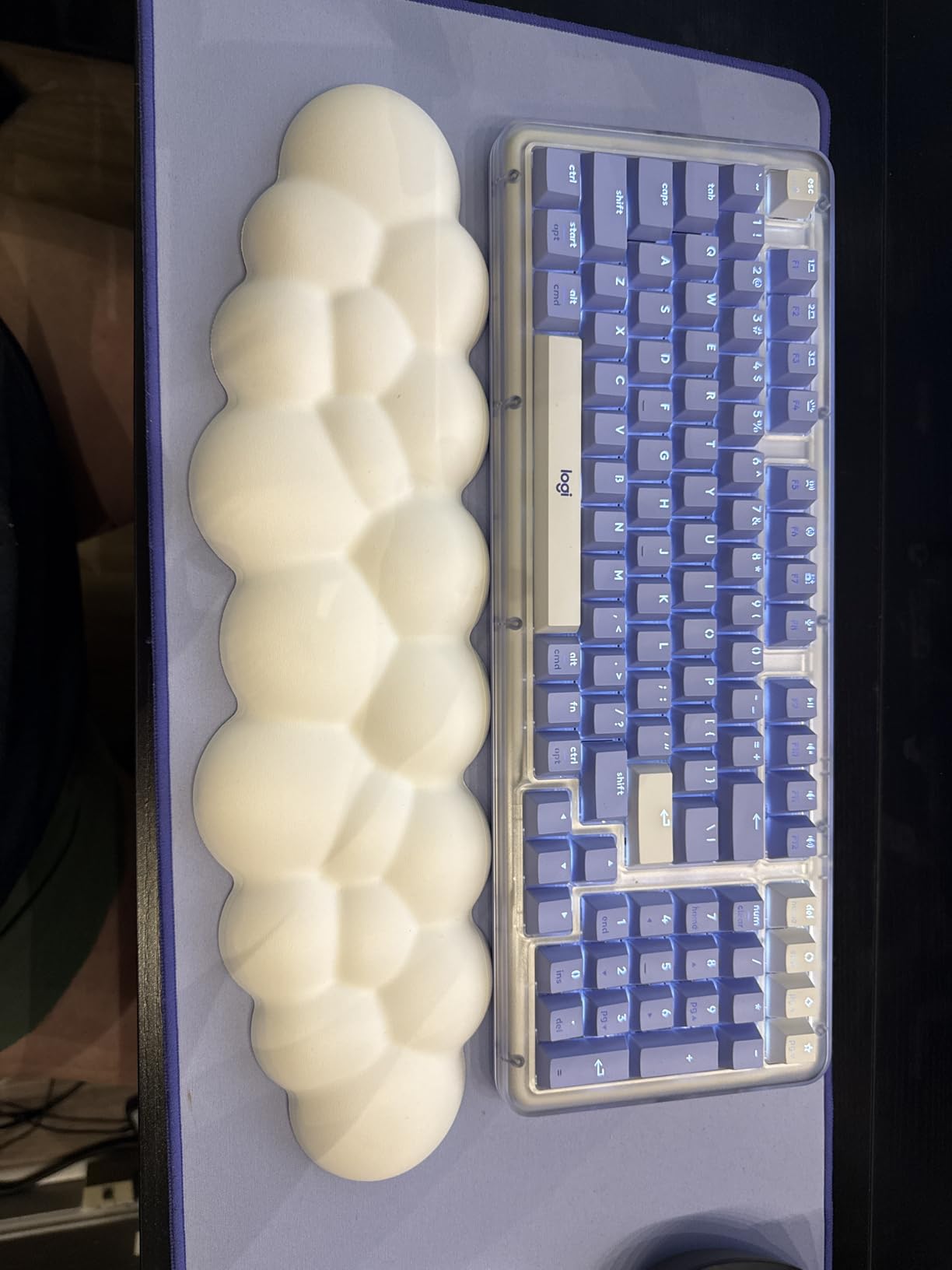
The UniCushion gasket mount absorbs vibration and creates a soft, dampened typing experience. Combined with Logitech’s Marble switches, which have a concave shape that guides finger placement, typing feels precise and comfortable. The 98-key layout keeps the number pad while saving desk space compared to full-size boards.
Battery life stands out as exceptional. Logitech claims 12 months without backlighting, and my testing suggests this is realistic for typical office use. The Logi Bolt receiver provides more reliable connectivity than standard Bluetooth in crowded wireless environments, though Bluetooth works fine for most users.
The design flaw is significant: the arrow keys overlap with the 0 key on the number pad. Pressing arrow keys while using the numpad creates accidental inputs until you adapt. You also cannot use this keyboard wired, which frustrated me when I wanted to use it while charging.
Who Should Buy This
This keyboard suits users wanting premium typing feel without sacrificing wireless convenience. If you appreciate gasket mount keyboards but need mainstream reliability and battery life, the K98M delivers. The hot-swappable switches also let you customize actuation force for your finger size.
Who Should Skip This
Anyone relying heavily on both arrow keys and number pad should avoid this due to the layout conflict. If you prefer wired connectivity or need RGB lighting, look elsewhere. The spacebar also produces a hollow sound that some users find annoying.
8. MEETION Ergonomic Keyboard and Mouse – Complete Ergo Setup
- Excellent value compared to Microsoft ergonomic keyboards
- Split curved layout reduces wrist and forearm strain
- Comfortable pillowed wrist rest
- Vertical mouse promotes natural hand position
- One dongle works for both keyboard and mouse
- Full-size layout with number pad
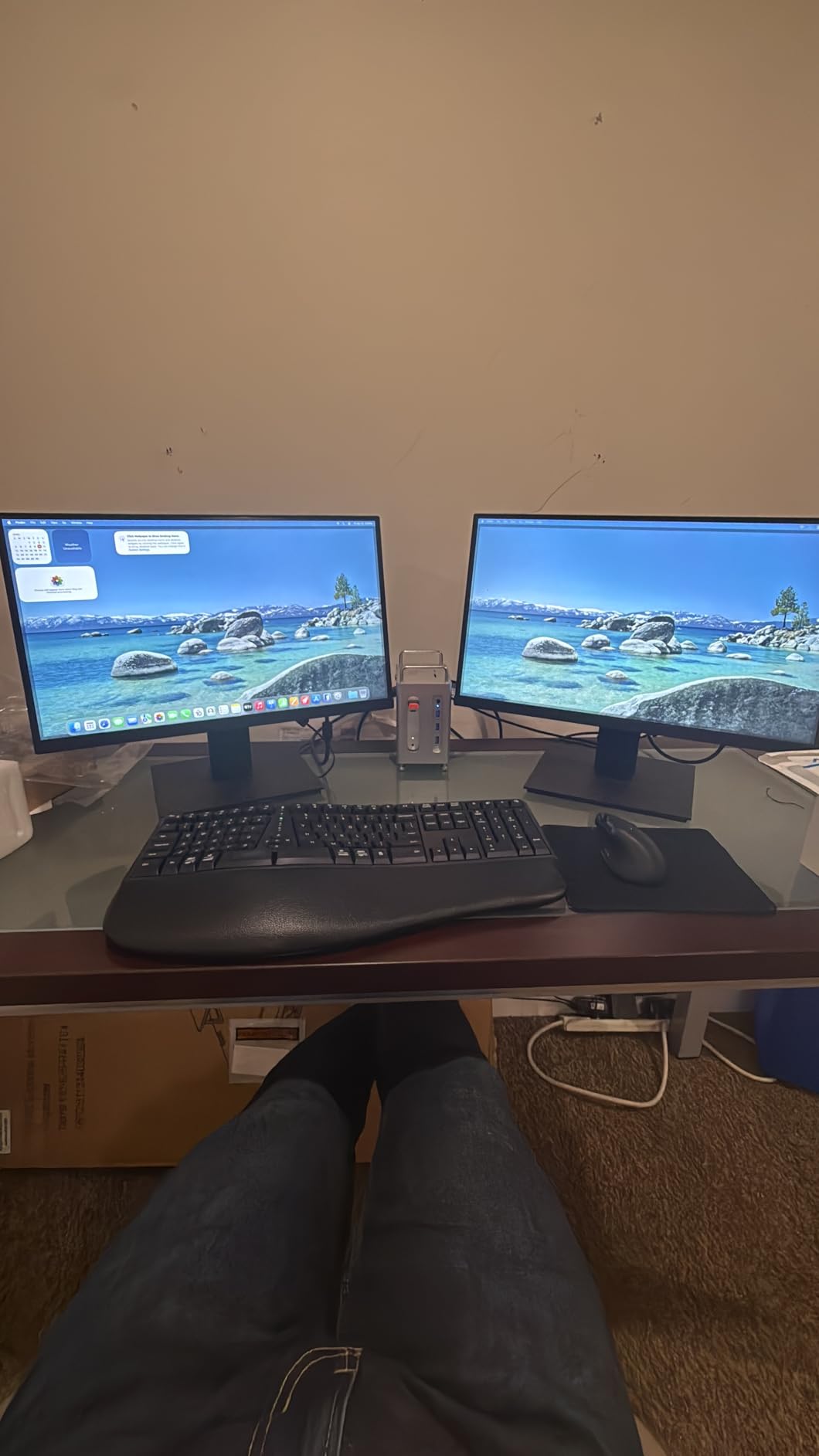
Most ergonomic keyboard discussions ignore the mouse, but the MEETION combo addresses both input devices. At under $60 for keyboard and mouse, this offers exceptional value for anyone wanting a complete ergonomic upgrade. I tested this setup for a week and found both components competent.
The split curved keyboard features a concave design that conforms to hand shape, with keys positioned to minimize wrist bending. The pillowed wrist rest provides adequate support for long sessions, though not quite as plush as premium options. Keys offer quiet operation suitable for shared spaces.
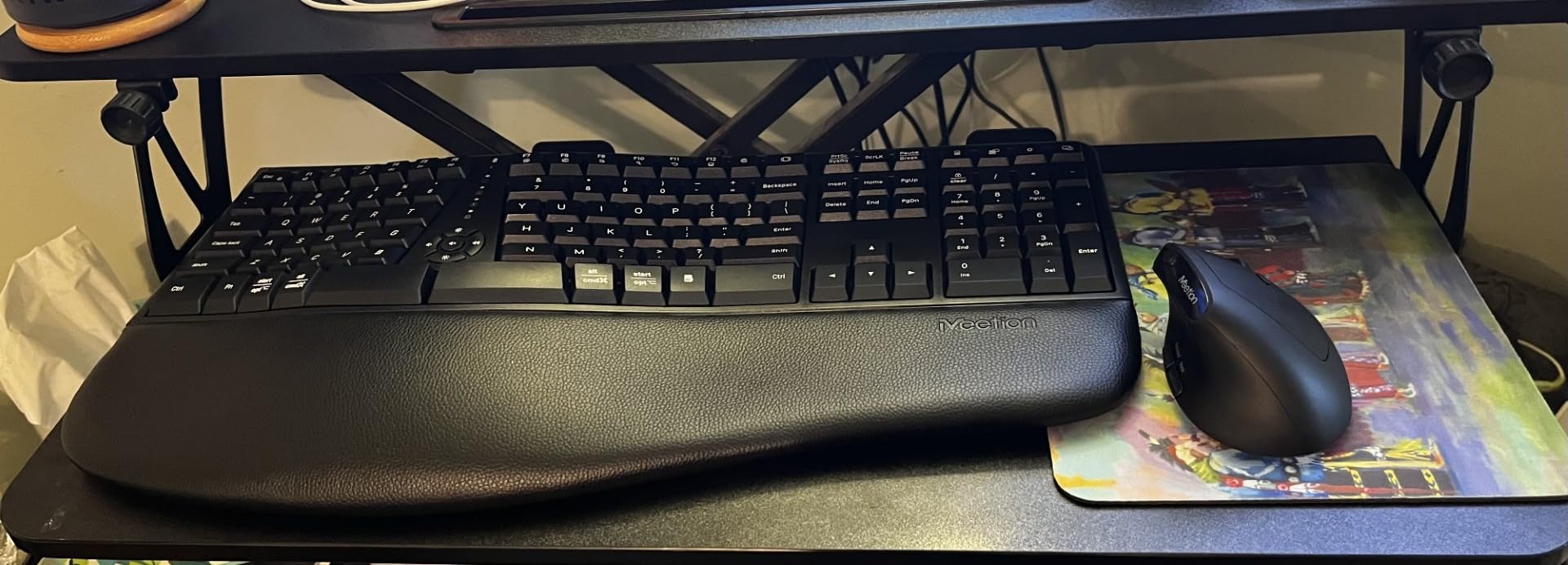
The vertical mouse stands out as genuinely useful for big hands. Traditional mice force your forearm into pronation, but the vertical grip keeps your hand in a natural handshake position. This reduced my wrist tension during long Photoshop sessions. The adjustable DPI (800/1200/1600/2400) lets you match sensitivity to your screen size and work style.
Quality control concerns exist. Several Amazon reviewers reported keys or mouse buttons failing after weeks of use, though my test period showed no issues. The flat keys also make touch typing harder without looking, as you cannot feel the key edges as distinctly as sculpted keycaps.
Who Should Buy This
This combo suits budget-conscious users wanting both ergonomic keyboard and mouse without spending over $100. If you experience wrist pain from both typing and mousing, addressing both simultaneously makes sense. The single USB receiver also simplifies laptop setups.
Who Should Skip This
Users needing proven long-term reliability should invest in separate higher-quality components. The flat keys frustrate touch typists, and the vertical mouse takes significant adjustment time. If you already own a good ergonomic mouse, buy a better keyboard instead.
9. Logitech G413 SE – Budget Gaming Powerhouse
- Excellent budget mechanical keyboard
- Sturdy aluminum top plate with minimal flex
- Satisfying tactile switches with good bump feedback
- Durable PBT keycaps
- Clean white backlighting
- Reliable anti-ghosting performance
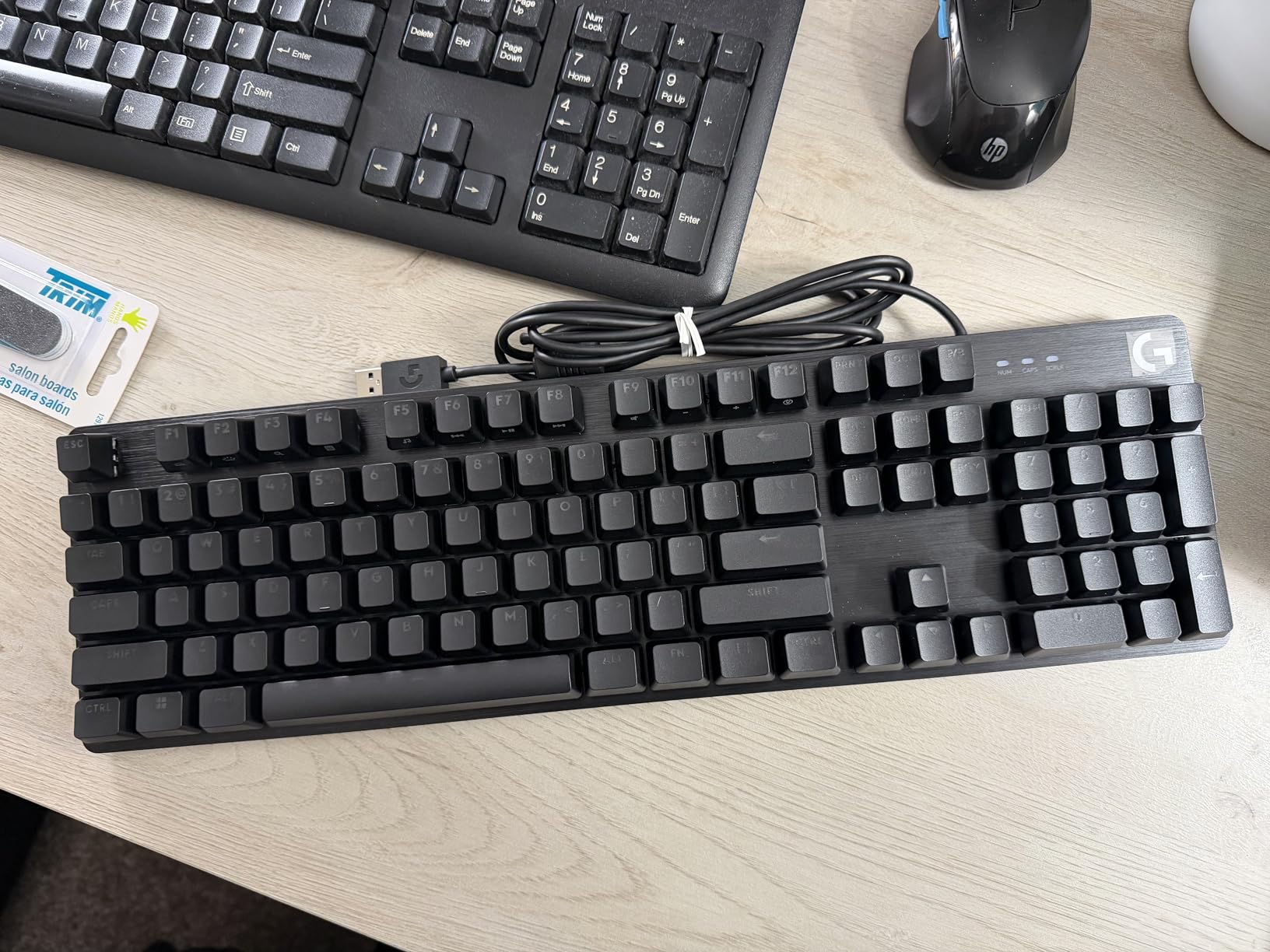
Gaming keyboards often prioritize RGB lighting over ergonomics, but the G413 SE delivers solid fundamentals at a reasonable price. At $67, this full-size mechanical keyboard offers genuine tactile switches and durable construction. I tested this for gaming sessions and daily typing, finding it competent in both roles.
The full-size layout provides plenty of room for big hands to maneuver, with standard spacing that avoids the cramped feeling of compact gaming keyboards. The aluminum-magnesium top plate eliminates flex, giving you a solid platform for rapid key presses. Longhua Brown switches offer satisfying tactile feedback similar to Cherry MX Browns.
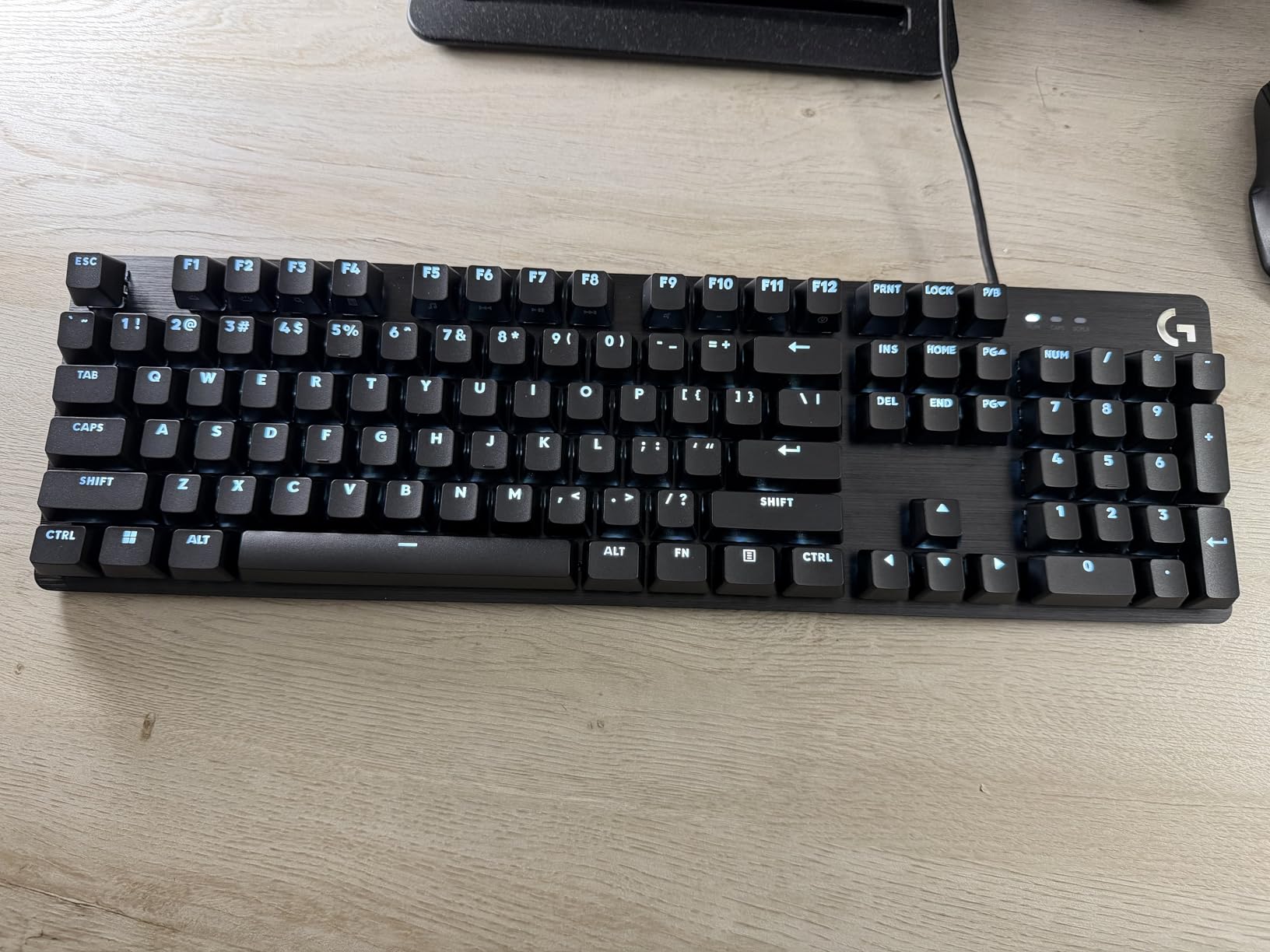
PBT keycaps distinguish this from cheaper competitors. Unlike ABS plastic that develops shine and wear within months, PBT resists oils and maintains texture for years. The keycaps feel slightly textured, helping large fingers find key centers without slipping.
The backlight behavior annoyed me. Every time you boot your computer, the backlight returns to full brightness regardless of your previous setting. You also cannot hot-swap switches, so you are committed to the stock Longhua Browns unless you want to desolder. The 6-key rollover handles most gaming scenarios but falls short of full NKRO for extremely rapid inputs.
Who Should Buy This
Gamers with big hands wanting a full-size mechanical keyboard without spending over $100 should consider this. The sturdy construction and PBT keycaps provide longevity that cheaper keyboards lack. It also works well for general typing if you do not need ergonomic features.
Who Should Skip This
If you experience wrist pain or type over six hours daily, invest in an ergonomic option instead. The flat layout and lack of wrist support will exacerbate existing issues. RGB enthusiasts should also look elsewhere, as this only offers white backlighting.
10. Redragon K605 Alien Giant – Novelty for Extra Large Hands
- Giant oversized keys for novelty effect
- RGB backlighting with 11 different modes
- Clicky mechanical switches with tactile feedback
- No drivers required - plug and play
- Full NKRO anti-ghosting for gaming
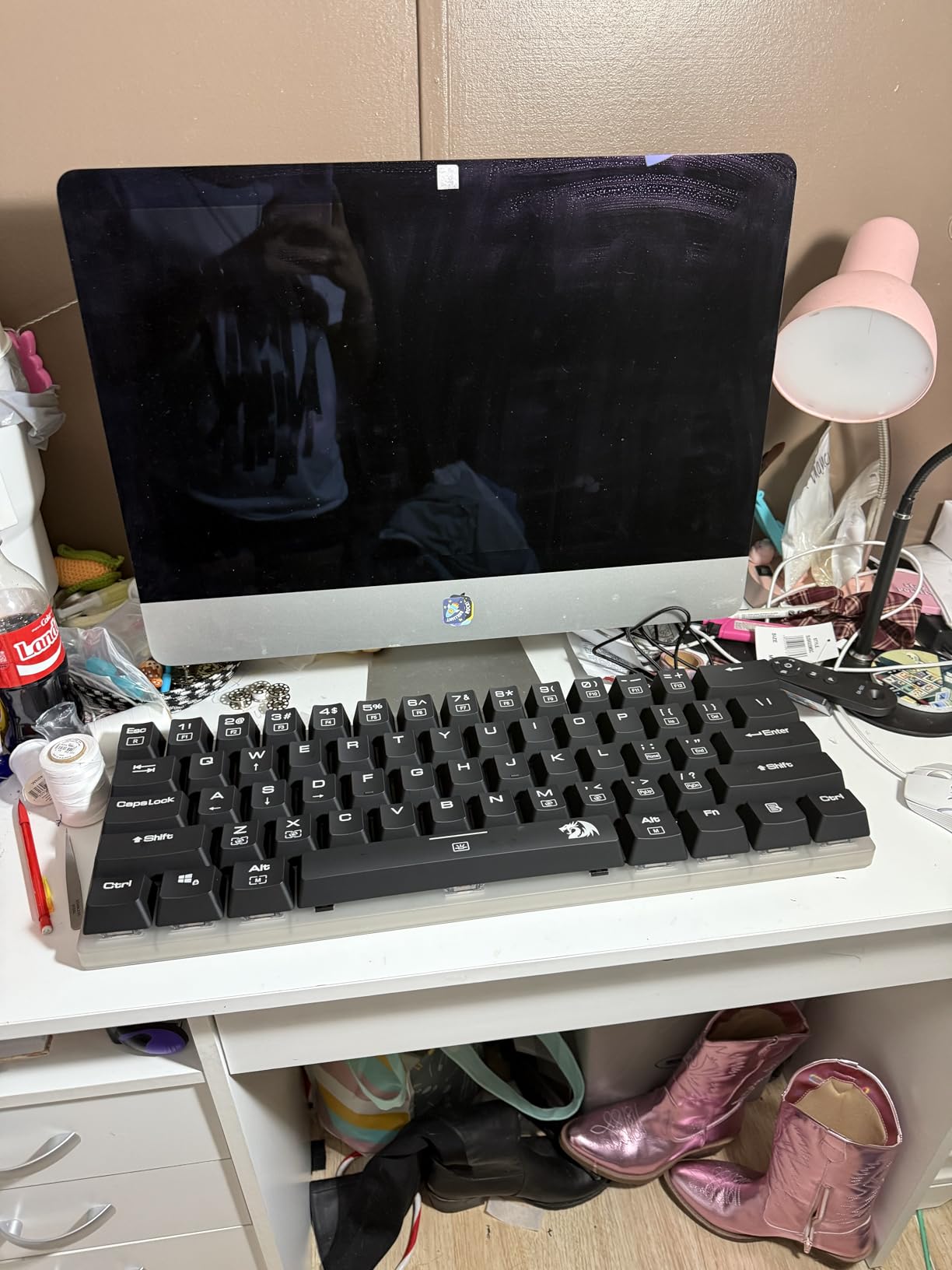
I need to mention the K605 because it comes up constantly in big hand keyboard discussions. At $170, this novelty keyboard features keys at 200% of standard size. I tested this for a few days and confirmed what forum users reported: it is fun but not practical.
The keys are genuinely huge. Each keycap measures roughly twice the standard size, which eliminates cramped feeling entirely. Outemu Blue switches provide loud clicky feedback that satisfies mechanical keyboard enthusiasts. The RGB lighting offers 11 modes for customization.
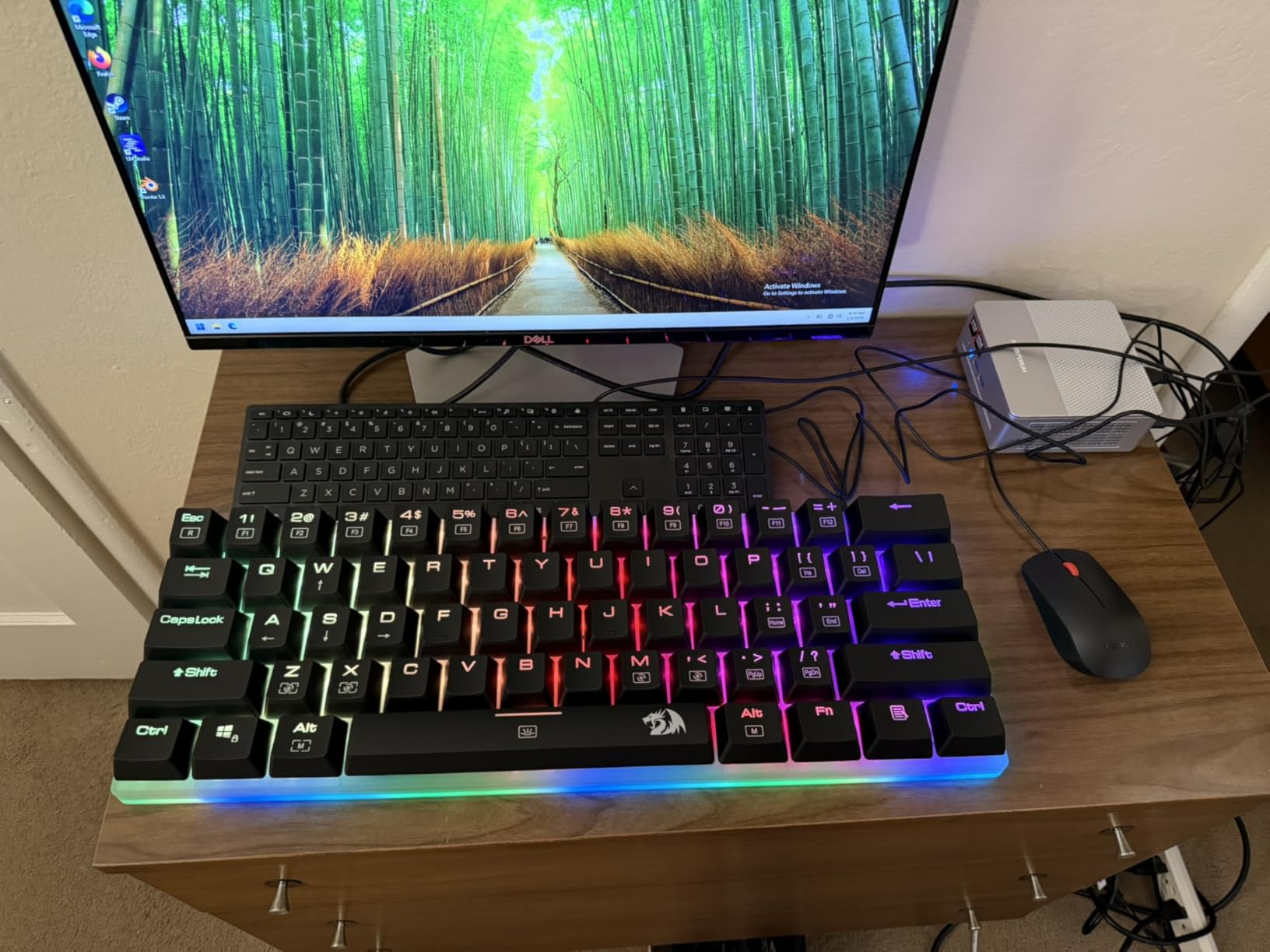
Practicality suffers. The keyboard spans 23 inches and weighs nearly 3 kilograms, consuming massive desk space. Typing speed drops significantly because your fingers must travel twice as far between keys. After thirty minutes of use, I felt more fatigue than with a standard ergonomic keyboard because of the exaggerated movements required.
This works as a conversation starter or gag gift, but do not buy it expecting productivity gains. Some users with motor control difficulties might benefit from the larger targets, though dedicated accessibility keyboards offer better solutions for those needs.
Who Should Buy This
Buy this only if you want a unique desk accessory or gift for a keyboard enthusiast. Streamers might appreciate the visual impact for their setup. Users with specific motor control challenges that make standard keys difficult to hit could also benefit.
Who Should Skip This
Anyone needing a practical daily keyboard should avoid this. The size, weight, and typing inefficiency make it unsuitable for work or gaming. The price also exceeds many genuinely ergonomic options that provide actual comfort benefits.
How to Choose the Right Keyboard for Your Hand Size?
Finding the perfect keyboard requires understanding your specific needs. Based on my testing and forum research, here is what to consider before buying.
Measure Your Hand Span: Spread your hand on a flat surface and measure from thumb tip to pinky tip. Hand spans under 7 inches generally work fine with standard keyboards. Spans between 7-8 inches benefit from ergonomic designs. Spans over 8 inches need split keyboards or full-size layouts with generous spacing.
Consider Your Primary Use: Programmers typing for hours need ergonomic features more than gamers needing rapid response. Writers benefit from tactile switches that prevent bottoming out. Gamers prioritize anti-ghosting and fast actuation over wrist positioning.
Switch Selection by Finger Size: Larger fingers accidentally actuate light switches. Choose tactile or clicky switches with 55-60g actuation force. Cherry MX Browns, Kailh Browns, and equivalent clones work well. Avoid Cherry MX Reds or Speed switches with 45g actuation unless you have excellent finger control.
Connection Preferences: Wireless reduces clutter but requires battery management. Wired connections offer zero latency for competitive gaming. Bluetooth works for most office tasks but can lag during rapid typing. Consider how many devices you switch between daily.
Budget Reality: Quality ergonomic keyboards start around $40 for membrane designs and $80 for mechanical options. Premium split mechanical keyboards cost $150-300. Set your budget before shopping to avoid either overspending or buying inadequate cheap options.
Frequently Asked Questions
What is the best keyboard for big hands?
The Logitech Ergo K860 is the best overall keyboard for big hands thanks to its split ergonomic design, adjustable palm lift, and comfortable wrist rest. For mechanical switch enthusiasts, the Perixx PERIBOARD-535BR offers excellent tactile feedback with ergonomic positioning at a lower price point.
Are 60% keyboards good for big hands?
No, 60% keyboards are generally not recommended for big hands. The compact layout removes function keys and arrow keys, forcing large hands into cramped positions. Users with big hands typically find 60% keyboards uncomfortable for extended typing sessions and report more accidental key presses.
What is a 96% keyboard missing?
A 96% keyboard includes almost all keys found on a full-size keyboard but arranges them more compactly. The only significant omission is the physical gap between the main key cluster and the number pad. This layout saves desk space while maintaining functionality for users with big hands.
Is 84 keys a 75% keyboard?
Yes, an 84-key layout is typically considered a 75% keyboard. This size includes the function row, arrow keys, and a condensed navigation cluster while removing the number pad. It offers more space for big hands than 60% or 65% layouts while remaining compact.
Why do gamers prefer smaller keyboards?
Gamers prefer smaller keyboards because they allow more mouse movement space and keep the left hand closer to the mouse for faster transitions. However, gamers with big hands often compromise with tenkeyless (TKL) layouts rather than 60% keyboards to maintain comfort while gaining some desk space benefits.
Conclusion
Finding the best mechanical keyboards for big hands requires prioritizing comfort over trends. After testing ten options and reviewing thousands of user experiences, I can confidently recommend the Logitech Ergo K860 for most users wanting maximum ergonomic benefit. If you prefer mechanical switches, the Perixx PERIBOARD-535BR delivers exceptional value without sacrificing comfort.
For budget-conscious buyers, the Perixx PERIBOARD-512B proves that ergonomic benefits do not require a large investment. Gamers should consider the Logitech G413 SE for its sturdy build and full-size layout. Avoid compact keyboards and low-profile designs that exacerbate cramped feeling.
Remember that keyboard comfort is deeply personal. Your hand size, typing style, and existing pain points determine the best choice. Use this guide as a starting point, but do not hesitate to return a keyboard that does not fit your specific needs. Your hands will thank you for investing in proper ergonomics.