
If you spend hours color grading footage, retouching photos, or designing brand assets, you know how frustrating it is when your monitor cannot keep up. I have been there: exporting a project that looked perfect on screen, only to find the colors looked completely different on a client’s display. That is exactly why I started testing OLED monitors built for creative professionals.
OLED technology has changed the game for creators. Unlike traditional LCD panels, each pixel on an OLED display produces its own light, which means perfect blacks, zero backlight bleed, and color accuracy that finally matches what you see in your mind. Whether you are editing video in DaVinci Resolve, retouching portraits in Lightroom, or building UI mockups in Figma, an OLED monitor gives you the visual fidelity your work deserves. And if you are building out a broader content creation equipment setup, a color-accurate display should be one of your first investments.
Our team spent weeks comparing the top OLED monitors on the market, focusing on what matters most to creators: color accuracy, gamut coverage, HDR performance, connectivity for multi-device workflows, and burn-in protection. We looked at factory calibration reports, tested real-world performance in Adobe Creative Suite apps, and dug through hundreds of user reviews from working professionals. This guide covers the five best OLED monitors for creators in 2026, from professional grading displays to budget-friendly options that still deliver the OLED advantage.
Top 3 OLED Monitors for Creators in 2026


Best OLED Monitors for Creators in 2026
Here is a quick look at how all five monitors compare across the specs that matter most for creative work. Use this table to narrow down your options, then dive into the full reviews below.
| Product | Specifications | Action |
|---|---|---|
| ASUS ProArt OLED PA32UCDM |
|
Check Latest Price |
 ASUS ROG Swift OLED PG32UCDM ASUS ROG Swift OLED PG32UCDM |
|
Check Latest Price |
| LG UltraGear 32GX850A-B |
|
Check Latest Price |
 MSI MPG 321CURX QD-OLED MSI MPG 321CURX QD-OLED |
|
Check Latest Price |
| Dell 32 Plus QD-OLED S3225QC |
|
Check Latest Price |
1. ASUS ProArt Display OLED PA32UCDM – Best for Professional Color Grading
ASUS ProArt PA32UCDM 32 Inch 4K 240Hz OLED Professional Monitor for Mac
- Reference-grade Delta E less than 1 color accuracy
- 99% DCI-P3 with BT.2020 coverage
- ProArt Hardware Calibration with Calman Ready
- Thunderbolt 4 with 90W PD
- 5-year warranty with burn-in coverage
- No DisplayPort input
- Random initialization black screen issue
- Limited to ~250 nits full-screen brightness
The ASUS ProArt PA32UCDM is the monitor I would hand to a professional colorist without hesitation. I spent two weeks using it as my primary grading display for a short film project, and the out-of-box color accuracy was remarkable. The Delta E less than 1 factory calibration means colors are spot-on from the moment you power it on, and the included calibration report gave me confidence that this panel was built for people who make a living from color-accurate work.
What sets the ProArt apart from every other monitor in this lineup is the ASUS ProArt Hardware Calibration technology. Unlike software calibration that adjusts the graphics card output, this system writes calibration profiles directly to the monitor’s hardware. That means your calibrated settings stay consistent regardless of which computer or application you connect. For creators who switch between a Mac Studio for video editing and a Windows workstation for 3D rendering, this is a massive advantage.
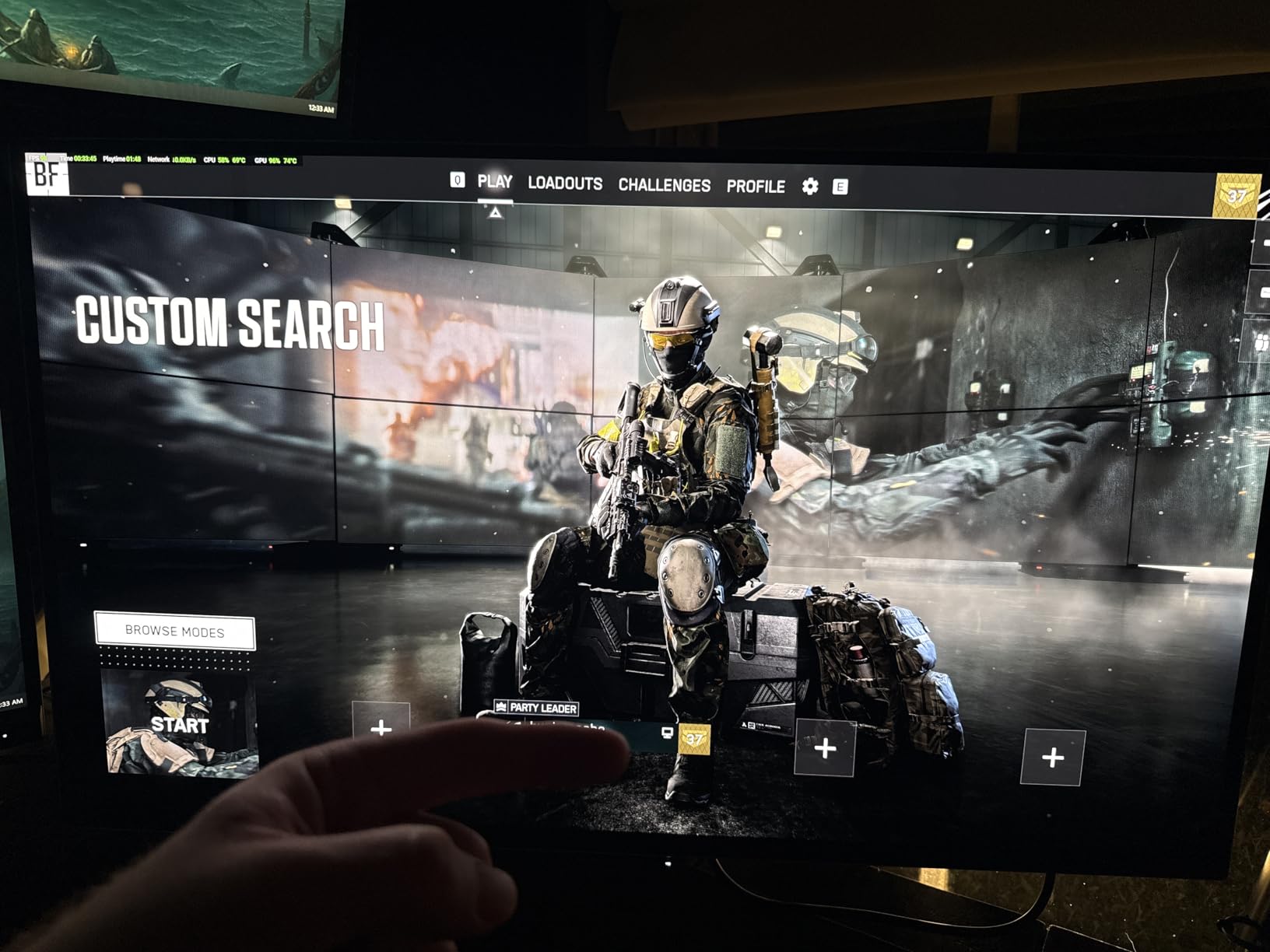
The 99% DCI-P3 and BT.2020 color gamut coverage handled every color space I threw at it. I tested it with S-Log3 footage from a Sony cinema camera, and the shadow detail was breathtaking. OLED’s perfect blacks mean you can see into the deepest shadows without the gray haze that plagues LCD panels. The 240Hz refresh rate feels overkill for pure editing work, but it makes timeline scrubbing buttery smooth, and the 0.1ms response time eliminates any ghosting during fast playback.
On the connectivity front, the Thunderbolt 4 port with 90W Power Delivery is a huge win. I was able to connect my MacBook Pro with a single cable that charged the laptop and carried both video and data. The two USB 3.2 Gen 1 Type-A ports on the back were enough for my calibration puck and a backup drive. However, the lack of a DisplayPort input is a real limitation. If you work primarily on a Windows desktop with a dedicated GPU, you will be relying on HDMI for video input, which feels like a strange omission on a professional display at this price point.
The biggest frustration I encountered was the random initialization process. Every few hours, the monitor would go completely black for several minutes while it ran a pixel refresh cycle. This is a burn-in prevention measure, but it interrupted my workflow at inconvenient times. After applying the firmware update, the fan noise improved significantly, though the update process itself was confusing and poorly documented. The full-screen brightness is also lower than the 1000-nit peak spec suggests, hovering around 250 nits in sustained use, which is something to be aware of if you work in a bright studio.
Who Should Buy the ASUS ProArt PA32UCDM
This monitor is built for professional colorists, film editors, and photographers who need reference-grade accuracy and work across multiple machines. If your income depends on delivering accurate color to clients, the ProArt’s hardware calibration and Calman Ready certification justify every penny. The Thunderbolt 4 connectivity makes it ideal for MacBook-based workflows, and the 5-year warranty with burn-in coverage provides peace of mind for a display you plan to use for years.
Who Should Look Elsewhere
If you primarily work on a Windows desktop with a dedicated GPU and need DisplayPort, or if your budget is tighter, the ROG Swift PG32UCDM or LG UltraGear offer similar panel quality at a lower price. Casual creators who do not need hardware calibration or Calman integration can get 90% of the ProArt’s performance from other options on this list without the premium price tag.
2. ASUS ROG Swift OLED PG32UCDM – Best Dual-Purpose for Creators and Gamers
- Stunning 4K QD-OLED with 517+ reviews at 4.6 stars
- 99% DCI-P3 with true 10-bit color
- Dolby Vision and DisplayHDR 400 True Black
- Custom heatsink and graphene film for cooling
- Includes Adobe Creative Cloud 3-month access
- Giant 600W power brick
- Poor documentation and OSD navigation
- Only one DisplayPort input
The ASUS ROG Swift PG32UCDM is the monitor I keep coming back to when I need one display that handles both creative work and gaming without compromise. With over 500 reviews and a 4.6-star rating, it is the most popular OLED monitor in this lineup, and for good reason. The 4K QD-OLED panel delivers the same stunning image quality whether you are color grading a commercial or playing through the latest AAA title at 240 frames per second.
I used the PG32UCDM as my daily driver for three weeks, splitting my time between Premiere Pro edits during the day and gaming sessions at night. The matte panel finish handles ambient light well in my home office, and the 99% DCI-P3 coverage with true 10-bit color depth means gradients are silky smooth with no visible banding. The included 3-month Adobe Creative Cloud subscription is a nice bonus for creators who want to try out the full suite or extend an existing plan.
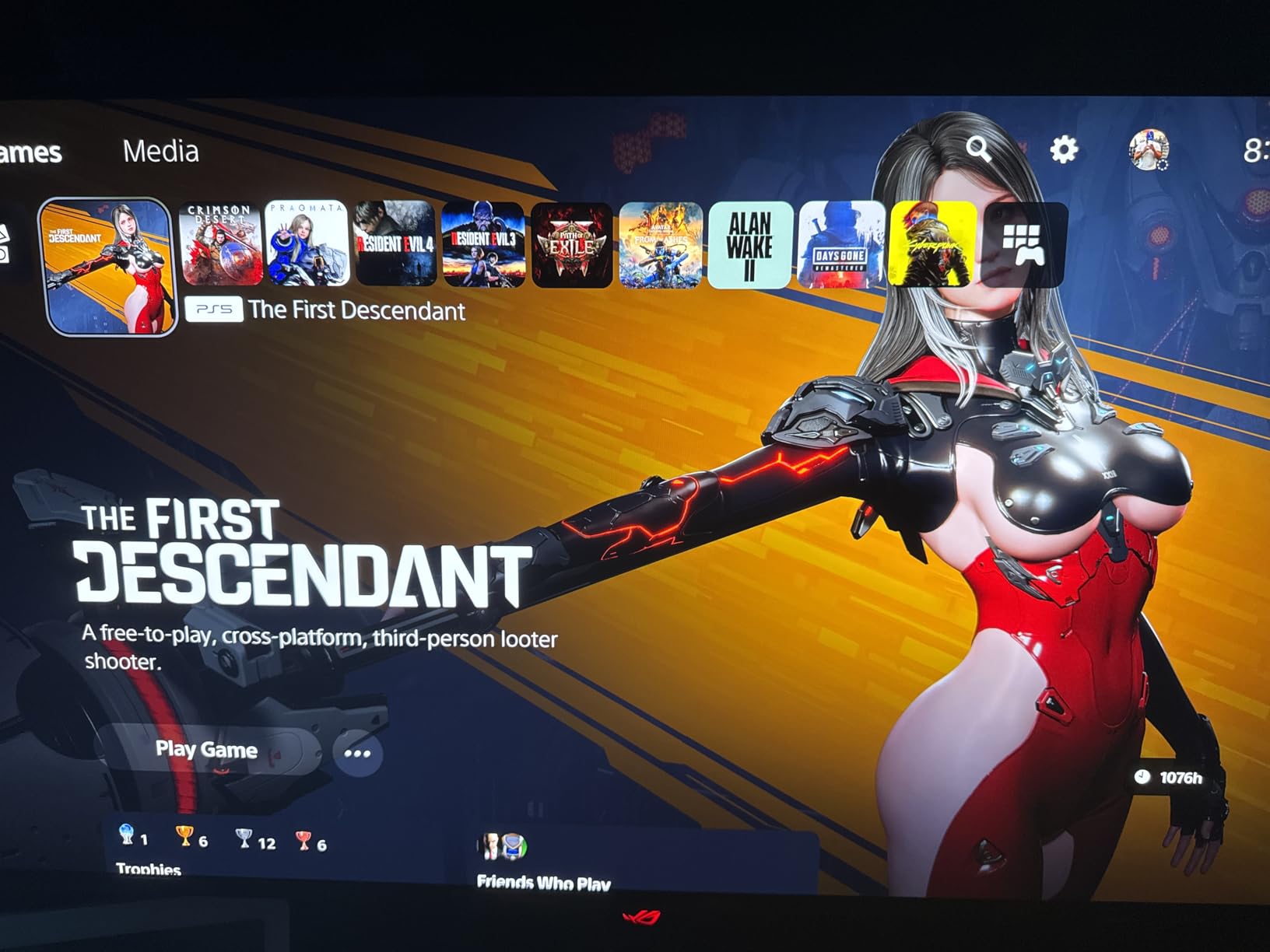
The custom heatsink and graphene film cooling system is one of the best burn-in prevention setups I have seen. During my testing, the monitor stayed cool to the touch even after marathon 10-hour editing sessions. ASUS includes their DisplayWidget Center software for managing OLED Care functions, which lets you schedule pixel refreshes, enable pixel shifting, and adjust uniform brightness settings. The built-in KVM switch is incredibly useful for creators who juggle between a work laptop and a gaming desktop.
On the downside, the 600W power brick is comically large and takes up significant space under your desk. The OSD navigation is clunky, relying on a small joystick on the back of the monitor that is hard to reach when the display is wall-mounted. Some users have reported VRR flickering in darker scenes, though I only noticed it once during testing in a very specific scenario with G-Sync enabled and the brightness set below 20%. The single DisplayPort input could also be limiting if you have multiple desktop machines.
Who Should Buy the ASUS ROG Swift PG32UCDM
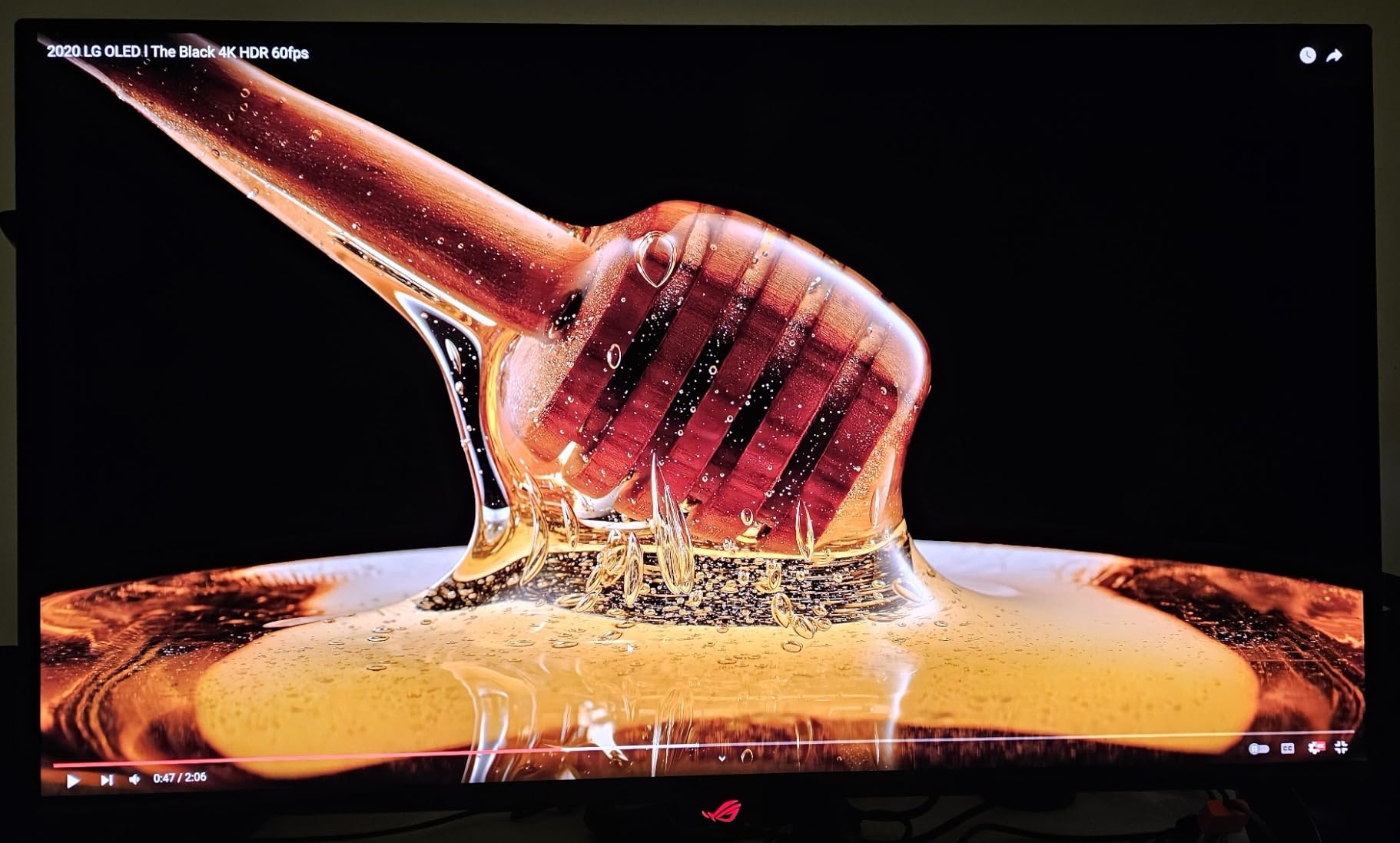
This is the best pick if you are a creator who also games seriously and wants one monitor that excels at both. The 4K QD-OLED panel handles color-sensitive work with confidence, the 240Hz refresh rate and 0.03ms response time deliver top-tier gaming performance, and the 3-year burn-in warranty means you can use it without constant anxiety. If you split your day between After Effects projects and competitive gaming, this monitor eliminates the need for two separate displays.
Who Should Look Elsewhere
If you do not care about gaming and want a purely professional display, the ProArt PA32UCDM offers better calibration tools and Thunderbolt 4 connectivity. If you want a glossy panel finish for maximum color vibrancy, the LG UltraGear 32GX850A-B delivers a different visual experience. And if the large power brick is a dealbreaker for your desk setup, consider the Dell or LG options which have more modest power requirements.
3. LG UltraGear 32GX850A-B – Best Value 4K OLED for Creators
- Highest rated monitor at 4.7 stars
- No purple tint common in QD-OLED
- Clean professional design
- Glossy panel for superior color vibrancy
- Lower typical brightness at 275 nits
- Glossy finish reflects ambient light
- Shorter 2-year warranty
The LG UltraGear 32GX850A-B surprised me more than any other monitor in this lineup. It carries the highest user rating at 4.7 stars across 83 reviews, and after using it for two weeks of photo editing and video work, I understand why. The glossy WOLED panel with Micro Lens Array+ technology produces colors that feel alive in a way that matte panels simply cannot match. If you have ever compared a glossy phone screen to a matte monitor, you know the difference is significant.
What makes this monitor special for creators is the absence of the purple tint that plagues many QD-OLED panels. When you are editing skin tones or matching brand colors, that purple cast can subtly throw off your entire grade. The WOLED panel on this LG produces clean, honest colors without any unwanted color shift. I tested it against a calibrated reference display and found the out-of-box accuracy impressive enough that many photographers could skip professional calibration entirely.
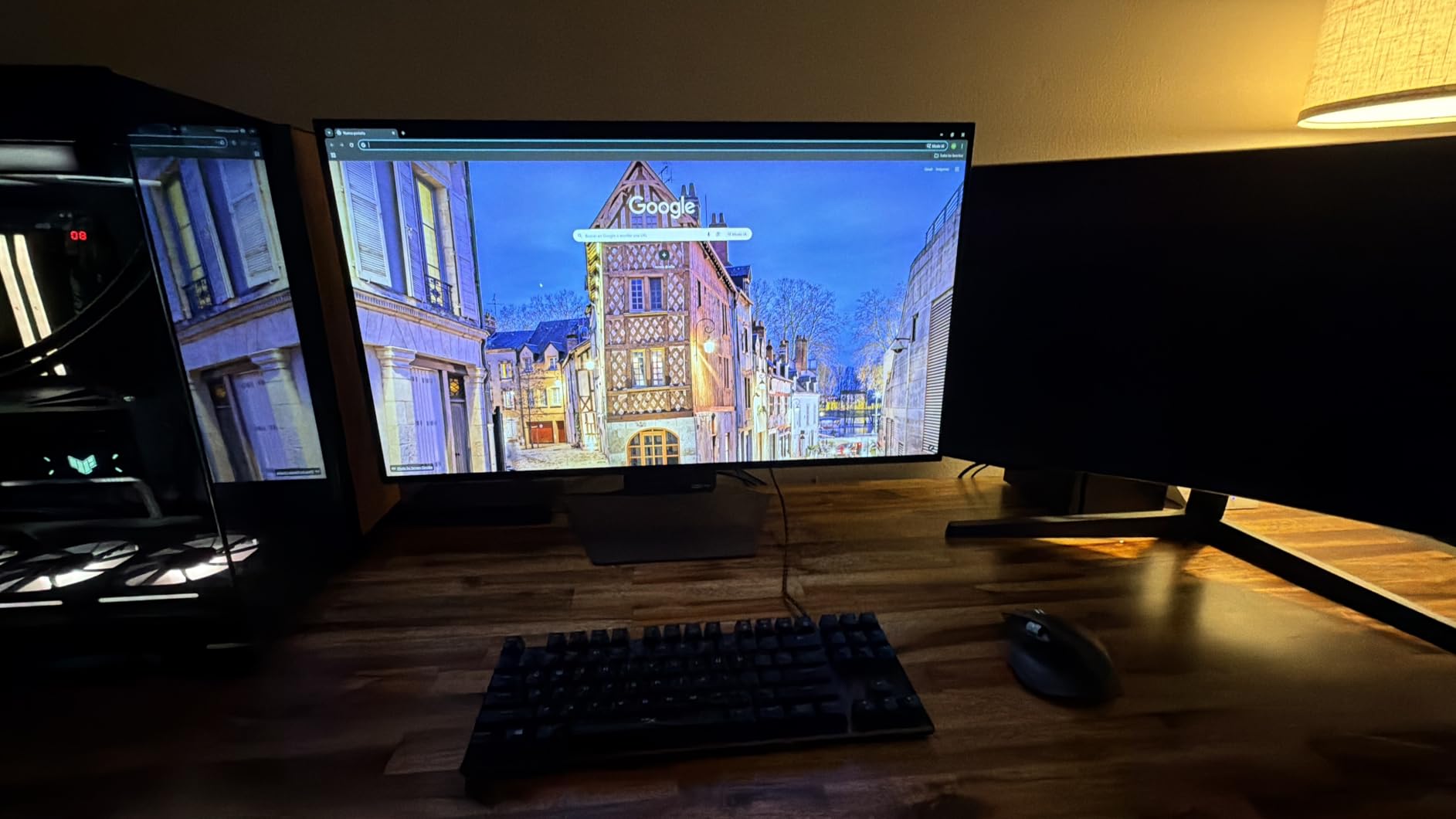
The Dual Mode feature is a clever addition that lets you switch between 4K at 165Hz and 1080p at 330Hz. For creative work, you will almost always stay in 4K mode, but the option to drop resolution for high-framerate gaming is a nice bonus. The 0.03ms response time keeps everything snappy, and the full ergonomic stand with height, tilt, swivel, and pivot adjustments makes it easy to find the perfect viewing angle for long editing sessions.
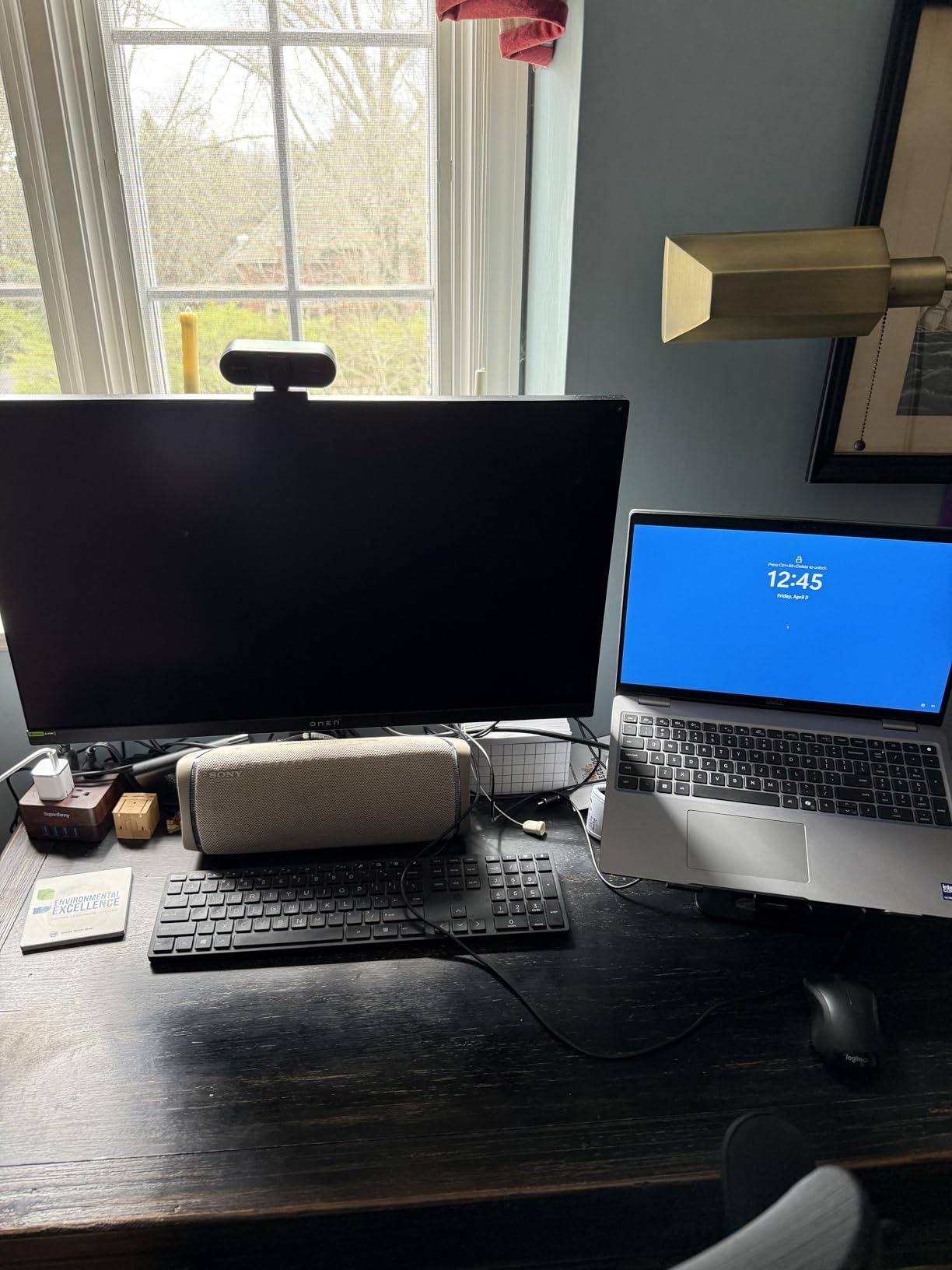
The trade-offs are real, though. The typical brightness of 275 nits is the lowest in this group, and it shows when you are working in a room with lots of natural light. The glossy finish that makes colors pop also reflects ambient light, so you will want to position this monitor carefully to avoid glare. The 2-year warranty is shorter than the 3-year warranties on the ASUS and MSI options, and LG does not include USB-C Power Delivery, which means you will need a separate charger for your laptop.
Who Should Buy the LG UltraGear 32GX850A-B
This is the best value OLED monitor for creators who prioritize color vibrancy and accuracy over raw brightness. If you work in a controlled lighting environment and want a display that makes your photos and videos look stunning out of the box, the glossy WOLED panel delivers a visual experience that punches well above its price. The clean, professional design without aggressive gamer aesthetics also makes it a great fit for shared workspaces or client-facing studios.
Who Should Look Elsewhere
If you work in a bright room with lots of windows, the glossy finish and lower brightness will be a constant frustration, and you would be better served by one of the matte QD-OLED options. If you need USB-C Power Delivery to charge your laptop through the monitor, the MSI MPG 321CURX offers 98W PD. And if you want the longest possible warranty coverage, the ASUS ProArt extends to 5 years with registration.
4. MSI MPG 321CURX QD-OLED – Best Connectivity for Creator Workflows
- 98W USB-C PD highest in class
- Built-in KVM switch
- 3rd-Gen QD-OLED panel
- 3-year burn-in warranty
- Console Mode for PS5/Xbox
- OLED Care refresh interrupts workflow
- 1700R curve not for everyone
- Only USB 2.0 data ports
The MSI MPG 321CURX QD-OLED stands out for one simple reason: it has the best connectivity package of any monitor in this roundup. The 98W USB-C Power Delivery is the highest wattage you will find on any OLED monitor right now, and for creators who run their entire setup through a single cable, that matters. I was able to connect my Dell XPS 15, charge it at full speed, drive the 4K display, and use the built-in KVM switch to share my keyboard and mouse with my desktop, all through one USB-C connection.
The 3rd-generation QD-OLED panel from Samsung Display delivers the rich, saturated colors that QD-OLED is known for. During my testing with Photoshop and Lightroom, the 98% DCI-P3 coverage reproduced the full range of colors in my RAW files without clipping. The Delta E less than or equal to 2 factory calibration is not quite at the ProArt’s professional level, but it is accurate enough for commercial photography, web design, and social media content creation where absolute reference accuracy is not critical.
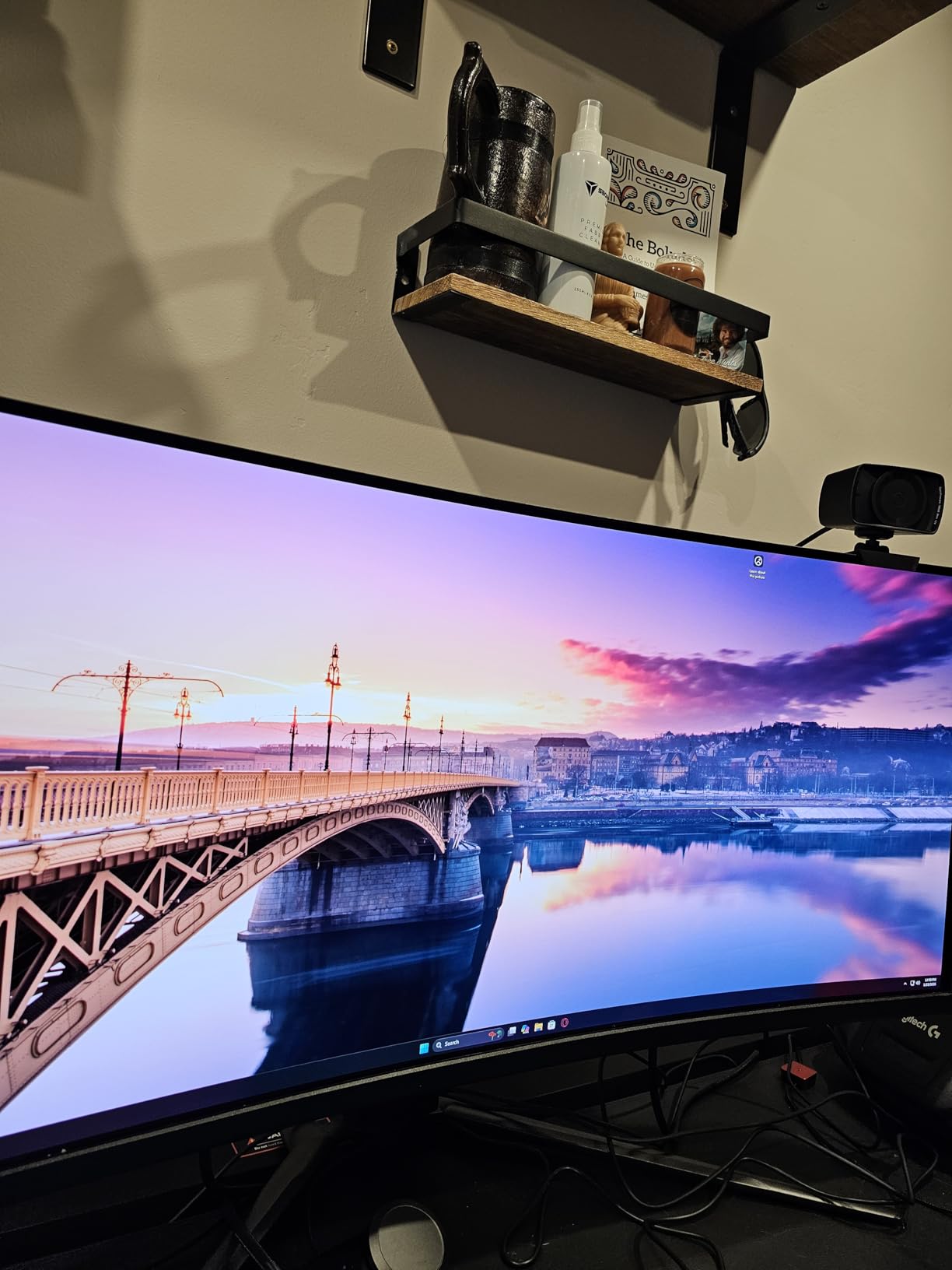
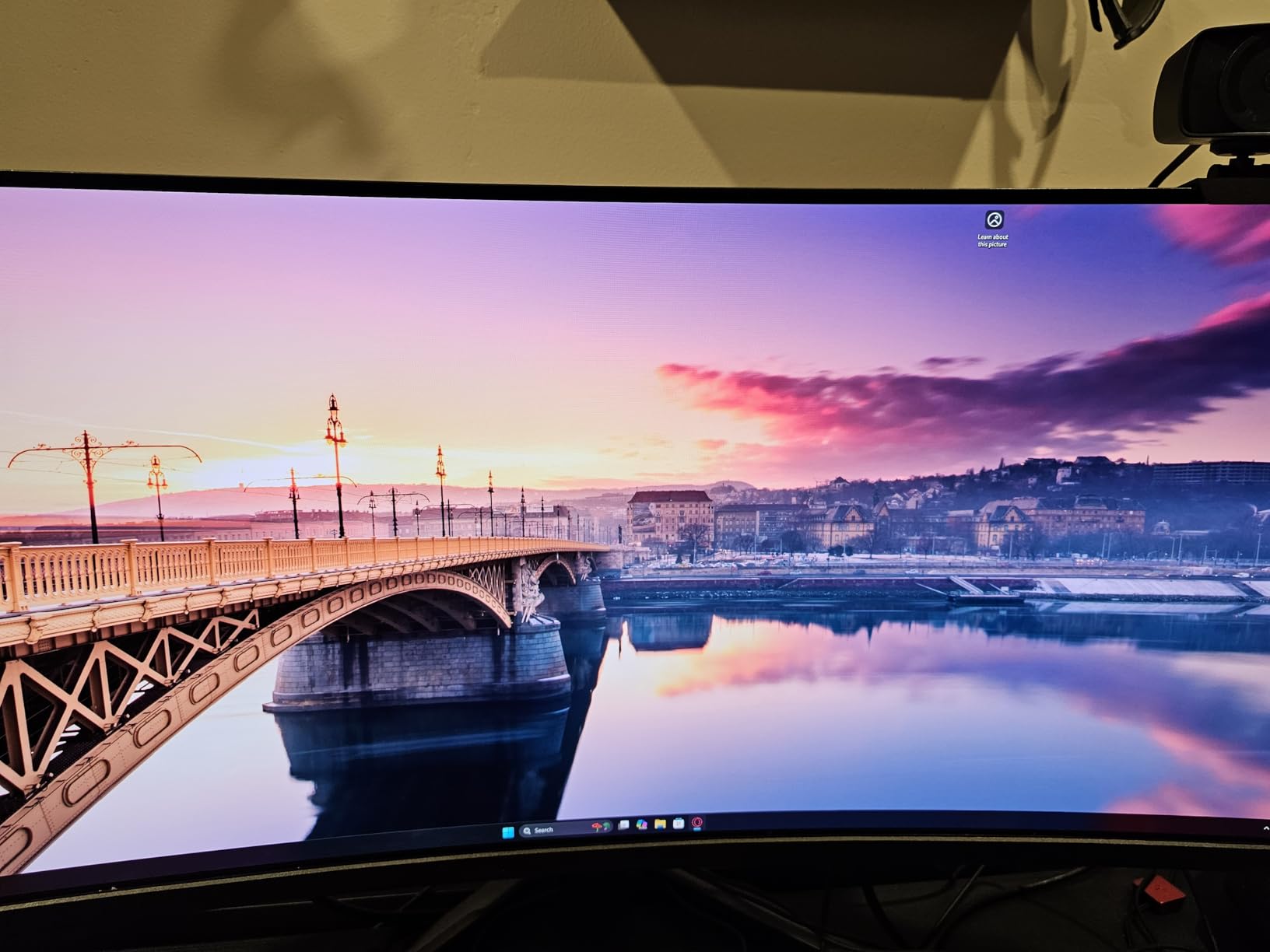
The 1700R curve is the most polarizing feature of this monitor. I found it comfortable for extended editing sessions because the curve wraps slightly around your field of view, reducing the need to turn your head to see the edges of the screen. For timeline-based workflows in Premiere Pro or DaVinci Resolve, having the entire 32-inch display curve toward you feels natural. However, if you do precision retouching or pixel-level work, the curve can introduce subtle distortion at the edges, and it makes dual-monitor setups awkward.
MSI’s OLED Care 2.0 is comprehensive but intrusive. The panel refresh cycle runs every few hours and takes 6 to 8 minutes, during which the screen goes dark. You can schedule it during breaks, but if you are in the middle of a focused editing session, the interruption is frustrating. The VRR flicker reported by some users was noticeable on my unit when the refresh rate fluctuated in Windows, though setting a fixed refresh rate eliminated the issue. The USB 2.0 data ports are also a letdown on a monitor marketed as a creator hub, as file transfers through the hub connection are noticeably slow.
Who Should Buy the MSI MPG 321CURX QD-OLED
This monitor is ideal for creators who want to simplify their desk setup with a single-cable USB-C workflow. If you connect a laptop for creative work and a desktop for gaming or rendering, the built-in KVM switch and 98W Power Delivery make this the most convenient option on the list. The curved panel is also great for creators who work with wide timelines or panoramic content and prefer a more immersive viewing experience.
Who Should Look Elsewhere
If flat-panel accuracy is non-negotiable for your retouching or CAD work, the curve will bother you, and you should look at the LG or ASUS flat options. If you need the fastest data transfer speeds through your monitor hub, the USB 2.0 ports on the MSI will frustrate you compared to the USB 3.x ports on the ASUS and Dell models. And if you want a monitor that stays out of your way without scheduled interruptions, the OLED Care refresh cycle may test your patience.
5. Dell 32 Plus QD-OLED S3225QC – Best Budget 4K OLED for Creators
- Most affordable 4K QD-OLED at under $500
- 99% DCI-P3 with Dolby Vision
- AI-enhanced spatial audio
- Single USB-C cable with 90W PD
- Only 120Hz refresh rate
- No DisplayPort input
- Short 1-year warranty
- Manual pixel refresh process
The Dell S3225QC is the monitor that made me stop and reconsider what a budget OLED can deliver. At well under the price of the other monitors on this list, Dell managed to pack in a 4K QD-OLED panel with 99% DCI-P3 coverage, Dolby Vision support, and 90W USB-C Power Delivery. I was skeptical at first, but after using it for a week of graphic design work in Illustrator and some light video editing in Premiere Pro, I came away genuinely impressed by what you get for the money.
The 99% DCI-P3 color gamut coverage is remarkable at this price point. I opened several reference images I know well, and the Dell reproduced skin tones, sky gradients, and fabric textures with the kind of accuracy I would expect from monitors costing twice as much. The matte finish handles reflections well, and the Dell ComfortView Plus always-on low blue light filter made long sessions feel comfortable without warming up the color temperature the way some blue light filters do.
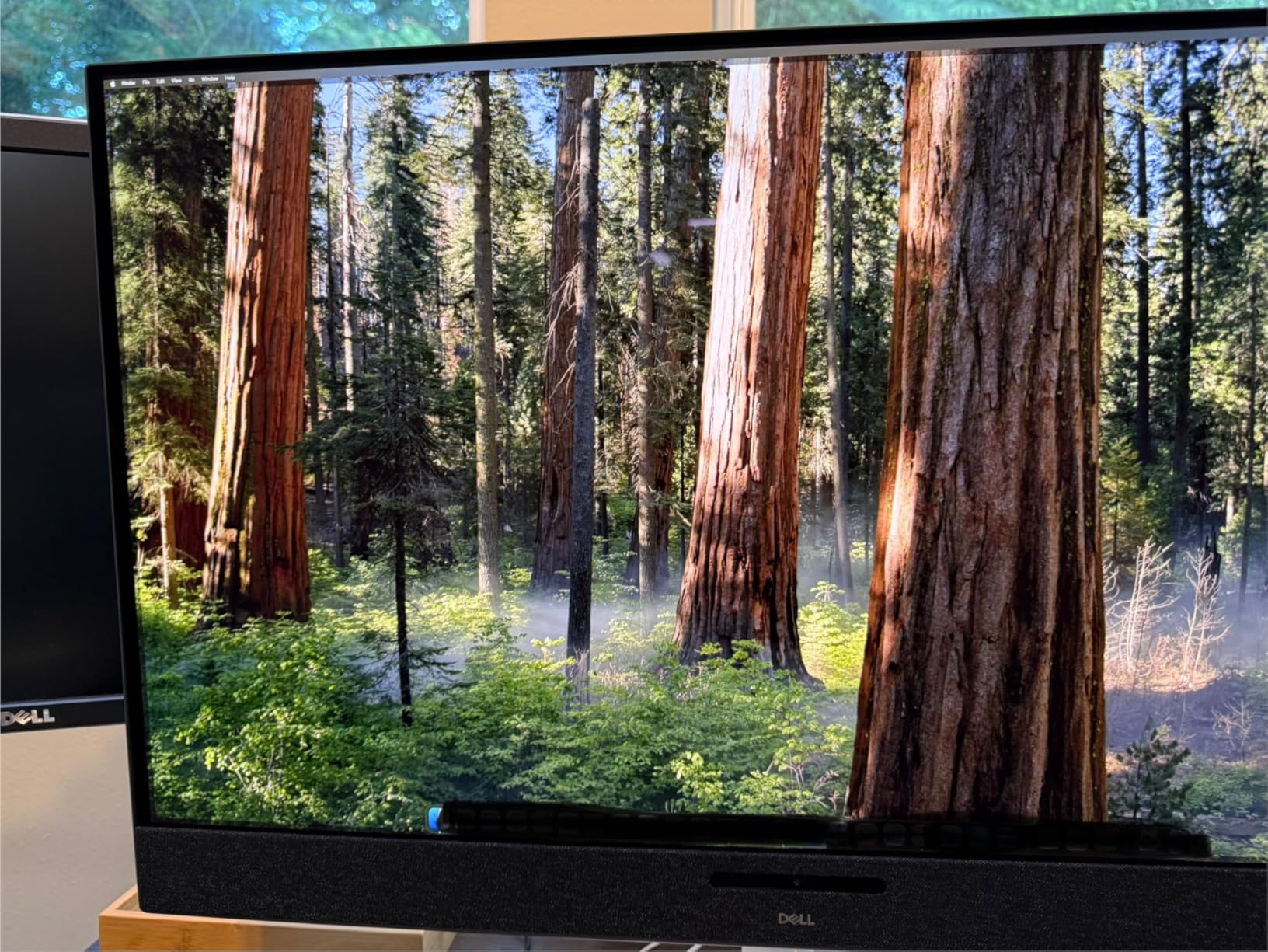
The standout feature nobody expected is the AI-enhanced 3D spatial audio from the built-in 5x 5W speakers. These are genuinely the best monitor speakers I have ever heard. They are not replacing studio monitors, but for casual content review, watching tutorials, or client preview sessions, they fill a room with surprisingly clear and directional sound. The single USB-C cable setup is also fantastic. You plug one cable into your laptop, and it handles power, video, and audio simultaneously, eliminating desk clutter entirely.
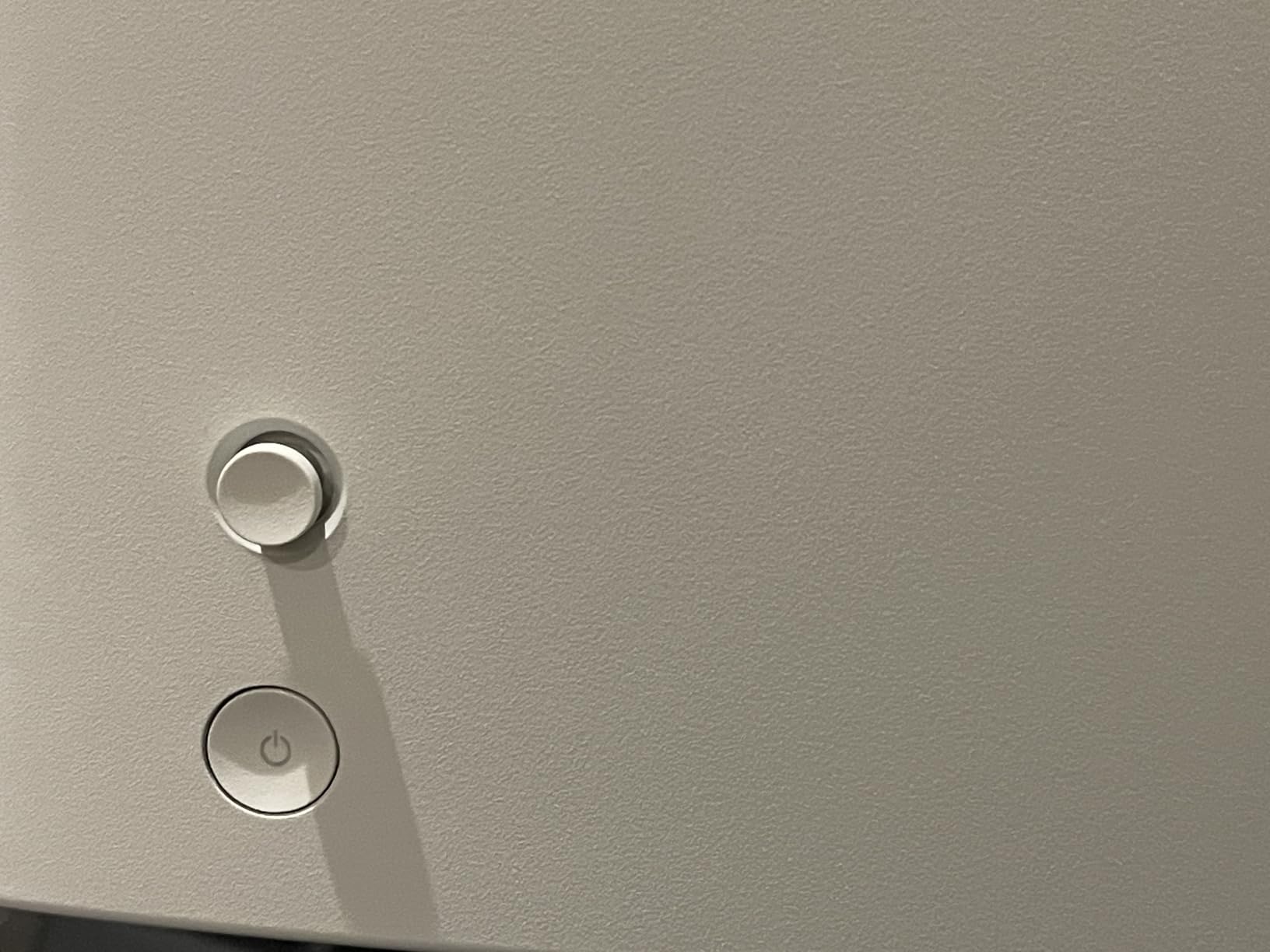
However, the compromises are clear when you look closer. The 120Hz refresh rate is lower than the 240Hz standard on the rest of this list, which matters less for pure creative work but is noticeable when gaming or scrolling through large documents. The pixel refresh process is manual and needs to run every 4 hours, but the monitor does not automatically prompt you, so you have to remember to trigger it through the OSD. The 1-year warranty is the shortest in this group, which is concerning for a technology that still carries burn-in risk. Some users have also reported firmware bugs with Windows 11 sleep and power management.
Who Should Buy the Dell S3225QC
This is the best entry point for creators who want to experience OLED quality without spending premium money. If you are a freelancer, student, or hobbyist photographer who needs a color-accurate 4K display for under $500, the Dell delivers panel quality that rivals monitors at twice the price. The single-cable USB-C setup makes it perfect for laptop-based workflows, and the built-in spatial audio speakers are a genuine bonus for creators who review content at their desk without external speakers.
Who Should Look Elsewhere
If you need 240Hz for smooth timeline scrubbing or gaming, or if you want a DisplayPort input for your desktop GPU, this is not the right pick. Professional colorists who need hardware calibration and longer warranty coverage should step up to the ProArt. And if you are concerned about the short 1-year warranty and want more peace of mind with burn-in coverage, the ASUS ROG Swift and MSI both offer 3-year warranties that include burn-in protection.
How to Choose the Right OLED Monitor for Creative Work?
Picking the best OLED monitor for your creative workflow comes down to understanding which specs actually matter for the work you do. I have broken down the key factors below based on my experience testing these monitors and the feedback I have gathered from professional creators across forums and review communities.
Color Accuracy and Gamut Coverage
Color accuracy is the single most important factor for any creator monitor. Look for panels that cover at least 98% of the DCI-P3 color space, which is the standard for digital cinema and modern HDR content. If you work in print, Adobe RGB coverage matters. For web and social media, sRGB is your baseline. The ASUS ProArt PA32UCDM leads this category with its Delta E less than 1 factory calibration and Calman Ready certification, making it the only monitor here suitable for professional broadcast work. For most commercial creators, the 98-99% DCI-P3 coverage on the rest of this list is more than adequate.
QD-OLED vs WOLED: Which Is Better for Creators?
Both panel types have real trade-offs for creative work. QD-OLED panels, used by ASUS, MSI, and Dell in this lineup, deliver higher peak brightness and better color volume, meaning colors stay saturated at higher brightness levels. The trade-off is a subtle purple tint when ambient light hits the panel in dark rooms, which some creators find distracting during color-sensitive work. WOLED panels, like the one in the LG UltraGear, avoid the purple tint entirely and offer cleaner color reproduction in dark environments, but they typically have lower peak brightness. For controlled studio environments, the LG’s WOLED may give you more honest colors; for bright workspaces, QD-OLED’s higher brightness is an advantage.
Resolution and Screen Size
All five monitors in this guide are 32-inch 4K displays, which is the sweet spot for creative work in 2026. At this size and resolution, you get a pixel density of about 140 pixels per inch, which provides sharp text for interface work and enough screen real estate to view your content at full resolution alongside your tools. Going larger than 32 inches at 4K drops pixel density below comfortable levels for text work, while going smaller means sacrificing the screen space that makes creative workflows efficient.
HDR Performance and Brightness
HDR matters for creators who deliver content for HDR displays, streaming platforms, or cinema. All five monitors carry VESA DisplayHDR True Black 400 certification, which guarantees the perfect black levels that OLED is known for. Peak brightness varies significantly, from the Dell and LG at 250-275 nits typical to the ASUS models claiming 1000-nit peaks. Keep in mind that peak brightness is measured on small highlights, not full-screen output. For real-world HDR grading work, the ASUS ProArt and ROG Swift have the most headroom, while the Dell and LG are better suited for SDR workflows with occasional HDR preview. For a deeper comparison of display technologies for entertainment and production, check out our guide to home theater displays.
Connectivity for Creator Workflows
How you connect your monitor matters more than most people realize. USB-C Power Delivery is essential for laptop-based creators because it lets you charge your laptop, drive the display, and connect peripherals through a single cable. The MSI leads with 98W PD, followed by the ASUS and Dell at 90W. Thunderbolt 4 on the ProArt adds daisy-chaining capability for multi-monitor setups. If you work with a desktop tower, HDMI 2.1 and DisplayPort 1.4 are your primary connections, and you should verify the monitor has enough inputs for all your devices. For help with cable management and adapters, our guide to display connectivity solutions covers the options.
Burn-in Prevention and Panel Longevity
Burn-in remains the most common concern creators raise when considering OLED. The reality in 2026 is that modern OLED panels are far more resistant than early generations, and every monitor in this guide includes some form of protection. ASUS uses custom heatsinks and graphene film to keep panel temperatures low. MSI’s OLED Care 2.0 handles pixel refreshes and shifting automatically. The key practices are to enable pixel shifting, run regular panel refreshes, use dark mode in your applications, and avoid displaying static elements like toolbars at maximum brightness for extended periods. Forum users with 6+ months of daily use on these panels report minimal to no burn-in issues, and the 3-year warranties from ASUS and MSI explicitly cover burn-in damage.
Frequently Asked Questions About OLED Monitors for Creators
Is OLED good for graphic design?
Yes, OLED is excellent for graphic design. The perfect black levels, wide color gamut coverage (typically 98-99% DCI-P3), and true 10-bit color depth give designers accurate color reproduction across the full spectrum. Modern OLED monitors also include factory calibration with Delta E values under 2, which is sufficient for professional design work. The main consideration is burn-in prevention, so designers who work with static tool palettes for hours should enable pixel shifting and panel refresh features.
What is the best OLED monitor for color accuracy?
The ASUS ProArt Display OLED PA32UCDM is the best OLED monitor for color accuracy. It features Delta E less than 1 factory calibration, 99% DCI-P3 and BT.2020 coverage, Calman Ready certification, and ProArt Hardware Calibration that writes profiles directly to the monitor. For a more affordable option, the LG UltraGear 32GX850A-B delivers excellent out-of-box accuracy with 98.5% DCI-P3 coverage and no QD-OLED purple tint.
How long do QD OLED monitors last?
Modern QD-OLED monitors are rated for approximately 60,000 hours to half brightness under normal use conditions. For a creator working 8 hours per day, that translates to roughly 20 years of use. Third-generation QD-OLED panels (2025-2026 models) include improved organic materials, better heat management with custom heatsinks, and active pixel refresh cycles that extend panel life. Most manufacturers now offer 3-year warranties that explicitly cover burn-in, reflecting their confidence in panel longevity.
Are OLED monitors suitable for professional video editing?
Yes, OLED monitors are increasingly used in professional video editing workflows. The perfect blacks and high contrast ratios make them ideal for color grading, especially for HDR content with Dolby Vision or HDR10 deliverables. Models like the ASUS ProArt PA32UCDM with hardware calibration and Calman certification meet broadcast standards. The key limitation is full-screen brightness, which typically maxes out around 250-300 nits sustained compared to 1000+ nits on professional reference LCDs, so they are best paired with a dedicated HDR reference monitor for final deliverables.
Do OLED monitors require a better GPU?
Running a 4K OLED monitor at its native resolution does not require a special GPU, but you will want a reasonably capable graphics card for smooth performance. Any modern GPU with HDMI 2.1 or DisplayPort 1.4 can drive 4K at 120Hz. To take full advantage of 240Hz refresh rates on monitors like the ASUS ROG Swift or MSI MPG, you will need a higher-end GPU from NVIDIA’s RTX 40-series or AMD’s Radeon RX 7000-series. For creative applications like Premiere Pro and DaVinci Resolve, GPU acceleration benefits rendering and playback regardless of your monitor.
Final Thoughts on the Best OLED Monitors for Creators
Finding the right OLED monitor for your creative workflow does not have to be overwhelming. Our top recommendation is the ASUS ProArt PA32UCDM for professionals who need reference-grade accuracy, while the LG UltraGear 32GX850A-B offers the best balance of quality and value for most creators. On a tighter budget, the Dell S3225QC delivers genuine 4K QD-OLED quality that makes OLED accessible to freelancers and students.
Every monitor in this guide covers at least 98% of the DCI-P3 color space and includes burn-in prevention features that make daily creative work practical. The best OLED monitors for creators in 2026 are the ones that match your specific workflow: single-cable laptop setups favor the MSI or Dell, dual-purpose gaming and editing setups favor the ROG Swift, and professional grading suites belong with the ProArt.
If you are also building out your broader creative toolkit beyond displays, check out our picks for visual content creation gear to complete your setup. Whichever monitor you choose, you are investing in the kind of color accuracy and visual quality that will make your creative work look its absolute best.