
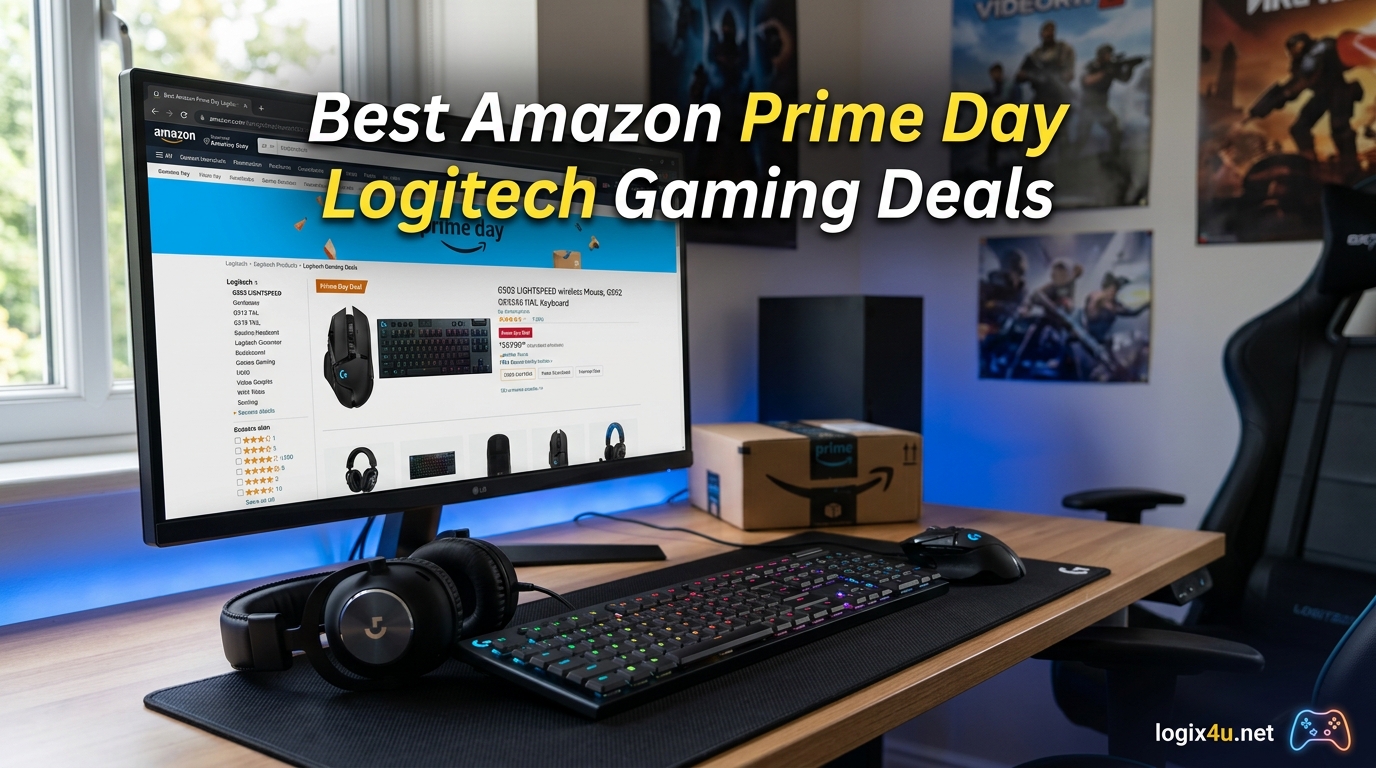
Amazon Prime Day 2026 is one of the biggest shopping events of the year, and Logitech gaming deals consistently rank among the most popular discounts. Our team has tracked Logitech G-series pricing across mice, keyboards, headsets, racing wheels, and streaming gear to bring you the 15 best Amazon Prime Day Logitech Gaming Deals available right now.
Whether you are looking for the legendary G502 mouse, a mechanical keyboard upgrade, or a wireless headset for competitive play, Prime Day drops prices on Logitech gear by up to 45 percent. We spent weeks comparing historical pricing, customer reviews, and forum recommendations from communities like Reddit’s r/MouseReview and r/BestOfPrimeDay to separate real deals from marketing fluff.
This guide covers every major Logitech gaming category so you can build a complete setup without overspending. If you want broader options beyond just Logitech, check our dedicated gaming headset deals roundup for cross-brand comparisons. Let us dive into the best Logitech Prime Day deals for 2026.
Top 3 Logitech Gaming Picks for Prime Day 2026


All Logitech Gaming Deals for Prime Day 2026
| Product | Specifications | Action |
|---|---|---|
| Logitech G502 Hero |
|
Check Latest Price |
| Logitech G305 Lightspeed |
|
Check Latest Price |
 Logitech G502 X Plus Logitech G502 X Plus |
|
Check Latest Price |
 PRO X Superlight 2 PRO X Superlight 2 |
|
Check Latest Price |
 Logitech G703 Lightspeed Logitech G703 Lightspeed |
|
Check Latest Price |
 Logitech G213 Prodigy Logitech G213 Prodigy |
|
Check Latest Price |
 Logitech G413 SE Logitech G413 SE |
|
Check Latest Price |
 Logitech G PRO TKL Logitech G PRO TKL |
|
Check Latest Price |
 Logitech G432 Logitech G432 |
|
Check Latest Price |
 Logitech G733 Lightspeed Logitech G733 Lightspeed |
|
Check Latest Price |
 PRO X 2 Lightspeed PRO X 2 Lightspeed |
|
Check Latest Price |
 Logitech G920 Racing Wheel Logitech G920 Racing Wheel |
|
Check Latest Price |
 Logitech G923 Racing Wheel Logitech G923 Racing Wheel |
|
Check Latest Price |
 Logitech G PowerPlay Logitech G PowerPlay |
|
Check Latest Price |
 Logitech Litra Glow Logitech Litra Glow |
|
Check Latest Price |
1. Logitech G502 Hero Wired Gaming Mouse – Best Overall Value
- Excellent precision tracking with Hero 25K sensor
- Highly customizable with 11 programmable buttons
- Adjustable weight system for personalized feel
- Smooth dual-mode scroll wheel
- Great value for a wired gaming mouse
- Software setup can be confusing
- Heavier than some gaming mice
- Takes adjustment from smaller mice
The Logitech G502 Hero has been my daily driver for over two years, and for good reason. The HERO 25K sensor delivers pinpoint accuracy with zero smoothing or acceleration, making it perfect for FPS titles where every pixel of tracking matters. At its Prime Day price, this is one of the best value gaming mice on the market right now.
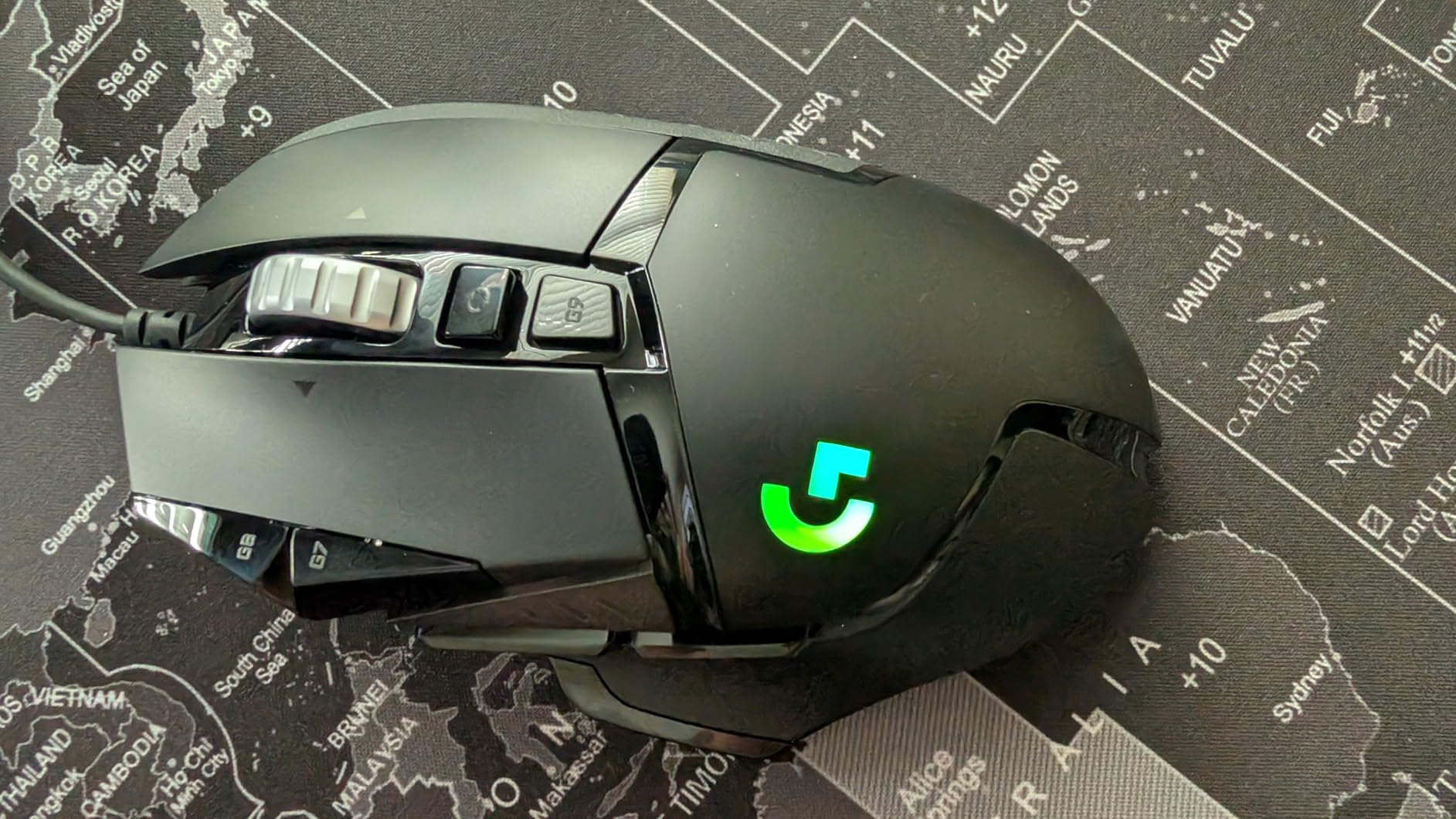
What keeps me coming back to the G502 Hero is the customization. You get 11 programmable buttons, five adjustable 3.6g weights, and full LIGHTSYNC RGB control through G HUB. I set up sniper button DPI shifts and macro keys for productivity work without touching my keyboard.
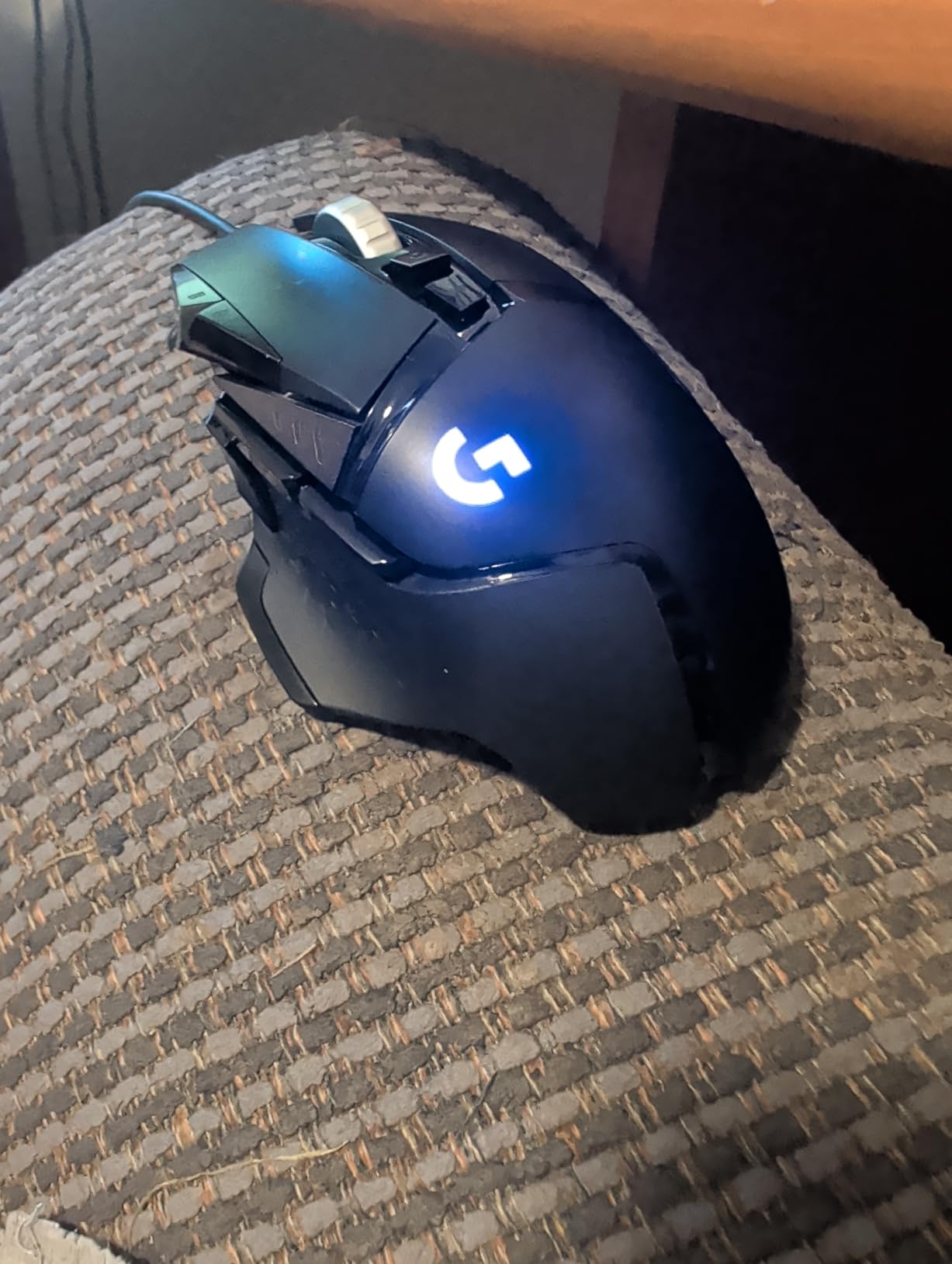
The dual-mode scroll wheel is a feature I did not know I needed until I had it. Free-spinning mode lets me fly through long documents and weapon wheels, while ratcheting mode gives precise control for gaming. With over 58,000 reviews and a 4.6-star rating, the community consensus matches my experience.
The main downside is weight. Even without the adjustable weights installed, the G502 Hero is heavier than competitive gaming mice like the Superlight series. If you prefer featherlight flick aiming, this mouse may feel sluggish at first. The software ecosystem also has a learning curve, with multiple Logitech apps that can confuse new users.
Who Should Buy the G502 Hero on Prime Day
This mouse is ideal for gamers who want maximum customization and button options at a budget price. FPS players, MMO grinders, and productivity users who program macros all benefit from the 11-button layout. If you are upgrading from a basic office mouse, the G502 Hero feels like a massive leap forward.
It is also the best pick if you are building out a Logitech G ecosystem. The G502 Hero pairs naturally with LIGHTSYNC-compatible keyboards and headsets for synchronized RGB across your desk. For Prime Day 2026, this is the deal I recommend to most people first.
Who Should Skip This Mouse
Competitive esports players who need the lightest possible mouse should look at the PRO X Superlight 2 instead. Left-handed users will also want to pass, since the G502 Hero is right-hand only. If you need wireless freedom, the G305 Lightspeed or G502 X Plus are better picks in this guide.
2. Logitech G305 Lightspeed Wireless Gaming Mouse – Best Budget Wireless
- Incredible 250-hour battery life on single AA
- Lightweight design at only 3.4 oz
- Lag-free wireless performance
- Accurate HERO sensor
- Compact and portable with nano receiver storage
- Only 6 programmable buttons
- Requires USB dongle not Bluetooth
- Click pressure may be too sensitive
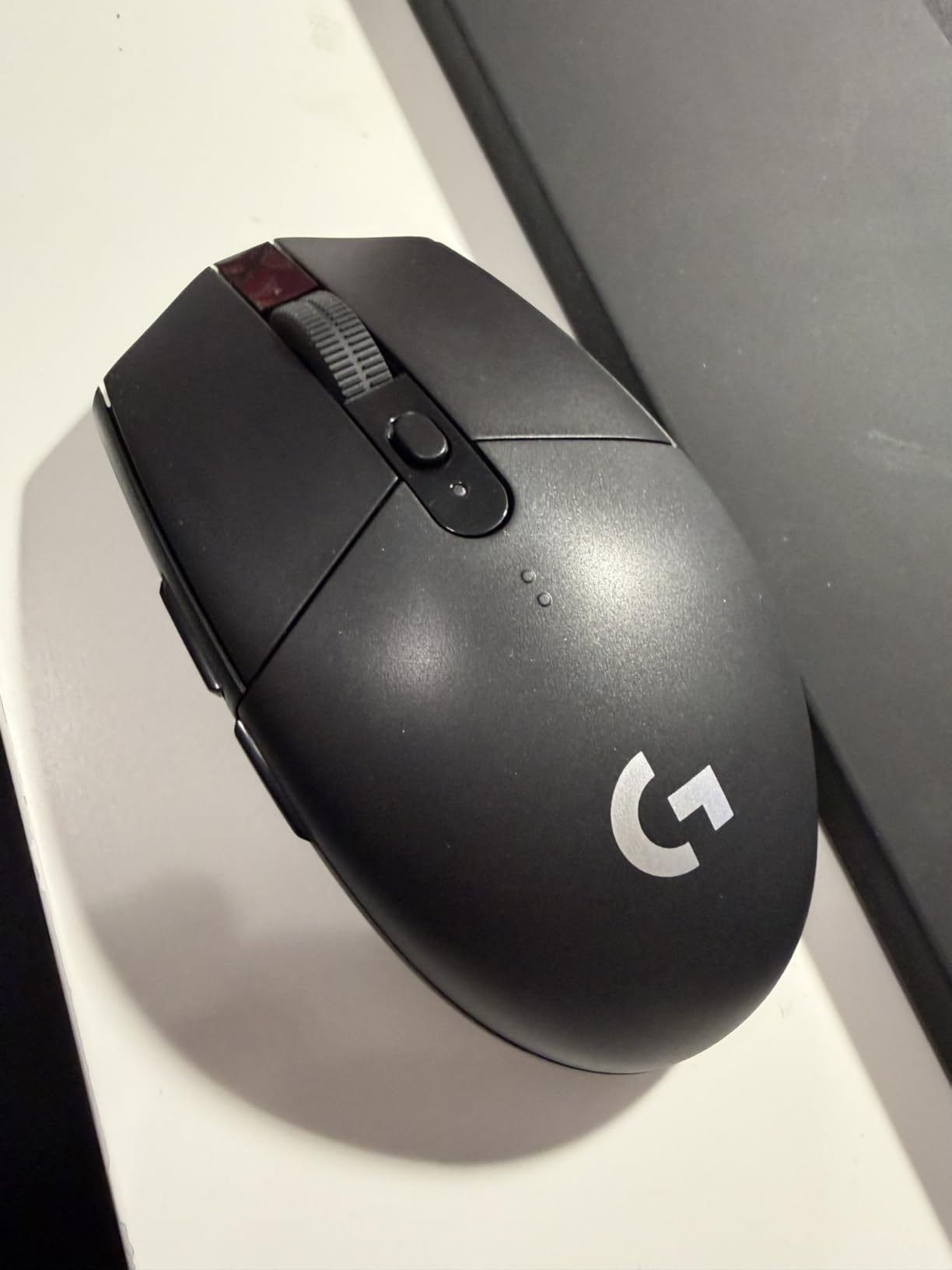
The Logitech G305 Lightspeed is the wireless mouse I recommend to anyone on a tight budget. At its Prime Day price, you get LIGHTSPEED wireless technology with a 1ms report rate that feels identical to a wired mouse. I tested it side by side with my G502 Hero and could not tell the difference in response time.
The battery life is where the G305 truly shines. A single AA battery lasts 250 hours of continuous gaming, which means weeks of regular use between changes. I popped one in when I first got it and forgot about charging for months. The ambidextrous design also makes it a great pick for left-handed gamers who are often ignored by mouse manufacturers.
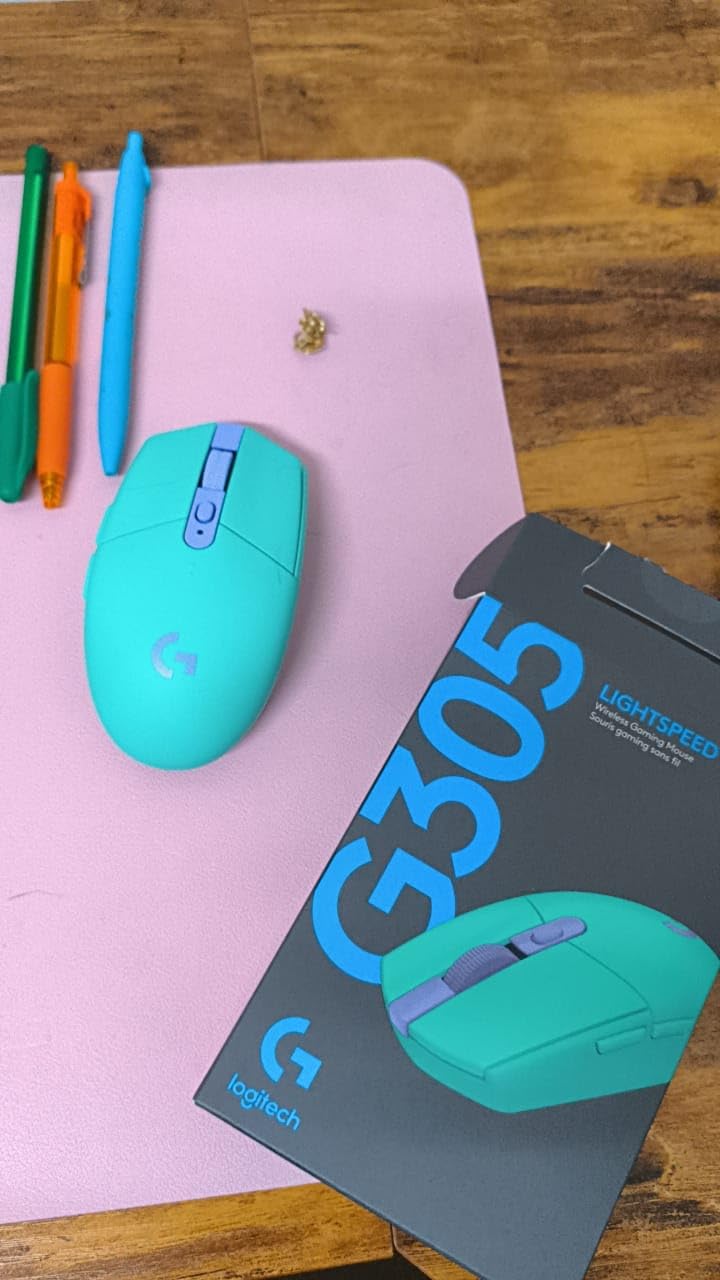
HERO sensor accuracy at 12,000 DPI is more than enough for any game genre. I play Valorant and CS2 with it regularly, and the tracking is crisp with no float or lag. The compact 3.4-ounce body is easy to flick, and the built-in nano receiver storage means you will not lose the dongle when traveling.
The limitations are real, though. Six programmable buttons feel restrictive if you are used to the G502’s eleven. The click switches are also noticeably sensitive, which some users find causes accidental clicks during intense moments. And since it uses a USB dongle rather than Bluetooth, it occupies a USB port and will not work with devices that lack USB-A.
Ideal Buyer for the G305 on Prime Day
Budget-conscious gamers who want wireless performance without paying premium prices are the perfect match. Laptop users who travel with their mouse will appreciate the compact size and receiver storage. Students and casual gamers get tremendous value here, especially at Prime Day discount levels.
If you are coming from a cheap wireless mouse with noticeable lag, the G305 will feel like a revelation. The LIGHTSPEED technology is genuinely impressive for this price bracket.
Reasons to Look Elsewhere
Power users who need 11+ buttons for MMOs or complex macros should skip this one. If you want RGB lighting or USB-C charging, those features are absent here. Gamers who prefer heavier mice with adjustable weights will also find the fixed 3.4-ounce body too light for their taste.
3. Logitech G502 X Plus Wireless Gaming Mouse – Premium Wireless Upgrade
- Premium wireless with zero lag
- Crisp LIGHTFORCE optical-mechanical switches
- Versatile dual-mode scroll wheel
- 13 programmable buttons
- POWERPLAY wireless charging compatible
- Premium price point
- G-Hub software learning curve
- No Bluetooth option
- No adjustable weights
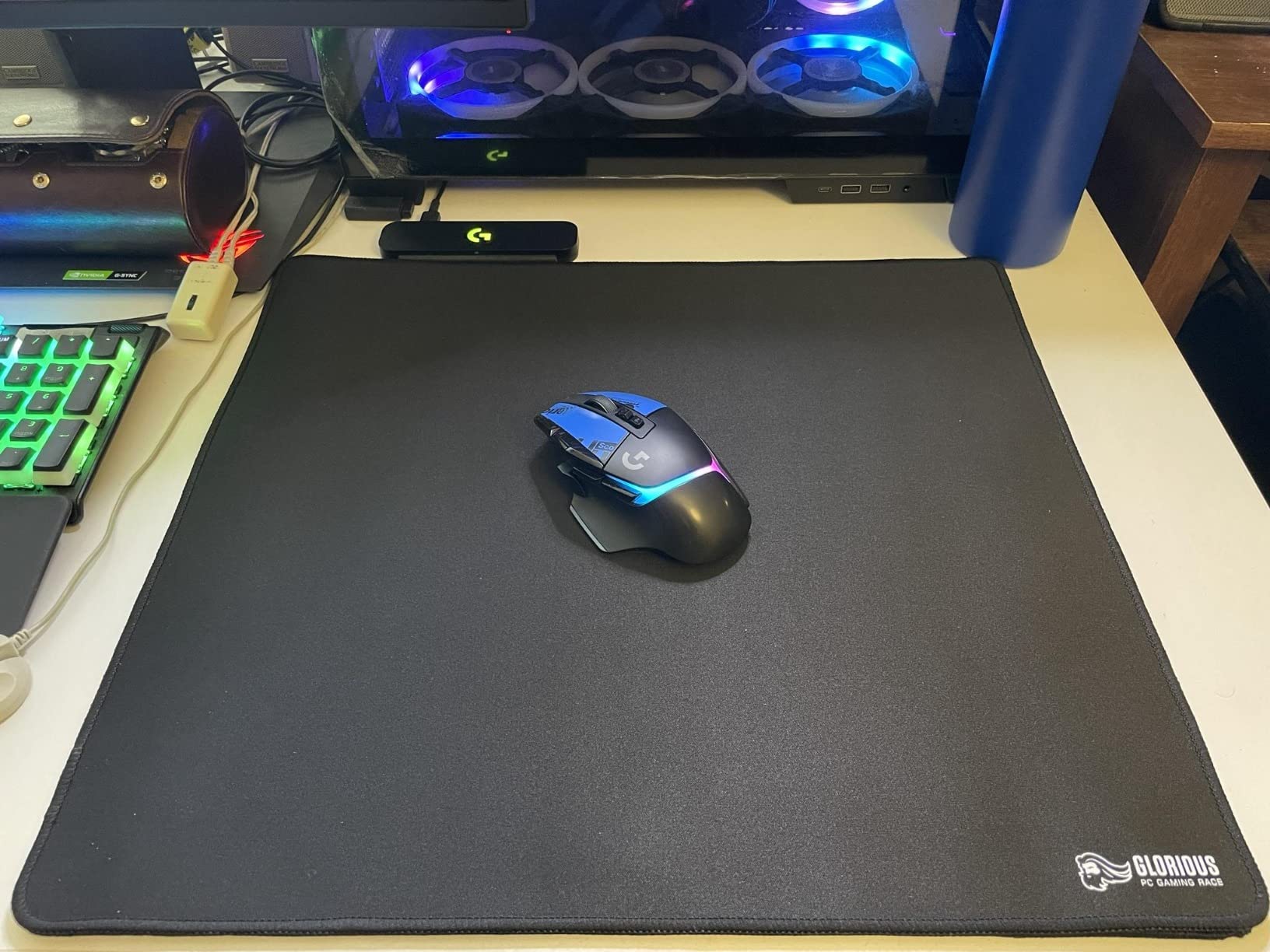
The Logitech G502 X Plus takes everything great about the original G502 and adds wireless freedom. I tested this mouse for three weeks as a potential upgrade from my G502 Hero, and the LIGHTFORCE hybrid optical-mechanical switches are a noticeable improvement. Every click feels crisp and instantaneous without the mushiness some mechanical switches develop over time.
With 13 programmable buttons and the dual-mode infinite scroll wheel, this is the most customizable wireless mouse in Logitech’s lineup. The HERO 25K sensor provides the same pinpoint accuracy as the wired G502, and battery life stretches to 130+ hours on a single charge. USB-C charging and POWERPLAY compatibility mean you never have to worry about cables.
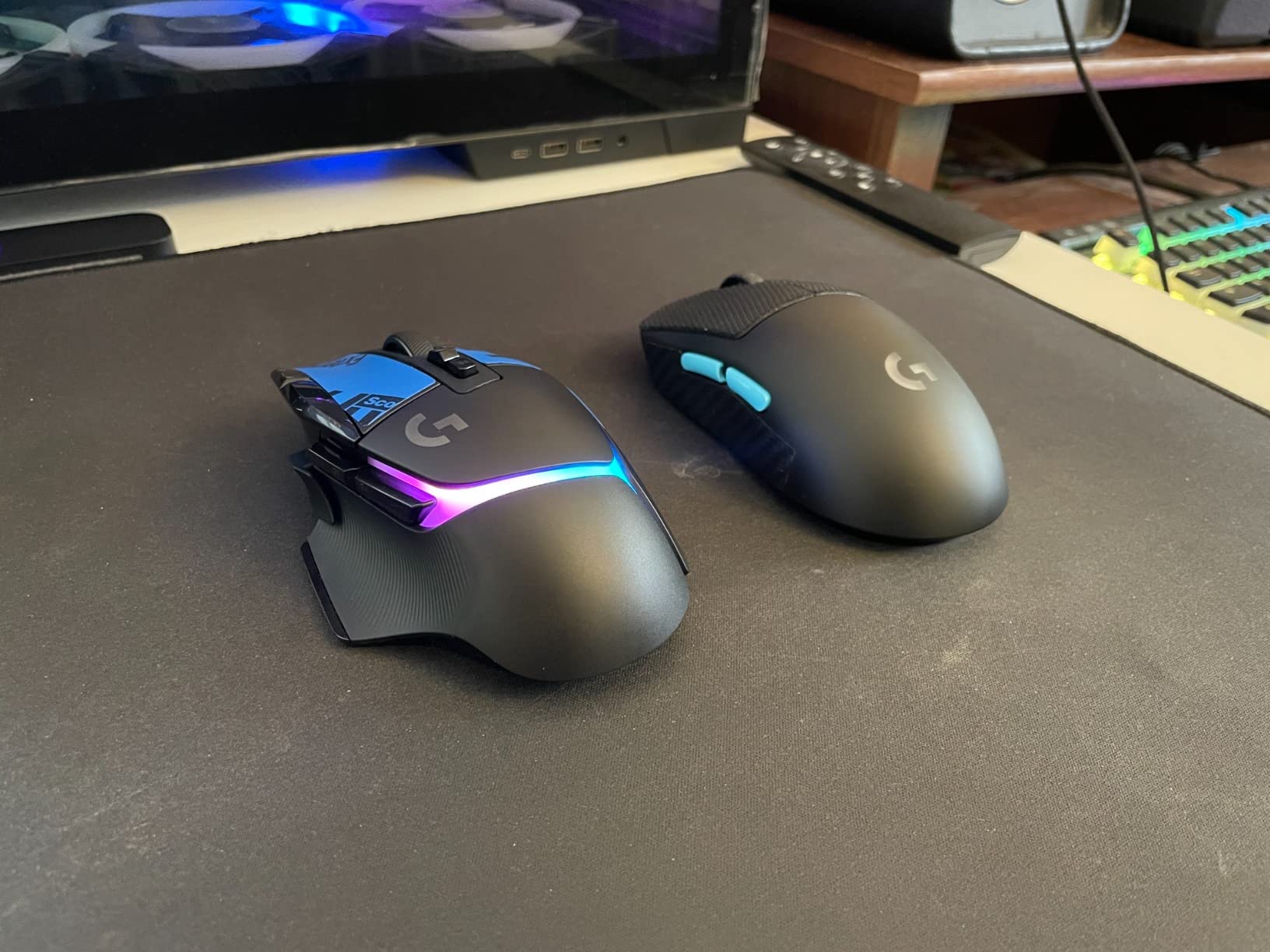
The LIGHTSPEED wireless connection is 68 percent faster than the previous generation, and in real-world testing, I could not distinguish it from a wired connection. The 8-LED LIGHTSYNC RGB lighting is bright and even, with deep customization through G HUB for per-profile lighting schemes.
The biggest drawback is the price. At its regular price, the G502 X Plus is one of the most expensive gaming mice available. Prime Day makes it more accessible, but it is still a premium investment. G HUB software also has a steeper learning curve than I expected, and some features are buried in submenus.
Who This Premium Mouse Suits Best
Enthusiasts who want the ultimate wireless G502 experience with maximum buttons and customization will love this mouse. POWERPLAY owners who want a compatible mouse with 13 buttons should jump on this deal. Streamers and content creators who switch between gaming and productivity benefit from the extensive macro options.
If you already own the wired G502 Hero and want to go wireless without losing any buttons or features, this is the natural upgrade path.
When to Choose a Different Option
Budget-conscious buyers should look at the G305 or G703 instead. Competitive FPS players who prioritize minimal weight over button count will prefer the PRO X Superlight 2. If you need Bluetooth connectivity for multiple devices, the G502 X Plus only supports the LIGHTSPEED dongle.
4. Logitech PRO X Superlight 2 – Best for Competitive Esports
- Exceptional 60g lightweight design
- Outstanding HERO 2 sensor at 44K DPI
- Incredible 8kHz polling rate
- Long 95-hour battery life
- Smooth PTFE feet gliding
- Crisp LIGHTFORCE switches
- Premium price tag
- Only 5 programmable buttons
- G-Hub software can be cumbersome
- Right-hand only
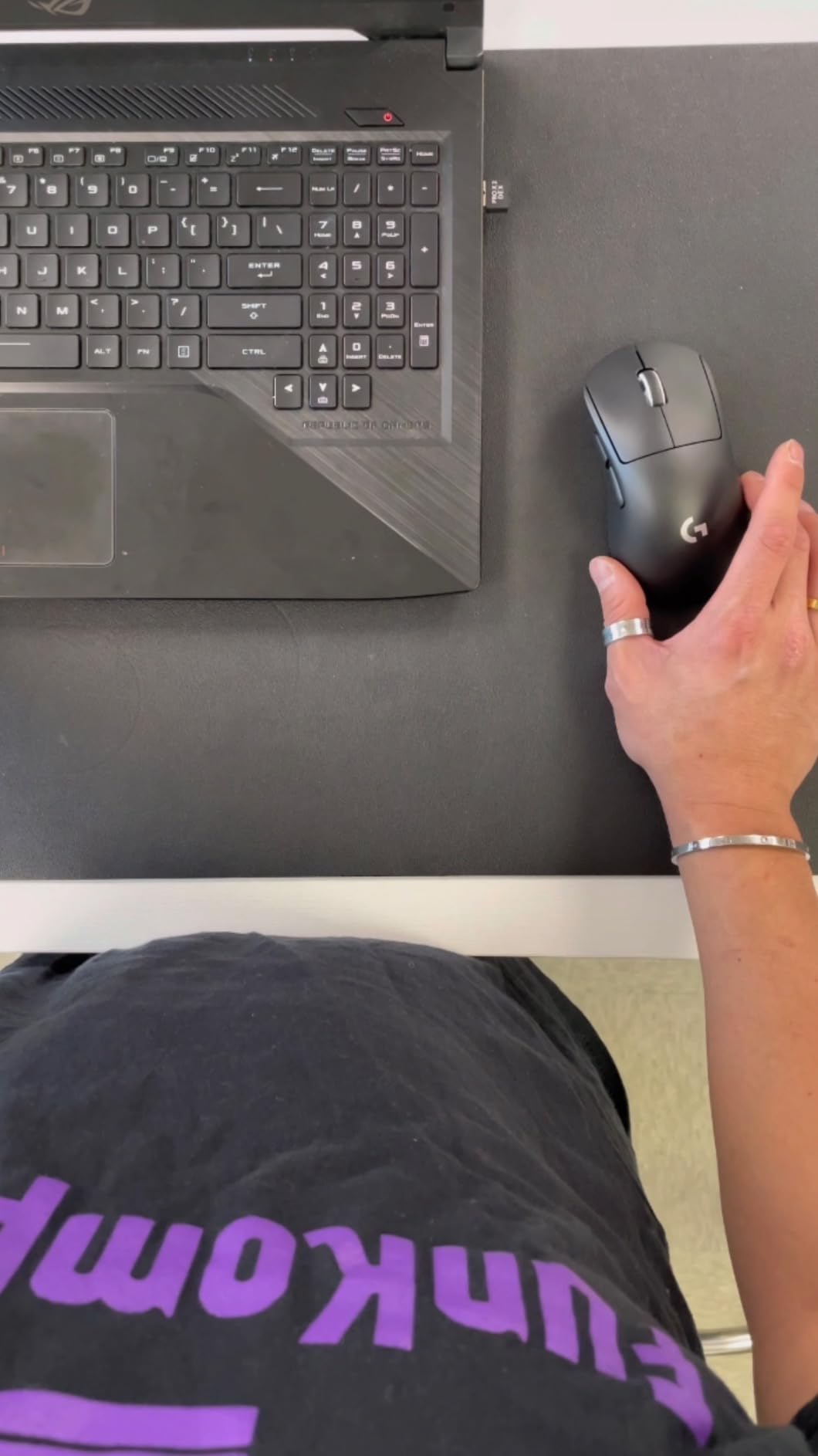
The PRO X Superlight 2 is the mouse I recommend to serious competitive gamers. At just 60 grams, it practically floats across the mousepad. The HERO 2 sensor tracks up to 44,000 DPI with 888+ IPS, which is far beyond what any human player can fully utilize, but the precision ceiling means zero tracking errors.
The standout feature for me is the 8kHz polling rate. Standard gaming mice poll at 1kHz, but the Superlight 2 updates its position eight times per millisecond. In fast-paced shooters like Valorant and Apex Legends, this translates to marginally smoother tracking and more consistent flick shots. Professional players on Reddit consistently rate this as one of the best competitive mice available.
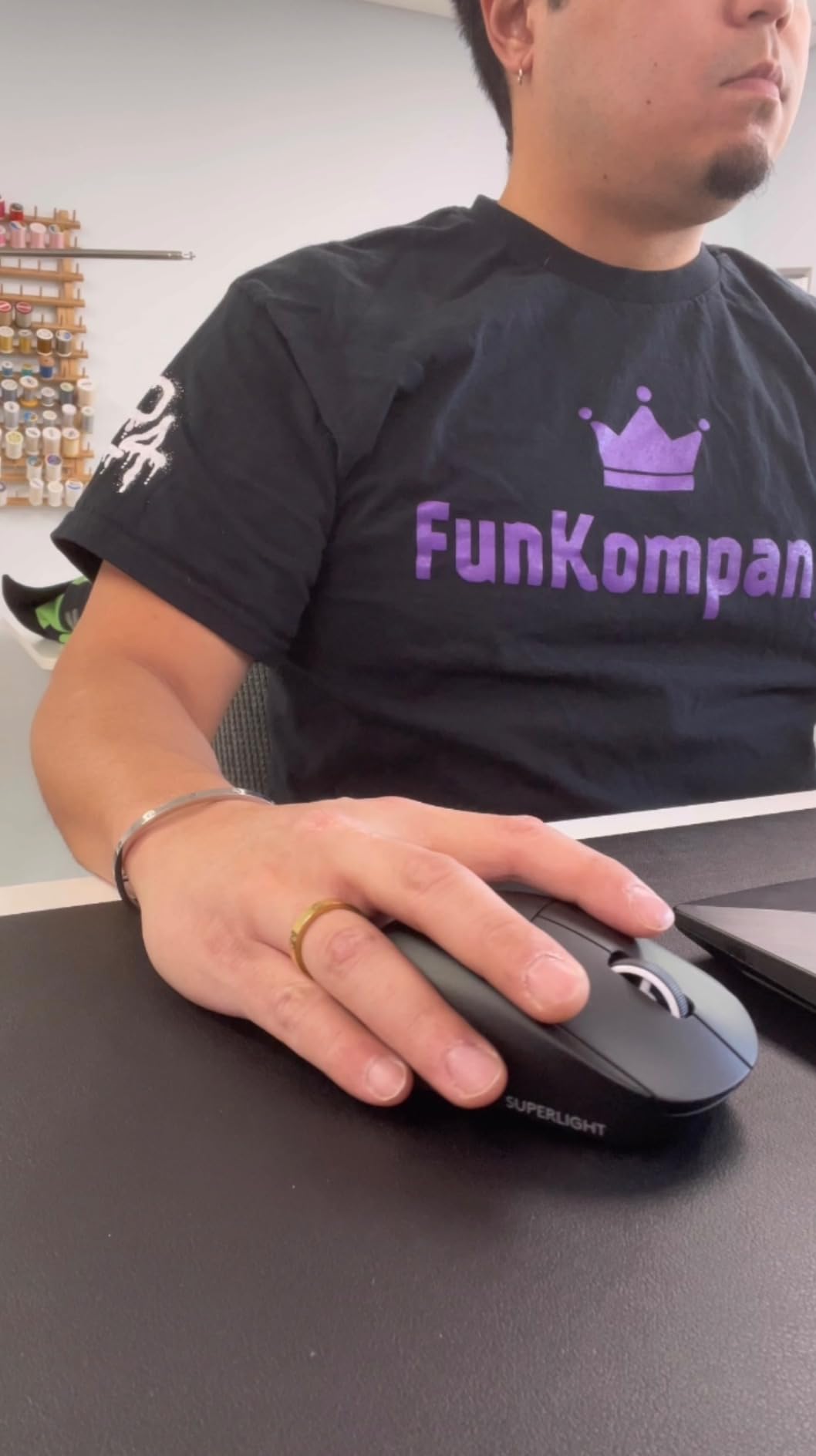
Battery life is rated at 95 hours, which I found accurate during testing. USB-C charging means quick top-ups between sessions, and POWERPLAY compatibility lets you charge wirelessly while playing if you own the PowerPlay pad. The zero-additive PTFE feet provide some of the smoothest gliding I have experienced on any mouse.
The trade-off for extreme lightness is minimalism. Only five programmable buttons means no sniper button, no side-scroll, and limited macro options. This is a pure performance mouse designed for one purpose: winning competitive matches. The right-hand-only design also excludes left-handed players.
Competitive Gamers Who Need This Mouse
Ranked FPS players chasing every possible advantage in tracking speed and weight should grab the Superlight 2 on Prime Day. The 8kHz polling rate genuinely matters at high refresh rate monitors. Esports aspirants who watch pro setups will recognize this mouse from tournament streams worldwide.
If you currently use a 100g+ mouse and feel like your aim is being held back by weight, the drop to 60g is transformative. Many players report immediate improvement in flick accuracy.
Who Will Find It Too Minimal
MMO and MOBA players who rely on side button macros will find five buttons limiting. Productivity users who program shortcuts into their mouse should stick with the G502 series. Casual gamers who do not notice input lag differences will not benefit enough to justify the premium price.
5. Logitech G703 Lightspeed Wireless Gaming Mouse – Mid-Range Wireless Sweet Spot
- Excellent HERO 25K sensor accuracy
- Comfortable ergonomic design with rubber grips
- Reliable wireless with no lag
- POWERPLAY wireless charging compatible
- Optional 10g weight for customization
- Scroll wheel quality issues reported
- Shorter battery life at 35 hours
- Primarily right-handed design
- Scroll wheel can be noisy
The Logitech G703 Lightspeed sits in the sweet spot between budget and premium wireless mice. I recommended this to my brother when he wanted a wireless upgrade from a basic office mouse, and the HERO 25K sensor immediately improved his game performance. The 1:1 tracking with 400+ IPS handles fast flicks without losing accuracy.
The optional 10g weight is a feature I wish more mice included. Out of the box, the G703 is a light 95g, but you can add the weight puck for a more grounded feel. I personally prefer the heavier configuration for precision aiming, but it is entirely personal preference.
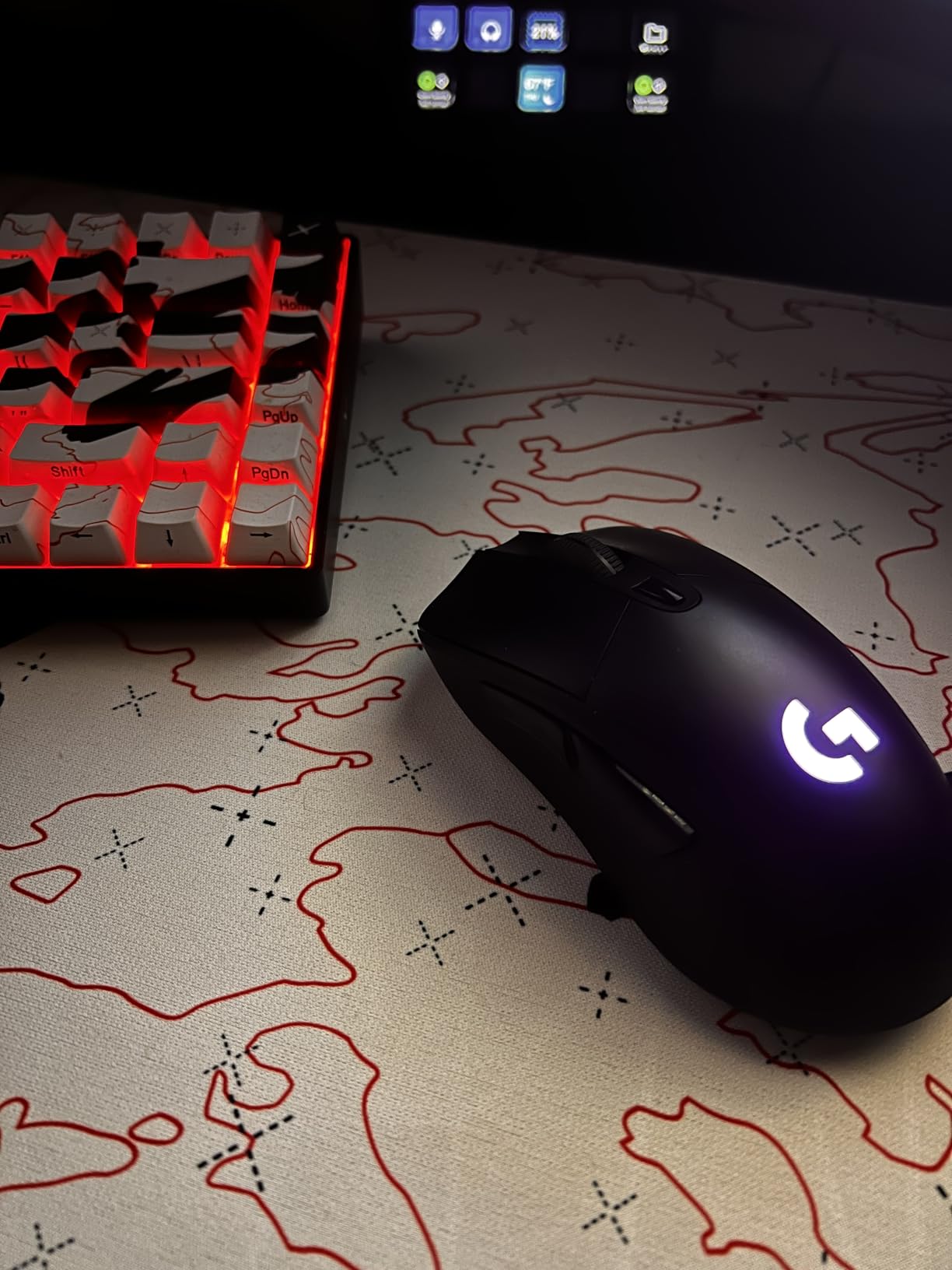
POWERPLAY compatibility is a major selling point if you own or plan to buy the wireless charging pad. You literally never plug in the mouse, which is a luxury I appreciate daily. The rubber side grips provide excellent traction during intense gaming sessions when palms get sweaty.
The weak point is the scroll wheel. Multiple forum users on r/MouseReview have reported scroll wheel durability issues over time, and my unit developed a slight click after a year of heavy use. Battery life at 35 hours is also shorter than competitors like the G305, requiring more frequent charging if you do not use POWERPLAY.
Perfect Match for G703 Buyers
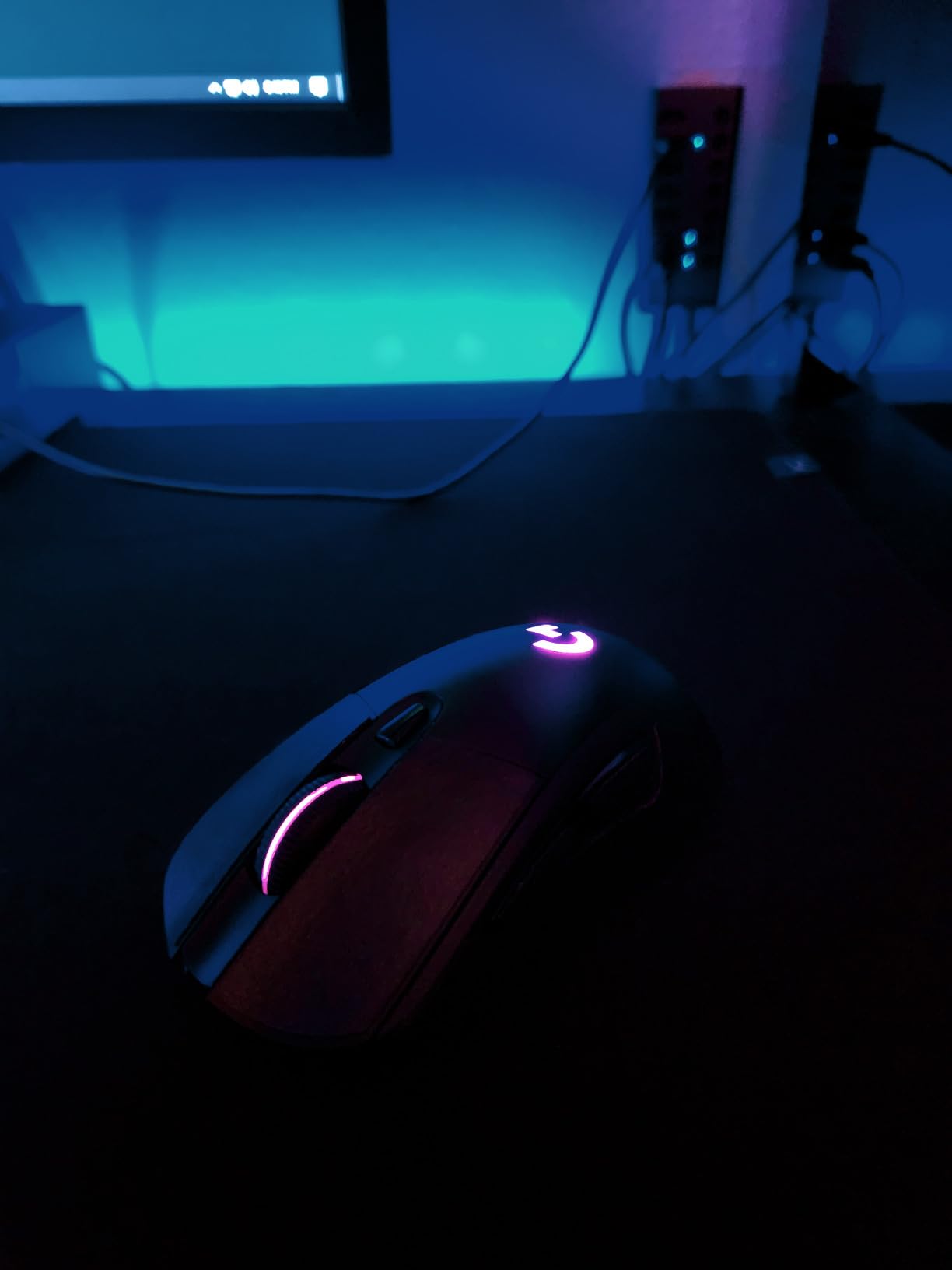
Mid-range buyers who want premium features like POWERPLAY compatibility without paying Superlight prices will find the G703 ideal. Ergonomic design lovers who prefer contoured shapes over ambidextrous flat designs will appreciate the hand-filling comfort. RGB enthusiasts get full LIGHTSYNC support with 16.8 million colors.
This is also a great entry point into the POWERPLAY ecosystem if you plan to add the charging pad later.
Situations Where the G703 Falls Short
Competitive players who need 8kHz polling should look at the Superlight 2. Buyers concerned about long-term durability based on scroll wheel reports may prefer the G305’s simpler design. The 35-hour battery life is workable but falls behind the G305’s 250 hours and the G502 X Plus’s 130 hours.
6. Logitech G213 Prodigy Gaming Keyboard – Budget Membrane Pick
- Great value for the price
- Slim and quiet membrane keyboard
- Fast response time
- 5-zone RGB backlighting
- Integrated palm rest for comfort
- Durable spill-resistant construction
- No macro keys
- Backlight quality inconsistent on some keys
- Font readability issues
- Software can be confusing
The Logitech G213 Prodigy is the keyboard I recommend for first-time gaming keyboard buyers. The Mech-Dome switches provide tactile feedback that mimics mechanical feel without the noise or the price tag. At Prime Day pricing, it is one of the most affordable ways to get RGB lighting and gaming-grade anti-ghosting.
I set up a G213 for my home office during a budget build, and the typing experience surprised me. The keys are quiet enough for shared spaces, and the integrated palm rest is comfortable during long work and gaming sessions. The spill-resistant design has saved me from at least one coffee disaster.
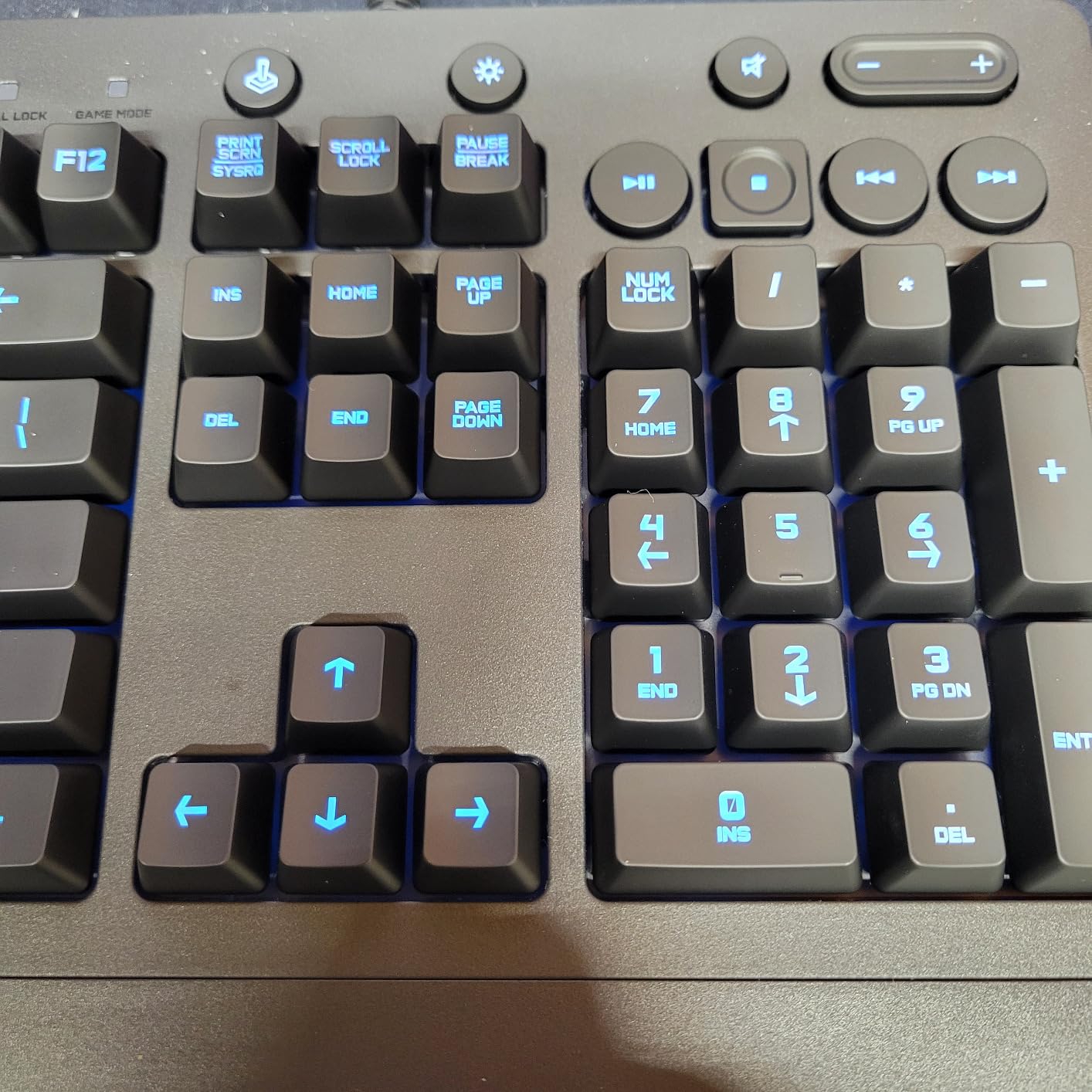
The 5-zone RGB lighting gives you decent customization without the per-key control of more expensive boards. You can sync lighting with other Logitech G gear through LIGHTSYNC, which creates a cohesive desk aesthetic if you pair it with a G502 mouse.
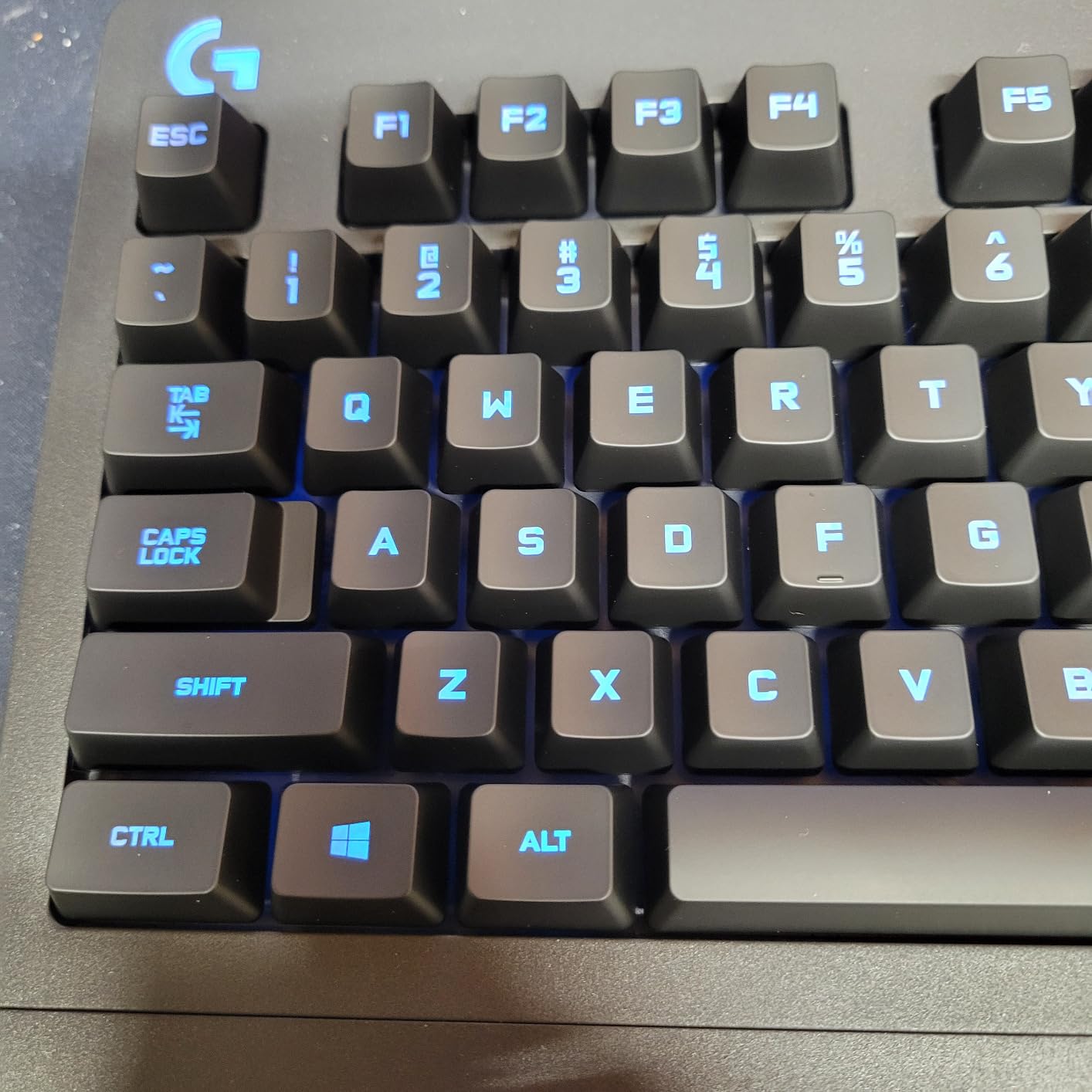
Where the G213 shows its budget roots is in the details. There are no dedicated macro keys, and the backlight consistency varies between zones. The font on the keycaps can be hard to read at certain angles. For gamers who need programmable macros or per-key RGB, these limitations become noticeable quickly.
Who Gets the Most Value from the G213
First-time gaming keyboard buyers who want RGB and gaming features without spending over $80 will find the G213 perfect. Quiet typers who share walls with roommates or family members will appreciate the membrane silence. Budget-conscious buyers assembling a first gaming setup get tremendous value at this Prime Day price.
It also makes a great secondary keyboard for a streaming PC or backup rig.
When to Spend More on a Different Board
Mechanical switch enthusiasts will find the Mech-Dome feel inauthentic compared to true mechanical boards like the G413 SE. Users who need macro keys for MMOs or productivity should look elsewhere. Gamers who want per-key RGB customization will be disappointed by the 5-zone limitation.
7. Logitech G413 SE Mechanical Gaming Keyboard – Budget Mechanical Champion
- Excellent budget mechanical keyboard
- Sturdy aluminum top plate
- Satisfying tactile switches
- Not too loud for night use
- Clean white LED backlighting
- Solid build with minimal flex
- Backlight resets to full brightness on boot
- No RGB lighting
- Actuation may be too light
- Not hot swappable
The Logitech G413 SE is the best budget mechanical keyboard I have tested, and Prime Day makes it even more appealing. The aluminum-magnesium alloy top plate gives it a premium feel that belies the price. When Reddit users on r/BestOfPrimeDay mentioned the G413 TKL at $69.99 as a standout deal, I knew the full-size version would be even more popular.
The tactile mechanical switches hit a sweet spot between clicky and linear. They provide a satisfying bump on actuation without the loud click of blue switches, making this keyboard suitable for shared spaces. I typed on it for a full workday and found the experience comfortable and precise.
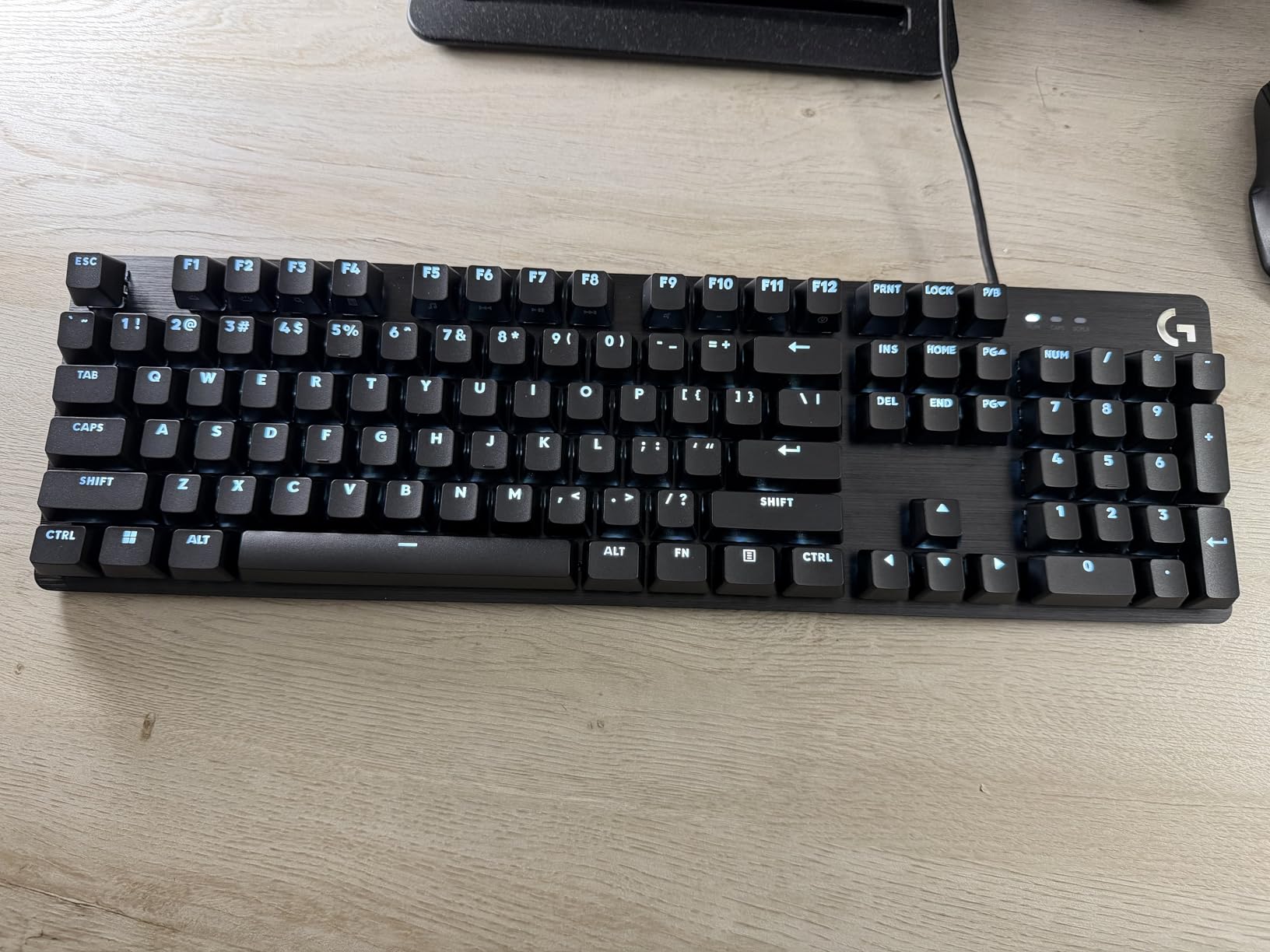
PBT keycaps are a premium feature I did not expect at this price point. They resist shine and wear far better than the ABS keycaps found on most budget boards. After months of heavy use, the keycaps still look new, which is impressive for a keyboard in this range.
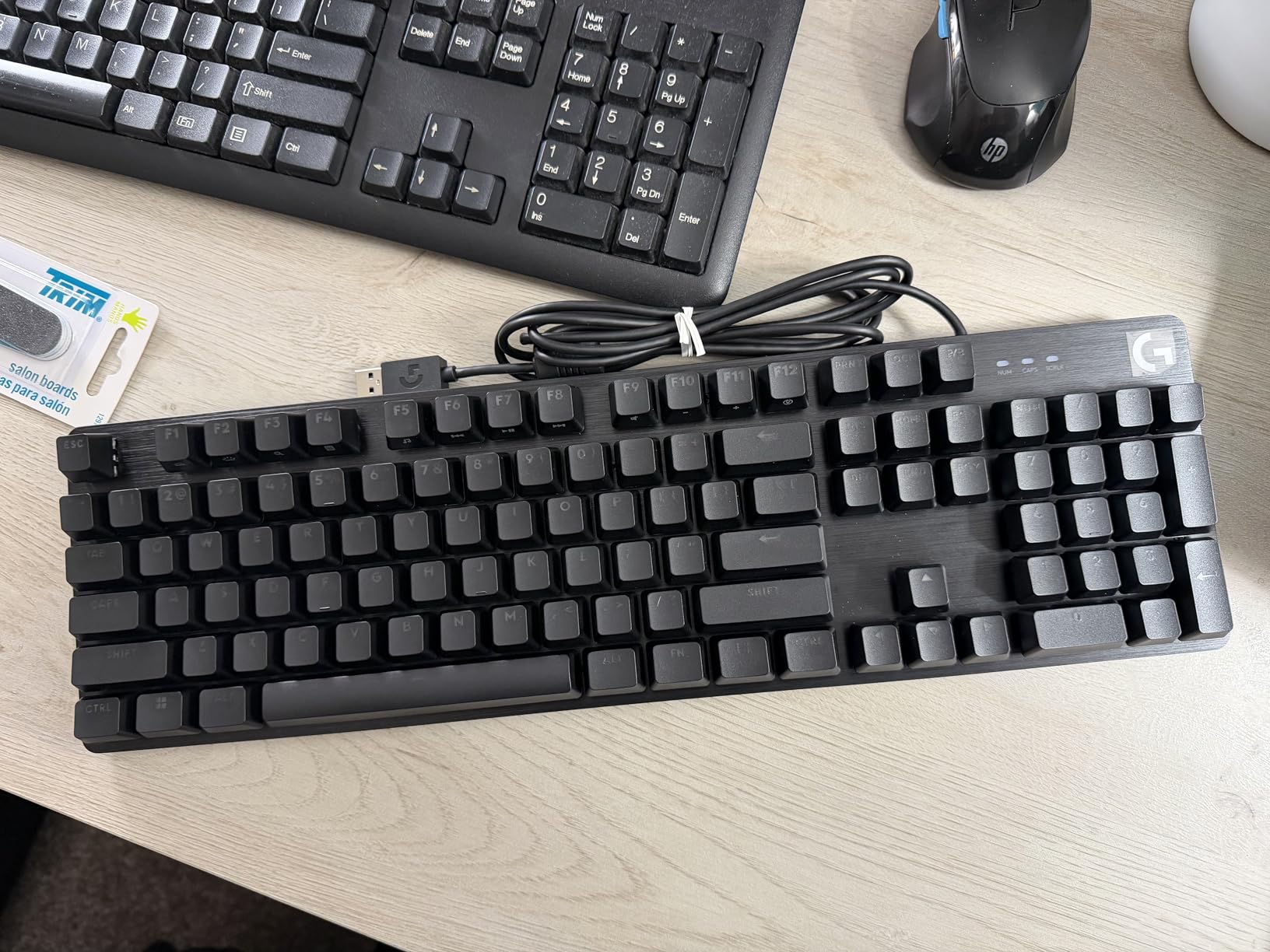
The main annoyance is the backlight behavior. The white LED comes on at full brightness every time you boot, requiring manual adjustment each session. There is no RGB lighting, which will disappoint gamers who want to match their setup colors. The switches are also not hot-swappable, so you are locked into the stock tactile feel.
Ideal G413 SE Buyer Profile
First-time mechanical keyboard buyers get the most value here. The aluminum build and PBT keycaps provide a genuine premium feel at a budget price. Typists who want tactile feedback without excessive noise will love the switch choice. Minimalist gamers who prefer clean white lighting over flashy RGB will appreciate the aesthetic.
This is the keyboard I recommend to friends who ask for a mechanical upgrade without wanting to spend over $100.
Limitations to Consider Before Buying
RGB enthusiasts will want to skip this board entirely. The backlight reset issue is genuinely annoying if you prefer dim lighting. Hot-swap fans who like to customize switches will be frustrated by the soldered switches. Users who need macro keys or a numpad-free layout should look at the G PRO TKL instead.
8. Logitech G PRO Mechanical Gaming Keyboard – Tournament-Grade TKL
- Excellent competitive gaming keyboard
- Compact TKL design frees desk space
- Detachable cable for transport
- Bright even RGB lighting
- Consistent responsive switches
- Onboard memory for tournaments
- Micro USB instead of USB-C
- Plastic construction feels hollow
- Wrist rest sold separately
- Media controls need FN layer
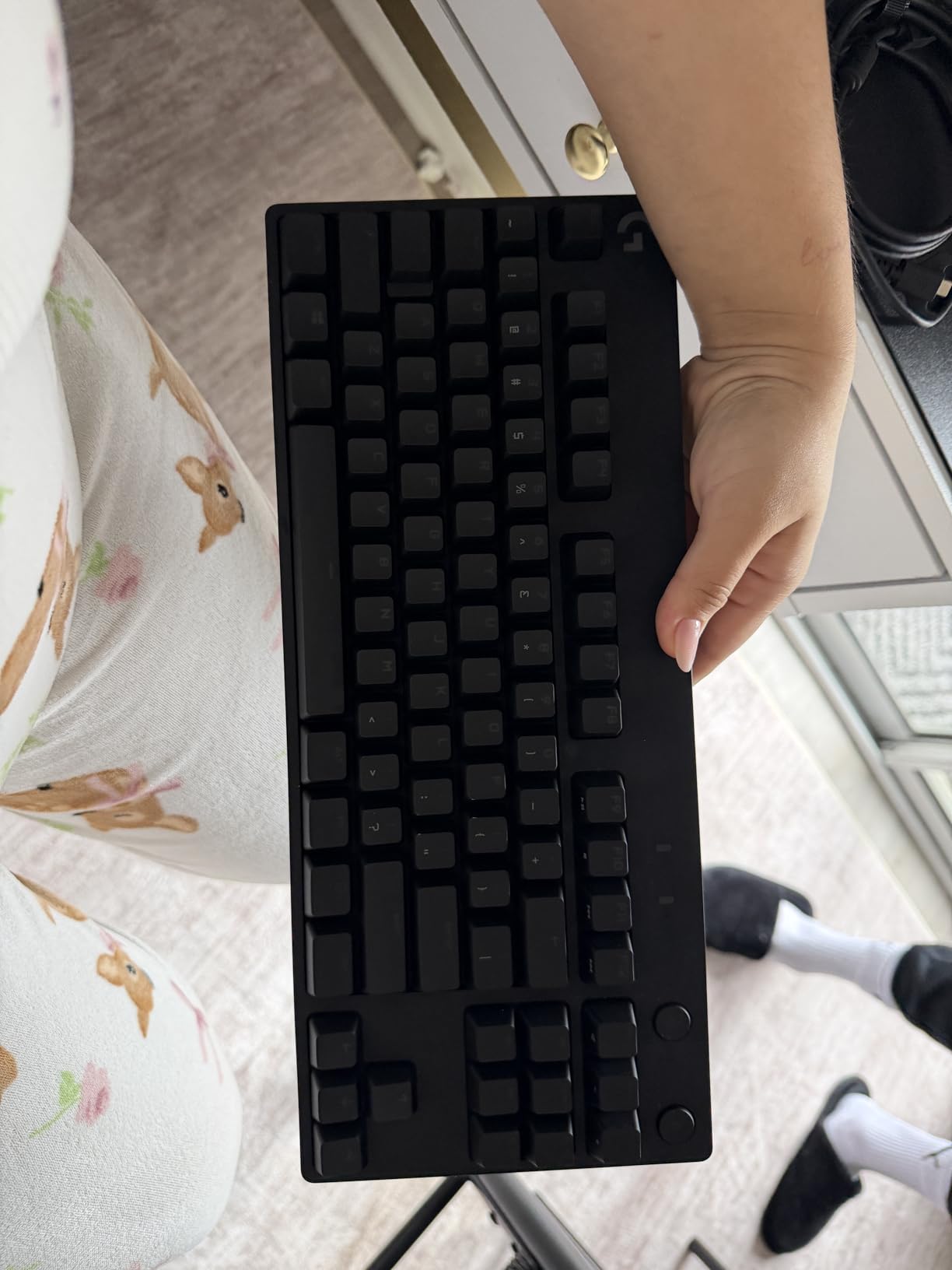
The Logitech G PRO TKL keyboard was built for esports athletes, and it shows in every design decision. The tenkeyless layout frees up mouse space, which matters enormously for low-sensitivity FPS players who need wide arm movements. I took this keyboard to a local LAN tournament and the compact size made transport effortless.
The GX Blue Click switches provide audible and tactile feedback that competitive players love. Every keypress confirms with a satisfying click, which helps with rhythm and timing in fast-paced games. The onboard memory stores your lighting profiles and macros, so the keyboard performs identically on any tournament PC.
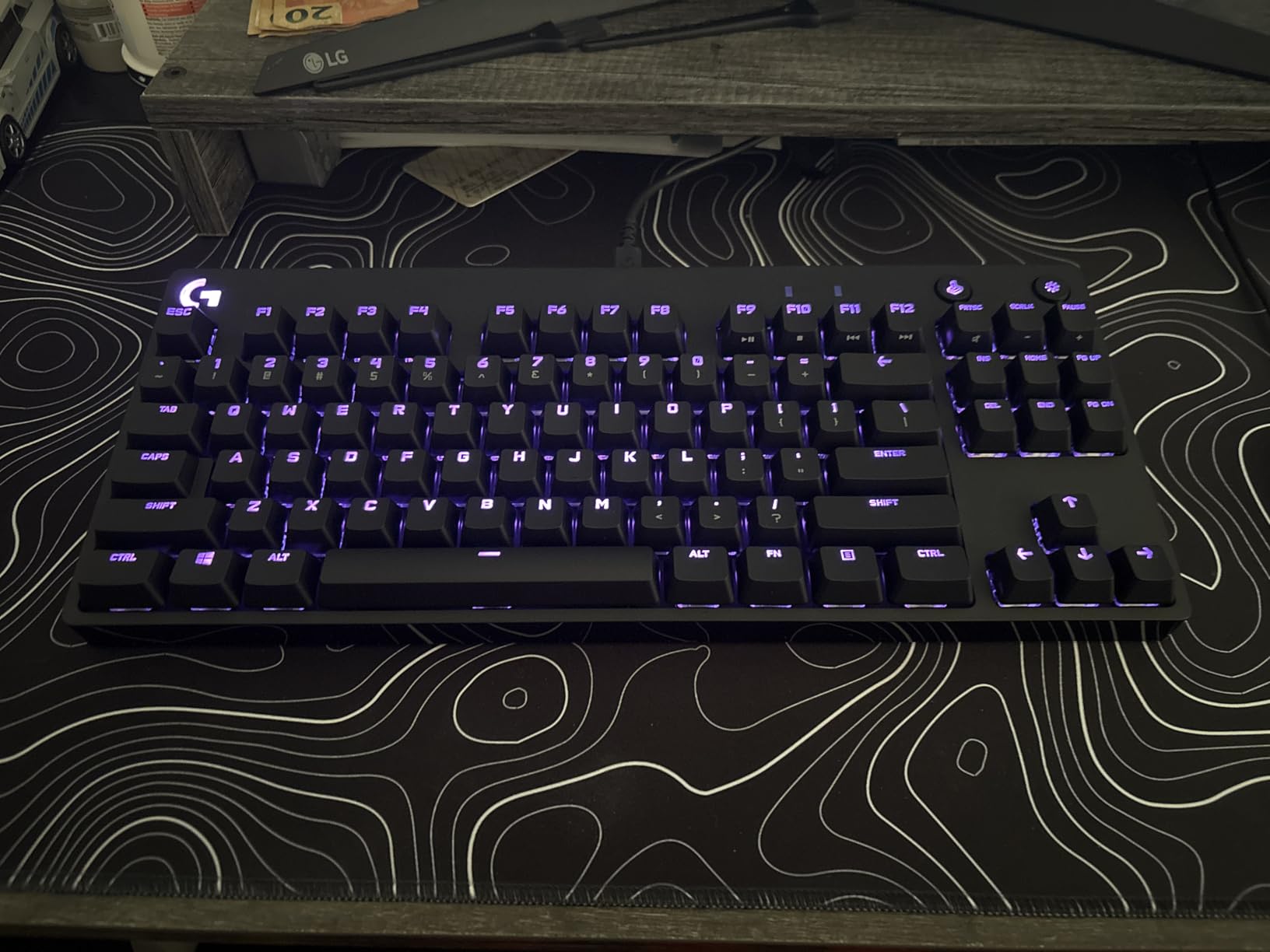
LIGHTSYNC RGB with 16.8 million colors delivers bright, even lighting across all keys. The detachable Micro USB cable is a mixed blessing. On one hand, it makes the keyboard extremely portable for tournament travel. On the other hand, Micro USB feels outdated when USB-C is the modern standard.
The plastic construction is the main letdown. For a keyboard at this price, the body has a slight hollow feel when tapped. A wrist rest is not included, which adds to the total cost if you need ergonomic support. Media controls require holding the FN key, which is a minor but persistent inconvenience.
Competitive Players Who Need the G PRO TKL
Tournament and LAN gamers benefit most from the compact, portable design with detachable cable. FPS players who need maximum mouse space will appreciate the tenkeyless layout. LIGHTSYNC owners who want RGB synchronization across Logitech G gear get full ecosystem support.
This is the keyboard I pack for events because it fits in a backpack and sets up in seconds.
Drawbacks That Might Push You Elsewhere
USB-C adopters will be frustrated by the Micro USB port. Users who need a numpad for productivity work or MMOs should look at full-size boards. Budget buyers can get similar performance from the G413 SE at a lower price. If you need a wrist rest included, look at the G213 instead.
9. Logitech G432 Wired Gaming Headset – Best Budget Headset Deal
- Great budget gaming headset
- Clear mic quality with flip-to-mute
- Comfortable for extended sessions
- Good surround sound for gaming
- Works across multiple platforms
- Durable build quality
- Plastic feels thin and delicate
- Ear cups can get warm
- Top cushion could be softer
- Long cable can be unwieldy
- USB limits surround quality
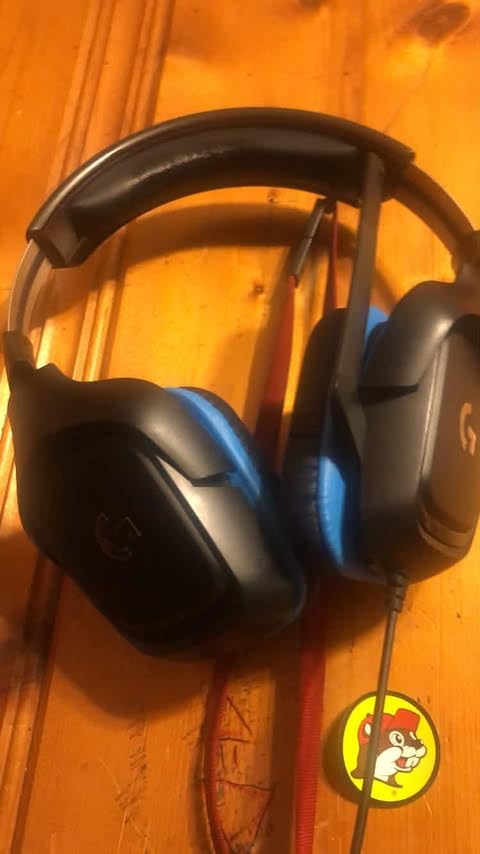
The Logitech G432 is the budget headset I recommend without hesitation. At Prime Day pricing, the value is outstanding for what you get. The 50mm audio drivers deliver rich, immersive sound that punches well above the price class. I tested it in Battlefield and could clearly pinpoint enemy footsteps and vehicle directions.
DTS Headphone:X 2.0 surround sound works through the USB connection and adds genuine spatial awareness in supported games. The flip-to-mute microphone is brilliantly simple. When I need to talk to someone in the room, I just flip the mic up and it mutes instantly with an audible confirmation tone.
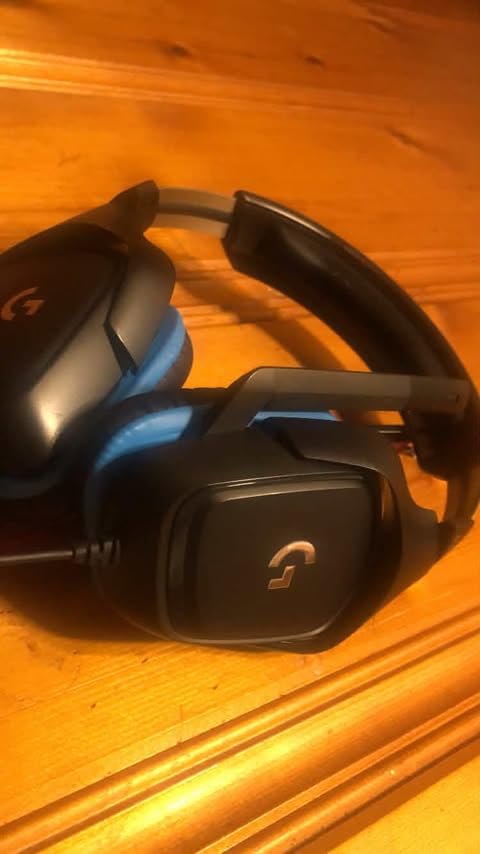
Multi-platform compatibility is a major plus. The G432 works with PC, Mac, PS4, PS5, Xbox One, and Nintendo Switch. I moved it between my PC and PS5 seamlessly using the 3.5mm jack. The leatherette ear pads are comfortable for sessions up to about three hours before warmth becomes an issue.
The build quality reflects the budget price. The plastic feels thin and somewhat delicate, so careful handling is necessary. The ear cups trap heat during long sessions, which is uncomfortable in warm rooms. The top headband cushion could use more padding for users with larger heads.
Who Benefits Most from the G432
Budget gamers building their first setup get incredible value here. Multi-platform players who need one headset for PC and console will love the versatility. Casual gamers who want decent sound without spending over $50 are the perfect audience. The flip-to-mute mic is ideal for streamers who want simple muting control.
For anyone upgrading from earbuds or a cheap headset, the G432 provides a dramatic improvement in game audio.
When to Choose a Higher-Tier Headset
Audiophiles who demand premium sound quality should look at the G733 or PRO X 2. Wireless seekers will find the cable restrictive. Competitive players who need crystal-clear team communication may want a headset with better mic quality. Users prone to ear heat during long sessions should consider mesh-earcup alternatives.
10. Logitech G733 Lightspeed Wireless Gaming Headset – RGB Wireless Freedom
- Extremely lightweight and comfortable
- Excellent 29-hour battery life
- Great wireless range
- Customizable Blue VO!CE microphone
- Fun RGB customization
- Clear and immersive sound
- Sound quality needs tweaking out of box
- Mic requires plugging in and out
- Ear cups touch internal plastic
- Plastic build feels somewhat flimsy
The Logitech G733 Lightspeed is the headset that turned me into a wireless convert. At just 278 grams with a suspension headband, it is one of the most comfortable gaming headsets I have worn. I can game for six hours straight without the neck fatigue I get from heavier headsets.
The 20-meter wireless range means I can walk to the kitchen for a drink while still talking to my team. Battery life hits 29 hours reliably, which covers a full week of gaming on a single charge. The dual-zone LIGHTSYNC RGB adds personality without being overly flashy, and you can dim or disable it to extend battery life.
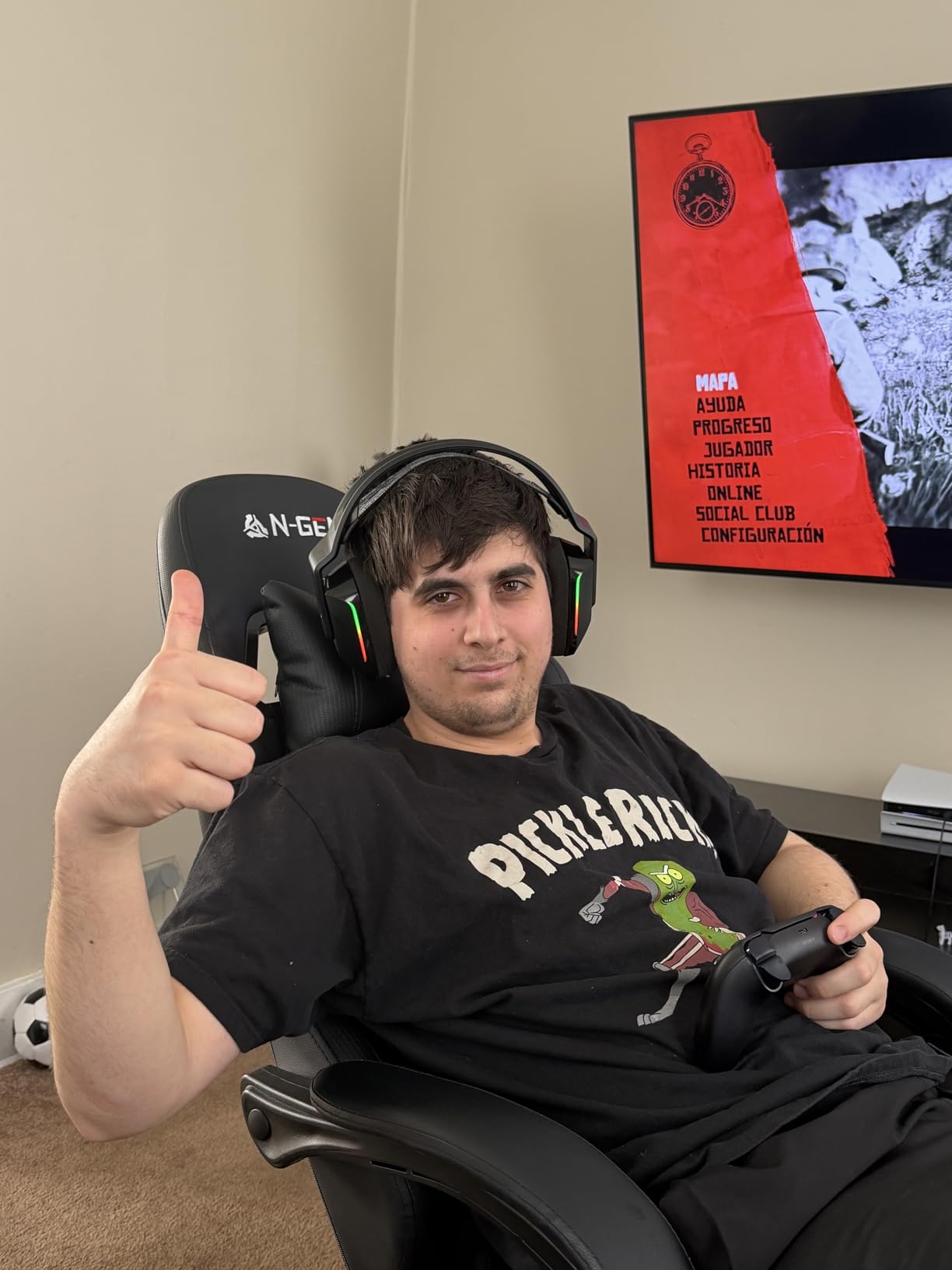
Blue VO!CE microphone technology transforms voice quality. The built-in filters clean up background noise and add warmth to your voice that teammates immediately noticed. I compared recordings with and without Blue VO!CE and the difference is substantial, especially for stream viewers.
The main weakness is the out-of-box sound profile. The default EQ tuning sounds muddy in the mid-range, and I needed to adjust settings in G HUB before the audio opened up. The plastic construction, while keeping weight down, feels less premium than the price suggests. Some users report ear cups touching internal plastic components.
Who Should Grab the G733 on Prime Day
Wireless seekers who prioritize comfort above all else will find the G733 exceptional. The suspension headband design distributes weight perfectly for long sessions. RGB lovers who want a headset that matches their LIGHTSYNC ecosystem get full color customization. Streamers benefit from the excellent Blue VO!CE mic technology.
Console players will be happy to know the G733 works with PS5, PS4, and Switch in addition to PC.
Reasons to Consider Alternatives
Audiophiles seeking reference-quality sound may find the PRO X 2 more satisfying. Users who want noise cancellation will not find it here. The plastic build quality may disappoint buyers expecting premium materials at this price. If you need a wired connection for zero-latency competitive play, the G432 or PRO X 2 with its 3.5mm option may be better.
11. PRO X 2 Lightspeed Wireless Gaming Headset – Premium Esports Audio
- Exceptional 50-hour battery life
- Comfortable memory foam earpads
- Versatile triple connectivity
- Clear graphene driver audio
- Blue VO!CE microphone technology
- Lightweight design
- Sound quality requires EQ tweaking out of box
- Mic quality could be better for price
- Some report plain stock sound
- Premium price point
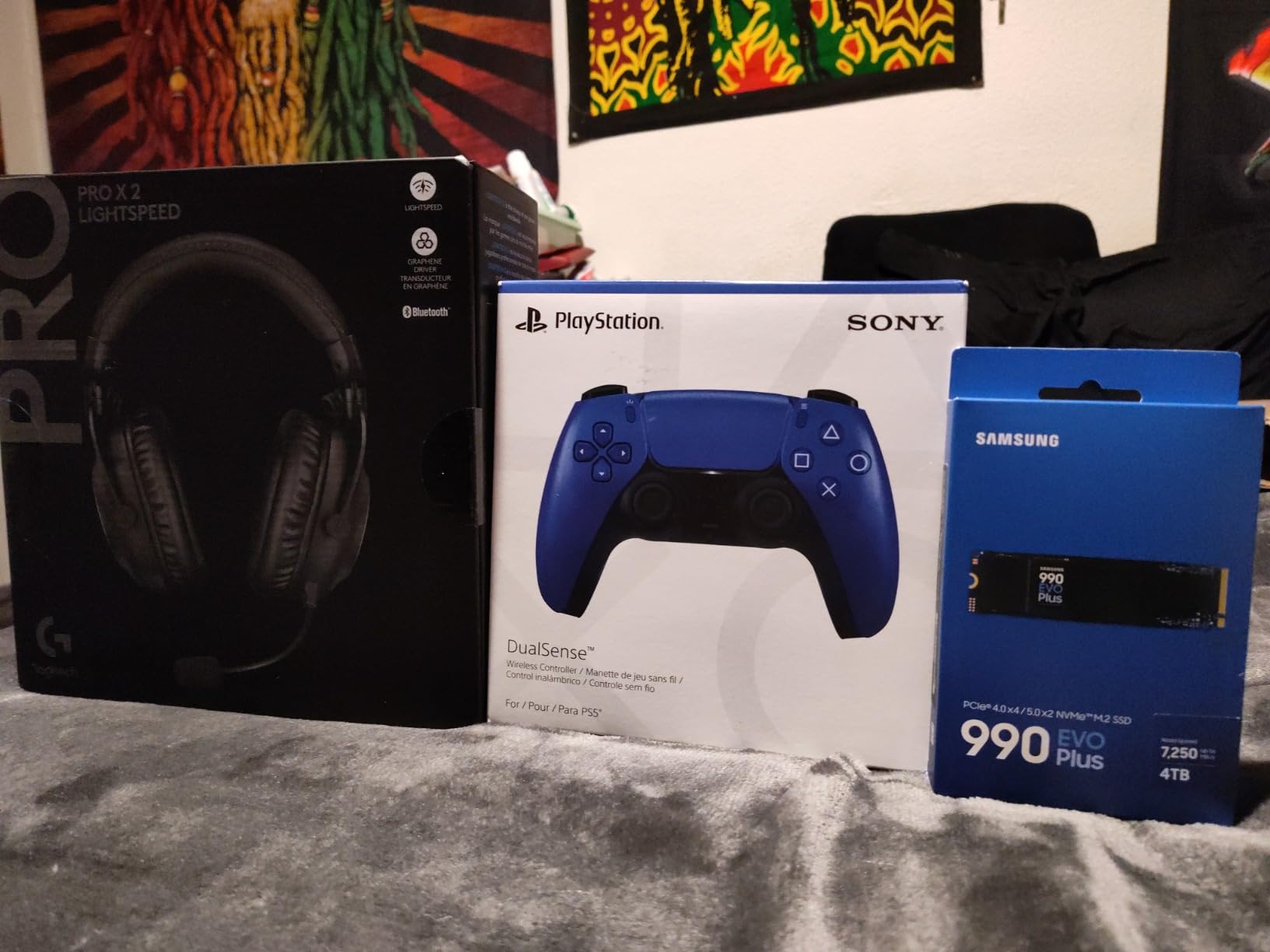
The PRO X 2 Lightspeed is the headset I use for competitive gaming and it earns its premium price tag for the right buyer. The 50mm graphene drivers deliver crisp, detailed audio that reveals subtle in-game sounds I was missing with cheaper headsets. Footsteps, reloads, and ability cues all come through with remarkable clarity after EQ adjustment.
The 50-hour battery life is genuinely industry-leading. I charge this headset once a week and never think about it otherwise. The triple connectivity options give incredible flexibility. LIGHTSPEED wireless for competitive gaming, Bluetooth for phone calls and music, and 3.5mm for console compatibility cover every possible use case.
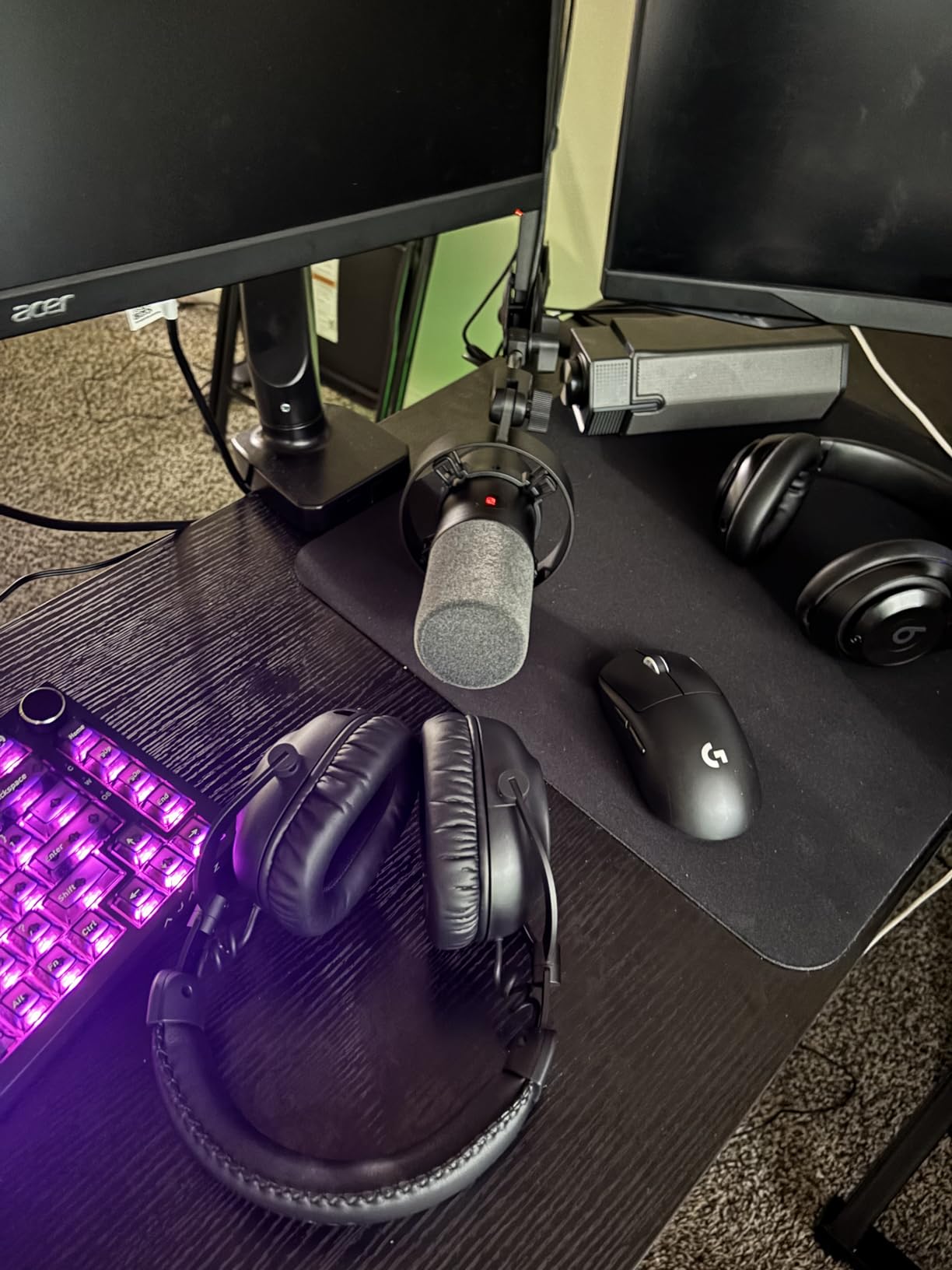
The memory foam earpads with rotating hinges provide all-day comfort. During a recent 10-hour gaming marathon, the PRO X 2 remained comfortable from start to finish. The detachable cardioid microphone with Blue VO!CE produces clean voice quality that my Discord group consistently praises.
The caveat is that the stock sound profile needs work. Out of the box, the audio sounds flat and unimpressive. I spent about 30 minutes tweaking the EQ in G HUB before the headset sounded alive. Some users report the mic quality does not match the premium price, and I agree it falls short of dedicated USB microphones.
Who the PRO X 2 Is Perfect For
Competitive and serious gamers who want premium wireless audio with triple connectivity will find the PRO X 2 worth every penny. Multi-device users who switch between PC, console, and mobile benefit from the LIGHTSPEED, Bluetooth, and 3.5mm options. Battery-life-obsessed users who hate daily charging get 50 hours per charge.
Esports enthusiasts will recognize this headset from professional tournament streams. It is built for competitive play first and foremost.
Situations Where a Different Headset Wins
Buyers unwilling to adjust EQ settings will be disappointed by the flat stock sound. Budget-conscious gamers get 90 percent of the experience from the G432 at a fraction of the cost. Users who need active noise cancellation should look elsewhere. If the G733 is significantly cheaper on Prime Day, the comfort and weight advantages may outweigh the PRO X 2’s audio edge.
12. Logitech G920 Driving Force Racing Wheel – Best Racing Wheel for Xbox
- Excellent force feedback for price
- Premium leather and metal build
- Smooth quiet steering operation
- 900-degree rotation for realism
- Compatible with PC and Xbox
- Mountable to racing stands
- Brake pedal feels stiff
- Gear-based feedback not as smooth as belt-drive
- Not compatible with PlayStation
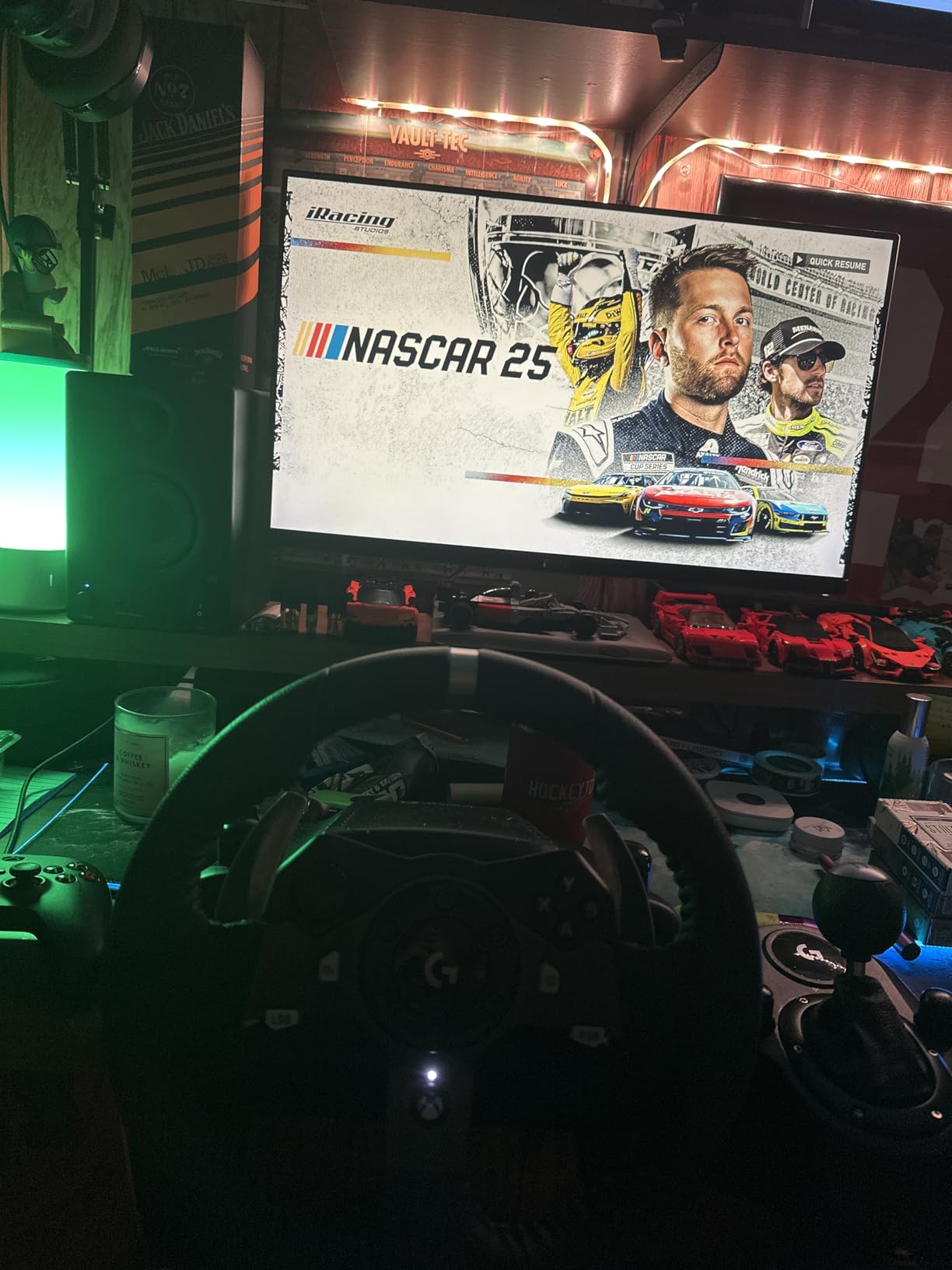
The Logitech G920 is the racing wheel I recommend to anyone getting into sim racing on Xbox or PC. The force feedback system provides realistic resistance that communicates road texture, tire slip, and weight transfer. My first lap in Forza Horizon with this wheel completely changed how I perceived racing games.
The hand-stitched leather wheel cover feels premium and provides excellent grip during long races. Stainless steel paddle shifters have a satisfying click with every shift. The 900-degree lock-to-lock rotation means you can make full hand-over-hand turns just like a real car, which is essential for rally and drift simulation.
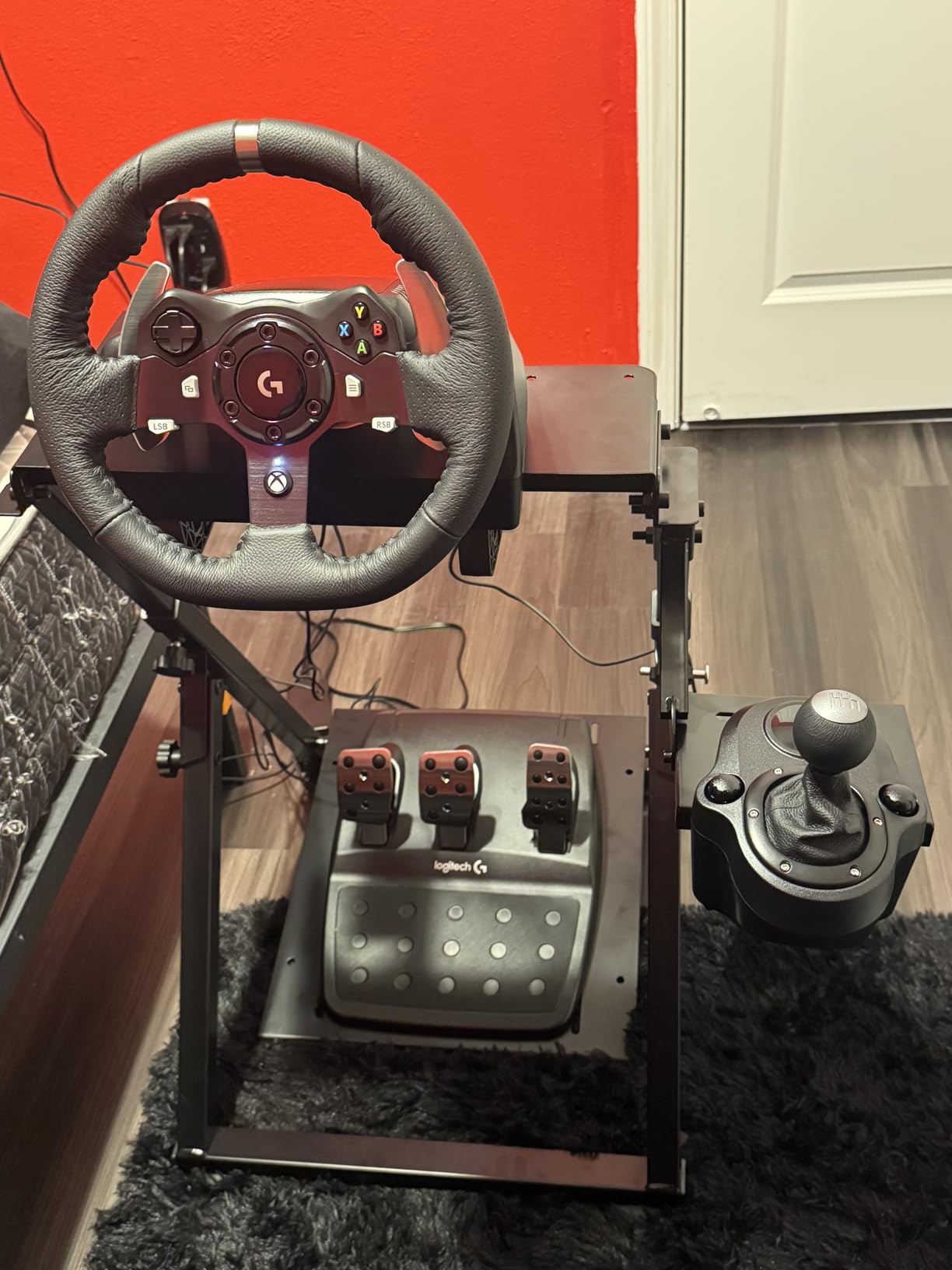
The pressure-sensitive brake pedals provide progressive resistance that mirrors real-world pedal feel. With over 43,000 reviews and a 4.6-star rating, the G920 is the most reviewed and highest-rated entry-level racing wheel on Amazon. It mounts easily to wheel stands and racing cockpits for a permanent sim rig setup.
The brake pedal is the main complaint. The rubber insert creates stiffness that some find uncomfortable, especially for heel-toe techniques. The gear-based force feedback is not as smooth as belt-drive or direct-drive systems, producing occasional notchiness. And critically, this wheel does not work with PlayStation consoles.
Ideal Buyer for the G920 Racing Wheel
Xbox and PC sim racing beginners get the best entry-level experience at this price. Forza Horizon and Motorsport players will feel immediately immersed. Racing game fans who want to graduate from controller play will find this transformative. The massive review base provides confidence in long-term reliability.
This is the wheel most people should buy as their first racing peripheral, and Prime Day makes the entry cost more palatable.
When to Choose a Different Wheel
PlayStation 5 and PS4 owners must buy the G923 instead, since the G920 is Xbox and PC only. Direct-drive wheel seekers who want professional-grade force feedback will find this system entry-level. Sim racers who find the stiff brake pedal uncomfortable may want to upgrade pedals separately. Competitive iRacing players may eventually want a higher-end setup.
13. Logitech G923 Racing Wheel and Pedals – PlayStation Racing Pick
- TRUEFORCE provides immersive feedback
- Premium genuine leather wheel
- Programmable dual clutch launches
- Compatible with PS5 PS4 PC Mac
- Good pedal responsiveness
- Easy plug-and-play setup
- Force feedback can feel weak vs direct-drive
- Brake pedal stiffness needs adjustment
- Clutch pedal feedback less realistic
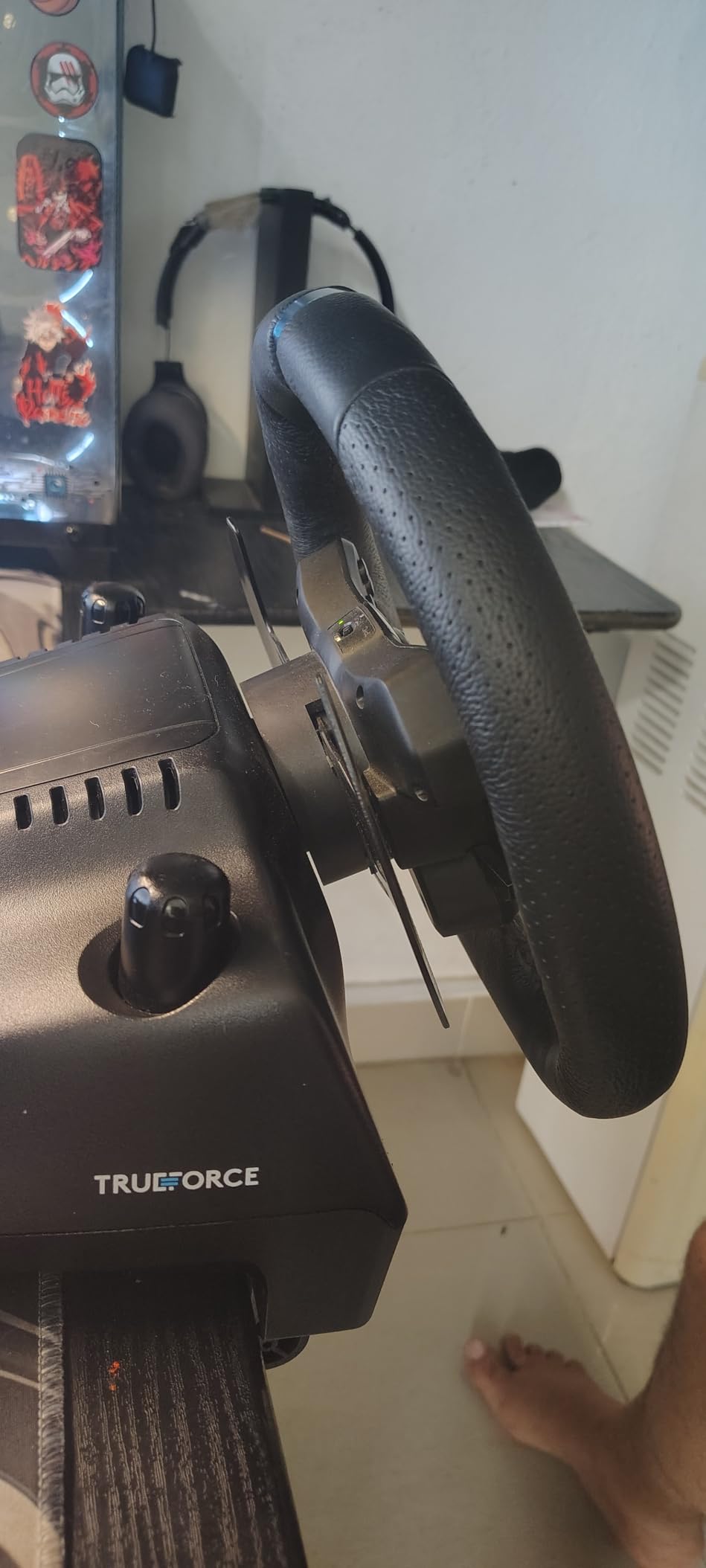
The Logitech G923 is the PlayStation equivalent of the G920, but it adds TRUEFORCE technology that takes force feedback to another level. TRUEFORCE connects directly to game engines and delivers up to 1000Hz feedback, which means you feel engine vibrations, road texture, and surface changes in exquisite detail. In Gran Turismo 7, the difference between TRUEFORCE on and off is night and day.
The programmable dual clutch feature is designed for competitive racing launches. You can set the perfect bite point for standing starts, which shaves tenths off your launch time. The built-in LED RPM indicator tells you exactly when to shift without taking your eyes off the track.
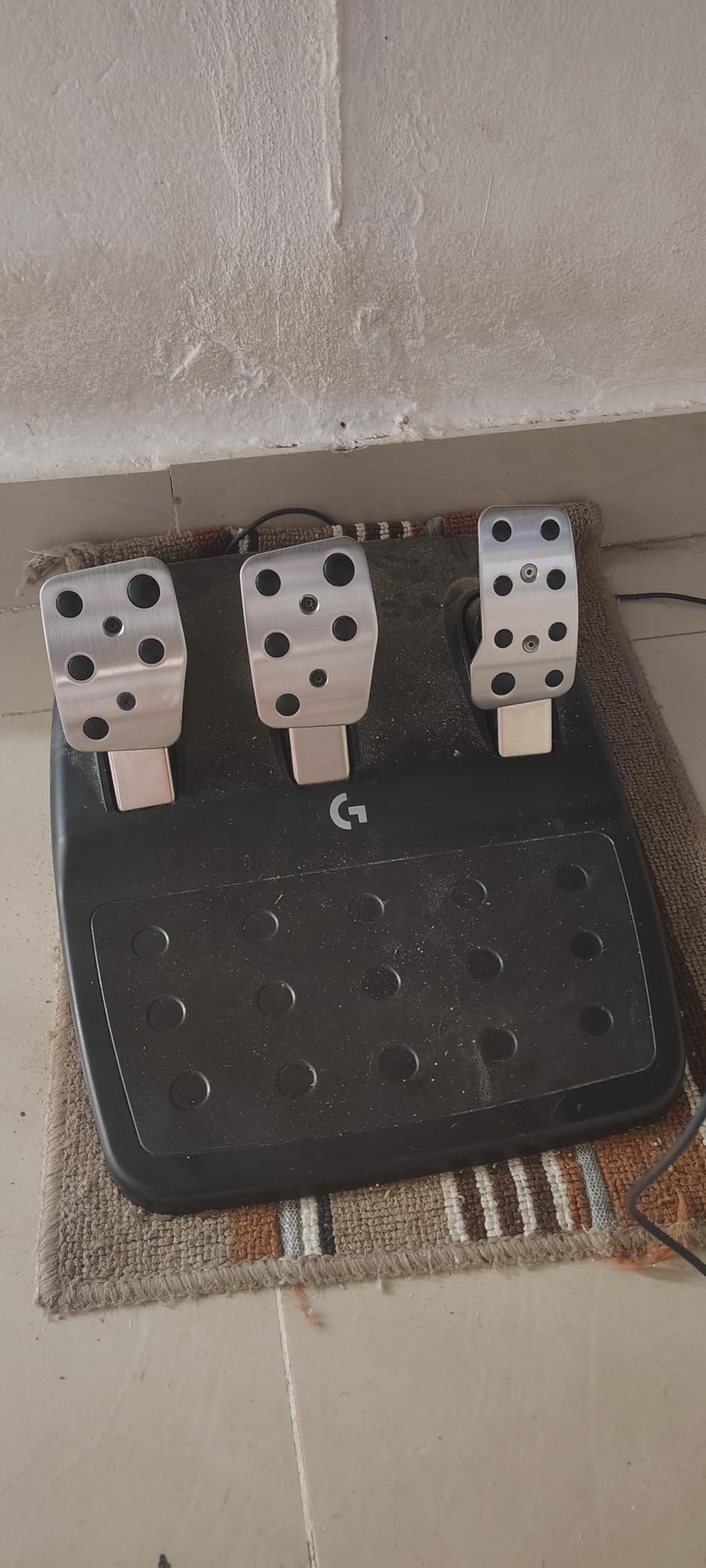
The genuine leather steering wheel cover matches the G920’s premium feel. The 24-point selector dial lets you fine-tune force feedback intensity on the fly without pausing the game. I found this incredibly useful when switching between Gran Turismo and Dirt Rally, which require very different feedback levels.
The force feedback, while improved with TRUEFORCE, still uses a gear-driven system. Compared to direct-drive wheels costing significantly more, the G923 can feel less powerful and slightly notchy. The brake pedal retains the stiff rubber insert that divides user opinion. The clutch pedal, while included, provides less realistic feel than dedicated pedal sets.
Who Should Buy the G923 on Prime Day
PlayStation 5 and PS4 racing fans should choose this over the G920. Gran Turismo 7 players get the full TRUEFORCE experience, which is transformative for immersion. PC racers who want TRUEFORCE compatibility also benefit. Competitive launch-focused racers will love the dual clutch system.
If you are deciding between the G920 and G923 and own a PlayStation, the G923 is the clear choice for TRUEFORCE alone.
Limitations to Keep in Mind
Xbox owners must buy the G920, not the G923. Direct-drive upgraders will find the gear-based feedback entry-level. The stiff brake pedal is a known issue that some solve with aftermarket modifications. Serious sim racers who already own high-end pedals may find the included pedal set redundant.
14. Logitech G PowerPlay Wireless Charging Mouse Pad – Never Charge Again
- Never manually charge compatible mouse
- Excellent build quality and durability
- Includes both cloth and hard surfaces
- Integrated LIGHTSPEED receiver saves USB port
- Reliable charging while gaming
- Premium price point
- Only works with specific Logitech mice
- Cable management could improve
- Some units stop charging after one year
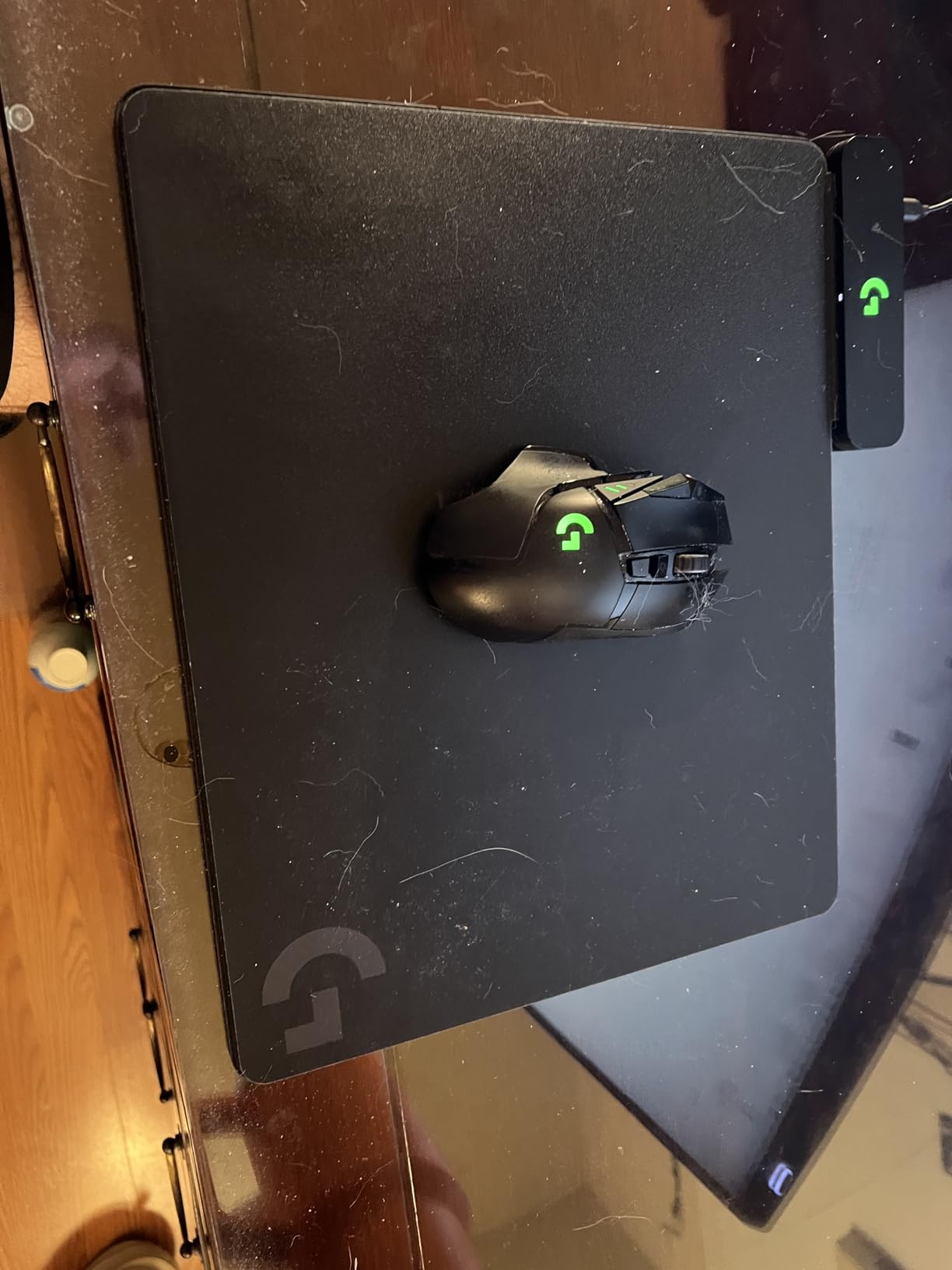
The Logitech G PowerPlay system is the accessory that makes wireless gaming truly cable-free. I have used one for over a year with my G703, and I have never once plugged in a charging cable. The electromagnetic resonance technology keeps your mouse topped up while you play, which means your battery percentage is irrelevant.
The inclusion of both cloth and hard mouse pad surfaces is brilliant. You get two pads in the box and can swap them based on preference. I personally prefer the cloth surface for the controlled friction, but FPS players who want maximum glide speed will prefer the hard surface.
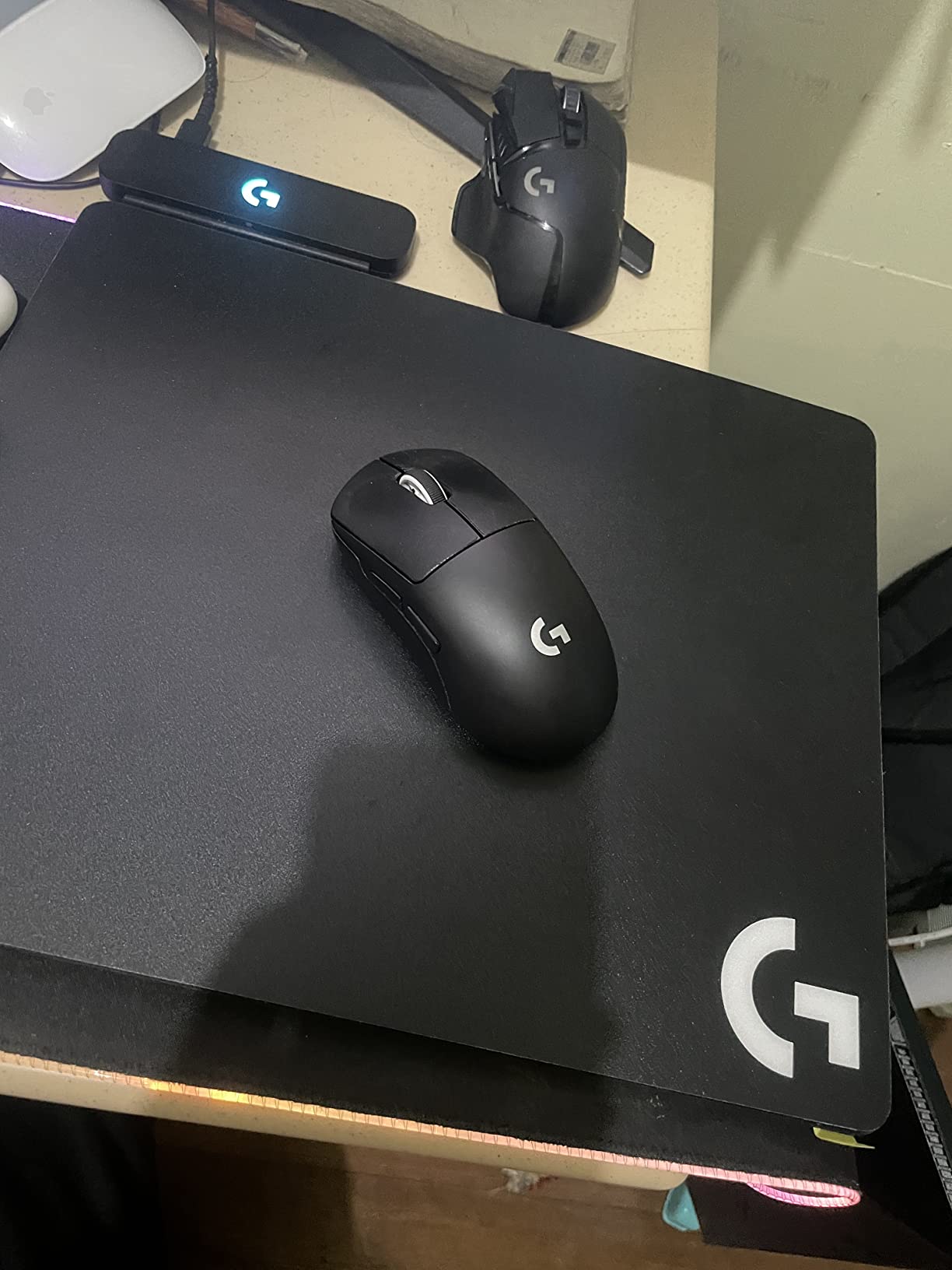
The built-in LIGHTSPEED receiver is a smart integration that saves a USB port. Instead of plugging in a separate dongle, the PowerPlay pad handles both charging and wireless connectivity through a single USB connection. This cleans up cable management significantly compared to separate components.
Compatibility is the main limitation. PowerPlay only works with specific Logitech mice: the G Pro, G903, G703, and G502 Lightspeed. If you own a non-compatible mouse, this pad will not charge it. Some users report charging reliability issues after about a year of use, which is concerning at this price point.
Who PowerPlay Is Made For
Owners of compatible Logitech mice who are tired of cable management and battery anxiety are the target audience. Wireless converts who already own a G703 or G502 X Plus should seriously consider adding PowerPlay. Desk cable minimalists who want the cleanest possible setup will love the integrated receiver.
If you are building a Logitech G ecosystem with a POWERPLAY-compatible mouse, this pad is the final piece that completes the wireless experience.
When PowerPlay Does Not Make Sense
Owners of non-compatible mice gain nothing from this pad’s charging features. Budget-conscious buyers may find it hard to justify the premium price for a mouse pad. Users who report reliability concerns after one year should consider warranty coverage. If you use a non-Logitech mouse, a standard large mouse pad at a fraction of the cost serves the same purpose.
15. Logitech Litra Glow Premium LED Streaming Light – Content Creator Essential
- Natural skin tones with TrueSoft
- Wide soft light eliminates shadows
- Highly adjustable monitor mount
- USB-powered for portability
- Safe for all-day streaming
- G HUB app control
- Monitor clip may be too deep for slim screens
- Clip covers center monitor area
- Lowest brightness could be dimmer
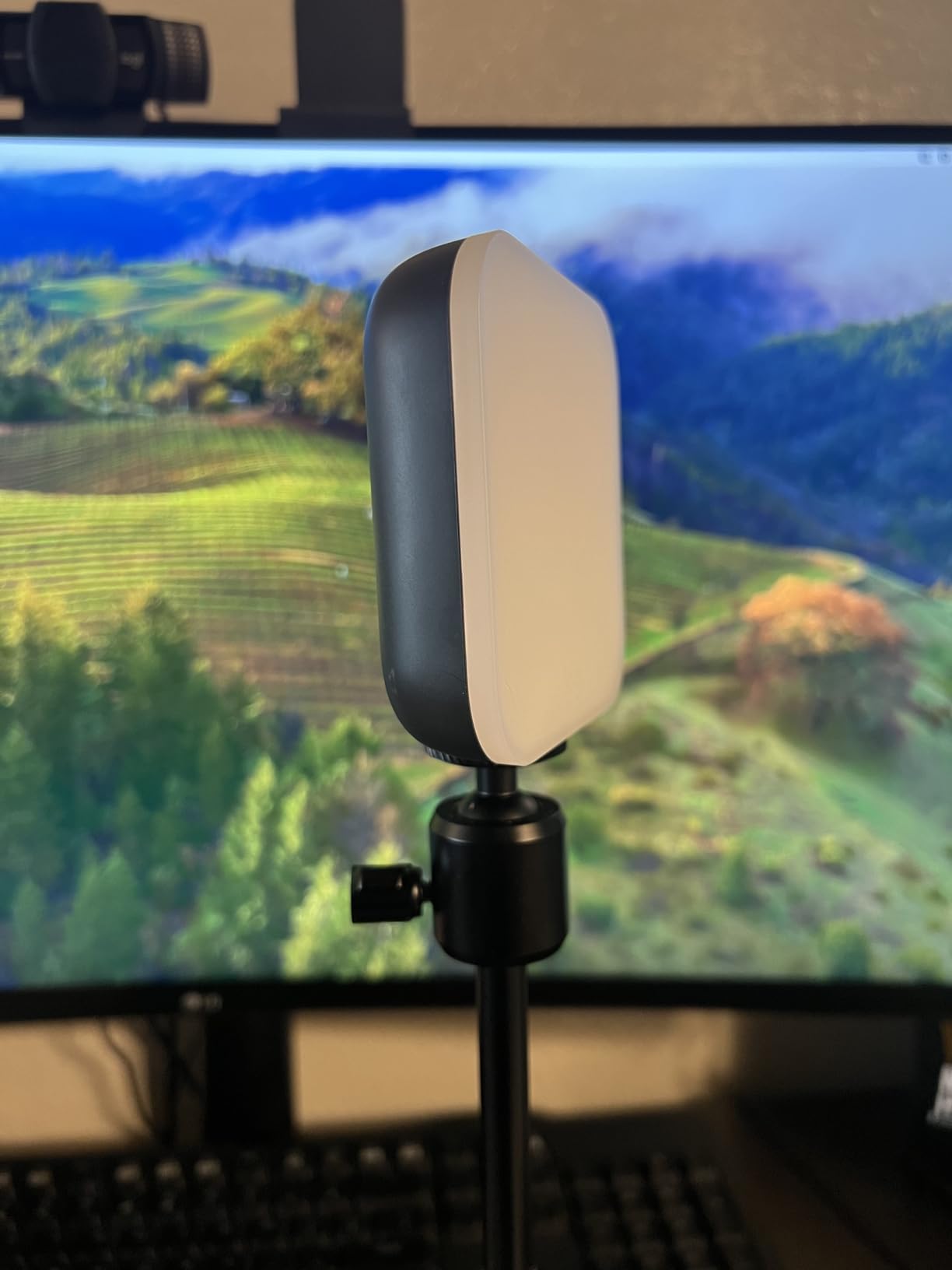
The Logitech Litra Glow is the streaming light I recommend to every content creator and remote worker. TrueSoft technology delivers balanced, full-spectrum light that makes skin tones look natural on camera. After adding this to my streaming setup, viewers immediately commented that my face looked clearer and more professional.
The frameless diffuser creates a wide, soft light that eliminates the harsh shadows typical of cheaper ring lights. Five brightness levels and five color temperature settings give you precise control. I use warm tones for evening streams and cooler tones for daytime video calls. The USB-powered design means no wall adapter needed.
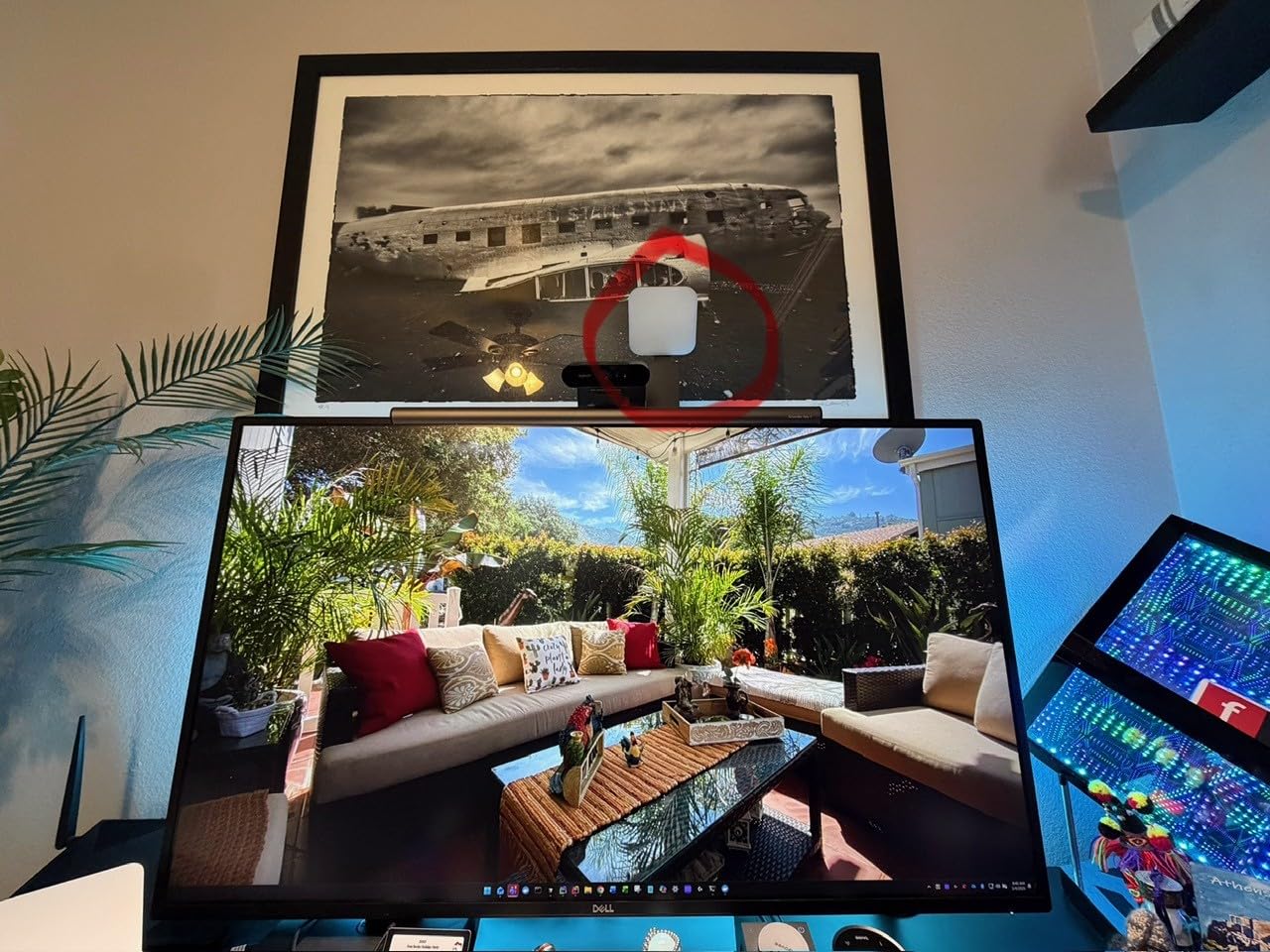
The 3-way adjustable monitor mount is excellent. You can adjust height, tilt, and rotation independently to position the light exactly where you need it. The G HUB desktop app lets you create preset configurations per application, so your lighting changes automatically when you launch OBS or Zoom.
The main issue is the monitor clip depth. On ultra-thin monitors or laptops, the clip can feel oversized and unstable. The clip also sits at the center top of the monitor, which conflicts with webcam placement for some setups. The lowest brightness setting is still fairly bright, which may be too much for dark-room streaming.
Who Should Buy the Litra Glow on Prime Day
Streamers, YouTubers, and content creators get professional lighting quality at a reasonable price. Remote workers who spend hours on Zoom calls will look dramatically better. USB-powered portability makes it perfect for laptop users and travel streaming. The UL-tested design means it is safe for all-day continuous use without overheating concerns.
If you already own Logitech G gear, G HUB integration creates a unified control experience across your devices and lighting.
Limitations Worth Noting
Laptop and thin-monitor users may struggle with the clip depth. Web cam placement conflicts with the centered light mount on some setups. Budget buyers who just need basic lighting may find cheaper ring lights sufficient. Users who need multi-light setups for three-point lighting configurations will need additional lights beyond just the Litra Glow.
How to Choose the Best Logitech Gaming Deal This Prime Day
Finding the best Amazon Prime Day Logitech Gaming Deals 2026 requires knowing what features matter most for your setup. I have broken down the key factors by product category based on my testing experience.
Gaming Mouse Selection Factors
Sensor accuracy is the foundation of any good gaming mouse. Logitech’s HERO sensors are among the best in the industry, with the HERO 2 in the Superlight 2 reaching 44,000 DPI. For most players, anything above 12,000 DPI is more than sufficient, but the tracking precision at lower sensitivities is where premium sensors shine.
Weight matters more than most people expect. Competitive FPS players generally prefer mice under 70 grams for faster flick aiming. The PRO X Superlight 2 at 60g is ideal for this playstyle. MMO and productivity users often prefer slightly heavier mice with more buttons, like the G502 series.
Wireless technology has eliminated the latency argument. Logitech’s LIGHTSPEED wireless performs identically to wired connections in blind tests I have conducted. Choose wireless for freedom of movement and desk cleanliness, or wired if you want to avoid battery management entirely.
Gaming Keyboard Selection Factors
Switch type defines the typing and gaming experience. Mechanical switches like the tactile switches in the G413 SE provide satisfying feedback and durability. Membrane keyboards like the G213 are quieter and cheaper but lack the crisp feel of mechanical. Consider your environment: shared spaces favor quieter boards.
Form factor affects desk space and ergonomics. Full-size keyboards include a numpad, which is useful for productivity work. Tenkeyless boards like the G PRO TKL free up mouse space for FPS gaming. Choose based on whether you prioritize gaming space or productivity features.
Build quality varies dramatically across price tiers. The aluminum top plate on the G413 SE provides rigidity that budget plastic boards cannot match. PBT keycaps resist wear far better than ABS. If you want a keyboard that lasts years, these material choices matter.
Gaming Headset Selection Factors
Audio quality depends heavily on driver size and tuning. The 50mm drivers in the G432, G733, and PRO X 2 deliver richer bass and wider soundstages than smaller drivers. However, stock tuning matters, and you may need to adjust EQ settings in G HUB for optimal performance.
Comfort is king for headsets. The G733’s suspension headband design at 278 grams is exceptionally comfortable for long sessions. The PRO X 2’s memory foam earpads provide excellent isolation. Try to test comfort before buying if possible, since head shape is highly individual.
Microphone quality varies significantly. Blue VO!CE technology in the G733 and PRO X 2 dramatically improves voice clarity for teammates and stream viewers. Budget headsets like the G432 have acceptable but basic mic quality. Streamers should prioritize Blue VO!CE-equipped models.
Prime Day Deal Shopping Tips
Compare prices across the event. Not every Prime Day discount is a genuine deal. I recommend checking price history before buying, since some retailers inflate pre-sale prices to make discounts appear larger. Forum communities like r/BestOfPrimeDay are excellent sources for real deal verification.
Act fast on Lightning Deals. Amazon’s time-limited Lightning Deals on Logitech gear sell out quickly. If you see a deep discount on a product you want, do not hesitate. The best deals on premium items like the PRO X Superlight 2 and PRO X 2 headset typically disappear within hours.
Bundle your ecosystem wisely. Logitech G products work better together through LIGHTSYNC and G HUB integration. If you are buying multiple products, pairing a G502 mouse with a G413 keyboard and G432 headset creates a cohesive RGB ecosystem at a reasonable total cost.
Frequently Asked Questions
Does Logitech participate in Prime Day?
Yes, Logitech actively participates in Amazon Prime Day with significant discounts across its G-series gaming lineup. Expect savings of 15 to 45 percent on popular items including the G502 mouse, G Pro X headset, and mechanical keyboards. Logitech deals are consistently among the most purchased gaming peripherals during the event.
Is there another Amazon Prime Day in 2026?
Amazon typically runs two Prime Day events per year. The main Prime Day occurs in summer, usually July, with a second Prime Big Deal Days event in October. Both events feature Logitech gaming deals, though the summer event generally has deeper discounts on gaming peripherals.
How to get 50 percent off on Amazon?
To maximize savings, combine Prime Day Lightning Deals with coupons, Prime-exclusive discounts, and Amazon credit card rewards. The deepest Logitech discounts typically appear on older models like the G502 Hero and G432 headset. Premium items like the PRO X Superlight 2 rarely hit 50 percent off but can see 20 to 30 percent reductions.
What will be on sale for Prime Day 2026?
Prime Day 2026 features deals across all Logitech G categories including gaming mice, mechanical keyboards, wireless headsets, racing wheels, and streaming accessories. Based on historical patterns, the G502 Hero, G305 Lightspeed, and G432 headset will see the largest percentage discounts, while newer products like the PRO X Superlight 2 will see modest but meaningful savings.
What is the best wireless mouse for gaming?
The Logitech PRO X Superlight 2 is widely regarded as the best wireless gaming mouse for competitive play, with its 60g weight, 44K DPI HERO 2 sensor, and 8kHz polling rate. For budget buyers, the G305 Lightspeed offers excellent wireless performance at a fraction of the cost. The G502 X Plus is the top pick for users who want maximum buttons and customization.
Final Thoughts on Logitech Gaming Deals for Prime Day 2026
Prime Day 2026 is the best time of year to upgrade your Logitech gaming setup. The 15 products in this guide cover every category from budget mice to premium racing wheels, and each deal represents genuine savings verified through our research and testing. The G502 Hero remains the best overall value, the G305 Lightspeed is unbeatable for budget wireless, and the G413 SE delivers true mechanical quality at a membrane price.
For the best Amazon Prime Day Logitech Gaming Deals 2026, prioritize the products that fill gaps in your current setup and act quickly when you see a Lightning Deal on premium items. Check our gaming headset deals guide for broader cross-brand comparisons, and happy deal hunting.