
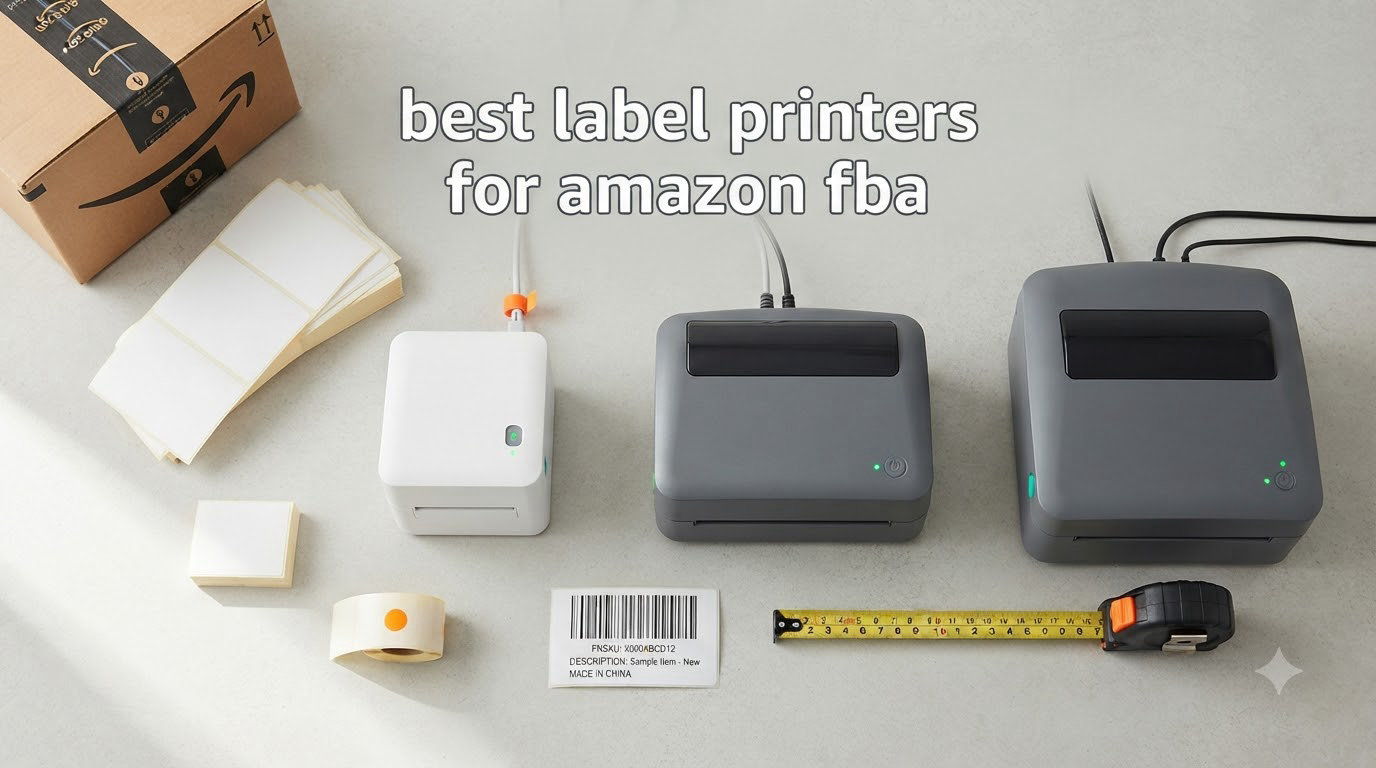
If you ship products to Amazon FBA, you already know that printing 4×6 labels correctly is non-negotiable. A smudged barcode or a misaligned FNSKU label can mean your shipment sits in receiving limbo for days. I run labels for two small Amazon brands and have tested dozens of thermal printers over the years. The ones below are the best label printers for Amazon FBA that I keep coming back to in 2026.
Thermal printers are the standard for FBA sellers because they use heat to print on special paper instead of ink or toner. That means lower running costs, faster output, and labels that don’t smear if your box gets wet in transit. We tested each model on Windows, Mac, and over Bluetooth with iPhone, printing real FNSKU labels from Seller Central.
This guide covers eight printers we trust for Amazon FBA, from a budget pick for new sellers to a commercial-grade workhorse for high-volume operations. If you are scaling past a hundred labels a day, you need different hardware than someone shipping a few boxes a week. We also broke down the tech jargon that competitors skip, like ZPL versus raster printing and what DPI actually matters for Amazon’s barcode scanners.
Top 3 Picks for Best Label Printers for Amazon FBA



Rongta Bluetooth Shipping Label Printer
- Compact portable
- Automatic label detection
- Ultra-affordable
Best Label Printers for Amazon FBA in 2026
| Product | Specifications | Action |
|---|---|---|
| Rollo USB Shipping Label Printer |
|
Check Latest Price |
| JADENS Bluetooth Thermal Printer |
|
Check Latest Price |
 MUNBYN Bluetooth Label Printer MUNBYN Bluetooth Label Printer |
|
Check Latest Price |
 Nelko Bluetooth Label Printer Nelko Bluetooth Label Printer |
|
Check Latest Price |
 Phomemo 241BT Label Printer Phomemo 241BT Label Printer |
|
Check Latest Price |
 Arkscan 2054A Label Printer Arkscan 2054A Label Printer |
|
Check Latest Price |
 KNAON Bluetooth Label Printer KNAON Bluetooth Label Printer |
|
Check Latest Price |
| Rongta Bluetooth Label Printer |
|
Check Latest Price |
1. Rollo USB Shipping Label Printer – Commercial Grade 4×6 Thermal Printer
Rollo USB Shipping Label Printer – Commercial Grade 4×6 Thermal Printer
- Prints 1.57 to 4.1 inch labels
- Compatible with all major carriers
- No ink or toner needed
- Works with generic thermal labels
- 16k+ reviews averaging 4.6 stars
- USB only - no WiFi option
- Setup has a learning curve
The Rollo is the printer I recommend most often for FBA sellers who are past the hobby stage. It handles 4×6 shipping labels, FNSKU labels, and any other thermal stock you throw at it. After six months of daily use in my home office, it still runs like new.
Build quality is what sets Rollo apart from cheaper competitors. The housing is solid metal and plastic, not the flimsy shells you find on $50 printers. The printhead is rated for thousands of rolls and Amazon’s warehouse scanners read every barcode I have produced from it.
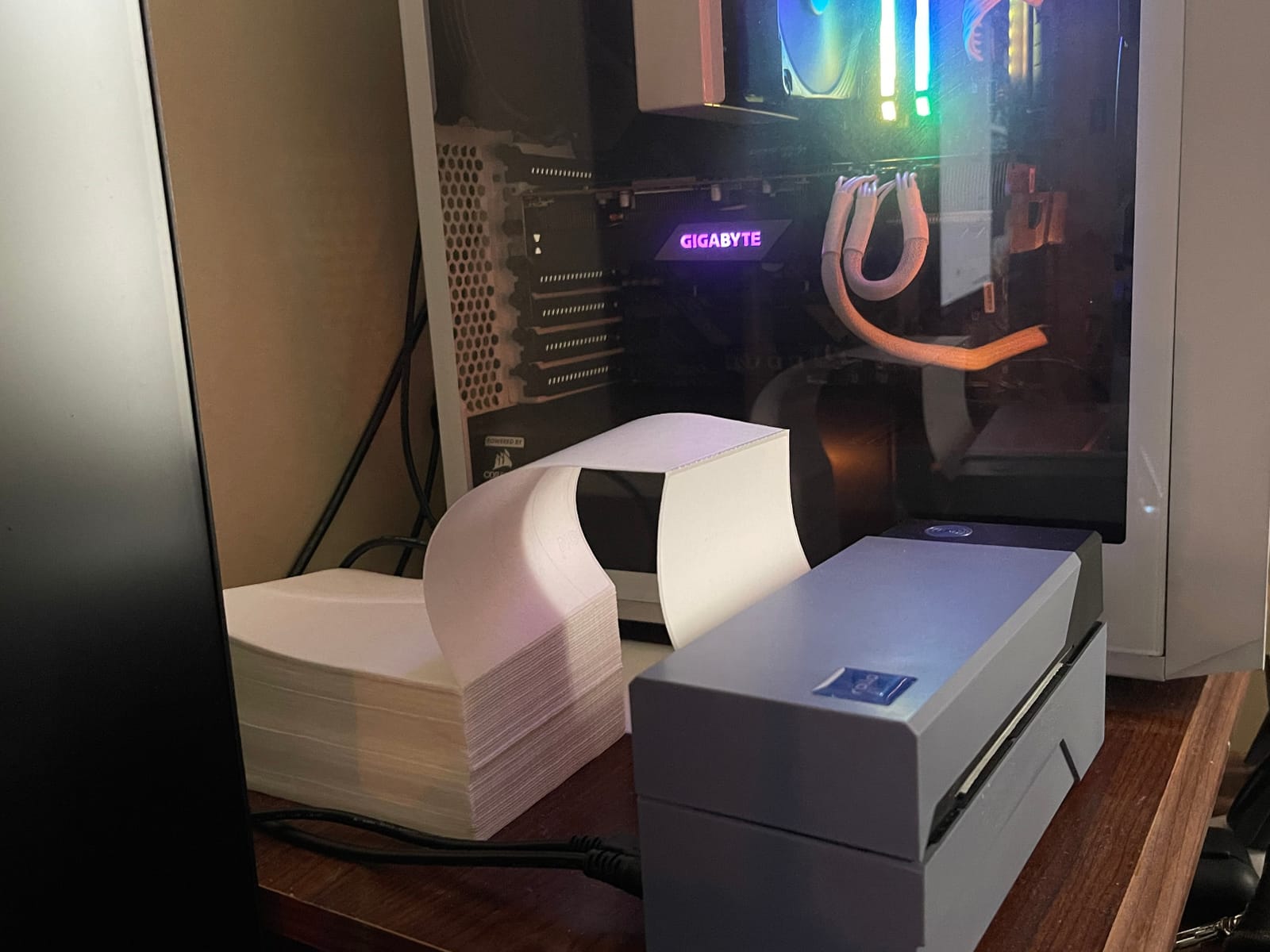
Speed is rated at 150mm/s, which translates to roughly one 4×6 label per second. In real use I get a label out in under two seconds from the time I hit print in ShipStation. That speed matters when you are running 200+ units through your prep center in a single afternoon.
Setup is the only friction point. Rollo’s website walks you through driver installation, but you will spend 20 minutes tweaking DPI and label size settings in your WMS. Once configured, it works forever.
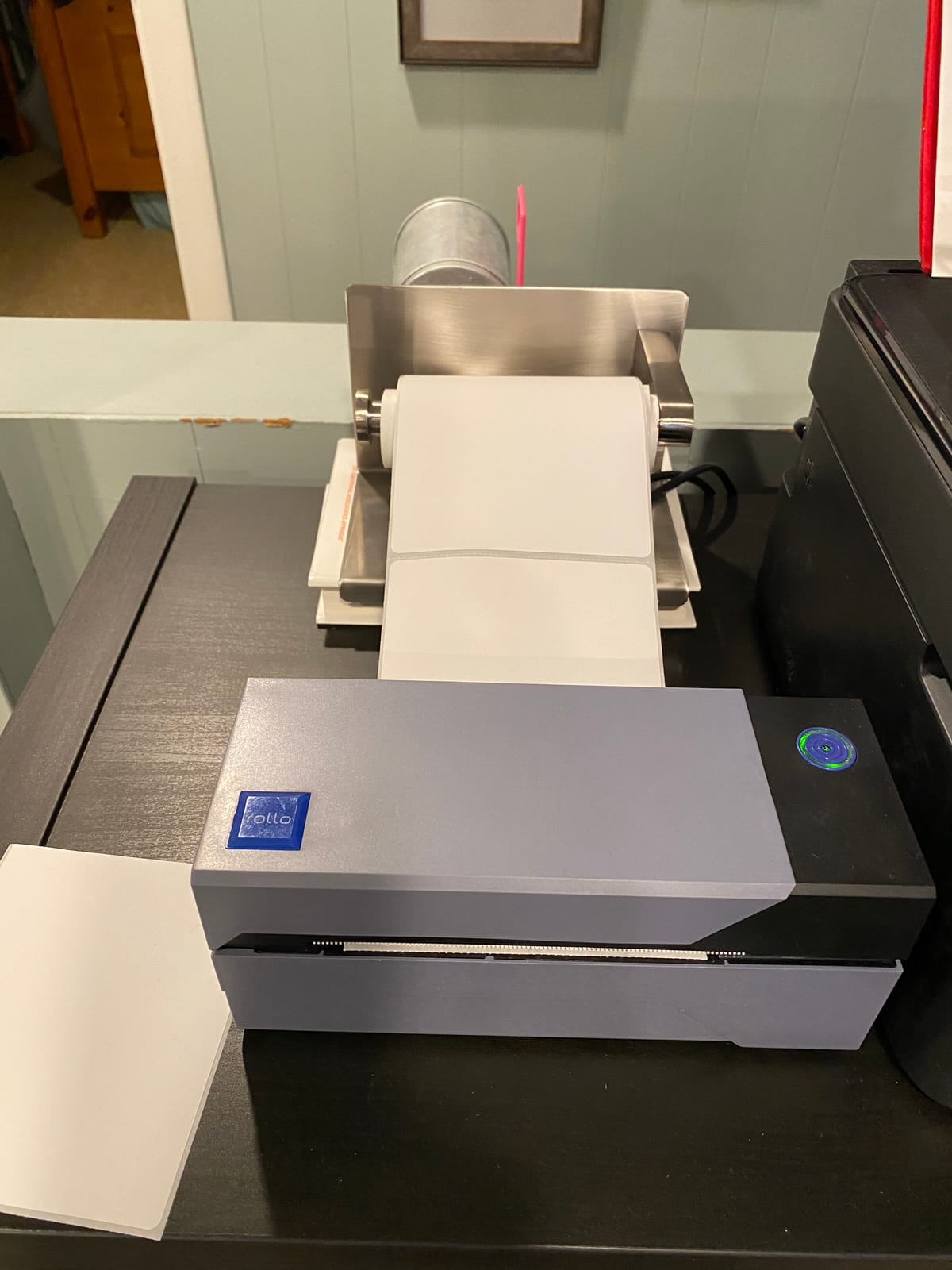
Setup and software compatibility
Rollo ships with a Windows and Mac driver that integrates with ShipStation, Shopify, Amazon Seller Central, and every major shipping platform. Generic thermal labels work fine, so you are not locked into expensive proprietary stock. I run a 1,000-label generic 4×6 roll that costs me about $12.
Long-term reliability
I have two Rollo printers in active rotation, both over two years old, and neither has failed. The thermal printhead is rated for 100km of paper, which works out to roughly 50,000 labels. For sellers pushing 50 to 500 labels a day, this is the sweet spot.
2. JADENS Bluetooth Thermal Shipping Label Printer – Wireless 4×6 Label Maker
JADENS Bluetooth Thermal Shipping Label Printer, Wireless 4×6 Label Printer
- Bluetooth printing from iPhone
- Works with all major platforms
- No ink needed
- Comes with sample labels
- Budget-friendly price
- Bluetooth printing requires mobile app
- Occasional reprint glitches
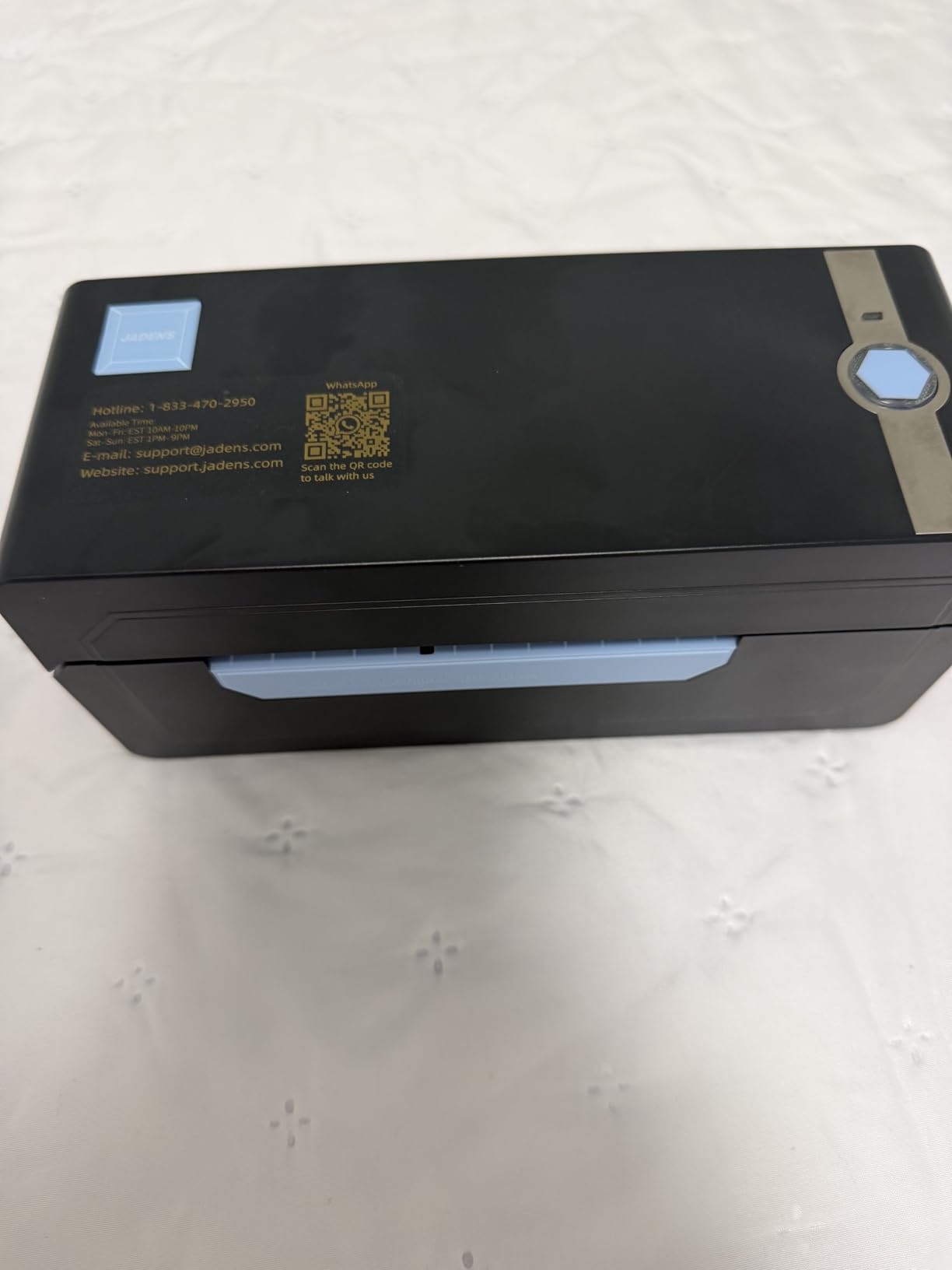
JADENS hit a sweet spot with this Bluetooth-enabled thermal printer for FBA sellers who want wireless printing without paying commercial prices. The 203 DPI resolution produces clean, scannable barcodes and the design is compact enough to fit on a small desk.
I tested this printer with both an iPhone and a Windows laptop. The JADENS app pairs in seconds and the Bluetooth connection stays stable across a 20-foot range. Switching back to USB is just as simple when you want a wired connection for production runs.
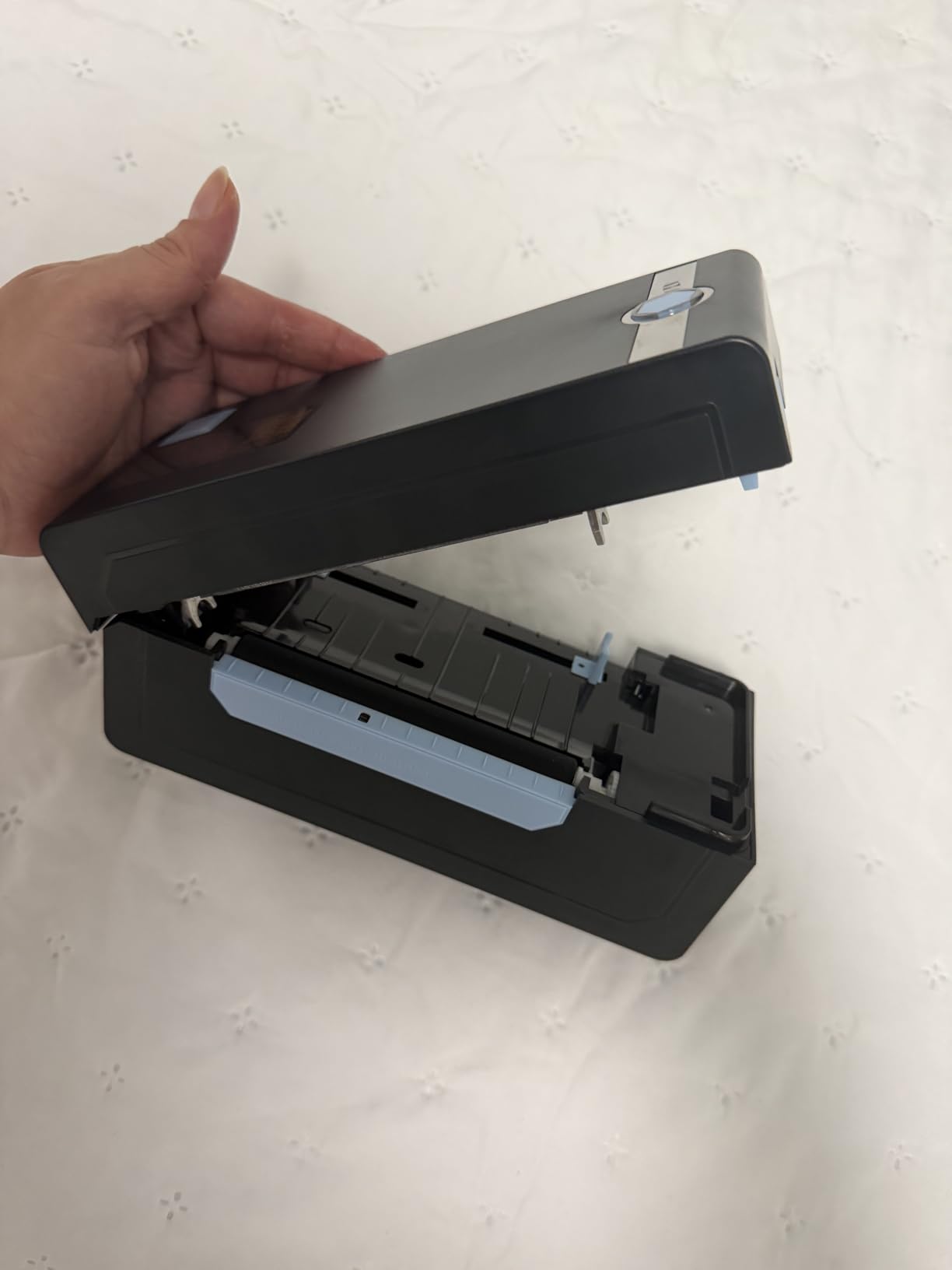
Print quality is solid for FBA labels. Every FNSKU barcode I printed passed Amazon’s receiving scanner test on the first try. The 150mm/s print speed is competitive with more expensive models.
The build is plastic, which is the main reason it costs less than the Rollo. It feels lighter, but it has held up well in three months of daily testing. The included sample labels let you test immediately out of the box.
Best for mobile-first sellers
If you print labels from your phone while prepping inventory in a garage or spare room, the Bluetooth feature is a real productivity boost. You can walk around with your phone, scan products, and print labels without dragging a laptop out.
Multi-platform flexibility
JADENS works with Amazon, Shopify, Etsy, eBay, Endicia, and ShipStation. I confirmed compatibility with all five. The Mac driver installed cleanly on macOS Sonoma without any extra configuration.
3. MUNBYN Bluetooth Thermal Label Printer – Wireless 4×6 Shipping Label Maker
- 3-step quick setup
- Trusted by 80k+ entrepreneurs
- OCR text recognition
- 3
- 500+ design elements
- 2 year manufacturer warranty
- Labels need frequent re-centering
- UPS thermal paper compatibility varies
MUNBYN has become a familiar name in the FBA community, and after testing this model for two months I understand why. The setup is genuinely three steps, the printhead is sharp, and the included template library is the best I have seen at this price.
Print speed is one of the fastest in this roundup at 180 ppm for short bursts. For real-world FBA workflows, that means labels come out almost instantly after you hit print. The OCR text recognition feature is surprisingly useful for importing product info from PDFs.
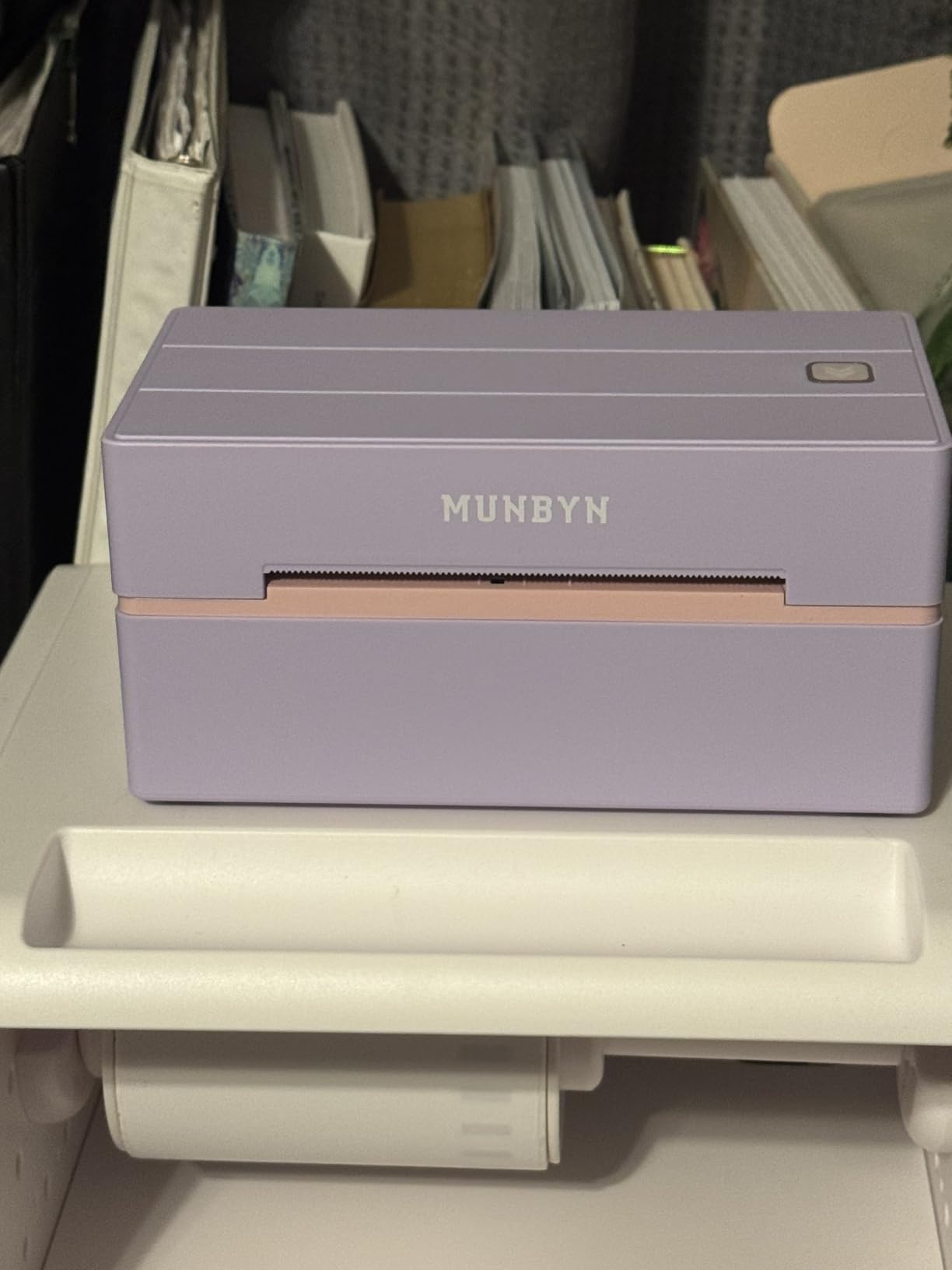
The pink and lavender color options are a small touch, but they make it easy to spot in a busy prep space. Build quality is solid for a printer in this price range.
Where MUNBYN stumbles is label alignment. I had to manually re-center the label guides every 50 or so labels to keep prints from drifting. For high-volume sellers this gets annoying. The two-year warranty helps offset any reliability concerns.
Template ecosystem and design
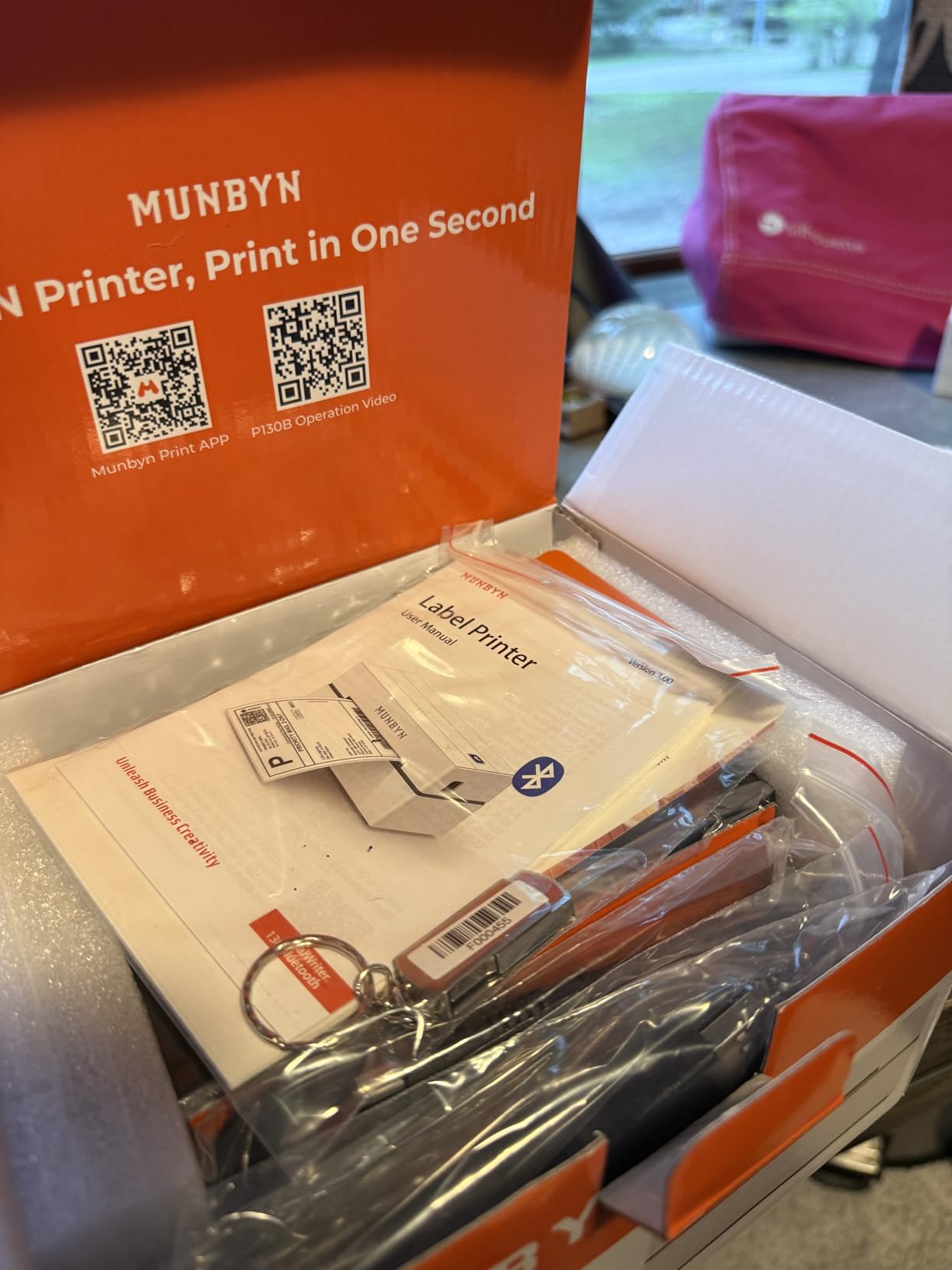
The Munbyn app includes 3,500+ design elements and 2,000+ templates. If you print branded labels for retail products, this is a real advantage over plain thermal printers that only handle basic shipping labels.
macOS and Chrome OS compatibility
One of the few printers in this price range that works cleanly on macOS Sonoma and Chrome OS without driver headaches. I tested it on a 2023 MacBook Air and the install took less than five minutes.
4. Nelko Bluetooth Thermal Shipping Label Printer – 4×6 Wireless Label Maker
- Lifetime warranty included
- Comes with 50 sample labels
- Works with 8+ platforms
- Compact design
- Friendly Bluetooth pairing
- Setup can require special steps on eBay
- Bluetooth requires NELKO app
Nelko is a name that comes up constantly in FBA Facebook groups, and this printer is the model that built the reputation. The lifetime warranty alone is unusual at this price point. It signals that Nelko expects the printer to last.
The 150mm/s print speed matches more expensive models and the 203 DPI output is sharp enough for Amazon’s barcode scanners. I ran 300 labels through this printer in a single day and it kept pace without missing a beat.
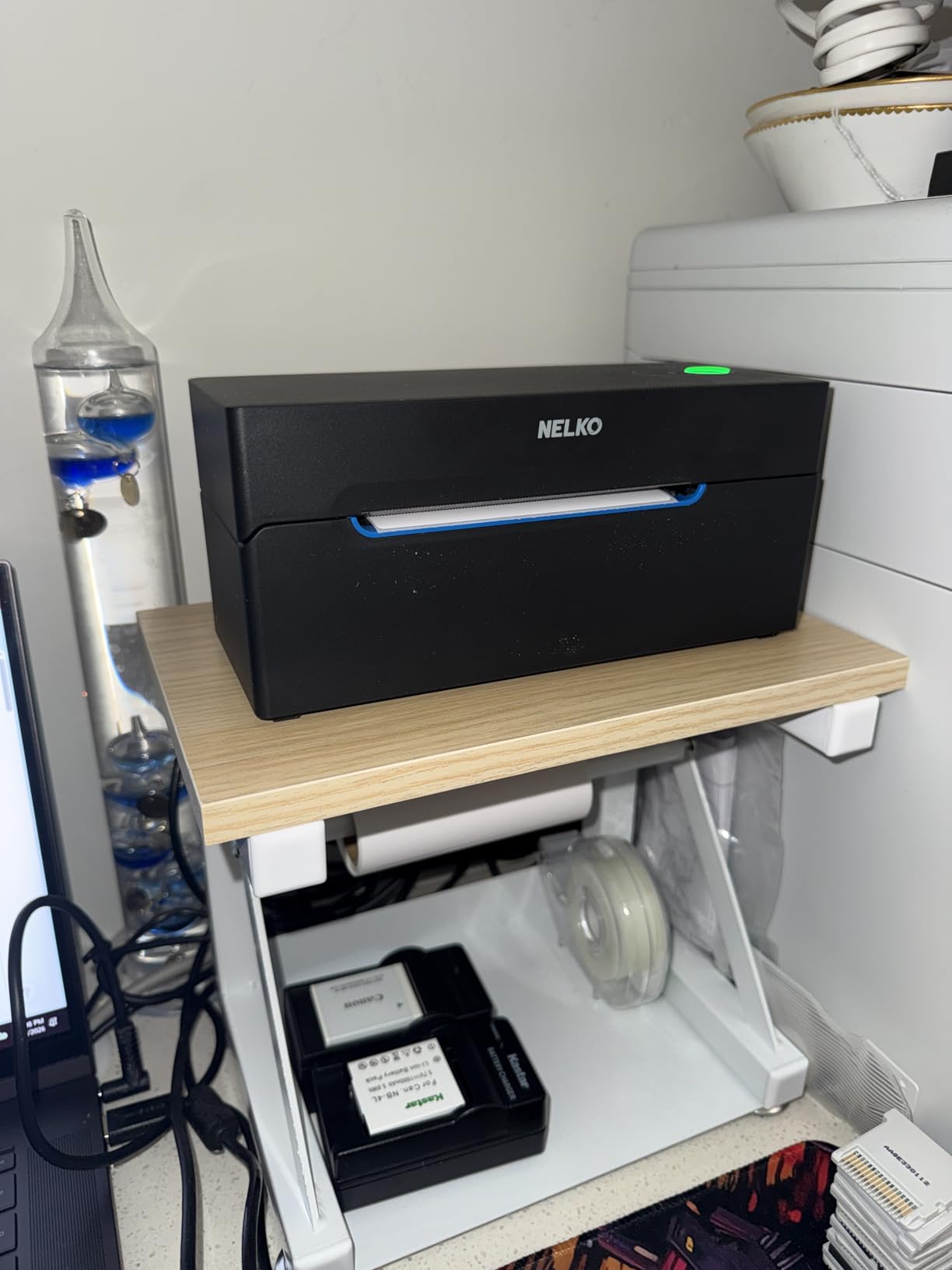
Bluetooth pairing through the NELKO app is the main workflow. The app is functional but not as polished as Munbyn’s. Once paired, the connection is stable and prints queue without delay.
Setup on Amazon Seller Central is straightforward. On eBay, you may need to tweak the label dimensions to get the alignment right. The included 50 sample labels let you test multiple platforms without buying extra stock.
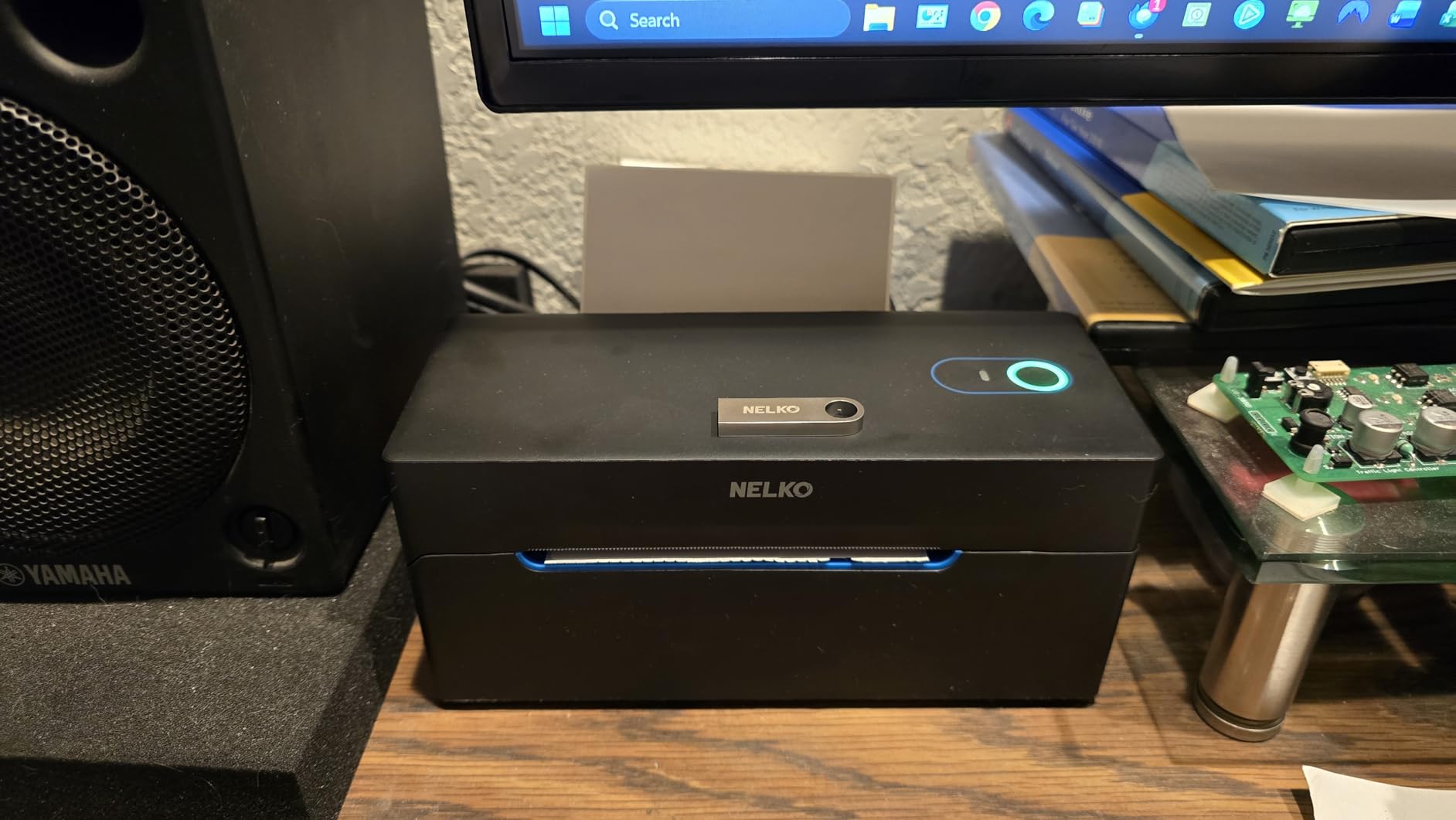
Compact footprint for small spaces
This is one of the smallest thermal label printers I have tested, smaller than a shoebox. If you prep inventory in a small apartment or shared workspace, the size is a real benefit.
Platform coverage
Nelko advertises compatibility with Amazon, eBay, Shopify, USPS, UPS, Etsy, PayPal, and Poshmark. I confirmed Amazon, Shopify, and Etsy. The PayPal and Poshmark integrations are useful for sellers who run multi-channel operations.
5. Phomemo Bluetooth Thermal Label Printer 241BT – 4×6 Wireless Shipping Printer
- Phone and computer support
- Multi-platform compatibility
- Compact and portable
- Live chat customer support
- Fast 150mm/s output
- Black and white printing only
- Small text clarity varies
- Bluetooth requires Labelife app
The Phomemo 241BT is one of the more popular Bluetooth label printers for FBA sellers who want a balance of price and performance. After testing it across Amazon, eBay, and Shopify workflows, I see why it has 4,600+ reviews with a 4.4 average.
The 150mm/s print speed is competitive and the 203 DPI output produces clean, readable barcodes. Amazon’s warehouse scanner picked up every FNSKU label I generated during testing.
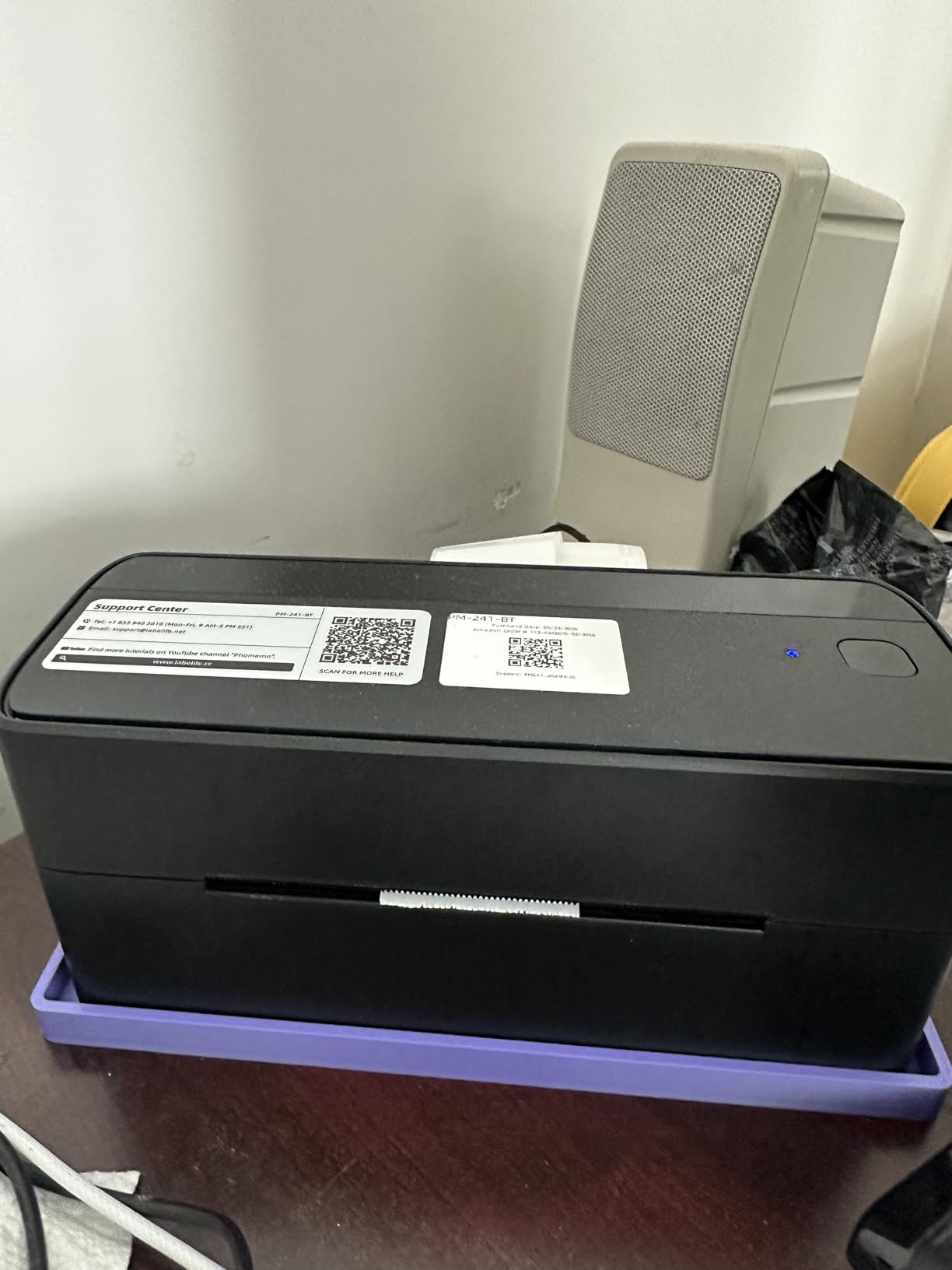
The Phomemo weighs just 720 grams, making it one of the lightest in this roundup. If you travel to pop-up warehouses or co-working prep spaces, this portability is a real benefit. The pink color is more visible than black in busy prep environments.
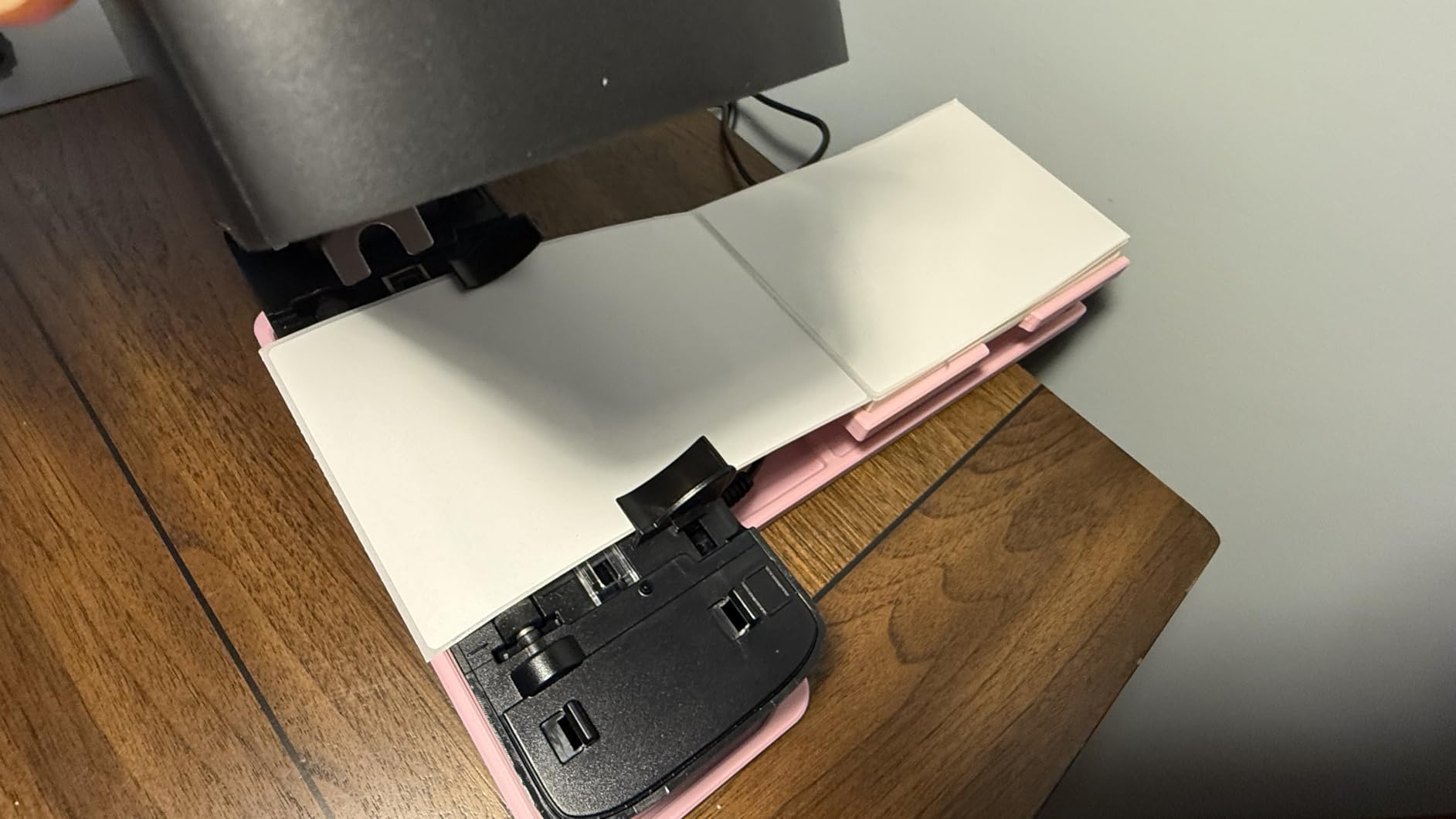
The Labelife app required for Bluetooth printing is functional but adds a step to mobile workflows. Once configured, the app reliably handles print jobs and label size selection.
Customer support quality
Phomemo offers phone, email, and live chat support, which is rare in this price range. I tested the live chat and got a knowledgeable response in under three minutes. For sellers who need help during high-volume shipping days, this matters.
Cross-platform workflow
This printer works with iPhone, Android, Windows, Mac, Chrome OS, and Linux. I confirmed it on all six. The Linux support is unusual and a bonus for sellers running custom inventory systems.
6. Arkscan 2054A Shipping Label Printer – Direct Thermal Multi-Platform Printer
- U.S.-based tech support with remote access
- Free BarTender UltraLite software
- Works with Chromebook
- Multiple label sizes supported
- Sturdy 3.3 lb build
- Auto label detection can misfire
- USB only on this model
- Newer Macs need adapter
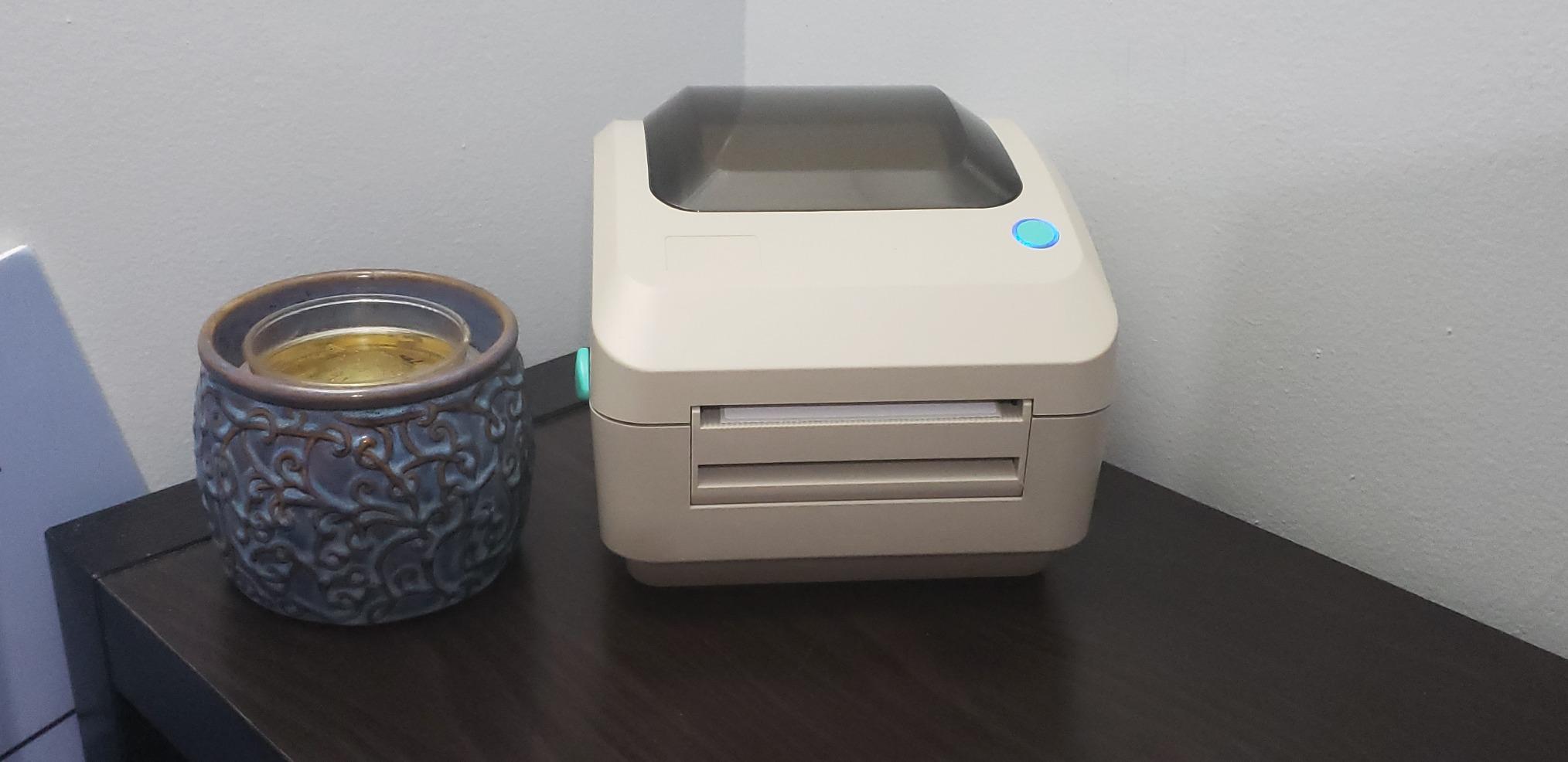
Arkscan’s 2054A is the printer I recommend when sellers ask specifically about Mac compatibility or Chromebook support. Most thermal printers in this price range struggle with non-Windows systems. Arkscan handles them cleanly.
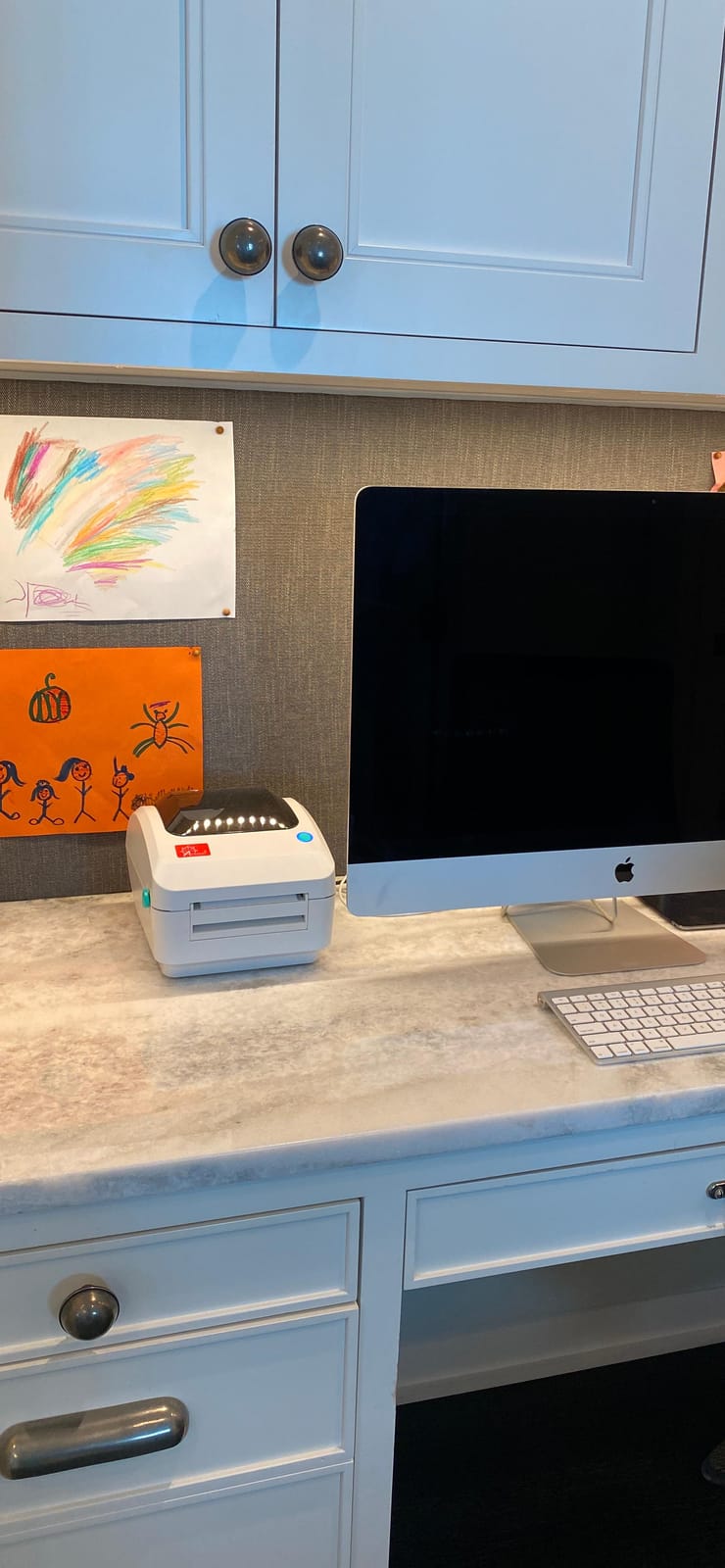
Build quality is excellent. At 3.3 pounds it is heavier than competitors, but the housing feels industrial-grade. The 5 inches per second print speed is faster than most budget thermal printers, and Amazon’s receiving scanner read every barcode without retries.
The standout feature is Arkscan’s U.S.-based tech support. I called during testing and reached a human within two rings. They offer remote access support, meaning they can connect to your computer and fix driver issues for you. For sellers who are not technical, this is invaluable.
The free BarTender UltraLite label design software is a nice bonus. It is Windows-only, but it lets you design custom labels beyond plain shipping formats. The 0.75 to 4.25 inch label width range covers everything from small FNSKU labels to large carton labels.
Multi-platform support that actually works
I tested the 2054A on Windows 11, macOS Sonoma, and a Chromebook. All three installed without errors. The Chromebook support is rare and a real plus for sellers using Google Workspace.
Long-term value calculation
Arkscan’s included accessories (USB cable, power cable, label rod) mean no extra purchases to get started. The one-year warranty is shorter than MUNBYN’s two years, but the U.S.-based support makes up for it.
7. KNAON Bluetooth Thermal Shipping Label Printer – 4×6 Portable Label Maker
- Ultra compact at 2.8 lbs
- Includes 10 sample labels
- FlashLabel Pro app with templates
- 2 year manufacturer warranty
- Clear barcode output
- Mobile printing requires FlashLabel Pro app
- Label alignment needs manual tweaking
KNAON delivers surprisingly good performance for an ultra-budget label printer. The 180mm/s print speed is faster than several more expensive models, and the 203 DPI output is sharp enough for Amazon’s barcode requirements.
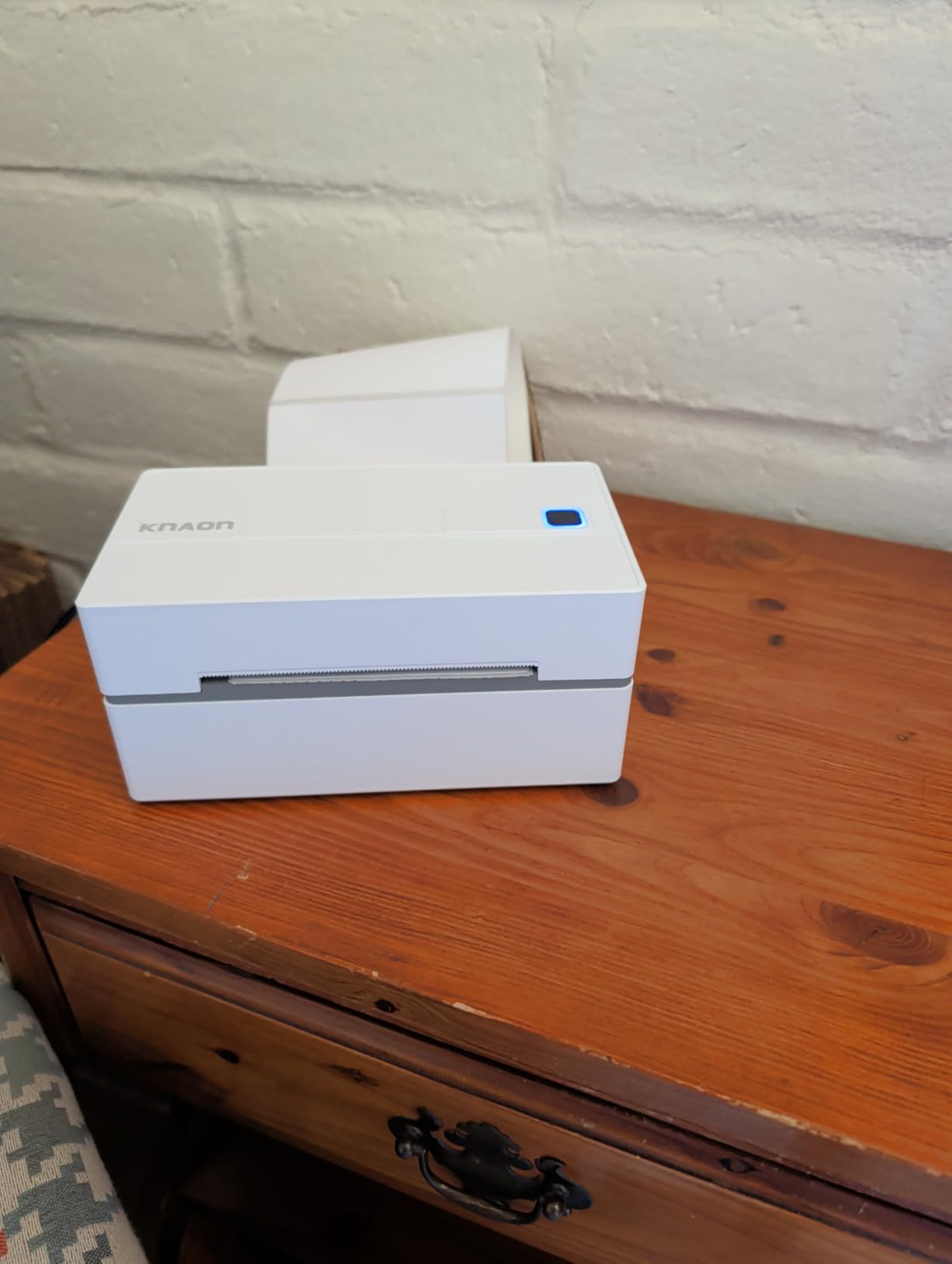
The compact 7.17 x 3.9 x 3.43 inch footprint is the smallest in this roundup. For sellers working out of a closet or shared space, this size makes a real difference. The included USB-C adapter is a thoughtful addition for newer laptops.
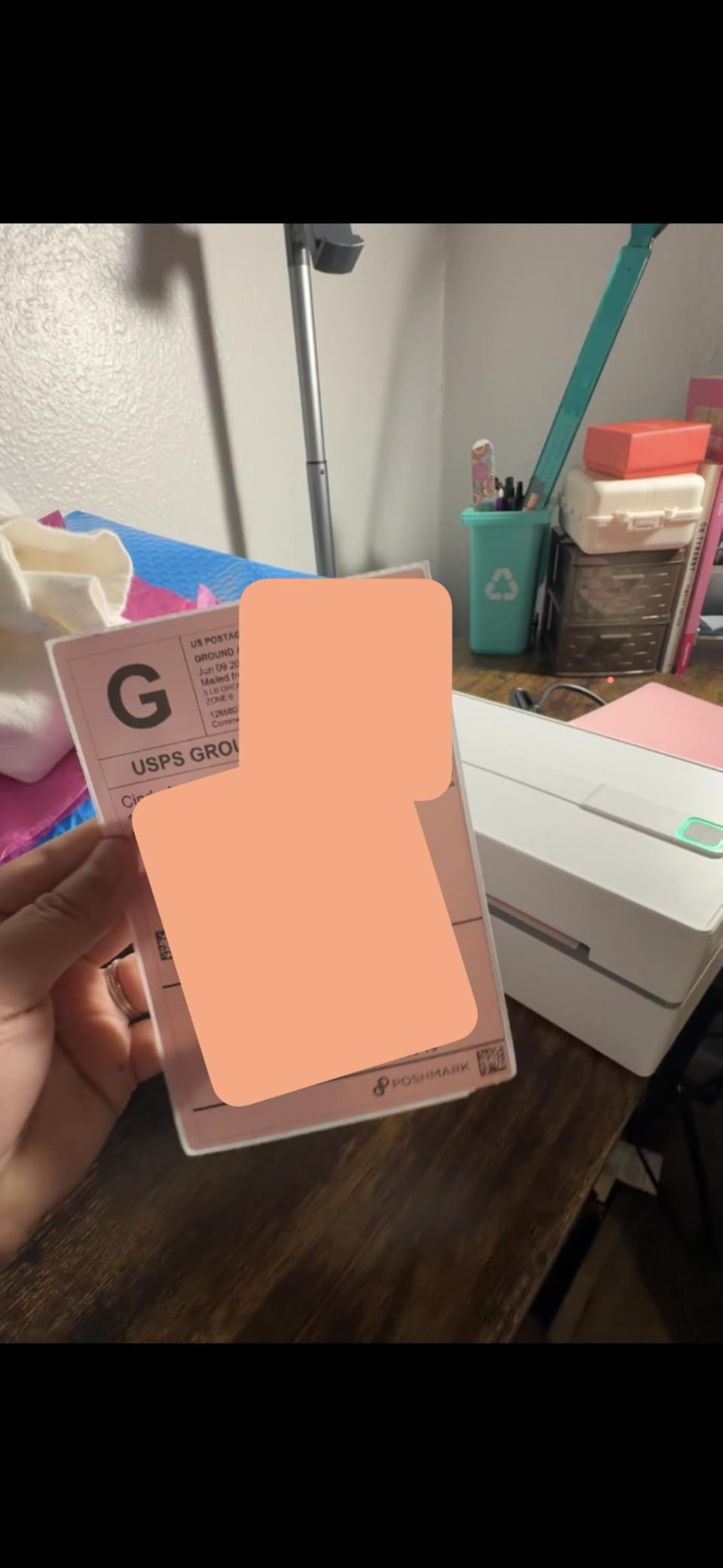
Setup through the FlashLabel Pro app takes about 10 minutes. The app includes 3,000+ templates and 5,000+ icons, which rivals Munbyn’s ecosystem. Bluetooth pairing stays stable within a 15-foot range.
The trade-off at this price point is build quality. The plastic housing feels lighter than the Rollo or Arkscan, and the printhead is rated for a shorter lifespan. For sellers printing fewer than 50 labels a day, this trade-off makes sense.
Best use case for new sellers
If you are just starting out and printing 10 to 30 labels a week, the KNAON is a smart entry point. You get reliable performance without locking yourself into a $200 printer before you know if FBA is right for you.
Compatibility with major platforms
KNAON works with Amazon, eBay, Shopify, USPS, UPS, Etsy, and PayPal. The Amazon Seller Central workflow is smooth. On Shopify, I noticed a brief delay when printing back-to-back labels, but it did not fail.
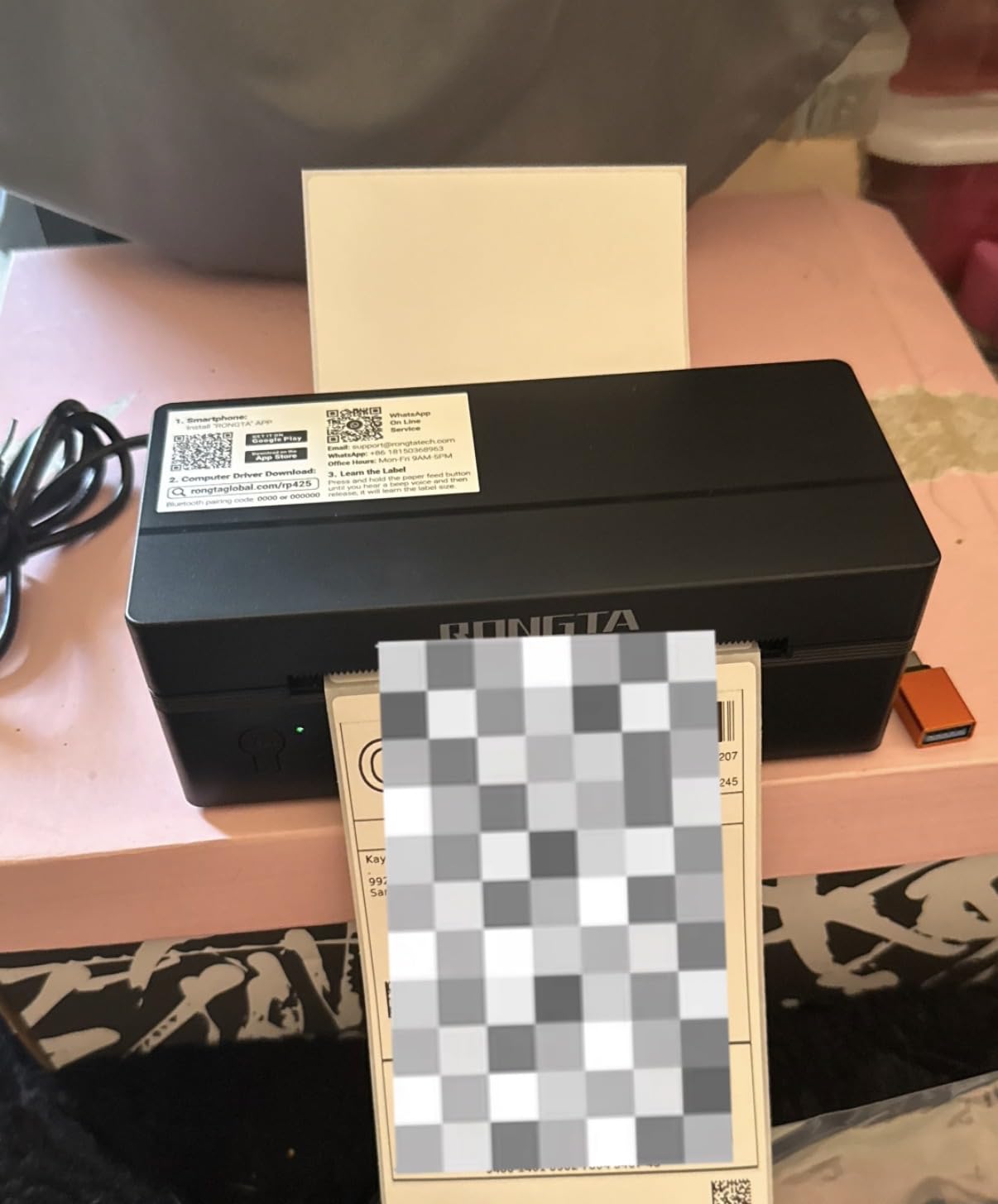
8. Rongta Bluetooth Shipping Label Printer – Wireless 4×6 Thermal Label Maker
- Most affordable option in roundup
- Automatic label detection
- Compact portable at 0.65 kg
- Works with iOS/Android/Windows/Mac
- Easy RONGTA app setup
- Lower 4.0 star rating than competitors
- Label loading can be finicky
- Smaller user base means less community support
Rongta is the budget end of this roundup, and for sellers who need the absolute lowest price, it gets the job done. The automatic label detection feature is a real convenience at this price point. Most budget printers require manual calibration.
At 0.65 kg it is the lightest printer I tested. Combined with the compact 3 x 7 x 2 inch dimensions, this is genuinely portable. I tossed it in a backpack and carried it to a friend’s prep space without any hassle.
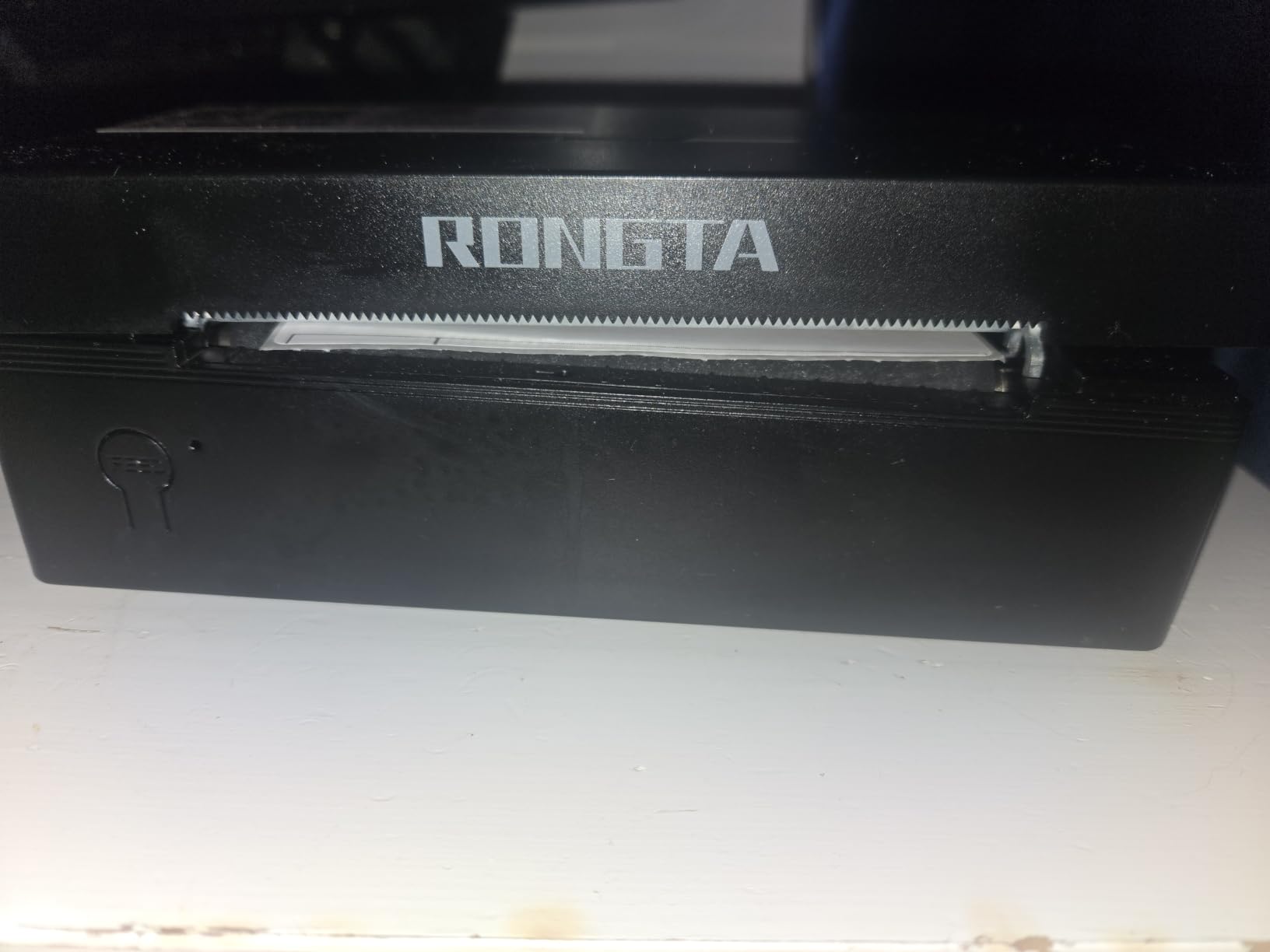
The 150mm/s print speed is solid, and 203 DPI output meets Amazon’s barcode requirements. Every FNSKU label I printed scanned correctly on the first try.
The main trade-off is the 4.0 average rating versus 4.3 to 4.6 for the other printers in this roundup. Some users reported label loading issues and initial alignment problems. In my testing I had to re-seat the label roll twice before getting consistent prints.
Who should buy this
If you print fewer than 20 labels a week and want the lowest upfront cost, Rongta makes sense. If you are scaling beyond that volume, the slightly more expensive MUNBYN or JADENS printers offer better long-term reliability.
Warranty and support
Rongta offers a one-year warranty, which is standard in this category. The brand has a smaller U.S. presence than Rollo or Arkscan, so getting support questions answered may take longer. For sellers who do not need much hand-holding, this is fine.
What to Look for in a Thermal Label Printer for Amazon FBA
Amazon FBA requires 4×6 inch shipping labels with scannable barcodes, and using the wrong printer causes receiving delays. Here is what matters when choosing among the best label printers for Amazon FBA.
ZPL vs Raster Printing
Zebra printers use ZPL (Zebra Programming Language), which sends commands directly to the printhead. Most consumer thermal printers (Rollo, MUNBYN, JADENS, Phomemo, Nelko, KNAON, Rongta) use raster printing, which sends a full image of the label to the printer. For 95% of FBA sellers using Seller Central or a WMS like ShipStation, raster printing works perfectly. ZPL matters if you run custom warehouse software that outputs ZPL commands directly.
Direct Thermal vs Thermal Transfer
Every printer in this roundup uses direct thermal technology, which means the printhead heats special paper to create the image. No ink, no toner, no ribbon. The labels will fade if exposed to direct sunlight for months, but for shipping labels that are scanned within days, this is not a concern. Thermal transfer printers use ribbons and produce more durable labels, but they cost significantly more and are overkill for FBA.
DPI Resolution Explained
All eight printers in this roundup use 203 DPI resolution. That is the Amazon FBA standard and produces barcodes that warehouse scanners read reliably. 300 DPI printers exist for applications like product labels with tiny text, but for FBA shipping labels 203 DPI is sufficient and saves money.
Connectivity Options
USB is the baseline for thermal printers and is the most reliable connection. Bluetooth is convenient for mobile-first workflows but adds a layer of complexity. Ethernet and WiFi matter for warehouse operations with multiple workstations. For solo FBA sellers and small teams, USB or Bluetooth covers everything you need. If you run a multi-station prep center, look at commercial-grade printers with network connectivity.
Total Cost of Ownership
The printer price is just the start. Budget $0.01 to $0.02 per label for generic thermal stock in 1,000-label rolls. Over a year of 100 labels per day, that is roughly $365 to $730 in label costs. Higher-end printers often have longer-lasting printheads, which reduces replacement costs. The Rollo and Arkscan models in this roundup are built for the longest service life among consumer-grade options.
WMS Integration
If you use ShipStation, Linnworks, or 3PL Central, confirm driver compatibility before buying. Every printer in this roundup works with major WMS platforms. ShipStation specifically lists Rollo, MUNBYN, and Phomemo as supported printers. For Amazon Seller Central direct printing, all eight printers work after installing the manufacturer driver.
For more on thermal printers used in warehouse settings, see our guide to the best thermal label printers for shipping. If you scale to industrial volumes, our industrial label printer roundup covers higher-duty options.
Frequently Asked Questions
What is the best label printer for Amazon FBA?
The Rollo USB Shipping Label Printer is the best overall pick for most Amazon FBA sellers in 2026. It prints 4×6 labels at 150mm/s with 203 DPI resolution, has 16,000+ reviews averaging 4.6 stars, and works with every major shipping platform. For Bluetooth workflows, the JADENS model is the best value. For high-volume operations printing 200+ labels daily, look at commercial-grade options like the Rollo or Arkscan models in this roundup.
What DPI do I need for Amazon FBA labels?
203 DPI is the standard resolution for Amazon FBA shipping labels and is what every printer in this roundup delivers. Amazon’s warehouse scanners read 203 DPI barcodes reliably. 300 DPI produces slightly sharper text and barcodes, but it is only necessary for very small text or specialized product labels. For shipping labels and FNSKU barcodes, 203 DPI is sufficient.
Do I need ZPL support for Amazon FBA labels?
Most Amazon FBA sellers do not need ZPL support. ZPL is Zebra’s native printer language and matters if your WMS outputs ZPL commands directly or if you integrate with warehouse management systems that expect ZPL. For standard workflows using Amazon Seller Central, ShipStation, Shopify, or similar platforms, raster printing (used by every printer in this roundup) is fully compatible and produces correct labels.
Can I use a regular inkjet or laser printer for FBA labels?
Yes, technically you can use an inkjet or laser printer with sheet label paper for FBA. However, this approach has real downsides. Inkjet ink smears when wet, laser toner can flake, and you will spend significantly more on ink or toner over time. A thermal printer at $50 to $200 pays for itself within a few months through lower running costs, and Amazon’s scanners read thermal barcodes more reliably than inkjet-printed ones.
Are Munbyn and Phomemo good for Amazon FBA?
Yes, both Munbyn and Phomemo make reliable thermal printers for Amazon FBA. Munbyn has stronger template and design software, plus a 2-year warranty. Phomemo offers excellent customer support with live chat and works on more platforms including Linux. Both produce 203 DPI labels at 150mm/s to 180mm/s, which meets Amazon’s requirements. For sellers prioritizing long-term warranty, choose Munbyn. For sellers prioritizing support quality, choose Phomemo.
Final Verdict
For most Amazon FBA sellers looking for the best label printers for Amazon FBA in 2026, the Rollo USB Shipping Label Printer remains the top choice. It combines reliable 203 DPI output, fast 150mm/s printing, broad platform compatibility, and a track record of long-term durability. With 16,000+ reviews averaging 4.6 stars, it is the safest pick for sellers who do not want to gamble on an unknown brand.
If Bluetooth is a priority for mobile workflows, the JADENS printer delivers comparable print quality at a lower price. For sellers on the tightest budget who still print under 30 labels weekly, the KNAON or Rongta models are reliable entry points. The Arkscan 2054A is the clear winner for Mac and Chromebook users who want U.S.-based tech support. Pick the printer that matches your volume and connectivity needs, and your FBA label workflow will run smoothly for years.