
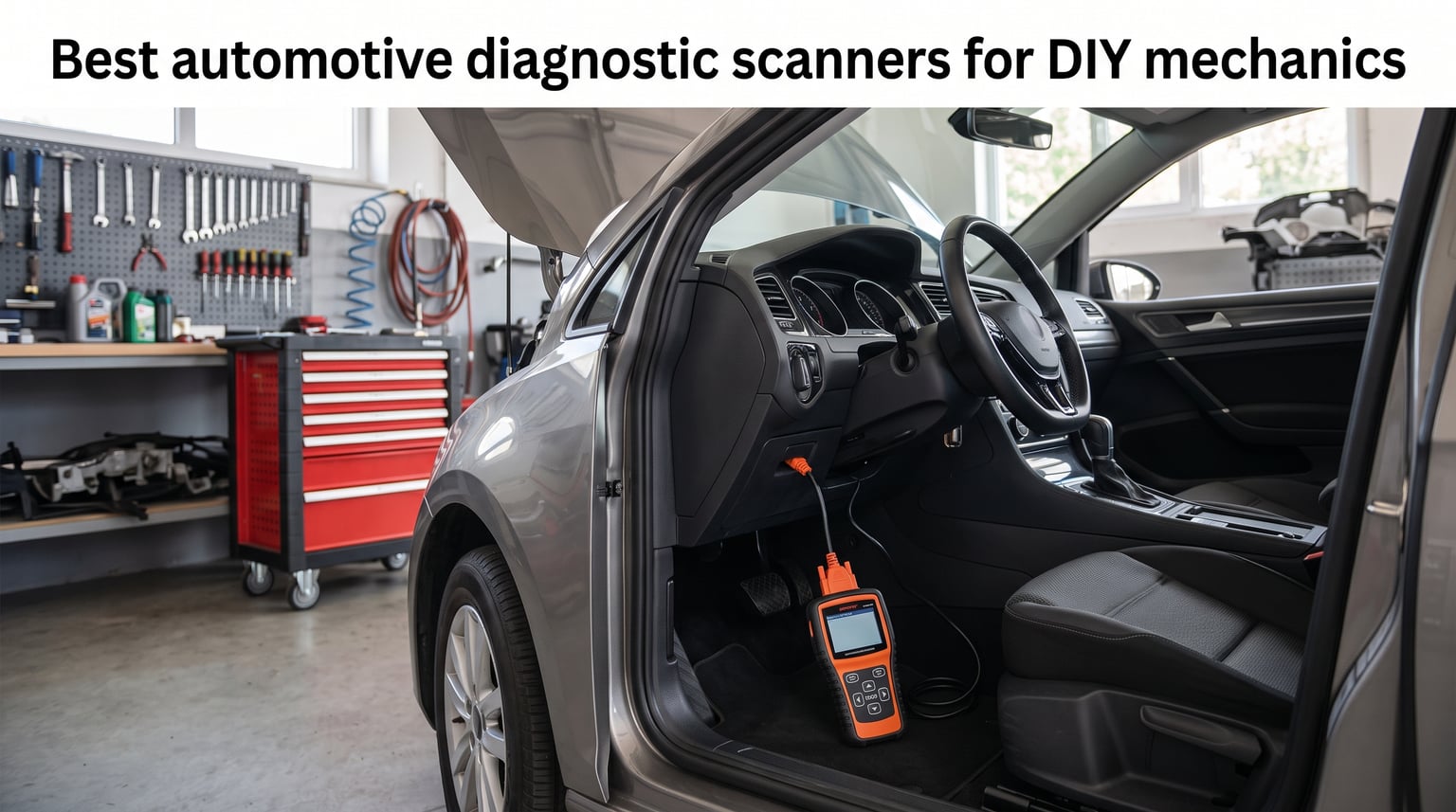
That dreaded check engine light pops on, and your mind immediately jumps to the worst-case scenario. I have been there plenty of times, standing in my driveway wondering if I am looking at a loose gas cap or a catalytic converter on its last legs. That is exactly why finding the best automotive diagnostic scanners for DIY mechanics changed how I approach car repairs. An automotive diagnostic scanner, also called an OBD-II scanner, is a handheld or Bluetooth device that plugs into your vehicle’s onboard diagnostics port to read diagnostic trouble codes (DTCs) and real-time sensor data. It tells you exactly what triggered that warning light before you spend money at a shop.
Our team tested these scanners across multiple vehicles, including a 2005 Toyota Corolla, a 2014 Ford F-150, and a 2019 Honda Civic. We checked how fast each unit pulled codes, how readable the display was in sunlight, and whether the live data actually made sense for someone wrenching in their garage. We also paired Bluetooth units with both iPhone and Android phones to see which apps held up under real-world conditions. If you are also building out your home diagnostic toolkit, having a solid scanner alongside battery capacity testers for DIY projects covers most electrical troubleshooting you will encounter.
What we found after months of testing is that the right scanner depends heavily on what you work on. A $20 code reader handles 80 percent of check engine light issues for daily drivers. But if you tackle brake jobs, airbag replacements, or used car inspections, you need something that reads ABS and SRS codes at minimum. This guide breaks down 10 scanners ranging from bare-bones budget picks to professional-grade bidirectional scan tools, so you can find the exact tool for your skill level and vehicle mix.
Top 3 Picks for DIY Mechanics in 2026
Out of the 10 scanners we tested, three stood out for different types of DIY mechanics. These picks cover the full spectrum from budget-friendly basics to advanced bidirectional control.
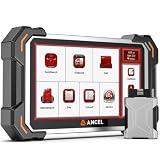
ANCEL DS500BT Bidirectional Scan Tool
- 3000+ Active Tests
- 28+ Service Functions
- 7-inch Android Tablet
- CAN FD Support

ANCEL AD310 Classic OBD II Scanner
- Plug and Play
- No Batteries Needed
- I/M Readiness
- Freeze Frame
Best Automotive Diagnostic Scanners for DIY Mechanics in September 2026
Here is our complete comparison of all 10 scanners we tested. Each one earned its spot based on real-world garage testing, not just spec sheet reading.
| Product | Specifications | Action |
|---|---|---|
| ANCEL AD310 Classic OBD2 Scanner |
|
Check Latest Price |
 MOTOPOWER MP69033 OBD2 Scanner MOTOPOWER MP69033 OBD2 Scanner |
|
Check Latest Price |
 ANCEL AD410 Enhanced OBD2 Scanner ANCEL AD410 Enhanced OBD2 Scanner |
|
Check Latest Price |
 Autel AL319 Professional OBD2 Scanner Autel AL319 Professional OBD2 Scanner |
|
Check Latest Price |
 FOXWELL NT301 OBD2 Scanner FOXWELL NT301 OBD2 Scanner |
|
Check Latest Price |
 Innova 5210 OBD2 Scanner Innova 5210 OBD2 Scanner |
|
Check Latest Price |
 BlueDriver Pro Next Gen OBD2 Scanner BlueDriver Pro Next Gen OBD2 Scanner |
|
Check Latest Price |
 FOXWELL NT614 Elite 4-System Scanner FOXWELL NT614 Elite 4-System Scanner |
|
Check Latest Price |
 Innova 5610 Bidirectional Scan Tool Innova 5610 Bidirectional Scan Tool |
|
Check Latest Price |
| ANCEL DS500BT Bidirectional Scanner |
|
Check Latest Price |
1. ANCEL AD310 Classic Enhanced Universal OBD II Scanner
- Plug and play simplicity
- No batteries or charger needed
- Clear 2.4 inch screen
- Excellent value for price
- Only reads emission-related codes
- No ABS SRS or transmission support
- Does not support OBDI vehicles
I grabbed the ANCEL AD310 during a weekend when my Corolla threw a random misfire code, and honestly, this little scanner earned its keep in about 90 seconds. You plug it into the OBD-II port under the dash and it powers right up from the vehicle connection. No batteries to charge, no cables to fumble with beyond the built-in 2.5-foot cord. The 2.4-inch screen is not flashy, but it showed the P0301 code clearly along with a short definition.
What surprised me most was the build quality for something in this price range. The housing feels solid enough to survive being tossed in a glovebox or tool bag. I pulled freeze frame data and live PID readings without any lag. The I/M readiness check came back almost instantly, which is handy if you are prepping for an emissions test. Over 65,000 reviews on Amazon back up what I experienced: this thing just works for basic engine diagnostics.
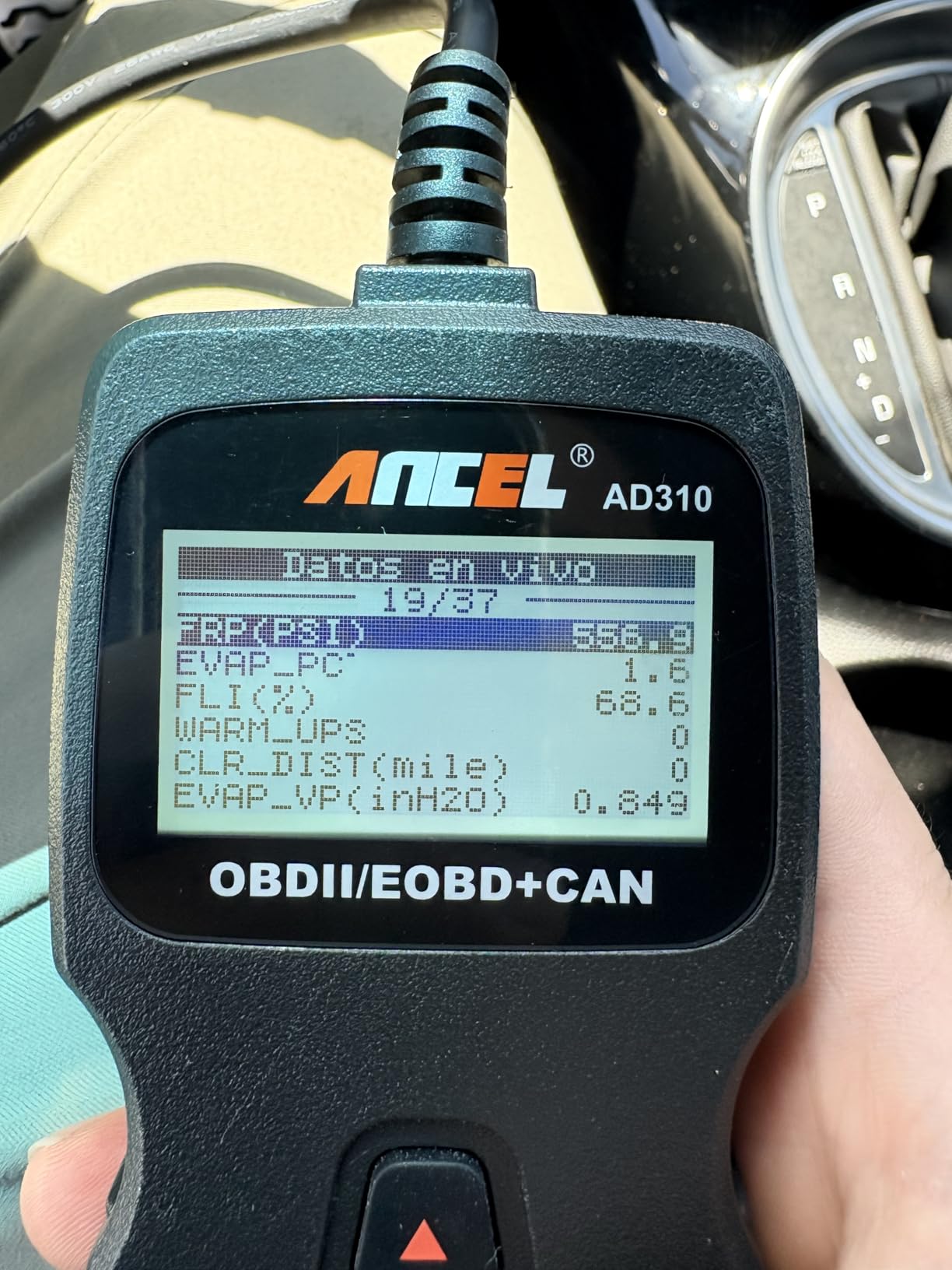
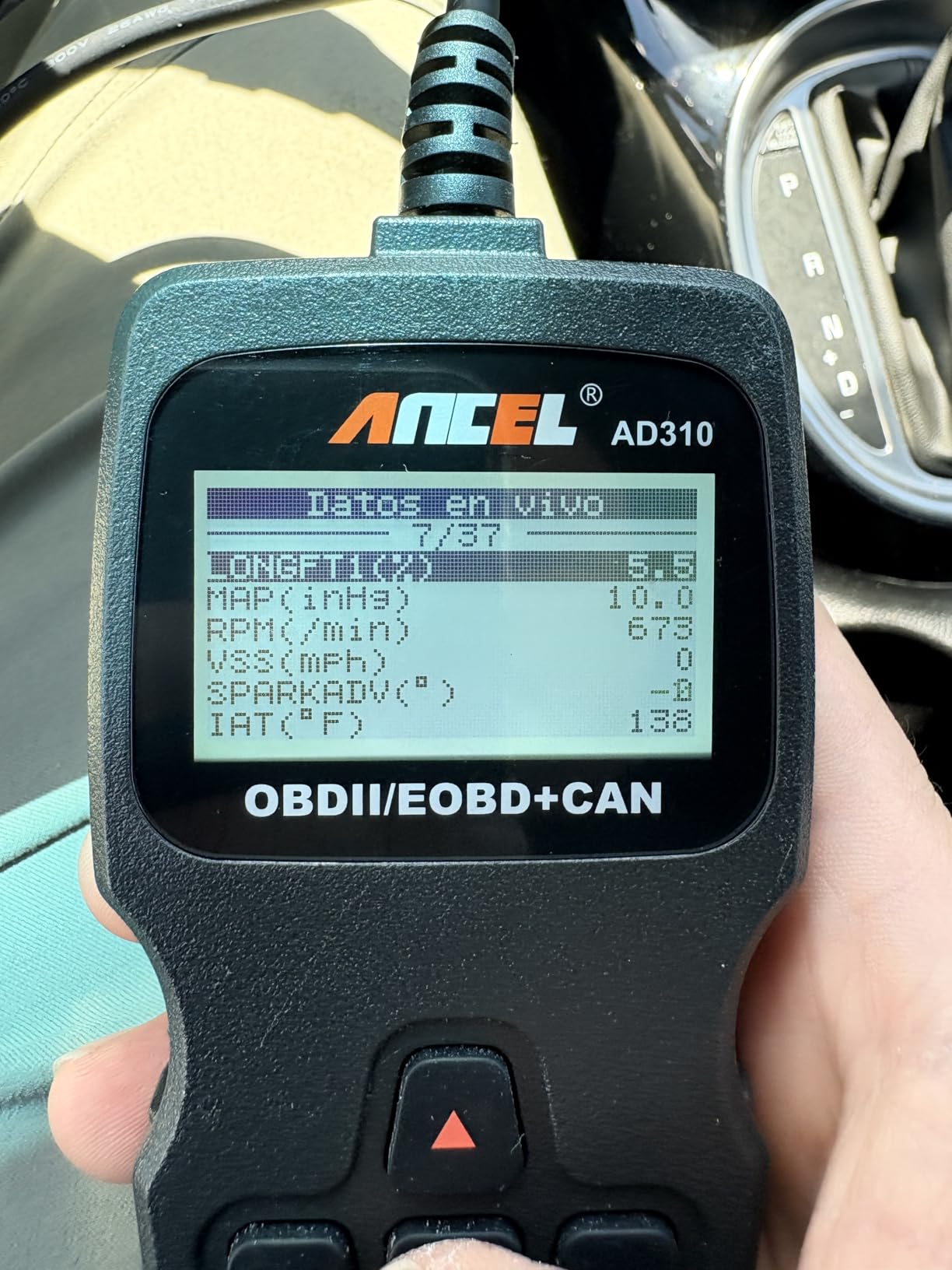
The AD310 supports all five OBD-II protocols, including CAN, ISO9141, KWP2000, J1850 VPW, and J1850 PWM. That means it covers virtually every 1996 and newer US vehicle, plus 2000 and newer European and Asian cars. I tested it on a friend’s BMW and it pulled the code without any communication errors. The live data feature shows RPM, coolant temperature, and fuel system status in real time.
Where it falls short is anything beyond emission-related codes. You will not get ABS, SRS, or transmission codes here. If your airbag light is on, this scanner cannot help. It also cannot perform any active tests or resets. But for reading and clearing check engine codes, it does exactly what it promises without any fuss. You also cannot update the firmware, which is a limitation to keep in mind.
Who Should Buy This Scanner
The AD310 is perfect for someone who just wants to know why the check engine light is on before deciding whether to fix it themselves or take it to a shop. It is ideal for multi-car households where you need a quick diagnostic tool that anyone can use. If you do not work on brakes, airbags, or transmissions at home, this scanner covers everything you need.
Limitations to Keep in Mind
You are limited strictly to powertrain codes starting with P. The scanner cannot read manufacturer-specific enhanced codes or body and chassis codes. There is also no graphing capability for live data, which makes it harder to spot intermittent sensor issues. For those features, you would need to step up to something like the ANCEL AD410 or the FOXWELL NT301.
2. MOTOPOWER MP69033 Car OBD2 Scanner Code Reader
- Simplest plug and play design
- Clear 2.8 inch LCD with backlight
- Built-in DTC lookup library
- Works on wide range of vehicles
- No live data graphing
- No ABS or airbag support
- Limited to basic functions only
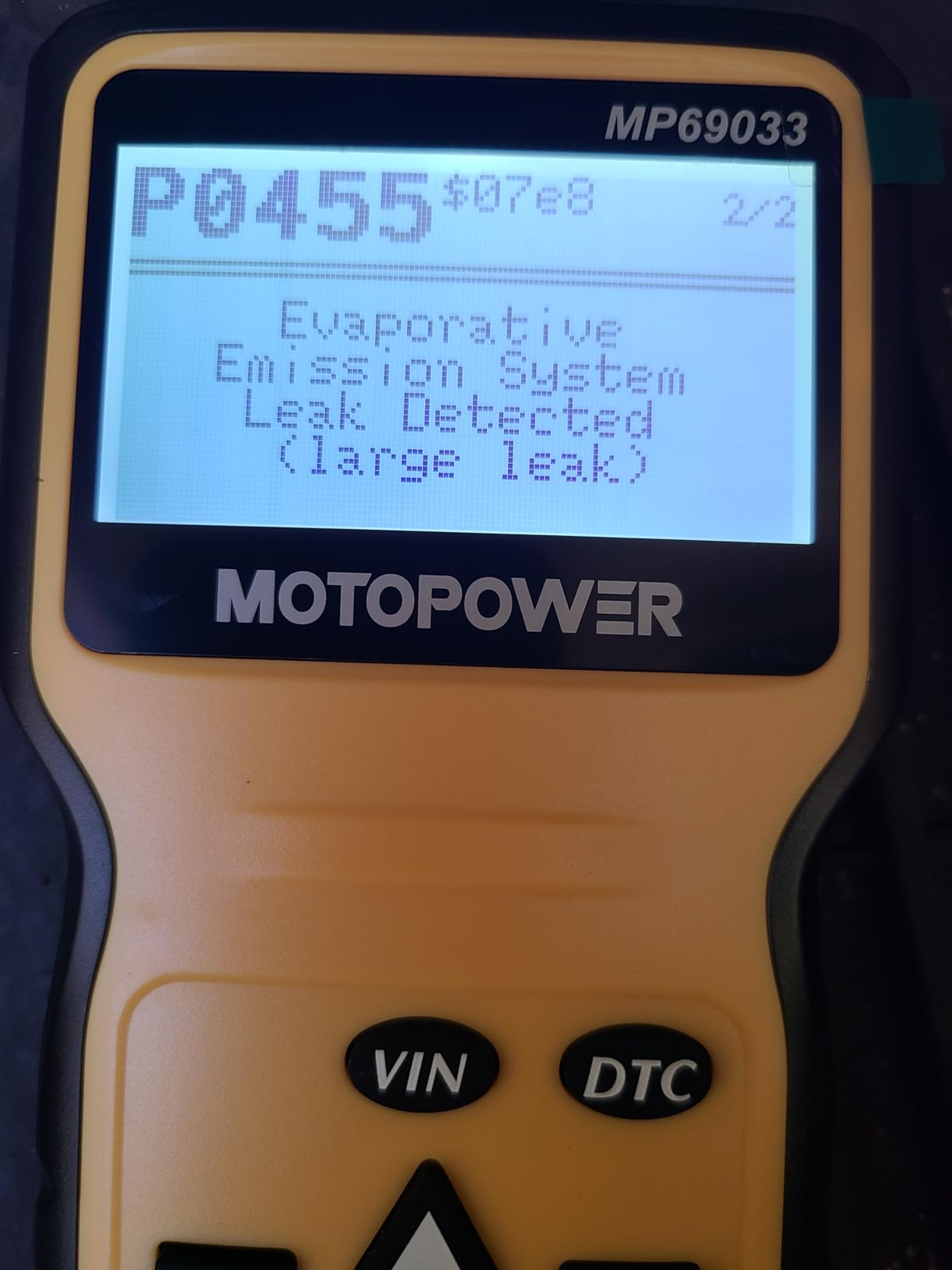
The MOTOPOWER MP69033 is the cheapest scanner in our lineup, and I honestly did not expect much for the price. But after using it on my Civic to clear a persistent EVAP code, I walked away impressed. The 2.8-inch LCD with white backlight is actually easier to read than some screens on scanners costing three times as much. The built-in DTC lookup library means you get a code definition right on the screen instead of having to Google it.
This scanner supports nine OBD-II protocols, which is more than most budget units. I tested it on a motorcycle with an OBD-II port and it communicated without issues. The real-time curve display for vehicle speed and engine RPM is a nice touch that you do not usually find at this price. The unit is compact enough to keep in a glovebox, which is exactly where mine lives now.
What I appreciate about the MP69033 is that it does not try to be something it is not. There is no pretense of advanced diagnostics here. It reads codes, clears codes, shows freeze frame data, and checks I/M readiness. That is it. The six-language support is a bonus if you work on cars with family members who prefer a different language. At just 10.2 ounces, it is one of the lightest scanners I have held.
The main downside is the total lack of live data graphing. You can view data flow parameters, but you cannot graph them over time to spot trends. There is also no ABS, airbag, or transmission support. Some users reported compatibility issues with certain newer vehicles, so it is worth checking the protocol list before relying on it for a specific car. The 30-day warranty is also shorter than I would like.
Who Should Buy This Scanner
This is the scanner I would hand to a complete beginner who has never used a diagnostic tool before. The interface is so simple that there is almost zero learning curve. It is also a great backup scanner to keep in a second vehicle so you always have code-reading capability on the road.
Limitations to Keep in Mind
Do not expect this scanner to grow with you as your skills improve. There are no software updates available, no graphing functions, and no enhanced diagnostics. If you ever need to read ABS codes or perform oil resets, you will need to buy a different tool entirely.
3. ANCEL AD410 Enhanced OBD2 Scanner Vehicle Code Reader
- 42000+ built-in DTC lookups
- Color display readable in sunlight
- O2 sensor test and EVAP test
- Free software updates
- No ABS SRS or transmission support
- USB update process can be confusing
- Instructions can be unclear
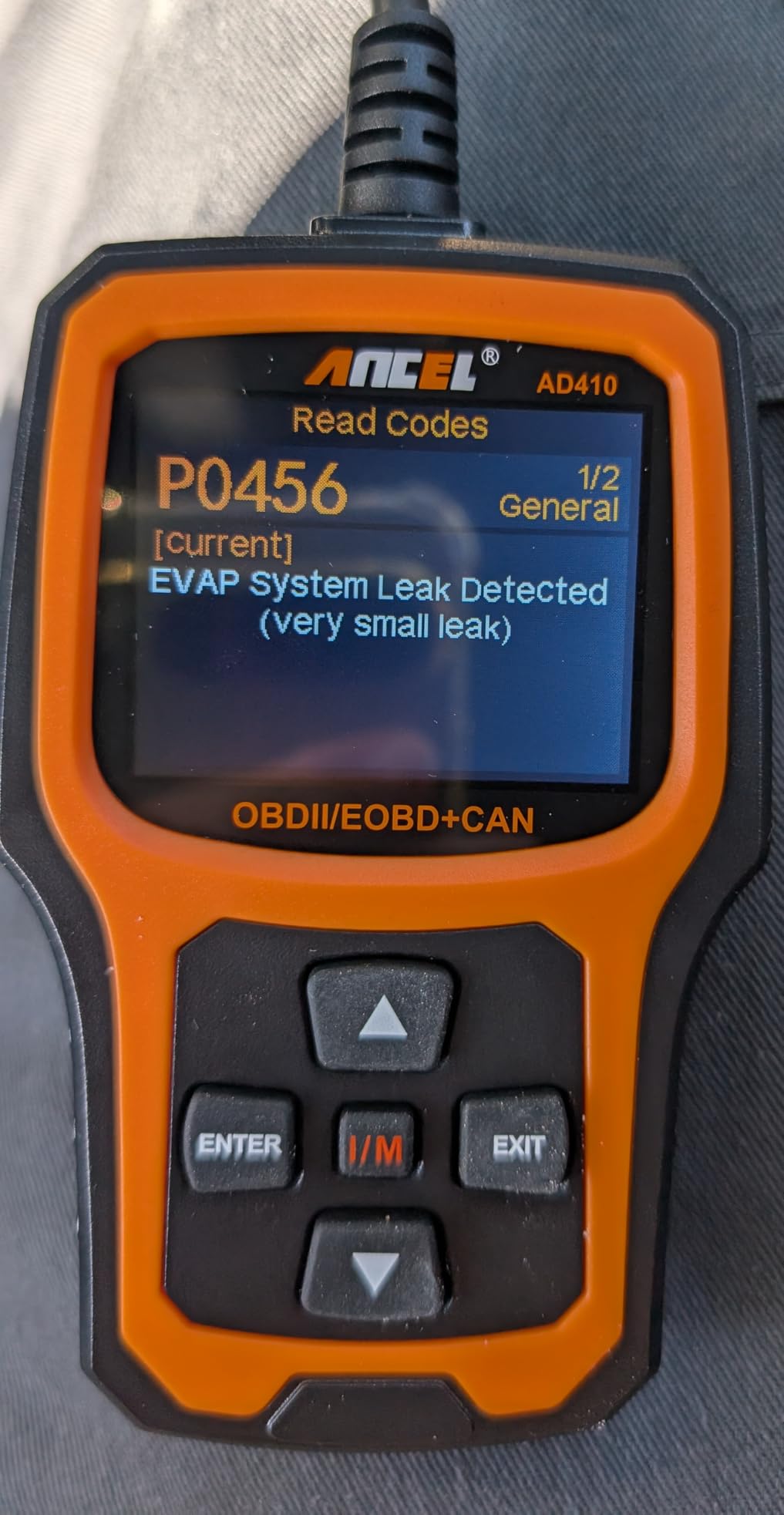
The ANCEL AD410 is what I reach for when I need more detail than a basic code reader but do not want to pull out the big tablet scanner. The 2.4-inch color display is a noticeable upgrade from the monochrome screens on the AD310 and MP69033. I could read it clearly even with sunlight glare coming through the garage door. The 42,000-plus built-in DTC lookup library is impressive and saved me from looking up several obscure codes on my phone.
During testing on a Ford F-150, the AD410 pulled a pending code that two cheaper scanners had missed entirely. That pending code turned out to be an O2 sensor starting to fail, which I was able to confirm using the built-in O2 sensor test function. The EVAP system test is also included, which is rare at this price point. The live data display shows multiple parameters at once, though there is no graphing capability.
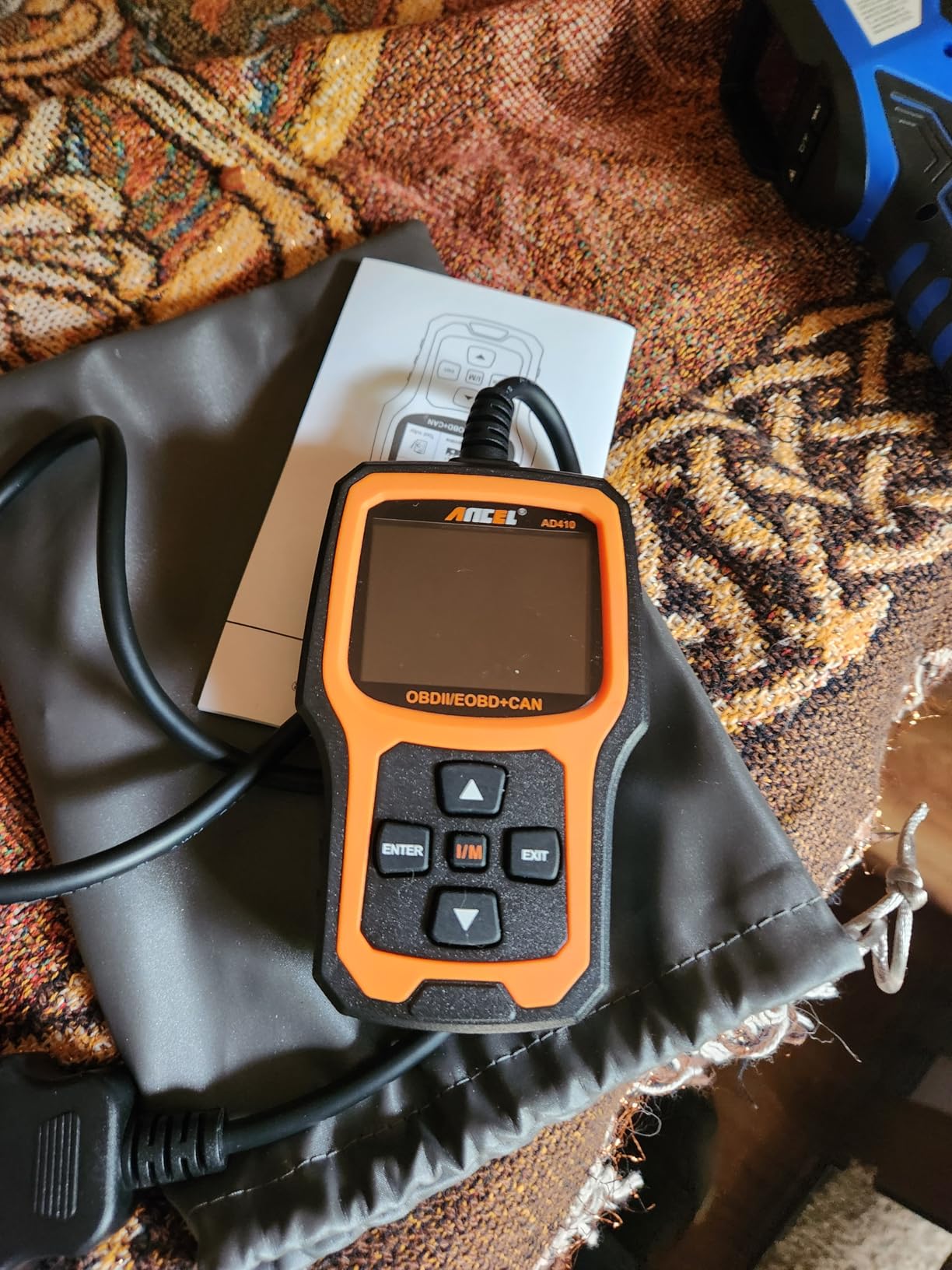
One thing that sets the AD410 apart from cheaper ANCEL models is the software update path. You can connect it to a computer via the included USB cable and download updates through the ANCEL website. The process works, but it is not exactly intuitive. I had to dig through the menu a few times to find the right option. The updates are free, which is great compared to subscription-based scanners that nickel-and-dime you.
The AD410 does not cover ABS, SRS, or transmission codes. It is strictly an OBD-II emission and engine scanner. If those advanced systems are important to you, look at the Innova 5210 or the FOXWELL NT614 Elite later in this guide. But for engine diagnostics with professional-grade DTC definitions and live data, the AD410 punches well above its weight class.
Who Should Buy This Scanner
This scanner hits the sweet spot for DIY mechanics who want live data and enhanced code definitions without spending over $100. It is a great choice if you regularly work on multiple vehicles and need accurate, detailed code readings for engine and emission issues. The color display and large DTC library make it feel like a much more expensive tool.
Limitations to Keep in Mind
The USB update process requires a Windows computer and some patience. Mac users are out of luck for updates. The scanner also does not support any enhanced or manufacturer-specific codes beyond standard OBD-II, so you will miss codes from body control modules or chassis systems.
4. Autel Professional OBD2 Scanner AL319 Code Reader
- One-click I/M readiness button
- Durable professional-grade build
- Broad vehicle compatibility including BMW and Audi
- Built-in speaker with LED indicator
- Cord is shorter than some prefer
- Slightly slower scanning speed
- Firmware updates may be ending
- No live data graphing
Autel is a name that carries weight in professional shops, and the AL319 brings some of that pedigree to a budget-friendly package. The first thing I noticed was the build quality. This scanner feels like it could survive being dropped on a concrete garage floor, and one reviewer even mentioned theirs survived being submerged in water. The TFT color display is bright and readable, and the built-in speaker with LED indicator gives you quick visual and audio feedback on I/M readiness status.
I tested the AL319 on a mix of vehicles including a BMW 328i, a Honda Accord, and a Nissan Altima. It communicated with all three without any issues, which is notable because some budget scanners struggle with European vehicles. The one-click I/M readiness button is genuinely useful. You press it once and get an instant red-yellow-green status, which is faster than navigating through menus on competing models.
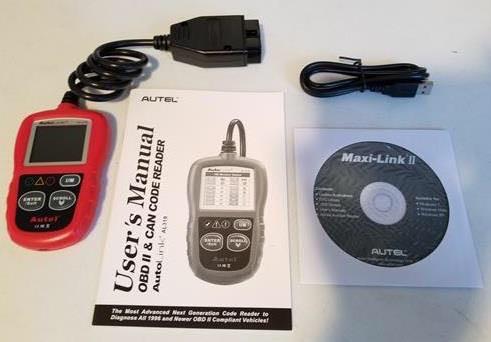
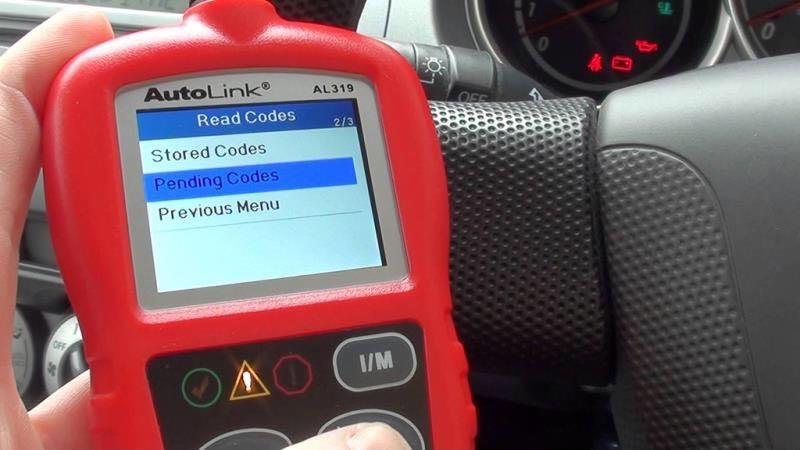
The DTC lookup feature is built into the software, so when you pull a code, you immediately get a text definition alongside it. The live data display works but does not include graphing. I found the scanning speed to be slightly slower than the ANCEL AD410, taking about 5 to 7 seconds longer to pull a full code set. For most DIY mechanics, that difference is not going to matter.
One concern I have is that Autel may be winding down firmware updates for the AL319, based on user reports. This is a scanner that has been on the market for several years, and while it works fine for current vehicles, future compatibility with newer models is not guaranteed. The cord is also on the short side, which made it a bit awkward to use while sitting in the driver’s seat.
Who Should Buy This Scanner
The AL319 is a great pick for DIY mechanics who work on a mix of European and Asian vehicles. The broad compatibility and rugged build make it a reliable workhorse. If you want the backing of a major diagnostic brand like Autel without paying professional tool prices, this is your entry point.
Limitations to Keep in Mind
The short cord and lack of live data graphing are the biggest day-to-day frustrations. More importantly, the potential end of firmware updates means this scanner may not support vehicles released in the next few years. If you plan to keep your current vehicles for a long time, that may not matter.
5. FOXWELL NT301 OBD2 Scanner Live Data Professional Mechanic Code Reader
- Live data graphing capability
- I/M readiness LED indicator in red yellow green
- EVAP leak test and O2 sensor test
- Trusted by professional mechanics
- No ABS SRS or transmission codes
- Windows only for updates
- No bidirectional control
- Compatibility varies by vehicle
The FOXWELL NT301 sits in an interesting middle ground between budget code readers and mid-range diagnostic scanners. What sets it apart is the live data graphing capability, which lets you view sensor readings as a real-time graph on the 2.8-inch color screen. I used this feature to diagnose an intermittent misfire on a friend’s vehicle, and being able to watch the RPM and fuel trim graphs bounce as the misfire occurred made the problem immediately obvious.
The I/M readiness hotkeys with the red-yellow-green LED indicator are one of my favorite features on any scanner in this price range. You press one button and get an instant visual status on emissions readiness. No menu diving, no waiting. The EVAP system leak monitor and O2 sensor test are also included, making this one of the most complete OBD-II scanners under $100.
On the technical side, the NT301 supports all five major OBD-II protocols and is compatible with 1996 and newer US vehicles, 2000 and newer EU and Asian vehicles, and 12V diesel vehicles with OBD-II. It can also retrieve the vehicle VIN automatically, which is handy when you are working on an unfamiliar car. The built-in speaker provides audio feedback when codes are read or cleared.
The biggest limitation is that the NT301 is strictly an engine and emission scanner. No ABS, no SRS, no transmission codes. There is also no bidirectional control, so you cannot use it to activate components for testing. Updates require a Windows computer, which frustrates Mac users. Despite these limitations, the NT301 is frequently recommended by professional mechanics on YouTube for DIY use because the live data graphing is that good.
Who Should Buy This Scanner
This is the scanner I recommend to DIY mechanics who want to go beyond simple code reading and start analyzing live sensor data. If you are the type who wants to understand fuel trims, oxygen sensor voltages, and misfire counts rather than just knowing a code exists, the NT301 gives you that capability at a reasonable price.
Limitations to Keep in Mind
The Windows-only update requirement is a real frustration if you use a Mac. The scanner also lacks any enhanced diagnostics beyond standard OBD-II, so you are limited to powertrain codes only. Vehicle compatibility for some advanced tests like EVAP can vary depending on the specific make and model.
6. Innova 5210 OBD2 Scanner and Engine Code Reader
- Combines OBD2 scanner and battery tester
- Oil reset and smog check readiness
- No subscription fees ever
- Free app with verified fixes from ASE-certified mechanics
- ABS coverage varies by vehicle
- May require drive cycle to reset monitors
- Does not show exact part for specific vehicle
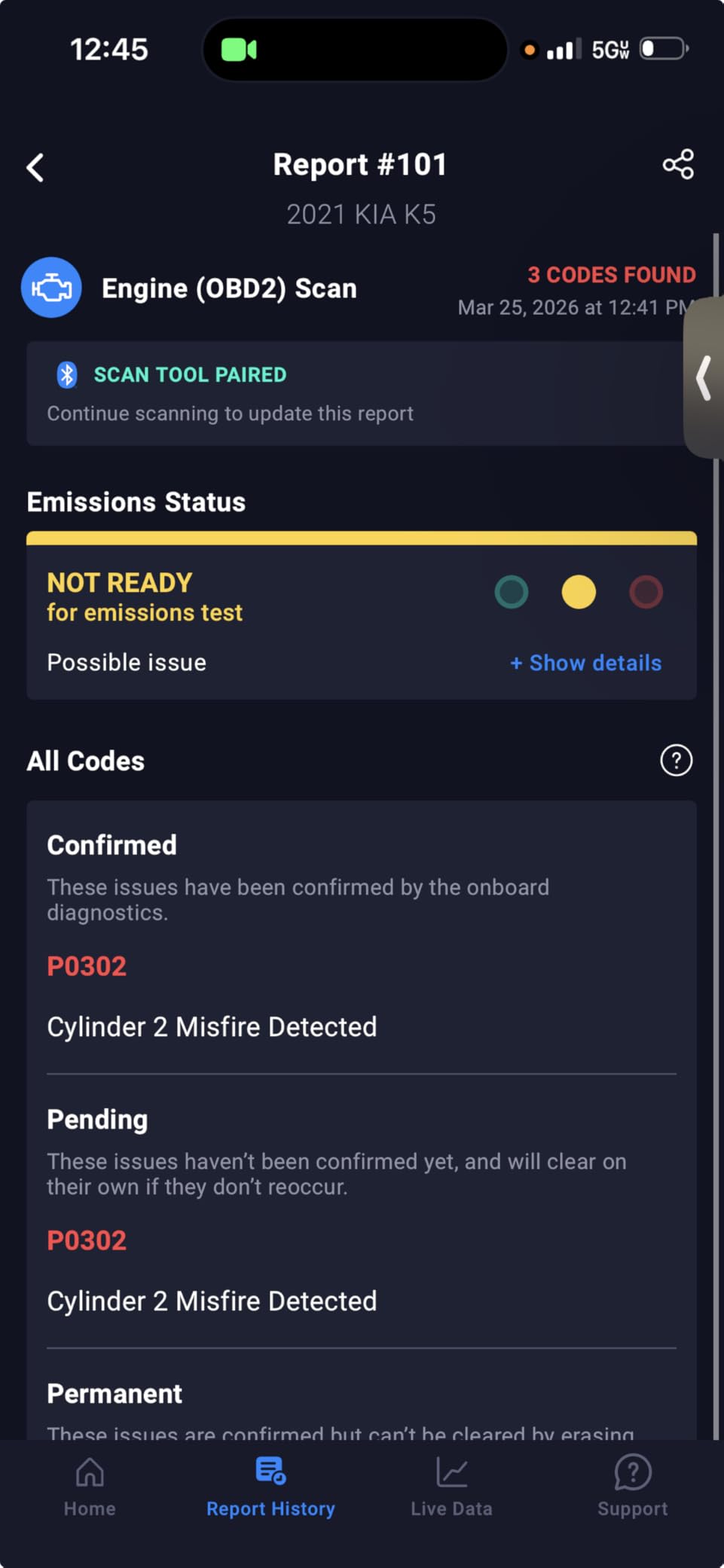
The Innova 5210 is where I start recommending scanners to friends who want more than basic code reading. The standout feature here is the built-in battery and alternator tester, which means you get two diagnostic tools in one package. I used the battery test function on my Civic when it was cranking slowly, and the scanner flagged a failing battery before it left me stranded. That alone justified the purchase price.
What really makes the Innova 5210 special is the RepairSolutions2 app integration. When you read a code, the app cross-references it against a database of over 4 million verified fixes from ASE-certified mechanics. It tells you not just what the code means, but what parts typically fail and what the likely repair involves. For a DIY mechanic trying to decide whether a repair is within their skill level, this is incredibly helpful.
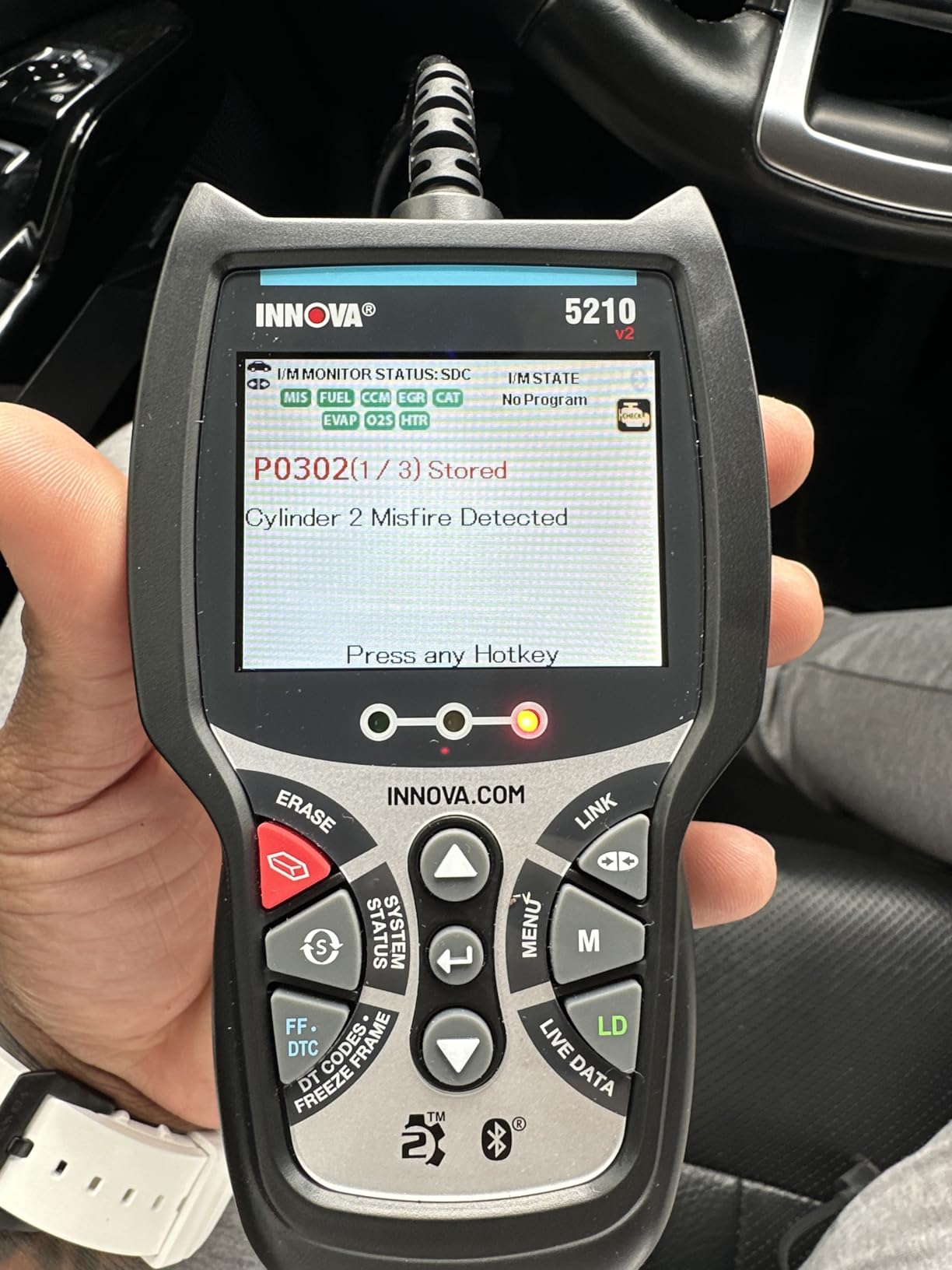
The 5210 reads and clears ABS codes on many vehicles, which is a significant step up from the budget scanners on this list. It also performs oil light resets and checks I/M readiness for smog tests. The live data stream shows RPM, engine temperature, fuel trims, and oxygen sensor readings in real time. I found the data refresh rate to be faster than the FOXWELL NT301.
There are no subscription fees, which is a major advantage over Bluetooth scanners that lock features behind paywalls. The coverage checker on Innova’s website lets you verify compatibility with your specific vehicle before buying, which I highly recommend doing because ABS and oil reset coverage varies significantly by make and model. Some users have reported that emission readiness monitors require a full drive cycle to reset after clearing codes.
Who Should Buy This Scanner
The Innova 5210 is my top recommendation for DIY mechanics who want ABS code reading, battery testing, and repair guidance in one package. It is ideal for someone who maintains a family fleet of vehicles and wants professional-level diagnostic guidance without paying subscription fees. The app integration makes it especially good for newer DIYers who want help understanding what codes mean and how to fix them.
Limitations to Keep in Mind
ABS code coverage is not universal. Before buying, use Innova’s online coverage checker to confirm it supports ABS on your specific vehicle. The verified fix suggestions in the app are helpful but may not pinpoint the exact part for every vehicle, so use them as guidance rather than gospel.
7. BlueDriver Pro Next Gen OBD2 Scanner
- No subscription fees ever
- Bluetooth connectivity for wireless use
- Comprehensive diagnostics for ABS SRS TPMS and transmission
- Technician-verified repair reports
- Bluetooth connectivity issues with some phones
- Requires WiFi for initial setup
- Some vehicle compatibility limitations
The BlueDriver Pro is the Bluetooth scanner I recommend most often, and for good reason. It plugs into the OBD-II port and communicates wirelessly with your iPhone or Android phone via Bluetooth. No cords to manage, no separate display to read. Your phone becomes the scanner screen, which means you get a much larger, higher-resolution display than any standalone scanner in this price range.
What sets BlueDriver apart from other Bluetooth OBD-II dongles is the depth of diagnostics. This is not just an engine code reader. The Pro Next Gen version reads and clears codes for the engine, ABS, SRS, TPMS, and transmission systems. I used it to diagnose an ABS wheel speed sensor issue on a friend’s truck, and the app walked us through the exact repair steps with technician-verified recommendations. That level of guidance is hard to find at any price point.
The BlueDriver app generates detailed repair reports that you can save and share. Each report includes the code, a plain-English explanation, probable causes, and verified fix data based on real-world repairs. I found the report quality comparable to what professional shops use through services like Identifix. The app also displays real-time live data, freeze frames, and vehicle health summaries.
The no-subscription model is the biggest selling point for me. You buy the scanner once and get full app access forever, including updates. This is in stark contrast to some Bluetooth scanners that charge monthly or annual fees for advanced features. The main downside I experienced was occasional Bluetooth connectivity hiccups with newer phones. A quick unpair and repair cycle always fixed it, but it is an annoyance worth knowing about.
Who Should Buy This Scanner
The BlueDriver Pro is ideal for DIY mechanics who prefer using their phone as a display and want full-system diagnostics without subscription fees. It is particularly strong for used car inspections, since you can scan every system on a vehicle in minutes before making a purchase decision. The repair reports also make it a great teaching tool for newer mechanics.
Limitations to Keep in Mind
You need a smartphone to use this scanner, which means it is useless without your phone. The initial setup requires WiFi to download the app and register the device. Some vehicle models have limited enhanced code coverage, so check compatibility on the BlueDriver website before buying if you drive a less common vehicle.
8. FOXWELL NT614 Elite OBD2 Scanner 4 System Code Reader
- 5 reset functions including oil EPB ABS bleeding SAS and throttle
- 4 system coverage for engine ABS SRS and transmission
- One-click WiFi updates with no registration
- Smart Auto VIN for quick vehicle identification
- Does not support TPMS system
- No bidirectional control
- Fault codes can only be cleared after repair
- Special function compatibility varies by model
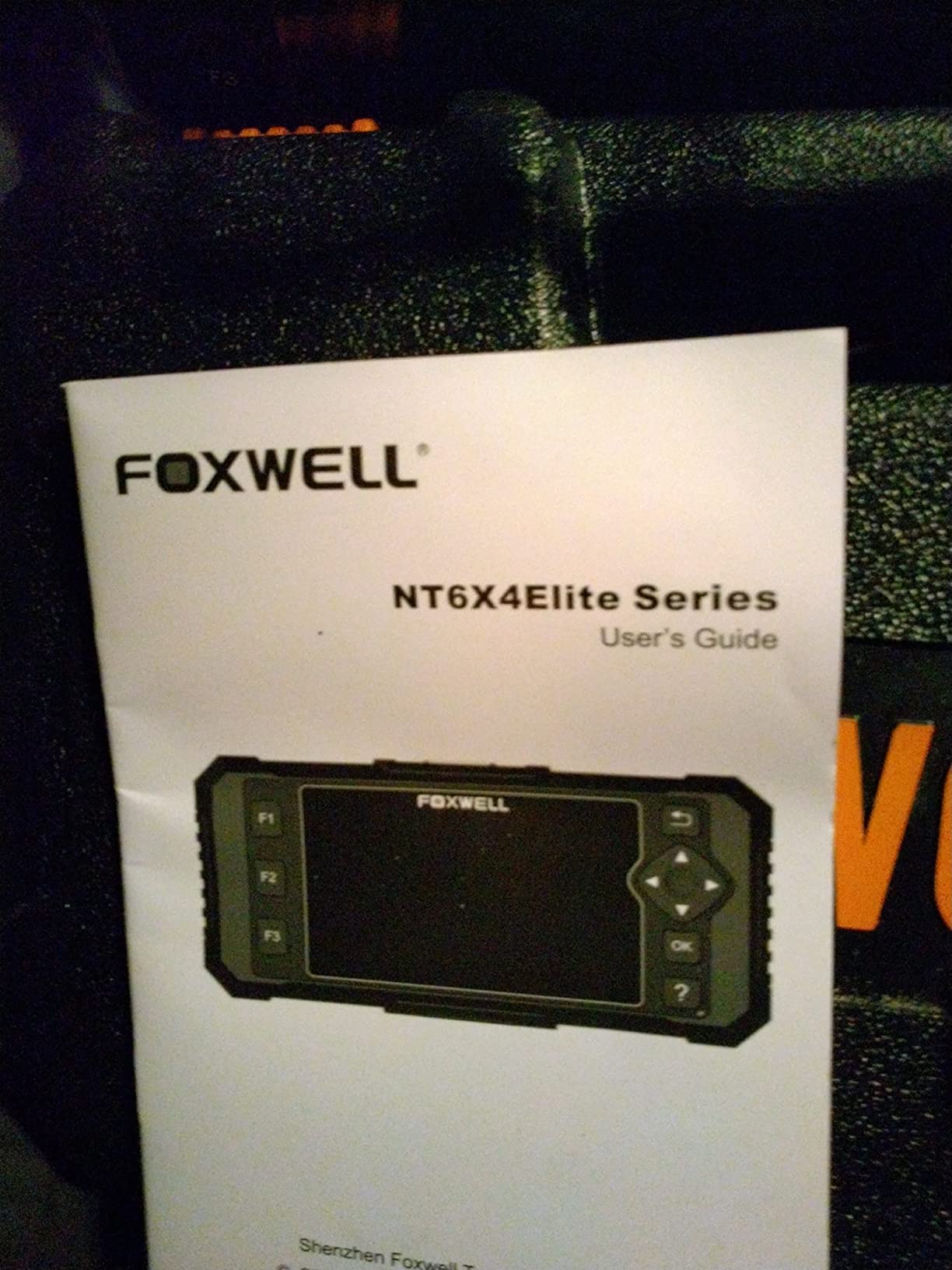
The FOXWELL NT614 Elite is the scanner that bridges the gap between basic code readers and professional diagnostic tools. The 4.3-inch color display is a massive upgrade from the 2.4 to 2.8-inch screens on budget models. I could read live data parameters without squinting, and the menu navigation is straightforward thanks to physical buttons that work well even with greasy hands.
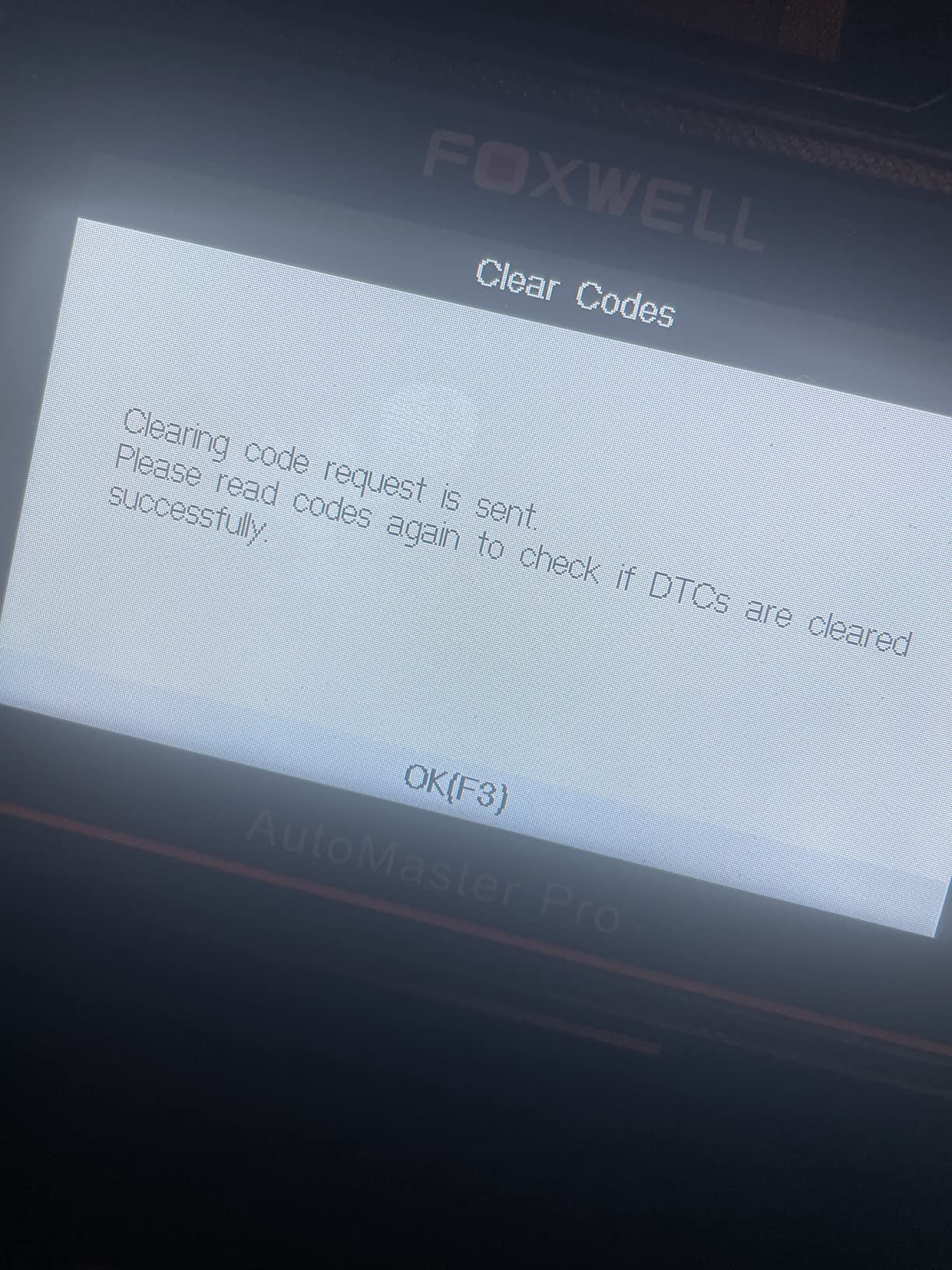
What makes the NT614 Elite worth the extra money is the four-system coverage. It reads and clears codes for the engine, ABS, SRS, and transmission systems. I used it to clear an SRS code after replacing a clock spring on a Honda, and it worked flawlessly. The five reset functions are where this scanner really shines for DIY mechanics who do their own maintenance.
The oil reset function lets you clear maintenance reminder lights after an oil change. The EPB reset is essential if you change your own brake pads on vehicles with electronic parking brakes. The ABS bleeding function helps you purge air from the brake system after a caliper replacement. The SAS calibration is needed after replacing steering angle sensors. And the throttle reset comes in handy after cleaning a throttle body. These are functions that normally require a trip to the dealer.
The Auto VIN feature reads your vehicle identification number automatically, saving you from entering it manually. The one-click WiFi updates are the best update experience I have had with any scanner in this price range. No registration required, no USB cable to find, just press update and wait. The scanner covers over 10,000 models across 90 brands, though special function compatibility does vary by vehicle.
Who Should Buy This Scanner
The NT614 Elite is my pick for DIY mechanics who regularly perform brake jobs, airbag work, and oil changes on multiple vehicles. The five reset functions cover the most common service procedures that require a scanner. If you do your own maintenance on modern vehicles with electronic systems, this scanner pays for itself in a few jobs compared to dealer visit costs.
Limitations to Keep in Mind
The scanner does not support TPMS resets, which is a gap if you rotate or replace tires on a vehicle with direct TPMS. There is no bidirectional control, so you cannot send commands to test individual components. Special function availability varies by make and model, so check Foxwell’s compatibility list before relying on a specific reset function.
9. Innova 5610 OBD2 Bidirectional Scan Tool
- Bidirectional controls for active component testing
- Dealership-level re-learn and reset procedures
- Enhanced data stream for ABS SRS transmission and engine
- Free updates with no subscription fees
- Higher price point
- Compatible with select vehicle makes and models only
- Requires coverage checker to verify compatibility
The Innova 5610 is a genuine bidirectional scan tool, which means it can send commands to your vehicle, not just read data. This is a game-changer for DIY mechanics who want to test components before replacing them. I used the bidirectional control to cycle a fuel pump on and off while diagnosing a hard-start issue. Instead of guessing whether the pump was getting power, I could command it directly from the scanner and listen for it.
The 3.5-inch color screen is crisp and easy to navigate. The enhanced data stream shows live parameters for ABS, SRS, transmission, and engine simultaneously, which is far more comprehensive than what you get on budget scanners. The dealership-level reset functions handle tasks like electronic parking brake retraction for brake pad changes, throttle body relearn after cleaning, and battery registration after replacement.
One of the biggest selling points of the Innova 5610 is the RepairSolutions2 app, which has over 4 million users. The app provides verified fixes from ASE-certified mechanics, translated into plain language that DIYers can follow. When I pulled a transmission code on a Ford F-150, the app showed me the three most common causes ranked by probability, along with estimated difficulty and parts needed.
The US-based technical support team is available Monday through Friday from 6 AM to 6 PM Pacific time. I called them once with a question about bidirectional controls on a specific vehicle, and the technician was knowledgeable and helpful. Free updates with no subscription fees means this scanner will keep getting better over time without surprise costs. The main drawback is that not all bidirectional controls work on all vehicles, so you need to check the coverage database before buying.
Who Should Buy This Scanner
The Innova 5610 is for the serious DIY mechanic who wants bidirectional testing capability without spending $1,000 or more on a professional tool. It is ideal if you regularly diagnose complex issues involving fuel systems, braking systems, or electronic components where active testing saves you from throwing parts at a problem. The free updates and US-based support make it a long-term investment.
Limitations to Keep in Mind
Bidirectional control coverage is not universal across all makes and models. Before purchasing, use Innova’s online coverage checker to confirm which active tests and resets are supported on your specific vehicles. The higher price point means you should be confident you will use the advanced features regularly to justify the investment.
10. ANCEL DS500BT Bidirectional Scan Tool Wireless Full-System OBD2 Diagnostic Scanner
ANCEL DS500BT Bidirectional Scan Tool, Full-System OBD2 Diagnostic Scanner
- 3000+ active tests for comprehensive bidirectional testing
- 28+ service functions covering most DIY and shop needs
- 7-inch Android tablet with intuitive interface
- Lifetime free updates with no subscription fees
- Higher price point
- Service coverage varies by vehicle make model and year
- Battery powered requires regular charging
The ANCEL DS500BT is the most capable scanner in this guide, and it earned our Editor’s Choice award for good reason. This is a full Android 10.0 tablet with a 7-inch touchscreen running professional diagnostic software. The wireless BT 5.0 VCI module means you are not tethered to the OBD-II port by a cable. I walked around the vehicle while running live data during a test drive, which is something you simply cannot do with a corded scanner.
The bidirectional testing capability here is on another level compared to the Innova 5610. With over 3,000 active tests available, I was able to command individual fuel injectors, cycle the AC compressor, activate individual ignition coils, and test electronic throttle bodies. For a DIY mechanic who does complex diagnostics, this level of control eliminates guesswork and saves money by confirming which parts actually need replacing.
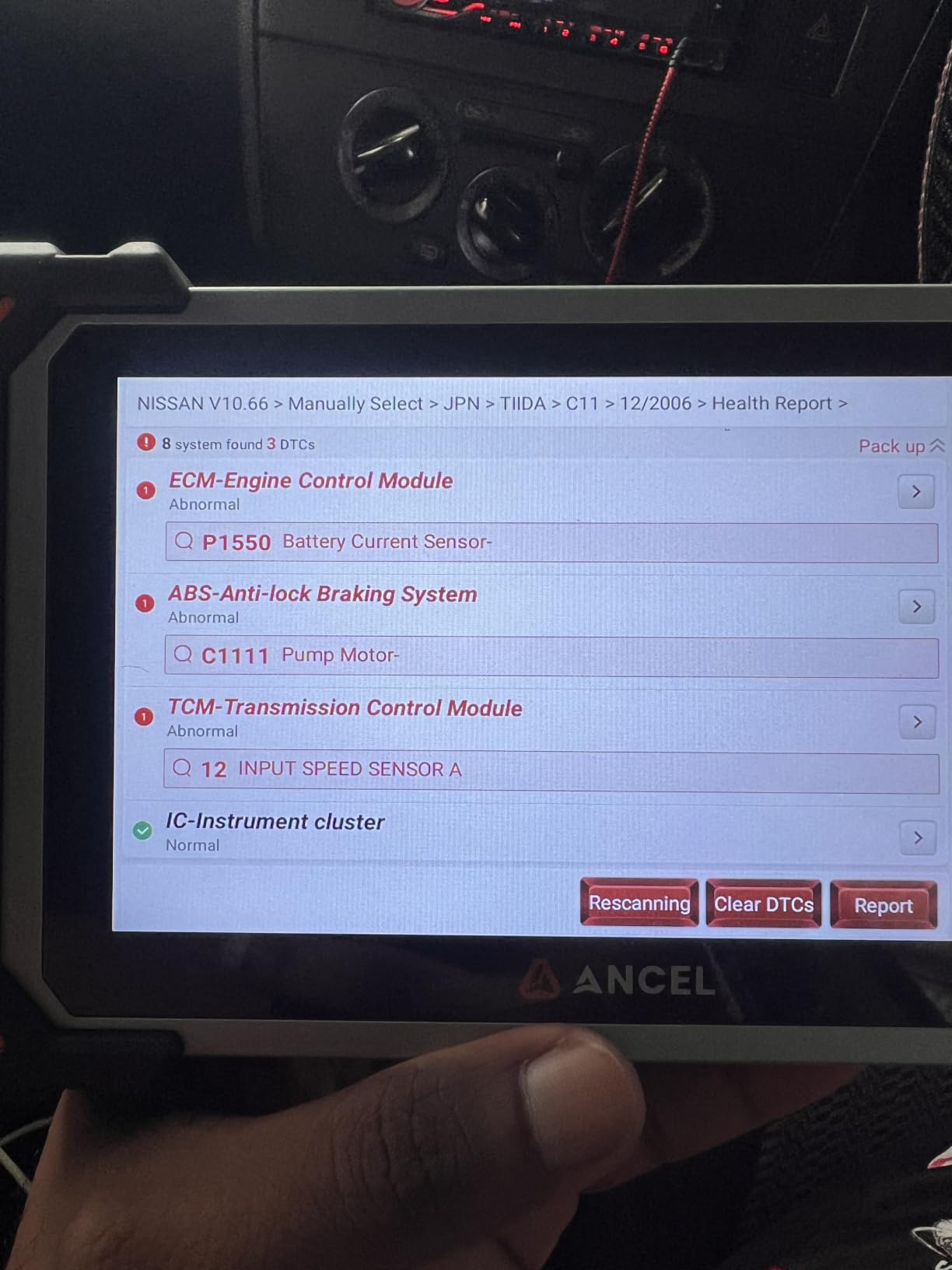
The 28-plus service functions cover virtually every maintenance reset a DIY mechanic or small shop would need. Oil reset, EPB reset, SAS calibration, BMS registration, DPF regeneration, ABS bleeding, throttle relearn, injector coding, and gear learning are all included. I used the DPF regeneration function on a diesel truck, which would have cost over $200 at a shop. That single use paid for a significant chunk of the scanner’s purchase price.
CAN FD support is critical for newer vehicles. Many 2020 and newer General Motors vehicles use the CAN FD protocol, which older scanners cannot read at all. The DS500BT handles it without issue. The tablet also generates detailed PDF diagnostic reports that you can share with a mechanic or save for your vehicle maintenance records. Lifetime free updates mean there are no surprise subscription costs down the road.
Who Should Buy This Scanner
The DS500BT is for the advanced DIY mechanic or part-time professional who needs comprehensive bidirectional control across multiple vehicle brands. If you work on a variety of vehicles including newer models with CAN FD, or if you perform complex diagnostics that require active component testing, this scanner delivers professional-level capability at a fraction of what dealer tools cost. The tablet form factor also makes it the most pleasant scanner to use for extended diagnostic sessions.
Limitations to Keep in Mind
The biggest consideration is price, as this is the most expensive scanner on our list. Service function and active test coverage varies by vehicle make, model, and year, so check ANCEL’s compatibility list for your specific vehicles. The tablet is battery powered, so you need to keep it charged. Unlike corded scanners that draw power from the OBD-II port, you cannot use this scanner with a dead tablet battery.
What to Look for in an Automotive Diagnostic Scanner?
Choosing the right automotive diagnostic scanner comes down to understanding what you work on and how deep you want to go. Here are the factors that matter most for DIY mechanics in 2026.
Code Reading vs Enhanced Diagnostics. Every scanner on this list reads OBD-II engine and emission codes. But if you need ABS, SRS, or transmission codes, you need a scanner with enhanced diagnostics. The BlueDriver Pro, Innova 5210, FOXWELL NT614 Elite, Innova 5610, and ANCEL DS500BT all offer this capability. Cheap scanners like the ANCEL AD310 and MOTOPOWER MP69033 are limited to powertrain codes only.
Bluetooth vs Corded Scanners. Bluetooth scanners like the BlueDriver Pro use your phone as the display, which gives you a larger screen and the ability to save reports. Corded scanners have built-in displays and do not depend on a phone or app. Both approaches work well, but Bluetooth scanners are more convenient for test drives and sharing results. Corded scanners are more reliable in environments where Bluetooth connections drop.
Live Data and Graphing. Live data lets you see real-time sensor readings like RPM, coolant temperature, fuel trims, and oxygen sensor voltages. Graphing takes this a step further by plotting values over time, making it easier to spot intermittent issues. The FOXWELL NT301 offers graphing at a budget price, while the ANCEL DS500BT provides advanced graphing on its 7-inch tablet display.
Bidirectional Control. Bidirectional scanners can send commands to your vehicle to test components like fuel pumps, electronic parking brakes, and AC compressors. This is the feature that separates DIY scanners from professional tools. The Innova 5610 and ANCEL DS500BT both offer bidirectional controls. For a complete diagnostic toolkit, you may also want to check out the best multimeters for automotive diagnostics to complement your scanner for electrical troubleshooting.
Subscription Model Warning. Some scanners lock advanced features behind monthly or annual subscriptions. All 10 scanners on our list avoid this trap, offering either free lifetime updates or one-time purchases. Be cautious of cheap Bluetooth dongles that advertise free basic scanning but require subscriptions for ABS, SRS, or enhanced code reading. Over three to five years, subscription costs can exceed the price of a professional scanner.
Vehicle Compatibility. Not every scanner works on every vehicle. European vehicles like BMW and Audi can be particularly challenging for budget scanners. Always check the manufacturer’s compatibility database before buying. For advanced electrical diagnostics, some mechanics also use mixed-signal oscilloscopes for embedded developers to analyze CAN bus signals and sensor waveforms.
Software Updates. Free lifetime updates are a major advantage because vehicle protocols and code definitions change over time. The ANCEL DS500BT, Innova 5610, BlueDriver Pro, and FOXWELL NT614 Elite all offer free updates. Scanners without update paths may become obsolete as new vehicle models are released.
OBD-II Scanner FAQs
What car scanners do mechanics use?
Professional mechanics typically use bidirectional scan tools from brands like Autel, Launch, and Snap-on that cost $1,000 to $5,000 or more. These tools perform active component testing, ECU coding, and full-system diagnostics across all vehicle modules. For DIY use, scanners like the Innova 5610 and ANCEL DS500BT offer many of the same bidirectional capabilities at a fraction of the cost.
What is the best DIY OBD scanner?
The best DIY OBD scanner depends on your needs. For basic check engine code reading, the ANCEL AD310 at under $30 is hard to beat. For full-system diagnostics including ABS and SRS, the BlueDriver Pro offers excellent value with no subscription fees. For advanced bidirectional testing, the ANCEL DS500BT provides professional-grade capability in a 7-inch Android tablet.
Is it worth buying your own OBD2 scanner?
Yes, buying your own OBD2 scanner is absolutely worth it for any vehicle owner. A single diagnostic check at a shop or parts store visit can cost $50 to $150, and a basic scanner pays for itself after one or two uses. Having a scanner at home lets you diagnose check engine lights immediately, monitor vehicle health, and inspect used cars before purchase.
What diagnostic tools do mechanics use?
Mechanics use a combination of OBD-II scanners, digital multimeters, pressure gauges, and oscilloscopes for vehicle diagnostics. Professional scan tools from Autel, Snap-on, and Launch provide bidirectional control and ECU coding. Digital multimeters test electrical circuits, while oscilloscopes analyze sensor waveforms and CAN bus communication signals.
What is the difference between a code reader and a scan tool?
A code reader simply reads and clears diagnostic trouble codes from your vehicle’s computer. A scan tool does everything a code reader does but also displays live sensor data, performs system tests, and on advanced models offers bidirectional control to command vehicle components. Code readers typically cost under $50, while scan tools range from $100 to several thousand dollars.
Final Thoughts on Automotive Diagnostic Scanners
After testing 10 automotive diagnostic scanners across multiple vehicles and months of real-world garage use, the right choice comes down to how deep you want to go. For basic check engine light diagnosis, the ANCEL AD310 and MOTOPOWER MP69033 handle the job for under $30. The Innova 5210 and BlueDriver Pro are the best automotive diagnostic scanners for DIY mechanics who need ABS and SRS coverage with app-based repair guidance. And for serious wrenchers who want bidirectional control, the Innova 5610 and our Editor’s Choice ANCEL DS500BT deliver professional capability without dealer tool prices.
No matter which scanner you choose, the most important thing is having the tool before you need it. That check engine light always seems to come on at the worst possible time. With any of these 10 scanners in your toolkit, you will know exactly what is wrong within seconds of plugging in. That peace of mind is worth every penny.