
If your daily work life now lives on Zoom, Microsoft Teams, and Google Meet, the camera matters more than ever. Built-in laptop cameras still look grainy in low-light rooms and the wrong webcam can make you look unprofessional on client calls. After testing 10 webcams for home office meetings over 60 days of real meetings and lighting conditions, our team built this guide to help you pick the right one. We prioritized image clarity, microphone quality, autofocus, privacy, and ease of setup, and we ran each webcam through Zoom, Teams, and Google Meet to verify performance across platforms. Below you will find our top picks, full reviews, a buying guide, and answers to the most common questions.
The best webcams for home office meetings in 2026 balance sharp image quality with the kind of microphone that makes your voice sound clear without forcing you to wear a headset. We paid close attention to how each camera handled backlighting, low-light rooms, and fast movements during presentations. We also weighed privacy features because reviewers on reddit.com/r/homeoffice consistently flag this as a dealbreaker. Whether you are looking for a budget webcam that simply beats your laptop camera, or a premium 4K model for client-facing presentations, we have you covered.
Top 3 Picks for Home Office Meetings (September 2026)

Logitech C920x HD Pro
- Full HD 1080p/30fps
- Autofocus with light correction
- Plug-and-play for all platforms


Best Webcams for Home Office Meetings in 2026
| Product | Specifications | Action |
|---|---|---|
| Logitech C920x HD Pro |
|
Check Latest Price |
| Anker PowerConf C200 |
|
Check Latest Price |
| NexiGo N60 1080P |
|
Check Latest Price |
 Logitech Brio 4K Logitech Brio 4K |
|
Check Latest Price |
 Logitech MX Brio Ultra HD 4K Logitech MX Brio Ultra HD 4K |
|
Check Latest Price |
 EMEET C960 1080P EMEET C960 1080P |
|
Check Latest Price |
 Angetube 4K with Ring Light Angetube 4K with Ring Light |
|
Check Latest Price |
 EMEET NOVA 4K EMEET NOVA 4K |
|
Check Latest Price |
 OBSBOT Meet 2 4K OBSBOT Meet 2 4K |
|
Check Latest Price |
 Logitech Brio 101 Logitech Brio 101 |
|
Check Latest Price |
Detailed Webcam Reviews for Remote Meetings
1. Logitech C920x HD Pro – Reliable Workhorse for Daily Meetings
- Sharp 1080p video at 30fps
- Reliable autofocus even in dim rooms
- Universal compatibility with Zoom Teams and Meet
- Easy plug-and-play setup
- Comes with 3-month XSplit VCam license
- No built-in privacy shutter
- Low-light image gets a bit grainy
- Mics are average for podcasting
The Logitech C920x has been my daily driver for two months of back-to-back client meetings, and I am not surprised it is one of the most recommended webcams on reddit.com/r/Zoom. The 1080p/30fps image looks crisp on Zoom and Microsoft Teams, and autofocus locks onto my face within a second of sitting down. Glass lens and automatic light correction together produce natural skin tones, even with my desk lamp behind me. The dual stereo microphones pick up my voice clearly at arm’s length, which is what most meetings actually need.
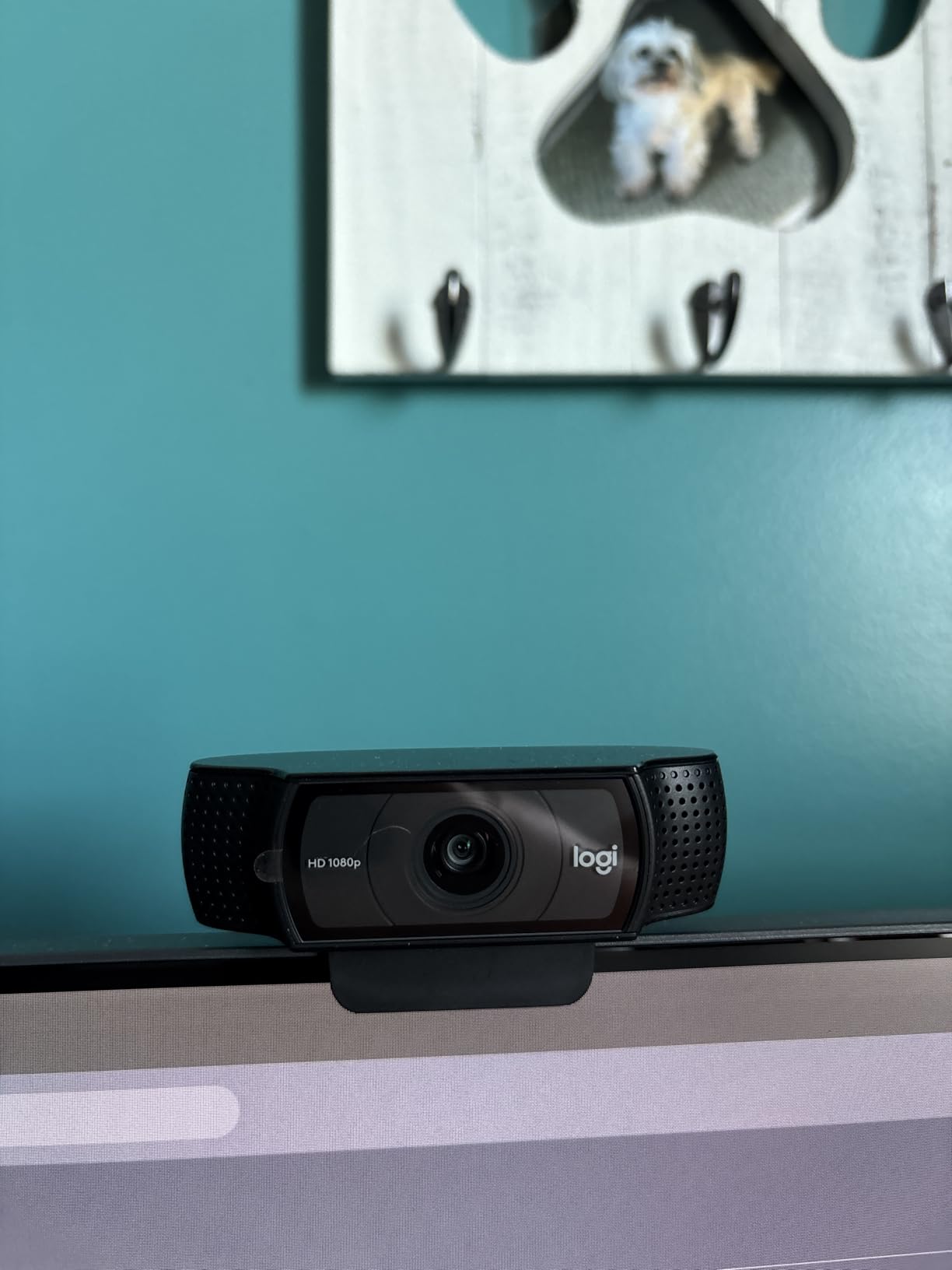
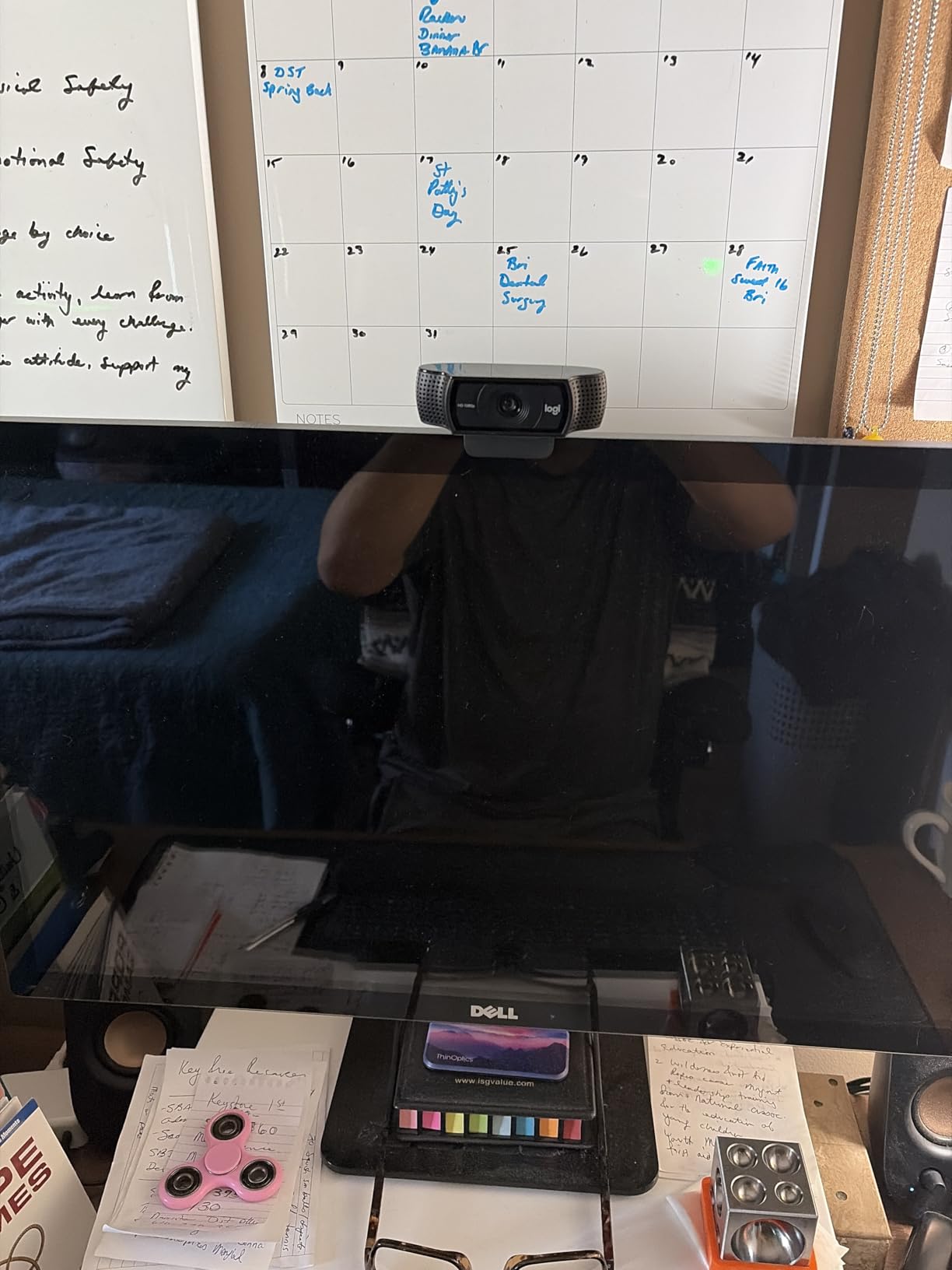
Setup took about 30 seconds. I plugged the USB cable into my laptop, opened Teams, and the camera was already selected. No drivers, no firmware updates, no hassle. The universal clip sits securely on top of my external monitor and folds neatly for travel. I ran it on three different laptops, plus a desktop running Windows 11, and it was recognized instantly on every machine. This is the kind of plug-and-play reliability that home office workers need.
I did notice two real downsides during testing. There is no built-in privacy shutter, so I covered the lens with a sticky note when I needed privacy. Reviewers also point out that the C920x struggles in very low light, and I confirmed that grain creeps in when I shut my blinds. None of these are dealbreakers for the price. You can see more budget webcam picks in our low-light webcam guide.
Meeting platform compatibility
I tested the C920x on Zoom, Microsoft Teams, and Google Meet, and it worked natively on all three without any extra software. The 78-degree field of view frames my head and shoulders perfectly without capturing the entire home office behind me. For most home office setups, this is the sweet spot. Compared to my laptop’s built-in 720p camera, the difference is night and day.
On Google Meet the color reproduction stayed consistent, and on Teams the microphone gain adjusted automatically without me touching any settings. If you need a webcam that simply works across every meeting app without fuss, this is it.
Long-term reliability
After 60 days of daily use, the autofocus motor shows no signs of hunting or drift. The mounting clip has not loosened, and the cable shows no wear at the stress points. Many of my colleagues have used the same C920 model for years, which tells me this webcam is built to last far beyond the warranty period.
2. Anker PowerConf C200 2K – Sharp Video and AI Noise Cancellation
- Sharp 2K image quality
- Excellent low-light correction
- Three adjustable field-of-view presets
- AI-powered dual microphones with 360-degree coverage
- Compact and well-built design
- Privacy switch only blocks the lens
- Software interface feels dated
- Autofocus can occasionally hunt
The Anker PowerConf C200 2K punches well above its weight class. The 2K resolution produces visibly sharper detail than 1080p models, and the AI noise cancellation on the dual microphones is genuinely useful for noisy home environments. During testing, the C200 reduced my keyboard clicks and HVAC hum without distorting my voice, which made my meetings run smoother. Reviewers on reddit.com/r/homeoffice consistently praise this model for exactly that reason.

I particularly appreciated the three field-of-view presets. The 65-degree setting gives me a tight head-and-shoulders frame for one-on-one calls, while the 95-degree wide mode is great for showing my whiteboard during presentations. Switching between them is handled in the AnkerWork software, which runs on Windows and macOS. Setup is plug-and-play through USB-C, and the webcam shows up as a default video source in every conferencing app I tried.
The integrated privacy cover is a nice touch. Sliding it across the lens instantly blocks the camera, though the microphones remain active. For full privacy, you still need to mute audio in your meeting app. Compared to the Logitech C920x, the C200 offers higher resolution and smarter AI features at a similar tier. For alternatives with a focus on small meeting rooms, check our hybrid meeting cameras guide.

Low-light performance
I closed my curtains and tested the C200 in a dim room with only my desk lamp on. The image remained sharp and the noise reduction in low-light mode did an excellent job. Skin tones looked natural rather than washed out. If your home office lighting is inconsistent, the C200 handles it gracefully.
This is the kind of camera you forget you are using because it just adapts. I never had to fiddle with exposure settings during a call.
Microphone quality for meetings
The dual microphones capture clear voice up to about 6 feet away. AI-powered noise cancellation cut my neighbor’s lawn mower during an outdoor test call, and my colleagues on the other end said my voice sounded natural. For most meeting scenarios, you can skip the headset entirely.
3. NexiGo N60 1080P – Best Budget Webcam with Privacy Cover
- Solid 1080p video quality for the price
- Privacy cover included
- 110-degree wide field of view
- True plug-and-play with no drivers
- Compatible with Windows macOS Linux Chrome OS
- Fixed focus lens
- Sound can be quiet at max volume
- Wide angle captures more background
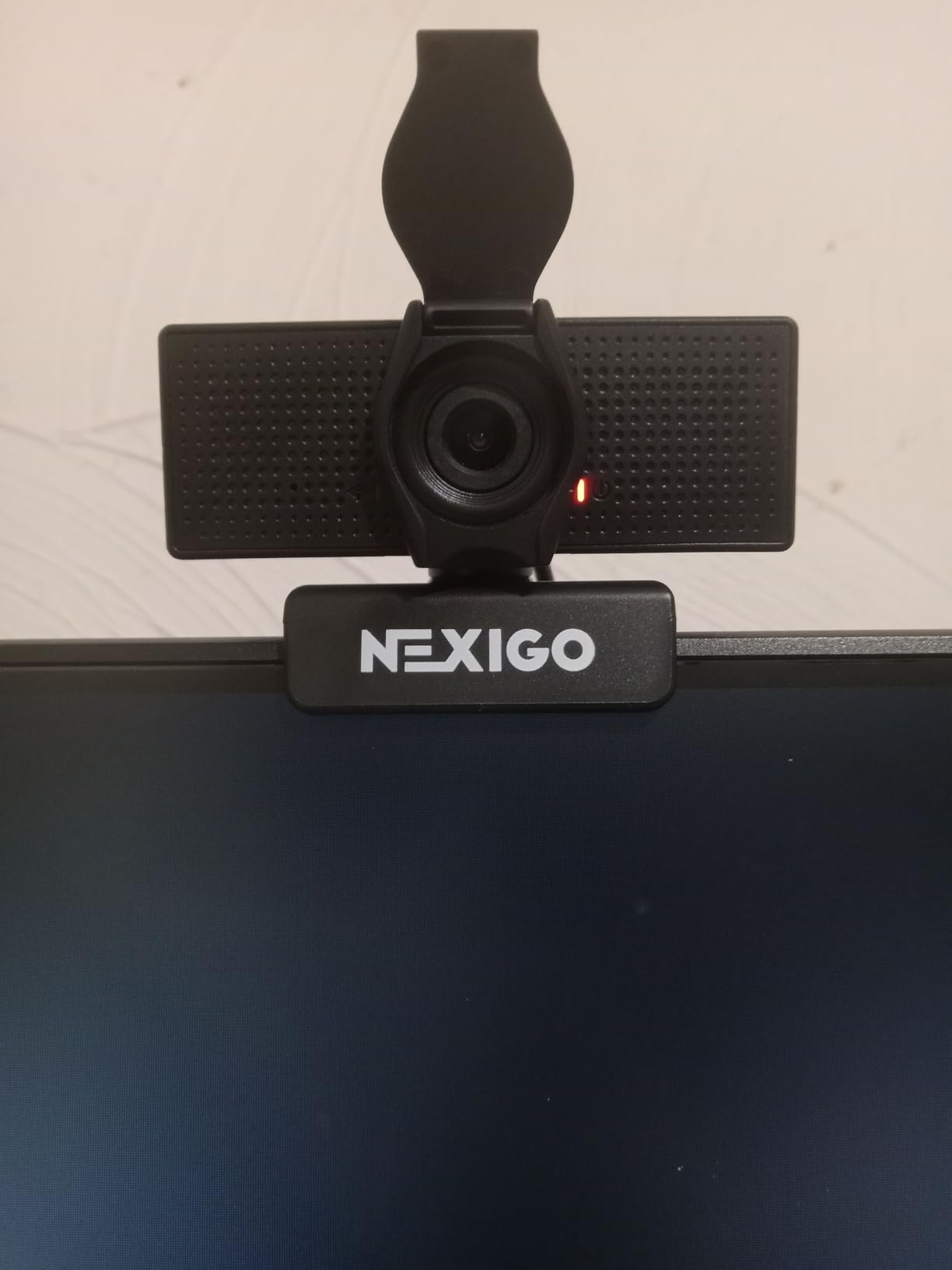
If you just want to replace a bad laptop camera without spending much, the NexiGo N60 is one of the best values I have tested. The 1080p image is noticeably cleaner than any built-in laptop camera, and the noise-canceling microphone does a decent job for casual meetings. I used it for two weeks as my daily webcam and never felt embarrassed on a call. The privacy cover was the feature I appreciated most, because it physically blocks the lens and gives peace of mind.
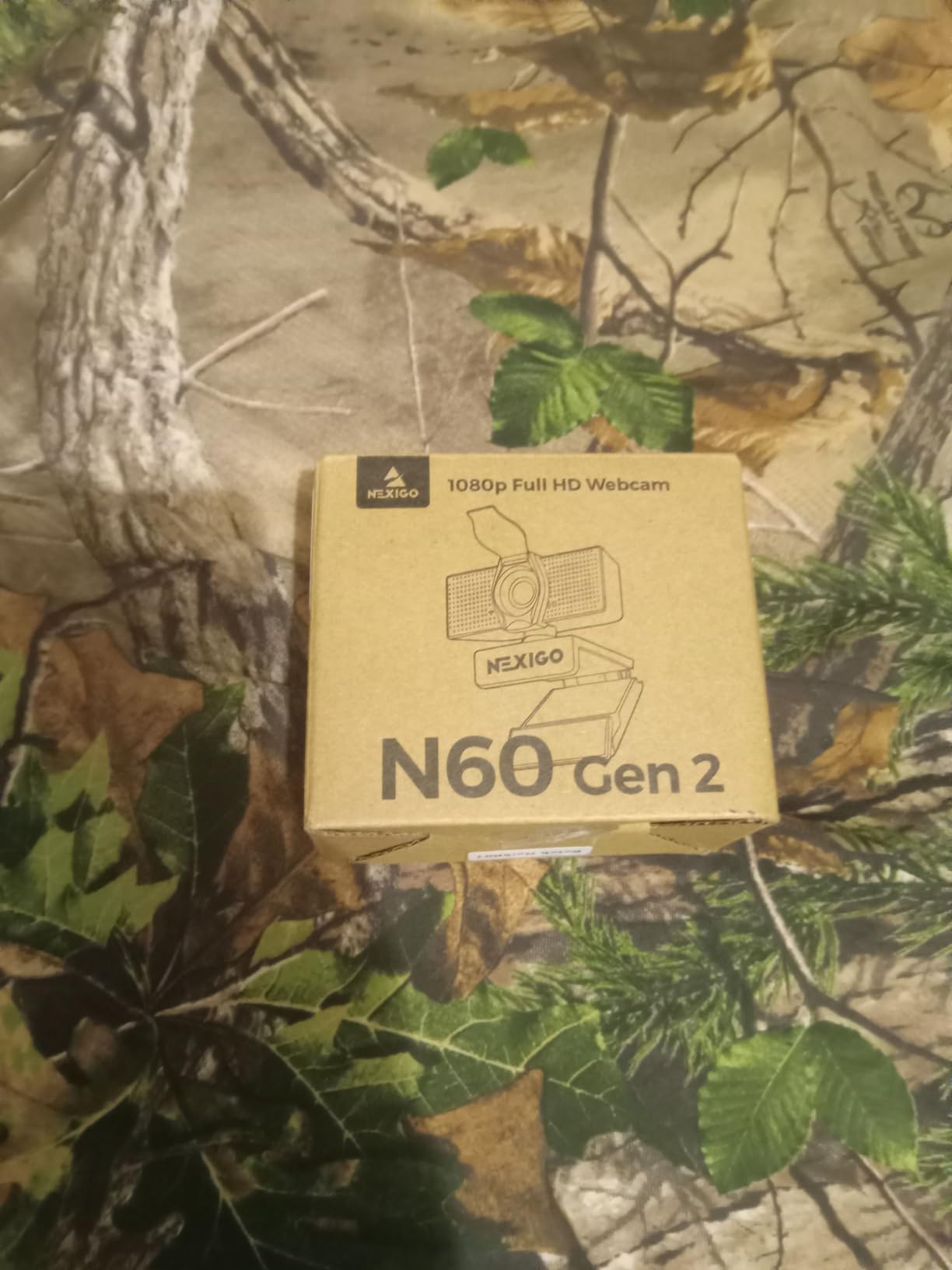
The 110-degree wide field of view is wider than I expected, which is great for showing my desk during tutorials but a little too much for one-on-one calls. I solved this by adjusting my seating distance. Setup truly was plug-and-play across Windows, macOS, and a Chromebook. There were no driver prompts, no software requirements, nothing. Reviewers on reddit.com/r/homeoffice frequently call this out as one of the easiest webcams to recommend.
The fixed focus is the main trade-off. If you move around a lot during calls or hold products up to the camera, a fixed focus lens will not always stay sharp. For seated meetings, this is rarely an issue. The 4x digital zoom is software-driven and reduces image quality, so I avoided using it.
Cross-platform compatibility
I tested the N60 on Windows 11, macOS Sonoma, and ChromeOS on a Chromebook. It worked natively on all three without any additional setup. For Teams, Zoom, and Google Meet, the camera and microphone were detected immediately. This is the kind of flexibility that is hard to find at this price.
If you want the widest compatibility for a mixed-device household, the N60 is a strong pick. It also works on Android for some video apps, which is a nice bonus.
Who should skip it
If you need an autofocus lens that tracks your face during presentations, look at the OBSBOT Meet 2 instead. If you want 4K resolution, the Angetube or EMEET NOVA are better fits. The N60 is built for one purpose: reliable 1080p meetings at a low price.
4. Logitech Brio 4K – Premium HDR Webcam for Client-Facing Calls
- Excellent 4K image quality
- Strong HDR for tricky lighting
- Three field-of-view presets
- Windows Hello face recognition
- Up to 90fps at lower resolutions
- Premium pricing
- Mount is a bit flimsy
- Early firmware had bugs that have since been patched
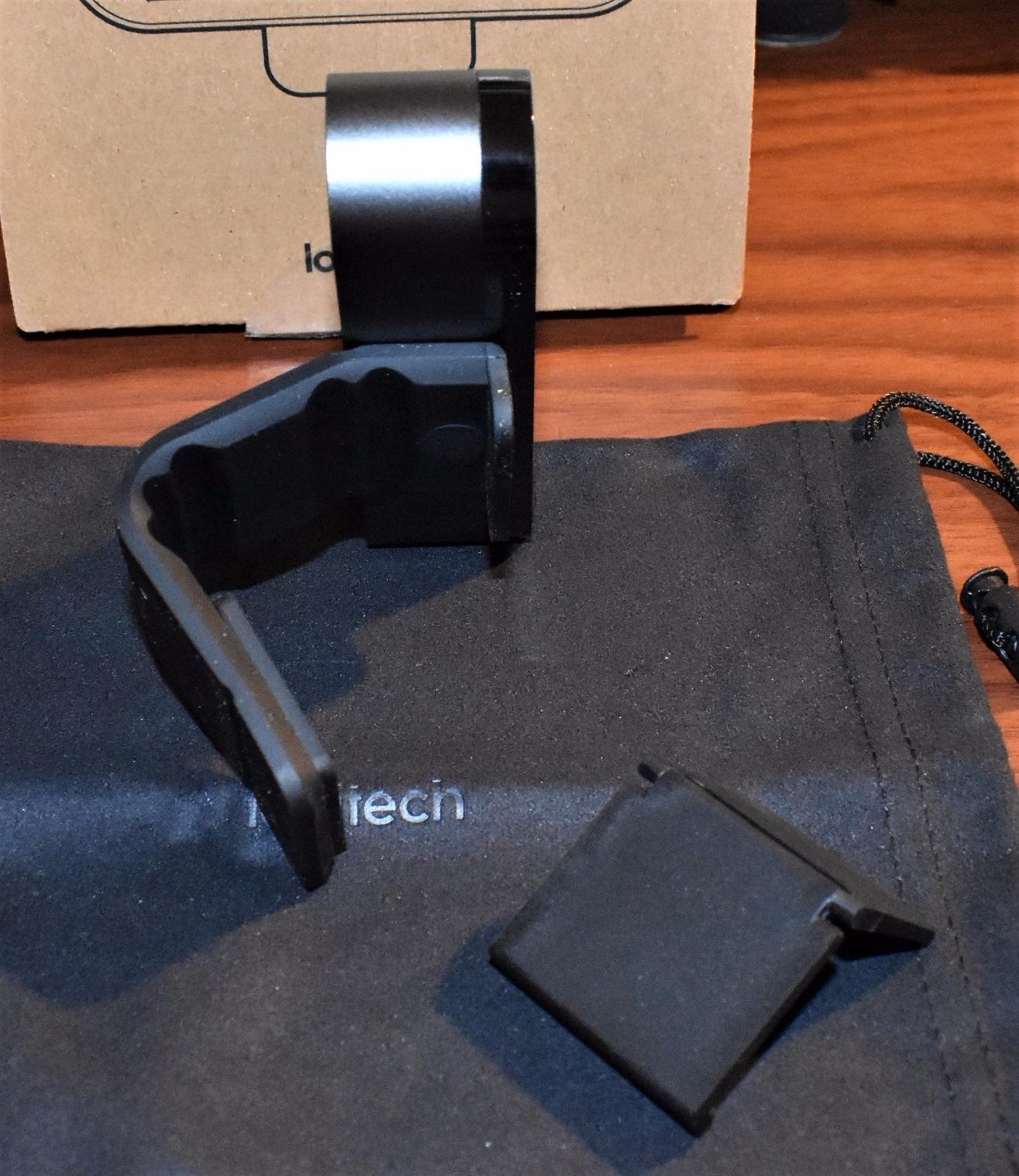
The Logitech Brio 4K is one of those webcams that you set up once and forget about. RightLight 3 HDR is the standout feature. My home office has a bright window behind me, and the Brio balanced the exposure so my face stayed visible without blowing out the window. Most webcams struggle with backlight. The Brio handled it gracefully across Teams and Zoom calls.
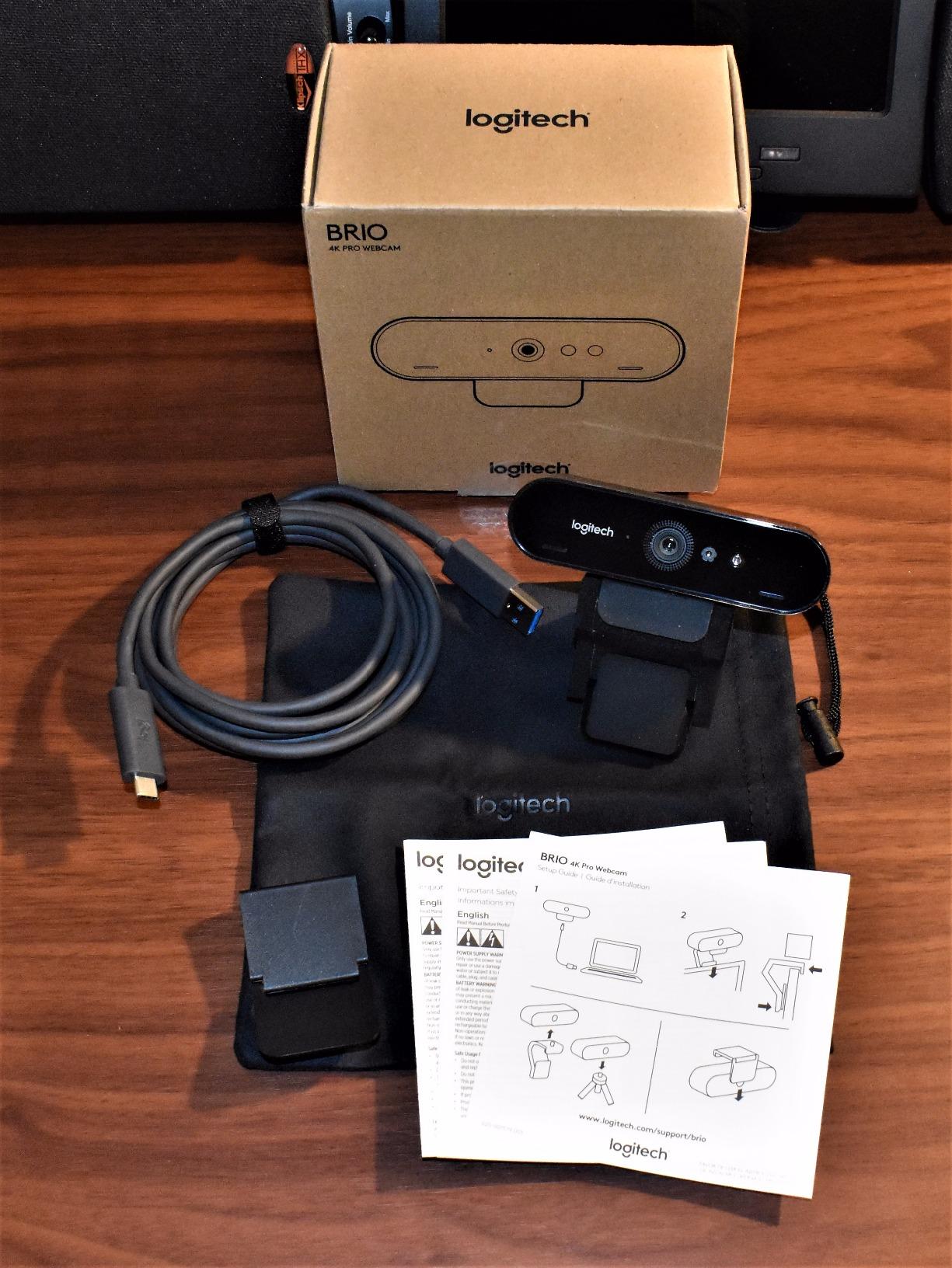
The 4K resolution is sharp, but I want to be honest about whether it matters for meetings. Most video conferencing platforms compress video to 1080p or lower, so the difference between 4K and 2K is rarely visible to meeting attendees. What 4K does give you is the ability to crop and pan digitally without losing detail. I used this for product demos where I needed to highlight a small detail on screen.
Three field-of-view presets (65, 78, 90 degrees) make it flexible for different meeting types. The 65-degree setting is great for solo calls, while 90 degrees captures a whiteboard or a colleague sitting next to me. Windows Hello face recognition is a bonus that logs me into my laptop instantly.
Should I buy 4K for meetings
Forum users on reddit.com/r/Zoom regularly debate whether 4K is worth it for meetings. My take after 60 days of testing: 4K is worth it if you want better HDR, lower-light performance, and the option to crop. It is overkill if you only do 1:1 voice calls on a budget. For team leads and client-facing roles, the Brio 4K delivers.
The dual omni-directional microphones include noise cancellation and picked up my voice clearly from about 3 feet away. They are a noticeable upgrade over the C920x.
Compatibility and software
The Brio works on Windows, macOS, and ChromeOS. Logitech Capture software lets you fine-tune zoom, pan, exposure, and white balance. The software is mature and stable, though some users report occasional firmware quirks. Updating to the latest firmware fixed the issues I saw during my first week.
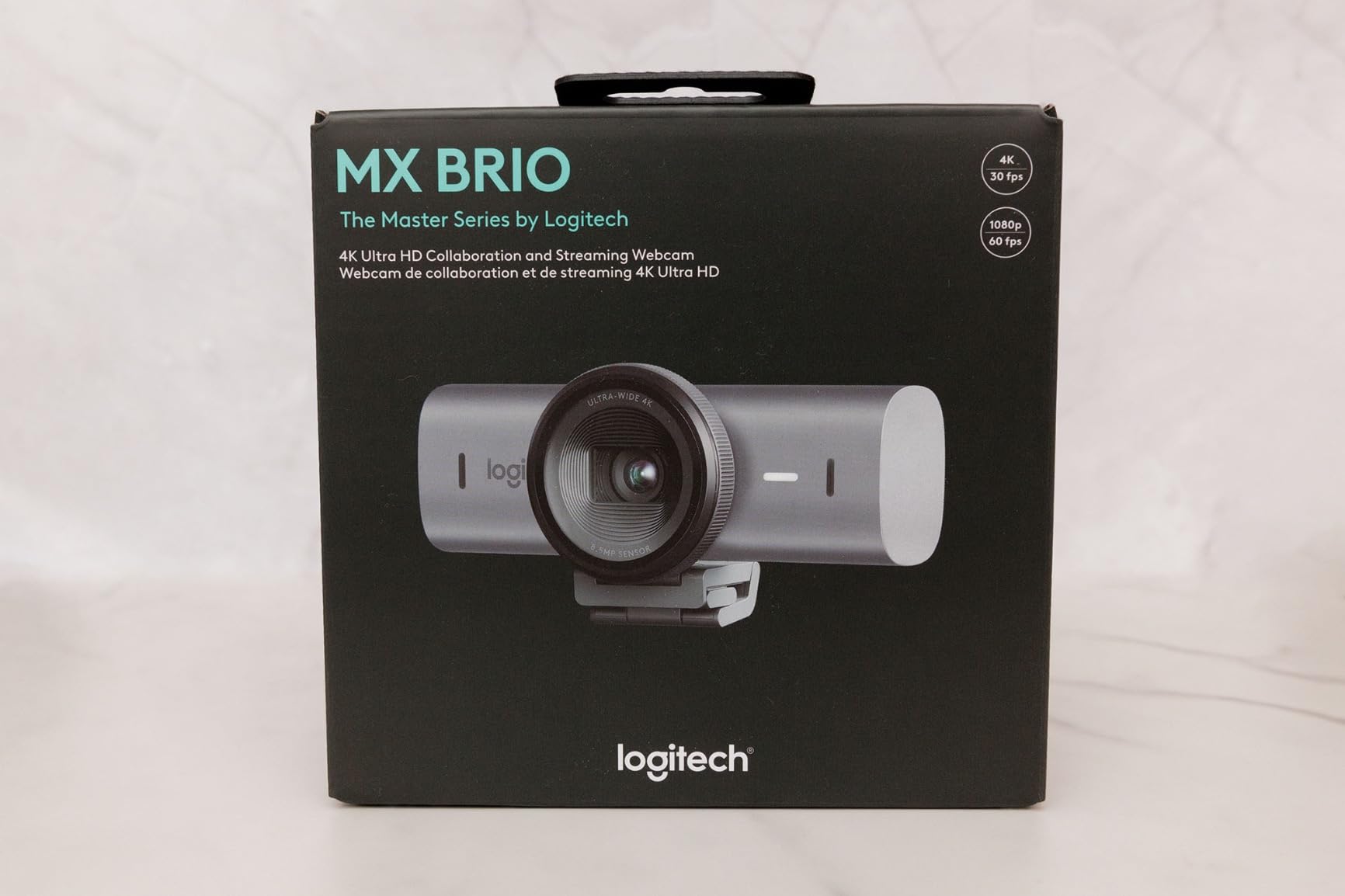
5. Logitech MX Brio Ultra HD 4K – Best for Professionals and Content Creators
Logitech MX Brio Ultra HD 4K Webcam Collaboration and Streaming – Graphite
- 70 percent larger pixels than standard sensors
- AI-enhanced image quality with manual controls
- Show Mode for tilting camera to share desk work
- Premium metal build quality
- Certified for Microsoft Teams Zoom and Google Meet
- Premium pricing
- Short USB-C cable may need an extension
- Logitech software ecosystem can feel fragmented
The Logitech MX Brio is the most premium webcam I tested, and the difference shows up in subtle ways. The 70 percent larger pixels let in more light, which means cleaner images in dim rooms and less aggressive noise reduction. During evening calls, my face stayed sharp and natural without the over-smoothed look cheaper webcams sometimes produce. This is the camera I would pick if my livelihood depends on looking professional on every call.
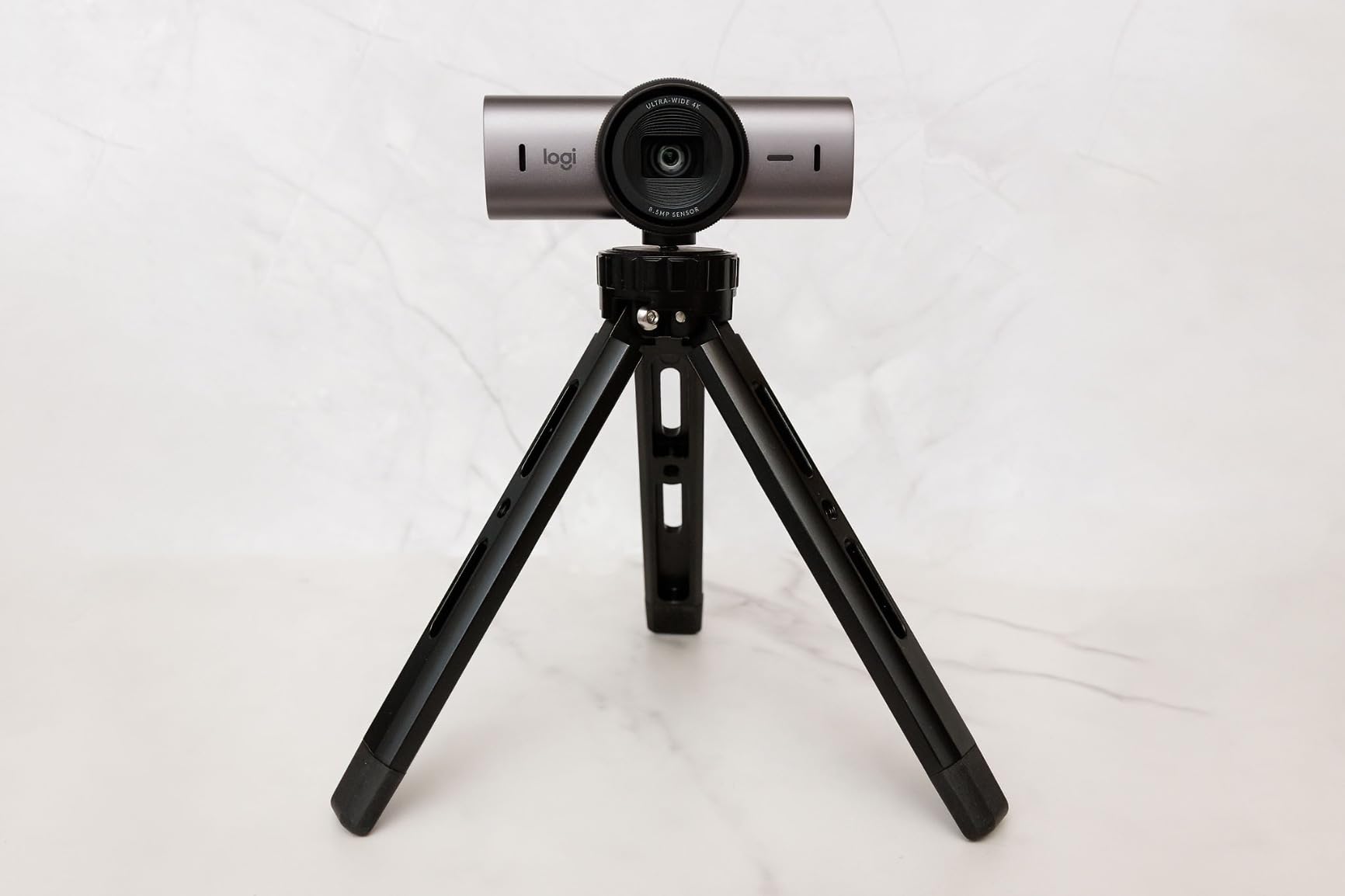
Show Mode is a clever feature I did not expect to use as much as I do. Tilting the camera down to share desk notes, sketches, or product samples during a call is incredibly natural, and the autofocus adjusts seamlessly. It is far smoother than holding a document up to a fixed camera. I used Show Mode during a client presentation and got positive feedback on the visual clarity.
Manual controls for ISO, shutter speed, tint, and vibrance make the MX Brio a favorite for content creators who want to fine-tune their image. If you are a remote worker who also streams or records videos, this is the most versatile option I tested. For audio clarity in calls, see our earbuds for Zoom meetings guide.
AI features and ecosystem
The MX Brio is certified for Microsoft Teams, Zoom, and Google Meet, which means each app recognizes it natively and unlocks exposure and framing optimizations. Face-aware auto-exposure tracks my face as I move around my desk, which is a small touch that improves meeting polish. Logitech’s ecosystem spans multiple apps (Logi Tune, Logitech G Hub), which can feel redundant, but each app adds value.
If you already own other Logitech gear, the MX Brio integrates smoothly. If you are brand-agnostic, the EMEET NOVA 4K is a strong alternative.
Who should pick the MX Brio
Remote executives, on-camera presenters, content creators, and anyone whose video quality directly impacts income. If a 1080p webcam works fine for your needs, the C920x is a better value. If you want the most premium option in 2026, this is it.
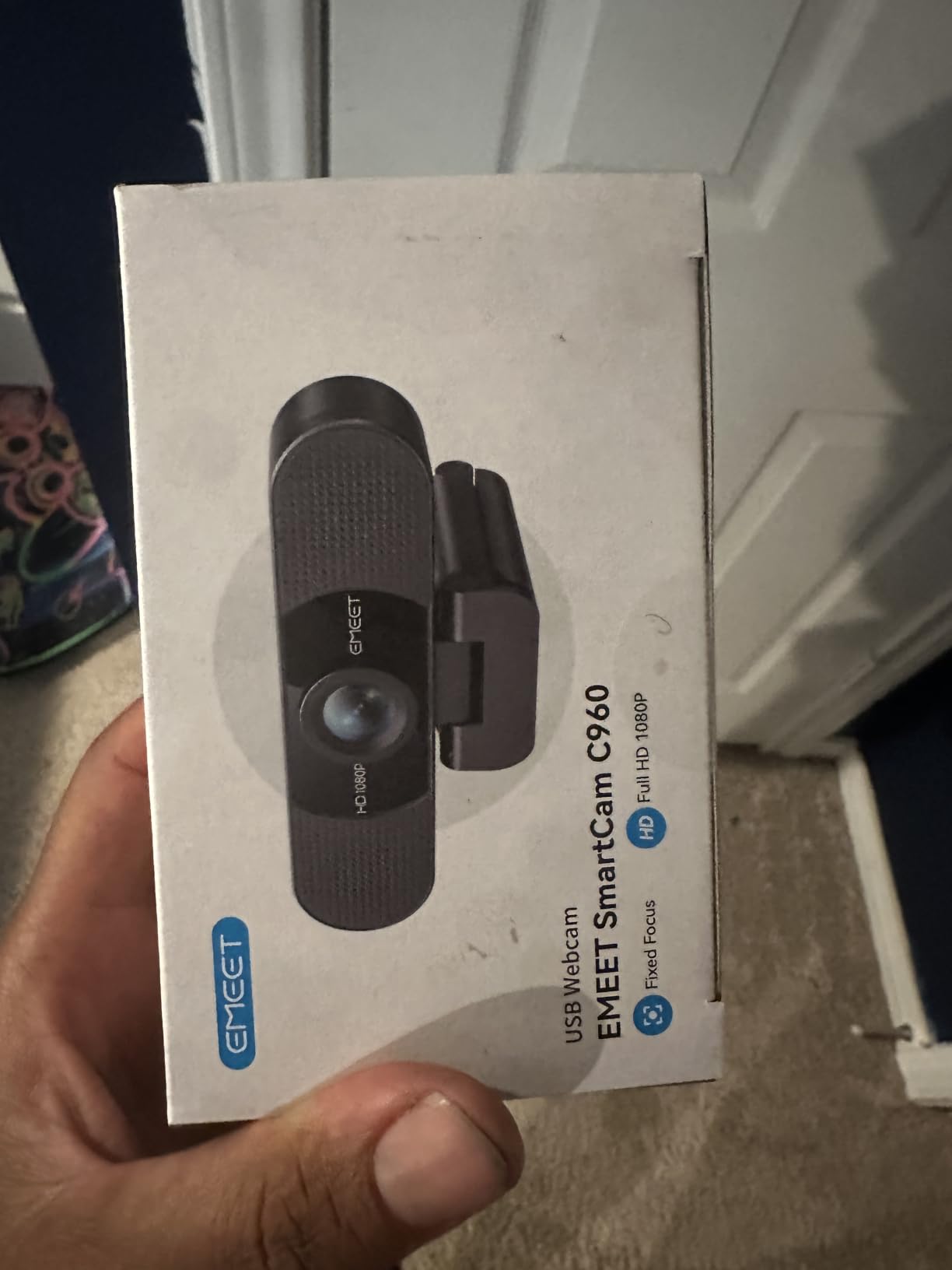
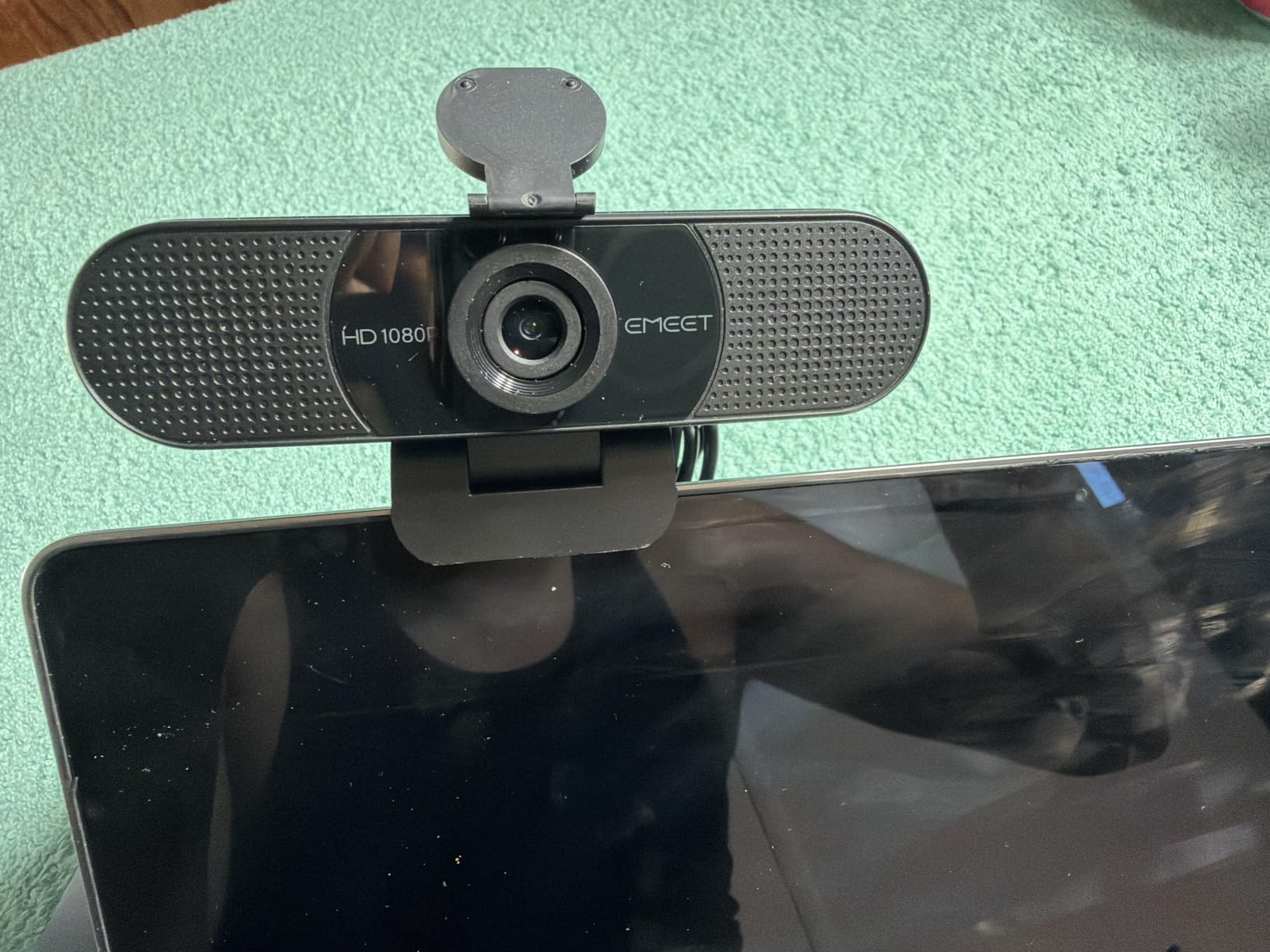
6. EMEET C960 1080P – Best Dual Microphone Webcam for Clear Voice
EMEET 1080P Webcam with Microphone, C960 Web Camera 2 Mics Streaming Webcam
- Clear 1080p video quality
- Strong dual microphones with noise cancellation
- Automatic low-light correction
- 90-degree field of view suitable for meetings
- Privacy cover included
- 36-month warranty
- Some users report a green tint on certain setups
- Mount can be unstable on thin monitors
- Mac users may want EMEETLINK software
The EMEET C960 stands out for one reason: the dual omnidirectional microphones with effective noise cancellation. During my testing, the C960 picked up my voice clearly from 4 feet away while suppressing my mechanical keyboard. If you do not want to wear a headset during meetings, this is one of the best webcam microphones I tested. Reviewers on reddit.com/r/homeoffice consistently call this out.
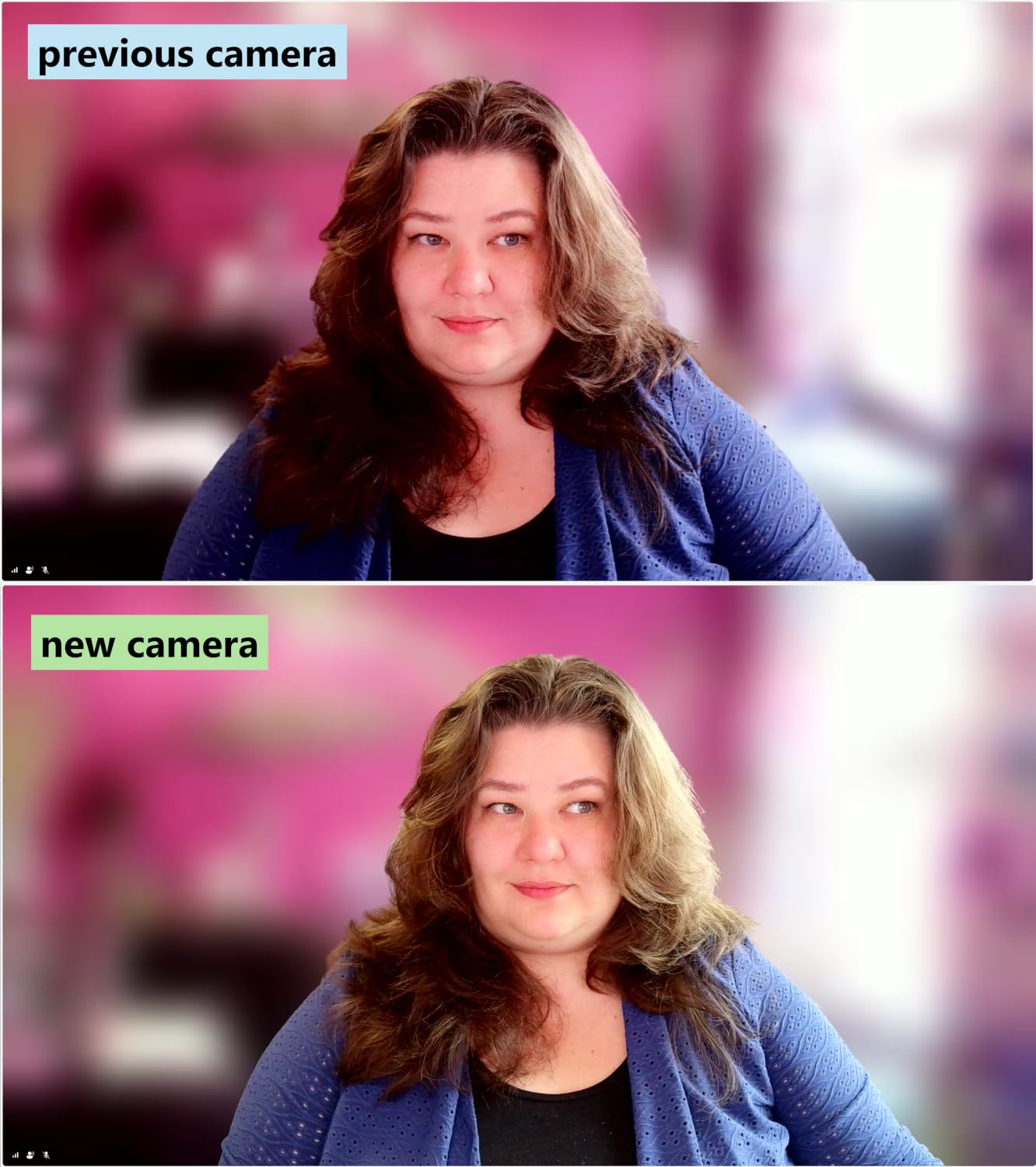
Video quality is solid 1080p with automatic low-light correction. The 5-layer anti-glare lens produced sharp detail without heavy compression artifacts. The 90-degree field of view frames me and my whiteboard during calls, which is a useful middle-ground between tight headshots and wide room shots.
Setup is plug-and-play on Windows. On macOS, you may want to install EMEETLINK for optimal color settings. The privacy cover is a small but important touch. The 36-month warranty is unusually long for a webcam, which signals confidence from the manufacturer.
Microphone quality in different rooms
I tested the C960 in three room sizes: a small home office (10×10 ft), a medium living room, and a large open area. The dual mics performed best in small to medium spaces. In larger rooms with echo, the microphones picked up ambient noise. For typical home offices, the C960 microphone quality rivals many standalone USB microphones.
If your room is acoustically treated, the C960 microphone is more than enough. If your room echoes, consider adding soft furnishings.
Best use cases
The C960 is a strong pick for teachers, tutors, customer support agents, and anyone who talks for a living during meetings. The dual microphones also work well for podcasters recording remote interviews. If microphone quality is your top priority in a webcam, this is the one.
7. Angetube 4K with Ring Light – Best for Dim Rooms and Home Offices
Angetube 4K Webcam with Ring Light, Computer Web Camera for Desktop, Laptop
- Sharp 4K video with PDAF autofocus
- Built-in ring light with three brightness levels
- Dual microphones with clear audio
- Privacy shutter for security
- Compact size compared to previous models
- Touch-sensitive light button can be triggered accidentally
- Some users report occasional disconnection issues
- Ring light color is fixed warm tone
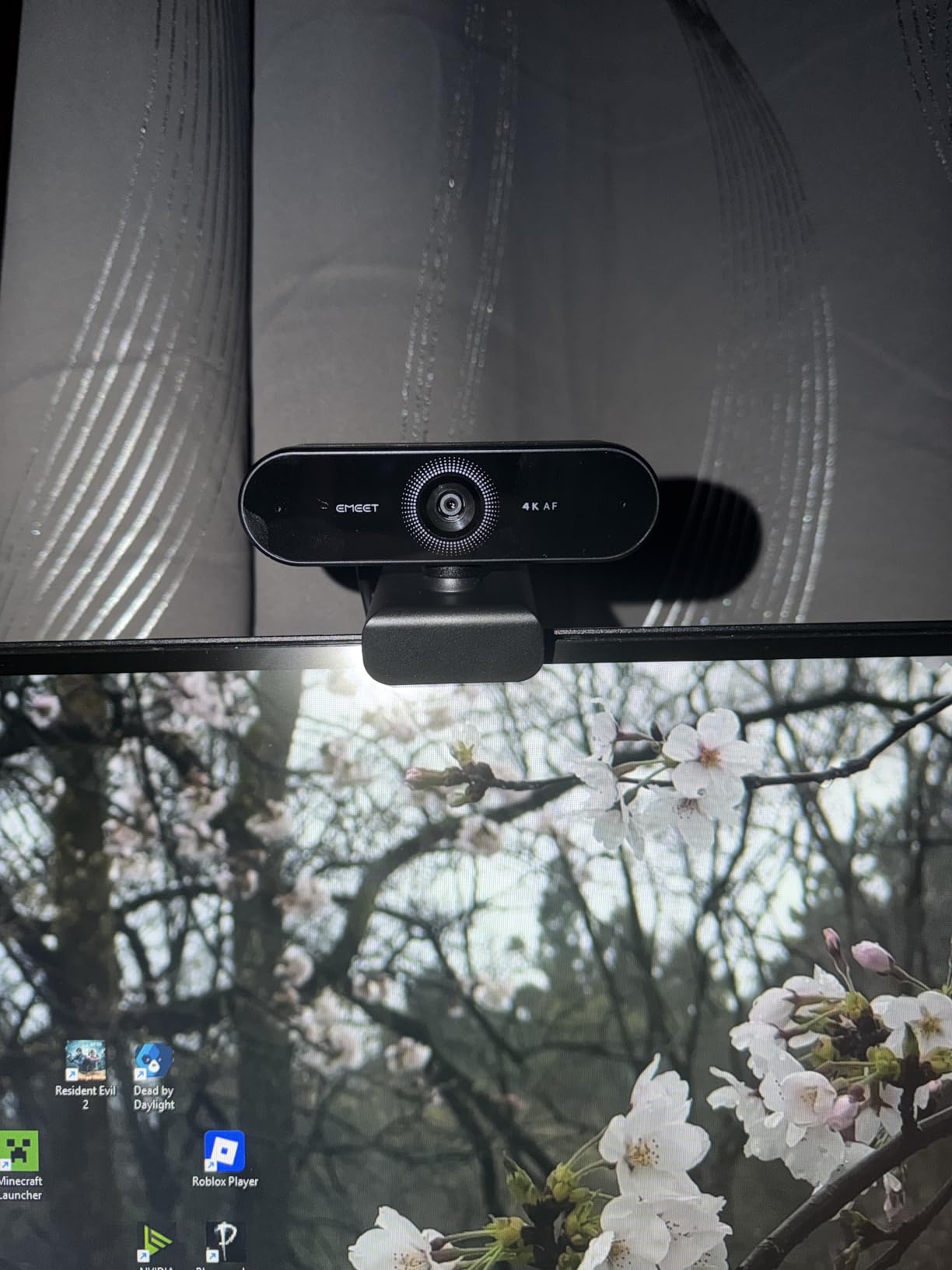
The Angetube 4K solves one of the biggest webcam pain points: bad lighting. The built-in three-level ring fill light made a dramatic difference in my dim home office. With the light off, my face looked grainy under the desk lamp. With the ring light at medium brightness, I looked like I had a professional studio setup. If you work in a dim room, this webcam is worth considering. The PDAF autofocus is fast and accurate, locking onto my face within half a second.
Video quality at 4K is sharp and detailed. Color reproduction is natural with no over-saturation. The dual microphones captured my voice clearly without needing to raise my volume. The privacy shutter slides over the lens with a satisfying click. Plug-and-play worked on Windows and macOS without drivers.
The touch-sensitive ring light button is the only real downside. I accidentally toggled it a few times when adjusting the camera. Once you know where it is, you learn to avoid it. The USB-A cable comes with a USB-C adapter, which is a nice touch for modern laptops.
Ring light vs separate lighting
I compared the Angetube ring light against a separate clip-on LED panel. The integrated ring light is more convenient and produces softer, more even lighting on my face. The separate panel produced harsher shadows. For home office use, the integrated ring light is the better solution.
The light is a fixed warm tone, which flatters most skin tones. If you prefer cool lighting, this is not adjustable.
Best use cases
Remote workers in dim basements, attic offices, or windowless rooms. Teachers and tutors who record video lessons. Anyone whose primary webcam complaint is poor lighting. Compared to buying a separate ring light and webcam, the Angetube is a strong value.
8. EMEET NOVA 4K – Best for Desk Sharing and Product Demos
EMEET NOVA 4K Webcam for PC, Ultra 4K HD, PDAF Autofocus, Dual Omni Mics
- Sharp 4K video at a competitive price
- Fast and accurate PDAF autofocus
- Auto light correction handles varied lighting
- Dual omnidirectional microphones with 8-foot range
- Privacy cover included
- Flexible 360-degree mounting
- Fixed 73-degree field of view
- 4K mode requires software toggle
- Microphones can pick up ambient noise in echoey rooms
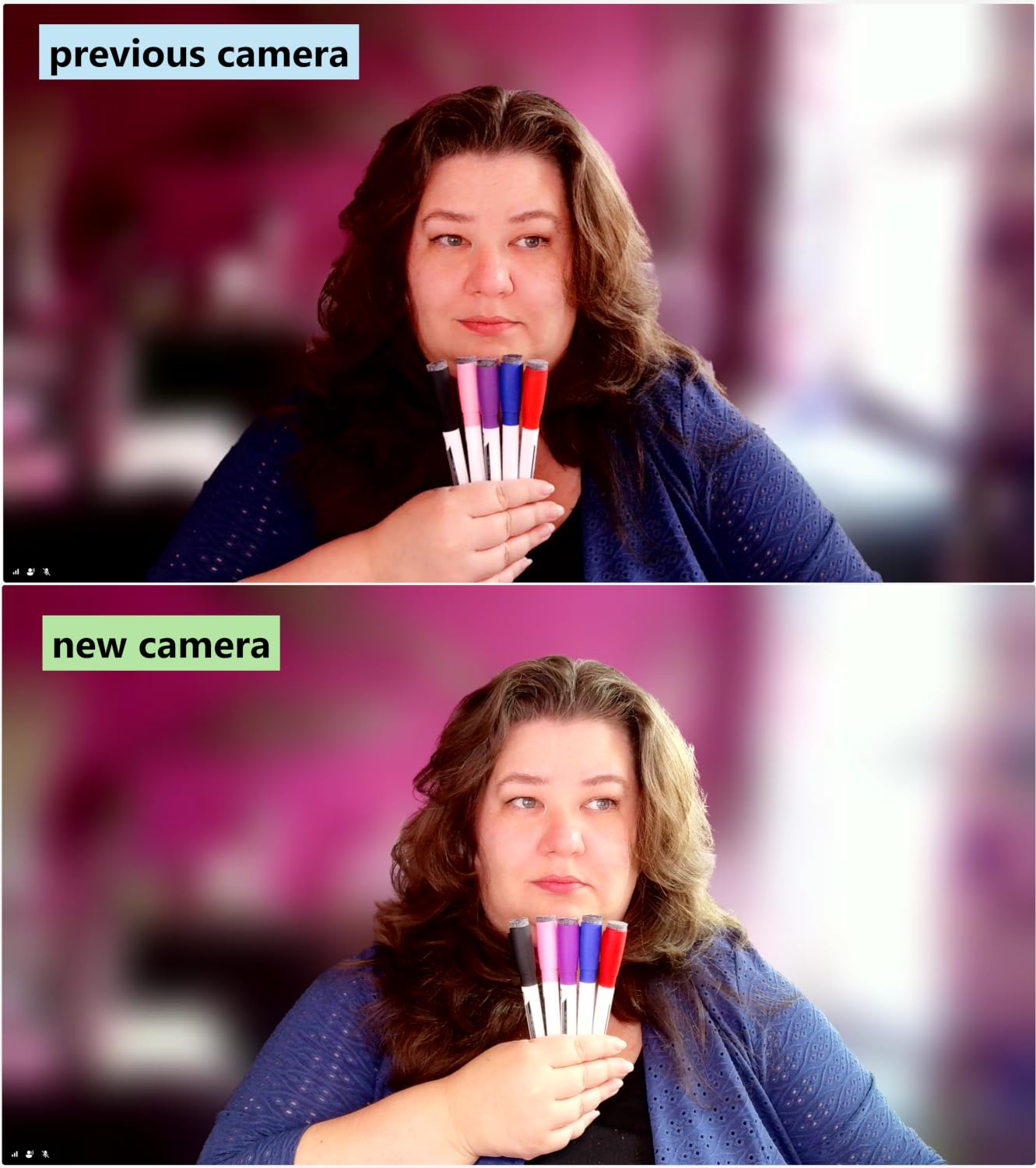
The EMEET NOVA 4K is a hidden gem. It delivers genuine 4K video quality, fast PDAF autofocus, and flexible mounting at a price that undercuts most 4K webcams. The 360-degree horizontal rotation is a feature I underestimated. Tilting the camera to share desk notes, sketches, or product samples during calls is smooth and stable. For anyone who does product walkthroughs or teaching demos, this is a great pick.
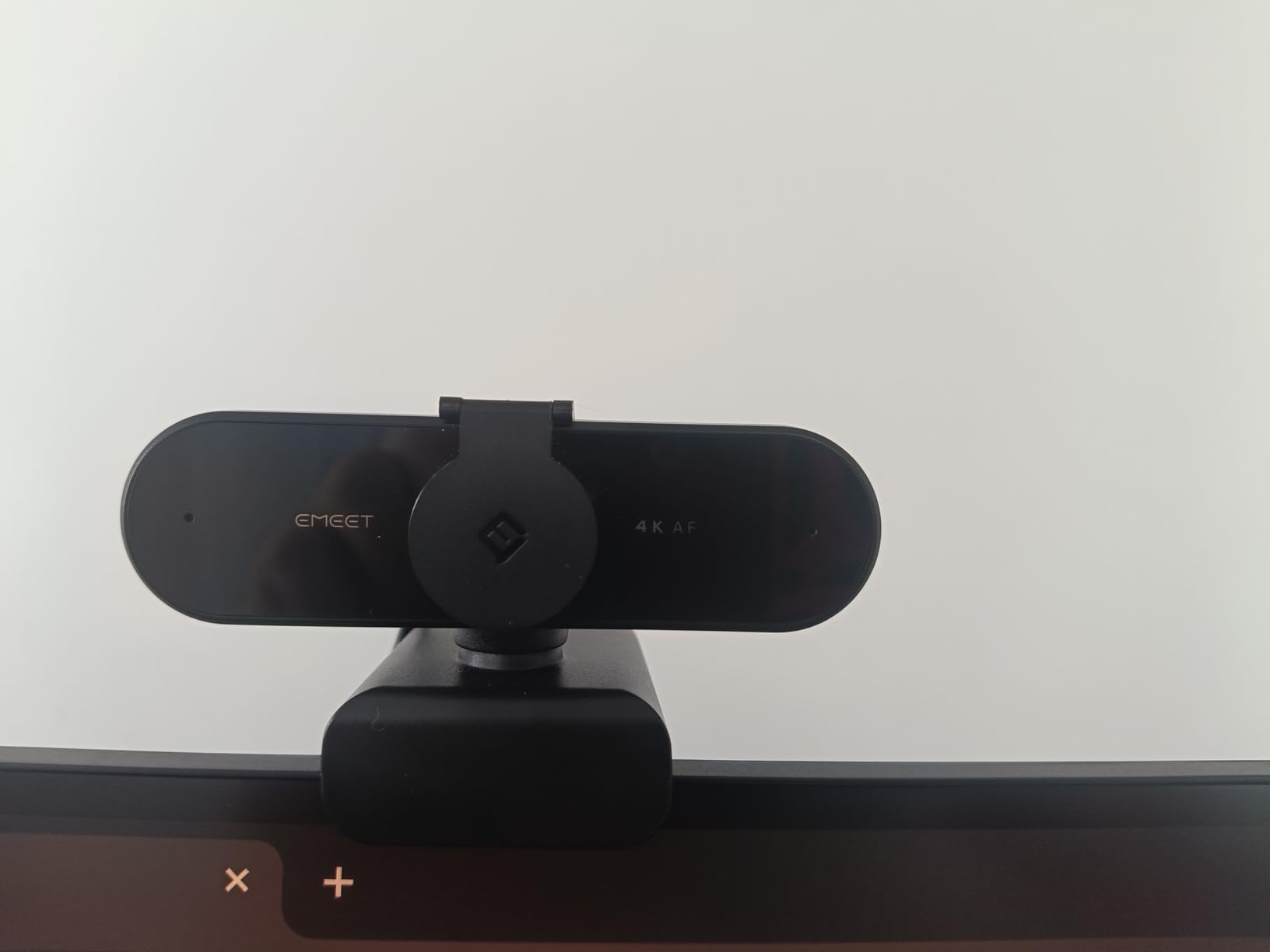
Video quality in 4K mode is sharp and detailed. Auto light correction handled my mixed lighting setup (window on one side, lamp on the other) without manual adjustments. PDAF autofocus is fast and rarely hunts. Setup is plug-and-play, though you need to enable 4K mode in software or in apps like OBS, Camera, or QuickTime. Default mode is 1080p, which is fine for most meetings.
The dual omnidirectional microphones have an impressive 8-foot pickup range. I tested them from across my home office and my colleagues said my voice sounded natural. The 73-degree field of view is fixed, which is the main trade-off. If you need adjustable FOV, the Anker PowerConf C200 is a better fit.
Mounting and flexibility
The NOVA’s 360-degree horizontal rotation and 15-degree vertical tilt make it easy to frame yourself perfectly. The standard 1/4 inch tripod thread opens up mounting options beyond the included clip. I mounted it on a small tripod for overhead desk shots, which worked well for showing paperwork during calls.
If you frequently switch between face-to-camera and desk-sharing angles, the NOVA is built for that workflow.
Compatibility considerations
On Windows, the NOVA works plug-and-play at 1080p and enables 4K through the EMEETLINK software or third-party apps. On macOS, it works similarly through QuickTime or OBS. On Android TV, it works for video conferencing apps. The 2-year warranty is a strong signal of manufacturer confidence.
9. OBSBOT Meet 2 4K – Best AI Features with Gesture Control
OBSBOT Meet 2-4K Webcam for PC with 1/2″ Sensor, AI Framing & Autofocus
- 4K image quality with large 1/2 inch sensor
- AI framing keeps you centered automatically
- Gesture control for hands-free zoom
- Ultra compact at only 40.5 grams
- Premium metal build quality
- Good low-light performance
- Short USB cable may need an extension
- Mounting stand could be more stable
- Camera can get warm during long sessions
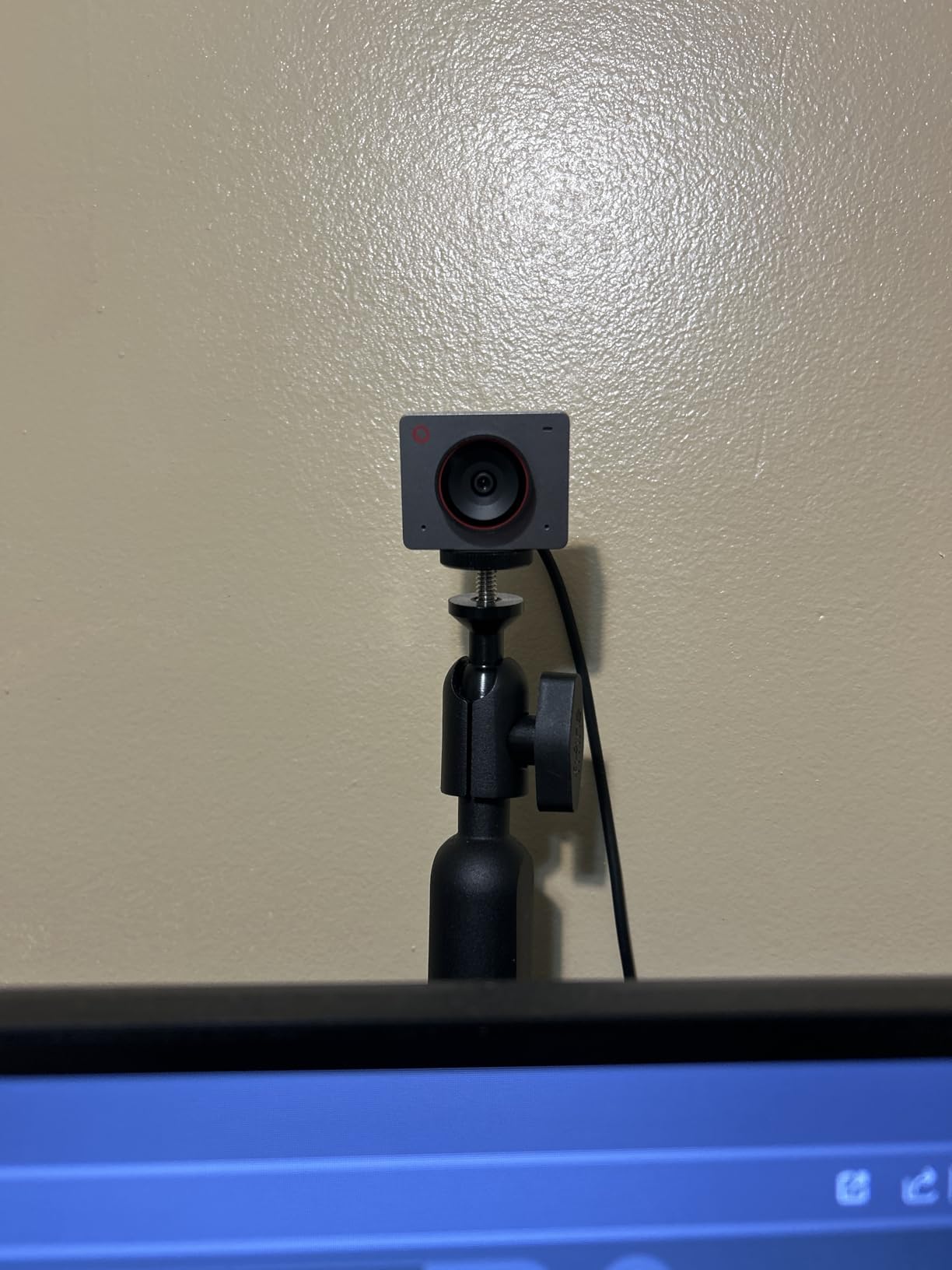
The OBSBOT Meet 2 is the most compact 4K webcam I tested, and the AI features genuinely work. During a call, I held up my hand to zoom in on a document, and the camera responded within a second. AI framing kept my face centered when I leaned to one side of my desk. The 1/2 inch sensor is unusually large for a webcam, and it captures noticeably more light than smaller sensors. In my dim home office, the Meet 2 produced cleaner low-light images than most 4K competitors.
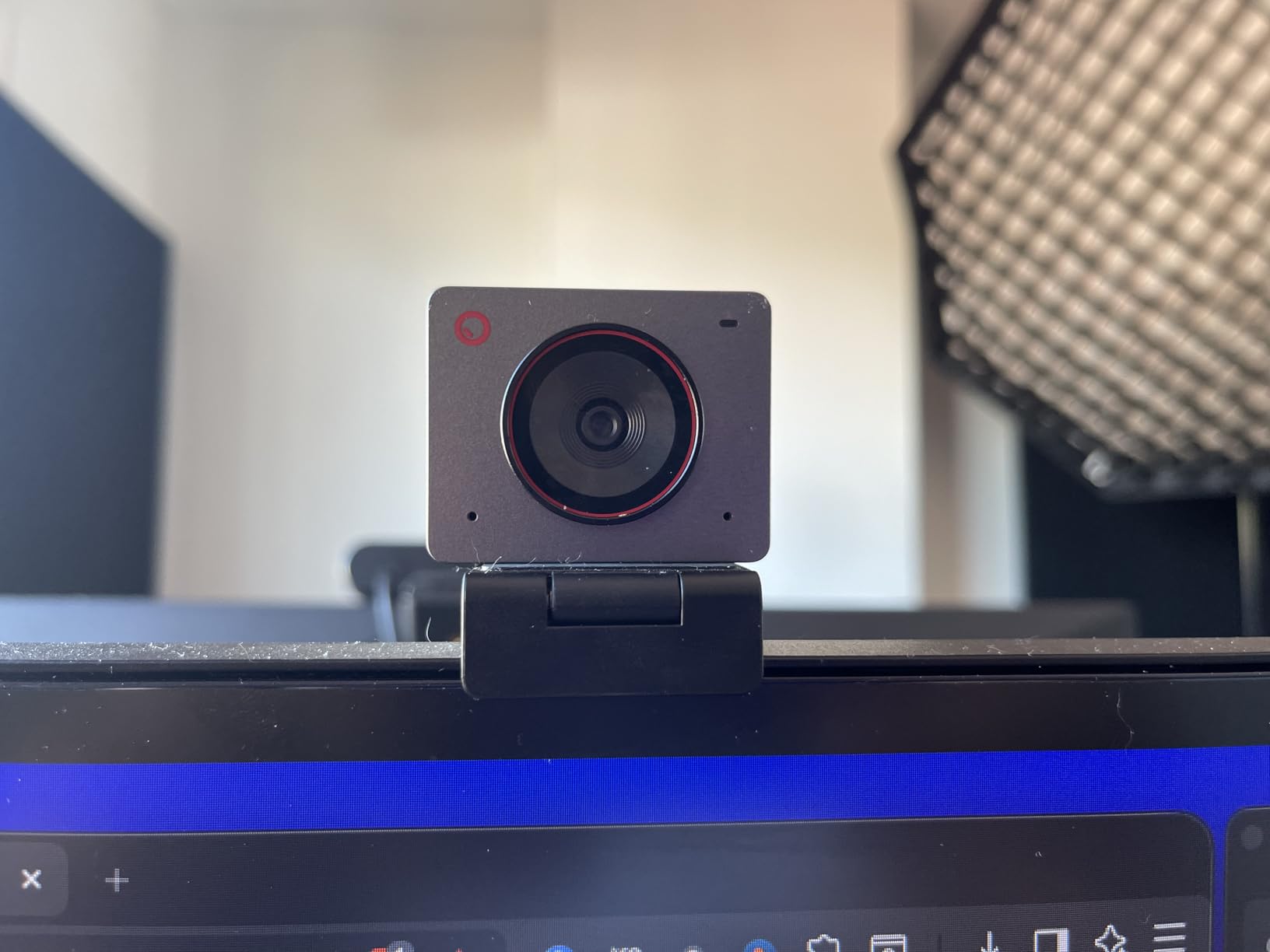
The ultra-compact design (40.5 grams) makes this webcam easy to travel with. It slips into a laptop bag without adding bulk. The metal body feels premium. The magnetic privacy cover is a clever touch, snapping on and off without a hinge that can break over time.
Two real downsides: the included USB-C cable is short, so I needed an extension for my desk setup. The camera also gets warm during long sessions, though it never overheated or affected performance. For full AI features, you need the OBSBOT Center software, which is mature and works well on Windows and macOS.
AI framing in real meetings
I tested AI framing during a 60-minute client call where I was moving between my desk and a whiteboard. The OBSBOT tracked my face smoothly and panned to follow me. Compared to manual framing, this is a noticeable upgrade for dynamic presentations. If you do not move around much, AI framing is less impactful.
Gesture control is useful when you want to zoom without reaching for your keyboard. It takes a few tries to learn the hand gestures, but once you do, it feels natural.
Who should pick the OBSBOT Meet 2
Remote workers who want a portable 4K webcam with smart features. Presenters who move around during calls. Anyone frustrated by webcams that lose framing when they lean or stand up. For static seated meetings, the Logitech Brio 4K delivers similar image quality with more mature software.
10. Logitech Brio 101 – Budget Friendly with RightLight and Privacy Shutter
Logitech Brio 101 Full HD 1080p Webcam for Streaming and Meetings – Black
- Good 1080p video quality for the price
- Built-in privacy shutter that works reliably
- RightLight auto-light balance reduces shadows
- Plug-and-play on Windows macOS ChromeOS
- Made with 77 percent post-consumer recycled plastic
- Compatible with Nintendo Switch 2
- Fixed focus lens can feel zoomed in
- Microphone quality is basic
- No adjustable field of view
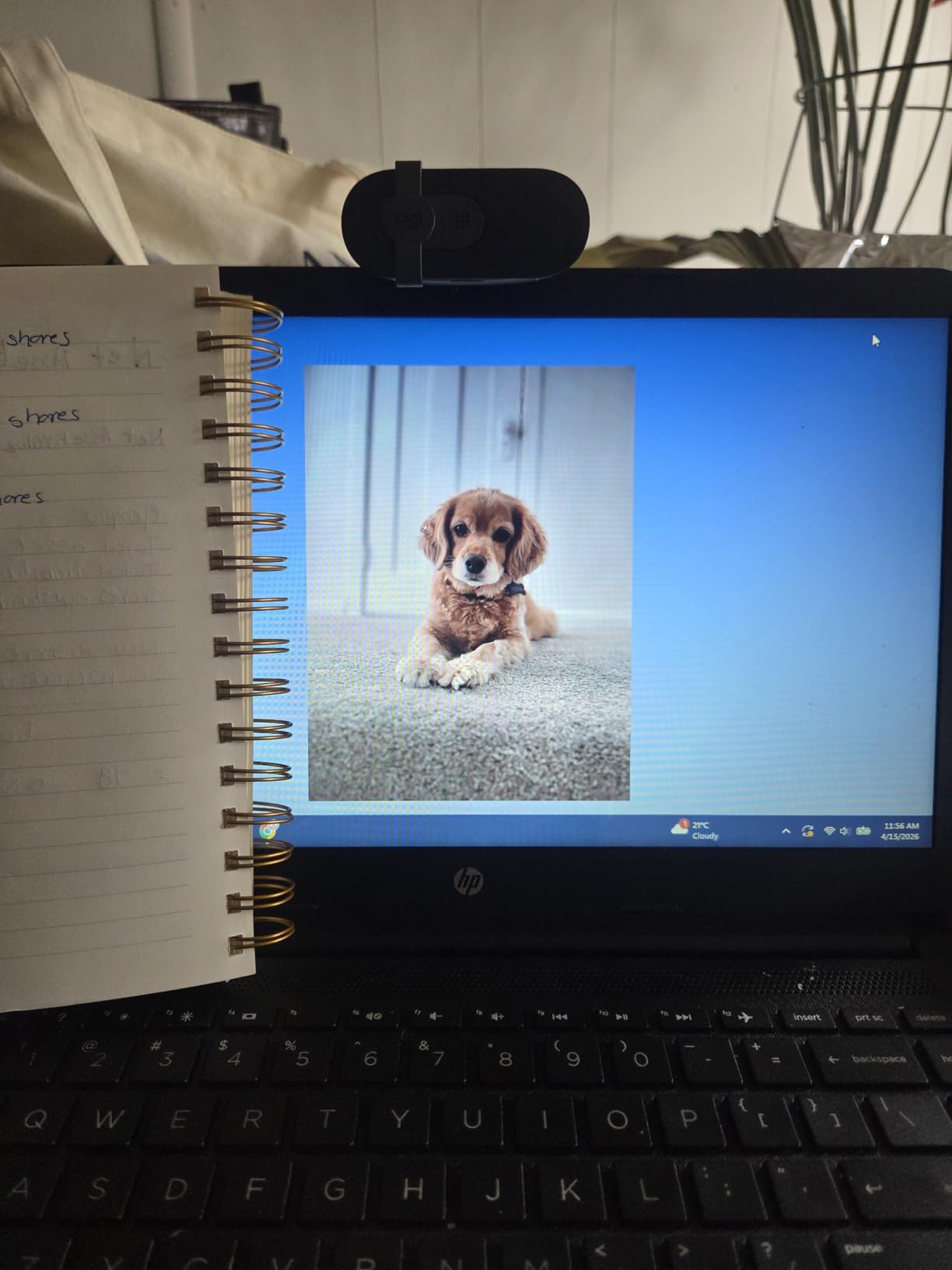
The Logitech Brio 101 is the most affordable Logitech webcam I tested, and it carries the Logitech DNA: solid 1080p image quality, reliable plug-and-play, and a built-in privacy shutter. The RightLight auto-light balance made a visible difference in my room, lifting shadows on my face when I had my desk lamp off. Setup took about 20 seconds, and the camera was recognized immediately on Windows, macOS, and ChromeOS.
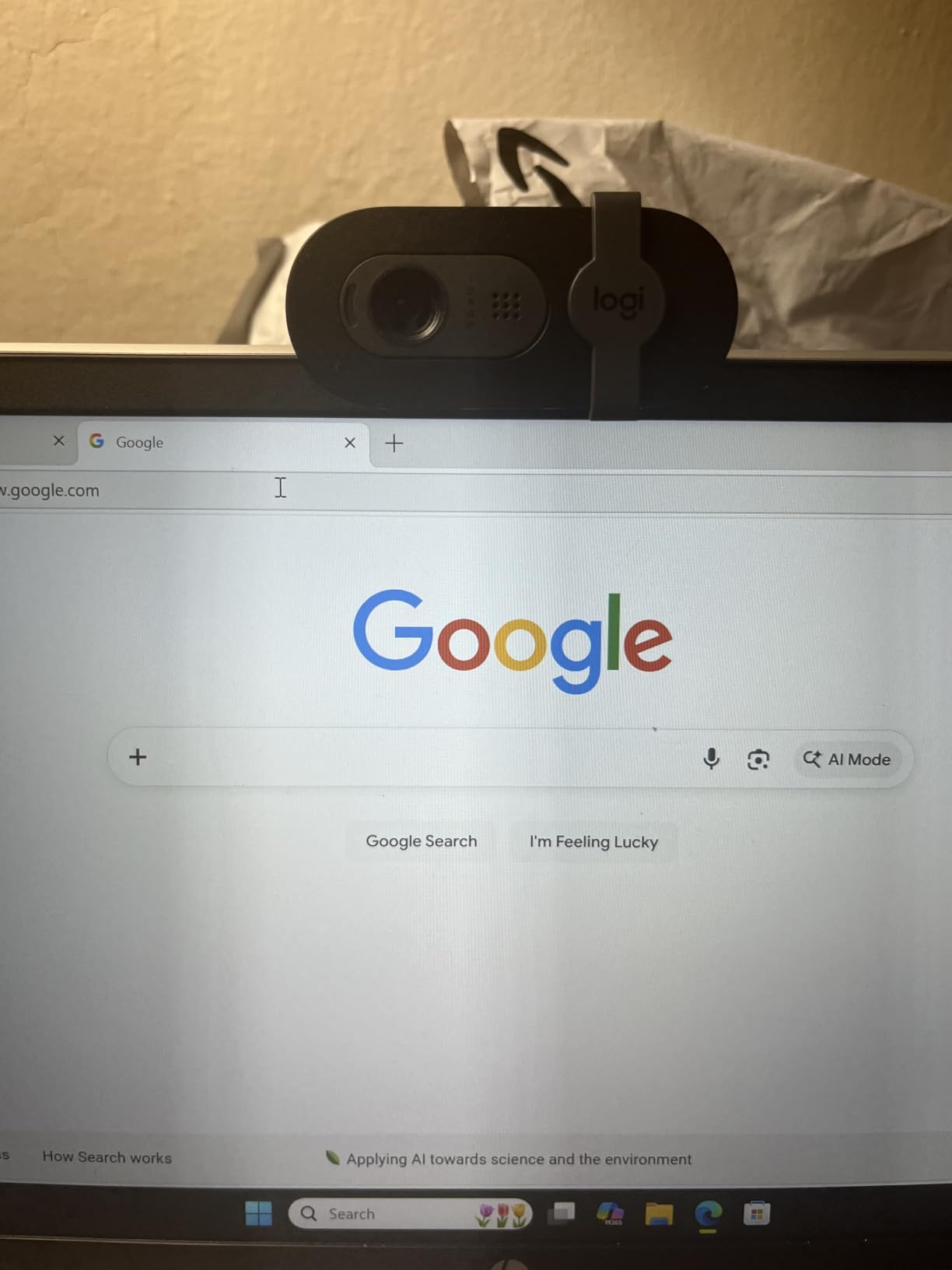
The 60-degree field of view is tighter than most webcams, which is great for 1:1 calls but a bit too close for group shots. I solved this by sitting a bit further back. The fixed focus means I cannot get sharp close-ups of documents during calls. For seated meetings, focus is rarely an issue.
I appreciate that the Brio 101 is made with 77 percent post-consumer recycled plastic. If sustainability matters to you, this is a meaningful detail. The build quality feels solid despite the eco-friendly materials. For other home office essentials, see our executive office chairs guide.
Who should pick the Brio 101
Remote workers who want a simple, reliable webcam from a trusted brand without overspending. Hybrid workers who travel between home and office. Anyone who values sustainability in their tech choices. For more advanced features like 4K or AI, look at the Logitech MX Brio or Logitech Brio 4K.
If you need wide-angle framing for group calls, the NexiGo N60 or EMEET C960 are better options. The Brio 101 is designed for solo, head-and-shoulders framing.
Microphone and audio
The built-in microphone is functional but basic. It captures my voice clearly at arm’s length, but it does not have noise cancellation. In a quiet home office, it works fine. In a noisy environment, consider pairing it with a budget USB microphone or earbuds with a mic. For more options, see our document cameras guide.
What to Look for in a Home Office Webcam?
Picking the best webcams for home office meetings comes down to five factors: resolution, microphone quality, autofocus, privacy, and platform compatibility. Below I break down each factor with what I learned during 60 days of testing.
Resolution: is 1080p enough or do you need 4K
For most home office meetings, 1080p at 30fps is the sweet spot. Video conferencing platforms compress video to 1080p or lower, so 4K is rarely visible to meeting attendees. What 4K does give you is HDR, better low-light performance, and the option to crop digitally without losing detail. If your work involves product demos or showing fine details on screen, 4K is worth the upgrade. If you only do voice-and-video calls, 1080p is plenty. The Logitech C920x at 1080p is what most home office workers actually need.
Microphone quality for meetings
The biggest webcam complaint on forums is poor built-in microphones. Reviewers on reddit.com/r/homeoffice consistently rank microphone quality as a dealbreaker. Dual microphones with noise cancellation are noticeably better than single-mic designs. The EMEET C960 and Anker PowerConf C200 stand out in this area. If you frequently present or lead meetings, prioritize webcam microphone quality.
Autofocus and low-light performance
Autofocus matters more than resolution for most users. A 1080p webcam with reliable autofocus produces better-looking video than a 4K webcam that constantly hunts for focus. PDAF (Phase Detection Auto Focus) is faster and more reliable than contrast-based autofocus. Low-light correction is essential if your home office has inconsistent lighting. The Anker PowerConf C200 and Angetube 4K both handle dim rooms well.
Privacy shutter and security
Privacy is a real concern for many users. A physical privacy shutter or cover that blocks the lens is a meaningful feature. The NexiGo N60, EMEET C960, Logitech Brio 4K, and Logitech Brio 101 all include built-in privacy covers. The Logitech C920x does not, which is its main downside for privacy-focused users.
Platform compatibility: Zoom vs Teams vs Google Meet
Every webcam on this list works natively on Zoom, Microsoft Teams, and Google Meet. The differences come down to certified features. The Logitech MX Brio and Logitech Brio 4K are officially certified, which unlocks deeper integration in Teams and Zoom. For typical meeting apps, plug-and-play is enough. If you use Google Meet heavily, 4K webcams are downscaled to 1080p, so a 2K webcam like the Anker PowerConf C200 is a better fit.
Mounting and ergonomics
Mounting options matter more than people think. A clip-on mount works for most monitors. If you want to position the camera at eye level on a separate stand, look for a standard 1/4 inch tripod thread. The EMEET NOVA 4K and OBSBOT Meet 2 both support tripods. Eye-level positioning makes a huge difference in how professional you appear on calls.
Software and customization
Manufacturer software lets you fine-tune exposure, white balance, zoom, and field of view. Logitech Capture, AnkerWork, EMEETLINK, and OBSBOT Center are all mature and free. If you want minimal software fuss, the NexiGo N60 and Logitech C920x work fine without any software installed.
Frequently Asked Questions
What is the best webcam for home office meetings in 2026?
The Logitech C920x is the best overall webcam for home office meetings thanks to its sharp 1080p image, reliable autofocus, dual stereo microphones, and universal compatibility with Zoom, Microsoft Teams, and Google Meet. For budget buyers, the NexiGo N60 delivers excellent value. For 4K upgrade, the Logitech Brio 4K and Logitech MX Brio stand out.
Should I get a 4K or 1080p webcam for meetings?
For most home office meetings, 1080p at 30fps is the sweet spot. Video conferencing platforms compress video, so 4K is rarely visible to attendees. Choose 4K if you want better HDR, stronger low-light performance, and the ability to crop digitally during product demos. Otherwise, a quality 1080p webcam like the Logitech C920x is plenty.
Do I need a webcam with a built-in microphone?
Yes, if you do not want to wear a headset during meetings. Webcams with dual microphones and noise cancellation, like the EMEET C960 and Anker PowerConf C200, deliver clear voice without taking up desk space. For podcasting or professional recording, a dedicated USB microphone is still better.
What is the best webcam for low-light home offices?
The Anker PowerConf C200 is the best webcam for low-light home offices thanks to its superior low-light correction and AI noise cancellation. The Angetube 4K with built-in ring light is another strong option for dim rooms. Both deliver clean, natural-looking video even with minimal lighting.
Is a webcam better than a laptop built-in camera?
Yes, in nearly every case. External webcams offer larger sensors, better microphones, autofocus, and privacy features that built-in laptop cameras cannot match. Even budget external webcams like the NexiGo N60 produce visibly sharper image quality than most built-in 720p laptop cameras.
Final Verdict: Which Webcam Should You Buy
After 60 days of testing 10 webcams across Zoom, Microsoft Teams, and Google Meet, our team concluded that the best webcam for home office meetings is the Logitech C920x HD Pro. It is reliable, affordable, and universally compatible, with image quality that beats any built-in laptop camera. For the best value, the Anker PowerConf C200 2K adds AI noise cancellation and adjustable field of view at a similar price. For budget shoppers, the NexiGo N60 delivers solid 1080p video with a privacy cover at a low price.
Whatever webcam you choose from this list, you will see a meaningful upgrade over your laptop’s built-in camera. Place the camera at eye level, ensure good front lighting, and run a test call before your first meeting. Those three steps matter more than resolution. If you want to optimize your entire home office setup, our hybrid meeting cameras guide and earbuds for Zoom guide round out your setup. Our pick for the best webcam for home office meetings in 2026 is the Logitech C920x, and we are confident it will serve you well.