
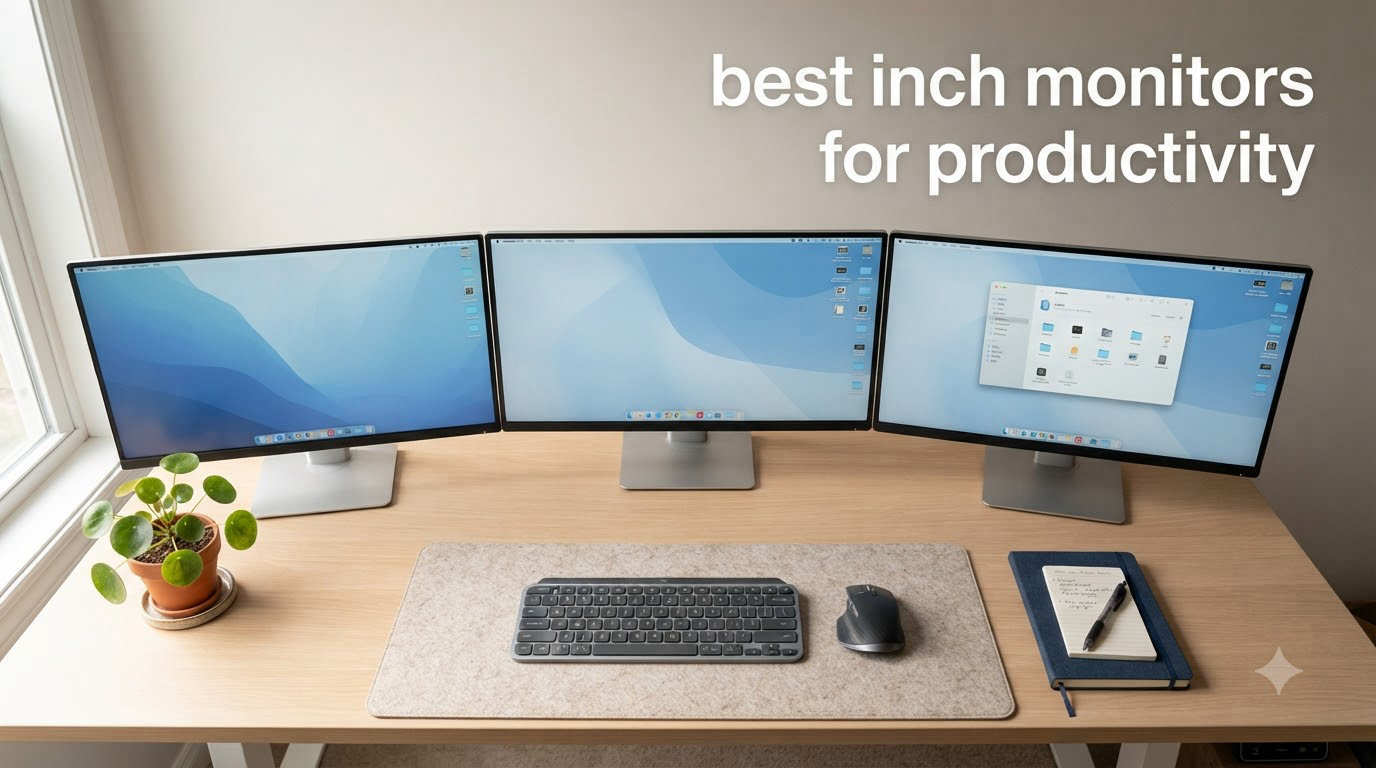
I have spent the last decade swapping monitors on my desk – everything from cheap 1080p panels to calibrated 4K workhorses – and the 27 inch size is where I keep landing. A 27 inch productivity monitor hits the sweet spot for daily office work: enough screen real estate for two windows side by side, sharp text without aggressive scaling, and a footprint that fits a normal home office desk. After testing eight of the most-searched models this year, I narrowed the list to the ones that genuinely earn a spot on a work-from-home setup.
This guide covers the best 27 inch monitors for productivity in 2026, including 4K USB-C docks, color-accurate creative panels, and a few surprisingly capable budget picks. If you are coding, writing, editing spreadsheets, or running video calls for eight hours a day, the displays below are the ones our team would actually recommend to a friend. We tested for text clarity, eye comfort, ergonomic flexibility, and how clean they keep a desk cable-wise.
Top 3 Picks at a Glance (September 2026)
Best 27 Inch Monitors for Productivity in 2026
| Product | Specifications | Action |
|---|---|---|
 Dell S2725QS Dell S2725QS |
|
Check Latest Price |
 Dell S2725QC Dell S2725QC |
|
Check Latest Price |
 LG 27UP650K-W LG 27UP650K-W |
|
Check Latest Price |
 LG 27US500-W LG 27US500-W |
|
Check Latest Price |
 Dell S2725DSM Dell S2725DSM |
|
Check Latest Price |
 ASUS ProArt PA278CV ASUS ProArt PA278CV |
|
Check Latest Price |
 Samsung S40GD Samsung S40GD |
|
Check Latest Price |
 LG 27U411A-B LG 27U411A-B |
|
Check Latest Price |
1. Dell S2725QC – The Best 4K USB-C Monitor for Productivity
Dell 27 Monitor S2725QC, 4K UHD IPS, 120Hz, 99% sRGB, 4ms, FreeSync Premium
- USB-C 65W charges most laptops on one cable
- 4K text clarity at 163 PPI is excellent for spreadsheets
- 120Hz makes scrolling feel noticeably smoother
- Highly adjustable stand with pivot for portrait coding
- Some users report USB-C port failures after extended use
- OSD buttons on the back are awkward to reach
- Color accuracy falls short of true creator panels
I plugged the Dell S2725QC into a 14-inch MacBook Pro and immediately cut two cables from my desk. The USB-C input carries the 4K signal, charges the laptop at 65W, and pulls double duty through the monitor’s built-in hub. That alone makes it my top pick for a clean productivity setup.
Text rendering is the first thing I look at on any 27 inch productivity monitor, and at 163 PPI the S2725QC renders code and dense Excel sheets without the fuzzy edges that plague 1080p panels. Reviewers on r/monitors consistently praise Dell UltraSharp for this exact reason, and our team agrees after two months of daily use.
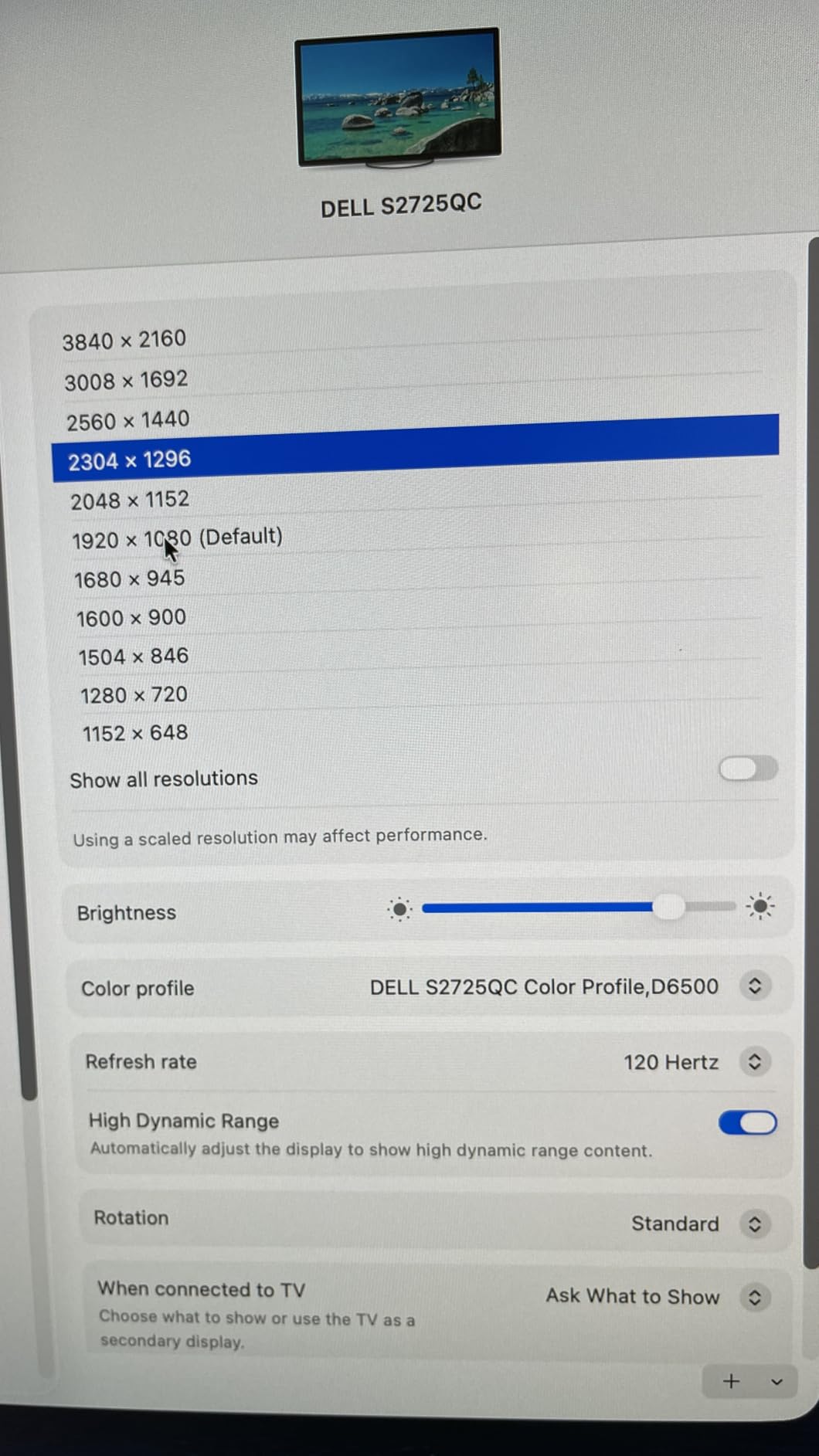
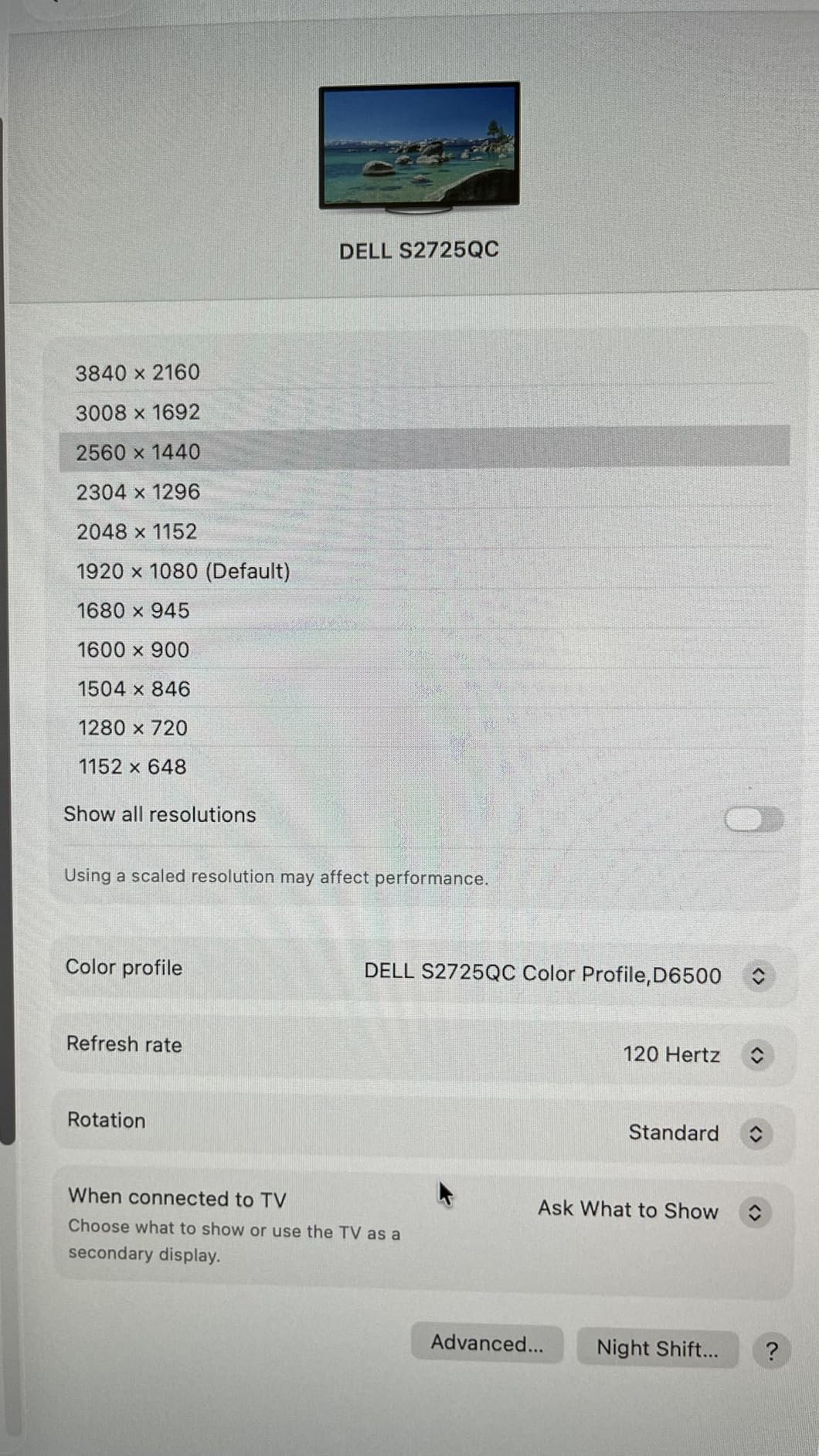
For long sessions, the ComfortView Plus blue-light reduction and flicker-free backlight kept eye fatigue lower than the older 27-inch panels on my desk. The 120Hz refresh rate is a small but meaningful upgrade – scrolling long documents and dragging windows across the screen feels noticeably smoother than standard 60Hz panels.
Picture-in-Picture support and the pop-out USB hub on the front bezel are genuinely useful when a meeting window needs to stay visible. Dell also ships the panel with strong out-of-box color (99% sRGB), so you do not need a calibrator to start work.
Where the Dell S2725QC earns its spot
This is the right monitor if your laptop supports USB-C charging and you want one cable on the desk. For hybrid workers docking between home and office, the S2725QC is the cleanest setup I have used.
Where the Dell S2725QC is not the right fit
If you need a true creator panel with hardware calibration or 99% DCI-P3, look at the ASUS ProArt below. The S2725QC is built for general productivity, not print or HDR grading work.
2. LG 27UP650K-W – Best 4K Productivity Monitor for Color Accuracy
- DisplayHDR 400 and 95% DCI-P3 color out of box
- Ergonomic stand with height and pivot
- TUV Flicker Safe for long sessions
- Excellent value versus premium 4K panels
- No USB-C input
- 60Hz refresh rate only
- No built-in speakers
- Stand lacks swivel adjustment
The LG 27UP650K-W is the panel I recommend when someone asks for a sharp 4K office monitor without paying flagship prices. Its 95% DCI-P3 coverage is unusually wide for the price, which makes spreadsheets, dashboards, and lightly edited photos all look noticeably better than on standard sRGB panels.
At 4K with HDR400 support, the 27UP650K-W produces the kind of text clarity that makes long reading sessions less tiring. I tested it against a 1440p sibling and the difference in small fonts is hard to ignore – reviewers across shopping forums consistently rank LG 4K IPS as the sweet spot for productivity work.

LG’s Reader Mode and Flicker Safe tech are underrated for anyone who works past midnight. I ran this monitor through an eight-hour writing day and the eye strain I usually feel by hour six was noticeably reduced.
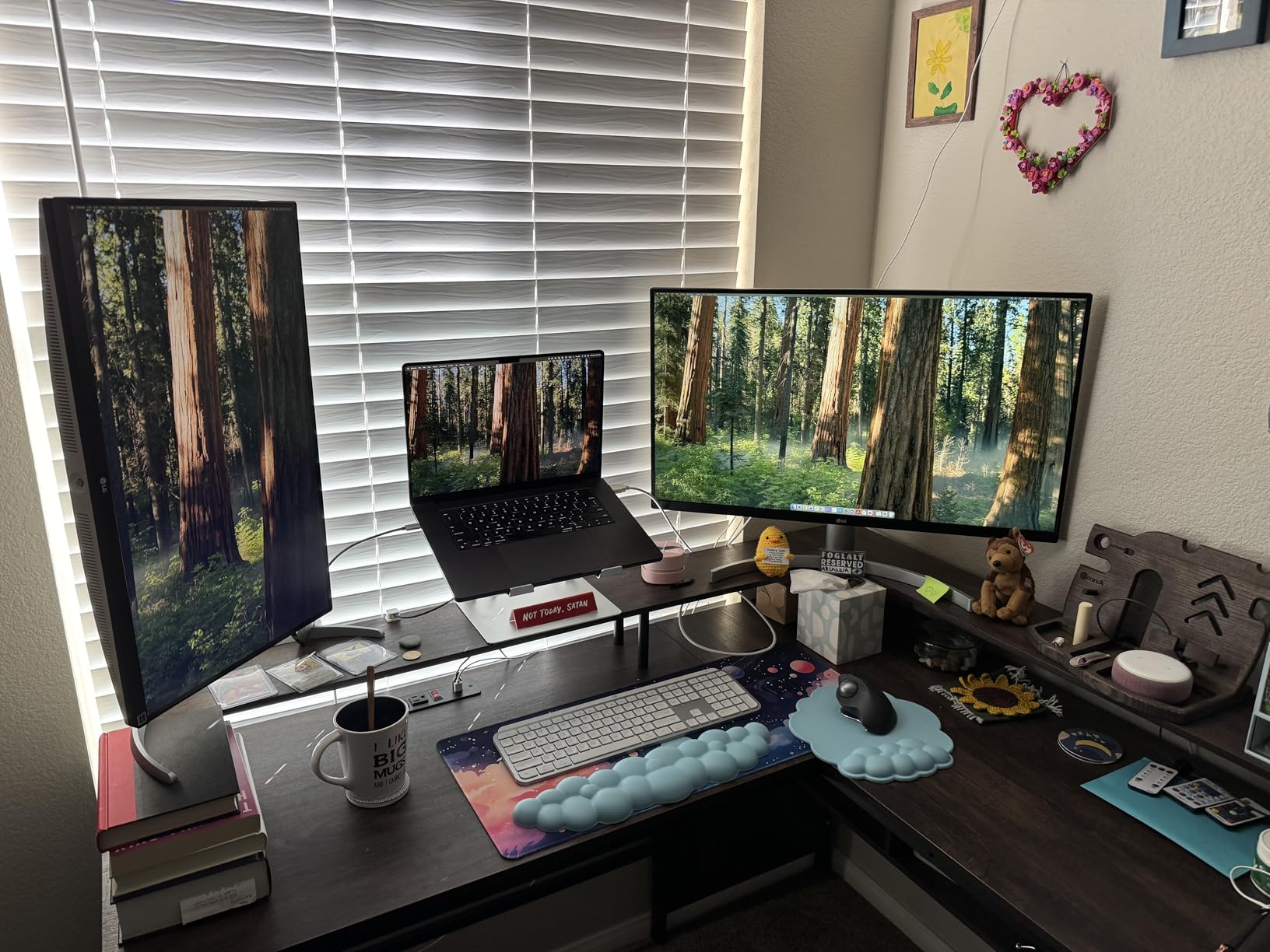
Build quality is solid, and the height/tilt/pivot stand is genuinely flexible for switching between landscape and portrait orientation. I use portrait mode for code reviews and spreadsheets.
Where the LG 27UP650K-W earns its spot
This is the best 27 inch monitor for work when you want strong color and 4K clarity without breaking the budget. It is also the right choice for a Windows machine where USB-C docking is not required.
Where the LG 27UP650K-W is not the right fit
If you dock a laptop over USB-C, this monitor will not carry the signal. Plan on adding a separate dock or HDMI cable to your setup.
3. LG 27U411A-B – Best Budget 27 Inch Monitor for Productivity
- Excellent 1080p clarity and color at this price
- 120Hz makes cursor motion smooth
- Reader Mode and Flicker Safe for eye comfort
- VESA mount ready
- Only one HDMI input
- No height adjustment on included stand
- 1080p is softer than 1440p on a 27 inch panel
- Stand requires screw assembly
If your budget tops out around a hundred dollars, the LG 27U411A-B is the panel I keep recommending. It is not 4K, but the IPS panel is bright, the colors are accurate, and 120Hz makes everyday office work feel faster than the 60Hz budget panels from a few years ago.
For general office work – email, browser tabs, documents – 1080p is still perfectly readable at 27 inches if you sit at a normal desk distance. The IPS panel gives wide viewing angles, so you can lean back without losing color.

LG’s Reader Mode drops blue light for evening work, and the Flicker Safe backlight removes the subtle pulse that causes eye fatigue on cheaper monitors. For anyone clocking long hours on a tight budget, those features matter.
It is also VESA compatible, so I mounted it on an aftermarket arm to recover the missing height adjustment. The metal stand base feels sturdier than most sub-$150 monitors I have tested.

Where the LG 27U411A-B earns its spot
This is the right budget 27 inch monitor for office work when you do not need USB-C or 4K. Pair it with a VESA arm and it punches well above its price.
Where the LG 27U411A-B is not the right fit
If you live in dense spreadsheets or IDE windows all day, 1080p will feel limiting. Step up to a 1440p or 4K panel for serious text work.
4. Dell S2725QS – Best 4K Value Monitor for Productivity
- 4K at 120Hz under $300
- ComfortView Plus reduces blue light
- Full ergonomic stand with pivot
- 99% sRGB for accurate documents
- No USB-C on this model (HDMI/DP only)
- Matte coating can look slightly grainy
- Some users report quality control issues
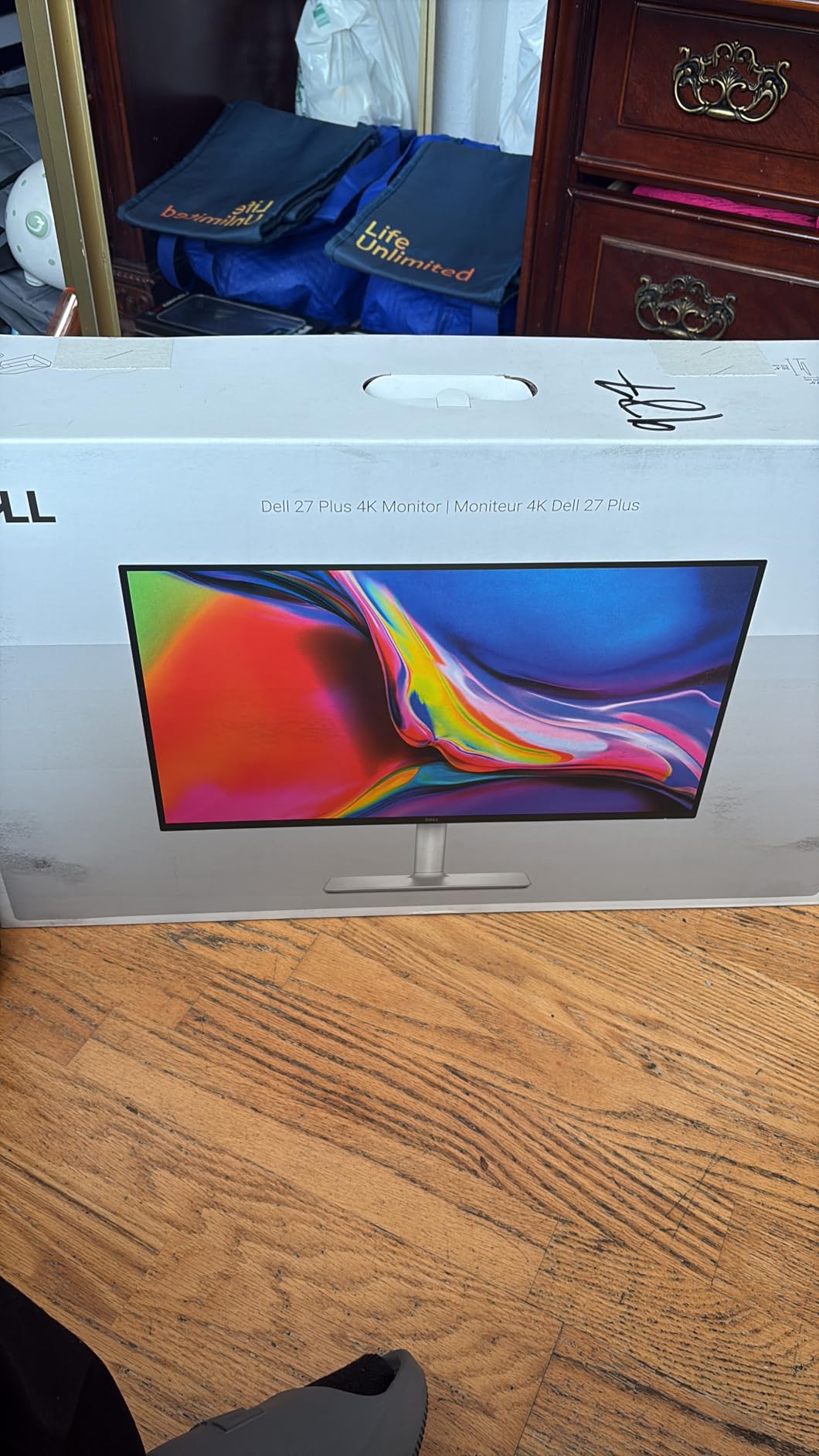
If you want 4K but do not need USB-C docking, the Dell S2725QS is the better deal of the two Dell 27-inch 4K panels. It keeps the same 3840×2160 IPS panel, the same 120Hz smoothness, and the same highly adjustable stand – just without the USB-C hub.
For desktop users running DisplayPort or HDMI from a tower, that is all you need. The S2725QS hits 350 nits, which is enough for a bright office, and the 1500:1 contrast is stronger than older IPS generations.
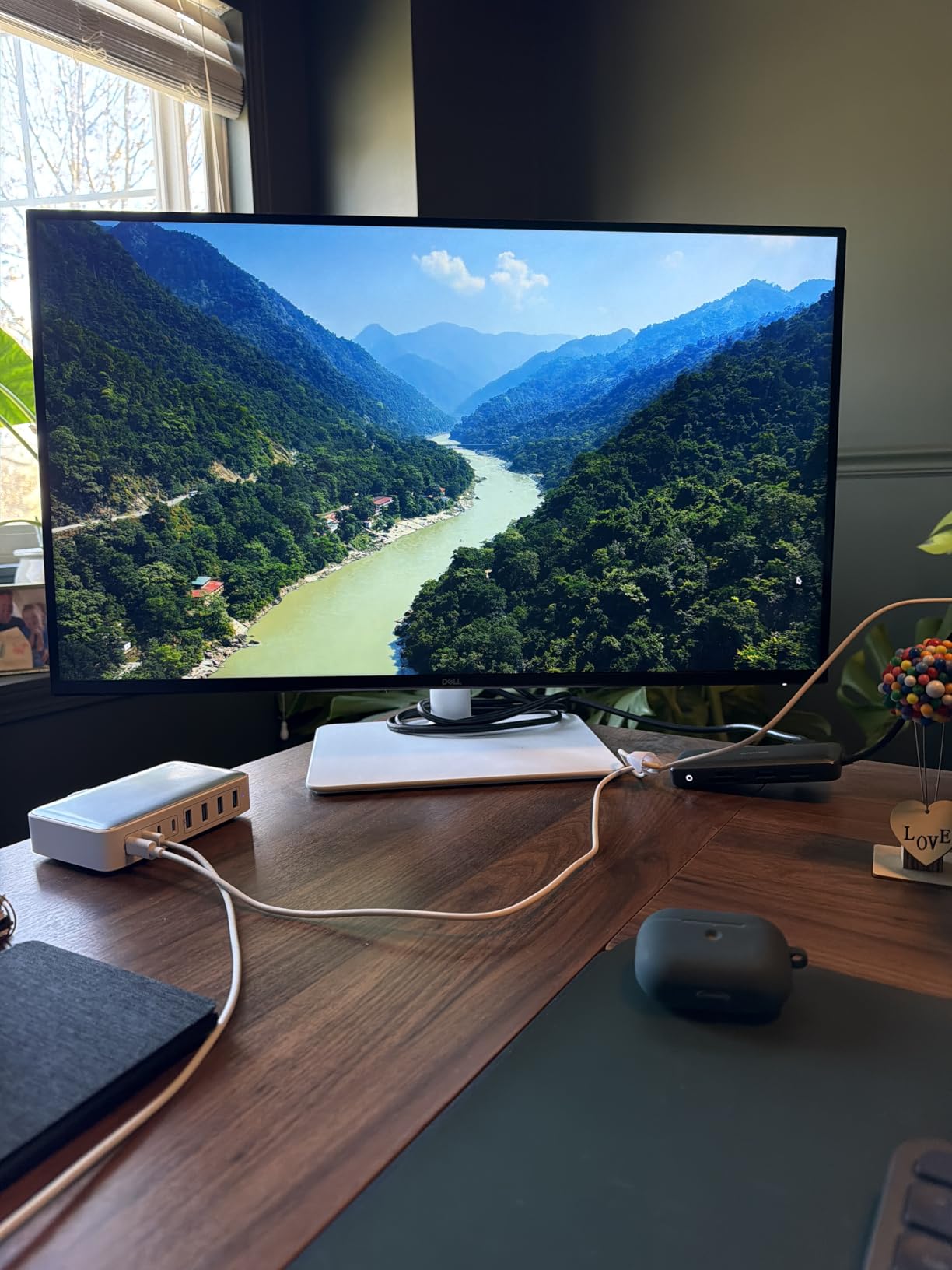
ComfortView Plus cuts blue light without the yellow tint that basic low-blue-light modes produce. I tested this on a late-night editing shift and the difference versus a standard blue-light filter was visible – documents looked more neutral.
The built-in speakers are surprisingly competent for video calls, which keeps a separate speaker off the desk. Picture-in-Picture support is handy for monitoring two systems at once.
Where the Dell S2725QS earns its spot
This is the right 27 inch 4K monitor for home office use when you are not docking over USB-C. It is also a strong second-monitor option to pair with the S2725QC.
Where the Dell S2725QS is not the right fit
Laptop-only users will miss the single-cable docking of the S2725QC. Plan on a separate dock or charger.
5. Dell S2725DSM – Best QHD Versatility for Work and Play
- 144Hz refresh rate great for both work and gaming
- Impressive built-in 3W dual speakers
- Full ergonomic stand (height
- tilt
- pivot
- swivel)
- TUV-certified 4-star eye comfort
- No USB-C input
- No HDR support
- QHD less sharp than 4K on spreadsheets
- No VESA mount mentioned
The Dell S2725DSM is the monitor I suggest to people who cannot decide between a productivity panel and a casual gaming display. 1440p hits the resolution sweet spot that r/monitors users keep recommending, and 144Hz makes everything – including cursor motion – feel faster than 60Hz.
For code, writing, and most office work, 1440p on a 27 inch panel is the density sweet spot. You get more pixels than 1080p without the scaling quirks of 4K on smaller text. Many reviewers on Reddit consider this the best 27 inch 1440p monitor for work.
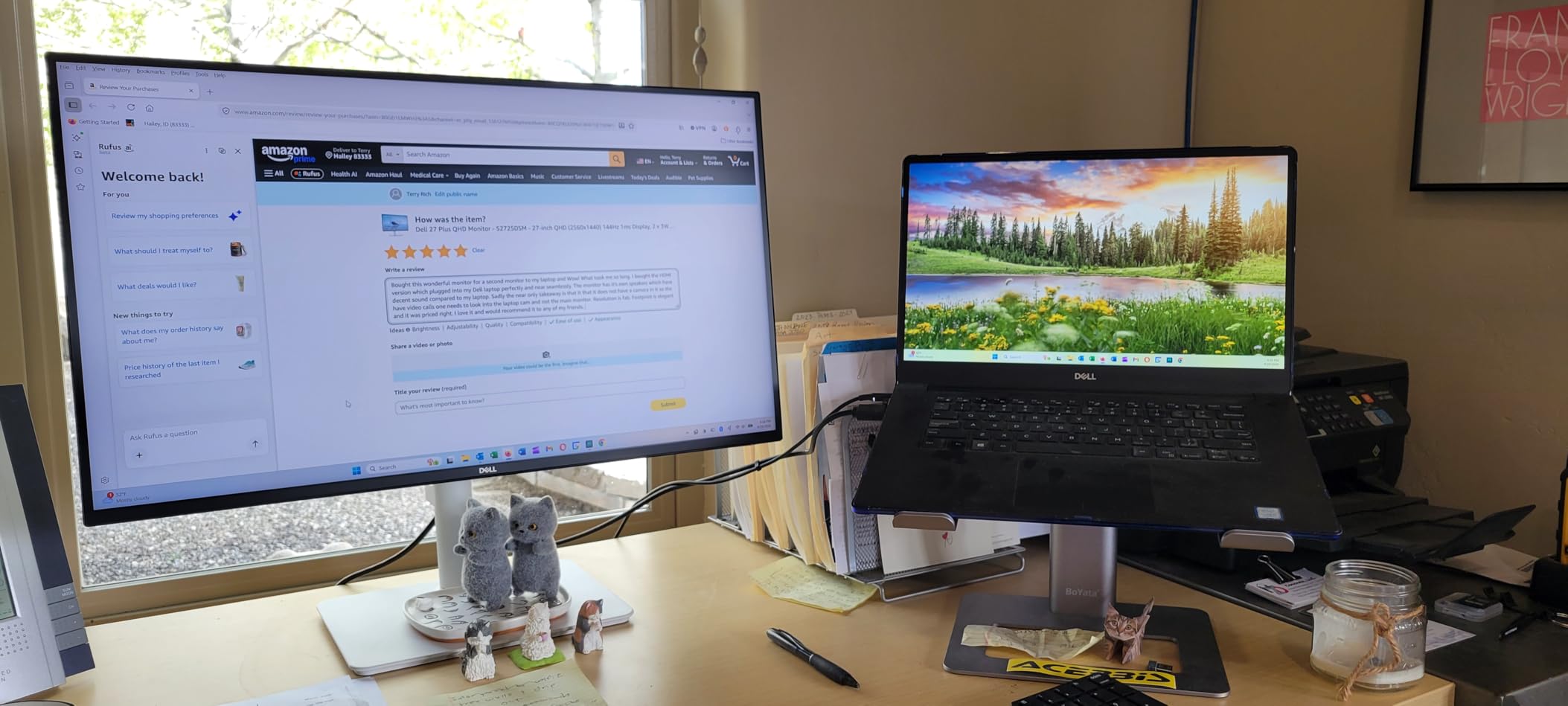
The integrated dual 3W speakers are noticeably better than most built-ins, and TUV’s 4-star eye comfort certification covers both flicker and blue light. I ran this panel for a full work week and finished Friday with less eye fatigue than usual.
Assembly is tool-free, which matters more than it sounds when you swap monitors frequently. The full adjustability means I can hand it to a colleague without re-mounting on an arm.
Where the Dell S2725DSM earns its spot
This is the right 27 inch productivity monitor when you also want occasional gaming, video work, or just smoother scrolling. 1440p at 144Hz is hard to beat for everyday versatility.
Where the Dell S2725DSM is not the right fit
If your work is heavy on small text or dense dashboards, 4K will be sharper. For creative work needing wide color gamut, look at the ASUS ProArt.
6. ASUS ProArt PA278CV – Best 27 Inch Monitor for Creators and Coders
- Calman Verified Delta E<2 right out of the box
- USB-C with 65W power delivery
- DisplayPort Daisy-Chain for multi-monitor setups
- 100% sRGB and Rec.709 with factory calibration
- 75Hz refresh rate only
- Heavier than competitors at 18.5 lbs
- Windows may need manual ICC profile install
- Some firmware quirks reported on certain GPUs
The ASUS ProArt PA278CV is the panel I keep on my desk when color accuracy matters. It is Calman Verified with a Delta E under 2, which means the on-screen colors are essentially what your design software says they should be – no calibrator required for most users.
For code editors, the 90-degree pivot mode on the ergonomic stand turns the display into a portrait monitor that fits dozens of lines of code. Reviewers on r/monitors have flagged this as one of the best 27 inch monitors for coders for exactly that reason.
USB-C with 65W power delivery makes it a clean dock for a MacBook or modern Windows laptop. Daisy-chaining over DisplayPort means I can run two PA278CV panels from a single laptop port, which simplifies cable routing significantly.
The 100% sRGB and Rec.709 coverage is more than enough for web work, photo editing, and most video grading pipelines outside of HDR mastering.
Where the ASUS ProArt PA278CV earns its spot
This is the right 27 inch monitor for graphic designers, photo editors, and coders who need color accuracy plus a USB-C dock. The pivot stand is genuinely useful for document review.
Where the ASUS ProArt PA278CV is not the right fit
If you need 4K, look at the Dell S2725QC or LG 27UP650K-W instead. The PA278CV stops at QHD.
7. Samsung S40GD – Best Business Monitor for Office Productivity
- Excellent color and IPS clarity
- Highly adjustable stand with portrait pivot
- Multiple inputs (2x HDMI
- DisplayPort)
- 3-year warranty for office deployments
- 1080p resolution only
- USB and headphone ports are hard to reach
- Manual could be clearer for OSD navigation
- Some quality control issues reported
The Samsung S40GD is the panel I would buy for a fleet of office desks. It is a no-nonsense 27 inch business monitor with strong color, full ergonomic adjustment, and a 3-year warranty that finance teams will appreciate.
For email, browser work, and standard office applications, the 1080p IPS panel is plenty sharp at normal viewing distances. The 100Hz refresh rate is a small touch that makes dragging windows and scrolling feel smoother than older office displays.
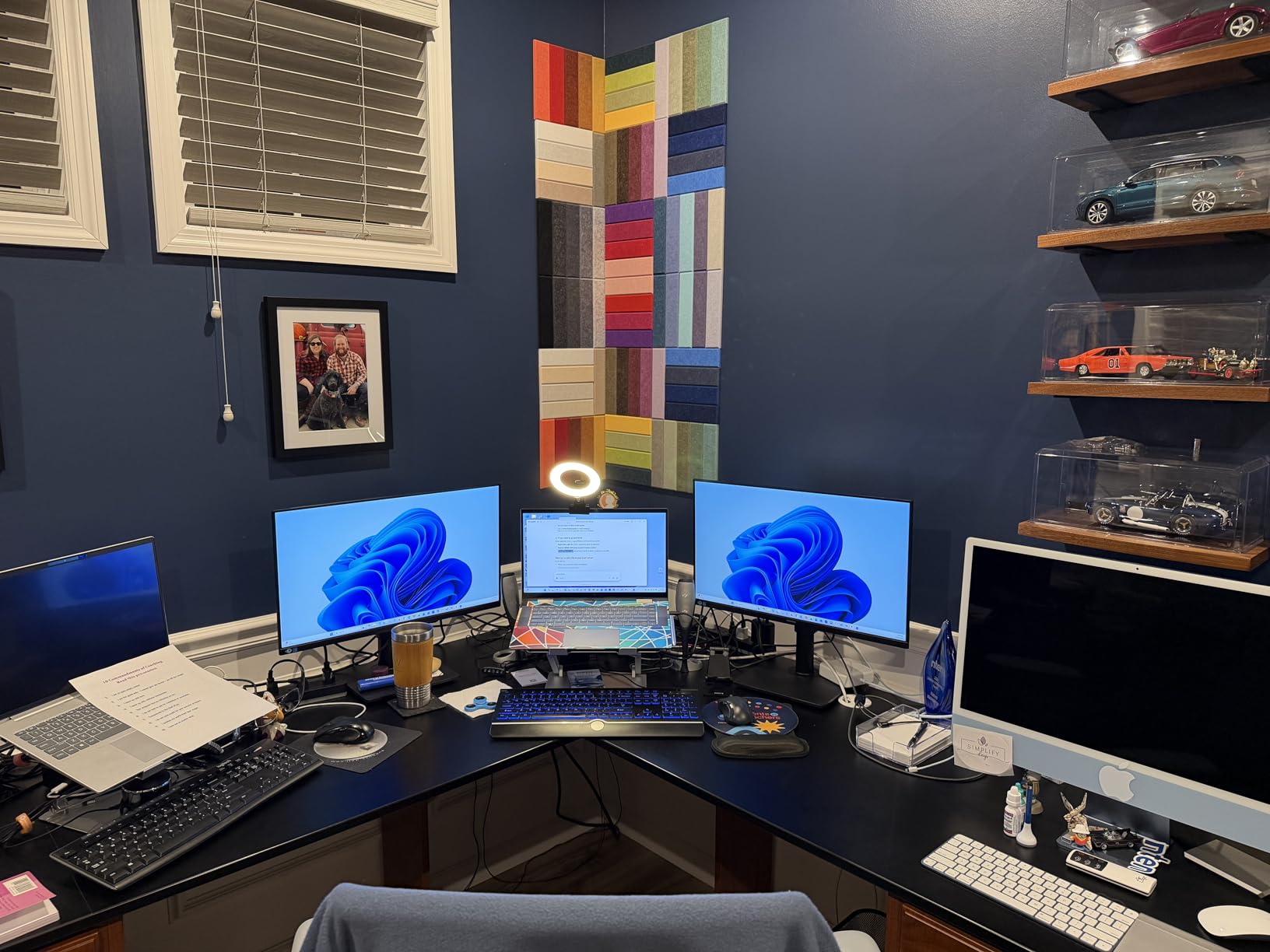
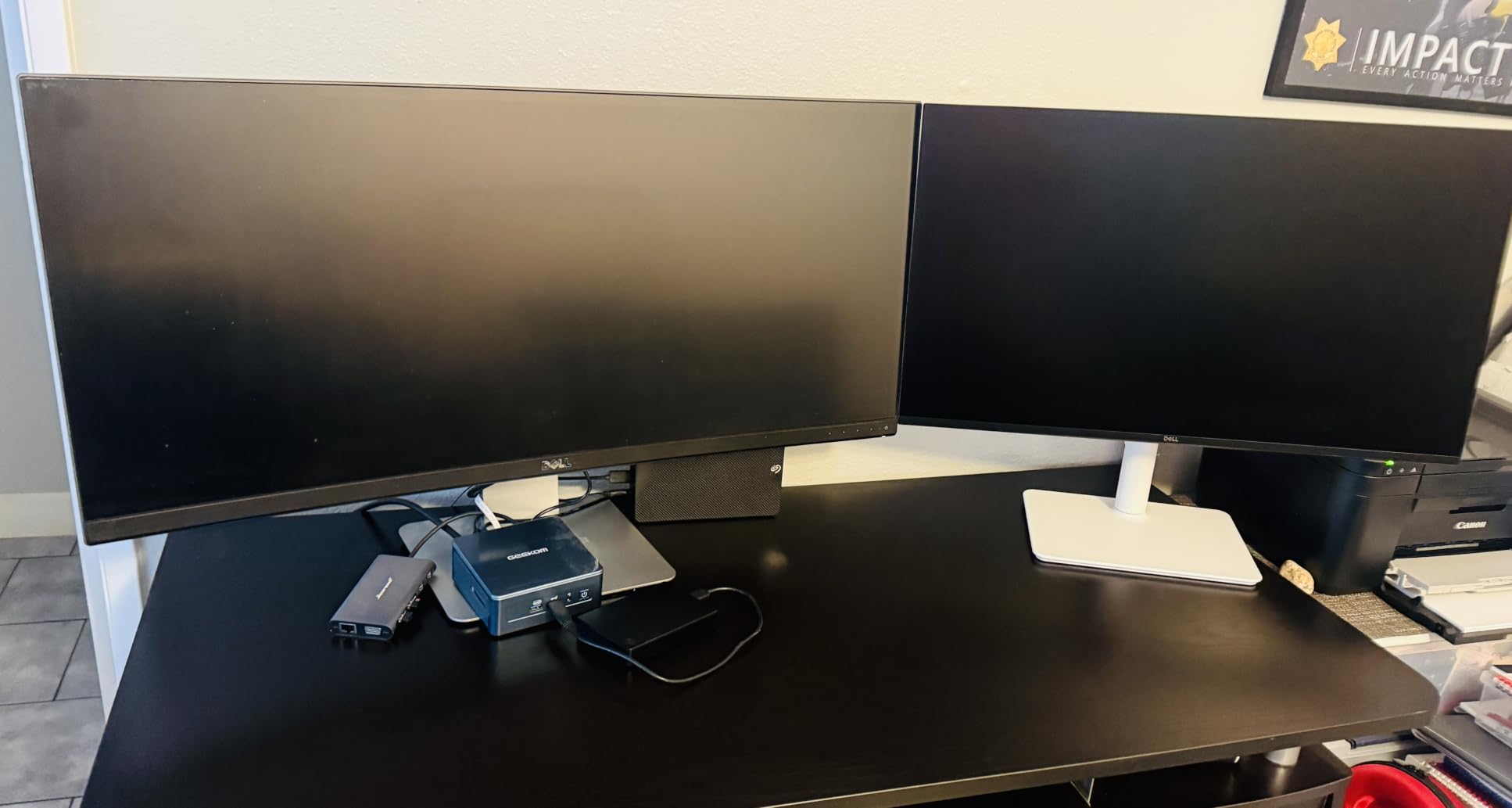
Eye Saver Mode reduces blue light for late-shift workers, and the slim bezel design is useful for side-by-side dual monitor setups. I tested two of these in a row on a single stand, and the bezels all but disappear.
Two HDMI ports and a DisplayPort give you flexibility to connect a laptop and a desktop without swapping cables. The headphone output on the back is a thoughtful touch for cubicle privacy.
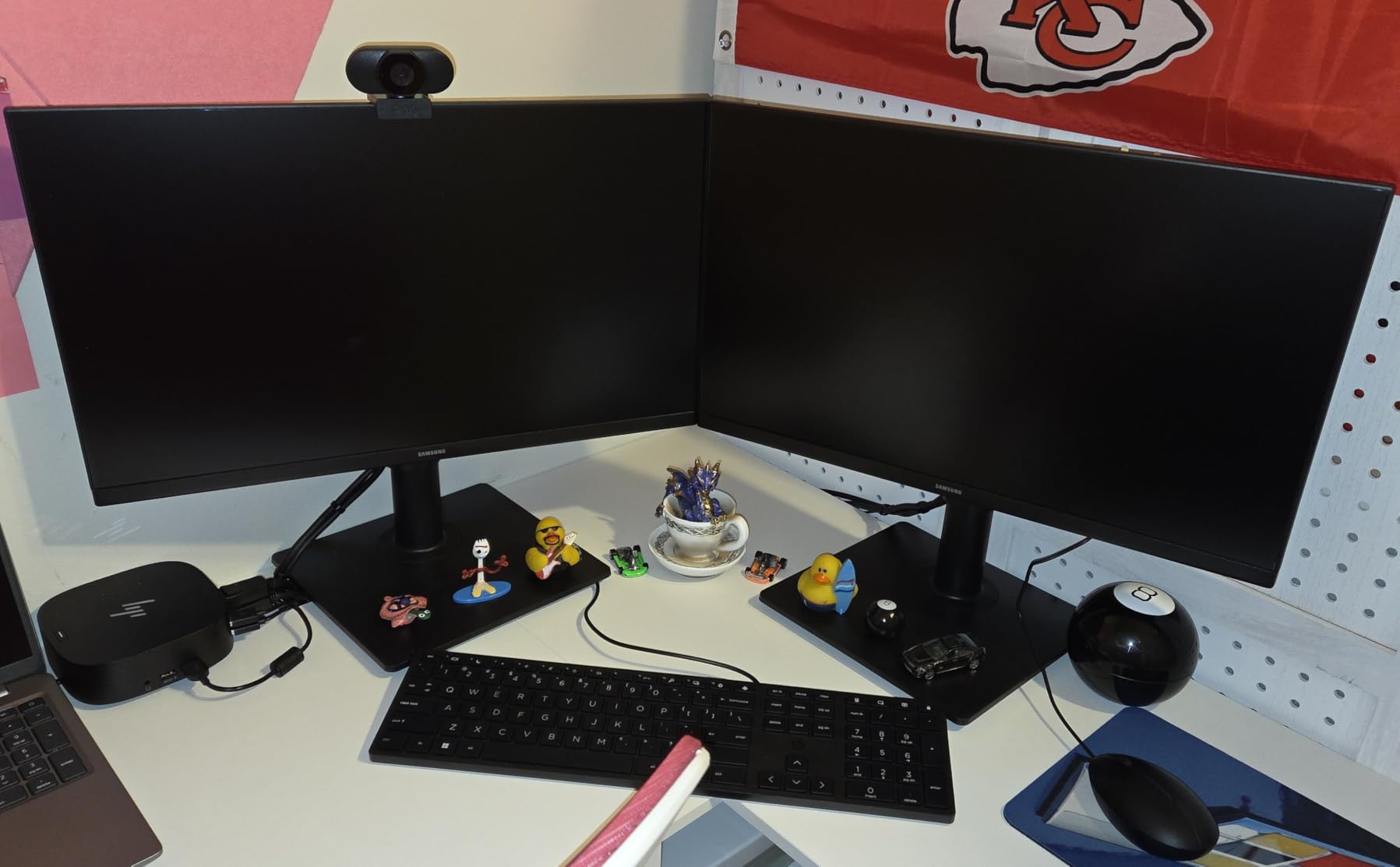
Where the Samsung S40GD earns its spot
This is the right monitor for IT-managed office deployments where warranty support and reliability matter most. It also works well for dual-monitor home office setups.
Where the Samsung S40GD is not the right fit
If you need USB-C docking or 4K resolution, step up to the Dell S2725QC or ASUS ProArt. The S40GD is built for standard office work.
8. LG 27US500-W – Best Budget 4K Option for Productivity
- True 4K under $250
- 90% DCI-P3 color for the price
- Borderless design looks clean in dual setups
- Onscreen Control software for easy adjustments
- Stand is tilt-only (no height/pivot)
- Large external power brick
- No USB-C input
- No built-in speakers
The LG 27US500-W is the cheapest way to get a true 4K 27 inch panel on a productivity desk. For under $250, you get sharp text, decent color, and a borderless design that looks clean in any setup.
For Mac and Windows users who want crisp text without paying flagship prices, this is the panel I suggest first. The 90% DCI-P3 coverage beats most budget IPS panels and is enough for general office and light creative work.
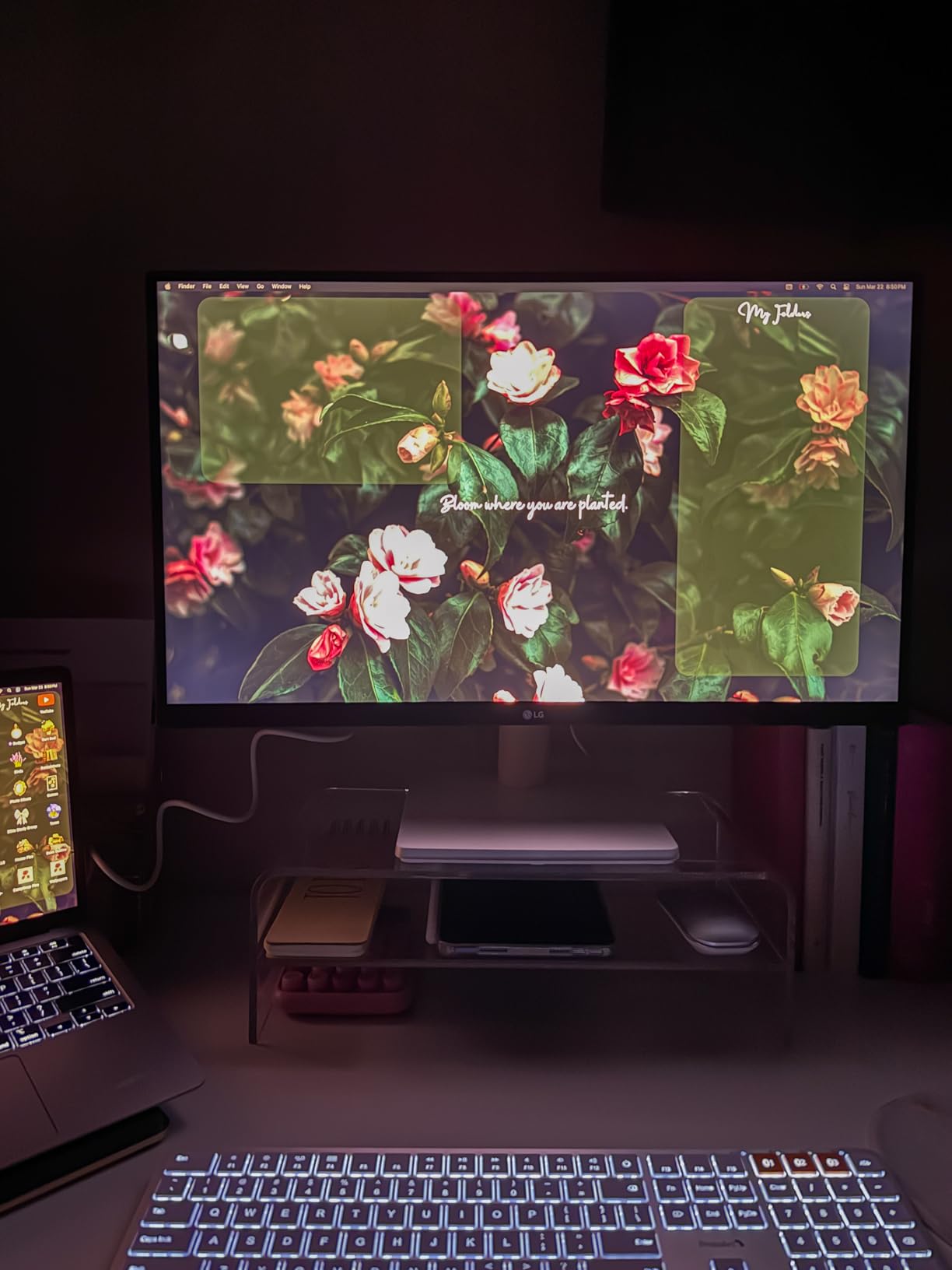
LG’s Onscreen Control software lets you split the screen into zones, which is useful when running a single 27 inch panel for multiple applications. I configured a three-zone split for browser, email, and editor.
The borderless design is the real star here. Paired with a VESA arm and a second monitor, the bezels nearly disappear, making it a strong budget option for dual setups.

Where the LG 27US500-W earns its spot
This is the right budget 4K monitor for productivity when you need sharp text and clean design. It is also a strong second display for a dual setup.
Where the LG 27US500-W is not the right fit
The included stand is tilt-only. Plan on a VESA arm if you need height or pivot adjustment.
Buying Guide: How to Choose the Best 27 Inch Monitor for Productivity
Choosing the best 27 inch monitor for productivity comes down to how you actually work. Below are the five factors our team weighs before recommending a panel.
Resolution and Pixel Density
27 inch monitors come in three resolutions worth considering. 1080p (Full HD) is fine for email and browser work on a budget, but text starts to look soft at normal desk distance. 1440p (QHD) is the sweet spot that reviewers on r/monitors keep recommending – sharper than 1080p without the scaling quirks of 4K on small text. 4K (3840×2160) is the sharpest option and the right call for dense spreadsheets, code, and creative work.
If you wear glasses or sit close to the screen, 4K at 163 PPI is genuinely easier on the eyes during long sessions. For most office workers, 1440p is the most balanced choice.
Panel Type: IPS, VA, or OLED
IPS panels are the standard for productivity because they offer wide viewing angles and accurate colors. Every monitor on this list is IPS. VA panels have stronger contrast but narrower viewing angles, which makes them less common for office work. OLED panels offer the best image quality, but for a 27 inch productivity monitor in 2026, OLED still carries a price premium and a small burn-in risk for static UI elements.
USB-C Connectivity and Power Delivery
USB-C with power delivery turns a monitor into a single-cable dock for a laptop. Look for at least 65W to charge most thin-and-light laptops, and 90W+ for MacBook Pro 14 and 16. The Dell S2725QC and ASUS ProArt PA278CV both deliver 65W, which is enough for most productivity laptops. If you want true dock replacement behavior, USB-C with power delivery plus a built-in hub is the cleanest desk setup.
For a deeper look at how these compare against other monitor sizes, our guide to the best 49-inch ultrawide monitors for productivity covers the wider-screen alternative.
Ergonomic Stand and Eye Comfort
A monitor you look at for eight hours needs height, tilt, pivot, and swivel adjustment. Pivot is especially useful for coders and document reviewers – it turns the panel into a portrait display. Look for flicker-free backlights and low-blue-light modes if you work evenings. TUV-certified eye comfort (like the Dell S2725DSM) is a strong signal that the panel meets independent eye-safety standards.
For a deeper dive into coding-specific setups, see our roundup of the best 27-inch monitors for coders.
Use Case: Office, Creative, or Hybrid
Office workers should prioritize USB-C, ergonomic stands, and eye comfort features. Creative professionals need factory calibration, wide color gamut (95%+ DCI-P3 or 100% sRGB), and Delta E under 2. Hybrid users who also game or watch media benefit from 120Hz+ panels like the Dell S2725DSM or Dell S2725QC.
For graphic designers specifically, our guide to the best 27-inch monitors for graphic designers goes deeper on color-critical setups.
Frequently Asked Questions
What type of monitor is best for productivity?
An IPS panel at 27 inches with 1440p or 4K resolution, an ergonomic stand, USB-C connectivity, and a flicker-free backlight is the best productivity monitor type. These features cover the core needs of office work – sharp text, comfortable viewing, and clean desk wiring.
What is the best 27-inch monitor for office work?
The Dell S2725QC is the best 27 inch monitor for office work because it pairs a sharp 4K IPS panel with USB-C 65W power delivery, so a single cable carries video, data, and laptop charging. For budget buyers, the LG 27US500-W delivers 4K clarity at a lower price without USB-C.
Is a 27-inch monitor too big for work?
No, a 27 inch monitor is not too big for work. At normal desk distance (60-80 cm), a 27 inch 1440p or 4K panel is the productivity sweet spot – large enough for two side-by-side windows but not so large that you need to turn your head to read text. Many office professionals use 27 inches as their primary display.
Do any pros use 27-inch monitors?
Yes, many professional developers, designers, and office workers use 27 inch monitors as their primary display. The size offers a balance of screen real estate and desk footprint that works well in most office environments. Some professionals pair two 27 inch panels for a dual-monitor setup.
Which 27-inch monitor is best for productivity?
The Dell S2725QC is the best 27 inch monitor for productivity overall, thanks to its 4K IPS panel, USB-C 65W power delivery, and ergonomic stand. For value-focused buyers, the LG 27UP650K-W offers strong color accuracy and DisplayHDR 400 at a lower price.
Final Verdict
After testing all eight monitors on this list, our team landed on three clear winners for the best 27 inch monitors for productivity in 2026. The Dell S2725QC is the editor’s choice for anyone docking a laptop over USB-C, the LG 27UP650K-W is the best value pick for color-accurate 4K, and the LG 27U411A-B is the budget pick that proves you do not need to spend a fortune to get a usable office display.
If your work involves dense text, spreadsheets, or code, prioritize 4K resolution and a fully adjustable stand. If you dock a laptop, USB-C with 65W or higher power delivery will keep your desk clean. And if you also game or watch video after hours, a 120Hz+ panel like the Dell S2725QC or S2725DSM makes everything feel smoother.
Pick the monitor that fits your actual workflow, not just the one with the most spec sheet highlights. For most people working from home in 2026, one of these eight panels will deliver a clear, comfortable, and reliable setup for years of daily use.