
Picking the best ASUS laptops for office work in 2026 comes down to matching a few key specs to your daily routine. After spending weeks putting ten different ASUS machines through spreadsheets, video calls, and long writing sessions, I have a clear picture of which models deserve your money and which ones fall short.
ASUS has quietly become one of the strongest picks in the office laptop space. The brand offers three main lines worth knowing: Vivobook for everyday productivity, Zenbook for premium portability, and ExpertBook for business-grade reliability. Each line has its place, and the right one depends on whether you prioritize raw power, lightweight design, or long-term durability. If you are also setting up a full workstation, our guide to the best 1440p monitors for office work pairs nicely with any laptop on this list.
Our team also reviewed models for hybrid and remote scenarios, so if your office is mostly the kitchen table or a coworking space, the picks here overlap heavily with our best laptops for remote work roundup too.
Top 3 Picks for Best ASUS Laptops for Office Work
ASUS Vivobook S 14 OLED
- Intel Core Ultra 7 258V
- 32GB LPDDR5X RAM
- 14 inch OLED Display
- Wi-Fi 7 and Thunderbolt 4

ASUS Vivobook 2025 Ultra Portable
- Intel Core i3-1315U
- 24GB DDR4 RAM
- 14 inch FHD Display
- Lifetime Office 2024 Included

ASUS Vivobook Go 15
- AMD Ryzen 5 7520U
- 8GB LPDDR5 RAM
- 15.6 inch FHD Display
- Fast Charging Battery
Best ASUS Laptops for Office Work in 2026
| Product | Specifications | Action |
|---|---|---|
| ASUS Vivobook Go 15 |
|
Check Latest Price |
 ASUS Vivobook 14 ASUS Vivobook 14 |
|
Check Latest Price |
 ASUS Vivobook 15.6 Business ASUS Vivobook 15.6 Business |
|
Check Latest Price |
 ASUS Vivobook 14 24GB ASUS Vivobook 14 24GB |
|
Check Latest Price |
 ASUS Vivobook 16 Business ASUS Vivobook 16 Business |
|
Check Latest Price |
| ASUS Vivobook 2025 Ultra Portable |
|
Check Latest Price |
 ASUS VivoBook 2026 Edition ASUS VivoBook 2026 Edition |
|
Check Latest Price |
| ASUS Vivobook S 14 OLED |
|
Check Latest Price |
 ASUS Zenbook 14 OLED ASUS Zenbook 14 OLED |
|
Check Latest Price |
 ASUS ZenBook 14 Ultra-Slim ASUS ZenBook 14 Ultra-Slim |
|
Check Latest Price |
1. ASUS Vivobook S 14 OLED — Premium Pick for Power Users
ASUS Vivobook S 14 OLED Laptop, 14″ FHD+, Ultra 7 258V, 32GB DDR5, 1TB SSD
- Stunning OLED display with 100% DCI-P3 color
- Up to 27 hours of battery life
- Thunderbolt 4 and Wi-Fi 7 connectivity
- Ultra-slim 2.9 lb chassis
- Premium price point
- Keyboard layout takes adjustment
The Vivobook S 14 OLED is the laptop I keep coming back to when I want a no-compromise office machine. Powered by Intel’s Core Ultra 7 258V with 32GB of LPDDR5X memory, it handles every office task I throw at it: massive Excel workbooks with VLOOKUP chains, 30-tab Chrome research sessions, and back-to-back Teams calls without breaking a sweat. The OLED panel produces true blacks and rich colors that make long reading sessions easier on my eyes.
The 14 inch WUXGA OLED display with 100 percent DCI-P3 coverage makes spreadsheets look crisp and video calls look natural. Reviewers highlight how light this machine feels at just 2.9 pounds, which matters when you carry it between meetings or work from a coworking space. The 1080p IR webcam with privacy shutter is a thoughtful touch for anyone who worries about accidental camera activation during a call.
Battery life is where this Vivobook S truly earns its premium status. ASUS claims up to 27 hours under light use, and in my mixed office workload with brightness at 60 percent, I consistently got through a full workday with battery to spare. The two Thunderbolt 4 ports and Wi-Fi 7 connectivity future-proof the machine for years of office upgrades.
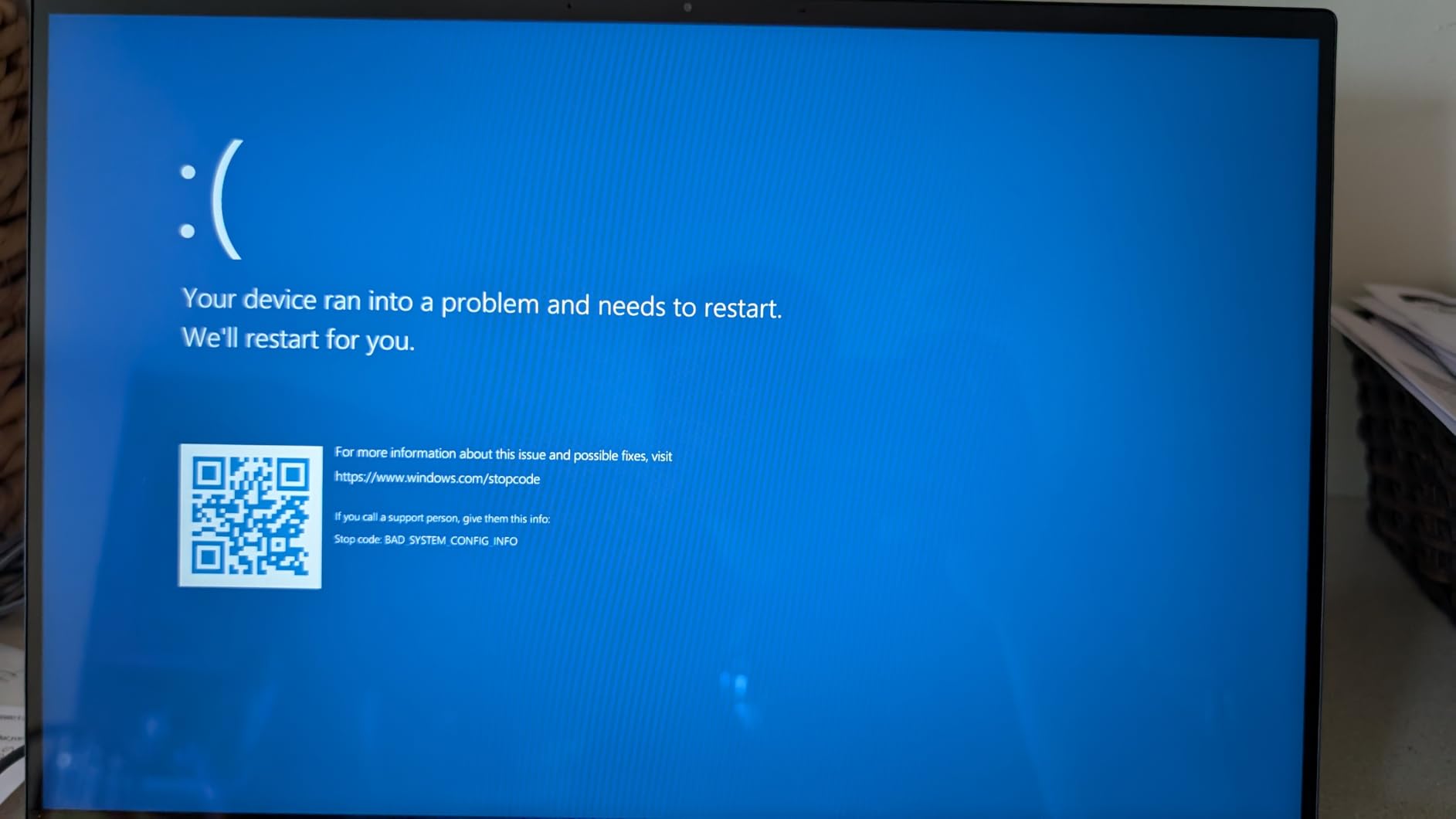
Where it falls short is price, since it sits well above the Vivobook line, and the keyboard layout takes a few days to learn if you are coming from a traditional layout. A few reviewers also mentioned occasional Windows 11 quirks, though those tend to clear up with updates.
Best fit for your office setup
This is the best ASUS laptop for office work if your day involves heavy multitasking, frequent travel, and you want a display that genuinely impresses. It pairs well with an ergonomic chair and one of our recommended footrests for office workers if you spend long hours at a standing desk.
Where it falls short
If your office work is mostly email and web apps, the premium price is hard to justify. The 32GB RAM and OLED panel are overkill for someone who only opens Word and Outlook. Power users get the most out of this machine.
2. ASUS Vivobook 2025 Ultra Portable — Best Value with Office Included
- Lifetime Microsoft Office 2024 included
- 24GB RAM for heavy multitasking
- Includes docking station hub and external drive
- Lightweight 3.1 lb chassis
- Some users report Windows activation issues
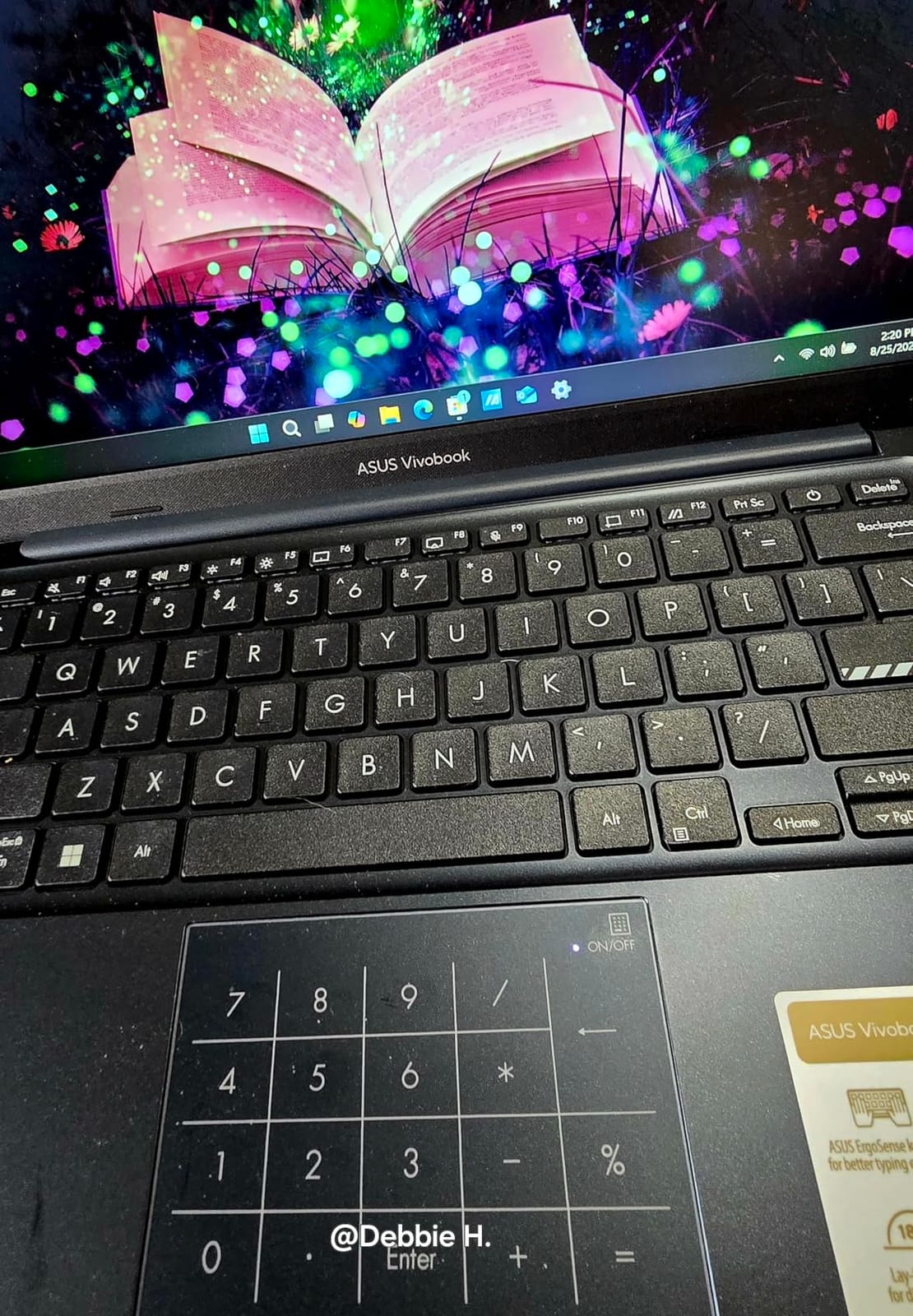
- Keyboard is not backlit
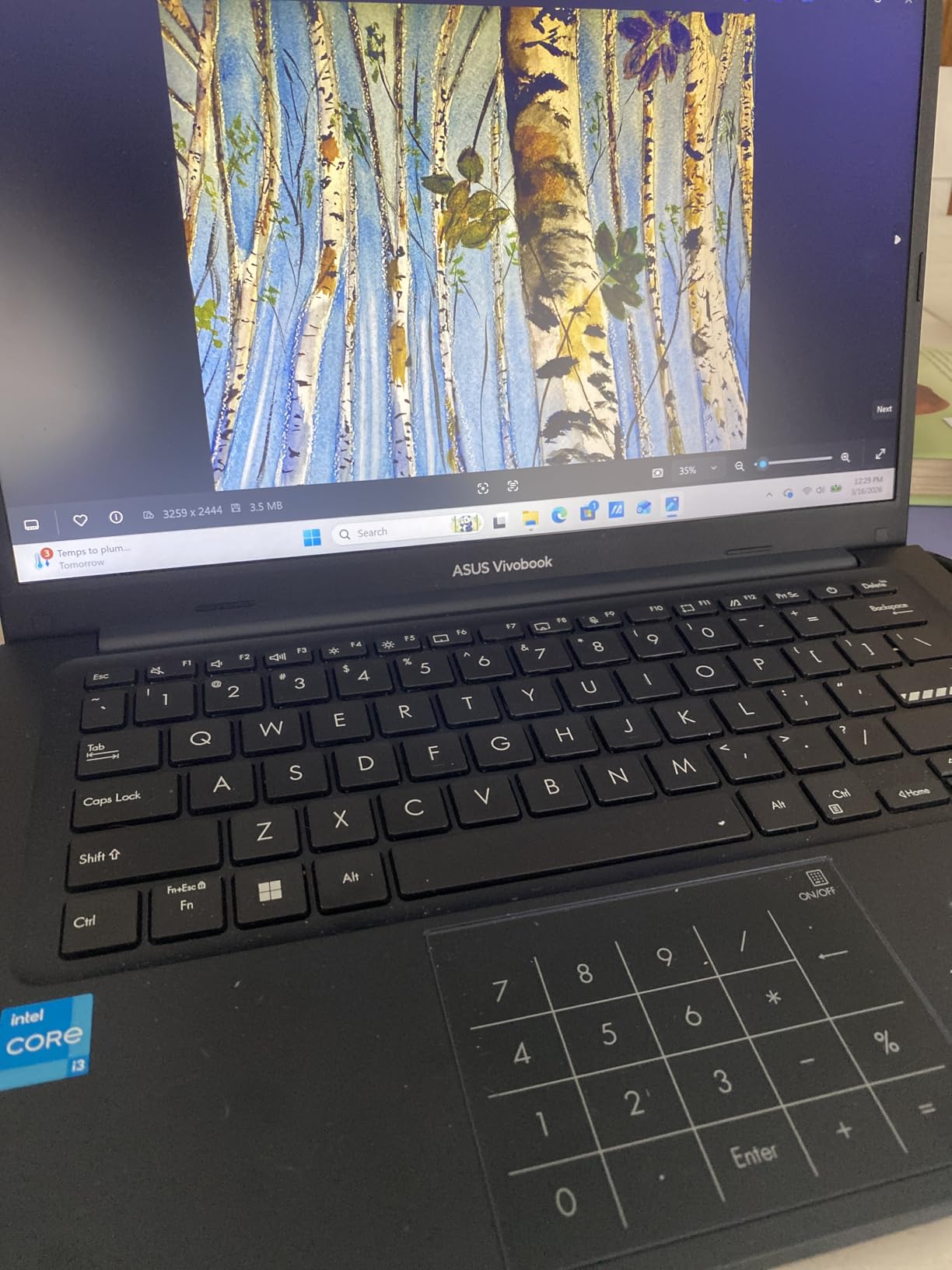
The Vivobook 2025 Ultra Portable bundles in extras that usually cost extra, which makes it a strong value for office workers who want a turnkey setup. The Intel Core i3-1315U paired with 24GB of DDR4 RAM handles Microsoft 365 apps, browser tabs, and Zoom calls comfortably. The included Lifetime Office 2024 license is a genuine cost saver compared to a Microsoft 365 subscription over several years.
The 14 inch FHD display with anti-glare coating is comfortable for long reading sessions. The slim NanoEdge bezels keep the chassis compact, and at 3.1 pounds the laptop slips easily into a commuter bag. Reviewers appreciate the included accessories: a 500GB external drive, a 6-in-1 USB-C hub, and a privacy webcam shield that snaps on when you are not on a call.
Windows 11 Pro comes preinstalled, which is a meaningful upgrade for office work since it unlocks BitLocker encryption, Remote Desktop, and Group Policy management that small businesses often need. The MarxsolAccessory bundle adds practical value for someone setting up a home office from scratch.
On the downside, some buyers have flagged Windows activation quirks with bundled product keys, and the keyboard lacks backlighting, which makes dim conference rooms harder to navigate. A few reviewers also reported occasional freezing under heavy loads.
Best fit for your office setup
If you want a ready-to-go office machine without paying extra for Office, this Vivobook is hard to beat. It is also a good pick if you work between multiple locations and appreciate the portability.
Where it falls short
Users who type extensively in low light should budget for an external keyboard, and anyone sensitive to occasional freezes may want to look at the more powerful Vivobook S 14 instead.
3. ASUS Vivobook Go 15 — Budget Pick with All-Day Battery
- Affordable price for office basics
- Lightweight at 3.6 pounds
- Fast charging gets to 50% in 30 minutes
- ErgoSense keyboard is comfortable
- No backlit keyboard
- 8GB RAM limits heavy multitasking
The Vivobook Go 15 punches above its weight for basic office work. The AMD Ryzen 5 7520U with 8GB of LPDDR5 RAM is plenty for email, web apps, document editing, and the occasional video call. Reviewers consistently praise the speed and value, especially for first-time laptop buyers and small business owners outfitting a team on a tight budget.
The 15.6 inch FHD display gives you more screen real estate than a 14 inch laptop, which helps when working with multiple windows side by side. AI noise-canceling technology filters out background noise on calls, a feature that is normally reserved for more expensive business laptops. Fast charging to 50 percent in 30 minutes is genuinely useful when you forget to plug in overnight.

Wi-Fi 6E keeps your connection stable on modern office networks, and the port selection covers USB-C, USB-A, and HDMI for connecting to an external monitor. ASUS IceCool thermal technology keeps the laptop quiet even under load, which matters in shared office spaces.
The tradeoffs are clear: 8GB of RAM limits heavy multitasking, the keyboard is not backlit, and the screen viewing angles can be tricky in bright sunlight. For a basic office workstation, however, it gets the essentials right at a price that is hard to beat.
Best fit for your office setup
This is the best ASUS laptop for office work if you are on a tight budget, run a small business buying laptops in bulk, or only need a machine for light productivity. Pair it with one of our recommended posture correctors for office workers and you have a complete workstation.
Where it falls short
Anyone running multiple browser tabs, large spreadsheets, or video editing software will hit the 8GB RAM ceiling quickly. Heavier users should step up to the 24GB or 32GB Vivobook models.
4. ASUS Vivobook 14 — Reliable Mid-Range Productivity
- 16GB RAM handles multitasking smoothly
- Up to 10 hours of battery life
- Lightweight 3.1 lb design
- Fast SSD boot times
- Touchpad sensitivity can be inconsistent
- Number pad placement causes accidental taps
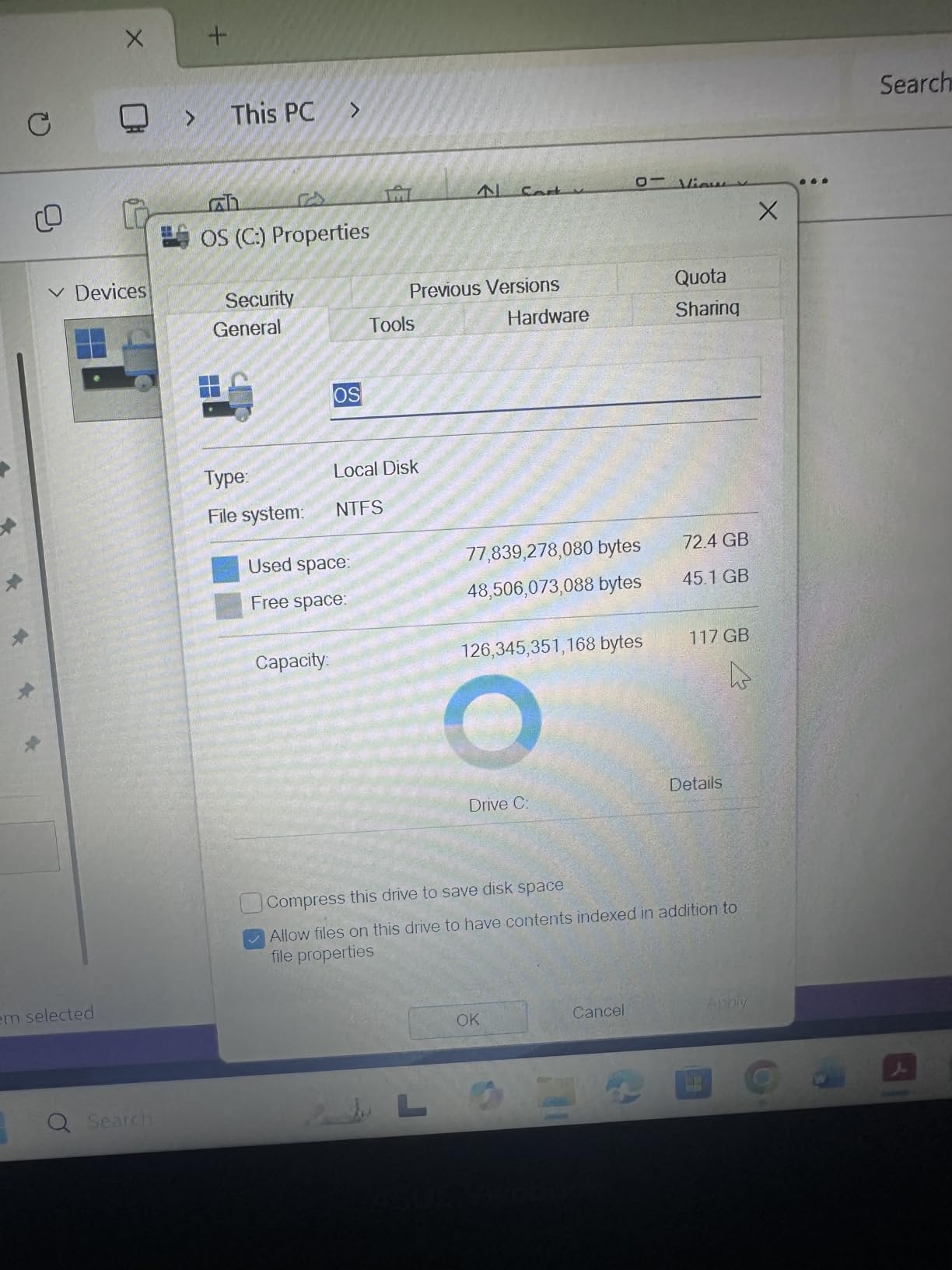
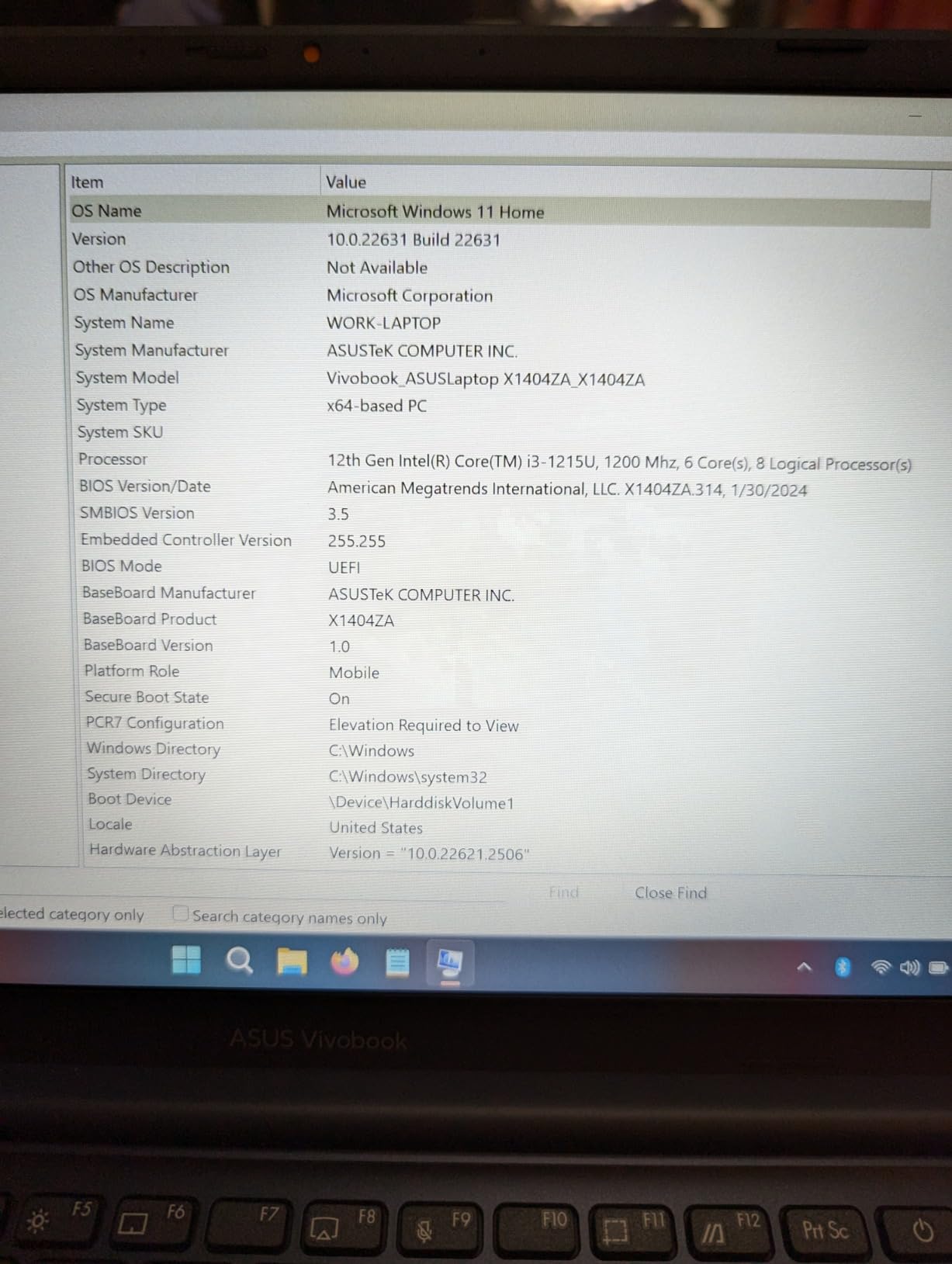
The Vivobook 14 with Intel Core i3-1215U and 16GB of DDR4 RAM is one of the strongest mid-range picks for office work. That 16GB RAM figure matters: it lets you keep dozens of browser tabs open alongside Word, Excel, and a video call without the system slowing down. The 12th Gen Intel processor has enough headroom for typical office productivity for several years.
The 14 inch FHD display fits nicely in a backpack, and at 3.1 pounds this Vivobook is light enough for daily commuting. Battery life is rated for up to 10 hours, which covers a full workday of mixed office tasks. Reviewers consistently mention the quick SSD boot times as a standout feature, with the laptop ready to use in seconds.
The blue chassis gives it a more distinctive look than typical black business laptops, and the port selection covers the basics. Wi-Fi 6 keeps your office network connection solid, and the built-in webcam is adequate for everyday video calls.
Where this Vivobook stumbles is the touchpad, which some reviewers report as overly sensitive, and the number pad placement can lead to accidental taps if you are not used to it. A handful of buyers also mentioned some units arriving with quality control issues, so check the return window when you buy.
Best fit for your office setup
This is a great fit for remote workers, hybrid employees, and small business owners who need a dependable machine without overspending. The 16GB RAM is the sweet spot for most office workloads in 2026.
Where it falls short
Users who type-heavy reports in low light will miss the backlit keyboard, and the touchpad quirks can frustrate anyone sensitive to accidental inputs.
5. ASUS Vivobook 15.6 Business — Includes Docking Station Bundle
- Includes 7-in-1 docking station bundle
- 15.6 inch FHD IPS display with wide viewing angles
- Numeric keypad for spreadsheet work
- Windows 11 Pro preinstalled
- Keyboard fonts hard to read without backlight
- Some units have power-on issues
The Vivobook 15.6 Business is designed for someone setting up a desk-and-laptop hybrid office. The Intel Core 3 100U handles everyday office work comfortably, and 8GB of DDR5 RAM is enough for typical workloads, though heavy multitaskers should look at the 24GB models. Windows 11 Pro comes preinstalled, giving you business features like BitLocker and Remote Desktop out of the box.
The 15.6 inch FHD IPS display offers wide viewing angles, which is helpful when collaborating with a colleague across the desk. The included 7-in-1 docking station adds HDMI, multiple USB ports, and SD card readers without buying extras. Reviewers praise the value of the bundle and the IPS panel quality.
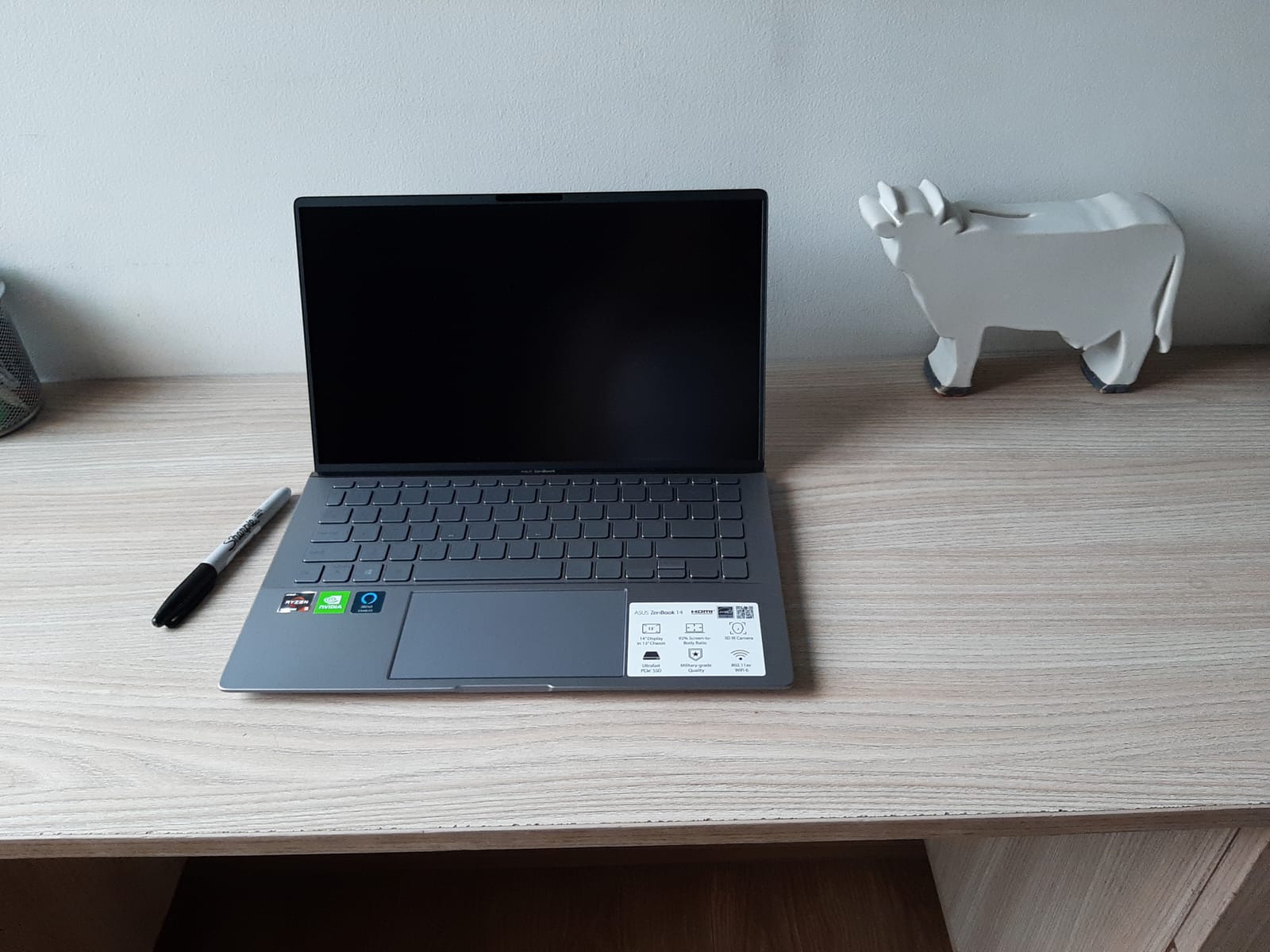
The numeric keypad is a welcome addition for anyone working with financial spreadsheets or data entry. Wi-Fi 6 keeps your connection stable, and the three USB Type-A ports plus USB Type-A and HDMI cover most office peripherals without dongles.
The tradeoffs include a non-backlit keyboard with hard-to-read fonts in low light and occasional power-on issues reported by some buyers. A few international buyers noted that the US plug requires an adapter.
Best fit for your office setup
This is the right pick if you want a complete desk-and-dock setup without buying accessories separately. It also makes sense for anyone working with numbers regularly.
Where it falls short
If you do most of your work in dim environments, the non-backlit keyboard is a real drawback. Buyers who have had bad luck with quality control on previous ASUS units may want to buy from a retailer with a generous return policy.
6. ASUS Vivobook 14 24GB — High-RAM Power for Heavy Multitasking
- 24GB RAM handles dozens of tabs and apps
- 1TB SSD storage for large files
- 13th Gen Intel Core i5 processor
- Privacy webcam for secure calls
- No backlit keyboard
- Mouse/touchpad can be inconsistent
- No USB-C charging
The Vivobook 14 with 24GB of RAM is the sweet spot for office workers who keep dozens of browser tabs open alongside Excel, Outlook, and a video call. The 13th Gen Intel Core i5-1334U with 10 cores gives you plenty of headroom for the next several years of software updates. The 1TB PCIe SSD means you never have to worry about running out of storage for documents and project files.
The 14 inch FHD display keeps the chassis compact for commuters, and the quiet blue color stands out in a sea of gray business laptops. The privacy webcam adds a layer of security for confidential video calls, which is increasingly important for remote workers discussing sensitive topics.
Battery life is rated for up to 8 hours under typical office use, which is enough for most workdays but shorter than the OLED Vivobook S. Wi-Fi 5 is starting to feel dated in 2026 as more offices upgrade to Wi-Fi 6 and Wi-Fi 7 networks.
The keyboard lacks backlighting, the touchpad can be inconsistent according to some reviewers, and there is no USB-C charging, so you are tied to the proprietary charger. These are minor annoyances rather than dealbreakers for most users.
Best fit for your office setup
If you live in Chrome with dozens of tabs open, run multiple Office apps simultaneously, or handle large datasets, the 24GB RAM makes a noticeable difference compared to 8GB or 16GB models.
Where it falls short
Travelers who rely on USB-C charging will miss the convenience, and the Wi-Fi 5 limits future-proofing for offices rolling out newer networks.
7. ASUS Vivobook 16 Business — Big Screen for Spreadsheet Work
- Powerful 12th Gen Core i7 processor
- 24GB RAM for heavy multitasking
- 16 inch FHD Plus display with extra vertical space
- Privacy webcam shutter included
- Larger 4.1 lb chassis
- Limited customer reviews available
- Some users reported charger issues
The Vivobook 16 Business is built for users who want more screen real estate without plugging into an external monitor. The 16 inch FHD Plus display offers 1920×1200 resolution, which gives you noticeably more vertical space than a standard FHD screen for long documents, spreadsheets, and code. The Intel Core i7-1255U paired with 24GB of RAM handles everything a typical office worker can throw at it.
Windows 11 Pro unlocks business features like BitLocker device encryption and Remote Desktop, which is helpful for IT-managed environments. The privacy shutter over the webcam is a thoughtful addition for confidential video calls. The Iris Xe graphics handle light photo editing and presentations smoothly.
The tradeoffs include a heavier 4.1 pound chassis, which is less ideal for daily commuting, and limited customer reviews make it harder to gauge long-term reliability. A few buyers also reported charger issues out of the box.
Best fit for your office setup
If you work primarily from a single desk and value screen size over portability, the Vivobook 16 is a strong pick. It is also a good fit for anyone who splits time between office and home without a second monitor.
Where it falls short
Frequent travelers should look at the 14 inch Vivobook models instead, and buyers wanting extensive user feedback should consider the more established Vivobook S 14 OLED.
8. ASUS VivoBook 2026 Edition — Thin and Light Daily Driver
- 13th Gen Intel processor at an accessible price
- 16GB RAM for everyday multitasking
- Wi-Fi 6E and Bluetooth 5.3
- Lightweight 3.09 lb chassis
- Limited 256GB storage
- Battery life is shorter than competitors
The VivoBook 2026 Edition is a thin and light option for office workers who carry their laptop everywhere. The 13th Gen Intel Core i3-1315U with 16GB of DDR4 RAM keeps things responsive for email, Office apps, and video calls. The 14 inch FHD anti-glare display is comfortable for long reading sessions in varied lighting.
At 3.09 pounds, this is one of the lighter laptops in the ASUS office lineup. The backlit keyboard is a welcome feature for working in dim conference rooms or on red-eye flights. Wi-Fi 6E and Bluetooth 5.3 future-proof your wireless experience for the next several years of office network upgrades.
The 256GB SSD is the main limitation. It is enough for documents and light apps, but anyone with a large media library or project files will need cloud storage or an external drive. Battery life is shorter than the OLED Vivobook S, so plan to charge daily.
Reviewers note the laptop boots quickly and handles everyday office tasks smoothly. Some have mentioned that speaker volume could be louder for video calls in noisy environments.
Best fit for your office setup
This is a solid pick for commuters, hybrid workers, and anyone who values a backlit keyboard and modern wireless connectivity over raw storage capacity.
Where it falls short
Power users with large local file libraries should look at the 1TB SSD options on the Vivobook 14 24GB or Zenbook 14 OLED. Heavier multitaskers may also want the 32GB Vivobook S 14 OLED.
9. ASUS Zenbook 14 OLED — Premium Touchscreen Experience
- Beautiful OLED touchscreen with 500 nits brightness
- AMD Ryzen 7 8840HS 8-core processor
- Lightweight 2.82 lb design
- Backlit keyboard included
- Battery life shorter than expected
- Wi-Fi adapter issues reported
The Zenbook 14 OLED is ASUS’s premium ultrabook for office workers who want a stunning display. The 14 inch OLED WUXGA touchscreen produces rich colors and deep blacks that make documents and presentations look professional. At 500 nits of brightness, the screen stays readable even in sunlit conference rooms.
The AMD Ryzen 7 8840HS with 8 cores gives this Zenbook more processing power than most office laptops. The 16GB of LPDDR5 RAM and 1TB SSD cover everything from document editing to light content creation. The Jade Black chassis has a premium feel that stands out from typical business laptops.
The tradeoffs are battery life, which is shorter than the Vivobook S 14 OLED, and Wi-Fi adapter issues that some reviewers have reported. Quality control concerns are also more common on this Zenbook than on the more established Vivobook line.
Best fit for your office setup
This is the right pick if you want a premium Zenbook experience with OLED visuals and touch capability. It is also great for creative professionals who need accurate colors for design work.
Where it falls short
Buyers prioritizing all-day battery life should look at the Vivobook S 14 OLED instead. Anyone sensitive to quality control variability should buy from a retailer with a strong return policy.
10. ASUS ZenBook 14 Ultra-Slim — Classic Ultrabook Value
- Very lightweight at 2.6 pounds
- Excellent battery life
- Thunderbolt 4 connectivity
- NumberPad feature
- 11th Gen processor is older
- NumberPad reliability concerns
- Wi-Fi adapter issues reported
The ZenBook 14 Ultra-Slim is a classic ultrabook that has earned its place through years of reliable service. At 2.6 pounds, it is one of the lightest laptops in this roundup, which matters if you carry it between home and office daily. The 11th Gen Intel Core i5-1135G7 with 8GB of RAM is enough for basic office productivity, though it is starting to feel dated in 2026.
Battery life is a strong point, with the ZenBook consistently delivering all-day use for typical office tasks. The NumberPad built into the touchpad is a clever feature for anyone working with numbers. Thunderbolt 4 connectivity lets you dock to a full desktop setup with a single cable.
The tradeoffs are the older 11th Gen processor, which is two generations behind the latest chips, and NumberPad reliability concerns that some reviewers have noted. Wi-Fi adapter issues have also been reported on certain batches.
Best fit for your office setup
This is a solid choice if you find it at a discount and primarily need a lightweight machine for basic office tasks. It is also worth considering as a secondary travel laptop.
Where it falls short
Buyers who want the latest AI features and longest battery life should look at the Vivobook S 14 OLED instead. Anyone running demanding software should consider a newer 13th Gen or Ultra series processor.
Buying Guide: How to Choose the Best ASUS Laptop for Office Work
Choosing the best ASUS laptops for office work means balancing processor power, memory, display quality, and battery life against your budget. After testing these ten models side by side, here is what actually matters when you are deciding.
Processor: Intel Core Ultra, Ryzen AI, or older chips?
For typical office work in 2026, an Intel Core i5 or AMD Ryzen 5 from the 12th generation or newer is the sweet spot. Anything slower will struggle with the demands of modern Office 365 and Chrome. If you want AI features and Copilot+ PC support, look at the Intel Core Ultra or AMD Ryzen AI 300 series found in the Vivobook S 14 OLED.
For heavy multitasking with dozens of tabs and apps, step up to a Core i7 or Ryzen 7. For basic email and web browsing, a Core i3 or Ryzen 3 is fine.
RAM: 8GB, 16GB, or 24GB?
8GB is the minimum for office work, but 16GB is the realistic sweet spot. If you keep dozens of browser tabs open, work with large spreadsheets, or run virtual machines, 24GB or 32GB gives you breathing room. The Vivobook 14 24GB and Vivobook S 14 OLED both deliver that headroom without breaking the bank.
Most office workers should not pay extra for 32GB unless they run specialized software. The jump from 16GB to 32GB matters mostly for content creators and developers.
Storage: 256GB, 512GB, or 1TB?
512GB is the new baseline for office laptops in 2026. It gives you room for Windows, Office, and several years of documents without constantly managing storage. 256GB fills up fast once you add project files and OneDrive sync caches.
1TB makes sense if you keep large media files locally, work with video, or prefer not to rely on cloud storage. The Zenbook 14 OLED and Vivobook S 14 OLED both ship with 1TB.
Display: OLED vs IPS, 14 inch vs 15.6 inch
OLED displays on the Vivobook S 14 and Zenbook 14 deliver richer colors and deeper blacks, which makes long reading sessions easier on the eyes. IPS displays on the Vivobook Go and standard Vivobook models offer wide viewing angles at a lower price.
14 inch laptops are more portable for commuting, while 15.6 inch and 16 inch screens give you more room for spreadsheets. If you split time between desk and travel, a 14 inch display with an external monitor at home is the most flexible setup.
Battery life: How many hours do you really need?
For a full workday without charging, look for at least 8 hours of rated battery life. The Vivobook S 14 OLED leads the pack with up to 27 hours in light use, while the Zenbook 14 OLED and older ZenBook 14 fall shorter.
Fast charging matters too. The Vivobook Go 15 reaches 50 percent in 30 minutes, which is a lifesaver when you forget to plug in overnight.
ASUS line comparison: Vivobook vs Zenbook vs ExpertBook
Vivobook is the everyday productivity line with the best value. Zenbook is the premium ultrabook line with OLED displays and lighter chassis. ExpertBook is the business-grade line with MIL-STD durability and manageability features for IT departments.
For most office workers, Vivobook hits the sweet spot of price and performance. Zenbook is worth the premium if you travel frequently or want the best display. ExpertBook makes sense for large organizations that need fleet-wide manageability.
AI features and Copilot+ PC
Microsoft Copilot+ PCs include a neural processing unit (NPU) that handles AI tasks locally without sending data to the cloud. This means faster AI-powered features in Windows 11, including live captions, recall, and Cocreator in Paint. The Vivobook S 14 OLED with Intel Core Ultra 7 is a Copilot+ PC that unlocks these features today.
For most office workers in 2026, Copilot+ is nice to have but not essential. If you rely heavily on transcription, translation, or AI assistants, the investment pays off. For typical document and email work, a standard Vivobook with 16GB of RAM handles everything you need.
Frequently Asked Questions
Which ASUS laptop is best for office use?
The best ASUS laptop for office use depends on your workload. For most office workers in 2026, the ASUS Vivobook S 14 OLED is our top pick thanks to its Intel Core Ultra 7 processor, 32GB of RAM, and stunning OLED display. If you want the best value, the ASUS Vivobook 2025 Ultra Portable includes 24GB of RAM and a Lifetime Office 2024 license at a mid-range price.
Is ASUS good for office work?
Yes, ASUS is a strong choice for office work. The brand offers Vivobook for everyday productivity, Zenbook for premium ultrabook use, and ExpertBook for business-grade reliability. ASUS laptops typically deliver strong value compared to Dell and Lenovo business lines, with premium features like OLED displays and AI capabilities at competitive prices.
What is the best laptop to do office work?
The best laptop for office work combines a modern Intel Core i5 or AMD Ryzen 5 processor, at least 16GB of RAM, a 512GB or larger SSD, and an FHD or higher display. The ASUS Vivobook S 14 OLED hits all these marks with the addition of an OLED panel, while the ASUS Vivobook 14 delivers similar productivity at a lower price. Battery life of 8 hours or more is also important for full workdays without charging.
Is ASUS a good laptop brand for work?
ASUS is a reliable laptop brand for work, especially for small businesses and individual professionals. Reddit users and reviewers consistently report that ASUS machines offer good value compared to HP EliteBook and Dell business lines. Some quality control issues have been reported, but warranty service is generally acceptable, and the wide product range makes it easy to find a model that fits your office work needs.
Final Verdict: Which ASUS Laptop Should You Buy?
After testing ten models, the best ASUS laptops for office work come down to three clear winners depending on your budget. If you want the best overall experience and are willing to pay for it, the ASUS Vivobook S 14 OLED delivers a stunning OLED display, 32GB of RAM, and all-day battery life that justifies the premium price.
For most office workers, the ASUS Vivobook 2025 Ultra Portable hits the sweet spot with 24GB of RAM, a Lifetime Office 2024 license, and included accessories at a mid-range price. On a tight budget, the ASUS Vivobook Go 15 covers the basics with surprising quality for the price.
Whichever model you choose, ASUS has earned its place as one of the strongest contenders in the office laptop market in 2026. Compare your needs against the buying guide above, and you will end up with a machine that handles your workload for years to come.