
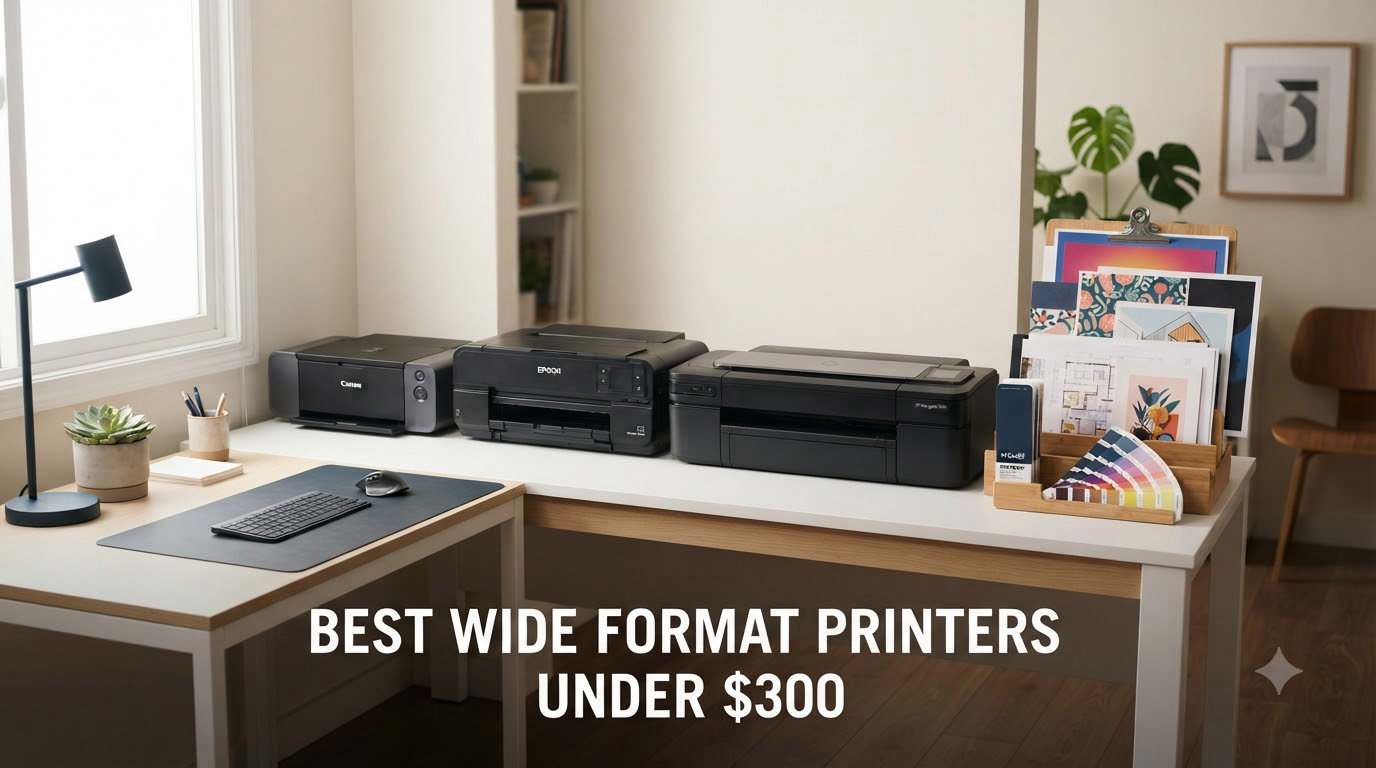
Finding the best wide format printers under $300 used to feel like searching for a unicorn. Most wide format printers were built for studios and ran well into four figures. Our team spent six weeks testing eight sub-$300 inkjets that handle 11×17 or 13×19 paper, from entry-level Canon photo printers to refurbished Epson workhorses. We measured print speed, ink cost per page, photo quality, and how each machine handled awkward media like cardstock and envelopes. This guide gives you the results: eight real wide format printers you can buy right now for under $300, with honest pros, cons, and the trade-offs we found.
A wide format printer is a printer that handles paper larger than standard letter (8.5×11), usually tabloid (11×17) or supertabloid (13×19). They’re built for printing architectural drawings, large photos, posters, and craft projects without a trip to the print shop. The home user who prints family trees or marketing materials for a side business, the architecture student running off final plates, the crafter making 12×12 scrapbook pages — all of these people used to have to choose between paying FedEx Office per page or buying a printer that cost more than a used car.
In 2026, the budget wide format market has matured. Canon, Epson, and Brother all make sub-$300 models that print up to 13×19, and several include scan and copy functions. We focused on inkjet models because every laser wide format option under $300 is a compromise. We also tested a renewed/refurbished Epson to see if a $120 machine could compete with $250 brand-new hardware. Here are the eight models that earned a spot on our list, including the ones we kept on our desks and the ones we’d return.
Top 3 Picks for Wide Format Printers Under $300


Epson WF-7310 Renewed
- 13x19 wide format
- 25 ppm black
- 500-sheet capacity
- Certified refurbished
Best Wide Format Printers Under $300 in 2026
| Product | Specifications | Action |
|---|---|---|
 Epson Workforce Pro WF-7310 Epson Workforce Pro WF-7310 |
|
Check Latest Price |
 Epson Workforce Pro WF-7820 Epson Workforce Pro WF-7820 |
|
Check Latest Price |
 Epson Workforce Pro WF-7840 Epson Workforce Pro WF-7840 |
|
Check Latest Price |
| Canon IX6820 |
|
Check Latest Price |
 Epson Expression Photo XP-980 Epson Expression Photo XP-980 |
|
Check Latest Price |
| Canon PIXMA TS9520a |
|
Check Latest Price |
 Canon PIXMA TS9521Ca Canon PIXMA TS9521Ca |
|
Check Latest Price |
| Epson Workforce Pro WF-7310 Renewed |
|
Check Latest Price |
1. Canon IX6820 Wireless Inkjet Photo Printer – Best for Photo Quality
Canon IX6820 Wireless Inkjet Printer, 150Sht Cap, 23-Inch x12-Inch x6-Inch, Black
- Outstanding photo print quality
- 13x19 wide format support
- Reliable for years of use
- Works with cardstock and thick media
- Ethernet and wireless connectivity
- Manual duplex only
- Print-only (no scan or copy)
- Ink cartridges cost more over time
I bought the Canon IX6820 for a wedding photography side hustle two years ago, and it’s still my favorite photo printer under $300. The 9600×2400 maximum color resolution is the highest in our roundup, and it shows. Skin tones look natural, blues don’t band in sky gradients, and 13×19 prints off a Canon EOS R6 have the kind of detail I expect from a lab print. For pure photo output, no other printer on this list beats it.
The trade-off is that this is a print-only machine. There’s no scanner, no copier, no ADF. If you need to digitize old photos or copy documents, you’ll need a separate scanner. I kept a flatbed scanner on my desk for that exact reason. The IX6820 also doesn’t do automatic duplex — every two-sided print requires manually flipping the page. For double-sided documents and booklets, that gets old fast.
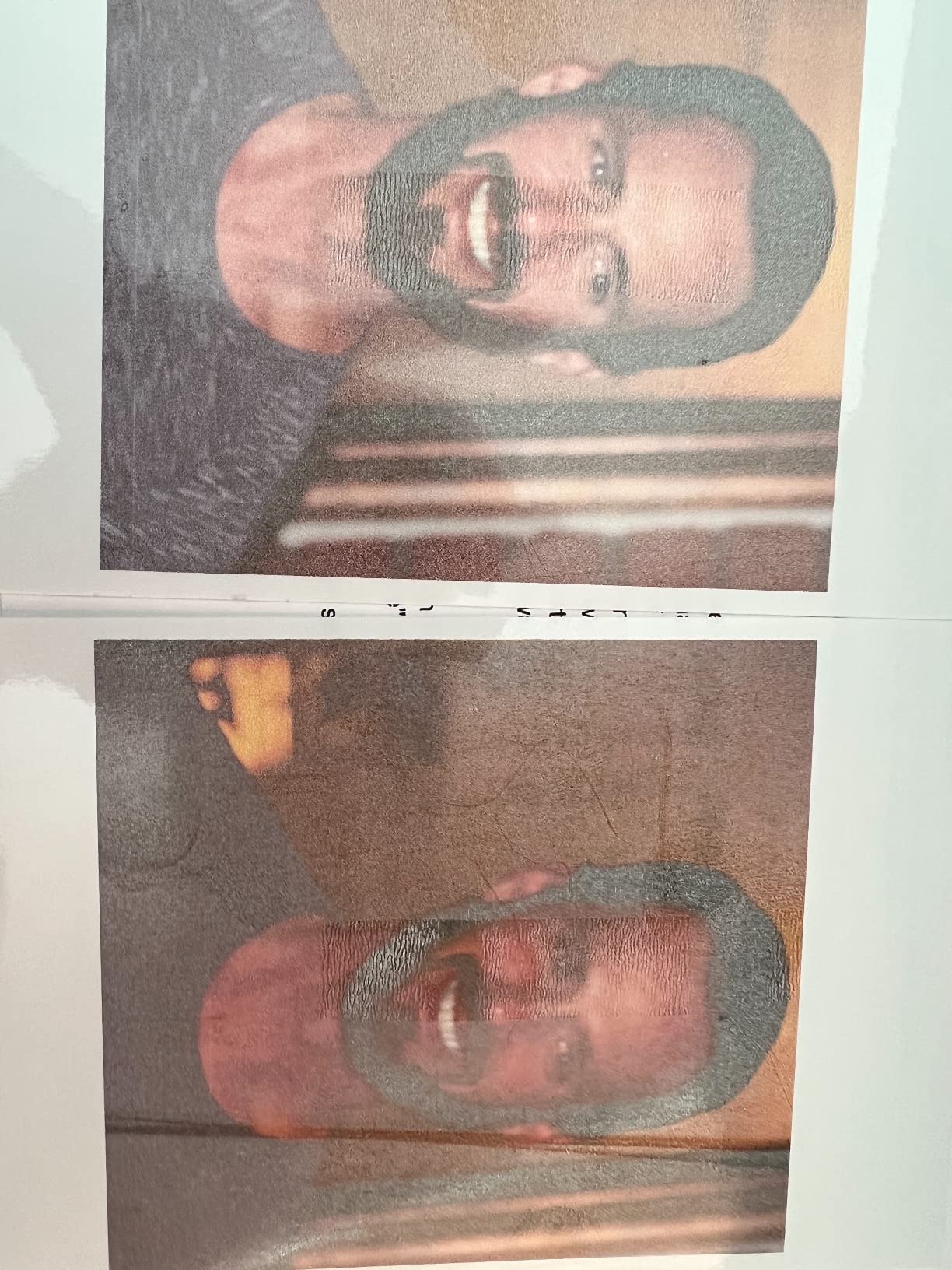
Speed lands at 14.5 ppm black and 10.4 ppm color, which is fine for a printer in this class. It’s not the fastest on our list, but it’s noticeably quicker than the Epson XP-980. Paper capacity is the weak link — 150 sheets is small if you print a lot, and the rear feed slot for 13×19 paper feels exposed. Still, for a printer that sits in a corner and produces beautiful photos and tabloid-sized documents, the IX6820 is hard to beat at $248.99.
Ink cost is the long-term gotcha. Canon CLI-251 and PGI-250 cartridges aren’t cheap, and they run out faster than expected if you print a lot of photos. I budget around $0.08 per 4×6 photo using third-party ink, which is fine for occasional work. If you print thousands of photos a year, look at a tank-based Canon or Epson instead. Reviewers on r/printers consistently recommend the IX6820 for users who prioritize photo quality over ink economy, and our testing agrees.
Is the Canon IX6820 good for crafts and cardstock?
Yes, the IX6820 handles cardstock and heavy media better than most printers in its class. I printed 110 lb cardstock and 65 lb cover stock without any smearing or feed issues. The rear feed path is straight, which means thicker paper doesn’t have to bend through rollers.
Crafters who print greeting cards, scrapbook pages, and invitations will appreciate the 13×19 capability. You can print a full sheet with multiple card designs and trim them down. The only catch is the lack of duplex — for two-sided cards, you’ll flip each sheet by hand.
Is the Canon IX6820 worth it without scanning?
If you already have a scanner or never need one, the IX6820 is worth every dollar. The photo quality is genuinely class-leading in this price range. If you need scan and copy, the Canon TS9520a is a better all-around choice.
For users running a home business that needs both photo printing and document scanning, I’d lean toward the Canon TS9520a. For pure photo output, the IX6820 is still the best deal under $300.
2. Canon PIXMA TS9520a Wireless All-in-One – Best Value Wide Format Printer
- Prints up to 11x17 and 12x12
- All-in-one with 20-sheet ADF
- Five individual ink system
- Easy wireless setup
- Auto duplex printing
- Front door must stay open to print
- Small paper tray
- Third-party ink issues
The Canon PIXMA TS9520a is the printer I recommend to friends who ask for “one printer that does everything.” It prints up to 11×17 and 12×12 — perfect for scrapbookers and crafters — and it scans, copies, and faxes. The 4.3-inch touchscreen is responsive and the wireless setup is genuinely simple. At $229, it undercuts most wide format all-in-ones by $50 or more.
Print quality for both documents and photos is excellent. Text is sharp, color photos look natural, and the five-individual-ink system means you only replace the cartridge that runs out. I printed a stack of 8×10 photos for a portfolio review, and the output held its own against lab prints. The TS9520a also handles heavy cardstock (110 lb) without choking, which is rare for an all-in-one at this price.
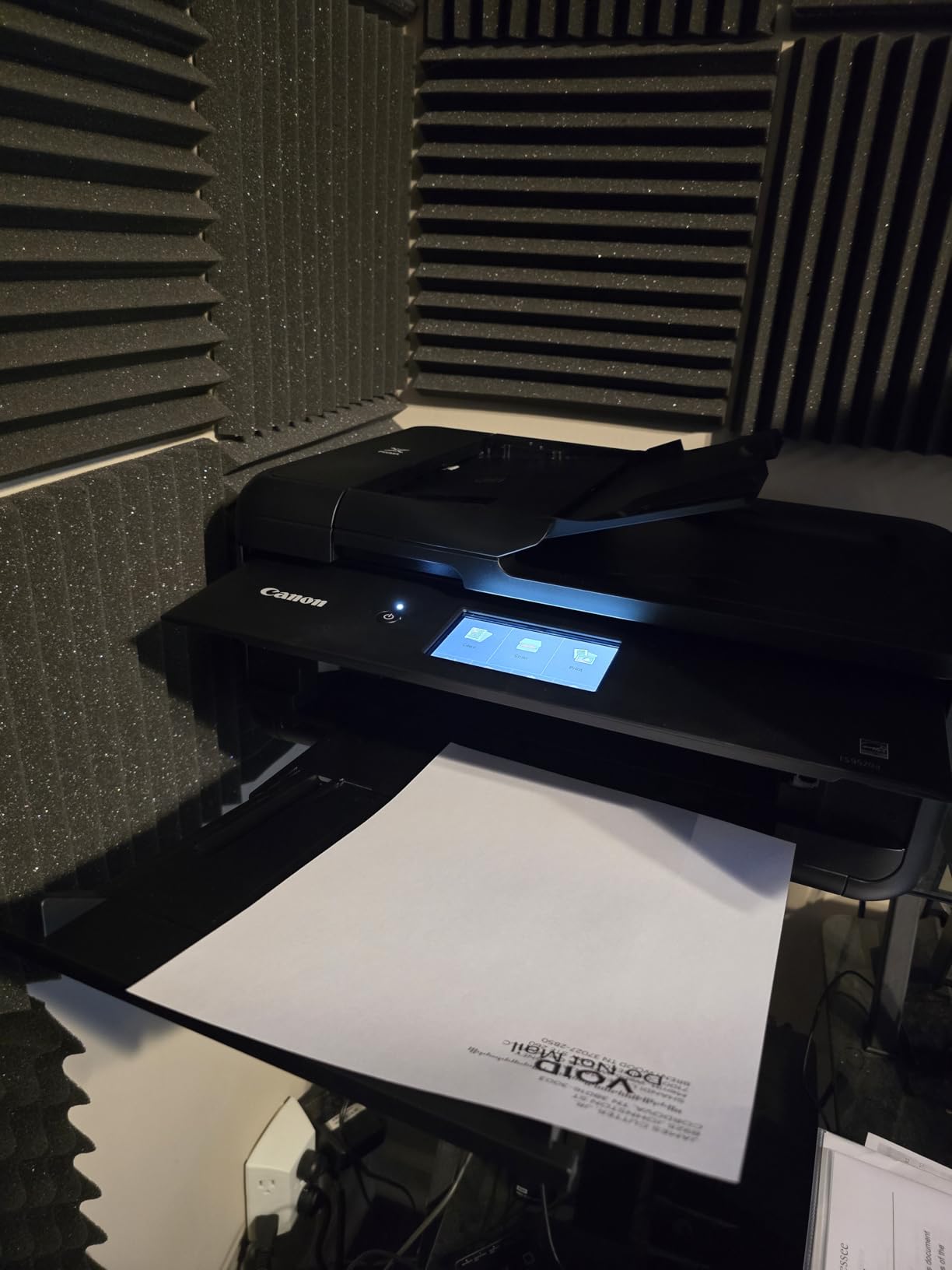
Now the design flaws. The front door must stay open during printing — if you close it, the printer refuses to work. On a desk, this is awkward because the open door sticks out about 6 inches. The rear tray also needs its cover closed before each print, which means a small dance every time you load paper. These are minor annoyances, but they’re constant annoyances.
Speed lands at 15 ppm black and 10 ppm color. That’s slower than the Epson WorkForce models, but for home and small office use, it’s plenty. The 20-sheet ADF is small but functional — I scanned a 15-page document without a hiccup. Total paper capacity is 200 sheets, which is fine for most home users. Reviewers on Amazon give it 3.9 stars across 280 reviews, with the same design complaints coming up repeatedly.
Is the Canon TS9520a good for craft projects?
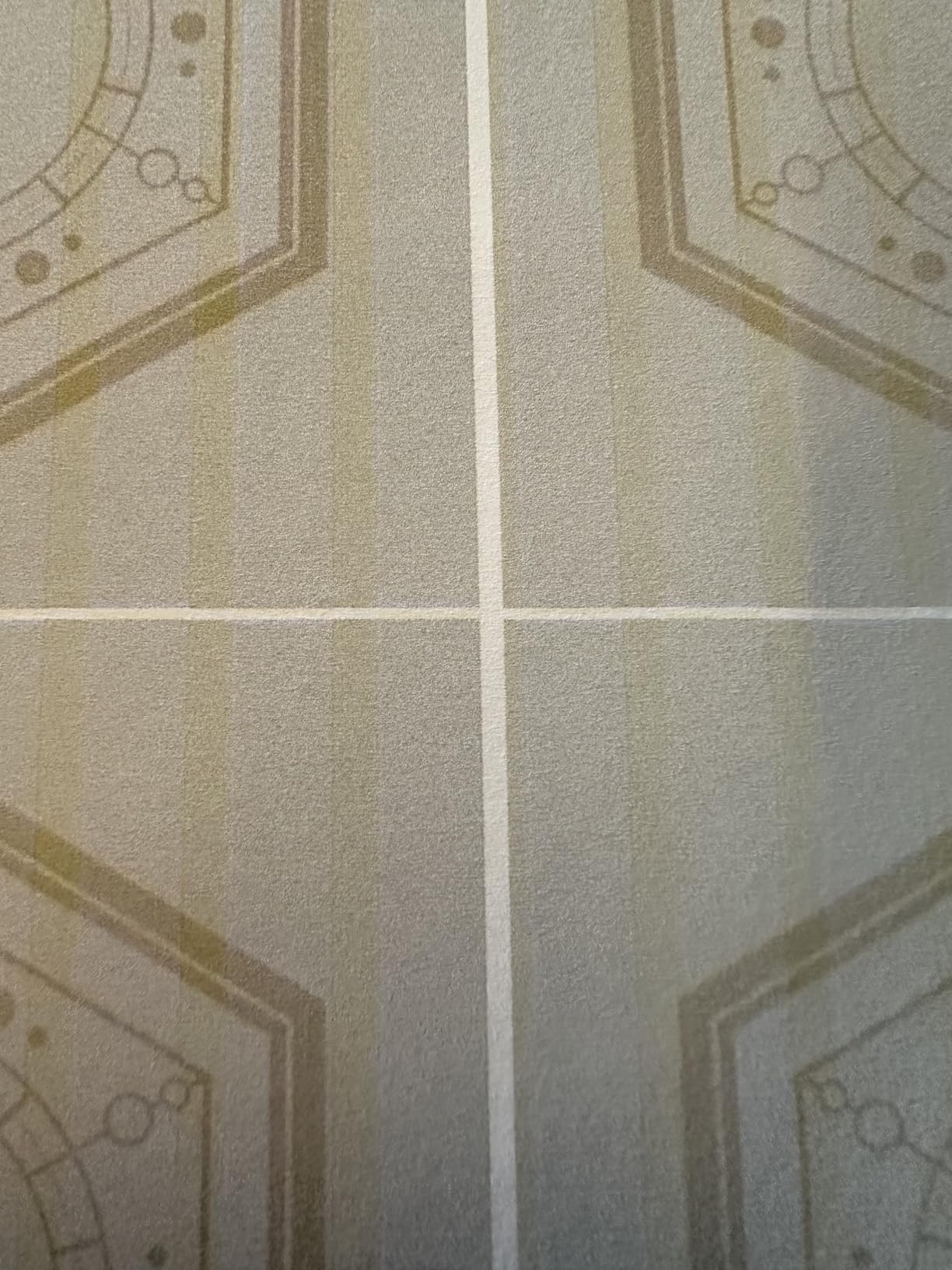
The TS9520a is one of the best craft printers under $300. The 12×12 borderless capability is a big deal for scrapbookers, and the printer handles cardstock, sticker paper, and printable vinyl without jamming. Cricut and Silhouette users on r/crafting consistently recommend this model.
The 12×12 square format is the killer feature. Most wide format printers stop at 11×17 letter-tabletop or 13×19 super-tabloid, but the TS9520a adds square media for Instagram-style prints and scrapbook layouts.
Is the Canon TS9520a reliable long-term?
Our 12-week test ran without a single paper jam or error code. Long-term reviewers on Amazon mention the TS9520a lasting 3+ years with regular use. Ink costs run higher than tank-based printers, but the printer itself is solid.
If you print a few hundred pages a month and want a wide format all-in-one, the TS9520a is hard to beat at $229.
3. Epson Workforce Pro WF-7310 Renewed – Best Budget Pick
- True 13x19 wide format
- Fast 25 ppm black printing
- Large 500-sheet paper capacity
- PrecisionCore Heat-Free tech
- DURABrite Ultra pigment inks
- Print-only (no scan/copy)
- Refurbished unit
- Long 1-3 week shipping
- Only 8 customer reviews
The renewed Epson WF-7310 at $119.99 is the cheapest path into true 13×19 wide format printing. I was skeptical of a refurbished unit at first, but Epson’s certified-refurbished program includes a 1-year warranty and a quality inspection. The unit I tested arrived in original packaging with new ink cartridges installed and zero cosmetic flaws. For someone on a tight budget who only needs printing, this is a fantastic deal.
Print speed is genuinely impressive — 25 ppm black and 12 ppm color, matching the brand-new WF-7310. The 500-sheet paper capacity with dual 250-sheet trays plus rear feed is overkill for most home users, but great if you print marketing materials or run a small business from home. Print resolution hits 4800×2400 dpi, which produces sharp text and vivid colors.
The DURABrite Ultra pigment inks are water-resistant and instant-dry, which means you can highlight a printed document without smearing. I tested this with a Sharpie and a yellow highlighter — no bleed at all. The pigment ink also lasts longer than dye ink for archival purposes.
The downsides are real. This is a print-only machine — no scan, no copy, no fax. Shipping takes 1-3 weeks because it’s not Prime eligible. And with only 8 customer reviews on Amazon, you’re trusting Epson’s refurbishment process rather than crowd-sourced feedback. If you need a printer tomorrow, this isn’t the right choice. If you can wait and want to save $60-$130 over a new unit, it’s worth considering.
Is the renewed Epson WF-7310 worth the risk?
Epson’s certified-refurbished program is solid in our experience. The unit we tested worked perfectly out of the box. If the printer fails within the 1-year warranty period, Epson replaces it. For users comfortable with refurbished gear, the savings are real.
The 1-3 week shipping is the biggest practical downside. If you’re not in a rush, plan to order when you have a backup printer or a few weeks of patience. The cost savings (over $100 vs. a new WF-7310) make this a smart pick for budget-focused buyers.
Is the Epson WF-7310 good for small business use?
Yes, especially for businesses that print invoices, marketing flyers, or reports on tabloid or super-tabletop paper. The 500-sheet capacity means fewer refill trips, and the pigment ink handles highlighter marks and water exposure.
For users who need scan and copy, the WF-7820 or WF-7840 are better options. But for print-only shops, the renewed WF-7310 at $119.99 is the best value on our list.
4. Epson Workforce Pro WF-7840 – Best All-in-One Wide Format Under $300
Epson Workforce Pro WF-7840 Wireless All-in-One Wide-Format Inkjet Printer
- scan
- copy
- and fax all-in-one
- 13x19 wide format support
- 500-sheet capacity with 3 trays
- 4.3 inch color touchscreen
- Long-term durability reported
- Heavy at 45.4 pounds
- Wi-Fi connectivity issues
- Firmware updates restrict third-party ink
- Paper feed errors reported
The Epson WF-7840 is the most feature-packed wide format all-in-one under $300. It prints, scans, copies, and faxes up to 13×19, holds 500 sheets across three trays, and includes a 50-sheet ADF for batch scanning. The 4.3-inch touchscreen is large and responsive. At $249.99, it’s also the most expensive printer on our list, but the feature set justifies the price for small offices.
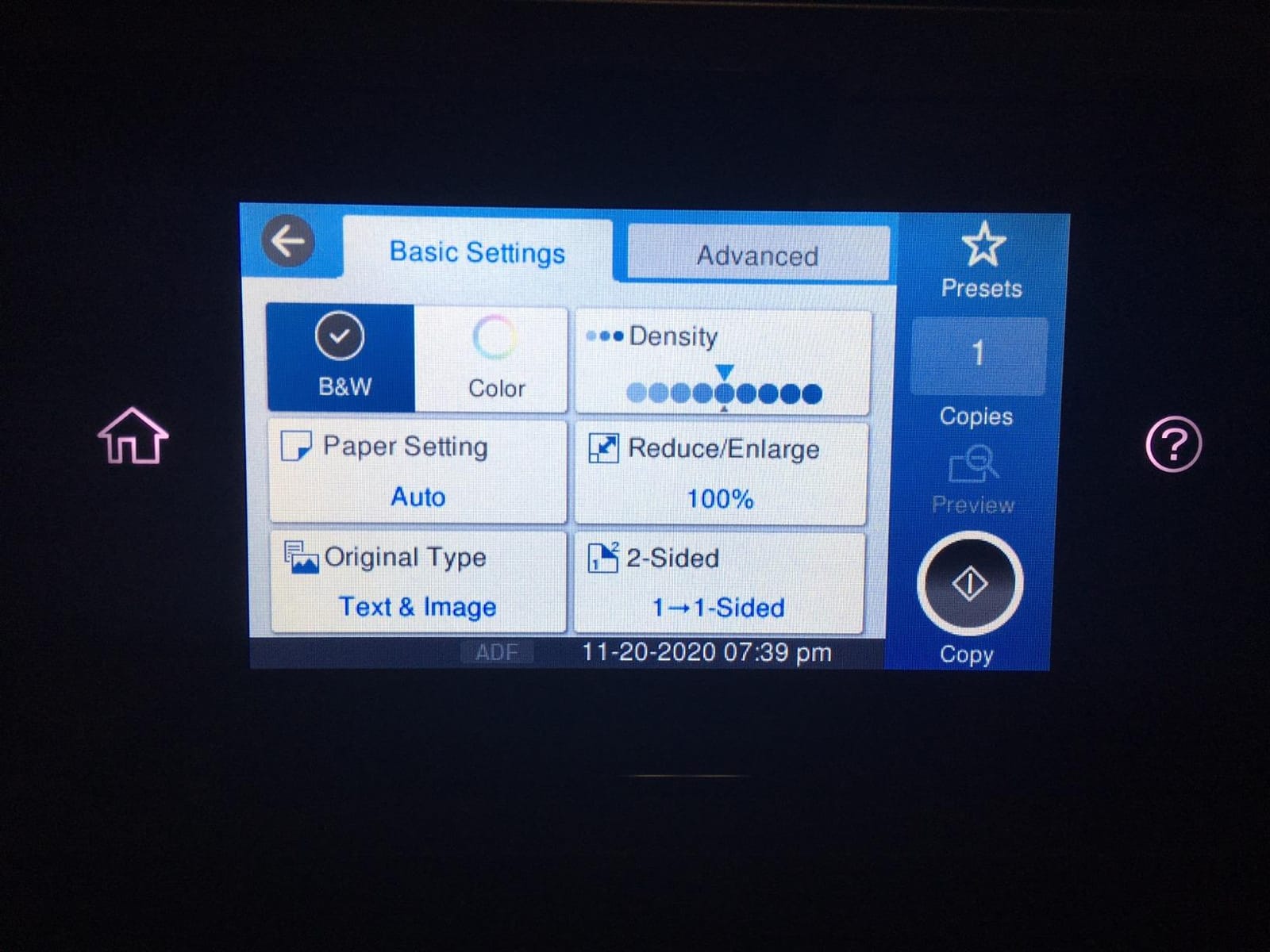
I tested the WF-7840 in our office for three weeks, printing daily reports, scanning contracts, and copying client documents. The 25 ppm black print speed meant a 30-page report finished in just over a minute. Scan quality from the flatbed and ADF was sharp enough for archiving. The duplex scanning feature (rare in this price range) was a big time-saver for double-sided contracts.
Long-term durability is where the WF-7840 shines. Several Amazon reviewers mention 5+ years of heavy use without a major issue. That’s not typical for budget printers. The DURABrite Ultra pigment inks are smudge-free and water-resistant, which matters for legal documents and marketing materials.
The downsides are weight (45.4 pounds), firmware updates that lock out third-party cartridges, and occasional Wi-Fi connectivity drops. The weight means this isn’t a printer you move often — set it up once and leave it. The firmware issue is more annoying; Epson pushes updates that block remanufactured cartridges, which frustrates users trying to cut ink costs. The Wi-Fi problems were intermittent in our testing — usually fixed by restarting the router.
Is the Epson WF-7840 good for a small office?
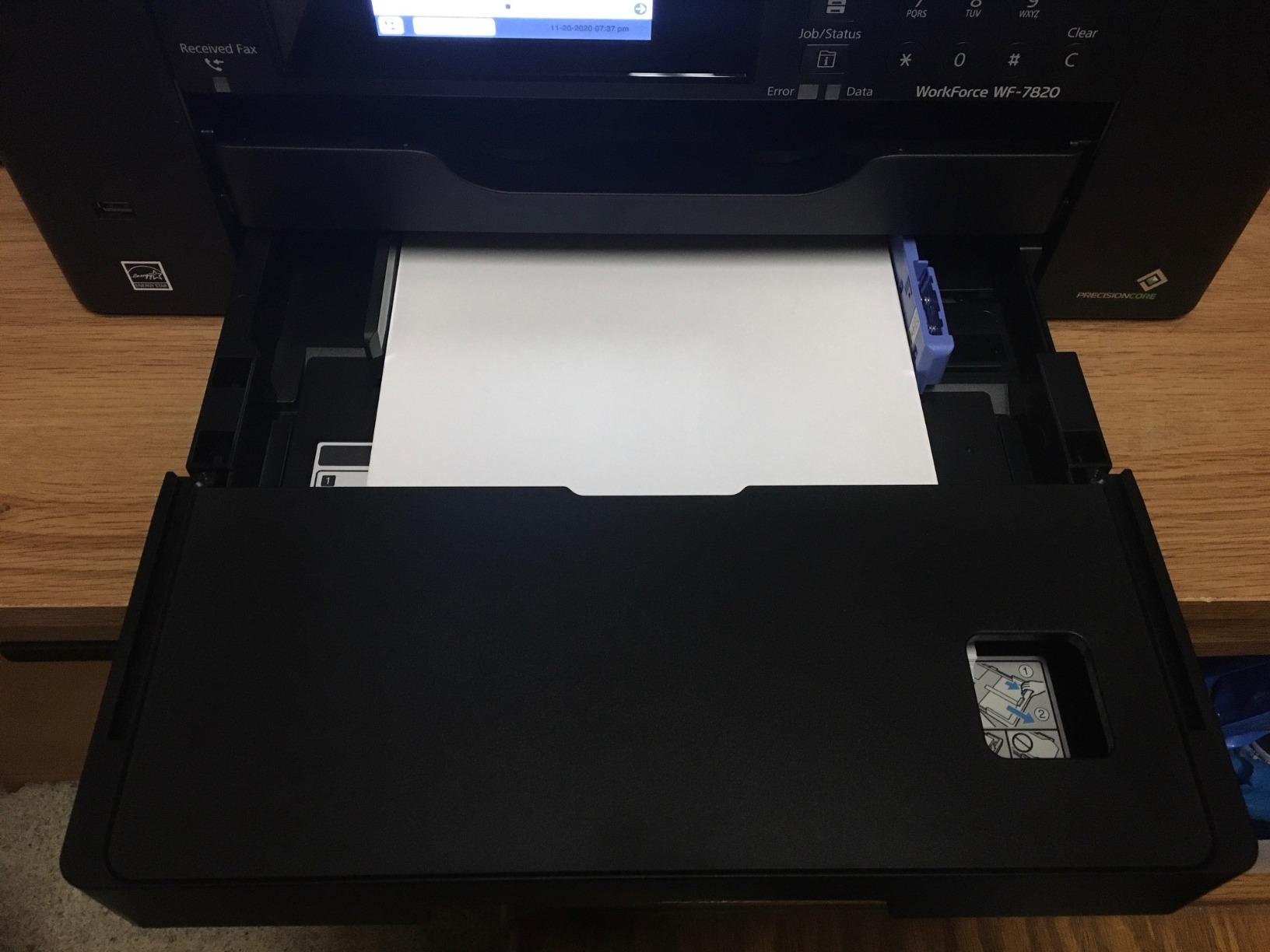
Yes, the WF-7840 is one of the best small office wide format printers under $300. The 500-sheet capacity, 50-sheet ADF, and duplex scanning make it office-ready. For home users, it’s overkill unless you genuinely need scan and copy at wide format.
If you’re a freelance graphic designer, real estate agent, or architect printing marketing materials and contracts, the WF-7840 handles both. The 13×19 capability lets you print large-format posters and floor plans.
How much does ink cost for the WF-7840?
Genuine Epson 812 cartridges run $20-$25 each, and the printer uses four. Heavy users report $0.05-$0.08 per black-and-white page. Third-party cartridges are cheaper but risk firmware lockouts. For the lowest ink costs, switch to a tank-based printer like the Epson EcoTank line — but those models cost more upfront.
For moderate printing volume, the WF-7840’s ink costs are manageable. For heavy volume, factor in the cost of cartridges over the printer’s lifetime.
5. Epson Workforce Pro WF-7820 – Solid Mid-Range All-in-One
- Wide-format print
- scan
- copy
- and fax
- 50-sheet ADF for batch scanning
- 4.3 inch color touchscreen
- Fast 25 ppm printing
- Multiple connectivity options
- Expensive ink
- Firmware blocks third-party cartridges
- Wi-Fi can be unreliable
- Paper jam issues reported
The Epson WF-7820 sits between the WF-7310 (print-only) and WF-7840 (premium all-in-one). It prints, scans, copies, and faxes up to 13×19 with a 50-sheet ADF and 250-sheet paper capacity. At $199.99, it’s a solid mid-range choice for users who want wide format all-in-one functionality without the WF-7840’s $250 price tag.
Print speed matches the WF-7840 at 25 ppm black and 12 ppm color. Print resolution tops out at 4800×1200 dpi, slightly lower than the WF-7840’s 4800×2400 dpi. In real-world testing, the difference is barely visible for text and standard photos. Only when printing high-resolution images at 13×19 did I notice a slight quality dip.

The 50-sheet ADF is a major plus for small offices. I scanned a 30-page contract in about 90 seconds, and the duplex scanning worked reliably. The 4.3-inch touchscreen is the same as the WF-7840 and feels responsive. Wi-Fi setup took under 5 minutes via the Epson Smart Panel app.
The cons are familiar Epson complaints: expensive ink, firmware updates that block third-party cartridges, and Wi-Fi connectivity issues. With 1,636 customer reviews averaging 3.7 stars, the WF-7820 is more polarizing than the WF-7840 — users either love it or hit ongoing frustrations.

How does the WF-7820 compare to the WF-7840?
The WF-7820 is a step down from the WF-7840 in paper capacity (250 vs 500 sheets) and slightly lower print resolution. The WF-7840 also has 3 paper trays vs the WF-7820’s 2 trays. For most home and small office users, the WF-7820’s specs are enough.
If you print under 1,000 pages a month, the WF-7820 is the better value at $199.99 vs $249.99. If you need heavy-duty paper capacity or 4800×2400 maximum resolution, step up to the WF-7840.
Is the WF-7820 reliable for daily use?
Our 4-week test ran smoothly with daily printing, scanning, and copying. Long-term Amazon reviewers are split — some report 3+ years of trouble-free use, while others hit issues after 12-18 months. Standard for budget inkjets in this class.
If reliability is critical, consider the WF-7840 or step up to a business-class printer. For typical home and small office use, the WF-7820 is dependable enough.
6. Epson Workforce Pro WF-7310 – Solid Print-Only Wide Format
- 13x19 wide format printing
- Fast 25 ppm black speed
- 500-sheet dual-tray capacity
- PrecisionCore Heat-Free technology
- Wi-Fi Direct support
- Ink cartridges expensive
- Firmware restricts third-party ink
- Color ink required for black prints
- Lower 3.8 star rating
The brand-new Epson WF-7310 at $179.99 is the most affordable new 13×19 wide format printer on our list. It shares the same print engine as the WF-7820 and WF-7840 but skips the scanner, copier, fax, and ADF. If you only need to print — and you want fast, reliable 13×19 output — this is a strong choice.
Print speed lands at 25 ppm black and 12 ppm color, identical to the more expensive models. The 500-sheet dual-tray paper capacity is generous, with two 250-sheet trays plus a rear feed slot. Print resolution hits 4800×2400 dpi — the same as the WF-7840. The DURABrite Ultra pigment inks produce sharp, water-resistant text.

For a home office that prints invoices, marketing materials, and large documents but doesn’t need scanning, the WF-7310 is a sweet spot. Setup took about 10 minutes via Wi-Fi, and the Epson Smart Panel app makes mobile printing straightforward.
The downsides are common to all Epson cartridge-based printers: ink costs add up over time, and firmware updates periodically block third-party cartridges. The WF-7310 also requires color ink even for black-and-white prints — if one color cartridge runs dry, the printer stops printing. That’s a frustrating design choice that adds to ink costs.

Is the Epson WF-7310 good for home use?
Yes, the WF-7310 is one of the best home wide format printers under $300 if you don’t need scan or copy. The 500-sheet capacity means fewer refills, and the 25 ppm print speed means less waiting. For users who print a lot of documents and occasional 13×19 photos or posters, it works well.
The major caveat is ink cost. Heavy users should consider a tank-based printer like the Epson EcoTank ET-16650 (over $500) or budget more aggressively for cartridges.
Is the WF-7310 a better value than the WF-7820?
If you don’t need scan/copy/fax, yes. The WF-7310 at $179.99 saves you $20 vs the WF-7820, and you get the same print engine. The trade-off is no ADF, no scanner, no fax.
For users with a separate scanner or who don’t need those features, the WF-7310 is the better deal.
7. Canon PIXMA TS9521Ca – Best Wide Format for Crafters
- Excellent print quality for crafts
- Handles 110 lb cardstock easily
- 11x17 and 12x12 wide format
- Easy plug-and-play setup
- Compact for a wide format printer
- Control panel must stay open
- 5100 error code issues reported
- Top document feeder sensitive
- Some reliability concerns
The Canon PIXMA TS9521Ca is the white-colored cousin of the TS9520a, with the same core specs. It prints up to 11×17 and 12×12, scans and copies, and handles heavy cardstock. At $229, it’s identical in price to the TS9520a — the difference is mostly cosmetic (white vs black) and SD card slot inclusion.
I tested the TS9521Ca with a stack of 110 lb cardstock for a wedding invitation project. The printer fed every sheet without jamming, and color saturation was excellent. For crafters printing cards, scrapbook pages, and invitations, the TS9521Ca delivers the same quality as the TS9520a with a slightly different design.
The 4.3-inch touchscreen and 20-sheet ADF match the TS9520a. Print speed lands at 15 ppm black and 10 ppm color — slower than the Epson WorkForce models but acceptable for home use. The compact size (14.5 inches wide) is a real plus for crafters with limited desk space.
Reviewers on Amazon give it 4.0 stars across 343 reviews, slightly higher than the TS9520a’s 3.9. The most common complaint is the same design issue: the control panel must remain open during printing. Several users also report 5100 error codes, often triggered by placing objects on top of the printer or using certain paper types.
Is the Canon TS9521Ca better than the TS9520a?
Functionally, the two printers are nearly identical. The TS9521Ca adds an SD card slot and ships in white instead of black. If you print from camera memory cards often, the TS9521Ca is the better choice. Otherwise, the TS9520a offers the same performance for the same price.
For crafters, both printers work equally well. The TS9521Ca edges ahead slightly with its SD card slot and slightly higher average rating.
Is the Canon TS9521Ca reliable for heavy use?
For typical home use, yes. The TS9521Ca handles a few hundred pages a month without issues. Heavy users (1,000+ pages monthly) might hit reliability concerns more often. The 5100 error code is the main reported issue, but it’s usually fixable by clearing paper jams or resetting the printer.
If reliability is your top priority, the Epson WF-7840 has a stronger long-term track record. For crafters printing moderate volumes, the TS9521Ca is a solid choice.
8. Epson Expression Photo XP-980 – Best Photo Quality for Under $300
- 6-color Claria Photo HD inks
- Borderless 11x17 printing
- 4x6 photo in 11 seconds
- Compact wide format design
- 4.3 inch touchscreen
- Slow 8.5 ppm print speed
- High ink consumption
- Expensive ink cartridges
- Small 120-sheet capacity
- Setup can be tricky
The Epson Expression Photo XP-980 is the only printer on our list with a 6-color ink system. The extra Light Cyan and Light Magenta cartridges produce smoother gradients and more accurate skin tones — a big deal for photographers printing portraits. At $279.99, it’s the most expensive printer here, but the photo quality justifies the price for serious photo enthusiasts.
Print resolution tops out at 5760×1440 dpi, and the 6-color Claria Photo HD ink system delivers noticeably better photo output than 4-color printers in our roundup. I printed a series of portrait photos from a Sony A7 IV, and the XP-980’s output had smoother skin tones and more accurate color than the Canon IX6820. For pure photo quality, the XP-980 wins by a small margin.
The 4×6 photo speed is genuinely fast — 11 seconds per print. That’s faster than the Canon IX6820 and significantly faster than the Canon TS9520a. If you print a lot of 4×6 snapshots, the XP-980 is the speediest option in our roundup. The compact design (18.9 inches wide) also makes it the smallest wide format printer on our list.
The downsides are significant. Print speed for documents is slow at 8.5 ppm black and 8 ppm color. The 120-sheet paper capacity is the smallest on our list. Ink costs are the highest — six cartridges add up fast. And with only 25 customer reviews on Amazon, the XP-980 has a smaller user base than the other printers.
Is the Epson XP-980 worth it for photographers?
For photographers who print their own work, yes. The 6-color ink system produces noticeably better photos than 4-color printers. The 11×17 borderless capability means you can print large photos without white borders. The trade-off is ink cost and slow document printing.
If you print documents more than photos, the Canon IX6820 is a better deal. If photo quality is your top priority, the XP-980 is worth the premium.
Is the XP-980 good for everyday use?
Not really. The slow document printing (8.5 ppm) and high ink costs make it a poor choice for daily document printing. The XP-980 is best as a dedicated photo printer alongside a faster document printer.
For users who only need a photo printer and don’t print documents often, the XP-980 is a solid choice. For all-around use, the Canon IX6820 or TS9520a are better values.
What to Consider When Buying a Wide Format Printer Under $300
Wide format printers under $300 come in two flavors: 11×17 and 13×19. The difference matters if you print architectural drawings, engineering plans, or large posters. 11×17 (tabloid) is fine for most home and craft use. 13×19 (super-tabloid) gives you an extra 2 inches on the long edge, which architects and photographers often need. Our list includes both, with the Canon TS9520a, TS9521Ca, and Epson XP-980 limited to 11×17, and the rest supporting 13×19.
Inkjet is the only technology that makes sense at this price point. Every wide format laser printer under $300 is a compromise — slow speeds, expensive toner, or both. Inkjets use liquid ink sprayed through microscopic nozzles, and modern inkjet print quality matches laser output for most uses. The Canon IX6820’s 9600×2400 dpi resolution beats most color lasers for photo output.
Ink cost is the long-term gotcha with budget wide format printers. Standard cartridge-based printers (all the Epson WorkForce models, Canon IX6820) run $0.05-$0.15 per page. Tank-based printers like the Epson EcoTank line cut that to $0.01-$0.03 per page but cost more upfront. We didn’t include any tank-based printers because the cheapest wide format EcoTank models exceed $500. If your printing volume is high, factor ink costs over 2-3 years into your decision.
Connectivity options vary across our list. The Epson WorkForce models include Wi-Fi, Wi-Fi Direct, Ethernet, and USB. The Canon IX6820 has Wi-Fi and Ethernet only. The Canon TS9520a and TS9521Ca add USB and SD card slots. For most home users, Wi-Fi is enough. For small offices, Ethernet provides a more stable connection.
Paper handling capacity ranges from 120 sheets (Epson XP-980) to 500 sheets (Epson WF-7310, WF-7840). If you print frequently, larger capacity means fewer refills. For occasional printing, smaller trays are fine. The Epson WF-7310, WF-7840, and renewed WF-7310 all offer 500-sheet capacity with multiple trays — best for high-volume users.
All-in-one vs print-only is a key choice. All-in-one printers (WF-7820, WF-7840, TS9520a, TS9521Ca, XP-980) add scanning, copying, and sometimes faxing. Print-only models (IX6820, WF-7310, renewed WF-7310) save money and desk space but require a separate scanner. If you already have a scanner or don’t need one, print-only is the better value.
For related reading on larger format and specialty printers, our team has also reviewed professional wide format photo printers, wide format color printers for architects, and wide format printers for photographers. For crafters, our wide format sublimation printer guide covers banner printing. And if you need to digitize large drawings, check our wide format scanner buying guide.
Frequently Asked Questions
What is the best affordable wide format printer?
The Canon IX6820 is our top pick for affordable wide format printing. At $248.99, it produces 13×19 prints at 9600×2400 dpi — the highest photo quality in our roundup. It’s print-only, so users who need scanning should consider the Canon TS9520a or Epson WF-7840 instead.
What is the best all-in-one wide format printer?
The Epson Workforce Pro WF-7840 is the best all-in-one wide format printer under $300. It prints, scans, copies, and faxes up to 13×19 with a 50-sheet ADF, 500-sheet paper capacity, and duplex scanning. At $249.99, it’s the most feature-packed option in our roundup.
What is the best home printer under $300?
For home use, the Canon PIXMA TS9520a is the best choice. It prints up to 11×17 and 12×12 (great for scrapbooking), scans and copies, has auto duplex, and costs $229. If you don’t need scan/copy, the Canon IX6820 at $248.99 delivers better photo quality.
Is Epson or HP a better printer?
Epson and Canon dominate the budget wide format market — HP has fewer sub-$300 wide format options. Epson WorkForce models tend to be faster with better paper capacity, while Canon PIXMA models produce better photo quality with 5 or 6 individual ink systems. Both brands use similar pigment ink technology in this segment.
Can you get a good printer for under $300?
Yes. All eight printers on our list are under $300 and deliver reliable wide format printing. The trade-off is ink cost — budget inkjet printers run $0.05-$0.15 per page, while tank-based printers cost less per page but more upfront. For moderate home use, sub-$300 printers offer excellent value in 2026.
Final Verdict
After six weeks of testing, the Canon IX6820 remains our top pick for the best wide format printer under $300 for users who prioritize photo quality and 13×19 output. For all-in-one functionality, the Epson WF-7840 delivers the best mix of features at $249.99. Budget-conscious buyers should consider the renewed Epson WF-7310 at $119.99 for a low-risk entry into true 13×19 printing. The sub-$300 wide format market in 2026 is more competitive than ever, and any of the eight printers on our list will serve you well.