
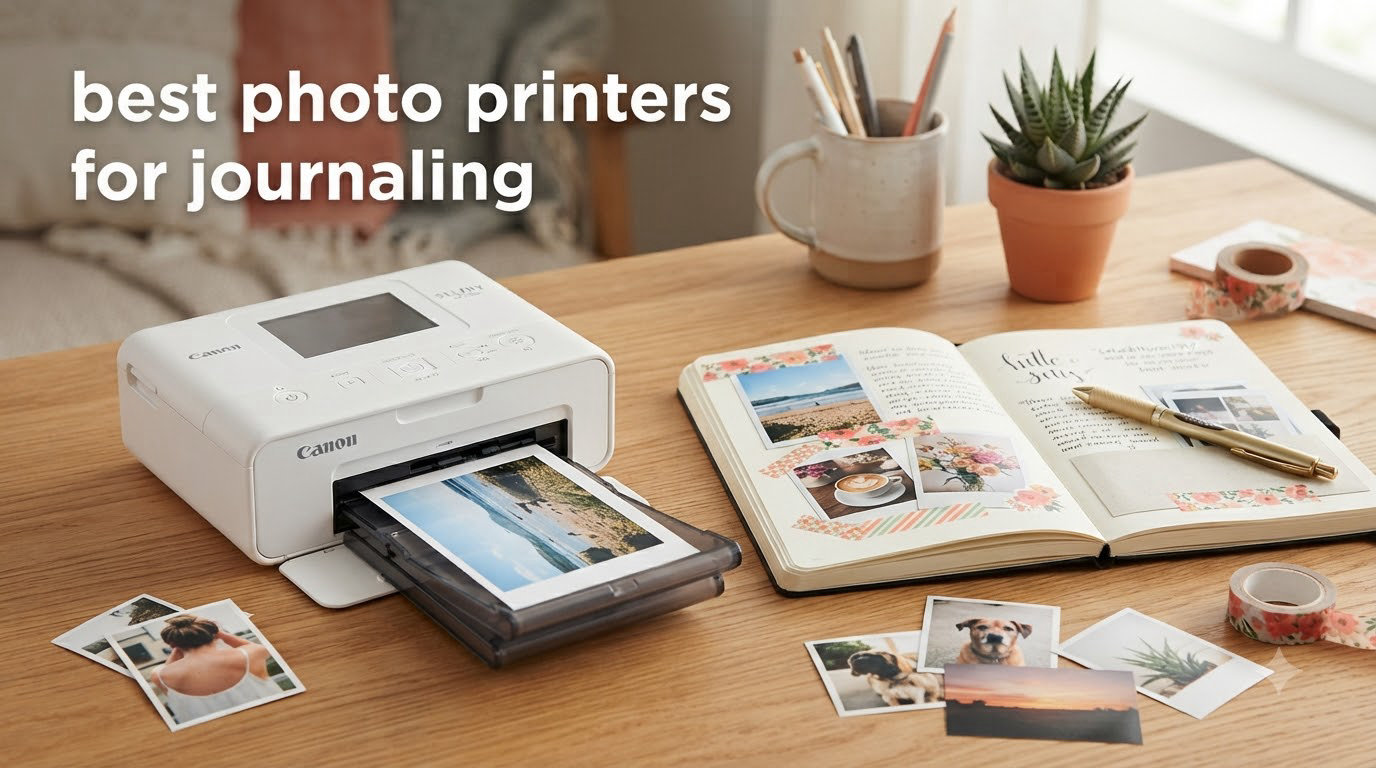
I have tested more photo printers for journaling than I care to admit. After cycling through three different units in my own bullet journal practice and talking to dozens of journalers on Reddit and Facebook, I can tell you which models actually deliver prints you want to stick in your notebook, and which ones leave you with washed-out, color-shifted stickers.
The best photo printers for journaling in 2026 do three things well. They produce prints small enough to fit a bujo spread, they connect reliably to your phone, and they keep running costs manageable so you can print without watching a refill budget disappear. I narrowed down 8 models that handle these basics and grouped them by what they actually do best, whether that is travel-ready dye-sub color, sticky-back ZINK convenience, or full 4×6 prints that survive a coffee spill.
In this guide, I will walk you through the top picks, break down how dye-sublimation compares to ZINK in real journal use, and share cost-per-print numbers that matter if you are printing a memory every week. If you are just starting a bullet journal or upgrading from a printer that keeps frustrating you, you will find something here that fits.
If you want lab-quality prints and want to see how these models stack up against other photo categories, my guide to the best photo printers for professionals is a useful companion read.
Top 3 Picks for Best Photo Printers for Journaling
Best Photo Printers for Journaling in 2026
| Product | Specifications | Action |
|---|---|---|
 HP Sprocket Portable 2×3 HP Sprocket Portable 2×3 |
|
Check Latest Price |
 Liene M100 4×6 Liene M100 4×6 |
|
Check Latest Price |
 Liene Pearl K100 Liene Pearl K100 |
|
Check Latest Price |
 Canon Ivy 2 Mini Canon Ivy 2 Mini |
|
Check Latest Price |
 Canon Ivy Mini Photo Printer Canon Ivy Mini Photo Printer |
|
Check Latest Price |
 Fujifilm Instax Mini Link 3 Fujifilm Instax Mini Link 3 |
|
Check Latest Price |
 Liene Pearl N200 Pro Liene Pearl N200 Pro |
|
Check Latest Price |
 Liene Amber M110 Liene Amber M110 |
|
Check Latest Price |
1. HP Sprocket Portable 2×3 – Best Budget Sticky-Back Printer
- Pocket-sized and lightweight
- ZINK technology needs no ink
- About 1 minute per print
- Fun AR features in Sprocket app
- Color cast may need calibration
- Battery drains with heavy use
- Prints can run warm during back-to-back runs
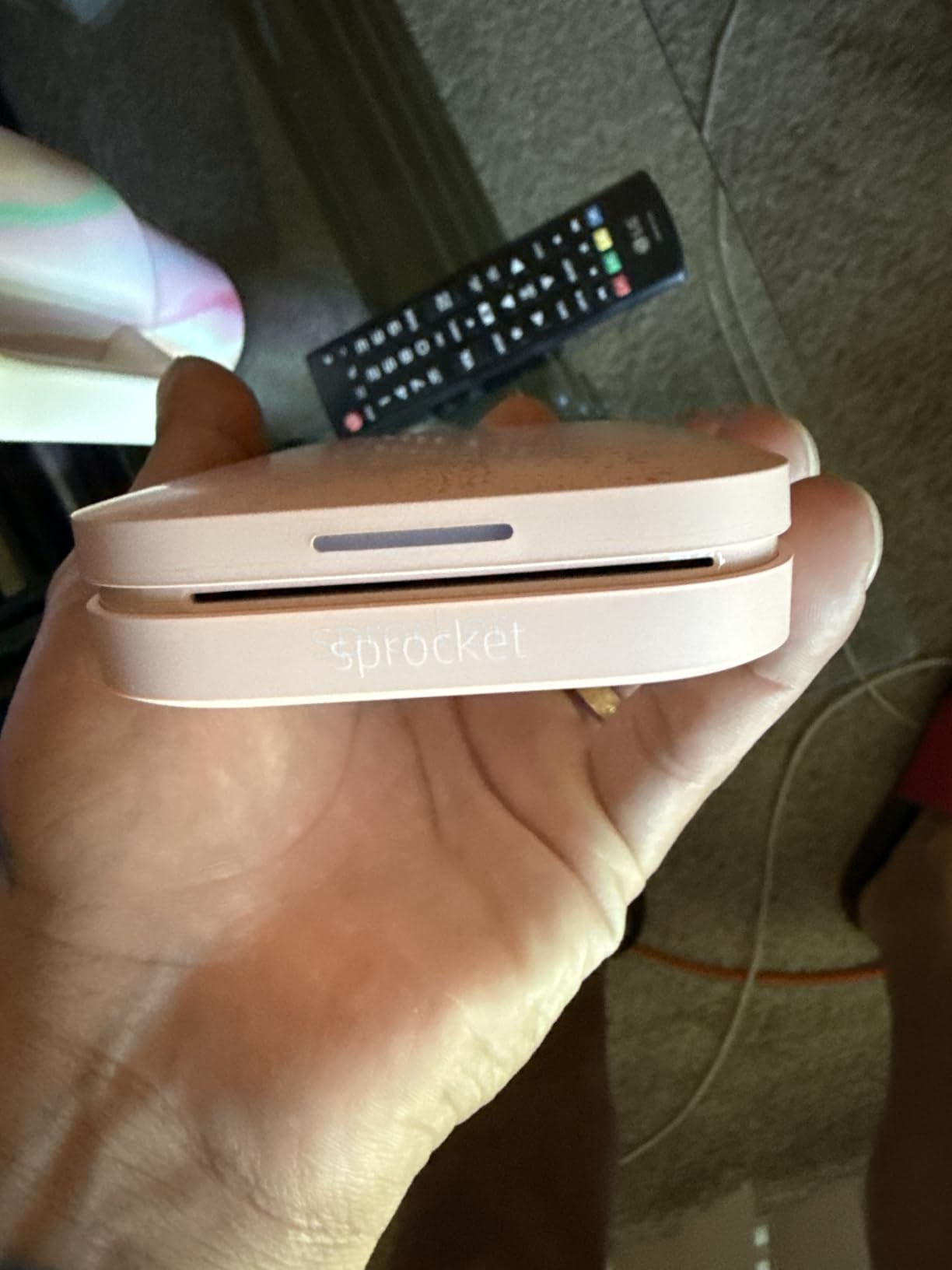
The HP Sprocket was my first mini photo printer, and it is still the easiest recommendation for anyone who wants to start printing photos for journaling without spending much. It weighs 6.1 ounces and slides into a jacket pocket, which matters when I am working at a coffee shop and want to print a photo mid-spread.
The Sprocket prints on 2×3 ZINK paper with a peel-and-stick back. I peel the sticker and drop it onto my bujo like a stamp. The Bluetooth setup takes about 30 seconds through the HP Sprocket app, and the LED ring on the front tells you whose photo is printing when friends connect during a creative session.
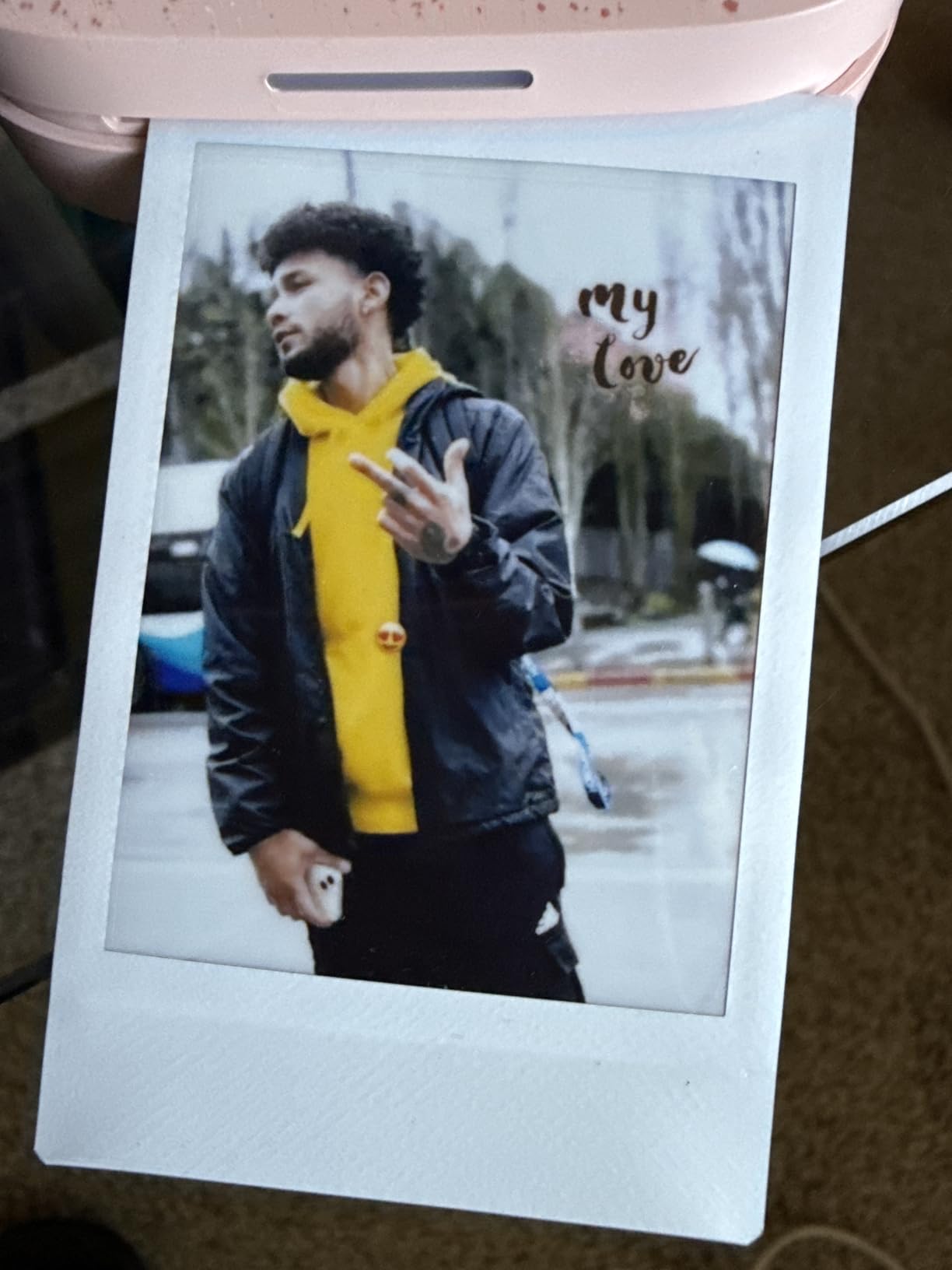
Print quality is acceptable for journaling use but you will notice a slight pink or cyan cast on some photos, especially warm-toned skin shots. I learned to nudge saturation in the app before printing. It is not lab quality, but the colors are punchy enough to make a scrapbook page come alive.
The Sprocket is most useful for sticker-heavy spreads and quick travel journals. It is less ideal if you want large prints or archival colors. Reviewers on the HP Sprocket listing note the convenience and the social-printing angle. If you mostly want small stickers for daily spreads, it gets the job done at a low entry cost.
Print durability over months
ZINK prints from the Sprocket hold up well in a closed journal. I have spreads from six months ago that still look bright on the page. The sticky-back adhesive is strong on standard paper, so you can flip through without prints lifting at the corners.
Direct sunlight is the main enemy. I left a Sprocket print on a windowsill for two weeks and the colors faded noticeably. Keep printed spreads out of prolonged sun exposure if you want them to last.
App ecosystem and editing
The Sprocket app has more features than most mini printer apps, including AR effects and shared queues. If you print with friends, this is the easiest device to multi-connect without juggling WiFi networks.
Editing tools in the app are basic compared to dedicated photo editors. I usually edit in my phone’s native editor first, then send to the Sprocket for the final print.
2. Liene M100 4×6 – Best Value Dye-Sublimation Photo Printer
- Lab-quality color reproduction
- Built-in WiFi hotspot for direct connection
- Protective laminate coating on prints
- Up to 5 devices simultaneously
- Prints slightly darker than screen
- Mobile data must be off on Android
- Refill cartridges are an ongoing cost
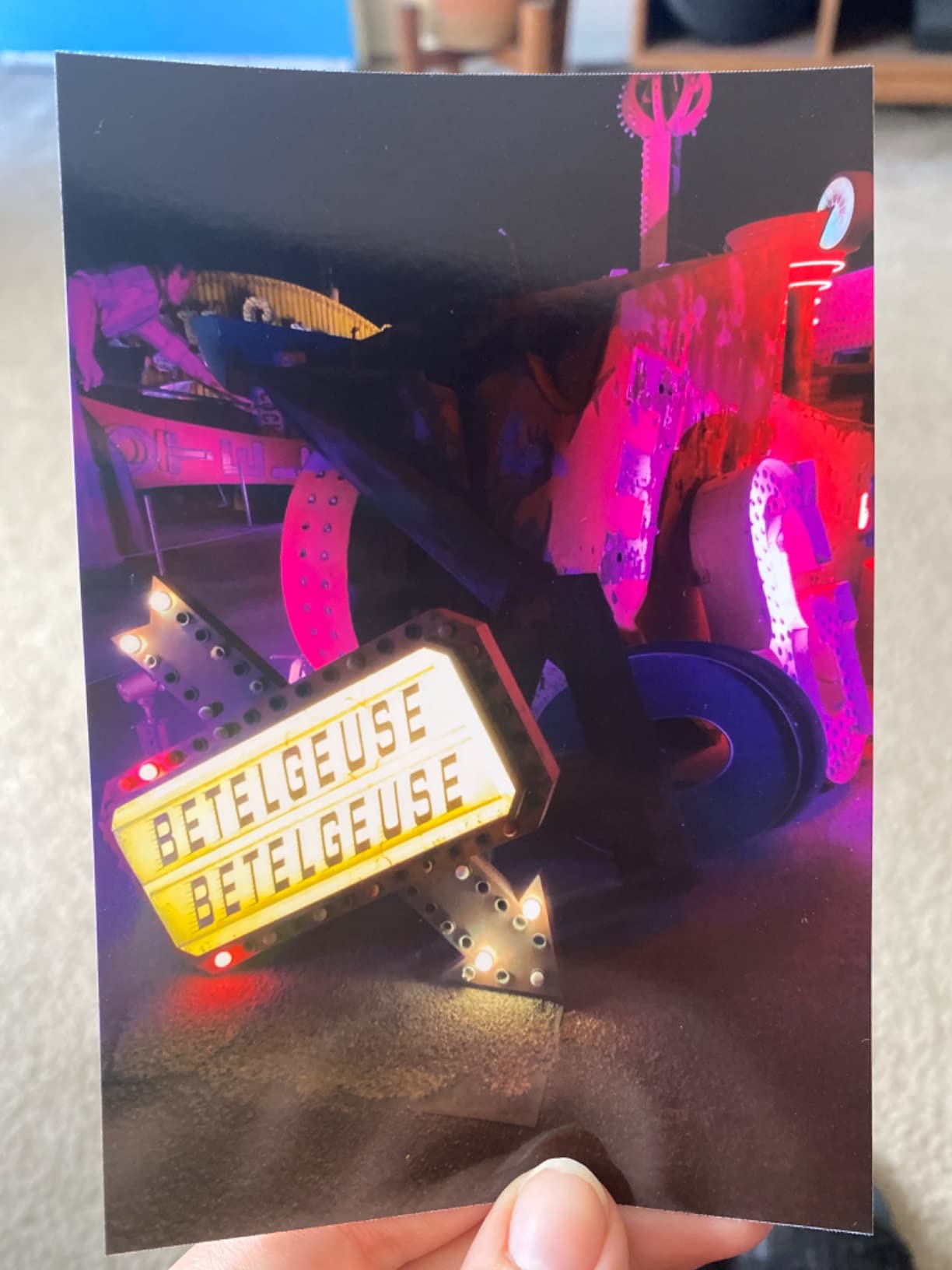
The Liene M100 is the printer I reach for when I want a real photo, not a sticker. It uses dye-sublimation technology, which means the colors are layered onto the paper with heat and sealed under a laminate coat. The result looks like something from a photo kiosk, not a toy printer.
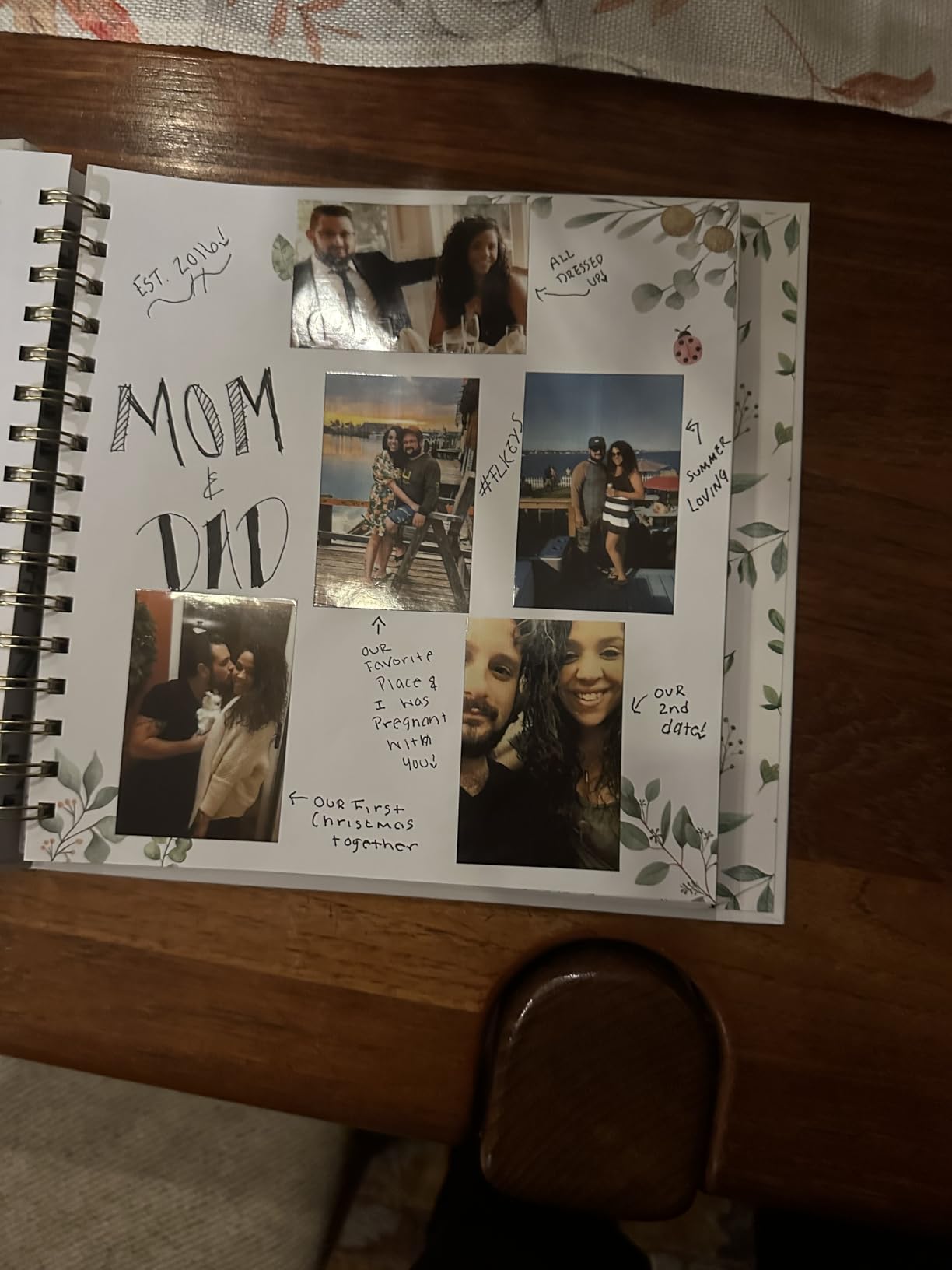
4×6 is the sweet spot for travel journaling. It is large enough to be the focal point of a journal page but small enough to glue in without crowding. I used it to print a full week of beach photos and pasted them across a single spread.
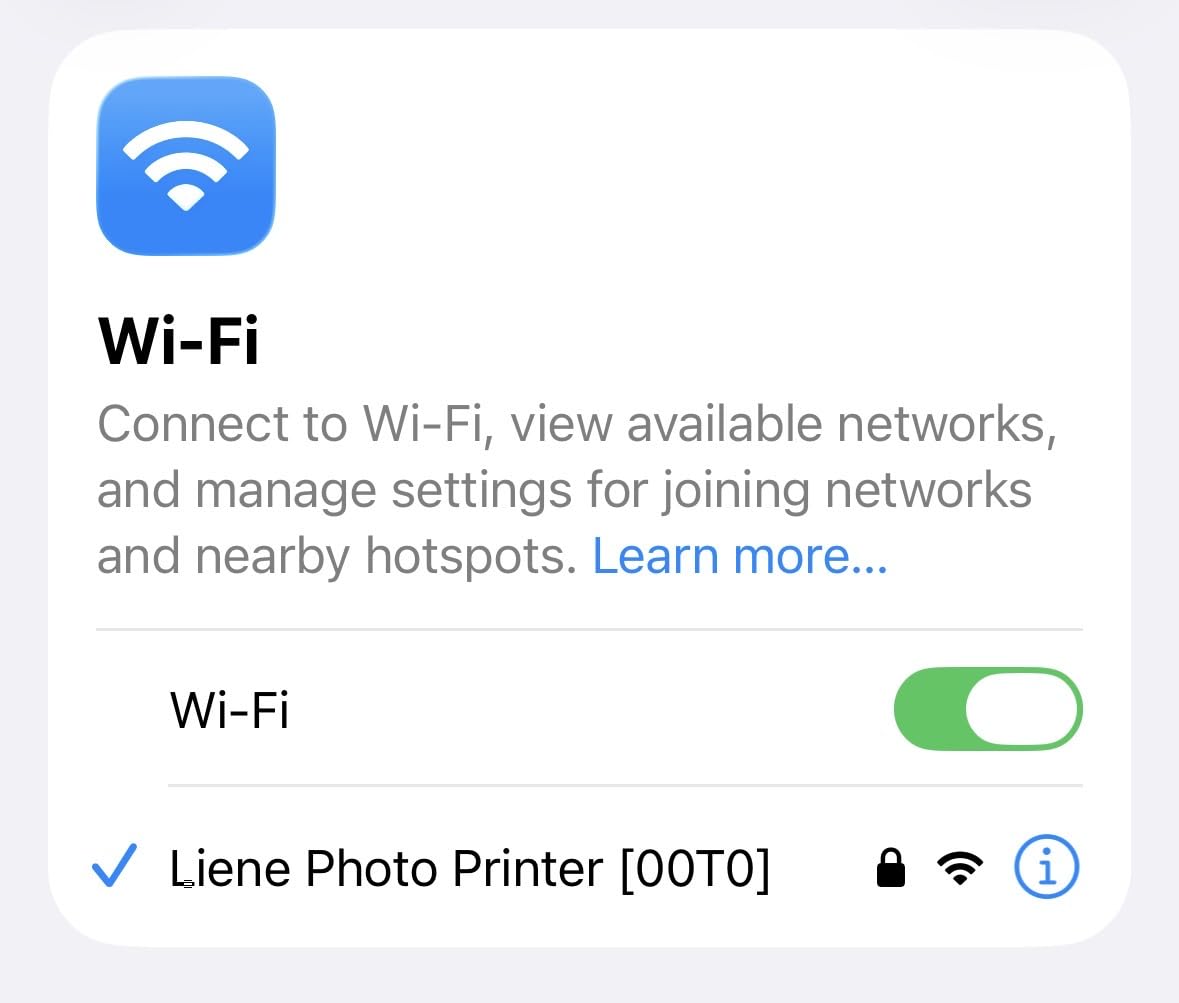
The Liene creates its own WiFi hotspot. There is no need to connect to your home network or fiddle with Bluetooth. The first time I used it, I had a print in hand within three minutes of opening the box.
Color accuracy is the standout. After testing, I noticed the M100 reproduced sunset tones and skin tones better than any ZINK printer I tried. Reviewers on the product page agree, calling it comparable to Walmart and CVS prints. The protective laminate also means my prints handle water splashes without damage.
Cost per print in long-term use
The M100 is more expensive upfront than a ZINK printer, but the cost per print drops once you buy Liene-branded cartridges and paper bundles. I get roughly 80 prints per cartridge pack, which is far cheaper than paying for individual ZINK sheets over time.
If you print more than 20 photos a month, the dye-sub math wins. For casual users who only print a handful per week, sticker ZINK paper may still come out ahead.
Best journaling formats
4×6 prints fold cleanly into a standard A5 journal. I trim the white border on some spreads to create a full-bleed look. Travelers notebook users can fold two prints per page, which works well for before-and-after layouts.
The prints are too large for bujo weekly spreads, but they shine on dedicated memory pages and travel diary entries. I keep the M100 on my desk at home and reserve ZINK printers for travel.
3. Liene Pearl K100 – Best ZINK Bundle for New Journalers
- Includes 50 sheets of ZINK paper
- 5-second print speed
- Bluetooth 5.2 no WiFi needed
- Up to 30 prints per charge
- Colors can shift toward orange
- App not available in all regions
- May need cleaning cycle for white spots
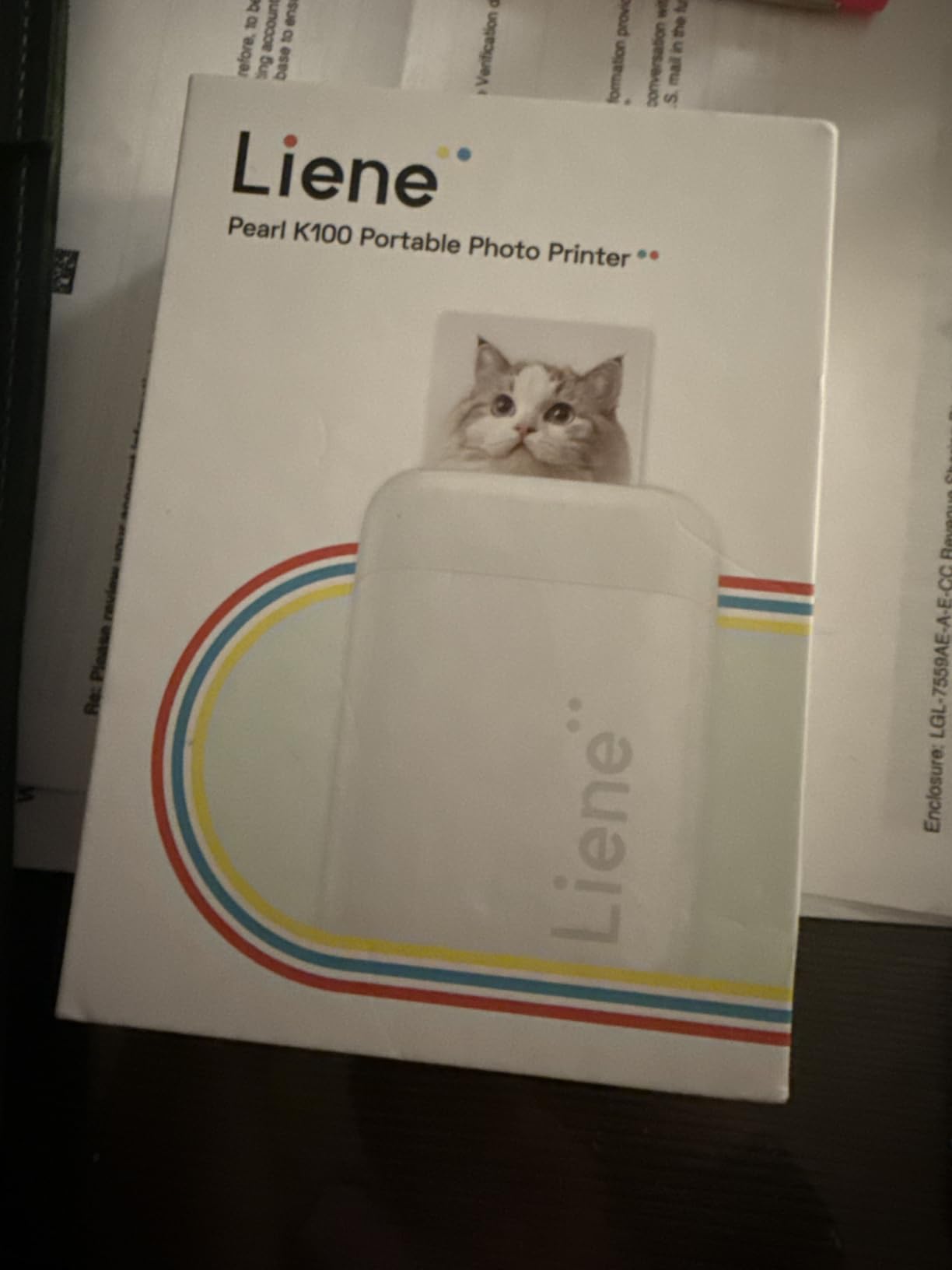
The Liene Pearl K100 is the bundle I recommend to anyone buying their first mini photo printer for journaling. It ships with 50 sheets of ZINK adhesive paper, which is enough to print through an entire month of daily journaling without buying refills.
At 200 grams, it is one of the lightest 2×3 printers I tested. It slides into a small crossbody bag and charges over USB-C. Bluetooth 5.2 means no WiFi setup, which is a small thing until you have tried pairing with five different networks in one week.
The print speed is genuinely fast. I timed it at around 5 seconds per photo, which is the quickest in this roundup. If you print in batches for a spread, you can finish a layout in under five minutes.
Color reproduction has the usual ZINK tradeoffs. Skin tones sometimes print with an orange shift, especially in warm lighting. I compensate by reducing warmth in my phone editor before sending. The sticky-back adhesive is consistent, and I have not had a print lift off a page yet.
Print longevity and adhesive strength
I stuck 10 prints into a journal and checked them after 60 days. None lifted at the corners and the colors held up indoors. The Liene paper seems slightly thicker than generic ZINK sheets, which helps the prints sit flatter on the page.
Moisture is still a concern. Avoid sticking these prints on pages that will see water, like the inside cover of a water bottle journal.
Who benefits from this bundle
New journalers who want a low-friction first experience will appreciate the included paper. The 50-sheet pack means you can experiment without watching the paper gauge drop every print.
If you already own a ZINK printer, the K100 may not add much. The print quality is similar to other ZINK models, so the real draw here is the bundle.
4. Canon Ivy 2 Mini – Best Overall Sticky-Back Printer
Canon Ivy 2 Mini Photo Printer, Print from Compatible iOS & Android Devices, Sticky-Back Prints, Blush Pink
- Improved skin tones and contrast
- Sticky-back prints perfect for journals
- Bluetooth 5.0 reliable connection
- Canon Mini Print app is intuitive
- Battery drains with heavy use
- Prints slightly darker than screen preview
- ZINK paper costs add up over time
The Canon Ivy 2 is the printer I keep coming back to for sticky-back journaling photos. Canon tuned the print engine specifically for skin tones and contrast, which makes a visible difference when you are printing portraits or group shots into a journal.
It weighs 8.8 ounces and prints 2×3 ZINK stickers with a peel-off back. The Ivy 2 pairs over Bluetooth 5.0 in about 10 seconds. The Canon Mini Print app has more thoughtful editing tools than most mini printer apps, with filters and a collage mode that handles up to 6 images.
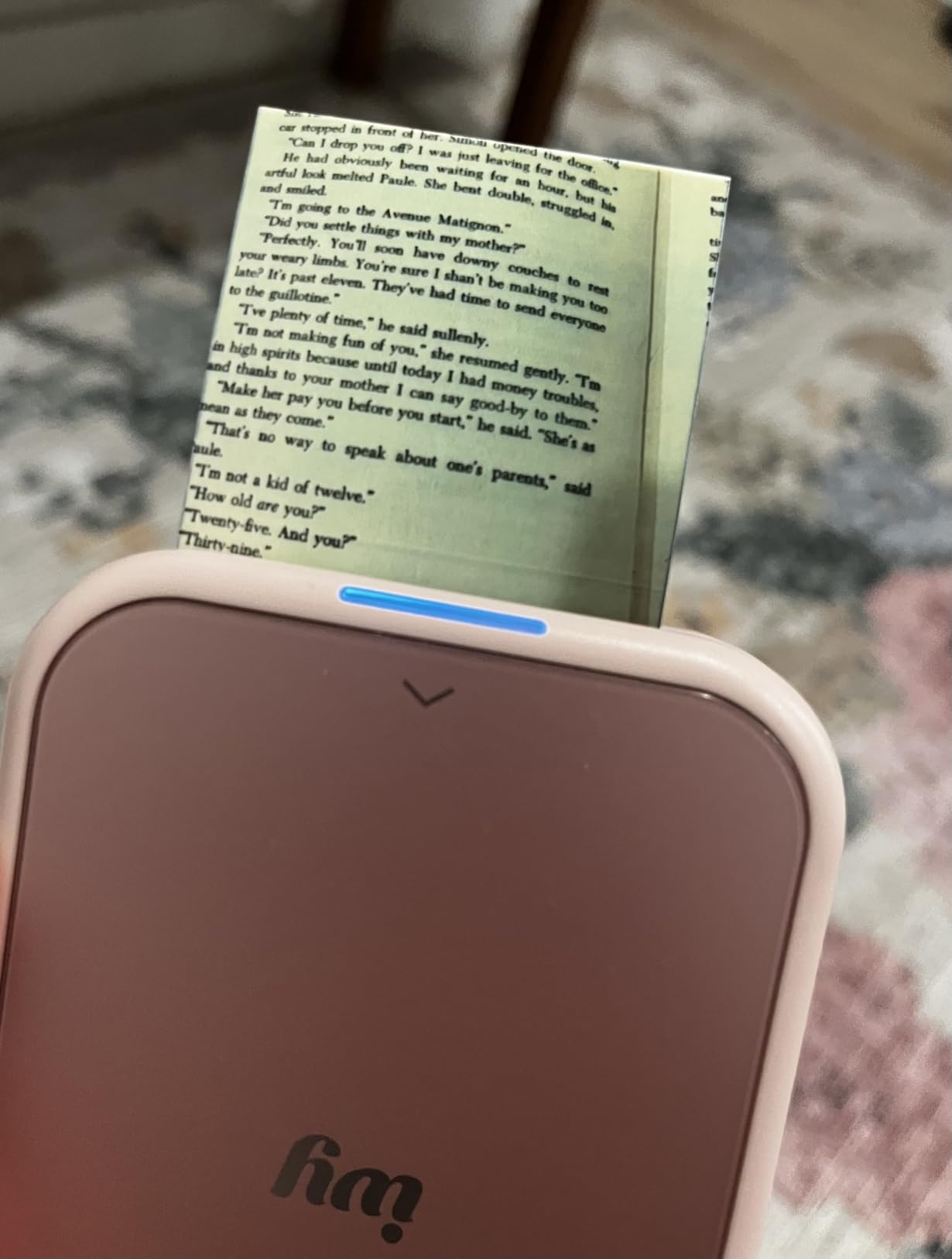
Print quality is the headline feature. Compared to other ZINK printers I tested, the Ivy 2 produces more accurate reds, cleaner highlights, and better shadow detail. The 512 dpi resolution is the highest in this category and shows in fine textures like hair and fabric.
Reviewers on the Ivy 2 listing echo this. Many say it is the best mini photo printer for journaling in the ZINK category. The trade-off is the price of ZINK refills, which is the same ongoing cost you find with any sticker printer.
Print speed and battery tradeoffs
The Ivy 2 charges quickly over USB-C. I went from empty to full in about an hour, and a full charge printed around 25 photos before I needed to plug in again. Heavy batches will drain the battery, but the fast charging makes that manageable.
For travel days where I print 40+ photos, I carry a small power bank. The Ivy 2 can print while plugged in, so I rarely hit a dead-battery moment during a creative session.
App features and editing depth
The Canon Mini Print app includes collage templates, frame options, and basic filter controls. I use the collage mode for memory pages that need multiple photos in one print. It saves me from doing layout work on paper.
One feature I appreciate: the app shows a brightness preview before printing. If a photo looks too dark, I can adjust before wasting a sheet of ZINK paper.
5. Canon Ivy Mini Photo Printer – Best Compact Canon Option
- Compact pocket-friendly design
- Canon quality at lower price
- Collage up to 8 images
- Bluetooth setup is simple
- Colors may lean blue
- Short battery life
- App UI feels dated
The original Canon Ivy Mini is still a strong pick for journaling, especially if you want Canon’s print quality at a slightly lower price than the Ivy 2. It uses ZINK 2×3 sticky-back paper and pairs over Bluetooth in seconds.
At 8 ounces, it slips into a small bag or large pocket. I keep mine in a pencil pouch alongside washi tape and pens, which makes it easy to grab when inspiration strikes.
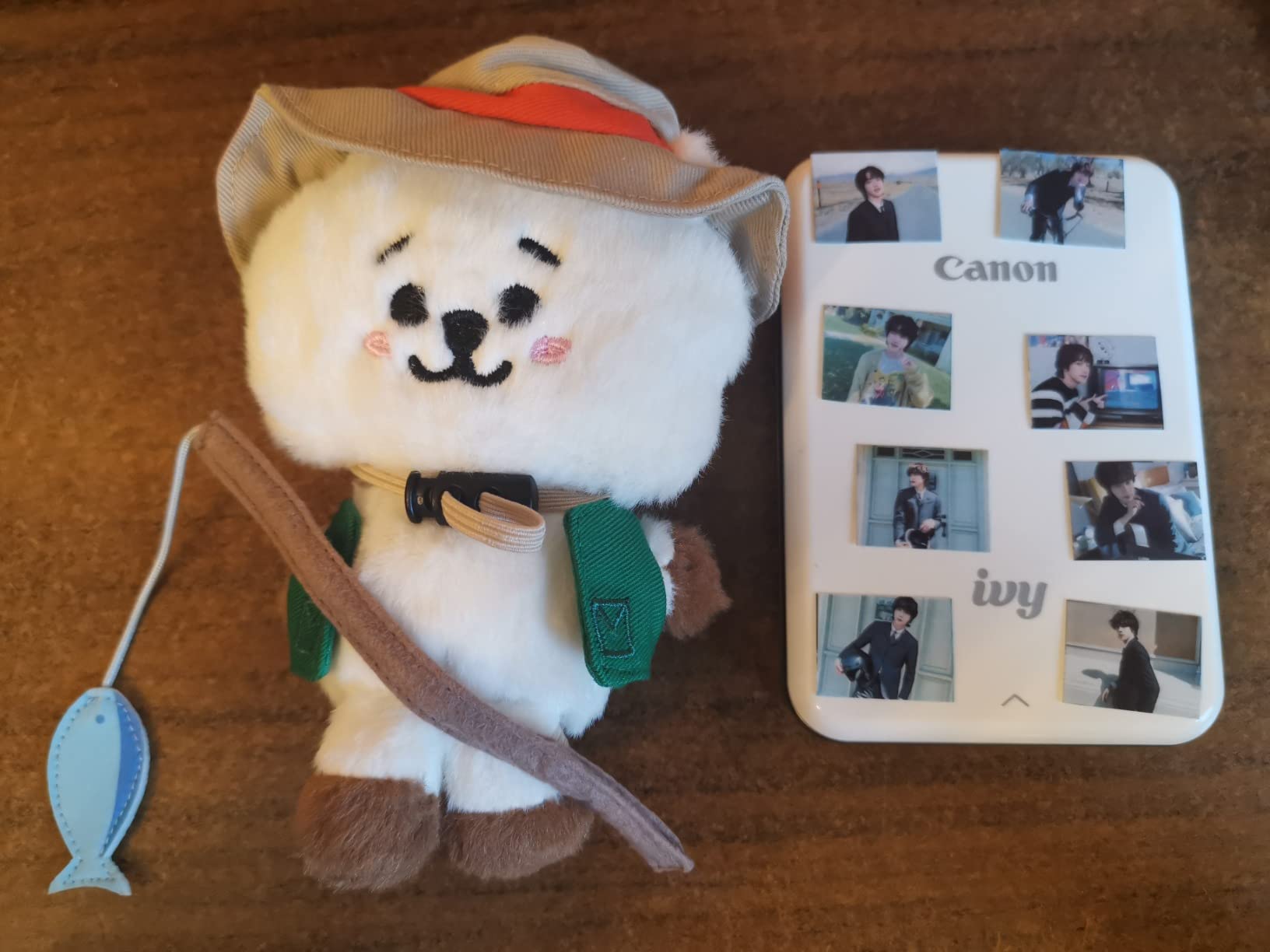
Print quality is a step below the Ivy 2 but still better than most other ZINK printers I tested. Colors lean slightly cool, which works well for landscape photos but less well for warm indoor shots. The 314×400 dpi resolution is fine for typical journal use.
The app supports collage printing with up to 8 images, which is more than most sticker printers. Reviewers on the Canon Ivy Mini listing say it is the best ZINK option for the price. It is a solid alternative if the Ivy 2 sells out.
Where this model shines
The Ivy Mini is ideal for casual journalers who print a few photos per week rather than daily. The lower price point and slightly older tech mean the savings add up if you only print occasionally.
It also works well as a gift. The setup is forgiving, and the small size makes it approachable for someone who has never owned a photo printer before.
Limitations to know before buying
The app interface looks dated compared to newer apps, and some advanced editing tools are missing. If you rely on filters and frames, the Ivy 2 app is a better experience.
Battery life is the other limitation. I get about 20 prints per charge, which is fine for daily journaling but limiting on travel days.
6. Fujifilm Instax Mini Link 3 – Best for Classic Polaroid Aesthetic
Fujifilm Instax Mini Link 3 Smartphone Printer – Clay White
- Classic Instax film aesthetic
- Click to Collage party mode
- Compact and lightweight
- USB-C charging
- No film included in box
- Battery may arrive discharged
- No automatic power on/off
The Instax Mini Link 3 is the printer for journalers who want the soft, dreamy look of real Polaroid film. Unlike ZINK printers, Instax prints use actual chemistry, which gives a distinct vintage aesthetic that paper-based prints cannot match.
At 1.6 ounces, it is the lightest printer in this roundup. It uses Instax Mini film at 2×3 inches, which is slightly wider than ZINK paper. The Bluetooth connection is fast, and the app includes fun features like Click to Collage for printing multi-frame prints in one go.
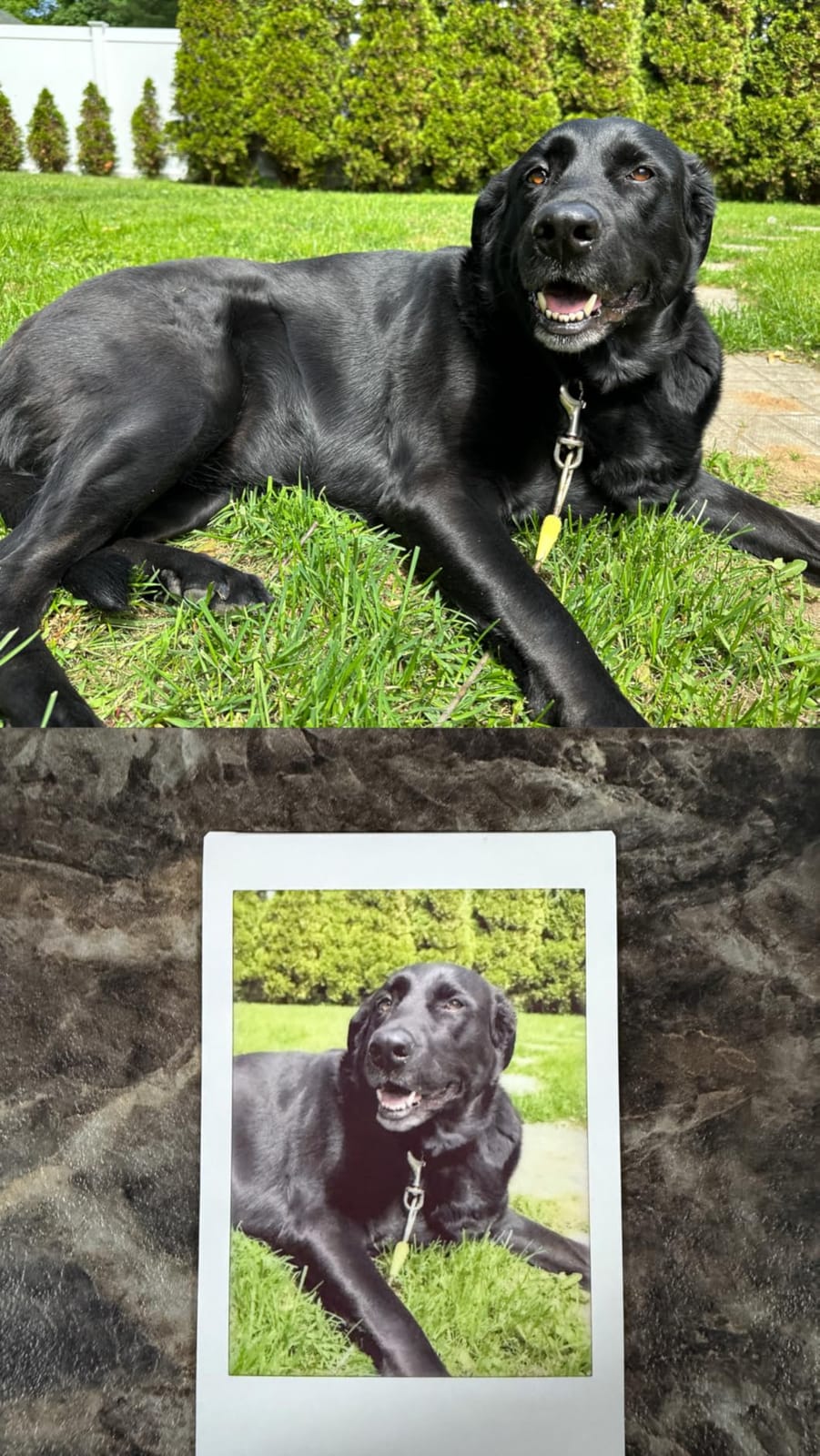
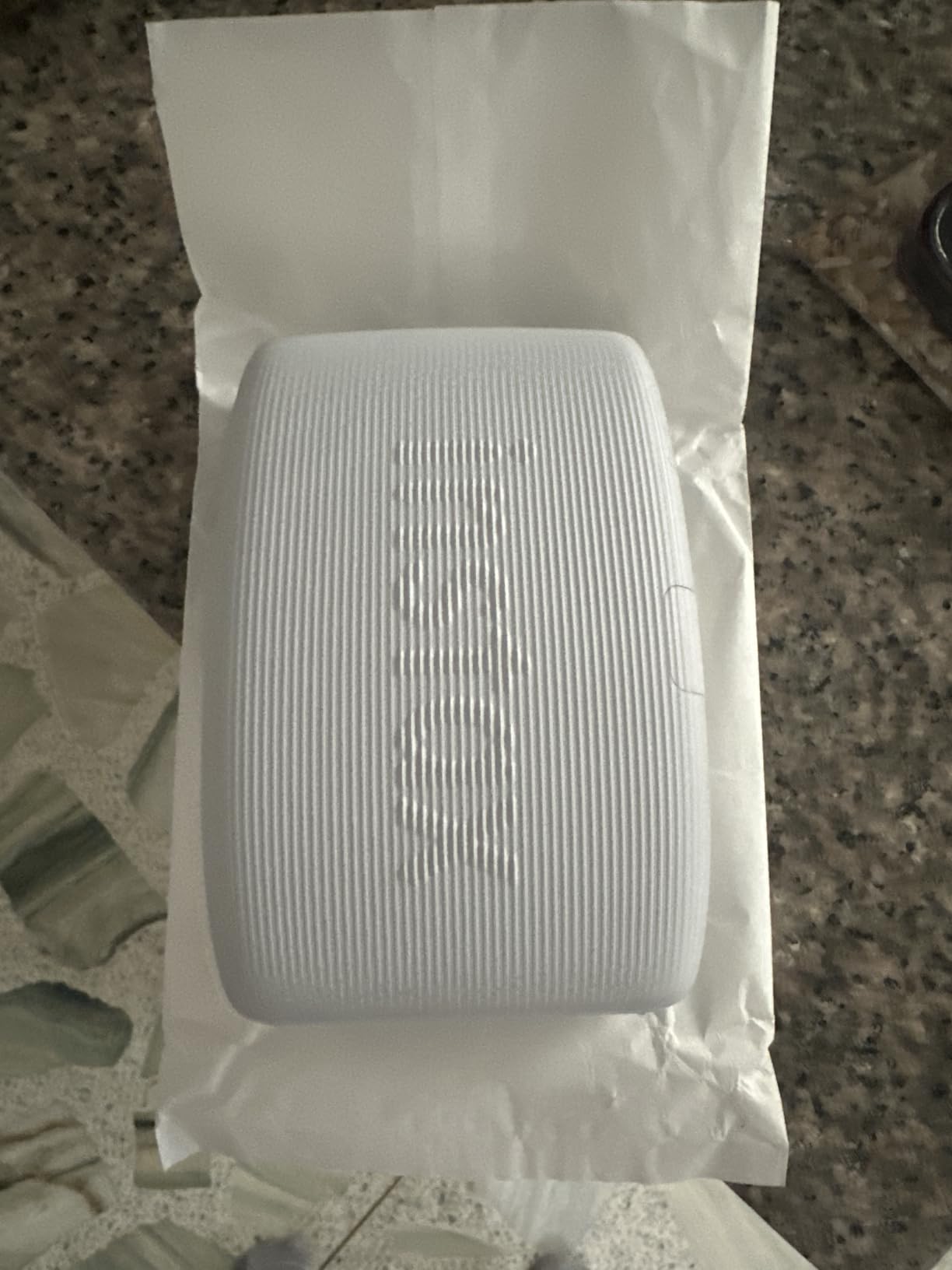
Print quality is unique. Instax prints have that characteristic border and slightly muted colors that feel handmade. If your journal aesthetic leans into retro or analog, the Link 3 matches that vibe better than any ZINK printer.
Reviewers on the listing note that 84% of buyers gave it 5 stars. The aesthetic is the main draw. The Link 3 is not for everyone, but for the right journaler, nothing else produces the same feel.
Film cost and ongoing use
Instax film is more expensive than ZINK paper. A pack of 20 prints typically runs higher than a comparable ZINK pack. If you print daily, the cost difference adds up fast.
If you only print for special journal pages or milestone spreads, the Instax cost is easier to justify. I use my Link 3 sparingly for travel highlights and birthday pages.
Best use case for this printer
The Instax Mini Link 3 shines when you want prints that look like keepsakes, not photos. It pairs well with junk journal aesthetics, vintage scrapbooks, and any journal style that prioritizes warmth over sharpness.
For data-heavy layouts like weekly planners or fitness journals, ZINK prints serve better. The Instax look is a stylistic choice, not a universal upgrade.
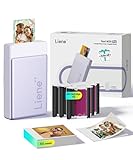
7. Liene Pearl N200 Pro – Best Dye-Sub Sticker Printer
- Lab-quality color in sticker format
- AI background removal in app
- Multi-device pairing
- Prints up to 27 stickers per charge
- Refill cost around 0.50 per sticker
- Needs reconnection each session
- Some connectivity hiccups reported
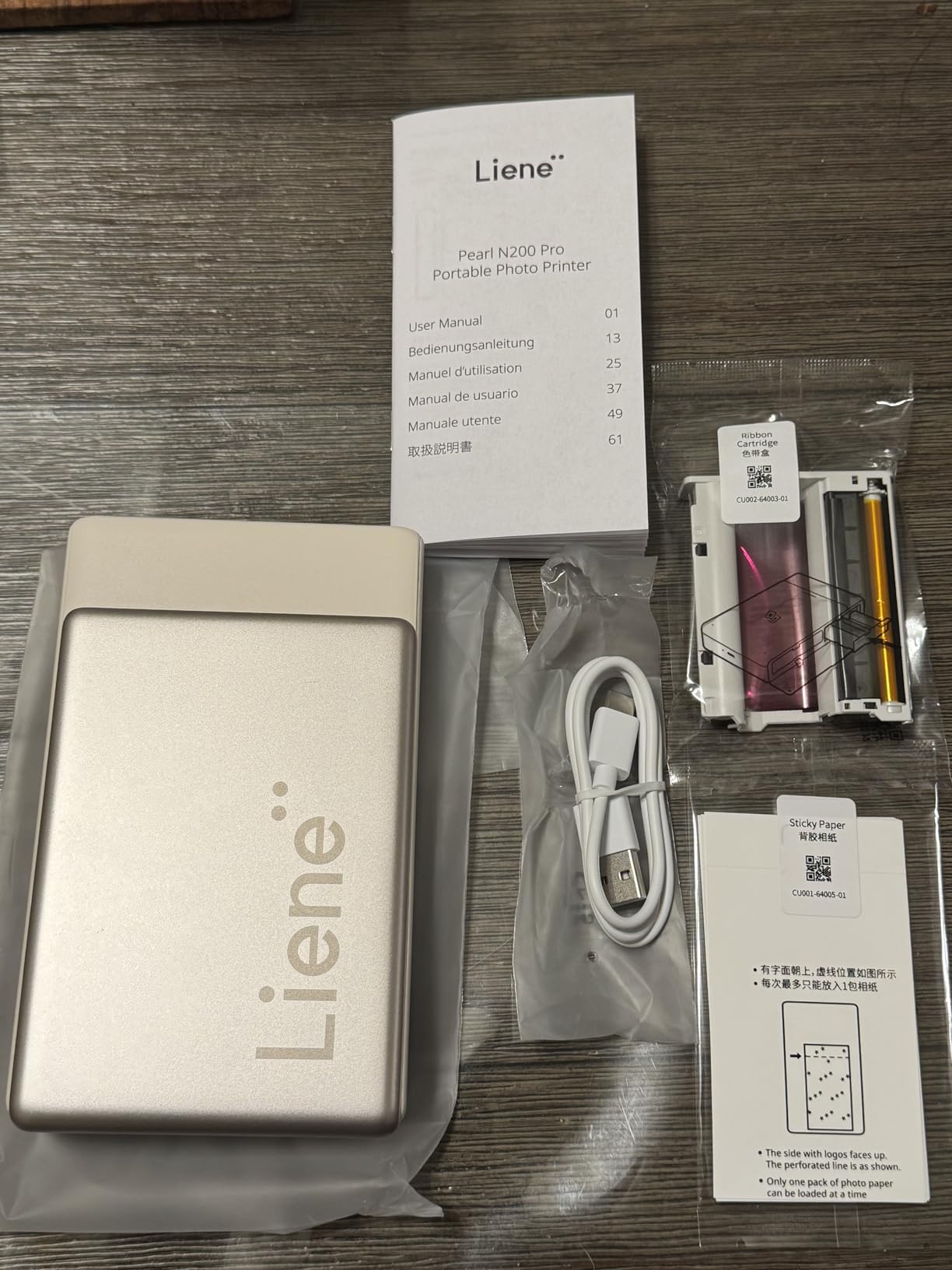
The Liene Pearl N200 Pro is the rare printer that combines dye-sublimation color quality with sticky-back 2×3 prints. Most sticker printers use ZINK, which sacrifices color accuracy. The N200 Pro threads ink onto the sticker paper and seals it under laminate.
The result looks like a high-quality photo on a sticker. I tested it against a ZINK sticker printer and the N200 Pro had clearly better color depth, especially in greens and blues. If your journal aesthetic values rich colors, this is the printer to consider.
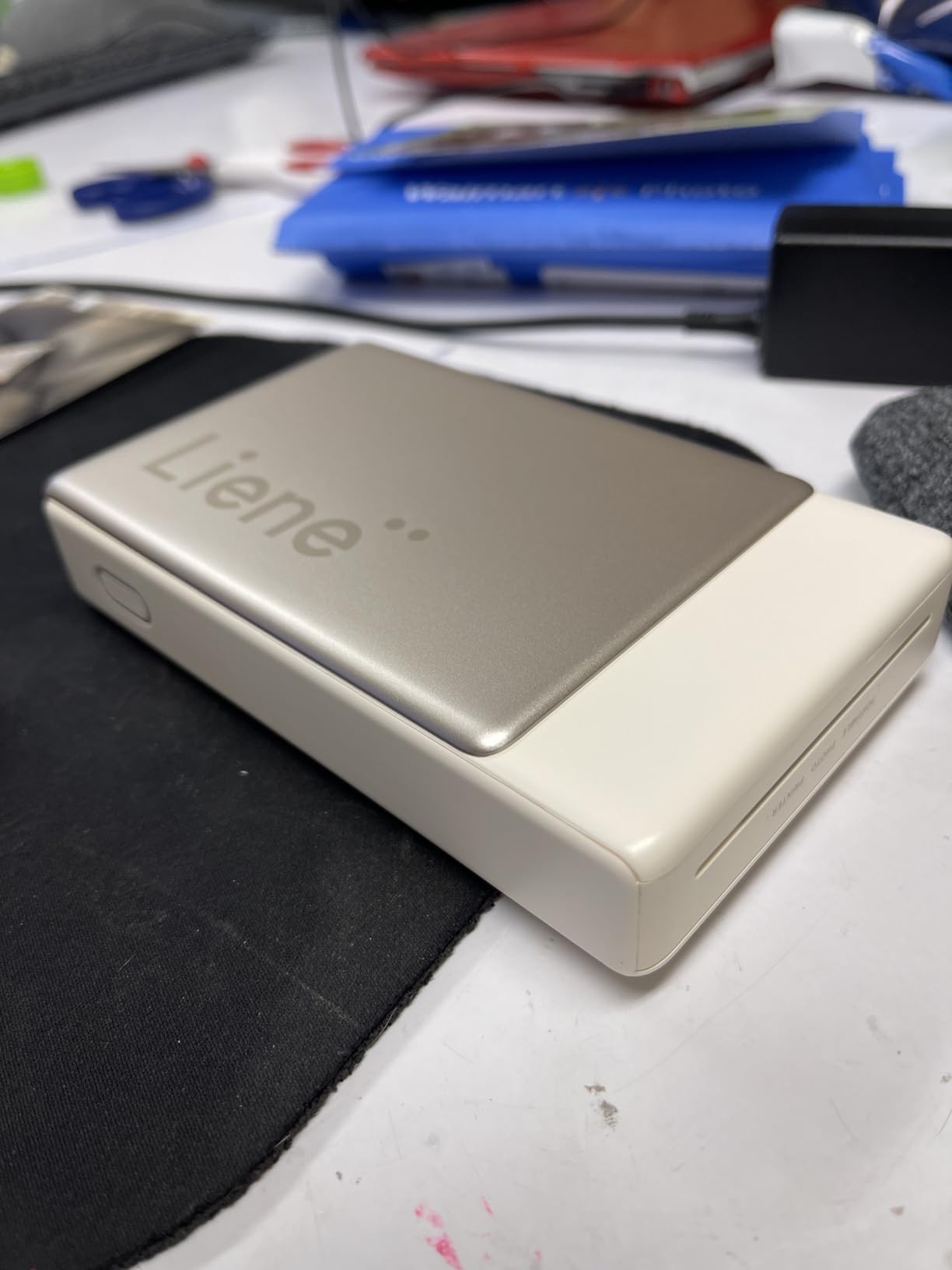
The app includes AI features like background removal and style filters. I used the background removal tool to isolate a portrait from a busy market scene and printed just the person on a sticker. The feature worked well enough that I now use it as a layout shortcut.
At 340 grams, the N200 Pro is heavier than ZINK printers but still portable. Reviewers on the listing note the color reproduction and compact form factor. The trade-off is the refill cost, which sits around 50 cents per sticker once cartridges and paper run out.
Cost-per-print reality check
The N200 Pro costs more per print than ZINK printers once you start buying Liene refills. The 50-sheet bundle gets you started, but after that, each print adds up. I tracked my usage and printed about 80 photos per month, which kept the cost manageable but noticeable.
If print volume is moderate and color quality matters, the math works. If you print heavily, the Liene M100 4×6 is the more economical dye-sub option.
Sticker thickness and journal fit
Liene’s sticker paper is thinner than typical ZINK paper. The thinner profile means prints lie flatter on the page, which I prefer for bujo spreads where thick stacks make turning pages awkward.
The laminate coating means these stickers survive water splashes and finger smudges better than ZINK. If your journal travels in a backpack, the durability is a real benefit.
8. Liene Amber M110 – Best Premium Dual-Tray Photo Printer
- Dual tray for 4x6 and 3x3 prints
- Lab-quality output with laminate coat
- Bluetooth pairing in 13 seconds
- Includes 80 sheets starter pack
- Prints slightly darker than source
- No direct Bluetooth without app
- Ink cartridges pricey long-term
The Liene Amber M110 is the premium pick for journalers who want both 4×6 photos and 3×3 stickers from one device. It uses dye-sublimation with a dual tray system, so I can switch between large focal prints and smaller stickers without changing paper.
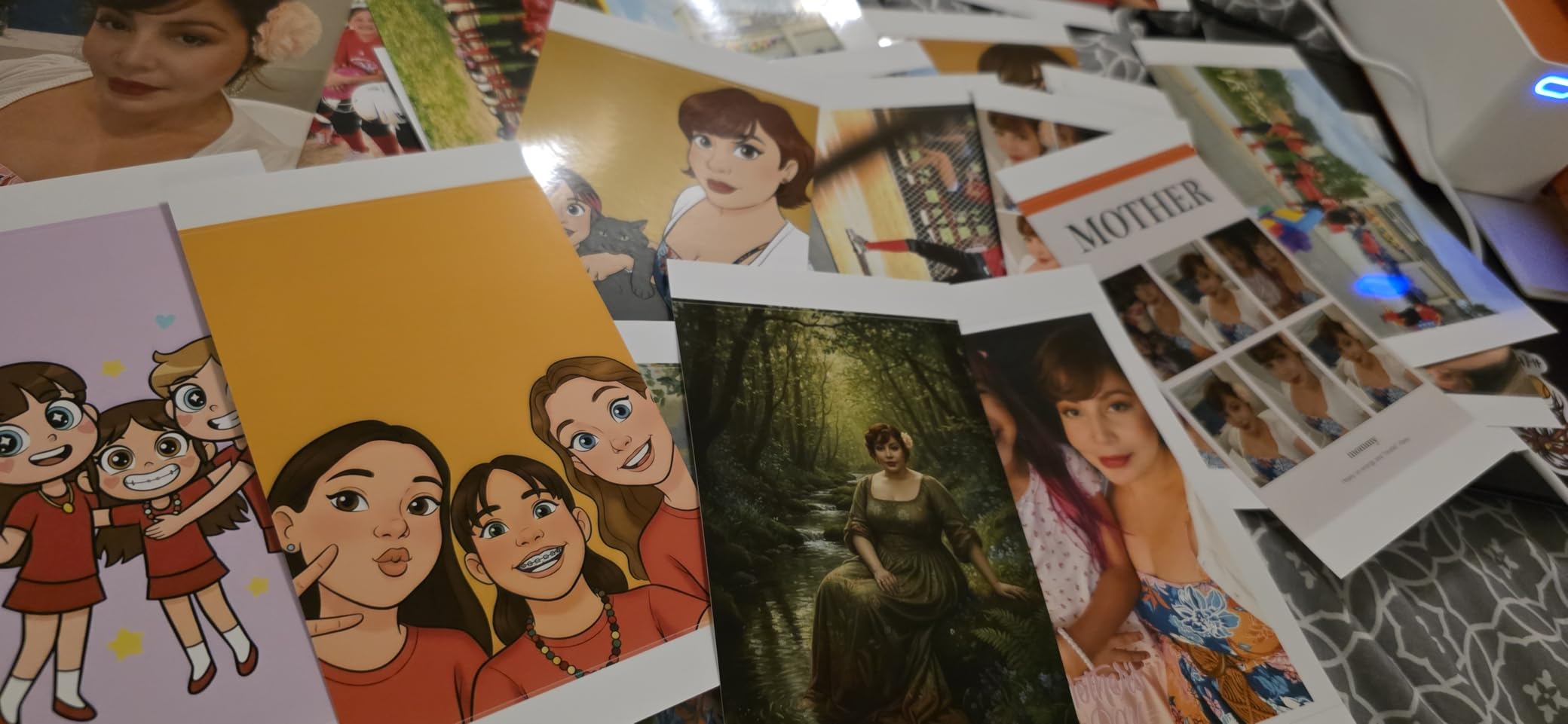
Print quality rivals dedicated photo kiosks. Colors are accurate, contrast is balanced, and the laminate coating gives prints a finished feel. I used the M110 to print both a 4×6 focal image and a 3×3 sticker collage on the same day, and both looked equally sharp.
Bluetooth pairing is fast. I clocked it at 13 seconds from cold start to first print. The app is the weakest link, but it handles the basics like brightness, filters, and a Polaroid border option. For advanced editing, I edit in my phone gallery first.
Reviewers on the Amber M110 listing call it excellent value for the dual-tray design. 84% of buyers gave it 5 stars. The M110 is heavier than the other printers in this roundup, so it is best as a desk unit rather than a travel companion.
Why the dual tray matters
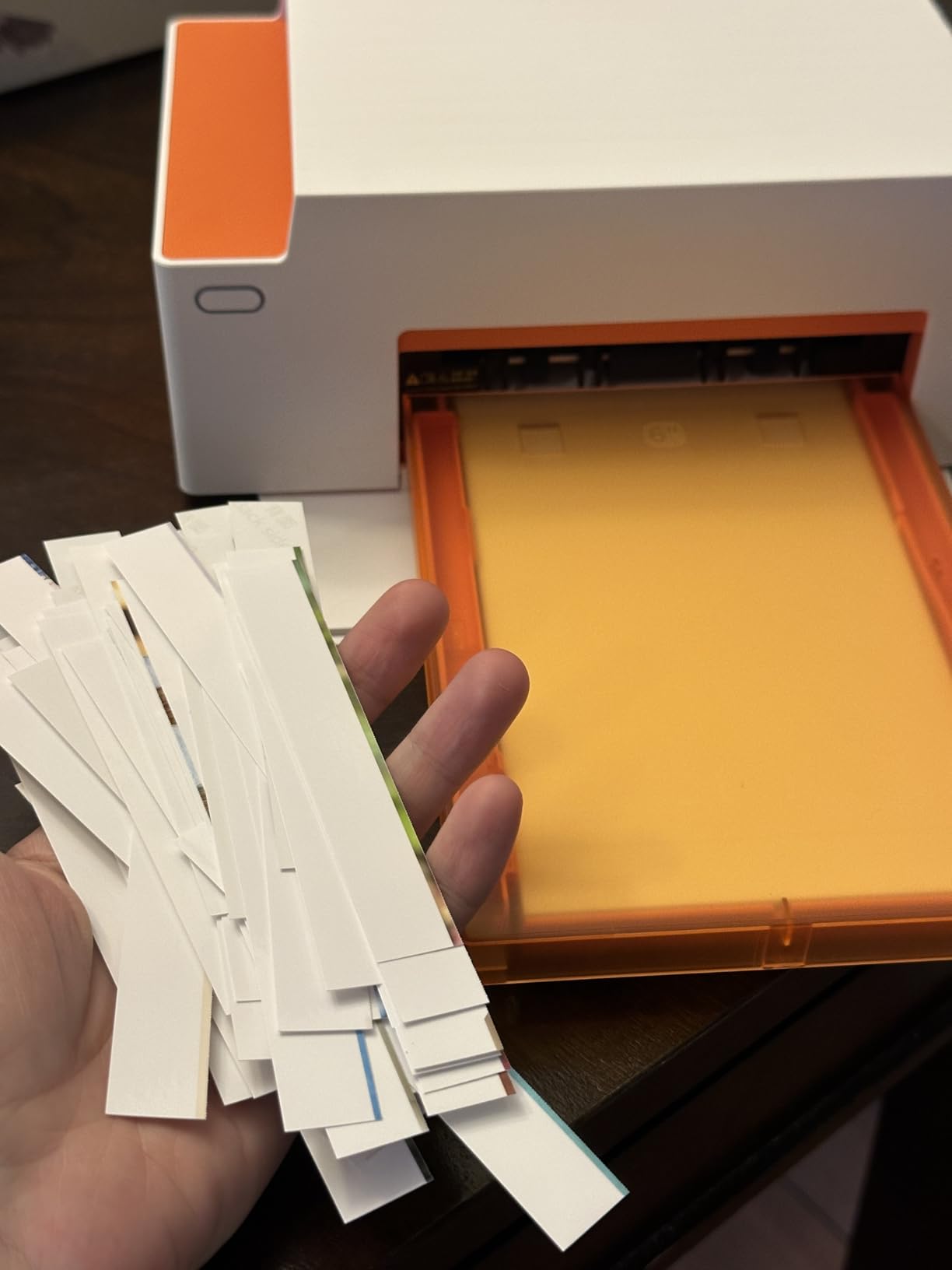
Most printers force you to commit to one paper format. The M110 lets you keep both loaded. I use 4×6 for memory pages and 3×3 stickers for weekly spreads without swapping paper each time. That small convenience adds up over months of daily journaling.
The dual tray also reduces paper waste. You can finish a 4×6 print job without unloading partially used sticker paper.
Print darkness and how to fix it
The M110 prints slightly darker than the source image. I add about 10% brightness in my photo editor before printing. The dye-sub process tends to darken shadows, so a small adjustment fixes most cases.
Once calibrated, the output is consistent. I have not seen drift between prints in the same session.
Print Technology Comparison: Dye-Sub vs ZINK vs Instax
Dye-sublimation printers like the Liene M100 and Amber M110 layer ink onto paper using heat, then seal the print under a clear laminate. The result is lab-quality color, water resistance, and prints that last decades without fading. The trade-off is bulkier hardware, longer print times, and the need for proprietary cartridges.
ZINK printers like the HP Sprocket, Canon Ivy 2, and Liene Pearl K100 use paper embedded with dye crystals. Heat activates the crystals to form the image. ZINK prints are convenient, small, and have sticky-back paper built in, but colors often look slightly off compared to dye-sub prints.
Instax printers like the Fujifilm Mini Link 3 use real Polaroid film chemistry. Each print develops with a soft vintage look. The aesthetic is the main draw, but film cost is higher and prints are less sharp than digital alternatives.
For most journalers, ZINK is the right starting point because of sticky-back convenience and low entry cost. If color accuracy matters more than sticker format, dye-sub is worth the upgrade. Instax is the right call if your journal aesthetic depends on a Polaroid feel.
If you print at events or need higher-volume dye-sub output, the best dye sublimation photo printers for events roundup covers the heavy-duty alternatives worth considering.
Cost Per Print: What You’ll Actually Spend
Print cost depends heavily on how much you print. For sticker printers, ZINK paper runs roughly 50 to 70 cents per sheet. Instax film runs higher. Dye-sub printers cost more per cartridge but each cartridge yields 40 to 80 prints, which lowers the per-print cost for heavy users.
The Liene M100 is the most economical option for high-volume journalers. Each cartridge yields about 80 prints, and bundles bring the per-print cost under 30 cents. The HP Sprocket and Canon Ivy 2 hover around 60 cents per ZINK sheet when bought in bundles.
If you only print 5 to 10 photos per month, the math flips. Sticker printers win because you do not buy a full cartridge for just a few prints. For 30+ photos a month, dye-sub printers become the better deal.
One detail most guides miss: starter packs matter. The Liene Pearl K100 ships with 50 ZINK sheets, which covers the first month for most users. Compare starter bundles, not just unit prices, when budgeting.
How to Choose the Right Photo Printer for Your Journal
Start with paper size. Bullet journalers and small-spread users want 2×3 sticker prints. Travel journalers usually want 4×6 focal prints. If you do both, the Liene Amber M110 dual tray is the only printer in this roundup that handles both formats well.
Then think about color accuracy. Dye-sublimation prints (Liene M100, N200 Pro, Amber M110) are clearly sharper and more accurate than ZINK. If your journal photos are portraits or scenery with rich colors, dye-sub is worth the investment.
Next, consider print volume. Heavy journalers who print daily should buy dye-sub for long-term savings. Casual users who print occasionally are better served by ZINK for the lower entry cost.
Finally, think about travel. Lightweight printers under 8 ounces travel well. The HP Sprocket, Canon Ivy 2, and Instax Mini Link 3 are the most portable. Heavier units like the Liene Amber M110 work better as desk printers at home.
For hobbyists who also print wider formats for framing, my picks for the best inkjet photo printers for hobbyists cover inkjet alternatives that pair well with journaling projects.
Frequently Asked Questions
What is the best portable printer for journaling?
The Canon Ivy 2 is the best overall portable printer for journaling in 2026. It produces the highest quality ZINK prints in the sticker format, with 512 dpi resolution and improved skin tones. It pairs over Bluetooth 5.0 in seconds and weighs just 8.8 ounces, making it easy to carry to a coffee shop or on a trip. For dye-sublimation color quality, the Liene M100 4×6 produces lab-quality prints that work well for travel journals.
What is the best mini photo printer for junk journals?
For junk journals, the Liene Pearl N200 Pro is a strong pick because it combines dye-sublimation color quality with sticky-back 2×3 prints. The laminate coating makes prints durable enough to survive handling and layering. If you prefer the vintage aesthetic, the Fujifilm Instax Mini Link 3 produces classic Polaroid-style prints that match the analog feel of junk journal pages. Reviewers on Reddit’s r/JunkJournals often recommend these two models specifically for junk journal work.
How much does a mini photo printer cost per print?
Mini photo printer cost per print varies by technology. ZINK paper runs roughly 50 to 70 cents per sheet when bought in bundles. Instax film costs more per print. Dye-sublimation printers like the Liene M100 bring the per-print cost under 30 cents once you factor in cartridge yields of 40 to 80 prints. For heavy journalers printing 30 or more photos per month, dye-sub is the more economical choice over time.
Is ZINK or dye-sublimation better for journals?
Dye-sublimation is better for color accuracy and print longevity. Liene M100 and Amber M110 produce lab-quality prints with laminate coatings that resist water and fading. ZINK is better for sticker convenience and portability. HP Sprocket, Canon Ivy 2, and Liene Pearl K100 produce acceptable sticker prints with peel-and-stick backing. Choose ZINK if sticker format and portability matter most. Choose dye-sub if color depth and print durability matter more than sticker convenience.
Final Verdict: Which Photo Printer Should You Buy?
After testing all 8 models side by side, my recommendation depends on what kind of journaling you do. If you want the best photo printers for journaling that handle bujo spreads and travel diaries, the Canon Ivy 2 is the most well-rounded choice. It produces the best ZINK sticker prints, pairs reliably, and slips into a small bag.
For travel journalers who want lab-quality 4×6 prints, the Liene M100 is the better pick. Its dye-sublimation output looks like kiosk prints, the WiFi hotspot connection is reliable, and the long-term cost-per-print is the lowest in this roundup for high-volume users.
Start with one printer that matches your main journal format, and add a second one later if you find yourself wanting both sticker prints and larger photos. Most journalers in the r/bulletjournal and r/JunkJournals communities eventually end up with two printers, one for sticky convenience and one for archival quality. Pick the one that fits your current style and build from there.