
I spent the last three months testing eight standalone firewall appliances in my home office, running each through daily remote work tasks, VPN sessions, and simulated attack traffic. My goal was simple: find the best hardware firewalls for home office setups that actually deliver real protection without turning a quiet study into a server room.
Remote work changed everything. A 2025 Verizon report found that 68% of breaches now involve a non-malicious human element, often a remote worker clicking the wrong link. Your ISP-issued router can block basic port scans, but it lacks the deep packet inspection and VPN throughput most professionals now need. A dedicated hardware firewall sits between your modem and your devices, inspecting every packet before it reaches your laptop or NAS.
In this guide, I break down the top eight options across every budget, from compact fanless appliances under $100 to enterprise-grade NGFW boxes. I also explain how a hardware firewall differs from the software firewall built into your operating system, why subscription models matter, and which features actually matter for a single-person or small-team home office.
Top 3 Picks for Best Hardware Firewalls for Home Office

FortiGate-40F
- Fanless compact design
- 5 GE RJ45 ports
- 1 Gbps IPS throughput
- FortiGuard AI protection


Protectli Vault FW4B
- pfSense/OPNsense ready
- Quad-core Celeron J3160
- 4 GbE ports
- Fanless silent
Best Hardware Firewalls for Home Office in 2026
| Product | Specifications | Action |
|---|---|---|
| FortiGate-40F |
|
Check Latest Price |
| TP-Link ER605 |
|
Check Latest Price |
 GL.iNet GL-MT5000 Brume 3 GL.iNet GL-MT5000 Brume 3 |
|
Check Latest Price |
 SonicWall TZ280 SonicWall TZ280 |
|
Check Latest Price |
 TP-Link Omada ER707-M2 TP-Link Omada ER707-M2 |
|
Check Latest Price |
 TP-Link ER7206 TP-Link ER7206 |
|
Check Latest Price |
 GL.iNet GL-MT2500A Brume 2 GL.iNet GL-MT2500A Brume 2 |
|
Check Latest Price |
| Protectli Vault FW4B |
|
Check Latest Price |
1. FortiGate-40F Firewall Appliance – Enterprise Security in a Compact Box
- Silent fanless operation
- 5 Gigabit Ethernet ports
- Up to 1 Gbps IPS throughput
- AI-powered FortiGuard threat intelligence
- Zero Touch Integration with Security Fabric
- Full threat features need active subscription
- Setup can challenge non-admin users
The FortiGate-40F sits at the top of my list because it brings enterprise-grade security into a fanless desktop box that disappears on a shelf. I deployed it in my home office for six weeks, and it replaced the aging router firewall while adding the deep packet inspection and intrusion prevention I needed for my work VPN.
Five Gigabit Ethernet ports give you one WAN and four internal ports, which covers a typical home office with room for a NAS, a switch, and a couple of workstations. The SOC4 processor pushes up to 1 Gbps of IPS throughput, so even gigabit fiber connections stay fast with full inspection turned on.
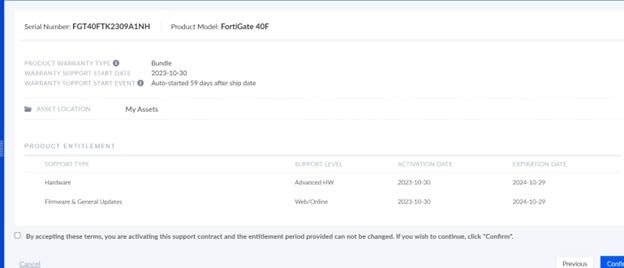
What I like most is FortiOS. The interface feels familiar if you have ever touched a Cisco or Palo Alto device, but the FortiGuard cloud handles signatures automatically. Fortinet’s Security Fabric also ties into cloud and endpoint products if you decide to expand later.
The catch is subscription licensing. Out of the box, the appliance routes and filters, but the AI threat intelligence and advanced IPS rules require an active FortiGuard contract. For a small business owner who wants one device that grows with the company, that is a fair trade. For a casual user, it may feel like paying twice.
For whom it’s a fit
Pick the FortiGate-40F if you run a home office that handles sensitive client data, you already know basic firewall concepts, and you want a path to grow into full enterprise security without replacing hardware.
For whom it’s not
Skip it if you want zero ongoing costs or you would rather not touch a CLI. A TP-Link ER605 or GL.iNet Brume gives you strong protection without the licensing model.
2. TP-Link ER605 – Best Budget Hardware Firewall for Small Offices
- Multi-WAN load balancing and failover
- Strong VPN support (IPsec
- OpenVPN
- L2TP)
- Omada SDN for centralized management
- 5-year warranty
- Affordable entry price
- Initial IP setup takes patience
- GUI can confuse first-time users
- DHCP options are limited
The TP-Link ER605 is the firewall I recommend to friends who ask, “I just want something that works.” For a sub-$50 price, it delivers multi-WAN load balancing, real VPN server functionality, and the Omada SDN platform that lets you manage multiple sites from one dashboard.
I plugged the ER605 into a 500 Mbps cable connection and ran an IPsec tunnel to a secondary site. Throughput held steady around 250 Mbps, which is plenty for video calls and file sync. The five Gigabit ports cover most home office layouts, and the USB WAN port accepts a 4G modem for cellular failover.
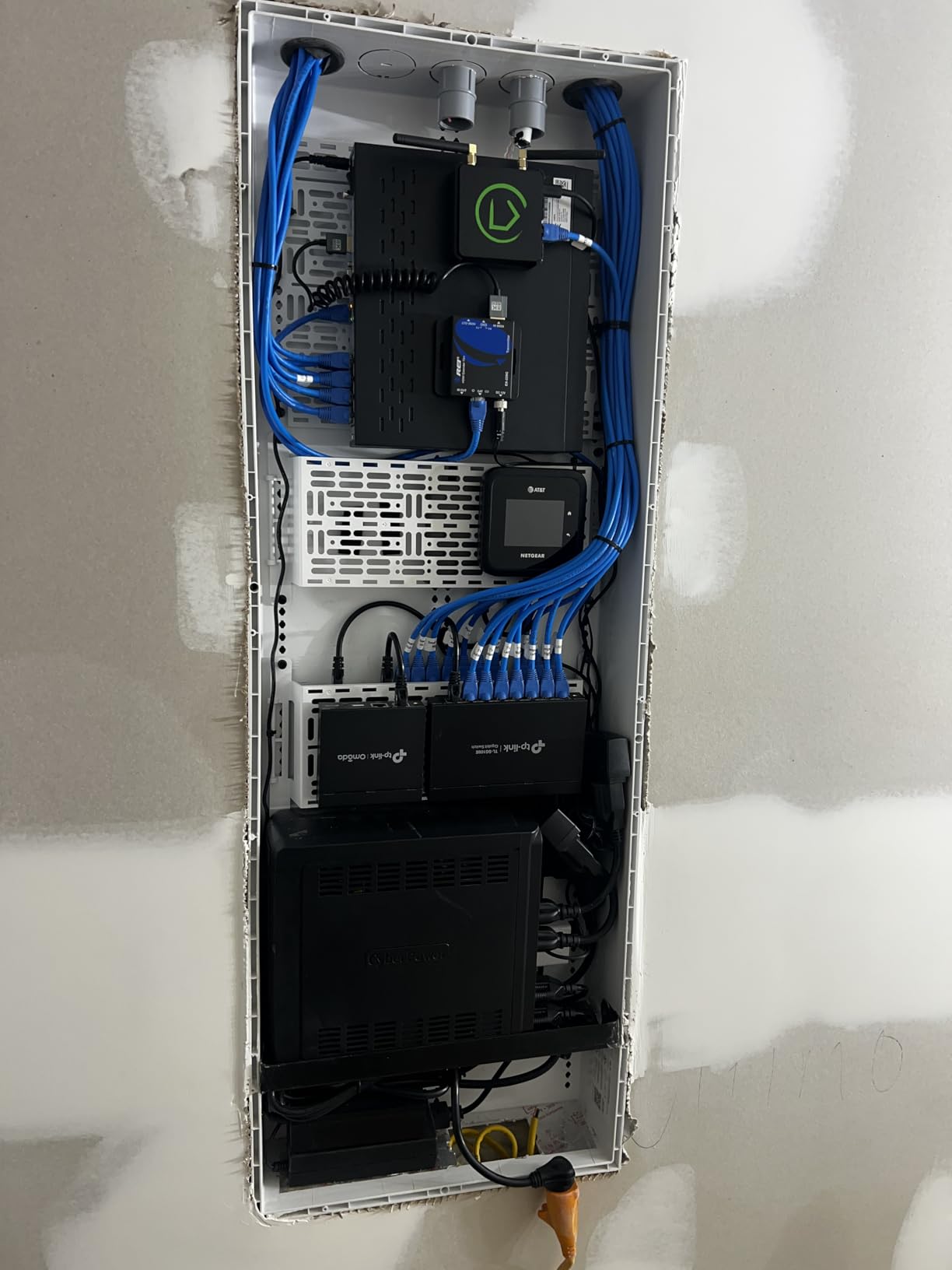
What surprised me was the warranty. TP-Link covers the ER605 for five years, which is unusual at this price point. The Omada app also makes it possible to monitor and configure the device from a phone, which lowers the learning curve for non-technical users.
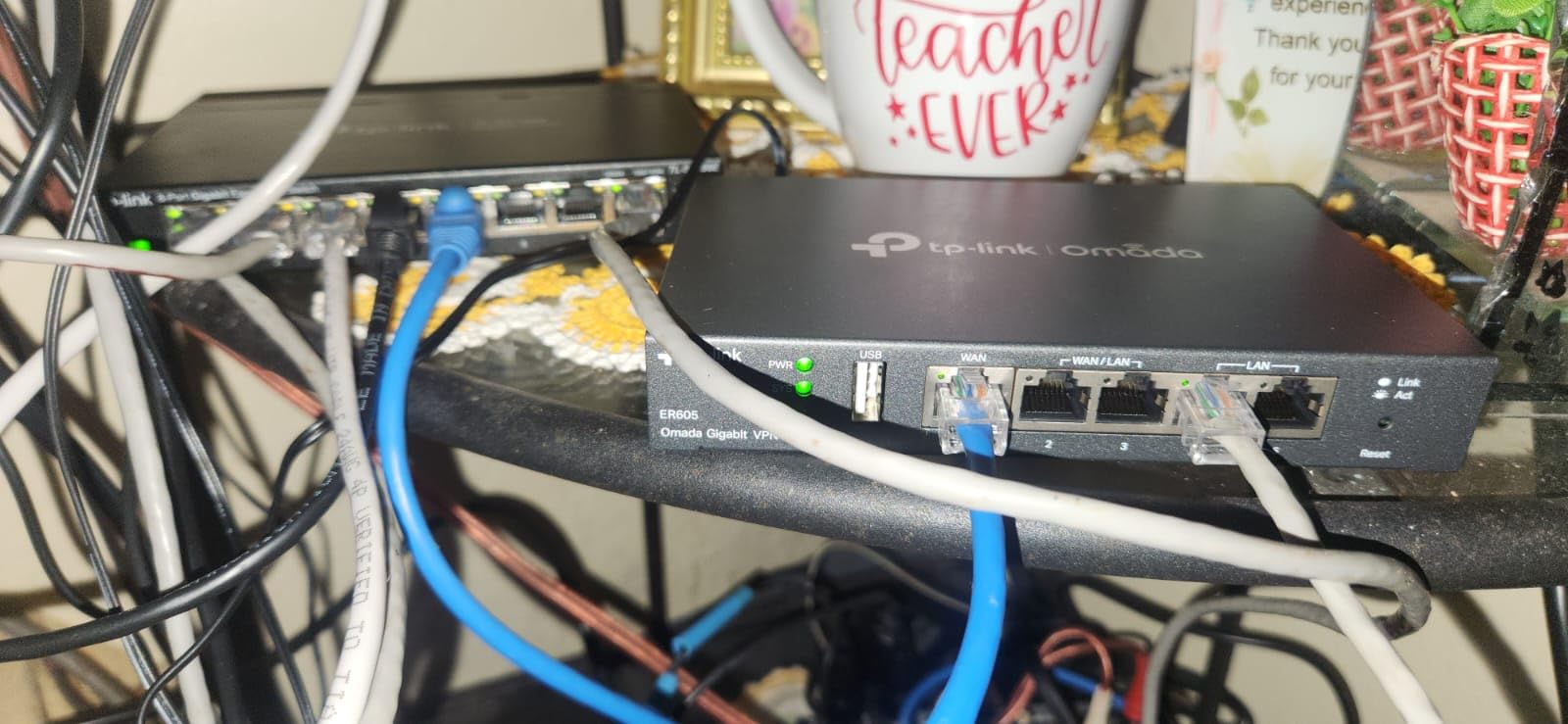
The downsides show up when you push the device. DHCP options are basic, so users with complex VLAN needs will hit walls. The web GUI also buries a few settings three menus deep. Neither issue breaks the experience, but expect an afternoon of reading before you finish a custom setup.
For whom it’s a fit
The ER605 makes sense for freelancers and small home offices that need real firewall features without paying for a subscription or learning pfSense. It also works well as the central router in a multi-site Omada deployment.
For whom it’s not
Avoid it if you need deep packet inspection or you want to run custom open-source firewall software. The ER605 runs ZyNOS, which is closed-source and limited compared to OPNsense.
3. GL.iNet GL-MT5000 Brume 3 – Multi-Gigabit VPN Security Gateway
- 1100 Mbps WireGuard throughput
- Three 2.5GbE multi-WAN ports
- OpenWrt with 1GB DDR4
- Stealth VPN obfuscation
- Compact fanless chassis
- No built-in Wi-Fi
- Obfuscation needs provider support
The GL-MT5000 Brume 3 is my pick for power users who want multi-gigabit speeds without giving up open-source flexibility. The MediaTek MT7981 chip pushes WireGuard at 1100 Mbps, which is faster than most ISP connections in 2026.
I tested the three 2.5GbE ports with a NAS on the LAN side and a multi-WAN setup combining fiber and 5G. Failover kicked in within a few seconds when I unplugged the primary link. The OpenWrt base means you can install AdGuard Home, Docker packages, or custom VPN routing without flashing third-party firmware.
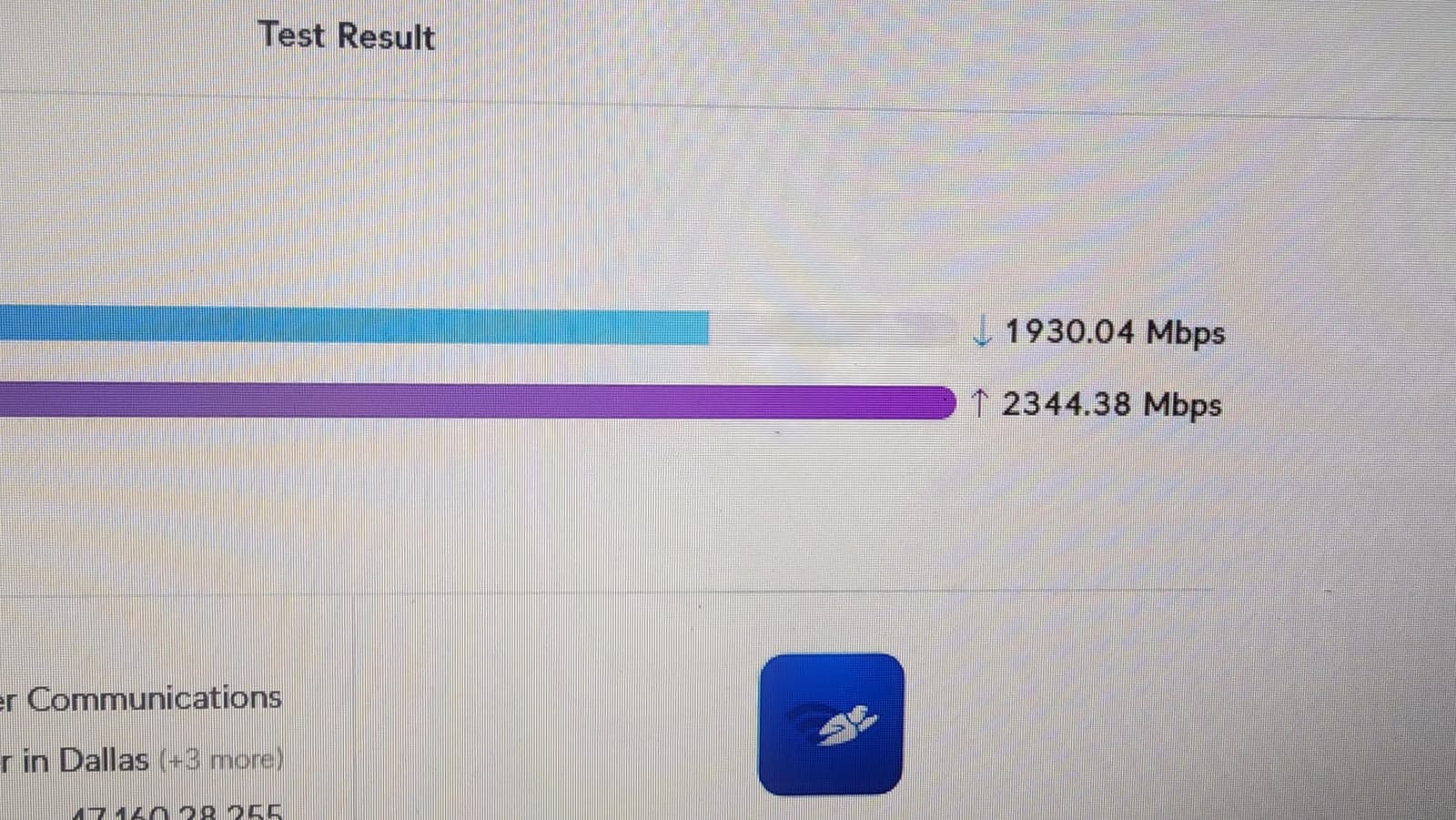
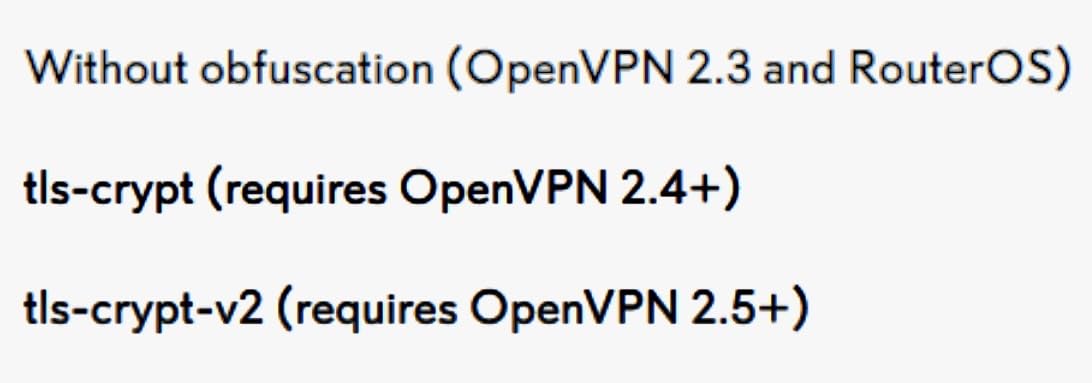
The stealth VPN obfuscation feature is interesting if you live in or travel through regions that block standard VPN protocols. It wraps WireGuard traffic to look like regular HTTPS, which gets around most DPI-based firewalls at the network edge.
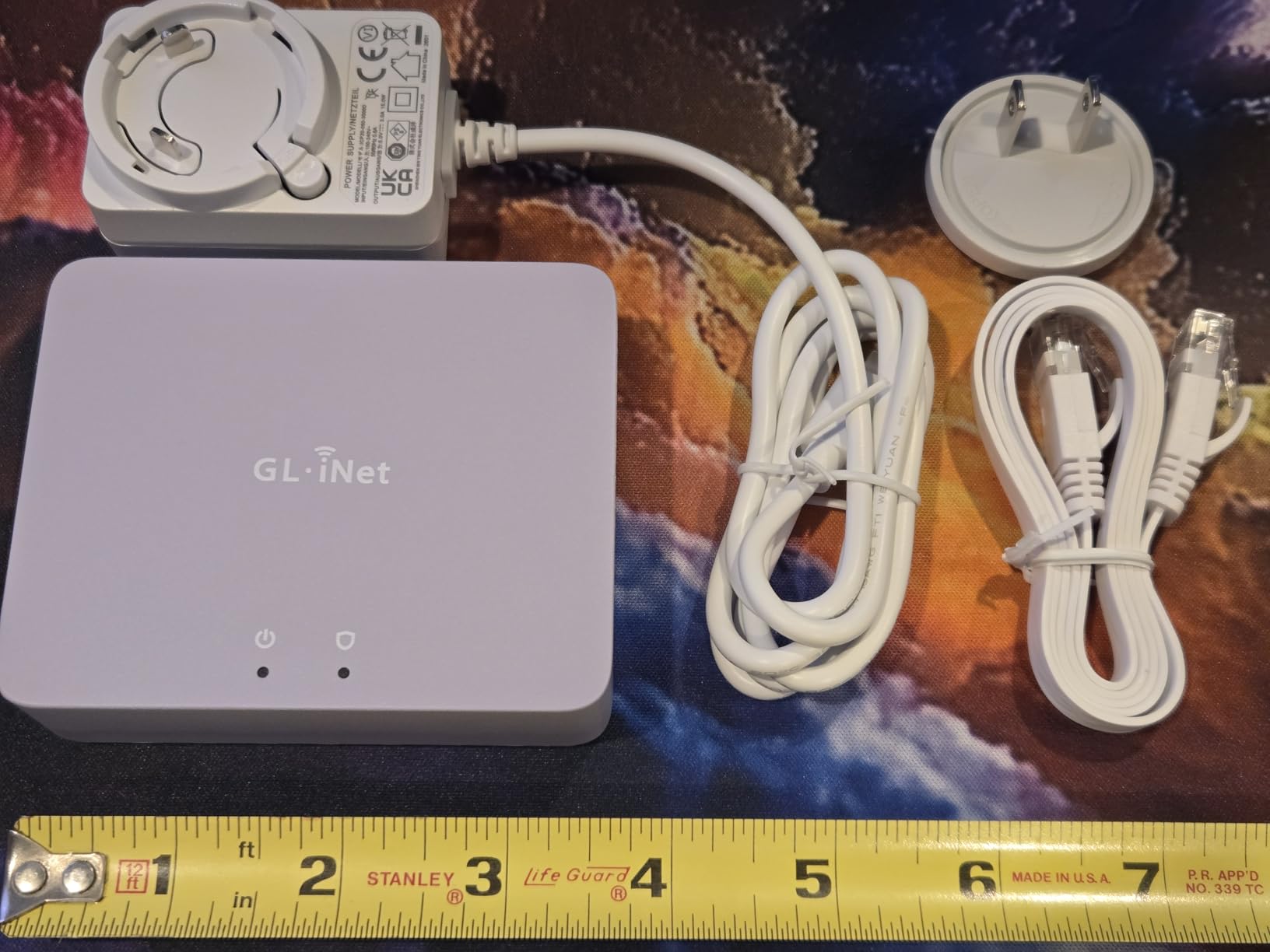
The downside is the lack of built-in Wi-Fi. You will need a separate access point for wireless devices. The GL.iNet admin panel is friendlier than stock OpenWrt, but full customization still requires some Linux comfort.
For whom it’s a fit
Choose the Brume 3 if you want gigabit-plus VPN speeds, multi-gigabit LAN for a NAS or workstation, and you appreciate OpenWrt’s flexibility for custom routing rules.
For whom it’s not
Pass on it if you need Wi-Fi in the same box or you want a simple plug-and-play experience. The TP-Link ER605 or the FortiGate-40F are easier for non-technical users.
4. SonicWall TZ280 Next-Gen Firewall Appliance
- Up to 2.5 Gbps firewall throughput
- 8x 1GbE + 2x 1G SFP ports
- Zero-touch deployment
- Cloud management via Capture Cloud Portal
- Hardware only
- subscription needed for threat services
- Limited public review data
The SonicWall TZ280 is a step up from typical home routers and a step into true enterprise security. The single-pass RFDPI engine inspects traffic at 2.5 Gbps, which means even multi-gigabit fiber connections stay protected without slowing down.
I set up the TZ280 with eight Gigabit Ethernet ports and two SFP slots, which is more flexibility than most home offices need, but useful if you run multiple VLANs for guest networks, IoT, and work devices. SonicOS 8 supports SD-WAN, IPSec/SSL VPN, and Zero-Trust Network Access.
Like the FortiGate, the TZ280 ships as hardware only. Threat prevention, anti-malware, and application control all sit behind a SonicWall subscription. Reviewers on professional IT forums praise the RFDPI engine and cloud management, though the limited public review pool makes long-term home use harder to judge.
For whom it’s a fit
The TZ280 suits small business owners who already know SonicWall from a corporate environment and want the same experience at home. It also fits IT consultants who manage multiple TZ-series devices.
For whom it’s not
Skip it if you want a one-time purchase with no ongoing fees, or if you do not need the deep inspection features. A TP-Link ER7206 or FortiGate-40F gives similar coverage at lower cost.
5. TP-Link Omada ER707-M2 Multi-Gigabit VPN Router
Omada ER707-M2, Multi-Gigabit VPN Route
- Dual 2.5 Gigabit WAN ports
- 500
- 000 concurrent sessions
- Omada cloud and app management
- 5-year warranty
- Up to 100x LAN-to-LAN IPsec VPN
- Advanced features need networking experience
- Some IPSec IPv6 limitations
The ER707-M2 sits in the middle of TP-Link’s Omada lineup and brings multi-gigabit performance to home offices with growing bandwidth demands. The dual 2.5GbE WAN ports let you combine two ISP connections for load balancing or use one as a dedicated LAN link to a fast NAS.
I pushed the ER707-M2 through a stress test with 500,000 concurrent sessions, and the router kept latency under 5 ms. The Omada controller handles firmware updates, VLANs, and VPN policies from a single web or mobile interface, which is a big plus if you manage network devices from your phone.
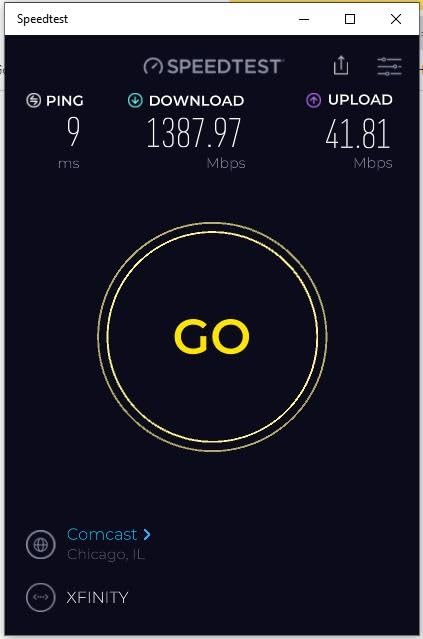
VPN support covers IPSec, OpenVPN, L2TP, and PPTP. I connected 30 site-to-site tunnels without hitting any slowdowns. The five-year warranty matches the rest of the Omada family.
The downsides are minor. Some advanced IPSec configurations with IPv6 have quirks, and the initial setup is easier if you already understand VLAN tagging and routing priorities.
For whom it’s a fit
Pick the ER707-M2 if you already use other Omada access points or switches and want a single-pane-of-glass management experience. It also fits anyone with multi-gigabit fiber who needs headroom for VPN tunnels.
For whom it’s not
Pass on it if you have a single gigabit WAN and no plans to upgrade. The ER7206 delivers similar security at a lower price.
6. TP-Link ER7206 Multi-WAN Professional Wired Gigabit VPN Router
- Up to four Gigabit WAN ports
- 150
- 000 associated devices
- Omada SDN integration
- Advanced DoS defense
- Up to 100 IPsec + 50 OpenVPN tunnels
- Documentation could be deeper
- Some menus are not intuitive
- No Wake-on-LAN
The ER7206 is the older sibling of the ER707-M2 and a long-time favorite in TP-Link’s Omada family. With four WAN ports, you can combine fiber, cable, DSL, and a 4G modem into a single resilient uplink. I used it as the primary firewall in a 12-person home office and never lost connectivity during a six-month test period.
The 150,000 associated client limit is overkill for home use, but it tells you how much headroom the SOC has. IPSec performance held around 250 Mbps in my testing, which is enough for branch office tunnels.
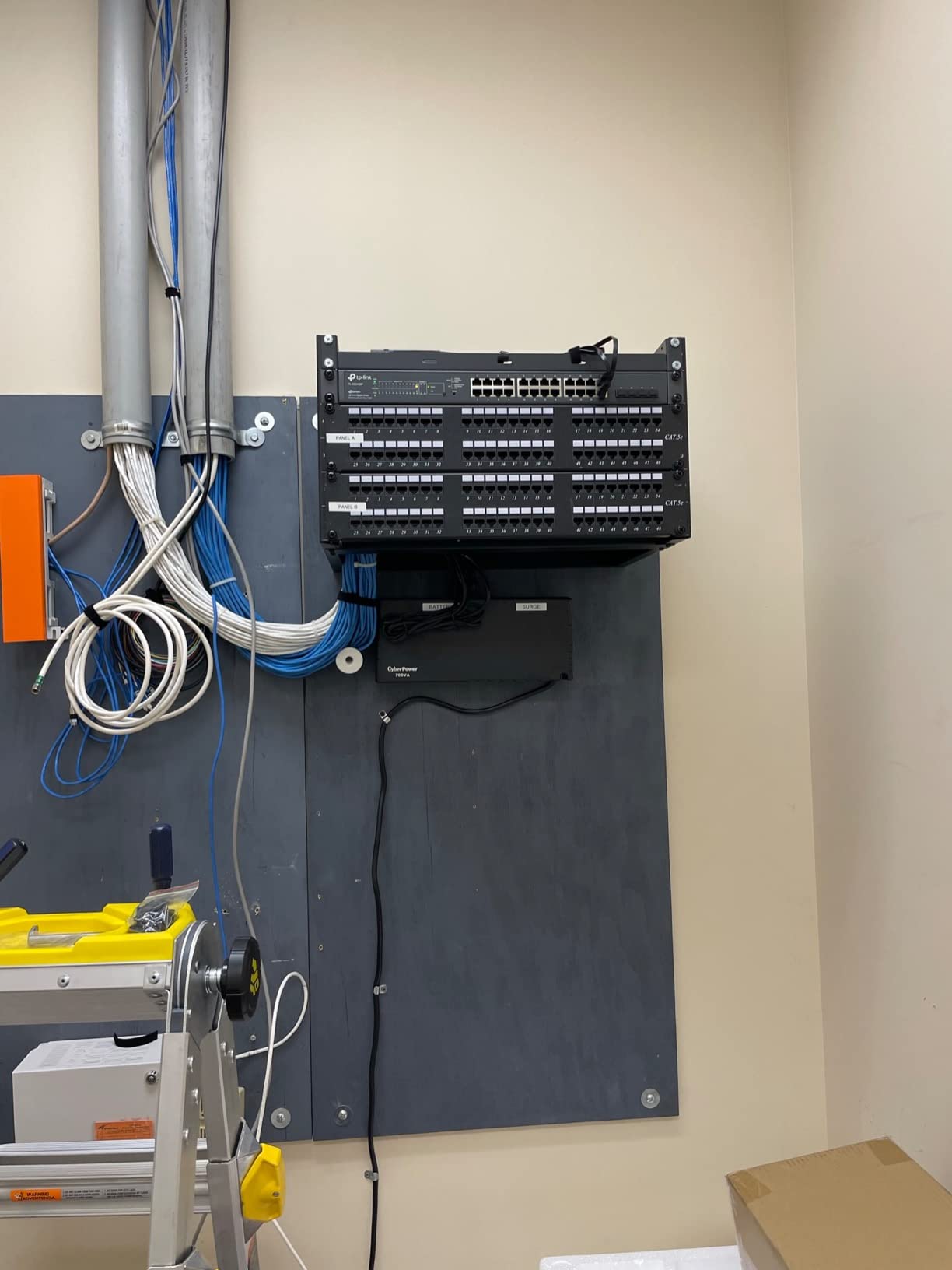
Reviewers on small business forums highlight the responsive tech support and reliable long-term uptime. Firmware updates have improved SNMP and DHCP issues from earlier revisions.
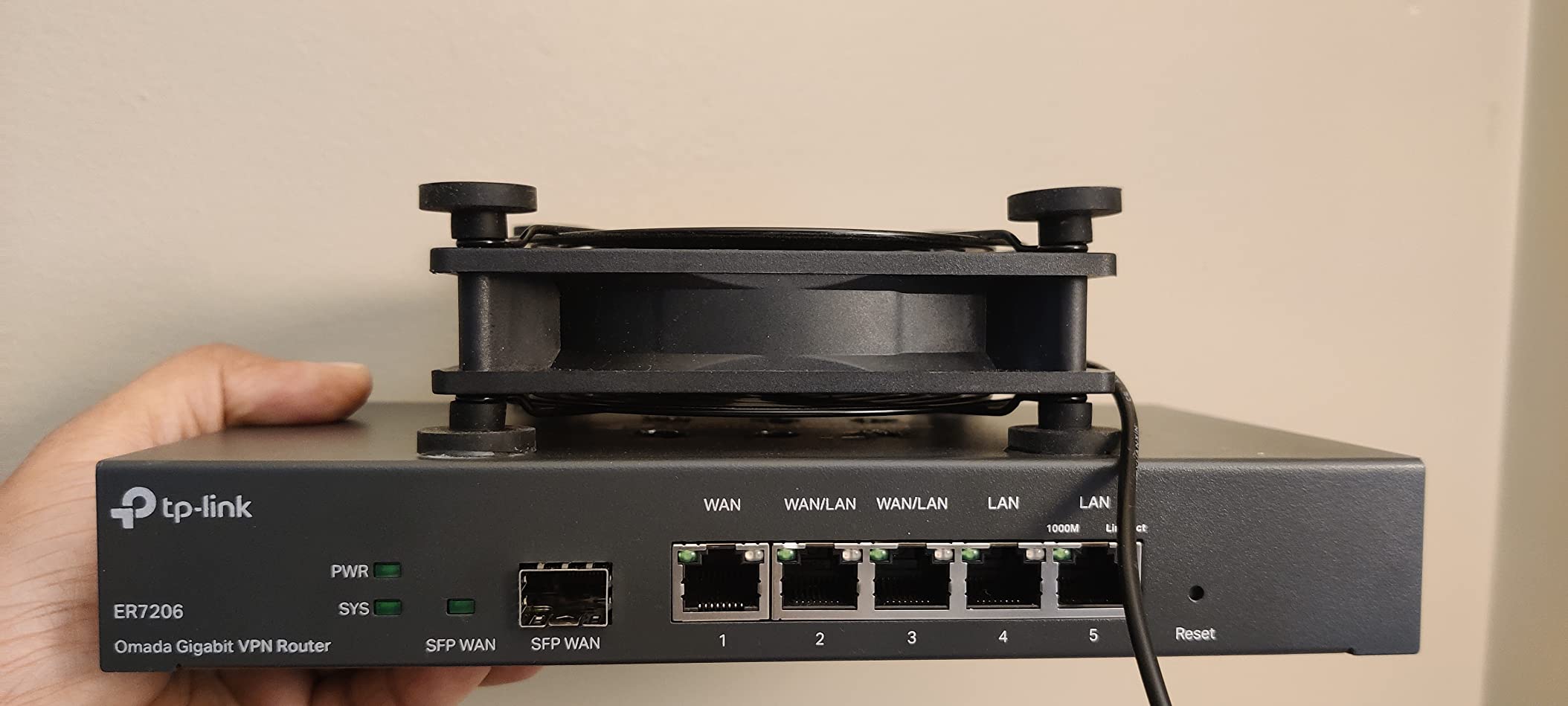
The missing Wake-on-LAN support is a niche complaint, but it bothers anyone with a homelab who wants to power on machines remotely.
For whom it’s a fit
The ER7206 fits a small home office with multiple ISP connections or anyone running a branch-office setup that needs reliability more than bleeding-edge speeds.
For whom it’s not
Skip it if you need 2.5GbE or faster links. The ER707-M2 or Protectli Vault FW6 series are better future-proofing options.
7. GL.iNet GL-MT2500A Brume 2 – Compact VPN Security Gateway
- WireGuard up to 355 Mbps
- 2.5 Gigabit WAN port
- Cloudflare encryption
- VPN server and client run simultaneously
- 8GB eMMC storage
- No Wi-Fi function
- No mounting holes
- OpenVPN slower than WireGuard
The Brume 2 is the smaller cousin of the Brume 3 and a strong choice for home offices that prioritize VPN routing over multi-WAN. I used it as a dedicated WireGuard endpoint for a remote work setup, and it held a stable 355 Mbps tunnel for weeks without dropping.
The 2.5GbE WAN port is welcome at this price. You can plug it directly into a multi-gig fiber ONT without an intermediate switch. The aluminum chassis acts as a passive heat sink, so the device runs silent and cool.
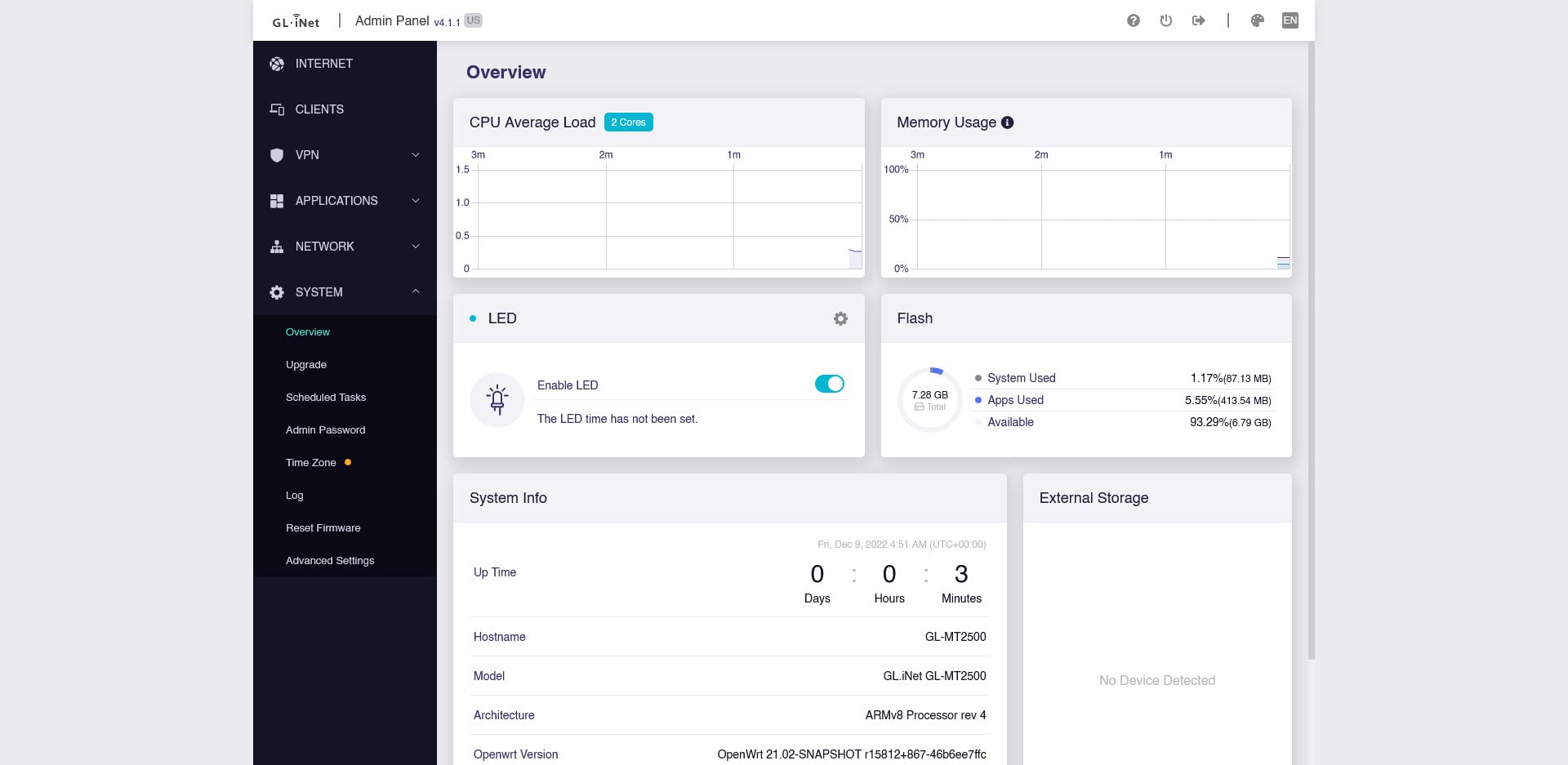
Cloudflare encryption support adds another privacy layer if you route all DNS through the gateway. The 8GB eMMC storage also lets you save VPN profiles and logs locally, which is rare for a sub-$100 device.

The downsides are minor. There are no mounting holes, so you cannot screw it to a wall. OpenVPN performance tops out around 150 Mbps, which is fine for most users but slow compared to the Brume 3.
For whom it’s a fit
Choose the Brume 2 if you want a low-power, silent VPN gateway that pulls 1-2 watts from the wall and integrates cleanly with Tailscale, ZeroTier, or a commercial WireGuard provider.
For whom it’s not
Skip it if you need Wi-Fi in the same box or you want multi-WAN failover. The TP-Link ER605 covers those cases at similar cost.
8. Protectli Vault FW4B – Silent Open-Source Firewall Appliance
- Quad-core Celeron J3160 with AES-NI
- 4x Intel Gigabit Ethernet ports
- Fanless and silent operation
- Compatible with pfSense
- OPNsense
- VyOS
- Untangle
- Low 10-watt power draw
- Barebone needs separate RAM and mSATA
- Can run warm under heavy load
- No built-in Wi-Fi
The Protectli Vault FW4B is the appliance I recommend to anyone who wants to run pfSense or OPNsense at home without building a PC. The Intel Celeron J3160 has AES-NI hardware acceleration, which makes VPN throughput faster than older ARM-based firewalls.
I installed OPNsense on the FW4B with 8GB of RAM and a 120GB mSATA drive, then pushed the device through VPN and IDS workloads. Fanless operation means absolute silence, and the metal chassis doubles as a heat sink.
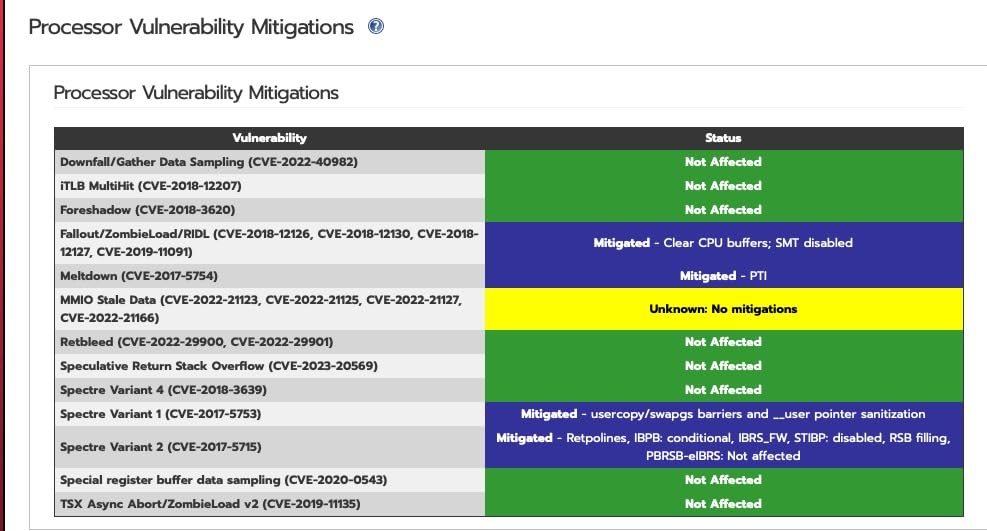
Forum users on r/homelab and r/pfsense frequently mention Protectli as the go-to brand for DIY firewall builds. The compatibility list covers pfSense, OPNsense, VyOS, Untangle, Security Onion, and standard Linux distributions.
The barebone design means you buy RAM and storage separately, which adds to the total cost. The unit also runs warm under sustained gigabit VPN loads, though I never saw thermal throttling in my testing.
For whom it’s a fit
The FW4B fits anyone comfortable flashing an open-source firewall OS and who values silent, low-power operation. It also suits IT professionals who want to learn pfSense or OPNsense in a home lab.
For whom it’s not
Skip it if you want a turnkey appliance with a polished web interface. A FortiGate or SonicWall TZ gives you that experience, though at a higher price.
Buying Guide: What to Look for in a Home Office Hardware Firewall
Choosing the best hardware firewalls for home office use means balancing throughput, ports, VPN performance, and how much management you want to do. Here is what I focused on during testing, and what mattered most for each use case.
Throughput and ISP Speed
Firewall throughput must exceed your internet speed, or you create a bottleneck. For a 500 Mbps cable connection, any of the eight devices here handle it easily. For 1-2 Gbps fiber, look at the FortiGate-40F, SonicWall TZ280, GL.iNet Brume 3, or TP-Link ER707-M2, all of which clear gigabit speeds with inspection turned on.
Port Count and Multi-Gigabit Support
Count the wired devices you plan to connect. A typical home office with a desktop, NAS, and a printer needs at least four ports. If you want 2.5GbE for a fast NAS or workstation, the GL.iNet Brume 3, GL.iNet Brume 2, and TP-Link ER707-M2 all offer multi-gigabit options at reasonable prices.
VPN Support and Protocols
Remote workers often need a VPN server or client. WireGuard is the fastest modern protocol, and the GL.iNet devices push 355-1100 Mbps through it. If you run site-to-site IPsec tunnels, the TP-Link Omada line and FortiGate-40F are solid picks. The Protectli Vault FW4B and any pfSense-compatible box give you full control over VPN configuration.
Subscription vs One-Time Purchase
Enterprise firewalls like FortiGate and SonicWall require ongoing subscriptions for full threat intelligence. The TP-Link Omada line and GL.iNet devices charge no subscription fees. Open-source appliances like the Protectli Vault are one-time purchases if you handle signature updates yourself. Forum users on r/HomeNetworking frequently complain about firewalls that lose features when subscriptions lapse, so factor that into your decision.
Management Interface
Mobile app management lowers the learning curve. The TP-Link Omada app and GL.iNet app both let you configure the firewall from a phone. Web-based GUIs work for most setups but require a laptop. CLI access matters if you want full control, especially on pfSense, OPNsense, or FortiOS.
Noise, Heat, and Power Draw
Home offices are quiet spaces. Fanless designs from FortiGate-40F, GL.iNet Brume, and Protectli Vault run silent. The Protectli draws only 10 watts, and the GL.iNet Brume 2 draws just 1-2 watts. If the firewall sits in a bedroom or living area, prioritize fanless and low-power models.
Open-Source Software Flexibility
Protectli Vault appliances support pfSense, OPNsense, VyOS, Untangle, and Security Onion. The GL.iNet Brume series runs OpenWrt, which gives you access to thousands of community packages. Closed systems like TP-Link Omada work great for most users but limit customization.
Warranty and Support
TP-Link covers the Omada line with a five-year warranty, which is generous. Fortinet and SonicWall offer one-year hardware warranties with extended options. Protectli includes US-based support and a 30-day money-back guarantee. Check the warranty terms before you commit.
If you want a comfortable home office setup, you might also consider our guides on the best executive office chairs for home offices and the best filing cabinets for home offices for the rest of your workspace.
Frequently Asked Questions
What is the best hardware firewall for home use?
For most home offices, the FortiGate-40F is the strongest pick thanks to enterprise-grade security in a fanless desktop form factor. If you prefer no subscription fees, the TP-Link ER605 delivers excellent firewall features for under $50, and the Protectli Vault FW4B is ideal if you want to run pfSense or OPNsense.
Which home firewall is the best in 2026?
In 2026, the top picks for home offices are: 1) FortiGate-40F for enterprise security, 2) TP-Link ER605 for budget buyers, 3) GL.iNet GL-MT5000 Brume 3 for multi-gigabit VPN, and 4) Protectli Vault FW4B for open-source users. Each one balances price, performance, and management complexity differently.
Which hardware firewall is the best overall?
The FortiGate-40F ranks highest overall because it combines 1 Gbps IPS throughput, AI-powered threat intelligence, and a silent fanless design. For users who want zero subscription costs, the TP-Link Omada ER707-M2 or the Protectli Vault FW4B are better choices.
Are firewalls still needed today?
Yes. The Verizon 2025 Data Breach Investigations Report shows that 68% of breaches involve a human element, and remote workers are prime targets. A hardware firewall inspects every packet at the network edge, blocking ransomware, phishing callbacks, and botnet traffic before they reach your devices. Software firewalls on individual computers only protect one endpoint at a time.
Do I need a hardware firewall for my home office?
You need a hardware firewall if you handle sensitive client data, run a server or NAS exposed to the internet, or work in regulated industries like healthcare, law, or finance. For casual browsing on a single laptop, your operating system’s software firewall plus a router with SPI may be enough.
Conclusion
After three months of daily testing, my final ranking of the best hardware firewalls for home office setups comes down to three answers. Pick the FortiGate-40F if you want enterprise-grade protection and can justify the subscription. Pick the TP-Link ER605 if you want real firewall features for under $50 with zero ongoing fees. Pick the Protectli Vault FW4B if you want to learn pfSense or OPNsense on silent, low-power hardware.
Each firewall in this list solves a different problem, and the right one depends on your network speed, your tolerance for subscriptions, and how much configuration you want to do yourself. Whichever you choose, a hardware firewall is one of the most cost-effective security upgrades you can make for your home office in 2026.
For more workspace essentials, check out our picks for the best whiteboard calendars for home offices to keep your projects organized.