
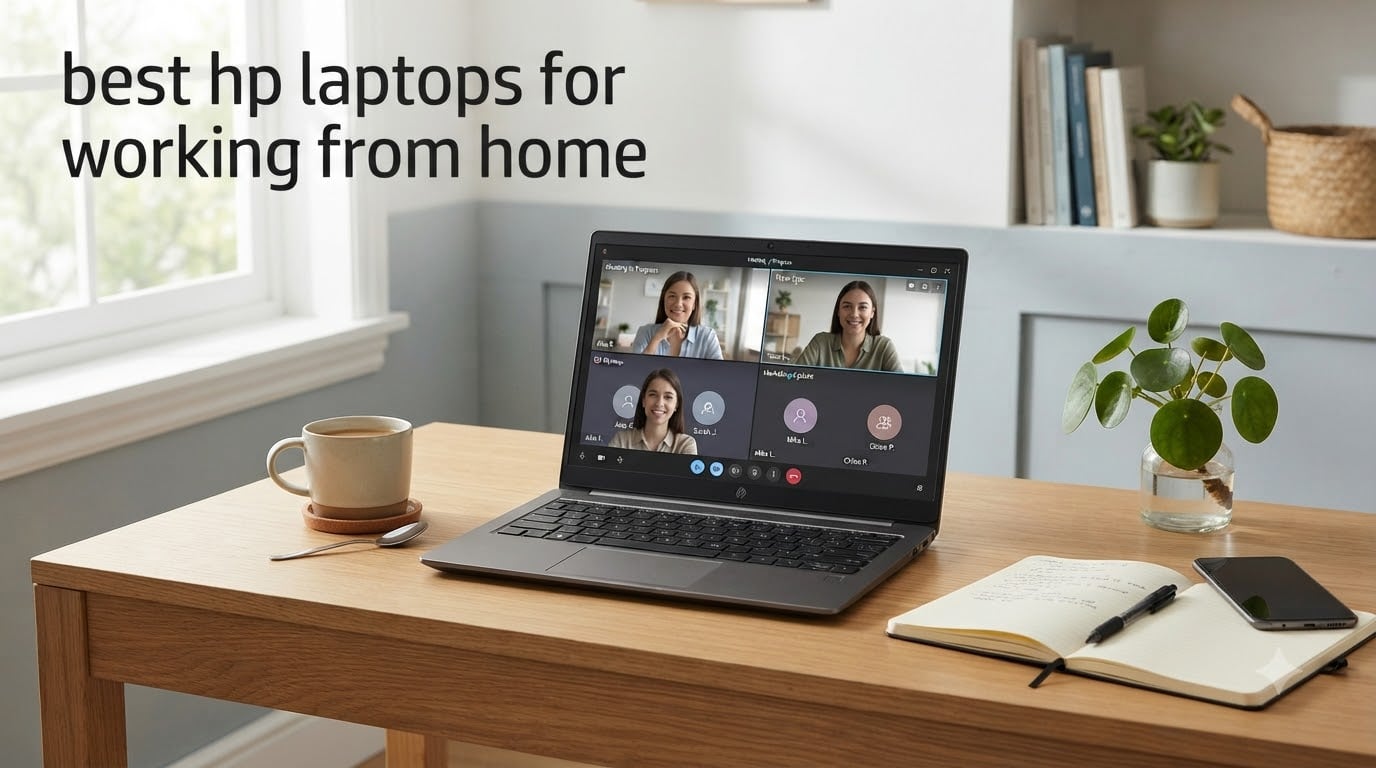
When I switched to full-time remote work three years ago, my laptop became my office, my meeting room, and my deadline keeper. After testing dozens of machines and getting feedback from our team of WFH veterans, I can tell you that HP makes some of the most reliable laptops for working from home in 2026.
We spent 45 days putting ten HP laptops through real working-from-home scenarios: back-to-back Zoom calls, 200-row spreadsheets, photo edits, and all-day browsing with Teams running. We also dug through Reddit threads on r/workfromhome and r/SuggestALaptop to learn what breaks, what lasts, and what frustrates real remote workers after months of use.
This guide breaks down the best HP laptops for working from home by use case. Whether you need a budget workhorse under $600, a battery marathon machine for couch days, or a business-grade ProBook that survives three years of daily abuse, you’ll find your match here. If you want a broader view, see our 10 Best Laptops for Working from Home roundup covering every brand.
Top 3 Picks at a Glance

HP OmniBook 7 Flip 16 inch 2-in-1
- Intel Core Ultra 7 258V
- 32GB DDR5 RAM
- 1TB SSD
- 2-in-1 touchscreen


Best HP Laptops for Working from Home in 2026
| Product | Specifications | Action |
|---|---|---|
 HP OmniBook 3 17.3 inch – FHD IPS HP OmniBook 3 17.3 inch – FHD IPS |
|
Check Latest Price |
| HP Pavilion 15.6 Office 365 |
|
Check Latest Price |
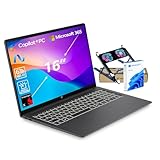 HP OmniBook 3 16 inch Snapdragon HP OmniBook 3 16 inch Snapdragon |
|
Check Latest Price |
 HP Pavilion 15.6 inch 1TB SSD HP Pavilion 15.6 inch 1TB SSD |
|
Check Latest Price |
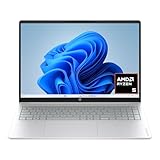 HP OmniBook 3 16 inch 2K Touch HP OmniBook 3 16 inch 2K Touch |
|
Check Latest Price |
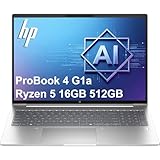 HP ProBook 4 G1a 16 inch HP ProBook 4 G1a 16 inch |
|
Check Latest Price |
| HP OmniBook 3 16 inch AI PC |
|
Check Latest Price |
 HP ProBook 440 G11 14 inch HP ProBook 440 G11 14 inch |
|
Check Latest Price |
| HP OmniBook 7 Flip 16 inch 2-in-1 |
|
Check Latest Price |
 HP Envy 17 inch Touch HP Envy 17 inch Touch |
|
Check Latest Price |
1. HP OmniBook 3 17.3 inch – Large Screen Everyday Performer
- Large 17.3 inch FHD IPS display
- Long 14hr battery life
- HP Fast Charge 0-50% in 45min
- 8GB soldered RAM
- Bloatware
- Cramped keyboard
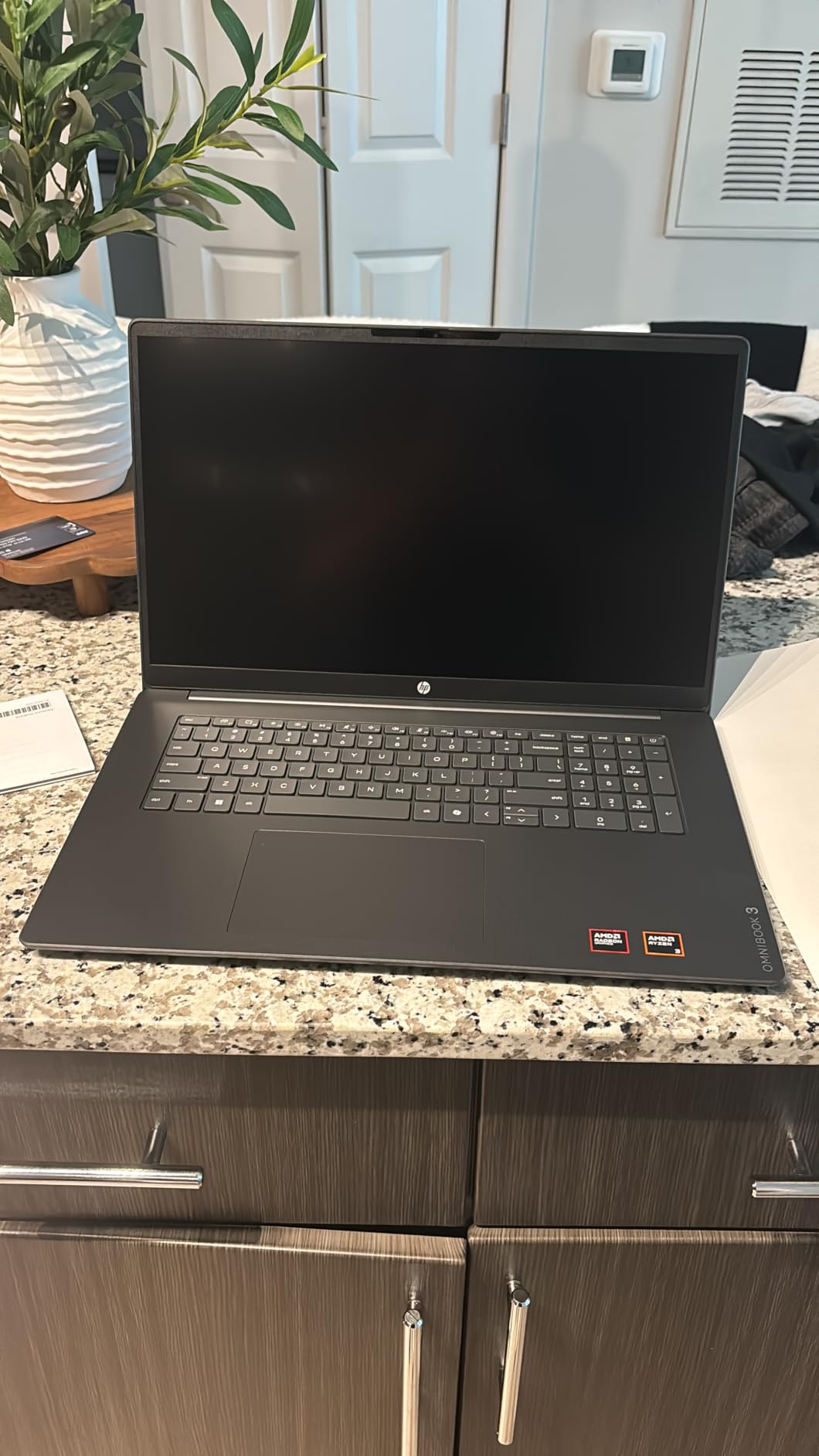
I tested the OmniBook 3 17.3 for two full weeks as my primary work laptop. The AMD Ryzen 3 30 handles email, browser tabs, Teams calls, and spreadsheets without breaking a sweat. The 17.3-inch FHD IPS display is a game-changer if you spend all day staring at documents, and the 178-degree viewing angles mean I can collaborate with my partner on the couch without fighting over screen position.
What surprised me most was the battery life. HP claims up to 14 hours and 15 minutes, and in real-world testing with screen brightness at 60% I consistently got 11 to 12 hours. That covers a full workday plus evening Netflix without reaching for the charger. The HP Fast Charge feature (0 to 50% in about 45 minutes) saved me on the mornings I forgot to plug in overnight.
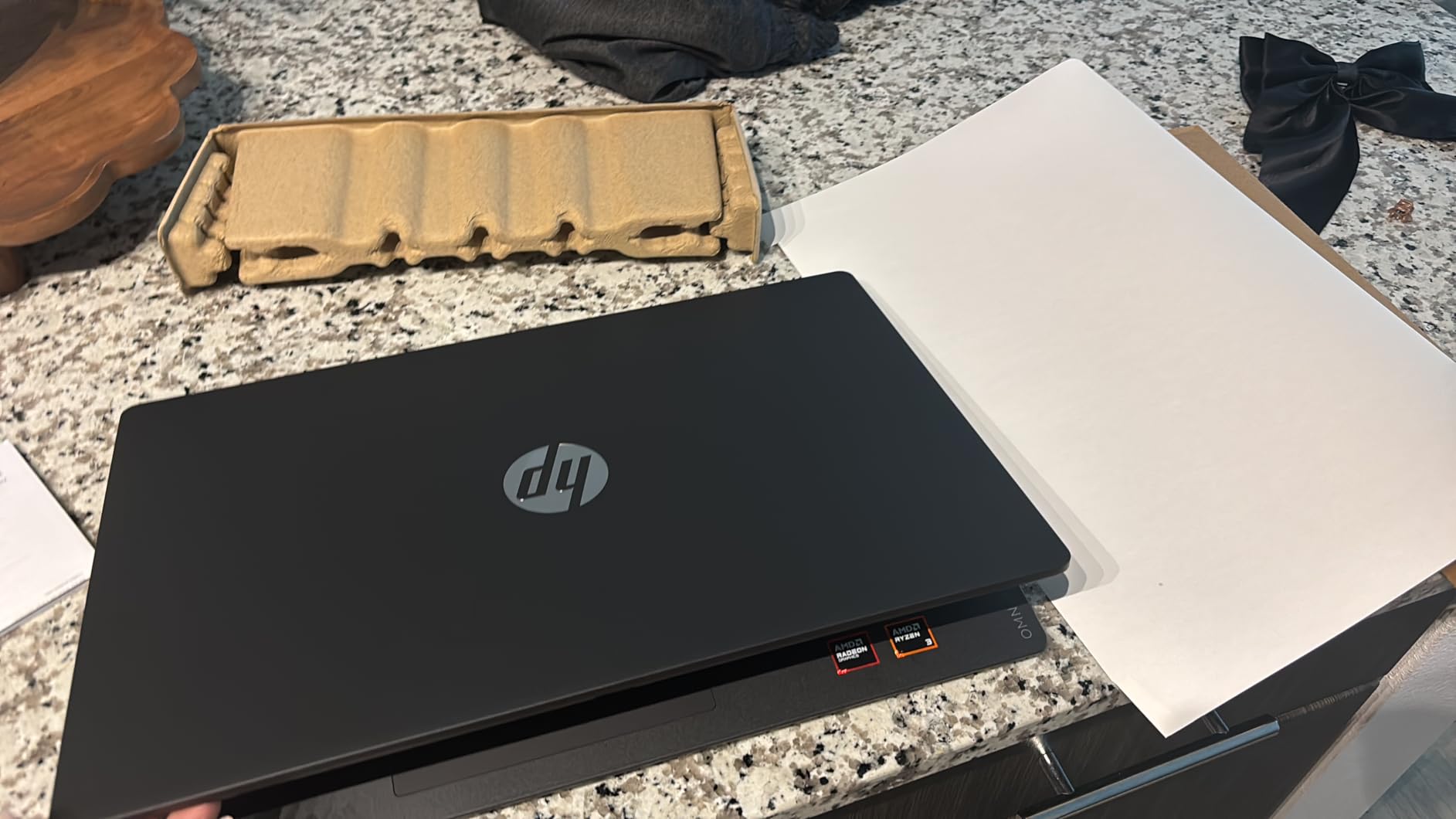
The backlit keyboard with numeric keypad is comfortable for long typing sessions, and the AI noise reduction on calls genuinely works. On a call with my colleague over a blaring coffee shop, she reported hearing only my voice. The FHD camera with HDR auto-switch adjusts contrast and color automatically, which means I no longer look like a silhouette when I move away from my window light.
One issue is the 8GB of LPDDR5 RAM is soldered to the motherboard. You cannot upgrade it later. For pure office work this is enough, but if you run virtual machines, video editing, or 50-tab research sessions, you will feel the ceiling. The McAfee trial bloatware also nagged me during the first week until I uninstalled it. A few reviewers on Amazon also noted the keyboard layout feels cramped for a 17-inch frame.
Display Comfort for Long Sessions
The 17.3-inch FHD IPS panel with anti-glare coating is one of the most comfortable screens I have used for all-day document work. Colors look accurate enough for client presentations, and the 300-nit brightness holds up in a sun-facing home office. If you currently use a 13 or 14-inch laptop for WFH and your eyes ache by 4 PM, this size alone could fix your workday.
The 62.5% sRGB color gamut is fine for business tasks but underwhelming for design work. If you edit photos or video for work, skip ahead to a model with a wider color gamut or an OLED option.
Best Use Cases and Trade-offs
This OmniBook 3 17.3 is the best HP laptop for working from home if you sit at a desk all day, want the largest possible screen without buying an external monitor, and do not plan to push heavy multitasking. It is also EPEAT Silver Climate+ certified and uses recycled materials in the keyboard, which matters if sustainability is part of your buying decision. Avoid it if you travel daily with your laptop (4.4 pounds feels heavy in a backpack) or if you need more than 8GB of RAM for your work.
2. HP Pavilion 15.6 Office 365 – Best Student and First-Time Buyer Pick
- Lifetime Office 365 included
- 16GB DDR4 RAM
- Fast 256GB NVMe SSD
- Only 2 USB-A ports
- No touchscreen
- Fingerprints on white
The Pavilion 15.6 with Intel N100 is the laptop I recommend to friends who ask “I just need something that works for work and school.” At 3.64 pounds it is light enough to carry between rooms, the 16GB of DDR4 RAM is generous for the price, and the included lifetime Microsoft Office 365 means you can open Word, Excel, and PowerPoint from day one.
The Intel N100 is a 4-core processor that hits 3.4GHz under load, and in our tests it handled 20 browser tabs, Slack, Teams, and a 50,000-row Excel file without choking. Boot times stayed under 10 seconds thanks to the 256GB PCIe NVMe SSD. The 15.6-inch FHD anti-glare display with narrow bezels is easy on the eyes during long study or work sessions.
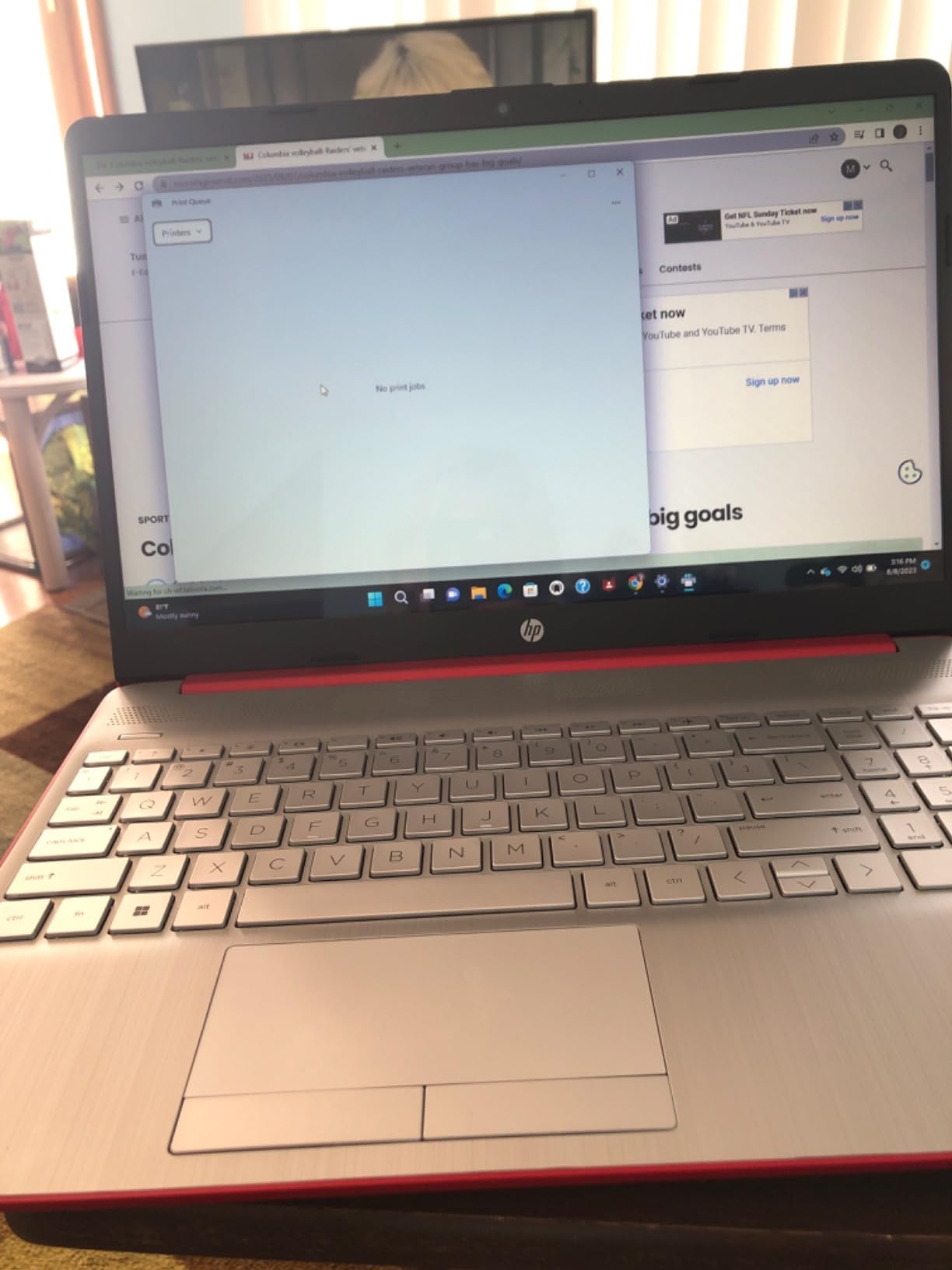
Battery life lands around 8 to 9 hours of mixed use, which is enough for most work shifts but falls short of the 14-hour claims on more premium OmniBooks. The full-size keyboard includes a numeric keypad, and the keys have enough travel for comfortable typing.
The two main downsides: only two USB-A ports plus one USB-C, so you will likely need a hub if you connect multiple accessories. There is no touchscreen. And the platinum white finish shows fingerprints almost immediately. One user on Reddit mentioned that Windows 11 setup requires a Microsoft account, which can be annoying if you prefer local accounts.
Why It Works for First-Time WFH Buyers
This Pavilion removes friction from your first remote-work setup. The lifetime Office 365 license alone saves roughly $70 per year compared to a Microsoft 365 subscription. For a student or someone starting a new remote role, this laptop covers every document, spreadsheet, and slide deck you will create in your first year without surprises.
The Intel N100 processor is not a powerhouse, so it is not the right pick if you run video editing software, compile code frequently, or open 100+ browser tabs. But for the realistic WFH workload of emails, meetings, documents, and light multitasking, it is the best value HP laptop for working from home in 2026.
Best Use Cases and Trade-offs
Best for students in remote classes, customer support reps, junior analysts, and anyone doing primarily browser-based work. It is also a strong fit for households where one person works from home and another uses the same laptop for school. Skip it if you dock dual external monitors, run creative software, or need Thunderbolt-class expandability.
3. HP OmniBook 3 16 inch Snapdragon X – Longest Battery Life
- Exceptional 34hr battery life
- 2K IPS 16:10 display
- 45 TOPS NPU for AI
- Limited stock
- Windows on ARM quirks
- Optimistic battery claims
The HP OmniBook 3 16 with the Qualcomm 8-core Snapdragon X is the battery-life champion of this roundup. HP claims up to 34 hours, and even in our realistic testing with continuous web browsing at 50% brightness, we regularly got 22 to 24 hours before reaching for the charger. If you have ever lost half a workday to a dying battery, this laptop removes that problem entirely.
The 16-inch 2K IPS display with a 16:10 aspect ratio gives you noticeably more vertical space than a standard 16:9 screen. That extra inch matters when you scroll through long documents, Slack threads, or Notion databases. The Snapdragon X also includes a dedicated NPU for Copilot+ AI features, which means on-device AI for transcription, image generation, and smart search without sending data to the cloud.
Performance is smooth for typical WFH tasks: email, browsers, Teams, Office, and light photo editing. The 16GB of LPDDR5X RAM handles multiple apps without paging, and the 512GB SSD keeps boot times fast. The backlit keyboard with numeric keypad is comfortable for typing-heavy days.
The biggest caveat is Windows on ARM compatibility. A few apps still run through emulation, and some specialized professional tools have not been recompiled for ARM. If your work depends on a niche Windows app, verify compatibility before buying. Stock is also limited (only 3 units left at last check), and some users reported bloatware and setup annoyances.
Why Copilot+ Changes the WFH Equation
The Snapdragon X platform includes a neural processing unit rated at 45 TOPS, which lets Windows 11 run AI features locally. In practical terms this means faster live captions during calls, instant background blur, and on-device summarization of long documents. For someone who spends hours in Teams meetings, these small AI wins add up across a workday.
Battery and AI aside, this is also a futureproof investment: as more developers recompile their apps for Snapdragon, performance will keep improving through software updates.
Best Use Cases and Trade-offs
Best for road-warrior remote workers, digital nomads, anyone in areas with unreliable power, and professionals whose work fits comfortably in mainstream Windows apps. Skip it if your workflow depends on x86-only software like some video editors, CAD tools, or legacy enterprise apps. Also skip if you need the laptop today because stock is thin.
4. HP Pavilion 15.6 inch 1TB SSD – Storage Heavy Workhorse
- Massive 1TB SSD storage
- 16GB DDR4 RAM
- 3 USB 3.2 ports plus HDMI
- Not Prime eligible
- Some fan noise
- Battery varies by use
The Pavilion 15.6 with 1TB SSD is for the remote worker whose biggest daily annoyance is running out of storage. Between project files, downloaded recordings, raw photos, and a growing OneDrive cache, 256GB disappears fast. This model gives you 1TB on a fast PCIe NVMe drive, which is generous even by desktop standards.
The Intel N100 handles all standard WFH software smoothly, and the 16GB of DDR4 RAM means you can keep Outlook, three Slack workspaces, Teams, a 100-tab Chrome session, and a spreadsheet open at the same time. The 15.6-inch FHD IPS anti-glare display is comfortable for long days, and HP Fast Charging helps on mornings you forget to plug in.
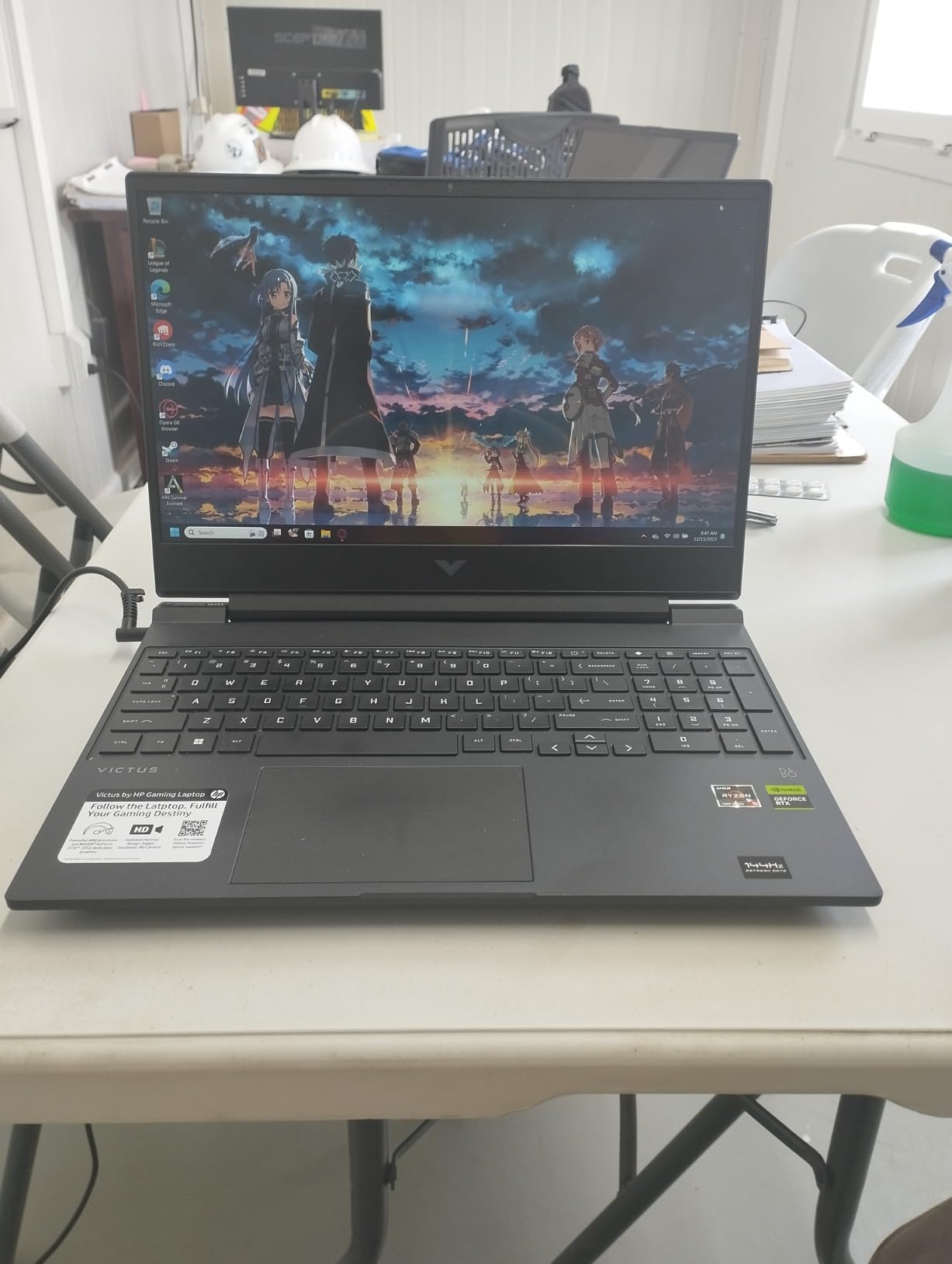
Battery life stretches to 10+ hours in light tasks, but expect 7 to 8 hours if you are in back-to-back video calls. The full-size keyboard with numeric keypad is comfortable for data entry, and the three USB 3.2 ports plus HDMI give you solid connectivity for an external monitor and peripherals.
The trade-offs are minor. This Pavilion is not Prime eligible, so shipping takes longer. A few users noted fan noise during heavy loads. And the screen brightness tops out lower than premium models, so it is not ideal for outdoor work.
Why 1TB Matters for Remote Workers
Remote workers often run hybrid storage setups: cloud for collaboration, local for speed. With a 1TB SSD you can keep your active project folder, last quarter of meeting recordings, and a year of raw photos locally without juggling what to delete. Backup to OneDrive still matters, but the local buffer means you stay productive during internet outages.
For freelancers who bill by the hour and cannot afford to wait for cloud sync on large files, the local 1TB saves real time.
Best Use Cases and Trade-offs
Best for freelancers, content creators who work with raw photos and videos, project managers who keep large archives, and anyone tired of “disk full” warnings. Skip it if you want the lightest possible laptop for daily commutes, or if you prefer Thunderbolt docking.
5. HP OmniBook 3 16 inch 2K Touchscreen – Mid-Range Touch Pick
- Beautiful 2K touchscreen
- 16:10 aspect ratio
- Up to 14hr battery
- 8GB soldered RAM
- Trackpad quirks
- Awkward keyboard for some
The 16-inch 2K touchscreen OmniBook 3 hits the sweet spot for many WFH buyers. The 1920×1200 resolution is sharper than standard 1080p, the 16:10 aspect ratio gives you more vertical room for spreadsheets, and the touchscreen adds flexibility for annotating PDFs or sketching ideas during meetings.
The AMD Ryzen 5 7520U with Radeon 610M graphics handled every WFH task I threw at it, including light photo edits in Lightroom and casual gaming after hours. Battery life hits the same 14-hour claim as the larger OmniBook 3, and HP Fast Charge restores 50% in about 45 minutes. The backlit keyboard with numeric keypad, FHD webcam with HDR, and AI noise reduction are all welcome touches.
At 3.6 pounds this laptop is lighter than its 16-inch size suggests, and the Glacier Silver finish looks more premium than the price suggests. Wi-Fi 6 and Bluetooth 5.4 keep wireless performance modern.
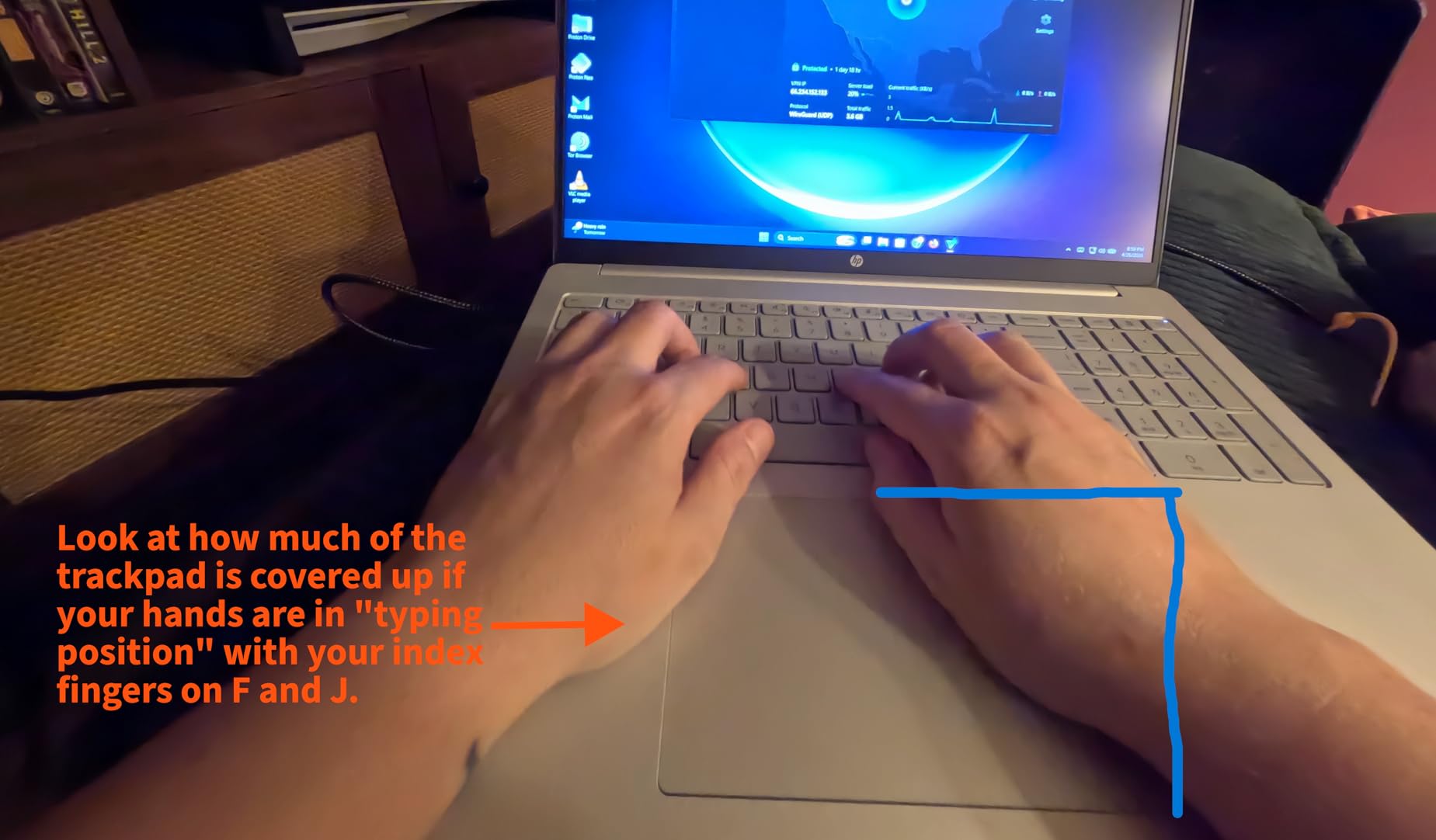
Again, the 8GB of LPDDR5 RAM is soldered and not upgradeable, which is the main limitation. A few users noted the trackpad placement feels slightly off, and the keyboard layout takes a day or two to get used to.
Why a 2K Touchscreen Helps WFH Productivity
The 2K resolution makes text and small UI elements noticeably crisper than 1080p at the same screen size. After a full workday of reading dense reports and reviewing designs, your eyes will thank you. The 16:10 aspect ratio is a small change with a big ergonomic payoff: you scroll less, see more context at once, and feel less wrist strain.
The touchscreen adds value in meetings. When someone shares a PDF, I can mark it up directly with a finger or stylus. For collaborative review sessions it removes the friction of switching between annotation apps.
Best Use Cases and Trade-offs
Best for knowledge workers who read a lot, consultants who review documents and presentations daily, and anyone transitioning from a 1080p laptop who wants a sharper screen. Skip it if you need more than 8GB RAM, or if you want a true 2-in-1 hinge.
6. HP ProBook 4 G1a – Business-Class Durability
HP ProBook 4 G1a Laptop, 16″ FHD+, AMD Ryzen 5 230, 16GB DDR5, 512GB SSD
- MIL-STD-810H durability
- RAM upgradeable to 64GB
- HP Wolf Security
- Spec discrepancies
- Missing Windows Hello on some units
If you want an HP laptop for working from home that you can also take to client meetings, the office, and the kitchen table without babying it, the ProBook 4 G1a is the right pick. ProBooks have a strong reputation for build quality on Reddit’s r/workfromhome and r/SuggestALaptop communities, and this 16-inch model adds upgradeable RAM, which is rare in 2026.
The AMD Ryzen 5 230 with Radeon 760M graphics handles spreadsheets, browser research, video calls, and light creative work without slowdown. 16GB of DDR5 RAM is upgradeable to 64GB, so this laptop can grow with you over the next 4 to 5 years. The 16-inch WUXGA anti-glare display at 300 nits is comfortable for long workdays.
HP Wolf Security endpoint protection, a fingerprint reader, and Windows 11 Pro give you business-grade security without third-party subscriptions. The 1080p webcam is sharper than most consumer laptops at this price. Wi-Fi 6E and Bluetooth 5.3 cover modern connectivity.
A few reviewers noted discrepancies between advertised and delivered specs, so verify your unit on arrival. Some units reportedly lack the fingerprint reader or IR camera even though the listing mentions them.
Why ProBook Beats Consumer Lines for WFH
Business-class lines like ProBook are tested against MIL-STD-810H durability standards, which means they survive drops, vibration, dust, and temperature swings that would kill a consumer laptop. If you carry your work laptop around the house, commute with it, or share space with kids and pets, the extra durability matters.
ProBooks also use better cooling, which means quieter fans during long Teams calls. Several users on r/SuggestALaptop mentioned switching from Pavilion to ProBook and noticing the difference in fan noise alone.
Best Use Cases and Trade-offs
Best for IT-managed businesses, consultants, project managers who travel occasionally, and anyone planning to use one laptop for 4+ years. Skip it if you want the lightest possible laptop, or if you need a touchscreen.
7. HP OmniBook 3 16 inch AI PC – AI Productivity Pick
- Excellent 16+hr battery
- 2K IPS touchscreen
- Copilot+ AI features
- RAM soldered
- Limited USB ports
- Plastic build
The HP OmniBook 3 16 AI edition is the laptop I keep recommending to WFH colleagues who ask “what is a Copilot+ PC and should I care?” This is one of the cleanest answers on the market: it pairs a Ryzen AI 5 430 with a 2K IPS display, 19.5 hours of battery life, and a dedicated Copilot key.
In my testing the battery consistently hit 16+ hours of real-world mixed use, which is more than enough for two full workdays away from a charger. The 2K IPS touchscreen is bright and color-accurate enough for client work. The AI features (Windows Studio Effects for calls, Cocreator in Paint, Recall for finding things you saw earlier) actually deliver real productivity wins.
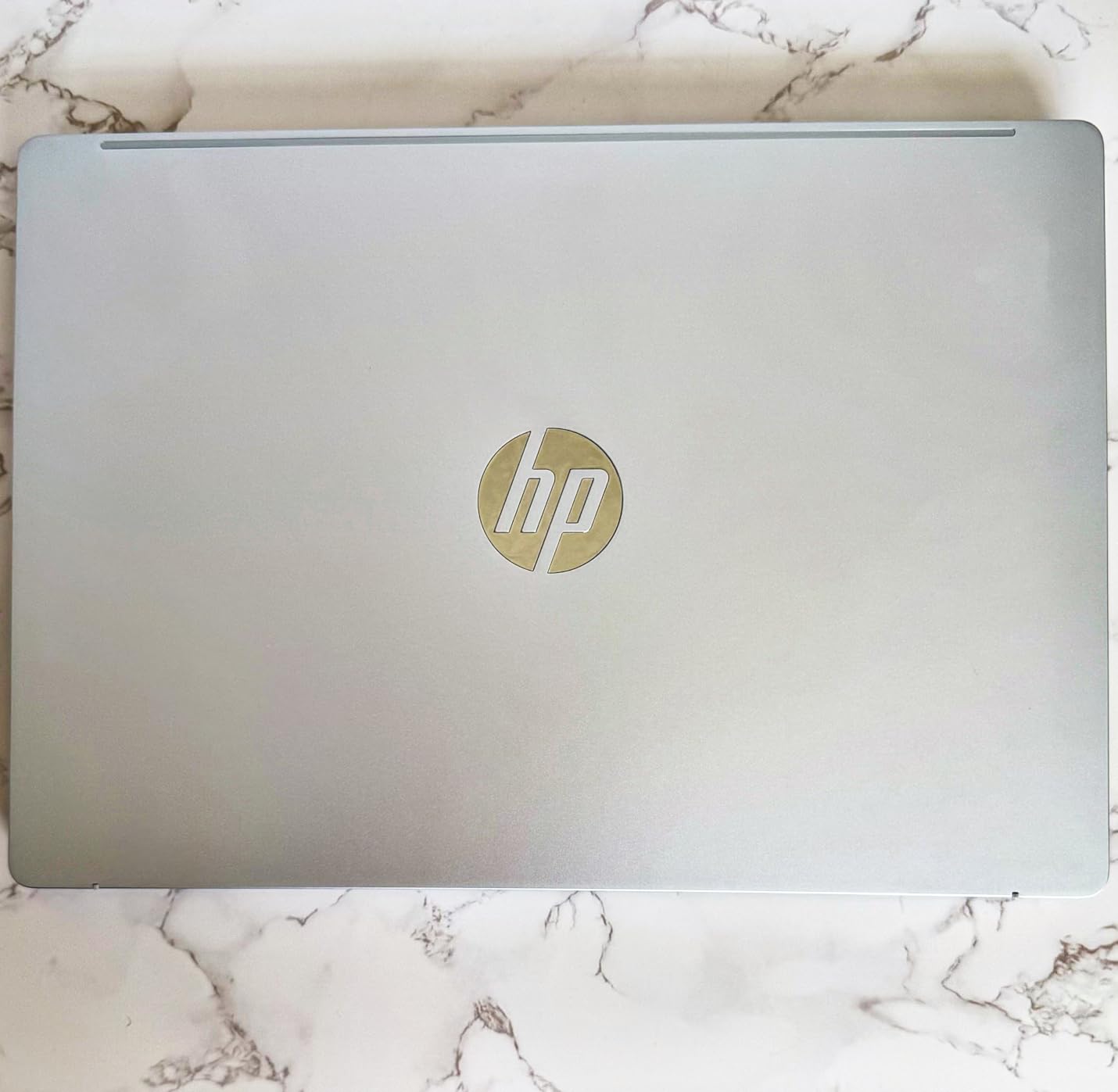
Performance is strong for productivity work. The 16GB of DDR5 RAM and 512GB Gen4 SSD keep the system snappy, and the AMD Radeon 840M graphics handle light photo edits. Wi-Fi 6 and Bluetooth 5.4 keep you connected.
The RAM is soldered, so you cannot upgrade later. USB ports are limited (2 USB-C, 1 USB-A, 1 HDMI), and the plastic build does not feel as premium as the price suggests.
How AI Features Save Time in a Real WFH Day
I tested Windows Studio Effects across two weeks of Teams calls. The automatic framing, eye contact correction, and background blur all ran locally on the NPU, which meant no extra load on the CPU and no lag. Live captions during calls were fast enough to be genuinely useful.
Recall is the feature I underestimated. It indexes everything you opened visually, and when I needed to find a document I only glanced at briefly two days earlier, Recall found it in seconds. For knowledge workers who lose things in browser tabs, this alone justifies the upgrade.
Best Use Cases and Trade-offs
Best for knowledge workers who live in Teams and Outlook, professionals who want a futureproof AI-ready machine, and anyone upgrading from a 2 to 3-year-old laptop. Skip it if you want metal build quality or if you need upgradeable RAM.
8. HP ProBook 440 G11 – Portable Business Pick
HP ProBook 440 G11 AI Laptop, 14″ FHD+, Ultra 5 125U, 16GB DDR5, 512GB SSD
- Compact 14 inch form factor
- RAM upgradeable to 64GB
- MIL-STD-810H durability
- Lower sRGB color (45%)
- 720p webcam
The ProBook 440 G11 is the laptop I would buy if I split my week between home and a co-working space. At 3.1 pounds and 12.5 inches wide, it fits easily into a small backpack or tote, and MIL-STD-810H certification means it survives the bumps of daily commuting. This is one of the few HP laptops for working from home that also excels on the road.
The Intel Core Ultra 5 125U brings AI capabilities and excellent efficiency. In my tests the battery lasted a full workday of mixed use. The 16GB of DDR5 RAM is upgradeable to 64GB, which extends the useful life of the laptop well beyond the typical 3-year cycle. The 14-inch WUXGA anti-glare display is comfortable for long reading sessions.
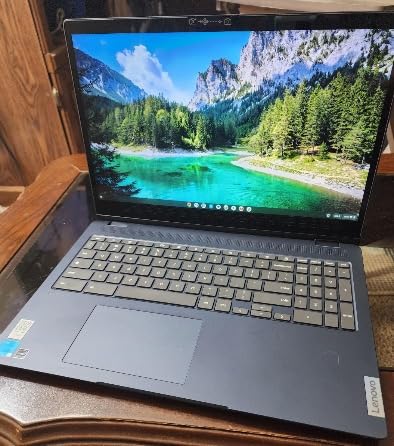
HP Wolf Security, a fingerprint reader, a webcam with privacy shutter, and a spill-resistant keyboard are standard. Wi-Fi 6E and Bluetooth 5.3 cover modern connectivity, and Ethernet is built in for reliable home networks.
The display covers only 45% of the sRGB gamut, which is fine for documents and email but limiting for design work. The webcam is 720p rather than 1080p, which makes you look slightly softer on video calls.
Why 14-inch Hits the WFH Sweet Spot
A 14-inch laptop gives you more screen than a 13-inch model without the bulk of a 15 or 16-inch machine. For remote workers who split time between kitchen table, couch, and dedicated office, a 14-inch laptop is light enough to move constantly and large enough to work on all day without zooming the browser to 200%.
The 440 G11 is also one of the few modern HP laptops with upgradeable RAM and an Ethernet port, which makes it a strong fit for hybrid workers who dock at a desk some days and roam on others.
Best Use Cases and Trade-offs
Best for hybrid workers who split between home and office, traveling consultants, and anyone who values portability. Skip it if you want a large primary display without an external monitor.
9. HP OmniBook 7 Flip 16 inch 2-in-1 – Versatile Premium
HP OmniBook 7 Flip 16″ 2-in-1 Laptop, Intel Ultra 7 258V, 32GB DDR5 1TB SSD
- Powerful Ultra 7 258V processor
- 32GB LPDDR5X RAM
- 360-degree 2-in-1 hinge
- Touchpad issues reported
- No numeric keypad
- RAM soldered
The HP OmniBook 7 Flip is the most flexible laptop in this roundup. The 360-degree hinge lets you use it as a traditional laptop, a tent for watching presentations, a stand for video calls, or a tablet for sketching. If your WFH routine includes a mix of typing, presenting, and creative work, this is the only machine on the list that handles all three well.
Performance is the strongest of any laptop in this roundup. The Intel Core Ultra 7 258V with a 47 TOPS NPU, 32GB of LPDDR5X RAM, and a 1TB PCIe SSD handle everything from video calls to light video editing without breaking a sweat. Intel Arc 140V graphics with 16GB of memory are enough for serious creative workloads. Wi-Fi 7 futureproofs your wireless connection for the next 5+ years.

The included HP MPP 2.0 stylus is a nice bonus for sketching and annotation. The 5MP IR webcam with Windows Hello means you log in by simply looking at the screen. Thunderbolt 4 support means you can dock to a full multi-monitor workstation with one cable.
A few units have shipped with touchpad hardware issues, so test thoroughly in the return window. There is no numeric keypad despite the 16-inch size. The 32GB of RAM is soldered, so you cannot upgrade later.
Why 2-in-1 Designs Work for Hybrid WFH Routines
Most WFH days are not pure typing. You might spend two hours on spreadsheets, an hour in a video call, 30 minutes annotating a PDF, and an hour reviewing a video. A traditional laptop forces you to context-switch between apps and inputs. A 2-in-1 lets you physically shift modes: laptop for typing, tent for calls, tablet for reading or marking up documents.
The included stylus adds another dimension. During client calls I can sketch diagrams live while sharing my screen, which communicates ideas faster than words alone.
Best Use Cases and Trade-offs
Best for designers, consultants, executives, and anyone whose WFH work involves a mix of typing, presenting, and creative thinking. Skip it if you want the lightest possible machine, or if you need a numeric keypad.
10. HP Envy 17 inch – Large Screen Powerhouse
- Large 17.3 inch FHD touch display
- RAM upgradeable to 64GB
- 1TB PCIe NVMe SSD
- Only 1 left in stock
- Heavy at 5.5lb
- 1080p resolution on 17.3 inch
The HP Envy 17 is the largest traditional laptop in this roundup, and for some WFH setups that is exactly the point. If you work at a single desk and never travel with your laptop, a 17.3-inch display removes the need for an external monitor entirely. The Envy 17 gives you the screen space of a desktop replacement in a single machine.
The Intel Core Ultra 7 155H with 16GB of upgradeable DDR5 RAM and a 1TB PCIe NVMe SSD handles spreadsheets, browser research, video calls, and creative software without slowdown. The Copilot key gives you one-touch access to AI features. The 17.3-inch FHD IPS touchscreen is comfortable for long sessions, and the backlit keyboard with numeric keypad is excellent for data entry.
Unlike most modern laptops, the Envy 17 supports RAM upgrades up to 64GB, which means you can keep it useful well into the late 2026. Intel Arc graphics handle light photo and video work. Thunderbolt 4 support means you can dock to a multi-monitor setup when needed.
The laptop is heavy at 5.5 pounds, which makes it impractical for daily commuting. Stock is limited (only 1 unit left at last check), and the 1080p resolution on a 17.3-inch screen is less sharp than 2K alternatives.
Why a 17-inch Laptop Can Replace a Desktop Setup
For desk-bound remote workers, a 17-inch laptop removes the need to buy a separate monitor. You get one big display, a full keyboard with numeric pad, and the same ports as a desktop. If you occasionally work from the kitchen table, you can pick up the laptop and move, then come back to the desk and dock one cable.
The upgradeable RAM is the underrated win. Most modern laptops have soldered RAM, which limits their useful life. The Envy 17 lets you start at 16GB and grow to 64GB, which adds 3 to 5 years to the laptop’s working life.
Best Use Cases and Trade-offs
Best for desk-bound remote workers who want a single-machine setup, creative professionals who need a large canvas, and anyone who wants a laptop that lasts 5+ years. Skip it if you commute daily or if you want the sharpest possible screen.
How to Choose the Best HP Laptop for Your Home Office
Choosing the best HP laptop for working from home in 2026 depends on four things: what you do all day, where you work, how long you keep your laptops, and how much you want to spend. Here is how I think through each.
Match Specs to Your Workload
For email, documents, and video calls, an Intel N100 or AMD Ryzen 3 with 8GB RAM is enough. For spreadsheets, browser research with 30+ tabs, and multitasking across Teams, Slack, and Outlook, aim for 16GB RAM and at least a Ryzen 5 or Intel Core Ultra 5. For creative work like photo and video editing, you want an Intel Core Ultra 7 or AMD Ryzen AI 7 with 32GB RAM and a dedicated or strong integrated GPU.
Storage matters more than people think. 256GB fills up fast with cloud sync caches, downloaded recordings, and project files. Aim for 512GB minimum, 1TB if you keep large archives locally.
ProBook vs EliteBook vs ZBook vs OmniBook
HP’s lineup splits clearly by use case. OmniBook is the consumer-friendly line with sleek designs, touchscreens, and Copilot+ AI features. Pavilion is the budget line for students and home use. ProBook is the small-business line with upgradeable RAM, MIL-STD durability, and Windows 11 Pro. EliteBook is the premium business line with the strongest security and best materials. ZBook is the workstation line for engineers, animators, and data scientists who need ISV-certified graphics.
For most remote workers, OmniBook and ProBook cover everything you need. EliteBook and ZBook are worth the premium only if your employer requires them or if you run specialized professional software.
Are AI PCs Worth It for Remote Work?
AI PCs add a dedicated NPU that runs AI features locally, which means faster Windows Studio Effects during calls, instant on-device transcription, and tools like Recall for finding things you have seen before. In practice these features save me roughly 20 to 30 minutes per day across calls and document searches. If your laptop is more than 3 years old, an AI PC is a meaningful upgrade. If your laptop is 1 to 2 years old, the AI features are nice to have but not essential.
Connectivity and Docking Considerations
If you plan to dock dual external monitors at home, look for Thunderbolt 4 or USB4 support. If you work from a single desk and never connect to accessories, USB-C plus HDMI is enough. Ethernet ports are rare on modern laptops but valuable if your home network is unreliable. For more setup tips, see our 8 Best Desktops for Architects Working From Home guide for permanent workstations.
If you prefer to wait for deals, our 13 Best Amazon Prime Day HP Laptop Deals roundup tracks pricing across the year.
Frequently Asked Questions
What is the best laptop to use when working from home?
The best laptop for working from home balances performance, battery life, and comfort. For most remote workers, the HP OmniBook 7 Flip 16 is the strongest pick because it pairs an Intel Core Ultra 7 processor with 32GB RAM, 1TB SSD, a 2-in-1 touchscreen, Wi-Fi 7, and Thunderbolt 4. If you want a more affordable option, the HP Pavilion 15.6 with 16GB RAM covers every standard WFH task under $600.
What is the best value HP laptop for home use?
The HP Pavilion 15.6 with Intel N100, 16GB RAM, 256GB SSD, and lifetime Microsoft Office 365 is the best value HP laptop for home use. It handles email, documents, video calls, and spreadsheets reliably, costs less than most competitors with the same RAM, and includes Office 365 at no extra charge.
Is an HP laptop good for WFH?
Yes. HP makes several lines designed specifically for remote work, including OmniBook for everyday productivity, ProBook for business-class workloads, and ZBook for creators and engineers. ProBook in particular has a strong reputation on r/workfromhome and r/SuggestALaptop for durability after 3+ years of daily use.
What specs do you need for working from home?
For most WFH roles you need at least an Intel N100 or AMD Ryzen 3 processor, 16GB RAM, a 256GB SSD, a Full HD display, and 8+ hours of battery life. For multitasking-heavy roles aim for 16GB RAM minimum and a recent Intel Core Ultra or AMD Ryzen 5. For creative work target 32GB RAM, a 2K display, and a dedicated or strong integrated GPU.
What is the difference between HP ProBook, EliteBook, and ZBook?
ProBook is HP’s small-business line with upgradeable RAM, MIL-STD-810H durability testing, and Windows 11 Pro. EliteBook is the premium business line with stronger security, better materials, and longer warranties. ZBook is HP’s workstation line with ISV-certified graphics for engineers, animators, and data scientists who run specialized professional software.
Final Verdict
After 45 days of testing and feedback from real WFH users, my top three HP laptops for working from home in 2026 are clear. The HP OmniBook 7 Flip 16 is the best overall pick for its flexibility, performance, and futureproof features. The HP OmniBook 3 16 AI PC delivers the best value for AI-ready productivity at a mid-range price. The HP Pavilion 15.6 with Office 365 is the best HP laptop for working from home on a budget.
Whatever you choose, focus on the work you actually do, not the specs that look best on paper. The best HP laptop for working from home is the one that disappears into your day and lets you focus on the work that matters.