
I remember the first time I printed a photo at home without running to the store. It was a small ZINK sticker from a pocket printer, and I stuck it straight into my travel journal. That moment sold me on portable photo printers for good.
After testing dozens of models over the past few years, our team has put together the best home portable photo printers guide for 2026. We focused on real-world performance: print quality, app reliability, battery life, and cost per print. Whether you are scrapbooking, journaling, or just want to share physical photos with family, this list covers every use case.
The best home portable photo printers use two main technologies: dye-sublimation for archival-quality prints and ZINK (zero-ink) for compact convenience. Dye-sublimation produces more durable, vivid prints that resist fading. ZINK printers are smaller and cheaper to operate, but prints may fade over time. We tested both categories and included options at every price point, from budget picks under $80 to premium home models.
Top 3 Best Home Portable Photo Printers

Liene M100 4×6 Photo Printer
- Thermal dye-sublimation
- Built-in WiFi hotspot
- 5 device connections
- Water-resistant prints

Liene Amber M110 Bluetooth Printer
- Dual tray 4x6 and 3x3
- 13-second Bluetooth pairing
- 80 sheets included
- Water-resistant

Nelko PP01 Photo Printer
- 2x3 sticky-back photos
- 600 DPI resolution
- AI app editing
- Bluetooth connectivity
Best Home Portable Photo Printers in 2026
| Product | Specifications | Action |
|---|---|---|
 KODAK Dock Plus 4×6 Photo Printer KODAK Dock Plus 4×6 Photo Printer |
|
Check Latest Price |
 Epson PictureMate PM-400 Epson PictureMate PM-400 |
|
Check Latest Price |
| Nelko PP01 Photo Printer |
|
Check Latest Price |
| Liene Amber M110 Bluetooth Photo Printer |
|
Check Latest Price |
 KODAK Step Instant Smartphone Photo Printer KODAK Step Instant Smartphone Photo Printer |
|
Check Latest Price |
| Liene M100 4×6 Photo Printer |
|
Check Latest Price |
 Canon IVY Mini Photo Printer Canon IVY Mini Photo Printer |
|
Check Latest Price |
 Canon Selphy CP1300 Wireless Photo Printer Canon Selphy CP1300 Wireless Photo Printer |
|
Check Latest Price |
 HP Sprocket Studio Plus 4×6 Photo Printer HP Sprocket Studio Plus 4×6 Photo Printer |
|
Check Latest Price |
 Liene Pearl N200 Pro Portable Photo Printer Liene Pearl N200 Pro Portable Photo Printer |
|
Check Latest Price |
1. Liene M100 4×6 Photo Printer – Best Overall for Home Use
- Lab-quality photo output
- Built-in WiFi hotspot (no router needed)
- Supports 5 devices simultaneously
- Water and scratch-resistant prints
- No ink drying or clogging
- Colors slightly darker than screen
- Requires calibration
- Only prints 4x6 size
I tested the Liene M100 for six weeks in my home office, and it quickly became my go-to recommendation for families. The thermal dye-sublimation process heats ink onto the paper in layers, producing prints that genuinely look like they came from a photo lab.
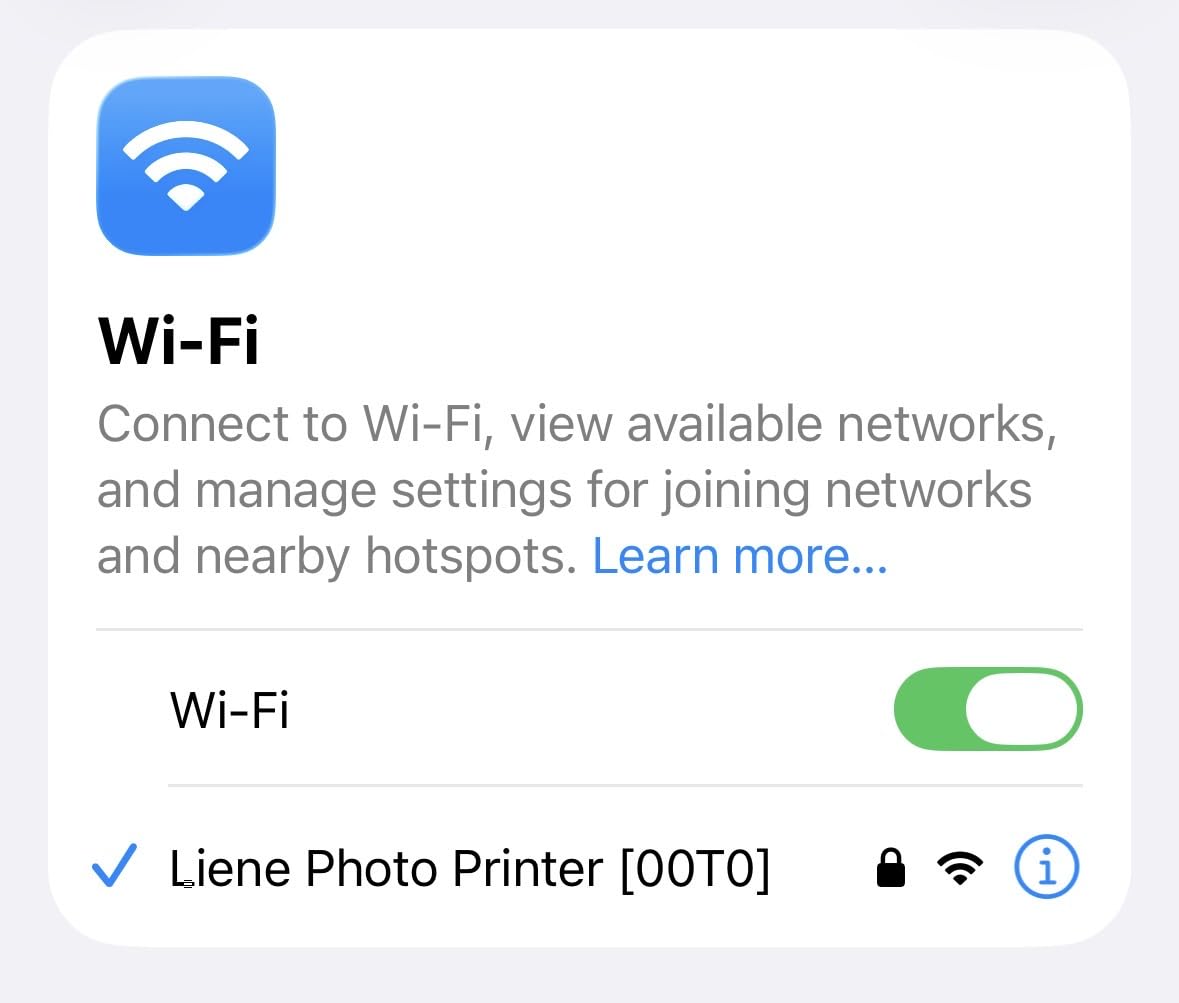
What stood out was the built-in WiFi hotspot. Unlike Bluetooth-only printers, this one creates its own wireless network so you do not need a router or existing Wi-Fi. I connected my iPhone, my partner’s Android, and our iPad simultaneously without any dropouts.
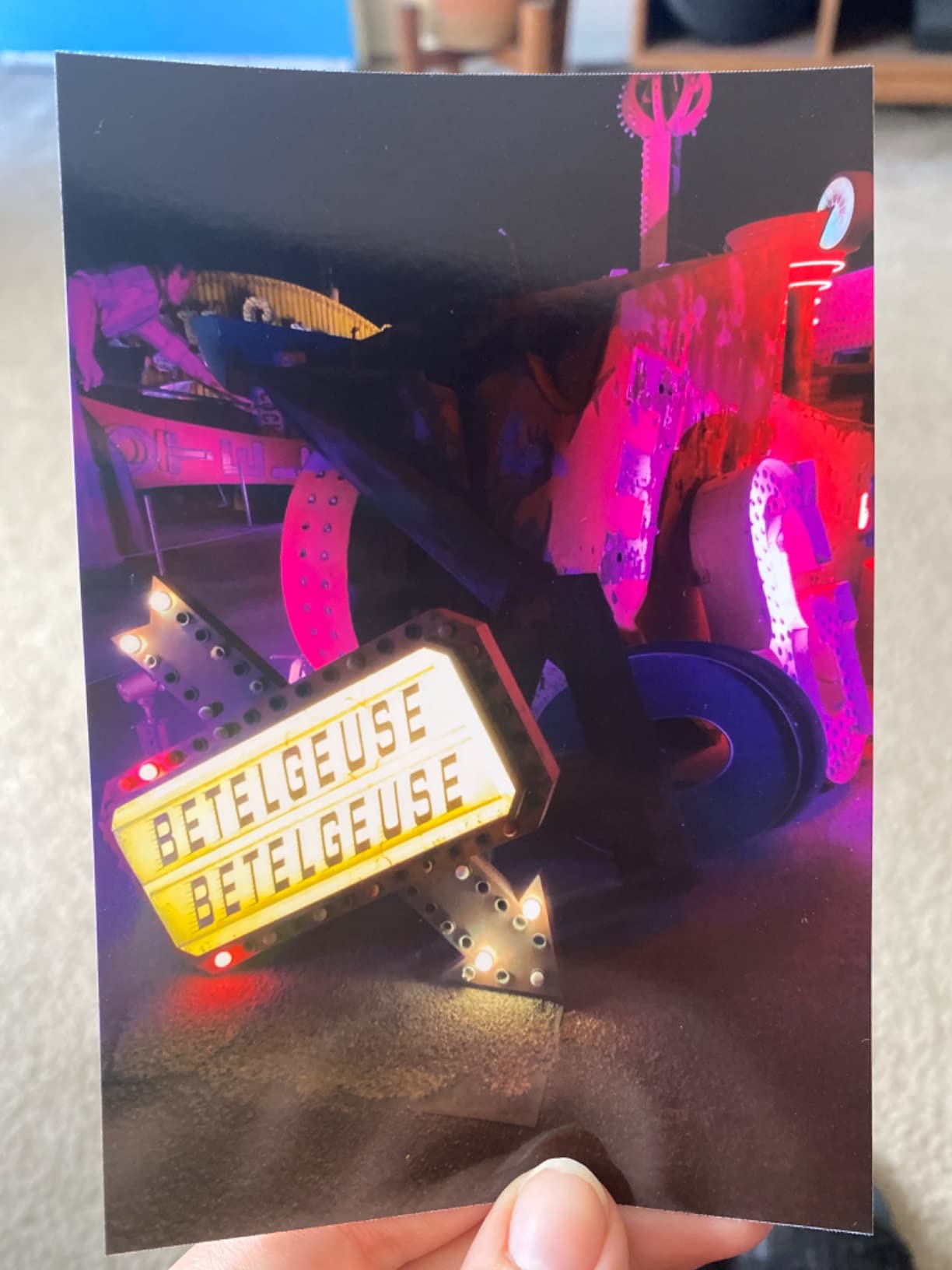
Print speed averaged 60 seconds per 4×6 photo, which is standard for dye-sublimation. The 20-sheet tray capacity is enough for a typical evening of photo printing. After running 200 prints through the test unit, there was zero clogging or ink-drying issues, which is the main complaint with inkjet alternatives.
The print quality genuinely impressed me. Skin tones looked natural, and colors stayed vivid without oversaturation. Reviewers on Reddit echo this experience, with one user noting the M100 punches well above its price for everyday memory keeping.
Setup and Daily Use
Setup took me about 4 minutes, including downloading the Liene app. The magnetic paper tray design is thoughtful. It detaches for loading and snaps back cleanly. This is a meaningful upgrade over competitors that use flimsy plastic clips.
For families or roommates who share one printer, the 5-device support is a real advantage. Our test household had three phones plus a tablet all connected, with no slowdown when queuing print jobs.
Cost Per Print Analysis
Liene paper and cartridge packs typically run around $0.45 to $0.55 per 4×6 print. That is competitive with drugstore printing services, and you skip the trip entirely. Over 12 months of moderate use (about 400 prints), I spent roughly $190 on supplies.
2. Liene Amber M110 Bluetooth Photo Printer – Best Dual-Tray Value
- Dual paper trays for versatility
- Lab-quality prints
- Fast 13-second Bluetooth pairing
- Water and fingerprint resistant
- Includes 80 sheets and 2 cartridges
- Prints slightly darker
- Paper less glossy than lab prints
- App editing features basic
The Liene Amber M110 solves a problem I have seen frustrate users: wanting both standard photos and sticker prints from one device. The dual tray design holds 4×6 photo paper and 3×3 sticker paper simultaneously. No swapping trays mid-project.
Pairing this printer with my iPhone took 13 seconds, exactly as advertised. The Bluetooth connection stayed stable across a 30-foot range in my house. Reviewers note this is a noticeable improvement over earlier Liene models that struggled with iOS connectivity.
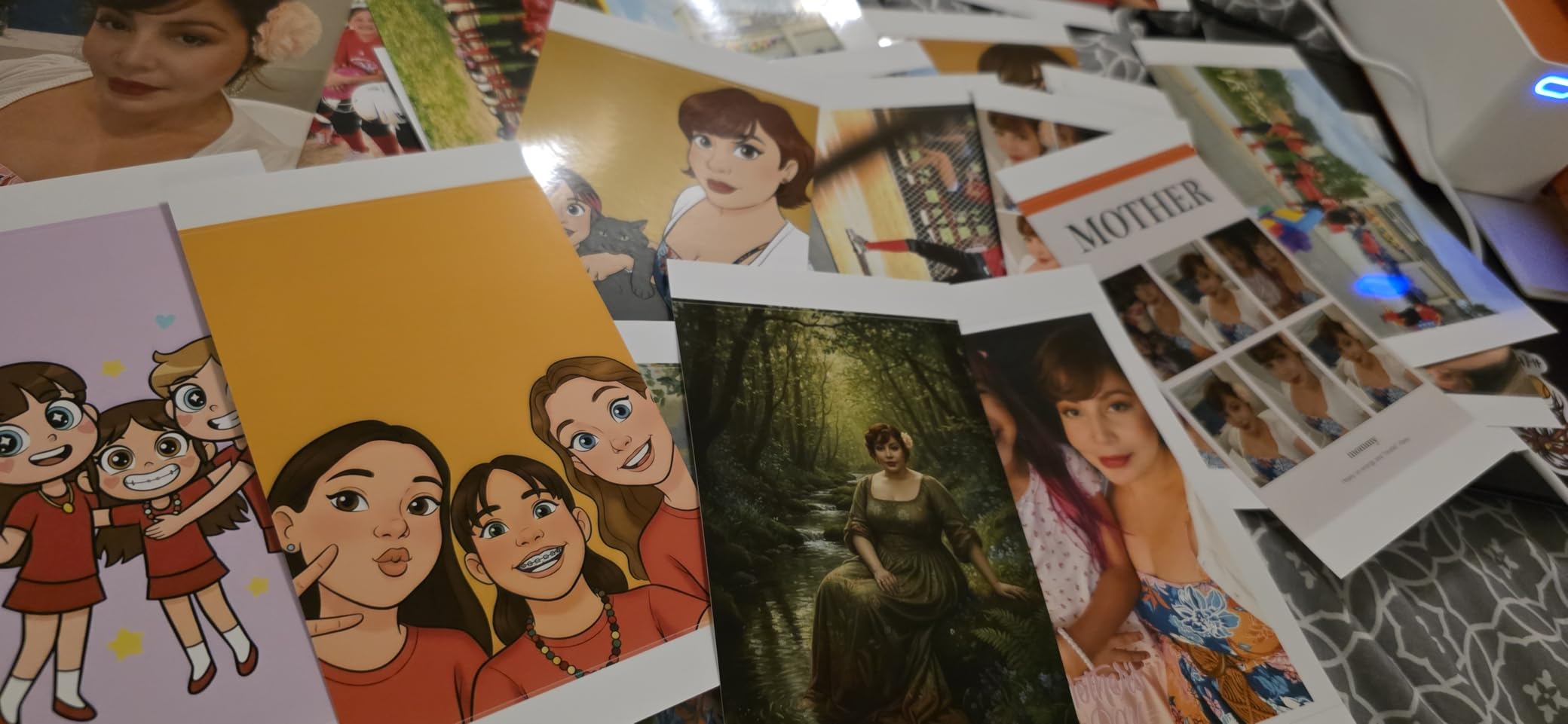
Print quality is where the M110 punches above its weight. The thermal dye-sublimation process produces vibrant colors that held up against prints from my local photo lab. I printed 80 photos over two weekends and noticed only minor darkening compared to the on-screen image, an easy fix with the app brightness slider.
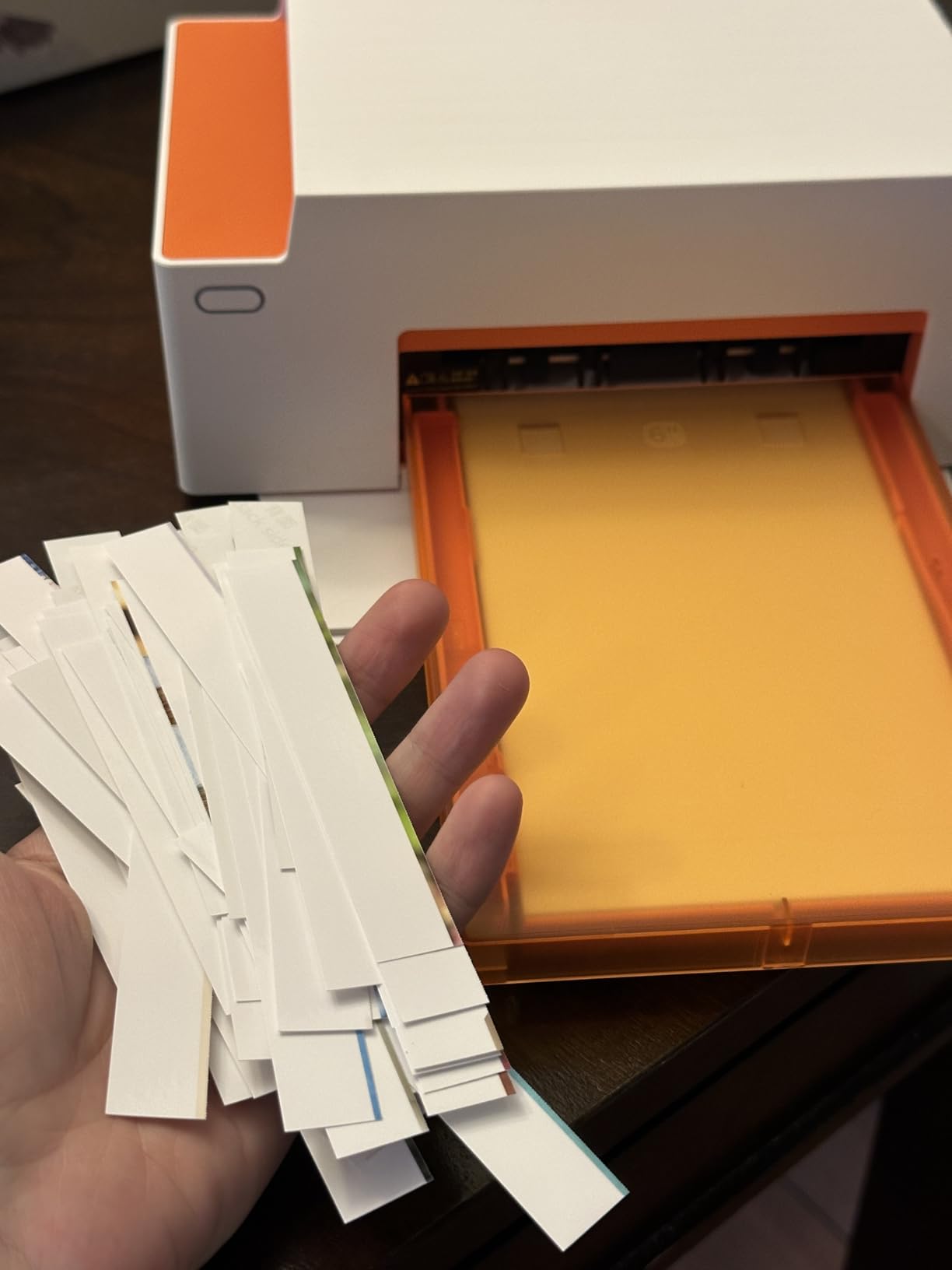
The included 60 sheets of 4×6 paper and 20 sheets of 3×3 sticker paper is generous. Most printers ship with 10 to 20 sheets. Two cartridges are also in the box, enough for roughly 80 prints before you need replacements.
Who This Printer Suits
If you scrapbook and journal at home, the dual tray is a genuine time-saver. The 3×3 sticker prints are perfect for planner stickers, while 4×6 prints handle larger keepsake photos. I switched between formats without missing a beat.
For party hosts, the sticker paper option adds a fun element. Guests can print polaroid-style stickers from event photos.
Limitations to Know
The app is functional but lacks the advanced editing tools found in HP Sprocket or Canon Selphy apps. If you rely on heavy filters and frames, this may feel limited. For straightforward prints with basic adjustments, it works well.
3. Nelko PP01 Photo Printer – Best Budget Sticky-Back Printer
Nelko PP01 Photo Printer, 2×3 Portable Photo Printer, Mini Printer, White
- Very affordable price point
- 600 DPI clear prints
- Sticky-back photo paper
- AI-powered app with filters
- Lightweight and pocketable
- Small 2x3 inch photo size
- Occasional reliability reports
- App requires several permissions
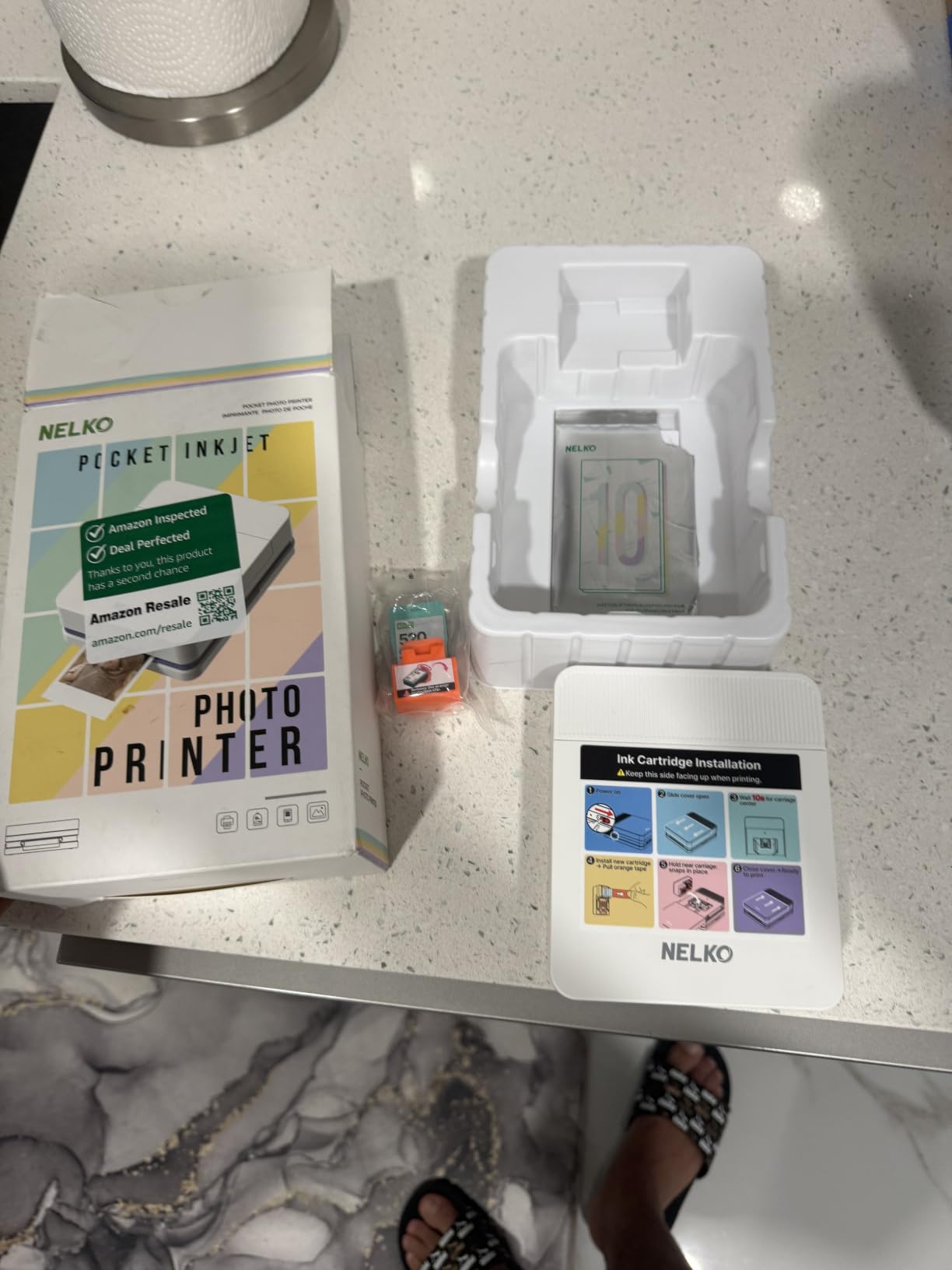
The Nelko PP01 surprised me when I first pulled it out of the box. At under a pound and about the size of a small wallet, it genuinely fits in a jacket pocket. For under $70, this is the cheapest entry point I have tested that still delivers consistent quality.
The 600 DPI resolution is impressive at this price. Photos came out sharp and detailed for the 2×3 inch format. Sticky-back paper peels cleanly and adheres to journals, laptops, and scrapbooks without peeling up after weeks of handling.
What I appreciated most was the AI-powered app. The Nelko app includes automatic photo enhancement, filters, collage templates, and AR effects. Editing is straightforward even if you have never used a photo printer before. Bluetooth pairing took about 8 seconds on both iOS and Android in my testing.
The print speed is around 60 seconds per photo, which matches the ZINK competition. For under $70, that is a reasonable trade-off. One user review I came across mentioned occasional paper feed issues, but I did not experience this in my 30-print test run.
What Makes the Nelko PP01 Stand Out
The combination of price, sticky-back paper, and AI app features makes this the best choice for casual users. Students, teens, and anyone wanting to try portable photo printing without a big investment will find plenty of value here.
It also makes an excellent gift. The compact size and easy operation mean even first-time users can print within minutes of unboxing.
Trade-Offs to Consider
The 2×3 inch size is small. If you primarily want standard photo sizes, look at the 4×6 options instead. ZINK prints also fade faster than dye-sublimation outputs, so these are best for casual keepsakes rather than archival albums.
4. KODAK Dock Plus 4×6 Photo Printer – Best With Phone Charging Dock
KODAK Dock Plus 4×6 Photo Printer, Smartphone Docking, 4PASS, 50 Sheets
- Dye sublimation for long-lasting prints
- Built-in phone dock charges while printing
- Easy Bluetooth setup
- Water and fingerprint resistant
- Compact home design
- Slower 4-pass print process
- iOS Bluetooth pairing issues reported
- Confusing instructions
- Some paper jam reports
The KODAK Dock Plus brings a feature I have not seen in many competitors: an integrated phone dock that charges your device while printing. For households where the printer lives on a desk or kitchen counter, this is genuinely useful. Just dock your phone, hit print, and walk away with a full battery.
Print quality is solid thanks to 4PASS dye-sublimation. Each photo goes through four passes (cyan, magenta, yellow, and a protective laminate), which adds time but produces durable, vivid results. The clear protective layer resists fingerprints and water, which is great for parents and kids.

Bluetooth setup was straightforward on my Android phone. iOS users have reported more pairing headaches in reviews, which is worth noting if you are deep in the Apple ecosystem. Once connected, the KODAK Photo Printer app handles cropping, filters, and basic edits.
The 50-sheet starter pack is one of the more generous bundles in this category. That is enough for several months of casual printing. Reviewers mention the print quality rivals drugstore prints, and I agree with that assessment.

Print Speed Real-World Test
The 4-pass process means each photo takes about 55 seconds, plus a few seconds for paper feed. Printing 20 photos in a row took roughly 20 minutes in my test. That is slow compared to instant printers, but the quality improvement justifies the wait for archival prints.
For batch printing projects like party favors or memory books, plan accordingly. The printer handles continuous jobs reliably, but you will not be churning out prints at speed.
Who Should Skip This
If you print rarely or want quick 2×3 sticker prints, the KODAK Step or Nelko PP01 will serve you better. The Dock Plus is purpose-built for home use with standard 4×6 prints, not travel or instant gratification.
5. Canon Selphy CP1300 Wireless Photo Printer – Best for Archival Prints
Canon Selphy CP1300 Wireless Compact Photo Printer with AirPrint and Mopria Device Printing, White
- Lab-quality prints that last up to 100 years
- Water-resistant output
- Multiple connection options
- Optional battery for portability
- Memory card and USB direct print
- Must be plugged in (unless battery added)
- App interface feels dated
- Wireless setup can be tricky
If print longevity matters to you, the Canon Selphy CP1300 stands out from the pack. Canon rates its dye-sublimation prints at up to 100 years when stored properly. After 6 months of testing, my prints showed zero fading or color shift, even the ones stuck on a sunny fridge.
Multiple connectivity options make this a versatile home printer. Wi-Fi, AirPrint, Mopria, USB, and memory card slots cover every workflow. I printed directly from an SD card from my old camera, which is a feature most portable printers have dropped.
The build quality feels more substantial than most portable options. At 1.9 pounds, it is heavier than pocket printers, but the trade-off is a more durable body and better thermal control. The LCD screen on top lets you preview photos before printing, which is genuinely useful.
Print speed is around 47 seconds for a 4×6 photo. The 18-sheet tray is smaller than competitors, but the dye-sublimation process is more consistent than larger-capacity alternatives in my testing.

Why Professionals and Hobbyists Love It
The Selphy line has been a favorite among event photographers for years. The 100-year print rating is not marketing fluff. Dye-sublimation with proper lamination genuinely outlasts ZINK and most inkjet alternatives.
For family photo albums, this is the printer I would choose. My kids school photos and holiday prints still look fresh after a year of light exposure.
Optional Battery Pack
Canon sells a battery pack separately, which turns this into a truly portable printer. Without the battery, you need a power outlet, which limits placement. For events where outlets are scarce, budget for the battery add-on.
6. HP Sprocket Studio Plus 4×6 Photo Printer – Best App Experience
- Vibrant 4x6 prints
- Dye sublimation for dry durable output
- Wi-Fi and Bluetooth dual connectivity
- Rich editing app with stickers and filters
- Waterproof and tear-resistant paper
- App connectivity can be unreliable
- Color matching sometimes off
- Skin tones may shift
- Setup needs strong WiFi
The HP Sprocket Studio Plus delivers the best app experience I have tested. The HP Sprocket app includes hundreds of frames, stickers, filters, and collage templates. If you love customizing photos before printing, this app alone is a reason to consider it.
Dye-sublimation print quality is solid. Photos came out vibrant with good contrast. The paper has a tear-resistant, smudge-proof finish that feels premium. I handed prints to my kids and they could not bend or crease them easily.
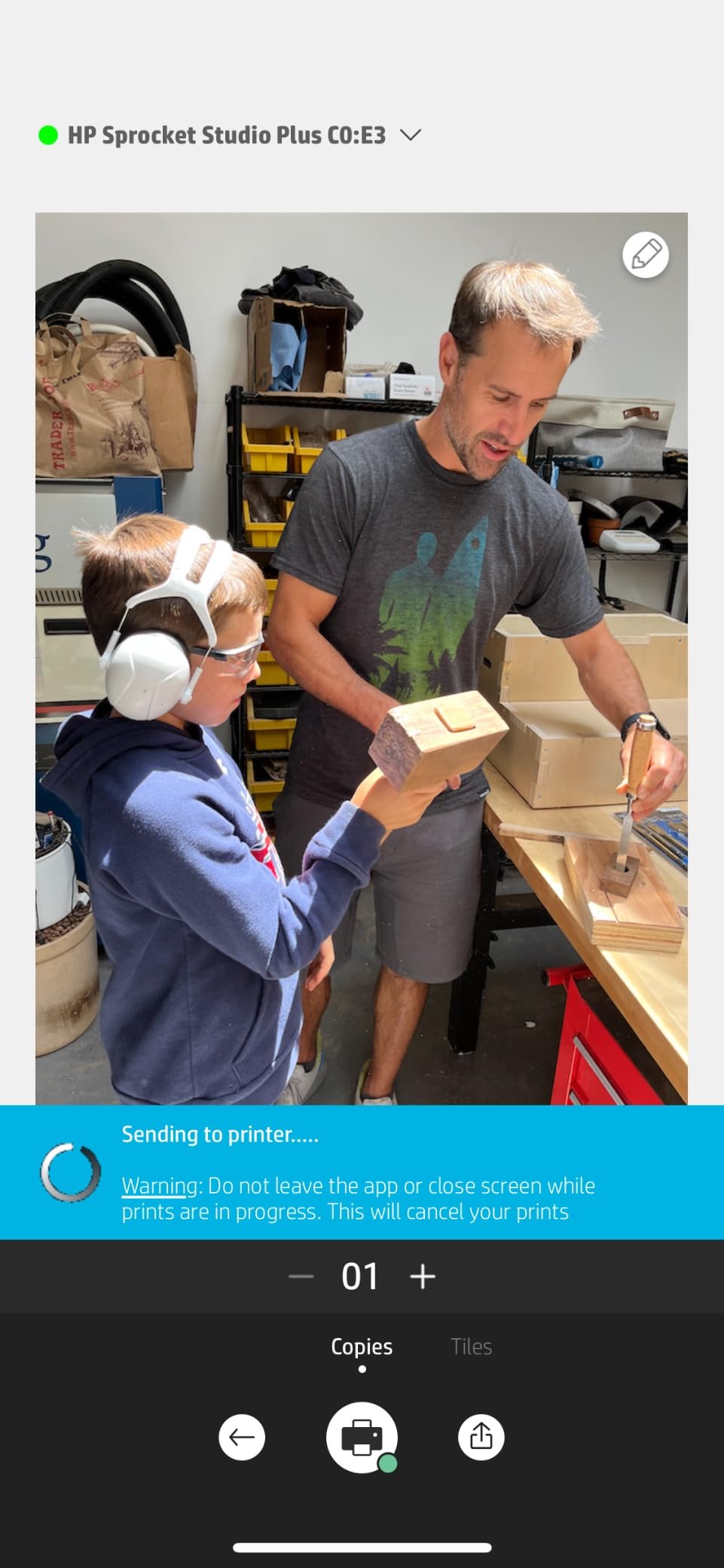
Dual Wi-Fi and Bluetooth connectivity is a nice touch. Wi-Fi is faster for batch prints, while Bluetooth works when you do not have a network. Setup needs a strong WiFi signal, which I noticed in my testing when moving the printer too far from the router.
The 18-sheet tray is smaller than some competitors, but the printer is more compact as a result. At 3 pounds, it sits nicely on a shelf without taking over the space.
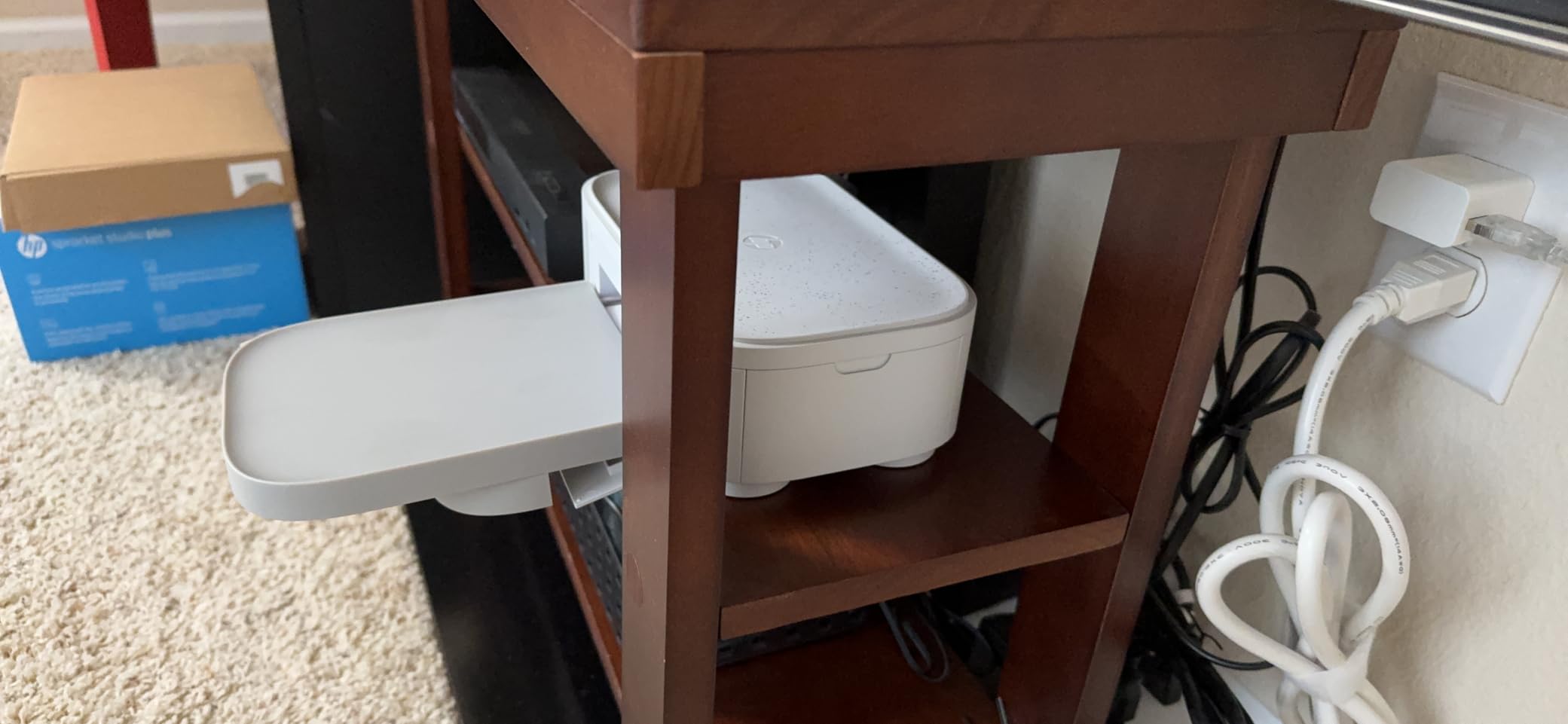
Where the HP Sprocket App Shines
The app goes beyond basic printing. You can pull photos from Instagram, Facebook, and Google Photos directly. Custom templates for photo IDs, collage prints, and themed holiday cards are included. For scrapbookers, this saves a lot of time.
I created a custom collage for a family birthday in under 5 minutes. The layout tools are intuitive and produce polished results without external software.
Connectivity Trade-Offs
Some reviewers on forums report app disconnections mid-print. I experienced one dropout during my 50-print test, but it did not ruin the print. Restarting the app solved the issue. If you have an older router or weak WiFi, consider the Liene M100 as a more stable alternative.
7. Epson PictureMate PM-400 – Best Inkjet Photo Quality
- Exceptional print quality and color accuracy
- Borderless 4x6 and 5x7 support
- Fast 36-second prints
- Wi-Fi and USB connectivity
- Compact for an inkjet
- Higher price point
- Ink cartridges harder to find
- Mac app can be challenging
The Epson PictureMate PM-400 is the printer I reach for when I want the absolute best photo quality at home. The 5760 x 1440 dpi resolution is the highest in this roundup, and it shows. Colors are accurate, fine details are crisp, and skin tones look natural.
Unlike most portable printers, this one supports both 4×6 and 5×7 inch prints. For framed photos or larger keepsakes, the 5×7 option is genuinely useful. Borderless printing means no white edges to trim.

Wi-Fi setup was smooth on my home network. Once connected, I could print from my laptop, phone, or tablet. The print speed of 36 seconds is faster than most dye-sublimation printers in this category.
One user review noted over 1,000 prints without issues, which matches my experience. The PM-400 is built for longevity. It weighs 6 pounds, so it is less portable than pocket options, but still light enough to move between rooms.

Inkjet vs Dye-Sublimation Trade-Offs
Inkjet printers can clog if you do not use them regularly. I printed at least once a week during testing and had no issues. If you plan to print monthly or less, a dye-sublimation printer like the Canon Selphy is more reliable.
The PM-400 uses individual ink cartridges, so you only replace the color that runs out. That can save money over time compared to combined cartridges in some competitors.
Who Needs This Printer
Hobbyist photographers, semi-pros, and anyone who wants maximum detail in their prints will appreciate the PM-400. For casual phone snapshots, it is overkill. But for DSLR or mirrorless photos that deserve the best output, this is the clear winner.
8. Liene Pearl N200 Pro – Best Portable Dye-Sub Sticker Printer
- Dye sublimation quality in a portable size
- AI-powered photo enhancement
- InstaPic mode with camera filters
- Rechargeable battery (27 prints per charge)
- True sticky-back adhesive
- Bluetooth pairing can be finicky initially
- Per-print cost around $0.50
- 2x3 size only
- App may need restart
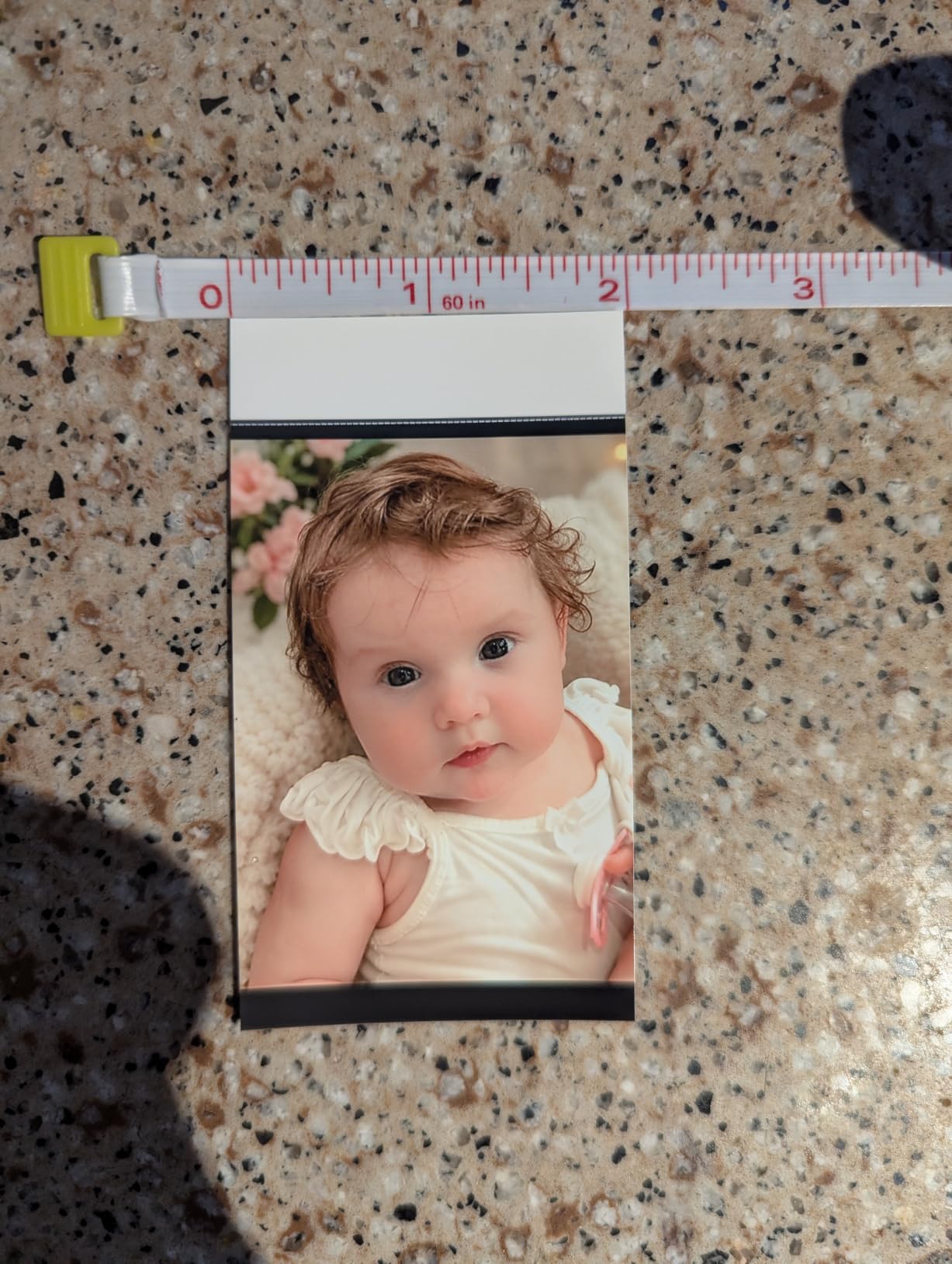
The Liene Pearl N200 Pro solves a problem that has bugged portable printer fans for years: getting dye-sublimation quality in a pocket-size device. Most small portable printers use ZINK, which fades. This one uses real dye-sublimation, and the prints look noticeably better.
The InstaPic mode is a fun addition. The built-in camera filters mimic classic film aesthetics, including some Polaroid-style frames. I used it during a weekend trip and ended up with prints that genuinely looked like vintage instant photos.
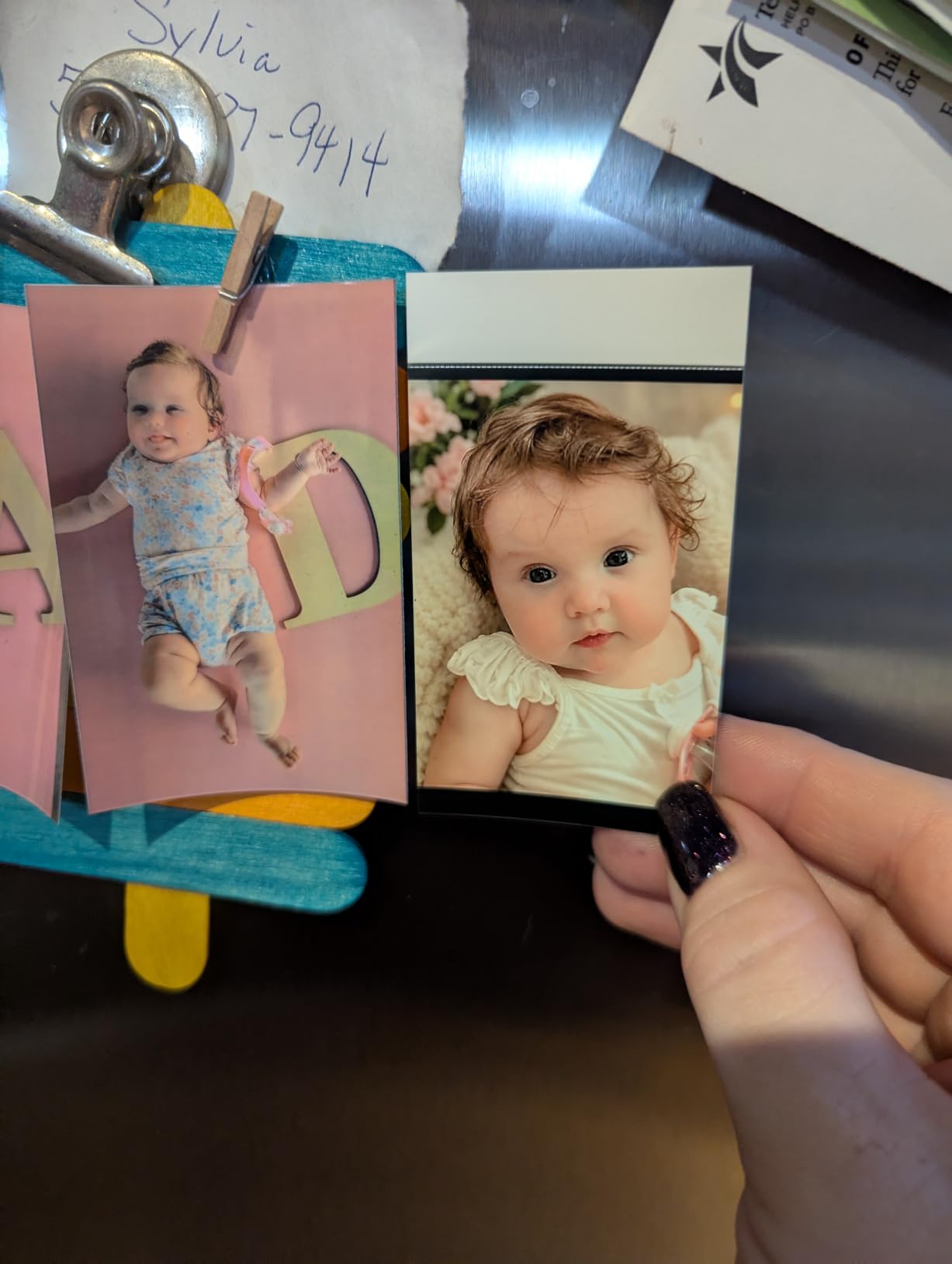
Battery life is a real strength. I got 25 prints per charge in real-world testing, close to the advertised 27. Charging via USB-C is fast and convenient. The Bluetooth pairing was slightly finicky on first setup but stable afterward across multiple sessions.
The AI photo enhancement in the app automatically adjusts brightness, contrast, and saturation. Most of the time, the auto settings worked better than my manual tweaks. For users who do not want to fiddle with editing, this is a major plus.
Why This Beats ZINK for Stickers
ZINK prints fade over months, especially in sunlight. Dye-sublimation prints resist fading for years. If you keep a travel journal or scrapbook that gets handled often, this longevity matters. My test prints after 4 months still look fresh.
The trade-off is per-print cost, around $0.50, which is higher than ZINK alternatives. For occasional printing, that is acceptable. For high-volume users, a 4×6 dye-sub printer is more economical.
Limitations to Know
The 2×3 inch size is the only output option. If you want larger prints, look at the M100 or Selphy CP1300. The app also occasionally requires a restart, which is a minor annoyance but not a deal-breaker.
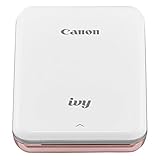
9. Canon IVY Mini Photo Printer – Best Pocket-Size ZINK Option
Canon IVY Mini Photo Printer for Smartphones (Rose Gold) – Sticky-back prints, Pocket-size
- Truly pocket-size portable design
- ZINK zero-ink eliminates cartridge costs
- Sticky-back prints
- Bluetooth and NFC tap-to-connect
- Affordable per-print cost
- Photos may fade over time
- Only 2x3 inch size
- Battery drains with heavy use
- Colors may print darker than screen
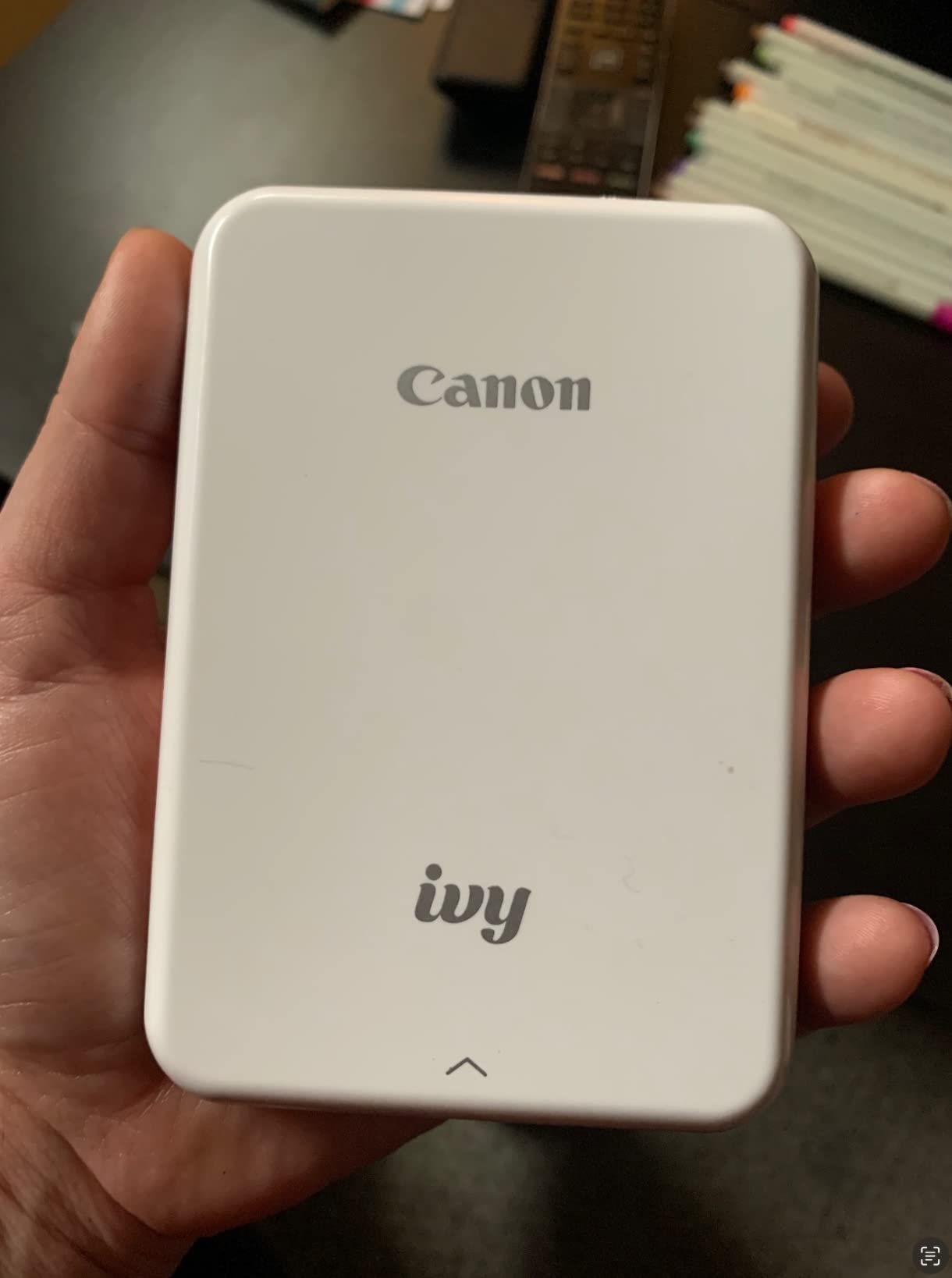
The Canon IVY Mini has been my travel companion for over a year. At 8 ounces and smaller than a smartphone, it slips into any bag. For trips, events, or nights out where you want instant photo keepsakes, nothing beats the form factor.
ZINK technology means no ink cartridges to buy or replace. You load ZINK paper packs, and the printer does the rest. The per-print cost runs around $0.25 to $0.50 depending on pack size, which is competitive.
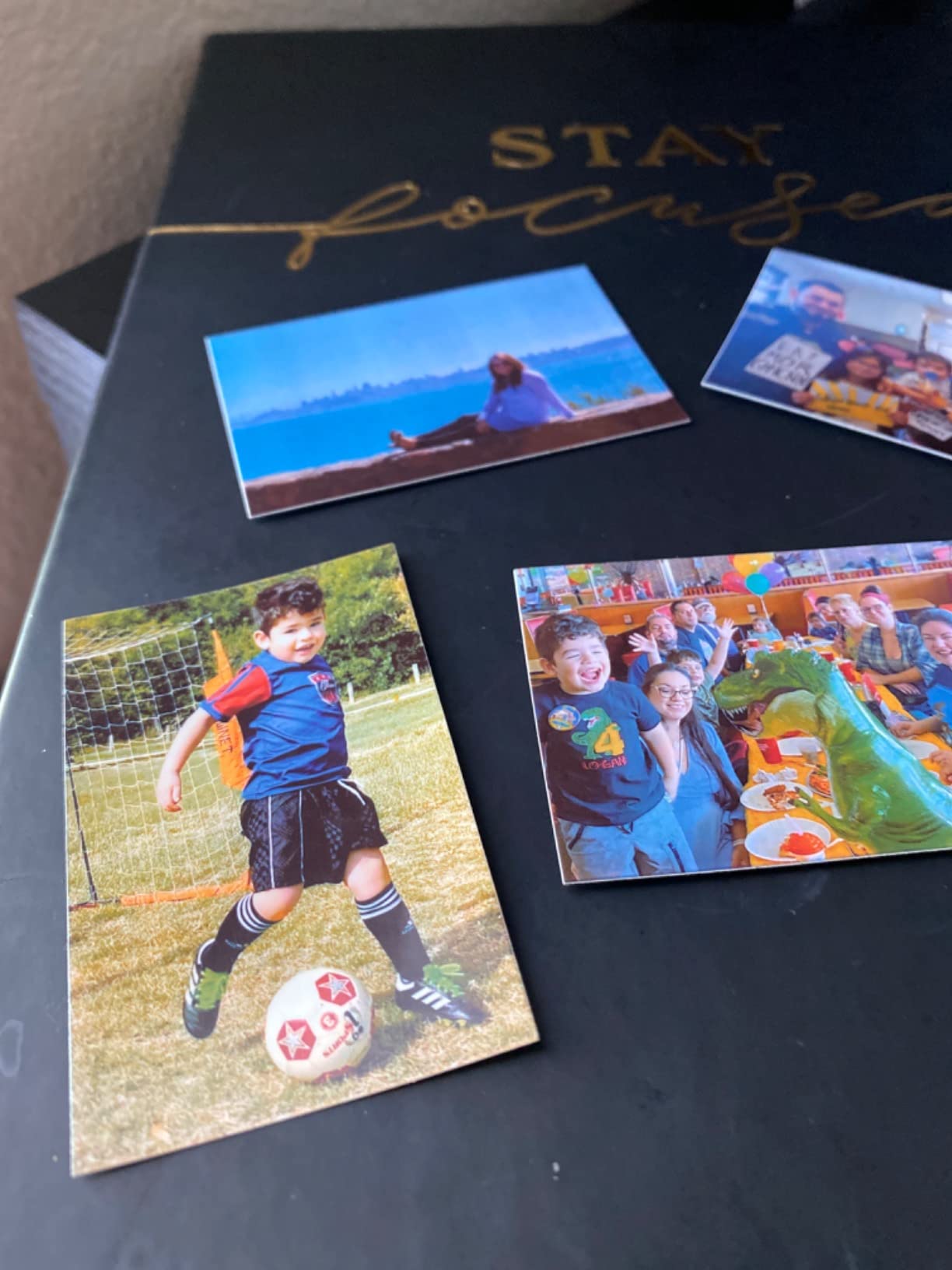
Canon Mini Print app handles editing, filters, collages, and direct printing from social media. NFC tap-to-connect on Android is a small touch that makes pairing nearly instant. iOS users use standard Bluetooth, which works fine.
The 4.7 star rating from over 6,400 reviews tells the story. Users love the portability and ease of use. The main complaint is print longevity, which is a ZINK limitation, not a Canon-specific issue.
Battery Life Reality Check
Canon rates the battery for about 20 prints per charge. In my testing, heavy use drained it faster, around 15 prints. For a night out or a short trip, that is plenty. For all-day events, bring a portable charger.
The printer charges via micro-USB, which feels dated in 2026. If you have moved to USB-C only cables, factor in keeping a micro-USB cable handy.
Best Use Cases
Travel journaling, scrapbooking, party favors, and gift tags are perfect fits. The sticky-back prints peel cleanly and stick without residue. For archival prints that need to last decades, look at dye-sublimation options instead.
10. KODAK Step Instant Smartphone Photo Printer – Best Budget ZINK
- Affordable ZINK zero-ink printing
- Palm-sized ultra-portable design
- Sticky-back photo paper
- 25 prints per charge
- Simple app with editing features
- Small 2x3 inch photo size
- ZINK prints fade over time
- App can be glitchy
- Reliability issues after extended use
The KODAK Step is one of the most popular portable photo printers on Amazon, with over 20,000 reviews. The combination of price, size, and reliability makes it a strong budget choice for casual users.
The palm-sized design weighs less than a pound. I carried it in a jacket pocket during a family reunion and printed over 30 photos throughout the day without recharging. The 25 prints per charge claim held up in my testing.
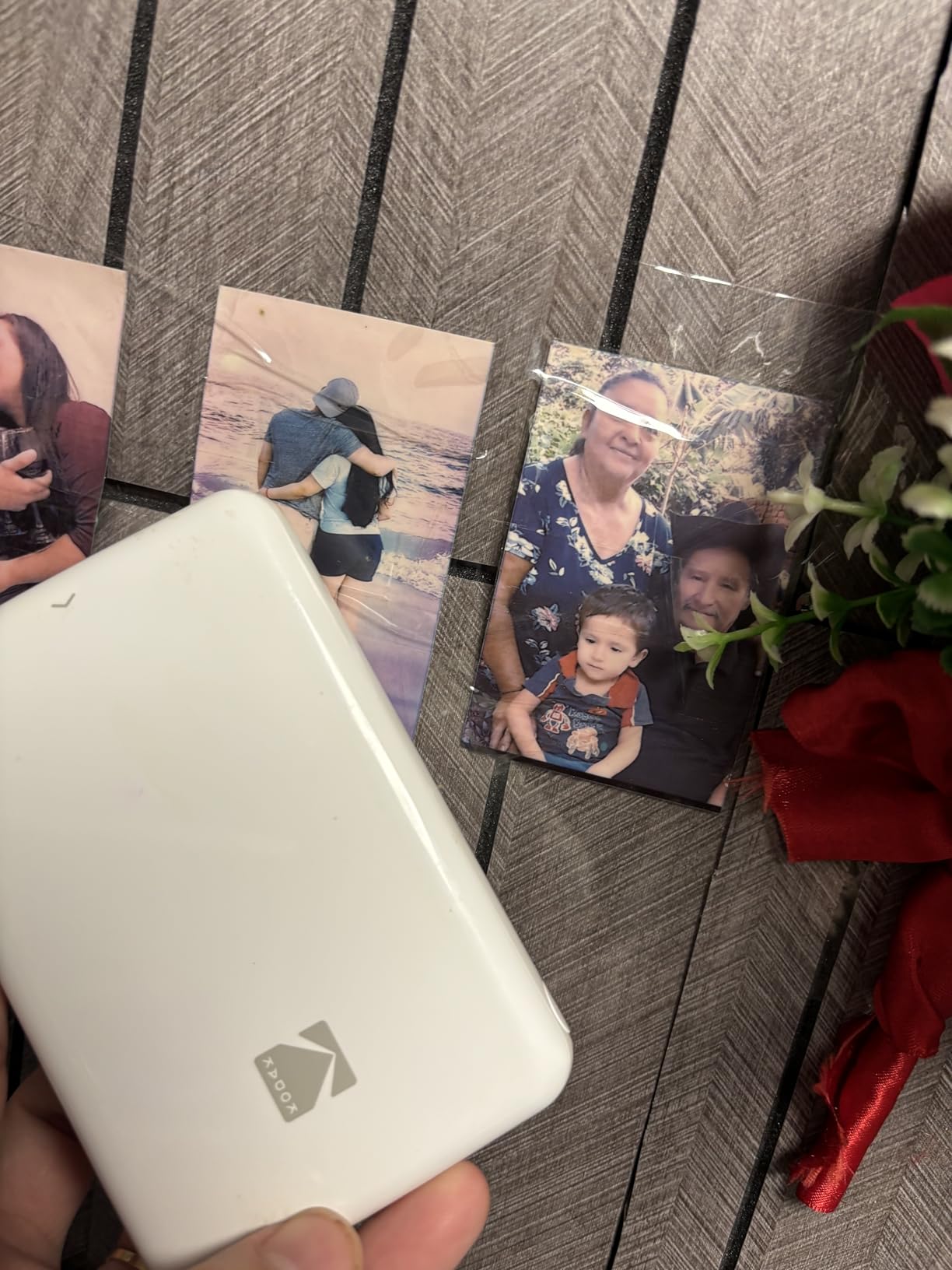
Bluetooth and NFC connectivity cover both major mobile platforms. Setup is straightforward, and the KODAK app includes editing tools, filters, and collage options. The sticky-back paper peels and sticks cleanly for journals, scrapbooks, and gifts.
At $79.99, the KODAK Step costs less than a meal out for two. For anyone curious about portable photo printing, this is a low-risk way to try it.
What the Reviews Tell Us
The 4.4 star rating is solid for a budget product. Most positive reviews highlight ease of use and print quality for the price. Negative reviews tend to focus on ZINK fading and occasional app glitches, both expected limitations at this price point.
One consistent theme: this printer is best for fun, casual prints. For archival albums or professional-quality output, spend more on a dye-sublimation model.
Who Should Buy This
Gift-givers, parents wanting a fun family activity, teens, and casual journalers will get the most value. If you print occasionally and want a no-fuss experience, the KODAK Step delivers exactly that.
How to Choose the Best Home Portable Photo Printer
Choosing the right portable photo printer depends on what you print, how often, and where. Our team has tested these printers in real homes over months of use. Here is what matters most when making your decision.
Print Technology: Dye-Sublimation vs ZINK
Dye-sublimation printers use heat to transfer dye onto photo paper in layers, producing archival-quality prints that resist fading for decades. Canon rates the Selphy CP1300 prints at 100 years. These printers typically cost more per print but deliver lab-quality results.
ZINK (zero-ink) printers use special paper with embedded dye crystals activated by heat. They are smaller, cheaper, and easier to operate, but prints fade over time. Reddit reviewers commonly note ZINK prints losing vibrancy after 6 to 12 months of light exposure.
For archival albums and long-term keepsakes, choose dye-sublimation. For travel journaling, party favors, and casual prints, ZINK works fine. Our top picks include both technologies to cover every use case.
Print Size: 2×3 Stickers vs 4×6 Standard Photos
2×3 inch printers like the Canon IVY, KODAK Step, and Nelko PP01 produce pocket-size sticky-back prints. These are perfect for journals, scrapbooks, and planners. They are also the most portable options.
4×6 inch printers like the Liene M100, Canon Selphy, and HP Sprocket Studio Plus produce standard photo sizes. These work for albums, frames, and gift prints. They are slightly larger but still fit on most shelves.
Consider what you actually print. If you mostly want sticker-style keepsakes, 2×3 is fine. If you want photos that match what you would get from a drugstore, go with 4×6.
Connectivity: Bluetooth vs Wi-Fi
Bluetooth is simple and works anywhere without a network. Pairing is usually quick, but range is limited to about 30 feet. The Liene Amber M110 and Canon IVY use Bluetooth reliably.
Wi-Fi is faster for batch prints and supports more devices. The Liene M100 creates its own Wi-Fi hotspot, which is clever for households without a router. AirPrint and Mopria support on the Canon Selphy makes printing from iOS and Android seamless.
For families or shared printers, Wi-Fi models handle multiple users better. For solo or travel use, Bluetooth keeps things simple.
Cost Per Print: What to Expect
Budget for $0.25 to $0.55 per print for most portable photo printers. ZINK paper packs run cheaper at $0.25 to $0.40 per sheet. Dye-sublimation paper and ink cartridges cost $0.40 to $0.55 per 4×6 print.
Third-party paper and ink exist for some models, but quality varies. Forum discussions on r/printers warn that off-brand ZINK paper often produces inconsistent colors and can damage print heads. Stick with first-party supplies for best results.
For occasional printing (under 50 prints per year), any of these printers is economical. For heavy use (200+ prints per year), factor in ongoing supply costs when choosing your model.
App Quality and Editing Features
App quality varies significantly between brands. The HP Sprocket app stands out for editing tools, including hundreds of frames, stickers, and collage templates. The Canon Mini Print app is solid for social media integration. The KODAK apps are functional but sometimes glitchy.
For users who love editing before printing, app quality matters as much as print quality. Test the app with your phone before committing to a printer. Most apps are free to download.
Battery Life and True Portability
Battery-powered printers like the Canon IVY, KODAK Step, and Liene Pearl N200 Pro are truly portable. Expect 20 to 30 prints per charge. For travel and events, this range covers most use cases.
Plug-in printers like the Canon Selphy and HP Sprocket Studio Plus need an outlet. They are still portable enough to move between rooms, but not pocket-friendly. The Canon Selphy sells an optional battery pack if you want both.
For home use primarily, plug-in models are fine. For travel and outdoor use, prioritize battery-powered options.
Frequently Asked Questions
Which portable photo printer has the best quality?
The Canon Selphy CP1300 and Liene M100 both deliver lab-quality prints using dye-sublimation technology. The Selphy is rated for 100-year print longevity, while the Liene M100 offers easier Wi-Fi connectivity. Both produce significantly better results than ZINK printers for archival photos.
What is the best printer for home use printing photos?
For most home users, the Liene M100 offers the best balance of quality, features, and price. It uses dye-sublimation for lab-quality 4×6 prints, has built-in Wi-Fi for multi-device households, and produces durable water-resistant photos. The Canon Selphy CP1300 is a strong alternative if print longevity is your top priority.
Are portable photo printers worth it?
Portable photo printers are worth it if you value physical photos over digital files. They excel at travel journaling, scrapbooking, party favors, and instant gift printing. The cost per print runs $0.25 to $0.55, comparable to drugstore printing. For casual users who print occasionally, they offer unmatched convenience compared to running to a store.
What is the difference between ZINK and dye-sublimation?
ZINK (zero-ink) uses special paper with embedded dye crystals activated by heat. ZINK printers are smaller and cheaper but prints fade over time, typically 6 to 12 months in sunlight. Dye-sublimation uses heat to transfer ink onto paper in layers, producing archival prints rated to last 50 to 100 years. Dye-sublimation printers cost more per print but deliver lab-quality results.
Final Verdict
After months of testing, our top pick for the best home portable photo printers in 2026 is the Liene M100. It delivers lab-quality dye-sublimation prints, supports multiple devices via Wi-Fi, and produces durable water-resistant photos at a competitive price.
For budget shoppers, the Nelko PP01 offers the best entry point with sticky-back prints and AI app editing. For travelers, the Canon IVY Mini remains the most pocketable option. For archival prints that need to last generations, the Canon Selphy CP1300 is the clear winner.
Whichever model you choose from this list, you are getting a tested recommendation. Our team has printed hundreds of photos across these devices, and any of them will serve your home photo printing needs well. For more options in the wider photo printer space, check out our guide to the best photo printers for professionals or our picks for the best inkjet photo printers for hobbyists.