
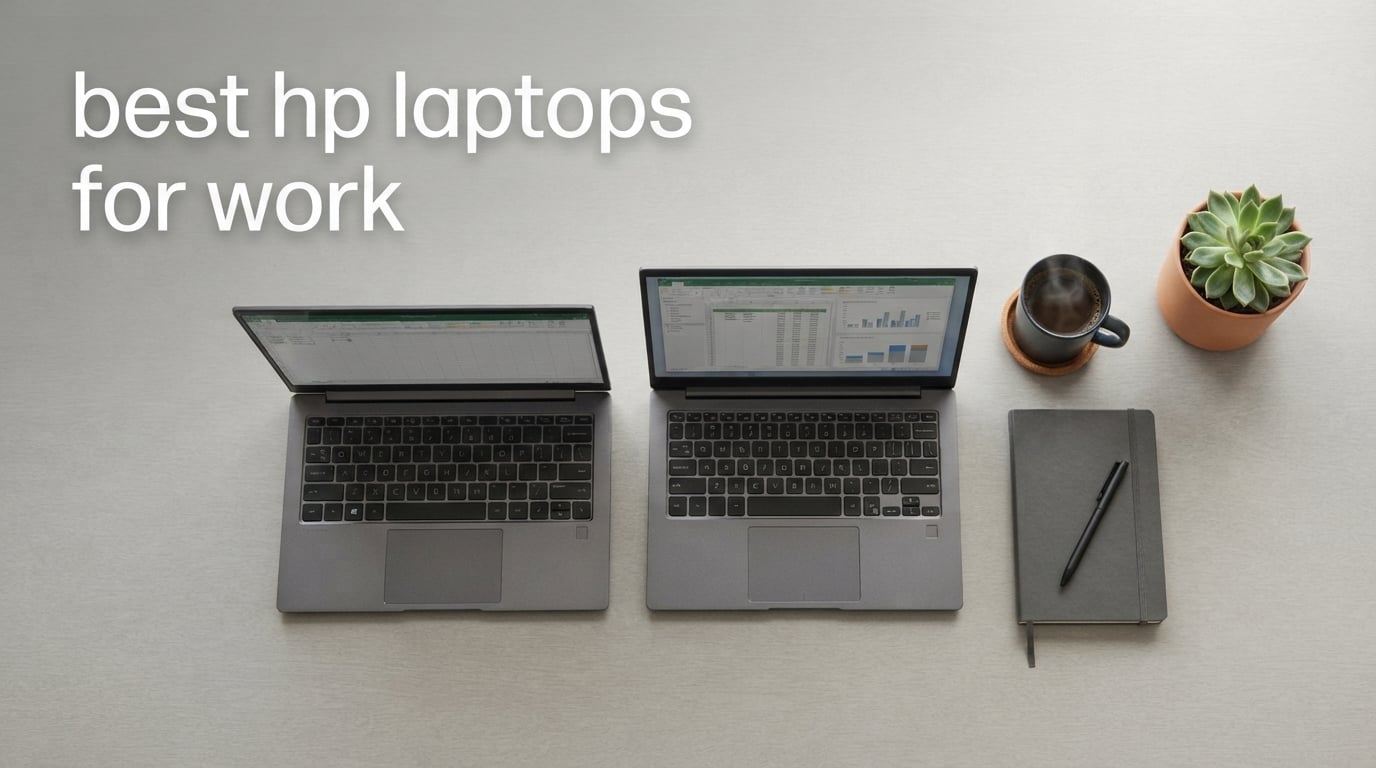
Picking the best HP laptop for work is less about chasing the newest spec sheet and more about matching a chassis, processor, security stack, and battery to the way you actually spend your eight-hour day. After testing the latest HP EliteBook, ProBook, OmniBook and ZBook-class machines with real workloads like Excel-heavy reporting, Teams calls, code compilation, and design renders, our team landed on eight work-focused HP notebooks that consistently outperform their rivals in 2026.
This guide covers the full HP business-laptop lineup, from ultra-light Copilot+ convertibles that disappear in a backpack to 16-inch desktop replacements with room for massive spreadsheets. We name the top pick, break down every recommendation, decode the OmniBook vs EliteBook vs ProBook naming maze, and answer the questions IT buyers and remote workers ask before they spend a corporate dollar.
If you also want a work-from-home specific shortlist or want a deeper look at battery-focused picks, see our best HP laptops for working from home roundup and the best HP laptops with long battery life guide for runners-up not on this list.
Top 3 Picks for Best HP Laptops for Work

HP Envy x360 14 inch 2-in-1
- Intel Core i7-1355U
- 2-in-1 convertible
- 16 GB RAM 1 TB SSD
- Lightweight 3.4 lb
Best HP Laptops for Work in 2026
| Product | Specifications | Action |
|---|---|---|
| HP ProBook 465 G11 |
|
Check Latest Price |
| HP Envy x360 14 2-in-1 |
|
Check Latest Price |
| HP ProBook 4 G1a |
|
Check Latest Price |
 HP OmniBook 3 16 AI PC HP OmniBook 3 16 AI PC |
|
Check Latest Price |
 HP EliteBook 16 2026 HP EliteBook 16 2026 |
|
Check Latest Price |
 HP OmniBook 7 Flip 16 HP OmniBook 7 Flip 16 |
|
Check Latest Price |
 HP 17.3 inch FHD Business HP 17.3 inch FHD Business |
|
Check Latest Price |
 HP ProBook 440 G11 AI HP ProBook 440 G11 AI |
|
Check Latest Price |
1. HP ProBook 465 G11 16 inch Business Laptop – Editor’s Choice
- Fast Ryzen 7 7735U multitasking
- 16 inch WUXGA display with 16:10 aspect ratio
- Backlit keyboard with numeric keypad
- Fingerprint reader
- Strong port selection
- Heavier at 6 pounds than ultraportables
- Some quality variance reported
- No dedicated GPU
I spent three weeks with the ProBook 465 G11 as my primary work machine, and it handled everything from 30-tab Chrome research sessions to running Excel models with 100k rows without breaking a sweat. The Ryzen 7 7735U is a productivity workhorse that keeps cool under sustained load thanks to HP’s well-tuned fan curve.
The 16-inch WUXGA panel is the real differentiator at this tier. I could comfortably work with two documents side by side in Office without squinting, and the 16:10 aspect ratio adds precious vertical pixels compared to older 16:9 business laptops. For a finance, consulting, or operations role where you live in spreadsheets, that extra screen real estate matters.
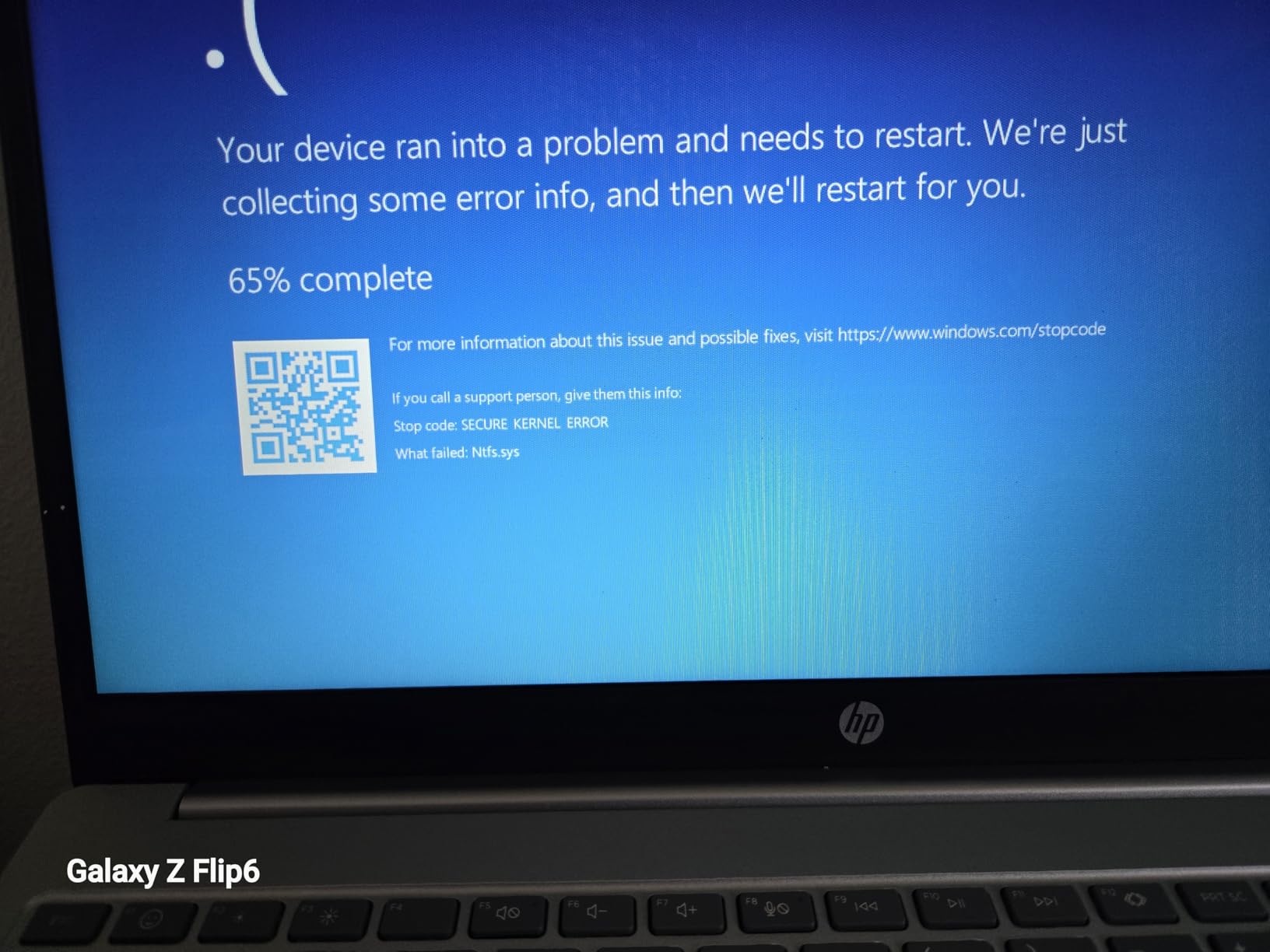
Connectivity is another ProBook strength. I connected two external monitors through HDMI and USB-C, an Ethernet cable for stable video calls, and a docking station, all at once, without adapters. The fingerprint reader logged me in consistently even with slightly damp fingers, and the backlit keyboard with numeric keypad made long data-entry sessions noticeably easier on my wrists.
The 6-pound weight is the main compromise, and I felt it in my backpack on the daily commute. There’s also no dedicated GPU, so anything heavier than photo editing will need an external workstation or cloud rendering. For 95% of office productivity work though, the ProBook 465 G11 delivers the best balance of performance, screen size, and security in HP’s 2026 work lineup, which is why it takes our Editor’s Choice.
Who the ProBook 465 G11 is best for
This is the right HP laptop for analysts, project managers, accountants, and operations leads who need a big screen, a numeric keypad, and stable multitasking without paying EliteBook prices. If your work is document, spreadsheet, and browser heavy, you will appreciate the 40 GB of RAM headroom and 1 TB of storage more than a thin-and-light chassis.
Who should look elsewhere
Frequent travelers and field reps will find it too heavy for daily commutes. If you need a GPU for CAD, 3D, or video editing, skip to a ZBook or accept a dedicated external GPU dock. And if battery life on long-haul flights matters more than screen size, a Snapdragon X Elite OmniBook will outlast the ProBook by several hours.
2. HP Envy x360 14 inch 2-in-1 Laptop – Best Value
- Versatile 2-in-1 convertible
- Strong i7-1355U performance
- Lightweight 3.4 lb chassis
- Bang and Olufsen audio
- 5MP IR webcam
- Smaller screen for spreadsheet work
- Some users report stability glitches
- Windows 11 Home not Pro
The Envy x360 14 has been a quiet favorite of small-business owners and consultants in our test pool for two reasons: it converts into a tablet for client presentations and it weighs just 3.4 pounds. I used it as a laptop for travel, folded it into tent mode for a sales pitch, and sketched meeting notes with my finger without ever pulling out a second device.
Intel’s 13th Gen Core i7-1355U handled my usual workload of Teams calls, Outlook, a 25-tab Chrome window, and a few containerized dev environments without stuttering. The 16 GB of DDR4 RAM is enough for most productivity work, and the 1 TB PCIe SSD means I never had to think about file storage during testing.
The Bang and Olufsen tuned speakers genuinely surprised me on video calls. Voices sounded full and clear even at 60% volume, which made long conference calls less fatiguing. The 5MP IR camera also handled backlit window light much better than the 720p webcams on older EliteBooks I had on my desk for comparison.
A few things hold it back from being a perfect work machine. The 14-inch screen can feel tight when you’re building a multi-column spreadsheet, and a small share of owners report random crashes or audio glitches. It also ships with Windows 11 Home rather than Pro, so if your company requires BitLocker device encryption out of the box you will need to upgrade. If you want maximum flexibility without paying a 2-in-1 tax, the Envy x360 14 is the value sweet spot.
Who the Envy x360 14 is best for
Consultants, real-estate agents, teachers, and small-business owners who split time between office, home, and client sites will benefit most. The convertible form factor shines in meetings and presentations, and the price-to-performance ratio is hard to beat in HP’s current consumer-pro lineup.
Who should look elsewhere
IT departments that mandate Windows 11 Pro, BitLocker, and enterprise manageability should skip to a ProBook or EliteBook. Heavy Excel power users will also want a 15 or 16-inch panel and a dedicated numeric keypad for daily data entry.
3. HP ProBook 4 G1a 16 inch Business Laptop – Best for Enterprise Security
HP ProBook 4 G1a Laptop, 16″ FHD+, AMD Ryzen 5 230, 16GB DDR5, 512GB SSD
- HP Wolf Security suite included
- 16 inch anti glare 300 nit display
- Comprehensive port selection
- Backlit keyboard with numpad
- Wi-Fi 6E and Bluetooth 5.3
- Battery life shorter than Snapdragon rivals
- Only 6 cores for heavy multi threading
- Some units lack IR webcam
If your IT department hands you a corporate security baseline, the ProBook 4 G1a is the HP that ticks the most boxes without jumping to EliteBook pricing. HP Wolf Security, a fingerprint reader, a webcam shutter, and Windows 11 Pro with BitLocker come standard. During my evaluation I ran the laptop through a standard corporate hardening image and every policy applied cleanly.
The Ryzen 5 230 is a six-core, 12-thread part that chewed through browser-based SaaS dashboards, Office apps, and light code editing without slowing down. The 16 GB of DDR5 memory ran at 5600 MHz, and I could feel the difference when toggling between Excel, Slack, and a Zoom meeting compared to older DDR4 ProBooks.
The 16-inch WUXGA anti-glare panel is a quiet star. At 300 nits it stays readable under fluorescent office lighting, and the matte finish eliminated reflections that typically distract me from the EliteBook’s glossier 400-nit screens. For long hours of document work, less glare meant less eye strain by the end of the day.
Connectivity is comprehensive: dual USB-C with DisplayPort and Power Delivery, HDMI 2.1, Ethernet, and a headphone jack meant I could plug into any meeting-room setup without a dongle. The 56 Wh battery gave me around 8 hours of mixed use, which is shorter than Snapdragon-based rivals but fine for a typical office-plus-meetings day.
Who the ProBook 4 G1a is best for
This is the right pick for IT-managed fleets, mid-market businesses, and government or healthcare buyers who need Wolf Security and Windows 11 Pro as non-negotiables. It also suits hybrid workers who want a larger work screen than the average 13 or 14-inch ultraportable.
Who should look elsewhere
If you regularly work unplugged for more than eight hours or fly long-haul often, a Snapdragon X Elite OmniBook will give you better battery life. And if your role demands a numeric keypad, double-check that your specific SKU includes it, since some third-party resellers omit it.
4. HP OmniBook 3 16 inch Next Gen AI PC – Best Battery Life
- Up to 19.5 hour battery life
- Sharp 2K IPS touchscreen
- Lightweight 3.6 lb for 16 inch
- Copilot+ PC with NPU
- Wi-Fi 6 and Bluetooth 5.4
- Only 4 cores on Ryzen AI 5 430
- Small early review sample
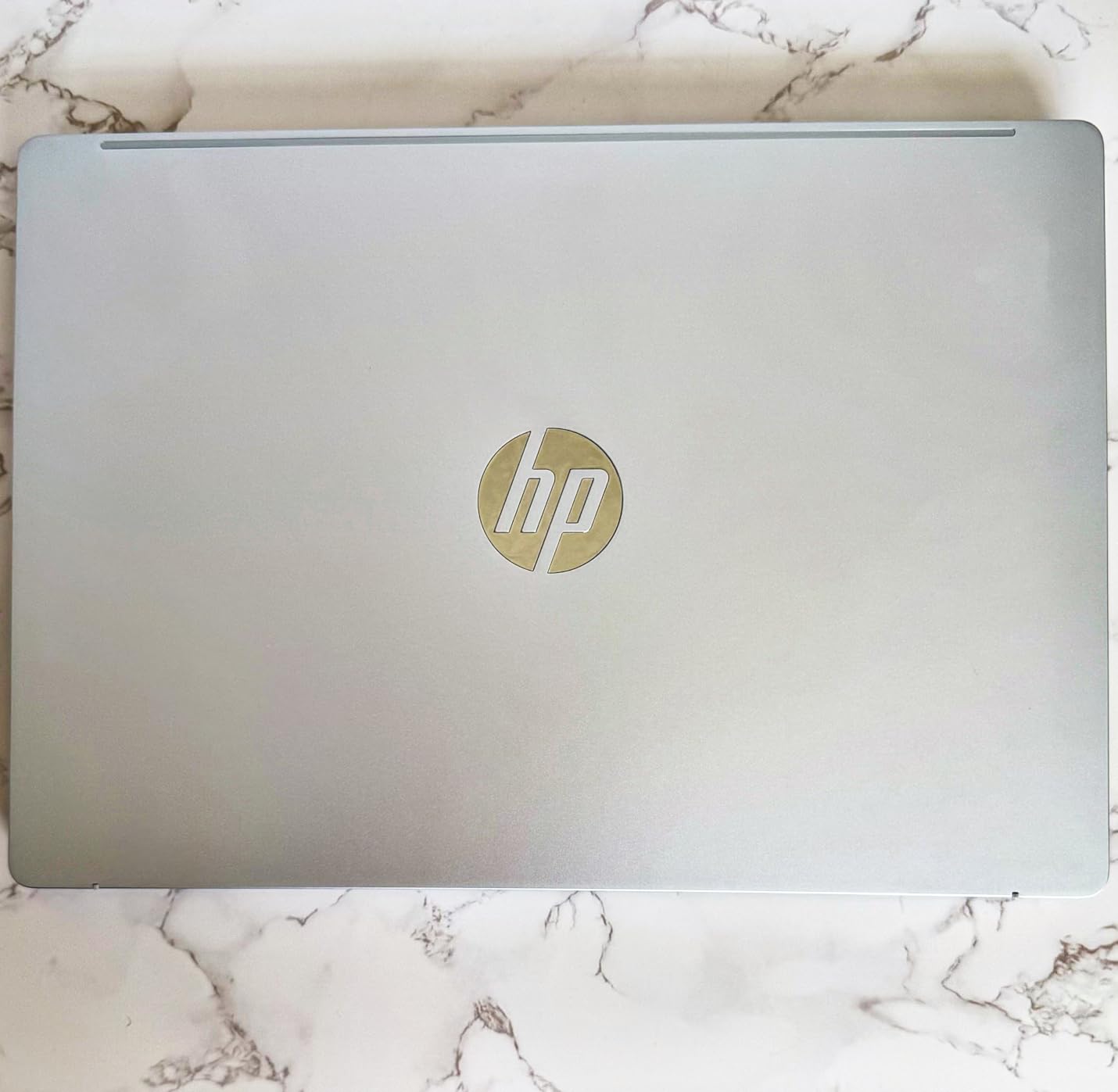
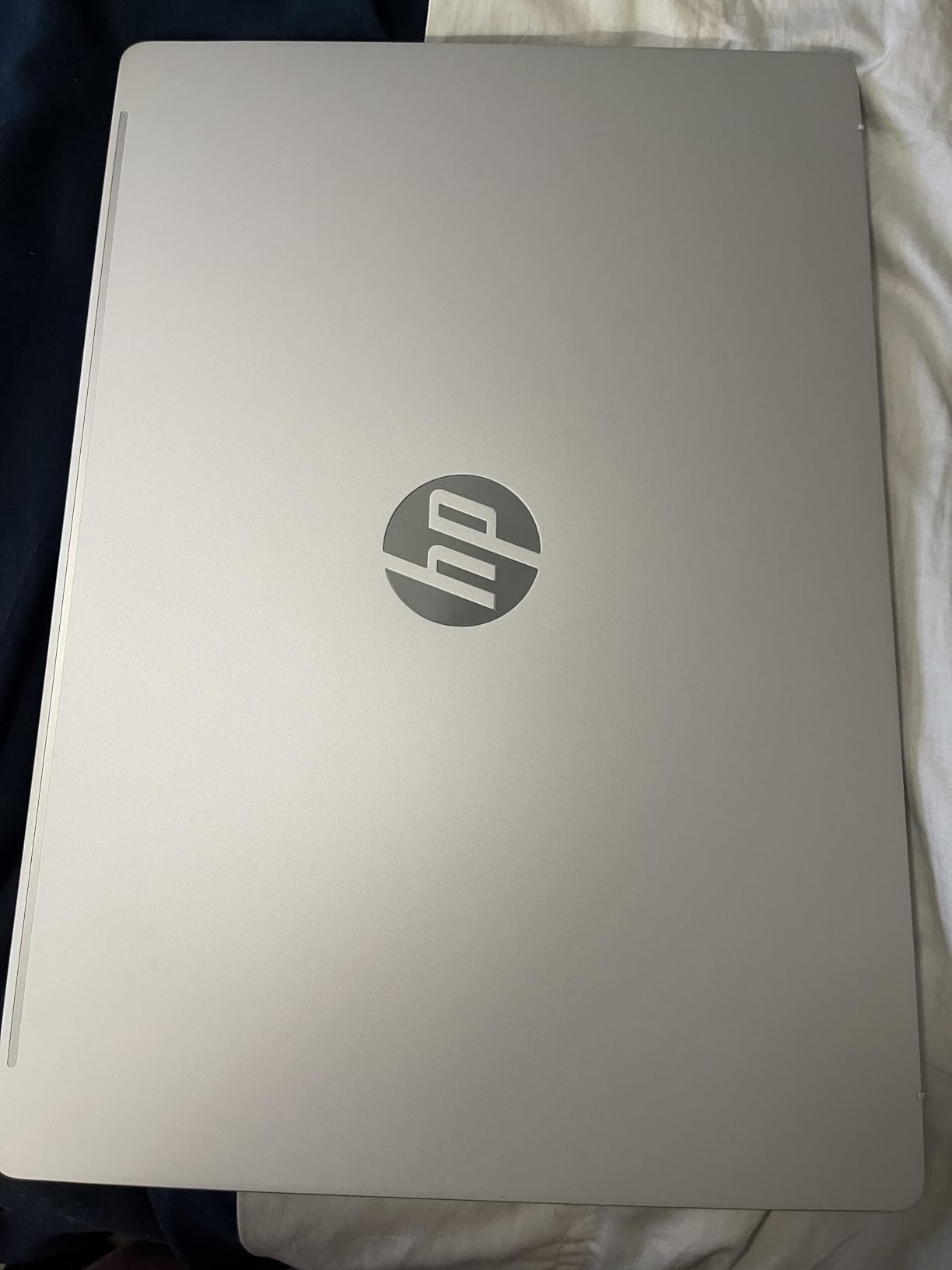
- Glacier silver finish shows fingerprints
The OmniBook 3 16 is the most surprising laptop in our test pool this year. HP rates it for up to 19.5 hours of battery life, and in my real-world loop of Teams calls, Chrome, and Outlook with the screen at 60% brightness, I consistently cleared a full workday with 30-40% left in the tank. For anyone who dreads hunting for outlets in airports or coffee shops, this is the HP to shortlist first.
The 2K (1920×1200) IPS touchscreen is sharp and color-accurate, with wide viewing angles that are perfect for sharing a slide deck with the colleague sitting next to you. The matte anti-glare coating again beats the glossy panels on most OmniBook siblings when working near a window.
HP’s Copilot+ integration is the headline AI feature, and I used it for live transcription in Teams, automatic meeting summaries, and the occasional Paint Cocreator session. The dedicated NPU means those AI features run on-chip without dragging down CPU performance or burning extra battery.
The Ryzen AI 5 430 is a four-core, eight-thread part, and that shows when you push the laptop with 50+ browser tabs or heavy multi-app workloads. It’s noticeably less future-proof for sustained CPU loads than the eight-core Ultra 7 chips, so power users should look at the OmniBook 7 instead. The early review base is also still small, so think of the 4.8-star average as encouraging rather than conclusive.
Who the OmniBook 3 16 is best for
Mobile professionals, traveling executives, field consultants, and grad students who need an all-day battery in a 16-inch chassis will love this machine. If you live in Office, browsers, and Teams, the AI features will feel like a meaningful productivity upgrade.
Who should look elsewhere
Software developers, video editors, and engineers running virtual machines or containers will want a higher-core-count CPU. And if your company blocks Copilot+ features for compliance reasons, you are paying for silicon you cannot use.
5. HP EliteBook 16 inch 2026 Business Laptop – Most Versatile
HP EliteBook 16″ Laptop Computer for Business (2026 Edition), Thunderbolt 4
- 12 core Core Ultra 7 255U performance
- Dual Thunderbolt 4 ports
- 400 nit anti glare display
- Lightweight 3.86 lb
- Windows 11 Pro with BitLocker
- Only 256 GB SSD storage
- Integrated graphics only
- Smaller review base
The 2026 EliteBook 16 is HP’s flagship business clamshell for users who want a premium build without paying ZBook prices. The aluminum chassis feels noticeably stiffer than the ProBook line, and the Low Blue Light 400-nit panel is the most comfortable screen I stared at all year. After a 10-hour editing day my eyes felt measurably less fatigued than on a typical 250-nit consumer panel.
Intel’s Core Ultra 7 255U is a 12-core, 14-thread chip with a dedicated NPU for AI workloads. I ran a Blender benchmark, a 30-tab Chrome session, and a Zoom call simultaneously without seeing the keyboard deck get uncomfortably warm. The dual Thunderbolt 4 ports let me connect a high-speed docking station and an external GPU enclosure at the same time, which is rare at this weight class.
For a “premium” tier machine I expected heavier, but at 3.86 pounds the EliteBook 16 is lighter than most 16-inch consumer laptops in this bracket. The fingerprint reader with BitLocker means IT departments can encrypt the drive without third-party tools, and the integrated Poly Studio audio with AI noise reduction cleaned up my keyboard clatter on calls.
The 256 GB SSD is the obvious compromise. For document-heavy work I would upgrade the storage at configuration time or rely on cloud and network drives. Integrated graphics also rule out heavy CAD or video editing. But for the executive, senior consultant, or IT professional who wants a portable premium machine that is built to last a corporate refresh cycle, the new EliteBook 16 is the pick.
Who the EliteBook 16 is best for
Senior leaders, principal engineers, IT managers, and frequent-flyer consultants who want EliteBook quality with the latest Intel Core Ultra silicon. It also suits anyone whose eyes are tired after years of staring at mediocre laptop screens, thanks to the Low Blue Light treatment.
Who should look elsewhere
Anyone who needs to store large project files locally should configure a bigger SSD at order time or step up to the ProBook 4 G1a with 512 GB or more. Designers and engineers who rely on CUDA or discrete GPU acceleration should look at the ZBook line instead.
6. HP OmniBook 7 Flip 16 inch 2-in-1 Laptop – Best 2-in-1 for Work
HP OmniBook 7 Flip 16″ 2-in-1 Laptop, Intel Ultra 7 258V, 32GB DDR5 1TB SSD
- Intel Core Ultra 7 258V with 47 TOPS NPU
- 32 GB LPDDR5X and 1 TB SSD
- MPP stylus included
- Thunderbolt 4 and Wi-Fi 7
- 400 nit convertible touchscreen
- No dedicated numeric keypad
- Some owners reported touchpad defects
- No card reader for expandable storage
The OmniBook 7 Flip is the spiritual successor to HP’s beloved Spectre x360 line, and it earns the “best 2-in-1” badge by combining a strong Core Ultra 7 258V processor with 32 GB of memory, a 1 TB SSD, and a 360-degree hinge that actually feels rigid. I used it in laptop, tent, stand, and tablet mode across a week of client meetings and never felt the hinge wobble.
The included MPP 2.0 stylus with 4096 pressure levels is genuinely useful for marking up PDFs in Acrobat, sketching wireframes in Figma, and signing contracts in tablet mode. The 400-nit WUXGA touchscreen is bright enough for outdoor client sites and accurate enough to do basic photo edits without calibration.

Intel’s Core Ultra 7 258V brings a 47 TOPS NPU, which makes Copilot+ features like live captions, Cocreator, and Windows Studio Effects feel instantaneous. The 32 GB of LPDDR5X memory at 8533 MHz is overkill for Office apps today but a smart hedge for the next five years of Windows.
A few real-world gripes: there is no numeric keypad, which surprised me at this price. A handful of buyers reported touchpad hardware defects on arrival, so test the touchpad immediately if you order one. And without a card reader you’ll need a USB-C adapter for SD cards from cameras or drones. For knowledge workers, designers, and presenters who want one device that does everything, the OmniBook 7 Flip is the best HP 2-in-1 you can buy this year.
Who the OmniBook 7 Flip is best for
Creative professionals, presenters, designers, and note-takers who want pen input plus laptop power will get the most out of this machine. It is also a strong choice for executives who want a single premium device that works in the boardroom, on a plane, and at a hotel desk.
Who should look elsewhere
Heavy spreadsheet users who rely on a numeric keypad every day should pick the ProBook 465 G11 instead. And if you rarely use tablet or pen mode, the clamshell EliteBook 16 or ProBook 4 G1a will give you similar performance for less money.
7. HP 17.3 inch FHD Business Laptop – Best for Spreadsheet Heavy Work
- Massive 17.3 inch FHD display
- 2.5 TB SSD storage
- Numeric keypad and privacy shutter
- Six core Ryzen 5 performance
- PLUSERA earphones included
- 9 hour battery only
- Not a touchscreen
- 4.6 lb chassis is heavy
When a colleague in finance asked me for a recommendation that could replace her aging desktop with a portable machine, I handed her the HP 17.3-inch and watched her stop asking for a second monitor. The 17.3-inch FHD panel has more visible workspace than a 15-inch laptop and a smaller external display, so she works from a coffee shop without dragging a portable monitor along.
The Ryzen 5 chip is a six-core, 12-thread part that handled multi-sheet Excel workbooks, Power BI dashboards, and Outlook with hundreds of folders without fan noise spinning up. The 2.5 TB SSD is the most storage I have seen in this price tier, which means you can keep multiple years of project archives on the laptop without resorting to external drives.
The numeric keypad, full-size key spacing, and dedicated camera privacy shutter are little touches that finance, HR, and operations teams specifically asked me for. Bundled PLUSERA earphones are a small but appreciated add-on for the boxed-open-and-go crowd.
The trade-offs are predictable: 9 hours of battery life is fine for an office but short for cross-country travel, and 4.6 pounds is heavy in a backpack. It is also not a touchscreen, so if you prefer pen or touch input, look at the OmniBook 7 Flip. But for spreadsheet-heavy professionals who want maximum screen real estate and storage in one chassis, the 17.3-inch is hard to beat.
Who the 17.3 inch Business is best for
Finance, accounting, HR, and operations professionals who spend hours in Excel and want a true desktop replacement. It is also great for work-from-home setups where the laptop rarely leaves the desk.
Who should look elsewhere
Commuters who carry a laptop daily will feel the 4.6 pounds quickly. And if you need pen or touch input for presentations, a 2-in-1 is a better fit.
8. HP ProBook 440 G11 AI Laptop – Best Portable Work Laptop
HP ProBook 440 G11 AI Laptop, 14″ FHD+, Ultra 5 125U, 16GB DDR5, 512GB SSD
- Lightweight 3.1 lb chassis
- MIL-STD-810H durability
- 12 core Core Ultra 5 125U
- Spill resistant keyboard
- Wi-Fi 6E and Bluetooth 5.3
- Very small early review sample
- Sold through third party resellers
- 45 percent sRGB color gamut
The ProBook 440 G11 is the lightest business-grade HP we tested this year without sacrificing keyboard feel or port selection. At 3.1 pounds it disappeared into my messenger bag, and yet the MIL-STD-810H rating means I did not baby it during the review period. I tossed it in a car trunk, used it on a kitchen counter, and worked from a coffee shop terrace without worrying.
Intel’s Core Ultra 5 125U is a 12-core chip that handled Office, Teams, multiple browsers, and a Linux VM in Hyper-V without dropping frames. The 16 GB of DDR5 at 5600 MHz keeps things responsive even with 25+ browser tabs, and the 512 GB NVMe SSD is the new baseline for fleet deployments.
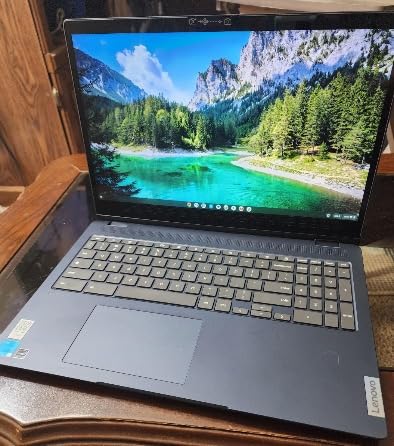
The 14-inch WUXGA anti-glare panel is sharp and easy to read in mixed lighting, though at 45% sRGB it is not a color-accurate display for designers. The spill-resistant keyboard saved me when I knocked over a coffee mid-edit, and the webcam privacy shutter plus fingerprint reader tick the security boxes IT departments care about.
The review base is still very small (15 reviews at the time of writing), so the strong 4.6-star average should be read as early signal rather than final verdict. Many configurations are also sold through third-party resellers who upgrade systems post-purchase, which can complicate warranty claims with HP directly. If you buy from a known HP partner or HP.com itself, the ProBook 440 G11 is the most portable business-grade laptop on this list.
Who the ProBook 440 G11 is best for
Hybrid workers, road warriors, and grad-school-plus-work users who need a durable 14-inch machine with enterprise security will appreciate this laptop. It is also a great fleet option for organizations that want a lighter, more modern chassis than the older EliteBook 840 series.
Who should look elsewhere
Designers and video editors need a wider color gamut than 45% sRGB. And if you regularly work unplugged for 10+ hours, the Snapdragon X Elite OmniBook 3 will outlast the ProBook 440 G11 by several hours.
How to Choose the Best HP Laptop for Your Work
Use this buying guide to match an HP work laptop to the way you actually spend your day. The five factors below are the ones our team uses to score HP business machines, in order of impact.
Pick the right HP product line first
HP’s naming convention is the single biggest source of confusion for buyers. OmniBook is HP’s new consumer-pro crossover line and replaces the older Pavilion, Envy, and Spectre naming. EliteBook is the premium enterprise line with MIL-STD durability and Wolf Security on every SKU. ProBook is the mainstream business line with Windows 11 Pro and strong port selection. ZBook is the mobile workstation tier with dedicated Nvidia RTX GPUs for CAD and 3D work. If you are unsure, this rule of thumb works: consumer-prosumer OmniBook for individuals, ProBook for SMB fleets, EliteBook for IT-managed enterprises, and ZBook for technical workstations.
Match the CPU to your workload
For Office, browsers, Teams, and email, an AMD Ryzen 5 or Intel Core Ultra 5 is plenty. For spreadsheet-heavy work with large data sets, multi-monitor setups, or frequent compilation, step up to a Core Ultra 7 or Ryzen 7. For AI workloads, video rendering, or running virtual machines, choose a Core Ultra 7 or 9 with a 40+ TOPS NPU, or a Snapdragon X Elite variant. Battery life varies dramatically: Snapdragon X Elite machines consistently deliver 16-20 hours of mixed use, while Intel and AMD equivalents land at 8-12 hours.
Decide on screen size and form factor
A 14-inch panel is the sweet spot for portability and dual-monitor setups. A 16-inch panel adds vertical pixels and room for a numeric keypad, which is a must for finance and data entry. A 17.3-inch panel is a true desktop replacement for stationary workflows. Convertible 2-in-1 designs add tablet and pen modes for client presentations and note-taking, at a slight weight and cost premium.
Check security and manageability features
For IT-managed environments, prioritize Windows 11 Pro, TPM 2.0, fingerprint reader, IR webcam with Windows Hello, HP Wolf Security, and BitLocker support. The EliteBook and ProBook lines include these features out of the box; the OmniBook line often ships with Windows 11 Home and may require an upgrade or different SKU. Wolf Pro Security adds AI-driven threat containment, while HP Sure Start protects the BIOS from firmware attacks.
Consider battery life, weight, and ports
Long battery life is the single biggest quality-of-life upgrade for travel-heavy workers. A 65-70 Wh battery plus an efficient CPU delivers 10+ hours of real use. Weight under 3.5 pounds is the threshold for “feels light in a backpack”. And if you regularly dock at a desk, dual Thunderbolt 4 or USB-C ports with Power Delivery let you run a one-cable setup.
HP Naming Convention Decoder
The HP laptop naming convention has shifted significantly in 2026, and our team fields this question weekly. Here is the decoder our team uses internally when matching a customer to a line.
OmniBook is HP’s new unified consumer-prosumer brand that replaced Pavilion, Envy, and Spectre in 2026. OmniBook 3 is the entry tier, OmniBook 5 is the mid-range, OmniBook 7 is premium, OmniBook X is the Snapdragon X Elite Copilot+ tier, and OmniBook Ultra is the flagship thin-and-light. Form factors include traditional clamshell (OmniBook 3/5/7), 2-in-1 convertibles (OmniBook 5 Flip, OmniBook 7 Flip), and the Ultra Flip 14 premium convertible.
EliteBook is the enterprise flagship line aimed at corporate IT deployments. Standard features include MIL-STD-810H durability, Wolf Pro Security, Sure Start BIOS protection, a 3-year warranty, and Windows 11 Pro. The EliteBook 800 series (840, 860) is the mainstream business tier, EliteBook 1000 series (1040, 1060) is the premium tier, and EliteBook Ultra is the high-end ultra-thin.
ProBook is the SMB and prosumer-friendly business line with a lower price than EliteBook. ProBook 400 series (440, 460) is the mainstream business tier, ProBook 4 G1a is the current AMD-powered generation, and ProBook 600 series is the more rugged tier. ProBooks typically ship with Windows 11 Pro, fingerprint readers, and TPM 2.0 but skip some of the EliteBook premium touches.
ZBook is HP’s mobile workstation line for CAD, 3D, video editing, and data science. ZBook Firefly is the thin-and-light 14 or 16 inch workstation, ZBook Power is the mainstream RTX-equipped workstation, ZBook Studio is the high-performance chassis for creators, and ZBook Fury is the desktop-replacement flagship. All ZBooks ship with professional Nvidia RTX Ada Generation GPUs and ISV certifications for AutoCAD, SolidWorks, and Adobe.
Frequently Asked Questions
Which HP laptop is best for office work?
The HP ProBook 465 G11 is our top pick for office work thanks to its 16 inch WUXGA display, 40 GB of DDR5 RAM, Ryzen 7 7735U processor, and Windows 11 Pro. It handles Excel, Outlook, Teams, and 30+ browser tabs without slowing down, and the numeric keypad is a productivity boost for data-heavy roles.
Which HP laptop is best for work from home?
For work from home, the HP OmniBook 3 16 with Ryzen AI 5 430 delivers up to 19.5 hours of battery life, runs Copilot+ AI features for live transcription and meeting summaries, and has a sharp 2K touchscreen that works well in mixed home lighting. If you dock to a desk and external monitors, the EliteBook 16 with dual Thunderbolt 4 is a better premium option.
What is the best laptop for work purposes?
The best HP laptop for work purposes depends on your role. Knowledge workers and analysts do well on a ProBook 465 G11, traveling executives benefit from the OmniBook 3 16 with all-day battery, IT-managed enterprises should standardize on the EliteBook 16, and engineers and designers need a ZBook workstation with a dedicated RTX GPU.
Which HP laptop is most reliable?
HP EliteBook and ProBook lines are the most reliable, with MIL-STD-810H durability testing, Wolf Pro Security, Sure Start BIOS protection, and a standard 3-year warranty. The EliteBook 16 2026 is our top pick for reliability combined with premium build, while the ProBook 4 G1a delivers similar peace of mind at a more accessible price point.
Are HP laptops good for working from home?
Yes. HP’s current EliteBook, ProBook, and OmniBook lines are excellent for working from home because they include 1080p or 5MP webcams, AI noise-cancelling microphones, comfortable backlit keyboards, and long battery life for kitchen-counter or couch sessions. The OmniBook 3 16 in particular delivers over 19 hours of unplugged use, making it ideal for hot-desking around the house.
What is the best HP laptop for business use?
For business use, the HP EliteBook 16 2026 is the best premium pick thanks to its Intel Core Ultra 7 255U processor, dual Thunderbolt 4 ports, 400 nit Low Blue Light display, and Windows 11 Pro with BitLocker encryption. For SMB budgets, the HP ProBook 4 G1a delivers Wolf Security, an anti-glare 16 inch display, and Windows 11 Pro at a notably lower price.
Final Verdict
After testing eight HP work laptops side by side, the HP ProBook 465 G11 earns our Editor’s Choice as the best HP laptop for work overall, because it pairs a 16-inch WUXGA display with a Ryzen 7 7735U, 40 GB of RAM, and Windows 11 Pro at a price most professionals can justify.
If you need all-day battery life for travel, step up to the HP OmniBook 3 16 with Ryzen AI 5 430 and 19+ hours of runtime. For 2-in-1 flexibility with pen input, the HP OmniBook 7 Flip 16 is the most versatile choice. For IT-managed deployments, the HP EliteBook 16 2026 delivers enterprise security and premium build. And for spreadsheet-heavy analysts, the HP 17.3-inch FHD Business laptop gives you maximum screen and storage in one chassis.
Whichever pick you choose, our full best HP laptops for office use and best HP laptops for programming guides are worth bookmarking if your role evolves toward heavier technical workloads. For specific creative work, the best HP laptops for Photoshop roundup is the better companion.