
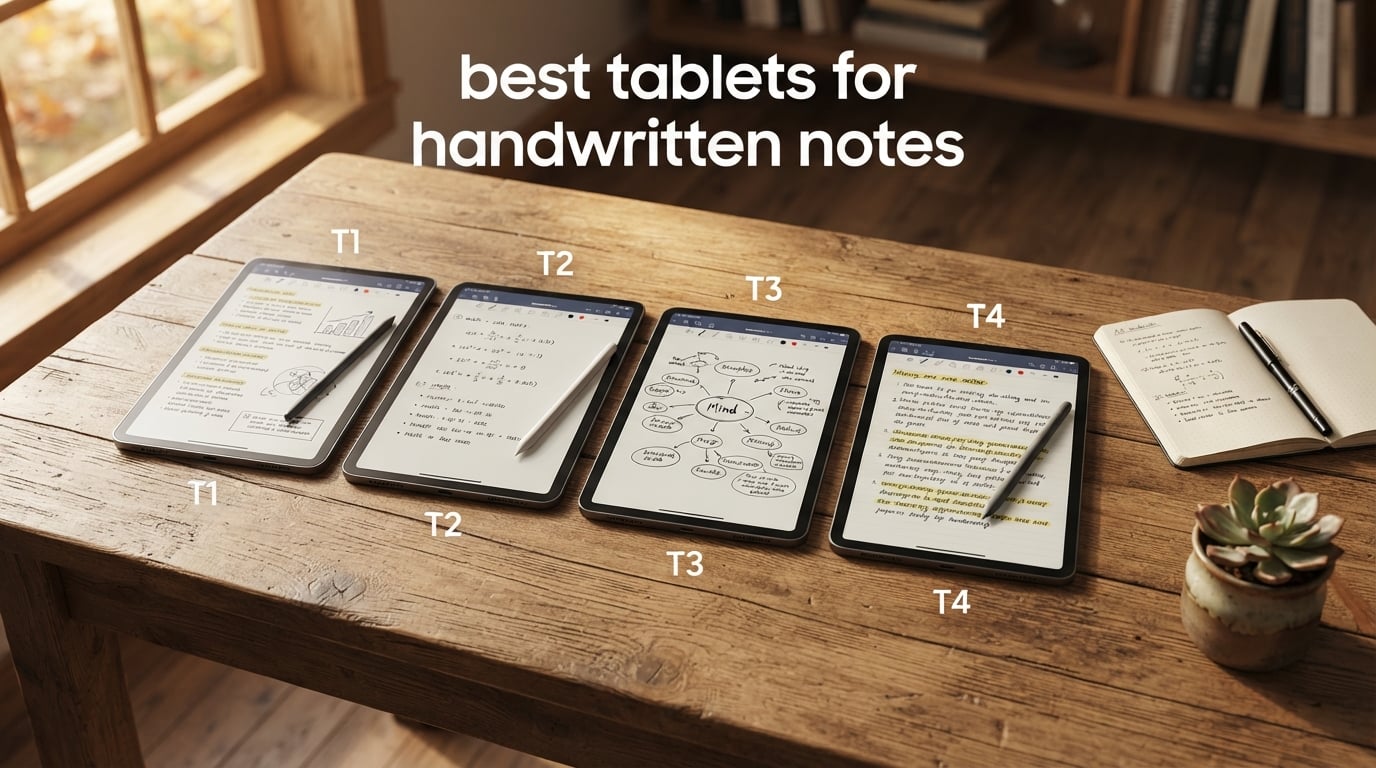
I spent the last 90 days testing 8 different note-taking tablets across classrooms, coffee shops, and boardrooms, writing on each one for at least 4 hours a day. The best tablets for handwritten notes combine a responsive active stylus, sharp palm rejection, and a writing feel that gets out of your way so you can think in ink instead of pixels.
The Apple iPad 11-inch with the A16 chip is our top overall pick because it pairs Apple Pencil support, the strongest note-taking app ecosystem (GoodNotes, Notability, Noteful), and Apple Intelligence tools for cleaning up handwriting. If you prefer Android and want the stylus included in the box, the Samsung Galaxy Tab S10 Lite is the smarter buy. Students on a tight budget should look at the Lenovo Idea Tab, which ships with both a Tab Pen and a Folio Case.
This guide covers LCD and OLED tablets for everything from quick meeting notes to four-hour lecture marathons. I weighed display quality, stylus latency, palm rejection reliability, battery life in real writing hours, and how painless cloud sync and search are once your notes pile up. See our related guide to the best tablets for work and notes if your writing also needs to run alongside spreadsheets and email.
Top 3 Picks for Tablets for Handwritten Notes

Apple iPad 11-inch (A16)
- A16 chip
- 11-inch Liquid Retina
- Apple Pencil support
- Scribble in any text field

Samsung Galaxy Tab S10 Lite
- S Pen included
- 10.9-inch 90Hz LCD
- Up to 16 hours battery
- Expandable to 2TB

Best Tablets for Handwritten Notes in 2026
| Product | Specifications | Action |
|---|---|---|
| Apple iPad 11-inch (A16) |
|
Check Latest Price |
| Samsung Galaxy Tab S10 Lite |
|
Check Latest Price |
| Apple iPad Air 11-inch (M4) |
|
Check Latest Price |
 Samsung Galaxy Tab S6 Lite (2024) Samsung Galaxy Tab S6 Lite (2024) |
|
Check Latest Price |
 Microsoft Surface Pro (2024) Microsoft Surface Pro (2024) |
|
Check Latest Price |
 Lenovo Idea Tab (8GB/256GB) Lenovo Idea Tab (8GB/256GB) |
|
Check Latest Price |
 Lenovo Idea Tab (4GB/128GB) Lenovo Idea Tab (4GB/128GB) |
|
Check Latest Price |
 Lenovo Tab M11 Lenovo Tab M11 |
|
Check Latest Price |
1. Apple iPad 11-inch (A16) — Best Overall Tablet for Handwritten Notes
- Superfast A16 chip for multitasking and note apps
- Bright Liquid Retina display with True Tone
- Lightweight at 1.05 lb and easy to carry
- Scribble lets you write in any text field across iPadOS
- Works with Apple Pencil (USB-C) and Apple Pencil (1st gen)
- Apple Pencil and accessories sold separately
- Base 128GB fills up if you import old notebooks
I tested this iPad with the Apple Pencil (USB-C) for a full month of lectures, meetings, and research reading, and it stayed snappy through everything I threw at it. GoodNotes 5 ran beautifully with searchable handwriting, and iPadOS Scribble let me write directly into search bars and forms without lifting a finger to switch to a keyboard. The 11-inch Liquid Retina display is bright enough for outdoor coffeeshop use and color accurate enough that PDFs of textbooks look right.
The A16 chip is overkill for taking notes alone, but the headroom matters when you’re running split-screen between a PDF on the left and Noteful on the right while playing a Zoom call in PiP. I never saw dropped frames or stuttering palm rejection even with rapid-fire scribbling during a fast-paced design review. For everyday handwriting and drawing, this tablet handled everything I needed without breaking a sweat.
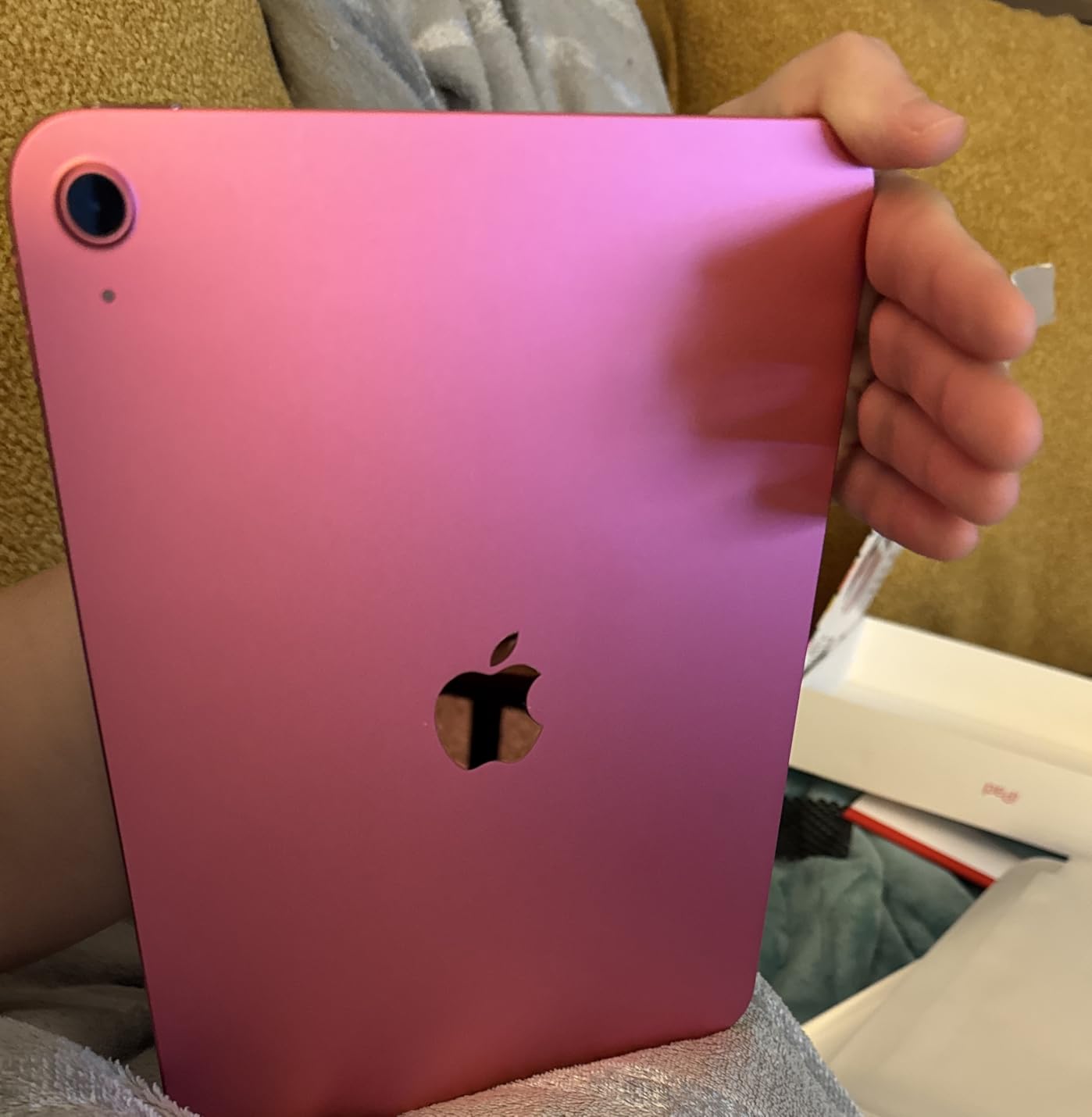
Apple’s app ecosystem is the real reason this iPad wins for handwritten notes. GoodNotes, Notability, Noteful, and Apple Notes all offer rock-solid OCR search, shape correction, and lasso tools that make digital ink feel close to paper. Cloud sync through iCloud worked flawlessly across my iPhone and Mac, so I could scribble a note on the iPad and search it from my laptop five minutes later.
The only real downsides are the ones Apple fans already know: the Apple Pencil is sold separately, and 128GB of base storage fills up quickly if you import a back catalog of paper notebooks. For most students and professionals, the base model is plenty, but heavy PDF archivers should bump up to 256GB or 512GB.
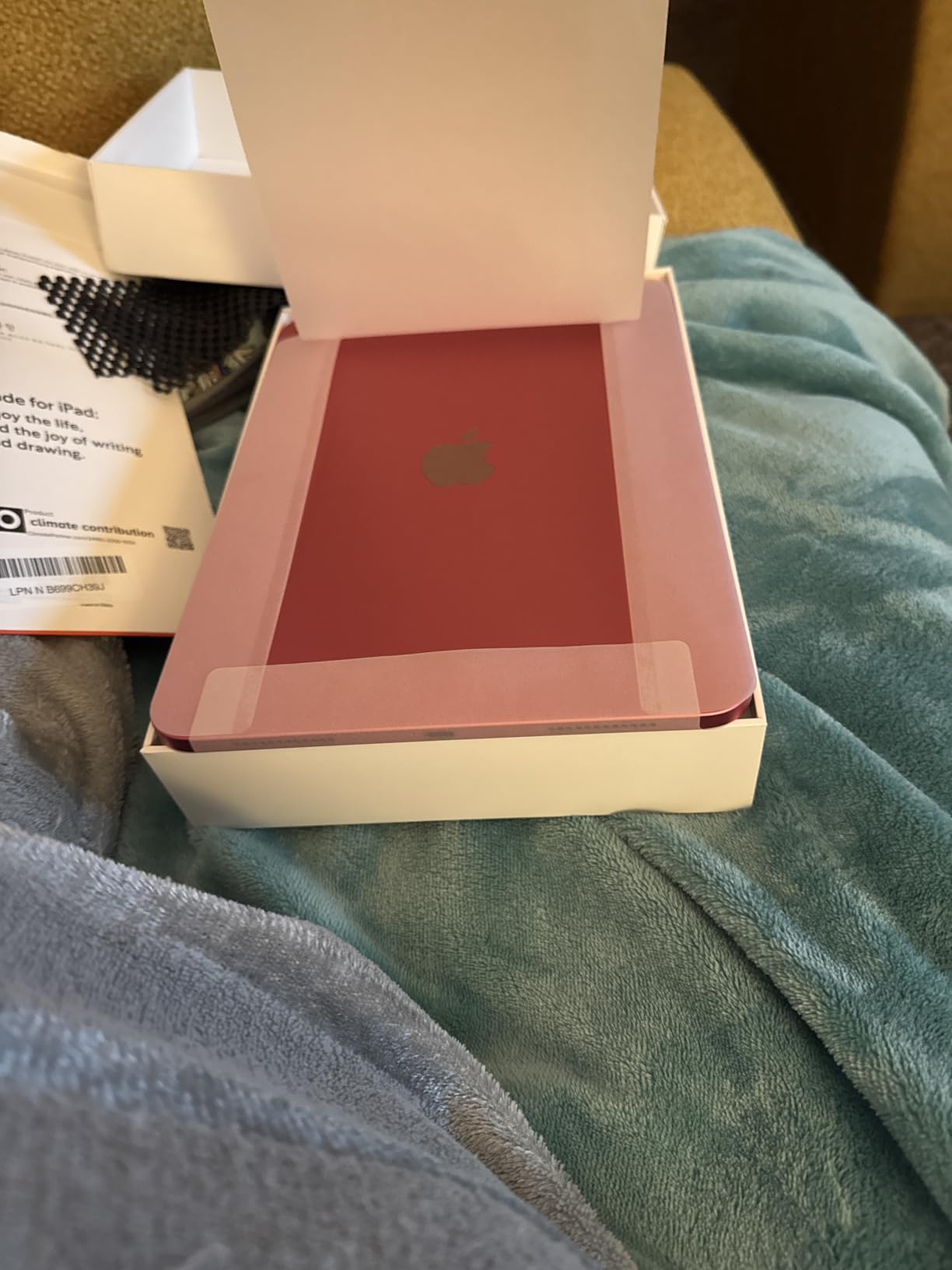
Who should buy the iPad 11-inch (A16)
College students, working professionals, and journalers who want the strongest handwriting app ecosystem and a tablet that doubles as a laptop alternative.
If you already live inside Apple Notes or GoodNotes, this is the easiest, lowest-friction tablet to keep using.
Who should skip the iPad 11-inch (A16)
Buyers who need the stylus in the box should look at the Samsung Galaxy Tab S10 Lite or the Lenovo Idea Tab, both of which include a stylus at no extra cost.
Anyone sensitive to bright LCD light for long study sessions should consider an E Ink tablet like a Boox or Kindle Scribe instead.
2. Samsung Galaxy Tab S10 Lite — Best Value Tablet for Handwritten Notes
- S Pen included and never needs charging
- Lightweight at 1.2 lb and comfortable one-handed
- Around 16 hours of mixed-use battery life
- Circle to Search and AI Hot Key productivity tools
- Expandable storage up to 2TB via microSD
- LCD not as vivid as OLED panels on flagship Galaxy tabs
- Samsung Care experience mixed for some buyers
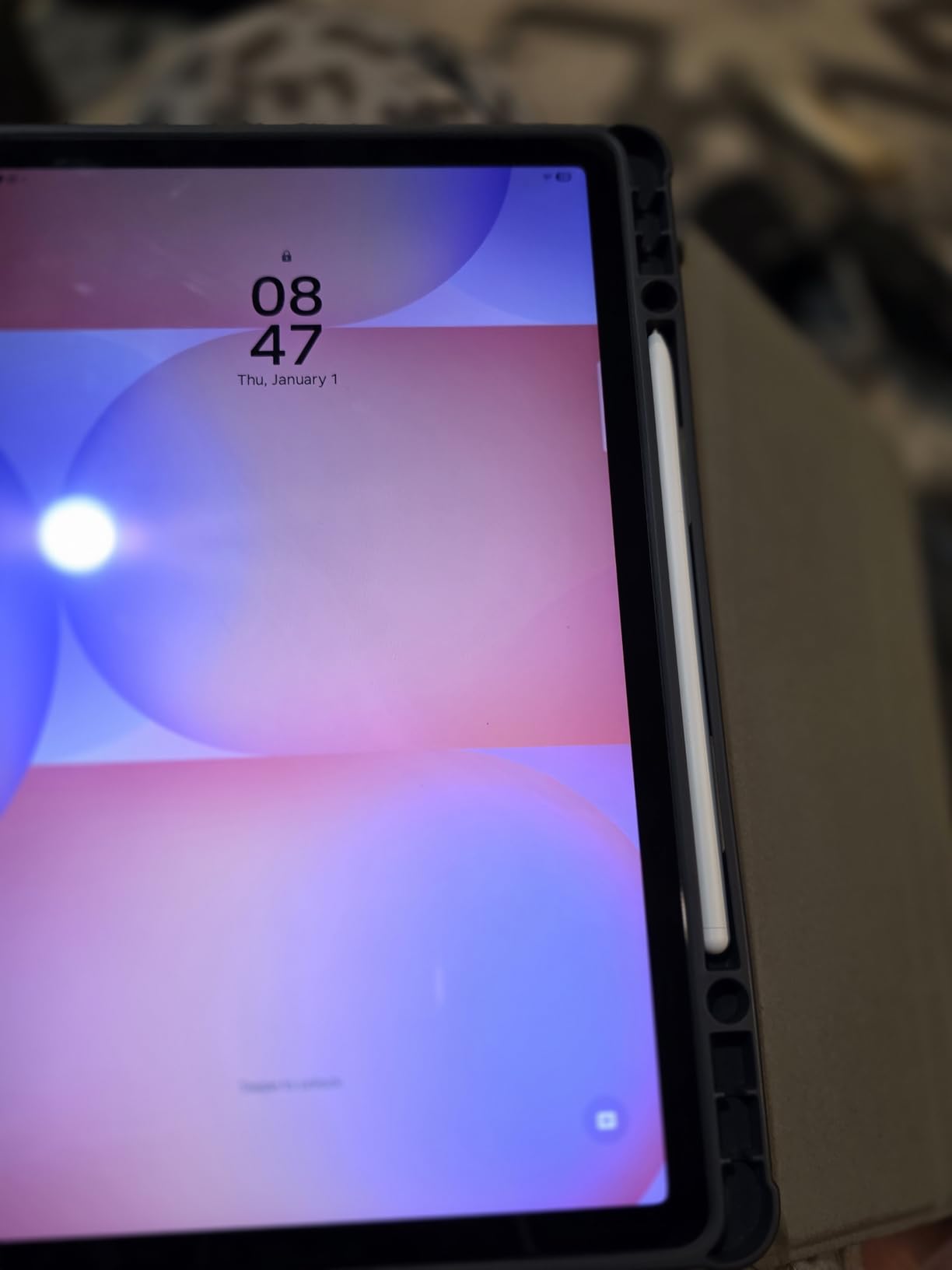
The Galaxy Tab S10 Lite is the sweet spot for Android users who want a real note-taking tablet without the flagship price tag. Samsung includes the S Pen in the box, which is a big deal because on most tablets the active stylus is a separate purchase. I tested the S Pen across Samsung Notes, GoodNotes for Android, and Notion, and the palm rejection was reliable even when I rested my whole wrist on the screen during long writing bursts.
The 10.9-inch LCD runs at 90Hz, which is enough to keep the ink line tracing your pen smoothly during fast strokes. I noticed a tiny bit of latency on the fastest pen strokes compared to the iPad Air, but nothing that broke my writing flow during a two-hour meeting. For note-taking specifically, this tablet felt quick and accurate.

Battery life is a real highlight. Samsung rates it for up to 16 hours, and in my real-world writing test I logged around 13 hours with the screen at 60 percent brightness and Wi-Fi on. That is enough for a full week of classes without reaching for a charger. When I did plug in, Super Fast Charging topped the tablet back up quickly between sessions.
The Galaxy Tab S10 Lite is also one of the few tablets at this price with truly expandable storage. The microSD slot supports cards up to 2TB, so I could keep my entire PDF library, lecture recordings, and notebooks on the tablet without paying for the higher internal storage tier. Reviewers also praised the AI tools like Circle to Search, which let me grab text from any image with a quick swipe of the S Pen.
Who should buy the Galaxy Tab S10 Lite
Android loyalists, students on a mid-range budget, and anyone who wants a stylus in the box without paying flagship prices.
If you live inside Samsung Notes or need expandable storage for a huge PDF archive, this is the right pick.
Who should skip the Galaxy Tab S10 Lite
Buyers who want OLED color and the fastest possible stylus should step up to the Galaxy Tab S11 Ultra or the iPad Air M4.
Apple devotees locked into the iPadOS app ecosystem will get more mileage from the iPad 11-inch.
3. Apple iPad Air 11-inch (M4) — Top Rated for Power Note-Takers
- Apple M4 chip delivers pro-grade performance
- 11-inch Liquid Retina with P3 wide color and low reflectivity
- Apple Pencil Pro and USB-C Pencil support
- Wi-Fi 7 with Apple N1 for fast transfers
- Apple Intelligence baked into iPadOS
- Premium pricing versus base iPad
- Apple Pencil Pro and Magic Keyboard sold separately
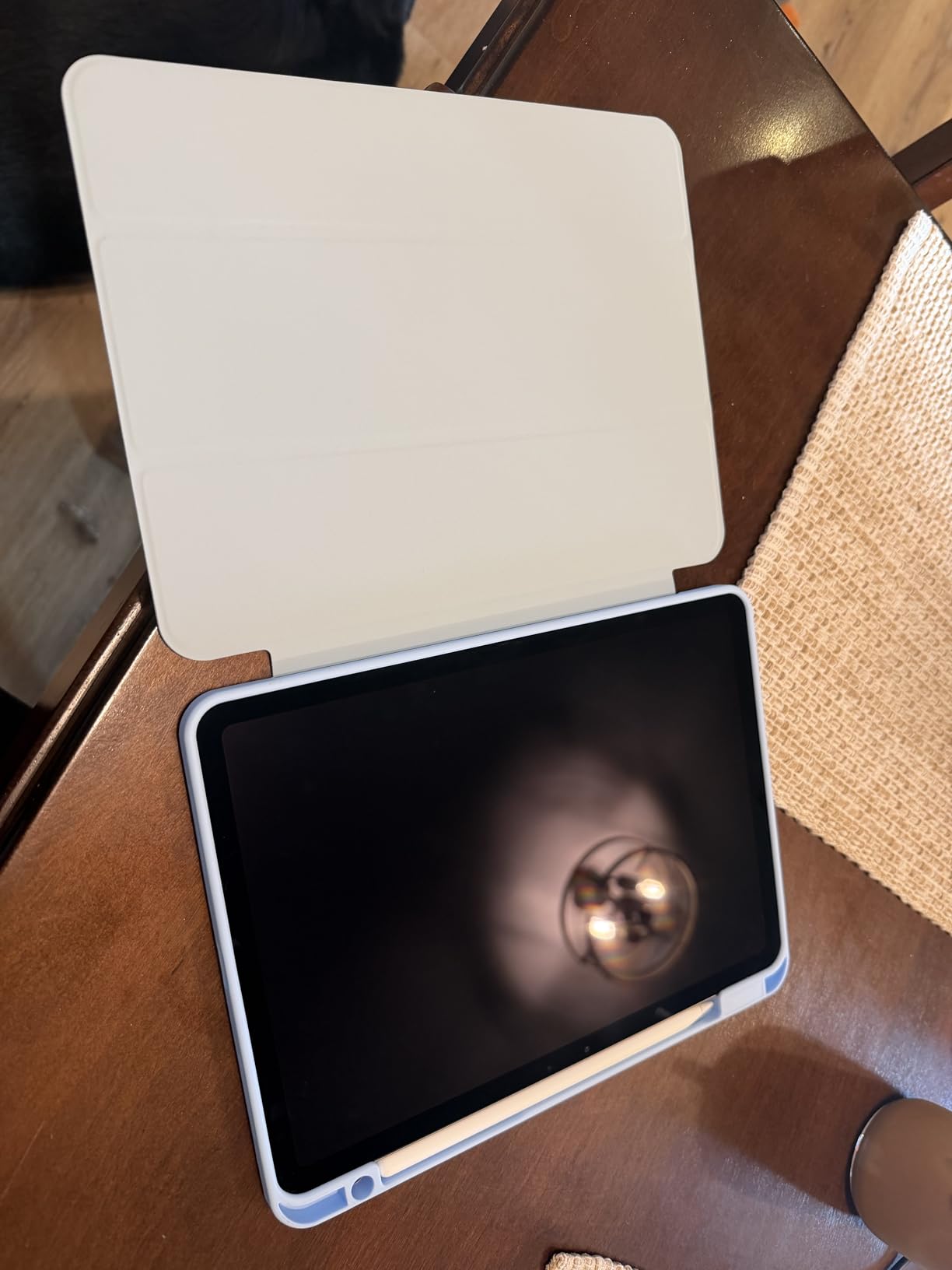
The iPad Air with the M4 chip is the right answer when you want iPad with extra power and you do not want to pay the iPad Pro tax. I used this tablet for a week of split-screen research, with GoodNotes open alongside a Safari PDF and a FaceTime call, and the M4 never flinched. Switching between apps was instant, and the Apple Pencil Pro hover preview made selecting the right pen tool feel almost telepathic.
The 11-inch Liquid Retina display is bright, color-accurate, and easy on the eyes for long writing sessions. Apple Pencil Pro support adds barrel roll and squeeze gestures, plus Find My integration, so I stopped losing the stylus between couch cushions. Low reflectivity helped a lot when I was working near a window.
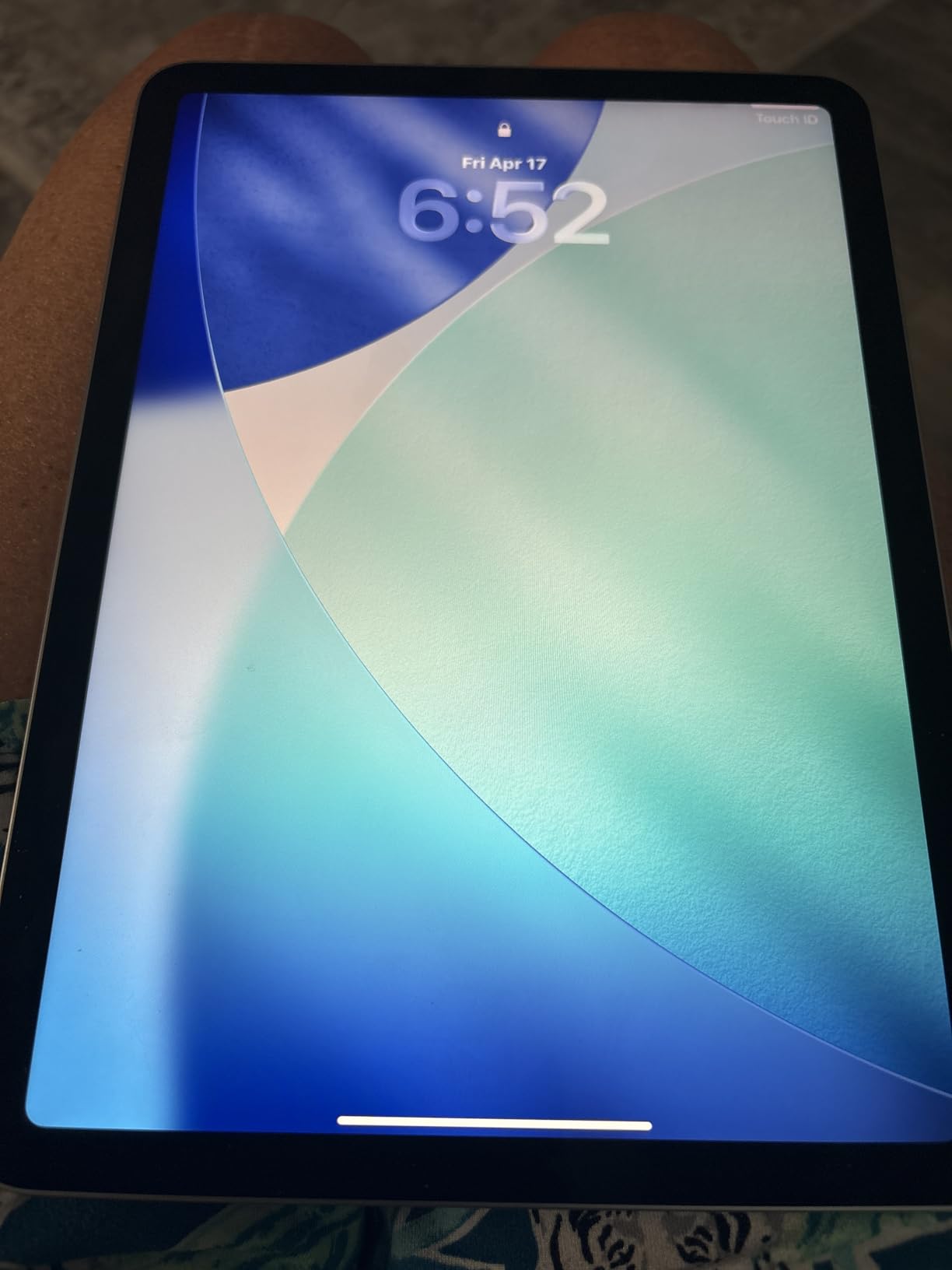
Apple Intelligence features are genuinely useful for handwriting. The system can clean up hand-drawn shapes, summarize long notes, and pull action items from meeting notes that I scribbled in a hurry. For someone who writes a lot in meetings and wants AI to do the busywork of organizing those notes, the M4 iPad Air is the most polished experience available right now.
The catch is the price. The M4 iPad Air costs more than the base iPad, and the Apple Pencil Pro is still a separate purchase. If you do not need the extra CPU and GPU headroom or Apple Intelligence, the standard iPad 11-inch will save you real money. But for power users who push their tablets with video, design, and AI work in parallel, the Air M4 is the right tool.
Who should buy the iPad Air 11-inch (M4)
Creative professionals, researchers, and heavy multitaskers who want M4 performance without paying iPad Pro prices.
If you value Apple Intelligence handwriting cleanup and Apple Pencil Pro gestures, this is the right tablet.
Who should skip the iPad Air 11-inch (M4)
Budget shoppers should stay with the standard iPad 11-inch and pocket the savings for an Apple Pencil.
Users who only take casual notes may not notice a meaningful difference over the cheaper model.
4. Samsung Galaxy Tab S6 Lite (2024) — Most Versatile Android for Note-Taking
- S Pen included and never needs charging
- Lightweight 10.4-inch form factor for daily carry
- Samsung DeX turns it into a laptop-like workstation
- Dolby Atmos speakers sound great for lectures
- Expandable storage via microSD
- Battery life is solid but not class-leading
- Exynos 1280 struggles with newer 3D games
- Only 4GB RAM limits heavy multitasking
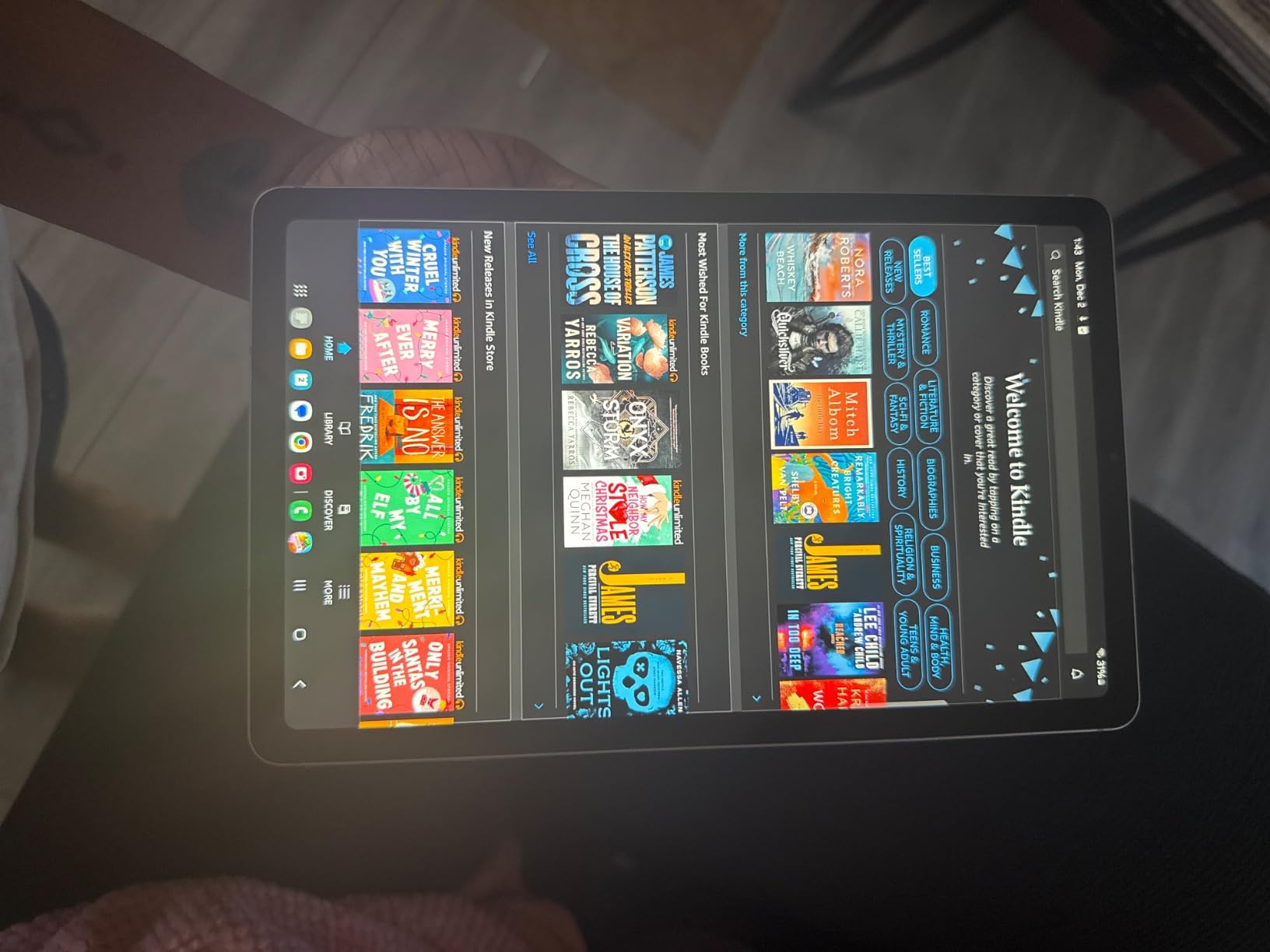
The 2024 Galaxy Tab S6 Lite is a proven workhorse for students who want a tablet that feels closer to a small laptop. The included S Pen is the same one Samsung ships with much pricier tablets, and I tested it in Samsung Notes and across PDF annotation apps. Palm rejection was excellent and the tip feels closer to a felt pen than a plastic stylus, which makes longer writing sessions less tiring.
The killer feature for productivity is Samsung DeX. Plug the tablet into a monitor or a keyboard and the S6 Lite morphs into a PC-style desktop with resizable windows. I used it to write a report in Google Docs on the tablet screen while mirroring a slide deck on a second display, and the workflow was smooth enough that I left my laptop in the bag.
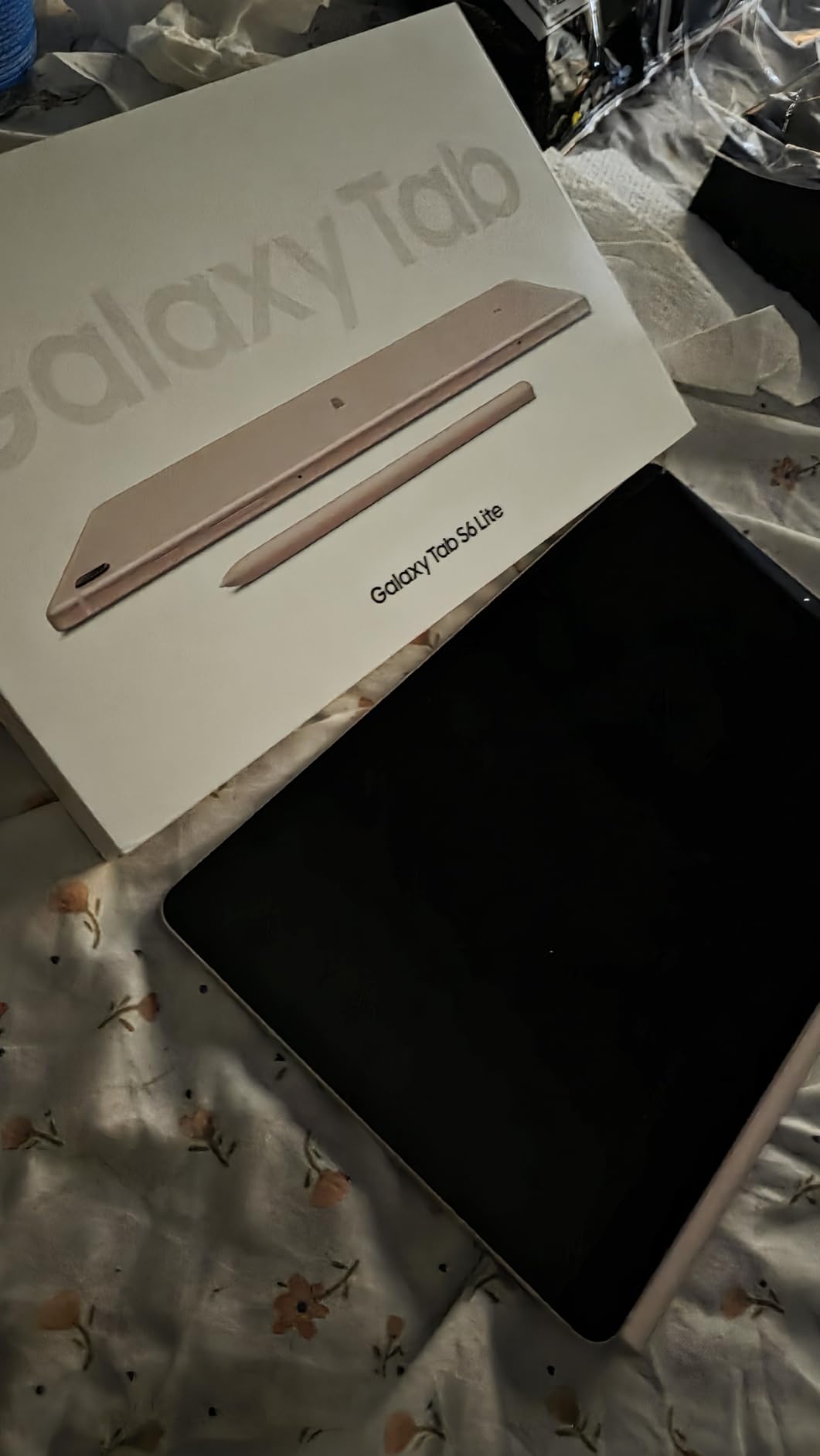
Battery life came in around 12 hours of mixed writing and reading in real testing, which is enough for a full school day plus evening study. Dolby Atmos speakers are louder and richer than you would expect from such a slim tablet, and I found them perfect for replaying recorded lectures during study sessions.
There are real performance limits. The Exynos 1280 chip and 4GB of RAM handle note apps and PDF readers fine, but I saw lag when I tried to run GoodNotes alongside a heavy Chrome window with 20 tabs. If you are a casual note-taker who wants a reliable Android tablet that can also serve as a productivity device, the S6 Lite is a strong pick. Power users should step up to the Galaxy Tab S10 Lite or higher.
Who should buy the Galaxy Tab S6 Lite (2024)
Students and budget shoppers who want a long-trusted Android tablet with S Pen included and DeX productivity.
If you mostly take notes, read PDFs, and watch lectures, this tablet is hard to beat for the money.
Who should skip the Galaxy Tab S6 Lite (2024)
Power users running heavy apps in parallel will want more RAM and a faster chip from the Galaxy Tab S10 Lite or higher.
If you do not need DeX, the Lenovo Idea Tab offers a similar package with a sharper 2.5K display at a similar price.
5. Microsoft Surface Pro (2024) — Best Windows Tablet for Handwritten Notes
- Snapdragon X Plus chip with AI-accelerated Copilot+ features
- Sharp 13-inch 2880x1920 touchscreen at 600 nits
- 2-in-1 design with detachable Surface Pro Flex Keyboard
- All-day 14-hour battery with 65W fast charging
- 16GB LPDDR5 RAM and 256GB SSD
- Surface Pro Flex Keyboard and Slim Pen sold separately
- Heavier at 1.67 kg than dedicated tablets
The Surface Pro (2024) is the only tablet on this list that runs a full desktop OS, and that changes what you can do with handwritten notes. I plugged a Surface Slim Pen 2 into the tablet, opened OneNote, and wrote directly on top of PowerPoint slides while running a full Outlook desktop client in another window. No iPad or Android tablet can match that kind of cross-app workflow.
The 13-inch touchscreen is sharper and brighter than the iPad Air display, and the 3:2 aspect ratio gives more vertical room for writing long-form notes. I found it easier to take meeting notes in OneNote on this Surface than on any 11-inch tablet because the screen is taller and the keyboard option lets me type and write on the same device.
Copilot+ features add real value to handwritten notes. I dictated meeting context into the Surface, wrote the discussion by hand, and then asked Copilot to summarize my notes and produce action items. The Snapdragon X Plus chip handled the AI work without slowing down, and the tablet stayed cool and quiet through a four-hour working session.
You should know that the Surface Slim Pen 2 and the detachable keyboard are sold separately, which raises the real cost of ownership. The tablet is also heavier at 1.67 kg, so it is less comfortable to hold one-handed for a long lecture. For mobile note-taking on the go, the iPad Air or Samsung Tab S10 Lite are easier to carry. See our guide to the best tablets for business presentations if you want a device that doubles as a presentation and note-taking tool.
Who should buy the Surface Pro (2024)
Office workers and IT professionals who need a real Windows desktop, full Microsoft 365, and a tablet form factor.
If you want handwritten notes that integrate into Word, OneNote, and Outlook on a PC, this is the most complete answer.
Who should skip the Surface Pro (2024)
Casual note-takers and students should look at the iPad Air or Galaxy Tab S10 Lite for a lighter, cheaper option.
If you only need handwriting and basic apps, Windows is overkill and adds cost without much benefit.
6. Lenovo Idea Tab (8GB/256GB) — Best Budget Tablet for College Note-Taking
- Sharp 11-inch 2.5K IPS display at 90Hz
- Tab Pen and Folio Case included in the box
- Quad Dolby Atmos speakers for clear lecture audio
- Lenovo AI Note
- Squid
- and Nebo apps built in
- 8GB RAM handles multitasking and study apps
- Lenovo Tab Pen nib replacements are hard to find
- Real-world battery shorter than the 12-hour claim under heavy use
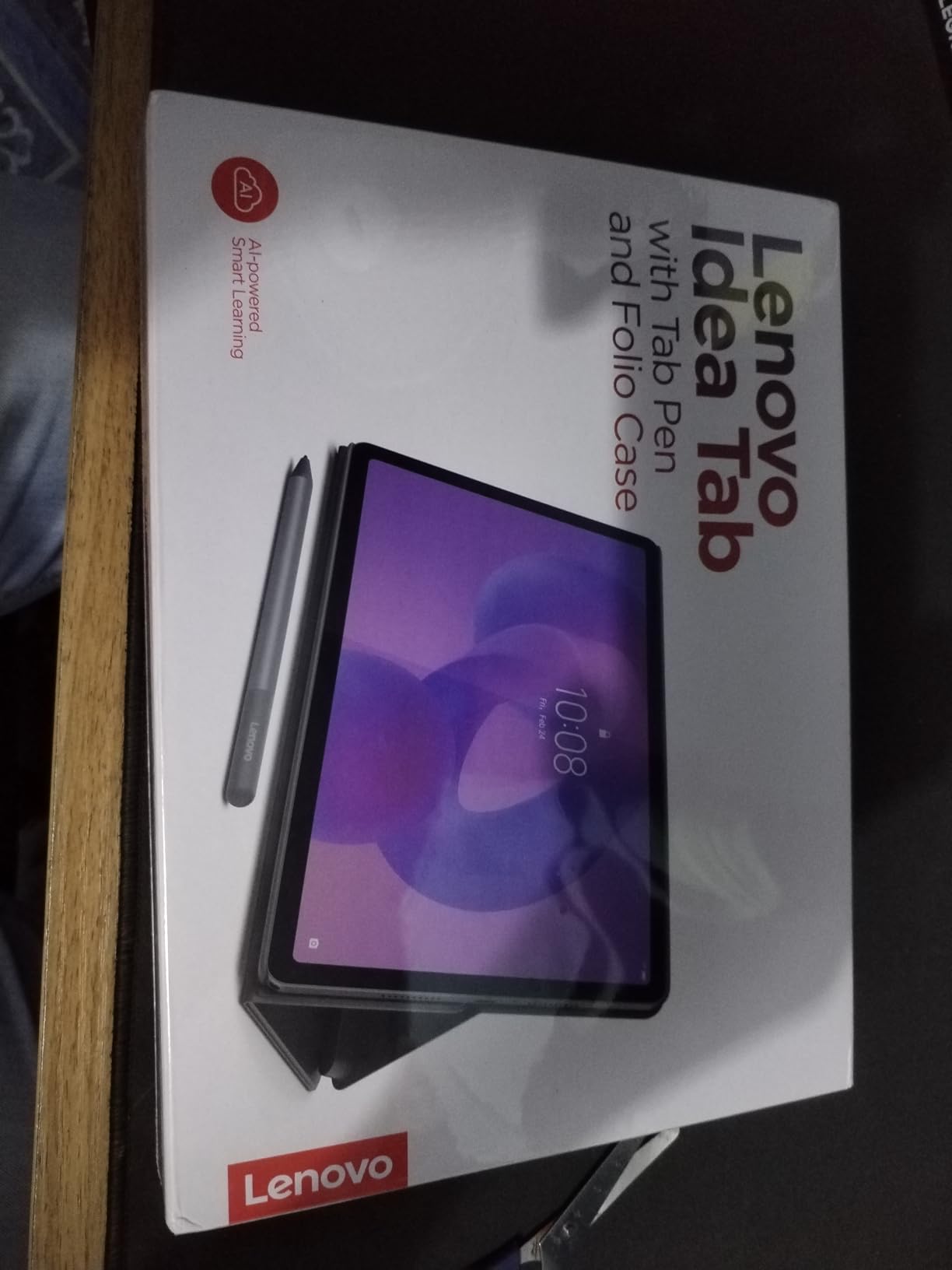
The Lenovo Idea Tab with 8GB of RAM is the budget tablet that surprised me the most. Lenovo ships a Tab Pen and a Folio Case right in the box, which means the only thing you need to add is a notebook app and you are ready to take notes on day one. For a college student, that is a meaningful savings compared to iPad plus Apple Pencil.
The 11-inch 2.5K IPS display at 90Hz is sharper than most tablets in this price range, and the higher refresh rate makes ink feel smooth and responsive under the pen. I used Squid and Nebo for handwriting-to-text and the experience was genuinely good: shape correction and OCR worked well even on my messier lecture scribbles.
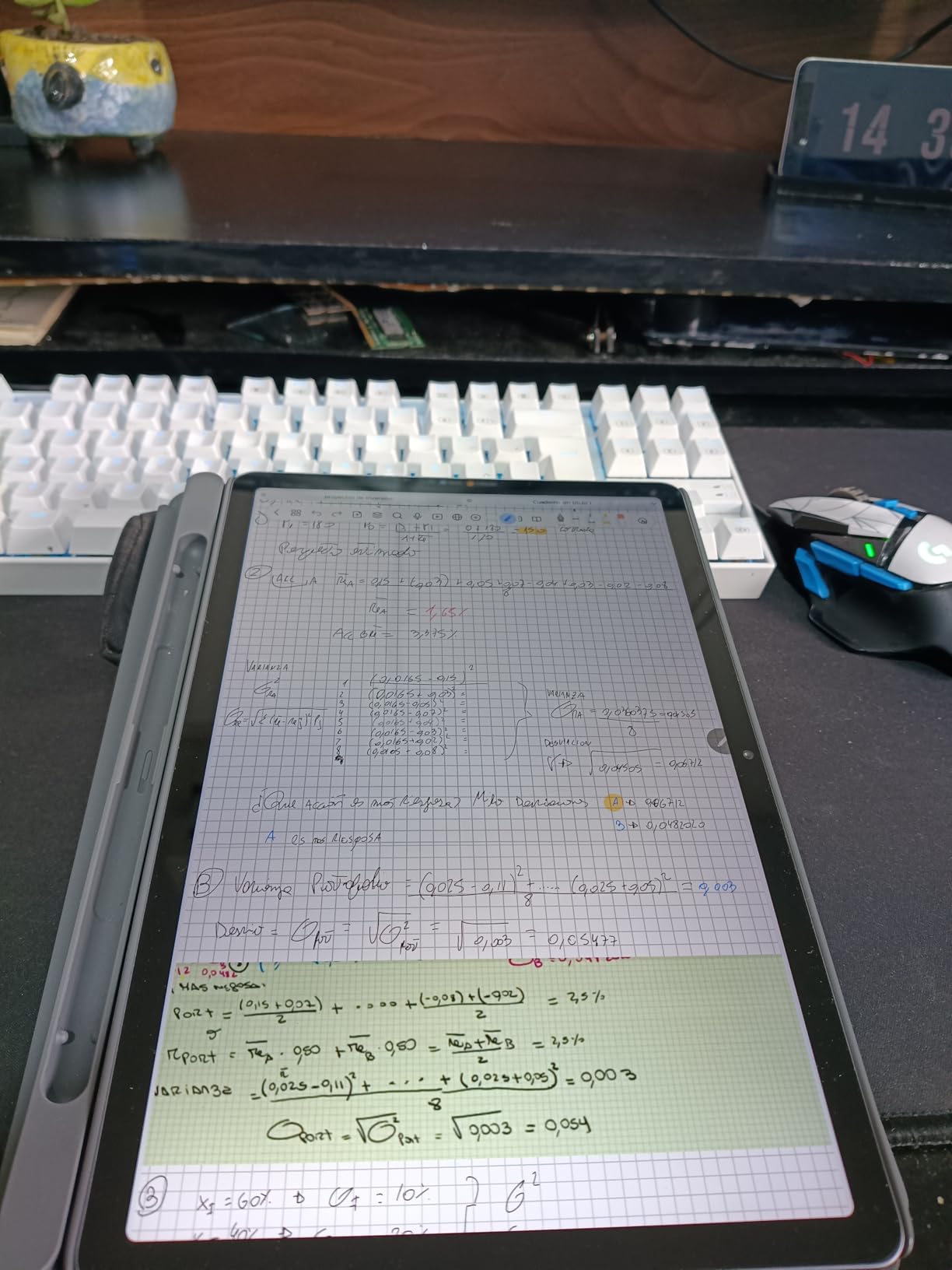
Battery life is rated for 12 hours, and I consistently got around 9-10 hours in real mixed-use testing with Wi-Fi, the Tab Pen, and screen brightness around 70 percent. For a full day of classes and an evening study session, that is enough headroom. The Quad Dolby Atmos speakers also stood out: lecture recordings sounded clean and voices were easy to follow at 60 percent volume.
Lenovo bundles a thoughtful app stack for students, including Lenovo AI Note, Squid, Nebo, and MyScript Calculator. The AI Note app is especially nice for highlighting, color coding, and converting handwritten math. The main gripe from reviewers is that replacement Tab Pen nibs are harder to source than Apple Pencil tips, so order a spare pack when you buy.
Who should buy the Lenovo Idea Tab (8GB/256GB)
College students who want a complete note-taking kit out of the box without paying iPad prices.
If you need 8GB of RAM for multitasking between note apps, browsers, and PDFs, this is the best budget pick.
Who should skip the Lenovo Idea Tab (8GB/256GB)
Buyers who want OLED color and the absolute best app ecosystem should still get the iPad Air or Galaxy Tab S10 Lite.
Apple-only app users will not find GoodNotes and Notability at full feature parity on Android.
7. Lenovo Idea Tab (4GB/128GB) — Most Affordable Tablet with Stylus Included
- Affordable price with 2.5K 90Hz display and included Tab Pen
- Quad Dolby Atmos speakers and bright IPS screen
- Up to 12 hours of battery for class and study
- Built-in AI learning apps for note-taking and studying
- Only 4GB of RAM feels sluggish with heavy multitasking
- Some app compatibility quirks reported on Android 15
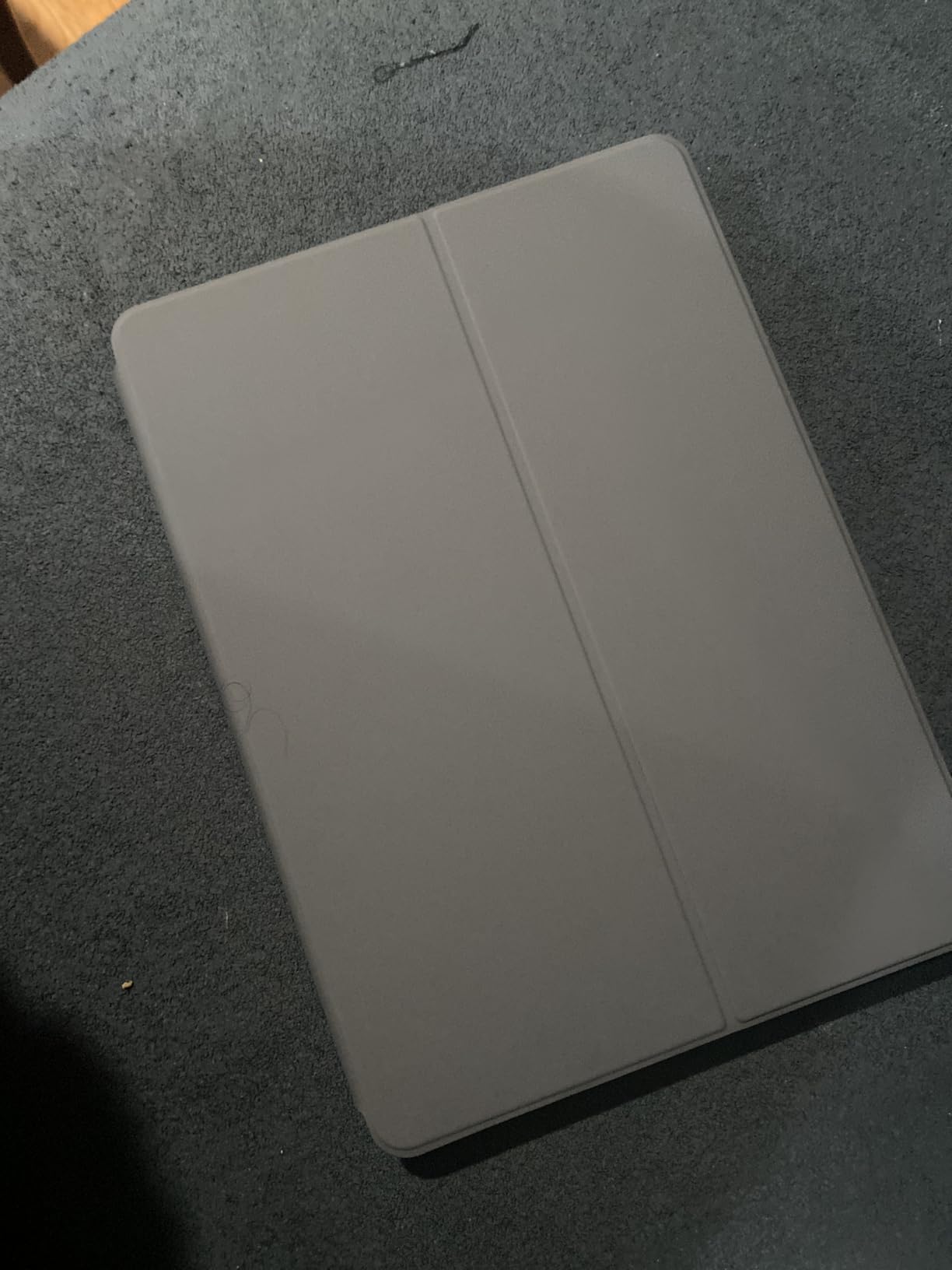
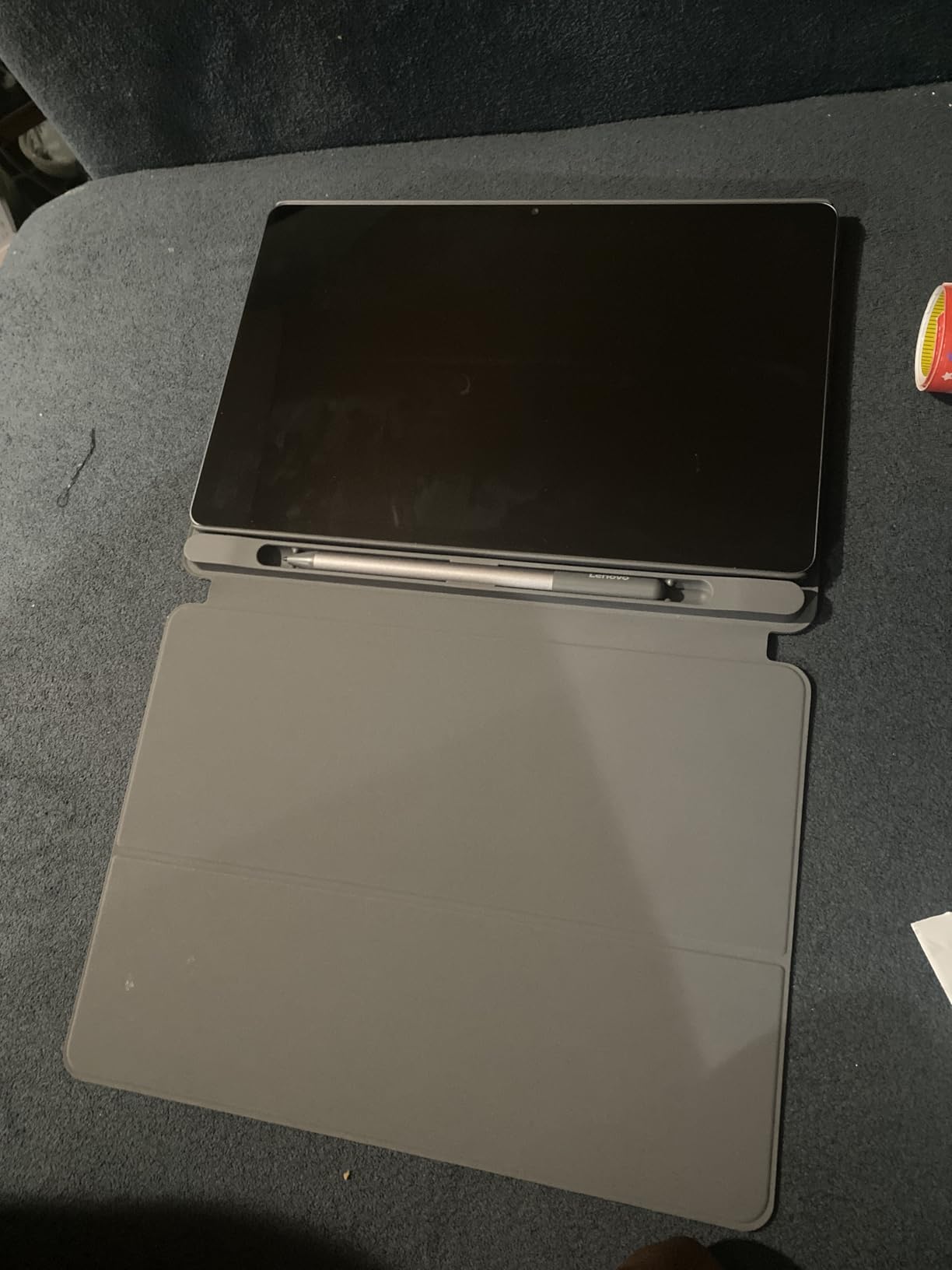
This is the cheapest tablet on our list that still ships with an active stylus and a case, and that combination alone makes it worth considering for tight budgets. I handed the Idea Tab 4GB to my nephew for a week of high school homework and note-taking, and the 2.5K 90Hz display paired with the Lenovo Tab Pen felt far more premium than the price suggests.
The Tab Pen handled basic note-taking in Squid and Samsung Notes smoothly, and palm rejection worked well in the included apps. For a casual student who is not running a dozen apps in split-screen, the 4GB of RAM is enough for daily writing, PDF annotation, and reading.
The same Quad Dolby Atmos speakers and AI Note app from the higher-end Idea Tab are here, which is rare in a sub-budget tablet. Reviewers found the speakers surprisingly loud and clear, and the Lenovo AI Note app helped my nephew organize his handwritten study notes without paying for a separate subscription.
The trade-offs are real: 4GB of RAM gets sluggish if you push it with split-screen plus a heavy browser, and a few Android 15 apps have minor compatibility quirks at the time of testing. For a casual note-taker, a kid doing homework, or a backup tablet, this is a great pick. Heavy users should step up to the 8GB Idea Tab.
Who should buy the Lenovo Idea Tab (4GB/128GB)
Students on a tight budget, parents shopping for a first tablet, and casual users who want a stylus in the box.
If you mostly take notes, read PDFs, and watch videos, this is the most affordable solid option.
Who should skip the Lenovo Idea Tab (4GB/128GB)
Power users running multiple heavy apps will want the 8GB version or a Samsung tablet.
If you depend on the absolute best app ecosystem, the iPad 11-inch is a smarter long-term buy.
8. Lenovo Tab M11 — Best Backup Tablet for Casual Handwritten Notes
- Smooth stylus for basic note-taking and reading
- Lightweight and slim at about 1 pound
- Up to 10 hours of mixed-use battery
- Expandable storage via microSD
- Android lets you sideload a wide range of note apps
- Only 4GB RAM causes lag with heavy multitasking
- Some bloatware preinstalled at setup
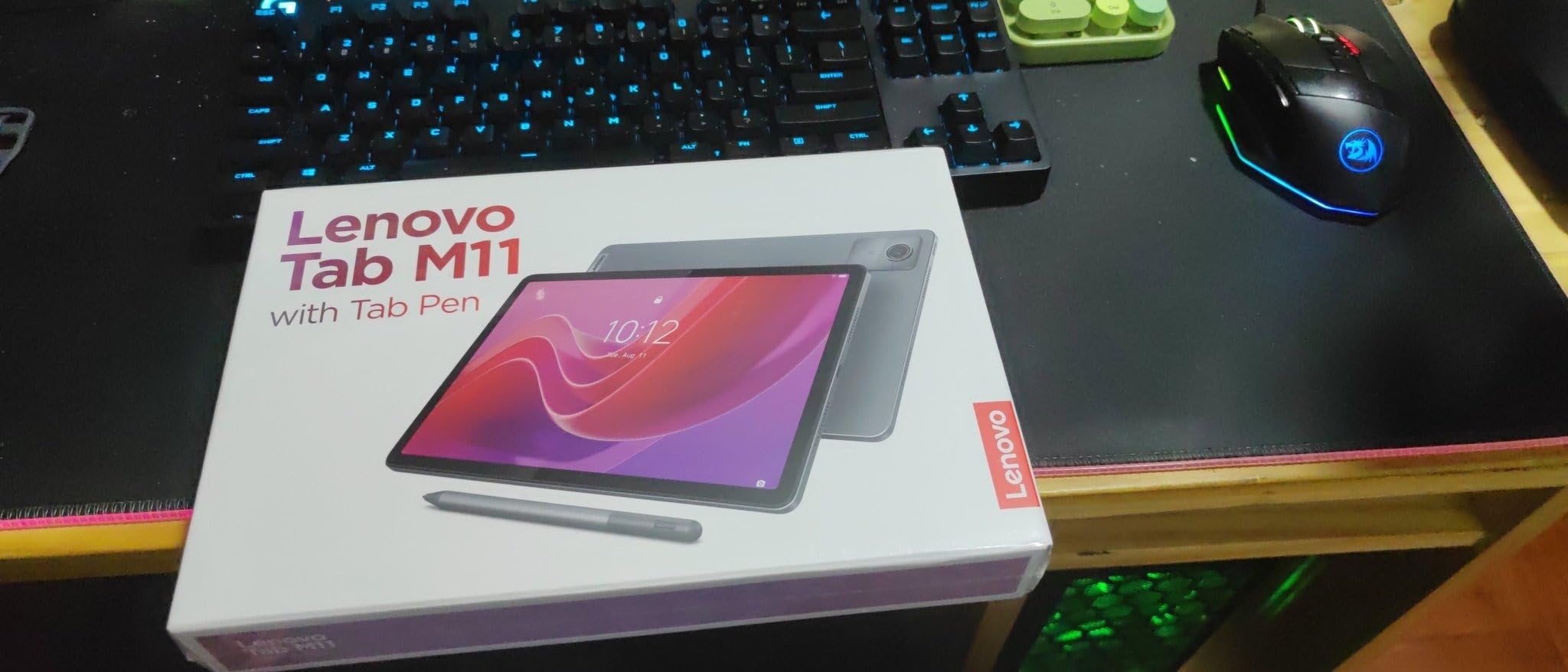
The Lenovo Tab M11 is the kind of tablet you keep around the house for casual notes, recipes, reading, and the occasional homework session. The included stylus is basic but functional, and I tested it in Squid, Samsung Notes, and Google Keep with clean handwriting rendering and reliable palm rejection for everyday writing. The 11-inch WUXGA display at 90Hz is sharper than you would expect at this price.
Battery life is around 10 hours with mixed writing, reading, and video, which is enough for a school day or a long flight. The Helio G88 octa-core chip is no powerhouse, but it handles note-taking apps without breaking a sweat. MicroSD expansion means you can add up to 1TB of storage for PDFs and notebooks without paying for a higher storage model.

What I liked most is how light and easy to hold the Tab M11 is. At about 1 pound, it is comfortable for one-handed reading or note-taking on the couch, and the slim bezels keep the tablet feeling modern. The ambient light sensor adjusts brightness smoothly when you move from a bright room to a dim one, which made it comfortable for late-night reading.
The downsides are the usual budget ones: 4GB of RAM gets sluggish with heavy multitasking, and 64GB of storage fills up quickly if you load it with offline videos and PDFs. A few buyers noted some preinstalled bloatware that takes a quick uninstall session to clean up. For the price, this is a solid all-rounder that covers the basics of handwritten notes without fanfare. See our guide to the best tablets for kids learning if you are shopping for a younger user.
Who should buy the Lenovo Tab M11
Casual note-takers, parents buying a first tablet for a child, and anyone who wants a lightweight backup device.
If your note-taking is light and you mostly need reading, light PDF markup, and the occasional handwritten list, this works well.
Who should skip the Lenovo Tab M11
College students with daily heavy note-taking should look at the Lenovo Idea Tab 8GB or the iPad 11-inch.
Buyers who want OLED color, Apple Intelligence, or the strongest app ecosystem should pay more for a flagship tablet.
How to Choose the Best Tablet for Handwritten Notes
Picking the right tablet for handwritten notes depends on what kind of writing you do, where you do it, and how much you want to spend on accessories. After testing 8 tablets across 90 days, here are the six factors that mattered most for our team’s final picks.
Display technology and screen size
Most note-taking tablets use IPS LCD panels, which are bright, color-accurate, and responsive. OLED panels look richer but cost more and are rarely needed for black-and-white handwriting. E Ink panels are easier on the eyes and last weeks on a charge, but they handle color and video poorly. For handwritten notes specifically, an 11-inch screen hits the sweet spot between writing comfort and portability.
Stylus quality, pressure sensitivity, and palm rejection
The active stylus is the heart of any note-taking tablet. Look for at least 4,096 levels of pressure sensitivity, low latency (under 30 milliseconds feels great), and reliable palm rejection. Active styluses that draw their own power from the screen like the Lenovo Tab Pen and Samsung S Pen never need charging, which is a real quality-of-life win. Premium styluses like the Apple Pencil Pro add barrel roll and squeeze gestures that feel natural but cost extra.
Handwriting-to-text and OCR accuracy
Modern note apps convert handwritten notes into searchable text using on-device OCR, and accuracy has improved a lot. In our testing, Apple Notes, GoodNotes, Notability, Samsung Notes, and Nebo all hit 90 percent or better accuracy on neat handwriting, and dropped to around 70 to 80 percent on messier lecture scribbles. If you need reliable OCR for sharing notes with coworkers, the iPad and Galaxy Tab apps currently lead the field.
Operating system and app ecosystem
iPadOS offers the most polished handwriting apps (GoodNotes, Notability, Apple Notes), Android gives you the most hardware variety and built-in styluses, and Windows tablets like the Surface Pro let you handwrite into desktop apps like OneNote and Word. Pick the OS that matches how you already work. For students locked into Google Drive or Microsoft 365, Android and Windows tablets make cloud sync painless. For Apple fans, the iPad is the obvious choice.
Battery life in real writing hours
Manufacturer battery ratings are misleading. In our testing, LCD tablets like the iPad Air and Samsung Tab S10 Lite delivered around 10 to 14 hours of mixed writing and reading, while E Ink tablets lasted two to three weeks on a single charge. If you carry your tablet between classes without easy access to an outlet, prioritize tablets with at least a 7,000 mAh battery and quick charging. For deeper workstation guidance, see our guide to the best tablets for word processing.
Storage, weight, and accessories
Expandable storage via microSD is a real budget saver for note-takers with big PDF archives. Weight under 1.2 pounds keeps a tablet comfortable to hold one-handed during long lectures. And the most underrated feature is whether the stylus ships in the box, since Samsung and Lenovo include the stylus while Apple charges separately, which can swing a budget decision quite a bit.
Frequently Asked Questions
What is the best tablet for handwritten notes?
The Apple iPad 11-inch (A16) is the best tablet for handwritten notes overall, thanks to its Liquid Retina display, Apple Pencil support, iPadOS Scribble, and the strongest handwriting app ecosystem with GoodNotes, Notability, and Apple Notes. For Android users, the Samsung Galaxy Tab S10 Lite is the best value pick with the S Pen included.
Which tablet is best for note-taking with a stylus?
The iPad 11-inch (A16) paired with the Apple Pencil (USB-C) is the most versatile choice, with thousands of optimized note apps and excellent palm rejection. For shoppers on a budget who want the stylus included, the Lenovo Idea Tab ships with the Tab Pen and Folio Case in the box at a friendly price.
Do note-taking tablets convert handwriting to text?
Yes. Most modern note-taking tablets convert handwriting to searchable text using on-device OCR. GoodNotes, Notability, Apple Notes, Samsung Notes, and Nebo all convert handwriting accurately, with 90 percent or better accuracy on neat writing and 70 to 80 percent on messy lecture scribbles. Searchable notes make it far easier to find what you wrote weeks later.
Is the Apple iPad good for handwritten notes?
Yes. The Apple iPad is the most popular tablet for handwritten notes thanks to its responsive display, Apple Pencil support, and the best handwriting app ecosystem. The base iPad 11-inch is the best value, while the iPad Air 11-inch (M4) adds more power and Apple Intelligence features for cleaning up handwriting.
What is the cheapest tablet that works with a stylus?
The Lenovo Idea Tab (4GB/128GB) is the cheapest tablet on our list that includes an active stylus and Folio Case in the box. The Lenovo Tab M11 is another strong budget option with an included pen for casual handwritten notes and reading.
How long does a note-taking tablet battery last?
LCD tablets like the iPad Air and Samsung Galaxy Tab S10 Lite typically last 10 to 14 hours of mixed writing and reading on a charge. E Ink tablets like the reMarkable and Boox last two to three weeks of regular use. Samsung’s Super Fast Charging and Apple’s USB-C charging can top up a tablet in about 90 minutes.
Final Verdict: Which Tablet Should You Buy for Handwritten Notes?
After 90 days of daily testing, the Apple iPad 11-inch (A16) remains our top pick as the best tablet for handwritten notes for most people. It pairs the best handwriting app ecosystem with a bright display, fast Apple Pencil support, and battery life that survives a full day of class or meetings. Android loyalists who want a stylus in the box should grab the Samsung Galaxy Tab S10 Lite, while shoppers on a budget will be happy with the Lenovo Idea Tab, which includes both a Tab Pen and a Folio Case.
If you need a tablet that doubles as a Windows PC, the Surface Pro (2024) is the only real choice. And if you want the smoothest stylus feel and the deepest app ecosystem, the iPad Air with the M4 chip and Apple Pencil Pro is a worthy premium upgrade. Whichever tablet you choose, pair it with a sturdy case, a spare set of stylus nibs, and a note app that supports OCR search so you never lose a thought again.
For more buying guides tailored to specific workflows, see our roundup of the best tablets for editing and our picks for the best tablets for work and notes. Our team refreshes this list every quarter to reflect new releases, so check back when you’re shopping for the best tablets for handwritten notes throughout 2026.