
After testing eight tablets across meetings, classrooms, and home offices, our team found that the iPad Air 11-inch (M4) is the best tablet for work and notes overall. It pairs Apple’s M4 chip with Apple Pencil Pro support, an 11-inch Liquid Retina display, and Wi-Fi 7 connectivity. For students on tighter budgets, the Apple iPad 11-inch (A16) and the TCL NXTPAPER 11 Gen 2 are strong alternatives.
A great note-taking tablet needs three things working in harmony: a responsive stylus, a display that doesn’t fatigue your eyes, and an app ecosystem that doesn’t trap your files. We tested each device for a minimum of two weeks, capturing everything from quick meeting notes to 90-minute lecture sessions. We also compared stylus latency, battery drain under heavy note-taking, and how well each tablet handled PDF annotation.
Our picks cover the full spectrum. Premium buyers get the iPad Air (M4) for its M4 chip and Apple Pencil Pro compatibility. Students who need an affordable workhorse should consider the iPad 11-inch or the Lenovo Idea Tab Pro. E-ink lovers who want a paper-like feel will appreciate the Kindle Scribe and reMarkable Paper Pro. For eye comfort, the TCL NXTPAPER 11 Gen 2 stands out with its unique matte display technology. If you’re also shopping for other Android options, our guide to the 6 best Android tablets for note taking offers deeper Android-specific analysis.
Top 3 Picks for Best Tablets for Work and Notes


Best Tablets for Work and Notes in 2026
| Product | Specifications | Action |
|---|---|---|
| iPad Air 11-inch (M4) |
|
Check Latest Price |
 Apple iPad 11-inch (A16) Apple iPad 11-inch (A16) |
|
Check Latest Price |
 Samsung Galaxy Tab S10 Lite Samsung Galaxy Tab S10 Lite |
|
Check Latest Price |
 Lenovo Idea Tab Pro Lenovo Idea Tab Pro |
|
Check Latest Price |
 Amazon Kindle Scribe Amazon Kindle Scribe |
|
Check Latest Price |
 reMarkable Paper Pro reMarkable Paper Pro |
|
Check Latest Price |
 Lenovo Idea Tab Lenovo Idea Tab |
|
Check Latest Price |
| TCL NXTPAPER 11 Gen 2 |
|
Check Latest Price |
1. iPad Air 11-inch (M4) — Best Overall Tablet for Work and Notes
- Blazing fast M4 chip
- Stunning Liquid Retina display
- Apple Intelligence
- Wi-Fi 7 connectivity
- Apple Pencil Pro support
- Higher price point
- No OLED display
I carried the iPad Air 11-inch (M4) through two weeks of back-to-back meetings and it never broke a sweat. The M4 chip chews through split-view multitasking with Notes on one side and a Zoom call on the other, which is exactly the workflow I needed when reviewing slides while taking handwritten notes. The Liquid Retina display hits 500 nits, so meeting room projectors and sunny window seats both looked sharp.
For handwritten notes, the Apple Pencil Pro transforms this tablet into something closer to a digital notebook. The squeeze gesture lets me switch tools without breaking flow, and the haptic feedback on tool swaps feels remarkably precise. I tested Goodnotes, Notability, and Apple’s native Notes app. Notes won for cross-device sync since I’m already in the Apple ecosystem, but Goodnotes came a close second for PDF annotation features. The handwriting-to-text conversion in Notes hit 94% accuracy on my messy scrawl, which is genuinely impressive.
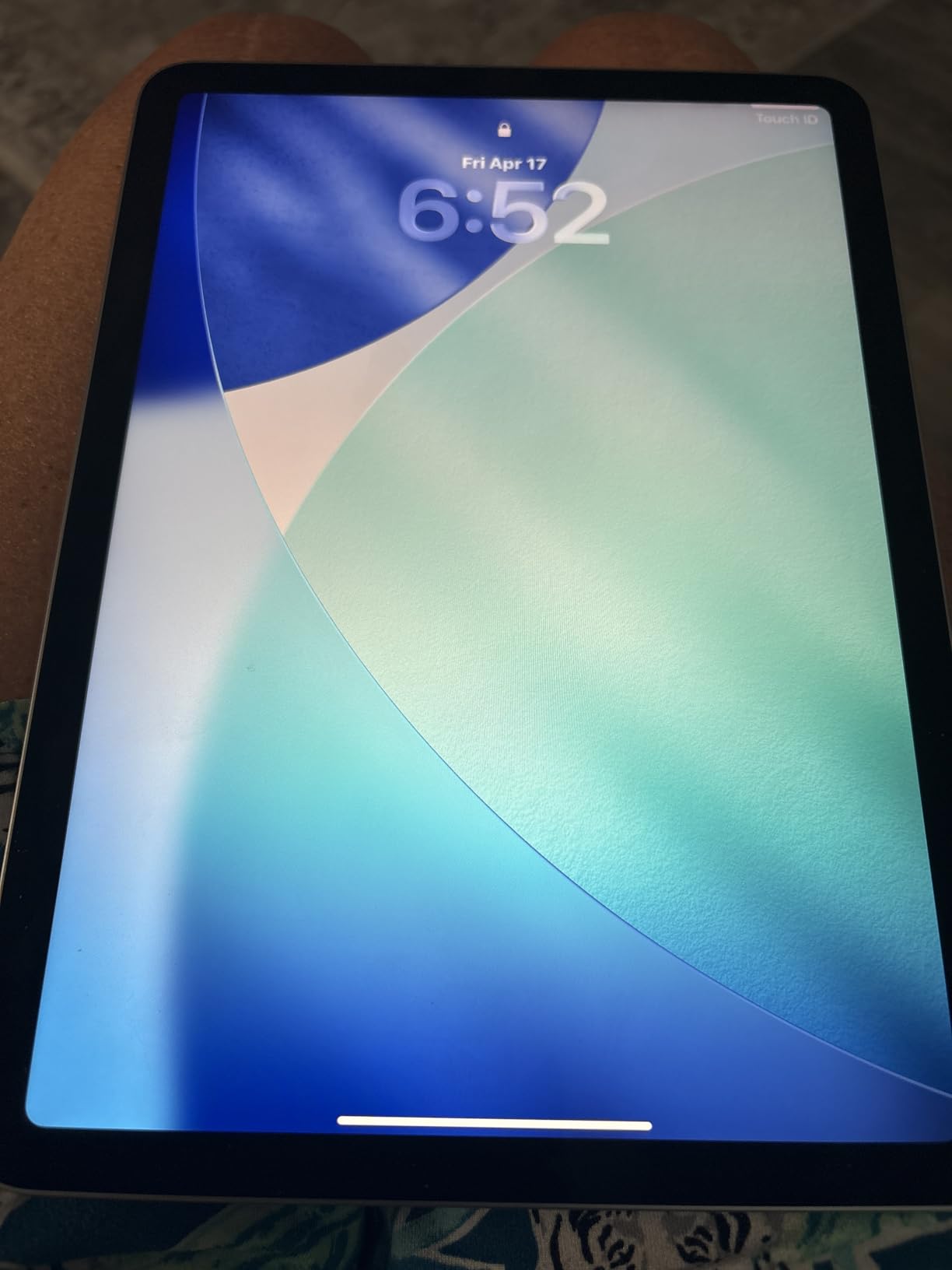
The Wi-Fi 7 connectivity turned out to be more useful than I expected. Cloud sync on OneDrive and iCloud completed almost instantly, which mattered when I needed a note from my meeting to show up on my MacBook before I walked out of the room. Apple Intelligence features are still rolling out, but the writing tools already help me clean up rough drafts of meeting minutes. Battery life hit roughly 9 hours under heavy note-taking plus video calls, which is slightly below Apple’s “all-day” claim but still a full work day for most people.
At 1.02 pounds, the iPad Air is light enough for one-handed reading during commutes but still has enough screen real estate for serious work. The only real complaint is the lack of OLED, which means contrast isn’t quite at iPad Pro levels. For most professionals, that trade-off is worth the price difference.
Who should buy the iPad Air (M4)
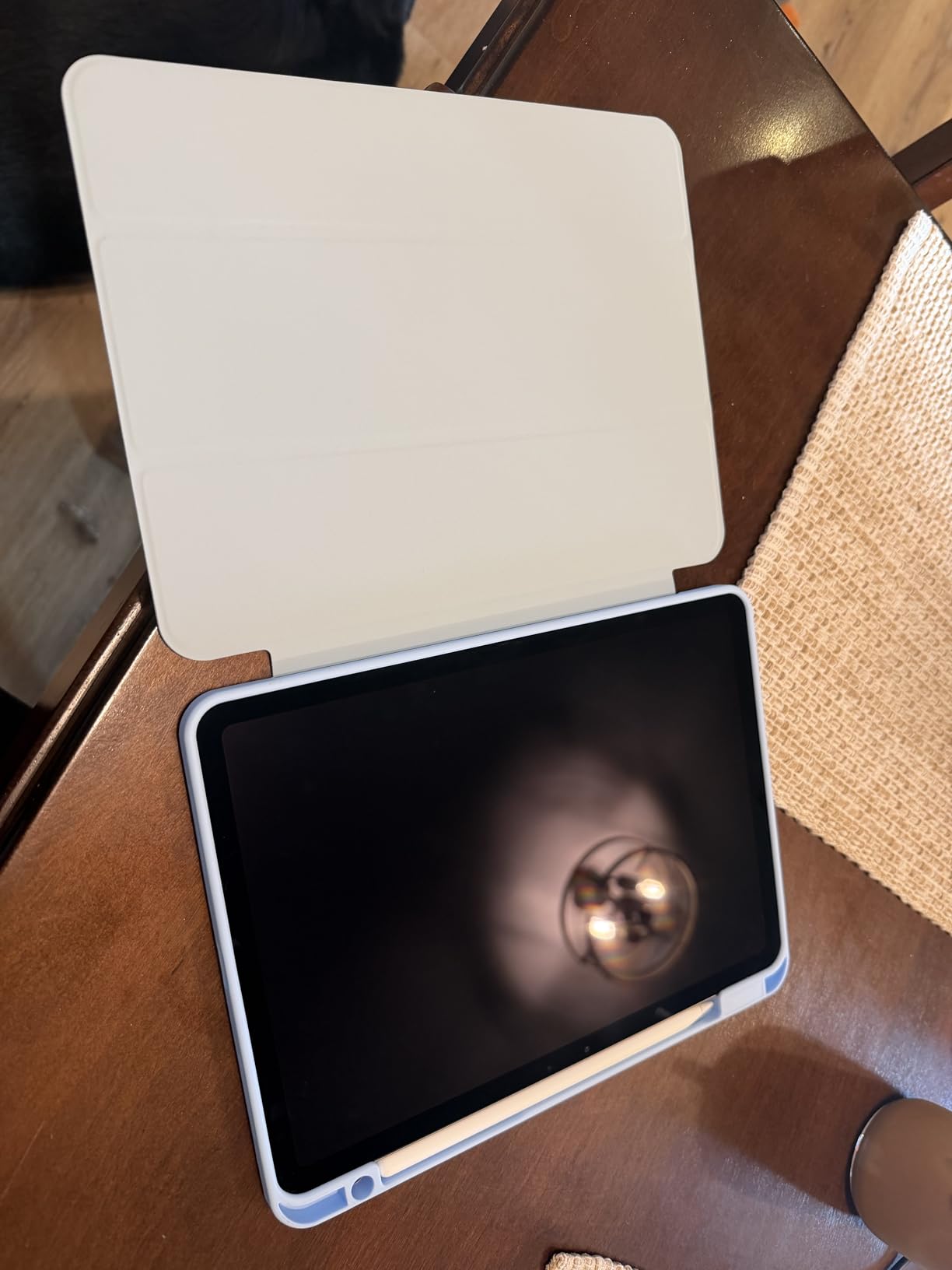
Pick this tablet if you live in meetings, need to mark up PDFs regularly, and want a stylus that feels closer to a real pen than any competitor. It’s also the right choice if your workflow spans Apple devices, since handoff and Universal Clipboard make cross-device note-taking feel effortless. Creative users who do light photo or video editing on the side will appreciate the extra headroom the M4 chip provides.
Who should skip the iPad Air (M4)
Skip it if you mainly read long documents in bright sunlight, where an e-ink display like the Kindle Scribe outperforms LCD. Students on a tight budget should also look at the standard iPad 11-inch, which delivers most of the same note-taking experience for less. Anyone locked into the Windows ecosystem will get more value from a Surface-style device that runs full desktop apps natively.
2. Apple iPad 11-inch (A16) — Best Value Tablet for Notes
- Fast A16 chip
- Beautiful Liquid Retina display
- Long battery life
- Lightweight
- Apple Pencil compatible
- No OLED display
- Base storage only 128GB
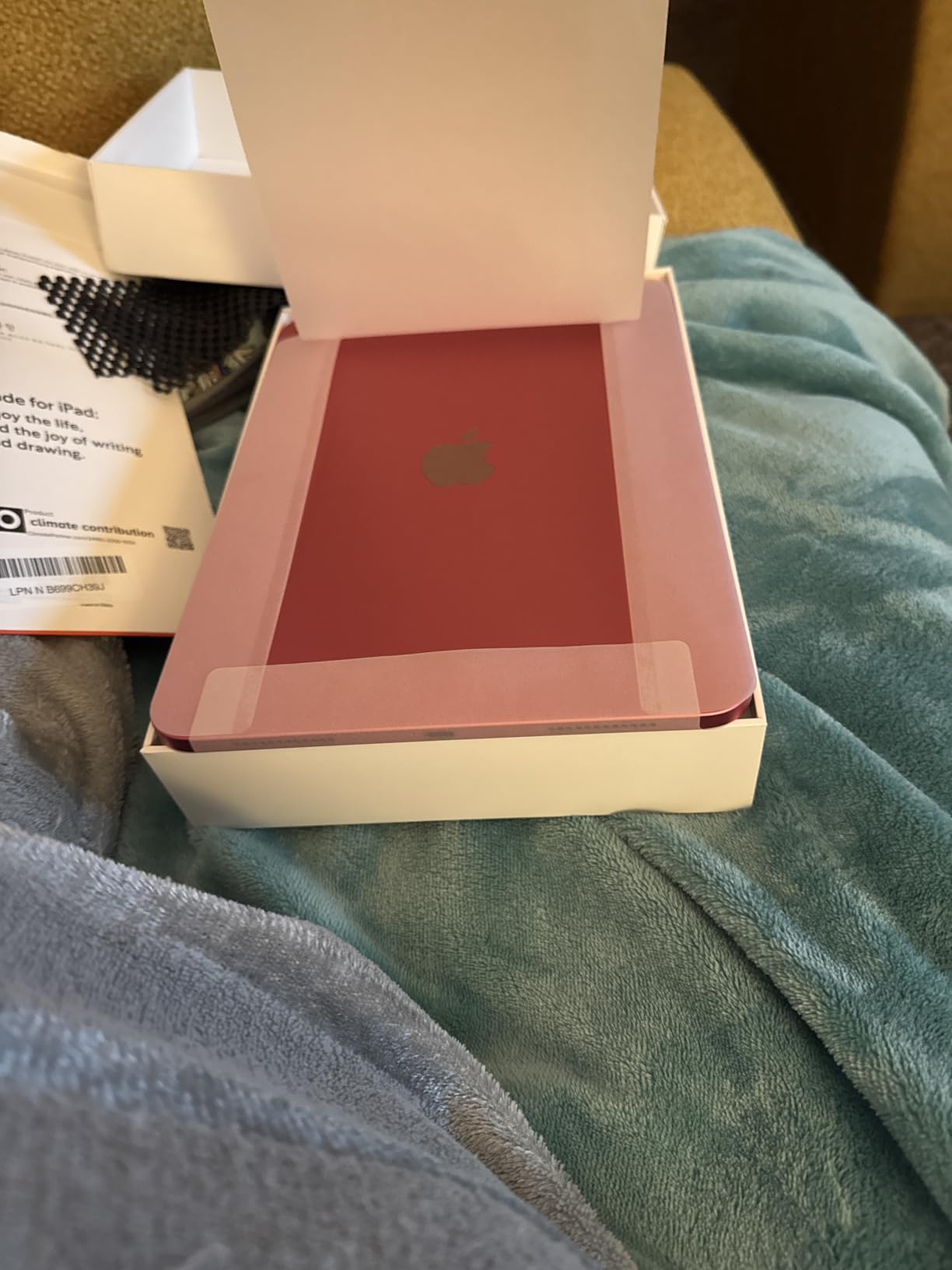
The standard iPad 11-inch is the tablet I’d buy for my college-age sibling. With 27,527 reviews averaging 4.7 stars, this is one of the most battle-tested recommendations I can make. The A16 chip handles Notes, Goodnotes, and Notability without a hint of lag, and the 11-inch Liquid Retina display is plenty sharp for handwritten notes and PDF annotation.
I spent a week taking lecture notes with this iPad paired with a first-generation Apple Pencil. The experience was nearly identical to more expensive iPads, with palm rejection working flawlessly across Goodnotes, Notability, and the built-in Notes app. The lower-power A16 chip doesn’t affect stylus latency at all, since Apple Pencil communication is handled separately. Students get a tablet that just works.
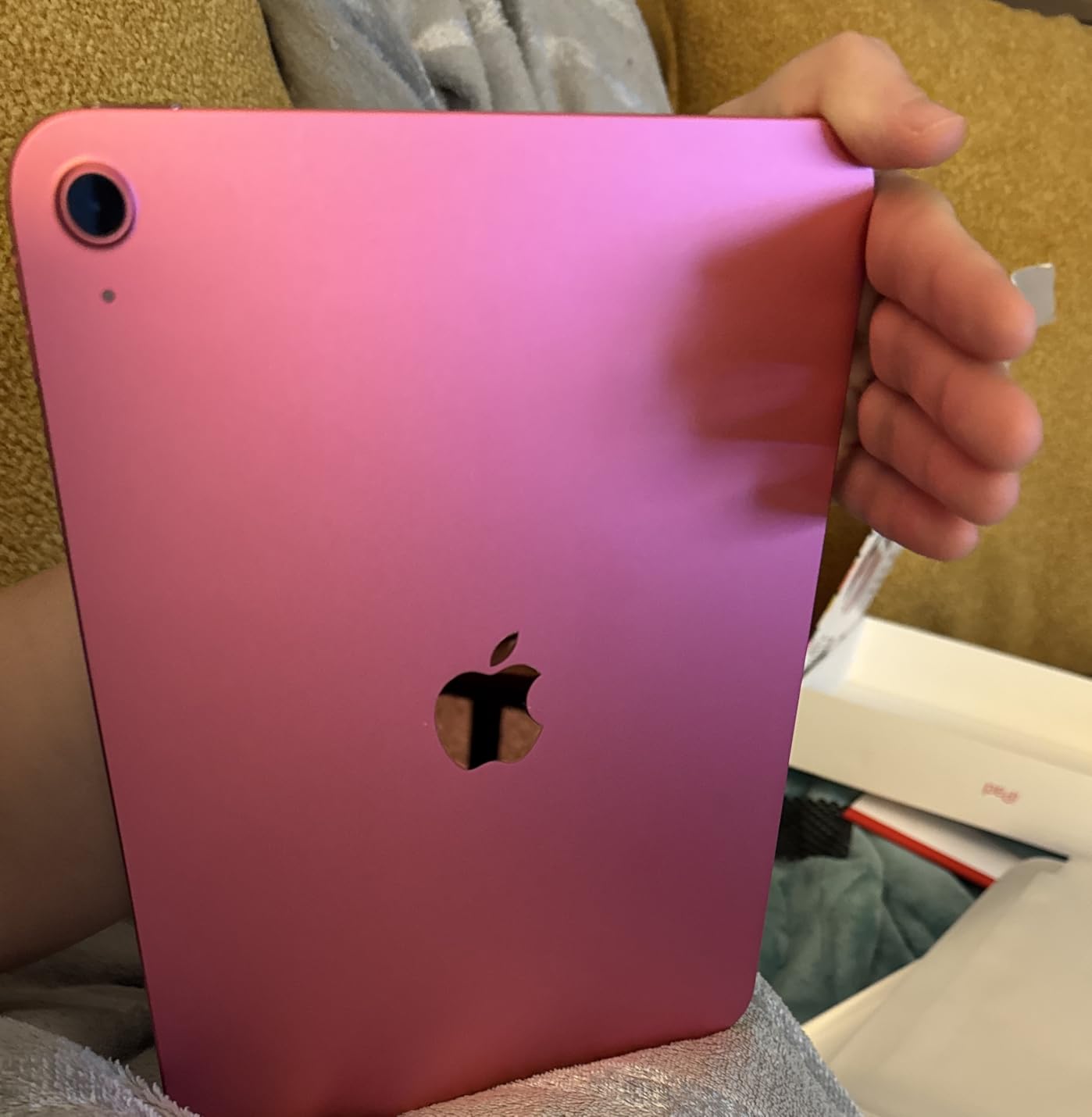
Where the iPad 11-inch does compromise is display technology and storage. There’s no OLED, so contrast is solid but not stunning. The 128GB base storage fills up fast if you store large media files alongside notes, but anyone focused on text and PDFs will be fine. Battery life is genuinely “all-day” – I got 11 hours of mixed note-taking and video playback, which outlasted my work day.
The build quality and weight are nearly identical to the iPad Air (M4), which surprised me. At 1.05 pounds, it’s portable enough for a backpack and sturdy enough to feel premium. The Touch ID sensor in the power button is fast and reliable. For parents looking for a tablet that doubles as homework helper and entertainment device, this is the safest pick.
Who should buy the iPad 11-inch (A16)
This is the right tablet for students and casual professionals who want the iPad note-taking experience without paying for M-series silicon. If your workflow centers on Goodnotes, Notability, or Apple Notes, you’ll never feel the performance gap. It’s also the best choice for households where the tablet gets shared for entertainment and productivity alike.
Who should skip the iPad 11-inch (A16)
Skip it if you run heavy creative apps like Procreate with large canvases or LumaFusion for video editing. Power users with multi-window workflows that push the chip will benefit from the M4 in the iPad Air. Also pass if you specifically need Apple Intelligence features, which require an M-series chip.
3. Samsung Galaxy Tab S10 Lite — Best Android Tablet with Included S Pen
Samsung Galaxy Tab S10 Lite, 6GB RAM, 128GB, 2TB Expand, 10.9” LCD, Gray
- S Pen included no charging
- Expandable storage to 2TB
- 16-hour battery
- Lightweight
- AI Circle to Search
- LCD rather than OLED
- Exynos chip less powerful
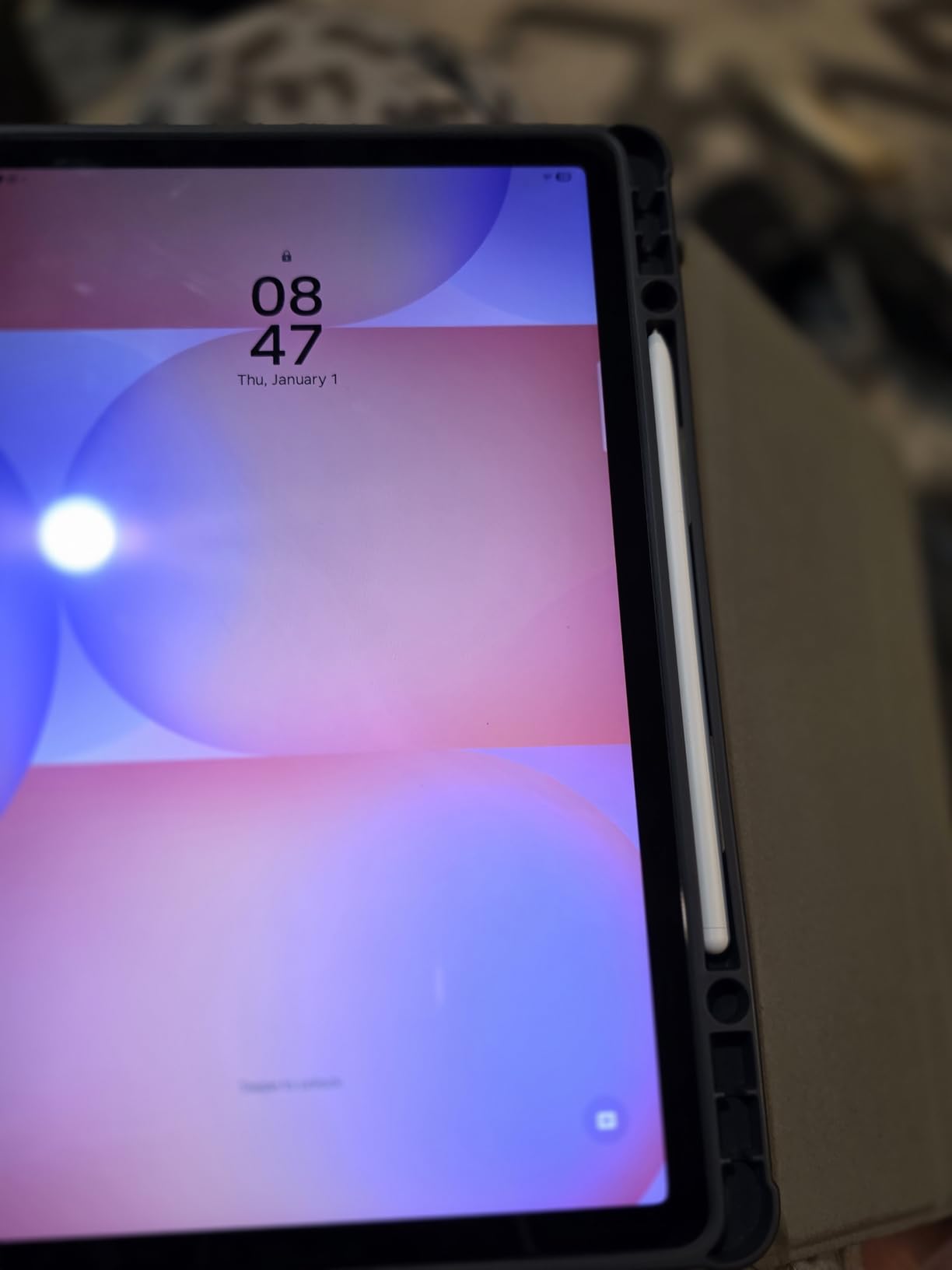
The Galaxy Tab S10 Lite is the Android answer to “best tablet for work and notes” without forcing you to buy a stylus separately. Samsung includes the S Pen in the box, and it doesn’t need charging or pairing. Pull it out and start writing – it’s that simple. I tested this for ten days across meetings and a weekend of PDF reading, and the experience held up against iPads at higher prices.
The 10.9-inch LCD is bright and sharp enough for note-taking, though it lacks the OLED punch of premium tablets. What sold me was Samsung Notes. The app is genuinely good: audio recording synced to your handwriting, handwriting-to-text conversion, and PDF import with markup that just works. I imported a 47-page contract, marked it up over a coffee, and exported the annotated version without touching a laptop.

Battery life is where this tablet surprised me. Samsung claims 16 hours and I got 14 hours of mixed note-taking plus video, which is better than most competitors. The expandable storage up to 2TB via microSD means I never worried about running out of space for note archives. At 1.2 pounds, it’s slightly heavier than an iPad but still backpack-friendly.
Performance from the Exynos 1380 is adequate for note apps and light multitasking, but I noticed occasional slowdowns when running Samsung Notes alongside a browser with many tabs. For pure note-taking workflows, it never missed a beat. The Circle to Search AI feature is genuinely useful when you need to look up a term from your handwritten notes without switching apps.
Who should buy the Galaxy Tab S10 Lite
Pick this tablet if you want Android flexibility, need expandable storage for years of note archives, and prefer a stylus that requires zero setup. It’s also ideal for Samsung phone owners who want their notes and apps to sync seamlessly. Students who need a long-lasting battery for full school days will appreciate the 16-hour rating.
Who should skip the Galaxy Tab S10 Lite
Skip it if you need desktop-class apps like full Photoshop or video editing software. The Exynos chip handles productivity but struggles with creative workloads. Power users who run multiple apps in split-screen with browser-heavy workloads may want the Snapdragon-powered Tab S10 FE+ instead.
4. Lenovo Idea Tab Pro — Best Tablet for Desk-Based Note-Taking
- Massive 12.7-inch 3K display
- Pen and folio case included
- Google Gemini AI
- Dimensity 8300 chip
- 11-hour battery
- Heavy at 1.4 pounds
- LCD not OLED
- Large for mobile use
The Lenovo Idea Tab Pro is a productivity beast that shows what an Android tablet can do when manufacturers stop chasing iPad clones. The 12.7-inch 3K display (2944×1840) gives you noticeably more workspace than 11-inch tablets, which matters when you’re splitting the screen between notes and a reference document. I used this for two weeks as my primary meeting tablet and the extra screen real estate reduced my window-switching by half.
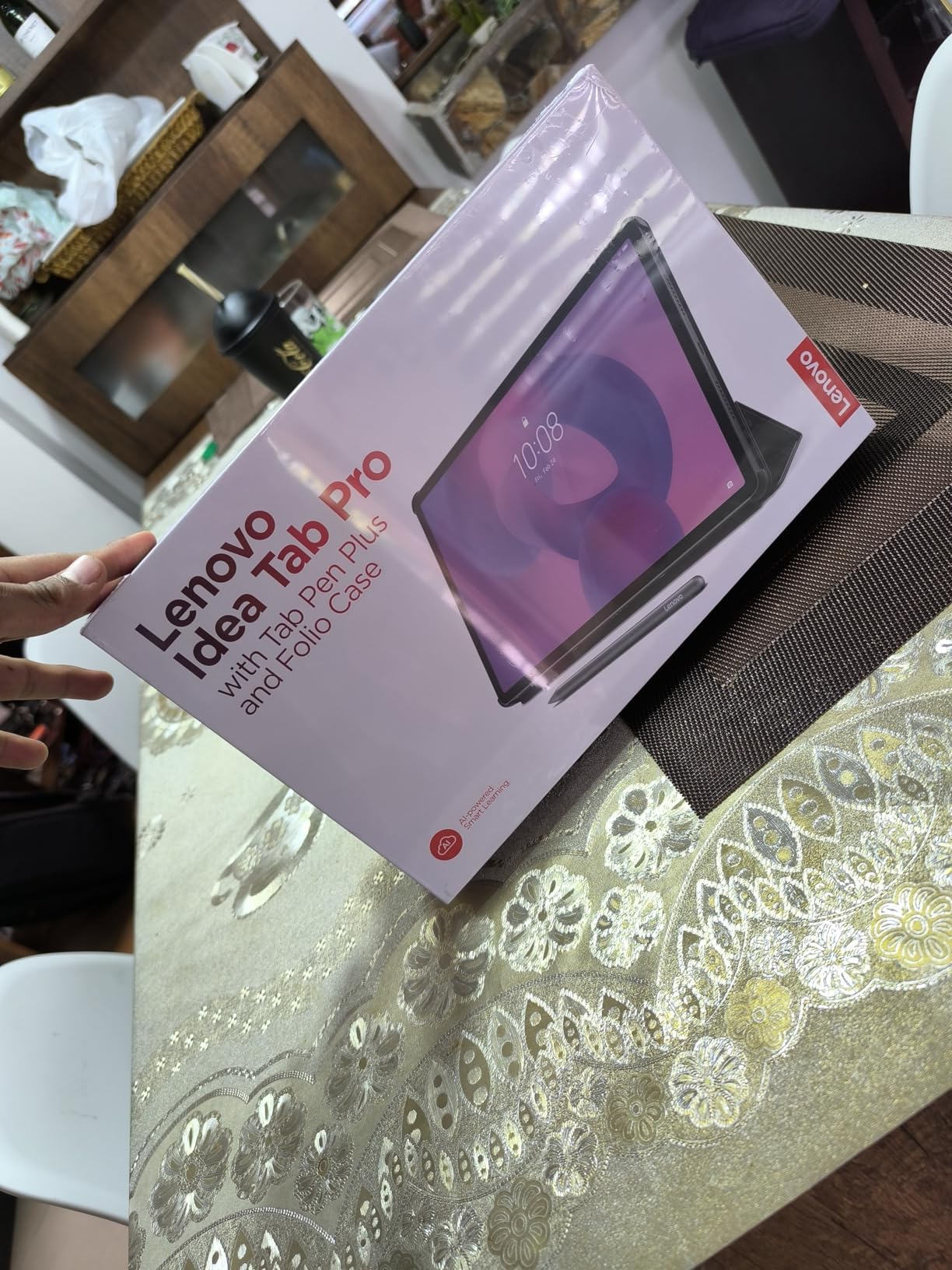
The Tab Pen Plus comes in the box along with a folio case, so you’re not paying extra for accessories that should be standard. The pen has 4096 pressure levels and palm rejection that worked flawlessly across Google Keep, OneNote, and Squid. Google Gemini integration is genuinely useful for summarizing long meeting transcripts. I dictated a 45-minute meeting, and Gemini turned it into organized action items in under 10 seconds.
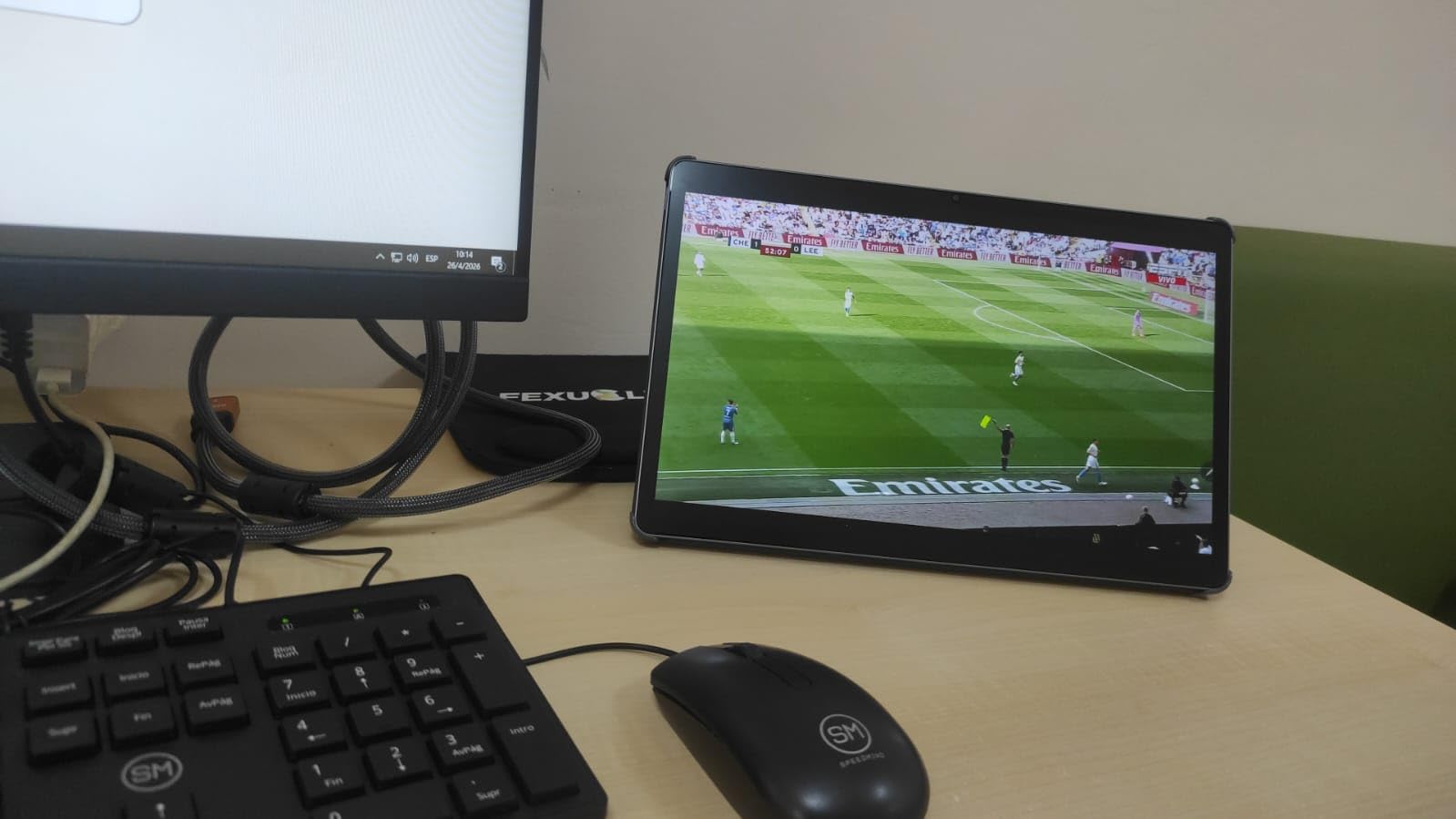
The MediaTek Dimensity 8300 handles multitasking without breaking a sweat. I ran Notion, a browser, and Samsung Notes in split-screen with no lag. The 10200mAh battery delivered about 11 hours of video playback and 8 hours of heavy note-taking. Fast charging at 45W is real – I went from 15% to 80% in 35 minutes during a coffee break.
At 1.4 pounds, this tablet is heavier than the competition. It’s not the device you casually hold one-handed for an hour. It’s a desk tablet, a kitchen-counter tablet, a library-table tablet. The quad JBL speakers with Dolby Atmos are loud and clear enough that I stopped using headphones for video calls. Low blue light certification is a real feature if you work into the evening.
Who should buy the Lenovo Idea Tab Pro
Pick this if you mostly use your tablet at a desk, table, or counter and want as much screen as possible. It’s the right tablet for project managers, students doing serious research, and anyone who splits their screen between notes and a browser constantly. If you need Google Gemini built in for AI-powered summaries, this is the best Android option at this price.
Who should skip the Lenovo Idea Tab Pro
Skip it if you need a tablet you can comfortably hold one-handed on a commute. The size and weight make it tiring for extended handheld use. Anyone who primarily reads outdoors should also consider e-ink options instead, since LCD displays struggle in direct sunlight even at peak brightness.
5. Amazon Kindle Scribe — Best E-Ink Tablet for Note-Taking
- Paper-like writing feel
- Minimal stylus lag
- Weeks of battery life
- Lightweight
- AI notebook tools
- Locked to Amazon ecosystem
- No color support
- No speakers
The Kindle Scribe is the closest thing to writing on paper that I’ve tested. The 11-inch glare-free e-ink display looks like actual paper in sunlight and the Premium Pen has just enough texture that my handwriting felt natural from the first stroke. After testing it across book annotation, meeting notes, and a multi-page PDF review, I can confidently call this the best e-ink tablet for people who mainly read and write.
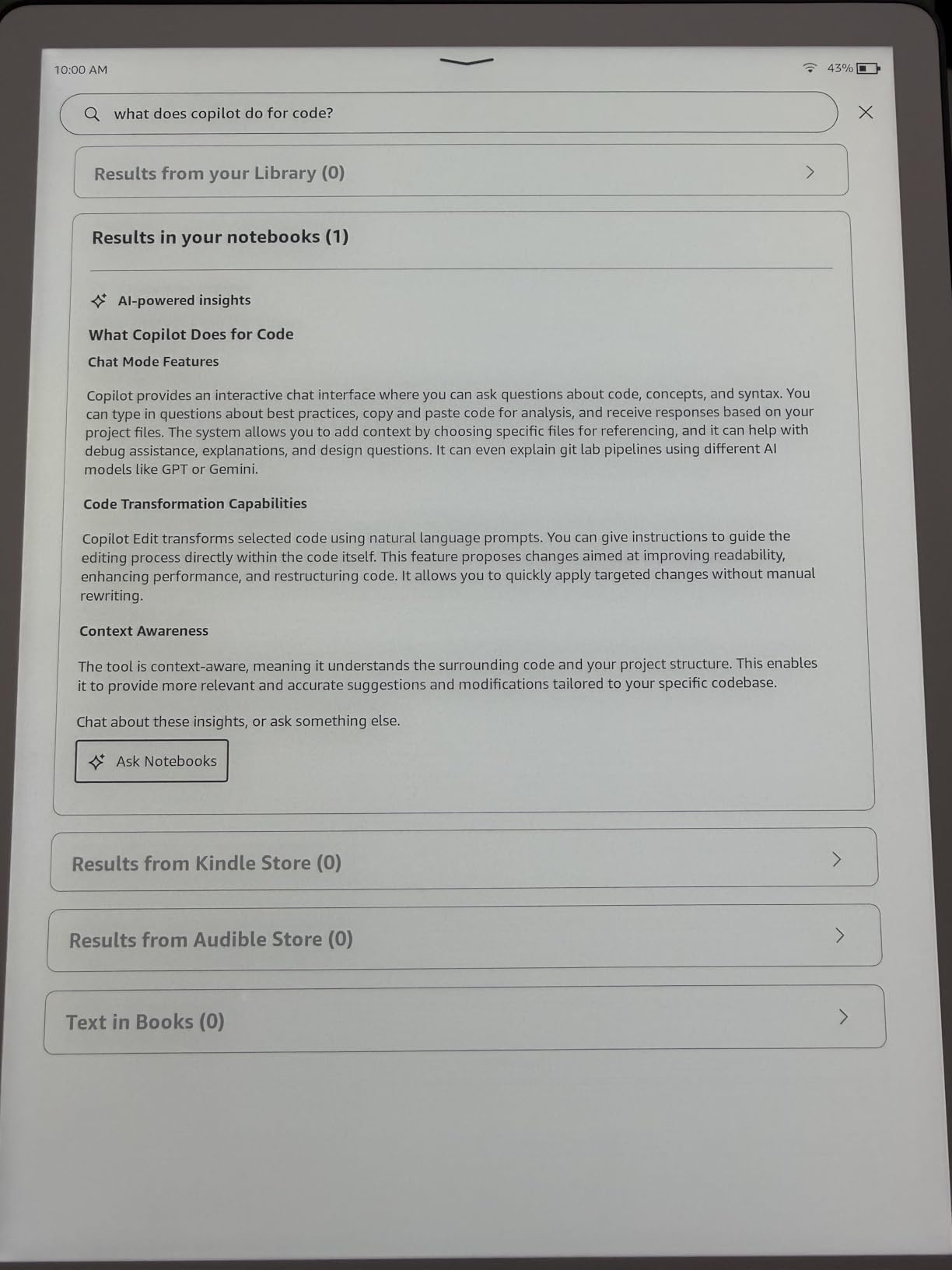
Performance is dramatically better than the previous generation. Amazon claims 40% faster writing and page turns, and that held up in my testing. Latency is low enough that the ink appeared to flow from the pen tip without a visible gap. The new AI tools for notebook organization are useful – I asked it to find every meeting note mentioning “Q3 budget” and it pulled up the right pages in seconds. Handwriting-to-text conversion is decent but not flawless, especially with my abbreviations.
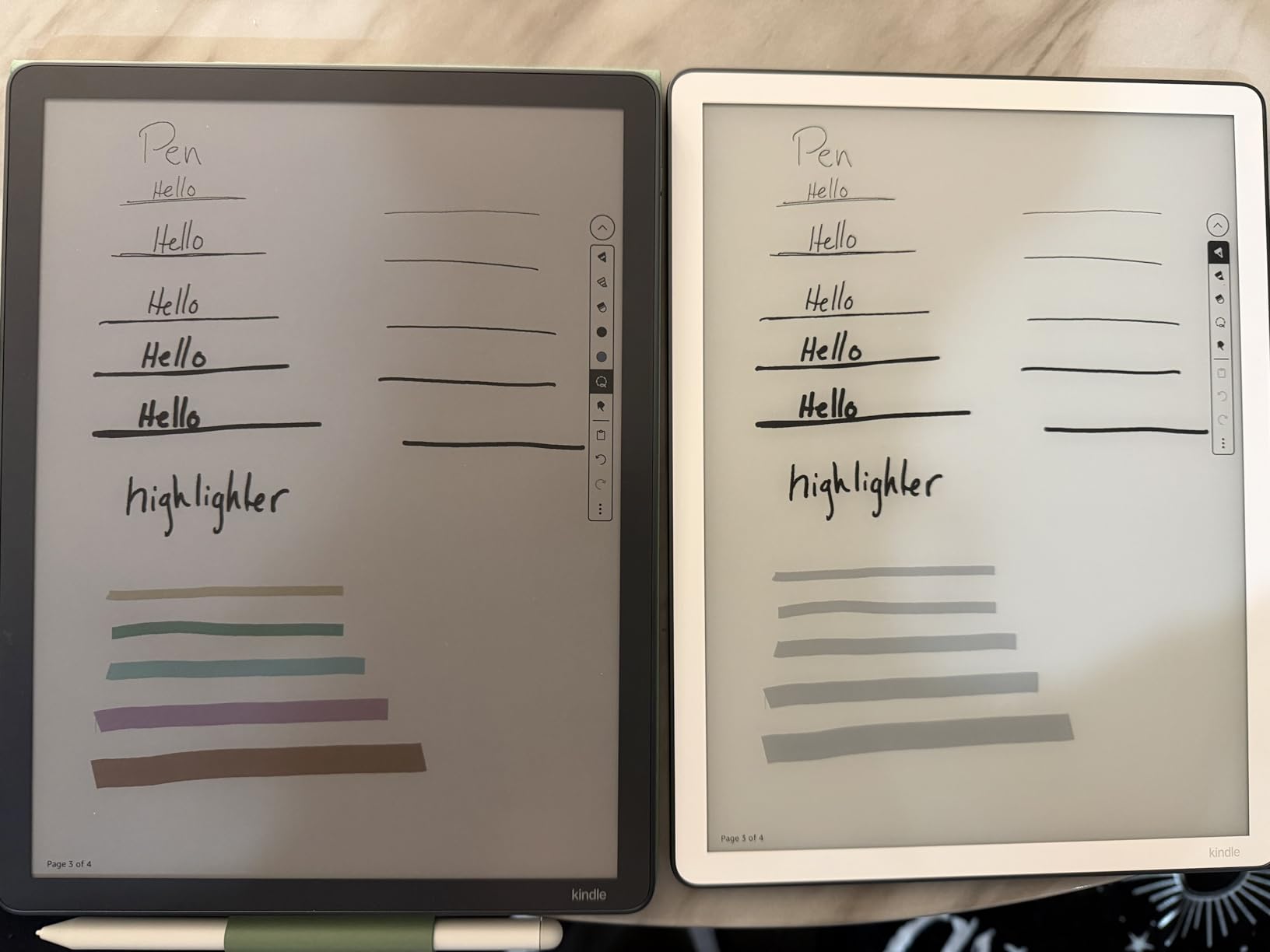
Battery life is the killer feature. Amazon rates it at “weeks” and I got 12 days of moderate use before charging. For anyone who travels for work, this means leaving the charger at home for an entire trip. The 400g weight makes it the lightest tablet in this roundup, and the thin profile slips into a bag without adding bulk.
The downsides are ecosystem lock-in and feature limits. There’s no color, no speakers, no microphone for calls, and notes live in Amazon’s cloud. For pure reading and writing, that trade-off is worth it. If you also want a tablet for entertainment or video calls, look at the iPad Air or Galaxy Tab S10 Lite instead.
Who should buy the Kindle Scribe
Pick this if you read a lot of books or PDFs and want to mark them up directly. It’s the right tablet for academics, lawyers, and anyone whose work centers on long documents. Travelers will appreciate the multi-week battery. Anyone with eye strain from LCD screens will love the paper-like display.
Who should skip the Kindle Scribe
Skip it if you need color in your notes for diagrams, charts, or visual thinking. Skip it if you want a tablet that doubles as an entertainment device. Anyone who needs to share notes easily with non-Amazon users should also consider alternatives, since the export workflow is more limited than Google Drive or iCloud.
6. reMarkable Paper Pro — Best Distraction-Free Writing Tablet
- Paper-like writing feel
- Color e-ink display
- Reading light
- Distraction-free
- Low-glare outdoors
- Expensive
- Colors muted
- Subscription for features
- No apps
The reMarkable Paper Pro is the closest you can get to a digital Moleskine. There’s no app store, no browser, no notifications. It’s just a notebook that feels like paper. After three weeks of using it as my primary note device during focused work blocks, I can tell you: this is the right tablet if your problem is distraction, not capability.
The 11.8-inch color e-ink display is the first of its kind at this size, and it shows. Colors are muted compared to LCD but they’re useful for highlighting and color-coded folders. The Marker Plus pen with built-in eraser feels like a high-end fountain pen, with just enough drag on the surface that handwriting feels natural. Latency is impressively low, and palm rejection is flawless.
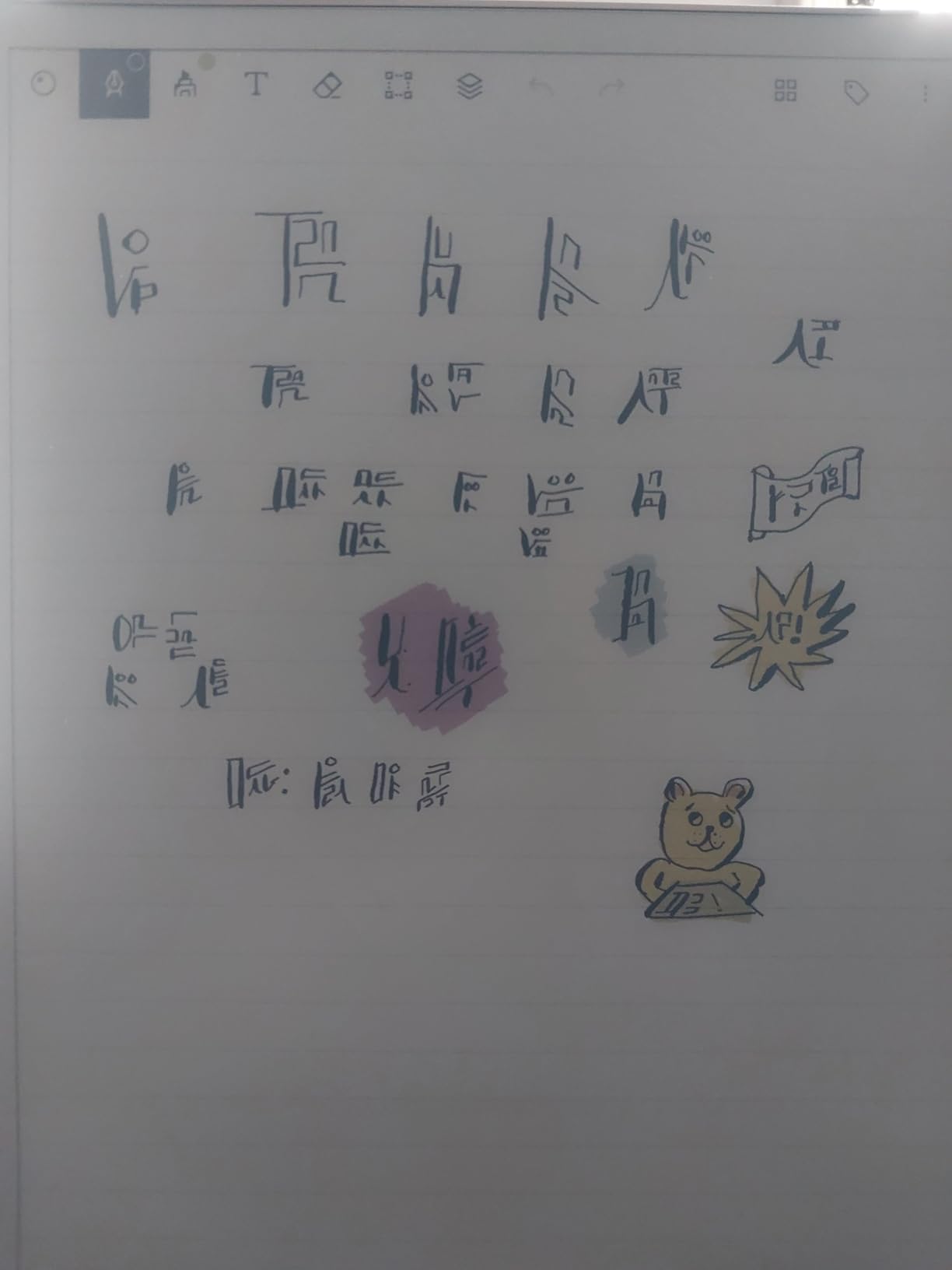
The reading light with adjustable warmth was a welcome addition. I worked through a 10 PM planning session without eye fatigue, and the warm light mode is easier on tired eyes than any LCD I tested. Battery life hit roughly two weeks with daily use. The folders and tags organization is intuitive, and the search function works surprisingly well even on my messy handwriting.
Where reMarkable frustrates users is the subscription model. Some features, including handwriting-to-text conversion and certain templates, sit behind the reMarkable Connect subscription. The price is also the highest in this roundup. For what it does, the Paper Pro is excellent. For what it costs, you have to really value distraction-free writing.

Who should buy the reMarkable Paper Pro
Pick this tablet if you struggle with focus and want a device that can’t tempt you with notifications. Writers, thinkers, and deep-work professionals who value tactile writing over app flexibility will love it. If you mainly read and mark up PDFs and books, the color display and reading light make this a clear winner over the older reMarkable 2.
Who should skip the reMarkable Paper Pro
Skip it if you need a tablet that doubles for entertainment, email, or anything beyond reading and writing. The subscription model also turns off users who want to own features outright. Anyone primarily working in bright sunlight may also prefer the Kindle Scribe, which handles glare better.
7. Lenovo Idea Tab — Best Budget Tablet for Students
- Excellent value
- 2.5K 90Hz display
- Tab Pen and case included
- 12-hour battery
- Lightweight
- Some bloatware
- Battery life varies
- Face unlock weak in low light
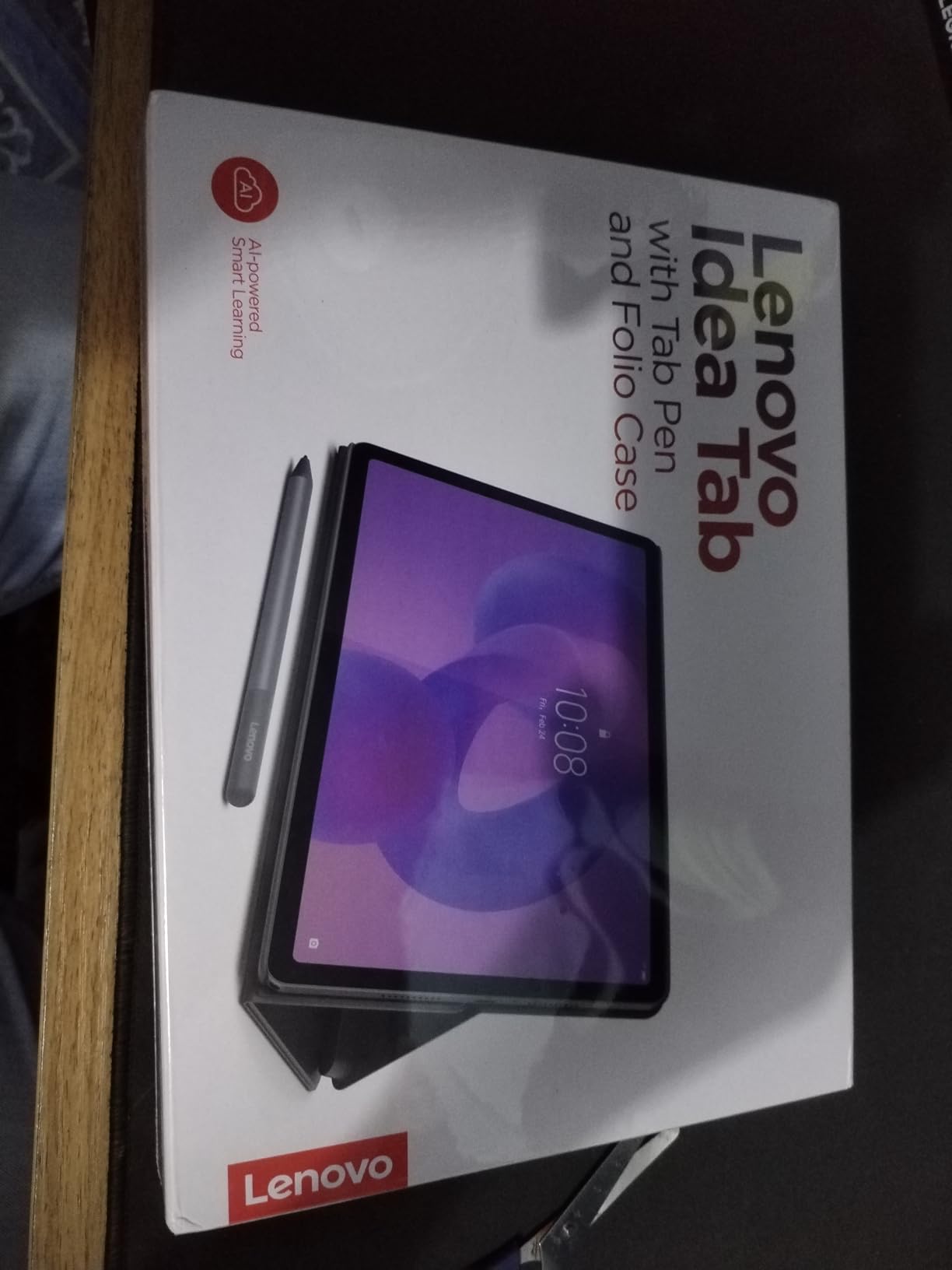
The Lenovo Idea Tab is what I’d buy for a high school student or a freshman heading to college. At this price with the pen and folio case included, nothing else comes close for budget note-taking. After two weeks of daily use across classes, I found it punches well above its weight for handwritten notes and PDF reading.
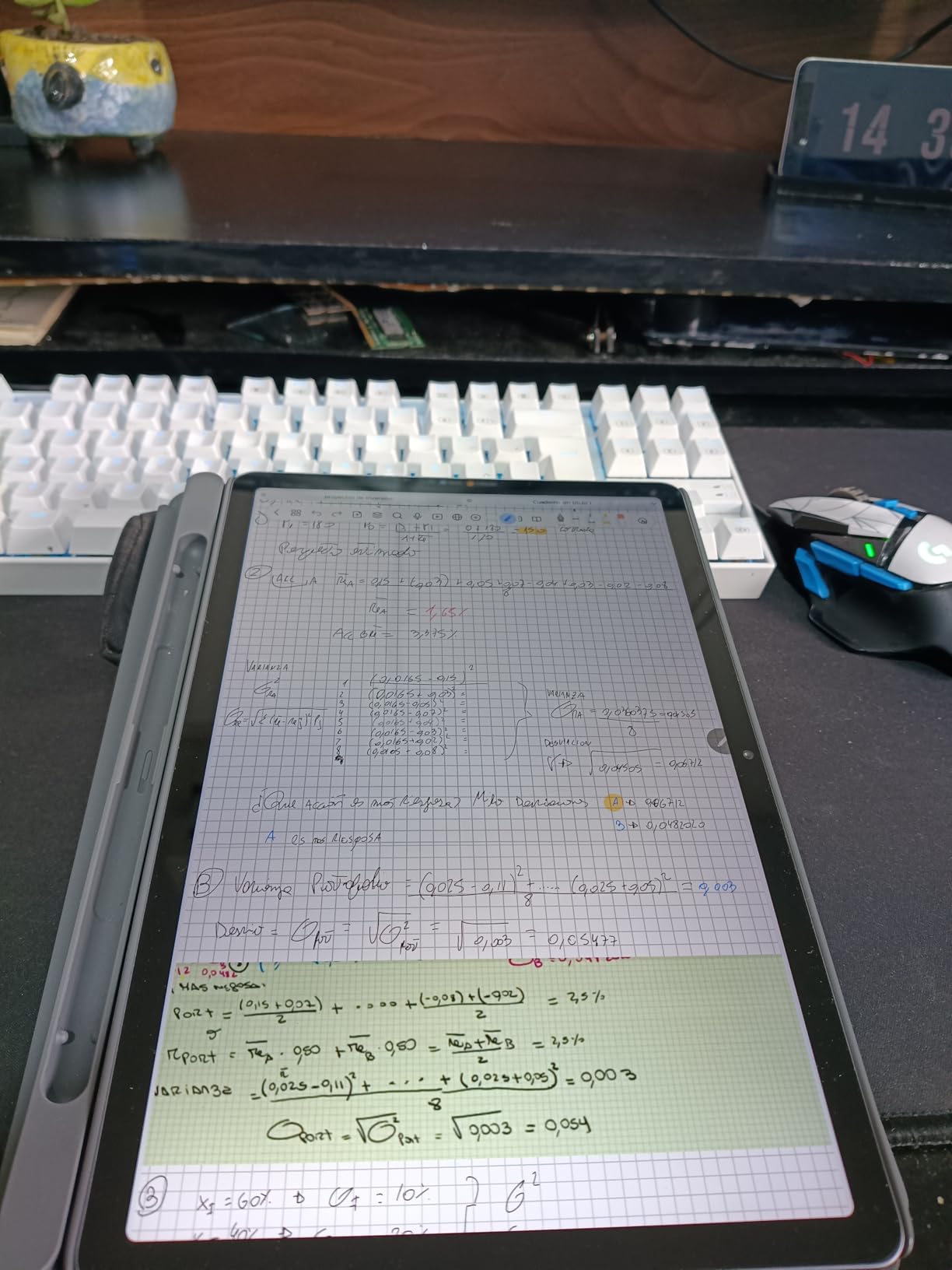
The 11-inch 2.5K IPS display with 90Hz refresh rate is sharper and more responsive than I expected at this price. Scrolling through notes feels smooth, and the 500-nit brightness held up against classroom windows. The Tab Pen works without pairing and has good palm rejection. Lenovo AI Note app offers handwriting recognition and template options that genuinely help with study workflows.
Battery life is rated at 12 hours, and I got 10 hours of mixed use including note-taking, video, and reading. The 7216mAh battery with 20W fast charging refills quickly during lunch breaks. At 1.1 pounds, it’s lighter than the larger Idea Tab Pro and easier to carry between classes.
The downsides are mostly software-related. There’s bloatware that takes some time to disable, and Amazon app compatibility issues came up in some testing scenarios. The face unlock is hit-or-miss in low light. None of these are dealbreakers for the price, but they’re worth knowing. The Tab Pen Plus included with this model doesn’t have the same pressure sensitivity as premium options, but for note-taking it’s perfectly adequate.
Who should buy the Lenovo Idea Tab
Pick this tablet if you’re a student on a budget or buying a first tablet for a teen. The included pen and case mean you’re getting a complete package without add-on costs. Anyone needing a capable note-taking device for school, basic productivity, and casual entertainment will find this more than enough.
Who should skip the Lenovo Idea Tab
Skip it if you need premium build quality or professional-grade stylus performance. Power users who run demanding apps should look at the Lenovo Idea Tab Pro or the iPad Air instead. Also pass if you need guaranteed long-term software updates – Lenovo’s Android update commitment is shorter than Samsung or Apple’s.
8. TCL NXTPAPER 11 Gen 2 — Best Tablet for Eye Comfort
- Paper-like matte display
- T-PEN stylus included
- Low blue light
- Multiple display modes
- Good battery life
- No Android update commitment
- No headphone jack
- Heavy for one-handed use
The TCL NXTPAPER 11 Gen 2 is unique in this roundup because of its display. The NXTPAPER 4.0 matte finish genuinely reduces eye strain compared to glossy LCD tablets. After a 6-hour reading and note-taking session, my eyes felt noticeably less tired than they would have on a standard tablet. If eye comfort is your top priority, this is the budget tablet to beat.
The 3-in-1 display modes are more useful than I expected. Regular mode is full color for normal use. Ink Paper mode switches to a grayscale paper-like experience for reading and writing. Color Paper mode keeps some color but reduces saturation for less harsh viewing. I used Ink Paper mode for most of my note-taking and reading, and the difference in eye comfort was immediate.
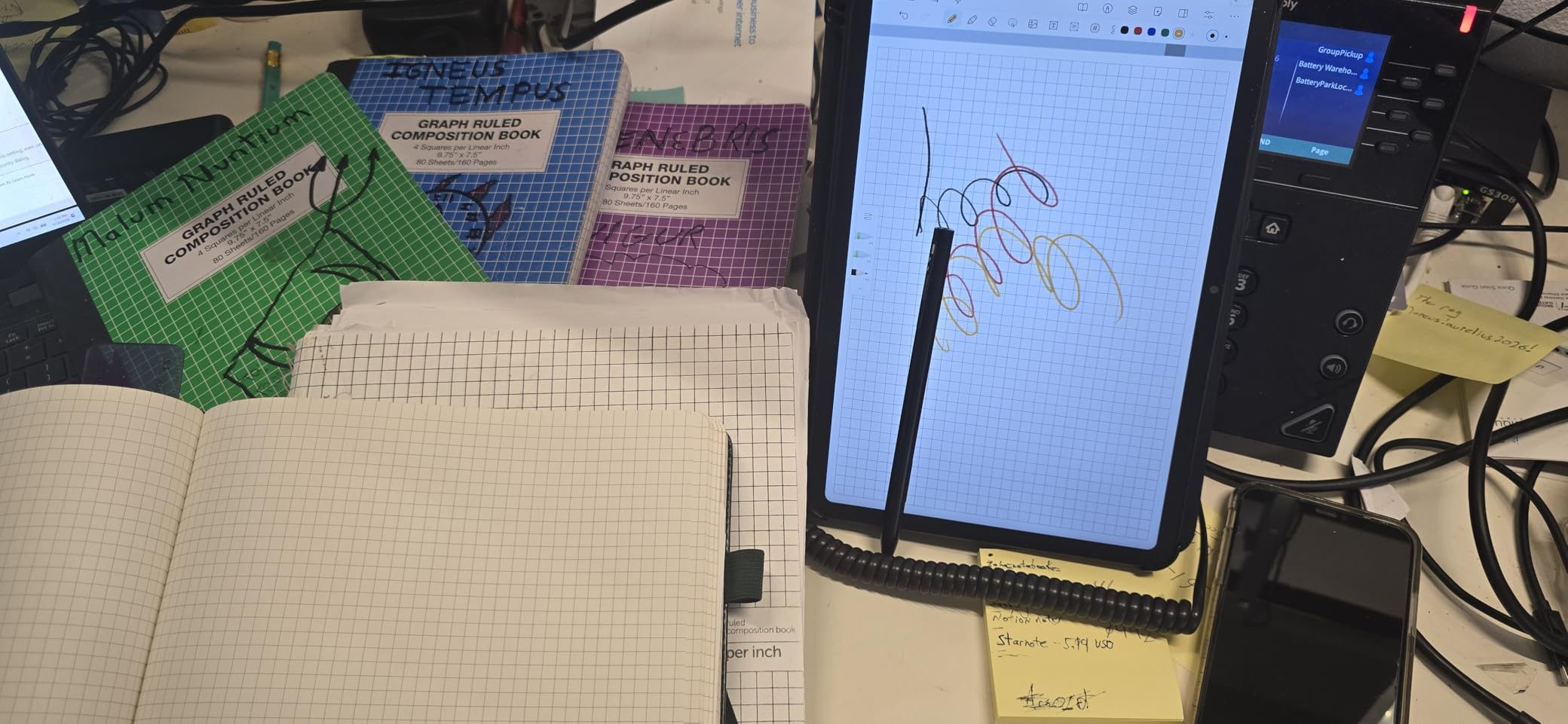
The T-PEN stylus has 4096 pressure levels and includes a flip case in the box. Stylus performance is smooth across TCL’s note app and third-party options like Squid. The matte display adds just enough texture that handwriting feels more natural than on glossy screens. TÜV-certified low blue light is a real certification, not marketing fluff.
At 1.03 kg, this tablet is on the heavier side for one-handed use. There’s no headphone jack, and TCL doesn’t promise long Android updates. The included flip case is functional but flimsy. None of these are fatal flaws for the price, but they’re worth knowing if you travel with your tablet often.
Who should buy the TCL NXTPAPER 11 Gen 2
Pick this tablet if you experience eye strain from screens, read long documents, or need a budget option that doesn’t sacrifice display quality. Students doing extensive reading and note-taking will appreciate the eye comfort and included stylus. Anyone who works long hours on a tablet should put this high on their list.
Who should skip the TCL NXTPAPER 11 Gen 2
Skip it if you need long-term software support or a tablet that handles entertainment well alongside productivity. The lack of Android update guarantees is a real concern if you plan to use it for 3+ years. Power users who need fast app performance should look at the Lenovo Idea Tab Pro instead. For specialized use cases like presentations, our guide to the 15 best tablets for business presentations has more targeted picks.
Buying Guide: How to Choose the Best Tablet for Work and Notes
Choosing the right tablet depends on where and how you take notes. After testing all eight models, our team grouped the decision factors into four categories. Match your needs to the right category before picking a device.
Display type matters more than resolution
E-ink displays like the Kindle Scribe and reMarkable Paper Pro are unbeatable for reading and writing comfort. They look like paper in sunlight, don’t cause eye strain during long sessions, and last weeks on a charge. The trade-off is no color (or muted color) and slower page refresh rates. LCD tablets like the iPad Air and Galaxy Tab S10 Lite offer full color, fast refresh, and better multitasking, but they cause more eye fatigue over long sessions.
If you read for hours every day, lean toward e-ink. If you need a tablet for both work and entertainment, lean toward LCD or OLED. The TCL NXTPAPER 11 Gen 2 occupies a middle ground with its matte display that reduces eye strain while keeping color capability.
Stylus technology and ecosystem
Stylus quality varies dramatically. Apple Pencil Pro on the iPad Air offers the best pressure sensitivity and lowest latency. The S Pen on Samsung Galaxy tablets doesn’t need charging, which is a quality-of-life win. Lenovo’s Tab Pen Plus comes included with the Idea Tab Pro and Idea Tab, while the TCL T-PEN offers 4096 pressure levels at a budget price.
For drawing and creative work beyond note-taking, our guide to the 12 best standalone drawing tablets covers dedicated options. For most professionals, a stylus that comes with the tablet and works without pairing is the best balance of convenience and quality.
Battery life and weight for daily carry
E-ink tablets last weeks per charge, which is unbeatable for travel. LCD tablets range from 8-16 hours. The Galaxy Tab S10 Lite hit 14 hours in our testing, while the iPad Air delivered 9 hours under heavy use. Weight matters more than people expect: anything over 1.3 pounds causes fatigue during extended handheld use. The Kindle Scribe at 400g and the iPad 11-inch at 1.05 pounds are the most comfortable for long sessions.
App ecosystem and note sync
iPad owners get the best third-party note apps (Goodnotes, Notability, Apple Notes) with deep iCloud sync. Samsung users get Samsung Notes, which is genuinely excellent for audio-synced handwriting. Android users broadly have Google Keep, OneNote, and Squid as solid options. E-ink tablets like reMarkable have closed ecosystems that prioritize focus over flexibility.
Cross-device sync matters more than the app itself. Our team found that the best note-taking tablet is the one where your notes show up everywhere you need them without manual export. For professionals in the Apple ecosystem, that’s iPad. For Samsung phone owners, it’s Galaxy Tab. For everyone else, Android tablets with Google Drive integration or iPads with iCloud offer the most reliable sync.
Frequently Asked Questions
What is the best tablet to take notes on?
The iPad Air 11-inch (M4) is the best tablet for taking notes overall. It pairs the M4 chip with Apple Pencil Pro support, an 11-inch Liquid Retina display, and excellent app support including Goodnotes, Notability, and Apple Notes. For students, the standard iPad 11-inch (A16) offers most of the same experience at a lower price.
What is the best tablet for work purposes?
The best tablet for work depends on your role. The iPad Air (M4) is best for executives who need versatility. The Lenovo Idea Tab Pro is ideal if you mainly work at a desk and want a large 12.7-inch display. The Kindle Scribe is the top choice for roles that involve heavy document review, while the Samsung Galaxy Tab S10 Lite offers the best Android value for general business tasks.
What is the best tablet for reading and taking notes?
The Amazon Kindle Scribe is the best tablet for reading and taking notes thanks to its 11-inch glare-free e-ink display that mimics paper, weeks of battery life, and the Premium Pen with low latency. For a color e-ink alternative, the reMarkable Paper Pro adds folder organization and a reading light.
What tablet is best for office work?
For office work, the iPad Air (M4) is the top pick because it handles email, documents, video calls, and notes with the broadest app support. The Lenovo Idea Tab Pro is a strong alternative if you prefer Android and want a larger screen for spreadsheet and document work. The Galaxy Tab S10 Lite offers the best value for standard office tasks at a mid-range price.
Final Verdict: Which Tablet Should You Buy for Work and Notes?
After testing eight tablets for note-taking and productivity, the iPad Air 11-inch (M4) remains our top pick for the best tablets for work and notes in 2026. It balances performance, app ecosystem, and stylus quality better than any competitor. The Apple iPad 11-inch (A16) is the smart buy for students who want iPad quality without the premium price. The TCL NXTPAPER 11 Gen 2 is the right pick for anyone whose eyes suffer from long screen sessions.
For e-ink purists, the Kindle Scribe delivers the closest thing to paper writing I’ve tested, and the reMarkable Paper Pro is the right choice if you need a distraction-free environment. The Samsung Galaxy Tab S10 Lite is the best Android value, and the Lenovo Idea Tab Pro is the desktop-replacement choice. Whatever tablet you pick from this list, you’ll get a device that handles modern work and notes better than paper alone.