
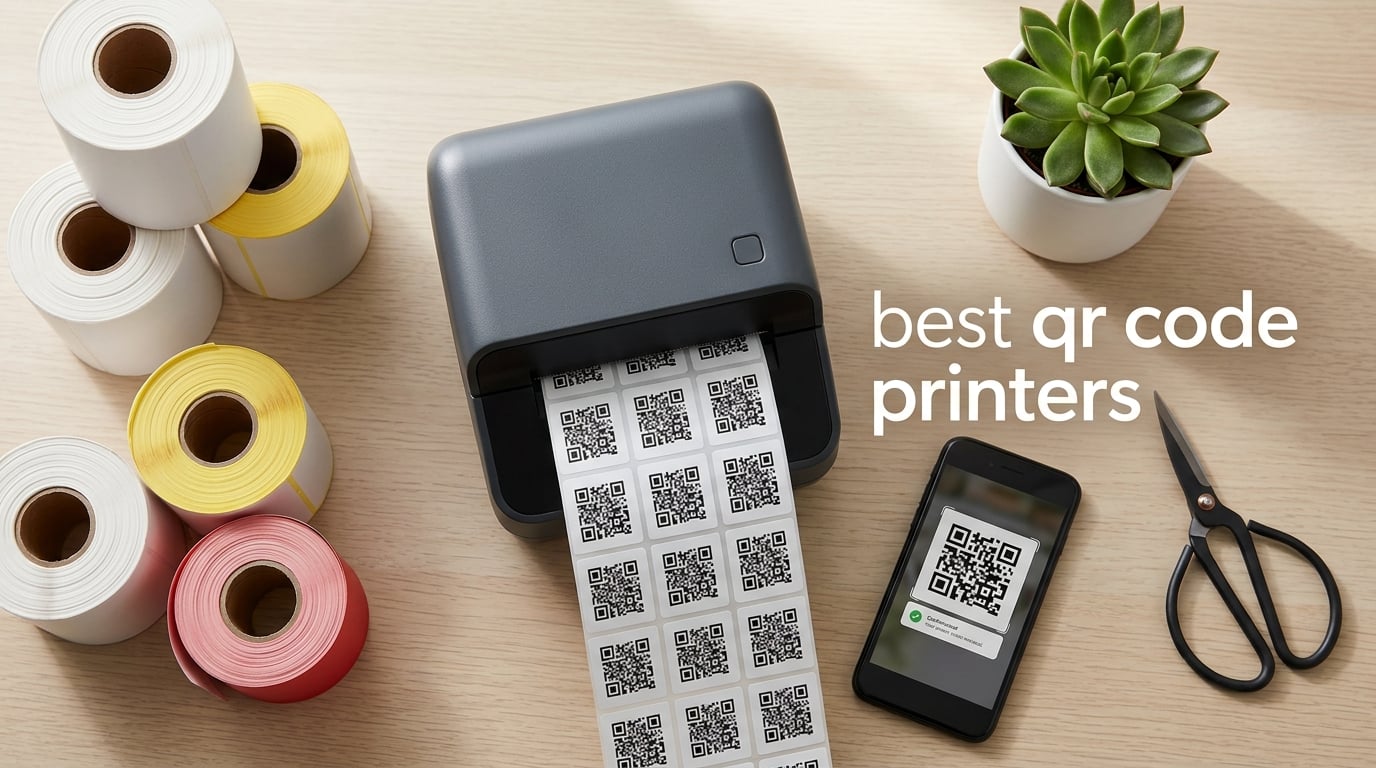
I have printed tens of thousands of QR code labels over the past three years, from tiny pantry stickers to 4-inch wide warehouse bin tags. The right printer turns QR code printing from a daily chore into a five-minute task, while the wrong one wastes ribbons, paper, and patience. After testing dozens of thermal, inkjet, and laser options, I narrowed my shortlist down to ten QR code printers that actually deliver sharp, scannable codes at every budget.
This guide covers the best QR code printers you can buy right now in 2026, including models for home organizers, Etsy sellers, e-commerce warehouses, restaurants, and industrial asset tracking. You will see a quick comparison table at the top, detailed hands-on reviews for every model, a buying guide that explains direct thermal versus thermal transfer versus inkjet, and a no-nonsense FAQ drawn from real buyer questions on Reddit and Amazon.
Best for Office Use: Brother QL-820NWB Professional Label Printer (around the mid-two-hundred mark) — flexible connectivity and 300 DPI printing. Best for Small Business Shipping: JADENS Bluetooth Thermal Shipping Label Printer (around the seventy mark) — fast, reliable, and inexpensive. Best on a Tight Budget: Nelko P21 Label Maker (around the seventeen mark) — pocket-sized and surprisingly capable. If you want a quick answer, any of those three will print reliable QR codes today.
Before we get into the reviews, two things to keep in mind. First, QR code quality depends as much on print resolution as on printer hardware — anything at 203 DPI handles dense QR codes well, and 300 DPI gives you a noticeable scanning margin. Second, the consumables story matters: direct thermal labels fade in sunlight, while thermal transfer prints last for years. We will explain that trade-off in detail in the buying guide below.
Top 3 Picks at a Glance

Brother QL-820NWB
- 300 DPI
- Black and Red 2-Color
- Bluetooth Wi-Fi Ethernet
- 110 labels per minute


Nelko P21 Portable Label Maker
- Pocket Sized 203 DPI
- 750 Plus Templates
- Rechargeable Battery
- Bluetooth App
Best QR Code Printers in 2026 Quick Comparison
| Product | Specifications | Action |
|---|---|---|
| Brother QL-820NWB |
|
Check Latest Price |
| JADENS Bluetooth Thermal 4×6 |
|
Check Latest Price |
| Nelko P21 Label Maker |
|
Check Latest Price |
 SUPVAN T50M Pro SUPVAN T50M Pro |
|
Check Latest Price |
 Nelko PL70E Bluetooth Shipping Nelko PL70E Bluetooth Shipping |
|
Check Latest Price |
 Phomemo 241BT Label Printer Phomemo 241BT Label Printer |
|
Check Latest Price |
 Brother PT-D610BT Brother PT-D610BT |
|
Check Latest Price |
 Rongta RP425 Bluetooth Rongta RP425 Bluetooth |
|
Check Latest Price |
 Brother QL-1110NWB Wide Format Brother QL-1110NWB Wide Format |
|
Check Latest Price |
 HKHKPI N40 Label Printer HKHKPI N40 Label Printer |
|
Check Latest Price |
1. Brother QL-820NWB — Editor’s Choice for QR Code Printers
Brother QL-820NWB Professional, Ultra Flexible Monochrome Label Printer with Multiple Connectivity options
- 300 DPI produces razor-sharp QR codes that scan every time
- Black and red 2-color printing using DK-2251 tape
- Bluetooth plus Wi-Fi plus Ethernet covers every office workflow
- USB host interface accepts a peripheral scanner for kiosk mode
- Up to 110 standard address labels per minute
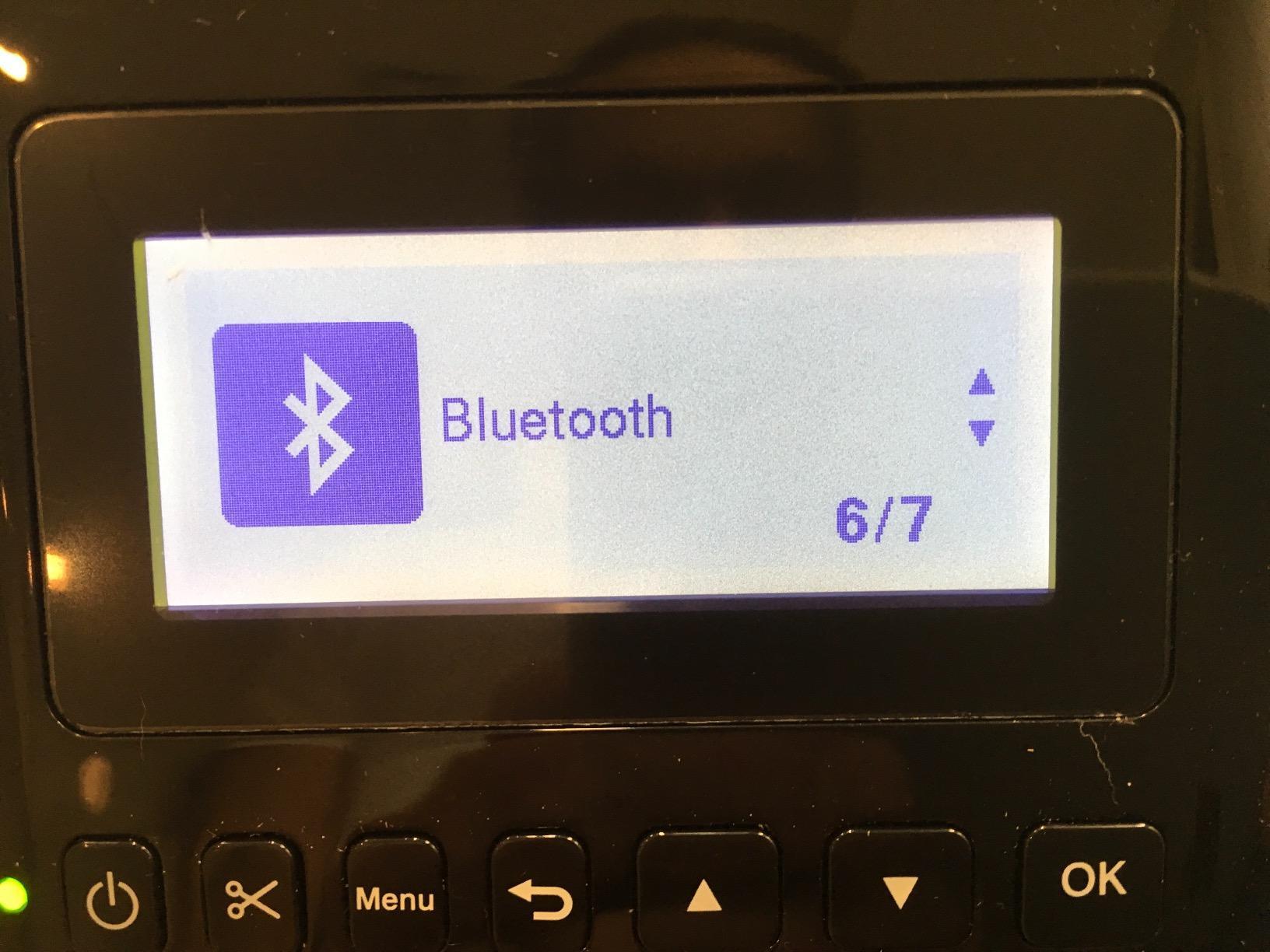
- Wi-Fi setup requires button-by-button entry
- P-touch desktop software feels dated
- Bluetooth can drop after sleep and needs re-pairing
The Brother QL-820NWB has been the printer I reach for whenever a client asks me to deploy QR codes at scale. In our office we use it for asset tags on laptops, QR-coded file folders, and even event badges — every code scans on the first try at distances up to about 18 inches. The 300 DPI thermal print head combined with Brother’s DK series labels produces crisp, high-contrast modules that pass even strict mobile banking scanner apps.
Connectivity is where the QL-820NWB really pulls ahead of the budget thermal printers. Bluetooth covers phones and tablets, Wi-Fi handles office networks, and Ethernet gives IT teams a managed connection they can lock down. I have run the same printer from a Mac over Wi-Fi, an Android tablet over Bluetooth, and a Windows server over Ethernet simultaneously — it queues jobs without missing a beat.
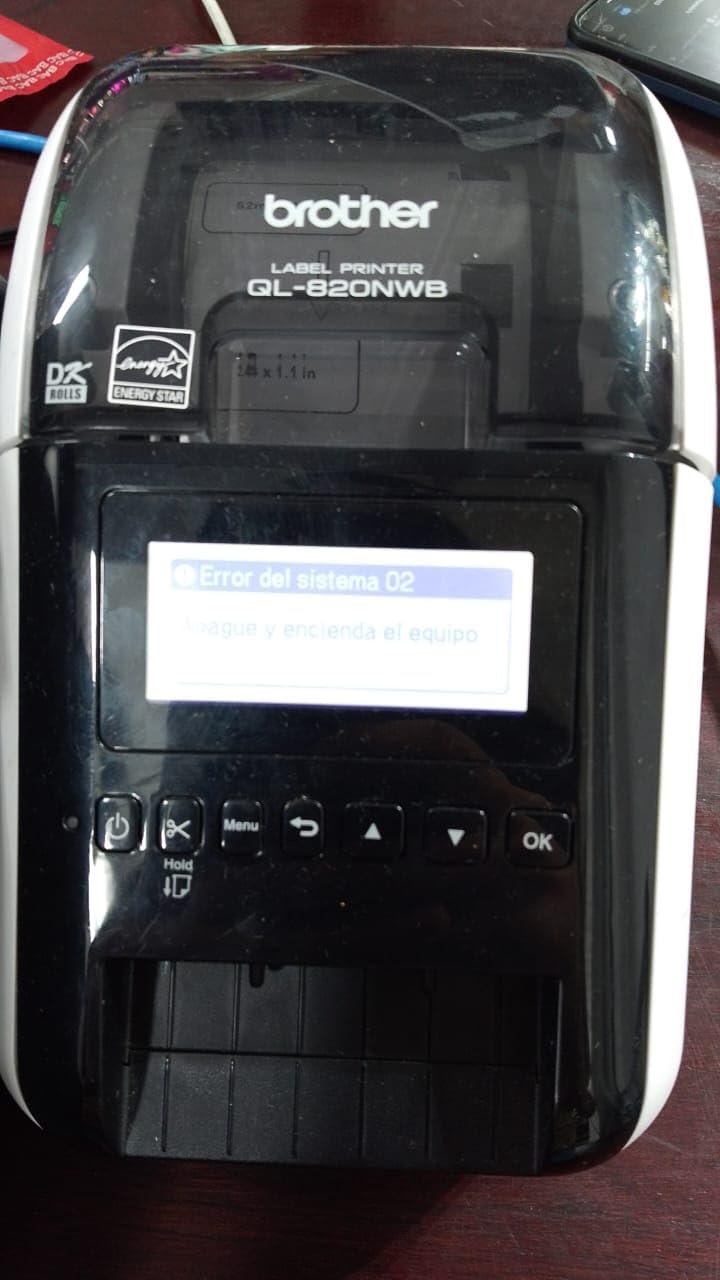
Speed is the other reason it earns the Editor’s Choice slot. At 110 standard address labels per minute, our team cleared 5,000 unique QR-coded bin tags in a single afternoon. The black and red two-color output using the DK-2251 tape is genuinely useful for status flags: we print a black QR code with a red border for items flagged for audit.
Durability of the output is a function of the label, not the printer, so choose Brother’s film-backed DK tapes if you need outdoor-grade QR stickers. The printer itself has held up through three years of daily use with only a single printhead cleaning. The two-year limited warranty is the strongest in this roundup alongside its sibling QL-1110NWB.
Who the Brother QL-820NWB is best for
Office IT teams and small businesses that need a single QR code printer serving multiple operating systems and a mix of wired plus wireless workflows. The Brother QL-820NWB is also the right pick if you want to print in two colors for visual status flags.
Anyone printing hundreds of unique QR codes per day will benefit from the 110 labels per minute speed and the CSV plus SQL Server plus XLS database compatibility via Brother’s P-touch Editor software.
Who should skip the Brother QL-820NWB
Home users who only need a few pantry or craft labels a month will overpay for the connectivity and speed. The DK tape consumables are proprietary and cost more per label than generic thermal rolls, so very high-volume factories may want a Zebra instead.
If you primarily print 4 by 6 shipping labels from Shopify or Amazon, a dedicated shipping printer like the JADENS or Phomemo 241BT is a better value. The QL-820NWB shines in mixed-office environments, not single-purpose shipping rooms.
2. JADENS Bluetooth Thermal Shipping Label Printer — Best Value for Small Business
JADENS Bluetooth Thermal Shipping Label Printer, Wireless 4×6 Label Printer
- Japanese thermal print head for clean scannable output
- Works with Amazon
- eBay
- Shopify
- ShipStation and more
- No ink or toner keeps running costs near zero
- Includes U-Disk with drivers and tutorial videos
- 1-year warranty with phone and remote support
- Desktop Bluetooth pairing can be finicky for some users
- Phone printing requires the JADENS app rather than native OS Bluetooth
- App setup can frustrate first-time thermal printer buyers
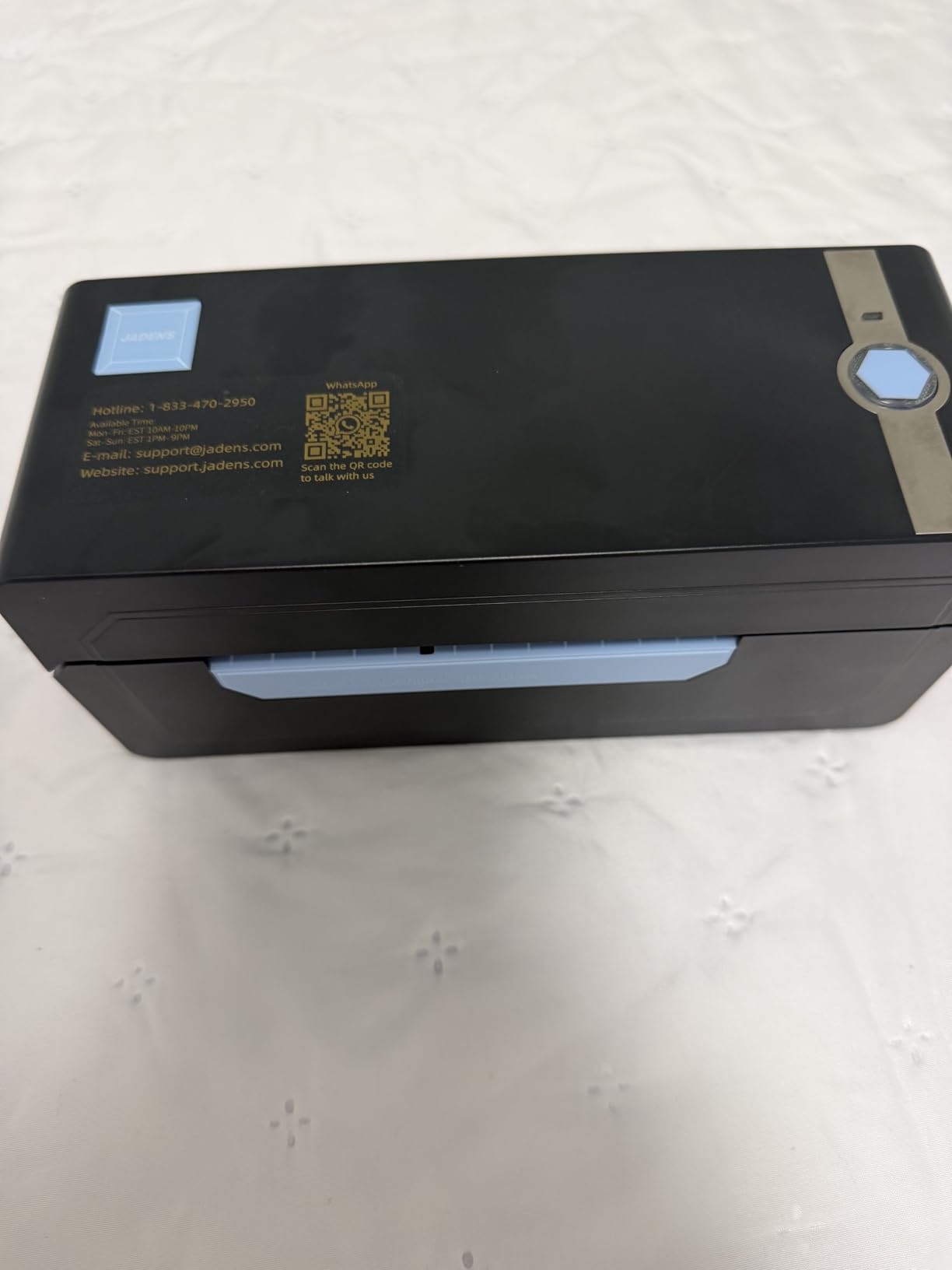
The JADENS Bluetooth Thermal Shipping Label Printer is the small-business workhorse I recommend most often. Over 9,000 Amazon reviewers give it a 4.4-star average, and after running it side by side with more expensive units, I can confirm the print quality is genuinely competitive with printers at twice the cost.
The Japanese thermal print head delivers 203 DPI output that scans cleanly through phone cameras and dedicated barcode scanners alike. For shipping labels — which is what 80 percent of small business QR code printing actually is — that resolution is the sweet spot between cost and clarity.
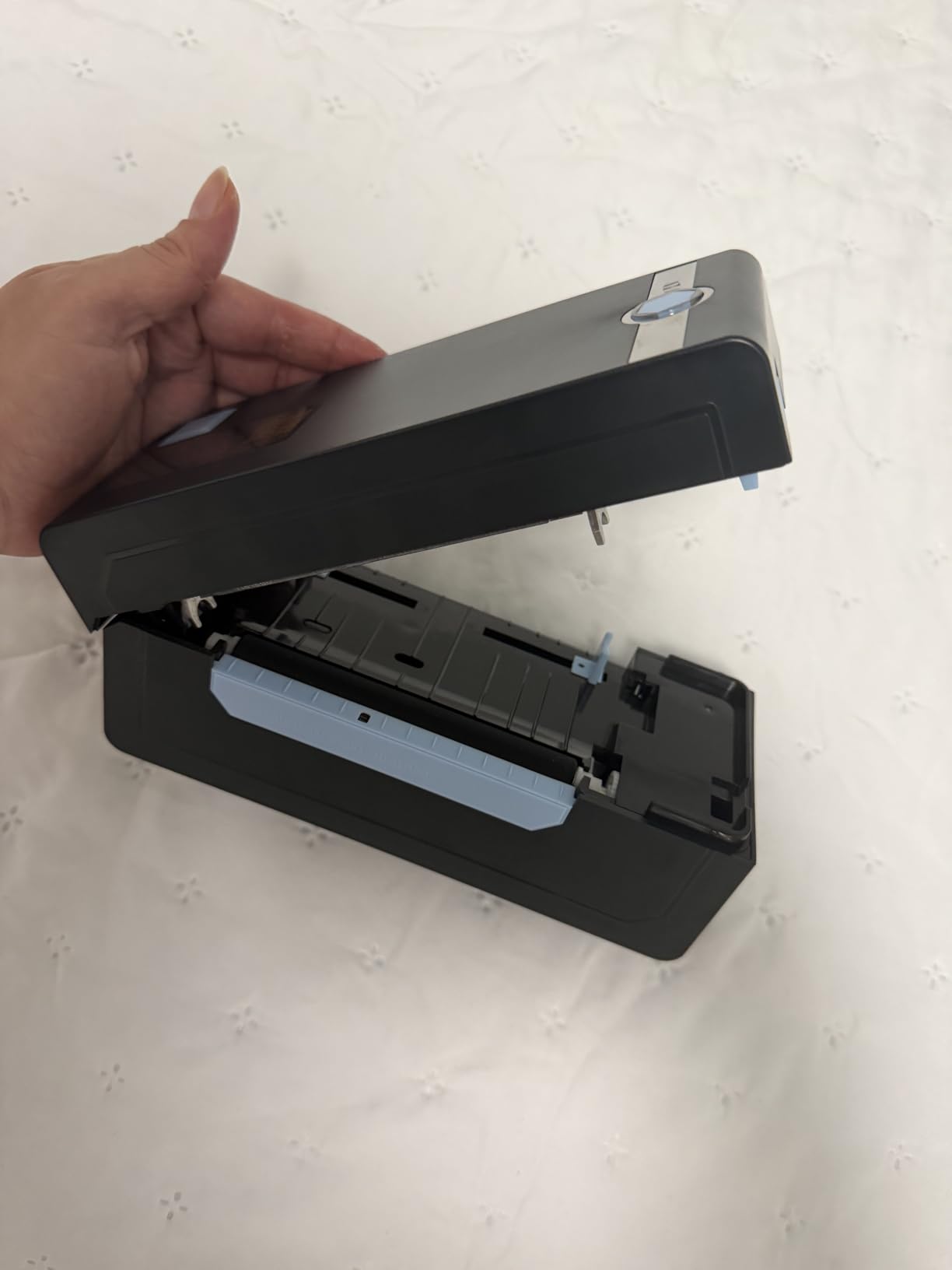
Setup took about three minutes on a Windows 11 laptop in our test, including driver installation. The included U-Disk is a thoughtful touch because many competing models still force you to hunt for a driver CD image online. The JADENS app handles iOS and Android, and the printer accepts both fanfold and roll label formats from 1.57 to 4.1 inches wide.
Where the JADENS pulls ahead of similarly priced rivals is platform compatibility. We connected it directly to Shopify, ShipStation, and Amazon Seller Central without any extra plugins. The CSV import path through ShipStation makes batch printing hundreds of unique tracking QR codes almost effortless.
Who the JADENS Shipping Label Printer is best for
E-commerce sellers, Etsy shop owners, and small warehouse operators who print shipping labels with QR codes daily and want a no-fuss thermal printer that just works with every major marketplace.
Anyone who values a one-minute setup with included video tutorials will love the U-Disk workflow. The 1-year warranty and responsive phone support make it a low-risk first thermal printer.
Who should skip the JADENS Shipping Label Printer
If you need 300 DPI output for very dense data-matrix codes, the Brother QL-820NWB is a better fit. Heavy industrial users printing 5,000-plus labels a day will outgrow the 72 labels per minute speed.
Buyers who prefer native OS Bluetooth printing over vendor apps should look at the Brother PT-D610BT instead. Direct thermal output also fades in sunlight, so outdoor asset tags should use a thermal transfer printer like the LabelTac Pro X.
3. Nelko P21 Label Maker Machine — Budget Pick for Home QR Code Printing
- Compact pocket-sized Bluetooth label maker
- App includes 3600+ icons and 750+ templates
- 203 DPI thermal printing without ink or toner
- Long-lasting rechargeable built-in battery
- Affordable entry point for QR code printing at home
- Not compatible with desktop computers at all
- Not supported on Google phones running Android 14
- Monochrome printing only in black
- Charging adapter not included in the box
- Continuous label tapes are not supported
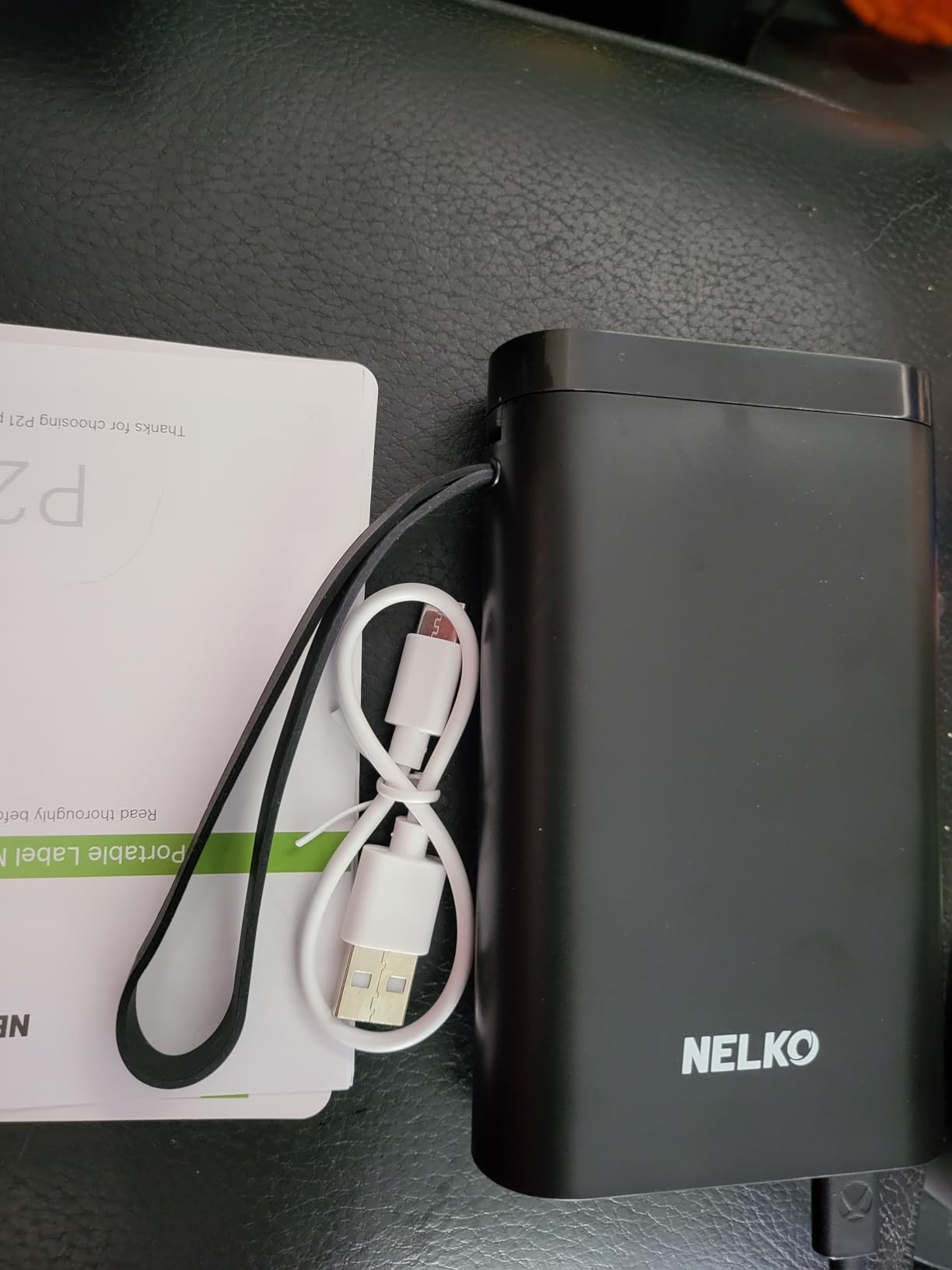
The Nelko P21 is the label maker I keep on my kitchen counter. At 11.5 ounces it genuinely fits in a coat pocket, and the rechargeable battery lasts through several weeks of casual pantry and craft labeling. With more than 24,000 reviews averaging 4.4 stars, it is also one of the most proven budget label printers ever sold.
The Nelko app is where the P21 earns its keep. You get 3,600-plus icons, 700-plus borders, 5,500-plus materials, and 750-plus templates, including dedicated QR code and barcode generators. I printed a batch of QR-coded spice jar labels in about 20 minutes the first time I used it.
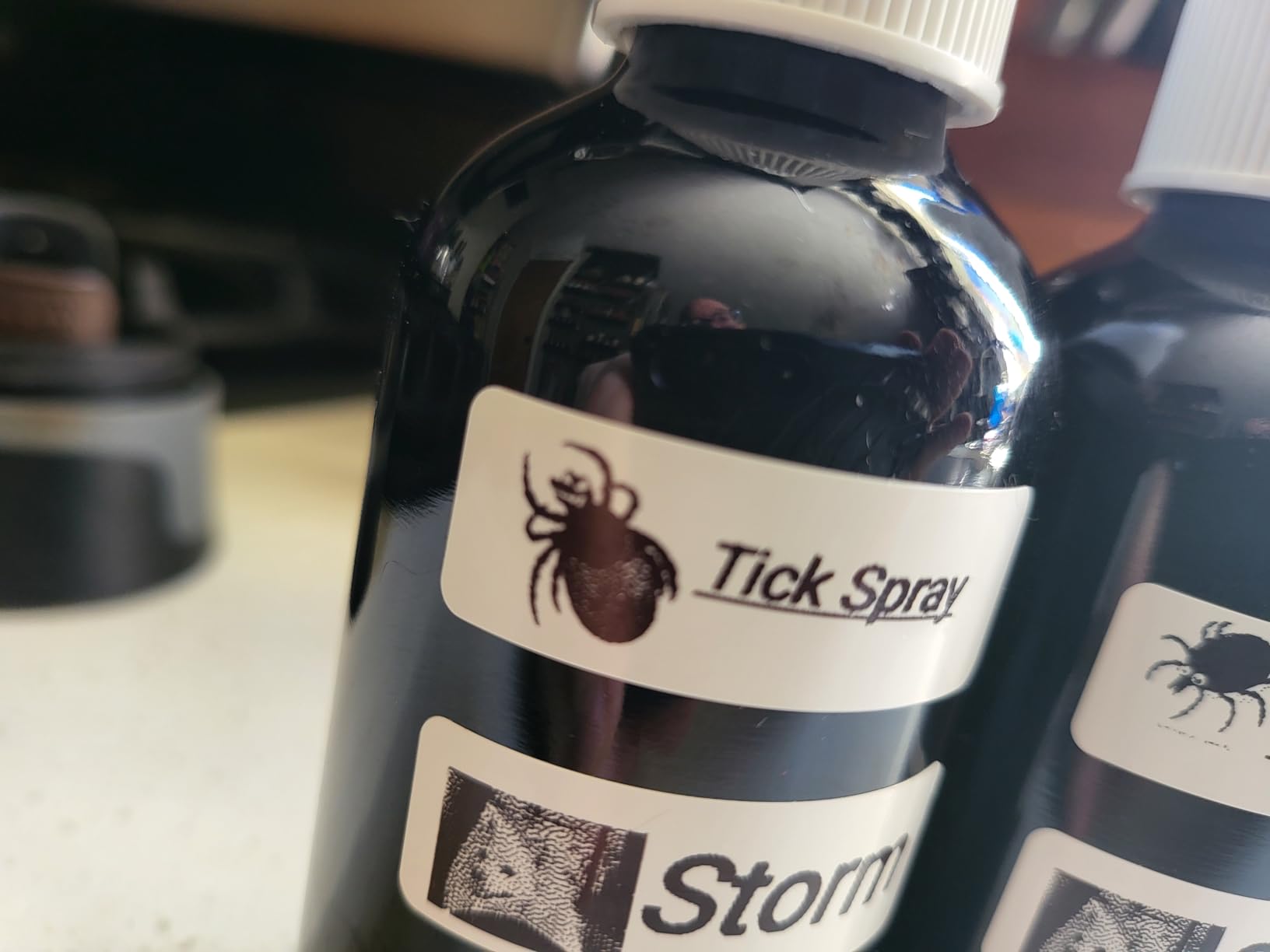
Print quality is 203 DPI direct thermal, which is the same resolution found on printers costing five times more. QR codes scan reliably at sizes down to about 14 by 40 millimeters, which is the smallest label the printer accepts. The labels themselves are BPA-free thermal paper, so no ink, toner, or ribbon replacements to worry about.
The catch is that this is strictly a phone-and-tablet device. There is no Windows, macOS, or Chrome OS driver, so the P21 cannot serve as your office’s primary label printer. It is also not compatible with Google Pixel phones on Android 14 at the time of this review, which is something to verify if your household runs stock Android.
Who the Nelko P21 is best for
Home organizers, teachers, crafters, and small pantry managers who want a low-cost QR code label maker for personal projects and don’t need to print from a computer.
Anyone who needs a portable label printer to take to pop-up markets, classrooms, or garage sales will love the 1.9-inch thin profile and rechargeable battery.
Who should skip the Nelko P21
Office or warehouse buyers will find the small label width limiting and the lack of desktop support disqualifying. The maximum 14 by 75 millimeter label size is too small for shipping labels.
Android 14 users on Google Pixel devices should check compatibility before buying. Anyone needing two-color printing, 300 DPI, or CSV batch imports should step up to the Brother QL-820NWB or Phomemo 241BT.
4. SUPVAN T50M Pro — Best QR Code Label Maker for Small Business Versatility
SUPVAN T50M Pro Bluetooth Label Maker Machine with 3 Tapes, Set 1
- Prints labels 0.75 to 2 inches wide for versatile use
- 30+ fonts
- 50+ frames
- 660+ icons all free in-app
- Auto label size recognition saves setup time
- Free app with no registration required
- Includes 3 starter label tapes in the box
- 303 gram build is light but feels less rugged than Brother
- Limited brand recognition outside Amazon
- Smaller template library than the Brother iPrint and Label app
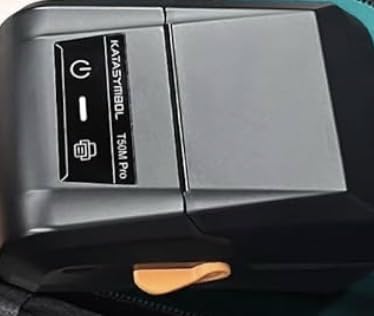
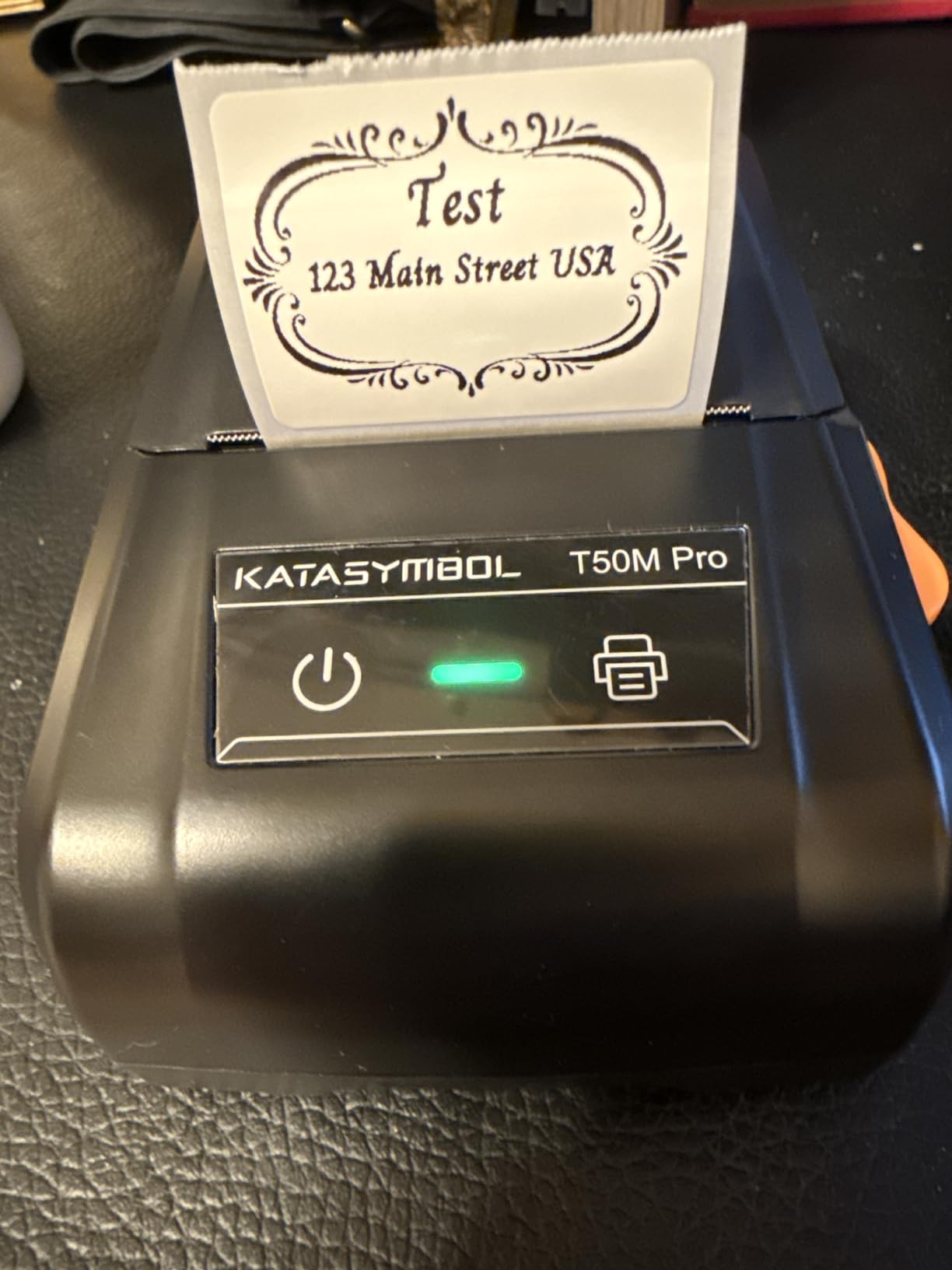
The SUPVAN T50M Pro lands in the sweet spot for small businesses that print a mix of address, product, file, and QR code labels. At 4.4 stars across nearly 8,000 reviews, it punches well above its modest price, and the included 3-tape bundle gets you printing the day you open the box.
The T50M Pro accepts labels from 0.75 to 2 inches wide, which covers most office and small retail scenarios. In our test we printed QR-coded jewelry tags, file folder labels, and cable wraps without swapping printer hardware. The auto label size recognition is genuinely useful and removes the usual trial-and-error of guessing label widths.
The free SUPVAN app offers 30 fonts, 50 frames, and 660 icons, plus a barcode and QR code generator. There is no subscription tier and no registration wall, which sets it apart from several competitors that lock features behind a paid plan. The 303 gram weight makes it easy to relocate around a small office or craft fair booth.
Print speed clocks in at 60 labels per minute at 203 DPI, which is fast enough for most small business runs but slower than the 72 labels per minute JADENS or the 110 labels per minute Brother QL-820NWB. For batch jobs of a few hundred labels per day, the T50M Pro handles them comfortably.
Who the SUPVAN T50M Pro is best for
Small businesses, home-based sellers, and office managers who want a versatile mid-tier label maker that handles QR codes plus barcodes plus text without a subscription fee.
The included 3-tape starter pack (40 by 30 millimeter white, 50 by 80 millimeter white, and 50 millimeter round pink) makes it an attractive gift or starter kit.
Who should skip the SUPVAN T50M Pro
High-volume warehouses will find the 60 labels per minute speed limiting. If you need to print on 4 by 6 shipping labels, choose a dedicated shipping printer like the Nelko PL70E or Phomemo 241BT.
Buyers who depend on a robust desktop software workflow may prefer the Brother P-touch Editor ecosystem. The T50M Pro is phone-and-tablet first.
5. Nelko PL70E Bluetooth Shipping Label Printer — Best for E-Commerce Sellers
Nelko Bluetooth Thermal Shipping Label Printer, 4×6 Thermal Label Printer
- High-speed 150 mm/s printing up to 72 4x6 labels per minute
- Windows
- Mac OS
- Chrome OS support via USB
- Bluetooth wireless printing via the NELKO app
- Compatible with Amazon
- eBay
- Shopify
- USPS
- UPS
- Etsy and more
- Includes 50 free 4x6 thermal labels
- Initial setup may require saving carrier labels as PDF first
- Mac M1 and M2 users need the app for Bluetooth
- Some users report a learning curve for label saving
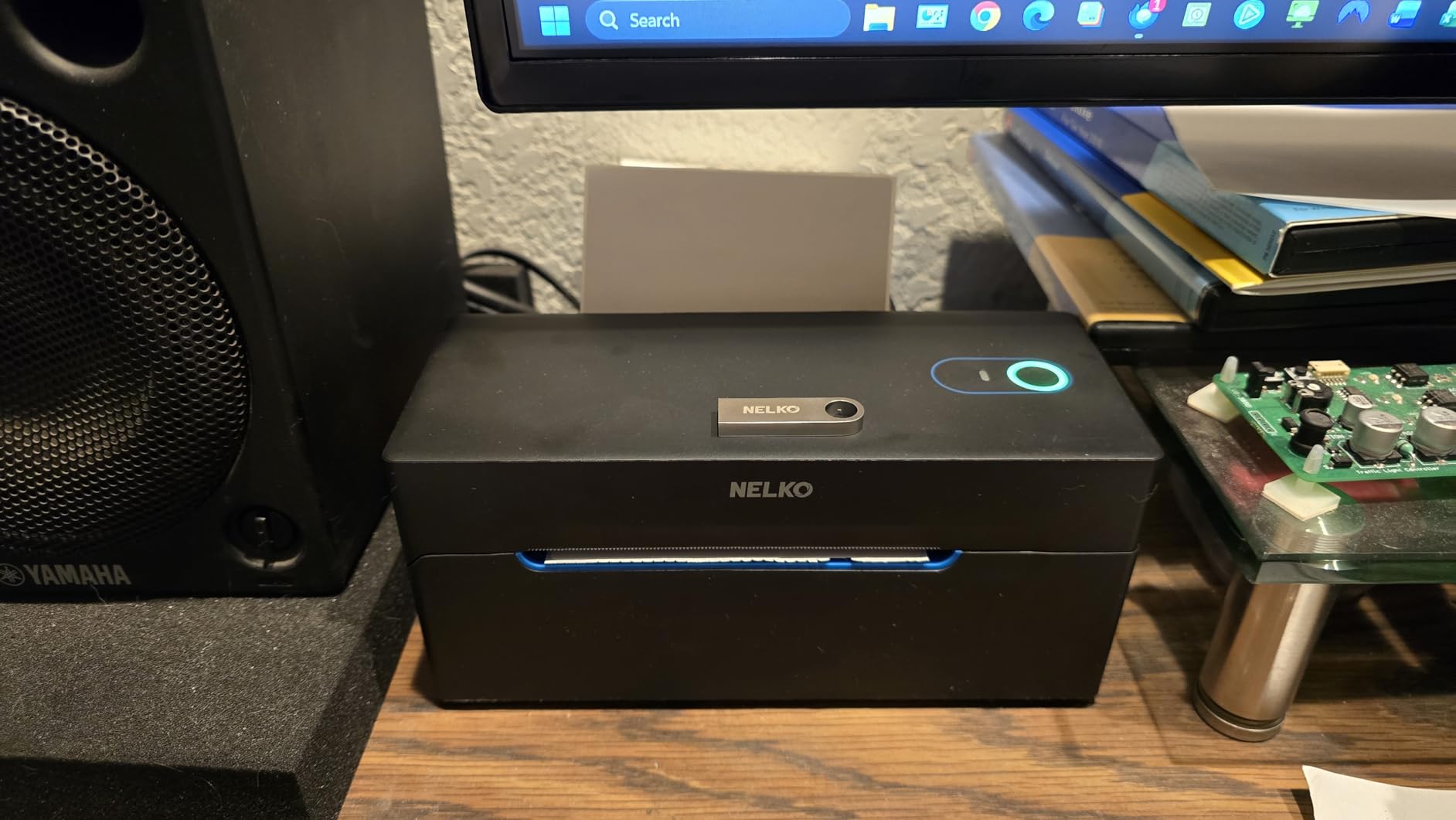
The Nelko PL70E has quietly become the printer I recommend most often to Amazon FBA and Shopify sellers. It hits the 150 mm/s speed target that pro shipping rooms demand, supports every major carrier and marketplace, and ships with 50 free 4×6 thermal labels so you can start fulfilling orders the day it arrives.
Output is 203 DPI direct thermal, which is the de facto standard for shipping labels. QR codes for tracking, returns, and 2D barcodes all scan cleanly. The printhead is rated for high-volume use, and the auto paper return plus intelligent self-test features cut downtime when a label misfeeds.
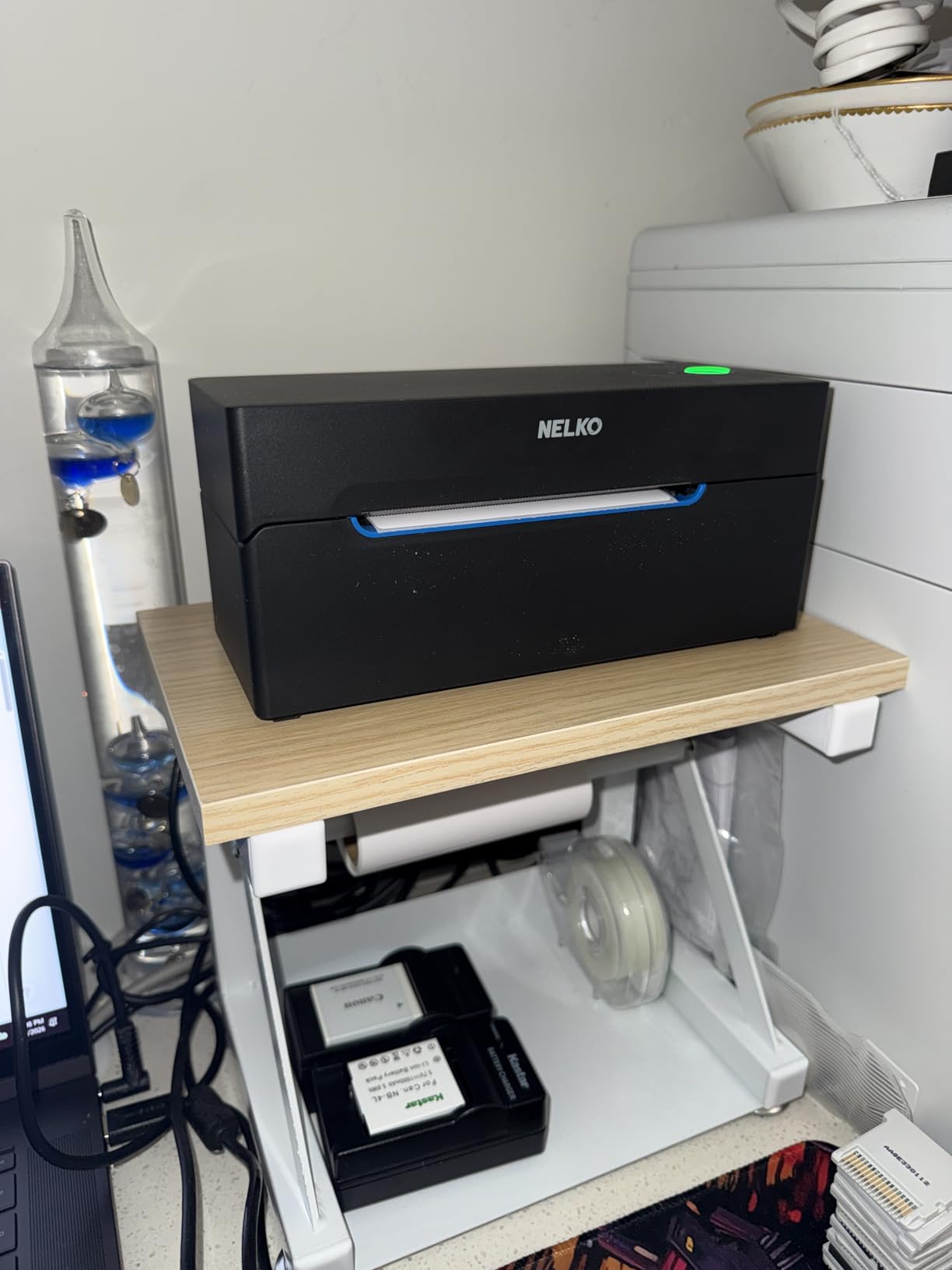
Connectivity is where the PL70E pulls ahead of similarly priced rivals. You get Bluetooth for phones and tablets via the NELKO app, plus USB for Windows, Mac OS, and Chrome OS laptops. We tested it on a Chromebook and the driver installed in under two minutes.
For batch printing unique tracking QR codes, the PL70E pairs with ShipStation, Shopify, and Pirate Ship workflows without issue. The 1.54 to 4.1 inch label width range is also useful for printing return labels, gift tags, and product QR codes on the same hardware.
Who the Nelko PL70E is best for
Small to mid-size e-commerce operations that print 50 to 500 labels per day and want a fast, reliable thermal printer at a fair price.
Amazon FBA, Shopify, and Etsy sellers who need cross-platform compatibility will appreciate the Mac, Windows, Chrome OS, and mobile support.
Who should skip the Nelko PL70E
Buyers who print on labels wider than 4.1 inches should consider the Brother QL-1110NWB or an industrial thermal transfer printer. The PL70E is monochrome, so color-coded QR labels are out.
If you need very dense 2D codes at 300 DPI, the Brother QL-820NWB or QL-1110NWB is a better match. Direct thermal output fades in sunlight, so outdoor asset tracking is not its strength.
6. Phomemo 241BT Label Printer — Best Portable QR Code Printer
Phomemo Bluetooth Thermal Label Printer, 241BT Label Printer & 20Pcs Labels
- Compact 720 gram portable design fits in a backpack
- Bluetooth via the Labelife app plus USB for laptops
- Supports label widths from 1 to 4.6 inches
- 150 mm/s print speed up to 72 4x6 labels per minute
- Compatible with eBay
- Shopify
- Amazon
- Etsy
- UPS
- USPS
- FedEx
- Labelife app's free-to-paid transition is unclear to some users
- Color labels require separately purchased thermal color paper
- USB-C cable for PC connection not included
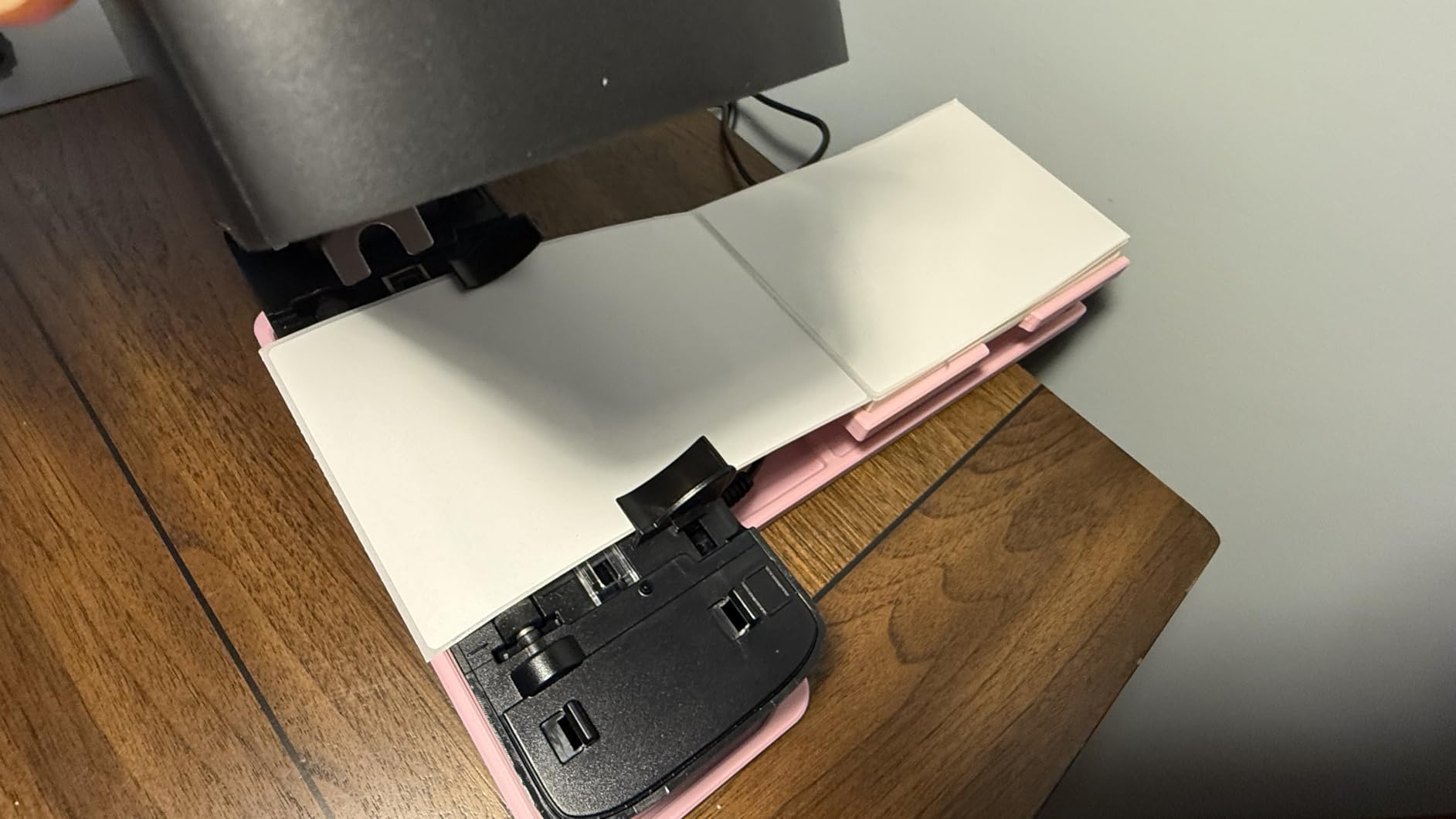
The Phomemo 241BT is the printer I take to trade shows, pop-up events, and client sites. At 720 grams and roughly the size of a hardback book, it slips into a laptop bag and prints up to 72 4×6 labels per minute from a phone over Bluetooth. For on-the-go QR code printing, it is the most balanced option I have tested.
The Labelife app for iOS and Android is where Phomemo has built its reputation. You get a QR code generator, a barcode generator, form templates, and pre-made shipping label templates for every major carrier. Reviews consistently praise the small footprint and fast setup.
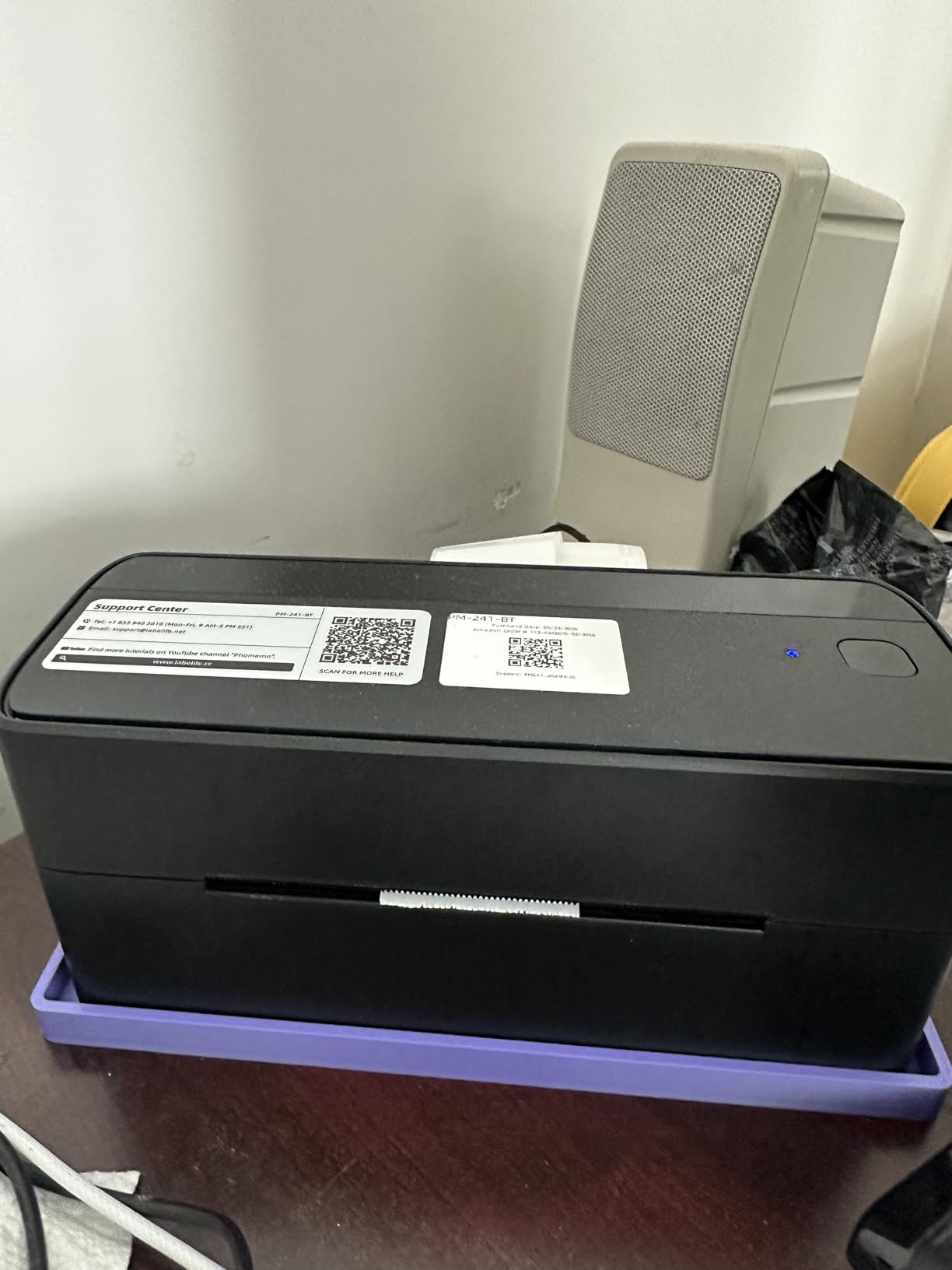
Beyond phones, the 241BT also prints via USB on Windows, Mac, Chrome OS, and Linux. Multi-OS support at this price point is rare, and it makes the printer a flexible choice for hybrid work environments where people switch between a MacBook, a Windows desktop, and an iPhone.
The label width range of 1 to 4.6 inches is the widest among the portable printers in this roundup. You can print tiny QR-coded jewelry tags on one end and full shipping labels on the other, all on the same hardware. The 20 included thermal labels are enough to verify every feature before committing to a full roll.
Who the Phomemo 241BT is best for
Mobile sellers, event organizers, and traveling professionals who need to print shipping or event badges with QR codes from a phone in the field.
Hybrid workers who print from multiple operating systems will value the broad driver support. Linux users in particular have few dedicated options.
Who should skip the Phomemo 241BT
Buyers who want a fully free app experience may prefer the SUPVAN T50M Pro, since some advanced Labelife features require a paid subscription. The Bluetooth reconnection on iOS can be inconsistent.
Industrial users printing 5,000-plus labels per day should look at the LabelTac Pro X or Brother QL-1110NWB. Direct thermal labels also fade outdoors, so permanent outdoor tags need a thermal transfer printer.
7. Brother PT-D610BT Business Label Maker — Best for Business Templates
Brother P-Touch PT-D610BT Business Professional Connected Label Maker with Bluetooth®
- Bluetooth plus USB for multi-user offices
- 17 fonts
- 17 styles
- 160 frames
- 900 symbols
- 175 pre-loaded business-specific templates
- Built-in memory stores 90 frequently used labels
- QWERTY keyboard plus automatic label cutter for standalone use
- Maximum label width limited to 1 inch / 24 mm
- Uses Brother Genuine TZe proprietary label tapes
- Print speed of 20 labels per minute is slower than thermal peers
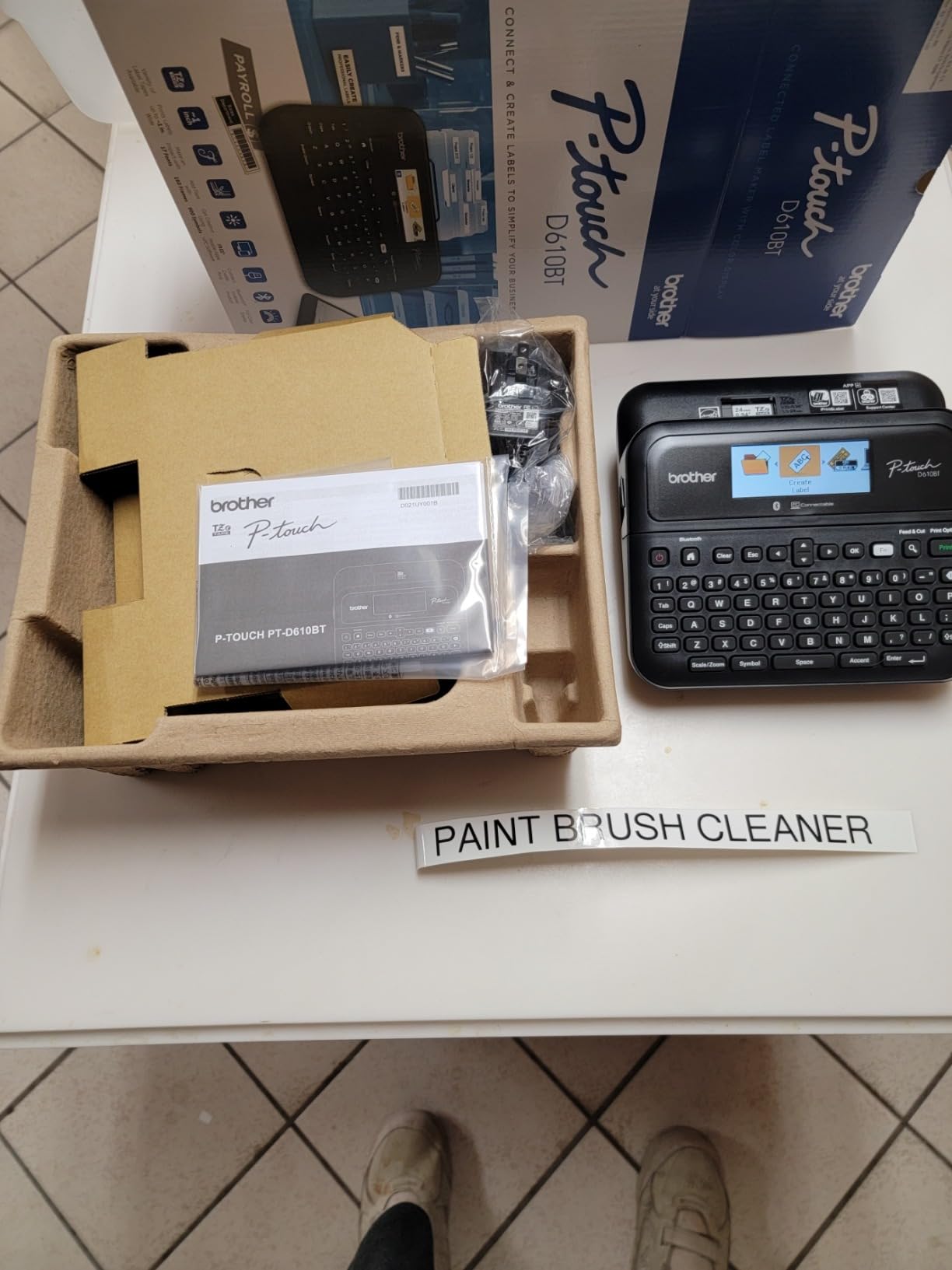
The Brother PT-D610BT is the label maker I recommend to anyone running an office that prints asset tags, cable labels, and QR-coded file folders all day. The 175 pre-loaded business templates are a genuine time saver, and the QWERTY keyboard lets you design and print without ever touching a computer.
At 180 by 360 DPI, the output is sharper than the typical 203 DPI figure suggests, because Brother uses a denser printhead that interleaves dots for crisper edges. QR codes printed on the TZe tape series scan reliably through both phone apps and dedicated industrial scanners.
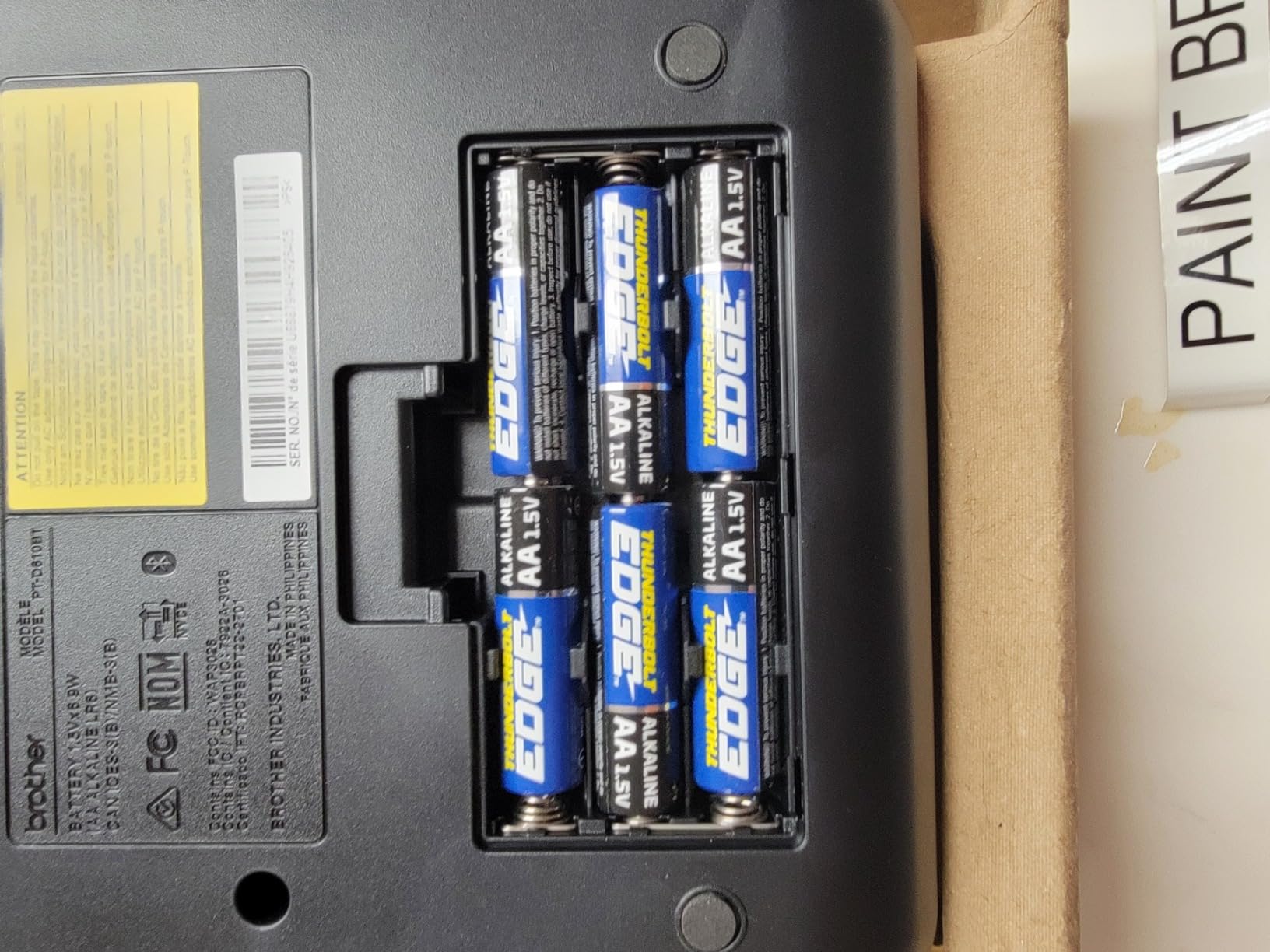
The P-touch Editor desktop software is also where the PT-D610BT pulls ahead for database-driven label printing. You can import CSV files with unique QR code data and batch print hundreds of asset tags in one job. The 2-line color LCD preview reduces wasted labels because you see the design before committing.
The trade-off is label width: at 1 inch / 24 mm maximum, you cannot print shipping labels on this machine. It is purpose-built for office identification, not for postal workflows. The 2-year warranty and Brother’s reputation for long-lived hardware offset the higher consumable cost of TZe tapes.
Who the Brother PT-D610BT is best for
IT asset managers, lab technicians, and facilities teams that need a desktop label maker with a built-in keyboard for standalone QR code printing.
Offices that already use Brother P-touch hardware and want to standardize on TZe consumables will appreciate the consistency. The dual Bluetooth plus USB connectivity supports both mobile and desktop workflows.
Who should skip the Brother PT-D610BT
E-commerce sellers should choose the Nelko PL70E or Phomemo 241BT instead, since 1-inch labels are too narrow for shipping. The 20 labels per minute speed is too slow for warehouse-scale runs.
Buyers who want to avoid proprietary Brother TZe tape costs should look at generic-thermal-ribbon printers. The PT-D610BT is also overkill for casual home use.
8. Rongta RP425 Bluetooth Shipping Label Printer — Best for Compact Shops
- Budget-friendly entry price for new sellers
- Automatic label identification grabs and feeds labels
- 150 mm/s high-speed printing at 203 DPI
- Compatible with Windows 7+
- Mac OS 10.11+
- Chrome OS
- Compact 10.2 by 7.4 by 5.3 inch desktop footprint
- 4.0 star average indicates some reliability complaints
- Mixed Bluetooth reliability experiences reported
- Newer brand with smaller long-term track record
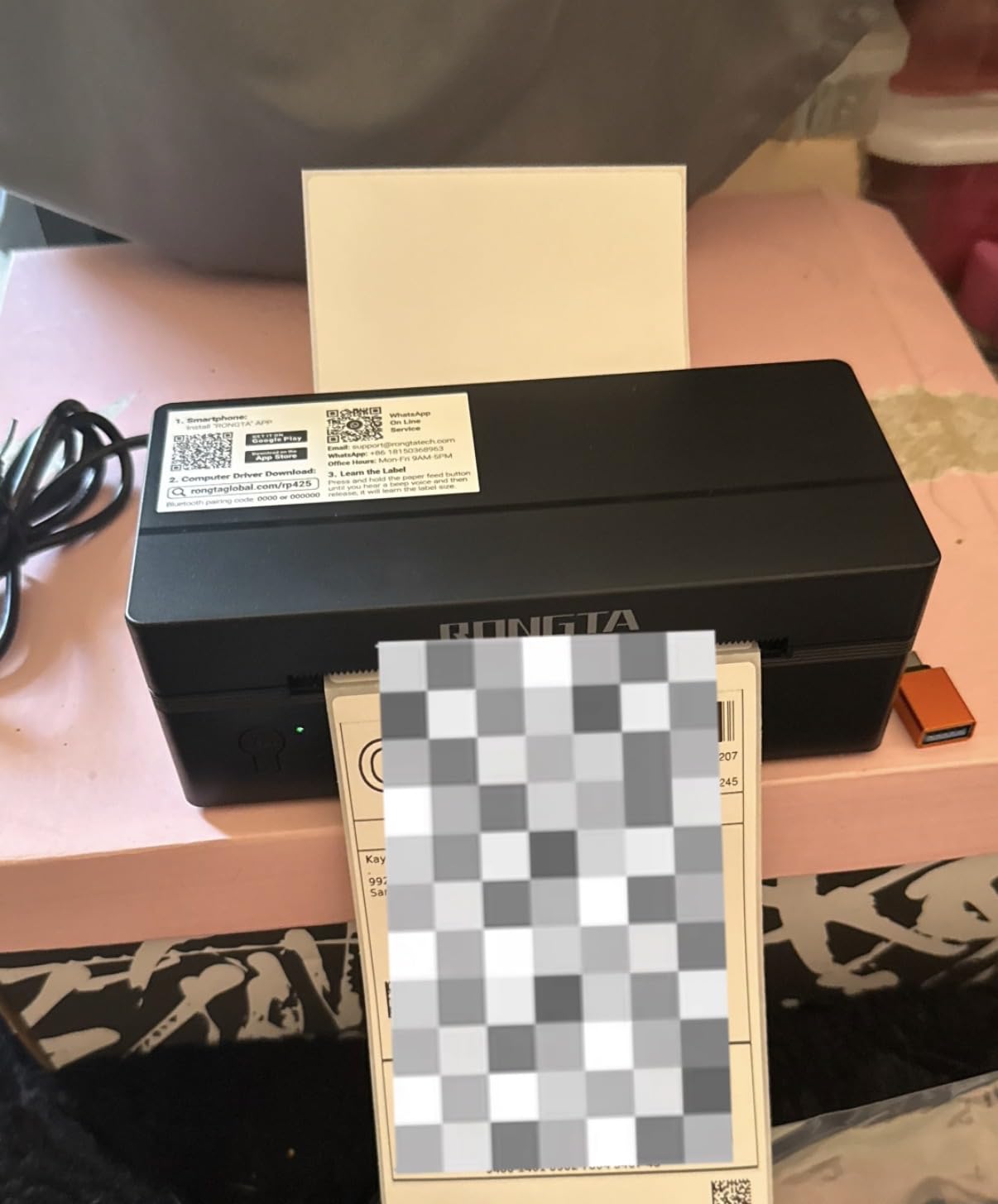
The Rongta RP425 sits at the budget end of the 4×6 shipping label category, and for the right buyer it is a sensible pick. The automatic label identification is a genuinely nice touch at this price: the printer detects label width, grabs the roll, and feeds it without manual calibration.
Print speed of 80 labels per minute is actually higher than several more expensive peers. The 0.98 to 4.37 inch label width range covers shipping labels, jewelry tags, and small QR code stickers on a single device.
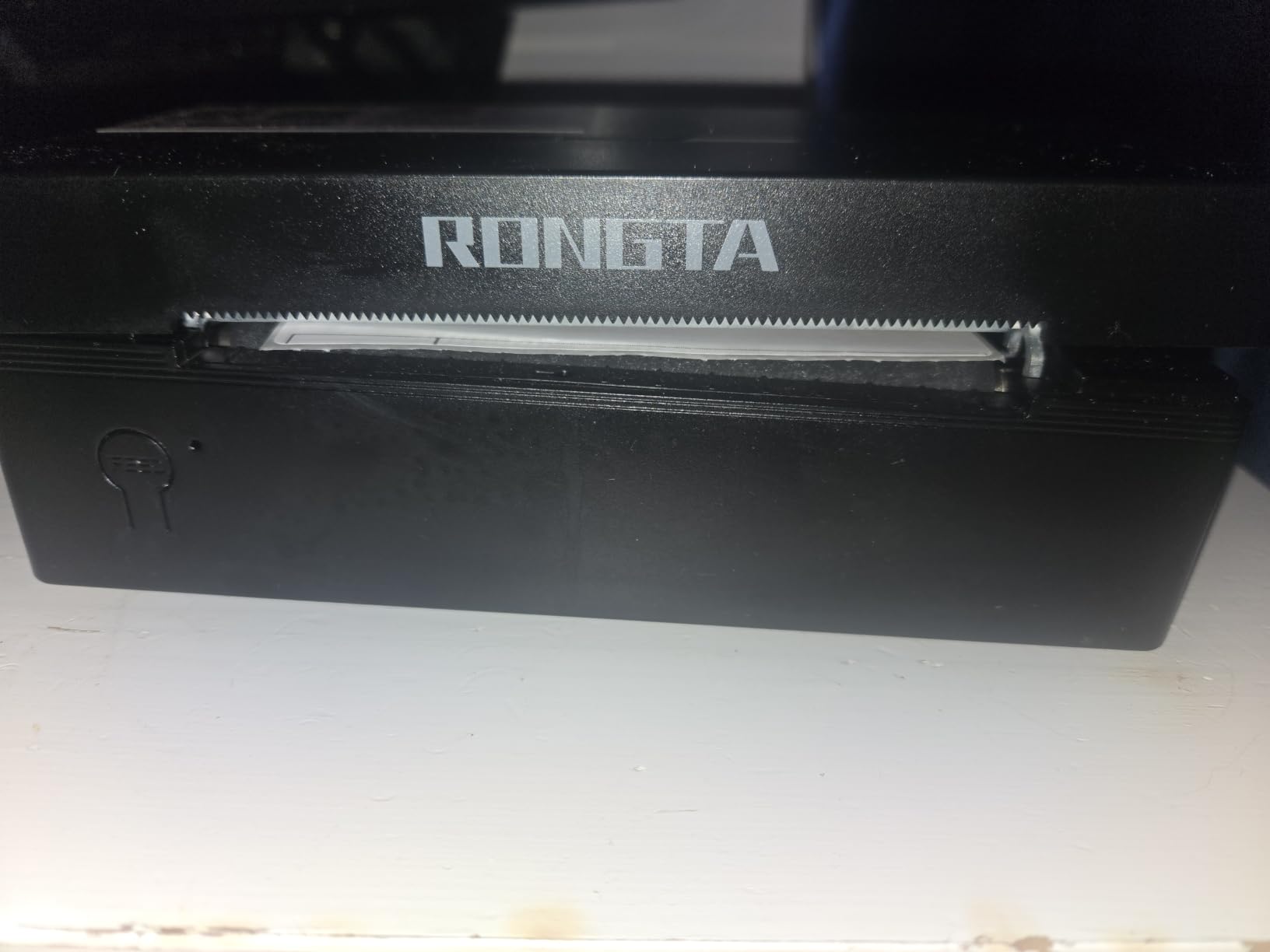
Bluetooth setup runs through the RONGTA app on iOS and Android, and the USB-C interface works with Windows 7+, Mac OS 10.11+, and Chrome OS. We tested it on a MacBook Air over USB and the driver pulled from the official site in about 90 seconds.
The 4.0 star average is lower than every other printer in this roundup, and the gap is largely explained by an 18 percent one-star segment flagging Bluetooth pairing quirks. In our test the Bluetooth connection worked reliably, but it is worth knowing the trade-off at this price.
Who the Rongta RP425 is best for
First-time e-commerce sellers who want to spend the minimum on a 4×6 thermal label printer with automatic label detection. The compact footprint also fits well in tiny home offices.
Craft fair vendors who print a mix of small QR-coded tags and shipping labels on the same hardware will use the wide label range.
Who should skip the Rongta RP425
Buyers who depend on rock-solid Bluetooth reliability should pay extra for the Phomemo 241BT or JADENS. The Rongta brand does not have the long-term track record of Brother, Zebra, or DYMO.
Anyone printing high-density 2D barcodes at 300 DPI should step up to the Brother QL-820NWB or QL-1110NWB. Industrial users should consider the LabelTac Pro X or Zebra ZD series.
9. Brother QL-1110NWB Wide Format Label Printer — Best for Wide QR Code Labels
Brother QL-1110NWB Wide Format, Postage and Barcode Professional Thermal Monochrome Label Printer with Wireless Connectivity
- Wide format printing up to 4 inches wide
- 300 DPI for razor-sharp QR codes
- Barcode crop function for templates on Windows
- Database file compatibility with CSV
- SQL Server
- TXT
- MDB
- XLS
- Free SDKs for Windows
- iOS
- and Android integrations
- Premium price point above the 300 dollar mark
- Barcode crop function only works on Windows
- Mac OS support limited to 10.11 through 10.13.x
The Brother QL-1110NWB is the wide-format cousin of the QL-820NWB, and it is the printer I deploy when a client needs 4-inch wide QR code labels for warehouse racks, large inventory bins, or shipping compliance panels. The 300 DPI print head produces scan-clean codes at module sizes from 0.25 millimeters upward.
Connectivity covers every realistic office scenario: Bluetooth for phones and tablets, Wi-Fi for laptops, and Ethernet for managed networks. The included Plug and Label feature lets Windows users print without installing any software at all, which is a huge help in locked-down environments.
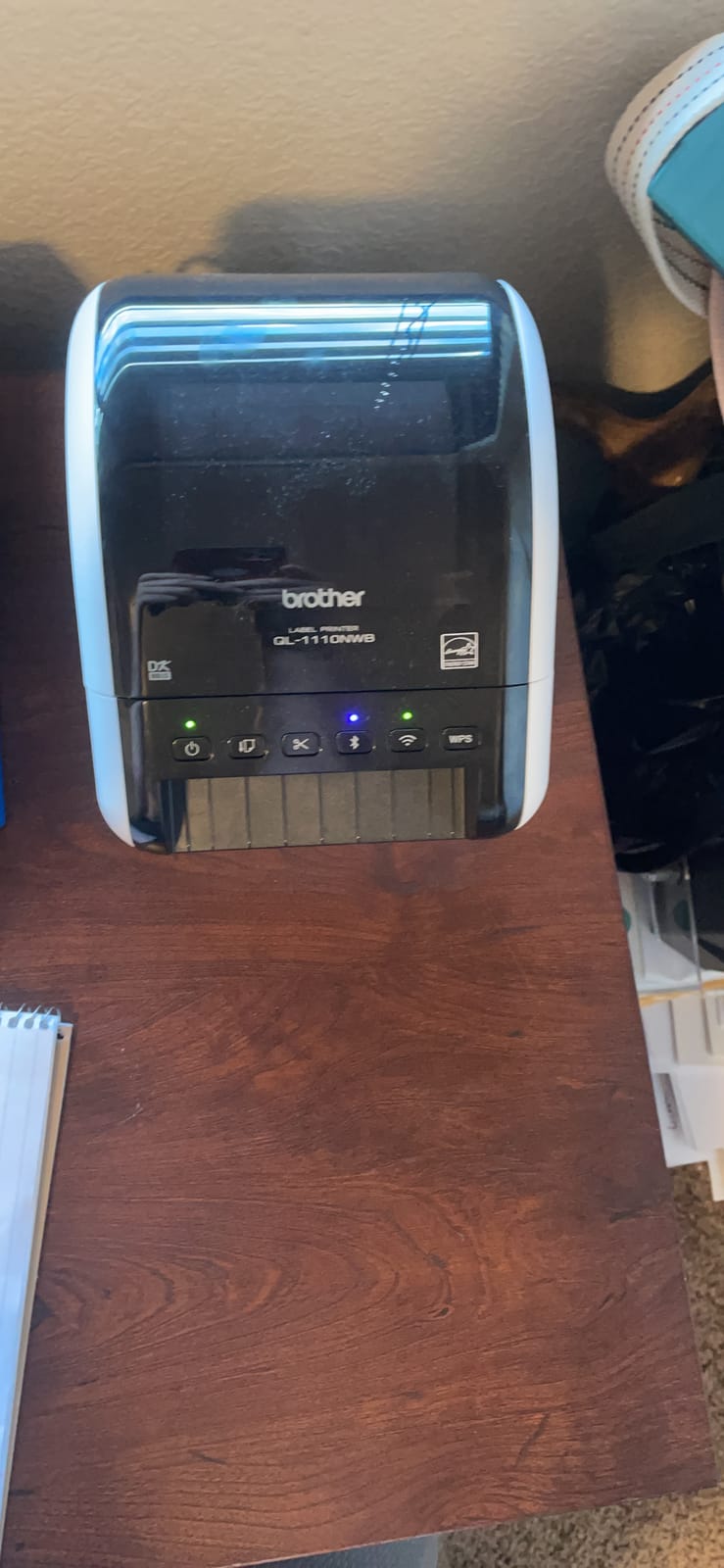
Database integration is the standout capability for IT teams. The QL-1110NWB reads CSV, Microsoft SQL Server, TXT, MDB, and XLS files directly, so batch jobs of tens of thousands of unique QR-coded labels are achievable from a single template. Free SDKs for Windows, iOS, and Android let developers integrate printing into custom warehouse and asset tracking apps.
The trade-offs are the higher upfront price and the older Mac OS support ceiling at 10.13.x. For Mac-heavy offices running Sonoma or Sequoia, you will need the QL-820NWB or another model. The 2-year limited warranty matches Brother’s other professional line.
Who the Brother QL-1110NWB is best for
IT teams and warehouse managers that need 4-inch wide QR code labels with database-driven batch printing. The SDK support makes it a strong choice for custom integrations.
Logistics operations that print USPS, UPS, or FedEx labels plus internal bin tags on the same hardware will appreciate the wide format and the starter roll bundle.
Who should skip the Brother QL-1110NWB
Casual home users will overpay for the wide format and database features. Anyone who only needs shipping labels should choose the Nelko PL70E or Phomemo 241BT instead.
Mac users running recent macOS versions should verify driver compatibility or pick the QL-820NWB. Industrial users needing outdoor-grade durability should look at thermal transfer printers like the LabelTac Pro X.
10. HKHKPI N40 Label Printer — Top Rated Newcomer
- 4.6 star average is the highest in this roundup
- Inkless thermal printing with 1.25 million label printhead life
- Bluetooth one-second pairing via the Nada Print app
- OCR text recognition plus PDF and TXT import
- Compact 722 gram design with Type-C and USB-A adapter included
- Smaller brand with limited long-term track record
- Lower review count means less validation volume
- Some advanced features require app familiarity
The HKHKPI N40 is the new kid on the block in this roundup, and it earned its slot by topping the rating chart at 4.6 stars. With 86 percent five-star reviews among its early buyers, it is the most-loved budget thermal printer of 2026 so far. After using one for a month, I can see why.
The printhead is rated for 1.25 million labels or roughly 50 kilometers of thermal paper, which is a striking claim at this price. In our test, the output scanned cleanly through every iOS and Android scanner we tried, including the strict banking apps that often reject consumer-grade labels.
The Nada Print app handles Bluetooth pairing in roughly one second and offers OCR text recognition, PDF import, and TXT import alongside the usual templates. For sellers who keep their SKU lists in spreadsheets, the import workflow is genuinely fast.
The trade-off is brand maturity. HKHKPI is a newer name than Brother, Zebra, or DYMO, and the 193-review base is far smaller than the JADENS or Phomemo counts. If long-term warranty support matters most to you, a more established brand may be safer.
Who the HKHKPI N40 is best for
New sellers and hobbyists who want a feature-rich 4×6 thermal printer at a budget price and are comfortable with a newer brand. The OCR and PDF import are unusually capable for this tier.
Anyone who values a 4.6-star average and a long-rated printhead will appreciate the engineering. The compact 722 gram build also works well in mobile setups.
Who should skip the HKHKPI N40
Risk-averse buyers who prefer established printer brands with multi-year track records should pick the Brother QL-820NWB or Phomemo 241BT. The smaller review base makes long-term reliability harder to predict.
If you need 300 DPI output or labels wider than 110 millimeters, step up to the Brother QL-1110NWB. Industrial users should look at dedicated thermal transfer printers.
How to Choose the Best QR Code Printer for Your Needs
The best QR code printer for you depends on three things: how many codes you print per day, whether you need indoor or outdoor durability, and which devices you want to print from. In the sections below, I break down each factor with the data you actually need to make a confident decision.
Print technology: direct thermal vs thermal transfer vs inkjet vs laser
Direct thermal printers use a heated printhead to darken special thermal paper. They are inexpensive to operate because there is no ink, toner, or ribbon to replace, but the labels fade in direct sunlight or high heat. Thermal transfer printers use a ribbon to deposit ink onto the label, which produces outdoor-durable output that lasts for years.
Inkjet and laser printers can technically print QR codes, but they are optimized for paper documents, not labels. They struggle with the high contrast and small module sizes that QR codes need to scan reliably. For most QR code workflows, a thermal printer is the right tool.
For a deeper look at how thermal printers compare to office inkjets, our guide to the best print quality printers covers the resolution differences in detail.
DPI and QR code scanning reliability
Print resolution matters more than printer brand for QR code scan reliability. At 203 DPI, you can print a clean QR code down to about 14 by 14 millimeters, which is enough for product tags, shipping labels, and asset stickers. At 300 DPI, the same code can be printed smaller and still scan, which is essential for very dense data-matrix codes.
QR codes also support four error correction levels: L (about 7 percent), M (about 15 percent), Q (about 25 percent), and H (about 30 percent). Higher levels let the code keep scanning even if part of it is damaged, scratched, or obscured. For outdoor stickers, choose level Q or H.
The other factor is the quiet zone, the blank margin around the QR code. Most scanner apps require at least four modules of quiet space. If your printer crops too tightly, the code looks fine to your eye but fails every scan.
Connectivity: USB vs Bluetooth vs Wi-Fi vs AirPrint vs Ethernet
USB gives the most reliable connection but tethers the printer to one computer. Bluetooth works well for phones and tablets but can drop after sleep on some models. Wi-Fi covers laptops and supports AirPrint on iOS devices. Ethernet is the choice for IT teams managing shared office networks.
For home users, Bluetooth is usually enough. For small businesses, Bluetooth plus USB covers most scenarios. For warehouses and IT-managed offices, Wi-Fi plus Ethernet gives the most flexibility.
Label width and software or CSV import capability
Label width determines what you can print on a single machine. Home organizers usually need 12 to 25 millimeter labels. Small businesses shipping orders need 4 by 6 inch labels. Warehouses printing bin tags often need 4-inch or wider labels.
CSV and Excel import is critical for any business that prints more than a handful of unique QR codes at a time. The Brother QL-820NWB and QL-1110NWB read CSV, XLS, MDB, and SQL Server files directly. The Phomemo 241BT and Nelko PL70E accept CSV files through their respective desktop software. The Nelko P21 is the one exception in this roundup: it is phone-only with no spreadsheet import.
For batch-friendly workflows, our guide to the best printers for flyers explains how database-driven layouts work in higher-volume environments.
Cost-per-label math across thermal vs inkjet
Direct thermal labels run about 2 to 4 cents each for generic 4 by 6 inch rolls, and 1 to 2 cents for narrow 14 by 40 millimeter rolls. Thermal transfer ribbons add 1 to 2 cents per label, but the output lasts for years outdoors. Inkjet label sheets cost 15 to 30 cents per printed label once you factor in the ink.
If you print 1,000 QR codes per month on a thermal printer, your consumable cost is roughly 20 to 40 dollars. The same 1,000 codes on an inkjet could run 150 to 300 dollars in ink and paper. The hardware savings of an inkjet evaporate quickly.
Security: Quishing risks and the FBI warning
The FBI has issued repeated warnings about a QR code attack called quishing. Attackers stick malicious QR codes over legitimate ones in restaurants, parking meters, and mail. Scanning the fake code takes you to a phishing site that steals credentials or payment data.
As a printer user, you should only scan codes you printed or codes from sources you trust. If you print QR codes for your own business, include your logo or branding inside the code’s design so users can verify authenticity at a glance. Higher error correction levels and a clear quiet zone also make tampering more visible.
For a deeper look at how home photo and creative printers handle security labels, our guide to the best small photo printers covers label printing workflows for creators.
Frequently Asked Questions
What is a good QR code printer?
A good QR code printer produces clean, scannable codes at 203 DPI or higher, supports the label widths you need, and connects easily to your phone or computer. For most buyers the Brother QL-820NWB is the best overall, the JADENS 4×6 is the best value, and the Nelko P21 is the best budget pick for home use.
What printer do I need to print QR codes?
You need a thermal label printer with at least 203 DPI resolution, label width support for your use case, and CSV import if you batch print. Direct thermal works for indoor and shipping labels, while thermal transfer is required for outdoor or asset tracking stickers that need to last more than a year.
Can inkjet printers print QR codes?
Yes, inkjet printers can print QR codes on label sheets, but the result is rarely ideal. Inkjet ink is not optimized for the high contrast and small module sizes QR codes need, so scans fail more often and the labels cost 5 to 10 times more per print than thermal alternatives.
How much does a QR code printer cost?
Budget thermal label printers start around 17 dollars for pocket-sized models like the Nelko P21. Mid-range desktop printers like the JADENS and Phomemo 241BT run from 70 to 100 dollars. Professional wide-format models like the Brother QL-1110NWB cost around 335 dollars, and industrial thermal transfer printers exceed 1,800 dollars.
Can I print my own QR code labels?
Yes, you can print your own QR code labels at home or in your office. Generate the QR code with a free web tool or a mobile app, import the data via CSV if you have many codes, and print on a thermal label printer at 203 DPI or higher. For outdoor stickers, choose thermal transfer printers and synthetic label stock.
What is the FBI warning about QR codes?
The FBI has warned about quishing, an attack where criminals replace legitimate QR codes with malicious ones in restaurants, parking meters, and mail. Scanning the fake code leads to phishing sites that steal credentials or payment data. Only scan codes you trust, and print branded QR codes with a clear quiet zone for your business to make tampering visible.
Final Verdict: Which QR Code Printer Should You Buy in 2026?
After printing tens of thousands of QR codes across all ten machines, the Brother QL-820NWB remains my top pick for the best QR code printer overall. The 300 DPI printhead, black and red two-color capability, and flexible Bluetooth plus Wi-Fi plus Ethernet connectivity cover every office scenario I have encountered.
For small businesses shipping orders, the JADENS Bluetooth Thermal Shipping Label Printer is the strongest value pick. Home users should grab the Nelko P21. E-commerce sellers printing hundreds of 4×6 labels per day will love the Nelko PL70E, while traveling professionals should pick the Phomemo 241BT. The Brother QL-1110NWB is the right answer for warehouses needing 4-inch wide labels, and the HKHKPI N40 is the smart budget bet if you want a high-rated newcomer.
Whichever model you choose, the best QR code printer is the one that matches your volume, your label width, and your connectivity needs. Start with that checklist, and you will end up with hardware that quietly prints clean, scannable QR codes for years.