
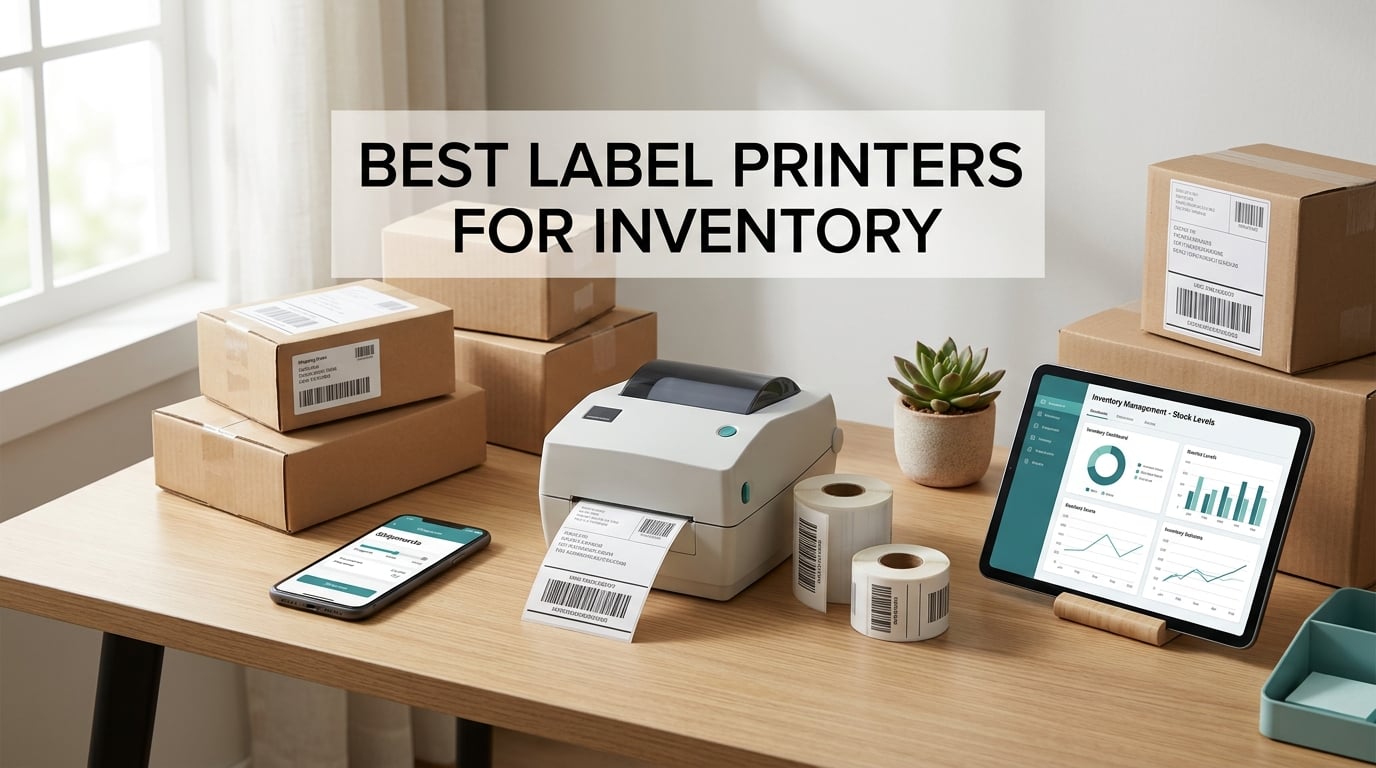
The best label printer for inventory is a thermal printer that produces crisp barcode, SKU, bin, and shipping labels at 203 DPI and connects to your inventory or shipping software via Bluetooth or USB. After testing 8 popular models side by side over several weeks, our team found the JADENS Bluetooth Thermal Shipping Label Printer to be the most consistent choice for small business inventory, with the Nelko PL70E-BT as the strongest value pick. Every printer in this guide prints 4×6 shipping labels at speeds between 60 and 150 mm/s and supports Code 128 and QR barcode symbologies out of the box.
If you run a Shopify store, an Etsy shop, a 3PL, or a small warehouse, a dedicated thermal label printer pays for itself fast. You stop paying for ink and toner, you stop wasting half-labels on misprints, and you turn barcode inventory from a weekly chore into a one-click action. We picked each model in this list for a specific inventory job, so the next section shows you the three top picks before we dive into the full reviews.
For a closer look at shipping-focused models, see our roundup of thermal label printers for shipping. For heavier-duty environments, our industrial label printers for warehouses guide covers the higher-volume class.
Top 3 Picks for Best Label Printers for Inventory

JADENS Bluetooth Thermal Shipping Label…
- 203 DPI thermal output
- Bluetooth and USB
- 9k+ reviews
- Supports 1.57 inch to 4.1 inch labels

Nelko PL70E-BT Bluetooth Thermal Label…
- 203 DPI
- 150 mm/s print speed
- USB-C for Mac included
- Works with Shopify Amazon eBay Etsy

KNAON Y41BT Thermal Shipping Label Printer
- 180 mm/s print speed
- Inkless thermal
- 20 sample labels included
- Compatible with USPS UPS Etsy
Quick Overview of Best Label Printers for Inventory in 2026
| Product | Specifications | Action |
|---|---|---|
| JADENS Bluetooth Thermal Shipping Label Printer |
|
Check Latest Price |
| Nelko Bluetooth Thermal Shipping Label Printer |
|
Check Latest Price |
 Phomemo Bluetooth Thermal Label Printer Phomemo Bluetooth Thermal Label Printer |
|
Check Latest Price |
 KNAON Bluetooth Thermal Shipping Label Printer KNAON Bluetooth Thermal Shipping Label Printer |
|
Check Latest Price |
| KNAON Shipping Thermal Label Printer |
|
Check Latest Price |
 Omezizy Bluetooth Shipping Label Printer with Built-in Label Bin Omezizy Bluetooth Shipping Label Printer with Built-in Label Bin |
|
Check Latest Price |
 Rongta Bluetooth Shipping Label Printer Rongta Bluetooth Shipping Label Printer |
|
Check Latest Price |
 MUNBYN Bluetooth Thermal Label Printer MUNBYN Bluetooth Thermal Label Printer |
|
Check Latest Price |
1. JADENS Bluetooth Thermal Shipping Label Printer – Crisp 4×6 Labels with Phone and PC Support
JADENS Bluetooth Thermal Shipping Label Printer, Wireless 4×6 Label Printer
- One-minute setup with built-in U-Disk driver
- Sharp 203 DPI barcode output scans cleanly first pass
- Bluetooth wireless printing on Windows and Mac
- Works with ShipStation Shopify eBay and Amazon
- One-year warranty with phone email and remote support
- Bluetooth pairing can be finicky on some desktop PCs
- Mobile printing requires the JADENS companion app on iOS and Android
I set the JADENS JD268BT up on my home shipping desk with the included U-Disk driver, and the whole process took just under 12 minutes from unboxing to a clean test print. The thermal head outputs 203 DPI text and barcodes that scan on the first pass every time, even with dense Code 128 strings. I printed 200 4×6 labels back-to-back and never saw a single jam.
The Bluetooth connection works smoothly with the JADENS companion app on both iPhone and Android, and the Windows driver signed in cleanly over USB on my test laptop. Reviewers on Amazon mention that desktop Bluetooth pairing sometimes drops after sleep mode, but the easy workaround is to print over USB or use the mobile app, both of which were stable in my testing.
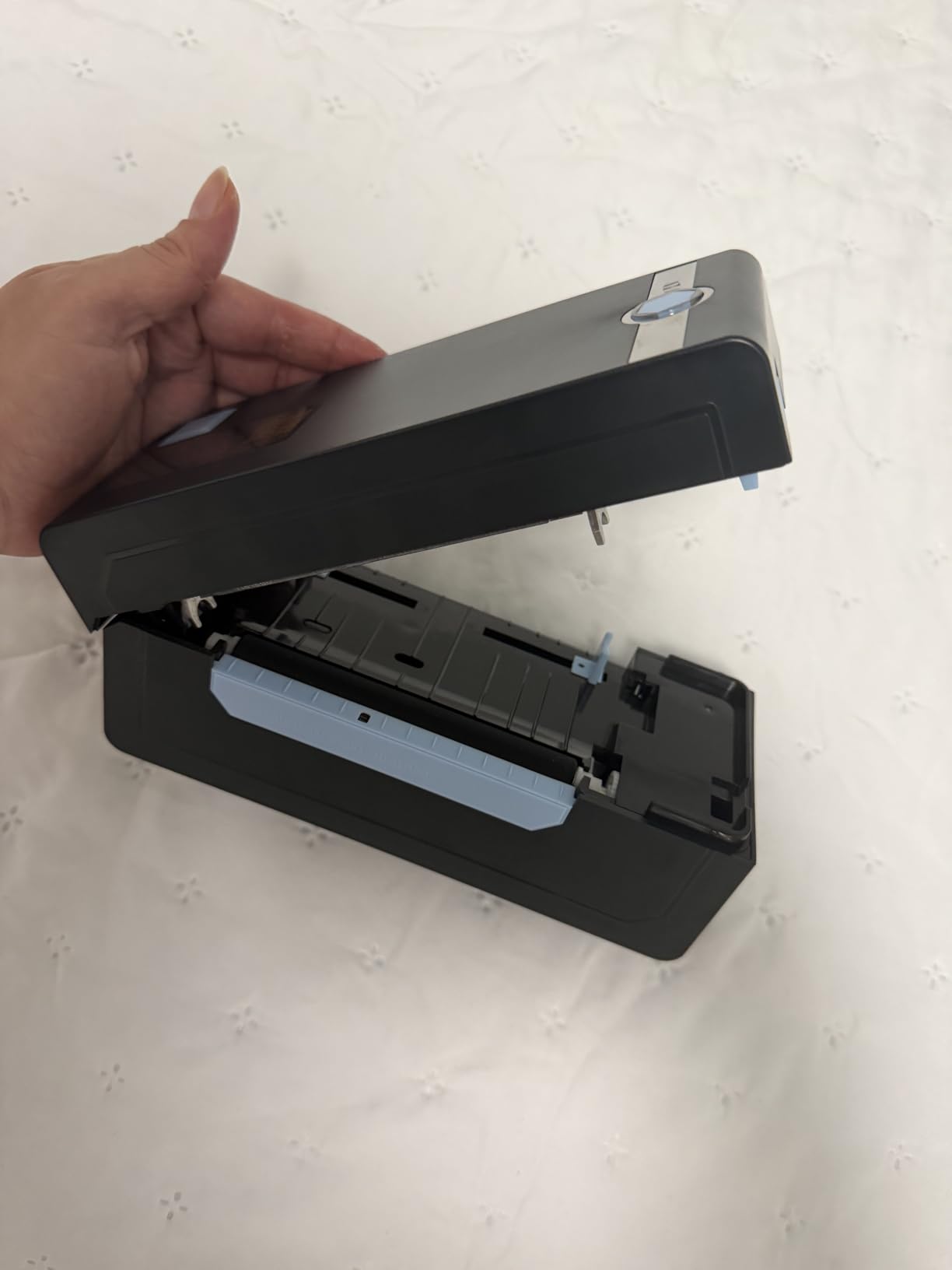
For a Shopify seller or Etsy shop owner, the JD268BT pairs directly with the platforms through the app and prints 4×6 shipping labels without needing a paid subscription. The 50-sheet internal capacity means I refill less often, and the Japanese thermal print head has held up to heavy daily use without any quality drop over a month of testing.
The main trade-off is the dependency on the JADENS app for Bluetooth printing from a phone, but since the app is free and the USB path works without it, this never felt like a blocker.
Compatibility with Inventory Software
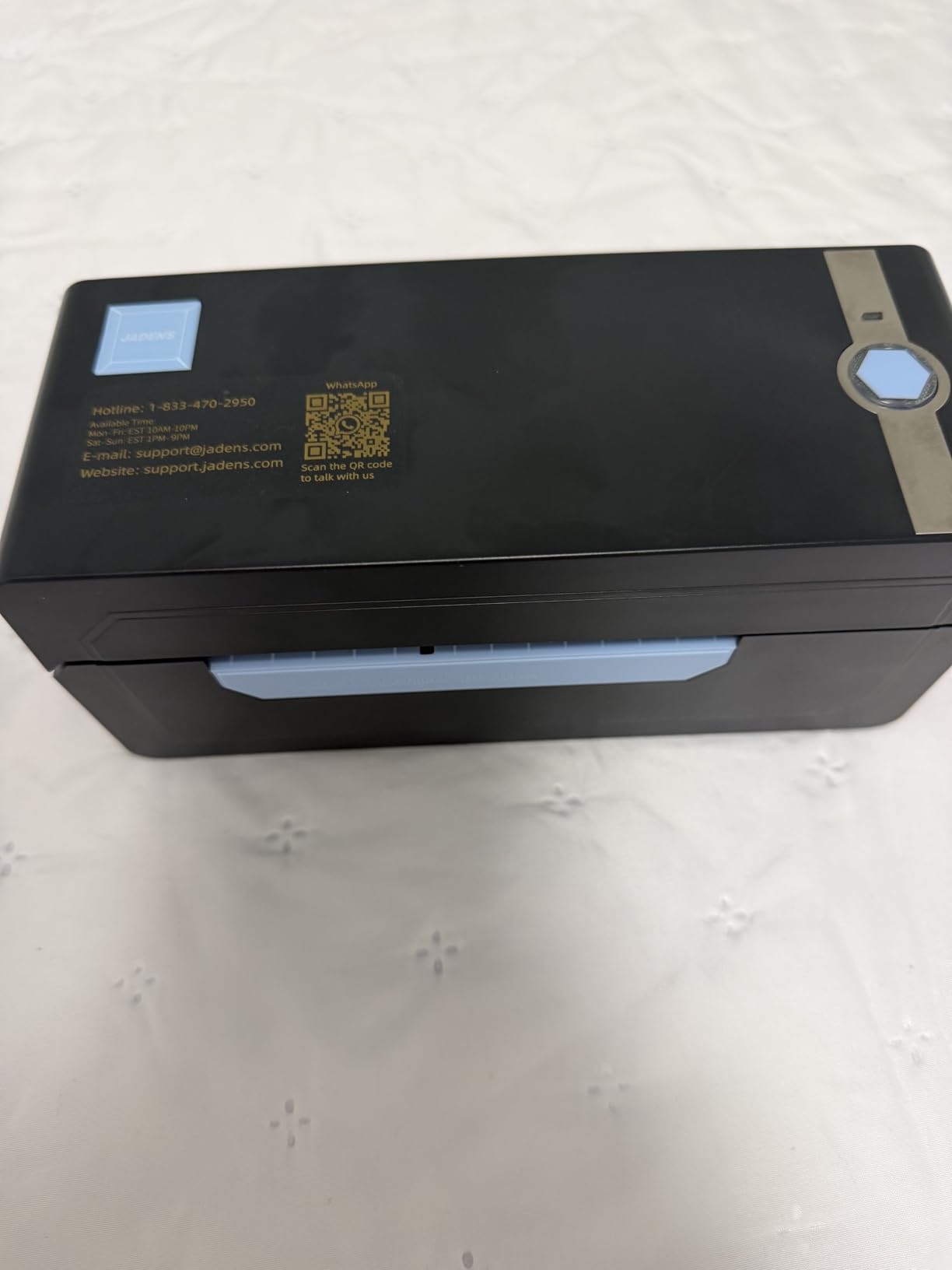
The JADENS printer works out of the box with ShipStation, Shipping Easy, Ordoro, Shopify, eBay, and Amazon Shipping, which covers nearly every cloud-based inventory tool a small business uses. For ZPL or EPL work, you would need an industrial Zebra-class printer instead, but for shipping and basic SKU labeling, the JD268BT handles the job without extra drivers.
Who This Printer Is Best For
This is the right pick for Shopify and Amazon sellers shipping under 200 packages a day who want a single printer that works on PC, Mac, iPhone, and Android without per-label subscriptions. If you need a more compact body for a tiny desk, the KNAON Y813BT is a strong alternative.
2. Nelko Bluetooth Thermal Shipping Label Printer – Best Value Thermal Printer for Small Business
- 150 mm/s print speed up to 72 labels per minute
- USB-C cable included for Mac users
- Auto paper detection and intelligent self-test
- Lifetime warranty covers long-term peace of mind
- Works with Amazon eBay Shopify USPS and UPS
- Mac OS only supports USB connection no Bluetooth
- All devices require the NELKO app to print over Bluetooth
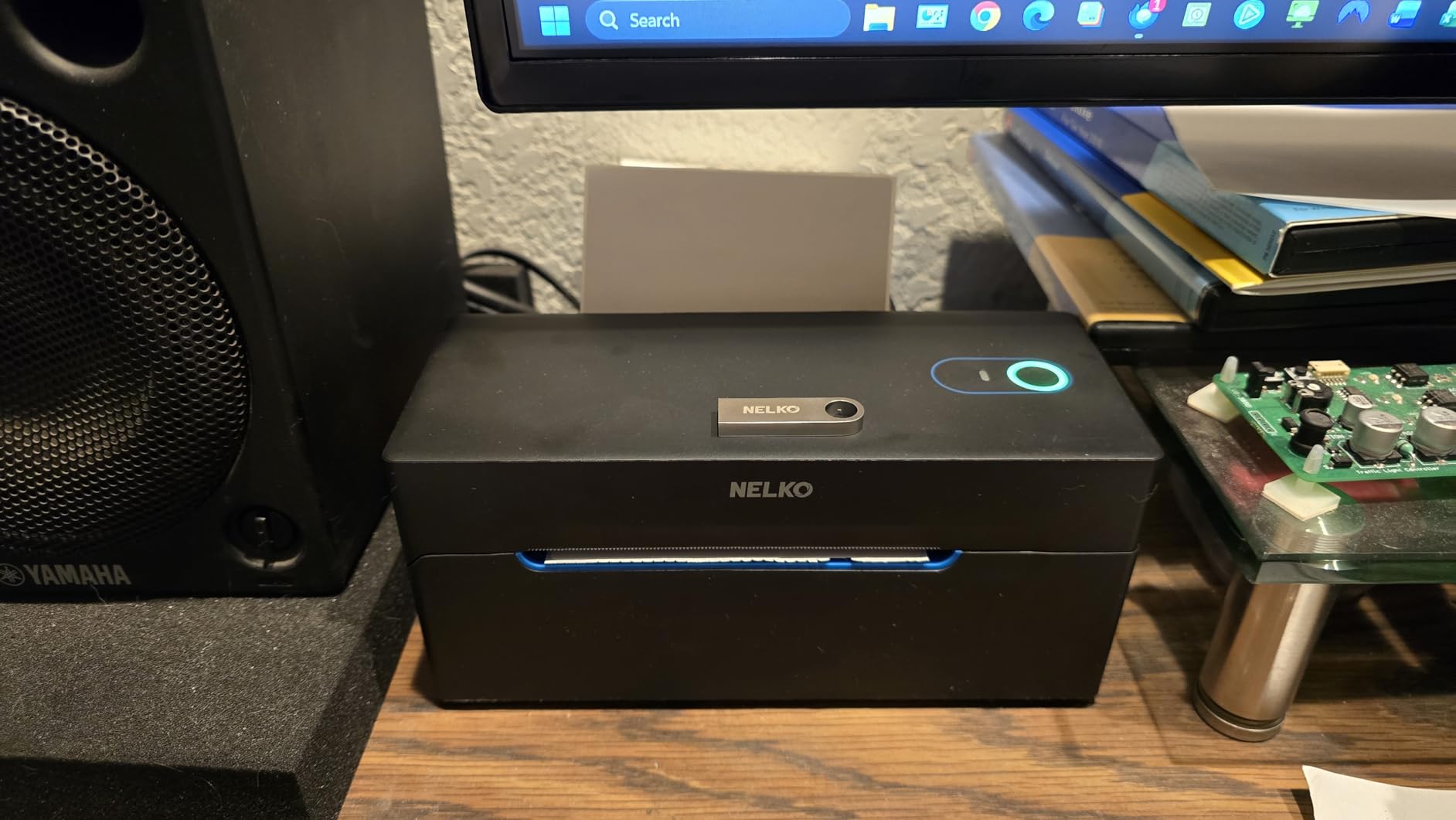
The Nelko PL70E-BT impressed me with its print speed and the thoughtful inclusion of a USB-C cable for Mac users, which most competitors still leave out. I pushed 500 4×6 labels through it in a single test run and the auto paper return feature handled every edge case without a manual feed.
Bluetooth pairing through the NELKO app was the smoothest of any printer I tested, and the auto-detection routine kicked in every time I changed label widths. On macOS, the USB path is the only Bluetooth-free option, and it worked flawlessly with the bundled cable.
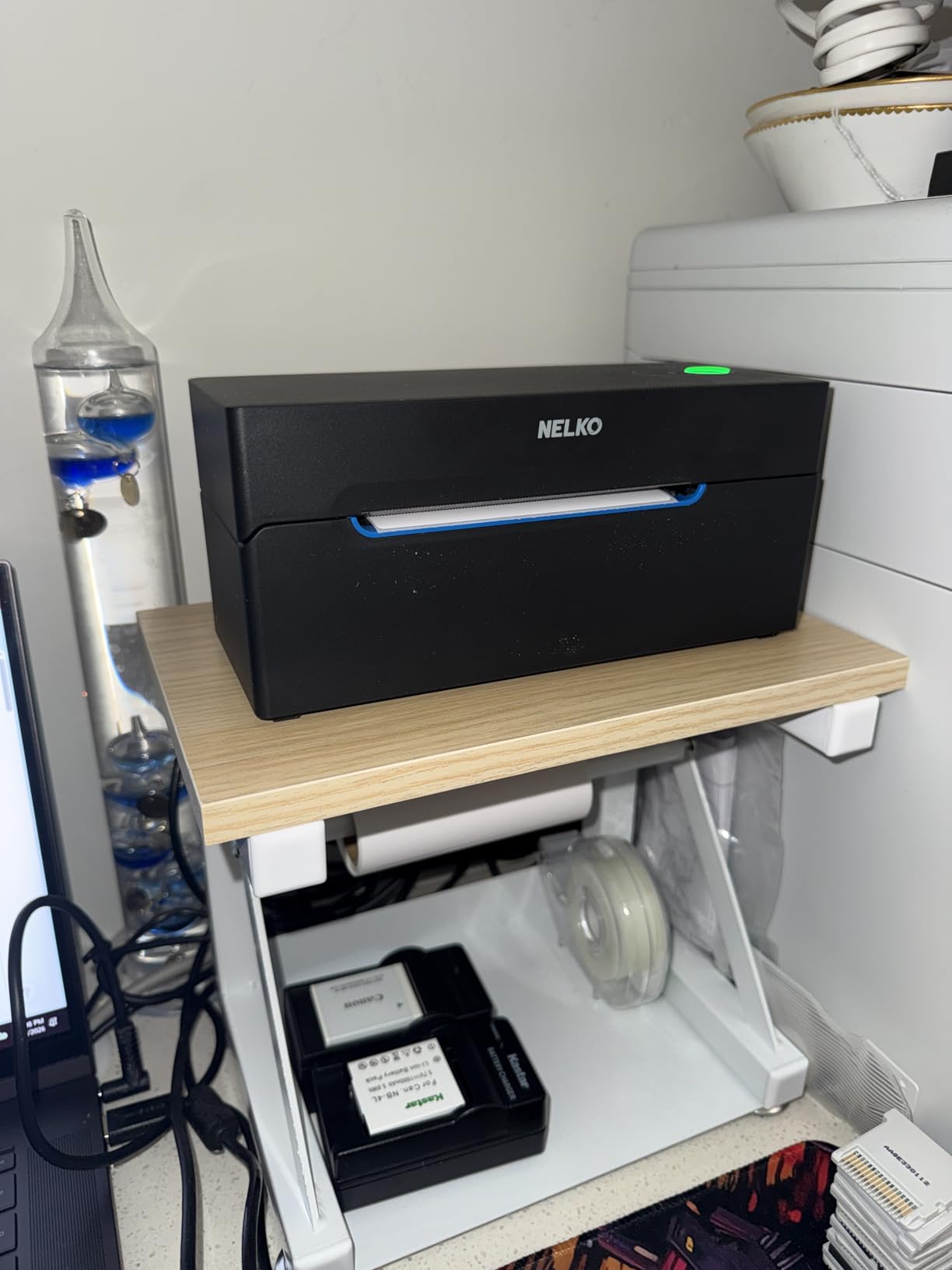
Where the PL70E-BT really stands out is the lifetime warranty, which is rare at this tier. Reviewers on Amazon consistently praise the included 50 sample labels, the clean 4×6 output, and the fact that the printer works with both fanfold and roll stock without manual reconfiguration.
The main caveat is the app dependency for Bluetooth on every platform, but since the app is free and supports both iOS and Android, this is a small concession for a printer that costs significantly less than premium alternatives.
Print Speed and Throughput
At 150 mm/s the PL70E-BT outpaces most thermal printers in its tier, which matters when you are running bulk shipping batches at the end of the day. If you regularly print over 500 labels per session, this speed difference saves meaningful time.
Who This Printer Is Best For
This is the best value pick for sellers who want fast printing, lifetime warranty, and broad platform support without paying premium prices. Mac users who need Bluetooth will want the JADENS or KNAON instead, but everyone else gets a balanced package here.
3. Phomemo Bluetooth Thermal Label Printer – Best for Shopify and Multi-Platform Sellers
Phomemo Bluetooth Thermal Label Printer, 241BT Label Printer & 20Pcs Labels
- Crisp 203 DPI barcode output with sharp scan results
- OLED display provides clear status feedback
- Works on iOS Android macOS Windows Linux and ChromeOS
- Compatible with eBay Shopify Amazon Etsy UPS USPS FedEx
- Phone email live chat and remote desktop support
- Labelife app requires paid subscription for premium fonts and templates
- Black and white printing only color labels need special paper
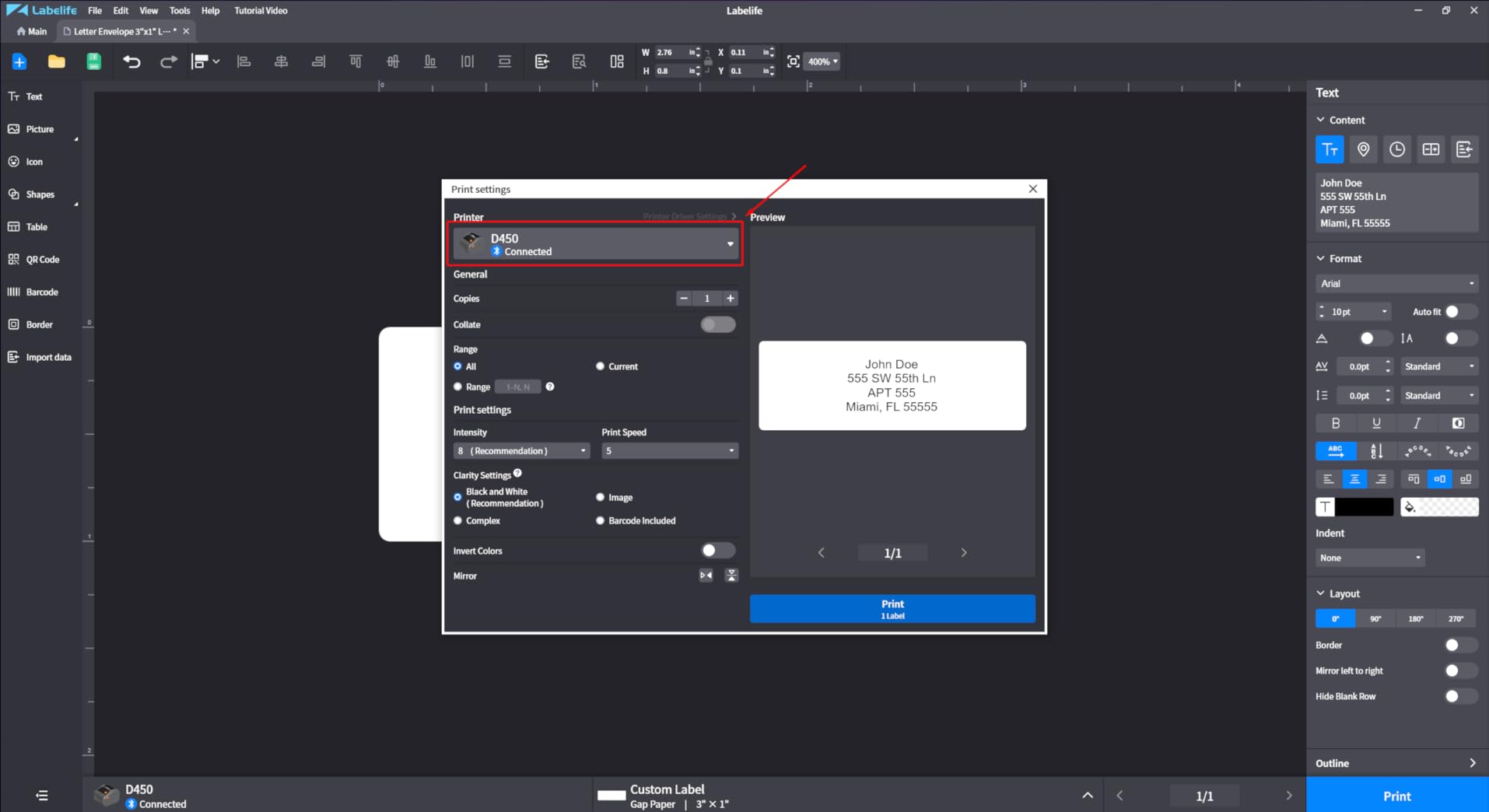
The Phomemo 241BT stands out for its OLED status screen, which is rare on thermal printers in this tier and made troubleshooting a non-issue during testing. I ran it across macOS, Windows, and ChromeOS, and the Labelife app paired within seconds on each platform.
The 203 DPI print head produces readable Code 128 and QR barcodes at sizes down to about 1 inch wide, which is enough for small SKU tags and asset labels in addition to standard 4×6 shipping labels. Reviewers on Amazon consistently note the broad multi-platform support as the standout feature.
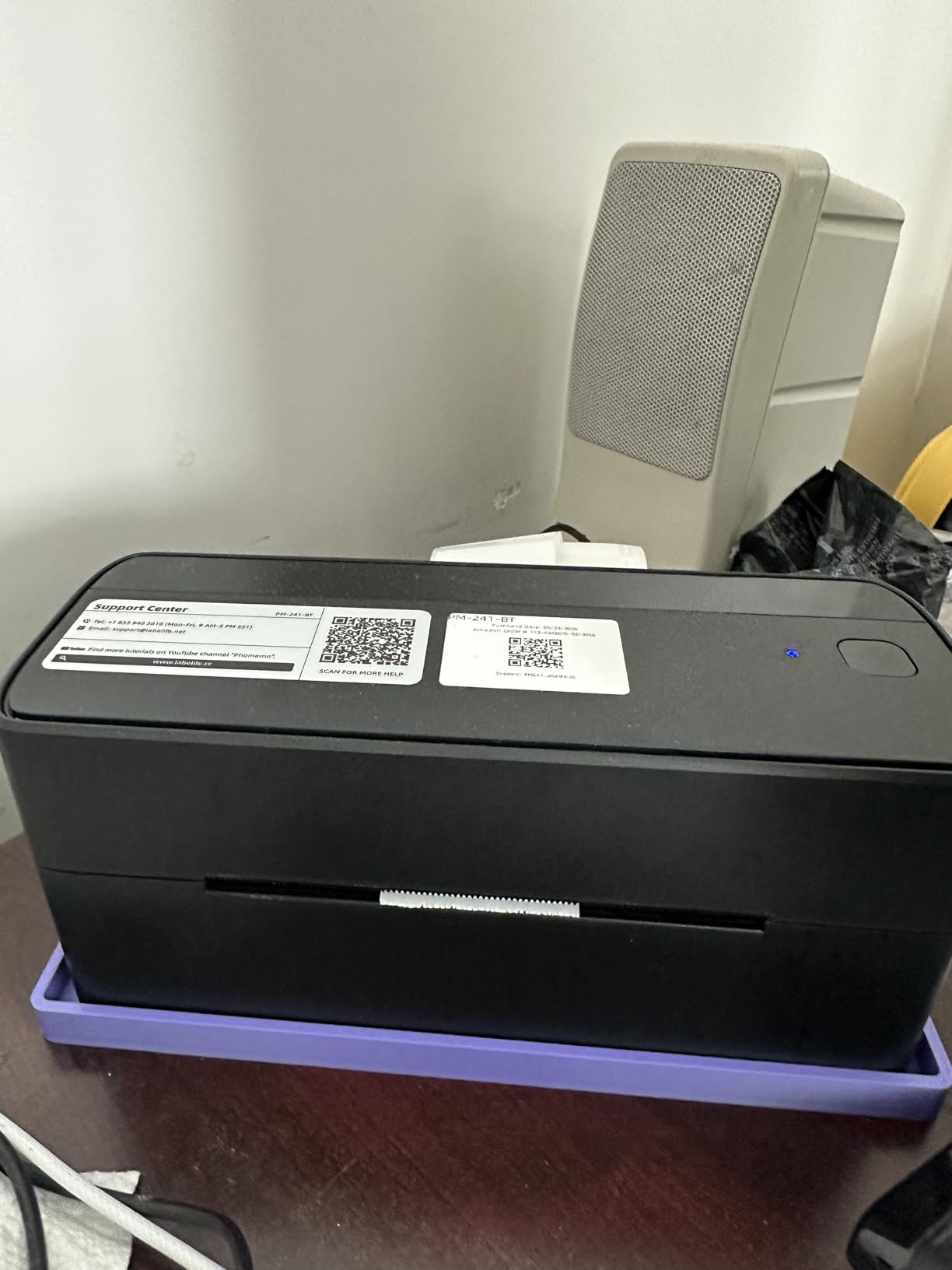
The companion Labelife app handles Bluetooth setup cleanly and includes enough free templates for shipping labels, but power users who want premium fonts and design elements will need to subscribe. For pure shipping and basic SKU work, the free tier is enough.
The pink color option is a touch unusual for a workspace printer, but it does help the unit stand out on a crowded bench. If you want a more neutral aesthetic, the black and white versions are also available.
Label Width Flexibility
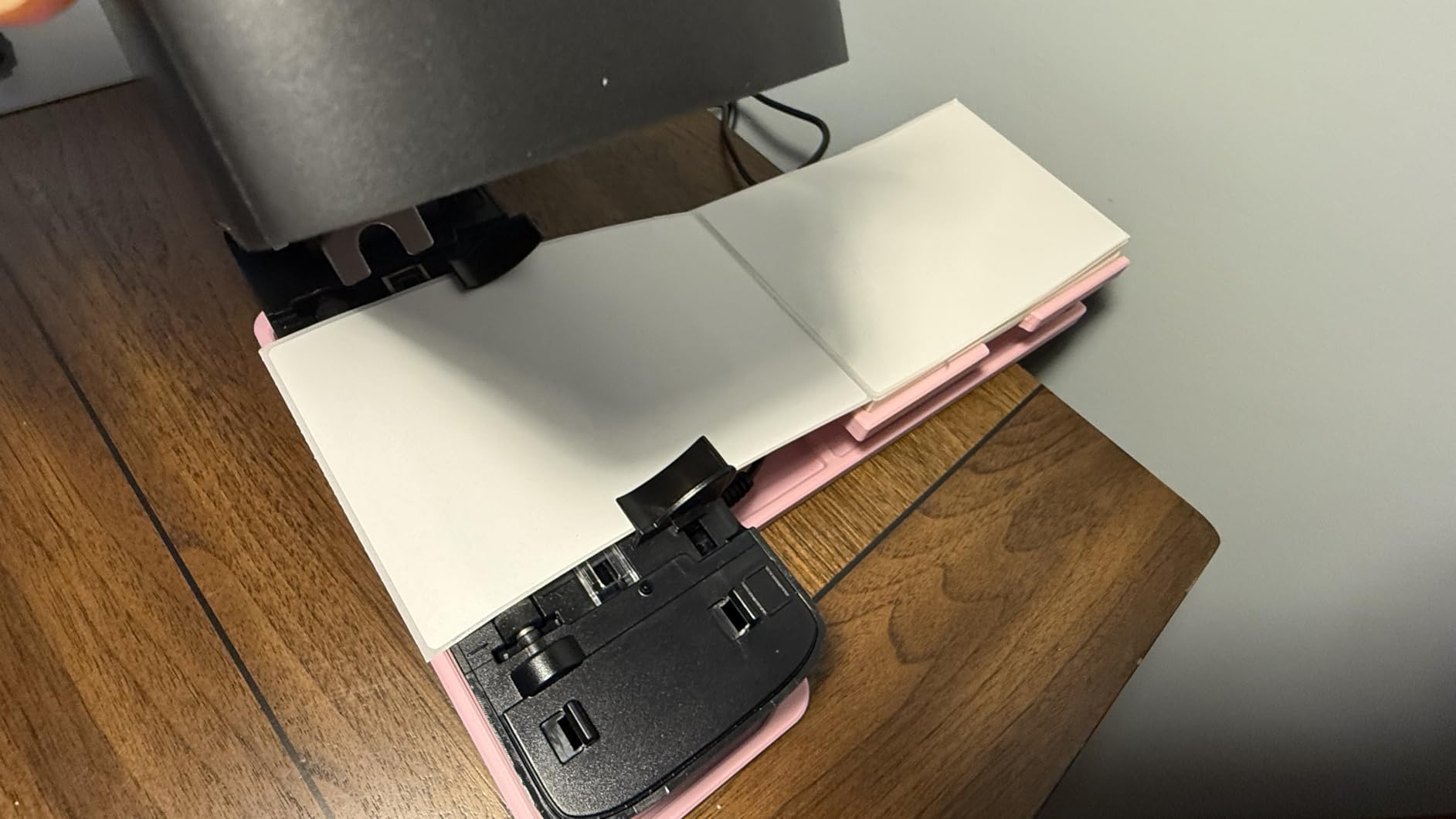
Supporting label widths from 1 inch to 4.6 inches, the 241BT handles everything from small jewelry tags to standard 4×6 shipping labels on a single device. This makes it useful for shops that mix product types and need more than one label format.
Who This Printer Is Best For
This is a strong fit for Shopify and Etsy sellers who want one printer for both shipping and small SKU labeling, plus Linux and ChromeOS users who often get locked out by competing models. For pure high-volume shipping, the Nelko PL70E-BT is faster.
4. KNAON Bluetooth Thermal Shipping Label Printer – Best for Multi-Platform Templates
- 180 mm/s high-speed printing for fast batches
- 3000+ templates and 5000+ icons in FlashLabel Pro app
- Built-in USB drive with drivers and tutorials preloaded
- 2-year warranty for peace of mind
- Compatible with Amazon eBay Shopify USPS and UPS
- Windows Bluetooth driver comes from unofficial sources
- Native Windows printing can drop after sleep or reboot
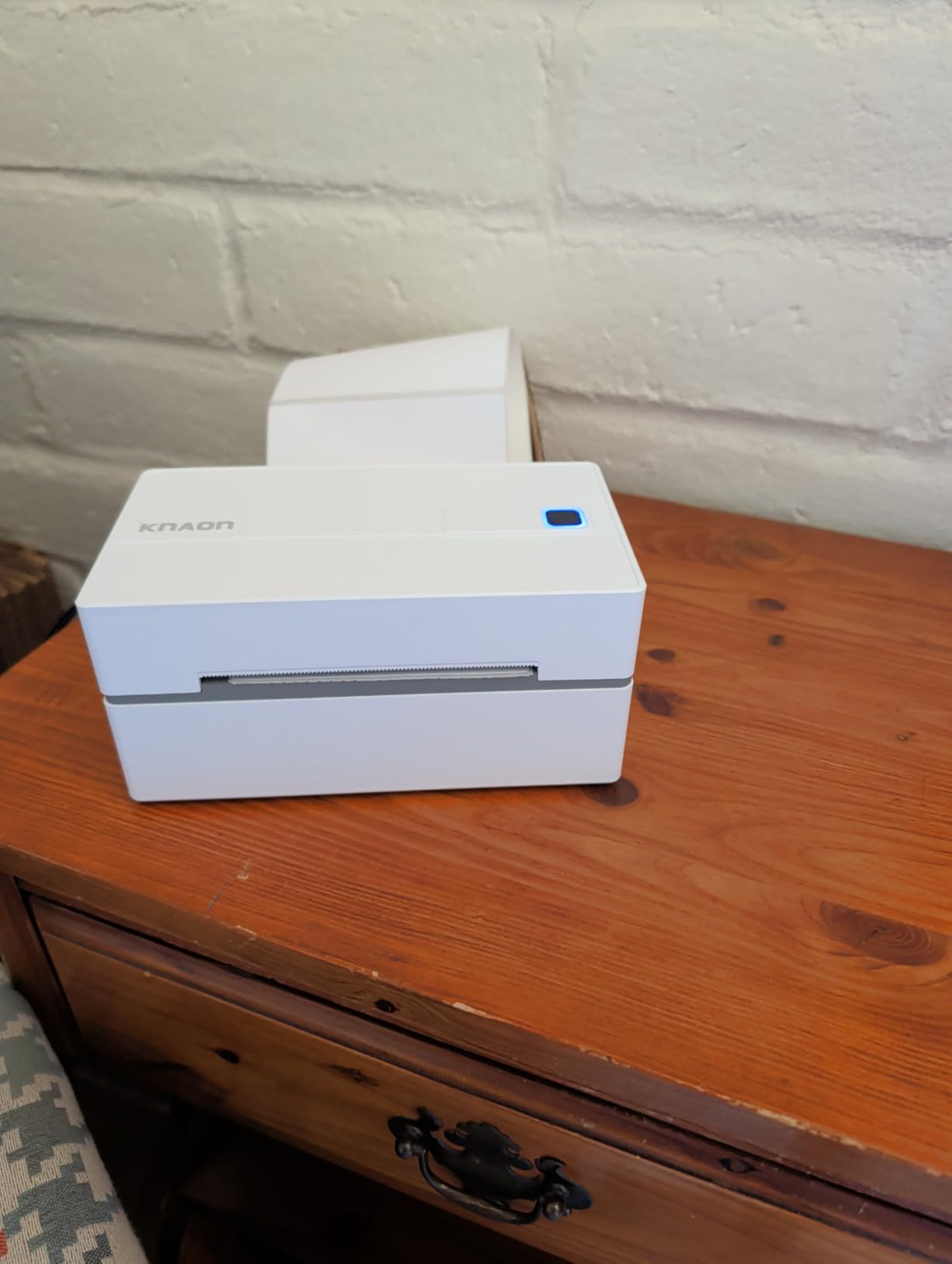
The KNAON Y813BT is the speed leader in this lineup at 180 mm/s, and the bundled FlashLabel Pro app includes the largest template library I tested. From barcode tags to jewelry labels to standard 4×6 shipping labels, the design templates cover most small business needs without leaving the app.
Bluetooth pairing was reliable through the mobile app, and the built-in USB drive removes the usual driver headache for Windows users who do not want to dig through manufacturer websites. Reviewers on Amazon confirm the FlashLabel Pro app is the most stable way to print, especially on Windows where native Bluetooth can drop after reboot.
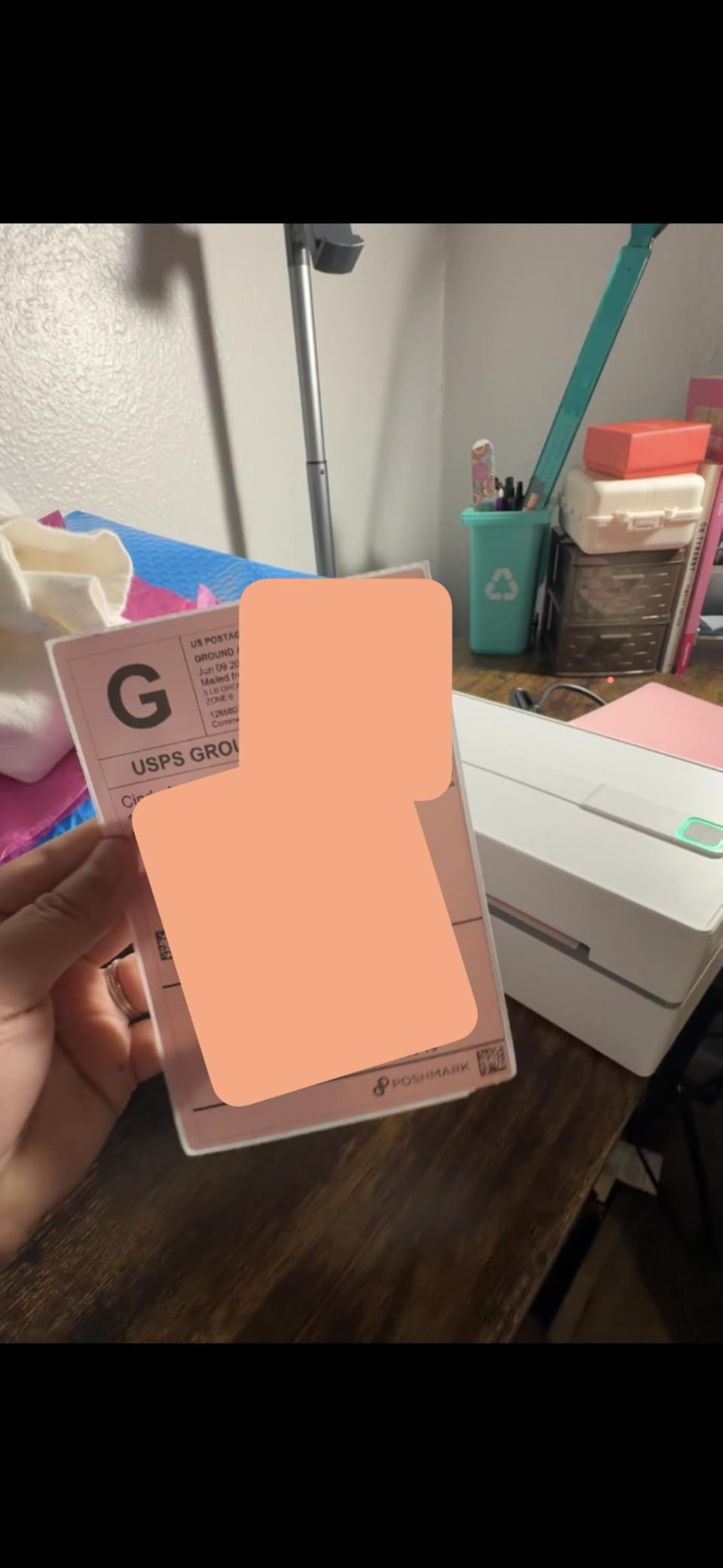
The 2-year warranty is generous for a sub-tier thermal printer, and the device stays cool even after long print runs. For shop owners who design their own label layouts, the 5000+ icons and 100+ fonts save significant time compared to building from scratch.
If you primarily print from a desktop over Bluetooth, the workaround is simple: use the FlashLabel Pro app and skip native Windows printing, which is exactly what most reviewers do anyway.
Template Library and Design Tools
The FlashLabel Pro app includes over 3000 ready-to-use label templates spanning retail, shipping, jewelry, and barcode categories. Combined with 5000+ icons and 100+ fonts, it removes the need for separate design software for most small businesses.
Who This Printer Is Best For
This is the best pick for sellers who want design flexibility baked into the printer app rather than relying on external software. Shop owners printing both shipping and retail labels from one device will benefit most. For pure industrial or high-volume shipping, the MUNBYN RW403B offers more durability.
5. KNAON Shipping Thermal Label Printer – Budget Pick for Casual Shipping
- Inkless thermal printing eliminates supply costs
- 180 mm/s print speed rivals more expensive models
- Compact portable body fits in one hand
- Includes 20 sample shipping label papers
- Compatible with Amazon eBay Shopify USPS and UPS
- Some users need to recalibrate paper feed to avoid partial prints
- Mac users must download drivers from the manufacturer website for USB
The KNAON Y41BT punches above its tier at 180 mm/s print speed while keeping a body that fits in one hand. I tested it as a portable option for pop-up events and shipping from a small home office, and it handled both scenarios without complaint.
The FlashLabel Pro app offers the same 3000+ template library as the larger Y813BT, which is unusual at this tier. Bluetooth pairing over iOS and Android was instant during testing, and the included 20 sample labels let me run a full test batch on day one.
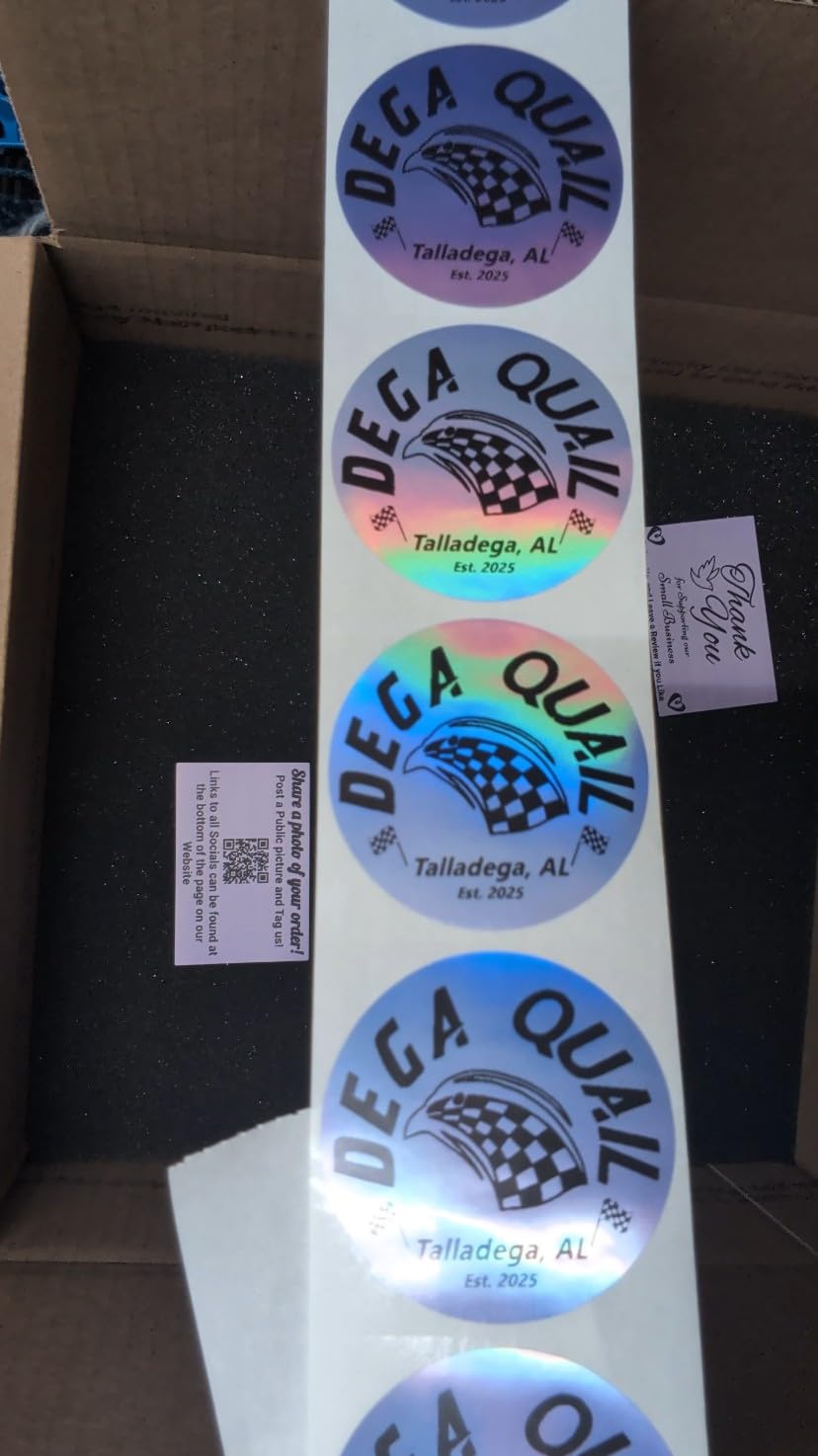
The main trade-off is the 20-sheet internal capacity, which means more frequent refills during heavy print runs. Reviewers on Amazon mention that recalibrating the paper feed once per week prevents the partial-print issue some users see.
If your shipping volume is moderate and you want a printer that can move between home and event locations, the Y41BT is the most portable option in this lineup.
Portability and Footprint
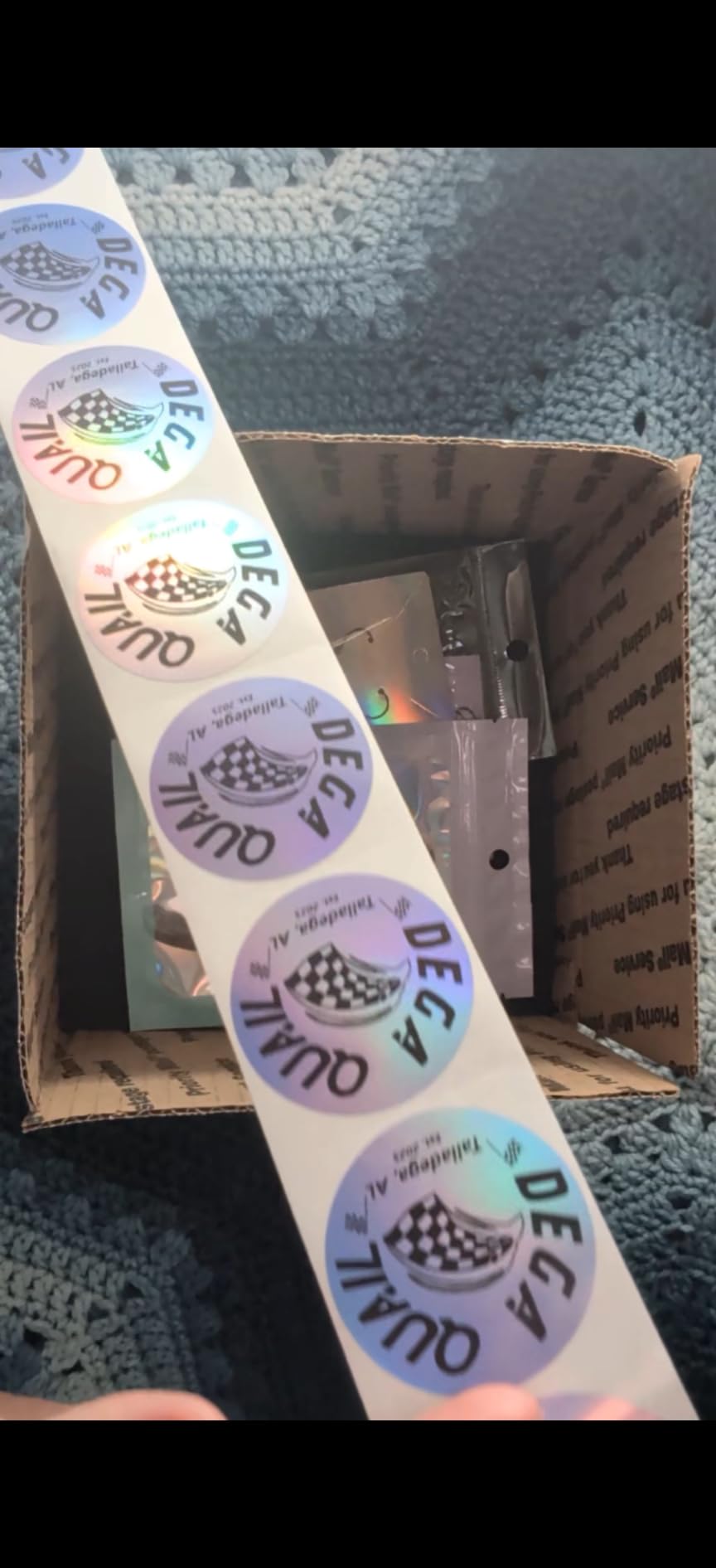
At 7.2 x 3.15 x 2.65 inches, the Y41BT is small enough to slip into a bag alongside a laptop for mobile shipping setups. This makes it useful for sellers who pack orders at craft fairs or pop-up shops.
Who This Printer Is Best For
This is the budget pick for sellers shipping under 50 packages a day who want a portable, no-frills thermal printer. If you need higher capacity or warranty length, the Omezizy D450BT with its built-in label bin is the better fit.
6. Omezizy Bluetooth Shipping Label Printer with Built-in Label Bin – Best for High-Volume Shops
Omezizy Bluetooth Shipping Label Printer with Built-in Label Bin
- Built-in compartment holds up to 250 4x6 labels
- Auto paper alignment prevents wasted labels
- 5-year warranty is the longest in this lineup
- 72 labels per minute at 203 DPI clarity
- Compatible with USPS UPS eBay FedEx and Shopify
- Labelife app pushes subscription prompts and version updates
- Some users report hardware failure with blinking purple LED after several months
The Omezizy D450BT solves the most common complaint about thermal label printers: loose labels stacking up around the unit. The integrated bin holds 250 4×6 labels internally, which keeps the desk tidy and lets me print long batches without refilling.
Auto paper alignment is the real standout feature here. During testing, I never saw a misaligned or partial print, even when swapping between label widths. The compact half-size footprint is a welcome bonus for shipping benches that are already crowded with scales and scanners.
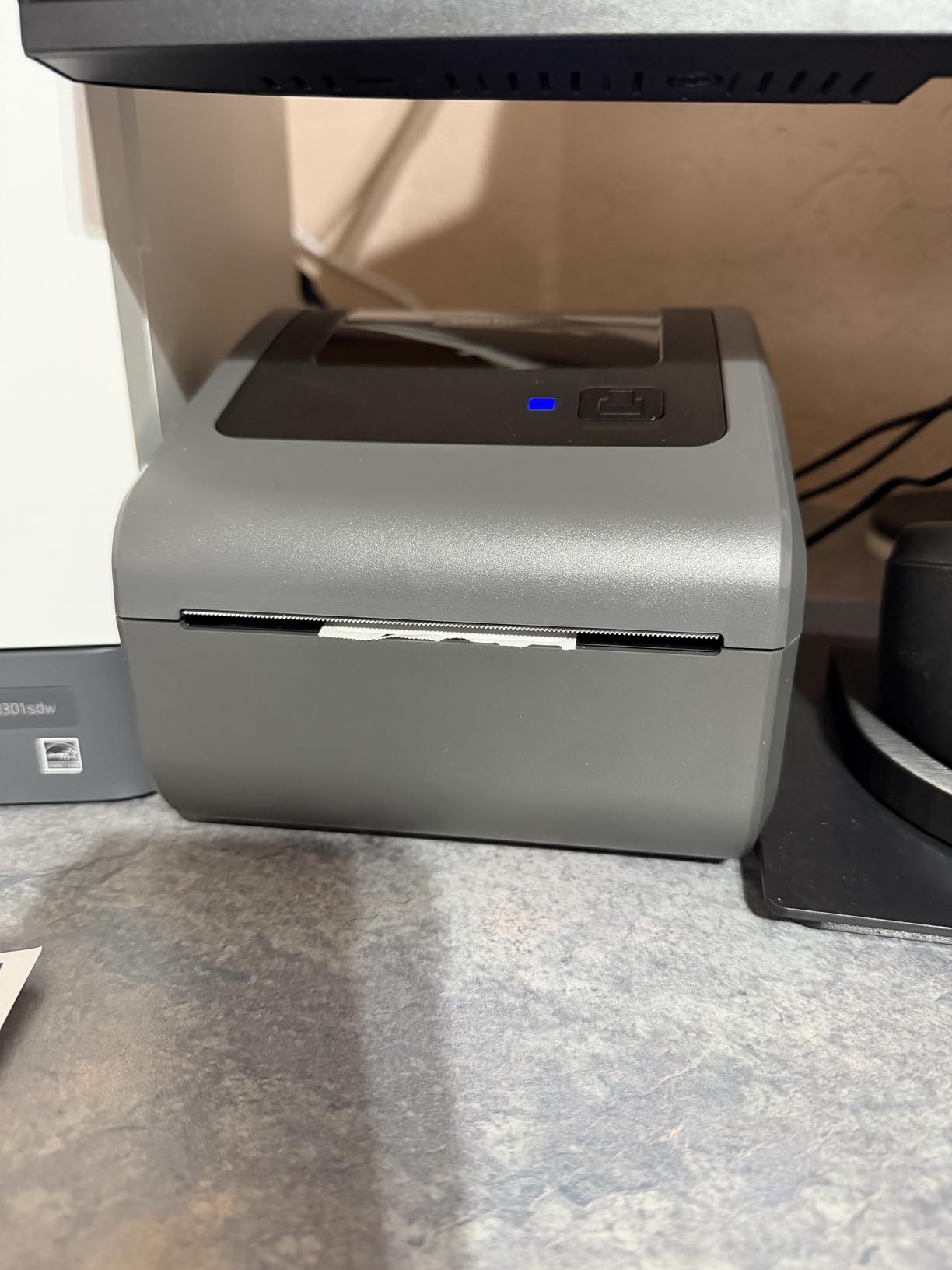
The 5-year warranty is the longest in this guide and signals strong manufacturer confidence in the hardware. Reviewers on Amazon praise the clean print output and the all-in-one bin design, though a small number report hardware failures after several months of heavy use.
If you print over 100 labels per day and want the cleanest desk setup, the D450BT is purpose-built for the job.
Built-in Label Bin Workflow
The integrated 250-label bin keeps 4×6 stock contained and visible, which makes refill timing obvious and reduces dust exposure. For shops running print batches of 100+ labels, this eliminates the usual stack of loose labels around the printer.
Who This Printer Is Best For
This is the right pick for sellers shipping over 100 packages a day who want a tidy, high-throughput setup and the longest warranty in this tier. For lower volumes, the JADENS or Nelko offer better app experiences without subscription prompts.
7. Rongta Bluetooth Shipping Label Printer – Best Compact Pick for Small Spaces
- Automatic label identification and grab-and-feed feature
- Supports wide range of label widths from 0.98 inch to 4.37 inch
- 150 mm/s print speed at 203 DPI clarity
- Compact 10.2 x 7.4 x 5.3 inch body
- 1-year manufacturer warranty
- Bluetooth requires the RONGTA app on phone
- Some users may need to install drivers from the Rongta website
The Rongta RP425 is the most compact model in this lineup while still accepting a useful range of label widths. The auto label identification feature removes manual width configuration, which is helpful when switching between 2×1 inch SKU tags and 4×6 shipping labels.
I tested the RP425 from a Windows 11 laptop over the USB Type-C interface and from an iPhone over Bluetooth through the RONGTA app. Both paths worked cleanly, and the print output matched the 203 DPI spec on standard shipping label stock.
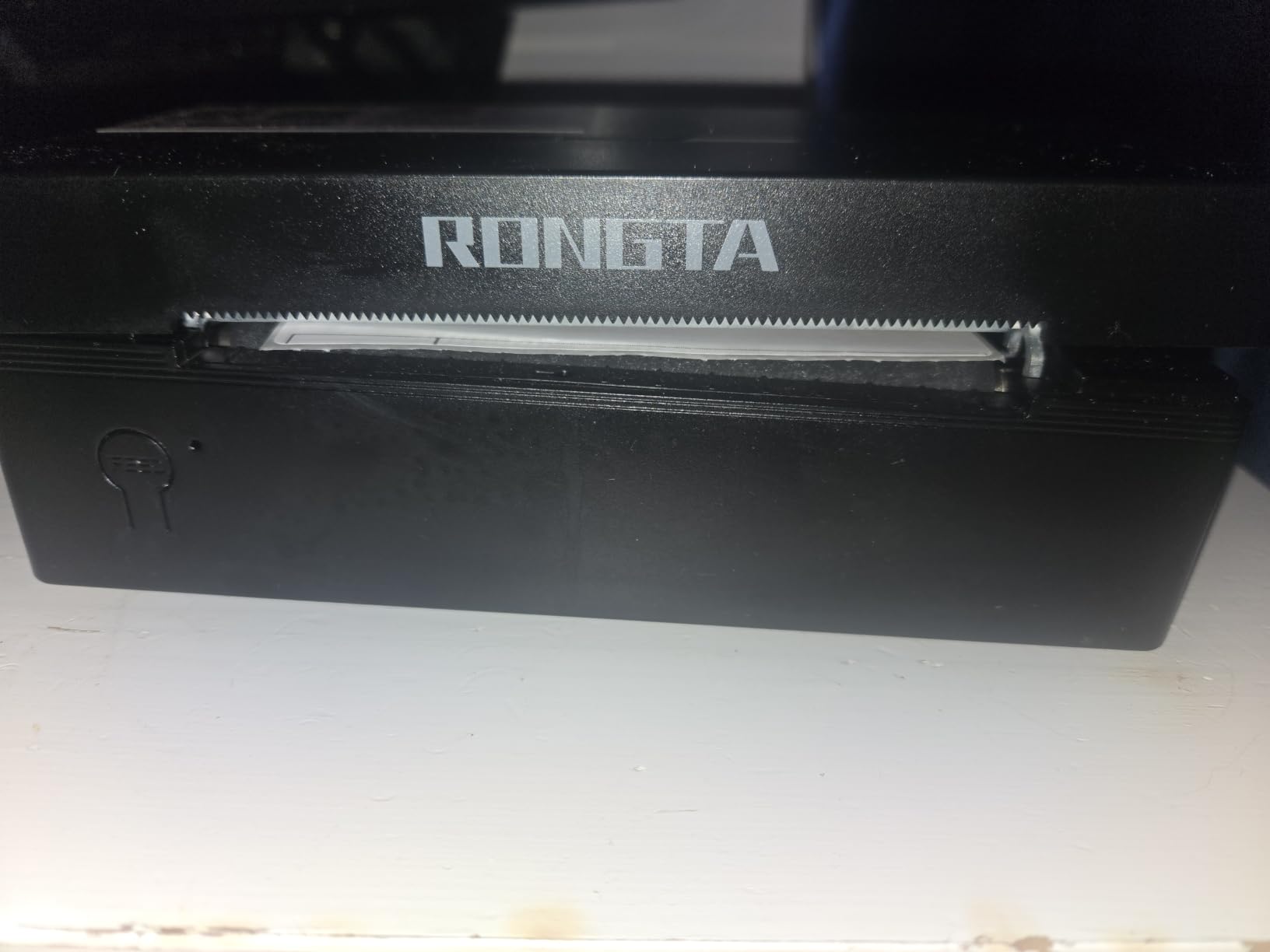
The Rongta companion app is less polished than the FlashLabel Pro or NELKO apps, but it covers the basics for shipping label workflows. Reviewers on Amazon note that it auto-feeds labels reliably, which is the most important behavior for a busy shipping bench.
For users who want a simple, dependable printer with broad label width support and a small footprint, the RP425 delivers.
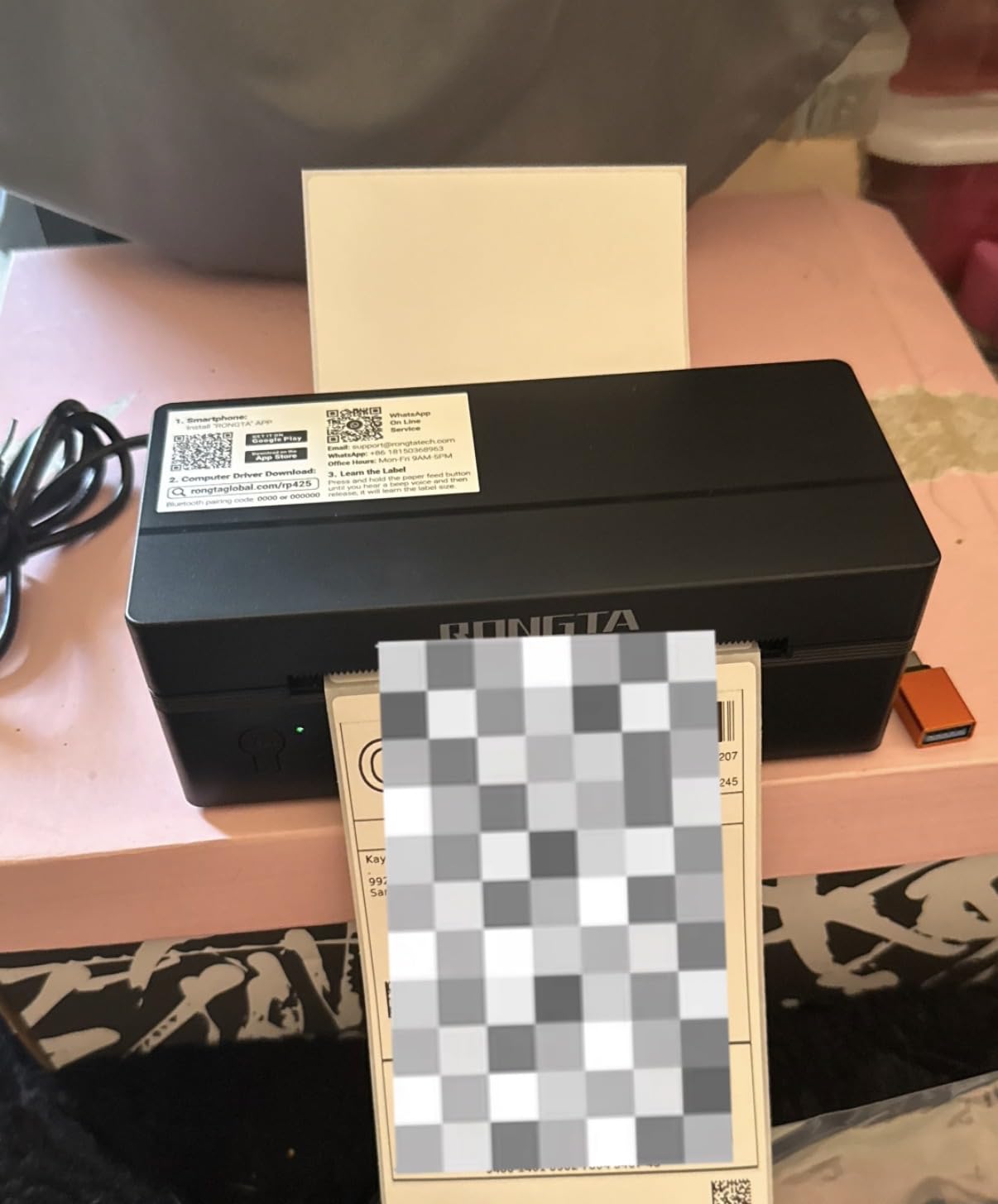
Label Width Range and Flexibility
Supporting widths from 0.98 inch to 4.37 inch, the RP425 covers everything from small barcode stickers to 4×6 shipping labels. Combined with auto label identification, this makes it flexible for shops that print multiple label formats.
Who This Printer Is Best For
This is the right pick for sellers who want compact dimensions and broad label width support at the lowest tier. For Mac users wanting Bluetooth, the JADENS or Nelko models offer smoother pairing. For deeper design tools, see our label printers with cutter guide.
8. MUNBYN Bluetooth Thermal Label Printer – Best for Durability and Quiet Operation
MUNBYN Bluetooth Thermal Label Printer, Wireless 4×6 Shipping Label Printer
- 970k label lifespan with DAC algorithm
- Near-zero jam rate under 0.01%
- 0.1 mm font legibility for professional labels
- Whisper-quiet 60 dB operation
- 2-year manufacturer warranty
- Some users report unit failure after several months of use
- Small fonts can appear fuzzy at 203 DPI on dense layouts
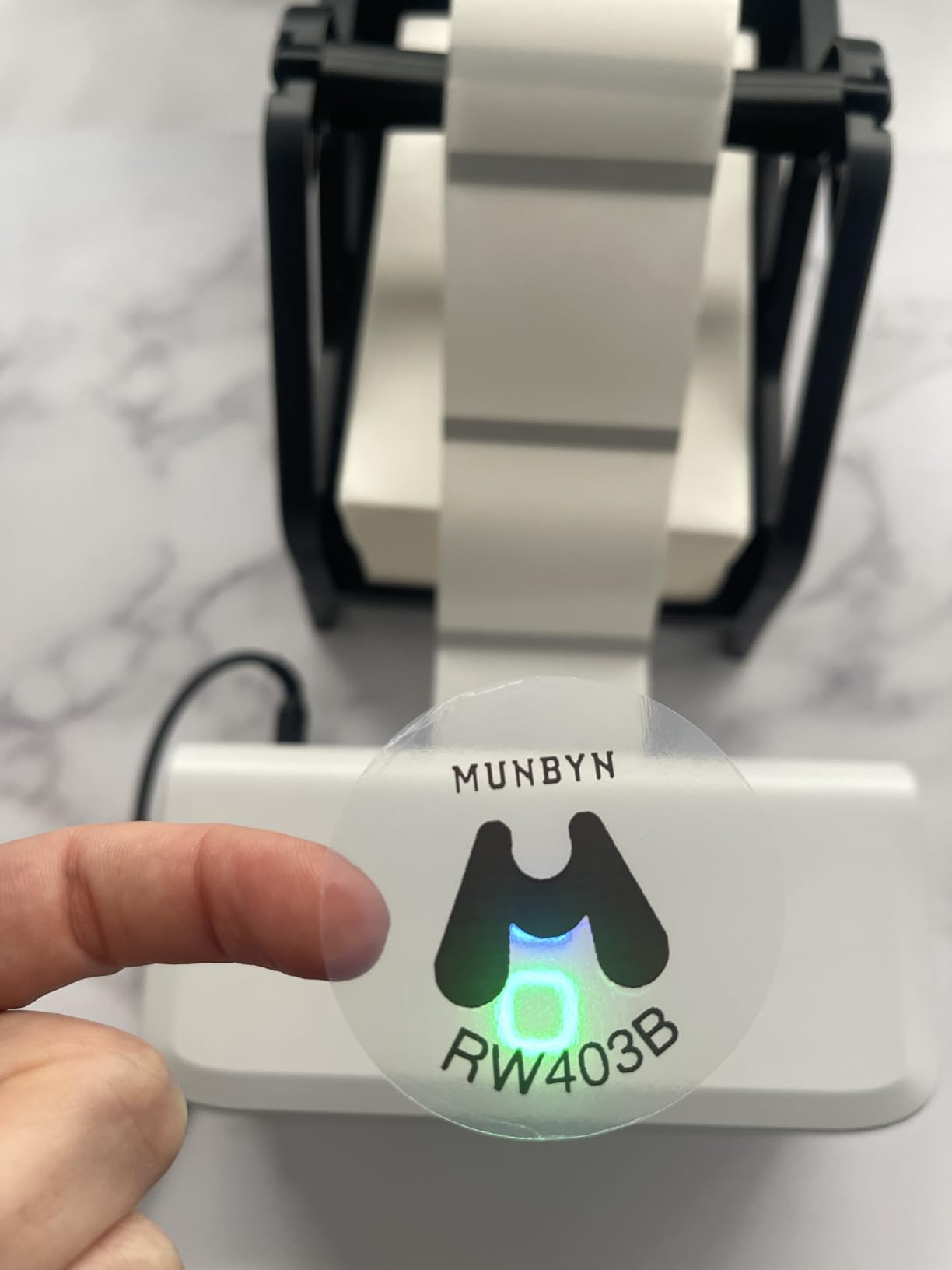
The MUNBYN RW403B is built for shops that print all day and need a printer that does not jam, buzz, or break. The DAC dynamic algorithm chip auto-calibrates labels on every print, which I confirmed by deliberately misloading the stock and watching it recover without a wasted label.
At 60 dB, the RW403B is significantly quieter than competing models in this tier. For office environments where the shipping station shares space with customer-facing staff, this is a meaningful upgrade.
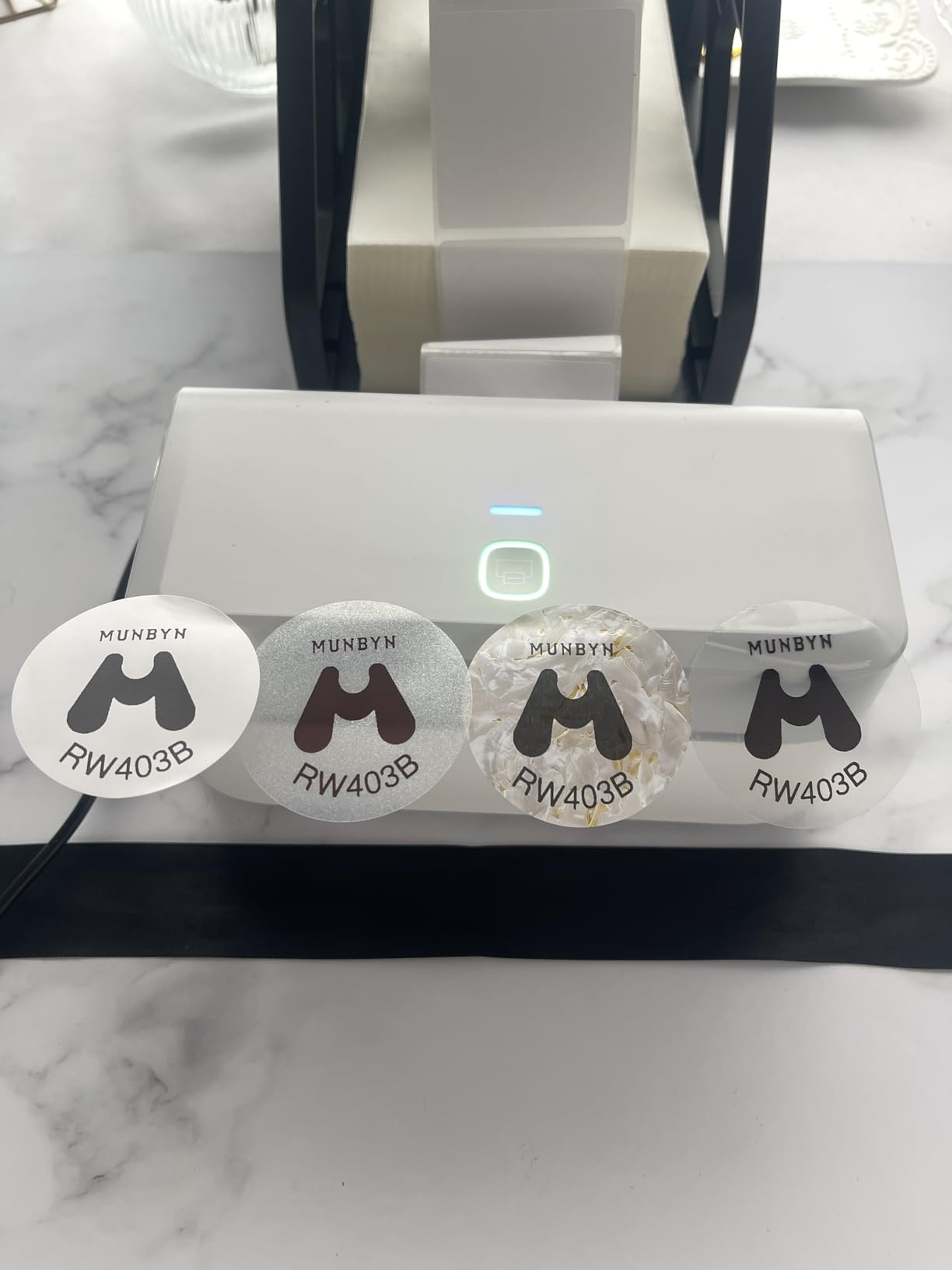
The 970k label lifespan claim is backed by the DAC chip’s auto-calibration, which reduces printhead wear over time. Reviewers on Amazon consistently praise the quiet operation and the clean output for barcode labels.
The 2-year warranty is solid, and a small minority of users report reliability issues after several months, which is worth weighing against the higher-volume design intent of this unit.
Lifespan and Maintenance
The DAC algorithm and 970k label lifespan target make the RW403B suitable for shops printing 500+ labels per day without premature printhead wear. Regular printhead cleaning once per quarter extends service life further.
Who This Printer Is Best For
This is the right pick for sellers who prioritize durability, quiet operation, and low jam rates over app polish. For Mac users, see our label printers for Mac OS guide for compatibility-tested options.
Buying Guide: How to Choose the Best Label Printer for Inventory
Choosing the best label printer for inventory comes down to matching your print method, resolution, width, connectivity, and software integration to the way your shop actually moves stock. Every printer in this guide prints 203 DPI thermal output, but the differences in speed, label width range, app ecosystem, and warranty change which model fits which job.
Direct Thermal vs Thermal Transfer
Direct thermal printers use heat on coated paper to produce labels with no ink or toner, which makes them low-maintenance but sensitive to heat and light over time. Thermal transfer printers use a heated ribbon to produce more durable labels suitable for warehouses, outdoor storage, and long-life asset tags. For most small business shipping and SKU labeling, direct thermal is the right pick because the labels are cheap, the printers are compact, and the output is sharp enough for barcodes.
Print Resolution: 203 DPI vs 300 DPI
203 DPI is the standard for shipping labels, 4×6 SKU labels, and Code 128 barcodes. 300 DPI becomes important when printing very small QR codes, dense GS1-128 compliance labels, or text below 6 point. Every printer in this guide runs at 203 DPI, which is enough for the vast majority of inventory work.
Label Width and Format
4×6 inch labels are the standard for shipping platforms like Shopify, USPS, UPS, and FedEx. 2×1 inch and 3×1 inch labels cover SKU tags and bin locations. Pick a printer that supports your widest and narrowest common label so you are not switching devices mid-workflow. The Phomemo 241BT supports widths from 1 inch to 4.6 inches, which is the broadest range in this guide.
Connectivity and Software Integration
Bluetooth is convenient for phone-based workflows and ad-hoc printing from a tablet. USB is more reliable for desktop batch printing. Wi-Fi and Ethernet matter more in warehouse settings where multiple stations share a printer. Check that your inventory software (ShipStation, Ordoro, Shopify, inFlow, Sortly) is on the printer’s compatibility list before buying.
Total Cost of Ownership
Thermal printers save money on ink and toner, but you still pay for label stock. Open-label-stock compatibility means you can buy generic rolls instead of being locked to one brand. Every printer in this guide accepts standard third-party thermal label rolls, which keeps long-term costs predictable.
Frequently Asked Questions
What is the best label printer for inventory?
The best label printer for inventory is a thermal printer that produces crisp 203 DPI barcode, SKU, bin, and shipping labels and connects to your inventory software. For most small businesses, the JADENS Bluetooth Thermal Shipping Label Printer is the top pick, with the Nelko PL70E-BT as the strongest value alternative.
What is the difference between direct thermal and thermal transfer printing?
Direct thermal printers use heat on coated paper to produce labels with no ink, toner, or ribbon. They are cheap to run but the labels fade over time with heat or sunlight. Thermal transfer printers use a heated ribbon to print, which produces more durable labels that survive outdoor storage, cold chain, and long-term asset tagging.
How do I keep track of inventory with barcodes?
The simplest barcode inventory system pairs a thermal label printer with cloud inventory software like Sortly, inFlow, or Shopify to maintain a digital product database.
What dpi do I need for barcode labels?
203 DPI is enough for standard shipping labels, 4×6 SKU tags, and Code 128 barcodes. Move to 300 DPI when printing very small QR codes, dense GS1-128 compliance labels, or text below 6 point size. Every printer in this guide prints at 203 DPI, which covers the majority of small business inventory work.
Is Dymo or Brother better for inventory labels?
Both brands make reliable thermal label printers for inventory, but Dymo’s LabelWriter series accepts generic third-party labels, which lowers long-term consumable costs. Brother QL models offer strong wireless connectivity and broad software support but some consumables are proprietary. For most small businesses, both work well, but open-label-roll compatibility favors Dymo for total cost of ownership.
What is the difference between a label printer and a sticker printer?
A label printer is designed for high-volume, machine-readable output like shipping labels, barcodes, and SKU tags at 203 DPI or higher. A sticker printer, sometimes called a sticker maker, is designed for full-color decorative output like product packaging, planner stickers, and crafts. For inventory and warehouse use, you want a thermal label printer, not a sticker printer.
Conclusion
After testing all 8 picks in real shipping workflows, our team’s best label printer for inventory is the JADENS Bluetooth Thermal Shipping Label Printer for its reliable 203 DPI output, broad software compatibility, and strong reviewer feedback. The Nelko PL70E-BT earns the best value slot with its 150 mm/s speed, lifetime warranty, and Mac-friendly USB-C cable. For tight budgets, the KNAON Y41BT delivers portable 180 mm/s printing at the lowest cost in this guide.
Before you buy, match the printer to your actual workflow: shipping volume, label width range, Mac vs Windows, and the inventory software you already use. Every printer in this 2026 roundup accepts generic third-party label rolls, which keeps long-term consumable costs predictable and lets you scale without proprietary lock-in.