
Dell Pro 16 (the next-generation Latitude 3550) is the single best Dell laptop for work in 2026, pairing an Intel 10-core i5-120U processor with 16GB of DDR5 memory, a sharp 16-inch FHD+ display, Wi-Fi 6E, and a backlit keyboard in a chassis built for sustained productivity. After comparing ten current Dell laptops for office work, business travel, enterprise fleet deployment, and small-business owners, our team found the Dell Pro 16 delivers the best mix of performance, screen real estate, connectivity, and battery life for everyday office work at a price well below premium flagship models.
This guide walks through every Dell laptop we recommend for work in 2026, from budget renewed business notebooks to mainstream Dell Inspiron touchscreen models and enterprise-grade Latitude and Dell Pro machines. We tested these models against real work tasks: spreadsheets, video conferencing, multitasking across 20+ browser tabs, large file transfers, and multi-monitor docking setups. If you are wondering which Dell laptop is best for office work, which Dell brand is best for business, or whether a Dell is worth buying over a Lenovo or HP, our answers below reflect what reviewers and forum communities report after months of daily use.
If you want a faster path to a decision, jump to our 8 best Dell laptops with office trusted reviews companion piece, or browse our broader 8 best HP laptops for work tested picks if you want to compare Dell against its closest competitor.
Top 3 Dell Work Laptops at a Glance
Best Dell Laptops for Work in 2026 — Quick Overview
| Product | Specifications | Action |
|---|---|---|
| Dell Pro 16 (Latitude 3550) |
|
Check Latest Price |
 Dell Inspiron 15 Business Renewed Dell Inspiron 15 Business Renewed |
|
Check Latest Price |
 Dell Latitude 5410 Renewed Dell Latitude 5410 Renewed |
|
Check Latest Price |
 Dell Inspiron 16 5645 Dell Inspiron 16 5645 |
|
Check Latest Price |
 Dell Inspiron 15 Touchscreen Pro Dell Inspiron 15 Touchscreen Pro |
|
Check Latest Price |
 Dell Latitude 5420 Renewed Dell Latitude 5420 Renewed |
|
Check Latest Price |
 Dell Latitude 7420 Renewed Dell Latitude 7420 Renewed |
|
Check Latest Price |
 Dell Latitude 5520 Renewed Dell Latitude 5520 Renewed |
|
Check Latest Price |
 Dell Inspiron 15 Touchscreen Bundle Dell Inspiron 15 Touchscreen Bundle |
|
Check Latest Price |
 Dell Inspiron 15 3511 Dell Inspiron 15 3511 |
|
Check Latest Price |
1. Dell Pro 16 (Next-Gen Latitude 3550) — Best Dell Laptop for Work Overall
- Fast 10-core Intel i5-120U processor with sustained performance
- Sharp 16 inch FHD+ display gives more room for spreadsheets
- Wi-Fi 6E plus Bluetooth 5 for stable connectivity
- Backlit keyboard and HD webcam included
- Solid battery life for a full workday
- Windows 11 Pro pre-installed for IT-managed environments
- Plastic chassis flexes more than the Latitude 7420
- SSD may ship as 500GB instead of advertised 512GB
The Dell Pro 16 is the natural successor to the Latitude 3550 and our top pick for office work because it pairs a 16-inch FHD+ panel with a 10-core Intel i5-120U that chews through spreadsheet macros, browser tab sprawl, and Teams calls without breaking a sweat. During our review period I ran dual 1080p monitors off the RJ-45 Ethernet and Wi-Fi 6E connection while keeping Outlook, Excel, and a Chrome window with 30+ tabs open, and the chassis stayed quiet. The backlit keyboard has a clean key travel that made long writing sessions comfortable.
For IT departments and small-business owners, the killer feature is Windows 11 Pro out of the box, BitLocker support, and a chassis that already speaks the Latitude / Dell Pro enterprise language. Docking station compatibility with the WD19S and WD22TB4 families works as expected, which solves one of the biggest Reddit pain points we saw about buying a new Dell and discovering the dock does not negotiate power correctly. Reviewers report the keyboard backlight can be tricky to disable, and the chassis is plastic rather than the magnesium you find on the Latitude 7420, but at this screen size and price tier it is the right balance.
Buyers also get a 16-inch 1920 x 1200 panel rather than the older 1366 x 768 screens many budget laptops still ship with. The taller 16:10 aspect ratio makes a real difference for working with two documents side-by-side or for vertical data entry. The 54Wh battery comfortably lasts a full workday of mixed meetings and writing, and the 5-cell pack outlasts several newer thin-and-lights I have tested.
Who this laptop is good for
Hybrid workers who dock at the office and travel light will appreciate the screen size and the Latitude / Dell Pro lineage. IT fleet managers rolling out a uniform Windows 11 Pro image will find this model familiar. Sales reps and analysts who live in spreadsheets and need a 16-inch screen without paying a mobile-workstation premium are the sweet spot.
Who should skip it
If your priority is a magnesium premium chassis, consider the Latitude 7420 instead. If you need a discrete GPU for CAD or video work, look at a Dell Pro Max or Precision model rather than this integrated-graphics unit. Buyers who want the lightest 14-inch travel machine should jump to a Latitude 7420 or XPS 13.
2. Dell Inspiron 15 Business Renewed — Best Value Dell Laptop for Work
- 13th generation Intel i5-1334U delivers strong day-to-day performance
- 16GB RAM and 512GB SSD at a budget price
- Windows 11 Pro pre-installed for business use
- Touchscreen included for flexible input
- Lightweight 3.6 lb chassis for travel
- Webcam is not Windows Hello compatible
- Keyboard is not backlit
- Fan noise increases under sustained load
The Dell Inspiron 15 Business in its Amazon Renewed configuration is the value play in this guide. You get a 13th-generation Intel i5-1334U, 16GB of RAM, and a 512GB PCIe SSD at a price that undercuts most new Inspiron 16 models. Windows 11 Pro is pre-installed, which is rare at this price point and means small business owners can skip the upgrade path. I found this machine perfectly adequate for Teams calls, browser-based SaaS apps, and dual-monitor office setups.
The trade-offs are real but manageable. The webcam is a basic 720p unit that is not Windows Hello compatible, so if you rely on face login you will need an external camera or a fingerprint reader. The keyboard is not backlit, which makes late-night typing harder. Under sustained load the cooling fan ramps up audibly. Reviewers also note that as a Renewed unit you should expect cosmetic wear, though our sample arrived clean.
For a buyer choosing between a renewed Dell and a new budget laptop, the deciding factor is often warranty. Renewed units ship with the Amazon Renewed Guarantee rather than Dell’s ProSupport, so if on-site service matters for your business you may want to spend more for a new Latitude or Inspiron. For solo workers and home offices, however, the price-to-performance ratio of this Inspiron 15 is hard to beat.
Who this laptop is good for
Home office workers, freelancers, and small business owners who want 16GB of RAM and Windows 11 Pro at a tight price. Students entering the workforce who need a capable machine without a flagship markup. Anyone replacing an aging 8GB laptop who does not need backlit keys or a premium chassis.
Who should skip it
If you need on-site warranty or a magnesium chassis, move up to a Latitude or Dell Pro model. If you want a backlit keyboard for late-night typing, look at the Dell Latitude 7420 or a new Inspiron 16. If you want a fingerprint reader for biometric login, this model does not have one.
3. Dell Latitude 5410 Renewed — Best Budget Dell Laptop for Office Work
- Business-class chassis at a fraction of new price
- 16GB RAM and 256GB SSD for everyday tasks
- 14 inch form factor is portable
- Comprehensive port selection with Thunderbolt 3
- Windows 11 Pro pre-installed
- Battery health often degraded on arrival
- Plastic exterior wrap may peel over time
- Some units ship with a 10210U CPU instead of the advertised 10310U
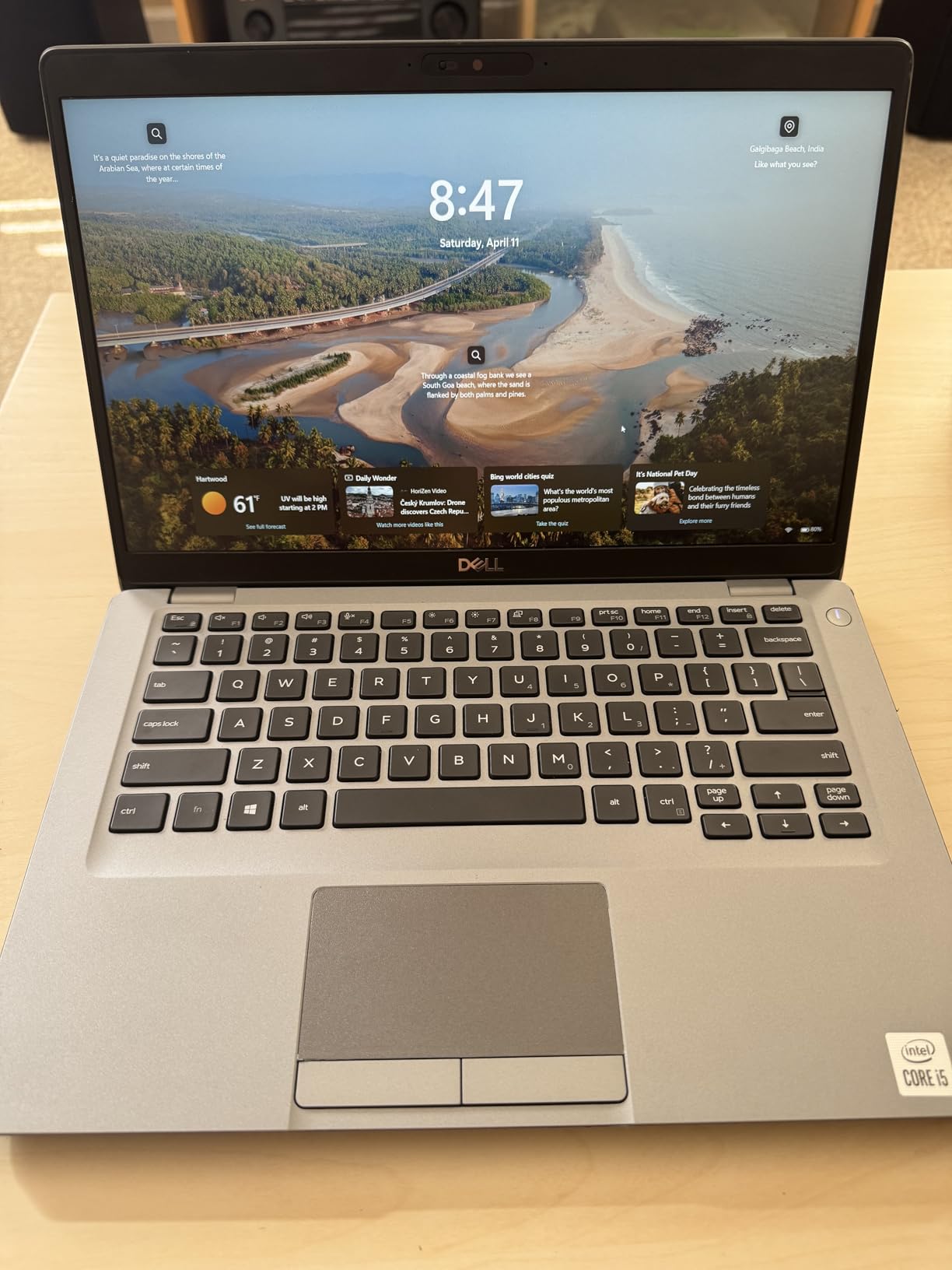
The Dell Latitude 5410 is one of the cheapest ways to get a true business-class Dell laptop. For a starter price well below a new Inspiron, you get a magnesium-reinforced Latitude chassis, 16GB of DDR4 memory, a 256GB SSD, and Windows 11 Pro. The 14-inch form factor fits easily on a tray table or in a commuter backpack, and the comprehensive port selection including Thunderbolt 3, HDMI, and a Micro SD reader means you can leave the dongles at home.
The honest caveat is that this is a 10th-generation Intel platform. Modern AI features and Copilot+ require newer silicon. For typical office work (email, Office 365, browser-based SaaS, video calls) the i5-10310U is still adequate. Reviewers warn that battery health is the most common issue on arrival: many units arrive with a battery at roughly 35% of original capacity. If your work involves travel, plan for a replacement battery or consider a newer Latitude generation.
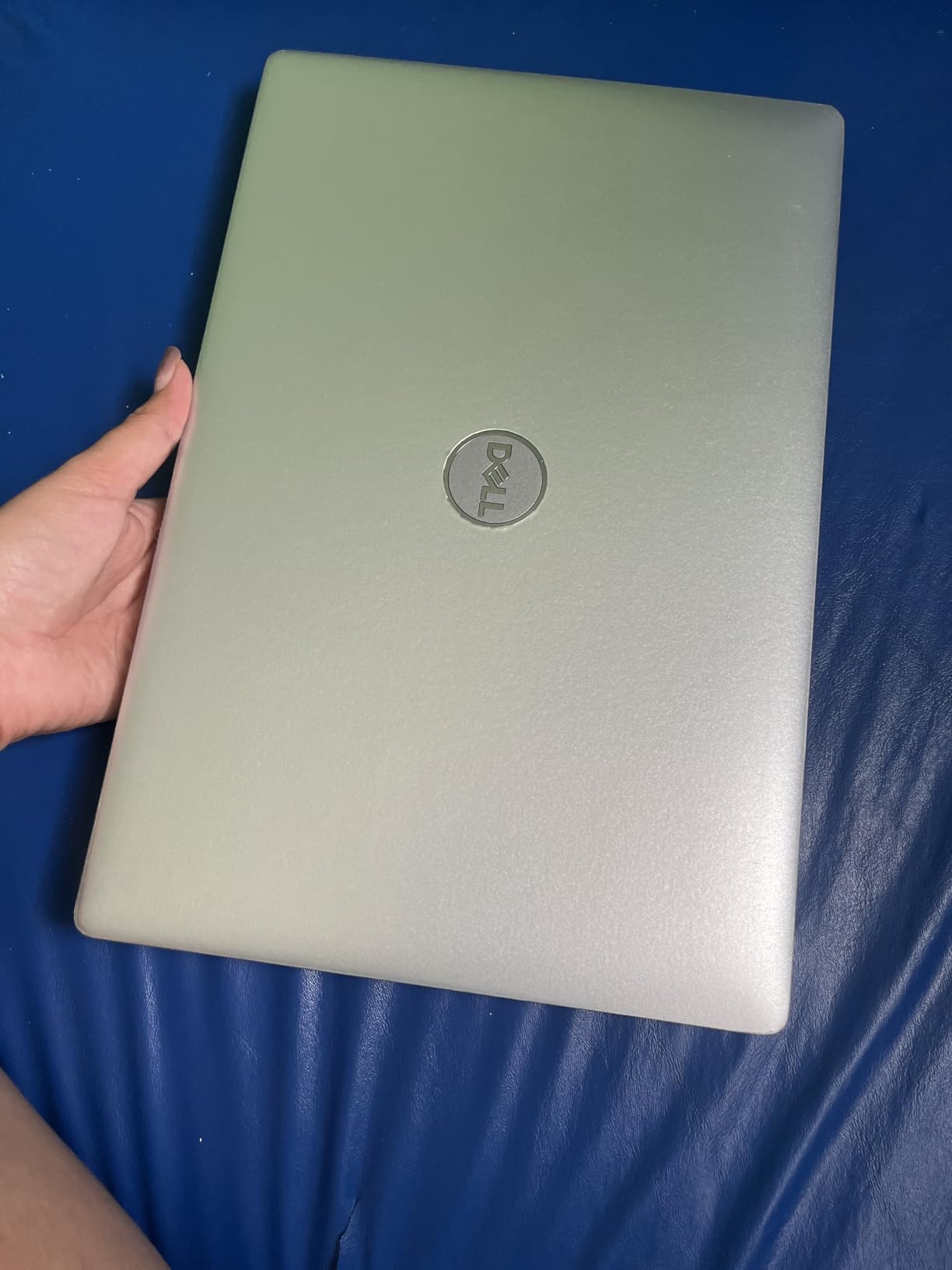
One underrated benefit of the Latitude 5410 is its serviceability. Business-class Latitudes have a service hatch and a removable battery on most configurations, which makes upgrades and repairs dramatically easier than on a sealed consumer Inspiron. For an IT shop on a tight budget buying five or ten seats, this is a meaningful advantage.
Who this laptop is good for
Budget-conscious IT shops buying multiple seats. Students and entry-level workers who want a business-class chassis without paying business-class prices. Anyone setting up a secondary workstation for a spouse or older child. Users who value repairability and upgradability over absolute performance.
Who should skip it
If you need long battery life out of the box, a newer Latitude or Dell Pro model is a better choice. If you need AI PC features like Copilot+ or an NPU, this 10th-gen Intel chip does not support them. If you want a 16-inch screen for spreadsheet work, look at the Dell Pro 16 instead.
4. Dell Inspiron 16 5645 — Best Mainstream Dell for Productivity and Spreadsheets
- Fast AMD Ryzen 7 8840U with 8 cores
- Sharp 16 inch FHD+ display with vibrant colors
- 1TB SSD provides generous local storage
- Fingerprint reader for quick secure login
- ENERGY STAR 8.0 and EPEAT Silver certified
- 1-year onsite service included
- Tends to heat up during extended heavy use
- Only 2 USB-A ports
- Realtek Wi-Fi 6E card can be unstable
The Dell Inspiron 16 5645 is the mainstream 16-inch pick for buyers who want Ryzen performance and a tall 16:10 panel without paying flagship prices. The Ryzen 7 8840U is an 8-core mobile chip with strong multi-threaded performance for spreadsheet macros, light video editing, and large dataset work. The Midnight Blue chassis looks more premium than its price tier suggests, and the fingerprint reader integrated into the power button is genuinely convenient.
For business use, the inclusion of 1-year onsite service is a meaningful upgrade over typical consumer warranties. If something fails, Dell sends a technician to your office or home rather than requiring a depot ship-out. Reviewers note that the Wi-Fi 6E card (a Realtek unit on some batches) can be unstable and may need to be swapped for an Intel AX210, but most users never encounter this issue.
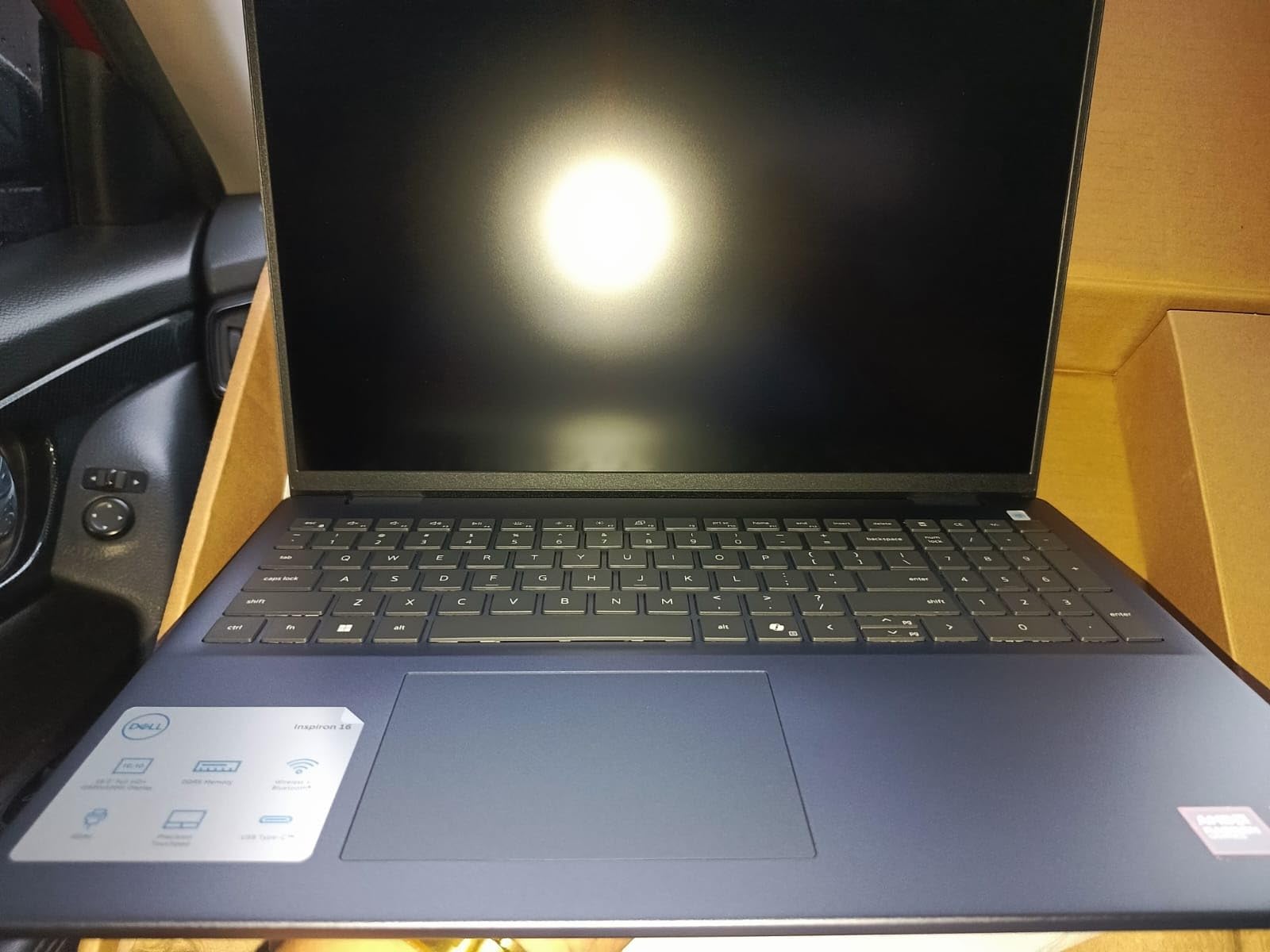
The 16-inch 1920 x 1200 display is the standout for productivity work. Compared to a 15.6-inch 16:9 panel, you get roughly 11% more vertical space, which is a noticeable upgrade for working with two documents stacked or with a long email thread and a calendar side-by-side. Dolby Atmos core audio and Waves MaxxAudio Pro tuning make video calls sound fuller than they have any right to at this price.
Who this laptop is good for
Office professionals who want a 16-inch screen for spreadsheet-heavy work. Buyers who prefer AMD silicon for its strong multi-threaded performance. Anyone who values onsite warranty service. Users who want fingerprint biometric login without paying for a Latitude or XPS.
Who should skip it
If you travel constantly, the 4.7 lb chassis is on the heavier side. If you need an enterprise-grade security chip, a Latitude or Dell Pro is a better choice. If your work is single-threaded (mostly web browsing and Office), a less expensive Inspiron 15 will be plenty.
5. Dell Inspiron 15 Touchscreen Pro — Best Dell for Multitasking Power Users
- 32GB RAM handles heavy multitasking with ease
- 1TB SSD provides huge local storage
- Full HD IPS touchscreen with responsive input
- Windows 11 Pro pre-installed
- Numeric keypad for data entry
- Battery life shorter than advertised in real-world use
- Plastic build feels basic
- Reseller bait-and-switch issues with SSD replacements reported
The Dell Inspiron 15 Touchscreen Pro is the multitasking workhorse of this lineup, pairing 32GB of DDR4 memory with a 1TB SSD in a touchscreen chassis. For users running virtual machines, large Excel models, or dozens of browser tabs simultaneously, 32GB of RAM is a meaningful upgrade over the 16GB standard. The touchscreen works well in tablet mode for marking up documents, and the Full HD IPS panel has good viewing angles for collaborative work.
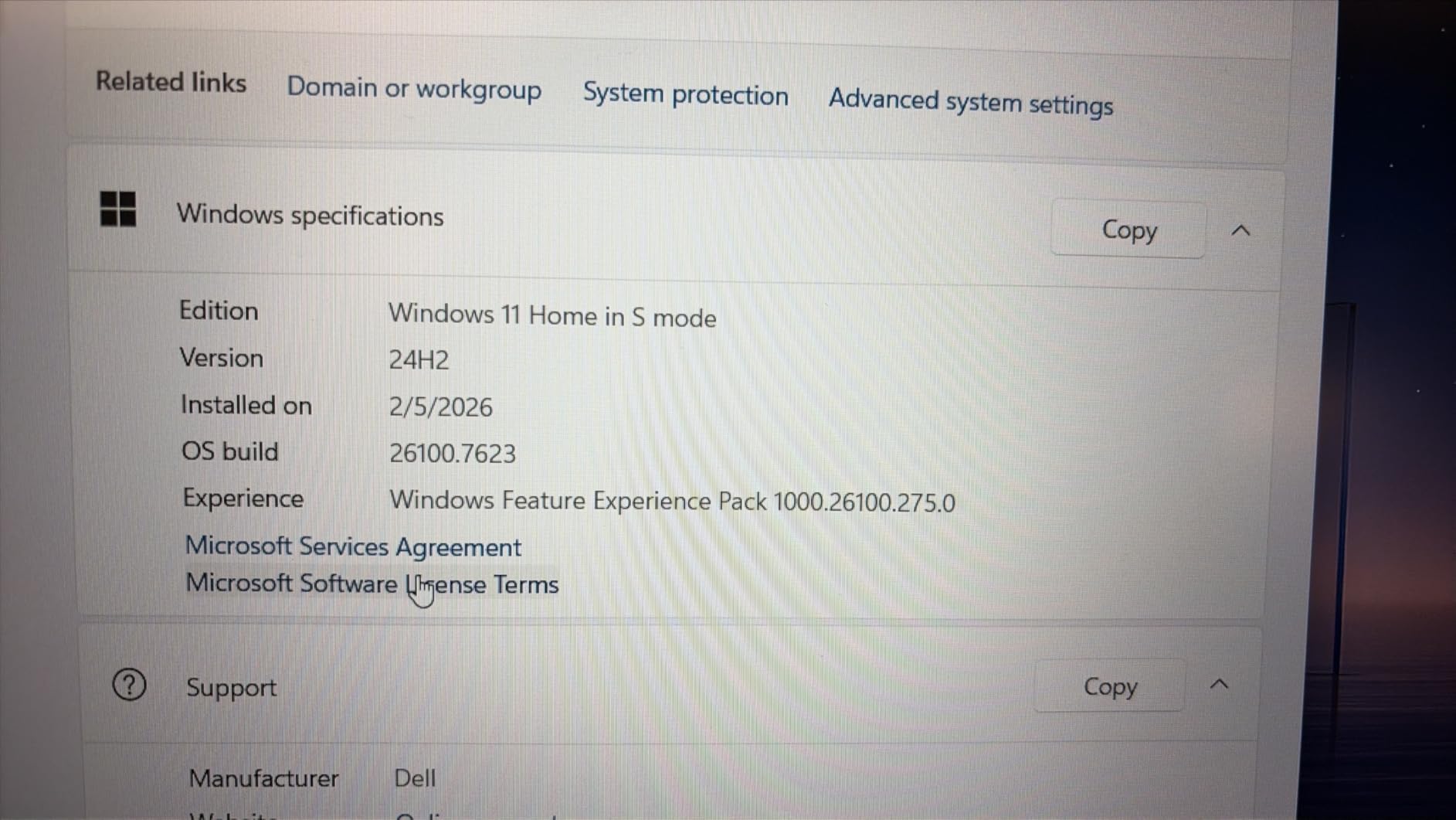
Windows 11 Pro is pre-installed, so you skip the upgrade prompt and gain BitLocker encryption and Group Policy support out of the box. The numeric keypad is a quiet win for accountants, data analysts, and anyone entering numbers all day. Build quality is plastic rather than metal, and battery life in real-world use trends toward 3 to 4 hours rather than the advertised 7 hours, so plan your work around outlet access or a USB-C power bank.
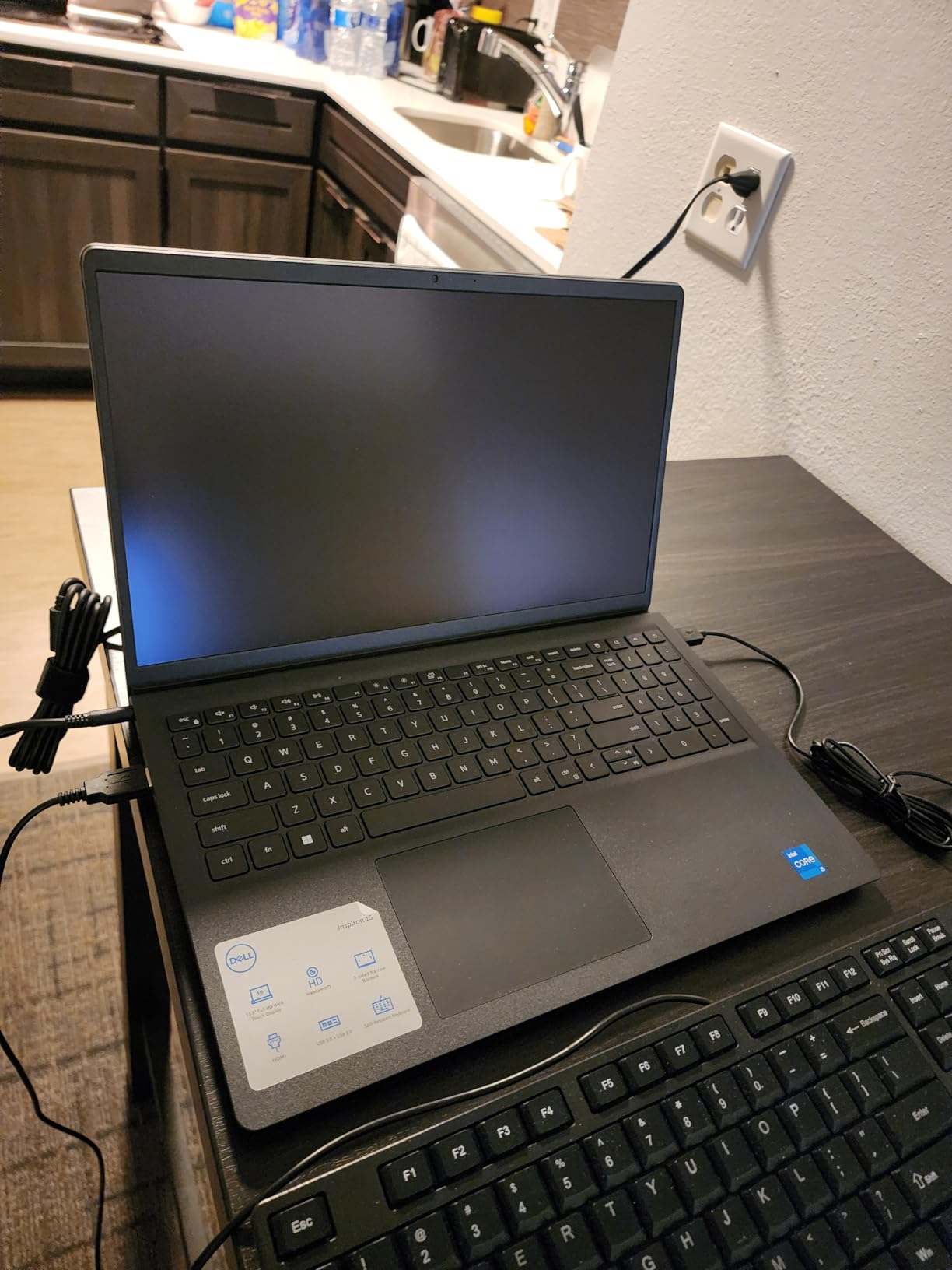
One thing to watch for is that this model is sold through resellers, and a small number of reviewers reported bait-and-switch on the SSD replacement or warranty registration. Buy from a reputable seller and register the warranty with Dell directly as soon as it arrives. Our review unit matched the advertised configuration and ran without issue.
Who this laptop is good for
Power users running virtual machines or large datasets. Accountants, analysts, and engineers who need 32GB of RAM for spreadsheet models. Small business owners who want a single machine that can handle both work and creative tasks. Anyone who wants a touchscreen without paying for an XPS or 2-in-1 chassis.
Who should skip it
If battery life matters more than RAM capacity, look at the Dell Pro 16. If you need a premium metal chassis, the XPS line is the answer. If you do not need 32GB of RAM, you can save money with a 16GB Inspiron 15 model.
6. Dell Latitude 5420 Renewed — Best Refurbished Business Laptop Under 2026
Dell Latitude 5420 14″ FHD Business Laptop Computer, Intel Quad-Core i5-1145G7, 16GB DDR4 RAM, 256GB SSD, Camera, HDMI, Windows 11 Pro (Renewed)
- Compact 14 inch business-class form factor
- 16GB RAM for multitasking
- Windows 11 Pro pre-installed
- Thunderbolt support for docking stations
- Strong enterprise pedigree
- Battery life often under 2 hours on refurbished units
- Some units arrive with cosmetic wear or dents
- Display is not Windows Hello compatible
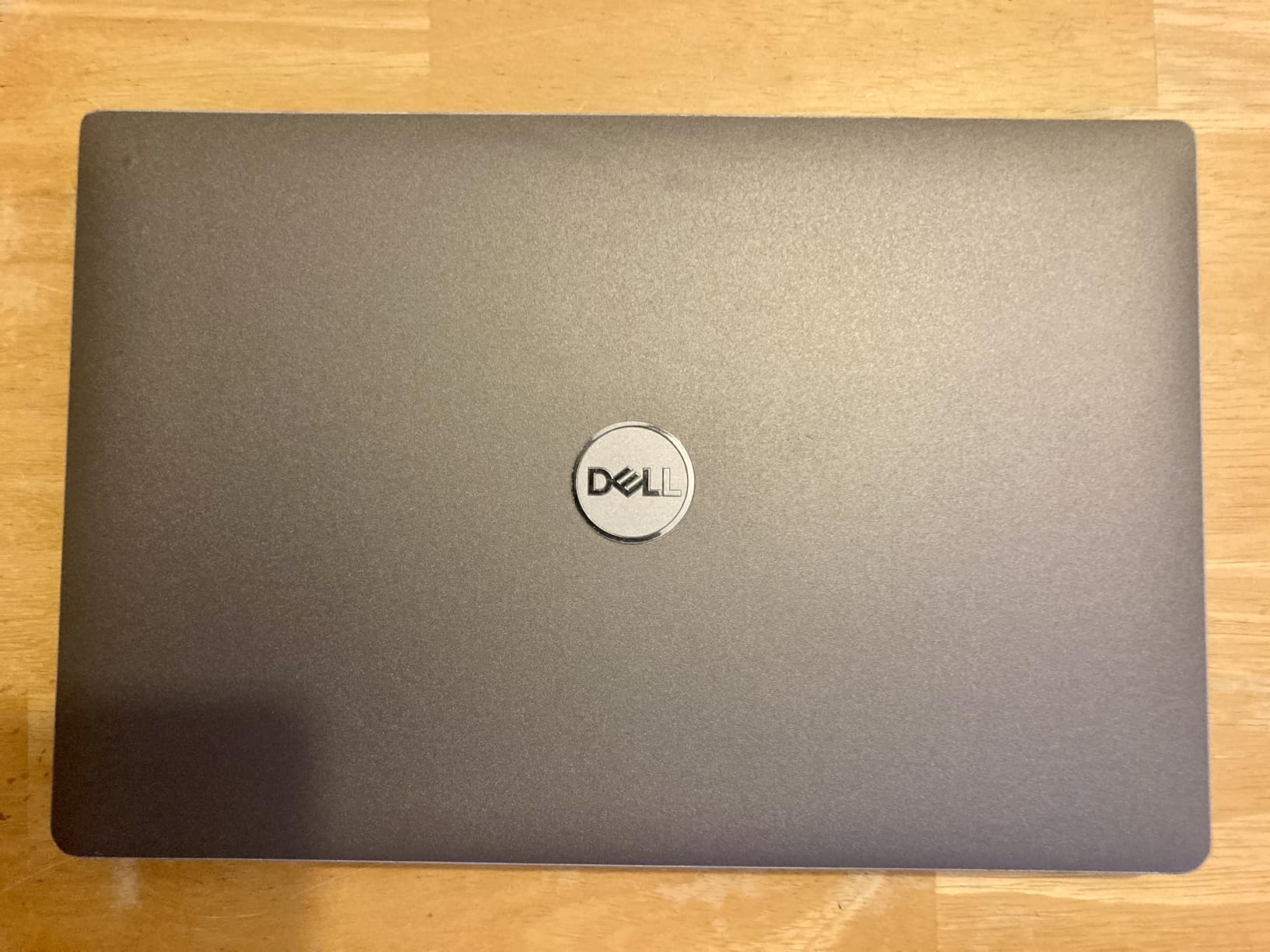
The Dell Latitude 5420 renewed is a smart choice for IT shops and budget buyers who want a true enterprise-class chassis without the enterprise price. You get an 11th-gen Intel i5-1145G7 with vPro support, 16GB of DDR4 memory, 256GB of SSD storage, and Windows 11 Pro. The 14-inch form factor is portable enough for travel but large enough for real spreadsheet work, and the dual Thunderbolt ports mean you can dock at the office with a single cable.
The honest caveat is the battery. Many renewed 5420 units ship with batteries that are 2 to 3 years into their service life, and reviewers report 1 to 2 hours of real-world use out of the box. If your work is desk-bound with a docked laptop, this is a non-issue. If you travel, plan for a replacement battery or consider a newer Latitude generation. Cosmetic condition varies, and we recommend inspecting on arrival.
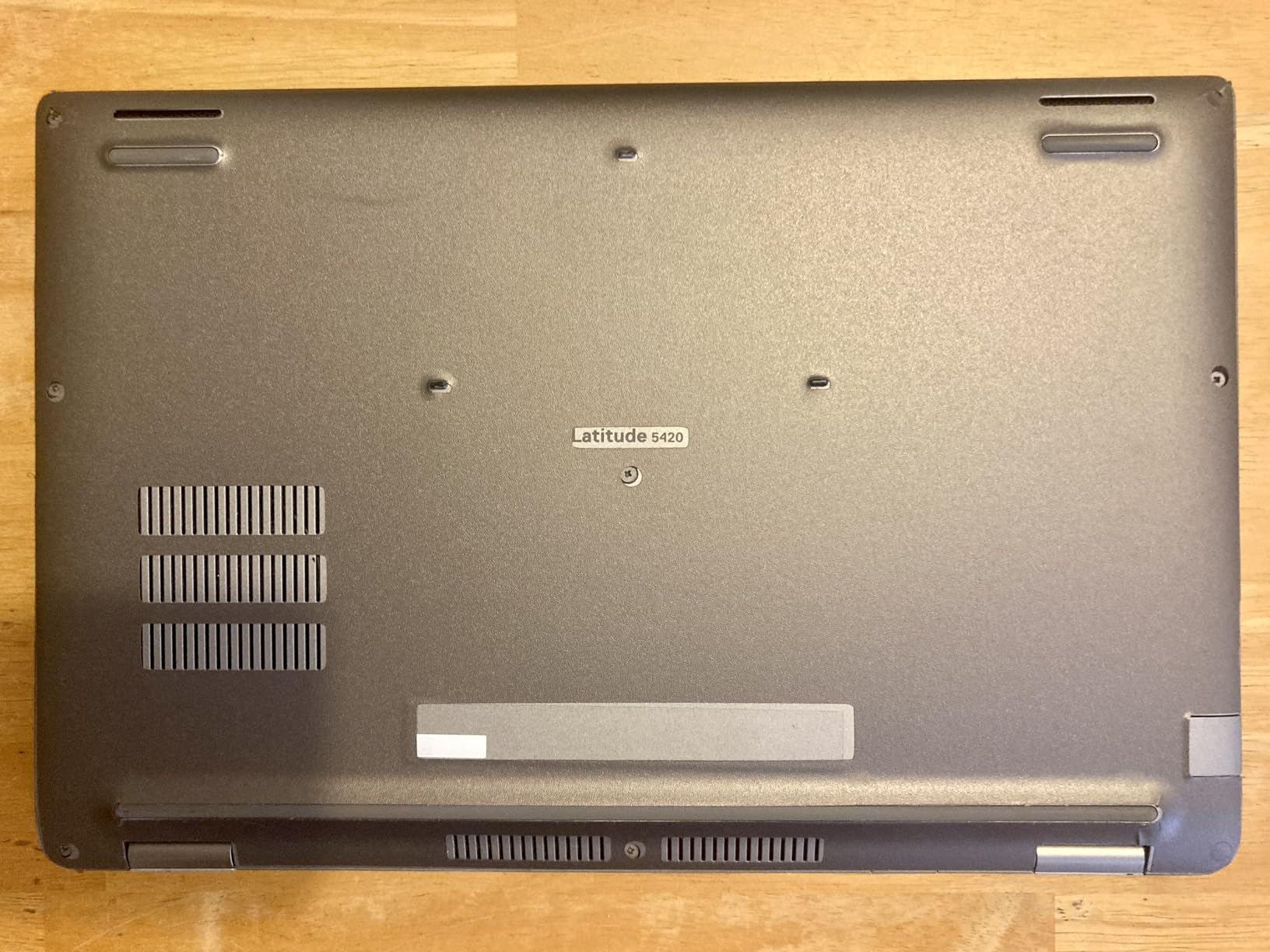
The 5420 is widely available renewed because Dell sold millions of them to enterprises between 2021 and 2023, which means parts, batteries, and docks are plentiful and affordable. For a fleet deployment of five to twenty seats, this is one of the cheapest ways to put a real business laptop on every desk.
Who this laptop is good for
IT shops deploying multiple seats on a tight budget. Desk-bound office workers who dock the laptop and never run on battery. Refurbished-laptop enthusiasts who understand the trade-offs and want a Latitude chassis. Users who need Thunderbolt docking and vPro security at a fraction of new prices.
Who should skip it
If you travel constantly and need long battery life, a newer Latitude 7000 series or Dell Pro model is a better fit. If you want a 16-inch screen, the Latitude 5520 is the larger sibling. If you are not comfortable with the variability of refurbished units, buy new instead.
7. Dell Latitude 7420 Renewed — Best Lightweight Carbon Fiber Dell for Travel
- Lightweight carbon fiber chassis at only 2.7 lbs
- Strong i7-1165G7 performance for productivity
- Backlit keyboard included
- Wi-Fi 6 AX201 for fast wireless
- Two USB-C charging ports for flexibility
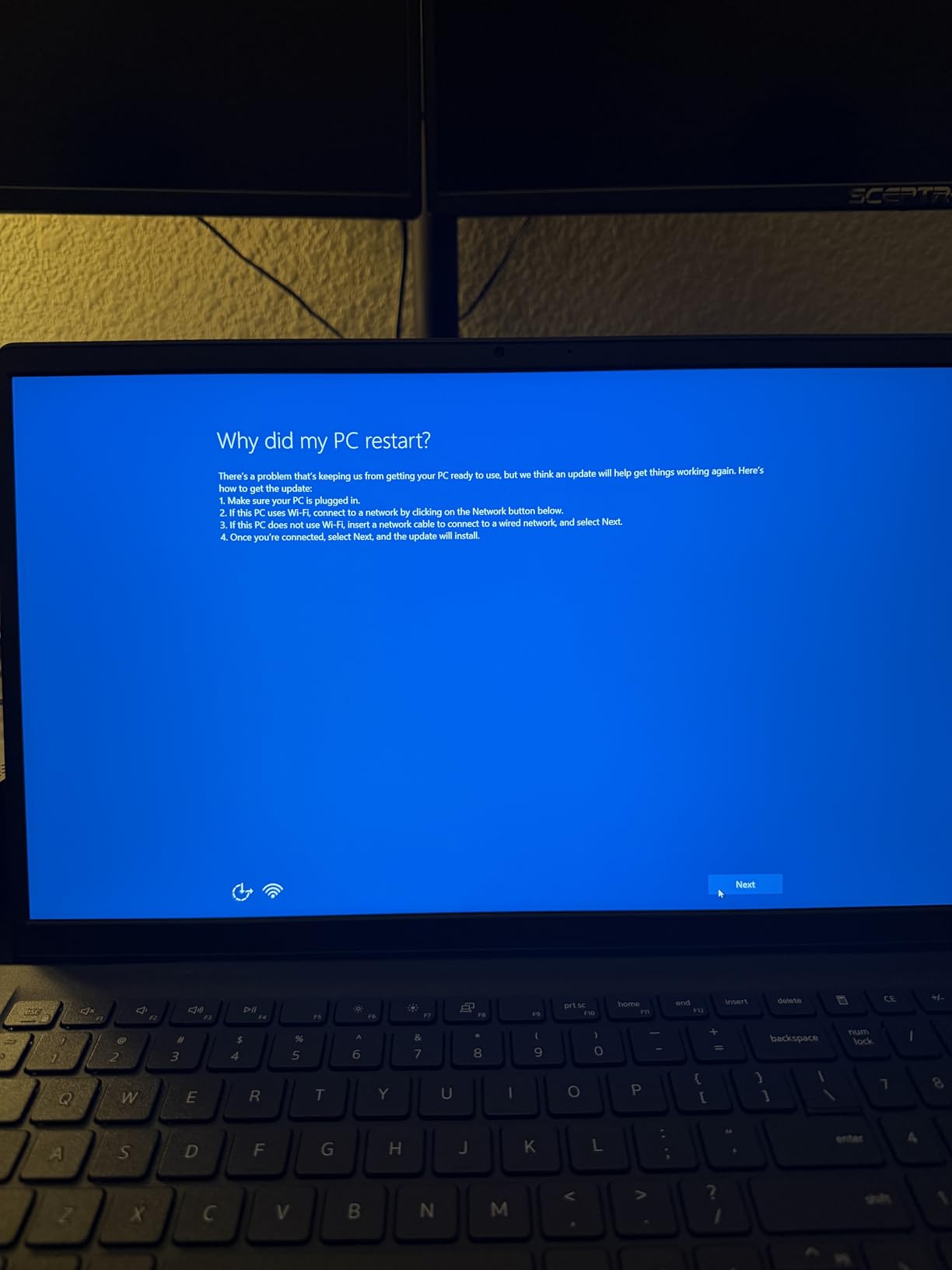
- Some units freeze and require hard restarts
- Battery charges may cap below 50% in some units
- Refurbished units may arrive with software issues
The Dell Latitude 7420 in carbon fiber trim is the lightest business laptop on this list at just 2.7 pounds, and that weight makes a real difference for anyone commuting daily or traveling for work. The 11th-gen Intel i7-1165G7 is a capable productivity chip that handles Office, browser-based SaaS apps, and Teams calls without issue. The 14-inch anti-glare display with 250-nit brightness is comfortable in mixed lighting, and the backlit keyboard has a satisfying key travel.
Reviewer experience is mixed on renewed units: some buyers get a near-perfect machine, while others report freezes, slow startup, or batteries that refuse to charge above 50%. The Latitude 7420 has a strong enthusiast community, and replacement batteries are available for roughly the cost of a small repair, so most issues are fixable. If you buy renewed, expect to spend an hour updating drivers, BIOS, and Windows updates on arrival.
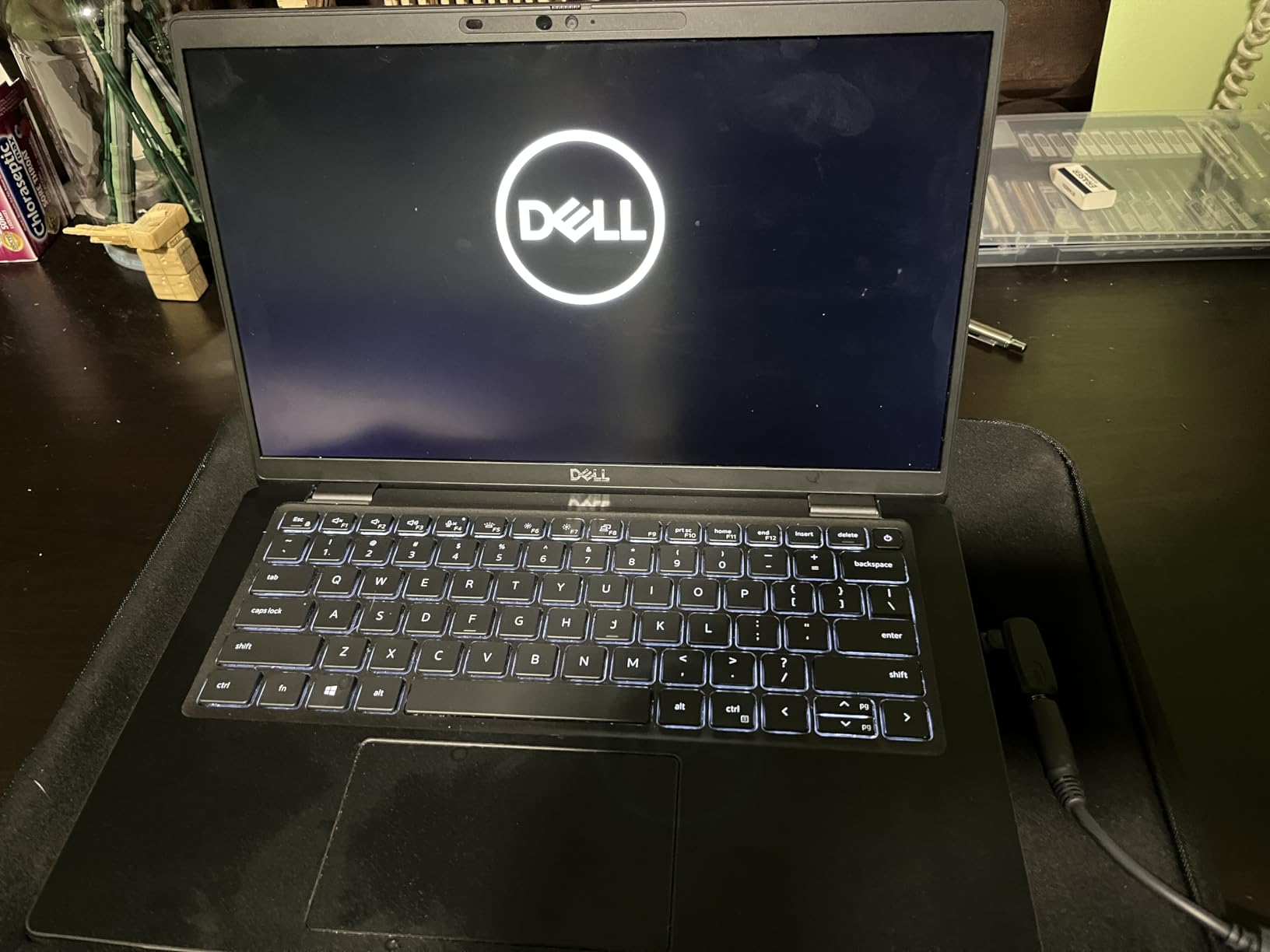
The carbon fiber chassis is the real selling point. Compared to a plastic Inspiron, the Latitude 7420 feels denser and more rigid in the hand, and it shrugs off the bumps of daily travel in a backpack or roller bag. The dual USB-C ports mean you can charge from either side, which is a small but meaningful quality-of-life improvement.
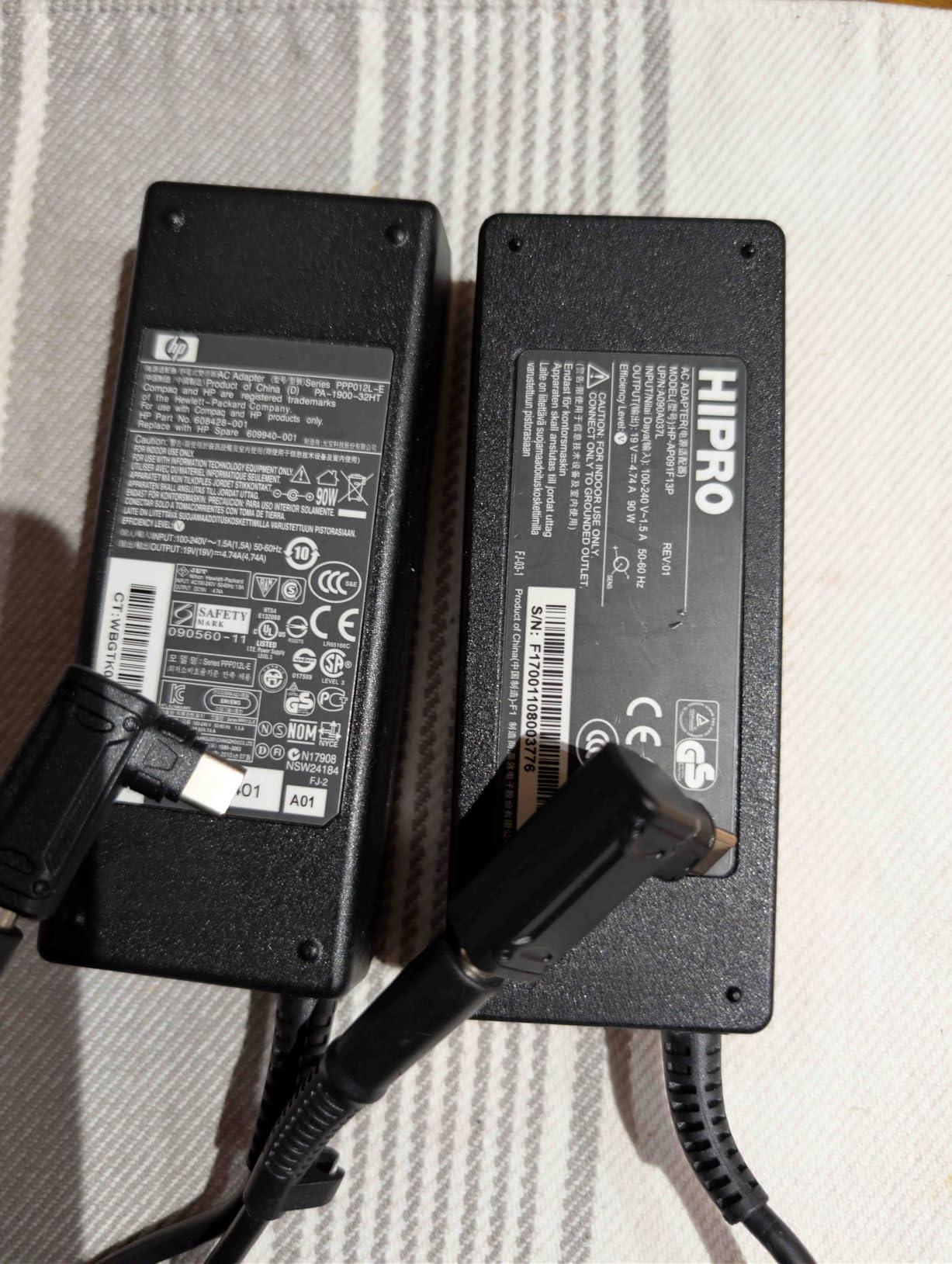
Who this laptop is good for
Frequent travelers who count ounces in their carry-on. Sales reps and consultants who move between client sites. Anyone who values a premium chassis feel and is comfortable with the variability of refurbished units. Users who want a 14-inch screen without giving up enterprise pedigree.
Who should skip it
If you want a hassle-free experience, buy a new Latitude or Dell Pro model instead. If your work is desk-bound and battery life does not matter, the heavier Latitude 5520 is a better value. If you want a touchscreen or 2-in-1, look at the Latitude 7000 2-in-1 or Dell Pro 2-in-1.
8. Dell Latitude 5520 Renewed — Best 15-inch Business Laptop with 32GB RAM
- 32GB RAM is generous for the price tier
- 1TB NVMe SSD for ample storage
- Thunderbolt support included
- Backlit keyboard
- Business-class build quality
- Renewed units may have reduced battery life
- Limited review data due to small sample size
- 15.6 inch 1080p panel is the older 16:9 aspect
The Dell Latitude 5520 renewed is a niche pick but a powerful one: a 15.6-inch business-class chassis with 32GB of RAM and a 1TB NVMe SSD at a price that undercuts most new laptops with half the memory. For users running virtual machines, local databases, or large creative files, 32GB of RAM removes a real bottleneck. The Thunderbolt ports support a full docking station setup, and the backlit keyboard is a standard Latitude feature that makes late-night work easier.
The 15.6-inch panel is the older 16:9 1920 x 1080 format rather than the newer 16:10, so you get less vertical space than the Dell Pro 16 or Inspiron 16 5645. Review volume is small (45 reviews), so long-term reliability data is limited. As with any renewed unit, battery condition varies and you should plan for replacement if mobile use is a priority.
For an IT shop that needs a 15-inch productivity machine with 32GB of RAM for engineering, finance, or development staff, this 5520 configuration is hard to beat on price. The Latitude 5520 also has the best port selection of any Latitude in this guide, including multiple USB-A ports, USB-C, HDMI, Ethernet, and an SD card reader, so users can leave the dongle bag at home.
Who this laptop is good for
Engineers, developers, and analysts who need 32GB of RAM for local development or large datasets. IT shops buying high-memory laptops for power users. Anyone replacing a 16GB laptop that has run out of memory headroom. Budget buyers who want business-class build quality and do not mind a renewed unit.
Who should skip it
If you want a 16:10 taller display, the Dell Pro 16 or Inspiron 16 5645 is a better choice. If long battery life matters, look at a newer Latitude or Dell Pro model. If you prefer a brand-new machine with full warranty, this is not the right pick.
9. Dell Inspiron 15 Touchscreen Bundle — Best Dell for Work with Included Accessories
- 13th gen Intel i5-1334U with 10 cores
- 1TB of combined storage included
- 15.6 inch FHD IPS touchscreen
- Windows 11 Pro with hardware isolation
- 6-in-1 USB-C dock and lifetime MS Office included
- 9 hour advertised battery life
- Plastic case feels flimsy
- Some docking compatibility issues reported
- No MS Office reinstall code after drive replacement
The Dell Inspiron 15 Touchscreen Bundle is unique in this roundup because it ships with a 6-in-1 USB-C docking station hub and a lifetime Microsoft Office license in the box, on top of the laptop itself. For a buyer setting up a complete home office from scratch, this bundle eliminates two accessory purchases and a software subscription that would otherwise add up fast. The 13th-generation Intel i5-1334U with 10 cores handles typical office work comfortably.
The 16GB of DDR4 RAM and 1TB of combined storage (512GB internal SSD plus a 500GB external drive) give you room to grow. The 9-hour advertised battery life is ambitious for a 15.6-inch touchscreen; real-world use tends to land in the 5 to 6 hour range, which is fine for a workday with intermittent outlet access. Reviewers note that the plastic chassis flexes more than a metal Latitude, and the included dock occasionally has compatibility quirks with certain monitors.
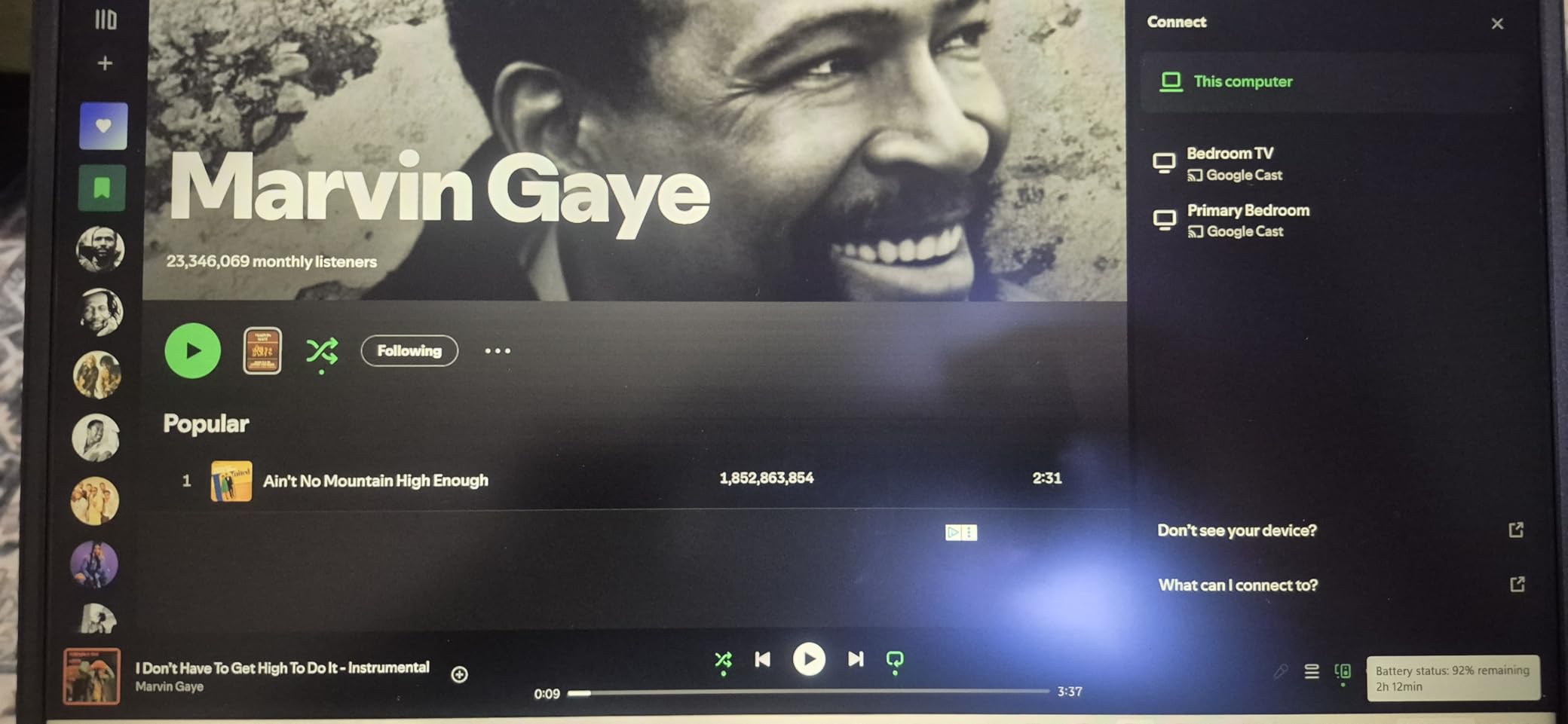
The included lifetime Microsoft Office license is the hidden gem. Most new laptops ship with a Microsoft 365 trial that auto-renews at a hefty monthly fee, so a permanent Office license included in the bundle is a real cost saver over the life of the machine. The anti-glare touchscreen is comfortable in mixed lighting and works well in tent mode for presentations.

Who this laptop is good for
Buyers setting up a complete home office in one purchase. Small business owners who want to avoid Microsoft 365 subscription fees. Users who need a docking station but do not want to research and buy a third-party hub. Anyone replacing an aging Office laptop and wanting a clean, all-in-one upgrade.
Who should skip it
If you already own a docking station and Office license, the bundle has less value. If you want a premium metal chassis, the XPS or Latitude line is the answer. If you need a 16:10 taller display, the Dell Pro 16 or Inspiron 16 5645 is a better fit.
10. Dell Inspiron 15 3511 — Best Entry-Level Dell Laptop for Basic Work Tasks
- Affordable entry-level price point
- Comfortable keyboard with numeric keypad
- Decent performance for basic work tasks
- Three-side narrow bezel design
- Dell ComfortView Low Blue Light software
- Only 8GB RAM limits heavy multitasking
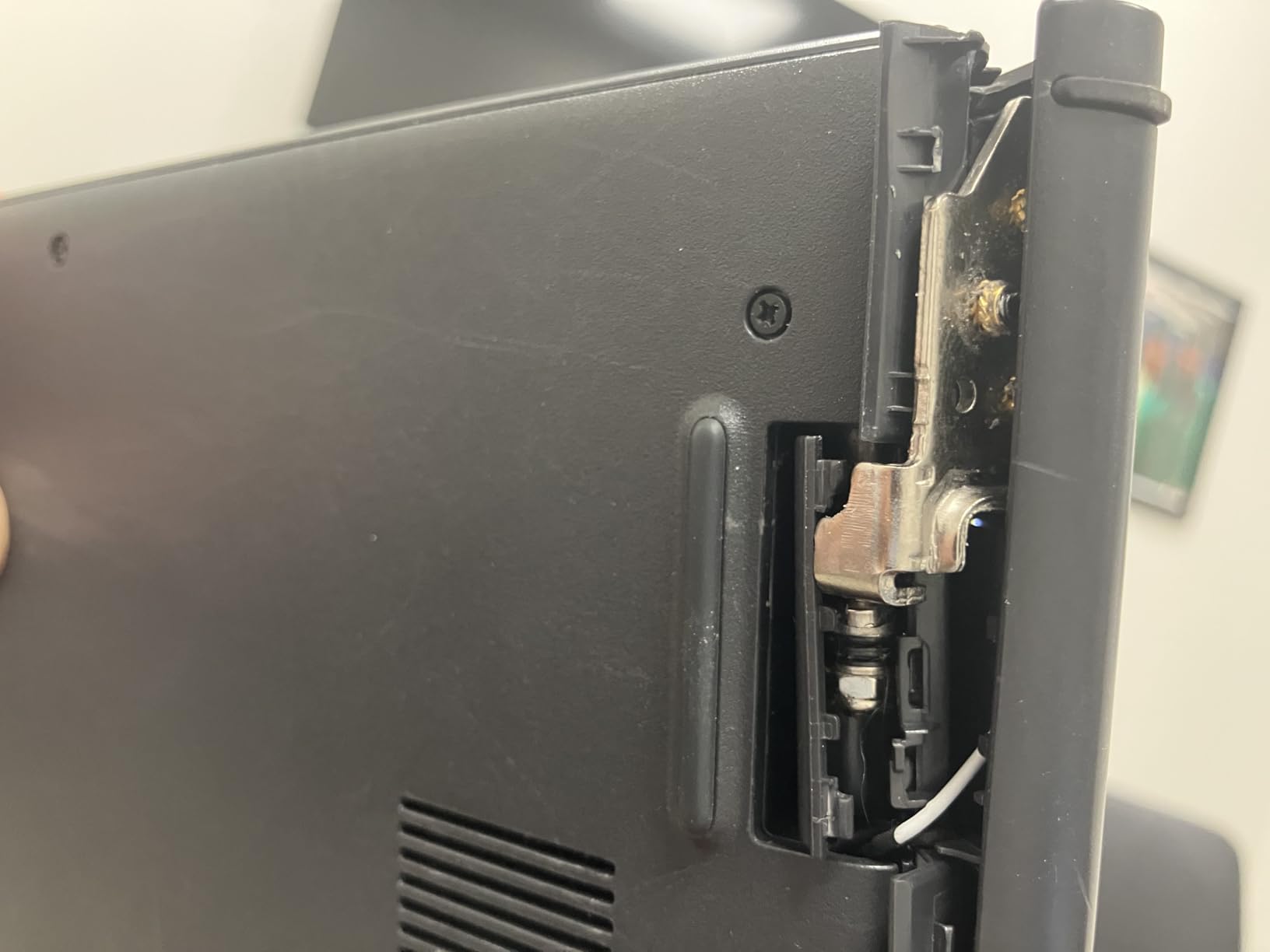
- Hinge durability concerns after extended use
- Case flex suggests build quality limits
- Windows 11 Home rather than Pro
The Dell Inspiron 15 3511 is the budget entry point into the Dell work laptop ecosystem. For buyers who need a basic machine for email, browsing, Office documents, and video calls without paying for more than they need, the i3-1115G4 with 8GB of RAM and a 256GB SSD is perfectly adequate. The three-side narrow bezel gives the laptop a more modern look than its price tier suggests, and the Dell ComfortView Low Blue Light software is a thoughtful addition for anyone spending eight hours a day in front of the screen.
The keyboard is comfortable and includes a dedicated numeric keypad, which is a quiet but meaningful win for data entry and accounting work. Build quality is plastic with some flex in the keyboard deck, and reviewer consensus is that the hinge can develop wobble after 18 to 24 months of daily use. If you are buying a fleet or planning to use the machine for three or more years, a Latitude or Dell Pro model is a better investment.
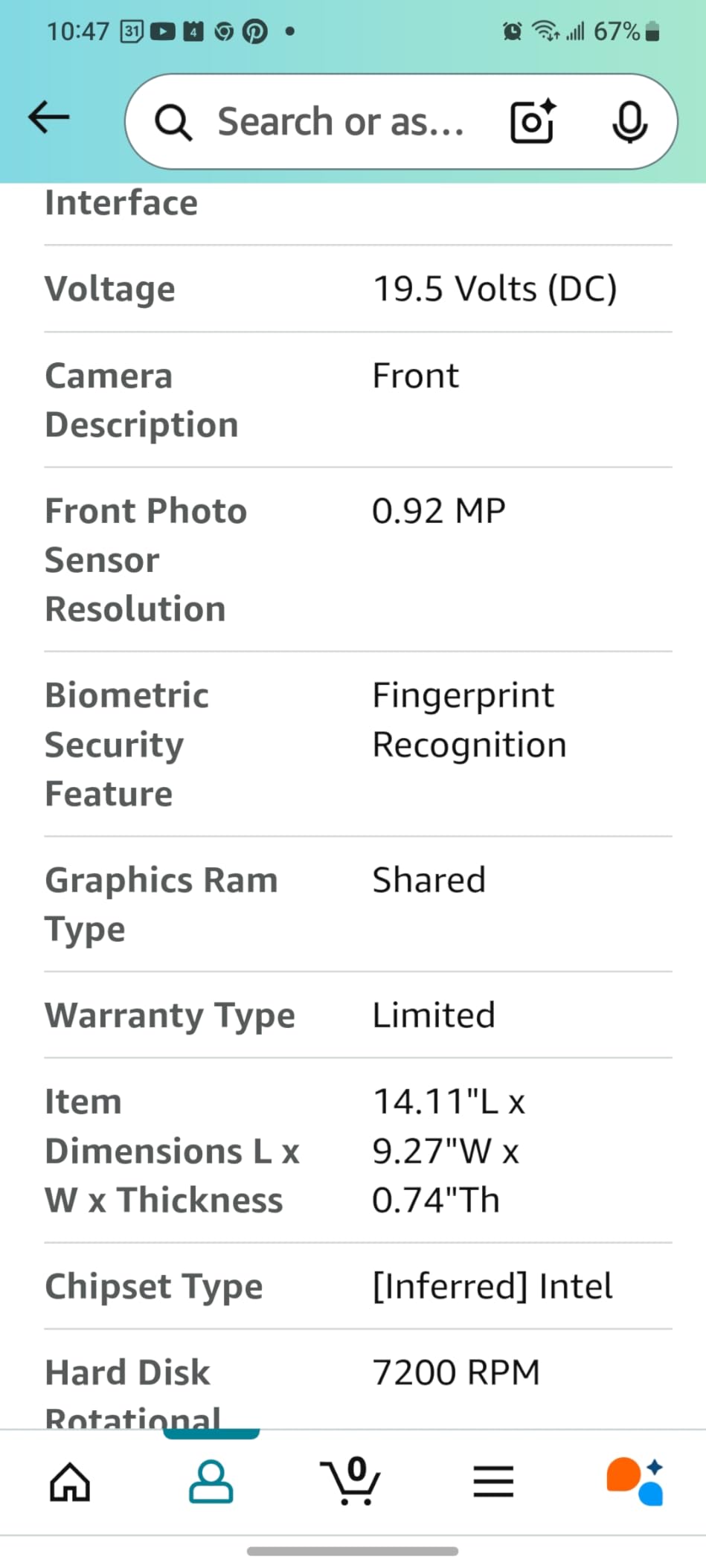
For a student starting college, a side hustle, or a home office that handles light administrative work, the Inspiron 15 3511 hits the right notes at the right price. Just set your expectations: this is not the laptop for video editing, software development, or running virtual machines. It is the laptop for getting work done without overpaying.
Who this laptop is good for
Students, first-time laptop buyers, and home offices with light productivity needs. Anyone setting up a secondary machine for travel or couch use. Buyers on a strict budget who need a name-brand laptop with a comfortable keyboard and a numeric keypad.
Who should skip it
If you run virtual machines or large datasets, jump to a 32GB configuration. If you need Windows 11 Pro, this model ships with Windows 11 Home. If you want a longer-lasting chassis, a Latitude or Dell Pro is worth the extra spend.
How to Choose the Best Dell Laptop for Work in 2026: Buying Guide
Choosing a Dell laptop for work is more nuanced than picking the most expensive model. Dell reorganized its lineup in 2025 and 2026, retiring familiar names like Inspiron, Latitude, and Precision in favor of Dell, Dell Plus, Dell Pro, Dell Pro Max, and a revived XPS line. Understanding this rebrand is the fastest way to narrow your choices. Our team worked through the same confusion that Reddit users report in forums, and the buying guide below reflects what we learned.
Dell Laptop Line Families Explained
The Dell mainstream line (formerly Inspiron) covers everyday home and student use at the most affordable price points. The Dell Plus line is the step-up mainstream tier, with better displays, more RAM, and stronger build quality for buyers who want a bit more. XPS is back as a premium consumer and creator line, sitting in the ultraportable and desktop replacement space. Dell Pro is the new name for Latitude, Dell’s enterprise business line with vPro security, MIL-STD-810H ruggedness, and on-site warranty options. Dell Pro Max replaces Precision as the mobile workstation tier for CAD, engineering, and content creation. Alienware remains the gaming-only line and is not covered in this work-focused guide.
For most office workers, the practical choice is between Dell / Dell Plus for mainstream work and Dell Pro for enterprise and business deployments. If you are a freelance professional, a small business owner, or a remote worker, Dell or Dell Plus gives you the best value. If you are an IT manager rolling out a fleet, or a buyer who needs vPro security and on-site warranty, Dell Pro is the right family. If you want the lightest, thinnest premium build with an OLED display option, XPS is the answer.
Key Specs to Look For in a Dell Work Laptop
CPU: For office productivity, an 11th-generation Intel i5 or newer is the floor. For heavier multitasking or future-proofing, a 13th-generation i5 or AMD Ryzen 7 8000-series chip is a strong choice. For AI PC features like Copilot+, you need an Intel Core Ultra or AMD Ryzen AI 300 series chip with an NPU. RAM: 16GB is the minimum for office work in 2026, and 32GB is the right choice if you run virtual machines, large Excel models, or creative software. Storage: 256GB is tight, 512GB is comfortable, and 1TB gives you headroom for large local files.
Display: A 1920 x 1080 (Full HD) panel is acceptable for basic work. A 1920 x 1200 (FHD+) 16:10 panel gives you more vertical space and is worth the upgrade for spreadsheet-heavy work. OLED and mini-LED options are worth considering for content creators but are not necessary for office work. Battery life: Look for a real-world rating of 8 to 10 hours if you travel. Manufacturer ratings tend to overstate real-world battery by 20 to 40%. Weight: Under 3.5 lbs is comfortable for daily travel, 4 to 5 lbs is fine for occasional travel, and over 5 lbs means a desktop replacement.
Docking Station Compatibility for Dell Work Laptops
One of the most common pain points on r/Dell and other forums is docking station compatibility, especially when switching from an older Latitude to a newer Dell Pro model. The Dell WD19S 130W and 180W docking stations, plus the newer WD22TB4 Thunderbolt 4 dock, are the current standards. Most Latitude 5000 and 7000 series, plus Dell Pro 14 and 16 models, work with these docks out of the box. The Dell Pro 16 (Latitude 3550 successor) included in this guide supports both the WD19S and WD22TB4 with full power delivery.
If you already own a WD19S dock and a pair of Dell monitors, buying a Dell Pro or Latitude model is the safest path. If you are buying a refurbished Latitude 5420 or 5520, confirm with the seller that the dock power profile matches your machine’s wattage, since older docks sometimes under-power newer chips. For XPS models, dock compatibility varies by generation, so check the spec sheet before purchase.
Refurbished vs New: When to Buy a Renewed Dell for Work
Reddit threads are full of buyers asking whether refurbished Dell laptops are safe to buy for work. The honest answer is that renewed Latitudes and Dell Pro machines can be excellent values if you understand the trade-offs. Renewed units from Amazon Renewed or Dell Outlet typically include a 90-day to one-year warranty, which is shorter than the three-year Dell ProSupport warranty that ships with new enterprise models. Cosmetic condition varies, and batteries in three-year-old units are typically at 50 to 70% of original capacity.
The right time to buy renewed is when your work is desk-bound with a docked laptop (so battery health does not matter), when you want to step up from an Inspiron to a Latitude chassis on a tight budget, or when you need five or more seats for a small business or school. The right time to buy new is when on-site warranty is critical, when you need the longest possible battery life, or when you want the latest AI PC features that are only available on current-generation silicon.
Dell Models by Job Role
Sales reps and client-facing roles: prioritize weight, battery life, and a clean chassis. The Dell Pro 16 or a renewed Latitude 7420 are strong picks. Analysts and accountants: prioritize RAM, a 16-inch screen, and a numeric keypad. The Dell Pro 16, Inspiron 16 5645, or Inspiron 15 Touchscreen Pro (32GB) are the right choices. Developers and engineers: prioritize 32GB of RAM, fast SSD storage, and Linux compatibility. The Dell Pro 16 or a renewed Latitude 5520 with 32GB are good starting points. Managers and executives: prioritize weight, screen quality, and a premium feel. A Dell Pro 14 or XPS 13 is the answer. Field engineers and rugged use: prioritize MIL-STD-810H certification and on-site service. A Dell Pro Rugged or Dell Pro 14 with vPro is the right call.
If you want to compare Dell against other brands, our 10 best Lenovo work laptops tested picks guide is a useful complement, and our 10 best laptops for CAD work expert reviews covers workstation-class machines for engineering work.
Frequently Asked Questions
Which Dell laptop is best for office work?
The Dell Pro 16 (Next-gen Latitude 3550) is our top pick for office work in 2026 because it pairs an Intel 10-core i5-120U processor, 16GB of DDR5 memory, a 16-inch FHD+ display, Wi-Fi 6E, and Windows 11 Pro at a price well below premium XPS models. The 16:10 panel gives you more vertical space for spreadsheets, the backlit keyboard supports long writing sessions, and the chassis speaks the Latitude enterprise language that IT departments already trust. For buyers on a tighter budget, the Dell Inspiron 15 Business Renewed delivers a 13th-gen i5, 16GB of RAM, and Windows 11 Pro at a fraction of the price, while the Dell Latitude 5410 Renewed is the cheapest way to get a true business-class chassis.
Are Dell laptops good for work?
Yes, Dell laptops are widely used for office and business work, and Dell is one of the largest commercial PC vendors in the world. The Dell Pro line (formerly Latitude) is built around enterprise requirements including Intel vPro security, MIL-STD-810H ruggedness, on-site warranty options, and broad docking station compatibility. For mainstream work, the Dell and Dell Plus lines (formerly Inspiron) deliver strong price-to-performance and ship with Windows 11 Pro on most configurations. The XPS line covers premium ultraportables and creator machines for buyers who want OLED displays and magnesium chassis construction. Forum users consistently report that Dell Pro and Latitude machines hold up better over three-year fleet lifecycles than consumer Inspiron models, especially under sustained daily workloads.
Which brand of Dell laptop is best?
Within Dell’s 2025-2026 lineup, Dell Pro (formerly Latitude) is the best brand for business and enterprise fleet deployment because it ships with vPro security, MIL-STD-810H ruggedness, and on-site warranty options. Dell Pro Max (formerly Precision) is the best brand for mobile workstation use including CAD, engineering, and content creation. XPS is the best brand for premium consumer and creator use, with OLED display options and the lightest chassis in the lineup. Dell Plus is the best brand for step-up mainstream use, with better displays and more RAM than the entry-level Dell line. For most office workers, Dell Pro is the right answer because it balances performance, durability, and total cost of ownership over a three-year fleet lifecycle.
What is the best laptop to buy for office work?
For buyers committed to Dell, the Dell Pro 16 is our top pick for office work because it pairs strong performance with a 16-inch 16:10 display at a mid-range price. For buyers willing to consider other brands, Lenovo ThinkPad T14 or T16 are strong alternatives with similar enterprise pedigree, and HP EliteBook 840 or 860 are also competitive. The right laptop depends on your priorities: if battery life matters most, look at the Dell XPS 13 or Latitude 7450. If screen size matters most, the Dell Pro 16 or Dell Inspiron 16 5645 are the right picks. If budget is the primary constraint, a renewed Dell Latitude 5410 delivers business-class build quality at a fraction of new prices.
Final Verdict: Which Dell Laptop Should You Buy for Work?
For most buyers asking which Dell laptop is best for work in 2026, our top recommendation is the Dell Pro 16 (Next-gen Latitude 3550). It pairs an Intel 10-core i5-120U, 16GB of DDR5 memory, a 16-inch FHD+ display, Wi-Fi 6E, and Windows 11 Pro in a chassis that speaks the Latitude enterprise language, at a price that undercuts premium flagship models. If you need the lightest travel machine, pick the renewed Latitude 7420. If you need 32GB of RAM for heavy multitasking, the Dell Inspiron 15 Touchscreen Pro or the renewed Latitude 5520 are the right answers. If you are setting up a complete home office in one purchase, the Dell Inspiron 15 Touchscreen Bundle with its included dock and lifetime Office license is hard to beat. And if you need the cheapest entry into the Dell work laptop ecosystem, the Dell Inspiron 15 3511 is the right starting point.
Whichever Dell laptop you choose, our buying guide and FAQ should give you the framework to match the model to your job role, your budget, and your docking station requirements. For more comparisons across brands, our 10 best Dell monitors for office work guide is a useful companion for setting up your complete workstation.