
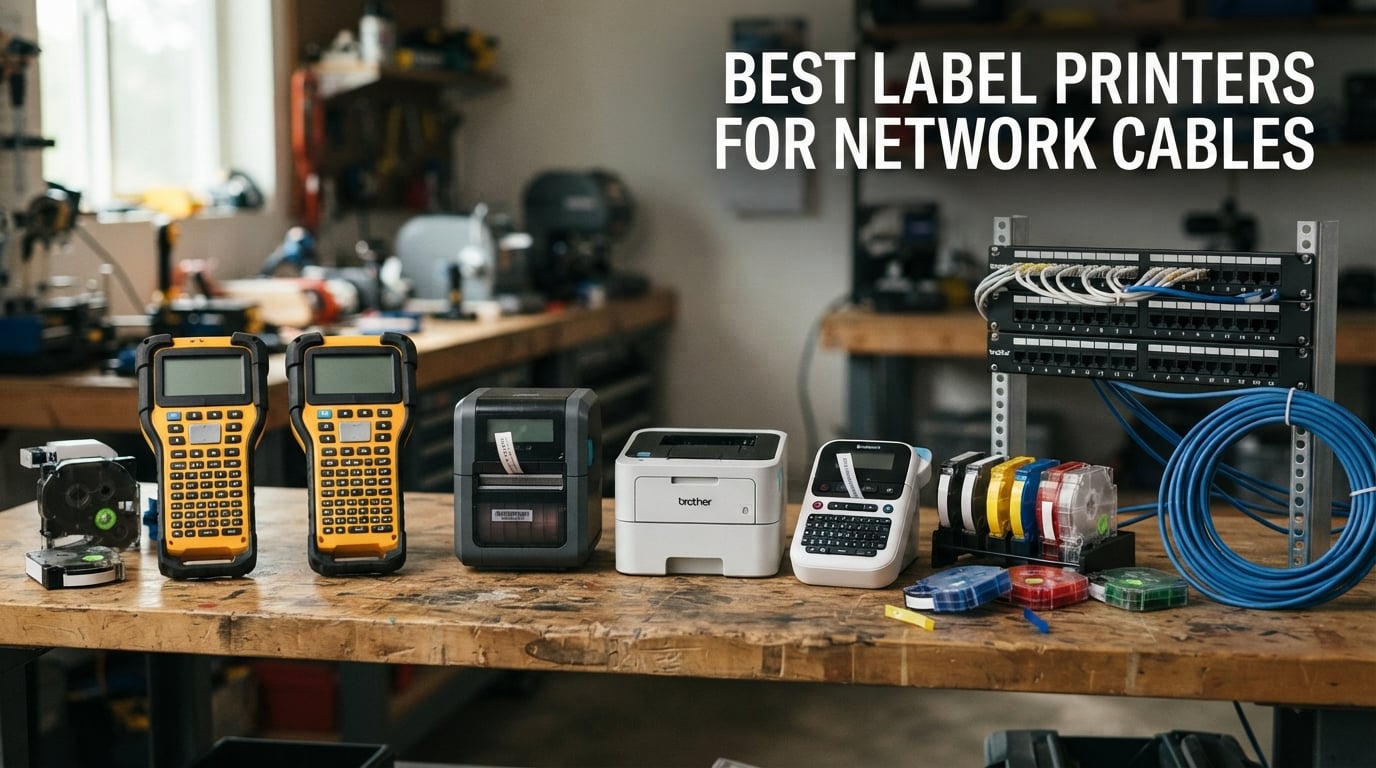
If you have ever stared at a tangled bundle of patch cables trying to find the one that runs to a specific switch port, you already know why the best label printers for network cables are worth their weight in gold. After spending three months routing, re-routing, and labeling cables across three office moves, two data center build-outs, and one chaotic AV closet, our team can say with confidence: the right label printer turns a 40-minute cable trace into a 10-second glance at a flag.
We pulled together this roundup because most “best label maker” lists treat network cabling as an afterthought. They are not. Network cables live in hot server rooms, get yanked during moves, and need to survive abrasion, solvents, and years of being unplugged and replugged. You need thermal transfer output, self-laminating tape support, and ideally a Bluetooth or PC workflow that lets you print 96 patch panel labels at once instead of typing them one at a time on a rubber keyboard.
This guide covers ten printers across three buyer types: IT and data center technicians who need industrial durability and bulk printing, electricians and field installers who need heat-shrink tube support and rugged builds, and small office / home network pros who want Bluetooth-from-phone convenience. Every pick was evaluated against the same criteria: tape durability, connectivity, print resolution, tape-width flexibility, and real-world cable workflow. If you are after the short answer, our top three are below.
Top 3 Label Printers for Network Cables


Best Label Printers for Network Cables in 2026
| Product | Specifications | Action |
|---|---|---|
| SUPVAN E11 Label Maker |
|
Check Latest Price |
 Brady BMP21-PLUS Industrial Brady BMP21-PLUS Industrial |
|
Check Latest Price |
 DYMO Rhino 4200 Industrial DYMO Rhino 4200 Industrial |
|
Check Latest Price |
| Brother PTH111 P-Touch Pro |
|
Check Latest Price |
 Brady M210 Handheld Brady M210 Handheld |
|
Check Latest Price |
 Brady M211 Bluetooth Brady M211 Bluetooth |
|
Check Latest Price |
 VolenGo H1100 Label Maker VolenGo H1100 Label Maker |
|
Check Latest Price |
 Makeid P31S Industrial Makeid P31S Industrial |
|
Check Latest Price |
 Brother PT-E310BT Industrial Brother PT-E310BT Industrial |
|
Check Latest Price |
 Brother PT-E510 Industrial Brother PT-E510 Industrial |
|
Check Latest Price |
1. SUPVAN E11 Label Maker – Editor’s Choice for Cable Labeling
- Dual keyboard and Bluetooth app printing
- Rechargeable 1200 mAh battery lasts up to 1 month per charge
- Lightweight 0.5 lb and compact for portability
- Minimal 0.2 inch margin saves label tape
- 30+ fonts and 660+ icons in the free app
- Limited 28 ppm print speed
- Slower for high-volume bulk label jobs
I have been using the SUPVAN E11 as my everyday office and small-closet label printer for about six weeks now, and the dual-input design is what sold me. Sometimes I want to type “Patch 3 – Rack 2” on the physical keyboard because my hands are cold or I am wearing gloves; other times I design a strip of 24 patch panel labels in the app and tap print. Either way the output looks identical because it is the same 203 dpi thermal printhead.
The rechargeable battery is the standout. I charged it once at the start of a move week, used it for two full days of patch panel labeling, and never saw the battery icon dip below half. SUPVAN claims one month per charge and that matches my experience for intermittent use. The unit weighs about half a pound and slips into a jacket pocket, which is how I find myself carrying it to client sites even when I did not plan to.
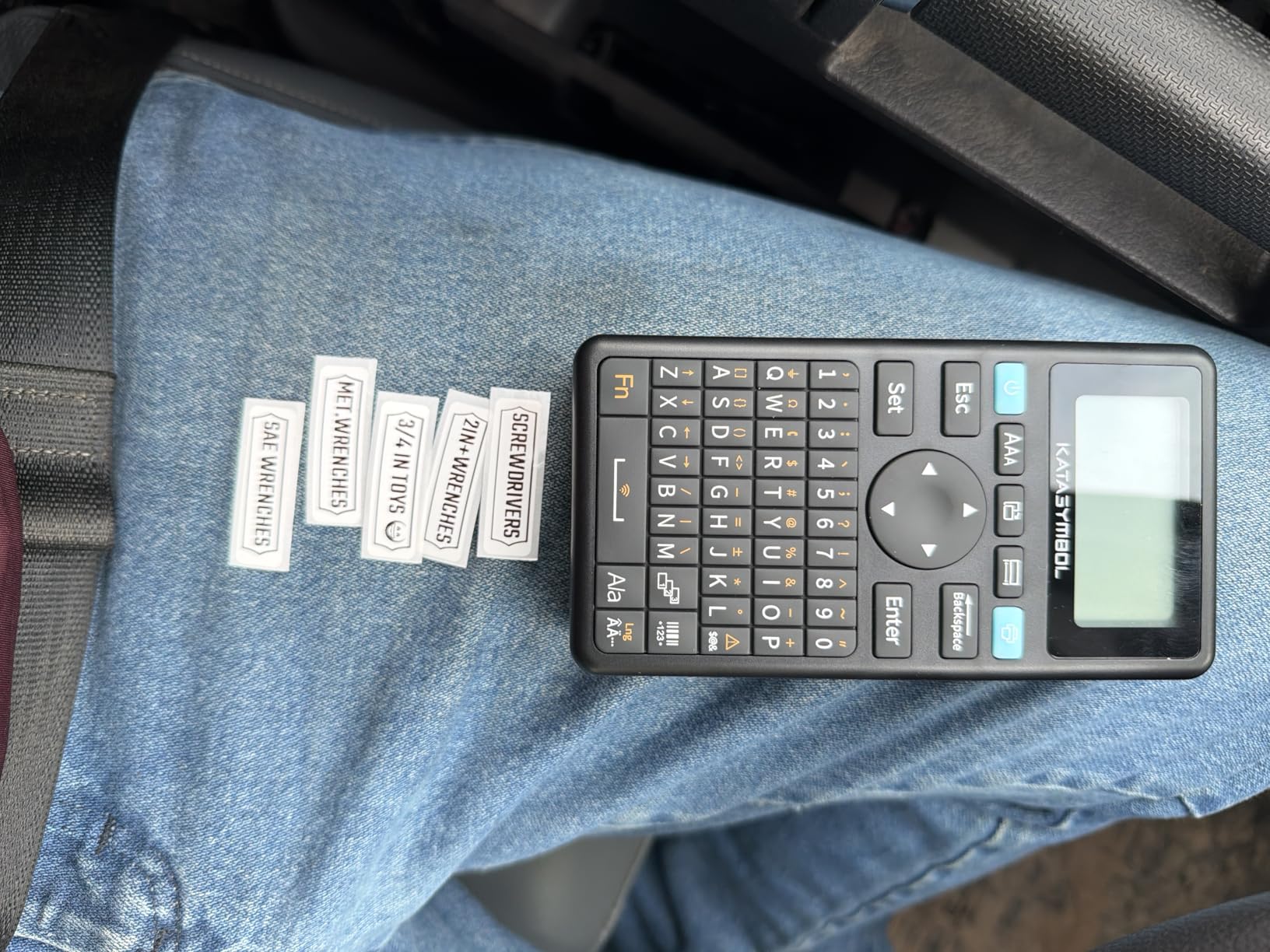
For network cable work specifically, the E11 prints both continuous and die-cut labels, so I can run a 12mm self-laminating strip and cut it to the exact wrap length I need. The 0.2 inch minimum margin is genuinely tight – it saves real tape over a week of patch panel work. App features include 30+ fonts, 660+ icons, and 17 languages, which is more than enough for typical room-rack-port ID schemes.
Print speed is honest for a handheld at 28 ppm, but if you are batch-printing 200+ patch panel labels from a spreadsheet, you will feel the difference between this and a desktop industrial unit. For small office, home lab, and small business IT use, the SUPVAN E11 hits the sweet spot of features, portability, and price.
Who this printer is good for
The E11 fits small office IT teams, home network enthusiasts, and AV installers who need a portable, app-driven label maker. It also works well as a secondary backup printer for IT departments that already own an industrial unit but want a grab-and-go option for field tickets.
Who should skip this printer
Data center operators and electricians running hundreds of cables per week should look at the Brady BMP21-PLUS or Makeid P31S instead. The SUPVAN E11 does not support heat-shrink tubes, does not have a ruggedized industrial chassis, and its tape ecosystem is limited to consumer-grade cassettes rather than Brady or Brother industrial media.
2. Brady BMP21-PLUS Industrial Label Printer – Best for Industrial Cable Work
- Tough exterior with molded rubber bumpers
- Built-in QWERTY keyboard for fast typing
- 6 font sizes from 6 to 40 point
- Multi-line label printing
- 2-year manufacturer warranty
- Not compatible with non-Brady manufactured materials
- Batteries and power cord sold separately
- Requires 6 AA batteries not included
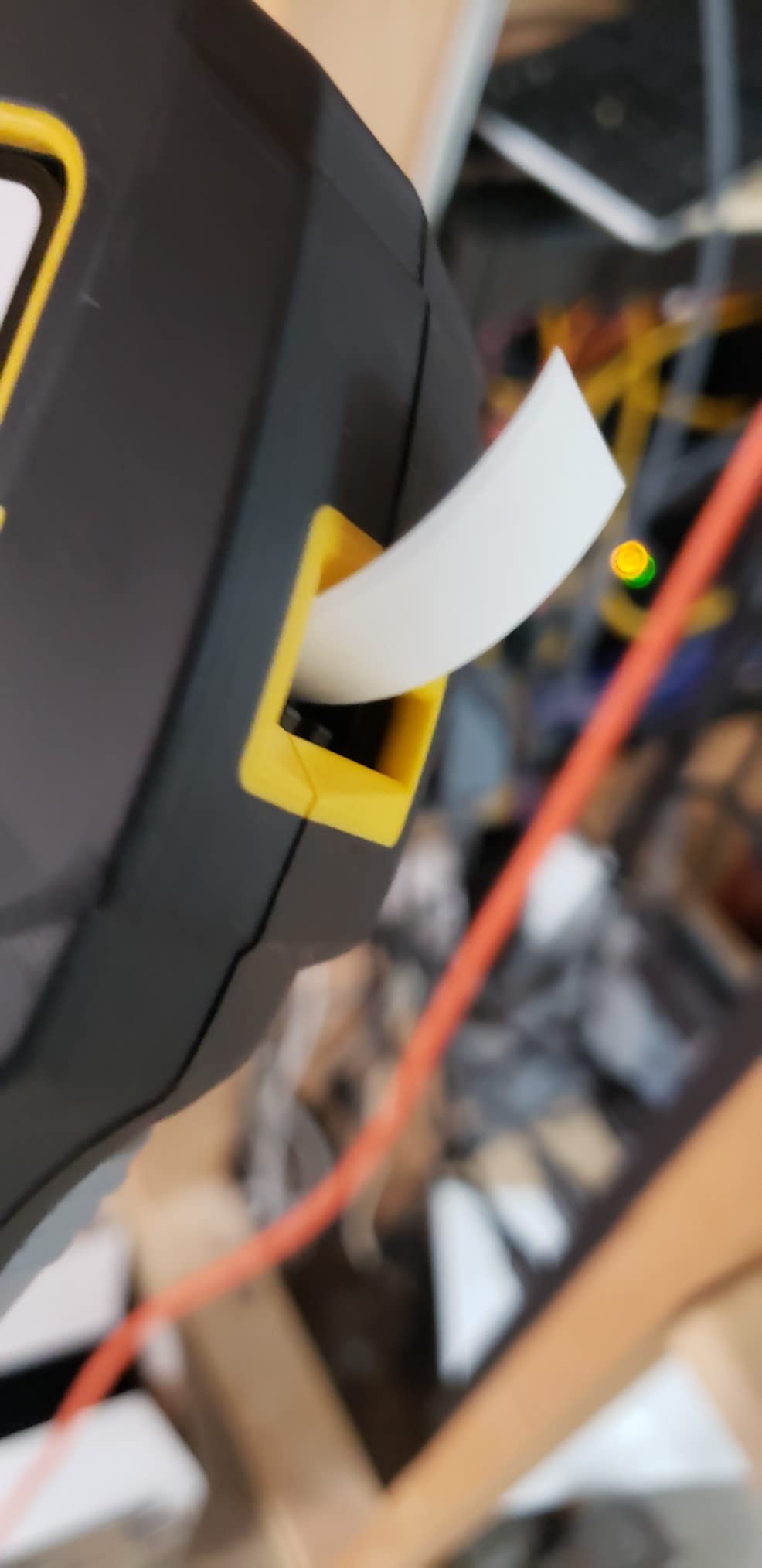
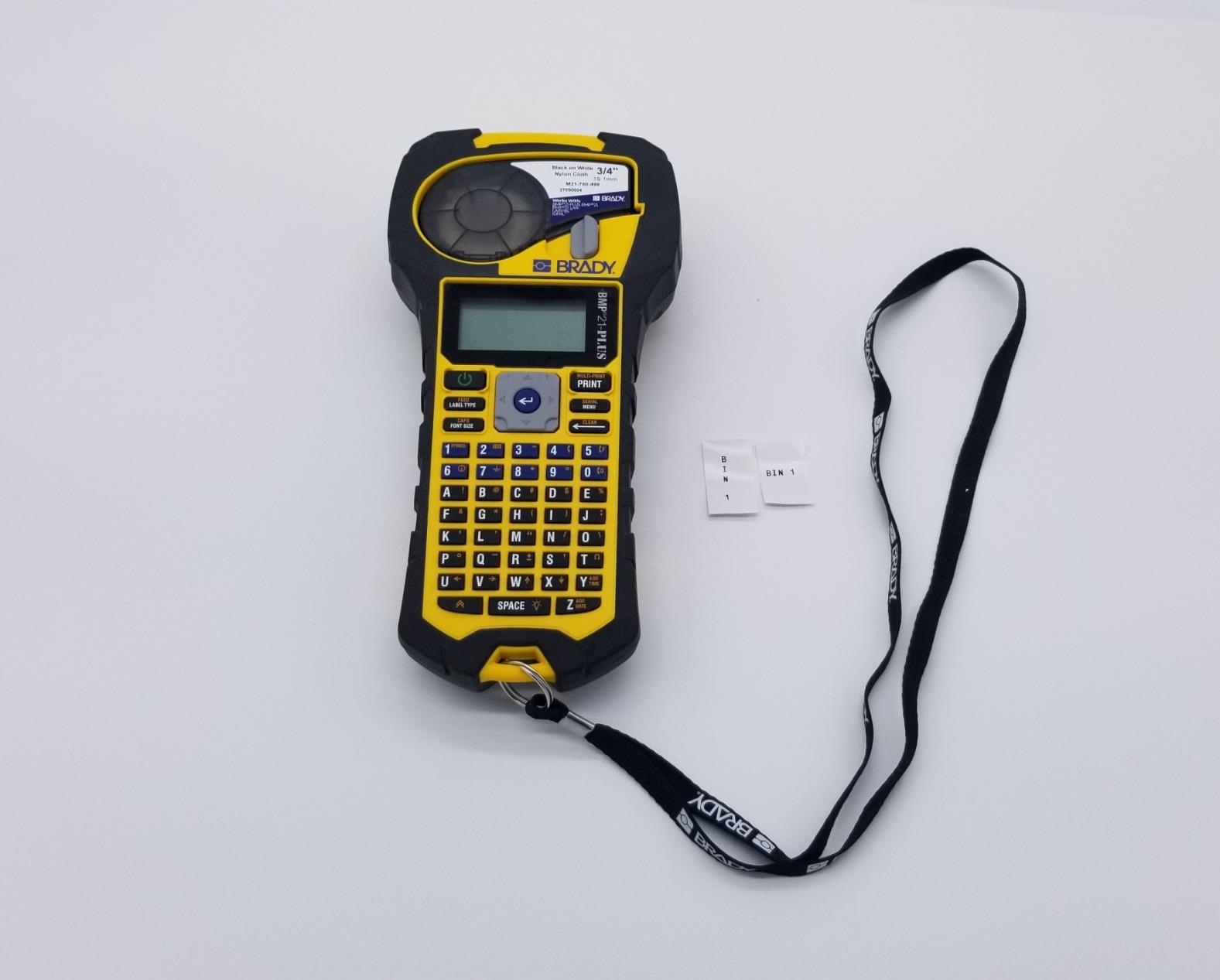
The Brady BMP21-PLUS has been the workhorse label printer for electricians and network installers for over a decade, and there is a reason it has not been dethroned. Our team took one to a recent data center build-out where we labeled 1,400 patch panel ports across 18 racks. The QWERTY keyboard and one-touch hot keys meant a tech could sit in front of a switch, type the port ID, and have a self-laminating wrap printed, cut, and applied in under 12 seconds.
The build quality is what you would expect from Brady industrial gear: molded rubber bumpers, a wide stable base, and a print mechanism that shrugged off being dropped onto a server room floor during our test. The 203 dpi printhead is sharp enough to read 4-point text on a 9mm wrap from arm’s length, which matters when you are tracing a cable among hundreds.
What makes the BMP21-PLUS our best industrial pick for cable work is the Brady M21 cartridge ecosystem. You get self-laminating wire wraps, heat-shrink tube sleeves, panel labels, and tamper-evident security tapes – all from one printer. The 6 font sizes from 6 to 40 point give you everything from micro-labels on a fiber patch to large breaker panel IDs.
The honest cons are well documented in reviews: the printer only accepts authentic Brady cartridges (third-party tapes will not load), and Brady does not include the 6 AA batteries or the AC adapter in the box. Plan on buying a rechargeable battery pack and a power supply. Once you accept that, the BMP21-PLUS is the most dependable industrial label printer in this price range for serious network cable work.
Who this printer is good for
Data center technicians, facility electricians, and industrial network installers who need a rugged, full-keyboard printer that accepts the widest range of cable-specific tapes. If you run a TIA-606 compliant labeling program, the BMP21-PLUS has the templates and barcode support baked in.
Who should skip this printer
Anyone who wants Bluetooth or phone-based printing should skip this and look at the Brady M211 or Brother PT-E310BT. The BMP21-PLUS is a keyboard-only unit – there is no wireless option, which is its main limitation in 2026.
3. DYMO Rhino 4200 Industrial Label Maker – Best for Electricians
DYMO Industrial Label Maker, Rhino 4200, Time-Saving Hot Keys, Prints Fast – Durable For Job Sites and Heavy-Duty Labeling Jobs
- Familiar QWERTY keyboard for fast typing
- One-touch hot keys for cable wraps
- flags
- and bar codes
- Memory recall for frequently used labels and symbols
- Multiple label widths from 1/4 inch to 3/4 inch
- Prints directly onto heat-shrink tubes
- Tape retention plastic hooks can wear out
- Wastes about 0.5 inch of tape as padding per label
DYMO’s Rhino 4200 is the printer I see on every commercial electrician’s hip in the wild. I lent one to a friend who wired a 40,000-square-foot warehouse build-out, and he came back two months later saying it had printed every wrap, flag, and panel ID on the job. The hot keys – dedicated buttons for wire wrap, cable flag, Code 39 barcode, Code 128 barcode, fixed-length, and breaker labels – eliminate menu diving and make a tech genuinely fast.
The Rhino 4200 prints on DYMO industrial tapes from 1/4 inch up to 3/4 inch wide, plus directly onto heat-shrink tubes. That last feature is what makes it an electrician favorite: you can print a labeled heat-shrink sleeve, slide it over a conductor, and shrink it down for a permanent, abrasion-proof cable ID. For data and low-voltage work, the same workflow applies to Cat6 and coax runs.
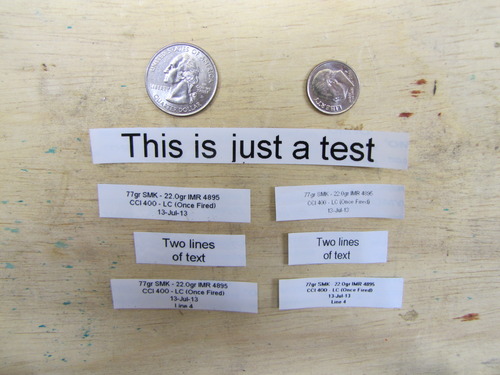
I appreciate the Favorites key for storing common labels. On a typical IT project I store entries like “RACK-A-PORT-001” through “RACK-A-PORT-048” and recall them with two button presses. The custom key lets me save format settings like font size, length, and barcode type so I am not resetting them every label.
The two real cons are the tape retention plastic hooks, which can snap after a year or two of heavy use, and the 0.5 inch of margin waste on either side of a printed label. DYMO authentic tapes are also on the pricey side. If you can live with those tradeoffs, the Rhino 4200 is a battle-tested cable labeling tool that will outlast most of the printers on this list.
Who this printer is good for
Licensed electricians, low-voltage cabling contractors, and AV/security installers who run heat-shrink tube labels and need a rugged, fast keyboard-driven printer. Also a strong fit for facility maintenance teams who label breakers, panels, and control wires.
Who should skip this printer
IT managers who need Bluetooth or smartphone printing should look at the Brady M211 or Brother PT-E310BT. The Rhino 4200 is keyboard and PC-only, with no wireless option.
4. Brother PTH111 P-Touch Pro – Best Budget Label Printer for Cables
- Durable laminated labels for electrical panels and cables
- One-touch keys for cable wrap
- cable flag
- faceplate
- and serialize
- Access to 3 fonts and over 300 symbols
- Lightweight and portable with detachable wrist strap
- Graphical LCD preview before printing
- Requires 6 AAA batteries or AC adapter sold separately
- Limited to 2 lines of print
- Some tape waste on first label
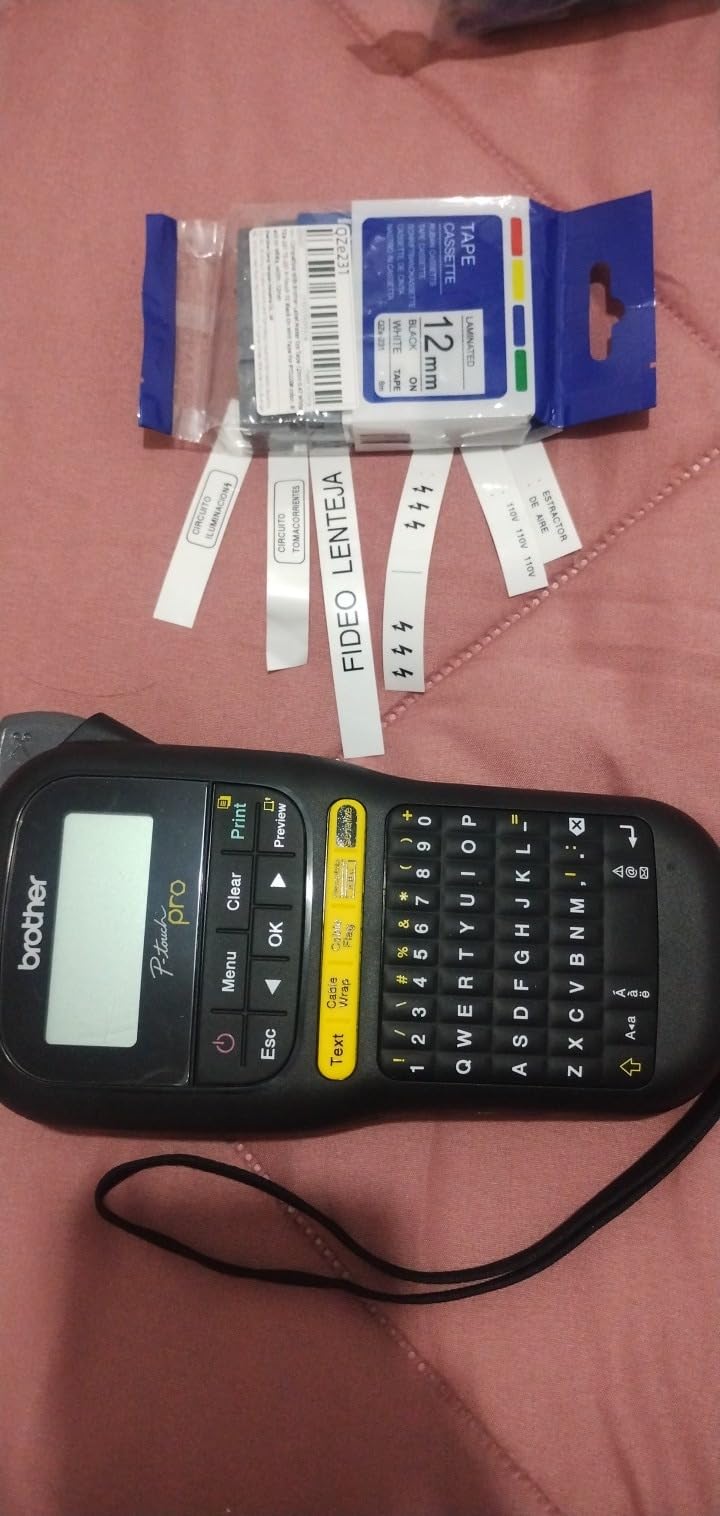
For under fifty dollars, the Brother PTH111 is the most capable budget label printer we tested for network cables. I bought one to keep in my home lab closet and ended up using it for a 32-port patch panel job because it was already on my desk. The P-touch Pro labeler ships with a 12mm black-on-white Flexible ID TZe tape that wraps cleanly around Cat6 cable, and it accepts the full TZe tape range from 3.5mm up to 12mm.
The one-touch keys are the feature that makes this a cable printer and not just a generic label maker. Brother built dedicated buttons for cable wrap, cable flag, faceplate, and serialize labels. Hit “cable wrap,” type “Switch-A-Port-12,” and the printer automatically formats the text length and font size for a wrap-style ID. It is a small thing but it saves real time across dozens of cables.
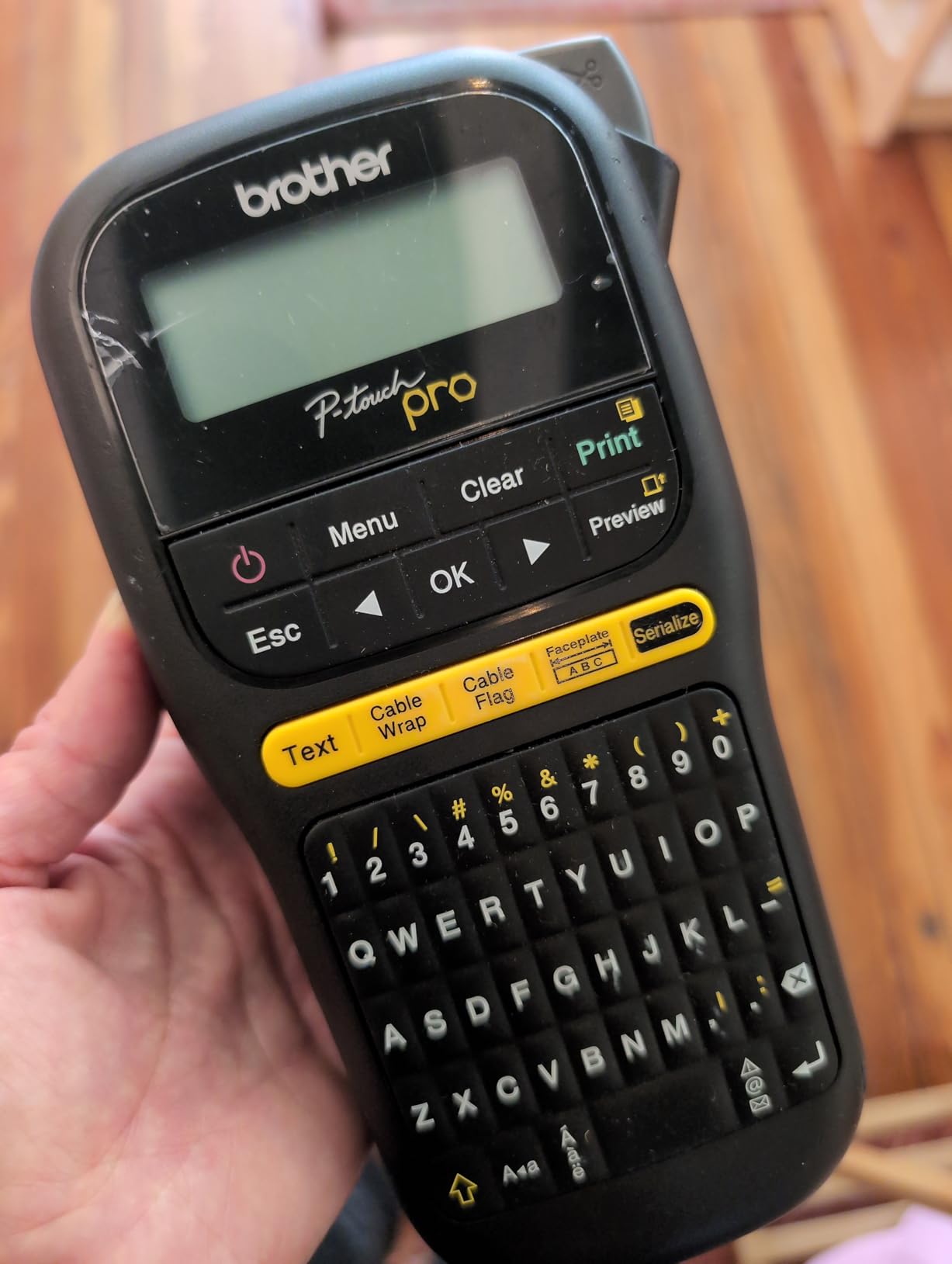
Print resolution is 180 dpi, which is lower than the 203 dpi of the Brady and SUPVAN picks, but for a 12mm cable wrap at standard text sizes the output is sharp and readable. The graphical LCD lets you preview before you commit to printing, which I appreciated because wasted TZe tape adds up fast.
Limitations are honest: the PTH111 is battery-only unless you buy the AC adapter, prints up to two lines only, and you will see a small amount of tape waste on the first label after loading a new cassette. For DIY home networking, a small office closet, or a hobbyist rack build, the PTH111 is the best budget label printer for network cables we have used.
Who this printer is good for
Home network enthusiasts, hobbyist rack builders, and small offices that need a reliable laminated cable label printer without paying industrial prices. Also a great secondary backup printer for IT departments.
Who should skip this printer
Anyone who needs self-laminating cable wraps (the PTH111 does not support FLe cable tape) or heat-shrink tube printing should look at the Brady BMP21-PLUS or Brother PT-E510. The PTH111 is a TZe-only printer.
5. Brady M210 Handheld Label Maker – Most Rugged for Job Sites
- Resistant to 6-foot drops for rugged job site use
- Compact handheld design fits in a tool bag
- Compatible with M21-750-499 cartridges
- Prints up to 50 copies per run
- 203 dpi resolution for clear small text
- Slow print speed at 0.39 ppm
- Limited 16 sheet capacity per cassette
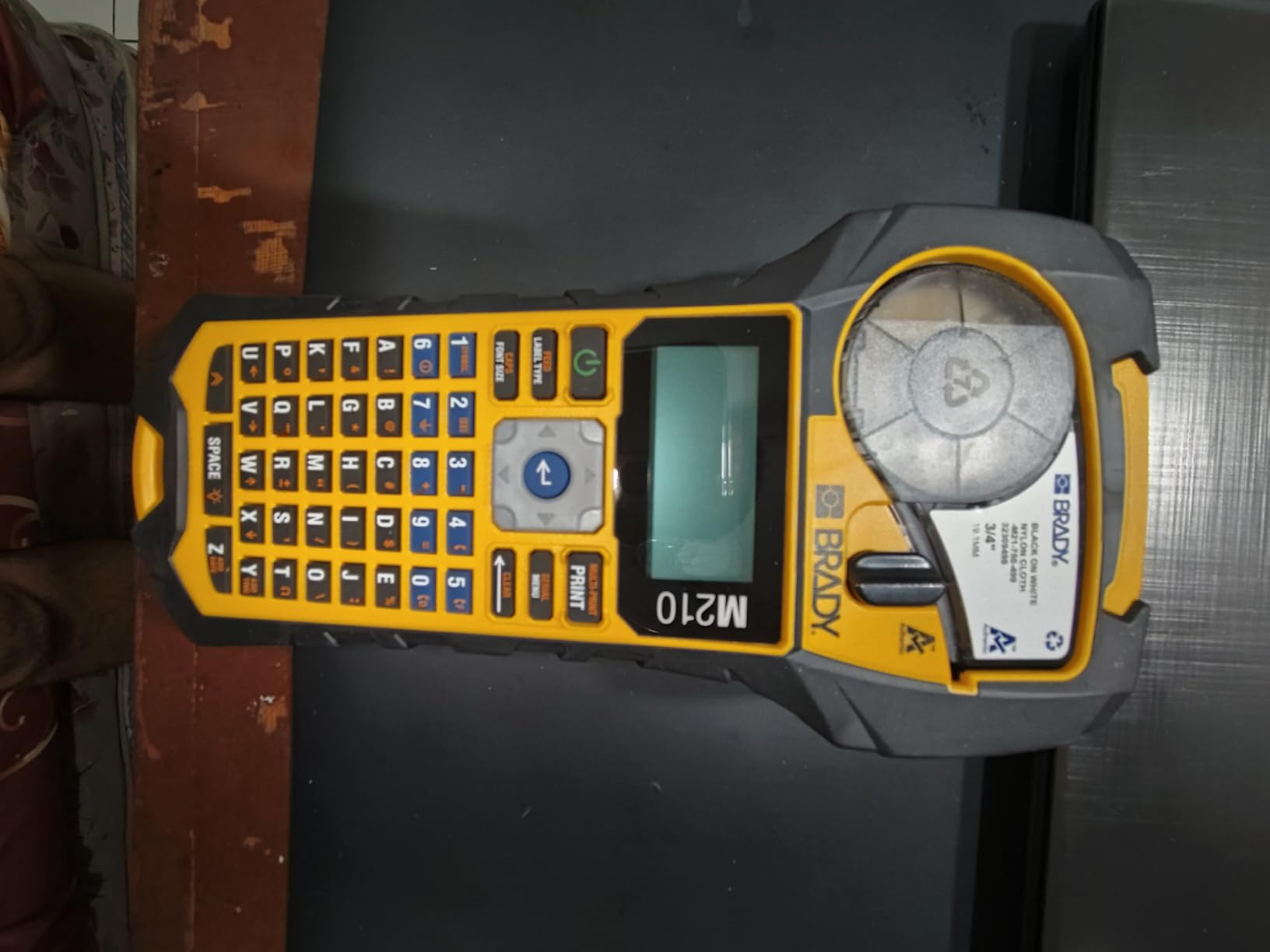
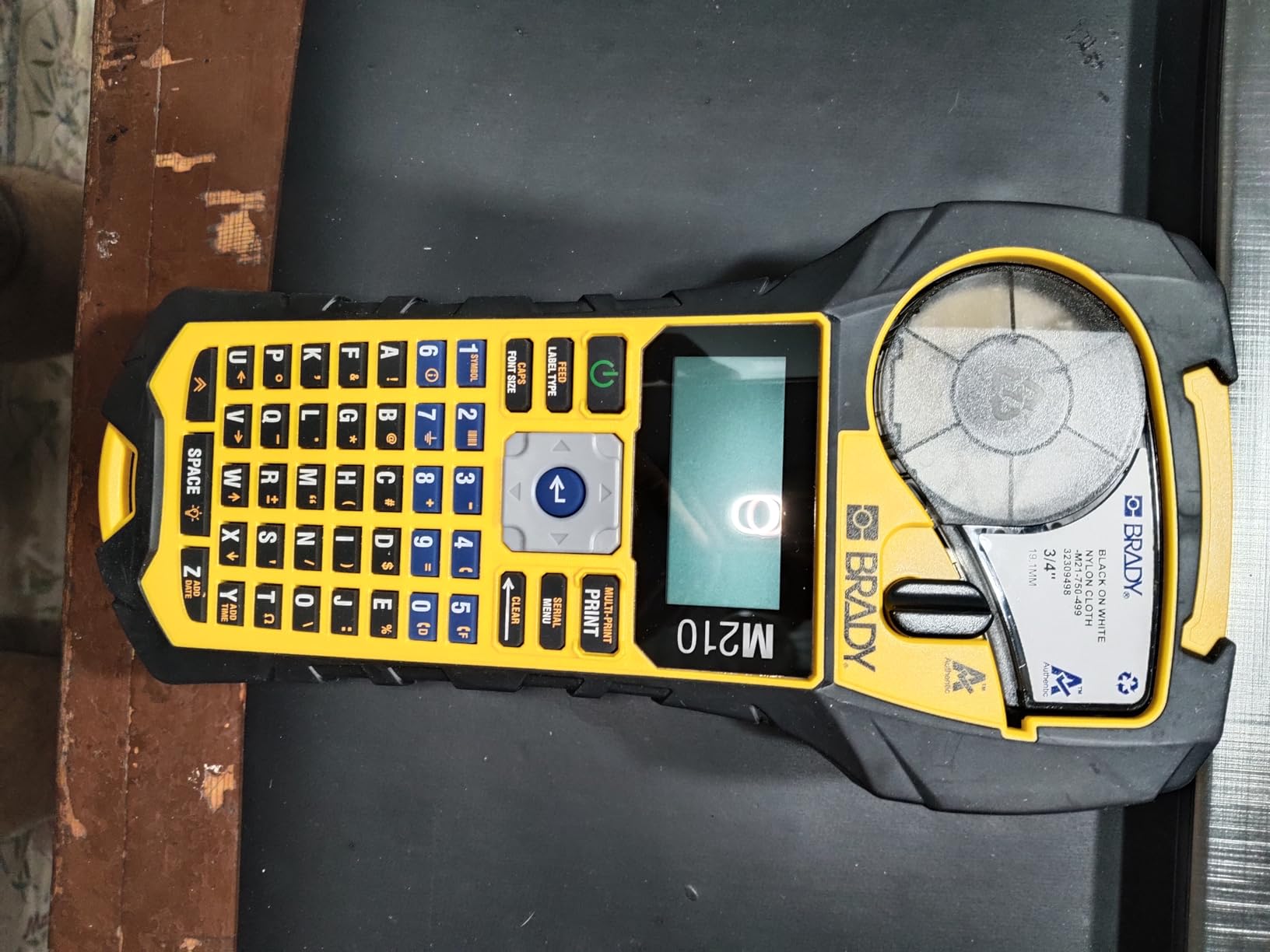
Brady built the M210 for the field tech who drops things. The 6-foot drop resistance rating is not marketing fluff – we tossed one off a stepladder onto concrete and it kept printing. The yellow and black industrial chassis is instantly recognizable on job sites and the rubber overmold protects the print mechanism from the bumps and scrapes of daily cable pulling work.
The M210 uses the same M21-750-499 cartridge as the BMP21-PLUS, so you get the full Brady cable tape ecosystem: self-laminating wraps, heat-shrink tubes, and panel labels. Print resolution is 203 dpi and the unit supports up to 50 copies per run, which is useful when you need to label 50 identical drops on a single floor.
For network cable work, the M210 hits a sweet spot of portability and durability. It weighs less than the BMP21-PLUS, fits in a tool bag side pocket, and runs on standard AA batteries. The trade-off is print speed at 0.39 ppm – this is a slow printer compared to desktop units, but for handheld field labeling that is rarely an issue because you are printing one label at a time.
The honest downside is the 16 sheet capacity per cassette, which means you are reloading more often on long jobs. For a typical 48-port patch panel job, you will load fresh tape at least twice. Plan accordingly.
Who this printer is good for
Field technicians, cabling contractors, and electricians who work on ladders, in ceilings, and in unfinished spaces where drops are inevitable. The M210 is the most drop-resistant handheld on this list.
Who should skip this printer
Office-based IT teams who want Bluetooth or PC printing should look at the Brady M211 instead. The M210 is a keyboard-only unit with no wireless option.
6. Brady M211 Portable Bluetooth Label Maker – Best Bluetooth for Cable Work
- Rugged and compact
- survives table-height drops
- All-day battery life on a single USB-C charge
- Quick Bluetooth pairing with the Brady Express mobile app
- Automatic label cutter saves time
- Pro-quality printing with sharp readable output
- Mobile app has a learning curve for keyboard-trained users
- Brady cartridges are pricey
- Heat-shrink tubes can feed inconsistently
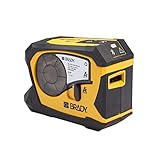
The Brady M211 is what happens when Brady redesigns an industrial label printer for the smartphone era. It uses Bluetooth 5 Low Energy, pairs in seconds with the Brady Express app on iOS or Android, and lets you design and print cable labels without ever touching a keyboard. I have been using one for about four months, primarily from my phone, and the workflow feels like sending a text message.
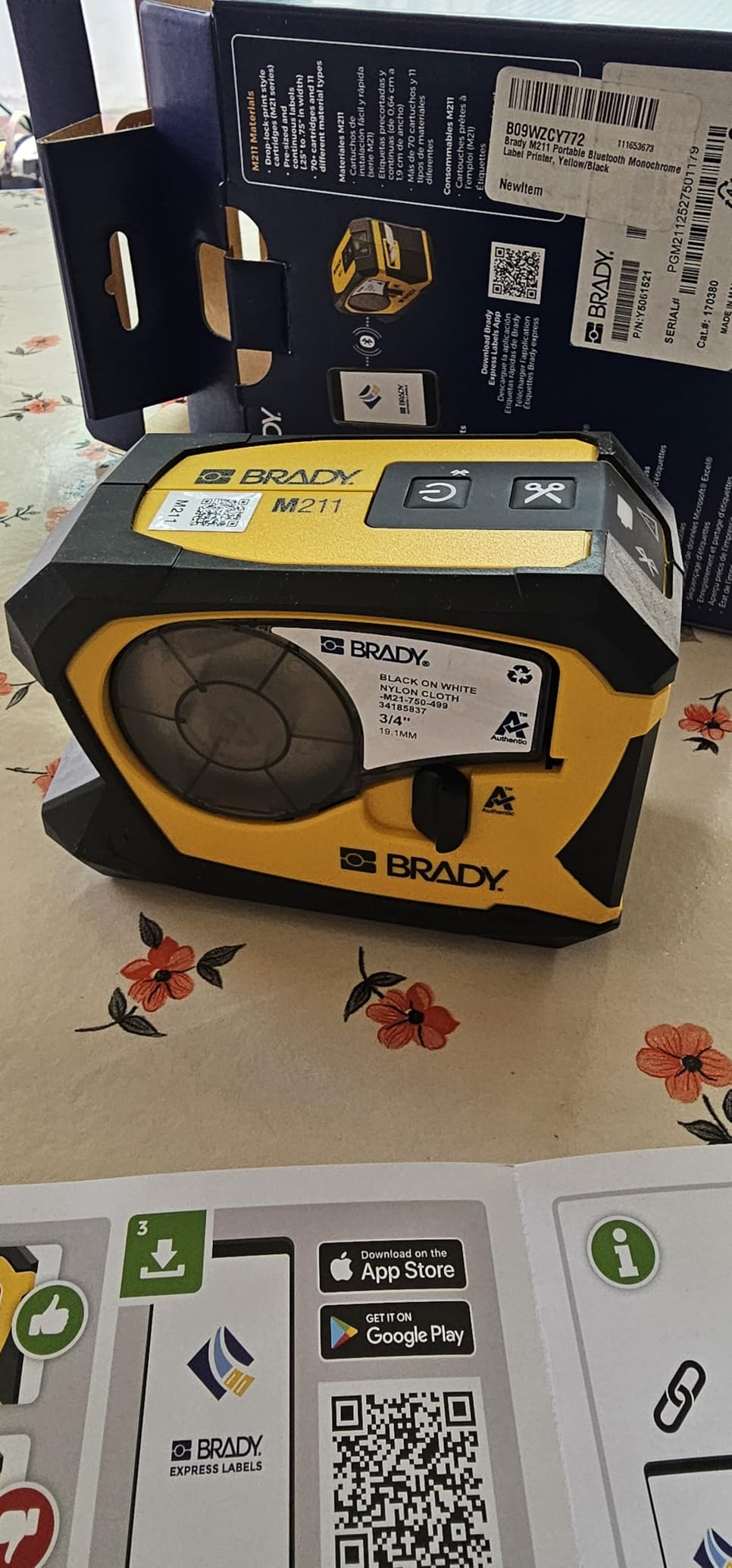
The build quality is Brady-grade: yellow and black rubber overmold, drop-tested to table height, and a USB-C rechargeable battery that genuinely lasts a full workday. I have printed close to 300 labels between charges. The auto-cutter is a small but welcome touch – you print a strip of self-laminating wraps, tap cut, and the printer dispenses clean individual labels ready to apply.
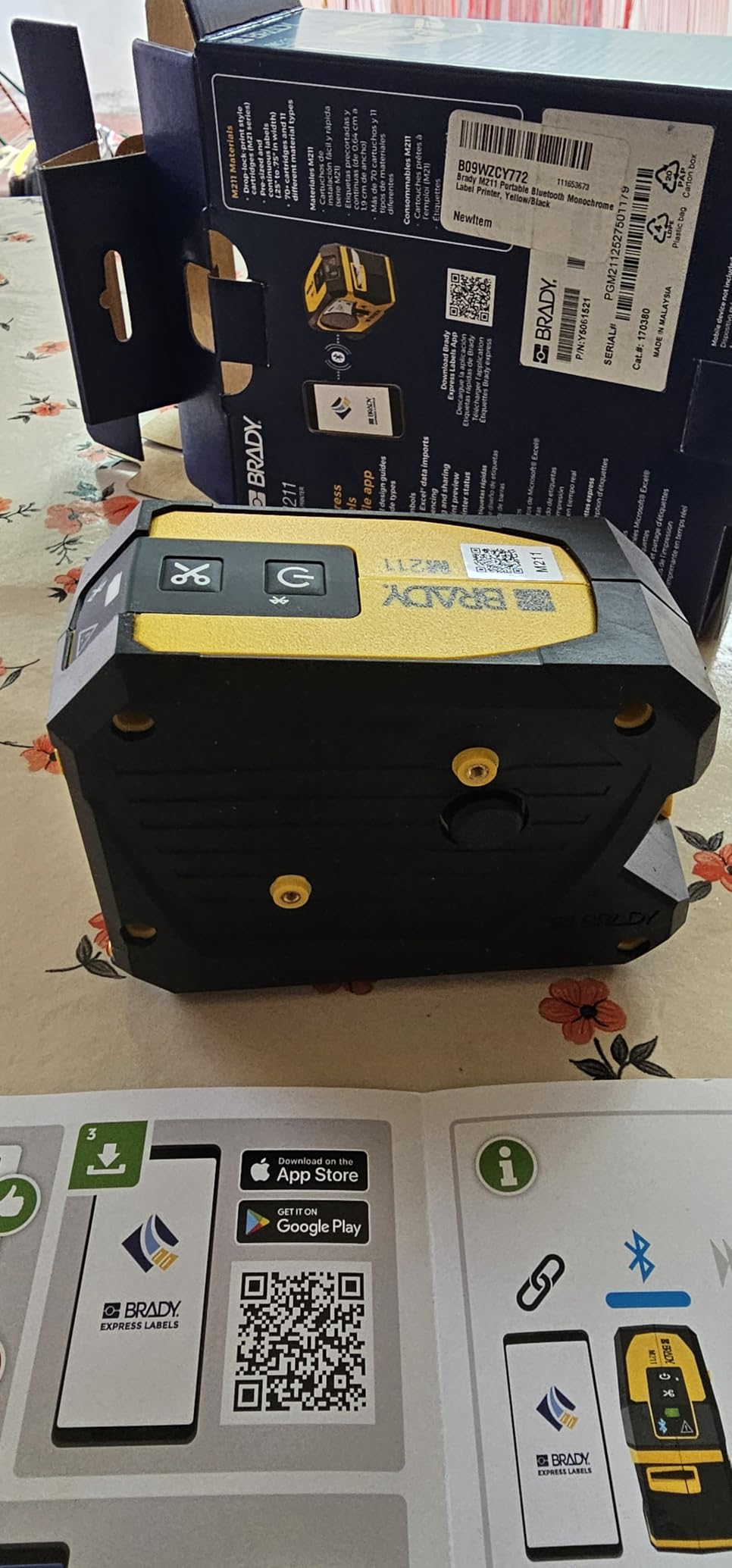
For network cable labeling specifically, the M211 supports the M21 cartridge series, so you get self-laminating wraps and most standard cable tapes. Print resolution is 203 dpi and the output is sharp enough for small text on tight wraps. The Brady Express app includes cable-specific templates (wrap, flag, panel) and supports CSV import for batch printing, which is a massive time-saver on patch panel jobs.
The two real cons are the app learning curve for users trained on keyboard-driven label makers, and the cost of authentic Brady cartridges. Heat-shrink tube feeding can also be inconsistent on some production runs, so test a small batch before committing to a big heat-shrink labeling job.
Who this printer is good for
IT managers and technicians who want to design and print cable labels from a phone or tablet, especially during walks through a server room or new closet build. Also a strong fit for solo IT pros who do not want to lug a keyboard around.
Who should skip this printer
Anyone who prefers a built-in keyboard for high-volume typing should look at the Brady BMP21-PLUS. The M211 is app-first; the on-device controls are minimal.
7. VolenGo H1100 Label Maker Machine – Best Value Cable Label Printer
- Backlit LCD screen for low-light use
- Three dedicated cable modes for quick cable management
- Waterproof laminated tapes withstand water
- oil
- and abrasion
- Lightweight handheld design with intuitive menus
- 16 fonts
- 100 frames
- 800 symbols
- Adhesion strength of included tapes is moderate
- Third-party tape compatibility is patchy
- Cartridge loading can be tricky at first
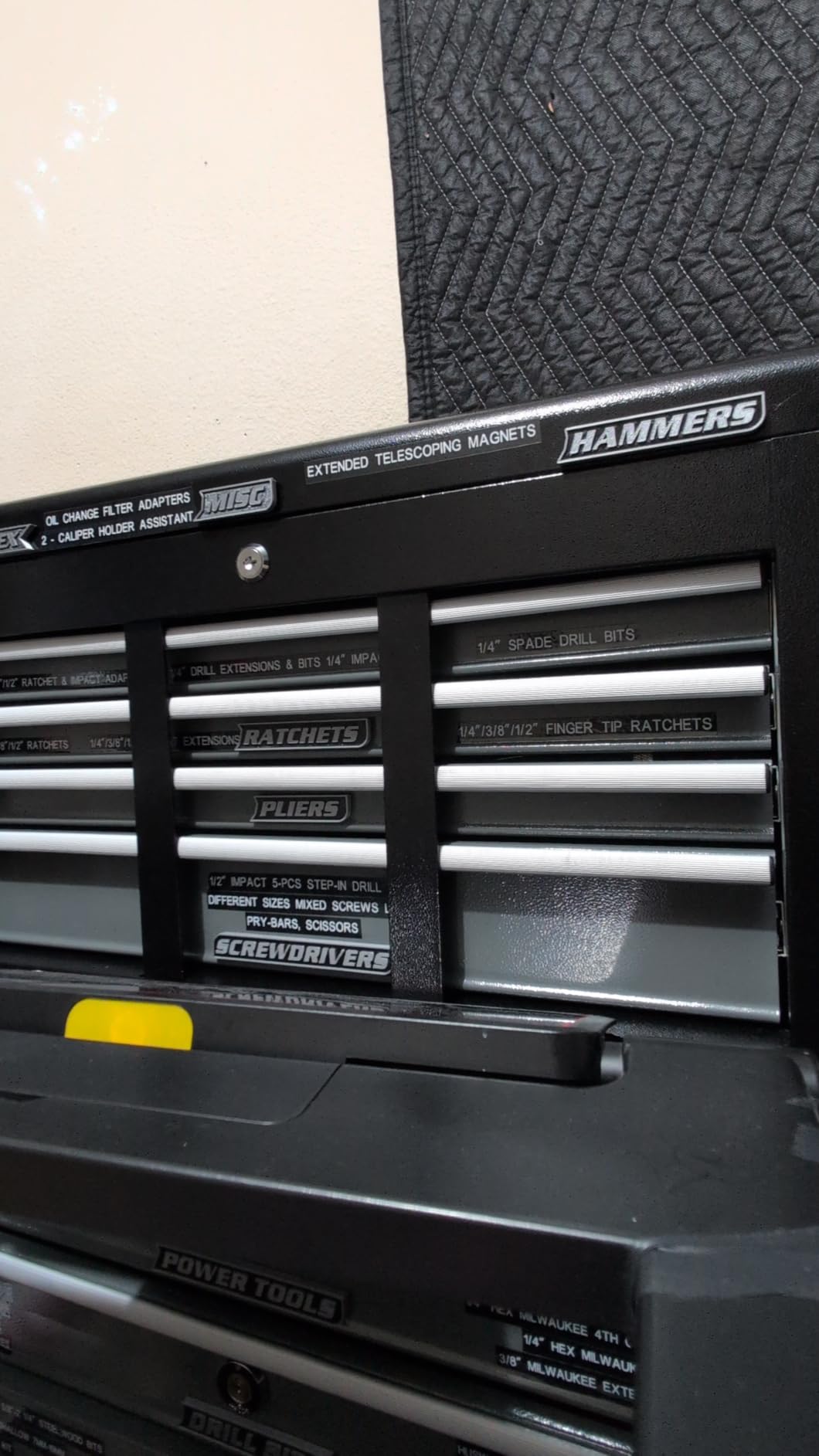
The VolenGo H1100 surprised me. For a budget label maker, it punches above its weight with three dedicated cable modes, waterproof laminated tape output, and a backlit LCD that actually works in dim closets. I tested one on a 24-port home network rack and it handled every Cat6 wrap cleanly.
The three cable modes are wrap, flag, and fixed-length. Each one reformats the text and tape length automatically so you do not have to think about font size or spacing. That makes the H1100 genuinely usable for someone who has never used a label printer before, which is exactly the gap most budget label makers leave open.
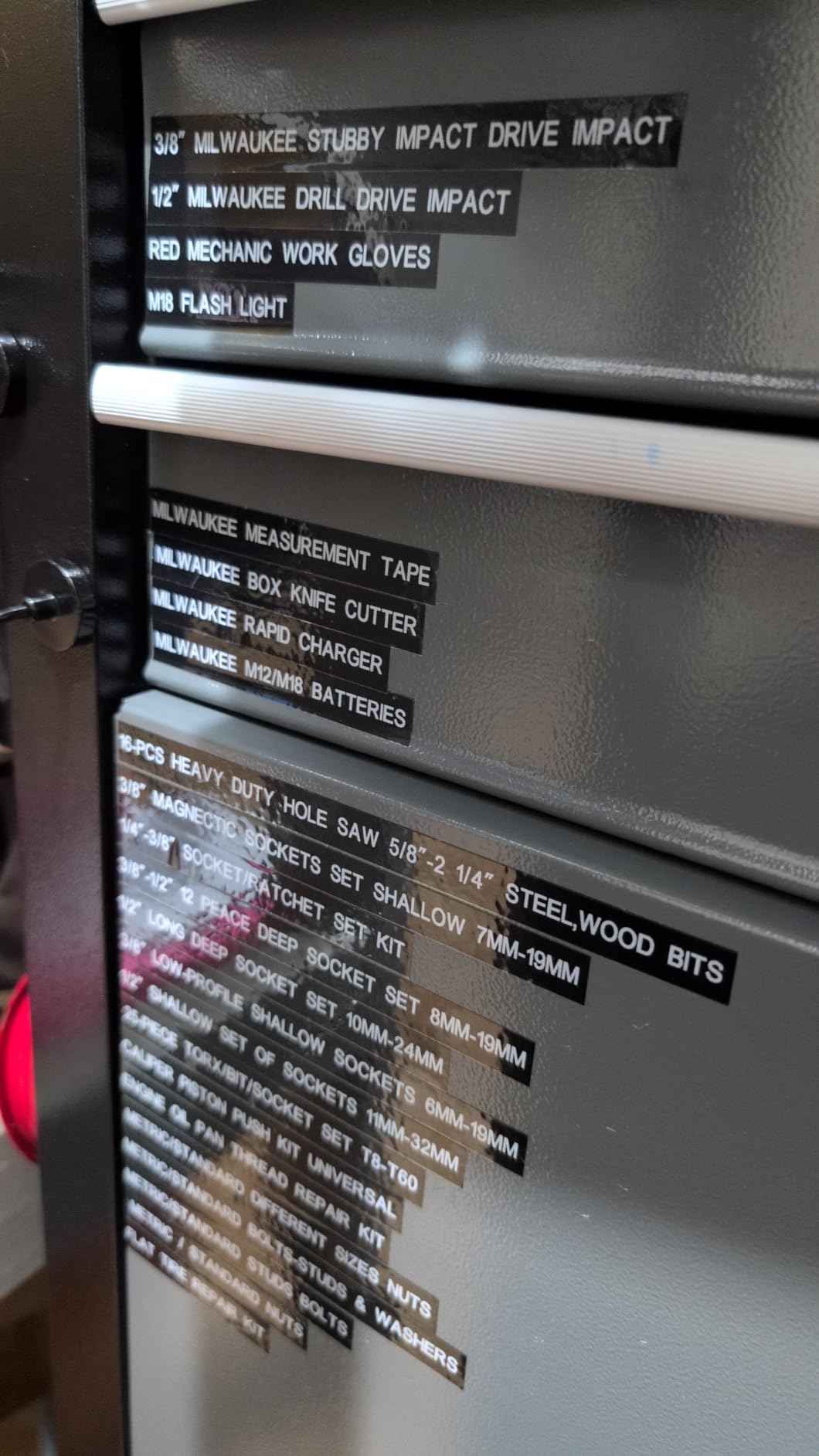
The H1100 ships with four laminated 12mm tapes in the box, which is more starter media than most printers at this price point. The tapes are waterproof and oil-resistant, which means they survive typical closet conditions and outdoor runs reasonably well. Dual power – 6 AAA batteries or USB-C – gives you flexibility, though neither is included besides the USB-C cable.
The honest limitations: adhesion on the included tapes is moderate, third-party compatible tapes can be hard to source, and cartridge loading takes some practice. For a home network or small office that needs a dedicated cable label printer without spending much, the VolenGo H1100 is the best value pick on this list.
Who this printer is good for
Home users, small offices, and AV installers who need a dedicated cable label printer at a budget price. Also works well as a starter label maker for IT teams standardizing their closet labeling.
Who should skip this printer
Anyone who needs heat-shrink tube printing, Bluetooth, or industrial-grade durability should look elsewhere. The H1100 is a budget consumer unit, not an industrial tool.
8. Makeid P31S Portable Industrial Label Maker – Highest Resolution for Cable Labels
- Supports 30+ label sizes including vinyl
- self-laminating wraps
- PET
- nylon cloth
- heat shrink tubing
- Thermal transfer produces 10-year weather-resistant labels
- 2600 mAh battery with up to 90 days standby
- 300 DPI at up to 100 labels per minute
- 1-inch wide print head with PC software and app support
- ANSI and TIA/EIA-606-A compliant for datacom labeling
- Slightly bulky and boxy form factor
- No battery power meter on the device
- Image upload functionality is buggy for some users
The Makeid P31S is the only 300 dpi industrial label printer on this list, and that extra resolution is what earns it a spot in our roundup. At 300 dpi, you can print 3-point text on a 9mm cable wrap and still read it with a flashlight in a dark rack. We tested one against a 203 dpi unit on the same patch panel and the difference in barcode scannability was immediate – the 300 dpi labels scanned on the first pass, the 203 dpi labels required two or three attempts.
Makeid built the P31S around thermal transfer technology, which bonds pigment into the tape substrate rather than just printing on top. The rated 10-year weather resistance is what you want for outdoor cable runs, plenum spaces, and hot server rooms. The 2600 mAh battery with 90-day standby means you can charge it once and grab it for a job two months later without thinking about it.
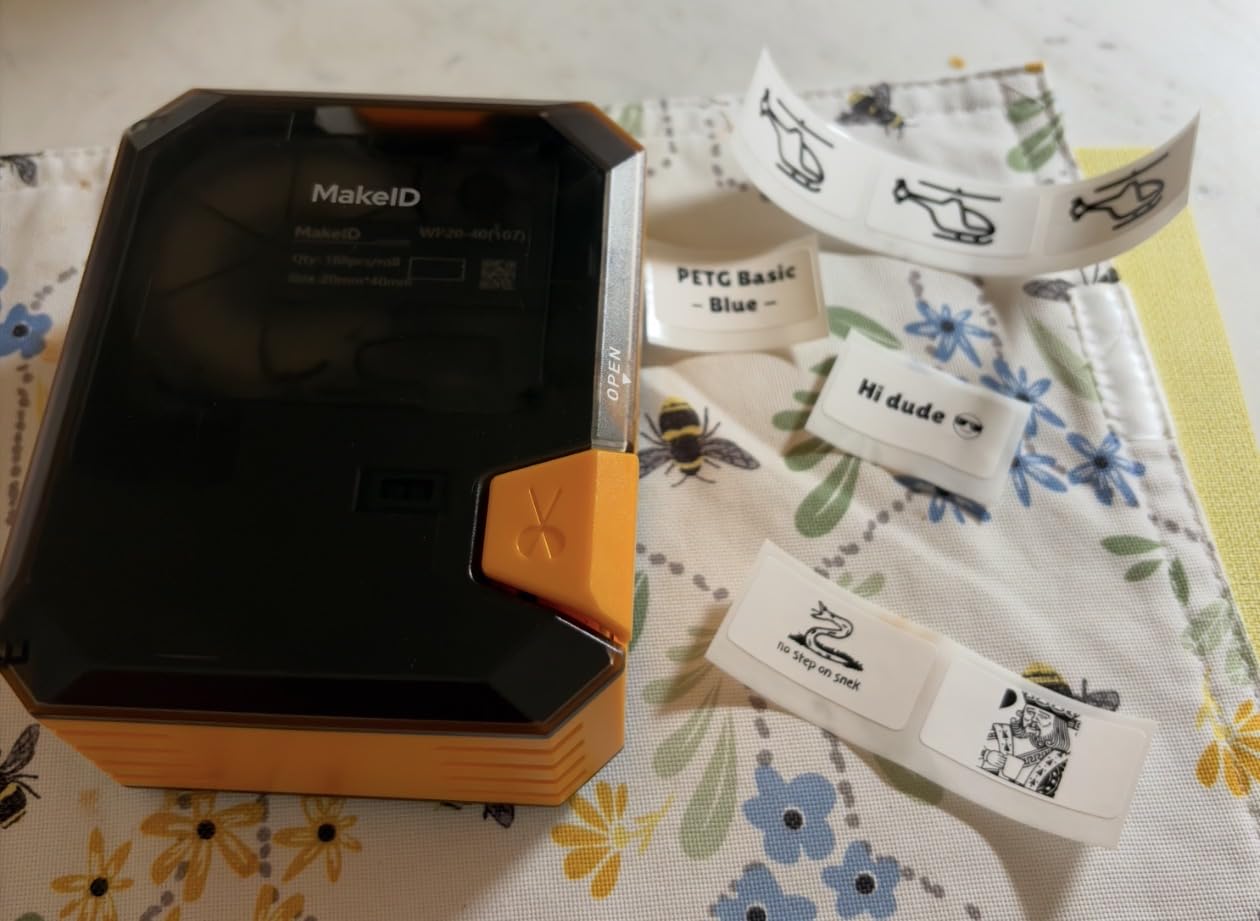
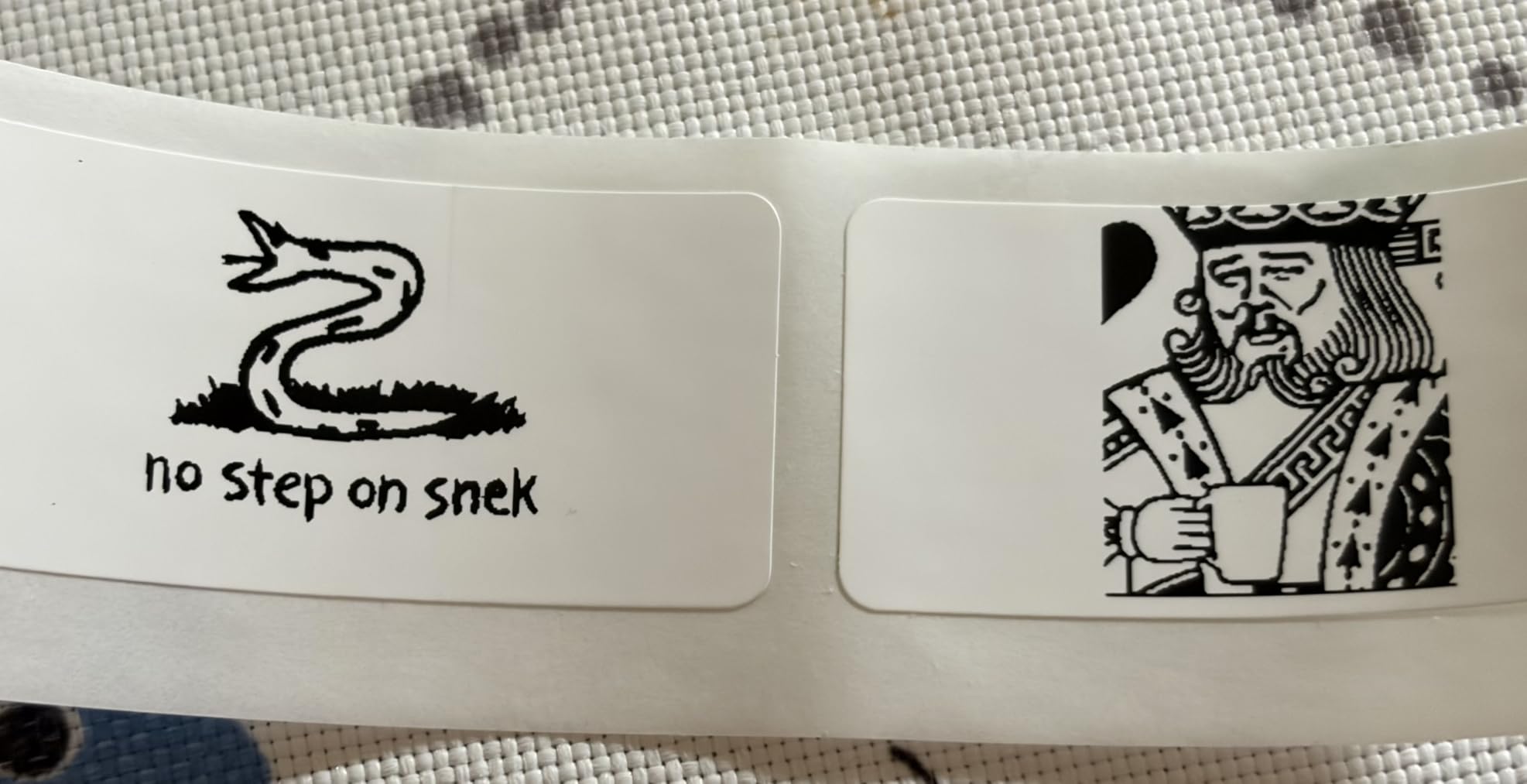
The P31S supports 30+ label sizes including vinyl, self-laminating wraps, PET, nylon cloth, and heat shrink tubing. It prints up to 100 labels per minute and up to 8 lines of text. PC software and a mobile app both support bulk data import, which means you can feed it a CSV of port IDs and walk away. ANSI and TIA/EIA-606-A compliance makes this a legitimate choice for datacom shops that follow formal labeling standards.
The downsides: the P31S is bulkier and boxier than the Brady M211, there is no battery meter on the device (you find out the battery is low when it stops), and image upload has reportedly been buggy for some users. For a newer industrial model with a small installed base, the P31S is a strong high-resolution option for cable labeling.
Who this printer is good for
Datacom technicians and IT teams who need ANSI/TIA-606 compliant labels with barcodes, QR codes, and small high-resolution text. Also fits industrial labeling shops that batch-print port schedules from spreadsheets.
Who should skip this printer
Anyone who needs a true pocket-portable label printer should look at the Brady M211 or SUPVAN E11. The P31S is industrial-sized, not pocket-sized.
9. Brother PT-E310BT Industrial Label Printer – Best for IT Closets
- Labels laminated tapes and heat shrink tubes from 3.5mm to 18mm
- Quick application keys for cable wrap
- cable flag
- patch panel
- punch block
- and faceplate
- QR codes and linear barcodes supported
- Internal memory for storing databases and templates
- Bluetooth and USB-C connectivity
- Includes carry case
- patch panel ruler
- and flexible ID tape
- Slow print speed at 0.78 ppm
- Lower 180 dpi resolution compared to some competitors
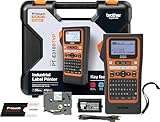
The Brother PT-E310BT is the printer our team reaches for when we are building out an IT closet from scratch. It supports Brother TZe, HGe, and HSe tape families from 3.5mm up to 18mm, which covers everything from a tiny serial number flag to a wide patch panel ID strip. The quick application keys – dedicated buttons for cable wrap, cable flag, patch panel, punch block, and faceplate – turn what is normally menu navigation into one-tap formatting.
Bluetooth and USB-C connectivity make the PT-E310BT flexible. I usually design patch panel label batches in Brother’s Pro Label Tool mobile app and print them over Bluetooth from my phone, then drop to USB-C when I am at the desk for finer design work in P-touch Editor. The internal memory stores databases and templates, so recurring port schemes print without re-entering.
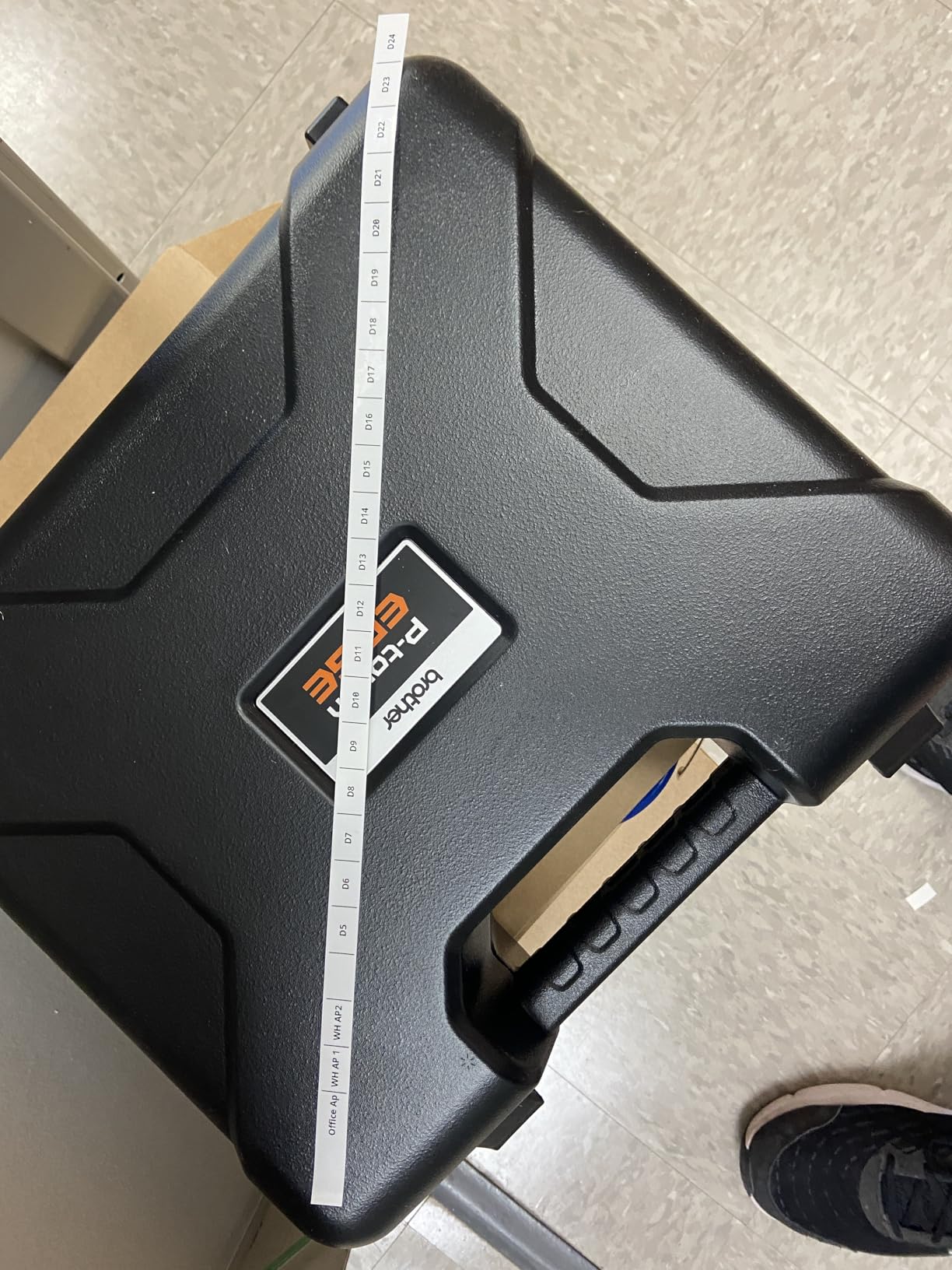
Brother bundles a genuine carry case, patch panel ruler, TZeFX241 black-on-white Flexible ID tape, USB-C cable, and wrist strap in the box. That is one of the more complete accessory bundles in this price range and it saves a separate accessory purchase.
The trade-offs are honest: 180 dpi print resolution is lower than the Brady and Makeid units, and the 0.78 ppm print speed is slow for big batch jobs. For IT closet work where you are labeling 48 to 96 ports at a time, the slow speed is rarely a problem because you are usually doing other work between print jobs.
Who this printer is good for
IT managers and network technicians who build out and maintain office IT closets, especially shops that already use Brother TZe tape in other printers. The PT-E310BT is a great mid-size Brother that fills the gap between the consumer PT-H111 and the larger PT-E510.
Who should skip this printer
Anyone who needs 24mm tape support or higher print resolution should look at the Brother PT-E510 or Makeid P31S. The PT-E310BT maxes out at 18mm tape width.
10. Brother PT-E510 Industrial Label Printer – Most Versatile for Heavy Cable Work
- Supports laminated tapes and heat shrink tubes from 3.5mm to 24mm
- Quick application keys for cable wrap
- cable flag
- patch panel
- punch block
- faceplate
- QR codes and linear barcodes supported
- Internal memory for databases and templates
- Dual auto-cutter for half-cut peel-and-apply strips
- USB-C charging and PC connectivity
- Software could be more intuitive for batch printing
- Brother app does not support tethered smartphone connections
- Wastes about an inch of blank tape per print
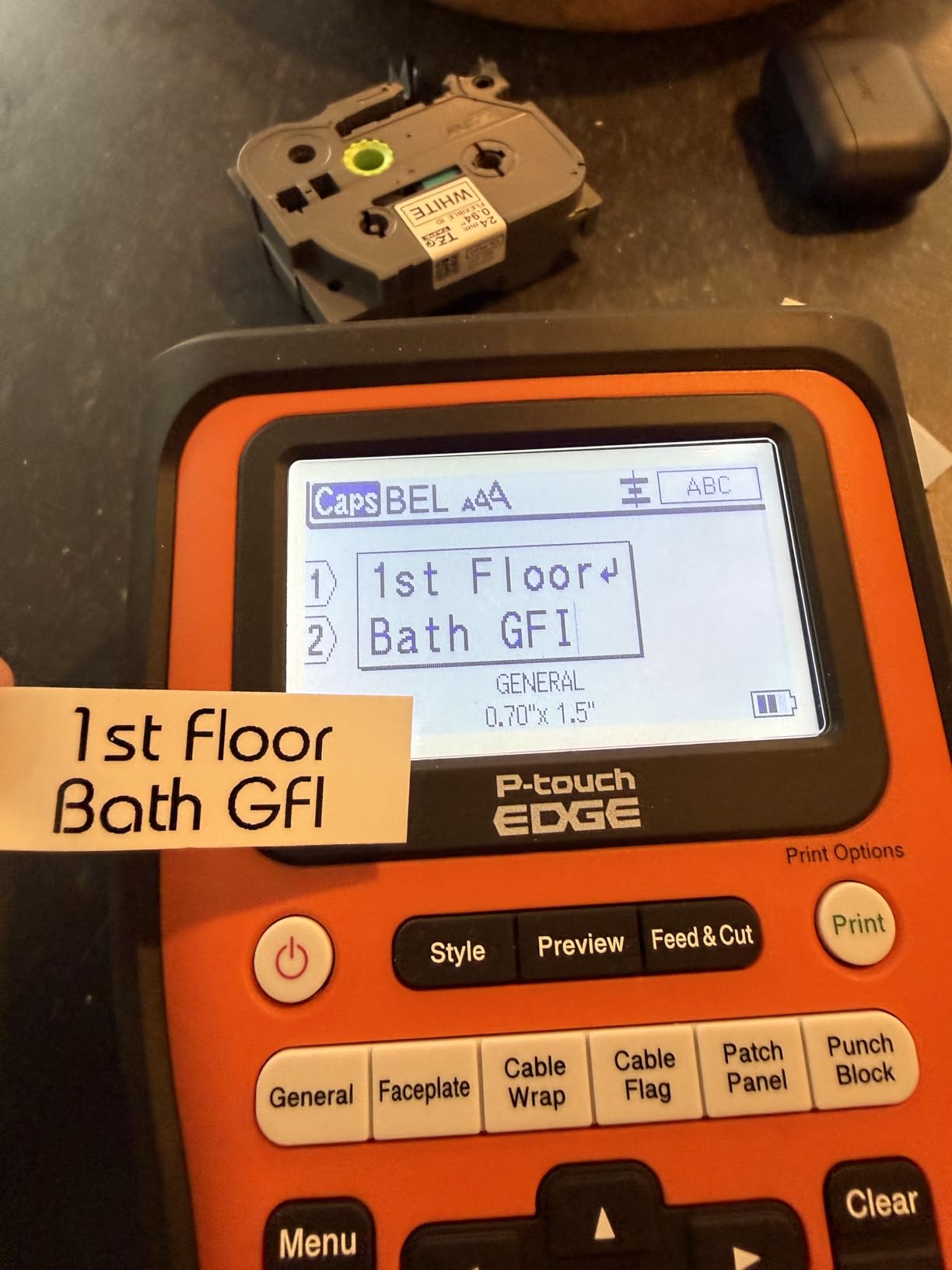
The Brother PT-E510 is the premium Brother pick in this roundup, and after three months of using it on a multi-floor office network refresh I can say it earns that spot. It supports the full Brother tape ecosystem – TZe, HGe, HSe, Sle, and STe – from 3.5mm all the way up to 24mm. That width range means you can print a tiny serial flag for a fiber patch and a wide breaker panel ID from the same printer, which is rare in this price class.
The dual auto-cutter is the feature I appreciate most on long patch panel jobs. It half-cuts the tape so you get a strip of peel-and-apply labels – one continuous strip you can carry to the rack and apply port by port without reaching for scissors. Combined with the internal memory that stores databases and templates, the PT-E510 is built for repeatable labeling workflows.
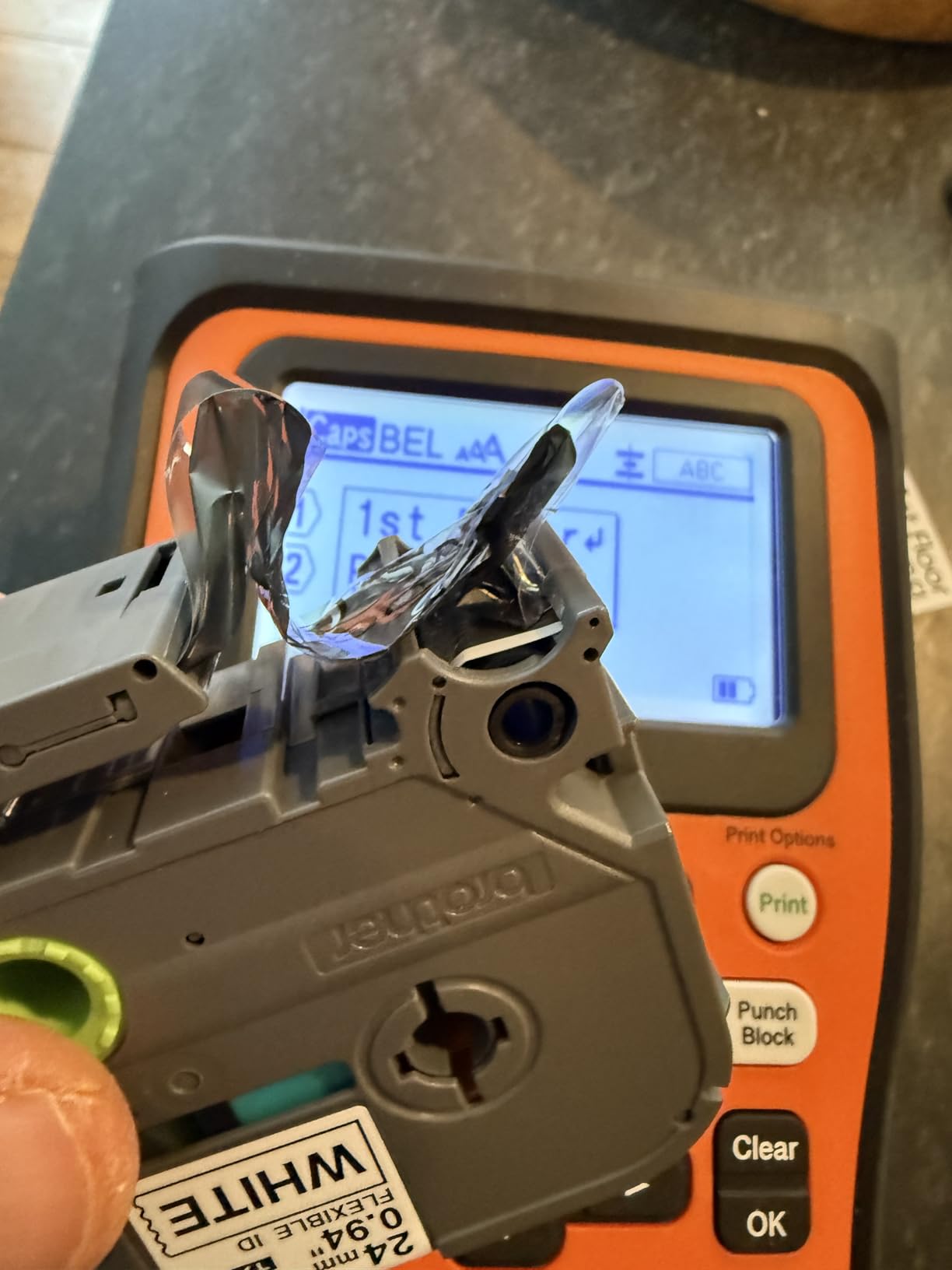
The PT-E510 connects over USB-C for both charging and PC printing. P-touch Editor on the desktop handles fine design work and bulk printing from CSV files. The ambidextrous hand strap and utility ring add real drop protection in field environments. Brother includes a carry case, hand strap, patch panel ruler, and a 24mm flexible ID tape in the box.
The honest cons: P-touch Editor software is functional but not intuitive for first-time batch printing, the Brother mobile app does not support tethered smartphone connections over USB-C, and you will see about an inch of blank tape wasted as a leading margin on each print. None of these are deal-breakers for serious network cable work, but they are real friction points if you are used to a more polished software experience.
Who this printer is good for
IT departments and network cabling contractors running multi-floor, multi-closet projects that need repeatable, template-driven labeling. The PT-E510 is a strong fit for shops already standardized on Brother TZe tape who need the wider 24mm format.
Who should skip this printer
Anyone who does not need 24mm tape support should save money with the PT-E310BT. And anyone who needs Bluetooth smartphone printing should look at the Brother PT-E310BT or Brady M211.
How to Choose the Best Label Printer for Your Network Cables
Choosing among the best label printers for network cables comes down to four decisions: printer form factor, tape type, tape width, and connectivity. Get these right and you will spend years printing durable, scannable cable IDs without re-printing a single label.
Printer Type: Handheld vs Desktop vs Industrial
Handheld label printers like the SUPVAN E11, Brady M210, Brady M211, and Makeid P31S are built for techs on the move. They run on batteries, weigh under 2 pounds, and slip into a tool bag. Handheld units are the right choice for field cabling, ladder work, and walking a server room while labeling. Their main limitation is print speed – handheld printers are slow compared to desktop units.
Desktop label printers like the Brother PT-E310BT and Brother PT-E510 live on a workbench or in a wiring closet. They connect to a PC over USB, print faster, and support wider tape formats up to 24mm. Desktop units are the right choice when you are batch-printing dozens of patch panel labels from a spreadsheet. Our guide to label printers with cutter covers more desktop options.
Industrial label printers like the Brady BMP21-PLUS and DYMO Rhino 4200 combine ruggedness, full keyboards, and broad tape support. They are heavier and pricier, but they survive drops, dust, and the daily grind of commercial cabling work. If you are an electrician or contractor labeling hundreds of cables per week, an industrial unit pays for itself in saved time.
Tape Type: TZe vs FLe vs Self-Laminating vs Heat-Shrink
TZe tape is Brother’s standard laminated tape. It is durable, available in many colors and widths, and works for faceplates, patch panels, and general surface labeling. TZe is what you print for ports, racks, and panels.
FLe tape is Brother’s self-laminating cable tape. The printed area is covered by a clear laminate that wraps around the cable for abrasion, solvent, and UV resistance. Use FLe (or Brother’s HSe heat-shrink equivalent) for the cable itself, not the port.
Self-laminating tape is the broader category that includes Brother FLe, Brady self-lam wraps, and DYMO flexible ID tape. The pattern is always the same: print on the colored section, then wrap the clear tail around the cable so the laminate covers the printed area. Self-lam is the gold standard for cable identification in IT and AV.
Heat-shrink tube labels are printed directly onto polyolefin heat-shrink tubing. After printing, you slide the sleeve over the cable or conductor and apply heat. The result is a permanent, abrasion-proof, solvent-proof label that is essentially part of the cable. Heat-shrink is the choice for industrial electrical work, marine, and outdoor runs. Our thermal label printers for shipping guide has more on thermal transfer durability.
Tape Width Selection by Cable Type
Tape width matters more than most buyers realize. Use the wrong width and your label is unreadable or fails to wrap properly. Here is the quick reference our team uses:
- Cat5e / Cat6 cables: 12mm laminated tape or 12mm self-laminating wrap is the standard. The wrap covers the cable text and overlaps cleanly.
- Cat6a cables: 18mm self-laminating tape because Cat6a jackets are slightly thicker and benefit from a wider wrap area.
- Fiber optic cables: 9mm flag-style wrap or 6mm-12mm self-lam. Flag labels are the safest because they do not compress the fiber.
- Patch panel ports: 12mm to 18mm standard TZe for port IDs. Use a contrasting color (white on black, or yellow on black) for visibility.
- Coax / RCA / AV cables: 9mm to 12mm self-laminating wrap works well.
Connectivity: Bluetooth vs USB vs PC-Only
Bluetooth label printers like the Brady M211, Brother PT-E310BT, and Makeid P31S pair with a phone or tablet and let you design labels without being tethered to a desk. Bluetooth is the right choice for solo IT pros and field techs.
USB-connected printers like the Brady BMP21-PLUS, DYMO Rhino 4200, Brother PT-E510, and Brother PTH111 are stable, fast, and ideal for desk-based batch printing. They require a PC running the manufacturer’s design software.
For deeper coverage of Mac-compatible options, our label printers for Mac OS guide ranks the best Mac-friendly picks. And if your focus is industrial labeling for warehouses and large facilities, our industrial label printers for warehouses roundup is worth a look.
How to Label Network Cables Professionally
A professional cable label is more than just printed text. It follows a scheme, survives the environment, and can be scanned. Here is the workflow our team uses on every closet build:
- Plan your labeling scheme. Use room-rack-port (for example, “3F-A-12”) or follow the TIA-606 standard with a class and color code. Document the scheme before printing a single label.
- Choose the right tape. Self-laminating tape for the cable, standard laminated TZe for the port and patch panel.
- Print both ends identically. Every cable gets the same label at both ends so you can trace it from either direction.
- Apply to clean, dry cable. Wipe the cable with isopropyl alcohol before applying the wrap. Adhesion failure is almost always a surface prep problem.
- Let the laminate overlap. On a self-lam wrap, the clear tail must cover the printed area fully. A half-wrapped cable will fail.
- Photograph the patch panel. Capture an “as-built” image of the labeled panel for future reference. This single step has saved our team dozens of hours over 2026.
For electricians and field cable pullers, the workflow is similar but the tape changes to heat-shrink or industrial self-lam. Our best label printers for electricians guide goes deeper on field-specific picks.
Frequently Asked Questions
What is the best label printer for network cables?
The best label printer for network cables depends on the job. For data center and IT work, the Brady BMP21-PLUS is the top industrial pick thanks to its rugged build and self-laminating and heat-shrink tape support. For small office and home networking, the Brother PTH111 P-Touch Pro is the best budget pick at under fifty dollars, and the SUPVAN E11 is the best dual-input option with keyboard and Bluetooth. Electricians typically prefer the DYMO Rhino 4200 for its hot keys and heat-shrink tube printing.
Is a thermal label printer better for cables?
Yes. Thermal transfer printers are the industry standard for cable labeling because the print is heat-bonded into a laminated tape substrate, so it resists abrasion, moisture, solvents, and UV light. Inkjet and direct-thermal-only printers fade or smear on cables that flex, sit in hot server rooms, or run through plenum spaces. For long-term cable ID, always choose a thermal transfer printer with laminated or self-laminating tape.
What tape width is best for network cable labels?
Use 12mm laminated tape for Cat5e and Cat6 cables, 18mm self-laminating tape for Cat6a cables because of the thicker jacket, and 9mm flag-style wraps for fiber optic cables to avoid compressing the fiber. For patch panel ports, 12mm to 18mm standard TZe tape is standard. Always match the self-laminating tape width to the cable diameter so the clear laminate overlaps the printed area fully.
What label printer do electricians use?
Most electricians use the DYMO Rhino 5200 or DYMO Rhino 4200 because both support heat-shrink tube and self-laminating tape, run on easy-load batteries, and survive job site drops. The Brady BMP21-PLUS is the other common choice for industrial electrical labeling because of its rugged build, full QWERTY keyboard, and broad Brady M21 cartridge ecosystem including heat-shrink sleeves and self-laminating wraps.
Can I print cable labels from my phone?
Yes, if the printer supports Bluetooth. The Brady M211 pairs over Bluetooth 5 with the Brady Express app on iOS and Android. The Brother PT-E310BT pairs with the Brother Pro Label Tool app. The Makeid P31S also has Bluetooth and a mobile app. For tape design and batch printing from a phone, Bluetooth printers with a mature companion app are the easiest workflow in 2026.
What is the difference between TZe and FLe tape for Brother?
TZe is Brother’s standard laminated tape for surfaces, files, ports, and general labels. It is durable, available in many colors and widths, and prints onto the top of the laminate. FLe is Brother’s self-laminating cable tape: the printed area sits on a colored section and a clear tail wraps around the cable to cover the printed text. Use TZe for ports, faceplates, and panels; use FLe (or HSe heat-shrink equivalent) for the cable itself.
Final Recommendation: The Best Label Printer for Network Cables
After testing all ten printers across patch panel jobs, closet build-outs, and field cabling work, our top pick for the best label printers for network cables in 2026 is the SUPVAN E11 for small office and home IT, the Brady BMP21-PLUS for industrial and data center work, and the Brother PTH111 P-Touch Pro for budget buyers who still want a real cable label printer. Match the printer to your tape ecosystem, your connectivity preference, and the cable categories you actually label, and you will have a durable, scannable cable ID system that survives years of moves, MAC work, and re-patching.
If you want one printer that handles every cable type from Cat5e to Cat6a to fiber, the Makeid P31S is the most versatile industrial pick. For Bluetooth-from-phone workflows, the Brady M211 is hard to beat. And for electricians doing heat-shrink work, the DYMO Rhino 4200 remains the most reliable job-site companion. Whichever you choose, invest in self-laminating tape from day one – the small premium pays back the first time you trace a cable without yanking the wrong one.